# Polar
> ## Documentation Index
---
# Source: https://polar.sh/docs/merchant-of-record/acceptable-use.md
> ## Documentation Index
> Fetch the complete documentation index at: https://polar.sh/docs/llms.txt
> Use this file to discover all available pages before exploring further.
# null
As your Merchant of Record (MoR), we are the reseller of all digital goods and
services and focus exclusively on digital products. Therefore we cannot support
physical goods or entirely human services, e.g consultation or support. In
addition to not accepting the sale of anything illegal, harmful, abusive,
deceptive or sketchy.
## Acceptable Products & Businesses
* Software & SaaS
* Digital products: Templates, eBooks, PDFs, code, icons, fonts, design assets, photos, videos, audio etc
* Premium content & access: Discord server, GitHub repositories, courses and content requiring a subscription.
**General rule of acceptable services**
Digital goods, software or services that can be fulfilled by…
1. Polar on your behalf (License Keys, File Downloads, GitHub- or Discord invites or private links, e.g premium YouTube videos etc)
2. Your site/service using our APIs to grant immediate access to digital assets
or services for customers with a one-time purchase or subscriptions
Combined with being something you’d proudly boast about in public, i.e nothing illegal, unfair, deceptive, abusive, harmful or shady.
Don’t hesitate to [reach out to us](/support) in advance in case you’re unsure if your use case would be approved.
## Prohibited Businesses
**Not an exhaustive list**
We reserve the right to add to it at any time. Combined with placing your
account under further review or suspend it in case we consider the usage
deceptive, fraudulent, high-risk or of low quality for consumers with high
refund/chargeback risks.
* Illegal or age restricted, e.g drugs, alcohol, tobacco or vaping products
* Violates laws in the jurisdictions where your business is located or to which your business is targeted
* Violates any rules or regulations from payment processors & credit card networks, e.g [Stripe](https://stripe.com/en-se/legal/restricted-businesses)
* Reselling or distributing customer data to other parties for commercial, promotional or any other reason (disclosed service providers are accepted).
* Threatens reputation of Polar or any of our partners and payment providers
* Causes or has a significant risk of refunds, chargebacks, fines, damages, or harm and liability
* Services used by-, intended for or advertised towards minors
* Physical goods of any kind. Including SaaS services offering or requiring fulfilment via physical delivery or human services.
* Human services, e.g marketing, design, web development and consulting in general.
* Donations or charity, i.e price is greater than product value or there is no exchange at all (pure money transfer). Open source maintainers with sponsorship can be supported - reach out.
* Marketplaces. Selling others’ products or services using Polar against an upfront payment or with an agreed upon revenue share.
* Adult services or content. Including by AI or proxy, e.g
* AI Girlfriend/Boyfriend services.
* OnlyFans related services.
* Explicit/NSFW content generated with AI
* Low-quality products, services or sites, e.g
* E-books generated with AI or 4 pages sold for \$50
* Quickly & poorly executed websites, products or services
* Services with a lot of bugs and issues
* Products, services or websites we determine to have a low trust score
* Fake testimonials, reviews, social proof, and review inflation platforms. It's deceptive to consumers which is behaviour we do not tolerate.
* Trademark violations
* "Get rich" schemes or content
* Gambling & betting services (including lootboxes, mystery boxes and pack openings of random nature)
* Regulated services or products
* Counterfeit goods
* Job boards
* NFT & Crypto assets.
* Cheating: Utilizing macros, cheat codes, hacks, or any unauthorized modifications that alter gameplay or provide an unfair advantage.
* Reselling Licenses: Selling, distributing, or otherwise transferring software licenses at reduced prices or without proper authorization.
* Services to circumvent rules or terms of other services: Attempting to bypass, manipulate, or undermine any established rules, gameplay mechanics, or pricing structures of other vendors/games.
* Financial services, e.g facilitating transactions, investments or balances for customers.
* Financial trading, trading bots, brokerage, or investment advisory services (including insights platforms).
* Financial advice, e.g content or services related to tax guidance, wealth management, trading signals, investment strategies etc.
* IPTV services
* Virus & Spyware
* Telecommunication & eSIM Services
* Products you don’t own the IP of or have the required licenses to resell
* Advertising & unsolicited marketing services. Including services to:
* Generate, scrape or sell leads
* Send SMS/WhatsApp messages in bulk
* Automate outreach (spam risks)
* Automate mass content generation & submission across sites
* API & IP cloaking services, e.g services to circumvent IP bans, API rate limits etc.
* Products or services associated with pseudo-science; clairvoyance, horoscopes, fortune-telling etc.
* Travel services, reservation services, travel clubs and timeshares
* Medical advice services or products, e.g. pharmaceutical, weight loss, muscle building
* Watermark removal services
* Third-party content downloaders (e.g., YouTube, Instagram, Snapchat, etc.)
## Restricted Businesses
Requires closer review and a higher bar of quality, execution, trust and compliance
standards to be accepted.
* Directories & boards
* Marketing services
* Pre-orders & Paid waitlist
* Ticket sales
* eBooks
## FAQ
**Why do directories & boards require closer review?**
They often sell premium placement, i.e ads, without meeting compliance
requirements for advertising. Or even where it's their sole purpose to sell
placement.
**Why do marketing services require closer review?**
Too many services offer sketchy marketing tactics and mass outreach
(unsolicited) features. There is no short-cut to sales beyond offering a great
product & service. We love marketing services that reflect that and focus on the
long game vs. shortcuts and hacks.
**Can I sell pre-orders or use paid waitlists for my service to validate demand
before build?**
Generally, no. It's a high risk category for us as the Merchant of Record.
Sellers could withdraw funds and never deliver the service or not as promised.
Causing consumers to demand refunds or dispute the sale against us at a later
date.
For high-trust cases from developers with a track record, we're able to make
exceptions, but simultaneously need to adapt our payout process to withhold all
funds until verified fulfilment.
**Why are marketplaces or human services (consultancy) not allowed?**
We hope to change this status quo amongst Merchants of Record long-term, but
both come with additional compliance and risk challenges. Since fulfilment is
not digital, immediate or between known parties to us, we cannot fulfil our
compliance & risk requirements or effectively mitigate potential disputes.
**Why are OnlyFans services not allowed?**
Close & blurred lines between the service and the content & service provided on
OnlyFans, i.e often adult content. In addition to us having seen
fraudulent & deceptive behavior in the category. We're simply not comfortable
acting as the Merchant of Record here.
---
# Source: https://polar.sh/docs/merchant-of-record/account-reviews.md
> ## Documentation Index
> Fetch the complete documentation index at: https://polar.sh/docs/llms.txt
> Use this file to discover all available pages before exploring further.
# null
As a Merchant of Record (MoR), we act as the reseller of digital goods and services. Therefore, we need to make sure that businesses using Polar complies with our [acceptable products & use](/merchant-of-record/acceptable-use) policies. Combined with continuously monitoring, reviewing and preventing fraud, unacceptable use, bad actors and high risk accounts.
Account reviews are typically completed within a week on average. However, sometimes it can take longer due to weekends, holidays etc. We process them as quickly as possible and resolve every single one.
### First payout review
You will need to go through our main review ahead of the initial payout. We’ll reach out over email for:
1. A quick survey about your business, products and intended use case with Polar.
2. Identity verification (KYC) using Passport/ID Card/Driver License and a selfie. It’s secure, easy and quick to submit using Stripe Identity.
We need to perform this review to ensure compliance with our [acceptable products & use](/merchant-of-record/acceptable-use) policy. Combined with meeting our own KYC/AML requirements as a billing platform.
**Submit upfront (Soon)**
We’ll soon offer the ability to submit all of this information in advance to speed up the initial payout even further and without concern of any issues or delays.
### Continuous reviews (Async)
We continuously monitor all transactions across our platform to proactively prevent fraud. In addition to performing asynchronous reviews of accounts at certain sale thresholds. These reviews are often completed within a day or two and without any additional information required from you.
You’ll get notified over email that a review is taking place. Payouts will be paused during this time, but it has no impact on your customers’ experience or ability to purchase, subscribe or checkout at any time.
We look at:
* Risk scores across historic transactions
* Refunds & Chargebacks ratio
* Appropriate next sales threshold for a review given the above
**High chargeback ratios**
Credit card networks, e.g Visa/Mastercard, consider 0.7% of sales in chargebacks excessive. Exceeding it can lead to monitoring programs with high costs, penalties and ultimately termination.
We therefore reach out proactively to collaborate on maintaining a low chargeback ratio and reducing it ahead of getting close to these thresholds.
## Operational Guidelines
To maintain platform integrity and ensure smooth operations, we have established clear guidelines for merchants using Polar.
#### Expected Responsiveness
We expect merchants to maintain high standards of customer support and responsiveness to their customers:
* **Support Ticket Management**: Maintain a low rate of support tickets from customers
* **Merchant Communication**: When we include you in customer support communications, we require a response within 48 hours
* If no response is received within 48 hours, we may issue refunds to affected customers and a warning to merchants
* In case of repeated issues, we'll have to offboard unresponsive merchants
* **Customer Service Quality**: We evaluate your customer service history and approach when determining appropriate actions
#### Test Transactions
To maintain platform security and prevent abuse:
* **Use Sandbox Environment or 100% Discounts**: All testing must be conducted using our sandbox environment. Want to test in production? Use a Free Product or a 100% Discount code to avoid using real money.
* **No Real Money Testing**: Any such transactions are prohibited and will be refunded. It's against the terms of payment service providers, triggers our account reviews and can potentially lead to the card or account getting blocked since it can be flagged as "card testing".
#### Chargeback Management
We monitor chargeback rates closely to protect both merchants and customers:
* **Acceptable Threshold**: We maintain a chargeback rate threshold of 0.4% for merchants
* **Timeframe**: Chargebacks can be filed up to 120 days from the original transaction date
* **Consequences of High Chargeback Rates**:
We work proactively to maintain a low chargeback rate throughout the platform and strive to collaborate with merchants at risk of exceeding our thresholds to reverse the trend. However, we reserve the right to (in order of severity):
* Refund transactions as needed
* Pause payouts pending review – up until the timeframe for chargebacks have been surpassed
* Pause future payments
* Block accounts and refund customers
We don't take this responsibility or actions lightly, and always strive to mitigate and avoid them, but have to take appropriate and proactive actions in case of issues.
We also have integrations with credit card networks to receive early chargeback signals before they're officially filed. We automatically refund such transactions under a certain value and cancel any subscriptions associated with the customer to reduce chargebacks proactively.
#### Policy Violations
For merchants who violate our [acceptable use policies](/merchant-of-record/acceptable-use) (and don't have high chargeback rates):
* **Immediate Action**: We will offboard merchants who violate our policies
* **Payment Processing**: All payment processing will be blocked
* **Payout Management**: Payouts will be paused pending review
* **Resolution Process**:
* We may conduct test transactions to verify account status
* In case of strong suspicion of fraud or intentional abuse, we block the account immediately
* We reach out merchants about the issue and give them 48 hours to respond
* Failure to respond may result in refunds to affected customers
* We pause future payments in the meantime if deemed necessary
* We pause payouts during the resolution process
* We strive to collaborate with merchants on the best possible path forward. Clear fraud or abuse, however, is immediately blocked.
* We have to cancel subscriptions and refund payments made in violation of our acceptable use policies for compliance and risk, and strive to do so in collaboration with the merchant.
## Frequently Asked Questions
### Why is my account under review again?
Your account may go through multiple reviews as your business grows. We perform [continuous reviews](#continuous-reviews-async) at certain sales thresholds to maintain platform integrity and prevent fraud. This is a standard practice across payment platforms and is part of our ongoing risk management process.
### Why do you need my social media in settings?
We request social media information as part of our identity verification and fraud prevention processes. This helps us:
* Verify that you're a real business or creator with an online presence
* Understand your products and services better
* Ensure compliance with our [acceptable use policies](/merchant-of-record/acceptable-use)
Providing accurate social media information helps speed up the review process and demonstrates the legitimacy of your business.
### Are social media settings visible publicly?
No, your social media settings are not publicly visible. This information is used internally for verification and compliance purposes only. We treat all merchant information with strict confidentiality and use it solely for risk assessment and account review processes.
### Why do I need to share a video recording showing the product working?
To help us verify that everything is working correctly in line with our acceptable use policy, our team would ask you to share a 100% discount code by email. This is our preferred method, as it allows the team to go through the full journey themselves and confirm the automated fulfillment from an unpaid user to a paid user.
Alternatively, you can provide a video recording that clearly shows the complete flow from an unpaid user to a paid user, including how the product is automatically accessible after purchase.
### How does changing the admin of an organization work?
To change the admin of an organization:
1. Invite the new admin to the team via `Settings` > `Members` in the Polar dashboard
2. Ask that new admin to complete identity verification under `Finance` > `Account` after logging in via that email in the Polar dashboard
3. Make sure no payout is pending
4. Send an email from the current admin email to our support confirming the transfer to the new admin
If you need assistance with changing organization ownership or have special circumstances, please contact [support@polar.sh](mailto:support@polar.sh).
---
# Source: https://polar.sh/docs/features/finance/accounts.md
> ## Documentation Index
> Fetch the complete documentation index at: https://polar.sh/docs/llms.txt
> Use this file to discover all available pages before exploring further.
# Setup a Payout Account
## Connect Payout Account
You need to setup an account so that we can issue [payouts](/features/finance/payouts).
1. Go to the `Finance` page in your Polar dashboard
2. Click `Setup` in the card shown above in your dashboard
3. Choose account type & follow their setup instructions
*This is only required the first time and you can do this proactively too in order - recommended to avoid any additional delays.*
### Stripe Connect Express
Stripe is the default and recommended option since it enables instant transfers.
---
# Source: https://polar.sh/docs/api-reference/license-keys/activate.md
# Source: https://polar.sh/docs/api-reference/customer-portal/license-keys/activate.md
> ## Documentation Index
> Fetch the complete documentation index at: https://polar.sh/docs/llms.txt
> Use this file to discover all available pages before exploring further.
# Activate License Key
> Activate a license key instance.
> This endpoint doesn't require authentication and can be safely used on a public
> client, like a desktop application or a mobile app.
> If you plan to validate a license key on a server, use the `/v1/license-keys/activate`
> endpoint instead.
You only need to use this endpoint if you have device **activations** enabled on the license key benefit. You then use this endpoint to reserve an allocation for a specific device. Storing the unique activation ID from the response on the device and using it as extra validation in the [/validate](/api-reference/customer-portal/license-keys/validate) endpoint.
Not using **activations**? Just use the [/validate](/api-reference/customer-portal/license-keys/validate) endpoint directly instead.
## OpenAPI
````yaml post /v1/customer-portal/license-keys/activate
openapi: 3.1.0
info:
title: Polar API
summary: Polar HTTP and Webhooks API
description: Read the docs at https://polar.sh/docs/api-reference
version: 0.1.0
servers:
- url: https://api.polar.sh
description: Production environment
x-speakeasy-server-id: production
- url: https://sandbox-api.polar.sh
description: Sandbox environment
x-speakeasy-server-id: sandbox
security:
- access_token: []
tags:
- name: public
description: >-
Endpoints shown and documented in the Polar API documentation and
available in our SDKs.
- name: private
description: >-
Endpoints that should appear in the schema only in development to generate
our internal JS SDK.
- name: mcp
description: Endpoints enabled in the MCP server.
paths:
/v1/customer-portal/license-keys/activate:
post:
tags:
- customer_portal
- license_keys
- public
summary: Activate License Key
description: >-
Activate a license key instance.
> This endpoint doesn't require authentication and can be safely used on
a public
> client, like a desktop application or a mobile app.
> If you plan to validate a license key on a server, use the
`/v1/license-keys/activate`
> endpoint instead.
operationId: customer_portal:license_keys:activate
requestBody:
content:
application/json:
schema:
$ref: '#/components/schemas/LicenseKeyActivate'
required: true
responses:
'200':
description: Successful Response
content:
application/json:
schema:
$ref: '#/components/schemas/LicenseKeyActivationRead'
'403':
description: >-
License key activation not supported or limit reached. Use /validate
endpoint for licenses without activations.
content:
application/json:
schema:
$ref: '#/components/schemas/NotPermitted'
'404':
description: License key not found.
content:
application/json:
schema:
$ref: '#/components/schemas/ResourceNotFound'
'422':
description: Validation Error
content:
application/json:
schema:
$ref: '#/components/schemas/HTTPValidationError'
security:
- {}
components:
schemas:
LicenseKeyActivate:
properties:
key:
type: string
title: Key
organization_id:
type: string
format: uuid4
title: Organization Id
label:
type: string
title: Label
conditions:
additionalProperties:
anyOf:
- type: string
maxLength: 500
minLength: 1
- type: integer
- type: number
- type: boolean
propertyNames:
maxLength: 40
minLength: 1
type: object
maxProperties: 50
title: Conditions
description: >-
Key-value object allowing you to set conditions that must match when
validating the license key.
The key must be a string with a maximum length of **40 characters**.
The value must be either:
* A string with a maximum length of **500 characters**
* An integer
* A floating-point number
* A boolean
You can store up to **50 key-value pairs**.
meta:
additionalProperties:
anyOf:
- type: string
maxLength: 500
minLength: 1
- type: integer
- type: number
- type: boolean
propertyNames:
maxLength: 40
minLength: 1
type: object
maxProperties: 50
title: Meta
description: >-
Key-value object allowing you to store additional information about
the activation
The key must be a string with a maximum length of **40 characters**.
The value must be either:
* A string with a maximum length of **500 characters**
* An integer
* A floating-point number
* A boolean
You can store up to **50 key-value pairs**.
type: object
required:
- key
- organization_id
- label
title: LicenseKeyActivate
LicenseKeyActivationRead:
properties:
id:
type: string
format: uuid4
title: Id
license_key_id:
type: string
format: uuid4
title: License Key Id
label:
type: string
title: Label
meta:
additionalProperties:
anyOf:
- type: string
- type: integer
- type: number
- type: boolean
type: object
title: Meta
created_at:
type: string
format: date-time
title: Created At
modified_at:
anyOf:
- type: string
format: date-time
- type: 'null'
title: Modified At
license_key:
$ref: '#/components/schemas/LicenseKeyRead'
type: object
required:
- id
- license_key_id
- label
- meta
- created_at
- modified_at
- license_key
title: LicenseKeyActivationRead
NotPermitted:
properties:
error:
type: string
const: NotPermitted
title: Error
examples:
- NotPermitted
detail:
type: string
title: Detail
type: object
required:
- error
- detail
title: NotPermitted
ResourceNotFound:
properties:
error:
type: string
const: ResourceNotFound
title: Error
examples:
- ResourceNotFound
detail:
type: string
title: Detail
type: object
required:
- error
- detail
title: ResourceNotFound
HTTPValidationError:
properties:
detail:
items:
$ref: '#/components/schemas/ValidationError'
type: array
title: Detail
type: object
title: HTTPValidationError
LicenseKeyRead:
properties:
id:
type: string
format: uuid4
title: Id
description: The ID of the object.
created_at:
type: string
format: date-time
title: Created At
description: Creation timestamp of the object.
modified_at:
anyOf:
- type: string
format: date-time
- type: 'null'
title: Modified At
description: Last modification timestamp of the object.
organization_id:
type: string
format: uuid4
title: Organization Id
customer_id:
type: string
format: uuid4
title: Customer Id
customer:
$ref: '#/components/schemas/LicenseKeyCustomer'
benefit_id:
type: string
format: uuid4
title: Benefit Id
description: The benefit ID.
x-polar-selector-widget:
displayProperty: description
resourceName: Benefit
resourceRoot: /v1/benefits
key:
type: string
title: Key
display_key:
type: string
title: Display Key
status:
$ref: '#/components/schemas/LicenseKeyStatus'
limit_activations:
anyOf:
- type: integer
- type: 'null'
title: Limit Activations
usage:
type: integer
title: Usage
limit_usage:
anyOf:
- type: integer
- type: 'null'
title: Limit Usage
validations:
type: integer
title: Validations
last_validated_at:
anyOf:
- type: string
format: date-time
- type: 'null'
title: Last Validated At
expires_at:
anyOf:
- type: string
format: date-time
- type: 'null'
title: Expires At
type: object
required:
- id
- created_at
- modified_at
- organization_id
- customer_id
- customer
- benefit_id
- key
- display_key
- status
- limit_activations
- usage
- limit_usage
- validations
- last_validated_at
- expires_at
title: LicenseKeyRead
ValidationError:
properties:
loc:
items:
anyOf:
- type: string
- type: integer
type: array
title: Location
msg:
type: string
title: Message
type:
type: string
title: Error Type
type: object
required:
- loc
- msg
- type
title: ValidationError
LicenseKeyCustomer:
properties:
id:
type: string
format: uuid4
title: Id
description: The ID of the customer.
examples:
- 992fae2a-2a17-4b7a-8d9e-e287cf90131b
created_at:
type: string
format: date-time
title: Created At
description: Creation timestamp of the object.
modified_at:
anyOf:
- type: string
format: date-time
- type: 'null'
title: Modified At
description: Last modification timestamp of the object.
metadata:
$ref: '#/components/schemas/MetadataOutputType'
external_id:
anyOf:
- type: string
- type: 'null'
title: External Id
description: >-
The ID of the customer in your system. This must be unique within
the organization. Once set, it can't be updated.
examples:
- usr_1337
email:
type: string
title: Email
description: >-
The email address of the customer. This must be unique within the
organization.
examples:
- customer@example.com
email_verified:
type: boolean
title: Email Verified
description: >-
Whether the customer email address is verified. The address is
automatically verified when the customer accesses the customer
portal using their email address.
examples:
- true
type:
anyOf:
- $ref: '#/components/schemas/CustomerType'
- type: 'null'
description: >-
The type of customer: 'individual' for single users, 'team' for
customers with multiple members. Legacy customers may have NULL type
which is treated as 'individual'.
examples:
- individual
name:
anyOf:
- type: string
- type: 'null'
title: Name
description: The name of the customer.
examples:
- John Doe
billing_address:
anyOf:
- $ref: '#/components/schemas/Address'
- type: 'null'
tax_id:
anyOf:
- prefixItems:
- type: string
- $ref: '#/components/schemas/TaxIDFormat'
type: array
maxItems: 2
minItems: 2
examples:
- - '911144442'
- us_ein
- - FR61954506077
- eu_vat
- type: 'null'
title: Tax Id
organization_id:
type: string
format: uuid4
title: Organization Id
description: The ID of the organization owning the customer.
examples:
- 1dbfc517-0bbf-4301-9ba8-555ca42b9737
deleted_at:
anyOf:
- type: string
format: date-time
- type: 'null'
title: Deleted At
description: Timestamp for when the customer was soft deleted.
avatar_url:
type: string
title: Avatar Url
examples:
- https://www.gravatar.com/avatar/xxx?d=404
type: object
required:
- id
- created_at
- modified_at
- metadata
- external_id
- email
- email_verified
- name
- billing_address
- tax_id
- organization_id
- deleted_at
- avatar_url
title: LicenseKeyCustomer
LicenseKeyStatus:
type: string
enum:
- granted
- revoked
- disabled
title: LicenseKeyStatus
MetadataOutputType:
additionalProperties:
anyOf:
- type: string
- type: integer
- type: number
- type: boolean
type: object
CustomerType:
type: string
enum:
- individual
- team
title: CustomerType
Address:
properties:
line1:
anyOf:
- type: string
- type: 'null'
title: Line1
line2:
anyOf:
- type: string
- type: 'null'
title: Line2
postal_code:
anyOf:
- type: string
- type: 'null'
title: Postal Code
city:
anyOf:
- type: string
- type: 'null'
title: City
state:
anyOf:
- type: string
- type: 'null'
title: State
country:
type: string
enum:
- AD
- AE
- AF
- AG
- AI
- AL
- AM
- AO
- AQ
- AR
- AS
- AT
- AU
- AW
- AX
- AZ
- BA
- BB
- BD
- BE
- BF
- BG
- BH
- BI
- BJ
- BL
- BM
- BN
- BO
- BQ
- BR
- BS
- BT
- BV
- BW
- BY
- BZ
- CA
- CC
- CD
- CF
- CG
- CH
- CI
- CK
- CL
- CM
- CN
- CO
- CR
- CU
- CV
- CW
- CX
- CY
- CZ
- DE
- DJ
- DK
- DM
- DO
- DZ
- EC
- EE
- EG
- EH
- ER
- ES
- ET
- FI
- FJ
- FK
- FM
- FO
- FR
- GA
- GB
- GD
- GE
- GF
- GG
- GH
- GI
- GL
- GM
- GN
- GP
- GQ
- GR
- GS
- GT
- GU
- GW
- GY
- HK
- HM
- HN
- HR
- HT
- HU
- ID
- IE
- IL
- IM
- IN
- IO
- IQ
- IR
- IS
- IT
- JE
- JM
- JO
- JP
- KE
- KG
- KH
- KI
- KM
- KN
- KP
- KR
- KW
- KY
- KZ
- LA
- LB
- LC
- LI
- LK
- LR
- LS
- LT
- LU
- LV
- LY
- MA
- MC
- MD
- ME
- MF
- MG
- MH
- MK
- ML
- MM
- MN
- MO
- MP
- MQ
- MR
- MS
- MT
- MU
- MV
- MW
- MX
- MY
- MZ
- NA
- NC
- NE
- NF
- NG
- NI
- NL
- 'NO'
- NP
- NR
- NU
- NZ
- OM
- PA
- PE
- PF
- PG
- PH
- PK
- PL
- PM
- PN
- PR
- PS
- PT
- PW
- PY
- QA
- RE
- RO
- RS
- RU
- RW
- SA
- SB
- SC
- SD
- SE
- SG
- SH
- SI
- SJ
- SK
- SL
- SM
- SN
- SO
- SR
- SS
- ST
- SV
- SX
- SY
- SZ
- TC
- TD
- TF
- TG
- TH
- TJ
- TK
- TL
- TM
- TN
- TO
- TR
- TT
- TV
- TW
- TZ
- UA
- UG
- UM
- US
- UY
- UZ
- VA
- VC
- VE
- VG
- VI
- VN
- VU
- WF
- WS
- YE
- YT
- ZA
- ZM
- ZW
title: CountryAlpha2
examples:
- US
- SE
- FR
x-speakeasy-enums:
- AD
- AE
- AF
- AG
- AI
- AL
- AM
- AO
- AQ
- AR
- AS
- AT
- AU
- AW
- AX
- AZ
- BA
- BB
- BD
- BE
- BF
- BG
- BH
- BI
- BJ
- BL
- BM
- BN
- BO
- BQ
- BR
- BS
- BT
- BV
- BW
- BY
- BZ
- CA
- CC
- CD
- CF
- CG
- CH
- CI
- CK
- CL
- CM
- CN
- CO
- CR
- CU
- CV
- CW
- CX
- CY
- CZ
- DE
- DJ
- DK
- DM
- DO
- DZ
- EC
- EE
- EG
- EH
- ER
- ES
- ET
- FI
- FJ
- FK
- FM
- FO
- FR
- GA
- GB
- GD
- GE
- GF
- GG
- GH
- GI
- GL
- GM
- GN
- GP
- GQ
- GR
- GS
- GT
- GU
- GW
- GY
- HK
- HM
- HN
- HR
- HT
- HU
- ID
- IE
- IL
- IM
- IN
- IO
- IQ
- IR
- IS
- IT
- JE
- JM
- JO
- JP
- KE
- KG
- KH
- KI
- KM
- KN
- KP
- KR
- KW
- KY
- KZ
- LA
- LB
- LC
- LI
- LK
- LR
- LS
- LT
- LU
- LV
- LY
- MA
- MC
- MD
- ME
- MF
- MG
- MH
- MK
- ML
- MM
- MN
- MO
- MP
- MQ
- MR
- MS
- MT
- MU
- MV
- MW
- MX
- MY
- MZ
- NA
- NC
- NE
- NF
- NG
- NI
- NL
- 'NO'
- NP
- NR
- NU
- NZ
- OM
- PA
- PE
- PF
- PG
- PH
- PK
- PL
- PM
- PN
- PR
- PS
- PT
- PW
- PY
- QA
- RE
- RO
- RS
- RU
- RW
- SA
- SB
- SC
- SD
- SE
- SG
- SH
- SI
- SJ
- SK
- SL
- SM
- SN
- SO
- SR
- SS
- ST
- SV
- SX
- SY
- SZ
- TC
- TD
- TF
- TG
- TH
- TJ
- TK
- TL
- TM
- TN
- TO
- TR
- TT
- TV
- TW
- TZ
- UA
- UG
- UM
- US
- UY
- UZ
- VA
- VC
- VE
- VG
- VI
- VN
- VU
- WF
- WS
- YE
- YT
- ZA
- ZM
- ZW
type: object
required:
- country
title: Address
securitySchemes:
access_token:
type: http
scheme: bearer
description: >-
You can generate an **Organization Access Token** from your
organization's settings.
````
---
# Source: https://polar.sh/docs/features/integrations/affonso.md
> ## Documentation Index
> Fetch the complete documentation index at: https://polar.sh/docs/llms.txt
> Use this file to discover all available pages before exploring further.
# Affonso Affiliates with Polar
This guide explains how to integrate
[Affonso](https://affonso.io)'s affiliate marketing software with your Polar
account to track and manage affiliate-driven sales for your SaaS business.
## What is Affonso?
[Affonso](https://affonso.io) is an affiliate marketing software that enables SaaS businesses to launch, manage, and scale their own affiliate programs. With Affonso, you can:
* Set up flexible commission structures
* Manage multiple affiliate programs from one dashboard
* Provide your affiliates with real-time tracking and marketing resources
* Automate affiliate payments and commission calculations
## Integration Steps
### 1. Create a Polar Access Token for Affonso
First, you'll need to create an API token in Polar that Affonso can use to communicate with your account:
1. Login to your **Polar Dashboard**
2. Navigate to **Settings** in the main menu
3. Scroll down to the **Developers** section on the Settings page
4. Click the **New token** button
5. Give your token a name (e.g., "Affonso Integration")
6. Set token expiration to **No expiration**
Important: If you set an expiration date, you'll need to manually update the token in Affonso when it expires. Tracking will stop working if the token expires.
7. Enable all the following scopes:
* discounts:read
* discounts:write
* events:read
* subscriptions:read
* customers:read
* customers:write
* orders:read
* refunds:read
* webhooks:read
* webhooks:write
8. Click **Create token** and copy the generated token
9. Provide this token to Affonso by entering it [in their integration settings](https://affonso.io/app/affiliate-program/connect)
### 2. Set Up Webhooks in Polar
After connecting your Polar account with Affonso, you'll [receive a webhook URL and secret from Affonso](https://affonso.io/app/affiliate-program/connect). Add these to your Polar account:
1. Go to **Settings** → **Developers** → **Webhooks** in your Polar Dashboard
2. Click the **"Add Endpoint"** button
3. In the URL field, paste the webhook URL provided by Affonso
4. For Format, select **RAW** from the dropdown
5. In the Secret field, paste the webhook secret provided by Affonso
6. Under Events, enable all of the following:
* `order.created`
* `order.refunded`
* `subscription.canceled`
7. Click **Save** to complete the webhook setup
### 3. Add the Affonso Tracking Script to Your Website
Add Affonso's tracking script to the `` tag of your website:
```html theme={null}
```
Replace `YOUR_AFFONSO_PROGRAM_ID` with the unique program ID provided by Affonso.
This script should be placed on all pages of your website, including:
* Your main marketing website
* Your application domain
* Any subdomains where users might land or make purchases
### 4. Track User Signups (Optional)
For better conversion insights, you can track when users sign up through an affiliate link:
```javascript theme={null}
// After successful registration
window.Affonso.signup(userEmail);
```
### 5. Pass Referral Data to Polar Checkout
To ensure proper commission attribution, pass the referral data when creating checkout sessions:
```javascript theme={null}
// Get the referral ID from the Affonso global variable
const referralId = window.affonso_referral;
// Create checkout session with Polar
const checkout = await polar.checkouts.create({
products: ["your_product_id"],
success_url: "https://your-app.com/success",
metadata: {
affonso_referral: referralId, // Include referral ID from Affonso
}
});
// Redirect to checkout
window.location.href = checkout.url;
```
## How It Works
1. When a user visits your site through an affiliate link, Affonso's script stores a unique identifier in a cookie
2. If you've implemented signup tracking, Affonso records when the user creates an account
3. When the user makes a purchase, the referral ID is passed to Polar as metadata
4. Polar's webhook notifies Affonso about the purchase
5. Affonso attributes the sale to the correct affiliate and calculates the commission
## Benefits of the Integration
* **Automated Tracking**: No manual work required to track affiliate-driven sales
* **Real-Time Analytics**: Both you and your affiliates get immediate insights into performance
* **Seamless User Experience**: The integration works behind the scenes without affecting your checkout flow
* **Flexible Commission Structures**: Set up complex commission rules based on product, subscription duration, etc.
## Getting Help
More details about the integration: [Polar Affiliate Program](https://affonso.io/polar-affiliate-program)
If you need assistance with your Affonso integration, contact Affonso's support team:
* Email: [hello@affonso.io](mailto:hello@affonso.io)
* Live chat: Available directly in the Affonso dashboard
---
# Source: https://polar.sh/docs/guides/allow-multiple-subscriptions-per-customer.md
> ## Documentation Index
> Fetch the complete documentation index at: https://polar.sh/docs/llms.txt
> Use this file to discover all available pages before exploring further.
# How to allow multiple subscriptions per customer
> Learn how to allow multiple subscriptions per customer in Polar.
In the Polar dashboard sidebar, click on **Settings**.
You can also go directly to:\
`https://polar.sh/dashboard/${org_slug}/settings`\
Scroll down to **Subscriptions** section.
**Toggle ON** Allow multiple subscriptions to allow multiple subscriptions per customer.
Click **Save** in the **Subscriptions** section to save the changed settings.
---
# Source: https://polar.sh/docs/features/analytics.md
> ## Documentation Index
> Fetch the complete documentation index at: https://polar.sh/docs/llms.txt
> Use this file to discover all available pages before exploring further.
# Analytics
## Sales Metrics
Polar offers a professional metrics dashboard out of the box. So you can stay focused on increasing revenue vs. how to measure it.
**Missing any metrics?** [Let us know so we can add it.](https://github.com/orgs/polarsource/discussions/categories/feature-requests)
### Filters
You can easily slice and dice metrics with the filters below.
### Period
Change the time period in the X-axis to one of:
* Yearly
* Monthly
* Weekly
* Daily
* Hourly
### Timeframe
You can choose a date range to view all metrics for.
### Product
By default metrics reflect the total across all products. However, you can specify individual products or subscription tiers to filter metrics by.
## Metrics
* **Revenue**: How much revenue you've earned before fees.
* **Orders**: How many product sales and subscription payments have been made.
* **Average Order Value (AOV)**: The average earning per order, i.e. revenue / orders.
* **One-Time Products**: Amount of products sold.
* **One-Time Products Revenue**: Amount of revenue earned from products.
* **New Subscriptions**: Amount of new subscriptions.
* **New Subscription Revenue**: Amount of revenue earned from new subscriptions.
* **Renewed Subscriptions**: Amount of renewed subscriptions.
* **Renewed Subscription Revenue**: Amount of revenue earned from renewed subscriptions.
* **Active Subscriptions**: Amount of active subscriptions (new + renewed).
* **Monthly Recurring Revenue (MRR)**: Amount of revenue earned from active subscriptions.
* **Checkouts**: Number of created checkouts.
* **Succeeded Checkouts**: Number of successful checkouts, i.e. checkouts that lead to a new order or subscription.
* **Checkouts Conversion Rate**: The percentage of successful checkouts out of all created checkouts.
## Cost Metrics
* **Costs**: How much costs you've incurred.
* **Cumulative Costs**: How much costs you've incurred over time.
* **Cost Per User**: The average cost per active user.
* **Gross Margin**: The gross margin, i.e. revenue - costs.
* **Gross Margin Percentage**: The gross margin percentage, i.e. gross margin / revenue.
* **Net Cashflow**: The net cashflow, i.e. revenue - costs.
* **Monthly Recurring Cost (MRC)**: The monthly recurring cost, i.e. costs / active subscriptions.
* **Return on Investment (ROI)**: The return on investment, i.e. (revenue - costs) / costs.
---
# Source: https://polar.sh/docs/changelog/api.md
> ## Documentation Index
> Fetch the complete documentation index at: https://polar.sh/docs/llms.txt
> Use this file to discover all available pages before exploring further.
# API Changelog
> Stay up to date with the latest changes, improvements and deprecations to the Polar API.
## Checkout API and Customer Session API changes
To be more consistent across our API, we've renamed `customer_external_id` field to `external_customer_id` in the Checkout API and Customer Session API.
* **Deprecated**:
`customer_external_id` field in the Checkout API and Customer Session API. Use
`external_customer_id` instead.
## Benefit metadata in Customer State
The customer state now includes the [benefit metadata](/api-reference/customers/state#response-benefit-metadata) in the `granted_benefits` list.
## Webhook API endpoints are now documented
The API endpoints for managing webhooks are now documented in the API reference, and fully supported in our SDK.
[Read more](/api-reference/webhooks/endpoints/create)
## Rate limits
To ensure fair usage and maintain performance, we've introduced rate limits for the API. The limits are as follows:
* **100 requests per second** per IP address.
## Order invoice generation and retrieval
Until now, the invoice was generated automatically when the order was created, allowing you to call [`GET /v1/orders/{id}/invoice`](/api-reference/orders/get-invoice) and [`GET /v1/customer-portal/orders/{id}/invoice`](/api-reference/customer-portal/orders/get-invoice) endpoints without any prior action.
We now require you to explicitly generate the invoice by calling the [`POST /v1/orders/{id}/invoice`](/api-reference/orders/post-invoice) or [`POST /v1/customer-portal/orders/{id}/invoice`](/api-reference/customer-portal/orders/post-invoice) endpoints.
This change allows us to better handle the invoice generation process, and to allow the customer to change the billing details (name and address) before generating the invoice. This can be done through the [`PATCH /v1/orders/{id}`](/api-reference/orders/patch) or [`PATCH /v1/customer-portal/orders/{id}`](/api-reference/customer-portal/orders/patch) endpoints.
## Benefit metadata support and floating point numbers in metadata
* **Added**: Benefits now support
[metadata](/api-reference/benefits/create#body-metadata).
* **Added**: Metadata values now
support floating-point numbers. Before, only strings, integers and booleans
were supported.
## Checkout amount fields changes and depreciations
To be more consistent with the [Order schema changes](#2025-03-14), we've made some changes to the field related to amounts in the Checkout schema.
* **Added**:
[`checkout.discount_amount`](/api-reference/checkouts/get-session#response-discount-amount).
* **Added**:
[`checkout.net_amount`](/api-reference/checkouts/get-session#response-net-amount).
* **Deprecated**:
`checkout.subtotal_amount`, use
[`checkout.net_amount`](/api-reference/checkouts/get-session#response-net-amount)
instead.
## New order status and webhooks
Until now, Polar only kept track of fully processed, **paid** orders. To help you keep track of the order lifecycle, we've added a new status `pending`, which is a transitive state meaning the order is created but not paid yet. In most cases, the order will transition from `pending` to `paid` in a short time.
* When receiving
`order.created` event, the order status might not be `paid`.
* **Added**:
[`order.updated`](/api-reference/webhooks/order.updated) webhook, sent when
the order status changes or when it's partially or fully refunded.
* **Added**:
[`order.paid`](/api-reference/webhooks/order.paid) webhook, sent when the
order is fully processed and paid.
* **Added**:
[`Order.paid`](/api-reference/orders/get#response-paid) property to the order
schema.
If you were relying on the `order.created` webhook to keep track of succesful
orders, we recommend you to switch to `order.paid`.
## Subscriptions and Orders schema changes
To prepare our next move to support usage-based billing, we've made some changes to the [`Subscription`](/api-reference/subscriptions/get) and [`Order`](/api-reference/orders/get) schemas. The main reason behind those is that we need to support multiple prices and items in a single subscription or order.
* **Deprecated**:
`Subscription.price_id` and `Subscription.price`. Use the
`Subscription.prices` array instead.
* **Deprecated**:
`Order.product_price_id` and `Order.product_price`. Use the `Order.items`
array instead.
* **Deprecated**:
`Order.amount`. Use the `Order.net_amount` instead. It has the same value and
meaning, but the new name is more explicit.
* **Added**:
`Order.subtotal_amount`, `Order.discount_amount`, and `Order.total_amount`
fields to provide a more detailed breakdown of the order amount.
---
# Source: https://polar.sh/docs/api-reference/customer-seats/assign.md
# Source: https://polar.sh/docs/api-reference/customer-portal/seats/assign.md
> ## Documentation Index
> Fetch the complete documentation index at: https://polar.sh/docs/llms.txt
> Use this file to discover all available pages before exploring further.
# Assign Seat
## OpenAPI
````yaml post /v1/customer-portal/seats
openapi: 3.1.0
info:
title: Polar API
summary: Polar HTTP and Webhooks API
description: Read the docs at https://polar.sh/docs/api-reference
version: 0.1.0
servers:
- url: https://api.polar.sh
description: Production environment
x-speakeasy-server-id: production
- url: https://sandbox-api.polar.sh
description: Sandbox environment
x-speakeasy-server-id: sandbox
security:
- access_token: []
tags:
- name: public
description: >-
Endpoints shown and documented in the Polar API documentation and
available in our SDKs.
- name: private
description: >-
Endpoints that should appear in the schema only in development to generate
our internal JS SDK.
- name: mcp
description: Endpoints enabled in the MCP server.
paths:
/v1/customer-portal/seats:
post:
tags:
- customer_portal
- seats
- public
summary: Assign Seat
operationId: customer_portal:seats:assign_seat
requestBody:
required: true
content:
application/json:
schema:
$ref: '#/components/schemas/SeatAssign'
responses:
'200':
description: Successful Response
content:
application/json:
schema:
$ref: '#/components/schemas/CustomerSeat'
'400':
description: No available seats or customer already has a seat
'401':
description: Authentication required
'403':
description: Not permitted or seat-based pricing not enabled
'404':
description: Subscription, order, or customer not found
'422':
description: Validation Error
content:
application/json:
schema:
$ref: '#/components/schemas/HTTPValidationError'
security:
- customer_session:
- customer_portal:write
- member_session:
- customer_portal:write
components:
schemas:
SeatAssign:
properties:
subscription_id:
anyOf:
- type: string
format: uuid
- type: 'null'
title: Subscription Id
description: >-
Subscription ID. Required if checkout_id and order_id are not
provided.
checkout_id:
anyOf:
- type: string
format: uuid
- type: 'null'
title: Checkout Id
description: >-
Checkout ID. Used to look up subscription or order from the checkout
page.
order_id:
anyOf:
- type: string
format: uuid
- type: 'null'
title: Order Id
description: >-
Order ID for one-time purchases. Required if subscription_id and
checkout_id are not provided.
email:
anyOf:
- type: string
format: email
- type: 'null'
title: Email
description: Email of the customer to assign the seat to
external_customer_id:
anyOf:
- type: string
- type: 'null'
title: External Customer Id
description: External customer ID for the seat assignment
customer_id:
anyOf:
- type: string
format: uuid
- type: 'null'
title: Customer Id
description: Customer ID for the seat assignment
metadata:
anyOf:
- additionalProperties: true
type: object
- type: 'null'
title: Metadata
description: Additional metadata for the seat (max 10 keys, 1KB total)
immediate_claim:
type: boolean
title: Immediate Claim
description: >-
If true, the seat will be immediately claimed without sending an
invitation email. API-only feature.
default: false
type: object
title: SeatAssign
CustomerSeat:
properties:
created_at:
type: string
format: date-time
title: Created At
description: Creation timestamp of the object.
modified_at:
anyOf:
- type: string
format: date-time
- type: 'null'
title: Modified At
description: Last modification timestamp of the object.
id:
type: string
format: uuid
title: Id
description: The seat ID
subscription_id:
anyOf:
- type: string
format: uuid
- type: 'null'
title: Subscription Id
description: The subscription ID (for recurring seats)
order_id:
anyOf:
- type: string
format: uuid
- type: 'null'
title: Order Id
description: The order ID (for one-time purchase seats)
status:
$ref: '#/components/schemas/SeatStatus'
description: Status of the seat
customer_id:
anyOf:
- type: string
format: uuid
- type: 'null'
title: Customer Id
description: >-
The customer ID. When member_model_enabled is true, this is the
billing customer (purchaser). When false, this is the seat member
customer.
member_id:
anyOf:
- type: string
format: uuid
- type: 'null'
title: Member Id
description: The member ID of the seat occupant
email:
anyOf:
- type: string
- type: 'null'
title: Email
description: Email of the seat member (set when member_model_enabled is true)
customer_email:
anyOf:
- type: string
- type: 'null'
title: Customer Email
description: The assigned customer email
invitation_token_expires_at:
anyOf:
- type: string
format: date-time
- type: 'null'
title: Invitation Token Expires At
description: When the invitation token expires
claimed_at:
anyOf:
- type: string
format: date-time
- type: 'null'
title: Claimed At
description: When the seat was claimed
revoked_at:
anyOf:
- type: string
format: date-time
- type: 'null'
title: Revoked At
description: When the seat was revoked
seat_metadata:
anyOf:
- additionalProperties: true
type: object
- type: 'null'
title: Seat Metadata
description: Additional metadata for the seat
type: object
required:
- created_at
- modified_at
- id
- status
title: CustomerSeat
HTTPValidationError:
properties:
detail:
items:
$ref: '#/components/schemas/ValidationError'
type: array
title: Detail
type: object
title: HTTPValidationError
SeatStatus:
type: string
enum:
- pending
- claimed
- revoked
title: SeatStatus
ValidationError:
properties:
loc:
items:
anyOf:
- type: string
- type: integer
type: array
title: Location
msg:
type: string
title: Message
type:
type: string
title: Error Type
type: object
required:
- loc
- msg
- type
title: ValidationError
securitySchemes:
access_token:
type: http
scheme: bearer
description: >-
You can generate an **Organization Access Token** from your
organization's settings.
customer_session:
type: http
description: >-
Customer session tokens are specific tokens that are used to
authenticate customers on your organization. You can create those
sessions programmatically using the [Create Customer Session
endpoint](/api-reference/customer-portal/sessions/create).
scheme: bearer
member_session:
type: http
description: >-
Member session tokens are specific tokens that are used to authenticate
members on your organization. You can create those sessions
programmatically using the [Create Member Session
endpoint](/api-reference/member-portal/sessions/create).
scheme: bearer
````
---
# Source: https://polar.sh/docs/integrate/sdk/adapters/astro.md
> ## Documentation Index
> Fetch the complete documentation index at: https://polar.sh/docs/llms.txt
> Use this file to discover all available pages before exploring further.
# Astro
> Payments and Checkouts made dead simple with Astro
## Examples
* [With Astro](https://github.com/polarsource/examples/tree/main/with-astro)
* [With Astro and Cloudflare Workers](https://github.com/polarsource/examples/tree/main/with-astro-cloudflare-workers)
## Installation
Install the required Polar packages using the following command:
```bash Terminal theme={null}
npm install zod @polar-sh/astro
```
```bash Terminal theme={null}
yarn add zod @polar-sh/astro
```
```bash Terminal theme={null}
pnpm add zod @polar-sh/astro
```
```bash Terminal theme={null}
bun add zod @polar-sh/astro
```
## Checkout
Create a Checkout handler which takes care of redirections.
```typescript icon="square-js" theme={null}
import { Checkout } from "@polar-sh/astro";
import { POLAR_ACCESS_TOKEN, POLAR_SUCCESS_URL } from "astro:env/server";
export const GET = Checkout({
accessToken: POLAR_ACCESS_TOKEN,
successUrl: POLAR_SUCCESS_URL,
returnUrl: "https://myapp.com", // An optional URL which renders a back-button in the Checkout
server: "sandbox", // Use sandbox if you're testing Polar - omit the parameter or pass 'production' otherwise
theme: "dark", // Enforces the theme - System-preferred theme will be set if left omitted
});
```
### Query Params
Pass query params to this route.
* products `?products=123`
* customerId (optional) `?products=123&customerId=xxx`
* customerExternalId (optional) `?products=123&customerExternalId=xxx`
* customerEmail (optional) `?products=123&customerEmail=janedoe@gmail.com`
* customerName (optional) `?products=123&customerName=Jane`
* metadata (optional) `URL-Encoded JSON string`
## Customer Portal
Create a customer portal where your customer can view orders and subscriptions.
```typescript icon="square-js" theme={null}
import { CustomerPortal } from "@polar-sh/astro";
import { POLAR_ACCESS_TOKEN } from "astro:env/server";
export const GET = CustomerPortal({
accessToken: POLAR_ACCESS_TOKEN,
getCustomerId: (event) => "", // Function to resolve a Polar Customer ID
returnUrl: "https://myapp.com", // An optional URL which renders a back-button in the Customer Portal
server: "sandbox", // Use sandbox if you're testing Polar - omit the parameter or pass 'production' otherwise
});
```
## Webhooks
A simple utility which resolves incoming webhook payloads by signing the webhook secret properly.
```typescript icon="square-js" theme={null}
import { Webhooks } from '@polar-sh/astro';
import { POLAR_WEBHOOK_SECRET } from "astro:env/server"
export const POST = Webhooks({
webhookSecret: POLAR_WEBHOOK_SECRET,
onPayload: async (payload) => /** Handle payload */,
})
```
### Payload Handlers
The Webhook handler also supports granular handlers for easy integration.
* `onPayload` - Catch-all handler for any incoming Webhook event
* `onCheckoutCreated` - Triggered when a checkout is created
* `onCheckoutUpdated` - Triggered when a checkout is updated
* `onOrderCreated` - Triggered when an order is created
* `onOrderPaid` - Triggered when an order is paid
* `onOrderRefunded` - Triggered when an order is refunded
* `onRefundCreated` - Triggered when a refund is created
* `onRefundUpdated` - Triggered when a refund is updated
* `onSubscriptionCreated` - Triggered when a subscription is created
* `onSubscriptionUpdated` - Triggered when a subscription is updated
* `onSubscriptionActive` - Triggered when a subscription becomes active
* `onSubscriptionCanceled` - Triggered when a subscription is canceled
* `onSubscriptionRevoked` - Triggered when a subscription is revoked
* `onSubscriptionUncanceled` - Triggered when a subscription cancellation is reversed
* `onProductCreated` - Triggered when a product is created
* `onProductUpdated` - Triggered when a product is updated
* `onOrganizationUpdated` - Triggered when an organization is updated
* `onBenefitCreated` - Triggered when a benefit is created
* `onBenefitUpdated` - Triggered when a benefit is updated
* `onBenefitGrantCreated` - Triggered when a benefit grant is created
* `onBenefitGrantUpdated` - Triggered when a benefit grant is updated
* `onBenefitGrantRevoked` - Triggered when a benefit grant is revoked
* `onCustomerCreated` - Triggered when a customer is created
* `onCustomerUpdated` - Triggered when a customer is updated
* `onCustomerDeleted` - Triggered when a customer is deleted
* `onCustomerStateChanged` - Triggered when a customer state changes
---
# Source: https://polar.sh/docs/integrate/authentication.md
> ## Documentation Index
> Fetch the complete documentation index at: https://polar.sh/docs/llms.txt
> Use this file to discover all available pages before exploring further.
# Authentication
All bearer tokens should be kept private and never shared or exposed in client-side code.
To authenticate requests, Polar API has two mechanisms.
1. [Organization Access Tokens (OAT)](/integrate/oat) - Recommended
2. [OAuth 2.0 Provider](/integrate/oauth2/introduction) (Partner Integrations)
## Organization Access Tokens (OAT)
They are tied to **one** of your organization. You can create them from your organization settings.
## Security
To protect your data and ensure the security of Polar, we've several mechanisms in place to automatically revoke tokens that may have been leaked publicly on the web.
In particular, we're part of the [GitHub Secret Scanning Program](https://docs.github.com/en/code-security/secret-scanning/about-secret-scanning). If GitHub systems detect a Polar token in a code repository or public discussion, our systems are notified and the tokens are immediately revoked.
If you received an email about one of your token being leaked, it means that we were notified of such situation. The email contains the details about the nature of the token and the source of the leak.
In the future, it's crucial that you remain extra cautious about not leaking your tokens publicly online. You can read more about the good practices to manage secrets in the [OWASP Secrets Management Cheat Sheet](https://cheatsheetseries.owasp.org/cheatsheets/Secrets_Management_Cheat_Sheet.html).
---
# Source: https://polar.sh/docs/api-reference/oauth2/connect/authorize.md
> ## Documentation Index
> Fetch the complete documentation index at: https://polar.sh/docs/llms.txt
> Use this file to discover all available pages before exploring further.
# Authorize
## OpenAPI
````yaml get /v1/oauth2/authorize
openapi: 3.1.0
info:
title: Polar API
summary: Polar HTTP and Webhooks API
description: Read the docs at https://polar.sh/docs/api-reference
version: 0.1.0
servers:
- url: https://api.polar.sh
description: Production environment
x-speakeasy-server-id: production
- url: https://sandbox-api.polar.sh
description: Sandbox environment
x-speakeasy-server-id: sandbox
security:
- access_token: []
tags:
- name: public
description: >-
Endpoints shown and documented in the Polar API documentation and
available in our SDKs.
- name: private
description: >-
Endpoints that should appear in the schema only in development to generate
our internal JS SDK.
- name: mcp
description: Endpoints enabled in the MCP server.
paths:
/v1/oauth2/authorize:
get:
tags:
- oauth2
- public
summary: Authorize
operationId: oauth2:authorize
responses:
'200':
description: Successful Response
content:
application/json:
schema:
oneOf:
- $ref: '#/components/schemas/AuthorizeResponseUser'
- $ref: '#/components/schemas/AuthorizeResponseOrganization'
title: Response Oauth2:Authorize
discriminator:
propertyName: sub_type
mapping:
user: '#/components/schemas/AuthorizeResponseUser'
organization: '#/components/schemas/AuthorizeResponseOrganization'
components:
schemas:
AuthorizeResponseUser:
properties:
client:
$ref: '#/components/schemas/OAuth2ClientPublic'
sub_type:
type: string
const: user
title: Sub Type
sub:
anyOf:
- $ref: '#/components/schemas/AuthorizeUser'
- type: 'null'
scopes:
items:
$ref: '#/components/schemas/Scope'
type: array
title: Scopes
scope_display_names:
additionalProperties:
type: string
type: object
title: Scope Display Names
default:
openid: OpenID
profile: Read your profile
email: Read your email address
web:read: Web Read Access
web:write: Web Write Access
user:read: User Read
user:write: Delete your user account
organizations:read: Read your organizations
organizations:write: Create or modify organizations
custom_fields:read: Read custom fields
custom_fields:write: Create or modify custom fields
discounts:read: Read discounts
discounts:write: Create or modify discounts
checkout_links:read: Read checkout links
checkout_links:write: Create or modify checkout links
checkouts:read: Read checkout sessions
checkouts:write: Create or modify checkout sessions
transactions:read: Read transactions
transactions:write: Create or modify transactions
payouts:read: Read payouts
payouts:write: Create or modify payouts
products:read: Read products
products:write: Create or modify products
benefits:read: Read benefits
benefits:write: Create or modify benefits
events:read: Read events
events:write: Create events
meters:read: Read meters
meters:write: Create or modify meters
files:read: Read file uploads
files:write: Create or modify file uploads
subscriptions:read: Read subscriptions made on your organizations
subscriptions:write: Create or modify subscriptions made on your organizations
customers:read: Read customers
customers:write: Create or modify customers
members:read: Read members
members:write: Create or modify members
wallets:read: Read wallets
wallets:write: Create or modify wallets
disputes:read: Read disputes
customer_meters:read: Read customer meters
customer_sessions:write: Create or modify customer sessions
member_sessions:write: Create or modify member sessions
customer_seats:read: Read customer seats
customer_seats:write: Create or modify customer seats
orders:read: Read orders made on your organizations
orders:write: Modify orders made on your organizations
refunds:read: Read refunds made on your organizations
refunds:write: Create or modify refunds
payments:read: Read payments made on your organizations
metrics:read: Read metrics
webhooks:read: Read webhooks
webhooks:write: Create or modify webhooks
external_organizations:read: Read external organizations
license_keys:read: Read license keys
license_keys:write: Modify license keys
customer_portal:read: Read your orders, subscriptions and benefits
customer_portal:write: Create or modify your orders, subscriptions and benefits
notifications:read: Read notifications
notifications:write: Mark notifications as read
notification_recipients:read: Read notification recipients
notification_recipients:write: Create or modify notification recipients
organization_access_tokens:read: Read organization access tokens
organization_access_tokens:write: Create or modify organization access tokens
type: object
required:
- client
- sub_type
- sub
- scopes
title: AuthorizeResponseUser
AuthorizeResponseOrganization:
properties:
client:
$ref: '#/components/schemas/OAuth2ClientPublic'
sub_type:
type: string
const: organization
title: Sub Type
sub:
anyOf:
- $ref: '#/components/schemas/AuthorizeOrganization'
- type: 'null'
scopes:
items:
$ref: '#/components/schemas/Scope'
type: array
title: Scopes
scope_display_names:
additionalProperties:
type: string
type: object
title: Scope Display Names
default:
openid: OpenID
profile: Read your profile
email: Read your email address
web:read: Web Read Access
web:write: Web Write Access
user:read: User Read
user:write: Delete your user account
organizations:read: Read your organizations
organizations:write: Create or modify organizations
custom_fields:read: Read custom fields
custom_fields:write: Create or modify custom fields
discounts:read: Read discounts
discounts:write: Create or modify discounts
checkout_links:read: Read checkout links
checkout_links:write: Create or modify checkout links
checkouts:read: Read checkout sessions
checkouts:write: Create or modify checkout sessions
transactions:read: Read transactions
transactions:write: Create or modify transactions
payouts:read: Read payouts
payouts:write: Create or modify payouts
products:read: Read products
products:write: Create or modify products
benefits:read: Read benefits
benefits:write: Create or modify benefits
events:read: Read events
events:write: Create events
meters:read: Read meters
meters:write: Create or modify meters
files:read: Read file uploads
files:write: Create or modify file uploads
subscriptions:read: Read subscriptions made on your organizations
subscriptions:write: Create or modify subscriptions made on your organizations
customers:read: Read customers
customers:write: Create or modify customers
members:read: Read members
members:write: Create or modify members
wallets:read: Read wallets
wallets:write: Create or modify wallets
disputes:read: Read disputes
customer_meters:read: Read customer meters
customer_sessions:write: Create or modify customer sessions
member_sessions:write: Create or modify member sessions
customer_seats:read: Read customer seats
customer_seats:write: Create or modify customer seats
orders:read: Read orders made on your organizations
orders:write: Modify orders made on your organizations
refunds:read: Read refunds made on your organizations
refunds:write: Create or modify refunds
payments:read: Read payments made on your organizations
metrics:read: Read metrics
webhooks:read: Read webhooks
webhooks:write: Create or modify webhooks
external_organizations:read: Read external organizations
license_keys:read: Read license keys
license_keys:write: Modify license keys
customer_portal:read: Read your orders, subscriptions and benefits
customer_portal:write: Create or modify your orders, subscriptions and benefits
notifications:read: Read notifications
notifications:write: Mark notifications as read
notification_recipients:read: Read notification recipients
notification_recipients:write: Create or modify notification recipients
organization_access_tokens:read: Read organization access tokens
organization_access_tokens:write: Create or modify organization access tokens
organizations:
items:
$ref: '#/components/schemas/AuthorizeOrganization'
type: array
title: Organizations
type: object
required:
- client
- sub_type
- sub
- scopes
- organizations
title: AuthorizeResponseOrganization
OAuth2ClientPublic:
properties:
created_at:
type: string
format: date-time
title: Created At
description: Creation timestamp of the object.
modified_at:
anyOf:
- type: string
format: date-time
- type: 'null'
title: Modified At
description: Last modification timestamp of the object.
client_id:
type: string
title: Client Id
client_name:
anyOf:
- type: string
- type: 'null'
title: Client Name
client_uri:
anyOf:
- type: string
- type: 'null'
title: Client Uri
logo_uri:
anyOf:
- type: string
- type: 'null'
title: Logo Uri
tos_uri:
anyOf:
- type: string
- type: 'null'
title: Tos Uri
policy_uri:
anyOf:
- type: string
- type: 'null'
title: Policy Uri
type: object
required:
- created_at
- modified_at
- client_id
- client_name
- client_uri
- logo_uri
- tos_uri
- policy_uri
title: OAuth2ClientPublic
AuthorizeUser:
properties:
id:
type: string
format: uuid4
title: Id
email:
type: string
format: email
title: Email
avatar_url:
anyOf:
- type: string
- type: 'null'
title: Avatar Url
type: object
required:
- id
- email
- avatar_url
title: AuthorizeUser
Scope:
type: string
enum:
- openid
- profile
- email
- user:read
- user:write
- web:read
- web:write
- organizations:read
- organizations:write
- custom_fields:read
- custom_fields:write
- discounts:read
- discounts:write
- checkout_links:read
- checkout_links:write
- checkouts:read
- checkouts:write
- transactions:read
- transactions:write
- payouts:read
- payouts:write
- products:read
- products:write
- benefits:read
- benefits:write
- events:read
- events:write
- meters:read
- meters:write
- files:read
- files:write
- subscriptions:read
- subscriptions:write
- customers:read
- customers:write
- members:read
- members:write
- wallets:read
- wallets:write
- disputes:read
- customer_meters:read
- customer_sessions:write
- member_sessions:write
- customer_seats:read
- customer_seats:write
- orders:read
- orders:write
- refunds:read
- refunds:write
- payments:read
- metrics:read
- webhooks:read
- webhooks:write
- external_organizations:read
- license_keys:read
- license_keys:write
- repositories:read
- repositories:write
- issues:read
- issues:write
- customer_portal:read
- customer_portal:write
- notifications:read
- notifications:write
- notification_recipients:read
- notification_recipients:write
- organization_access_tokens:read
- organization_access_tokens:write
title: Scope
enumNames:
benefits:read: Read benefits
benefits:write: Create or modify benefits
checkout_links:read: Read checkout links
checkout_links:write: Create or modify checkout links
checkouts:read: Read checkout sessions
checkouts:write: Create or modify checkout sessions
custom_fields:read: Read custom fields
custom_fields:write: Create or modify custom fields
customer_meters:read: Read customer meters
customer_portal:read: Read your orders, subscriptions and benefits
customer_portal:write: Create or modify your orders, subscriptions and benefits
customer_seats:read: Read customer seats
customer_seats:write: Create or modify customer seats
customer_sessions:write: Create or modify customer sessions
customers:read: Read customers
customers:write: Create or modify customers
discounts:read: Read discounts
discounts:write: Create or modify discounts
disputes:read: Read disputes
email: Read your email address
events:read: Read events
events:write: Create events
external_organizations:read: Read external organizations
files:read: Read file uploads
files:write: Create or modify file uploads
license_keys:read: Read license keys
license_keys:write: Modify license keys
member_sessions:write: Create or modify member sessions
members:read: Read members
members:write: Create or modify members
meters:read: Read meters
meters:write: Create or modify meters
metrics:read: Read metrics
notification_recipients:read: Read notification recipients
notification_recipients:write: Create or modify notification recipients
notifications:read: Read notifications
notifications:write: Mark notifications as read
openid: OpenID
orders:read: Read orders made on your organizations
orders:write: Modify orders made on your organizations
organization_access_tokens:read: Read organization access tokens
organization_access_tokens:write: Create or modify organization access tokens
organizations:read: Read your organizations
organizations:write: Create or modify organizations
payments:read: Read payments made on your organizations
payouts:read: Read payouts
payouts:write: Create or modify payouts
products:read: Read products
products:write: Create or modify products
profile: Read your profile
refunds:read: Read refunds made on your organizations
refunds:write: Create or modify refunds
subscriptions:read: Read subscriptions made on your organizations
subscriptions:write: Create or modify subscriptions made on your organizations
transactions:read: Read transactions
transactions:write: Create or modify transactions
user:read: User Read
user:write: Delete your user account
wallets:read: Read wallets
wallets:write: Create or modify wallets
web:read: Web Read Access
web:write: Web Write Access
webhooks:read: Read webhooks
webhooks:write: Create or modify webhooks
AuthorizeOrganization:
properties:
id:
type: string
format: uuid4
title: Id
slug:
type: string
title: Slug
avatar_url:
anyOf:
- type: string
- type: 'null'
title: Avatar Url
type: object
required:
- id
- slug
- avatar_url
title: AuthorizeOrganization
securitySchemes:
access_token:
type: http
scheme: bearer
description: >-
You can generate an **Organization Access Token** from your
organization's settings.
````
---
# Source: https://polar.sh/docs/guides/automate-post-purchase-link-sharing.md
> ## Documentation Index
> Fetch the complete documentation index at: https://polar.sh/docs/llms.txt
> Use this file to discover all available pages before exploring further.
# How to automatically share links to customers after purchase
> Learn how to use the Custom Benefit to automatically share links with customers after purchase.
## Create a Custom Benefit
In the Polar dashboard sidebar, click on **Benefits**.
You can also go directly to `https://polar.sh/dashboard/${org_slug}/products/benefits`.
Click on **Create Benefit**. You’ll see three configuration fields as shown in the image below: **Description**, **Type**, and **Private note**.
The **Type** field is set to Custom by default (which is what we need).
The **Private note** field is specific to the Custom **Type**. If you select a different **Type**, you’ll see configuration options specific to that type instead.
Fill the **Description** and **Private note** fields where:
* **Description** accepts regular text and is the title of the link that you want to share with the customer.
* **Private note** uses the [Markdown format](https://www.markdownguide.org/basic-syntax/) so you can format text, add links, or lists.
Make sure to add your link inside the **Private note** section so that it's only accessible post a payment.
Then, click the **Create** button to save the configuration.
## Create a product using the Custom Benefit
In the Polar dashboard sidebar, navigate to **Products** > **Catalogue** for your organization.
You can also go directly to `https://polar.sh/dashboard/${org_slug}/products`.
Click on **New Product**. Fill out the Product information.
On the product creation page, scroll to the bottom to find the **Automated Benefits** section.
Click on Custom to see all the custom benefits you’ve created, and then toggle ON the one you want to enable.
If you don’t want to use an existing Custom benefit, you can create a new one by clicking **Create new**.
Enter the configuration details, following the [Step 3](#configuration-fill) of [Create a Custom Benefit](#create-a-custom-benefit) section.
Click on **Create Product** button in the product creation form.
Your product is successfully created along with the Custom benefit that allows you to share the links automatically to customers after purchase.
## How the Custom Benefit Appears During Checkout
Your Custom Benefit is visible to customers at multiple stages of their purchase journey:
### Checkout Page
When a customer opens the checkout session, they’ll see the **Description of your Custom Benefit** listed under **Included**.
### After Purchase
Once the customer completes their purchase, the **Description**, the **Benefit Type** (in this case, **Custom**), and the **rendered Markdown content** from the **Private note** of the **Custom Benefit** are displayed, allowing them to access any links or formatted text you’ve added.
### Purchase Confirmation Email
The **Description** and the rendered Markdown content of the **Custom Benefit** also appear in the purchase confirmation email sent to the customer, as shown below.
### Customer Portal
When the customer opens the [Customer Portal](/features/customer-portal) through the link in their confirmation email, the **Custom Benefit** is displayed there as well.
---
# Source: https://polar.sh/docs/features/finance/balance.md
> ## Documentation Index
> Fetch the complete documentation index at: https://polar.sh/docs/llms.txt
> Use this file to discover all available pages before exploring further.
# Account Balance & Transparent Fees
> Monitor your Polar balance without hidden fees
You can see your available balance for payout at any time under your `Finance` page.
## Polar Balance
Your balance is all the earnings minus:
1. Any VAT we've captured for remittance, i.e balance is excluding VAT
2. Our revenue share (4% + 40¢)
All historic transactions are available in chronological order along with their associated fees that have been deducted.
Note: Upon [payout (withdrawal)](/features/finance/payouts), Stripe incurs additional fees that will be deducted before the final payout of the balance.
---
# Source: https://polar.sh/docs/api-reference/webhooks/benefit.created.md
> ## Documentation Index
> Fetch the complete documentation index at: https://polar.sh/docs/llms.txt
> Use this file to discover all available pages before exploring further.
# benefit.created
---
# Source: https://polar.sh/docs/api-reference/webhooks/benefit.updated.md
> ## Documentation Index
> Fetch the complete documentation index at: https://polar.sh/docs/llms.txt
> Use this file to discover all available pages before exploring further.
# benefit.updated
---
# Source: https://polar.sh/docs/api-reference/webhooks/benefit_grant.created.md
> ## Documentation Index
> Fetch the complete documentation index at: https://polar.sh/docs/llms.txt
> Use this file to discover all available pages before exploring further.
# benefit_grant.created
---
# Source: https://polar.sh/docs/api-reference/webhooks/benefit_grant.cycled.md
> ## Documentation Index
> Fetch the complete documentation index at: https://polar.sh/docs/llms.txt
> Use this file to discover all available pages before exploring further.
# benefit_grant.cycled
---
# Source: https://polar.sh/docs/api-reference/webhooks/benefit_grant.revoked.md
> ## Documentation Index
> Fetch the complete documentation index at: https://polar.sh/docs/llms.txt
> Use this file to discover all available pages before exploring further.
# benefit_grant.revoked
---
# Source: https://polar.sh/docs/api-reference/webhooks/benefit_grant.updated.md
> ## Documentation Index
> Fetch the complete documentation index at: https://polar.sh/docs/llms.txt
> Use this file to discover all available pages before exploring further.
# benefit_grant.updated
---
# Source: https://polar.sh/docs/integrate/sdk/adapters/better-auth.md
> ## Documentation Index
> Fetch the complete documentation index at: https://polar.sh/docs/llms.txt
> Use this file to discover all available pages before exploring further.
# BetterAuth
> Payments and Checkouts made dead simple with BetterAuth
## @polar-sh/better-auth
A [Better Auth](https://github.com/better-auth/better-auth) plugin for integrating [Polar](https://polar.sh) payments and subscriptions into your authentication flow.
### Features
* [Automatic Customer creation on signup](#automatic-customer-creation-on-signup)
* [Sync customer deletion](#sync-customer-deletion)
* [Reference System to associate purchases with organizations](#3-2-orders)
* [Checkout Integration](#checkout-plugin)
* [Event Ingestion & Customer Meters for flexible Usage Based Billing](#usage-plugin)
* [Handle Polar Webhooks securely with signature verification](#webhooks-plugin)
* [Customer Portal](#portal-plugin)
## Examples
* [With Next.js, Better Auth and Cloudflare Workers](https://github.com/polarsource/examples/tree/main/with-nextjs-better-auth-cloudflare-workers)
## Installation
Install the required Better Auth and Polar packages using the following command:
```bash Terminal theme={null}
npm install better-auth @polar-sh/better-auth @polar-sh/sdk
```
```bash Terminal theme={null}
yarn add better-auth @polar-sh/better-auth @polar-sh/sdk
```
```bash Terminal theme={null}
pnpm add better-auth @polar-sh/better-auth @polar-sh/sdk
```
```bash Terminal theme={null}
bun add better-auth @polar-sh/better-auth @polar-sh/sdk
```
## Integrate Polar with BetterAuth
Go to your Polar Organization Settings, create an Organization Access Token, and add it to the environment variables of your application.
```bash .env theme={null}
POLAR_ACCESS_TOKEN=...
```
The Polar plugin comes with it's own set of plugins to add functionality to your stack:
* **checkout** - Enable seamless checkout integration
* **portal** - Make it possible for your customers to manage their orders, subscriptions & benefits
* **usage** - List customer meters & ingest events for Usage Based Billing
* **webhooks** - Listen for relevant Polar webhooks
```typescript icon="square-js" BetterAuth Server with Polar Example theme={null}
import { betterAuth } from "better-auth";
import { polar, checkout, portal, usage, webhooks } from "@polar-sh/better-auth"; // [!code ++]
import { Polar } from "@polar-sh/sdk"; // [!code ++]
const polarClient = new Polar({ // [!code ++]
accessToken: process.env.POLAR_ACCESS_TOKEN, // [!code ++]
// Use 'sandbox' if you're using the Polar Sandbox environment
// Remember that access tokens, products, etc. are completely separated between environments.
// Access tokens obtained in Production are for instance not usable in the Sandbox environment.
server: 'sandbox' // [!code ++]
}); // [!code ++]
const auth = betterAuth({
// ... Better Auth config
plugins: [
polar({ // [!code ++]
client: polarClient, // [!code ++]
createCustomerOnSignUp: true, // [!code ++]
use: [ // [!code ++]
checkout({ // [!code ++]
products: [ // [!code ++]
{ // [!code ++]
productId: "123-456-789", // ID of Product from Polar Dashboard // [!code ++]
slug: "pro" // Custom slug for easy reference in Checkout URL, e.g. /checkout/pro // [!code ++]
} // [!code ++]
], // [!code ++]
successUrl: "/success?checkout_id={CHECKOUT_ID}", // [!code ++]
authenticatedUsersOnly: true // [!code ++]
}), // [!code ++]
portal(), // [!code ++]
usage(), // [!code ++]
webhooks({ // [!code ++]
secret: process.env.POLAR_WEBHOOK_SECRET, // [!code ++]
onCustomerStateChanged: (payload) => // Triggered when anything regarding a customer changes // [!code ++]
onOrderPaid: (payload) => // Triggered when an order was paid (purchase, subscription renewal, etc.) // [!code ++]
... // Over 25 granular webhook handlers // [!code ++]
onPayload: (payload) => // Catch-all for all events // [!code ++]
}) // [!code ++]
], // [!code ++]
}) // [!code ++]
]
});
```
#### Polar Plugin Configuration Options
```typescript theme={null}
// ...
const auth = betterAuth({
// ... Better Auth config
plugins: [
polar({
client: polarClient, // [!code ++]
createCustomerOnSignUp: true, // [!code ++]
getCustomerCreateParams: ({ user }, request) => ({ // [!code ++]
metadata: { // [!code ++]
myCustomProperty: 123, // [!code ++]
}, // [!code ++]
}), // [!code ++]
use: [ // [!code ++]
// This is where you add Polar plugins // [!code ++]
], // [!code ++]
}),
],
});
```
* `client` (required): Polar SDK client instance
* `createCustomerOnSignUp` (optional): Automatically create a Polar customer when a user signs up
* `getCustomerCreateParams` (optional): Custom function to provide additional customer creation metadata
* `use` (optional): Array of Polar plugins to enable specific functionality (checkout, portal, usage, and webhooks)
You will be using the BetterAuth Client to interact with the Polar functionalities.
```typescript icon="square-js" BetterAuth Client with Polar Example theme={null}
import { createAuthClient } from "better-auth/react";
import { polarClient } from "@polar-sh/better-auth"; // [!code ++]
import { organizationClient } from "better-auth/client/plugins"; // [!code ++]
// All Polar plugins, etc. should be attached to BetterAuth server
export const authClient = createAuthClient({ // [!code ++]
plugins: [polarClient()], // [!code ++]
}); // [!code ++]
```
## Automatic Customer creation on signup
Enable the `createCustomerOnSignUp` [Polar plugin configuration option](#polar-plugin-configuration-options) to automatically create a new Polar Customer when a new User is added in the BetterAuth database.
All new customers are created with an associated `externalId`, i.e. the ID of your User in the Database. This skips any Polar to User mapping in your database.
## Sync Customer deletion
To add user deletion logic with external Polar customer deletion in BetterAuth, extend the user config of your betterAuth setup with the deleteUser option and an afterDelete hook. Here’s how to integrate this alongside your Polar plugin and automatic customer creation:
```typescript icon="square-js" Customer Deletion Example theme={null}
const auth = betterAuth({
user: {
// [!code ++]
deleteUser: {
// [!code ++]
enabled: true, // [!code ++]
afterDelete: async (user, request) => {
// [!code ++]
await polar.customers.deleteExternal({
// [!code ++]
externalId: user.id, // [!code ++]
}); // [!code ++]
}, // [!code ++]
}, // [!code ++]
}, // [!code ++]
});
```
## Checkout Plugin
[Source code](https://github.com/polarsource/polar-adapters/blob/main/packages/polar-betterauth/src/plugins/checkout.ts)
To support [checkouts](/features/checkout/links) in your app, you would pass the `checkout` plugin in the `use` property.
The checkout plugin accepts the following configuration options:
* **`products`** (optional): An array of product mappings or a function that returns them asynchronously. Each mapping contains a `productId` and a `slug` that allows you to reference products by a friendly slug instead of their full ID.
* **`successUrl`** (optional): The relative path or absolute URL where customers will be redirected after a successful checkout completion. You can use the `{CHECKOUT_ID}` placeholder in the URL to include the checkout session ID in the redirect.
* **`returnUrl`** (optional): An optional URL which renders a back-button in the Checkout.
* **`authenticatedUsersOnly`** (optional): A boolean flag that controls whether checkout sessions require user authentication. When set to `true`, only authenticated users can initiate checkouts and the customer information will be automatically associated with the authenticated user. When `false`, anonymous checkouts are allowed.
* **`theme`** (optional): A string that can be used to enforce the theme of the checkout page. Can be either `light` or `dark`.
Update the `use` property of the Polar plugin for BetterAuth client to have the `checkout` plugin.
```typescript icon="square-js" Checkout Plugin Example theme={null}
import {
polar,
checkout // [!code ++]
} from "@polar-sh/better-auth";
const auth = betterAuth({
// ... Better Auth config
plugins: [
polar({
...
use: [
checkout({ // [!code ++]
// Optional field - will make it possible to pass a slug to checkout instead of Product ID
products: [ { productId: "123-456-789", slug: "pro" } ], // [!code ++]
// Relative path or absolute URL to redirect to when checkout is successfully completed
successUrl: "/success?checkout_id={CHECKOUT_ID}", // [!code ++]
// Whether you want to allow unauthenticated checkout sessions or not
authenticatedUsersOnly: true, // [!code ++]
// An optional URL which renders a back-button in the Checkout
returnUrl: "https://myapp.com" // [!code ++]
}) // [!code ++]
],
})
]
});
```
When the `checkout` plugin is passed, you are then able to initialize Checkout Sessions using the `checkout` method on the BetterAuth client. This will redirect the user to the product's checkout link.
The `checkout` method accepts the following properties:
* **`products`** (optional): An array of Polar Product IDs.
* **`slug`** (optional): A string that can be used as a reference to the `products` defined in the Checkout config
* **`referenceId`** (optional): An identifier that will be saved in the metadata of the checkout, order & subscription object
```typescript icon="square-js" BetterAuth Checkout with Polar Example theme={null}
await authClient.checkout({
// Polar Product IDs
products: ["e651f46d-ac20-4f26-b769-ad088b123df2"], // [!code ++]
// OR
// if "products" in passed in the checkout plugin's config, you may pass the slug
// slug: "pro", // [!code ++]
});
```
This plugin supports the Organization plugin. If you pass the organization ID to the Checkout referenceId, you will be able to keep track of purchases made from organization members.
```typescript icon="square-js" BetterAuth Checkout with Polar Organization Example theme={null}
const organizationId = (await authClient.organization.list())?.data?.[0]?.id,
await authClient.checkout({
// Any Polar Product ID can be passed here
products: ["e651f46d-ac20-4f26-b769-ad088b123df2"],
// Or, if you setup "products" in the Checkout Config, you can pass the slug
slug: 'pro',
// Reference ID will be saved as `referenceId` in the metadata of the checkout, order & subscription object
referenceId: organizationId
});
```
## Usage Plugin
[Source code](https://github.com/polarsource/polar-adapters/blob/main/packages/polar-betterauth/src/plugins/usage.ts)
A plugin for Usage Based Billing that allows you to [ingest events](#event-ingestion) from your application and list the [authenticated user's Usage Meter](#customer-meters).
To enable [usage based billing](/integrate/sdk/adapters/better-auth) in your app, you would pass the `usage` plugin in the `use` property.
```typescript icon="square-js" Usage Plugin Example theme={null}
import {
polar, checkout, portal,
usage // [!code ++]
} from "@polar-sh/better-auth";
const auth = betterAuth({
// ... Better Auth config
plugins: [
polar({
...
use: [
checkout(...),
portal(),
usage() // [!code ++]
],
})
]
});
```
### 1. Event Ingestion
Polar's Usage Based Billing builds entirely on event ingestion. Ingest events from your application, create Meters to represent that usage, and add metered prices to Products to charge for it.
The `ingestion` method of the `usage` plugin accepts the following parameters:
* `event` (string): The name of the event to ingest. For example, `ai_usage`, `video_streamed` or `file_uploaded`.
* `metadata` (object): A record containing key-value pairs that provide additional context about the event. Values can be strings, numbers, or booleans. This is useful for storing information that can be used to filter the events or compute the actual usage. For example, you can store the duration of the video streamed or the size of the file uploaded.
The authenticated user is automatically associated with the ingested event.
```typescript icon="square-js" Event Ingestion with Usage Plugin Example theme={null}
const { data: ingested } = await authClient.usage.ingestion({
event: "file-uploads",
metadata: {
uploadedFiles: 12,
},
});
```
### 2. Customer Meters
A method to list the authenticated user's Usage Meters (aka Customer Meters). A Customer Meter contains all the information about their consumption on your defined meters.
The `meters` method of the `usage` plugin accepts the following parameters:
* `page` (number): The page number for pagination (starts from 1).
* `limit` (number): The maximum number of meters to return per page.
```typescript icon="square-js" Customer Meters with Usage Plugin Example theme={null}
const { data: customerMeters } = await authClient.usage.meters.list({
query: {
page: 1,
limit: 10,
},
});
```
The `meters` method returns the following fields in the response object:
* **Customer Information**: Details about the authenticated customer
* **Meter Information**: Configuration and settings of the usage meter
* **Customer Meter Information**:
* **Consumed Units**: Total units consumed by the customer
* **Credited Units**: Total units credited to the customer
* **Balance**: The balance of the meter, i.e. the difference between credited and consumed units.
## Webhooks Plugin
[Source code](https://github.com/polarsource/polar-adapters/blob/main/packages/polar-betterauth/src/plugins/webhooks.ts)
The `webhooks` plugin can be used to capture incoming events from your Polar organization.
To set up the Polar `webhooks` plugin with the BetterAuth client, follow the steps below:
Configure a Webhook endpoint in your Polar Organization Settings page by following [this guide](/integrate/webhooks/endpoints). Webhook endpoint is configured at `/api/auth/polar/webhooks`.
Add the obtained webhook secret to your application environment as an environment variable (to be used as `process.env.POLAR_WEBHOOK_SECRET`):
```bash .env theme={null}
POLAR_WEBHOOK_SECRET="..."
```
Pass the `webhooks` plugin in the `use` property.
```typescript icon="square-js" Webhooks Plugin Example theme={null}
import {
polar,
webhooks // [!code ++]
} from "@polar-sh/better-auth";
const auth = betterAuth({
// ... Better Auth config
plugins: [
polar({
...
use: [
webhooks({ // [!code ++]
secret: process.env.POLAR_WEBHOOK_SECRET, // [!code ++]
onCustomerStateChanged: (payload) => // Triggered when anything regarding a customer changes // [!code ++]
onOrderPaid: (payload) => // Triggered when an order was paid (purchase, subscription renewal, etc.) // [!code ++]
... // Over 25 granular webhook handlers // [!code ++]
onPayload: (payload) => // Catch-all for all events // [!code ++]
}) // [!code ++]
],
})
]
});
```
The `webhooks` plugin allows you to invoke handlers for all Polar webhook events:
* `onPayload` - Catch-all handler for any incoming Webhook event
* `onCheckoutCreated` - Triggered when a checkout is created
* `onCheckoutUpdated` - Triggered when a checkout is updated
* `onOrderCreated` - Triggered when an order is created
* `onOrderPaid` - Triggered when an order is paid
* `onOrderRefunded` - Triggered when an order is refunded
* `onRefundCreated` - Triggered when a refund is created
* `onRefundUpdated` - Triggered when a refund is updated
* `onSubscriptionCreated` - Triggered when a subscription is created
* `onSubscriptionUpdated` - Triggered when a subscription is updated
* `onSubscriptionActive` - Triggered when a subscription becomes active
* `onSubscriptionCanceled` - Triggered when a subscription is canceled
* `onSubscriptionRevoked` - Triggered when a subscription is revoked
* `onSubscriptionUncanceled` - Triggered when a subscription cancellation is reversed
* `onProductCreated` - Triggered when a product is created
* `onProductUpdated` - Triggered when a product is updated
* `onOrganizationUpdated` - Triggered when an organization is updated
* `onBenefitCreated` - Triggered when a benefit is created
* `onBenefitUpdated` - Triggered when a benefit is updated
* `onBenefitGrantCreated` - Triggered when a benefit grant is created
* `onBenefitGrantUpdated` - Triggered when a benefit grant is updated
* `onBenefitGrantRevoked` - Triggered when a benefit grant is revoked
* `onCustomerCreated` - Triggered when a customer is created
* `onCustomerUpdated` - Triggered when a customer is updated
* `onCustomerDeleted` - Triggered when a customer is deleted
* `onCustomerStateChanged` - Triggered when a customer state changes
## Portal Plugin
[Source code](https://github.com/polarsource/polar-adapters/blob/main/packages/polar-betterauth/src/plugins/portal.ts)
A plugin which enables customer management of their purchases, orders and subscriptions.
```typescript icon="square-js" Portal Plugin Example theme={null}
import {
polar, checkout,
portal // [!code ++]
} from "@polar-sh/better-auth";
const auth = betterAuth({
// ... Better Auth config
plugins: [
polar({
...
use: [
checkout(...),
portal({
returnUrl: "https://myapp.com", // An optional URL which renders a back-button in the Customer Portal
}) // [!code ++]
],
})
]
});
```
The `portal` plugin gives the BetterAuth Client a set of customer management methods, scoped under `authClient.customer` object.
### 1. Customer Portal Management
The following method will redirect the user to the Polar Customer Portal, where they can see their orders, purchases, subscriptions, benefits, etc.
```typescript icon="square-js" Open Customer Portal Example theme={null}
await authClient.customer.portal();
```
### 2. Customer State
The portal plugin also adds a convenient method to retrieve the Customer State.
```typescript icon="square-js" Retrieve Customer State Example theme={null}
const { data: customerState } = await authClient.customer.state();
```
The customer state object contains:
* All the data about the customer.
* The list of their active subscriptions.
This does not include subscriptions done by a parent organization. See the
subscription list-method below for more information.
* The list of their granted benefits.
* The list of their active meters, with their current balance.
Using the customer state object, you can determine whether to provision access for the user to your service.
Learn more about the Polar Customer State [in the Polar Docs](https://polar.sh/docs/integrate/customer-state).
### 3. Benefits, Orders & Subscriptions
The portal plugin adds the following 3 convenient methods for listing benefits, orders & subscriptions relevant to the authenticated user/customer.
#### 3.1 Benefits
This method only lists granted benefits for the authenticated user/customer.
```typescript icon="square-js" List User Benefits Example theme={null}
const { data: benefits } = await authClient.customer.benefits.list({
query: {
page: 1,
limit: 10,
},
});
```
#### 3.2 Orders
This method lists orders like purchases and subscription renewals for the authenticated user/customer.
```typescript icon="square-js" List User Orders Example theme={null}
const { data: orders } = await authClient.customer.orders.list({
query: {
page: 1,
limit: 10,
productBillingType: "one_time", // or 'recurring'
},
});
```
Using the Organization ID as the `referenceId` you can retrieve all the subscriptions associated with that organization (instead of the user).
To figure out if a user should have access, pass the user's organization ID to see if there is an active subscription for that organization.
```typescript icon="square-js" List Organization Subscriptions Example theme={null}
const organizationId = (await authClient.organization.list())?.data?.[0]?.id,
const { data: subscriptions } = await authClient.customer.orders.list({
query: {
page: 1,
limit: 10,
active: true,
referenceId: organizationId
},
});
const userShouldHaveAccess = subscriptions.some(
sub => // Your logic to check subscription product or whatever.
)
```
#### 3.3 Subscriptions
This method lists the subscriptions associated with authenticated user/customer.
```typescript icon="square-js" List User Subscriptions Example theme={null}
const { data: subscriptions } = await authClient.customer.subscriptions.list({
query: {
page: 1,
limit: 10,
active: true,
},
});
```
This will not return subscriptions made by a parent organization to the
authenticated user.
---
# Source: https://polar.sh/docs/features/usage-based-billing/billing.md
> ## Documentation Index
> Fetch the complete documentation index at: https://polar.sh/docs/llms.txt
> Use this file to discover all available pages before exploring further.
# Billing
> How billing works with Usage Based
## Metered Pricing
Metered Pricing is a pricing model where you charge your customers based on the usage of your application.
There are a few different pricing models unique to Usage Based Billing:
* Unit Pricing
* Volume Pricing *(coming soon)*
### Unit Pricing
Unit pricing is a simple pricing model where you charge a fixed amount for each unit of usage.
For example:
| Product Meter | Price per unit |
| ------------------- | -------------- |
| `prompt-tokens` | \$0.10 |
| `completion-tokens` | \$0.18 |
This means that every unit of `prompt-tokens` consumed by a customer will be charged at \$0.10 and every unit of `completion-tokens` will be charged at \$0.18.
It's a linear pricing model, where the price per unit is fixed.
### Volume Pricing *(coming soon)*
Volume pricing is a pricing model where you charge a fixed amount for a certain volume of usage. Volume pricing is not yet available, but will be coming soon.
## Invoicing Customers for Usage
Our Usage Based Billing infrastructure is built to work with Subscription products out of the box.
### Add a metered price to your product
To charge your customers for usage, you need to add a metered price to your product. You'll need the select the **Meter** and the **amount per unit**.
Optionally, you can set a **cap**. The customer will be charged the cap amount if they exceed it, regardless of the usage.
### Monthly Invoicing
If a customer has a subscription with a monthly billing period, usage is aggregated monthly and invoiced at the end of the month with the rest of the subscription.
### Yearly Invoicing
If a customer has a subscription with a yearly billing period, usage is aggregated yearly and invoiced at the end of the year with the rest of the subscription.
### Usage Charges and Subscription Cancellation
When a subscription is canceled, it generally remains active until the end of the current billing period (known as the grace period). During this grace period, all accumulated usage-based charges continue to be tracked. A final invoice will be issued at the end of that period to cover the consumed usage, even if the subscription will not be renewed. This ensures no pending usage charges are lost.
If a [discount](/features/discounts) is applied on the subscription, it'll be
applied on the **whole invoice**, including metered usage.
## Customer Portal
Customers can view their estimated charges for each meter in the Customer Portal.
---
# Source: https://polar.sh/docs/api-reference/customer-portal/subscriptions/cancel.md
> ## Documentation Index
> Fetch the complete documentation index at: https://polar.sh/docs/llms.txt
> Use this file to discover all available pages before exploring further.
# Cancel Subscription
> Cancel a subscription of the authenticated customer.
## OpenAPI
````yaml delete /v1/customer-portal/subscriptions/{id}
openapi: 3.1.0
info:
title: Polar API
summary: Polar HTTP and Webhooks API
description: Read the docs at https://polar.sh/docs/api-reference
version: 0.1.0
servers:
- url: https://api.polar.sh
description: Production environment
x-speakeasy-server-id: production
- url: https://sandbox-api.polar.sh
description: Sandbox environment
x-speakeasy-server-id: sandbox
security:
- access_token: []
tags:
- name: public
description: >-
Endpoints shown and documented in the Polar API documentation and
available in our SDKs.
- name: private
description: >-
Endpoints that should appear in the schema only in development to generate
our internal JS SDK.
- name: mcp
description: Endpoints enabled in the MCP server.
paths:
/v1/customer-portal/subscriptions/{id}:
delete:
tags:
- customer_portal
- subscriptions
- public
summary: Cancel Subscription
description: Cancel a subscription of the authenticated customer.
operationId: customer_portal:subscriptions:cancel
parameters:
- name: id
in: path
required: true
schema:
type: string
format: uuid4
description: The subscription ID.
title: Id
description: The subscription ID.
responses:
'200':
description: Customer subscription is canceled.
content:
application/json:
schema:
$ref: '#/components/schemas/CustomerSubscription'
'403':
description: >-
Customer subscription is already canceled or will be at the end of
the period, or the user lacks billing permissions.
content:
application/json:
schema:
$ref: '#/components/schemas/AlreadyCanceledSubscription'
'404':
description: Customer subscription was not found.
content:
application/json:
schema:
$ref: '#/components/schemas/ResourceNotFound'
'422':
description: Validation Error
content:
application/json:
schema:
$ref: '#/components/schemas/HTTPValidationError'
security:
- customer_session:
- customer_portal:write
- member_session:
- customer_portal:write
components:
schemas:
CustomerSubscription:
properties:
created_at:
type: string
format: date-time
title: Created At
description: Creation timestamp of the object.
modified_at:
anyOf:
- type: string
format: date-time
- type: 'null'
title: Modified At
description: Last modification timestamp of the object.
id:
type: string
format: uuid4
title: Id
description: The ID of the object.
amount:
type: integer
title: Amount
description: The amount of the subscription.
examples:
- 10000
currency:
type: string
title: Currency
description: The currency of the subscription.
examples:
- usd
recurring_interval:
$ref: '#/components/schemas/SubscriptionRecurringInterval'
description: The interval at which the subscription recurs.
examples:
- month
recurring_interval_count:
type: integer
title: Recurring Interval Count
description: >-
Number of interval units of the subscription. If this is set to 1
the charge will happen every interval (e.g. every month), if set to
2 it will be every other month, and so on.
status:
$ref: '#/components/schemas/SubscriptionStatus'
description: The status of the subscription.
examples:
- active
current_period_start:
type: string
format: date-time
title: Current Period Start
description: The start timestamp of the current billing period.
current_period_end:
anyOf:
- type: string
format: date-time
- type: 'null'
title: Current Period End
description: The end timestamp of the current billing period.
trial_start:
anyOf:
- type: string
format: date-time
- type: 'null'
title: Trial Start
description: The start timestamp of the trial period, if any.
trial_end:
anyOf:
- type: string
format: date-time
- type: 'null'
title: Trial End
description: The end timestamp of the trial period, if any.
cancel_at_period_end:
type: boolean
title: Cancel At Period End
description: >-
Whether the subscription will be canceled at the end of the current
period.
canceled_at:
anyOf:
- type: string
format: date-time
- type: 'null'
title: Canceled At
description: >-
The timestamp when the subscription was canceled. The subscription
might still be active if `cancel_at_period_end` is `true`.
started_at:
anyOf:
- type: string
format: date-time
- type: 'null'
title: Started At
description: The timestamp when the subscription started.
ends_at:
anyOf:
- type: string
format: date-time
- type: 'null'
title: Ends At
description: The timestamp when the subscription will end.
ended_at:
anyOf:
- type: string
format: date-time
- type: 'null'
title: Ended At
description: The timestamp when the subscription ended.
customer_id:
type: string
format: uuid4
title: Customer Id
description: The ID of the subscribed customer.
product_id:
type: string
format: uuid4
title: Product Id
description: The ID of the subscribed product.
discount_id:
anyOf:
- type: string
format: uuid4
- type: 'null'
title: Discount Id
description: The ID of the applied discount, if any.
checkout_id:
anyOf:
- type: string
format: uuid4
- type: 'null'
title: Checkout Id
seats:
anyOf:
- type: integer
- type: 'null'
title: Seats
description: >-
The number of seats for seat-based subscriptions. None for non-seat
subscriptions.
customer_cancellation_reason:
anyOf:
- $ref: '#/components/schemas/CustomerCancellationReason'
- type: 'null'
customer_cancellation_comment:
anyOf:
- type: string
- type: 'null'
title: Customer Cancellation Comment
product:
$ref: '#/components/schemas/CustomerSubscriptionProduct'
prices:
items:
oneOf:
- $ref: '#/components/schemas/LegacyRecurringProductPrice'
- $ref: '#/components/schemas/ProductPrice'
type: array
title: Prices
description: List of enabled prices for the subscription.
meters:
items:
$ref: '#/components/schemas/CustomerSubscriptionMeter'
type: array
title: Meters
description: List of meters associated with the subscription.
type: object
required:
- created_at
- modified_at
- id
- amount
- currency
- recurring_interval
- recurring_interval_count
- status
- current_period_start
- current_period_end
- trial_start
- trial_end
- cancel_at_period_end
- canceled_at
- started_at
- ends_at
- ended_at
- customer_id
- product_id
- discount_id
- checkout_id
- customer_cancellation_reason
- customer_cancellation_comment
- product
- prices
- meters
title: CustomerSubscription
AlreadyCanceledSubscription:
properties:
error:
type: string
const: AlreadyCanceledSubscription
title: Error
examples:
- AlreadyCanceledSubscription
detail:
type: string
title: Detail
type: object
required:
- error
- detail
title: AlreadyCanceledSubscription
ResourceNotFound:
properties:
error:
type: string
const: ResourceNotFound
title: Error
examples:
- ResourceNotFound
detail:
type: string
title: Detail
type: object
required:
- error
- detail
title: ResourceNotFound
HTTPValidationError:
properties:
detail:
items:
$ref: '#/components/schemas/ValidationError'
type: array
title: Detail
type: object
title: HTTPValidationError
SubscriptionRecurringInterval:
type: string
enum:
- day
- week
- month
- year
title: SubscriptionRecurringInterval
SubscriptionStatus:
type: string
enum:
- incomplete
- incomplete_expired
- trialing
- active
- past_due
- canceled
- unpaid
title: SubscriptionStatus
CustomerCancellationReason:
type: string
enum:
- customer_service
- low_quality
- missing_features
- switched_service
- too_complex
- too_expensive
- unused
- other
title: CustomerCancellationReason
CustomerSubscriptionProduct:
properties:
id:
type: string
format: uuid4
title: Id
description: The ID of the object.
created_at:
type: string
format: date-time
title: Created At
description: Creation timestamp of the object.
modified_at:
anyOf:
- type: string
format: date-time
- type: 'null'
title: Modified At
description: Last modification timestamp of the object.
trial_interval:
anyOf:
- $ref: '#/components/schemas/TrialInterval'
- type: 'null'
description: The interval unit for the trial period.
trial_interval_count:
anyOf:
- type: integer
- type: 'null'
title: Trial Interval Count
description: The number of interval units for the trial period.
name:
type: string
title: Name
description: The name of the product.
description:
anyOf:
- type: string
- type: 'null'
title: Description
description: The description of the product.
recurring_interval:
anyOf:
- $ref: '#/components/schemas/SubscriptionRecurringInterval'
- type: 'null'
description: >-
The recurring interval of the product. If `None`, the product is a
one-time purchase.
recurring_interval_count:
anyOf:
- type: integer
- type: 'null'
title: Recurring Interval Count
description: >-
Number of interval units of the subscription. If this is set to 1
the charge will happen every interval (e.g. every month), if set to
2 it will be every other month, and so on. None for one-time
products.
is_recurring:
type: boolean
title: Is Recurring
description: Whether the product is a subscription.
is_archived:
type: boolean
title: Is Archived
description: Whether the product is archived and no longer available.
organization_id:
type: string
format: uuid4
title: Organization Id
description: The ID of the organization owning the product.
prices:
items:
oneOf:
- $ref: '#/components/schemas/LegacyRecurringProductPrice'
- $ref: '#/components/schemas/ProductPrice'
type: array
title: Prices
description: List of prices for this product.
benefits:
items:
$ref: '#/components/schemas/BenefitPublic'
type: array
title: BenefitPublic
description: List of benefits granted by the product.
medias:
items:
$ref: '#/components/schemas/ProductMediaFileRead'
type: array
title: Medias
description: List of medias associated to the product.
organization:
$ref: '#/components/schemas/CustomerOrganization'
type: object
required:
- id
- created_at
- modified_at
- trial_interval
- trial_interval_count
- name
- description
- recurring_interval
- recurring_interval_count
- is_recurring
- is_archived
- organization_id
- prices
- benefits
- medias
- organization
title: CustomerSubscriptionProduct
LegacyRecurringProductPrice:
oneOf:
- $ref: '#/components/schemas/LegacyRecurringProductPriceFixed'
- $ref: '#/components/schemas/LegacyRecurringProductPriceCustom'
- $ref: '#/components/schemas/LegacyRecurringProductPriceFree'
discriminator:
propertyName: amount_type
mapping:
custom: '#/components/schemas/LegacyRecurringProductPriceCustom'
fixed: '#/components/schemas/LegacyRecurringProductPriceFixed'
free: '#/components/schemas/LegacyRecurringProductPriceFree'
ProductPrice:
oneOf:
- $ref: '#/components/schemas/ProductPriceFixed'
- $ref: '#/components/schemas/ProductPriceCustom'
- $ref: '#/components/schemas/ProductPriceFree'
- $ref: '#/components/schemas/ProductPriceSeatBased'
- $ref: '#/components/schemas/ProductPriceMeteredUnit'
discriminator:
propertyName: amount_type
mapping:
custom: '#/components/schemas/ProductPriceCustom'
fixed: '#/components/schemas/ProductPriceFixed'
free: '#/components/schemas/ProductPriceFree'
metered_unit: '#/components/schemas/ProductPriceMeteredUnit'
seat_based: '#/components/schemas/ProductPriceSeatBased'
CustomerSubscriptionMeter:
properties:
created_at:
type: string
format: date-time
title: Created At
description: Creation timestamp of the object.
modified_at:
anyOf:
- type: string
format: date-time
- type: 'null'
title: Modified At
description: Last modification timestamp of the object.
id:
type: string
format: uuid4
title: Id
description: The ID of the object.
consumed_units:
type: number
title: Consumed Units
description: The number of consumed units so far in this billing period.
examples:
- 25
credited_units:
type: integer
title: Credited Units
description: The number of credited units so far in this billing period.
examples:
- 100
amount:
type: integer
title: Amount
description: The amount due in cents so far in this billing period.
examples:
- 0
meter_id:
type: string
format: uuid4
title: Meter Id
description: The ID of the meter.
examples:
- d498a884-e2cd-4d3e-8002-f536468a8b22
meter:
$ref: '#/components/schemas/CustomerSubscriptionMeterMeter'
type: object
required:
- created_at
- modified_at
- id
- consumed_units
- credited_units
- amount
- meter_id
- meter
title: CustomerSubscriptionMeter
ValidationError:
properties:
loc:
items:
anyOf:
- type: string
- type: integer
type: array
title: Location
msg:
type: string
title: Message
type:
type: string
title: Error Type
type: object
required:
- loc
- msg
- type
title: ValidationError
TrialInterval:
type: string
enum:
- day
- week
- month
- year
title: TrialInterval
BenefitPublic:
properties:
id:
type: string
format: uuid4
title: Id
description: The ID of the benefit.
created_at:
type: string
format: date-time
title: Created At
description: Creation timestamp of the object.
modified_at:
anyOf:
- type: string
format: date-time
- type: 'null'
title: Modified At
description: Last modification timestamp of the object.
type:
$ref: '#/components/schemas/BenefitType'
description: The type of the benefit.
description:
type: string
title: Description
description: The description of the benefit.
selectable:
type: boolean
title: Selectable
description: Whether the benefit is selectable when creating a product.
deletable:
type: boolean
title: Deletable
description: Whether the benefit is deletable.
organization_id:
type: string
format: uuid4
title: Organization Id
description: The ID of the organization owning the benefit.
type: object
required:
- id
- created_at
- modified_at
- type
- description
- selectable
- deletable
- organization_id
title: BenefitPublic
ProductMediaFileRead:
properties:
id:
type: string
format: uuid4
title: Id
description: The ID of the object.
organization_id:
type: string
format: uuid4
title: Organization Id
name:
type: string
title: Name
path:
type: string
title: Path
mime_type:
type: string
title: Mime Type
size:
type: integer
title: Size
storage_version:
anyOf:
- type: string
- type: 'null'
title: Storage Version
checksum_etag:
anyOf:
- type: string
- type: 'null'
title: Checksum Etag
checksum_sha256_base64:
anyOf:
- type: string
- type: 'null'
title: Checksum Sha256 Base64
checksum_sha256_hex:
anyOf:
- type: string
- type: 'null'
title: Checksum Sha256 Hex
last_modified_at:
anyOf:
- type: string
format: date-time
- type: 'null'
title: Last Modified At
version:
anyOf:
- type: string
- type: 'null'
title: Version
service:
type: string
const: product_media
title: Service
is_uploaded:
type: boolean
title: Is Uploaded
created_at:
type: string
format: date-time
title: Created At
size_readable:
type: string
title: Size Readable
public_url:
type: string
title: Public Url
type: object
required:
- id
- organization_id
- name
- path
- mime_type
- size
- storage_version
- checksum_etag
- checksum_sha256_base64
- checksum_sha256_hex
- last_modified_at
- version
- service
- is_uploaded
- created_at
- size_readable
- public_url
title: ProductMediaFileRead
description: File to be used as a product media file.
CustomerOrganization:
properties:
created_at:
type: string
format: date-time
title: Created At
description: Creation timestamp of the object.
modified_at:
anyOf:
- type: string
format: date-time
- type: 'null'
title: Modified At
description: Last modification timestamp of the object.
id:
type: string
format: uuid4
title: Id
description: The ID of the object.
name:
type: string
title: Name
description: Organization name shown in checkout, customer portal, emails etc.
slug:
type: string
title: Slug
description: >-
Unique organization slug in checkout, customer portal and credit
card statements.
avatar_url:
anyOf:
- type: string
- type: 'null'
title: Avatar Url
description: Avatar URL shown in checkout, customer portal, emails etc.
proration_behavior:
$ref: '#/components/schemas/SubscriptionProrationBehavior'
description: >-
Proration behavior applied when customer updates their subscription
from the portal.
allow_customer_updates:
type: boolean
title: Allow Customer Updates
description: >-
Whether customers can update their subscriptions from the customer
portal.
customer_portal_settings:
$ref: '#/components/schemas/OrganizationCustomerPortalSettings'
description: Settings related to the customer portal
type: object
required:
- created_at
- modified_at
- id
- name
- slug
- avatar_url
- proration_behavior
- allow_customer_updates
- customer_portal_settings
title: CustomerOrganization
LegacyRecurringProductPriceFixed:
properties:
created_at:
type: string
format: date-time
title: Created At
description: Creation timestamp of the object.
modified_at:
anyOf:
- type: string
format: date-time
- type: 'null'
title: Modified At
description: Last modification timestamp of the object.
id:
type: string
format: uuid4
title: Id
description: The ID of the price.
source:
$ref: '#/components/schemas/ProductPriceSource'
description: >-
The source of the price . `catalog` is a predefined price, while
`ad_hoc` is a price created dynamically on a Checkout session.
amount_type:
type: string
const: fixed
title: Amount Type
is_archived:
type: boolean
title: Is Archived
description: Whether the price is archived and no longer available.
product_id:
type: string
format: uuid4
title: Product Id
description: The ID of the product owning the price.
type:
type: string
const: recurring
title: Type
description: The type of the price.
recurring_interval:
$ref: '#/components/schemas/SubscriptionRecurringInterval'
description: The recurring interval of the price.
price_currency:
type: string
title: Price Currency
description: The currency.
price_amount:
type: integer
title: Price Amount
description: The price in cents.
legacy:
type: boolean
const: true
title: Legacy
type: object
required:
- created_at
- modified_at
- id
- source
- amount_type
- is_archived
- product_id
- type
- recurring_interval
- price_currency
- price_amount
- legacy
title: LegacyRecurringProductPriceFixed
description: >-
A recurring price for a product, i.e. a subscription.
**Deprecated**: The recurring interval should be set on the product
itself.
LegacyRecurringProductPriceCustom:
properties:
created_at:
type: string
format: date-time
title: Created At
description: Creation timestamp of the object.
modified_at:
anyOf:
- type: string
format: date-time
- type: 'null'
title: Modified At
description: Last modification timestamp of the object.
id:
type: string
format: uuid4
title: Id
description: The ID of the price.
source:
$ref: '#/components/schemas/ProductPriceSource'
description: >-
The source of the price . `catalog` is a predefined price, while
`ad_hoc` is a price created dynamically on a Checkout session.
amount_type:
type: string
const: custom
title: Amount Type
is_archived:
type: boolean
title: Is Archived
description: Whether the price is archived and no longer available.
product_id:
type: string
format: uuid4
title: Product Id
description: The ID of the product owning the price.
type:
type: string
const: recurring
title: Type
description: The type of the price.
recurring_interval:
$ref: '#/components/schemas/SubscriptionRecurringInterval'
description: The recurring interval of the price.
price_currency:
type: string
title: Price Currency
description: The currency.
minimum_amount:
type: integer
title: Minimum Amount
description: >-
The minimum amount the customer can pay. If 0, the price is 'free or
pay what you want'. Defaults to 50 cents.
maximum_amount:
anyOf:
- type: integer
- type: 'null'
title: Maximum Amount
description: The maximum amount the customer can pay.
preset_amount:
anyOf:
- type: integer
- type: 'null'
title: Preset Amount
description: The initial amount shown to the customer.
legacy:
type: boolean
const: true
title: Legacy
type: object
required:
- created_at
- modified_at
- id
- source
- amount_type
- is_archived
- product_id
- type
- recurring_interval
- price_currency
- minimum_amount
- maximum_amount
- preset_amount
- legacy
title: LegacyRecurringProductPriceCustom
description: >-
A pay-what-you-want recurring price for a product, i.e. a subscription.
**Deprecated**: The recurring interval should be set on the product
itself.
LegacyRecurringProductPriceFree:
properties:
created_at:
type: string
format: date-time
title: Created At
description: Creation timestamp of the object.
modified_at:
anyOf:
- type: string
format: date-time
- type: 'null'
title: Modified At
description: Last modification timestamp of the object.
id:
type: string
format: uuid4
title: Id
description: The ID of the price.
source:
$ref: '#/components/schemas/ProductPriceSource'
description: >-
The source of the price . `catalog` is a predefined price, while
`ad_hoc` is a price created dynamically on a Checkout session.
amount_type:
type: string
const: free
title: Amount Type
is_archived:
type: boolean
title: Is Archived
description: Whether the price is archived and no longer available.
product_id:
type: string
format: uuid4
title: Product Id
description: The ID of the product owning the price.
type:
type: string
const: recurring
title: Type
description: The type of the price.
recurring_interval:
$ref: '#/components/schemas/SubscriptionRecurringInterval'
description: The recurring interval of the price.
legacy:
type: boolean
const: true
title: Legacy
type: object
required:
- created_at
- modified_at
- id
- source
- amount_type
- is_archived
- product_id
- type
- recurring_interval
- legacy
title: LegacyRecurringProductPriceFree
description: >-
A free recurring price for a product, i.e. a subscription.
**Deprecated**: The recurring interval should be set on the product
itself.
ProductPriceFixed:
properties:
created_at:
type: string
format: date-time
title: Created At
description: Creation timestamp of the object.
modified_at:
anyOf:
- type: string
format: date-time
- type: 'null'
title: Modified At
description: Last modification timestamp of the object.
id:
type: string
format: uuid4
title: Id
description: The ID of the price.
source:
$ref: '#/components/schemas/ProductPriceSource'
description: >-
The source of the price . `catalog` is a predefined price, while
`ad_hoc` is a price created dynamically on a Checkout session.
amount_type:
type: string
const: fixed
title: Amount Type
is_archived:
type: boolean
title: Is Archived
description: Whether the price is archived and no longer available.
product_id:
type: string
format: uuid4
title: Product Id
description: The ID of the product owning the price.
type:
$ref: '#/components/schemas/ProductPriceType'
deprecated: true
recurring_interval:
anyOf:
- $ref: '#/components/schemas/SubscriptionRecurringInterval'
- type: 'null'
deprecated: true
price_currency:
type: string
title: Price Currency
description: The currency.
price_amount:
type: integer
title: Price Amount
description: The price in cents.
type: object
required:
- created_at
- modified_at
- id
- source
- amount_type
- is_archived
- product_id
- type
- recurring_interval
- price_currency
- price_amount
title: ProductPriceFixed
description: A fixed price for a product.
ProductPriceCustom:
properties:
created_at:
type: string
format: date-time
title: Created At
description: Creation timestamp of the object.
modified_at:
anyOf:
- type: string
format: date-time
- type: 'null'
title: Modified At
description: Last modification timestamp of the object.
id:
type: string
format: uuid4
title: Id
description: The ID of the price.
source:
$ref: '#/components/schemas/ProductPriceSource'
description: >-
The source of the price . `catalog` is a predefined price, while
`ad_hoc` is a price created dynamically on a Checkout session.
amount_type:
type: string
const: custom
title: Amount Type
is_archived:
type: boolean
title: Is Archived
description: Whether the price is archived and no longer available.
product_id:
type: string
format: uuid4
title: Product Id
description: The ID of the product owning the price.
type:
$ref: '#/components/schemas/ProductPriceType'
deprecated: true
recurring_interval:
anyOf:
- $ref: '#/components/schemas/SubscriptionRecurringInterval'
- type: 'null'
deprecated: true
price_currency:
type: string
title: Price Currency
description: The currency.
minimum_amount:
type: integer
title: Minimum Amount
description: >-
The minimum amount the customer can pay. If 0, the price is 'free or
pay what you want'. Defaults to 50 cents.
maximum_amount:
anyOf:
- type: integer
- type: 'null'
title: Maximum Amount
description: The maximum amount the customer can pay.
preset_amount:
anyOf:
- type: integer
- type: 'null'
title: Preset Amount
description: The initial amount shown to the customer.
type: object
required:
- created_at
- modified_at
- id
- source
- amount_type
- is_archived
- product_id
- type
- recurring_interval
- price_currency
- minimum_amount
- maximum_amount
- preset_amount
title: ProductPriceCustom
description: A pay-what-you-want price for a product.
ProductPriceFree:
properties:
created_at:
type: string
format: date-time
title: Created At
description: Creation timestamp of the object.
modified_at:
anyOf:
- type: string
format: date-time
- type: 'null'
title: Modified At
description: Last modification timestamp of the object.
id:
type: string
format: uuid4
title: Id
description: The ID of the price.
source:
$ref: '#/components/schemas/ProductPriceSource'
description: >-
The source of the price . `catalog` is a predefined price, while
`ad_hoc` is a price created dynamically on a Checkout session.
amount_type:
type: string
const: free
title: Amount Type
is_archived:
type: boolean
title: Is Archived
description: Whether the price is archived and no longer available.
product_id:
type: string
format: uuid4
title: Product Id
description: The ID of the product owning the price.
type:
$ref: '#/components/schemas/ProductPriceType'
deprecated: true
recurring_interval:
anyOf:
- $ref: '#/components/schemas/SubscriptionRecurringInterval'
- type: 'null'
deprecated: true
type: object
required:
- created_at
- modified_at
- id
- source
- amount_type
- is_archived
- product_id
- type
- recurring_interval
title: ProductPriceFree
description: A free price for a product.
ProductPriceSeatBased:
properties:
created_at:
type: string
format: date-time
title: Created At
description: Creation timestamp of the object.
modified_at:
anyOf:
- type: string
format: date-time
- type: 'null'
title: Modified At
description: Last modification timestamp of the object.
id:
type: string
format: uuid4
title: Id
description: The ID of the price.
source:
$ref: '#/components/schemas/ProductPriceSource'
description: >-
The source of the price . `catalog` is a predefined price, while
`ad_hoc` is a price created dynamically on a Checkout session.
amount_type:
type: string
const: seat_based
title: Amount Type
is_archived:
type: boolean
title: Is Archived
description: Whether the price is archived and no longer available.
product_id:
type: string
format: uuid4
title: Product Id
description: The ID of the product owning the price.
type:
$ref: '#/components/schemas/ProductPriceType'
deprecated: true
recurring_interval:
anyOf:
- $ref: '#/components/schemas/SubscriptionRecurringInterval'
- type: 'null'
deprecated: true
price_currency:
type: string
title: Price Currency
description: The currency.
seat_tiers:
$ref: '#/components/schemas/ProductPriceSeatTiers-Output'
description: Tiered pricing based on seat quantity
type: object
required:
- created_at
- modified_at
- id
- source
- amount_type
- is_archived
- product_id
- type
- recurring_interval
- price_currency
- seat_tiers
title: ProductPriceSeatBased
description: A seat-based price for a product.
ProductPriceMeteredUnit:
properties:
created_at:
type: string
format: date-time
title: Created At
description: Creation timestamp of the object.
modified_at:
anyOf:
- type: string
format: date-time
- type: 'null'
title: Modified At
description: Last modification timestamp of the object.
id:
type: string
format: uuid4
title: Id
description: The ID of the price.
source:
$ref: '#/components/schemas/ProductPriceSource'
description: >-
The source of the price . `catalog` is a predefined price, while
`ad_hoc` is a price created dynamically on a Checkout session.
amount_type:
type: string
const: metered_unit
title: Amount Type
is_archived:
type: boolean
title: Is Archived
description: Whether the price is archived and no longer available.
product_id:
type: string
format: uuid4
title: Product Id
description: The ID of the product owning the price.
type:
$ref: '#/components/schemas/ProductPriceType'
deprecated: true
recurring_interval:
anyOf:
- $ref: '#/components/schemas/SubscriptionRecurringInterval'
- type: 'null'
deprecated: true
price_currency:
type: string
title: Price Currency
description: The currency.
unit_amount:
type: string
pattern: ^(?!^[-+.]*$)[+-]?0*\d*\.?\d*$
title: Unit Amount
description: The price per unit in cents.
cap_amount:
anyOf:
- type: integer
- type: 'null'
title: Cap Amount
description: >-
The maximum amount in cents that can be charged, regardless of the
number of units consumed.
meter_id:
type: string
format: uuid4
title: Meter Id
description: The ID of the meter associated to the price.
meter:
$ref: '#/components/schemas/ProductPriceMeter'
description: The meter associated to the price.
type: object
required:
- created_at
- modified_at
- id
- source
- amount_type
- is_archived
- product_id
- type
- recurring_interval
- price_currency
- unit_amount
- cap_amount
- meter_id
- meter
title: ProductPriceMeteredUnit
description: A metered, usage-based, price for a product, with a fixed unit price.
CustomerSubscriptionMeterMeter:
properties:
created_at:
type: string
format: date-time
title: Created At
description: Creation timestamp of the object.
modified_at:
anyOf:
- type: string
format: date-time
- type: 'null'
title: Modified At
description: Last modification timestamp of the object.
id:
type: string
format: uuid4
title: Id
description: The ID of the object.
name:
type: string
title: Name
description: >-
The name of the meter. Will be shown on customer's invoices and
usage.
type: object
required:
- created_at
- modified_at
- id
- name
title: CustomerSubscriptionMeterMeter
BenefitType:
type: string
enum:
- custom
- discord
- github_repository
- downloadables
- license_keys
- meter_credit
title: BenefitType
SubscriptionProrationBehavior:
type: string
enum:
- invoice
- prorate
title: SubscriptionProrationBehavior
OrganizationCustomerPortalSettings:
properties:
usage:
$ref: '#/components/schemas/CustomerPortalUsageSettings'
subscription:
$ref: '#/components/schemas/CustomerPortalSubscriptionSettings'
type: object
required:
- usage
- subscription
title: OrganizationCustomerPortalSettings
ProductPriceSource:
type: string
enum:
- catalog
- ad_hoc
title: ProductPriceSource
ProductPriceType:
type: string
enum:
- one_time
- recurring
title: ProductPriceType
ProductPriceSeatTiers-Output:
properties:
tiers:
items:
$ref: '#/components/schemas/ProductPriceSeatTier'
type: array
minItems: 1
title: Tiers
description: List of pricing tiers
minimum_seats:
type: integer
title: Minimum Seats
description: >-
Minimum number of seats required for purchase, derived from first
tier.
maximum_seats:
anyOf:
- type: integer
- type: 'null'
title: Maximum Seats
description: >-
Maximum number of seats allowed for purchase, derived from last
tier. None for unlimited.
type: object
required:
- tiers
- minimum_seats
- maximum_seats
title: ProductPriceSeatTiers
description: |-
List of pricing tiers for seat-based pricing.
The minimum and maximum seat limits are derived from the tiers:
- minimum_seats = first tier's min_seats
- maximum_seats = last tier's max_seats (None for unlimited)
ProductPriceMeter:
properties:
id:
type: string
format: uuid4
title: Id
description: The ID of the object.
name:
type: string
title: Name
description: The name of the meter.
type: object
required:
- id
- name
title: ProductPriceMeter
description: A meter associated to a metered price.
CustomerPortalUsageSettings:
properties:
show:
type: boolean
title: Show
type: object
required:
- show
title: CustomerPortalUsageSettings
CustomerPortalSubscriptionSettings:
properties:
update_seats:
type: boolean
title: Update Seats
update_plan:
type: boolean
title: Update Plan
type: object
required:
- update_seats
- update_plan
title: CustomerPortalSubscriptionSettings
ProductPriceSeatTier:
properties:
min_seats:
type: integer
minimum: 1
title: Min Seats
description: Minimum number of seats (inclusive)
max_seats:
anyOf:
- type: integer
minimum: 1
- type: 'null'
title: Max Seats
description: Maximum number of seats (inclusive). None for unlimited.
price_per_seat:
type: integer
maximum: 99999999
minimum: 0
title: Price Per Seat
description: Price per seat in cents for this tier
type: object
required:
- min_seats
- price_per_seat
title: ProductPriceSeatTier
description: A pricing tier for seat-based pricing.
securitySchemes:
access_token:
type: http
scheme: bearer
description: >-
You can generate an **Organization Access Token** from your
organization's settings.
customer_session:
type: http
description: >-
Customer session tokens are specific tokens that are used to
authenticate customers on your organization. You can create those
sessions programmatically using the [Create Customer Session
endpoint](/api-reference/customer-portal/sessions/create).
scheme: bearer
member_session:
type: http
description: >-
Member session tokens are specific tokens that are used to authenticate
members on your organization. You can create those sessions
programmatically using the [Create Member Session
endpoint](/api-reference/member-portal/sessions/create).
scheme: bearer
````
---
# Source: https://polar.sh/docs/guides/change-email-as-merchant.md
> ## Documentation Index
> Fetch the complete documentation index at: https://polar.sh/docs/llms.txt
> Use this file to discover all available pages before exploring further.
# How to Change Account Email (as a Merchant)
> Learn how to change your account email on Polar as a Merchant.
To access account settings, open the menu in the bottom left corner in the dashboard and click `Account Settings`.
Click `Change Email` button in the `Account Connections` section to start changing your email.
Enter the new email in the input box that appears.
Polar would send an email to the new email that is entered in the previous step. Click the `Update my email` button in the email.
Confirm the email change by pressing the `Update the email` button.
---
# Source: https://polar.sh/docs/api-reference/webhooks/checkout.created.md
> ## Documentation Index
> Fetch the complete documentation index at: https://polar.sh/docs/llms.txt
> Use this file to discover all available pages before exploring further.
# checkout.created
---
# Source: https://polar.sh/docs/api-reference/webhooks/checkout.updated.md
> ## Documentation Index
> Fetch the complete documentation index at: https://polar.sh/docs/llms.txt
> Use this file to discover all available pages before exploring further.
# checkout.updated
---
# Source: https://polar.sh/docs/api-reference/customer-seats/claim.md
> ## Documentation Index
> Fetch the complete documentation index at: https://polar.sh/docs/llms.txt
> Use this file to discover all available pages before exploring further.
# Claim Seat
## OpenAPI
````yaml post /v1/customer-seats/claim
openapi: 3.1.0
info:
title: Polar API
summary: Polar HTTP and Webhooks API
description: Read the docs at https://polar.sh/docs/api-reference
version: 0.1.0
servers:
- url: https://api.polar.sh
description: Production environment
x-speakeasy-server-id: production
- url: https://sandbox-api.polar.sh
description: Sandbox environment
x-speakeasy-server-id: sandbox
security:
- access_token: []
tags:
- name: public
description: >-
Endpoints shown and documented in the Polar API documentation and
available in our SDKs.
- name: private
description: >-
Endpoints that should appear in the schema only in development to generate
our internal JS SDK.
- name: mcp
description: Endpoints enabled in the MCP server.
paths:
/v1/customer-seats/claim:
post:
tags:
- customer-seats
- public
summary: Claim Seat
operationId: customer-seats:claim_seat
requestBody:
content:
application/json:
schema:
$ref: '#/components/schemas/SeatClaim'
required: true
responses:
'200':
description: Successful Response
content:
application/json:
schema:
$ref: '#/components/schemas/CustomerSeatClaimResponse'
'400':
description: Invalid, expired, or already claimed token
'403':
description: Seat-based pricing not enabled for organization
'422':
description: Validation Error
content:
application/json:
schema:
$ref: '#/components/schemas/HTTPValidationError'
security:
- {}
components:
schemas:
SeatClaim:
properties:
invitation_token:
type: string
title: Invitation Token
description: Invitation token to claim the seat
type: object
required:
- invitation_token
title: SeatClaim
CustomerSeatClaimResponse:
properties:
seat:
$ref: '#/components/schemas/CustomerSeat'
description: The claimed seat
customer_session_token:
type: string
title: Customer Session Token
description: Session token for immediate customer portal access
type: object
required:
- seat
- customer_session_token
title: CustomerSeatClaimResponse
description: Response after successfully claiming a seat.
HTTPValidationError:
properties:
detail:
items:
$ref: '#/components/schemas/ValidationError'
type: array
title: Detail
type: object
title: HTTPValidationError
CustomerSeat:
properties:
created_at:
type: string
format: date-time
title: Created At
description: Creation timestamp of the object.
modified_at:
anyOf:
- type: string
format: date-time
- type: 'null'
title: Modified At
description: Last modification timestamp of the object.
id:
type: string
format: uuid
title: Id
description: The seat ID
subscription_id:
anyOf:
- type: string
format: uuid
- type: 'null'
title: Subscription Id
description: The subscription ID (for recurring seats)
order_id:
anyOf:
- type: string
format: uuid
- type: 'null'
title: Order Id
description: The order ID (for one-time purchase seats)
status:
$ref: '#/components/schemas/SeatStatus'
description: Status of the seat
customer_id:
anyOf:
- type: string
format: uuid
- type: 'null'
title: Customer Id
description: >-
The customer ID. When member_model_enabled is true, this is the
billing customer (purchaser). When false, this is the seat member
customer.
member_id:
anyOf:
- type: string
format: uuid
- type: 'null'
title: Member Id
description: The member ID of the seat occupant
email:
anyOf:
- type: string
- type: 'null'
title: Email
description: Email of the seat member (set when member_model_enabled is true)
customer_email:
anyOf:
- type: string
- type: 'null'
title: Customer Email
description: The assigned customer email
invitation_token_expires_at:
anyOf:
- type: string
format: date-time
- type: 'null'
title: Invitation Token Expires At
description: When the invitation token expires
claimed_at:
anyOf:
- type: string
format: date-time
- type: 'null'
title: Claimed At
description: When the seat was claimed
revoked_at:
anyOf:
- type: string
format: date-time
- type: 'null'
title: Revoked At
description: When the seat was revoked
seat_metadata:
anyOf:
- additionalProperties: true
type: object
- type: 'null'
title: Seat Metadata
description: Additional metadata for the seat
type: object
required:
- created_at
- modified_at
- id
- status
title: CustomerSeat
ValidationError:
properties:
loc:
items:
anyOf:
- type: string
- type: integer
type: array
title: Location
msg:
type: string
title: Message
type:
type: string
title: Error Type
type: object
required:
- loc
- msg
- type
title: ValidationError
SeatStatus:
type: string
enum:
- pending
- claimed
- revoked
title: SeatStatus
securitySchemes:
access_token:
type: http
scheme: bearer
description: >-
You can generate an **Organization Access Token** from your
organization's settings.
````
---
# Source: https://polar.sh/docs/api-reference/files/complete-upload.md
> ## Documentation Index
> Fetch the complete documentation index at: https://polar.sh/docs/llms.txt
> Use this file to discover all available pages before exploring further.
# Complete File Upload
> Complete a file upload.
**Scopes**: `files:write`
## OpenAPI
````yaml post /v1/files/{id}/uploaded
openapi: 3.1.0
info:
title: Polar API
summary: Polar HTTP and Webhooks API
description: Read the docs at https://polar.sh/docs/api-reference
version: 0.1.0
servers:
- url: https://api.polar.sh
description: Production environment
x-speakeasy-server-id: production
- url: https://sandbox-api.polar.sh
description: Sandbox environment
x-speakeasy-server-id: sandbox
security:
- access_token: []
tags:
- name: public
description: >-
Endpoints shown and documented in the Polar API documentation and
available in our SDKs.
- name: private
description: >-
Endpoints that should appear in the schema only in development to generate
our internal JS SDK.
- name: mcp
description: Endpoints enabled in the MCP server.
paths:
/v1/files/{id}/uploaded:
post:
tags:
- files
- public
summary: Complete File Upload
description: |-
Complete a file upload.
**Scopes**: `files:write`
operationId: files:uploaded
parameters:
- name: id
in: path
required: true
schema:
type: string
format: uuid4
description: The file ID.
title: Id
description: The file ID.
requestBody:
required: true
content:
application/json:
schema:
$ref: '#/components/schemas/FileUploadCompleted'
responses:
'200':
description: File upload completed.
content:
application/json:
schema:
oneOf:
- $ref: '#/components/schemas/DownloadableFileRead'
- $ref: '#/components/schemas/ProductMediaFileRead'
- $ref: '#/components/schemas/OrganizationAvatarFileRead'
discriminator:
propertyName: service
mapping:
downloadable: '#/components/schemas/DownloadableFileRead'
product_media: '#/components/schemas/ProductMediaFileRead'
organization_avatar: '#/components/schemas/OrganizationAvatarFileRead'
title: Response Files:Uploaded
'403':
description: You don't have the permission to update this file.
content:
application/json:
schema:
$ref: '#/components/schemas/NotPermitted'
'404':
description: File not found.
content:
application/json:
schema:
$ref: '#/components/schemas/ResourceNotFound'
'422':
description: Validation Error
content:
application/json:
schema:
$ref: '#/components/schemas/HTTPValidationError'
components:
schemas:
FileUploadCompleted:
properties:
id:
type: string
title: Id
path:
type: string
title: Path
parts:
items:
$ref: '#/components/schemas/S3FileUploadCompletedPart'
type: array
title: Parts
type: object
required:
- id
- path
- parts
title: FileUploadCompleted
DownloadableFileRead:
properties:
id:
type: string
format: uuid4
title: Id
description: The ID of the object.
organization_id:
type: string
format: uuid4
title: Organization Id
name:
type: string
title: Name
path:
type: string
title: Path
mime_type:
type: string
title: Mime Type
size:
type: integer
title: Size
storage_version:
anyOf:
- type: string
- type: 'null'
title: Storage Version
checksum_etag:
anyOf:
- type: string
- type: 'null'
title: Checksum Etag
checksum_sha256_base64:
anyOf:
- type: string
- type: 'null'
title: Checksum Sha256 Base64
checksum_sha256_hex:
anyOf:
- type: string
- type: 'null'
title: Checksum Sha256 Hex
last_modified_at:
anyOf:
- type: string
format: date-time
- type: 'null'
title: Last Modified At
version:
anyOf:
- type: string
- type: 'null'
title: Version
service:
type: string
const: downloadable
title: Service
is_uploaded:
type: boolean
title: Is Uploaded
created_at:
type: string
format: date-time
title: Created At
size_readable:
type: string
title: Size Readable
type: object
required:
- id
- organization_id
- name
- path
- mime_type
- size
- storage_version
- checksum_etag
- checksum_sha256_base64
- checksum_sha256_hex
- last_modified_at
- version
- service
- is_uploaded
- created_at
- size_readable
title: DownloadableFileRead
description: File to be associated with the downloadables benefit.
ProductMediaFileRead:
properties:
id:
type: string
format: uuid4
title: Id
description: The ID of the object.
organization_id:
type: string
format: uuid4
title: Organization Id
name:
type: string
title: Name
path:
type: string
title: Path
mime_type:
type: string
title: Mime Type
size:
type: integer
title: Size
storage_version:
anyOf:
- type: string
- type: 'null'
title: Storage Version
checksum_etag:
anyOf:
- type: string
- type: 'null'
title: Checksum Etag
checksum_sha256_base64:
anyOf:
- type: string
- type: 'null'
title: Checksum Sha256 Base64
checksum_sha256_hex:
anyOf:
- type: string
- type: 'null'
title: Checksum Sha256 Hex
last_modified_at:
anyOf:
- type: string
format: date-time
- type: 'null'
title: Last Modified At
version:
anyOf:
- type: string
- type: 'null'
title: Version
service:
type: string
const: product_media
title: Service
is_uploaded:
type: boolean
title: Is Uploaded
created_at:
type: string
format: date-time
title: Created At
size_readable:
type: string
title: Size Readable
public_url:
type: string
title: Public Url
type: object
required:
- id
- organization_id
- name
- path
- mime_type
- size
- storage_version
- checksum_etag
- checksum_sha256_base64
- checksum_sha256_hex
- last_modified_at
- version
- service
- is_uploaded
- created_at
- size_readable
- public_url
title: ProductMediaFileRead
description: File to be used as a product media file.
OrganizationAvatarFileRead:
properties:
id:
type: string
format: uuid4
title: Id
description: The ID of the object.
organization_id:
type: string
format: uuid4
title: Organization Id
name:
type: string
title: Name
path:
type: string
title: Path
mime_type:
type: string
title: Mime Type
size:
type: integer
title: Size
storage_version:
anyOf:
- type: string
- type: 'null'
title: Storage Version
checksum_etag:
anyOf:
- type: string
- type: 'null'
title: Checksum Etag
checksum_sha256_base64:
anyOf:
- type: string
- type: 'null'
title: Checksum Sha256 Base64
checksum_sha256_hex:
anyOf:
- type: string
- type: 'null'
title: Checksum Sha256 Hex
last_modified_at:
anyOf:
- type: string
format: date-time
- type: 'null'
title: Last Modified At
version:
anyOf:
- type: string
- type: 'null'
title: Version
service:
type: string
const: organization_avatar
title: Service
is_uploaded:
type: boolean
title: Is Uploaded
created_at:
type: string
format: date-time
title: Created At
size_readable:
type: string
title: Size Readable
public_url:
type: string
title: Public Url
type: object
required:
- id
- organization_id
- name
- path
- mime_type
- size
- storage_version
- checksum_etag
- checksum_sha256_base64
- checksum_sha256_hex
- last_modified_at
- version
- service
- is_uploaded
- created_at
- size_readable
- public_url
title: OrganizationAvatarFileRead
description: File to be used as an organization avatar.
NotPermitted:
properties:
error:
type: string
const: NotPermitted
title: Error
examples:
- NotPermitted
detail:
type: string
title: Detail
type: object
required:
- error
- detail
title: NotPermitted
ResourceNotFound:
properties:
error:
type: string
const: ResourceNotFound
title: Error
examples:
- ResourceNotFound
detail:
type: string
title: Detail
type: object
required:
- error
- detail
title: ResourceNotFound
HTTPValidationError:
properties:
detail:
items:
$ref: '#/components/schemas/ValidationError'
type: array
title: Detail
type: object
title: HTTPValidationError
S3FileUploadCompletedPart:
properties:
number:
type: integer
title: Number
checksum_etag:
type: string
title: Checksum Etag
checksum_sha256_base64:
anyOf:
- type: string
- type: 'null'
title: Checksum Sha256 Base64
type: object
required:
- number
- checksum_etag
- checksum_sha256_base64
title: S3FileUploadCompletedPart
ValidationError:
properties:
loc:
items:
anyOf:
- type: string
- type: integer
type: array
title: Location
msg:
type: string
title: Message
type:
type: string
title: Error Type
type: object
required:
- loc
- msg
- type
title: ValidationError
securitySchemes:
access_token:
type: http
scheme: bearer
description: >-
You can generate an **Organization Access Token** from your
organization's settings.
````
---
# Source: https://polar.sh/docs/api-reference/checkouts/confirm-session-from-client.md
> ## Documentation Index
> Fetch the complete documentation index at: https://polar.sh/docs/llms.txt
> Use this file to discover all available pages before exploring further.
# Confirm Checkout Session from Client
> Confirm a checkout session by client secret.
Orders and subscriptions will be processed.
## OpenAPI
````yaml post /v1/checkouts/client/{client_secret}/confirm
openapi: 3.1.0
info:
title: Polar API
summary: Polar HTTP and Webhooks API
description: Read the docs at https://polar.sh/docs/api-reference
version: 0.1.0
servers:
- url: https://api.polar.sh
description: Production environment
x-speakeasy-server-id: production
- url: https://sandbox-api.polar.sh
description: Sandbox environment
x-speakeasy-server-id: sandbox
security:
- access_token: []
tags:
- name: public
description: >-
Endpoints shown and documented in the Polar API documentation and
available in our SDKs.
- name: private
description: >-
Endpoints that should appear in the schema only in development to generate
our internal JS SDK.
- name: mcp
description: Endpoints enabled in the MCP server.
paths:
/v1/checkouts/client/{client_secret}/confirm:
post:
tags:
- checkouts
- public
summary: Confirm Checkout Session from Client
description: |-
Confirm a checkout session by client secret.
Orders and subscriptions will be processed.
operationId: checkouts:client_confirm
parameters:
- name: client_secret
in: path
required: true
schema:
type: string
description: The checkout session client secret.
title: Client Secret
description: The checkout session client secret.
requestBody:
required: true
content:
application/json:
schema:
$ref: '#/components/schemas/CheckoutConfirmStripe'
responses:
'200':
description: Checkout session confirmed.
content:
application/json:
schema:
$ref: '#/components/schemas/CheckoutPublicConfirmed'
'400':
description: The payment failed.
content:
application/json:
schema:
$ref: '#/components/schemas/PaymentError'
'403':
description: >-
The checkout is expired, the customer already has an active
subscription, or the organization is not ready to accept payments.
content:
application/json:
schema:
$ref: '#/components/schemas/CheckoutForbiddenError'
'404':
description: Checkout session not found.
content:
application/json:
schema:
$ref: '#/components/schemas/ResourceNotFound'
'410':
description: The checkout session is expired.
content:
application/json:
schema:
$ref: '#/components/schemas/ExpiredCheckoutError'
'422':
description: Validation Error
content:
application/json:
schema:
$ref: '#/components/schemas/HTTPValidationError'
components:
schemas:
CheckoutConfirmStripe:
properties:
custom_field_data:
additionalProperties:
anyOf:
- type: string
- type: integer
- type: boolean
- type: string
format: date-time
- type: 'null'
type: object
title: Custom Field Data
description: Key-value object storing custom field values.
product_id:
anyOf:
- type: string
format: uuid4
- type: 'null'
title: Product Id
description: >-
ID of the product to checkout. Must be present in the checkout's
product list.
product_price_id:
anyOf:
- type: string
format: uuid4
- type: 'null'
title: Product Price Id
description: >-
ID of the product price to checkout. Must correspond to a price
present in the checkout's product list.
deprecated: true
amount:
anyOf:
- type: integer
maximum: 99999999
minimum: 0
description: >-
Amount in cents, before discounts and taxes. Only useful for
custom prices, it'll be ignored for fixed and free prices.
- type: 'null'
title: Amount
seats:
anyOf:
- type: integer
maximum: 1000
minimum: 1
- type: 'null'
title: Seats
description: Number of seats for seat-based pricing.
is_business_customer:
anyOf:
- type: boolean
- type: 'null'
title: Is Business Customer
customer_name:
anyOf:
- type: string
maxLength: 256
description: The name of the customer.
examples:
- John Doe
- type: 'null'
title: Customer Name
customer_email:
anyOf:
- type: string
format: email
description: Email address of the customer.
- type: 'null'
title: Customer Email
customer_billing_name:
anyOf:
- type: string
- type: 'null'
title: Customer Billing Name
customer_billing_address:
anyOf:
- $ref: '#/components/schemas/AddressInput'
description: Billing address of the customer.
- type: 'null'
customer_tax_id:
anyOf:
- type: string
- type: 'null'
title: Customer Tax Id
discount_code:
anyOf:
- type: string
- type: 'null'
title: Discount Code
description: Discount code to apply to the checkout.
allow_trial:
anyOf:
- type: boolean
const: false
- type: 'null'
title: Allow Trial
description: >-
Disable the trial period for the checkout session. It's mainly
useful when the trial is blocked because the customer already
redeemed one.
confirmation_token_id:
anyOf:
- type: string
- type: 'null'
title: Confirmation Token Id
description: >-
ID of the Stripe confirmation token. Required for fixed prices and
custom prices.
type: object
title: CheckoutConfirmStripe
description: Confirm a checkout session using a Stripe confirmation token.
CheckoutPublicConfirmed:
properties:
id:
type: string
format: uuid4
title: Id
description: The ID of the object.
created_at:
type: string
format: date-time
title: Created At
description: Creation timestamp of the object.
modified_at:
anyOf:
- type: string
format: date-time
- type: 'null'
title: Modified At
description: Last modification timestamp of the object.
custom_field_data:
additionalProperties:
anyOf:
- type: string
- type: integer
- type: boolean
- type: string
format: date-time
- type: 'null'
type: object
title: Custom Field Data
description: Key-value object storing custom field values.
payment_processor:
$ref: '#/components/schemas/PaymentProcessor'
description: Payment processor used.
status:
type: string
const: confirmed
title: Status
client_secret:
type: string
title: Client Secret
description: >-
Client secret used to update and complete the checkout session from
the client.
url:
type: string
title: Url
description: URL where the customer can access the checkout session.
expires_at:
type: string
format: date-time
title: Expires At
description: Expiration date and time of the checkout session.
success_url:
type: string
title: Success Url
description: >-
URL where the customer will be redirected after a successful
payment.
return_url:
anyOf:
- type: string
- type: 'null'
title: Return Url
description: >-
When set, a back button will be shown in the checkout to return to
this URL.
embed_origin:
anyOf:
- type: string
- type: 'null'
title: Embed Origin
description: >-
When checkout is embedded, represents the Origin of the page
embedding the checkout. Used as a security measure to send messages
only to the embedding page.
amount:
type: integer
title: Amount
description: Amount in cents, before discounts and taxes.
seats:
anyOf:
- type: integer
- type: 'null'
title: Seats
description: Number of seats for seat-based pricing.
price_per_seat:
anyOf:
- type: integer
- type: 'null'
title: Price Per Seat
description: >-
Price per seat in cents for the current seat count, based on the
applicable tier. Only relevant for seat-based pricing.
discount_amount:
type: integer
title: Discount Amount
description: Discount amount in cents.
net_amount:
type: integer
title: Net Amount
description: Amount in cents, after discounts but before taxes.
tax_amount:
anyOf:
- type: integer
- type: 'null'
title: Tax Amount
description: >-
Sales tax amount in cents. If `null`, it means there is no enough
information yet to calculate it.
total_amount:
type: integer
title: Total Amount
description: Amount in cents, after discounts and taxes.
currency:
type: string
title: Currency
description: Currency code of the checkout session.
allow_trial:
anyOf:
- type: boolean
- type: 'null'
title: Allow Trial
description: >-
Whether to enable the trial period for the checkout session. If
`false`, the trial period will be disabled, even if the selected
product has a trial configured.
active_trial_interval:
anyOf:
- $ref: '#/components/schemas/TrialInterval'
- type: 'null'
description: >-
Interval unit of the trial period, if any. This value is either set
from the checkout, if `trial_interval` is set, or from the selected
product.
active_trial_interval_count:
anyOf:
- type: integer
- type: 'null'
title: Active Trial Interval Count
description: >-
Number of interval units of the trial period, if any. This value is
either set from the checkout, if `trial_interval_count` is set, or
from the selected product.
trial_end:
anyOf:
- type: string
format: date-time
- type: 'null'
title: Trial End
description: End date and time of the trial period, if any.
organization_id:
type: string
format: uuid4
title: Organization Id
description: ID of the organization owning the checkout session.
product_id:
anyOf:
- type: string
format: uuid4
- type: 'null'
title: Product Id
description: ID of the product to checkout.
product_price_id:
anyOf:
- type: string
format: uuid4
- type: 'null'
title: Product Price Id
description: ID of the product price to checkout.
deprecated: true
discount_id:
anyOf:
- type: string
format: uuid4
- type: 'null'
title: Discount Id
description: ID of the discount applied to the checkout.
allow_discount_codes:
type: boolean
title: Allow Discount Codes
description: >-
Whether to allow the customer to apply discount codes. If you apply
a discount through `discount_id`, it'll still be applied, but the
customer won't be able to change it.
require_billing_address:
type: boolean
title: Require Billing Address
description: >-
Whether to require the customer to fill their full billing address,
instead of just the country. Customers in the US will always be
required to fill their full address, regardless of this setting. If
you preset the billing address, this setting will be automatically
set to `true`.
is_discount_applicable:
type: boolean
title: Is Discount Applicable
description: >-
Whether the discount is applicable to the checkout. Typically, free
and custom prices are not discountable.
is_free_product_price:
type: boolean
title: Is Free Product Price
description: Whether the product price is free, regardless of discounts.
is_payment_required:
type: boolean
title: Is Payment Required
description: >-
Whether the checkout requires payment, e.g. in case of free products
or discounts that cover the total amount.
is_payment_setup_required:
type: boolean
title: Is Payment Setup Required
description: >-
Whether the checkout requires setting up a payment method,
regardless of the amount, e.g. subscriptions that have first free
cycles.
is_payment_form_required:
type: boolean
title: Is Payment Form Required
description: >-
Whether the checkout requires a payment form, whether because of a
payment or payment method setup.
customer_id:
anyOf:
- type: string
format: uuid4
- type: 'null'
title: Customer Id
is_business_customer:
type: boolean
title: Is Business Customer
description: >-
Whether the customer is a business or an individual. If `true`, the
customer will be required to fill their full billing address and
billing name.
customer_name:
anyOf:
- type: string
- type: 'null'
title: Customer Name
description: Name of the customer.
customer_email:
anyOf:
- type: string
- type: 'null'
title: Customer Email
description: Email address of the customer.
customer_ip_address:
anyOf:
- type: string
format: ipvanyaddress
- type: 'null'
title: Customer Ip Address
customer_billing_name:
anyOf:
- type: string
- type: 'null'
title: Customer Billing Name
customer_billing_address:
anyOf:
- $ref: '#/components/schemas/Address'
description: Billing address of the customer.
- type: 'null'
customer_tax_id:
anyOf:
- type: string
- type: 'null'
title: Customer Tax Id
payment_processor_metadata:
additionalProperties:
type: string
type: object
title: Payment Processor Metadata
billing_address_fields:
$ref: '#/components/schemas/CheckoutBillingAddressFields'
description: >-
Determine which billing address fields should be disabled, optional
or required in the checkout form.
products:
items:
$ref: '#/components/schemas/CheckoutProduct'
type: array
title: Products
description: List of products available to select.
product:
anyOf:
- $ref: '#/components/schemas/CheckoutProduct'
- type: 'null'
description: Product selected to checkout.
product_price:
anyOf:
- oneOf:
- $ref: '#/components/schemas/LegacyRecurringProductPrice'
- $ref: '#/components/schemas/ProductPrice'
- type: 'null'
title: Product Price
description: Price of the selected product.
deprecated: true
prices:
anyOf:
- additionalProperties:
items:
oneOf:
- $ref: '#/components/schemas/LegacyRecurringProductPrice'
- $ref: '#/components/schemas/ProductPrice'
type: array
description: List of prices for this product.
propertyNames:
format: uuid4
type: object
- type: 'null'
title: Prices
description: Mapping of product IDs to their list of prices.
discount:
anyOf:
- oneOf:
- $ref: >-
#/components/schemas/CheckoutDiscountFixedOnceForeverDuration
- $ref: '#/components/schemas/CheckoutDiscountFixedRepeatDuration'
- $ref: >-
#/components/schemas/CheckoutDiscountPercentageOnceForeverDuration
- $ref: >-
#/components/schemas/CheckoutDiscountPercentageRepeatDuration
- type: 'null'
title: Discount
organization:
$ref: '#/components/schemas/CheckoutOrganization'
attached_custom_fields:
anyOf:
- items:
$ref: '#/components/schemas/AttachedCustomField'
type: array
- type: 'null'
title: Attached Custom Fields
customer_session_token:
type: string
title: Customer Session Token
type: object
required:
- id
- created_at
- modified_at
- payment_processor
- status
- client_secret
- url
- expires_at
- success_url
- return_url
- embed_origin
- amount
- discount_amount
- net_amount
- tax_amount
- total_amount
- currency
- allow_trial
- active_trial_interval
- active_trial_interval_count
- trial_end
- organization_id
- product_id
- product_price_id
- discount_id
- allow_discount_codes
- require_billing_address
- is_discount_applicable
- is_free_product_price
- is_payment_required
- is_payment_setup_required
- is_payment_form_required
- customer_id
- is_business_customer
- customer_name
- customer_email
- customer_ip_address
- customer_billing_name
- customer_billing_address
- customer_tax_id
- payment_processor_metadata
- billing_address_fields
- products
- product
- product_price
- prices
- discount
- organization
- attached_custom_fields
- customer_session_token
title: CheckoutPublicConfirmed
description: >-
Checkout session data retrieved using the client secret after
confirmation.
It contains a customer session token to retrieve order information
right after the checkout.
PaymentError:
properties:
error:
type: string
const: PaymentError
title: Error
examples:
- PaymentError
detail:
type: string
title: Detail
type: object
required:
- error
- detail
title: PaymentError
CheckoutForbiddenError:
anyOf:
- $ref: '#/components/schemas/AlreadyActiveSubscriptionError'
- $ref: '#/components/schemas/NotOpenCheckout'
- $ref: '#/components/schemas/PaymentNotReady'
- $ref: '#/components/schemas/TrialAlreadyRedeemed'
ResourceNotFound:
properties:
error:
type: string
const: ResourceNotFound
title: Error
examples:
- ResourceNotFound
detail:
type: string
title: Detail
type: object
required:
- error
- detail
title: ResourceNotFound
ExpiredCheckoutError:
properties:
error:
type: string
const: ExpiredCheckoutError
title: Error
examples:
- ExpiredCheckoutError
detail:
type: string
title: Detail
type: object
required:
- error
- detail
title: ExpiredCheckoutError
HTTPValidationError:
properties:
detail:
items:
$ref: '#/components/schemas/ValidationError'
type: array
title: Detail
type: object
title: HTTPValidationError
AddressInput:
properties:
line1:
anyOf:
- type: string
- type: 'null'
title: Line1
line2:
anyOf:
- type: string
- type: 'null'
title: Line2
postal_code:
anyOf:
- type: string
- type: 'null'
title: Postal Code
city:
anyOf:
- type: string
- type: 'null'
title: City
state:
anyOf:
- type: string
- type: 'null'
title: State
country:
type: string
enum:
- AD
- AE
- AF
- AG
- AI
- AL
- AM
- AO
- AQ
- AR
- AS
- AT
- AU
- AW
- AX
- AZ
- BA
- BB
- BD
- BE
- BF
- BG
- BH
- BI
- BJ
- BL
- BM
- BN
- BO
- BQ
- BR
- BS
- BT
- BV
- BW
- BY
- BZ
- CA
- CC
- CD
- CF
- CG
- CH
- CI
- CK
- CL
- CM
- CN
- CO
- CR
- CV
- CW
- CX
- CY
- CZ
- DE
- DJ
- DK
- DM
- DO
- DZ
- EC
- EE
- EG
- EH
- ER
- ES
- ET
- FI
- FJ
- FK
- FM
- FO
- FR
- GA
- GB
- GD
- GE
- GF
- GG
- GH
- GI
- GL
- GM
- GN
- GP
- GQ
- GR
- GS
- GT
- GU
- GW
- GY
- HK
- HM
- HN
- HR
- HT
- HU
- ID
- IE
- IL
- IM
- IN
- IO
- IQ
- IS
- IT
- JE
- JM
- JO
- JP
- KE
- KG
- KH
- KI
- KM
- KN
- KR
- KW
- KY
- KZ
- LA
- LB
- LC
- LI
- LK
- LR
- LS
- LT
- LU
- LV
- LY
- MA
- MC
- MD
- ME
- MF
- MG
- MH
- MK
- ML
- MM
- MN
- MO
- MP
- MQ
- MR
- MS
- MT
- MU
- MV
- MW
- MX
- MY
- MZ
- NA
- NC
- NE
- NF
- NG
- NI
- NL
- 'NO'
- NP
- NR
- NU
- NZ
- OM
- PA
- PE
- PF
- PG
- PH
- PK
- PL
- PM
- PN
- PR
- PS
- PT
- PW
- PY
- QA
- RE
- RO
- RS
- RW
- SA
- SB
- SC
- SD
- SE
- SG
- SH
- SI
- SJ
- SK
- SL
- SM
- SN
- SO
- SR
- SS
- ST
- SV
- SX
- SZ
- TC
- TD
- TF
- TG
- TH
- TJ
- TK
- TL
- TM
- TN
- TO
- TR
- TT
- TV
- TW
- TZ
- UA
- UG
- UM
- US
- UY
- UZ
- VA
- VC
- VE
- VG
- VI
- VN
- VU
- WF
- WS
- YE
- YT
- ZA
- ZM
- ZW
title: CountryAlpha2Input
examples:
- US
- SE
- FR
x-speakeasy-enums:
- AD
- AE
- AF
- AG
- AI
- AL
- AM
- AO
- AQ
- AR
- AS
- AT
- AU
- AW
- AX
- AZ
- BA
- BB
- BD
- BE
- BF
- BG
- BH
- BI
- BJ
- BL
- BM
- BN
- BO
- BQ
- BR
- BS
- BT
- BV
- BW
- BY
- BZ
- CA
- CC
- CD
- CF
- CG
- CH
- CI
- CK
- CL
- CM
- CN
- CO
- CR
- CV
- CW
- CX
- CY
- CZ
- DE
- DJ
- DK
- DM
- DO
- DZ
- EC
- EE
- EG
- EH
- ER
- ES
- ET
- FI
- FJ
- FK
- FM
- FO
- FR
- GA
- GB
- GD
- GE
- GF
- GG
- GH
- GI
- GL
- GM
- GN
- GP
- GQ
- GR
- GS
- GT
- GU
- GW
- GY
- HK
- HM
- HN
- HR
- HT
- HU
- ID
- IE
- IL
- IM
- IN
- IO
- IQ
- IS
- IT
- JE
- JM
- JO
- JP
- KE
- KG
- KH
- KI
- KM
- KN
- KR
- KW
- KY
- KZ
- LA
- LB
- LC
- LI
- LK
- LR
- LS
- LT
- LU
- LV
- LY
- MA
- MC
- MD
- ME
- MF
- MG
- MH
- MK
- ML
- MM
- MN
- MO
- MP
- MQ
- MR
- MS
- MT
- MU
- MV
- MW
- MX
- MY
- MZ
- NA
- NC
- NE
- NF
- NG
- NI
- NL
- 'NO'
- NP
- NR
- NU
- NZ
- OM
- PA
- PE
- PF
- PG
- PH
- PK
- PL
- PM
- PN
- PR
- PS
- PT
- PW
- PY
- QA
- RE
- RO
- RS
- RW
- SA
- SB
- SC
- SD
- SE
- SG
- SH
- SI
- SJ
- SK
- SL
- SM
- SN
- SO
- SR
- SS
- ST
- SV
- SX
- SZ
- TC
- TD
- TF
- TG
- TH
- TJ
- TK
- TL
- TM
- TN
- TO
- TR
- TT
- TV
- TW
- TZ
- UA
- UG
- UM
- US
- UY
- UZ
- VA
- VC
- VE
- VG
- VI
- VN
- VU
- WF
- WS
- YE
- YT
- ZA
- ZM
- ZW
type: object
required:
- country
title: AddressInput
PaymentProcessor:
type: string
enum:
- stripe
title: PaymentProcessor
TrialInterval:
type: string
enum:
- day
- week
- month
- year
title: TrialInterval
Address:
properties:
line1:
anyOf:
- type: string
- type: 'null'
title: Line1
line2:
anyOf:
- type: string
- type: 'null'
title: Line2
postal_code:
anyOf:
- type: string
- type: 'null'
title: Postal Code
city:
anyOf:
- type: string
- type: 'null'
title: City
state:
anyOf:
- type: string
- type: 'null'
title: State
country:
type: string
enum:
- AD
- AE
- AF
- AG
- AI
- AL
- AM
- AO
- AQ
- AR
- AS
- AT
- AU
- AW
- AX
- AZ
- BA
- BB
- BD
- BE
- BF
- BG
- BH
- BI
- BJ
- BL
- BM
- BN
- BO
- BQ
- BR
- BS
- BT
- BV
- BW
- BY
- BZ
- CA
- CC
- CD
- CF
- CG
- CH
- CI
- CK
- CL
- CM
- CN
- CO
- CR
- CU
- CV
- CW
- CX
- CY
- CZ
- DE
- DJ
- DK
- DM
- DO
- DZ
- EC
- EE
- EG
- EH
- ER
- ES
- ET
- FI
- FJ
- FK
- FM
- FO
- FR
- GA
- GB
- GD
- GE
- GF
- GG
- GH
- GI
- GL
- GM
- GN
- GP
- GQ
- GR
- GS
- GT
- GU
- GW
- GY
- HK
- HM
- HN
- HR
- HT
- HU
- ID
- IE
- IL
- IM
- IN
- IO
- IQ
- IR
- IS
- IT
- JE
- JM
- JO
- JP
- KE
- KG
- KH
- KI
- KM
- KN
- KP
- KR
- KW
- KY
- KZ
- LA
- LB
- LC
- LI
- LK
- LR
- LS
- LT
- LU
- LV
- LY
- MA
- MC
- MD
- ME
- MF
- MG
- MH
- MK
- ML
- MM
- MN
- MO
- MP
- MQ
- MR
- MS
- MT
- MU
- MV
- MW
- MX
- MY
- MZ
- NA
- NC
- NE
- NF
- NG
- NI
- NL
- 'NO'
- NP
- NR
- NU
- NZ
- OM
- PA
- PE
- PF
- PG
- PH
- PK
- PL
- PM
- PN
- PR
- PS
- PT
- PW
- PY
- QA
- RE
- RO
- RS
- RU
- RW
- SA
- SB
- SC
- SD
- SE
- SG
- SH
- SI
- SJ
- SK
- SL
- SM
- SN
- SO
- SR
- SS
- ST
- SV
- SX
- SY
- SZ
- TC
- TD
- TF
- TG
- TH
- TJ
- TK
- TL
- TM
- TN
- TO
- TR
- TT
- TV
- TW
- TZ
- UA
- UG
- UM
- US
- UY
- UZ
- VA
- VC
- VE
- VG
- VI
- VN
- VU
- WF
- WS
- YE
- YT
- ZA
- ZM
- ZW
title: CountryAlpha2
examples:
- US
- SE
- FR
x-speakeasy-enums:
- AD
- AE
- AF
- AG
- AI
- AL
- AM
- AO
- AQ
- AR
- AS
- AT
- AU
- AW
- AX
- AZ
- BA
- BB
- BD
- BE
- BF
- BG
- BH
- BI
- BJ
- BL
- BM
- BN
- BO
- BQ
- BR
- BS
- BT
- BV
- BW
- BY
- BZ
- CA
- CC
- CD
- CF
- CG
- CH
- CI
- CK
- CL
- CM
- CN
- CO
- CR
- CU
- CV
- CW
- CX
- CY
- CZ
- DE
- DJ
- DK
- DM
- DO
- DZ
- EC
- EE
- EG
- EH
- ER
- ES
- ET
- FI
- FJ
- FK
- FM
- FO
- FR
- GA
- GB
- GD
- GE
- GF
- GG
- GH
- GI
- GL
- GM
- GN
- GP
- GQ
- GR
- GS
- GT
- GU
- GW
- GY
- HK
- HM
- HN
- HR
- HT
- HU
- ID
- IE
- IL
- IM
- IN
- IO
- IQ
- IR
- IS
- IT
- JE
- JM
- JO
- JP
- KE
- KG
- KH
- KI
- KM
- KN
- KP
- KR
- KW
- KY
- KZ
- LA
- LB
- LC
- LI
- LK
- LR
- LS
- LT
- LU
- LV
- LY
- MA
- MC
- MD
- ME
- MF
- MG
- MH
- MK
- ML
- MM
- MN
- MO
- MP
- MQ
- MR
- MS
- MT
- MU
- MV
- MW
- MX
- MY
- MZ
- NA
- NC
- NE
- NF
- NG
- NI
- NL
- 'NO'
- NP
- NR
- NU
- NZ
- OM
- PA
- PE
- PF
- PG
- PH
- PK
- PL
- PM
- PN
- PR
- PS
- PT
- PW
- PY
- QA
- RE
- RO
- RS
- RU
- RW
- SA
- SB
- SC
- SD
- SE
- SG
- SH
- SI
- SJ
- SK
- SL
- SM
- SN
- SO
- SR
- SS
- ST
- SV
- SX
- SY
- SZ
- TC
- TD
- TF
- TG
- TH
- TJ
- TK
- TL
- TM
- TN
- TO
- TR
- TT
- TV
- TW
- TZ
- UA
- UG
- UM
- US
- UY
- UZ
- VA
- VC
- VE
- VG
- VI
- VN
- VU
- WF
- WS
- YE
- YT
- ZA
- ZM
- ZW
type: object
required:
- country
title: Address
CheckoutBillingAddressFields:
properties:
country:
$ref: '#/components/schemas/BillingAddressFieldMode'
state:
$ref: '#/components/schemas/BillingAddressFieldMode'
city:
$ref: '#/components/schemas/BillingAddressFieldMode'
postal_code:
$ref: '#/components/schemas/BillingAddressFieldMode'
line1:
$ref: '#/components/schemas/BillingAddressFieldMode'
line2:
$ref: '#/components/schemas/BillingAddressFieldMode'
type: object
required:
- country
- state
- city
- postal_code
- line1
- line2
title: CheckoutBillingAddressFields
CheckoutProduct:
properties:
id:
type: string
format: uuid4
title: Id
description: The ID of the object.
created_at:
type: string
format: date-time
title: Created At
description: Creation timestamp of the object.
modified_at:
anyOf:
- type: string
format: date-time
- type: 'null'
title: Modified At
description: Last modification timestamp of the object.
trial_interval:
anyOf:
- $ref: '#/components/schemas/TrialInterval'
- type: 'null'
description: The interval unit for the trial period.
trial_interval_count:
anyOf:
- type: integer
- type: 'null'
title: Trial Interval Count
description: The number of interval units for the trial period.
name:
type: string
title: Name
description: The name of the product.
description:
anyOf:
- type: string
- type: 'null'
title: Description
description: The description of the product.
recurring_interval:
anyOf:
- $ref: '#/components/schemas/SubscriptionRecurringInterval'
- type: 'null'
description: >-
The recurring interval of the product. If `None`, the product is a
one-time purchase.
recurring_interval_count:
anyOf:
- type: integer
- type: 'null'
title: Recurring Interval Count
description: >-
Number of interval units of the subscription. If this is set to 1
the charge will happen every interval (e.g. every month), if set to
2 it will be every other month, and so on. None for one-time
products.
is_recurring:
type: boolean
title: Is Recurring
description: Whether the product is a subscription.
is_archived:
type: boolean
title: Is Archived
description: Whether the product is archived and no longer available.
organization_id:
type: string
format: uuid4
title: Organization Id
description: The ID of the organization owning the product.
prices:
items:
oneOf:
- $ref: '#/components/schemas/LegacyRecurringProductPrice'
- $ref: '#/components/schemas/ProductPrice'
type: array
title: Prices
description: List of prices for this product.
benefits:
items:
$ref: '#/components/schemas/BenefitPublic'
type: array
title: BenefitPublic
description: List of benefits granted by the product.
medias:
items:
$ref: '#/components/schemas/ProductMediaFileRead'
type: array
title: Medias
description: List of medias associated to the product.
type: object
required:
- id
- created_at
- modified_at
- trial_interval
- trial_interval_count
- name
- description
- recurring_interval
- recurring_interval_count
- is_recurring
- is_archived
- organization_id
- prices
- benefits
- medias
title: CheckoutProduct
description: Product data for a checkout session.
LegacyRecurringProductPrice:
oneOf:
- $ref: '#/components/schemas/LegacyRecurringProductPriceFixed'
- $ref: '#/components/schemas/LegacyRecurringProductPriceCustom'
- $ref: '#/components/schemas/LegacyRecurringProductPriceFree'
discriminator:
propertyName: amount_type
mapping:
custom: '#/components/schemas/LegacyRecurringProductPriceCustom'
fixed: '#/components/schemas/LegacyRecurringProductPriceFixed'
free: '#/components/schemas/LegacyRecurringProductPriceFree'
ProductPrice:
oneOf:
- $ref: '#/components/schemas/ProductPriceFixed'
- $ref: '#/components/schemas/ProductPriceCustom'
- $ref: '#/components/schemas/ProductPriceFree'
- $ref: '#/components/schemas/ProductPriceSeatBased'
- $ref: '#/components/schemas/ProductPriceMeteredUnit'
discriminator:
propertyName: amount_type
mapping:
custom: '#/components/schemas/ProductPriceCustom'
fixed: '#/components/schemas/ProductPriceFixed'
free: '#/components/schemas/ProductPriceFree'
metered_unit: '#/components/schemas/ProductPriceMeteredUnit'
seat_based: '#/components/schemas/ProductPriceSeatBased'
CheckoutDiscountFixedOnceForeverDuration:
properties:
duration:
$ref: '#/components/schemas/DiscountDuration'
type:
$ref: '#/components/schemas/DiscountType'
amount:
type: integer
title: Amount
examples:
- 1000
currency:
type: string
title: Currency
examples:
- usd
id:
type: string
format: uuid4
title: Id
description: The ID of the object.
name:
type: string
title: Name
code:
anyOf:
- type: string
- type: 'null'
title: Code
type: object
required:
- duration
- type
- amount
- currency
- id
- name
- code
title: CheckoutDiscountFixedOnceForeverDuration
description: Schema for a fixed amount discount that is applied once or forever.
CheckoutDiscountFixedRepeatDuration:
properties:
duration:
$ref: '#/components/schemas/DiscountDuration'
duration_in_months:
type: integer
title: Duration In Months
type:
$ref: '#/components/schemas/DiscountType'
amount:
type: integer
title: Amount
examples:
- 1000
currency:
type: string
title: Currency
examples:
- usd
id:
type: string
format: uuid4
title: Id
description: The ID of the object.
name:
type: string
title: Name
code:
anyOf:
- type: string
- type: 'null'
title: Code
type: object
required:
- duration
- duration_in_months
- type
- amount
- currency
- id
- name
- code
title: CheckoutDiscountFixedRepeatDuration
description: |-
Schema for a fixed amount discount that is applied on every invoice
for a certain number of months.
CheckoutDiscountPercentageOnceForeverDuration:
properties:
duration:
$ref: '#/components/schemas/DiscountDuration'
type:
$ref: '#/components/schemas/DiscountType'
basis_points:
type: integer
title: Basis Points
description: >-
Discount percentage in basis points. A basis point is 1/100th of a
percent. For example, 1000 basis points equals a 10% discount.
examples:
- 1000
id:
type: string
format: uuid4
title: Id
description: The ID of the object.
name:
type: string
title: Name
code:
anyOf:
- type: string
- type: 'null'
title: Code
type: object
required:
- duration
- type
- basis_points
- id
- name
- code
title: CheckoutDiscountPercentageOnceForeverDuration
description: Schema for a percentage discount that is applied once or forever.
CheckoutDiscountPercentageRepeatDuration:
properties:
duration:
$ref: '#/components/schemas/DiscountDuration'
duration_in_months:
type: integer
title: Duration In Months
type:
$ref: '#/components/schemas/DiscountType'
basis_points:
type: integer
title: Basis Points
description: >-
Discount percentage in basis points. A basis point is 1/100th of a
percent. For example, 1000 basis points equals a 10% discount.
examples:
- 1000
id:
type: string
format: uuid4
title: Id
description: The ID of the object.
name:
type: string
title: Name
code:
anyOf:
- type: string
- type: 'null'
title: Code
type: object
required:
- duration
- duration_in_months
- type
- basis_points
- id
- name
- code
title: CheckoutDiscountPercentageRepeatDuration
description: |-
Schema for a percentage discount that is applied on every invoice
for a certain number of months.
CheckoutOrganization:
properties:
created_at:
type: string
format: date-time
title: Created At
description: Creation timestamp of the object.
modified_at:
anyOf:
- type: string
format: date-time
- type: 'null'
title: Modified At
description: Last modification timestamp of the object.
id:
type: string
format: uuid4
title: Id
description: The ID of the object.
name:
type: string
title: Name
description: Organization name shown in checkout, customer portal, emails etc.
slug:
type: string
title: Slug
description: >-
Unique organization slug in checkout, customer portal and credit
card statements.
avatar_url:
anyOf:
- type: string
- type: 'null'
title: Avatar Url
description: Avatar URL shown in checkout, customer portal, emails etc.
proration_behavior:
$ref: '#/components/schemas/SubscriptionProrationBehavior'
description: >-
Proration behavior applied when customer updates their subscription
from the portal.
allow_customer_updates:
type: boolean
title: Allow Customer Updates
description: >-
Whether customers can update their subscriptions from the customer
portal.
type: object
required:
- created_at
- modified_at
- id
- name
- slug
- avatar_url
- proration_behavior
- allow_customer_updates
title: CheckoutOrganization
AttachedCustomField:
properties:
custom_field_id:
type: string
format: uuid4
title: Custom Field Id
description: ID of the custom field.
custom_field:
$ref: '#/components/schemas/CustomField'
title: CustomField
order:
type: integer
title: Order
description: Order of the custom field in the resource.
required:
type: boolean
title: Required
description: Whether the value is required for this custom field.
type: object
required:
- custom_field_id
- custom_field
- order
- required
title: AttachedCustomField
description: Schema of a custom field attached to a resource.
AlreadyActiveSubscriptionError:
properties:
error:
type: string
const: AlreadyActiveSubscriptionError
title: Error
examples:
- AlreadyActiveSubscriptionError
detail:
type: string
title: Detail
type: object
required:
- error
- detail
title: AlreadyActiveSubscriptionError
NotOpenCheckout:
properties:
error:
type: string
const: NotOpenCheckout
title: Error
examples:
- NotOpenCheckout
detail:
type: string
title: Detail
type: object
required:
- error
- detail
title: NotOpenCheckout
PaymentNotReady:
properties:
error:
type: string
const: PaymentNotReady
title: Error
examples:
- PaymentNotReady
detail:
type: string
title: Detail
type: object
required:
- error
- detail
title: PaymentNotReady
TrialAlreadyRedeemed:
properties:
error:
type: string
const: TrialAlreadyRedeemed
title: Error
examples:
- TrialAlreadyRedeemed
detail:
type: string
title: Detail
type: object
required:
- error
- detail
title: TrialAlreadyRedeemed
ValidationError:
properties:
loc:
items:
anyOf:
- type: string
- type: integer
type: array
title: Location
msg:
type: string
title: Message
type:
type: string
title: Error Type
type: object
required:
- loc
- msg
- type
title: ValidationError
BillingAddressFieldMode:
type: string
enum:
- required
- optional
- disabled
title: BillingAddressFieldMode
SubscriptionRecurringInterval:
type: string
enum:
- day
- week
- month
- year
title: SubscriptionRecurringInterval
BenefitPublic:
properties:
id:
type: string
format: uuid4
title: Id
description: The ID of the benefit.
created_at:
type: string
format: date-time
title: Created At
description: Creation timestamp of the object.
modified_at:
anyOf:
- type: string
format: date-time
- type: 'null'
title: Modified At
description: Last modification timestamp of the object.
type:
$ref: '#/components/schemas/BenefitType'
description: The type of the benefit.
description:
type: string
title: Description
description: The description of the benefit.
selectable:
type: boolean
title: Selectable
description: Whether the benefit is selectable when creating a product.
deletable:
type: boolean
title: Deletable
description: Whether the benefit is deletable.
organization_id:
type: string
format: uuid4
title: Organization Id
description: The ID of the organization owning the benefit.
type: object
required:
- id
- created_at
- modified_at
- type
- description
- selectable
- deletable
- organization_id
title: BenefitPublic
ProductMediaFileRead:
properties:
id:
type: string
format: uuid4
title: Id
description: The ID of the object.
organization_id:
type: string
format: uuid4
title: Organization Id
name:
type: string
title: Name
path:
type: string
title: Path
mime_type:
type: string
title: Mime Type
size:
type: integer
title: Size
storage_version:
anyOf:
- type: string
- type: 'null'
title: Storage Version
checksum_etag:
anyOf:
- type: string
- type: 'null'
title: Checksum Etag
checksum_sha256_base64:
anyOf:
- type: string
- type: 'null'
title: Checksum Sha256 Base64
checksum_sha256_hex:
anyOf:
- type: string
- type: 'null'
title: Checksum Sha256 Hex
last_modified_at:
anyOf:
- type: string
format: date-time
- type: 'null'
title: Last Modified At
version:
anyOf:
- type: string
- type: 'null'
title: Version
service:
type: string
const: product_media
title: Service
is_uploaded:
type: boolean
title: Is Uploaded
created_at:
type: string
format: date-time
title: Created At
size_readable:
type: string
title: Size Readable
public_url:
type: string
title: Public Url
type: object
required:
- id
- organization_id
- name
- path
- mime_type
- size
- storage_version
- checksum_etag
- checksum_sha256_base64
- checksum_sha256_hex
- last_modified_at
- version
- service
- is_uploaded
- created_at
- size_readable
- public_url
title: ProductMediaFileRead
description: File to be used as a product media file.
LegacyRecurringProductPriceFixed:
properties:
created_at:
type: string
format: date-time
title: Created At
description: Creation timestamp of the object.
modified_at:
anyOf:
- type: string
format: date-time
- type: 'null'
title: Modified At
description: Last modification timestamp of the object.
id:
type: string
format: uuid4
title: Id
description: The ID of the price.
source:
$ref: '#/components/schemas/ProductPriceSource'
description: >-
The source of the price . `catalog` is a predefined price, while
`ad_hoc` is a price created dynamically on a Checkout session.
amount_type:
type: string
const: fixed
title: Amount Type
is_archived:
type: boolean
title: Is Archived
description: Whether the price is archived and no longer available.
product_id:
type: string
format: uuid4
title: Product Id
description: The ID of the product owning the price.
type:
type: string
const: recurring
title: Type
description: The type of the price.
recurring_interval:
$ref: '#/components/schemas/SubscriptionRecurringInterval'
description: The recurring interval of the price.
price_currency:
type: string
title: Price Currency
description: The currency.
price_amount:
type: integer
title: Price Amount
description: The price in cents.
legacy:
type: boolean
const: true
title: Legacy
type: object
required:
- created_at
- modified_at
- id
- source
- amount_type
- is_archived
- product_id
- type
- recurring_interval
- price_currency
- price_amount
- legacy
title: LegacyRecurringProductPriceFixed
description: >-
A recurring price for a product, i.e. a subscription.
**Deprecated**: The recurring interval should be set on the product
itself.
LegacyRecurringProductPriceCustom:
properties:
created_at:
type: string
format: date-time
title: Created At
description: Creation timestamp of the object.
modified_at:
anyOf:
- type: string
format: date-time
- type: 'null'
title: Modified At
description: Last modification timestamp of the object.
id:
type: string
format: uuid4
title: Id
description: The ID of the price.
source:
$ref: '#/components/schemas/ProductPriceSource'
description: >-
The source of the price . `catalog` is a predefined price, while
`ad_hoc` is a price created dynamically on a Checkout session.
amount_type:
type: string
const: custom
title: Amount Type
is_archived:
type: boolean
title: Is Archived
description: Whether the price is archived and no longer available.
product_id:
type: string
format: uuid4
title: Product Id
description: The ID of the product owning the price.
type:
type: string
const: recurring
title: Type
description: The type of the price.
recurring_interval:
$ref: '#/components/schemas/SubscriptionRecurringInterval'
description: The recurring interval of the price.
price_currency:
type: string
title: Price Currency
description: The currency.
minimum_amount:
type: integer
title: Minimum Amount
description: >-
The minimum amount the customer can pay. If 0, the price is 'free or
pay what you want'. Defaults to 50 cents.
maximum_amount:
anyOf:
- type: integer
- type: 'null'
title: Maximum Amount
description: The maximum amount the customer can pay.
preset_amount:
anyOf:
- type: integer
- type: 'null'
title: Preset Amount
description: The initial amount shown to the customer.
legacy:
type: boolean
const: true
title: Legacy
type: object
required:
- created_at
- modified_at
- id
- source
- amount_type
- is_archived
- product_id
- type
- recurring_interval
- price_currency
- minimum_amount
- maximum_amount
- preset_amount
- legacy
title: LegacyRecurringProductPriceCustom
description: >-
A pay-what-you-want recurring price for a product, i.e. a subscription.
**Deprecated**: The recurring interval should be set on the product
itself.
LegacyRecurringProductPriceFree:
properties:
created_at:
type: string
format: date-time
title: Created At
description: Creation timestamp of the object.
modified_at:
anyOf:
- type: string
format: date-time
- type: 'null'
title: Modified At
description: Last modification timestamp of the object.
id:
type: string
format: uuid4
title: Id
description: The ID of the price.
source:
$ref: '#/components/schemas/ProductPriceSource'
description: >-
The source of the price . `catalog` is a predefined price, while
`ad_hoc` is a price created dynamically on a Checkout session.
amount_type:
type: string
const: free
title: Amount Type
is_archived:
type: boolean
title: Is Archived
description: Whether the price is archived and no longer available.
product_id:
type: string
format: uuid4
title: Product Id
description: The ID of the product owning the price.
type:
type: string
const: recurring
title: Type
description: The type of the price.
recurring_interval:
$ref: '#/components/schemas/SubscriptionRecurringInterval'
description: The recurring interval of the price.
legacy:
type: boolean
const: true
title: Legacy
type: object
required:
- created_at
- modified_at
- id
- source
- amount_type
- is_archived
- product_id
- type
- recurring_interval
- legacy
title: LegacyRecurringProductPriceFree
description: >-
A free recurring price for a product, i.e. a subscription.
**Deprecated**: The recurring interval should be set on the product
itself.
ProductPriceFixed:
properties:
created_at:
type: string
format: date-time
title: Created At
description: Creation timestamp of the object.
modified_at:
anyOf:
- type: string
format: date-time
- type: 'null'
title: Modified At
description: Last modification timestamp of the object.
id:
type: string
format: uuid4
title: Id
description: The ID of the price.
source:
$ref: '#/components/schemas/ProductPriceSource'
description: >-
The source of the price . `catalog` is a predefined price, while
`ad_hoc` is a price created dynamically on a Checkout session.
amount_type:
type: string
const: fixed
title: Amount Type
is_archived:
type: boolean
title: Is Archived
description: Whether the price is archived and no longer available.
product_id:
type: string
format: uuid4
title: Product Id
description: The ID of the product owning the price.
type:
$ref: '#/components/schemas/ProductPriceType'
deprecated: true
recurring_interval:
anyOf:
- $ref: '#/components/schemas/SubscriptionRecurringInterval'
- type: 'null'
deprecated: true
price_currency:
type: string
title: Price Currency
description: The currency.
price_amount:
type: integer
title: Price Amount
description: The price in cents.
type: object
required:
- created_at
- modified_at
- id
- source
- amount_type
- is_archived
- product_id
- type
- recurring_interval
- price_currency
- price_amount
title: ProductPriceFixed
description: A fixed price for a product.
ProductPriceCustom:
properties:
created_at:
type: string
format: date-time
title: Created At
description: Creation timestamp of the object.
modified_at:
anyOf:
- type: string
format: date-time
- type: 'null'
title: Modified At
description: Last modification timestamp of the object.
id:
type: string
format: uuid4
title: Id
description: The ID of the price.
source:
$ref: '#/components/schemas/ProductPriceSource'
description: >-
The source of the price . `catalog` is a predefined price, while
`ad_hoc` is a price created dynamically on a Checkout session.
amount_type:
type: string
const: custom
title: Amount Type
is_archived:
type: boolean
title: Is Archived
description: Whether the price is archived and no longer available.
product_id:
type: string
format: uuid4
title: Product Id
description: The ID of the product owning the price.
type:
$ref: '#/components/schemas/ProductPriceType'
deprecated: true
recurring_interval:
anyOf:
- $ref: '#/components/schemas/SubscriptionRecurringInterval'
- type: 'null'
deprecated: true
price_currency:
type: string
title: Price Currency
description: The currency.
minimum_amount:
type: integer
title: Minimum Amount
description: >-
The minimum amount the customer can pay. If 0, the price is 'free or
pay what you want'. Defaults to 50 cents.
maximum_amount:
anyOf:
- type: integer
- type: 'null'
title: Maximum Amount
description: The maximum amount the customer can pay.
preset_amount:
anyOf:
- type: integer
- type: 'null'
title: Preset Amount
description: The initial amount shown to the customer.
type: object
required:
- created_at
- modified_at
- id
- source
- amount_type
- is_archived
- product_id
- type
- recurring_interval
- price_currency
- minimum_amount
- maximum_amount
- preset_amount
title: ProductPriceCustom
description: A pay-what-you-want price for a product.
ProductPriceFree:
properties:
created_at:
type: string
format: date-time
title: Created At
description: Creation timestamp of the object.
modified_at:
anyOf:
- type: string
format: date-time
- type: 'null'
title: Modified At
description: Last modification timestamp of the object.
id:
type: string
format: uuid4
title: Id
description: The ID of the price.
source:
$ref: '#/components/schemas/ProductPriceSource'
description: >-
The source of the price . `catalog` is a predefined price, while
`ad_hoc` is a price created dynamically on a Checkout session.
amount_type:
type: string
const: free
title: Amount Type
is_archived:
type: boolean
title: Is Archived
description: Whether the price is archived and no longer available.
product_id:
type: string
format: uuid4
title: Product Id
description: The ID of the product owning the price.
type:
$ref: '#/components/schemas/ProductPriceType'
deprecated: true
recurring_interval:
anyOf:
- $ref: '#/components/schemas/SubscriptionRecurringInterval'
- type: 'null'
deprecated: true
type: object
required:
- created_at
- modified_at
- id
- source
- amount_type
- is_archived
- product_id
- type
- recurring_interval
title: ProductPriceFree
description: A free price for a product.
ProductPriceSeatBased:
properties:
created_at:
type: string
format: date-time
title: Created At
description: Creation timestamp of the object.
modified_at:
anyOf:
- type: string
format: date-time
- type: 'null'
title: Modified At
description: Last modification timestamp of the object.
id:
type: string
format: uuid4
title: Id
description: The ID of the price.
source:
$ref: '#/components/schemas/ProductPriceSource'
description: >-
The source of the price . `catalog` is a predefined price, while
`ad_hoc` is a price created dynamically on a Checkout session.
amount_type:
type: string
const: seat_based
title: Amount Type
is_archived:
type: boolean
title: Is Archived
description: Whether the price is archived and no longer available.
product_id:
type: string
format: uuid4
title: Product Id
description: The ID of the product owning the price.
type:
$ref: '#/components/schemas/ProductPriceType'
deprecated: true
recurring_interval:
anyOf:
- $ref: '#/components/schemas/SubscriptionRecurringInterval'
- type: 'null'
deprecated: true
price_currency:
type: string
title: Price Currency
description: The currency.
seat_tiers:
$ref: '#/components/schemas/ProductPriceSeatTiers-Output'
description: Tiered pricing based on seat quantity
type: object
required:
- created_at
- modified_at
- id
- source
- amount_type
- is_archived
- product_id
- type
- recurring_interval
- price_currency
- seat_tiers
title: ProductPriceSeatBased
description: A seat-based price for a product.
ProductPriceMeteredUnit:
properties:
created_at:
type: string
format: date-time
title: Created At
description: Creation timestamp of the object.
modified_at:
anyOf:
- type: string
format: date-time
- type: 'null'
title: Modified At
description: Last modification timestamp of the object.
id:
type: string
format: uuid4
title: Id
description: The ID of the price.
source:
$ref: '#/components/schemas/ProductPriceSource'
description: >-
The source of the price . `catalog` is a predefined price, while
`ad_hoc` is a price created dynamically on a Checkout session.
amount_type:
type: string
const: metered_unit
title: Amount Type
is_archived:
type: boolean
title: Is Archived
description: Whether the price is archived and no longer available.
product_id:
type: string
format: uuid4
title: Product Id
description: The ID of the product owning the price.
type:
$ref: '#/components/schemas/ProductPriceType'
deprecated: true
recurring_interval:
anyOf:
- $ref: '#/components/schemas/SubscriptionRecurringInterval'
- type: 'null'
deprecated: true
price_currency:
type: string
title: Price Currency
description: The currency.
unit_amount:
type: string
pattern: ^(?!^[-+.]*$)[+-]?0*\d*\.?\d*$
title: Unit Amount
description: The price per unit in cents.
cap_amount:
anyOf:
- type: integer
- type: 'null'
title: Cap Amount
description: >-
The maximum amount in cents that can be charged, regardless of the
number of units consumed.
meter_id:
type: string
format: uuid4
title: Meter Id
description: The ID of the meter associated to the price.
meter:
$ref: '#/components/schemas/ProductPriceMeter'
description: The meter associated to the price.
type: object
required:
- created_at
- modified_at
- id
- source
- amount_type
- is_archived
- product_id
- type
- recurring_interval
- price_currency
- unit_amount
- cap_amount
- meter_id
- meter
title: ProductPriceMeteredUnit
description: A metered, usage-based, price for a product, with a fixed unit price.
DiscountDuration:
type: string
enum:
- once
- forever
- repeating
title: DiscountDuration
DiscountType:
type: string
enum:
- fixed
- percentage
title: DiscountType
SubscriptionProrationBehavior:
type: string
enum:
- invoice
- prorate
title: SubscriptionProrationBehavior
CustomField:
oneOf:
- $ref: '#/components/schemas/CustomFieldText'
- $ref: '#/components/schemas/CustomFieldNumber'
- $ref: '#/components/schemas/CustomFieldDate'
- $ref: '#/components/schemas/CustomFieldCheckbox'
- $ref: '#/components/schemas/CustomFieldSelect'
discriminator:
propertyName: type
mapping:
checkbox: '#/components/schemas/CustomFieldCheckbox'
date: '#/components/schemas/CustomFieldDate'
number: '#/components/schemas/CustomFieldNumber'
select: '#/components/schemas/CustomFieldSelect'
text: '#/components/schemas/CustomFieldText'
BenefitType:
type: string
enum:
- custom
- discord
- github_repository
- downloadables
- license_keys
- meter_credit
title: BenefitType
ProductPriceSource:
type: string
enum:
- catalog
- ad_hoc
title: ProductPriceSource
ProductPriceType:
type: string
enum:
- one_time
- recurring
title: ProductPriceType
ProductPriceSeatTiers-Output:
properties:
tiers:
items:
$ref: '#/components/schemas/ProductPriceSeatTier'
type: array
minItems: 1
title: Tiers
description: List of pricing tiers
minimum_seats:
type: integer
title: Minimum Seats
description: >-
Minimum number of seats required for purchase, derived from first
tier.
maximum_seats:
anyOf:
- type: integer
- type: 'null'
title: Maximum Seats
description: >-
Maximum number of seats allowed for purchase, derived from last
tier. None for unlimited.
type: object
required:
- tiers
- minimum_seats
- maximum_seats
title: ProductPriceSeatTiers
description: |-
List of pricing tiers for seat-based pricing.
The minimum and maximum seat limits are derived from the tiers:
- minimum_seats = first tier's min_seats
- maximum_seats = last tier's max_seats (None for unlimited)
ProductPriceMeter:
properties:
id:
type: string
format: uuid4
title: Id
description: The ID of the object.
name:
type: string
title: Name
description: The name of the meter.
type: object
required:
- id
- name
title: ProductPriceMeter
description: A meter associated to a metered price.
CustomFieldText:
properties:
created_at:
type: string
format: date-time
title: Created At
description: Creation timestamp of the object.
modified_at:
anyOf:
- type: string
format: date-time
- type: 'null'
title: Modified At
description: Last modification timestamp of the object.
id:
type: string
format: uuid4
title: Id
description: The ID of the object.
metadata:
$ref: '#/components/schemas/MetadataOutputType'
type:
type: string
const: text
title: Type
slug:
type: string
title: Slug
description: >-
Identifier of the custom field. It'll be used as key when storing
the value.
name:
type: string
title: Name
description: Name of the custom field.
organization_id:
type: string
format: uuid4
title: Organization Id
description: The ID of the organization owning the custom field.
examples:
- 1dbfc517-0bbf-4301-9ba8-555ca42b9737
x-polar-selector-widget:
displayProperty: name
resourceName: Organization
resourceRoot: /v1/organizations
properties:
$ref: '#/components/schemas/CustomFieldTextProperties'
type: object
required:
- created_at
- modified_at
- id
- metadata
- type
- slug
- name
- organization_id
- properties
title: CustomFieldText
description: Schema for a custom field of type text.
CustomFieldNumber:
properties:
created_at:
type: string
format: date-time
title: Created At
description: Creation timestamp of the object.
modified_at:
anyOf:
- type: string
format: date-time
- type: 'null'
title: Modified At
description: Last modification timestamp of the object.
id:
type: string
format: uuid4
title: Id
description: The ID of the object.
metadata:
$ref: '#/components/schemas/MetadataOutputType'
type:
type: string
const: number
title: Type
slug:
type: string
title: Slug
description: >-
Identifier of the custom field. It'll be used as key when storing
the value.
name:
type: string
title: Name
description: Name of the custom field.
organization_id:
type: string
format: uuid4
title: Organization Id
description: The ID of the organization owning the custom field.
examples:
- 1dbfc517-0bbf-4301-9ba8-555ca42b9737
x-polar-selector-widget:
displayProperty: name
resourceName: Organization
resourceRoot: /v1/organizations
properties:
$ref: '#/components/schemas/CustomFieldNumberProperties'
type: object
required:
- created_at
- modified_at
- id
- metadata
- type
- slug
- name
- organization_id
- properties
title: CustomFieldNumber
description: Schema for a custom field of type number.
CustomFieldDate:
properties:
created_at:
type: string
format: date-time
title: Created At
description: Creation timestamp of the object.
modified_at:
anyOf:
- type: string
format: date-time
- type: 'null'
title: Modified At
description: Last modification timestamp of the object.
id:
type: string
format: uuid4
title: Id
description: The ID of the object.
metadata:
$ref: '#/components/schemas/MetadataOutputType'
type:
type: string
const: date
title: Type
slug:
type: string
title: Slug
description: >-
Identifier of the custom field. It'll be used as key when storing
the value.
name:
type: string
title: Name
description: Name of the custom field.
organization_id:
type: string
format: uuid4
title: Organization Id
description: The ID of the organization owning the custom field.
examples:
- 1dbfc517-0bbf-4301-9ba8-555ca42b9737
x-polar-selector-widget:
displayProperty: name
resourceName: Organization
resourceRoot: /v1/organizations
properties:
$ref: '#/components/schemas/CustomFieldDateProperties'
type: object
required:
- created_at
- modified_at
- id
- metadata
- type
- slug
- name
- organization_id
- properties
title: CustomFieldDate
description: Schema for a custom field of type date.
CustomFieldCheckbox:
properties:
created_at:
type: string
format: date-time
title: Created At
description: Creation timestamp of the object.
modified_at:
anyOf:
- type: string
format: date-time
- type: 'null'
title: Modified At
description: Last modification timestamp of the object.
id:
type: string
format: uuid4
title: Id
description: The ID of the object.
metadata:
$ref: '#/components/schemas/MetadataOutputType'
type:
type: string
const: checkbox
title: Type
slug:
type: string
title: Slug
description: >-
Identifier of the custom field. It'll be used as key when storing
the value.
name:
type: string
title: Name
description: Name of the custom field.
organization_id:
type: string
format: uuid4
title: Organization Id
description: The ID of the organization owning the custom field.
examples:
- 1dbfc517-0bbf-4301-9ba8-555ca42b9737
x-polar-selector-widget:
displayProperty: name
resourceName: Organization
resourceRoot: /v1/organizations
properties:
$ref: '#/components/schemas/CustomFieldCheckboxProperties'
type: object
required:
- created_at
- modified_at
- id
- metadata
- type
- slug
- name
- organization_id
- properties
title: CustomFieldCheckbox
description: Schema for a custom field of type checkbox.
CustomFieldSelect:
properties:
created_at:
type: string
format: date-time
title: Created At
description: Creation timestamp of the object.
modified_at:
anyOf:
- type: string
format: date-time
- type: 'null'
title: Modified At
description: Last modification timestamp of the object.
id:
type: string
format: uuid4
title: Id
description: The ID of the object.
metadata:
$ref: '#/components/schemas/MetadataOutputType'
type:
type: string
const: select
title: Type
slug:
type: string
title: Slug
description: >-
Identifier of the custom field. It'll be used as key when storing
the value.
name:
type: string
title: Name
description: Name of the custom field.
organization_id:
type: string
format: uuid4
title: Organization Id
description: The ID of the organization owning the custom field.
examples:
- 1dbfc517-0bbf-4301-9ba8-555ca42b9737
x-polar-selector-widget:
displayProperty: name
resourceName: Organization
resourceRoot: /v1/organizations
properties:
$ref: '#/components/schemas/CustomFieldSelectProperties'
type: object
required:
- created_at
- modified_at
- id
- metadata
- type
- slug
- name
- organization_id
- properties
title: CustomFieldSelect
description: Schema for a custom field of type select.
ProductPriceSeatTier:
properties:
min_seats:
type: integer
minimum: 1
title: Min Seats
description: Minimum number of seats (inclusive)
max_seats:
anyOf:
- type: integer
minimum: 1
- type: 'null'
title: Max Seats
description: Maximum number of seats (inclusive). None for unlimited.
price_per_seat:
type: integer
maximum: 99999999
minimum: 0
title: Price Per Seat
description: Price per seat in cents for this tier
type: object
required:
- min_seats
- price_per_seat
title: ProductPriceSeatTier
description: A pricing tier for seat-based pricing.
MetadataOutputType:
additionalProperties:
anyOf:
- type: string
- type: integer
- type: number
- type: boolean
type: object
CustomFieldTextProperties:
properties:
form_label:
type: string
minLength: 1
title: Form Label
form_help_text:
type: string
minLength: 1
title: Form Help Text
form_placeholder:
type: string
minLength: 1
title: Form Placeholder
textarea:
type: boolean
title: Textarea
min_length:
type: integer
maximum: 2147483647
minimum: 0
title: Min Length
max_length:
type: integer
maximum: 2147483647
minimum: 0
title: Max Length
type: object
title: CustomFieldTextProperties
CustomFieldNumberProperties:
properties:
form_label:
type: string
minLength: 1
title: Form Label
form_help_text:
type: string
minLength: 1
title: Form Help Text
form_placeholder:
type: string
minLength: 1
title: Form Placeholder
ge:
type: integer
maximum: 2147483647
minimum: -2147483648
title: Ge
le:
type: integer
maximum: 2147483647
minimum: -2147483648
title: Le
type: object
title: CustomFieldNumberProperties
CustomFieldDateProperties:
properties:
form_label:
type: string
minLength: 1
title: Form Label
form_help_text:
type: string
minLength: 1
title: Form Help Text
form_placeholder:
type: string
minLength: 1
title: Form Placeholder
ge:
type: integer
maximum: 2147483647
minimum: -2147483648
title: Ge
le:
type: integer
maximum: 2147483647
minimum: -2147483648
title: Le
type: object
title: CustomFieldDateProperties
CustomFieldCheckboxProperties:
properties:
form_label:
type: string
minLength: 1
title: Form Label
form_help_text:
type: string
minLength: 1
title: Form Help Text
form_placeholder:
type: string
minLength: 1
title: Form Placeholder
type: object
title: CustomFieldCheckboxProperties
CustomFieldSelectProperties:
properties:
form_label:
type: string
minLength: 1
title: Form Label
form_help_text:
type: string
minLength: 1
title: Form Help Text
form_placeholder:
type: string
minLength: 1
title: Form Placeholder
options:
items:
$ref: '#/components/schemas/CustomFieldSelectOption'
type: array
minItems: 1
title: Options
type: object
required:
- options
title: CustomFieldSelectProperties
CustomFieldSelectOption:
properties:
value:
type: string
minLength: 1
title: Value
label:
type: string
minLength: 1
title: Label
type: object
required:
- value
- label
title: CustomFieldSelectOption
securitySchemes:
access_token:
type: http
scheme: bearer
description: >-
You can generate an **Organization Access Token** from your
organization's settings.
````
---
# Source: https://polar.sh/docs/integrate/oauth2/connect.md
> ## Documentation Index
> Fetch the complete documentation index at: https://polar.sh/docs/llms.txt
> Use this file to discover all available pages before exploring further.
# OAuth 2.0 Connect
## Authorize
To start the authorization flow you need to redirect the user to the authorization URL. It looks like this:
```
https://polar.sh/oauth2/authorize?
response_type=code
&client_id=CLIENT_ID
&redirect_uri=https%3A%2F%2Fexample.com%2Fcallback
&scope=openid%20email
```
The parameters are the one described in the [OpenID Connect specification](https://openid.net/specs/openid-connect-core-1_0.html#AuthRequest). The most important ones are:
Indicates that you want to use the authorization code flow. Most common and
the only one supported by Polar.
The Client ID you got when creating the OAuth 2.0 client.
The URL where the user will be redirected after granting access to their data.
Make sure you declared it when creating the OAuth2 client.
A space-separated list of scopes you want to ask for. Make sure they are part
of the scopes you declared when creating the OAuth2 client.
If you redirect the user to this URL, they'll see a page asking them to grant access to their data, corresponding to the scopes you asked for. By default, the user will also be prompted to select one of their organizations, as Polar generates organization-level access tokens by default.
If they allow it and select an organization, they'll be redirected to your `redirect_uri` with a `code` parameter in the query string. This code is a one-time code that you can exchange for an access token.
To skip the organization selection and get a user-scoped token instead, you can add `sub_type=user` to the authorization URL:
```
https://polar.sh/oauth2/authorize?
response_type=code
&client_id=CLIENT_ID
&redirect_uri=https%3A%2F%2Fexample.com%2Fcallback
&scope=openid%20email
&sub_type=user
```
#### Exchange code token
Once you have the authorization code, you can exchange it for an access token. To do so, you'll need to make a `POST` request to the token endpoint. This call needs to be authenticated with the Client ID and Client Secret you got when creating the OAuth2 client.
Here is an example with cURL:
```bash Terminal theme={null}
curl -X POST https://api.polar.sh/v1/oauth2/token \
-H 'Content-Type: application/x-www-form-urlencoded' \
-d 'grant_type=authorization_code&code=AUTHORIZATION_CODE&client_id=CLIENT_ID&client_secret=CLIENT_SECRET&redirect_uri=https://example.com/callback'
```
You should get the following response:
```json theme={null}
{
"token_type": "Bearer",
"access_token": "polar_at_XXX",
"expires_in": 864000,
"refresh_token": "polar_rt_XXX",
"scope": "openid email",
"id_token": "ID_TOKEN"
}
```
The `access_token` will allow you to make authenticated API requests on behalf of the user. The `refresh_token` is a long-lived token that you can use to get new access tokens when the current one expires. The `id_token` is a signed JWT token containing information about the user, as per the [OpenID Connect specification](https://openid.net/specs/openid-connect-core-1_0.html#IDToken).
#### Organization vs User Access Tokens
By default, Polar OAuth2 flow generates **organization-level** access tokens. These tokens are tied to a specific organization rather than a user, allowing requests to operate only on that organization's data, which improves privacy and security.
When using the default flow, the user will be prompted to select one of their organizations before allowing access to their data:
```
https://polar.sh/oauth2/authorize?response_type=code&client_id=polar_ci_j3X95_MgfdSCeCd2qkFnUw&redirect_uri=https%3A%2F%2Fexample.com%2Fcallback&scope=openid%20email
```
To request a **user-scoped** access token instead, you need to explicitly add the parameter `sub_type=user` to the authorization URL:
```
https://polar.sh/oauth2/authorize?response_type=code&client_id=polar_ci_j3X95_MgfdSCeCd2qkFnUw&redirect_uri=https%3A%2F%2Fexample.com%2Fcallback&scope=openid%20email&sub_type=user
```
The rest of the flow remains unchanged. The access token you'll get will be tied to either the selected organization (default) or the user (when explicitly requested).
#### Public Clients
Public clients are clients where the Client Secret can't be kept safe, as it would be accessible by the final user. This is the case for SPA, mobile applications, or any client running on the user's device.
In this case, **and only if the client is configured as a Public Client**, the request to the token endpoint won't require the `client_secret` parameter. However, the [PKCE](https://oauth.net/2/pkce/) method will be required to maximize security.
### Make authenticated requests
Once you have an access token, either from a Personal Access Token or from the OpenID Connect flow, you can make authenticated requests to the API. Here is a simple example with cURL:
```bash Terminal theme={null}
curl -X GET https://api.polar.sh/v1/oauth2/userinfo \
-H 'Authorization: Bearer polar_at_XXX'
```
---
# Source: https://polar.sh/docs/features/cost-insights/cost-events.md
> ## Documentation Index
> Fetch the complete documentation index at: https://polar.sh/docs/llms.txt
> Use this file to discover all available pages before exploring further.
# Cost Events
> Track costs by adding cost metadata to your ingested events
Cost Insights works by allowing you to add a special `_cost` property to any event you ingest through Polar's Event Ingestion API. These costs are then aggregated and made available through the Metrics API alongside revenue metrics.
## The `_cost` Property
### Basic Structure
To track costs, add a `_cost` property to your event's metadata when ingesting events.
```typescript icon="square-js" TypeScript (SDK) theme={null}
import { Polar } from "@polar-sh/sdk";
const polar = new Polar({
accessToken: process.env.POLAR_ACCESS_TOKEN,
});
await polar.events.ingest({
events: [
{
name: "llm.inference",
externalCustomerId: "user_123",
metadata: {
_cost: {
amount: 0.025,
currency: "usd",
},
},
},
],
});
```
```json cURL theme={null}
POST https://api.polar.sh/v1/events/ingest
Content-Type: application/json
Authorization: Bearer YOUR_ACCESS_TOKEN
{
"events": [
{
"name": "llm.inference",
"external_customer_id": "user_123",
"metadata": {
"_cost": {
"amount": 0.025,
"currency": "usd"
}
}
}
]
}
```
### Cost Metadata Schema
The `_cost` property has the following structure:
* **`amount`** (required): The cost amount in cents as a decimal number
* Example: `0.025` for \$0.00025 (a fraction of a cent)
* Example: `150` for \$1.50
* Supports up to 17 digits with 12 decimal places for precision
* **`currency`** (required): The currency code
* Currently only `"usd"` is supported
**Amount must be in cents**: The `amount` field represents the cost in cents,
not dollars. For example, `100 = $1.00`, `0.5 = $0.005` (half a cent), and
`0.001 = $0.00001` (one hundredth of a cent).
## Use Cases
### AI/LLM Applications
Track the cost of LLM API calls per customer:
```typescript icon="square-js" TypeScript theme={null}
import { Polar } from "@polar-sh/sdk";
import OpenAI from "openai";
const polar = new Polar({
accessToken: process.env.POLAR_ACCESS_TOKEN,
});
const openai = new OpenAI({
apiKey: process.env.OPENAI_API_KEY,
});
// Make LLM API call
const completion = await openai.chat.completions.create({
model: "gpt-4",
messages: [{ role: "user", content: "Hello!" }],
});
// Calculate cost (example: $0.03 per 1K input tokens, $0.06 per 1K output tokens)
const inputCost = ((completion.usage.prompt * tokens) / 1000) * 3; // in cents
const outputCost = ((completion.usage.completion * tokens) / 1000) * 6; // in cents
const totalCost = inputCost + outputCost;
// Track the cost in Polar
await polar.events.ingest({
events: [
{
name: "gpt4.completion",
customerId: "cus_abc123",
metadata: {
_cost: {
amount: totalCost,
currency: "usd",
},
_llm: {
vendor: "openai",
model: "gpt-4",
input_tokens: completion.usage.prompt_tokens,
output_tokens: completion.usage.completion_tokens,
total_tokens: completion.usage.total_tokens,
},
},
},
],
});
```
### Infrastructure Costs
Track compute, storage, or API costs:
```json theme={null}
{
"events": [
{
"name": "video.processing",
"external_customer_id": "user_123",
"metadata": {
"_cost": {
"amount": 45.5, // $0.455
"currency": "usd"
},
"duration_seconds": 120,
"resolution": "1080p"
}
}
]
}
```
### Third-Party Service Costs
Track costs from external services:
```json theme={null}
{
"events": [
{
"name": "email.sent",
"external_customer_id": "user_123",
"metadata": {
"_cost": {
"amount": 0.0001, // $0.000001
"currency": "usd"
},
"provider": "sendgrid",
"recipients": 1
}
}
]
}
```
## Best Practices
### Track Costs in Real-Time
Ingest cost events as they occur to maintain accurate, up-to-date metrics:
```typescript icon="square-js" TypeScript theme={null}
import { Polar } from "@polar-sh/sdk";
const polar = new Polar({
accessToken: process.env.POLAR_ACCESS_TOKEN,
});
// When making an LLM API call
const completion = await openai.chat.completions.create({
model: "gpt-4",
messages: [{ role: "user", content: "Hello!" }],
});
const cost = calculateCost(completion.usage); // Cost should be in cents
await polar.events.ingest({
events: [
{
name: "llm.completion",
externalCustomerId: "user_123",
metadata: {
_cost: {
amount: cost,
currency: "usd",
},
},
},
],
});
```
### Use Precise Amounts
The `amount` field supports up to 12 decimal places, perfect for tracking micro-costs:
```json theme={null}
{
"_cost": {
"amount": 0.000125, // $0.00000125
"currency": "usd"
}
}
```
### Add Context with Additional Metadata
Combine `_cost` with other metadata to understand cost drivers:
```json theme={null}
{
"metadata": {
"_cost": {
"amount": 0.05, // $0.0005
"currency": "usd"
},
"model": "gpt-4-turbo",
"tokens": 1000,
"feature": "chatbot"
}
}
```
---
# Source: https://polar.sh/docs/features/cost-insights/cost-traces.md
> ## Documentation Index
> Fetch the complete documentation index at: https://polar.sh/docs/llms.txt
> Use this file to discover all available pages before exploring further.
# Cost Traces
> Aggregate events by user sessions to calculate costs
Cost Traces is a feature that allows you to define session boundaries and calculate costs for each session.
Coming soon.
---
# Source: https://polar.sh/docs/guides/create-checkout-session.md
> ## Documentation Index
> Fetch the complete documentation index at: https://polar.sh/docs/llms.txt
> Use this file to discover all available pages before exploring further.
# How to Create Checkout Session
> Learn how to create checkout sessions via API.
## Creating a checkout session using the API
Create a new organization token by following our [Organization Access Tokens](https://polar.sh/docs/integrate/oat) guide.
After creating your access token, you will be able to view it. Please copy and save your access token.
In the Polar dashboard sidebar, navigate to **Products** > **Catalogue** for your organization.
You can also go directly to:\
`https://polar.sh/dashboard/${org_slug}/products`
Retrieve the Product IDs for the items you wish to include in checkout by clicking on the **⋮ (More options) menu** next to chosen products and selecting **Copy Product ID**.\
These IDs will be required in the next step to create a checkout session.
Open your terminal and paste the following curl command to make an API call for creating a checkout session.
Be sure to replace:
* \ with your actual access token
* \, \, etc., with the product IDs you want to include in the session
```bash Terminal theme={null}
curl --request POST \
--url https://api.polar.sh/v1/checkouts/ \
--header 'Authorization: Bearer ' \
--header 'Content-Type: application/json' \
--data '{
"products": [
"",
"",
""
]
}'
```
Find the description of all the parameters in the [Create Checkout Session API](https://polar.sh/docs/api-reference/checkouts/create-session).
The curl command returns a JSON. Access the checkout URL from the "url" key of the JSON.
```json theme={null}
{
"...": "...",
"url": "https://buy.polar.sh/polar_c_...", // [!code ++]
"...": "..."
}
```
---
# Source: https://polar.sh/docs/guides/create-multiple-organizations.md
> ## Documentation Index
> Fetch the complete documentation index at: https://polar.sh/docs/llms.txt
> Use this file to discover all available pages before exploring further.
# How to Create Multiple Organizations
> Learn how to create multiple organizations.
To create your first organization, sign up on [Polar](https://polar.sh).
To create an organization in addition to your first organization, open the menu in the bottom left corner in the dashboard and click `New Organization`.
Now that you have multiple organizations, to switch between then, just open the menu in the bottom left corner in the dashboard, and then select the desired organization you want to switch to.
---
# Source: https://polar.sh/docs/api-reference/checkouts/create-session.md
> ## Documentation Index
> Fetch the complete documentation index at: https://polar.sh/docs/llms.txt
> Use this file to discover all available pages before exploring further.
# Create Checkout Session
> Create a checkout session.
**Scopes**: `checkouts:write`
## OpenAPI
````yaml post /v1/checkouts/
openapi: 3.1.0
info:
title: Polar API
summary: Polar HTTP and Webhooks API
description: Read the docs at https://polar.sh/docs/api-reference
version: 0.1.0
servers:
- url: https://api.polar.sh
description: Production environment
x-speakeasy-server-id: production
- url: https://sandbox-api.polar.sh
description: Sandbox environment
x-speakeasy-server-id: sandbox
security:
- access_token: []
tags:
- name: public
description: >-
Endpoints shown and documented in the Polar API documentation and
available in our SDKs.
- name: private
description: >-
Endpoints that should appear in the schema only in development to generate
our internal JS SDK.
- name: mcp
description: Endpoints enabled in the MCP server.
paths:
/v1/checkouts/:
post:
tags:
- checkouts
- public
summary: Create Checkout Session
description: |-
Create a checkout session.
**Scopes**: `checkouts:write`
operationId: checkouts:create
requestBody:
required: true
content:
application/json:
schema:
$ref: '#/components/schemas/CheckoutCreate'
responses:
'201':
description: Checkout session created.
content:
application/json:
schema:
$ref: '#/components/schemas/Checkout'
'422':
description: Validation Error
content:
application/json:
schema:
$ref: '#/components/schemas/HTTPValidationError'
components:
schemas:
CheckoutCreate:
$ref: '#/components/schemas/CheckoutProductsCreate'
Checkout:
properties:
id:
type: string
format: uuid4
title: Id
description: The ID of the object.
created_at:
type: string
format: date-time
title: Created At
description: Creation timestamp of the object.
modified_at:
anyOf:
- type: string
format: date-time
- type: 'null'
title: Modified At
description: Last modification timestamp of the object.
custom_field_data:
additionalProperties:
anyOf:
- type: string
- type: integer
- type: boolean
- type: string
format: date-time
- type: 'null'
type: object
title: Custom Field Data
description: Key-value object storing custom field values.
payment_processor:
$ref: '#/components/schemas/PaymentProcessor'
description: Payment processor used.
status:
$ref: '#/components/schemas/CheckoutStatus'
description: |2-
Status of the checkout session.
- Open: the checkout session was opened.
- Expired: the checkout session was expired and is no more accessible.
- Confirmed: the user on the checkout session clicked Pay. This is not indicative of the payment's success status.
- Failed: the checkout definitely failed for technical reasons and cannot be retried. In most cases, this state is never reached.
- Succeeded: the payment on the checkout was performed successfully.
client_secret:
type: string
title: Client Secret
description: >-
Client secret used to update and complete the checkout session from
the client.
url:
type: string
title: Url
description: URL where the customer can access the checkout session.
expires_at:
type: string
format: date-time
title: Expires At
description: Expiration date and time of the checkout session.
success_url:
type: string
title: Success Url
description: >-
URL where the customer will be redirected after a successful
payment.
return_url:
anyOf:
- type: string
- type: 'null'
title: Return Url
description: >-
When set, a back button will be shown in the checkout to return to
this URL.
embed_origin:
anyOf:
- type: string
- type: 'null'
title: Embed Origin
description: >-
When checkout is embedded, represents the Origin of the page
embedding the checkout. Used as a security measure to send messages
only to the embedding page.
amount:
type: integer
title: Amount
description: Amount in cents, before discounts and taxes.
seats:
anyOf:
- type: integer
- type: 'null'
title: Seats
description: Number of seats for seat-based pricing.
price_per_seat:
anyOf:
- type: integer
- type: 'null'
title: Price Per Seat
description: >-
Price per seat in cents for the current seat count, based on the
applicable tier. Only relevant for seat-based pricing.
discount_amount:
type: integer
title: Discount Amount
description: Discount amount in cents.
net_amount:
type: integer
title: Net Amount
description: Amount in cents, after discounts but before taxes.
tax_amount:
anyOf:
- type: integer
- type: 'null'
title: Tax Amount
description: >-
Sales tax amount in cents. If `null`, it means there is no enough
information yet to calculate it.
total_amount:
type: integer
title: Total Amount
description: Amount in cents, after discounts and taxes.
currency:
type: string
title: Currency
description: Currency code of the checkout session.
allow_trial:
anyOf:
- type: boolean
- type: 'null'
title: Allow Trial
description: >-
Whether to enable the trial period for the checkout session. If
`false`, the trial period will be disabled, even if the selected
product has a trial configured.
active_trial_interval:
anyOf:
- $ref: '#/components/schemas/TrialInterval'
- type: 'null'
description: >-
Interval unit of the trial period, if any. This value is either set
from the checkout, if `trial_interval` is set, or from the selected
product.
active_trial_interval_count:
anyOf:
- type: integer
- type: 'null'
title: Active Trial Interval Count
description: >-
Number of interval units of the trial period, if any. This value is
either set from the checkout, if `trial_interval_count` is set, or
from the selected product.
trial_end:
anyOf:
- type: string
format: date-time
- type: 'null'
title: Trial End
description: End date and time of the trial period, if any.
organization_id:
type: string
format: uuid4
title: Organization Id
description: ID of the organization owning the checkout session.
product_id:
anyOf:
- type: string
format: uuid4
- type: 'null'
title: Product Id
description: ID of the product to checkout.
product_price_id:
anyOf:
- type: string
format: uuid4
- type: 'null'
title: Product Price Id
description: ID of the product price to checkout.
deprecated: true
discount_id:
anyOf:
- type: string
format: uuid4
- type: 'null'
title: Discount Id
description: ID of the discount applied to the checkout.
allow_discount_codes:
type: boolean
title: Allow Discount Codes
description: >-
Whether to allow the customer to apply discount codes. If you apply
a discount through `discount_id`, it'll still be applied, but the
customer won't be able to change it.
require_billing_address:
type: boolean
title: Require Billing Address
description: >-
Whether to require the customer to fill their full billing address,
instead of just the country. Customers in the US will always be
required to fill their full address, regardless of this setting. If
you preset the billing address, this setting will be automatically
set to `true`.
is_discount_applicable:
type: boolean
title: Is Discount Applicable
description: >-
Whether the discount is applicable to the checkout. Typically, free
and custom prices are not discountable.
is_free_product_price:
type: boolean
title: Is Free Product Price
description: Whether the product price is free, regardless of discounts.
is_payment_required:
type: boolean
title: Is Payment Required
description: >-
Whether the checkout requires payment, e.g. in case of free products
or discounts that cover the total amount.
is_payment_setup_required:
type: boolean
title: Is Payment Setup Required
description: >-
Whether the checkout requires setting up a payment method,
regardless of the amount, e.g. subscriptions that have first free
cycles.
is_payment_form_required:
type: boolean
title: Is Payment Form Required
description: >-
Whether the checkout requires a payment form, whether because of a
payment or payment method setup.
customer_id:
anyOf:
- type: string
format: uuid4
- type: 'null'
title: Customer Id
is_business_customer:
type: boolean
title: Is Business Customer
description: >-
Whether the customer is a business or an individual. If `true`, the
customer will be required to fill their full billing address and
billing name.
customer_name:
anyOf:
- type: string
- type: 'null'
title: Customer Name
description: Name of the customer.
customer_email:
anyOf:
- type: string
- type: 'null'
title: Customer Email
description: Email address of the customer.
customer_ip_address:
anyOf:
- type: string
format: ipvanyaddress
- type: 'null'
title: Customer Ip Address
customer_billing_name:
anyOf:
- type: string
- type: 'null'
title: Customer Billing Name
customer_billing_address:
anyOf:
- $ref: '#/components/schemas/Address'
description: Billing address of the customer.
- type: 'null'
customer_tax_id:
anyOf:
- type: string
- type: 'null'
title: Customer Tax Id
payment_processor_metadata:
additionalProperties:
type: string
type: object
title: Payment Processor Metadata
billing_address_fields:
$ref: '#/components/schemas/CheckoutBillingAddressFields'
description: >-
Determine which billing address fields should be disabled, optional
or required in the checkout form.
trial_interval:
anyOf:
- $ref: '#/components/schemas/TrialInterval'
- type: 'null'
description: The interval unit for the trial period.
trial_interval_count:
anyOf:
- type: integer
- type: 'null'
title: Trial Interval Count
description: The number of interval units for the trial period.
metadata:
$ref: '#/components/schemas/MetadataOutputType'
external_customer_id:
anyOf:
- type: string
- type: 'null'
title: External Customer Id
description: >-
ID of the customer in your system. If a matching customer exists on
Polar, the resulting order will be linked to this customer.
Otherwise, a new customer will be created with this external ID set.
customer_external_id:
anyOf:
- type: string
- type: 'null'
title: Customer External Id
deprecated: true
products:
items:
$ref: '#/components/schemas/CheckoutProduct'
type: array
title: Products
description: List of products available to select.
product:
anyOf:
- $ref: '#/components/schemas/CheckoutProduct'
- type: 'null'
description: Product selected to checkout.
product_price:
anyOf:
- oneOf:
- $ref: '#/components/schemas/LegacyRecurringProductPrice'
- $ref: '#/components/schemas/ProductPrice'
- type: 'null'
title: Product Price
description: Price of the selected product.
deprecated: true
prices:
anyOf:
- additionalProperties:
items:
oneOf:
- $ref: '#/components/schemas/LegacyRecurringProductPrice'
- $ref: '#/components/schemas/ProductPrice'
type: array
description: List of prices for this product.
propertyNames:
format: uuid4
type: object
- type: 'null'
title: Prices
description: Mapping of product IDs to their list of prices.
discount:
anyOf:
- oneOf:
- $ref: >-
#/components/schemas/CheckoutDiscountFixedOnceForeverDuration
- $ref: '#/components/schemas/CheckoutDiscountFixedRepeatDuration'
- $ref: >-
#/components/schemas/CheckoutDiscountPercentageOnceForeverDuration
- $ref: >-
#/components/schemas/CheckoutDiscountPercentageRepeatDuration
- type: 'null'
title: Discount
subscription_id:
anyOf:
- type: string
format: uuid4
- type: 'null'
title: Subscription Id
attached_custom_fields:
anyOf:
- items:
$ref: '#/components/schemas/AttachedCustomField'
type: array
- type: 'null'
title: Attached Custom Fields
customer_metadata:
additionalProperties:
anyOf:
- type: string
- type: integer
- type: boolean
type: object
title: Customer Metadata
type: object
required:
- id
- created_at
- modified_at
- payment_processor
- status
- client_secret
- url
- expires_at
- success_url
- return_url
- embed_origin
- amount
- discount_amount
- net_amount
- tax_amount
- total_amount
- currency
- allow_trial
- active_trial_interval
- active_trial_interval_count
- trial_end
- organization_id
- product_id
- product_price_id
- discount_id
- allow_discount_codes
- require_billing_address
- is_discount_applicable
- is_free_product_price
- is_payment_required
- is_payment_setup_required
- is_payment_form_required
- customer_id
- is_business_customer
- customer_name
- customer_email
- customer_ip_address
- customer_billing_name
- customer_billing_address
- customer_tax_id
- payment_processor_metadata
- billing_address_fields
- trial_interval
- trial_interval_count
- metadata
- external_customer_id
- customer_external_id
- products
- product
- product_price
- prices
- discount
- subscription_id
- attached_custom_fields
- customer_metadata
title: Checkout
description: Checkout session data retrieved using an access token.
HTTPValidationError:
properties:
detail:
items:
$ref: '#/components/schemas/ValidationError'
type: array
title: Detail
type: object
title: HTTPValidationError
CheckoutProductsCreate:
properties:
trial_interval:
anyOf:
- $ref: '#/components/schemas/TrialInterval'
- type: 'null'
description: The interval unit for the trial period.
trial_interval_count:
anyOf:
- type: integer
maximum: 1000
minimum: 1
- type: 'null'
title: Trial Interval Count
description: The number of interval units for the trial period.
metadata:
additionalProperties:
anyOf:
- type: string
maxLength: 500
minLength: 1
- type: integer
- type: number
- type: boolean
propertyNames:
maxLength: 40
minLength: 1
type: object
maxProperties: 50
title: Metadata
description: |-
Key-value object allowing you to store additional information.
The key must be a string with a maximum length of **40 characters**.
The value must be either:
* A string with a maximum length of **500 characters**
* An integer
* A floating-point number
* A boolean
You can store up to **50 key-value pairs**.
custom_field_data:
additionalProperties:
anyOf:
- type: string
- type: integer
- type: boolean
- type: string
format: date-time
- type: 'null'
type: object
title: Custom Field Data
description: Key-value object storing custom field values.
discount_id:
anyOf:
- type: string
format: uuid4
- type: 'null'
title: Discount Id
description: ID of the discount to apply to the checkout.
allow_discount_codes:
type: boolean
title: Allow Discount Codes
description: >-
Whether to allow the customer to apply discount codes. If you apply
a discount through `discount_id`, it'll still be applied, but the
customer won't be able to change it.
default: true
require_billing_address:
type: boolean
title: Require Billing Address
description: >-
Whether to require the customer to fill their full billing address,
instead of just the country. Customers in the US will always be
required to fill their full address, regardless of this setting. If
you preset the billing address, this setting will be automatically
set to `true`.
default: false
amount:
anyOf:
- type: integer
maximum: 99999999
minimum: 0
description: >-
Amount in cents, before discounts and taxes. Only useful for
custom prices, it'll be ignored for fixed and free prices.
- type: 'null'
title: Amount
seats:
anyOf:
- type: integer
maximum: 1000
minimum: 1
- type: 'null'
title: Seats
description: >-
Number of seats for seat-based pricing. Required for seat-based
products.
allow_trial:
type: boolean
title: Allow Trial
description: >-
Whether to enable the trial period for the checkout session. If
`false`, the trial period will be disabled, even if the selected
product has a trial configured.
default: true
customer_id:
anyOf:
- type: string
format: uuid4
- type: 'null'
title: Customer Id
description: >-
ID of an existing customer in the organization. The customer data
will be pre-filled in the checkout form. The resulting order will be
linked to this customer.
is_business_customer:
type: boolean
title: Is Business Customer
description: >-
Whether the customer is a business or an individual. If `true`, the
customer will be required to fill their full billing address and
billing name.
default: false
external_customer_id:
anyOf:
- type: string
- type: 'null'
title: External Customer Id
description: >-
ID of the customer in your system. If a matching customer exists on
Polar, the resulting order will be linked to this customer.
Otherwise, a new customer will be created with this external ID set.
customer_name:
anyOf:
- type: string
maxLength: 256
description: The name of the customer.
examples:
- John Doe
- type: 'null'
title: Customer Name
customer_email:
anyOf:
- type: string
format: email
description: Email address of the customer.
- type: 'null'
title: Customer Email
customer_ip_address:
anyOf:
- type: string
format: ipvanyaddress
- type: 'null'
title: Customer Ip Address
customer_billing_name:
anyOf:
- type: string
- type: 'null'
title: Customer Billing Name
customer_billing_address:
anyOf:
- $ref: '#/components/schemas/AddressInput'
description: Billing address of the customer.
- type: 'null'
customer_tax_id:
anyOf:
- type: string
- type: 'null'
title: Customer Tax Id
customer_metadata:
additionalProperties:
anyOf:
- type: string
maxLength: 500
minLength: 1
- type: integer
- type: number
- type: boolean
propertyNames:
maxLength: 40
minLength: 1
type: object
maxProperties: 50
title: Customer Metadata
description: >-
Key-value object allowing you to store additional information
that'll be copied to the created customer.
The key must be a string with a maximum length of **40 characters**.
The value must be either:
* A string with a maximum length of **500 characters**
* An integer
* A floating-point number
* A boolean
You can store up to **50 key-value pairs**.
subscription_id:
anyOf:
- type: string
format: uuid4
- type: 'null'
title: Subscription Id
description: >-
ID of a subscription to upgrade. It must be on a free pricing. If
checkout is successful, metadata set on this checkout will be copied
to the subscription, and existing keys will be overwritten.
success_url:
anyOf:
- type: string
maxLength: 2083
minLength: 1
format: uri
- type: 'null'
title: Success Url
description: >-
URL where the customer will be redirected after a successful
payment.You can add the `checkout_id={CHECKOUT_ID}` query parameter
to retrieve the checkout session id.
return_url:
anyOf:
- type: string
maxLength: 2083
minLength: 1
format: uri
- type: 'null'
title: Return Url
description: >-
When set, a back button will be shown in the checkout to return to
this URL.
embed_origin:
anyOf:
- type: string
- type: 'null'
title: Embed Origin
description: >-
If you plan to embed the checkout session, set this to the Origin of
the embedding page. It'll allow the Polar iframe to communicate with
the parent page.
currency:
anyOf:
- $ref: '#/components/schemas/PresentmentCurrency'
maxLength: 3
minLength: 3
- type: 'null'
products:
items:
type: string
format: uuid4
type: array
minItems: 1
title: Products
description: >-
List of product IDs available to select at that checkout. The first
one will be selected by default.
prices:
anyOf:
- additionalProperties:
items:
oneOf:
- $ref: '#/components/schemas/ProductPriceFixedCreate'
- $ref: '#/components/schemas/ProductPriceCustomCreate'
- $ref: '#/components/schemas/ProductPriceFreeCreate'
- $ref: '#/components/schemas/ProductPriceSeatBasedCreate'
- $ref: '#/components/schemas/ProductPriceMeteredUnitCreate'
discriminator:
propertyName: amount_type
mapping:
custom: '#/components/schemas/ProductPriceCustomCreate'
fixed: '#/components/schemas/ProductPriceFixedCreate'
free: '#/components/schemas/ProductPriceFreeCreate'
metered_unit: '#/components/schemas/ProductPriceMeteredUnitCreate'
seat_based: '#/components/schemas/ProductPriceSeatBasedCreate'
type: array
minItems: 1
description: >-
List of prices for the product. At most one static price
(fixed, custom or free) is allowed. Any number of metered
prices can be added.
propertyNames:
format: uuid4
type: object
- type: 'null'
title: Prices
description: >-
Optional mapping of product IDs to a list of ad-hoc prices to create
for that product. If not set, catalog prices of the product will be
used.
type: object
required:
- products
title: CheckoutProductsCreate
description: |-
Create a new checkout session from a list of products.
Customers will be able to switch between those products.
Metadata set on the checkout will be copied
to the resulting order and/or subscription.
PaymentProcessor:
type: string
enum:
- stripe
title: PaymentProcessor
CheckoutStatus:
type: string
enum:
- open
- expired
- confirmed
- succeeded
- failed
title: CheckoutStatus
TrialInterval:
type: string
enum:
- day
- week
- month
- year
title: TrialInterval
Address:
properties:
line1:
anyOf:
- type: string
- type: 'null'
title: Line1
line2:
anyOf:
- type: string
- type: 'null'
title: Line2
postal_code:
anyOf:
- type: string
- type: 'null'
title: Postal Code
city:
anyOf:
- type: string
- type: 'null'
title: City
state:
anyOf:
- type: string
- type: 'null'
title: State
country:
type: string
enum:
- AD
- AE
- AF
- AG
- AI
- AL
- AM
- AO
- AQ
- AR
- AS
- AT
- AU
- AW
- AX
- AZ
- BA
- BB
- BD
- BE
- BF
- BG
- BH
- BI
- BJ
- BL
- BM
- BN
- BO
- BQ
- BR
- BS
- BT
- BV
- BW
- BY
- BZ
- CA
- CC
- CD
- CF
- CG
- CH
- CI
- CK
- CL
- CM
- CN
- CO
- CR
- CU
- CV
- CW
- CX
- CY
- CZ
- DE
- DJ
- DK
- DM
- DO
- DZ
- EC
- EE
- EG
- EH
- ER
- ES
- ET
- FI
- FJ
- FK
- FM
- FO
- FR
- GA
- GB
- GD
- GE
- GF
- GG
- GH
- GI
- GL
- GM
- GN
- GP
- GQ
- GR
- GS
- GT
- GU
- GW
- GY
- HK
- HM
- HN
- HR
- HT
- HU
- ID
- IE
- IL
- IM
- IN
- IO
- IQ
- IR
- IS
- IT
- JE
- JM
- JO
- JP
- KE
- KG
- KH
- KI
- KM
- KN
- KP
- KR
- KW
- KY
- KZ
- LA
- LB
- LC
- LI
- LK
- LR
- LS
- LT
- LU
- LV
- LY
- MA
- MC
- MD
- ME
- MF
- MG
- MH
- MK
- ML
- MM
- MN
- MO
- MP
- MQ
- MR
- MS
- MT
- MU
- MV
- MW
- MX
- MY
- MZ
- NA
- NC
- NE
- NF
- NG
- NI
- NL
- 'NO'
- NP
- NR
- NU
- NZ
- OM
- PA
- PE
- PF
- PG
- PH
- PK
- PL
- PM
- PN
- PR
- PS
- PT
- PW
- PY
- QA
- RE
- RO
- RS
- RU
- RW
- SA
- SB
- SC
- SD
- SE
- SG
- SH
- SI
- SJ
- SK
- SL
- SM
- SN
- SO
- SR
- SS
- ST
- SV
- SX
- SY
- SZ
- TC
- TD
- TF
- TG
- TH
- TJ
- TK
- TL
- TM
- TN
- TO
- TR
- TT
- TV
- TW
- TZ
- UA
- UG
- UM
- US
- UY
- UZ
- VA
- VC
- VE
- VG
- VI
- VN
- VU
- WF
- WS
- YE
- YT
- ZA
- ZM
- ZW
title: CountryAlpha2
examples:
- US
- SE
- FR
x-speakeasy-enums:
- AD
- AE
- AF
- AG
- AI
- AL
- AM
- AO
- AQ
- AR
- AS
- AT
- AU
- AW
- AX
- AZ
- BA
- BB
- BD
- BE
- BF
- BG
- BH
- BI
- BJ
- BL
- BM
- BN
- BO
- BQ
- BR
- BS
- BT
- BV
- BW
- BY
- BZ
- CA
- CC
- CD
- CF
- CG
- CH
- CI
- CK
- CL
- CM
- CN
- CO
- CR
- CU
- CV
- CW
- CX
- CY
- CZ
- DE
- DJ
- DK
- DM
- DO
- DZ
- EC
- EE
- EG
- EH
- ER
- ES
- ET
- FI
- FJ
- FK
- FM
- FO
- FR
- GA
- GB
- GD
- GE
- GF
- GG
- GH
- GI
- GL
- GM
- GN
- GP
- GQ
- GR
- GS
- GT
- GU
- GW
- GY
- HK
- HM
- HN
- HR
- HT
- HU
- ID
- IE
- IL
- IM
- IN
- IO
- IQ
- IR
- IS
- IT
- JE
- JM
- JO
- JP
- KE
- KG
- KH
- KI
- KM
- KN
- KP
- KR
- KW
- KY
- KZ
- LA
- LB
- LC
- LI
- LK
- LR
- LS
- LT
- LU
- LV
- LY
- MA
- MC
- MD
- ME
- MF
- MG
- MH
- MK
- ML
- MM
- MN
- MO
- MP
- MQ
- MR
- MS
- MT
- MU
- MV
- MW
- MX
- MY
- MZ
- NA
- NC
- NE
- NF
- NG
- NI
- NL
- 'NO'
- NP
- NR
- NU
- NZ
- OM
- PA
- PE
- PF
- PG
- PH
- PK
- PL
- PM
- PN
- PR
- PS
- PT
- PW
- PY
- QA
- RE
- RO
- RS
- RU
- RW
- SA
- SB
- SC
- SD
- SE
- SG
- SH
- SI
- SJ
- SK
- SL
- SM
- SN
- SO
- SR
- SS
- ST
- SV
- SX
- SY
- SZ
- TC
- TD
- TF
- TG
- TH
- TJ
- TK
- TL
- TM
- TN
- TO
- TR
- TT
- TV
- TW
- TZ
- UA
- UG
- UM
- US
- UY
- UZ
- VA
- VC
- VE
- VG
- VI
- VN
- VU
- WF
- WS
- YE
- YT
- ZA
- ZM
- ZW
type: object
required:
- country
title: Address
CheckoutBillingAddressFields:
properties:
country:
$ref: '#/components/schemas/BillingAddressFieldMode'
state:
$ref: '#/components/schemas/BillingAddressFieldMode'
city:
$ref: '#/components/schemas/BillingAddressFieldMode'
postal_code:
$ref: '#/components/schemas/BillingAddressFieldMode'
line1:
$ref: '#/components/schemas/BillingAddressFieldMode'
line2:
$ref: '#/components/schemas/BillingAddressFieldMode'
type: object
required:
- country
- state
- city
- postal_code
- line1
- line2
title: CheckoutBillingAddressFields
MetadataOutputType:
additionalProperties:
anyOf:
- type: string
- type: integer
- type: number
- type: boolean
type: object
CheckoutProduct:
properties:
id:
type: string
format: uuid4
title: Id
description: The ID of the object.
created_at:
type: string
format: date-time
title: Created At
description: Creation timestamp of the object.
modified_at:
anyOf:
- type: string
format: date-time
- type: 'null'
title: Modified At
description: Last modification timestamp of the object.
trial_interval:
anyOf:
- $ref: '#/components/schemas/TrialInterval'
- type: 'null'
description: The interval unit for the trial period.
trial_interval_count:
anyOf:
- type: integer
- type: 'null'
title: Trial Interval Count
description: The number of interval units for the trial period.
name:
type: string
title: Name
description: The name of the product.
description:
anyOf:
- type: string
- type: 'null'
title: Description
description: The description of the product.
recurring_interval:
anyOf:
- $ref: '#/components/schemas/SubscriptionRecurringInterval'
- type: 'null'
description: >-
The recurring interval of the product. If `None`, the product is a
one-time purchase.
recurring_interval_count:
anyOf:
- type: integer
- type: 'null'
title: Recurring Interval Count
description: >-
Number of interval units of the subscription. If this is set to 1
the charge will happen every interval (e.g. every month), if set to
2 it will be every other month, and so on. None for one-time
products.
is_recurring:
type: boolean
title: Is Recurring
description: Whether the product is a subscription.
is_archived:
type: boolean
title: Is Archived
description: Whether the product is archived and no longer available.
organization_id:
type: string
format: uuid4
title: Organization Id
description: The ID of the organization owning the product.
prices:
items:
oneOf:
- $ref: '#/components/schemas/LegacyRecurringProductPrice'
- $ref: '#/components/schemas/ProductPrice'
type: array
title: Prices
description: List of prices for this product.
benefits:
items:
$ref: '#/components/schemas/BenefitPublic'
type: array
title: BenefitPublic
description: List of benefits granted by the product.
medias:
items:
$ref: '#/components/schemas/ProductMediaFileRead'
type: array
title: Medias
description: List of medias associated to the product.
type: object
required:
- id
- created_at
- modified_at
- trial_interval
- trial_interval_count
- name
- description
- recurring_interval
- recurring_interval_count
- is_recurring
- is_archived
- organization_id
- prices
- benefits
- medias
title: CheckoutProduct
description: Product data for a checkout session.
LegacyRecurringProductPrice:
oneOf:
- $ref: '#/components/schemas/LegacyRecurringProductPriceFixed'
- $ref: '#/components/schemas/LegacyRecurringProductPriceCustom'
- $ref: '#/components/schemas/LegacyRecurringProductPriceFree'
discriminator:
propertyName: amount_type
mapping:
custom: '#/components/schemas/LegacyRecurringProductPriceCustom'
fixed: '#/components/schemas/LegacyRecurringProductPriceFixed'
free: '#/components/schemas/LegacyRecurringProductPriceFree'
ProductPrice:
oneOf:
- $ref: '#/components/schemas/ProductPriceFixed'
- $ref: '#/components/schemas/ProductPriceCustom'
- $ref: '#/components/schemas/ProductPriceFree'
- $ref: '#/components/schemas/ProductPriceSeatBased'
- $ref: '#/components/schemas/ProductPriceMeteredUnit'
discriminator:
propertyName: amount_type
mapping:
custom: '#/components/schemas/ProductPriceCustom'
fixed: '#/components/schemas/ProductPriceFixed'
free: '#/components/schemas/ProductPriceFree'
metered_unit: '#/components/schemas/ProductPriceMeteredUnit'
seat_based: '#/components/schemas/ProductPriceSeatBased'
CheckoutDiscountFixedOnceForeverDuration:
properties:
duration:
$ref: '#/components/schemas/DiscountDuration'
type:
$ref: '#/components/schemas/DiscountType'
amount:
type: integer
title: Amount
examples:
- 1000
currency:
type: string
title: Currency
examples:
- usd
id:
type: string
format: uuid4
title: Id
description: The ID of the object.
name:
type: string
title: Name
code:
anyOf:
- type: string
- type: 'null'
title: Code
type: object
required:
- duration
- type
- amount
- currency
- id
- name
- code
title: CheckoutDiscountFixedOnceForeverDuration
description: Schema for a fixed amount discount that is applied once or forever.
CheckoutDiscountFixedRepeatDuration:
properties:
duration:
$ref: '#/components/schemas/DiscountDuration'
duration_in_months:
type: integer
title: Duration In Months
type:
$ref: '#/components/schemas/DiscountType'
amount:
type: integer
title: Amount
examples:
- 1000
currency:
type: string
title: Currency
examples:
- usd
id:
type: string
format: uuid4
title: Id
description: The ID of the object.
name:
type: string
title: Name
code:
anyOf:
- type: string
- type: 'null'
title: Code
type: object
required:
- duration
- duration_in_months
- type
- amount
- currency
- id
- name
- code
title: CheckoutDiscountFixedRepeatDuration
description: |-
Schema for a fixed amount discount that is applied on every invoice
for a certain number of months.
CheckoutDiscountPercentageOnceForeverDuration:
properties:
duration:
$ref: '#/components/schemas/DiscountDuration'
type:
$ref: '#/components/schemas/DiscountType'
basis_points:
type: integer
title: Basis Points
description: >-
Discount percentage in basis points. A basis point is 1/100th of a
percent. For example, 1000 basis points equals a 10% discount.
examples:
- 1000
id:
type: string
format: uuid4
title: Id
description: The ID of the object.
name:
type: string
title: Name
code:
anyOf:
- type: string
- type: 'null'
title: Code
type: object
required:
- duration
- type
- basis_points
- id
- name
- code
title: CheckoutDiscountPercentageOnceForeverDuration
description: Schema for a percentage discount that is applied once or forever.
CheckoutDiscountPercentageRepeatDuration:
properties:
duration:
$ref: '#/components/schemas/DiscountDuration'
duration_in_months:
type: integer
title: Duration In Months
type:
$ref: '#/components/schemas/DiscountType'
basis_points:
type: integer
title: Basis Points
description: >-
Discount percentage in basis points. A basis point is 1/100th of a
percent. For example, 1000 basis points equals a 10% discount.
examples:
- 1000
id:
type: string
format: uuid4
title: Id
description: The ID of the object.
name:
type: string
title: Name
code:
anyOf:
- type: string
- type: 'null'
title: Code
type: object
required:
- duration
- duration_in_months
- type
- basis_points
- id
- name
- code
title: CheckoutDiscountPercentageRepeatDuration
description: |-
Schema for a percentage discount that is applied on every invoice
for a certain number of months.
AttachedCustomField:
properties:
custom_field_id:
type: string
format: uuid4
title: Custom Field Id
description: ID of the custom field.
custom_field:
$ref: '#/components/schemas/CustomField'
title: CustomField
order:
type: integer
title: Order
description: Order of the custom field in the resource.
required:
type: boolean
title: Required
description: Whether the value is required for this custom field.
type: object
required:
- custom_field_id
- custom_field
- order
- required
title: AttachedCustomField
description: Schema of a custom field attached to a resource.
ValidationError:
properties:
loc:
items:
anyOf:
- type: string
- type: integer
type: array
title: Location
msg:
type: string
title: Message
type:
type: string
title: Error Type
type: object
required:
- loc
- msg
- type
title: ValidationError
AddressInput:
properties:
line1:
anyOf:
- type: string
- type: 'null'
title: Line1
line2:
anyOf:
- type: string
- type: 'null'
title: Line2
postal_code:
anyOf:
- type: string
- type: 'null'
title: Postal Code
city:
anyOf:
- type: string
- type: 'null'
title: City
state:
anyOf:
- type: string
- type: 'null'
title: State
country:
type: string
enum:
- AD
- AE
- AF
- AG
- AI
- AL
- AM
- AO
- AQ
- AR
- AS
- AT
- AU
- AW
- AX
- AZ
- BA
- BB
- BD
- BE
- BF
- BG
- BH
- BI
- BJ
- BL
- BM
- BN
- BO
- BQ
- BR
- BS
- BT
- BV
- BW
- BY
- BZ
- CA
- CC
- CD
- CF
- CG
- CH
- CI
- CK
- CL
- CM
- CN
- CO
- CR
- CV
- CW
- CX
- CY
- CZ
- DE
- DJ
- DK
- DM
- DO
- DZ
- EC
- EE
- EG
- EH
- ER
- ES
- ET
- FI
- FJ
- FK
- FM
- FO
- FR
- GA
- GB
- GD
- GE
- GF
- GG
- GH
- GI
- GL
- GM
- GN
- GP
- GQ
- GR
- GS
- GT
- GU
- GW
- GY
- HK
- HM
- HN
- HR
- HT
- HU
- ID
- IE
- IL
- IM
- IN
- IO
- IQ
- IS
- IT
- JE
- JM
- JO
- JP
- KE
- KG
- KH
- KI
- KM
- KN
- KR
- KW
- KY
- KZ
- LA
- LB
- LC
- LI
- LK
- LR
- LS
- LT
- LU
- LV
- LY
- MA
- MC
- MD
- ME
- MF
- MG
- MH
- MK
- ML
- MM
- MN
- MO
- MP
- MQ
- MR
- MS
- MT
- MU
- MV
- MW
- MX
- MY
- MZ
- NA
- NC
- NE
- NF
- NG
- NI
- NL
- 'NO'
- NP
- NR
- NU
- NZ
- OM
- PA
- PE
- PF
- PG
- PH
- PK
- PL
- PM
- PN
- PR
- PS
- PT
- PW
- PY
- QA
- RE
- RO
- RS
- RW
- SA
- SB
- SC
- SD
- SE
- SG
- SH
- SI
- SJ
- SK
- SL
- SM
- SN
- SO
- SR
- SS
- ST
- SV
- SX
- SZ
- TC
- TD
- TF
- TG
- TH
- TJ
- TK
- TL
- TM
- TN
- TO
- TR
- TT
- TV
- TW
- TZ
- UA
- UG
- UM
- US
- UY
- UZ
- VA
- VC
- VE
- VG
- VI
- VN
- VU
- WF
- WS
- YE
- YT
- ZA
- ZM
- ZW
title: CountryAlpha2Input
examples:
- US
- SE
- FR
x-speakeasy-enums:
- AD
- AE
- AF
- AG
- AI
- AL
- AM
- AO
- AQ
- AR
- AS
- AT
- AU
- AW
- AX
- AZ
- BA
- BB
- BD
- BE
- BF
- BG
- BH
- BI
- BJ
- BL
- BM
- BN
- BO
- BQ
- BR
- BS
- BT
- BV
- BW
- BY
- BZ
- CA
- CC
- CD
- CF
- CG
- CH
- CI
- CK
- CL
- CM
- CN
- CO
- CR
- CV
- CW
- CX
- CY
- CZ
- DE
- DJ
- DK
- DM
- DO
- DZ
- EC
- EE
- EG
- EH
- ER
- ES
- ET
- FI
- FJ
- FK
- FM
- FO
- FR
- GA
- GB
- GD
- GE
- GF
- GG
- GH
- GI
- GL
- GM
- GN
- GP
- GQ
- GR
- GS
- GT
- GU
- GW
- GY
- HK
- HM
- HN
- HR
- HT
- HU
- ID
- IE
- IL
- IM
- IN
- IO
- IQ
- IS
- IT
- JE
- JM
- JO
- JP
- KE
- KG
- KH
- KI
- KM
- KN
- KR
- KW
- KY
- KZ
- LA
- LB
- LC
- LI
- LK
- LR
- LS
- LT
- LU
- LV
- LY
- MA
- MC
- MD
- ME
- MF
- MG
- MH
- MK
- ML
- MM
- MN
- MO
- MP
- MQ
- MR
- MS
- MT
- MU
- MV
- MW
- MX
- MY
- MZ
- NA
- NC
- NE
- NF
- NG
- NI
- NL
- 'NO'
- NP
- NR
- NU
- NZ
- OM
- PA
- PE
- PF
- PG
- PH
- PK
- PL
- PM
- PN
- PR
- PS
- PT
- PW
- PY
- QA
- RE
- RO
- RS
- RW
- SA
- SB
- SC
- SD
- SE
- SG
- SH
- SI
- SJ
- SK
- SL
- SM
- SN
- SO
- SR
- SS
- ST
- SV
- SX
- SZ
- TC
- TD
- TF
- TG
- TH
- TJ
- TK
- TL
- TM
- TN
- TO
- TR
- TT
- TV
- TW
- TZ
- UA
- UG
- UM
- US
- UY
- UZ
- VA
- VC
- VE
- VG
- VI
- VN
- VU
- WF
- WS
- YE
- YT
- ZA
- ZM
- ZW
type: object
required:
- country
title: AddressInput
PresentmentCurrency:
type: string
enum:
- usd
- eur
- gbp
- cad
- aud
- jpy
- chf
- sek
title: PresentmentCurrency
ProductPriceFixedCreate:
properties:
amount_type:
type: string
const: fixed
title: Amount Type
price_amount:
type: integer
maximum: 99999999
minimum: 50
title: Price Amount
description: The price in cents.
price_currency:
type: string
pattern: usd
title: Price Currency
description: The currency. Currently, only `usd` is supported.
default: usd
type: object
required:
- amount_type
- price_amount
title: ProductPriceFixedCreate
description: Schema to create a fixed price.
ProductPriceCustomCreate:
properties:
amount_type:
type: string
const: custom
title: Amount Type
price_currency:
type: string
pattern: usd
title: Price Currency
description: The currency. Currently, only `usd` is supported.
default: usd
minimum_amount:
type: integer
minimum: 0
title: Minimum Amount
description: >-
The minimum amount the customer can pay. If set to 0, the price is
'free or pay what you want' and $0 is accepted. If set to a value
between 1-49, it will be rejected. Defaults to 50 cents.
default: 50
maximum_amount:
anyOf:
- type: integer
maximum: 1000000
minimum: 50
description: The price in cents.
- type: 'null'
title: Maximum Amount
description: The maximum amount the customer can pay.
preset_amount:
anyOf:
- type: integer
maximum: 1000000
minimum: 0
description: The price in cents.
- type: 'null'
title: Preset Amount
description: >-
The initial amount shown to the customer. If 0, the customer will
see $0 as the default. Values between 1-49 are rejected.
type: object
required:
- amount_type
title: ProductPriceCustomCreate
description: Schema to create a pay-what-you-want price.
ProductPriceFreeCreate:
properties:
amount_type:
type: string
const: free
title: Amount Type
type: object
required:
- amount_type
title: ProductPriceFreeCreate
description: Schema to create a free price.
ProductPriceSeatBasedCreate:
properties:
amount_type:
type: string
const: seat_based
title: Amount Type
price_currency:
type: string
pattern: usd
title: Price Currency
description: The currency. Currently, only `usd` is supported.
default: usd
seat_tiers:
$ref: '#/components/schemas/ProductPriceSeatTiers-Input'
description: Tiered pricing based on seat quantity
type: object
required:
- amount_type
- seat_tiers
title: ProductPriceSeatBasedCreate
description: Schema to create a seat-based price with volume-based tiers.
ProductPriceMeteredUnitCreate:
properties:
amount_type:
type: string
const: metered_unit
title: Amount Type
meter_id:
type: string
format: uuid4
title: Meter Id
description: The ID of the meter associated to the price.
price_currency:
type: string
pattern: usd
title: Price Currency
description: The currency. Currently, only `usd` is supported.
default: usd
unit_amount:
anyOf:
- type: number
exclusiveMinimum: 0
- type: string
pattern: >-
^(?!^[-+.]*$)[+-]?0*(?:\d{0,5}|(?=[\d.]{1,18}0*$)\d{0,5}\.\d{0,12}0*$)
title: Unit Amount
description: The price per unit in cents. Supports up to 12 decimal places.
cap_amount:
anyOf:
- type: integer
maximum: 2147483647
minimum: 0
- type: 'null'
title: Cap Amount
description: >-
Optional maximum amount in cents that can be charged, regardless of
the number of units consumed.
type: object
required:
- amount_type
- meter_id
- unit_amount
title: ProductPriceMeteredUnitCreate
description: Schema to create a metered price with a fixed unit price.
BillingAddressFieldMode:
type: string
enum:
- required
- optional
- disabled
title: BillingAddressFieldMode
SubscriptionRecurringInterval:
type: string
enum:
- day
- week
- month
- year
title: SubscriptionRecurringInterval
BenefitPublic:
properties:
id:
type: string
format: uuid4
title: Id
description: The ID of the benefit.
created_at:
type: string
format: date-time
title: Created At
description: Creation timestamp of the object.
modified_at:
anyOf:
- type: string
format: date-time
- type: 'null'
title: Modified At
description: Last modification timestamp of the object.
type:
$ref: '#/components/schemas/BenefitType'
description: The type of the benefit.
description:
type: string
title: Description
description: The description of the benefit.
selectable:
type: boolean
title: Selectable
description: Whether the benefit is selectable when creating a product.
deletable:
type: boolean
title: Deletable
description: Whether the benefit is deletable.
organization_id:
type: string
format: uuid4
title: Organization Id
description: The ID of the organization owning the benefit.
type: object
required:
- id
- created_at
- modified_at
- type
- description
- selectable
- deletable
- organization_id
title: BenefitPublic
ProductMediaFileRead:
properties:
id:
type: string
format: uuid4
title: Id
description: The ID of the object.
organization_id:
type: string
format: uuid4
title: Organization Id
name:
type: string
title: Name
path:
type: string
title: Path
mime_type:
type: string
title: Mime Type
size:
type: integer
title: Size
storage_version:
anyOf:
- type: string
- type: 'null'
title: Storage Version
checksum_etag:
anyOf:
- type: string
- type: 'null'
title: Checksum Etag
checksum_sha256_base64:
anyOf:
- type: string
- type: 'null'
title: Checksum Sha256 Base64
checksum_sha256_hex:
anyOf:
- type: string
- type: 'null'
title: Checksum Sha256 Hex
last_modified_at:
anyOf:
- type: string
format: date-time
- type: 'null'
title: Last Modified At
version:
anyOf:
- type: string
- type: 'null'
title: Version
service:
type: string
const: product_media
title: Service
is_uploaded:
type: boolean
title: Is Uploaded
created_at:
type: string
format: date-time
title: Created At
size_readable:
type: string
title: Size Readable
public_url:
type: string
title: Public Url
type: object
required:
- id
- organization_id
- name
- path
- mime_type
- size
- storage_version
- checksum_etag
- checksum_sha256_base64
- checksum_sha256_hex
- last_modified_at
- version
- service
- is_uploaded
- created_at
- size_readable
- public_url
title: ProductMediaFileRead
description: File to be used as a product media file.
LegacyRecurringProductPriceFixed:
properties:
created_at:
type: string
format: date-time
title: Created At
description: Creation timestamp of the object.
modified_at:
anyOf:
- type: string
format: date-time
- type: 'null'
title: Modified At
description: Last modification timestamp of the object.
id:
type: string
format: uuid4
title: Id
description: The ID of the price.
source:
$ref: '#/components/schemas/ProductPriceSource'
description: >-
The source of the price . `catalog` is a predefined price, while
`ad_hoc` is a price created dynamically on a Checkout session.
amount_type:
type: string
const: fixed
title: Amount Type
is_archived:
type: boolean
title: Is Archived
description: Whether the price is archived and no longer available.
product_id:
type: string
format: uuid4
title: Product Id
description: The ID of the product owning the price.
type:
type: string
const: recurring
title: Type
description: The type of the price.
recurring_interval:
$ref: '#/components/schemas/SubscriptionRecurringInterval'
description: The recurring interval of the price.
price_currency:
type: string
title: Price Currency
description: The currency.
price_amount:
type: integer
title: Price Amount
description: The price in cents.
legacy:
type: boolean
const: true
title: Legacy
type: object
required:
- created_at
- modified_at
- id
- source
- amount_type
- is_archived
- product_id
- type
- recurring_interval
- price_currency
- price_amount
- legacy
title: LegacyRecurringProductPriceFixed
description: >-
A recurring price for a product, i.e. a subscription.
**Deprecated**: The recurring interval should be set on the product
itself.
LegacyRecurringProductPriceCustom:
properties:
created_at:
type: string
format: date-time
title: Created At
description: Creation timestamp of the object.
modified_at:
anyOf:
- type: string
format: date-time
- type: 'null'
title: Modified At
description: Last modification timestamp of the object.
id:
type: string
format: uuid4
title: Id
description: The ID of the price.
source:
$ref: '#/components/schemas/ProductPriceSource'
description: >-
The source of the price . `catalog` is a predefined price, while
`ad_hoc` is a price created dynamically on a Checkout session.
amount_type:
type: string
const: custom
title: Amount Type
is_archived:
type: boolean
title: Is Archived
description: Whether the price is archived and no longer available.
product_id:
type: string
format: uuid4
title: Product Id
description: The ID of the product owning the price.
type:
type: string
const: recurring
title: Type
description: The type of the price.
recurring_interval:
$ref: '#/components/schemas/SubscriptionRecurringInterval'
description: The recurring interval of the price.
price_currency:
type: string
title: Price Currency
description: The currency.
minimum_amount:
type: integer
title: Minimum Amount
description: >-
The minimum amount the customer can pay. If 0, the price is 'free or
pay what you want'. Defaults to 50 cents.
maximum_amount:
anyOf:
- type: integer
- type: 'null'
title: Maximum Amount
description: The maximum amount the customer can pay.
preset_amount:
anyOf:
- type: integer
- type: 'null'
title: Preset Amount
description: The initial amount shown to the customer.
legacy:
type: boolean
const: true
title: Legacy
type: object
required:
- created_at
- modified_at
- id
- source
- amount_type
- is_archived
- product_id
- type
- recurring_interval
- price_currency
- minimum_amount
- maximum_amount
- preset_amount
- legacy
title: LegacyRecurringProductPriceCustom
description: >-
A pay-what-you-want recurring price for a product, i.e. a subscription.
**Deprecated**: The recurring interval should be set on the product
itself.
LegacyRecurringProductPriceFree:
properties:
created_at:
type: string
format: date-time
title: Created At
description: Creation timestamp of the object.
modified_at:
anyOf:
- type: string
format: date-time
- type: 'null'
title: Modified At
description: Last modification timestamp of the object.
id:
type: string
format: uuid4
title: Id
description: The ID of the price.
source:
$ref: '#/components/schemas/ProductPriceSource'
description: >-
The source of the price . `catalog` is a predefined price, while
`ad_hoc` is a price created dynamically on a Checkout session.
amount_type:
type: string
const: free
title: Amount Type
is_archived:
type: boolean
title: Is Archived
description: Whether the price is archived and no longer available.
product_id:
type: string
format: uuid4
title: Product Id
description: The ID of the product owning the price.
type:
type: string
const: recurring
title: Type
description: The type of the price.
recurring_interval:
$ref: '#/components/schemas/SubscriptionRecurringInterval'
description: The recurring interval of the price.
legacy:
type: boolean
const: true
title: Legacy
type: object
required:
- created_at
- modified_at
- id
- source
- amount_type
- is_archived
- product_id
- type
- recurring_interval
- legacy
title: LegacyRecurringProductPriceFree
description: >-
A free recurring price for a product, i.e. a subscription.
**Deprecated**: The recurring interval should be set on the product
itself.
ProductPriceFixed:
properties:
created_at:
type: string
format: date-time
title: Created At
description: Creation timestamp of the object.
modified_at:
anyOf:
- type: string
format: date-time
- type: 'null'
title: Modified At
description: Last modification timestamp of the object.
id:
type: string
format: uuid4
title: Id
description: The ID of the price.
source:
$ref: '#/components/schemas/ProductPriceSource'
description: >-
The source of the price . `catalog` is a predefined price, while
`ad_hoc` is a price created dynamically on a Checkout session.
amount_type:
type: string
const: fixed
title: Amount Type
is_archived:
type: boolean
title: Is Archived
description: Whether the price is archived and no longer available.
product_id:
type: string
format: uuid4
title: Product Id
description: The ID of the product owning the price.
type:
$ref: '#/components/schemas/ProductPriceType'
deprecated: true
recurring_interval:
anyOf:
- $ref: '#/components/schemas/SubscriptionRecurringInterval'
- type: 'null'
deprecated: true
price_currency:
type: string
title: Price Currency
description: The currency.
price_amount:
type: integer
title: Price Amount
description: The price in cents.
type: object
required:
- created_at
- modified_at
- id
- source
- amount_type
- is_archived
- product_id
- type
- recurring_interval
- price_currency
- price_amount
title: ProductPriceFixed
description: A fixed price for a product.
ProductPriceCustom:
properties:
created_at:
type: string
format: date-time
title: Created At
description: Creation timestamp of the object.
modified_at:
anyOf:
- type: string
format: date-time
- type: 'null'
title: Modified At
description: Last modification timestamp of the object.
id:
type: string
format: uuid4
title: Id
description: The ID of the price.
source:
$ref: '#/components/schemas/ProductPriceSource'
description: >-
The source of the price . `catalog` is a predefined price, while
`ad_hoc` is a price created dynamically on a Checkout session.
amount_type:
type: string
const: custom
title: Amount Type
is_archived:
type: boolean
title: Is Archived
description: Whether the price is archived and no longer available.
product_id:
type: string
format: uuid4
title: Product Id
description: The ID of the product owning the price.
type:
$ref: '#/components/schemas/ProductPriceType'
deprecated: true
recurring_interval:
anyOf:
- $ref: '#/components/schemas/SubscriptionRecurringInterval'
- type: 'null'
deprecated: true
price_currency:
type: string
title: Price Currency
description: The currency.
minimum_amount:
type: integer
title: Minimum Amount
description: >-
The minimum amount the customer can pay. If 0, the price is 'free or
pay what you want'. Defaults to 50 cents.
maximum_amount:
anyOf:
- type: integer
- type: 'null'
title: Maximum Amount
description: The maximum amount the customer can pay.
preset_amount:
anyOf:
- type: integer
- type: 'null'
title: Preset Amount
description: The initial amount shown to the customer.
type: object
required:
- created_at
- modified_at
- id
- source
- amount_type
- is_archived
- product_id
- type
- recurring_interval
- price_currency
- minimum_amount
- maximum_amount
- preset_amount
title: ProductPriceCustom
description: A pay-what-you-want price for a product.
ProductPriceFree:
properties:
created_at:
type: string
format: date-time
title: Created At
description: Creation timestamp of the object.
modified_at:
anyOf:
- type: string
format: date-time
- type: 'null'
title: Modified At
description: Last modification timestamp of the object.
id:
type: string
format: uuid4
title: Id
description: The ID of the price.
source:
$ref: '#/components/schemas/ProductPriceSource'
description: >-
The source of the price . `catalog` is a predefined price, while
`ad_hoc` is a price created dynamically on a Checkout session.
amount_type:
type: string
const: free
title: Amount Type
is_archived:
type: boolean
title: Is Archived
description: Whether the price is archived and no longer available.
product_id:
type: string
format: uuid4
title: Product Id
description: The ID of the product owning the price.
type:
$ref: '#/components/schemas/ProductPriceType'
deprecated: true
recurring_interval:
anyOf:
- $ref: '#/components/schemas/SubscriptionRecurringInterval'
- type: 'null'
deprecated: true
type: object
required:
- created_at
- modified_at
- id
- source
- amount_type
- is_archived
- product_id
- type
- recurring_interval
title: ProductPriceFree
description: A free price for a product.
ProductPriceSeatBased:
properties:
created_at:
type: string
format: date-time
title: Created At
description: Creation timestamp of the object.
modified_at:
anyOf:
- type: string
format: date-time
- type: 'null'
title: Modified At
description: Last modification timestamp of the object.
id:
type: string
format: uuid4
title: Id
description: The ID of the price.
source:
$ref: '#/components/schemas/ProductPriceSource'
description: >-
The source of the price . `catalog` is a predefined price, while
`ad_hoc` is a price created dynamically on a Checkout session.
amount_type:
type: string
const: seat_based
title: Amount Type
is_archived:
type: boolean
title: Is Archived
description: Whether the price is archived and no longer available.
product_id:
type: string
format: uuid4
title: Product Id
description: The ID of the product owning the price.
type:
$ref: '#/components/schemas/ProductPriceType'
deprecated: true
recurring_interval:
anyOf:
- $ref: '#/components/schemas/SubscriptionRecurringInterval'
- type: 'null'
deprecated: true
price_currency:
type: string
title: Price Currency
description: The currency.
seat_tiers:
$ref: '#/components/schemas/ProductPriceSeatTiers-Output'
description: Tiered pricing based on seat quantity
type: object
required:
- created_at
- modified_at
- id
- source
- amount_type
- is_archived
- product_id
- type
- recurring_interval
- price_currency
- seat_tiers
title: ProductPriceSeatBased
description: A seat-based price for a product.
ProductPriceMeteredUnit:
properties:
created_at:
type: string
format: date-time
title: Created At
description: Creation timestamp of the object.
modified_at:
anyOf:
- type: string
format: date-time
- type: 'null'
title: Modified At
description: Last modification timestamp of the object.
id:
type: string
format: uuid4
title: Id
description: The ID of the price.
source:
$ref: '#/components/schemas/ProductPriceSource'
description: >-
The source of the price . `catalog` is a predefined price, while
`ad_hoc` is a price created dynamically on a Checkout session.
amount_type:
type: string
const: metered_unit
title: Amount Type
is_archived:
type: boolean
title: Is Archived
description: Whether the price is archived and no longer available.
product_id:
type: string
format: uuid4
title: Product Id
description: The ID of the product owning the price.
type:
$ref: '#/components/schemas/ProductPriceType'
deprecated: true
recurring_interval:
anyOf:
- $ref: '#/components/schemas/SubscriptionRecurringInterval'
- type: 'null'
deprecated: true
price_currency:
type: string
title: Price Currency
description: The currency.
unit_amount:
type: string
pattern: ^(?!^[-+.]*$)[+-]?0*\d*\.?\d*$
title: Unit Amount
description: The price per unit in cents.
cap_amount:
anyOf:
- type: integer
- type: 'null'
title: Cap Amount
description: >-
The maximum amount in cents that can be charged, regardless of the
number of units consumed.
meter_id:
type: string
format: uuid4
title: Meter Id
description: The ID of the meter associated to the price.
meter:
$ref: '#/components/schemas/ProductPriceMeter'
description: The meter associated to the price.
type: object
required:
- created_at
- modified_at
- id
- source
- amount_type
- is_archived
- product_id
- type
- recurring_interval
- price_currency
- unit_amount
- cap_amount
- meter_id
- meter
title: ProductPriceMeteredUnit
description: A metered, usage-based, price for a product, with a fixed unit price.
DiscountDuration:
type: string
enum:
- once
- forever
- repeating
title: DiscountDuration
DiscountType:
type: string
enum:
- fixed
- percentage
title: DiscountType
CustomField:
oneOf:
- $ref: '#/components/schemas/CustomFieldText'
- $ref: '#/components/schemas/CustomFieldNumber'
- $ref: '#/components/schemas/CustomFieldDate'
- $ref: '#/components/schemas/CustomFieldCheckbox'
- $ref: '#/components/schemas/CustomFieldSelect'
discriminator:
propertyName: type
mapping:
checkbox: '#/components/schemas/CustomFieldCheckbox'
date: '#/components/schemas/CustomFieldDate'
number: '#/components/schemas/CustomFieldNumber'
select: '#/components/schemas/CustomFieldSelect'
text: '#/components/schemas/CustomFieldText'
ProductPriceSeatTiers-Input:
properties:
tiers:
items:
$ref: '#/components/schemas/ProductPriceSeatTier'
type: array
minItems: 1
title: Tiers
description: List of pricing tiers
type: object
required:
- tiers
title: ProductPriceSeatTiers
description: |-
List of pricing tiers for seat-based pricing.
The minimum and maximum seat limits are derived from the tiers:
- minimum_seats = first tier's min_seats
- maximum_seats = last tier's max_seats (None for unlimited)
BenefitType:
type: string
enum:
- custom
- discord
- github_repository
- downloadables
- license_keys
- meter_credit
title: BenefitType
ProductPriceSource:
type: string
enum:
- catalog
- ad_hoc
title: ProductPriceSource
ProductPriceType:
type: string
enum:
- one_time
- recurring
title: ProductPriceType
ProductPriceSeatTiers-Output:
properties:
tiers:
items:
$ref: '#/components/schemas/ProductPriceSeatTier'
type: array
minItems: 1
title: Tiers
description: List of pricing tiers
minimum_seats:
type: integer
title: Minimum Seats
description: >-
Minimum number of seats required for purchase, derived from first
tier.
maximum_seats:
anyOf:
- type: integer
- type: 'null'
title: Maximum Seats
description: >-
Maximum number of seats allowed for purchase, derived from last
tier. None for unlimited.
type: object
required:
- tiers
- minimum_seats
- maximum_seats
title: ProductPriceSeatTiers
description: |-
List of pricing tiers for seat-based pricing.
The minimum and maximum seat limits are derived from the tiers:
- minimum_seats = first tier's min_seats
- maximum_seats = last tier's max_seats (None for unlimited)
ProductPriceMeter:
properties:
id:
type: string
format: uuid4
title: Id
description: The ID of the object.
name:
type: string
title: Name
description: The name of the meter.
type: object
required:
- id
- name
title: ProductPriceMeter
description: A meter associated to a metered price.
CustomFieldText:
properties:
created_at:
type: string
format: date-time
title: Created At
description: Creation timestamp of the object.
modified_at:
anyOf:
- type: string
format: date-time
- type: 'null'
title: Modified At
description: Last modification timestamp of the object.
id:
type: string
format: uuid4
title: Id
description: The ID of the object.
metadata:
$ref: '#/components/schemas/MetadataOutputType'
type:
type: string
const: text
title: Type
slug:
type: string
title: Slug
description: >-
Identifier of the custom field. It'll be used as key when storing
the value.
name:
type: string
title: Name
description: Name of the custom field.
organization_id:
type: string
format: uuid4
title: Organization Id
description: The ID of the organization owning the custom field.
examples:
- 1dbfc517-0bbf-4301-9ba8-555ca42b9737
x-polar-selector-widget:
displayProperty: name
resourceName: Organization
resourceRoot: /v1/organizations
properties:
$ref: '#/components/schemas/CustomFieldTextProperties'
type: object
required:
- created_at
- modified_at
- id
- metadata
- type
- slug
- name
- organization_id
- properties
title: CustomFieldText
description: Schema for a custom field of type text.
CustomFieldNumber:
properties:
created_at:
type: string
format: date-time
title: Created At
description: Creation timestamp of the object.
modified_at:
anyOf:
- type: string
format: date-time
- type: 'null'
title: Modified At
description: Last modification timestamp of the object.
id:
type: string
format: uuid4
title: Id
description: The ID of the object.
metadata:
$ref: '#/components/schemas/MetadataOutputType'
type:
type: string
const: number
title: Type
slug:
type: string
title: Slug
description: >-
Identifier of the custom field. It'll be used as key when storing
the value.
name:
type: string
title: Name
description: Name of the custom field.
organization_id:
type: string
format: uuid4
title: Organization Id
description: The ID of the organization owning the custom field.
examples:
- 1dbfc517-0bbf-4301-9ba8-555ca42b9737
x-polar-selector-widget:
displayProperty: name
resourceName: Organization
resourceRoot: /v1/organizations
properties:
$ref: '#/components/schemas/CustomFieldNumberProperties'
type: object
required:
- created_at
- modified_at
- id
- metadata
- type
- slug
- name
- organization_id
- properties
title: CustomFieldNumber
description: Schema for a custom field of type number.
CustomFieldDate:
properties:
created_at:
type: string
format: date-time
title: Created At
description: Creation timestamp of the object.
modified_at:
anyOf:
- type: string
format: date-time
- type: 'null'
title: Modified At
description: Last modification timestamp of the object.
id:
type: string
format: uuid4
title: Id
description: The ID of the object.
metadata:
$ref: '#/components/schemas/MetadataOutputType'
type:
type: string
const: date
title: Type
slug:
type: string
title: Slug
description: >-
Identifier of the custom field. It'll be used as key when storing
the value.
name:
type: string
title: Name
description: Name of the custom field.
organization_id:
type: string
format: uuid4
title: Organization Id
description: The ID of the organization owning the custom field.
examples:
- 1dbfc517-0bbf-4301-9ba8-555ca42b9737
x-polar-selector-widget:
displayProperty: name
resourceName: Organization
resourceRoot: /v1/organizations
properties:
$ref: '#/components/schemas/CustomFieldDateProperties'
type: object
required:
- created_at
- modified_at
- id
- metadata
- type
- slug
- name
- organization_id
- properties
title: CustomFieldDate
description: Schema for a custom field of type date.
CustomFieldCheckbox:
properties:
created_at:
type: string
format: date-time
title: Created At
description: Creation timestamp of the object.
modified_at:
anyOf:
- type: string
format: date-time
- type: 'null'
title: Modified At
description: Last modification timestamp of the object.
id:
type: string
format: uuid4
title: Id
description: The ID of the object.
metadata:
$ref: '#/components/schemas/MetadataOutputType'
type:
type: string
const: checkbox
title: Type
slug:
type: string
title: Slug
description: >-
Identifier of the custom field. It'll be used as key when storing
the value.
name:
type: string
title: Name
description: Name of the custom field.
organization_id:
type: string
format: uuid4
title: Organization Id
description: The ID of the organization owning the custom field.
examples:
- 1dbfc517-0bbf-4301-9ba8-555ca42b9737
x-polar-selector-widget:
displayProperty: name
resourceName: Organization
resourceRoot: /v1/organizations
properties:
$ref: '#/components/schemas/CustomFieldCheckboxProperties'
type: object
required:
- created_at
- modified_at
- id
- metadata
- type
- slug
- name
- organization_id
- properties
title: CustomFieldCheckbox
description: Schema for a custom field of type checkbox.
CustomFieldSelect:
properties:
created_at:
type: string
format: date-time
title: Created At
description: Creation timestamp of the object.
modified_at:
anyOf:
- type: string
format: date-time
- type: 'null'
title: Modified At
description: Last modification timestamp of the object.
id:
type: string
format: uuid4
title: Id
description: The ID of the object.
metadata:
$ref: '#/components/schemas/MetadataOutputType'
type:
type: string
const: select
title: Type
slug:
type: string
title: Slug
description: >-
Identifier of the custom field. It'll be used as key when storing
the value.
name:
type: string
title: Name
description: Name of the custom field.
organization_id:
type: string
format: uuid4
title: Organization Id
description: The ID of the organization owning the custom field.
examples:
- 1dbfc517-0bbf-4301-9ba8-555ca42b9737
x-polar-selector-widget:
displayProperty: name
resourceName: Organization
resourceRoot: /v1/organizations
properties:
$ref: '#/components/schemas/CustomFieldSelectProperties'
type: object
required:
- created_at
- modified_at
- id
- metadata
- type
- slug
- name
- organization_id
- properties
title: CustomFieldSelect
description: Schema for a custom field of type select.
ProductPriceSeatTier:
properties:
min_seats:
type: integer
minimum: 1
title: Min Seats
description: Minimum number of seats (inclusive)
max_seats:
anyOf:
- type: integer
minimum: 1
- type: 'null'
title: Max Seats
description: Maximum number of seats (inclusive). None for unlimited.
price_per_seat:
type: integer
maximum: 99999999
minimum: 0
title: Price Per Seat
description: Price per seat in cents for this tier
type: object
required:
- min_seats
- price_per_seat
title: ProductPriceSeatTier
description: A pricing tier for seat-based pricing.
CustomFieldTextProperties:
properties:
form_label:
type: string
minLength: 1
title: Form Label
form_help_text:
type: string
minLength: 1
title: Form Help Text
form_placeholder:
type: string
minLength: 1
title: Form Placeholder
textarea:
type: boolean
title: Textarea
min_length:
type: integer
maximum: 2147483647
minimum: 0
title: Min Length
max_length:
type: integer
maximum: 2147483647
minimum: 0
title: Max Length
type: object
title: CustomFieldTextProperties
CustomFieldNumberProperties:
properties:
form_label:
type: string
minLength: 1
title: Form Label
form_help_text:
type: string
minLength: 1
title: Form Help Text
form_placeholder:
type: string
minLength: 1
title: Form Placeholder
ge:
type: integer
maximum: 2147483647
minimum: -2147483648
title: Ge
le:
type: integer
maximum: 2147483647
minimum: -2147483648
title: Le
type: object
title: CustomFieldNumberProperties
CustomFieldDateProperties:
properties:
form_label:
type: string
minLength: 1
title: Form Label
form_help_text:
type: string
minLength: 1
title: Form Help Text
form_placeholder:
type: string
minLength: 1
title: Form Placeholder
ge:
type: integer
maximum: 2147483647
minimum: -2147483648
title: Ge
le:
type: integer
maximum: 2147483647
minimum: -2147483648
title: Le
type: object
title: CustomFieldDateProperties
CustomFieldCheckboxProperties:
properties:
form_label:
type: string
minLength: 1
title: Form Label
form_help_text:
type: string
minLength: 1
title: Form Help Text
form_placeholder:
type: string
minLength: 1
title: Form Placeholder
type: object
title: CustomFieldCheckboxProperties
CustomFieldSelectProperties:
properties:
form_label:
type: string
minLength: 1
title: Form Label
form_help_text:
type: string
minLength: 1
title: Form Help Text
form_placeholder:
type: string
minLength: 1
title: Form Placeholder
options:
items:
$ref: '#/components/schemas/CustomFieldSelectOption'
type: array
minItems: 1
title: Options
type: object
required:
- options
title: CustomFieldSelectProperties
CustomFieldSelectOption:
properties:
value:
type: string
minLength: 1
title: Value
label:
type: string
minLength: 1
title: Label
type: object
required:
- value
- label
title: CustomFieldSelectOption
securitySchemes:
access_token:
type: http
scheme: bearer
description: >-
You can generate an **Organization Access Token** from your
organization's settings.
````
---
# Source: https://polar.sh/docs/guides/create-variants.md
> ## Documentation Index
> Fetch the complete documentation index at: https://polar.sh/docs/llms.txt
> Use this file to discover all available pages before exploring further.
# How to create product variants
> Learn how create product variants in Polar and how customers can easily switch between them in the customer portal.
## Creating product variants (3 subscription products)
In the Polar dashboard sidebar, navigate to **Products** > **Catalogue** for your organization.
You can also go directly to:\
`https://polar.sh/dashboard/${org_slug}/products`
Click on **New Product** and fill the product information. Here, we are creating a monthly subscription product **Basic version** with cost \$20.
Your product catalogue should now show this product as follows:
Click on **New Product** and create two more subscription products one by one.
* **Mid version**: Fill the product information. We create a monthly subscription product named **Mid version** with cost \$30.
* **Advanced version**: We create a monthly subscription product named **Advanced version** with cost \$40.
* **Product Catalogue**: You should be able to see all your products on Product Catalogue.
## Creating checkout links with variants
In the Polar dashboard sidebar, navigate to **Products** > **Checkout Links**.
You can also go directly to:\
`https://polar.sh/dashboard/${org_slug}/products/checkout-links`
Click on **New Link** and select all your products which you want to offer as variants.
At this step, you may add a label, success URL and metadata. You may also configure whether discount codes are allowed and whether billing address is required from customers.
Click on **Create Link** after adding your configurations.
You should be able to see your label name in **Checkout Links**. In our case, **3 products** is the default label name assigned by the system.
Click on your label to see the checkout link.
You can copy this link and share to your customers for them to purchase a variant.
## Purchasing from variants
On opening the checkout link, the customer will need to select the variant they want to purchase and fill their email address and card details.
Once the customer has purchased the subscription, they will receive an email containing the link to access their purchase.
## Downgrading to another product variant
On opening the link from the email received, the customer needs to click on **Change Plan**.
Then, they can select the plan they want to downgrade to and click on **Change Plan**.
Now, the product is changed to **Basic version** instead of **Mid version** on the portal.
## Upgrading to another product variant
On opening the link from the email received, the customer needs to click on **Change Plan**.
Then, they need to select the variant they want to upgrade to, **Advanced version** and click on **Change Plan**.
Now, the product is changed to **Advanced version** on the portal.
---
# Source: https://polar.sh/docs/api-reference/webhooks/endpoints/create.md
# Source: https://polar.sh/docs/api-reference/subscriptions/create.md
# Source: https://polar.sh/docs/api-reference/refunds/create.md
# Source: https://polar.sh/docs/api-reference/products/create.md
# Source: https://polar.sh/docs/api-reference/organizations/create.md
# Source: https://polar.sh/docs/api-reference/meters/create.md
# Source: https://polar.sh/docs/api-reference/files/create.md
# Source: https://polar.sh/docs/api-reference/discounts/create.md
# Source: https://polar.sh/docs/api-reference/customers/create.md
# Source: https://polar.sh/docs/api-reference/customer-portal/sessions/create.md
# Source: https://polar.sh/docs/api-reference/custom-fields/create.md
# Source: https://polar.sh/docs/api-reference/checkout-links/create.md
# Source: https://polar.sh/docs/api-reference/benefits/create.md
> ## Documentation Index
> Fetch the complete documentation index at: https://polar.sh/docs/llms.txt
> Use this file to discover all available pages before exploring further.
# Create Benefit
> Create a benefit.
**Scopes**: `benefits:write`
## OpenAPI
````yaml post /v1/benefits/
openapi: 3.1.0
info:
title: Polar API
summary: Polar HTTP and Webhooks API
description: Read the docs at https://polar.sh/docs/api-reference
version: 0.1.0
servers:
- url: https://api.polar.sh
description: Production environment
x-speakeasy-server-id: production
- url: https://sandbox-api.polar.sh
description: Sandbox environment
x-speakeasy-server-id: sandbox
security:
- access_token: []
tags:
- name: public
description: >-
Endpoints shown and documented in the Polar API documentation and
available in our SDKs.
- name: private
description: >-
Endpoints that should appear in the schema only in development to generate
our internal JS SDK.
- name: mcp
description: Endpoints enabled in the MCP server.
paths:
/v1/benefits/:
post:
tags:
- benefits
- public
summary: Create Benefit
description: |-
Create a benefit.
**Scopes**: `benefits:write`
operationId: benefits:create
requestBody:
required: true
content:
application/json:
schema:
$ref: '#/components/schemas/BenefitCreate'
responses:
'201':
description: Benefit created.
content:
application/json:
schema:
$ref: '#/components/schemas/Benefit'
title: Benefit
'422':
description: Validation Error
content:
application/json:
schema:
$ref: '#/components/schemas/HTTPValidationError'
components:
schemas:
BenefitCreate:
oneOf:
- $ref: '#/components/schemas/BenefitCustomCreate'
- $ref: '#/components/schemas/BenefitDiscordCreate'
- $ref: '#/components/schemas/BenefitGitHubRepositoryCreate'
- $ref: '#/components/schemas/BenefitDownloadablesCreate'
- $ref: '#/components/schemas/BenefitLicenseKeysCreate'
- $ref: '#/components/schemas/BenefitMeterCreditCreate'
discriminator:
propertyName: type
mapping:
custom: '#/components/schemas/BenefitCustomCreate'
discord: '#/components/schemas/BenefitDiscordCreate'
downloadables: '#/components/schemas/BenefitDownloadablesCreate'
github_repository: '#/components/schemas/BenefitGitHubRepositoryCreate'
license_keys: '#/components/schemas/BenefitLicenseKeysCreate'
meter_credit: '#/components/schemas/BenefitMeterCreditCreate'
Benefit:
anyOf:
- $ref: '#/components/schemas/BenefitCustom'
- $ref: '#/components/schemas/BenefitDiscord'
- $ref: '#/components/schemas/BenefitGitHubRepository'
- $ref: '#/components/schemas/BenefitDownloadables'
- $ref: '#/components/schemas/BenefitLicenseKeys'
- $ref: '#/components/schemas/BenefitMeterCredit'
HTTPValidationError:
properties:
detail:
items:
$ref: '#/components/schemas/ValidationError'
type: array
title: Detail
type: object
title: HTTPValidationError
BenefitCustomCreate:
properties:
metadata:
additionalProperties:
anyOf:
- type: string
maxLength: 500
minLength: 1
- type: integer
- type: number
- type: boolean
propertyNames:
maxLength: 40
minLength: 1
type: object
maxProperties: 50
title: Metadata
description: |-
Key-value object allowing you to store additional information.
The key must be a string with a maximum length of **40 characters**.
The value must be either:
* A string with a maximum length of **500 characters**
* An integer
* A floating-point number
* A boolean
You can store up to **50 key-value pairs**.
type:
type: string
const: custom
title: Type
description:
type: string
maxLength: 42
minLength: 3
title: Description
description: >-
The description of the benefit. Will be displayed on products having
this benefit.
organization_id:
anyOf:
- type: string
format: uuid4
description: The organization ID.
examples:
- 1dbfc517-0bbf-4301-9ba8-555ca42b9737
x-polar-selector-widget:
displayProperty: name
resourceName: Organization
resourceRoot: /v1/organizations
- type: 'null'
title: Organization Id
description: >-
The ID of the organization owning the benefit. **Required unless you
use an organization token.**
properties:
$ref: '#/components/schemas/BenefitCustomCreateProperties'
type: object
required:
- type
- description
- properties
title: BenefitCustomCreate
description: Schema to create a benefit of type `custom`.
BenefitDiscordCreate:
properties:
metadata:
additionalProperties:
anyOf:
- type: string
maxLength: 500
minLength: 1
- type: integer
- type: number
- type: boolean
propertyNames:
maxLength: 40
minLength: 1
type: object
maxProperties: 50
title: Metadata
description: |-
Key-value object allowing you to store additional information.
The key must be a string with a maximum length of **40 characters**.
The value must be either:
* A string with a maximum length of **500 characters**
* An integer
* A floating-point number
* A boolean
You can store up to **50 key-value pairs**.
type:
type: string
const: discord
title: Type
description:
type: string
maxLength: 42
minLength: 3
title: Description
description: >-
The description of the benefit. Will be displayed on products having
this benefit.
organization_id:
anyOf:
- type: string
format: uuid4
description: The organization ID.
examples:
- 1dbfc517-0bbf-4301-9ba8-555ca42b9737
x-polar-selector-widget:
displayProperty: name
resourceName: Organization
resourceRoot: /v1/organizations
- type: 'null'
title: Organization Id
description: >-
The ID of the organization owning the benefit. **Required unless you
use an organization token.**
properties:
$ref: '#/components/schemas/BenefitDiscordCreateProperties'
type: object
required:
- type
- description
- properties
title: BenefitDiscordCreate
BenefitGitHubRepositoryCreate:
properties:
metadata:
additionalProperties:
anyOf:
- type: string
maxLength: 500
minLength: 1
- type: integer
- type: number
- type: boolean
propertyNames:
maxLength: 40
minLength: 1
type: object
maxProperties: 50
title: Metadata
description: |-
Key-value object allowing you to store additional information.
The key must be a string with a maximum length of **40 characters**.
The value must be either:
* A string with a maximum length of **500 characters**
* An integer
* A floating-point number
* A boolean
You can store up to **50 key-value pairs**.
type:
type: string
const: github_repository
title: Type
description:
type: string
maxLength: 42
minLength: 3
title: Description
description: >-
The description of the benefit. Will be displayed on products having
this benefit.
organization_id:
anyOf:
- type: string
format: uuid4
description: The organization ID.
examples:
- 1dbfc517-0bbf-4301-9ba8-555ca42b9737
x-polar-selector-widget:
displayProperty: name
resourceName: Organization
resourceRoot: /v1/organizations
- type: 'null'
title: Organization Id
description: >-
The ID of the organization owning the benefit. **Required unless you
use an organization token.**
properties:
$ref: '#/components/schemas/BenefitGitHubRepositoryCreateProperties'
type: object
required:
- type
- description
- properties
title: BenefitGitHubRepositoryCreate
BenefitDownloadablesCreate:
properties:
metadata:
additionalProperties:
anyOf:
- type: string
maxLength: 500
minLength: 1
- type: integer
- type: number
- type: boolean
propertyNames:
maxLength: 40
minLength: 1
type: object
maxProperties: 50
title: Metadata
description: |-
Key-value object allowing you to store additional information.
The key must be a string with a maximum length of **40 characters**.
The value must be either:
* A string with a maximum length of **500 characters**
* An integer
* A floating-point number
* A boolean
You can store up to **50 key-value pairs**.
type:
type: string
const: downloadables
title: Type
description:
type: string
maxLength: 42
minLength: 3
title: Description
description: >-
The description of the benefit. Will be displayed on products having
this benefit.
organization_id:
anyOf:
- type: string
format: uuid4
description: The organization ID.
examples:
- 1dbfc517-0bbf-4301-9ba8-555ca42b9737
x-polar-selector-widget:
displayProperty: name
resourceName: Organization
resourceRoot: /v1/organizations
- type: 'null'
title: Organization Id
description: >-
The ID of the organization owning the benefit. **Required unless you
use an organization token.**
properties:
$ref: '#/components/schemas/BenefitDownloadablesCreateProperties'
type: object
required:
- type
- description
- properties
title: BenefitDownloadablesCreate
BenefitLicenseKeysCreate:
properties:
metadata:
additionalProperties:
anyOf:
- type: string
maxLength: 500
minLength: 1
- type: integer
- type: number
- type: boolean
propertyNames:
maxLength: 40
minLength: 1
type: object
maxProperties: 50
title: Metadata
description: |-
Key-value object allowing you to store additional information.
The key must be a string with a maximum length of **40 characters**.
The value must be either:
* A string with a maximum length of **500 characters**
* An integer
* A floating-point number
* A boolean
You can store up to **50 key-value pairs**.
type:
type: string
const: license_keys
title: Type
description:
type: string
maxLength: 42
minLength: 3
title: Description
description: >-
The description of the benefit. Will be displayed on products having
this benefit.
organization_id:
anyOf:
- type: string
format: uuid4
description: The organization ID.
examples:
- 1dbfc517-0bbf-4301-9ba8-555ca42b9737
x-polar-selector-widget:
displayProperty: name
resourceName: Organization
resourceRoot: /v1/organizations
- type: 'null'
title: Organization Id
description: >-
The ID of the organization owning the benefit. **Required unless you
use an organization token.**
properties:
$ref: '#/components/schemas/BenefitLicenseKeysCreateProperties'
type: object
required:
- type
- description
- properties
title: BenefitLicenseKeysCreate
BenefitMeterCreditCreate:
properties:
metadata:
additionalProperties:
anyOf:
- type: string
maxLength: 500
minLength: 1
- type: integer
- type: number
- type: boolean
propertyNames:
maxLength: 40
minLength: 1
type: object
maxProperties: 50
title: Metadata
description: |-
Key-value object allowing you to store additional information.
The key must be a string with a maximum length of **40 characters**.
The value must be either:
* A string with a maximum length of **500 characters**
* An integer
* A floating-point number
* A boolean
You can store up to **50 key-value pairs**.
type:
type: string
const: meter_credit
title: Type
description:
type: string
maxLength: 42
minLength: 3
title: Description
description: >-
The description of the benefit. Will be displayed on products having
this benefit.
organization_id:
anyOf:
- type: string
format: uuid4
description: The organization ID.
examples:
- 1dbfc517-0bbf-4301-9ba8-555ca42b9737
x-polar-selector-widget:
displayProperty: name
resourceName: Organization
resourceRoot: /v1/organizations
- type: 'null'
title: Organization Id
description: >-
The ID of the organization owning the benefit. **Required unless you
use an organization token.**
properties:
$ref: '#/components/schemas/BenefitMeterCreditCreateProperties'
type: object
required:
- type
- description
- properties
title: BenefitMeterCreditCreate
description: Schema to create a benefit of type `meter_unit`.
BenefitCustom:
properties:
id:
type: string
format: uuid4
title: Id
description: The ID of the benefit.
created_at:
type: string
format: date-time
title: Created At
description: Creation timestamp of the object.
modified_at:
anyOf:
- type: string
format: date-time
- type: 'null'
title: Modified At
description: Last modification timestamp of the object.
type:
type: string
const: custom
title: Type
description:
type: string
title: Description
description: The description of the benefit.
selectable:
type: boolean
title: Selectable
description: Whether the benefit is selectable when creating a product.
deletable:
type: boolean
title: Deletable
description: Whether the benefit is deletable.
organization_id:
type: string
format: uuid4
title: Organization Id
description: The ID of the organization owning the benefit.
metadata:
$ref: '#/components/schemas/MetadataOutputType'
properties:
$ref: '#/components/schemas/BenefitCustomProperties'
type: object
required:
- id
- created_at
- modified_at
- type
- description
- selectable
- deletable
- organization_id
- metadata
- properties
title: BenefitCustom
description: |-
A benefit of type `custom`.
Use it to grant any kind of benefit that doesn't fit in the other types.
BenefitDiscord:
properties:
id:
type: string
format: uuid4
title: Id
description: The ID of the benefit.
created_at:
type: string
format: date-time
title: Created At
description: Creation timestamp of the object.
modified_at:
anyOf:
- type: string
format: date-time
- type: 'null'
title: Modified At
description: Last modification timestamp of the object.
type:
type: string
const: discord
title: Type
description:
type: string
title: Description
description: The description of the benefit.
selectable:
type: boolean
title: Selectable
description: Whether the benefit is selectable when creating a product.
deletable:
type: boolean
title: Deletable
description: Whether the benefit is deletable.
organization_id:
type: string
format: uuid4
title: Organization Id
description: The ID of the organization owning the benefit.
metadata:
$ref: '#/components/schemas/MetadataOutputType'
properties:
$ref: '#/components/schemas/BenefitDiscordProperties'
type: object
required:
- id
- created_at
- modified_at
- type
- description
- selectable
- deletable
- organization_id
- metadata
- properties
title: BenefitDiscord
description: |-
A benefit of type `discord`.
Use it to automatically invite your backers to a Discord server.
BenefitGitHubRepository:
properties:
id:
type: string
format: uuid4
title: Id
description: The ID of the benefit.
created_at:
type: string
format: date-time
title: Created At
description: Creation timestamp of the object.
modified_at:
anyOf:
- type: string
format: date-time
- type: 'null'
title: Modified At
description: Last modification timestamp of the object.
type:
type: string
const: github_repository
title: Type
description:
type: string
title: Description
description: The description of the benefit.
selectable:
type: boolean
title: Selectable
description: Whether the benefit is selectable when creating a product.
deletable:
type: boolean
title: Deletable
description: Whether the benefit is deletable.
organization_id:
type: string
format: uuid4
title: Organization Id
description: The ID of the organization owning the benefit.
metadata:
$ref: '#/components/schemas/MetadataOutputType'
properties:
$ref: '#/components/schemas/BenefitGitHubRepositoryProperties'
type: object
required:
- id
- created_at
- modified_at
- type
- description
- selectable
- deletable
- organization_id
- metadata
- properties
title: BenefitGitHubRepository
description: >-
A benefit of type `github_repository`.
Use it to automatically invite your backers to a private GitHub
repository.
BenefitDownloadables:
properties:
id:
type: string
format: uuid4
title: Id
description: The ID of the benefit.
created_at:
type: string
format: date-time
title: Created At
description: Creation timestamp of the object.
modified_at:
anyOf:
- type: string
format: date-time
- type: 'null'
title: Modified At
description: Last modification timestamp of the object.
type:
type: string
const: downloadables
title: Type
description:
type: string
title: Description
description: The description of the benefit.
selectable:
type: boolean
title: Selectable
description: Whether the benefit is selectable when creating a product.
deletable:
type: boolean
title: Deletable
description: Whether the benefit is deletable.
organization_id:
type: string
format: uuid4
title: Organization Id
description: The ID of the organization owning the benefit.
metadata:
$ref: '#/components/schemas/MetadataOutputType'
properties:
$ref: '#/components/schemas/BenefitDownloadablesProperties'
type: object
required:
- id
- created_at
- modified_at
- type
- description
- selectable
- deletable
- organization_id
- metadata
- properties
title: BenefitDownloadables
BenefitLicenseKeys:
properties:
id:
type: string
format: uuid4
title: Id
description: The ID of the benefit.
created_at:
type: string
format: date-time
title: Created At
description: Creation timestamp of the object.
modified_at:
anyOf:
- type: string
format: date-time
- type: 'null'
title: Modified At
description: Last modification timestamp of the object.
type:
type: string
const: license_keys
title: Type
description:
type: string
title: Description
description: The description of the benefit.
selectable:
type: boolean
title: Selectable
description: Whether the benefit is selectable when creating a product.
deletable:
type: boolean
title: Deletable
description: Whether the benefit is deletable.
organization_id:
type: string
format: uuid4
title: Organization Id
description: The ID of the organization owning the benefit.
metadata:
$ref: '#/components/schemas/MetadataOutputType'
properties:
$ref: '#/components/schemas/BenefitLicenseKeysProperties'
type: object
required:
- id
- created_at
- modified_at
- type
- description
- selectable
- deletable
- organization_id
- metadata
- properties
title: BenefitLicenseKeys
BenefitMeterCredit:
properties:
id:
type: string
format: uuid4
title: Id
description: The ID of the benefit.
created_at:
type: string
format: date-time
title: Created At
description: Creation timestamp of the object.
modified_at:
anyOf:
- type: string
format: date-time
- type: 'null'
title: Modified At
description: Last modification timestamp of the object.
type:
type: string
const: meter_credit
title: Type
description:
type: string
title: Description
description: The description of the benefit.
selectable:
type: boolean
title: Selectable
description: Whether the benefit is selectable when creating a product.
deletable:
type: boolean
title: Deletable
description: Whether the benefit is deletable.
organization_id:
type: string
format: uuid4
title: Organization Id
description: The ID of the organization owning the benefit.
metadata:
$ref: '#/components/schemas/MetadataOutputType'
properties:
$ref: '#/components/schemas/BenefitMeterCreditProperties'
type: object
required:
- id
- created_at
- modified_at
- type
- description
- selectable
- deletable
- organization_id
- metadata
- properties
title: BenefitMeterCredit
description: |-
A benefit of type `meter_unit`.
Use it to grant a number of units on a specific meter.
ValidationError:
properties:
loc:
items:
anyOf:
- type: string
- type: integer
type: array
title: Location
msg:
type: string
title: Message
type:
type: string
title: Error Type
type: object
required:
- loc
- msg
- type
title: ValidationError
BenefitCustomCreateProperties:
properties:
note:
anyOf:
- anyOf:
- type: string
- type: 'null'
description: >-
Private note to be shared with customers who have this benefit
granted.
- type: 'null'
title: Note
type: object
title: BenefitCustomCreateProperties
description: Properties for creating a benefit of type `custom`.
BenefitDiscordCreateProperties:
properties:
guild_token:
type: string
title: Guild Token
role_id:
type: string
title: Role Id
description: The ID of the Discord role to grant.
kick_member:
type: boolean
title: Kick Member
description: Whether to kick the member from the Discord server on revocation.
type: object
required:
- guild_token
- role_id
- kick_member
title: BenefitDiscordCreateProperties
description: Properties to create a benefit of type `discord`.
BenefitGitHubRepositoryCreateProperties:
properties:
repository_owner:
type: string
title: Repository Owner
description: The owner of the repository.
examples:
- polarsource
repository_name:
type: string
title: Repository Name
description: The name of the repository.
examples:
- private_repo
permission:
type: string
enum:
- pull
- triage
- push
- maintain
- admin
title: Permission
description: >-
The permission level to grant. Read more about roles and their
permissions on [GitHub
documentation](https://docs.github.com/en/organizations/managing-user-access-to-your-organizations-repositories/managing-repository-roles/repository-roles-for-an-organization#permissions-for-each-role).
type: object
required:
- repository_owner
- repository_name
- permission
title: BenefitGitHubRepositoryCreateProperties
description: Properties to create a benefit of type `github_repository`.
BenefitDownloadablesCreateProperties:
properties:
archived:
additionalProperties:
type: boolean
propertyNames:
format: uuid4
type: object
title: Archived
default: {}
files:
items:
type: string
format: uuid4
type: array
minItems: 1
title: Files
type: object
required:
- files
title: BenefitDownloadablesCreateProperties
BenefitLicenseKeysCreateProperties:
properties:
prefix:
anyOf:
- type: string
- type: 'null'
title: Prefix
expires:
anyOf:
- $ref: '#/components/schemas/BenefitLicenseKeyExpirationProperties'
- type: 'null'
activations:
anyOf:
- $ref: '#/components/schemas/BenefitLicenseKeyActivationCreateProperties'
- type: 'null'
limit_usage:
anyOf:
- type: integer
exclusiveMinimum: 0
- type: 'null'
title: Limit Usage
type: object
title: BenefitLicenseKeysCreateProperties
BenefitMeterCreditCreateProperties:
properties:
units:
type: integer
maximum: 2147483647
exclusiveMinimum: 0
title: Units
rollover:
type: boolean
title: Rollover
meter_id:
type: string
format: uuid4
title: Meter Id
type: object
required:
- units
- rollover
- meter_id
title: BenefitMeterCreditCreateProperties
description: Properties for creating a benefit of type `meter_unit`.
MetadataOutputType:
additionalProperties:
anyOf:
- type: string
- type: integer
- type: number
- type: boolean
type: object
BenefitCustomProperties:
properties:
note:
anyOf:
- anyOf:
- type: string
- type: 'null'
description: >-
Private note to be shared with customers who have this benefit
granted.
- type: 'null'
title: Note
type: object
required:
- note
title: BenefitCustomProperties
description: Properties for a benefit of type `custom`.
BenefitDiscordProperties:
properties:
guild_id:
type: string
title: Guild Id
description: The ID of the Discord server.
role_id:
type: string
title: Role Id
description: The ID of the Discord role to grant.
kick_member:
type: boolean
title: Kick Member
description: Whether to kick the member from the Discord server on revocation.
guild_token:
type: string
title: Guild Token
type: object
required:
- guild_id
- role_id
- kick_member
- guild_token
title: BenefitDiscordProperties
description: Properties for a benefit of type `discord`.
BenefitGitHubRepositoryProperties:
properties:
repository_owner:
type: string
title: Repository Owner
description: The owner of the repository.
examples:
- polarsource
repository_name:
type: string
title: Repository Name
description: The name of the repository.
examples:
- private_repo
permission:
type: string
enum:
- pull
- triage
- push
- maintain
- admin
title: Permission
description: >-
The permission level to grant. Read more about roles and their
permissions on [GitHub
documentation](https://docs.github.com/en/organizations/managing-user-access-to-your-organizations-repositories/managing-repository-roles/repository-roles-for-an-organization#permissions-for-each-role).
type: object
required:
- repository_owner
- repository_name
- permission
title: BenefitGitHubRepositoryProperties
description: Properties for a benefit of type `github_repository`.
BenefitDownloadablesProperties:
properties:
archived:
additionalProperties:
type: boolean
propertyNames:
format: uuid4
type: object
title: Archived
files:
items:
type: string
format: uuid4
type: array
title: Files
type: object
required:
- archived
- files
title: BenefitDownloadablesProperties
BenefitLicenseKeysProperties:
properties:
prefix:
anyOf:
- type: string
- type: 'null'
title: Prefix
expires:
anyOf:
- $ref: '#/components/schemas/BenefitLicenseKeyExpirationProperties'
- type: 'null'
activations:
anyOf:
- $ref: '#/components/schemas/BenefitLicenseKeyActivationProperties'
- type: 'null'
limit_usage:
anyOf:
- type: integer
- type: 'null'
title: Limit Usage
type: object
required:
- prefix
- expires
- activations
- limit_usage
title: BenefitLicenseKeysProperties
BenefitMeterCreditProperties:
properties:
units:
type: integer
title: Units
rollover:
type: boolean
title: Rollover
meter_id:
type: string
format: uuid4
title: Meter Id
type: object
required:
- units
- rollover
- meter_id
title: BenefitMeterCreditProperties
description: Properties for a benefit of type `meter_unit`.
BenefitLicenseKeyExpirationProperties:
properties:
ttl:
type: integer
exclusiveMinimum: 0
title: Ttl
timeframe:
type: string
enum:
- year
- month
- day
title: Timeframe
type: object
required:
- ttl
- timeframe
title: BenefitLicenseKeyExpirationProperties
BenefitLicenseKeyActivationCreateProperties:
properties:
limit:
type: integer
maximum: 50
exclusiveMinimum: 0
title: Limit
enable_customer_admin:
type: boolean
title: Enable Customer Admin
type: object
required:
- limit
- enable_customer_admin
title: BenefitLicenseKeyActivationCreateProperties
BenefitLicenseKeyActivationProperties:
properties:
limit:
type: integer
title: Limit
enable_customer_admin:
type: boolean
title: Enable Customer Admin
type: object
required:
- limit
- enable_customer_admin
title: BenefitLicenseKeyActivationProperties
securitySchemes:
access_token:
type: http
scheme: bearer
description: >-
You can generate an **Organization Access Token** from your
organization's settings.
````
---
# Source: https://polar.sh/docs/features/usage-based-billing/credits.md
# Source: https://polar.sh/docs/features/benefits/credits.md
> ## Documentation Index
> Fetch the complete documentation index at: https://polar.sh/docs/llms.txt
> Use this file to discover all available pages before exploring further.
# Credits Benefit
> Create your own Credits benefit
The Credits benefit allows you to credit a customer's Usage Meter balance.
## Crediting Usage Meter Balance
The Credits benefit will credit a customer's Usage Meter balance at different points in time depending on the type of product purchased.
### Subscription Products
The customer will be credited the amount of units specified in the benefit at the beginning of every subscription cycle period — monthly or yearly.
### One-Time Products
The customer will be credited the amount of units specified in the benefit once at the time of purchase.
## Rollover unused credits
You can choose to rollover unused credits to the next billing cycle. This means that if a customer doesn't use all of their credits in a given billing cycle, the remaining credits will be added to their balance for the next billing cycle. To enable this feature, check the "Rollover unused credits" checkbox when creating or editing the Credits benefit.
If you change the rollover setting for a benefit, it will only apply to new
credits issued after the change. Existing credits will not be affected.
---
# Source: https://polar.sh/docs/features/custom-fields.md
> ## Documentation Index
> Fetch the complete documentation index at: https://polar.sh/docs/llms.txt
> Use this file to discover all available pages before exploring further.
# Custom Fields
> Learn how to add custom input fields to your checkout with Polar
By default, the Checkout form will only ask basic information from the customer to fulfill the order: a name, an email address, billing information, etc. But you might need more! A few examples:
* A checkbox asking the customer to accept your terms
* An opt-in newsletter consent
* A select menu to ask where they heard from you
* ...
With Polar, you can easily add such fields to your checkout using **Custom Fields**.
## Create Custom Fields
Custom Fields are managed at an organization's level. To create them, go to **Settings** and **Custom Fields**. You'll see the list of all the available fields on your organization.
Click on **New Custom Field** to create a new one.
### Type
The type of the field is the most important thing to select. It determines what type of input will be displayed to the customer during checkout.
The type can't be changed after the field is created.
We support five types of fields:
#### Text
This will display a simple text field to input textual data. By default, it'll render a simple input field but you can render a **textarea** by toggling the option under `Form input options`.
Under `Validation constraints`, you can add minimum and maximum length validation.
Underneath, the data will be stored as a string.
#### Number
This will display a number input field. Under `Validation constraints`, you can add minimum and maximum validation.
Underneath, the data will be stored as a number.
#### Date
This will display a date input field. Under `Validation constraints`, you can add minimum and maximum validation.
Underneath, the data will be stored as a string using the ISO 8601 format.
#### Checkbox
This will display a checkbox field.
Underneath, the data will be stored as a boolean (`true` or `false`).
#### Select
This will display a select field with a predefined set of options. Each option is a pair of `Value` and `Label`, the first one being the value that'll be stored underneath and the latter the one that will be shown to the customer.
### Slug and name
The slug determines the key that'll be used to store the data inside objects related to the checkout, like Orders and Subscriptions. It must be unique across your organization. You can change it afterwards, we'll automatically update the data to reflect the new slug.
The name is what we'll be displayed to you to recognize the field across your dashboard. By default, it'll also be the label of the field displayed to the customer, unless you customize it under `Form input options`.
### Form input options
Those options allow you to customize how the field is displayed to the customer. You can set:
* The label, displayed above the field
* The help text, displayed below the field
* The placeholder, displayed inside the field when there is no value
The label and help text supports basic Markdown syntax, so you can add bold, italic or even links.
## Add Custom Field to Checkout
Custom Fields are enabled on Checkout specifically on each **product**. While [creating or updating](/features/products) a product, you can select the custom fields you want to include in the checkout for this product.
Note that you can make the field `Required`.
If you make a **checkbox** field **required**, customers will have to check
the box before submitting the checkout. Very useful for terms acceptance!
The fields are now added as part of the Checkout form for this product.
## Read data
Once you have added Custom Fields to your organization, they'll be automatically displayed as a column in your `Sales` page, both on Orders and Subscriptions. From there, you'll be able to see the data input by the customer.
This data is also available from the [Orders](/api-reference/orders/get) and [Subscriptions](/api-reference/subscriptions/get) API, under the `custom_field_data` property. Each value is referenced by the **slug** of the field.
```json theme={null}
{
// ...
"custom_field_value": {
"terms": true,
"source": "social_media"
}
}
```
---
# Source: https://polar.sh/docs/features/benefits/custom.md
> ## Documentation Index
> Fetch the complete documentation index at: https://polar.sh/docs/llms.txt
> Use this file to discover all available pages before exploring further.
# Custom Benefit
> Create your own Custom benefit
You can add a simple, custom benefit, which allows you to attach a note to paying customers.
## **Custom Notes**
Secret message only customers can see, e.g [Cal.com](http://Cal.com) link, private email for support etc.
For custom integrations you can also distinguish benefits granted to customers to offer even more bespoke user benefits.
---
# Source: https://polar.sh/docs/features/customer-management.md
> ## Documentation Index
> Fetch the complete documentation index at: https://polar.sh/docs/llms.txt
> Use this file to discover all available pages before exploring further.
# Customer Management
> Get insights on your customers and sales
## Managing Customers
Polar has a built in feature to view and manage your Customers.
Everyone who has ever purchased something from you will be recorded as a Customer to your Organization. You’re able to see past orders and their ongoing subscriptions, as well as some additional metrics.
## External ID
Quite often, you'll have our own users management system in your application, where your customer already have an ID. To ease reconciliation between Polar and your system, we have a dedicated [`external_id`](/api-reference/customers/get-external#response-external-id) field on Customers. It's unique across your organization and can't be changed once set.
We have dedicated API endpoints that work with the `external_id` field, so you don't even have to store the internal Polar ID in your system.
## Metadata
You may set additional metadata on Customers. This can be very useful to store additional data about your customer you want to be available through our API and webhooks.
It can be set through the dashboard or through the [API](/api-reference/customers/update#body-metadata). It can also be pre-set when creating a Checkout Session by using the [`customer_metadata`](/api-reference/checkouts/create-session#body-customer-metadata) field. This way, after a successful checkout, the metadata will automatically be set on the newly created Customer.
---
# Source: https://polar.sh/docs/features/customer-portal.md
> ## Documentation Index
> Fetch the complete documentation index at: https://polar.sh/docs/llms.txt
> Use this file to discover all available pages before exploring further.
# Customer Portal
> Enable customers to view & manage orders and subscriptions easily
The Customer Portal is a destination where your customers can see their orders and ongoing subscriptions. It’s also where they’re able to get hands on receipts, benefits, and more.
## Redirect to your Customer Portal
The customer portal is directly available from the URL `https://polar.sh/your-org-slug/portal`. Your customers will be able to authenticate there by entering the email they used to purchase or subscribe to your products.
Customer Portal Sign In
## Creating an authenticated Customer Portal Link
You can provide a pre-authenticated Customer Portal Link to your customers. This is handy if you want to redirect them directly from your application.
Using the Polar API, all you need is to call the `customerSessions` endpoint. Here’s an example using our TypeScript SDK.
```typescript theme={null}
import { Polar } from "@polar-sh/sdk";
const polar = new Polar({
accessToken: process.env["POLAR_ACCESS_TOKEN"] ?? "",
});
async function run() {
const result = await polar.customerSessions.create({
customerId: "",
});
redirect(result.customerPortalUrl)
}
run();
```
Or, if you use Next.js as your framework, we have a handy utility which shortens down your code significantly.
```typescript theme={null}
// app/portal/route.ts
import { CustomerPortal } from "@polar-sh/nextjs";
export const GET = CustomerPortal({
accessToken: process.env.POLAR_ACCESS_TOKEN,
getCustomerId: async (req) => '',
server: 'sandbox' // Use sandbox if you're testing Polar - pass 'production' otherwise
});
```
---
# Source: https://polar.sh/docs/integrate/customer-state.md
> ## Documentation Index
> Fetch the complete documentation index at: https://polar.sh/docs/llms.txt
> Use this file to discover all available pages before exploring further.
# Customer State
> The quickest way to integrate billing in your application
Customer State is a concept allowing you to query for the current state of a customer, including their active subscriptions and granted [benefits](/features/benefits/introduction), in a single [API call](/api-reference/customers/state-external) or single [webhook event](/api-reference/webhooks/customer.state_changed).
Combined with the [External ID](/features/customer-management#external-id) feature, you can get up-and-running in minutes.
## The customer state object
The customer state object contains:
* All the data about the customer.
* The list of their **active** subscriptions.
* The list of their **granted** benefits.
* The list of their **active** meters, with their current balance.
Thus, with that single object, you have all the required information to check if you should provision access to your service or not.
One endpoint to rule them all, using your own customer ID.
The same one, but with internal Polar customer ID.
## The `customer.state_changed` webhook
To be notified of the customer state changes, you can listen to the `customer.state_changed` webhook event. It's triggered when:
* Customer is created, updated or deleted.
* A subscription is created or updated.
* A benefit is granted or revoked.
By subscribing to this webhook event, you keep your system up-to-date and update your customer's access accordingly.
One webhook to rule them all.
---
# Source: https://polar.sh/docs/api-reference/webhooks/customer.created.md
> ## Documentation Index
> Fetch the complete documentation index at: https://polar.sh/docs/llms.txt
> Use this file to discover all available pages before exploring further.
# customer.created
---
# Source: https://polar.sh/docs/api-reference/webhooks/customer.deleted.md
> ## Documentation Index
> Fetch the complete documentation index at: https://polar.sh/docs/llms.txt
> Use this file to discover all available pages before exploring further.
# customer.deleted
---
# Source: https://polar.sh/docs/api-reference/webhooks/customer.state_changed.md
> ## Documentation Index
> Fetch the complete documentation index at: https://polar.sh/docs/llms.txt
> Use this file to discover all available pages before exploring further.
# customer.state_changed
---
# Source: https://polar.sh/docs/api-reference/webhooks/customer.updated.md
> ## Documentation Index
> Fetch the complete documentation index at: https://polar.sh/docs/llms.txt
> Use this file to discover all available pages before exploring further.
# customer.updated
---
# Source: https://polar.sh/docs/api-reference/webhooks/customer_seat.assigned.md
> ## Documentation Index
> Fetch the complete documentation index at: https://polar.sh/docs/llms.txt
> Use this file to discover all available pages before exploring further.
# customer_seat.assigned
---
# Source: https://polar.sh/docs/api-reference/webhooks/customer_seat.claimed.md
> ## Documentation Index
> Fetch the complete documentation index at: https://polar.sh/docs/llms.txt
> Use this file to discover all available pages before exploring further.
# customer_seat.claimed
---
# Source: https://polar.sh/docs/api-reference/webhooks/customer_seat.revoked.md
> ## Documentation Index
> Fetch the complete documentation index at: https://polar.sh/docs/llms.txt
> Use this file to discover all available pages before exploring further.
# customer_seat.revoked
---
# Source: https://polar.sh/docs/guides/customize-benefits-order-in-checkouts.md
> ## Documentation Index
> Fetch the complete documentation index at: https://polar.sh/docs/llms.txt
> Use this file to discover all available pages before exploring further.
# How to Customize Benefits Order in Checkouts
> Learn how to customize the order in which Benefits appear in checkouts.
## Create a Product with Benefits
* [Create a Custom Benefit](https://polar.sh/docs/guides/automate-post-purchase-link-sharing#create-a-custom-benefit)
* [Create a File Downloads Benefit](https://polar.sh/docs/features/benefits/file-downloads#create-downloadable-benefit)
[Create a Product](https://polar.sh/docs/features/products#create-a-product) that includes the two **Benefits** created above.
Instead of creating the Benefits beforehand, you can also create them while creating the product by clicking the `Create New` button under the desired Benefit Type in the Automated Benefits section of the product configuration.
[Create a Checkout Link](https://polar.sh/docs/features/checkout/links#create-a-checkout-link) for the product.
The checkout session looks like below. The Custom Benefit named **Product Link** appears first, followed by the File Downloads Benefit named **Product File**.
## Reorder Benefits
In the Polar dashboard sidebar, navigate to **Products** > **Catalogue** for your organization. You can also go directly to `https://polar.sh/dashboard/${org_slug}/products`.
Choose the product whose Benefits you want to reorder, click on it and scroll down to the **Automated Benefits** section.
Click the `Reorder` button to change the order of benefits.
Drag the Benefits up or down to change their order as desired.
Open the product checkout page. The benefits have been reordered successfully.
You can also Reorder the Benefits while creating the Product itself by clicking on `Reorder` button in Automated Benefits section.
---
# Source: https://polar.sh/docs/guides/customize-products-order-in-checkouts.md
> ## Documentation Index
> Fetch the complete documentation index at: https://polar.sh/docs/llms.txt
> Use this file to discover all available pages before exploring further.
# How to Customize Products Order in Checkouts
> Learn how to customize the order in which products appear in checkouts.
Currently, customizing the products order in checkout is only supported via the APIs.
## Create Organization Access Token and Product IDs
Create a new organization token by following our [Organization Access Tokens](https://polar.sh/docs/integrate/oat) guide.
After creating your access token, you will be able to view it. Please copy and save your access token.
In the Polar dashboard sidebar, navigate to **Products** > **Catalogue** for your organization.
You can also go directly to `https://polar.sh/dashboard/${org_slug}/products`.
Retrieve the Product IDs for the items you wish to include in checkout by clicking on the **⋮ (More options) menu** next to chosen products and selecting **Copy Product ID**.\
These IDs will be required in the next step to create a checkout.
## Reordering Products In Checkout Links API
Open your terminal and paste the following curl command to make an API call for creating a checkout link.
Be sure to replace:
* \ with your actual access token.
Make sure your token has the **`checkout_links:write`** scope enabled to use [Create Checkout Link API](/api-reference/checkout-links/create).
* \, \, etc., with the product IDs in the order you want them to appear in the checkout.
```bash Terminal theme={null}
curl --request POST \
--url https://api.polar.sh/v1/checkout-links/ \
--header 'Authorization: Bearer ' \
--header 'Content-Type: application/json' \
--data '{
"products": [
"",
""
]
}'
```
Find all the available parameters along with the description in the [Create Checkout Link API](https://polar.sh/docs/api-reference/checkout-links/create).
The curl command returns a JSON. Access the checkout link URL from the "url" key of the JSON and open it.
```json theme={null}
{
"...": "...",
"...": "...",
"url": "https://buy.polar.sh/polar_cl_..." // [!code ++]
}
```
It looks like below:
If you want to change the order and make Product 2 appear before Product 1, place Product 2's ID first, followed by Product 1's ID in the API call.
```bash Terminal theme={null}
curl --request POST \
--url https://api.polar.sh/v1/checkouts/ \
--header 'Authorization: Bearer ' \
--header 'Content-Type: application/json' \
--data '{
"products": [
"",
""
]
}'
```
The checkout looks like below:
## Reordering Products In Checkout Session API
Open your terminal and paste the following curl command to make an API call for creating a checkout session.
Be sure to replace:
* \ with your actual access token.
Make sure your token has the **`checkouts:write`** scope enabled to use [Create Checkout Session API](/api-reference/checkouts/create-session).
* \, \, etc., with the product IDs in the order you want them to appear in the checkout.
```bash Terminal theme={null}
curl --request POST \
--url https://api.polar.sh/v1/checkouts/ \
--header 'Authorization: Bearer ' \
--header 'Content-Type: application/json' \
--data '{
"products": [
"",
""
]
}'
```
Find all the available parameters along with the description in the [Create Checkout Session API](https://polar.sh/docs/api-reference/checkouts/create-session).
The curl command returns a JSON. Access the checkout session URL from the "url" key of the JSON and open it.
```json theme={null}
{
"...": "...",
"url": "https://buy.polar.sh/polar_c_...", // [!code ++]
"...": "..."
}
```
It looks like below:
If you want to change the order and make Product 2 appear before Product 1, place Product 2's ID first, followed by Product 1's ID in the API call.
```bash Terminal theme={null}
curl --request POST \
--url https://api.polar.sh/v1/checkouts/ \
--header 'Authorization: Bearer ' \
--header 'Content-Type: application/json' \
--data '{
"products": [
"",
""
]
}'
```
The checkout looks like below:
---
# Source: https://polar.sh/docs/api-reference/license-keys/deactivate.md
# Source: https://polar.sh/docs/api-reference/customer-portal/license-keys/deactivate.md
> ## Documentation Index
> Fetch the complete documentation index at: https://polar.sh/docs/llms.txt
> Use this file to discover all available pages before exploring further.
# Deactivate License Key
> Deactivate a license key instance.
> This endpoint doesn't require authentication and can be safely used on a public
> client, like a desktop application or a mobile app.
> If you plan to validate a license key on a server, use the `/v1/license-keys/deactivate`
> endpoint instead.
## OpenAPI
````yaml post /v1/customer-portal/license-keys/deactivate
openapi: 3.1.0
info:
title: Polar API
summary: Polar HTTP and Webhooks API
description: Read the docs at https://polar.sh/docs/api-reference
version: 0.1.0
servers:
- url: https://api.polar.sh
description: Production environment
x-speakeasy-server-id: production
- url: https://sandbox-api.polar.sh
description: Sandbox environment
x-speakeasy-server-id: sandbox
security:
- access_token: []
tags:
- name: public
description: >-
Endpoints shown and documented in the Polar API documentation and
available in our SDKs.
- name: private
description: >-
Endpoints that should appear in the schema only in development to generate
our internal JS SDK.
- name: mcp
description: Endpoints enabled in the MCP server.
paths:
/v1/customer-portal/license-keys/deactivate:
post:
tags:
- customer_portal
- license_keys
- public
summary: Deactivate License Key
description: >-
Deactivate a license key instance.
> This endpoint doesn't require authentication and can be safely used on
a public
> client, like a desktop application or a mobile app.
> If you plan to validate a license key on a server, use the
`/v1/license-keys/deactivate`
> endpoint instead.
operationId: customer_portal:license_keys:deactivate
requestBody:
content:
application/json:
schema:
$ref: '#/components/schemas/LicenseKeyDeactivate'
required: true
responses:
'204':
description: License key activation deactivated.
'404':
description: License key not found.
content:
application/json:
schema:
$ref: '#/components/schemas/ResourceNotFound'
'422':
description: Validation Error
content:
application/json:
schema:
$ref: '#/components/schemas/HTTPValidationError'
security:
- {}
components:
schemas:
LicenseKeyDeactivate:
properties:
key:
type: string
title: Key
organization_id:
type: string
format: uuid4
title: Organization Id
activation_id:
type: string
format: uuid4
title: Activation Id
type: object
required:
- key
- organization_id
- activation_id
title: LicenseKeyDeactivate
ResourceNotFound:
properties:
error:
type: string
const: ResourceNotFound
title: Error
examples:
- ResourceNotFound
detail:
type: string
title: Detail
type: object
required:
- error
- detail
title: ResourceNotFound
HTTPValidationError:
properties:
detail:
items:
$ref: '#/components/schemas/ValidationError'
type: array
title: Detail
type: object
title: HTTPValidationError
ValidationError:
properties:
loc:
items:
anyOf:
- type: string
- type: integer
type: array
title: Location
msg:
type: string
title: Message
type:
type: string
title: Error Type
type: object
required:
- loc
- msg
- type
title: ValidationError
securitySchemes:
access_token:
type: http
scheme: bearer
description: >-
You can generate an **Organization Access Token** from your
organization's settings.
````
---
# Source: https://polar.sh/docs/api-reference/customers/delete-external.md
> ## Documentation Index
> Fetch the complete documentation index at: https://polar.sh/docs/llms.txt
> Use this file to discover all available pages before exploring further.
# Delete Customer by External ID
> Delete a customer by external ID.
Immediately cancels any active subscriptions and revokes any active benefits.
Set `anonymize=true` to also anonymize PII for GDPR compliance.
**Scopes**: `customers:write`
## OpenAPI
````yaml delete /v1/customers/external/{external_id}
openapi: 3.1.0
info:
title: Polar API
summary: Polar HTTP and Webhooks API
description: Read the docs at https://polar.sh/docs/api-reference
version: 0.1.0
servers:
- url: https://api.polar.sh
description: Production environment
x-speakeasy-server-id: production
- url: https://sandbox-api.polar.sh
description: Sandbox environment
x-speakeasy-server-id: sandbox
security:
- access_token: []
tags:
- name: public
description: >-
Endpoints shown and documented in the Polar API documentation and
available in our SDKs.
- name: private
description: >-
Endpoints that should appear in the schema only in development to generate
our internal JS SDK.
- name: mcp
description: Endpoints enabled in the MCP server.
paths:
/v1/customers/external/{external_id}:
delete:
tags:
- customers
- public
- mcp
summary: Delete Customer by External ID
description: >-
Delete a customer by external ID.
Immediately cancels any active subscriptions and revokes any active
benefits.
Set `anonymize=true` to also anonymize PII for GDPR compliance.
**Scopes**: `customers:write`
operationId: customers:delete_external
parameters:
- name: external_id
in: path
required: true
schema:
type: string
description: The customer external ID.
title: External Id
description: The customer external ID.
- name: anonymize
in: query
required: false
schema:
type: boolean
description: >-
If true, also anonymize the customer's personal data for GDPR
compliance.
default: false
title: Anonymize
description: >-
If true, also anonymize the customer's personal data for GDPR
compliance.
responses:
'204':
description: Customer deleted.
'404':
description: Customer not found.
content:
application/json:
schema:
$ref: '#/components/schemas/ResourceNotFound'
'422':
description: Validation Error
content:
application/json:
schema:
$ref: '#/components/schemas/HTTPValidationError'
components:
schemas:
ResourceNotFound:
properties:
error:
type: string
const: ResourceNotFound
title: Error
examples:
- ResourceNotFound
detail:
type: string
title: Detail
type: object
required:
- error
- detail
title: ResourceNotFound
HTTPValidationError:
properties:
detail:
items:
$ref: '#/components/schemas/ValidationError'
type: array
title: Detail
type: object
title: HTTPValidationError
ValidationError:
properties:
loc:
items:
anyOf:
- type: string
- type: integer
type: array
title: Location
msg:
type: string
title: Message
type:
type: string
title: Error Type
type: object
required:
- loc
- msg
- type
title: ValidationError
securitySchemes:
access_token:
type: http
scheme: bearer
description: >-
You can generate an **Organization Access Token** from your
organization's settings.
````
---
# Source: https://polar.sh/docs/api-reference/webhooks/endpoints/delete.md
# Source: https://polar.sh/docs/api-reference/files/delete.md
# Source: https://polar.sh/docs/api-reference/discounts/delete.md
# Source: https://polar.sh/docs/api-reference/customers/delete.md
# Source: https://polar.sh/docs/api-reference/custom-fields/delete.md
# Source: https://polar.sh/docs/api-reference/checkout-links/delete.md
# Source: https://polar.sh/docs/api-reference/benefits/delete.md
> ## Documentation Index
> Fetch the complete documentation index at: https://polar.sh/docs/llms.txt
> Use this file to discover all available pages before exploring further.
# Delete Benefit
> Delete a benefit.
> [!WARNING]
> Every grants associated with the benefit will be revoked.
> Users will lose access to the benefit.
**Scopes**: `benefits:write`
## OpenAPI
````yaml delete /v1/benefits/{id}
openapi: 3.1.0
info:
title: Polar API
summary: Polar HTTP and Webhooks API
description: Read the docs at https://polar.sh/docs/api-reference
version: 0.1.0
servers:
- url: https://api.polar.sh
description: Production environment
x-speakeasy-server-id: production
- url: https://sandbox-api.polar.sh
description: Sandbox environment
x-speakeasy-server-id: sandbox
security:
- access_token: []
tags:
- name: public
description: >-
Endpoints shown and documented in the Polar API documentation and
available in our SDKs.
- name: private
description: >-
Endpoints that should appear in the schema only in development to generate
our internal JS SDK.
- name: mcp
description: Endpoints enabled in the MCP server.
paths:
/v1/benefits/{id}:
delete:
tags:
- benefits
- public
summary: Delete Benefit
description: |-
Delete a benefit.
> [!WARNING]
> Every grants associated with the benefit will be revoked.
> Users will lose access to the benefit.
**Scopes**: `benefits:write`
operationId: benefits:delete
parameters:
- name: id
in: path
required: true
schema:
type: string
format: uuid4
description: The benefit ID.
x-polar-selector-widget:
resourceRoot: /v1/benefits
resourceName: Benefit
displayProperty: description
title: Id
responses:
'204':
description: Benefit deleted.
'403':
description: This benefit is not deletable.
content:
application/json:
schema:
$ref: '#/components/schemas/NotPermitted'
'404':
description: Benefit not found.
content:
application/json:
schema:
$ref: '#/components/schemas/ResourceNotFound'
'422':
description: Validation Error
content:
application/json:
schema:
$ref: '#/components/schemas/HTTPValidationError'
components:
schemas:
NotPermitted:
properties:
error:
type: string
const: NotPermitted
title: Error
examples:
- NotPermitted
detail:
type: string
title: Detail
type: object
required:
- error
- detail
title: NotPermitted
ResourceNotFound:
properties:
error:
type: string
const: ResourceNotFound
title: Error
examples:
- ResourceNotFound
detail:
type: string
title: Detail
type: object
required:
- error
- detail
title: ResourceNotFound
HTTPValidationError:
properties:
detail:
items:
$ref: '#/components/schemas/ValidationError'
type: array
title: Detail
type: object
title: HTTPValidationError
ValidationError:
properties:
loc:
items:
anyOf:
- type: string
- type: integer
type: array
title: Location
msg:
type: string
title: Message
type:
type: string
title: Error Type
type: object
required:
- loc
- msg
- type
title: ValidationError
securitySchemes:
access_token:
type: http
scheme: bearer
description: >-
You can generate an **Organization Access Token** from your
organization's settings.
````
---
# Source: https://polar.sh/docs/integrate/webhooks/delivery.md
> ## Documentation Index
> Fetch the complete documentation index at: https://polar.sh/docs/llms.txt
> Use this file to discover all available pages before exploring further.
# Handle & monitor webhook deliveries
> How to parse, validate and handle webhooks and monitor their deliveries on Polar
Once a webhook endpoint is setup you will have access to the delivery overview
page. Here you can:
* See historic deliveries
* Review payload sent
* Trigger redelivery in case of failure
Now, let's integrate our endpoint route to validate, parse & handle incoming webhooks.
## Validate & parse webhooks
You now need to setup a route handler for the endpoint registered on Polar to
receive, validate and parse webhooks before handling them according to your
needs.
### Using our SDKs
Our TypeScript & Python SDKs come with a built-in helper function to easily
validate and parse the webhook event - see full examples below.
```typescript icon="square-js" JS (Express) theme={null}
import express, { Request, Response } from 'express'
import { validateEvent, WebhookVerificationError } from '@polar-sh/sdk/webhooks'
const app = express()
app.post(
'/webhook',
express.raw({ type: 'application/json' }),
(req: Request, res: Response) => {
try {
const event = validateEvent(
req.body,
req.headers,
process.env['POLAR_WEBHOOK_SECRET'] ?? '',
)
// Process the event
res.status(202).send('')
} catch (error) {
if (error instanceof WebhookVerificationError) {
res.status(403).send('')
}
throw error
}
},
)
```
```python Python (Flask) theme={null}
import os
from flask import Flask, request
from polar_sdk.webhooks import validate_event, WebhookVerificationError
app = Flask(__name__)
@app.route('/webhook', methods=['POST'])
def webhook():
try:
event = validate_event(
body=request.data,
headers=request.headers,
secret=os.getenv('POLAR_WEBHOOK_SECRET', ''),
)
# Process the event
return "", 202
except WebhookVerificationError as e:
return "", 403
```
Both examples above expect an environment variable named `POLAR_WEBHOOK_SECRET`
to be set to the secret you configured during the endpoint setup.
### Custom validation
We follow the [Standard Webhooks](https://www.standardwebhooks.com/)
standard which offers [many libraries across languages](https://github.com/standard-webhooks/standard-webhooks/tree/main/libraries) to
easily validate signatures. Or you can follow their
[specification](https://github.com/standard-webhooks/standard-webhooks/blob/main/spec/standard-webhooks.md)
in case you want to roll your own.
**Note: Secret needs to be base64 encoded**
One common gotcha with the specification is that the webhook secret is expected to be
base64 encoded. You don't have to do this with our SDK as it takes care of the
implementation details with better developer ergonomics.
## IP Allowlist
If you are using a firewall or a reverse proxy that requires IP allowlisting, here are the IPs range you need to allow:
**New IP ranges**
Starting **October 27th, 2025**, new IP ranges will be added:
```
74.220.50.0/24
74.220.58.0/24
```
```txt Production theme={null}
3.134.238.10
3.129.111.220
52.15.118.168
74.220.50.0/24
74.220.58.0/24
```
```txt Sandbox theme={null}
3.134.238.10
3.129.111.220
52.15.118.168
74.220.50.0/24
74.220.58.0/24
```
## Failure Handling
### Delivery Retries
If we hit an error while trying to reach your endpoint, whether it is a temporary network error or a bug, we'll retry to send the event up to **10 times** with an exponential backoff.
### Delivery Timeouts
We currently timeout our requests to your endpoint after **10 seconds**, triggering a
retry attempt after a delay as explained above. However, we strongly recommend you optimize your endpoint route to respond within **2 seconds** to ensure reliable delivery. We may lower the timeout threshold in the future, so we advise implementing your webhook handler to queue a background worker task to handle the
payload asynchronously.
### Endpoint Disabling
Webhook endpoints are automatically disabled after **10 consecutive failed deliveries** (non-2xx responses). When this happens:
* The endpoint is marked as disabled and will no longer receive new events.
* Admin of the organization will receive an email notification.
To re-enable a disabled endpoint, go to your organization's webhook settings in the dashboard and manually enable it. Before re-enabling, ensure your endpoint is properly configured and reachable to avoid repeated disabling.
## Troubleshooting
### Not receiving webhooks
Seeing deliveries on Polar, but not receiving them on your end? Below are some
common techniques to resolve the issue depending on the reported error status.
**General**
*Start ngrok or similar*
Make sure you have started `ngrok` or whatever tunneling service you're using
during local development.
*Add excessive logging*
E.g
`console.log('webhook.handler_called')`,
`console.log('webhook.validate_signature')`,
`console.log('webhook.signature_validated')` etc.
So you can easily confirm if the handler is called and how far it gets before
any issues arise.
`HTTP 404`
* Try `curl -vvv -X POST ` in your terminal to confirm the
route exists and see any issues along the way
* Try adding trailing `/` to the URL on Polar. Often `/foo` is resolved to
`/foo/` by frameworks.
`HTTP 3xx`
Redirect responses (301, 302, 307, etc.) are treated as failures. Polar does not follow redirects for webhook deliveries. Update your webhook URL to the final destination URL to avoid redirects.
A common cause is hosting providers like Vercel that redirect between `www` and non-`www` domains. Make sure your configured URL matches your actual domain.
`HTTP 403`
* Using middleware for authorization? Make sure to exclude the webhook route
from it since it needs to be publicly accessible
* Using Cloudflare?
* Check the firewall logs to verify if they are blocking our requests and setup a custom WAF rule to accept incoming requests from Polar.
* Webhook delivery failures with 403 errors can occur when Cloudflare's Bot Fight Mode is enabled. Bot Fight Mode automatically blocks requests it identifies as bots, including legitimate webhook requests from Polar. Adding Polar's IP addresses to your IP Allow List or creating custom WAF rules will not resolve this issue. To fix webhook delivery problems, disable Bot Fight Mode in your Cloudflare dashboard under Security > Bots. Alternatively, you can check your Cloudflare firewall logs to confirm if requests are being blocked and create appropriate firewall rules if needed.
### Invalid signature exceptions
Rolling your own webhook validation logic? Make sure to base64 encode the secret
you configured on Polar in your code before generating the signature to validate
against.
---
# Source: https://polar.sh/docs/features/usage-based-billing/ingestion-strategies/delta-time-strategy.md
> ## Documentation Index
> Fetch the complete documentation index at: https://polar.sh/docs/llms.txt
> Use this file to discover all available pages before exploring further.
# Delta Time Strategy
> Ingest delta time of arbitrary execution
## Javascript SDK
Ingest delta time of arbitrary execution. Bring your own now-resolver.
```
pnpm add @polar-sh/ingestion
```
```typescript theme={null}
import { Ingestion } from "@polar-sh/ingestion";
import { DeltaTimeStrategy } from "@polar-sh/ingestion/strategies/DeltaTime";
const nowResolver = () => performance.now();
// const nowResolver = () => Number(hrtime.bigint())
// const nowResolver = () => Date.now()
// Setup the Delta Time Ingestion Strategy
const deltaTimeIngestion = Ingestion({
accessToken: process.env.POLAR_ACCESS_TOKEN,
})
.strategy(new DeltaTimeStrategy(nowResolver))
.ingest("execution-time");
export async function GET(request: Request) {
try {
// Get the wrapped start clock function
// Pass Customer Id to properly annotate the ingestion events with a specific customer
const start = deltaTimeIngestion.client({
customerId: request.headers.get("X-Polar-Customer-Id") ?? "",
});
const stop = start();
await sleep(1000);
// { deltaTime: xxx } is automatically ingested to Polar
const delta = stop();
return Response.json({ delta });
} catch (error) {
return Response.json({ error: error.message });
}
}
```
#### Ingestion Payload
```json theme={null}
{
"customerId": "123",
"name": "execution-time",
"metadata": {
"deltaTime": 1000
}
}
```
---
# Source: https://polar.sh/docs/integrate/sdk/adapters/deno.md
> ## Documentation Index
> Fetch the complete documentation index at: https://polar.sh/docs/llms.txt
> Use this file to discover all available pages before exploring further.
# Deno
> Payments and Checkouts made dead simple with Deno
## Examples
* [With Deno](https://github.com/polarsource/examples/tree/main/with-deno)
## Checkout
Create a Checkout handler which takes care of redirections.
```typescript icon="square-js" theme={null}
import { Checkout } from "jsr:@polar-sh/deno";
Deno.serve(
Checkout({
accessToken: "xxx",
returnUrl: "https://myapp.com", // An optional URL which renders a back-button in the Checkout
theme: "dark", // Enforces the theme - System-preferred theme will be set if left omitted
})
);
```
### Query Params
Pass query params to this route.
* products `?products=123`
* customerId (optional) `?products=123&customerId=xxx`
* customerExternalId (optional) `?products=123&customerExternalId=xxx`
* customerEmail (optional) `?products=123&customerEmail=janedoe@gmail.com`
* customerName (optional) `?products=123&customerName=Jane`
* metadata (optional) `URL-Encoded JSON string`
## Customer Portal
Create a customer portal where your customer can view orders and subscriptions.
```typescript icon="square-js" theme={null}
import { CustomerPortal } from "jsr:@polar-sh/deno";
Deno.serve(
CustomerPortal({
accessToken: "xxx",
getCustomerId: (req) => "",
returnUrl: "https://myapp.com", // An optional URL which renders a back-button in the Customer Portal
server: "sandbox",
})
);
```
## Webhooks
A simple utility which resolves incoming webhook payloads by signing the webhook secret properly.
```typescript icon="square-js" theme={null}
import { Webhooks } from "jsr:@polar-sh/deno";
Deno.serve(
Webhooks({
webhookSecret: Deno.env.get('POLAR_WEBHOOK_SECRET'),
onPayload: async (payload) => /** Handle payload */,
})
);
```
### Payload Handlers
The Webhook handler also supports granular handlers for easy integration.
* `onPayload` - Catch-all handler for any incoming Webhook event
* `onCheckoutCreated` - Triggered when a checkout is created
* `onCheckoutUpdated` - Triggered when a checkout is updated
* `onOrderCreated` - Triggered when an order is created
* `onOrderPaid` - Triggered when an order is paid
* `onOrderRefunded` - Triggered when an order is refunded
* `onRefundCreated` - Triggered when a refund is created
* `onRefundUpdated` - Triggered when a refund is updated
* `onSubscriptionCreated` - Triggered when a subscription is created
* `onSubscriptionUpdated` - Triggered when a subscription is updated
* `onSubscriptionActive` - Triggered when a subscription becomes active
* `onSubscriptionCanceled` - Triggered when a subscription is canceled
* `onSubscriptionRevoked` - Triggered when a subscription is revoked
* `onSubscriptionUncanceled` - Triggered when a subscription cancellation is reversed
* `onProductCreated` - Triggered when a product is created
* `onProductUpdated` - Triggered when a product is updated
* `onOrganizationUpdated` - Triggered when an organization is updated
* `onBenefitCreated` - Triggered when a benefit is created
* `onBenefitUpdated` - Triggered when a benefit is updated
* `onBenefitGrantCreated` - Triggered when a benefit grant is created
* `onBenefitGrantUpdated` - Triggered when a benefit grant is updated
* `onBenefitGrantRevoked` - Triggered when a benefit grant is revoked
* `onCustomerCreated` - Triggered when a customer is created
* `onCustomerUpdated` - Triggered when a customer is updated
* `onCustomerDeleted` - Triggered when a customer is deleted
* `onCustomerStateChanged` - Triggered when a customer state changes
---
# Source: https://polar.sh/docs/guides/disable-email-editing-in-checkout.md
> ## Documentation Index
> Fetch the complete documentation index at: https://polar.sh/docs/llms.txt
> Use this file to discover all available pages before exploring further.
# How to disable email editing in checkout
> Learn how to prevent customers from editing their email address during checkout by linking to existing customers.
When you want to prevent customers from changing their email address during the checkout process, you can link the checkout session to an existing customer. This is useful when customers are already authenticated in your application and you want to ensure the purchase is associated with their verified account.
## Overview
By passing either `customer_id` or `external_customer_id` when creating a checkout session, Polar will:
* Pre-fill the customer's information in the checkout form
* **Disable the email field** so it cannot be edited
* Link the resulting order to the specified customer
## Using Customer ID
If you've already created a customer in Polar and have their Polar customer ID, you can use it directly.
Retrieve the customer ID from your Polar dashboard or through the [Customers API](/api-reference/customers/list).
The customer ID is a UUID format like: `992fae2a-2a17-4b7a-8d9e-e287cf90131b`
Pass the `customer_id` parameter when creating the checkout session.
```ts TypeScript theme={null}
import { Polar } from "@polar-sh/sdk";
const polar = new Polar({ accessToken: process.env["POLAR_ACCESS_TOKEN"] });
const checkout = await polar.checkouts.create({
products: [""],
customerId: "992fae2a-2a17-4b7a-8d9e-e287cf90131b", // [!code ++]
});
console.log(checkout.url);
```
```py Python theme={null}
from polar_sdk import Polar
with Polar(
access_token="",
) as polar:
checkout = polar.checkouts.create(request={
"products": [""],
"customer_id": "992fae2a-2a17-4b7a-8d9e-e287cf90131b", # [!code ++]
})
print(checkout.url)
```
```bash cURL theme={null}
curl --request POST \
--url https://api.polar.sh/v1/checkouts/ \
--header 'Authorization: Bearer ' \
--header 'Content-Type: application/json' \
--data '{
"products": [""],
"customer_id": "992fae2a-2a17-4b7a-8d9e-e287cf90131b"
}'
```
Redirect your customer to the checkout URL returned in the response. The email field will be pre-filled and disabled for editing.
## Using External Customer ID
If you have your own user management system, you can use your internal customer ID. This is the recommended approach as it makes reconciliation between your system and Polar easier.
When creating a checkout session, pass your application's user ID as the `external_customer_id`.
Polar will:
* Look for an existing customer with this external ID
* If found, link to that customer and pre-fill their data
```ts TypeScript theme={null}
import { Polar } from "@polar-sh/sdk";
const polar = new Polar({ accessToken: process.env["POLAR_ACCESS_TOKEN"] });
const checkout = await polar.checkouts.create({
products: [""],
externalCustomerId: "user_12345", // Your application's user ID // [!code ++]
});
console.log(checkout.url);
```
```py Python theme={null}
from polar_sdk import Polar
with Polar(
access_token="",
) as polar:
checkout = polar.checkouts.create(request={
"products": [""],
"external_customer_id": "user_12345", # Your application's user ID # [!code ++]
})
print(checkout.url)
```
```bash cURL theme={null}
curl --request POST \
--url https://api.polar.sh/v1/checkouts/ \
--header 'Authorization: Bearer ' \
--header 'Content-Type: application/json' \
--data '{
"products": [""],
"external_customer_id": "user_12345"
}'
```
Redirect your customer to the checkout URL. The email field will be disabled from editing.
---
# Source: https://polar.sh/docs/guides/disable-subscription-changes-in-customer-portal.md
> ## Documentation Index
> Fetch the complete documentation index at: https://polar.sh/docs/llms.txt
> Use this file to discover all available pages before exploring further.
# How to disable subscription upgrades/downgrades in customer portal
> Learn how to disable the option for customers to upgrade or downgrade subscription plans from the customer portal.
In the Polar dashboard sidebar, click on **Settings**.
You can also go directly to:\
`https://polar.sh/dashboard/${org_slug}/settings`\
Scroll down to **Subscriptions** section.
**Toggle OFF** Allow price changes to prevent customers from upgrading or downgrading their subscriptions from the customer portal.
Click **Save** in the **Subscriptions** section to save the changed settings.
---
# Source: https://polar.sh/docs/features/benefits/discord-access.md
> ## Documentation Index
> Fetch the complete documentation index at: https://polar.sh/docs/llms.txt
> Use this file to discover all available pages before exploring further.
# Automate Discord Invites & Roles
> Sell Discord access & roles with ease
Automating Discord server invites and roles for customers or subscribers is super easy and powerful with Polar.
* Fully automated Discord server invitations
* You can even setup multiple Discord servers, or...
* Offer different roles for different subscription tiers or products
## Create Discord Benefit
Click on `Connect your Discord server`. You'll be redirected to Discord where you can grant the Polar App for your desired server.
Next, you'll be prompted to approve the permissions our app requires to function. It needs all of them.
### **Manage Roles**
Access to your Discord roles. You'll be able to select which ones to grant to your customers later.
### **Kick Members**
Ability to kick members who have this benefit and connected Discord with Polar.
### **Create Invite**
Ability to invite members who purchase a product or subscribes to a tier with this benefit.
You're now redirected back to Polar and can finish setting up the Discord benefit on our end.
### **Connected Discord server**
The Discord server you connected cannot be changed. However, you can create multiple benefits and connect more Discord servers if you want.
### **Granted role**
Which Discord role do you want to grant as part of this benefit?
## Adding Benefit to Product
Head over to the product you want to associate this new Discord benefit with. You should be able to toggle the benefit in the bottom of the Edit Product form.
---
# Source: https://polar.sh/docs/features/discounts.md
> ## Documentation Index
> Fetch the complete documentation index at: https://polar.sh/docs/llms.txt
> Use this file to discover all available pages before exploring further.
# Discounts
> Create discounts on products and subscriptions
Discounts are a way to reduce the price of a product or subscription. They can be applied to one-time purchasable products or subscriptions.
## Create a discount
Go to the **Products** page and click on the **Discounts** tab.
#### Name
Displayed to the customer when they apply the discount.
#### Code
Optional code (case insensitive) that the customer can use to apply the discount. If left empty, the discount can only be applied through a Checkout Link or the API.
#### Percentage Discount
The percentage discount to apply to the product or subscription.
#### Fixed Amount Discount
The discount deducts a fixed amount from the price of the product or subscription.
#### Recurring Discount
The percentage discount to apply to the product or subscription.
* **Once** The discount is applied once.
* **Several Months** The discount is applied for a fixed number of months.
* **Forever** The discount is applied indefinitely.
#### Restrictions
* **Products** The discount can only be applied to specific products. By default the discount can be applied to all products, also ones created after the discount was created.
* **Starts at** The discount can only be applied after this date
* **Ends at** The discount can only be applied before this date
* **Maximum redemptions** The maximum number of times the discount can be applied.
## Apply a discount
Discounts can be applied to a Checkout Link or a Checkout Session.
---
# Source: https://polar.sh/docs/integrate/sdk/adapters/elysia.md
> ## Documentation Index
> Fetch the complete documentation index at: https://polar.sh/docs/llms.txt
> Use this file to discover all available pages before exploring further.
# Elysia
> Payments and Checkouts made dead simple with Elysia
## Examples
* [With Elysia](https://github.com/polarsource/examples/tree/main/with-elysia)
## Installation
Install the required Polar packages using the following command:
```bash Terminal theme={null}
npm install zod @polar-sh/elysia
```
```bash Terminal theme={null}
yarn add zod @polar-sh/elysia
```
```bash Terminal theme={null}
pnpm add zod @polar-sh/elysia
```
```bash Terminal theme={null}
bun add zod @polar-sh/elysia
```
### Checkout
Create a Checkout handler which takes care of redirections.
```typescript icon="square-js" theme={null}
import { Elysia } from "elysia";
import { Checkout } from "@polar-sh/elysia";
const app = new Elysia();
app.get(
"/checkout",
Checkout({
accessToken: "xxx", // Or set an environment variable to POLAR_ACCESS_TOKEN
successUrl: process.env.SUCCESS_URL,
returnUrl: "https://myapp.com", // An optional URL which renders a back-button in the Checkout
server: "sandbox", // Use sandbox if you're testing Polar - omit the parameter or pass 'production' otherwise
theme: "dark", // Enforces the theme - System-preferred theme will be set if left omitted
})
);
```
#### Query Params
Pass query params to this route.
* products `?products=123`
* customerId (optional) `?products=123&customerId=xxx`
* customerExternalId (optional) `?products=123&customerExternalId=xxx`
* customerEmail (optional) `?products=123&customerEmail=janedoe@gmail.com`
* customerName (optional) `?products=123&customerName=Jane`
* metadata (optional) `URL-Encoded JSON string`
### Customer Portal
Create a customer portal where your customer can view orders and subscriptions.
```typescript icon="square-js" theme={null}
import { Elysia } from "elysia";
import { CustomerPortal } from "@polar-sh/elysia";
const app = new Elysia();
app.get(
"/portal",
CustomerPortal({
accessToken: "xxx", // Or set an environment variable to POLAR_ACCESS_TOKEN
getCustomerId: (event) => "", // Function to resolve a Polar Customer ID
returnUrl: "https://myapp.com", // An optional URL which renders a back-button in the Customer Portal
server: "sandbox", // Use sandbox if you're testing Polar - omit the parameter or pass 'production' otherwise
})
);
```
### Webhooks
A simple utility which resolves incoming webhook payloads by signing the webhook secret properly.
```typescript icon="square-js" theme={null}
import { Elysia } from 'elysia'
import { Webhooks } from "@polar-sh/elysia";
const app = new Elysia()
app.post('/polar/webhooks', Webhooks({
webhookSecret: process.env.POLAR_WEBHOOK_SECRET!,
onPayload: async (payload) => /** Handle payload */,
}))
```
### Payload Handlers
The Webhook handler also supports granular handlers for easy integration.
* `onPayload` - Catch-all handler for any incoming Webhook event
* `onCheckoutCreated` - Triggered when a checkout is created
* `onCheckoutUpdated` - Triggered when a checkout is updated
* `onOrderCreated` - Triggered when an order is created
* `onOrderPaid` - Triggered when an order is paid
* `onOrderRefunded` - Triggered when an order is refunded
* `onRefundCreated` - Triggered when a refund is created
* `onRefundUpdated` - Triggered when a refund is updated
* `onSubscriptionCreated` - Triggered when a subscription is created
* `onSubscriptionUpdated` - Triggered when a subscription is updated
* `onSubscriptionActive` - Triggered when a subscription becomes active
* `onSubscriptionCanceled` - Triggered when a subscription is canceled
* `onSubscriptionRevoked` - Triggered when a subscription is revoked
* `onSubscriptionUncanceled` - Triggered when a subscription cancellation is reversed
* `onProductCreated` - Triggered when a product is created
* `onProductUpdated` - Triggered when a product is updated
* `onOrganizationUpdated` - Triggered when an organization is updated
* `onBenefitCreated` - Triggered when a benefit is created
* `onBenefitUpdated` - Triggered when a benefit is updated
* `onBenefitGrantCreated` - Triggered when a benefit grant is created
* `onBenefitGrantUpdated` - Triggered when a benefit grant is updated
* `onBenefitGrantRevoked` - Triggered when a benefit grant is revoked
* `onCustomerCreated` - Triggered when a customer is created
* `onCustomerUpdated` - Triggered when a customer is updated
* `onCustomerDeleted` - Triggered when a customer is deleted
* `onCustomerStateChanged` - Triggered when a customer state changes
---
# Source: https://polar.sh/docs/features/checkout/embed.md
> ## Documentation Index
> Fetch the complete documentation index at: https://polar.sh/docs/llms.txt
> Use this file to discover all available pages before exploring further.
# Embedded Checkout
> Embed our checkout directly on your site
You can either copy and paste our code snippet to get up and running in a second or use our JavaScript library for more advanced integrations. Our embedded checkout allows you to provide a seamless purchasing experience without redirecting users away from your site.
## Code Snippet
The code snippet can be used on any website or CMS that allows you to insert HTML.
First, create a [Checkout Link](/features/checkout/links) as described in the previous section. The code snippet can directly be copied from there by clicking on `Copy Embed Code`.
The snippet looks like this:
```typescript theme={null}
Purchase
```
This will display a `Purchase` link which will open an inline checkout when clicked.
You can style the trigger element any way you want, as long as you keep the `data-polar-checkout` attribute.
## Import Library
If you have a more advanced project in JavaScript, like a React app, adding the `
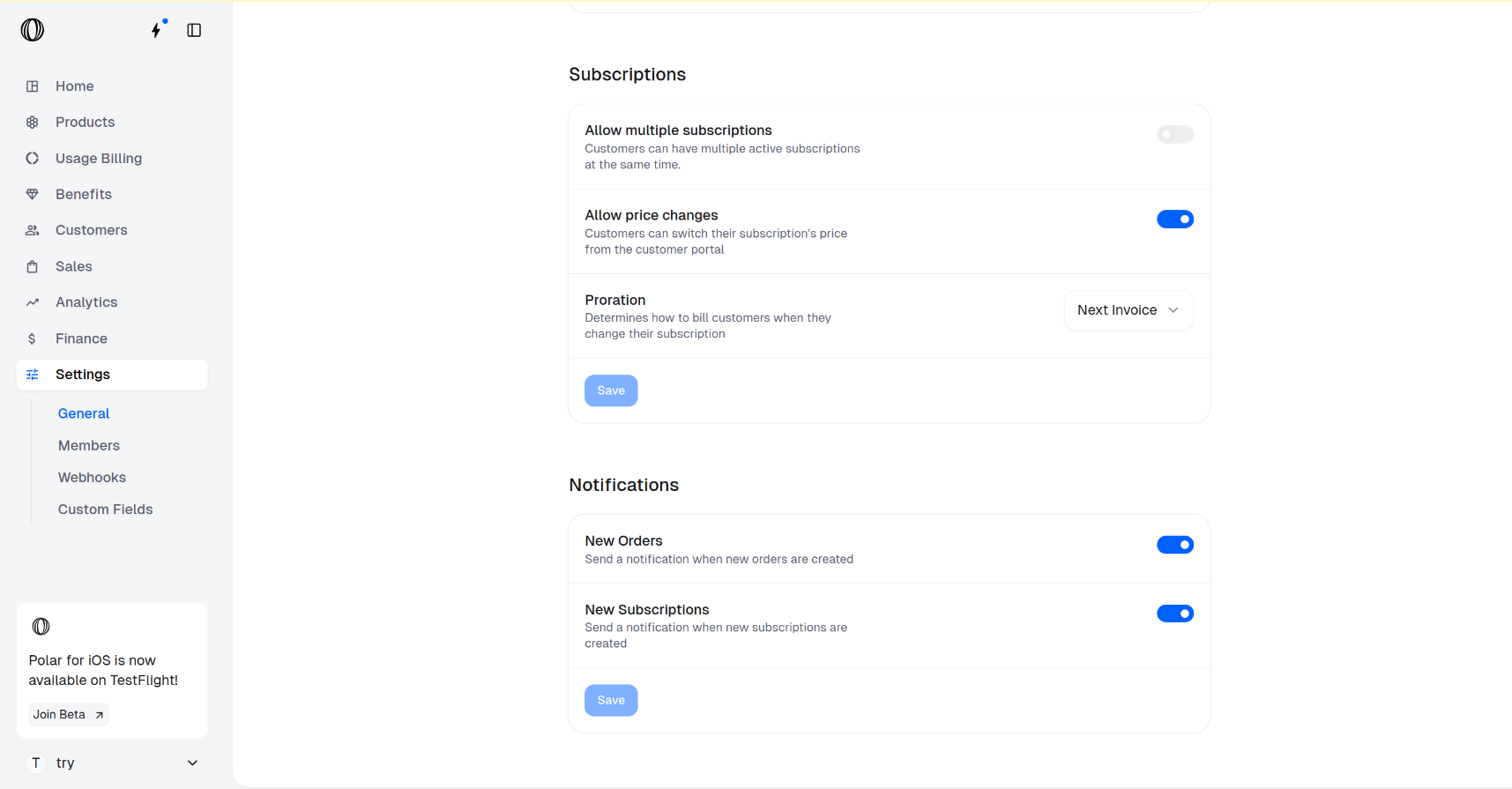
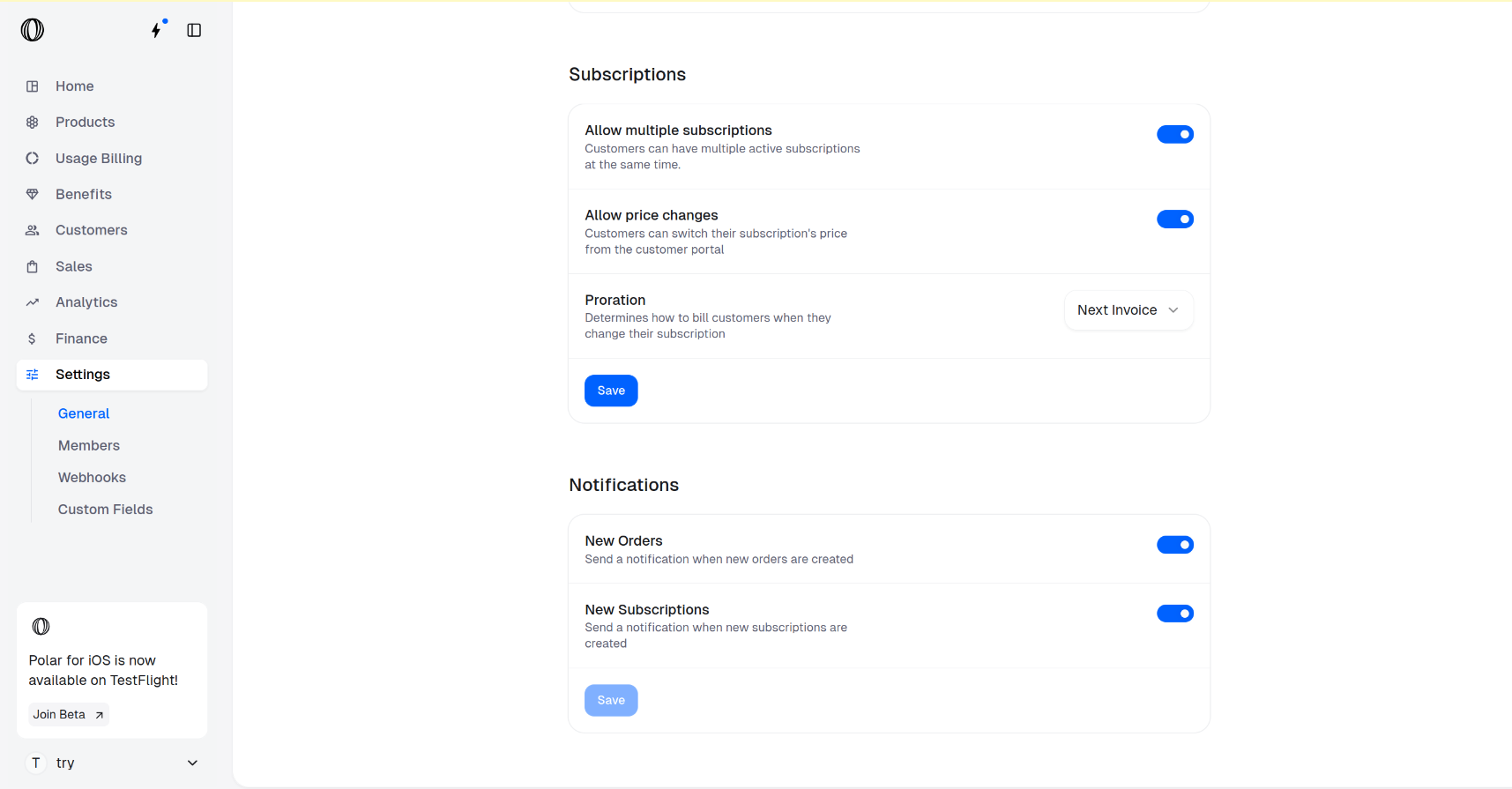
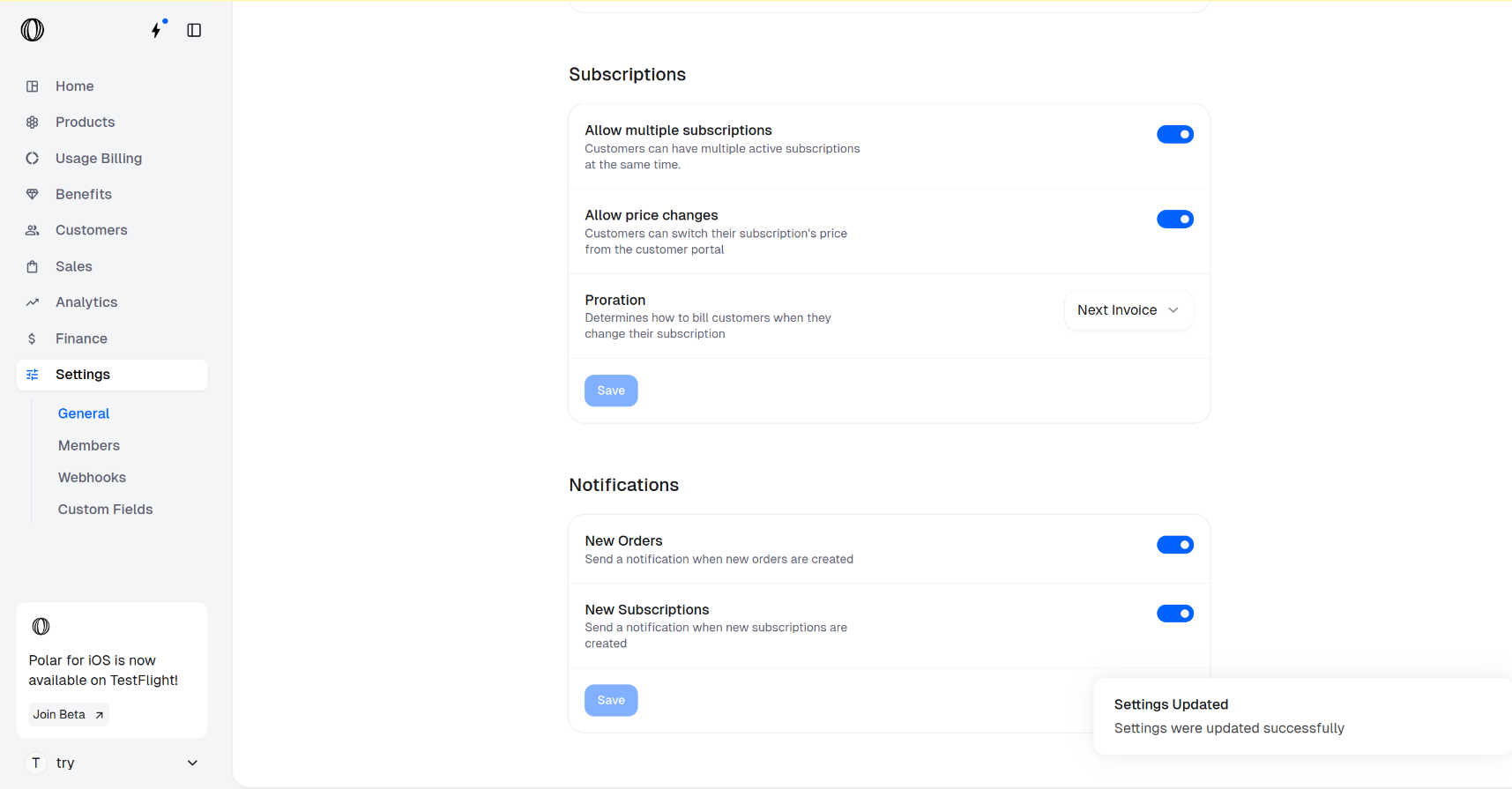

 1. Go to the `Finance` page in your Polar dashboard
2. Click `Setup` in the card shown above in your dashboard
3. Choose account type & follow their setup instructions
*This is only required the first time and you can do this proactively too in order - recommended to avoid any additional delays.*
### Stripe Connect Express
1. Go to the `Finance` page in your Polar dashboard
2. Click `Setup` in the card shown above in your dashboard
3. Choose account type & follow their setup instructions
*This is only required the first time and you can do this proactively too in order - recommended to avoid any additional delays.*
### Stripe Connect Express
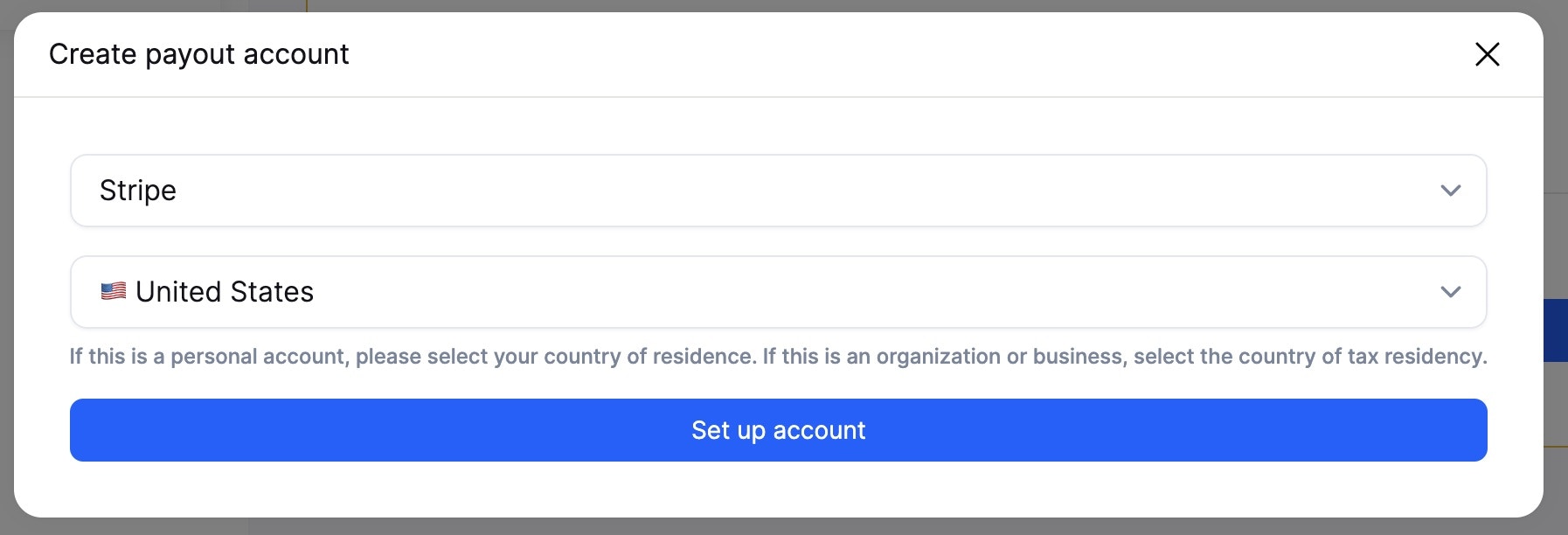
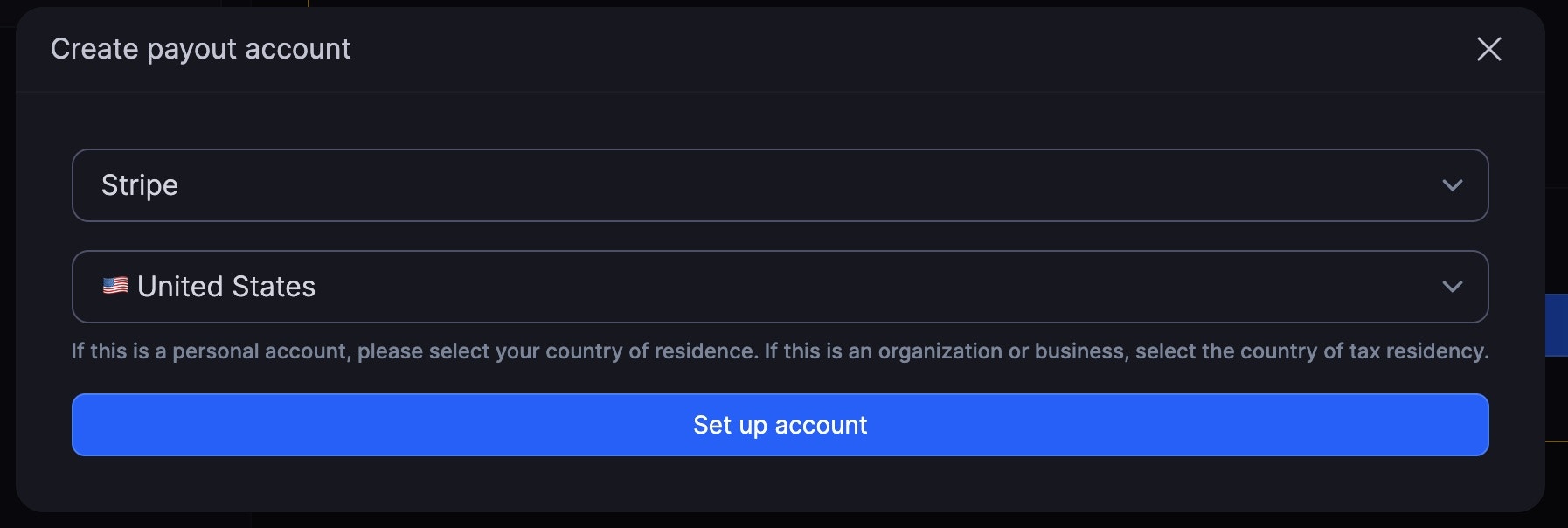 Stripe is the default and recommended option since it enables instant transfers.
---
# Source: https://polar.sh/docs/api-reference/license-keys/activate.md
# Source: https://polar.sh/docs/api-reference/customer-portal/license-keys/activate.md
> ## Documentation Index
> Fetch the complete documentation index at: https://polar.sh/docs/llms.txt
> Use this file to discover all available pages before exploring further.
# Activate License Key
> Activate a license key instance.
> This endpoint doesn't require authentication and can be safely used on a public
> client, like a desktop application or a mobile app.
> If you plan to validate a license key on a server, use the `/v1/license-keys/activate`
> endpoint instead.
Stripe is the default and recommended option since it enables instant transfers.
---
# Source: https://polar.sh/docs/api-reference/license-keys/activate.md
# Source: https://polar.sh/docs/api-reference/customer-portal/license-keys/activate.md
> ## Documentation Index
> Fetch the complete documentation index at: https://polar.sh/docs/llms.txt
> Use this file to discover all available pages before exploring further.
# Activate License Key
> Activate a license key instance.
> This endpoint doesn't require authentication and can be safely used on a public
> client, like a desktop application or a mobile app.
> If you plan to validate a license key on a server, use the `/v1/license-keys/activate`
> endpoint instead.
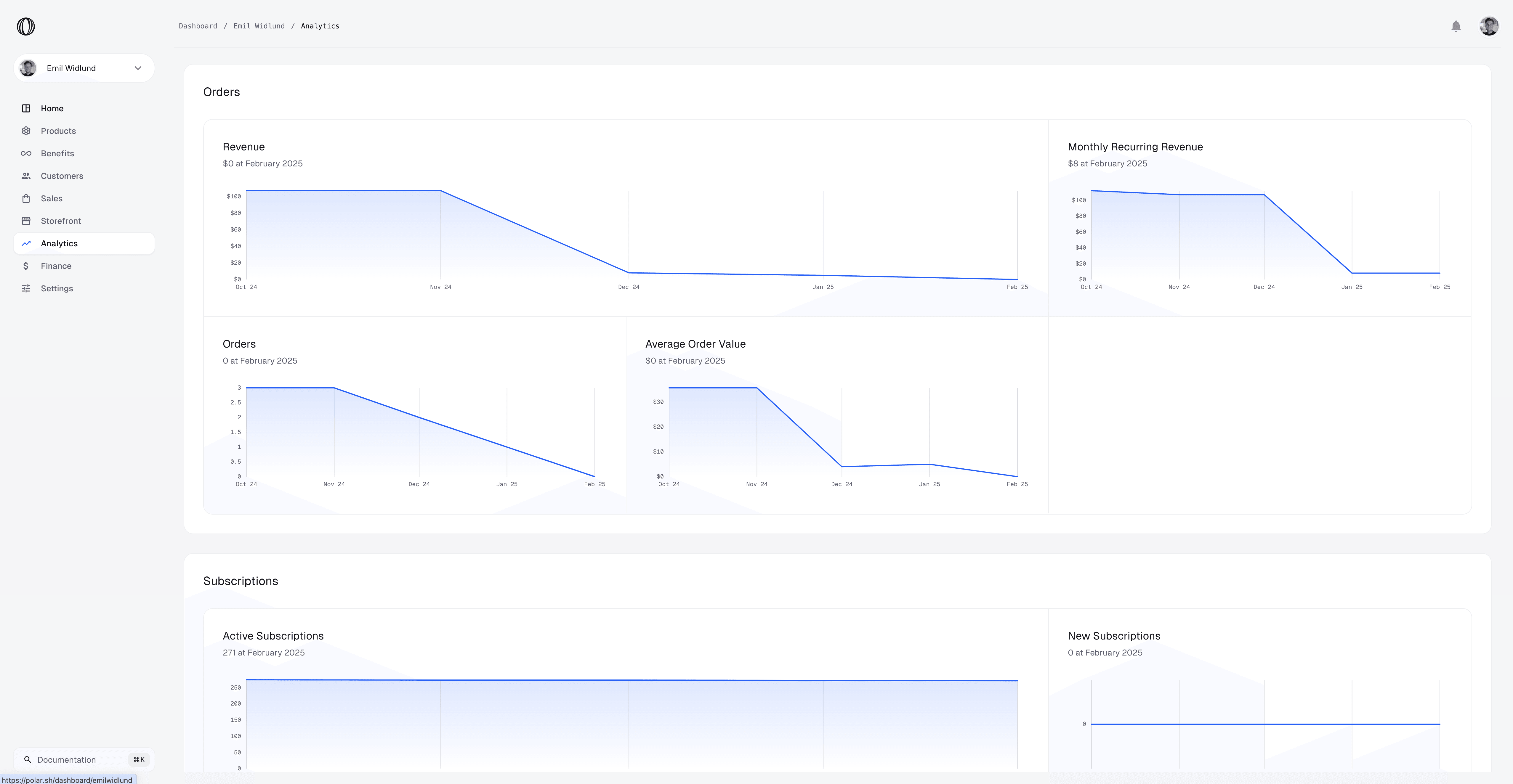
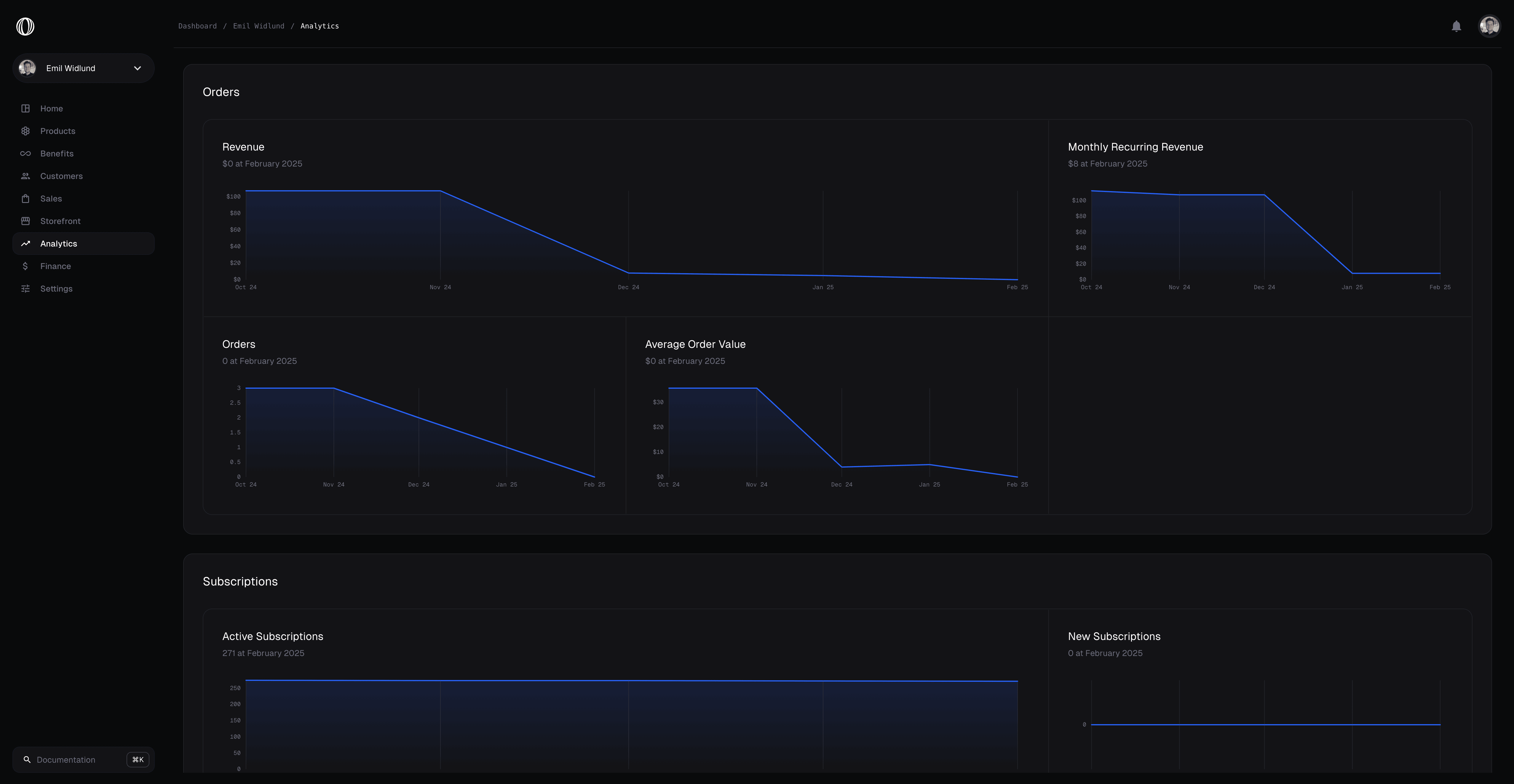 **Missing any metrics?** [Let us know so we can add it.](https://github.com/orgs/polarsource/discussions/categories/feature-requests)
### Filters
You can easily slice and dice metrics with the filters below.
### Period
Change the time period in the X-axis to one of:
* Yearly
* Monthly
* Weekly
* Daily
* Hourly
### Timeframe
You can choose a date range to view all metrics for.
### Product
By default metrics reflect the total across all products. However, you can specify individual products or subscription tiers to filter metrics by.
## Metrics
* **Revenue**: How much revenue you've earned before fees.
* **Orders**: How many product sales and subscription payments have been made.
* **Average Order Value (AOV)**: The average earning per order, i.e. revenue / orders.
* **One-Time Products**: Amount of products sold.
* **One-Time Products Revenue**: Amount of revenue earned from products.
* **New Subscriptions**: Amount of new subscriptions.
* **New Subscription Revenue**: Amount of revenue earned from new subscriptions.
* **Renewed Subscriptions**: Amount of renewed subscriptions.
* **Renewed Subscription Revenue**: Amount of revenue earned from renewed subscriptions.
* **Active Subscriptions**: Amount of active subscriptions (new + renewed).
* **Monthly Recurring Revenue (MRR)**: Amount of revenue earned from active subscriptions.
* **Checkouts**: Number of created checkouts.
* **Succeeded Checkouts**: Number of successful checkouts, i.e. checkouts that lead to a new order or subscription.
* **Checkouts Conversion Rate**: The percentage of successful checkouts out of all created checkouts.
## Cost Metrics
* **Costs**: How much costs you've incurred.
* **Cumulative Costs**: How much costs you've incurred over time.
* **Cost Per User**: The average cost per active user.
* **Gross Margin**: The gross margin, i.e. revenue - costs.
* **Gross Margin Percentage**: The gross margin percentage, i.e. gross margin / revenue.
* **Net Cashflow**: The net cashflow, i.e. revenue - costs.
* **Monthly Recurring Cost (MRC)**: The monthly recurring cost, i.e. costs / active subscriptions.
* **Return on Investment (ROI)**: The return on investment, i.e. (revenue - costs) / costs.
---
# Source: https://polar.sh/docs/changelog/api.md
> ## Documentation Index
> Fetch the complete documentation index at: https://polar.sh/docs/llms.txt
> Use this file to discover all available pages before exploring further.
# API Changelog
> Stay up to date with the latest changes, improvements and deprecations to the Polar API.
**Missing any metrics?** [Let us know so we can add it.](https://github.com/orgs/polarsource/discussions/categories/feature-requests)
### Filters
You can easily slice and dice metrics with the filters below.
### Period
Change the time period in the X-axis to one of:
* Yearly
* Monthly
* Weekly
* Daily
* Hourly
### Timeframe
You can choose a date range to view all metrics for.
### Product
By default metrics reflect the total across all products. However, you can specify individual products or subscription tiers to filter metrics by.
## Metrics
* **Revenue**: How much revenue you've earned before fees.
* **Orders**: How many product sales and subscription payments have been made.
* **Average Order Value (AOV)**: The average earning per order, i.e. revenue / orders.
* **One-Time Products**: Amount of products sold.
* **One-Time Products Revenue**: Amount of revenue earned from products.
* **New Subscriptions**: Amount of new subscriptions.
* **New Subscription Revenue**: Amount of revenue earned from new subscriptions.
* **Renewed Subscriptions**: Amount of renewed subscriptions.
* **Renewed Subscription Revenue**: Amount of revenue earned from renewed subscriptions.
* **Active Subscriptions**: Amount of active subscriptions (new + renewed).
* **Monthly Recurring Revenue (MRR)**: Amount of revenue earned from active subscriptions.
* **Checkouts**: Number of created checkouts.
* **Succeeded Checkouts**: Number of successful checkouts, i.e. checkouts that lead to a new order or subscription.
* **Checkouts Conversion Rate**: The percentage of successful checkouts out of all created checkouts.
## Cost Metrics
* **Costs**: How much costs you've incurred.
* **Cumulative Costs**: How much costs you've incurred over time.
* **Cost Per User**: The average cost per active user.
* **Gross Margin**: The gross margin, i.e. revenue - costs.
* **Gross Margin Percentage**: The gross margin percentage, i.e. gross margin / revenue.
* **Net Cashflow**: The net cashflow, i.e. revenue - costs.
* **Monthly Recurring Cost (MRC)**: The monthly recurring cost, i.e. costs / active subscriptions.
* **Return on Investment (ROI)**: The return on investment, i.e. (revenue - costs) / costs.
---
# Source: https://polar.sh/docs/changelog/api.md
> ## Documentation Index
> Fetch the complete documentation index at: https://polar.sh/docs/llms.txt
> Use this file to discover all available pages before exploring further.
# API Changelog
> Stay up to date with the latest changes, improvements and deprecations to the Polar API.
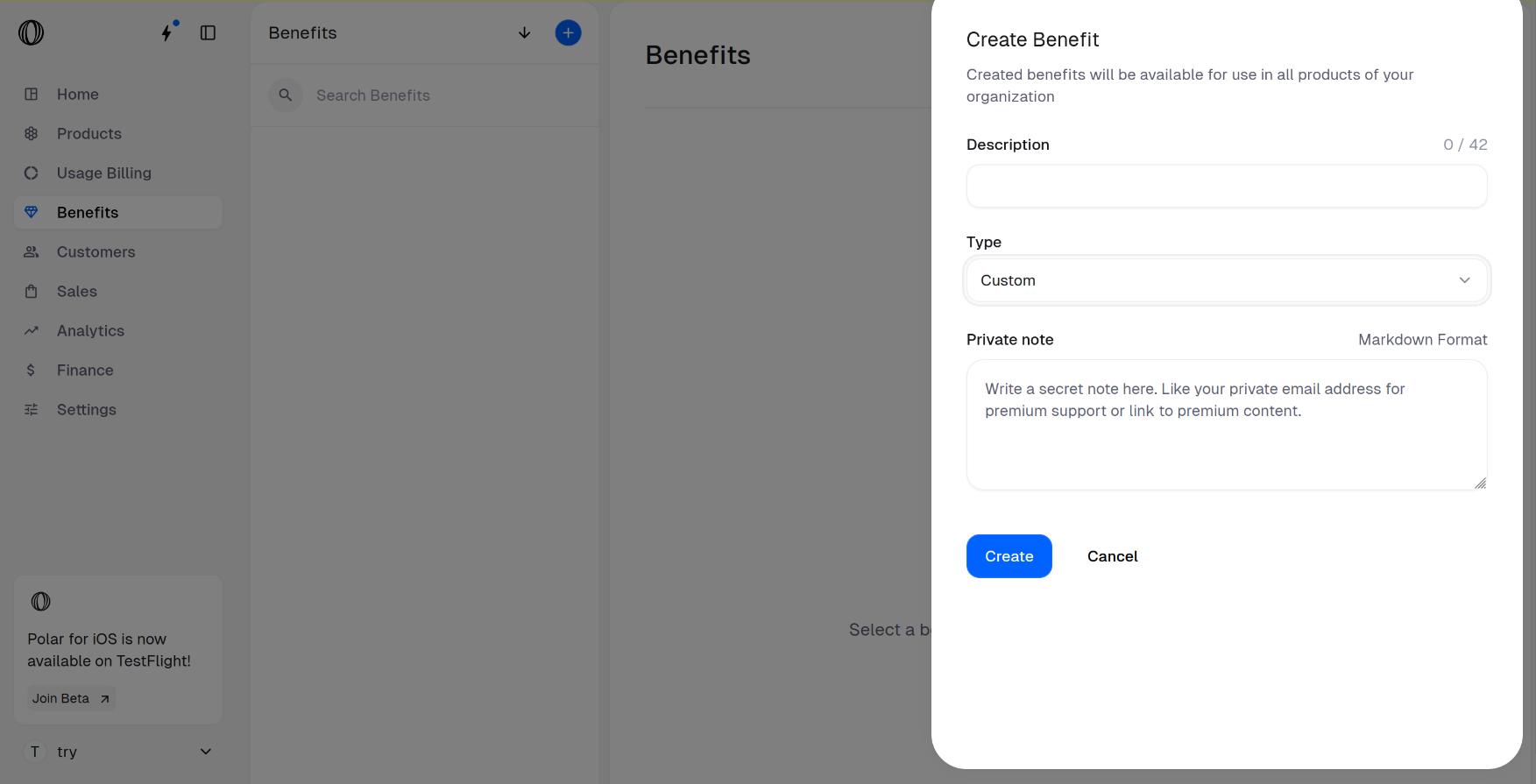 The **Type** field is set to Custom by default (which is what we need).
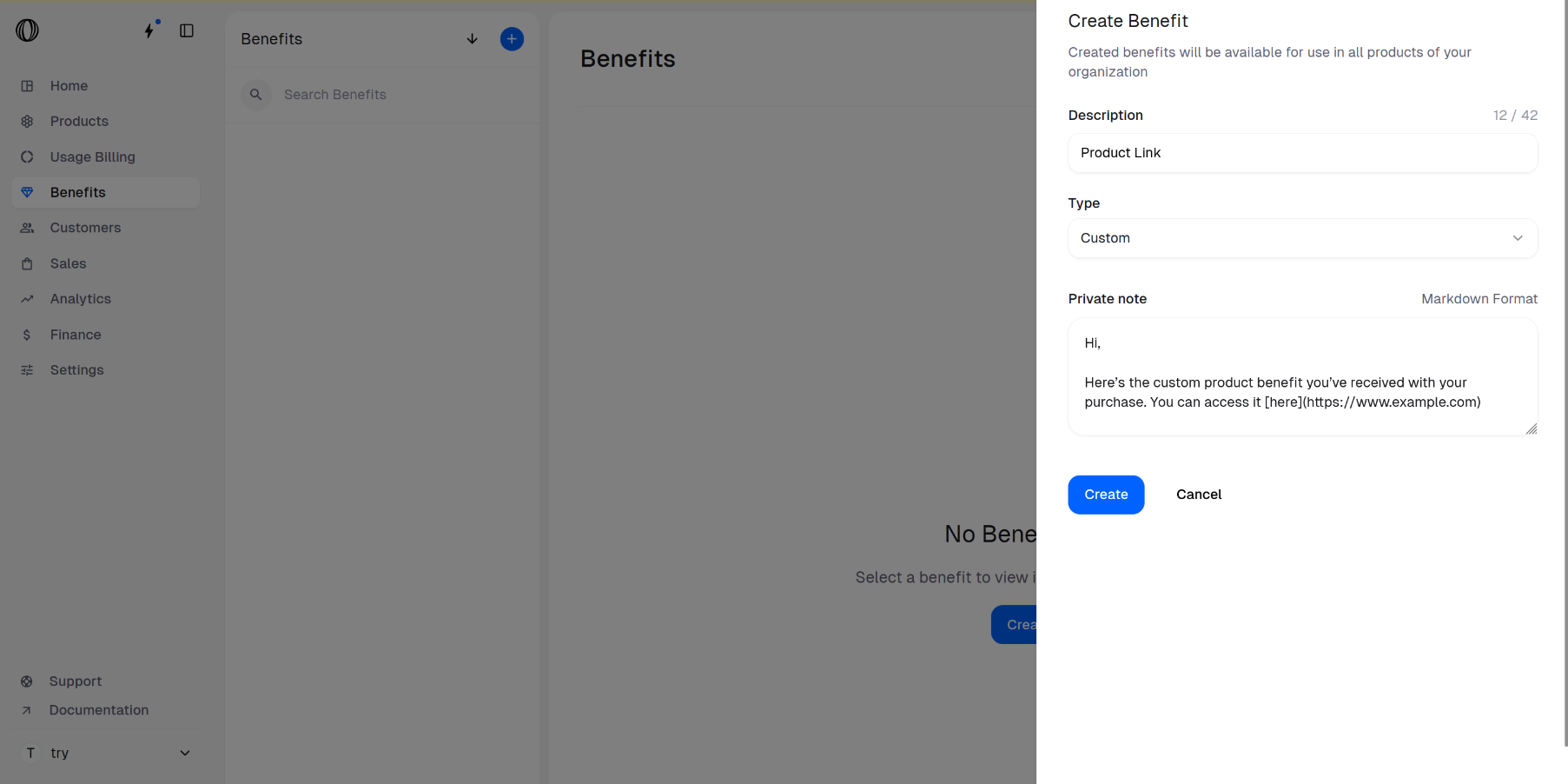
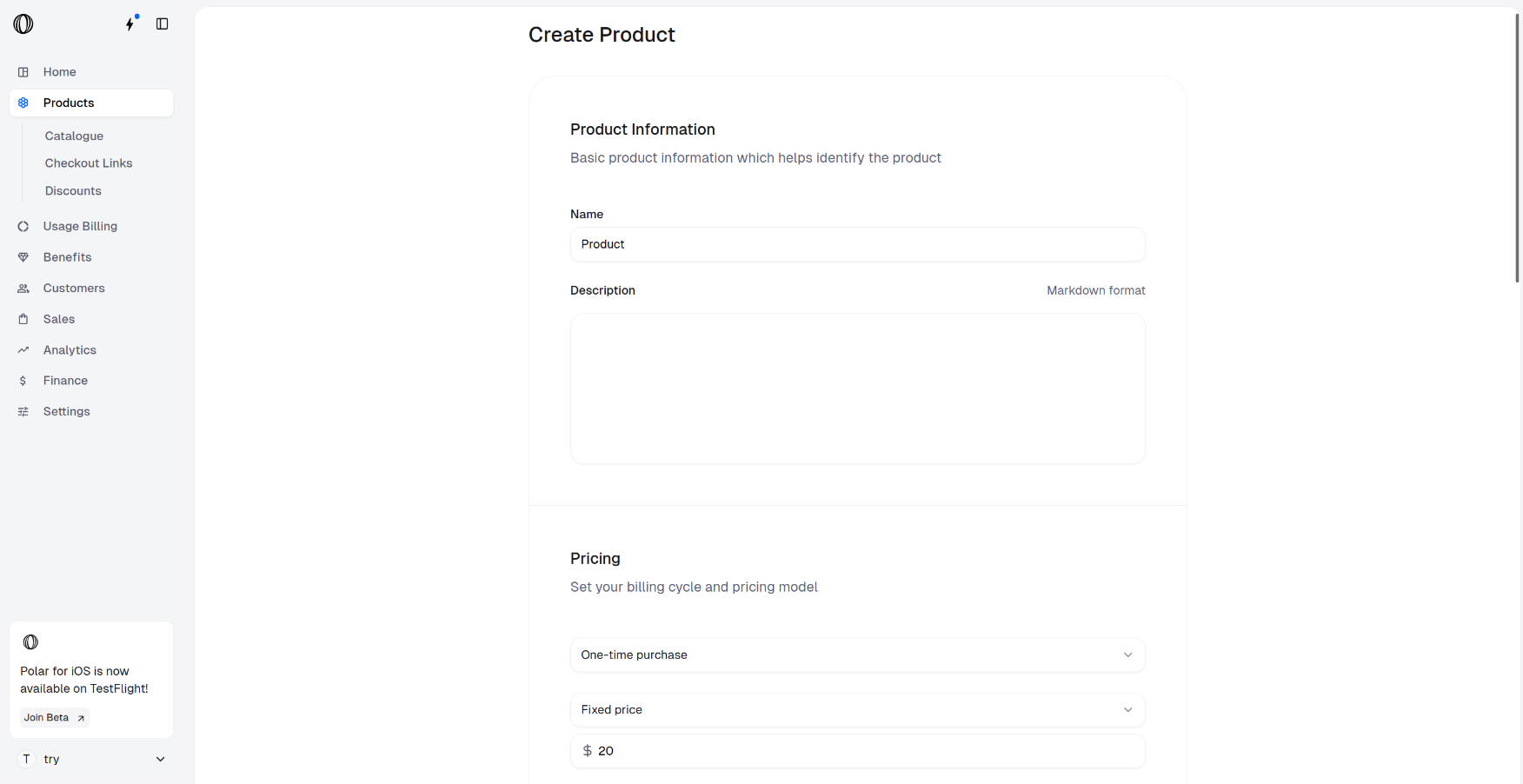
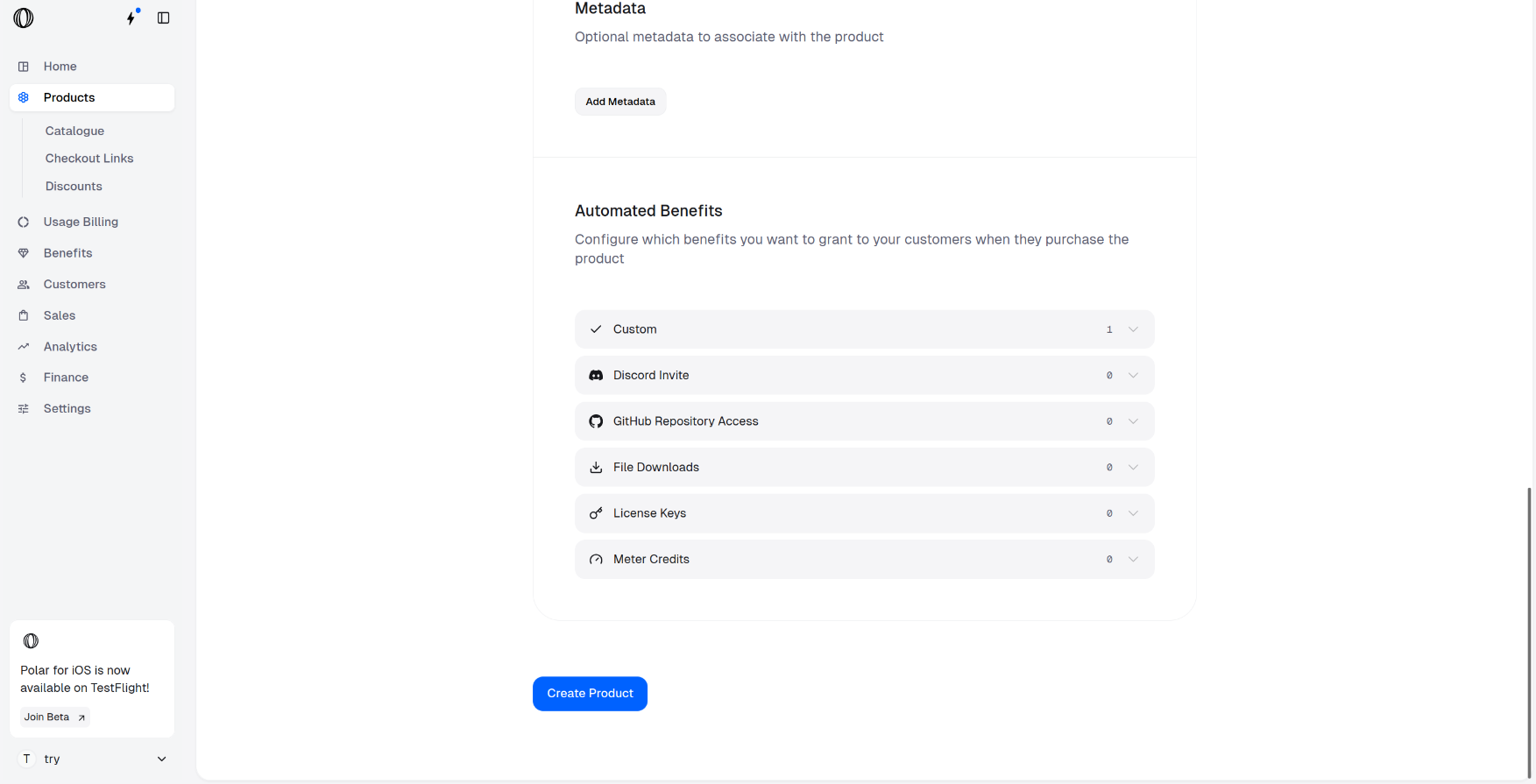
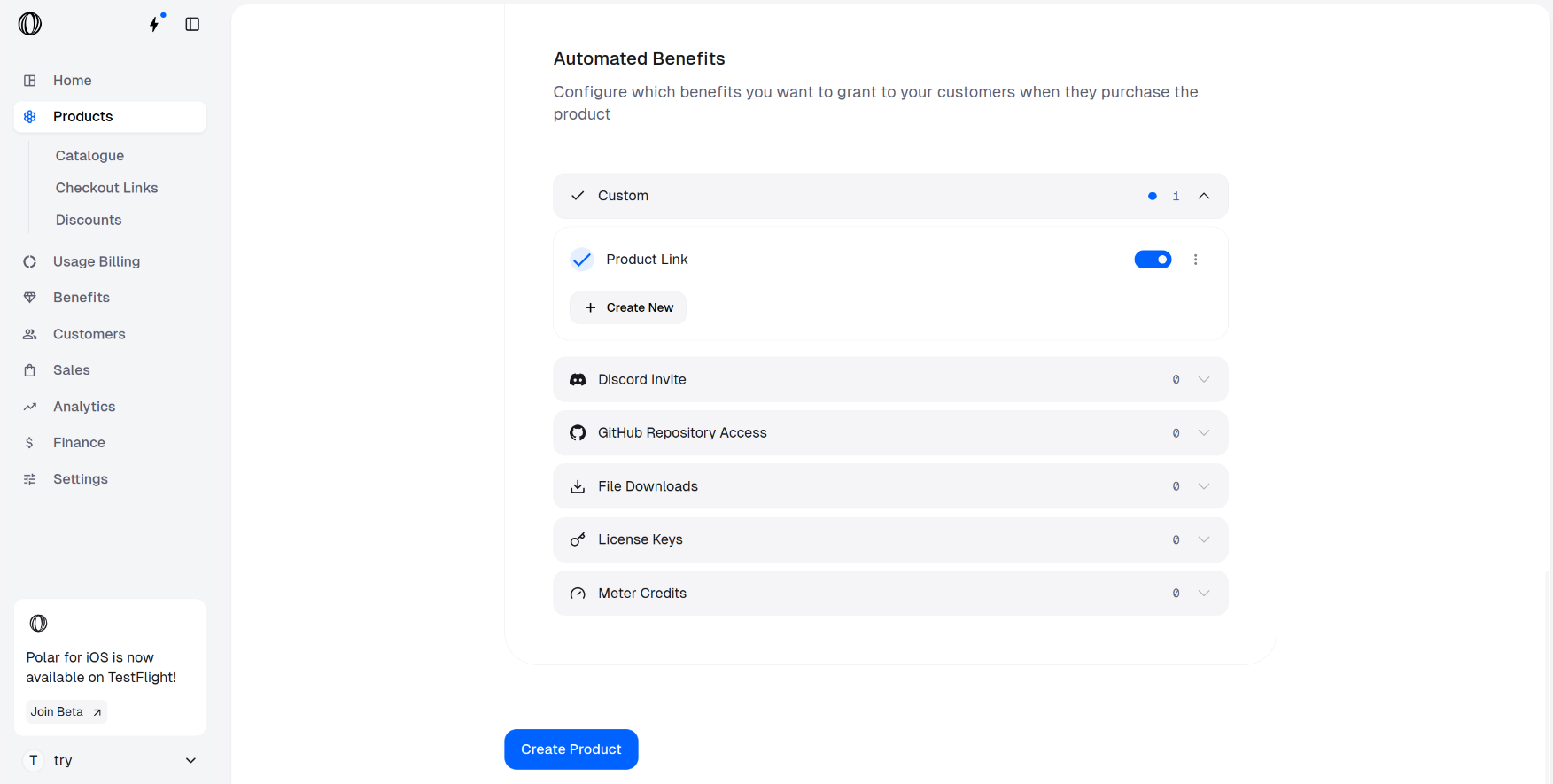
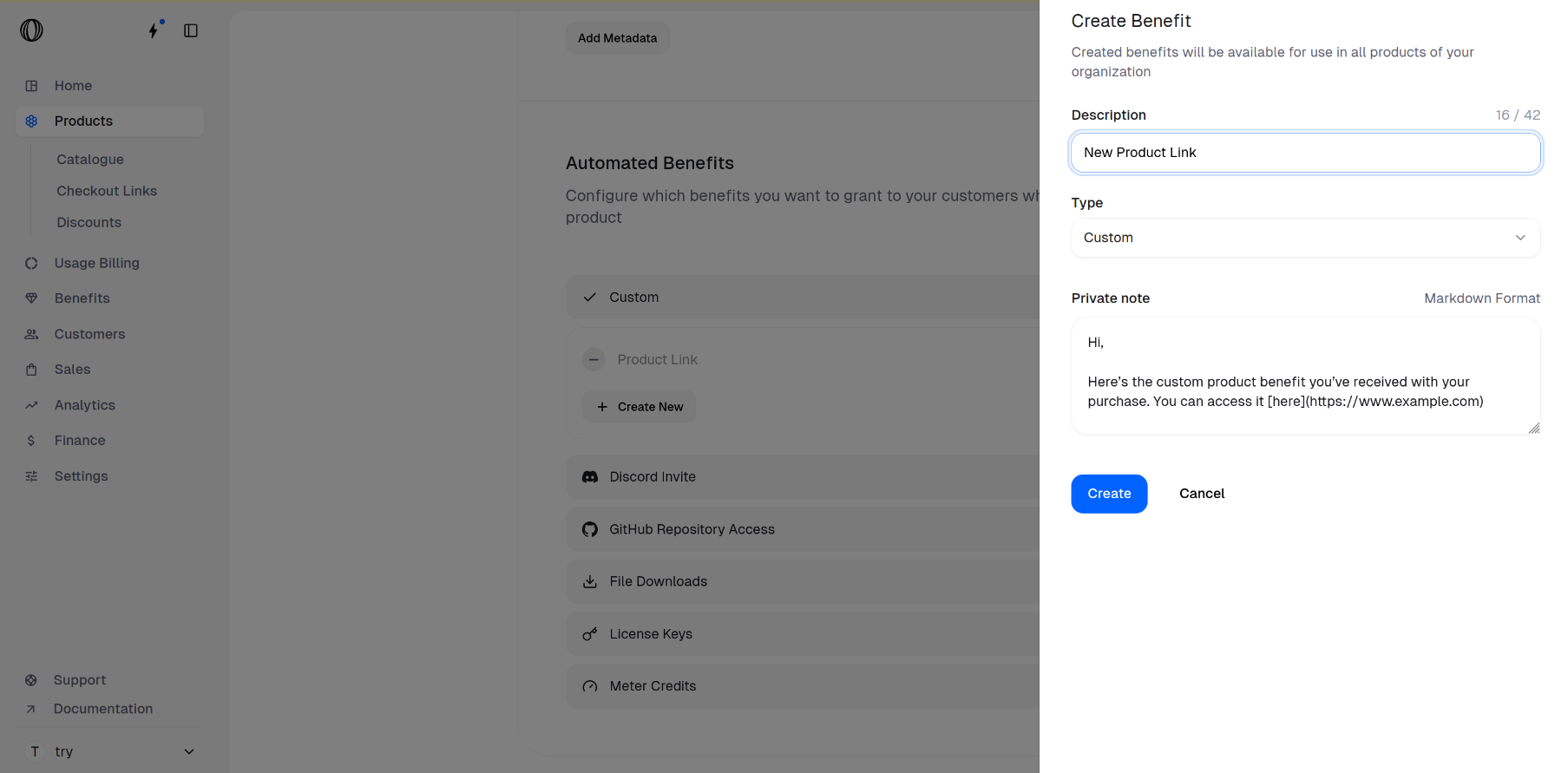
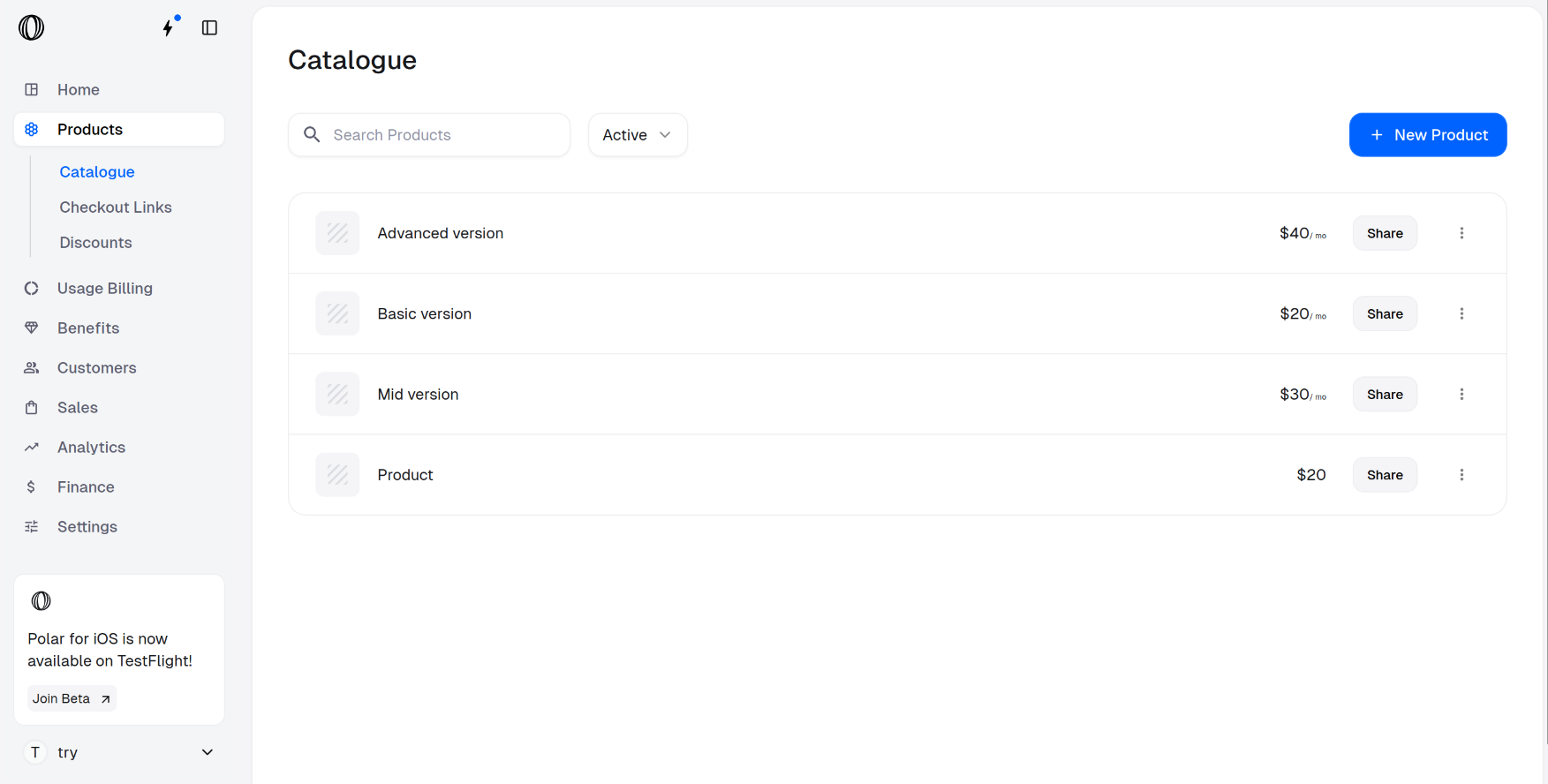 Your product is successfully created along with the Custom benefit that allows you to share the links automatically to customers after purchase.
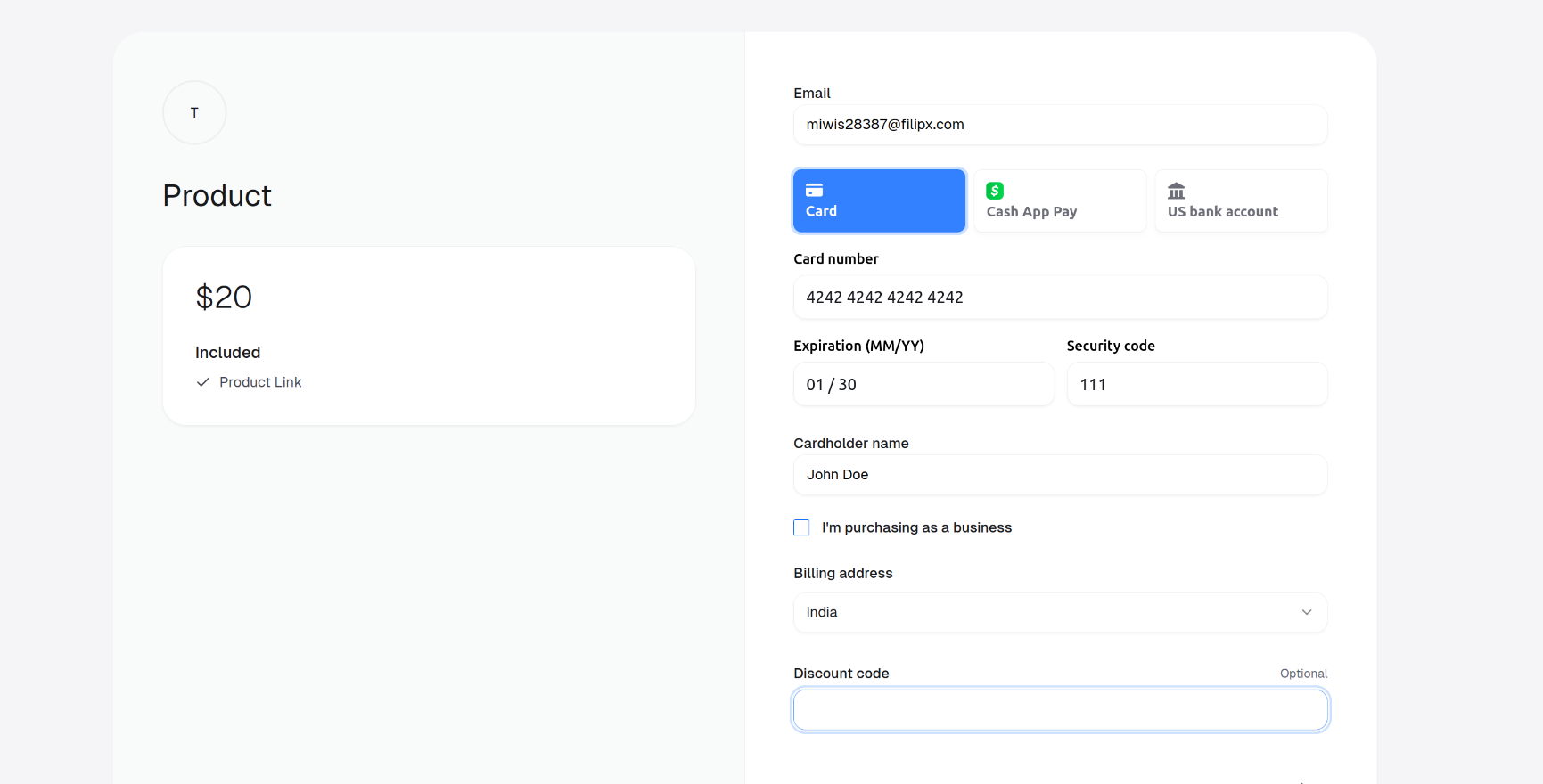 ### After Purchase
Once the customer completes their purchase, the **Description**, the **Benefit Type** (in this case, **Custom**), and the **rendered Markdown content** from the **Private note** of the **Custom Benefit** are displayed, allowing them to access any links or formatted text you’ve added.
### After Purchase
Once the customer completes their purchase, the **Description**, the **Benefit Type** (in this case, **Custom**), and the **rendered Markdown content** from the **Private note** of the **Custom Benefit** are displayed, allowing them to access any links or formatted text you’ve added.
 ### Purchase Confirmation Email
The **Description** and the rendered Markdown content of the **Custom Benefit** also appear in the purchase confirmation email sent to the customer, as shown below.
### Purchase Confirmation Email
The **Description** and the rendered Markdown content of the **Custom Benefit** also appear in the purchase confirmation email sent to the customer, as shown below.
 ### Customer Portal
When the customer opens the [Customer Portal](/features/customer-portal) through the link in their confirmation email, the **Custom Benefit** is displayed there as well.
### Customer Portal
When the customer opens the [Customer Portal](/features/customer-portal) through the link in their confirmation email, the **Custom Benefit** is displayed there as well.
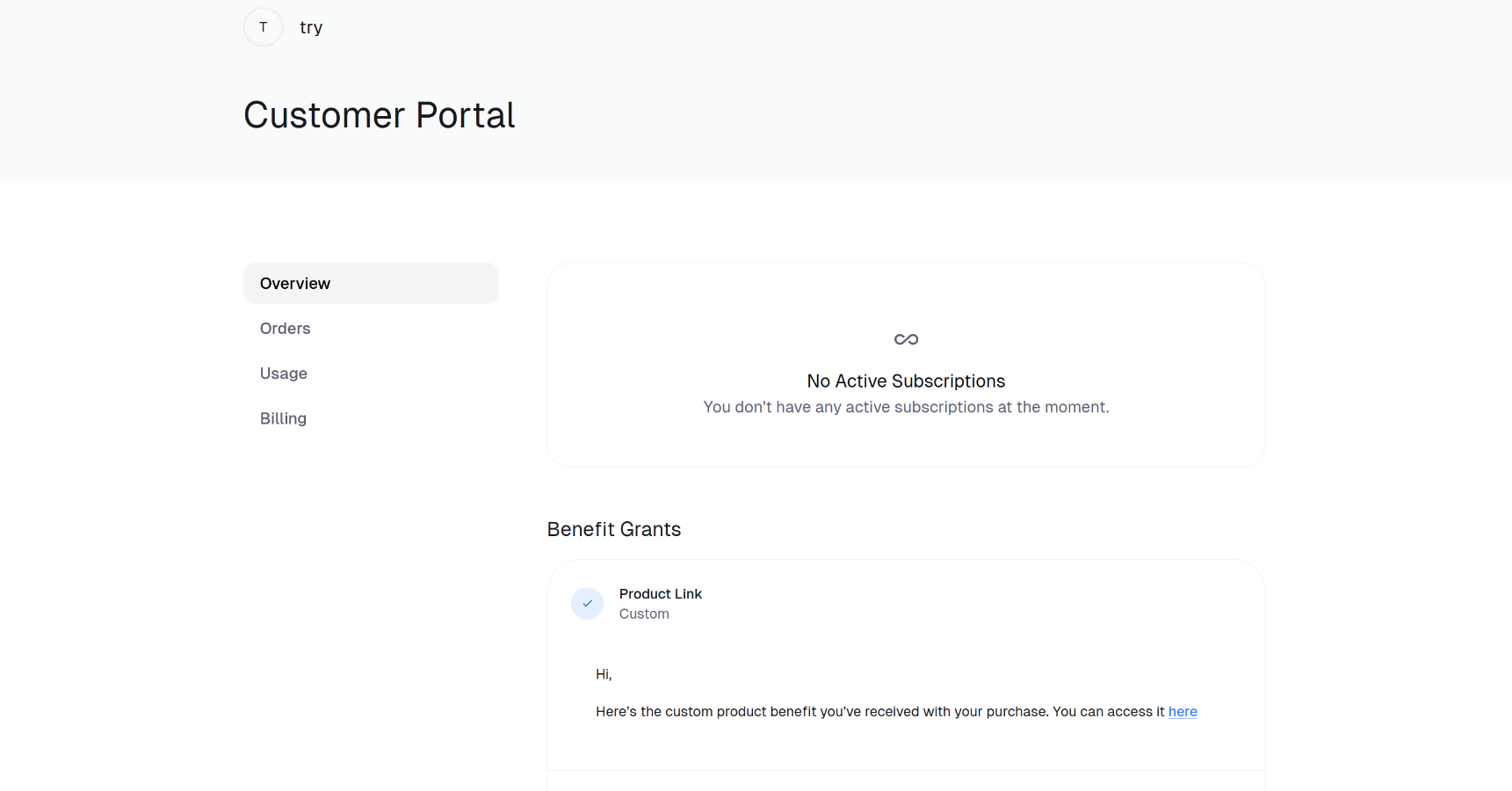 ---
# Source: https://polar.sh/docs/features/finance/balance.md
> ## Documentation Index
> Fetch the complete documentation index at: https://polar.sh/docs/llms.txt
> Use this file to discover all available pages before exploring further.
# Account Balance & Transparent Fees
> Monitor your Polar balance without hidden fees
You can see your available balance for payout at any time under your `Finance` page.
## Polar Balance
---
# Source: https://polar.sh/docs/features/finance/balance.md
> ## Documentation Index
> Fetch the complete documentation index at: https://polar.sh/docs/llms.txt
> Use this file to discover all available pages before exploring further.
# Account Balance & Transparent Fees
> Monitor your Polar balance without hidden fees
You can see your available balance for payout at any time under your `Finance` page.
## Polar Balance

 Your balance is all the earnings minus:
1. Any VAT we've captured for remittance, i.e balance is excluding VAT
2. Our revenue share (4% + 40¢)
All historic transactions are available in chronological order along with their associated fees that have been deducted.
Note: Upon [payout (withdrawal)](/features/finance/payouts), Stripe incurs additional fees that will be deducted before the final payout of the balance.
---
# Source: https://polar.sh/docs/api-reference/webhooks/benefit.created.md
> ## Documentation Index
> Fetch the complete documentation index at: https://polar.sh/docs/llms.txt
> Use this file to discover all available pages before exploring further.
# benefit.created
---
# Source: https://polar.sh/docs/api-reference/webhooks/benefit.updated.md
> ## Documentation Index
> Fetch the complete documentation index at: https://polar.sh/docs/llms.txt
> Use this file to discover all available pages before exploring further.
# benefit.updated
---
# Source: https://polar.sh/docs/api-reference/webhooks/benefit_grant.created.md
> ## Documentation Index
> Fetch the complete documentation index at: https://polar.sh/docs/llms.txt
> Use this file to discover all available pages before exploring further.
# benefit_grant.created
---
# Source: https://polar.sh/docs/api-reference/webhooks/benefit_grant.cycled.md
> ## Documentation Index
> Fetch the complete documentation index at: https://polar.sh/docs/llms.txt
> Use this file to discover all available pages before exploring further.
# benefit_grant.cycled
---
# Source: https://polar.sh/docs/api-reference/webhooks/benefit_grant.revoked.md
> ## Documentation Index
> Fetch the complete documentation index at: https://polar.sh/docs/llms.txt
> Use this file to discover all available pages before exploring further.
# benefit_grant.revoked
---
# Source: https://polar.sh/docs/api-reference/webhooks/benefit_grant.updated.md
> ## Documentation Index
> Fetch the complete documentation index at: https://polar.sh/docs/llms.txt
> Use this file to discover all available pages before exploring further.
# benefit_grant.updated
---
# Source: https://polar.sh/docs/integrate/sdk/adapters/better-auth.md
> ## Documentation Index
> Fetch the complete documentation index at: https://polar.sh/docs/llms.txt
> Use this file to discover all available pages before exploring further.
# BetterAuth
> Payments and Checkouts made dead simple with BetterAuth
## @polar-sh/better-auth
A [Better Auth](https://github.com/better-auth/better-auth) plugin for integrating [Polar](https://polar.sh) payments and subscriptions into your authentication flow.
### Features
* [Automatic Customer creation on signup](#automatic-customer-creation-on-signup)
* [Sync customer deletion](#sync-customer-deletion)
* [Reference System to associate purchases with organizations](#3-2-orders)
* [Checkout Integration](#checkout-plugin)
* [Event Ingestion & Customer Meters for flexible Usage Based Billing](#usage-plugin)
* [Handle Polar Webhooks securely with signature verification](#webhooks-plugin)
* [Customer Portal](#portal-plugin)
## Examples
* [With Next.js, Better Auth and Cloudflare Workers](https://github.com/polarsource/examples/tree/main/with-nextjs-better-auth-cloudflare-workers)
## Installation
Install the required Better Auth and Polar packages using the following command:
Your balance is all the earnings minus:
1. Any VAT we've captured for remittance, i.e balance is excluding VAT
2. Our revenue share (4% + 40¢)
All historic transactions are available in chronological order along with their associated fees that have been deducted.
Note: Upon [payout (withdrawal)](/features/finance/payouts), Stripe incurs additional fees that will be deducted before the final payout of the balance.
---
# Source: https://polar.sh/docs/api-reference/webhooks/benefit.created.md
> ## Documentation Index
> Fetch the complete documentation index at: https://polar.sh/docs/llms.txt
> Use this file to discover all available pages before exploring further.
# benefit.created
---
# Source: https://polar.sh/docs/api-reference/webhooks/benefit.updated.md
> ## Documentation Index
> Fetch the complete documentation index at: https://polar.sh/docs/llms.txt
> Use this file to discover all available pages before exploring further.
# benefit.updated
---
# Source: https://polar.sh/docs/api-reference/webhooks/benefit_grant.created.md
> ## Documentation Index
> Fetch the complete documentation index at: https://polar.sh/docs/llms.txt
> Use this file to discover all available pages before exploring further.
# benefit_grant.created
---
# Source: https://polar.sh/docs/api-reference/webhooks/benefit_grant.cycled.md
> ## Documentation Index
> Fetch the complete documentation index at: https://polar.sh/docs/llms.txt
> Use this file to discover all available pages before exploring further.
# benefit_grant.cycled
---
# Source: https://polar.sh/docs/api-reference/webhooks/benefit_grant.revoked.md
> ## Documentation Index
> Fetch the complete documentation index at: https://polar.sh/docs/llms.txt
> Use this file to discover all available pages before exploring further.
# benefit_grant.revoked
---
# Source: https://polar.sh/docs/api-reference/webhooks/benefit_grant.updated.md
> ## Documentation Index
> Fetch the complete documentation index at: https://polar.sh/docs/llms.txt
> Use this file to discover all available pages before exploring further.
# benefit_grant.updated
---
# Source: https://polar.sh/docs/integrate/sdk/adapters/better-auth.md
> ## Documentation Index
> Fetch the complete documentation index at: https://polar.sh/docs/llms.txt
> Use this file to discover all available pages before exploring further.
# BetterAuth
> Payments and Checkouts made dead simple with BetterAuth
## @polar-sh/better-auth
A [Better Auth](https://github.com/better-auth/better-auth) plugin for integrating [Polar](https://polar.sh) payments and subscriptions into your authentication flow.
### Features
* [Automatic Customer creation on signup](#automatic-customer-creation-on-signup)
* [Sync customer deletion](#sync-customer-deletion)
* [Reference System to associate purchases with organizations](#3-2-orders)
* [Checkout Integration](#checkout-plugin)
* [Event Ingestion & Customer Meters for flexible Usage Based Billing](#usage-plugin)
* [Handle Polar Webhooks securely with signature verification](#webhooks-plugin)
* [Customer Portal](#portal-plugin)
## Examples
* [With Next.js, Better Auth and Cloudflare Workers](https://github.com/polarsource/examples/tree/main/with-nextjs-better-auth-cloudflare-workers)
## Installation
Install the required Better Auth and Polar packages using the following command:
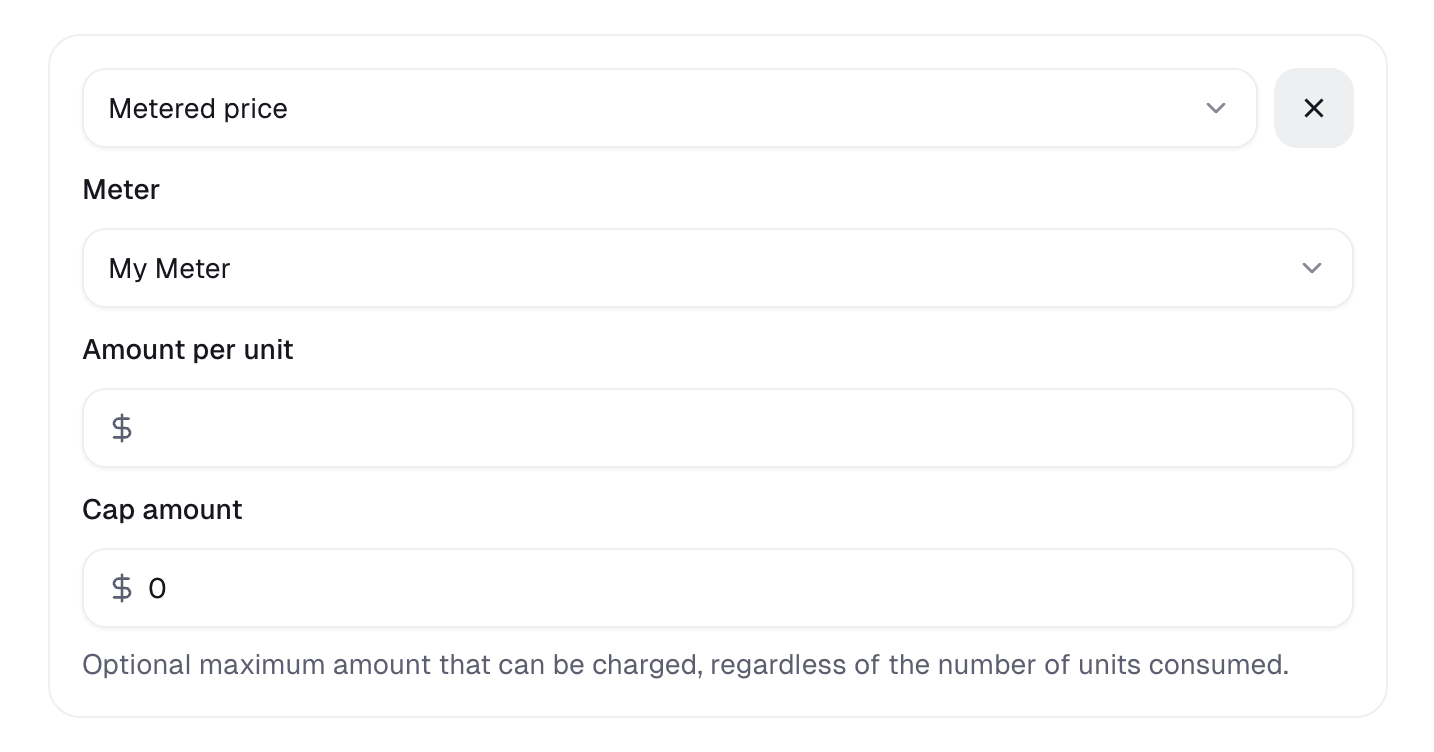
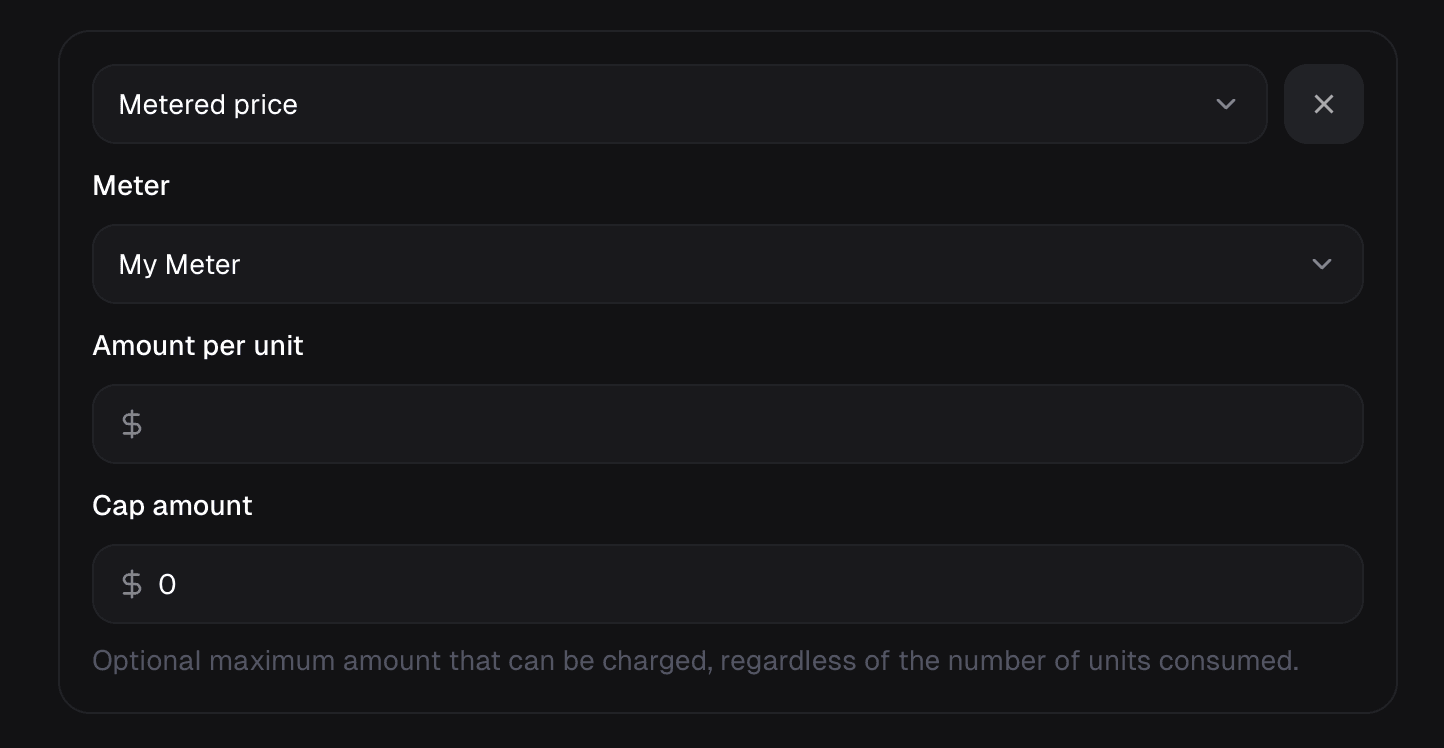 Optionally, you can set a **cap**. The customer will be charged the cap amount if they exceed it, regardless of the usage.
### Monthly Invoicing
If a customer has a subscription with a monthly billing period, usage is aggregated monthly and invoiced at the end of the month with the rest of the subscription.
### Yearly Invoicing
If a customer has a subscription with a yearly billing period, usage is aggregated yearly and invoiced at the end of the year with the rest of the subscription.
### Usage Charges and Subscription Cancellation
When a subscription is canceled, it generally remains active until the end of the current billing period (known as the grace period). During this grace period, all accumulated usage-based charges continue to be tracked. A final invoice will be issued at the end of that period to cover the consumed usage, even if the subscription will not be renewed. This ensures no pending usage charges are lost.
Optionally, you can set a **cap**. The customer will be charged the cap amount if they exceed it, regardless of the usage.
### Monthly Invoicing
If a customer has a subscription with a monthly billing period, usage is aggregated monthly and invoiced at the end of the month with the rest of the subscription.
### Yearly Invoicing
If a customer has a subscription with a yearly billing period, usage is aggregated yearly and invoiced at the end of the year with the rest of the subscription.
### Usage Charges and Subscription Cancellation
When a subscription is canceled, it generally remains active until the end of the current billing period (known as the grace period). During this grace period, all accumulated usage-based charges continue to be tracked. A final invoice will be issued at the end of that period to cover the consumed usage, even if the subscription will not be renewed. This ensures no pending usage charges are lost.
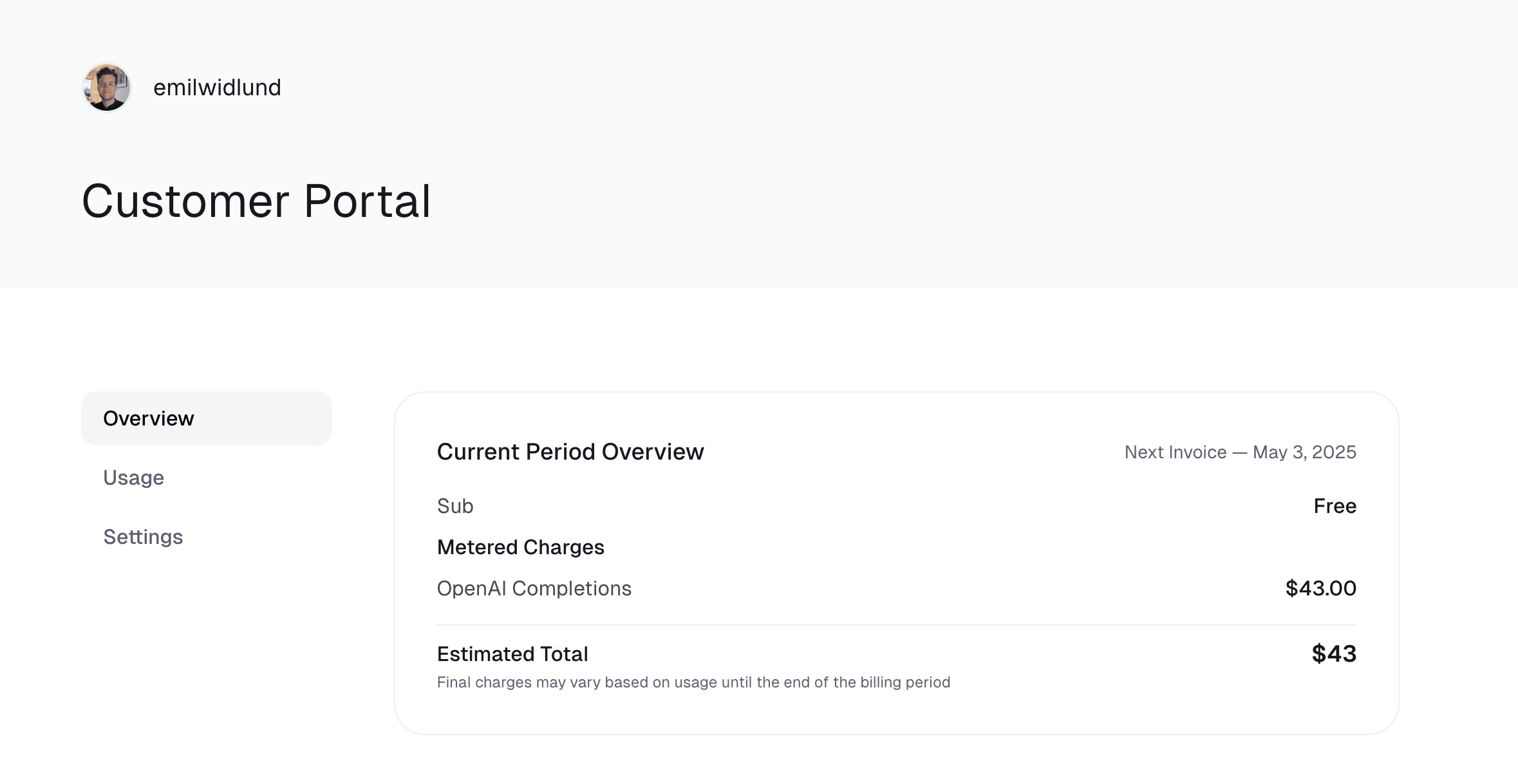
 ---
# Source: https://polar.sh/docs/api-reference/customer-portal/subscriptions/cancel.md
> ## Documentation Index
> Fetch the complete documentation index at: https://polar.sh/docs/llms.txt
> Use this file to discover all available pages before exploring further.
# Cancel Subscription
> Cancel a subscription of the authenticated customer.
## OpenAPI
````yaml delete /v1/customer-portal/subscriptions/{id}
openapi: 3.1.0
info:
title: Polar API
summary: Polar HTTP and Webhooks API
description: Read the docs at https://polar.sh/docs/api-reference
version: 0.1.0
servers:
- url: https://api.polar.sh
description: Production environment
x-speakeasy-server-id: production
- url: https://sandbox-api.polar.sh
description: Sandbox environment
x-speakeasy-server-id: sandbox
security:
- access_token: []
tags:
- name: public
description: >-
Endpoints shown and documented in the Polar API documentation and
available in our SDKs.
- name: private
description: >-
Endpoints that should appear in the schema only in development to generate
our internal JS SDK.
- name: mcp
description: Endpoints enabled in the MCP server.
paths:
/v1/customer-portal/subscriptions/{id}:
delete:
tags:
- customer_portal
- subscriptions
- public
summary: Cancel Subscription
description: Cancel a subscription of the authenticated customer.
operationId: customer_portal:subscriptions:cancel
parameters:
- name: id
in: path
required: true
schema:
type: string
format: uuid4
description: The subscription ID.
title: Id
description: The subscription ID.
responses:
'200':
description: Customer subscription is canceled.
content:
application/json:
schema:
$ref: '#/components/schemas/CustomerSubscription'
'403':
description: >-
Customer subscription is already canceled or will be at the end of
the period, or the user lacks billing permissions.
content:
application/json:
schema:
$ref: '#/components/schemas/AlreadyCanceledSubscription'
'404':
description: Customer subscription was not found.
content:
application/json:
schema:
$ref: '#/components/schemas/ResourceNotFound'
'422':
description: Validation Error
content:
application/json:
schema:
$ref: '#/components/schemas/HTTPValidationError'
security:
- customer_session:
- customer_portal:write
- member_session:
- customer_portal:write
components:
schemas:
CustomerSubscription:
properties:
created_at:
type: string
format: date-time
title: Created At
description: Creation timestamp of the object.
modified_at:
anyOf:
- type: string
format: date-time
- type: 'null'
title: Modified At
description: Last modification timestamp of the object.
id:
type: string
format: uuid4
title: Id
description: The ID of the object.
amount:
type: integer
title: Amount
description: The amount of the subscription.
examples:
- 10000
currency:
type: string
title: Currency
description: The currency of the subscription.
examples:
- usd
recurring_interval:
$ref: '#/components/schemas/SubscriptionRecurringInterval'
description: The interval at which the subscription recurs.
examples:
- month
recurring_interval_count:
type: integer
title: Recurring Interval Count
description: >-
Number of interval units of the subscription. If this is set to 1
the charge will happen every interval (e.g. every month), if set to
2 it will be every other month, and so on.
status:
$ref: '#/components/schemas/SubscriptionStatus'
description: The status of the subscription.
examples:
- active
current_period_start:
type: string
format: date-time
title: Current Period Start
description: The start timestamp of the current billing period.
current_period_end:
anyOf:
- type: string
format: date-time
- type: 'null'
title: Current Period End
description: The end timestamp of the current billing period.
trial_start:
anyOf:
- type: string
format: date-time
- type: 'null'
title: Trial Start
description: The start timestamp of the trial period, if any.
trial_end:
anyOf:
- type: string
format: date-time
- type: 'null'
title: Trial End
description: The end timestamp of the trial period, if any.
cancel_at_period_end:
type: boolean
title: Cancel At Period End
description: >-
Whether the subscription will be canceled at the end of the current
period.
canceled_at:
anyOf:
- type: string
format: date-time
- type: 'null'
title: Canceled At
description: >-
The timestamp when the subscription was canceled. The subscription
might still be active if `cancel_at_period_end` is `true`.
started_at:
anyOf:
- type: string
format: date-time
- type: 'null'
title: Started At
description: The timestamp when the subscription started.
ends_at:
anyOf:
- type: string
format: date-time
- type: 'null'
title: Ends At
description: The timestamp when the subscription will end.
ended_at:
anyOf:
- type: string
format: date-time
- type: 'null'
title: Ended At
description: The timestamp when the subscription ended.
customer_id:
type: string
format: uuid4
title: Customer Id
description: The ID of the subscribed customer.
product_id:
type: string
format: uuid4
title: Product Id
description: The ID of the subscribed product.
discount_id:
anyOf:
- type: string
format: uuid4
- type: 'null'
title: Discount Id
description: The ID of the applied discount, if any.
checkout_id:
anyOf:
- type: string
format: uuid4
- type: 'null'
title: Checkout Id
seats:
anyOf:
- type: integer
- type: 'null'
title: Seats
description: >-
The number of seats for seat-based subscriptions. None for non-seat
subscriptions.
customer_cancellation_reason:
anyOf:
- $ref: '#/components/schemas/CustomerCancellationReason'
- type: 'null'
customer_cancellation_comment:
anyOf:
- type: string
- type: 'null'
title: Customer Cancellation Comment
product:
$ref: '#/components/schemas/CustomerSubscriptionProduct'
prices:
items:
oneOf:
- $ref: '#/components/schemas/LegacyRecurringProductPrice'
- $ref: '#/components/schemas/ProductPrice'
type: array
title: Prices
description: List of enabled prices for the subscription.
meters:
items:
$ref: '#/components/schemas/CustomerSubscriptionMeter'
type: array
title: Meters
description: List of meters associated with the subscription.
type: object
required:
- created_at
- modified_at
- id
- amount
- currency
- recurring_interval
- recurring_interval_count
- status
- current_period_start
- current_period_end
- trial_start
- trial_end
- cancel_at_period_end
- canceled_at
- started_at
- ends_at
- ended_at
- customer_id
- product_id
- discount_id
- checkout_id
- customer_cancellation_reason
- customer_cancellation_comment
- product
- prices
- meters
title: CustomerSubscription
AlreadyCanceledSubscription:
properties:
error:
type: string
const: AlreadyCanceledSubscription
title: Error
examples:
- AlreadyCanceledSubscription
detail:
type: string
title: Detail
type: object
required:
- error
- detail
title: AlreadyCanceledSubscription
ResourceNotFound:
properties:
error:
type: string
const: ResourceNotFound
title: Error
examples:
- ResourceNotFound
detail:
type: string
title: Detail
type: object
required:
- error
- detail
title: ResourceNotFound
HTTPValidationError:
properties:
detail:
items:
$ref: '#/components/schemas/ValidationError'
type: array
title: Detail
type: object
title: HTTPValidationError
SubscriptionRecurringInterval:
type: string
enum:
- day
- week
- month
- year
title: SubscriptionRecurringInterval
SubscriptionStatus:
type: string
enum:
- incomplete
- incomplete_expired
- trialing
- active
- past_due
- canceled
- unpaid
title: SubscriptionStatus
CustomerCancellationReason:
type: string
enum:
- customer_service
- low_quality
- missing_features
- switched_service
- too_complex
- too_expensive
- unused
- other
title: CustomerCancellationReason
CustomerSubscriptionProduct:
properties:
id:
type: string
format: uuid4
title: Id
description: The ID of the object.
created_at:
type: string
format: date-time
title: Created At
description: Creation timestamp of the object.
modified_at:
anyOf:
- type: string
format: date-time
- type: 'null'
title: Modified At
description: Last modification timestamp of the object.
trial_interval:
anyOf:
- $ref: '#/components/schemas/TrialInterval'
- type: 'null'
description: The interval unit for the trial period.
trial_interval_count:
anyOf:
- type: integer
- type: 'null'
title: Trial Interval Count
description: The number of interval units for the trial period.
name:
type: string
title: Name
description: The name of the product.
description:
anyOf:
- type: string
- type: 'null'
title: Description
description: The description of the product.
recurring_interval:
anyOf:
- $ref: '#/components/schemas/SubscriptionRecurringInterval'
- type: 'null'
description: >-
The recurring interval of the product. If `None`, the product is a
one-time purchase.
recurring_interval_count:
anyOf:
- type: integer
- type: 'null'
title: Recurring Interval Count
description: >-
Number of interval units of the subscription. If this is set to 1
the charge will happen every interval (e.g. every month), if set to
2 it will be every other month, and so on. None for one-time
products.
is_recurring:
type: boolean
title: Is Recurring
description: Whether the product is a subscription.
is_archived:
type: boolean
title: Is Archived
description: Whether the product is archived and no longer available.
organization_id:
type: string
format: uuid4
title: Organization Id
description: The ID of the organization owning the product.
prices:
items:
oneOf:
- $ref: '#/components/schemas/LegacyRecurringProductPrice'
- $ref: '#/components/schemas/ProductPrice'
type: array
title: Prices
description: List of prices for this product.
benefits:
items:
$ref: '#/components/schemas/BenefitPublic'
type: array
title: BenefitPublic
description: List of benefits granted by the product.
medias:
items:
$ref: '#/components/schemas/ProductMediaFileRead'
type: array
title: Medias
description: List of medias associated to the product.
organization:
$ref: '#/components/schemas/CustomerOrganization'
type: object
required:
- id
- created_at
- modified_at
- trial_interval
- trial_interval_count
- name
- description
- recurring_interval
- recurring_interval_count
- is_recurring
- is_archived
- organization_id
- prices
- benefits
- medias
- organization
title: CustomerSubscriptionProduct
LegacyRecurringProductPrice:
oneOf:
- $ref: '#/components/schemas/LegacyRecurringProductPriceFixed'
- $ref: '#/components/schemas/LegacyRecurringProductPriceCustom'
- $ref: '#/components/schemas/LegacyRecurringProductPriceFree'
discriminator:
propertyName: amount_type
mapping:
custom: '#/components/schemas/LegacyRecurringProductPriceCustom'
fixed: '#/components/schemas/LegacyRecurringProductPriceFixed'
free: '#/components/schemas/LegacyRecurringProductPriceFree'
ProductPrice:
oneOf:
- $ref: '#/components/schemas/ProductPriceFixed'
- $ref: '#/components/schemas/ProductPriceCustom'
- $ref: '#/components/schemas/ProductPriceFree'
- $ref: '#/components/schemas/ProductPriceSeatBased'
- $ref: '#/components/schemas/ProductPriceMeteredUnit'
discriminator:
propertyName: amount_type
mapping:
custom: '#/components/schemas/ProductPriceCustom'
fixed: '#/components/schemas/ProductPriceFixed'
free: '#/components/schemas/ProductPriceFree'
metered_unit: '#/components/schemas/ProductPriceMeteredUnit'
seat_based: '#/components/schemas/ProductPriceSeatBased'
CustomerSubscriptionMeter:
properties:
created_at:
type: string
format: date-time
title: Created At
description: Creation timestamp of the object.
modified_at:
anyOf:
- type: string
format: date-time
- type: 'null'
title: Modified At
description: Last modification timestamp of the object.
id:
type: string
format: uuid4
title: Id
description: The ID of the object.
consumed_units:
type: number
title: Consumed Units
description: The number of consumed units so far in this billing period.
examples:
- 25
credited_units:
type: integer
title: Credited Units
description: The number of credited units so far in this billing period.
examples:
- 100
amount:
type: integer
title: Amount
description: The amount due in cents so far in this billing period.
examples:
- 0
meter_id:
type: string
format: uuid4
title: Meter Id
description: The ID of the meter.
examples:
- d498a884-e2cd-4d3e-8002-f536468a8b22
meter:
$ref: '#/components/schemas/CustomerSubscriptionMeterMeter'
type: object
required:
- created_at
- modified_at
- id
- consumed_units
- credited_units
- amount
- meter_id
- meter
title: CustomerSubscriptionMeter
ValidationError:
properties:
loc:
items:
anyOf:
- type: string
- type: integer
type: array
title: Location
msg:
type: string
title: Message
type:
type: string
title: Error Type
type: object
required:
- loc
- msg
- type
title: ValidationError
TrialInterval:
type: string
enum:
- day
- week
- month
- year
title: TrialInterval
BenefitPublic:
properties:
id:
type: string
format: uuid4
title: Id
description: The ID of the benefit.
created_at:
type: string
format: date-time
title: Created At
description: Creation timestamp of the object.
modified_at:
anyOf:
- type: string
format: date-time
- type: 'null'
title: Modified At
description: Last modification timestamp of the object.
type:
$ref: '#/components/schemas/BenefitType'
description: The type of the benefit.
description:
type: string
title: Description
description: The description of the benefit.
selectable:
type: boolean
title: Selectable
description: Whether the benefit is selectable when creating a product.
deletable:
type: boolean
title: Deletable
description: Whether the benefit is deletable.
organization_id:
type: string
format: uuid4
title: Organization Id
description: The ID of the organization owning the benefit.
type: object
required:
- id
- created_at
- modified_at
- type
- description
- selectable
- deletable
- organization_id
title: BenefitPublic
ProductMediaFileRead:
properties:
id:
type: string
format: uuid4
title: Id
description: The ID of the object.
organization_id:
type: string
format: uuid4
title: Organization Id
name:
type: string
title: Name
path:
type: string
title: Path
mime_type:
type: string
title: Mime Type
size:
type: integer
title: Size
storage_version:
anyOf:
- type: string
- type: 'null'
title: Storage Version
checksum_etag:
anyOf:
- type: string
- type: 'null'
title: Checksum Etag
checksum_sha256_base64:
anyOf:
- type: string
- type: 'null'
title: Checksum Sha256 Base64
checksum_sha256_hex:
anyOf:
- type: string
- type: 'null'
title: Checksum Sha256 Hex
last_modified_at:
anyOf:
- type: string
format: date-time
- type: 'null'
title: Last Modified At
version:
anyOf:
- type: string
- type: 'null'
title: Version
service:
type: string
const: product_media
title: Service
is_uploaded:
type: boolean
title: Is Uploaded
created_at:
type: string
format: date-time
title: Created At
size_readable:
type: string
title: Size Readable
public_url:
type: string
title: Public Url
type: object
required:
- id
- organization_id
- name
- path
- mime_type
- size
- storage_version
- checksum_etag
- checksum_sha256_base64
- checksum_sha256_hex
- last_modified_at
- version
- service
- is_uploaded
- created_at
- size_readable
- public_url
title: ProductMediaFileRead
description: File to be used as a product media file.
CustomerOrganization:
properties:
created_at:
type: string
format: date-time
title: Created At
description: Creation timestamp of the object.
modified_at:
anyOf:
- type: string
format: date-time
- type: 'null'
title: Modified At
description: Last modification timestamp of the object.
id:
type: string
format: uuid4
title: Id
description: The ID of the object.
name:
type: string
title: Name
description: Organization name shown in checkout, customer portal, emails etc.
slug:
type: string
title: Slug
description: >-
Unique organization slug in checkout, customer portal and credit
card statements.
avatar_url:
anyOf:
- type: string
- type: 'null'
title: Avatar Url
description: Avatar URL shown in checkout, customer portal, emails etc.
proration_behavior:
$ref: '#/components/schemas/SubscriptionProrationBehavior'
description: >-
Proration behavior applied when customer updates their subscription
from the portal.
allow_customer_updates:
type: boolean
title: Allow Customer Updates
description: >-
Whether customers can update their subscriptions from the customer
portal.
customer_portal_settings:
$ref: '#/components/schemas/OrganizationCustomerPortalSettings'
description: Settings related to the customer portal
type: object
required:
- created_at
- modified_at
- id
- name
- slug
- avatar_url
- proration_behavior
- allow_customer_updates
- customer_portal_settings
title: CustomerOrganization
LegacyRecurringProductPriceFixed:
properties:
created_at:
type: string
format: date-time
title: Created At
description: Creation timestamp of the object.
modified_at:
anyOf:
- type: string
format: date-time
- type: 'null'
title: Modified At
description: Last modification timestamp of the object.
id:
type: string
format: uuid4
title: Id
description: The ID of the price.
source:
$ref: '#/components/schemas/ProductPriceSource'
description: >-
The source of the price . `catalog` is a predefined price, while
`ad_hoc` is a price created dynamically on a Checkout session.
amount_type:
type: string
const: fixed
title: Amount Type
is_archived:
type: boolean
title: Is Archived
description: Whether the price is archived and no longer available.
product_id:
type: string
format: uuid4
title: Product Id
description: The ID of the product owning the price.
type:
type: string
const: recurring
title: Type
description: The type of the price.
recurring_interval:
$ref: '#/components/schemas/SubscriptionRecurringInterval'
description: The recurring interval of the price.
price_currency:
type: string
title: Price Currency
description: The currency.
price_amount:
type: integer
title: Price Amount
description: The price in cents.
legacy:
type: boolean
const: true
title: Legacy
type: object
required:
- created_at
- modified_at
- id
- source
- amount_type
- is_archived
- product_id
- type
- recurring_interval
- price_currency
- price_amount
- legacy
title: LegacyRecurringProductPriceFixed
description: >-
A recurring price for a product, i.e. a subscription.
**Deprecated**: The recurring interval should be set on the product
itself.
LegacyRecurringProductPriceCustom:
properties:
created_at:
type: string
format: date-time
title: Created At
description: Creation timestamp of the object.
modified_at:
anyOf:
- type: string
format: date-time
- type: 'null'
title: Modified At
description: Last modification timestamp of the object.
id:
type: string
format: uuid4
title: Id
description: The ID of the price.
source:
$ref: '#/components/schemas/ProductPriceSource'
description: >-
The source of the price . `catalog` is a predefined price, while
`ad_hoc` is a price created dynamically on a Checkout session.
amount_type:
type: string
const: custom
title: Amount Type
is_archived:
type: boolean
title: Is Archived
description: Whether the price is archived and no longer available.
product_id:
type: string
format: uuid4
title: Product Id
description: The ID of the product owning the price.
type:
type: string
const: recurring
title: Type
description: The type of the price.
recurring_interval:
$ref: '#/components/schemas/SubscriptionRecurringInterval'
description: The recurring interval of the price.
price_currency:
type: string
title: Price Currency
description: The currency.
minimum_amount:
type: integer
title: Minimum Amount
description: >-
The minimum amount the customer can pay. If 0, the price is 'free or
pay what you want'. Defaults to 50 cents.
maximum_amount:
anyOf:
- type: integer
- type: 'null'
title: Maximum Amount
description: The maximum amount the customer can pay.
preset_amount:
anyOf:
- type: integer
- type: 'null'
title: Preset Amount
description: The initial amount shown to the customer.
legacy:
type: boolean
const: true
title: Legacy
type: object
required:
- created_at
- modified_at
- id
- source
- amount_type
- is_archived
- product_id
- type
- recurring_interval
- price_currency
- minimum_amount
- maximum_amount
- preset_amount
- legacy
title: LegacyRecurringProductPriceCustom
description: >-
A pay-what-you-want recurring price for a product, i.e. a subscription.
**Deprecated**: The recurring interval should be set on the product
itself.
LegacyRecurringProductPriceFree:
properties:
created_at:
type: string
format: date-time
title: Created At
description: Creation timestamp of the object.
modified_at:
anyOf:
- type: string
format: date-time
- type: 'null'
title: Modified At
description: Last modification timestamp of the object.
id:
type: string
format: uuid4
title: Id
description: The ID of the price.
source:
$ref: '#/components/schemas/ProductPriceSource'
description: >-
The source of the price . `catalog` is a predefined price, while
`ad_hoc` is a price created dynamically on a Checkout session.
amount_type:
type: string
const: free
title: Amount Type
is_archived:
type: boolean
title: Is Archived
description: Whether the price is archived and no longer available.
product_id:
type: string
format: uuid4
title: Product Id
description: The ID of the product owning the price.
type:
type: string
const: recurring
title: Type
description: The type of the price.
recurring_interval:
$ref: '#/components/schemas/SubscriptionRecurringInterval'
description: The recurring interval of the price.
legacy:
type: boolean
const: true
title: Legacy
type: object
required:
- created_at
- modified_at
- id
- source
- amount_type
- is_archived
- product_id
- type
- recurring_interval
- legacy
title: LegacyRecurringProductPriceFree
description: >-
A free recurring price for a product, i.e. a subscription.
**Deprecated**: The recurring interval should be set on the product
itself.
ProductPriceFixed:
properties:
created_at:
type: string
format: date-time
title: Created At
description: Creation timestamp of the object.
modified_at:
anyOf:
- type: string
format: date-time
- type: 'null'
title: Modified At
description: Last modification timestamp of the object.
id:
type: string
format: uuid4
title: Id
description: The ID of the price.
source:
$ref: '#/components/schemas/ProductPriceSource'
description: >-
The source of the price . `catalog` is a predefined price, while
`ad_hoc` is a price created dynamically on a Checkout session.
amount_type:
type: string
const: fixed
title: Amount Type
is_archived:
type: boolean
title: Is Archived
description: Whether the price is archived and no longer available.
product_id:
type: string
format: uuid4
title: Product Id
description: The ID of the product owning the price.
type:
$ref: '#/components/schemas/ProductPriceType'
deprecated: true
recurring_interval:
anyOf:
- $ref: '#/components/schemas/SubscriptionRecurringInterval'
- type: 'null'
deprecated: true
price_currency:
type: string
title: Price Currency
description: The currency.
price_amount:
type: integer
title: Price Amount
description: The price in cents.
type: object
required:
- created_at
- modified_at
- id
- source
- amount_type
- is_archived
- product_id
- type
- recurring_interval
- price_currency
- price_amount
title: ProductPriceFixed
description: A fixed price for a product.
ProductPriceCustom:
properties:
created_at:
type: string
format: date-time
title: Created At
description: Creation timestamp of the object.
modified_at:
anyOf:
- type: string
format: date-time
- type: 'null'
title: Modified At
description: Last modification timestamp of the object.
id:
type: string
format: uuid4
title: Id
description: The ID of the price.
source:
$ref: '#/components/schemas/ProductPriceSource'
description: >-
The source of the price . `catalog` is a predefined price, while
`ad_hoc` is a price created dynamically on a Checkout session.
amount_type:
type: string
const: custom
title: Amount Type
is_archived:
type: boolean
title: Is Archived
description: Whether the price is archived and no longer available.
product_id:
type: string
format: uuid4
title: Product Id
description: The ID of the product owning the price.
type:
$ref: '#/components/schemas/ProductPriceType'
deprecated: true
recurring_interval:
anyOf:
- $ref: '#/components/schemas/SubscriptionRecurringInterval'
- type: 'null'
deprecated: true
price_currency:
type: string
title: Price Currency
description: The currency.
minimum_amount:
type: integer
title: Minimum Amount
description: >-
The minimum amount the customer can pay. If 0, the price is 'free or
pay what you want'. Defaults to 50 cents.
maximum_amount:
anyOf:
- type: integer
- type: 'null'
title: Maximum Amount
description: The maximum amount the customer can pay.
preset_amount:
anyOf:
- type: integer
- type: 'null'
title: Preset Amount
description: The initial amount shown to the customer.
type: object
required:
- created_at
- modified_at
- id
- source
- amount_type
- is_archived
- product_id
- type
- recurring_interval
- price_currency
- minimum_amount
- maximum_amount
- preset_amount
title: ProductPriceCustom
description: A pay-what-you-want price for a product.
ProductPriceFree:
properties:
created_at:
type: string
format: date-time
title: Created At
description: Creation timestamp of the object.
modified_at:
anyOf:
- type: string
format: date-time
- type: 'null'
title: Modified At
description: Last modification timestamp of the object.
id:
type: string
format: uuid4
title: Id
description: The ID of the price.
source:
$ref: '#/components/schemas/ProductPriceSource'
description: >-
The source of the price . `catalog` is a predefined price, while
`ad_hoc` is a price created dynamically on a Checkout session.
amount_type:
type: string
const: free
title: Amount Type
is_archived:
type: boolean
title: Is Archived
description: Whether the price is archived and no longer available.
product_id:
type: string
format: uuid4
title: Product Id
description: The ID of the product owning the price.
type:
$ref: '#/components/schemas/ProductPriceType'
deprecated: true
recurring_interval:
anyOf:
- $ref: '#/components/schemas/SubscriptionRecurringInterval'
- type: 'null'
deprecated: true
type: object
required:
- created_at
- modified_at
- id
- source
- amount_type
- is_archived
- product_id
- type
- recurring_interval
title: ProductPriceFree
description: A free price for a product.
ProductPriceSeatBased:
properties:
created_at:
type: string
format: date-time
title: Created At
description: Creation timestamp of the object.
modified_at:
anyOf:
- type: string
format: date-time
- type: 'null'
title: Modified At
description: Last modification timestamp of the object.
id:
type: string
format: uuid4
title: Id
description: The ID of the price.
source:
$ref: '#/components/schemas/ProductPriceSource'
description: >-
The source of the price . `catalog` is a predefined price, while
`ad_hoc` is a price created dynamically on a Checkout session.
amount_type:
type: string
const: seat_based
title: Amount Type
is_archived:
type: boolean
title: Is Archived
description: Whether the price is archived and no longer available.
product_id:
type: string
format: uuid4
title: Product Id
description: The ID of the product owning the price.
type:
$ref: '#/components/schemas/ProductPriceType'
deprecated: true
recurring_interval:
anyOf:
- $ref: '#/components/schemas/SubscriptionRecurringInterval'
- type: 'null'
deprecated: true
price_currency:
type: string
title: Price Currency
description: The currency.
seat_tiers:
$ref: '#/components/schemas/ProductPriceSeatTiers-Output'
description: Tiered pricing based on seat quantity
type: object
required:
- created_at
- modified_at
- id
- source
- amount_type
- is_archived
- product_id
- type
- recurring_interval
- price_currency
- seat_tiers
title: ProductPriceSeatBased
description: A seat-based price for a product.
ProductPriceMeteredUnit:
properties:
created_at:
type: string
format: date-time
title: Created At
description: Creation timestamp of the object.
modified_at:
anyOf:
- type: string
format: date-time
- type: 'null'
title: Modified At
description: Last modification timestamp of the object.
id:
type: string
format: uuid4
title: Id
description: The ID of the price.
source:
$ref: '#/components/schemas/ProductPriceSource'
description: >-
The source of the price . `catalog` is a predefined price, while
`ad_hoc` is a price created dynamically on a Checkout session.
amount_type:
type: string
const: metered_unit
title: Amount Type
is_archived:
type: boolean
title: Is Archived
description: Whether the price is archived and no longer available.
product_id:
type: string
format: uuid4
title: Product Id
description: The ID of the product owning the price.
type:
$ref: '#/components/schemas/ProductPriceType'
deprecated: true
recurring_interval:
anyOf:
- $ref: '#/components/schemas/SubscriptionRecurringInterval'
- type: 'null'
deprecated: true
price_currency:
type: string
title: Price Currency
description: The currency.
unit_amount:
type: string
pattern: ^(?!^[-+.]*$)[+-]?0*\d*\.?\d*$
title: Unit Amount
description: The price per unit in cents.
cap_amount:
anyOf:
- type: integer
- type: 'null'
title: Cap Amount
description: >-
The maximum amount in cents that can be charged, regardless of the
number of units consumed.
meter_id:
type: string
format: uuid4
title: Meter Id
description: The ID of the meter associated to the price.
meter:
$ref: '#/components/schemas/ProductPriceMeter'
description: The meter associated to the price.
type: object
required:
- created_at
- modified_at
- id
- source
- amount_type
- is_archived
- product_id
- type
- recurring_interval
- price_currency
- unit_amount
- cap_amount
- meter_id
- meter
title: ProductPriceMeteredUnit
description: A metered, usage-based, price for a product, with a fixed unit price.
CustomerSubscriptionMeterMeter:
properties:
created_at:
type: string
format: date-time
title: Created At
description: Creation timestamp of the object.
modified_at:
anyOf:
- type: string
format: date-time
- type: 'null'
title: Modified At
description: Last modification timestamp of the object.
id:
type: string
format: uuid4
title: Id
description: The ID of the object.
name:
type: string
title: Name
description: >-
The name of the meter. Will be shown on customer's invoices and
usage.
type: object
required:
- created_at
- modified_at
- id
- name
title: CustomerSubscriptionMeterMeter
BenefitType:
type: string
enum:
- custom
- discord
- github_repository
- downloadables
- license_keys
- meter_credit
title: BenefitType
SubscriptionProrationBehavior:
type: string
enum:
- invoice
- prorate
title: SubscriptionProrationBehavior
OrganizationCustomerPortalSettings:
properties:
usage:
$ref: '#/components/schemas/CustomerPortalUsageSettings'
subscription:
$ref: '#/components/schemas/CustomerPortalSubscriptionSettings'
type: object
required:
- usage
- subscription
title: OrganizationCustomerPortalSettings
ProductPriceSource:
type: string
enum:
- catalog
- ad_hoc
title: ProductPriceSource
ProductPriceType:
type: string
enum:
- one_time
- recurring
title: ProductPriceType
ProductPriceSeatTiers-Output:
properties:
tiers:
items:
$ref: '#/components/schemas/ProductPriceSeatTier'
type: array
minItems: 1
title: Tiers
description: List of pricing tiers
minimum_seats:
type: integer
title: Minimum Seats
description: >-
Minimum number of seats required for purchase, derived from first
tier.
maximum_seats:
anyOf:
- type: integer
- type: 'null'
title: Maximum Seats
description: >-
Maximum number of seats allowed for purchase, derived from last
tier. None for unlimited.
type: object
required:
- tiers
- minimum_seats
- maximum_seats
title: ProductPriceSeatTiers
description: |-
List of pricing tiers for seat-based pricing.
The minimum and maximum seat limits are derived from the tiers:
- minimum_seats = first tier's min_seats
- maximum_seats = last tier's max_seats (None for unlimited)
ProductPriceMeter:
properties:
id:
type: string
format: uuid4
title: Id
description: The ID of the object.
name:
type: string
title: Name
description: The name of the meter.
type: object
required:
- id
- name
title: ProductPriceMeter
description: A meter associated to a metered price.
CustomerPortalUsageSettings:
properties:
show:
type: boolean
title: Show
type: object
required:
- show
title: CustomerPortalUsageSettings
CustomerPortalSubscriptionSettings:
properties:
update_seats:
type: boolean
title: Update Seats
update_plan:
type: boolean
title: Update Plan
type: object
required:
- update_seats
- update_plan
title: CustomerPortalSubscriptionSettings
ProductPriceSeatTier:
properties:
min_seats:
type: integer
minimum: 1
title: Min Seats
description: Minimum number of seats (inclusive)
max_seats:
anyOf:
- type: integer
minimum: 1
- type: 'null'
title: Max Seats
description: Maximum number of seats (inclusive). None for unlimited.
price_per_seat:
type: integer
maximum: 99999999
minimum: 0
title: Price Per Seat
description: Price per seat in cents for this tier
type: object
required:
- min_seats
- price_per_seat
title: ProductPriceSeatTier
description: A pricing tier for seat-based pricing.
securitySchemes:
access_token:
type: http
scheme: bearer
description: >-
You can generate an **Organization Access Token** from your
organization's settings.
customer_session:
type: http
description: >-
Customer session tokens are specific tokens that are used to
authenticate customers on your organization. You can create those
sessions programmatically using the [Create Customer Session
endpoint](/api-reference/customer-portal/sessions/create).
scheme: bearer
member_session:
type: http
description: >-
Member session tokens are specific tokens that are used to authenticate
members on your organization. You can create those sessions
programmatically using the [Create Member Session
endpoint](/api-reference/member-portal/sessions/create).
scheme: bearer
````
---
# Source: https://polar.sh/docs/guides/change-email-as-merchant.md
> ## Documentation Index
> Fetch the complete documentation index at: https://polar.sh/docs/llms.txt
> Use this file to discover all available pages before exploring further.
# How to Change Account Email (as a Merchant)
> Learn how to change your account email on Polar as a Merchant.
---
# Source: https://polar.sh/docs/api-reference/customer-portal/subscriptions/cancel.md
> ## Documentation Index
> Fetch the complete documentation index at: https://polar.sh/docs/llms.txt
> Use this file to discover all available pages before exploring further.
# Cancel Subscription
> Cancel a subscription of the authenticated customer.
## OpenAPI
````yaml delete /v1/customer-portal/subscriptions/{id}
openapi: 3.1.0
info:
title: Polar API
summary: Polar HTTP and Webhooks API
description: Read the docs at https://polar.sh/docs/api-reference
version: 0.1.0
servers:
- url: https://api.polar.sh
description: Production environment
x-speakeasy-server-id: production
- url: https://sandbox-api.polar.sh
description: Sandbox environment
x-speakeasy-server-id: sandbox
security:
- access_token: []
tags:
- name: public
description: >-
Endpoints shown and documented in the Polar API documentation and
available in our SDKs.
- name: private
description: >-
Endpoints that should appear in the schema only in development to generate
our internal JS SDK.
- name: mcp
description: Endpoints enabled in the MCP server.
paths:
/v1/customer-portal/subscriptions/{id}:
delete:
tags:
- customer_portal
- subscriptions
- public
summary: Cancel Subscription
description: Cancel a subscription of the authenticated customer.
operationId: customer_portal:subscriptions:cancel
parameters:
- name: id
in: path
required: true
schema:
type: string
format: uuid4
description: The subscription ID.
title: Id
description: The subscription ID.
responses:
'200':
description: Customer subscription is canceled.
content:
application/json:
schema:
$ref: '#/components/schemas/CustomerSubscription'
'403':
description: >-
Customer subscription is already canceled or will be at the end of
the period, or the user lacks billing permissions.
content:
application/json:
schema:
$ref: '#/components/schemas/AlreadyCanceledSubscription'
'404':
description: Customer subscription was not found.
content:
application/json:
schema:
$ref: '#/components/schemas/ResourceNotFound'
'422':
description: Validation Error
content:
application/json:
schema:
$ref: '#/components/schemas/HTTPValidationError'
security:
- customer_session:
- customer_portal:write
- member_session:
- customer_portal:write
components:
schemas:
CustomerSubscription:
properties:
created_at:
type: string
format: date-time
title: Created At
description: Creation timestamp of the object.
modified_at:
anyOf:
- type: string
format: date-time
- type: 'null'
title: Modified At
description: Last modification timestamp of the object.
id:
type: string
format: uuid4
title: Id
description: The ID of the object.
amount:
type: integer
title: Amount
description: The amount of the subscription.
examples:
- 10000
currency:
type: string
title: Currency
description: The currency of the subscription.
examples:
- usd
recurring_interval:
$ref: '#/components/schemas/SubscriptionRecurringInterval'
description: The interval at which the subscription recurs.
examples:
- month
recurring_interval_count:
type: integer
title: Recurring Interval Count
description: >-
Number of interval units of the subscription. If this is set to 1
the charge will happen every interval (e.g. every month), if set to
2 it will be every other month, and so on.
status:
$ref: '#/components/schemas/SubscriptionStatus'
description: The status of the subscription.
examples:
- active
current_period_start:
type: string
format: date-time
title: Current Period Start
description: The start timestamp of the current billing period.
current_period_end:
anyOf:
- type: string
format: date-time
- type: 'null'
title: Current Period End
description: The end timestamp of the current billing period.
trial_start:
anyOf:
- type: string
format: date-time
- type: 'null'
title: Trial Start
description: The start timestamp of the trial period, if any.
trial_end:
anyOf:
- type: string
format: date-time
- type: 'null'
title: Trial End
description: The end timestamp of the trial period, if any.
cancel_at_period_end:
type: boolean
title: Cancel At Period End
description: >-
Whether the subscription will be canceled at the end of the current
period.
canceled_at:
anyOf:
- type: string
format: date-time
- type: 'null'
title: Canceled At
description: >-
The timestamp when the subscription was canceled. The subscription
might still be active if `cancel_at_period_end` is `true`.
started_at:
anyOf:
- type: string
format: date-time
- type: 'null'
title: Started At
description: The timestamp when the subscription started.
ends_at:
anyOf:
- type: string
format: date-time
- type: 'null'
title: Ends At
description: The timestamp when the subscription will end.
ended_at:
anyOf:
- type: string
format: date-time
- type: 'null'
title: Ended At
description: The timestamp when the subscription ended.
customer_id:
type: string
format: uuid4
title: Customer Id
description: The ID of the subscribed customer.
product_id:
type: string
format: uuid4
title: Product Id
description: The ID of the subscribed product.
discount_id:
anyOf:
- type: string
format: uuid4
- type: 'null'
title: Discount Id
description: The ID of the applied discount, if any.
checkout_id:
anyOf:
- type: string
format: uuid4
- type: 'null'
title: Checkout Id
seats:
anyOf:
- type: integer
- type: 'null'
title: Seats
description: >-
The number of seats for seat-based subscriptions. None for non-seat
subscriptions.
customer_cancellation_reason:
anyOf:
- $ref: '#/components/schemas/CustomerCancellationReason'
- type: 'null'
customer_cancellation_comment:
anyOf:
- type: string
- type: 'null'
title: Customer Cancellation Comment
product:
$ref: '#/components/schemas/CustomerSubscriptionProduct'
prices:
items:
oneOf:
- $ref: '#/components/schemas/LegacyRecurringProductPrice'
- $ref: '#/components/schemas/ProductPrice'
type: array
title: Prices
description: List of enabled prices for the subscription.
meters:
items:
$ref: '#/components/schemas/CustomerSubscriptionMeter'
type: array
title: Meters
description: List of meters associated with the subscription.
type: object
required:
- created_at
- modified_at
- id
- amount
- currency
- recurring_interval
- recurring_interval_count
- status
- current_period_start
- current_period_end
- trial_start
- trial_end
- cancel_at_period_end
- canceled_at
- started_at
- ends_at
- ended_at
- customer_id
- product_id
- discount_id
- checkout_id
- customer_cancellation_reason
- customer_cancellation_comment
- product
- prices
- meters
title: CustomerSubscription
AlreadyCanceledSubscription:
properties:
error:
type: string
const: AlreadyCanceledSubscription
title: Error
examples:
- AlreadyCanceledSubscription
detail:
type: string
title: Detail
type: object
required:
- error
- detail
title: AlreadyCanceledSubscription
ResourceNotFound:
properties:
error:
type: string
const: ResourceNotFound
title: Error
examples:
- ResourceNotFound
detail:
type: string
title: Detail
type: object
required:
- error
- detail
title: ResourceNotFound
HTTPValidationError:
properties:
detail:
items:
$ref: '#/components/schemas/ValidationError'
type: array
title: Detail
type: object
title: HTTPValidationError
SubscriptionRecurringInterval:
type: string
enum:
- day
- week
- month
- year
title: SubscriptionRecurringInterval
SubscriptionStatus:
type: string
enum:
- incomplete
- incomplete_expired
- trialing
- active
- past_due
- canceled
- unpaid
title: SubscriptionStatus
CustomerCancellationReason:
type: string
enum:
- customer_service
- low_quality
- missing_features
- switched_service
- too_complex
- too_expensive
- unused
- other
title: CustomerCancellationReason
CustomerSubscriptionProduct:
properties:
id:
type: string
format: uuid4
title: Id
description: The ID of the object.
created_at:
type: string
format: date-time
title: Created At
description: Creation timestamp of the object.
modified_at:
anyOf:
- type: string
format: date-time
- type: 'null'
title: Modified At
description: Last modification timestamp of the object.
trial_interval:
anyOf:
- $ref: '#/components/schemas/TrialInterval'
- type: 'null'
description: The interval unit for the trial period.
trial_interval_count:
anyOf:
- type: integer
- type: 'null'
title: Trial Interval Count
description: The number of interval units for the trial period.
name:
type: string
title: Name
description: The name of the product.
description:
anyOf:
- type: string
- type: 'null'
title: Description
description: The description of the product.
recurring_interval:
anyOf:
- $ref: '#/components/schemas/SubscriptionRecurringInterval'
- type: 'null'
description: >-
The recurring interval of the product. If `None`, the product is a
one-time purchase.
recurring_interval_count:
anyOf:
- type: integer
- type: 'null'
title: Recurring Interval Count
description: >-
Number of interval units of the subscription. If this is set to 1
the charge will happen every interval (e.g. every month), if set to
2 it will be every other month, and so on. None for one-time
products.
is_recurring:
type: boolean
title: Is Recurring
description: Whether the product is a subscription.
is_archived:
type: boolean
title: Is Archived
description: Whether the product is archived and no longer available.
organization_id:
type: string
format: uuid4
title: Organization Id
description: The ID of the organization owning the product.
prices:
items:
oneOf:
- $ref: '#/components/schemas/LegacyRecurringProductPrice'
- $ref: '#/components/schemas/ProductPrice'
type: array
title: Prices
description: List of prices for this product.
benefits:
items:
$ref: '#/components/schemas/BenefitPublic'
type: array
title: BenefitPublic
description: List of benefits granted by the product.
medias:
items:
$ref: '#/components/schemas/ProductMediaFileRead'
type: array
title: Medias
description: List of medias associated to the product.
organization:
$ref: '#/components/schemas/CustomerOrganization'
type: object
required:
- id
- created_at
- modified_at
- trial_interval
- trial_interval_count
- name
- description
- recurring_interval
- recurring_interval_count
- is_recurring
- is_archived
- organization_id
- prices
- benefits
- medias
- organization
title: CustomerSubscriptionProduct
LegacyRecurringProductPrice:
oneOf:
- $ref: '#/components/schemas/LegacyRecurringProductPriceFixed'
- $ref: '#/components/schemas/LegacyRecurringProductPriceCustom'
- $ref: '#/components/schemas/LegacyRecurringProductPriceFree'
discriminator:
propertyName: amount_type
mapping:
custom: '#/components/schemas/LegacyRecurringProductPriceCustom'
fixed: '#/components/schemas/LegacyRecurringProductPriceFixed'
free: '#/components/schemas/LegacyRecurringProductPriceFree'
ProductPrice:
oneOf:
- $ref: '#/components/schemas/ProductPriceFixed'
- $ref: '#/components/schemas/ProductPriceCustom'
- $ref: '#/components/schemas/ProductPriceFree'
- $ref: '#/components/schemas/ProductPriceSeatBased'
- $ref: '#/components/schemas/ProductPriceMeteredUnit'
discriminator:
propertyName: amount_type
mapping:
custom: '#/components/schemas/ProductPriceCustom'
fixed: '#/components/schemas/ProductPriceFixed'
free: '#/components/schemas/ProductPriceFree'
metered_unit: '#/components/schemas/ProductPriceMeteredUnit'
seat_based: '#/components/schemas/ProductPriceSeatBased'
CustomerSubscriptionMeter:
properties:
created_at:
type: string
format: date-time
title: Created At
description: Creation timestamp of the object.
modified_at:
anyOf:
- type: string
format: date-time
- type: 'null'
title: Modified At
description: Last modification timestamp of the object.
id:
type: string
format: uuid4
title: Id
description: The ID of the object.
consumed_units:
type: number
title: Consumed Units
description: The number of consumed units so far in this billing period.
examples:
- 25
credited_units:
type: integer
title: Credited Units
description: The number of credited units so far in this billing period.
examples:
- 100
amount:
type: integer
title: Amount
description: The amount due in cents so far in this billing period.
examples:
- 0
meter_id:
type: string
format: uuid4
title: Meter Id
description: The ID of the meter.
examples:
- d498a884-e2cd-4d3e-8002-f536468a8b22
meter:
$ref: '#/components/schemas/CustomerSubscriptionMeterMeter'
type: object
required:
- created_at
- modified_at
- id
- consumed_units
- credited_units
- amount
- meter_id
- meter
title: CustomerSubscriptionMeter
ValidationError:
properties:
loc:
items:
anyOf:
- type: string
- type: integer
type: array
title: Location
msg:
type: string
title: Message
type:
type: string
title: Error Type
type: object
required:
- loc
- msg
- type
title: ValidationError
TrialInterval:
type: string
enum:
- day
- week
- month
- year
title: TrialInterval
BenefitPublic:
properties:
id:
type: string
format: uuid4
title: Id
description: The ID of the benefit.
created_at:
type: string
format: date-time
title: Created At
description: Creation timestamp of the object.
modified_at:
anyOf:
- type: string
format: date-time
- type: 'null'
title: Modified At
description: Last modification timestamp of the object.
type:
$ref: '#/components/schemas/BenefitType'
description: The type of the benefit.
description:
type: string
title: Description
description: The description of the benefit.
selectable:
type: boolean
title: Selectable
description: Whether the benefit is selectable when creating a product.
deletable:
type: boolean
title: Deletable
description: Whether the benefit is deletable.
organization_id:
type: string
format: uuid4
title: Organization Id
description: The ID of the organization owning the benefit.
type: object
required:
- id
- created_at
- modified_at
- type
- description
- selectable
- deletable
- organization_id
title: BenefitPublic
ProductMediaFileRead:
properties:
id:
type: string
format: uuid4
title: Id
description: The ID of the object.
organization_id:
type: string
format: uuid4
title: Organization Id
name:
type: string
title: Name
path:
type: string
title: Path
mime_type:
type: string
title: Mime Type
size:
type: integer
title: Size
storage_version:
anyOf:
- type: string
- type: 'null'
title: Storage Version
checksum_etag:
anyOf:
- type: string
- type: 'null'
title: Checksum Etag
checksum_sha256_base64:
anyOf:
- type: string
- type: 'null'
title: Checksum Sha256 Base64
checksum_sha256_hex:
anyOf:
- type: string
- type: 'null'
title: Checksum Sha256 Hex
last_modified_at:
anyOf:
- type: string
format: date-time
- type: 'null'
title: Last Modified At
version:
anyOf:
- type: string
- type: 'null'
title: Version
service:
type: string
const: product_media
title: Service
is_uploaded:
type: boolean
title: Is Uploaded
created_at:
type: string
format: date-time
title: Created At
size_readable:
type: string
title: Size Readable
public_url:
type: string
title: Public Url
type: object
required:
- id
- organization_id
- name
- path
- mime_type
- size
- storage_version
- checksum_etag
- checksum_sha256_base64
- checksum_sha256_hex
- last_modified_at
- version
- service
- is_uploaded
- created_at
- size_readable
- public_url
title: ProductMediaFileRead
description: File to be used as a product media file.
CustomerOrganization:
properties:
created_at:
type: string
format: date-time
title: Created At
description: Creation timestamp of the object.
modified_at:
anyOf:
- type: string
format: date-time
- type: 'null'
title: Modified At
description: Last modification timestamp of the object.
id:
type: string
format: uuid4
title: Id
description: The ID of the object.
name:
type: string
title: Name
description: Organization name shown in checkout, customer portal, emails etc.
slug:
type: string
title: Slug
description: >-
Unique organization slug in checkout, customer portal and credit
card statements.
avatar_url:
anyOf:
- type: string
- type: 'null'
title: Avatar Url
description: Avatar URL shown in checkout, customer portal, emails etc.
proration_behavior:
$ref: '#/components/schemas/SubscriptionProrationBehavior'
description: >-
Proration behavior applied when customer updates their subscription
from the portal.
allow_customer_updates:
type: boolean
title: Allow Customer Updates
description: >-
Whether customers can update their subscriptions from the customer
portal.
customer_portal_settings:
$ref: '#/components/schemas/OrganizationCustomerPortalSettings'
description: Settings related to the customer portal
type: object
required:
- created_at
- modified_at
- id
- name
- slug
- avatar_url
- proration_behavior
- allow_customer_updates
- customer_portal_settings
title: CustomerOrganization
LegacyRecurringProductPriceFixed:
properties:
created_at:
type: string
format: date-time
title: Created At
description: Creation timestamp of the object.
modified_at:
anyOf:
- type: string
format: date-time
- type: 'null'
title: Modified At
description: Last modification timestamp of the object.
id:
type: string
format: uuid4
title: Id
description: The ID of the price.
source:
$ref: '#/components/schemas/ProductPriceSource'
description: >-
The source of the price . `catalog` is a predefined price, while
`ad_hoc` is a price created dynamically on a Checkout session.
amount_type:
type: string
const: fixed
title: Amount Type
is_archived:
type: boolean
title: Is Archived
description: Whether the price is archived and no longer available.
product_id:
type: string
format: uuid4
title: Product Id
description: The ID of the product owning the price.
type:
type: string
const: recurring
title: Type
description: The type of the price.
recurring_interval:
$ref: '#/components/schemas/SubscriptionRecurringInterval'
description: The recurring interval of the price.
price_currency:
type: string
title: Price Currency
description: The currency.
price_amount:
type: integer
title: Price Amount
description: The price in cents.
legacy:
type: boolean
const: true
title: Legacy
type: object
required:
- created_at
- modified_at
- id
- source
- amount_type
- is_archived
- product_id
- type
- recurring_interval
- price_currency
- price_amount
- legacy
title: LegacyRecurringProductPriceFixed
description: >-
A recurring price for a product, i.e. a subscription.
**Deprecated**: The recurring interval should be set on the product
itself.
LegacyRecurringProductPriceCustom:
properties:
created_at:
type: string
format: date-time
title: Created At
description: Creation timestamp of the object.
modified_at:
anyOf:
- type: string
format: date-time
- type: 'null'
title: Modified At
description: Last modification timestamp of the object.
id:
type: string
format: uuid4
title: Id
description: The ID of the price.
source:
$ref: '#/components/schemas/ProductPriceSource'
description: >-
The source of the price . `catalog` is a predefined price, while
`ad_hoc` is a price created dynamically on a Checkout session.
amount_type:
type: string
const: custom
title: Amount Type
is_archived:
type: boolean
title: Is Archived
description: Whether the price is archived and no longer available.
product_id:
type: string
format: uuid4
title: Product Id
description: The ID of the product owning the price.
type:
type: string
const: recurring
title: Type
description: The type of the price.
recurring_interval:
$ref: '#/components/schemas/SubscriptionRecurringInterval'
description: The recurring interval of the price.
price_currency:
type: string
title: Price Currency
description: The currency.
minimum_amount:
type: integer
title: Minimum Amount
description: >-
The minimum amount the customer can pay. If 0, the price is 'free or
pay what you want'. Defaults to 50 cents.
maximum_amount:
anyOf:
- type: integer
- type: 'null'
title: Maximum Amount
description: The maximum amount the customer can pay.
preset_amount:
anyOf:
- type: integer
- type: 'null'
title: Preset Amount
description: The initial amount shown to the customer.
legacy:
type: boolean
const: true
title: Legacy
type: object
required:
- created_at
- modified_at
- id
- source
- amount_type
- is_archived
- product_id
- type
- recurring_interval
- price_currency
- minimum_amount
- maximum_amount
- preset_amount
- legacy
title: LegacyRecurringProductPriceCustom
description: >-
A pay-what-you-want recurring price for a product, i.e. a subscription.
**Deprecated**: The recurring interval should be set on the product
itself.
LegacyRecurringProductPriceFree:
properties:
created_at:
type: string
format: date-time
title: Created At
description: Creation timestamp of the object.
modified_at:
anyOf:
- type: string
format: date-time
- type: 'null'
title: Modified At
description: Last modification timestamp of the object.
id:
type: string
format: uuid4
title: Id
description: The ID of the price.
source:
$ref: '#/components/schemas/ProductPriceSource'
description: >-
The source of the price . `catalog` is a predefined price, while
`ad_hoc` is a price created dynamically on a Checkout session.
amount_type:
type: string
const: free
title: Amount Type
is_archived:
type: boolean
title: Is Archived
description: Whether the price is archived and no longer available.
product_id:
type: string
format: uuid4
title: Product Id
description: The ID of the product owning the price.
type:
type: string
const: recurring
title: Type
description: The type of the price.
recurring_interval:
$ref: '#/components/schemas/SubscriptionRecurringInterval'
description: The recurring interval of the price.
legacy:
type: boolean
const: true
title: Legacy
type: object
required:
- created_at
- modified_at
- id
- source
- amount_type
- is_archived
- product_id
- type
- recurring_interval
- legacy
title: LegacyRecurringProductPriceFree
description: >-
A free recurring price for a product, i.e. a subscription.
**Deprecated**: The recurring interval should be set on the product
itself.
ProductPriceFixed:
properties:
created_at:
type: string
format: date-time
title: Created At
description: Creation timestamp of the object.
modified_at:
anyOf:
- type: string
format: date-time
- type: 'null'
title: Modified At
description: Last modification timestamp of the object.
id:
type: string
format: uuid4
title: Id
description: The ID of the price.
source:
$ref: '#/components/schemas/ProductPriceSource'
description: >-
The source of the price . `catalog` is a predefined price, while
`ad_hoc` is a price created dynamically on a Checkout session.
amount_type:
type: string
const: fixed
title: Amount Type
is_archived:
type: boolean
title: Is Archived
description: Whether the price is archived and no longer available.
product_id:
type: string
format: uuid4
title: Product Id
description: The ID of the product owning the price.
type:
$ref: '#/components/schemas/ProductPriceType'
deprecated: true
recurring_interval:
anyOf:
- $ref: '#/components/schemas/SubscriptionRecurringInterval'
- type: 'null'
deprecated: true
price_currency:
type: string
title: Price Currency
description: The currency.
price_amount:
type: integer
title: Price Amount
description: The price in cents.
type: object
required:
- created_at
- modified_at
- id
- source
- amount_type
- is_archived
- product_id
- type
- recurring_interval
- price_currency
- price_amount
title: ProductPriceFixed
description: A fixed price for a product.
ProductPriceCustom:
properties:
created_at:
type: string
format: date-time
title: Created At
description: Creation timestamp of the object.
modified_at:
anyOf:
- type: string
format: date-time
- type: 'null'
title: Modified At
description: Last modification timestamp of the object.
id:
type: string
format: uuid4
title: Id
description: The ID of the price.
source:
$ref: '#/components/schemas/ProductPriceSource'
description: >-
The source of the price . `catalog` is a predefined price, while
`ad_hoc` is a price created dynamically on a Checkout session.
amount_type:
type: string
const: custom
title: Amount Type
is_archived:
type: boolean
title: Is Archived
description: Whether the price is archived and no longer available.
product_id:
type: string
format: uuid4
title: Product Id
description: The ID of the product owning the price.
type:
$ref: '#/components/schemas/ProductPriceType'
deprecated: true
recurring_interval:
anyOf:
- $ref: '#/components/schemas/SubscriptionRecurringInterval'
- type: 'null'
deprecated: true
price_currency:
type: string
title: Price Currency
description: The currency.
minimum_amount:
type: integer
title: Minimum Amount
description: >-
The minimum amount the customer can pay. If 0, the price is 'free or
pay what you want'. Defaults to 50 cents.
maximum_amount:
anyOf:
- type: integer
- type: 'null'
title: Maximum Amount
description: The maximum amount the customer can pay.
preset_amount:
anyOf:
- type: integer
- type: 'null'
title: Preset Amount
description: The initial amount shown to the customer.
type: object
required:
- created_at
- modified_at
- id
- source
- amount_type
- is_archived
- product_id
- type
- recurring_interval
- price_currency
- minimum_amount
- maximum_amount
- preset_amount
title: ProductPriceCustom
description: A pay-what-you-want price for a product.
ProductPriceFree:
properties:
created_at:
type: string
format: date-time
title: Created At
description: Creation timestamp of the object.
modified_at:
anyOf:
- type: string
format: date-time
- type: 'null'
title: Modified At
description: Last modification timestamp of the object.
id:
type: string
format: uuid4
title: Id
description: The ID of the price.
source:
$ref: '#/components/schemas/ProductPriceSource'
description: >-
The source of the price . `catalog` is a predefined price, while
`ad_hoc` is a price created dynamically on a Checkout session.
amount_type:
type: string
const: free
title: Amount Type
is_archived:
type: boolean
title: Is Archived
description: Whether the price is archived and no longer available.
product_id:
type: string
format: uuid4
title: Product Id
description: The ID of the product owning the price.
type:
$ref: '#/components/schemas/ProductPriceType'
deprecated: true
recurring_interval:
anyOf:
- $ref: '#/components/schemas/SubscriptionRecurringInterval'
- type: 'null'
deprecated: true
type: object
required:
- created_at
- modified_at
- id
- source
- amount_type
- is_archived
- product_id
- type
- recurring_interval
title: ProductPriceFree
description: A free price for a product.
ProductPriceSeatBased:
properties:
created_at:
type: string
format: date-time
title: Created At
description: Creation timestamp of the object.
modified_at:
anyOf:
- type: string
format: date-time
- type: 'null'
title: Modified At
description: Last modification timestamp of the object.
id:
type: string
format: uuid4
title: Id
description: The ID of the price.
source:
$ref: '#/components/schemas/ProductPriceSource'
description: >-
The source of the price . `catalog` is a predefined price, while
`ad_hoc` is a price created dynamically on a Checkout session.
amount_type:
type: string
const: seat_based
title: Amount Type
is_archived:
type: boolean
title: Is Archived
description: Whether the price is archived and no longer available.
product_id:
type: string
format: uuid4
title: Product Id
description: The ID of the product owning the price.
type:
$ref: '#/components/schemas/ProductPriceType'
deprecated: true
recurring_interval:
anyOf:
- $ref: '#/components/schemas/SubscriptionRecurringInterval'
- type: 'null'
deprecated: true
price_currency:
type: string
title: Price Currency
description: The currency.
seat_tiers:
$ref: '#/components/schemas/ProductPriceSeatTiers-Output'
description: Tiered pricing based on seat quantity
type: object
required:
- created_at
- modified_at
- id
- source
- amount_type
- is_archived
- product_id
- type
- recurring_interval
- price_currency
- seat_tiers
title: ProductPriceSeatBased
description: A seat-based price for a product.
ProductPriceMeteredUnit:
properties:
created_at:
type: string
format: date-time
title: Created At
description: Creation timestamp of the object.
modified_at:
anyOf:
- type: string
format: date-time
- type: 'null'
title: Modified At
description: Last modification timestamp of the object.
id:
type: string
format: uuid4
title: Id
description: The ID of the price.
source:
$ref: '#/components/schemas/ProductPriceSource'
description: >-
The source of the price . `catalog` is a predefined price, while
`ad_hoc` is a price created dynamically on a Checkout session.
amount_type:
type: string
const: metered_unit
title: Amount Type
is_archived:
type: boolean
title: Is Archived
description: Whether the price is archived and no longer available.
product_id:
type: string
format: uuid4
title: Product Id
description: The ID of the product owning the price.
type:
$ref: '#/components/schemas/ProductPriceType'
deprecated: true
recurring_interval:
anyOf:
- $ref: '#/components/schemas/SubscriptionRecurringInterval'
- type: 'null'
deprecated: true
price_currency:
type: string
title: Price Currency
description: The currency.
unit_amount:
type: string
pattern: ^(?!^[-+.]*$)[+-]?0*\d*\.?\d*$
title: Unit Amount
description: The price per unit in cents.
cap_amount:
anyOf:
- type: integer
- type: 'null'
title: Cap Amount
description: >-
The maximum amount in cents that can be charged, regardless of the
number of units consumed.
meter_id:
type: string
format: uuid4
title: Meter Id
description: The ID of the meter associated to the price.
meter:
$ref: '#/components/schemas/ProductPriceMeter'
description: The meter associated to the price.
type: object
required:
- created_at
- modified_at
- id
- source
- amount_type
- is_archived
- product_id
- type
- recurring_interval
- price_currency
- unit_amount
- cap_amount
- meter_id
- meter
title: ProductPriceMeteredUnit
description: A metered, usage-based, price for a product, with a fixed unit price.
CustomerSubscriptionMeterMeter:
properties:
created_at:
type: string
format: date-time
title: Created At
description: Creation timestamp of the object.
modified_at:
anyOf:
- type: string
format: date-time
- type: 'null'
title: Modified At
description: Last modification timestamp of the object.
id:
type: string
format: uuid4
title: Id
description: The ID of the object.
name:
type: string
title: Name
description: >-
The name of the meter. Will be shown on customer's invoices and
usage.
type: object
required:
- created_at
- modified_at
- id
- name
title: CustomerSubscriptionMeterMeter
BenefitType:
type: string
enum:
- custom
- discord
- github_repository
- downloadables
- license_keys
- meter_credit
title: BenefitType
SubscriptionProrationBehavior:
type: string
enum:
- invoice
- prorate
title: SubscriptionProrationBehavior
OrganizationCustomerPortalSettings:
properties:
usage:
$ref: '#/components/schemas/CustomerPortalUsageSettings'
subscription:
$ref: '#/components/schemas/CustomerPortalSubscriptionSettings'
type: object
required:
- usage
- subscription
title: OrganizationCustomerPortalSettings
ProductPriceSource:
type: string
enum:
- catalog
- ad_hoc
title: ProductPriceSource
ProductPriceType:
type: string
enum:
- one_time
- recurring
title: ProductPriceType
ProductPriceSeatTiers-Output:
properties:
tiers:
items:
$ref: '#/components/schemas/ProductPriceSeatTier'
type: array
minItems: 1
title: Tiers
description: List of pricing tiers
minimum_seats:
type: integer
title: Minimum Seats
description: >-
Minimum number of seats required for purchase, derived from first
tier.
maximum_seats:
anyOf:
- type: integer
- type: 'null'
title: Maximum Seats
description: >-
Maximum number of seats allowed for purchase, derived from last
tier. None for unlimited.
type: object
required:
- tiers
- minimum_seats
- maximum_seats
title: ProductPriceSeatTiers
description: |-
List of pricing tiers for seat-based pricing.
The minimum and maximum seat limits are derived from the tiers:
- minimum_seats = first tier's min_seats
- maximum_seats = last tier's max_seats (None for unlimited)
ProductPriceMeter:
properties:
id:
type: string
format: uuid4
title: Id
description: The ID of the object.
name:
type: string
title: Name
description: The name of the meter.
type: object
required:
- id
- name
title: ProductPriceMeter
description: A meter associated to a metered price.
CustomerPortalUsageSettings:
properties:
show:
type: boolean
title: Show
type: object
required:
- show
title: CustomerPortalUsageSettings
CustomerPortalSubscriptionSettings:
properties:
update_seats:
type: boolean
title: Update Seats
update_plan:
type: boolean
title: Update Plan
type: object
required:
- update_seats
- update_plan
title: CustomerPortalSubscriptionSettings
ProductPriceSeatTier:
properties:
min_seats:
type: integer
minimum: 1
title: Min Seats
description: Minimum number of seats (inclusive)
max_seats:
anyOf:
- type: integer
minimum: 1
- type: 'null'
title: Max Seats
description: Maximum number of seats (inclusive). None for unlimited.
price_per_seat:
type: integer
maximum: 99999999
minimum: 0
title: Price Per Seat
description: Price per seat in cents for this tier
type: object
required:
- min_seats
- price_per_seat
title: ProductPriceSeatTier
description: A pricing tier for seat-based pricing.
securitySchemes:
access_token:
type: http
scheme: bearer
description: >-
You can generate an **Organization Access Token** from your
organization's settings.
customer_session:
type: http
description: >-
Customer session tokens are specific tokens that are used to
authenticate customers on your organization. You can create those
sessions programmatically using the [Create Customer Session
endpoint](/api-reference/customer-portal/sessions/create).
scheme: bearer
member_session:
type: http
description: >-
Member session tokens are specific tokens that are used to authenticate
members on your organization. You can create those sessions
programmatically using the [Create Member Session
endpoint](/api-reference/member-portal/sessions/create).
scheme: bearer
````
---
# Source: https://polar.sh/docs/guides/change-email-as-merchant.md
> ## Documentation Index
> Fetch the complete documentation index at: https://polar.sh/docs/llms.txt
> Use this file to discover all available pages before exploring further.
# How to Change Account Email (as a Merchant)
> Learn how to change your account email on Polar as a Merchant.
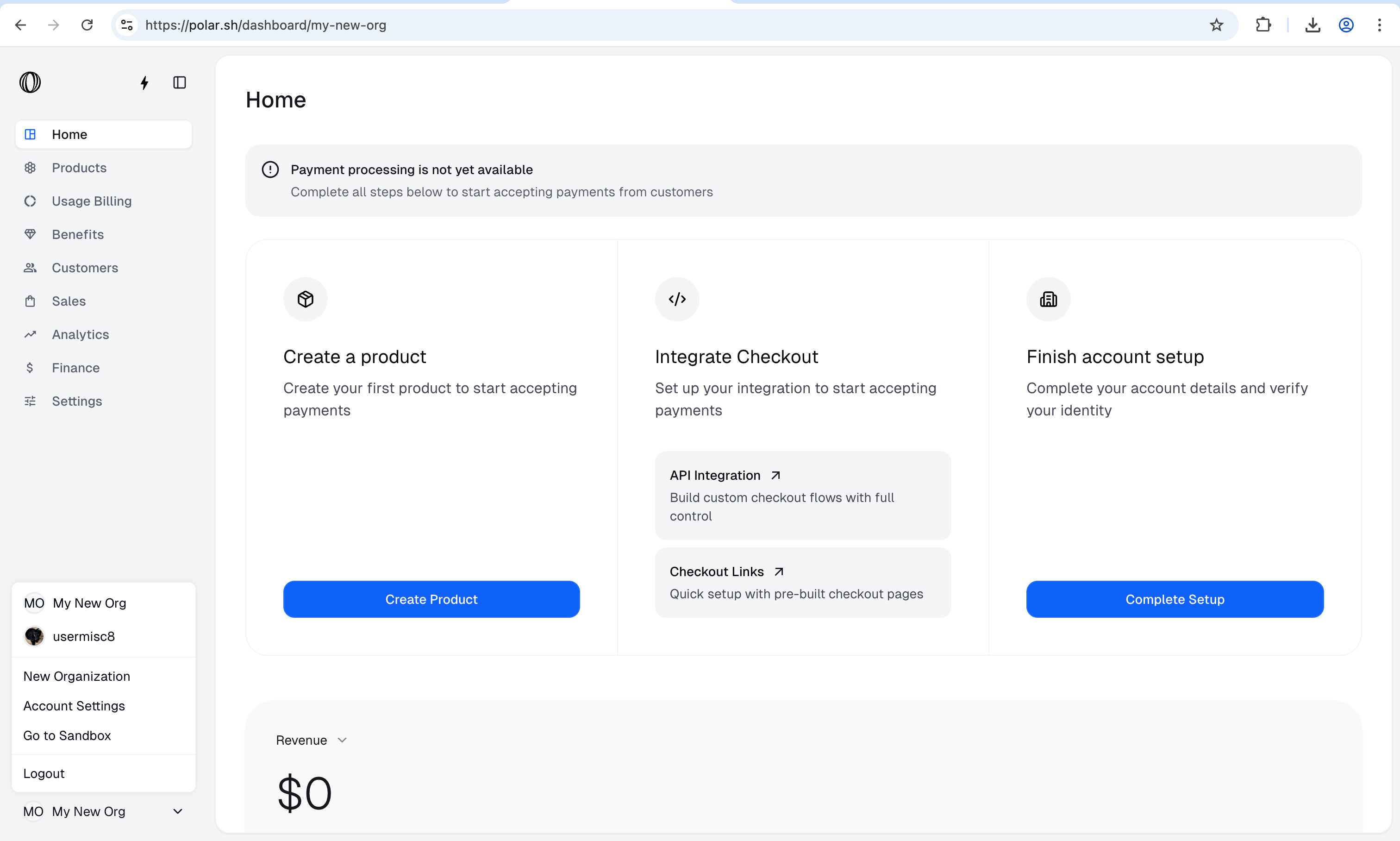
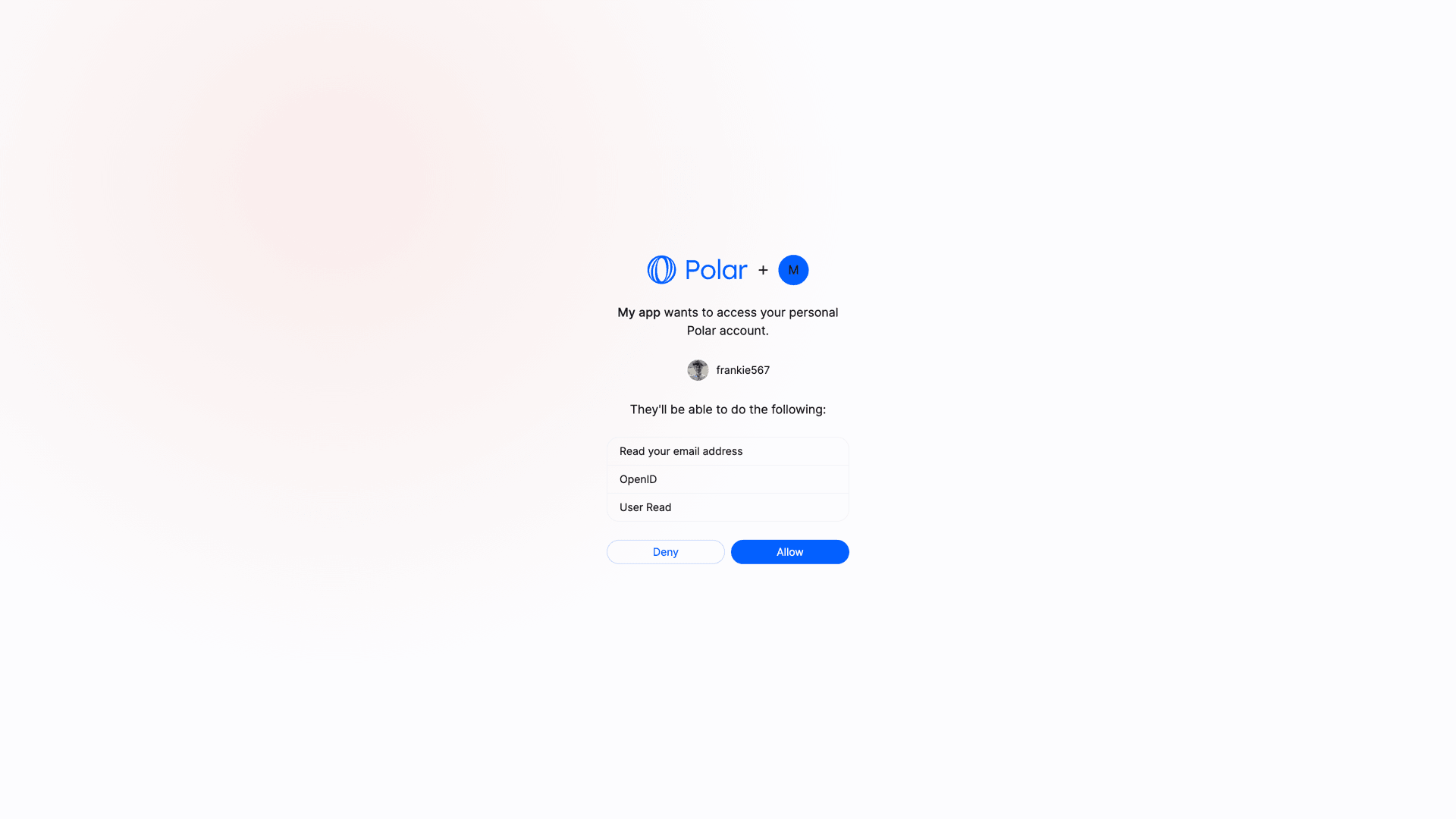 If they allow it and select an organization, they'll be redirected to your `redirect_uri` with a `code` parameter in the query string. This code is a one-time code that you can exchange for an access token.
To skip the organization selection and get a user-scoped token instead, you can add `sub_type=user` to the authorization URL:
```
https://polar.sh/oauth2/authorize?
response_type=code
&client_id=CLIENT_ID
&redirect_uri=https%3A%2F%2Fexample.com%2Fcallback
&scope=openid%20email
&sub_type=user
```
#### Exchange code token
Once you have the authorization code, you can exchange it for an access token. To do so, you'll need to make a `POST` request to the token endpoint. This call needs to be authenticated with the Client ID and Client Secret you got when creating the OAuth2 client.
Here is an example with cURL:
```bash Terminal theme={null}
curl -X POST https://api.polar.sh/v1/oauth2/token \
-H 'Content-Type: application/x-www-form-urlencoded' \
-d 'grant_type=authorization_code&code=AUTHORIZATION_CODE&client_id=CLIENT_ID&client_secret=CLIENT_SECRET&redirect_uri=https://example.com/callback'
```
You should get the following response:
```json theme={null}
{
"token_type": "Bearer",
"access_token": "polar_at_XXX",
"expires_in": 864000,
"refresh_token": "polar_rt_XXX",
"scope": "openid email",
"id_token": "ID_TOKEN"
}
```
The `access_token` will allow you to make authenticated API requests on behalf of the user. The `refresh_token` is a long-lived token that you can use to get new access tokens when the current one expires. The `id_token` is a signed JWT token containing information about the user, as per the [OpenID Connect specification](https://openid.net/specs/openid-connect-core-1_0.html#IDToken).
#### Organization vs User Access Tokens
By default, Polar OAuth2 flow generates **organization-level** access tokens. These tokens are tied to a specific organization rather than a user, allowing requests to operate only on that organization's data, which improves privacy and security.
When using the default flow, the user will be prompted to select one of their organizations before allowing access to their data:
```
https://polar.sh/oauth2/authorize?response_type=code&client_id=polar_ci_j3X95_MgfdSCeCd2qkFnUw&redirect_uri=https%3A%2F%2Fexample.com%2Fcallback&scope=openid%20email
```
To request a **user-scoped** access token instead, you need to explicitly add the parameter `sub_type=user` to the authorization URL:
```
https://polar.sh/oauth2/authorize?response_type=code&client_id=polar_ci_j3X95_MgfdSCeCd2qkFnUw&redirect_uri=https%3A%2F%2Fexample.com%2Fcallback&scope=openid%20email&sub_type=user
```
The rest of the flow remains unchanged. The access token you'll get will be tied to either the selected organization (default) or the user (when explicitly requested).
#### Public Clients
Public clients are clients where the Client Secret can't be kept safe, as it would be accessible by the final user. This is the case for SPA, mobile applications, or any client running on the user's device.
In this case, **and only if the client is configured as a Public Client**, the request to the token endpoint won't require the `client_secret` parameter. However, the [PKCE](https://oauth.net/2/pkce/) method will be required to maximize security.
### Make authenticated requests
Once you have an access token, either from a Personal Access Token or from the OpenID Connect flow, you can make authenticated requests to the API. Here is a simple example with cURL:
```bash Terminal theme={null}
curl -X GET https://api.polar.sh/v1/oauth2/userinfo \
-H 'Authorization: Bearer polar_at_XXX'
```
---
# Source: https://polar.sh/docs/features/cost-insights/cost-events.md
> ## Documentation Index
> Fetch the complete documentation index at: https://polar.sh/docs/llms.txt
> Use this file to discover all available pages before exploring further.
# Cost Events
> Track costs by adding cost metadata to your ingested events
Cost Insights works by allowing you to add a special `_cost` property to any event you ingest through Polar's Event Ingestion API. These costs are then aggregated and made available through the Metrics API alongside revenue metrics.
## The `_cost` Property
### Basic Structure
To track costs, add a `_cost` property to your event's metadata when ingesting events.
```typescript icon="square-js" TypeScript (SDK) theme={null}
import { Polar } from "@polar-sh/sdk";
const polar = new Polar({
accessToken: process.env.POLAR_ACCESS_TOKEN,
});
await polar.events.ingest({
events: [
{
name: "llm.inference",
externalCustomerId: "user_123",
metadata: {
_cost: {
amount: 0.025,
currency: "usd",
},
},
},
],
});
```
```json cURL theme={null}
POST https://api.polar.sh/v1/events/ingest
Content-Type: application/json
Authorization: Bearer YOUR_ACCESS_TOKEN
{
"events": [
{
"name": "llm.inference",
"external_customer_id": "user_123",
"metadata": {
"_cost": {
"amount": 0.025,
"currency": "usd"
}
}
}
]
}
```
### Cost Metadata Schema
The `_cost` property has the following structure:
* **`amount`** (required): The cost amount in cents as a decimal number
* Example: `0.025` for \$0.00025 (a fraction of a cent)
* Example: `150` for \$1.50
* Supports up to 17 digits with 12 decimal places for precision
* **`currency`** (required): The currency code
* Currently only `"usd"` is supported
If they allow it and select an organization, they'll be redirected to your `redirect_uri` with a `code` parameter in the query string. This code is a one-time code that you can exchange for an access token.
To skip the organization selection and get a user-scoped token instead, you can add `sub_type=user` to the authorization URL:
```
https://polar.sh/oauth2/authorize?
response_type=code
&client_id=CLIENT_ID
&redirect_uri=https%3A%2F%2Fexample.com%2Fcallback
&scope=openid%20email
&sub_type=user
```
#### Exchange code token
Once you have the authorization code, you can exchange it for an access token. To do so, you'll need to make a `POST` request to the token endpoint. This call needs to be authenticated with the Client ID and Client Secret you got when creating the OAuth2 client.
Here is an example with cURL:
```bash Terminal theme={null}
curl -X POST https://api.polar.sh/v1/oauth2/token \
-H 'Content-Type: application/x-www-form-urlencoded' \
-d 'grant_type=authorization_code&code=AUTHORIZATION_CODE&client_id=CLIENT_ID&client_secret=CLIENT_SECRET&redirect_uri=https://example.com/callback'
```
You should get the following response:
```json theme={null}
{
"token_type": "Bearer",
"access_token": "polar_at_XXX",
"expires_in": 864000,
"refresh_token": "polar_rt_XXX",
"scope": "openid email",
"id_token": "ID_TOKEN"
}
```
The `access_token` will allow you to make authenticated API requests on behalf of the user. The `refresh_token` is a long-lived token that you can use to get new access tokens when the current one expires. The `id_token` is a signed JWT token containing information about the user, as per the [OpenID Connect specification](https://openid.net/specs/openid-connect-core-1_0.html#IDToken).
#### Organization vs User Access Tokens
By default, Polar OAuth2 flow generates **organization-level** access tokens. These tokens are tied to a specific organization rather than a user, allowing requests to operate only on that organization's data, which improves privacy and security.
When using the default flow, the user will be prompted to select one of their organizations before allowing access to their data:
```
https://polar.sh/oauth2/authorize?response_type=code&client_id=polar_ci_j3X95_MgfdSCeCd2qkFnUw&redirect_uri=https%3A%2F%2Fexample.com%2Fcallback&scope=openid%20email
```
To request a **user-scoped** access token instead, you need to explicitly add the parameter `sub_type=user` to the authorization URL:
```
https://polar.sh/oauth2/authorize?response_type=code&client_id=polar_ci_j3X95_MgfdSCeCd2qkFnUw&redirect_uri=https%3A%2F%2Fexample.com%2Fcallback&scope=openid%20email&sub_type=user
```
The rest of the flow remains unchanged. The access token you'll get will be tied to either the selected organization (default) or the user (when explicitly requested).
#### Public Clients
Public clients are clients where the Client Secret can't be kept safe, as it would be accessible by the final user. This is the case for SPA, mobile applications, or any client running on the user's device.
In this case, **and only if the client is configured as a Public Client**, the request to the token endpoint won't require the `client_secret` parameter. However, the [PKCE](https://oauth.net/2/pkce/) method will be required to maximize security.
### Make authenticated requests
Once you have an access token, either from a Personal Access Token or from the OpenID Connect flow, you can make authenticated requests to the API. Here is a simple example with cURL:
```bash Terminal theme={null}
curl -X GET https://api.polar.sh/v1/oauth2/userinfo \
-H 'Authorization: Bearer polar_at_XXX'
```
---
# Source: https://polar.sh/docs/features/cost-insights/cost-events.md
> ## Documentation Index
> Fetch the complete documentation index at: https://polar.sh/docs/llms.txt
> Use this file to discover all available pages before exploring further.
# Cost Events
> Track costs by adding cost metadata to your ingested events
Cost Insights works by allowing you to add a special `_cost` property to any event you ingest through Polar's Event Ingestion API. These costs are then aggregated and made available through the Metrics API alongside revenue metrics.
## The `_cost` Property
### Basic Structure
To track costs, add a `_cost` property to your event's metadata when ingesting events.
```typescript icon="square-js" TypeScript (SDK) theme={null}
import { Polar } from "@polar-sh/sdk";
const polar = new Polar({
accessToken: process.env.POLAR_ACCESS_TOKEN,
});
await polar.events.ingest({
events: [
{
name: "llm.inference",
externalCustomerId: "user_123",
metadata: {
_cost: {
amount: 0.025,
currency: "usd",
},
},
},
],
});
```
```json cURL theme={null}
POST https://api.polar.sh/v1/events/ingest
Content-Type: application/json
Authorization: Bearer YOUR_ACCESS_TOKEN
{
"events": [
{
"name": "llm.inference",
"external_customer_id": "user_123",
"metadata": {
"_cost": {
"amount": 0.025,
"currency": "usd"
}
}
}
]
}
```
### Cost Metadata Schema
The `_cost` property has the following structure:
* **`amount`** (required): The cost amount in cents as a decimal number
* Example: `0.025` for \$0.00025 (a fraction of a cent)
* Example: `150` for \$1.50
* Supports up to 17 digits with 12 decimal places for precision
* **`currency`** (required): The currency code
* Currently only `"usd"` is supported
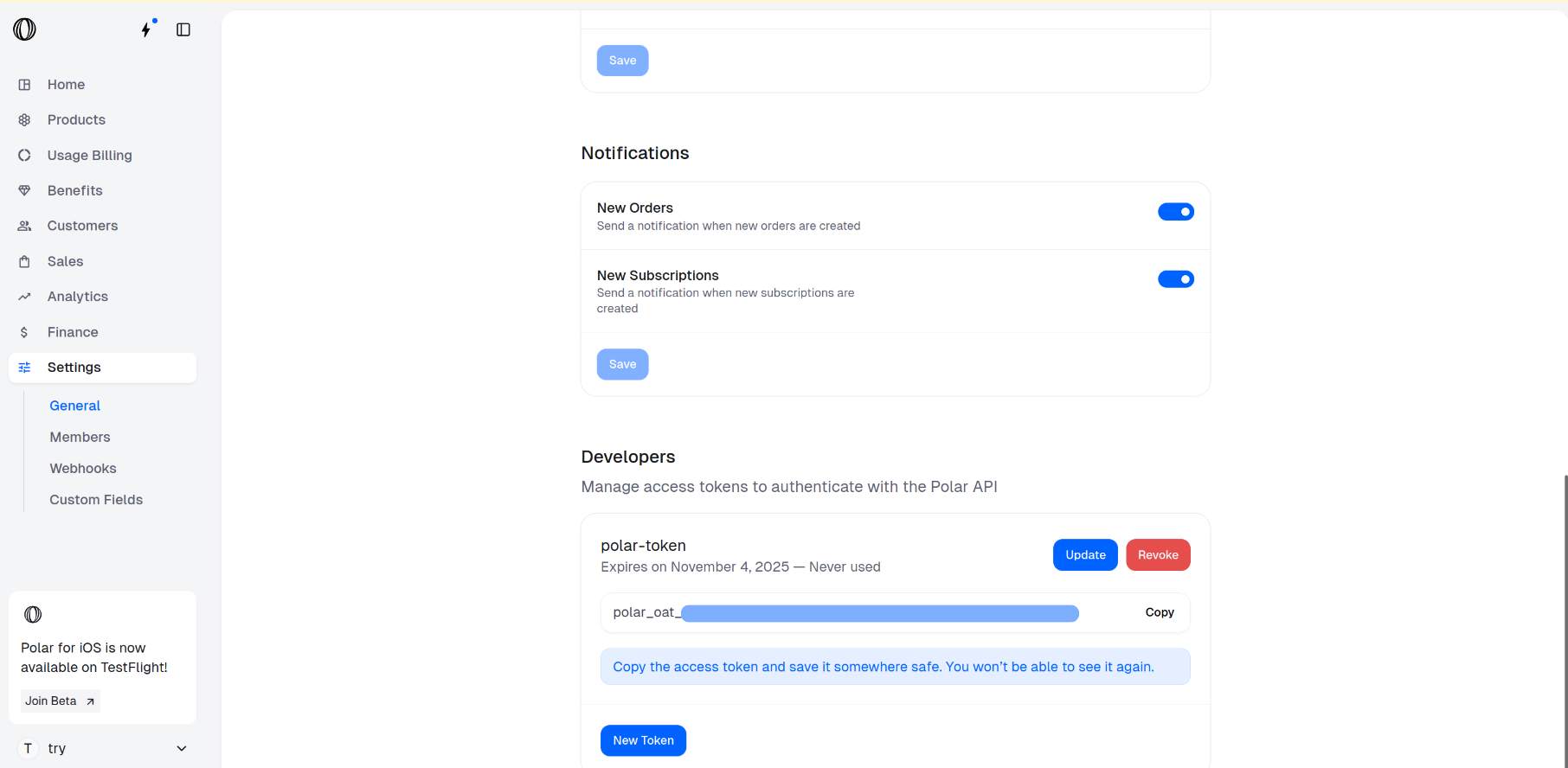
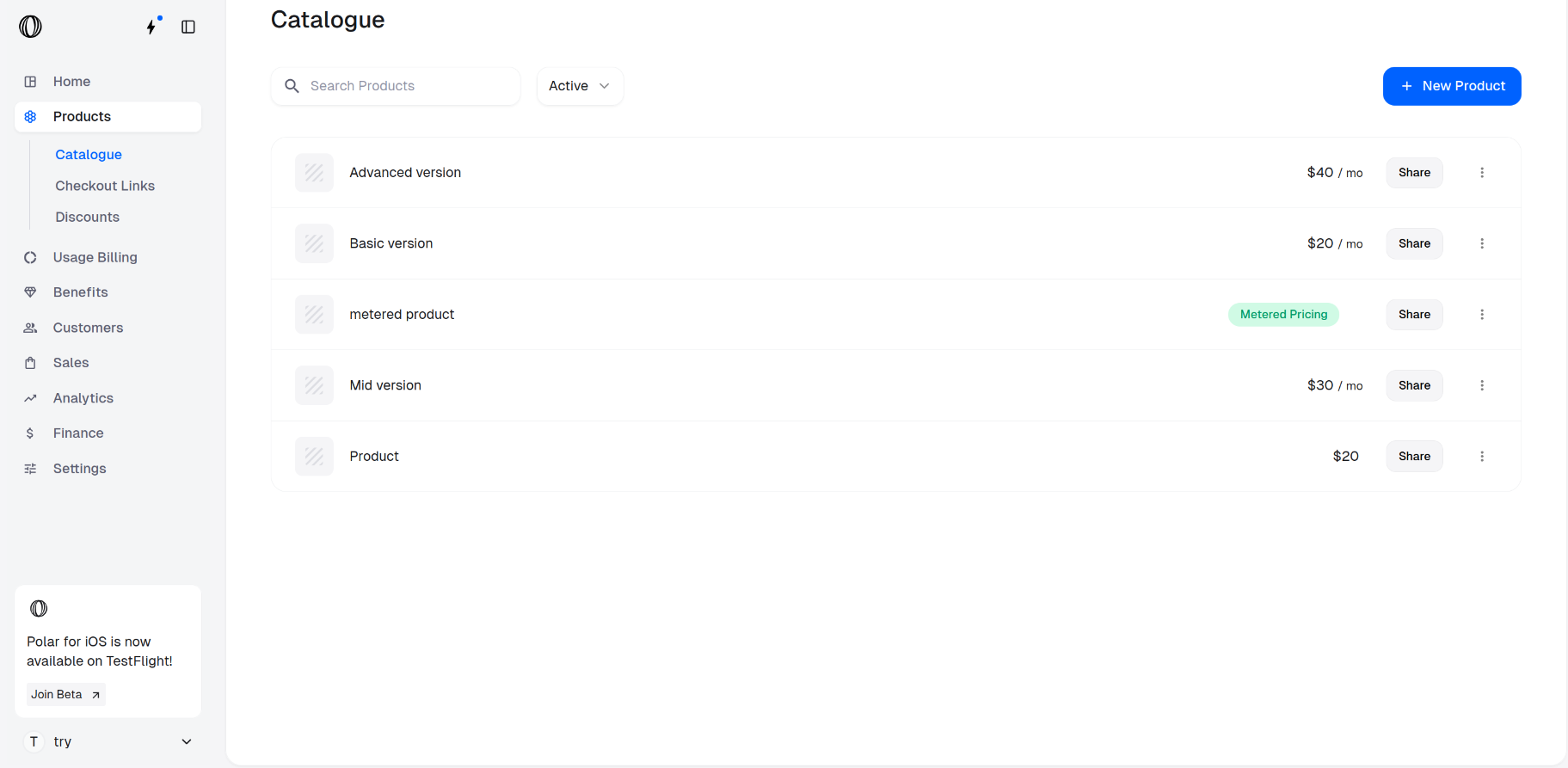
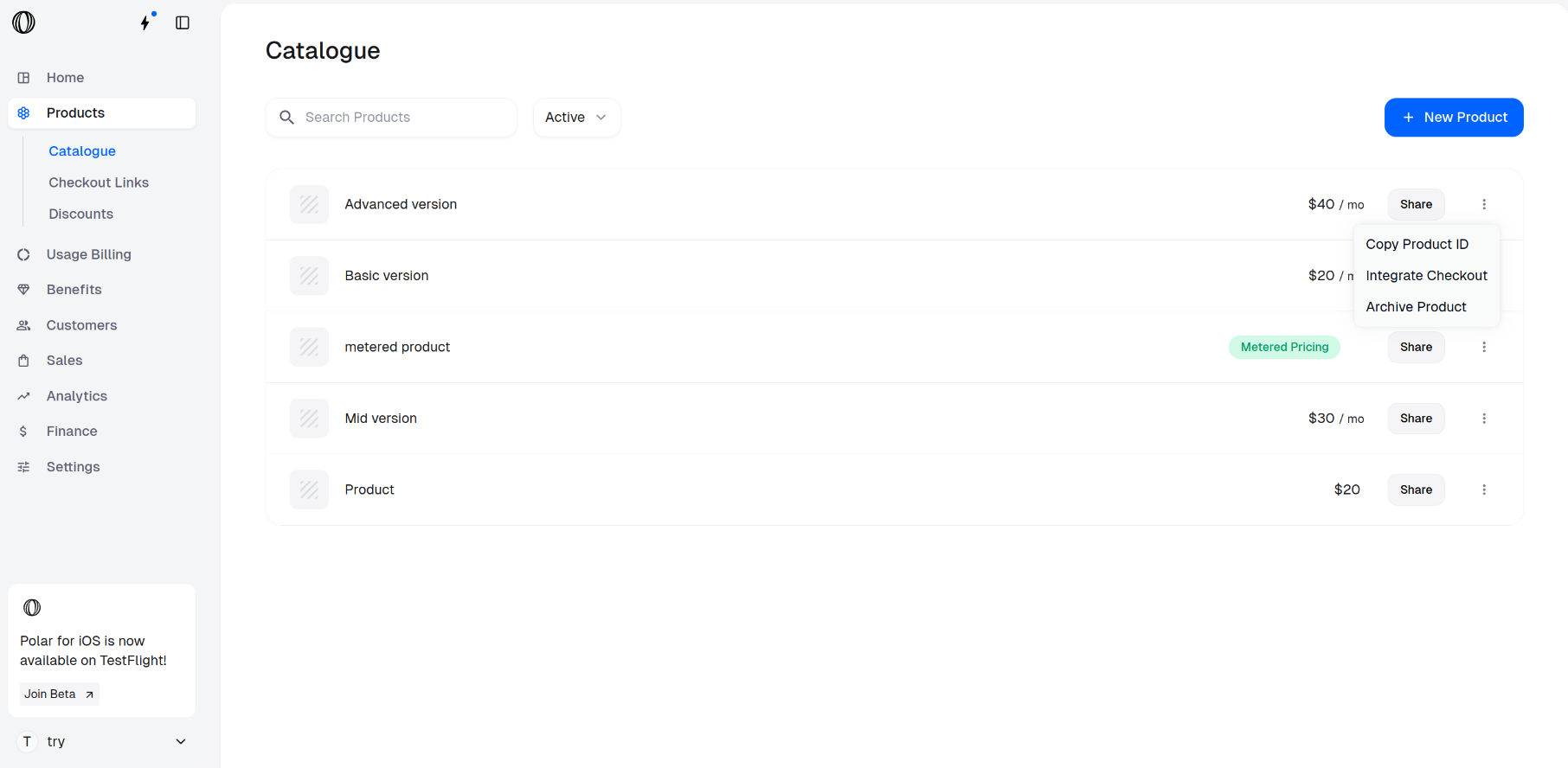
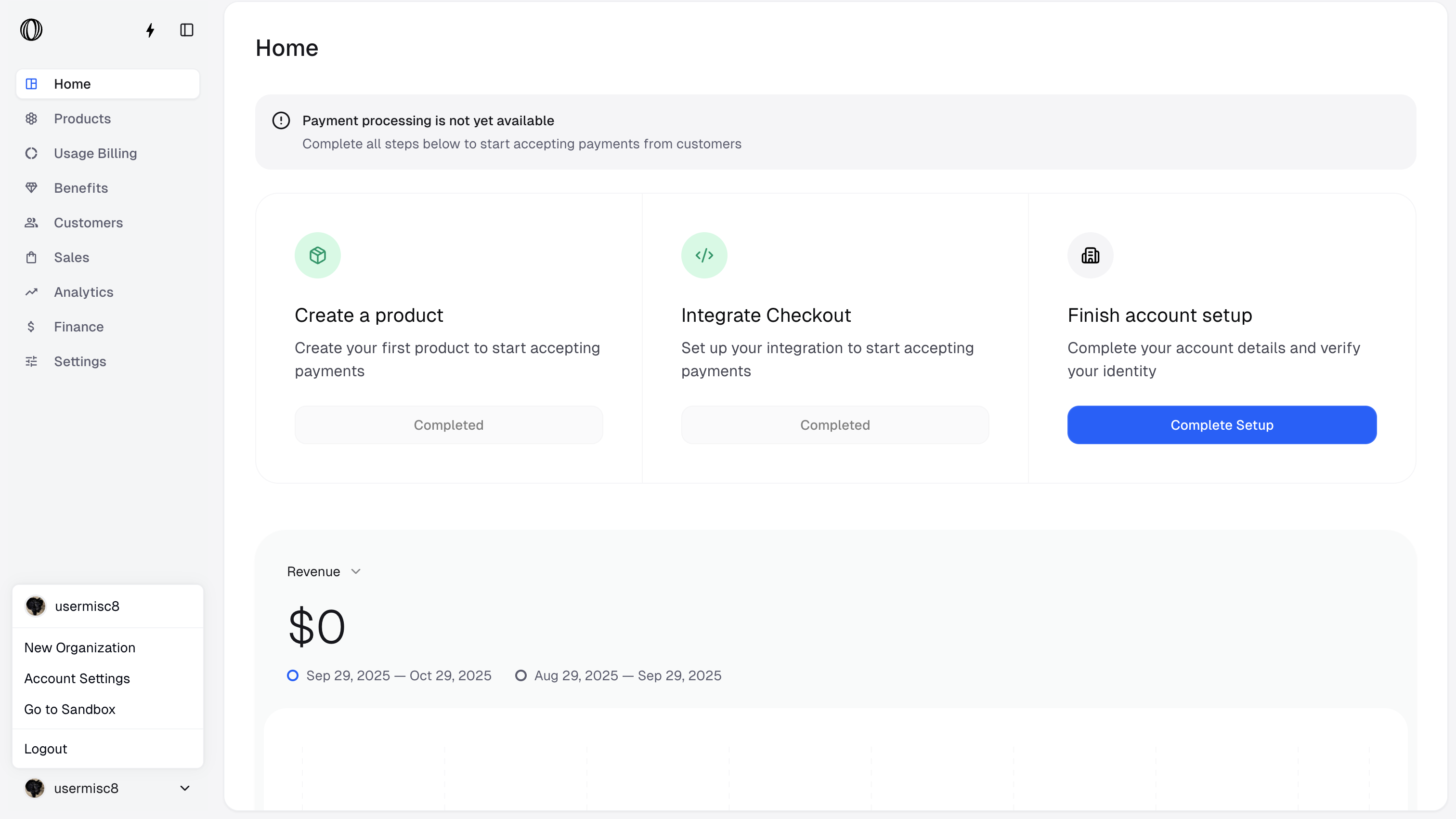
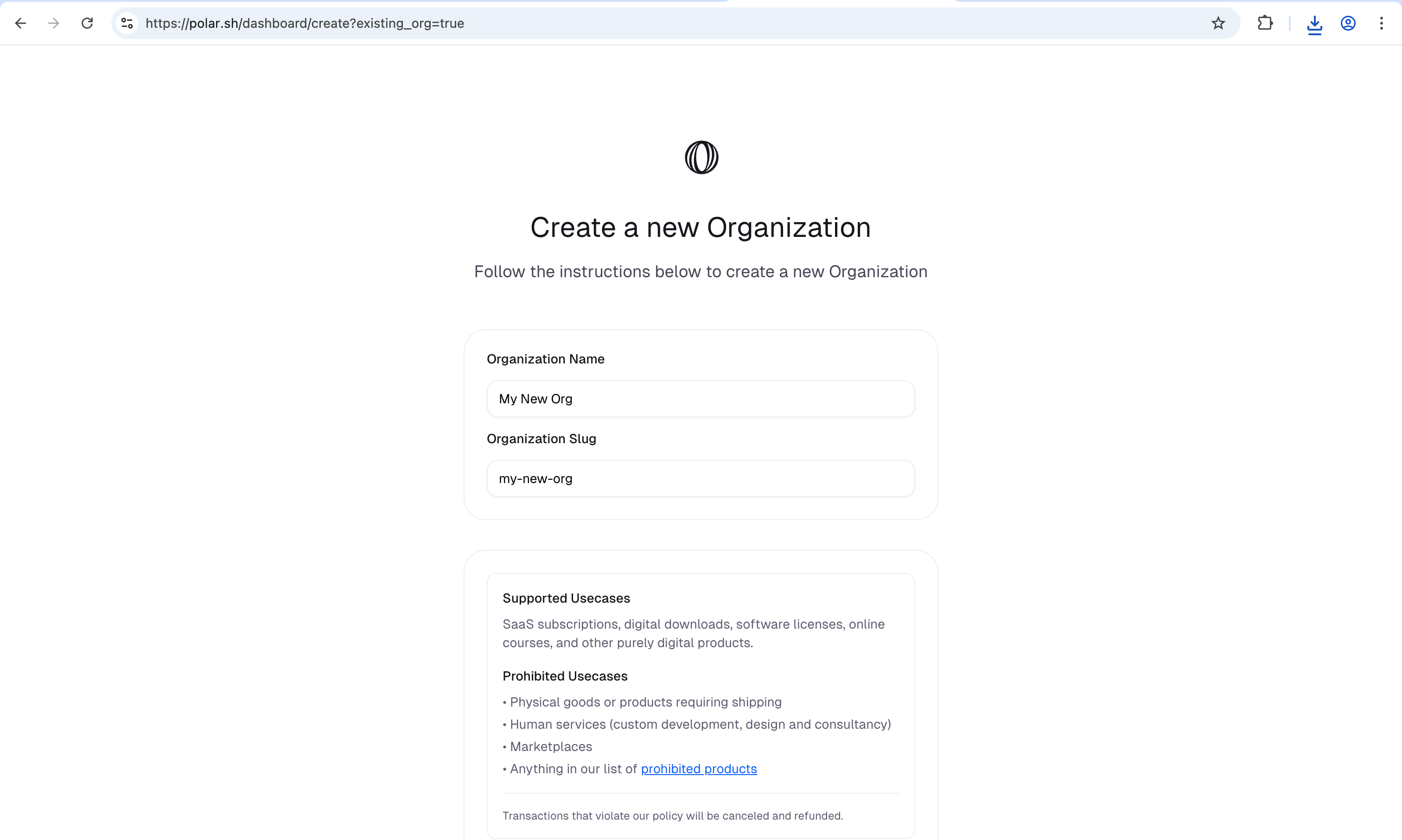
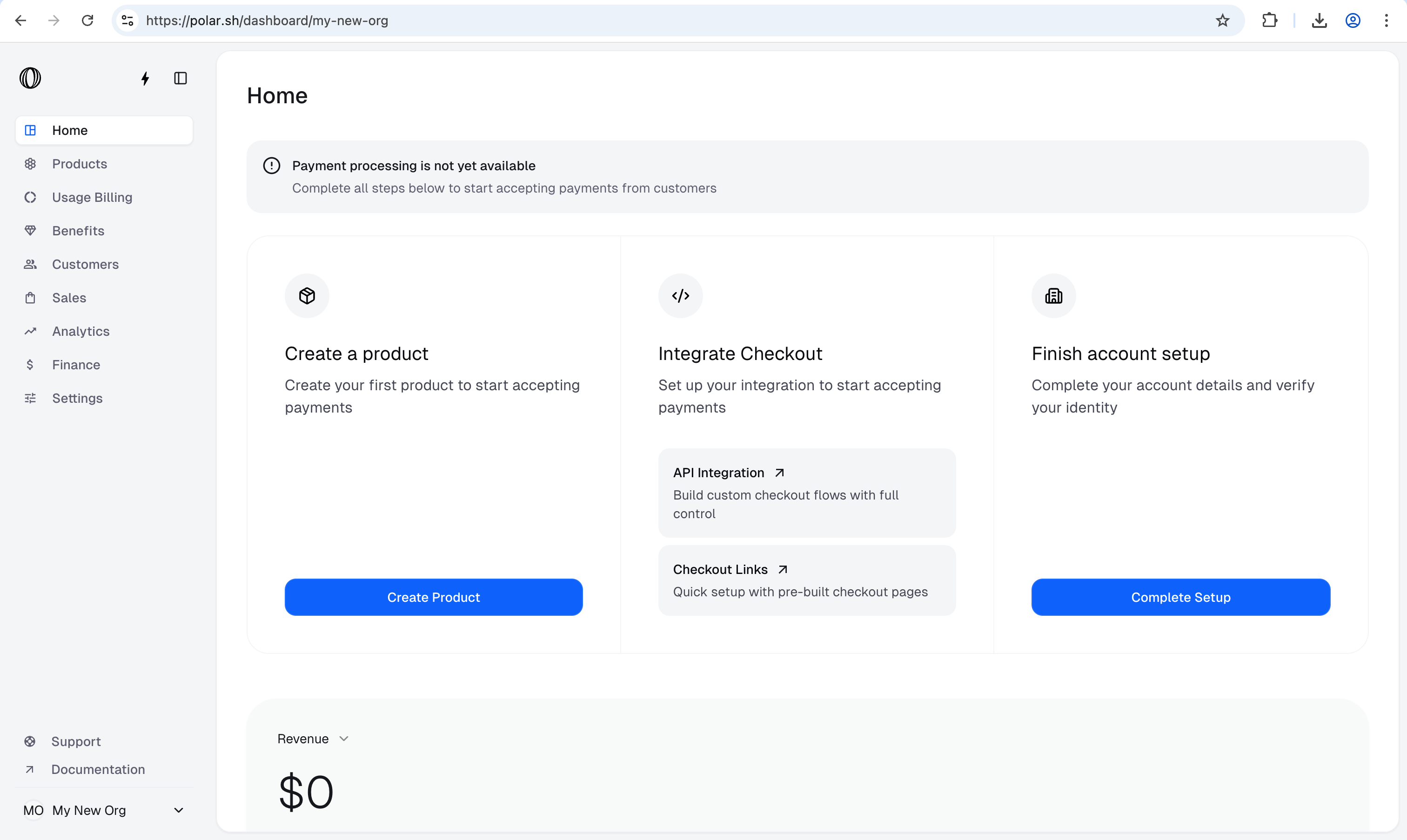
 Your product catalogue should now show this product as follows:
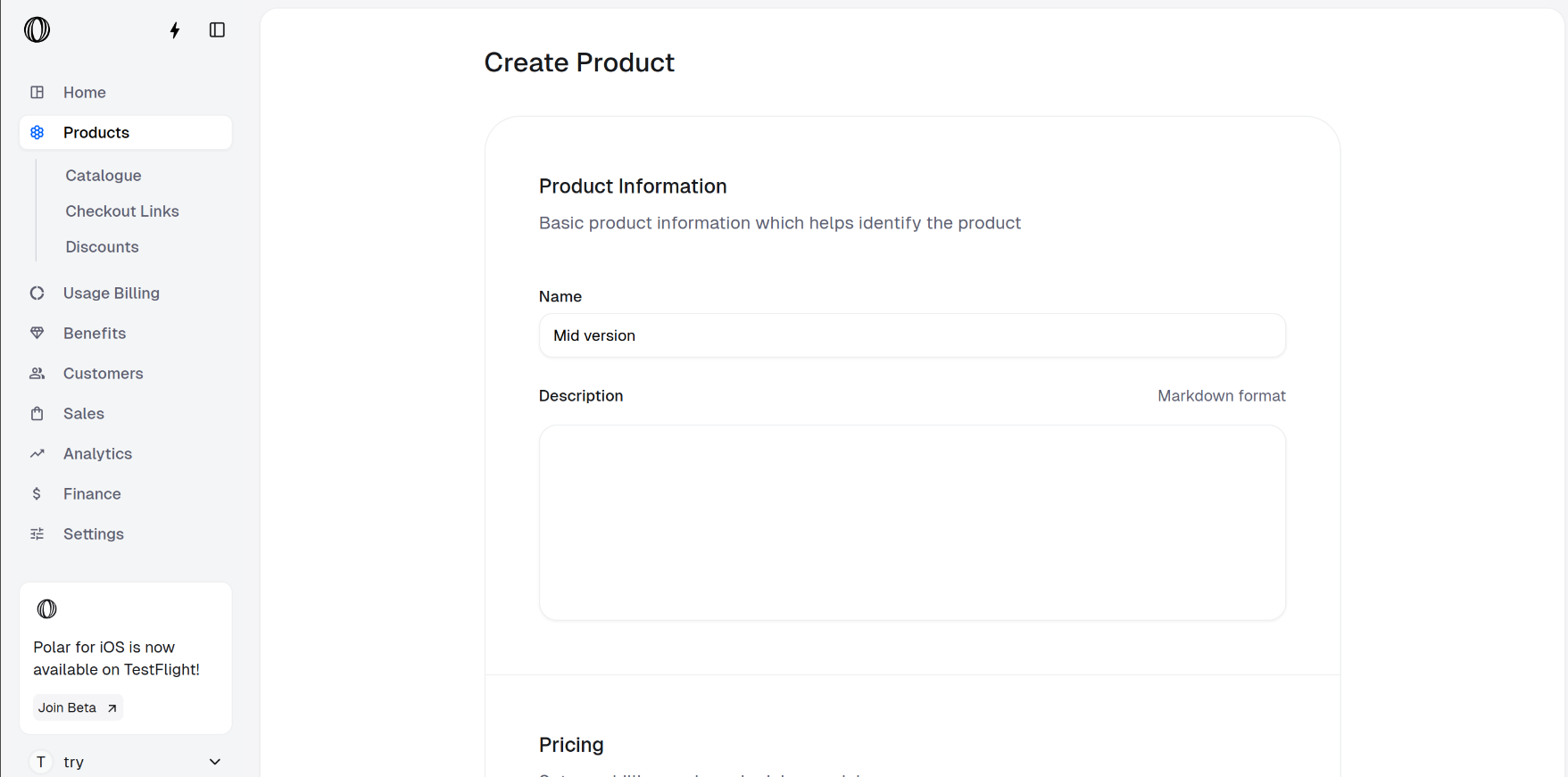
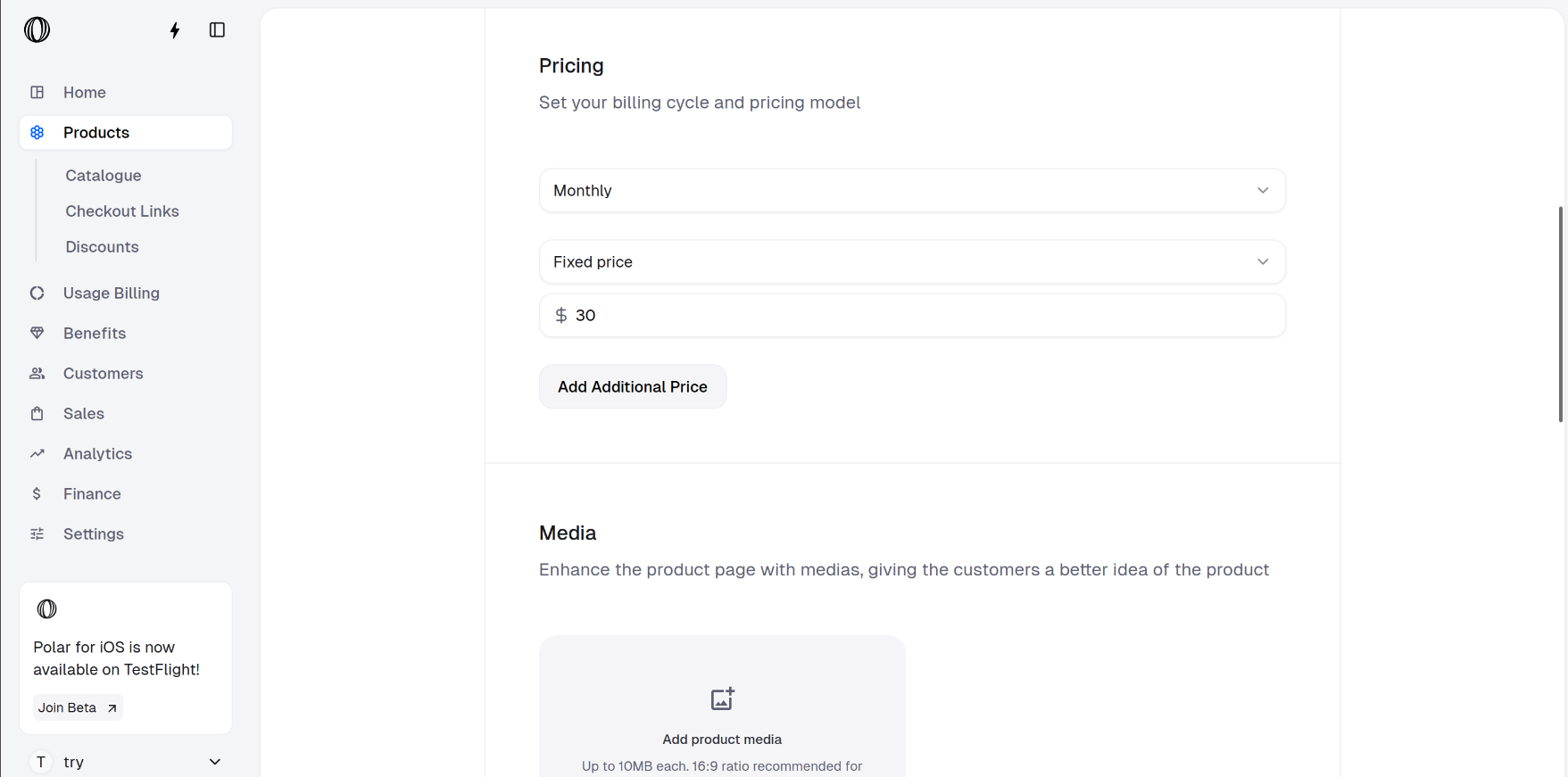 * **Advanced version**: We create a monthly subscription product named **Advanced version** with cost \$40.
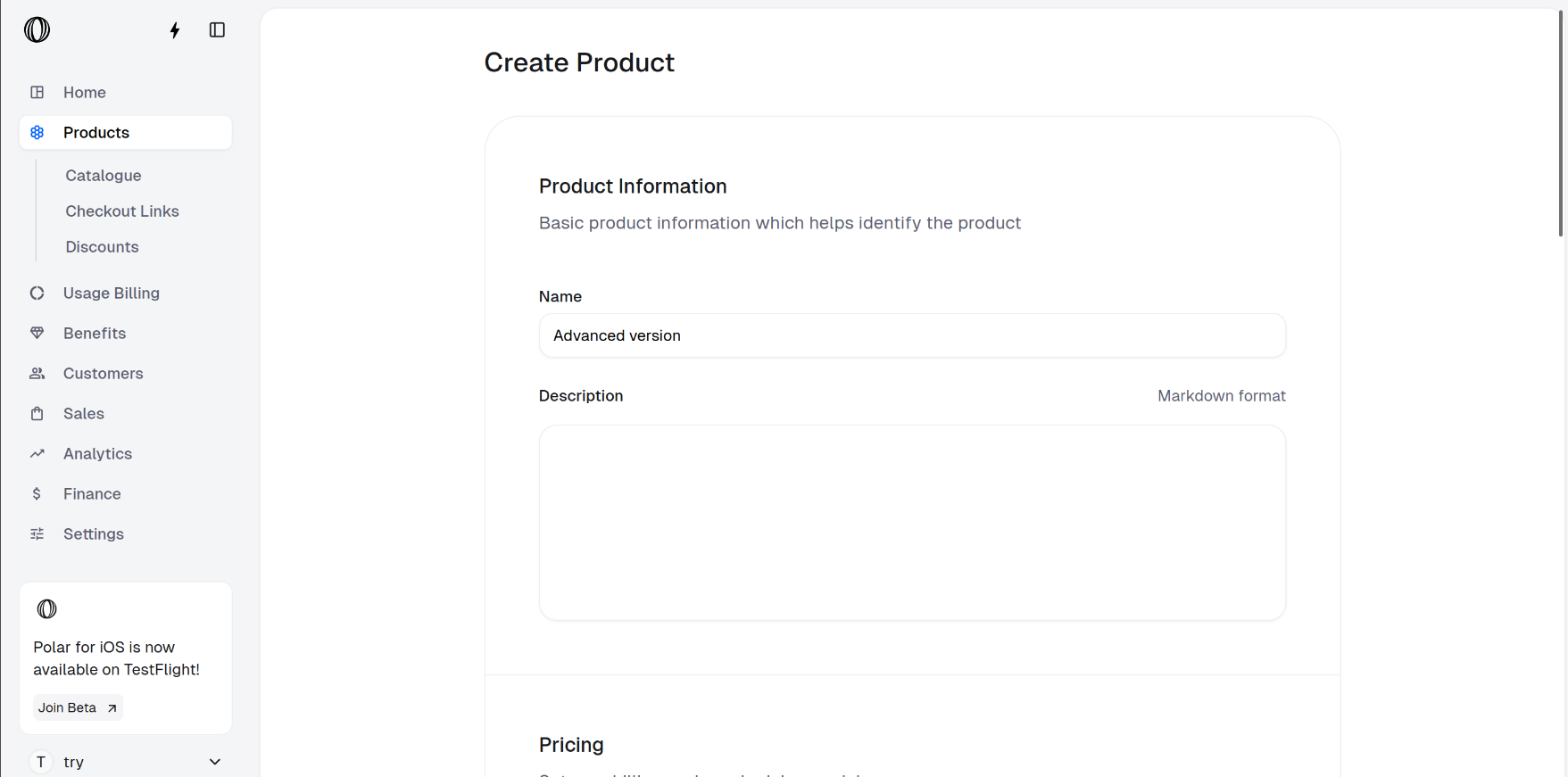
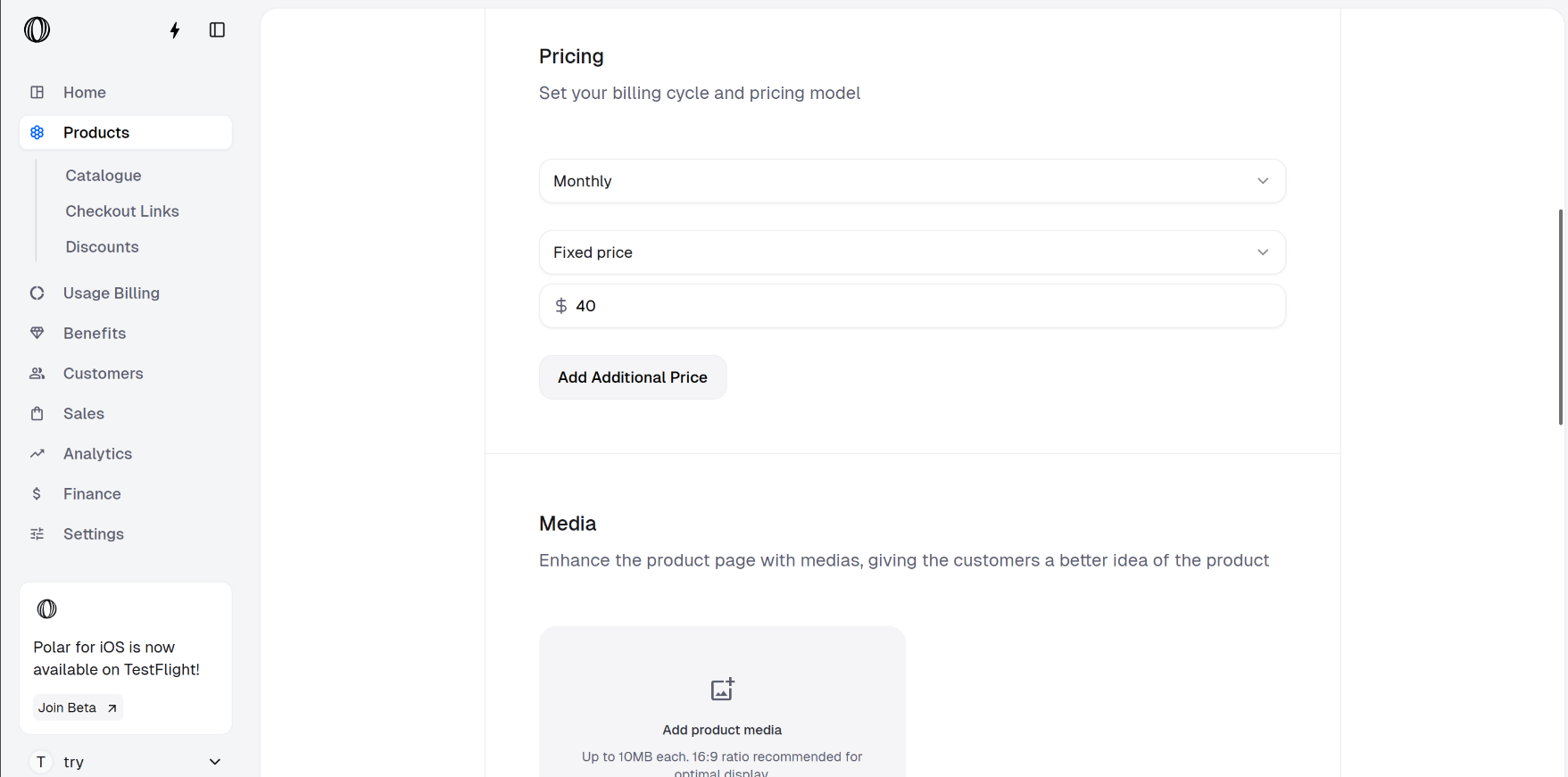 * **Product Catalogue**: You should be able to see all your products on Product Catalogue.
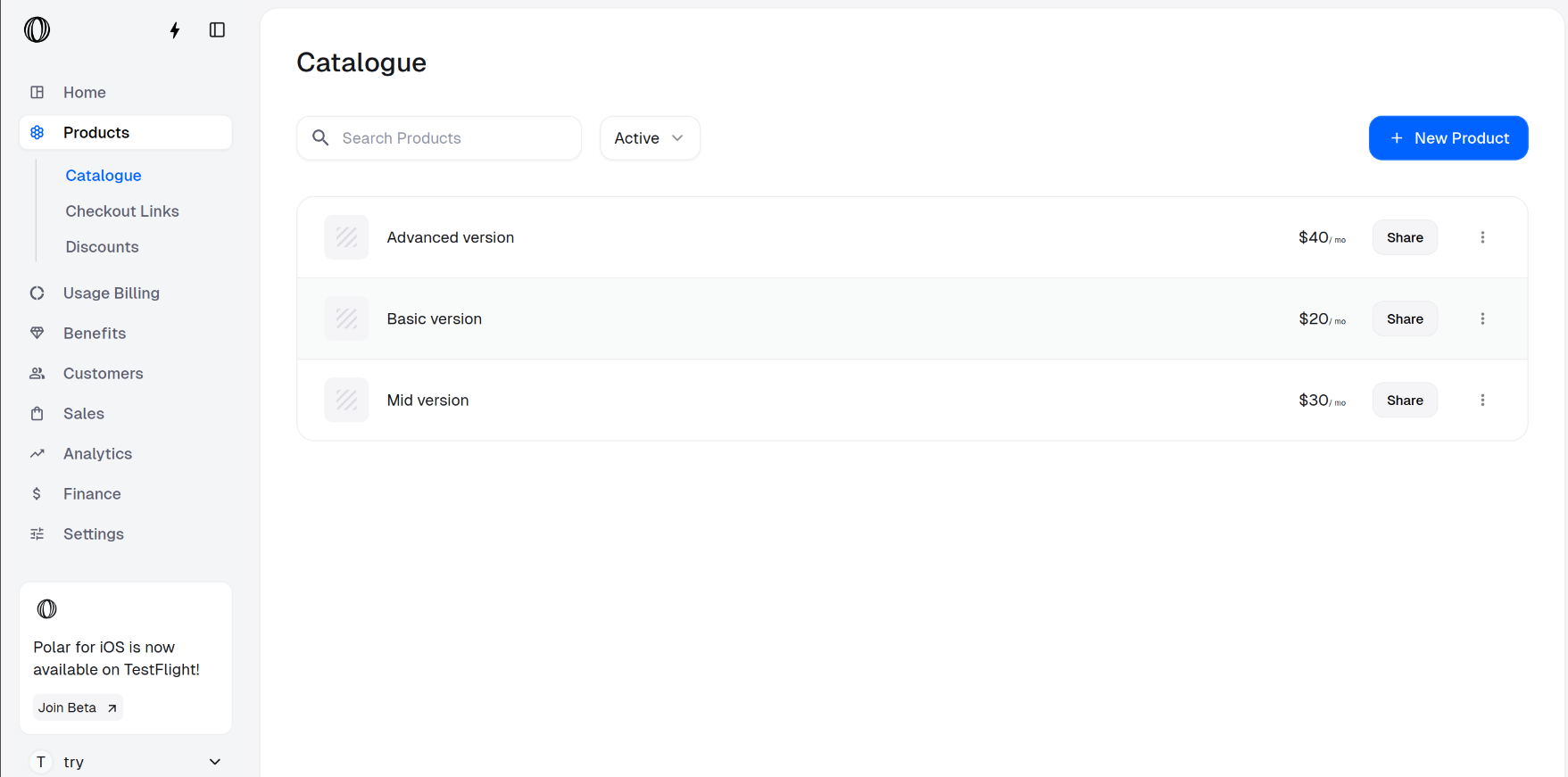
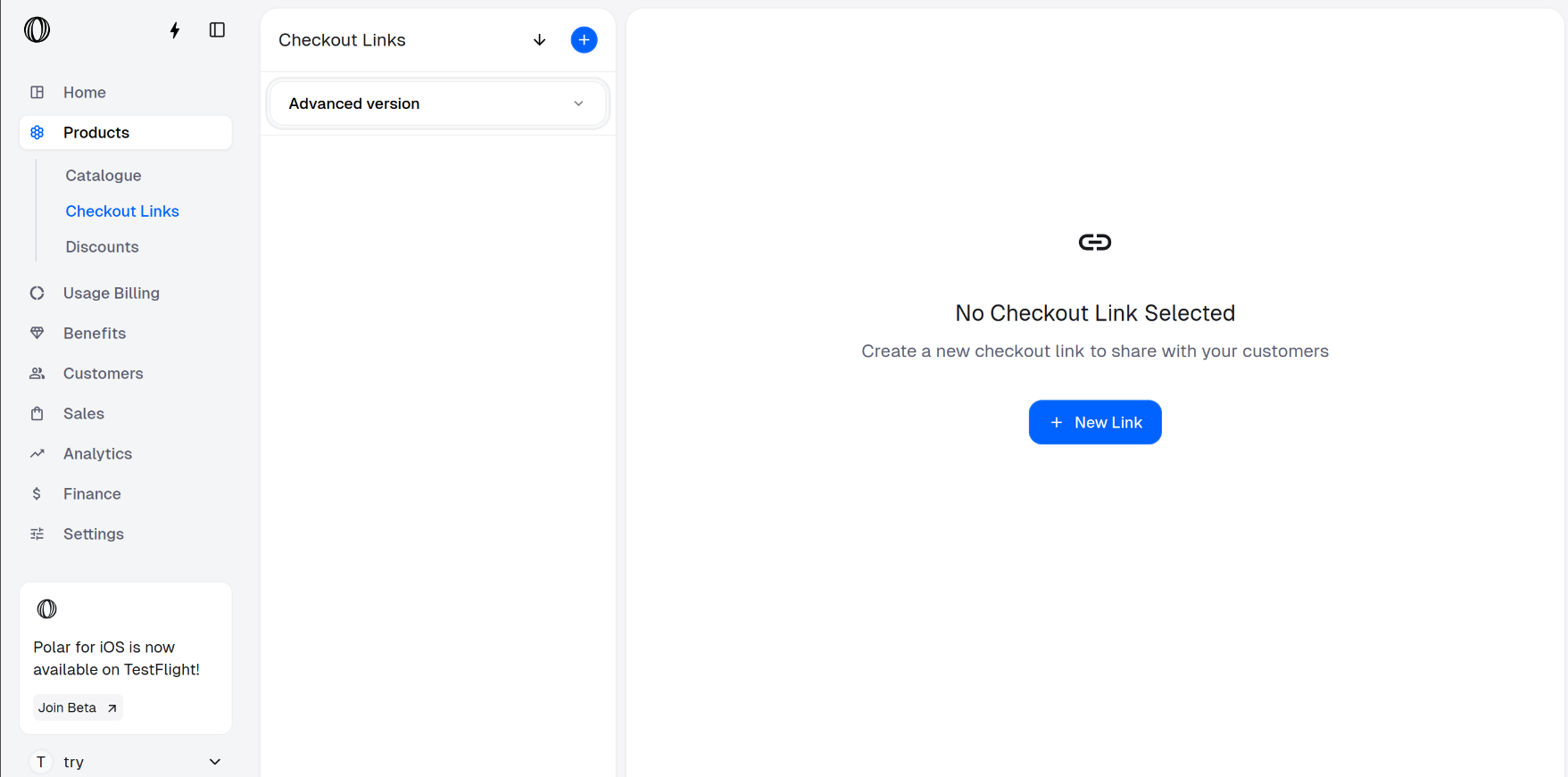
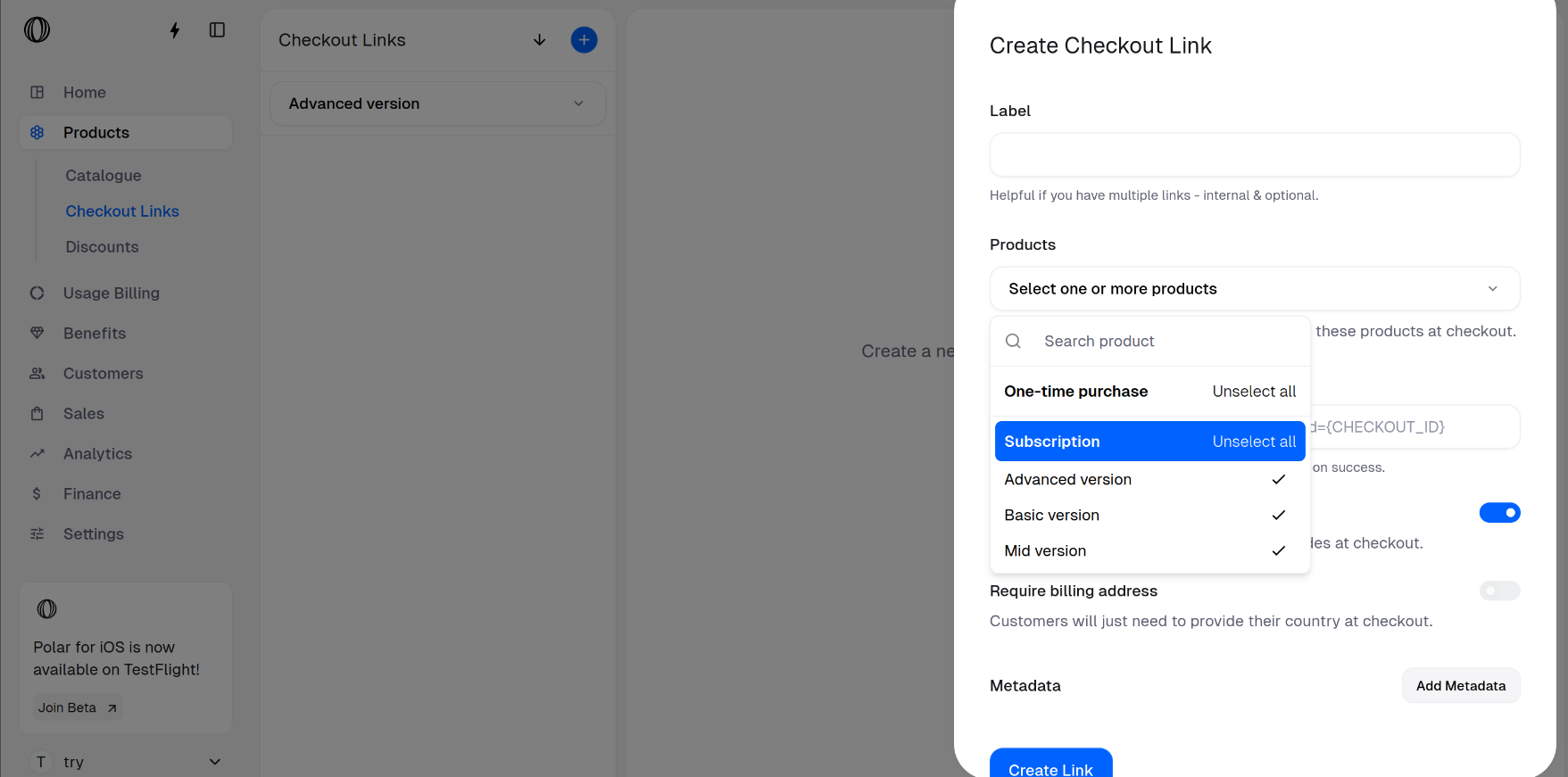 At this step, you may add a label, success URL and metadata. You may also configure whether discount codes are allowed and whether billing address is required from customers.
Click on **Create Link** after adding your configurations.
At this step, you may add a label, success URL and metadata. You may also configure whether discount codes are allowed and whether billing address is required from customers.
Click on **Create Link** after adding your configurations.
 Click on your label to see the checkout link.
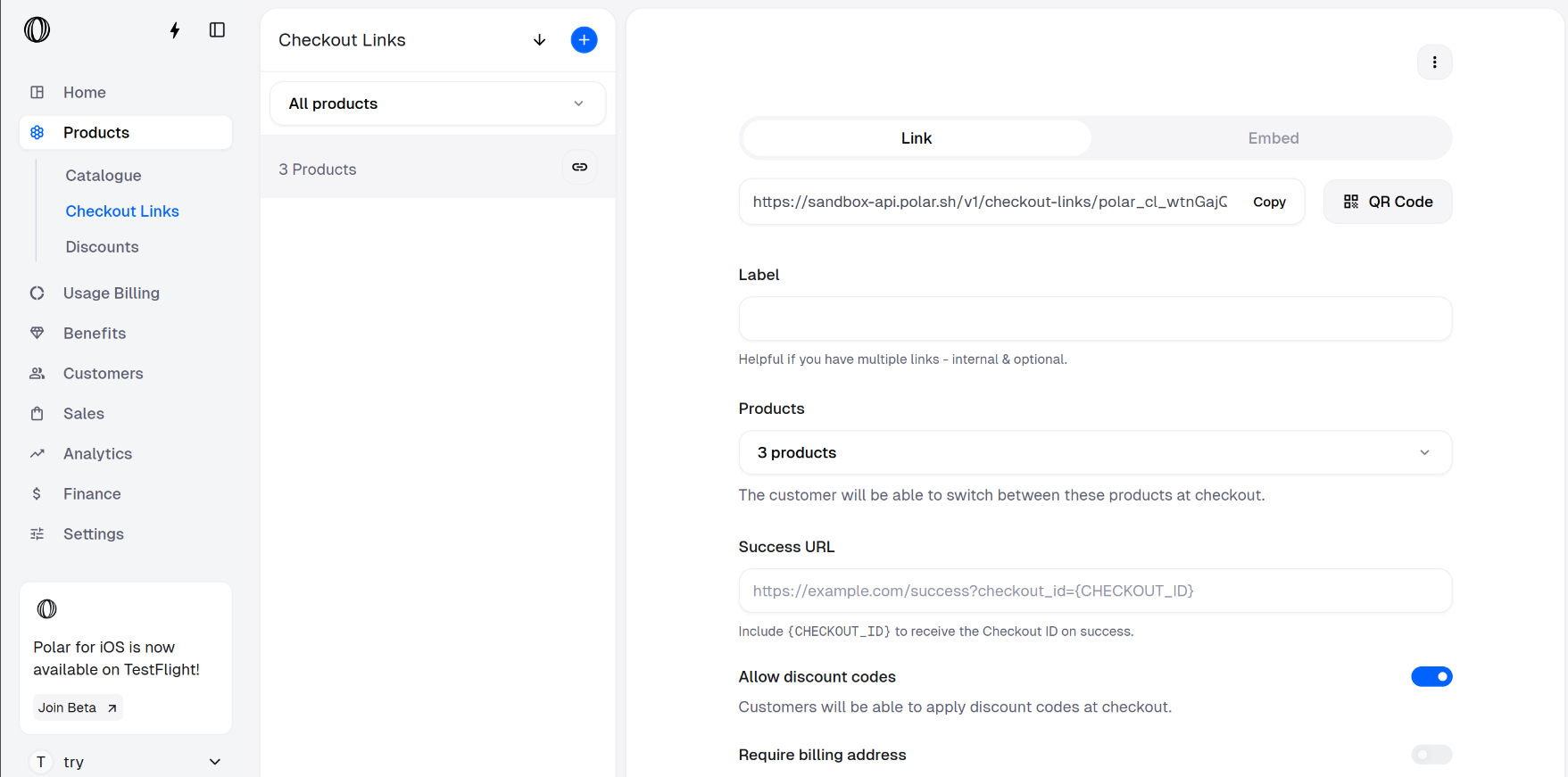 You can copy this link and share to your customers for them to purchase a variant.
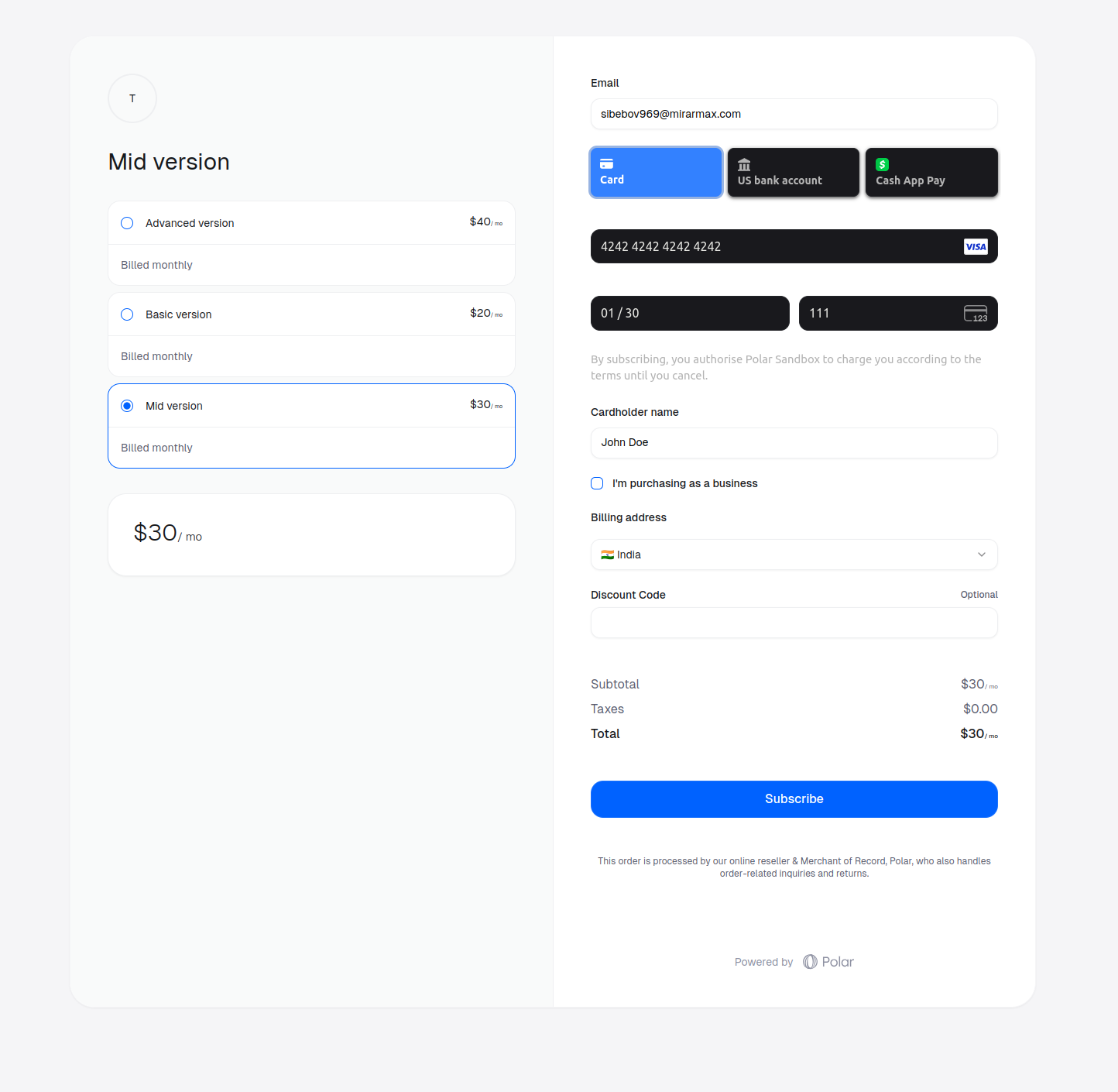
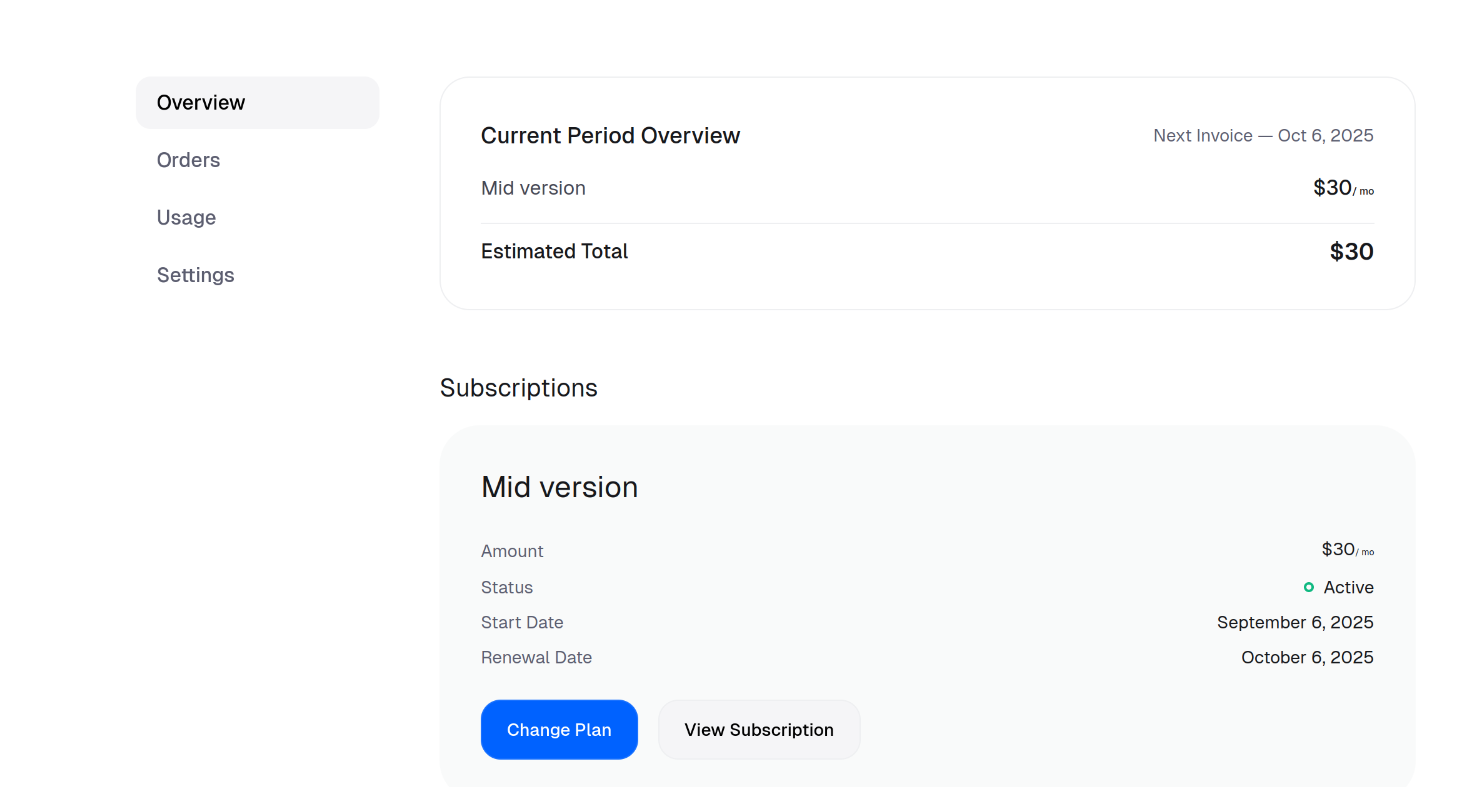
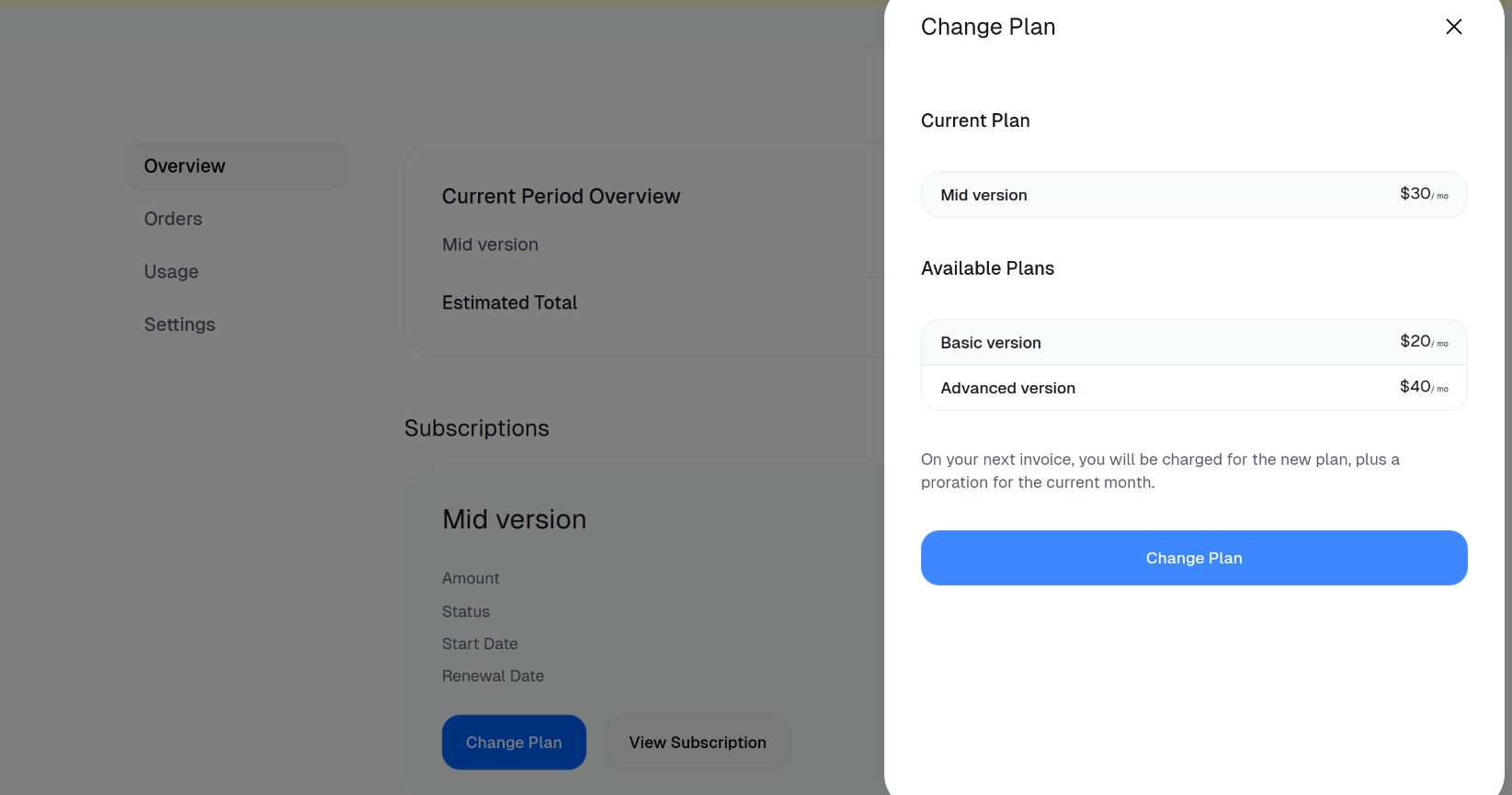
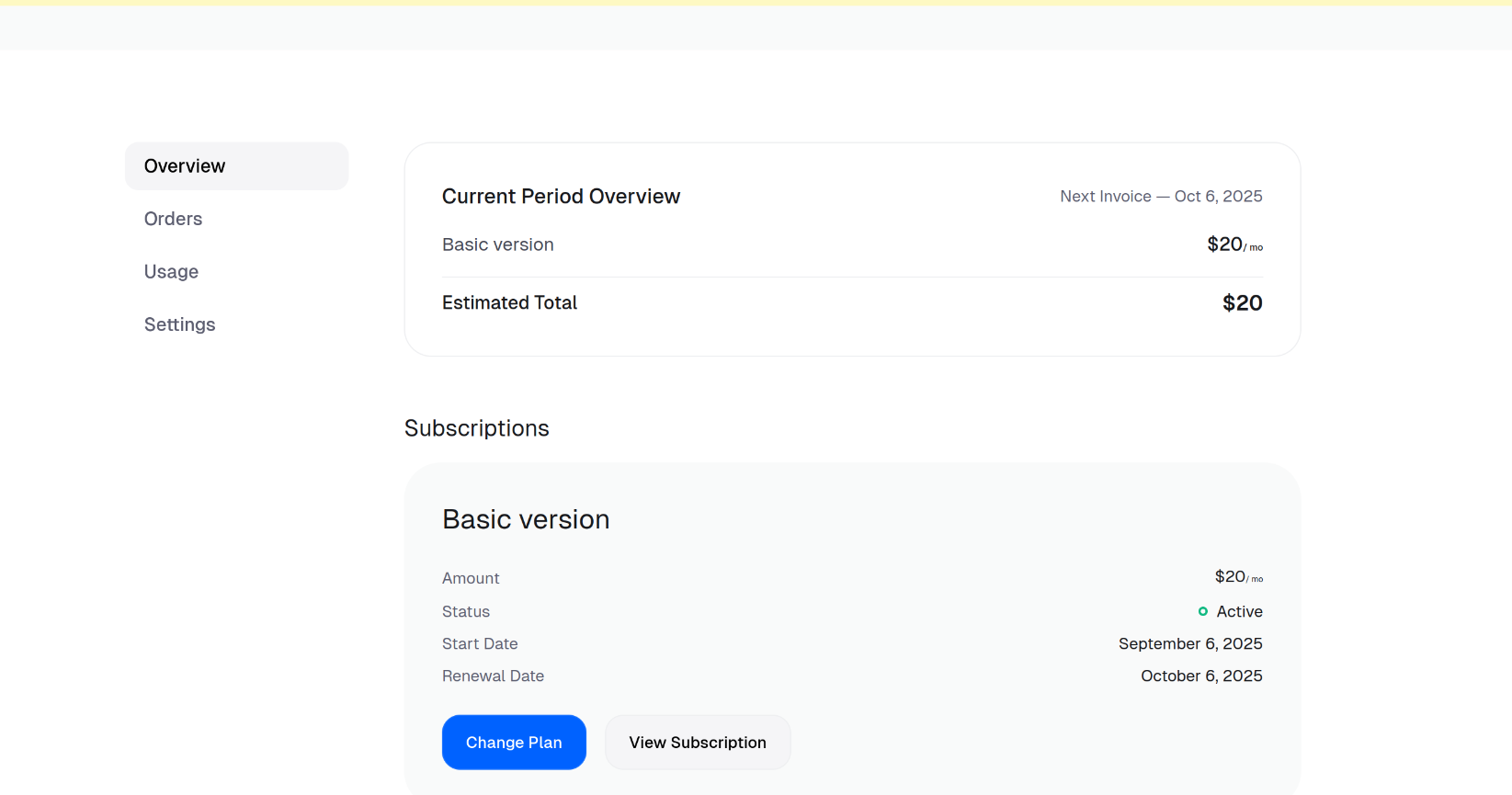
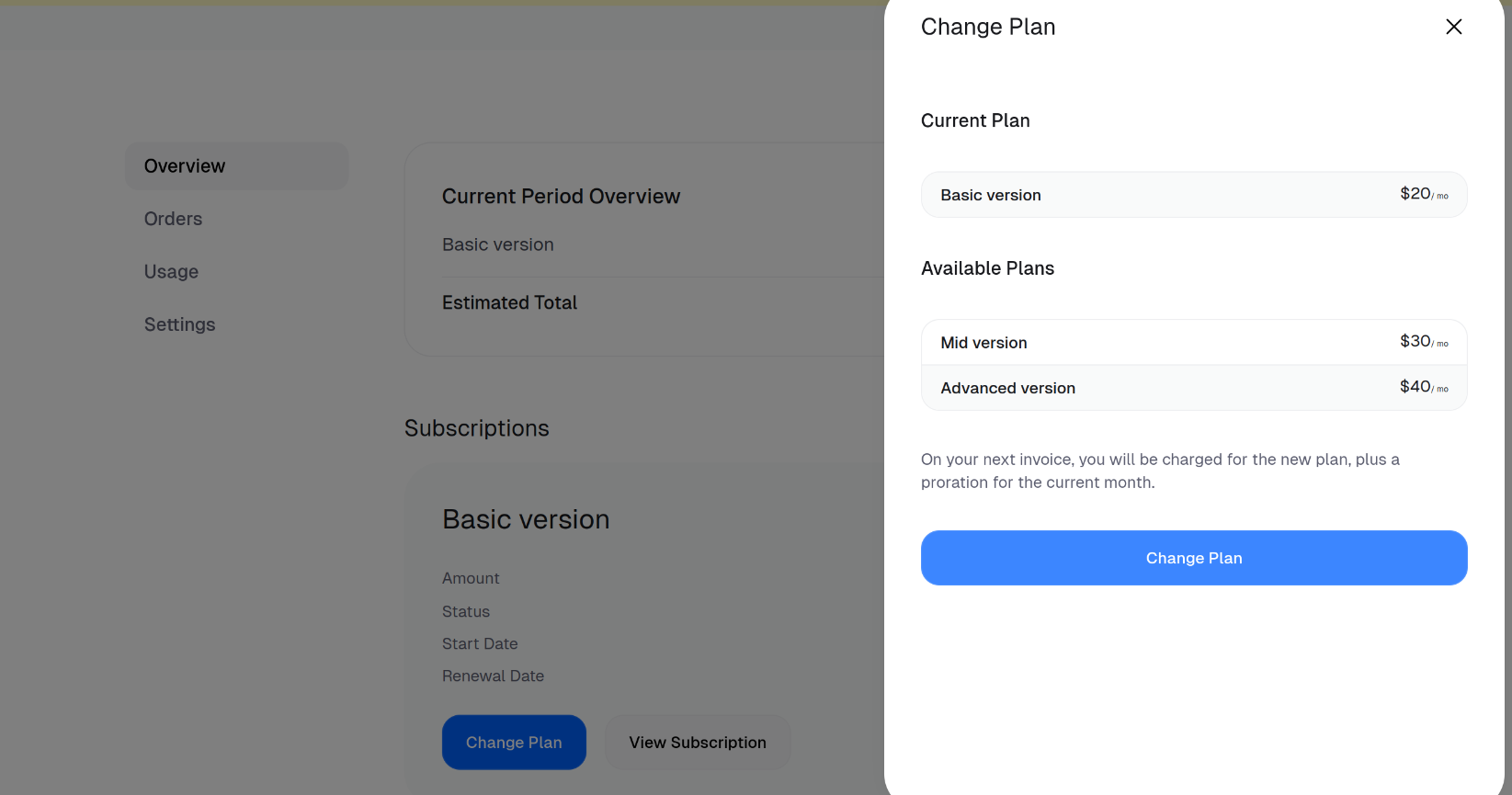
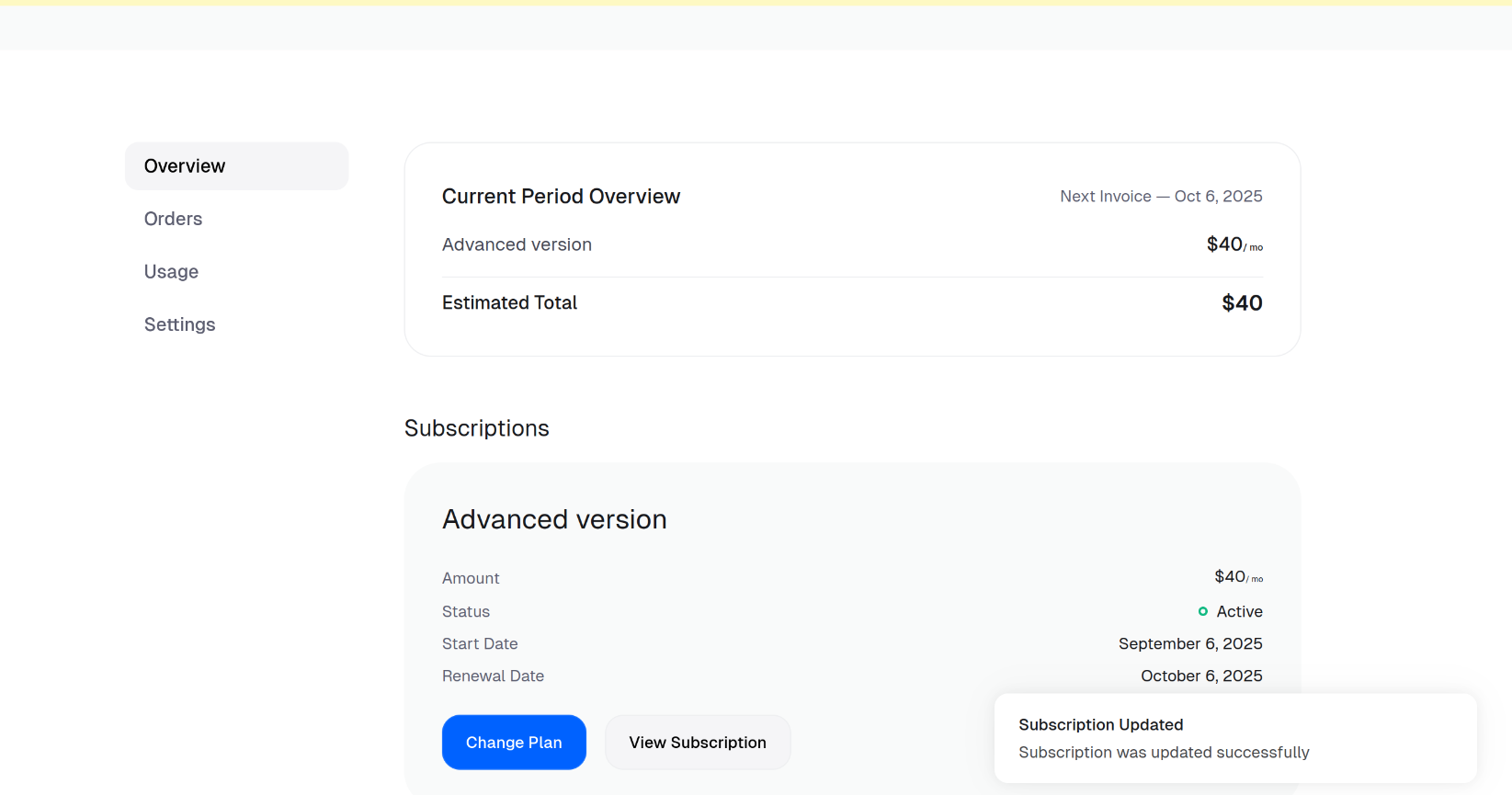
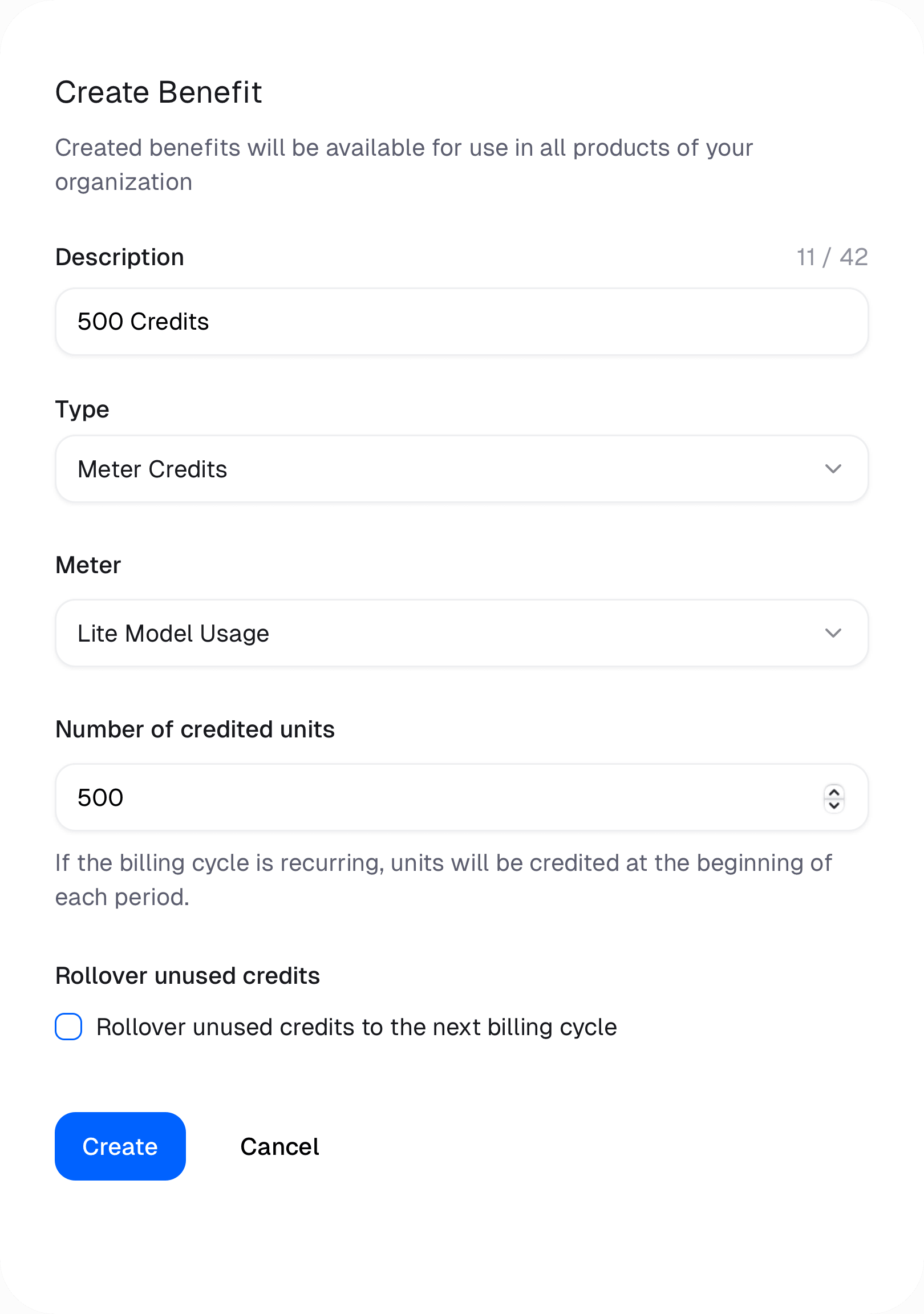
 ## Crediting Usage Meter Balance
The Credits benefit will credit a customer's Usage Meter balance at different points in time depending on the type of product purchased.
### Subscription Products
The customer will be credited the amount of units specified in the benefit at the beginning of every subscription cycle period — monthly or yearly.
### One-Time Products
The customer will be credited the amount of units specified in the benefit once at the time of purchase.
## Rollover unused credits
You can choose to rollover unused credits to the next billing cycle. This means that if a customer doesn't use all of their credits in a given billing cycle, the remaining credits will be added to their balance for the next billing cycle. To enable this feature, check the "Rollover unused credits" checkbox when creating or editing the Credits benefit.
## Crediting Usage Meter Balance
The Credits benefit will credit a customer's Usage Meter balance at different points in time depending on the type of product purchased.
### Subscription Products
The customer will be credited the amount of units specified in the benefit at the beginning of every subscription cycle period — monthly or yearly.
### One-Time Products
The customer will be credited the amount of units specified in the benefit once at the time of purchase.
## Rollover unused credits
You can choose to rollover unused credits to the next billing cycle. This means that if a customer doesn't use all of their credits in a given billing cycle, the remaining credits will be added to their balance for the next billing cycle. To enable this feature, check the "Rollover unused credits" checkbox when creating or editing the Credits benefit.
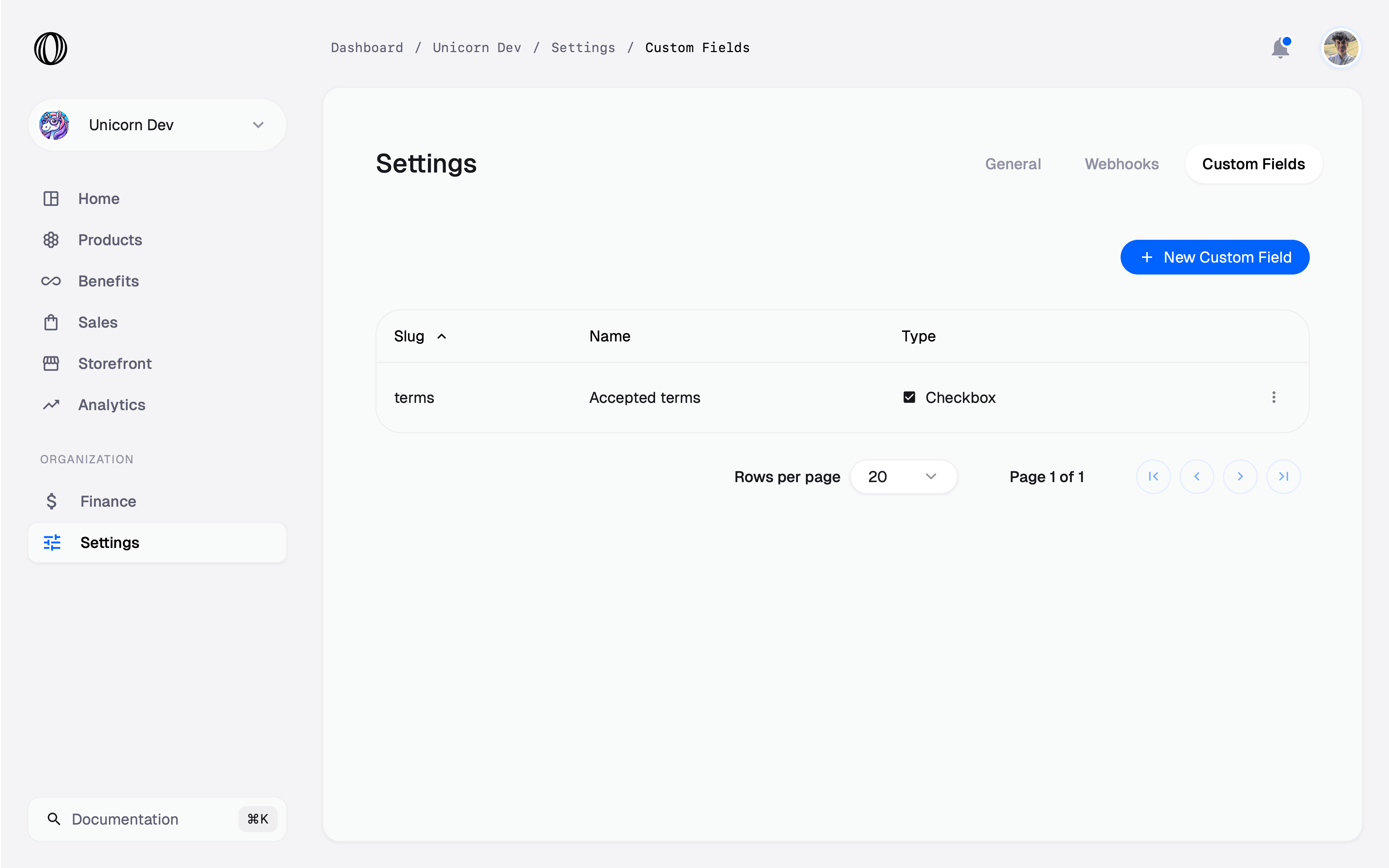
 Click on **New Custom Field** to create a new one.
### Type
The type of the field is the most important thing to select. It determines what type of input will be displayed to the customer during checkout.
The type can't be changed after the field is created.
We support five types of fields:
#### Text
This will display a simple text field to input textual data. By default, it'll render a simple input field but you can render a **textarea** by toggling the option under `Form input options`.
Under `Validation constraints`, you can add minimum and maximum length validation.
Underneath, the data will be stored as a string.
#### Number
This will display a number input field. Under `Validation constraints`, you can add minimum and maximum validation.
Underneath, the data will be stored as a number.
#### Date
This will display a date input field. Under `Validation constraints`, you can add minimum and maximum validation.
Underneath, the data will be stored as a string using the ISO 8601 format.
#### Checkbox
This will display a checkbox field.
Underneath, the data will be stored as a boolean (`true` or `false`).
#### Select
This will display a select field with a predefined set of options. Each option is a pair of `Value` and `Label`, the first one being the value that'll be stored underneath and the latter the one that will be shown to the customer.
### Slug and name
The slug determines the key that'll be used to store the data inside objects related to the checkout, like Orders and Subscriptions. It must be unique across your organization. You can change it afterwards, we'll automatically update the data to reflect the new slug.
The name is what we'll be displayed to you to recognize the field across your dashboard. By default, it'll also be the label of the field displayed to the customer, unless you customize it under `Form input options`.
Click on **New Custom Field** to create a new one.
### Type
The type of the field is the most important thing to select. It determines what type of input will be displayed to the customer during checkout.
The type can't be changed after the field is created.
We support five types of fields:
#### Text
This will display a simple text field to input textual data. By default, it'll render a simple input field but you can render a **textarea** by toggling the option under `Form input options`.
Under `Validation constraints`, you can add minimum and maximum length validation.
Underneath, the data will be stored as a string.
#### Number
This will display a number input field. Under `Validation constraints`, you can add minimum and maximum validation.
Underneath, the data will be stored as a number.
#### Date
This will display a date input field. Under `Validation constraints`, you can add minimum and maximum validation.
Underneath, the data will be stored as a string using the ISO 8601 format.
#### Checkbox
This will display a checkbox field.
Underneath, the data will be stored as a boolean (`true` or `false`).
#### Select
This will display a select field with a predefined set of options. Each option is a pair of `Value` and `Label`, the first one being the value that'll be stored underneath and the latter the one that will be shown to the customer.
### Slug and name
The slug determines the key that'll be used to store the data inside objects related to the checkout, like Orders and Subscriptions. It must be unique across your organization. You can change it afterwards, we'll automatically update the data to reflect the new slug.
The name is what we'll be displayed to you to recognize the field across your dashboard. By default, it'll also be the label of the field displayed to the customer, unless you customize it under `Form input options`.
 ### Form input options
Those options allow you to customize how the field is displayed to the customer. You can set:
* The label, displayed above the field
* The help text, displayed below the field
* The placeholder, displayed inside the field when there is no value
The label and help text supports basic Markdown syntax, so you can add bold, italic or even links.
### Form input options
Those options allow you to customize how the field is displayed to the customer. You can set:
* The label, displayed above the field
* The help text, displayed below the field
* The placeholder, displayed inside the field when there is no value
The label and help text supports basic Markdown syntax, so you can add bold, italic or even links.

 ## Add Custom Field to Checkout
Custom Fields are enabled on Checkout specifically on each **product**. While [creating or updating](/features/products) a product, you can select the custom fields you want to include in the checkout for this product.
## Add Custom Field to Checkout
Custom Fields are enabled on Checkout specifically on each **product**. While [creating or updating](/features/products) a product, you can select the custom fields you want to include in the checkout for this product.
 Note that you can make the field `Required`.
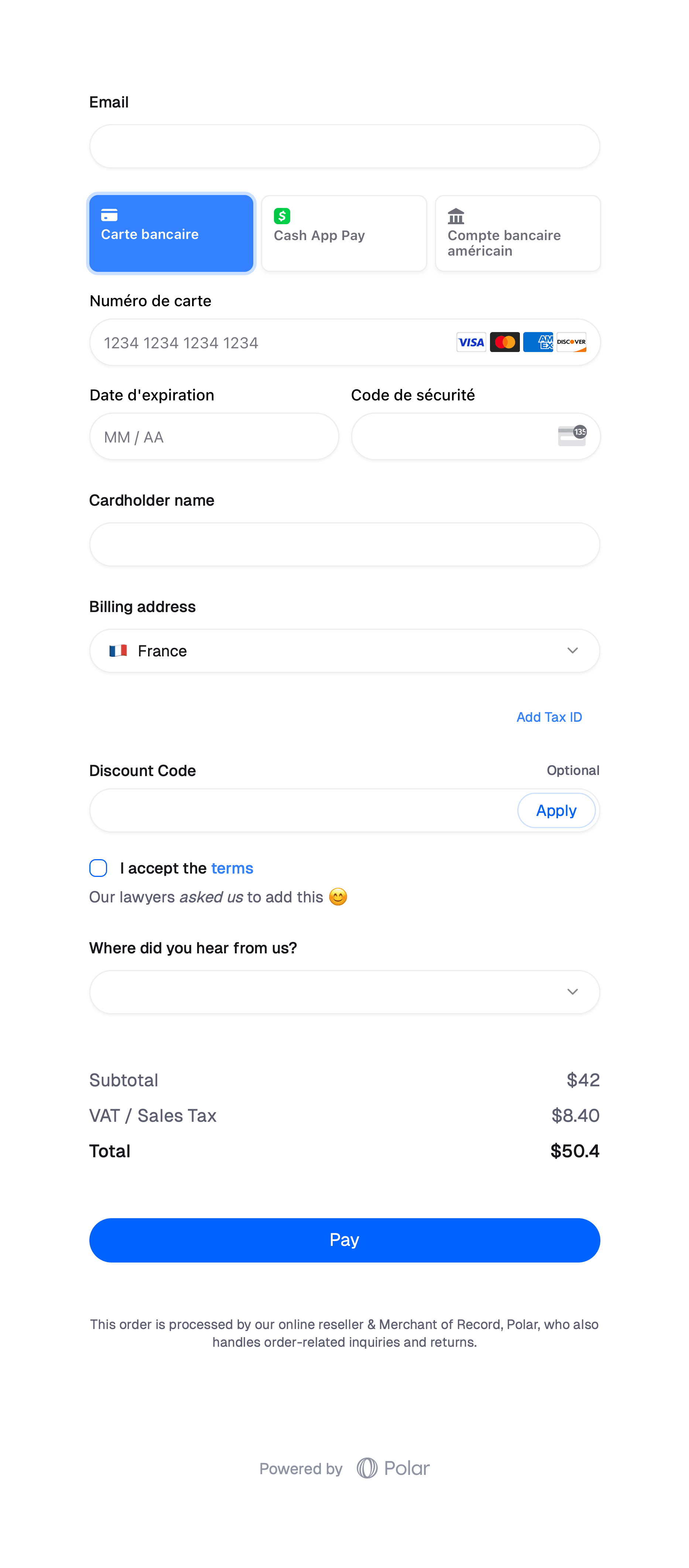
 ## Read data
Once you have added Custom Fields to your organization, they'll be automatically displayed as a column in your `Sales` page, both on Orders and Subscriptions. From there, you'll be able to see the data input by the customer.
## Read data
Once you have added Custom Fields to your organization, they'll be automatically displayed as a column in your `Sales` page, both on Orders and Subscriptions. From there, you'll be able to see the data input by the customer.
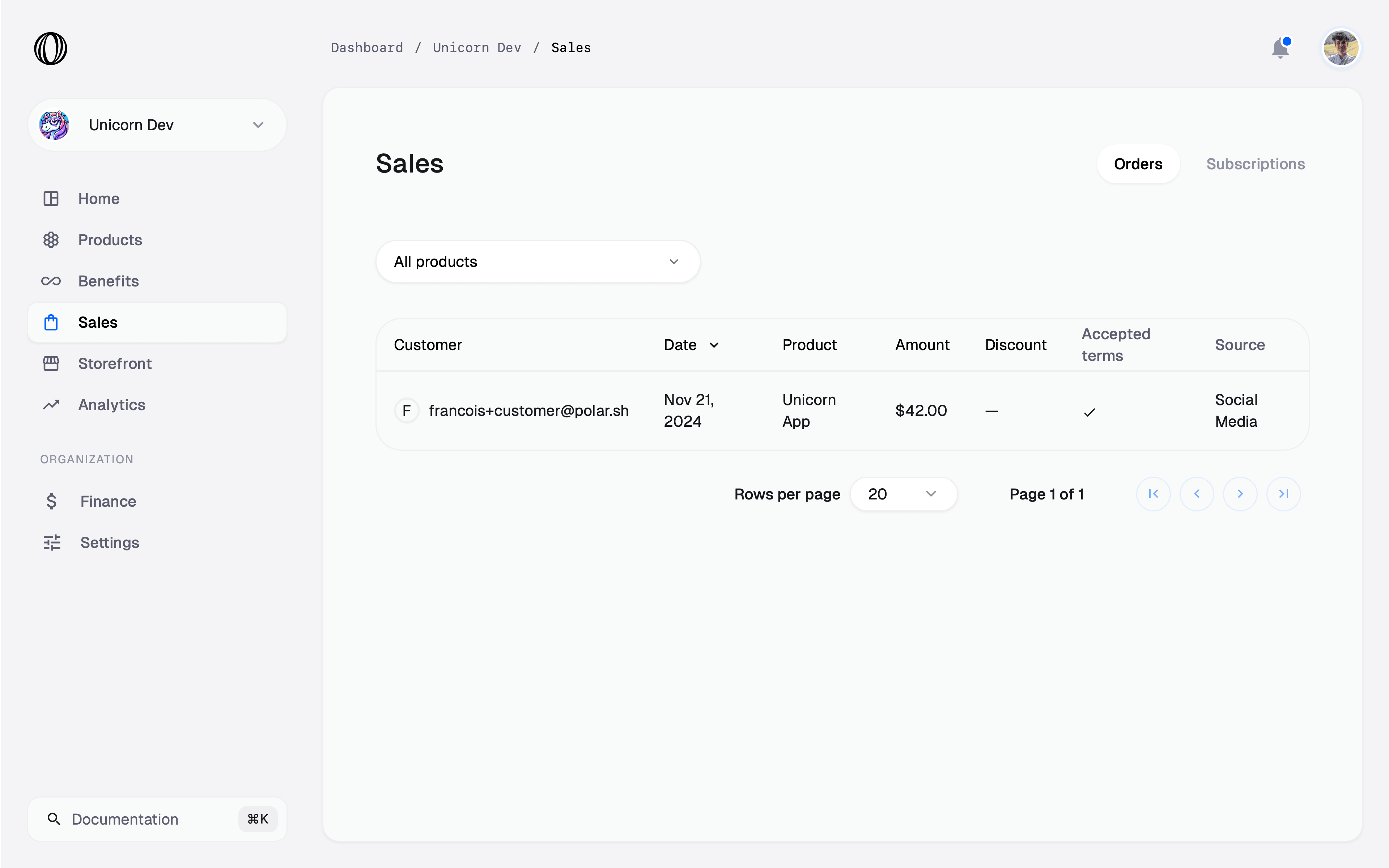
 This data is also available from the [Orders](/api-reference/orders/get) and [Subscriptions](/api-reference/subscriptions/get) API, under the `custom_field_data` property. Each value is referenced by the **slug** of the field.
```json theme={null}
{
// ...
"custom_field_value": {
"terms": true,
"source": "social_media"
}
}
```
---
# Source: https://polar.sh/docs/features/benefits/custom.md
> ## Documentation Index
> Fetch the complete documentation index at: https://polar.sh/docs/llms.txt
> Use this file to discover all available pages before exploring further.
# Custom Benefit
> Create your own Custom benefit
You can add a simple, custom benefit, which allows you to attach a note to paying customers.
## **Custom Notes**
Secret message only customers can see, e.g [Cal.com](http://Cal.com) link, private email for support etc.
For custom integrations you can also distinguish benefits granted to customers to offer even more bespoke user benefits.
---
# Source: https://polar.sh/docs/features/customer-management.md
> ## Documentation Index
> Fetch the complete documentation index at: https://polar.sh/docs/llms.txt
> Use this file to discover all available pages before exploring further.
# Customer Management
> Get insights on your customers and sales
This data is also available from the [Orders](/api-reference/orders/get) and [Subscriptions](/api-reference/subscriptions/get) API, under the `custom_field_data` property. Each value is referenced by the **slug** of the field.
```json theme={null}
{
// ...
"custom_field_value": {
"terms": true,
"source": "social_media"
}
}
```
---
# Source: https://polar.sh/docs/features/benefits/custom.md
> ## Documentation Index
> Fetch the complete documentation index at: https://polar.sh/docs/llms.txt
> Use this file to discover all available pages before exploring further.
# Custom Benefit
> Create your own Custom benefit
You can add a simple, custom benefit, which allows you to attach a note to paying customers.
## **Custom Notes**
Secret message only customers can see, e.g [Cal.com](http://Cal.com) link, private email for support etc.
For custom integrations you can also distinguish benefits granted to customers to offer even more bespoke user benefits.
---
# Source: https://polar.sh/docs/features/customer-management.md
> ## Documentation Index
> Fetch the complete documentation index at: https://polar.sh/docs/llms.txt
> Use this file to discover all available pages before exploring further.
# Customer Management
> Get insights on your customers and sales
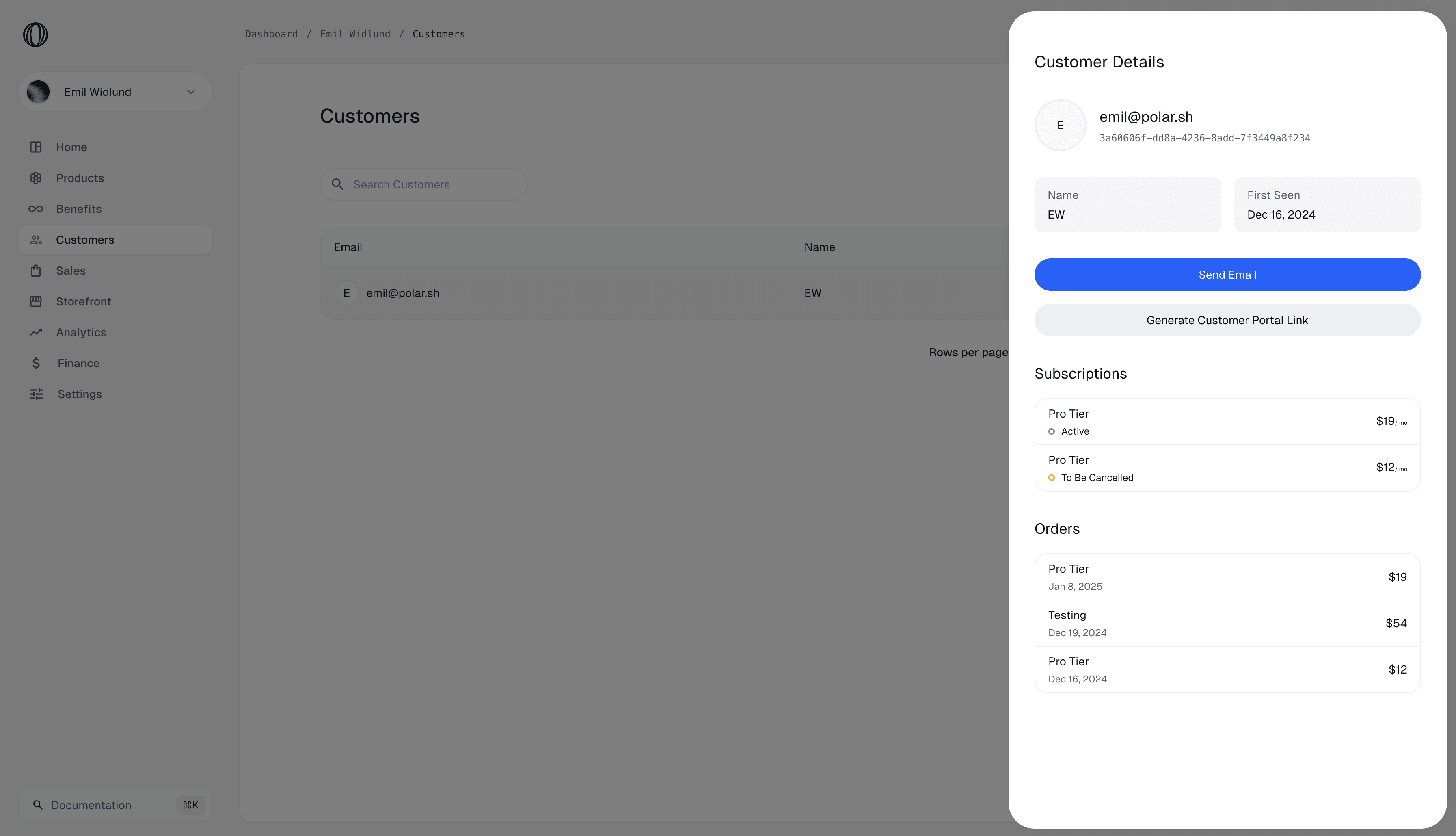
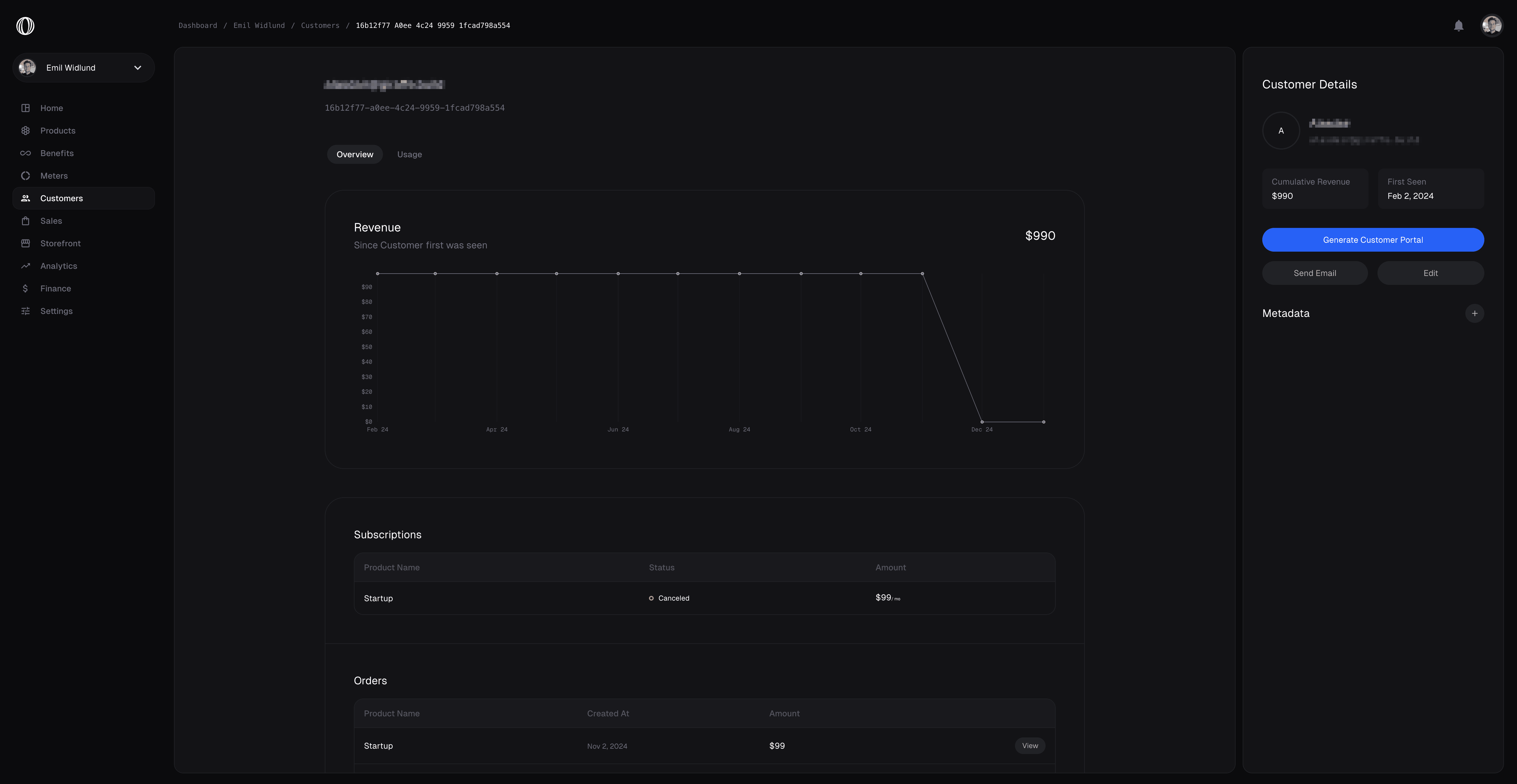 ## Managing Customers
Polar has a built in feature to view and manage your Customers.
Everyone who has ever purchased something from you will be recorded as a Customer to your Organization. You’re able to see past orders and their ongoing subscriptions, as well as some additional metrics.
## External ID
Quite often, you'll have our own users management system in your application, where your customer already have an ID. To ease reconciliation between Polar and your system, we have a dedicated [`external_id`](/api-reference/customers/get-external#response-external-id) field on Customers. It's unique across your organization and can't be changed once set.
We have dedicated API endpoints that work with the `external_id` field, so you don't even have to store the internal Polar ID in your system.
## Managing Customers
Polar has a built in feature to view and manage your Customers.
Everyone who has ever purchased something from you will be recorded as a Customer to your Organization. You’re able to see past orders and their ongoing subscriptions, as well as some additional metrics.
## External ID
Quite often, you'll have our own users management system in your application, where your customer already have an ID. To ease reconciliation between Polar and your system, we have a dedicated [`external_id`](/api-reference/customers/get-external#response-external-id) field on Customers. It's unique across your organization and can't be changed once set.
We have dedicated API endpoints that work with the `external_id` field, so you don't even have to store the internal Polar ID in your system.
 It can be set through the dashboard or through the [API](/api-reference/customers/update#body-metadata). It can also be pre-set when creating a Checkout Session by using the [`customer_metadata`](/api-reference/checkouts/create-session#body-customer-metadata) field. This way, after a successful checkout, the metadata will automatically be set on the newly created Customer.
---
# Source: https://polar.sh/docs/features/customer-portal.md
> ## Documentation Index
> Fetch the complete documentation index at: https://polar.sh/docs/llms.txt
> Use this file to discover all available pages before exploring further.
# Customer Portal
> Enable customers to view & manage orders and subscriptions easily
The Customer Portal is a destination where your customers can see their orders and ongoing subscriptions. It’s also where they’re able to get hands on receipts, benefits, and more.
It can be set through the dashboard or through the [API](/api-reference/customers/update#body-metadata). It can also be pre-set when creating a Checkout Session by using the [`customer_metadata`](/api-reference/checkouts/create-session#body-customer-metadata) field. This way, after a successful checkout, the metadata will automatically be set on the newly created Customer.
---
# Source: https://polar.sh/docs/features/customer-portal.md
> ## Documentation Index
> Fetch the complete documentation index at: https://polar.sh/docs/llms.txt
> Use this file to discover all available pages before exploring further.
# Customer Portal
> Enable customers to view & manage orders and subscriptions easily
The Customer Portal is a destination where your customers can see their orders and ongoing subscriptions. It’s also where they’re able to get hands on receipts, benefits, and more.
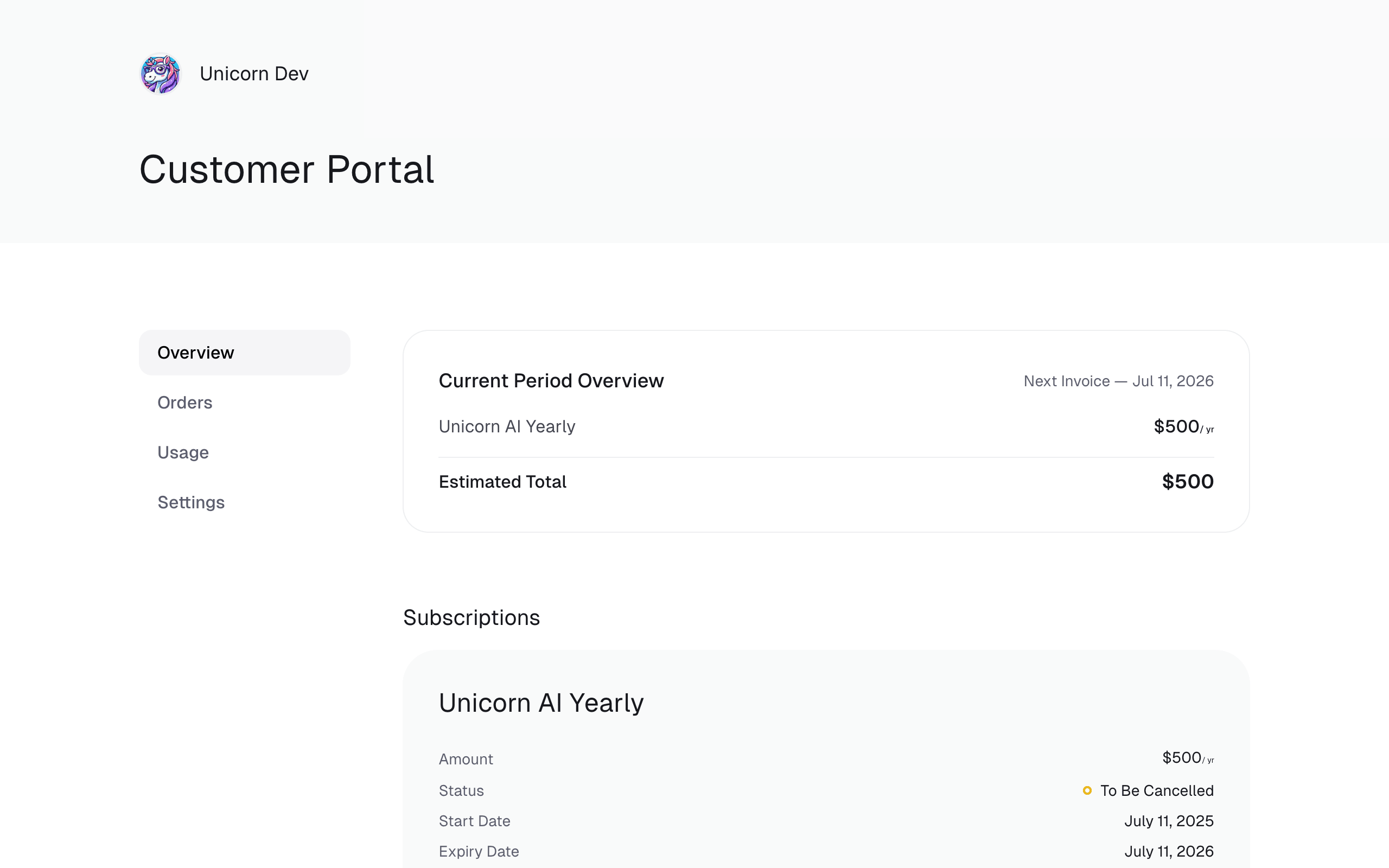
 ## Redirect to your Customer Portal
The customer portal is directly available from the URL `https://polar.sh/your-org-slug/portal`. Your customers will be able to authenticate there by entering the email they used to purchase or subscribe to your products.
## Redirect to your Customer Portal
The customer portal is directly available from the URL `https://polar.sh/your-org-slug/portal`. Your customers will be able to authenticate there by entering the email they used to purchase or subscribe to your products.
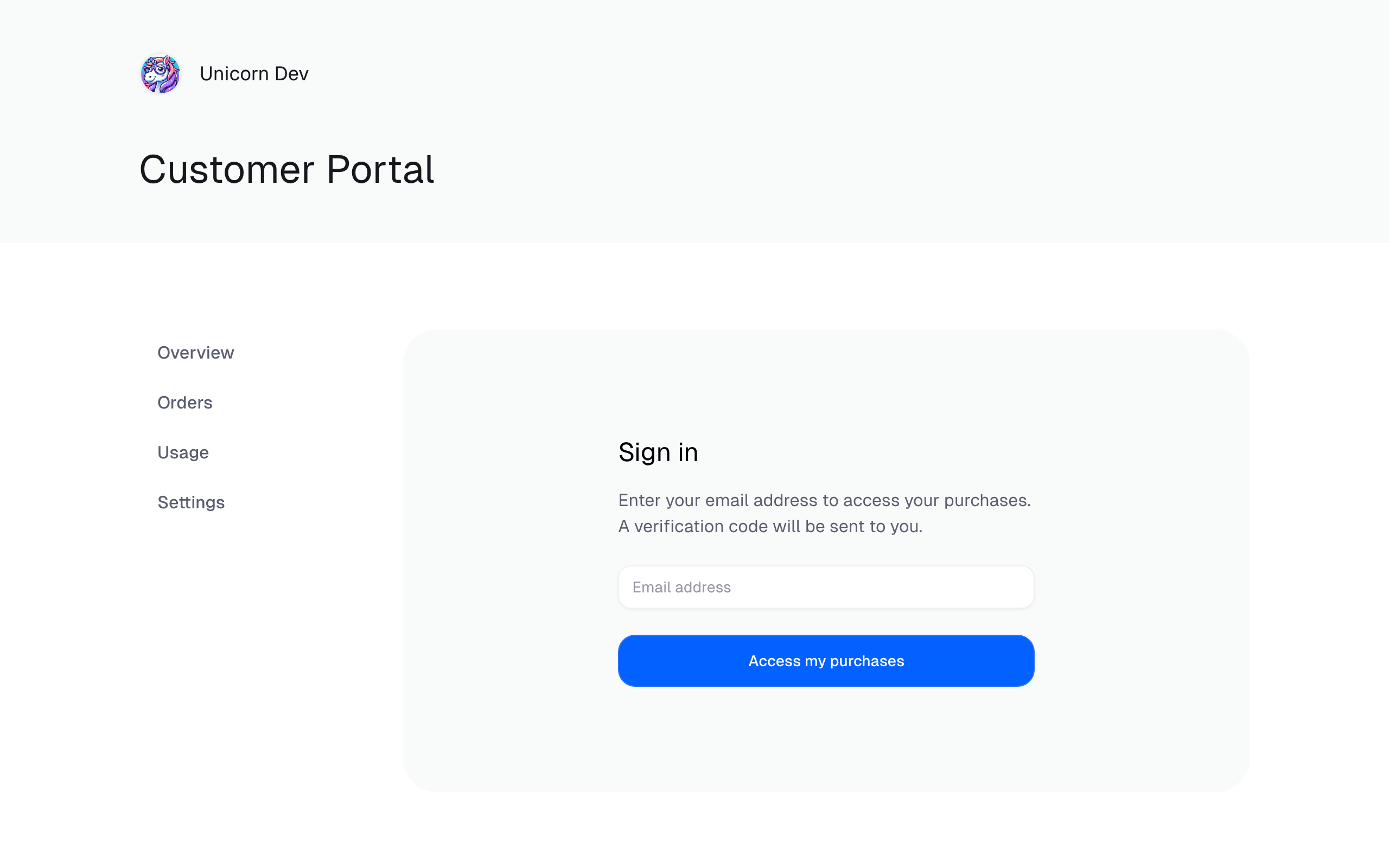
 Customer Portal Sign In
## Creating an authenticated Customer Portal Link
You can provide a pre-authenticated Customer Portal Link to your customers. This is handy if you want to redirect them directly from your application.
Using the Polar API, all you need is to call the `customerSessions` endpoint. Here’s an example using our TypeScript SDK.
```typescript theme={null}
import { Polar } from "@polar-sh/sdk";
const polar = new Polar({
accessToken: process.env["POLAR_ACCESS_TOKEN"] ?? "",
});
async function run() {
const result = await polar.customerSessions.create({
customerId: "
Customer Portal Sign In
## Creating an authenticated Customer Portal Link
You can provide a pre-authenticated Customer Portal Link to your customers. This is handy if you want to redirect them directly from your application.
Using the Polar API, all you need is to call the `customerSessions` endpoint. Here’s an example using our TypeScript SDK.
```typescript theme={null}
import { Polar } from "@polar-sh/sdk";
const polar = new Polar({
accessToken: process.env["POLAR_ACCESS_TOKEN"] ?? "",
});
async function run() {
const result = await polar.customerSessions.create({
customerId: "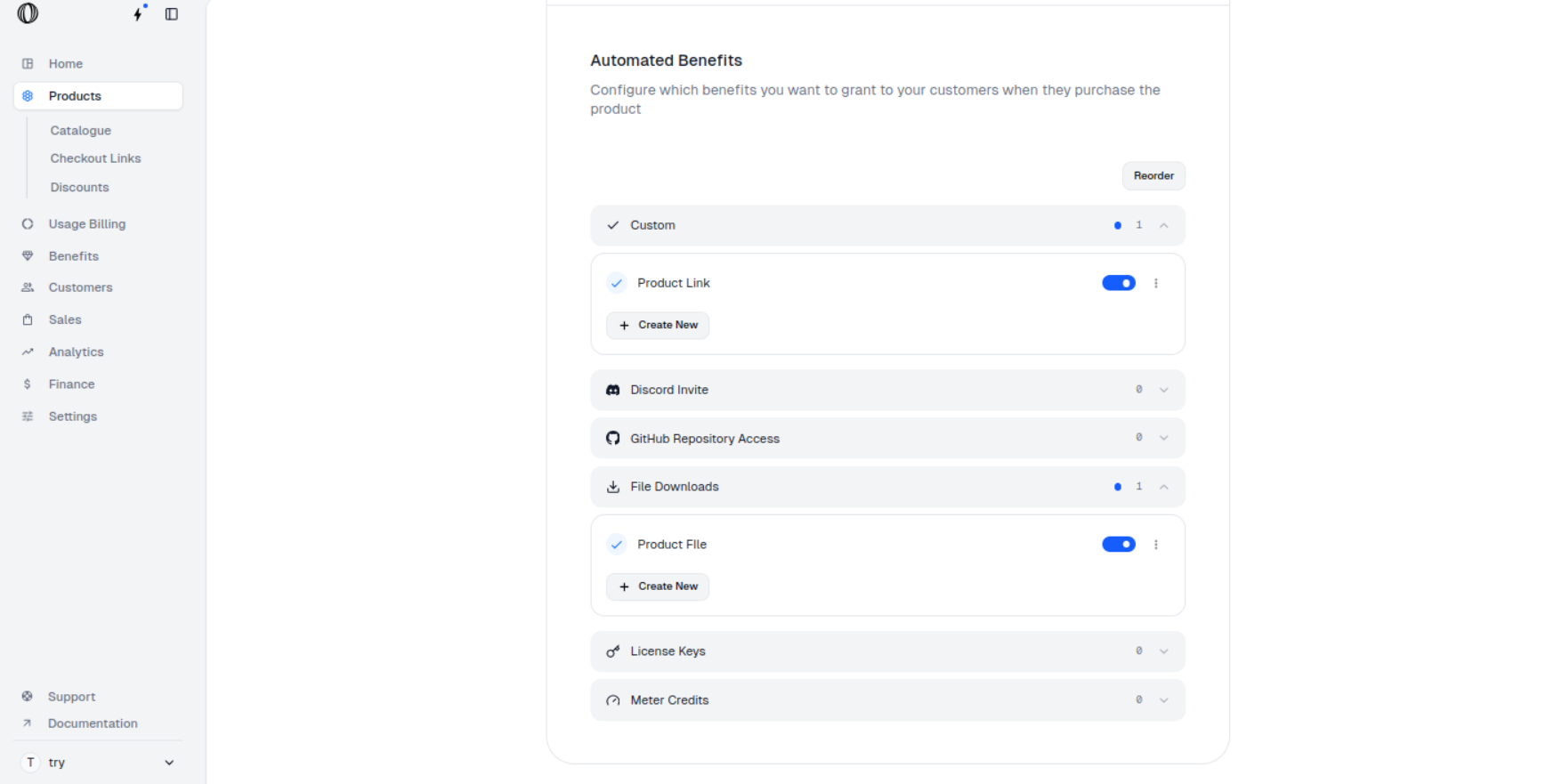
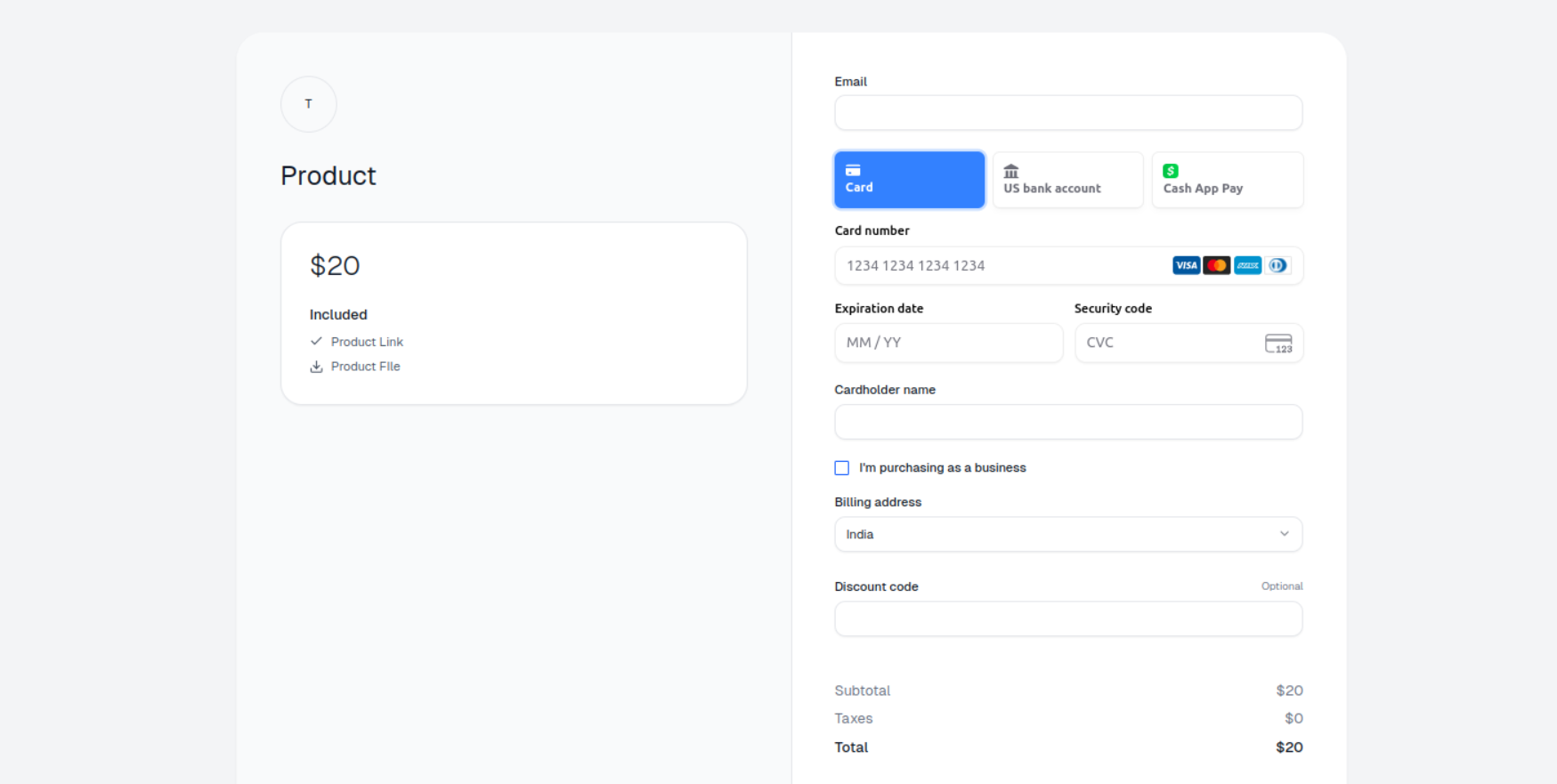
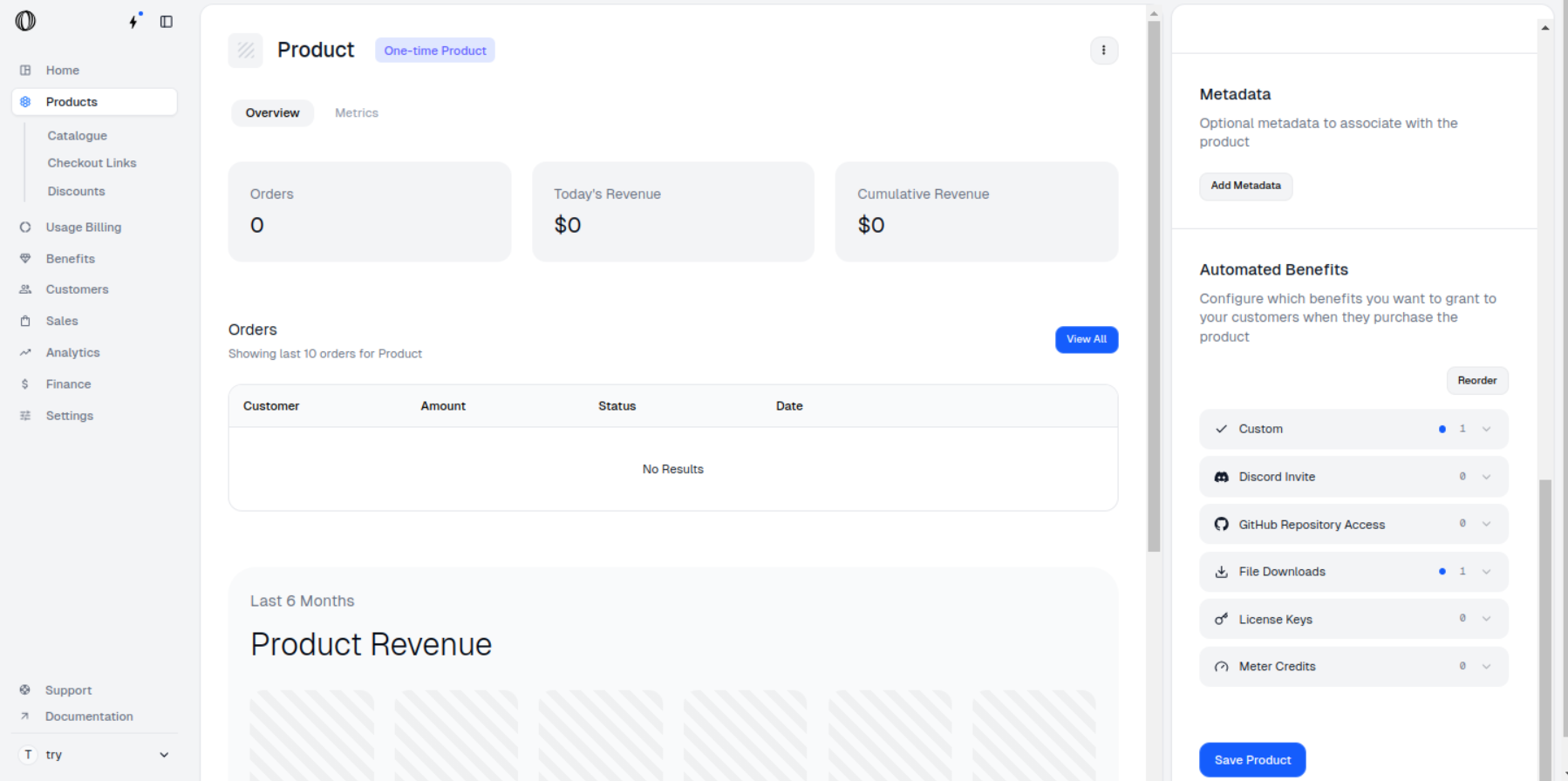
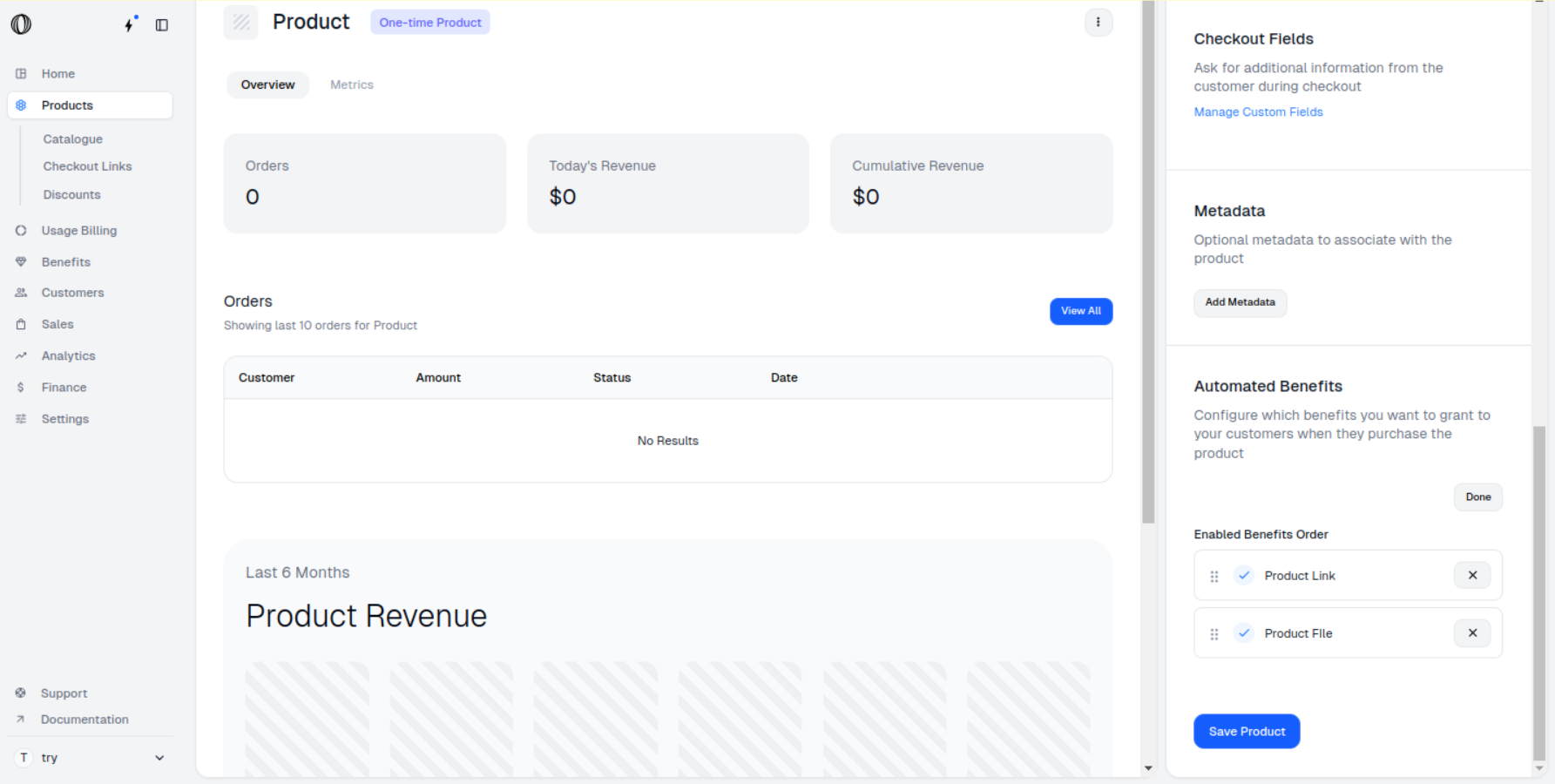
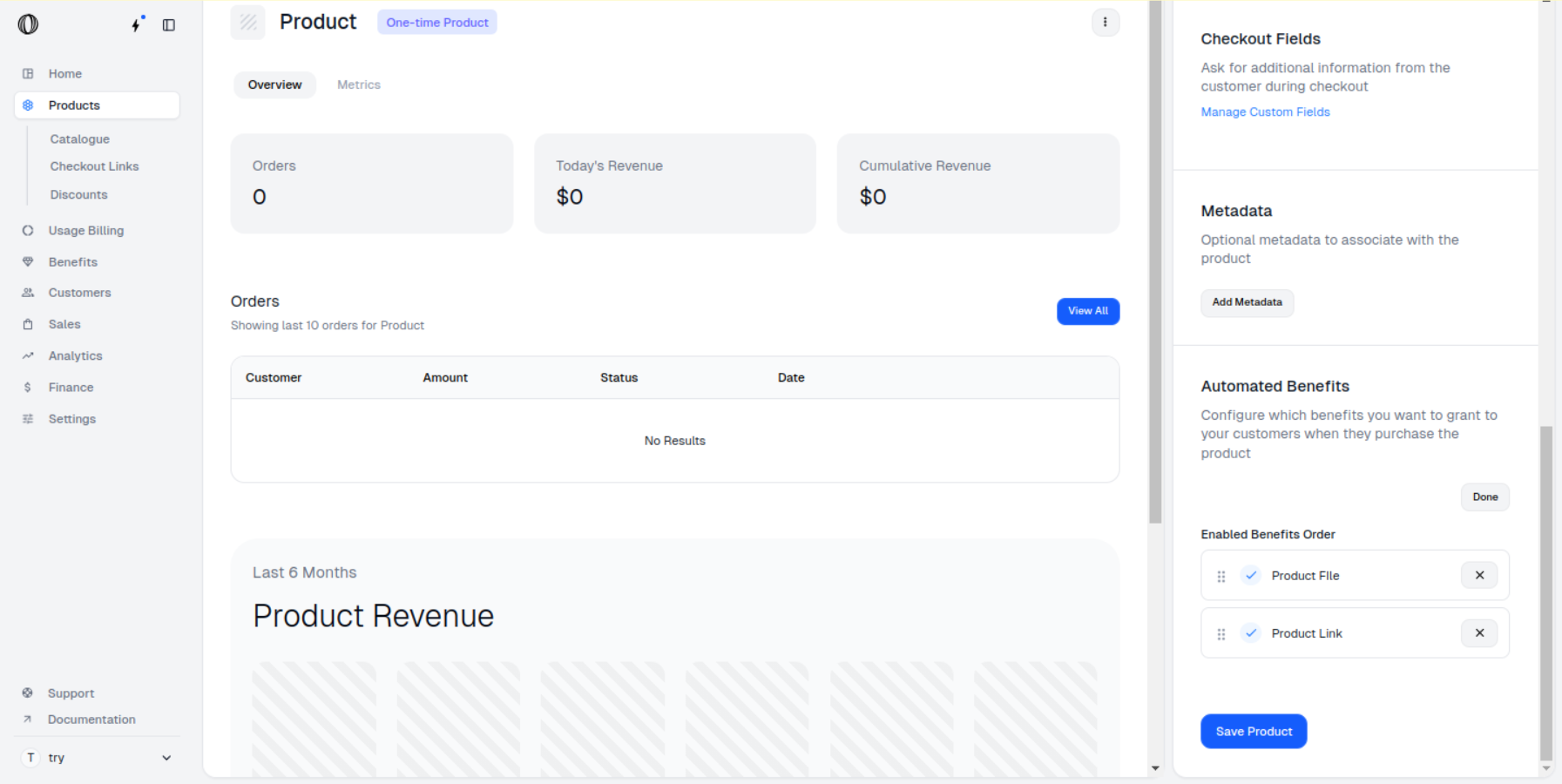
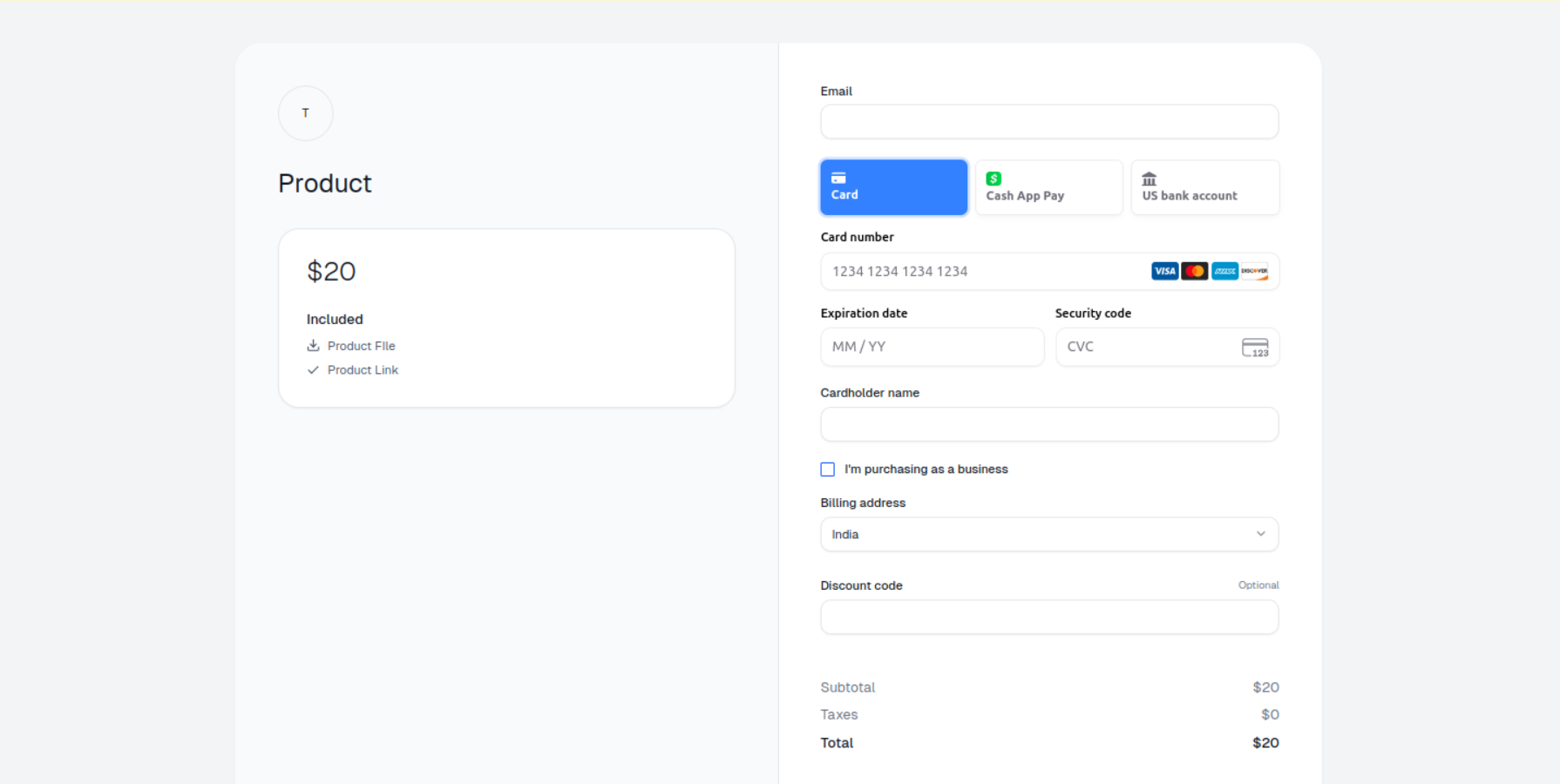
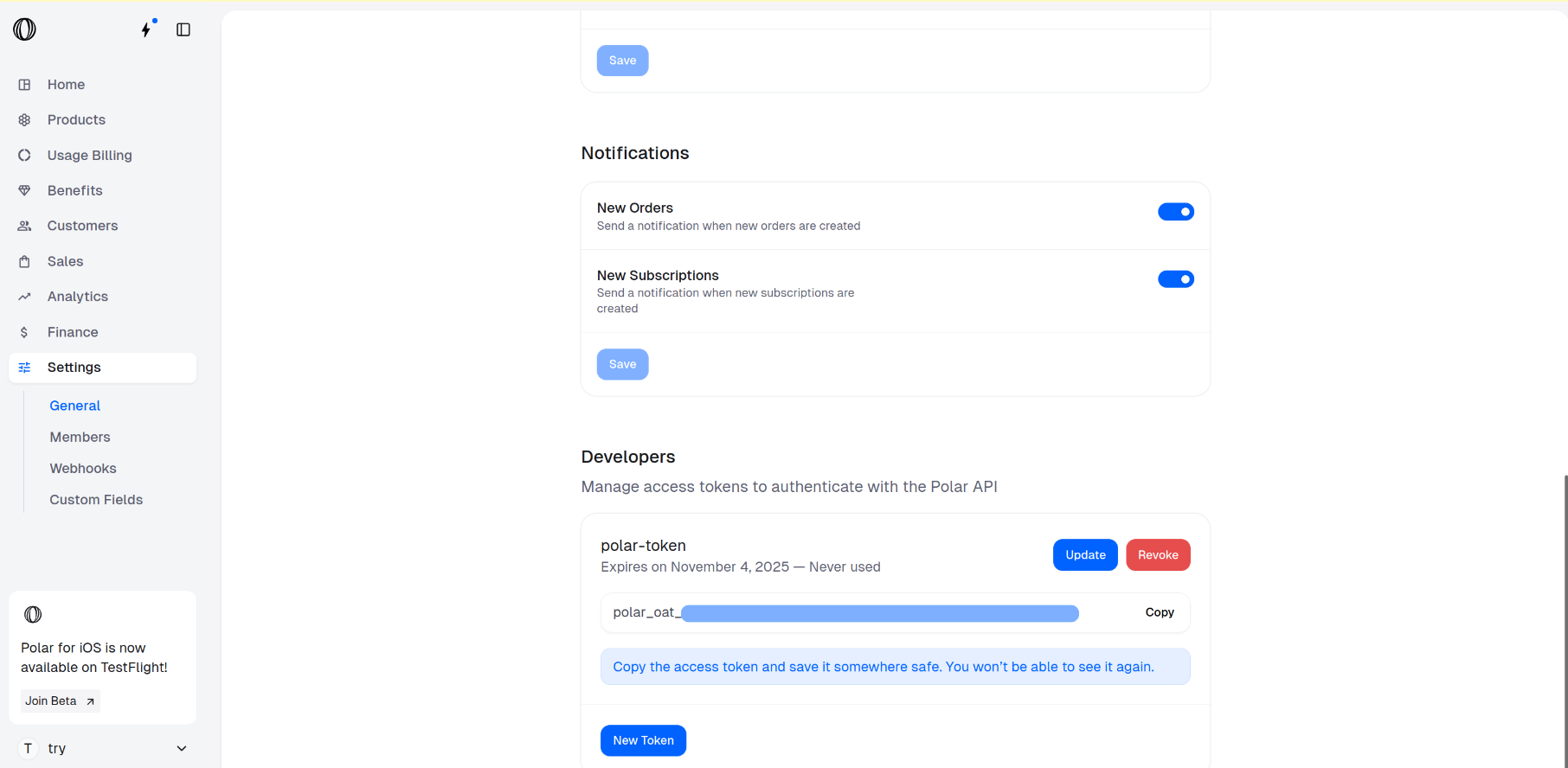
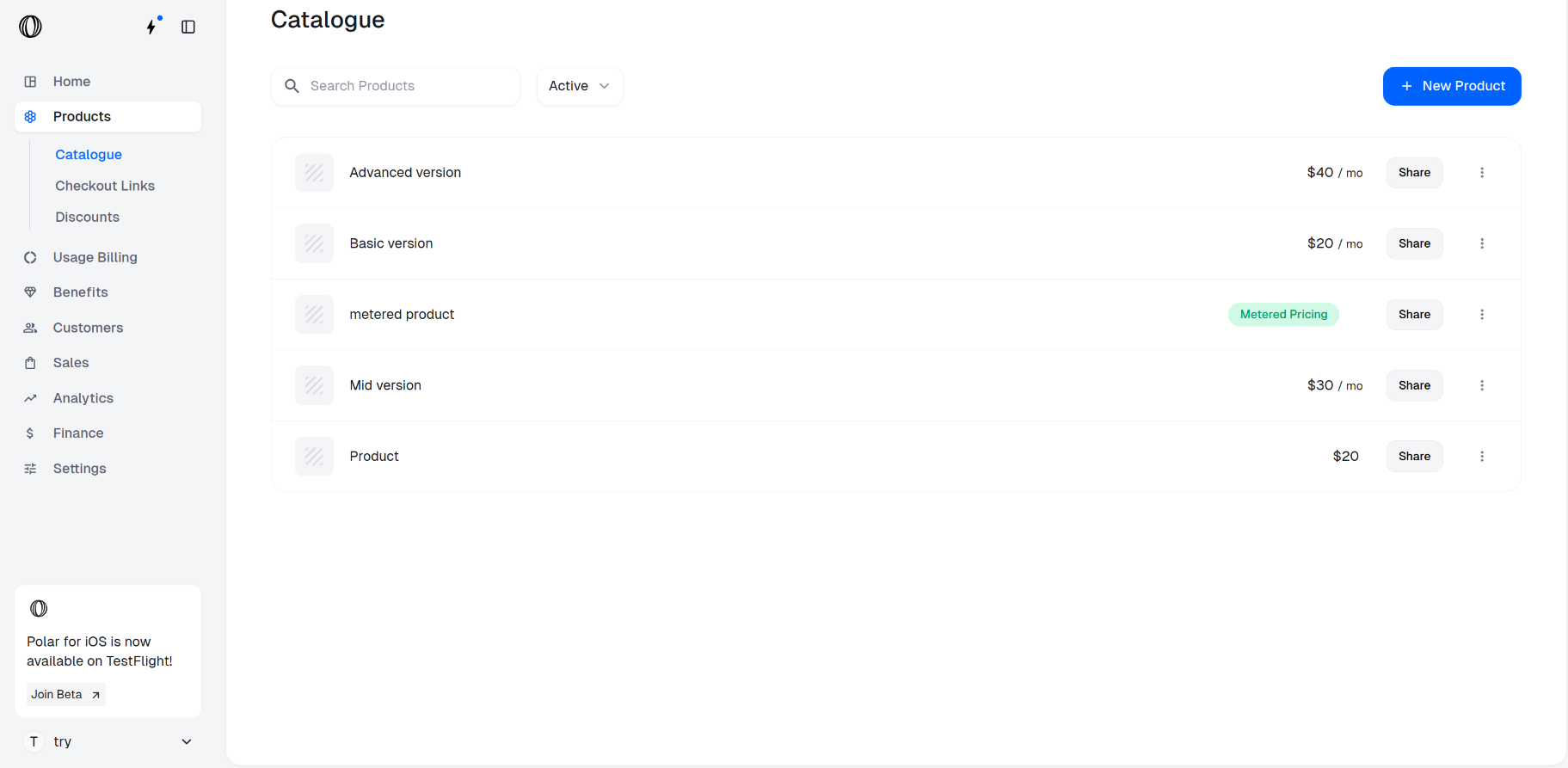
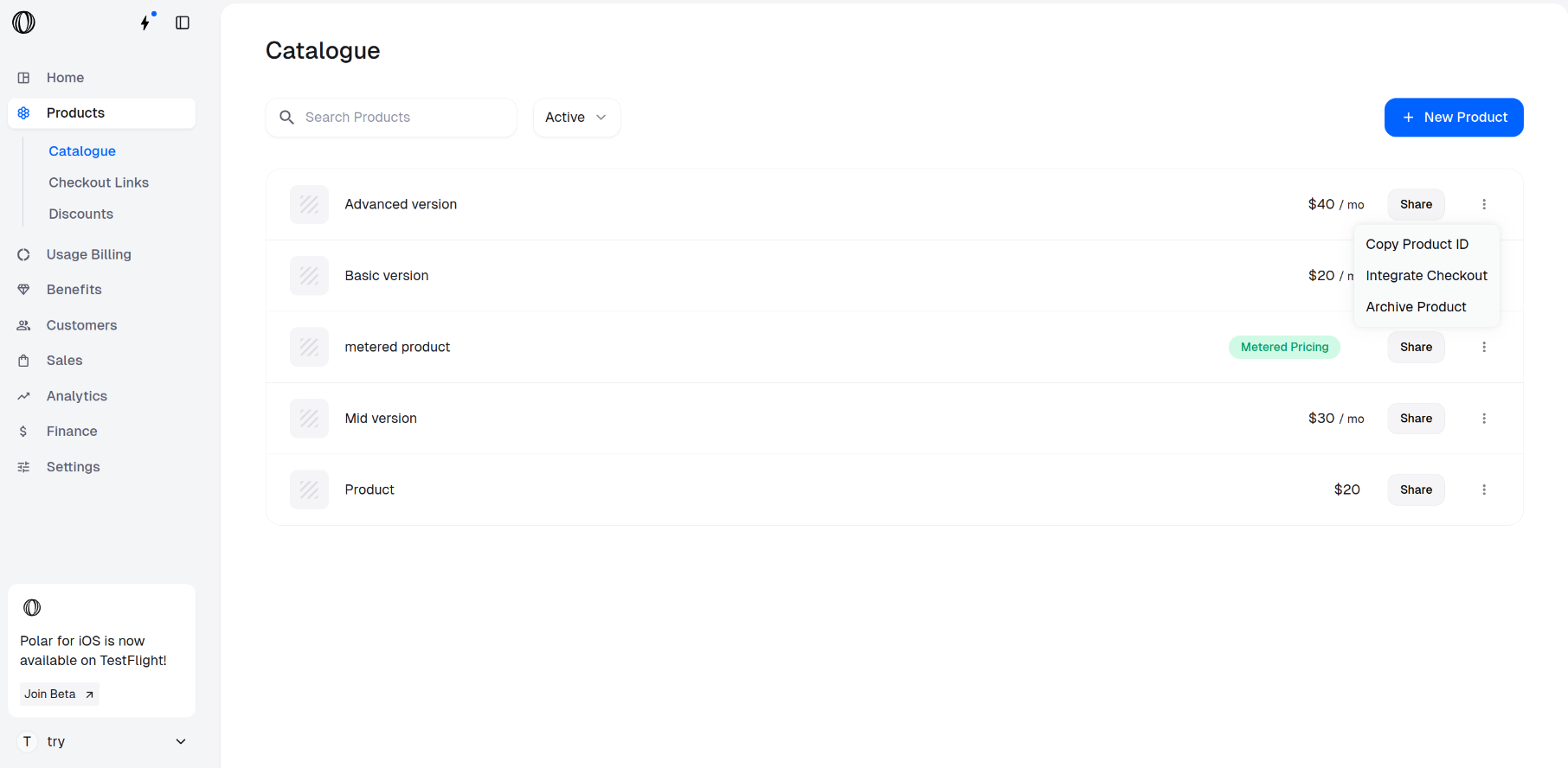
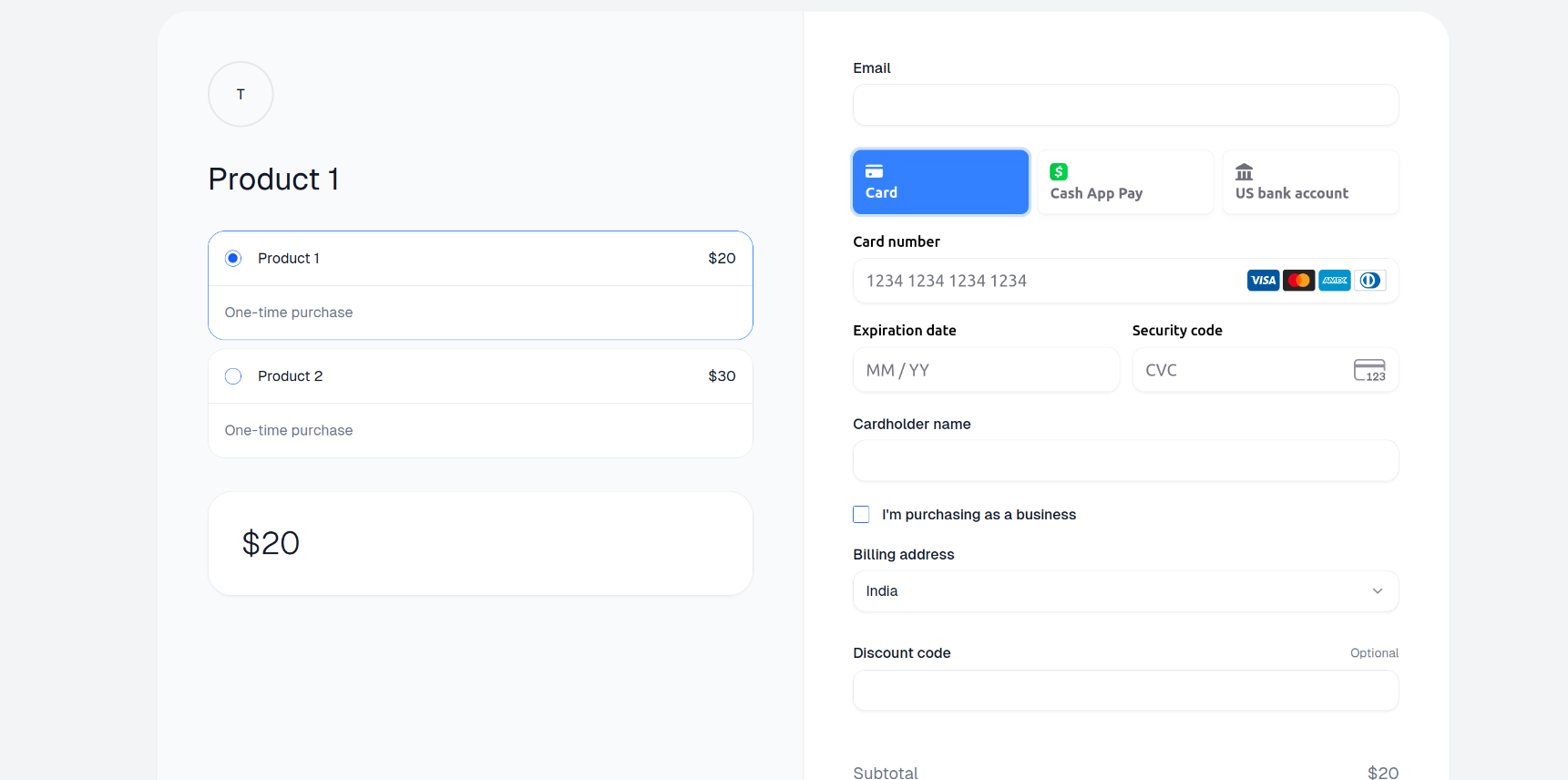
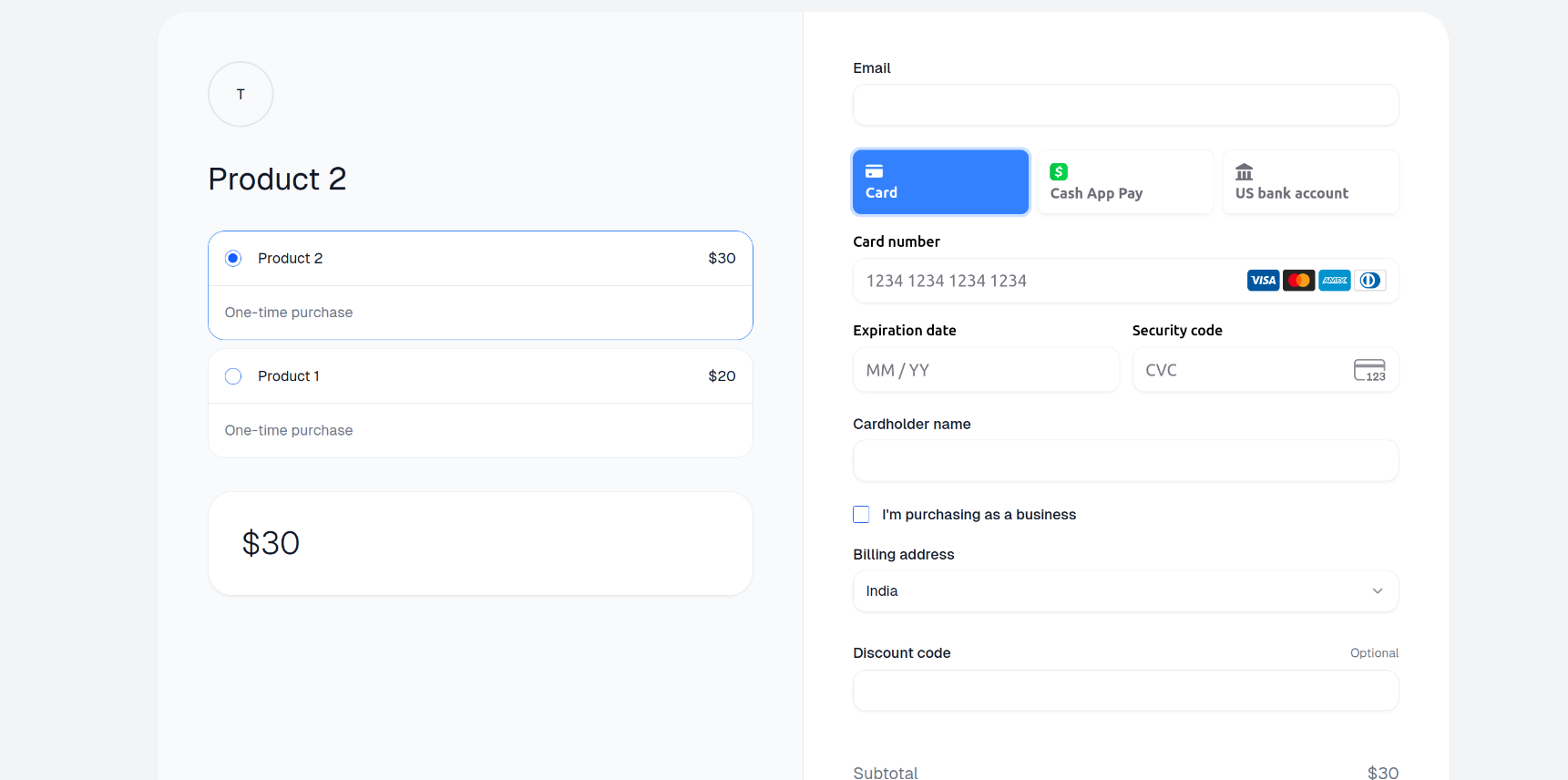
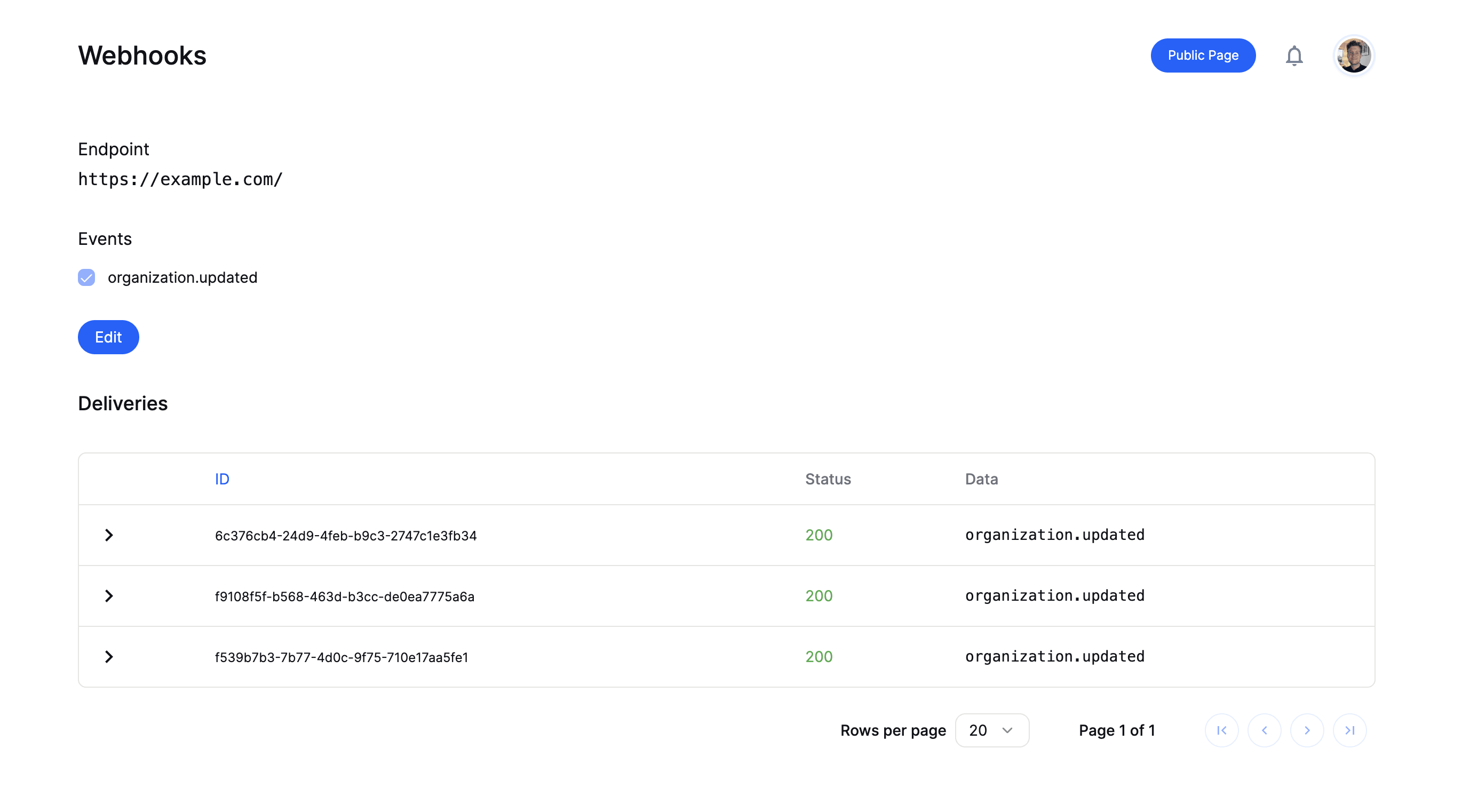
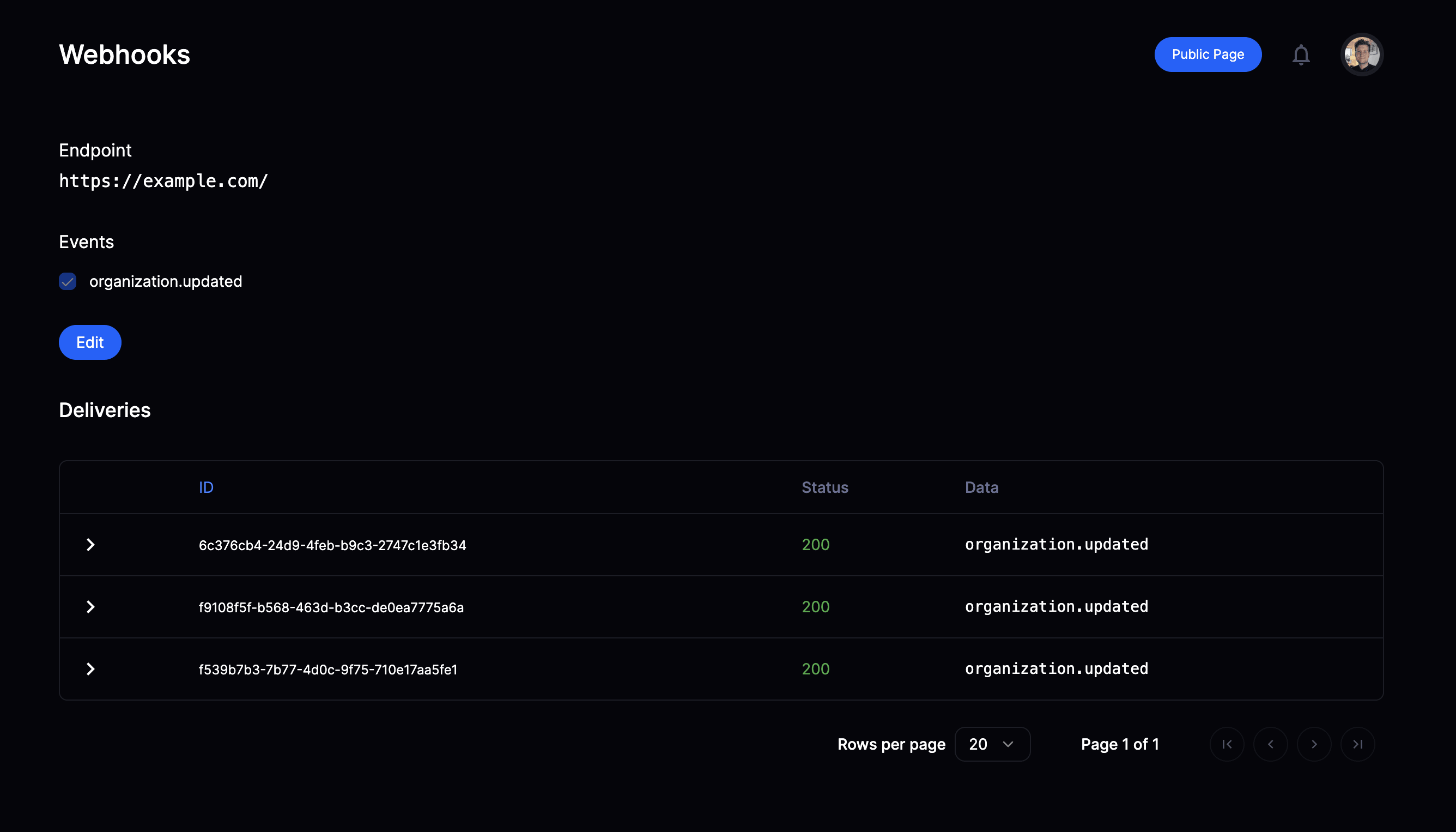 Once a webhook endpoint is setup you will have access to the delivery overview
page. Here you can:
* See historic deliveries
* Review payload sent
* Trigger redelivery in case of failure
Now, let's integrate our endpoint route to validate, parse & handle incoming webhooks.
## Validate & parse webhooks
You now need to setup a route handler for the endpoint registered on Polar to
receive, validate and parse webhooks before handling them according to your
needs.
### Using our SDKs
Our TypeScript & Python SDKs come with a built-in helper function to easily
validate and parse the webhook event - see full examples below.
Once a webhook endpoint is setup you will have access to the delivery overview
page. Here you can:
* See historic deliveries
* Review payload sent
* Trigger redelivery in case of failure
Now, let's integrate our endpoint route to validate, parse & handle incoming webhooks.
## Validate & parse webhooks
You now need to setup a route handler for the endpoint registered on Polar to
receive, validate and parse webhooks before handling them according to your
needs.
### Using our SDKs
Our TypeScript & Python SDKs come with a built-in helper function to easily
validate and parse the webhook event - see full examples below.
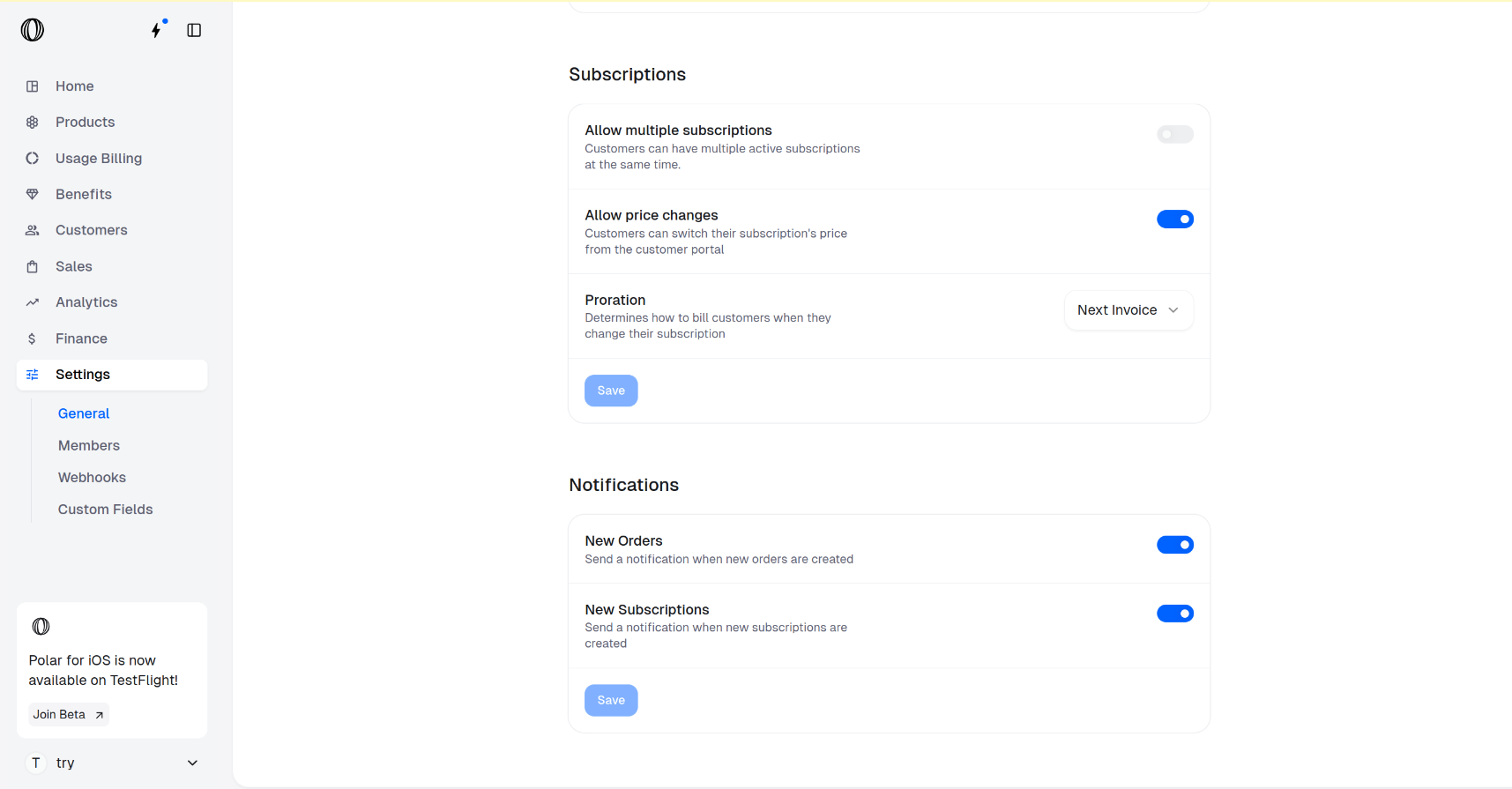
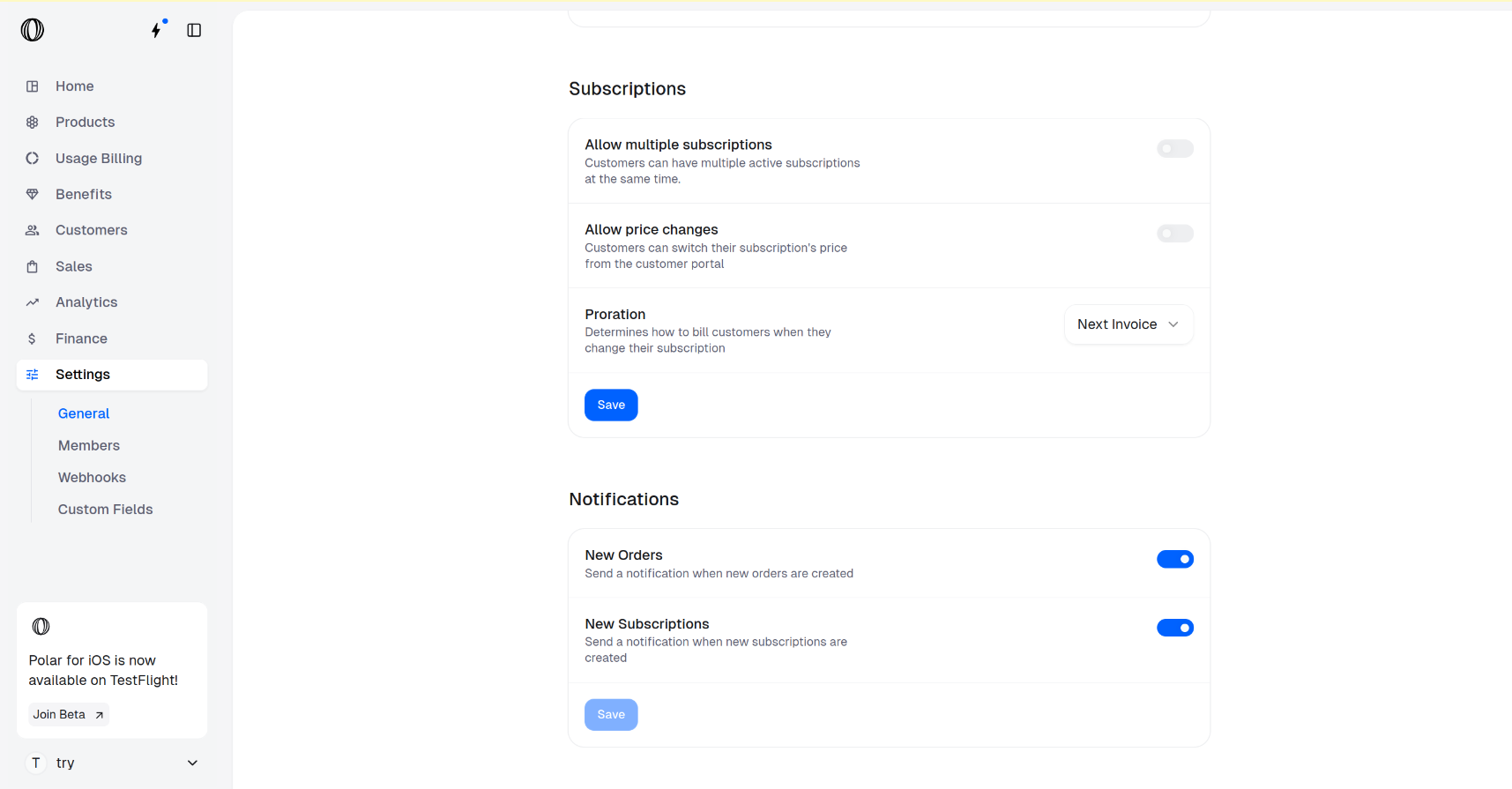
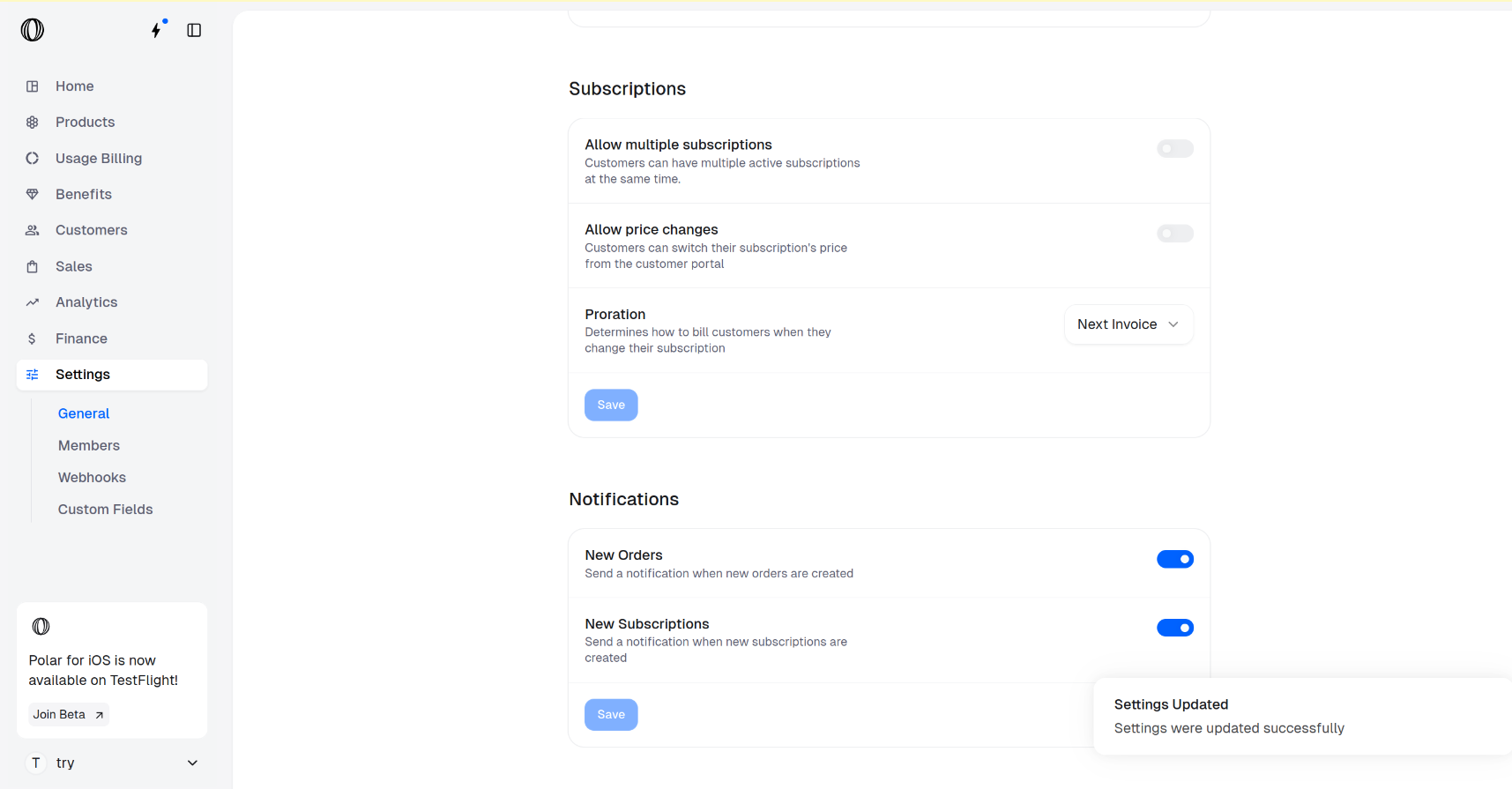
 Automating Discord server invites and roles for customers or subscribers is super easy and powerful with Polar.
* Fully automated Discord server invitations
* You can even setup multiple Discord servers, or...
* Offer different roles for different subscription tiers or products
## Create Discord Benefit
Automating Discord server invites and roles for customers or subscribers is super easy and powerful with Polar.
* Fully automated Discord server invitations
* You can even setup multiple Discord servers, or...
* Offer different roles for different subscription tiers or products
## Create Discord Benefit
 Click on `Connect your Discord server`. You'll be redirected to Discord where you can grant the Polar App for your desired server.
Next, you'll be prompted to approve the permissions our app requires to function. It needs all of them.
### **Manage Roles**
Access to your Discord roles. You'll be able to select which ones to grant to your customers later.
### **Kick Members**
Ability to kick members who have this benefit and connected Discord with Polar.
### **Create Invite**
Ability to invite members who purchase a product or subscribes to a tier with this benefit.
You're now redirected back to Polar and can finish setting up the Discord benefit on our end.
### **Connected Discord server**
The Discord server you connected cannot be changed. However, you can create multiple benefits and connect more Discord servers if you want.
### **Granted role**
Which Discord role do you want to grant as part of this benefit?
## Adding Benefit to Product
Head over to the product you want to associate this new Discord benefit with. You should be able to toggle the benefit in the bottom of the Edit Product form.
---
# Source: https://polar.sh/docs/features/discounts.md
> ## Documentation Index
> Fetch the complete documentation index at: https://polar.sh/docs/llms.txt
> Use this file to discover all available pages before exploring further.
# Discounts
> Create discounts on products and subscriptions
Discounts are a way to reduce the price of a product or subscription. They can be applied to one-time purchasable products or subscriptions.
Click on `Connect your Discord server`. You'll be redirected to Discord where you can grant the Polar App for your desired server.
Next, you'll be prompted to approve the permissions our app requires to function. It needs all of them.
### **Manage Roles**
Access to your Discord roles. You'll be able to select which ones to grant to your customers later.
### **Kick Members**
Ability to kick members who have this benefit and connected Discord with Polar.
### **Create Invite**
Ability to invite members who purchase a product or subscribes to a tier with this benefit.
You're now redirected back to Polar and can finish setting up the Discord benefit on our end.
### **Connected Discord server**
The Discord server you connected cannot be changed. However, you can create multiple benefits and connect more Discord servers if you want.
### **Granted role**
Which Discord role do you want to grant as part of this benefit?
## Adding Benefit to Product
Head over to the product you want to associate this new Discord benefit with. You should be able to toggle the benefit in the bottom of the Edit Product form.
---
# Source: https://polar.sh/docs/features/discounts.md
> ## Documentation Index
> Fetch the complete documentation index at: https://polar.sh/docs/llms.txt
> Use this file to discover all available pages before exploring further.
# Discounts
> Create discounts on products and subscriptions
Discounts are a way to reduce the price of a product or subscription. They can be applied to one-time purchasable products or subscriptions.
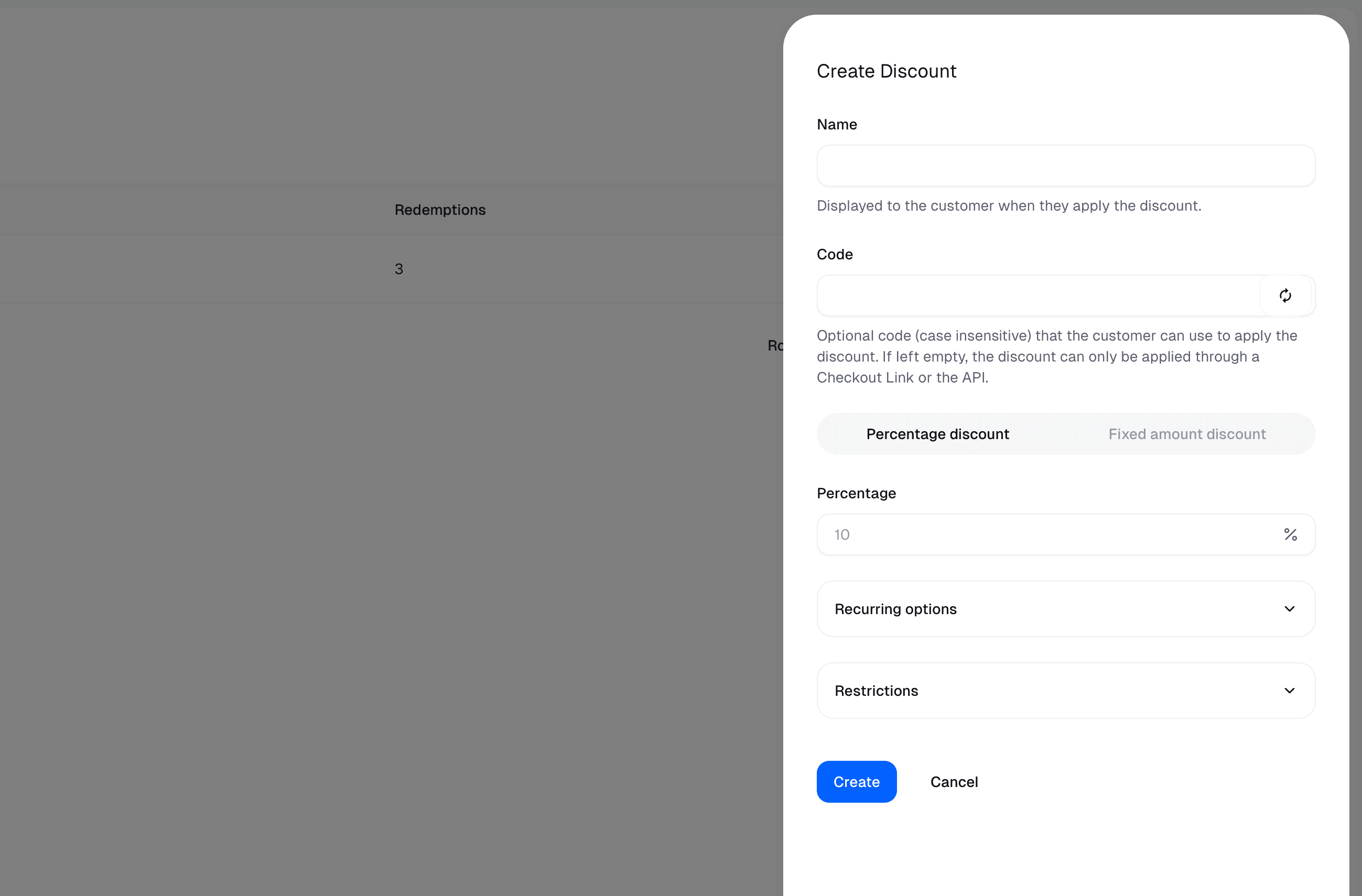
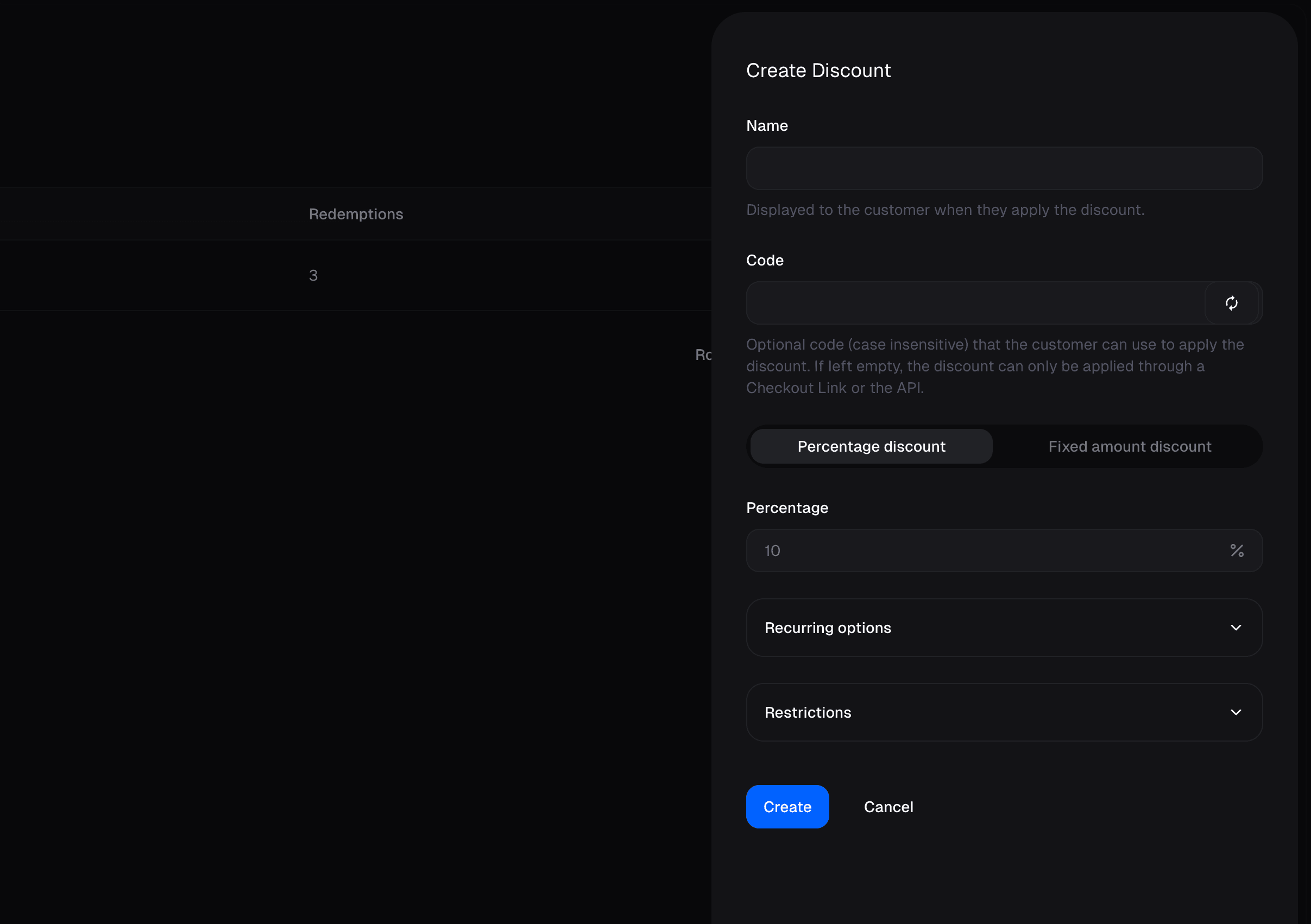 ## Create a discount
Go to the **Products** page and click on the **Discounts** tab.
#### Name
Displayed to the customer when they apply the discount.
#### Code
Optional code (case insensitive) that the customer can use to apply the discount. If left empty, the discount can only be applied through a Checkout Link or the API.
#### Percentage Discount
The percentage discount to apply to the product or subscription.
#### Fixed Amount Discount
The discount deducts a fixed amount from the price of the product or subscription.
#### Recurring Discount
The percentage discount to apply to the product or subscription.
* **Once** The discount is applied once.
* **Several Months** The discount is applied for a fixed number of months.
* **Forever** The discount is applied indefinitely.
#### Restrictions
* **Products** The discount can only be applied to specific products. By default the discount can be applied to all products, also ones created after the discount was created.
* **Starts at** The discount can only be applied after this date
* **Ends at** The discount can only be applied before this date
* **Maximum redemptions** The maximum number of times the discount can be applied.
## Apply a discount
Discounts can be applied to a Checkout Link or a Checkout Session.
---
# Source: https://polar.sh/docs/integrate/sdk/adapters/elysia.md
> ## Documentation Index
> Fetch the complete documentation index at: https://polar.sh/docs/llms.txt
> Use this file to discover all available pages before exploring further.
# Elysia
> Payments and Checkouts made dead simple with Elysia
## Examples
* [With Elysia](https://github.com/polarsource/examples/tree/main/with-elysia)
## Installation
Install the required Polar packages using the following command:
## Create a discount
Go to the **Products** page and click on the **Discounts** tab.
#### Name
Displayed to the customer when they apply the discount.
#### Code
Optional code (case insensitive) that the customer can use to apply the discount. If left empty, the discount can only be applied through a Checkout Link or the API.
#### Percentage Discount
The percentage discount to apply to the product or subscription.
#### Fixed Amount Discount
The discount deducts a fixed amount from the price of the product or subscription.
#### Recurring Discount
The percentage discount to apply to the product or subscription.
* **Once** The discount is applied once.
* **Several Months** The discount is applied for a fixed number of months.
* **Forever** The discount is applied indefinitely.
#### Restrictions
* **Products** The discount can only be applied to specific products. By default the discount can be applied to all products, also ones created after the discount was created.
* **Starts at** The discount can only be applied after this date
* **Ends at** The discount can only be applied before this date
* **Maximum redemptions** The maximum number of times the discount can be applied.
## Apply a discount
Discounts can be applied to a Checkout Link or a Checkout Session.
---
# Source: https://polar.sh/docs/integrate/sdk/adapters/elysia.md
> ## Documentation Index
> Fetch the complete documentation index at: https://polar.sh/docs/llms.txt
> Use this file to discover all available pages before exploring further.
# Elysia
> Payments and Checkouts made dead simple with Elysia
## Examples
* [With Elysia](https://github.com/polarsource/examples/tree/main/with-elysia)
## Installation
Install the required Polar packages using the following command:
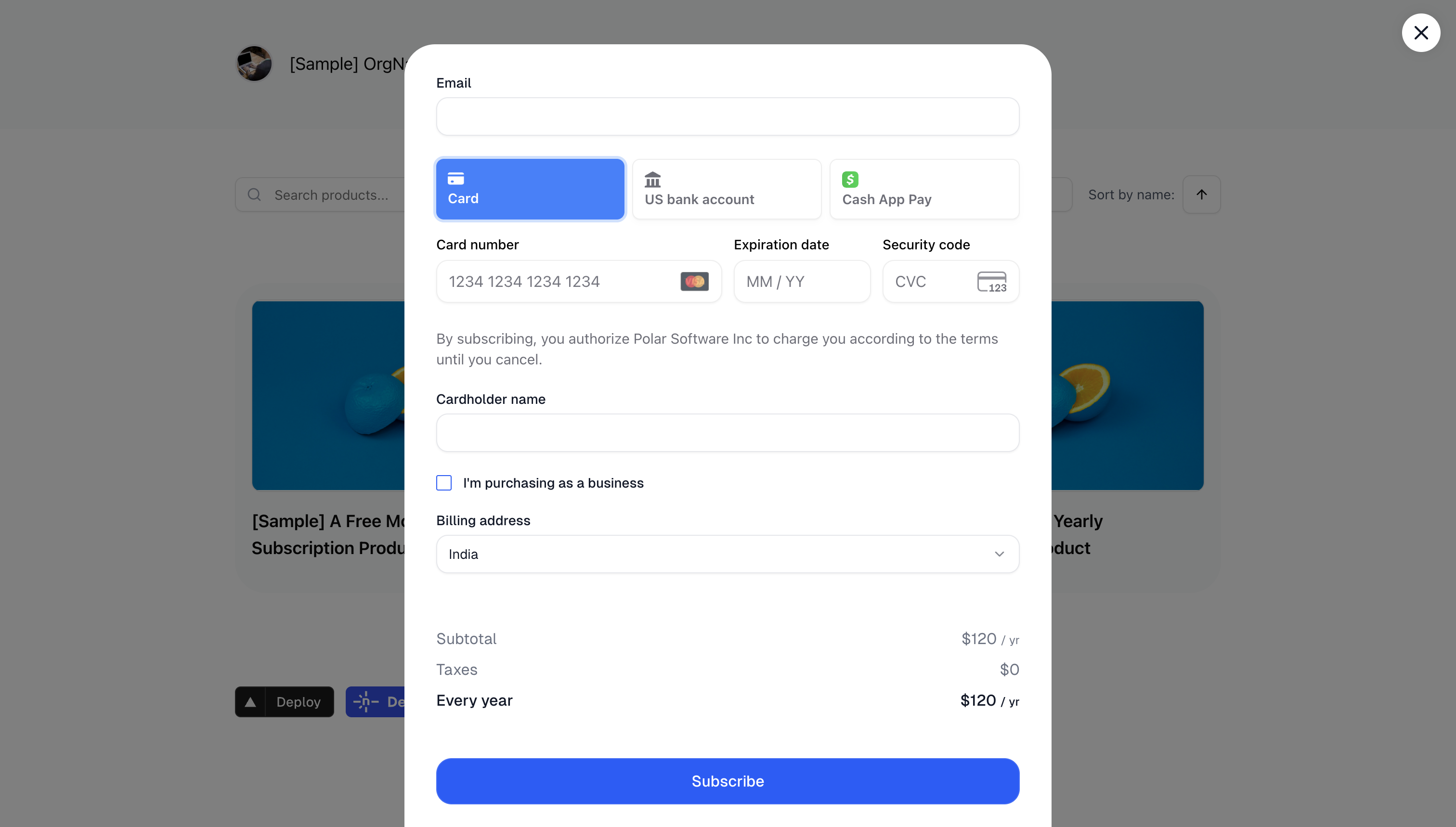 You can either copy and paste our code snippet to get up and running in a second or use our JavaScript library for more advanced integrations. Our embedded checkout allows you to provide a seamless purchasing experience without redirecting users away from your site.
## Code Snippet
The code snippet can be used on any website or CMS that allows you to insert HTML.
First, create a [Checkout Link](/features/checkout/links) as described in the previous section. The code snippet can directly be copied from there by clicking on `Copy Embed Code`.
The snippet looks like this:
```typescript theme={null}
Purchase
```
This will display a `Purchase` link which will open an inline checkout when clicked.
You can style the trigger element any way you want, as long as you keep the `data-polar-checkout` attribute.
## Import Library
If you have a more advanced project in JavaScript, like a React app, adding the `
You can either copy and paste our code snippet to get up and running in a second or use our JavaScript library for more advanced integrations. Our embedded checkout allows you to provide a seamless purchasing experience without redirecting users away from your site.
## Code Snippet
The code snippet can be used on any website or CMS that allows you to insert HTML.
First, create a [Checkout Link](/features/checkout/links) as described in the previous section. The code snippet can directly be copied from there by clicking on `Copy Embed Code`.
The snippet looks like this:
```typescript theme={null}
Purchase
```
This will display a `Purchase` link which will open an inline checkout when clicked.
You can style the trigger element any way you want, as long as you keep the `data-polar-checkout` attribute.
## Import Library
If you have a more advanced project in JavaScript, like a React app, adding the `