 ***
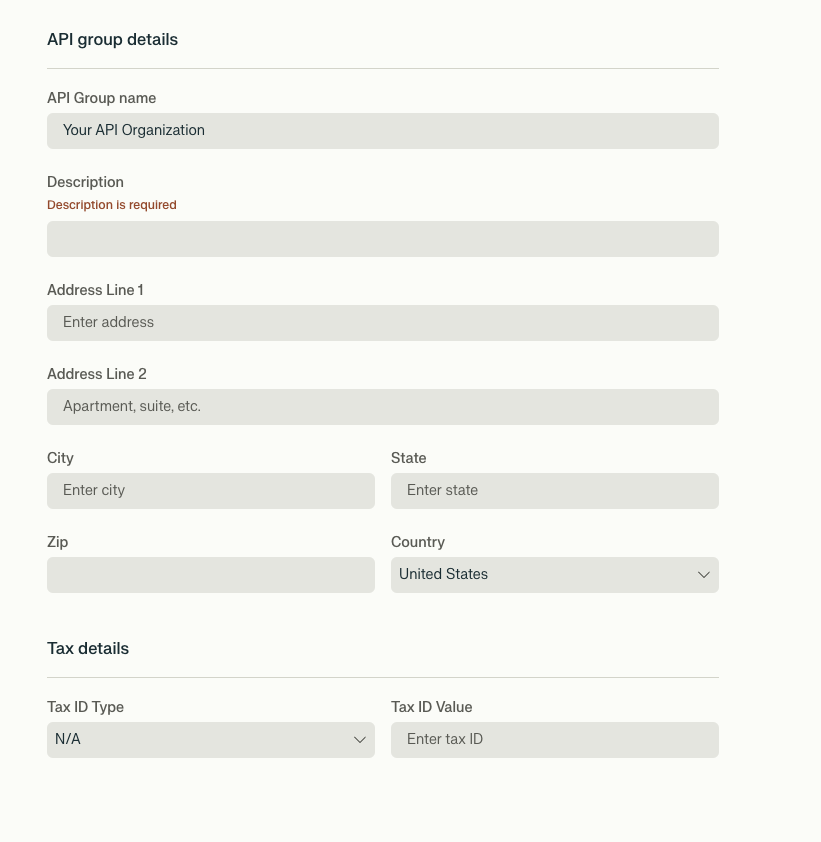
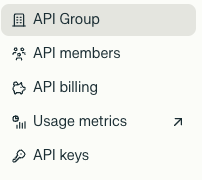
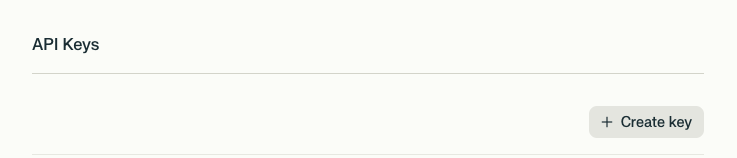
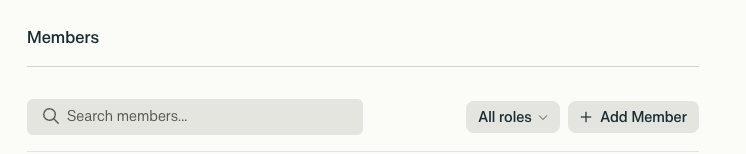
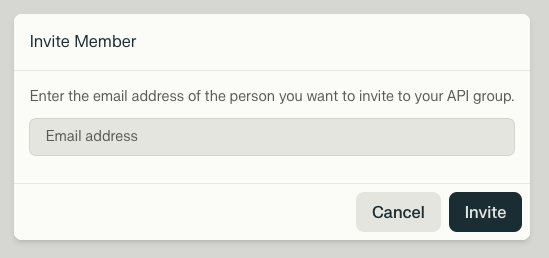
## Creating and Managing an API Group
To set up your organization:
***
## Creating and Managing an API Group
To set up your organization:
 ### Roles
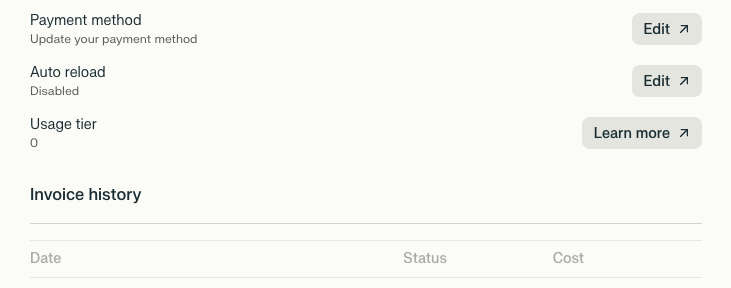
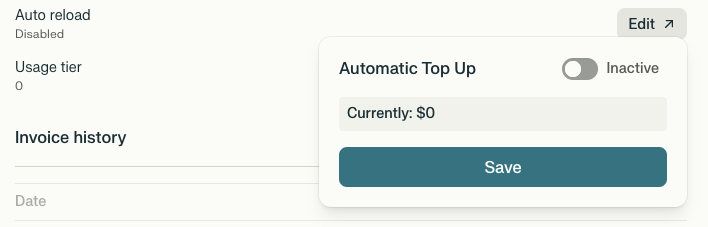
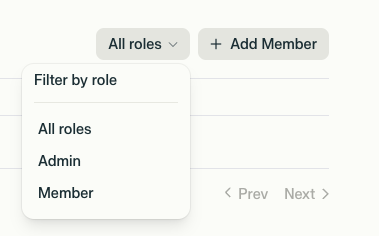
* **Admin**: Full access to invite/remove members, manage billing, and view usage data.
* **Member**: Can view usage and account limits but cannot modify settings.
### Roles
* **Admin**: Full access to invite/remove members, manage billing, and view usage data.
* **Member**: Can view usage and account limits but cannot modify settings.



|
.png)
|
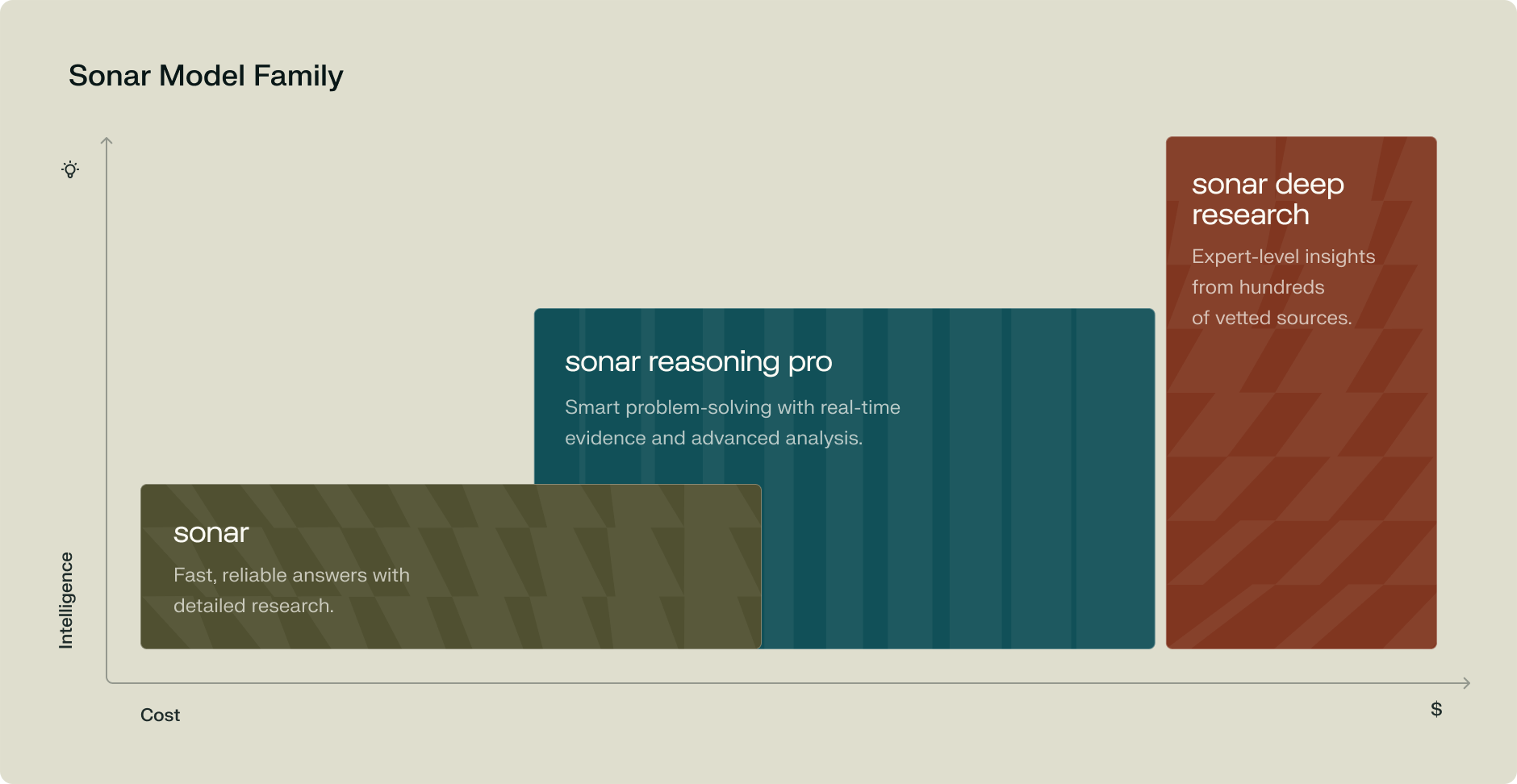
Models designed to retrieve and synthesize information efficiently.
Models that excel at complex, multi-step tasks.
Models that conduct in-depth analysis and generate detailed reports.


{selectedUseCase.codeExamples[1].code}
{selectedUseCase.codeExamples[2].code}
{selectedUseCase.codeExamples[0].code}
Get ranked web search results with advanced filtering and real-time data.

Build AI applications with web-grounded chat completions and reasoning models.

 ## Features
* **Multiple Sonar Models** with support for Sonar, Sonar Pro, and Sonar Reasoning Pro
* **Custom Spaces** with save/load functionality for different use cases
* **API Parameter Controls** including max tokens adjustments
* **API Debugging Mode** showing full request/response payloads for troubleshooting
* **Token Usage Tracking** to monitor API consumption and costs
* **Focus Modes** for specialized tasks like coding, writing, and research
## Prerequisites
* Node.js v16 or higher
* npm or yarn
* Perplexity API key
## Installation
```bash theme={null}
# Clone the repository
git clone https://github.com/straight-heart/Perplexity-client-.git
cd Perplexity-client-
# Install dependencies
npm install
npm run dev
```
## Build
Build the application for your platform:
```bash theme={null}
npm run build:win # Windows
npm run build:mac # macOS
npm run build:linux # Linux
```
## Configuration
API keys are managed directly within the application:
1. Launch the app and open Settings (gear icon)
2. In the **API Keys** section, click **Add Key**
3. Enter your Perplexity API key
4. The key is stored securely and persists across sessions
For custom system prompts, use the **Spaces** feature to save and switch between different instruction sets.
## Usage
1. **Launch**: Run `npm run dev` or use the built application
2. **Add API Key**: Open Settings and add your Perplexity API key
3. **Select Model**: Use the dropdown to choose between Sonar variants
4. **Create Spaces**: Set up custom system prompts for different tasks
5. **Chat**: Start conversing with real-time streaming responses
6. **Debug**: Enable API debugging to see full request/response details
7. **Track Usage**: Monitor token consumption in the Settings panel
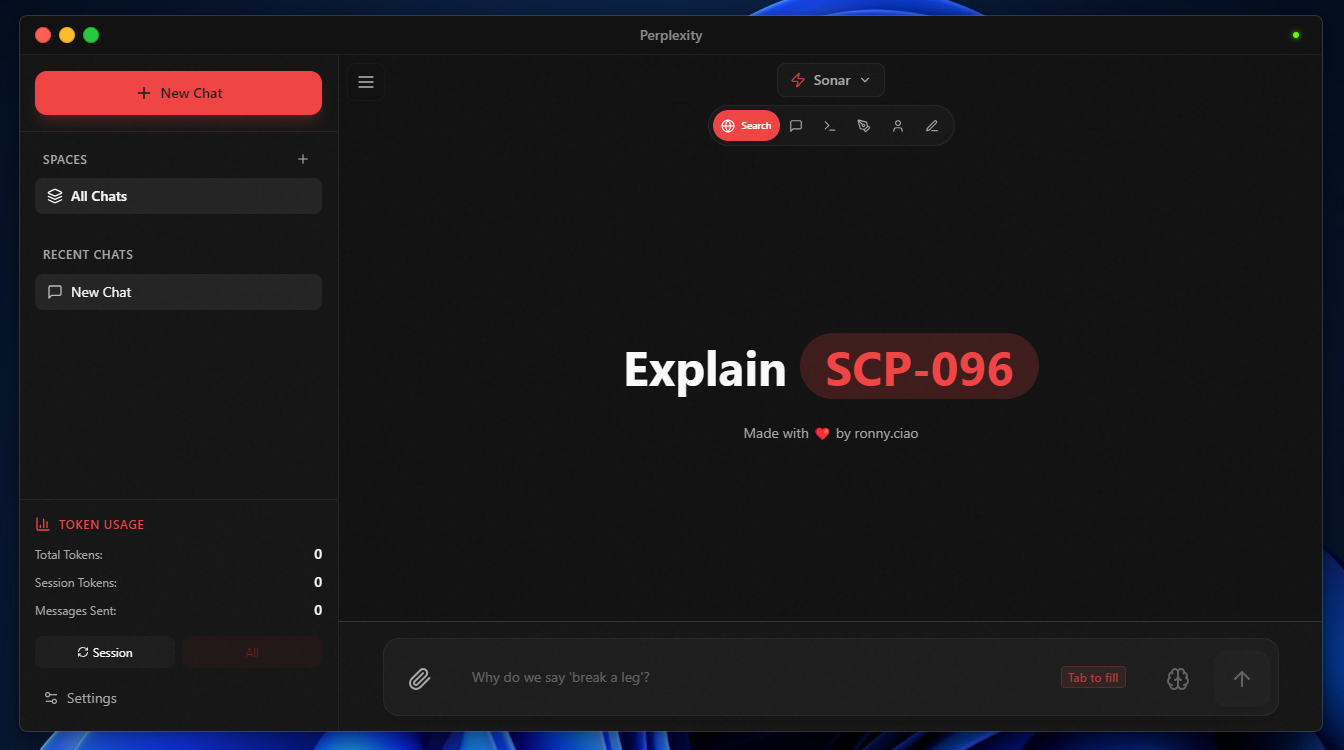
## Screenshots
| Feature | Preview |
| ---------------------------- | --------------------------------------------------------------------------------------------------------------------------------------------------------------------------------------------------------------------------------------------------------------------------------------------------------------------------------------------------------------------------------------------------------------------------------------------------------------------------------------------------------------------------------------------------------------------------------------------------------------------------------------------------------------------------------------------------------------------------------------------------------------------------------------------------------------------------------------------------------------------------------------------------------------------------------------------------------------------------------------------------------------------------------------------------------------------------------------------------------------------------------------------------------------------------------------------------------------------------------------------------------------------------------------------------------------------------------------------------------------------------------------------------------------------------------------------------------------------------------------------------------------------------------------------------------------------------------------------------------------------------------------------- |
| Spaces (Custom Instructions) |
## Features
* **Multiple Sonar Models** with support for Sonar, Sonar Pro, and Sonar Reasoning Pro
* **Custom Spaces** with save/load functionality for different use cases
* **API Parameter Controls** including max tokens adjustments
* **API Debugging Mode** showing full request/response payloads for troubleshooting
* **Token Usage Tracking** to monitor API consumption and costs
* **Focus Modes** for specialized tasks like coding, writing, and research
## Prerequisites
* Node.js v16 or higher
* npm or yarn
* Perplexity API key
## Installation
```bash theme={null}
# Clone the repository
git clone https://github.com/straight-heart/Perplexity-client-.git
cd Perplexity-client-
# Install dependencies
npm install
npm run dev
```
## Build
Build the application for your platform:
```bash theme={null}
npm run build:win # Windows
npm run build:mac # macOS
npm run build:linux # Linux
```
## Configuration
API keys are managed directly within the application:
1. Launch the app and open Settings (gear icon)
2. In the **API Keys** section, click **Add Key**
3. Enter your Perplexity API key
4. The key is stored securely and persists across sessions
For custom system prompts, use the **Spaces** feature to save and switch between different instruction sets.
## Usage
1. **Launch**: Run `npm run dev` or use the built application
2. **Add API Key**: Open Settings and add your Perplexity API key
3. **Select Model**: Use the dropdown to choose between Sonar variants
4. **Create Spaces**: Set up custom system prompts for different tasks
5. **Chat**: Start conversing with real-time streaming responses
6. **Debug**: Enable API debugging to see full request/response details
7. **Track Usage**: Monitor token consumption in the Settings panel
## Screenshots
| Feature | Preview |
| ---------------------------- | --------------------------------------------------------------------------------------------------------------------------------------------------------------------------------------------------------------------------------------------------------------------------------------------------------------------------------------------------------------------------------------------------------------------------------------------------------------------------------------------------------------------------------------------------------------------------------------------------------------------------------------------------------------------------------------------------------------------------------------------------------------------------------------------------------------------------------------------------------------------------------------------------------------------------------------------------------------------------------------------------------------------------------------------------------------------------------------------------------------------------------------------------------------------------------------------------------------------------------------------------------------------------------------------------------------------------------------------------------------------------------------------------------------------------------------------------------------------------------------------------------------------------------------------------------------------------------------------------------------------------------------------- |
| Spaces (Custom Instructions) | 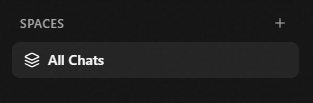 |
| Model & Parameter Controls |
|
| Model & Parameter Controls | 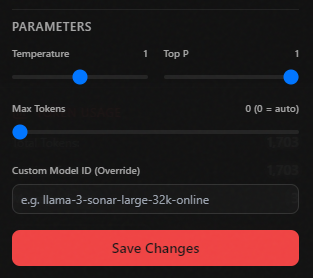 |
| API Debugging Mode |
|
| API Debugging Mode | 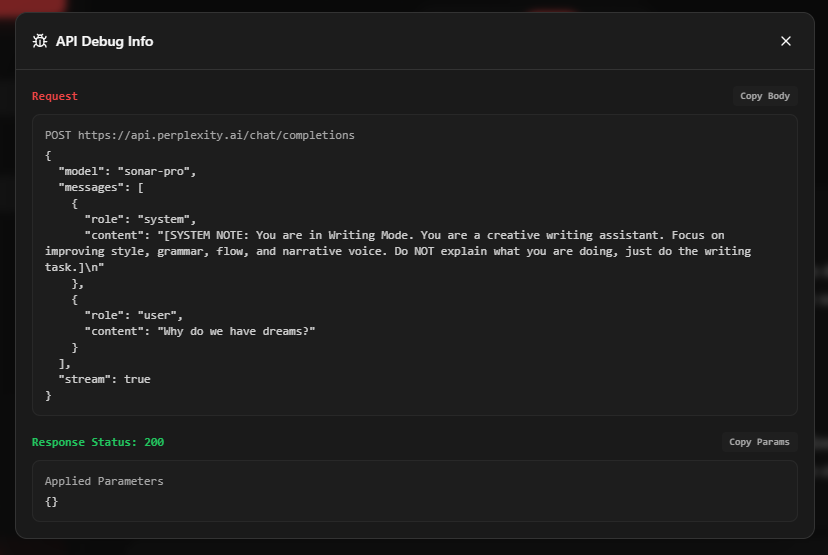 |
| Theme Selection |
|
| Theme Selection | 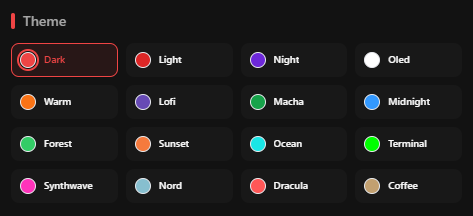 |
## Limitations
* Desktop only (Windows, macOS, Linux) — no mobile or web version
* Requires internet connection for API calls
* API key required for functionality
## Links
* [GitHub Repository](https://github.com/straight-heart/Perplexity-client-)
---
# Source: https://docs.perplexity.ai/docs/resources/perplexity-crawlers.md
> ## Documentation Index
> Fetch the complete documentation index at: https://docs.perplexity.ai/llms.txt
> Use this file to discover all available pages before exploring further.
# Perplexity Crawlers
> We strive to improve our service every day by delivering the best search experience possible. To achieve this, we collect data using web crawlers ("robots") and user agents that gather and index information from the internet, operating either automatically or in response to user requests. Webmasters can use the following robots.txt tags to manage how their sites and content interact with Perplexity. Each setting works independently, and it may take up to 24 hours for our systems to reflect changes.
| User Agent | Description |
| :-------------- | :--------------------------------------------------------------------------------------------------------------------------------------------------------------------------------------------------------------------------------------------------------------------------------------------------------------------------------------------------------------------------------------------------------------------------------------------------------------------------------------------------------------------------------------------------------------------------------------------------------------------------------------------------------------------------------------------------------------------------------------------------------------------------------- |
| PerplexityBot | `PerplexityBot` is designed to surface and link websites in search results on Perplexity. It is not used to crawl content for AI foundation models. To ensure your site appears in search results, we recommend allowing `PerplexityBot` in your site's `robots.txt` file and permitting requests from our published IP ranges listed below.
|
## Limitations
* Desktop only (Windows, macOS, Linux) — no mobile or web version
* Requires internet connection for API calls
* API key required for functionality
## Links
* [GitHub Repository](https://github.com/straight-heart/Perplexity-client-)
---
# Source: https://docs.perplexity.ai/docs/resources/perplexity-crawlers.md
> ## Documentation Index
> Fetch the complete documentation index at: https://docs.perplexity.ai/llms.txt
> Use this file to discover all available pages before exploring further.
# Perplexity Crawlers
> We strive to improve our service every day by delivering the best search experience possible. To achieve this, we collect data using web crawlers ("robots") and user agents that gather and index information from the internet, operating either automatically or in response to user requests. Webmasters can use the following robots.txt tags to manage how their sites and content interact with Perplexity. Each setting works independently, and it may take up to 24 hours for our systems to reflect changes.
| User Agent | Description |
| :-------------- | :--------------------------------------------------------------------------------------------------------------------------------------------------------------------------------------------------------------------------------------------------------------------------------------------------------------------------------------------------------------------------------------------------------------------------------------------------------------------------------------------------------------------------------------------------------------------------------------------------------------------------------------------------------------------------------------------------------------------------------------------------------------------------------- |
| PerplexityBot | `PerplexityBot` is designed to surface and link websites in search results on Perplexity. It is not used to crawl content for AI foundation models. To ensure your site appears in search results, we recommend allowing `PerplexityBot` in your site's `robots.txt` file and permitting requests from our published IP ranges listed below.