| {{ $invoice->date()->toFormattedDateString() }} | {{ $invoice->total() }} | Download |
- Credit Cards
- Alipay
- Bancontact
- BECS Direct Debit
- EPS
- Giropay
- iDEAL
- SEPA Direct Debit
Alternatively, you could allow Stripe to handle the payment confirmation for you. In this case, instead of redirecting to the payment confirmation page, you may [setup Stripe's automatic billing emails](https://dashboard.stripe.com/account/billing/automatic) in your Stripe dashboard. However, if an `IncompletePayment` exception is caught, you should still inform the user they will receive an email with further payment confirmation instructions.
Payment exceptions may be thrown for the following methods: `charge`, `invoiceFor`, and `invoice` on models using the `Billable` trait. When interacting with subscriptions, the `create` method on the `SubscriptionBuilder`, and the `incrementAndInvoice` and `swapAndInvoice` methods on the `Subscription` and `SubscriptionItem` models may throw incomplete payment exceptions.
Determining if an existing subscription has an incomplete payment may be accomplished using the `hasIncompletePayment` method on the billable model or a subscription instance:
```php
if ($user->hasIncompletePayment('default')) {
// ...
}
if ($user->subscription('default')->hasIncompletePayment()) {
// ...
}
```
You can derive the specific status of an incomplete payment by inspecting the `payment` property on the exception instance:
```php
use Laravel\Cashier\Exceptions\IncompletePayment;
try {
$user->charge(1000, 'pm_card_threeDSecure2Required');
} catch (IncompletePayment $exception) {
// Get the payment intent status...
$exception->payment->status;
// Check specific conditions...
if ($exception->payment->requiresPaymentMethod()) {
// ...
} elseif ($exception->payment->requiresConfirmation()) {
// ...
}
}
```
### Confirming Payments
Some payment methods require additional data in order to confirm payments. For example, SEPA payment methods require additional "mandate" data during the payment process. You may provide this data to Cashier using the `withPaymentConfirmationOptions` method:
```php
$subscription->withPaymentConfirmationOptions([
'mandate_data' => '...',
])->swap('price_xxx');
```
You may consult the [Stripe API documentation](https://stripe.com/docs/api/payment_intents/confirm) to review all of the options accepted when confirming payments.
## Strong Customer Authentication
If your business or one of your customers is based in Europe you will need to abide by the EU's Strong Customer Authentication (SCA) regulations. These regulations were imposed in September 2019 by the European Union to prevent payment fraud. Luckily, Stripe and Cashier are prepared for building SCA compliant applications.
> [!WARNING]
> Before getting started, review [Stripe's guide on PSD2 and SCA](https://stripe.com/guides/strong-customer-authentication) as well as their [documentation on the new SCA APIs](https://stripe.com/docs/strong-customer-authentication).
### Payments Requiring Additional Confirmation
SCA regulations often require extra verification in order to confirm and process a payment. When this happens, Cashier will throw a `Laravel\Cashier\Exceptions\IncompletePayment` exception that informs you that extra verification is needed. More information on how to handle these exceptions be found can be found in the documentation on [handling failed payments](#handling-failed-payments).
Payment confirmation screens presented by Stripe or Cashier may be tailored to a specific bank or card issuer's payment flow and can include additional card confirmation, a temporary small charge, separate device authentication, or other forms of verification.
#### Incomplete and Past Due State
When a payment needs additional confirmation, the subscription will remain in an `incomplete` or `past_due` state as indicated by its `stripe_status` database column. Cashier will automatically activate the customer's subscription as soon as payment confirmation is complete and your application is notified by Stripe via webhook of its completion.
For more information on `incomplete` and `past_due` states, please refer to [our additional documentation on these states](#incomplete-and-past-due-status).
### Off-Session Payment Notifications
Since SCA regulations require customers to occasionally verify their payment details even while their subscription is active, Cashier can send a notification to the customer when off-session payment confirmation is required. For example, this may occur when a subscription is renewing. Cashier's payment notification can be enabled by setting the `CASHIER_PAYMENT_NOTIFICATION` environment variable to a notification class. By default, this notification is disabled. Of course, Cashier includes a notification class you may use for this purpose, but you are free to provide your own notification class if desired:
```ini
CASHIER_PAYMENT_NOTIFICATION=Laravel\Cashier\Notifications\ConfirmPayment
```
To ensure that off-session payment confirmation notifications are delivered, verify that [Stripe webhooks are configured](#handling-stripe-webhooks) for your application and the `invoice.payment_action_required` webhook is enabled in your Stripe dashboard. In addition, your `Billable` model should also use Laravel's `Illuminate\Notifications\Notifiable` trait.
> [!WARNING]
> Notifications will be sent even when customers are manually making a payment that requires additional confirmation. Unfortunately, there is no way for Stripe to know that the payment was done manually or "off-session". But, a customer will simply see a "Payment Successful" message if they visit the payment page after already confirming their payment. The customer will not be allowed to accidentally confirm the same payment twice and incur an accidental second charge.
## Stripe SDK
Many of Cashier's objects are wrappers around Stripe SDK objects. If you would like to interact with the Stripe objects directly, you may conveniently retrieve them using the `asStripe` method:
```php
$stripeSubscription = $subscription->asStripeSubscription();
$stripeSubscription->application_fee_percent = 5;
$stripeSubscription->save();
```
You may also use the `updateStripeSubscription` method to update a Stripe subscription directly:
```php
$subscription->updateStripeSubscription(['application_fee_percent' => 5]);
```
You may invoke the `stripe` method on the `Cashier` class if you would like to use the `Stripe\StripeClient` client directly. For example, you could use this method to access the `StripeClient` instance and retrieve a list of prices from your Stripe account:
```php
use Laravel\Cashier\Cashier;
$prices = Cashier::stripe()->prices->all();
```
## Testing
When testing an application that uses Cashier, you may mock the actual HTTP requests to the Stripe API; however, this requires you to partially re-implement Cashier's own behavior. Therefore, we recommend allowing your tests to hit the actual Stripe API. While this is slower, it provides more confidence that your application is working as expected and any slow tests may be placed within their own Pest / PHPUnit testing group.
When testing, remember that Cashier itself already has a great test suite, so you should only focus on testing the subscription and payment flow of your own application and not every underlying Cashier behavior.
To get started, add the **testing** version of your Stripe secret to your `phpunit.xml` file:
```xml
Laravel
Hello, @{{ name }}. ``` In this example, the `@` symbol will be removed by Blade; however, `{{ name }}` expression will remain untouched by the Blade engine, allowing it to be rendered by your JavaScript framework. The `@` symbol may also be used to escape Blade directives: ```blade {{-- Blade template --}} @@if() @if() ``` #### Rendering JSON Sometimes you may pass an array to your view with the intention of rendering it as JSON in order to initialize a JavaScript variable. For example: ```blade ``` However, instead of manually calling `json_encode`, you may use the `Illuminate\Support\Js::from` method directive. The `from` method accepts the same arguments as PHP's `json_encode` function; however, it will ensure that the resulting JSON is properly escaped for inclusion within HTML quotes. The `from` method will return a string `JSON.parse` JavaScript statement that will convert the given object or array into a valid JavaScript object: ```blade ``` The latest versions of the Laravel application skeleton include a `Js` facade, which provides convenient access to this functionality within your Blade templates: ```blade ``` > [!WARNING] > You should only use the `Js::from` method to render existing variables as JSON. The Blade templating is based on regular expressions and attempts to pass a complex expression to the directive may cause unexpected failures. #### The `@verbatim` Directive If you are displaying JavaScript variables in a large portion of your template, you may wrap the HTML in the `@verbatim` directive so that you do not have to prefix each Blade echo statement with an `@` symbol: ```blade @verbatim
Hello, {{ name }}.
@endverbatim
```
## Blade Directives
In addition to template inheritance and displaying data, Blade also provides convenient shortcuts for common PHP control structures, such as conditional statements and loops. These shortcuts provide a very clean, terse way of working with PHP control structures while also remaining familiar to their PHP counterparts.
### If Statements
You may construct `if` statements using the `@if`, `@elseif`, `@else`, and `@endif` directives. These directives function identically to their PHP counterparts:
```blade
@if (count($records) === 1)
I have one record!
@elseif (count($records) > 1)
I have multiple records!
@else
I don't have any records!
@endif
```
For convenience, Blade also provides an `@unless` directive:
```blade
@unless (Auth::check())
You are not signed in.
@endunless
```
In addition to the conditional directives already discussed, the `@isset` and `@empty` directives may be used as convenient shortcuts for their respective PHP functions:
```blade
@isset($records)
// $records is defined and is not null...
@endisset
@empty($records)
// $records is "empty"...
@endempty
```
#### Authentication Directives
The `@auth` and `@guest` directives may be used to quickly determine if the current user is [authenticated](/docs/{{version}}/authentication) or is a guest:
```blade
@auth
// The user is authenticated...
@endauth
@guest
// The user is not authenticated...
@endguest
```
If needed, you may specify the authentication guard that should be checked when using the `@auth` and `@guest` directives:
```blade
@auth('admin')
// The user is authenticated...
@endauth
@guest('admin')
// The user is not authenticated...
@endguest
```
#### Environment Directives
You may check if the application is running in the production environment using the `@production` directive:
```blade
@production
// Production specific content...
@endproduction
```
Or, you may determine if the application is running in a specific environment using the `@env` directive:
```blade
@env('staging')
// The application is running in "staging"...
@endenv
@env(['staging', 'production'])
// The application is running in "staging" or "production"...
@endenv
```
#### Section Directives
You may determine if a template inheritance section has content using the `@hasSection` directive:
```blade
@hasSection('navigation')
@yield('navigation')
@endif
```
You may use the `sectionMissing` directive to determine if a section does not have content:
```blade
@sectionMissing('navigation')
@include('default-navigation')
@endif
```
#### Session Directives
The `@session` directive may be used to determine if a [session](/docs/{{version}}/session) value exists. If the session value exists, the template contents within the `@session` and `@endsession` directives will be evaluated. Within the `@session` directive's contents, you may echo the `$value` variable to display the session value:
```blade
@session('status')
{{ $value }}
@endsession
```
### Switch Statements
Switch statements can be constructed using the `@switch`, `@case`, `@break`, `@default` and `@endswitch` directives:
```blade
@switch($i)
@case(1)
First case...
@break
@case(2)
Second case...
@break
@default
Default case...
@endswitch
```
### Loops
In addition to conditional statements, Blade provides simple directives for working with PHP's loop structures. Again, each of these directives functions identically to their PHP counterparts:
```blade
@for ($i = 0; $i < 10; $i++)
The current value is {{ $i }}
@endfor
@foreach ($users as $user)
This is user {{ $user->id }}
@endforeach @forelse ($users as $user)No users
@endforelse @while (true)I'm looping forever.
@endwhile ``` > [!NOTE] > While iterating through a `foreach` loop, you may use the [loop variable](#the-loop-variable) to gain valuable information about the loop, such as whether you are in the first or last iteration through the loop. When using loops you may also skip the current iteration or end the loop using the `@continue` and `@break` directives: ```blade @foreach ($users as $user) @if ($user->type == 1) @continue @endifThis is user {{ $user->id }}
@endforeach ``` If you are in a nested loop, you may access the parent loop's `$loop` variable via the `parent` property: ```blade @foreach ($users as $user) @foreach ($user->posts as $post) @if ($loop->parent->first) This is the first iteration of the parent loop. @endif @endforeach @endforeach ``` The `$loop` variable also contains a variety of other useful properties:
| Property | Description |
| ------------------ | ------------------------------------------------------ |
| `$loop->index` | The index of the current loop iteration (starts at 0). |
| `$loop->iteration` | The current loop iteration (starts at 1). |
| `$loop->remaining` | The iterations remaining in the loop. |
| `$loop->count` | The total number of items in the array being iterated. |
| `$loop->first` | Whether this is the first iteration through the loop. |
| `$loop->last` | Whether this is the last iteration through the loop. |
| `$loop->even` | Whether this is an even iteration through the loop. |
| `$loop->odd` | Whether this is an odd iteration through the loop. |
| `$loop->depth` | The nesting level of the current loop. |
| `$loop->parent` | When in a nested loop, the parent's loop variable. |
### Conditional Classes & Styles
The `@class` directive conditionally compiles a CSS class string. The directive accepts an array of classes where the array key contains the class or classes you wish to add, while the value is a boolean expression. If the array element has a numeric key, it will always be included in the rendered class list:
```blade
@php
$isActive = false;
$hasError = true;
@endphp
$isActive,
'text-gray-500' => ! $isActive,
'bg-red' => $hasError,
])>
```
Likewise, the `@style` directive may be used to conditionally add inline CSS styles to an HTML element:
```blade
@php
$isActive = true;
@endphp
$isActive,
])>
```
### Additional Attributes
For convenience, you may use the `@checked` directive to easily indicate if a given HTML checkbox input is "checked". This directive will echo `checked` if the provided condition evaluates to `true`:
```blade
active))
/>
```
Likewise, the `@selected` directive may be used to indicate if a given select option should be "selected":
```blade
```
Additionally, the `@disabled` directive may be used to indicate if a given element should be "disabled":
```blade
```
Moreover, the `@readonly` directive may be used to indicate if a given element should be "readonly":
```blade
isNotAdmin())
/>
```
In addition, the `@required` directive may be used to indicate if a given element should be "required":
```blade
isAdmin())
/>
```
### Including Subviews
> [!NOTE]
> While you're free to use the `@include` directive, Blade [components](#components) provide similar functionality and offer several benefits over the `@include` directive such as data and attribute binding.
Blade's `@include` directive allows you to include a Blade view from within another view. All variables that are available to the parent view will be made available to the included view:
```blade
@include('shared.errors')
```
Even though the included view will inherit all data available in the parent view, you may also pass an array of additional data that should be made available to the included view:
```blade
@include('view.name', ['status' => 'complete'])
```
If you attempt to `@include` a view which does not exist, Laravel will throw an error. If you would like to include a view that may or may not be present, you should use the `@includeIf` directive:
```blade
@includeIf('view.name', ['status' => 'complete'])
```
If you would like to `@include` a view if a given boolean expression evaluates to `true` or `false`, you may use the `@includeWhen` and `@includeUnless` directives:
```blade
@includeWhen($boolean, 'view.name', ['status' => 'complete'])
@includeUnless($boolean, 'view.name', ['status' => 'complete'])
```
To include the first view that exists from a given array of views, you may use the `includeFirst` directive:
```blade
@includeFirst(['custom.admin', 'admin'], ['status' => 'complete'])
```
> [!WARNING]
> You should avoid using the `__DIR__` and `__FILE__` constants in your Blade views, since they will refer to the location of the cached, compiled view.
#### Rendering Views for Collections
You may combine loops and includes into one line with Blade's `@each` directive:
```blade
@each('view.name', $jobs, 'job')
```
The `@each` directive's first argument is the view to render for each element in the array or collection. The second argument is the array or collection you wish to iterate over, while the third argument is the variable name that will be assigned to the current iteration within the view. So, for example, if you are iterating over an array of `jobs`, typically you will want to access each job as a `job` variable within the view. The array key for the current iteration will be available as the `key` variable within the view.
You may also pass a fourth argument to the `@each` directive. This argument determines the view that will be rendered if the given array is empty.
```blade
@each('view.name', $jobs, 'job', 'view.empty')
```
> [!WARNING]
> Views rendered via `@each` do not inherit the variables from the parent view. If the child view requires these variables, you should use the `@foreach` and `@include` directives instead.
### The `@once` Directive
The `@once` directive allows you to define a portion of the template that will only be evaluated once per rendering cycle. This may be useful for pushing a given piece of JavaScript into the page's header using [stacks](#stacks). For example, if you are rendering a given [component](#components) within a loop, you may wish to only push the JavaScript to the header the first time the component is rendered:
```blade
@once
@push('scripts')
@endpush
@endonce
```
Since the `@once` directive is often used in conjunction with the `@push` or `@prepend` directives, the `@pushOnce` and `@prependOnce` directives are available for your convenience:
```blade
@pushOnce('scripts')
@endPushOnce
```
### Raw PHP
In some situations, it's useful to embed PHP code into your views. You can use the Blade `@php` directive to execute a block of plain PHP within your template:
```blade
@php
$counter = 1;
@endphp
```
Or, if you only need to use PHP to import a class, you may use the `@use` directive:
```blade
@use('App\Models\Flight')
```
A second argument may be provided to the `@use` directive to alias the imported class:
```php
@use('App\Models\Flight', 'FlightModel')
```
### Comments
Blade also allows you to define comments in your views. However, unlike HTML comments, Blade comments are not included in the HTML returned by your application:
```blade
{{-- This comment will not be present in the rendered HTML --}}
```
## Components
Components and slots provide similar benefits to sections, layouts, and includes; however, some may find the mental model of components and slots easier to understand. There are two approaches to writing components: class based components and anonymous components.
To create a class based component, you may use the `make:component` Artisan command. To illustrate how to use components, we will create a simple `Alert` component. The `make:component` command will place the component in the `app/View/Components` directory:
```shell
php artisan make:component Alert
```
The `make:component` command will also create a view template for the component. The view will be placed in the `resources/views/components` directory. When writing components for your own application, components are automatically discovered within the `app/View/Components` directory and `resources/views/components` directory, so no further component registration is typically required.
You may also create components within subdirectories:
```shell
php artisan make:component Forms/Input
```
The command above will create an `Input` component in the `app/View/Components/Forms` directory and the view will be placed in the `resources/views/components/forms` directory.
If you would like to create an anonymous component (a component with only a Blade template and no class), you may use the `--view` flag when invoking the `make:component` command:
```shell
php artisan make:component forms.input --view
```
The command above will create a Blade file at `resources/views/components/forms/input.blade.php` which can be rendered as a component via `Components content
';
};
}
```
The closure returned by your component's `render` method may also receive a `$data` array as its only argument. This array will contain several elements that provide information about the component:
```php
return function (array $data) {
// $data['componentName'];
// $data['attributes'];
// $data['slot'];
return 'Components content
';
}
```
> [!WARNING]
> The elements in the `$data` array should never be directly embedded into the Blade string returned by your `render` method, as doing so could allow remote code execution via malicious attribute content.
The `componentName` is equal to the name used in the HTML tag after the `x-` prefix. So `merge(['class' => 'alert alert-'.$type]) }}>
{{ $message }}
```
If we assume this component is utilized like so:
```blade
class(['p-4', 'bg-red' => $hasError]) }}>
{{ $message }}
```
If you need to merge other attributes onto your component, you can chain the `merge` method onto the `class` method:
```blade
```
> [!NOTE]
> If you need to conditionally compile classes on other HTML elements that shouldn't receive merged attributes, you can use the [`@class` directive](#conditional-classes).
#### Non-Class Attribute Merging
When merging attributes that are not `class` attributes, the values provided to the `merge` method will be considered the "default" values of the attribute. However, unlike the `class` attribute, these attributes will not be merged with injected attribute values. Instead, they will be overwritten. For example, a `button` component's implementation may look like the following:
```blade
```
To render the button component with a custom `type`, it may be specified when consuming the component. If no type is specified, the `button` type will be used:
```blade
merge(['data-controller' => $attributes->prepends('profile-controller')]) }}>
{{ $slot }}
```
#### Retrieving and Filtering Attributes
You may filter attributes using the `filter` method. This method accepts a closure which should return `true` if you wish to retain the attribute in the attribute bag:
```blade
{{ $attributes->filter(fn (string $value, string $key) => $key == 'foo') }}
```
For convenience, you may use the `whereStartsWith` method to retrieve all attributes whose keys begin with a given string:
```blade
{{ $attributes->whereStartsWith('wire:model') }}
```
Conversely, the `whereDoesntStartWith` method may be used to exclude all attributes whose keys begin with a given string:
```blade
{{ $attributes->whereDoesntStartWith('wire:model') }}
```
Using the `first` method, you may render the first attribute in a given attribute bag:
```blade
{{ $attributes->whereStartsWith('wire:model')->first() }}
```
If you would like to check if an attribute is present on the component, you may use the `has` method. This method accepts the attribute name as its only argument and returns a boolean indicating whether or not the attribute is present:
```blade
@if ($attributes->has('class'))
Class attribute is present
@endif
```
If an array is passed to the `has` method, the method will determine if all of the given attributes are present on the component:
```blade
@if ($attributes->has(['name', 'class']))
All of the attributes are present
@endif
```
The `hasAny` method may be used to determine if any of the given attributes are present on the component:
```blade
@if ($attributes->hasAny(['href', ':href', 'v-bind:href']))
One of the attributes is present
@endif
```
You may retrieve a specific attribute's value using the `get` method:
```blade
{{ $attributes->get('class') }}
```
The `only` method may be used to retrieve only the attributes with the given keys:
```blade
{{ $attributes->only(['class']) }}
```
The `except` method may be used to retrieve all attributes except those with the given keys:
```blade
{{ $attributes->except(['class']) }}
```
### Reserved Keywords
By default, some keywords are reserved for Blade's internal use in order to render components. The following keywords cannot be defined as public properties or method names within your components:
- `data`
- `render`
- `resolveView`
- `shouldRender`
- `view`
- `withAttributes`
- `withName`
### Slots
You will often need to pass additional content to your component via "slots". Component slots are rendered by echoing the `$slot` variable. To explore this concept, let's imagine that an `alert` component has the following markup:
```blade
{{ $slot }}
```
We may pass content to the `slot` by injecting content into the component:
```blade
{{ $slot }}
```
You may define the content of the named slot using the `x-slot` tag. Any content not within an explicit `x-slot` tag will be passed to the component in the `$slot` variable:
```xml
@if ($slot->isEmpty())
This is default content if the slot is empty.
@else
{{ $slot }}
@endif
```
Additionally, the `hasActualContent` method may be used to determine if the slot contains any "actual" content that is not an HTML comment:
```blade
@if ($slot->hasActualContent())
The scope has non-comment content.
@endif
```
#### Scoped Slots
If you have used a JavaScript framework such as Vue, you may be familiar with "scoped slots", which allow you to access data or methods from the component within your slot. You may achieve similar behavior in Laravel by defining public methods or properties on your component and accessing the component within your slot via the `$component` variable. In this example, we will assume that the `x-alert` component has a public `formatAlert` method defined on its component class:
```blade
class(['border']) }}>
```
### Inline Component Views
For very small components, it may feel cumbersome to manage both the component class and the component's view template. For this reason, you may return the component's markup directly from the `render` method:
```php
/**
* Get the view / contents that represent the component.
*/
public function render(): string
{
return <<<'blade'
attributes->class(['text-lg']) }}> {{ $heading }}
{{ $slot }}
{{ $slot }}
blade;
}
```
#### Generating Inline View Components
To create a component that renders an inline view, you may use the `inline` option when executing the `make:component` command:
```shell
php artisan make:component Alert --inline
```
### Dynamic Components
Sometimes you may need to render a component but not know which component should be rendered until runtime. In this situation, you may use Laravel's built-in `dynamic-component` component to render the component based on a runtime value or variable:
```blade
// $componentName = "secondary-button";
merge(['class' => 'alert alert-'.$type]) }}>
{{ $message }}
```
Given the component definition above, we may render the component like so:
```blade
- merge(['class' => 'bg-'.$color.'-200']) }}>
{{ $slot }}
Todos
{{ $slot }} ``` #### Applying the Layout Component Once the `layout` component has been defined, we may create a Blade view that utilizes the component. In this example, we will define a simple view that displays our task list: ```blade
{{ $task }}
@endforeach
{{ $task }}
@endforeach
@yield('content')
```
As you can see, this file contains typical HTML mark-up. However, take note of the `@section` and `@yield` directives. The `@section` directive, as the name implies, defines a section of content, while the `@yield` directive is used to display the contents of a given section.
Now that we have defined a layout for our application, let's define a child page that inherits the layout.
#### Extending a Layout
When defining a child view, use the `@extends` Blade directive to specify which layout the child view should "inherit". Views which extend a Blade layout may inject content into the layout's sections using `@section` directives. Remember, as seen in the example above, the contents of these sections will be displayed in the layout using `@yield`:
```blade
@extends('layouts.app')
@section('title', 'Page Title')
@section('sidebar')
@@parent
This is appended to the master sidebar.
@endsection @section('content')This is my body content.
@endsection ``` In this example, the `sidebar` section is utilizing the `@@parent` directive to append (rather than overwriting) content to the layout's sidebar. The `@@parent` directive will be replaced by the content of the layout when the view is rendered. > [!NOTE] > Contrary to the previous example, this `sidebar` section ends with `@endsection` instead of `@show`. The `@endsection` directive will only define a section while `@show` will define and **immediately yield** the section. The `@yield` directive also accepts a default value as its second parameter. This value will be rendered if the section being yielded is undefined: ```blade @yield('content', 'Default content') ``` ## Forms ### CSRF Field Anytime you define an HTML form in your application, you should include a hidden CSRF token field in the form so that [the CSRF protection](/docs/{{version}}/csrf) middleware can validate the request. You may use the `@csrf` Blade directive to generate the token field: ```blade ``` ### Method Field Since HTML forms can't make `PUT`, `PATCH`, or `DELETE` requests, you will need to add a hidden `_method` field to spoof these HTTP verbs. The `@method` Blade directive can create this field for you: ```blade ``` ### Validation Errors The `@error` directive may be used to quickly check if [validation error messages](/docs/{{version}}/validation#quick-displaying-the-validation-errors) exist for a given attribute. Within an `@error` directive, you may echo the `$message` variable to display the error message: ```blade @error('title'){{ $message }}
@enderror
```
Since the `@error` directive compiles to an "if" statement, you may use the `@else` directive to render content when there is not an error for an attribute:
```blade
```
You may pass [the name of a specific error bag](/docs/{{version}}/validation#named-error-bags) as the second parameter to the `@error` directive to retrieve validation error messages on pages containing multiple forms:
```blade
@error('email', 'login')
{{ $message }}
@enderror
```
## Stacks
Blade allows you to push to named stacks which can be rendered somewhere else in another view or layout. This can be particularly useful for specifying any JavaScript libraries required by your child views:
```blade
@push('scripts')
@endpush
```
If you would like to `@push` content if a given boolean expression evaluates to `true`, you may use the `@pushIf` directive:
```blade
@pushIf($shouldPush, 'scripts')
@endPushIf
```
You may push to a stack as many times as needed. To render the complete stack contents, pass the name of the stack to the `@stack` directive:
```blade
@stack('scripts')
```
If you would like to prepend content onto the beginning of a stack, you should use the `@prepend` directive:
```blade
@push('scripts')
This will be second...
@endpush
// Later...
@prepend('scripts')
This will be first...
@endprepend
```
## Service Injection
The `@inject` directive may be used to retrieve a service from the Laravel [service container](/docs/{{version}}/container). The first argument passed to `@inject` is the name of the variable the service will be placed into, while the second argument is the class or interface name of the service you wish to resolve:
```blade
@inject('metrics', 'App\Services\MetricsService')
Monthly Revenue: {{ $metrics->monthlyRevenue() }}.
```
## Rendering Inline Blade Templates
Sometimes you may need to transform a raw Blade template string into valid HTML. You may accomplish this using the `render` method provided by the `Blade` facade. The `render` method accepts the Blade template string and an optional array of data to provide to the template:
```php
use Illuminate\Support\Facades\Blade;
return Blade::render('Hello, {{ $name }}', ['name' => 'Julian Bashir']);
```
Laravel renders inline Blade templates by writing them to the `storage/framework/views` directory. If you would like Laravel to remove these temporary files after rendering the Blade template, you may provide the `deleteCachedView` argument to the method:
```php
return Blade::render(
'Hello, {{ $name }}',
['name' => 'Julian Bashir'],
deleteCachedView: true
);
```
## Rendering Blade Fragments
When using frontend frameworks such as [Turbo](https://turbo.hotwired.dev/) and [htmx](https://htmx.org/), you may occasionally need to only return a portion of a Blade template within your HTTP response. Blade "fragments" allow you to do just that. To get started, place a portion of your Blade template within `@fragment` and `@endfragment` directives:
```blade
@fragment('user-list')
-
@foreach ($users as $user)
- {{ $user->name }} @endforeach
| Event Name |
| --- |
| `Illuminate\Cache\Events\CacheHit` |
| `Illuminate\Cache\Events\CacheMissed` |
| `Illuminate\Cache\Events\KeyForgotten` |
| `Illuminate\Cache\Events\KeyWritten` |
To increase performance, you may disable cache events by setting the `events` configuration option to `false` for a given cache store in your application's `config/cache.php` configuration file:
```php
'database' => [
'driver' => 'database',
// ...
'events' => false,
],
```
---
# Laravel Cashier (Paddle)
- [Introduction](#introduction)
- [Upgrading Cashier](#upgrading-cashier)
- [Installation](#installation)
- [Paddle Sandbox](#paddle-sandbox)
- [Configuration](#configuration)
- [Billable Model](#billable-model)
- [API Keys](#api-keys)
- [Paddle JS](#paddle-js)
- [Currency Configuration](#currency-configuration)
- [Overriding Default Models](#overriding-default-models)
- [Quickstart](#quickstart)
- [Selling Products](#quickstart-selling-products)
- [Selling Subscriptions](#quickstart-selling-subscriptions)
- [Checkout Sessions](#checkout-sessions)
- [Overlay Checkout](#overlay-checkout)
- [Inline Checkout](#inline-checkout)
- [Guest Checkouts](#guest-checkouts)
- [Price Previews](#price-previews)
- [Customer Price Previews](#customer-price-previews)
- [Discounts](#price-discounts)
- [Customers](#customers)
- [Customer Defaults](#customer-defaults)
- [Retrieving Customers](#retrieving-customers)
- [Creating Customers](#creating-customers)
- [Subscriptions](#subscriptions)
- [Creating Subscriptions](#creating-subscriptions)
- [Checking Subscription Status](#checking-subscription-status)
- [Subscription Single Charges](#subscription-single-charges)
- [Updating Payment Information](#updating-payment-information)
- [Changing Plans](#changing-plans)
- [Subscription Quantity](#subscription-quantity)
- [Subscriptions With Multiple Products](#subscriptions-with-multiple-products)
- [Multiple Subscriptions](#multiple-subscriptions)
- [Pausing Subscriptions](#pausing-subscriptions)
- [Canceling Subscriptions](#canceling-subscriptions)
- [Subscription Trials](#subscription-trials)
- [With Payment Method Up Front](#with-payment-method-up-front)
- [Without Payment Method Up Front](#without-payment-method-up-front)
- [Extend or Activate a Trial](#extend-or-activate-a-trial)
- [Handling Paddle Webhooks](#handling-paddle-webhooks)
- [Defining Webhook Event Handlers](#defining-webhook-event-handlers)
- [Verifying Webhook Signatures](#verifying-webhook-signatures)
- [Single Charges](#single-charges)
- [Charging for Products](#charging-for-products)
- [Refunding Transactions](#refunding-transactions)
- [Crediting Transactions](#crediting-transactions)
- [Transactions](#transactions)
- [Past and Upcoming Payments](#past-and-upcoming-payments)
- [Testing](#testing)
## Introduction
> [!WARNING]
> This documentation is for Cashier Paddle 2.x's integration with Paddle Billing. If you're still using Paddle Classic, you should use [Cashier Paddle 1.x](https://github.com/laravel/cashier-paddle/tree/1.x).
[Laravel Cashier Paddle](https://github.com/laravel/cashier-paddle) provides an expressive, fluent interface to [Paddle's](https://paddle.com) subscription billing services. It handles almost all of the boilerplate subscription billing code you are dreading. In addition to basic subscription management, Cashier can handle: swapping subscriptions, subscription "quantities", subscription pausing, cancelation grace periods, and more.
Before digging into Cashier Paddle, we recommend you also review Paddle's [concept guides](https://developer.paddle.com/concepts/overview) and [API documentation](https://developer.paddle.com/api-reference/overview).
## Upgrading Cashier
When upgrading to a new version of Cashier, it's important that you carefully review [the upgrade guide](https://github.com/laravel/cashier-paddle/blob/master/UPGRADE.md).
## Installation
First, install the Cashier package for Paddle using the Composer package manager:
```shell
composer require laravel/cashier-paddle
```
Next, you should publish the Cashier migration files using the `vendor:publish` Artisan command:
```shell
php artisan vendor:publish --tag="cashier-migrations"
```
Then, you should run your application's database migrations. The Cashier migrations will create a new `customers` table. In addition, new `subscriptions` and `subscription_items` tables will be created to store all of your customer's subscriptions. Lastly, a new `transactions` table will be created to store all of the Paddle transactions associated with your customers:
```shell
php artisan migrate
```
> [!WARNING]
> To ensure Cashier properly handles all Paddle events, remember to [set up Cashier's webhook handling](#handling-paddle-webhooks).
### Paddle Sandbox
During local and staging development, you should [register a Paddle Sandbox account](https://sandbox-login.paddle.com/signup). This account will give you a sandboxed environment to test and develop your applications without making actual payments. You may use Paddle's [test card numbers](https://developer.paddle.com/concepts/payment-methods/credit-debit-card) to simulate various payment scenarios.
When using the Paddle Sandbox environment, you should set the `PADDLE_SANDBOX` environment variable to `true` within your application's `.env` file:
```ini
PADDLE_SANDBOX=true
```
After you have finished developing your application you may [apply for a Paddle vendor account](https://paddle.com). Before your application is placed into production, Paddle will need to approve your application's domain.
## Configuration
### Billable Model
Before using Cashier, you must add the `Billable` trait to your user model definition. This trait provides various methods to allow you to perform common billing tasks, such as creating subscriptions and updating payment method information:
```php
use Laravel\Paddle\Billable;
class User extends Authenticatable
{
use Billable;
}
```
If you have billable entities that are not users, you may also add the trait to those classes:
```php
use Illuminate\Database\Eloquent\Model;
use Laravel\Paddle\Billable;
class Team extends Model
{
use Billable;
}
```
### API Keys
Next, you should configure your Paddle keys in your application's `.env` file. You can retrieve your Paddle API keys from the Paddle control panel:
```ini
PADDLE_CLIENT_SIDE_TOKEN=your-paddle-client-side-token
PADDLE_API_KEY=your-paddle-api-key
PADDLE_RETAIN_KEY=your-paddle-retain-key
PADDLE_WEBHOOK_SECRET="your-paddle-webhook-secret"
PADDLE_SANDBOX=true
```
The `PADDLE_SANDBOX` environment variable should be set to `true` when you are using [Paddle's Sandbox environment](#paddle-sandbox). The `PADDLE_SANDBOX` variable should be set to `false` if you are deploying your application to production and are using Paddle's live vendor environment.
The `PADDLE_RETAIN_KEY` is optional and should only be set if you're using Paddle with [Retain](https://developer.paddle.com/paddlejs/retain).
### Paddle JS
Paddle relies on its own JavaScript library to initiate the Paddle checkout widget. You can load the JavaScript library by placing the `@paddleJS` Blade directive right before your application layout's closing `` tag:
```blade
...
@paddleJS
```
### Currency Configuration
You can specify a locale to be used when formatting money values for display on invoices. Internally, Cashier utilizes [PHP's `NumberFormatter` class](https://www.php.net/manual/en/class.numberformatter.php) to set the currency locale:
```ini
CASHIER_CURRENCY_LOCALE=nl_BE
```
> [!WARNING]
> In order to use locales other than `en`, ensure the `ext-intl` PHP extension is installed and configured on your server.
### Overriding Default Models
You are free to extend the models used internally by Cashier by defining your own model and extending the corresponding Cashier model:
```php
use Laravel\Paddle\Subscription as CashierSubscription;
class Subscription extends CashierSubscription
{
// ...
}
```
After defining your model, you may instruct Cashier to use your custom model via the `Laravel\Paddle\Cashier` class. Typically, you should inform Cashier about your custom models in the `boot` method of your application's `App\Providers\AppServiceProvider` class:
```php
use App\Models\Cashier\Subscription;
use App\Models\Cashier\Transaction;
/**
* Bootstrap any application services.
*/
public function boot(): void
{
Cashier::useSubscriptionModel(Subscription::class);
Cashier::useTransactionModel(Transaction::class);
}
```
## Quickstart
### Selling Products
> [!NOTE]
> Before utilizing Paddle Checkout, you should define Products with fixed prices in your Paddle dashboard. In addition, you should [configure Paddle's webhook handling](#handling-paddle-webhooks).
Offering product and subscription billing via your application can be intimidating. However, thanks to Cashier and [Paddle's Checkout Overlay](https://www.paddle.com/billing/checkout), you can easily build modern, robust payment integrations.
To charge customers for non-recurring, single-charge products, we'll utilize Cashier to charge customers with Paddle's Checkout Overlay, where they will provide their payment details and confirm their purchase. Once the payment has been made via the Checkout Overlay, the customer will be redirected to a success URL of your choosing within your application:
```php
use Illuminate\Http\Request;
Route::get('/buy', function (Request $request) {
$checkout = $request->user()->checkout('pri_deluxe_album')
->returnTo(route('dashboard'));
return view('buy', ['checkout' => $checkout]);
})->name('checkout');
```
As you can see in the example above, we will utilize Cashier's provided `checkout` method to create a checkout object to present the customer the Paddle Checkout Overlay for a given "price identifier". When using Paddle, "prices" refer to [defined prices for specific products](https://developer.paddle.com/build/products/create-products-prices).
If necessary, the `checkout` method will automatically create a customer in Paddle and connect that Paddle customer record to the corresponding user in your application's database. After completing the checkout session, the customer will be redirected to a dedicated success page where you can display an informational message to the customer.
In the `buy` view, we will include a button to display the Checkout Overlay. The `paddle-button` Blade component is included with Cashier Paddle; however, you may also [manually render an overlay checkout](#manually-rendering-an-overlay-checkout):
```html
You are subscribed.
@endif ``` We can even easily determine if a user is subscribed to specific product or price: ```blade @if ($user->subscribedToProduct('pro_basic'))You are subscribed to our Basic product.
@endif @if ($user->subscribedToPrice('price_basic_monthly'))You are subscribed to our monthly Basic plan.
@endif ``` #### Building a Subscribed Middleware For convenience, you may wish to create a [middleware](/docs/{{version}}/middleware) which determines if the incoming request is from a subscribed user. Once this middleware has been defined, you may easily assign it to a route to prevent users that are not subscribed from accessing the route: ```php user()?->subscribed()) { // Redirect user to billing page and ask them to subscribe... return redirect('/subscribe'); } return $next($request); } } ``` Once the middleware has been defined, you may assign it to a route: ```php use App\Http\Middleware\Subscribed; Route::get('/dashboard', function () { // ... })->middleware([Subscribed::class]); ``` #### Allowing Customers to Manage Their Billing Plan Of course, customers may want to change their subscription plan to another product or "tier". In our example from above, we'd want to allow the customer to change their plan from a monthly subscription to a yearly subscription. For this you'll need to implement something like a button that leads to the below route: ```php use Illuminate\Http\Request; Route::put('/subscription/{price}/swap', function (Request $request, $price) { $user->subscription()->swap($price); // With "$price" being "price_basic_yearly" for this example. return redirect()->route('dashboard'); })->name('subscription.swap'); ``` Besides swapping plans you'll also need to allow your customers to cancel their subscription. Like swapping plans, provide a button that leads to the following route: ```php use Illuminate\Http\Request; Route::put('/subscription/cancel', function (Request $request, $price) { $user->subscription()->cancel(); return redirect()->route('dashboard'); })->name('subscription.cancel'); ``` And now your subscription will get canceled at the end of its billing period. > [!NOTE] > As long as you have configured Cashier's webhook handling, Cashier will automatically keep your application's Cashier-related database tables in sync by inspecting the incoming webhooks from Paddle. So, for example, when you cancel a customer's subscription via Paddle's dashboard, Cashier will receive the corresponding webhook and mark the subscription as "canceled" in your application's database. ## Checkout Sessions Most operations to bill customers are performed using "checkouts" via Paddle's [Checkout Overlay widget](https://developer.paddle.com/build/checkout/build-overlay-checkout) or by utilizing [inline checkout](https://developer.paddle.com/build/checkout/build-branded-inline-checkout). Before processing checkout payments using Paddle, you should define your application's [default payment link](https://developer.paddle.com/build/transactions/default-payment-link#set-default-link) in your Paddle checkout settings dashboard. ### Overlay Checkout Before displaying the Checkout Overlay widget, you must generate a checkout session using Cashier. A checkout session will inform the checkout widget of the billing operation that should be performed: ```php use Illuminate\Http\Request; Route::get('/buy', function (Request $request) { $checkout = $user->checkout('pri_34567') ->returnTo(route('dashboard')); return view('billing', ['checkout' => $checkout]); }); ``` Cashier includes a `paddle-button` [Blade component](/docs/{{version}}/blade#components). You may pass the checkout session to this component as a "prop". Then, when this button is clicked, Paddle's checkout widget will be displayed: ```html-
@foreach ($prices as $price)
- {{ $price->product['name'] }} - {{ $price->total() }} @endforeach
-
@foreach ($prices as $price)
- {{ $price->product['name'] }} - {{ $price->subtotal() }} (+ {{ $price->tax() }} tax) @endforeach
-
@foreach ($prices as $price)
- {{ $price->product['name'] }} - {{ $price->total() }} @endforeach
- `Laravel\Paddle\Events\CustomerUpdated`
- `Laravel\Paddle\Events\TransactionCompleted`
- `Laravel\Paddle\Events\TransactionUpdated`
- `Laravel\Paddle\Events\SubscriptionCreated`
- `Laravel\Paddle\Events\SubscriptionUpdated`
- `Laravel\Paddle\Events\SubscriptionPaused`
- `Laravel\Paddle\Events\SubscriptionCanceled`
You can also override the default, built-in webhook route by defining the `CASHIER_WEBHOOK` environment variable in your application's `.env` file. This value should be the full URL to your webhook route and needs to match the URL set in your Paddle control panel:
```ini
CASHIER_WEBHOOK=https://example.com/my-paddle-webhook-url
```
### Verifying Webhook Signatures
To secure your webhooks, you may use [Paddle's webhook signatures](https://developer.paddle.com/webhook-reference/verifying-webhooks). For convenience, Cashier automatically includes a middleware which validates that the incoming Paddle webhook request is valid.
To enable webhook verification, ensure that the `PADDLE_WEBHOOK_SECRET` environment variable is defined in your application's `.env` file. The webhook secret may be retrieved from your Paddle account dashboard.
## Single Charges
### Charging for Products
If you would like to initiate a product purchase for a customer, you may use the `checkout` method on a billable model instance to generate a checkout session for the purchase. The `checkout` method accepts one or multiple price ID's. If necessary, an associative array may be used to provide the quantity of the product that is being purchased:
```php
use Illuminate\Http\Request;
Route::get('/buy', function (Request $request) {
$checkout = $request->user()->checkout(['pri_tshirt', 'pri_socks' => 5]);
return view('buy', ['checkout' => $checkout]);
});
```
After generating the checkout session, you may use Cashier's provided `paddle-button` [Blade component](#overlay-checkout) to allow the user to view the Paddle checkout widget and complete the purchase:
```blade
| {{ $transaction->billed_at->toFormattedDateString() }} | {{ $transaction->total() }} | {{ $transaction->tax() }} | Download |
[after](#method-after)
[all](#method-all)
[average](#method-average)
[avg](#method-avg)
[before](#method-before)
[chunk](#method-chunk)
[chunkWhile](#method-chunkwhile)
[collapse](#method-collapse)
[collapseWithKeys](#method-collapsewithkeys)
[collect](#method-collect)
[combine](#method-combine)
[concat](#method-concat)
[contains](#method-contains)
[containsOneItem](#method-containsoneitem)
[containsStrict](#method-containsstrict)
[count](#method-count)
[countBy](#method-countBy)
[crossJoin](#method-crossjoin)
[dd](#method-dd)
[diff](#method-diff)
[diffAssoc](#method-diffassoc)
[diffAssocUsing](#method-diffassocusing)
[diffKeys](#method-diffkeys)
[doesntContain](#method-doesntcontain)
[dot](#method-dot)
[dump](#method-dump)
[duplicates](#method-duplicates)
[duplicatesStrict](#method-duplicatesstrict)
[each](#method-each)
[eachSpread](#method-eachspread)
[ensure](#method-ensure)
[every](#method-every)
[except](#method-except)
[filter](#method-filter)
[first](#method-first)
[firstOrFail](#method-first-or-fail)
[firstWhere](#method-first-where)
[flatMap](#method-flatmap)
[flatten](#method-flatten)
[flip](#method-flip)
[forget](#method-forget)
[forPage](#method-forpage)
[get](#method-get)
[groupBy](#method-groupby)
[has](#method-has)
[hasAny](#method-hasany)
[implode](#method-implode)
[intersect](#method-intersect)
[intersectUsing](#method-intersectusing)
[intersectAssoc](#method-intersectAssoc)
[intersectAssocUsing](#method-intersectassocusing)
[intersectByKeys](#method-intersectbykeys)
[isEmpty](#method-isempty)
[isNotEmpty](#method-isnotempty)
[join](#method-join)
[keyBy](#method-keyby)
[keys](#method-keys)
[last](#method-last)
[lazy](#method-lazy)
[macro](#method-macro)
[make](#method-make)
[map](#method-map)
[mapInto](#method-mapinto)
[mapSpread](#method-mapspread)
[mapToGroups](#method-maptogroups)
[mapWithKeys](#method-mapwithkeys)
[max](#method-max)
[median](#method-median)
[merge](#method-merge)
[mergeRecursive](#method-mergerecursive)
[min](#method-min)
[mode](#method-mode)
[multiply](#method-multiply)
[nth](#method-nth)
[only](#method-only)
[pad](#method-pad)
[partition](#method-partition)
[percentage](#method-percentage)
[pipe](#method-pipe)
[pipeInto](#method-pipeinto)
[pipeThrough](#method-pipethrough)
[pluck](#method-pluck)
[pop](#method-pop)
[prepend](#method-prepend)
[pull](#method-pull)
[push](#method-push)
[put](#method-put)
[random](#method-random)
[range](#method-range)
[reduce](#method-reduce)
[reduceSpread](#method-reduce-spread)
[reject](#method-reject)
[replace](#method-replace)
[replaceRecursive](#method-replacerecursive)
[reverse](#method-reverse)
[search](#method-search)
[select](#method-select)
[shift](#method-shift)
[shuffle](#method-shuffle)
[skip](#method-skip)
[skipUntil](#method-skipuntil)
[skipWhile](#method-skipwhile)
[slice](#method-slice)
[sliding](#method-sliding)
[sole](#method-sole)
[some](#method-some)
[sort](#method-sort)
[sortBy](#method-sortby)
[sortByDesc](#method-sortbydesc)
[sortDesc](#method-sortdesc)
[sortKeys](#method-sortkeys)
[sortKeysDesc](#method-sortkeysdesc)
[sortKeysUsing](#method-sortkeysusing)
[splice](#method-splice)
[split](#method-split)
[splitIn](#method-splitin)
[sum](#method-sum)
[take](#method-take)
[takeUntil](#method-takeuntil)
[takeWhile](#method-takewhile)
[tap](#method-tap)
[times](#method-times)
[toArray](#method-toarray)
[toJson](#method-tojson)
[transform](#method-transform)
[undot](#method-undot)
[union](#method-union)
[unique](#method-unique)
[uniqueStrict](#method-uniquestrict)
[unless](#method-unless)
[unlessEmpty](#method-unlessempty)
[unlessNotEmpty](#method-unlessnotempty)
[unwrap](#method-unwrap)
[value](#method-value)
[values](#method-values)
[when](#method-when)
[whenEmpty](#method-whenempty)
[whenNotEmpty](#method-whennotempty)
[where](#method-where)
[whereStrict](#method-wherestrict)
[whereBetween](#method-wherebetween)
[whereIn](#method-wherein)
[whereInStrict](#method-whereinstrict)
[whereInstanceOf](#method-whereinstanceof)
[whereNotBetween](#method-wherenotbetween)
[whereNotIn](#method-wherenotin)
[whereNotInStrict](#method-wherenotinstrict)
[whereNotNull](#method-wherenotnull)
[whereNull](#method-wherenull)
[wrap](#method-wrap)
[zip](#method-zip)
## Method Listing
#### `after()` {.collection-method .first-collection-method}
The `after` method returns the item after the given item. `null` is returned if the given item is not found or is the last item:
```php
$collection = collect([1, 2, 3, 4, 5]);
$collection->after(3);
// 4
$collection->after(5);
// null
```
This method searches for the given item using "loose" comparison, meaning a string containing an integer value will be considered equal to an integer of the same value. To use "strict" comparison, you may provide the `strict` argument to the method:
```php
collect([2, 4, 6, 8])->after('4', strict: true);
// null
```
Alternatively, you may provide your own closure to search for the first item that passes a given truth test:
```php
collect([2, 4, 6, 8])->after(function (int $item, int $key) {
return $item > 5;
});
// 8
```
#### `all()` {.collection-method}
The `all` method returns the underlying array represented by the collection:
```php
collect([1, 2, 3])->all();
// [1, 2, 3]
```
#### `average()` {.collection-method}
Alias for the [`avg`](#method-avg) method.
#### `avg()` {.collection-method}
The `avg` method returns the [average value](https://en.wikipedia.org/wiki/Average) of a given key:
```php
$average = collect([
['foo' => 10],
['foo' => 10],
['foo' => 20],
['foo' => 40]
])->avg('foo');
// 20
$average = collect([1, 1, 2, 4])->avg();
// 2
```
#### `before()` {.collection-method}
The `before` method is the opposite of the [`after`](#method-after) method. It returns the item before the given item. `null` is returned if the given item is not found or is the first item:
```php
$collection = collect([1, 2, 3, 4, 5]);
$collection->before(3);
// 2
$collection->before(1);
// null
collect([2, 4, 6, 8])->before('4', strict: true);
// null
collect([2, 4, 6, 8])->before(function (int $item, int $key) {
return $item > 5;
});
// 4
```
#### `chunk()` {.collection-method}
The `chunk` method breaks the collection into multiple, smaller collections of a given size:
```php
$collection = collect([1, 2, 3, 4, 5, 6, 7]);
$chunks = $collection->chunk(4);
$chunks->all();
// [[1, 2, 3, 4], [5, 6, 7]]
```
This method is especially useful in [views](/docs/{{version}}/views) when working with a grid system such as [Bootstrap](https://getbootstrap.com/docs/5.3/layout/grid/). For example, imagine you have a collection of [Eloquent](/docs/{{version}}/eloquent) models you want to display in a grid:
```blade
@foreach ($products->chunk(3) as $chunk)
@foreach ($chunk as $product)
@endforeach
```
#### `chunkWhile()` {.collection-method}
The `chunkWhile` method breaks the collection into multiple, smaller collections based on the evaluation of the given callback. The `$chunk` variable passed to the closure may be used to inspect the previous element:
```php
$collection = collect(str_split('AABBCCCD'));
$chunks = $collection->chunkWhile(function (string $value, int $key, Collection $chunk) {
return $value === $chunk->last();
});
$chunks->all();
// [['A', 'A'], ['B', 'B'], ['C', 'C', 'C'], ['D']]
```
#### `collapse()` {.collection-method}
The `collapse` method collapses a collection of arrays into a single, flat collection:
```php
$collection = collect([
[1, 2, 3],
[4, 5, 6],
[7, 8, 9],
]);
$collapsed = $collection->collapse();
$collapsed->all();
// [1, 2, 3, 4, 5, 6, 7, 8, 9]
```
#### `collapseWithKeys()` {.collection-method}
The `collapseWithKeys` method flattens a collection of arrays or collections into a single collection, keeping the original keys intact:
```php
$collection = collect([
['first' => collect([1, 2, 3])],
['second' => [4, 5, 6]],
['third' => collect([7, 8, 9])]
]);
$collapsed = $collection->collapseWithKeys();
$collapsed->all();
// [
// 'first' => [1, 2, 3],
// 'second' => [4, 5, 6],
// 'third' => [7, 8, 9],
// ]
```
#### `collect()` {.collection-method}
The `collect` method returns a new `Collection` instance with the items currently in the collection:
```php
$collectionA = collect([1, 2, 3]);
$collectionB = $collectionA->collect();
$collectionB->all();
// [1, 2, 3]
```
The `collect` method is primarily useful for converting [lazy collections](#lazy-collections) into standard `Collection` instances:
```php
$lazyCollection = LazyCollection::make(function () {
yield 1;
yield 2;
yield 3;
});
$collection = $lazyCollection->collect();
$collection::class;
// 'Illuminate\Support\Collection'
$collection->all();
// [1, 2, 3]
```
> [!NOTE]
> The `collect` method is especially useful when you have an instance of `Enumerable` and need a non-lazy collection instance. Since `collect()` is part of the `Enumerable` contract, you can safely use it to get a `Collection` instance.
#### `combine()` {.collection-method}
The `combine` method combines the values of the collection, as keys, with the values of another array or collection:
```php
$collection = collect(['name', 'age']);
$combined = $collection->combine(['George', 29]);
$combined->all();
// ['name' => 'George', 'age' => 29]
```
#### `concat()` {.collection-method}
The `concat` method appends the given `array` or collection's values onto the end of another collection:
```php
$collection = collect(['John Doe']);
$concatenated = $collection->concat(['Jane Doe'])->concat(['name' => 'Johnny Doe']);
$concatenated->all();
// ['John Doe', 'Jane Doe', 'Johnny Doe']
```
The `concat` method numerically reindexes keys for items concatenated onto the original collection. To maintain keys in associative collections, see the [merge](#method-merge) method.
#### `contains()` {.collection-method}
The `contains` method determines whether the collection contains a given item. You may pass a closure to the `contains` method to determine if an element exists in the collection matching a given truth test:
```php
$collection = collect([1, 2, 3, 4, 5]);
$collection->contains(function (int $value, int $key) {
return $value > 5;
});
// false
```
Alternatively, you may pass a string to the `contains` method to determine whether the collection contains a given item value:
```php
$collection = collect(['name' => 'Desk', 'price' => 100]);
$collection->contains('Desk');
// true
$collection->contains('New York');
// false
```
You may also pass a key / value pair to the `contains` method, which will determine if the given pair exists in the collection:
```php
$collection = collect([
['product' => 'Desk', 'price' => 200],
['product' => 'Chair', 'price' => 100],
]);
$collection->contains('product', 'Bookcase');
// false
```
The `contains` method uses "loose" comparisons when checking item values, meaning a string with an integer value will be considered equal to an integer of the same value. Use the [`containsStrict`](#method-containsstrict) method to filter using "strict" comparisons.
For the inverse of `contains`, see the [doesntContain](#method-doesntcontain) method.
#### `containsOneItem()` {.collection-method}
The `containsOneItem` method determines whether the collection contains a single item:
```php
collect([])->containsOneItem();
// false
collect(['1'])->containsOneItem();
// true
collect(['1', '2'])->containsOneItem();
// false
```
#### `containsStrict()` {.collection-method}
This method has the same signature as the [`contains`](#method-contains) method; however, all values are compared using "strict" comparisons.
> [!NOTE]
> This method's behavior is modified when using [Eloquent Collections](/docs/{{version}}/eloquent-collections#method-contains).
#### `count()` {.collection-method}
The `count` method returns the total number of items in the collection:
```php
$collection = collect([1, 2, 3, 4]);
$collection->count();
// 4
```
#### `countBy()` {.collection-method}
The `countBy` method counts the occurrences of values in the collection. By default, the method counts the occurrences of every element, allowing you to count certain "types" of elements in the collection:
```php
$collection = collect([1, 2, 2, 2, 3]);
$counted = $collection->countBy();
$counted->all();
// [1 => 1, 2 => 3, 3 => 1]
```
You pass a closure to the `countBy` method to count all items by a custom value:
```php
$collection = collect(['alice@gmail.com', 'bob@yahoo.com', 'carlos@gmail.com']);
$counted = $collection->countBy(function (string $email) {
return substr(strrchr($email, "@"), 1);
});
$counted->all();
// ['gmail.com' => 2, 'yahoo.com' => 1]
```
#### `crossJoin()` {.collection-method}
The `crossJoin` method cross joins the collection's values among the given arrays or collections, returning a Cartesian product with all possible permutations:
```php
$collection = collect([1, 2]);
$matrix = $collection->crossJoin(['a', 'b']);
$matrix->all();
/*
[
[1, 'a'],
[1, 'b'],
[2, 'a'],
[2, 'b'],
]
*/
$collection = collect([1, 2]);
$matrix = $collection->crossJoin(['a', 'b'], ['I', 'II']);
$matrix->all();
/*
[
[1, 'a', 'I'],
[1, 'a', 'II'],
[1, 'b', 'I'],
[1, 'b', 'II'],
[2, 'a', 'I'],
[2, 'a', 'II'],
[2, 'b', 'I'],
[2, 'b', 'II'],
]
*/
```
#### `dd()` {.collection-method}
The `dd` method dumps the collection's items and ends execution of the script:
```php
$collection = collect(['John Doe', 'Jane Doe']);
$collection->dd();
/*
Collection {
#items: array:2 [
0 => "John Doe"
1 => "Jane Doe"
]
}
*/
```
If you do not want to stop executing the script, use the [`dump`](#method-dump) method instead.
#### `diff()` {.collection-method}
The `diff` method compares the collection against another collection or a plain PHP `array` based on its values. This method will return the values in the original collection that are not present in the given collection:
```php
$collection = collect([1, 2, 3, 4, 5]);
$diff = $collection->diff([2, 4, 6, 8]);
$diff->all();
// [1, 3, 5]
```
> [!NOTE]
> This method's behavior is modified when using [Eloquent Collections](/docs/{{version}}/eloquent-collections#method-diff).
#### `diffAssoc()` {.collection-method}
The `diffAssoc` method compares the collection against another collection or a plain PHP `array` based on its keys and values. This method will return the key / value pairs in the original collection that are not present in the given collection:
```php
$collection = collect([
'color' => 'orange',
'type' => 'fruit',
'remain' => 6,
]);
$diff = $collection->diffAssoc([
'color' => 'yellow',
'type' => 'fruit',
'remain' => 3,
'used' => 6,
]);
$diff->all();
// ['color' => 'orange', 'remain' => 6]
```
#### `diffAssocUsing()` {.collection-method}
Unlike `diffAssoc`, `diffAssocUsing` accepts a user supplied callback function for the indices comparison:
```php
$collection = collect([
'color' => 'orange',
'type' => 'fruit',
'remain' => 6,
]);
$diff = $collection->diffAssocUsing([
'Color' => 'yellow',
'Type' => 'fruit',
'Remain' => 3,
], 'strnatcasecmp');
$diff->all();
// ['color' => 'orange', 'remain' => 6]
```
The callback must be a comparison function that returns an integer less than, equal to, or greater than zero. For more information, refer to the PHP documentation on [`array_diff_uassoc`](https://www.php.net/array_diff_uassoc#refsect1-function.array-diff-uassoc-parameters), which is the PHP function that the `diffAssocUsing` method utilizes internally.
#### `diffKeys()` {.collection-method}
The `diffKeys` method compares the collection against another collection or a plain PHP `array` based on its keys. This method will return the key / value pairs in the original collection that are not present in the given collection:
```php
$collection = collect([
'one' => 10,
'two' => 20,
'three' => 30,
'four' => 40,
'five' => 50,
]);
$diff = $collection->diffKeys([
'two' => 2,
'four' => 4,
'six' => 6,
'eight' => 8,
]);
$diff->all();
// ['one' => 10, 'three' => 30, 'five' => 50]
```
#### `doesntContain()` {.collection-method}
The `doesntContain` method determines whether the collection does not contain a given item. You may pass a closure to the `doesntContain` method to determine if an element does not exist in the collection matching a given truth test:
```php
$collection = collect([1, 2, 3, 4, 5]);
$collection->doesntContain(function (int $value, int $key) {
return $value < 5;
});
// false
```
Alternatively, you may pass a string to the `doesntContain` method to determine whether the collection does not contain a given item value:
```php
$collection = collect(['name' => 'Desk', 'price' => 100]);
$collection->doesntContain('Table');
// true
$collection->doesntContain('Desk');
// false
```
You may also pass a key / value pair to the `doesntContain` method, which will determine if the given pair does not exist in the collection:
```php
$collection = collect([
['product' => 'Desk', 'price' => 200],
['product' => 'Chair', 'price' => 100],
]);
$collection->doesntContain('product', 'Bookcase');
// true
```
The `doesntContain` method uses "loose" comparisons when checking item values, meaning a string with an integer value will be considered equal to an integer of the same value.
#### `dot()` {.collection-method}
The `dot` method flattens a multi-dimensional collection into a single level collection that uses "dot" notation to indicate depth:
```php
$collection = collect(['products' => ['desk' => ['price' => 100]]]);
$flattened = $collection->dot();
$flattened->all();
// ['products.desk.price' => 100]
```
#### `dump()` {.collection-method}
The `dump` method dumps the collection's items:
```php
$collection = collect(['John Doe', 'Jane Doe']);
$collection->dump();
/*
Collection {
#items: array:2 [
0 => "John Doe"
1 => "Jane Doe"
]
}
*/
```
If you want to stop executing the script after dumping the collection, use the [`dd`](#method-dd) method instead.
#### `duplicates()` {.collection-method}
The `duplicates` method retrieves and returns duplicate values from the collection:
```php
$collection = collect(['a', 'b', 'a', 'c', 'b']);
$collection->duplicates();
// [2 => 'a', 4 => 'b']
```
If the collection contains arrays or objects, you can pass the key of the attributes that you wish to check for duplicate values:
```php
$employees = collect([
['email' => 'abigail@example.com', 'position' => 'Developer'],
['email' => 'james@example.com', 'position' => 'Designer'],
['email' => 'victoria@example.com', 'position' => 'Developer'],
]);
$employees->duplicates('position');
// [2 => 'Developer']
```
#### `duplicatesStrict()` {.collection-method}
This method has the same signature as the [`duplicates`](#method-duplicates) method; however, all values are compared using "strict" comparisons.
#### `each()` {.collection-method}
The `each` method iterates over the items in the collection and passes each item to a closure:
```php
$collection = collect([1, 2, 3, 4]);
$collection->each(function (int $item, int $key) {
// ...
});
```
If you would like to stop iterating through the items, you may return `false` from your closure:
```php
$collection->each(function (int $item, int $key) {
if (/* condition */) {
return false;
}
});
```
#### `eachSpread()` {.collection-method}
The `eachSpread` method iterates over the collection's items, passing each nested item value into the given callback:
```php
$collection = collect([['John Doe', 35], ['Jane Doe', 33]]);
$collection->eachSpread(function (string $name, int $age) {
// ...
});
```
You may stop iterating through the items by returning `false` from the callback:
```php
$collection->eachSpread(function (string $name, int $age) {
return false;
});
```
#### `ensure()` {.collection-method}
The `ensure` method may be used to verify that all elements of a collection are of a given type or list of types. Otherwise, an `UnexpectedValueException` will be thrown:
```php
return $collection->ensure(User::class);
return $collection->ensure([User::class, Customer::class]);
```
Primitive types such as `string`, `int`, `float`, `bool`, and `array` may also be specified:
```php
return $collection->ensure('int');
```
> [!WARNING]
> The `ensure` method does not guarantee that elements of different types will not be added to the collection at a later time.
#### `every()` {.collection-method}
The `every` method may be used to verify that all elements of a collection pass a given truth test:
```php
collect([1, 2, 3, 4])->every(function (int $value, int $key) {
return $value > 2;
});
// false
```
If the collection is empty, the `every` method will return true:
```php
$collection = collect([]);
$collection->every(function (int $value, int $key) {
return $value > 2;
});
// true
```
#### `except()` {.collection-method}
The `except` method returns all items in the collection except for those with the specified keys:
```php
$collection = collect(['product_id' => 1, 'price' => 100, 'discount' => false]);
$filtered = $collection->except(['price', 'discount']);
$filtered->all();
// ['product_id' => 1]
```
For the inverse of `except`, see the [only](#method-only) method.
> [!NOTE]
> This method's behavior is modified when using [Eloquent Collections](/docs/{{version}}/eloquent-collections#method-except).
#### `filter()` {.collection-method}
The `filter` method filters the collection using the given callback, keeping only those items that pass a given truth test:
```php
$collection = collect([1, 2, 3, 4]);
$filtered = $collection->filter(function (int $value, int $key) {
return $value > 2;
});
$filtered->all();
// [3, 4]
```
If no callback is supplied, all entries of the collection that are equivalent to `false` will be removed:
```php
$collection = collect([1, 2, 3, null, false, '', 0, []]);
$collection->filter()->all();
// [1, 2, 3]
```
For the inverse of `filter`, see the [reject](#method-reject) method.
#### `first()` {.collection-method}
The `first` method returns the first element in the collection that passes a given truth test:
```php
collect([1, 2, 3, 4])->first(function (int $value, int $key) {
return $value > 2;
});
// 3
```
You may also call the `first` method with no arguments to get the first element in the collection. If the collection is empty, `null` is returned:
```php
collect([1, 2, 3, 4])->first();
// 1
```
#### `firstOrFail()` {.collection-method}
The `firstOrFail` method is identical to the `first` method; however, if no result is found, an `Illuminate\Support\ItemNotFoundException` exception will be thrown:
```php
collect([1, 2, 3, 4])->firstOrFail(function (int $value, int $key) {
return $value > 5;
});
// Throws ItemNotFoundException...
```
You may also call the `firstOrFail` method with no arguments to get the first element in the collection. If the collection is empty, an `Illuminate\Support\ItemNotFoundException` exception will be thrown:
```php
collect([])->firstOrFail();
// Throws ItemNotFoundException...
```
#### `firstWhere()` {.collection-method}
The `firstWhere` method returns the first element in the collection with the given key / value pair:
```php
$collection = collect([
['name' => 'Regena', 'age' => null],
['name' => 'Linda', 'age' => 14],
['name' => 'Diego', 'age' => 23],
['name' => 'Linda', 'age' => 84],
]);
$collection->firstWhere('name', 'Linda');
// ['name' => 'Linda', 'age' => 14]
```
You may also call the `firstWhere` method with a comparison operator:
```php
$collection->firstWhere('age', '>=', 18);
// ['name' => 'Diego', 'age' => 23]
```
Like the [where](#method-where) method, you may pass one argument to the `firstWhere` method. In this scenario, the `firstWhere` method will return the first item where the given item key's value is "truthy":
```php
$collection->firstWhere('age');
// ['name' => 'Linda', 'age' => 14]
```
#### `flatMap()` {.collection-method}
The `flatMap` method iterates through the collection and passes each value to the given closure. The closure is free to modify the item and return it, thus forming a new collection of modified items. Then, the array is flattened by one level:
```php
$collection = collect([
['name' => 'Sally'],
['school' => 'Arkansas'],
['age' => 28]
]);
$flattened = $collection->flatMap(function (array $values) {
return array_map('strtoupper', $values);
});
$flattened->all();
// ['name' => 'SALLY', 'school' => 'ARKANSAS', 'age' => '28'];
```
#### `flatten()` {.collection-method}
The `flatten` method flattens a multi-dimensional collection into a single dimension:
```php
$collection = collect([
'name' => 'taylor',
'languages' => [
'php', 'javascript'
]
]);
$flattened = $collection->flatten();
$flattened->all();
// ['taylor', 'php', 'javascript'];
```
If necessary, you may pass the `flatten` method a "depth" argument:
```php
$collection = collect([
'Apple' => [
[
'name' => 'iPhone 6S',
'brand' => 'Apple'
],
],
'Samsung' => [
[
'name' => 'Galaxy S7',
'brand' => 'Samsung'
],
],
]);
$products = $collection->flatten(1);
$products->values()->all();
/*
[
['name' => 'iPhone 6S', 'brand' => 'Apple'],
['name' => 'Galaxy S7', 'brand' => 'Samsung'],
]
*/
```
In this example, calling `flatten` without providing the depth would have also flattened the nested arrays, resulting in `['iPhone 6S', 'Apple', 'Galaxy S7', 'Samsung']`. Providing a depth allows you to specify the number of levels nested arrays will be flattened.
#### `flip()` {.collection-method}
The `flip` method swaps the collection's keys with their corresponding values:
```php
$collection = collect(['name' => 'taylor', 'framework' => 'laravel']);
$flipped = $collection->flip();
$flipped->all();
// ['taylor' => 'name', 'laravel' => 'framework']
```
#### `forget()` {.collection-method}
The `forget` method removes an item from the collection by its key:
```php
$collection = collect(['name' => 'taylor', 'framework' => 'laravel']);
// Forget a single key...
$collection->forget('name');
// ['framework' => 'laravel']
// Forget multiple keys...
$collection->forget(['name', 'framework']);
// []
```
> [!WARNING]
> Unlike most other collection methods, `forget` does not return a new modified collection; it modifies and returns the collection it is called on.
#### `forPage()` {.collection-method}
The `forPage` method returns a new collection containing the items that would be present on a given page number. The method accepts the page number as its first argument and the number of items to show per page as its second argument:
```php
$collection = collect([1, 2, 3, 4, 5, 6, 7, 8, 9]);
$chunk = $collection->forPage(2, 3);
$chunk->all();
// [4, 5, 6]
```
#### `get()` {.collection-method}
The `get` method returns the item at a given key. If the key does not exist, `null` is returned:
```php
$collection = collect(['name' => 'taylor', 'framework' => 'laravel']);
$value = $collection->get('name');
// taylor
```
You may optionally pass a default value as the second argument:
```php
$collection = collect(['name' => 'taylor', 'framework' => 'laravel']);
$value = $collection->get('age', 34);
// 34
```
You may even pass a callback as the method's default value. The result of the callback will be returned if the specified key does not exist:
```php
$collection->get('email', function () {
return 'taylor@example.com';
});
// taylor@example.com
```
#### `groupBy()` {.collection-method}
The `groupBy` method groups the collection's items by a given key:
```php
$collection = collect([
['account_id' => 'account-x10', 'product' => 'Chair'],
['account_id' => 'account-x10', 'product' => 'Bookcase'],
['account_id' => 'account-x11', 'product' => 'Desk'],
]);
$grouped = $collection->groupBy('account_id');
$grouped->all();
/*
[
'account-x10' => [
['account_id' => 'account-x10', 'product' => 'Chair'],
['account_id' => 'account-x10', 'product' => 'Bookcase'],
],
'account-x11' => [
['account_id' => 'account-x11', 'product' => 'Desk'],
],
]
*/
```
Instead of passing a string `key`, you may pass a callback. The callback should return the value you wish to key the group by:
```php
$grouped = $collection->groupBy(function (array $item, int $key) {
return substr($item['account_id'], -3);
});
$grouped->all();
/*
[
'x10' => [
['account_id' => 'account-x10', 'product' => 'Chair'],
['account_id' => 'account-x10', 'product' => 'Bookcase'],
],
'x11' => [
['account_id' => 'account-x11', 'product' => 'Desk'],
],
]
*/
```
Multiple grouping criteria may be passed as an array. Each array element will be applied to the corresponding level within a multi-dimensional array:
```php
$data = new Collection([
10 => ['user' => 1, 'skill' => 1, 'roles' => ['Role_1', 'Role_3']],
20 => ['user' => 2, 'skill' => 1, 'roles' => ['Role_1', 'Role_2']],
30 => ['user' => 3, 'skill' => 2, 'roles' => ['Role_1']],
40 => ['user' => 4, 'skill' => 2, 'roles' => ['Role_2']],
]);
$result = $data->groupBy(['skill', function (array $item) {
return $item['roles'];
}], preserveKeys: true);
/*
[
1 => [
'Role_1' => [
10 => ['user' => 1, 'skill' => 1, 'roles' => ['Role_1', 'Role_3']],
20 => ['user' => 2, 'skill' => 1, 'roles' => ['Role_1', 'Role_2']],
],
'Role_2' => [
20 => ['user' => 2, 'skill' => 1, 'roles' => ['Role_1', 'Role_2']],
],
'Role_3' => [
10 => ['user' => 1, 'skill' => 1, 'roles' => ['Role_1', 'Role_3']],
],
],
2 => [
'Role_1' => [
30 => ['user' => 3, 'skill' => 2, 'roles' => ['Role_1']],
],
'Role_2' => [
40 => ['user' => 4, 'skill' => 2, 'roles' => ['Role_2']],
],
],
];
*/
```
#### `has()` {.collection-method}
The `has` method determines if a given key exists in the collection:
```php
$collection = collect(['account_id' => 1, 'product' => 'Desk', 'amount' => 5]);
$collection->has('product');
// true
$collection->has(['product', 'amount']);
// true
$collection->has(['amount', 'price']);
// false
```
#### `hasAny()` {.collection-method}
The `hasAny` method determines whether any of the given keys exist in the collection:
```php
$collection = collect(['account_id' => 1, 'product' => 'Desk', 'amount' => 5]);
$collection->hasAny(['product', 'price']);
// true
$collection->hasAny(['name', 'price']);
// false
```
#### `implode()` {.collection-method}
The `implode` method joins items in a collection. Its arguments depend on the type of items in the collection. If the collection contains arrays or objects, you should pass the key of the attributes you wish to join, and the "glue" string you wish to place between the values:
```php
$collection = collect([
['account_id' => 1, 'product' => 'Desk'],
['account_id' => 2, 'product' => 'Chair'],
]);
$collection->implode('product', ', ');
// Desk, Chair
```
If the collection contains simple strings or numeric values, you should pass the "glue" as the only argument to the method:
```php
collect([1, 2, 3, 4, 5])->implode('-');
// '1-2-3-4-5'
```
You may pass a closure to the `implode` method if you would like to format the values being imploded:
```php
$collection->implode(function (array $item, int $key) {
return strtoupper($item['product']);
}, ', ');
// DESK, CHAIR
```
#### `intersect()` {.collection-method}
The `intersect` method removes any values from the original collection that are not present in the given `array` or collection. The resulting collection will preserve the original collection's keys:
```php
$collection = collect(['Desk', 'Sofa', 'Chair']);
$intersect = $collection->intersect(['Desk', 'Chair', 'Bookcase']);
$intersect->all();
// [0 => 'Desk', 2 => 'Chair']
```
> [!NOTE]
> This method's behavior is modified when using [Eloquent Collections](/docs/{{version}}/eloquent-collections#method-intersect).
#### `intersectUsing()` {.collection-method}
The `intersectUsing` method removes any values from the original collection that are not present in the given `array` or collection, using a custom callback to compare the values. The resulting collection will preserve the original collection's keys:
```php
$collection = collect(['Desk', 'Sofa', 'Chair']);
$intersect = $collection->intersectUsing(['desk', 'chair', 'bookcase'], function ($a, $b) {
return strcasecmp($a, $b);
});
$intersect->all();
// [0 => 'Desk', 2 => 'Chair']
```
#### `intersectAssoc()` {.collection-method}
The `intersectAssoc` method compares the original collection against another collection or `array`, returning the key / value pairs that are present in all of the given collections:
```php
$collection = collect([
'color' => 'red',
'size' => 'M',
'material' => 'cotton'
]);
$intersect = $collection->intersectAssoc([
'color' => 'blue',
'size' => 'M',
'material' => 'polyester'
]);
$intersect->all();
// ['size' => 'M']
```
#### `intersectAssocUsing()` {.collection-method}
The `intersectAssocUsing` method compares the original collection against another collection or `array`, returning the key / value pairs that are present in both, using a custom comparison callback to determine equality for both keys and values:
```php
$collection = collect([
'color' => 'red',
'Size' => 'M',
'material' => 'cotton',
]);
$intersect = $collection->intersectAssocUsing([
'color' => 'blue',
'size' => 'M',
'material' => 'polyester',
], function ($a, $b) {
return strcasecmp($a, $b);
});
$intersect->all();
// ['Size' => 'M']
```
#### `intersectByKeys()` {.collection-method}
The `intersectByKeys` method removes any keys and their corresponding values from the original collection that are not present in the given `array` or collection:
```php
$collection = collect([
'serial' => 'UX301', 'type' => 'screen', 'year' => 2009,
]);
$intersect = $collection->intersectByKeys([
'reference' => 'UX404', 'type' => 'tab', 'year' => 2011,
]);
$intersect->all();
// ['type' => 'screen', 'year' => 2009]
```
#### `isEmpty()` {.collection-method}
The `isEmpty` method returns `true` if the collection is empty; otherwise, `false` is returned:
```php
collect([])->isEmpty();
// true
```
#### `isNotEmpty()` {.collection-method}
The `isNotEmpty` method returns `true` if the collection is not empty; otherwise, `false` is returned:
```php
collect([])->isNotEmpty();
// false
```
#### `join()` {.collection-method}
The `join` method joins the collection's values with a string. Using this method's second argument, you may also specify how the final element should be appended to the string:
```php
collect(['a', 'b', 'c'])->join(', '); // 'a, b, c'
collect(['a', 'b', 'c'])->join(', ', ', and '); // 'a, b, and c'
collect(['a', 'b'])->join(', ', ' and '); // 'a and b'
collect(['a'])->join(', ', ' and '); // 'a'
collect([])->join(', ', ' and '); // ''
```
#### `keyBy()` {.collection-method}
The `keyBy` method keys the collection by the given key. If multiple items have the same key, only the last one will appear in the new collection:
```php
$collection = collect([
['product_id' => 'prod-100', 'name' => 'Desk'],
['product_id' => 'prod-200', 'name' => 'Chair'],
]);
$keyed = $collection->keyBy('product_id');
$keyed->all();
/*
[
'prod-100' => ['product_id' => 'prod-100', 'name' => 'Desk'],
'prod-200' => ['product_id' => 'prod-200', 'name' => 'Chair'],
]
*/
```
You may also pass a callback to the method. The callback should return the value to key the collection by:
```php
$keyed = $collection->keyBy(function (array $item, int $key) {
return strtoupper($item['product_id']);
});
$keyed->all();
/*
[
'PROD-100' => ['product_id' => 'prod-100', 'name' => 'Desk'],
'PROD-200' => ['product_id' => 'prod-200', 'name' => 'Chair'],
]
*/
```
#### `keys()` {.collection-method}
The `keys` method returns all of the collection's keys:
```php
$collection = collect([
'prod-100' => ['product_id' => 'prod-100', 'name' => 'Desk'],
'prod-200' => ['product_id' => 'prod-200', 'name' => 'Chair'],
]);
$keys = $collection->keys();
$keys->all();
// ['prod-100', 'prod-200']
```
#### `last()` {.collection-method}
The `last` method returns the last element in the collection that passes a given truth test:
```php
collect([1, 2, 3, 4])->last(function (int $value, int $key) {
return $value < 3;
});
// 2
```
You may also call the `last` method with no arguments to get the last element in the collection. If the collection is empty, `null` is returned:
```php
collect([1, 2, 3, 4])->last();
// 4
```
#### `lazy()` {.collection-method}
The `lazy` method returns a new [`LazyCollection`](#lazy-collections) instance from the underlying array of items:
```php
$lazyCollection = collect([1, 2, 3, 4])->lazy();
$lazyCollection::class;
// Illuminate\Support\LazyCollection
$lazyCollection->all();
// [1, 2, 3, 4]
```
This is especially useful when you need to perform transformations on a huge `Collection` that contains many items:
```php
$count = $hugeCollection
->lazy()
->where('country', 'FR')
->where('balance', '>', '100')
->count();
```
By converting the collection to a `LazyCollection`, we avoid having to allocate a ton of additional memory. Though the original collection still keeps _its_ values in memory, the subsequent filters will not. Therefore, virtually no additional memory will be allocated when filtering the collection's results.
#### `macro()` {.collection-method}
The static `macro` method allows you to add methods to the `Collection` class at run time. Refer to the documentation on [extending collections](#extending-collections) for more information.
#### `make()` {.collection-method}
The static `make` method creates a new collection instance. See the [Creating Collections](#creating-collections) section.
#### `map()` {.collection-method}
The `map` method iterates through the collection and passes each value to the given callback. The callback is free to modify the item and return it, thus forming a new collection of modified items:
```php
$collection = collect([1, 2, 3, 4, 5]);
$multiplied = $collection->map(function (int $item, int $key) {
return $item * 2;
});
$multiplied->all();
// [2, 4, 6, 8, 10]
```
> [!WARNING]
> Like most other collection methods, `map` returns a new collection instance; it does not modify the collection it is called on. If you want to transform the original collection, use the [`transform`](#method-transform) method.
#### `mapInto()` {.collection-method}
The `mapInto()` method iterates over the collection, creating a new instance of the given class by passing the value into the constructor:
```php
class Currency
{
/**
* Create a new currency instance.
*/
function __construct(
public string $code,
) {}
}
$collection = collect(['USD', 'EUR', 'GBP']);
$currencies = $collection->mapInto(Currency::class);
$currencies->all();
// [Currency('USD'), Currency('EUR'), Currency('GBP')]
```
#### `mapSpread()` {.collection-method}
The `mapSpread` method iterates over the collection's items, passing each nested item value into the given closure. The closure is free to modify the item and return it, thus forming a new collection of modified items:
```php
$collection = collect([0, 1, 2, 3, 4, 5, 6, 7, 8, 9]);
$chunks = $collection->chunk(2);
$sequence = $chunks->mapSpread(function (int $even, int $odd) {
return $even + $odd;
});
$sequence->all();
// [1, 5, 9, 13, 17]
```
#### `mapToGroups()` {.collection-method}
The `mapToGroups` method groups the collection's items by the given closure. The closure should return an associative array containing a single key / value pair, thus forming a new collection of grouped values:
```php
$collection = collect([
[
'name' => 'John Doe',
'department' => 'Sales',
],
[
'name' => 'Jane Doe',
'department' => 'Sales',
],
[
'name' => 'Johnny Doe',
'department' => 'Marketing',
]
]);
$grouped = $collection->mapToGroups(function (array $item, int $key) {
return [$item['department'] => $item['name']];
});
$grouped->all();
/*
[
'Sales' => ['John Doe', 'Jane Doe'],
'Marketing' => ['Johnny Doe'],
]
*/
$grouped->get('Sales')->all();
// ['John Doe', 'Jane Doe']
```
#### `mapWithKeys()` {.collection-method}
The `mapWithKeys` method iterates through the collection and passes each value to the given callback. The callback should return an associative array containing a single key / value pair:
```php
$collection = collect([
[
'name' => 'John',
'department' => 'Sales',
'email' => 'john@example.com',
],
[
'name' => 'Jane',
'department' => 'Marketing',
'email' => 'jane@example.com',
]
]);
$keyed = $collection->mapWithKeys(function (array $item, int $key) {
return [$item['email'] => $item['name']];
});
$keyed->all();
/*
[
'john@example.com' => 'John',
'jane@example.com' => 'Jane',
]
*/
```
#### `max()` {.collection-method}
The `max` method returns the maximum value of a given key:
```php
$max = collect([
['foo' => 10],
['foo' => 20]
])->max('foo');
// 20
$max = collect([1, 2, 3, 4, 5])->max();
// 5
```
#### `median()` {.collection-method}
The `median` method returns the [median value](https://en.wikipedia.org/wiki/Median) of a given key:
```php
$median = collect([
['foo' => 10],
['foo' => 10],
['foo' => 20],
['foo' => 40]
])->median('foo');
// 15
$median = collect([1, 1, 2, 4])->median();
// 1.5
```
#### `merge()` {.collection-method}
The `merge` method merges the given array or collection with the original collection. If a string key in the given items matches a string key in the original collection, the given item's value will overwrite the value in the original collection:
```php
$collection = collect(['product_id' => 1, 'price' => 100]);
$merged = $collection->merge(['price' => 200, 'discount' => false]);
$merged->all();
// ['product_id' => 1, 'price' => 200, 'discount' => false]
```
If the given item's keys are numeric, the values will be appended to the end of the collection:
```php
$collection = collect(['Desk', 'Chair']);
$merged = $collection->merge(['Bookcase', 'Door']);
$merged->all();
// ['Desk', 'Chair', 'Bookcase', 'Door']
```
#### `mergeRecursive()` {.collection-method}
The `mergeRecursive` method merges the given array or collection recursively with the original collection. If a string key in the given items matches a string key in the original collection, then the values for these keys are merged together into an array, and this is done recursively:
```php
$collection = collect(['product_id' => 1, 'price' => 100]);
$merged = $collection->mergeRecursive([
'product_id' => 2,
'price' => 200,
'discount' => false
]);
$merged->all();
// ['product_id' => [1, 2], 'price' => [100, 200], 'discount' => false]
```
#### `min()` {.collection-method}
The `min` method returns the minimum value of a given key:
```php
$min = collect([['foo' => 10], ['foo' => 20]])->min('foo');
// 10
$min = collect([1, 2, 3, 4, 5])->min();
// 1
```
#### `mode()` {.collection-method}
The `mode` method returns the [mode value](https://en.wikipedia.org/wiki/Mode_(statistics)) of a given key:
```php
$mode = collect([
['foo' => 10],
['foo' => 10],
['foo' => 20],
['foo' => 40]
])->mode('foo');
// [10]
$mode = collect([1, 1, 2, 4])->mode();
// [1]
$mode = collect([1, 1, 2, 2])->mode();
// [1, 2]
```
#### `multiply()` {.collection-method}
The `multiply` method creates the specified number of copies of all items in the collection:
```php
$users = collect([
['name' => 'User #1', 'email' => 'user1@example.com'],
['name' => 'User #2', 'email' => 'user2@example.com'],
])->multiply(3);
/*
[
['name' => 'User #1', 'email' => 'user1@example.com'],
['name' => 'User #2', 'email' => 'user2@example.com'],
['name' => 'User #1', 'email' => 'user1@example.com'],
['name' => 'User #2', 'email' => 'user2@example.com'],
['name' => 'User #1', 'email' => 'user1@example.com'],
['name' => 'User #2', 'email' => 'user2@example.com'],
]
*/
```
#### `nth()` {.collection-method}
The `nth` method creates a new collection consisting of every n-th element:
```php
$collection = collect(['a', 'b', 'c', 'd', 'e', 'f']);
$collection->nth(4);
// ['a', 'e']
```
You may optionally pass a starting offset as the second argument:
```php
$collection->nth(4, 1);
// ['b', 'f']
```
#### `only()` {.collection-method}
The `only` method returns the items in the collection with the specified keys:
```php
$collection = collect([
'product_id' => 1,
'name' => 'Desk',
'price' => 100,
'discount' => false
]);
$filtered = $collection->only(['product_id', 'name']);
$filtered->all();
// ['product_id' => 1, 'name' => 'Desk']
```
For the inverse of `only`, see the [except](#method-except) method.
> [!NOTE]
> This method's behavior is modified when using [Eloquent Collections](/docs/{{version}}/eloquent-collections#method-only).
#### `pad()` {.collection-method}
The `pad` method will fill the array with the given value until the array reaches the specified size. This method behaves like the [array_pad](https://secure.php.net/manual/en/function.array-pad.php) PHP function.
To pad to the left, you should specify a negative size. No padding will take place if the absolute value of the given size is less than or equal to the length of the array:
```php
$collection = collect(['A', 'B', 'C']);
$filtered = $collection->pad(5, 0);
$filtered->all();
// ['A', 'B', 'C', 0, 0]
$filtered = $collection->pad(-5, 0);
$filtered->all();
// [0, 0, 'A', 'B', 'C']
```
#### `partition()` {.collection-method}
The `partition` method may be combined with PHP array destructuring to separate elements that pass a given truth test from those that do not:
```php
$collection = collect([1, 2, 3, 4, 5, 6]);
[$underThree, $equalOrAboveThree] = $collection->partition(function (int $i) {
return $i < 3;
});
$underThree->all();
// [1, 2]
$equalOrAboveThree->all();
// [3, 4, 5, 6]
```
#### `percentage()` {.collection-method}
The `percentage` method may be used to quickly determine the percentage of items in the collection that pass a given truth test:
```php
$collection = collect([1, 1, 2, 2, 2, 3]);
$percentage = $collection->percentage(fn ($value) => $value === 1);
// 33.33
```
By default, the percentage will be rounded to two decimal places. However, you may customize this behavior by providing a second argument to the method:
```php
$percentage = $collection->percentage(fn ($value) => $value === 1, precision: 3);
// 33.333
```
#### `pipe()` {.collection-method}
The `pipe` method passes the collection to the given closure and returns the result of the executed closure:
```php
$collection = collect([1, 2, 3]);
$piped = $collection->pipe(function (Collection $collection) {
return $collection->sum();
});
// 6
```
#### `pipeInto()` {.collection-method}
The `pipeInto` method creates a new instance of the given class and passes the collection into the constructor:
```php
class ResourceCollection
{
/**
* Create a new ResourceCollection instance.
*/
public function __construct(
public Collection $collection,
) {}
}
$collection = collect([1, 2, 3]);
$resource = $collection->pipeInto(ResourceCollection::class);
$resource->collection->all();
// [1, 2, 3]
```
#### `pipeThrough()` {.collection-method}
The `pipeThrough` method passes the collection to the given array of closures and returns the result of the executed closures:
```php
use Illuminate\Support\Collection;
$collection = collect([1, 2, 3]);
$result = $collection->pipeThrough([
function (Collection $collection) {
return $collection->merge([4, 5]);
},
function (Collection $collection) {
return $collection->sum();
},
]);
// 15
```
#### `pluck()` {.collection-method}
The `pluck` method retrieves all of the values for a given key:
```php
$collection = collect([
['product_id' => 'prod-100', 'name' => 'Desk'],
['product_id' => 'prod-200', 'name' => 'Chair'],
]);
$plucked = $collection->pluck('name');
$plucked->all();
// ['Desk', 'Chair']
```
You may also specify how you wish the resulting collection to be keyed:
```php
$plucked = $collection->pluck('name', 'product_id');
$plucked->all();
// ['prod-100' => 'Desk', 'prod-200' => 'Chair']
```
The `pluck` method also supports retrieving nested values using "dot" notation:
```php
$collection = collect([
[
'name' => 'Laracon',
'speakers' => [
'first_day' => ['Rosa', 'Judith'],
],
],
[
'name' => 'VueConf',
'speakers' => [
'first_day' => ['Abigail', 'Joey'],
],
],
]);
$plucked = $collection->pluck('speakers.first_day');
$plucked->all();
// [['Rosa', 'Judith'], ['Abigail', 'Joey']]
```
If duplicate keys exist, the last matching element will be inserted into the plucked collection:
```php
$collection = collect([
['brand' => 'Tesla', 'color' => 'red'],
['brand' => 'Pagani', 'color' => 'white'],
['brand' => 'Tesla', 'color' => 'black'],
['brand' => 'Pagani', 'color' => 'orange'],
]);
$plucked = $collection->pluck('color', 'brand');
$plucked->all();
// ['Tesla' => 'black', 'Pagani' => 'orange']
```
#### `pop()` {.collection-method}
The `pop` method removes and returns the last item from the collection:
```php
$collection = collect([1, 2, 3, 4, 5]);
$collection->pop();
// 5
$collection->all();
// [1, 2, 3, 4]
```
You may pass an integer to the `pop` method to remove and return multiple items from the end of a collection:
```php
$collection = collect([1, 2, 3, 4, 5]);
$collection->pop(3);
// collect([5, 4, 3])
$collection->all();
// [1, 2]
```
#### `prepend()` {.collection-method}
The `prepend` method adds an item to the beginning of the collection:
```php
$collection = collect([1, 2, 3, 4, 5]);
$collection->prepend(0);
$collection->all();
// [0, 1, 2, 3, 4, 5]
```
You may also pass a second argument to specify the key of the prepended item:
```php
$collection = collect(['one' => 1, 'two' => 2]);
$collection->prepend(0, 'zero');
$collection->all();
// ['zero' => 0, 'one' => 1, 'two' => 2]
```
#### `pull()` {.collection-method}
The `pull` method removes and returns an item from the collection by its key:
```php
$collection = collect(['product_id' => 'prod-100', 'name' => 'Desk']);
$collection->pull('name');
// 'Desk'
$collection->all();
// ['product_id' => 'prod-100']
```
#### `push()` {.collection-method}
The `push` method appends an item to the end of the collection:
```php
$collection = collect([1, 2, 3, 4]);
$collection->push(5);
$collection->all();
// [1, 2, 3, 4, 5]
```
#### `put()` {.collection-method}
The `put` method sets the given key and value in the collection:
```php
$collection = collect(['product_id' => 1, 'name' => 'Desk']);
$collection->put('price', 100);
$collection->all();
// ['product_id' => 1, 'name' => 'Desk', 'price' => 100]
```
#### `random()` {.collection-method}
The `random` method returns a random item from the collection:
```php
$collection = collect([1, 2, 3, 4, 5]);
$collection->random();
// 4 - (retrieved randomly)
```
You may pass an integer to `random` to specify how many items you would like to randomly retrieve. A collection of items is always returned when explicitly passing the number of items you wish to receive:
```php
$random = $collection->random(3);
$random->all();
// [2, 4, 5] - (retrieved randomly)
```
If the collection instance has fewer items than requested, the `random` method will throw an `InvalidArgumentException`.
The `random` method also accepts a closure, which will receive the current collection instance:
```php
use Illuminate\Support\Collection;
$random = $collection->random(fn (Collection $items) => min(10, count($items)));
$random->all();
// [1, 2, 3, 4, 5] - (retrieved randomly)
```
#### `range()` {.collection-method}
The `range` method returns a collection containing integers between the specified range:
```php
$collection = collect()->range(3, 6);
$collection->all();
// [3, 4, 5, 6]
```
#### `reduce()` {.collection-method}
The `reduce` method reduces the collection to a single value, passing the result of each iteration into the subsequent iteration:
```php
$collection = collect([1, 2, 3]);
$total = $collection->reduce(function (?int $carry, int $item) {
return $carry + $item;
});
// 6
```
The value for `$carry` on the first iteration is `null`; however, you may specify its initial value by passing a second argument to `reduce`:
```php
$collection->reduce(function (int $carry, int $item) {
return $carry + $item;
}, 4);
// 10
```
The `reduce` method also passes array keys in associative collections to the given callback:
```php
$collection = collect([
'usd' => 1400,
'gbp' => 1200,
'eur' => 1000,
]);
$ratio = [
'usd' => 1,
'gbp' => 1.37,
'eur' => 1.22,
];
$collection->reduce(function (int $carry, int $value, int $key) use ($ratio) {
return $carry + ($value * $ratio[$key]);
});
// 4264
```
#### `reduceSpread()` {.collection-method}
The `reduceSpread` method reduces the collection to an array of values, passing the results of each iteration into the subsequent iteration. This method is similar to the `reduce` method; however, it can accept multiple initial values:
```php
[$creditsRemaining, $batch] = Image::where('status', 'unprocessed')
->get()
->reduceSpread(function (int $creditsRemaining, Collection $batch, Image $image) {
if ($creditsRemaining >= $image->creditsRequired()) {
$batch->push($image);
$creditsRemaining -= $image->creditsRequired();
}
return [$creditsRemaining, $batch];
}, $creditsAvailable, collect());
```
#### `reject()` {.collection-method}
The `reject` method filters the collection using the given closure. The closure should return `true` if the item should be removed from the resulting collection:
```php
$collection = collect([1, 2, 3, 4]);
$filtered = $collection->reject(function (int $value, int $key) {
return $value > 2;
});
$filtered->all();
// [1, 2]
```
For the inverse of the `reject` method, see the [`filter`](#method-filter) method.
#### `replace()` {.collection-method}
The `replace` method behaves similarly to `merge`; however, in addition to overwriting matching items that have string keys, the `replace` method will also overwrite items in the collection that have matching numeric keys:
```php
$collection = collect(['Taylor', 'Abigail', 'James']);
$replaced = $collection->replace([1 => 'Victoria', 3 => 'Finn']);
$replaced->all();
// ['Taylor', 'Victoria', 'James', 'Finn']
```
#### `replaceRecursive()` {.collection-method}
This method works like `replace`, but it will recur into arrays and apply the same replacement process to the inner values:
```php
$collection = collect([
'Taylor',
'Abigail',
[
'James',
'Victoria',
'Finn'
]
]);
$replaced = $collection->replaceRecursive([
'Charlie',
2 => [1 => 'King']
]);
$replaced->all();
// ['Charlie', 'Abigail', ['James', 'King', 'Finn']]
```
#### `reverse()` {.collection-method}
The `reverse` method reverses the order of the collection's items, preserving the original keys:
```php
$collection = collect(['a', 'b', 'c', 'd', 'e']);
$reversed = $collection->reverse();
$reversed->all();
/*
[
4 => 'e',
3 => 'd',
2 => 'c',
1 => 'b',
0 => 'a',
]
*/
```
#### `search()` {.collection-method}
The `search` method searches the collection for the given value and returns its key if found. If the item is not found, `false` is returned:
```php
$collection = collect([2, 4, 6, 8]);
$collection->search(4);
// 1
```
The search is done using a "loose" comparison, meaning a string with an integer value will be considered equal to an integer of the same value. To use "strict" comparison, pass `true` as the second argument to the method:
```php
collect([2, 4, 6, 8])->search('4', strict: true);
// false
```
Alternatively, you may provide your own closure to search for the first item that passes a given truth test:
```php
collect([2, 4, 6, 8])->search(function (int $item, int $key) {
return $item > 5;
});
// 2
```
#### `select()` {.collection-method}
The `select` method selects the given keys from the collection, similar to an SQL `SELECT` statement:
```php
$users = collect([
['name' => 'Taylor Otwell', 'role' => 'Developer', 'status' => 'active'],
['name' => 'Victoria Faith', 'role' => 'Researcher', 'status' => 'active'],
]);
$users->select(['name', 'role']);
/*
[
['name' => 'Taylor Otwell', 'role' => 'Developer'],
['name' => 'Victoria Faith', 'role' => 'Researcher'],
],
*/
```
#### `shift()` {.collection-method}
The `shift` method removes and returns the first item from the collection:
```php
$collection = collect([1, 2, 3, 4, 5]);
$collection->shift();
// 1
$collection->all();
// [2, 3, 4, 5]
```
You may pass an integer to the `shift` method to remove and return multiple items from the beginning of a collection:
```php
$collection = collect([1, 2, 3, 4, 5]);
$collection->shift(3);
// collect([1, 2, 3])
$collection->all();
// [4, 5]
```
#### `shuffle()` {.collection-method}
The `shuffle` method randomly shuffles the items in the collection:
```php
$collection = collect([1, 2, 3, 4, 5]);
$shuffled = $collection->shuffle();
$shuffled->all();
// [3, 2, 5, 1, 4] - (generated randomly)
```
#### `skip()` {.collection-method}
The `skip` method returns a new collection, with the given number of elements removed from the beginning of the collection:
```php
$collection = collect([1, 2, 3, 4, 5, 6, 7, 8, 9, 10]);
$collection = $collection->skip(4);
$collection->all();
// [5, 6, 7, 8, 9, 10]
```
#### `skipUntil()` {.collection-method}
The `skipUntil` method skips over items from the collection while the given callback returns `false`. Once the callback returns `true` all of the remaining items in the collection will be returned as a new collection:
```php
$collection = collect([1, 2, 3, 4]);
$subset = $collection->skipUntil(function (int $item) {
return $item >= 3;
});
$subset->all();
// [3, 4]
```
You may also pass a simple value to the `skipUntil` method to skip all items until the given value is found:
```php
$collection = collect([1, 2, 3, 4]);
$subset = $collection->skipUntil(3);
$subset->all();
// [3, 4]
```
> [!WARNING]
> If the given value is not found or the callback never returns `true`, the `skipUntil` method will return an empty collection.
#### `skipWhile()` {.collection-method}
The `skipWhile` method skips over items from the collection while the given callback returns `true`. Once the callback returns `false` all of the remaining items in the collection will be returned as a new collection:
```php
$collection = collect([1, 2, 3, 4]);
$subset = $collection->skipWhile(function (int $item) {
return $item <= 3;
});
$subset->all();
// [4]
```
> [!WARNING]
> If the callback never returns `false`, the `skipWhile` method will return an empty collection.
#### `slice()` {.collection-method}
The `slice` method returns a slice of the collection starting at the given index:
```php
$collection = collect([1, 2, 3, 4, 5, 6, 7, 8, 9, 10]);
$slice = $collection->slice(4);
$slice->all();
// [5, 6, 7, 8, 9, 10]
```
If you would like to limit the size of the returned slice, pass the desired size as the second argument to the method:
```php
$slice = $collection->slice(4, 2);
$slice->all();
// [5, 6]
```
The returned slice will preserve keys by default. If you do not wish to preserve the original keys, you can use the [`values`](#method-values) method to reindex them.
#### `sliding()` {.collection-method}
The `sliding` method returns a new collection of chunks representing a "sliding window" view of the items in the collection:
```php
$collection = collect([1, 2, 3, 4, 5]);
$chunks = $collection->sliding(2);
$chunks->toArray();
// [[1, 2], [2, 3], [3, 4], [4, 5]]
```
This is especially useful in conjunction with the [`eachSpread`](#method-eachspread) method:
```php
$transactions->sliding(2)->eachSpread(function (Collection $previous, Collection $current) {
$current->total = $previous->total + $current->amount;
});
```
You may optionally pass a second "step" value, which determines the distance between the first item of every chunk:
```php
$collection = collect([1, 2, 3, 4, 5]);
$chunks = $collection->sliding(3, step: 2);
$chunks->toArray();
// [[1, 2, 3], [3, 4, 5]]
```
#### `sole()` {.collection-method}
The `sole` method returns the first element in the collection that passes a given truth test, but only if the truth test matches exactly one element:
```php
collect([1, 2, 3, 4])->sole(function (int $value, int $key) {
return $value === 2;
});
// 2
```
You may also pass a key / value pair to the `sole` method, which will return the first element in the collection that matches the given pair, but only if it exactly one element matches:
```php
$collection = collect([
['product' => 'Desk', 'price' => 200],
['product' => 'Chair', 'price' => 100],
]);
$collection->sole('product', 'Chair');
// ['product' => 'Chair', 'price' => 100]
```
Alternatively, you may also call the `sole` method with no argument to get the first element in the collection if there is only one element:
```php
$collection = collect([
['product' => 'Desk', 'price' => 200],
]);
$collection->sole();
// ['product' => 'Desk', 'price' => 200]
```
If there are no elements in the collection that should be returned by the `sole` method, an `\Illuminate\Collections\ItemNotFoundException` exception will be thrown. If there is more than one element that should be returned, an `\Illuminate\Collections\MultipleItemsFoundException` will be thrown.
#### `some()` {.collection-method}
Alias for the [`contains`](#method-contains) method.
#### `sort()` {.collection-method}
The `sort` method sorts the collection. The sorted collection keeps the original array keys, so in the following example we will use the [`values`](#method-values) method to reset the keys to consecutively numbered indexes:
```php
$collection = collect([5, 3, 1, 2, 4]);
$sorted = $collection->sort();
$sorted->values()->all();
// [1, 2, 3, 4, 5]
```
If your sorting needs are more advanced, you may pass a callback to `sort` with your own algorithm. Refer to the PHP documentation on [`uasort`](https://secure.php.net/manual/en/function.uasort.php#refsect1-function.uasort-parameters), which is what the collection's `sort` method calls utilizes internally.
> [!NOTE]
> If you need to sort a collection of nested arrays or objects, see the [`sortBy`](#method-sortby) and [`sortByDesc`](#method-sortbydesc) methods.
#### `sortBy()` {.collection-method}
The `sortBy` method sorts the collection by the given key. The sorted collection keeps the original array keys, so in the following example we will use the [`values`](#method-values) method to reset the keys to consecutively numbered indexes:
```php
$collection = collect([
['name' => 'Desk', 'price' => 200],
['name' => 'Chair', 'price' => 100],
['name' => 'Bookcase', 'price' => 150],
]);
$sorted = $collection->sortBy('price');
$sorted->values()->all();
/*
[
['name' => 'Chair', 'price' => 100],
['name' => 'Bookcase', 'price' => 150],
['name' => 'Desk', 'price' => 200],
]
*/
```
The `sortBy` method accepts [sort flags](https://www.php.net/manual/en/function.sort.php) as its second argument:
```php
$collection = collect([
['title' => 'Item 1'],
['title' => 'Item 12'],
['title' => 'Item 3'],
]);
$sorted = $collection->sortBy('title', SORT_NATURAL);
$sorted->values()->all();
/*
[
['title' => 'Item 1'],
['title' => 'Item 3'],
['title' => 'Item 12'],
]
*/
```
Alternatively, you may pass your own closure to determine how to sort the collection's values:
```php
$collection = collect([
['name' => 'Desk', 'colors' => ['Black', 'Mahogany']],
['name' => 'Chair', 'colors' => ['Black']],
['name' => 'Bookcase', 'colors' => ['Red', 'Beige', 'Brown']],
]);
$sorted = $collection->sortBy(function (array $product, int $key) {
return count($product['colors']);
});
$sorted->values()->all();
/*
[
['name' => 'Chair', 'colors' => ['Black']],
['name' => 'Desk', 'colors' => ['Black', 'Mahogany']],
['name' => 'Bookcase', 'colors' => ['Red', 'Beige', 'Brown']],
]
*/
```
If you would like to sort your collection by multiple attributes, you may pass an array of sort operations to the `sortBy` method. Each sort operation should be an array consisting of the attribute that you wish to sort by and the direction of the desired sort:
```php
$collection = collect([
['name' => 'Taylor Otwell', 'age' => 34],
['name' => 'Abigail Otwell', 'age' => 30],
['name' => 'Taylor Otwell', 'age' => 36],
['name' => 'Abigail Otwell', 'age' => 32],
]);
$sorted = $collection->sortBy([
['name', 'asc'],
['age', 'desc'],
]);
$sorted->values()->all();
/*
[
['name' => 'Abigail Otwell', 'age' => 32],
['name' => 'Abigail Otwell', 'age' => 30],
['name' => 'Taylor Otwell', 'age' => 36],
['name' => 'Taylor Otwell', 'age' => 34],
]
*/
```
When sorting a collection by multiple attributes, you may also provide closures that define each sort operation:
```php
$collection = collect([
['name' => 'Taylor Otwell', 'age' => 34],
['name' => 'Abigail Otwell', 'age' => 30],
['name' => 'Taylor Otwell', 'age' => 36],
['name' => 'Abigail Otwell', 'age' => 32],
]);
$sorted = $collection->sortBy([
fn (array $a, array $b) => $a['name'] <=> $b['name'],
fn (array $a, array $b) => $b['age'] <=> $a['age'],
]);
$sorted->values()->all();
/*
[
['name' => 'Abigail Otwell', 'age' => 32],
['name' => 'Abigail Otwell', 'age' => 30],
['name' => 'Taylor Otwell', 'age' => 36],
['name' => 'Taylor Otwell', 'age' => 34],
]
*/
```
#### `sortByDesc()` {.collection-method}
This method has the same signature as the [`sortBy`](#method-sortby) method, but will sort the collection in the opposite order.
#### `sortDesc()` {.collection-method}
This method will sort the collection in the opposite order as the [`sort`](#method-sort) method:
```php
$collection = collect([5, 3, 1, 2, 4]);
$sorted = $collection->sortDesc();
$sorted->values()->all();
// [5, 4, 3, 2, 1]
```
Unlike `sort`, you may not pass a closure to `sortDesc`. Instead, you should use the [`sort`](#method-sort) method and invert your comparison.
#### `sortKeys()` {.collection-method}
The `sortKeys` method sorts the collection by the keys of the underlying associative array:
```php
$collection = collect([
'id' => 22345,
'first' => 'John',
'last' => 'Doe',
]);
$sorted = $collection->sortKeys();
$sorted->all();
/*
[
'first' => 'John',
'id' => 22345,
'last' => 'Doe',
]
*/
```
#### `sortKeysDesc()` {.collection-method}
This method has the same signature as the [`sortKeys`](#method-sortkeys) method, but will sort the collection in the opposite order.
#### `sortKeysUsing()` {.collection-method}
The `sortKeysUsing` method sorts the collection by the keys of the underlying associative array using a callback:
```php
$collection = collect([
'ID' => 22345,
'first' => 'John',
'last' => 'Doe',
]);
$sorted = $collection->sortKeysUsing('strnatcasecmp');
$sorted->all();
/*
[
'first' => 'John',
'ID' => 22345,
'last' => 'Doe',
]
*/
```
The callback must be a comparison function that returns an integer less than, equal to, or greater than zero. For more information, refer to the PHP documentation on [`uksort`](https://www.php.net/manual/en/function.uksort.php#refsect1-function.uksort-parameters), which is the PHP function that `sortKeysUsing` method utilizes internally.
#### `splice()` {.collection-method}
The `splice` method removes and returns a slice of items starting at the specified index:
```php
$collection = collect([1, 2, 3, 4, 5]);
$chunk = $collection->splice(2);
$chunk->all();
// [3, 4, 5]
$collection->all();
// [1, 2]
```
You may pass a second argument to limit the size of the resulting collection:
```php
$collection = collect([1, 2, 3, 4, 5]);
$chunk = $collection->splice(2, 1);
$chunk->all();
// [3]
$collection->all();
// [1, 2, 4, 5]
```
In addition, you may pass a third argument containing the new items to replace the items removed from the collection:
```php
$collection = collect([1, 2, 3, 4, 5]);
$chunk = $collection->splice(2, 1, [10, 11]);
$chunk->all();
// [3]
$collection->all();
// [1, 2, 10, 11, 4, 5]
```
#### `split()` {.collection-method}
The `split` method breaks a collection into the given number of groups:
```php
$collection = collect([1, 2, 3, 4, 5]);
$groups = $collection->split(3);
$groups->all();
// [[1, 2], [3, 4], [5]]
```
#### `splitIn()` {.collection-method}
The `splitIn` method breaks a collection into the given number of groups, filling non-terminal groups completely before allocating the remainder to the final group:
```php
$collection = collect([1, 2, 3, 4, 5, 6, 7, 8, 9, 10]);
$groups = $collection->splitIn(3);
$groups->all();
// [[1, 2, 3, 4], [5, 6, 7, 8], [9, 10]]
```
#### `sum()` {.collection-method}
The `sum` method returns the sum of all items in the collection:
```php
collect([1, 2, 3, 4, 5])->sum();
// 15
```
If the collection contains nested arrays or objects, you should pass a key that will be used to determine which values to sum:
```php
$collection = collect([
['name' => 'JavaScript: The Good Parts', 'pages' => 176],
['name' => 'JavaScript: The Definitive Guide', 'pages' => 1096],
]);
$collection->sum('pages');
// 1272
```
In addition, you may pass your own closure to determine which values of the collection to sum:
```php
$collection = collect([
['name' => 'Chair', 'colors' => ['Black']],
['name' => 'Desk', 'colors' => ['Black', 'Mahogany']],
['name' => 'Bookcase', 'colors' => ['Red', 'Beige', 'Brown']],
]);
$collection->sum(function (array $product) {
return count($product['colors']);
});
// 6
```
#### `take()` {.collection-method}
The `take` method returns a new collection with the specified number of items:
```php
$collection = collect([0, 1, 2, 3, 4, 5]);
$chunk = $collection->take(3);
$chunk->all();
// [0, 1, 2]
```
You may also pass a negative integer to take the specified number of items from the end of the collection:
```php
$collection = collect([0, 1, 2, 3, 4, 5]);
$chunk = $collection->take(-2);
$chunk->all();
// [4, 5]
```
#### `takeUntil()` {.collection-method}
The `takeUntil` method returns items in the collection until the given callback returns `true`:
```php
$collection = collect([1, 2, 3, 4]);
$subset = $collection->takeUntil(function (int $item) {
return $item >= 3;
});
$subset->all();
// [1, 2]
```
You may also pass a simple value to the `takeUntil` method to get the items until the given value is found:
```php
$collection = collect([1, 2, 3, 4]);
$subset = $collection->takeUntil(3);
$subset->all();
// [1, 2]
```
> [!WARNING]
> If the given value is not found or the callback never returns `true`, the `takeUntil` method will return all items in the collection.
#### `takeWhile()` {.collection-method}
The `takeWhile` method returns items in the collection until the given callback returns `false`:
```php
$collection = collect([1, 2, 3, 4]);
$subset = $collection->takeWhile(function (int $item) {
return $item < 3;
});
$subset->all();
// [1, 2]
```
> [!WARNING]
> If the callback never returns `false`, the `takeWhile` method will return all items in the collection.
#### `tap()` {.collection-method}
The `tap` method passes the collection to the given callback, allowing you to "tap" into the collection at a specific point and do something with the items while not affecting the collection itself. The collection is then returned by the `tap` method:
```php
collect([2, 4, 3, 1, 5])
->sort()
->tap(function (Collection $collection) {
Log::debug('Values after sorting', $collection->values()->all());
})
->shift();
// 1
```
#### `times()` {.collection-method}
The static `times` method creates a new collection by invoking the given closure a specified number of times:
```php
$collection = Collection::times(10, function (int $number) {
return $number * 9;
});
$collection->all();
// [9, 18, 27, 36, 45, 54, 63, 72, 81, 90]
```
#### `toArray()` {.collection-method}
The `toArray` method converts the collection into a plain PHP `array`. If the collection's values are [Eloquent](/docs/{{version}}/eloquent) models, the models will also be converted to arrays:
```php
$collection = collect(['name' => 'Desk', 'price' => 200]);
$collection->toArray();
/*
[
['name' => 'Desk', 'price' => 200],
]
*/
```
> [!WARNING]
> `toArray` also converts all of the collection's nested objects that are an instance of `Arrayable` to an array. If you want to get the raw array underlying the collection, use the [`all`](#method-all) method instead.
#### `toJson()` {.collection-method}
The `toJson` method converts the collection into a JSON serialized string:
```php
$collection = collect(['name' => 'Desk', 'price' => 200]);
$collection->toJson();
// '{"name":"Desk", "price":200}'
```
#### `transform()` {.collection-method}
The `transform` method iterates over the collection and calls the given callback with each item in the collection. The items in the collection will be replaced by the values returned by the callback:
```php
$collection = collect([1, 2, 3, 4, 5]);
$collection->transform(function (int $item, int $key) {
return $item * 2;
});
$collection->all();
// [2, 4, 6, 8, 10]
```
> [!WARNING]
> Unlike most other collection methods, `transform` modifies the collection itself. If you wish to create a new collection instead, use the [`map`](#method-map) method.
#### `undot()` {.collection-method}
The `undot` method expands a single-dimensional collection that uses "dot" notation into a multi-dimensional collection:
```php
$person = collect([
'name.first_name' => 'Marie',
'name.last_name' => 'Valentine',
'address.line_1' => '2992 Eagle Drive',
'address.line_2' => '',
'address.suburb' => 'Detroit',
'address.state' => 'MI',
'address.postcode' => '48219'
]);
$person = $person->undot();
$person->toArray();
/*
[
"name" => [
"first_name" => "Marie",
"last_name" => "Valentine",
],
"address" => [
"line_1" => "2992 Eagle Drive",
"line_2" => "",
"suburb" => "Detroit",
"state" => "MI",
"postcode" => "48219",
],
]
*/
```
#### `union()` {.collection-method}
The `union` method adds the given array to the collection. If the given array contains keys that are already in the original collection, the original collection's values will be preferred:
```php
$collection = collect([1 => ['a'], 2 => ['b']]);
$union = $collection->union([3 => ['c'], 1 => ['d']]);
$union->all();
// [1 => ['a'], 2 => ['b'], 3 => ['c']]
```
#### `unique()` {.collection-method}
The `unique` method returns all of the unique items in the collection. The returned collection keeps the original array keys, so in the following example we will use the [`values`](#method-values) method to reset the keys to consecutively numbered indexes:
```php
$collection = collect([1, 1, 2, 2, 3, 4, 2]);
$unique = $collection->unique();
$unique->values()->all();
// [1, 2, 3, 4]
```
When dealing with nested arrays or objects, you may specify the key used to determine uniqueness:
```php
$collection = collect([
['name' => 'iPhone 6', 'brand' => 'Apple', 'type' => 'phone'],
['name' => 'iPhone 5', 'brand' => 'Apple', 'type' => 'phone'],
['name' => 'Apple Watch', 'brand' => 'Apple', 'type' => 'watch'],
['name' => 'Galaxy S6', 'brand' => 'Samsung', 'type' => 'phone'],
['name' => 'Galaxy Gear', 'brand' => 'Samsung', 'type' => 'watch'],
]);
$unique = $collection->unique('brand');
$unique->values()->all();
/*
[
['name' => 'iPhone 6', 'brand' => 'Apple', 'type' => 'phone'],
['name' => 'Galaxy S6', 'brand' => 'Samsung', 'type' => 'phone'],
]
*/
```
Finally, you may also pass your own closure to the `unique` method to specify which value should determine an item's uniqueness:
```php
$unique = $collection->unique(function (array $item) {
return $item['brand'].$item['type'];
});
$unique->values()->all();
/*
[
['name' => 'iPhone 6', 'brand' => 'Apple', 'type' => 'phone'],
['name' => 'Apple Watch', 'brand' => 'Apple', 'type' => 'watch'],
['name' => 'Galaxy S6', 'brand' => 'Samsung', 'type' => 'phone'],
['name' => 'Galaxy Gear', 'brand' => 'Samsung', 'type' => 'watch'],
]
*/
```
The `unique` method uses "loose" comparisons when checking item values, meaning a string with an integer value will be considered equal to an integer of the same value. Use the [`uniqueStrict`](#method-uniquestrict) method to filter using "strict" comparisons.
> [!NOTE]
> This method's behavior is modified when using [Eloquent Collections](/docs/{{version}}/eloquent-collections#method-unique).
#### `uniqueStrict()` {.collection-method}
This method has the same signature as the [`unique`](#method-unique) method; however, all values are compared using "strict" comparisons.
#### `unless()` {.collection-method}
The `unless` method will execute the given callback unless the first argument given to the method evaluates to `true`:
```php
$collection = collect([1, 2, 3]);
$collection->unless(true, function (Collection $collection) {
return $collection->push(4);
});
$collection->unless(false, function (Collection $collection) {
return $collection->push(5);
});
$collection->all();
// [1, 2, 3, 5]
```
A second callback may be passed to the `unless` method. The second callback will be executed when the first argument given to the `unless` method evaluates to `true`:
```php
$collection = collect([1, 2, 3]);
$collection->unless(true, function (Collection $collection) {
return $collection->push(4);
}, function (Collection $collection) {
return $collection->push(5);
});
$collection->all();
// [1, 2, 3, 5]
```
For the inverse of `unless`, see the [`when`](#method-when) method.
#### `unlessEmpty()` {.collection-method}
Alias for the [`whenNotEmpty`](#method-whennotempty) method.
#### `unlessNotEmpty()` {.collection-method}
Alias for the [`whenEmpty`](#method-whenempty) method.
#### `unwrap()` {.collection-method}
The static `unwrap` method returns the collection's underlying items from the given value when applicable:
```php
Collection::unwrap(collect('John Doe'));
// ['John Doe']
Collection::unwrap(['John Doe']);
// ['John Doe']
Collection::unwrap('John Doe');
// 'John Doe'
```
#### `value()` {.collection-method}
The `value` method retrieves a given value from the first element of the collection:
```php
$collection = collect([
['product' => 'Desk', 'price' => 200],
['product' => 'Speaker', 'price' => 400],
]);
$value = $collection->value('price');
// 200
```
#### `values()` {.collection-method}
The `values` method returns a new collection with the keys reset to consecutive integers:
```php
$collection = collect([
10 => ['product' => 'Desk', 'price' => 200],
11 => ['product' => 'Desk', 'price' => 200],
]);
$values = $collection->values();
$values->all();
/*
[
0 => ['product' => 'Desk', 'price' => 200],
1 => ['product' => 'Desk', 'price' => 200],
]
*/
```
#### `when()` {.collection-method}
The `when` method will execute the given callback when the first argument given to the method evaluates to `true`. The collection instance and the first argument given to the `when` method will be provided to the closure:
```php
$collection = collect([1, 2, 3]);
$collection->when(true, function (Collection $collection, int $value) {
return $collection->push(4);
});
$collection->when(false, function (Collection $collection, int $value) {
return $collection->push(5);
});
$collection->all();
// [1, 2, 3, 4]
```
A second callback may be passed to the `when` method. The second callback will be executed when the first argument given to the `when` method evaluates to `false`:
```php
$collection = collect([1, 2, 3]);
$collection->when(false, function (Collection $collection, int $value) {
return $collection->push(4);
}, function (Collection $collection) {
return $collection->push(5);
});
$collection->all();
// [1, 2, 3, 5]
```
For the inverse of `when`, see the [`unless`](#method-unless) method.
#### `whenEmpty()` {.collection-method}
The `whenEmpty` method will execute the given callback when the collection is empty:
```php
$collection = collect(['Michael', 'Tom']);
$collection->whenEmpty(function (Collection $collection) {
return $collection->push('Adam');
});
$collection->all();
// ['Michael', 'Tom']
$collection = collect();
$collection->whenEmpty(function (Collection $collection) {
return $collection->push('Adam');
});
$collection->all();
// ['Adam']
```
A second closure may be passed to the `whenEmpty` method that will be executed when the collection is not empty:
```php
$collection = collect(['Michael', 'Tom']);
$collection->whenEmpty(function (Collection $collection) {
return $collection->push('Adam');
}, function (Collection $collection) {
return $collection->push('Taylor');
});
$collection->all();
// ['Michael', 'Tom', 'Taylor']
```
For the inverse of `whenEmpty`, see the [`whenNotEmpty`](#method-whennotempty) method.
#### `whenNotEmpty()` {.collection-method}
The `whenNotEmpty` method will execute the given callback when the collection is not empty:
```php
$collection = collect(['michael', 'tom']);
$collection->whenNotEmpty(function (Collection $collection) {
return $collection->push('adam');
});
$collection->all();
// ['michael', 'tom', 'adam']
$collection = collect();
$collection->whenNotEmpty(function (Collection $collection) {
return $collection->push('adam');
});
$collection->all();
// []
```
A second closure may be passed to the `whenNotEmpty` method that will be executed when the collection is empty:
```php
$collection = collect();
$collection->whenNotEmpty(function (Collection $collection) {
return $collection->push('adam');
}, function (Collection $collection) {
return $collection->push('taylor');
});
$collection->all();
// ['taylor']
```
For the inverse of `whenNotEmpty`, see the [`whenEmpty`](#method-whenempty) method.
#### `where()` {.collection-method}
The `where` method filters the collection by a given key / value pair:
```php
$collection = collect([
['product' => 'Desk', 'price' => 200],
['product' => 'Chair', 'price' => 100],
['product' => 'Bookcase', 'price' => 150],
['product' => 'Door', 'price' => 100],
]);
$filtered = $collection->where('price', 100);
$filtered->all();
/*
[
['product' => 'Chair', 'price' => 100],
['product' => 'Door', 'price' => 100],
]
*/
```
The `where` method uses "loose" comparisons when checking item values, meaning a string with an integer value will be considered equal to an integer of the same value. Use the [`whereStrict`](#method-wherestrict) method to filter using "strict" comparisons.
Optionally, you may pass a comparison operator as the second parameter. Supported operators are: '===', '!==', '!=', '==', '=', '<>', '>', '<', '>=', and '<=':
```php
$collection = collect([
['name' => 'Jim', 'deleted_at' => '2019-01-01 00:00:00'],
['name' => 'Sally', 'deleted_at' => '2019-01-02 00:00:00'],
['name' => 'Sue', 'deleted_at' => null],
]);
$filtered = $collection->where('deleted_at', '!=', null);
$filtered->all();
/*
[
['name' => 'Jim', 'deleted_at' => '2019-01-01 00:00:00'],
['name' => 'Sally', 'deleted_at' => '2019-01-02 00:00:00'],
]
*/
```
#### `whereStrict()` {.collection-method}
This method has the same signature as the [`where`](#method-where) method; however, all values are compared using "strict" comparisons.
#### `whereBetween()` {.collection-method}
The `whereBetween` method filters the collection by determining if a specified item value is within a given range:
```php
$collection = collect([
['product' => 'Desk', 'price' => 200],
['product' => 'Chair', 'price' => 80],
['product' => 'Bookcase', 'price' => 150],
['product' => 'Pencil', 'price' => 30],
['product' => 'Door', 'price' => 100],
]);
$filtered = $collection->whereBetween('price', [100, 200]);
$filtered->all();
/*
[
['product' => 'Desk', 'price' => 200],
['product' => 'Bookcase', 'price' => 150],
['product' => 'Door', 'price' => 100],
]
*/
```
#### `whereIn()` {.collection-method}
The `whereIn` method removes elements from the collection that do not have a specified item value that is contained within the given array:
```php
$collection = collect([
['product' => 'Desk', 'price' => 200],
['product' => 'Chair', 'price' => 100],
['product' => 'Bookcase', 'price' => 150],
['product' => 'Door', 'price' => 100],
]);
$filtered = $collection->whereIn('price', [150, 200]);
$filtered->all();
/*
[
['product' => 'Desk', 'price' => 200],
['product' => 'Bookcase', 'price' => 150],
]
*/
```
The `whereIn` method uses "loose" comparisons when checking item values, meaning a string with an integer value will be considered equal to an integer of the same value. Use the [`whereInStrict`](#method-whereinstrict) method to filter using "strict" comparisons.
#### `whereInStrict()` {.collection-method}
This method has the same signature as the [`whereIn`](#method-wherein) method; however, all values are compared using "strict" comparisons.
#### `whereInstanceOf()` {.collection-method}
The `whereInstanceOf` method filters the collection by a given class type:
```php
use App\Models\User;
use App\Models\Post;
$collection = collect([
new User,
new User,
new Post,
]);
$filtered = $collection->whereInstanceOf(User::class);
$filtered->all();
// [App\Models\User, App\Models\User]
```
#### `whereNotBetween()` {.collection-method}
The `whereNotBetween` method filters the collection by determining if a specified item value is outside of a given range:
```php
$collection = collect([
['product' => 'Desk', 'price' => 200],
['product' => 'Chair', 'price' => 80],
['product' => 'Bookcase', 'price' => 150],
['product' => 'Pencil', 'price' => 30],
['product' => 'Door', 'price' => 100],
]);
$filtered = $collection->whereNotBetween('price', [100, 200]);
$filtered->all();
/*
[
['product' => 'Chair', 'price' => 80],
['product' => 'Pencil', 'price' => 30],
]
*/
```
#### `whereNotIn()` {.collection-method}
The `whereNotIn` method removes elements from the collection that have a specified item value that is contained within the given array:
```php
$collection = collect([
['product' => 'Desk', 'price' => 200],
['product' => 'Chair', 'price' => 100],
['product' => 'Bookcase', 'price' => 150],
['product' => 'Door', 'price' => 100],
]);
$filtered = $collection->whereNotIn('price', [150, 200]);
$filtered->all();
/*
[
['product' => 'Chair', 'price' => 100],
['product' => 'Door', 'price' => 100],
]
*/
```
The `whereNotIn` method uses "loose" comparisons when checking item values, meaning a string with an integer value will be considered equal to an integer of the same value. Use the [`whereNotInStrict`](#method-wherenotinstrict) method to filter using "strict" comparisons.
#### `whereNotInStrict()` {.collection-method}
This method has the same signature as the [`whereNotIn`](#method-wherenotin) method; however, all values are compared using "strict" comparisons.
#### `whereNotNull()` {.collection-method}
The `whereNotNull` method returns items from the collection where the given key is not `null`:
```php
$collection = collect([
['name' => 'Desk'],
['name' => null],
['name' => 'Bookcase'],
]);
$filtered = $collection->whereNotNull('name');
$filtered->all();
/*
[
['name' => 'Desk'],
['name' => 'Bookcase'],
]
*/
```
#### `whereNull()` {.collection-method}
The `whereNull` method returns items from the collection where the given key is `null`:
```php
$collection = collect([
['name' => 'Desk'],
['name' => null],
['name' => 'Bookcase'],
]);
$filtered = $collection->whereNull('name');
$filtered->all();
/*
[
['name' => null],
]
*/
```
#### `wrap()` {.collection-method}
The static `wrap` method wraps the given value in a collection when applicable:
```php
use Illuminate\Support\Collection;
$collection = Collection::wrap('John Doe');
$collection->all();
// ['John Doe']
$collection = Collection::wrap(['John Doe']);
$collection->all();
// ['John Doe']
$collection = Collection::wrap(collect('John Doe'));
$collection->all();
// ['John Doe']
```
#### `zip()` {.collection-method}
The `zip` method merges together the values of the given array with the values of the original collection at their corresponding index:
```php
$collection = collect(['Chair', 'Desk']);
$zipped = $collection->zip([100, 200]);
$zipped->all();
// [['Chair', 100], ['Desk', 200]]
```
## Higher Order Messages
Collections also provide support for "higher order messages", which are short-cuts for performing common actions on collections. The collection methods that provide higher order messages are: [`average`](#method-average), [`avg`](#method-avg), [`contains`](#method-contains), [`each`](#method-each), [`every`](#method-every), [`filter`](#method-filter), [`first`](#method-first), [`flatMap`](#method-flatmap), [`groupBy`](#method-groupby), [`keyBy`](#method-keyby), [`map`](#method-map), [`max`](#method-max), [`min`](#method-min), [`partition`](#method-partition), [`reject`](#method-reject), [`skipUntil`](#method-skipuntil), [`skipWhile`](#method-skipwhile), [`some`](#method-some), [`sortBy`](#method-sortby), [`sortByDesc`](#method-sortbydesc), [`sum`](#method-sum), [`takeUntil`](#method-takeuntil), [`takeWhile`](#method-takewhile), and [`unique`](#method-unique).
Each higher order message can be accessed as a dynamic property on a collection instance. For instance, let's use the `each` higher order message to call a method on each object within a collection:
```php
use App\Models\User;
$users = User::where('votes', '>', 500)->get();
$users->each->markAsVip();
```
Likewise, we can use the `sum` higher order message to gather the total number of "votes" for a collection of users:
```php
$users = User::where('group', 'Development')->get();
return $users->sum->votes;
```
## Lazy Collections
### Introduction
> [!WARNING]
> Before learning more about Laravel's lazy collections, take some time to familiarize yourself with [PHP generators](https://www.php.net/manual/en/language.generators.overview.php).
To supplement the already powerful `Collection` class, the `LazyCollection` class leverages PHP's [generators](https://www.php.net/manual/en/language.generators.overview.php) to allow you to work with very large datasets while keeping memory usage low.
For example, imagine your application needs to process a multi-gigabyte log file while taking advantage of Laravel's collection methods to parse the logs. Instead of reading the entire file into memory at once, lazy collections may be used to keep only a small part of the file in memory at a given time:
```php
use App\Models\LogEntry;
use Illuminate\Support\LazyCollection;
LazyCollection::make(function () {
$handle = fopen('log.txt', 'r');
while (($line = fgets($handle)) !== false) {
yield $line;
}
fclose($handle);
})->chunk(4)->map(function (array $lines) {
return LogEntry::fromLines($lines);
})->each(function (LogEntry $logEntry) {
// Process the log entry...
});
```
Or, imagine you need to iterate through 10,000 Eloquent models. When using traditional Laravel collections, all 10,000 Eloquent models must be loaded into memory at the same time:
```php
use App\Models\User;
$users = User::all()->filter(function (User $user) {
return $user->id > 500;
});
```
However, the query builder's `cursor` method returns a `LazyCollection` instance. This allows you to still only run a single query against the database but also only keep one Eloquent model loaded in memory at a time. In this example, the `filter` callback is not executed until we actually iterate over each user individually, allowing for a drastic reduction in memory usage:
```php
use App\Models\User;
$users = User::cursor()->filter(function (User $user) {
return $user->id > 500;
});
foreach ($users as $user) {
echo $user->id;
}
```
### Creating Lazy Collections
To create a lazy collection instance, you should pass a PHP generator function to the collection's `make` method:
```php
use Illuminate\Support\LazyCollection;
LazyCollection::make(function () {
$handle = fopen('log.txt', 'r');
while (($line = fgets($handle)) !== false) {
yield $line;
}
fclose($handle);
});
```
### The Enumerable Contract
Almost all methods available on the `Collection` class are also available on the `LazyCollection` class. Both of these classes implement the `Illuminate\Support\Enumerable` contract, which defines the following methods:
{{ $product->name }}
@endforeach
[all](#method-all)
[average](#method-average)
[avg](#method-avg)
[chunk](#method-chunk)
[chunkWhile](#method-chunkwhile)
[collapse](#method-collapse)
[collect](#method-collect)
[combine](#method-combine)
[concat](#method-concat)
[contains](#method-contains)
[containsStrict](#method-containsstrict)
[count](#method-count)
[countBy](#method-countBy)
[crossJoin](#method-crossjoin)
[dd](#method-dd)
[diff](#method-diff)
[diffAssoc](#method-diffassoc)
[diffKeys](#method-diffkeys)
[dump](#method-dump)
[duplicates](#method-duplicates)
[duplicatesStrict](#method-duplicatesstrict)
[each](#method-each)
[eachSpread](#method-eachspread)
[every](#method-every)
[except](#method-except)
[filter](#method-filter)
[first](#method-first)
[firstOrFail](#method-first-or-fail)
[firstWhere](#method-first-where)
[flatMap](#method-flatmap)
[flatten](#method-flatten)
[flip](#method-flip)
[forPage](#method-forpage)
[get](#method-get)
[groupBy](#method-groupby)
[has](#method-has)
[implode](#method-implode)
[intersect](#method-intersect)
[intersectAssoc](#method-intersectAssoc)
[intersectByKeys](#method-intersectbykeys)
[isEmpty](#method-isempty)
[isNotEmpty](#method-isnotempty)
[join](#method-join)
[keyBy](#method-keyby)
[keys](#method-keys)
[last](#method-last)
[macro](#method-macro)
[make](#method-make)
[map](#method-map)
[mapInto](#method-mapinto)
[mapSpread](#method-mapspread)
[mapToGroups](#method-maptogroups)
[mapWithKeys](#method-mapwithkeys)
[max](#method-max)
[median](#method-median)
[merge](#method-merge)
[mergeRecursive](#method-mergerecursive)
[min](#method-min)
[mode](#method-mode)
[nth](#method-nth)
[only](#method-only)
[pad](#method-pad)
[partition](#method-partition)
[pipe](#method-pipe)
[pluck](#method-pluck)
[random](#method-random)
[reduce](#method-reduce)
[reject](#method-reject)
[replace](#method-replace)
[replaceRecursive](#method-replacerecursive)
[reverse](#method-reverse)
[search](#method-search)
[shuffle](#method-shuffle)
[skip](#method-skip)
[slice](#method-slice)
[sole](#method-sole)
[some](#method-some)
[sort](#method-sort)
[sortBy](#method-sortby)
[sortByDesc](#method-sortbydesc)
[sortKeys](#method-sortkeys)
[sortKeysDesc](#method-sortkeysdesc)
[split](#method-split)
[sum](#method-sum)
[take](#method-take)
[tap](#method-tap)
[times](#method-times)
[toArray](#method-toarray)
[toJson](#method-tojson)
[union](#method-union)
[unique](#method-unique)
[uniqueStrict](#method-uniquestrict)
[unless](#method-unless)
[unlessEmpty](#method-unlessempty)
[unlessNotEmpty](#method-unlessnotempty)
[unwrap](#method-unwrap)
[values](#method-values)
[when](#method-when)
[whenEmpty](#method-whenempty)
[whenNotEmpty](#method-whennotempty)
[where](#method-where)
[whereStrict](#method-wherestrict)
[whereBetween](#method-wherebetween)
[whereIn](#method-wherein)
[whereInStrict](#method-whereinstrict)
[whereInstanceOf](#method-whereinstanceof)
[whereNotBetween](#method-wherenotbetween)
[whereNotIn](#method-wherenotin)
[whereNotInStrict](#method-wherenotinstrict)
[wrap](#method-wrap)
[zip](#method-zip)
> [!WARNING]
> Methods that mutate the collection (such as `shift`, `pop`, `prepend` etc.) are **not** available on the `LazyCollection` class.
### Lazy Collection Methods
In addition to the methods defined in the `Enumerable` contract, the `LazyCollection` class contains the following methods:
#### `takeUntilTimeout()` {.collection-method}
The `takeUntilTimeout` method returns a new lazy collection that will enumerate values until the specified time. After that time, the collection will then stop enumerating:
```php
$lazyCollection = LazyCollection::times(INF)
->takeUntilTimeout(now()->addMinute());
$lazyCollection->each(function (int $number) {
dump($number);
sleep(1);
});
// 1
// 2
// ...
// 58
// 59
```
To illustrate the usage of this method, imagine an application that submits invoices from the database using a cursor. You could define a [scheduled task](/docs/{{version}}/scheduling) that runs every 15 minutes and only processes invoices for a maximum of 14 minutes:
```php
use App\Models\Invoice;
use Illuminate\Support\Carbon;
Invoice::pending()->cursor()
->takeUntilTimeout(
Carbon::createFromTimestamp(LARAVEL_START)->add(14, 'minutes')
)
->each(fn (Invoice $invoice) => $invoice->submit());
```
#### `tapEach()` {.collection-method}
While the `each` method calls the given callback for each item in the collection right away, the `tapEach` method only calls the given callback as the items are being pulled out of the list one by one:
```php
// Nothing has been dumped so far...
$lazyCollection = LazyCollection::times(INF)->tapEach(function (int $value) {
dump($value);
});
// Three items are dumped...
$array = $lazyCollection->take(3)->all();
// 1
// 2
// 3
```
#### `throttle()` {.collection-method}
The `throttle` method will throttle the lazy collection such that each value is returned after the specified number of seconds. This method is especially useful for situations where you may be interacting with external APIs that rate limit incoming requests:
```php
use App\Models\User;
User::where('vip', true)
->cursor()
->throttle(seconds: 1)
->each(function (User $user) {
// Call external API...
});
```
#### `remember()` {.collection-method}
The `remember` method returns a new lazy collection that will remember any values that have already been enumerated and will not retrieve them again on subsequent collection enumerations:
```php
// No query has been executed yet...
$users = User::cursor()->remember();
// The query is executed...
// The first 5 users are hydrated from the database...
$users->take(5)->all();
// First 5 users come from the collection's cache...
// The rest are hydrated from the database...
$users->take(20)->all();
```
---
# Concurrency
- [Introduction](#introduction)
- [Running Concurrent Tasks](#running-concurrent-tasks)
- [Deferring Concurrent Tasks](#deferring-concurrent-tasks)
## Introduction
> [!WARNING]
> Laravel's `Concurrency` facade is currently in beta while we gather community feedback.
Sometimes you may need to execute several slow tasks which do not depend on one another. In many cases, significant performance improvements can be realized by executing the tasks concurrently. Laravel's `Concurrency` facade provides a simple, convenient API for executing closures concurrently.
#### Concurrency Compatibility
If you upgraded to Laravel 11.x from a Laravel 10.x application, you may need to add the `ConcurrencyServiceProvider` to the `providers` array in your application's `config/app.php` configuration file:
```php
'providers' => ServiceProvider::defaultProviders()->merge([
/*
* Package Service Providers...
*/
Illuminate\Concurrency\ConcurrencyServiceProvider::class, // [tl! add]
/*
* Application Service Providers...
*/
App\Providers\AppServiceProvider::class,
App\Providers\AuthServiceProvider::class,
// App\Providers\BroadcastServiceProvider::class,
App\Providers\EventServiceProvider::class,
App\Providers\RouteServiceProvider::class,
])->toArray(),
```
#### How it Works
Laravel achieves concurrency by serializing the given closures and dispatching them to a hidden Artisan CLI command, which unserializes the closures and invokes it within its own PHP process. After the closure has been invoked, the resulting value is serialized back to the parent process.
The `Concurrency` facade supports three drivers: `process` (the default), `fork`, and `sync`.
The `fork` driver offers improved performance compared to the default `process` driver, but it may only be used within PHP's CLI context, as PHP does not support forking during web requests. Before using the `fork` driver, you need to install the `spatie/fork` package:
```shell
composer require spatie/fork
```
The `sync` driver is primarily useful during testing when you want to disable all concurrency and simply execute the given closures in sequence within the parent process.
## Running Concurrent Tasks
To run concurrent tasks, you may invoke the `Concurrency` facade's `run` method. The `run` method accepts an array of closures which should be executed simultaneously in child PHP processes:
```php
use Illuminate\Support\Facades\Concurrency;
use Illuminate\Support\Facades\DB;
[$userCount, $orderCount] = Concurrency::run([
fn () => DB::table('users')->count(),
fn () => DB::table('orders')->count(),
]);
```
To use a specific driver, you may use the `driver` method:
```php
$results = Concurrency::driver('fork')->run(...);
```
Or, to change the default concurrency driver, you should publish the `concurrency` configuration file via the `config:publish` Artisan command and update the `default` option within the file:
```shell
php artisan config:publish concurrency
```
## Deferring Concurrent Tasks
If you would like to execute an array of closures concurrently, but are not interested in the results returned by those closures, you should consider using the `defer` method. When the `defer` method is invoked, the given closures are not executed immediately. Instead, Laravel will execute the closures concurrently after the HTTP response has been sent to the user:
```php
use App\Services\Metrics;
use Illuminate\Support\Facades\Concurrency;
Concurrency::defer([
fn () => Metrics::report('users'),
fn () => Metrics::report('orders'),
]);
```
---
# Configuration
- [Introduction](#introduction)
- [Environment Configuration](#environment-configuration)
- [Environment Variable Types](#environment-variable-types)
- [Retrieving Environment Configuration](#retrieving-environment-configuration)
- [Determining the Current Environment](#determining-the-current-environment)
- [Encrypting Environment Files](#encrypting-environment-files)
- [Accessing Configuration Values](#accessing-configuration-values)
- [Configuration Caching](#configuration-caching)
- [Configuration Publishing](#configuration-publishing)
- [Debug Mode](#debug-mode)
- [Maintenance Mode](#maintenance-mode)
## Introduction
All of the configuration files for the Laravel framework are stored in the `config` directory. Each option is documented, so feel free to look through the files and get familiar with the options available to you.
These configuration files allow you to configure things like your database connection information, your mail server information, as well as various other core configuration values such as your application URL and encryption key.
#### The `about` Command
Laravel can display an overview of your application's configuration, drivers, and environment via the `about` Artisan command.
```shell
php artisan about
```
If you're only interested in a particular section of the application overview output, you may filter for that section using the `--only` option:
```shell
php artisan about --only=environment
```
Or, to explore a specific configuration file's values in detail, you may use the `config:show` Artisan command:
```shell
php artisan config:show database
```
## Environment Configuration
It is often helpful to have different configuration values based on the environment where the application is running. For example, you may wish to use a different cache driver locally than you do on your production server.
To make this a cinch, Laravel utilizes the [DotEnv](https://github.com/vlucas/phpdotenv) PHP library. In a fresh Laravel installation, the root directory of your application will contain a `.env.example` file that defines many common environment variables. During the Laravel installation process, this file will automatically be copied to `.env`.
Laravel's default `.env` file contains some common configuration values that may differ based on whether your application is running locally or on a production web server. These values are then read by the configuration files within the `config` directory using Laravel's `env` function.
If you are developing with a team, you may wish to continue including and updating the `.env.example` file with your application. By putting placeholder values in the example configuration file, other developers on your team can clearly see which environment variables are needed to run your application.
> [!NOTE]
> Any variable in your `.env` file can be overridden by external environment variables such as server-level or system-level environment variables.
#### Environment File Security
Your `.env` file should not be committed to your application's source control, since each developer / server using your application could require a different environment configuration. Furthermore, this would be a security risk in the event an intruder gains access to your source control repository, since any sensitive credentials would get exposed.
However, it is possible to encrypt your environment file using Laravel's built-in [environment encryption](#encrypting-environment-files). Encrypted environment files may be placed in source control safely.
#### Additional Environment Files
Before loading your application's environment variables, Laravel determines if an `APP_ENV` environment variable has been externally provided or if the `--env` CLI argument has been specified. If so, Laravel will attempt to load an `.env.[APP_ENV]` file if it exists. If it does not exist, the default `.env` file will be loaded.
### Environment Variable Types
All variables in your `.env` files are typically parsed as strings, so some reserved values have been created to allow you to return a wider range of types from the `env()` function:
| `.env` Value | `env()` Value |
| ------------ | ------------- |
| true | (bool) true |
| (true) | (bool) true |
| false | (bool) false |
| (false) | (bool) false |
| empty | (string) '' |
| (empty) | (string) '' |
| null | (null) null |
| (null) | (null) null |
If you need to define an environment variable with a value that contains spaces, you may do so by enclosing the value in double quotes:
```ini
APP_NAME="My Application"
```
### Retrieving Environment Configuration
All of the variables listed in the `.env` file will be loaded into the `$_ENV` PHP super-global when your application receives a request. However, you may use the `env` function to retrieve values from these variables in your configuration files. In fact, if you review the Laravel configuration files, you will notice many of the options are already using this function:
```php
'debug' => env('APP_DEBUG', false),
```
The second value passed to the `env` function is the "default value". This value will be returned if no environment variable exists for the given key.
### Determining the Current Environment
The current application environment is determined via the `APP_ENV` variable from your `.env` file. You may access this value via the `environment` method on the `App` [facade](/docs/{{version}}/facades):
```php
use Illuminate\Support\Facades\App;
$environment = App::environment();
```
You may also pass arguments to the `environment` method to determine if the environment matches a given value. The method will return `true` if the environment matches any of the given values:
```php
if (App::environment('local')) {
// The environment is local
}
if (App::environment(['local', 'staging'])) {
// The environment is either local OR staging...
}
```
> [!NOTE]
> The current application environment detection can be overridden by defining a server-level `APP_ENV` environment variable.
### Encrypting Environment Files
Unencrypted environment files should never be stored in source control. However, Laravel allows you to encrypt your environment files so that they may safely be added to source control with the rest of your application.
#### Encryption
To encrypt an environment file, you may use the `env:encrypt` command:
```shell
php artisan env:encrypt
```
Running the `env:encrypt` command will encrypt your `.env` file and place the encrypted contents in an `.env.encrypted` file. The decryption key is presented in the output of the command and should be stored in a secure password manager. If you would like to provide your own encryption key you may use the `--key` option when invoking the command:
```shell
php artisan env:encrypt --key=3UVsEgGVK36XN82KKeyLFMhvosbZN1aF
```
> [!NOTE]
> The length of the key provided should match the key length required by the encryption cipher being used. By default, Laravel will use the `AES-256-CBC` cipher which requires a 32 character key. You are free to use any cipher supported by Laravel's [encrypter](/docs/{{version}}/encryption) by passing the `--cipher` option when invoking the command.
If your application has multiple environment files, such as `.env` and `.env.staging`, you may specify the environment file that should be encrypted by providing the environment name via the `--env` option:
```shell
php artisan env:encrypt --env=staging
```
#### Decryption
To decrypt an environment file, you may use the `env:decrypt` command. This command requires a decryption key, which Laravel will retrieve from the `LARAVEL_ENV_ENCRYPTION_KEY` environment variable:
```shell
php artisan env:decrypt
```
Or, the key may be provided directly to the command via the `--key` option:
```shell
php artisan env:decrypt --key=3UVsEgGVK36XN82KKeyLFMhvosbZN1aF
```
When the `env:decrypt` command is invoked, Laravel will decrypt the contents of the `.env.encrypted` file and place the decrypted contents in the `.env` file.
The `--cipher` option may be provided to the `env:decrypt` command in order to use a custom encryption cipher:
```shell
php artisan env:decrypt --key=qUWuNRdfuImXcKxZ --cipher=AES-128-CBC
```
If your application has multiple environment files, such as `.env` and `.env.staging`, you may specify the environment file that should be decrypted by providing the environment name via the `--env` option:
```shell
php artisan env:decrypt --env=staging
```
In order to overwrite an existing environment file, you may provide the `--force` option to the `env:decrypt` command:
```shell
php artisan env:decrypt --force
```
## Accessing Configuration Values
You may easily access your configuration values using the `Config` facade or global `config` function from anywhere in your application. The configuration values may be accessed using "dot" syntax, which includes the name of the file and option you wish to access. A default value may also be specified and will be returned if the configuration option does not exist:
```php
use Illuminate\Support\Facades\Config;
$value = Config::get('app.timezone');
$value = config('app.timezone');
// Retrieve a default value if the configuration value does not exist...
$value = config('app.timezone', 'Asia/Seoul');
```
To set configuration values at runtime, you may invoke the `Config` facade's `set` method or pass an array to the `config` function:
```php
Config::set('app.timezone', 'America/Chicago');
config(['app.timezone' => 'America/Chicago']);
```
To assist with static analysis, the `Config` facade also provides typed configuration retrieval methods. If the retrieved configuration value does not match the expected type, an exception will be thrown:
```php
Config::string('config-key');
Config::integer('config-key');
Config::float('config-key');
Config::boolean('config-key');
Config::array('config-key');
```
## Configuration Caching
To give your application a speed boost, you should cache all of your configuration files into a single file using the `config:cache` Artisan command. This will combine all of the configuration options for your application into a single file which can be quickly loaded by the framework.
You should typically run the `php artisan config:cache` command as part of your production deployment process. The command should not be run during local development as configuration options will frequently need to be changed during the course of your application's development.
Once the configuration has been cached, your application's `.env` file will not be loaded by the framework during requests or Artisan commands; therefore, the `env` function will only return external, system level environment variables.
For this reason, you should ensure you are only calling the `env` function from within your application's configuration (`config`) files. You can see many examples of this by examining Laravel's default configuration files. Configuration values may be accessed from anywhere in your application using the `config` function [described above](#accessing-configuration-values).
The `config:clear` command may be used to purge the cached configuration:
```shell
php artisan config:clear
```
> [!WARNING]
> If you execute the `config:cache` command during your deployment process, you should be sure that you are only calling the `env` function from within your configuration files. Once the configuration has been cached, the `.env` file will not be loaded; therefore, the `env` function will only return external, system level environment variables.
## Configuration Publishing
Most of Laravel's configuration files are already published in your application's `config` directory; however, certain configuration files like `cors.php` and `view.php` are not published by default, as most applications will never need to modify them.
However, you may use the `config:publish` Artisan command to publish any configuration files that are not published by default:
```shell
php artisan config:publish
php artisan config:publish --all
```
## Debug Mode
The `debug` option in your `config/app.php` configuration file determines how much information about an error is actually displayed to the user. By default, this option is set to respect the value of the `APP_DEBUG` environment variable, which is stored in your `.env` file.
> [!WARNING]
> For local development, you should set the `APP_DEBUG` environment variable to `true`. **In your production environment, this value should always be `false`. If the variable is set to `true` in production, you risk exposing sensitive configuration values to your application's end users.**
## Maintenance Mode
When your application is in maintenance mode, a custom view will be displayed for all requests into your application. This makes it easy to "disable" your application while it is updating or when you are performing maintenance. A maintenance mode check is included in the default middleware stack for your application. If the application is in maintenance mode, a `Symfony\Component\HttpKernel\Exception\HttpException` instance will be thrown with a status code of 503.
To enable maintenance mode, execute the `down` Artisan command:
```shell
php artisan down
```
If you would like the `Refresh` HTTP header to be sent with all maintenance mode responses, you may provide the `refresh` option when invoking the `down` command. The `Refresh` header will instruct the browser to automatically refresh the page after the specified number of seconds:
```shell
php artisan down --refresh=15
```
You may also provide a `retry` option to the `down` command, which will be set as the `Retry-After` HTTP header's value, although browsers generally ignore this header:
```shell
php artisan down --retry=60
```
#### Bypassing Maintenance Mode
To allow maintenance mode to be bypassed using a secret token, you may use the `secret` option to specify a maintenance mode bypass token:
```shell
php artisan down --secret="1630542a-246b-4b66-afa1-dd72a4c43515"
```
After placing the application in maintenance mode, you may navigate to the application URL matching this token and Laravel will issue a maintenance mode bypass cookie to your browser:
```shell
https://example.com/1630542a-246b-4b66-afa1-dd72a4c43515
```
If you would like Laravel to generate the secret token for you, you may use the `with-secret` option. The secret will be displayed to you once the application is in maintenance mode:
```shell
php artisan down --with-secret
```
When accessing this hidden route, you will then be redirected to the `/` route of the application. Once the cookie has been issued to your browser, you will be able to browse the application normally as if it was not in maintenance mode.
> [!NOTE]
> Your maintenance mode secret should typically consist of alpha-numeric characters and, optionally, dashes. You should avoid using characters that have special meaning in URLs such as `?` or `&`.
#### Maintenance Mode on Multiple Servers
By default, Laravel determines if your application is in maintenance mode using a file-based system. This means to activate maintenance mode, the `php artisan down` command has to be executed on each server hosting your application.
Alternatively, Laravel offers a cache-based method for handling maintenance mode. This method requires running the `php artisan down` command on just one server. To use this approach, modify the maintenance mode variables in your application's `.env` file. You should select a cache `store` that is accessible by all of your servers. This ensures the maintenance mode status is consistently maintained across every server:
```ini
APP_MAINTENANCE_DRIVER=cache
APP_MAINTENANCE_STORE=database
```
#### Pre-Rendering the Maintenance Mode View
If you utilize the `php artisan down` command during deployment, your users may still occasionally encounter errors if they access the application while your Composer dependencies or other infrastructure components are updating. This occurs because a significant part of the Laravel framework must boot in order to determine your application is in maintenance mode and render the maintenance mode view using the templating engine.
For this reason, Laravel allows you to pre-render a maintenance mode view that will be returned at the very beginning of the request cycle. This view is rendered before any of your application's dependencies have loaded. You may pre-render a template of your choice using the `down` command's `render` option:
```shell
php artisan down --render="errors::503"
```
#### Redirecting Maintenance Mode Requests
While in maintenance mode, Laravel will display the maintenance mode view for all application URLs the user attempts to access. If you wish, you may instruct Laravel to redirect all requests to a specific URL. This may be accomplished using the `redirect` option. For example, you may wish to redirect all requests to the `/` URI:
```shell
php artisan down --redirect=/
```
#### Disabling Maintenance Mode
To disable maintenance mode, use the `up` command:
```shell
php artisan up
```
> [!NOTE]
> You may customize the default maintenance mode template by defining your own template at `resources/views/errors/503.blade.php`.
#### Maintenance Mode and Queues
While your application is in maintenance mode, no [queued jobs](/docs/{{version}}/queues) will be handled. The jobs will continue to be handled as normal once the application is out of maintenance mode.
#### Alternatives to Maintenance Mode
Since maintenance mode requires your application to have several seconds of downtime, consider running your applications on a fully-managed platform like [Laravel Cloud](https://cloud.laravel.com) to accomplish zero-downtime deployment with Laravel.
---
# Console Tests
- [Introduction](#introduction)
- [Success / Failure Expectations](#success-failure-expectations)
- [Input / Output Expectations](#input-output-expectations)
- [Console Events](#console-events)
## Introduction
In addition to simplifying HTTP testing, Laravel provides a simple API for testing your application's [custom console commands](/docs/{{version}}/artisan).
## Success / Failure Expectations
To get started, let's explore how to make assertions regarding an Artisan command's exit code. To accomplish this, we will use the `artisan` method to invoke an Artisan command from our test. Then, we will use the `assertExitCode` method to assert that the command completed with a given exit code:
```php tab=Pest
test('console command', function () {
$this->artisan('inspire')->assertExitCode(0);
});
```
```php tab=PHPUnit
/**
* Test a console command.
*/
public function test_console_command(): void
{
$this->artisan('inspire')->assertExitCode(0);
}
```
You may use the `assertNotExitCode` method to assert that the command did not exit with a given exit code:
```php
$this->artisan('inspire')->assertNotExitCode(1);
```
Of course, all terminal commands typically exit with a status code of `0` when they are successful and a non-zero exit code when they are not successful. Therefore, for convenience, you may utilize the `assertSuccessful` and `assertFailed` assertions to assert that a given command exited with a successful exit code or not:
```php
$this->artisan('inspire')->assertSuccessful();
$this->artisan('inspire')->assertFailed();
```
## Input / Output Expectations
Laravel allows you to easily "mock" user input for your console commands using the `expectsQuestion` method. In addition, you may specify the exit code and text that you expect to be output by the console command using the `assertExitCode` and `expectsOutput` methods. For example, consider the following console command:
```php
Artisan::command('question', function () {
$name = $this->ask('What is your name?');
$language = $this->choice('Which language do you prefer?', [
'PHP',
'Ruby',
'Python',
]);
$this->line('Your name is '.$name.' and you prefer '.$language.'.');
});
```
You may test this command with the following test:
```php tab=Pest
test('console command', function () {
$this->artisan('question')
->expectsQuestion('What is your name?', 'Taylor Otwell')
->expectsQuestion('Which language do you prefer?', 'PHP')
->expectsOutput('Your name is Taylor Otwell and you prefer PHP.')
->doesntExpectOutput('Your name is Taylor Otwell and you prefer Ruby.')
->assertExitCode(0);
});
```
```php tab=PHPUnit
/**
* Test a console command.
*/
public function test_console_command(): void
{
$this->artisan('question')
->expectsQuestion('What is your name?', 'Taylor Otwell')
->expectsQuestion('Which language do you prefer?', 'PHP')
->expectsOutput('Your name is Taylor Otwell and you prefer PHP.')
->doesntExpectOutput('Your name is Taylor Otwell and you prefer Ruby.')
->assertExitCode(0);
}
```
If you are utilizing the `search` or `multisearch` functions provided by [Laravel Prompts](/docs/{{version}}/prompts), you may use the `expectsSearch` assertion to mock the user's input, search results, and selection:
```php tab=Pest
test('console command', function () {
$this->artisan('example')
->expectsSearch('What is your name?', search: 'Tay', answers: [
'Taylor Otwell',
'Taylor Swift',
'Darian Taylor'
], answer: 'Taylor Otwell')
->assertExitCode(0);
});
```
```php tab=PHPUnit
/**
* Test a console command.
*/
public function test_console_command(): void
{
$this->artisan('example')
->expectsSearch('What is your name?', search: 'Tay', answers: [
'Taylor Otwell',
'Taylor Swift',
'Darian Taylor'
], answer: 'Taylor Otwell')
->assertExitCode(0);
}
```
You may also assert that a console command does not generate any output using the `doesntExpectOutput` method:
```php tab=Pest
test('console command', function () {
$this->artisan('example')
->doesntExpectOutput()
->assertExitCode(0);
});
```
```php tab=PHPUnit
/**
* Test a console command.
*/
public function test_console_command(): void
{
$this->artisan('example')
->doesntExpectOutput()
->assertExitCode(0);
}
```
The `expectsOutputToContain` and `doesntExpectOutputToContain` methods may be used to make assertions against a portion of the output:
```php tab=Pest
test('console command', function () {
$this->artisan('example')
->expectsOutputToContain('Taylor')
->assertExitCode(0);
});
```
```php tab=PHPUnit
/**
* Test a console command.
*/
public function test_console_command(): void
{
$this->artisan('example')
->expectsOutputToContain('Taylor')
->assertExitCode(0);
}
```
#### Confirmation Expectations
When writing a command which expects confirmation in the form of a "yes" or "no" answer, you may utilize the `expectsConfirmation` method:
```php
$this->artisan('module:import')
->expectsConfirmation('Do you really wish to run this command?', 'no')
->assertExitCode(1);
```
#### Table Expectations
If your command displays a table of information using Artisan's `table` method, it can be cumbersome to write output expectations for the entire table. Instead, you may use the `expectsTable` method. This method accepts the table's headers as its first argument and the table's data as its second argument:
```php
$this->artisan('users:all')
->expectsTable([
'ID',
'Email',
], [
[1, 'taylor@example.com'],
[2, 'abigail@example.com'],
]);
```
## Console Events
By default, the `Illuminate\Console\Events\CommandStarting` and `Illuminate\Console\Events\CommandFinished` events are not dispatched while running your application's tests. However, you can enable these events for a given test class by adding the `Illuminate\Foundation\Testing\WithConsoleEvents` trait to the class:
```php tab=Pest
## Introduction
The Laravel service container is a powerful tool for managing class dependencies and performing dependency injection. Dependency injection is a fancy phrase that essentially means this: class dependencies are "injected" into the class via the constructor or, in some cases, "setter" methods.
Let's look at a simple example:
```php
$this->apple->findPodcast($id)
]);
}
}
```
In this example, the `PodcastController` needs to retrieve podcasts from a data source such as Apple Music. So, we will **inject** a service that is able to retrieve podcasts. Since the service is injected, we are able to easily "mock", or create a dummy implementation of the `AppleMusic` service when testing our application.
A deep understanding of the Laravel service container is essential to building a powerful, large application, as well as for contributing to the Laravel core itself.
### Zero Configuration Resolution
If a class has no dependencies or only depends on other concrete classes (not interfaces), the container does not need to be instructed on how to resolve that class. For example, you may place the following code in your `routes/web.php` file:
```php
### When to Utilize the Container
Thanks to zero configuration resolution, you will often type-hint dependencies on routes, controllers, event listeners, and elsewhere without ever manually interacting with the container. For example, you might type-hint the `Illuminate\Http\Request` object on your route definition so that you can easily access the current request. Even though we never have to interact with the container to write this code, it is managing the injection of these dependencies behind the scenes:
```php
use Illuminate\Http\Request;
Route::get('/', function (Request $request) {
// ...
});
```
In many cases, thanks to automatic dependency injection and [facades](/docs/{{version}}/facades), you can build Laravel applications without **ever** manually binding or resolving anything from the container. **So, when would you ever manually interact with the container?** Let's examine two situations.
First, if you write a class that implements an interface and you wish to type-hint that interface on a route or class constructor, you must [tell the container how to resolve that interface](#binding-interfaces-to-implementations). Secondly, if you are [writing a Laravel package](/docs/{{version}}/packages) that you plan to share with other Laravel developers, you may need to bind your package's services into the container.
## Binding
### Binding Basics
#### Simple Bindings
Almost all of your service container bindings will be registered within [service providers](/docs/{{version}}/providers), so most of these examples will demonstrate using the container in that context.
Within a service provider, you always have access to the container via the `$this->app` property. We can register a binding using the `bind` method, passing the class or interface name that we wish to register along with a closure that returns an instance of the class:
```php
use App\Services\Transistor;
use App\Services\PodcastParser;
use Illuminate\Contracts\Foundation\Application;
$this->app->bind(Transistor::class, function (Application $app) {
return new Transistor($app->make(PodcastParser::class));
});
```
Note that we receive the container itself as an argument to the resolver. We can then use the container to resolve sub-dependencies of the object we are building.
As mentioned, you will typically be interacting with the container within service providers; however, if you would like to interact with the container outside of a service provider, you may do so via the `App` [facade](/docs/{{version}}/facades):
```php
use App\Services\Transistor;
use Illuminate\Contracts\Foundation\Application;
use Illuminate\Support\Facades\App;
App::bind(Transistor::class, function (Application $app) {
// ...
});
```
You may use the `bindIf` method to register a container binding only if a binding has not already been registered for the given type:
```php
$this->app->bindIf(Transistor::class, function (Application $app) {
return new Transistor($app->make(PodcastParser::class));
});
```
For convenience, you may omit providing the class or interface name that you wish to register as a separate argument and instead allow Laravel to infer the type from the return type of the closure you provide to the `bind` method:
```php
App::bind(function (Application $app): Transistor {
return new Transistor($app->make(PodcastParser::class));
});
```
> [!NOTE]
> There is no need to bind classes into the container if they do not depend on any interfaces. The container does not need to be instructed on how to build these objects, since it can automatically resolve these objects using reflection.
#### Binding A Singleton
The `singleton` method binds a class or interface into the container that should only be resolved one time. Once a singleton binding is resolved, the same object instance will be returned on subsequent calls into the container:
```php
use App\Services\Transistor;
use App\Services\PodcastParser;
use Illuminate\Contracts\Foundation\Application;
$this->app->singleton(Transistor::class, function (Application $app) {
return new Transistor($app->make(PodcastParser::class));
});
```
You may use the `singletonIf` method to register a singleton container binding only if a binding has not already been registered for the given type:
```php
$this->app->singletonIf(Transistor::class, function (Application $app) {
return new Transistor($app->make(PodcastParser::class));
});
```
#### Binding Scoped Singletons
The `scoped` method binds a class or interface into the container that should only be resolved one time within a given Laravel request / job lifecycle. While this method is similar to the `singleton` method, instances registered using the `scoped` method will be flushed whenever the Laravel application starts a new "lifecycle", such as when a [Laravel Octane](/docs/{{version}}/octane) worker processes a new request or when a Laravel [queue worker](/docs/{{version}}/queues) processes a new job:
```php
use App\Services\Transistor;
use App\Services\PodcastParser;
use Illuminate\Contracts\Foundation\Application;
$this->app->scoped(Transistor::class, function (Application $app) {
return new Transistor($app->make(PodcastParser::class));
});
```
You may use the `scopedIf` method to register a scoped container binding only if a binding has not already been registered for the given type:
```php
$this->app->scopedIf(Transistor::class, function (Application $app) {
return new Transistor($app->make(PodcastParser::class));
});
```
#### Binding Instances
You may also bind an existing object instance into the container using the `instance` method. The given instance will always be returned on subsequent calls into the container:
```php
use App\Services\Transistor;
use App\Services\PodcastParser;
$service = new Transistor(new PodcastParser);
$this->app->instance(Transistor::class, $service);
```
### Binding Interfaces to Implementations
A very powerful feature of the service container is its ability to bind an interface to a given implementation. For example, let's assume we have an `EventPusher` interface and a `RedisEventPusher` implementation. Once we have coded our `RedisEventPusher` implementation of this interface, we can register it with the service container like so:
```php
use App\Contracts\EventPusher;
use App\Services\RedisEventPusher;
$this->app->bind(EventPusher::class, RedisEventPusher::class);
```
This statement tells the container that it should inject the `RedisEventPusher` when a class needs an implementation of `EventPusher`. Now we can type-hint the `EventPusher` interface in the constructor of a class that is resolved by the container. Remember, controllers, event listeners, middleware, and various other types of classes within Laravel applications are always resolved using the container:
```php
use App\Contracts\EventPusher;
/**
* Create a new class instance.
*/
public function __construct(
protected EventPusher $pusher,
) {}
```
### Contextual Binding
Sometimes you may have two classes that utilize the same interface, but you wish to inject different implementations into each class. For example, two controllers may depend on different implementations of the `Illuminate\Contracts\Filesystem\Filesystem` [contract](/docs/{{version}}/contracts). Laravel provides a simple, fluent interface for defining this behavior:
```php
use App\Http\Controllers\PhotoController;
use App\Http\Controllers\UploadController;
use App\Http\Controllers\VideoController;
use Illuminate\Contracts\Filesystem\Filesystem;
use Illuminate\Support\Facades\Storage;
$this->app->when(PhotoController::class)
->needs(Filesystem::class)
->give(function () {
return Storage::disk('local');
});
$this->app->when([VideoController::class, UploadController::class])
->needs(Filesystem::class)
->give(function () {
return Storage::disk('s3');
});
```
### Contextual Attributes
Since contextual binding is often used to inject implementations of drivers or configuration values, Laravel offers a variety of contextual binding attributes that allow to inject these types of values without manually defining the contextual bindings in your service providers.
For example, the `Storage` attribute may be used to inject a specific [storage disk](/docs/{{version}}/filesystem):
```php
middleware('auth');
```
#### Defining Custom Attributes
You can create your own contextual attributes by implementing the `Illuminate\Contracts\Container\ContextualAttribute` contract. The container will call your attribute's `resolve` method, which should resolve the value that should be injected into the class utilizing the attribute. In the example below, we will re-implement Laravel's built-in `Config` attribute:
```php
make('config')->get($attribute->key, $attribute->default);
}
}
```
### Binding Primitives
Sometimes you may have a class that receives some injected classes, but also needs an injected primitive value such as an integer. You may easily use contextual binding to inject any value your class may need:
```php
use App\Http\Controllers\UserController;
$this->app->when(UserController::class)
->needs('$variableName')
->give($value);
```
Sometimes a class may depend on an array of [tagged](#tagging) instances. Using the `giveTagged` method, you may easily inject all of the container bindings with that tag:
```php
$this->app->when(ReportAggregator::class)
->needs('$reports')
->giveTagged('reports');
```
If you need to inject a value from one of your application's configuration files, you may use the `giveConfig` method:
```php
$this->app->when(ReportAggregator::class)
->needs('$timezone')
->giveConfig('app.timezone');
```
### Binding Typed Variadics
Occasionally, you may have a class that receives an array of typed objects using a variadic constructor argument:
```php
filters = $filters;
}
}
```
Using contextual binding, you may resolve this dependency by providing the `give` method with a closure that returns an array of resolved `Filter` instances:
```php
$this->app->when(Firewall::class)
->needs(Filter::class)
->give(function (Application $app) {
return [
$app->make(NullFilter::class),
$app->make(ProfanityFilter::class),
$app->make(TooLongFilter::class),
];
});
```
For convenience, you may also just provide an array of class names to be resolved by the container whenever `Firewall` needs `Filter` instances:
```php
$this->app->when(Firewall::class)
->needs(Filter::class)
->give([
NullFilter::class,
ProfanityFilter::class,
TooLongFilter::class,
]);
```
#### Variadic Tag Dependencies
Sometimes a class may have a variadic dependency that is type-hinted as a given class (`Report ...$reports`). Using the `needs` and `giveTagged` methods, you may easily inject all of the container bindings with that [tag](#tagging) for the given dependency:
```php
$this->app->when(ReportAggregator::class)
->needs(Report::class)
->giveTagged('reports');
```
### Tagging
Occasionally, you may need to resolve all of a certain "category" of binding. For example, perhaps you are building a report analyzer that receives an array of many different `Report` interface implementations. After registering the `Report` implementations, you can assign them a tag using the `tag` method:
```php
$this->app->bind(CpuReport::class, function () {
// ...
});
$this->app->bind(MemoryReport::class, function () {
// ...
});
$this->app->tag([CpuReport::class, MemoryReport::class], 'reports');
```
Once the services have been tagged, you may easily resolve them all via the container's `tagged` method:
```php
$this->app->bind(ReportAnalyzer::class, function (Application $app) {
return new ReportAnalyzer($app->tagged('reports'));
});
```
### Extending Bindings
The `extend` method allows the modification of resolved services. For example, when a service is resolved, you may run additional code to decorate or configure the service. The `extend` method accepts two arguments, the service class you're extending and a closure that should return the modified service. The closure receives the service being resolved and the container instance:
```php
$this->app->extend(Service::class, function (Service $service, Application $app) {
return new DecoratedService($service);
});
```
## Resolving
### The `make` Method
You may use the `make` method to resolve a class instance from the container. The `make` method accepts the name of the class or interface you wish to resolve:
```php
use App\Services\Transistor;
$transistor = $this->app->make(Transistor::class);
```
If some of your class's dependencies are not resolvable via the container, you may inject them by passing them as an associative array into the `makeWith` method. For example, we may manually pass the `$id` constructor argument required by the `Transistor` service:
```php
use App\Services\Transistor;
$transistor = $this->app->makeWith(Transistor::class, ['id' => 1]);
```
The `bound` method may be used to determine if a class or interface has been explicitly bound in the container:
```php
if ($this->app->bound(Transistor::class)) {
// ...
}
```
If you are outside of a service provider in a location of your code that does not have access to the `$app` variable, you may use the `App` [facade](/docs/{{version}}/facades) or the `app` [helper](/docs/{{version}}/helpers#method-app) to resolve a class instance from the container:
```php
use App\Services\Transistor;
use Illuminate\Support\Facades\App;
$transistor = App::make(Transistor::class);
$transistor = app(Transistor::class);
```
If you would like to have the Laravel container instance itself injected into a class that is being resolved by the container, you may type-hint the `Illuminate\Container\Container` class on your class's constructor:
```php
use Illuminate\Container\Container;
/**
* Create a new class instance.
*/
public function __construct(
protected Container $container,
) {}
```
### Automatic Injection
Alternatively, and importantly, you may type-hint the dependency in the constructor of a class that is resolved by the container, including [controllers](/docs/{{version}}/controllers), [event listeners](/docs/{{version}}/events), [middleware](/docs/{{version}}/middleware), and more. Additionally, you may type-hint dependencies in the `handle` method of [queued jobs](/docs/{{version}}/queues). In practice, this is how most of your objects should be resolved by the container.
For example, you may type-hint a service defined by your application in a controller's constructor. The service will automatically be resolved and injected into the class:
```php
apple->findPodcast($id);
}
}
```
## Method Invocation and Injection
Sometimes you may wish to invoke a method on an object instance while allowing the container to automatically inject that method's dependencies. For example, given the following class:
```php
## Container Events
The service container fires an event each time it resolves an object. You may listen to this event using the `resolving` method:
```php
use App\Services\Transistor;
use Illuminate\Contracts\Foundation\Application;
$this->app->resolving(Transistor::class, function (Transistor $transistor, Application $app) {
// Called when container resolves objects of type "Transistor"...
});
$this->app->resolving(function (mixed $object, Application $app) {
// Called when container resolves object of any type...
});
```
As you can see, the object being resolved will be passed to the callback, allowing you to set any additional properties on the object before it is given to its consumer.
### Rebinding
The `rebinding` method allows you to listen for when a service is re-bound to the container, meaning it is registered again or overridden after its initial binding. This can be useful when you need to update dependencies or modify behavior each time a specific binding is updated:
```php
use App\Contracts\PodcastPublisher;
use App\Services\SpotifyPublisher;
use App\Services\TransistorPublisher;
use Illuminate\Contracts\Foundation\Application;
$this->app->bind(PodcastPublisher::class, SpotifyPublisher::class);
$this->app->rebinding(
PodcastPublisher::class,
function (Application $app, PodcastPublisher $newInstance) {
//
},
);
// New binding will trigger rebinding closure...
$this->app->bind(PodcastPublisher::class, TransistorPublisher::class);
```
## PSR-11
Laravel's service container implements the [PSR-11](https://github.com/php-fig/fig-standards/blob/master/accepted/PSR-11-container.md) interface. Therefore, you may type-hint the PSR-11 container interface to obtain an instance of the Laravel container:
```php
use App\Services\Transistor;
use Psr\Container\ContainerInterface;
Route::get('/', function (ContainerInterface $container) {
$service = $container->get(Transistor::class);
// ...
});
```
An exception is thrown if the given identifier can't be resolved. The exception will be an instance of `Psr\Container\NotFoundExceptionInterface` if the identifier was never bound. If the identifier was bound but was unable to be resolved, an instance of `Psr\Container\ContainerExceptionInterface` will be thrown.
---
# Context
- [Introduction](#introduction)
- [How it Works](#how-it-works)
- [Capturing Context](#capturing-context)
- [Stacks](#stacks)
- [Retrieving Context](#retrieving-context)
- [Determining Item Existence](#determining-item-existence)
- [Removing Context](#removing-context)
- [Hidden Context](#hidden-context)
- [Events](#events)
- [Dehydrating](#dehydrating)
- [Hydrated](#hydrated)
## Introduction
Laravel's "context" capabilities enable you to capture, retrieve, and share information throughout requests, jobs, and commands executing within your application. This captured information is also included in logs written by your application, giving you deeper insight into the surrounding code execution history that occurred before a log entry was written and allowing you to trace execution flows throughout a distributed system.
### How it Works
The best way to understand Laravel's context capabilities is to see it in action using the built-in logging features. To get started, you may [add information to the context](#capturing-context) using the `Context` facade. In this example, we will use a [middleware](/docs/{{version}}/middleware) to add the request URL and a unique trace ID to the context on every incoming request:
```php
url());
Context::add('trace_id', Str::uuid()->toString());
return $next($request);
}
}
```
Information added to the context is automatically appended as metadata to any [log entries](/docs/{{version}}/logging) that are written throughout the request. Appending context as metadata allows information passed to individual log entries to be differentiated from the information shared via `Context`. For example, imagine we write the following log entry:
```php
Log::info('User authenticated.', ['auth_id' => Auth::id()]);
```
The written log will contain the `auth_id` passed to the log entry, but it will also contain the context's `url` and `trace_id` as metadata:
```text
User authenticated. {"auth_id":27} {"url":"https://example.com/login","trace_id":"e04e1a11-e75c-4db3-b5b5-cfef4ef56697"}
```
Information added to the context is also made available to jobs dispatched to the queue. For example, imagine we dispatch a `ProcessPodcast` job to the queue after adding some information to the context:
```php
// In our middleware...
Context::add('url', $request->url());
Context::add('trace_id', Str::uuid()->toString());
// In our controller...
ProcessPodcast::dispatch($podcast);
```
When the job is dispatched, any information currently stored in the context is captured and shared with the job. The captured information is then hydrated back into the current context while the job is executing. So, if our job's handle method was to write to the log:
```php
class ProcessPodcast implements ShouldQueue
{
use Queueable;
// ...
/**
* Execute the job.
*/
public function handle(): void
{
Log::info('Processing podcast.', [
'podcast_id' => $this->podcast->id,
]);
// ...
}
}
```
The resulting log entry would contain the information that was added to the context during the request that originally dispatched the job:
```text
Processing podcast. {"podcast_id":95} {"url":"https://example.com/login","trace_id":"e04e1a11-e75c-4db3-b5b5-cfef4ef56697"}
```
Although we have focused on the built-in logging related features of Laravel's context, the following documentation will illustrate how context allows you to share information across the HTTP request / queued job boundary and even how to add [hidden context data](#hidden-context) that is not written with log entries.
## Capturing Context
You may store information in the current context using the `Context` facade's `add` method:
```php
use Illuminate\Support\Facades\Context;
Context::add('key', 'value');
```
To add multiple items at once, you may pass an associative array to the `add` method:
```php
Context::add([
'first_key' => 'value',
'second_key' => 'value',
]);
```
The `add` method will override any existing value that shares the same key. If you only wish to add information to the context if the key does not already exist, you may use the `addIf` method:
```php
Context::add('key', 'first');
Context::get('key');
// "first"
Context::addIf('key', 'second');
Context::get('key');
// "first"
```
Context also provides convenient methods for incrementing or decrementing a given key. Both of these methods accept at least one argument: the key to track. A second argument may be provided to specify the amount by which the key should be incremented or decremented:
```php
Context::increment('records_added');
Context::increment('records_added', 5);
Context::decrement('records_added');
Context::decrement('records_added', 5);
```
#### Conditional Context
The `when` method may be used to add data to the context based on a given condition. The first closure provided to the `when` method will be invoked if the given condition evaluates to `true`, while the second closure will be invoked if the condition evaluates to `false`:
```php
use Illuminate\Support\Facades\Auth;
use Illuminate\Support\Facades\Context;
Context::when(
Auth::user()->isAdmin(),
fn ($context) => $context->add('permissions', Auth::user()->permissions),
fn ($context) => $context->add('permissions', []),
);
```
#### Scoped Context
The `scope` method provides a way to temporarily modify the context during the execution of a given callback and restore the context to its original state when the callback finishes executing. Additionally, you can pass extra data that should be merged into the context (as the second and third arguments) while the closure executes.
```php
use Illuminate\Support\Facades\Context;
use Illuminate\Support\Facades\Log;
Context::add('trace_id', 'abc-999');
Context::addHidden('user_id', 123);
Context::scope(
function () {
Context::add('action', 'adding_friend');
$userId = Context::getHidden('user_id');
Log::debug("Adding user [{$userId}] to friends list.");
// Adding user [987] to friends list. {"trace_id":"abc-999","user_name":"taylor_otwell","action":"adding_friend"}
},
data: ['user_name' => 'taylor_otwell'],
hidden: ['user_id' => 987],
);
Context::all();
// []
Context::allHidden();
// [
// 'user_id' => 123,
// ]
```
> [!WARNING]
> If an object within the context is modified inside the scoped closure, that mutation will be reflected outside of the scope.
### Stacks
Context offers the ability to create "stacks", which are lists of data stored in the order that they were added. You can add information to a stack by invoking the `push` method:
```php
use Illuminate\Support\Facades\Context;
Context::push('breadcrumbs', 'first_value');
Context::push('breadcrumbs', 'second_value', 'third_value');
Context::get('breadcrumbs');
// [
// 'first_value',
// 'second_value',
// 'third_value',
// ]
```
Stacks can be useful to capture historical information about a request, such as events that are happening throughout your application. For example, you could create an event listener to push to a stack every time a query is executed, capturing the query SQL and duration as a tuple:
```php
use Illuminate\Support\Facades\Context;
use Illuminate\Support\Facades\DB;
DB::listen(function ($event) {
Context::push('queries', [$event->time, $event->sql]);
});
```
You may determine if a value is in a stack using the `stackContains` and `hiddenStackContains` methods:
```php
if (Context::stackContains('breadcrumbs', 'first_value')) {
//
}
if (Context::hiddenStackContains('secrets', 'first_value')) {
//
}
```
The `stackContains` and `hiddenStackContains` methods also accept a closure as their second argument, allowing more control over the value comparison operation:
```php
use Illuminate\Support\Facades\Context;
use Illuminate\Support\Str;
return Context::stackContains('breadcrumbs', function ($value) {
return Str::startsWith($value, 'query_');
});
```
## Retrieving Context
You may retrieve information from the context using the `Context` facade's `get` method:
```php
use Illuminate\Support\Facades\Context;
$value = Context::get('key');
```
The `only` method may be used to retrieve a subset of the information in the context:
```php
$data = Context::only(['first_key', 'second_key']);
```
The `pull` method may be used to retrieve information from the context and immediately remove it from the context:
```php
$value = Context::pull('key');
```
If context data is stored in a [stack](#stacks), you may pop items from the stack using the `pop` method:
```php
Context::push('breadcrumbs', 'first_value', 'second_value');
Context::pop('breadcrumbs')
// second_value
Context::get('breadcrumbs');
// ['first_value']
```
If you would like to retrieve all of the information stored in the context, you may invoke the `all` method:
```php
$data = Context::all();
```
### Determining Item Existence
You may use the `has` and `missing` methods to determine if the context has any value stored for the given key:
```php
use Illuminate\Support\Facades\Context;
if (Context::has('key')) {
// ...
}
if (Context::missing('key')) {
// ...
}
```
The `has` method will return `true` regardless of the value stored. So, for example, a key with a `null` value will be considered present:
```php
Context::add('key', null);
Context::has('key');
// true
```
## Removing Context
The `forget` method may be used to remove a key and its value from the current context:
```php
use Illuminate\Support\Facades\Context;
Context::add(['first_key' => 1, 'second_key' => 2]);
Context::forget('first_key');
Context::all();
// ['second_key' => 2]
```
You may forget several keys at once by providing an array to the `forget` method:
```php
Context::forget(['first_key', 'second_key']);
```
## Hidden Context
Context offers the ability to store "hidden" data. This hidden information is not appended to logs, and is not accessible via the data retrieval methods documented above. Context provides a different set of methods to interact with hidden context information:
```php
use Illuminate\Support\Facades\Context;
Context::addHidden('key', 'value');
Context::getHidden('key');
// 'value'
Context::get('key');
// null
```
The "hidden" methods mirror the functionality of the non-hidden methods documented above:
```php
Context::addHidden(/* ... */);
Context::addHiddenIf(/* ... */);
Context::pushHidden(/* ... */);
Context::getHidden(/* ... */);
Context::pullHidden(/* ... */);
Context::popHidden(/* ... */);
Context::onlyHidden(/* ... */);
Context::allHidden(/* ... */);
Context::hasHidden(/* ... */);
Context::forgetHidden(/* ... */);
```
## Events
Context dispatches two events that allow you to hook into the hydration and dehydration process of the context.
To illustrate how these events may be used, imagine that in a middleware of your application you set the `app.locale` configuration value based on the incoming HTTP request's `Accept-Language` header. Context's events allow you to capture this value during the request and restore it on the queue, ensuring notifications sent on the queue have the correct `app.locale` value. We can use context's events and [hidden](#hidden-context) data to achieve this, which the following documentation will illustrate.
### Dehydrating
Whenever a job is dispatched to the queue the data in the context is "dehydrated" and captured alongside the job's payload. The `Context::dehydrating` method allows you to register a closure that will be invoked during the dehydration process. Within this closure, you may make changes to the data that will be shared with the queued job.
Typically, you should register `dehydrating` callbacks within the `boot` method of your application's `AppServiceProvider` class:
```php
use Illuminate\Log\Context\Repository;
use Illuminate\Support\Facades\Config;
use Illuminate\Support\Facades\Context;
/**
* Bootstrap any application services.
*/
public function boot(): void
{
Context::dehydrating(function (Repository $context) {
$context->addHidden('locale', Config::get('app.locale'));
});
}
```
> [!NOTE]
> You should not use the `Context` facade within the `dehydrating` callback, as that will change the context of the current process. Ensure you only make changes to the repository passed to the callback.
### Hydrated
Whenever a queued job begins executing on the queue, any context that was shared with the job will be "hydrated" back into the current context. The `Context::hydrated` method allows you to register a closure that will be invoked during the hydration process.
Typically, you should register `hydrated` callbacks within the `boot` method of your application's `AppServiceProvider` class:
```php
use Illuminate\Log\Context\Repository;
use Illuminate\Support\Facades\Config;
use Illuminate\Support\Facades\Context;
/**
* Bootstrap any application services.
*/
public function boot(): void
{
Context::hydrated(function (Repository $context) {
if ($context->hasHidden('locale')) {
Config::set('app.locale', $context->getHidden('locale'));
}
});
}
```
> [!NOTE]
> You should not use the `Context` facade within the `hydrated` callback and instead ensure you only make changes to the repository passed to the callback.
---
# Contracts
- [Introduction](#introduction)
- [Contracts vs. Facades](#contracts-vs-facades)
- [When to Use Contracts](#when-to-use-contracts)
- [How to Use Contracts](#how-to-use-contracts)
- [Contract Reference](#contract-reference)
## Introduction
Laravel's "contracts" are a set of interfaces that define the core services provided by the framework. For example, an `Illuminate\Contracts\Queue\Queue` contract defines the methods needed for queueing jobs, while the `Illuminate\Contracts\Mail\Mailer` contract defines the methods needed for sending e-mail.
Each contract has a corresponding implementation provided by the framework. For example, Laravel provides a queue implementation with a variety of drivers, and a mailer implementation that is powered by [Symfony Mailer](https://symfony.com/doc/7.0/mailer.html).
All of the Laravel contracts live in [their own GitHub repository](https://github.com/illuminate/contracts). This provides a quick reference point for all available contracts, as well as a single, decoupled package that may be utilized when building packages that interact with Laravel services.
### Contracts vs. Facades
Laravel's [facades](/docs/{{version}}/facades) and helper functions provide a simple way of utilizing Laravel's services without needing to type-hint and resolve contracts out of the service container. In most cases, each facade has an equivalent contract.
Unlike facades, which do not require you to require them in your class' constructor, contracts allow you to define explicit dependencies for your classes. Some developers prefer to explicitly define their dependencies in this way and therefore prefer to use contracts, while other developers enjoy the convenience of facades. **In general, most applications can use facades without issue during development.**
## When to Use Contracts
The decision to use contracts or facades will come down to personal taste and the tastes of your development team. Both contracts and facades can be used to create robust, well-tested Laravel applications. Contracts and facades are not mutually exclusive. Some parts of your applications may use facades while others depend on contracts. As long as you are keeping your class' responsibilities focused, you will notice very few practical differences between using contracts and facades.
In general, most applications can use facades without issue during development. If you are building a package that integrates with multiple PHP frameworks you may wish to use the `illuminate/contracts` package to define your integration with Laravel's services without the need to require Laravel's concrete implementations in your package's `composer.json` file.
## How to Use Contracts
So, how do you get an implementation of a contract? It's actually quite simple.
Many types of classes in Laravel are resolved through the [service container](/docs/{{version}}/container), including controllers, event listeners, middleware, queued jobs, and even route closures. So, to get an implementation of a contract, you can just "type-hint" the interface in the constructor of the class being resolved.
For example, take a look at this event listener:
```php
## Contract Reference
This table provides a quick reference to all of the Laravel contracts and their equivalent facades:
| Contract | References Facade |
| --- | --- |
| [Illuminate\Contracts\Auth\Access\Authorizable](https://github.com/illuminate/contracts/blob/{{version}}/Auth/Access/Authorizable.php) | |
| [Illuminate\Contracts\Auth\Access\Gate](https://github.com/illuminate/contracts/blob/{{version}}/Auth/Access/Gate.php) | `Gate` |
| [Illuminate\Contracts\Auth\Authenticatable](https://github.com/illuminate/contracts/blob/{{version}}/Auth/Authenticatable.php) | |
| [Illuminate\Contracts\Auth\CanResetPassword](https://github.com/illuminate/contracts/blob/{{version}}/Auth/CanResetPassword.php) | |
| [Illuminate\Contracts\Auth\Factory](https://github.com/illuminate/contracts/blob/{{version}}/Auth/Factory.php) | `Auth` |
| [Illuminate\Contracts\Auth\Guard](https://github.com/illuminate/contracts/blob/{{version}}/Auth/Guard.php) | `Auth::guard()` |
| [Illuminate\Contracts\Auth\PasswordBroker](https://github.com/illuminate/contracts/blob/{{version}}/Auth/PasswordBroker.php) | `Password::broker()` |
| [Illuminate\Contracts\Auth\PasswordBrokerFactory](https://github.com/illuminate/contracts/blob/{{version}}/Auth/PasswordBrokerFactory.php) | `Password` |
| [Illuminate\Contracts\Auth\StatefulGuard](https://github.com/illuminate/contracts/blob/{{version}}/Auth/StatefulGuard.php) | |
| [Illuminate\Contracts\Auth\SupportsBasicAuth](https://github.com/illuminate/contracts/blob/{{version}}/Auth/SupportsBasicAuth.php) | |
| [Illuminate\Contracts\Auth\UserProvider](https://github.com/illuminate/contracts/blob/{{version}}/Auth/UserProvider.php) | |
| [Illuminate\Contracts\Broadcasting\Broadcaster](https://github.com/illuminate/contracts/blob/{{version}}/Broadcasting/Broadcaster.php) | `Broadcast::connection()` |
| [Illuminate\Contracts\Broadcasting\Factory](https://github.com/illuminate/contracts/blob/{{version}}/Broadcasting/Factory.php) | `Broadcast` |
| [Illuminate\Contracts\Broadcasting\ShouldBroadcast](https://github.com/illuminate/contracts/blob/{{version}}/Broadcasting/ShouldBroadcast.php) | |
| [Illuminate\Contracts\Broadcasting\ShouldBroadcastNow](https://github.com/illuminate/contracts/blob/{{version}}/Broadcasting/ShouldBroadcastNow.php) | |
| [Illuminate\Contracts\Bus\Dispatcher](https://github.com/illuminate/contracts/blob/{{version}}/Bus/Dispatcher.php) | `Bus` |
| [Illuminate\Contracts\Bus\QueueingDispatcher](https://github.com/illuminate/contracts/blob/{{version}}/Bus/QueueingDispatcher.php) | `Bus::dispatchToQueue()` |
| [Illuminate\Contracts\Cache\Factory](https://github.com/illuminate/contracts/blob/{{version}}/Cache/Factory.php) | `Cache` |
| [Illuminate\Contracts\Cache\Lock](https://github.com/illuminate/contracts/blob/{{version}}/Cache/Lock.php) | |
| [Illuminate\Contracts\Cache\LockProvider](https://github.com/illuminate/contracts/blob/{{version}}/Cache/LockProvider.php) | |
| [Illuminate\Contracts\Cache\Repository](https://github.com/illuminate/contracts/blob/{{version}}/Cache/Repository.php) | `Cache::driver()` |
| [Illuminate\Contracts\Cache\Store](https://github.com/illuminate/contracts/blob/{{version}}/Cache/Store.php) | |
| [Illuminate\Contracts\Config\Repository](https://github.com/illuminate/contracts/blob/{{version}}/Config/Repository.php) | `Config` |
| [Illuminate\Contracts\Console\Application](https://github.com/illuminate/contracts/blob/{{version}}/Console/Application.php) | |
| [Illuminate\Contracts\Console\Kernel](https://github.com/illuminate/contracts/blob/{{version}}/Console/Kernel.php) | `Artisan` |
| [Illuminate\Contracts\Container\Container](https://github.com/illuminate/contracts/blob/{{version}}/Container/Container.php) | `App` |
| [Illuminate\Contracts\Cookie\Factory](https://github.com/illuminate/contracts/blob/{{version}}/Cookie/Factory.php) | `Cookie` |
| [Illuminate\Contracts\Cookie\QueueingFactory](https://github.com/illuminate/contracts/blob/{{version}}/Cookie/QueueingFactory.php) | `Cookie::queue()` |
| [Illuminate\Contracts\Database\ModelIdentifier](https://github.com/illuminate/contracts/blob/{{version}}/Database/ModelIdentifier.php) | |
| [Illuminate\Contracts\Debug\ExceptionHandler](https://github.com/illuminate/contracts/blob/{{version}}/Debug/ExceptionHandler.php) | |
| [Illuminate\Contracts\Encryption\Encrypter](https://github.com/illuminate/contracts/blob/{{version}}/Encryption/Encrypter.php) | `Crypt` |
| [Illuminate\Contracts\Events\Dispatcher](https://github.com/illuminate/contracts/blob/{{version}}/Events/Dispatcher.php) | `Event` |
| [Illuminate\Contracts\Filesystem\Cloud](https://github.com/illuminate/contracts/blob/{{version}}/Filesystem/Cloud.php) | `Storage::cloud()` |
| [Illuminate\Contracts\Filesystem\Factory](https://github.com/illuminate/contracts/blob/{{version}}/Filesystem/Factory.php) | `Storage` |
| [Illuminate\Contracts\Filesystem\Filesystem](https://github.com/illuminate/contracts/blob/{{version}}/Filesystem/Filesystem.php) | `Storage::disk()` |
| [Illuminate\Contracts\Foundation\Application](https://github.com/illuminate/contracts/blob/{{version}}/Foundation/Application.php) | `App` |
| [Illuminate\Contracts\Hashing\Hasher](https://github.com/illuminate/contracts/blob/{{version}}/Hashing/Hasher.php) | `Hash` |
| [Illuminate\Contracts\Http\Kernel](https://github.com/illuminate/contracts/blob/{{version}}/Http/Kernel.php) | |
| [Illuminate\Contracts\Mail\Mailable](https://github.com/illuminate/contracts/blob/{{version}}/Mail/Mailable.php) | |
| [Illuminate\Contracts\Mail\Mailer](https://github.com/illuminate/contracts/blob/{{version}}/Mail/Mailer.php) | `Mail` |
| [Illuminate\Contracts\Mail\MailQueue](https://github.com/illuminate/contracts/blob/{{version}}/Mail/MailQueue.php) | `Mail::queue()` |
| [Illuminate\Contracts\Notifications\Dispatcher](https://github.com/illuminate/contracts/blob/{{version}}/Notifications/Dispatcher.php) | `Notification`|
| [Illuminate\Contracts\Notifications\Factory](https://github.com/illuminate/contracts/blob/{{version}}/Notifications/Factory.php) | `Notification` |
| [Illuminate\Contracts\Pagination\LengthAwarePaginator](https://github.com/illuminate/contracts/blob/{{version}}/Pagination/LengthAwarePaginator.php) | |
| [Illuminate\Contracts\Pagination\Paginator](https://github.com/illuminate/contracts/blob/{{version}}/Pagination/Paginator.php) | |
| [Illuminate\Contracts\Pipeline\Hub](https://github.com/illuminate/contracts/blob/{{version}}/Pipeline/Hub.php) | |
| [Illuminate\Contracts\Pipeline\Pipeline](https://github.com/illuminate/contracts/blob/{{version}}/Pipeline/Pipeline.php) | `Pipeline` |
| [Illuminate\Contracts\Queue\EntityResolver](https://github.com/illuminate/contracts/blob/{{version}}/Queue/EntityResolver.php) | |
| [Illuminate\Contracts\Queue\Factory](https://github.com/illuminate/contracts/blob/{{version}}/Queue/Factory.php) | `Queue` |
| [Illuminate\Contracts\Queue\Job](https://github.com/illuminate/contracts/blob/{{version}}/Queue/Job.php) | |
| [Illuminate\Contracts\Queue\Monitor](https://github.com/illuminate/contracts/blob/{{version}}/Queue/Monitor.php) | `Queue` |
| [Illuminate\Contracts\Queue\Queue](https://github.com/illuminate/contracts/blob/{{version}}/Queue/Queue.php) | `Queue::connection()` |
| [Illuminate\Contracts\Queue\QueueableCollection](https://github.com/illuminate/contracts/blob/{{version}}/Queue/QueueableCollection.php) | |
| [Illuminate\Contracts\Queue\QueueableEntity](https://github.com/illuminate/contracts/blob/{{version}}/Queue/QueueableEntity.php) | |
| [Illuminate\Contracts\Queue\ShouldQueue](https://github.com/illuminate/contracts/blob/{{version}}/Queue/ShouldQueue.php) | |
| [Illuminate\Contracts\Redis\Factory](https://github.com/illuminate/contracts/blob/{{version}}/Redis/Factory.php) | `Redis` |
| [Illuminate\Contracts\Routing\BindingRegistrar](https://github.com/illuminate/contracts/blob/{{version}}/Routing/BindingRegistrar.php) | `Route` |
| [Illuminate\Contracts\Routing\Registrar](https://github.com/illuminate/contracts/blob/{{version}}/Routing/Registrar.php) | `Route` |
| [Illuminate\Contracts\Routing\ResponseFactory](https://github.com/illuminate/contracts/blob/{{version}}/Routing/ResponseFactory.php) | `Response` |
| [Illuminate\Contracts\Routing\UrlGenerator](https://github.com/illuminate/contracts/blob/{{version}}/Routing/UrlGenerator.php) | `URL` |
| [Illuminate\Contracts\Routing\UrlRoutable](https://github.com/illuminate/contracts/blob/{{version}}/Routing/UrlRoutable.php) | |
| [Illuminate\Contracts\Session\Session](https://github.com/illuminate/contracts/blob/{{version}}/Session/Session.php) | `Session::driver()` |
| [Illuminate\Contracts\Support\Arrayable](https://github.com/illuminate/contracts/blob/{{version}}/Support/Arrayable.php) | |
| [Illuminate\Contracts\Support\Htmlable](https://github.com/illuminate/contracts/blob/{{version}}/Support/Htmlable.php) | |
| [Illuminate\Contracts\Support\Jsonable](https://github.com/illuminate/contracts/blob/{{version}}/Support/Jsonable.php) | |
| [Illuminate\Contracts\Support\MessageBag](https://github.com/illuminate/contracts/blob/{{version}}/Support/MessageBag.php) | |
| [Illuminate\Contracts\Support\MessageProvider](https://github.com/illuminate/contracts/blob/{{version}}/Support/MessageProvider.php) | |
| [Illuminate\Contracts\Support\Renderable](https://github.com/illuminate/contracts/blob/{{version}}/Support/Renderable.php) | |
| [Illuminate\Contracts\Support\Responsable](https://github.com/illuminate/contracts/blob/{{version}}/Support/Responsable.php) | |
| [Illuminate\Contracts\Translation\Loader](https://github.com/illuminate/contracts/blob/{{version}}/Translation/Loader.php) | |
| [Illuminate\Contracts\Translation\Translator](https://github.com/illuminate/contracts/blob/{{version}}/Translation/Translator.php) | `Lang` |
| [Illuminate\Contracts\Validation\Factory](https://github.com/illuminate/contracts/blob/{{version}}/Validation/Factory.php) | `Validator` |
| [Illuminate\Contracts\Validation\ValidatesWhenResolved](https://github.com/illuminate/contracts/blob/{{version}}/Validation/ValidatesWhenResolved.php) | |
| [Illuminate\Contracts\Validation\ValidationRule](https://github.com/illuminate/contracts/blob/{{version}}/Validation/ValidationRule.php) | |
| [Illuminate\Contracts\Validation\Validator](https://github.com/illuminate/contracts/blob/{{version}}/Validation/Validator.php) | `Validator::make()` |
| [Illuminate\Contracts\View\Engine](https://github.com/illuminate/contracts/blob/{{version}}/View/Engine.php) | |
| [Illuminate\Contracts\View\Factory](https://github.com/illuminate/contracts/blob/{{version}}/View/Factory.php) | `View` |
| [Illuminate\Contracts\View\View](https://github.com/illuminate/contracts/blob/{{version}}/View/View.php) | `View::make()` |
---
# Contribution Guide
- [Bug Reports](#bug-reports)
- [Support Questions](#support-questions)
- [Core Development Discussion](#core-development-discussion)
- [Which Branch?](#which-branch)
- [Compiled Assets](#compiled-assets)
- [Security Vulnerabilities](#security-vulnerabilities)
- [Coding Style](#coding-style)
- [PHPDoc](#phpdoc)
- [StyleCI](#styleci)
- [Code of Conduct](#code-of-conduct)
## Bug Reports
To encourage active collaboration, Laravel strongly encourages pull requests, not just bug reports. Pull requests will only be reviewed when marked as "ready for review" (not in the "draft" state) and all tests for new features are passing. Lingering, non-active pull requests left in the "draft" state will be closed after a few days.
However, if you file a bug report, your issue should contain a title and a clear description of the issue. You should also include as much relevant information as possible and a code sample that demonstrates the issue. The goal of a bug report is to make it easy for yourself - and others - to replicate the bug and develop a fix.
Remember, bug reports are created in the hope that others with the same problem will be able to collaborate with you on solving it. Do not expect that the bug report will automatically see any activity or that others will jump to fix it. Creating a bug report serves to help yourself and others start on the path of fixing the problem. If you want to chip in, you can help out by fixing [any bugs listed in our issue trackers](https://github.com/issues?q=is%3Aopen+is%3Aissue+label%3Abug+user%3Alaravel). You must be authenticated with GitHub to view all of Laravel's issues.
If you notice improper DocBlock, PHPStan, or IDE warnings while using Laravel, do not create a GitHub issue. Instead, please submit a pull request to fix the problem.
The Laravel source code is managed on GitHub, and there are repositories for each of the Laravel projects:
- [Laravel Application](https://github.com/laravel/laravel)
- [Laravel Art](https://github.com/laravel/art)
- [Laravel Documentation](https://github.com/laravel/docs)
- [Laravel Dusk](https://github.com/laravel/dusk)
- [Laravel Cashier Stripe](https://github.com/laravel/cashier)
- [Laravel Cashier Paddle](https://github.com/laravel/cashier-paddle)
- [Laravel Echo](https://github.com/laravel/echo)
- [Laravel Envoy](https://github.com/laravel/envoy)
- [Laravel Folio](https://github.com/laravel/folio)
- [Laravel Framework](https://github.com/laravel/framework)
- [Laravel Homestead](https://github.com/laravel/homestead) ([Build Scripts](https://github.com/laravel/settler))
- [Laravel Horizon](https://github.com/laravel/horizon)
- [Laravel Livewire Starter Kit](https://github.com/laravel/livewire-starter-kit)
- [Laravel Passport](https://github.com/laravel/passport)
- [Laravel Pennant](https://github.com/laravel/pennant)
- [Laravel Pint](https://github.com/laravel/pint)
- [Laravel Prompts](https://github.com/laravel/prompts)
- [Laravel React Starter Kit](https://github.com/laravel/react-starter-kit)
- [Laravel Reverb](https://github.com/laravel/reverb)
- [Laravel Sail](https://github.com/laravel/sail)
- [Laravel Sanctum](https://github.com/laravel/sanctum)
- [Laravel Scout](https://github.com/laravel/scout)
- [Laravel Socialite](https://github.com/laravel/socialite)
- [Laravel Telescope](https://github.com/laravel/telescope)
- [Laravel Vue Starter Kit](https://github.com/laravel/vue-starter-kit)
- [Laravel Website](https://github.com/laravel/laravel.com)
## Support Questions
Laravel's GitHub issue trackers are not intended to provide Laravel help or support. Instead, use one of the following channels:
- [GitHub Discussions](https://github.com/laravel/framework/discussions)
- [Laracasts Forums](https://laracasts.com/discuss)
- [Laravel.io Forums](https://laravel.io/forum)
- [StackOverflow](https://stackoverflow.com/questions/tagged/laravel)
- [Discord](https://discord.gg/laravel)
- [Larachat](https://larachat.co)
- [IRC](https://web.libera.chat/?nick=artisan&channels=#laravel)
## Core Development Discussion
You may propose new features or improvements of existing Laravel behavior in the Laravel framework repository's [GitHub discussion board](https://github.com/laravel/framework/discussions). If you propose a new feature, please be willing to implement at least some of the code that would be needed to complete the feature.
Informal discussion regarding bugs, new features, and implementation of existing features takes place in the `#internals` channel of the [Laravel Discord server](https://discord.gg/laravel). Taylor Otwell, the maintainer of Laravel, is typically present in the channel on weekdays from 8am-5pm (UTC-06:00 or America/Chicago), and sporadically present in the channel at other times.
## Which Branch?
**All** bug fixes should be sent to the latest version that supports bug fixes (currently `12.x`). Bug fixes should **never** be sent to the `master` branch unless they fix features that exist only in the upcoming release.
**Minor** features that are **fully backward compatible** with the current release may be sent to the latest stable branch (currently `12.x`).
**Major** new features or features with breaking changes should always be sent to the `master` branch, which contains the upcoming release.
## Compiled Assets
If you are submitting a change that will affect a compiled file, such as most of the files in `resources/css` or `resources/js` of the `laravel/laravel` repository, do not commit the compiled files. Due to their large size, they cannot realistically be reviewed by a maintainer. This could be exploited as a way to inject malicious code into Laravel. In order to defensively prevent this, all compiled files will be generated and committed by Laravel maintainers.
## Security Vulnerabilities
If you discover a security vulnerability within Laravel, please send an email to Taylor Otwell at taylor@laravel.com. All security vulnerabilities will be promptly addressed.
## Coding Style
Laravel follows the [PSR-2](https://github.com/php-fig/fig-standards/blob/master/accepted/PSR-2-coding-style-guide.md) coding standard and the [PSR-4](https://github.com/php-fig/fig-standards/blob/master/accepted/PSR-4-autoloader.md) autoloading standard.
### PHPDoc
Below is an example of a valid Laravel documentation block. Note that the `@param` attribute is followed by two spaces, the argument type, two more spaces, and finally the variable name:
```php
/**
* Register a binding with the container.
*
* @param string|array $abstract
* @param \Closure|string|null $concrete
* @param bool $shared
* @return void
*
* @throws \Exception
*/
public function bind($abstract, $concrete = null, $shared = false)
{
// ...
}
```
When the `@param` or `@return` attributes are redundant due to the use of native types, they can be removed:
```php
/**
* Execute the job.
*/
public function handle(AudioProcessor $processor): void
{
//
}
```
However, when the native type is generic, please specify the generic type through the use of the `@param` or `@return` attributes:
```php
/**
* Get the attachments for the message.
*
* @return array
- Participants will be tolerant of opposing views.
- Participants must ensure that their language and actions are free of personal attacks and disparaging personal remarks.
- When interpreting the words and actions of others, participants should always assume good intentions.
- Behavior that can be reasonably considered harassment will not be tolerated.
---
# Controllers
- [Introduction](#introduction)
- [Writing Controllers](#writing-controllers)
- [Basic Controllers](#basic-controllers)
- [Single Action Controllers](#single-action-controllers)
- [Controller Middleware](#controller-middleware)
- [Resource Controllers](#resource-controllers)
- [Partial Resource Routes](#restful-partial-resource-routes)
- [Nested Resources](#restful-nested-resources)
- [Naming Resource Routes](#restful-naming-resource-routes)
- [Naming Resource Route Parameters](#restful-naming-resource-route-parameters)
- [Scoping Resource Routes](#restful-scoping-resource-routes)
- [Localizing Resource URIs](#restful-localizing-resource-uris)
- [Supplementing Resource Controllers](#restful-supplementing-resource-controllers)
- [Singleton Resource Controllers](#singleton-resource-controllers)
- [Dependency Injection and Controllers](#dependency-injection-and-controllers)
## Introduction
Instead of defining all of your request handling logic as closures in your route files, you may wish to organize this behavior using "controller" classes. Controllers can group related request handling logic into a single class. For example, a `UserController` class might handle all incoming requests related to users, including showing, creating, updating, and deleting users. By default, controllers are stored in the `app/Http/Controllers` directory.
## Writing Controllers
### Basic Controllers
To quickly generate a new controller, you may run the `make:controller` Artisan command. By default, all of the controllers for your application are stored in the `app/Http/Controllers` directory:
```shell
php artisan make:controller UserController
```
Let's take a look at an example of a basic controller. A controller may have any number of public methods which will respond to incoming HTTP requests:
```php
User::findOrFail($id)
]);
}
}
```
Once you have written a controller class and method, you may define a route to the controller method like so:
```php
use App\Http\Controllers\UserController;
Route::get('/user/{id}', [UserController::class, 'show']);
```
When an incoming request matches the specified route URI, the `show` method on the `App\Http\Controllers\UserController` class will be invoked and the route parameters will be passed to the method.
> [!NOTE]
> Controllers are not **required** to extend a base class. However, it is sometimes convenient to extend a base controller class that contains methods that should be shared across all of your controllers.
### Single Action Controllers
If a controller action is particularly complex, you might find it convenient to dedicate an entire controller class to that single action. To accomplish this, you may define a single `__invoke` method within the controller:
```php
[!NOTE]
> Controller stubs may be customized using [stub publishing](/docs/{{version}}/artisan#stub-customization).
## Controller Middleware
[Middleware](/docs/{{version}}/middleware) may be assigned to the controller's routes in your route files:
```php
Route::get('/profile', [UserController::class, 'show'])->middleware('auth');
```
Or, you may find it convenient to specify middleware within your controller class. To do so, your controller should implement the `HasMiddleware` interface, which dictates that the controller should have a static `middleware` method. From this method, you may return an array of middleware that should be applied to the controller's actions:
```php
[!WARNING]
> Controllers implementing `Illuminate\Routing\Controllers\HasMiddleware` should not extend `Illuminate\Routing\Controller`.
## Resource Controllers
If you think of each Eloquent model in your application as a "resource", it is typical to perform the same sets of actions against each resource in your application. For example, imagine your application contains a `Photo` model and a `Movie` model. It is likely that users can create, read, update, or delete these resources.
Because of this common use case, Laravel resource routing assigns the typical create, read, update, and delete ("CRUD") routes to a controller with a single line of code. To get started, we can use the `make:controller` Artisan command's `--resource` option to quickly create a controller to handle these actions:
```shell
php artisan make:controller PhotoController --resource
```
This command will generate a controller at `app/Http/Controllers/PhotoController.php`. The controller will contain a method for each of the available resource operations. Next, you may register a resource route that points to the controller:
```php
use App\Http\Controllers\PhotoController;
Route::resource('photos', PhotoController::class);
```
This single route declaration creates multiple routes to handle a variety of actions on the resource. The generated controller will already have methods stubbed for each of these actions. Remember, you can always get a quick overview of your application's routes by running the `route:list` Artisan command.
You may even register many resource controllers at once by passing an array to the `resources` method:
```php
Route::resources([
'photos' => PhotoController::class,
'posts' => PostController::class,
]);
```
#### Actions Handled by Resource Controllers
| Verb | URI | Action | Route Name |
| --------- | ---------------------- | ------- | -------------- |
| GET | `/photos` | index | photos.index |
| GET | `/photos/create` | create | photos.create |
| POST | `/photos` | store | photos.store |
| GET | `/photos/{photo}` | show | photos.show |
| GET | `/photos/{photo}/edit` | edit | photos.edit |
| PUT/PATCH | `/photos/{photo}` | update | photos.update |
| DELETE | `/photos/{photo}` | destroy | photos.destroy |
#### Customizing Missing Model Behavior
Typically, a 404 HTTP response will be generated if an implicitly bound resource model is not found. However, you may customize this behavior by calling the `missing` method when defining your resource route. The `missing` method accepts a closure that will be invoked if an implicitly bound model cannot be found for any of the resource's routes:
```php
use App\Http\Controllers\PhotoController;
use Illuminate\Http\Request;
use Illuminate\Support\Facades\Redirect;
Route::resource('photos', PhotoController::class)
->missing(function (Request $request) {
return Redirect::route('photos.index');
});
```
#### Soft Deleted Models
Typically, implicit model binding will not retrieve models that have been [soft deleted](/docs/{{version}}/eloquent#soft-deleting), and will instead return a 404 HTTP response. However, you can instruct the framework to allow soft deleted models by invoking the `withTrashed` method when defining your resource route:
```php
use App\Http\Controllers\PhotoController;
Route::resource('photos', PhotoController::class)->withTrashed();
```
Calling `withTrashed` with no arguments will allow soft deleted models for the `show`, `edit`, and `update` resource routes. You may specify a subset of these routes by passing an array to the `withTrashed` method:
```php
Route::resource('photos', PhotoController::class)->withTrashed(['show']);
```
#### Specifying the Resource Model
If you are using [route model binding](/docs/{{version}}/routing#route-model-binding) and would like the resource controller's methods to type-hint a model instance, you may use the `--model` option when generating the controller:
```shell
php artisan make:controller PhotoController --model=Photo --resource
```
#### Generating Form Requests
You may provide the `--requests` option when generating a resource controller to instruct Artisan to generate [form request classes](/docs/{{version}}/validation#form-request-validation) for the controller's storage and update methods:
```shell
php artisan make:controller PhotoController --model=Photo --resource --requests
```
### Partial Resource Routes
When declaring a resource route, you may specify a subset of actions the controller should handle instead of the full set of default actions:
```php
use App\Http\Controllers\PhotoController;
Route::resource('photos', PhotoController::class)->only([
'index', 'show'
]);
Route::resource('photos', PhotoController::class)->except([
'create', 'store', 'update', 'destroy'
]);
```
#### API Resource Routes
When declaring resource routes that will be consumed by APIs, you will commonly want to exclude routes that present HTML templates such as `create` and `edit`. For convenience, you may use the `apiResource` method to automatically exclude these two routes:
```php
use App\Http\Controllers\PhotoController;
Route::apiResource('photos', PhotoController::class);
```
You may register many API resource controllers at once by passing an array to the `apiResources` method:
```php
use App\Http\Controllers\PhotoController;
use App\Http\Controllers\PostController;
Route::apiResources([
'photos' => PhotoController::class,
'posts' => PostController::class,
]);
```
To quickly generate an API resource controller that does not include the `create` or `edit` methods, use the `--api` switch when executing the `make:controller` command:
```shell
php artisan make:controller PhotoController --api
```
### Nested Resources
Sometimes you may need to define routes to a nested resource. For example, a photo resource may have multiple comments that may be attached to the photo. To nest the resource controllers, you may use "dot" notation in your route declaration:
```php
use App\Http\Controllers\PhotoCommentController;
Route::resource('photos.comments', PhotoCommentController::class);
```
This route will register a nested resource that may be accessed with URIs like the following:
```text
/photos/{photo}/comments/{comment}
```
#### Scoping Nested Resources
Laravel's [implicit model binding](/docs/{{version}}/routing#implicit-model-binding-scoping) feature can automatically scope nested bindings such that the resolved child model is confirmed to belong to the parent model. By using the `scoped` method when defining your nested resource, you may enable automatic scoping as well as instruct Laravel which field the child resource should be retrieved by. For more information on how to accomplish this, please see the documentation on [scoping resource routes](#restful-scoping-resource-routes).
#### Shallow Nesting
Often, it is not entirely necessary to have both the parent and the child IDs within a URI since the child ID is already a unique identifier. When using unique identifiers such as auto-incrementing primary keys to identify your models in URI segments, you may choose to use "shallow nesting":
```php
use App\Http\Controllers\CommentController;
Route::resource('photos.comments', CommentController::class)->shallow();
```
This route definition will define the following routes:
| Verb | URI | Action | Route Name |
| --------- | --------------------------------- | ------- | ---------------------- |
| GET | `/photos/{photo}/comments` | index | photos.comments.index |
| GET | `/photos/{photo}/comments/create` | create | photos.comments.create |
| POST | `/photos/{photo}/comments` | store | photos.comments.store |
| GET | `/comments/{comment}` | show | comments.show |
| GET | `/comments/{comment}/edit` | edit | comments.edit |
| PUT/PATCH | `/comments/{comment}` | update | comments.update |
| DELETE | `/comments/{comment}` | destroy | comments.destroy |
### Naming Resource Routes
By default, all resource controller actions have a route name; however, you can override these names by passing a `names` array with your desired route names:
```php
use App\Http\Controllers\PhotoController;
Route::resource('photos', PhotoController::class)->names([
'create' => 'photos.build'
]);
```
### Naming Resource Route Parameters
By default, `Route::resource` will create the route parameters for your resource routes based on the "singularized" version of the resource name. You can easily override this on a per resource basis using the `parameters` method. The array passed into the `parameters` method should be an associative array of resource names and parameter names:
```php
use App\Http\Controllers\AdminUserController;
Route::resource('users', AdminUserController::class)->parameters([
'users' => 'admin_user'
]);
```
The example above generates the following URI for the resource's `show` route:
```text
/users/{admin_user}
```
### Scoping Resource Routes
Laravel's [scoped implicit model binding](/docs/{{version}}/routing#implicit-model-binding-scoping) feature can automatically scope nested bindings such that the resolved child model is confirmed to belong to the parent model. By using the `scoped` method when defining your nested resource, you may enable automatic scoping as well as instruct Laravel which field the child resource should be retrieved by:
```php
use App\Http\Controllers\PhotoCommentController;
Route::resource('photos.comments', PhotoCommentController::class)->scoped([
'comment' => 'slug',
]);
```
This route will register a scoped nested resource that may be accessed with URIs like the following:
```text
/photos/{photo}/comments/{comment:slug}
```
When using a custom keyed implicit binding as a nested route parameter, Laravel will automatically scope the query to retrieve the nested model by its parent using conventions to guess the relationship name on the parent. In this case, it will be assumed that the `Photo` model has a relationship named `comments` (the plural of the route parameter name) which can be used to retrieve the `Comment` model.
### Localizing Resource URIs
By default, `Route::resource` will create resource URIs using English verbs and plural rules. If you need to localize the `create` and `edit` action verbs, you may use the `Route::resourceVerbs` method. This may be done at the beginning of the `boot` method within your application's `App\Providers\AppServiceProvider`:
```php
/**
* Bootstrap any application services.
*/
public function boot(): void
{
Route::resourceVerbs([
'create' => 'crear',
'edit' => 'editar',
]);
}
```
Laravel's pluralizer supports [several different languages which you may configure based on your needs](/docs/{{version}}/localization#pluralization-language). Once the verbs and pluralization language have been customized, a resource route registration such as `Route::resource('publicacion', PublicacionController::class)` will produce the following URIs:
```text
/publicacion/crear
/publicacion/{publicaciones}/editar
```
### Supplementing Resource Controllers
If you need to add additional routes to a resource controller beyond the default set of resource routes, you should define those routes before your call to the `Route::resource` method; otherwise, the routes defined by the `resource` method may unintentionally take precedence over your supplemental routes:
```php
use App\Http\Controller\PhotoController;
Route::get('/photos/popular', [PhotoController::class, 'popular']);
Route::resource('photos', PhotoController::class);
```
> [!NOTE]
> Remember to keep your controllers focused. If you find yourself routinely needing methods outside of the typical set of resource actions, consider splitting your controller into two, smaller controllers.
### Singleton Resource Controllers
Sometimes, your application will have resources that may only have a single instance. For example, a user's "profile" can be edited or updated, but a user may not have more than one "profile". Likewise, an image may have a single "thumbnail". These resources are called "singleton resources", meaning one and only one instance of the resource may exist. In these scenarios, you may register a "singleton" resource controller:
```php
use App\Http\Controllers\ProfileController;
use Illuminate\Support\Facades\Route;
Route::singleton('profile', ProfileController::class);
```
The singleton resource definition above will register the following routes. As you can see, "creation" routes are not registered for singleton resources, and the registered routes do not accept an identifier since only one instance of the resource may exist:
| Verb | URI | Action | Route Name |
| --------- | --------------- | ------ | -------------- |
| GET | `/profile` | show | profile.show |
| GET | `/profile/edit` | edit | profile.edit |
| PUT/PATCH | `/profile` | update | profile.update |
Singleton resources may also be nested within a standard resource:
```php
Route::singleton('photos.thumbnail', ThumbnailController::class);
```
In this example, the `photos` resource would receive all of the [standard resource routes](#actions-handled-by-resource-controllers); however, the `thumbnail` resource would be a singleton resource with the following routes:
| Verb | URI | Action | Route Name |
| --------- | -------------------------------- | ------ | ----------------------- |
| GET | `/photos/{photo}/thumbnail` | show | photos.thumbnail.show |
| GET | `/photos/{photo}/thumbnail/edit` | edit | photos.thumbnail.edit |
| PUT/PATCH | `/photos/{photo}/thumbnail` | update | photos.thumbnail.update |
#### Creatable Singleton Resources
Occasionally, you may want to define creation and storage routes for a singleton resource. To accomplish this, you may invoke the `creatable` method when registering the singleton resource route:
```php
Route::singleton('photos.thumbnail', ThumbnailController::class)->creatable();
```
In this example, the following routes will be registered. As you can see, a `DELETE` route will also be registered for creatable singleton resources:
| Verb | URI | Action | Route Name |
| --------- | ---------------------------------- | ------- | ------------------------ |
| GET | `/photos/{photo}/thumbnail/create` | create | photos.thumbnail.create |
| POST | `/photos/{photo}/thumbnail` | store | photos.thumbnail.store |
| GET | `/photos/{photo}/thumbnail` | show | photos.thumbnail.show |
| GET | `/photos/{photo}/thumbnail/edit` | edit | photos.thumbnail.edit |
| PUT/PATCH | `/photos/{photo}/thumbnail` | update | photos.thumbnail.update |
| DELETE | `/photos/{photo}/thumbnail` | destroy | photos.thumbnail.destroy |
If you would like Laravel to register the `DELETE` route for a singleton resource but not register the creation or storage routes, you may utilize the `destroyable` method:
```php
Route::singleton(...)->destroyable();
```
#### API Singleton Resources
The `apiSingleton` method may be used to register a singleton resource that will be manipulated via an API, thus rendering the `create` and `edit` routes unnecessary:
```php
Route::apiSingleton('profile', ProfileController::class);
```
Of course, API singleton resources may also be `creatable`, which will register `store` and `destroy` routes for the resource:
```php
Route::apiSingleton('photos.thumbnail', ProfileController::class)->creatable();
```
## Dependency Injection and Controllers
#### Constructor Injection
The Laravel [service container](/docs/{{version}}/container) is used to resolve all Laravel controllers. As a result, you are able to type-hint any dependencies your controller may need in its constructor. The declared dependencies will automatically be resolved and injected into the controller instance:
```php
#### Method Injection
In addition to constructor injection, you may also type-hint dependencies on your controller's methods. A common use-case for method injection is injecting the `Illuminate\Http\Request` instance into your controller methods:
```php
name;
// Store the user...
return redirect('/users');
}
}
```
If your controller method is also expecting input from a route parameter, list your route arguments after your other dependencies. For example, if your route is defined like so:
```php
use App\Http\Controllers\UserController;
Route::put('/user/{id}', [UserController::class, 'update']);
```
You may still type-hint the `Illuminate\Http\Request` and access your `id` parameter by defining your controller method as follows:
```php
## Introduction
Cross-site request forgeries are a type of malicious exploit whereby unauthorized commands are performed on behalf of an authenticated user. Thankfully, Laravel makes it easy to protect your application from [cross-site request forgery](https://en.wikipedia.org/wiki/Cross-site_request_forgery) (CSRF) attacks.
#### An Explanation of the Vulnerability
In case you're not familiar with cross-site request forgeries, let's discuss an example of how this vulnerability can be exploited. Imagine your application has a `/user/email` route that accepts a `POST` request to change the authenticated user's email address. Most likely, this route expects an `email` input field to contain the email address the user would like to begin using.
Without CSRF protection, a malicious website could create an HTML form that points to your application's `/user/email` route and submits the malicious user's own email address:
```blade
```
If the malicious website automatically submits the form when the page is loaded, the malicious user only needs to lure an unsuspecting user of your application to visit their website and their email address will be changed in your application.
To prevent this vulnerability, we need to inspect every incoming `POST`, `PUT`, `PATCH`, or `DELETE` request for a secret session value that the malicious application is unable to access.
## Preventing CSRF Requests
Laravel automatically generates a CSRF "token" for each active [user session](/docs/{{version}}/session) managed by the application. This token is used to verify that the authenticated user is the person actually making the requests to the application. Since this token is stored in the user's session and changes each time the session is regenerated, a malicious application is unable to access it.
The current session's CSRF token can be accessed via the request's session or via the `csrf_token` helper function:
```php
use Illuminate\Http\Request;
Route::get('/token', function (Request $request) {
$token = $request->session()->token();
$token = csrf_token();
// ...
});
```
Anytime you define a "POST", "PUT", "PATCH", or "DELETE" HTML form in your application, you should include a hidden CSRF `_token` field in the form so that the CSRF protection middleware can validate the request. For convenience, you may use the `@csrf` Blade directive to generate the hidden token input field:
```blade
```
The `Illuminate\Foundation\Http\Middleware\ValidateCsrfToken` [middleware](/docs/{{version}}/middleware), which is included in the `web` middleware group by default, will automatically verify that the token in the request input matches the token stored in the session. When these two tokens match, we know that the authenticated user is the one initiating the request.
### CSRF Tokens & SPAs
If you are building an SPA that is utilizing Laravel as an API backend, you should consult the [Laravel Sanctum documentation](/docs/{{version}}/sanctum) for information on authenticating with your API and protecting against CSRF vulnerabilities.
### Excluding URIs From CSRF Protection
Sometimes you may wish to exclude a set of URIs from CSRF protection. For example, if you are using [Stripe](https://stripe.com) to process payments and are utilizing their webhook system, you will need to exclude your Stripe webhook handler route from CSRF protection since Stripe will not know what CSRF token to send to your routes.
Typically, you should place these kinds of routes outside of the `web` middleware group that Laravel applies to all routes in the `routes/web.php` file. However, you may also exclude specific routes by providing their URIs to the `validateCsrfTokens` method in your application's `bootstrap/app.php` file:
```php
->withMiddleware(function (Middleware $middleware) {
$middleware->validateCsrfTokens(except: [
'stripe/*',
'http://example.com/foo/bar',
'http://example.com/foo/*',
]);
})
```
> [!NOTE]
> For convenience, the CSRF middleware is automatically disabled for all routes when [running tests](/docs/{{version}}/testing).
## X-CSRF-TOKEN
In addition to checking for the CSRF token as a POST parameter, the `Illuminate\Foundation\Http\Middleware\ValidateCsrfToken` middleware, which is included in the `web` middleware group by default, will also check for the `X-CSRF-TOKEN` request header. You could, for example, store the token in an HTML `meta` tag:
```blade
```
Then, you can instruct a library like jQuery to automatically add the token to all request headers. This provides simple, convenient CSRF protection for your AJAX based applications using legacy JavaScript technology:
```js
$.ajaxSetup({
headers: {
'X-CSRF-TOKEN': $('meta[name="csrf-token"]').attr('content')
}
});
```
## X-XSRF-TOKEN
Laravel stores the current CSRF token in an encrypted `XSRF-TOKEN` cookie that is included with each response generated by the framework. You can use the cookie value to set the `X-XSRF-TOKEN` request header.
This cookie is primarily sent as a developer convenience since some JavaScript frameworks and libraries, like Angular and Axios, automatically place its value in the `X-XSRF-TOKEN` header on same-origin requests.
> [!NOTE]
> By default, the `resources/js/bootstrap.js` file includes the Axios HTTP library which will automatically send the `X-XSRF-TOKEN` header for you.
---
# Database Testing
- [Introduction](#introduction)
- [Resetting the Database After Each Test](#resetting-the-database-after-each-test)
- [Model Factories](#model-factories)
- [Running Seeders](#running-seeders)
- [Available Assertions](#available-assertions)
## Introduction
Laravel provides a variety of helpful tools and assertions to make it easier to test your database driven applications. In addition, Laravel model factories and seeders make it painless to create test database records using your application's Eloquent models and relationships. We'll discuss all of these powerful features in the following documentation.
### Resetting the Database After Each Test
Before proceeding much further, let's discuss how to reset your database after each of your tests so that data from a previous test does not interfere with subsequent tests. Laravel's included `Illuminate\Foundation\Testing\RefreshDatabase` trait will take care of this for you. Simply use the trait on your test class:
```php tab=Pest
get('/');
// ...
});
```
```php tab=PHPUnit
get('/');
// ...
}
}
```
The `Illuminate\Foundation\Testing\RefreshDatabase` trait does not migrate your database if your schema is up to date. Instead, it will only execute the test within a database transaction. Therefore, any records added to the database by test cases that do not use this trait may still exist in the database.
If you would like to totally reset the database, you may use the `Illuminate\Foundation\Testing\DatabaseMigrations` or `Illuminate\Foundation\Testing\DatabaseTruncation` traits instead. However, both of these options are significantly slower than the `RefreshDatabase` trait.
## Model Factories
When testing, you may need to insert a few records into your database before executing your test. Instead of manually specifying the value of each column when you create this test data, Laravel allows you to define a set of default attributes for each of your [Eloquent models](/docs/{{version}}/eloquent) using [model factories](/docs/{{version}}/eloquent-factories).
To learn more about creating and utilizing model factories to create models, please consult the complete [model factory documentation](/docs/{{version}}/eloquent-factories). Once you have defined a model factory, you may utilize the factory within your test to create models:
```php tab=Pest
use App\Models\User;
test('models can be instantiated', function () {
$user = User::factory()->create();
// ...
});
```
```php tab=PHPUnit
use App\Models\User;
public function test_models_can_be_instantiated(): void
{
$user = User::factory()->create();
// ...
}
```
## Running Seeders
If you would like to use [database seeders](/docs/{{version}}/seeding) to populate your database during a feature test, you may invoke the `seed` method. By default, the `seed` method will execute the `DatabaseSeeder`, which should execute all of your other seeders. Alternatively, you pass a specific seeder class name to the `seed` method:
```php tab=Pest
seed();
// Run a specific seeder...
$this->seed(OrderStatusSeeder::class);
// ...
// Run an array of specific seeders...
$this->seed([
OrderStatusSeeder::class,
TransactionStatusSeeder::class,
// ...
]);
});
```
```php tab=PHPUnit
seed();
// Run a specific seeder...
$this->seed(OrderStatusSeeder::class);
// ...
// Run an array of specific seeders...
$this->seed([
OrderStatusSeeder::class,
TransactionStatusSeeder::class,
// ...
]);
}
}
```
Alternatively, you may instruct Laravel to automatically seed the database before each test that uses the `RefreshDatabase` trait. You may accomplish this by defining a `$seed` property on your base test class:
```php
## Available Assertions
Laravel provides several database assertions for your [Pest](https://pestphp.com) or [PHPUnit](https://phpunit.de) feature tests. We'll discuss each of these assertions below.
#### assertDatabaseCount
Assert that a table in the database contains the given number of records:
```php
$this->assertDatabaseCount('users', 5);
```
#### assertDatabaseEmpty
Assert that a table in the database contains no records:
```php
$this->assertDatabaseEmpty('users');
```
#### assertDatabaseHas
Assert that a table in the database contains records matching the given key / value query constraints:
```php
$this->assertDatabaseHas('users', [
'email' => 'sally@example.com',
]);
```
#### assertDatabaseMissing
Assert that a table in the database does not contain records matching the given key / value query constraints:
```php
$this->assertDatabaseMissing('users', [
'email' => 'sally@example.com',
]);
```
#### assertSoftDeleted
The `assertSoftDeleted` method may be used to assert a given Eloquent model has been "soft deleted":
```php
$this->assertSoftDeleted($user);
```
#### assertNotSoftDeleted
The `assertNotSoftDeleted` method may be used to assert a given Eloquent model hasn't been "soft deleted":
```php
$this->assertNotSoftDeleted($user);
```
#### assertModelExists
Assert that a given model exists in the database:
```php
use App\Models\User;
$user = User::factory()->create();
$this->assertModelExists($user);
```
#### assertModelMissing
Assert that a given model does not exist in the database:
```php
use App\Models\User;
$user = User::factory()->create();
$user->delete();
$this->assertModelMissing($user);
```
#### expectsDatabaseQueryCount
The `expectsDatabaseQueryCount` method may be invoked at the beginning of your test to specify the total number of database queries that you expect to be run during the test. If the actual number of executed queries does not exactly match this expectation, the test will fail:
```php
$this->expectsDatabaseQueryCount(5);
// Test...
```
---
# Database: Getting Started
- [Introduction](#introduction)
- [Configuration](#configuration)
- [Read and Write Connections](#read-and-write-connections)
- [Running SQL Queries](#running-queries)
- [Using Multiple Database Connections](#using-multiple-database-connections)
- [Listening for Query Events](#listening-for-query-events)
- [Monitoring Cumulative Query Time](#monitoring-cumulative-query-time)
- [Database Transactions](#database-transactions)
- [Connecting to the Database CLI](#connecting-to-the-database-cli)
- [Inspecting Your Databases](#inspecting-your-databases)
- [Monitoring Your Databases](#monitoring-your-databases)
## Introduction
Almost every modern web application interacts with a database. Laravel makes interacting with databases extremely simple across a variety of supported databases using raw SQL, a [fluent query builder](/docs/{{version}}/queries), and the [Eloquent ORM](/docs/{{version}}/eloquent). Currently, Laravel provides first-party support for five databases:
- MariaDB 10.3+ ([Version Policy](https://mariadb.org/about/#maintenance-policy))
- MySQL 5.7+ ([Version Policy](https://en.wikipedia.org/wiki/MySQL#Release_history))
- PostgreSQL 10.0+ ([Version Policy](https://www.postgresql.org/support/versioning/))
- SQLite 3.26.0+
- SQL Server 2017+ ([Version Policy](https://docs.microsoft.com/en-us/lifecycle/products/?products=sql-server))
Additionally, MongoDB is supported via the `mongodb/laravel-mongodb` package, which is officially maintained by MongoDB. Check out the [Laravel MongoDB](https://www.mongodb.com/docs/drivers/php/laravel-mongodb/) documentation for more information.
### Configuration
The configuration for Laravel's database services is located in your application's `config/database.php` configuration file. In this file, you may define all of your database connections, as well as specify which connection should be used by default. Most of the configuration options within this file are driven by the values of your application's environment variables. Examples for most of Laravel's supported database systems are provided in this file.
By default, Laravel's sample [environment configuration](/docs/{{version}}/configuration#environment-configuration) is ready to use with [Laravel Sail](/docs/{{version}}/sail), which is a Docker configuration for developing Laravel applications on your local machine. However, you are free to modify your database configuration as needed for your local database.
#### SQLite Configuration
SQLite databases are contained within a single file on your filesystem. You can create a new SQLite database using the `touch` command in your terminal: `touch database/database.sqlite`. After the database has been created, you may easily configure your environment variables to point to this database by placing the absolute path to the database in the `DB_DATABASE` environment variable:
```ini
DB_CONNECTION=sqlite
DB_DATABASE=/absolute/path/to/database.sqlite
```
By default, foreign key constraints are enabled for SQLite connections. If you would like to disable them, you should set the `DB_FOREIGN_KEYS` environment variable to `false`:
```ini
DB_FOREIGN_KEYS=false
```
> [!NOTE]
> If you use the [Laravel installer](/docs/{{version}}/installation#creating-a-laravel-project) to create your Laravel application and select SQLite as your database, Laravel will automatically create a `database/database.sqlite` file and run the default [database migrations](/docs/{{version}}/migrations) for you.
#### Microsoft SQL Server Configuration
To use a Microsoft SQL Server database, you should ensure that you have the `sqlsrv` and `pdo_sqlsrv` PHP extensions installed as well as any dependencies they may require such as the Microsoft SQL ODBC driver.
#### Configuration Using URLs
Typically, database connections are configured using multiple configuration values such as `host`, `database`, `username`, `password`, etc. Each of these configuration values has its own corresponding environment variable. This means that when configuring your database connection information on a production server, you need to manage several environment variables.
Some managed database providers such as AWS and Heroku provide a single database "URL" that contains all of the connection information for the database in a single string. An example database URL may look something like the following:
```html
mysql://root:password@127.0.0.1/forge?charset=UTF-8
```
These URLs typically follow a standard schema convention:
```html
driver://username:password@host:port/database?options
```
For convenience, Laravel supports these URLs as an alternative to configuring your database with multiple configuration options. If the `url` (or corresponding `DB_URL` environment variable) configuration option is present, it will be used to extract the database connection and credential information.
### Read and Write Connections
Sometimes you may wish to use one database connection for SELECT statements, and another for INSERT, UPDATE, and DELETE statements. Laravel makes this a breeze, and the proper connections will always be used whether you are using raw queries, the query builder, or the Eloquent ORM.
To see how read / write connections should be configured, let's look at this example:
```php
'mysql' => [
'read' => [
'host' => [
'192.168.1.1',
'196.168.1.2',
],
],
'write' => [
'host' => [
'196.168.1.3',
],
],
'sticky' => true,
'database' => env('DB_DATABASE', 'laravel'),
'username' => env('DB_USERNAME', 'root'),
'password' => env('DB_PASSWORD', ''),
'unix_socket' => env('DB_SOCKET', ''),
'charset' => env('DB_CHARSET', 'utf8mb4'),
'collation' => env('DB_COLLATION', 'utf8mb4_unicode_ci'),
'prefix' => '',
'prefix_indexes' => true,
'strict' => true,
'engine' => null,
'options' => extension_loaded('pdo_mysql') ? array_filter([
PDO::MYSQL_ATTR_SSL_CA => env('MYSQL_ATTR_SSL_CA'),
]) : [],
],
```
Note that three keys have been added to the configuration array: `read`, `write` and `sticky`. The `read` and `write` keys have array values containing a single key: `host`. The rest of the database options for the `read` and `write` connections will be merged from the main `mysql` configuration array.
You only need to place items in the `read` and `write` arrays if you wish to override the values from the main `mysql` array. So, in this case, `192.168.1.1` will be used as the host for the "read" connection, while `192.168.1.3` will be used for the "write" connection. The database credentials, prefix, character set, and all other options in the main `mysql` array will be shared across both connections. When multiple values exist in the `host` configuration array, a database host will be randomly chosen for each request.
#### The `sticky` Option
The `sticky` option is an *optional* value that can be used to allow the immediate reading of records that have been written to the database during the current request cycle. If the `sticky` option is enabled and a "write" operation has been performed against the database during the current request cycle, any further "read" operations will use the "write" connection. This ensures that any data written during the request cycle can be immediately read back from the database during that same request. It is up to you to decide if this is the desired behavior for your application.
## Running SQL Queries
Once you have configured your database connection, you may run queries using the `DB` facade. The `DB` facade provides methods for each type of query: `select`, `update`, `insert`, `delete`, and `statement`.
#### Running a Select Query
To run a basic SELECT query, you may use the `select` method on the `DB` facade:
```php
$users]);
}
}
```
The first argument passed to the `select` method is the SQL query, while the second argument is any parameter bindings that need to be bound to the query. Typically, these are the values of the `where` clause constraints. Parameter binding provides protection against SQL injection.
The `select` method will always return an `array` of results. Each result within the array will be a PHP `stdClass` object representing a record from the database:
```php
use Illuminate\Support\Facades\DB;
$users = DB::select('select * from users');
foreach ($users as $user) {
echo $user->name;
}
```
#### Selecting Scalar Values
Sometimes your database query may result in a single, scalar value. Instead of being required to retrieve the query's scalar result from a record object, Laravel allows you to retrieve this value directly using the `scalar` method:
```php
$burgers = DB::scalar(
"select count(case when food = 'burger' then 1 end) as burgers from menu"
);
```
#### Selecting Multiple Result Sets
If your application calls stored procedures that return multiple result sets, you may use the `selectResultSets` method to retrieve all of the result sets returned by the stored procedure:
```php
[$options, $notifications] = DB::selectResultSets(
"CALL get_user_options_and_notifications(?)", $request->user()->id
);
```
#### Using Named Bindings
Instead of using `?` to represent your parameter bindings, you may execute a query using named bindings:
```php
$results = DB::select('select * from users where id = :id', ['id' => 1]);
```
#### Running an Insert Statement
To execute an `insert` statement, you may use the `insert` method on the `DB` facade. Like `select`, this method accepts the SQL query as its first argument and bindings as its second argument:
```php
use Illuminate\Support\Facades\DB;
DB::insert('insert into users (id, name) values (?, ?)', [1, 'Marc']);
```
#### Running an Update Statement
The `update` method should be used to update existing records in the database. The number of rows affected by the statement is returned by the method:
```php
use Illuminate\Support\Facades\DB;
$affected = DB::update(
'update users set votes = 100 where name = ?',
['Anita']
);
```
#### Running a Delete Statement
The `delete` method should be used to delete records from the database. Like `update`, the number of rows affected will be returned by the method:
```php
use Illuminate\Support\Facades\DB;
$deleted = DB::delete('delete from users');
```
#### Running a General Statement
Some database statements do not return any value. For these types of operations, you may use the `statement` method on the `DB` facade:
```php
DB::statement('drop table users');
```
#### Running an Unprepared Statement
Sometimes you may want to execute an SQL statement without binding any values. You may use the `DB` facade's `unprepared` method to accomplish this:
```php
DB::unprepared('update users set votes = 100 where name = "Dries"');
```
> [!WARNING]
> Since unprepared statements do not bind parameters, they may be vulnerable to SQL injection. You should never allow user controlled values within an unprepared statement.
#### Implicit Commits
When using the `DB` facade's `statement` and `unprepared` methods within transactions you must be careful to avoid statements that cause [implicit commits](https://dev.mysql.com/doc/refman/8.0/en/implicit-commit.html). These statements will cause the database engine to indirectly commit the entire transaction, leaving Laravel unaware of the database's transaction level. An example of such a statement is creating a database table:
```php
DB::unprepared('create table a (col varchar(1) null)');
```
Please refer to the MySQL manual for [a list of all statements](https://dev.mysql.com/doc/refman/8.0/en/implicit-commit.html) that trigger implicit commits.
### Using Multiple Database Connections
If your application defines multiple connections in your `config/database.php` configuration file, you may access each connection via the `connection` method provided by the `DB` facade. The connection name passed to the `connection` method should correspond to one of the connections listed in your `config/database.php` configuration file or configured at runtime using the `config` helper:
```php
use Illuminate\Support\Facades\DB;
$users = DB::connection('sqlite')->select(/* ... */);
```
You may access the raw, underlying PDO instance of a connection using the `getPdo` method on a connection instance:
```php
$pdo = DB::connection()->getPdo();
```
### Listening for Query Events
If you would like to specify a closure that is invoked for each SQL query executed by your application, you may use the `DB` facade's `listen` method. This method can be useful for logging queries or debugging. You may register your query listener closure in the `boot` method of a [service provider](/docs/{{version}}/providers):
```php
sql;
// $query->bindings;
// $query->time;
// $query->toRawSql();
});
}
}
```
### Monitoring Cumulative Query Time
A common performance bottleneck of modern web applications is the amount of time they spend querying databases. Thankfully, Laravel can invoke a closure or callback of your choice when it spends too much time querying the database during a single request. To get started, provide a query time threshold (in milliseconds) and closure to the `whenQueryingForLongerThan` method. You may invoke this method in the `boot` method of a [service provider](/docs/{{version}}/providers):
```php
## Database Transactions
You may use the `transaction` method provided by the `DB` facade to run a set of operations within a database transaction. If an exception is thrown within the transaction closure, the transaction will automatically be rolled back and the exception is re-thrown. If the closure executes successfully, the transaction will automatically be committed. You don't need to worry about manually rolling back or committing while using the `transaction` method:
```php
use Illuminate\Support\Facades\DB;
DB::transaction(function () {
DB::update('update users set votes = 1');
DB::delete('delete from posts');
});
```
#### Handling Deadlocks
The `transaction` method accepts an optional second argument which defines the number of times a transaction should be retried when a deadlock occurs. Once these attempts have been exhausted, an exception will be thrown:
```php
use Illuminate\Support\Facades\DB;
DB::transaction(function () {
DB::update('update users set votes = 1');
DB::delete('delete from posts');
}, 5);
```
#### Manually Using Transactions
If you would like to begin a transaction manually and have complete control over rollbacks and commits, you may use the `beginTransaction` method provided by the `DB` facade:
```php
use Illuminate\Support\Facades\DB;
DB::beginTransaction();
```
You can rollback the transaction via the `rollBack` method:
```php
DB::rollBack();
```
Lastly, you can commit a transaction via the `commit` method:
```php
DB::commit();
```
> [!NOTE]
> The `DB` facade's transaction methods control the transactions for both the [query builder](/docs/{{version}}/queries) and [Eloquent ORM](/docs/{{version}}/eloquent).
## Connecting to the Database CLI
If you would like to connect to your database's CLI, you may use the `db` Artisan command:
```shell
php artisan db
```
If needed, you may specify a database connection name to connect to a database connection that is not the default connection:
```shell
php artisan db mysql
```
## Inspecting Your Databases
Using the `db:show` and `db:table` Artisan commands, you can get valuable insight into your database and its associated tables. To see an overview of your database, including its size, type, number of open connections, and a summary of its tables, you may use the `db:show` command:
```shell
php artisan db:show
```
You may specify which database connection should be inspected by providing the database connection name to the command via the `--database` option:
```shell
php artisan db:show --database=pgsql
```
If you would like to include table row counts and database view details within the output of the command, you may provide the `--counts` and `--views` options, respectively. On large databases, retrieving row counts and view details can be slow:
```shell
php artisan db:show --counts --views
```
In addition, you may use the following `Schema` methods to inspect your database:
```php
use Illuminate\Support\Facades\Schema;
$tables = Schema::getTables();
$views = Schema::getViews();
$columns = Schema::getColumns('users');
$indexes = Schema::getIndexes('users');
$foreignKeys = Schema::getForeignKeys('users');
```
If you would like to inspect a database connection that is not your application's default connection, you may use the `connection` method:
```php
$columns = Schema::connection('sqlite')->getColumns('users');
```
#### Table Overview
If you would like to get an overview of an individual table within your database, you may execute the `db:table` Artisan command. This command provides a general overview of a database table, including its columns, types, attributes, keys, and indexes:
```shell
php artisan db:table users
```
## Monitoring Your Databases
Using the `db:monitor` Artisan command, you can instruct Laravel to dispatch an `Illuminate\Database\Events\DatabaseBusy` event if your database is managing more than a specified number of open connections.
To get started, you should schedule the `db:monitor` command to [run every minute](/docs/{{version}}/scheduling). The command accepts the names of the database connection configurations that you wish to monitor as well as the maximum number of open connections that should be tolerated before dispatching an event:
```shell
php artisan db:monitor --databases=mysql,pgsql --max=100
```
Scheduling this command alone is not enough to trigger a notification alerting you of the number of open connections. When the command encounters a database that has an open connection count that exceeds your threshold, a `DatabaseBusy` event will be dispatched. You should listen for this event within your application's `AppServiceProvider` in order to send a notification to you or your development team:
```php
use App\Notifications\DatabaseApproachingMaxConnections;
use Illuminate\Database\Events\DatabaseBusy;
use Illuminate\Support\Facades\Event;
use Illuminate\Support\Facades\Notification;
/**
* Bootstrap any application services.
*/
public function boot(): void
{
Event::listen(function (DatabaseBusy $event) {
Notification::route('mail', 'dev@example.com')
->notify(new DatabaseApproachingMaxConnections(
$event->connectionName,
$event->connections
));
});
}
```
---
# Deployment
- [Introduction](#introduction)
- [Server Requirements](#server-requirements)
- [Server Configuration](#server-configuration)
- [Nginx](#nginx)
- [FrankenPHP](#frankenphp)
- [Directory Permissions](#directory-permissions)
- [Optimization](#optimization)
- [Caching Configuration](#optimizing-configuration-loading)
- [Caching Events](#caching-events)
- [Caching Routes](#optimizing-route-loading)
- [Caching Views](#optimizing-view-loading)
- [Debug Mode](#debug-mode)
- [The Health Route](#the-health-route)
- [Deploying With Laravel Cloud or Forge](#deploying-with-cloud-or-forge)
## Introduction
When you're ready to deploy your Laravel application to production, there are some important things you can do to make sure your application is running as efficiently as possible. In this document, we'll cover some great starting points for making sure your Laravel application is deployed properly.
## Server Requirements
The Laravel framework has a few system requirements. You should ensure that your web server has the following minimum PHP version and extensions:
- PHP >= 8.2
- Ctype PHP Extension
- cURL PHP Extension
- DOM PHP Extension
- Fileinfo PHP Extension
- Filter PHP Extension
- Hash PHP Extension
- Mbstring PHP Extension
- OpenSSL PHP Extension
- PCRE PHP Extension
- PDO PHP Extension
- Session PHP Extension
- Tokenizer PHP Extension
- XML PHP Extension
## Server Configuration
### Nginx
If you are deploying your application to a server that is running Nginx, you may use the following configuration file as a starting point for configuring your web server. Most likely, this file will need to be customized depending on your server's configuration. **If you would like assistance in managing your server, consider using a fully-managed Laravel platform like [Laravel Cloud](https://cloud.laravel.com).**
Please ensure, like the configuration below, your web server directs all requests to your application's `public/index.php` file. You should never attempt to move the `index.php` file to your project's root, as serving the application from the project root will expose many sensitive configuration files to the public Internet:
```nginx
server {
listen 80;
listen [::]:80;
server_name example.com;
root /srv/example.com/public;
add_header X-Frame-Options "SAMEORIGIN";
add_header X-Content-Type-Options "nosniff";
index index.php;
charset utf-8;
location / {
try_files $uri $uri/ /index.php?$query_string;
}
location = /favicon.ico { access_log off; log_not_found off; }
location = /robots.txt { access_log off; log_not_found off; }
error_page 404 /index.php;
location ~ ^/index\.php(/|$) {
fastcgi_pass unix:/var/run/php/php8.2-fpm.sock;
fastcgi_param SCRIPT_FILENAME $realpath_root$fastcgi_script_name;
include fastcgi_params;
fastcgi_hide_header X-Powered-By;
}
location ~ /\.(?!well-known).* {
deny all;
}
}
```
### FrankenPHP
[FrankenPHP](https://frankenphp.dev/) may also be used to serve your Laravel applications. FrankenPHP is a modern PHP application server written in Go. To serve a Laravel PHP application using FrankenPHP, you may simply invoke its `php-server` command:
```shell
frankenphp php-server -r public/
```
To take advantage of more powerful features supported by FrankenPHP, such as its [Laravel Octane](/docs/{{version}}/octane) integration, HTTP/3, modern compression, or the ability to package Laravel applications as standalone binaries, please consult FrankenPHP's [Laravel documentation](https://frankenphp.dev/docs/laravel/).
### Directory Permissions
Laravel will need to write to the `bootstrap/cache` and `storage` directories, so you should ensure the web server process owner has permission to write to these directories.
## Optimization
When deploying your application to production, there are a variety of files that should be cached, including your configuration, events, routes, and views. Laravel provides a single, convenient `optimize` Artisan command that will cache all of these files. This command should typically be invoked as part of your application's deployment process:
```shell
php artisan optimize
```
The `optimize:clear` method may be used to remove all of the cache files generated by the `optimize` command as well as all keys in the default cache driver:
```shell
php artisan optimize:clear
```
In the following documentation, we will discuss each of the granular optimization commands that are executed by the `optimize` command.
### Caching Configuration
When deploying your application to production, you should make sure that you run the `config:cache` Artisan command during your deployment process:
```shell
php artisan config:cache
```
This command will combine all of Laravel's configuration files into a single, cached file, which greatly reduces the number of trips the framework must make to the filesystem when loading your configuration values.
> [!WARNING]
> If you execute the `config:cache` command during your deployment process, you should be sure that you are only calling the `env` function from within your configuration files. Once the configuration has been cached, the `.env` file will not be loaded and all calls to the `env` function for `.env` variables will return `null`.
### Caching Events
You should cache your application's auto-discovered event to listener mappings during your deployment process. This can be accomplished by invoking the `event:cache` Artisan command during deployment:
```shell
php artisan event:cache
```
### Caching Routes
If you are building a large application with many routes, you should make sure that you are running the `route:cache` Artisan command during your deployment process:
```shell
php artisan route:cache
```
This command reduces all of your route registrations into a single method call within a cached file, improving the performance of route registration when registering hundreds of routes.
### Caching Views
When deploying your application to production, you should make sure that you run the `view:cache` Artisan command during your deployment process:
```shell
php artisan view:cache
```
This command precompiles all your Blade views so they are not compiled on demand, improving the performance of each request that returns a view.
## Debug Mode
The debug option in your `config/app.php` configuration file determines how much information about an error is actually displayed to the user. By default, this option is set to respect the value of the `APP_DEBUG` environment variable, which is stored in your application's `.env` file.
> [!WARNING]
> **In your production environment, this value should always be `false`. If the `APP_DEBUG` variable is set to `true` in production, you risk exposing sensitive configuration values to your application's end users.**
## The Health Route
Laravel includes a built-in health check route that can be used to monitor the status of your application. In production, this route may be used to report the status of your application to an uptime monitor, load balancer, or orchestration system such as Kubernetes.
By default, the health check route is served at `/up` and will return a 200 HTTP response if the application has booted without exceptions. Otherwise, a 500 HTTP response will be returned. You may configure the URI for this route in your application's `bootstrap/app` file:
```php
->withRouting(
web: __DIR__.'/../routes/web.php',
commands: __DIR__.'/../routes/console.php',
health: '/up', // [tl! remove]
health: '/status', // [tl! add]
)
```
When HTTP requests are made to this route, Laravel will also dispatch a `Illuminate\Foundation\Events\DiagnosingHealth` event, allowing you to perform additional health checks relevant to your application. Within a [listener](/docs/{{version}}/events) for this event, you may check your application's database or cache status. If you detect a problem with your application, you may simply throw an exception from the listener.
## Deploying With Laravel Cloud or Forge
#### Laravel Cloud
If you would like a fully-managed, auto-scaling deployment platform tuned for Laravel, check out [Laravel Cloud](https://cloud.laravel.com). Laravel Cloud is a robust deployment platform for Laravel, offering managed compute, databases, caches, and object storage.
Launch your Laravel application on Cloud and fall in love with the scalable simplicity. Laravel Cloud is fine-tuned by Laravel's creators to work seamlessly with the framework so you can keep writing your Laravel applications exactly like you're used to.
#### Laravel Forge
If you prefer to manage your own servers but aren't comfortable configuring all of the various services needed to run a robust Laravel application, [Laravel Forge](https://forge.laravel.com) is a VPS server management platform for Laravel applications.
Laravel Forge can create servers on various infrastructure providers such as DigitalOcean, Linode, AWS, and more. In addition, Forge installs and manages all of the tools needed to build robust Laravel applications, such as Nginx, MySQL, Redis, Memcached, Beanstalk, and more.
---
- ## Prologue
- [Release Notes](/docs/{{version}}/releases)
- [Upgrade Guide](/docs/{{version}}/upgrade)
- [Contribution Guide](/docs/{{version}}/contributions)
- ## Getting Started
- [Installation](/docs/{{version}}/installation)
- [Configuration](/docs/{{version}}/configuration)
- [Directory Structure](/docs/{{version}}/structure)
- [Frontend](/docs/{{version}}/frontend)
- [Starter Kits](/docs/{{version}}/starter-kits)
- [Deployment](/docs/{{version}}/deployment)
- ## Architecture Concepts
- [Request Lifecycle](/docs/{{version}}/lifecycle)
- [Service Container](/docs/{{version}}/container)
- [Service Providers](/docs/{{version}}/providers)
- [Facades](/docs/{{version}}/facades)
- ## The Basics
- [Routing](/docs/{{version}}/routing)
- [Middleware](/docs/{{version}}/middleware)
- [CSRF Protection](/docs/{{version}}/csrf)
- [Controllers](/docs/{{version}}/controllers)
- [Requests](/docs/{{version}}/requests)
- [Responses](/docs/{{version}}/responses)
- [Views](/docs/{{version}}/views)
- [Blade Templates](/docs/{{version}}/blade)
- [Asset Bundling](/docs/{{version}}/vite)
- [URL Generation](/docs/{{version}}/urls)
- [Session](/docs/{{version}}/session)
- [Validation](/docs/{{version}}/validation)
- [Error Handling](/docs/{{version}}/errors)
- [Logging](/docs/{{version}}/logging)
- ## Digging Deeper
- [Artisan Console](/docs/{{version}}/artisan)
- [Broadcasting](/docs/{{version}}/broadcasting)
- [Cache](/docs/{{version}}/cache)
- [Collections](/docs/{{version}}/collections)
- [Concurrency](/docs/{{version}}/concurrency)
- [Context](/docs/{{version}}/context)
- [Contracts](/docs/{{version}}/contracts)
- [Events](/docs/{{version}}/events)
- [File Storage](/docs/{{version}}/filesystem)
- [Helpers](/docs/{{version}}/helpers)
- [HTTP Client](/docs/{{version}}/http-client)
- [Localization](/docs/{{version}}/localization)
- [Mail](/docs/{{version}}/mail)
- [Notifications](/docs/{{version}}/notifications)
- [Package Development](/docs/{{version}}/packages)
- [Processes](/docs/{{version}}/processes)
- [Queues](/docs/{{version}}/queues)
- [Rate Limiting](/docs/{{version}}/rate-limiting)
- [Strings](/docs/{{version}}/strings)
- [Task Scheduling](/docs/{{version}}/scheduling)
- ## Security
- [Authentication](/docs/{{version}}/authentication)
- [Authorization](/docs/{{version}}/authorization)
- [Email Verification](/docs/{{version}}/verification)
- [Encryption](/docs/{{version}}/encryption)
- [Hashing](/docs/{{version}}/hashing)
- [Password Reset](/docs/{{version}}/passwords)
- ## Database
- [Getting Started](/docs/{{version}}/database)
- [Query Builder](/docs/{{version}}/queries)
- [Pagination](/docs/{{version}}/pagination)
- [Migrations](/docs/{{version}}/migrations)
- [Seeding](/docs/{{version}}/seeding)
- [Redis](/docs/{{version}}/redis)
- [MongoDB](/docs/{{version}}/mongodb)
- ## Eloquent ORM
- [Getting Started](/docs/{{version}}/eloquent)
- [Relationships](/docs/{{version}}/eloquent-relationships)
- [Collections](/docs/{{version}}/eloquent-collections)
- [Mutators / Casts](/docs/{{version}}/eloquent-mutators)
- [API Resources](/docs/{{version}}/eloquent-resources)
- [Serialization](/docs/{{version}}/eloquent-serialization)
- [Factories](/docs/{{version}}/eloquent-factories)
- ## Testing
- [Getting Started](/docs/{{version}}/testing)
- [HTTP Tests](/docs/{{version}}/http-tests)
- [Console Tests](/docs/{{version}}/console-tests)
- [Browser Tests](/docs/{{version}}/dusk)
- [Database](/docs/{{version}}/database-testing)
- [Mocking](/docs/{{version}}/mocking)
- ## Packages
- [Cashier (Stripe)](/docs/{{version}}/billing)
- [Cashier (Paddle)](/docs/{{version}}/cashier-paddle)
- [Dusk](/docs/{{version}}/dusk)
- [Envoy](/docs/{{version}}/envoy)
- [Fortify](/docs/{{version}}/fortify)
- [Folio](/docs/{{version}}/folio)
- [Homestead](/docs/{{version}}/homestead)
- [Horizon](/docs/{{version}}/horizon)
- [Mix](/docs/{{version}}/mix)
- [Octane](/docs/{{version}}/octane)
- [Passport](/docs/{{version}}/passport)
- [Pennant](/docs/{{version}}/pennant)
- [Pint](/docs/{{version}}/pint)
- [Precognition](/docs/{{version}}/precognition)
- [Prompts](/docs/{{version}}/prompts)
- [Pulse](/docs/{{version}}/pulse)
- [Reverb](/docs/{{version}}/reverb)
- [Sail](/docs/{{version}}/sail)
- [Sanctum](/docs/{{version}}/sanctum)
- [Scout](/docs/{{version}}/scout)
- [Socialite](/docs/{{version}}/socialite)
- [Telescope](/docs/{{version}}/telescope)
- [Valet](/docs/{{version}}/valet)
- [API Documentation](https://api.laravel.com/docs/12.x)
---
# Laravel Dusk
- [Introduction](#introduction)
- [Installation](#installation)
- [Managing ChromeDriver Installations](#managing-chromedriver-installations)
- [Using Other Browsers](#using-other-browsers)
- [Getting Started](#getting-started)
- [Generating Tests](#generating-tests)
- [Resetting the Database After Each Test](#resetting-the-database-after-each-test)
- [Running Tests](#running-tests)
- [Environment Handling](#environment-handling)
- [Browser Basics](#browser-basics)
- [Creating Browsers](#creating-browsers)
- [Navigation](#navigation)
- [Resizing Browser Windows](#resizing-browser-windows)
- [Browser Macros](#browser-macros)
- [Authentication](#authentication)
- [Cookies](#cookies)
- [Executing JavaScript](#executing-javascript)
- [Taking a Screenshot](#taking-a-screenshot)
- [Storing Console Output to Disk](#storing-console-output-to-disk)
- [Storing Page Source to Disk](#storing-page-source-to-disk)
- [Interacting With Elements](#interacting-with-elements)
- [Dusk Selectors](#dusk-selectors)
- [Text, Values, and Attributes](#text-values-and-attributes)
- [Interacting With Forms](#interacting-with-forms)
- [Attaching Files](#attaching-files)
- [Pressing Buttons](#pressing-buttons)
- [Clicking Links](#clicking-links)
- [Using the Keyboard](#using-the-keyboard)
- [Using the Mouse](#using-the-mouse)
- [JavaScript Dialogs](#javascript-dialogs)
- [Interacting With Inline Frames](#interacting-with-iframes)
- [Scoping Selectors](#scoping-selectors)
- [Waiting for Elements](#waiting-for-elements)
- [Scrolling an Element Into View](#scrolling-an-element-into-view)
- [Available Assertions](#available-assertions)
- [Pages](#pages)
- [Generating Pages](#generating-pages)
- [Configuring Pages](#configuring-pages)
- [Navigating to Pages](#navigating-to-pages)
- [Shorthand Selectors](#shorthand-selectors)
- [Page Methods](#page-methods)
- [Components](#components)
- [Generating Components](#generating-components)
- [Using Components](#using-components)
- [Continuous Integration](#continuous-integration)
- [Heroku CI](#running-tests-on-heroku-ci)
- [Travis CI](#running-tests-on-travis-ci)
- [GitHub Actions](#running-tests-on-github-actions)
- [Chipper CI](#running-tests-on-chipper-ci)
## Introduction
[Laravel Dusk](https://github.com/laravel/dusk) provides an expressive, easy-to-use browser automation and testing API. By default, Dusk does not require you to install JDK or Selenium on your local computer. Instead, Dusk uses a standalone [ChromeDriver](https://sites.google.com/chromium.org/driver) installation. However, you are free to utilize any other Selenium compatible driver you wish.
## Installation
To get started, you should install [Google Chrome](https://www.google.com/chrome) and add the `laravel/dusk` Composer dependency to your project:
```shell
composer require laravel/dusk --dev
```
> [!WARNING]
> If you are manually registering Dusk's service provider, you should **never** register it in your production environment, as doing so could lead to arbitrary users being able to authenticate with your application.
After installing the Dusk package, execute the `dusk:install` Artisan command. The `dusk:install` command will create a `tests/Browser` directory, an example Dusk test, and install the Chrome Driver binary for your operating system:
```shell
php artisan dusk:install
```
Next, set the `APP_URL` environment variable in your application's `.env` file. This value should match the URL you use to access your application in a browser.
> [!NOTE]
> If you are using [Laravel Sail](/docs/{{version}}/sail) to manage your local development environment, please also consult the Sail documentation on [configuring and running Dusk tests](/docs/{{version}}/sail#laravel-dusk).
### Managing ChromeDriver Installations
If you would like to install a different version of ChromeDriver than what is installed by Laravel Dusk via the `dusk:install` command, you may use the `dusk:chrome-driver` command:
```shell
# Install the latest version of ChromeDriver for your OS...
php artisan dusk:chrome-driver
# Install a given version of ChromeDriver for your OS...
php artisan dusk:chrome-driver 86
# Install a given version of ChromeDriver for all supported OSs...
php artisan dusk:chrome-driver --all
# Install the version of ChromeDriver that matches the detected version of Chrome / Chromium for your OS...
php artisan dusk:chrome-driver --detect
```
> [!WARNING]
> Dusk requires the `chromedriver` binaries to be executable. If you're having problems running Dusk, you should ensure the binaries are executable using the following command: `chmod -R 0755 vendor/laravel/dusk/bin/`.
### Using Other Browsers
By default, Dusk uses Google Chrome and a standalone [ChromeDriver](https://sites.google.com/chromium.org/driver) installation to run your browser tests. However, you may start your own Selenium server and run your tests against any browser you wish.
To get started, open your `tests/DuskTestCase.php` file, which is the base Dusk test case for your application. Within this file, you can remove the call to the `startChromeDriver` method. This will stop Dusk from automatically starting the ChromeDriver:
```php
/**
* Prepare for Dusk test execution.
*
* @beforeClass
*/
public static function prepare(): void
{
// static::startChromeDriver();
}
```
Next, you may modify the `driver` method to connect to the URL and port of your choice. In addition, you may modify the "desired capabilities" that should be passed to the WebDriver:
```php
use Facebook\WebDriver\Remote\RemoteWebDriver;
/**
* Create the RemoteWebDriver instance.
*/
protected function driver(): RemoteWebDriver
{
return RemoteWebDriver::create(
'http://localhost:4444/wd/hub', DesiredCapabilities::phantomjs()
);
}
```
## Getting Started
### Generating Tests
To generate a Dusk test, use the `dusk:make` Artisan command. The generated test will be placed in the `tests/Browser` directory:
```shell
php artisan dusk:make LoginTest
```
### Resetting the Database After Each Test
Most of the tests you write will interact with pages that retrieve data from your application's database; however, your Dusk tests should never use the `RefreshDatabase` trait. The `RefreshDatabase` trait leverages database transactions which will not be applicable or available across HTTP requests. Instead, you have two options: the `DatabaseMigrations` trait and the `DatabaseTruncation` trait.
#### Using Database Migrations
The `DatabaseMigrations` trait will run your database migrations before each test. However, dropping and re-creating your database tables for each test is typically slower than truncating the tables:
```php tab=Pest
[!WARNING]
> SQLite in-memory databases may not be used when executing Dusk tests. Since the browser executes within its own process, it will not be able to access the in-memory databases of other processes.
#### Using Database Truncation
The `DatabaseTruncation` trait will migrate your database on the first test in order to ensure your database tables have been properly created. However, on subsequent tests, the database's tables will simply be truncated - providing a speed boost over re-running all of your database migrations:
```php tab=Pest
[!NOTE]
> If you are using Pest, you should define properties or methods on the base `DuskTestCase` class or on any class your test file extends.
```php
/**
* Indicates which tables should be truncated.
*
* @var array
*/
protected $tablesToTruncate = ['users'];
```
Alternatively, you may define an `$exceptTables` property on your test class to specify which tables should be excluded from truncation:
```php
/**
* Indicates which tables should be excluded from truncation.
*
* @var array
*/
protected $exceptTables = ['users'];
```
To specify the database connections that should have their tables truncated, you may define a `$connectionsToTruncate` property on your test class:
```php
/**
* Indicates which connections should have their tables truncated.
*
* @var array
*/
protected $connectionsToTruncate = ['mysql'];
```
If you would like to execute code before or after database truncation is performed, you may define `beforeTruncatingDatabase` or `afterTruncatingDatabase` methods on your test class:
```php
/**
* Perform any work that should take place before the database has started truncating.
*/
protected function beforeTruncatingDatabase(): void
{
//
}
/**
* Perform any work that should take place after the database has finished truncating.
*/
protected function afterTruncatingDatabase(): void
{
//
}
```
### Running Tests
To run your browser tests, execute the `dusk` Artisan command:
```shell
php artisan dusk
```
If you had test failures the last time you ran the `dusk` command, you may save time by re-running the failing tests first using the `dusk:fails` command:
```shell
php artisan dusk:fails
```
The `dusk` command accepts any argument that is normally accepted by the Pest / PHPUnit test runner, such as allowing you to only run the tests for a given [group](https://docs.phpunit.de/en/10.5/annotations.html#group):
```shell
php artisan dusk --group=foo
```
> [!NOTE]
> If you are using [Laravel Sail](/docs/{{version}}/sail) to manage your local development environment, please consult the Sail documentation on [configuring and running Dusk tests](/docs/{{version}}/sail#laravel-dusk).
#### Manually Starting ChromeDriver
By default, Dusk will automatically attempt to start ChromeDriver. If this does not work for your particular system, you may manually start ChromeDriver before running the `dusk` command. If you choose to start ChromeDriver manually, you should comment out the following line of your `tests/DuskTestCase.php` file:
```php
/**
* Prepare for Dusk test execution.
*
* @beforeClass
*/
public static function prepare(): void
{
// static::startChromeDriver();
}
```
In addition, if you start ChromeDriver on a port other than 9515, you should modify the `driver` method of the same class to reflect the correct port:
```php
use Facebook\WebDriver\Remote\RemoteWebDriver;
/**
* Create the RemoteWebDriver instance.
*/
protected function driver(): RemoteWebDriver
{
return RemoteWebDriver::create(
'http://localhost:9515', DesiredCapabilities::chrome()
);
}
```
### Environment Handling
To force Dusk to use its own environment file when running tests, create a `.env.dusk.{environment}` file in the root of your project. For example, if you will be initiating the `dusk` command from your `local` environment, you should create a `.env.dusk.local` file.
When running tests, Dusk will back-up your `.env` file and rename your Dusk environment to `.env`. Once the tests have completed, your `.env` file will be restored.
## Browser Basics
### Creating Browsers
To get started, let's write a test that verifies we can log into our application. After generating a test, we can modify it to navigate to the login page, enter some credentials, and click the "Login" button. To create a browser instance, you may call the `browse` method from within your Dusk test:
```php tab=Pest
create([
'email' => 'taylor@laravel.com',
]);
$this->browse(function (Browser $browser) use ($user) {
$browser->visit('/login')
->type('email', $user->email)
->type('password', 'password')
->press('Login')
->assertPathIs('/home');
});
});
```
```php tab=PHPUnit
create([
'email' => 'taylor@laravel.com',
]);
$this->browse(function (Browser $browser) use ($user) {
$browser->visit('/login')
->type('email', $user->email)
->type('password', 'password')
->press('Login')
->assertPathIs('/home');
});
}
}
```
As you can see in the example above, the `browse` method accepts a closure. A browser instance will automatically be passed to this closure by Dusk and is the main object used to interact with and make assertions against your application.
#### Creating Multiple Browsers
Sometimes you may need multiple browsers in order to properly carry out a test. For example, multiple browsers may be needed to test a chat screen that interacts with websockets. To create multiple browsers, simply add more browser arguments to the signature of the closure given to the `browse` method:
```php
$this->browse(function (Browser $first, Browser $second) {
$first->loginAs(User::find(1))
->visit('/home')
->waitForText('Message');
$second->loginAs(User::find(2))
->visit('/home')
->waitForText('Message')
->type('message', 'Hey Taylor')
->press('Send');
$first->waitForText('Hey Taylor')
->assertSee('Jeffrey Way');
});
```
### Navigation
The `visit` method may be used to navigate to a given URI within your application:
```php
$browser->visit('/login');
```
You may use the `visitRoute` method to navigate to a [named route](/docs/{{version}}/routing#named-routes):
```php
$browser->visitRoute($routeName, $parameters);
```
You may navigate "back" and "forward" using the `back` and `forward` methods:
```php
$browser->back();
$browser->forward();
```
You may use the `refresh` method to refresh the page:
```php
$browser->refresh();
```
### Resizing Browser Windows
You may use the `resize` method to adjust the size of the browser window:
```php
$browser->resize(1920, 1080);
```
The `maximize` method may be used to maximize the browser window:
```php
$browser->maximize();
```
The `fitContent` method will resize the browser window to match the size of its content:
```php
$browser->fitContent();
```
When a test fails, Dusk will automatically resize the browser to fit the content prior to taking a screenshot. You may disable this feature by calling the `disableFitOnFailure` method within your test:
```php
$browser->disableFitOnFailure();
```
You may use the `move` method to move the browser window to a different position on your screen:
```php
$browser->move($x = 100, $y = 100);
```
### Browser Macros
If you would like to define a custom browser method that you can re-use in a variety of your tests, you may use the `macro` method on the `Browser` class. Typically, you should call this method from a [service provider's](/docs/{{version}}/providers) `boot` method:
```php
script("$('html, body').animate({ scrollTop: $('$element').offset().top }, 0);");
return $this;
});
}
}
```
The `macro` function accepts a name as its first argument, and a closure as its second. The macro's closure will be executed when calling the macro as a method on a `Browser` instance:
```php
$this->browse(function (Browser $browser) use ($user) {
$browser->visit('/pay')
->scrollToElement('#credit-card-details')
->assertSee('Enter Credit Card Details');
});
```
### Authentication
Often, you will be testing pages that require authentication. You can use Dusk's `loginAs` method in order to avoid interacting with your application's login screen during every test. The `loginAs` method accepts a primary key associated with your authenticatable model or an authenticatable model instance:
```php
use App\Models\User;
use Laravel\Dusk\Browser;
$this->browse(function (Browser $browser) {
$browser->loginAs(User::find(1))
->visit('/home');
});
```
> [!WARNING]
> After using the `loginAs` method, the user session will be maintained for all tests within the file.
### Cookies
You may use the `cookie` method to get or set an encrypted cookie's value. By default, all of the cookies created by Laravel are encrypted:
```php
$browser->cookie('name');
$browser->cookie('name', 'Taylor');
```
You may use the `plainCookie` method to get or set an unencrypted cookie's value:
```php
$browser->plainCookie('name');
$browser->plainCookie('name', 'Taylor');
```
You may use the `deleteCookie` method to delete the given cookie:
```php
$browser->deleteCookie('name');
```
### Executing JavaScript
You may use the `script` method to execute arbitrary JavaScript statements within the browser:
```php
$browser->script('document.documentElement.scrollTop = 0');
$browser->script([
'document.body.scrollTop = 0',
'document.documentElement.scrollTop = 0',
]);
$output = $browser->script('return window.location.pathname');
```
### Taking a Screenshot
You may use the `screenshot` method to take a screenshot and store it with the given filename. All screenshots will be stored within the `tests/Browser/screenshots` directory:
```php
$browser->screenshot('filename');
```
The `responsiveScreenshots` method may be used to take a series of screenshots at various breakpoints:
```php
$browser->responsiveScreenshots('filename');
```
The `screenshotElement` method may be used to take a screenshot of a specific element on the page:
```php
$browser->screenshotElement('#selector', 'filename');
```
### Storing Console Output to Disk
You may use the `storeConsoleLog` method to write the current browser's console output to disk with the given filename. Console output will be stored within the `tests/Browser/console` directory:
```php
$browser->storeConsoleLog('filename');
```
### Storing Page Source to Disk
You may use the `storeSource` method to write the current page's source to disk with the given filename. The page source will be stored within the `tests/Browser/source` directory:
```php
$browser->storeSource('filename');
```
## Interacting With Elements
### Dusk Selectors
Choosing good CSS selectors for interacting with elements is one of the hardest parts of writing Dusk tests. Over time, frontend changes can cause CSS selectors like the following to break your tests:
```html
// HTML...
```
```php
// Test...
$browser->click('.login-page .container div > button');
```
Dusk selectors allow you to focus on writing effective tests rather than remembering CSS selectors. To define a selector, add a `dusk` attribute to your HTML element. Then, when interacting with a Dusk browser, prefix the selector with `@` to manipulate the attached element within your test:
```html
// HTML...
```
```php
// Test...
$browser->click('@login-button');
```
If desired, you may customize the HTML attribute that the Dusk selector utilizes via the `selectorHtmlAttribute` method. Typically, this method should be called from the `boot` method of your application's `AppServiceProvider`:
```php
use Laravel\Dusk\Dusk;
Dusk::selectorHtmlAttribute('data-dusk');
```
### Text, Values, and Attributes
#### Retrieving and Setting Values
Dusk provides several methods for interacting with the current value, display text, and attributes of elements on the page. For example, to get the "value" of an element that matches a given CSS or Dusk selector, use the `value` method:
```php
// Retrieve the value...
$value = $browser->value('selector');
// Set the value...
$browser->value('selector', 'value');
```
You may use the `inputValue` method to get the "value" of an input element that has a given field name:
```php
$value = $browser->inputValue('field');
```
#### Retrieving Text
The `text` method may be used to retrieve the display text of an element that matches the given selector:
```php
$text = $browser->text('selector');
```
#### Retrieving Attributes
Finally, the `attribute` method may be used to retrieve the value of an attribute of an element matching the given selector:
```php
$attribute = $browser->attribute('selector', 'value');
```
### Interacting With Forms
#### Typing Values
Dusk provides a variety of methods for interacting with forms and input elements. First, let's take a look at an example of typing text into an input field:
```php
$browser->type('email', 'taylor@laravel.com');
```
Note that, although the method accepts one if necessary, we are not required to pass a CSS selector into the `type` method. If a CSS selector is not provided, Dusk will search for an `input` or `textarea` field with the given `name` attribute.
To append text to a field without clearing its content, you may use the `append` method:
```php
$browser->type('tags', 'foo')
->append('tags', ', bar, baz');
```
You may clear the value of an input using the `clear` method:
```php
$browser->clear('email');
```
You can instruct Dusk to type slowly using the `typeSlowly` method. By default, Dusk will pause for 100 milliseconds between key presses. To customize the amount of time between key presses, you may pass the appropriate number of milliseconds as the third argument to the method:
```php
$browser->typeSlowly('mobile', '+1 (202) 555-5555');
$browser->typeSlowly('mobile', '+1 (202) 555-5555', 300);
```
You may use the `appendSlowly` method to append text slowly:
```php
$browser->type('tags', 'foo')
->appendSlowly('tags', ', bar, baz');
```
#### Dropdowns
To select a value available on a `select` element, you may use the `select` method. Like the `type` method, the `select` method does not require a full CSS selector. When passing a value to the `select` method, you should pass the underlying option value instead of the display text:
```php
$browser->select('size', 'Large');
```
You may select a random option by omitting the second argument:
```php
$browser->select('size');
```
By providing an array as the second argument to the `select` method, you can instruct the method to select multiple options:
```php
$browser->select('categories', ['Art', 'Music']);
```
#### Checkboxes
To "check" a checkbox input, you may use the `check` method. Like many other input related methods, a full CSS selector is not required. If a CSS selector match can't be found, Dusk will search for a checkbox with a matching `name` attribute:
```php
$browser->check('terms');
```
The `uncheck` method may be used to "uncheck" a checkbox input:
```php
$browser->uncheck('terms');
```
#### Radio Buttons
To "select" a `radio` input option, you may use the `radio` method. Like many other input related methods, a full CSS selector is not required. If a CSS selector match can't be found, Dusk will search for a `radio` input with matching `name` and `value` attributes:
```php
$browser->radio('size', 'large');
```
### Attaching Files
The `attach` method may be used to attach a file to a `file` input element. Like many other input related methods, a full CSS selector is not required. If a CSS selector match can't be found, Dusk will search for a `file` input with a matching `name` attribute:
```php
$browser->attach('photo', __DIR__.'/photos/mountains.png');
```
> [!WARNING]
> The attach function requires the `Zip` PHP extension to be installed and enabled on your server.
### Pressing Buttons
The `press` method may be used to click a button element on the page. The argument given to the `press` method may be either the display text of the button or a CSS / Dusk selector:
```php
$browser->press('Login');
```
When submitting forms, many applications disable the form's submission button after it is pressed and then re-enable the button when the form submission's HTTP request is complete. To press a button and wait for the button to be re-enabled, you may use the `pressAndWaitFor` method:
```php
// Press the button and wait a maximum of 5 seconds for it to be enabled...
$browser->pressAndWaitFor('Save');
// Press the button and wait a maximum of 1 second for it to be enabled...
$browser->pressAndWaitFor('Save', 1);
```
### Clicking Links
To click a link, you may use the `clickLink` method on the browser instance. The `clickLink` method will click the link that has the given display text:
```php
$browser->clickLink($linkText);
```
You may use the `seeLink` method to determine if a link with the given display text is visible on the page:
```php
if ($browser->seeLink($linkText)) {
// ...
}
```
> [!WARNING]
> These methods interact with jQuery. If jQuery is not available on the page, Dusk will automatically inject it into the page so it is available for the test's duration.
### Using the Keyboard
The `keys` method allows you to provide more complex input sequences to a given element than normally allowed by the `type` method. For example, you may instruct Dusk to hold modifier keys while entering values. In this example, the `shift` key will be held while `taylor` is entered into the element matching the given selector. After `taylor` is typed, `swift` will be typed without any modifier keys:
```php
$browser->keys('selector', ['{shift}', 'taylor'], 'swift');
```
Another valuable use case for the `keys` method is sending a "keyboard shortcut" combination to the primary CSS selector for your application:
```php
$browser->keys('.app', ['{command}', 'j']);
```
> [!NOTE]
> All modifier keys such as `{command}` are wrapped in `{}` characters, and match the constants defined in the `Facebook\WebDriver\WebDriverKeys` class, which can be [found on GitHub](https://github.com/php-webdriver/php-webdriver/blob/master/lib/WebDriverKeys.php).
#### Fluent Keyboard Interactions
Dusk also provides a `withKeyboard` method, allowing you to fluently perform complex keyboard interactions via the `Laravel\Dusk\Keyboard` class. The `Keyboard` class provides `press`, `release`, `type`, and `pause` methods:
```php
use Laravel\Dusk\Keyboard;
$browser->withKeyboard(function (Keyboard $keyboard) {
$keyboard->press('c')
->pause(1000)
->release('c')
->type(['c', 'e', 'o']);
});
```
#### Keyboard Macros
If you would like to define custom keyboard interactions that you can easily re-use throughout your test suite, you may use the `macro` method provided by the `Keyboard` class. Typically, you should call this method from a [service provider's](/docs/{{version}}/providers) `boot` method:
```php
type([
OperatingSystem::onMac() ? WebDriverKeys::META : WebDriverKeys::CONTROL, 'c',
]);
return $this;
});
Keyboard::macro('paste', function (string $element = null) {
$this->type([
OperatingSystem::onMac() ? WebDriverKeys::META : WebDriverKeys::CONTROL, 'v',
]);
return $this;
});
}
}
```
The `macro` function accepts a name as its first argument and a closure as its second. The macro's closure will be executed when calling the macro as a method on a `Keyboard` instance:
```php
$browser->click('@textarea')
->withKeyboard(fn (Keyboard $keyboard) => $keyboard->copy())
->click('@another-textarea')
->withKeyboard(fn (Keyboard $keyboard) => $keyboard->paste());
```
### Using the Mouse
#### Clicking on Elements
The `click` method may be used to click on an element matching the given CSS or Dusk selector:
```php
$browser->click('.selector');
```
The `clickAtXPath` method may be used to click on an element matching the given XPath expression:
```php
$browser->clickAtXPath('//div[@class = "selector"]');
```
The `clickAtPoint` method may be used to click on the topmost element at a given pair of coordinates relative to the viewable area of the browser:
```php
$browser->clickAtPoint($x = 0, $y = 0);
```
The `doubleClick` method may be used to simulate the double click of a mouse:
```php
$browser->doubleClick();
$browser->doubleClick('.selector');
```
The `rightClick` method may be used to simulate the right click of a mouse:
```php
$browser->rightClick();
$browser->rightClick('.selector');
```
The `clickAndHold` method may be used to simulate a mouse button being clicked and held down. A subsequent call to the `releaseMouse` method will undo this behavior and release the mouse button:
```php
$browser->clickAndHold('.selector');
$browser->clickAndHold()
->pause(1000)
->releaseMouse();
```
The `controlClick` method may be used to simulate the `ctrl+click` event within the browser:
```php
$browser->controlClick();
$browser->controlClick('.selector');
```
#### Mouseover
The `mouseover` method may be used when you need to move the mouse over an element matching the given CSS or Dusk selector:
```php
$browser->mouseover('.selector');
```
#### Drag and Drop
The `drag` method may be used to drag an element matching the given selector to another element:
```php
$browser->drag('.from-selector', '.to-selector');
```
Or, you may drag an element in a single direction:
```php
$browser->dragLeft('.selector', $pixels = 10);
$browser->dragRight('.selector', $pixels = 10);
$browser->dragUp('.selector', $pixels = 10);
$browser->dragDown('.selector', $pixels = 10);
```
Finally, you may drag an element by a given offset:
```php
$browser->dragOffset('.selector', $x = 10, $y = 10);
```
### JavaScript Dialogs
Dusk provides various methods to interact with JavaScript Dialogs. For example, you may use the `waitForDialog` method to wait for a JavaScript dialog to appear. This method accepts an optional argument indicating how many seconds to wait for the dialog to appear:
```php
$browser->waitForDialog($seconds = null);
```
The `assertDialogOpened` method may be used to assert that a dialog has been displayed and contains the given message:
```php
$browser->assertDialogOpened('Dialog message');
```
If the JavaScript dialog contains a prompt, you may use the `typeInDialog` method to type a value into the prompt:
```php
$browser->typeInDialog('Hello World');
```
To close an open JavaScript dialog by clicking the "OK" button, you may invoke the `acceptDialog` method:
```php
$browser->acceptDialog();
```
To close an open JavaScript dialog by clicking the "Cancel" button, you may invoke the `dismissDialog` method:
```php
$browser->dismissDialog();
```
### Interacting With Inline Frames
If you need to interact with elements within an iframe, you may use the `withinFrame` method. All element interactions that take place within the closure provided to the `withinFrame` method will be scoped to the context of the specified iframe:
```php
$browser->withinFrame('#credit-card-details', function ($browser) {
$browser->type('input[name="cardnumber"]', '4242424242424242')
->type('input[name="exp-date"]', '1224')
->type('input[name="cvc"]', '123')
->press('Pay');
});
```
### Scoping Selectors
Sometimes you may wish to perform several operations while scoping all of the operations within a given selector. For example, you may wish to assert that some text exists only within a table and then click a button within that table. You may use the `with` method to accomplish this. All operations performed within the closure given to the `with` method will be scoped to the original selector:
```php
$browser->with('.table', function (Browser $table) {
$table->assertSee('Hello World')
->clickLink('Delete');
});
```
You may occasionally need to execute assertions outside of the current scope. You may use the `elsewhere` and `elsewhereWhenAvailable` methods to accomplish this:
```php
$browser->with('.table', function (Browser $table) {
// Current scope is `body .table`...
$browser->elsewhere('.page-title', function (Browser $title) {
// Current scope is `body .page-title`...
$title->assertSee('Hello World');
});
$browser->elsewhereWhenAvailable('.page-title', function (Browser $title) {
// Current scope is `body .page-title`...
$title->assertSee('Hello World');
});
});
```
### Waiting for Elements
When testing applications that use JavaScript extensively, it often becomes necessary to "wait" for certain elements or data to be available before proceeding with a test. Dusk makes this a cinch. Using a variety of methods, you may wait for elements to become visible on the page or even wait until a given JavaScript expression evaluates to `true`.
#### Waiting
If you just need to pause the test for a given number of milliseconds, use the `pause` method:
```php
$browser->pause(1000);
```
If you need to pause the test only if a given condition is `true`, use the `pauseIf` method:
```php
$browser->pauseIf(App::environment('production'), 1000);
```
Likewise, if you need to pause the test unless a given condition is `true`, you may use the `pauseUnless` method:
```php
$browser->pauseUnless(App::environment('testing'), 1000);
```
#### Waiting for Selectors
The `waitFor` method may be used to pause the execution of the test until the element matching the given CSS or Dusk selector is displayed on the page. By default, this will pause the test for a maximum of five seconds before throwing an exception. If necessary, you may pass a custom timeout threshold as the second argument to the method:
```php
// Wait a maximum of five seconds for the selector...
$browser->waitFor('.selector');
// Wait a maximum of one second for the selector...
$browser->waitFor('.selector', 1);
```
You may also wait until the element matching the given selector contains the given text:
```php
// Wait a maximum of five seconds for the selector to contain the given text...
$browser->waitForTextIn('.selector', 'Hello World');
// Wait a maximum of one second for the selector to contain the given text...
$browser->waitForTextIn('.selector', 'Hello World', 1);
```
You may also wait until the element matching the given selector is missing from the page:
```php
// Wait a maximum of five seconds until the selector is missing...
$browser->waitUntilMissing('.selector');
// Wait a maximum of one second until the selector is missing...
$browser->waitUntilMissing('.selector', 1);
```
Or, you may wait until the element matching the given selector is enabled or disabled:
```php
// Wait a maximum of five seconds until the selector is enabled...
$browser->waitUntilEnabled('.selector');
// Wait a maximum of one second until the selector is enabled...
$browser->waitUntilEnabled('.selector', 1);
// Wait a maximum of five seconds until the selector is disabled...
$browser->waitUntilDisabled('.selector');
// Wait a maximum of one second until the selector is disabled...
$browser->waitUntilDisabled('.selector', 1);
```
#### Scoping Selectors When Available
Occasionally, you may wish to wait for an element to appear that matches a given selector and then interact with the element. For example, you may wish to wait until a modal window is available and then press the "OK" button within the modal. The `whenAvailable` method may be used to accomplish this. All element operations performed within the given closure will be scoped to the original selector:
```php
$browser->whenAvailable('.modal', function (Browser $modal) {
$modal->assertSee('Hello World')
->press('OK');
});
```
#### Waiting for Text
The `waitForText` method may be used to wait until the given text is displayed on the page:
```php
// Wait a maximum of five seconds for the text...
$browser->waitForText('Hello World');
// Wait a maximum of one second for the text...
$browser->waitForText('Hello World', 1);
```
You may use the `waitUntilMissingText` method to wait until the displayed text has been removed from the page:
```php
// Wait a maximum of five seconds for the text to be removed...
$browser->waitUntilMissingText('Hello World');
// Wait a maximum of one second for the text to be removed...
$browser->waitUntilMissingText('Hello World', 1);
```
#### Waiting for Links
The `waitForLink` method may be used to wait until the given link text is displayed on the page:
```php
// Wait a maximum of five seconds for the link...
$browser->waitForLink('Create');
// Wait a maximum of one second for the link...
$browser->waitForLink('Create', 1);
```
#### Waiting for Inputs
The `waitForInput` method may be used to wait until the given input field is visible on the page:
```php
// Wait a maximum of five seconds for the input...
$browser->waitForInput($field);
// Wait a maximum of one second for the input...
$browser->waitForInput($field, 1);
```
#### Waiting on the Page Location
When making a path assertion such as `$browser->assertPathIs('/home')`, the assertion can fail if `window.location.pathname` is being updated asynchronously. You may use the `waitForLocation` method to wait for the location to be a given value:
```php
$browser->waitForLocation('/secret');
```
The `waitForLocation` method can also be used to wait for the current window location to be a fully qualified URL:
```php
$browser->waitForLocation('https://example.com/path');
```
You may also wait for a [named route's](/docs/{{version}}/routing#named-routes) location:
```php
$browser->waitForRoute($routeName, $parameters);
```
#### Waiting for Page Reloads
If you need to wait for a page to reload after performing an action, use the `waitForReload` method:
```php
use Laravel\Dusk\Browser;
$browser->waitForReload(function (Browser $browser) {
$browser->press('Submit');
})
->assertSee('Success!');
```
Since the need to wait for the page to reload typically occurs after clicking a button, you may use the `clickAndWaitForReload` method for convenience:
```php
$browser->clickAndWaitForReload('.selector')
->assertSee('something');
```
#### Waiting on JavaScript Expressions
Sometimes you may wish to pause the execution of a test until a given JavaScript expression evaluates to `true`. You may easily accomplish this using the `waitUntil` method. When passing an expression to this method, you do not need to include the `return` keyword or an ending semi-colon:
```php
// Wait a maximum of five seconds for the expression to be true...
$browser->waitUntil('App.data.servers.length > 0');
// Wait a maximum of one second for the expression to be true...
$browser->waitUntil('App.data.servers.length > 0', 1);
```
#### Waiting on Vue Expressions
The `waitUntilVue` and `waitUntilVueIsNot` methods may be used to wait until a [Vue component](https://vuejs.org) attribute has a given value:
```php
// Wait until the component attribute contains the given value...
$browser->waitUntilVue('user.name', 'Taylor', '@user');
// Wait until the component attribute doesn't contain the given value...
$browser->waitUntilVueIsNot('user.name', null, '@user');
```
#### Waiting for JavaScript Events
The `waitForEvent` method can be used to pause the execution of a test until a JavaScript event occurs:
```php
$browser->waitForEvent('load');
```
The event listener is attached to the current scope, which is the `body` element by default. When using a scoped selector, the event listener will be attached to the matching element:
```php
$browser->with('iframe', function (Browser $iframe) {
// Wait for the iframe's load event...
$iframe->waitForEvent('load');
});
```
You may also provide a selector as the second argument to the `waitForEvent` method to attach the event listener to a specific element:
```php
$browser->waitForEvent('load', '.selector');
```
You may also wait for events on the `document` and `window` objects:
```php
// Wait until the document is scrolled...
$browser->waitForEvent('scroll', 'document');
// Wait a maximum of five seconds until the window is resized...
$browser->waitForEvent('resize', 'window', 5);
```
#### Waiting With a Callback
Many of the "wait" methods in Dusk rely on the underlying `waitUsing` method. You may use this method directly to wait for a given closure to return `true`. The `waitUsing` method accepts the maximum number of seconds to wait, the interval at which the closure should be evaluated, the closure, and an optional failure message:
```php
$browser->waitUsing(10, 1, function () use ($something) {
return $something->isReady();
}, "Something wasn't ready in time.");
```
### Scrolling an Element Into View
Sometimes you may not be able to click on an element because it is outside of the viewable area of the browser. The `scrollIntoView` method will scroll the browser window until the element at the given selector is within the view:
```php
$browser->scrollIntoView('.selector')
->click('.selector');
```
## Available Assertions
Dusk provides a variety of assertions that you may make against your application. All of the available assertions are documented in the list below:
[assertTitle](#assert-title)
[assertTitleContains](#assert-title-contains)
[assertUrlIs](#assert-url-is)
[assertSchemeIs](#assert-scheme-is)
[assertSchemeIsNot](#assert-scheme-is-not)
[assertHostIs](#assert-host-is)
[assertHostIsNot](#assert-host-is-not)
[assertPortIs](#assert-port-is)
[assertPortIsNot](#assert-port-is-not)
[assertPathBeginsWith](#assert-path-begins-with)
[assertPathEndsWith](#assert-path-ends-with)
[assertPathContains](#assert-path-contains)
[assertPathIs](#assert-path-is)
[assertPathIsNot](#assert-path-is-not)
[assertRouteIs](#assert-route-is)
[assertQueryStringHas](#assert-query-string-has)
[assertQueryStringMissing](#assert-query-string-missing)
[assertFragmentIs](#assert-fragment-is)
[assertFragmentBeginsWith](#assert-fragment-begins-with)
[assertFragmentIsNot](#assert-fragment-is-not)
[assertHasCookie](#assert-has-cookie)
[assertHasPlainCookie](#assert-has-plain-cookie)
[assertCookieMissing](#assert-cookie-missing)
[assertPlainCookieMissing](#assert-plain-cookie-missing)
[assertCookieValue](#assert-cookie-value)
[assertPlainCookieValue](#assert-plain-cookie-value)
[assertSee](#assert-see)
[assertDontSee](#assert-dont-see)
[assertSeeIn](#assert-see-in)
[assertDontSeeIn](#assert-dont-see-in)
[assertSeeAnythingIn](#assert-see-anything-in)
[assertSeeNothingIn](#assert-see-nothing-in)
[assertScript](#assert-script)
[assertSourceHas](#assert-source-has)
[assertSourceMissing](#assert-source-missing)
[assertSeeLink](#assert-see-link)
[assertDontSeeLink](#assert-dont-see-link)
[assertInputValue](#assert-input-value)
[assertInputValueIsNot](#assert-input-value-is-not)
[assertChecked](#assert-checked)
[assertNotChecked](#assert-not-checked)
[assertIndeterminate](#assert-indeterminate)
[assertRadioSelected](#assert-radio-selected)
[assertRadioNotSelected](#assert-radio-not-selected)
[assertSelected](#assert-selected)
[assertNotSelected](#assert-not-selected)
[assertSelectHasOptions](#assert-select-has-options)
[assertSelectMissingOptions](#assert-select-missing-options)
[assertSelectHasOption](#assert-select-has-option)
[assertSelectMissingOption](#assert-select-missing-option)
[assertValue](#assert-value)
[assertValueIsNot](#assert-value-is-not)
[assertAttribute](#assert-attribute)
[assertAttributeMissing](#assert-attribute-missing)
[assertAttributeContains](#assert-attribute-contains)
[assertAttributeDoesntContain](#assert-attribute-doesnt-contain)
[assertAriaAttribute](#assert-aria-attribute)
[assertDataAttribute](#assert-data-attribute)
[assertVisible](#assert-visible)
[assertPresent](#assert-present)
[assertNotPresent](#assert-not-present)
[assertMissing](#assert-missing)
[assertInputPresent](#assert-input-present)
[assertInputMissing](#assert-input-missing)
[assertDialogOpened](#assert-dialog-opened)
[assertEnabled](#assert-enabled)
[assertDisabled](#assert-disabled)
[assertButtonEnabled](#assert-button-enabled)
[assertButtonDisabled](#assert-button-disabled)
[assertFocused](#assert-focused)
[assertNotFocused](#assert-not-focused)
[assertAuthenticated](#assert-authenticated)
[assertGuest](#assert-guest)
[assertAuthenticatedAs](#assert-authenticated-as)
[assertVue](#assert-vue)
[assertVueIsNot](#assert-vue-is-not)
[assertVueContains](#assert-vue-contains)
[assertVueDoesntContain](#assert-vue-doesnt-contain)
#### assertTitle
Assert that the page title matches the given text:
```php
$browser->assertTitle($title);
```
#### assertTitleContains
Assert that the page title contains the given text:
```php
$browser->assertTitleContains($title);
```
#### assertUrlIs
Assert that the current URL (without the query string) matches the given string:
```php
$browser->assertUrlIs($url);
```
#### assertSchemeIs
Assert that the current URL scheme matches the given scheme:
```php
$browser->assertSchemeIs($scheme);
```
#### assertSchemeIsNot
Assert that the current URL scheme does not match the given scheme:
```php
$browser->assertSchemeIsNot($scheme);
```
#### assertHostIs
Assert that the current URL host matches the given host:
```php
$browser->assertHostIs($host);
```
#### assertHostIsNot
Assert that the current URL host does not match the given host:
```php
$browser->assertHostIsNot($host);
```
#### assertPortIs
Assert that the current URL port matches the given port:
```php
$browser->assertPortIs($port);
```
#### assertPortIsNot
Assert that the current URL port does not match the given port:
```php
$browser->assertPortIsNot($port);
```
#### assertPathBeginsWith
Assert that the current URL path begins with the given path:
```php
$browser->assertPathBeginsWith('/home');
```
#### assertPathEndsWith
Assert that the current URL path ends with the given path:
```php
$browser->assertPathEndsWith('/home');
```
#### assertPathContains
Assert that the current URL path contains the given path:
```php
$browser->assertPathContains('/home');
```
#### assertPathIs
Assert that the current path matches the given path:
```php
$browser->assertPathIs('/home');
```
#### assertPathIsNot
Assert that the current path does not match the given path:
```php
$browser->assertPathIsNot('/home');
```
#### assertRouteIs
Assert that the current URL matches the given [named route's](/docs/{{version}}/routing#named-routes) URL:
```php
$browser->assertRouteIs($name, $parameters);
```
#### assertQueryStringHas
Assert that the given query string parameter is present:
```php
$browser->assertQueryStringHas($name);
```
Assert that the given query string parameter is present and has a given value:
```php
$browser->assertQueryStringHas($name, $value);
```
#### assertQueryStringMissing
Assert that the given query string parameter is missing:
```php
$browser->assertQueryStringMissing($name);
```
#### assertFragmentIs
Assert that the URL's current hash fragment matches the given fragment:
```php
$browser->assertFragmentIs('anchor');
```
#### assertFragmentBeginsWith
Assert that the URL's current hash fragment begins with the given fragment:
```php
$browser->assertFragmentBeginsWith('anchor');
```
#### assertFragmentIsNot
Assert that the URL's current hash fragment does not match the given fragment:
```php
$browser->assertFragmentIsNot('anchor');
```
#### assertHasCookie
Assert that the given encrypted cookie is present:
```php
$browser->assertHasCookie($name);
```
#### assertHasPlainCookie
Assert that the given unencrypted cookie is present:
```php
$browser->assertHasPlainCookie($name);
```
#### assertCookieMissing
Assert that the given encrypted cookie is not present:
```php
$browser->assertCookieMissing($name);
```
#### assertPlainCookieMissing
Assert that the given unencrypted cookie is not present:
```php
$browser->assertPlainCookieMissing($name);
```
#### assertCookieValue
Assert that an encrypted cookie has a given value:
```php
$browser->assertCookieValue($name, $value);
```
#### assertPlainCookieValue
Assert that an unencrypted cookie has a given value:
```php
$browser->assertPlainCookieValue($name, $value);
```
#### assertSee
Assert that the given text is present on the page:
```php
$browser->assertSee($text);
```
#### assertDontSee
Assert that the given text is not present on the page:
```php
$browser->assertDontSee($text);
```
#### assertSeeIn
Assert that the given text is present within the selector:
```php
$browser->assertSeeIn($selector, $text);
```
#### assertDontSeeIn
Assert that the given text is not present within the selector:
```php
$browser->assertDontSeeIn($selector, $text);
```
#### assertSeeAnythingIn
Assert that any text is present within the selector:
```php
$browser->assertSeeAnythingIn($selector);
```
#### assertSeeNothingIn
Assert that no text is present within the selector:
```php
$browser->assertSeeNothingIn($selector);
```
#### assertScript
Assert that the given JavaScript expression evaluates to the given value:
```php
$browser->assertScript('window.isLoaded')
->assertScript('document.readyState', 'complete');
```
#### assertSourceHas
Assert that the given source code is present on the page:
```php
$browser->assertSourceHas($code);
```
#### assertSourceMissing
Assert that the given source code is not present on the page:
```php
$browser->assertSourceMissing($code);
```
#### assertSeeLink
Assert that the given link is present on the page:
```php
$browser->assertSeeLink($linkText);
```
#### assertDontSeeLink
Assert that the given link is not present on the page:
```php
$browser->assertDontSeeLink($linkText);
```
#### assertInputValue
Assert that the given input field has the given value:
```php
$browser->assertInputValue($field, $value);
```
#### assertInputValueIsNot
Assert that the given input field does not have the given value:
```php
$browser->assertInputValueIsNot($field, $value);
```
#### assertChecked
Assert that the given checkbox is checked:
```php
$browser->assertChecked($field);
```
#### assertNotChecked
Assert that the given checkbox is not checked:
```php
$browser->assertNotChecked($field);
```
#### assertIndeterminate
Assert that the given checkbox is in an indeterminate state:
```php
$browser->assertIndeterminate($field);
```
#### assertRadioSelected
Assert that the given radio field is selected:
```php
$browser->assertRadioSelected($field, $value);
```
#### assertRadioNotSelected
Assert that the given radio field is not selected:
```php
$browser->assertRadioNotSelected($field, $value);
```
#### assertSelected
Assert that the given dropdown has the given value selected:
```php
$browser->assertSelected($field, $value);
```
#### assertNotSelected
Assert that the given dropdown does not have the given value selected:
```php
$browser->assertNotSelected($field, $value);
```
#### assertSelectHasOptions
Assert that the given array of values are available to be selected:
```php
$browser->assertSelectHasOptions($field, $values);
```
#### assertSelectMissingOptions
Assert that the given array of values are not available to be selected:
```php
$browser->assertSelectMissingOptions($field, $values);
```
#### assertSelectHasOption
Assert that the given value is available to be selected on the given field:
```php
$browser->assertSelectHasOption($field, $value);
```
#### assertSelectMissingOption
Assert that the given value is not available to be selected:
```php
$browser->assertSelectMissingOption($field, $value);
```
#### assertValue
Assert that the element matching the given selector has the given value:
```php
$browser->assertValue($selector, $value);
```
#### assertValueIsNot
Assert that the element matching the given selector does not have the given value:
```php
$browser->assertValueIsNot($selector, $value);
```
#### assertAttribute
Assert that the element matching the given selector has the given value in the provided attribute:
```php
$browser->assertAttribute($selector, $attribute, $value);
```
#### assertAttributeMissing
Assert that the element matching the given selector is missing the provided attribute:
```php
$browser->assertAttributeMissing($selector, $attribute);
```
#### assertAttributeContains
Assert that the element matching the given selector contains the given value in the provided attribute:
```php
$browser->assertAttributeContains($selector, $attribute, $value);
```
#### assertAttributeDoesntContain
Assert that the element matching the given selector does not contain the given value in the provided attribute:
```php
$browser->assertAttributeDoesntContain($selector, $attribute, $value);
```
#### assertAriaAttribute
Assert that the element matching the given selector has the given value in the provided aria attribute:
```php
$browser->assertAriaAttribute($selector, $attribute, $value);
```
For example, given the markup ``, you may assert against the `aria-label` attribute like so:
```php
$browser->assertAriaAttribute('button', 'label', 'Add')
```
#### assertDataAttribute
Assert that the element matching the given selector has the given value in the provided data attribute:
```php
$browser->assertDataAttribute($selector, $attribute, $value);
```
For example, given the markup `{{ user.name }}
',
data: function () {
return {
user: {
name: 'Taylor'
}
};
}
});
You may assert on the state of the Vue component like so:
```php tab=Pest
test('vue', function () {
$this->browse(function (Browser $browser) {
$browser->visit('/')
->assertVue('user.name', 'Taylor', '@profile-component');
});
});
```
```php tab=PHPUnit
/**
* A basic Vue test example.
*/
public function test_vue(): void
{
$this->browse(function (Browser $browser) {
$browser->visit('/')
->assertVue('user.name', 'Taylor', '@profile-component');
});
}
```
#### assertVueIsNot
Assert that a given Vue component data property does not match the given value:
```php
$browser->assertVueIsNot($property, $value, $componentSelector = null);
```
#### assertVueContains
Assert that a given Vue component data property is an array and contains the given value:
```php
$browser->assertVueContains($property, $value, $componentSelector = null);
```
#### assertVueDoesntContain
Assert that a given Vue component data property is an array and does not contain the given value:
```php
$browser->assertVueDoesntContain($property, $value, $componentSelector = null);
```
## Pages
Sometimes, tests require several complicated actions to be performed in sequence. This can make your tests harder to read and understand. Dusk Pages allow you to define expressive actions that may then be performed on a given page via a single method. Pages also allow you to define short-cuts to common selectors for your application or for a single page.
### Generating Pages
To generate a page object, execute the `dusk:page` Artisan command. All page objects will be placed in your application's `tests/Browser/Pages` directory:
```shell
php artisan dusk:page Login
```
### Configuring Pages
By default, pages have three methods: `url`, `assert`, and `elements`. We will discuss the `url` and `assert` methods now. The `elements` method will be [discussed in more detail below](#shorthand-selectors).
#### The `url` Method
The `url` method should return the path of the URL that represents the page. Dusk will use this URL when navigating to the page in the browser:
```php
/**
* Get the URL for the page.
*/
public function url(): string
{
return '/login';
}
```
#### The `assert` Method
The `assert` method may make any assertions necessary to verify that the browser is actually on the given page. It is not actually necessary to place anything within this method; however, you are free to make these assertions if you wish. These assertions will be run automatically when navigating to the page:
```php
/**
* Assert that the browser is on the page.
*/
public function assert(Browser $browser): void
{
$browser->assertPathIs($this->url());
}
```
### Navigating to Pages
Once a page has been defined, you may navigate to it using the `visit` method:
```php
use Tests\Browser\Pages\Login;
$browser->visit(new Login);
```
Sometimes you may already be on a given page and need to "load" the page's selectors and methods into the current test context. This is common when pressing a button and being redirected to a given page without explicitly navigating to it. In this situation, you may use the `on` method to load the page:
```php
use Tests\Browser\Pages\CreatePlaylist;
$browser->visit('/dashboard')
->clickLink('Create Playlist')
->on(new CreatePlaylist)
->assertSee('@create');
```
### Shorthand Selectors
The `elements` method within page classes allows you to define quick, easy-to-remember shortcuts for any CSS selector on your page. For example, let's define a shortcut for the "email" input field of the application's login page:
```php
/**
* Get the element shortcuts for the page.
*
* @return array
[append](#method-append)
[contains](#method-contains)
[diff](#method-diff)
[except](#method-except)
[find](#method-find)
[findOrFail](#method-find-or-fail)
[fresh](#method-fresh)
[intersect](#method-intersect)
[load](#method-load)
[loadMissing](#method-loadMissing)
[modelKeys](#method-modelKeys)
[makeVisible](#method-makeVisible)
[makeHidden](#method-makeHidden)
[only](#method-only)
[setVisible](#method-setVisible)
[setHidden](#method-setHidden)
[toQuery](#method-toquery)
[unique](#method-unique)
#### `append($attributes)` {.collection-method .first-collection-method}
The `append` method may be used to indicate that an attribute should be [appended](/docs/{{version}}/eloquent-serialization#appending-values-to-json) for every model in the collection. This method accepts an array of attributes or a single attribute:
```php
$users->append('team');
$users->append(['team', 'is_admin']);
```
#### `contains($key, $operator = null, $value = null)` {.collection-method}
The `contains` method may be used to determine if a given model instance is contained by the collection. This method accepts a primary key or a model instance:
```php
$users->contains(1);
$users->contains(User::find(1));
```
#### `diff($items)` {.collection-method}
The `diff` method returns all of the models that are not present in the given collection:
```php
use App\Models\User;
$users = $users->diff(User::whereIn('id', [1, 2, 3])->get());
```
#### `except($keys)` {.collection-method}
The `except` method returns all of the models that do not have the given primary keys:
```php
$users = $users->except([1, 2, 3]);
```
#### `find($key)` {.collection-method}
The `find` method returns the model that has a primary key matching the given key. If `$key` is a model instance, `find` will attempt to return a model matching the primary key. If `$key` is an array of keys, `find` will return all models which have a primary key in the given array:
```php
$users = User::all();
$user = $users->find(1);
```
#### `findOrFail($key)` {.collection-method}
The `findOrFail` method returns the model that has a primary key matching the given key or throws an `Illuminate\Database\Eloquent\ModelNotFoundException` exception if no matching model can be found in the collection:
```php
$users = User::all();
$user = $users->findOrFail(1);
```
#### `fresh($with = [])` {.collection-method}
The `fresh` method retrieves a fresh instance of each model in the collection from the database. In addition, any specified relationships will be eager loaded:
```php
$users = $users->fresh();
$users = $users->fresh('comments');
```
#### `intersect($items)` {.collection-method}
The `intersect` method returns all of the models that are also present in the given collection:
```php
use App\Models\User;
$users = $users->intersect(User::whereIn('id', [1, 2, 3])->get());
```
#### `load($relations)` {.collection-method}
The `load` method eager loads the given relationships for all models in the collection:
```php
$users->load(['comments', 'posts']);
$users->load('comments.author');
$users->load(['comments', 'posts' => fn ($query) => $query->where('active', 1)]);
```
#### `loadMissing($relations)` {.collection-method}
The `loadMissing` method eager loads the given relationships for all models in the collection if the relationships are not already loaded:
```php
$users->loadMissing(['comments', 'posts']);
$users->loadMissing('comments.author');
$users->loadMissing(['comments', 'posts' => fn ($query) => $query->where('active', 1)]);
```
#### `modelKeys()` {.collection-method}
The `modelKeys` method returns the primary keys for all models in the collection:
```php
$users->modelKeys();
// [1, 2, 3, 4, 5]
```
#### `makeVisible($attributes)` {.collection-method}
The `makeVisible` method [makes attributes visible](/docs/{{version}}/eloquent-serialization#hiding-attributes-from-json) that are typically "hidden" on each model in the collection:
```php
$users = $users->makeVisible(['address', 'phone_number']);
```
#### `makeHidden($attributes)` {.collection-method}
The `makeHidden` method [hides attributes](/docs/{{version}}/eloquent-serialization#hiding-attributes-from-json) that are typically "visible" on each model in the collection:
```php
$users = $users->makeHidden(['address', 'phone_number']);
```
#### `only($keys)` {.collection-method}
The `only` method returns all of the models that have the given primary keys:
```php
$users = $users->only([1, 2, 3]);
```
#### `setVisible($attributes)` {.collection-method}
The `setVisible` method [temporarily overrides](/docs/{{version}}/eloquent-serialization#temporarily-modifying-attribute-visibility) all of the visible attributes on each model in the collection:
```php
$users = $users->setVisible(['id', 'name']);
```
#### `setHidden($attributes)` {.collection-method}
The `setHidden` method [temporarily overrides](/docs/{{version}}/eloquent-serialization#temporarily-modifying-attribute-visibility) all of the hidden attributes on each model in the collection:
```php
$users = $users->setHidden(['email', 'password', 'remember_token']);
```
#### `toQuery()` {.collection-method}
The `toQuery` method returns an Eloquent query builder instance containing a `whereIn` constraint on the collection model's primary keys:
```php
use App\Models\User;
$users = User::where('status', 'VIP')->get();
$users->toQuery()->update([
'status' => 'Administrator',
]);
```
#### `unique($key = null, $strict = false)` {.collection-method}
The `unique` method returns all of the unique models in the collection. Any models with the same primary key as another model in the collection are removed:
```php
$users = $users->unique();
```
## Custom Collections
If you would like to use a custom `Collection` object when interacting with a given model, you may add the `CollectedBy` attribute to your model:
```php
$models
* @return \Illuminate\Database\Eloquent\Collection
- `array`
- `AsStringable::class`
- `boolean`
- `collection`
- `date`
- `datetime`
- `immutable_date`
- `immutable_datetime`
-
To demonstrate attribute casting, let's cast the `is_admin` attribute, which is stored in our database as an integer (`0` or `1`) to a boolean value:
```php
*/
protected function casts(): array
{
return [
'is_admin' => 'boolean',
];
}
}
```
After defining the cast, the `is_admin` attribute will always be cast to a boolean when you access it, even if the underlying value is stored in the database as an integer:
```php
$user = App\Models\User::find(1);
if ($user->is_admin) {
// ...
}
```
If you need to add a new, temporary cast at runtime, you may use the `mergeCasts` method. These cast definitions will be added to any of the casts already defined on the model:
```php
$user->mergeCasts([
'is_admin' => 'integer',
'options' => 'object',
]);
```
> [!WARNING]
> Attributes that are `null` will not be cast. In addition, you should never define a cast (or an attribute) that has the same name as a relationship or assign a cast to the model's primary key.
#### Stringable Casting
You may use the `Illuminate\Database\Eloquent\Casts\AsStringable` cast class to cast a model attribute to a [fluent `Illuminate\Support\Stringable` object](/docs/{{version}}/strings#fluent-strings-method-list):
```php
*/
protected function casts(): array
{
return [
'directory' => AsStringable::class,
];
}
}
```
### Array and JSON Casting
The `array` cast is particularly useful when working with columns that are stored as serialized JSON. For example, if your database has a `JSON` or `TEXT` field type that contains serialized JSON, adding the `array` cast to that attribute will automatically deserialize the attribute to a PHP array when you access it on your Eloquent model:
```php
*/
protected function casts(): array
{
return [
'options' => 'array',
];
}
}
```
Once the cast is defined, you may access the `options` attribute and it will automatically be deserialized from JSON into a PHP array. When you set the value of the `options` attribute, the given array will automatically be serialized back into JSON for storage:
```php
use App\Models\User;
$user = User::find(1);
$options = $user->options;
$options['key'] = 'value';
$user->options = $options;
$user->save();
```
To update a single field of a JSON attribute with a more terse syntax, you may [make the attribute mass assignable](/docs/{{version}}/eloquent#mass-assignment-json-columns) and use the `->` operator when calling the `update` method:
```php
$user = User::find(1);
$user->update(['options->key' => 'value']);
```
#### JSON and Unicode
If you would like to store an array attribute as JSON with unescaped Unicode characters, you may use the `json:unicode` cast:
```php
/**
* Get the attributes that should be cast.
*
* @return arraydecimal:<precision>
- `double`
- `encrypted`
- `encrypted:array`
- `encrypted:collection`
- `encrypted:object`
- `float`
- `hashed`
- `integer`
- `object`
- `real`
- `string`
- `timestamp`
- [One To One](#one-to-one)
- [One To Many](#one-to-many)
- [Many To Many](#many-to-many)
- [Has One Through](#has-one-through)
- [Has Many Through](#has-many-through)
- [One To One (Polymorphic)](#one-to-one-polymorphic-relations)
- [One To Many (Polymorphic)](#one-to-many-polymorphic-relations)
- [Many To Many (Polymorphic)](#many-to-many-polymorphic-relations)
## Defining Relationships
Eloquent relationships are defined as methods on your Eloquent model classes. Since relationships also serve as powerful [query builders](/docs/{{version}}/queries), defining relationships as methods provides powerful method chaining and querying capabilities. For example, we may chain additional query constraints on this `posts` relationship:
```php
$user->posts()->where('active', 1)->get();
```
But, before diving too deep into using relationships, let's learn how to define each type of relationship supported by Eloquent.
### One to One / Has One
A one-to-one relationship is a very basic type of database relationship. For example, a `User` model might be associated with one `Phone` model. To define this relationship, we will place a `phone` method on the `User` model. The `phone` method should call the `hasOne` method and return its result. The `hasOne` method is available to your model via the model's `Illuminate\Database\Eloquent\Model` base class:
```php
hasOne(Phone::class);
}
}
```
The first argument passed to the `hasOne` method is the name of the related model class. Once the relationship is defined, we may retrieve the related record using Eloquent's dynamic properties. Dynamic properties allow you to access relationship methods as if they were properties defined on the model:
```php
$phone = User::find(1)->phone;
```
Eloquent determines the foreign key of the relationship based on the parent model name. In this case, the `Phone` model is automatically assumed to have a `user_id` foreign key. If you wish to override this convention, you may pass a second argument to the `hasOne` method:
```php
return $this->hasOne(Phone::class, 'foreign_key');
```
Additionally, Eloquent assumes that the foreign key should have a value matching the primary key column of the parent. In other words, Eloquent will look for the value of the user's `id` column in the `user_id` column of the `Phone` record. If you would like the relationship to use a primary key value other than `id` or your model's `$primaryKey` property, you may pass a third argument to the `hasOne` method:
```php
return $this->hasOne(Phone::class, 'foreign_key', 'local_key');
```
#### Defining the Inverse of the Relationship
So, we can access the `Phone` model from our `User` model. Next, let's define a relationship on the `Phone` model that will let us access the user that owns the phone. We can define the inverse of a `hasOne` relationship using the `belongsTo` method:
```php
belongsTo(User::class);
}
}
```
When invoking the `user` method, Eloquent will attempt to find a `User` model that has an `id` which matches the `user_id` column on the `Phone` model.
Eloquent determines the foreign key name by examining the name of the relationship method and suffixing the method name with `_id`. So, in this case, Eloquent assumes that the `Phone` model has a `user_id` column. However, if the foreign key on the `Phone` model is not `user_id`, you may pass a custom key name as the second argument to the `belongsTo` method:
```php
/**
* Get the user that owns the phone.
*/
public function user(): BelongsTo
{
return $this->belongsTo(User::class, 'foreign_key');
}
```
If the parent model does not use `id` as its primary key, or you wish to find the associated model using a different column, you may pass a third argument to the `belongsTo` method specifying the parent table's custom key:
```php
/**
* Get the user that owns the phone.
*/
public function user(): BelongsTo
{
return $this->belongsTo(User::class, 'foreign_key', 'owner_key');
}
```
### One to Many / Has Many
A one-to-many relationship is used to define relationships where a single model is the parent to one or more child models. For example, a blog post may have an infinite number of comments. Like all other Eloquent relationships, one-to-many relationships are defined by defining a method on your Eloquent model:
```php
hasMany(Comment::class);
}
}
```
Remember, Eloquent will automatically determine the proper foreign key column for the `Comment` model. By convention, Eloquent will take the "snake case" name of the parent model and suffix it with `_id`. So, in this example, Eloquent will assume the foreign key column on the `Comment` model is `post_id`.
Once the relationship method has been defined, we can access the [collection](/docs/{{version}}/eloquent-collections) of related comments by accessing the `comments` property. Remember, since Eloquent provides "dynamic relationship properties", we can access relationship methods as if they were defined as properties on the model:
```php
use App\Models\Post;
$comments = Post::find(1)->comments;
foreach ($comments as $comment) {
// ...
}
```
Since all relationships also serve as query builders, you may add further constraints to the relationship query by calling the `comments` method and continuing to chain conditions onto the query:
```php
$comment = Post::find(1)->comments()
->where('title', 'foo')
->first();
```
Like the `hasOne` method, you may also override the foreign and local keys by passing additional arguments to the `hasMany` method:
```php
return $this->hasMany(Comment::class, 'foreign_key');
return $this->hasMany(Comment::class, 'foreign_key', 'local_key');
```
#### Automatically Hydrating Parent Models on Children
Even when utilizing Eloquent eager loading, "N + 1" query problems can arise if you try to access the parent model from a child model while looping through the child models:
```php
$posts = Post::with('comments')->get();
foreach ($posts as $post) {
foreach ($post->comments as $comment) {
echo $comment->post->title;
}
}
```
In the example above, an "N + 1" query problem has been introduced because, even though comments were eager loaded for every `Post` model, Eloquent does not automatically hydrate the parent `Post` on each child `Comment` model.
If you would like Eloquent to automatically hydrate parent models onto their children, you may invoke the `chaperone` method when defining a `hasMany` relationship:
```php
hasMany(Comment::class)->chaperone();
}
}
```
Or, if you would like to opt-in to automatic parent hydration at run time, you may invoke the `chaperone` model when eager loading the relationship:
```php
use App\Models\Post;
$posts = Post::with([
'comments' => fn ($comments) => $comments->chaperone(),
])->get();
```
### One to Many (Inverse) / Belongs To
Now that we can access all of a post's comments, let's define a relationship to allow a comment to access its parent post. To define the inverse of a `hasMany` relationship, define a relationship method on the child model which calls the `belongsTo` method:
```php
belongsTo(Post::class);
}
}
```
Once the relationship has been defined, we can retrieve a comment's parent post by accessing the `post` "dynamic relationship property":
```php
use App\Models\Comment;
$comment = Comment::find(1);
return $comment->post->title;
```
In the example above, Eloquent will attempt to find a `Post` model that has an `id` which matches the `post_id` column on the `Comment` model.
Eloquent determines the default foreign key name by examining the name of the relationship method and suffixing the method name with a `_` followed by the name of the parent model's primary key column. So, in this example, Eloquent will assume the `Post` model's foreign key on the `comments` table is `post_id`.
However, if the foreign key for your relationship does not follow these conventions, you may pass a custom foreign key name as the second argument to the `belongsTo` method:
```php
/**
* Get the post that owns the comment.
*/
public function post(): BelongsTo
{
return $this->belongsTo(Post::class, 'foreign_key');
}
```
If your parent model does not use `id` as its primary key, or you wish to find the associated model using a different column, you may pass a third argument to the `belongsTo` method specifying your parent table's custom key:
```php
/**
* Get the post that owns the comment.
*/
public function post(): BelongsTo
{
return $this->belongsTo(Post::class, 'foreign_key', 'owner_key');
}
```
#### Default Models
The `belongsTo`, `hasOne`, `hasOneThrough`, and `morphOne` relationships allow you to define a default model that will be returned if the given relationship is `null`. This pattern is often referred to as the [Null Object pattern](https://en.wikipedia.org/wiki/Null_Object_pattern) and can help remove conditional checks in your code. In the following example, the `user` relation will return an empty `App\Models\User` model if no user is attached to the `Post` model:
```php
/**
* Get the author of the post.
*/
public function user(): BelongsTo
{
return $this->belongsTo(User::class)->withDefault();
}
```
To populate the default model with attributes, you may pass an array or closure to the `withDefault` method:
```php
/**
* Get the author of the post.
*/
public function user(): BelongsTo
{
return $this->belongsTo(User::class)->withDefault([
'name' => 'Guest Author',
]);
}
/**
* Get the author of the post.
*/
public function user(): BelongsTo
{
return $this->belongsTo(User::class)->withDefault(function (User $user, Post $post) {
$user->name = 'Guest Author';
});
}
```
#### Querying Belongs To Relationships
When querying for the children of a "belongs to" relationship, you may manually build the `where` clause to retrieve the corresponding Eloquent models:
```php
use App\Models\Post;
$posts = Post::where('user_id', $user->id)->get();
```
However, you may find it more convenient to use the `whereBelongsTo` method, which will automatically determine the proper relationship and foreign key for the given model:
```php
$posts = Post::whereBelongsTo($user)->get();
```
You may also provide a [collection](/docs/{{version}}/eloquent-collections) instance to the `whereBelongsTo` method. When doing so, Laravel will retrieve models that belong to any of the parent models within the collection:
```php
$users = User::where('vip', true)->get();
$posts = Post::whereBelongsTo($users)->get();
```
By default, Laravel will determine the relationship associated with the given model based on the class name of the model; however, you may specify the relationship name manually by providing it as the second argument to the `whereBelongsTo` method:
```php
$posts = Post::whereBelongsTo($user, 'author')->get();
```
### Has One of Many
Sometimes a model may have many related models, yet you want to easily retrieve the "latest" or "oldest" related model of the relationship. For example, a `User` model may be related to many `Order` models, but you want to define a convenient way to interact with the most recent order the user has placed. You may accomplish this using the `hasOne` relationship type combined with the `ofMany` methods:
```php
/**
* Get the user's most recent order.
*/
public function latestOrder(): HasOne
{
return $this->hasOne(Order::class)->latestOfMany();
}
```
Likewise, you may define a method to retrieve the "oldest", or first, related model of a relationship:
```php
/**
* Get the user's oldest order.
*/
public function oldestOrder(): HasOne
{
return $this->hasOne(Order::class)->oldestOfMany();
}
```
By default, the `latestOfMany` and `oldestOfMany` methods will retrieve the latest or oldest related model based on the model's primary key, which must be sortable. However, sometimes you may wish to retrieve a single model from a larger relationship using a different sorting criteria.
For example, using the `ofMany` method, you may retrieve the user's most expensive order. The `ofMany` method accepts the sortable column as its first argument and which aggregate function (`min` or `max`) to apply when querying for the related model:
```php
/**
* Get the user's largest order.
*/
public function largestOrder(): HasOne
{
return $this->hasOne(Order::class)->ofMany('price', 'max');
}
```
> [!WARNING]
> Because PostgreSQL does not support executing the `MAX` function against UUID columns, it is not currently possible to use one-of-many relationships in combination with PostgreSQL UUID columns.
#### Converting "Many" Relationships to Has One Relationships
Often, when retrieving a single model using the `latestOfMany`, `oldestOfMany`, or `ofMany` methods, you already have a "has many" relationship defined for the same model. For convenience, Laravel allows you to easily convert this relationship into a "has one" relationship by invoking the `one` method on the relationship:
```php
/**
* Get the user's orders.
*/
public function orders(): HasMany
{
return $this->hasMany(Order::class);
}
/**
* Get the user's largest order.
*/
public function largestOrder(): HasOne
{
return $this->orders()->one()->ofMany('price', 'max');
}
```
You may also use the `one` method to convert `HasManyThrough` relationships to `HasOneThrough` relationships:
```php
public function latestDeployment(): HasOneThrough
{
return $this->deployments()->one()->latestOfMany();
}
```
#### Advanced Has One of Many Relationships
It is possible to construct more advanced "has one of many" relationships. For example, a `Product` model may have many associated `Price` models that are retained in the system even after new pricing is published. In addition, new pricing data for the product may be able to be published in advance to take effect at a future date via a `published_at` column.
So, in summary, we need to retrieve the latest published pricing where the published date is not in the future. In addition, if two prices have the same published date, we will prefer the price with the greatest ID. To accomplish this, we must pass an array to the `ofMany` method that contains the sortable columns which determine the latest price. In addition, a closure will be provided as the second argument to the `ofMany` method. This closure will be responsible for adding additional publish date constraints to the relationship query:
```php
/**
* Get the current pricing for the product.
*/
public function currentPricing(): HasOne
{
return $this->hasOne(Price::class)->ofMany([
'published_at' => 'max',
'id' => 'max',
], function (Builder $query) {
$query->where('published_at', '<', now());
});
}
```
### Has One Through
The "has-one-through" relationship defines a one-to-one relationship with another model. However, this relationship indicates that the declaring model can be matched with one instance of another model by proceeding _through_ a third model.
For example, in a vehicle repair shop application, each `Mechanic` model may be associated with one `Car` model, and each `Car` model may be associated with one `Owner` model. While the mechanic and the owner have no direct relationship within the database, the mechanic can access the owner _through_ the `Car` model. Let's look at the tables necessary to define this relationship:
```text
mechanics
id - integer
name - string
cars
id - integer
model - string
mechanic_id - integer
owners
id - integer
name - string
car_id - integer
```
Now that we have examined the table structure for the relationship, let's define the relationship on the `Mechanic` model:
```php
hasOneThrough(Owner::class, Car::class);
}
}
```
The first argument passed to the `hasOneThrough` method is the name of the final model we wish to access, while the second argument is the name of the intermediate model.
Or, if the relevant relationships have already been defined on all of the models involved in the relationship, you may fluently define a "has-one-through" relationship by invoking the `through` method and supplying the names of those relationships. For example, if the `Mechanic` model has a `cars` relationship and the `Car` model has an `owner` relationship, you may define a "has-one-through" relationship connecting the mechanic and the owner like so:
```php
// String based syntax...
return $this->through('cars')->has('owner');
// Dynamic syntax...
return $this->throughCars()->hasOwner();
```
#### Key Conventions
Typical Eloquent foreign key conventions will be used when performing the relationship's queries. If you would like to customize the keys of the relationship, you may pass them as the third and fourth arguments to the `hasOneThrough` method. The third argument is the name of the foreign key on the intermediate model. The fourth argument is the name of the foreign key on the final model. The fifth argument is the local key, while the sixth argument is the local key of the intermediate model:
```php
class Mechanic extends Model
{
/**
* Get the car's owner.
*/
public function carOwner(): HasOneThrough
{
return $this->hasOneThrough(
Owner::class,
Car::class,
'mechanic_id', // Foreign key on the cars table...
'car_id', // Foreign key on the owners table...
'id', // Local key on the mechanics table...
'id' // Local key on the cars table...
);
}
}
```
Or, as discussed earlier, if the relevant relationships have already been defined on all of the models involved in the relationship, you may fluently define a "has-one-through" relationship by invoking the `through` method and supplying the names of those relationships. This approach offers the advantage of reusing the key conventions already defined on the existing relationships:
```php
// String based syntax...
return $this->through('cars')->has('owner');
// Dynamic syntax...
return $this->throughCars()->hasOwner();
```
### Has Many Through
The "has-many-through" relationship provides a convenient way to access distant relations via an intermediate relation. For example, let's assume we are building a deployment platform like [Laravel Cloud](https://cloud.laravel.com). An `Application` model might access many `Deployment` models through an intermediate `Environment` model. Using this example, you could easily gather all deployments for a given application. Let's look at the tables required to define this relationship:
```text
applications
id - integer
name - string
environments
id - integer
application_id - integer
name - string
deployments
id - integer
environment_id - integer
commit_hash - string
```
Now that we have examined the table structure for the relationship, let's define the relationship on the `Application` model:
```php
hasManyThrough(Deployment::class, Environment::class);
}
}
```
The first argument passed to the `hasManyThrough` method is the name of the final model we wish to access, while the second argument is the name of the intermediate model.
Or, if the relevant relationships have already been defined on all of the models involved in the relationship, you may fluently define a "has-many-through" relationship by invoking the `through` method and supplying the names of those relationships. For example, if the `Application` model has a `environments` relationship and the `Environment` model has a `deployments` relationship, you may define a "has-many-through" relationship connecting the application and the deployments like so:
```php
// String based syntax...
return $this->through('environments')->has('deployments');
// Dynamic syntax...
return $this->throughEnvironments()->hasDeployments();
```
Though the `Deployment` model's table does not contain a `application_id` column, the `hasManyThrough` relation provides access to a application's deployments via `$application->deployments`. To retrieve these models, Eloquent inspects the `application_id` column on the intermediate `Environment` model's table. After finding the relevant environment IDs, they are used to query the `Deployment` model's table.
#### Key Conventions
Typical Eloquent foreign key conventions will be used when performing the relationship's queries. If you would like to customize the keys of the relationship, you may pass them as the third and fourth arguments to the `hasManyThrough` method. The third argument is the name of the foreign key on the intermediate model. The fourth argument is the name of the foreign key on the final model. The fifth argument is the local key, while the sixth argument is the local key of the intermediate model:
```php
class Application extends Model
{
public function deployments(): HasManyThrough
{
return $this->hasManyThrough(
Deployment::class,
Environment::class,
'application_id', // Foreign key on the environments table...
'environment_id', // Foreign key on the deployments table...
'id', // Local key on the applications table...
'id' // Local key on the environments table...
);
}
}
```
Or, as discussed earlier, if the relevant relationships have already been defined on all of the models involved in the relationship, you may fluently define a "has-many-through" relationship by invoking the `through` method and supplying the names of those relationships. This approach offers the advantage of reusing the key conventions already defined on the existing relationships:
```php
// String based syntax...
return $this->through('environments')->has('deployments');
// Dynamic syntax...
return $this->throughEnvironments()->hasDeployments();
```
### Scoped Relationships
It's common to add additional methods to models that constrain relationships. For example, you might add a `featuredPosts` method to a `User` model which constrains the broader `posts` relationship with an additional `where` constraint:
```php
hasMany(Post::class)->latest();
}
/**
* Get the user's featured posts.
*/
public function featuredPosts(): HasMany
{
return $this->posts()->where('featured', true);
}
}
```
However, if you attempt to create a model via the `featuredPosts` method, its `featured` attribute would not be set to `true`. If you would like to create models via relationship methods and also specify attributes that should be added to all models created via that relationship, you may use the `withAttributes` method when building the relationship query:
```php
/**
* Get the user's featured posts.
*/
public function featuredPosts(): HasMany
{
return $this->posts()->withAttributes(['featured' => true]);
}
```
The `withAttributes` method will add `where` clause constraints to the query using the given attributes, and it will also add the given attributes to any models created via the relationship method:
```php
$post = $user->featuredPosts()->create(['title' => 'Featured Post']);
$post->featured; // true
```
## Many to Many Relationships
Many-to-many relations are slightly more complicated than `hasOne` and `hasMany` relationships. An example of a many-to-many relationship is a user that has many roles and those roles are also shared by other users in the application. For example, a user may be assigned the role of "Author" and "Editor"; however, those roles may also be assigned to other users as well. So, a user has many roles and a role has many users.
#### Table Structure
To define this relationship, three database tables are needed: `users`, `roles`, and `role_user`. The `role_user` table is derived from the alphabetical order of the related model names and contains `user_id` and `role_id` columns. This table is used as an intermediate table linking the users and roles.
Remember, since a role can belong to many users, we cannot simply place a `user_id` column on the `roles` table. This would mean that a role could only belong to a single user. In order to provide support for roles being assigned to multiple users, the `role_user` table is needed. We can summarize the relationship's table structure like so:
```text
users
id - integer
name - string
roles
id - integer
name - string
role_user
user_id - integer
role_id - integer
```
#### Model Structure
Many-to-many relationships are defined by writing a method that returns the result of the `belongsToMany` method. The `belongsToMany` method is provided by the `Illuminate\Database\Eloquent\Model` base class that is used by all of your application's Eloquent models. For example, let's define a `roles` method on our `User` model. The first argument passed to this method is the name of the related model class:
```php
belongsToMany(Role::class);
}
}
```
Once the relationship is defined, you may access the user's roles using the `roles` dynamic relationship property:
```php
use App\Models\User;
$user = User::find(1);
foreach ($user->roles as $role) {
// ...
}
```
Since all relationships also serve as query builders, you may add further constraints to the relationship query by calling the `roles` method and continuing to chain conditions onto the query:
```php
$roles = User::find(1)->roles()->orderBy('name')->get();
```
To determine the table name of the relationship's intermediate table, Eloquent will join the two related model names in alphabetical order. However, you are free to override this convention. You may do so by passing a second argument to the `belongsToMany` method:
```php
return $this->belongsToMany(Role::class, 'role_user');
```
In addition to customizing the name of the intermediate table, you may also customize the column names of the keys on the table by passing additional arguments to the `belongsToMany` method. The third argument is the foreign key name of the model on which you are defining the relationship, while the fourth argument is the foreign key name of the model that you are joining to:
```php
return $this->belongsToMany(Role::class, 'role_user', 'user_id', 'role_id');
```
#### Defining the Inverse of the Relationship
To define the "inverse" of a many-to-many relationship, you should define a method on the related model which also returns the result of the `belongsToMany` method. To complete our user / role example, let's define the `users` method on the `Role` model:
```php
belongsToMany(User::class);
}
}
```
As you can see, the relationship is defined exactly the same as its `User` model counterpart with the exception of referencing the `App\Models\User` model. Since we're reusing the `belongsToMany` method, all of the usual table and key customization options are available when defining the "inverse" of many-to-many relationships.
### Retrieving Intermediate Table Columns
As you have already learned, working with many-to-many relations requires the presence of an intermediate table. Eloquent provides some very helpful ways of interacting with this table. For example, let's assume our `User` model has many `Role` models that it is related to. After accessing this relationship, we may access the intermediate table using the `pivot` attribute on the models:
```php
use App\Models\User;
$user = User::find(1);
foreach ($user->roles as $role) {
echo $role->pivot->created_at;
}
```
Notice that each `Role` model we retrieve is automatically assigned a `pivot` attribute. This attribute contains a model representing the intermediate table.
By default, only the model keys will be present on the `pivot` model. If your intermediate table contains extra attributes, you must specify them when defining the relationship:
```php
return $this->belongsToMany(Role::class)->withPivot('active', 'created_by');
```
If you would like your intermediate table to have `created_at` and `updated_at` timestamps that are automatically maintained by Eloquent, call the `withTimestamps` method when defining the relationship:
```php
return $this->belongsToMany(Role::class)->withTimestamps();
```
> [!WARNING]
> Intermediate tables that utilize Eloquent's automatically maintained timestamps are required to have both `created_at` and `updated_at` timestamp columns.
#### Customizing the `pivot` Attribute Name
As noted previously, attributes from the intermediate table may be accessed on models via the `pivot` attribute. However, you are free to customize the name of this attribute to better reflect its purpose within your application.
For example, if your application contains users that may subscribe to podcasts, you likely have a many-to-many relationship between users and podcasts. If this is the case, you may wish to rename your intermediate table attribute to `subscription` instead of `pivot`. This can be done using the `as` method when defining the relationship:
```php
return $this->belongsToMany(Podcast::class)
->as('subscription')
->withTimestamps();
```
Once the custom intermediate table attribute has been specified, you may access the intermediate table data using the customized name:
```php
$users = User::with('podcasts')->get();
foreach ($users->flatMap->podcasts as $podcast) {
echo $podcast->subscription->created_at;
}
```
### Filtering Queries via Intermediate Table Columns
You can also filter the results returned by `belongsToMany` relationship queries using the `wherePivot`, `wherePivotIn`, `wherePivotNotIn`, `wherePivotBetween`, `wherePivotNotBetween`, `wherePivotNull`, and `wherePivotNotNull` methods when defining the relationship:
```php
return $this->belongsToMany(Role::class)
->wherePivot('approved', 1);
return $this->belongsToMany(Role::class)
->wherePivotIn('priority', [1, 2]);
return $this->belongsToMany(Role::class)
->wherePivotNotIn('priority', [1, 2]);
return $this->belongsToMany(Podcast::class)
->as('subscriptions')
->wherePivotBetween('created_at', ['2020-01-01 00:00:00', '2020-12-31 00:00:00']);
return $this->belongsToMany(Podcast::class)
->as('subscriptions')
->wherePivotNotBetween('created_at', ['2020-01-01 00:00:00', '2020-12-31 00:00:00']);
return $this->belongsToMany(Podcast::class)
->as('subscriptions')
->wherePivotNull('expired_at');
return $this->belongsToMany(Podcast::class)
->as('subscriptions')
->wherePivotNotNull('expired_at');
```
The `wherePivot` adds a where clause constraint to the query, but does not add the specified value when creating new models via the defined relationship. If you need to both query and create relationships with a particular pivot value, you may use the `withPivotValue` method:
```php
return $this->belongsToMany(Role::class)
->withPivotValue('approved', 1);
```
### Ordering Queries via Intermediate Table Columns
You can order the results returned by `belongsToMany` relationship queries using the `orderByPivot` method. In the following example, we will retrieve all of the latest badges for the user:
```php
return $this->belongsToMany(Badge::class)
->where('rank', 'gold')
->orderByPivot('created_at', 'desc');
```
### Defining Custom Intermediate Table Models
If you would like to define a custom model to represent the intermediate table of your many-to-many relationship, you may call the `using` method when defining the relationship. Custom pivot models give you the opportunity to define additional behavior on the pivot model, such as methods and casts.
Custom many-to-many pivot models should extend the `Illuminate\Database\Eloquent\Relations\Pivot` class while custom polymorphic many-to-many pivot models should extend the `Illuminate\Database\Eloquent\Relations\MorphPivot` class. For example, we may define a `Role` model which uses a custom `RoleUser` pivot model:
```php
belongsToMany(User::class)->using(RoleUser::class);
}
}
```
When defining the `RoleUser` model, you should extend the `Illuminate\Database\Eloquent\Relations\Pivot` class:
```php
[!WARNING]
> Pivot models may not use the `SoftDeletes` trait. If you need to soft delete pivot records consider converting your pivot model to an actual Eloquent model.
#### Custom Pivot Models and Incrementing IDs
If you have defined a many-to-many relationship that uses a custom pivot model, and that pivot model has an auto-incrementing primary key, you should ensure your custom pivot model class defines an `incrementing` property that is set to `true`.
```php
/**
* Indicates if the IDs are auto-incrementing.
*
* @var bool
*/
public $incrementing = true;
```
## Polymorphic Relationships
A polymorphic relationship allows the child model to belong to more than one type of model using a single association. For example, imagine you are building an application that allows users to share blog posts and videos. In such an application, a `Comment` model might belong to both the `Post` and `Video` models.
### One to One (Polymorphic)
#### Table Structure
A one-to-one polymorphic relation is similar to a typical one-to-one relation; however, the child model can belong to more than one type of model using a single association. For example, a blog `Post` and a `User` may share a polymorphic relation to an `Image` model. Using a one-to-one polymorphic relation allows you to have a single table of unique images that may be associated with posts and users. First, let's examine the table structure:
```text
posts
id - integer
name - string
users
id - integer
name - string
images
id - integer
url - string
imageable_id - integer
imageable_type - string
```
Note the `imageable_id` and `imageable_type` columns on the `images` table. The `imageable_id` column will contain the ID value of the post or user, while the `imageable_type` column will contain the class name of the parent model. The `imageable_type` column is used by Eloquent to determine which "type" of parent model to return when accessing the `imageable` relation. In this case, the column would contain either `App\Models\Post` or `App\Models\User`.
#### Model Structure
Next, let's examine the model definitions needed to build this relationship:
```php
morphTo();
}
}
use Illuminate\Database\Eloquent\Model;
use Illuminate\Database\Eloquent\Relations\MorphOne;
class Post extends Model
{
/**
* Get the post's image.
*/
public function image(): MorphOne
{
return $this->morphOne(Image::class, 'imageable');
}
}
use Illuminate\Database\Eloquent\Model;
use Illuminate\Database\Eloquent\Relations\MorphOne;
class User extends Model
{
/**
* Get the user's image.
*/
public function image(): MorphOne
{
return $this->morphOne(Image::class, 'imageable');
}
}
```
#### Retrieving the Relationship
Once your database table and models are defined, you may access the relationships via your models. For example, to retrieve the image for a post, we can access the `image` dynamic relationship property:
```php
use App\Models\Post;
$post = Post::find(1);
$image = $post->image;
```
You may retrieve the parent of the polymorphic model by accessing the name of the method that performs the call to `morphTo`. In this case, that is the `imageable` method on the `Image` model. So, we will access that method as a dynamic relationship property:
```php
use App\Models\Image;
$image = Image::find(1);
$imageable = $image->imageable;
```
The `imageable` relation on the `Image` model will return either a `Post` or `User` instance, depending on which type of model owns the image.
#### Key Conventions
If necessary, you may specify the name of the "id" and "type" columns utilized by your polymorphic child model. If you do so, ensure that you always pass the name of the relationship as the first argument to the `morphTo` method. Typically, this value should match the method name, so you may use PHP's `__FUNCTION__` constant:
```php
/**
* Get the model that the image belongs to.
*/
public function imageable(): MorphTo
{
return $this->morphTo(__FUNCTION__, 'imageable_type', 'imageable_id');
}
```
### One to Many (Polymorphic)
#### Table Structure
A one-to-many polymorphic relation is similar to a typical one-to-many relation; however, the child model can belong to more than one type of model using a single association. For example, imagine users of your application can "comment" on posts and videos. Using polymorphic relationships, you may use a single `comments` table to contain comments for both posts and videos. First, let's examine the table structure required to build this relationship:
```text
posts
id - integer
title - string
body - text
videos
id - integer
title - string
url - string
comments
id - integer
body - text
commentable_id - integer
commentable_type - string
```
#### Model Structure
Next, let's examine the model definitions needed to build this relationship:
```php
morphTo();
}
}
use Illuminate\Database\Eloquent\Model;
use Illuminate\Database\Eloquent\Relations\MorphMany;
class Post extends Model
{
/**
* Get all of the post's comments.
*/
public function comments(): MorphMany
{
return $this->morphMany(Comment::class, 'commentable');
}
}
use Illuminate\Database\Eloquent\Model;
use Illuminate\Database\Eloquent\Relations\MorphMany;
class Video extends Model
{
/**
* Get all of the video's comments.
*/
public function comments(): MorphMany
{
return $this->morphMany(Comment::class, 'commentable');
}
}
```
#### Retrieving the Relationship
Once your database table and models are defined, you may access the relationships via your model's dynamic relationship properties. For example, to access all of the comments for a post, we can use the `comments` dynamic property:
```php
use App\Models\Post;
$post = Post::find(1);
foreach ($post->comments as $comment) {
// ...
}
```
You may also retrieve the parent of a polymorphic child model by accessing the name of the method that performs the call to `morphTo`. In this case, that is the `commentable` method on the `Comment` model. So, we will access that method as a dynamic relationship property in order to access the comment's parent model:
```php
use App\Models\Comment;
$comment = Comment::find(1);
$commentable = $comment->commentable;
```
The `commentable` relation on the `Comment` model will return either a `Post` or `Video` instance, depending on which type of model is the comment's parent.
#### Automatically Hydrating Parent Models on Children
Even when utilizing Eloquent eager loading, "N + 1" query problems can arise if you try to access the parent model from a child model while looping through the child models:
```php
$posts = Post::with('comments')->get();
foreach ($posts as $post) {
foreach ($post->comments as $comment) {
echo $comment->commentable->title;
}
}
```
In the example above, an "N + 1" query problem has been introduced because, even though comments were eager loaded for every `Post` model, Eloquent does not automatically hydrate the parent `Post` on each child `Comment` model.
If you would like Eloquent to automatically hydrate parent models onto their children, you may invoke the `chaperone` method when defining a `morphMany` relationship:
```php
class Post extends Model
{
/**
* Get all of the post's comments.
*/
public function comments(): MorphMany
{
return $this->morphMany(Comment::class, 'commentable')->chaperone();
}
}
```
Or, if you would like to opt-in to automatic parent hydration at run time, you may invoke the `chaperone` model when eager loading the relationship:
```php
use App\Models\Post;
$posts = Post::with([
'comments' => fn ($comments) => $comments->chaperone(),
])->get();
```
### One of Many (Polymorphic)
Sometimes a model may have many related models, yet you want to easily retrieve the "latest" or "oldest" related model of the relationship. For example, a `User` model may be related to many `Image` models, but you want to define a convenient way to interact with the most recent image the user has uploaded. You may accomplish this using the `morphOne` relationship type combined with the `ofMany` methods:
```php
/**
* Get the user's most recent image.
*/
public function latestImage(): MorphOne
{
return $this->morphOne(Image::class, 'imageable')->latestOfMany();
}
```
Likewise, you may define a method to retrieve the "oldest", or first, related model of a relationship:
```php
/**
* Get the user's oldest image.
*/
public function oldestImage(): MorphOne
{
return $this->morphOne(Image::class, 'imageable')->oldestOfMany();
}
```
By default, the `latestOfMany` and `oldestOfMany` methods will retrieve the latest or oldest related model based on the model's primary key, which must be sortable. However, sometimes you may wish to retrieve a single model from a larger relationship using a different sorting criteria.
For example, using the `ofMany` method, you may retrieve the user's most "liked" image. The `ofMany` method accepts the sortable column as its first argument and which aggregate function (`min` or `max`) to apply when querying for the related model:
```php
/**
* Get the user's most popular image.
*/
public function bestImage(): MorphOne
{
return $this->morphOne(Image::class, 'imageable')->ofMany('likes', 'max');
}
```
> [!NOTE]
> It is possible to construct more advanced "one of many" relationships. For more information, please consult the [has one of many documentation](#advanced-has-one-of-many-relationships).
### Many to Many (Polymorphic)
#### Table Structure
Many-to-many polymorphic relations are slightly more complicated than "morph one" and "morph many" relationships. For example, a `Post` model and `Video` model could share a polymorphic relation to a `Tag` model. Using a many-to-many polymorphic relation in this situation would allow your application to have a single table of unique tags that may be associated with posts or videos. First, let's examine the table structure required to build this relationship:
```text
posts
id - integer
name - string
videos
id - integer
name - string
tags
id - integer
name - string
taggables
tag_id - integer
taggable_id - integer
taggable_type - string
```
> [!NOTE]
> Before diving into polymorphic many-to-many relationships, you may benefit from reading the documentation on typical [many-to-many relationships](#many-to-many).
#### Model Structure
Next, we're ready to define the relationships on the models. The `Post` and `Video` models will both contain a `tags` method that calls the `morphToMany` method provided by the base Eloquent model class.
The `morphToMany` method accepts the name of the related model as well as the "relationship name". Based on the name we assigned to our intermediate table name and the keys it contains, we will refer to the relationship as "taggable":
```php
morphToMany(Tag::class, 'taggable');
}
}
```
#### Defining the Inverse of the Relationship
Next, on the `Tag` model, you should define a method for each of its possible parent models. So, in this example, we will define a `posts` method and a `videos` method. Both of these methods should return the result of the `morphedByMany` method.
The `morphedByMany` method accepts the name of the related model as well as the "relationship name". Based on the name we assigned to our intermediate table name and the keys it contains, we will refer to the relationship as "taggable":
```php
morphedByMany(Post::class, 'taggable');
}
/**
* Get all of the videos that are assigned this tag.
*/
public function videos(): MorphToMany
{
return $this->morphedByMany(Video::class, 'taggable');
}
}
```
#### Retrieving the Relationship
Once your database table and models are defined, you may access the relationships via your models. For example, to access all of the tags for a post, you may use the `tags` dynamic relationship property:
```php
use App\Models\Post;
$post = Post::find(1);
foreach ($post->tags as $tag) {
// ...
}
```
You may retrieve the parent of a polymorphic relation from the polymorphic child model by accessing the name of the method that performs the call to `morphedByMany`. In this case, that is the `posts` or `videos` methods on the `Tag` model:
```php
use App\Models\Tag;
$tag = Tag::find(1);
foreach ($tag->posts as $post) {
// ...
}
foreach ($tag->videos as $video) {
// ...
}
```
### Custom Polymorphic Types
By default, Laravel will use the fully qualified class name to store the "type" of the related model. For instance, given the one-to-many relationship example above where a `Comment` model may belong to a `Post` or a `Video` model, the default `commentable_type` would be either `App\Models\Post` or `App\Models\Video`, respectively. However, you may wish to decouple these values from your application's internal structure.
For example, instead of using the model names as the "type", we may use simple strings such as `post` and `video`. By doing so, the polymorphic "type" column values in our database will remain valid even if the models are renamed:
```php
use Illuminate\Database\Eloquent\Relations\Relation;
Relation::enforceMorphMap([
'post' => 'App\Models\Post',
'video' => 'App\Models\Video',
]);
```
You may call the `enforceMorphMap` method in the `boot` method of your `App\Providers\AppServiceProvider` class or create a separate service provider if you wish.
You may determine the morph alias of a given model at runtime using the model's `getMorphClass` method. Conversely, you may determine the fully-qualified class name associated with a morph alias using the `Relation::getMorphedModel` method:
```php
use Illuminate\Database\Eloquent\Relations\Relation;
$alias = $post->getMorphClass();
$class = Relation::getMorphedModel($alias);
```
> [!WARNING]
> When adding a "morph map" to your existing application, every morphable `*_type` column value in your database that still contains a fully-qualified class will need to be converted to its "map" name.
### Dynamic Relationships
You may use the `resolveRelationUsing` method to define relations between Eloquent models at runtime. While not typically recommended for normal application development, this may occasionally be useful when developing Laravel packages.
The `resolveRelationUsing` method accepts the desired relationship name as its first argument. The second argument passed to the method should be a closure that accepts the model instance and returns a valid Eloquent relationship definition. Typically, you should configure dynamic relationships within the boot method of a [service provider](/docs/{{version}}/providers):
```php
use App\Models\Order;
use App\Models\Customer;
Order::resolveRelationUsing('customer', function (Order $orderModel) {
return $orderModel->belongsTo(Customer::class, 'customer_id');
});
```
> [!WARNING]
> When defining dynamic relationships, always provide explicit key name arguments to the Eloquent relationship methods.
## Querying Relations
Since all Eloquent relationships are defined via methods, you may call those methods to obtain an instance of the relationship without actually executing a query to load the related models. In addition, all types of Eloquent relationships also serve as [query builders](/docs/{{version}}/queries), allowing you to continue to chain constraints onto the relationship query before finally executing the SQL query against your database.
For example, imagine a blog application in which a `User` model has many associated `Post` models:
```php
hasMany(Post::class);
}
}
```
You may query the `posts` relationship and add additional constraints to the relationship like so:
```php
use App\Models\User;
$user = User::find(1);
$user->posts()->where('active', 1)->get();
```
You are able to use any of the Laravel [query builder's](/docs/{{version}}/queries) methods on the relationship, so be sure to explore the query builder documentation to learn about all of the methods that are available to you.
#### Chaining `orWhere` Clauses After Relationships
As demonstrated in the example above, you are free to add additional constraints to relationships when querying them. However, use caution when chaining `orWhere` clauses onto a relationship, as the `orWhere` clauses will be logically grouped at the same level as the relationship constraint:
```php
$user->posts()
->where('active', 1)
->orWhere('votes', '>=', 100)
->get();
```
The example above will generate the following SQL. As you can see, the `or` clause instructs the query to return _any_ post with greater than 100 votes. The query is no longer constrained to a specific user:
```sql
select *
from posts
where user_id = ? and active = 1 or votes >= 100
```
In most situations, you should use [logical groups](/docs/{{version}}/queries#logical-grouping) to group the conditional checks between parentheses:
```php
use Illuminate\Database\Eloquent\Builder;
$user->posts()
->where(function (Builder $query) {
return $query->where('active', 1)
->orWhere('votes', '>=', 100);
})
->get();
```
The example above will produce the following SQL. Note that the logical grouping has properly grouped the constraints and the query remains constrained to a specific user:
```sql
select *
from posts
where user_id = ? and (active = 1 or votes >= 100)
```
### Relationship Methods vs. Dynamic Properties
If you do not need to add additional constraints to an Eloquent relationship query, you may access the relationship as if it were a property. For example, continuing to use our `User` and `Post` example models, we may access all of a user's posts like so:
```php
use App\Models\User;
$user = User::find(1);
foreach ($user->posts as $post) {
// ...
}
```
Dynamic relationship properties perform "lazy loading", meaning they will only load their relationship data when you actually access them. Because of this, developers often use [eager loading](#eager-loading) to pre-load relationships they know will be accessed after loading the model. Eager loading provides a significant reduction in SQL queries that must be executed to load a model's relations.
### Querying Relationship Existence
When retrieving model records, you may wish to limit your results based on the existence of a relationship. For example, imagine you want to retrieve all blog posts that have at least one comment. To do so, you may pass the name of the relationship to the `has` and `orHas` methods:
```php
use App\Models\Post;
// Retrieve all posts that have at least one comment...
$posts = Post::has('comments')->get();
```
You may also specify an operator and count value to further customize the query:
```php
// Retrieve all posts that have three or more comments...
$posts = Post::has('comments', '>=', 3)->get();
```
Nested `has` statements may be constructed using "dot" notation. For example, you may retrieve all posts that have at least one comment that has at least one image:
```php
// Retrieve posts that have at least one comment with images...
$posts = Post::has('comments.images')->get();
```
If you need even more power, you may use the `whereHas` and `orWhereHas` methods to define additional query constraints on your `has` queries, such as inspecting the content of a comment:
```php
use Illuminate\Database\Eloquent\Builder;
// Retrieve posts with at least one comment containing words like code%...
$posts = Post::whereHas('comments', function (Builder $query) {
$query->where('content', 'like', 'code%');
})->get();
// Retrieve posts with at least ten comments containing words like code%...
$posts = Post::whereHas('comments', function (Builder $query) {
$query->where('content', 'like', 'code%');
}, '>=', 10)->get();
```
> [!WARNING]
> Eloquent does not currently support querying for relationship existence across databases. The relationships must exist within the same database.
#### Inline Relationship Existence Queries
If you would like to query for a relationship's existence with a single, simple where condition attached to the relationship query, you may find it more convenient to use the `whereRelation`, `orWhereRelation`, `whereMorphRelation`, and `orWhereMorphRelation` methods. For example, we may query for all posts that have unapproved comments:
```php
use App\Models\Post;
$posts = Post::whereRelation('comments', 'is_approved', false)->get();
```
Of course, like calls to the query builder's `where` method, you may also specify an operator:
```php
$posts = Post::whereRelation(
'comments', 'created_at', '>=', now()->subHour()
)->get();
```
### Querying Relationship Absence
When retrieving model records, you may wish to limit your results based on the absence of a relationship. For example, imagine you want to retrieve all blog posts that **don't** have any comments. To do so, you may pass the name of the relationship to the `doesntHave` and `orDoesntHave` methods:
```php
use App\Models\Post;
$posts = Post::doesntHave('comments')->get();
```
If you need even more power, you may use the `whereDoesntHave` and `orWhereDoesntHave` methods to add additional query constraints to your `doesntHave` queries, such as inspecting the content of a comment:
```php
use Illuminate\Database\Eloquent\Builder;
$posts = Post::whereDoesntHave('comments', function (Builder $query) {
$query->where('content', 'like', 'code%');
})->get();
```
You may use "dot" notation to execute a query against a nested relationship. For example, the following query will retrieve all posts that do not have comments; however, posts that have comments from authors that are not banned will be included in the results:
```php
use Illuminate\Database\Eloquent\Builder;
$posts = Post::whereDoesntHave('comments.author', function (Builder $query) {
$query->where('banned', 0);
})->get();
```
### Querying Morph To Relationships
To query the existence of "morph to" relationships, you may use the `whereHasMorph` and `whereDoesntHaveMorph` methods. These methods accept the name of the relationship as their first argument. Next, the methods accept the names of the related models that you wish to include in the query. Finally, you may provide a closure which customizes the relationship query:
```php
use App\Models\Comment;
use App\Models\Post;
use App\Models\Video;
use Illuminate\Database\Eloquent\Builder;
// Retrieve comments associated to posts or videos with a title like code%...
$comments = Comment::whereHasMorph(
'commentable',
[Post::class, Video::class],
function (Builder $query) {
$query->where('title', 'like', 'code%');
}
)->get();
// Retrieve comments associated to posts with a title not like code%...
$comments = Comment::whereDoesntHaveMorph(
'commentable',
Post::class,
function (Builder $query) {
$query->where('title', 'like', 'code%');
}
)->get();
```
You may occasionally need to add query constraints based on the "type" of the related polymorphic model. The closure passed to the `whereHasMorph` method may receive a `$type` value as its second argument. This argument allows you to inspect the "type" of the query that is being built:
```php
use Illuminate\Database\Eloquent\Builder;
$comments = Comment::whereHasMorph(
'commentable',
[Post::class, Video::class],
function (Builder $query, string $type) {
$column = $type === Post::class ? 'content' : 'title';
$query->where($column, 'like', 'code%');
}
)->get();
```
Sometimes you may want to query for the children of a "morph to" relationship's parent. You may accomplish this using the `whereMorphedTo` and `whereNotMorphedTo` methods, which will automatically determine the proper morph type mapping for the given model. These methods accept the name of the `morphTo` relationship as their first argument and the related parent model as their second argument:
```php
$comments = Comment::whereMorphedTo('commentable', $post)
->orWhereMorphedTo('commentable', $video)
->get();
```
#### Querying All Related Models
Instead of passing an array of possible polymorphic models, you may provide `*` as a wildcard value. This will instruct Laravel to retrieve all of the possible polymorphic types from the database. Laravel will execute an additional query in order to perform this operation:
```php
use Illuminate\Database\Eloquent\Builder;
$comments = Comment::whereHasMorph('commentable', '*', function (Builder $query) {
$query->where('title', 'like', 'foo%');
})->get();
```
## Aggregating Related Models
### Counting Related Models
Sometimes you may want to count the number of related models for a given relationship without actually loading the models. To accomplish this, you may use the `withCount` method. The `withCount` method will place a `{relation}_count` attribute on the resulting models:
```php
use App\Models\Post;
$posts = Post::withCount('comments')->get();
foreach ($posts as $post) {
echo $post->comments_count;
}
```
By passing an array to the `withCount` method, you may add the "counts" for multiple relations as well as add additional constraints to the queries:
```php
use Illuminate\Database\Eloquent\Builder;
$posts = Post::withCount(['votes', 'comments' => function (Builder $query) {
$query->where('content', 'like', 'code%');
}])->get();
echo $posts[0]->votes_count;
echo $posts[0]->comments_count;
```
You may also alias the relationship count result, allowing multiple counts on the same relationship:
```php
use Illuminate\Database\Eloquent\Builder;
$posts = Post::withCount([
'comments',
'comments as pending_comments_count' => function (Builder $query) {
$query->where('approved', false);
},
])->get();
echo $posts[0]->comments_count;
echo $posts[0]->pending_comments_count;
```
#### Deferred Count Loading
Using the `loadCount` method, you may load a relationship count after the parent model has already been retrieved:
```php
$book = Book::first();
$book->loadCount('genres');
```
If you need to set additional query constraints on the count query, you may pass an array keyed by the relationships you wish to count. The array values should be closures which receive the query builder instance:
```php
$book->loadCount(['reviews' => function (Builder $query) {
$query->where('rating', 5);
}])
```
#### Relationship Counting and Custom Select Statements
If you're combining `withCount` with a `select` statement, ensure that you call `withCount` after the `select` method:
```php
$posts = Post::select(['title', 'body'])
->withCount('comments')
->get();
```
### Other Aggregate Functions
In addition to the `withCount` method, Eloquent provides `withMin`, `withMax`, `withAvg`, `withSum`, and `withExists` methods. These methods will place a `{relation}_{function}_{column}` attribute on your resulting models:
```php
use App\Models\Post;
$posts = Post::withSum('comments', 'votes')->get();
foreach ($posts as $post) {
echo $post->comments_sum_votes;
}
```
If you wish to access the result of the aggregate function using another name, you may specify your own alias:
```php
$posts = Post::withSum('comments as total_comments', 'votes')->get();
foreach ($posts as $post) {
echo $post->total_comments;
}
```
Like the `loadCount` method, deferred versions of these methods are also available. These additional aggregate operations may be performed on Eloquent models that have already been retrieved:
```php
$post = Post::first();
$post->loadSum('comments', 'votes');
```
If you're combining these aggregate methods with a `select` statement, ensure that you call the aggregate methods after the `select` method:
```php
$posts = Post::select(['title', 'body'])
->withExists('comments')
->get();
```
### Counting Related Models on Morph To Relationships
If you would like to eager load a "morph to" relationship, as well as related model counts for the various entities that may be returned by that relationship, you may utilize the `with` method in combination with the `morphTo` relationship's `morphWithCount` method.
In this example, let's assume that `Photo` and `Post` models may create `ActivityFeed` models. We will assume the `ActivityFeed` model defines a "morph to" relationship named `parentable` that allows us to retrieve the parent `Photo` or `Post` model for a given `ActivityFeed` instance. Additionally, let's assume that `Photo` models "have many" `Tag` models and `Post` models "have many" `Comment` models.
Now, let's imagine we want to retrieve `ActivityFeed` instances and eager load the `parentable` parent models for each `ActivityFeed` instance. In addition, we want to retrieve the number of tags that are associated with each parent photo and the number of comments that are associated with each parent post:
```php
use Illuminate\Database\Eloquent\Relations\MorphTo;
$activities = ActivityFeed::with([
'parentable' => function (MorphTo $morphTo) {
$morphTo->morphWithCount([
Photo::class => ['tags'],
Post::class => ['comments'],
]);
}])->get();
```
#### Deferred Count Loading
Let's assume we have already retrieved a set of `ActivityFeed` models and now we would like to load the nested relationship counts for the various `parentable` models associated with the activity feeds. You may use the `loadMorphCount` method to accomplish this:
```php
$activities = ActivityFeed::with('parentable')->get();
$activities->loadMorphCount('parentable', [
Photo::class => ['tags'],
Post::class => ['comments'],
]);
```
## Eager Loading
When accessing Eloquent relationships as properties, the related models are "lazy loaded". This means the relationship data is not actually loaded until you first access the property. However, Eloquent can "eager load" relationships at the time you query the parent model. Eager loading alleviates the "N + 1" query problem. To illustrate the N + 1 query problem, consider a `Book` model that "belongs to" to an `Author` model:
```php
belongsTo(Author::class);
}
}
```
Now, let's retrieve all books and their authors:
```php
use App\Models\Book;
$books = Book::all();
foreach ($books as $book) {
echo $book->author->name;
}
```
This loop will execute one query to retrieve all of the books within the database table, then another query for each book in order to retrieve the book's author. So, if we have 25 books, the code above would run 26 queries: one for the original book, and 25 additional queries to retrieve the author of each book.
Thankfully, we can use eager loading to reduce this operation to just two queries. When building a query, you may specify which relationships should be eager loaded using the `with` method:
```php
$books = Book::with('author')->get();
foreach ($books as $book) {
echo $book->author->name;
}
```
For this operation, only two queries will be executed - one query to retrieve all of the books and one query to retrieve all of the authors for all of the books:
```sql
select * from books
select * from authors where id in (1, 2, 3, 4, 5, ...)
```
#### Eager Loading Multiple Relationships
Sometimes you may need to eager load several different relationships. To do so, just pass an array of relationships to the `with` method:
```php
$books = Book::with(['author', 'publisher'])->get();
```
#### Nested Eager Loading
To eager load a relationship's relationships, you may use "dot" syntax. For example, let's eager load all of the book's authors and all of the author's personal contacts:
```php
$books = Book::with('author.contacts')->get();
```
Alternatively, you may specify nested eager loaded relationships by providing a nested array to the `with` method, which can be convenient when eager loading multiple nested relationships:
```php
$books = Book::with([
'author' => [
'contacts',
'publisher',
],
])->get();
```
#### Nested Eager Loading `morphTo` Relationships
If you would like to eager load a `morphTo` relationship, as well as nested relationships on the various entities that may be returned by that relationship, you may use the `with` method in combination with the `morphTo` relationship's `morphWith` method. To help illustrate this method, let's consider the following model:
```php
morphTo();
}
}
```
In this example, let's assume `Event`, `Photo`, and `Post` models may create `ActivityFeed` models. Additionally, let's assume that `Event` models belong to a `Calendar` model, `Photo` models are associated with `Tag` models, and `Post` models belong to an `Author` model.
Using these model definitions and relationships, we may retrieve `ActivityFeed` model instances and eager load all `parentable` models and their respective nested relationships:
```php
use Illuminate\Database\Eloquent\Relations\MorphTo;
$activities = ActivityFeed::query()
->with(['parentable' => function (MorphTo $morphTo) {
$morphTo->morphWith([
Event::class => ['calendar'],
Photo::class => ['tags'],
Post::class => ['author'],
]);
}])->get();
```
#### Eager Loading Specific Columns
You may not always need every column from the relationships you are retrieving. For this reason, Eloquent allows you to specify which columns of the relationship you would like to retrieve:
```php
$books = Book::with('author:id,name,book_id')->get();
```
> [!WARNING]
> When using this feature, you should always include the `id` column and any relevant foreign key columns in the list of columns you wish to retrieve.
#### Eager Loading by Default
Sometimes you might want to always load some relationships when retrieving a model. To accomplish this, you may define a `$with` property on the model:
```php
belongsTo(Author::class);
}
/**
* Get the genre of the book.
*/
public function genre(): BelongsTo
{
return $this->belongsTo(Genre::class);
}
}
```
If you would like to remove an item from the `$with` property for a single query, you may use the `without` method:
```php
$books = Book::without('author')->get();
```
If you would like to override all items within the `$with` property for a single query, you may use the `withOnly` method:
```php
$books = Book::withOnly('genre')->get();
```
### Constraining Eager Loads
Sometimes you may wish to eager load a relationship but also specify additional query conditions for the eager loading query. You can accomplish this by passing an array of relationships to the `with` method where the array key is a relationship name and the array value is a closure that adds additional constraints to the eager loading query:
```php
use App\Models\User;
use Illuminate\Contracts\Database\Eloquent\Builder;
$users = User::with(['posts' => function (Builder $query) {
$query->where('title', 'like', '%code%');
}])->get();
```
In this example, Eloquent will only eager load posts where the post's `title` column contains the word `code`. You may call other [query builder](/docs/{{version}}/queries) methods to further customize the eager loading operation:
```php
$users = User::with(['posts' => function (Builder $query) {
$query->orderBy('created_at', 'desc');
}])->get();
```
#### Constraining Eager Loading of `morphTo` Relationships
If you are eager loading a `morphTo` relationship, Eloquent will run multiple queries to fetch each type of related model. You may add additional constraints to each of these queries using the `MorphTo` relation's `constrain` method:
```php
use Illuminate\Database\Eloquent\Relations\MorphTo;
$comments = Comment::with(['commentable' => function (MorphTo $morphTo) {
$morphTo->constrain([
Post::class => function ($query) {
$query->whereNull('hidden_at');
},
Video::class => function ($query) {
$query->where('type', 'educational');
},
]);
}])->get();
```
In this example, Eloquent will only eager load posts that have not been hidden and videos that have a `type` value of "educational".
#### Constraining Eager Loads With Relationship Existence
You may sometimes find yourself needing to check for the existence of a relationship while simultaneously loading the relationship based on the same conditions. For example, you may wish to only retrieve `User` models that have child `Post` models matching a given query condition while also eager loading the matching posts. You may accomplish this using the `withWhereHas` method:
```php
use App\Models\User;
$users = User::withWhereHas('posts', function ($query) {
$query->where('featured', true);
})->get();
```
### Lazy Eager Loading
Sometimes you may need to eager load a relationship after the parent model has already been retrieved. For example, this may be useful if you need to dynamically decide whether to load related models:
```php
use App\Models\Book;
$books = Book::all();
if ($someCondition) {
$books->load('author', 'publisher');
}
```
If you need to set additional query constraints on the eager loading query, you may pass an array keyed by the relationships you wish to load. The array values should be closure instances which receive the query instance:
```php
$author->load(['books' => function (Builder $query) {
$query->orderBy('published_date', 'asc');
}]);
```
To load a relationship only when it has not already been loaded, use the `loadMissing` method:
```php
$book->loadMissing('author');
```
#### Nested Lazy Eager Loading and `morphTo`
If you would like to eager load a `morphTo` relationship, as well as nested relationships on the various entities that may be returned by that relationship, you may use the `loadMorph` method.
This method accepts the name of the `morphTo` relationship as its first argument, and an array of model / relationship pairs as its second argument. To help illustrate this method, let's consider the following model:
```php
morphTo();
}
}
```
In this example, let's assume `Event`, `Photo`, and `Post` models may create `ActivityFeed` models. Additionally, let's assume that `Event` models belong to a `Calendar` model, `Photo` models are associated with `Tag` models, and `Post` models belong to an `Author` model.
Using these model definitions and relationships, we may retrieve `ActivityFeed` model instances and eager load all `parentable` models and their respective nested relationships:
```php
$activities = ActivityFeed::with('parentable')
->get()
->loadMorph('parentable', [
Event::class => ['calendar'],
Photo::class => ['tags'],
Post::class => ['author'],
]);
```
### Preventing Lazy Loading
As previously discussed, eager loading relationships can often provide significant performance benefits to your application. Therefore, if you would like, you may instruct Laravel to always prevent the lazy loading of relationships. To accomplish this, you may invoke the `preventLazyLoading` method offered by the base Eloquent model class. Typically, you should call this method within the `boot` method of your application's `AppServiceProvider` class.
The `preventLazyLoading` method accepts an optional boolean argument that indicates if lazy loading should be prevented. For example, you may wish to only disable lazy loading in non-production environments so that your production environment will continue to function normally even if a lazy loaded relationship is accidentally present in production code:
```php
use Illuminate\Database\Eloquent\Model;
/**
* Bootstrap any application services.
*/
public function boot(): void
{
Model::preventLazyLoading(! $this->app->isProduction());
}
```
After preventing lazy loading, Eloquent will throw a `Illuminate\Database\LazyLoadingViolationException` exception when your application attempts to lazy load any Eloquent relationship.
You may customize the behavior of lazy loading violations using the `handleLazyLoadingViolationsUsing` method. For example, using this method, you may instruct lazy loading violations to only be logged instead of interrupting the application's execution with exceptions:
```php
Model::handleLazyLoadingViolationUsing(function (Model $model, string $relation) {
$class = $model::class;
info("Attempted to lazy load [{$relation}] on model [{$class}].");
});
```
## Inserting and Updating Related Models
### The `save` Method
Eloquent provides convenient methods for adding new models to relationships. For example, perhaps you need to add a new comment to a post. Instead of manually setting the `post_id` attribute on the `Comment` model you may insert the comment using the relationship's `save` method:
```php
use App\Models\Comment;
use App\Models\Post;
$comment = new Comment(['message' => 'A new comment.']);
$post = Post::find(1);
$post->comments()->save($comment);
```
Note that we did not access the `comments` relationship as a dynamic property. Instead, we called the `comments` method to obtain an instance of the relationship. The `save` method will automatically add the appropriate `post_id` value to the new `Comment` model.
If you need to save multiple related models, you may use the `saveMany` method:
```php
$post = Post::find(1);
$post->comments()->saveMany([
new Comment(['message' => 'A new comment.']),
new Comment(['message' => 'Another new comment.']),
]);
```
The `save` and `saveMany` methods will persist the given model instances, but will not add the newly persisted models to any in-memory relationships that are already loaded onto the parent model. If you plan on accessing the relationship after using the `save` or `saveMany` methods, you may wish to use the `refresh` method to reload the model and its relationships:
```php
$post->comments()->save($comment);
$post->refresh();
// All comments, including the newly saved comment...
$post->comments;
```
#### Recursively Saving Models and Relationships
If you would like to `save` your model and all of its associated relationships, you may use the `push` method. In this example, the `Post` model will be saved as well as its comments and the comment's authors:
```php
$post = Post::find(1);
$post->comments[0]->message = 'Message';
$post->comments[0]->author->name = 'Author Name';
$post->push();
```
The `pushQuietly` method may be used to save a model and its associated relationships without raising any events:
```php
$post->pushQuietly();
```
### The `create` Method
In addition to the `save` and `saveMany` methods, you may also use the `create` method, which accepts an array of attributes, creates a model, and inserts it into the database. The difference between `save` and `create` is that `save` accepts a full Eloquent model instance while `create` accepts a plain PHP `array`. The newly created model will be returned by the `create` method:
```php
use App\Models\Post;
$post = Post::find(1);
$comment = $post->comments()->create([
'message' => 'A new comment.',
]);
```
You may use the `createMany` method to create multiple related models:
```php
$post = Post::find(1);
$post->comments()->createMany([
['message' => 'A new comment.'],
['message' => 'Another new comment.'],
]);
```
The `createQuietly` and `createManyQuietly` methods may be used to create a model(s) without dispatching any events:
```php
$user = User::find(1);
$user->posts()->createQuietly([
'title' => 'Post title.',
]);
$user->posts()->createManyQuietly([
['title' => 'First post.'],
['title' => 'Second post.'],
]);
```
You may also use the `findOrNew`, `firstOrNew`, `firstOrCreate`, and `updateOrCreate` methods to [create and update models on relationships](/docs/{{version}}/eloquent#upserts).
> [!NOTE]
> Before using the `create` method, be sure to review the [mass assignment](/docs/{{version}}/eloquent#mass-assignment) documentation.
### Belongs To Relationships
If you would like to assign a child model to a new parent model, you may use the `associate` method. In this example, the `User` model defines a `belongsTo` relationship to the `Account` model. This `associate` method will set the foreign key on the child model:
```php
use App\Models\Account;
$account = Account::find(10);
$user->account()->associate($account);
$user->save();
```
To remove a parent model from a child model, you may use the `dissociate` method. This method will set the relationship's foreign key to `null`:
```php
$user->account()->dissociate();
$user->save();
```
### Many to Many Relationships
#### Attaching / Detaching
Eloquent also provides methods to make working with many-to-many relationships more convenient. For example, let's imagine a user can have many roles and a role can have many users. You may use the `attach` method to attach a role to a user by inserting a record in the relationship's intermediate table:
```php
use App\Models\User;
$user = User::find(1);
$user->roles()->attach($roleId);
```
When attaching a relationship to a model, you may also pass an array of additional data to be inserted into the intermediate table:
```php
$user->roles()->attach($roleId, ['expires' => $expires]);
```
Sometimes it may be necessary to remove a role from a user. To remove a many-to-many relationship record, use the `detach` method. The `detach` method will delete the appropriate record out of the intermediate table; however, both models will remain in the database:
```php
// Detach a single role from the user...
$user->roles()->detach($roleId);
// Detach all roles from the user...
$user->roles()->detach();
```
For convenience, `attach` and `detach` also accept arrays of IDs as input:
```php
$user = User::find(1);
$user->roles()->detach([1, 2, 3]);
$user->roles()->attach([
1 => ['expires' => $expires],
2 => ['expires' => $expires],
]);
```
#### Syncing Associations
You may also use the `sync` method to construct many-to-many associations. The `sync` method accepts an array of IDs to place on the intermediate table. Any IDs that are not in the given array will be removed from the intermediate table. So, after this operation is complete, only the IDs in the given array will exist in the intermediate table:
```php
$user->roles()->sync([1, 2, 3]);
```
You may also pass additional intermediate table values with the IDs:
```php
$user->roles()->sync([1 => ['expires' => true], 2, 3]);
```
If you would like to insert the same intermediate table values with each of the synced model IDs, you may use the `syncWithPivotValues` method:
```php
$user->roles()->syncWithPivotValues([1, 2, 3], ['active' => true]);
```
If you do not want to detach existing IDs that are missing from the given array, you may use the `syncWithoutDetaching` method:
```php
$user->roles()->syncWithoutDetaching([1, 2, 3]);
```
#### Toggling Associations
The many-to-many relationship also provides a `toggle` method which "toggles" the attachment status of the given related model IDs. If the given ID is currently attached, it will be detached. Likewise, if it is currently detached, it will be attached:
```php
$user->roles()->toggle([1, 2, 3]);
```
You may also pass additional intermediate table values with the IDs:
```php
$user->roles()->toggle([
1 => ['expires' => true],
2 => ['expires' => true],
]);
```
#### Updating a Record on the Intermediate Table
If you need to update an existing row in your relationship's intermediate table, you may use the `updateExistingPivot` method. This method accepts the intermediate record foreign key and an array of attributes to update:
```php
$user = User::find(1);
$user->roles()->updateExistingPivot($roleId, [
'active' => false,
]);
```
## Touching Parent Timestamps
When a model defines a `belongsTo` or `belongsToMany` relationship to another model, such as a `Comment` which belongs to a `Post`, it is sometimes helpful to update the parent's timestamp when the child model is updated.
For example, when a `Comment` model is updated, you may want to automatically "touch" the `updated_at` timestamp of the owning `Post` so that it is set to the current date and time. To accomplish this, you may add a `touches` property to your child model containing the names of the relationships that should have their `updated_at` timestamps updated when the child model is updated:
```php
belongsTo(Post::class);
}
}
```
> [!WARNING]
> Parent model timestamps will only be updated if the child model is updated using Eloquent's `save` method.
---
# Eloquent: API Resources
- [Introduction](#introduction)
- [Generating Resources](#generating-resources)
- [Concept Overview](#concept-overview)
- [Resource Collections](#resource-collections)
- [Writing Resources](#writing-resources)
- [Data Wrapping](#data-wrapping)
- [Pagination](#pagination)
- [Conditional Attributes](#conditional-attributes)
- [Conditional Relationships](#conditional-relationships)
- [Adding Meta Data](#adding-meta-data)
- [Resource Responses](#resource-responses)
## Introduction
When building an API, you may need a transformation layer that sits between your Eloquent models and the JSON responses that are actually returned to your application's users. For example, you may wish to display certain attributes for a subset of users and not others, or you may wish to always include certain relationships in the JSON representation of your models. Eloquent's resource classes allow you to expressively and easily transform your models and model collections into JSON.
Of course, you may always convert Eloquent models or collections to JSON using their `toJson` methods; however, Eloquent resources provide more granular and robust control over the JSON serialization of your models and their relationships.
## Generating Resources
To generate a resource class, you may use the `make:resource` Artisan command. By default, resources will be placed in the `app/Http/Resources` directory of your application. Resources extend the `Illuminate\Http\Resources\Json\JsonResource` class:
```shell
php artisan make:resource UserResource
```
#### Resource Collections
In addition to generating resources that transform individual models, you may generate resources that are responsible for transforming collections of models. This allows your JSON responses to include links and other meta information that is relevant to an entire collection of a given resource.
To create a resource collection, you should use the `--collection` flag when creating the resource. Or, including the word `Collection` in the resource name will indicate to Laravel that it should create a collection resource. Collection resources extend the `Illuminate\Http\Resources\Json\ResourceCollection` class:
```shell
php artisan make:resource User --collection
php artisan make:resource UserCollection
```
## Concept Overview
> [!NOTE]
> This is a high-level overview of resources and resource collections. You are highly encouraged to read the other sections of this documentation to gain a deeper understanding of the customization and power offered to you by resources.
Before diving into all of the options available to you when writing resources, let's first take a high-level look at how resources are used within Laravel. A resource class represents a single model that needs to be transformed into a JSON structure. For example, here is a simple `UserResource` resource class:
```php
*/
public function toArray(Request $request): array
{
return [
'id' => $this->id,
'name' => $this->name,
'email' => $this->email,
'created_at' => $this->created_at,
'updated_at' => $this->updated_at,
];
}
}
```
Every resource class defines a `toArray` method which returns the array of attributes that should be converted to JSON when the resource is returned as a response from a route or controller method.
Note that we can access model properties directly from the `$this` variable. This is because a resource class will automatically proxy property and method access down to the underlying model for convenient access. Once the resource is defined, it may be returned from a route or controller. The resource accepts the underlying model instance via its constructor:
```php
use App\Http\Resources\UserResource;
use App\Models\User;
Route::get('/user/{id}', function (string $id) {
return new UserResource(User::findOrFail($id));
});
```
### Resource Collections
If you are returning a collection of resources or a paginated response, you should use the `collection` method provided by your resource class when creating the resource instance in your route or controller:
```php
use App\Http\Resources\UserResource;
use App\Models\User;
Route::get('/users', function () {
return UserResource::collection(User::all());
});
```
Note that this does not allow any addition of custom meta data that may need to be returned with your collection. If you would like to customize the resource collection response, you may create a dedicated resource to represent the collection:
```shell
php artisan make:resource UserCollection
```
Once the resource collection class has been generated, you may easily define any meta data that should be included with the response:
```php
*/
public function toArray(Request $request): array
{
return [
'data' => $this->collection,
'links' => [
'self' => 'link-value',
],
];
}
}
```
After defining your resource collection, it may be returned from a route or controller:
```php
use App\Http\Resources\UserCollection;
use App\Models\User;
Route::get('/users', function () {
return new UserCollection(User::all());
});
```
#### Preserving Collection Keys
When returning a resource collection from a route, Laravel resets the collection's keys so that they are in numerical order. However, you may add a `preserveKeys` property to your resource class indicating whether a collection's original keys should be preserved:
```php
keyBy->id);
});
```
#### Customizing the Underlying Resource Class
Typically, the `$this->collection` property of a resource collection is automatically populated with the result of mapping each item of the collection to its singular resource class. The singular resource class is assumed to be the collection's class name without the trailing `Collection` portion of the class name. In addition, depending on your personal preference, the singular resource class may or may not be suffixed with `Resource`.
For example, `UserCollection` will attempt to map the given user instances into the `UserResource` resource. To customize this behavior, you may override the `$collects` property of your resource collection:
```php
## Writing Resources
> [!NOTE]
> If you have not read the [concept overview](#concept-overview), you are highly encouraged to do so before proceeding with this documentation.
Resources only need to transform a given model into an array. So, each resource contains a `toArray` method which translates your model's attributes into an API friendly array that can be returned from your application's routes or controllers:
```php
*/
public function toArray(Request $request): array
{
return [
'id' => $this->id,
'name' => $this->name,
'email' => $this->email,
'created_at' => $this->created_at,
'updated_at' => $this->updated_at,
];
}
}
```
Once a resource has been defined, it may be returned directly from a route or controller:
```php
use App\Http\Resources\UserResource;
use App\Models\User;
Route::get('/user/{id}', function (string $id) {
return new UserResource(User::findOrFail($id));
});
```
#### Relationships
If you would like to include related resources in your response, you may add them to the array returned by your resource's `toArray` method. In this example, we will use the `PostResource` resource's `collection` method to add the user's blog posts to the resource response:
```php
use App\Http\Resources\PostResource;
use Illuminate\Http\Request;
/**
* Transform the resource into an array.
*
* @return array{{ $exception->getMessage() }}
``` You may publish Laravel's default error page templates using the `vendor:publish` Artisan command. Once the templates have been published, you may customize them to your liking: ```shell php artisan vendor:publish --tag=laravel-errors ``` #### Fallback HTTP Error Pages You may also define a "fallback" error page for a given series of HTTP status codes. This page will be rendered if there is not a corresponding page for the specific HTTP status code that occurred. To accomplish this, define a `4xx.blade.php` template and a `5xx.blade.php` template in your application's `resources/views/errors` directory. When defining fallback error pages, the fallback pages will not affect `404`, `500`, and `503` error responses since Laravel has internal, dedicated pages for these status codes. To customize the pages rendered for these status codes, you should define a custom error page for each of them individually. --- # Events - [Introduction](#introduction) - [Generating Events and Listeners](#generating-events-and-listeners) - [Registering Events and Listeners](#registering-events-and-listeners) - [Event Discovery](#event-discovery) - [Manually Registering Events](#manually-registering-events) - [Closure Listeners](#closure-listeners) - [Defining Events](#defining-events) - [Defining Listeners](#defining-listeners) - [Queued Event Listeners](#queued-event-listeners) - [Manually Interacting With the Queue](#manually-interacting-with-the-queue) - [Queued Event Listeners and Database Transactions](#queued-event-listeners-and-database-transactions) - [Handling Failed Jobs](#handling-failed-jobs) - [Dispatching Events](#dispatching-events) - [Dispatching Events After Database Transactions](#dispatching-events-after-database-transactions) - [Event Subscribers](#event-subscribers) - [Writing Event Subscribers](#writing-event-subscribers) - [Registering Event Subscribers](#registering-event-subscribers) - [Testing](#testing) - [Faking a Subset of Events](#faking-a-subset-of-events) - [Scoped Events Fakes](#scoped-event-fakes) ## Introduction Laravel's events provide a simple observer pattern implementation, allowing you to subscribe and listen for various events that occur within your application. Event classes are typically stored in the `app/Events` directory, while their listeners are stored in `app/Listeners`. Don't worry if you don't see these directories in your application as they will be created for you as you generate events and listeners using Artisan console commands. Events serve as a great way to decouple various aspects of your application, since a single event can have multiple listeners that do not depend on each other. For example, you may wish to send a Slack notification to your user each time an order has shipped. Instead of coupling your order processing code to your Slack notification code, you can raise an `App\Events\OrderShipped` event which a listener can receive and use to dispatch a Slack notification. ## Generating Events and Listeners To quickly generate events and listeners, you may use the `make:event` and `make:listener` Artisan commands: ```shell php artisan make:event PodcastProcessed php artisan make:listener SendPodcastNotification --event=PodcastProcessed ``` For convenience, you may also invoke the `make:event` and `make:listener` Artisan commands without additional arguments. When you do so, Laravel will automatically prompt you for the class name and, when creating a listener, the event it should listen to: ```shell php artisan make:event php artisan make:listener ``` ## Registering Events and Listeners ### Event Discovery By default, Laravel will automatically find and register your event listeners by scanning your application's `Listeners` directory. When Laravel finds any listener class method that begins with `handle` or `__invoke`, Laravel will register those methods as event listeners for the event that is type-hinted in the method's signature: ```php use App\Events\PodcastProcessed; class SendPodcastNotification { /** * Handle the given event. */ public function handle(PodcastProcessed $event): void { // ... } } ``` You may listen to multiple events using PHP's union types: ```php /** * Handle the given event. */ public function handle(PodcastProcessed|PodcastPublished $event): void { // ... } ``` If you plan to store your listeners in a different directory or within multiple directories, you may instruct Laravel to scan those directories using the `withEvents` method in your application's `bootstrap/app.php` file: ```php ->withEvents(discover: [ __DIR__.'/../app/Domain/Orders/Listeners', ]) ``` You may scan for listeners in multiple similar directories using the `*` character as a wildcard: ```php ->withEvents(discover: [ __DIR__.'/../app/Domain/*/Listeners', ]) ``` The `event:list` command may be used to list all of the listeners registered within your application: ```shell php artisan event:list ``` #### Event Discovery in Production To give your application a speed boost, you should cache a manifest of all of your application's listeners using the `optimize` or `event:cache` Artisan commands. Typically, this command should be run as part of your application's [deployment process](/docs/{{version}}/deployment#optimization). This manifest will be used by the framework to speed up the event registration process. The `event:clear` command may be used to destroy the event cache. ### Manually Registering Events Using the `Event` facade, you may manually register events and their corresponding listeners within the `boot` method of your application's `AppServiceProvider`: ```php use App\Domain\Orders\Events\PodcastProcessed; use App\Domain\Orders\Listeners\SendPodcastNotification; use Illuminate\Support\Facades\Event; /** * Bootstrap any application services. */ public function boot(): void { Event::listen( PodcastProcessed::class, SendPodcastNotification::class, ); } ``` The `event:list` command may be used to list all of the listeners registered within your application: ```shell php artisan event:list ``` ### Closure Listeners Typically, listeners are defined as classes; however, you may also manually register closure-based event listeners in the `boot` method of your application's `AppServiceProvider`: ```php use App\Events\PodcastProcessed; use Illuminate\Support\Facades\Event; /** * Bootstrap any application services. */ public function boot(): void { Event::listen(function (PodcastProcessed $event) { // ... }); } ``` #### Queueable Anonymous Event Listeners When registering closure based event listeners, you may wrap the listener closure within the `Illuminate\Events\queueable` function to instruct Laravel to execute the listener using the [queue](/docs/{{version}}/queues): ```php use App\Events\PodcastProcessed; use function Illuminate\Events\queueable; use Illuminate\Support\Facades\Event; /** * Bootstrap any application services. */ public function boot(): void { Event::listen(queueable(function (PodcastProcessed $event) { // ... })); } ``` Like queued jobs, you may use the `onConnection`, `onQueue`, and `delay` methods to customize the execution of the queued listener: ```php Event::listen(queueable(function (PodcastProcessed $event) { // ... })->onConnection('redis')->onQueue('podcasts')->delay(now()->addSeconds(10))); ``` If you would like to handle anonymous queued listener failures, you may provide a closure to the `catch` method while defining the `queueable` listener. This closure will receive the event instance and the `Throwable` instance that caused the listener's failure: ```php use App\Events\PodcastProcessed; use function Illuminate\Events\queueable; use Illuminate\Support\Facades\Event; use Throwable; Event::listen(queueable(function (PodcastProcessed $event) { // ... })->catch(function (PodcastProcessed $event, Throwable $e) { // The queued listener failed... })); ``` #### Wildcard Event Listeners You may also register listeners using the `*` character as a wildcard parameter, allowing you to catch multiple events on the same listener. Wildcard listeners receive the event name as their first argument and the entire event data array as their second argument: ```php Event::listen('event.*', function (string $eventName, array $data) { // ... }); ``` ## Defining Events An event class is essentially a data container which holds the information related to the event. For example, let's assume an `App\Events\OrderShipped` event receives an [Eloquent ORM](/docs/{{version}}/eloquent) object: ```php ## Defining Listeners Next, let's take a look at the listener for our example event. Event listeners receive event instances in their `handle` method. The `make:listener` Artisan command, when invoked with the `--event` option, will automatically import the proper event class and type-hint the event in the `handle` method. Within the `handle` method, you may perform any actions necessary to respond to the event: ```php order... } } ``` > [!NOTE] > Your event listeners may also type-hint any dependencies they need on their constructors. All event listeners are resolved via the Laravel [service container](/docs/{{version}}/container), so dependencies will be injected automatically. #### Stopping The Propagation Of An Event Sometimes, you may wish to stop the propagation of an event to other listeners. You may do so by returning `false` from your listener's `handle` method. ## Queued Event Listeners Queueing listeners can be beneficial if your listener is going to perform a slow task such as sending an email or making an HTTP request. Before using queued listeners, make sure to [configure your queue](/docs/{{version}}/queues) and start a queue worker on your server or local development environment. To specify that a listener should be queued, add the `ShouldQueue` interface to the listener class. Listeners generated by the `make:listener` Artisan commands already have this interface imported into the current namespace so you can use it immediately: ```php #### Customizing The Queue Connection, Name, & Delay If you would like to customize the queue connection, queue name, or queue delay time of an event listener, you may define the `$connection`, `$queue`, or `$delay` properties on your listener class: ```php highPriority ? 0 : 60; } ``` #### Conditionally Queueing Listeners Sometimes, you may need to determine whether a listener should be queued based on some data that are only available at runtime. To accomplish this, a `shouldQueue` method may be added to a listener to determine whether the listener should be queued. If the `shouldQueue` method returns `false`, the listener will not be queued: ```php order->subtotal >= 5000; } } ``` ### Manually Interacting With the Queue If you need to manually access the listener's underlying queue job's `delete` and `release` methods, you may do so using the `Illuminate\Queue\InteractsWithQueue` trait. This trait is imported by default on generated listeners and provides access to these methods: ```php release(30); } } } ``` ### Queued Event Listeners and Database Transactions When queued listeners are dispatched within database transactions, they may be processed by the queue before the database transaction has committed. When this happens, any updates you have made to models or database records during the database transaction may not yet be reflected in the database. In addition, any models or database records created within the transaction may not exist in the database. If your listener depends on these models, unexpected errors can occur when the job that dispatches the queued listener is processed. If your queue connection's `after_commit` configuration option is set to `false`, you may still indicate that a particular queued listener should be dispatched after all open database transactions have been committed by implementing the `ShouldQueueAfterCommit` interface on the listener class: ```php [!NOTE] > To learn more about working around these issues, please review the documentation regarding [queued jobs and database transactions](/docs/{{version}}/queues#jobs-and-database-transactions). ### Handling Failed Jobs Sometimes your queued event listeners may fail. If the queued listener exceeds the maximum number of attempts as defined by your queue worker, the `failed` method will be called on your listener. The `failed` method receives the event instance and the `Throwable` that caused the failure: ```php #### Specifying Queued Listener Maximum Attempts If one of your queued listeners is encountering an error, you likely do not want it to keep retrying indefinitely. Therefore, Laravel provides various ways to specify how many times or for how long a listener may be attempted. You may define a `$tries` property on your listener class to specify how many times the listener may be attempted before it is considered to have failed: ```php addMinutes(5); } ``` #### Specifying Queued Listener Backoff If you would like to configure how many seconds Laravel should wait before retrying a listener that has encountered an exception, you may do so by defining a `backoff` property on your listener class: ```php /** * The number of seconds to wait before retrying the queued listener. * * @var int */ public $backoff = 3; ``` If you require more complex logic for determining the listeners's backoff time, you may define a `backoff` method on your listener class: ```php /** * Calculate the number of seconds to wait before retrying the queued listener. */ public function backoff(): int { return 3; } ``` You may easily configure "exponential" backoffs by returning an array of backoff values from the `backoff` method. In this example, the retry delay will be 1 second for the first retry, 5 seconds for the second retry, 10 seconds for the third retry, and 10 seconds for every subsequent retry if there are more attempts remaining: ```php /** * Calculate the number of seconds to wait before retrying the queued listener. * * @return array
| Facade | Class | Service Container Binding |
| --- | --- | --- |
| App | [Illuminate\Foundation\Application](https://api.laravel.com/docs/{{version}}/Illuminate/Foundation/Application.html) | `app` |
| Artisan | [Illuminate\Contracts\Console\Kernel](https://api.laravel.com/docs/{{version}}/Illuminate/Contracts/Console/Kernel.html) | `artisan` |
| Auth (Instance) | [Illuminate\Contracts\Auth\Guard](https://api.laravel.com/docs/{{version}}/Illuminate/Contracts/Auth/Guard.html) | `auth.driver` |
| Auth | [Illuminate\Auth\AuthManager](https://api.laravel.com/docs/{{version}}/Illuminate/Auth/AuthManager.html) | `auth` |
| Blade | [Illuminate\View\Compilers\BladeCompiler](https://api.laravel.com/docs/{{version}}/Illuminate/View/Compilers/BladeCompiler.html) | `blade.compiler` |
| Broadcast (Instance) | [Illuminate\Contracts\Broadcasting\Broadcaster](https://api.laravel.com/docs/{{version}}/Illuminate/Contracts/Broadcasting/Broadcaster.html) | |
| Broadcast | [Illuminate\Contracts\Broadcasting\Factory](https://api.laravel.com/docs/{{version}}/Illuminate/Contracts/Broadcasting/Factory.html) | |
| Bus | [Illuminate\Contracts\Bus\Dispatcher](https://api.laravel.com/docs/{{version}}/Illuminate/Contracts/Bus/Dispatcher.html) | |
| Cache (Instance) | [Illuminate\Cache\Repository](https://api.laravel.com/docs/{{version}}/Illuminate/Cache/Repository.html) | `cache.store` |
| Cache | [Illuminate\Cache\CacheManager](https://api.laravel.com/docs/{{version}}/Illuminate/Cache/CacheManager.html) | `cache` |
| Config | [Illuminate\Config\Repository](https://api.laravel.com/docs/{{version}}/Illuminate/Config/Repository.html) | `config` |
| Context | [Illuminate\Log\Context\Repository](https://api.laravel.com/docs/{{version}}/Illuminate/Log/Context/Repository.html) | |
| Cookie | [Illuminate\Cookie\CookieJar](https://api.laravel.com/docs/{{version}}/Illuminate/Cookie/CookieJar.html) | `cookie` |
| Crypt | [Illuminate\Encryption\Encrypter](https://api.laravel.com/docs/{{version}}/Illuminate/Encryption/Encrypter.html) | `encrypter` |
| Date | [Illuminate\Support\DateFactory](https://api.laravel.com/docs/{{version}}/Illuminate/Support/DateFactory.html) | `date` |
| DB (Instance) | [Illuminate\Database\Connection](https://api.laravel.com/docs/{{version}}/Illuminate/Database/Connection.html) | `db.connection` |
| DB | [Illuminate\Database\DatabaseManager](https://api.laravel.com/docs/{{version}}/Illuminate/Database/DatabaseManager.html) | `db` |
| Event | [Illuminate\Events\Dispatcher](https://api.laravel.com/docs/{{version}}/Illuminate/Events/Dispatcher.html) | `events` |
| Exceptions (Instance) | [Illuminate\Contracts\Debug\ExceptionHandler](https://api.laravel.com/docs/{{version}}/Illuminate/Contracts/Debug/ExceptionHandler.html) | |
| Exceptions | [Illuminate\Foundation\Exceptions\Handler](https://api.laravel.com/docs/{{version}}/Illuminate/Foundation/Exceptions/Handler.html) | |
| File | [Illuminate\Filesystem\Filesystem](https://api.laravel.com/docs/{{version}}/Illuminate/Filesystem/Filesystem.html) | `files` |
| Gate | [Illuminate\Contracts\Auth\Access\Gate](https://api.laravel.com/docs/{{version}}/Illuminate/Contracts/Auth/Access/Gate.html) | |
| Hash | [Illuminate\Contracts\Hashing\Hasher](https://api.laravel.com/docs/{{version}}/Illuminate/Contracts/Hashing/Hasher.html) | `hash` |
| Http | [Illuminate\Http\Client\Factory](https://api.laravel.com/docs/{{version}}/Illuminate/Http/Client/Factory.html) | |
| Lang | [Illuminate\Translation\Translator](https://api.laravel.com/docs/{{version}}/Illuminate/Translation/Translator.html) | `translator` |
| Log | [Illuminate\Log\LogManager](https://api.laravel.com/docs/{{version}}/Illuminate/Log/LogManager.html) | `log` |
| Mail | [Illuminate\Mail\Mailer](https://api.laravel.com/docs/{{version}}/Illuminate/Mail/Mailer.html) | `mailer` |
| Notification | [Illuminate\Notifications\ChannelManager](https://api.laravel.com/docs/{{version}}/Illuminate/Notifications/ChannelManager.html) | |
| Password (Instance) | [Illuminate\Auth\Passwords\PasswordBroker](https://api.laravel.com/docs/{{version}}/Illuminate/Auth/Passwords/PasswordBroker.html) | `auth.password.broker` |
| Password | [Illuminate\Auth\Passwords\PasswordBrokerManager](https://api.laravel.com/docs/{{version}}/Illuminate/Auth/Passwords/PasswordBrokerManager.html) | `auth.password` |
| Pipeline (Instance) | [Illuminate\Pipeline\Pipeline](https://api.laravel.com/docs/{{version}}/Illuminate/Pipeline/Pipeline.html) | |
| Process | [Illuminate\Process\Factory](https://api.laravel.com/docs/{{version}}/Illuminate/Process/Factory.html) | |
| Queue (Base Class) | [Illuminate\Queue\Queue](https://api.laravel.com/docs/{{version}}/Illuminate/Queue/Queue.html) | |
| Queue (Instance) | [Illuminate\Contracts\Queue\Queue](https://api.laravel.com/docs/{{version}}/Illuminate/Contracts/Queue/Queue.html) | `queue.connection` |
| Queue | [Illuminate\Queue\QueueManager](https://api.laravel.com/docs/{{version}}/Illuminate/Queue/QueueManager.html) | `queue` |
| RateLimiter | [Illuminate\Cache\RateLimiter](https://api.laravel.com/docs/{{version}}/Illuminate/Cache/RateLimiter.html) | |
| Redirect | [Illuminate\Routing\Redirector](https://api.laravel.com/docs/{{version}}/Illuminate/Routing/Redirector.html) | `redirect` |
| Redis (Instance) | [Illuminate\Redis\Connections\Connection](https://api.laravel.com/docs/{{version}}/Illuminate/Redis/Connections/Connection.html) | `redis.connection` |
| Redis | [Illuminate\Redis\RedisManager](https://api.laravel.com/docs/{{version}}/Illuminate/Redis/RedisManager.html) | `redis` |
| Request | [Illuminate\Http\Request](https://api.laravel.com/docs/{{version}}/Illuminate/Http/Request.html) | `request` |
| Response (Instance) | [Illuminate\Http\Response](https://api.laravel.com/docs/{{version}}/Illuminate/Http/Response.html) | |
| Response | [Illuminate\Contracts\Routing\ResponseFactory](https://api.laravel.com/docs/{{version}}/Illuminate/Contracts/Routing/ResponseFactory.html) | |
| Route | [Illuminate\Routing\Router](https://api.laravel.com/docs/{{version}}/Illuminate/Routing/Router.html) | `router` |
| Schedule | [Illuminate\Console\Scheduling\Schedule](https://api.laravel.com/docs/{{version}}/Illuminate/Console/Scheduling/Schedule.html) | |
| Schema | [Illuminate\Database\Schema\Builder](https://api.laravel.com/docs/{{version}}/Illuminate/Database/Schema/Builder.html) | |
| Session (Instance) | [Illuminate\Session\Store](https://api.laravel.com/docs/{{version}}/Illuminate/Session/Store.html) | `session.store` |
| Session | [Illuminate\Session\SessionManager](https://api.laravel.com/docs/{{version}}/Illuminate/Session/SessionManager.html) | `session` |
| Storage (Instance) | [Illuminate\Contracts\Filesystem\Filesystem](https://api.laravel.com/docs/{{version}}/Illuminate/Contracts/Filesystem/Filesystem.html) | `filesystem.disk` |
| Storage | [Illuminate\Filesystem\FilesystemManager](https://api.laravel.com/docs/{{version}}/Illuminate/Filesystem/FilesystemManager.html) | `filesystem` |
| URL | [Illuminate\Routing\UrlGenerator](https://api.laravel.com/docs/{{version}}/Illuminate/Routing/UrlGenerator.html) | `url` |
| Validator (Instance) | [Illuminate\Validation\Validator](https://api.laravel.com/docs/{{version}}/Illuminate/Validation/Validator.html) | |
| Validator | [Illuminate\Validation\Factory](https://api.laravel.com/docs/{{version}}/Illuminate/Validation/Factory.html) | `validator` |
| View (Instance) | [Illuminate\View\View](https://api.laravel.com/docs/{{version}}/Illuminate/View/View.html) | |
| View | [Illuminate\View\Factory](https://api.laravel.com/docs/{{version}}/Illuminate/View/Factory.html) | `view` |
| Vite | [Illuminate\Foundation\Vite](https://api.laravel.com/docs/{{version}}/Illuminate/Foundation/Vite.html) | |
---
# File Storage
- [Introduction](#introduction)
- [Configuration](#configuration)
- [The Local Driver](#the-local-driver)
- [The Public Disk](#the-public-disk)
- [Driver Prerequisites](#driver-prerequisites)
- [Scoped and Read-Only Filesystems](#scoped-and-read-only-filesystems)
- [Amazon S3 Compatible Filesystems](#amazon-s3-compatible-filesystems)
- [Obtaining Disk Instances](#obtaining-disk-instances)
- [On-Demand Disks](#on-demand-disks)
- [Retrieving Files](#retrieving-files)
- [Downloading Files](#downloading-files)
- [File URLs](#file-urls)
- [Temporary URLs](#temporary-urls)
- [File Metadata](#file-metadata)
- [Storing Files](#storing-files)
- [Prepending and Appending To Files](#prepending-appending-to-files)
- [Copying and Moving Files](#copying-moving-files)
- [Automatic Streaming](#automatic-streaming)
- [File Uploads](#file-uploads)
- [File Visibility](#file-visibility)
- [Deleting Files](#deleting-files)
- [Directories](#directories)
- [Testing](#testing)
- [Custom Filesystems](#custom-filesystems)
## Introduction
Laravel provides a powerful filesystem abstraction thanks to the wonderful [Flysystem](https://github.com/thephpleague/flysystem) PHP package by Frank de Jonge. The Laravel Flysystem integration provides simple drivers for working with local filesystems, SFTP, and Amazon S3. Even better, it's amazingly simple to switch between these storage options between your local development machine and production server as the API remains the same for each system.
## Configuration
Laravel's filesystem configuration file is located at `config/filesystems.php`. Within this file, you may configure all of your filesystem "disks". Each disk represents a particular storage driver and storage location. Example configurations for each supported driver are included in the configuration file so you can modify the configuration to reflect your storage preferences and credentials.
The `local` driver interacts with files stored locally on the server running the Laravel application while the `s3` driver is used to write to Amazon's S3 cloud storage service.
> [!NOTE]
> You may configure as many disks as you like and may even have multiple disks that use the same driver.
### The Local Driver
When using the `local` driver, all file operations are relative to the `root` directory defined in your `filesystems` configuration file. By default, this value is set to the `storage/app/private` directory. Therefore, the following method would write to `storage/app/private/example.txt`:
```php
use Illuminate\Support\Facades\Storage;
Storage::disk('local')->put('example.txt', 'Contents');
```
### The Public Disk
The `public` disk included in your application's `filesystems` configuration file is intended for files that are going to be publicly accessible. By default, the `public` disk uses the `local` driver and stores its files in `storage/app/public`.
If your `public` disk uses the `local` driver and you want to make these files accessible from the web, you should create a symbolic link from source directory `storage/app/public` to target directory `public/storage`:
To create the symbolic link, you may use the `storage:link` Artisan command:
```shell
php artisan storage:link
```
Once a file has been stored and the symbolic link has been created, you can create a URL to the files using the `asset` helper:
```php
echo asset('storage/file.txt');
```
You may configure additional symbolic links in your `filesystems` configuration file. Each of the configured links will be created when you run the `storage:link` command:
```php
'links' => [
public_path('storage') => storage_path('app/public'),
public_path('images') => storage_path('app/images'),
],
```
The `storage:unlink` command may be used to destroy your configured symbolic links:
```shell
php artisan storage:unlink
```
### Driver Prerequisites
#### S3 Driver Configuration
Before using the S3 driver, you will need to install the Flysystem S3 package via the Composer package manager:
```shell
composer require league/flysystem-aws-s3-v3 "^3.0" --with-all-dependencies
```
An S3 disk configuration array is located in your `config/filesystems.php` configuration file. Typically, you should configure your S3 information and credentials using the following environment variables which are referenced by the `config/filesystems.php` configuration file:
```ini
AWS_ACCESS_KEY_ID=
Hello World
```
## Installation
To get started, install Folio into your project using the Composer package manager:
```shell
composer require laravel/folio
```
After installing Folio, you may execute the `folio:install` Artisan command, which will install Folio's service provider into your application. This service provider registers the directory where Folio will search for routes / pages:
```shell
php artisan folio:install
```
### Page Paths / URIs
By default, Folio serves pages from your application's `resources/views/pages` directory, but you may customize these directories in your Folio service provider's `boot` method.
For example, sometimes it may be convenient to specify multiple Folio paths in the same Laravel application. You may wish to have a separate directory of Folio pages for your application's "admin" area, while using another directory for the rest of your application's pages.
You may accomplish this using the `Folio::path` and `Folio::uri` methods. The `path` method registers a directory that Folio will scan for pages when routing incoming HTTP requests, while the `uri` method specifies the "base URI" for that directory of pages:
```php
use Laravel\Folio\Folio;
Folio::path(resource_path('views/pages/guest'))->uri('/');
Folio::path(resource_path('views/pages/admin'))
->uri('/admin')
->middleware([
'*' => [
'auth',
'verified',
// ...
],
]);
```
### Subdomain Routing
You may also route to pages based on the incoming request's subdomain. For example, you may wish to route requests from `admin.example.com` to a different page directory than the rest of your Folio pages. You may accomplish this by invoking the `domain` method after invoking the `Folio::path` method:
```php
use Laravel\Folio\Folio;
Folio::domain('admin.example.com')
->path(resource_path('views/pages/admin'));
```
The `domain` method also allows you to capture parts of the domain or subdomain as parameters. These parameters will be injected into your page template:
```php
use Laravel\Folio\Folio;
Folio::domain('{account}.example.com')
->path(resource_path('views/pages/admin'));
```
## Creating Routes
You may create a Folio route by placing a Blade template in any of your Folio mounted directories. By default, Folio mounts the `resources/views/pages` directory, but you may customize these directories in your Folio service provider's `boot` method.
Once a Blade template has been placed in a Folio mounted directory, you may immediately access it via your browser. For example, a page placed in `pages/schedule.blade.php` may be accessed in your browser at `http://example.com/schedule`.
To quickly view a list of all of your Folio pages / routes, you may invoke the `folio:list` Artisan command:
```shell
php artisan folio:list
```
### Nested Routes
You may create a nested route by creating one or more directories within one of Folio's directories. For instance, to create a page that is accessible via `/user/profile`, create a `profile.blade.php` template within the `pages/user` directory:
```shell
php artisan folio:page user/profile
# pages/user/profile.blade.php → /user/profile
```
### Index Routes
Sometimes, you may wish to make a given page the "index" of a directory. By placing an `index.blade.php` template within a Folio directory, any requests to the root of that directory will be routed to that page:
```shell
php artisan folio:page index
# pages/index.blade.php → /
php artisan folio:page users/index
# pages/users/index.blade.php → /users
```
## Route Parameters
Often, you will need to have segments of the incoming request's URL injected into your page so that you can interact with them. For example, you may need to access the "ID" of the user whose profile is being displayed. To accomplish this, you may encapsulate a segment of the page's filename in square brackets:
```shell
php artisan folio:page "users/[id]"
# pages/users/[id].blade.php → /users/1
```
Captured segments can be accessed as variables within your Blade template:
```html
User {{ $id }}
```
To capture multiple segments, you can prefix the encapsulated segment with three dots `...`:
```shell
php artisan folio:page "users/[...ids]"
# pages/users/[...ids].blade.php → /users/1/2/3
```
When capturing multiple segments, the captured segments will be injected into the page as an array:
```html
-
@foreach ($ids as $id)
- User {{ $id }} @endforeach
User {{ $user->id }}
```
#### Customizing the Key
Sometimes you may wish to resolve bound Eloquent models using a column other than `id`. To do so, you may specify the column in the page's filename. For example, a page with the filename `[Post:slug].blade.php` will attempt to resolve the bound model via the `slug` column instead of the `id` column.
On Windows, you should use `-` to separate the model name from the key: `[Post-slug].blade.php`.
#### Model Location
By default, Folio will search for your model within your application's `app/Models` directory. However, if needed, you may specify the fully-qualified model class name in your template's filename:
```shell
php artisan folio:page "users/[.App.Models.User]"
# pages/users/[.App.Models.User].blade.php → /users/1
```
### Soft Deleted Models
By default, models that have been soft deleted are not retrieved when resolving implicit model bindings. However, if you wish, you can instruct Folio to retrieve soft deleted models by invoking the `withTrashed` function within the page's template:
```php
User {{ $user->id }}
```
## Render Hooks
By default, Folio will return the content of the page's Blade template as the response to the incoming request. However, you may customize the response by invoking the `render` function within the page's template.
The `render` function accepts a closure which will receive the `View` instance being rendered by Folio, allowing you to add additional data to the view or customize the entire response. In addition to receiving the `View` instance, any additional route parameters or model bindings will also be provided to the `render` closure:
```php
can('view', $post)) {
return response('Unauthorized', 403);
}
return $view->with('photos', $post->author->photos);
}); ?>
{{ $post->content }}
This author has also taken {{ count($photos) }} photos.
```
## Named Routes
You may specify a name for a given page's route using the `name` function:
```php
All Users
```
If the page has parameters, you may simply pass their values to the `route` function:
```php
route('users.show', ['user' => $user]);
```
## Middleware
You can apply middleware to a specific page by invoking the `middleware` function within the page's template:
```php
Dashboard
```
Or, to assign middleware to a group of pages, you may chain the `middleware` method after invoking the `Folio::path` method.
To specify which pages the middleware should be applied to, the array of middleware may be keyed using the corresponding URL patterns of the pages they should be applied to. The `*` character may be utilized as a wildcard character:
```php
use Laravel\Folio\Folio;
Folio::path(resource_path('views/pages'))->middleware([
'admin/*' => [
'auth',
'verified',
// ...
],
]);
```
You may include closures in the array of middleware to define inline, anonymous middleware:
```php
use Closure;
use Illuminate\Http\Request;
use Laravel\Folio\Folio;
Folio::path(resource_path('views/pages'))->middleware([
'admin/*' => [
'auth',
'verified',
function (Request $request, Closure $next) {
// ...
return $next($request);
},
],
]);
```
## Route Caching
When using Folio, you should always take advantage of [Laravel's route caching capabilities](/docs/{{version}}/routing#route-caching). Folio listens for the `route:cache` Artisan command to ensure that Folio page definitions and route names are properly cached for maximum performance.
---
# Laravel Fortify
- [Introduction](#introduction)
- [What is Fortify?](#what-is-fortify)
- [When Should I Use Fortify?](#when-should-i-use-fortify)
- [Installation](#installation)
- [Fortify Features](#fortify-features)
- [Disabling Views](#disabling-views)
- [Authentication](#authentication)
- [Customizing User Authentication](#customizing-user-authentication)
- [Customizing the Authentication Pipeline](#customizing-the-authentication-pipeline)
- [Customizing Redirects](#customizing-authentication-redirects)
- [Two Factor Authentication](#two-factor-authentication)
- [Enabling Two Factor Authentication](#enabling-two-factor-authentication)
- [Authenticating With Two Factor Authentication](#authenticating-with-two-factor-authentication)
- [Disabling Two Factor Authentication](#disabling-two-factor-authentication)
- [Registration](#registration)
- [Customizing Registration](#customizing-registration)
- [Password Reset](#password-reset)
- [Requesting a Password Reset Link](#requesting-a-password-reset-link)
- [Resetting the Password](#resetting-the-password)
- [Customizing Password Resets](#customizing-password-resets)
- [Email Verification](#email-verification)
- [Protecting Routes](#protecting-routes)
- [Password Confirmation](#password-confirmation)
## Introduction
[Laravel Fortify](https://github.com/laravel/fortify) is a frontend agnostic authentication backend implementation for Laravel. Fortify registers the routes and controllers needed to implement all of Laravel's authentication features, including login, registration, password reset, email verification, and more. After installing Fortify, you may run the `route:list` Artisan command to see the routes that Fortify has registered.
Since Fortify does not provide its own user interface, it is meant to be paired with your own user interface which makes requests to the routes it registers. We will discuss exactly how to make requests to these routes in the remainder of this documentation.
> [!NOTE]
> Remember, Fortify is a package that is meant to give you a head start implementing Laravel's authentication features. **You are not required to use it.** You are always free to manually interact with Laravel's authentication services by following the documentation available in the [authentication](/docs/{{version}}/authentication), [password reset](/docs/{{version}}/passwords), and [email verification](/docs/{{version}}/verification) documentation.
### What is Fortify?
As mentioned previously, Laravel Fortify is a frontend agnostic authentication backend implementation for Laravel. Fortify registers the routes and controllers needed to implement all of Laravel's authentication features, including login, registration, password reset, email verification, and more.
**You are not required to use Fortify in order to use Laravel's authentication features.** You are always free to manually interact with Laravel's authentication services by following the documentation available in the [authentication](/docs/{{version}}/authentication), [password reset](/docs/{{version}}/passwords), and [email verification](/docs/{{version}}/verification) documentation.
If you are new to Laravel, you may wish to explore [our application starter kits](/docs/{{version}}/starter-kits) before attempting to use Laravel Fortify. Our starter kits provide an authentication scaffolding for your application that includes a user interface built with [Tailwind CSS](https://tailwindcss.com). This allows you to study and get comfortable with Laravel's authentication features before allowing Laravel Fortify to implement these features for you.
Laravel Fortify essentially takes the routes and controllers of our application starter kits and offers them as a package that does not include a user interface. This allows you to still quickly scaffold the backend implementation of your application's authentication layer without being tied to any particular frontend opinions.
### When Should I Use Fortify?
You may be wondering when it is appropriate to use Laravel Fortify. First, if you are using one of Laravel's [application starter kits](/docs/{{version}}/starter-kits), you do not need to install Laravel Fortify since all of Laravel's application starter kits already provide a full authentication implementation.
If you are not using an application starter kit and your application needs authentication features, you have two options: manually implement your application's authentication features or use Laravel Fortify to provide the backend implementation of these features.
If you choose to install Fortify, your user interface will make requests to Fortify's authentication routes that are detailed in this documentation in order to authenticate and register users.
If you choose to manually interact with Laravel's authentication services instead of using Fortify, you may do so by following the documentation available in the [authentication](/docs/{{version}}/authentication), [password reset](/docs/{{version}}/passwords), and [email verification](/docs/{{version}}/verification) documentation.
#### Laravel Fortify and Laravel Sanctum
Some developers become confused regarding the difference between [Laravel Sanctum](/docs/{{version}}/sanctum) and Laravel Fortify. Because the two packages solve two different but related problems, Laravel Fortify and Laravel Sanctum are not mutually exclusive or competing packages.
Laravel Sanctum is only concerned with managing API tokens and authenticating existing users using session cookies or tokens. Sanctum does not provide any routes that handle user registration, password reset, etc.
If you are attempting to manually build the authentication layer for an application that offers an API or serves as the backend for a single-page application, it is entirely possible that you will utilize both Laravel Fortify (for user registration, password reset, etc.) and Laravel Sanctum (API token management, session authentication).
## Installation
To get started, install Fortify using the Composer package manager:
```shell
composer require laravel/fortify
```
Next, publish Fortify's resources using the `fortify:install` Artisan command:
```shell
php artisan fortify:install
```
This command will publish Fortify's actions to your `app/Actions` directory, which will be created if it does not exist. In addition, the `FortifyServiceProvider`, configuration file, and all necessary database migrations will be published.
Next, you should migrate your database:
```shell
php artisan migrate
```
### Fortify Features
The `fortify` configuration file contains a `features` configuration array. This array defines which backend routes / features Fortify will expose by default. We recommend that you only enable the following features, which are the basic authentication features provided by most Laravel applications:
```php
'features' => [
Features::registration(),
Features::resetPasswords(),
Features::emailVerification(),
],
```
### Disabling Views
By default, Fortify defines routes that are intended to return views, such as a login screen or registration screen. However, if you are building a JavaScript driven single-page application, you may not need these routes. For that reason, you may disable these routes entirely by setting the `views` configuration value within your application's `config/fortify.php` configuration file to `false`:
```php
'views' => false,
```
#### Disabling Views and Password Reset
If you choose to disable Fortify's views and you will be implementing password reset features for your application, you should still define a route named `password.reset` that is responsible for displaying your application's "reset password" view. This is necessary because Laravel's `Illuminate\Auth\Notifications\ResetPassword` notification will generate the password reset URL via the `password.reset` named route.
## Authentication
To get started, we need to instruct Fortify how to return our "login" view. Remember, Fortify is a headless authentication library. If you would like a frontend implementation of Laravel's authentication features that are already completed for you, you should use an [application starter kit](/docs/{{version}}/starter-kits).
All of the authentication view's rendering logic may be customized using the appropriate methods available via the `Laravel\Fortify\Fortify` class. Typically, you should call this method from the `boot` method of your application's `App\Providers\FortifyServiceProvider` class. Fortify will take care of defining the `/login` route that returns this view:
```php
use Laravel\Fortify\Fortify;
/**
* Bootstrap any application services.
*/
public function boot(): void
{
Fortify::loginView(function () {
return view('auth.login');
});
// ...
}
```
Your login template should include a form that makes a POST request to `/login`. The `/login` endpoint expects a string `email` / `username` and a `password`. The name of the email / username field should match the `username` value within the `config/fortify.php` configuration file. In addition, a boolean `remember` field may be provided to indicate that the user would like to use the "remember me" functionality provided by Laravel.
If the login attempt is successful, Fortify will redirect you to the URI configured via the `home` configuration option within your application's `fortify` configuration file. If the login request was an XHR request, a 200 HTTP response will be returned.
If the request was not successful, the user will be redirected back to the login screen and the validation errors will be available to you via the shared `$errors` [Blade template variable](/docs/{{version}}/validation#quick-displaying-the-validation-errors). Or, in the case of an XHR request, the validation errors will be returned with the 422 HTTP response.
### Customizing User Authentication
Fortify will automatically retrieve and authenticate the user based on the provided credentials and the authentication guard that is configured for your application. However, you may sometimes wish to have full customization over how login credentials are authenticated and users are retrieved. Thankfully, Fortify allows you to easily accomplish this using the `Fortify::authenticateUsing` method.
This method accepts a closure which receives the incoming HTTP request. The closure is responsible for validating the login credentials attached to the request and returning the associated user instance. If the credentials are invalid or no user can be found, `null` or `false` should be returned by the closure. Typically, this method should be called from the `boot` method of your `FortifyServiceProvider`:
```php
use App\Models\User;
use Illuminate\Http\Request;
use Illuminate\Support\Facades\Hash;
use Laravel\Fortify\Fortify;
/**
* Bootstrap any application services.
*/
public function boot(): void
{
Fortify::authenticateUsing(function (Request $request) {
$user = User::where('email', $request->email)->first();
if ($user &&
Hash::check($request->password, $user->password)) {
return $user;
}
});
// ...
}
```
#### Authentication Guard
You may customize the authentication guard used by Fortify within your application's `fortify` configuration file. However, you should ensure that the configured guard is an implementation of `Illuminate\Contracts\Auth\StatefulGuard`. If you are attempting to use Laravel Fortify to authenticate an SPA, you should use Laravel's default `web` guard in combination with [Laravel Sanctum](https://laravel.com/docs/sanctum).
### Customizing the Authentication Pipeline
Laravel Fortify authenticates login requests through a pipeline of invokable classes. If you would like, you may define a custom pipeline of classes that login requests should be piped through. Each class should have an `__invoke` method which receives the incoming `Illuminate\Http\Request` instance and, like [middleware](/docs/{{version}}/middleware), a `$next` variable that is invoked in order to pass the request to the next class in the pipeline.
To define your custom pipeline, you may use the `Fortify::authenticateThrough` method. This method accepts a closure which should return the array of classes to pipe the login request through. Typically, this method should be called from the `boot` method of your `App\Providers\FortifyServiceProvider` class.
The example below contains the default pipeline definition that you may use as a starting point when making your own modifications:
```php
use Laravel\Fortify\Actions\AttemptToAuthenticate;
use Laravel\Fortify\Actions\CanonicalizeUsername;
use Laravel\Fortify\Actions\EnsureLoginIsNotThrottled;
use Laravel\Fortify\Actions\PrepareAuthenticatedSession;
use Laravel\Fortify\Actions\RedirectIfTwoFactorAuthenticatable;
use Laravel\Fortify\Features;
use Laravel\Fortify\Fortify;
use Illuminate\Http\Request;
Fortify::authenticateThrough(function (Request $request) {
return array_filter([
config('fortify.limiters.login') ? null : EnsureLoginIsNotThrottled::class,
config('fortify.lowercase_usernames') ? CanonicalizeUsername::class : null,
Features::enabled(Features::twoFactorAuthentication()) ? RedirectIfTwoFactorAuthenticatable::class : null,
AttemptToAuthenticate::class,
PrepareAuthenticatedSession::class,
]);
});
```
#### Authentication Throttling
By default, Fortify will throttle authentication attempts using the `EnsureLoginIsNotThrottled` middleware. This middleware throttles attempts that are unique to a username and IP address combination.
Some applications may require a different approach to throttling authentication attempts, such as throttling by IP address alone. Therefore, Fortify allows you to specify your own [rate limiter](/docs/{{version}}/routing#rate-limiting) via the `fortify.limiters.login` configuration option. Of course, this configuration option is located in your application's `config/fortify.php` configuration file.
> [!NOTE]
> Utilizing a mixture of throttling, [two factor authentication](/docs/{{version}}/fortify#two-factor-authentication), and an external web application firewall (WAF) will provide the most robust defense for your legitimate application users.
### Customizing Redirects
If the login attempt is successful, Fortify will redirect you to the URI configured via the `home` configuration option within your application's `fortify` configuration file. If the login request was an XHR request, a 200 HTTP response will be returned. After a user logs out of the application, the user will be redirected to the `/` URI.
If you need advanced customization of this behavior, you may bind implementations of the `LoginResponse` and `LogoutResponse` contracts into the Laravel [service container](/docs/{{version}}/container). Typically, this should be done within the `register` method of your application's `App\Providers\FortifyServiceProvider` class:
```php
use Laravel\Fortify\Contracts\LogoutResponse;
/**
* Register any application services.
*/
public function register(): void
{
$this->app->instance(LogoutResponse::class, new class implements LogoutResponse {
public function toResponse($request)
{
return redirect('/');
}
});
}
```
## Two Factor Authentication
When Fortify's two factor authentication feature is enabled, the user is required to input a six digit numeric token during the authentication process. This token is generated using a time-based one-time password (TOTP) that can be retrieved from any TOTP compatible mobile authentication application such as Google Authenticator.
Before getting started, you should first ensure that your application's `App\Models\User` model uses the `Laravel\Fortify\TwoFactorAuthenticatable` trait:
```php
By default, the `features` array of the `fortify` configuration file instructs Fortify's two factor authentication settings to require password confirmation before modification. Therefore, your application should implement Fortify's [password confirmation](#password-confirmation) feature before continuing.
### Enabling Two Factor Authentication
To begin enabling two factor authentication, your application should make a POST request to the `/user/two-factor-authentication` endpoint defined by Fortify. If the request is successful, the user will be redirected back to the previous URL and the `status` session variable will be set to `two-factor-authentication-enabled`. You may detect this `status` session variable within your templates to display the appropriate success message. If the request was an XHR request, `200` HTTP response will be returned.
After choosing to enable two factor authentication, the user must still "confirm" their two factor authentication configuration by providing a valid two factor authentication code. So, your "success" message should instruct the user that two factor authentication confirmation is still required:
```html
@if (session('status') == 'two-factor-authentication-enabled')
Please finish configuring two factor authentication below.
@endif
```
Next, you should display the two factor authentication QR code for the user to scan into their authenticator application. If you are using Blade to render your application's frontend, you may retrieve the QR code SVG using the `twoFactorQrCodeSvg` method available on the user instance:
```php
$request->user()->twoFactorQrCodeSvg();
```
If you are building a JavaScript powered frontend, you may make an XHR GET request to the `/user/two-factor-qr-code` endpoint to retrieve the user's two factor authentication QR code. This endpoint will return a JSON object containing an `svg` key.
#### Confirming Two Factor Authentication
In addition to displaying the user's two factor authentication QR code, you should provide a text input where the user can supply a valid authentication code to "confirm" their two factor authentication configuration. This code should be provided to the Laravel application via a POST request to the `/user/confirmed-two-factor-authentication` endpoint defined by Fortify.
If the request is successful, the user will be redirected back to the previous URL and the `status` session variable will be set to `two-factor-authentication-confirmed`:
```html
@if (session('status') == 'two-factor-authentication-confirmed')
Two factor authentication confirmed and enabled successfully.
@endif
```
If the request to the two factor authentication confirmation endpoint was made via an XHR request, a `200` HTTP response will be returned.
#### Displaying the Recovery Codes
You should also display the user's two factor recovery codes. These recovery codes allow the user to authenticate if they lose access to their mobile device. If you are using Blade to render your application's frontend, you may access the recovery codes via the authenticated user instance:
```php
(array) $request->user()->recoveryCodes()
```
If you are building a JavaScript powered frontend, you may make an XHR GET request to the `/user/two-factor-recovery-codes` endpoint. This endpoint will return a JSON array containing the user's recovery codes.
To regenerate the user's recovery codes, your application should make a POST request to the `/user/two-factor-recovery-codes` endpoint.
### Authenticating With Two Factor Authentication
During the authentication process, Fortify will automatically redirect the user to your application's two factor authentication challenge screen. However, if your application is making an XHR login request, the JSON response returned after a successful authentication attempt will contain a JSON object that has a `two_factor` boolean property. You should inspect this value to know whether you should redirect to your application's two factor authentication challenge screen.
To begin implementing two factor authentication functionality, we need to instruct Fortify how to return our two factor authentication challenge view. All of Fortify's authentication view rendering logic may be customized using the appropriate methods available via the `Laravel\Fortify\Fortify` class. Typically, you should call this method from the `boot` method of your application's `App\Providers\FortifyServiceProvider` class:
```php
use Laravel\Fortify\Fortify;
/**
* Bootstrap any application services.
*/
public function boot(): void
{
Fortify::twoFactorChallengeView(function () {
return view('auth.two-factor-challenge');
});
// ...
}
```
Fortify will take care of defining the `/two-factor-challenge` route that returns this view. Your `two-factor-challenge` template should include a form that makes a POST request to the `/two-factor-challenge` endpoint. The `/two-factor-challenge` action expects a `code` field that contains a valid TOTP token or a `recovery_code` field that contains one of the user's recovery codes.
If the login attempt is successful, Fortify will redirect the user to the URI configured via the `home` configuration option within your application's `fortify` configuration file. If the login request was an XHR request, a 204 HTTP response will be returned.
If the request was not successful, the user will be redirected back to the two factor challenge screen and the validation errors will be available to you via the shared `$errors` [Blade template variable](/docs/{{version}}/validation#quick-displaying-the-validation-errors). Or, in the case of an XHR request, the validation errors will be returned with a 422 HTTP response.
### Disabling Two Factor Authentication
To disable two factor authentication, your application should make a DELETE request to the `/user/two-factor-authentication` endpoint. Remember, Fortify's two factor authentication endpoints require [password confirmation](#password-confirmation) prior to being called.
## Registration
To begin implementing our application's registration functionality, we need to instruct Fortify how to return our "register" view. Remember, Fortify is a headless authentication library. If you would like a frontend implementation of Laravel's authentication features that are already completed for you, you should use an [application starter kit](/docs/{{version}}/starter-kits).
All of Fortify's view rendering logic may be customized using the appropriate methods available via the `Laravel\Fortify\Fortify` class. Typically, you should call this method from the `boot` method of your `App\Providers\FortifyServiceProvider` class:
```php
use Laravel\Fortify\Fortify;
/**
* Bootstrap any application services.
*/
public function boot(): void
{
Fortify::registerView(function () {
return view('auth.register');
});
// ...
}
```
Fortify will take care of defining the `/register` route that returns this view. Your `register` template should include a form that makes a POST request to the `/register` endpoint defined by Fortify.
The `/register` endpoint expects a string `name`, string email address / username, `password`, and `password_confirmation` fields. The name of the email / username field should match the `username` configuration value defined within your application's `fortify` configuration file.
If the registration attempt is successful, Fortify will redirect the user to the URI configured via the `home` configuration option within your application's `fortify` configuration file. If the request was an XHR request, a 201 HTTP response will be returned.
If the request was not successful, the user will be redirected back to the registration screen and the validation errors will be available to you via the shared `$errors` [Blade template variable](/docs/{{version}}/validation#quick-displaying-the-validation-errors). Or, in the case of an XHR request, the validation errors will be returned with a 422 HTTP response.
### Customizing Registration
The user validation and creation process may be customized by modifying the `App\Actions\Fortify\CreateNewUser` action that was generated when you installed Laravel Fortify.
## Password Reset
### Requesting a Password Reset Link
To begin implementing our application's password reset functionality, we need to instruct Fortify how to return our "forgot password" view. Remember, Fortify is a headless authentication library. If you would like a frontend implementation of Laravel's authentication features that are already completed for you, you should use an [application starter kit](/docs/{{version}}/starter-kits).
All of Fortify's view rendering logic may be customized using the appropriate methods available via the `Laravel\Fortify\Fortify` class. Typically, you should call this method from the `boot` method of your application's `App\Providers\FortifyServiceProvider` class:
```php
use Laravel\Fortify\Fortify;
/**
* Bootstrap any application services.
*/
public function boot(): void
{
Fortify::requestPasswordResetLinkView(function () {
return view('auth.forgot-password');
});
// ...
}
```
Fortify will take care of defining the `/forgot-password` endpoint that returns this view. Your `forgot-password` template should include a form that makes a POST request to the `/forgot-password` endpoint.
The `/forgot-password` endpoint expects a string `email` field. The name of this field / database column should match the `email` configuration value within your application's `fortify` configuration file.
#### Handling the Password Reset Link Request Response
If the password reset link request was successful, Fortify will redirect the user back to the `/forgot-password` endpoint and send an email to the user with a secure link they can use to reset their password. If the request was an XHR request, a 200 HTTP response will be returned.
After being redirected back to the `/forgot-password` endpoint after a successful request, the `status` session variable may be used to display the status of the password reset link request attempt.
The value of the `$status` session variable will match one of the translation strings defined within your application's `passwords` [language file](/docs/{{version}}/localization). If you would like to customize this value and have not published Laravel's language files, you may do so via the `lang:publish` Artisan command:
```html
@if (session('status'))
{{ session('status') }}
@endif
```
If the request was not successful, the user will be redirected back to the request password reset link screen and the validation errors will be available to you via the shared `$errors` [Blade template variable](/docs/{{version}}/validation#quick-displaying-the-validation-errors). Or, in the case of an XHR request, the validation errors will be returned with a 422 HTTP response.
### Resetting the Password
To finish implementing our application's password reset functionality, we need to instruct Fortify how to return our "reset password" view.
All of Fortify's view rendering logic may be customized using the appropriate methods available via the `Laravel\Fortify\Fortify` class. Typically, you should call this method from the `boot` method of your application's `App\Providers\FortifyServiceProvider` class:
```php
use Laravel\Fortify\Fortify;
use Illuminate\Http\Request;
/**
* Bootstrap any application services.
*/
public function boot(): void
{
Fortify::resetPasswordView(function (Request $request) {
return view('auth.reset-password', ['request' => $request]);
});
// ...
}
```
Fortify will take care of defining the route to display this view. Your `reset-password` template should include a form that makes a POST request to `/reset-password`.
The `/reset-password` endpoint expects a string `email` field, a `password` field, a `password_confirmation` field, and a hidden field named `token` that contains the value of `request()->route('token')`. The name of the "email" field / database column should match the `email` configuration value defined within your application's `fortify` configuration file.
#### Handling the Password Reset Response
If the password reset request was successful, Fortify will redirect back to the `/login` route so that the user can log in with their new password. In addition, a `status` session variable will be set so that you may display the successful status of the reset on your login screen:
```blade
@if (session('status'))
{{ session('status') }}
@endif
```
If the request was an XHR request, a 200 HTTP response will be returned.
If the request was not successful, the user will be redirected back to the reset password screen and the validation errors will be available to you via the shared `$errors` [Blade template variable](/docs/{{version}}/validation#quick-displaying-the-validation-errors). Or, in the case of an XHR request, the validation errors will be returned with a 422 HTTP response.
### Customizing Password Resets
The password reset process may be customized by modifying the `App\Actions\ResetUserPassword` action that was generated when you installed Laravel Fortify.
## Email Verification
After registration, you may wish for users to verify their email address before they continue accessing your application. To get started, ensure the `emailVerification` feature is enabled in your `fortify` configuration file's `features` array. Next, you should ensure that your `App\Models\User` class implements the `Illuminate\Contracts\Auth\MustVerifyEmail` interface.
Once these two setup steps have been completed, newly registered users will receive an email prompting them to verify their email address ownership. However, we need to inform Fortify how to display the email verification screen which informs the user that they need to go click the verification link in the email.
All of Fortify's view's rendering logic may be customized using the appropriate methods available via the `Laravel\Fortify\Fortify` class. Typically, you should call this method from the `boot` method of your application's `App\Providers\FortifyServiceProvider` class:
```php
use Laravel\Fortify\Fortify;
/**
* Bootstrap any application services.
*/
public function boot(): void
{
Fortify::verifyEmailView(function () {
return view('auth.verify-email');
});
// ...
}
```
Fortify will take care of defining the route that displays this view when a user is redirected to the `/email/verify` endpoint by Laravel's built-in `verified` middleware.
Your `verify-email` template should include an informational message instructing the user to click the email verification link that was sent to their email address.
#### Resending Email Verification Links
If you wish, you may add a button to your application's `verify-email` template that triggers a POST request to the `/email/verification-notification` endpoint. When this endpoint receives a request, a new verification email link will be emailed to the user, allowing the user to get a new verification link if the previous one was accidentally deleted or lost.
If the request to resend the verification link email was successful, Fortify will redirect the user back to the `/email/verify` endpoint with a `status` session variable, allowing you to display an informational message to the user informing them the operation was successful. If the request was an XHR request, a 202 HTTP response will be returned:
```blade
@if (session('status') == 'verification-link-sent')
A new email verification link has been emailed to you!
@endif
```
### Protecting Routes
To specify that a route or group of routes requires that the user has verified their email address, you should attach Laravel's built-in `verified` middleware to the route. The `verified` middleware alias is automatically registered by Laravel and serves as an alias for the `Illuminate\Auth\Middleware\EnsureEmailIsVerified` middleware:
```php
Route::get('/dashboard', function () {
// ...
})->middleware(['verified']);
```
## Password Confirmation
While building your application, you may occasionally have actions that should require the user to confirm their password before the action is performed. Typically, these routes are protected by Laravel's built-in `password.confirm` middleware.
To begin implementing password confirmation functionality, we need to instruct Fortify how to return our application's "password confirmation" view. Remember, Fortify is a headless authentication library. If you would like a frontend implementation of Laravel's authentication features that are already completed for you, you should use an [application starter kit](/docs/{{version}}/starter-kits).
All of Fortify's view rendering logic may be customized using the appropriate methods available via the `Laravel\Fortify\Fortify` class. Typically, you should call this method from the `boot` method of your application's `App\Providers\FortifyServiceProvider` class:
```php
use Laravel\Fortify\Fortify;
/**
* Bootstrap any application services.
*/
public function boot(): void
{
Fortify::confirmPasswordView(function () {
return view('auth.confirm-password');
});
// ...
}
```
Fortify will take care of defining the `/user/confirm-password` endpoint that returns this view. Your `confirm-password` template should include a form that makes a POST request to the `/user/confirm-password` endpoint. The `/user/confirm-password` endpoint expects a `password` field that contains the user's current password.
If the password matches the user's current password, Fortify will redirect the user to the route they were attempting to access. If the request was an XHR request, a 201 HTTP response will be returned.
If the request was not successful, the user will be redirected back to the confirm password screen and the validation errors will be available to you via the shared `$errors` Blade template variable. Or, in the case of an XHR request, the validation errors will be returned with a 422 HTTP response.
---
# Frontend
- [Introduction](#introduction)
- [Using PHP](#using-php)
- [PHP and Blade](#php-and-blade)
- [Livewire](#livewire)
- [Starter Kits](#php-starter-kits)
- [Using React or Vue](#using-react-or-vue)
- [Inertia](#inertia)
- [Starter Kits](#inertia-starter-kits)
- [Bundling Assets](#bundling-assets)
## Introduction
Laravel is a backend framework that provides all of the features you need to build modern web applications, such as [routing](/docs/{{version}}/routing), [validation](/docs/{{version}}/validation), [caching](/docs/{{version}}/cache), [queues](/docs/{{version}}/queues), [file storage](/docs/{{version}}/filesystem), and more. However, we believe it's important to offer developers a beautiful full-stack experience, including powerful approaches for building your application's frontend.
There are two primary ways to tackle frontend development when building an application with Laravel, and which approach you choose is determined by whether you would like to build your frontend by leveraging PHP or by using JavaScript frameworks such as Vue and React. We'll discuss both of these options below so that you can make an informed decision regarding the best approach to frontend development for your application.
## Using PHP
### PHP and Blade
In the past, most PHP applications rendered HTML to the browser using simple HTML templates interspersed with PHP `echo` statements which render data that was retrieved from a database during the request:
```blade
Hello, name; ?>
```
In Laravel, this approach to rendering HTML can still be achieved using [views](/docs/{{version}}/views) and [Blade](/docs/{{version}}/blade). Blade is an extremely light-weight templating language that provides convenient, short syntax for displaying data, iterating over data, and more:
```blade
@foreach ($users as $user)
Hello, {{ $user->name }}
@endforeach
```
When building applications in this fashion, form submissions and other page interactions typically receive an entirely new HTML document from the server and the entire page is re-rendered by the browser. Even today, many applications may be perfectly suited to having their frontends constructed in this way using simple Blade templates.
#### Growing Expectations
However, as user expectations regarding web applications have matured, many developers have found the need to build more dynamic frontends with interactions that feel more polished. In light of this, some developers choose to begin building their application's frontend using JavaScript frameworks such as Vue and React.
Others, preferring to stick with the backend language they are comfortable with, have developed solutions that allow the construction of modern web application UIs while still primarily utilizing their backend language of choice. For example, in the [Rails](https://rubyonrails.org/) ecosystem, this has spurred the creation of libraries such as [Turbo](https://turbo.hotwired.dev/) [Hotwire](https://hotwired.dev/), and [Stimulus](https://stimulus.hotwired.dev/).
Within the Laravel ecosystem, the need to create modern, dynamic frontends by primarily using PHP has led to the creation of [Laravel Livewire](https://livewire.laravel.com) and [Alpine.js](https://alpinejs.dev/).
### Livewire
[Laravel Livewire](https://livewire.laravel.com) is a framework for building Laravel powered frontends that feel dynamic, modern, and alive just like frontends built with modern JavaScript frameworks like Vue and React.
When using Livewire, you will create Livewire "components" that render a discrete portion of your UI and expose methods and data that can be invoked and interacted with from your application's frontend. For example, a simple "Counter" component might look like the following:
```php
count++;
}
public function render()
{
return view('livewire.counter');
}
}
```
And, the corresponding template for the counter would be written like so:
```blade
@endforeach
{{ $count }}
Welcome
Hello {user.name}, welcome to Inertia.
) } ``` As you can see, Inertia allows you to leverage the full power of React or Vue when building your frontend, while providing a light-weight bridge between your Laravel powered backend and your JavaScript powered frontend. #### Server-Side Rendering If you're concerned about diving into Inertia because your application requires server-side rendering, don't worry. Inertia offers [server-side rendering support](https://inertiajs.com/server-side-rendering). And, when deploying your application via [Laravel Cloud](https://cloud.laravel.com) or [Laravel Forge](https://forge.laravel.com), it's a breeze to ensure that Inertia's server-side rendering process is always running. ### Starter Kits If you would like to build your frontend using Inertia and Vue / React, you can leverage our [React or Vue application starter kits](/docs/{{version}}/starter-kits) to jump-start your application's development. Both of these starter kits scaffold your application's backend and frontend authentication flow using Inertia, Vue / React, [Tailwind](https://tailwindcss.com), and [Vite](https://vitejs.dev) so that you can start building your next big idea. ## Bundling Assets Regardless of whether you choose to develop your frontend using Blade and Livewire or Vue / React and Inertia, you will likely need to bundle your application's CSS into production ready assets. Of course, if you choose to build your application's frontend with Vue or React, you will also need to bundle your components into browser ready JavaScript assets. By default, Laravel utilizes [Vite](https://vitejs.dev) to bundle your assets. Vite provides lightning-fast build times and near instantaneous Hot Module Replacement (HMR) during local development. In all new Laravel applications, including those using our [starter kits](/docs/{{version}}/starter-kits), you will find a `vite.config.js` file that loads our light-weight Laravel Vite plugin that makes Vite a joy to use with Laravel applications. The fastest way to get started with Laravel and Vite is by beginning your application's development using [our application starter kits](/docs/{{version}}/starter-kits), which jump-starts your application by providing frontend and backend authentication scaffolding. > [!NOTE] > For more detailed documentation on utilizing Vite with Laravel, please see our [dedicated documentation on bundling and compiling your assets](/docs/{{version}}/vite). --- # Hashing - [Introduction](#introduction) - [Configuration](#configuration) - [Basic Usage](#basic-usage) - [Hashing Passwords](#hashing-passwords) - [Verifying That a Password Matches a Hash](#verifying-that-a-password-matches-a-hash) - [Determining if a Password Needs to be Rehashed](#determining-if-a-password-needs-to-be-rehashed) - [Hash Algorithm Verification](#hash-algorithm-verification) ## Introduction The Laravel `Hash` [facade](/docs/{{version}}/facades) provides secure Bcrypt and Argon2 hashing for storing user passwords. If you are using one of the [Laravel application starter kits](/docs/{{version}}/starter-kits), Bcrypt will be used for registration and authentication by default. Bcrypt is a great choice for hashing passwords because its "work factor" is adjustable, which means that the time it takes to generate a hash can be increased as hardware power increases. When hashing passwords, slow is good. The longer an algorithm takes to hash a password, the longer it takes malicious users to generate "rainbow tables" of all possible string hash values that may be used in brute force attacks against applications. ## Configuration By default, Laravel uses the `bcrypt` hashing driver when hashing data. However, several other hashing drivers are supported, including [`argon`](https://en.wikipedia.org/wiki/Argon2) and [`argon2id`](https://en.wikipedia.org/wiki/Argon2). You may specify your application's hashing driver using the `HASH_DRIVER` environment variable. But, if you want to customize all of Laravel's hashing driver options, you should publish the complete `hashing` configuration file using the `config:publish` Artisan command: ```shell php artisan config:publish hashing ``` ## Basic Usage ### Hashing Passwords You may hash a password by calling the `make` method on the `Hash` facade: ```php user()->fill([ 'password' => Hash::make($request->newPassword) ])->save(); return redirect('/profile'); } } ``` #### Adjusting The Bcrypt Work Factor If you are using the Bcrypt algorithm, the `make` method allows you to manage the work factor of the algorithm using the `rounds` option; however, the default work factor managed by Laravel is acceptable for most applications: ```php $hashed = Hash::make('password', [ 'rounds' => 12, ]); ``` #### Adjusting The Argon2 Work Factor If you are using the Argon2 algorithm, the `make` method allows you to manage the work factor of the algorithm using the `memory`, `time`, and `threads` options; however, the default values managed by Laravel are acceptable for most applications: ```php $hashed = Hash::make('password', [ 'memory' => 1024, 'time' => 2, 'threads' => 2, ]); ``` > [!NOTE] > For more information on these options, please refer to the [official PHP documentation regarding Argon hashing](https://secure.php.net/manual/en/function.password-hash.php). ### Verifying That a Password Matches a Hash The `check` method provided by the `Hash` facade allows you to verify that a given plain-text string corresponds to a given hash: ```php if (Hash::check('plain-text', $hashedPassword)) { // The passwords match... } ``` ### Determining if a Password Needs to be Rehashed The `needsRehash` method provided by the `Hash` facade allows you to determine if the work factor used by the hasher has changed since the password was hashed. Some applications choose to perform this check during the application's authentication process: ```php if (Hash::needsRehash($hashed)) { $hashed = Hash::make('plain-text'); } ``` ## Hash Algorithm Verification To prevent hash algorithm manipulation, Laravel's `Hash::check` method will first verify the given hash was generated using the application's selected hashing algorithm. If the algorithms are different, a `RuntimeException` exception will be thrown. This is the expected behavior for most applications, where the hashing algorithm is not expected to change and different algorithms can be an indication of a malicious attack. However, if you need to support multiple hashing algorithms within your application, such as when migrating from one algorithm to another, you can disable hash algorithm verification by setting the `HASH_VERIFY` environment variable to `false`: ```ini HASH_VERIFY=false ``` --- # Helpers - [Introduction](#introduction) - [Available Methods](#available-methods) - [Other Utilities](#other-utilities) - [Benchmarking](#benchmarking) - [Dates](#dates) - [Deferred Functions](#deferred-functions) - [Lottery](#lottery) - [Pipeline](#pipeline) - [Sleep](#sleep) - [Timebox](#timebox) ## Introduction Laravel includes a variety of global "helper" PHP functions. Many of these functions are used by the framework itself; however, you are free to use them in your own applications if you find them convenient. ## Available Methods ### Arrays & Objects
[Arr::accessible](#method-array-accessible)
[Arr::add](#method-array-add)
[Arr::collapse](#method-array-collapse)
[Arr::crossJoin](#method-array-crossjoin)
[Arr::divide](#method-array-divide)
[Arr::dot](#method-array-dot)
[Arr::except](#method-array-except)
[Arr::exists](#method-array-exists)
[Arr::first](#method-array-first)
[Arr::flatten](#method-array-flatten)
[Arr::forget](#method-array-forget)
[Arr::get](#method-array-get)
[Arr::has](#method-array-has)
[Arr::hasAny](#method-array-hasany)
[Arr::isAssoc](#method-array-isassoc)
[Arr::isList](#method-array-islist)
[Arr::join](#method-array-join)
[Arr::keyBy](#method-array-keyby)
[Arr::last](#method-array-last)
[Arr::map](#method-array-map)
[Arr::mapSpread](#method-array-map-spread)
[Arr::mapWithKeys](#method-array-map-with-keys)
[Arr::only](#method-array-only)
[Arr::partition](#method-array-partition)
[Arr::pluck](#method-array-pluck)
[Arr::prepend](#method-array-prepend)
[Arr::prependKeysWith](#method-array-prependkeyswith)
[Arr::pull](#method-array-pull)
[Arr::query](#method-array-query)
[Arr::random](#method-array-random)
[Arr::reject](#method-array-reject)
[Arr::select](#method-array-select)
[Arr::set](#method-array-set)
[Arr::shuffle](#method-array-shuffle)
[Arr::sort](#method-array-sort)
[Arr::sortDesc](#method-array-sort-desc)
[Arr::sortRecursive](#method-array-sort-recursive)
[Arr::take](#method-array-take)
[Arr::toCssClasses](#method-array-to-css-classes)
[Arr::toCssStyles](#method-array-to-css-styles)
[Arr::undot](#method-array-undot)
[Arr::where](#method-array-where)
[Arr::whereNotNull](#method-array-where-not-null)
[Arr::wrap](#method-array-wrap)
[data_fill](#method-data-fill)
[data_get](#method-data-get)
[data_set](#method-data-set)
[data_forget](#method-data-forget)
[head](#method-head)
[last](#method-last)
### Numbers
[Number::abbreviate](#method-number-abbreviate)
[Number::clamp](#method-number-clamp)
[Number::currency](#method-number-currency)
[Number::defaultCurrency](#method-default-currency)
[Number::defaultLocale](#method-default-locale)
[Number::fileSize](#method-number-file-size)
[Number::forHumans](#method-number-for-humans)
[Number::format](#method-number-format)
[Number::ordinal](#method-number-ordinal)
[Number::pairs](#method-number-pairs)
[Number::percentage](#method-number-percentage)
[Number::spell](#method-number-spell)
[Number::trim](#method-number-trim)
[Number::useLocale](#method-number-use-locale)
[Number::withLocale](#method-number-with-locale)
[Number::useCurrency](#method-number-use-currency)
[Number::withCurrency](#method-number-with-currency)
### Paths
[app_path](#method-app-path)
[base_path](#method-base-path)
[config_path](#method-config-path)
[database_path](#method-database-path)
[lang_path](#method-lang-path)
[mix](#method-mix)
[public_path](#method-public-path)
[resource_path](#method-resource-path)
[storage_path](#method-storage-path)
### URLs
[action](#method-action)
[asset](#method-asset)
[route](#method-route)
[secure_asset](#method-secure-asset)
[secure_url](#method-secure-url)
[to_route](#method-to-route)
[url](#method-url)
### Miscellaneous
[abort](#method-abort)
[abort_if](#method-abort-if)
[abort_unless](#method-abort-unless)
[app](#method-app)
[auth](#method-auth)
[back](#method-back)
[bcrypt](#method-bcrypt)
[blank](#method-blank)
[broadcast](#method-broadcast)
[cache](#method-cache)
[class_uses_recursive](#method-class-uses-recursive)
[collect](#method-collect)
[config](#method-config)
[context](#method-context)
[cookie](#method-cookie)
[csrf_field](#method-csrf-field)
[csrf_token](#method-csrf-token)
[decrypt](#method-decrypt)
[dd](#method-dd)
[dispatch](#method-dispatch)
[dispatch_sync](#method-dispatch-sync)
[dump](#method-dump)
[encrypt](#method-encrypt)
[env](#method-env)
[event](#method-event)
[fake](#method-fake)
[filled](#method-filled)
[info](#method-info)
[literal](#method-literal)
[logger](#method-logger)
[method_field](#method-method-field)
[now](#method-now)
[old](#method-old)
[once](#method-once)
[optional](#method-optional)
[policy](#method-policy)
[redirect](#method-redirect)
[report](#method-report)
[report_if](#method-report-if)
[report_unless](#method-report-unless)
[request](#method-request)
[rescue](#method-rescue)
[resolve](#method-resolve)
[response](#method-response)
[retry](#method-retry)
[session](#method-session)
[tap](#method-tap)
[throw_if](#method-throw-if)
[throw_unless](#method-throw-unless)
[today](#method-today)
[trait_uses_recursive](#method-trait-uses-recursive)
[transform](#method-transform)
[validator](#method-validator)
[value](#method-value)
[view](#method-view)
[with](#method-with)
[when](#method-when)
## Arrays & Objects
#### `Arr::accessible()` {.collection-method .first-collection-method}
The `Arr::accessible` method determines if the given value is array accessible:
```php
use Illuminate\Support\Arr;
use Illuminate\Support\Collection;
$isAccessible = Arr::accessible(['a' => 1, 'b' => 2]);
// true
$isAccessible = Arr::accessible(new Collection);
// true
$isAccessible = Arr::accessible('abc');
// false
$isAccessible = Arr::accessible(new stdClass);
// false
```
#### `Arr::add()` {.collection-method}
The `Arr::add` method adds a given key / value pair to an array if the given key doesn't already exist in the array or is set to `null`:
```php
use Illuminate\Support\Arr;
$array = Arr::add(['name' => 'Desk'], 'price', 100);
// ['name' => 'Desk', 'price' => 100]
$array = Arr::add(['name' => 'Desk', 'price' => null], 'price', 100);
// ['name' => 'Desk', 'price' => 100]
```
#### `Arr::collapse()` {.collection-method}
The `Arr::collapse` method collapses an array of arrays into a single array:
```php
use Illuminate\Support\Arr;
$array = Arr::collapse([[1, 2, 3], [4, 5, 6], [7, 8, 9]]);
// [1, 2, 3, 4, 5, 6, 7, 8, 9]
```
#### `Arr::crossJoin()` {.collection-method}
The `Arr::crossJoin` method cross joins the given arrays, returning a Cartesian product with all possible permutations:
```php
use Illuminate\Support\Arr;
$matrix = Arr::crossJoin([1, 2], ['a', 'b']);
/*
[
[1, 'a'],
[1, 'b'],
[2, 'a'],
[2, 'b'],
]
*/
$matrix = Arr::crossJoin([1, 2], ['a', 'b'], ['I', 'II']);
/*
[
[1, 'a', 'I'],
[1, 'a', 'II'],
[1, 'b', 'I'],
[1, 'b', 'II'],
[2, 'a', 'I'],
[2, 'a', 'II'],
[2, 'b', 'I'],
[2, 'b', 'II'],
]
*/
```
#### `Arr::divide()` {.collection-method}
The `Arr::divide` method returns two arrays: one containing the keys and the other containing the values of the given array:
```php
use Illuminate\Support\Arr;
[$keys, $values] = Arr::divide(['name' => 'Desk']);
// $keys: ['name']
// $values: ['Desk']
```
#### `Arr::dot()` {.collection-method}
The `Arr::dot` method flattens a multi-dimensional array into a single level array that uses "dot" notation to indicate depth:
```php
use Illuminate\Support\Arr;
$array = ['products' => ['desk' => ['price' => 100]]];
$flattened = Arr::dot($array);
// ['products.desk.price' => 100]
```
#### `Arr::except()` {.collection-method}
The `Arr::except` method removes the given key / value pairs from an array:
```php
use Illuminate\Support\Arr;
$array = ['name' => 'Desk', 'price' => 100];
$filtered = Arr::except($array, ['price']);
// ['name' => 'Desk']
```
#### `Arr::exists()` {.collection-method}
The `Arr::exists` method checks that the given key exists in the provided array:
```php
use Illuminate\Support\Arr;
$array = ['name' => 'John Doe', 'age' => 17];
$exists = Arr::exists($array, 'name');
// true
$exists = Arr::exists($array, 'salary');
// false
```
#### `Arr::first()` {.collection-method}
The `Arr::first` method returns the first element of an array passing a given truth test:
```php
use Illuminate\Support\Arr;
$array = [100, 200, 300];
$first = Arr::first($array, function (int $value, int $key) {
return $value >= 150;
});
// 200
```
A default value may also be passed as the third parameter to the method. This value will be returned if no value passes the truth test:
```php
use Illuminate\Support\Arr;
$first = Arr::first($array, $callback, $default);
```
#### `Arr::flatten()` {.collection-method}
The `Arr::flatten` method flattens a multi-dimensional array into a single level array:
```php
use Illuminate\Support\Arr;
$array = ['name' => 'Joe', 'languages' => ['PHP', 'Ruby']];
$flattened = Arr::flatten($array);
// ['Joe', 'PHP', 'Ruby']
```
#### `Arr::forget()` {.collection-method}
The `Arr::forget` method removes a given key / value pair from a deeply nested array using "dot" notation:
```php
use Illuminate\Support\Arr;
$array = ['products' => ['desk' => ['price' => 100]]];
Arr::forget($array, 'products.desk');
// ['products' => []]
```
#### `Arr::get()` {.collection-method}
The `Arr::get` method retrieves a value from a deeply nested array using "dot" notation:
```php
use Illuminate\Support\Arr;
$array = ['products' => ['desk' => ['price' => 100]]];
$price = Arr::get($array, 'products.desk.price');
// 100
```
The `Arr::get` method also accepts a default value, which will be returned if the specified key is not present in the array:
```php
use Illuminate\Support\Arr;
$discount = Arr::get($array, 'products.desk.discount', 0);
// 0
```
#### `Arr::has()` {.collection-method}
The `Arr::has` method checks whether a given item or items exists in an array using "dot" notation:
```php
use Illuminate\Support\Arr;
$array = ['product' => ['name' => 'Desk', 'price' => 100]];
$contains = Arr::has($array, 'product.name');
// true
$contains = Arr::has($array, ['product.price', 'product.discount']);
// false
```
#### `Arr::hasAny()` {.collection-method}
The `Arr::hasAny` method checks whether any item in a given set exists in an array using "dot" notation:
```php
use Illuminate\Support\Arr;
$array = ['product' => ['name' => 'Desk', 'price' => 100]];
$contains = Arr::hasAny($array, 'product.name');
// true
$contains = Arr::hasAny($array, ['product.name', 'product.discount']);
// true
$contains = Arr::hasAny($array, ['category', 'product.discount']);
// false
```
#### `Arr::isAssoc()` {.collection-method}
The `Arr::isAssoc` method returns `true` if the given array is an associative array. An array is considered "associative" if it doesn't have sequential numerical keys beginning with zero:
```php
use Illuminate\Support\Arr;
$isAssoc = Arr::isAssoc(['product' => ['name' => 'Desk', 'price' => 100]]);
// true
$isAssoc = Arr::isAssoc([1, 2, 3]);
// false
```
#### `Arr::isList()` {.collection-method}
The `Arr::isList` method returns `true` if the given array's keys are sequential integers beginning from zero:
```php
use Illuminate\Support\Arr;
$isList = Arr::isList(['foo', 'bar', 'baz']);
// true
$isList = Arr::isList(['product' => ['name' => 'Desk', 'price' => 100]]);
// false
```
#### `Arr::join()` {.collection-method}
The `Arr::join` method joins array elements with a string. Using this method's second argument, you may also specify the joining string for the final element of the array:
```php
use Illuminate\Support\Arr;
$array = ['Tailwind', 'Alpine', 'Laravel', 'Livewire'];
$joined = Arr::join($array, ', ');
// Tailwind, Alpine, Laravel, Livewire
$joined = Arr::join($array, ', ', ' and ');
// Tailwind, Alpine, Laravel and Livewire
```
#### `Arr::keyBy()` {.collection-method}
The `Arr::keyBy` method keys the array by the given key. If multiple items have the same key, only the last one will appear in the new array:
```php
use Illuminate\Support\Arr;
$array = [
['product_id' => 'prod-100', 'name' => 'Desk'],
['product_id' => 'prod-200', 'name' => 'Chair'],
];
$keyed = Arr::keyBy($array, 'product_id');
/*
[
'prod-100' => ['product_id' => 'prod-100', 'name' => 'Desk'],
'prod-200' => ['product_id' => 'prod-200', 'name' => 'Chair'],
]
*/
```
#### `Arr::last()` {.collection-method}
The `Arr::last` method returns the last element of an array passing a given truth test:
```php
use Illuminate\Support\Arr;
$array = [100, 200, 300, 110];
$last = Arr::last($array, function (int $value, int $key) {
return $value >= 150;
});
// 300
```
A default value may be passed as the third argument to the method. This value will be returned if no value passes the truth test:
```php
use Illuminate\Support\Arr;
$last = Arr::last($array, $callback, $default);
```
#### `Arr::map()` {.collection-method}
The `Arr::map` method iterates through the array and passes each value and key to the given callback. The array value is replaced by the value returned by the callback:
```php
use Illuminate\Support\Arr;
$array = ['first' => 'james', 'last' => 'kirk'];
$mapped = Arr::map($array, function (string $value, string $key) {
return ucfirst($value);
});
// ['first' => 'James', 'last' => 'Kirk']
```
#### `Arr::mapSpread()` {.collection-method}
The `Arr::mapSpread` method iterates over the array, passing each nested item value into the given closure. The closure is free to modify the item and return it, thus forming a new array of modified items:
```php
use Illuminate\Support\Arr;
$array = [
[0, 1],
[2, 3],
[4, 5],
[6, 7],
[8, 9],
];
$mapped = Arr::mapSpread($array, function (int $even, int $odd) {
return $even + $odd;
});
/*
[1, 5, 9, 13, 17]
*/
```
#### `Arr::mapWithKeys()` {.collection-method}
The `Arr::mapWithKeys` method iterates through the array and passes each value to the given callback. The callback should return an associative array containing a single key / value pair:
```php
use Illuminate\Support\Arr;
$array = [
[
'name' => 'John',
'department' => 'Sales',
'email' => 'john@example.com',
],
[
'name' => 'Jane',
'department' => 'Marketing',
'email' => 'jane@example.com',
]
];
$mapped = Arr::mapWithKeys($array, function (array $item, int $key) {
return [$item['email'] => $item['name']];
});
/*
[
'john@example.com' => 'John',
'jane@example.com' => 'Jane',
]
*/
```
#### `Arr::only()` {.collection-method}
The `Arr::only` method returns only the specified key / value pairs from the given array:
```php
use Illuminate\Support\Arr;
$array = ['name' => 'Desk', 'price' => 100, 'orders' => 10];
$slice = Arr::only($array, ['name', 'price']);
// ['name' => 'Desk', 'price' => 100]
```
#### `Arr::partition()` {.collection-method}
The `Arr::partition` method may be combined with PHP array destructuring to separate elements that pass a given truth test from those that do not:
```php
#### `Arr::pluck()` {.collection-method}
The `Arr::pluck` method retrieves all of the values for a given key from an array:
```php
use Illuminate\Support\Arr;
$array = [
['developer' => ['id' => 1, 'name' => 'Taylor']],
['developer' => ['id' => 2, 'name' => 'Abigail']],
];
$names = Arr::pluck($array, 'developer.name');
// ['Taylor', 'Abigail']
```
You may also specify how you wish the resulting list to be keyed:
```php
use Illuminate\Support\Arr;
$names = Arr::pluck($array, 'developer.name', 'developer.id');
// [1 => 'Taylor', 2 => 'Abigail']
```
#### `Arr::prepend()` {.collection-method}
The `Arr::prepend` method will push an item onto the beginning of an array:
```php
use Illuminate\Support\Arr;
$array = ['one', 'two', 'three', 'four'];
$array = Arr::prepend($array, 'zero');
// ['zero', 'one', 'two', 'three', 'four']
```
If needed, you may specify the key that should be used for the value:
```php
use Illuminate\Support\Arr;
$array = ['price' => 100];
$array = Arr::prepend($array, 'Desk', 'name');
// ['name' => 'Desk', 'price' => 100]
```
#### `Arr::prependKeysWith()` {.collection-method}
The `Arr::prependKeysWith` prepends all key names of an associative array with the given prefix:
```php
use Illuminate\Support\Arr;
$array = [
'name' => 'Desk',
'price' => 100,
];
$keyed = Arr::prependKeysWith($array, 'product.');
/*
[
'product.name' => 'Desk',
'product.price' => 100,
]
*/
```
#### `Arr::pull()` {.collection-method}
The `Arr::pull` method returns and removes a key / value pair from an array:
```php
use Illuminate\Support\Arr;
$array = ['name' => 'Desk', 'price' => 100];
$name = Arr::pull($array, 'name');
// $name: Desk
// $array: ['price' => 100]
```
A default value may be passed as the third argument to the method. This value will be returned if the key doesn't exist:
```php
use Illuminate\Support\Arr;
$value = Arr::pull($array, $key, $default);
```
#### `Arr::query()` {.collection-method}
The `Arr::query` method converts the array into a query string:
```php
use Illuminate\Support\Arr;
$array = [
'name' => 'Taylor',
'order' => [
'column' => 'created_at',
'direction' => 'desc'
]
];
Arr::query($array);
// name=Taylor&order[column]=created_at&order[direction]=desc
```
#### `Arr::random()` {.collection-method}
The `Arr::random` method returns a random value from an array:
```php
use Illuminate\Support\Arr;
$array = [1, 2, 3, 4, 5];
$random = Arr::random($array);
// 4 - (retrieved randomly)
```
You may also specify the number of items to return as an optional second argument. Note that providing this argument will return an array even if only one item is desired:
```php
use Illuminate\Support\Arr;
$items = Arr::random($array, 2);
// [2, 5] - (retrieved randomly)
```
#### `Arr::reject()` {.collection-method}
The `Arr::reject` method removes items from an array using the given closure:
```php
use Illuminate\Support\Arr;
$array = [100, '200', 300, '400', 500];
$filtered = Arr::reject($array, function (string|int $value, int $key) {
return is_string($value);
});
// [0 => 100, 2 => 300, 4 => 500]
```
#### `Arr::select()` {.collection-method}
The `Arr::select` method selects an array of values from an array:
```php
use Illuminate\Support\Arr;
$array = [
['id' => 1, 'name' => 'Desk', 'price' => 200],
['id' => 2, 'name' => 'Table', 'price' => 150],
['id' => 3, 'name' => 'Chair', 'price' => 300],
];
Arr::select($array, ['name', 'price']);
// [['name' => 'Desk', 'price' => 200], ['name' => 'Table', 'price' => 150], ['name' => 'Chair', 'price' => 300]]
```
#### `Arr::set()` {.collection-method}
The `Arr::set` method sets a value within a deeply nested array using "dot" notation:
```php
use Illuminate\Support\Arr;
$array = ['products' => ['desk' => ['price' => 100]]];
Arr::set($array, 'products.desk.price', 200);
// ['products' => ['desk' => ['price' => 200]]]
```
#### `Arr::shuffle()` {.collection-method}
The `Arr::shuffle` method randomly shuffles the items in the array:
```php
use Illuminate\Support\Arr;
$array = Arr::shuffle([1, 2, 3, 4, 5]);
// [3, 2, 5, 1, 4] - (generated randomly)
```
#### `Arr::sort()` {.collection-method}
The `Arr::sort` method sorts an array by its values:
```php
use Illuminate\Support\Arr;
$array = ['Desk', 'Table', 'Chair'];
$sorted = Arr::sort($array);
// ['Chair', 'Desk', 'Table']
```
You may also sort the array by the results of a given closure:
```php
use Illuminate\Support\Arr;
$array = [
['name' => 'Desk'],
['name' => 'Table'],
['name' => 'Chair'],
];
$sorted = array_values(Arr::sort($array, function (array $value) {
return $value['name'];
}));
/*
[
['name' => 'Chair'],
['name' => 'Desk'],
['name' => 'Table'],
]
*/
```
#### `Arr::sortDesc()` {.collection-method}
The `Arr::sortDesc` method sorts an array in descending order by its values:
```php
use Illuminate\Support\Arr;
$array = ['Desk', 'Table', 'Chair'];
$sorted = Arr::sortDesc($array);
// ['Table', 'Desk', 'Chair']
```
You may also sort the array by the results of a given closure:
```php
use Illuminate\Support\Arr;
$array = [
['name' => 'Desk'],
['name' => 'Table'],
['name' => 'Chair'],
];
$sorted = array_values(Arr::sortDesc($array, function (array $value) {
return $value['name'];
}));
/*
[
['name' => 'Table'],
['name' => 'Desk'],
['name' => 'Chair'],
]
*/
```
#### `Arr::sortRecursive()` {.collection-method}
The `Arr::sortRecursive` method recursively sorts an array using the `sort` function for numerically indexed sub-arrays and the `ksort` function for associative sub-arrays:
```php
use Illuminate\Support\Arr;
$array = [
['Roman', 'Taylor', 'Li'],
['PHP', 'Ruby', 'JavaScript'],
['one' => 1, 'two' => 2, 'three' => 3],
];
$sorted = Arr::sortRecursive($array);
/*
[
['JavaScript', 'PHP', 'Ruby'],
['one' => 1, 'three' => 3, 'two' => 2],
['Li', 'Roman', 'Taylor'],
]
*/
```
If you would like the results sorted in descending order, you may use the `Arr::sortRecursiveDesc` method.
```php
$sorted = Arr::sortRecursiveDesc($array);
```
#### `Arr::take()` {.collection-method}
The `Arr::take` method returns a new array with the specified number of items:
```php
use Illuminate\Support\Arr;
$array = [0, 1, 2, 3, 4, 5];
$chunk = Arr::take($array, 3);
// [0, 1, 2]
```
You may also pass a negative integer to take the specified number of items from the end of the array:
```php
$array = [0, 1, 2, 3, 4, 5];
$chunk = Arr::take($array, -2);
// [4, 5]
```
#### `Arr::toCssClasses()` {.collection-method}
The `Arr::toCssClasses` method conditionally compiles a CSS class string. The method accepts an array of classes where the array key contains the class or classes you wish to add, while the value is a boolean expression. If the array element has a numeric key, it will always be included in the rendered class list:
```php
use Illuminate\Support\Arr;
$isActive = false;
$hasError = true;
$array = ['p-4', 'font-bold' => $isActive, 'bg-red' => $hasError];
$classes = Arr::toCssClasses($array);
/*
'p-4 bg-red'
*/
```
#### `Arr::toCssStyles()` {.collection-method}
The `Arr::toCssStyles` conditionally compiles a CSS style string. The method accepts an array of classes where the array key contains the class or classes you wish to add, while the value is a boolean expression. If the array element has a numeric key, it will always be included in the rendered class list:
```php
use Illuminate\Support\Arr;
$hasColor = true;
$array = ['background-color: blue', 'color: blue' => $hasColor];
$classes = Arr::toCssStyles($array);
/*
'background-color: blue; color: blue;'
*/
```
This method powers Laravel's functionality allowing [merging classes with a Blade component's attribute bag](/docs/{{version}}/blade#conditionally-merge-classes) as well as the `@class` [Blade directive](/docs/{{version}}/blade#conditional-classes).
#### `Arr::undot()` {.collection-method}
The `Arr::undot` method expands a single-dimensional array that uses "dot" notation into a multi-dimensional array:
```php
use Illuminate\Support\Arr;
$array = [
'user.name' => 'Kevin Malone',
'user.occupation' => 'Accountant',
];
$array = Arr::undot($array);
// ['user' => ['name' => 'Kevin Malone', 'occupation' => 'Accountant']]
```
#### `Arr::where()` {.collection-method}
The `Arr::where` method filters an array using the given closure:
```php
use Illuminate\Support\Arr;
$array = [100, '200', 300, '400', 500];
$filtered = Arr::where($array, function (string|int $value, int $key) {
return is_string($value);
});
// [1 => '200', 3 => '400']
```
#### `Arr::whereNotNull()` {.collection-method}
The `Arr::whereNotNull` method removes all `null` values from the given array:
```php
use Illuminate\Support\Arr;
$array = [0, null];
$filtered = Arr::whereNotNull($array);
// [0 => 0]
```
#### `Arr::wrap()` {.collection-method}
The `Arr::wrap` method wraps the given value in an array. If the given value is already an array it will be returned without modification:
```php
use Illuminate\Support\Arr;
$string = 'Laravel';
$array = Arr::wrap($string);
// ['Laravel']
```
If the given value is `null`, an empty array will be returned:
```php
use Illuminate\Support\Arr;
$array = Arr::wrap(null);
// []
```
#### `data_fill()` {.collection-method}
The `data_fill` function sets a missing value within a nested array or object using "dot" notation:
```php
$data = ['products' => ['desk' => ['price' => 100]]];
data_fill($data, 'products.desk.price', 200);
// ['products' => ['desk' => ['price' => 100]]]
data_fill($data, 'products.desk.discount', 10);
// ['products' => ['desk' => ['price' => 100, 'discount' => 10]]]
```
This function also accepts asterisks as wildcards and will fill the target accordingly:
```php
$data = [
'products' => [
['name' => 'Desk 1', 'price' => 100],
['name' => 'Desk 2'],
],
];
data_fill($data, 'products.*.price', 200);
/*
[
'products' => [
['name' => 'Desk 1', 'price' => 100],
['name' => 'Desk 2', 'price' => 200],
],
]
*/
```
#### `data_get()` {.collection-method}
The `data_get` function retrieves a value from a nested array or object using "dot" notation:
```php
$data = ['products' => ['desk' => ['price' => 100]]];
$price = data_get($data, 'products.desk.price');
// 100
```
The `data_get` function also accepts a default value, which will be returned if the specified key is not found:
```php
$discount = data_get($data, 'products.desk.discount', 0);
// 0
```
The function also accepts wildcards using asterisks, which may target any key of the array or object:
```php
$data = [
'product-one' => ['name' => 'Desk 1', 'price' => 100],
'product-two' => ['name' => 'Desk 2', 'price' => 150],
];
data_get($data, '*.name');
// ['Desk 1', 'Desk 2'];
```
The `{first}` and `{last}` placeholders may be used to retrieve the first or last items in an array:
```php
$flight = [
'segments' => [
['from' => 'LHR', 'departure' => '9:00', 'to' => 'IST', 'arrival' => '15:00'],
['from' => 'IST', 'departure' => '16:00', 'to' => 'PKX', 'arrival' => '20:00'],
],
];
data_get($flight, 'segments.{first}.arrival');
// 15:00
```
#### `data_set()` {.collection-method}
The `data_set` function sets a value within a nested array or object using "dot" notation:
```php
$data = ['products' => ['desk' => ['price' => 100]]];
data_set($data, 'products.desk.price', 200);
// ['products' => ['desk' => ['price' => 200]]]
```
This function also accepts wildcards using asterisks and will set values on the target accordingly:
```php
$data = [
'products' => [
['name' => 'Desk 1', 'price' => 100],
['name' => 'Desk 2', 'price' => 150],
],
];
data_set($data, 'products.*.price', 200);
/*
[
'products' => [
['name' => 'Desk 1', 'price' => 200],
['name' => 'Desk 2', 'price' => 200],
],
]
*/
```
By default, any existing values are overwritten. If you wish to only set a value if it doesn't exist, you may pass `false` as the fourth argument to the function:
```php
$data = ['products' => ['desk' => ['price' => 100]]];
data_set($data, 'products.desk.price', 200, overwrite: false);
// ['products' => ['desk' => ['price' => 100]]]
```
#### `data_forget()` {.collection-method}
The `data_forget` function removes a value within a nested array or object using "dot" notation:
```php
$data = ['products' => ['desk' => ['price' => 100]]];
data_forget($data, 'products.desk.price');
// ['products' => ['desk' => []]]
```
This function also accepts wildcards using asterisks and will remove values on the target accordingly:
```php
$data = [
'products' => [
['name' => 'Desk 1', 'price' => 100],
['name' => 'Desk 2', 'price' => 150],
],
];
data_forget($data, 'products.*.price');
/*
[
'products' => [
['name' => 'Desk 1'],
['name' => 'Desk 2'],
],
]
*/
```
#### `head()` {.collection-method}
The `head` function returns the first element in the given array:
```php
$array = [100, 200, 300];
$first = head($array);
// 100
```
#### `last()` {.collection-method}
The `last` function returns the last element in the given array:
```php
$array = [100, 200, 300];
$last = last($array);
// 300
```
## Numbers
#### `Number::abbreviate()` {.collection-method}
The `Number::abbreviate` method returns the human-readable format of the provided numerical value, with an abbreviation for the units:
```php
use Illuminate\Support\Number;
$number = Number::abbreviate(1000);
// 1K
$number = Number::abbreviate(489939);
// 490K
$number = Number::abbreviate(1230000, precision: 2);
// 1.23M
```
#### `Number::clamp()` {.collection-method}
The `Number::clamp` method ensures a given number stays within a specified range. If the number is lower than the minimum, the minimum value is returned. If the number is higher than the maximum, the maximum value is returned:
```php
use Illuminate\Support\Number;
$number = Number::clamp(105, min: 10, max: 100);
// 100
$number = Number::clamp(5, min: 10, max: 100);
// 10
$number = Number::clamp(10, min: 10, max: 100);
// 10
$number = Number::clamp(20, min: 10, max: 100);
// 20
```
#### `Number::currency()` {.collection-method}
The `Number::currency` method returns the currency representation of the given value as a string:
```php
use Illuminate\Support\Number;
$currency = Number::currency(1000);
// $1,000.00
$currency = Number::currency(1000, in: 'EUR');
// €1,000.00
$currency = Number::currency(1000, in: 'EUR', locale: 'de');
// 1.000,00 €
```
#### `Number::defaultCurrency()` {.collection-method}
The `Number::defaultCurrency` method returns the default currency being used by the `Number` class:
```php
use Illuminate\Support\Number;
$currency = Number::defaultCurrency();
// USD
```
#### `Number::defaultLocale()` {.collection-method}
The `Number::defaultLocale` method returns the default locale being used by the `Number` class:
```php
use Illuminate\Support\Number;
$locale = Number::defaultLocale();
// en
```
#### `Number::fileSize()` {.collection-method}
The `Number::fileSize` method returns the file size representation of the given byte value as a string:
```php
use Illuminate\Support\Number;
$size = Number::fileSize(1024);
// 1 KB
$size = Number::fileSize(1024 * 1024);
// 1 MB
$size = Number::fileSize(1024, precision: 2);
// 1.00 KB
```
#### `Number::forHumans()` {.collection-method}
The `Number::forHumans` method returns the human-readable format of the provided numerical value:
```php
use Illuminate\Support\Number;
$number = Number::forHumans(1000);
// 1 thousand
$number = Number::forHumans(489939);
// 490 thousand
$number = Number::forHumans(1230000, precision: 2);
// 1.23 million
```
#### `Number::format()` {.collection-method}
The `Number::format` method formats the given number into a locale specific string:
```php
use Illuminate\Support\Number;
$number = Number::format(100000);
// 100,000
$number = Number::format(100000, precision: 2);
// 100,000.00
$number = Number::format(100000.123, maxPrecision: 2);
// 100,000.12
$number = Number::format(100000, locale: 'de');
// 100.000
```
#### `Number::ordinal()` {.collection-method}
The `Number::ordinal` method returns a number's ordinal representation:
```php
use Illuminate\Support\Number;
$number = Number::ordinal(1);
// 1st
$number = Number::ordinal(2);
// 2nd
$number = Number::ordinal(21);
// 21st
```
#### `Number::pairs()` {.collection-method}
The `Number::pairs` method generates an array of number pairs (sub-ranges) based on a specified range and step value. This method can be useful for dividing a larger range of numbers into smaller, manageable sub-ranges for things like pagination or batching tasks. The `pairs` method returns an array of arrays, where each inner array represents a pair (sub-range) of numbers:
```php
use Illuminate\Support\Number;
$result = Number::pairs(25, 10);
// [[1, 10], [11, 20], [21, 25]]
$result = Number::pairs(25, 10, offset: 0);
// [[0, 10], [10, 20], [20, 25]]
```
#### `Number::percentage()` {.collection-method}
The `Number::percentage` method returns the percentage representation of the given value as a string:
```php
use Illuminate\Support\Number;
$percentage = Number::percentage(10);
// 10%
$percentage = Number::percentage(10, precision: 2);
// 10.00%
$percentage = Number::percentage(10.123, maxPrecision: 2);
// 10.12%
$percentage = Number::percentage(10, precision: 2, locale: 'de');
// 10,00%
```
#### `Number::spell()` {.collection-method}
The `Number::spell` method transforms the given number into a string of words:
```php
use Illuminate\Support\Number;
$number = Number::spell(102);
// one hundred and two
$number = Number::spell(88, locale: 'fr');
// quatre-vingt-huit
```
The `after` argument allows you to specify a value after which all numbers should be spelled out:
```php
$number = Number::spell(10, after: 10);
// 10
$number = Number::spell(11, after: 10);
// eleven
```
The `until` argument allows you to specify a value before which all numbers should be spelled out:
```php
$number = Number::spell(5, until: 10);
// five
$number = Number::spell(10, until: 10);
// 10
```
#### `Number::trim()` {.collection-method}
The `Number::trim` method removes any trailing zero digits after the decimal point of the given number:
```php
use Illuminate\Support\Number;
$number = Number::trim(12.0);
// 12
$number = Number::trim(12.30);
// 12.3
```
#### `Number::useLocale()` {.collection-method}
The `Number::useLocale` method sets the default number locale globally, which affects how numbers and currency are formatted by subsequent invocations to the `Number` class's methods:
```php
use Illuminate\Support\Number;
/**
* Bootstrap any application services.
*/
public function boot(): void
{
Number::useLocale('de');
}
```
#### `Number::withLocale()` {.collection-method}
The `Number::withLocale` method executes the given closure using the specified locale and then restores the original locale after the callback has executed:
```php
use Illuminate\Support\Number;
$number = Number::withLocale('de', function () {
return Number::format(1500);
});
```
#### `Number::useCurrency()` {.collection-method}
The `Number::useCurrency` method sets the default number currency globally, which affects how the currency is formatted by subsequent invocations to the `Number` class's methods:
```php
use Illuminate\Support\Number;
/**
* Bootstrap any application services.
*/
public function boot(): void
{
Number::useCurrency('GBP');
}
```
#### `Number::withCurrency()` {.collection-method}
The `Number::withCurrency` method executes the given closure using the specified currency and then restores the original currency after the callback has executed:
```php
use Illuminate\Support\Number;
$number = Number::withCurrency('GBP', function () {
// ...
});
```
## Paths
#### `app_path()` {.collection-method}
The `app_path` function returns the fully qualified path to your application's `app` directory. You may also use the `app_path` function to generate a fully qualified path to a file relative to the application directory:
```php
$path = app_path();
$path = app_path('Http/Controllers/Controller.php');
```
#### `base_path()` {.collection-method}
The `base_path` function returns the fully qualified path to your application's root directory. You may also use the `base_path` function to generate a fully qualified path to a given file relative to the project root directory:
```php
$path = base_path();
$path = base_path('vendor/bin');
```
#### `config_path()` {.collection-method}
The `config_path` function returns the fully qualified path to your application's `config` directory. You may also use the `config_path` function to generate a fully qualified path to a given file within the application's configuration directory:
```php
$path = config_path();
$path = config_path('app.php');
```
#### `database_path()` {.collection-method}
The `database_path` function returns the fully qualified path to your application's `database` directory. You may also use the `database_path` function to generate a fully qualified path to a given file within the database directory:
```php
$path = database_path();
$path = database_path('factories/UserFactory.php');
```
#### `lang_path()` {.collection-method}
The `lang_path` function returns the fully qualified path to your application's `lang` directory. You may also use the `lang_path` function to generate a fully qualified path to a given file within the directory:
```php
$path = lang_path();
$path = lang_path('en/messages.php');
```
> [!NOTE]
> By default, the Laravel application skeleton does not include the `lang` directory. If you would like to customize Laravel's language files, you may publish them via the `lang:publish` Artisan command.
#### `mix()` {.collection-method}
The `mix` function returns the path to a [versioned Mix file](/docs/{{version}}/mix):
```php
$path = mix('css/app.css');
```
#### `public_path()` {.collection-method}
The `public_path` function returns the fully qualified path to your application's `public` directory. You may also use the `public_path` function to generate a fully qualified path to a given file within the public directory:
```php
$path = public_path();
$path = public_path('css/app.css');
```
#### `resource_path()` {.collection-method}
The `resource_path` function returns the fully qualified path to your application's `resources` directory. You may also use the `resource_path` function to generate a fully qualified path to a given file within the resources directory:
```php
$path = resource_path();
$path = resource_path('sass/app.scss');
```
#### `storage_path()` {.collection-method}
The `storage_path` function returns the fully qualified path to your application's `storage` directory. You may also use the `storage_path` function to generate a fully qualified path to a given file within the storage directory:
```php
$path = storage_path();
$path = storage_path('app/file.txt');
```
## URLs
#### `action()` {.collection-method}
The `action` function generates a URL for the given controller action:
```php
use App\Http\Controllers\HomeController;
$url = action([HomeController::class, 'index']);
```
If the method accepts route parameters, you may pass them as the second argument to the method:
```php
$url = action([UserController::class, 'profile'], ['id' => 1]);
```
#### `asset()` {.collection-method}
The `asset` function generates a URL for an asset using the current scheme of the request (HTTP or HTTPS):
```php
$url = asset('img/photo.jpg');
```
You can configure the asset URL host by setting the `ASSET_URL` variable in your `.env` file. This can be useful if you host your assets on an external service like Amazon S3 or another CDN:
```php
// ASSET_URL=http://example.com/assets
$url = asset('img/photo.jpg'); // http://example.com/assets/img/photo.jpg
```
#### `route()` {.collection-method}
The `route` function generates a URL for a given [named route](/docs/{{version}}/routing#named-routes):
```php
$url = route('route.name');
```
If the route accepts parameters, you may pass them as the second argument to the function:
```php
$url = route('route.name', ['id' => 1]);
```
By default, the `route` function generates an absolute URL. If you wish to generate a relative URL, you may pass `false` as the third argument to the function:
```php
$url = route('route.name', ['id' => 1], false);
```
#### `secure_asset()` {.collection-method}
The `secure_asset` function generates a URL for an asset using HTTPS:
```php
$url = secure_asset('img/photo.jpg');
```
#### `secure_url()` {.collection-method}
The `secure_url` function generates a fully qualified HTTPS URL to the given path. Additional URL segments may be passed in the function's second argument:
```php
$url = secure_url('user/profile');
$url = secure_url('user/profile', [1]);
```
#### `to_route()` {.collection-method}
The `to_route` function generates a [redirect HTTP response](/docs/{{version}}/responses#redirects) for a given [named route](/docs/{{version}}/routing#named-routes):
```php
return to_route('users.show', ['user' => 1]);
```
If necessary, you may pass the HTTP status code that should be assigned to the redirect and any additional response headers as the third and fourth arguments to the `to_route` method:
```php
return to_route('users.show', ['user' => 1], 302, ['X-Framework' => 'Laravel']);
```
#### `url()` {.collection-method}
The `url` function generates a fully qualified URL to the given path:
```php
$url = url('user/profile');
$url = url('user/profile', [1]);
```
If no path is provided, an `Illuminate\Routing\UrlGenerator` instance is returned:
```php
$current = url()->current();
$full = url()->full();
$previous = url()->previous();
```
## Miscellaneous
#### `abort()` {.collection-method}
The `abort` function throws [an HTTP exception](/docs/{{version}}/errors#http-exceptions) which will be rendered by the [exception handler](/docs/{{version}}/errors#handling-exceptions):
```php
abort(403);
```
You may also provide the exception's message and custom HTTP response headers that should be sent to the browser:
```php
abort(403, 'Unauthorized.', $headers);
```
#### `abort_if()` {.collection-method}
The `abort_if` function throws an HTTP exception if a given boolean expression evaluates to `true`:
```php
abort_if(! Auth::user()->isAdmin(), 403);
```
Like the `abort` method, you may also provide the exception's response text as the third argument and an array of custom response headers as the fourth argument to the function.
#### `abort_unless()` {.collection-method}
The `abort_unless` function throws an HTTP exception if a given boolean expression evaluates to `false`:
```php
abort_unless(Auth::user()->isAdmin(), 403);
```
Like the `abort` method, you may also provide the exception's response text as the third argument and an array of custom response headers as the fourth argument to the function.
#### `app()` {.collection-method}
The `app` function returns the [service container](/docs/{{version}}/container) instance:
```php
$container = app();
```
You may pass a class or interface name to resolve it from the container:
```php
$api = app('HelpSpot\API');
```
#### `auth()` {.collection-method}
The `auth` function returns an [authenticator](/docs/{{version}}/authentication) instance. You may use it as an alternative to the `Auth` facade:
```php
$user = auth()->user();
```
If needed, you may specify which guard instance you would like to access:
```php
$user = auth('admin')->user();
```
#### `back()` {.collection-method}
The `back` function generates a [redirect HTTP response](/docs/{{version}}/responses#redirects) to the user's previous location:
```php
return back($status = 302, $headers = [], $fallback = '/');
return back();
```
#### `bcrypt()` {.collection-method}
The `bcrypt` function [hashes](/docs/{{version}}/hashing) the given value using Bcrypt. You may use this function as an alternative to the `Hash` facade:
```php
$password = bcrypt('my-secret-password');
```
#### `blank()` {.collection-method}
The `blank` function determines whether the given value is "blank":
```php
blank('');
blank(' ');
blank(null);
blank(collect());
// true
blank(0);
blank(true);
blank(false);
// false
```
For the inverse of `blank`, see the [`filled`](#method-filled) method.
#### `broadcast()` {.collection-method}
The `broadcast` function [broadcasts](/docs/{{version}}/broadcasting) the given [event](/docs/{{version}}/events) to its listeners:
```php
broadcast(new UserRegistered($user));
broadcast(new UserRegistered($user))->toOthers();
```
#### `cache()` {.collection-method}
The `cache` function may be used to get values from the [cache](/docs/{{version}}/cache). If the given key does not exist in the cache, an optional default value will be returned:
```php
$value = cache('key');
$value = cache('key', 'default');
```
You may add items to the cache by passing an array of key / value pairs to the function. You should also pass the number of seconds or duration the cached value should be considered valid:
```php
cache(['key' => 'value'], 300);
cache(['key' => 'value'], now()->addSeconds(10));
```
#### `class_uses_recursive()` {.collection-method}
The `class_uses_recursive` function returns all traits used by a class, including traits used by all of its parent classes:
```php
$traits = class_uses_recursive(App\Models\User::class);
```
#### `collect()` {.collection-method}
The `collect` function creates a [collection](/docs/{{version}}/collections) instance from the given value:
```php
$collection = collect(['taylor', 'abigail']);
```
#### `config()` {.collection-method}
The `config` function gets the value of a [configuration](/docs/{{version}}/configuration) variable. The configuration values may be accessed using "dot" syntax, which includes the name of the file and the option you wish to access. A default value may be specified and is returned if the configuration option does not exist:
```php
$value = config('app.timezone');
$value = config('app.timezone', $default);
```
You may set configuration variables at runtime by passing an array of key / value pairs. However, note that this function only affects the configuration value for the current request and does not update your actual configuration values:
```php
config(['app.debug' => true]);
```
#### `context()` {.collection-method}
The `context` function gets the value from the [current context](/docs/{{version}}/context). A default value may be specified and is returned if the context key does not exist:
```php
$value = context('trace_id');
$value = context('trace_id', $default);
```
You may set context values by passing an array of key / value pairs:
```php
use Illuminate\Support\Str;
context(['trace_id' => Str::uuid()->toString()]);
```
#### `cookie()` {.collection-method}
The `cookie` function creates a new [cookie](/docs/{{version}}/requests#cookies) instance:
```php
$cookie = cookie('name', 'value', $minutes);
```
#### `csrf_field()` {.collection-method}
The `csrf_field` function generates an HTML `hidden` input field containing the value of the CSRF token. For example, using [Blade syntax](/docs/{{version}}/blade):
```blade
{{ csrf_field() }}
```
#### `csrf_token()` {.collection-method}
The `csrf_token` function retrieves the value of the current CSRF token:
```php
$token = csrf_token();
```
#### `decrypt()` {.collection-method}
The `decrypt` function [decrypts](/docs/{{version}}/encryption) the given value. You may use this function as an alternative to the `Crypt` facade:
```php
$password = decrypt($value);
```
#### `dd()` {.collection-method}
The `dd` function dumps the given variables and ends the execution of the script:
```php
dd($value);
dd($value1, $value2, $value3, ...);
```
If you do not want to halt the execution of your script, use the [`dump`](#method-dump) function instead.
#### `dispatch()` {.collection-method}
The `dispatch` function pushes the given [job](/docs/{{version}}/queues#creating-jobs) onto the Laravel [job queue](/docs/{{version}}/queues):
```php
dispatch(new App\Jobs\SendEmails);
```
#### `dispatch_sync()` {.collection-method}
The `dispatch_sync` function pushes the given job to the [sync](/docs/{{version}}/queues#synchronous-dispatching) queue so that it is processed immediately:
```php
dispatch_sync(new App\Jobs\SendEmails);
```
#### `dump()` {.collection-method}
The `dump` function dumps the given variables:
```php
dump($value);
dump($value1, $value2, $value3, ...);
```
If you want to stop executing the script after dumping the variables, use the [`dd`](#method-dd) function instead.
#### `encrypt()` {.collection-method}
The `encrypt` function [encrypts](/docs/{{version}}/encryption) the given value. You may use this function as an alternative to the `Crypt` facade:
```php
$secret = encrypt('my-secret-value');
```
#### `env()` {.collection-method}
The `env` function retrieves the value of an [environment variable](/docs/{{version}}/configuration#environment-configuration) or returns a default value:
```php
$env = env('APP_ENV');
$env = env('APP_ENV', 'production');
```
> [!WARNING]
> If you execute the `config:cache` command during your deployment process, you should be sure that you are only calling the `env` function from within your configuration files. Once the configuration has been cached, the `.env` file will not be loaded and all calls to the `env` function will return `null`.
#### `event()` {.collection-method}
The `event` function dispatches the given [event](/docs/{{version}}/events) to its listeners:
```php
event(new UserRegistered($user));
```
#### `fake()` {.collection-method}
The `fake` function resolves a [Faker](https://github.com/FakerPHP/Faker) singleton from the container, which can be useful when creating fake data in model factories, database seeding, tests, and prototyping views:
```blade
@for($i = 0; $i < 10; $i++)
- Name
- {{ fake()->name() }}
- {{ fake()->unique()->safeEmail() }}
...
```
## Other Utilities
### Benchmarking
Sometimes you may wish to quickly test the performance of certain parts of your application. On those occasions, you may utilize the `Benchmark` support class to measure the number of milliseconds it takes for the given callbacks to complete:
```php
User::find(1)); // 0.1 ms
Benchmark::dd([
'Scenario 1' => fn () => User::count(), // 0.5 ms
'Scenario 2' => fn () => User::all()->count(), // 20.0 ms
]);
```
By default, the given callbacks will be executed once (one iteration), and their duration will be displayed in the browser / console.
To invoke a callback more than once, you may specify the number of iterations that the callback should be invoked as the second argument to the method. When executing a callback more than once, the `Benchmark` class will return the average amount of milliseconds it took to execute the callback across all iterations:
```php
Benchmark::dd(fn () => User::count(), iterations: 10); // 0.5 ms
```
Sometimes, you may want to benchmark the execution of a callback while still obtaining the value returned by the callback. The `value` method will return a tuple containing the value returned by the callback and the amount of milliseconds it took to execute the callback:
```php
[$count, $duration] = Benchmark::value(fn () => User::count());
```
### Dates
Laravel includes [Carbon](https://carbon.nesbot.com/docs/), a powerful date and time manipulation library. To create a new `Carbon` instance, you may invoke the `now` function. This function is globally available within your Laravel application:
```php
$now = now();
```
Or, you may create a new `Carbon` instance using the `Illuminate\Support\Carbon` class:
```php
use Illuminate\Support\Carbon;
$now = Carbon::now();
```
For a thorough discussion of Carbon and its features, please consult the [official Carbon documentation](https://carbon.nesbot.com/docs/).
### Deferred Functions
> [!WARNING]
> Deferred functions are currently in beta while we gather community feedback.
While Laravel's [queued jobs](/docs/{{version}}/queues) allow you to queue tasks for background processing, sometimes you may have simple tasks you would like to defer without configuring or maintaining a long-running queue worker.
Deferred functions allow you to defer the execution of a closure until after the HTTP response has been sent to the user, keeping your application feeling fast and responsive. To defer the execution of a closure, simply pass the closure to the `Illuminate\Support\defer` function:
```php
use App\Services\Metrics;
use Illuminate\Http\Request;
use Illuminate\Support\Facades\Route;
use function Illuminate\Support\defer;
Route::post('/orders', function (Request $request) {
// Create order...
defer(fn () => Metrics::reportOrder($order));
return $order;
});
```
By default, deferred functions will only be executed if the HTTP response, Artisan command, or queued job from which `Illuminate\Support\defer` is invoked completes successfully. This means that deferred functions will not be executed if a request results in a `4xx` or `5xx` HTTP response. If you would like a deferred function to always execute, you may chain the `always` method onto your deferred function:
```php
defer(fn () => Metrics::reportOrder($order))->always();
```
#### Cancelling Deferred Functions
If you need to cancel a deferred function before it is executed, you can use the `forget` method to cancel the function by its name. To name a deferred function, provide a second argument to the `Illuminate\Support\defer` function:
```php
defer(fn () => Metrics::report(), 'reportMetrics');
defer()->forget('reportMetrics');
```
#### Deferred Function Compatibility
If you upgraded to Laravel 11.x from a Laravel 10.x application and your application's skeleton still contains an `app/Http/Kernel.php` file, you should add the `InvokeDeferredCallbacks` middleware to the beginning of the kernel's `$middleware` property:
```php
protected $middleware = [
\Illuminate\Foundation\Http\Middleware\InvokeDeferredCallbacks::class, // [tl! add]
\App\Http\Middleware\TrustProxies::class,
// ...
];
```
#### Disabling Deferred Functions in Tests
When writing tests, it may be useful to disable deferred functions. You may call `withoutDefer` in your test to instruct Laravel to invoke all deferred functions immediately:
```php tab=Pest
test('without defer', function () {
$this->withoutDefer();
// ...
});
```
```php tab=PHPUnit
use Tests\TestCase;
class ExampleTest extends TestCase
{
public function test_without_defer(): void
{
$this->withoutDefer();
// ...
}
}
```
If you would like to disable deferred functions for all tests within a test case, you may call the `withoutDefer` method from the `setUp` method on your base `TestCase` class:
```php
withoutDefer();
}// [tl! add:end]
}
```
### Lottery
Laravel's lottery class may be used to execute callbacks based on a set of given odds. This can be particularly useful when you only want to execute code for a percentage of your incoming requests:
```php
use Illuminate\Support\Lottery;
Lottery::odds(1, 20)
->winner(fn () => $user->won())
->loser(fn () => $user->lost())
->choose();
```
You may combine Laravel's lottery class with other Laravel features. For example, you may wish to only report a small percentage of slow queries to your exception handler. And, since the lottery class is callable, we may pass an instance of the class into any method that accepts callables:
```php
use Carbon\CarbonInterval;
use Illuminate\Support\Facades\DB;
use Illuminate\Support\Lottery;
DB::whenQueryingForLongerThan(
CarbonInterval::seconds(2),
Lottery::odds(1, 100)->winner(fn () => report('Querying > 2 seconds.')),
);
```
#### Testing Lotteries
Laravel provides some simple methods to allow you to easily test your application's lottery invocations:
```php
// Lottery will always win...
Lottery::alwaysWin();
// Lottery will always lose...
Lottery::alwaysLose();
// Lottery will win then lose, and finally return to normal behavior...
Lottery::fix([true, false]);
// Lottery will return to normal behavior...
Lottery::determineResultsNormally();
```
### Pipeline
Laravel's `Pipeline` facade provides a convenient way to "pipe" a given input through a series of invokable classes, closures, or callables, giving each class the opportunity to inspect or modify the input and invoke the next callable in the pipeline:
```php
use Closure;
use App\Models\User;
use Illuminate\Support\Facades\Pipeline;
$user = Pipeline::send($user)
->through([
function (User $user, Closure $next) {
// ...
return $next($user);
},
function (User $user, Closure $next) {
// ...
return $next($user);
},
])
->then(fn (User $user) => $user);
```
As you can see, each invokable class or closure in the pipeline is provided the input and a `$next` closure. Invoking the `$next` closure will invoke the next callable in the pipeline. As you may have noticed, this is very similar to [middleware](/docs/{{version}}/middleware).
When the last callable in the pipeline invokes the `$next` closure, the callable provided to the `then` method will be invoked. Typically, this callable will simply return the given input.
Of course, as discussed previously, you are not limited to providing closures to your pipeline. You may also provide invokable classes. If a class name is provided, the class will be instantiated via Laravel's [service container](/docs/{{version}}/container), allowing dependencies to be injected into the invokable class:
```php
$user = Pipeline::send($user)
->through([
GenerateProfilePhoto::class,
ActivateSubscription::class,
SendWelcomeEmail::class,
])
->then(fn (User $user) => $user);
```
### Sleep
Laravel's `Sleep` class is a light-weight wrapper around PHP's native `sleep` and `usleep` functions, offering greater testability while also exposing a developer friendly API for working with time:
```php
use Illuminate\Support\Sleep;
$waiting = true;
while ($waiting) {
Sleep::for(1)->second();
$waiting = /* ... */;
}
```
The `Sleep` class offers a variety of methods that allow you to work with different units of time:
```php
// Return a value after sleeping...
$result = Sleep::for(1)->second()->then(fn () => 1 + 1);
// Sleep while a given value is true...
Sleep::for(1)->second()->while(fn () => shouldKeepSleeping());
// Pause execution for 90 seconds...
Sleep::for(1.5)->minutes();
// Pause execution for 2 seconds...
Sleep::for(2)->seconds();
// Pause execution for 500 milliseconds...
Sleep::for(500)->milliseconds();
// Pause execution for 5,000 microseconds...
Sleep::for(5000)->microseconds();
// Pause execution until a given time...
Sleep::until(now()->addMinute());
// Alias of PHP's native "sleep" function...
Sleep::sleep(2);
// Alias of PHP's native "usleep" function...
Sleep::usleep(5000);
```
To easily combine units of time, you may use the `and` method:
```php
Sleep::for(1)->second()->and(10)->milliseconds();
```
#### Testing Sleep
When testing code that utilizes the `Sleep` class or PHP's native sleep functions, your test will pause execution. As you might expect, this makes your test suite significantly slower. For example, imagine you are testing the following code:
```php
$waiting = /* ... */;
$seconds = 1;
while ($waiting) {
Sleep::for($seconds++)->seconds();
$waiting = /* ... */;
}
```
Typically, testing this code would take _at least_ one second. Luckily, the `Sleep` class allows us to "fake" sleeping so that our test suite stays fast:
```php tab=Pest
it('waits until ready', function () {
Sleep::fake();
// ...
});
```
```php tab=PHPUnit
public function test_it_waits_until_ready()
{
Sleep::fake();
// ...
}
```
When faking the `Sleep` class, the actual execution pause is by-passed, leading to a substantially faster test.
Once the `Sleep` class has been faked, it is possible to make assertions against the expected "sleeps" that should have occurred. To illustrate this, let's imagine we are testing code that pauses execution three times, with each pause increasing by a single second. Using the `assertSequence` method, we can assert that our code "slept" for the proper amount of time while keeping our test fast:
```php tab=Pest
it('checks if ready three times', function () {
Sleep::fake();
// ...
Sleep::assertSequence([
Sleep::for(1)->second(),
Sleep::for(2)->seconds(),
Sleep::for(3)->seconds(),
]);
}
```
```php tab=PHPUnit
public function test_it_checks_if_ready_three_times()
{
Sleep::fake();
// ...
Sleep::assertSequence([
Sleep::for(1)->second(),
Sleep::for(2)->seconds(),
Sleep::for(3)->seconds(),
]);
}
```
Of course, the `Sleep` class offers a variety of other assertions you may use when testing:
```php
use Carbon\CarbonInterval as Duration;
use Illuminate\Support\Sleep;
// Assert that sleep was called 3 times...
Sleep::assertSleptTimes(3);
// Assert against the duration of sleep...
Sleep::assertSlept(function (Duration $duration): bool {
return /* ... */;
}, times: 1);
// Assert that the Sleep class was never invoked...
Sleep::assertNeverSlept();
// Assert that, even if Sleep was called, no execution paused occurred...
Sleep::assertInsomniac();
```
Sometimes it may be useful to perform an action whenever a fake sleep occurs in your application code. To achieve this, you may provide a callback to the `whenFakingSleep` method. In the following example, we use Laravel's [time manipulation helpers](/docs/{{version}}/mocking#interacting-with-time) to instantly progress time by the duration of each sleep:
```php
use Carbon\CarbonInterval as Duration;
$this->freezeTime();
Sleep::fake();
Sleep::whenFakingSleep(function (Duration $duration) {
// Progress time when faking sleep...
$this->travel($duration->totalMilliseconds)->milliseconds();
});
```
As progressing time is a common requirement, the `fake` method accepts a `syncWithCarbon` argument to keep Carbon in sync when sleeping within a test:
```php
Sleep::fake(syncWithCarbon: true);
$start = now();
Sleep::for(1)->second();
$start->diffForHumans(); // 1 second ago
```
Laravel uses the `Sleep` class internally whenever it is pausing execution. For example, the [`retry`](#method-retry) helper uses the `Sleep` class when sleeping, allowing for improved testability when using that helper.
### Timebox
Laravel's `Timebox` class ensures that the given callback always takes a fixed amount of time to execute, even if its actual execution completes sooner. This is particularly useful for cryptographic operations and user authentication checks, where attackers might exploit variations in execution time to infer sensitive information.
If the execution exceeds the fixed duration, `Timebox` has no effect. It is up to the developer to choose a sufficiently long time as the fixed duration to account for worst-case scenarios.
The call method accepts a closure and a time limit in microseconds, and then executes the closure and waits until the time limit is reached:
```php
use Illuminate\Support\Timebox;
(new Timebox)->call(function ($timebox) {
// ...
}, microseconds: 10000);
```
If an exception is thrown within the closure, this class will respect the defined delay and re-throw the exception after the delay.
---
# Laravel Homestead
- [Introduction](#introduction)
- [Installation and Setup](#installation-and-setup)
- [First Steps](#first-steps)
- [Configuring Homestead](#configuring-homestead)
- [Configuring Nginx Sites](#configuring-nginx-sites)
- [Configuring Services](#configuring-services)
- [Launching the Vagrant Box](#launching-the-vagrant-box)
- [Per Project Installation](#per-project-installation)
- [Installing Optional Features](#installing-optional-features)
- [Aliases](#aliases)
- [Updating Homestead](#updating-homestead)
- [Daily Usage](#daily-usage)
- [Connecting via SSH](#connecting-via-ssh)
- [Adding Additional Sites](#adding-additional-sites)
- [Environment Variables](#environment-variables)
- [Ports](#ports)
- [PHP Versions](#php-versions)
- [Connecting to Databases](#connecting-to-databases)
- [Database Backups](#database-backups)
- [Configuring Cron Schedules](#configuring-cron-schedules)
- [Configuring Mailpit](#configuring-mailpit)
- [Configuring Minio](#configuring-minio)
- [Laravel Dusk](#laravel-dusk)
- [Sharing Your Environment](#sharing-your-environment)
- [Debugging and Profiling](#debugging-and-profiling)
- [Debugging Web Requests With Xdebug](#debugging-web-requests)
- [Debugging CLI Applications](#debugging-cli-applications)
- [Profiling Applications With Blackfire](#profiling-applications-with-blackfire)
- [Network Interfaces](#network-interfaces)
- [Extending Homestead](#extending-homestead)
- [Provider Specific Settings](#provider-specific-settings)
- [VirtualBox](#provider-specific-virtualbox)
## Introduction
Laravel strives to make the entire PHP development experience delightful, including your local development environment. [Laravel Homestead](https://github.com/laravel/homestead) is an official, pre-packaged Vagrant box that provides you a wonderful development environment without requiring you to install PHP, a web server, or any other server software on your local machine.
[Vagrant](https://www.vagrantup.com) provides a simple, elegant way to manage and provision Virtual Machines. Vagrant boxes are completely disposable. If something goes wrong, you can destroy and re-create the box in minutes!
Homestead runs on any Windows, macOS, or Linux system and includes Nginx, PHP, MySQL, PostgreSQL, Redis, Memcached, Node, and all of the other software you need to develop amazing Laravel applications.
> [!WARNING]
> If you are using Windows, you may need to enable hardware virtualization (VT-x). It can usually be enabled via your BIOS. If you are using Hyper-V on a UEFI system you may additionally need to disable Hyper-V in order to access VT-x.
### Included Software
- Ubuntu 22.04
- Git
- PHP 8.3
- PHP 8.2
- PHP 8.1
- PHP 8.0
- PHP 7.4
- PHP 7.3
- PHP 7.2
- PHP 7.1
- PHP 7.0
- PHP 5.6
- Nginx
- MySQL 8.0
- lmm
- Sqlite3
- PostgreSQL 15
- Composer
- Docker
- Node (With Yarn, Bower, Grunt, and Gulp)
- Redis
- Memcached
- Beanstalkd
- Mailpit
- avahi
- ngrok
- Xdebug
- XHProf / Tideways / XHGui
- wp-cli
### Optional Software
- Apache
- Blackfire
- Cassandra
- Chronograf
- CouchDB
- Crystal & Lucky Framework
- Elasticsearch
- EventStoreDB
- Flyway
- Gearman
- Go
- Grafana
- InfluxDB
- Logstash
- MariaDB
- Meilisearch
- MinIO
- MongoDB
- Neo4j
- Oh My Zsh
- Open Resty
- PM2
- Python
- R
- RabbitMQ
- Rust
- RVM (Ruby Version Manager)
- Solr
- TimescaleDB
- Trader (PHP extension)
- Webdriver & Laravel Dusk Utilities
## Installation and Setup
### First Steps
Before launching your Homestead environment, you must install [Vagrant](https://developer.hashicorp.com/vagrant/downloads) as well as one of the following supported providers:
- [VirtualBox 6.1.x](https://www.virtualbox.org/wiki/Download_Old_Builds_6_1)
- [Parallels](https://www.parallels.com/products/desktop/)
All of these software packages provide easy-to-use visual installers for all popular operating systems.
To use the Parallels provider, you will need to install [Parallels Vagrant plug-in](https://github.com/Parallels/vagrant-parallels). It is free of charge.
#### Installing Homestead
You may install Homestead by cloning the Homestead repository onto your host machine. Consider cloning the repository into a `Homestead` folder within your "home" directory, as the Homestead virtual machine will serve as the host to all of your Laravel applications. Throughout this documentation, we will refer to this directory as your "Homestead directory":
```shell
git clone https://github.com/laravel/homestead.git ~/Homestead
```
After cloning the Laravel Homestead repository, you should checkout the `release` branch. This branch always contains the latest stable release of Homestead:
```shell
cd ~/Homestead
git checkout release
```
Next, execute the `bash init.sh` command from the Homestead directory to create the `Homestead.yaml` configuration file. The `Homestead.yaml` file is where you will configure all of the settings for your Homestead installation. This file will be placed in the Homestead directory:
```shell
# macOS / Linux...
bash init.sh
# Windows...
init.bat
```
### Configuring Homestead
#### Setting Your Provider
The `provider` key in your `Homestead.yaml` file indicates which Vagrant provider should be used: `virtualbox` or `parallels`:
provider: virtualbox
> [!WARNING]
> If you are using Apple Silicon the Parallels provider is required.
#### Configuring Shared Folders
The `folders` property of the `Homestead.yaml` file lists all of the folders you wish to share with your Homestead environment. As files within these folders are changed, they will be kept in sync between your local machine and the Homestead virtual environment. You may configure as many shared folders as necessary:
```yaml
folders:
- map: ~/code/project1
to: /home/vagrant/project1
```
> [!WARNING]
> Windows users should not use the `~/` path syntax and instead should use the full path to their project, such as `C:\Users\user\Code\project1`.
You should always map individual applications to their own folder mapping instead of mapping a single large directory that contains all of your applications. When you map a folder, the virtual machine must keep track of all disk IO for *every* file in the folder. You may experience reduced performance if you have a large number of files in a folder:
```yaml
folders:
- map: ~/code/project1
to: /home/vagrant/project1
- map: ~/code/project2
to: /home/vagrant/project2
```
> [!WARNING]
> You should never mount `.` (the current directory) when using Homestead. This causes Vagrant to not map the current folder to `/vagrant` and will break optional features and cause unexpected results while provisioning.
To enable [NFS](https://developer.hashicorp.com/vagrant/docs/synced-folders/nfs), you may add a `type` option to your folder mapping:
```yaml
folders:
- map: ~/code/project1
to: /home/vagrant/project1
type: "nfs"
```
> [!WARNING]
> When using NFS on Windows, you should consider installing the [vagrant-winnfsd](https://github.com/winnfsd/vagrant-winnfsd) plug-in. This plug-in will maintain the correct user / group permissions for files and directories within the Homestead virtual machine.
You may also pass any options supported by Vagrant's [Synced Folders](https://developer.hashicorp.com/vagrant/docs/synced-folders/basic_usage) by listing them under the `options` key:
```yaml
folders:
- map: ~/code/project1
to: /home/vagrant/project1
type: "rsync"
options:
rsync__args: ["--verbose", "--archive", "--delete", "-zz"]
rsync__exclude: ["node_modules"]
```
### Configuring Nginx Sites
Not familiar with Nginx? No problem. Your `Homestead.yaml` file's `sites` property allows you to easily map a "domain" to a folder on your Homestead environment. A sample site configuration is included in the `Homestead.yaml` file. Again, you may add as many sites to your Homestead environment as necessary. Homestead can serve as a convenient, virtualized environment for every Laravel application you are working on:
```yaml
sites:
- map: homestead.test
to: /home/vagrant/project1/public
```
If you change the `sites` property after provisioning the Homestead virtual machine, you should execute the `vagrant reload --provision` command in your terminal to update the Nginx configuration on the virtual machine.
> [!WARNING]
> Homestead scripts are built to be as idempotent as possible. However, if you are experiencing issues while provisioning you should destroy and rebuild the machine by executing the `vagrant destroy && vagrant up` command.
#### Hostname Resolution
Homestead publishes hostnames using `mDNS` for automatic host resolution. If you set `hostname: homestead` in your `Homestead.yaml` file, the host will be available at `homestead.local`. macOS, iOS, and Linux desktop distributions include `mDNS` support by default. If you are using Windows, you must install [Bonjour Print Services for Windows](https://support.apple.com/kb/DL999?viewlocale=en_US&locale=en_US).
Using automatic hostnames works best for [per project installations](#per-project-installation) of Homestead. If you host multiple sites on a single Homestead instance, you may add the "domains" for your web sites to the `hosts` file on your machine. The `hosts` file will redirect requests for your Homestead sites into your Homestead virtual machine. On macOS and Linux, this file is located at `/etc/hosts`. On Windows, it is located at `C:\Windows\System32\drivers\etc\hosts`. The lines you add to this file will look like the following:
```text
192.168.56.56 homestead.test
```
Make sure the IP address listed is the one set in your `Homestead.yaml` file. Once you have added the domain to your `hosts` file and launched the Vagrant box you will be able to access the site via your web browser:
```shell
http://homestead.test
```
### Configuring Services
Homestead starts several services by default; however, you may customize which services are enabled or disabled during provisioning. For example, you may enable PostgreSQL and disable MySQL by modifying the `services` option within your `Homestead.yaml` file:
```yaml
services:
- enabled:
- "postgresql"
- disabled:
- "mysql"
```
The specified services will be started or stopped based on their order in the `enabled` and `disabled` directives.
### Launching the Vagrant Box
Once you have edited the `Homestead.yaml` to your liking, run the `vagrant up` command from your Homestead directory. Vagrant will boot the virtual machine and automatically configure your shared folders and Nginx sites.
To destroy the machine, you may use the `vagrant destroy` command.
### Per Project Installation
Instead of installing Homestead globally and sharing the same Homestead virtual machine across all of your projects, you may instead configure a Homestead instance for each project you manage. Installing Homestead per project may be beneficial if you wish to ship a `Vagrantfile` with your project, allowing others working on the project to `vagrant up` immediately after cloning the project's repository.
You may install Homestead into your project using the Composer package manager:
```shell
composer require laravel/homestead --dev
```
Once Homestead has been installed, invoke Homestead's `make` command to generate the `Vagrantfile` and `Homestead.yaml` file for your project. These files will be placed in the root of your project. The `make` command will automatically configure the `sites` and `folders` directives in the `Homestead.yaml` file:
```shell
# macOS / Linux...
php vendor/bin/homestead make
# Windows...
vendor\\bin\\homestead make
```
Next, run the `vagrant up` command in your terminal and access your project at `http://homestead.test` in your browser. Remember, you will still need to add an `/etc/hosts` file entry for `homestead.test` or the domain of your choice if you are not using automatic [hostname resolution](#hostname-resolution).
### Installing Optional Features
Optional software is installed using the `features` option within your `Homestead.yaml` file. Most features can be enabled or disabled with a boolean value, while some features allow multiple configuration options:
```yaml
features:
- blackfire:
server_id: "server_id"
server_token: "server_value"
client_id: "client_id"
client_token: "client_value"
- cassandra: true
- chronograf: true
- couchdb: true
- crystal: true
- dragonflydb: true
- elasticsearch:
version: 7.9.0
- eventstore: true
version: 21.2.0
- flyway: true
- gearman: true
- golang: true
- grafana: true
- influxdb: true
- logstash: true
- mariadb: true
- meilisearch: true
- minio: true
- mongodb: true
- neo4j: true
- ohmyzsh: true
- openresty: true
- pm2: true
- python: true
- r-base: true
- rabbitmq: true
- rustc: true
- rvm: true
- solr: true
- timescaledb: true
- trader: true
- webdriver: true
```
#### Elasticsearch
You may specify a supported version of Elasticsearch, which must be an exact version number (major.minor.patch). The default installation will create a cluster named 'homestead'. You should never give Elasticsearch more than half of the operating system's memory, so make sure your Homestead virtual machine has at least twice the Elasticsearch allocation.
> [!NOTE]
> Check out the [Elasticsearch documentation](https://www.elastic.co/guide/en/elasticsearch/reference/current) to learn how to customize your configuration.
#### MariaDB
Enabling MariaDB will remove MySQL and install MariaDB. MariaDB typically serves as a drop-in replacement for MySQL, so you should still use the `mysql` database driver in your application's database configuration.
#### MongoDB
The default MongoDB installation will set the database username to `homestead` and the corresponding password to `secret`.
#### Neo4j
The default Neo4j installation will set the database username to `homestead` and the corresponding password to `secret`. To access the Neo4j browser, visit `http://homestead.test:7474` via your web browser. The ports `7687` (Bolt), `7474` (HTTP), and `7473` (HTTPS) are ready to serve requests from the Neo4j client.
### Aliases
You may add Bash aliases to your Homestead virtual machine by modifying the `aliases` file within your Homestead directory:
```shell
alias c='clear'
alias ..='cd ..'
```
After you have updated the `aliases` file, you should re-provision the Homestead virtual machine using the `vagrant reload --provision` command. This will ensure that your new aliases are available on the machine.
## Updating Homestead
Before you begin updating Homestead you should ensure you have removed your current virtual machine by running the following command in your Homestead directory:
```shell
vagrant destroy
```
Next, you need to update the Homestead source code. If you cloned the repository, you can execute the following commands at the location you originally cloned the repository:
```shell
git fetch
git pull origin release
```
These commands pull the latest Homestead code from the GitHub repository, fetch the latest tags, and then check out the latest tagged release. You can find the latest stable release version on Homestead's [GitHub releases page](https://github.com/laravel/homestead/releases).
If you have installed Homestead via your project's `composer.json` file, you should ensure your `composer.json` file contains `"laravel/homestead": "^12"` and update your dependencies:
```shell
composer update
```
Next, you should update the Vagrant box using the `vagrant box update` command:
```shell
vagrant box update
```
After updating the Vagrant box, you should run the `bash init.sh` command from the Homestead directory in order to update Homestead's additional configuration files. You will be asked whether you wish to overwrite your existing `Homestead.yaml`, `after.sh`, and `aliases` files:
```shell
# macOS / Linux...
bash init.sh
# Windows...
init.bat
```
Finally, you will need to regenerate your Homestead virtual machine to utilize the latest Vagrant installation:
```shell
vagrant up
```
## Daily Usage
### Connecting via SSH
You can SSH into your virtual machine by executing the `vagrant ssh` terminal command from your Homestead directory.
### Adding Additional Sites
Once your Homestead environment is provisioned and running, you may want to add additional Nginx sites for your other Laravel projects. You can run as many Laravel projects as you wish on a single Homestead environment. To add an additional site, add the site to your `Homestead.yaml` file.
```yaml
sites:
- map: homestead.test
to: /home/vagrant/project1/public
- map: another.test
to: /home/vagrant/project2/public
```
> [!WARNING]
> You should ensure that you have configured a [folder mapping](#configuring-shared-folders) for the project's directory before adding the site.
If Vagrant is not automatically managing your "hosts" file, you may need to add the new site to that file as well. On macOS and Linux, this file is located at `/etc/hosts`. On Windows, it is located at `C:\Windows\System32\drivers\etc\hosts`:
```text
192.168.56.56 homestead.test
192.168.56.56 another.test
```
Once the site has been added, execute the `vagrant reload --provision` terminal command from your Homestead directory.
#### Site Types
Homestead supports several "types" of sites which allow you to easily run projects that are not based on Laravel. For example, we may easily add a Statamic application to Homestead using the `statamic` site type:
```yaml
sites:
- map: statamic.test
to: /home/vagrant/my-symfony-project/web
type: "statamic"
```
The available site types are: `apache`, `apache-proxy`, `apigility`, `expressive`, `laravel` (the default), `proxy` (for nginx), `silverstripe`, `statamic`, `symfony2`, `symfony4`, and `zf`.
#### Site Parameters
You may add additional Nginx `fastcgi_param` values to your site via the `params` site directive:
```yaml
sites:
- map: homestead.test
to: /home/vagrant/project1/public
params:
- key: FOO
value: BAR
```
### Environment Variables
You can define global environment variables by adding them to your `Homestead.yaml` file:
```yaml
variables:
- key: APP_ENV
value: local
- key: FOO
value: bar
```
After updating the `Homestead.yaml` file, be sure to re-provision the machine by executing the `vagrant reload --provision` command. This will update the PHP-FPM configuration for all of the installed PHP versions and also update the environment for the `vagrant` user.
### Ports
By default, the following ports are forwarded to your Homestead environment:
- **HTTP:** 8000 → Forwards To 80
- **HTTPS:** 44300 → Forwards To 443
#### Forwarding Additional Ports
If you wish, you may forward additional ports to the Vagrant box by defining a `ports` configuration entry within your `Homestead.yaml` file. After updating the `Homestead.yaml` file, be sure to re-provision the machine by executing the `vagrant reload --provision` command:
```yaml
ports:
- send: 50000
to: 5000
- send: 7777
to: 777
protocol: udp
```
Below is a list of additional Homestead service ports that you may wish to map from your host machine to your Vagrant box:
- **SSH:** 2222 → To 22
- **ngrok UI:** 4040 → To 4040
- **MySQL:** 33060 → To 3306
- **PostgreSQL:** 54320 → To 5432
- **MongoDB:** 27017 → To 27017
- **Mailpit:** 8025 → To 8025
- **Minio:** 9600 → To 9600
### PHP Versions
Homestead supports running multiple versions of PHP on the same virtual machine. You may specify which version of PHP to use for a given site within your `Homestead.yaml` file. The available PHP versions are: "5.6", "7.0", "7.1", "7.2", "7.3", "7.4", "8.0", "8.1", "8.2", and "8.3", (the default):
```yaml
sites:
- map: homestead.test
to: /home/vagrant/project1/public
php: "7.1"
```
[Within your Homestead virtual machine](#connecting-via-ssh), you may use any of the supported PHP versions via the CLI:
```shell
php5.6 artisan list
php7.0 artisan list
php7.1 artisan list
php7.2 artisan list
php7.3 artisan list
php7.4 artisan list
php8.0 artisan list
php8.1 artisan list
php8.2 artisan list
php8.3 artisan list
```
You may change the default version of PHP used by the CLI by issuing the following commands from within your Homestead virtual machine:
```shell
php56
php70
php71
php72
php73
php74
php80
php81
php82
php83
```
### Connecting to Databases
A `homestead` database is configured for both MySQL and PostgreSQL out of the box. To connect to your MySQL or PostgreSQL database from your host machine's database client, you should connect to `127.0.0.1` on port `33060` (MySQL) or `54320` (PostgreSQL). The username and password for both databases is `homestead` / `secret`.
> [!WARNING]
> You should only use these non-standard ports when connecting to the databases from your host machine. You will use the default 3306 and 5432 ports in your Laravel application's `database` configuration file since Laravel is running _within_ the virtual machine.
### Database Backups
Homestead can automatically backup your database when your Homestead virtual machine is destroyed. To utilize this feature, you must be using Vagrant 2.1.0 or greater. Or, if you are using an older version of Vagrant, you must install the `vagrant-triggers` plug-in. To enable automatic database backups, add the following line to your `Homestead.yaml` file:
```yaml
backup: true
```
Once configured, Homestead will export your databases to `.backup/mysql_backup` and `.backup/postgres_backup` directories when the `vagrant destroy` command is executed. These directories can be found in the folder where you installed Homestead or in the root of your project if you are using the [per project installation](#per-project-installation) method.
### Configuring Cron Schedules
Laravel provides a convenient way to [schedule cron jobs](/docs/{{version}}/scheduling) by scheduling a single `schedule:run` Artisan command to run every minute. The `schedule:run` command will examine the job schedule defined in your `routes/console.php` file to determine which scheduled tasks to run.
If you would like the `schedule:run` command to be run for a Homestead site, you may set the `schedule` option to `true` when defining the site:
```yaml
sites:
- map: homestead.test
to: /home/vagrant/project1/public
schedule: true
```
The cron job for the site will be defined in the `/etc/cron.d` directory of the Homestead virtual machine.
### Configuring Mailpit
[Mailpit](https://github.com/axllent/mailpit) allows you to intercept your outgoing email and examine it without actually sending the mail to its recipients. To get started, update your application's `.env` file to use the following mail settings:
```ini
MAIL_MAILER=smtp
MAIL_HOST=localhost
MAIL_PORT=1025
MAIL_USERNAME=null
MAIL_PASSWORD=null
MAIL_ENCRYPTION=null
```
Once Mailpit has been configured, you may access the Mailpit dashboard at `http://localhost:8025`.
### Configuring Minio
[Minio](https://github.com/minio/minio) is an open source object storage server with an Amazon S3 compatible API. To install Minio, update your `Homestead.yaml` file with the following configuration option in the [features](#installing-optional-features) section:
minio: true
By default, Minio is available on port 9600. You may access the Minio control panel by visiting `http://localhost:9600`. The default access key is `homestead`, while the default secret key is `secretkey`. When accessing Minio, you should always use region `us-east-1`.
In order to use Minio, ensure your `.env` file has the following options:
```ini
AWS_USE_PATH_STYLE_ENDPOINT=true
AWS_ENDPOINT=http://localhost:9600
AWS_ACCESS_KEY_ID=homestead
AWS_SECRET_ACCESS_KEY=secretkey
AWS_DEFAULT_REGION=us-east-1
```
To provision Minio powered "S3" buckets, add a `buckets` directive to your `Homestead.yaml` file. After defining your buckets, you should execute the `vagrant reload --provision` command in your terminal:
```yaml
buckets:
- name: your-bucket
policy: public
- name: your-private-bucket
policy: none
```
Supported `policy` values include: `none`, `download`, `upload`, and `public`.
### Laravel Dusk
In order to run [Laravel Dusk](/docs/{{version}}/dusk) tests within Homestead, you should enable the [`webdriver` feature](#installing-optional-features) in your Homestead configuration:
```yaml
features:
- webdriver: true
```
After enabling the `webdriver` feature, you should execute the `vagrant reload --provision` command in your terminal.
### Sharing Your Environment
Sometimes you may wish to share what you're currently working on with coworkers or a client. Vagrant has built-in support for this via the `vagrant share` command; however, this will not work if you have multiple sites configured in your `Homestead.yaml` file.
To solve this problem, Homestead includes its own `share` command. To get started, [SSH into your Homestead virtual machine](#connecting-via-ssh) via `vagrant ssh` and execute the `share homestead.test` command. This command will share the `homestead.test` site from your `Homestead.yaml` configuration file. You may substitute any of your other configured sites for `homestead.test`:
```shell
share homestead.test
```
After running the command, you will see an Ngrok screen appear which contains the activity log and the publicly accessible URLs for the shared site. If you would like to specify a custom region, subdomain, or other Ngrok runtime option, you may add them to your `share` command:
```shell
share homestead.test -region=eu -subdomain=laravel
```
If you need to share content over HTTPS rather than HTTP, using the `sshare` command instead of `share` will enable you to do so.
> [!WARNING]
> Remember, Vagrant is inherently insecure and you are exposing your virtual machine to the Internet when running the `share` command.
## Debugging and Profiling
### Debugging Web Requests With Xdebug
Homestead includes support for step debugging using [Xdebug](https://xdebug.org). For example, you can access a page in your browser and PHP will connect to your IDE to allow inspection and modification of the running code.
By default, Xdebug is already running and ready to accept connections. If you need to enable Xdebug on the CLI, execute the `sudo phpenmod xdebug` command within your Homestead virtual machine. Next, follow your IDE's instructions to enable debugging. Finally, configure your browser to trigger Xdebug with an extension or [bookmarklet](https://www.jetbrains.com/phpstorm/marklets/).
> [!WARNING]
> Xdebug causes PHP to run significantly slower. To disable Xdebug, run `sudo phpdismod xdebug` within your Homestead virtual machine and restart the FPM service.
#### Autostarting Xdebug
When debugging functional tests that make requests to the web server, it is easier to autostart debugging rather than modifying tests to pass through a custom header or cookie to trigger debugging. To force Xdebug to start automatically, modify the `/etc/php/7.x/fpm/conf.d/20-xdebug.ini` file inside your Homestead virtual machine and add the following configuration:
```ini
; If Homestead.yaml contains a different subnet for the IP address, this address may be different...
xdebug.client_host = 192.168.10.1
xdebug.mode = debug
xdebug.start_with_request = yes
```
### Debugging CLI Applications
To debug a PHP CLI application, use the `xphp` shell alias inside your Homestead virtual machine:
```shell
xphp /path/to/script
```
### Profiling Applications With Blackfire
[Blackfire](https://blackfire.io/docs/introduction) is a service for profiling web requests and CLI applications. It offers an interactive user interface which displays profile data in call-graphs and timelines. It is built for use in development, staging, and production, with no overhead for end users. In addition, Blackfire provides performance, quality, and security checks on code and `php.ini` configuration settings.
The [Blackfire Player](https://blackfire.io/docs/player/index) is an open-source Web Crawling, Web Testing, and Web Scraping application which can work jointly with Blackfire in order to script profiling scenarios.
To enable Blackfire, use the "features" setting in your Homestead configuration file:
```yaml
features:
- blackfire:
server_id: "server_id"
server_token: "server_value"
client_id: "client_id"
client_token: "client_value"
```
Blackfire server credentials and client credentials [require a Blackfire account](https://blackfire.io/signup). Blackfire offers various options to profile an application, including a CLI tool and browser extension. Please [review the Blackfire documentation for more details](https://blackfire.io/docs/php/integrations/laravel/index).
## Network Interfaces
The `networks` property of the `Homestead.yaml` file configures network interfaces for your Homestead virtual machine. You may configure as many interfaces as necessary:
```yaml
networks:
- type: "private_network"
ip: "192.168.10.20"
```
To enable a [bridged](https://developer.hashicorp.com/vagrant/docs/networking/public_network) interface, configure a `bridge` setting for the network and change the network type to `public_network`:
```yaml
networks:
- type: "public_network"
ip: "192.168.10.20"
bridge: "en1: Wi-Fi (AirPort)"
```
To enable [DHCP](https://developer.hashicorp.com/vagrant/docs/networking/public_network#dhcp), just remove the `ip` option from your configuration:
```yaml
networks:
- type: "public_network"
bridge: "en1: Wi-Fi (AirPort)"
```
To update what device the network is using, you may add a `dev` option to the network's configuration. The default `dev` value is `eth0`:
```yaml
networks:
- type: "public_network"
ip: "192.168.10.20"
bridge: "en1: Wi-Fi (AirPort)"
dev: "enp2s0"
```
## Extending Homestead
You may extend Homestead using the `after.sh` script in the root of your Homestead directory. Within this file, you may add any shell commands that are necessary to properly configure and customize your virtual machine.
When customizing Homestead, Ubuntu may ask you if you would like to keep a package's original configuration or overwrite it with a new configuration file. To avoid this, you should use the following command when installing packages in order to avoid overwriting any configuration previously written by Homestead:
```shell
sudo apt-get -y \
-o Dpkg::Options::="--force-confdef" \
-o Dpkg::Options::="--force-confold" \
install package-name
```
### User Customizations
When using Homestead with your team, you may want to tweak Homestead to better fit your personal development style. To accomplish this, you may create a `user-customizations.sh` file in the root of your Homestead directory (the same directory containing your `Homestead.yaml` file). Within this file, you may make any customization you would like; however, the `user-customizations.sh` should not be version controlled.
## Provider Specific Settings
### VirtualBox
#### `natdnshostresolver`
By default, Homestead configures the `natdnshostresolver` setting to `on`. This allows Homestead to use your host operating system's DNS settings. If you would like to override this behavior, add the following configuration options to your `Homestead.yaml` file:
```yaml
provider: virtualbox
natdnshostresolver: 'off'
```
---
# Laravel Horizon
- [Introduction](#introduction)
- [Installation](#installation)
- [Configuration](#configuration)
- [Balancing Strategies](#balancing-strategies)
- [Dashboard Authorization](#dashboard-authorization)
- [Silenced Jobs](#silenced-jobs)
- [Upgrading Horizon](#upgrading-horizon)
- [Running Horizon](#running-horizon)
- [Deploying Horizon](#deploying-horizon)
- [Tags](#tags)
- [Notifications](#notifications)
- [Metrics](#metrics)
- [Deleting Failed Jobs](#deleting-failed-jobs)
- [Clearing Jobs From Queues](#clearing-jobs-from-queues)
## Introduction
> [!NOTE]
> Before digging into Laravel Horizon, you should familiarize yourself with Laravel's base [queue services](/docs/{{version}}/queues). Horizon augments Laravel's queue with additional features that may be confusing if you are not already familiar with the basic queue features offered by Laravel.
[Laravel Horizon](https://github.com/laravel/horizon) provides a beautiful dashboard and code-driven configuration for your Laravel powered [Redis queues](/docs/{{version}}/queues). Horizon allows you to easily monitor key metrics of your queue system such as job throughput, runtime, and job failures.
When using Horizon, all of your queue worker configuration is stored in a single, simple configuration file. By defining your application's worker configuration in a version controlled file, you may easily scale or modify your application's queue workers when deploying your application.
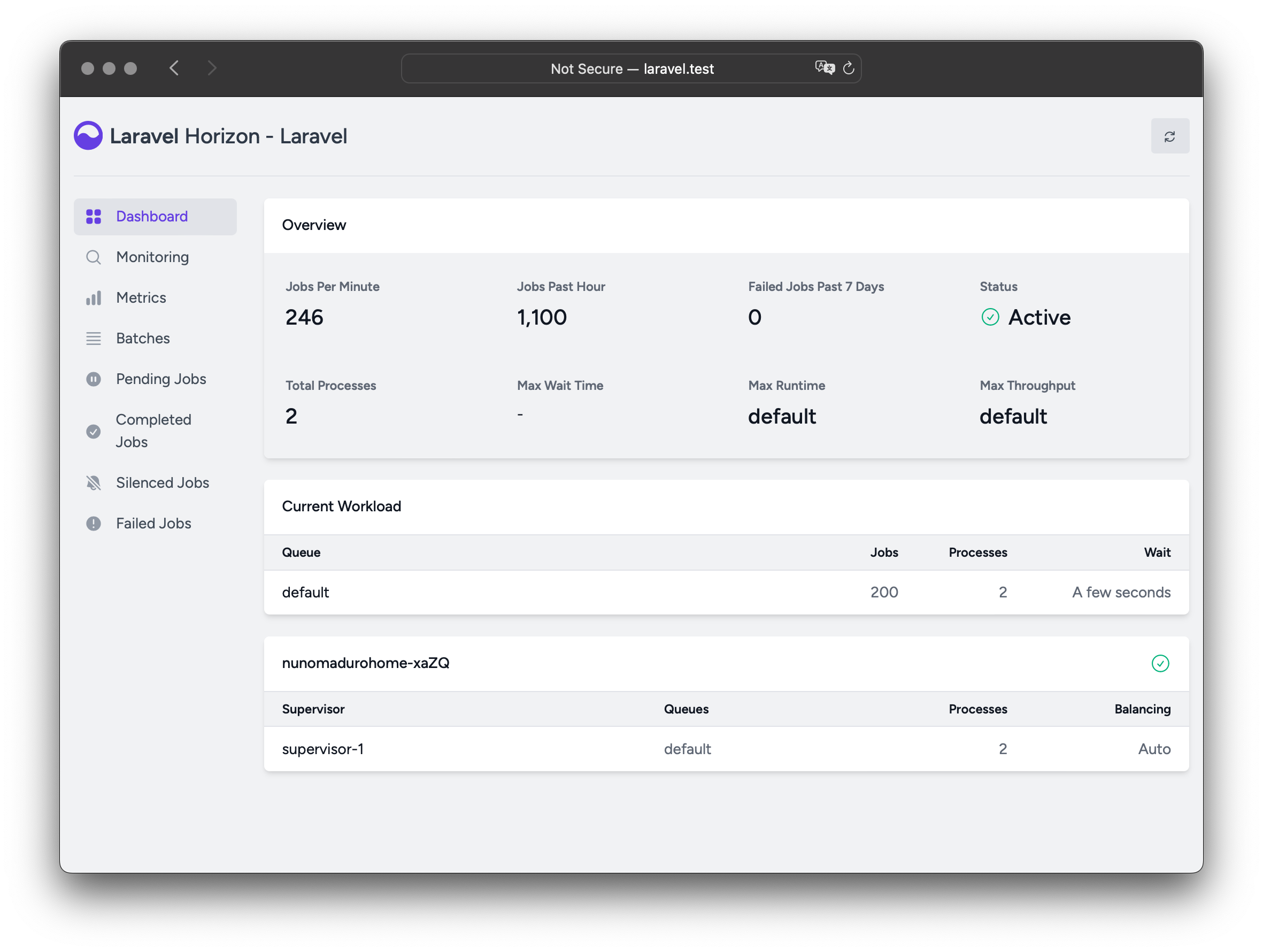 ## Installation
> [!WARNING]
> Laravel Horizon requires that you use [Redis](https://redis.io) to power your queue. Therefore, you should ensure that your queue connection is set to `redis` in your application's `config/queue.php` configuration file.
You may install Horizon into your project using the Composer package manager:
```shell
composer require laravel/horizon
```
After installing Horizon, publish its assets using the `horizon:install` Artisan command:
```shell
php artisan horizon:install
```
### Configuration
After publishing Horizon's assets, its primary configuration file will be located at `config/horizon.php`. This configuration file allows you to configure the queue worker options for your application. Each configuration option includes a description of its purpose, so be sure to thoroughly explore this file.
> [!WARNING]
> Horizon uses a Redis connection named `horizon` internally. This Redis connection name is reserved and should not be assigned to another Redis connection in the `database.php` configuration file or as the value of the `use` option in the `horizon.php` configuration file.
#### Environments
After installation, the primary Horizon configuration option that you should familiarize yourself with is the `environments` configuration option. This configuration option is an array of environments that your application runs on and defines the worker process options for each environment. By default, this entry contains a `production` and `local` environment. However, you are free to add more environments as needed:
```php
'environments' => [
'production' => [
'supervisor-1' => [
'maxProcesses' => 10,
'balanceMaxShift' => 1,
'balanceCooldown' => 3,
],
],
'local' => [
'supervisor-1' => [
'maxProcesses' => 3,
],
],
],
```
You may also define a wildcard environment (`*`) which will be used when no other matching environment is found:
```php
'environments' => [
// ...
'*' => [
'supervisor-1' => [
'maxProcesses' => 3,
],
],
],
```
When you start Horizon, it will use the worker process configuration options for the environment that your application is running on. Typically, the environment is determined by the value of the `APP_ENV` [environment variable](/docs/{{version}}/configuration#determining-the-current-environment). For example, the default `local` Horizon environment is configured to start three worker processes and automatically balance the number of worker processes assigned to each queue. The default `production` environment is configured to start a maximum of 10 worker processes and automatically balance the number of worker processes assigned to each queue.
> [!WARNING]
> You should ensure that the `environments` portion of your `horizon` configuration file contains an entry for each [environment](/docs/{{version}}/configuration#environment-configuration) on which you plan to run Horizon.
#### Supervisors
As you can see in Horizon's default configuration file, each environment can contain one or more "supervisors". By default, the configuration file defines this supervisor as `supervisor-1`; however, you are free to name your supervisors whatever you want. Each supervisor is essentially responsible for "supervising" a group of worker processes and takes care of balancing worker processes across queues.
You may add additional supervisors to a given environment if you would like to define a new group of worker processes that should run in that environment. You may choose to do this if you would like to define a different balancing strategy or worker process count for a given queue used by your application.
#### Maintenance Mode
While your application is in [maintenance mode](/docs/{{version}}/configuration#maintenance-mode), queued jobs will not be processed by Horizon unless the supervisor's `force` option is defined as `true` within the Horizon configuration file:
```php
'environments' => [
'production' => [
'supervisor-1' => [
// ...
'force' => true,
],
],
],
```
#### Default Values
Within Horizon's default configuration file, you will notice a `defaults` configuration option. This configuration option specifies the default values for your application's [supervisors](#supervisors). The supervisor's default configuration values will be merged into the supervisor's configuration for each environment, allowing you to avoid unnecessary repetition when defining your supervisors.
### Balancing Strategies
Unlike Laravel's default queue system, Horizon allows you to choose from three worker balancing strategies: `simple`, `auto`, and `false`. The `simple` strategy splits incoming jobs evenly between worker processes:
'balance' => 'simple',
The `auto` strategy, which is the configuration file's default, adjusts the number of worker processes per queue based on the current workload of the queue. For example, if your `notifications` queue has 1,000 pending jobs while your `render` queue is empty, Horizon will allocate more workers to your `notifications` queue until the queue is empty.
When using the `auto` strategy, you may define the `minProcesses` and `maxProcesses` configuration options to control the minimum number of processes per queue and the maximum number of worker processes in total Horizon should scale up and down to:
```php
'environments' => [
'production' => [
'supervisor-1' => [
'connection' => 'redis',
'queue' => ['default'],
'balance' => 'auto',
'autoScalingStrategy' => 'time',
'minProcesses' => 1,
'maxProcesses' => 10,
'balanceMaxShift' => 1,
'balanceCooldown' => 3,
'tries' => 3,
],
],
],
```
The `autoScalingStrategy` configuration value determines if Horizon will assign more worker processes to queues based on the total amount of time it will take to clear the queue (`time` strategy) or by the total number of jobs on the queue (`size` strategy).
The `balanceMaxShift` and `balanceCooldown` configuration values determine how quickly Horizon will scale to meet worker demand. In the example above, a maximum of one new process will be created or destroyed every three seconds. You are free to tweak these values as necessary based on your application's needs.
When the `balance` option is set to `false`, the default Laravel behavior will be used, wherein queues are processed in the order they are listed in your configuration.
### Dashboard Authorization
The Horizon dashboard may be accessed via the `/horizon` route. By default, you will only be able to access this dashboard in the `local` environment. However, within your `app/Providers/HorizonServiceProvider.php` file, there is an [authorization gate](/docs/{{version}}/authorization#gates) definition. This authorization gate controls access to Horizon in **non-local** environments. You are free to modify this gate as needed to restrict access to your Horizon installation:
```php
/**
* Register the Horizon gate.
*
* This gate determines who can access Horizon in non-local environments.
*/
protected function gate(): void
{
Gate::define('viewHorizon', function (User $user) {
return in_array($user->email, [
'taylor@laravel.com',
]);
});
}
```
#### Alternative Authentication Strategies
Remember that Laravel automatically injects the authenticated user into the gate closure. If your application is providing Horizon security via another method, such as IP restrictions, then your Horizon users may not need to "login". Therefore, you will need to change `function (User $user)` closure signature above to `function (User $user = null)` in order to force Laravel to not require authentication.
### Silenced Jobs
Sometimes, you may not be interested in viewing certain jobs dispatched by your application or third-party packages. Instead of these jobs taking up space in your "Completed Jobs" list, you can silence them. To get started, add the job's class name to the `silenced` configuration option in your application's `horizon` configuration file:
```php
'silenced' => [
App\Jobs\ProcessPodcast::class,
],
```
Alternatively, the job you wish to silence can implement the `Laravel\Horizon\Contracts\Silenced` interface. If a job implements this interface, it will automatically be silenced, even if it is not present in the `silenced` configuration array:
```php
use Laravel\Horizon\Contracts\Silenced;
class ProcessPodcast implements ShouldQueue, Silenced
{
use Queueable;
// ...
}
```
## Upgrading Horizon
When upgrading to a new major version of Horizon, it's important that you carefully review [the upgrade guide](https://github.com/laravel/horizon/blob/master/UPGRADE.md).
## Running Horizon
Once you have configured your supervisors and workers in your application's `config/horizon.php` configuration file, you may start Horizon using the `horizon` Artisan command. This single command will start all of the configured worker processes for the current environment:
```shell
php artisan horizon
```
You may pause the Horizon process and instruct it to continue processing jobs using the `horizon:pause` and `horizon:continue` Artisan commands:
```shell
php artisan horizon:pause
php artisan horizon:continue
```
You may also pause and continue specific Horizon [supervisors](#supervisors) using the `horizon:pause-supervisor` and `horizon:continue-supervisor` Artisan commands:
```shell
php artisan horizon:pause-supervisor supervisor-1
php artisan horizon:continue-supervisor supervisor-1
```
You may check the current status of the Horizon process using the `horizon:status` Artisan command:
```shell
php artisan horizon:status
```
You may check the current status of a specific Horizon [supervisor](#supervisors) using the `horizon:supervisor-status` Artisan command:
```shell
php artisan horizon:supervisor-status supervisor-1
```
You may gracefully terminate the Horizon process using the `horizon:terminate` Artisan command. Any jobs that are currently being processed will be completed and then Horizon will stop executing:
```shell
php artisan horizon:terminate
```
### Deploying Horizon
When you're ready to deploy Horizon to your application's actual server, you should configure a process monitor to monitor the `php artisan horizon` command and restart it if it exits unexpectedly. Don't worry, we'll discuss how to install a process monitor below.
During your application's deployment process, you should instruct the Horizon process to terminate so that it will be restarted by your process monitor and receive your code changes:
```shell
php artisan horizon:terminate
```
#### Installing Supervisor
Supervisor is a process monitor for the Linux operating system and will automatically restart your `horizon` process if it stops executing. To install Supervisor on Ubuntu, you may use the following command. If you are not using Ubuntu, you can likely install Supervisor using your operating system's package manager:
```shell
sudo apt-get install supervisor
```
> [!NOTE]
> If configuring Supervisor yourself sounds overwhelming, consider using [Laravel Cloud](https://cloud.laravel.com), which can manage background processes for your Laravel applications.
#### Supervisor Configuration
Supervisor configuration files are typically stored within your server's `/etc/supervisor/conf.d` directory. Within this directory, you may create any number of configuration files that instruct supervisor how your processes should be monitored. For example, let's create a `horizon.conf` file that starts and monitors a `horizon` process:
```ini
[program:horizon]
process_name=%(program_name)s
command=php /home/forge/example.com/artisan horizon
autostart=true
autorestart=true
user=forge
redirect_stderr=true
stdout_logfile=/home/forge/example.com/horizon.log
stopwaitsecs=3600
```
When defining your Supervisor configuration, you should ensure that the value of `stopwaitsecs` is greater than the number of seconds consumed by your longest running job. Otherwise, Supervisor may kill the job before it is finished processing.
> [!WARNING]
> While the examples above are valid for Ubuntu based servers, the location and file extension expected of Supervisor configuration files may vary between other server operating systems. Please consult your server's documentation for more information.
#### Starting Supervisor
Once the configuration file has been created, you may update the Supervisor configuration and start the monitored processes using the following commands:
```shell
sudo supervisorctl reread
sudo supervisorctl update
sudo supervisorctl start horizon
```
> [!NOTE]
> For more information on running Supervisor, consult the [Supervisor documentation](http://supervisord.org/index.html).
## Tags
Horizon allows you to assign “tags” to jobs, including mailables, broadcast events, notifications, and queued event listeners. In fact, Horizon will intelligently and automatically tag most jobs depending on the Eloquent models that are attached to the job. For example, take a look at the following job:
```php
#### Manually Tagging Jobs
If you would like to manually define the tags for one of your queueable objects, you may define a `tags` method on the class:
```php
class RenderVideo implements ShouldQueue
{
/**
* Get the tags that should be assigned to the job.
*
* @return array
## Installation
> [!WARNING]
> Laravel Horizon requires that you use [Redis](https://redis.io) to power your queue. Therefore, you should ensure that your queue connection is set to `redis` in your application's `config/queue.php` configuration file.
You may install Horizon into your project using the Composer package manager:
```shell
composer require laravel/horizon
```
After installing Horizon, publish its assets using the `horizon:install` Artisan command:
```shell
php artisan horizon:install
```
### Configuration
After publishing Horizon's assets, its primary configuration file will be located at `config/horizon.php`. This configuration file allows you to configure the queue worker options for your application. Each configuration option includes a description of its purpose, so be sure to thoroughly explore this file.
> [!WARNING]
> Horizon uses a Redis connection named `horizon` internally. This Redis connection name is reserved and should not be assigned to another Redis connection in the `database.php` configuration file or as the value of the `use` option in the `horizon.php` configuration file.
#### Environments
After installation, the primary Horizon configuration option that you should familiarize yourself with is the `environments` configuration option. This configuration option is an array of environments that your application runs on and defines the worker process options for each environment. By default, this entry contains a `production` and `local` environment. However, you are free to add more environments as needed:
```php
'environments' => [
'production' => [
'supervisor-1' => [
'maxProcesses' => 10,
'balanceMaxShift' => 1,
'balanceCooldown' => 3,
],
],
'local' => [
'supervisor-1' => [
'maxProcesses' => 3,
],
],
],
```
You may also define a wildcard environment (`*`) which will be used when no other matching environment is found:
```php
'environments' => [
// ...
'*' => [
'supervisor-1' => [
'maxProcesses' => 3,
],
],
],
```
When you start Horizon, it will use the worker process configuration options for the environment that your application is running on. Typically, the environment is determined by the value of the `APP_ENV` [environment variable](/docs/{{version}}/configuration#determining-the-current-environment). For example, the default `local` Horizon environment is configured to start three worker processes and automatically balance the number of worker processes assigned to each queue. The default `production` environment is configured to start a maximum of 10 worker processes and automatically balance the number of worker processes assigned to each queue.
> [!WARNING]
> You should ensure that the `environments` portion of your `horizon` configuration file contains an entry for each [environment](/docs/{{version}}/configuration#environment-configuration) on which you plan to run Horizon.
#### Supervisors
As you can see in Horizon's default configuration file, each environment can contain one or more "supervisors". By default, the configuration file defines this supervisor as `supervisor-1`; however, you are free to name your supervisors whatever you want. Each supervisor is essentially responsible for "supervising" a group of worker processes and takes care of balancing worker processes across queues.
You may add additional supervisors to a given environment if you would like to define a new group of worker processes that should run in that environment. You may choose to do this if you would like to define a different balancing strategy or worker process count for a given queue used by your application.
#### Maintenance Mode
While your application is in [maintenance mode](/docs/{{version}}/configuration#maintenance-mode), queued jobs will not be processed by Horizon unless the supervisor's `force` option is defined as `true` within the Horizon configuration file:
```php
'environments' => [
'production' => [
'supervisor-1' => [
// ...
'force' => true,
],
],
],
```
#### Default Values
Within Horizon's default configuration file, you will notice a `defaults` configuration option. This configuration option specifies the default values for your application's [supervisors](#supervisors). The supervisor's default configuration values will be merged into the supervisor's configuration for each environment, allowing you to avoid unnecessary repetition when defining your supervisors.
### Balancing Strategies
Unlike Laravel's default queue system, Horizon allows you to choose from three worker balancing strategies: `simple`, `auto`, and `false`. The `simple` strategy splits incoming jobs evenly between worker processes:
'balance' => 'simple',
The `auto` strategy, which is the configuration file's default, adjusts the number of worker processes per queue based on the current workload of the queue. For example, if your `notifications` queue has 1,000 pending jobs while your `render` queue is empty, Horizon will allocate more workers to your `notifications` queue until the queue is empty.
When using the `auto` strategy, you may define the `minProcesses` and `maxProcesses` configuration options to control the minimum number of processes per queue and the maximum number of worker processes in total Horizon should scale up and down to:
```php
'environments' => [
'production' => [
'supervisor-1' => [
'connection' => 'redis',
'queue' => ['default'],
'balance' => 'auto',
'autoScalingStrategy' => 'time',
'minProcesses' => 1,
'maxProcesses' => 10,
'balanceMaxShift' => 1,
'balanceCooldown' => 3,
'tries' => 3,
],
],
],
```
The `autoScalingStrategy` configuration value determines if Horizon will assign more worker processes to queues based on the total amount of time it will take to clear the queue (`time` strategy) or by the total number of jobs on the queue (`size` strategy).
The `balanceMaxShift` and `balanceCooldown` configuration values determine how quickly Horizon will scale to meet worker demand. In the example above, a maximum of one new process will be created or destroyed every three seconds. You are free to tweak these values as necessary based on your application's needs.
When the `balance` option is set to `false`, the default Laravel behavior will be used, wherein queues are processed in the order they are listed in your configuration.
### Dashboard Authorization
The Horizon dashboard may be accessed via the `/horizon` route. By default, you will only be able to access this dashboard in the `local` environment. However, within your `app/Providers/HorizonServiceProvider.php` file, there is an [authorization gate](/docs/{{version}}/authorization#gates) definition. This authorization gate controls access to Horizon in **non-local** environments. You are free to modify this gate as needed to restrict access to your Horizon installation:
```php
/**
* Register the Horizon gate.
*
* This gate determines who can access Horizon in non-local environments.
*/
protected function gate(): void
{
Gate::define('viewHorizon', function (User $user) {
return in_array($user->email, [
'taylor@laravel.com',
]);
});
}
```
#### Alternative Authentication Strategies
Remember that Laravel automatically injects the authenticated user into the gate closure. If your application is providing Horizon security via another method, such as IP restrictions, then your Horizon users may not need to "login". Therefore, you will need to change `function (User $user)` closure signature above to `function (User $user = null)` in order to force Laravel to not require authentication.
### Silenced Jobs
Sometimes, you may not be interested in viewing certain jobs dispatched by your application or third-party packages. Instead of these jobs taking up space in your "Completed Jobs" list, you can silence them. To get started, add the job's class name to the `silenced` configuration option in your application's `horizon` configuration file:
```php
'silenced' => [
App\Jobs\ProcessPodcast::class,
],
```
Alternatively, the job you wish to silence can implement the `Laravel\Horizon\Contracts\Silenced` interface. If a job implements this interface, it will automatically be silenced, even if it is not present in the `silenced` configuration array:
```php
use Laravel\Horizon\Contracts\Silenced;
class ProcessPodcast implements ShouldQueue, Silenced
{
use Queueable;
// ...
}
```
## Upgrading Horizon
When upgrading to a new major version of Horizon, it's important that you carefully review [the upgrade guide](https://github.com/laravel/horizon/blob/master/UPGRADE.md).
## Running Horizon
Once you have configured your supervisors and workers in your application's `config/horizon.php` configuration file, you may start Horizon using the `horizon` Artisan command. This single command will start all of the configured worker processes for the current environment:
```shell
php artisan horizon
```
You may pause the Horizon process and instruct it to continue processing jobs using the `horizon:pause` and `horizon:continue` Artisan commands:
```shell
php artisan horizon:pause
php artisan horizon:continue
```
You may also pause and continue specific Horizon [supervisors](#supervisors) using the `horizon:pause-supervisor` and `horizon:continue-supervisor` Artisan commands:
```shell
php artisan horizon:pause-supervisor supervisor-1
php artisan horizon:continue-supervisor supervisor-1
```
You may check the current status of the Horizon process using the `horizon:status` Artisan command:
```shell
php artisan horizon:status
```
You may check the current status of a specific Horizon [supervisor](#supervisors) using the `horizon:supervisor-status` Artisan command:
```shell
php artisan horizon:supervisor-status supervisor-1
```
You may gracefully terminate the Horizon process using the `horizon:terminate` Artisan command. Any jobs that are currently being processed will be completed and then Horizon will stop executing:
```shell
php artisan horizon:terminate
```
### Deploying Horizon
When you're ready to deploy Horizon to your application's actual server, you should configure a process monitor to monitor the `php artisan horizon` command and restart it if it exits unexpectedly. Don't worry, we'll discuss how to install a process monitor below.
During your application's deployment process, you should instruct the Horizon process to terminate so that it will be restarted by your process monitor and receive your code changes:
```shell
php artisan horizon:terminate
```
#### Installing Supervisor
Supervisor is a process monitor for the Linux operating system and will automatically restart your `horizon` process if it stops executing. To install Supervisor on Ubuntu, you may use the following command. If you are not using Ubuntu, you can likely install Supervisor using your operating system's package manager:
```shell
sudo apt-get install supervisor
```
> [!NOTE]
> If configuring Supervisor yourself sounds overwhelming, consider using [Laravel Cloud](https://cloud.laravel.com), which can manage background processes for your Laravel applications.
#### Supervisor Configuration
Supervisor configuration files are typically stored within your server's `/etc/supervisor/conf.d` directory. Within this directory, you may create any number of configuration files that instruct supervisor how your processes should be monitored. For example, let's create a `horizon.conf` file that starts and monitors a `horizon` process:
```ini
[program:horizon]
process_name=%(program_name)s
command=php /home/forge/example.com/artisan horizon
autostart=true
autorestart=true
user=forge
redirect_stderr=true
stdout_logfile=/home/forge/example.com/horizon.log
stopwaitsecs=3600
```
When defining your Supervisor configuration, you should ensure that the value of `stopwaitsecs` is greater than the number of seconds consumed by your longest running job. Otherwise, Supervisor may kill the job before it is finished processing.
> [!WARNING]
> While the examples above are valid for Ubuntu based servers, the location and file extension expected of Supervisor configuration files may vary between other server operating systems. Please consult your server's documentation for more information.
#### Starting Supervisor
Once the configuration file has been created, you may update the Supervisor configuration and start the monitored processes using the following commands:
```shell
sudo supervisorctl reread
sudo supervisorctl update
sudo supervisorctl start horizon
```
> [!NOTE]
> For more information on running Supervisor, consult the [Supervisor documentation](http://supervisord.org/index.html).
## Tags
Horizon allows you to assign “tags” to jobs, including mailables, broadcast events, notifications, and queued event listeners. In fact, Horizon will intelligently and automatically tag most jobs depending on the Eloquent models that are attached to the job. For example, take a look at the following job:
```php
#### Manually Tagging Jobs
If you would like to manually define the tags for one of your queueable objects, you may define a `tags` method on the class:
```php
class RenderVideo implements ShouldQueue
{
/**
* Get the tags that should be assigned to the job.
*
* @return array
[assertAccepted](#assert-accepted)
[assertBadRequest](#assert-bad-request)
[assertConflict](#assert-conflict)
[assertCookie](#assert-cookie)
[assertCookieExpired](#assert-cookie-expired)
[assertCookieNotExpired](#assert-cookie-not-expired)
[assertCookieMissing](#assert-cookie-missing)
[assertCreated](#assert-created)
[assertDontSee](#assert-dont-see)
[assertDontSeeText](#assert-dont-see-text)
[assertDownload](#assert-download)
[assertExactJson](#assert-exact-json)
[assertExactJsonStructure](#assert-exact-json-structure)
[assertForbidden](#assert-forbidden)
[assertFound](#assert-found)
[assertGone](#assert-gone)
[assertHeader](#assert-header)
[assertHeaderMissing](#assert-header-missing)
[assertInternalServerError](#assert-internal-server-error)
[assertJson](#assert-json)
[assertJsonCount](#assert-json-count)
[assertJsonFragment](#assert-json-fragment)
[assertJsonIsArray](#assert-json-is-array)
[assertJsonIsObject](#assert-json-is-object)
[assertJsonMissing](#assert-json-missing)
[assertJsonMissingExact](#assert-json-missing-exact)
[assertJsonMissingValidationErrors](#assert-json-missing-validation-errors)
[assertJsonPath](#assert-json-path)
[assertJsonMissingPath](#assert-json-missing-path)
[assertJsonStructure](#assert-json-structure)
[assertJsonValidationErrors](#assert-json-validation-errors)
[assertJsonValidationErrorFor](#assert-json-validation-error-for)
[assertLocation](#assert-location)
[assertMethodNotAllowed](#assert-method-not-allowed)
[assertMovedPermanently](#assert-moved-permanently)
[assertContent](#assert-content)
[assertNoContent](#assert-no-content)
[assertStreamed](#assert-streamed)
[assertStreamedContent](#assert-streamed-content)
[assertNotFound](#assert-not-found)
[assertOk](#assert-ok)
[assertPaymentRequired](#assert-payment-required)
[assertPlainCookie](#assert-plain-cookie)
[assertRedirect](#assert-redirect)
[assertRedirectContains](#assert-redirect-contains)
[assertRedirectToRoute](#assert-redirect-to-route)
[assertRedirectToSignedRoute](#assert-redirect-to-signed-route)
[assertRequestTimeout](#assert-request-timeout)
[assertSee](#assert-see)
[assertSeeInOrder](#assert-see-in-order)
[assertSeeText](#assert-see-text)
[assertSeeTextInOrder](#assert-see-text-in-order)
[assertServerError](#assert-server-error)
[assertServiceUnavailable](#assert-service-unavailable)
[assertSessionHas](#assert-session-has)
[assertSessionHasInput](#assert-session-has-input)
[assertSessionHasAll](#assert-session-has-all)
[assertSessionHasErrors](#assert-session-has-errors)
[assertSessionHasErrorsIn](#assert-session-has-errors-in)
[assertSessionHasNoErrors](#assert-session-has-no-errors)
[assertSessionDoesntHaveErrors](#assert-session-doesnt-have-errors)
[assertSessionMissing](#assert-session-missing)
[assertStatus](#assert-status)
[assertSuccessful](#assert-successful)
[assertTooManyRequests](#assert-too-many-requests)
[assertUnauthorized](#assert-unauthorized)
[assertUnprocessable](#assert-unprocessable)
[assertUnsupportedMediaType](#assert-unsupported-media-type)
[assertValid](#assert-valid)
[assertInvalid](#assert-invalid)
[assertViewHas](#assert-view-has)
[assertViewHasAll](#assert-view-has-all)
[assertViewIs](#assert-view-is)
[assertViewMissing](#assert-view-missing)
#### assertBadRequest
Assert that the response has a bad request (400) HTTP status code:
```php
$response->assertBadRequest();
```
#### assertAccepted
Assert that the response has an accepted (202) HTTP status code:
```php
$response->assertAccepted();
```
#### assertConflict
Assert that the response has a conflict (409) HTTP status code:
```php
$response->assertConflict();
```
#### assertCookie
Assert that the response contains the given cookie:
```php
$response->assertCookie($cookieName, $value = null);
```
#### assertCookieExpired
Assert that the response contains the given cookie and it is expired:
```php
$response->assertCookieExpired($cookieName);
```
#### assertCookieNotExpired
Assert that the response contains the given cookie and it is not expired:
```php
$response->assertCookieNotExpired($cookieName);
```
#### assertCookieMissing
Assert that the response does not contain the given cookie:
```php
$response->assertCookieMissing($cookieName);
```
#### assertCreated
Assert that the response has a 201 HTTP status code:
```php
$response->assertCreated();
```
#### assertDontSee
Assert that the given string is not contained within the response returned by the application. This assertion will automatically escape the given string unless you pass a second argument of `false`:
```php
$response->assertDontSee($value, $escaped = true);
```
#### assertDontSeeText
Assert that the given string is not contained within the response text. This assertion will automatically escape the given string unless you pass a second argument of `false`. This method will pass the response content to the `strip_tags` PHP function before making the assertion:
```php
$response->assertDontSeeText($value, $escaped = true);
```
#### assertDownload
Assert that the response is a "download". Typically, this means the invoked route that returned the response returned a `Response::download` response, `BinaryFileResponse`, or `Storage::download` response:
```php
$response->assertDownload();
```
If you wish, you may assert that the downloadable file was assigned a given file name:
```php
$response->assertDownload('image.jpg');
```
#### assertExactJson
Assert that the response contains an exact match of the given JSON data:
```php
$response->assertExactJson(array $data);
```
#### assertExactJsonStructure
Assert that the response contains an exact match of the given JSON structure:
```php
$response->assertExactJsonStructure(array $data);
```
This method is a more strict variant of [assertJsonStructure](#assert-json-structure). In contrast with `assertJsonStructure`, this method will fail if the response contains any keys that aren't explicitly included in the expected JSON structure.
#### assertForbidden
Assert that the response has a forbidden (403) HTTP status code:
```php
$response->assertForbidden();
```
#### assertFound
Assert that the response has a found (302) HTTP status code:
```php
$response->assertFound();
```
#### assertGone
Assert that the response has a gone (410) HTTP status code:
```php
$response->assertGone();
```
#### assertHeader
Assert that the given header and value is present on the response:
```php
$response->assertHeader($headerName, $value = null);
```
#### assertHeaderMissing
Assert that the given header is not present on the response:
```php
$response->assertHeaderMissing($headerName);
```
#### assertInternalServerError
Assert that the response has an "Internal Server Error" (500) HTTP status code:
```php
$response->assertInternalServerError();
```
#### assertJson
Assert that the response contains the given JSON data:
```php
$response->assertJson(array $data, $strict = false);
```
The `assertJson` method converts the response to an array to verify that the given array exists within the JSON response returned by the application. So, if there are other properties in the JSON response, this test will still pass as long as the given fragment is present.
#### assertJsonCount
Assert that the response JSON has an array with the expected number of items at the given key:
```php
$response->assertJsonCount($count, $key = null);
```
#### assertJsonFragment
Assert that the response contains the given JSON data anywhere in the response:
```php
Route::get('/users', function () {
return [
'users' => [
[
'name' => 'Taylor Otwell',
],
],
];
});
$response->assertJsonFragment(['name' => 'Taylor Otwell']);
```
#### assertJsonIsArray
Assert that the response JSON is an array:
```php
$response->assertJsonIsArray();
```
#### assertJsonIsObject
Assert that the response JSON is an object:
```php
$response->assertJsonIsObject();
```
#### assertJsonMissing
Assert that the response does not contain the given JSON data:
```php
$response->assertJsonMissing(array $data);
```
#### assertJsonMissingExact
Assert that the response does not contain the exact JSON data:
```php
$response->assertJsonMissingExact(array $data);
```
#### assertJsonMissingValidationErrors
Assert that the response has no JSON validation errors for the given keys:
```php
$response->assertJsonMissingValidationErrors($keys);
```
> [!NOTE]
> The more generic [assertValid](#assert-valid) method may be used to assert that a response does not have validation errors that were returned as JSON **and** that no errors were flashed to session storage.
#### assertJsonPath
Assert that the response contains the given data at the specified path:
```php
$response->assertJsonPath($path, $expectedValue);
```
For example, if the following JSON response is returned by your application:
```json
{
"user": {
"name": "Steve Schoger"
}
}
```
You may assert that the `name` property of the `user` object matches a given value like so:
```php
$response->assertJsonPath('user.name', 'Steve Schoger');
```
#### assertJsonMissingPath
Assert that the response does not contain the given path:
```php
$response->assertJsonMissingPath($path);
```
For example, if the following JSON response is returned by your application:
```json
{
"user": {
"name": "Steve Schoger"
}
}
```
You may assert that it does not contain the `email` property of the `user` object:
```php
$response->assertJsonMissingPath('user.email');
```
#### assertJsonStructure
Assert that the response has a given JSON structure:
```php
$response->assertJsonStructure(array $structure);
```
For example, if the JSON response returned by your application contains the following data:
```json
{
"user": {
"name": "Steve Schoger"
}
}
```
You may assert that the JSON structure matches your expectations like so:
```php
$response->assertJsonStructure([
'user' => [
'name',
]
]);
```
Sometimes, JSON responses returned by your application may contain arrays of objects:
```json
{
"user": [
{
"name": "Steve Schoger",
"age": 55,
"location": "Earth"
},
{
"name": "Mary Schoger",
"age": 60,
"location": "Earth"
}
]
}
```
In this situation, you may use the `*` character to assert against the structure of all of the objects in the array:
```php
$response->assertJsonStructure([
'user' => [
'*' => [
'name',
'age',
'location'
]
]
]);
```
#### assertJsonValidationErrors
Assert that the response has the given JSON validation errors for the given keys. This method should be used when asserting against responses where the validation errors are returned as a JSON structure instead of being flashed to the session:
```php
$response->assertJsonValidationErrors(array $data, $responseKey = 'errors');
```
> [!NOTE]
> The more generic [assertInvalid](#assert-invalid) method may be used to assert that a response has validation errors returned as JSON **or** that errors were flashed to session storage.
#### assertJsonValidationErrorFor
Assert the response has any JSON validation errors for the given key:
```php
$response->assertJsonValidationErrorFor(string $key, $responseKey = 'errors');
```
#### assertMethodNotAllowed
Assert that the response has a method not allowed (405) HTTP status code:
```php
$response->assertMethodNotAllowed();
```
#### assertMovedPermanently
Assert that the response has a moved permanently (301) HTTP status code:
```php
$response->assertMovedPermanently();
```
#### assertLocation
Assert that the response has the given URI value in the `Location` header:
```php
$response->assertLocation($uri);
```
#### assertContent
Assert that the given string matches the response content:
```php
$response->assertContent($value);
```
#### assertNoContent
Assert that the response has the given HTTP status code and no content:
```php
$response->assertNoContent($status = 204);
```
#### assertStreamed
Assert that the response was a streamed response:
$response->assertStreamed();
#### assertStreamedContent
Assert that the given string matches the streamed response content:
```php
$response->assertStreamedContent($value);
```
#### assertNotFound
Assert that the response has a not found (404) HTTP status code:
```php
$response->assertNotFound();
```
#### assertOk
Assert that the response has a 200 HTTP status code:
```php
$response->assertOk();
```
#### assertPaymentRequired
Assert that the response has a payment required (402) HTTP status code:
```php
$response->assertPaymentRequired();
```
#### assertPlainCookie
Assert that the response contains the given unencrypted cookie:
```php
$response->assertPlainCookie($cookieName, $value = null);
```
#### assertRedirect
Assert that the response is a redirect to the given URI:
```php
$response->assertRedirect($uri = null);
```
#### assertRedirectContains
Assert whether the response is redirecting to a URI that contains the given string:
```php
$response->assertRedirectContains($string);
```
#### assertRedirectToRoute
Assert that the response is a redirect to the given [named route](/docs/{{version}}/routing#named-routes):
```php
$response->assertRedirectToRoute($name, $parameters = []);
```
#### assertRedirectToSignedRoute
Assert that the response is a redirect to the given [signed route](/docs/{{version}}/urls#signed-urls):
```php
$response->assertRedirectToSignedRoute($name = null, $parameters = []);
```
#### assertRequestTimeout
Assert that the response has a request timeout (408) HTTP status code:
```php
$response->assertRequestTimeout();
```
#### assertSee
Assert that the given string is contained within the response. This assertion will automatically escape the given string unless you pass a second argument of `false`:
```php
$response->assertSee($value, $escaped = true);
```
#### assertSeeInOrder
Assert that the given strings are contained in order within the response. This assertion will automatically escape the given strings unless you pass a second argument of `false`:
```php
$response->assertSeeInOrder(array $values, $escaped = true);
```
#### assertSeeText
Assert that the given string is contained within the response text. This assertion will automatically escape the given string unless you pass a second argument of `false`. The response content will be passed to the `strip_tags` PHP function before the assertion is made:
```php
$response->assertSeeText($value, $escaped = true);
```
#### assertSeeTextInOrder
Assert that the given strings are contained in order within the response text. This assertion will automatically escape the given strings unless you pass a second argument of `false`. The response content will be passed to the `strip_tags` PHP function before the assertion is made:
```php
$response->assertSeeTextInOrder(array $values, $escaped = true);
```
#### assertServerError
Assert that the response has a server error (>= 500 , < 600) HTTP status code:
```php
$response->assertServerError();
```
#### assertServiceUnavailable
Assert that the response has a "Service Unavailable" (503) HTTP status code:
```php
$response->assertServiceUnavailable();
```
#### assertSessionHas
Assert that the session contains the given piece of data:
```php
$response->assertSessionHas($key, $value = null);
```
If needed, a closure can be provided as the second argument to the `assertSessionHas` method. The assertion will pass if the closure returns `true`:
```php
$response->assertSessionHas($key, function (User $value) {
return $value->name === 'Taylor Otwell';
});
```
#### assertSessionHasInput
Assert that the session has a given value in the [flashed input array](/docs/{{version}}/responses#redirecting-with-flashed-session-data):
```php
$response->assertSessionHasInput($key, $value = null);
```
If needed, a closure can be provided as the second argument to the `assertSessionHasInput` method. The assertion will pass if the closure returns `true`:
```php
use Illuminate\Support\Facades\Crypt;
$response->assertSessionHasInput($key, function (string $value) {
return Crypt::decryptString($value) === 'secret';
});
```
#### assertSessionHasAll
Assert that the session contains a given array of key / value pairs:
```php
$response->assertSessionHasAll(array $data);
```
For example, if your application's session contains `name` and `status` keys, you may assert that both exist and have the specified values like so:
```php
$response->assertSessionHasAll([
'name' => 'Taylor Otwell',
'status' => 'active',
]);
```
#### assertSessionHasErrors
Assert that the session contains an error for the given `$keys`. If `$keys` is an associative array, assert that the session contains a specific error message (value) for each field (key). This method should be used when testing routes that flash validation errors to the session instead of returning them as a JSON structure:
```php
$response->assertSessionHasErrors(
array $keys = [], $format = null, $errorBag = 'default'
);
```
For example, to assert that the `name` and `email` fields have validation error messages that were flashed to the session, you may invoke the `assertSessionHasErrors` method like so:
```php
$response->assertSessionHasErrors(['name', 'email']);
```
Or, you may assert that a given field has a particular validation error message:
```php
$response->assertSessionHasErrors([
'name' => 'The given name was invalid.'
]);
```
> [!NOTE]
> The more generic [assertInvalid](#assert-invalid) method may be used to assert that a response has validation errors returned as JSON **or** that errors were flashed to session storage.
#### assertSessionHasErrorsIn
Assert that the session contains an error for the given `$keys` within a specific [error bag](/docs/{{version}}/validation#named-error-bags). If `$keys` is an associative array, assert that the session contains a specific error message (value) for each field (key), within the error bag:
```php
$response->assertSessionHasErrorsIn($errorBag, $keys = [], $format = null);
```
#### assertSessionHasNoErrors
Assert that the session has no validation errors:
```php
$response->assertSessionHasNoErrors();
```
#### assertSessionDoesntHaveErrors
Assert that the session has no validation errors for the given keys:
```php
$response->assertSessionDoesntHaveErrors($keys = [], $format = null, $errorBag = 'default');
```
> [!NOTE]
> The more generic [assertValid](#assert-valid) method may be used to assert that a response does not have validation errors that were returned as JSON **and** that no errors were flashed to session storage.
#### assertSessionMissing
Assert that the session does not contain the given key:
```php
$response->assertSessionMissing($key);
```
#### assertStatus
Assert that the response has a given HTTP status code:
```php
$response->assertStatus($code);
```
#### assertSuccessful
Assert that the response has a successful (>= 200 and < 300) HTTP status code:
```php
$response->assertSuccessful();
```
#### assertTooManyRequests
Assert that the response has a too many requests (429) HTTP status code:
```php
$response->assertTooManyRequests();
```
#### assertUnauthorized
Assert that the response has an unauthorized (401) HTTP status code:
```php
$response->assertUnauthorized();
```
#### assertUnprocessable
Assert that the response has an unprocessable entity (422) HTTP status code:
```php
$response->assertUnprocessable();
```
#### assertUnsupportedMediaType
Assert that the response has an unsupported media type (415) HTTP status code:
```php
$response->assertUnsupportedMediaType();
```
#### assertValid
Assert that the response has no validation errors for the given keys. This method may be used for asserting against responses where the validation errors are returned as a JSON structure or where the validation errors have been flashed to the session:
```php
// Assert that no validation errors are present...
$response->assertValid();
// Assert that the given keys do not have validation errors...
$response->assertValid(['name', 'email']);
```
#### assertInvalid
Assert that the response has validation errors for the given keys. This method may be used for asserting against responses where the validation errors are returned as a JSON structure or where the validation errors have been flashed to the session:
```php
$response->assertInvalid(['name', 'email']);
```
You may also assert that a given key has a particular validation error message. When doing so, you may provide the entire message or only a small portion of the message:
```php
$response->assertInvalid([
'name' => 'The name field is required.',
'email' => 'valid email address',
]);
```
If you would like to assert that the given fields are the only fields with validation errors, you may use the `assertOnlyInvalid` method:
```php
$response->assertOnlyInvalid(['name', 'email']);
```
#### assertViewHas
Assert that the response view contains a given piece of data:
```php
$response->assertViewHas($key, $value = null);
```
Passing a closure as the second argument to the `assertViewHas` method will allow you to inspect and make assertions against a particular piece of view data:
```php
$response->assertViewHas('user', function (User $user) {
return $user->name === 'Taylor';
});
```
In addition, view data may be accessed as array variables on the response, allowing you to conveniently inspect it:
```php tab=Pest
expect($response['name'])->toBe('Taylor');
```
```php tab=PHPUnit
$this->assertEquals('Taylor', $response['name']);
```
#### assertViewHasAll
Assert that the response view has a given list of data:
```php
$response->assertViewHasAll(array $data);
```
This method may be used to assert that the view simply contains data matching the given keys:
```php
$response->assertViewHasAll([
'name',
'email',
]);
```
Or, you may assert that the view data is present and has specific values:
```php
$response->assertViewHasAll([
'name' => 'Taylor Otwell',
'email' => 'taylor@example.com,',
]);
```
#### assertViewIs
Assert that the given view was returned by the route:
```php
$response->assertViewIs($value);
```
#### assertViewMissing
Assert that the given data key was not made available to the view returned in the application's response:
```php
$response->assertViewMissing($key);
```
### Authentication Assertions
Laravel also provides a variety of authentication related assertions that you may utilize within your application's feature tests. Note that these methods are invoked on the test class itself and not the `Illuminate\Testing\TestResponse` instance returned by methods such as `get` and `post`.
#### assertAuthenticated
Assert that a user is authenticated:
```php
$this->assertAuthenticated($guard = null);
```
#### assertGuest
Assert that a user is not authenticated:
```php
$this->assertGuest($guard = null);
```
#### assertAuthenticatedAs
Assert that a specific user is authenticated:
```php
$this->assertAuthenticatedAs($user, $guard = null);
```
## Validation Assertions
Laravel provides two primary validation related assertions that you may use to ensure the data provided in your request was either valid or invalid.
#### assertValid
Assert that the response has no validation errors for the given keys. This method may be used for asserting against responses where the validation errors are returned as a JSON structure or where the validation errors have been flashed to the session:
```php
// Assert that no validation errors are present...
$response->assertValid();
// Assert that the given keys do not have validation errors...
$response->assertValid(['name', 'email']);
```
#### assertInvalid
Assert that the response has validation errors for the given keys. This method may be used for asserting against responses where the validation errors are returned as a JSON structure or where the validation errors have been flashed to the session:
```php
$response->assertInvalid(['name', 'email']);
```
You may also assert that a given key has a particular validation error message. When doing so, you may provide the entire message or only a small portion of the message:
```php
$response->assertInvalid([
'name' => 'The name field is required.',
'email' => 'valid email address',
]);
```
---
# Installation
- [Meet Laravel](#meet-laravel)
- [Why Laravel?](#why-laravel)
- [Creating a Laravel Application](#creating-a-laravel-project)
- [Installing PHP and the Laravel Installer](#installing-php)
- [Creating an Application](#creating-an-application)
- [Initial Configuration](#initial-configuration)
- [Environment Based Configuration](#environment-based-configuration)
- [Databases and Migrations](#databases-and-migrations)
- [Directory Configuration](#directory-configuration)
- [Installation Using Herd](#installation-using-herd)
- [Herd on macOS](#herd-on-macos)
- [Herd on Windows](#herd-on-windows)
- [IDE Support](#ide-support)
- [Next Steps](#next-steps)
- [Laravel the Full Stack Framework](#laravel-the-fullstack-framework)
- [Laravel the API Backend](#laravel-the-api-backend)
## Meet Laravel
Laravel is a web application framework with expressive, elegant syntax. A web framework provides a structure and starting point for creating your application, allowing you to focus on creating something amazing while we sweat the details.
Laravel strives to provide an amazing developer experience while providing powerful features such as thorough dependency injection, an expressive database abstraction layer, queues and scheduled jobs, unit and integration testing, and more.
Whether you are new to PHP web frameworks or have years of experience, Laravel is a framework that can grow with you. We'll help you take your first steps as a web developer or give you a boost as you take your expertise to the next level. We can't wait to see what you build.
### Why Laravel?
There are a variety of tools and frameworks available to you when building a web application. However, we believe Laravel is the best choice for building modern, full-stack web applications.
#### A Progressive Framework
We like to call Laravel a "progressive" framework. By that, we mean that Laravel grows with you. If you're just taking your first steps into web development, Laravel's vast library of documentation, guides, and [video tutorials](https://laracasts.com) will help you learn the ropes without becoming overwhelmed.
If you're a senior developer, Laravel gives you robust tools for [dependency injection](/docs/{{version}}/container), [unit testing](/docs/{{version}}/testing), [queues](/docs/{{version}}/queues), [real-time events](/docs/{{version}}/broadcasting), and more. Laravel is fine-tuned for building professional web applications and ready to handle enterprise work loads.
#### A Scalable Framework
Laravel is incredibly scalable. Thanks to the scaling-friendly nature of PHP and Laravel's built-in support for fast, distributed cache systems like Redis, horizontal scaling with Laravel is a breeze. In fact, Laravel applications have been easily scaled to handle hundreds of millions of requests per month.
Need extreme scaling? Platforms like [Laravel Cloud](https://cloud.laravel.com) allow you to run your Laravel application at nearly limitless scale.
#### A Community Framework
Laravel combines the best packages in the PHP ecosystem to offer the most robust and developer friendly framework available. In addition, thousands of talented developers from around the world have [contributed to the framework](https://github.com/laravel/framework). Who knows, maybe you'll even become a Laravel contributor.
## Creating a Laravel Application
### Installing PHP and the Laravel Installer
Before creating your first Laravel application, make sure that your local machine has [PHP](https://php.net), [Composer](https://getcomposer.org), and [the Laravel installer](https://github.com/laravel/installer) installed. In addition, you should install either [Node and NPM](https://nodejs.org) or [Bun](https://bun.sh/) so that you can compile your application's frontend assets.
If you don't have PHP and Composer installed on your local machine, the following commands will install PHP, Composer, and the Laravel installer on macOS, Windows, or Linux:
```shell tab=macOS
/bin/bash -c "$(curl -fsSL https://php.new/install/mac/8.4)"
```
```shell tab=Windows PowerShell
# Run as administrator...
Set-ExecutionPolicy Bypass -Scope Process -Force; [System.Net.ServicePointManager]::SecurityProtocol = [System.Net.ServicePointManager]::SecurityProtocol -bor 3072; iex ((New-Object System.Net.WebClient).DownloadString('https://php.new/install/windows/8.4'))
```
```shell tab=Linux
/bin/bash -c "$(curl -fsSL https://php.new/install/linux/8.4)"
```
After running one of the commands above, you should restart your terminal session. To update PHP, Composer, and the Laravel installer after installing them via `php.new`, you can re-run the command in your terminal.
If you already have PHP and Composer installed, you may install the Laravel installer via Composer:
```shell
composer global require laravel/installer
```
> [!NOTE]
> For a fully-featured, graphical PHP installation and management experience, check out [Laravel Herd](#installation-using-herd).
### Creating an Application
After you have installed PHP, Composer, and the Laravel installer, you're ready to create a new Laravel application. The Laravel installer will prompt you to select your preferred testing framework, database, and starter kit:
```shell
laravel new example-app
```
Once the application has been created, you can start Laravel's local development server, queue worker, and Vite development server using the `dev` Composer script:
```shell
cd example-app
npm install && npm run build
composer run dev
```
Once you have started the development server, your application will be accessible in your web browser at [http://localhost:8000](http://localhost:8000). Next, you're ready to [start taking your next steps into the Laravel ecosystem](#next-steps). Of course, you may also want to [configure a database](#databases-and-migrations).
> [!NOTE]
> If you would like a head start when developing your Laravel application, consider using one of our [starter kits](/docs/{{version}}/starter-kits). Laravel's starter kits provide backend and frontend authentication scaffolding for your new Laravel application.
## Initial Configuration
All of the configuration files for the Laravel framework are stored in the `config` directory. Each option is documented, so feel free to look through the files and get familiar with the options available to you.
Laravel needs almost no additional configuration out of the box. You are free to get started developing! However, you may wish to review the `config/app.php` file and its documentation. It contains several options such as `url` and `locale` that you may wish to change according to your application.
### Environment Based Configuration
Since many of Laravel's configuration option values may vary depending on whether your application is running on your local machine or on a production web server, many important configuration values are defined using the `.env` file that exists at the root of your application.
Your `.env` file should not be committed to your application's source control, since each developer / server using your application could require a different environment configuration. Furthermore, this would be a security risk in the event an intruder gains access to your source control repository, since any sensitive credentials would be exposed.
> [!NOTE]
> For more information about the `.env` file and environment based configuration, check out the full [configuration documentation](/docs/{{version}}/configuration#environment-configuration).
### Databases and Migrations
Now that you have created your Laravel application, you probably want to store some data in a database. By default, your application's `.env` configuration file specifies that Laravel will be interacting with an SQLite database.
During the creation of the application, Laravel created a `database/database.sqlite` file for you, and ran the necessary migrations to create the application's database tables.
If you prefer to use another database driver such as MySQL or PostgreSQL, you can update your `.env` configuration file to use the appropriate database. For example, if you wish to use MySQL, update your `.env` configuration file's `DB_*` variables like so:
```ini
DB_CONNECTION=mysql
DB_HOST=127.0.0.1
DB_PORT=3306
DB_DATABASE=laravel
DB_USERNAME=root
DB_PASSWORD=
```
If you choose to use a database other than SQLite, you will need to create the database and run your application's [database migrations](/docs/{{version}}/migrations):
```shell
php artisan migrate
```
> [!NOTE]
> If you are developing on macOS or Windows and need to install MySQL, PostgreSQL, or Redis locally, consider using [Herd Pro](https://herd.laravel.com/#plans) or [DBngin](https://dbngin.com/).
### Directory Configuration
Laravel should always be served out of the root of the "web directory" configured for your web server. You should not attempt to serve a Laravel application out of a subdirectory of the "web directory". Attempting to do so could expose sensitive files present within your application.
## Installation Using Herd
[Laravel Herd](https://herd.laravel.com) is a blazing fast, native Laravel and PHP development environment for macOS and Windows. Herd includes everything you need to get started with Laravel development, including PHP and Nginx.
Once you install Herd, you're ready to start developing with Laravel. Herd includes command line tools for `php`, `composer`, `laravel`, `expose`, `node`, `npm`, and `nvm`.
> [!NOTE]
> [Herd Pro](https://herd.laravel.com/#plans) augments Herd with additional powerful features, such as the ability to create and manage local MySQL, Postgres, and Redis databases, as well as local mail viewing and log monitoring.
### Herd on macOS
If you develop on macOS, you can download the Herd installer from the [Herd website](https://herd.laravel.com). The installer automatically downloads the latest version of PHP and configures your Mac to always run [Nginx](https://www.nginx.com/) in the background.
Herd for macOS uses [dnsmasq](https://en.wikipedia.org/wiki/Dnsmasq) to support "parked" directories. Any Laravel application in a parked directory will automatically be served by Herd. By default, Herd creates a parked directory at `~/Herd` and you can access any Laravel application in this directory on the `.test` domain using its directory name.
After installing Herd, the fastest way to create a new Laravel application is using the Laravel CLI, which is bundled with Herd:
```shell
cd ~/Herd
laravel new my-app
cd my-app
herd open
```
Of course, you can always manage your parked directories and other PHP settings via Herd's UI, which can be opened from the Herd menu in your system tray.
You can learn more about Herd by checking out the [Herd documentation](https://herd.laravel.com/docs).
### Herd on Windows
You can download the Windows installer for Herd on the [Herd website](https://herd.laravel.com/windows). After the installation finishes, you can start Herd to complete the onboarding process and access the Herd UI for the first time.
The Herd UI is accessible by left-clicking on Herd's system tray icon. A right-click opens the quick menu with access to all tools that you need on a daily basis.
During installation, Herd creates a "parked" directory in your home directory at `%USERPROFILE%\Herd`. Any Laravel application in a parked directory will automatically be served by Herd, and you can access any Laravel application in this directory on the `.test` domain using its directory name.
After installing Herd, the fastest way to create a new Laravel application is using the Laravel CLI, which is bundled with Herd. To get started, open Powershell and run the following commands:
```shell
cd ~\Herd
laravel new my-app
cd my-app
herd open
```
You can learn more about Herd by checking out the [Herd documentation for Windows](https://herd.laravel.com/docs/windows).
## IDE Support
You are free to use any code editor you wish when developing Laravel applications; however, [PhpStorm](https://www.jetbrains.com/phpstorm/laravel/) offers extensive support for Laravel and its ecosystem, including [Laravel Pint](https://www.jetbrains.com/help/phpstorm/using-laravel-pint.html).
In addition, the community maintained [Laravel Idea](https://laravel-idea.com/) PhpStorm plugin offers a variety of helpful IDE augmentations, including code generation, Eloquent syntax completion, validation rule completion, and more.
If you develop in [Visual Studio Code (VS Code)](https://code.visualstudio.com), the official [Laravel VS Code Extension](https://marketplace.visualstudio.com/items?itemName=laravel.vscode-laravel) is now available. This extension brings Laravel-specific tools directly into your VS Code environment, enhancing productivity.
## Next Steps
Now that you have created your Laravel application, you may be wondering what to learn next. First, we strongly recommend becoming familiar with how Laravel works by reading the following documentation:
- [Request Lifecycle](/docs/{{version}}/lifecycle)
- [Configuration](/docs/{{version}}/configuration)
- [Directory Structure](/docs/{{version}}/structure)
- [Frontend](/docs/{{version}}/frontend)
- [Service Container](/docs/{{version}}/container)
- [Facades](/docs/{{version}}/facades)
How you want to use Laravel will also dictate the next steps on your journey. There are a variety of ways to use Laravel, and we'll explore two primary use cases for the framework below.
### Laravel the Full Stack Framework
Laravel may serve as a full stack framework. By "full stack" framework we mean that you are going to use Laravel to route requests to your application and render your frontend via [Blade templates](/docs/{{version}}/blade) or a single-page application hybrid technology like [Inertia](https://inertiajs.com). This is the most common way to use the Laravel framework, and, in our opinion, the most productive way to use Laravel.
If this is how you plan to use Laravel, you may want to check out our documentation on [frontend development](/docs/{{version}}/frontend), [routing](/docs/{{version}}/routing), [views](/docs/{{version}}/views), or the [Eloquent ORM](/docs/{{version}}/eloquent). In addition, you might be interested in learning about community packages like [Livewire](https://livewire.laravel.com) and [Inertia](https://inertiajs.com). These packages allow you to use Laravel as a full-stack framework while enjoying many of the UI benefits provided by single-page JavaScript applications.
If you are using Laravel as a full stack framework, we also strongly encourage you to learn how to compile your application's CSS and JavaScript using [Vite](/docs/{{version}}/vite).
> [!NOTE]
> If you want to get a head start building your application, check out one of our official [application starter kits](/docs/{{version}}/starter-kits).
### Laravel the API Backend
Laravel may also serve as an API backend to a JavaScript single-page application or mobile application. For example, you might use Laravel as an API backend for your [Next.js](https://nextjs.org) application. In this context, you may use Laravel to provide [authentication](/docs/{{version}}/sanctum) and data storage / retrieval for your application, while also taking advantage of Laravel's powerful services such as queues, emails, notifications, and more.
If this is how you plan to use Laravel, you may want to check out our documentation on [routing](/docs/{{version}}/routing), [Laravel Sanctum](/docs/{{version}}/sanctum), and the [Eloquent ORM](/docs/{{version}}/eloquent).
---
The MIT License (MIT)
Copyright (c) Taylor Otwell
Permission is hereby granted, free of charge, to any person obtaining a copy
of this software and associated documentation files (the "Software"), to deal
in the Software without restriction, including without limitation the rights
to use, copy, modify, merge, publish, distribute, sublicense, and/or sell
copies of the Software, and to permit persons to whom the Software is
furnished to do so, subject to the following conditions:
The above copyright notice and this permission notice shall be included in
all copies or substantial portions of the Software.
THE SOFTWARE IS PROVIDED "AS IS", WITHOUT WARRANTY OF ANY KIND, EXPRESS OR
IMPLIED, INCLUDING BUT NOT LIMITED TO THE WARRANTIES OF MERCHANTABILITY,
FITNESS FOR A PARTICULAR PURPOSE AND NONINFRINGEMENT. IN NO EVENT SHALL THE
AUTHORS OR COPYRIGHT HOLDERS BE LIABLE FOR ANY CLAIM, DAMAGES OR OTHER
LIABILITY, WHETHER IN AN ACTION OF CONTRACT, TORT OR OTHERWISE, ARISING FROM,
OUT OF OR IN CONNECTION WITH THE SOFTWARE OR THE USE OR OTHER DEALINGS IN
THE SOFTWARE.
---
# Request Lifecycle
- [Introduction](#introduction)
- [Lifecycle Overview](#lifecycle-overview)
- [First Steps](#first-steps)
- [HTTP / Console Kernels](#http-console-kernels)
- [Service Providers](#service-providers)
- [Routing](#routing)
- [Finishing Up](#finishing-up)
- [Focus on Service Providers](#focus-on-service-providers)
## Introduction
When using any tool in the "real world", you feel more confident if you understand how that tool works. Application development is no different. When you understand how your development tools function, you feel more comfortable and confident using them.
The goal of this document is to give you a good, high-level overview of how the Laravel framework works. By getting to know the overall framework better, everything feels less "magical" and you will be more confident building your applications. If you don't understand all of the terms right away, don't lose heart! Just try to get a basic grasp of what is going on, and your knowledge will grow as you explore other sections of the documentation.
## Lifecycle Overview
### First Steps
The entry point for all requests to a Laravel application is the `public/index.php` file. All requests are directed to this file by your web server (Apache / Nginx) configuration. The `index.php` file doesn't contain much code. Rather, it is a starting point for loading the rest of the framework.
The `index.php` file loads the Composer generated autoloader definition, and then retrieves an instance of the Laravel application from `bootstrap/app.php`. The first action taken by Laravel itself is to create an instance of the application / [service container](/docs/{{version}}/container).
### HTTP / Console Kernels
Next, the incoming request is sent to either the HTTP kernel or the console kernel, using the `handleRequest` or `handleCommand` methods of the application instance, depending on the type of request entering the application. These two kernels serve as the central location through which all requests flow. For now, let's just focus on the HTTP kernel, which is an instance of `Illuminate\Foundation\Http\Kernel`.
The HTTP kernel defines an array of `bootstrappers` that will be run before the request is executed. These bootstrappers configure error handling, configure logging, [detect the application environment](/docs/{{version}}/configuration#environment-configuration), and perform other tasks that need to be done before the request is actually handled. Typically, these classes handle internal Laravel configuration that you do not need to worry about.
The HTTP kernel is also responsible for passing the request through the application's middleware stack. These middleware handle reading and writing the [HTTP session](/docs/{{version}}/session), determining if the application is in maintenance mode, [verifying the CSRF token](/docs/{{version}}/csrf), and more. We'll talk more about these soon.
The method signature for the HTTP kernel's `handle` method is quite simple: it receives a `Request` and returns a `Response`. Think of the kernel as being a big black box that represents your entire application. Feed it HTTP requests and it will return HTTP responses.
### Service Providers
One of the most important kernel bootstrapping actions is loading the [service providers](/docs/{{version}}/providers) for your application. Service providers are responsible for bootstrapping all of the framework's various components, such as the database, queue, validation, and routing components.
Laravel will iterate through this list of providers and instantiate each of them. After instantiating the providers, the `register` method will be called on all of the providers. Then, once all of the providers have been registered, the `boot` method will be called on each provider. This is so service providers may depend on every container binding being registered and available by the time their `boot` method is executed.
Essentially every major feature offered by Laravel is bootstrapped and configured by a service provider. Since they bootstrap and configure so many features offered by the framework, service providers are the most important aspect of the entire Laravel bootstrap process.
While the framework internally uses dozens of service providers, you also have the option to create your own. You can find a list of the user-defined or third-party service providers that your application is using in the `bootstrap/providers.php` file.
### Routing
Once the application has been bootstrapped and all service providers have been registered, the `Request` will be handed off to the router for dispatching. The router will dispatch the request to a route or controller, as well as run any route specific middleware.
Middleware provide a convenient mechanism for filtering or examining HTTP requests entering your application. For example, Laravel includes a middleware that verifies if the user of your application is authenticated. If the user is not authenticated, the middleware will redirect the user to the login screen. However, if the user is authenticated, the middleware will allow the request to proceed further into the application. Some middleware are assigned to all routes within the application, like `PreventRequestsDuringMaintenance`, while some are only assigned to specific routes or route groups. You can learn more about middleware by reading the complete [middleware documentation](/docs/{{version}}/middleware).
If the request passes through all of the matched route's assigned middleware, the route or controller method will be executed and the response returned by the route or controller method will be sent back through the route's chain of middleware.
### Finishing Up
Once the route or controller method returns a response, the response will travel back outward through the route's middleware, giving the application a chance to modify or examine the outgoing response.
Finally, once the response travels back through the middleware, the HTTP kernel's `handle` method returns the response object to the `handleRequest` of the application instance, and this method calls the `send` method on the returned response. The `send` method sends the response content to the user's web browser. We've now completed our journey through the entire Laravel request lifecycle!
## Focus on Service Providers
Service providers are truly the key to bootstrapping a Laravel application. The application instance is created, the service providers are registered, and the request is handed to the bootstrapped application. It's really that simple!
Having a firm grasp of how a Laravel application is built and bootstrapped via service providers is very valuable. Your application's user-defined service providers are stored in the `app/Providers` directory.
By default, the `AppServiceProvider` is fairly empty. This provider is a great place to add your application's own bootstrapping and service container bindings. For large applications, you may wish to create several service providers, each with more granular bootstrapping for specific services used by your application.
---
# Localization
- [Introduction](#introduction)
- [Publishing the Language Files](#publishing-the-language-files)
- [Configuring the Locale](#configuring-the-locale)
- [Pluralization Language](#pluralization-language)
- [Defining Translation Strings](#defining-translation-strings)
- [Using Short Keys](#using-short-keys)
- [Using Translation Strings as Keys](#using-translation-strings-as-keys)
- [Retrieving Translation Strings](#retrieving-translation-strings)
- [Replacing Parameters in Translation Strings](#replacing-parameters-in-translation-strings)
- [Pluralization](#pluralization)
- [Overriding Package Language Files](#overriding-package-language-files)
## Introduction
> [!NOTE]
> By default, the Laravel application skeleton does not include the `lang` directory. If you would like to customize Laravel's language files, you may publish them via the `lang:publish` Artisan command.
Laravel's localization features provide a convenient way to retrieve strings in various languages, allowing you to easily support multiple languages within your application.
Laravel provides two ways to manage translation strings. First, language strings may be stored in files within the application's `lang` directory. Within this directory, there may be subdirectories for each language supported by the application. This is the approach Laravel uses to manage translation strings for built-in Laravel features such as validation error messages:
```text
/lang
/en
messages.php
/es
messages.php
```
Or, translation strings may be defined within JSON files that are placed within the `lang` directory. When taking this approach, each language supported by your application would have a corresponding JSON file within this directory. This approach is recommended for applications that have a large number of translatable strings:
```text
/lang
en.json
es.json
```
We'll discuss each approach to managing translation strings within this documentation.
### Publishing the Language Files
By default, the Laravel application skeleton does not include the `lang` directory. If you would like to customize Laravel's language files or create your own, you should scaffold the `lang` directory via the `lang:publish` Artisan command. The `lang:publish` command will create the `lang` directory in your application and publish the default set of language files used by Laravel:
```shell
php artisan lang:publish
```
### Configuring the Locale
The default language for your application is stored in the `config/app.php` configuration file's `locale` configuration option, which is typically set using the `APP_LOCALE` environment variable. You are free to modify this value to suit the needs of your application.
You may also configure a "fallback language", which will be used when the default language does not contain a given translation string. Like the default language, the fallback language is also configured in the `config/app.php` configuration file, and its value is typically set using the `APP_FALLBACK_LOCALE` environment variable.
You may modify the default language for a single HTTP request at runtime using the `setLocale` method provided by the `App` facade:
```php
use Illuminate\Support\Facades\App;
Route::get('/greeting/{locale}', function (string $locale) {
if (! in_array($locale, ['en', 'es', 'fr'])) {
abort(400);
}
App::setLocale($locale);
// ...
});
```
#### Determining the Current Locale
You may use the `currentLocale` and `isLocale` methods on the `App` facade to determine the current locale or check if the locale is a given value:
```php
use Illuminate\Support\Facades\App;
$locale = App::currentLocale();
if (App::isLocale('en')) {
// ...
}
```
### Pluralization Language
You may instruct Laravel's "pluralizer", which is used by Eloquent and other portions of the framework to convert singular strings to plural strings, to use a language other than English. This may be accomplished by invoking the `useLanguage` method within the `boot` method of one of your application's service providers. The pluralizer's currently supported languages are: `french`, `norwegian-bokmal`, `portuguese`, `spanish`, and `turkish`:
```php
use Illuminate\Support\Pluralizer;
/**
* Bootstrap any application services.
*/
public function boot(): void
{
Pluralizer::useLanguage('spanish');
// ...
}
```
> [!WARNING]
> If you customize the pluralizer's language, you should explicitly define your Eloquent model's [table names](/docs/{{version}}/eloquent#table-names).
## Defining Translation Strings
### Using Short Keys
Typically, translation strings are stored in files within the `lang` directory. Within this directory, there should be a subdirectory for each language supported by your application. This is the approach Laravel uses to manage translation strings for built-in Laravel features such as validation error messages:
```text
/lang
/en
messages.php
/es
messages.php
```
All language files return an array of keyed strings. For example:
```php
'Welcome to our application!',
];
```
> [!WARNING]
> For languages that differ by territory, you should name the language directories according to the ISO 15897. For example, "en_GB" should be used for British English rather than "en-gb".
### Using Translation Strings as Keys
For applications with a large number of translatable strings, defining every string with a "short key" can become confusing when referencing the keys in your views and it is cumbersome to continually invent keys for every translation string supported by your application.
For this reason, Laravel also provides support for defining translation strings using the "default" translation of the string as the key. Language files that use translation strings as keys are stored as JSON files in the `lang` directory. For example, if your application has a Spanish translation, you should create a `lang/es.json` file:
```json
{
"I love programming.": "Me encanta programar."
}
```
#### Key / File Conflicts
You should not define translation string keys that conflict with other translation filenames. For example, translating `__('Action')` for the "NL" locale while a `nl/action.php` file exists but a `nl.json` file does not exist will result in the translator returning the entire contents of `nl/action.php`.
## Retrieving Translation Strings
You may retrieve translation strings from your language files using the `__` helper function. If you are using "short keys" to define your translation strings, you should pass the file that contains the key and the key itself to the `__` function using "dot" syntax. For example, let's retrieve the `welcome` translation string from the `lang/en/messages.php` language file:
```php
echo __('messages.welcome');
```
If the specified translation string does not exist, the `__` function will return the translation string key. So, using the example above, the `__` function would return `messages.welcome` if the translation string does not exist.
If you are using your [default translation strings as your translation keys](#using-translation-strings-as-keys), you should pass the default translation of your string to the `__` function;
```php
echo __('I love programming.');
```
Again, if the translation string does not exist, the `__` function will return the translation string key that it was given.
If you are using the [Blade templating engine](/docs/{{version}}/blade), you may use the `{{ }}` echo syntax to display the translation string:
```blade
{{ __('messages.welcome') }}
```
### Replacing Parameters in Translation Strings
If you wish, you may define placeholders in your translation strings. All placeholders are prefixed with a `:`. For example, you may define a welcome message with a placeholder name:
```php
'welcome' => 'Welcome, :name',
```
To replace the placeholders when retrieving a translation string, you may pass an array of replacements as the second argument to the `__` function:
```php
echo __('messages.welcome', ['name' => 'dayle']);
```
If your placeholder contains all capital letters, or only has its first letter capitalized, the translated value will be capitalized accordingly:
```php
'welcome' => 'Welcome, :NAME', // Welcome, DAYLE
'goodbye' => 'Goodbye, :Name', // Goodbye, Dayle
```
#### Object Replacement Formatting
If you attempt to provide an object as a translation placeholder, the object's `__toString` method will be invoked. The [`__toString`](https://www.php.net/manual/en/language.oop5.magic.php#object.tostring) method is one of PHP's built-in "magic methods". However, sometimes you may not have control over the `__toString` method of a given class, such as when the class that you are interacting with belongs to a third-party library.
In these cases, Laravel allows you to register a custom formatting handler for that particular type of object. To accomplish this, you should invoke the translator's `stringable` method. The `stringable` method accepts a closure, which should type-hint the type of object that it is responsible for formatting. Typically, the `stringable` method should be invoked within the `boot` method of your application's `AppServiceProvider` class:
```php
use Illuminate\Support\Facades\Lang;
use Money\Money;
/**
* Bootstrap any application services.
*/
public function boot(): void
{
Lang::stringable(function (Money $money) {
return $money->formatTo('en_GB');
});
}
```
### Pluralization
Pluralization is a complex problem, as different languages have a variety of complex rules for pluralization; however, Laravel can help you translate strings differently based on pluralization rules that you define. Using a `|` character, you may distinguish singular and plural forms of a string:
```php
'apples' => 'There is one apple|There are many apples',
```
Of course, pluralization is also supported when using [translation strings as keys](#using-translation-strings-as-keys):
```json
{
"There is one apple|There are many apples": "Hay una manzana|Hay muchas manzanas"
}
```
You may even create more complex pluralization rules which specify translation strings for multiple ranges of values:
```php
'apples' => '{0} There are none|[1,19] There are some|[20,*] There are many',
```
After defining a translation string that has pluralization options, you may use the `trans_choice` function to retrieve the line for a given "count". In this example, since the count is greater than one, the plural form of the translation string is returned:
```php
echo trans_choice('messages.apples', 10);
```
You may also define placeholder attributes in pluralization strings. These placeholders may be replaced by passing an array as the third argument to the `trans_choice` function:
```php
'minutes_ago' => '{1} :value minute ago|[2,*] :value minutes ago',
echo trans_choice('time.minutes_ago', 5, ['value' => 5]);
```
If you would like to display the integer value that was passed to the `trans_choice` function, you may use the built-in `:count` placeholder:
```php
'apples' => '{0} There are none|{1} There is one|[2,*] There are :count',
```
## Overriding Package Language Files
Some packages may ship with their own language files. Instead of changing the package's core files to tweak these lines, you may override them by placing files in the `lang/vendor/{package}/{locale}` directory.
So, for example, if you need to override the English translation strings in `messages.php` for a package named `skyrim/hearthfire`, you should place a language file at: `lang/vendor/hearthfire/en/messages.php`. Within this file, you should only define the translation strings you wish to override. Any translation strings you don't override will still be loaded from the package's original language files.
---
# Logging
- [Introduction](#introduction)
- [Configuration](#configuration)
- [Available Channel Drivers](#available-channel-drivers)
- [Channel Prerequisites](#channel-prerequisites)
- [Logging Deprecation Warnings](#logging-deprecation-warnings)
- [Building Log Stacks](#building-log-stacks)
- [Writing Log Messages](#writing-log-messages)
- [Contextual Information](#contextual-information)
- [Writing to Specific Channels](#writing-to-specific-channels)
- [Monolog Channel Customization](#monolog-channel-customization)
- [Customizing Monolog for Channels](#customizing-monolog-for-channels)
- [Creating Monolog Handler Channels](#creating-monolog-handler-channels)
- [Creating Custom Channels via Factories](#creating-custom-channels-via-factories)
- [Tailing Log Messages Using Pail](#tailing-log-messages-using-pail)
- [Installation](#pail-installation)
- [Usage](#pail-usage)
- [Filtering Logs](#pail-filtering-logs)
## Introduction
To help you learn more about what's happening within your application, Laravel provides robust logging services that allow you to log messages to files, the system error log, and even to Slack to notify your entire team.
Laravel logging is based on "channels". Each channel represents a specific way of writing log information. For example, the `single` channel writes log files to a single log file, while the `slack` channel sends log messages to Slack. Log messages may be written to multiple channels based on their severity.
Under the hood, Laravel utilizes the [Monolog](https://github.com/Seldaek/monolog) library, which provides support for a variety of powerful log handlers. Laravel makes it a cinch to configure these handlers, allowing you to mix and match them to customize your application's log handling.
## Configuration
All of the configuration options that control your application's logging behavior are housed in the `config/logging.php` configuration file. This file allows you to configure your application's log channels, so be sure to review each of the available channels and their options. We'll review a few common options below.
By default, Laravel will use the `stack` channel when logging messages. The `stack` channel is used to aggregate multiple log channels into a single channel. For more information on building stacks, check out the [documentation below](#building-log-stacks).
### Available Channel Drivers
Each log channel is powered by a "driver". The driver determines how and where the log message is actually recorded. The following log channel drivers are available in every Laravel application. An entry for most of these drivers is already present in your application's `config/logging.php` configuration file, so be sure to review this file to become familiar with its contents:
| Name | Description |
| ------------ | -------------------------------------------------------------------- |
| `custom` | A driver that calls a specified factory to create a channel. |
| `daily` | A `RotatingFileHandler` based Monolog driver which rotates daily. |
| `errorlog` | An `ErrorLogHandler` based Monolog driver. |
| `monolog` | A Monolog factory driver that may use any supported Monolog handler. |
| `papertrail` | A `SyslogUdpHandler` based Monolog driver. |
| `single` | A single file or path based logger channel (`StreamHandler`). |
| `slack` | A `SlackWebhookHandler` based Monolog driver. |
| `stack` | A wrapper to facilitate creating "multi-channel" channels. |
| `syslog` | A `SyslogHandler` based Monolog driver. |
> [!NOTE]
> Check out the documentation on [advanced channel customization](#monolog-channel-customization) to learn more about the `monolog` and `custom` drivers.
#### Configuring the Channel Name
By default, Monolog is instantiated with a "channel name" that matches the current environment, such as `production` or `local`. To change this value, you may add a `name` option to your channel's configuration:
```php
'stack' => [
'driver' => 'stack',
'name' => 'channel-name',
'channels' => ['single', 'slack'],
],
```
### Channel Prerequisites
#### Configuring the Single and Daily Channels
The `single` and `daily` channels have three optional configuration options: `bubble`, `permission`, and `locking`.
| Name | Description | Default |
| ------------ | ----------------------------------------------------------------------------- | ------- |
| `bubble` | Indicates if messages should bubble up to other channels after being handled. | `true` |
| `locking` | Attempt to lock the log file before writing to it. | `false` |
| `permission` | The log file's permissions. | `0644` |
Additionally, the retention policy for the `daily` channel can be configured via the `LOG_DAILY_DAYS` environment variable or by setting the `days` configuration option.
| Name | Description | Default |
| ------ | ----------------------------------------------------------- | ------- |
| `days` | The number of days that daily log files should be retained. | `14` |
#### Configuring the Papertrail Channel
The `papertrail` channel requires `host` and `port` configuration options. These may be defined via the `PAPERTRAIL_URL` and `PAPERTRAIL_PORT` environment variables. You can obtain these values from [Papertrail](https://help.papertrailapp.com/kb/configuration/configuring-centralized-logging-from-php-apps/#send-events-from-php-app).
#### Configuring the Slack Channel
The `slack` channel requires a `url` configuration option. This value may be defined via the `LOG_SLACK_WEBHOOK_URL` environment variable. This URL should match a URL for an [incoming webhook](https://slack.com/apps/A0F7XDUAZ-incoming-webhooks) that you have configured for your Slack team.
By default, Slack will only receive logs at the `critical` level and above; however, you can adjust this using the `LOG_LEVEL` environment variable or by modifying the `level` configuration option within your Slack log channel's configuration array.
### Logging Deprecation Warnings
PHP, Laravel, and other libraries often notify their users that some of their features have been deprecated and will be removed in a future version. If you would like to log these deprecation warnings, you may specify your preferred `deprecations` log channel using the `LOG_DEPRECATIONS_CHANNEL` environment variable, or within your application's `config/logging.php` configuration file:
```php
'deprecations' => [
'channel' => env('LOG_DEPRECATIONS_CHANNEL', 'null'),
'trace' => env('LOG_DEPRECATIONS_TRACE', false),
],
'channels' => [
// ...
]
```
Or, you may define a log channel named `deprecations`. If a log channel with this name exists, it will always be used to log deprecations:
```php
'channels' => [
'deprecations' => [
'driver' => 'single',
'path' => storage_path('logs/php-deprecation-warnings.log'),
],
],
```
## Building Log Stacks
As mentioned previously, the `stack` driver allows you to combine multiple channels into a single log channel for convenience. To illustrate how to use log stacks, let's take a look at an example configuration that you might see in a production application:
```php
'channels' => [
'stack' => [
'driver' => 'stack',
'channels' => ['syslog', 'slack'], // [tl! add]
'ignore_exceptions' => false,
],
'syslog' => [
'driver' => 'syslog',
'level' => env('LOG_LEVEL', 'debug'),
'facility' => env('LOG_SYSLOG_FACILITY', LOG_USER),
'replace_placeholders' => true,
],
'slack' => [
'driver' => 'slack',
'url' => env('LOG_SLACK_WEBHOOK_URL'),
'username' => env('LOG_SLACK_USERNAME', 'Laravel Log'),
'emoji' => env('LOG_SLACK_EMOJI', ':boom:'),
'level' => env('LOG_LEVEL', 'critical'),
'replace_placeholders' => true,
],
],
```
Let's dissect this configuration. First, notice our `stack` channel aggregates two other channels via its `channels` option: `syslog` and `slack`. So, when logging messages, both of these channels will have the opportunity to log the message. However, as we will see below, whether these channels actually log the message may be determined by the message's severity / "level".
#### Log Levels
Take note of the `level` configuration option present on the `syslog` and `slack` channel configurations in the example above. This option determines the minimum "level" a message must be in order to be logged by the channel. Monolog, which powers Laravel's logging services, offers all of the log levels defined in the [RFC 5424 specification](https://tools.ietf.org/html/rfc5424). In descending order of severity, these log levels are: **emergency**, **alert**, **critical**, **error**, **warning**, **notice**, **info**, and **debug**.
So, imagine we log a message using the `debug` method:
```php
Log::debug('An informational message.');
```
Given our configuration, the `syslog` channel will write the message to the system log; however, since the error message is not `critical` or above, it will not be sent to Slack. However, if we log an `emergency` message, it will be sent to both the system log and Slack since the `emergency` level is above our minimum level threshold for both channels:
```php
Log::emergency('The system is down!');
```
## Writing Log Messages
You may write information to the logs using the `Log` [facade](/docs/{{version}}/facades). As previously mentioned, the logger provides the eight logging levels defined in the [RFC 5424 specification](https://tools.ietf.org/html/rfc5424): **emergency**, **alert**, **critical**, **error**, **warning**, **notice**, **info** and **debug**:
```php
use Illuminate\Support\Facades\Log;
Log::emergency($message);
Log::alert($message);
Log::critical($message);
Log::error($message);
Log::warning($message);
Log::notice($message);
Log::info($message);
Log::debug($message);
```
You may call any of these methods to log a message for the corresponding level. By default, the message will be written to the default log channel as configured by your `logging` configuration file:
```php
$id]);
return view('user.profile', [
'user' => User::findOrFail($id)
]);
}
}
```
### Contextual Information
An array of contextual data may be passed to the log methods. This contextual data will be formatted and displayed with the log message:
```php
use Illuminate\Support\Facades\Log;
Log::info('User {id} failed to login.', ['id' => $user->id]);
```
Occasionally, you may wish to specify some contextual information that should be included with all subsequent log entries in a particular channel. For example, you may wish to log a request ID that is associated with each incoming request to your application. To accomplish this, you may call the `Log` facade's `withContext` method:
```php
$requestId
]);
$response = $next($request);
$response->headers->set('Request-Id', $requestId);
return $response;
}
}
```
If you would like to share contextual information across _all_ logging channels, you may invoke the `Log::shareContext()` method. This method will provide the contextual information to all created channels and any channels that are created subsequently:
```php
$requestId
]);
// ...
}
}
```
> [!NOTE]
> If you need to share log context while processing queued jobs, you may utilize [job middleware](/docs/{{version}}/queues#job-middleware).
### Writing to Specific Channels
Sometimes you may wish to log a message to a channel other than your application's default channel. You may use the `channel` method on the `Log` facade to retrieve and log to any channel defined in your configuration file:
```php
use Illuminate\Support\Facades\Log;
Log::channel('slack')->info('Something happened!');
```
If you would like to create an on-demand logging stack consisting of multiple channels, you may use the `stack` method:
```php
Log::stack(['single', 'slack'])->info('Something happened!');
```
#### On-Demand Channels
It is also possible to create an on-demand channel by providing the configuration at runtime without that configuration being present in your application's `logging` configuration file. To accomplish this, you may pass a configuration array to the `Log` facade's `build` method:
```php
use Illuminate\Support\Facades\Log;
Log::build([
'driver' => 'single',
'path' => storage_path('logs/custom.log'),
])->info('Something happened!');
```
You may also wish to include an on-demand channel in an on-demand logging stack. This can be achieved by including your on-demand channel instance in the array passed to the `stack` method:
```php
use Illuminate\Support\Facades\Log;
$channel = Log::build([
'driver' => 'single',
'path' => storage_path('logs/custom.log'),
]);
Log::stack(['slack', $channel])->info('Something happened!');
```
## Monolog Channel Customization
### Customizing Monolog for Channels
Sometimes you may need complete control over how Monolog is configured for an existing channel. For example, you may want to configure a custom Monolog `FormatterInterface` implementation for Laravel's built-in `single` channel.
To get started, define a `tap` array on the channel's configuration. The `tap` array should contain a list of classes that should have an opportunity to customize (or "tap" into) the Monolog instance after it is created. There is no conventional location where these classes should be placed, so you are free to create a directory within your application to contain these classes:
```php
'single' => [
'driver' => 'single',
'tap' => [App\Logging\CustomizeFormatter::class],
'path' => storage_path('logs/laravel.log'),
'level' => env('LOG_LEVEL', 'debug'),
'replace_placeholders' => true,
],
```
Once you have configured the `tap` option on your channel, you're ready to define the class that will customize your Monolog instance. This class only needs a single method: `__invoke`, which receives an `Illuminate\Log\Logger` instance. The `Illuminate\Log\Logger` instance proxies all method calls to the underlying Monolog instance:
```php
getHandlers() as $handler) {
$handler->setFormatter(new LineFormatter(
'[%datetime%] %channel%.%level_name%: %message% %context% %extra%'
));
}
}
}
```
> [!NOTE]
> All of your "tap" classes are resolved by the [service container](/docs/{{version}}/container), so any constructor dependencies they require will automatically be injected.
### Creating Monolog Handler Channels
Monolog has a variety of [available handlers](https://github.com/Seldaek/monolog/tree/main/src/Monolog/Handler) and Laravel does not include a built-in channel for each one. In some cases, you may wish to create a custom channel that is merely an instance of a specific Monolog handler that does not have a corresponding Laravel log driver. These channels can be easily created using the `monolog` driver.
When using the `monolog` driver, the `handler` configuration option is used to specify which handler will be instantiated. Optionally, any constructor parameters the handler needs may be specified using the `handler_with` configuration option:
```php
'logentries' => [
'driver' => 'monolog',
'handler' => Monolog\Handler\SyslogUdpHandler::class,
'handler_with' => [
'host' => 'my.logentries.internal.datahubhost.company.com',
'port' => '10000',
],
],
```
#### Monolog Formatters
When using the `monolog` driver, the Monolog `LineFormatter` will be used as the default formatter. However, you may customize the type of formatter passed to the handler using the `formatter` and `formatter_with` configuration options:
```php
'browser' => [
'driver' => 'monolog',
'handler' => Monolog\Handler\BrowserConsoleHandler::class,
'formatter' => Monolog\Formatter\HtmlFormatter::class,
'formatter_with' => [
'dateFormat' => 'Y-m-d',
],
],
```
If you are using a Monolog handler that is capable of providing its own formatter, you may set the value of the `formatter` configuration option to `default`:
```php
'newrelic' => [
'driver' => 'monolog',
'handler' => Monolog\Handler\NewRelicHandler::class,
'formatter' => 'default',
],
```
#### Monolog Processors
Monolog can also process messages before logging them. You can create your own processors or use the [existing processors offered by Monolog](https://github.com/Seldaek/monolog/tree/main/src/Monolog/Processor).
If you would like to customize the processors for a `monolog` driver, add a `processors` configuration value to your channel's configuration:
```php
'memory' => [
'driver' => 'monolog',
'handler' => Monolog\Handler\StreamHandler::class,
'handler_with' => [
'stream' => 'php://stderr',
],
'processors' => [
// Simple syntax...
Monolog\Processor\MemoryUsageProcessor::class,
// With options...
[
'processor' => Monolog\Processor\PsrLogMessageProcessor::class,
'with' => ['removeUsedContextFields' => true],
],
],
],
```
### Creating Custom Channels via Factories
If you would like to define an entirely custom channel in which you have full control over Monolog's instantiation and configuration, you may specify a `custom` driver type in your `config/logging.php` configuration file. Your configuration should include a `via` option that contains the name of the factory class which will be invoked to create the Monolog instance:
```php
'channels' => [
'example-custom-channel' => [
'driver' => 'custom',
'via' => App\Logging\CreateCustomLogger::class,
],
],
```
Once you have configured the `custom` driver channel, you're ready to define the class that will create your Monolog instance. This class only needs a single `__invoke` method which should return the Monolog logger instance. The method will receive the channels configuration array as its only argument:
```php
## Tailing Log Messages Using Pail
Often you may need to tail your application's logs in real time. For example, when debugging an issue or when monitoring your application's logs for specific types of errors.
Laravel Pail is a package that allows you to easily dive into your Laravel application's log files directly from the command line. Unlike the standard `tail` command, Pail is designed to work with any log driver, including Sentry or Flare. In addition, Pail provides a set of useful filters to help you quickly find what you're looking for.
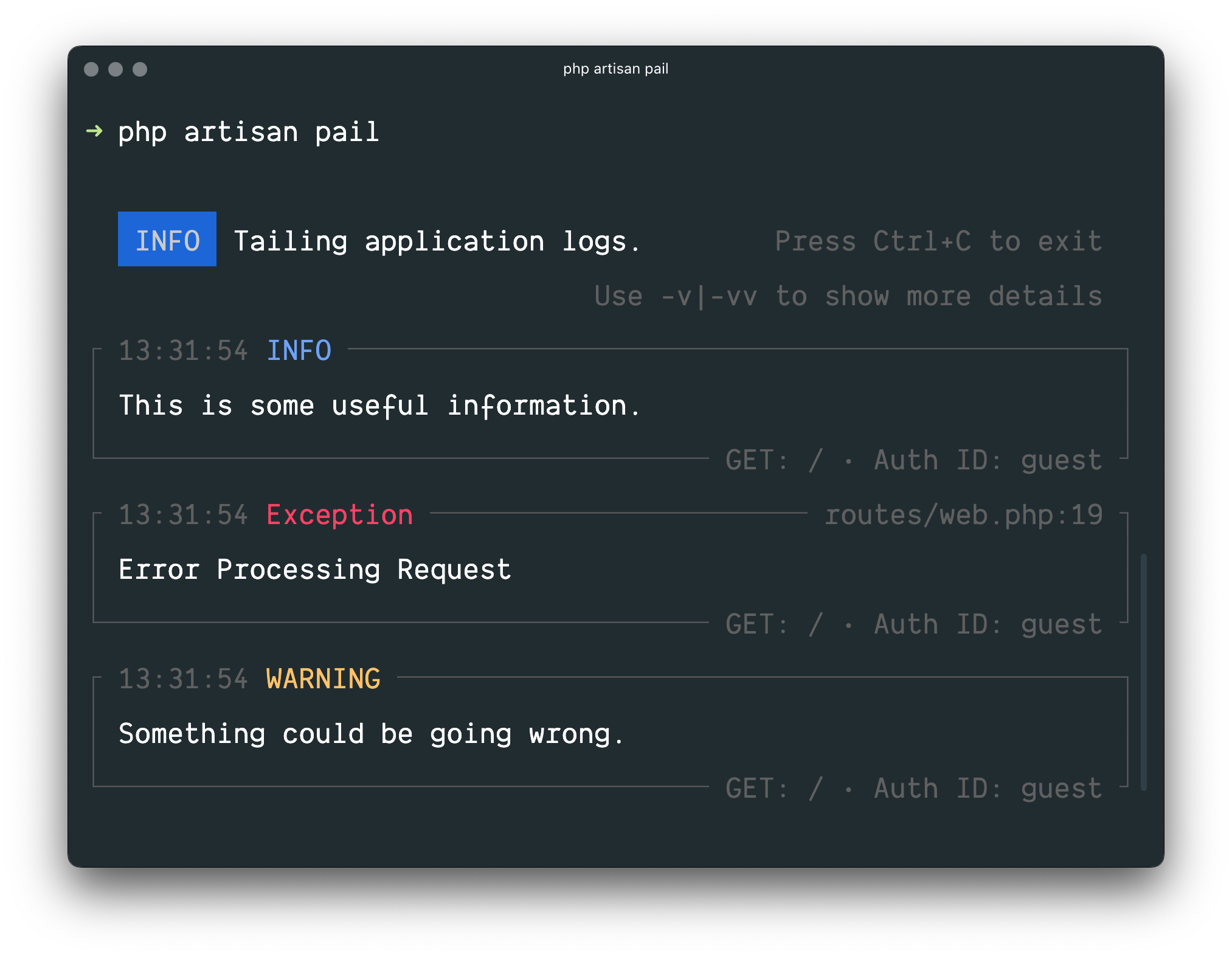 ### Installation
> [!WARNING]
> Laravel Pail requires [PHP 8.2+](https://php.net/releases/) and the [PCNTL](https://www.php.net/manual/en/book.pcntl.php) extension.
To get started, install Pail into your project using the Composer package manager:
```shell
composer require laravel/pail
```
### Usage
To start tailing logs, run the `pail` command:
```shell
php artisan pail
```
To increase the verbosity of the output and avoid truncation (…), use the `-v` option:
```shell
php artisan pail -v
```
For maximum verbosity and to display exception stack traces, use the `-vv` option:
```shell
php artisan pail -vv
```
To stop tailing logs, press `Ctrl+C` at any time.
### Filtering Logs
#### `--filter`
You may use the `--filter` option to filter logs by their type, file, message, and stack trace content:
```shell
php artisan pail --filter="QueryException"
```
#### `--message`
To filter logs by only their message, you may use the `--message` option:
```shell
php artisan pail --message="User created"
```
#### `--level`
The `--level` option may be used to filter logs by their [log level](#log-levels):
```shell
php artisan pail --level=error
```
#### `--user`
To only display logs that were written while a given user was authenticated, you may provide the user's ID to the `--user` option:
```shell
php artisan pail --user=1
```
---
# Mail
- [Introduction](#introduction)
- [Configuration](#configuration)
- [Driver Prerequisites](#driver-prerequisites)
- [Failover Configuration](#failover-configuration)
- [Round Robin Configuration](#round-robin-configuration)
- [Generating Mailables](#generating-mailables)
- [Writing Mailables](#writing-mailables)
- [Configuring the Sender](#configuring-the-sender)
- [Configuring the View](#configuring-the-view)
- [View Data](#view-data)
- [Attachments](#attachments)
- [Inline Attachments](#inline-attachments)
- [Attachable Objects](#attachable-objects)
- [Headers](#headers)
- [Tags and Metadata](#tags-and-metadata)
- [Customizing the Symfony Message](#customizing-the-symfony-message)
- [Markdown Mailables](#markdown-mailables)
- [Generating Markdown Mailables](#generating-markdown-mailables)
- [Writing Markdown Messages](#writing-markdown-messages)
- [Customizing the Components](#customizing-the-components)
- [Sending Mail](#sending-mail)
- [Queueing Mail](#queueing-mail)
- [Rendering Mailables](#rendering-mailables)
- [Previewing Mailables in the Browser](#previewing-mailables-in-the-browser)
- [Localizing Mailables](#localizing-mailables)
- [Testing](#testing-mailables)
- [Testing Mailable Content](#testing-mailable-content)
- [Testing Mailable Sending](#testing-mailable-sending)
- [Mail and Local Development](#mail-and-local-development)
- [Events](#events)
- [Custom Transports](#custom-transports)
- [Additional Symfony Transports](#additional-symfony-transports)
## Introduction
Sending email doesn't have to be complicated. Laravel provides a clean, simple email API powered by the popular [Symfony Mailer](https://symfony.com/doc/7.0/mailer.html) component. Laravel and Symfony Mailer provide drivers for sending email via SMTP, Mailgun, Postmark, Resend, Amazon SES, and `sendmail`, allowing you to quickly get started sending mail through a local or cloud based service of your choice.
### Configuration
Laravel's email services may be configured via your application's `config/mail.php` configuration file. Each mailer configured within this file may have its own unique configuration and even its own unique "transport", allowing your application to use different email services to send certain email messages. For example, your application might use Postmark to send transactional emails while using Amazon SES to send bulk emails.
Within your `mail` configuration file, you will find a `mailers` configuration array. This array contains a sample configuration entry for each of the major mail drivers / transports supported by Laravel, while the `default` configuration value determines which mailer will be used by default when your application needs to send an email message.
### Driver / Transport Prerequisites
The API based drivers such as Mailgun, Postmark, Resend, and MailerSend are often simpler and faster than sending mail via SMTP servers. Whenever possible, we recommend that you use one of these drivers.
#### Mailgun Driver
To use the Mailgun driver, install Symfony's Mailgun Mailer transport via Composer:
```shell
composer require symfony/mailgun-mailer symfony/http-client
```
Next, you will need to make two changes in your application's `config/mail.php` configuration file. First, set your default mailer to `mailgun`:
```php
'default' => env('MAIL_MAILER', 'mailgun'),
```
Second, add the following configuration array to your array of `mailers`:
```php
'mailgun' => [
'transport' => 'mailgun',
// 'client' => [
// 'timeout' => 5,
// ],
],
```
After configuring your application's default mailer, add the following options to your `config/services.php` configuration file:
```php
'mailgun' => [
'domain' => env('MAILGUN_DOMAIN'),
'secret' => env('MAILGUN_SECRET'),
'endpoint' => env('MAILGUN_ENDPOINT', 'api.mailgun.net'),
'scheme' => 'https',
],
```
If you are not using the United States [Mailgun region](https://documentation.mailgun.com/en/latest/api-intro.html#mailgun-regions), you may define your region's endpoint in the `services` configuration file:
```php
'mailgun' => [
'domain' => env('MAILGUN_DOMAIN'),
'secret' => env('MAILGUN_SECRET'),
'endpoint' => env('MAILGUN_ENDPOINT', 'api.eu.mailgun.net'),
'scheme' => 'https',
],
```
#### Postmark Driver
To use the [Postmark](https://postmarkapp.com/) driver, install Symfony's Postmark Mailer transport via Composer:
```shell
composer require symfony/postmark-mailer symfony/http-client
```
Next, set the `default` option in your application's `config/mail.php` configuration file to `postmark`. After configuring your application's default mailer, ensure that your `config/services.php` configuration file contains the following options:
```php
'postmark' => [
'token' => env('POSTMARK_TOKEN'),
],
```
If you would like to specify the Postmark message stream that should be used by a given mailer, you may add the `message_stream_id` configuration option to the mailer's configuration array. This configuration array can be found in your application's `config/mail.php` configuration file:
```php
'postmark' => [
'transport' => 'postmark',
'message_stream_id' => env('POSTMARK_MESSAGE_STREAM_ID'),
// 'client' => [
// 'timeout' => 5,
// ],
],
```
This way you are also able to set up multiple Postmark mailers with different message streams.
#### Resend Driver
To use the [Resend](https://resend.com/) driver, install Resend's PHP SDK via Composer:
```shell
composer require resend/resend-php
```
Next, set the `default` option in your application's `config/mail.php` configuration file to `resend`. After configuring your application's default mailer, ensure that your `config/services.php` configuration file contains the following options:
```php
'resend' => [
'key' => env('RESEND_KEY'),
],
```
#### SES Driver
To use the Amazon SES driver you must first install the Amazon AWS SDK for PHP. You may install this library via the Composer package manager:
```shell
composer require aws/aws-sdk-php
```
Next, set the `default` option in your `config/mail.php` configuration file to `ses` and verify that your `config/services.php` configuration file contains the following options:
```php
'ses' => [
'key' => env('AWS_ACCESS_KEY_ID'),
'secret' => env('AWS_SECRET_ACCESS_KEY'),
'region' => env('AWS_DEFAULT_REGION', 'us-east-1'),
],
```
To utilize AWS [temporary credentials](https://docs.aws.amazon.com/IAM/latest/UserGuide/id_credentials_temp_use-resources.html) via a session token, you may add a `token` key to your application's SES configuration:
```php
'ses' => [
'key' => env('AWS_ACCESS_KEY_ID'),
'secret' => env('AWS_SECRET_ACCESS_KEY'),
'region' => env('AWS_DEFAULT_REGION', 'us-east-1'),
'token' => env('AWS_SESSION_TOKEN'),
],
```
To interact with SES's [subscription management features](https://docs.aws.amazon.com/ses/latest/dg/sending-email-subscription-management.html), you may return the `X-Ses-List-Management-Options` header in the array returned by the [`headers`](#headers) method of a mail message:
```php
/**
* Get the message headers.
*/
public function headers(): Headers
{
return new Headers(
text: [
'X-Ses-List-Management-Options' => 'contactListName=MyContactList;topicName=MyTopic',
],
);
}
```
If you would like to define [additional options](https://docs.aws.amazon.com/aws-sdk-php/v3/api/api-sesv2-2019-09-27.html#sendemail) that Laravel should pass to the AWS SDK's `SendEmail` method when sending an email, you may define an `options` array within your `ses` configuration:
```php
'ses' => [
'key' => env('AWS_ACCESS_KEY_ID'),
'secret' => env('AWS_SECRET_ACCESS_KEY'),
'region' => env('AWS_DEFAULT_REGION', 'us-east-1'),
'options' => [
'ConfigurationSetName' => 'MyConfigurationSet',
'EmailTags' => [
['Name' => 'foo', 'Value' => 'bar'],
],
],
],
```
#### MailerSend Driver
[MailerSend](https://www.mailersend.com/), a transactional email and SMS service, maintains their own API based mail driver for Laravel. The package containing the driver may be installed via the Composer package manager:
```shell
composer require mailersend/laravel-driver
```
Once the package is installed, add the `MAILERSEND_API_KEY` environment variable to your application's `.env` file. In addition, the `MAIL_MAILER` environment variable should be defined as `mailersend`:
```ini
MAIL_MAILER=mailersend
MAIL_FROM_ADDRESS=app@yourdomain.com
MAIL_FROM_NAME="App Name"
MAILERSEND_API_KEY=your-api-key
```
Finally, add MailerSend to the `mailers` array in your application's `config/mail.php` configuration file:
```php
'mailersend' => [
'transport' => 'mailersend',
],
```
To learn more about MailerSend, including how to use hosted templates, consult the [MailerSend driver documentation](https://github.com/mailersend/mailersend-laravel-driver#usage).
### Failover Configuration
Sometimes, an external service you have configured to send your application's mail may be down. In these cases, it can be useful to define one or more backup mail delivery configurations that will be used in case your primary delivery driver is down.
To accomplish this, you should define a mailer within your application's `mail` configuration file that uses the `failover` transport. The configuration array for your application's `failover` mailer should contain an array of `mailers` that reference the order in which configured mailers should be chosen for delivery:
```php
'mailers' => [
'failover' => [
'transport' => 'failover',
'mailers' => [
'postmark',
'mailgun',
'sendmail',
],
],
// ...
],
```
Once your failover mailer has been defined, you should set this mailer as the default mailer used by your application by specifying its name as the value of the `default` configuration key within your application's `mail` configuration file:
```php
'default' => env('MAIL_MAILER', 'failover'),
```
### Round Robin Configuration
The `roundrobin` transport allows you to distribute your mailing workload across multiple mailers. To get started, define a mailer within your application's `mail` configuration file that uses the `roundrobin` transport. The configuration array for your application's `roundrobin` mailer should contain an array of `mailers` that reference which configured mailers should be used for delivery:
```php
'mailers' => [
'roundrobin' => [
'transport' => 'roundrobin',
'mailers' => [
'ses',
'postmark',
],
],
// ...
],
```
Once your round robin mailer has been defined, you should set this mailer as the default mailer used by your application by specifying its name as the value of the `default` configuration key within your application's `mail` configuration file:
```php
'default' => env('MAIL_MAILER', 'roundrobin'),
```
The round robin transport selects a random mailer from the list of configured mailers and then switches to the next available mailer for each subsequent email. In contrast to `failover` transport, which helps to achieve *[high availability](https://en.wikipedia.org/wiki/High_availability)*, the `roundrobin` transport provides *[load balancing](https://en.wikipedia.org/wiki/Load_balancing_(computing))*.
## Generating Mailables
When building Laravel applications, each type of email sent by your application is represented as a "mailable" class. These classes are stored in the `app/Mail` directory. Don't worry if you don't see this directory in your application, since it will be generated for you when you create your first mailable class using the `make:mail` Artisan command:
```shell
php artisan make:mail OrderShipped
```
## Writing Mailables
Once you have generated a mailable class, open it up so we can explore its contents. Mailable class configuration is done in several methods, including the `envelope`, `content`, and `attachments` methods.
The `envelope` method returns an `Illuminate\Mail\Mailables\Envelope` object that defines the subject and, sometimes, the recipients of the message. The `content` method returns an `Illuminate\Mail\Mailables\Content` object that defines the [Blade template](/docs/{{version}}/blade) that will be used to generate the message content.
### Configuring the Sender
#### Using the Envelope
First, let's explore configuring the sender of the email. Or, in other words, who the email is going to be "from". There are two ways to configure the sender. First, you may specify the "from" address on your message's envelope:
```php
use Illuminate\Mail\Mailables\Address;
use Illuminate\Mail\Mailables\Envelope;
/**
* Get the message envelope.
*/
public function envelope(): Envelope
{
return new Envelope(
from: new Address('jeffrey@example.com', 'Jeffrey Way'),
subject: 'Order Shipped',
);
}
```
If you would like, you may also specify a `replyTo` address:
```php
return new Envelope(
from: new Address('jeffrey@example.com', 'Jeffrey Way'),
replyTo: [
new Address('taylor@example.com', 'Taylor Otwell'),
],
subject: 'Order Shipped',
);
```
#### Using a Global `from` Address
However, if your application uses the same "from" address for all of its emails, it can become cumbersome to add it to each mailable class you generate. Instead, you may specify a global "from" address in your `config/mail.php` configuration file. This address will be used if no other "from" address is specified within the mailable class:
```php
'from' => [
'address' => env('MAIL_FROM_ADDRESS', 'hello@example.com'),
'name' => env('MAIL_FROM_NAME', 'Example'),
],
```
In addition, you may define a global "reply_to" address within your `config/mail.php` configuration file:
```php
'reply_to' => ['address' => 'example@example.com', 'name' => 'App Name'],
```
### Configuring the View
Within a mailable class's `content` method, you may define the `view`, or which template should be used when rendering the email's contents. Since each email typically uses a [Blade template](/docs/{{version}}/blade) to render its contents, you have the full power and convenience of the Blade templating engine when building your email's HTML:
```php
/**
* Get the message content definition.
*/
public function content(): Content
{
return new Content(
view: 'mail.orders.shipped',
);
}
```
> [!NOTE]
> You may wish to create a `resources/views/emails` directory to house all of your email templates; however, you are free to place them wherever you wish within your `resources/views` directory.
#### Plain Text Emails
If you would like to define a plain-text version of your email, you may specify the plain-text template when creating the message's `Content` definition. Like the `view` parameter, the `text` parameter should be a template name which will be used to render the contents of the email. You are free to define both an HTML and plain-text version of your message:
```php
/**
* Get the message content definition.
*/
public function content(): Content
{
return new Content(
view: 'mail.orders.shipped',
text: 'mail.orders.shipped-text'
);
}
```
For clarity, the `html` parameter may be used as an alias of the `view` parameter:
```php
return new Content(
html: 'mail.orders.shipped',
text: 'mail.orders.shipped-text'
);
```
### View Data
#### Via Public Properties
Typically, you will want to pass some data to your view that you can utilize when rendering the email's HTML. There are two ways you may make data available to your view. First, any public property defined on your mailable class will automatically be made available to the view. So, for example, you may pass data into your mailable class's constructor and set that data to public properties defined on the class:
```php
Price: {{ $order->price }}
```
#### Via the `with` Parameter:
If you would like to customize the format of your email's data before it is sent to the template, you may manually pass your data to the view via the `Content` definition's `with` parameter. Typically, you will still pass data via the mailable class's constructor; however, you should set this data to `protected` or `private` properties so the data is not automatically made available to the template:
```php
$this->order->name,
'orderPrice' => $this->order->price,
],
);
}
}
```
Once the data has been passed to the `with` method, it will automatically be available in your view, so you may access it like you would access any other data in your Blade templates:
```blade
### Installation
> [!WARNING]
> Laravel Pail requires [PHP 8.2+](https://php.net/releases/) and the [PCNTL](https://www.php.net/manual/en/book.pcntl.php) extension.
To get started, install Pail into your project using the Composer package manager:
```shell
composer require laravel/pail
```
### Usage
To start tailing logs, run the `pail` command:
```shell
php artisan pail
```
To increase the verbosity of the output and avoid truncation (…), use the `-v` option:
```shell
php artisan pail -v
```
For maximum verbosity and to display exception stack traces, use the `-vv` option:
```shell
php artisan pail -vv
```
To stop tailing logs, press `Ctrl+C` at any time.
### Filtering Logs
#### `--filter`
You may use the `--filter` option to filter logs by their type, file, message, and stack trace content:
```shell
php artisan pail --filter="QueryException"
```
#### `--message`
To filter logs by only their message, you may use the `--message` option:
```shell
php artisan pail --message="User created"
```
#### `--level`
The `--level` option may be used to filter logs by their [log level](#log-levels):
```shell
php artisan pail --level=error
```
#### `--user`
To only display logs that were written while a given user was authenticated, you may provide the user's ID to the `--user` option:
```shell
php artisan pail --user=1
```
---
# Mail
- [Introduction](#introduction)
- [Configuration](#configuration)
- [Driver Prerequisites](#driver-prerequisites)
- [Failover Configuration](#failover-configuration)
- [Round Robin Configuration](#round-robin-configuration)
- [Generating Mailables](#generating-mailables)
- [Writing Mailables](#writing-mailables)
- [Configuring the Sender](#configuring-the-sender)
- [Configuring the View](#configuring-the-view)
- [View Data](#view-data)
- [Attachments](#attachments)
- [Inline Attachments](#inline-attachments)
- [Attachable Objects](#attachable-objects)
- [Headers](#headers)
- [Tags and Metadata](#tags-and-metadata)
- [Customizing the Symfony Message](#customizing-the-symfony-message)
- [Markdown Mailables](#markdown-mailables)
- [Generating Markdown Mailables](#generating-markdown-mailables)
- [Writing Markdown Messages](#writing-markdown-messages)
- [Customizing the Components](#customizing-the-components)
- [Sending Mail](#sending-mail)
- [Queueing Mail](#queueing-mail)
- [Rendering Mailables](#rendering-mailables)
- [Previewing Mailables in the Browser](#previewing-mailables-in-the-browser)
- [Localizing Mailables](#localizing-mailables)
- [Testing](#testing-mailables)
- [Testing Mailable Content](#testing-mailable-content)
- [Testing Mailable Sending](#testing-mailable-sending)
- [Mail and Local Development](#mail-and-local-development)
- [Events](#events)
- [Custom Transports](#custom-transports)
- [Additional Symfony Transports](#additional-symfony-transports)
## Introduction
Sending email doesn't have to be complicated. Laravel provides a clean, simple email API powered by the popular [Symfony Mailer](https://symfony.com/doc/7.0/mailer.html) component. Laravel and Symfony Mailer provide drivers for sending email via SMTP, Mailgun, Postmark, Resend, Amazon SES, and `sendmail`, allowing you to quickly get started sending mail through a local or cloud based service of your choice.
### Configuration
Laravel's email services may be configured via your application's `config/mail.php` configuration file. Each mailer configured within this file may have its own unique configuration and even its own unique "transport", allowing your application to use different email services to send certain email messages. For example, your application might use Postmark to send transactional emails while using Amazon SES to send bulk emails.
Within your `mail` configuration file, you will find a `mailers` configuration array. This array contains a sample configuration entry for each of the major mail drivers / transports supported by Laravel, while the `default` configuration value determines which mailer will be used by default when your application needs to send an email message.
### Driver / Transport Prerequisites
The API based drivers such as Mailgun, Postmark, Resend, and MailerSend are often simpler and faster than sending mail via SMTP servers. Whenever possible, we recommend that you use one of these drivers.
#### Mailgun Driver
To use the Mailgun driver, install Symfony's Mailgun Mailer transport via Composer:
```shell
composer require symfony/mailgun-mailer symfony/http-client
```
Next, you will need to make two changes in your application's `config/mail.php` configuration file. First, set your default mailer to `mailgun`:
```php
'default' => env('MAIL_MAILER', 'mailgun'),
```
Second, add the following configuration array to your array of `mailers`:
```php
'mailgun' => [
'transport' => 'mailgun',
// 'client' => [
// 'timeout' => 5,
// ],
],
```
After configuring your application's default mailer, add the following options to your `config/services.php` configuration file:
```php
'mailgun' => [
'domain' => env('MAILGUN_DOMAIN'),
'secret' => env('MAILGUN_SECRET'),
'endpoint' => env('MAILGUN_ENDPOINT', 'api.mailgun.net'),
'scheme' => 'https',
],
```
If you are not using the United States [Mailgun region](https://documentation.mailgun.com/en/latest/api-intro.html#mailgun-regions), you may define your region's endpoint in the `services` configuration file:
```php
'mailgun' => [
'domain' => env('MAILGUN_DOMAIN'),
'secret' => env('MAILGUN_SECRET'),
'endpoint' => env('MAILGUN_ENDPOINT', 'api.eu.mailgun.net'),
'scheme' => 'https',
],
```
#### Postmark Driver
To use the [Postmark](https://postmarkapp.com/) driver, install Symfony's Postmark Mailer transport via Composer:
```shell
composer require symfony/postmark-mailer symfony/http-client
```
Next, set the `default` option in your application's `config/mail.php` configuration file to `postmark`. After configuring your application's default mailer, ensure that your `config/services.php` configuration file contains the following options:
```php
'postmark' => [
'token' => env('POSTMARK_TOKEN'),
],
```
If you would like to specify the Postmark message stream that should be used by a given mailer, you may add the `message_stream_id` configuration option to the mailer's configuration array. This configuration array can be found in your application's `config/mail.php` configuration file:
```php
'postmark' => [
'transport' => 'postmark',
'message_stream_id' => env('POSTMARK_MESSAGE_STREAM_ID'),
// 'client' => [
// 'timeout' => 5,
// ],
],
```
This way you are also able to set up multiple Postmark mailers with different message streams.
#### Resend Driver
To use the [Resend](https://resend.com/) driver, install Resend's PHP SDK via Composer:
```shell
composer require resend/resend-php
```
Next, set the `default` option in your application's `config/mail.php` configuration file to `resend`. After configuring your application's default mailer, ensure that your `config/services.php` configuration file contains the following options:
```php
'resend' => [
'key' => env('RESEND_KEY'),
],
```
#### SES Driver
To use the Amazon SES driver you must first install the Amazon AWS SDK for PHP. You may install this library via the Composer package manager:
```shell
composer require aws/aws-sdk-php
```
Next, set the `default` option in your `config/mail.php` configuration file to `ses` and verify that your `config/services.php` configuration file contains the following options:
```php
'ses' => [
'key' => env('AWS_ACCESS_KEY_ID'),
'secret' => env('AWS_SECRET_ACCESS_KEY'),
'region' => env('AWS_DEFAULT_REGION', 'us-east-1'),
],
```
To utilize AWS [temporary credentials](https://docs.aws.amazon.com/IAM/latest/UserGuide/id_credentials_temp_use-resources.html) via a session token, you may add a `token` key to your application's SES configuration:
```php
'ses' => [
'key' => env('AWS_ACCESS_KEY_ID'),
'secret' => env('AWS_SECRET_ACCESS_KEY'),
'region' => env('AWS_DEFAULT_REGION', 'us-east-1'),
'token' => env('AWS_SESSION_TOKEN'),
],
```
To interact with SES's [subscription management features](https://docs.aws.amazon.com/ses/latest/dg/sending-email-subscription-management.html), you may return the `X-Ses-List-Management-Options` header in the array returned by the [`headers`](#headers) method of a mail message:
```php
/**
* Get the message headers.
*/
public function headers(): Headers
{
return new Headers(
text: [
'X-Ses-List-Management-Options' => 'contactListName=MyContactList;topicName=MyTopic',
],
);
}
```
If you would like to define [additional options](https://docs.aws.amazon.com/aws-sdk-php/v3/api/api-sesv2-2019-09-27.html#sendemail) that Laravel should pass to the AWS SDK's `SendEmail` method when sending an email, you may define an `options` array within your `ses` configuration:
```php
'ses' => [
'key' => env('AWS_ACCESS_KEY_ID'),
'secret' => env('AWS_SECRET_ACCESS_KEY'),
'region' => env('AWS_DEFAULT_REGION', 'us-east-1'),
'options' => [
'ConfigurationSetName' => 'MyConfigurationSet',
'EmailTags' => [
['Name' => 'foo', 'Value' => 'bar'],
],
],
],
```
#### MailerSend Driver
[MailerSend](https://www.mailersend.com/), a transactional email and SMS service, maintains their own API based mail driver for Laravel. The package containing the driver may be installed via the Composer package manager:
```shell
composer require mailersend/laravel-driver
```
Once the package is installed, add the `MAILERSEND_API_KEY` environment variable to your application's `.env` file. In addition, the `MAIL_MAILER` environment variable should be defined as `mailersend`:
```ini
MAIL_MAILER=mailersend
MAIL_FROM_ADDRESS=app@yourdomain.com
MAIL_FROM_NAME="App Name"
MAILERSEND_API_KEY=your-api-key
```
Finally, add MailerSend to the `mailers` array in your application's `config/mail.php` configuration file:
```php
'mailersend' => [
'transport' => 'mailersend',
],
```
To learn more about MailerSend, including how to use hosted templates, consult the [MailerSend driver documentation](https://github.com/mailersend/mailersend-laravel-driver#usage).
### Failover Configuration
Sometimes, an external service you have configured to send your application's mail may be down. In these cases, it can be useful to define one or more backup mail delivery configurations that will be used in case your primary delivery driver is down.
To accomplish this, you should define a mailer within your application's `mail` configuration file that uses the `failover` transport. The configuration array for your application's `failover` mailer should contain an array of `mailers` that reference the order in which configured mailers should be chosen for delivery:
```php
'mailers' => [
'failover' => [
'transport' => 'failover',
'mailers' => [
'postmark',
'mailgun',
'sendmail',
],
],
// ...
],
```
Once your failover mailer has been defined, you should set this mailer as the default mailer used by your application by specifying its name as the value of the `default` configuration key within your application's `mail` configuration file:
```php
'default' => env('MAIL_MAILER', 'failover'),
```
### Round Robin Configuration
The `roundrobin` transport allows you to distribute your mailing workload across multiple mailers. To get started, define a mailer within your application's `mail` configuration file that uses the `roundrobin` transport. The configuration array for your application's `roundrobin` mailer should contain an array of `mailers` that reference which configured mailers should be used for delivery:
```php
'mailers' => [
'roundrobin' => [
'transport' => 'roundrobin',
'mailers' => [
'ses',
'postmark',
],
],
// ...
],
```
Once your round robin mailer has been defined, you should set this mailer as the default mailer used by your application by specifying its name as the value of the `default` configuration key within your application's `mail` configuration file:
```php
'default' => env('MAIL_MAILER', 'roundrobin'),
```
The round robin transport selects a random mailer from the list of configured mailers and then switches to the next available mailer for each subsequent email. In contrast to `failover` transport, which helps to achieve *[high availability](https://en.wikipedia.org/wiki/High_availability)*, the `roundrobin` transport provides *[load balancing](https://en.wikipedia.org/wiki/Load_balancing_(computing))*.
## Generating Mailables
When building Laravel applications, each type of email sent by your application is represented as a "mailable" class. These classes are stored in the `app/Mail` directory. Don't worry if you don't see this directory in your application, since it will be generated for you when you create your first mailable class using the `make:mail` Artisan command:
```shell
php artisan make:mail OrderShipped
```
## Writing Mailables
Once you have generated a mailable class, open it up so we can explore its contents. Mailable class configuration is done in several methods, including the `envelope`, `content`, and `attachments` methods.
The `envelope` method returns an `Illuminate\Mail\Mailables\Envelope` object that defines the subject and, sometimes, the recipients of the message. The `content` method returns an `Illuminate\Mail\Mailables\Content` object that defines the [Blade template](/docs/{{version}}/blade) that will be used to generate the message content.
### Configuring the Sender
#### Using the Envelope
First, let's explore configuring the sender of the email. Or, in other words, who the email is going to be "from". There are two ways to configure the sender. First, you may specify the "from" address on your message's envelope:
```php
use Illuminate\Mail\Mailables\Address;
use Illuminate\Mail\Mailables\Envelope;
/**
* Get the message envelope.
*/
public function envelope(): Envelope
{
return new Envelope(
from: new Address('jeffrey@example.com', 'Jeffrey Way'),
subject: 'Order Shipped',
);
}
```
If you would like, you may also specify a `replyTo` address:
```php
return new Envelope(
from: new Address('jeffrey@example.com', 'Jeffrey Way'),
replyTo: [
new Address('taylor@example.com', 'Taylor Otwell'),
],
subject: 'Order Shipped',
);
```
#### Using a Global `from` Address
However, if your application uses the same "from" address for all of its emails, it can become cumbersome to add it to each mailable class you generate. Instead, you may specify a global "from" address in your `config/mail.php` configuration file. This address will be used if no other "from" address is specified within the mailable class:
```php
'from' => [
'address' => env('MAIL_FROM_ADDRESS', 'hello@example.com'),
'name' => env('MAIL_FROM_NAME', 'Example'),
],
```
In addition, you may define a global "reply_to" address within your `config/mail.php` configuration file:
```php
'reply_to' => ['address' => 'example@example.com', 'name' => 'App Name'],
```
### Configuring the View
Within a mailable class's `content` method, you may define the `view`, or which template should be used when rendering the email's contents. Since each email typically uses a [Blade template](/docs/{{version}}/blade) to render its contents, you have the full power and convenience of the Blade templating engine when building your email's HTML:
```php
/**
* Get the message content definition.
*/
public function content(): Content
{
return new Content(
view: 'mail.orders.shipped',
);
}
```
> [!NOTE]
> You may wish to create a `resources/views/emails` directory to house all of your email templates; however, you are free to place them wherever you wish within your `resources/views` directory.
#### Plain Text Emails
If you would like to define a plain-text version of your email, you may specify the plain-text template when creating the message's `Content` definition. Like the `view` parameter, the `text` parameter should be a template name which will be used to render the contents of the email. You are free to define both an HTML and plain-text version of your message:
```php
/**
* Get the message content definition.
*/
public function content(): Content
{
return new Content(
view: 'mail.orders.shipped',
text: 'mail.orders.shipped-text'
);
}
```
For clarity, the `html` parameter may be used as an alias of the `view` parameter:
```php
return new Content(
html: 'mail.orders.shipped',
text: 'mail.orders.shipped-text'
);
```
### View Data
#### Via Public Properties
Typically, you will want to pass some data to your view that you can utilize when rendering the email's HTML. There are two ways you may make data available to your view. First, any public property defined on your mailable class will automatically be made available to the view. So, for example, you may pass data into your mailable class's constructor and set that data to public properties defined on the class:
```php
Price: {{ $order->price }}
```
#### Via the `with` Parameter:
If you would like to customize the format of your email's data before it is sent to the template, you may manually pass your data to the view via the `Content` definition's `with` parameter. Typically, you will still pass data via the mailable class's constructor; however, you should set this data to `protected` or `private` properties so the data is not automatically made available to the template:
```php
$this->order->name,
'orderPrice' => $this->order->price,
],
);
}
}
```
Once the data has been passed to the `with` method, it will automatically be available in your view, so you may access it like you would access any other data in your Blade templates:
```blade
Price: {{ $orderPrice }}
```
### Attachments
To add attachments to an email, you will add attachments to the array returned by the message's `attachments` method. First, you may add an attachment by providing a file path to the `fromPath` method provided by the `Attachment` class:
```php
use Illuminate\Mail\Mailables\Attachment;
/**
* Get the attachments for the message.
*
* @return array }}) ```
### Attachable Objects
While attaching files to messages via simple string paths is often sufficient, in many cases the attachable entities within your application are represented by classes. For example, if your application is attaching a photo to a message, your application may also have a `Photo` model that represents that photo. When that is the case, wouldn't it be convenient to simply pass the `Photo` model to the `attach` method? Attachable objects allow you to do just that.
To get started, implement the `Illuminate\Contracts\Mail\Attachable` interface on the object that will be attachable to messages. This interface dictates that your class defines a `toMailAttachment` method that returns an `Illuminate\Mail\Attachment` instance:
```php
*/
public function attachments(): array
{
return [$this->photo];
}
```
Of course, attachment data may be stored on a remote file storage service such as Amazon S3. So, Laravel also allows you to generate attachment instances from data that is stored on one of your application's [filesystem disks](/docs/{{version}}/filesystem):
```php
// Create an attachment from a file on your default disk...
return Attachment::fromStorage($this->path);
// Create an attachment from a file on a specific disk...
return Attachment::fromStorageDisk('backblaze', $this->path);
```
In addition, you may create attachment instances via data that you have in memory. To accomplish this, provide a closure to the `fromData` method. The closure should return the raw data that represents the attachment:
```php
return Attachment::fromData(fn () => $this->content, 'Photo Name');
```
Laravel also provides additional methods that you may use to customize your attachments. For example, you may use the `as` and `withMime` methods to customize the file's name and MIME type:
```php
return Attachment::fromPath('/path/to/file')
->as('Photo Name')
->withMime('image/jpeg');
```
### Headers
Sometimes you may need to attach additional headers to the outgoing message. For instance, you may need to set a custom `Message-Id` or other arbitrary text headers.
To accomplish this, define a `headers` method on your mailable. The `headers` method should return an `Illuminate\Mail\Mailables\Headers` instance. This class accepts `messageId`, `references`, and `text` parameters. Of course, you may provide only the parameters you need for your particular message:
```php
use Illuminate\Mail\Mailables\Headers;
/**
* Get the message headers.
*/
public function headers(): Headers
{
return new Headers(
messageId: 'custom-message-id@example.com',
references: ['previous-message@example.com'],
text: [
'X-Custom-Header' => 'Custom Value',
],
);
}
```
### Tags and Metadata
Some third-party email providers such as Mailgun and Postmark support message "tags" and "metadata", which may be used to group and track emails sent by your application. You may add tags and metadata to an email message via your `Envelope` definition:
```php
use Illuminate\Mail\Mailables\Envelope;
/**
* Get the message envelope.
*
* @return \Illuminate\Mail\Mailables\Envelope
*/
public function envelope(): Envelope
{
return new Envelope(
subject: 'Order Shipped',
tags: ['shipment'],
metadata: [
'order_id' => $this->order->id,
],
);
}
```
If your application is using the Mailgun driver, you may consult Mailgun's documentation for more information on [tags](https://documentation.mailgun.com/docs/mailgun/user-manual/tracking-messages/#tagging) and [metadata](https://documentation.mailgun.com/docs/mailgun/user-manual/tracking-messages/#attaching-data-to-messages). Likewise, the Postmark documentation may also be consulted for more information on their support for [tags](https://postmarkapp.com/blog/tags-support-for-smtp) and [metadata](https://postmarkapp.com/support/article/1125-custom-metadata-faq).
If your application is using Amazon SES to send emails, you should use the `metadata` method to attach [SES "tags"](https://docs.aws.amazon.com/ses/latest/APIReference/API_MessageTag.html) to the message.
### Customizing the Symfony Message
Laravel's mail capabilities are powered by Symfony Mailer. Laravel allows you to register custom callbacks that will be invoked with the Symfony Message instance before sending the message. This gives you an opportunity to deeply customize the message before it is sent. To accomplish this, define a `using` parameter on your `Envelope` definition:
```php
use Illuminate\Mail\Mailables\Envelope;
use Symfony\Component\Mime\Email;
/**
* Get the message envelope.
*/
public function envelope(): Envelope
{
return new Envelope(
subject: 'Order Shipped',
using: [
function (Email $message) {
// ...
},
]
);
}
```
## Markdown Mailables
Markdown mailable messages allow you to take advantage of the pre-built templates and components of [mail notifications](/docs/{{version}}/notifications#mail-notifications) in your mailables. Since the messages are written in Markdown, Laravel is able to render beautiful, responsive HTML templates for the messages while also automatically generating a plain-text counterpart.
### Generating Markdown Mailables
To generate a mailable with a corresponding Markdown template, you may use the `--markdown` option of the `make:mail` Artisan command:
```shell
php artisan make:mail OrderShipped --markdown=mail.orders.shipped
```
Then, when configuring the mailable `Content` definition within its `content` method, use the `markdown` parameter instead of the `view` parameter:
```php
use Illuminate\Mail\Mailables\Content;
/**
* Get the message content definition.
*/
public function content(): Content
{
return new Content(
markdown: 'mail.orders.shipped',
with: [
'url' => $this->orderUrl,
],
);
}
```
### Writing Markdown Messages
Markdown mailables use a combination of Blade components and Markdown syntax which allow you to easily construct mail messages while leveraging Laravel's pre-built email UI components:
```blade
```
### Attachable Objects
While attaching files to messages via simple string paths is often sufficient, in many cases the attachable entities within your application are represented by classes. For example, if your application is attaching a photo to a message, your application may also have a `Photo` model that represents that photo. When that is the case, wouldn't it be convenient to simply pass the `Photo` model to the `attach` method? Attachable objects allow you to do just that.
To get started, implement the `Illuminate\Contracts\Mail\Attachable` interface on the object that will be attachable to messages. This interface dictates that your class defines a `toMailAttachment` method that returns an `Illuminate\Mail\Attachment` instance:
```php
*/
public function attachments(): array
{
return [$this->photo];
}
```
Of course, attachment data may be stored on a remote file storage service such as Amazon S3. So, Laravel also allows you to generate attachment instances from data that is stored on one of your application's [filesystem disks](/docs/{{version}}/filesystem):
```php
// Create an attachment from a file on your default disk...
return Attachment::fromStorage($this->path);
// Create an attachment from a file on a specific disk...
return Attachment::fromStorageDisk('backblaze', $this->path);
```
In addition, you may create attachment instances via data that you have in memory. To accomplish this, provide a closure to the `fromData` method. The closure should return the raw data that represents the attachment:
```php
return Attachment::fromData(fn () => $this->content, 'Photo Name');
```
Laravel also provides additional methods that you may use to customize your attachments. For example, you may use the `as` and `withMime` methods to customize the file's name and MIME type:
```php
return Attachment::fromPath('/path/to/file')
->as('Photo Name')
->withMime('image/jpeg');
```
### Headers
Sometimes you may need to attach additional headers to the outgoing message. For instance, you may need to set a custom `Message-Id` or other arbitrary text headers.
To accomplish this, define a `headers` method on your mailable. The `headers` method should return an `Illuminate\Mail\Mailables\Headers` instance. This class accepts `messageId`, `references`, and `text` parameters. Of course, you may provide only the parameters you need for your particular message:
```php
use Illuminate\Mail\Mailables\Headers;
/**
* Get the message headers.
*/
public function headers(): Headers
{
return new Headers(
messageId: 'custom-message-id@example.com',
references: ['previous-message@example.com'],
text: [
'X-Custom-Header' => 'Custom Value',
],
);
}
```
### Tags and Metadata
Some third-party email providers such as Mailgun and Postmark support message "tags" and "metadata", which may be used to group and track emails sent by your application. You may add tags and metadata to an email message via your `Envelope` definition:
```php
use Illuminate\Mail\Mailables\Envelope;
/**
* Get the message envelope.
*
* @return \Illuminate\Mail\Mailables\Envelope
*/
public function envelope(): Envelope
{
return new Envelope(
subject: 'Order Shipped',
tags: ['shipment'],
metadata: [
'order_id' => $this->order->id,
],
);
}
```
If your application is using the Mailgun driver, you may consult Mailgun's documentation for more information on [tags](https://documentation.mailgun.com/docs/mailgun/user-manual/tracking-messages/#tagging) and [metadata](https://documentation.mailgun.com/docs/mailgun/user-manual/tracking-messages/#attaching-data-to-messages). Likewise, the Postmark documentation may also be consulted for more information on their support for [tags](https://postmarkapp.com/blog/tags-support-for-smtp) and [metadata](https://postmarkapp.com/support/article/1125-custom-metadata-faq).
If your application is using Amazon SES to send emails, you should use the `metadata` method to attach [SES "tags"](https://docs.aws.amazon.com/ses/latest/APIReference/API_MessageTag.html) to the message.
### Customizing the Symfony Message
Laravel's mail capabilities are powered by Symfony Mailer. Laravel allows you to register custom callbacks that will be invoked with the Symfony Message instance before sending the message. This gives you an opportunity to deeply customize the message before it is sent. To accomplish this, define a `using` parameter on your `Envelope` definition:
```php
use Illuminate\Mail\Mailables\Envelope;
use Symfony\Component\Mime\Email;
/**
* Get the message envelope.
*/
public function envelope(): Envelope
{
return new Envelope(
subject: 'Order Shipped',
using: [
function (Email $message) {
// ...
},
]
);
}
```
## Markdown Mailables
Markdown mailable messages allow you to take advantage of the pre-built templates and components of [mail notifications](/docs/{{version}}/notifications#mail-notifications) in your mailables. Since the messages are written in Markdown, Laravel is able to render beautiful, responsive HTML templates for the messages while also automatically generating a plain-text counterpart.
### Generating Markdown Mailables
To generate a mailable with a corresponding Markdown template, you may use the `--markdown` option of the `make:mail` Artisan command:
```shell
php artisan make:mail OrderShipped --markdown=mail.orders.shipped
```
Then, when configuring the mailable `Content` definition within its `content` method, use the `markdown` parameter instead of the `view` parameter:
```php
use Illuminate\Mail\Mailables\Content;
/**
* Get the message content definition.
*/
public function content(): Content
{
return new Content(
markdown: 'mail.orders.shipped',
with: [
'url' => $this->orderUrl,
],
);
}
```
### Writing Markdown Messages
Markdown mailables use a combination of Blade components and Markdown syntax which allow you to easily construct mail messages while leveraging Laravel's pre-built email UI components:
```blade
{{ config('app.name') }}
| The `web` Middleware Group |
| --- |
| `Illuminate\Cookie\Middleware\EncryptCookies` |
| `Illuminate\Cookie\Middleware\AddQueuedCookiesToResponse` |
| `Illuminate\Session\Middleware\StartSession` |
| `Illuminate\View\Middleware\ShareErrorsFromSession` |
| `Illuminate\Foundation\Http\Middleware\ValidateCsrfToken` |
| `Illuminate\Routing\Middleware\SubstituteBindings` |
| The `api` Middleware Group |
| --- |
| `Illuminate\Routing\Middleware\SubstituteBindings` |
If you would like to append or prepend middleware to these groups, you may use the `web` and `api` methods within your application's `bootstrap/app.php` file. The `web` and `api` methods are convenient alternatives to the `appendToGroup` method:
```php
use App\Http\Middleware\EnsureTokenIsValid;
use App\Http\Middleware\EnsureUserIsSubscribed;
->withMiddleware(function (Middleware $middleware) {
$middleware->web(append: [
EnsureUserIsSubscribed::class,
]);
$middleware->api(prepend: [
EnsureTokenIsValid::class,
]);
})
```
You may even replace one of Laravel's default middleware group entries with a custom middleware of your own:
```php
use App\Http\Middleware\StartCustomSession;
use Illuminate\Session\Middleware\StartSession;
$middleware->web(replace: [
StartSession::class => StartCustomSession::class,
]);
```
Or, you may remove a middleware entirely:
```php
$middleware->web(remove: [
StartSession::class,
]);
```
#### Manually Managing Laravel's Default Middleware Groups
If you would like to manually manage all of the middleware within Laravel's default `web` and `api` middleware groups, you may redefine the groups entirely. The example below will define the `web` and `api` middleware groups with their default middleware, allowing you to customize them as necessary:
```php
->withMiddleware(function (Middleware $middleware) {
$middleware->group('web', [
\Illuminate\Cookie\Middleware\EncryptCookies::class,
\Illuminate\Cookie\Middleware\AddQueuedCookiesToResponse::class,
\Illuminate\Session\Middleware\StartSession::class,
\Illuminate\View\Middleware\ShareErrorsFromSession::class,
\Illuminate\Foundation\Http\Middleware\ValidateCsrfToken::class,
\Illuminate\Routing\Middleware\SubstituteBindings::class,
// \Illuminate\Session\Middleware\AuthenticateSession::class,
]);
$middleware->group('api', [
// \Laravel\Sanctum\Http\Middleware\EnsureFrontendRequestsAreStateful::class,
// 'throttle:api',
\Illuminate\Routing\Middleware\SubstituteBindings::class,
]);
})
```
> [!NOTE]
> By default, the `web` and `api` middleware groups are automatically applied to your application's corresponding `routes/web.php` and `routes/api.php` files by the `bootstrap/app.php` file.
### Middleware Aliases
You may assign aliases to middleware in your application's `bootstrap/app.php` file. Middleware aliases allow you to define a short alias for a given middleware class, which can be especially useful for middleware with long class names:
```php
use App\Http\Middleware\EnsureUserIsSubscribed;
->withMiddleware(function (Middleware $middleware) {
$middleware->alias([
'subscribed' => EnsureUserIsSubscribed::class
]);
})
```
Once the middleware alias has been defined in your application's `bootstrap/app.php` file, you may use the alias when assigning the middleware to routes:
```php
Route::get('/profile', function () {
// ...
})->middleware('subscribed');
```
For convenience, some of Laravel's built-in middleware are aliased by default. For example, the `auth` middleware is an alias for the `Illuminate\Auth\Middleware\Authenticate` middleware. Below is a list of the default middleware aliases:
| Alias | Middleware |
| --- | --- |
| `auth` | `Illuminate\Auth\Middleware\Authenticate` |
| `auth.basic` | `Illuminate\Auth\Middleware\AuthenticateWithBasicAuth` |
| `auth.session` | `Illuminate\Session\Middleware\AuthenticateSession` |
| `cache.headers` | `Illuminate\Http\Middleware\SetCacheHeaders` |
| `can` | `Illuminate\Auth\Middleware\Authorize` |
| `guest` | `Illuminate\Auth\Middleware\RedirectIfAuthenticated` |
| `password.confirm` | `Illuminate\Auth\Middleware\RequirePassword` |
| `precognitive` | `Illuminate\Foundation\Http\Middleware\HandlePrecognitiveRequests` |
| `signed` | `Illuminate\Routing\Middleware\ValidateSignature` |
| `subscribed` | `\Spark\Http\Middleware\VerifyBillableIsSubscribed` |
| `throttle` | `Illuminate\Routing\Middleware\ThrottleRequests` or `Illuminate\Routing\Middleware\ThrottleRequestsWithRedis` |
| `verified` | `Illuminate\Auth\Middleware\EnsureEmailIsVerified` |
### Sorting Middleware
Rarely, you may need your middleware to execute in a specific order but not have control over their order when they are assigned to the route. In these situations, you may specify your middleware priority using the `priority` method in your application's `bootstrap/app.php` file:
```php
->withMiddleware(function (Middleware $middleware) {
$middleware->priority([
\Illuminate\Foundation\Http\Middleware\HandlePrecognitiveRequests::class,
\Illuminate\Cookie\Middleware\EncryptCookies::class,
\Illuminate\Cookie\Middleware\AddQueuedCookiesToResponse::class,
\Illuminate\Session\Middleware\StartSession::class,
\Illuminate\View\Middleware\ShareErrorsFromSession::class,
\Illuminate\Foundation\Http\Middleware\ValidateCsrfToken::class,
\Laravel\Sanctum\Http\Middleware\EnsureFrontendRequestsAreStateful::class,
\Illuminate\Routing\Middleware\ThrottleRequests::class,
\Illuminate\Routing\Middleware\ThrottleRequestsWithRedis::class,
\Illuminate\Routing\Middleware\SubstituteBindings::class,
\Illuminate\Contracts\Auth\Middleware\AuthenticatesRequests::class,
\Illuminate\Auth\Middleware\Authorize::class,
]);
})
```
## Middleware Parameters
Middleware can also receive additional parameters. For example, if your application needs to verify that the authenticated user has a given "role" before performing a given action, you could create an `EnsureUserHasRole` middleware that receives a role name as an additional argument.
Additional middleware parameters will be passed to the middleware after the `$next` argument:
```php
user()->hasRole($role)) {
// Redirect...
}
return $next($request);
}
}
```
Middleware parameters may be specified when defining the route by separating the middleware name and parameters with a `:`:
```php
use App\Http\Middleware\EnsureUserHasRole;
Route::put('/post/{id}', function (string $id) {
// ...
})->middleware(EnsureUserHasRole::class.':editor');
```
Multiple parameters may be delimited by commas:
```php
Route::put('/post/{id}', function (string $id) {
// ...
})->middleware(EnsureUserHasRole::class.':editor,publisher');
```
## Terminable Middleware
Sometimes a middleware may need to do some work after the HTTP response has been sent to the browser. If you define a `terminate` method on your middleware and your web server is using FastCGI, the `terminate` method will automatically be called after the response is sent to the browser:
```php
app->singleton(TerminatingMiddleware::class);
}
```
---
# Database: Migrations
- [Introduction](#introduction)
- [Generating Migrations](#generating-migrations)
- [Squashing Migrations](#squashing-migrations)
- [Migration Structure](#migration-structure)
- [Running Migrations](#running-migrations)
- [Rolling Back Migrations](#rolling-back-migrations)
- [Tables](#tables)
- [Creating Tables](#creating-tables)
- [Updating Tables](#updating-tables)
- [Renaming / Dropping Tables](#renaming-and-dropping-tables)
- [Columns](#columns)
- [Creating Columns](#creating-columns)
- [Available Column Types](#available-column-types)
- [Column Modifiers](#column-modifiers)
- [Modifying Columns](#modifying-columns)
- [Renaming Columns](#renaming-columns)
- [Dropping Columns](#dropping-columns)
- [Indexes](#indexes)
- [Creating Indexes](#creating-indexes)
- [Renaming Indexes](#renaming-indexes)
- [Dropping Indexes](#dropping-indexes)
- [Foreign Key Constraints](#foreign-key-constraints)
- [Events](#events)
## Introduction
Migrations are like version control for your database, allowing your team to define and share the application's database schema definition. If you have ever had to tell a teammate to manually add a column to their local database schema after pulling in your changes from source control, you've faced the problem that database migrations solve.
The Laravel `Schema` [facade](/docs/{{version}}/facades) provides database agnostic support for creating and manipulating tables across all of Laravel's supported database systems. Typically, migrations will use this facade to create and modify database tables and columns.
## Generating Migrations
You may use the `make:migration` [Artisan command](/docs/{{version}}/artisan) to generate a database migration. The new migration will be placed in your `database/migrations` directory. Each migration filename contains a timestamp that allows Laravel to determine the order of the migrations:
```shell
php artisan make:migration create_flights_table
```
Laravel will use the name of the migration to attempt to guess the name of the table and whether or not the migration will be creating a new table. If Laravel is able to determine the table name from the migration name, Laravel will pre-fill the generated migration file with the specified table. Otherwise, you may simply specify the table in the migration file manually.
If you would like to specify a custom path for the generated migration, you may use the `--path` option when executing the `make:migration` command. The given path should be relative to your application's base path.
> [!NOTE]
> Migration stubs may be customized using [stub publishing](/docs/{{version}}/artisan#stub-customization).
### Squashing Migrations
As you build your application, you may accumulate more and more migrations over time. This can lead to your `database/migrations` directory becoming bloated with potentially hundreds of migrations. If you would like, you may "squash" your migrations into a single SQL file. To get started, execute the `schema:dump` command:
```shell
php artisan schema:dump
# Dump the current database schema and prune all existing migrations...
php artisan schema:dump --prune
```
When you execute this command, Laravel will write a "schema" file to your application's `database/schema` directory. The schema file's name will correspond to the database connection. Now, when you attempt to migrate your database and no other migrations have been executed, Laravel will first execute the SQL statements in the schema file of the database connection you are using. After executing the schema file's SQL statements, Laravel will execute any remaining migrations that were not part of the schema dump.
If your application's tests use a different database connection than the one you typically use during local development, you should ensure you have dumped a schema file using that database connection so that your tests are able to build your database. You may wish to do this after dumping the database connection you typically use during local development:
```shell
php artisan schema:dump
php artisan schema:dump --database=testing --prune
```
You should commit your database schema file to source control so that other new developers on your team may quickly create your application's initial database structure.
> [!WARNING]
> Migration squashing is only available for the MariaDB, MySQL, PostgreSQL, and SQLite databases and utilizes the database's command-line client.
## Migration Structure
A migration class contains two methods: `up` and `down`. The `up` method is used to add new tables, columns, or indexes to your database, while the `down` method should reverse the operations performed by the `up` method.
Within both of these methods, you may use the Laravel schema builder to expressively create and modify tables. To learn about all of the methods available on the `Schema` builder, [check out its documentation](#creating-tables). For example, the following migration creates a `flights` table:
```php
id();
$table->string('name');
$table->string('airline');
$table->timestamps();
});
}
/**
* Reverse the migrations.
*/
public function down(): void
{
Schema::drop('flights');
}
};
```
#### Setting the Migration Connection
If your migration will be interacting with a database connection other than your application's default database connection, you should set the `$connection` property of your migration:
```php
/**
* The database connection that should be used by the migration.
*
* @var string
*/
protected $connection = 'pgsql';
/**
* Run the migrations.
*/
public function up(): void
{
// ...
}
```
## Running Migrations
To run all of your outstanding migrations, execute the `migrate` Artisan command:
```shell
php artisan migrate
```
If you would like to see which migrations have run thus far, you may use the `migrate:status` Artisan command:
```shell
php artisan migrate:status
```
If you would like to see the SQL statements that will be executed by the migrations without actually running them, you may provide the `--pretend` flag to the `migrate` command:
```shell
php artisan migrate --pretend
```
#### Isolating Migration Execution
If you are deploying your application across multiple servers and running migrations as part of your deployment process, you likely do not want two servers attempting to migrate the database at the same time. To avoid this, you may use the `isolated` option when invoking the `migrate` command.
When the `isolated` option is provided, Laravel will acquire an atomic lock using your application's cache driver before attempting to run your migrations. All other attempts to run the `migrate` command while that lock is held will not execute; however, the command will still exit with a successful exit status code:
```shell
php artisan migrate --isolated
```
> [!WARNING]
> To utilize this feature, your application must be using the `memcached`, `redis`, `dynamodb`, `database`, `file`, or `array` cache driver as your application's default cache driver. In addition, all servers must be communicating with the same central cache server.
#### Forcing Migrations to Run in Production
Some migration operations are destructive, which means they may cause you to lose data. In order to protect you from running these commands against your production database, you will be prompted for confirmation before the commands are executed. To force the commands to run without a prompt, use the `--force` flag:
```shell
php artisan migrate --force
```
### Rolling Back Migrations
To roll back the latest migration operation, you may use the `rollback` Artisan command. This command rolls back the last "batch" of migrations, which may include multiple migration files:
```shell
php artisan migrate:rollback
```
You may roll back a limited number of migrations by providing the `step` option to the `rollback` command. For example, the following command will roll back the last five migrations:
```shell
php artisan migrate:rollback --step=5
```
You may roll back a specific "batch" of migrations by providing the `batch` option to the `rollback` command, where the `batch` option corresponds to a batch value within your application's `migrations` database table. For example, the following command will roll back all migrations in batch three:
```shell
php artisan migrate:rollback --batch=3
```
If you would like to see the SQL statements that will be executed by the migrations without actually running them, you may provide the `--pretend` flag to the `migrate:rollback` command:
```shell
php artisan migrate:rollback --pretend
```
The `migrate:reset` command will roll back all of your application's migrations:
```shell
php artisan migrate:reset
```
#### Roll Back and Migrate Using a Single Command
The `migrate:refresh` command will roll back all of your migrations and then execute the `migrate` command. This command effectively re-creates your entire database:
```shell
php artisan migrate:refresh
# Refresh the database and run all database seeds...
php artisan migrate:refresh --seed
```
You may roll back and re-migrate a limited number of migrations by providing the `step` option to the `refresh` command. For example, the following command will roll back and re-migrate the last five migrations:
```shell
php artisan migrate:refresh --step=5
```
#### Drop All Tables and Migrate
The `migrate:fresh` command will drop all tables from the database and then execute the `migrate` command:
```shell
php artisan migrate:fresh
php artisan migrate:fresh --seed
```
By default, the `migrate:fresh` command only drops tables from the default database connection. However, you may use the `--database` option to specify the database connection that should be migrated. The database connection name should correspond to a connection defined in your application's `database` [configuration file](/docs/{{version}}/configuration):
```shell
php artisan migrate:fresh --database=admin
```
> [!WARNING]
> The `migrate:fresh` command will drop all database tables regardless of their prefix. This command should be used with caution when developing on a database that is shared with other applications.
## Tables
### Creating Tables
To create a new database table, use the `create` method on the `Schema` facade. The `create` method accepts two arguments: the first is the name of the table, while the second is a closure which receives a `Blueprint` object that may be used to define the new table:
```php
use Illuminate\Database\Schema\Blueprint;
use Illuminate\Support\Facades\Schema;
Schema::create('users', function (Blueprint $table) {
$table->id();
$table->string('name');
$table->string('email');
$table->timestamps();
});
```
When creating the table, you may use any of the schema builder's [column methods](#creating-columns) to define the table's columns.
#### Determining Table / Column Existence
You may determine the existence of a table, column, or index using the `hasTable`, `hasColumn`, and `hasIndex` methods:
```php
if (Schema::hasTable('users')) {
// The "users" table exists...
}
if (Schema::hasColumn('users', 'email')) {
// The "users" table exists and has an "email" column...
}
if (Schema::hasIndex('users', ['email'], 'unique')) {
// The "users" table exists and has a unique index on the "email" column...
}
```
#### Database Connection and Table Options
If you want to perform a schema operation on a database connection that is not your application's default connection, use the `connection` method:
```php
Schema::connection('sqlite')->create('users', function (Blueprint $table) {
$table->id();
});
```
In addition, a few other properties and methods may be used to define other aspects of the table's creation. The `engine` property may be used to specify the table's storage engine when using MariaDB or MySQL:
```php
Schema::create('users', function (Blueprint $table) {
$table->engine('InnoDB');
// ...
});
```
The `charset` and `collation` properties may be used to specify the character set and collation for the created table when using MariaDB or MySQL:
```php
Schema::create('users', function (Blueprint $table) {
$table->charset('utf8mb4');
$table->collation('utf8mb4_unicode_ci');
// ...
});
```
The `temporary` method may be used to indicate that the table should be "temporary". Temporary tables are only visible to the current connection's database session and are dropped automatically when the connection is closed:
```php
Schema::create('calculations', function (Blueprint $table) {
$table->temporary();
// ...
});
```
If you would like to add a "comment" to a database table, you may invoke the `comment` method on the table instance. Table comments are currently only supported by MariaDB, MySQL, and PostgreSQL:
```php
Schema::create('calculations', function (Blueprint $table) {
$table->comment('Business calculations');
// ...
});
```
### Updating Tables
The `table` method on the `Schema` facade may be used to update existing tables. Like the `create` method, the `table` method accepts two arguments: the name of the table and a closure that receives a `Blueprint` instance you may use to add columns or indexes to the table:
```php
use Illuminate\Database\Schema\Blueprint;
use Illuminate\Support\Facades\Schema;
Schema::table('users', function (Blueprint $table) {
$table->integer('votes');
});
```
### Renaming / Dropping Tables
To rename an existing database table, use the `rename` method:
```php
use Illuminate\Support\Facades\Schema;
Schema::rename($from, $to);
```
To drop an existing table, you may use the `drop` or `dropIfExists` methods:
```php
Schema::drop('users');
Schema::dropIfExists('users');
```
#### Renaming Tables With Foreign Keys
Before renaming a table, you should verify that any foreign key constraints on the table have an explicit name in your migration files instead of letting Laravel assign a convention based name. Otherwise, the foreign key constraint name will refer to the old table name.
## Columns
### Creating Columns
The `table` method on the `Schema` facade may be used to update existing tables. Like the `create` method, the `table` method accepts two arguments: the name of the table and a closure that receives an `Illuminate\Database\Schema\Blueprint` instance you may use to add columns to the table:
```php
use Illuminate\Database\Schema\Blueprint;
use Illuminate\Support\Facades\Schema;
Schema::table('users', function (Blueprint $table) {
$table->integer('votes');
});
```
### Available Column Types
The schema builder blueprint offers a variety of methods that correspond to the different types of columns you can add to your database tables. Each of the available methods are listed in the table below:
#### Boolean Types
[boolean](#column-method-boolean)
#### String & Text Types
[char](#column-method-char)
[longText](#column-method-longText)
[mediumText](#column-method-mediumText)
[string](#column-method-string)
[text](#column-method-text)
[tinyText](#column-method-tinyText)
#### Numeric Types
[bigIncrements](#column-method-bigIncrements)
[bigInteger](#column-method-bigInteger)
[decimal](#column-method-decimal)
[double](#column-method-double)
[float](#column-method-float)
[id](#column-method-id)
[increments](#column-method-increments)
[integer](#column-method-integer)
[mediumIncrements](#column-method-mediumIncrements)
[mediumInteger](#column-method-mediumInteger)
[smallIncrements](#column-method-smallIncrements)
[smallInteger](#column-method-smallInteger)
[tinyIncrements](#column-method-tinyIncrements)
[tinyInteger](#column-method-tinyInteger)
[unsignedBigInteger](#column-method-unsignedBigInteger)
[unsignedInteger](#column-method-unsignedInteger)
[unsignedMediumInteger](#column-method-unsignedMediumInteger)
[unsignedSmallInteger](#column-method-unsignedSmallInteger)
[unsignedTinyInteger](#column-method-unsignedTinyInteger)
#### Date & Time Types
[dateTime](#column-method-dateTime)
[dateTimeTz](#column-method-dateTimeTz)
[date](#column-method-date)
[time](#column-method-time)
[timeTz](#column-method-timeTz)
[timestamp](#column-method-timestamp)
[timestamps](#column-method-timestamps)
[timestampsTz](#column-method-timestampsTz)
[softDeletes](#column-method-softDeletes)
[softDeletesTz](#column-method-softDeletesTz)
[year](#column-method-year)
#### Binary Types
[binary](#column-method-binary)
#### Object & Json Types
[json](#column-method-json)
[jsonb](#column-method-jsonb)
#### UUID & ULID Types
[ulid](#column-method-ulid)
[ulidMorphs](#column-method-ulidMorphs)
[uuid](#column-method-uuid)
[uuidMorphs](#column-method-uuidMorphs)
[nullableUlidMorphs](#column-method-nullableUlidMorphs)
[nullableUuidMorphs](#column-method-nullableUuidMorphs)
#### Spatial Types
[geography](#column-method-geography)
[geometry](#column-method-geometry)
#### Relationship Types
[foreignId](#column-method-foreignId)
[foreignIdFor](#column-method-foreignIdFor)
[foreignUlid](#column-method-foreignUlid)
[foreignUuid](#column-method-foreignUuid)
[morphs](#column-method-morphs)
[nullableMorphs](#column-method-nullableMorphs)
#### Specialty Types
[enum](#column-method-enum)
[set](#column-method-set)
[macAddress](#column-method-macAddress)
[ipAddress](#column-method-ipAddress)
[rememberToken](#column-method-rememberToken)
[vector](#column-method-vector)
#### `bigIncrements()` {.collection-method .first-collection-method}
The `bigIncrements` method creates an auto-incrementing `UNSIGNED BIGINT` (primary key) equivalent column:
```php
$table->bigIncrements('id');
```
#### `bigInteger()` {.collection-method}
The `bigInteger` method creates a `BIGINT` equivalent column:
```php
$table->bigInteger('votes');
```
#### `binary()` {.collection-method}
The `binary` method creates a `BLOB` equivalent column:
```php
$table->binary('photo');
```
When utilizing MySQL, MariaDB, or SQL Server, you may pass `length` and `fixed` arguments to create `VARBINARY` or `BINARY` equivalent column:
```php
$table->binary('data', length: 16); // VARBINARY(16)
$table->binary('data', length: 16, fixed: true); // BINARY(16)
```
#### `boolean()` {.collection-method}
The `boolean` method creates a `BOOLEAN` equivalent column:
```php
$table->boolean('confirmed');
```
#### `char()` {.collection-method}
The `char` method creates a `CHAR` equivalent column with of a given length:
```php
$table->char('name', length: 100);
```
#### `dateTimeTz()` {.collection-method}
The `dateTimeTz` method creates a `DATETIME` (with timezone) equivalent column with an optional fractional seconds precision:
```php
$table->dateTimeTz('created_at', precision: 0);
```
#### `dateTime()` {.collection-method}
The `dateTime` method creates a `DATETIME` equivalent column with an optional fractional seconds precision:
```php
$table->dateTime('created_at', precision: 0);
```
#### `date()` {.collection-method}
The `date` method creates a `DATE` equivalent column:
```php
$table->date('created_at');
```
#### `decimal()` {.collection-method}
The `decimal` method creates a `DECIMAL` equivalent column with the given precision (total digits) and scale (decimal digits):
```php
$table->decimal('amount', total: 8, places: 2);
```
#### `double()` {.collection-method}
The `double` method creates a `DOUBLE` equivalent column:
```php
$table->double('amount');
```
#### `enum()` {.collection-method}
The `enum` method creates a `ENUM` equivalent column with the given valid values:
```php
$table->enum('difficulty', ['easy', 'hard']);
```
#### `float()` {.collection-method}
The `float` method creates a `FLOAT` equivalent column with the given precision:
```php
$table->float('amount', precision: 53);
```
#### `foreignId()` {.collection-method}
The `foreignId` method creates an `UNSIGNED BIGINT` equivalent column:
```php
$table->foreignId('user_id');
```
#### `foreignIdFor()` {.collection-method}
The `foreignIdFor` method adds a `{column}_id` equivalent column for a given model class. The column type will be `UNSIGNED BIGINT`, `CHAR(36)`, or `CHAR(26)` depending on the model key type:
```php
$table->foreignIdFor(User::class);
```
#### `foreignUlid()` {.collection-method}
The `foreignUlid` method creates a `ULID` equivalent column:
```php
$table->foreignUlid('user_id');
```
#### `foreignUuid()` {.collection-method}
The `foreignUuid` method creates a `UUID` equivalent column:
```php
$table->foreignUuid('user_id');
```
#### `geography()` {.collection-method}
The `geography` method creates a `GEOGRAPHY` equivalent column with the given spatial type and SRID (Spatial Reference System Identifier):
```php
$table->geography('coordinates', subtype: 'point', srid: 4326);
```
> [!NOTE]
> Support for spatial types depends on your database driver. Please refer to your database's documentation. If your application is utilizing a PostgreSQL database, you must install the [PostGIS](https://postgis.net) extension before the `geography` method may be used.
#### `geometry()` {.collection-method}
The `geometry` method creates a `GEOMETRY` equivalent column with the given spatial type and SRID (Spatial Reference System Identifier):
```php
$table->geometry('positions', subtype: 'point', srid: 0);
```
> [!NOTE]
> Support for spatial types depends on your database driver. Please refer to your database's documentation. If your application is utilizing a PostgreSQL database, you must install the [PostGIS](https://postgis.net) extension before the `geometry` method may be used.
#### `id()` {.collection-method}
The `id` method is an alias of the `bigIncrements` method. By default, the method will create an `id` column; however, you may pass a column name if you would like to assign a different name to the column:
```php
$table->id();
```
#### `increments()` {.collection-method}
The `increments` method creates an auto-incrementing `UNSIGNED INTEGER` equivalent column as a primary key:
```php
$table->increments('id');
```
#### `integer()` {.collection-method}
The `integer` method creates an `INTEGER` equivalent column:
```php
$table->integer('votes');
```
#### `ipAddress()` {.collection-method}
The `ipAddress` method creates a `VARCHAR` equivalent column:
```php
$table->ipAddress('visitor');
```
When using PostgreSQL, an `INET` column will be created.
#### `json()` {.collection-method}
The `json` method creates a `JSON` equivalent column:
```php
$table->json('options');
```
When using SQLite, a `TEXT` column will be created.
#### `jsonb()` {.collection-method}
The `jsonb` method creates a `JSONB` equivalent column:
```php
$table->jsonb('options');
```
When using SQLite, a `TEXT` column will be created.
#### `longText()` {.collection-method}
The `longText` method creates a `LONGTEXT` equivalent column:
```php
$table->longText('description');
```
When utilizing MySQL or MariaDB, you may apply a `binary` character set to the column in order to create a `LONGBLOB` equivalent column:
```php
$table->longText('data')->charset('binary'); // LONGBLOB
```
#### `macAddress()` {.collection-method}
The `macAddress` method creates a column that is intended to hold a MAC address. Some database systems, such as PostgreSQL, have a dedicated column type for this type of data. Other database systems will use a string equivalent column:
```php
$table->macAddress('device');
```
#### `mediumIncrements()` {.collection-method}
The `mediumIncrements` method creates an auto-incrementing `UNSIGNED MEDIUMINT` equivalent column as a primary key:
```php
$table->mediumIncrements('id');
```
#### `mediumInteger()` {.collection-method}
The `mediumInteger` method creates a `MEDIUMINT` equivalent column:
```php
$table->mediumInteger('votes');
```
#### `mediumText()` {.collection-method}
The `mediumText` method creates a `MEDIUMTEXT` equivalent column:
```php
$table->mediumText('description');
```
When utilizing MySQL or MariaDB, you may apply a `binary` character set to the column in order to create a `MEDIUMBLOB` equivalent column:
```php
$table->mediumText('data')->charset('binary'); // MEDIUMBLOB
```
#### `morphs()` {.collection-method}
The `morphs` method is a convenience method that adds a `{column}_id` equivalent column and a `{column}_type` `VARCHAR` equivalent column. The column type for the `{column}_id` will be `UNSIGNED BIGINT`, `CHAR(36)`, or `CHAR(26)` depending on the model key type.
This method is intended to be used when defining the columns necessary for a polymorphic [Eloquent relationship](/docs/{{version}}/eloquent-relationships). In the following example, `taggable_id` and `taggable_type` columns would be created:
```php
$table->morphs('taggable');
```
#### `nullableMorphs()` {.collection-method}
The method is similar to the [morphs](#column-method-morphs) method; however, the columns that are created will be "nullable":
```php
$table->nullableMorphs('taggable');
```
#### `nullableUlidMorphs()` {.collection-method}
The method is similar to the [ulidMorphs](#column-method-ulidMorphs) method; however, the columns that are created will be "nullable":
```php
$table->nullableUlidMorphs('taggable');
```
#### `nullableUuidMorphs()` {.collection-method}
The method is similar to the [uuidMorphs](#column-method-uuidMorphs) method; however, the columns that are created will be "nullable":
```php
$table->nullableUuidMorphs('taggable');
```
#### `rememberToken()` {.collection-method}
The `rememberToken` method creates a nullable, `VARCHAR(100)` equivalent column that is intended to store the current "remember me" [authentication token](/docs/{{version}}/authentication#remembering-users):
```php
$table->rememberToken();
```
#### `set()` {.collection-method}
The `set` method creates a `SET` equivalent column with the given list of valid values:
```php
$table->set('flavors', ['strawberry', 'vanilla']);
```
#### `smallIncrements()` {.collection-method}
The `smallIncrements` method creates an auto-incrementing `UNSIGNED SMALLINT` equivalent column as a primary key:
```php
$table->smallIncrements('id');
```
#### `smallInteger()` {.collection-method}
The `smallInteger` method creates a `SMALLINT` equivalent column:
```php
$table->smallInteger('votes');
```
#### `softDeletesTz()` {.collection-method}
The `softDeletesTz` method adds a nullable `deleted_at` `TIMESTAMP` (with timezone) equivalent column with an optional fractional seconds precision. This column is intended to store the `deleted_at` timestamp needed for Eloquent's "soft delete" functionality:
```php
$table->softDeletesTz('deleted_at', precision: 0);
```
#### `softDeletes()` {.collection-method}
The `softDeletes` method adds a nullable `deleted_at` `TIMESTAMP` equivalent column with an optional fractional seconds precision. This column is intended to store the `deleted_at` timestamp needed for Eloquent's "soft delete" functionality:
```php
$table->softDeletes('deleted_at', precision: 0);
```
#### `string()` {.collection-method}
The `string` method creates a `VARCHAR` equivalent column of the given length:
```php
$table->string('name', length: 100);
```
#### `text()` {.collection-method}
The `text` method creates a `TEXT` equivalent column:
```php
$table->text('description');
```
When utilizing MySQL or MariaDB, you may apply a `binary` character set to the column in order to create a `BLOB` equivalent column:
```php
$table->text('data')->charset('binary'); // BLOB
```
#### `timeTz()` {.collection-method}
The `timeTz` method creates a `TIME` (with timezone) equivalent column with an optional fractional seconds precision:
```php
$table->timeTz('sunrise', precision: 0);
```
#### `time()` {.collection-method}
The `time` method creates a `TIME` equivalent column with an optional fractional seconds precision:
```php
$table->time('sunrise', precision: 0);
```
#### `timestampTz()` {.collection-method}
The `timestampTz` method creates a `TIMESTAMP` (with timezone) equivalent column with an optional fractional seconds precision:
```php
$table->timestampTz('added_at', precision: 0);
```
#### `timestamp()` {.collection-method}
The `timestamp` method creates a `TIMESTAMP` equivalent column with an optional fractional seconds precision:
```php
$table->timestamp('added_at', precision: 0);
```
#### `timestampsTz()` {.collection-method}
The `timestampsTz` method creates `created_at` and `updated_at` `TIMESTAMP` (with timezone) equivalent columns with an optional fractional seconds precision:
```php
$table->timestampsTz(precision: 0);
```
#### `timestamps()` {.collection-method}
The `timestamps` method creates `created_at` and `updated_at` `TIMESTAMP` equivalent columns with an optional fractional seconds precision:
```php
$table->timestamps(precision: 0);
```
#### `tinyIncrements()` {.collection-method}
The `tinyIncrements` method creates an auto-incrementing `UNSIGNED TINYINT` equivalent column as a primary key:
```php
$table->tinyIncrements('id');
```
#### `tinyInteger()` {.collection-method}
The `tinyInteger` method creates a `TINYINT` equivalent column:
```php
$table->tinyInteger('votes');
```
#### `tinyText()` {.collection-method}
The `tinyText` method creates a `TINYTEXT` equivalent column:
```php
$table->tinyText('notes');
```
When utilizing MySQL or MariaDB, you may apply a `binary` character set to the column in order to create a `TINYBLOB` equivalent column:
```php
$table->tinyText('data')->charset('binary'); // TINYBLOB
```
#### `unsignedBigInteger()` {.collection-method}
The `unsignedBigInteger` method creates an `UNSIGNED BIGINT` equivalent column:
```php
$table->unsignedBigInteger('votes');
```
#### `unsignedInteger()` {.collection-method}
The `unsignedInteger` method creates an `UNSIGNED INTEGER` equivalent column:
```php
$table->unsignedInteger('votes');
```
#### `unsignedMediumInteger()` {.collection-method}
The `unsignedMediumInteger` method creates an `UNSIGNED MEDIUMINT` equivalent column:
```php
$table->unsignedMediumInteger('votes');
```
#### `unsignedSmallInteger()` {.collection-method}
The `unsignedSmallInteger` method creates an `UNSIGNED SMALLINT` equivalent column:
```php
$table->unsignedSmallInteger('votes');
```
#### `unsignedTinyInteger()` {.collection-method}
The `unsignedTinyInteger` method creates an `UNSIGNED TINYINT` equivalent column:
```php
$table->unsignedTinyInteger('votes');
```
#### `ulidMorphs()` {.collection-method}
The `ulidMorphs` method is a convenience method that adds a `{column}_id` `CHAR(26)` equivalent column and a `{column}_type` `VARCHAR` equivalent column.
This method is intended to be used when defining the columns necessary for a polymorphic [Eloquent relationship](/docs/{{version}}/eloquent-relationships) that use ULID identifiers. In the following example, `taggable_id` and `taggable_type` columns would be created:
```php
$table->ulidMorphs('taggable');
```
#### `uuidMorphs()` {.collection-method}
The `uuidMorphs` method is a convenience method that adds a `{column}_id` `CHAR(36)` equivalent column and a `{column}_type` `VARCHAR` equivalent column.
This method is intended to be used when defining the columns necessary for a polymorphic [Eloquent relationship](/docs/{{version}}/eloquent-relationships) that use UUID identifiers. In the following example, `taggable_id` and `taggable_type` columns would be created:
```php
$table->uuidMorphs('taggable');
```
#### `ulid()` {.collection-method}
The `ulid` method creates a `ULID` equivalent column:
```php
$table->ulid('id');
```
#### `uuid()` {.collection-method}
The `uuid` method creates a `UUID` equivalent column:
```php
$table->uuid('id');
```
#### `vector()` {.collection-method}
The `vector` method creates a `vector` equivalent column:
```php
$table->vector('embedding', dimensions: 100);
```
#### `year()` {.collection-method}
The `year` method creates a `YEAR` equivalent column:
```php
$table->year('birth_year');
```
### Column Modifiers
In addition to the column types listed above, there are several column "modifiers" you may use when adding a column to a database table. For example, to make the column "nullable", you may use the `nullable` method:
```php
use Illuminate\Database\Schema\Blueprint;
use Illuminate\Support\Facades\Schema;
Schema::table('users', function (Blueprint $table) {
$table->string('email')->nullable();
});
```
The following table contains all of the available column modifiers. This list does not include [index modifiers](#creating-indexes):
| Modifier | Description |
| ----------------------------------- | ---------------------------------------------------------------------------------------------- |
| `->after('column')` | Place the column "after" another column (MariaDB / MySQL). |
| `->autoIncrement()` | Set `INTEGER` columns as auto-incrementing (primary key). |
| `->charset('utf8mb4')` | Specify a character set for the column (MariaDB / MySQL). |
| `->collation('utf8mb4_unicode_ci')` | Specify a collation for the column. |
| `->comment('my comment')` | Add a comment to a column (MariaDB / MySQL / PostgreSQL). |
| `->default($value)` | Specify a "default" value for the column. |
| `->first()` | Place the column "first" in the table (MariaDB / MySQL). |
| `->from($integer)` | Set the starting value of an auto-incrementing field (MariaDB / MySQL / PostgreSQL). |
| `->invisible()` | Make the column "invisible" to `SELECT *` queries (MariaDB / MySQL). |
| `->nullable($value = true)` | Allow `NULL` values to be inserted into the column. |
| `->storedAs($expression)` | Create a stored generated column (MariaDB / MySQL / PostgreSQL / SQLite). |
| `->unsigned()` | Set `INTEGER` columns as `UNSIGNED` (MariaDB / MySQL). |
| `->useCurrent()` | Set `TIMESTAMP` columns to use `CURRENT_TIMESTAMP` as default value. |
| `->useCurrentOnUpdate()` | Set `TIMESTAMP` columns to use `CURRENT_TIMESTAMP` when a record is updated (MariaDB / MySQL). |
| `->virtualAs($expression)` | Create a virtual generated column (MariaDB / MySQL / SQLite). |
| `->generatedAs($expression)` | Create an identity column with specified sequence options (PostgreSQL). |
| `->always()` | Defines the precedence of sequence values over input for an identity column (PostgreSQL). |
#### Default Expressions
The `default` modifier accepts a value or an `Illuminate\Database\Query\Expression` instance. Using an `Expression` instance will prevent Laravel from wrapping the value in quotes and allow you to use database specific functions. One situation where this is particularly useful is when you need to assign default values to JSON columns:
```php
id();
$table->json('movies')->default(new Expression('(JSON_ARRAY())'));
$table->timestamps();
});
}
};
```
> [!WARNING]
> Support for default expressions depends on your database driver, database version, and the field type. Please refer to your database's documentation.
#### Column Order
When using the MariaDB or MySQL database, the `after` method may be used to add columns after an existing column in the schema:
```php
$table->after('password', function (Blueprint $table) {
$table->string('address_line1');
$table->string('address_line2');
$table->string('city');
});
```
### Modifying Columns
The `change` method allows you to modify the type and attributes of existing columns. For example, you may wish to increase the size of a `string` column. To see the `change` method in action, let's increase the size of the `name` column from 25 to 50. To accomplish this, we simply define the new state of the column and then call the `change` method:
```php
Schema::table('users', function (Blueprint $table) {
$table->string('name', 50)->change();
});
```
When modifying a column, you must explicitly include all the modifiers you want to keep on the column definition - any missing attribute will be dropped. For example, to retain the `unsigned`, `default`, and `comment` attributes, you must call each modifier explicitly when changing the column:
```php
Schema::table('users', function (Blueprint $table) {
$table->integer('votes')->unsigned()->default(1)->comment('my comment')->change();
});
```
The `change` method does not change the indexes of the column. Therefore, you may use index modifiers to explicitly add or drop an index when modifying the column:
```php
// Add an index...
$table->bigIncrements('id')->primary()->change();
// Drop an index...
$table->char('postal_code', 10)->unique(false)->change();
```
### Renaming Columns
To rename a column, you may use the `renameColumn` method provided by the schema builder:
```php
Schema::table('users', function (Blueprint $table) {
$table->renameColumn('from', 'to');
});
```
### Dropping Columns
To drop a column, you may use the `dropColumn` method on the schema builder:
```php
Schema::table('users', function (Blueprint $table) {
$table->dropColumn('votes');
});
```
You may drop multiple columns from a table by passing an array of column names to the `dropColumn` method:
```php
Schema::table('users', function (Blueprint $table) {
$table->dropColumn(['votes', 'avatar', 'location']);
});
```
#### Available Command Aliases
Laravel provides several convenient methods related to dropping common types of columns. Each of these methods is described in the table below:
| Command | Description |
| ----------------------------------- | ----------------------------------------------------- |
| `$table->dropMorphs('morphable');` | Drop the `morphable_id` and `morphable_type` columns. |
| `$table->dropRememberToken();` | Drop the `remember_token` column. |
| `$table->dropSoftDeletes();` | Drop the `deleted_at` column. |
| `$table->dropSoftDeletesTz();` | Alias of `dropSoftDeletes()` method. |
| `$table->dropTimestamps();` | Drop the `created_at` and `updated_at` columns. |
| `$table->dropTimestampsTz();` | Alias of `dropTimestamps()` method. |
## Indexes
### Creating Indexes
The Laravel schema builder supports several types of indexes. The following example creates a new `email` column and specifies that its values should be unique. To create the index, we can chain the `unique` method onto the column definition:
```php
use Illuminate\Database\Schema\Blueprint;
use Illuminate\Support\Facades\Schema;
Schema::table('users', function (Blueprint $table) {
$table->string('email')->unique();
});
```
Alternatively, you may create the index after defining the column. To do so, you should call the `unique` method on the schema builder blueprint. This method accepts the name of the column that should receive a unique index:
```php
$table->unique('email');
```
You may even pass an array of columns to an index method to create a compound (or composite) index:
```php
$table->index(['account_id', 'created_at']);
```
When creating an index, Laravel will automatically generate an index name based on the table, column names, and the index type, but you may pass a second argument to the method to specify the index name yourself:
```php
$table->unique('email', 'unique_email');
```
#### Available Index Types
Laravel's schema builder blueprint class provides methods for creating each type of index supported by Laravel. Each index method accepts an optional second argument to specify the name of the index. If omitted, the name will be derived from the names of the table and column(s) used for the index, as well as the index type. Each of the available index methods is described in the table below:
| Command | Description |
| ------------------------------------------------ | -------------------------------------------------------------- |
| `$table->primary('id');` | Adds a primary key. |
| `$table->primary(['id', 'parent_id']);` | Adds composite keys. |
| `$table->unique('email');` | Adds a unique index. |
| `$table->index('state');` | Adds an index. |
| `$table->fullText('body');` | Adds a full text index (MariaDB / MySQL / PostgreSQL). |
| `$table->fullText('body')->language('english');` | Adds a full text index of the specified language (PostgreSQL). |
| `$table->spatialIndex('location');` | Adds a spatial index (except SQLite). |
### Renaming Indexes
To rename an index, you may use the `renameIndex` method provided by the schema builder blueprint. This method accepts the current index name as its first argument and the desired name as its second argument:
```php
$table->renameIndex('from', 'to')
```
### Dropping Indexes
To drop an index, you must specify the index's name. By default, Laravel automatically assigns an index name based on the table name, the name of the indexed column, and the index type. Here are some examples:
| Command | Description |
| -------------------------------------------------------- | ----------------------------------------------------------- |
| `$table->dropPrimary('users_id_primary');` | Drop a primary key from the "users" table. |
| `$table->dropUnique('users_email_unique');` | Drop a unique index from the "users" table. |
| `$table->dropIndex('geo_state_index');` | Drop a basic index from the "geo" table. |
| `$table->dropFullText('posts_body_fulltext');` | Drop a full text index from the "posts" table. |
| `$table->dropSpatialIndex('geo_location_spatialindex');` | Drop a spatial index from the "geo" table (except SQLite). |
If you pass an array of columns into a method that drops indexes, the conventional index name will be generated based on the table name, columns, and index type:
```php
Schema::table('geo', function (Blueprint $table) {
$table->dropIndex(['state']); // Drops index 'geo_state_index'
});
```
### Foreign Key Constraints
Laravel also provides support for creating foreign key constraints, which are used to force referential integrity at the database level. For example, let's define a `user_id` column on the `posts` table that references the `id` column on a `users` table:
```php
use Illuminate\Database\Schema\Blueprint;
use Illuminate\Support\Facades\Schema;
Schema::table('posts', function (Blueprint $table) {
$table->unsignedBigInteger('user_id');
$table->foreign('user_id')->references('id')->on('users');
});
```
Since this syntax is rather verbose, Laravel provides additional, terser methods that use conventions to provide a better developer experience. When using the `foreignId` method to create your column, the example above can be rewritten like so:
```php
Schema::table('posts', function (Blueprint $table) {
$table->foreignId('user_id')->constrained();
});
```
The `foreignId` method creates an `UNSIGNED BIGINT` equivalent column, while the `constrained` method will use conventions to determine the table and column being referenced. If your table name does not match Laravel's conventions, you may manually provide it to the `constrained` method. In addition, the name that should be assigned to the generated index may be specified as well:
```php
Schema::table('posts', function (Blueprint $table) {
$table->foreignId('user_id')->constrained(
table: 'users', indexName: 'posts_user_id'
);
});
```
You may also specify the desired action for the "on delete" and "on update" properties of the constraint:
```php
$table->foreignId('user_id')
->constrained()
->onUpdate('cascade')
->onDelete('cascade');
```
An alternative, expressive syntax is also provided for these actions:
| Method | Description |
| ----------------------------- | ------------------------------------------------- |
| `$table->cascadeOnUpdate();` | Updates should cascade. |
| `$table->restrictOnUpdate();` | Updates should be restricted. |
| `$table->nullOnUpdate();` | Updates should set the foreign key value to null. |
| `$table->noActionOnUpdate();` | No action on updates. |
| `$table->cascadeOnDelete();` | Deletes should cascade. |
| `$table->restrictOnDelete();` | Deletes should be restricted. |
| `$table->nullOnDelete();` | Deletes should set the foreign key value to null. |
| `$table->noActionOnDelete();` | Prevents deletes if child records exist. |
Any additional [column modifiers](#column-modifiers) must be called before the `constrained` method:
```php
$table->foreignId('user_id')
->nullable()
->constrained();
```
#### Dropping Foreign Keys
To drop a foreign key, you may use the `dropForeign` method, passing the name of the foreign key constraint to be deleted as an argument. Foreign key constraints use the same naming convention as indexes. In other words, the foreign key constraint name is based on the name of the table and the columns in the constraint, followed by a "\_foreign" suffix:
```php
$table->dropForeign('posts_user_id_foreign');
```
Alternatively, you may pass an array containing the column name that holds the foreign key to the `dropForeign` method. The array will be converted to a foreign key constraint name using Laravel's constraint naming conventions:
```php
$table->dropForeign(['user_id']);
```
#### Toggling Foreign Key Constraints
You may enable or disable foreign key constraints within your migrations by using the following methods:
```php
Schema::enableForeignKeyConstraints();
Schema::disableForeignKeyConstraints();
Schema::withoutForeignKeyConstraints(function () {
// Constraints disabled within this closure...
});
```
> [!WARNING]
> SQLite disables foreign key constraints by default. When using SQLite, make sure to [enable foreign key support](/docs/{{version}}/database#configuration) in your database configuration before attempting to create them in your migrations.
## Events
For convenience, each migration operation will dispatch an [event](/docs/{{version}}/events). All of the following events extend the base `Illuminate\Database\Events\MigrationEvent` class:
| Class | Description |
| ------------------------------------------------ | ------------------------------------------------ |
| `Illuminate\Database\Events\MigrationsStarted` | A batch of migrations is about to be executed. |
| `Illuminate\Database\Events\MigrationsEnded` | A batch of migrations has finished executing. |
| `Illuminate\Database\Events\MigrationStarted` | A single migration is about to be executed. |
| `Illuminate\Database\Events\MigrationEnded` | A single migration has finished executing. |
| `Illuminate\Database\Events\NoPendingMigrations` | A migration command found no pending migrations. |
| `Illuminate\Database\Events\SchemaDumped` | A database schema dump has completed. |
| `Illuminate\Database\Events\SchemaLoaded` | An existing database schema dump has loaded. |
---
# Laravel Mix
- [Introduction](#introduction)
## Introduction
[Laravel Mix](https://github.com/laravel-mix/laravel-mix), a package developed by [Laracasts](https://laracasts.com) creator Jeffrey Way, provides a fluent API for defining [webpack](https://webpack.js.org) build steps for your Laravel application using several common CSS and JavaScript pre-processors.
In other words, Mix makes it a cinch to compile and minify your application's CSS and JavaScript files. Through simple method chaining, you can fluently define your asset pipeline. For example:
```js
mix.js('resources/js/app.js', 'public/js')
.postCss('resources/css/app.css', 'public/css');
```
If you've ever been confused and overwhelmed about getting started with webpack and asset compilation, you will love Laravel Mix. However, you are not required to use it while developing your application; you are free to use any asset pipeline tool you wish, or even none at all.
> [!NOTE]
> Vite has replaced Laravel Mix in new Laravel installations. For Mix documentation, please visit the [official Laravel Mix](https://laravel-mix.com/) website. If you would like to switch to Vite, please see our [Vite migration guide](https://github.com/laravel/vite-plugin/blob/main/UPGRADE.md#migrating-from-laravel-mix-to-vite).
---
# Mocking
- [Introduction](#introduction)
- [Mocking Objects](#mocking-objects)
- [Mocking Facades](#mocking-facades)
- [Facade Spies](#facade-spies)
- [Interacting With Time](#interacting-with-time)
## Introduction
When testing Laravel applications, you may wish to "mock" certain aspects of your application so they are not actually executed during a given test. For example, when testing a controller that dispatches an event, you may wish to mock the event listeners so they are not actually executed during the test. This allows you to only test the controller's HTTP response without worrying about the execution of the event listeners since the event listeners can be tested in their own test case.
Laravel provides helpful methods for mocking events, jobs, and other facades out of the box. These helpers primarily provide a convenience layer over Mockery so you do not have to manually make complicated Mockery method calls.
## Mocking Objects
When mocking an object that is going to be injected into your application via Laravel's [service container](/docs/{{version}}/container), you will need to bind your mocked instance into the container as an `instance` binding. This will instruct the container to use your mocked instance of the object instead of constructing the object itself:
```php tab=Pest
use App\Service;
use Mockery;
use Mockery\MockInterface;
test('something can be mocked', function () {
$this->instance(
Service::class,
Mockery::mock(Service::class, function (MockInterface $mock) {
$mock->shouldReceive('process')->once();
})
);
});
```
```php tab=PHPUnit
use App\Service;
use Mockery;
use Mockery\MockInterface;
public function test_something_can_be_mocked(): void
{
$this->instance(
Service::class,
Mockery::mock(Service::class, function (MockInterface $mock) {
$mock->shouldReceive('process')->once();
})
);
}
```
In order to make this more convenient, you may use the `mock` method that is provided by Laravel's base test case class. For example, the following example is equivalent to the example above:
```php
use App\Service;
use Mockery\MockInterface;
$mock = $this->mock(Service::class, function (MockInterface $mock) {
$mock->shouldReceive('process')->once();
});
```
You may use the `partialMock` method when you only need to mock a few methods of an object. The methods that are not mocked will be executed normally when called:
```php
use App\Service;
use Mockery\MockInterface;
$mock = $this->partialMock(Service::class, function (MockInterface $mock) {
$mock->shouldReceive('process')->once();
});
```
Similarly, if you want to [spy](http://docs.mockery.io/en/latest/reference/spies.html) on an object, Laravel's base test case class offers a `spy` method as a convenient wrapper around the `Mockery::spy` method. Spies are similar to mocks; however, spies record any interaction between the spy and the code being tested, allowing you to make assertions after the code is executed:
```php
use App\Service;
$spy = $this->spy(Service::class);
// ...
$spy->shouldHaveReceived('process');
```
## Mocking Facades
Unlike traditional static method calls, [facades](/docs/{{version}}/facades) (including [real-time facades](/docs/{{version}}/facades#real-time-facades)) may be mocked. This provides a great advantage over traditional static methods and grants you the same testability that you would have if you were using traditional dependency injection. When testing, you may often want to mock a call to a Laravel facade that occurs in one of your controllers. For example, consider the following controller action:
```php
once()
->with('key')
->andReturn('value');
$response = $this->get('/users');
// ...
});
```
```php tab=PHPUnit
once()
->with('key')
->andReturn('value');
$response = $this->get('/users');
// ...
}
}
```
> [!WARNING]
> You should not mock the `Request` facade. Instead, pass the input you desire into the [HTTP testing methods](/docs/{{version}}/http-tests) such as `get` and `post` when running your test. Likewise, instead of mocking the `Config` facade, call the `Config::set` method in your tests.
### Facade Spies
If you would like to [spy](http://docs.mockery.io/en/latest/reference/spies.html) on a facade, you may call the `spy` method on the corresponding facade. Spies are similar to mocks; however, spies record any interaction between the spy and the code being tested, allowing you to make assertions after the code is executed:
```php tab=Pest
get('/');
$response->assertStatus(200);
Cache::shouldHaveReceived('put')->once()->with('name', 'Taylor', 10);
});
```
```php tab=PHPUnit
use Illuminate\Support\Facades\Cache;
public function test_values_are_be_stored_in_cache(): void
{
Cache::spy();
$response = $this->get('/');
$response->assertStatus(200);
Cache::shouldHaveReceived('put')->once()->with('name', 'Taylor', 10);
}
```
## Interacting With Time
When testing, you may occasionally need to modify the time returned by helpers such as `now` or `Illuminate\Support\Carbon::now()`. Thankfully, Laravel's base feature test class includes helpers that allow you to manipulate the current time:
```php tab=Pest
test('time can be manipulated', function () {
// Travel into the future...
$this->travel(5)->milliseconds();
$this->travel(5)->seconds();
$this->travel(5)->minutes();
$this->travel(5)->hours();
$this->travel(5)->days();
$this->travel(5)->weeks();
$this->travel(5)->years();
// Travel into the past...
$this->travel(-5)->hours();
// Travel to an explicit time...
$this->travelTo(now()->subHours(6));
// Return back to the present time...
$this->travelBack();
});
```
```php tab=PHPUnit
public function test_time_can_be_manipulated(): void
{
// Travel into the future...
$this->travel(5)->milliseconds();
$this->travel(5)->seconds();
$this->travel(5)->minutes();
$this->travel(5)->hours();
$this->travel(5)->days();
$this->travel(5)->weeks();
$this->travel(5)->years();
// Travel into the past...
$this->travel(-5)->hours();
// Travel to an explicit time...
$this->travelTo(now()->subHours(6));
// Return back to the present time...
$this->travelBack();
}
```
You may also provide a closure to the various time travel methods. The closure will be invoked with time frozen at the specified time. Once the closure has executed, time will resume as normal:
```php
$this->travel(5)->days(function () {
// Test something five days into the future...
});
$this->travelTo(now()->subDays(10), function () {
// Test something during a given moment...
});
```
The `freezeTime` method may be used to freeze the current time. Similarly, the `freezeSecond` method will freeze the current time but at the start of the current second:
```php
use Illuminate\Support\Carbon;
// Freeze time and resume normal time after executing closure...
$this->freezeTime(function (Carbon $time) {
// ...
});
// Freeze time at the current second and resume normal time after executing closure...
$this->freezeSecond(function (Carbon $time) {
// ...
})
```
As you would expect, all of the methods discussed above are primarily useful for testing time sensitive application behavior, such as locking inactive posts on a discussion forum:
```php tab=Pest
use App\Models\Thread;
test('forum threads lock after one week of inactivity', function () {
$thread = Thread::factory()->create();
$this->travel(1)->week();
expect($thread->isLockedByInactivity())->toBeTrue();
});
```
```php tab=PHPUnit
use App\Models\Thread;
public function test_forum_threads_lock_after_one_week_of_inactivity()
{
$thread = Thread::factory()->create();
$this->travel(1)->week();
$this->assertTrue($thread->isLockedByInactivity());
}
```
---
# MongoDB
- [Introduction](#introduction)
- [Installation](#installation)
- [MongoDB Driver](#mongodb-driver)
- [Starting a MongoDB Server](#starting-a-mongodb-server)
- [Install the Laravel MongoDB Package](#install-the-laravel-mongodb-package)
- [Configuration](#configuration)
- [Features](#features)
## Introduction
[MongoDB](https://www.mongodb.com/resources/products/fundamentals/why-use-mongodb) is one of the most popular NoSQL document-oriented database, used for its high write load (useful for analytics or IoT) and high availability (easy to set replica sets with automatic failover). It can also shard the database easily for horizontal scalability and has a powerful query language for doing aggregation, text search or geospatial queries.
Instead of storing data in tables of rows or columns like SQL databases, each record in a MongoDB database is a document described in BSON, a binary representation of the data. Applications can then retrieve this information in a JSON format. It supports a wide variety of data types, including documents, arrays, embedded documents, and binary data.
Before using MongoDB with Laravel, we recommend installing and using the `mongodb/laravel-mongodb` package via Composer. The `laravel-mongodb` package is officially maintained by MongoDB, and while MongoDB is natively supported by PHP through the MongoDB driver, the [Laravel MongoDB](https://www.mongodb.com/docs/drivers/php/laravel-mongodb/) package provides a richer integration with Eloquent and other Laravel features:
```shell
composer require mongodb/laravel-mongodb
```
## Installation
### MongoDB Driver
To connect to a MongoDB database, the `mongodb` PHP extension is required. If you are developing locally using [Laravel Herd](https://herd.laravel.com) or installed PHP via `php.new`, you already have this extension installed on your system. However, if you need to install the extension manually, you may do so via PECL:
```shell
pecl install mongodb
```
For more information on installing the MongoDB PHP extension, check out the [MongoDB PHP extension installation instructions](https://www.php.net/manual/en/mongodb.installation.php).
### Starting a MongoDB Server
The MongoDB Community Server can be used to run MongoDB locally and is available for installation on Windows, macOS, Linux, or as a Docker container. To learn how to install MongoDB, please refer to the [official MongoDB Community installation guide](https://docs.mongodb.com/manual/administration/install-community/).
The connection string for the MongoDB server can be set in your `.env` file:
```ini
MONGODB_URI="mongodb://localhost:27017"
MONGODB_DATABASE="laravel_app"
```
For hosting MongoDB in the cloud, consider using [MongoDB Atlas](https://www.mongodb.com/cloud/atlas).
To access a MongoDB Atlas cluster locally from your application, you will need to [add your own IP address in the cluster's network settings](https://www.mongodb.com/docs/atlas/security/add-ip-address-to-list/) to the project's IP Access List.
The connection string for MongoDB Atlas can also be set in your `.env` file:
```ini
MONGODB_URI="mongodb+srv://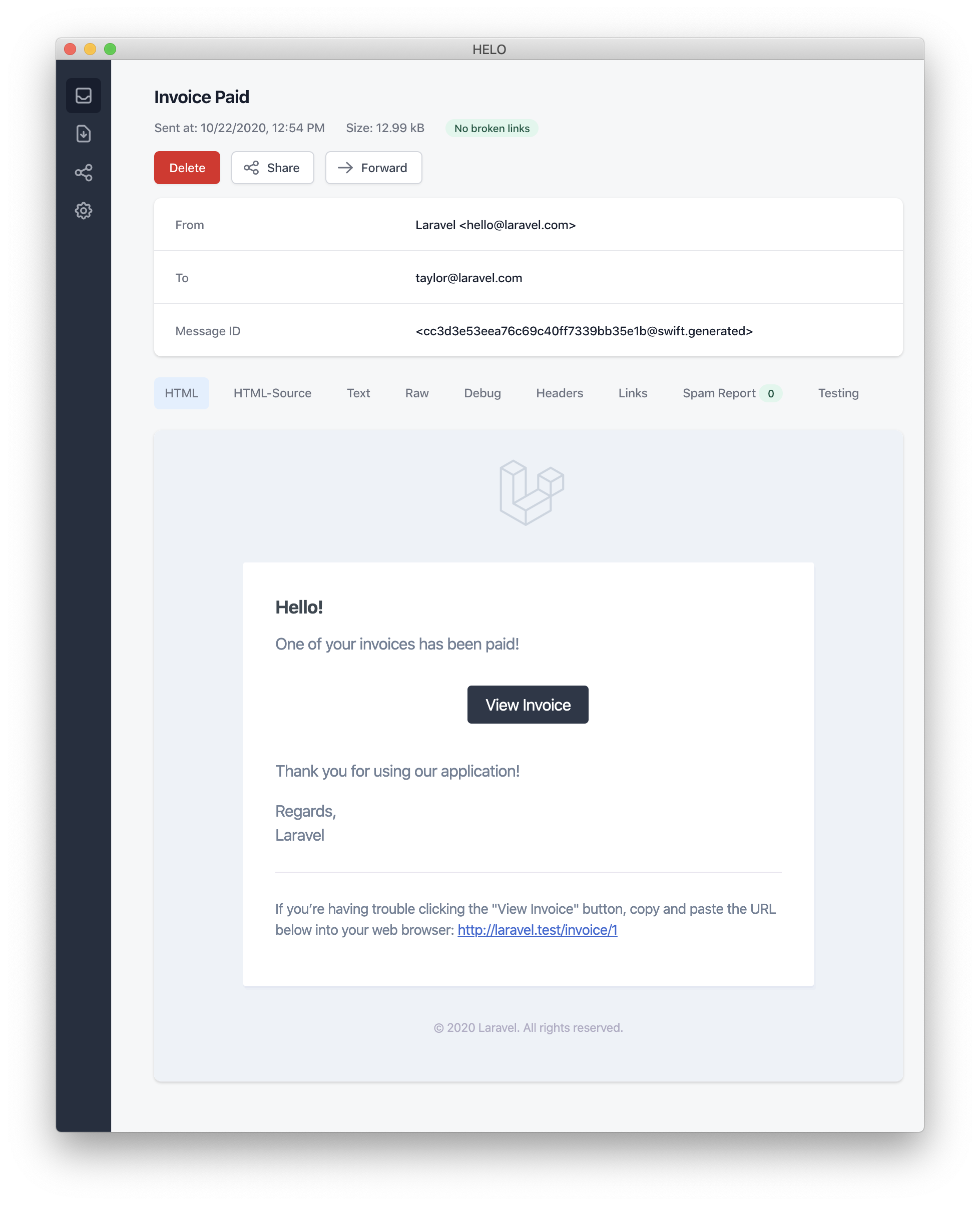 > [!NOTE]
> When sending mail notifications, be sure to set the `name` configuration option in your `config/app.php` configuration file. This value will be used in the header and footer of your mail notification messages.
#### Error Messages
Some notifications inform users of errors, such as a failed invoice payment. You may indicate that a mail message is regarding an error by calling the `error` method when building your message. When using the `error` method on a mail message, the call to action button will be red instead of black:
```php
/**
* Get the mail representation of the notification.
*/
public function toMail(object $notifiable): MailMessage
{
return (new MailMessage)
->error()
->subject('Invoice Payment Failed')
->line('...');
}
```
#### Other Mail Notification Formatting Options
Instead of defining the "lines" of text in the notification class, you may use the `view` method to specify a custom template that should be used to render the notification email:
```php
/**
* Get the mail representation of the notification.
*/
public function toMail(object $notifiable): MailMessage
{
return (new MailMessage)->view(
'mail.invoice.paid', ['invoice' => $this->invoice]
);
}
```
You may specify a plain-text view for the mail message by passing the view name as the second element of an array that is given to the `view` method:
```php
/**
* Get the mail representation of the notification.
*/
public function toMail(object $notifiable): MailMessage
{
return (new MailMessage)->view(
['mail.invoice.paid', 'mail.invoice.paid-text'],
['invoice' => $this->invoice]
);
}
```
Or, if your message only has a plain-text view, you may utilize the `text` method:
```php
/**
* Get the mail representation of the notification.
*/
public function toMail(object $notifiable): MailMessage
{
return (new MailMessage)->text(
'mail.invoice.paid-text', ['invoice' => $this->invoice]
);
}
```
### Customizing the Sender
By default, the email's sender / from address is defined in the `config/mail.php` configuration file. However, you may specify the from address for a specific notification using the `from` method:
```php
/**
* Get the mail representation of the notification.
*/
public function toMail(object $notifiable): MailMessage
{
return (new MailMessage)
->from('barrett@example.com', 'Barrett Blair')
->line('...');
}
```
### Customizing the Recipient
When sending notifications via the `mail` channel, the notification system will automatically look for an `email` property on your notifiable entity. You may customize which email address is used to deliver the notification by defining a `routeNotificationForMail` method on the notifiable entity:
```php
|string
*/
public function routeNotificationForMail(Notification $notification): array|string
{
// Return email address only...
return $this->email_address;
// Return email address and name...
return [$this->email_address => $this->name];
}
}
```
### Customizing the Subject
By default, the email's subject is the class name of the notification formatted to "Title Case". So, if your notification class is named `InvoicePaid`, the email's subject will be `Invoice Paid`. If you would like to specify a different subject for the message, you may call the `subject` method when building your message:
```php
/**
* Get the mail representation of the notification.
*/
public function toMail(object $notifiable): MailMessage
{
return (new MailMessage)
->subject('Notification Subject')
->line('...');
}
```
### Customizing the Mailer
By default, the email notification will be sent using the default mailer defined in the `config/mail.php` configuration file. However, you may specify a different mailer at runtime by calling the `mailer` method when building your message:
```php
/**
* Get the mail representation of the notification.
*/
public function toMail(object $notifiable): MailMessage
{
return (new MailMessage)
->mailer('postmark')
->line('...');
}
```
### Customizing the Templates
You can modify the HTML and plain-text template used by mail notifications by publishing the notification package's resources. After running this command, the mail notification templates will be located in the `resources/views/vendor/notifications` directory:
```shell
php artisan vendor:publish --tag=laravel-notifications
```
### Attachments
To add attachments to an email notification, use the `attach` method while building your message. The `attach` method accepts the absolute path to the file as its first argument:
```php
/**
* Get the mail representation of the notification.
*/
public function toMail(object $notifiable): MailMessage
{
return (new MailMessage)
->greeting('Hello!')
->attach('/path/to/file');
}
```
> [!NOTE]
> The `attach` method offered by notification mail messages also accepts [attachable objects](/docs/{{version}}/mail#attachable-objects). Please consult the comprehensive [attachable object documentation](/docs/{{version}}/mail#attachable-objects) to learn more.
When attaching files to a message, you may also specify the display name and / or MIME type by passing an `array` as the second argument to the `attach` method:
```php
/**
* Get the mail representation of the notification.
*/
public function toMail(object $notifiable): MailMessage
{
return (new MailMessage)
->greeting('Hello!')
->attach('/path/to/file', [
'as' => 'name.pdf',
'mime' => 'application/pdf',
]);
}
```
Unlike attaching files in mailable objects, you may not attach a file directly from a storage disk using `attachFromStorage`. You should rather use the `attach` method with an absolute path to the file on the storage disk. Alternatively, you could return a [mailable](/docs/{{version}}/mail#generating-mailables) from the `toMail` method:
```php
use App\Mail\InvoicePaid as InvoicePaidMailable;
/**
* Get the mail representation of the notification.
*/
public function toMail(object $notifiable): Mailable
{
return (new InvoicePaidMailable($this->invoice))
->to($notifiable->email)
->attachFromStorage('/path/to/file');
}
```
When necessary, multiple files may be attached to a message using the `attachMany` method:
```php
/**
* Get the mail representation of the notification.
*/
public function toMail(object $notifiable): MailMessage
{
return (new MailMessage)
->greeting('Hello!')
->attachMany([
'/path/to/forge.svg',
'/path/to/vapor.svg' => [
'as' => 'Logo.svg',
'mime' => 'image/svg+xml',
],
]);
}
```
#### Raw Data Attachments
The `attachData` method may be used to attach a raw string of bytes as an attachment. When calling the `attachData` method, you should provide the filename that should be assigned to the attachment:
```php
/**
* Get the mail representation of the notification.
*/
public function toMail(object $notifiable): MailMessage
{
return (new MailMessage)
->greeting('Hello!')
->attachData($this->pdf, 'name.pdf', [
'mime' => 'application/pdf',
]);
}
```
### Adding Tags and Metadata
Some third-party email providers such as Mailgun and Postmark support message "tags" and "metadata", which may be used to group and track emails sent by your application. You may add tags and metadata to an email message via the `tag` and `metadata` methods:
```php
/**
* Get the mail representation of the notification.
*/
public function toMail(object $notifiable): MailMessage
{
return (new MailMessage)
->greeting('Comment Upvoted!')
->tag('upvote')
->metadata('comment_id', $this->comment->id);
}
```
If your application is using the Mailgun driver, you may consult Mailgun's documentation for more information on [tags](https://documentation.mailgun.com/en/latest/user_manual.html#tagging-1) and [metadata](https://documentation.mailgun.com/en/latest/user_manual.html#attaching-data-to-messages). Likewise, the Postmark documentation may also be consulted for more information on their support for [tags](https://postmarkapp.com/blog/tags-support-for-smtp) and [metadata](https://postmarkapp.com/support/article/1125-custom-metadata-faq).
If your application is using Amazon SES to send emails, you should use the `metadata` method to attach [SES "tags"](https://docs.aws.amazon.com/ses/latest/APIReference/API_MessageTag.html) to the message.
### Customizing the Symfony Message
The `withSymfonyMessage` method of the `MailMessage` class allows you to register a closure which will be invoked with the Symfony Message instance before sending the message. This gives you an opportunity to deeply customize the message before it is delivered:
```php
use Symfony\Component\Mime\Email;
/**
* Get the mail representation of the notification.
*/
public function toMail(object $notifiable): MailMessage
{
return (new MailMessage)
->withSymfonyMessage(function (Email $message) {
$message->getHeaders()->addTextHeader(
'Custom-Header', 'Header Value'
);
});
}
```
### Using Mailables
If needed, you may return a full [mailable object](/docs/{{version}}/mail) from your notification's `toMail` method. When returning a `Mailable` instead of a `MailMessage`, you will need to specify the message recipient using the mailable object's `to` method:
```php
use App\Mail\InvoicePaid as InvoicePaidMailable;
use Illuminate\Mail\Mailable;
/**
* Get the mail representation of the notification.
*/
public function toMail(object $notifiable): Mailable
{
return (new InvoicePaidMailable($this->invoice))
->to($notifiable->email);
}
```
#### Mailables and On-Demand Notifications
If you are sending an [on-demand notification](#on-demand-notifications), the `$notifiable` instance given to the `toMail` method will be an instance of `Illuminate\Notifications\AnonymousNotifiable`, which offers a `routeNotificationFor` method that may be used to retrieve the email address the on-demand notification should be sent to:
```php
use App\Mail\InvoicePaid as InvoicePaidMailable;
use Illuminate\Notifications\AnonymousNotifiable;
use Illuminate\Mail\Mailable;
/**
* Get the mail representation of the notification.
*/
public function toMail(object $notifiable): Mailable
{
$address = $notifiable instanceof AnonymousNotifiable
? $notifiable->routeNotificationFor('mail')
: $notifiable->email;
return (new InvoicePaidMailable($this->invoice))
->to($address);
}
```
### Previewing Mail Notifications
When designing a mail notification template, it is convenient to quickly preview the rendered mail message in your browser like a typical Blade template. For this reason, Laravel allows you to return any mail message generated by a mail notification directly from a route closure or controller. When a `MailMessage` is returned, it will be rendered and displayed in the browser, allowing you to quickly preview its design without needing to send it to an actual email address:
```php
use App\Models\Invoice;
use App\Notifications\InvoicePaid;
Route::get('/notification', function () {
$invoice = Invoice::find(1);
return (new InvoicePaid($invoice))
->toMail($invoice->user);
});
```
## Markdown Mail Notifications
Markdown mail notifications allow you to take advantage of the pre-built templates of mail notifications, while giving you more freedom to write longer, customized messages. Since the messages are written in Markdown, Laravel is able to render beautiful, responsive HTML templates for the messages while also automatically generating a plain-text counterpart.
### Generating the Message
To generate a notification with a corresponding Markdown template, you may use the `--markdown` option of the `make:notification` Artisan command:
```shell
php artisan make:notification InvoicePaid --markdown=mail.invoice.paid
```
Like all other mail notifications, notifications that use Markdown templates should define a `toMail` method on their notification class. However, instead of using the `line` and `action` methods to construct the notification, use the `markdown` method to specify the name of the Markdown template that should be used. An array of data you wish to make available to the template may be passed as the method's second argument:
```php
/**
* Get the mail representation of the notification.
*/
public function toMail(object $notifiable): MailMessage
{
$url = url('/invoice/'.$this->invoice->id);
return (new MailMessage)
->subject('Invoice Paid')
->markdown('mail.invoice.paid', ['url' => $url]);
}
```
### Writing the Message
Markdown mail notifications use a combination of Blade components and Markdown syntax which allow you to easily construct notifications while leveraging Laravel's pre-crafted notification components:
```blade
> [!NOTE]
> When sending mail notifications, be sure to set the `name` configuration option in your `config/app.php` configuration file. This value will be used in the header and footer of your mail notification messages.
#### Error Messages
Some notifications inform users of errors, such as a failed invoice payment. You may indicate that a mail message is regarding an error by calling the `error` method when building your message. When using the `error` method on a mail message, the call to action button will be red instead of black:
```php
/**
* Get the mail representation of the notification.
*/
public function toMail(object $notifiable): MailMessage
{
return (new MailMessage)
->error()
->subject('Invoice Payment Failed')
->line('...');
}
```
#### Other Mail Notification Formatting Options
Instead of defining the "lines" of text in the notification class, you may use the `view` method to specify a custom template that should be used to render the notification email:
```php
/**
* Get the mail representation of the notification.
*/
public function toMail(object $notifiable): MailMessage
{
return (new MailMessage)->view(
'mail.invoice.paid', ['invoice' => $this->invoice]
);
}
```
You may specify a plain-text view for the mail message by passing the view name as the second element of an array that is given to the `view` method:
```php
/**
* Get the mail representation of the notification.
*/
public function toMail(object $notifiable): MailMessage
{
return (new MailMessage)->view(
['mail.invoice.paid', 'mail.invoice.paid-text'],
['invoice' => $this->invoice]
);
}
```
Or, if your message only has a plain-text view, you may utilize the `text` method:
```php
/**
* Get the mail representation of the notification.
*/
public function toMail(object $notifiable): MailMessage
{
return (new MailMessage)->text(
'mail.invoice.paid-text', ['invoice' => $this->invoice]
);
}
```
### Customizing the Sender
By default, the email's sender / from address is defined in the `config/mail.php` configuration file. However, you may specify the from address for a specific notification using the `from` method:
```php
/**
* Get the mail representation of the notification.
*/
public function toMail(object $notifiable): MailMessage
{
return (new MailMessage)
->from('barrett@example.com', 'Barrett Blair')
->line('...');
}
```
### Customizing the Recipient
When sending notifications via the `mail` channel, the notification system will automatically look for an `email` property on your notifiable entity. You may customize which email address is used to deliver the notification by defining a `routeNotificationForMail` method on the notifiable entity:
```php
|string
*/
public function routeNotificationForMail(Notification $notification): array|string
{
// Return email address only...
return $this->email_address;
// Return email address and name...
return [$this->email_address => $this->name];
}
}
```
### Customizing the Subject
By default, the email's subject is the class name of the notification formatted to "Title Case". So, if your notification class is named `InvoicePaid`, the email's subject will be `Invoice Paid`. If you would like to specify a different subject for the message, you may call the `subject` method when building your message:
```php
/**
* Get the mail representation of the notification.
*/
public function toMail(object $notifiable): MailMessage
{
return (new MailMessage)
->subject('Notification Subject')
->line('...');
}
```
### Customizing the Mailer
By default, the email notification will be sent using the default mailer defined in the `config/mail.php` configuration file. However, you may specify a different mailer at runtime by calling the `mailer` method when building your message:
```php
/**
* Get the mail representation of the notification.
*/
public function toMail(object $notifiable): MailMessage
{
return (new MailMessage)
->mailer('postmark')
->line('...');
}
```
### Customizing the Templates
You can modify the HTML and plain-text template used by mail notifications by publishing the notification package's resources. After running this command, the mail notification templates will be located in the `resources/views/vendor/notifications` directory:
```shell
php artisan vendor:publish --tag=laravel-notifications
```
### Attachments
To add attachments to an email notification, use the `attach` method while building your message. The `attach` method accepts the absolute path to the file as its first argument:
```php
/**
* Get the mail representation of the notification.
*/
public function toMail(object $notifiable): MailMessage
{
return (new MailMessage)
->greeting('Hello!')
->attach('/path/to/file');
}
```
> [!NOTE]
> The `attach` method offered by notification mail messages also accepts [attachable objects](/docs/{{version}}/mail#attachable-objects). Please consult the comprehensive [attachable object documentation](/docs/{{version}}/mail#attachable-objects) to learn more.
When attaching files to a message, you may also specify the display name and / or MIME type by passing an `array` as the second argument to the `attach` method:
```php
/**
* Get the mail representation of the notification.
*/
public function toMail(object $notifiable): MailMessage
{
return (new MailMessage)
->greeting('Hello!')
->attach('/path/to/file', [
'as' => 'name.pdf',
'mime' => 'application/pdf',
]);
}
```
Unlike attaching files in mailable objects, you may not attach a file directly from a storage disk using `attachFromStorage`. You should rather use the `attach` method with an absolute path to the file on the storage disk. Alternatively, you could return a [mailable](/docs/{{version}}/mail#generating-mailables) from the `toMail` method:
```php
use App\Mail\InvoicePaid as InvoicePaidMailable;
/**
* Get the mail representation of the notification.
*/
public function toMail(object $notifiable): Mailable
{
return (new InvoicePaidMailable($this->invoice))
->to($notifiable->email)
->attachFromStorage('/path/to/file');
}
```
When necessary, multiple files may be attached to a message using the `attachMany` method:
```php
/**
* Get the mail representation of the notification.
*/
public function toMail(object $notifiable): MailMessage
{
return (new MailMessage)
->greeting('Hello!')
->attachMany([
'/path/to/forge.svg',
'/path/to/vapor.svg' => [
'as' => 'Logo.svg',
'mime' => 'image/svg+xml',
],
]);
}
```
#### Raw Data Attachments
The `attachData` method may be used to attach a raw string of bytes as an attachment. When calling the `attachData` method, you should provide the filename that should be assigned to the attachment:
```php
/**
* Get the mail representation of the notification.
*/
public function toMail(object $notifiable): MailMessage
{
return (new MailMessage)
->greeting('Hello!')
->attachData($this->pdf, 'name.pdf', [
'mime' => 'application/pdf',
]);
}
```
### Adding Tags and Metadata
Some third-party email providers such as Mailgun and Postmark support message "tags" and "metadata", which may be used to group and track emails sent by your application. You may add tags and metadata to an email message via the `tag` and `metadata` methods:
```php
/**
* Get the mail representation of the notification.
*/
public function toMail(object $notifiable): MailMessage
{
return (new MailMessage)
->greeting('Comment Upvoted!')
->tag('upvote')
->metadata('comment_id', $this->comment->id);
}
```
If your application is using the Mailgun driver, you may consult Mailgun's documentation for more information on [tags](https://documentation.mailgun.com/en/latest/user_manual.html#tagging-1) and [metadata](https://documentation.mailgun.com/en/latest/user_manual.html#attaching-data-to-messages). Likewise, the Postmark documentation may also be consulted for more information on their support for [tags](https://postmarkapp.com/blog/tags-support-for-smtp) and [metadata](https://postmarkapp.com/support/article/1125-custom-metadata-faq).
If your application is using Amazon SES to send emails, you should use the `metadata` method to attach [SES "tags"](https://docs.aws.amazon.com/ses/latest/APIReference/API_MessageTag.html) to the message.
### Customizing the Symfony Message
The `withSymfonyMessage` method of the `MailMessage` class allows you to register a closure which will be invoked with the Symfony Message instance before sending the message. This gives you an opportunity to deeply customize the message before it is delivered:
```php
use Symfony\Component\Mime\Email;
/**
* Get the mail representation of the notification.
*/
public function toMail(object $notifiable): MailMessage
{
return (new MailMessage)
->withSymfonyMessage(function (Email $message) {
$message->getHeaders()->addTextHeader(
'Custom-Header', 'Header Value'
);
});
}
```
### Using Mailables
If needed, you may return a full [mailable object](/docs/{{version}}/mail) from your notification's `toMail` method. When returning a `Mailable` instead of a `MailMessage`, you will need to specify the message recipient using the mailable object's `to` method:
```php
use App\Mail\InvoicePaid as InvoicePaidMailable;
use Illuminate\Mail\Mailable;
/**
* Get the mail representation of the notification.
*/
public function toMail(object $notifiable): Mailable
{
return (new InvoicePaidMailable($this->invoice))
->to($notifiable->email);
}
```
#### Mailables and On-Demand Notifications
If you are sending an [on-demand notification](#on-demand-notifications), the `$notifiable` instance given to the `toMail` method will be an instance of `Illuminate\Notifications\AnonymousNotifiable`, which offers a `routeNotificationFor` method that may be used to retrieve the email address the on-demand notification should be sent to:
```php
use App\Mail\InvoicePaid as InvoicePaidMailable;
use Illuminate\Notifications\AnonymousNotifiable;
use Illuminate\Mail\Mailable;
/**
* Get the mail representation of the notification.
*/
public function toMail(object $notifiable): Mailable
{
$address = $notifiable instanceof AnonymousNotifiable
? $notifiable->routeNotificationFor('mail')
: $notifiable->email;
return (new InvoicePaidMailable($this->invoice))
->to($address);
}
```
### Previewing Mail Notifications
When designing a mail notification template, it is convenient to quickly preview the rendered mail message in your browser like a typical Blade template. For this reason, Laravel allows you to return any mail message generated by a mail notification directly from a route closure or controller. When a `MailMessage` is returned, it will be rendered and displayed in the browser, allowing you to quickly preview its design without needing to send it to an actual email address:
```php
use App\Models\Invoice;
use App\Notifications\InvoicePaid;
Route::get('/notification', function () {
$invoice = Invoice::find(1);
return (new InvoicePaid($invoice))
->toMail($invoice->user);
});
```
## Markdown Mail Notifications
Markdown mail notifications allow you to take advantage of the pre-built templates of mail notifications, while giving you more freedom to write longer, customized messages. Since the messages are written in Markdown, Laravel is able to render beautiful, responsive HTML templates for the messages while also automatically generating a plain-text counterpart.
### Generating the Message
To generate a notification with a corresponding Markdown template, you may use the `--markdown` option of the `make:notification` Artisan command:
```shell
php artisan make:notification InvoicePaid --markdown=mail.invoice.paid
```
Like all other mail notifications, notifications that use Markdown templates should define a `toMail` method on their notification class. However, instead of using the `line` and `action` methods to construct the notification, use the `markdown` method to specify the name of the Markdown template that should be used. An array of data you wish to make available to the template may be passed as the method's second argument:
```php
/**
* Get the mail representation of the notification.
*/
public function toMail(object $notifiable): MailMessage
{
$url = url('/invoice/'.$this->invoice->id);
return (new MailMessage)
->subject('Invoice Paid')
->markdown('mail.invoice.paid', ['url' => $url]);
}
```
### Writing the Message
Markdown mail notifications use a combination of Blade components and Markdown syntax which allow you to easily construct notifications while leveraging Laravel's pre-crafted notification components:
```blade
{{ config('app.name') }}
@foreach ($users as $user)
{{ $user->name }}
@endforeach
{{ $users->links() }}
```
The `links` method will render the links to the rest of the pages in the result set. Each of these links will already contain the proper `page` query string variable. Remember, the HTML generated by the `links` method is compatible with the [Tailwind CSS framework](https://tailwindcss.com).
### Adjusting the Pagination Link Window
When the paginator displays pagination links, the current page number is displayed as well as links for the three pages before and after the current page. Using the `onEachSide` method, you may control how many additional links are displayed on each side of the current page within the middle, sliding window of links generated by the paginator:
```blade
{{ $users->onEachSide(5)->links() }}
```
### Converting Results to JSON
The Laravel paginator classes implement the `Illuminate\Contracts\Support\Jsonable` Interface contract and expose the `toJson` method, so it's very easy to convert your pagination results to JSON. You may also convert a paginator instance to JSON by returning it from a route or controller action:
```php
use App\Models\User;
Route::get('/users', function () {
return User::paginate();
});
```
The JSON from the paginator will include meta information such as `total`, `current_page`, `last_page`, and more. The result records are available via the `data` key in the JSON array. Here is an example of the JSON created by returning a paginator instance from a route:
```json
{
"total": 50,
"per_page": 15,
"current_page": 1,
"last_page": 4,
"first_page_url": "http://laravel.app?page=1",
"last_page_url": "http://laravel.app?page=4",
"next_page_url": "http://laravel.app?page=2",
"prev_page_url": null,
"path": "http://laravel.app",
"from": 1,
"to": 15,
"data":[
{
// Record...
},
{
// Record...
}
]
}
```
## Customizing the Pagination View
By default, the views rendered to display the pagination links are compatible with the [Tailwind CSS](https://tailwindcss.com) framework. However, if you are not using Tailwind, you are free to define your own views to render these links. When calling the `links` method on a paginator instance, you may pass the view name as the first argument to the method:
```blade
{{ $paginator->links('view.name') }}
{{ $paginator->links('view.name', ['foo' => 'bar']) }}
```
However, the easiest way to customize the pagination views is by exporting them to your `resources/views/vendor` directory using the `vendor:publish` command:
```shell
php artisan vendor:publish --tag=laravel-pagination
```
This command will place the views in your application's `resources/views/vendor/pagination` directory. The `tailwind.blade.php` file within this directory corresponds to the default pagination view. You may edit this file to modify the pagination HTML.
If you would like to designate a different file as the default pagination view, you may invoke the paginator's `defaultView` and `defaultSimpleView` methods within the `boot` method of your `App\Providers\AppServiceProvider` class:
```php
### Using Bootstrap
Laravel includes pagination views built using [Bootstrap CSS](https://getbootstrap.com/). To use these views instead of the default Tailwind views, you may call the paginator's `useBootstrapFour` or `useBootstrapFive` methods within the `boot` method of your `App\Providers\AppServiceProvider` class:
```php
use Illuminate\Pagination\Paginator;
/**
* Bootstrap any application services.
*/
public function boot(): void
{
Paginator::useBootstrapFive();
Paginator::useBootstrapFour();
}
```
## Paginator / LengthAwarePaginator Instance Methods
Each paginator instance provides additional pagination information via the following methods:
| Method | Description |
| --- | --- |
| `$paginator->count()` | Get the number of items for the current page. |
| `$paginator->currentPage()` | Get the current page number. |
| `$paginator->firstItem()` | Get the result number of the first item in the results. |
| `$paginator->getOptions()` | Get the paginator options. |
| `$paginator->getUrlRange($start, $end)` | Create a range of pagination URLs. |
| `$paginator->hasPages()` | Determine if there are enough items to split into multiple pages. |
| `$paginator->hasMorePages()` | Determine if there are more items in the data store. |
| `$paginator->items()` | Get the items for the current page. |
| `$paginator->lastItem()` | Get the result number of the last item in the results. |
| `$paginator->lastPage()` | Get the page number of the last available page. (Not available when using `simplePaginate`). |
| `$paginator->nextPageUrl()` | Get the URL for the next page. |
| `$paginator->onFirstPage()` | Determine if the paginator is on the first page. |
| `$paginator->perPage()` | The number of items to be shown per page. |
| `$paginator->previousPageUrl()` | Get the URL for the previous page. |
| `$paginator->total()` | Determine the total number of matching items in the data store. (Not available when using `simplePaginate`). |
| `$paginator->url($page)` | Get the URL for a given page number. |
| `$paginator->getPageName()` | Get the query string variable used to store the page. |
| `$paginator->setPageName($name)` | Set the query string variable used to store the page. |
| `$paginator->through($callback)` | Transform each item using a callback. |
## Cursor Paginator Instance Methods
Each cursor paginator instance provides additional pagination information via the following methods:
| Method | Description |
| ------------------------------- | ----------------------------------------------------------------- |
| `$paginator->count()` | Get the number of items for the current page. |
| `$paginator->cursor()` | Get the current cursor instance. |
| `$paginator->getOptions()` | Get the paginator options. |
| `$paginator->hasPages()` | Determine if there are enough items to split into multiple pages. |
| `$paginator->hasMorePages()` | Determine if there are more items in the data store. |
| `$paginator->getCursorName()` | Get the query string variable used to store the cursor. |
| `$paginator->items()` | Get the items for the current page. |
| `$paginator->nextCursor()` | Get the cursor instance for the next set of items. |
| `$paginator->nextPageUrl()` | Get the URL for the next page. |
| `$paginator->onFirstPage()` | Determine if the paginator is on the first page. |
| `$paginator->onLastPage()` | Determine if the paginator is on the last page. |
| `$paginator->perPage()` | The number of items to be shown per page. |
| `$paginator->previousCursor()` | Get the cursor instance for the previous set of items. |
| `$paginator->previousPageUrl()` | Get the URL for the previous page. |
| `$paginator->setCursorName()` | Set the query string variable used to store the cursor. |
| `$paginator->url($cursor)` | Get the URL for a given cursor instance. |
---
# Laravel Passport
- [Introduction](#introduction)
- [Passport or Sanctum?](#passport-or-sanctum)
- [Installation](#installation)
- [Deploying Passport](#deploying-passport)
- [Upgrading Passport](#upgrading-passport)
- [Configuration](#configuration)
- [Client Secret Hashing](#client-secret-hashing)
- [Token Lifetimes](#token-lifetimes)
- [Overriding Default Models](#overriding-default-models)
- [Overriding Routes](#overriding-routes)
- [Issuing Access Tokens](#issuing-access-tokens)
- [Managing Clients](#managing-clients)
- [Requesting Tokens](#requesting-tokens)
- [Refreshing Tokens](#refreshing-tokens)
- [Revoking Tokens](#revoking-tokens)
- [Purging Tokens](#purging-tokens)
- [Authorization Code Grant With PKCE](#code-grant-pkce)
- [Creating the Client](#creating-a-auth-pkce-grant-client)
- [Requesting Tokens](#requesting-auth-pkce-grant-tokens)
- [Password Grant Tokens](#password-grant-tokens)
- [Creating a Password Grant Client](#creating-a-password-grant-client)
- [Requesting Tokens](#requesting-password-grant-tokens)
- [Requesting All Scopes](#requesting-all-scopes)
- [Customizing the User Provider](#customizing-the-user-provider)
- [Customizing the Username Field](#customizing-the-username-field)
- [Customizing the Password Validation](#customizing-the-password-validation)
- [Implicit Grant Tokens](#implicit-grant-tokens)
- [Client Credentials Grant Tokens](#client-credentials-grant-tokens)
- [Personal Access Tokens](#personal-access-tokens)
- [Creating a Personal Access Client](#creating-a-personal-access-client)
- [Managing Personal Access Tokens](#managing-personal-access-tokens)
- [Protecting Routes](#protecting-routes)
- [Via Middleware](#via-middleware)
- [Passing the Access Token](#passing-the-access-token)
- [Token Scopes](#token-scopes)
- [Defining Scopes](#defining-scopes)
- [Default Scope](#default-scope)
- [Assigning Scopes to Tokens](#assigning-scopes-to-tokens)
- [Checking Scopes](#checking-scopes)
- [Consuming Your API With JavaScript](#consuming-your-api-with-javascript)
- [Events](#events)
- [Testing](#testing)
## Introduction
[Laravel Passport](https://github.com/laravel/passport) provides a full OAuth2 server implementation for your Laravel application in a matter of minutes. Passport is built on top of the [League OAuth2 server](https://github.com/thephpleague/oauth2-server) that is maintained by Andy Millington and Simon Hamp.
> [!WARNING]
> This documentation assumes you are already familiar with OAuth2. If you do not know anything about OAuth2, consider familiarizing yourself with the general [terminology](https://oauth2.thephpleague.com/terminology/) and features of OAuth2 before continuing.
### Passport or Sanctum?
Before getting started, you may wish to determine if your application would be better served by Laravel Passport or [Laravel Sanctum](/docs/{{version}}/sanctum). If your application absolutely needs to support OAuth2, then you should use Laravel Passport.
However, if you are attempting to authenticate a single-page application, mobile application, or issue API tokens, you should use [Laravel Sanctum](/docs/{{version}}/sanctum). Laravel Sanctum does not support OAuth2; however, it provides a much simpler API authentication development experience.
## Installation
You may install Laravel Passport via the `install:api` Artisan command:
```shell
php artisan install:api --passport
```
This command will publish and run the database migrations necessary for creating the tables your application needs to store OAuth2 clients and access tokens. The command will also create the encryption keys required to generate secure access tokens.
Additionally, this command will ask if you would like to use UUIDs as the primary key value of the Passport `Client` model instead of auto-incrementing integers.
After running the `install:api` command, add the `Laravel\Passport\HasApiTokens` trait to your `App\Models\User` model. This trait will provide a few helper methods to your model which allow you to inspect the authenticated user's token and scopes:
```php
[
'web' => [
'driver' => 'session',
'provider' => 'users',
],
'api' => [
'driver' => 'passport',
'provider' => 'users',
],
],
```
### Deploying Passport
When deploying Passport to your application's servers for the first time, you will likely need to run the `passport:keys` command. This command generates the encryption keys Passport needs in order to generate access tokens. The generated keys are not typically kept in source control:
```shell
php artisan passport:keys
```
If necessary, you may define the path where Passport's keys should be loaded from. You may use the `Passport::loadKeysFrom` method to accomplish this. Typically, this method should be called from the `boot` method of your application's `App\Providers\AppServiceProvider` class:
```php
/**
* Bootstrap any application services.
*/
public function boot(): void
{
Passport::loadKeysFrom(__DIR__.'/../secrets/oauth');
}
```
#### Loading Keys From the Environment
Alternatively, you may publish Passport's configuration file using the `vendor:publish` Artisan command:
```shell
php artisan vendor:publish --tag=passport-config
```
After the configuration file has been published, you may load your application's encryption keys by defining them as environment variables:
```ini
PASSPORT_PRIVATE_KEY="-----BEGIN RSA PRIVATE KEY-----
| Event Name |
| --- |
| `Laravel\Passport\Events\AccessTokenCreated` |
| `Laravel\Passport\Events\RefreshTokenCreated` |
## Testing
Passport's `actingAs` method may be used to specify the currently authenticated user as well as its scopes. The first argument given to the `actingAs` method is the user instance and the second is an array of scopes that should be granted to the user's token:
```php tab=Pest
use App\Models\User;
use Laravel\Passport\Passport;
test('servers can be created', function () {
Passport::actingAs(
User::factory()->create(),
['create-servers']
);
$response = $this->post('/api/create-server');
$response->assertStatus(201);
});
```
```php tab=PHPUnit
use App\Models\User;
use Laravel\Passport\Passport;
public function test_servers_can_be_created(): void
{
Passport::actingAs(
User::factory()->create(),
['create-servers']
);
$response = $this->post('/api/create-server');
$response->assertStatus(201);
}
```
Passport's `actingAsClient` method may be used to specify the currently authenticated client as well as its scopes. The first argument given to the `actingAsClient` method is the client instance and the second is an array of scopes that should be granted to the client's token:
```php tab=Pest
use Laravel\Passport\Client;
use Laravel\Passport\Passport;
test('orders can be retrieved', function () {
Passport::actingAsClient(
Client::factory()->create(),
['check-status']
);
$response = $this->get('/api/orders');
$response->assertStatus(200);
});
```
```php tab=PHPUnit
use Laravel\Passport\Client;
use Laravel\Passport\Passport;
public function test_orders_can_be_retrieved(): void
{
Passport::actingAsClient(
Client::factory()->create(),
['check-status']
);
$response = $this->get('/api/orders');
$response->assertStatus(200);
}
```
---
# Resetting Passwords
- [Introduction](#introduction)
- [Model Preparation](#model-preparation)
- [Database Preparation](#database-preparation)
- [Configuring Trusted Hosts](#configuring-trusted-hosts)
- [Routing](#routing)
- [Requesting the Password Reset Link](#requesting-the-password-reset-link)
- [Resetting the Password](#resetting-the-password)
- [Deleting Expired Tokens](#deleting-expired-tokens)
- [Customization](#password-customization)
## Introduction
Most web applications provide a way for users to reset their forgotten passwords. Rather than forcing you to re-implement this by hand for every application you create, Laravel provides convenient services for sending password reset links and secure resetting passwords.
> [!NOTE]
> Want to get started fast? Install a Laravel [application starter kit](/docs/{{version}}/starter-kits) in a fresh Laravel application. Laravel's starter kits will take care of scaffolding your entire authentication system, including resetting forgotten passwords.
### Model Preparation
Before using the password reset features of Laravel, your application's `App\Models\User` model must use the `Illuminate\Notifications\Notifiable` trait. Typically, this trait is already included on the default `App\Models\User` model that is created with new Laravel applications.
Next, verify that your `App\Models\User` model implements the `Illuminate\Contracts\Auth\CanResetPassword` contract. The `App\Models\User` model included with the framework already implements this interface, and uses the `Illuminate\Auth\Passwords\CanResetPassword` trait to include the methods needed to implement the interface.
### Database Preparation
A table must be created to store your application's password reset tokens. Typically, this is included in Laravel's default `0001_01_01_000000_create_users_table.php` database migration.
### Configuring Trusted Hosts
By default, Laravel will respond to all requests it receives regardless of the content of the HTTP request's `Host` header. In addition, the `Host` header's value will be used when generating absolute URLs to your application during a web request.
Typically, you should configure your web server, such as Nginx or Apache, to only send requests to your application that match a given hostname. However, if you do not have the ability to customize your web server directly and need to instruct Laravel to only respond to certain hostnames, you may do so by using the `trustHosts` middleware method in your application's `bootstrap/app.php` file. This is particularly important when your application offers password reset functionality.
To learn more about this middleware method, please consult the [`TrustHosts` middleware documentation](/docs/{{version}}/requests#configuring-trusted-hosts).
## Routing
To properly implement support for allowing users to reset their passwords, we will need to define several routes. First, we will need a pair of routes to handle allowing the user to request a password reset link via their email address. Second, we will need a pair of routes to handle actually resetting the password once the user visits the password reset link that is emailed to them and completes the password reset form.
### Requesting the Password Reset Link
#### The Password Reset Link Request Form
First, we will define the routes that are needed to request password reset links. To get started, we will define a route that returns a view with the password reset link request form:
```php
Route::get('/forgot-password', function () {
return view('auth.forgot-password');
})->middleware('guest')->name('password.request');
```
The view that is returned by this route should have a form containing an `email` field, which will allow the user to request a password reset link for a given email address.
#### Handling the Form Submission
Next, we will define a route that handles the form submission request from the "forgot password" view. This route will be responsible for validating the email address and sending the password reset request to the corresponding user:
```php
use Illuminate\Http\Request;
use Illuminate\Support\Facades\Password;
Route::post('/forgot-password', function (Request $request) {
$request->validate(['email' => 'required|email']);
$status = Password::sendResetLink(
$request->only('email')
);
return $status === Password::ResetLinkSent
? back()->with(['status' => __($status)])
: back()->withErrors(['email' => __($status)]);
})->middleware('guest')->name('password.email');
```
Before moving on, let's examine this route in more detail. First, the request's `email` attribute is validated. Next, we will use Laravel's built-in "password broker" (via the `Password` facade) to send a password reset link to the user. The password broker will take care of retrieving the user by the given field (in this case, the email address) and sending the user a password reset link via Laravel's built-in [notification system](/docs/{{version}}/notifications).
The `sendResetLink` method returns a "status" slug. This status may be translated using Laravel's [localization](/docs/{{version}}/localization) helpers in order to display a user-friendly message to the user regarding the status of their request. The translation of the password reset status is determined by your application's `lang/{lang}/passwords.php` language file. An entry for each possible value of the status slug is located within the `passwords` language file.
> [!NOTE]
> By default, the Laravel application skeleton does not include the `lang` directory. If you would like to customize Laravel's language files, you may publish them via the `lang:publish` Artisan command.
You may be wondering how Laravel knows how to retrieve the user record from your application's database when calling the `Password` facade's `sendResetLink` method. The Laravel password broker utilizes your authentication system's "user providers" to retrieve database records. The user provider used by the password broker is configured within the `passwords` configuration array of your `config/auth.php` configuration file. To learn more about writing custom user providers, consult the [authentication documentation](/docs/{{version}}/authentication#adding-custom-user-providers).
> [!NOTE]
> When manually implementing password resets, you are required to define the contents of the views and routes yourself. If you would like scaffolding that includes all necessary authentication and verification logic, check out the [Laravel application starter kits](/docs/{{version}}/starter-kits).
### Resetting the Password
#### The Password Reset Form
Next, we will define the routes necessary to actually reset the password once the user clicks on the password reset link that has been emailed to them and provides a new password. First, let's define the route that will display the reset password form that is displayed when the user clicks the reset password link. This route will receive a `token` parameter that we will use later to verify the password reset request:
```php
Route::get('/reset-password/{token}', function (string $token) {
return view('auth.reset-password', ['token' => $token]);
})->middleware('guest')->name('password.reset');
```
The view that is returned by this route should display a form containing an `email` field, a `password` field, a `password_confirmation` field, and a hidden `token` field, which should contain the value of the secret `$token` received by our route.
#### Handling the Form Submission
Of course, we need to define a route to actually handle the password reset form submission. This route will be responsible for validating the incoming request and updating the user's password in the database:
```php
use App\Models\User;
use Illuminate\Auth\Events\PasswordReset;
use Illuminate\Http\Request;
use Illuminate\Support\Facades\Hash;
use Illuminate\Support\Facades\Password;
use Illuminate\Support\Str;
Route::post('/reset-password', function (Request $request) {
$request->validate([
'token' => 'required',
'email' => 'required|email',
'password' => 'required|min:8|confirmed',
]);
$status = Password::reset(
$request->only('email', 'password', 'password_confirmation', 'token'),
function (User $user, string $password) {
$user->forceFill([
'password' => Hash::make($password)
])->setRememberToken(Str::random(60));
$user->save();
event(new PasswordReset($user));
}
);
return $status === Password::PasswordReset
? redirect()->route('login')->with('status', __($status))
: back()->withErrors(['email' => [__($status)]]);
})->middleware('guest')->name('password.update');
```
Before moving on, let's examine this route in more detail. First, the request's `token`, `email`, and `password` attributes are validated. Next, we will use Laravel's built-in "password broker" (via the `Password` facade) to validate the password reset request credentials.
If the token, email address, and password given to the password broker are valid, the closure passed to the `reset` method will be invoked. Within this closure, which receives the user instance and the plain-text password provided to the password reset form, we may update the user's password in the database.
The `reset` method returns a "status" slug. This status may be translated using Laravel's [localization](/docs/{{version}}/localization) helpers in order to display a user-friendly message to the user regarding the status of their request. The translation of the password reset status is determined by your application's `lang/{lang}/passwords.php` language file. An entry for each possible value of the status slug is located within the `passwords` language file. If your application does not contain a `lang` directory, you may create it using the `lang:publish` Artisan command.
Before moving on, you may be wondering how Laravel knows how to retrieve the user record from your application's database when calling the `Password` facade's `reset` method. The Laravel password broker utilizes your authentication system's "user providers" to retrieve database records. The user provider used by the password broker is configured within the `passwords` configuration array of your `config/auth.php` configuration file. To learn more about writing custom user providers, consult the [authentication documentation](/docs/{{version}}/authentication#adding-custom-user-providers).
## Deleting Expired Tokens
Password reset tokens that have expired will still be present within your database. However, you may easily delete these records using the `auth:clear-resets` Artisan command:
```shell
php artisan auth:clear-resets
```
If you would like to automate this process, consider adding the command to your application's [scheduler](/docs/{{version}}/scheduling):
```php
use Illuminate\Support\Facades\Schedule;
Schedule::command('auth:clear-resets')->everyFifteenMinutes();
```
## Customization
#### Reset Link Customization
You may customize the password reset link URL using the `createUrlUsing` method provided by the `ResetPassword` notification class. This method accepts a closure which receives the user instance that is receiving the notification as well as the password reset link token. Typically, you should call this method from your `App\Providers\AppServiceProvider` service provider's `boot` method:
```php
use App\Models\User;
use Illuminate\Auth\Notifications\ResetPassword;
/**
* Bootstrap any application services.
*/
public function boot(): void
{
ResetPassword::createUrlUsing(function (User $user, string $token) {
return 'https://example.com/reset-password?token='.$token;
});
}
```
#### Reset Email Customization
You may easily modify the notification class used to send the password reset link to the user. To get started, override the `sendPasswordResetNotification` method on your `App\Models\User` model. Within this method, you may send the notification using any [notification class](/docs/{{version}}/notifications) of your own creation. The password reset `$token` is the first argument received by the method. You may use this `$token` to build the password reset URL of your choice and send your notification to the user:
```php
use App\Notifications\ResetPasswordNotification;
/**
* Send a password reset notification to the user.
*
* @param string $token
*/
public function sendPasswordResetNotification($token): void
{
$url = 'https://example.com/reset-password?token='.$token;
$this->notify(new ResetPasswordNotification($url));
}
```
---
# Laravel Pennant
- [Introduction](#introduction)
- [Installation](#installation)
- [Configuration](#configuration)
- [Defining Features](#defining-features)
- [Class Based Features](#class-based-features)
- [Checking Features](#checking-features)
- [Conditional Execution](#conditional-execution)
- [The `HasFeatures` Trait](#the-has-features-trait)
- [Blade Directive](#blade-directive)
- [Middleware](#middleware)
- [Intercepting Feature Checks](#intercepting-feature-checks)
- [In-Memory Cache](#in-memory-cache)
- [Scope](#scope)
- [Specifying the Scope](#specifying-the-scope)
- [Default Scope](#default-scope)
- [Nullable Scope](#nullable-scope)
- [Identifying Scope](#identifying-scope)
- [Serializing Scope](#serializing-scope)
- [Rich Feature Values](#rich-feature-values)
- [Retrieving Multiple Features](#retrieving-multiple-features)
- [Eager Loading](#eager-loading)
- [Updating Values](#updating-values)
- [Bulk Updates](#bulk-updates)
- [Purging Features](#purging-features)
- [Testing](#testing)
- [Adding Custom Pennant Drivers](#adding-custom-pennant-drivers)
- [Implementing the Driver](#implementing-the-driver)
- [Registering the Driver](#registering-the-driver)
- [Defining Features Externally](#defining-features-externally)
- [Events](#events)
## Introduction
[Laravel Pennant](https://github.com/laravel/pennant) is a simple and light-weight feature flag package - without the cruft. Feature flags enable you to incrementally roll out new application features with confidence, A/B test new interface designs, complement a trunk-based development strategy, and much more.
## Installation
First, install Pennant into your project using the Composer package manager:
```shell
composer require laravel/pennant
```
Next, you should publish the Pennant configuration and migration files using the `vendor:publish` Artisan command:
```shell
php artisan vendor:publish --provider="Laravel\Pennant\PennantServiceProvider"
```
Finally, you should run your application's database migrations. This will create a `features` table that Pennant uses to power its `database` driver:
```shell
php artisan migrate
```
## Configuration
After publishing Pennant's assets, its configuration file will be located at `config/pennant.php`. This configuration file allows you to specify the default storage mechanism that will be used by Pennant to store resolved feature flag values.
Pennant includes support for storing resolved feature flag values in an in-memory array via the `array` driver. Or, Pennant can store resolved feature flag values persistently in a relational database via the `database` driver, which is the default storage mechanism used by Pennant.
## Defining Features
To define a feature, you may use the `define` method offered by the `Feature` facade. You will need to provide a name for the feature, as well as a closure that will be invoked to resolve the feature's initial value.
Typically, features are defined in a service provider using the `Feature` facade. The closure will receive the "scope" for the feature check. Most commonly, the scope is the currently authenticated user. In this example, we will define a feature for incrementally rolling out a new API to our application's users:
```php
match (true) {
$user->isInternalTeamMember() => true,
$user->isHighTrafficCustomer() => false,
default => Lottery::odds(1 / 100),
});
}
}
```
As you can see, we have the following rules for our feature:
- All internal team members should be using the new API.
- Any high traffic customers should not be using the new API.
- Otherwise, the feature should be randomly assigned to users with a 1 in 100 chance of being active.
The first time the `new-api` feature is checked for a given user, the result of the closure will be stored by the storage driver. The next time the feature is checked against the same user, the value will be retrieved from storage and the closure will not be invoked.
For convenience, if a feature definition only returns a lottery, you may omit the closure completely:
Feature::define('site-redesign', Lottery::odds(1, 1000));
### Class Based Features
Pennant also allows you to define class based features. Unlike closure based feature definitions, there is no need to register a class based feature in a service provider. To create a class based feature, you may invoke the `pennant:feature` Artisan command. By default the feature class will be placed in your application's `app/Features` directory:
```shell
php artisan pennant:feature NewApi
```
When writing a feature class, you only need to define a `resolve` method, which will be invoked to resolve the feature's initial value for a given scope. Again, the scope will typically be the currently authenticated user:
```php
isInternalTeamMember() => true,
$user->isHighTrafficCustomer() => false,
default => Lottery::odds(1 / 100),
};
}
}
```
If you would like to manually resolve an instance of a class based feature, you may invoke the `instance` method on the `Feature` facade:
```php
use Illuminate\Support\Facades\Feature;
$instance = Feature::instance(NewApi::class);
```
> [!NOTE]
> Feature classes are resolved via the [container](/docs/{{version}}/container), so you may inject dependencies into the feature class's constructor when needed.
#### Customizing the Stored Feature Name
By default, Pennant will store the feature class's fully qualified class name. If you would like to decouple the stored feature name from the application's internal structure, you may specify a `$name` property on the feature class. The value of this property will be stored in place of the class name:
```php
## Checking Features
To determine if a feature is active, you may use the `active` method on the `Feature` facade. By default, features are checked against the currently authenticated user:
```php
resolveNewApiResponse($request)
: $this->resolveLegacyApiResponse($request);
}
// ...
}
```
Although features are checked against the currently authenticated user by default, you may easily check the feature against another user or [scope](#scope). To accomplish this, use the `for` method offered by the `Feature` facade:
```php
return Feature::for($user)->active('new-api')
? $this->resolveNewApiResponse($request)
: $this->resolveLegacyApiResponse($request);
```
Pennant also offers some additional convenience methods that may prove useful when determining if a feature is active or not:
```php
// Determine if all of the given features are active...
Feature::allAreActive(['new-api', 'site-redesign']);
// Determine if any of the given features are active...
Feature::someAreActive(['new-api', 'site-redesign']);
// Determine if a feature is inactive...
Feature::inactive('new-api');
// Determine if all of the given features are inactive...
Feature::allAreInactive(['new-api', 'site-redesign']);
// Determine if any of the given features are inactive...
Feature::someAreInactive(['new-api', 'site-redesign']);
```
> [!NOTE]
> When using Pennant outside of an HTTP context, such as in an Artisan command or a queued job, you should typically [explicitly specify the feature's scope](#specifying-the-scope). Alternatively, you may define a [default scope](#default-scope) that accounts for both authenticated HTTP contexts and unauthenticated contexts.
#### Checking Class Based Features
For class based features, you should provide the class name when checking the feature:
```php
resolveNewApiResponse($request)
: $this->resolveLegacyApiResponse($request);
}
// ...
}
```
### Conditional Execution
The `when` method may be used to fluently execute a given closure if a feature is active. Additionally, a second closure may be provided and will be executed if the feature is inactive:
```php
$this->resolveNewApiResponse($request),
fn () => $this->resolveLegacyApiResponse($request),
);
}
// ...
}
```
The `unless` method serves as the inverse of the `when` method, executing the first closure if the feature is inactive:
```php
return Feature::unless(NewApi::class,
fn () => $this->resolveLegacyApiResponse($request),
fn () => $this->resolveNewApiResponse($request),
);
```
### The `HasFeatures` Trait
Pennant's `HasFeatures` trait may be added to your application's `User` model (or any other model that has features) to provide a fluent, convenient way to check features directly from the model:
```php
features()->active('new-api')) {
// ...
}
```
Of course, the `features` method provides access to many other convenient methods for interacting with features:
```php
// Values...
$value = $user->features()->value('purchase-button')
$values = $user->features()->values(['new-api', 'purchase-button']);
// State...
$user->features()->active('new-api');
$user->features()->allAreActive(['new-api', 'server-api']);
$user->features()->someAreActive(['new-api', 'server-api']);
$user->features()->inactive('new-api');
$user->features()->allAreInactive(['new-api', 'server-api']);
$user->features()->someAreInactive(['new-api', 'server-api']);
// Conditional execution...
$user->features()->when('new-api',
fn () => /* ... */,
fn () => /* ... */,
);
$user->features()->unless('new-api',
fn () => /* ... */,
fn () => /* ... */,
);
```
### Blade Directive
To make checking features in Blade a seamless experience, Pennant offers the `@feature` and `@featureany` directive:
```blade
@feature('site-redesign')
@else
@endfeature
@featureany(['site-redesign', 'beta'])
@endfeatureany
```
### Middleware
Pennant also includes a [middleware](/docs/{{version}}/middleware) that may be used to verify the currently authenticated user has access to a feature before a route is even invoked. You may assign the middleware to a route and specify the features that are required to access the route. If any of the specified features are inactive for the currently authenticated user, a `400 Bad Request` HTTP response will be returned by the route. Multiple features may be passed to the static `using` method.
```php
use Illuminate\Support\Facades\Route;
use Laravel\Pennant\Middleware\EnsureFeaturesAreActive;
Route::get('/api/servers', function () {
// ...
})->middleware(EnsureFeaturesAreActive::using('new-api', 'servers-api'));
```
#### Customizing the Response
If you would like to customize the response that is returned by the middleware when one of the listed features is inactive, you may use the `whenInactive` method provided by the `EnsureFeaturesAreActive` middleware. Typically, this method should be invoked within the `boot` method of one of your application's service providers:
```php
use Illuminate\Http\Request;
use Illuminate\Http\Response;
use Laravel\Pennant\Middleware\EnsureFeaturesAreActive;
/**
* Bootstrap any application services.
*/
public function boot(): void
{
EnsureFeaturesAreActive::whenInactive(
function (Request $request, array $features) {
return new Response(status: 403);
}
);
// ...
}
```
### Intercepting Feature Checks
Sometimes it can be useful to perform some in-memory checks before retrieving the stored value of a given feature. Imagine you are developing a new API behind a feature flag and want the ability to disable the new API without losing any of the resolved feature values in storage. If you notice a bug in the new API, you could easily disable it for everyone except internal team members, fix the bug, and then re-enable the new API for the users that previously had access to the feature.
You can achieve this with a [class-based feature's](#class-based-features) `before` method. When present, the `before` method is always run in-memory before retrieving the value from storage. If a non-`null` value is returned from the method, it will be used in place of the feature's stored value for the duration of the request:
```php
isInternalTeamMember();
}
}
/**
* Resolve the feature's initial value.
*/
public function resolve(User $user): mixed
{
return match (true) {
$user->isInternalTeamMember() => true,
$user->isHighTrafficCustomer() => false,
default => Lottery::odds(1 / 100),
};
}
}
```
You could also use this feature to schedule the global rollout of a feature that was previously behind a feature flag:
```php
isInternalTeamMember();
}
if (Carbon::parse(Config::get('features.new-api.rollout-date'))->isPast()) {
return true;
}
}
// ...
}
```
### In-Memory Cache
When checking a feature, Pennant will create an in-memory cache of the result. If you are using the `database` driver, this means that re-checking the same feature flag within a single request will not trigger additional database queries. This also ensures that the feature has a consistent result for the duration of the request.
If you need to manually flush the in-memory cache, you may use the `flushCache` method offered by the `Feature` facade:
```php
Feature::flushCache();
```
## Scope
### Specifying the Scope
As discussed, features are typically checked against the currently authenticated user. However, this may not always suit your needs. Therefore, it is possible to specify the scope you would like to check a given feature against via the `Feature` facade's `for` method:
```php
return Feature::for($user)->active('new-api')
? $this->resolveNewApiResponse($request)
: $this->resolveLegacyApiResponse($request);
```
Of course, feature scopes are not limited to "users". Imagine you have built a new billing experience that you are rolling out to entire teams rather than individual users. Perhaps you would like the oldest teams to have a slower rollout than the newer teams. Your feature resolution closure might look something like the following:
```php
use App\Models\Team;
use Carbon\Carbon;
use Illuminate\Support\Lottery;
use Laravel\Pennant\Feature;
Feature::define('billing-v2', function (Team $team) {
if ($team->created_at->isAfter(new Carbon('1st Jan, 2023'))) {
return true;
}
if ($team->created_at->isAfter(new Carbon('1st Jan, 2019'))) {
return Lottery::odds(1 / 100);
}
return Lottery::odds(1 / 1000);
});
```
You will notice that the closure we have defined is not expecting a `User`, but is instead expecting a `Team` model. To determine if this feature is active for a user's team, you should pass the team to the `for` method offered by the `Feature` facade:
```php
if (Feature::for($user->team)->active('billing-v2')) {
return redirect('/billing/v2');
}
// ...
```
### Default Scope
It is also possible to customize the default scope Pennant uses to check features. For example, maybe all of your features are checked against the currently authenticated user's team instead of the user. Instead of having to call `Feature::for($user->team)` every time you check a feature, you may instead specify the team as the default scope. Typically, this should be done in one of your application's service providers:
```php
Auth::user()?->team);
// ...
}
}
```
If no scope is explicitly provided via the `for` method, the feature check will now use the currently authenticated user's team as the default scope:
```php
Feature::active('billing-v2');
// Is now equivalent to...
Feature::for($user->team)->active('billing-v2');
```
### Nullable Scope
If the scope you provide when checking a feature is `null` and the feature's definition does not support `null` via a nullable type or by including `null` in a union type, Pennant will automatically return `false` as the feature's result value.
So, if the scope you are passing to a feature is potentially `null` and you want the feature's value resolver to be invoked, you should account for that in your feature's definition. A `null` scope may occur if you check a feature within an Artisan command, queued job, or unauthenticated route. Since there is usually not an authenticated user in these contexts, the default scope will be `null`.
If you do not always [explicitly specify your feature scope](#specifying-the-scope) then you should ensure the scope's type is "nullable" and handle the `null` scope value within your feature definition logic:
```php
use App\Models\User;
use Illuminate\Support\Lottery;
use Laravel\Pennant\Feature;
Feature::define('new-api', fn (User $user) => match (true) {// [tl! remove]
Feature::define('new-api', fn (User|null $user) => match (true) {// [tl! add]
$user === null => true,// [tl! add]
$user->isInternalTeamMember() => true,
$user->isHighTrafficCustomer() => false,
default => Lottery::odds(1 / 100),
});
```
### Identifying Scope
Pennant's built-in `array` and `database` storage drivers know how to properly store scope identifiers for all PHP data types as well as Eloquent models. However, if your application utilizes a third-party Pennant driver, that driver may not know how to properly store an identifier for an Eloquent model or other custom types in your application.
In light of this, Pennant allows you to format scope values for storage by implementing the `FeatureScopeable` contract on the objects in your application that are used as Pennant scopes.
For example, imagine you are using two different feature drivers in a single application: the built-in `database` driver and a third-party "Flag Rocket" driver. The "Flag Rocket" driver does not know how to properly store an Eloquent model. Instead, it requires a `FlagRocketUser` instance. By implementing the `toFeatureIdentifier` defined by the `FeatureScopeable` contract, we can customize the storable scope value provided to each driver used by our application:
```php
$this,
'flag-rocket' => FlagRocketUser::fromId($this->flag_rocket_id),
};
}
}
```
### Serializing Scope
By default, Pennant will use a fully qualified class name when storing a feature associated with an Eloquent model. If you are already using an [Eloquent morph map](/docs/{{version}}/eloquent-relationships#custom-polymorphic-types), you may choose to have Pennant also use the morph map to decouple the stored feature from your application structure.
To achieve this, after defining your Eloquent morph map in a service provider, you may invoke the `Feature` facade's `useMorphMap` method:
```php
use Illuminate\Database\Eloquent\Relations\Relation;
use Laravel\Pennant\Feature;
Relation::enforceMorphMap([
'post' => 'App\Models\Post',
'video' => 'App\Models\Video',
]);
Feature::useMorphMap();
```
## Rich Feature Values
Until now, we have primarily shown features as being in a binary state, meaning they are either "active" or "inactive", but Pennant also allows you to store rich values as well.
For example, imagine you are testing three new colors for the "Buy now" button of your application. Instead of returning `true` or `false` from the feature definition, you may instead return a string:
```php
use Illuminate\Support\Arr;
use Laravel\Pennant\Feature;
Feature::define('purchase-button', fn (User $user) => Arr::random([
'blue-sapphire',
'seafoam-green',
'tart-orange',
]));
```
You may retrieve the value of the `purchase-button` feature using the `value` method:
```php
$color = Feature::value('purchase-button');
```
Pennant's included Blade directive also makes it easy to conditionally render content based on the current value of the feature:
```blade
@feature('purchase-button', 'blue-sapphire')
@elsefeature('purchase-button', 'seafoam-green')
@elsefeature('purchase-button', 'tart-orange')
@endfeature
```
> [!NOTE]
> When using rich values, it is important to know that a feature is considered "active" when it has any value other than `false`.
When calling the [conditional `when`](#conditional-execution) method, the feature's rich value will be provided to the first closure:
```php
Feature::when('purchase-button',
fn ($color) => /* ... */,
fn () => /* ... */,
);
```
Likewise, when calling the conditional `unless` method, the feature's rich value will be provided to the optional second closure:
```php
Feature::unless('purchase-button',
fn () => /* ... */,
fn ($color) => /* ... */,
);
```
## Retrieving Multiple Features
The `values` method allows the retrieval of multiple features for a given scope:
```php
Feature::values(['billing-v2', 'purchase-button']);
// [
// 'billing-v2' => false,
// 'purchase-button' => 'blue-sapphire',
// ]
```
Or, you may use the `all` method to retrieve the values of all defined features for a given scope:
```php
Feature::all();
// [
// 'billing-v2' => false,
// 'purchase-button' => 'blue-sapphire',
// 'site-redesign' => true,
// ]
```
However, class based features are dynamically registered and are not known by Pennant until they are explicitly checked. This means your application's class based features may not appear in the results returned by the `all` method if they have not already been checked during the current request.
If you would like to ensure that feature classes are always included when using the `all` method, you may use Pennant's feature discovery capabilities. To get started, invoke the `discover` method in one of your application's service providers:
```php
true,
// 'billing-v2' => false,
// 'purchase-button' => 'blue-sapphire',
// 'site-redesign' => true,
// ]
```
## Eager Loading
Although Pennant keeps an in-memory cache of all resolved features for a single request, it is still possible to encounter performance issues. To alleviate this, Pennant offers the ability to eager load feature values.
To illustrate this, imagine that we are checking if a feature is active within a loop:
```php
use Laravel\Pennant\Feature;
foreach ($users as $user) {
if (Feature::for($user)->active('notifications-beta')) {
$user->notify(new RegistrationSuccess);
}
}
```
Assuming we are using the database driver, this code will execute a database query for every user in the loop - executing potentially hundreds of queries. However, using Pennant's `load` method, we can remove this potential performance bottleneck by eager loading the feature values for a collection of users or scopes:
```php
Feature::for($users)->load(['notifications-beta']);
foreach ($users as $user) {
if (Feature::for($user)->active('notifications-beta')) {
$user->notify(new RegistrationSuccess);
}
}
```
To load feature values only when they have not already been loaded, you may use the `loadMissing` method:
```php
Feature::for($users)->loadMissing([
'new-api',
'purchase-button',
'notifications-beta',
]);
```
You may load all defined features using the `loadAll` method:
```php
Feature::for($users)->loadAll();
```
## Updating Values
When a feature's value is resolved for the first time, the underlying driver will store the result in storage. This is often necessary to ensure a consistent experience for your users across requests. However, at times, you may want to manually update the feature's stored value.
To accomplish this, you may use the `activate` and `deactivate` methods to toggle a feature "on" or "off":
```php
use Laravel\Pennant\Feature;
// Activate the feature for the default scope...
Feature::activate('new-api');
// Deactivate the feature for the given scope...
Feature::for($user->team)->deactivate('billing-v2');
```
It is also possible to manually set a rich value for a feature by providing a second argument to the `activate` method:
```php
Feature::activate('purchase-button', 'seafoam-green');
```
To instruct Pennant to forget the stored value for a feature, you may use the `forget` method. When the feature is checked again, Pennant will resolve the feature's value from its feature definition:
```php
Feature::forget('purchase-button');
```
### Bulk Updates
To update stored feature values in bulk, you may use the `activateForEveryone` and `deactivateForEveryone` methods.
For example, imagine you are now confident in the `new-api` feature's stability and have landed on the best `'purchase-button'` color for your checkout flow - you can update the stored value for all users accordingly:
```php
use Laravel\Pennant\Feature;
Feature::activateForEveryone('new-api');
Feature::activateForEveryone('purchase-button', 'seafoam-green');
```
Alternatively, you may deactivate the feature for all users:
```php
Feature::deactivateForEveryone('new-api');
```
> [!NOTE]
> This will only update the resolved feature values that have been stored by Pennant's storage driver. You will also need to update the feature definition in your application.
### Purging Features
Sometimes, it can be useful to purge an entire feature from storage. This is typically necessary if you have removed the feature from your application or you have made adjustments to the feature's definition that you would like to rollout to all users.
You may remove all stored values for a feature using the `purge` method:
```php
// Purging a single feature...
Feature::purge('new-api');
// Purging multiple features...
Feature::purge(['new-api', 'purchase-button']);
```
If you would like to purge _all_ features from storage, you may invoke the `purge` method without any arguments:
```php
Feature::purge();
```
As it can be useful to purge features as part of your application's deployment pipeline, Pennant includes a `pennant:purge` Artisan command which will purge the provided features from storage:
```shell
php artisan pennant:purge new-api
php artisan pennant:purge new-api purchase-button
```
It is also possible to purge all features _except_ those in a given feature list. For example, imagine you wanted to purge all features but keep the values for the "new-api" and "purchase-button" features in storage. To accomplish this, you can pass those feature names to the `--except` option:
```shell
php artisan pennant:purge --except=new-api --except=purchase-button
```
For convenience, the `pennant:purge` command also supports an `--except-registered` flag. This flag indicates that all features except those explicitly registered in a service provider should be purged:
```shell
php artisan pennant:purge --except-registered
```
## Testing
When testing code that interacts with feature flags, the easiest way to control the feature flag's returned value in your tests is to simply re-define the feature. For example, imagine you have the following feature defined in one of your application's service provider:
```php
use Illuminate\Support\Arr;
use Laravel\Pennant\Feature;
Feature::define('purchase-button', fn () => Arr::random([
'blue-sapphire',
'seafoam-green',
'tart-orange',
]));
```
To modify the feature's returned value in your tests, you may re-define the feature at the beginning of the test. The following test will always pass, even though the `Arr::random()` implementation is still present in the service provider:
```php tab=Pest
use Laravel\Pennant\Feature;
test('it can control feature values', function () {
Feature::define('purchase-button', 'seafoam-green');
expect(Feature::value('purchase-button'))->toBe('seafoam-green');
});
```
```php tab=PHPUnit
use Laravel\Pennant\Feature;
public function test_it_can_control_feature_values()
{
Feature::define('purchase-button', 'seafoam-green');
$this->assertSame('seafoam-green', Feature::value('purchase-button'));
}
```
The same approach may be used for class based features:
```php tab=Pest
use Laravel\Pennant\Feature;
test('it can control feature values', function () {
Feature::define(NewApi::class, true);
expect(Feature::value(NewApi::class))->toBeTrue();
});
```
```php tab=PHPUnit
use App\Features\NewApi;
use Laravel\Pennant\Feature;
public function test_it_can_control_feature_values()
{
Feature::define(NewApi::class, true);
$this->assertTrue(Feature::value(NewApi::class));
}
```
If your feature is returning a `Lottery` instance, there are a handful of useful [testing helpers available](/docs/{{version}}/helpers#testing-lotteries).
#### Store Configuration
You may configure the store that Pennant will use during testing by defining the `PENNANT_STORE` environment variable in your application's `phpunit.xml` file:
```xml
Validating...
```
Any validation errors returned during a validation request or a form submission will automatically populate the form's `errors` object:
```html
{{ form.errors.email }}
```
You can determine if the form has any errors using the form's `hasErrors` property:
```html
Validating...
}
```
Any validation errors returned during a validation request or a form submission will automatically populate the form's `errors` object:
```jsx
{form.invalid('email') && {form.errors.email}
}
```
You can determine if the form has any errors using the form's `hasErrors` property:
```jsx
{form.hasErrors && }
```
You may also determine if an input has passed or failed validation by passing the input's name to the form's `valid` and `invalid` functions, respectively:
```jsx
{form.valid('email') && ✅}
{form.invalid('email') && ❌}
```
> [!WARNING]
> A form input will only appear as valid or invalid once it has changed and a validation response has been received.
If you are validating a subset of a form's inputs with Precognition, it can be useful to manually clear errors. You may use the form's `forgetError` function to achieve this:
```jsx
{
form.setData('avatar', e.target.value);
form.forgetError('avatar');
}}
>
```
As we have seen, you can hook into an input's `blur` event and validate individual inputs as the user interacts with them; however, you may need to validate inputs that the user has not yet interacted with. This is common when building a "wizard", where you want to validate all visible inputs, whether the user has interacted with them or not, before moving to the next step.
To do this with Precognition, you should call the `validate` method passing the field names you wish to validate to the `only` configuration key. You may handle the validation result with `onSuccess` or `onValidationError` callbacks:
```jsx
```
Of course, you may also execute code in reaction to the response to the form submission. The form's `submit` function returns an Axios request promise. This provides a convenient way to access the response payload, reset the form's inputs on a successful form submission, or handle a failed request:
```js
const submit = (e) => {
e.preventDefault();
form.submit()
.then(response => {
form.reset();
alert('User created.');
})
.catch(error => {
alert('An error occurred.');
});
};
```
You may determine if a form submission request is in-flight by inspecting the form's `processing` property:
```html
```
### Using React and Inertia
> [!NOTE]
> If you would like a head start when developing your Laravel application with React and Inertia, consider using one of our [starter kits](/docs/{{version}}/starter-kits). Laravel's starter kits provide backend and frontend authentication scaffolding for your new Laravel application.
Before using Precognition with React and Inertia, be sure to review our general documentation on [using Precognition with React](#using-react). When using React with Inertia, you will need to install the Inertia compatible Precognition library via NPM:
```shell
npm install laravel-precognition-react-inertia
```
Once installed, Precognition's `useForm` function will return an Inertia [form helper](https://inertiajs.com/forms#form-helper) augmented with the validation features discussed above.
The form helper's `submit` method has been streamlined, removing the need to specify the HTTP method or URL. Instead, you may pass Inertia's [visit options](https://inertiajs.com/manual-visits) as the first and only argument. In addition, the `submit` method does not return a Promise as seen in the React example above. Instead, you may provide any of Inertia's supported [event callbacks](https://inertiajs.com/manual-visits#event-callbacks) in the visit options given to the `submit` method:
```js
import { useForm } from 'laravel-precognition-react-inertia';
const form = useForm('post', '/users', {
name: '',
email: '',
});
const submit = (e) => {
e.preventDefault();
form.submit({
preserveScroll: true,
onSuccess: () => form.reset(),
});
};
```
### Using Alpine and Blade
Using Laravel Precognition, you can offer live validation experiences to your users without having to duplicate your validation rules in your frontend Alpine application. To illustrate how it works, let's build a form for creating new users within our application.
First, to enable Precognition for a route, the `HandlePrecognitiveRequests` middleware should be added to the route definition. You should also create a [form request](/docs/{{version}}/validation#form-request-validation) to house the route's validation rules:
```php
use App\Http\Requests\CreateUserRequest;
use Illuminate\Foundation\Http\Middleware\HandlePrecognitiveRequests;
Route::post('/users', function (CreateUserRequest $request) {
// ...
})->middleware([HandlePrecognitiveRequests::class]);
```
Next, you should install the Laravel Precognition frontend helpers for Alpine via NPM:
```shell
npm install laravel-precognition-alpine
```
Then, register the Precognition plugin with Alpine in your `resources/js/app.js` file:
```js
import Alpine from 'alpinejs';
import Precognition from 'laravel-precognition-alpine';
window.Alpine = Alpine;
Alpine.plugin(Precognition);
Alpine.start();
```
With the Laravel Precognition package installed and registered, you can now create a form object using Precognition's `$form` "magic", providing the HTTP method (`post`), the target URL (`/users`), and the initial form data.
To enable live validation, you should bind the form's data to its relevant input and then listen to each input's `change` event. In the `change` event handler, you should invoke the form's `validate` method, providing the input's name:
```html
```
Now, as the form is filled by the user, Precognition will provide live validation output powered by the validation rules in the route's form request. When the form's inputs are changed, a debounced "precognitive" validation request will be sent to your Laravel application. You may configure the debounce timeout by calling the form's `setValidationTimeout` function:
```js
form.setValidationTimeout(3000);
```
When a validation request is in-flight, the form's `validating` property will be `true`:
```html
Validating...
```
Any validation errors returned during a validation request or a form submission will automatically populate the form's `errors` object:
```html
```
You can determine if the form has any errors using the form's `hasErrors` property:
```html
```
You may also determine if an input has passed or failed validation by passing the input's name to the form's `valid` and `invalid` functions, respectively:
```html
✅
❌
```
> [!WARNING]
> A form input will only appear as valid or invalid once it has changed and a validation response has been received.
As we have seen, you can hook into an input's `change` event and validate individual inputs as the user interacts with them; however, you may need to validate inputs that the user has not yet interacted with. This is common when building a "wizard", where you want to validate all visible inputs, whether the user has interacted with them or not, before moving to the next step.
To do this with Precognition, you should call the `validate` method passing the field names you wish to validate to the `only` configuration key. You may handle the validation result with `onSuccess` or `onValidationError` callbacks:
```html
```
You may determine if a form submission request is in-flight by inspecting the form's `processing` property:
```html
```
#### Repopulating Old Form Data
In the user creation example discussed above, we are using Precognition to perform live validation; however, we are performing a traditional server-side form submission to submit the form. So, the form should be populated with any "old" input and validation errors returned from the server-side form submission:
```html