{/* Dashed Pattern */}
{/* Hero Section */}
{/* Feature Grid */}
{/* Community Section */}
{/* Help Section */}
Build with Fern
Start with SDKs, Docs, or both.
{/* SDKs Card */}
{/* Language Icons */}
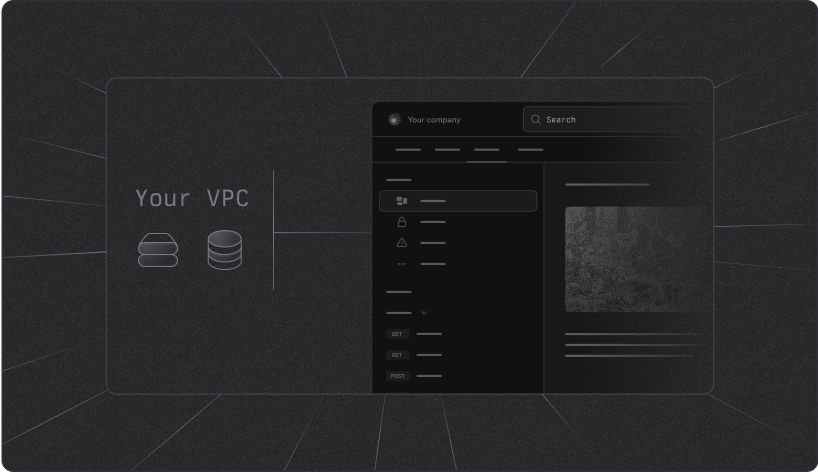
{/* Docs Card */}
{/* AI Search Card */}
{/* Supported Specs Section */}
SDKs


{/* Rive Animation */}
Generate client libraries in multiple languages.
Get started with:
{/* TypeScript */}
 {/* Python */}
 {/* Go */}
 {/* Java */}
 {/* C# */}
 {/* PHP */}
 {/* Ruby */}


{/* Action Buttons */}
{/* Python */}
{/* Go */}
{/* Java */}
{/* C# */}
{/* PHP */}
{/* Ruby */}
Docs
{/* Rive Animation */}
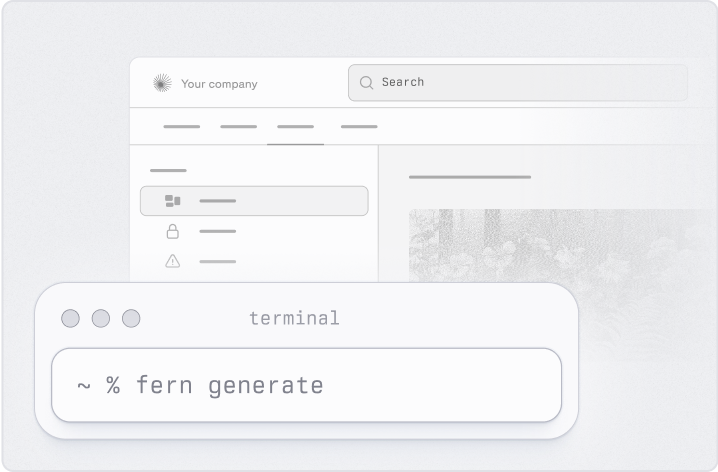
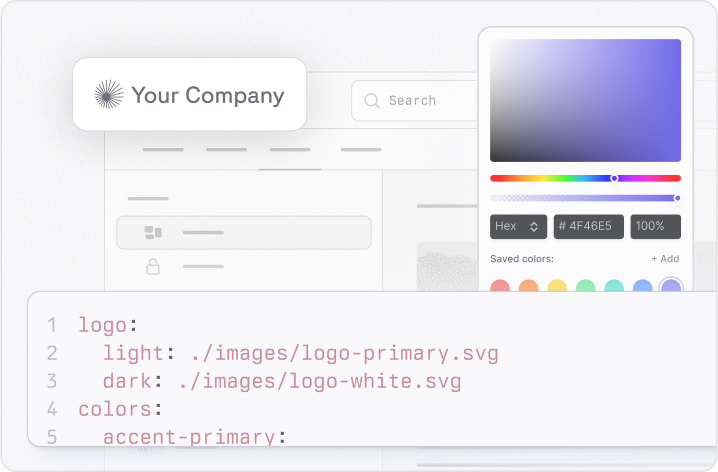
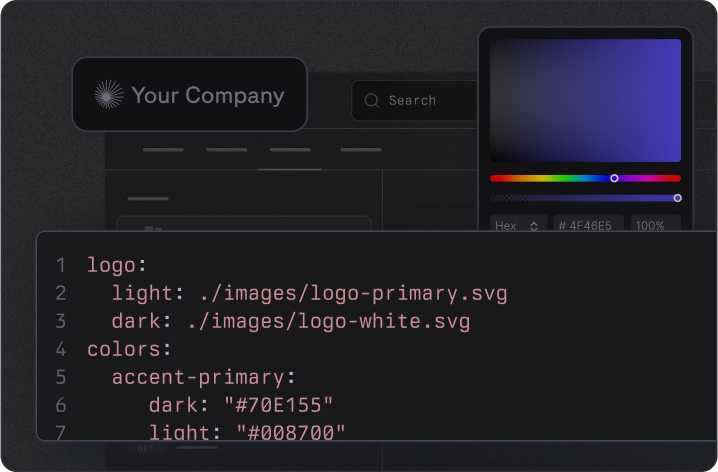
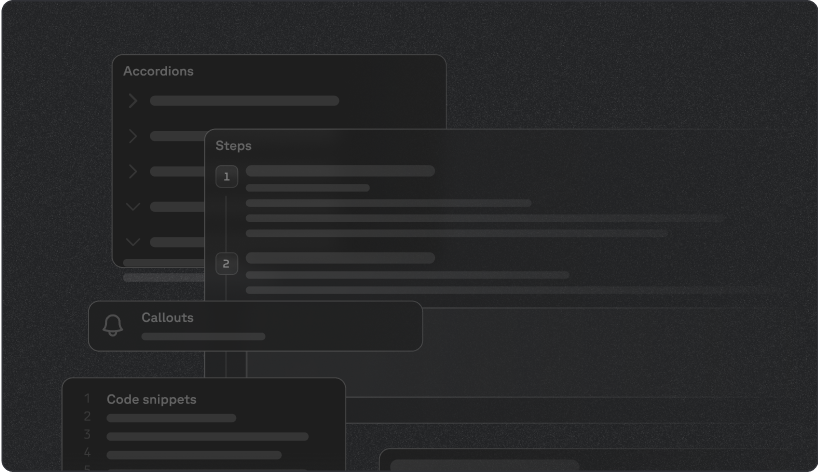
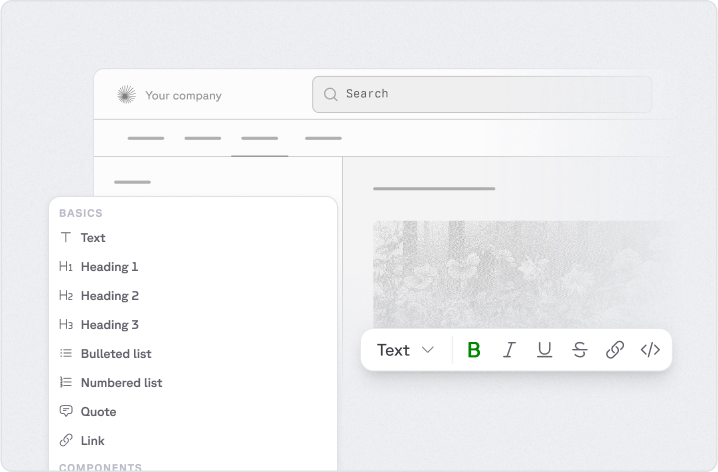
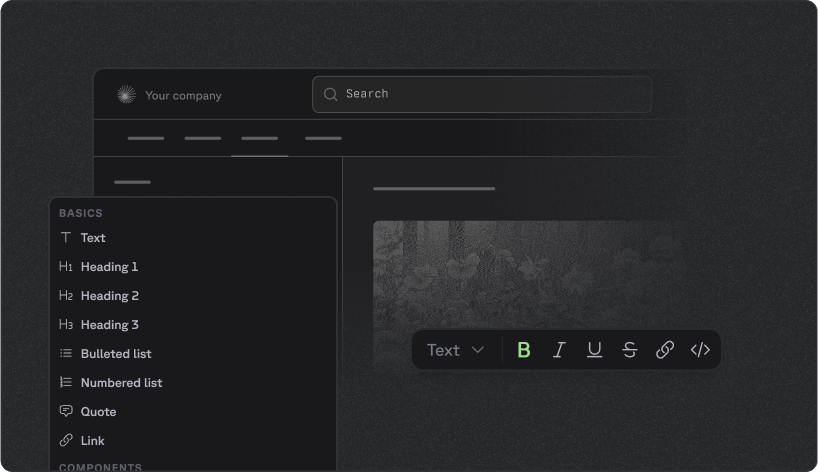
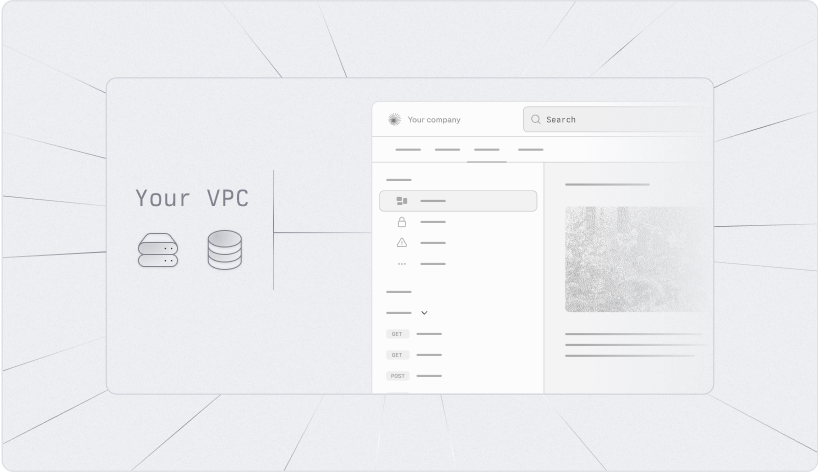
A beautiful, interactive documentation website.
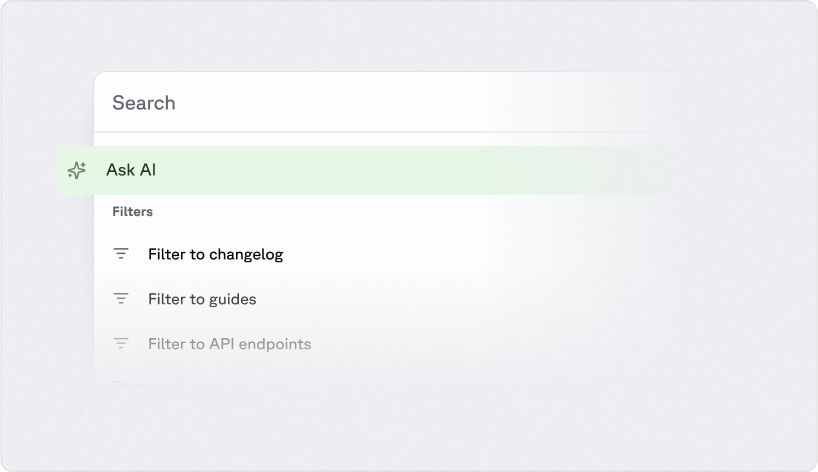
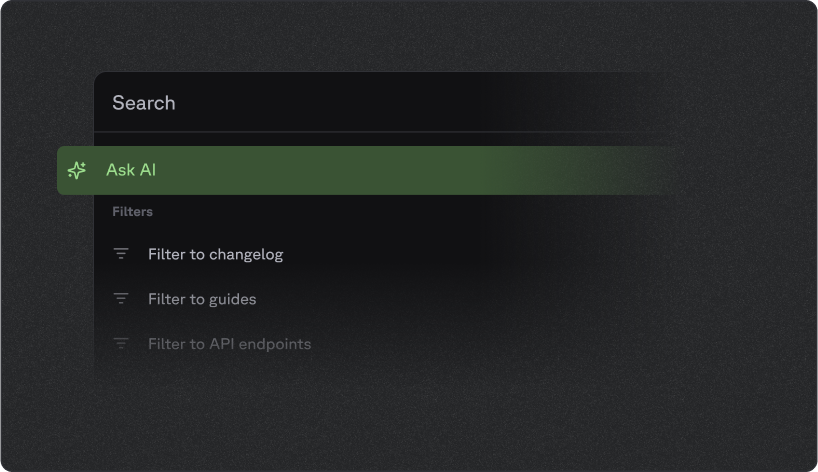
Ask Fern
{/* Rive Animation */}
AI Search to find answers in your documentation instantly.
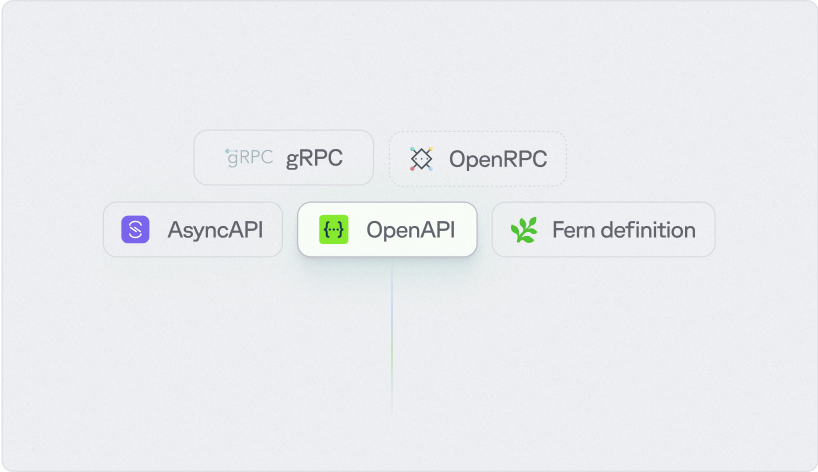
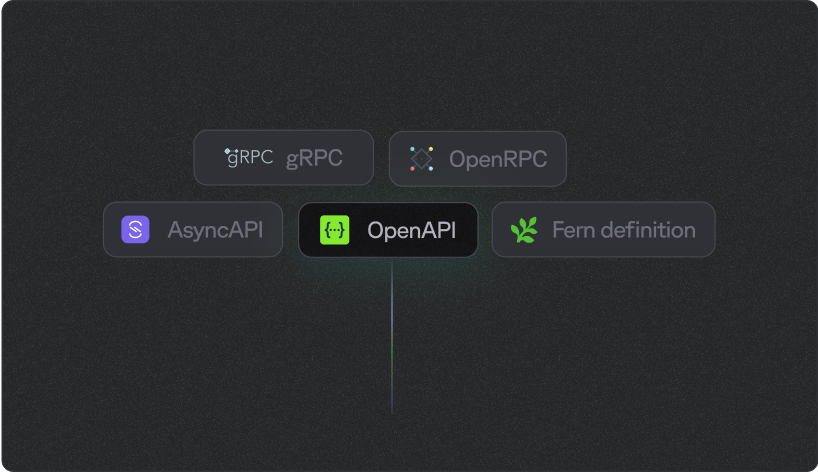
Supported Specs
Select one or more specs to generate SDKs and Docs.


Community


Help
We're lightning-fast with support! If you're a customer, reach out via your dedicated Slack channel.

 Email us






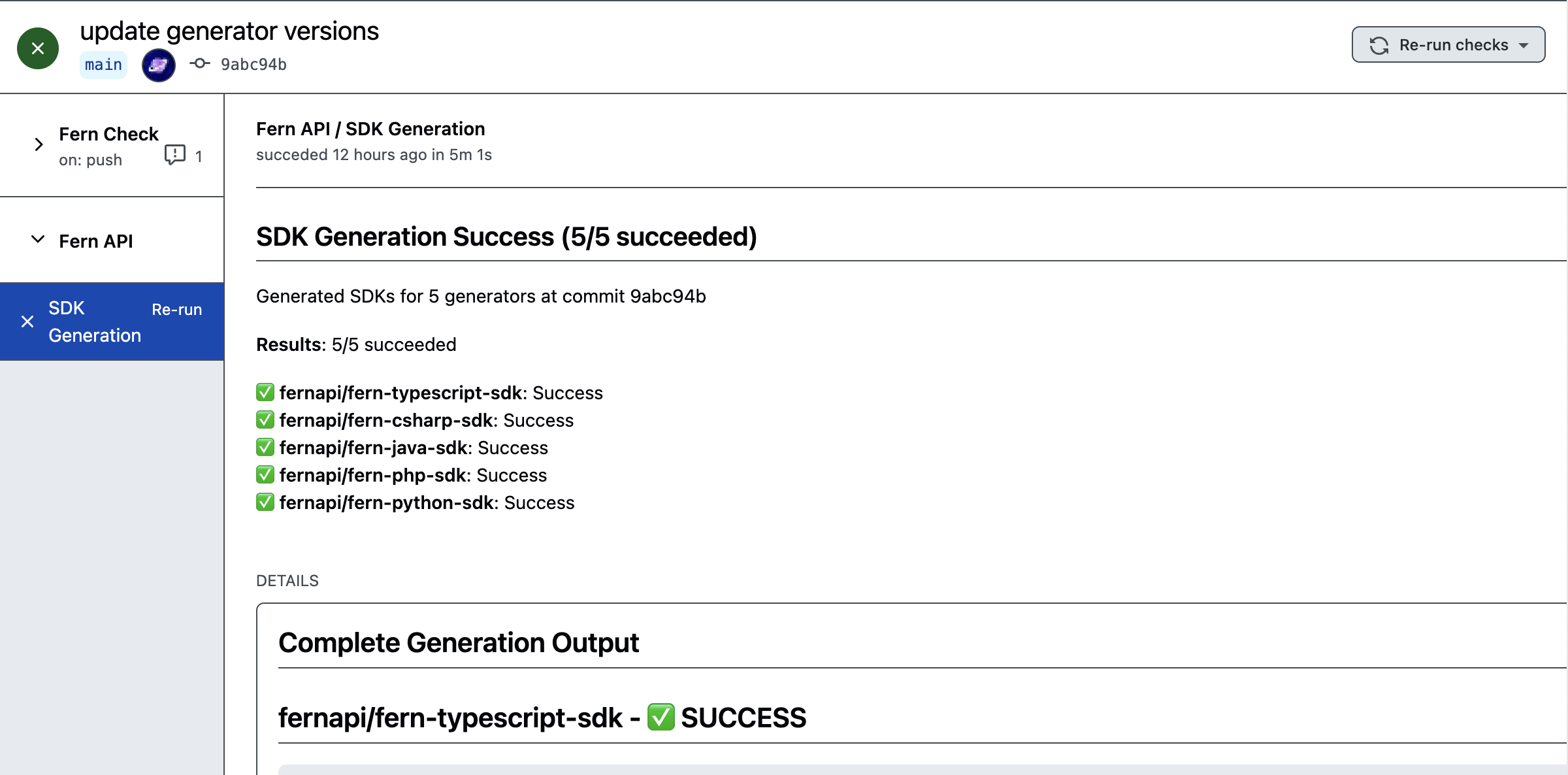 ### Customize Autorelease
You can customize Autorelease if you need to fetch from a hosted spec URL or review releases before publishing.
### Customize Autorelease
You can customize Autorelease if you need to fetch from a hosted spec URL or review releases before publishing.
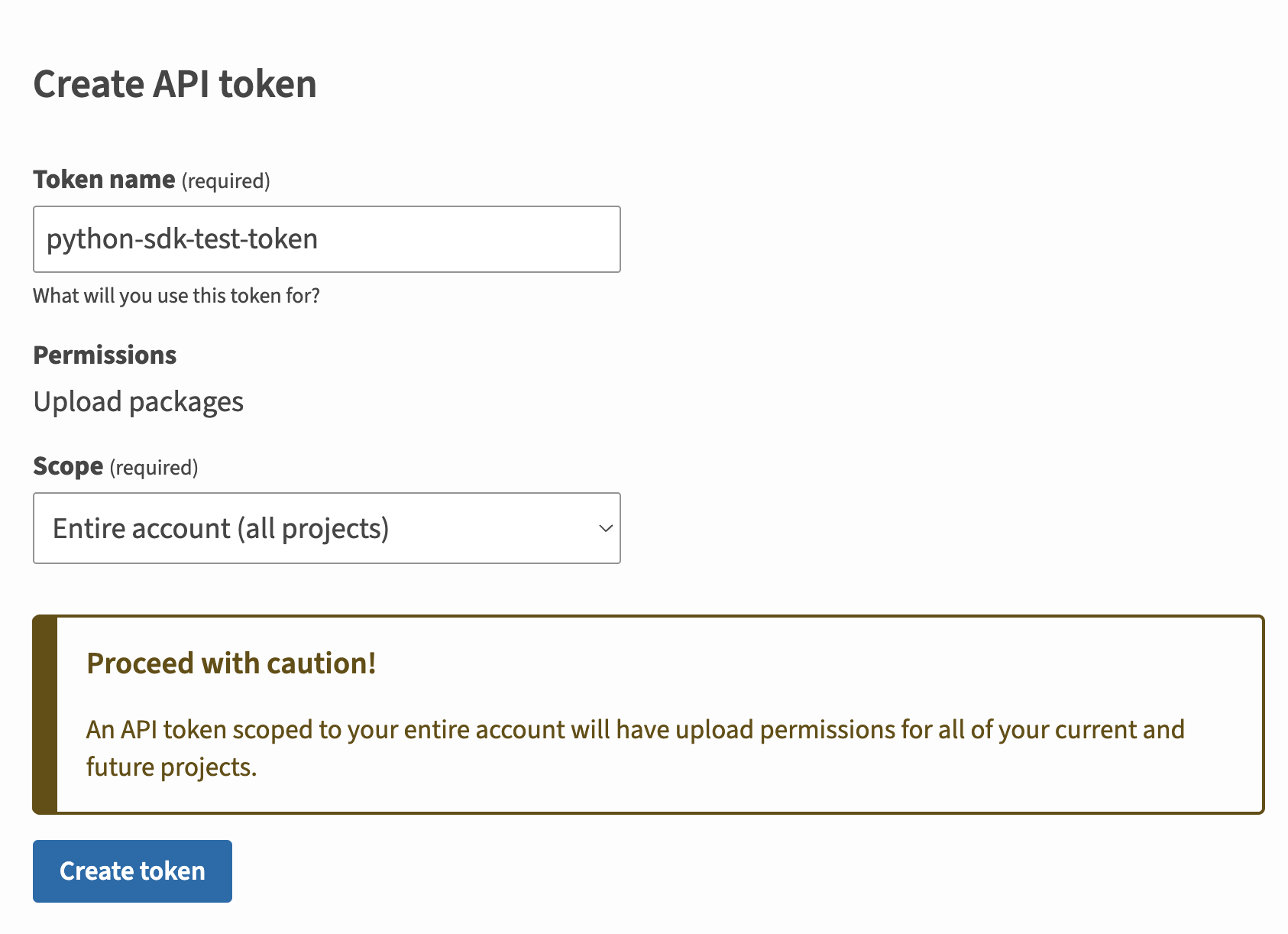
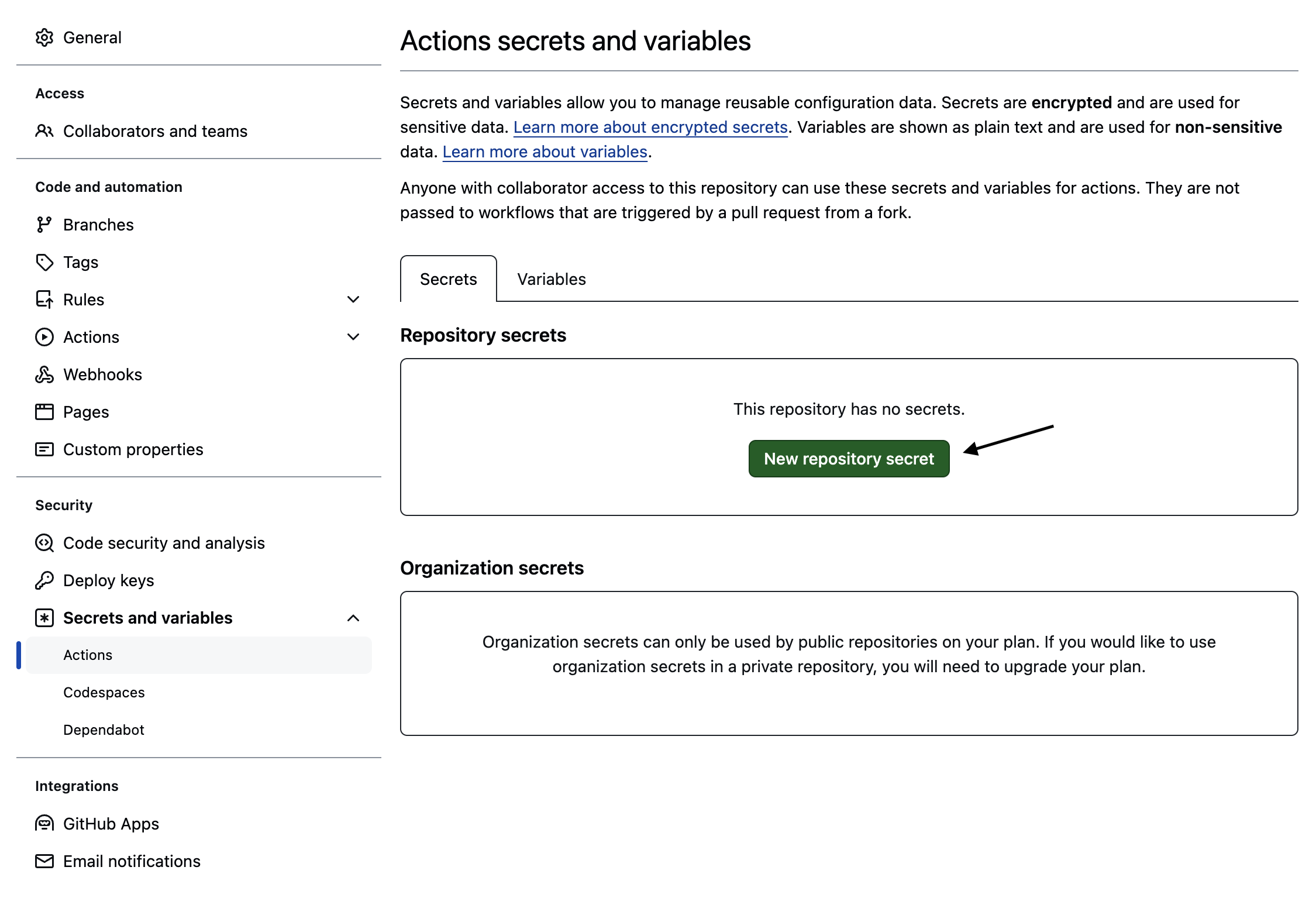 You can also use the url `https://github.com/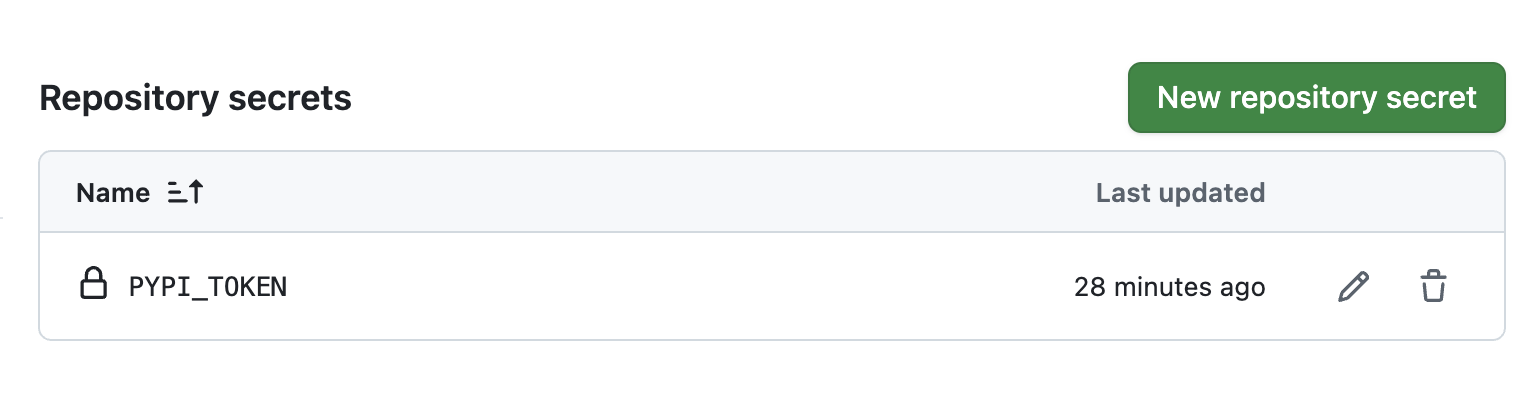
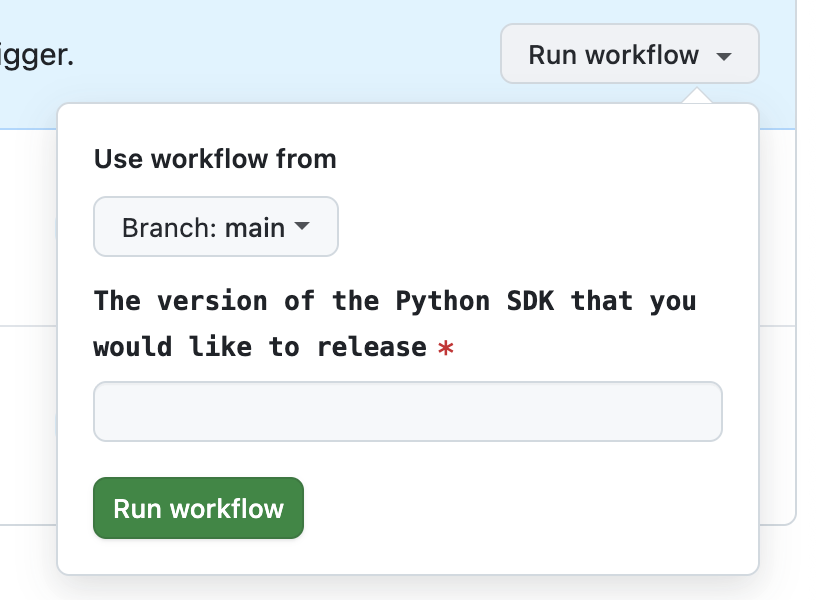 The rest of the release process depends on your chosen mode:
* **Release mode (default):** If you didn't specify a `mode` or set `mode: release`, no further action is required. Fern automatically tags the new release with your specified version number and initiates the publishing workflow in your SDK repository.
* **Pull request or push mode:** If you set `mode: pull-request` or `mode: push`, Fern creates a pull request or pushes to a branch respectively. Review and merge the PR (`pull-request`) or branch (`push`), then [tag a new release](https://docs.github.com/en/repositories/releasing-projects-on-github/managing-releases-in-a-repository) to initiate the publishing workflow in your SDK repository.
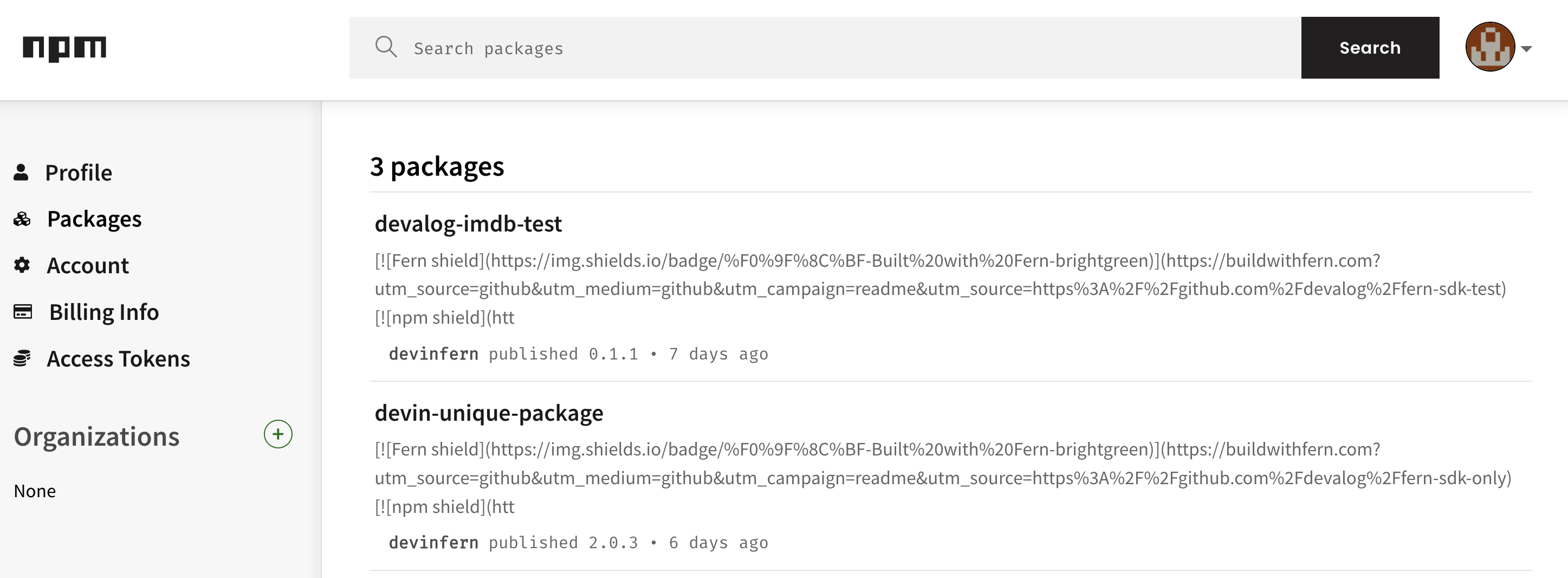
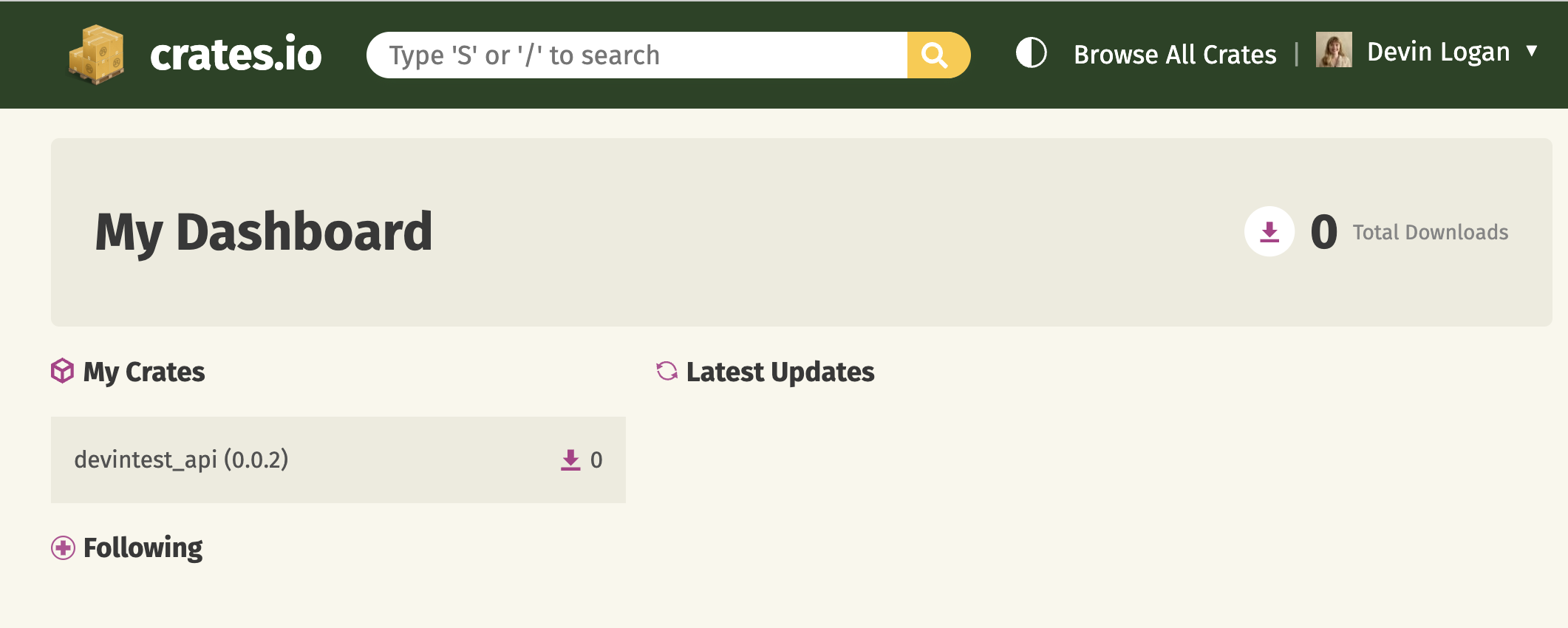
Once the workflow completes, you can view your new release by logging into PyPi and navigating to **Your projects**.
The rest of the release process depends on your chosen mode:
* **Release mode (default):** If you didn't specify a `mode` or set `mode: release`, no further action is required. Fern automatically tags the new release with your specified version number and initiates the publishing workflow in your SDK repository.
* **Pull request or push mode:** If you set `mode: pull-request` or `mode: push`, Fern creates a pull request or pushes to a branch respectively. Review and merge the PR (`pull-request`) or branch (`push`), then [tag a new release](https://docs.github.com/en/repositories/releasing-projects-on-github/managing-releases-in-a-repository) to initiate the publishing workflow in your SDK repository.
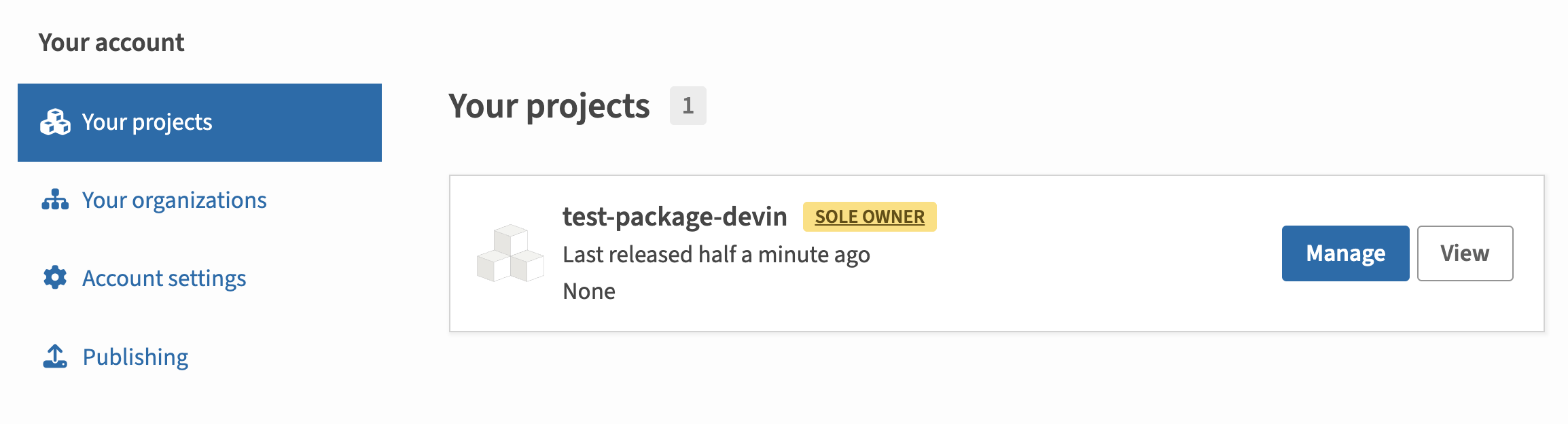
Once the workflow completes, you can view your new release by logging into PyPi and navigating to **Your projects**.

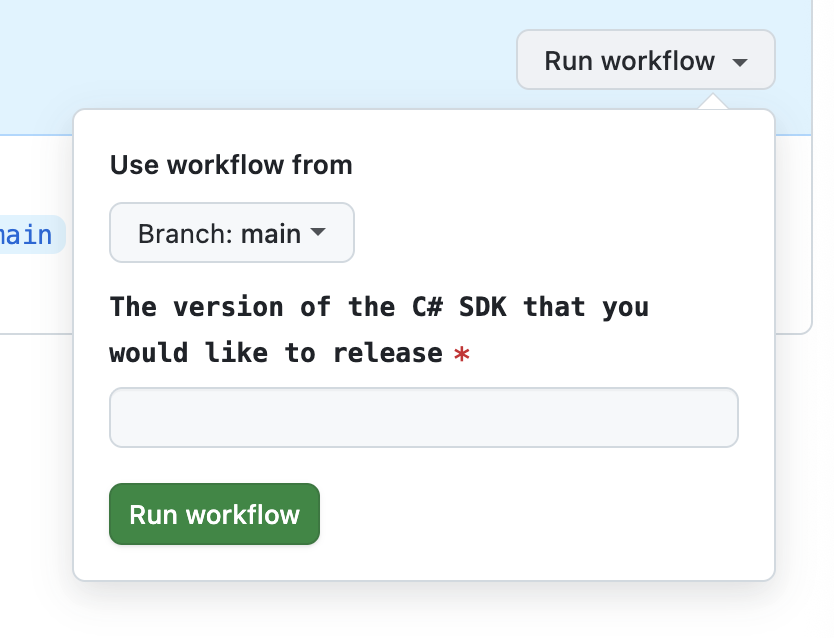 The rest of the release process depends on your chosen mode:
* **Release mode (default):** If you didn't specify a `mode` or set `mode: release`, no further action is required. Fern automatically tags the new release with your specified version number and initiates the publishing workflow in your SDK repository.
* **Pull request or push mode:** If you set `mode: pull-request` or `mode: push`, Fern creates a pull request or pushes to a branch respectively. Review and merge the PR (`pull-request`) or branch (`push`), then [tag a new release](https://docs.github.com/en/repositories/releasing-projects-on-github/managing-releases-in-a-repository) to initiate the publishing workflow in your SDK repository.
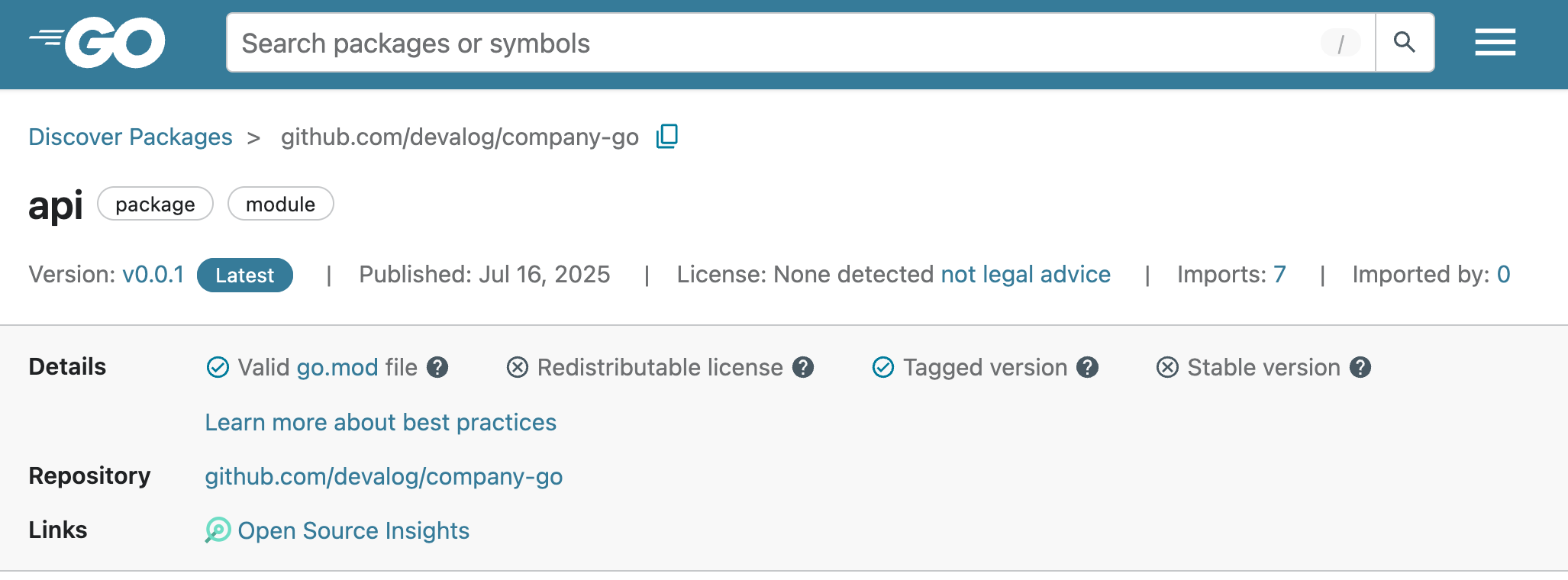
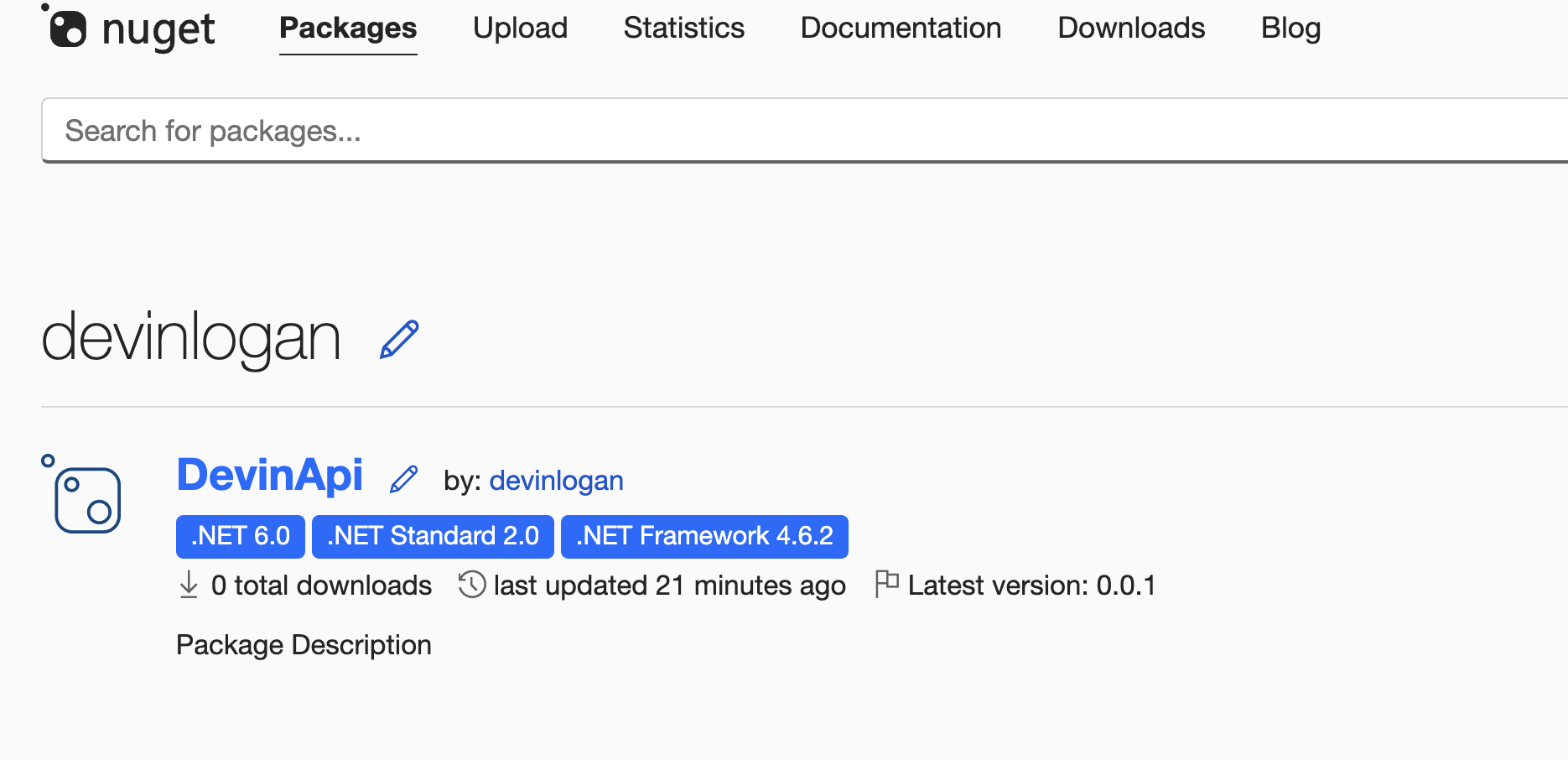
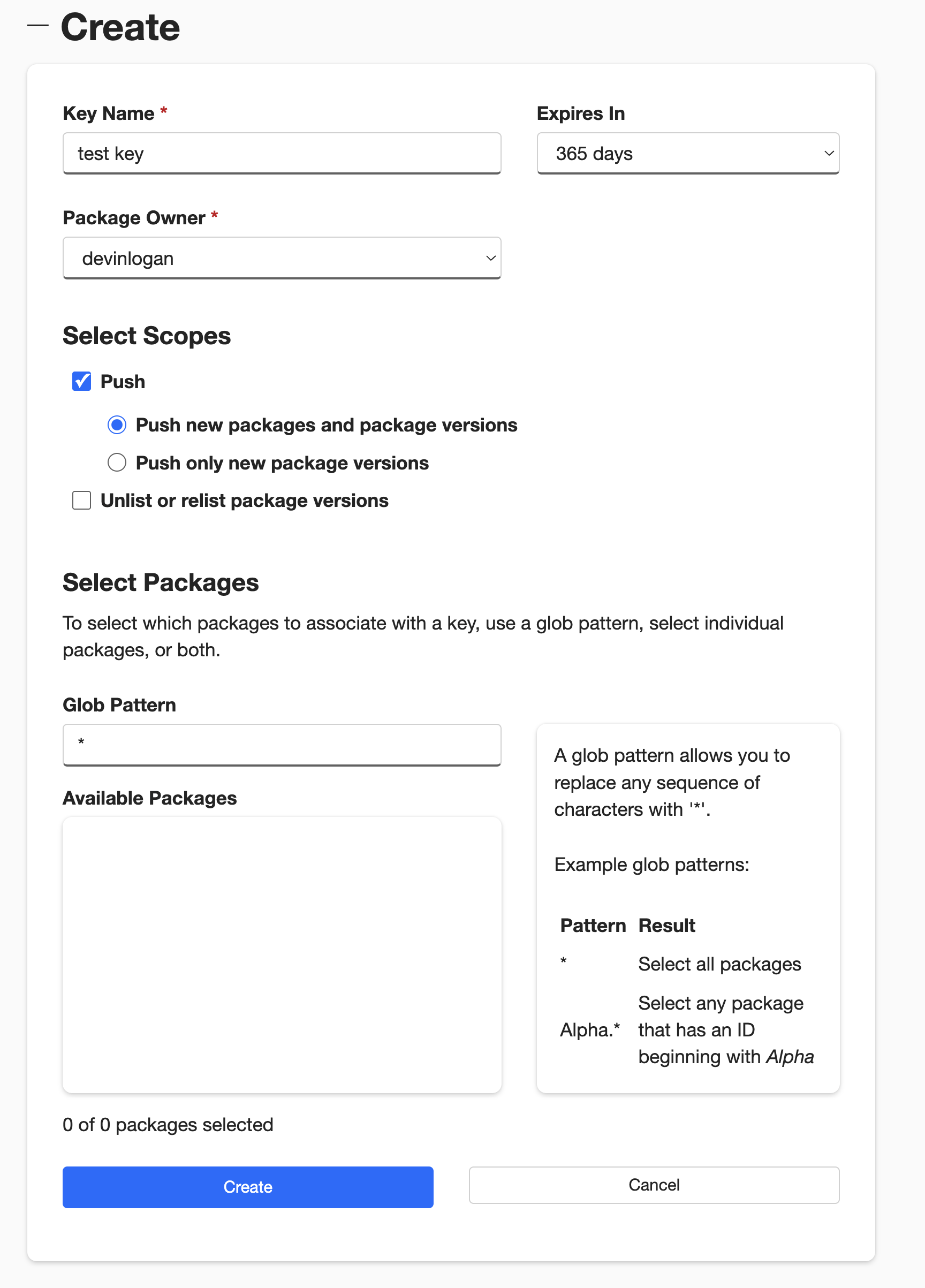
Once the workflow completes, you can view your new release by logging into NuGet and navigating to **Manage Packages**.
The rest of the release process depends on your chosen mode:
* **Release mode (default):** If you didn't specify a `mode` or set `mode: release`, no further action is required. Fern automatically tags the new release with your specified version number and initiates the publishing workflow in your SDK repository.
* **Pull request or push mode:** If you set `mode: pull-request` or `mode: push`, Fern creates a pull request or pushes to a branch respectively. Review and merge the PR (`pull-request`) or branch (`push`), then [tag a new release](https://docs.github.com/en/repositories/releasing-projects-on-github/managing-releases-in-a-repository) to initiate the publishing workflow in your SDK repository.
Once the workflow completes, you can view your new release by logging into NuGet and navigating to **Manage Packages**.
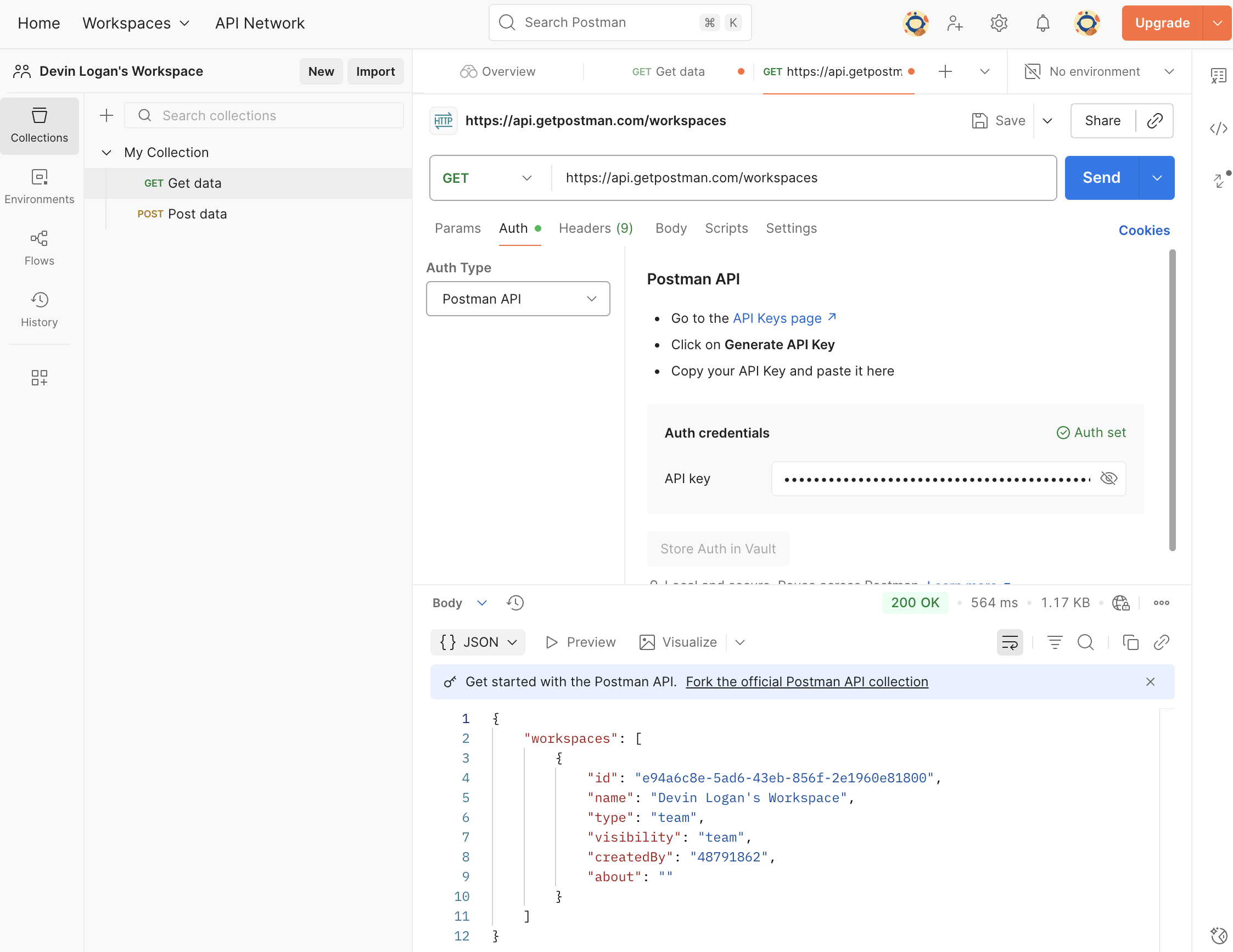 ```yaml title="generators.yml" {9}
groups:
postman:
generators:
- name: fernapi/fern-postman
version: 0.4.0
output:
location: postman
api-key: ${POSTMAN_API_KEY}
workspace-id: your-workspace-id
github:
repository: your-org/company-postman
```
```yaml title="generators.yml" {9}
groups:
postman:
generators:
- name: fernapi/fern-postman
version: 0.4.0
output:
location: postman
api-key: ${POSTMAN_API_KEY}
workspace-id: your-workspace-id
github:
repository: your-org/company-postman
```