# Dub
> ## Documentation Index
---
# Source: https://dub.co/docs/api-reference/endpoint/approve-a-bounty-submission.md
> ## Documentation Index
> Fetch the complete documentation index at: https://dub.co/docs/llms.txt
> Use this file to discover all available pages before exploring further.
# Approve a bounty submission
> Approve a bounty submission. Optionally specify a custom reward amount.
## OpenAPI
````yaml post /bounties/{bountyId}/submissions/{submissionId}/approve
openapi: 3.0.3
info:
title: Dub API
description: >-
Dub is the modern link attribution platform for short links, conversion
tracking, and affiliate programs.
version: 0.0.1
contact:
name: Dub Support
email: support@dub.co
url: https://dub.co/api
license:
name: AGPL-3.0 license
url: https://github.com/dubinc/dub/blob/main/LICENSE.md
servers:
- url: https://api.dub.co
description: Production API
security: []
paths:
/bounties/{bountyId}/submissions/{submissionId}/approve:
post:
tags:
- Bounties
summary: Approve a bounty submission
description: Approve a bounty submission. Optionally specify a custom reward amount.
operationId: approveBountySubmission
parameters:
- in: path
name: bountyId
schema:
type: string
required: true
- in: path
name: submissionId
schema:
type: string
required: true
requestBody:
content:
application/json:
schema:
type: object
properties:
rewardAmount:
nullable: true
type: number
responses:
'200':
description: The approved bounty submission.
content:
application/json:
schema:
type: object
properties:
id:
type: string
bountyId:
type: string
partnerId:
type: string
description:
nullable: true
type: string
urls:
nullable: true
type: array
items:
type: string
files:
nullable: true
type: array
items:
type: object
properties:
url:
type: string
fileName:
type: string
size:
type: number
required:
- url
- fileName
- size
additionalProperties: false
status:
type: string
enum:
- draft
- submitted
- approved
- rejected
performanceCount:
nullable: true
type: number
createdAt:
type: string
completedAt:
nullable: true
type: string
reviewedAt:
nullable: true
type: string
rejectionReason:
nullable: true
type: string
rejectionNote:
nullable: true
type: string
required:
- id
- bountyId
- partnerId
- description
- urls
- files
- status
- performanceCount
- createdAt
- completedAt
- reviewedAt
- rejectionReason
- rejectionNote
additionalProperties: false
'400':
$ref: '#/components/responses/400'
'401':
$ref: '#/components/responses/401'
'403':
$ref: '#/components/responses/403'
'404':
$ref: '#/components/responses/404'
'409':
$ref: '#/components/responses/409'
'410':
$ref: '#/components/responses/410'
'422':
$ref: '#/components/responses/422'
'429':
$ref: '#/components/responses/429'
'500':
$ref: '#/components/responses/500'
security:
- token: []
components:
responses:
'400':
description: >-
The server cannot or will not process the request due to something that
is perceived to be a client error (e.g., malformed request syntax,
invalid request message framing, or deceptive request routing).
content:
application/json:
schema:
x-speakeasy-name-override: BadRequest
type: object
properties:
error:
type: object
properties:
code:
type: string
enum:
- bad_request
description: A short code indicating the error code returned.
example: bad_request
message:
x-speakeasy-error-message: true
type: string
description: A human readable explanation of what went wrong.
example: The requested resource was not found.
doc_url:
type: string
description: >-
A link to our documentation with more details about this
error code
example: https://dub.co/docs/api-reference/errors#bad-request
required:
- code
- message
required:
- error
'401':
description: >-
Although the HTTP standard specifies "unauthorized", semantically this
response means "unauthenticated". That is, the client must authenticate
itself to get the requested response.
content:
application/json:
schema:
x-speakeasy-name-override: Unauthorized
type: object
properties:
error:
type: object
properties:
code:
type: string
enum:
- unauthorized
description: A short code indicating the error code returned.
example: unauthorized
message:
x-speakeasy-error-message: true
type: string
description: A human readable explanation of what went wrong.
example: The requested resource was not found.
doc_url:
type: string
description: >-
A link to our documentation with more details about this
error code
example: https://dub.co/docs/api-reference/errors#unauthorized
required:
- code
- message
required:
- error
'403':
description: >-
The client does not have access rights to the content; that is, it is
unauthorized, so the server is refusing to give the requested resource.
Unlike 401 Unauthorized, the client's identity is known to the server.
content:
application/json:
schema:
x-speakeasy-name-override: Forbidden
type: object
properties:
error:
type: object
properties:
code:
type: string
enum:
- forbidden
description: A short code indicating the error code returned.
example: forbidden
message:
x-speakeasy-error-message: true
type: string
description: A human readable explanation of what went wrong.
example: The requested resource was not found.
doc_url:
type: string
description: >-
A link to our documentation with more details about this
error code
example: https://dub.co/docs/api-reference/errors#forbidden
required:
- code
- message
required:
- error
'404':
description: The server cannot find the requested resource.
content:
application/json:
schema:
x-speakeasy-name-override: NotFound
type: object
properties:
error:
type: object
properties:
code:
type: string
enum:
- not_found
description: A short code indicating the error code returned.
example: not_found
message:
x-speakeasy-error-message: true
type: string
description: A human readable explanation of what went wrong.
example: The requested resource was not found.
doc_url:
type: string
description: >-
A link to our documentation with more details about this
error code
example: https://dub.co/docs/api-reference/errors#not-found
required:
- code
- message
required:
- error
'409':
description: >-
This response is sent when a request conflicts with the current state of
the server.
content:
application/json:
schema:
x-speakeasy-name-override: Conflict
type: object
properties:
error:
type: object
properties:
code:
type: string
enum:
- conflict
description: A short code indicating the error code returned.
example: conflict
message:
x-speakeasy-error-message: true
type: string
description: A human readable explanation of what went wrong.
example: The requested resource was not found.
doc_url:
type: string
description: >-
A link to our documentation with more details about this
error code
example: https://dub.co/docs/api-reference/errors#conflict
required:
- code
- message
required:
- error
'410':
description: >-
This response is sent when the requested content has been permanently
deleted from server, with no forwarding address.
content:
application/json:
schema:
x-speakeasy-name-override: InviteExpired
type: object
properties:
error:
type: object
properties:
code:
type: string
enum:
- invite_expired
description: A short code indicating the error code returned.
example: invite_expired
message:
x-speakeasy-error-message: true
type: string
description: A human readable explanation of what went wrong.
example: The requested resource was not found.
doc_url:
type: string
description: >-
A link to our documentation with more details about this
error code
example: https://dub.co/docs/api-reference/errors#invite-expired
required:
- code
- message
required:
- error
'422':
description: >-
The request was well-formed but was unable to be followed due to
semantic errors.
content:
application/json:
schema:
x-speakeasy-name-override: UnprocessableEntity
type: object
properties:
error:
type: object
properties:
code:
type: string
enum:
- unprocessable_entity
description: A short code indicating the error code returned.
example: unprocessable_entity
message:
x-speakeasy-error-message: true
type: string
description: A human readable explanation of what went wrong.
example: The requested resource was not found.
doc_url:
type: string
description: >-
A link to our documentation with more details about this
error code
example: >-
https://dub.co/docs/api-reference/errors#unprocessable-entity
required:
- code
- message
required:
- error
'429':
description: >-
The user has sent too many requests in a given amount of time ("rate
limiting")
content:
application/json:
schema:
x-speakeasy-name-override: RateLimitExceeded
type: object
properties:
error:
type: object
properties:
code:
type: string
enum:
- rate_limit_exceeded
description: A short code indicating the error code returned.
example: rate_limit_exceeded
message:
x-speakeasy-error-message: true
type: string
description: A human readable explanation of what went wrong.
example: The requested resource was not found.
doc_url:
type: string
description: >-
A link to our documentation with more details about this
error code
example: >-
https://dub.co/docs/api-reference/errors#rate-limit_exceeded
required:
- code
- message
required:
- error
'500':
description: The server has encountered a situation it does not know how to handle.
content:
application/json:
schema:
x-speakeasy-name-override: InternalServerError
type: object
properties:
error:
type: object
properties:
code:
type: string
enum:
- internal_server_error
description: A short code indicating the error code returned.
example: internal_server_error
message:
x-speakeasy-error-message: true
type: string
description: A human readable explanation of what went wrong.
example: The requested resource was not found.
doc_url:
type: string
description: >-
A link to our documentation with more details about this
error code
example: >-
https://dub.co/docs/api-reference/errors#internal-server_error
required:
- code
- message
required:
- error
securitySchemes:
token:
type: http
description: Default authentication mechanism
scheme: bearer
x-speakeasy-example: DUB_API_KEY
````
---
# Source: https://dub.co/docs/conversions/leads/appwrite.md
> ## Documentation Index
> Fetch the complete documentation index at: https://dub.co/docs/llms.txt
> Use this file to discover all available pages before exploring further.
# Appwrite
> Learn how to track lead conversion events with Appwrite and Dub
Conversion tracking requires a [Business plan](https://dub.co/pricing)
subscription or higher.
When it comes to [conversion tracking](/conversions/quickstart), a `lead` event happens when a user performs an action that indicates interest in your product or service. This could be anything from:
* Signing up for an account
* Booking a demo meeting
* Joining a mailing list
In this guide, we will be focusing on tracking new user sign-ups for a SaaS application that uses Appwrite for user authentication.
## Prerequisites
First, you'll need to enable conversion tracking for your Dub links to be able to start tracking conversions:
If you're using [Dub Partners](/partners/quickstart), you can skip this step
since partner links will have conversion tracking enabled by default.
To enable conversion tracking for all future links in a workspace, you can do the following:
To enable conversion tracking for all future links in a workspace, you can do the following:
1. Navigate to your [workspace's Analytics settings page](https://app.dub.co/settings/analytics).
2. Toggle the **Workspace-level Conversion Tracking** switch to enable conversion tracking for the workspace.
This option will enable conversion tracking in the [Dub Link Builder](https://dub.co/help/article/dub-link-builder) for all future links.
If you don't want to enable conversion tracking for all your links in a workspace, you can also opt to enable it on a link-level.
To enable conversion tracking for a specific link, open the [Dub Link Builder](https://dub.co/help/article/dub-link-builder) for a link and toggle the **Conversion Tracking** switch.
You can also use the `C` keyboard shortcut when inside the link builder to
quickly enable conversion tracking for a given link.
Alternatively, you can also enable conversion tracking programmatically via the [Dub API](/api-reference/introduction). All you need to do is pass `trackConversion: true` when creating or updating a link:
```javascript Node.js theme={null}
const link = await dub.links.create({
url: "https://dub.co",
trackConversion: true,
});
```
```python Python theme={null}
link = d.links.create(url="https://dub.co", track_conversion=True)
```
```go Go theme={null}
link, err := d.Links.Create(ctx, &dub.CreateLinkRequest{
URL: "https://dub.co",
TrackConversion: true,
})
```
```ruby Ruby theme={null}
s.links.create_many(
::OpenApiSDK::Operations::CreateLinkRequest.new(
url: "https://dub.co",
track_conversion: true,
)
)
```
Then, you'd want to install the `@dub/analytics` script to your website to track conversion events.
You can install the `@dub/analytics` script in several different ways:
}
href="/sdks/client-side/installation-guides/framer"
horizontal
/>
You can **verify the installation** with the following tests:
1. Open the browser console and type in `_dubAnalytics` – if the script is installed correctly, you should see the `_dubAnalytics` object in the console.
2. Add the `?dub_id=test` query parameter to your website URL and make sure that the `dub_id` cookie is being set in your browser.
If both of these checks pass, the script is installed correctly. Otherwise, please make sure:
* The analytics script was added to the `` section of the page
* If you're using a content delivery network (CDN), make sure to purge any cached content
## Configure Appwrite
Next, configure Appwrite to track lead conversion events during the sign up process.
Head to [Appwrite Cloud](https://apwr.dev/appwrite-dub) and create a new project.
Create a new API key with the `sessions.write` scope enabled and save the API key for later use. You can also copy your project ID and endpoint from the project's Settings page.
Then, in your Next.js app, install the Appwrite Node.js SDK.
```bash theme={null}
npm i node-appwrite
```
Add the following environment variables to your app.
```bash theme={null}
NEXT_PUBLIC_APPWRITE_ENDPOINT=https://cloud.appwrite.io/v1
NEXT_PUBLIC_APPWRITE_PROJECT=
NEXT_APPWRITE_KEY=
NEXT_DUB_API_KEY=
```
Add the `DubAnalytics` component from the `@dub/analytics` package to your app’s root layout.
```tsx src/app/layout.tsx theme={null}
import type { Metadata } from 'next';
import { Analytics as DubAnalytics } from '@dub/analytics/react';
export const metadata: Metadata = {
title: 'Appwrite Dub Leads Example',
description: 'Appwrite Dub Leads Tracking example app with Next.js'
};
export default function RootLayout({
children
}: Readonly<{
children: React.ReactNode;
}>) {
return (
{children}
);
}
```
Create the Appwrite Session and Admin client (necessary for SSR apps, as explained in the [Appwrite docs](https://appwrite.io/docs/products/auth/server-side-rendering)). Additionally, create a function to verify user login.
```ts src/lib/server/appwrite.ts theme={null}
'use server';
import { Client, Account } from 'node-appwrite';
import { cookies } from 'next/headers';
export async function createSessionClient() {
const client = new Client()
.setEndpoint(process.env.NEXT_PUBLIC_APPWRITE_ENDPOINT as string)
.setProject(process.env.NEXT_PUBLIC_APPWRITE_PROJECT as string);
const session = (await cookies()).get('my-custom-session');
if (!session || !session.value) {
throw new Error('No session');
}
client.setSession(session.value);
return {
get account() {
return new Account(client);
}
};
}
export async function createAdminClient() {
const client = new Client()
.setEndpoint(process.env.NEXT_PUBLIC_APPWRITE_ENDPOINT as string)
.setProject(process.env.NEXT_PUBLIC_APPWRITE_PROJECT as string)
.setKey(process.env.NEXT_APPWRITE_KEY as string);
return {
get account() {
return new Account(client);
}
};
}
```
Create the Dub client and send leads to Dub using the `dub.track.lead()` function.
```ts src/lib/server/dub.ts theme={null}
import type { Models } from 'node-appwrite';
import { Dub } from 'dub';
const dub = new Dub({
token: process.env.NEXT_DUB_API_KEY
});
export function addDubLead(user: Models.User, dub_id: string) {
dub.track.lead({
clickId: dub_id,
eventName: 'Sign Up',
customerExternalId: user.$id,
customerName: user.name,
customerEmail: user.email
});
}
```
In the `/auth` page, use the Appwrite Admin client to allow users to sign up. Post sign up, check if the `dub_id` cookie is present, send a lead event to Dub if found, and delete the `dub_id` cookie.
```tsx src/app/auth/page.tsx theme={null}
import { ID } from 'node-appwrite';
import { createAdminClient, getLoggedInUser } from '@/lib/server/appwrite';
import { cookies } from 'next/headers';
import { redirect } from 'next/navigation';
import { addDubLead } from '@/lib/server/dub';
async function signUpWithEmail(formData: any) {
'use server';
// Get sign up info from form
const email = formData.get('email');
const password = formData.get('password');
const name = formData.get('name');
// Create account and session using Appwrite
const { account } = await createAdminClient();
const user = await account.create(ID.unique(), email, password, name);
const session = await account.createEmailPasswordSession(email, password);
(await cookies()).set('my-custom-session', session.secret, {
path: '/',
httpOnly: true,
sameSite: 'strict',
secure: true
});
// Check if Dub ID is present in cookies and track lead if found
const dub_id = (await cookies()).get('dub_id')?.value;
if (dub_id) {
addDubLead(user, dub_id);
(await cookies()).delete('dub_id');
}
// Redirect to success page
redirect('/auth/success');
}
export default async function SignUpPage() {
// Verify active user session and redirect to success page if found
const user = await getLoggedInUser();
if (user) redirect('/auth/success');
return (
<>
);
}
```
Here's the full list of attributes you can pass when sending a lead event:
| Property | Required | Description |
| :------------------- | :------- | :-------------------------------------------------------------------------------------------------------------------------------------------------------------------------------------------------------------------------------------------------------------------------------------------------------------------------------------------------------------------------------- |
| `clickId` | **Yes** | The unique ID of the click that the lead conversion event is attributed to. You can read this value from `dub_id` cookie. If an empty string is provided (i.e. if you're using [tracking a deferred lead event](/conversions/leads/deferred)), Dub will try to find an existing customer with the provided `customerExternalId` and use the `clickId` from the customer if found. |
| `eventName` | **Yes** | The name of the lead event to track. Can also be used as a unique identifier to associate a given lead event for a customer for a subsequent sale event (via the `leadEventName` prop in `/track/sale`). |
| `customerExternalId` | **Yes** | The unique ID of the customer in your system. Will be used to identify and attribute all future events to this customer. |
| `customerName` | No | The name of the customer. If not passed, a random name will be generated (e.g. "Big Red Caribou"). |
| `customerEmail` | No | The email address of the customer. |
| `customerAvatar` | No | The avatar URL of the customer. |
| `mode` | No | The mode to use for tracking the lead event. `async` will not block the request; `wait` will block the request until the lead event is fully recorded in Dub; `deferred` will defer the lead event creation to a subsequent request. |
| `metadata` | No | Additional metadata to be stored with the lead event. Max 10,000 characters. |
## Example App
To learn more about how to track leads with Appwrite, check out the following example app:
See how to track new user sign-ups with Appwrite and the Dub SDK.
## View your conversions
Once you've completed the setup, all your tracked conversions will show up in [Dub Analytics](https://dub.co/analytics). We provide 3 different views to help you understand your conversions:
* **Time-series**: A [time-series view](https://app.dub.co/dub/analytics?view=timeseries) of the number clicks, leads and sales.
* **Funnel chart**: A [funnel chart view](http://app.dub.co/analytics?view=funnel) visualizing the conversion & dropoff rates across the different steps in the conversion funnel (clicks → leads → sales).
* **Real-time events stream**: A [real-time events stream](https://app.dub.co/events) of every single conversion event that occurs across all your links in your workspace.
---
# Source: https://dub.co/docs/concepts/deep-links/attribution.md
> ## Documentation Index
> Fetch the complete documentation index at: https://dub.co/docs/llms.txt
> Use this file to discover all available pages before exploring further.
# Deep link attribution
> Learn how to use deep link attribution to track conversions events with Dub.
Deep link attribution requires a [Business plan](https://dub.co/pricing)
subscription or higher.
Dub's powerful [attribution platform](https://dub.co/analytics) lets you understand how well your deep links are translating to actual users and revenue dollars inside your app.
This feature is currently only available for iOS (Swift). React Native and
Android support are coming soon. If you'd like early access, please [contact
us](https://dub.co/contact/support).
## Prerequisites
First, you'll need to enable conversion tracking for your Dub links to be able to start tracking conversions:
If you're using [Dub Partners](/partners/quickstart), you can skip this step
since partner links will have conversion tracking enabled by default.
To enable conversion tracking for all future links in a workspace, you can do the following:
To enable conversion tracking for all future links in a workspace, you can do the following:
1. Navigate to your [workspace's Analytics settings page](https://app.dub.co/settings/analytics).
2. Toggle the **Workspace-level Conversion Tracking** switch to enable conversion tracking for the workspace.
This option will enable conversion tracking in the [Dub Link Builder](https://dub.co/help/article/dub-link-builder) for all future links.
If you don't want to enable conversion tracking for all your links in a workspace, you can also opt to enable it on a link-level.
To enable conversion tracking for a specific link, open the [Dub Link Builder](https://dub.co/help/article/dub-link-builder) for a link and toggle the **Conversion Tracking** switch.
You can also use the `C` keyboard shortcut when inside the link builder to
quickly enable conversion tracking for a given link.
Alternatively, you can also enable conversion tracking programmatically via the [Dub API](/api-reference/introduction). All you need to do is pass `trackConversion: true` when creating or updating a link:
```javascript Node.js theme={null}
const link = await dub.links.create({
url: "https://dub.co",
trackConversion: true,
});
```
```python Python theme={null}
link = d.links.create(url="https://dub.co", track_conversion=True)
```
```go Go theme={null}
link, err := d.Links.Create(ctx, &dub.CreateLinkRequest{
URL: "https://dub.co",
TrackConversion: true,
})
```
```ruby Ruby theme={null}
s.links.create_many(
::OpenApiSDK::Operations::CreateLinkRequest.new(
url: "https://dub.co",
track_conversion: true,
)
)
```
Then, you'll need generate a [publishable key](/api-reference/publishable-keys) from your Dub workspace to track conversions on the client-side.
To do that, navigate to your [workspace's Analytics settings page](https://app.dub.co/settings/analytics) and generate a new publishable key under the **Publishable Key** section.
Once these are set up, we can start tracking conversion events for your deep links.
## Step 1: Install the client-side Mobile SDK
Install the [Dub React Native SDK](/sdks/client-side-mobile/installation-guides/react-native) and initialize it with your publishable key and short link domain.
```sh theme={null}
# With npm
npm install @dub/react-native
# With yarn
yarn add @dub/react-native
# With pnpm
pnpm add @dub/react-native
```
You must call `init` on your `dub` instance with your publishable key and domain prior to being able to use the `dub` instance. We provide two ways to initialize the SDK:
**Option 1**: Use the `DubProvider` to wrap your app
```typescript theme={null}
import { DubProvider } from "@dub/react-native";
export default function App() {
return (
// Your app content...
);
}
```
**Option 2**: Manually initialize the Dub SDK
```typescript theme={null}
import dub from "@dub/react-native";
export default function App() {
useEffect(() => {
dub.init({
publishableKey: "",
domain: "",
});
}, []);
// Return your app...
}
```
Install the [Dub iOS SDK](/sdks/client-side-mobile/installation-guides/swift) and initialize it with your publishable key and short link domain.
Before installing, ensure your environment meets these minimum requirements:
**Build Tools:**
* Xcode 16+
* Swift 4.0+
**Platforms:**
* iOS 16.0+
* macOS 10.13 (Ventura)+
The Dub iOS SDK can be installed using the [Swift Package Manager](https://docs.swift.org/swiftpm/documentation/packagemanagerdocs/).
In Xcode, select **File** > **Add Package Dependencies** and add `https://github.com/dubinc/dub-ios` as the repository URL. Select the latest version of the SDK from the [release page](https://github.com/dubinc/dub-ios/releases).
You must call `Dub.setup` with your publishable key and domain prior to being able to use the `dub` instance.
```swift iOS (SwiftUI) theme={null}
import SwiftUI
import Dub
@main
struct DubApp: App {
// Step 1: Obtain your Dub domain and publishable key
private let dubPublishableKey = ""
private let dubDomain = ""
init() {
// Step 2: Initialize the Dub SDK by calling `setup`
Dub.setup(publishableKey: dubPublishableKey, domain: dubDomain)
}
var body: some Scene {
WindowGroup {
ContentView()
// Step 3: Expose the `dub` instance as a SwiftUI environment value
.environment(\.dub, Dub.shared)
}
}
}
```
```swift iOS (UIKit) theme={null}
import UIKit
import Dub
@main
class AppDelegate: UIResponder, UIApplicationDelegate {
var window: UIWindow?
// Step 1: Obtain your Dub domain and publishable key
private let dubPublishableKey = ""
private let dubDomain = ""
func application(_ application: UIApplication, didFinishLaunchingWithOptions launchOptions: [UIApplication.LaunchOptionsKey: Any]?) -> Bool {
// Step 2: Initialize the Dub SDK by calling `setup`
Dub.setup(publishableKey: dubPublishableKey, domain: dubDomain)
return true
}
}
```
## Step 2: Track deep link open events
Once the SDK has been initialized, you can start tracking deep link and deferred deep link events.
Call `trackOpen` on the `dub` instance to track deep link and deferred deep link open events. The `trackOpen` function should be called once without a `deepLink` parameter on first launch, and then again with the `deepLink` parameter whenever the app is opened from a deep link.
```typescript React Native expandable theme={null}
import { useState, useEffect, useRef } from "react";
import { Linking } from "react-native";
import AsyncStorage from "@react-native-async-storage/async-storage";
import dub from "@dub/react-native";
export default function App() {
useEffect(() => {
dub.init({
publishableKey: "",
domain: "",
});
// Check if this is first launch
const isFirstLaunch = await AsyncStorage.getItem("is_first_launch");
if (isFirstLaunch === null) {
await handleFirstLaunch();
await AsyncStorage.setItem("is_first_launch", "false");
} else {
// Handle initial deep link url (Android only)
const url = await Linking.getInitialURL();
if (url) {
await handleDeepLink(url);
}
}
const linkingListener = Linking.addEventListener("url", (event) => {
handleDeepLink(event.url);
});
return () => {
linkingListener.remove();
};
}, []);
const handleFirstLaunch = async (
deepLinkUrl?: string | null | undefined
): Promise => {
try {
const response = await dub.trackOpen(deepLinkUrl);
const destinationURL = response.link?.url;
// Navigate to the destination URL
} catch (error) {
// Handle error
}
};
// Return your app...
}
```
```swift iOS (SwiftUI) expandable theme={null}
// ContentView.swift
import SwiftUI
import Dub
struct ContentView: View {
@Environment(\.dub) var dub: Dub
@AppStorage("is_first_launch") private var isFirstLaunch = true
var body: some View {
NavigationStack {
VStack {
// Your app content
}
.onOpenURL { url in
trackOpen(deepLink: url)
}
.onAppear {
if isFirstLaunch {
trackOpen()
isFirstLaunch = false
}
}
}
}
private func trackOpen(deepLink: URL? = nil) {
Task {
do {
let response = try await dub.trackOpen(deepLink: deepLink)
// Obtain the destination URL from the response
guard let url = response.link?.url else {
return
}
// Navigate to the destination URL
} catch let error as DubError {
print(error.localizedDescription)
}
}
}
}
```
```swift iOS (UIKit) expandable theme={null}
import UIKit
import Dub
@main
class AppDelegate: UIResponder, UIApplicationDelegate {
var window: UIWindow?
private let dubPublishableKey = ""
private let dubDomain = ""
private var isFirstLaunch: Bool {
get {
UserDefaults.standard.object(forKey: "is_first_launch") as? Bool ?? true
}
set {
UserDefaults.standard.set(newValue, forKey: "is_first_launch")
}
}
func application(_ application: UIApplication, didFinishLaunchingWithOptions launchOptions: [UIApplication.LaunchOptionsKey: Any]?) -> Bool {
Dub.setup(publishableKey: dubPublishableKey, domain: dubDomain)
// Track first launch
if isFirstLaunch {
trackOpen()
isFirstLaunch = false
}
// Override point for customization after application launch.
return true
}
func application(_ app: UIApplication, open url: URL, options: [UIApplication.OpenURLOptionsKey : Any] = [:]) -> Bool {
handleDeepLink(url: url)
return true
}
func handleDeepLink(url: URL) {
trackOpen(deepLink: url)
}
private func trackOpen(deepLink: URL? = nil) {
// Call the tracking endpoint with the full deep link URL
Task {
do {
let response = try await Dub.shared.trackOpen(deepLink: deepLink)
print(response)
// Navigate to final link via link.url
guard let destinationUrl = response.link?.url else {
return
}
// Navigate to the destination URL
} catch let error as DubError {
print(error.localizedDescription)
}
}
}
}
```
If the deep link was successfully resolved and correlated to the original click, the `response` object will contain the destination URL, which you can use to navigate the user to the appropriate screen.
It will also contain the `clickId`, which the `dub` instance will persist internally.
## Step 3: Track conversion events
You may track conversion events directly in your app with the `trackLead` and `trackSale` methods.
```typescript React Native expandable theme={null}
import dub from "@dub/react-native";
function trackLead(user: User) {
try {
await dub.trackLead({
eventName: "User Sign Up",
customerExternalId: user.id,
customerName: user.name,
customerEmail: user.email,
});
} catch (error) {
// Handle sale tracking error
}
}
function trackSale(user: User, product: Product) {
try {
await dub.trackSale({
customerExternalId: user.id,
amount: product.price.amount,
currency: "usd",
eventName: "Purchase",
});
} catch (error) {
// Handle sale tracking error
}
}
```
```swift iOS (SwiftUI) expandable theme={null}
// ContentView.swift
import SwiftUI
import Dub
struct ContentView: View {
@Environment(\.dub) var dub: Dub
var body: some View {
// ... your app content ...
}
private func trackLead(customerExternalId: String, name: String, email: String) {
Task {
do {
let response = try await dub.trackLead(
eventName: "Sign Up",
customerExternalId: customerExternalId,
customerName: name,
customerEmail: email
)
print(response)
} catch let error as DubError {
print(error.localizedDescription)
}
}
}
private func trackSale(
customerExternalId: String,
amount: Int,
currency: String = "usd",
eventName: String? = "Purchase",
customerName: String? = nil,
customerEmail: String? = nil,
customerAvatar: String? = nil
) {
Task {
do {
let response = try await dub.trackSale(
customerExternalId: customerExternalId,
amount: amount,
currency: currency,
eventName: eventName,
customerName: customerName,
customerEmail: customerEmail,
customerAvatar: customerAvatar
)
print(response)
} catch let error as DubError {
print(error.localizedDescription)
}
}
}
}
```
```swift iOS (UIKit) expandable theme={null}
// ViewController.swift
import UIKit
import Dub
class ViewController: UIViewController {
// View controller lifecycle
private func trackLead(customerExternalId: String, name: String, email: String) {
Task {
do {
let response = try await dub.trackLead(customerExternalId: customerExternalId, name: name, email: email)
} catch let error as DubError {
print(error.localizedDescription)
}
}
}
private func trackSale(customerExternalId: String, amount: Int, currency: String = "usd", eventName: String? = "Purchase", customerName: String? = nil, customerEmail: String? = nil, customerAvatar: String? = nil) {
Task {
do {
let response = try await dub.trackSale(customerExternalId: customerExternalId, amount: amount, currency: currency, eventName: eventName, customerName: customerName, customerEmail: customerEmail, customerAvatar: customerAvatar)
} catch let error as DubError {
print(error.localizedDescription)
}
}
}
}
```
Alternatively, you can [track conversion events server-side](/conversions/quickstart#step-3%3A-install-the-dub-server-side-sdk-%2B-track-conversion-events) for [lead events](/conversions/leads/introduction) and [sale events](/conversions/sales/introduction) by sending the `clickId` resolved from the deep link to your backend and then calling off to either:
* [`POST /track/lead`](https://dub.co/docs/api-reference/endpoint/track-lead)
* [`POST /track/sale`](https://dub.co/docs/api-reference/endpoint/track-sale)
## Step 4: View your conversions
Once you've enabled conversion tracking for your links, all your tracked conversions will show up on your [Analytics dashboard](https://app.dub.co/analytics). We provide 3 different views to help you understand your conversions:
* **Time-series**: A [time-series view](https://app.dub.co/dub/analytics?view=timeseries) of the number clicks, leads and sales.
* **Funnel chart**: A [funnel chart view](http://app.dub.co/analytics?view=funnel) visualizing the conversion & dropoff rates across the different steps in the conversion funnel (clicks → leads → sales).
* **Real-time events stream**: A [real-time events stream](https://app.dub.co/events) of every single conversion event that occurs across all your links in your workspace.
---
# Source: https://dub.co/docs/conversions/leads/auth0.md
> ## Documentation Index
> Fetch the complete documentation index at: https://dub.co/docs/llms.txt
> Use this file to discover all available pages before exploring further.
# Auth0
> Learn how to track lead conversion events with Auth0 and Dub
Conversion tracking requires a [Business plan](https://dub.co/pricing)
subscription or higher.
When it comes to [conversion tracking](/conversions/quickstart), a `lead` event happens when a user performs an action that indicates interest in your product or service. This could be anything from:
* Signing up for an account
* Booking a demo meeting
* Joining a mailing list
In this guide, we will be focusing on tracking new user sign-ups for a SaaS application that uses Auth0 for user authentication.
## Prerequisites
First, you'll need to enable conversion tracking for your Dub links to be able to start tracking conversions:
If you're using [Dub Partners](/partners/quickstart), you can skip this step
since partner links will have conversion tracking enabled by default.
To enable conversion tracking for all future links in a workspace, you can do the following:
To enable conversion tracking for all future links in a workspace, you can do the following:
1. Navigate to your [workspace's Analytics settings page](https://app.dub.co/settings/analytics).
2. Toggle the **Workspace-level Conversion Tracking** switch to enable conversion tracking for the workspace.
This option will enable conversion tracking in the [Dub Link Builder](https://dub.co/help/article/dub-link-builder) for all future links.
If you don't want to enable conversion tracking for all your links in a workspace, you can also opt to enable it on a link-level.
To enable conversion tracking for a specific link, open the [Dub Link Builder](https://dub.co/help/article/dub-link-builder) for a link and toggle the **Conversion Tracking** switch.
You can also use the `C` keyboard shortcut when inside the link builder to
quickly enable conversion tracking for a given link.
Alternatively, you can also enable conversion tracking programmatically via the [Dub API](/api-reference/introduction). All you need to do is pass `trackConversion: true` when creating or updating a link:
```javascript Node.js theme={null}
const link = await dub.links.create({
url: "https://dub.co",
trackConversion: true,
});
```
```python Python theme={null}
link = d.links.create(url="https://dub.co", track_conversion=True)
```
```go Go theme={null}
link, err := d.Links.Create(ctx, &dub.CreateLinkRequest{
URL: "https://dub.co",
TrackConversion: true,
})
```
```ruby Ruby theme={null}
s.links.create_many(
::OpenApiSDK::Operations::CreateLinkRequest.new(
url: "https://dub.co",
track_conversion: true,
)
)
```
Then, you'd want to install the `@dub/analytics` script to your website to track conversion events.
You can install the `@dub/analytics` script in several different ways:
}
href="/sdks/client-side/installation-guides/framer"
horizontal
/>
You can **verify the installation** with the following tests:
1. Open the browser console and type in `_dubAnalytics` – if the script is installed correctly, you should see the `_dubAnalytics` object in the console.
2. Add the `?dub_id=test` query parameter to your website URL and make sure that the `dub_id` cookie is being set in your browser.
If both of these checks pass, the script is installed correctly. Otherwise, please make sure:
* The analytics script was added to the `` section of the page
* If you're using a content delivery network (CDN), make sure to purge any cached content
## Configure Auth0
Next, configure Auth0 to track lead conversion events.
Here's how it works in a nutshell:
1. In the sign in `afterCallback` function, check if the user is a new sign up.
2. If the user is a new sign up, check if the `dub_id` cookie is present.
3. If the `dub_id` cookie is present, send a lead event to Dub using `dub.track.lead`
4. Delete the `dub_id` cookie.
```typescript app/api/auth/[auth0]/route.js theme={null}
import { handleAuth, handleCallback, type Session } from "@auth0/nextjs-auth0";
import { cookies } from "next/headers";
import { dub } from "@/lib/dub";
const afterCallback = async (req: Request, session: Session) => {
const userExists = await getUser(session.user.email);
if (!userExists) {
createUser(session.user);
// check if dub_id cookie is present
const clickId = cookies().get("dub_id")?.value;
if (clickId) {
// send lead event to Dub
await dub.track.lead({
clickId,
eventName: "Sign Up",
customerExternalId: session.user.id,
customerName: session.user.name,
customerEmail: session.user.email,
customerAvatar: session.user.image,
});
// delete the dub_id cookie
cookies().set("dub_id", "", {
expires: new Date(0),
});
}
return session;
}
};
export default handleAuth({
callback: handleCallback({ afterCallback }),
});
```
Here's the full list of attributes you can pass when sending a lead event:
| Property | Required | Description |
| :------------------- | :------- | :-------------------------------------------------------------------------------------------------------------------------------------------------------------------------------------------------------------------------------------------------------------------------------------------------------------------------------------------------------------------------------- |
| `clickId` | **Yes** | The unique ID of the click that the lead conversion event is attributed to. You can read this value from `dub_id` cookie. If an empty string is provided (i.e. if you're using [tracking a deferred lead event](/conversions/leads/deferred)), Dub will try to find an existing customer with the provided `customerExternalId` and use the `clickId` from the customer if found. |
| `eventName` | **Yes** | The name of the lead event to track. Can also be used as a unique identifier to associate a given lead event for a customer for a subsequent sale event (via the `leadEventName` prop in `/track/sale`). |
| `customerExternalId` | **Yes** | The unique ID of the customer in your system. Will be used to identify and attribute all future events to this customer. |
| `customerName` | No | The name of the customer. If not passed, a random name will be generated (e.g. "Big Red Caribou"). |
| `customerEmail` | No | The email address of the customer. |
| `customerAvatar` | No | The avatar URL of the customer. |
| `mode` | No | The mode to use for tracking the lead event. `async` will not block the request; `wait` will block the request until the lead event is fully recorded in Dub; `deferred` will defer the lead event creation to a subsequent request. |
| `metadata` | No | Additional metadata to be stored with the lead event. Max 10,000 characters. |
## View your conversions
Once you've completed the setup, all your tracked conversions will show up in [Dub Analytics](https://dub.co/analytics). We provide 3 different views to help you understand your conversions:
* **Time-series**: A [time-series view](https://app.dub.co/dub/analytics?view=timeseries) of the number clicks, leads and sales.
* **Funnel chart**: A [funnel chart view](http://app.dub.co/analytics?view=funnel) visualizing the conversion & dropoff rates across the different steps in the conversion funnel (clicks → leads → sales).
* **Real-time events stream**: A [real-time events stream](https://app.dub.co/events) of every single conversion event that occurs across all your links in your workspace.
---
# Source: https://dub.co/docs/api-reference/endpoint/ban-a-partner.md
> ## Documentation Index
> Fetch the complete documentation index at: https://dub.co/docs/llms.txt
> Use this file to discover all available pages before exploring further.
# Ban a partner
> Ban a partner from your program. This will disable all links and mark all commissions as canceled.
Partners endpoints require an [Advanced plan](https://dub.co/pricing)
subscription or higher.
## OpenAPI
````yaml post /partners/ban
openapi: 3.0.3
info:
title: Dub API
description: >-
Dub is the modern link attribution platform for short links, conversion
tracking, and affiliate programs.
version: 0.0.1
contact:
name: Dub Support
email: support@dub.co
url: https://dub.co/api
license:
name: AGPL-3.0 license
url: https://github.com/dubinc/dub/blob/main/LICENSE.md
servers:
- url: https://api.dub.co
description: Production API
security: []
paths:
/partners/ban:
post:
tags:
- Partners
summary: Ban a partner
description: >-
Ban a partner from your program. This will disable all links and mark
all commissions as canceled.
operationId: banPartner
requestBody:
content:
application/json:
schema:
type: object
properties:
partnerId:
description: >-
The ID of the partner to create a link for. Will take
precedence over `tenantId` if provided.
nullable: true
type: string
tenantId:
description: >-
The ID of the partner in your system. If both `partnerId`
and `tenantId` are not provided, an error will be thrown.
nullable: true
type: string
reason:
type: string
enum:
- tos_violation
- inappropriate_content
- fake_traffic
- fraud
- spam
- brand_abuse
required:
- reason
responses:
'200':
description: The banned partner
content:
application/json:
schema:
type: object
properties:
partnerId:
type: string
description: The ID of the banned partner.
required:
- partnerId
additionalProperties: false
'400':
$ref: '#/components/responses/400'
'401':
$ref: '#/components/responses/401'
'403':
$ref: '#/components/responses/403'
'404':
$ref: '#/components/responses/404'
'409':
$ref: '#/components/responses/409'
'410':
$ref: '#/components/responses/410'
'422':
$ref: '#/components/responses/422'
'429':
$ref: '#/components/responses/429'
'500':
$ref: '#/components/responses/500'
security:
- token: []
components:
responses:
'400':
description: >-
The server cannot or will not process the request due to something that
is perceived to be a client error (e.g., malformed request syntax,
invalid request message framing, or deceptive request routing).
content:
application/json:
schema:
x-speakeasy-name-override: BadRequest
type: object
properties:
error:
type: object
properties:
code:
type: string
enum:
- bad_request
description: A short code indicating the error code returned.
example: bad_request
message:
x-speakeasy-error-message: true
type: string
description: A human readable explanation of what went wrong.
example: The requested resource was not found.
doc_url:
type: string
description: >-
A link to our documentation with more details about this
error code
example: https://dub.co/docs/api-reference/errors#bad-request
required:
- code
- message
required:
- error
'401':
description: >-
Although the HTTP standard specifies "unauthorized", semantically this
response means "unauthenticated". That is, the client must authenticate
itself to get the requested response.
content:
application/json:
schema:
x-speakeasy-name-override: Unauthorized
type: object
properties:
error:
type: object
properties:
code:
type: string
enum:
- unauthorized
description: A short code indicating the error code returned.
example: unauthorized
message:
x-speakeasy-error-message: true
type: string
description: A human readable explanation of what went wrong.
example: The requested resource was not found.
doc_url:
type: string
description: >-
A link to our documentation with more details about this
error code
example: https://dub.co/docs/api-reference/errors#unauthorized
required:
- code
- message
required:
- error
'403':
description: >-
The client does not have access rights to the content; that is, it is
unauthorized, so the server is refusing to give the requested resource.
Unlike 401 Unauthorized, the client's identity is known to the server.
content:
application/json:
schema:
x-speakeasy-name-override: Forbidden
type: object
properties:
error:
type: object
properties:
code:
type: string
enum:
- forbidden
description: A short code indicating the error code returned.
example: forbidden
message:
x-speakeasy-error-message: true
type: string
description: A human readable explanation of what went wrong.
example: The requested resource was not found.
doc_url:
type: string
description: >-
A link to our documentation with more details about this
error code
example: https://dub.co/docs/api-reference/errors#forbidden
required:
- code
- message
required:
- error
'404':
description: The server cannot find the requested resource.
content:
application/json:
schema:
x-speakeasy-name-override: NotFound
type: object
properties:
error:
type: object
properties:
code:
type: string
enum:
- not_found
description: A short code indicating the error code returned.
example: not_found
message:
x-speakeasy-error-message: true
type: string
description: A human readable explanation of what went wrong.
example: The requested resource was not found.
doc_url:
type: string
description: >-
A link to our documentation with more details about this
error code
example: https://dub.co/docs/api-reference/errors#not-found
required:
- code
- message
required:
- error
'409':
description: >-
This response is sent when a request conflicts with the current state of
the server.
content:
application/json:
schema:
x-speakeasy-name-override: Conflict
type: object
properties:
error:
type: object
properties:
code:
type: string
enum:
- conflict
description: A short code indicating the error code returned.
example: conflict
message:
x-speakeasy-error-message: true
type: string
description: A human readable explanation of what went wrong.
example: The requested resource was not found.
doc_url:
type: string
description: >-
A link to our documentation with more details about this
error code
example: https://dub.co/docs/api-reference/errors#conflict
required:
- code
- message
required:
- error
'410':
description: >-
This response is sent when the requested content has been permanently
deleted from server, with no forwarding address.
content:
application/json:
schema:
x-speakeasy-name-override: InviteExpired
type: object
properties:
error:
type: object
properties:
code:
type: string
enum:
- invite_expired
description: A short code indicating the error code returned.
example: invite_expired
message:
x-speakeasy-error-message: true
type: string
description: A human readable explanation of what went wrong.
example: The requested resource was not found.
doc_url:
type: string
description: >-
A link to our documentation with more details about this
error code
example: https://dub.co/docs/api-reference/errors#invite-expired
required:
- code
- message
required:
- error
'422':
description: >-
The request was well-formed but was unable to be followed due to
semantic errors.
content:
application/json:
schema:
x-speakeasy-name-override: UnprocessableEntity
type: object
properties:
error:
type: object
properties:
code:
type: string
enum:
- unprocessable_entity
description: A short code indicating the error code returned.
example: unprocessable_entity
message:
x-speakeasy-error-message: true
type: string
description: A human readable explanation of what went wrong.
example: The requested resource was not found.
doc_url:
type: string
description: >-
A link to our documentation with more details about this
error code
example: >-
https://dub.co/docs/api-reference/errors#unprocessable-entity
required:
- code
- message
required:
- error
'429':
description: >-
The user has sent too many requests in a given amount of time ("rate
limiting")
content:
application/json:
schema:
x-speakeasy-name-override: RateLimitExceeded
type: object
properties:
error:
type: object
properties:
code:
type: string
enum:
- rate_limit_exceeded
description: A short code indicating the error code returned.
example: rate_limit_exceeded
message:
x-speakeasy-error-message: true
type: string
description: A human readable explanation of what went wrong.
example: The requested resource was not found.
doc_url:
type: string
description: >-
A link to our documentation with more details about this
error code
example: >-
https://dub.co/docs/api-reference/errors#rate-limit_exceeded
required:
- code
- message
required:
- error
'500':
description: The server has encountered a situation it does not know how to handle.
content:
application/json:
schema:
x-speakeasy-name-override: InternalServerError
type: object
properties:
error:
type: object
properties:
code:
type: string
enum:
- internal_server_error
description: A short code indicating the error code returned.
example: internal_server_error
message:
x-speakeasy-error-message: true
type: string
description: A human readable explanation of what went wrong.
example: The requested resource was not found.
doc_url:
type: string
description: >-
A link to our documentation with more details about this
error code
example: >-
https://dub.co/docs/api-reference/errors#internal-server_error
required:
- code
- message
required:
- error
securitySchemes:
token:
type: http
description: Default authentication mechanism
scheme: bearer
x-speakeasy-example: DUB_API_KEY
````
---
# Source: https://dub.co/docs/conversions/leads/better-auth.md
> ## Documentation Index
> Fetch the complete documentation index at: https://dub.co/docs/llms.txt
> Use this file to discover all available pages before exploring further.
# Better Auth
> Learn how to track lead conversion events with Better Auth and Dub
Conversion tracking requires a [Business plan](https://dub.co/pricing)
subscription or higher.
When it comes to [conversion tracking](/conversions/quickstart), a `lead` event happens when a user performs an action that indicates interest in your product or service. This could be anything from:
* Signing up for an account
* Booking a demo meeting
* Joining a mailing list
In this guide, we will be focusing on tracking new user sign-ups for a SaaS application that uses Better Auth for user authentication.
## Prerequisites
First, you'll need to enable conversion tracking for your Dub links to be able to start tracking conversions:
If you're using [Dub Partners](/partners/quickstart), you can skip this step
since partner links will have conversion tracking enabled by default.
To enable conversion tracking for all future links in a workspace, you can do the following:
To enable conversion tracking for all future links in a workspace, you can do the following:
1. Navigate to your [workspace's Analytics settings page](https://app.dub.co/settings/analytics).
2. Toggle the **Workspace-level Conversion Tracking** switch to enable conversion tracking for the workspace.
This option will enable conversion tracking in the [Dub Link Builder](https://dub.co/help/article/dub-link-builder) for all future links.
If you don't want to enable conversion tracking for all your links in a workspace, you can also opt to enable it on a link-level.
To enable conversion tracking for a specific link, open the [Dub Link Builder](https://dub.co/help/article/dub-link-builder) for a link and toggle the **Conversion Tracking** switch.
You can also use the `C` keyboard shortcut when inside the link builder to
quickly enable conversion tracking for a given link.
Alternatively, you can also enable conversion tracking programmatically via the [Dub API](/api-reference/introduction). All you need to do is pass `trackConversion: true` when creating or updating a link:
```javascript Node.js theme={null}
const link = await dub.links.create({
url: "https://dub.co",
trackConversion: true,
});
```
```python Python theme={null}
link = d.links.create(url="https://dub.co", track_conversion=True)
```
```go Go theme={null}
link, err := d.Links.Create(ctx, &dub.CreateLinkRequest{
URL: "https://dub.co",
TrackConversion: true,
})
```
```ruby Ruby theme={null}
s.links.create_many(
::OpenApiSDK::Operations::CreateLinkRequest.new(
url: "https://dub.co",
track_conversion: true,
)
)
```
Then, you'd want to install the `@dub/analytics` script to your website to track conversion events.
You can install the `@dub/analytics` script in several different ways:
}
href="/sdks/client-side/installation-guides/framer"
horizontal
/>
You can **verify the installation** with the following tests:
1. Open the browser console and type in `_dubAnalytics` – if the script is installed correctly, you should see the `_dubAnalytics` object in the console.
2. Add the `?dub_id=test` query parameter to your website URL and make sure that the `dub_id` cookie is being set in your browser.
If both of these checks pass, the script is installed correctly. Otherwise, please make sure:
* The analytics script was added to the `` section of the page
* If you're using a content delivery network (CDN), make sure to purge any cached content
## Installation
To get started, simply install the [`@dub/better-auth` plugin](https://www.npmjs.com/package/@dub/better-auth) via your preferred package manager:
```bash npm theme={null}
npm install @dub/better-auth
```
```bash yarn theme={null}
yarn add @dub/better-auth
```
```bash pnpm theme={null}
pnpm add @dub/better-auth
```
```bash bun theme={null}
bun add @dub/better-auth
```
Then, add the plugin to your better-auth config file:
```ts auth.ts theme={null}
import { dubAnalytics } from "@dub/better-auth";
import { betterAuth } from "better-auth";
import { Dub } from "dub";
const dub = new Dub();
export const auth = betterAuth({
plugins: [
dubAnalytics({
dubClient: dub,
}),
],
});
```
## View your conversions
Once you've completed the setup, all your tracked conversions will show up in [Dub Analytics](https://dub.co/analytics). We provide 3 different views to help you understand your conversions:
* **Time-series**: A [time-series view](https://app.dub.co/dub/analytics?view=timeseries) of the number clicks, leads and sales.
* **Funnel chart**: A [funnel chart view](http://app.dub.co/analytics?view=funnel) visualizing the conversion & dropoff rates across the different steps in the conversion funnel (clicks → leads → sales).
* **Real-time events stream**: A [real-time events stream](https://app.dub.co/events) of every single conversion event that occurs across all your links in your workspace.
---
# Source: https://dub.co/docs/api-reference/endpoint/bulk-create-links.md
> ## Documentation Index
> Fetch the complete documentation index at: https://dub.co/docs/llms.txt
> Use this file to discover all available pages before exploring further.
# Bulk create links
> Bulk create up to 100 links for the authenticated workspace.
We currently do not send [webhook events](/concepts/webhooks/introduction) for bulk link creation.
## OpenAPI
````yaml post /links/bulk
openapi: 3.0.3
info:
title: Dub API
description: >-
Dub is the modern link attribution platform for short links, conversion
tracking, and affiliate programs.
version: 0.0.1
contact:
name: Dub Support
email: support@dub.co
url: https://dub.co/api
license:
name: AGPL-3.0 license
url: https://github.com/dubinc/dub/blob/main/LICENSE.md
servers:
- url: https://api.dub.co
description: Production API
security: []
paths:
/links/bulk:
post:
tags:
- Links
summary: Bulk create links
description: Bulk create up to 100 links for the authenticated workspace.
operationId: bulkCreateLinks
requestBody:
content:
application/json:
schema:
type: array
items:
type: object
properties:
url:
description: The destination URL of the short link.
example: https://google.com
maxLength: 32000
type: string
domain:
description: >-
The domain of the short link (without protocol). If not
provided, the primary domain for the workspace will be
used (or `dub.sh` if the workspace has no domains).
type: string
maxLength: 190
key:
description: >-
The short link slug. If not provided, a random 7-character
slug will be generated.
type: string
maxLength: 190
keyLength:
description: >-
The length of the short link slug. Defaults to 7 if not
provided. When used with `prefix`, the total length of the
key will be `prefix.length + keyLength`.
type: number
minimum: 3
maximum: 190
externalId:
description: >-
The ID of the link in your database. If set, it can be
used to identify the link in future API requests (must be
prefixed with 'ext_' when passed as a query parameter).
This key is unique across your workspace.
example: '123456'
nullable: true
type: string
minLength: 1
maxLength: 255
tenantId:
description: >-
The ID of the tenant that created the link inside your
system. If set, it can be used to fetch all links for a
tenant.
nullable: true
type: string
maxLength: 255
programId:
nullable: true
description: The ID of the program the short link is associated with.
type: string
partnerId:
nullable: true
description: The ID of the partner the short link is associated with.
type: string
prefix:
description: >-
The prefix of the short link slug for randomly-generated
keys (e.g. if prefix is `/c/`, generated keys will be in
the `/c/:key` format). Will be ignored if `key` is
provided.
type: string
trackConversion:
description: >-
Whether to track conversions for the short link. Defaults
to `false` if not provided.
type: boolean
archived:
description: >-
Whether the short link is archived. Defaults to `false` if
not provided.
type: boolean
tagIds:
description: The unique IDs of the tags assigned to the short link.
example:
- clux0rgak00011...
anyOf:
- type: string
- type: array
items:
type: string
tagNames:
description: >-
The unique name of the tags assigned to the short link
(case insensitive).
anyOf:
- type: string
- type: array
items:
type: string
folderId:
description: The unique ID existing folder to assign the short link to.
nullable: true
type: string
comments:
nullable: true
description: The comments for the short link.
type: string
expiresAt:
description: The date and time when the short link will expire at.
nullable: true
type: string
expiredUrl:
description: The URL to redirect to when the short link has expired.
maxLength: 32000
nullable: true
type: string
password:
nullable: true
description: >-
The password required to access the destination URL of the
short link.
type: string
proxy:
description: >-
Whether the short link uses Custom Link Previews feature.
Defaults to `false` if not provided.
type: boolean
title:
description: >-
The custom link preview title (og:title). Will be used for
Custom Link Previews if `proxy` is true. Learn more:
https://d.to/og
nullable: true
type: string
description:
description: >-
The custom link preview description (og:description). Will
be used for Custom Link Previews if `proxy` is true. Learn
more: https://d.to/og
nullable: true
type: string
image:
description: >-
The custom link preview image (og:image). Will be used for
Custom Link Previews if `proxy` is true. Learn more:
https://d.to/og
nullable: true
type: string
video:
nullable: true
description: >-
The custom link preview video (og:video). Will be used for
Custom Link Previews if `proxy` is true. Learn more:
https://d.to/og
type: string
rewrite:
description: >-
Whether the short link uses link cloaking. Defaults to
`false` if not provided.
type: boolean
ios:
description: >-
The iOS destination URL for the short link for iOS device
targeting.
nullable: true
type: string
maxLength: 32000
android:
description: >-
The Android destination URL for the short link for Android
device targeting.
nullable: true
type: string
maxLength: 32000
geo:
$ref: '#/components/schemas/linkGeoTargeting'
doIndex:
description: >-
Allow search engines to index your short link. Defaults to
`false` if not provided. Learn more: https://d.to/noindex
type: boolean
utm_source:
description: >-
The UTM source of the short link. If set, this will
populate or override the UTM source in the destination
URL.
nullable: true
type: string
utm_medium:
description: >-
The UTM medium of the short link. If set, this will
populate or override the UTM medium in the destination
URL.
nullable: true
type: string
utm_campaign:
description: >-
The UTM campaign of the short link. If set, this will
populate or override the UTM campaign in the destination
URL.
nullable: true
type: string
utm_term:
description: >-
The UTM term of the short link. If set, this will populate
or override the UTM term in the destination URL.
nullable: true
type: string
utm_content:
description: >-
The UTM content of the short link. If set, this will
populate or override the UTM content in the destination
URL.
nullable: true
type: string
ref:
description: >-
The referral tag of the short link. If set, this will
populate or override the `ref` query parameter in the
destination URL.
nullable: true
type: string
webhookIds:
description: >-
An array of webhook IDs to trigger when the link is
clicked. These webhooks will receive click event data.
nullable: true
type: array
items:
type: string
testVariants:
nullable: true
minItems: 2
maxItems: 4
type: array
items:
type: object
properties:
url:
type: string
percentage:
type: number
minimum: 10
maximum: 90
required:
- url
- percentage
description: >-
An array of A/B test URLs and the percentage of traffic to
send to each URL.
example:
- url: https://example.com/variant-1
percentage: 50
- url: https://example.com/variant-2
percentage: 50
testStartedAt:
description: The date and time when the tests started.
nullable: true
type: string
testCompletedAt:
description: >-
The date and time when the tests were or will be
completed.
nullable: true
type: string
publicStats:
description: >-
Deprecated: Use `dashboard` instead. Whether the short
link's stats are publicly accessible. Defaults to `false`
if not provided.
deprecated: true
type: boolean
tagId:
description: >-
Deprecated: Use `tagIds` instead. The unique ID of the tag
assigned to the short link.
deprecated: true
nullable: true
type: string
required:
- url
responses:
'200':
description: The created links
content:
application/json:
schema:
type: array
items:
oneOf:
- $ref: '#/components/schemas/LinkSchema'
- $ref: '#/components/schemas/LinkErrorSchema'
'400':
$ref: '#/components/responses/400'
'401':
$ref: '#/components/responses/401'
'403':
$ref: '#/components/responses/403'
'404':
$ref: '#/components/responses/404'
'409':
$ref: '#/components/responses/409'
'410':
$ref: '#/components/responses/410'
'422':
$ref: '#/components/responses/422'
'429':
$ref: '#/components/responses/429'
'500':
$ref: '#/components/responses/500'
security:
- token: []
components:
schemas:
linkGeoTargeting:
description: >-
Geo targeting information for the short link in JSON format `{[COUNTRY]:
https://example.com }`. See https://d.to/geo for more information.
nullable: true
type: object
additionalProperties:
type: string
maxLength: 32000
LinkSchema:
type: object
properties:
id:
type: string
description: The unique ID of the short link.
domain:
type: string
description: >-
The domain of the short link. If not provided, the primary domain
for the workspace will be used (or `dub.sh` if the workspace has no
domains).
key:
type: string
description: >-
The short link slug. If not provided, a random 7-character slug will
be generated.
url:
type: string
format: uri
description: The destination URL of the short link.
trackConversion:
default: false
description: Whether to track conversions for the short link.
type: boolean
externalId:
nullable: true
description: >-
The ID of the link in your database. If set, it can be used to
identify the link in future API requests (must be prefixed with
'ext_' when passed as a query parameter). This key is unique across
your workspace.
type: string
tenantId:
nullable: true
description: >-
The ID of the tenant that created the link inside your system. If
set, it can be used to fetch all links for a tenant.
type: string
programId:
nullable: true
description: The ID of the program the short link is associated with.
type: string
partnerId:
nullable: true
description: The ID of the partner the short link is associated with.
type: string
archived:
default: false
description: Whether the short link is archived.
type: boolean
expiresAt:
nullable: true
description: >-
The date and time when the short link will expire in ISO-8601
format.
type: string
expiredUrl:
nullable: true
description: The URL to redirect to when the short link has expired.
type: string
format: uri
disabledAt:
nullable: true
description: >-
The date and time when the short link was disabled. When a short
link is disabled, it will redirect to its domain's not found URL,
and its stats will be excluded from your overall stats.
type: string
password:
nullable: true
description: >-
The password required to access the destination URL of the short
link.
type: string
proxy:
default: false
description: Whether the short link uses Custom Link Previews feature.
type: boolean
title:
nullable: true
description: >-
The title of the short link. Will be used for Custom Link Previews
if `proxy` is true.
type: string
description:
nullable: true
description: >-
The description of the short link. Will be used for Custom Link
Previews if `proxy` is true.
type: string
image:
nullable: true
description: >-
The image of the short link. Will be used for Custom Link Previews
if `proxy` is true.
type: string
video:
nullable: true
description: >-
The custom link preview video (og:video). Will be used for Custom
Link Previews if `proxy` is true. Learn more: https://d.to/og
type: string
rewrite:
default: false
description: Whether the short link uses link cloaking.
type: boolean
doIndex:
default: false
description: Whether to allow search engines to index the short link.
type: boolean
ios:
nullable: true
description: The iOS destination URL for the short link for iOS device targeting.
type: string
android:
nullable: true
description: >-
The Android destination URL for the short link for Android device
targeting.
type: string
geo:
nullable: true
description: >-
Geo targeting information for the short link in JSON format
`{[COUNTRY]: https://example.com }`. See https://d.to/geo for more
information.
type: object
additionalProperties:
type: string
format: uri
publicStats:
default: false
description: Whether the short link's stats are publicly accessible.
type: boolean
tags:
nullable: true
description: The tags assigned to the short link.
type: array
items:
$ref: '#/components/schemas/LinkTagSchemaOutput'
folderId:
nullable: true
description: The unique ID of the folder assigned to the short link.
type: string
webhookIds:
type: array
items:
type: string
description: The IDs of the webhooks that the short link is associated with.
comments:
nullable: true
description: The comments for the short link.
type: string
shortLink:
type: string
format: uri
description: >-
The full URL of the short link, including the https protocol (e.g.
`https://dub.sh/try`).
qrCode:
type: string
format: uri
description: >-
The full URL of the QR code for the short link (e.g.
`https://api.dub.co/qr?url=https://dub.sh/try`).
utm_source:
nullable: true
description: The UTM source of the short link.
type: string
utm_medium:
nullable: true
description: The UTM medium of the short link.
type: string
utm_campaign:
nullable: true
description: The UTM campaign of the short link.
type: string
utm_term:
nullable: true
description: The UTM term of the short link.
type: string
utm_content:
nullable: true
description: The UTM content of the short link.
type: string
testVariants:
nullable: true
minItems: 2
maxItems: 4
type: array
items:
type: object
properties:
url:
type: string
percentage:
type: number
minimum: 10
maximum: 90
required:
- url
- percentage
additionalProperties: false
description: >-
An array of A/B test URLs and the percentage of traffic to send to
each URL.
example:
- url: https://example.com/variant-1
percentage: 50
- url: https://example.com/variant-2
percentage: 50
testStartedAt:
description: The date and time when the tests started.
nullable: true
type: string
testCompletedAt:
description: The date and time when the tests were or will be completed.
nullable: true
type: string
userId:
nullable: true
description: The user ID of the creator of the short link.
type: string
workspaceId:
type: string
description: The workspace ID of the short link.
clicks:
default: 0
description: The number of clicks on the short link.
type: number
leads:
default: 0
description: The number of leads the short link has generated.
type: number
conversions:
default: 0
description: The number of leads that converted to paying customers.
type: number
sales:
default: 0
description: >-
The total number of sales (includes recurring sales) generated by
the short link.
type: number
saleAmount:
default: 0
description: >-
The total dollar value of sales (in cents) generated by the short
link.
type: number
lastClicked:
nullable: true
description: The date and time when the short link was last clicked.
type: string
createdAt:
type: string
description: The date and time when the short link was created.
updatedAt:
type: string
description: The date and time when the short link was last updated.
tagId:
nullable: true
description: >-
Deprecated: Use `tags` instead. The unique ID of the tag assigned to
the short link.
deprecated: true
type: string
projectId:
type: string
description: >-
Deprecated: Use `workspaceId` instead. The project ID of the short
link.
deprecated: true
required:
- id
- domain
- key
- url
- trackConversion
- externalId
- tenantId
- programId
- partnerId
- archived
- expiresAt
- expiredUrl
- disabledAt
- password
- proxy
- title
- description
- image
- video
- rewrite
- doIndex
- ios
- android
- geo
- publicStats
- tags
- folderId
- webhookIds
- comments
- shortLink
- qrCode
- utm_source
- utm_medium
- utm_campaign
- utm_term
- utm_content
- userId
- workspaceId
- clicks
- leads
- conversions
- sales
- saleAmount
- lastClicked
- createdAt
- updatedAt
- tagId
- projectId
additionalProperties: false
title: Link
LinkErrorSchema:
type: object
properties:
link:
description: The link that caused the error.
error:
type: string
description: The error message.
code:
type: string
enum:
- bad_request
- unauthorized
- forbidden
- exceeded_limit
- not_found
- conflict
- invite_pending
- invite_expired
- unprocessable_entity
- rate_limit_exceeded
- internal_server_error
description: The error code.
required:
- link
- error
- code
additionalProperties: false
title: LinkError
LinkTagSchemaOutput:
type: object
properties:
id:
type: string
description: The unique ID of the tag.
name:
type: string
description: The name of the tag.
color:
type: string
enum:
- red
- yellow
- green
- blue
- purple
- brown
- pink
description: The color of the tag.
required:
- id
- name
- color
additionalProperties: false
title: LinkTag
responses:
'400':
description: >-
The server cannot or will not process the request due to something that
is perceived to be a client error (e.g., malformed request syntax,
invalid request message framing, or deceptive request routing).
content:
application/json:
schema:
x-speakeasy-name-override: BadRequest
type: object
properties:
error:
type: object
properties:
code:
type: string
enum:
- bad_request
description: A short code indicating the error code returned.
example: bad_request
message:
x-speakeasy-error-message: true
type: string
description: A human readable explanation of what went wrong.
example: The requested resource was not found.
doc_url:
type: string
description: >-
A link to our documentation with more details about this
error code
example: https://dub.co/docs/api-reference/errors#bad-request
required:
- code
- message
required:
- error
'401':
description: >-
Although the HTTP standard specifies "unauthorized", semantically this
response means "unauthenticated". That is, the client must authenticate
itself to get the requested response.
content:
application/json:
schema:
x-speakeasy-name-override: Unauthorized
type: object
properties:
error:
type: object
properties:
code:
type: string
enum:
- unauthorized
description: A short code indicating the error code returned.
example: unauthorized
message:
x-speakeasy-error-message: true
type: string
description: A human readable explanation of what went wrong.
example: The requested resource was not found.
doc_url:
type: string
description: >-
A link to our documentation with more details about this
error code
example: https://dub.co/docs/api-reference/errors#unauthorized
required:
- code
- message
required:
- error
'403':
description: >-
The client does not have access rights to the content; that is, it is
unauthorized, so the server is refusing to give the requested resource.
Unlike 401 Unauthorized, the client's identity is known to the server.
content:
application/json:
schema:
x-speakeasy-name-override: Forbidden
type: object
properties:
error:
type: object
properties:
code:
type: string
enum:
- forbidden
description: A short code indicating the error code returned.
example: forbidden
message:
x-speakeasy-error-message: true
type: string
description: A human readable explanation of what went wrong.
example: The requested resource was not found.
doc_url:
type: string
description: >-
A link to our documentation with more details about this
error code
example: https://dub.co/docs/api-reference/errors#forbidden
required:
- code
- message
required:
- error
'404':
description: The server cannot find the requested resource.
content:
application/json:
schema:
x-speakeasy-name-override: NotFound
type: object
properties:
error:
type: object
properties:
code:
type: string
enum:
- not_found
description: A short code indicating the error code returned.
example: not_found
message:
x-speakeasy-error-message: true
type: string
description: A human readable explanation of what went wrong.
example: The requested resource was not found.
doc_url:
type: string
description: >-
A link to our documentation with more details about this
error code
example: https://dub.co/docs/api-reference/errors#not-found
required:
- code
- message
required:
- error
'409':
description: >-
This response is sent when a request conflicts with the current state of
the server.
content:
application/json:
schema:
x-speakeasy-name-override: Conflict
type: object
properties:
error:
type: object
properties:
code:
type: string
enum:
- conflict
description: A short code indicating the error code returned.
example: conflict
message:
x-speakeasy-error-message: true
type: string
description: A human readable explanation of what went wrong.
example: The requested resource was not found.
doc_url:
type: string
description: >-
A link to our documentation with more details about this
error code
example: https://dub.co/docs/api-reference/errors#conflict
required:
- code
- message
required:
- error
'410':
description: >-
This response is sent when the requested content has been permanently
deleted from server, with no forwarding address.
content:
application/json:
schema:
x-speakeasy-name-override: InviteExpired
type: object
properties:
error:
type: object
properties:
code:
type: string
enum:
- invite_expired
description: A short code indicating the error code returned.
example: invite_expired
message:
x-speakeasy-error-message: true
type: string
description: A human readable explanation of what went wrong.
example: The requested resource was not found.
doc_url:
type: string
description: >-
A link to our documentation with more details about this
error code
example: https://dub.co/docs/api-reference/errors#invite-expired
required:
- code
- message
required:
- error
'422':
description: >-
The request was well-formed but was unable to be followed due to
semantic errors.
content:
application/json:
schema:
x-speakeasy-name-override: UnprocessableEntity
type: object
properties:
error:
type: object
properties:
code:
type: string
enum:
- unprocessable_entity
description: A short code indicating the error code returned.
example: unprocessable_entity
message:
x-speakeasy-error-message: true
type: string
description: A human readable explanation of what went wrong.
example: The requested resource was not found.
doc_url:
type: string
description: >-
A link to our documentation with more details about this
error code
example: >-
https://dub.co/docs/api-reference/errors#unprocessable-entity
required:
- code
- message
required:
- error
'429':
description: >-
The user has sent too many requests in a given amount of time ("rate
limiting")
content:
application/json:
schema:
x-speakeasy-name-override: RateLimitExceeded
type: object
properties:
error:
type: object
properties:
code:
type: string
enum:
- rate_limit_exceeded
description: A short code indicating the error code returned.
example: rate_limit_exceeded
message:
x-speakeasy-error-message: true
type: string
description: A human readable explanation of what went wrong.
example: The requested resource was not found.
doc_url:
type: string
description: >-
A link to our documentation with more details about this
error code
example: >-
https://dub.co/docs/api-reference/errors#rate-limit_exceeded
required:
- code
- message
required:
- error
'500':
description: The server has encountered a situation it does not know how to handle.
content:
application/json:
schema:
x-speakeasy-name-override: InternalServerError
type: object
properties:
error:
type: object
properties:
code:
type: string
enum:
- internal_server_error
description: A short code indicating the error code returned.
example: internal_server_error
message:
x-speakeasy-error-message: true
type: string
description: A human readable explanation of what went wrong.
example: The requested resource was not found.
doc_url:
type: string
description: >-
A link to our documentation with more details about this
error code
example: >-
https://dub.co/docs/api-reference/errors#internal-server_error
required:
- code
- message
required:
- error
securitySchemes:
token:
type: http
description: Default authentication mechanism
scheme: bearer
x-speakeasy-example: DUB_API_KEY
````
---
# Source: https://dub.co/docs/api-reference/endpoint/bulk-delete-links.md
> ## Documentation Index
> Fetch the complete documentation index at: https://dub.co/docs/llms.txt
> Use this file to discover all available pages before exploring further.
# Bulk delete links
> Bulk delete up to 100 links for the authenticated workspace.
This is a destructive action and cannot be undone. Proceed with caution. Also,
[webhook events](/concepts/webhooks/introduction) will not be triggered when
using this endpoint.
## OpenAPI
````yaml delete /links/bulk
openapi: 3.0.3
info:
title: Dub API
description: >-
Dub is the modern link attribution platform for short links, conversion
tracking, and affiliate programs.
version: 0.0.1
contact:
name: Dub Support
email: support@dub.co
url: https://dub.co/api
license:
name: AGPL-3.0 license
url: https://github.com/dubinc/dub/blob/main/LICENSE.md
servers:
- url: https://api.dub.co
description: Production API
security: []
paths:
/links/bulk:
delete:
tags:
- Links
summary: Bulk delete links
description: Bulk delete up to 100 links for the authenticated workspace.
operationId: bulkDeleteLinks
parameters:
- in: query
name: linkIds
schema:
type: array
items:
type: string
example:
- clux0rgak00011...
- clux0rgak00022...
description: >-
Comma-separated list of link IDs to delete. Maximum of 100 IDs.
Non-existing IDs will be ignored.
explode: false
style: form
required: true
description: >-
Comma-separated list of link IDs to delete. Maximum of 100 IDs.
Non-existing IDs will be ignored.
responses:
'200':
description: The deleted links count.
content:
application/json:
schema:
type: object
properties:
deletedCount:
type: number
description: The number of links deleted.
required:
- deletedCount
additionalProperties: false
'400':
$ref: '#/components/responses/400'
'401':
$ref: '#/components/responses/401'
'403':
$ref: '#/components/responses/403'
'404':
$ref: '#/components/responses/404'
'409':
$ref: '#/components/responses/409'
'410':
$ref: '#/components/responses/410'
'422':
$ref: '#/components/responses/422'
'429':
$ref: '#/components/responses/429'
'500':
$ref: '#/components/responses/500'
security:
- token: []
components:
responses:
'400':
description: >-
The server cannot or will not process the request due to something that
is perceived to be a client error (e.g., malformed request syntax,
invalid request message framing, or deceptive request routing).
content:
application/json:
schema:
x-speakeasy-name-override: BadRequest
type: object
properties:
error:
type: object
properties:
code:
type: string
enum:
- bad_request
description: A short code indicating the error code returned.
example: bad_request
message:
x-speakeasy-error-message: true
type: string
description: A human readable explanation of what went wrong.
example: The requested resource was not found.
doc_url:
type: string
description: >-
A link to our documentation with more details about this
error code
example: https://dub.co/docs/api-reference/errors#bad-request
required:
- code
- message
required:
- error
'401':
description: >-
Although the HTTP standard specifies "unauthorized", semantically this
response means "unauthenticated". That is, the client must authenticate
itself to get the requested response.
content:
application/json:
schema:
x-speakeasy-name-override: Unauthorized
type: object
properties:
error:
type: object
properties:
code:
type: string
enum:
- unauthorized
description: A short code indicating the error code returned.
example: unauthorized
message:
x-speakeasy-error-message: true
type: string
description: A human readable explanation of what went wrong.
example: The requested resource was not found.
doc_url:
type: string
description: >-
A link to our documentation with more details about this
error code
example: https://dub.co/docs/api-reference/errors#unauthorized
required:
- code
- message
required:
- error
'403':
description: >-
The client does not have access rights to the content; that is, it is
unauthorized, so the server is refusing to give the requested resource.
Unlike 401 Unauthorized, the client's identity is known to the server.
content:
application/json:
schema:
x-speakeasy-name-override: Forbidden
type: object
properties:
error:
type: object
properties:
code:
type: string
enum:
- forbidden
description: A short code indicating the error code returned.
example: forbidden
message:
x-speakeasy-error-message: true
type: string
description: A human readable explanation of what went wrong.
example: The requested resource was not found.
doc_url:
type: string
description: >-
A link to our documentation with more details about this
error code
example: https://dub.co/docs/api-reference/errors#forbidden
required:
- code
- message
required:
- error
'404':
description: The server cannot find the requested resource.
content:
application/json:
schema:
x-speakeasy-name-override: NotFound
type: object
properties:
error:
type: object
properties:
code:
type: string
enum:
- not_found
description: A short code indicating the error code returned.
example: not_found
message:
x-speakeasy-error-message: true
type: string
description: A human readable explanation of what went wrong.
example: The requested resource was not found.
doc_url:
type: string
description: >-
A link to our documentation with more details about this
error code
example: https://dub.co/docs/api-reference/errors#not-found
required:
- code
- message
required:
- error
'409':
description: >-
This response is sent when a request conflicts with the current state of
the server.
content:
application/json:
schema:
x-speakeasy-name-override: Conflict
type: object
properties:
error:
type: object
properties:
code:
type: string
enum:
- conflict
description: A short code indicating the error code returned.
example: conflict
message:
x-speakeasy-error-message: true
type: string
description: A human readable explanation of what went wrong.
example: The requested resource was not found.
doc_url:
type: string
description: >-
A link to our documentation with more details about this
error code
example: https://dub.co/docs/api-reference/errors#conflict
required:
- code
- message
required:
- error
'410':
description: >-
This response is sent when the requested content has been permanently
deleted from server, with no forwarding address.
content:
application/json:
schema:
x-speakeasy-name-override: InviteExpired
type: object
properties:
error:
type: object
properties:
code:
type: string
enum:
- invite_expired
description: A short code indicating the error code returned.
example: invite_expired
message:
x-speakeasy-error-message: true
type: string
description: A human readable explanation of what went wrong.
example: The requested resource was not found.
doc_url:
type: string
description: >-
A link to our documentation with more details about this
error code
example: https://dub.co/docs/api-reference/errors#invite-expired
required:
- code
- message
required:
- error
'422':
description: >-
The request was well-formed but was unable to be followed due to
semantic errors.
content:
application/json:
schema:
x-speakeasy-name-override: UnprocessableEntity
type: object
properties:
error:
type: object
properties:
code:
type: string
enum:
- unprocessable_entity
description: A short code indicating the error code returned.
example: unprocessable_entity
message:
x-speakeasy-error-message: true
type: string
description: A human readable explanation of what went wrong.
example: The requested resource was not found.
doc_url:
type: string
description: >-
A link to our documentation with more details about this
error code
example: >-
https://dub.co/docs/api-reference/errors#unprocessable-entity
required:
- code
- message
required:
- error
'429':
description: >-
The user has sent too many requests in a given amount of time ("rate
limiting")
content:
application/json:
schema:
x-speakeasy-name-override: RateLimitExceeded
type: object
properties:
error:
type: object
properties:
code:
type: string
enum:
- rate_limit_exceeded
description: A short code indicating the error code returned.
example: rate_limit_exceeded
message:
x-speakeasy-error-message: true
type: string
description: A human readable explanation of what went wrong.
example: The requested resource was not found.
doc_url:
type: string
description: >-
A link to our documentation with more details about this
error code
example: >-
https://dub.co/docs/api-reference/errors#rate-limit_exceeded
required:
- code
- message
required:
- error
'500':
description: The server has encountered a situation it does not know how to handle.
content:
application/json:
schema:
x-speakeasy-name-override: InternalServerError
type: object
properties:
error:
type: object
properties:
code:
type: string
enum:
- internal_server_error
description: A short code indicating the error code returned.
example: internal_server_error
message:
x-speakeasy-error-message: true
type: string
description: A human readable explanation of what went wrong.
example: The requested resource was not found.
doc_url:
type: string
description: >-
A link to our documentation with more details about this
error code
example: >-
https://dub.co/docs/api-reference/errors#internal-server_error
required:
- code
- message
required:
- error
securitySchemes:
token:
type: http
description: Default authentication mechanism
scheme: bearer
x-speakeasy-example: DUB_API_KEY
````
---
# Source: https://dub.co/docs/concepts/links/bulk-operations.md
> ## Documentation Index
> Fetch the complete documentation index at: https://dub.co/docs/llms.txt
> Use this file to discover all available pages before exploring further.
# Bulk operations
> Learn how to perform bulk operations on links.
Dub allows you to perform bulk operations on links. This is particularly useful when you need to [create](/api-reference/endpoint/bulk-create-links), [update](/api-reference/endpoint/bulk-update-links), or [delete](/api-reference/endpoint/bulk-delete-links) multiple links at once without having to make multiple API requests.
## Bulk create links
Bulk create allows you to create up to 100 links at once.
Bulk link creation does not support [custom link
previews](https://dub.co/help/article/custom-link-previews). Also, [webhook
events](/concepts/webhooks/introduction) will not be triggered when using bulk
link creation.
```javascript Node.js theme={null}
import { Dub } from "dub";
export const dub = new Dub({
token: process.env.DUB_API_KEY,
});
const result = await dub.links.createMany([
{
url: "https://google.com",
},
{
url: "https://google.uk",
},
]);
```
```go Go theme={null}
package main
import(
"context"
dubgo "github.com/dubinc/dub-go"
"github.com/dubinc/dub-go/models/operations"
"log"
"os"
)
func main() {
ctx := context.Background()
s := dubgo.New(
dubgo.WithSecurity(os.Getenv("DUB_API_KEY")),
)
}
res, err := s.Links.CreateMany(ctx, []operations.RequestBody{
operations.RequestBody{
URL: "https://google.com",
},
operations.RequestBody{
URL: "https://google.uk",
},
})
```
```python Python theme={null}
import os
import dub
from dub.models import operations
d = dub.Dub(
token=os.environ['DUB_API_KEY'],
)
res = dub.links.create_many(request=[
{
"url": "https://google.com",
},
{
"url": "https://google.uk",
},
])
```
```ruby Ruby theme={null}
require 'dub'
s = ::OpenApiSDK::Dub.new
s.config_security(
::OpenApiSDK::Shared::Security.new(
token: "DUB_API_KEY",
)
)
req = [
::OpenApiSDK::Operations::RequestBody.new(
url: "https://google.com",
),
::OpenApiSDK::Operations::RequestBody.new(
url: "https://example.uk"
),
]
res = s.links.create_many(req)
```
```php PHP theme={null}
declare(strict_types=1);
require 'vendor/autoload.php';
use Dub;
use Dub\Models\Operations;
$sdk = Dub\Dub::builder()->setSecurity('DUB_API_KEY')->build();
$request = [
new Operations\RequestBody(
url: 'https://google.com',
),
new Operations\RequestBody(
url: 'https://google.uk',
),
];
$response = $sdk->links->createMany(
request: $request
);
```
```bash cURL theme={null}
curl --request POST \
--url https://api.dub.co/links/bulk \
--header 'Authorization: Bearer ' \
--header 'Content-Type: application/json'
--data '[
{
"url": "https://google.com"
},
{
"url": "https://google.uk"
}
]'
```
Check out the [full API reference for the link bulk creation endpoint](/api-reference/endpoint/bulk-create-links).
## Bulk update links
Bulk update allows you to modify up to 100 links simultaneously **with the same data**.
Some potential use cases:
* Tagging multiple links at once
* Setting the same expiration date for multiple links
* Updating UTM parameters for multiple links
You cannot update the domain or key of a link with this endpoint. Also,
[webhook events](/concepts/webhooks/introduction) will not be triggered when
using bulk link updates
```javascript Node.js theme={null}
import { Dub } from "dub";
export const dub = new Dub({
token: process.env.DUB_API_KEY,
});
const result = await dub.links.updateMany({
linkIds: ["clux0rgak00011...", "clux0rgak00022..."],
data: {
utm_source: "facebook",
utm_medium: "cpc",
},
});
```
```go Go theme={null}
package main
import(
"context"
dubgo "github.com/dubinc/dub-go"
"github.com/dubinc/dub-go/models/operations"
"log"
"os"
)
func main() {
ctx := context.Background()
s := dubgo.New(
dubgo.WithSecurity(os.Getenv("DUB_API_KEY")),
)
res, err := s.Links.UpdateMany(ctx, operations.BulkUpdateLinksRequestBody{
LinkIds: []string{
"clux0rgak00011...",
"clux0rgak00022...",
},
Data: map[string]string{
"utm_source": "facebook",
"utm_medium": "cpc",
},
})
}
```
```python Python theme={null}
import os
import dub
from dub.models import operations
d = dub.Dub(
token=os.environ['DUB_API_KEY'],
)
res = dub.links.update_many(request={
"link_ids": [
"clux0rgak00011...",
"clux0rgak00022...",
],
"data": {
"utm_source": "facebook",
"utm_medium": "cpc",
},
})
```
```ruby Ruby theme={null}
require 'dub'
s = ::OpenApiSDK::Dub.new
s.config_security(
::OpenApiSDK::Shared::Security.new(
token: "DUB_API_KEY",
)
)
req = ::OpenApiSDK::Operations::BulkUpdateLinksRequestBody.new(
link_ids: [
"clux0rgak00011...",
"clux0rgak00022...",
],
data: {
"utm_source": "facebook",
"utm_medium": "cpc",
},
)
res = s.links.update_many(req)
```
```php PHP theme={null}
declare(strict_types=1);
require 'vendor/autoload.php';
use Dub;
use Dub\Models\Operations;
$sdk = Dub\Dub::builder()->setSecurity('DUB_API_KEY')->build();
$response = $sdk->links->updateMany(
linkIds: [
'clux0rgak00011...',
'clux0rgak00022...',
],
data: {
"utm_source": "facebook",
"utm_medium": "cpc",
},
);
```
```bash cURL theme={null}
curl --request PATCH \
--url https://api.dub.co/links/bulk \
--header 'Authorization: Bearer ' \
--header 'Content-Type: application/json' \
--data '{"link_ids": ["clux0rgak00011...", "clux0rgak00022..."], "data": {"utm_source": "facebook", "utm_medium": "cpc"}}'
```
Check out the [full API reference for the link bulk update endpoint](/api-reference/endpoint/bulk-update-links).
## Bulk delete links
With bulk delete, you can delete up to 100 links at once.
This is a destructive action and cannot be undone. Proceed with caution. Also,
[webhook events](/concepts/webhooks/introduction) will not be triggered when
using this endpoint.
```javascript Node.js theme={null}
import { Dub } from "dub";
export const dub = new Dub({
token: process.env.DUB_API_KEY,
});
const result = await dub.links.deleteMany({
linkIds: ["clux0rgak00011...", "clux0rgak00022..."],
});
```
```go Go theme={null}
package main
import(
"context"
dubgo "github.com/dubinc/dub-go"
"github.com/dubinc/dub-go/models/operations"
"log"
"os"
)
func main() {
ctx := context.Background()
s := dubgo.New(
dubgo.WithSecurity(os.Getenv("DUB_API_KEY")),
)
res, err := s.Links.DeleteMany(ctx, operations.BulkDeleteLinksRequest{
LinkIds: []string{
"clux0rgak00011...",
"clux0rgak00022...",
},
})
}
```
```python Python theme={null}
import os
import dub
from dub.models import operations
d = dub.Dub(
token=os.environ['DUB_API_KEY'],
)
res = dub.links.delete_many(request={
"link_ids": [
"clux0rgak00011...",
"clux0rgak00022...",
],
})
```
```ruby Ruby theme={null}
require 'dub'
s = ::OpenApiSDK::Dub.new
s.config_security(
::OpenApiSDK::Shared::Security.new(
token: "DUB_API_KEY",
)
)
req = ::OpenApiSDK::Operations::BulkDeleteLinksRequest.new(
link_ids: [
"clux0rgak00011...",
"clux0rgak00022...",
],
)
res = s.links.delete_many(req)
```
```php PHP theme={null}
declare(strict_types=1);
require 'vendor/autoload.php';
use Dub;
use Dub\Models\Operations;
$sdk = Dub\Dub::builder()->setSecurity('DUB_API_KEY')->build();
$response = $sdk->links->deleteMany(
linkIds: [
'clux0rgak00011...',
'clux0rgak00022...',
]
);
```
```bash cURL theme={null}
curl --request DELETE \
--url https://api.dub.co/links/bulk?linkIds=clux0rgak00011... \
--header 'Authorization: Bearer ' \
--header 'Content-Type: application/json'
```
Check out the [full API reference for the link bulk delete endpoint](/api-reference/endpoint/bulk-delete-links).
---
# Source: https://dub.co/docs/api-reference/endpoint/bulk-update-links.md
> ## Documentation Index
> Fetch the complete documentation index at: https://dub.co/docs/llms.txt
> Use this file to discover all available pages before exploring further.
# Bulk update links
> Bulk update up to 100 links with the same data for the authenticated workspace.
This endpoint lets you update up to 100 links **with the same data**.
Some potential use cases:
* Tagging multiple links at once
* Setting the same expiration date for multiple links
* Updating UTM parameters for multiple links
You cannot update the domain or key of a link with this endpoint. Also,
[webhook events](/concepts/webhooks/introduction) will not be triggered when
using this endpoint.
## OpenAPI
````yaml patch /links/bulk
openapi: 3.0.3
info:
title: Dub API
description: >-
Dub is the modern link attribution platform for short links, conversion
tracking, and affiliate programs.
version: 0.0.1
contact:
name: Dub Support
email: support@dub.co
url: https://dub.co/api
license:
name: AGPL-3.0 license
url: https://github.com/dubinc/dub/blob/main/LICENSE.md
servers:
- url: https://api.dub.co
description: Production API
security: []
paths:
/links/bulk:
patch:
tags:
- Links
summary: Bulk update links
description: >-
Bulk update up to 100 links with the same data for the authenticated
workspace.
operationId: bulkUpdateLinks
requestBody:
content:
application/json:
schema:
type: object
properties:
linkIds:
default: []
maxItems: 100
type: array
items:
type: string
description: >-
The IDs of the links to update. Takes precedence over
`externalIds`.
externalIds:
default: []
maxItems: 100
type: array
items:
type: string
description: >-
The external IDs of the links to update as stored in your
database.
data:
type: object
properties:
url:
description: The destination URL of the short link.
example: https://google.com
maxLength: 32000
type: string
tenantId:
description: >-
The ID of the tenant that created the link inside your
system. If set, it can be used to fetch all links for a
tenant.
nullable: true
type: string
maxLength: 255
programId:
nullable: true
description: The ID of the program the short link is associated with.
type: string
partnerId:
nullable: true
description: The ID of the partner the short link is associated with.
type: string
trackConversion:
description: >-
Whether to track conversions for the short link.
Defaults to `false` if not provided.
type: boolean
archived:
description: >-
Whether the short link is archived. Defaults to `false`
if not provided.
type: boolean
tagIds:
description: The unique IDs of the tags assigned to the short link.
example:
- clux0rgak00011...
anyOf:
- type: string
- type: array
items:
type: string
tagNames:
description: >-
The unique name of the tags assigned to the short link
(case insensitive).
anyOf:
- type: string
- type: array
items:
type: string
folderId:
description: >-
The unique ID existing folder to assign the short link
to.
nullable: true
type: string
comments:
nullable: true
description: The comments for the short link.
type: string
expiresAt:
description: The date and time when the short link will expire at.
nullable: true
type: string
expiredUrl:
description: The URL to redirect to when the short link has expired.
maxLength: 32000
nullable: true
type: string
password:
nullable: true
description: >-
The password required to access the destination URL of
the short link.
type: string
proxy:
description: >-
Whether the short link uses Custom Link Previews
feature. Defaults to `false` if not provided.
type: boolean
title:
description: >-
The custom link preview title (og:title). Will be used
for Custom Link Previews if `proxy` is true. Learn more:
https://d.to/og
nullable: true
type: string
description:
description: >-
The custom link preview description (og:description).
Will be used for Custom Link Previews if `proxy` is
true. Learn more: https://d.to/og
nullable: true
type: string
image:
description: >-
The custom link preview image (og:image). Will be used
for Custom Link Previews if `proxy` is true. Learn more:
https://d.to/og
nullable: true
type: string
video:
nullable: true
description: >-
The custom link preview video (og:video). Will be used
for Custom Link Previews if `proxy` is true. Learn more:
https://d.to/og
type: string
rewrite:
description: >-
Whether the short link uses link cloaking. Defaults to
`false` if not provided.
type: boolean
ios:
description: >-
The iOS destination URL for the short link for iOS
device targeting.
nullable: true
type: string
maxLength: 32000
android:
description: >-
The Android destination URL for the short link for
Android device targeting.
nullable: true
type: string
maxLength: 32000
geo:
$ref: '#/components/schemas/linkGeoTargeting'
doIndex:
description: >-
Allow search engines to index your short link. Defaults
to `false` if not provided. Learn more:
https://d.to/noindex
type: boolean
utm_source:
description: >-
The UTM source of the short link. If set, this will
populate or override the UTM source in the destination
URL.
nullable: true
type: string
utm_medium:
description: >-
The UTM medium of the short link. If set, this will
populate or override the UTM medium in the destination
URL.
nullable: true
type: string
utm_campaign:
description: >-
The UTM campaign of the short link. If set, this will
populate or override the UTM campaign in the destination
URL.
nullable: true
type: string
utm_term:
description: >-
The UTM term of the short link. If set, this will
populate or override the UTM term in the destination
URL.
nullable: true
type: string
utm_content:
description: >-
The UTM content of the short link. If set, this will
populate or override the UTM content in the destination
URL.
nullable: true
type: string
ref:
description: >-
The referral tag of the short link. If set, this will
populate or override the `ref` query parameter in the
destination URL.
nullable: true
type: string
webhookIds:
description: >-
An array of webhook IDs to trigger when the link is
clicked. These webhooks will receive click event data.
nullable: true
type: array
items:
type: string
testVariants:
nullable: true
minItems: 2
maxItems: 4
type: array
items:
type: object
properties:
url:
type: string
percentage:
type: number
minimum: 10
maximum: 90
required:
- url
- percentage
description: >-
An array of A/B test URLs and the percentage of traffic
to send to each URL.
example:
- url: https://example.com/variant-1
percentage: 50
- url: https://example.com/variant-2
percentage: 50
testStartedAt:
description: The date and time when the tests started.
nullable: true
type: string
testCompletedAt:
description: >-
The date and time when the tests were or will be
completed.
nullable: true
type: string
publicStats:
description: >-
Deprecated: Use `dashboard` instead. Whether the short
link's stats are publicly accessible. Defaults to
`false` if not provided.
deprecated: true
type: boolean
tagId:
description: >-
Deprecated: Use `tagIds` instead. The unique ID of the
tag assigned to the short link.
deprecated: true
nullable: true
type: string
required:
- data
responses:
'200':
description: The updated links
content:
application/json:
schema:
type: array
items:
$ref: '#/components/schemas/LinkSchema'
'400':
$ref: '#/components/responses/400'
'401':
$ref: '#/components/responses/401'
'403':
$ref: '#/components/responses/403'
'404':
$ref: '#/components/responses/404'
'409':
$ref: '#/components/responses/409'
'410':
$ref: '#/components/responses/410'
'422':
$ref: '#/components/responses/422'
'429':
$ref: '#/components/responses/429'
'500':
$ref: '#/components/responses/500'
security:
- token: []
components:
schemas:
linkGeoTargeting:
description: >-
Geo targeting information for the short link in JSON format `{[COUNTRY]:
https://example.com }`. See https://d.to/geo for more information.
nullable: true
type: object
additionalProperties:
type: string
maxLength: 32000
LinkSchema:
type: object
properties:
id:
type: string
description: The unique ID of the short link.
domain:
type: string
description: >-
The domain of the short link. If not provided, the primary domain
for the workspace will be used (or `dub.sh` if the workspace has no
domains).
key:
type: string
description: >-
The short link slug. If not provided, a random 7-character slug will
be generated.
url:
type: string
format: uri
description: The destination URL of the short link.
trackConversion:
default: false
description: Whether to track conversions for the short link.
type: boolean
externalId:
nullable: true
description: >-
The ID of the link in your database. If set, it can be used to
identify the link in future API requests (must be prefixed with
'ext_' when passed as a query parameter). This key is unique across
your workspace.
type: string
tenantId:
nullable: true
description: >-
The ID of the tenant that created the link inside your system. If
set, it can be used to fetch all links for a tenant.
type: string
programId:
nullable: true
description: The ID of the program the short link is associated with.
type: string
partnerId:
nullable: true
description: The ID of the partner the short link is associated with.
type: string
archived:
default: false
description: Whether the short link is archived.
type: boolean
expiresAt:
nullable: true
description: >-
The date and time when the short link will expire in ISO-8601
format.
type: string
expiredUrl:
nullable: true
description: The URL to redirect to when the short link has expired.
type: string
format: uri
disabledAt:
nullable: true
description: >-
The date and time when the short link was disabled. When a short
link is disabled, it will redirect to its domain's not found URL,
and its stats will be excluded from your overall stats.
type: string
password:
nullable: true
description: >-
The password required to access the destination URL of the short
link.
type: string
proxy:
default: false
description: Whether the short link uses Custom Link Previews feature.
type: boolean
title:
nullable: true
description: >-
The title of the short link. Will be used for Custom Link Previews
if `proxy` is true.
type: string
description:
nullable: true
description: >-
The description of the short link. Will be used for Custom Link
Previews if `proxy` is true.
type: string
image:
nullable: true
description: >-
The image of the short link. Will be used for Custom Link Previews
if `proxy` is true.
type: string
video:
nullable: true
description: >-
The custom link preview video (og:video). Will be used for Custom
Link Previews if `proxy` is true. Learn more: https://d.to/og
type: string
rewrite:
default: false
description: Whether the short link uses link cloaking.
type: boolean
doIndex:
default: false
description: Whether to allow search engines to index the short link.
type: boolean
ios:
nullable: true
description: The iOS destination URL for the short link for iOS device targeting.
type: string
android:
nullable: true
description: >-
The Android destination URL for the short link for Android device
targeting.
type: string
geo:
nullable: true
description: >-
Geo targeting information for the short link in JSON format
`{[COUNTRY]: https://example.com }`. See https://d.to/geo for more
information.
type: object
additionalProperties:
type: string
format: uri
publicStats:
default: false
description: Whether the short link's stats are publicly accessible.
type: boolean
tags:
nullable: true
description: The tags assigned to the short link.
type: array
items:
$ref: '#/components/schemas/LinkTagSchemaOutput'
folderId:
nullable: true
description: The unique ID of the folder assigned to the short link.
type: string
webhookIds:
type: array
items:
type: string
description: The IDs of the webhooks that the short link is associated with.
comments:
nullable: true
description: The comments for the short link.
type: string
shortLink:
type: string
format: uri
description: >-
The full URL of the short link, including the https protocol (e.g.
`https://dub.sh/try`).
qrCode:
type: string
format: uri
description: >-
The full URL of the QR code for the short link (e.g.
`https://api.dub.co/qr?url=https://dub.sh/try`).
utm_source:
nullable: true
description: The UTM source of the short link.
type: string
utm_medium:
nullable: true
description: The UTM medium of the short link.
type: string
utm_campaign:
nullable: true
description: The UTM campaign of the short link.
type: string
utm_term:
nullable: true
description: The UTM term of the short link.
type: string
utm_content:
nullable: true
description: The UTM content of the short link.
type: string
testVariants:
nullable: true
minItems: 2
maxItems: 4
type: array
items:
type: object
properties:
url:
type: string
percentage:
type: number
minimum: 10
maximum: 90
required:
- url
- percentage
additionalProperties: false
description: >-
An array of A/B test URLs and the percentage of traffic to send to
each URL.
example:
- url: https://example.com/variant-1
percentage: 50
- url: https://example.com/variant-2
percentage: 50
testStartedAt:
description: The date and time when the tests started.
nullable: true
type: string
testCompletedAt:
description: The date and time when the tests were or will be completed.
nullable: true
type: string
userId:
nullable: true
description: The user ID of the creator of the short link.
type: string
workspaceId:
type: string
description: The workspace ID of the short link.
clicks:
default: 0
description: The number of clicks on the short link.
type: number
leads:
default: 0
description: The number of leads the short link has generated.
type: number
conversions:
default: 0
description: The number of leads that converted to paying customers.
type: number
sales:
default: 0
description: >-
The total number of sales (includes recurring sales) generated by
the short link.
type: number
saleAmount:
default: 0
description: >-
The total dollar value of sales (in cents) generated by the short
link.
type: number
lastClicked:
nullable: true
description: The date and time when the short link was last clicked.
type: string
createdAt:
type: string
description: The date and time when the short link was created.
updatedAt:
type: string
description: The date and time when the short link was last updated.
tagId:
nullable: true
description: >-
Deprecated: Use `tags` instead. The unique ID of the tag assigned to
the short link.
deprecated: true
type: string
projectId:
type: string
description: >-
Deprecated: Use `workspaceId` instead. The project ID of the short
link.
deprecated: true
required:
- id
- domain
- key
- url
- trackConversion
- externalId
- tenantId
- programId
- partnerId
- archived
- expiresAt
- expiredUrl
- disabledAt
- password
- proxy
- title
- description
- image
- video
- rewrite
- doIndex
- ios
- android
- geo
- publicStats
- tags
- folderId
- webhookIds
- comments
- shortLink
- qrCode
- utm_source
- utm_medium
- utm_campaign
- utm_term
- utm_content
- userId
- workspaceId
- clicks
- leads
- conversions
- sales
- saleAmount
- lastClicked
- createdAt
- updatedAt
- tagId
- projectId
additionalProperties: false
title: Link
LinkTagSchemaOutput:
type: object
properties:
id:
type: string
description: The unique ID of the tag.
name:
type: string
description: The name of the tag.
color:
type: string
enum:
- red
- yellow
- green
- blue
- purple
- brown
- pink
description: The color of the tag.
required:
- id
- name
- color
additionalProperties: false
title: LinkTag
responses:
'400':
description: >-
The server cannot or will not process the request due to something that
is perceived to be a client error (e.g., malformed request syntax,
invalid request message framing, or deceptive request routing).
content:
application/json:
schema:
x-speakeasy-name-override: BadRequest
type: object
properties:
error:
type: object
properties:
code:
type: string
enum:
- bad_request
description: A short code indicating the error code returned.
example: bad_request
message:
x-speakeasy-error-message: true
type: string
description: A human readable explanation of what went wrong.
example: The requested resource was not found.
doc_url:
type: string
description: >-
A link to our documentation with more details about this
error code
example: https://dub.co/docs/api-reference/errors#bad-request
required:
- code
- message
required:
- error
'401':
description: >-
Although the HTTP standard specifies "unauthorized", semantically this
response means "unauthenticated". That is, the client must authenticate
itself to get the requested response.
content:
application/json:
schema:
x-speakeasy-name-override: Unauthorized
type: object
properties:
error:
type: object
properties:
code:
type: string
enum:
- unauthorized
description: A short code indicating the error code returned.
example: unauthorized
message:
x-speakeasy-error-message: true
type: string
description: A human readable explanation of what went wrong.
example: The requested resource was not found.
doc_url:
type: string
description: >-
A link to our documentation with more details about this
error code
example: https://dub.co/docs/api-reference/errors#unauthorized
required:
- code
- message
required:
- error
'403':
description: >-
The client does not have access rights to the content; that is, it is
unauthorized, so the server is refusing to give the requested resource.
Unlike 401 Unauthorized, the client's identity is known to the server.
content:
application/json:
schema:
x-speakeasy-name-override: Forbidden
type: object
properties:
error:
type: object
properties:
code:
type: string
enum:
- forbidden
description: A short code indicating the error code returned.
example: forbidden
message:
x-speakeasy-error-message: true
type: string
description: A human readable explanation of what went wrong.
example: The requested resource was not found.
doc_url:
type: string
description: >-
A link to our documentation with more details about this
error code
example: https://dub.co/docs/api-reference/errors#forbidden
required:
- code
- message
required:
- error
'404':
description: The server cannot find the requested resource.
content:
application/json:
schema:
x-speakeasy-name-override: NotFound
type: object
properties:
error:
type: object
properties:
code:
type: string
enum:
- not_found
description: A short code indicating the error code returned.
example: not_found
message:
x-speakeasy-error-message: true
type: string
description: A human readable explanation of what went wrong.
example: The requested resource was not found.
doc_url:
type: string
description: >-
A link to our documentation with more details about this
error code
example: https://dub.co/docs/api-reference/errors#not-found
required:
- code
- message
required:
- error
'409':
description: >-
This response is sent when a request conflicts with the current state of
the server.
content:
application/json:
schema:
x-speakeasy-name-override: Conflict
type: object
properties:
error:
type: object
properties:
code:
type: string
enum:
- conflict
description: A short code indicating the error code returned.
example: conflict
message:
x-speakeasy-error-message: true
type: string
description: A human readable explanation of what went wrong.
example: The requested resource was not found.
doc_url:
type: string
description: >-
A link to our documentation with more details about this
error code
example: https://dub.co/docs/api-reference/errors#conflict
required:
- code
- message
required:
- error
'410':
description: >-
This response is sent when the requested content has been permanently
deleted from server, with no forwarding address.
content:
application/json:
schema:
x-speakeasy-name-override: InviteExpired
type: object
properties:
error:
type: object
properties:
code:
type: string
enum:
- invite_expired
description: A short code indicating the error code returned.
example: invite_expired
message:
x-speakeasy-error-message: true
type: string
description: A human readable explanation of what went wrong.
example: The requested resource was not found.
doc_url:
type: string
description: >-
A link to our documentation with more details about this
error code
example: https://dub.co/docs/api-reference/errors#invite-expired
required:
- code
- message
required:
- error
'422':
description: >-
The request was well-formed but was unable to be followed due to
semantic errors.
content:
application/json:
schema:
x-speakeasy-name-override: UnprocessableEntity
type: object
properties:
error:
type: object
properties:
code:
type: string
enum:
- unprocessable_entity
description: A short code indicating the error code returned.
example: unprocessable_entity
message:
x-speakeasy-error-message: true
type: string
description: A human readable explanation of what went wrong.
example: The requested resource was not found.
doc_url:
type: string
description: >-
A link to our documentation with more details about this
error code
example: >-
https://dub.co/docs/api-reference/errors#unprocessable-entity
required:
- code
- message
required:
- error
'429':
description: >-
The user has sent too many requests in a given amount of time ("rate
limiting")
content:
application/json:
schema:
x-speakeasy-name-override: RateLimitExceeded
type: object
properties:
error:
type: object
properties:
code:
type: string
enum:
- rate_limit_exceeded
description: A short code indicating the error code returned.
example: rate_limit_exceeded
message:
x-speakeasy-error-message: true
type: string
description: A human readable explanation of what went wrong.
example: The requested resource was not found.
doc_url:
type: string
description: >-
A link to our documentation with more details about this
error code
example: >-
https://dub.co/docs/api-reference/errors#rate-limit_exceeded
required:
- code
- message
required:
- error
'500':
description: The server has encountered a situation it does not know how to handle.
content:
application/json:
schema:
x-speakeasy-name-override: InternalServerError
type: object
properties:
error:
type: object
properties:
code:
type: string
enum:
- internal_server_error
description: A short code indicating the error code returned.
example: internal_server_error
message:
x-speakeasy-error-message: true
type: string
description: A human readable explanation of what went wrong.
example: The requested resource was not found.
doc_url:
type: string
description: >-
A link to our documentation with more details about this
error code
example: >-
https://dub.co/docs/api-reference/errors#internal-server_error
required:
- code
- message
required:
- error
securitySchemes:
token:
type: http
description: Default authentication mechanism
scheme: bearer
x-speakeasy-example: DUB_API_KEY
````
---
# Source: https://dub.co/docs/api-reference/endpoint/check-a-domain-availability.md
> ## Documentation Index
> Fetch the complete documentation index at: https://dub.co/docs/llms.txt
> Use this file to discover all available pages before exploring further.
# Check the availability of one or more domains
> Check if a domain name is available for purchase. You can check multiple domains at once.
Checking a domain availability requires an [Enterprise
plan](https://dub.co/enterprise)
## OpenAPI
````yaml get /domains/status
openapi: 3.0.3
info:
title: Dub API
description: >-
Dub is the modern link attribution platform for short links, conversion
tracking, and affiliate programs.
version: 0.0.1
contact:
name: Dub Support
email: support@dub.co
url: https://dub.co/api
license:
name: AGPL-3.0 license
url: https://github.com/dubinc/dub/blob/main/LICENSE.md
servers:
- url: https://api.dub.co
description: Production API
security: []
paths:
/domains/status:
get:
tags:
- Domains
summary: Check the availability of one or more domains
description: >-
Check if a domain name is available for purchase. You can check multiple
domains at once.
operationId: checkDomainStatus
parameters:
- in: query
name: domains
schema:
description: The domains to search. We only support .link domains for now.
anyOf:
- type: string
- type: array
items:
type: string
style: form
explode: false
required: true
description: The domains to search. We only support .link domains for now.
responses:
'200':
description: The domain status was retrieved.
content:
application/json:
schema:
type: array
items:
type: object
properties:
domain:
type: string
description: The domain name.
available:
type: boolean
description: Whether the domain is available.
price:
nullable: true
description: The price description.
type: string
premium:
nullable: true
description: Whether the domain is a premium domain.
type: boolean
required:
- domain
- available
- price
- premium
additionalProperties: false
'400':
$ref: '#/components/responses/400'
'401':
$ref: '#/components/responses/401'
'403':
$ref: '#/components/responses/403'
'404':
$ref: '#/components/responses/404'
'409':
$ref: '#/components/responses/409'
'410':
$ref: '#/components/responses/410'
'422':
$ref: '#/components/responses/422'
'429':
$ref: '#/components/responses/429'
'500':
$ref: '#/components/responses/500'
security:
- token: []
components:
responses:
'400':
description: >-
The server cannot or will not process the request due to something that
is perceived to be a client error (e.g., malformed request syntax,
invalid request message framing, or deceptive request routing).
content:
application/json:
schema:
x-speakeasy-name-override: BadRequest
type: object
properties:
error:
type: object
properties:
code:
type: string
enum:
- bad_request
description: A short code indicating the error code returned.
example: bad_request
message:
x-speakeasy-error-message: true
type: string
description: A human readable explanation of what went wrong.
example: The requested resource was not found.
doc_url:
type: string
description: >-
A link to our documentation with more details about this
error code
example: https://dub.co/docs/api-reference/errors#bad-request
required:
- code
- message
required:
- error
'401':
description: >-
Although the HTTP standard specifies "unauthorized", semantically this
response means "unauthenticated". That is, the client must authenticate
itself to get the requested response.
content:
application/json:
schema:
x-speakeasy-name-override: Unauthorized
type: object
properties:
error:
type: object
properties:
code:
type: string
enum:
- unauthorized
description: A short code indicating the error code returned.
example: unauthorized
message:
x-speakeasy-error-message: true
type: string
description: A human readable explanation of what went wrong.
example: The requested resource was not found.
doc_url:
type: string
description: >-
A link to our documentation with more details about this
error code
example: https://dub.co/docs/api-reference/errors#unauthorized
required:
- code
- message
required:
- error
'403':
description: >-
The client does not have access rights to the content; that is, it is
unauthorized, so the server is refusing to give the requested resource.
Unlike 401 Unauthorized, the client's identity is known to the server.
content:
application/json:
schema:
x-speakeasy-name-override: Forbidden
type: object
properties:
error:
type: object
properties:
code:
type: string
enum:
- forbidden
description: A short code indicating the error code returned.
example: forbidden
message:
x-speakeasy-error-message: true
type: string
description: A human readable explanation of what went wrong.
example: The requested resource was not found.
doc_url:
type: string
description: >-
A link to our documentation with more details about this
error code
example: https://dub.co/docs/api-reference/errors#forbidden
required:
- code
- message
required:
- error
'404':
description: The server cannot find the requested resource.
content:
application/json:
schema:
x-speakeasy-name-override: NotFound
type: object
properties:
error:
type: object
properties:
code:
type: string
enum:
- not_found
description: A short code indicating the error code returned.
example: not_found
message:
x-speakeasy-error-message: true
type: string
description: A human readable explanation of what went wrong.
example: The requested resource was not found.
doc_url:
type: string
description: >-
A link to our documentation with more details about this
error code
example: https://dub.co/docs/api-reference/errors#not-found
required:
- code
- message
required:
- error
'409':
description: >-
This response is sent when a request conflicts with the current state of
the server.
content:
application/json:
schema:
x-speakeasy-name-override: Conflict
type: object
properties:
error:
type: object
properties:
code:
type: string
enum:
- conflict
description: A short code indicating the error code returned.
example: conflict
message:
x-speakeasy-error-message: true
type: string
description: A human readable explanation of what went wrong.
example: The requested resource was not found.
doc_url:
type: string
description: >-
A link to our documentation with more details about this
error code
example: https://dub.co/docs/api-reference/errors#conflict
required:
- code
- message
required:
- error
'410':
description: >-
This response is sent when the requested content has been permanently
deleted from server, with no forwarding address.
content:
application/json:
schema:
x-speakeasy-name-override: InviteExpired
type: object
properties:
error:
type: object
properties:
code:
type: string
enum:
- invite_expired
description: A short code indicating the error code returned.
example: invite_expired
message:
x-speakeasy-error-message: true
type: string
description: A human readable explanation of what went wrong.
example: The requested resource was not found.
doc_url:
type: string
description: >-
A link to our documentation with more details about this
error code
example: https://dub.co/docs/api-reference/errors#invite-expired
required:
- code
- message
required:
- error
'422':
description: >-
The request was well-formed but was unable to be followed due to
semantic errors.
content:
application/json:
schema:
x-speakeasy-name-override: UnprocessableEntity
type: object
properties:
error:
type: object
properties:
code:
type: string
enum:
- unprocessable_entity
description: A short code indicating the error code returned.
example: unprocessable_entity
message:
x-speakeasy-error-message: true
type: string
description: A human readable explanation of what went wrong.
example: The requested resource was not found.
doc_url:
type: string
description: >-
A link to our documentation with more details about this
error code
example: >-
https://dub.co/docs/api-reference/errors#unprocessable-entity
required:
- code
- message
required:
- error
'429':
description: >-
The user has sent too many requests in a given amount of time ("rate
limiting")
content:
application/json:
schema:
x-speakeasy-name-override: RateLimitExceeded
type: object
properties:
error:
type: object
properties:
code:
type: string
enum:
- rate_limit_exceeded
description: A short code indicating the error code returned.
example: rate_limit_exceeded
message:
x-speakeasy-error-message: true
type: string
description: A human readable explanation of what went wrong.
example: The requested resource was not found.
doc_url:
type: string
description: >-
A link to our documentation with more details about this
error code
example: >-
https://dub.co/docs/api-reference/errors#rate-limit_exceeded
required:
- code
- message
required:
- error
'500':
description: The server has encountered a situation it does not know how to handle.
content:
application/json:
schema:
x-speakeasy-name-override: InternalServerError
type: object
properties:
error:
type: object
properties:
code:
type: string
enum:
- internal_server_error
description: A short code indicating the error code returned.
example: internal_server_error
message:
x-speakeasy-error-message: true
type: string
description: A human readable explanation of what went wrong.
example: The requested resource was not found.
doc_url:
type: string
description: >-
A link to our documentation with more details about this
error code
example: >-
https://dub.co/docs/api-reference/errors#internal-server_error
required:
- code
- message
required:
- error
securitySchemes:
token:
type: http
description: Default authentication mechanism
scheme: bearer
x-speakeasy-example: DUB_API_KEY
````
---
# Source: https://dub.co/docs/conversions/leads/clerk.md
> ## Documentation Index
> Fetch the complete documentation index at: https://dub.co/docs/llms.txt
> Use this file to discover all available pages before exploring further.
# Clerk
> Learn how to track lead conversion events with Clerk and Dub
Conversion tracking requires a [Business plan](https://dub.co/pricing)
subscription or higher.
When it comes to [conversion tracking](/conversions/quickstart), a `lead` event happens when a user performs an action that indicates interest in your product or service. This could be anything from:
* Signing up for an account
* Booking a demo meeting
* Joining a mailing list
In this guide, we will be focusing on tracking new user sign-ups for a SaaS application that uses Clerk for user authentication.
## Prerequisites
First, you'll need to enable conversion tracking for your Dub links to be able to start tracking conversions:
If you're using [Dub Partners](/partners/quickstart), you can skip this step
since partner links will have conversion tracking enabled by default.
To enable conversion tracking for all future links in a workspace, you can do the following:
To enable conversion tracking for all future links in a workspace, you can do the following:
1. Navigate to your [workspace's Analytics settings page](https://app.dub.co/settings/analytics).
2. Toggle the **Workspace-level Conversion Tracking** switch to enable conversion tracking for the workspace.
This option will enable conversion tracking in the [Dub Link Builder](https://dub.co/help/article/dub-link-builder) for all future links.
If you don't want to enable conversion tracking for all your links in a workspace, you can also opt to enable it on a link-level.
To enable conversion tracking for a specific link, open the [Dub Link Builder](https://dub.co/help/article/dub-link-builder) for a link and toggle the **Conversion Tracking** switch.
You can also use the `C` keyboard shortcut when inside the link builder to
quickly enable conversion tracking for a given link.
Alternatively, you can also enable conversion tracking programmatically via the [Dub API](/api-reference/introduction). All you need to do is pass `trackConversion: true` when creating or updating a link:
```javascript Node.js theme={null}
const link = await dub.links.create({
url: "https://dub.co",
trackConversion: true,
});
```
```python Python theme={null}
link = d.links.create(url="https://dub.co", track_conversion=True)
```
```go Go theme={null}
link, err := d.Links.Create(ctx, &dub.CreateLinkRequest{
URL: "https://dub.co",
TrackConversion: true,
})
```
```ruby Ruby theme={null}
s.links.create_many(
::OpenApiSDK::Operations::CreateLinkRequest.new(
url: "https://dub.co",
track_conversion: true,
)
)
```
Then, you'd want to install the `@dub/analytics` script to your website to track conversion events.
You can install the `@dub/analytics` script in several different ways:
}
href="/sdks/client-side/installation-guides/framer"
horizontal
/>
You can **verify the installation** with the following tests:
1. Open the browser console and type in `_dubAnalytics` – if the script is installed correctly, you should see the `_dubAnalytics` object in the console.
2. Add the `?dub_id=test` query parameter to your website URL and make sure that the `dub_id` cookie is being set in your browser.
If both of these checks pass, the script is installed correctly. Otherwise, please make sure:
* The analytics script was added to the `` section of the page
* If you're using a content delivery network (CDN), make sure to purge any cached content
## Configure Clerk
Next, configure Clerk to track lead conversion events when a new user signs up. Here's a quick video showing how to do this:
Here's a quick summary of the steps:
Add the following environment variables to your app:
```bash theme={null}
# get it here: https://dashboard.clerk.com/apps/new
NEXT_PUBLIC_CLERK_PUBLISHABLE_KEY=your_publishable_key
CLERK_SECRET_KEY=your_secret_key
# get it here: https://d.to/tokens
DUB_API_KEY=your_api_key
```
Add the following JSON as a [custom claim](https://clerk.com/docs/references/nextjs/add-onboarding-flow#add-custom-claims-to-your-session-token) to your Clerk session token:
```json Clerk Session Token theme={null}
{
"metadata": "{{user.public_metadata}}"
}
```
Extend the [`@dub/analytics` package](/sdks/client-side/introduction) to include a `trackLead` server action.
```tsx components/dub-analytics.tsx theme={null}
"use client";
import { trackLead } from "@/actions/track-lead";
import { useUser } from "@clerk/nextjs";
import { Analytics, AnalyticsProps } from "@dub/analytics/react";
import { useEffect } from "react";
export function DubAnalytics(props: AnalyticsProps) {
const { user } = useUser();
useEffect(() => {
if (!user || user.publicMetadata.dubClickId) return;
// if the user is loaded but hasn't been persisted to Dub yet, track the lead event
trackLead({
id: user.id,
name: user.fullName!,
email: user.primaryEmailAddress?.emailAddress,
avatar: user.imageUrl,
}).then(async (res) => {
if (res.ok) await user.reload();
else console.error(res.error);
});
// you can also use an API route instead of a server action
/*
fetch("/api/track-lead", {
method: "POST",
body: JSON.stringify({
id: user.id,
name: user.fullName,
email: user.primaryEmailAddress?.emailAddress,
avatar: user.imageUrl,
}),
}).then(res => {
if (res.ok) await user.reload();
else console.error(res.statusText);
});
*/
}, [user]);
return ;
}
```
Then, add the `DubAnalytics` component to your app's root layout component:
```tsx app/layout.tsx theme={null}
import { DubAnalytics } from "@/components/dub-analytics";
export default function RootLayout({ children }: { children: React.ReactNode }) {
return (
{children}
);
}
```
On the server side, implement the `trackLead` server action. Alternatively, you can also create an API route instead:
```tsx /actions/track-lead.ts theme={null}
// This is a server action
"use server";
import { dub } from "@/lib/dub";
import { clerkClient } from "@clerk/nextjs/server";
import { cookies } from "next/headers";
export async function trackLead({
id,
name,
email,
avatar,
}: {
id: string;
name?: string | null;
email?: string | null;
avatar?: string | null;
}) {
try {
const cookieStore = await cookies();
const dubId = cookieStore.get("dub_id")?.value;
if (dubId) {
// Send lead event to Dub
await dub.track.lead({
clickId: dubId,
eventName: "Sign Up",
customerExternalId: id,
customerName: name,
customerEmail: email,
customerAvatar: avatar,
});
// Delete the dub_id cookie
cookieStore.set("dub_id", "", {
expires: new Date(0),
});
}
const clerk = await clerkClient();
await clerk.users.updateUser(id, {
publicMetadata: {
dubClickId: dubId || "n/a",
},
});
return { ok: true };
} catch (error) {
console.error("Error in trackLead:", error);
return { ok: false, error: (error as Error).message };
}
}
```
```tsx /api/track-lead/route.ts theme={null}
// This is an API route
import { NextRequest, NextResponse } from "next/server";
export async function POST(req: NextRequest) {
// read dub_id from the request cookies
const dubId = req.cookies.get("dub_id")?.value;
if (dubId) {
// Send lead event to Dub
await dub.track.lead({
clickId: dubId,
eventName: "Sign Up",
customerExternalId: id,
customerName: name,
customerEmail: email,
customerAvatar: avatar,
});
}
const clerk = await clerkClient();
await clerk.users.updateUser(id, {
publicMetadata: {
dubClickId: dubId || "n/a",
},
});
const res = NextResponse.json({ ok: true });
// Delete the dub_id cookie
res.cookies.set("dub_id", "", {
expires: new Date(0),
});
return res;
}
```
Here's the full list of attributes you can pass when sending a lead event:
| Property | Required | Description |
| :------------------- | :------- | :-------------------------------------------------------------------------------------------------------------------------------------------------------------------------------------------------------------------------------------------------------------------------------------------------------------------------------------------------------------------------------- |
| `clickId` | **Yes** | The unique ID of the click that the lead conversion event is attributed to. You can read this value from `dub_id` cookie. If an empty string is provided (i.e. if you're using [tracking a deferred lead event](/conversions/leads/deferred)), Dub will try to find an existing customer with the provided `customerExternalId` and use the `clickId` from the customer if found. |
| `eventName` | **Yes** | The name of the lead event to track. Can also be used as a unique identifier to associate a given lead event for a customer for a subsequent sale event (via the `leadEventName` prop in `/track/sale`). |
| `customerExternalId` | **Yes** | The unique ID of the customer in your system. Will be used to identify and attribute all future events to this customer. |
| `customerName` | No | The name of the customer. If not passed, a random name will be generated (e.g. "Big Red Caribou"). |
| `customerEmail` | No | The email address of the customer. |
| `customerAvatar` | No | The avatar URL of the customer. |
| `mode` | No | The mode to use for tracking the lead event. `async` will not block the request; `wait` will block the request until the lead event is fully recorded in Dub; `deferred` will defer the lead event creation to a subsequent request. |
| `metadata` | No | Additional metadata to be stored with the lead event. Max 10,000 characters. |
## Example App
To learn more about how to track leads with Clerk, check out the following example app:
See how to track new user sign-ups with Clerk and the Dub SDK.
## View your conversions
Once you've completed the setup, all your tracked conversions will show up in [Dub Analytics](https://dub.co/analytics). We provide 3 different views to help you understand your conversions:
* **Time-series**: A [time-series view](https://app.dub.co/dub/analytics?view=timeseries) of the number clicks, leads and sales.
* **Funnel chart**: A [funnel chart view](http://app.dub.co/analytics?view=funnel) visualizing the conversion & dropoff rates across the different steps in the conversion funnel (clicks → leads → sales).
* **Real-time events stream**: A [real-time events stream](https://app.dub.co/events) of every single conversion event that occurs across all your links in your workspace.
---
# Source: https://dub.co/docs/sdks/client-side/features/click-tracking.md
> ## Documentation Index
> Fetch the complete documentation index at: https://dub.co/docs/llms.txt
> Use this file to discover all available pages before exploring further.
# Client-side click tracking
> Track clicks on the client-side using query parameters
With the [`@dub/analytics` script](/sdks/client-side/introduction), you can track clicks on the client-side using query parameters (e.g. `?via=john`, `?ref=jane`).
A few use cases include:
* You're using [Dub Partners](https://dub.co/help/article/dub-partners) with [dual-sided incentives](https://dub.co/help/article/dual-sided-incentives) and want to display a banner that says: *"John referred you to Acme and gave you 25% off"*
* You are migrating from an existing affiliate management platform (e.g. [Rewardful](https://dub.co/help/article/migrating-from-rewardful)) that uses query parameters to track conversions.
* You are running an ad on a platform like Google/Reddit that requires you to use your main site domain for the URL (no short links allowed) – so instead of using a short link, you can use a query parameter to track clicks.
* You have dynamically generated referral pages (e.g. [Tesla](https://www.tesla.com/referral/peeroke520149)) and want to track clicks [using a `trackClick()` function](#manually-tracking-clicks-with-the-trackclick-function) inside your application code.
## Quickstart
Here's how you can enable client-side click-tracking with the `@dub/analytics` script:
First, you'll need to [add a custom short link domain](https://dub.co/help/article/how-to-add-custom-domain) to your Dub workspace. You can use a domain you already own, or leverage our [free .link domain offer](https://dub.co/help/article/free-dot-link-domain) to register a custom domain like `yourcompany.link` for free.
This is the domain that you'll use for your short links on Dub.
Then, you'll need to allowlist your site's domain to allow the client-side click events to be ingested by Dub. To do that, navigate to your [workspace's Analytics settings page](https://app.dub.co/settings/analytics) and add your site's domain to the **Allowed Hostnames** list.
You can group your hostnames when adding them to the allow list:
* `example.com`: Tracks traffic **only** from `example.com`.
* `*.example.com`: Tracks traffic from **all subdomains** of `example.com`, but **not** from `example.com` itself.
When testing things out locally, you can add `localhost` to the **Allowed
Hostnames** list temporarily. This will allow local events to be ingested by
Dub. Don't forget to remove it once you're ready to go live!
Next, install the Dub [client-side SDK](/sdks/client-side/introduction) and initialize it with the domain you added in the previous step.
```typescript React/Next.js theme={null}
// install the package (e.g. npm install @dub/analytics)
import { Analytics as DubAnalytics } from "@dub/analytics/react";
export default function App() {
return (
{/* Your app code here */}
);
}
```
```javascript Other Frameworks theme={null}
// include this script tag in your HTML Head tag
```
Here's the full list of parameters you can pass to the script:
The base URL for the Dub API. This is useful for [setting up reverse
proxies](/sdks/client-side/features/reverse-proxy-support) to avoid
adblockers.
The attribution model to use for the analytics event. The following
attribution models are available:
* `first-click`: The first click model
gives all the credit to the first touchpoint in the customer journey.
* `last-click`: The last click model gives all the credit to the last
touchpoint in the customer journey.
Specifies the value for the `Domain` Set-Cookie attribute. This is useful
for cross-domain tracking. Example: `.example.com`
Specifies the `Date` object to be the value for the `Expires` Set-Cookie
attribute. Example: `new Date('2024-12-31')`
Specifies the number (in days) to be the value for the `Expires`
Set-Cookie attribute. Example: `90`
Specifies the value for the `Path` Set-Cookie attribute. By default, the
path is considered the "default path". Example: `/`
Configure the domains that Dub will track. The following properties are available:
The Dub custom domain for [referral program client-side click tracking](http://d.to/clicks/refer)
(previously `shortDomain`).
Example: `refer.dub.co`
The Dub short domain for tracking site visits.
Example: `site.dub.co`
An array of domains for cross-domain tracking. When configured, the existing
`dub_id` cookie will be automatically appended to all outbound links
targeting these domains to enable cross-domain tracking across different
applications.
Example: `["dub.sh", "git.new"]`
An array of query parameters to listen to for client-side click-tracking (e.g.
`?via=abc123`).
Custom properties to pass to the script tag. Refer to
[MDN](https://developer.mozilla.org/en-US/docs/Web/API/HTMLScriptElement) for
all available options.
To avoid ad-blockers from blocking your click-tracking requests, we recommend setting up a reverse proxy.
Refer to the [Reverse-proxy support](/sdks/client-side/features/reverse-proxy-support) guide to learn how to set one up.
To verify that your click-tracking is working, run your website locally and append the URL with the unique key of your short link
For example, if your short link is `https://go.example.com/abc123`, you'll need to append `?via=abc123` to the URL.
Once you've done that, check if the following is true:
1. There is a successful `/track/click` request in your browser's **Network** tab (and no errors in the **Console** tab).
2. The `dub_id` cookie is being set upon a successful `/track/click` request.
3. The click tracked correctly in the [**Events**](https://app.dub.co/events) tab of your Dub workspace.
## Automatically fetching partner and discount data
If you're using [Dub Partners](/partners/quickstart) with [dual-sided incentives](https://dub.co/help/article/dual-sided-incentives), the script will automatically fetch the partner and discount data for you when someone lands on your site via a valid referral link.
This data will be stored as a JSON-stringified object in the `dub_partner_data` cookie in the following format:
```json theme={null}
{
"clickId": "xxx", // unique ID of the click event
"partner": {
"id": "pn_xxx", // unique ID of the partner on Dub
"name": "John Doe", // name of the partner
"image": "https://example.com/john.png" // avatar of the partner
},
"discount": {
"id": "disc_xxx", // unique ID of the discount on Dub
"amount": 25, // discount amount (either a percentage or a fixed amount)
"type": "percentage", // type of the discount (either "percentage" or "fixed")
"maxDuration": 3, // maximum duration of the discount in months
"couponId": "XZuejd0Q", // Stripe coupon code
"couponTestId": "2NMXz81x" // Stripe test coupon ID
}
}
```
You can access partner and discount data in your application code using the `useAnalytics()` hook. If you’re working in a non-React environment, you can use the `DubAnalytics` object directly.
Here is a quick example of how you can display a discount banner using the `useAnalytics()` hook:
```typescript React/Next.js theme={null}
// Display a banner that says: _"John referred you to Acme and gave you 25% off"_
import { useAnalytics } from "@dub/analytics/react";
function DiscountBanner() {
const { partner, discount } = useAnalytics();
if (!partner || !discount) {
return null;
}
return (
{partner.name} referred you to Acme and gave you {discount.amount}{" "}
{discount.type} off
);
}
```
```javascript Other Frameworks theme={null}
// Display a banner that says: _"John referred you to Acme and gave you 25% off"_
dubAnalytics("ready", function () {
if (DubAnalytics.partner && DubAnalytics.discount) {
const banner = document.createElement("div");
banner.innerHTML = `
${DubAnalytics.partner.name} referred you to Acme and gave you ${DubAnalytics.discount.amount} ${DubAnalytics.discount.type} off
`;
document.body.appendChild(banner);
}
});
```
Here's an example of how the discount banner will look like:
## Manually tracking clicks with the `trackClick()` function
This is helpful for tracking clicks on:
* Dynamically generated referral pages (e.g. [Tesla](https://www.tesla.com/referral/peeroke520149))
* Dynamic user-generated content/webpages:
* Dub's public analytics dashboards (e.g. [app.dub.co/share/:slug](https://app.dub.co/share/dash_6NSA6vNm017MZwfzt8SubNSZ))
* Cal.com's booking pages (e.g. [cal.com/steven](https://cal.com/steven))
* Tella's video pages (e.g. [tella.tv/video/:slug](https://www.tella.tv/video/cluvcfcfi00tw0fjrgizr4pw2))
The `trackClick()` function allows you to manually trigger click events from your application code. This is useful when you want to track clicks that happen programmatically.
The `trackClick()` function accepts an object with the following parameters:
The domain of the short link (e.g. `getacme.link`)
The short link slug (e.g. `john`)
Here's how you can use the `trackClick()` function in your application:
```typescript React/Next.js theme={null}
import { useAnalytics } from "@dub/analytics/react";
import { useRouter } from "next/router";
function BookingPage() {
const router = useRouter();
const { trackClick } = useAnalytics();
// Extract the key from the URL path (e.g., /john -> john)
const { slug: key } = router.query;
useEffect(() => {
if (key) {
trackClick({
domain: "getacme.link",
key,
});
}
}, [key, trackClick]);
return <>;
}
```
```javascript Other Frameworks theme={null}
document.addEventListener("DOMContentLoaded", function () {
// Extract the key from the URL path (e.g., /john -> john)
const pathSegments = window.location.pathname.split("/");
const key = pathSegments[1];
if (key) {
dubAnalytics.trackClick({
domain: "getacme.link",
key,
});
}
});
// This will track clicks for URLs like cal.com/john
```
## Differences from server-side click-tracking
Server-side click-tracking is enabled by default for all Dub links and come with the following attributes:
| Attribute | Type | Description |
| :----------- | :------ | :----------------------------------------------------------------------------------------------- |
| `timestamp` | string | The timestamp of the click event |
| `id` | string | The unique ID of the click event |
| `url` | string | The destination URL that the link resolved to – this can vary if geo/device-targeting is enabled |
| `continent` | string | The continent of the user who clicked the link |
| `country` | string | The country of the user who clicked the link |
| `city` | string | The city of the user who clicked the link |
| `device` | string | The device of the user who clicked the link |
| `browser` | string | The browser of the user who clicked the link |
| `os` | string | The operating system of the user who clicked the link |
| `referer` | string | The referrer of the user who clicked the link |
| `refererUrl` | string | The full referrer URL of the user who clicked the link |
| `qr` | boolean | Whether the click event was triggered by a QR code scan |
| `ip` | string | The IP address of the user who clicked the link (non-EU users only) |
These events happen on the server-side and cannot be blocked by browser extensions or ad-blockers, which improves the accuracy of your analytics data.
---
# Source: https://dub.co/docs/conversions/sales/client-side.md
# Source: https://dub.co/docs/conversions/leads/client-side.md
> ## Documentation Index
> Fetch the complete documentation index at: https://dub.co/docs/llms.txt
> Use this file to discover all available pages before exploring further.
# Client-side tracking
> Learn how to track lead conversion events with Dub using client-side tracking
Conversion tracking requires a [Business plan](https://dub.co/pricing)
subscription or higher.
When it comes to [conversion tracking](/conversions/quickstart), a `lead` event happens when a user performs an action that indicates interest in your product or service. This could be anything from:
* Signing up for an account
* Booking a demo meeting
* Joining a mailing list
## Prerequisites
First, you'll need to enable conversion tracking for your Dub links to be able to start tracking conversions:
If you're using [Dub Partners](/partners/quickstart), you can skip this step
since partner links will have conversion tracking enabled by default.
To enable conversion tracking for all future links in a workspace, you can do the following:
To enable conversion tracking for all future links in a workspace, you can do the following:
1. Navigate to your [workspace's Analytics settings page](https://app.dub.co/settings/analytics).
2. Toggle the **Workspace-level Conversion Tracking** switch to enable conversion tracking for the workspace.
This option will enable conversion tracking in the [Dub Link Builder](https://dub.co/help/article/dub-link-builder) for all future links.
If you don't want to enable conversion tracking for all your links in a workspace, you can also opt to enable it on a link-level.
To enable conversion tracking for a specific link, open the [Dub Link Builder](https://dub.co/help/article/dub-link-builder) for a link and toggle the **Conversion Tracking** switch.
You can also use the `C` keyboard shortcut when inside the link builder to
quickly enable conversion tracking for a given link.
Alternatively, you can also enable conversion tracking programmatically via the [Dub API](/api-reference/introduction). All you need to do is pass `trackConversion: true` when creating or updating a link:
```javascript Node.js theme={null}
const link = await dub.links.create({
url: "https://dub.co",
trackConversion: true,
});
```
```python Python theme={null}
link = d.links.create(url="https://dub.co", track_conversion=True)
```
```go Go theme={null}
link, err := d.Links.Create(ctx, &dub.CreateLinkRequest{
URL: "https://dub.co",
TrackConversion: true,
})
```
```ruby Ruby theme={null}
s.links.create_many(
::OpenApiSDK::Operations::CreateLinkRequest.new(
url: "https://dub.co",
track_conversion: true,
)
)
```
Then, you'll need to install the Dub client-side script and set up the necessary configuration for client-side conversion tracking:
Then, you'll need to allowlist your site's domain to allow the client-side conversion events to be ingested by Dub.
To do that, navigate to your [workspace's Analytics settings page](https://app.dub.co/settings/analytics) and add your site's domain to the **Allowed Hostnames** list.
This provides an additional layer of security by ensuring only authorized domains can track conversions using your publishable key.
You can group your hostnames when adding them to the allow list:
* `example.com`: Tracks traffic **only** from `example.com`.
* `*.example.com`: Tracks traffic from **all subdomains** of `example.com`, but **not** from `example.com` itself.
When testing things out locally, you can add `localhost` to the **Allowed
Hostnames** list temporarily. This will allow local events to be ingested by
Dub. Don't forget to remove it once you're ready to go live!
Before you can track conversions on the client-side, you need to generate a [publishable key](/api-reference/publishable-keys) from your Dub workspace.
To do that, navigate to your [workspace's Analytics settings page](https://app.dub.co/settings/analytics) and generate a new publishable key under the **Publishable Key** section.
Next, install the Dub analytics script in your application.
You can install the `@dub/analytics` script in several different ways:
}
href="/sdks/client-side/installation-guides/framer"
horizontal
/>
You must configure the **publishable key** you generated in step 1 when installing the analytics script. Without this key, client-side conversion tracking will not work.
```typescript React theme={null}
import { Analytics as DubAnalytics } from '@dub/analytics/react';
export default function RootLayout({
children,
}) {
return (
{children}
);
}
```
```html Other theme={null}
```
## Track lead conversions
Once the analytics script is installed, you can start tracking lead events in your application on the client-side.
### Track leads from URL query parameters (recommended)
If you redirect users to a thank-you page after a successful action, you can track leads by reading query parameters from the URL.
```typescript React theme={null}
import { useAnalytics } from "@dub/analytics/react";
import { useEffect } from "react";
export function ThankYouPage() {
const { trackLead } = useAnalytics();
useEffect(() => {
// Get query parameters from URL
const params = new URLSearchParams(window.location.search);
const email = params.get("email");
const name = params.get("name");
if (email) {
// Track the lead event
trackLead({
eventName: "Sign Up",
customerExternalId: email, // can also be customer email
customerName: name || undefined,
customerEmail: email,
});
}
}, [trackLead]);
return
Thank you for signing up!
;
}
```
```html HTML / Other Frameworks theme={null}
Thank You
Thank you for signing up!
```
### Track leads from form submissions
You can also track leads directly when users submit a form on your website.
```typescript React theme={null}
import { useAnalytics } from "@dub/analytics/react";
import { useState } from "react";
export function SignUpForm() {
const { trackLead } = useAnalytics();
const [name, setName] = useState("");
const [email, setEmail] = useState("");
const handleSubmit = (e: React.FormEvent) => {
e.preventDefault();
// Track the lead event
trackLead({
eventName: "Sign Up",
customerExternalId: email,
customerName: name,
customerEmail: email,
});
};
return (
);
}
```
```html HTML / Other Frameworks theme={null}
Sign Up
```
Here's the full list of attributes you can pass when sending a lead event:
| Property | Required | Description |
| :------------------- | :------- | :-------------------------------------------------------------------------------------------------------------------------------------------------------------------------------------------------------------------------------------------------------------------------------------------------------------------------------------------------------------------------------- |
| `clickId` | **Yes** | The unique ID of the click that the lead conversion event is attributed to. You can read this value from `dub_id` cookie. If an empty string is provided (i.e. if you're using [tracking a deferred lead event](/conversions/leads/deferred)), Dub will try to find an existing customer with the provided `customerExternalId` and use the `clickId` from the customer if found. |
| `eventName` | **Yes** | The name of the lead event to track. Can also be used as a unique identifier to associate a given lead event for a customer for a subsequent sale event (via the `leadEventName` prop in `/track/sale`). |
| `customerExternalId` | **Yes** | The unique ID of the customer in your system. Will be used to identify and attribute all future events to this customer. |
| `customerName` | No | The name of the customer. If not passed, a random name will be generated (e.g. "Big Red Caribou"). |
| `customerEmail` | No | The email address of the customer. |
| `customerAvatar` | No | The avatar URL of the customer. |
| `mode` | No | The mode to use for tracking the lead event. `async` will not block the request; `wait` will block the request until the lead event is fully recorded in Dub; `deferred` will defer the lead event creation to a subsequent request. |
| `metadata` | No | Additional metadata to be stored with the lead event. Max 10,000 characters. |
**When to track leads**
You should track lead events after successful user actions such as:
* User registration or account creation
* Newsletter subscription
* Contact form submission
* Demo request or trial signup
* Download of gated content
Ensure the event is triggered **only after the backend confirms the action was completed successfully**. This guarantees accurate lead data and prevents false or incomplete entries.
Client-Side Conversion Tracking Limitations:
* **Ad blockers** – Users with ad blockers may prevent tracking scripts from loading.
* **JavaScript disabled** – Events won’t be tracked if users have JavaScript disabled.
* **Network issues** – Failed network requests won’t retry automatically.
* **Privacy concerns** – Some users may block client-side tracking for privacy reasons.
For more accurate conversion tracking, consider using [server-side conversion tracking](/conversions/leads/introduction)
## Lead deduplication
Lead events are automatically deduplicated to prevent duplicate tracking:
* Events are deduplicated based on the combination of `customerExternalId` (the user ID of the referred customer within your database) and `eventName`
* If you send multiple lead events with the same customer ID and event name, only the first event will be tracked
* Subsequent duplicate events will return `null` and won't be tracked
## View your conversions
Once you've completed the setup, all your tracked conversions will show up in [Dub Analytics](https://dub.co/analytics). We provide 3 different views to help you understand your conversions:
* **Time-series**: A [time-series view](https://app.dub.co/dub/analytics?view=timeseries) of the number clicks, leads and sales.
* **Funnel chart**: A [funnel chart view](http://app.dub.co/analytics?view=funnel) visualizing the conversion & dropoff rates across the different steps in the conversion funnel (clicks → leads → sales).
* **Real-time events stream**: A [real-time events stream](https://app.dub.co/events) of every single conversion event that occurs across all your links in your workspace.
---
# Source: https://dub.co/docs/sdks/client-side/features/conversion-tracking.md
> ## Documentation Index
> Fetch the complete documentation index at: https://dub.co/docs/llms.txt
> Use this file to discover all available pages before exploring further.
# Client-side conversion tracking
> Learn how to use the @dub/analytics script to track conversion events on the client-side
`@dub/analytics` is a client-side script for [tracking conversion events](/conversions/quickstart) with Dub.
By default, the script handles the detection of the `dub_id` query parameter and storing it as a first-party cookie:
Then, when a conversion event occurs (e.g. a user signs up for an account), you can check for the `dub_id` cookie and attribute the conversion to the original click by [tracking a lead event](/conversions/leads/introduction).
Finally, when the user completes a purchase (e.g. subscribing to a plan, purchasing a product, etc.), you can [track a sale event](/conversions/sales/introduction). Under the hood, Dub will automatically attribute the sale to the original link click.
## Quickstart
First, you'll need to enable conversion tracking for your Dub links to be able to start tracking conversions:
If you're using [Dub Partners](/partners/quickstart), you can skip this step
since partner links will have conversion tracking enabled by default.
To enable conversion tracking for all future links in a workspace, you can do the following:
To enable conversion tracking for all future links in a workspace, you can do the following:
1. Navigate to your [workspace's Analytics settings page](https://app.dub.co/settings/analytics).
2. Toggle the **Workspace-level Conversion Tracking** switch to enable conversion tracking for the workspace.
This option will enable conversion tracking in the [Dub Link Builder](https://dub.co/help/article/dub-link-builder) for all future links.
If you don't want to enable conversion tracking for all your links in a workspace, you can also opt to enable it on a link-level.
To enable conversion tracking for a specific link, open the [Dub Link Builder](https://dub.co/help/article/dub-link-builder) for a link and toggle the **Conversion Tracking** switch.
You can also use the `C` keyboard shortcut when inside the link builder to
quickly enable conversion tracking for a given link.
Alternatively, you can also enable conversion tracking programmatically via the [Dub API](/api-reference/introduction). All you need to do is pass `trackConversion: true` when creating or updating a link:
```javascript Node.js theme={null}
const link = await dub.links.create({
url: "https://dub.co",
trackConversion: true,
});
```
```python Python theme={null}
link = d.links.create(url="https://dub.co", track_conversion=True)
```
```go Go theme={null}
link, err := d.Links.Create(ctx, &dub.CreateLinkRequest{
URL: "https://dub.co",
TrackConversion: true,
})
```
```ruby Ruby theme={null}
s.links.create_many(
::OpenApiSDK::Operations::CreateLinkRequest.new(
url: "https://dub.co",
track_conversion: true,
)
)
```
***
Then, you'll need to install the Dub client-side script and set up the necessary configuration for client-side conversion tracking:
Then, you'll need to allowlist your site's domain to allow the client-side conversion events to be ingested by Dub.
To do that, navigate to your [workspace's Analytics settings page](https://app.dub.co/settings/analytics) and add your site's domain to the **Allowed Hostnames** list.
This provides an additional layer of security by ensuring only authorized domains can track conversions using your publishable key.
You can group your hostnames when adding them to the allow list:
* `example.com`: Tracks traffic **only** from `example.com`.
* `*.example.com`: Tracks traffic from **all subdomains** of `example.com`, but **not** from `example.com` itself.
When testing things out locally, you can add `localhost` to the **Allowed
Hostnames** list temporarily. This will allow local events to be ingested by
Dub. Don't forget to remove it once you're ready to go live!
Before you can track conversions on the client-side, you need to generate a [publishable key](/api-reference/publishable-keys) from your Dub workspace.
To do that, navigate to your [workspace's Analytics settings page](https://app.dub.co/settings/analytics) and generate a new publishable key under the **Publishable Key** section.
Next, install the Dub analytics script in your application.
You can install the `@dub/analytics` script in several different ways:
}
href="/sdks/client-side/installation-guides/framer"
horizontal
/>
You must configure the **publishable key** you generated in step 1 when installing the analytics script. Without this key, client-side conversion tracking will not work.
```typescript React theme={null}
import { Analytics as DubAnalytics } from '@dub/analytics/react';
export default function RootLayout({
children,
}) {
return (
{children}
);
}
```
```html Other theme={null}
```
## Client-side lead tracking
Once the analytics script is installed, you can start tracking lead events in your application on the client-side.
### Track leads from URL query parameters (recommended)
If you redirect users to a thank-you page after a successful action, you can track leads by reading query parameters from the URL.
```typescript React theme={null}
import { useAnalytics } from "@dub/analytics/react";
import { useEffect } from "react";
export function ThankYouPage() {
const { trackLead } = useAnalytics();
useEffect(() => {
// Get query parameters from URL
const params = new URLSearchParams(window.location.search);
const email = params.get("email");
const name = params.get("name");
if (email) {
// Track the lead event
trackLead({
eventName: "Sign Up",
customerExternalId: email, // can also be customer email
customerName: name || undefined,
customerEmail: email,
});
}
}, [trackLead]);
return
Thank you for signing up!
;
}
```
```html HTML / Other Frameworks theme={null}
Thank You
Thank you for signing up!
```
### Track leads from form submissions
You can also track leads directly when users submit a form on your website.
```typescript React theme={null}
import { useAnalytics } from "@dub/analytics/react";
import { useState } from "react";
export function SignUpForm() {
const { trackLead } = useAnalytics();
const [name, setName] = useState("");
const [email, setEmail] = useState("");
const handleSubmit = (e: React.FormEvent) => {
e.preventDefault();
// Track the lead event
trackLead({
eventName: "Sign Up",
customerExternalId: email,
customerName: name,
customerEmail: email,
});
};
return (
);
}
```
```html HTML / Other Frameworks theme={null}
Sign Up
```
Here's the full list of attributes you can pass when sending a lead event:
| Property | Required | Description |
| :------------------- | :------- | :-------------------------------------------------------------------------------------------------------------------------------------------------------------------------------------------------------------------------------------------------------------------------------------------------------------------------------------------------------------------------------- |
| `clickId` | **Yes** | The unique ID of the click that the lead conversion event is attributed to. You can read this value from `dub_id` cookie. If an empty string is provided (i.e. if you're using [tracking a deferred lead event](/conversions/leads/deferred)), Dub will try to find an existing customer with the provided `customerExternalId` and use the `clickId` from the customer if found. |
| `eventName` | **Yes** | The name of the lead event to track. Can also be used as a unique identifier to associate a given lead event for a customer for a subsequent sale event (via the `leadEventName` prop in `/track/sale`). |
| `customerExternalId` | **Yes** | The unique ID of the customer in your system. Will be used to identify and attribute all future events to this customer. |
| `customerName` | No | The name of the customer. If not passed, a random name will be generated (e.g. "Big Red Caribou"). |
| `customerEmail` | No | The email address of the customer. |
| `customerAvatar` | No | The avatar URL of the customer. |
| `mode` | No | The mode to use for tracking the lead event. `async` will not block the request; `wait` will block the request until the lead event is fully recorded in Dub; `deferred` will defer the lead event creation to a subsequent request. |
| `metadata` | No | Additional metadata to be stored with the lead event. Max 10,000 characters. |
**When to track leads**
You should track lead events after successful user actions such as:
* User registration or account creation
* Newsletter subscription
* Contact form submission
* Demo request or trial signup
* Download of gated content
Ensure the event is triggered **only after the backend confirms the action was completed successfully**. This guarantees accurate lead data and prevents false or incomplete entries.
## Client-side sale tracking
Once the analytics script is installed, you can start tracking sale events in your application on the client-side.
### Track sales from URL query parameters (recommended)
If you redirect users to a confirmation page after a successful purchase, you can track sales by reading query parameters from the URL.
```typescript React theme={null}
import { useAnalytics } from "@dub/analytics/react";
import { useEffect } from "react";
export function OrderConfirmationPage() {
const { trackSale } = useAnalytics();
useEffect(() => {
// Get query parameters from URL
const params = new URLSearchParams(window.location.search);
const customerId = params.get("customer_id");
const amount = params.get("amount");
const invoiceId = params.get("invoice_id");
if (customerId && amount) {
// Track the sale event
trackSale({
eventName: "Purchase",
customerExternalId: customerId, // can also be customer email
amount: parseInt(amount), // Amount in cents
invoiceId: invoiceId || undefined,
// Additional props for direct sale tracking (without prior lead event):
// clickId: "cm3w...", // Read from dub_id cookie
// customerName: "John Doe",
// customerEmail: "john@example.com",
// customerAvatar: "https://example.com/avatar.jpg",
});
}
}, [trackSale]);
return
Thank you for your purchase!
;
}
```
```html HTML / Other Frameworks theme={null}
Order Confirmation
Thank you for your purchase!
```
### Track sales from form submissions
You can also track sales directly when users complete a checkout form on your website.
```typescript React theme={null}
import { useAnalytics } from "@dub/analytics/react";
import { useState } from "react";
export function CheckoutForm() {
const { trackSale } = useAnalytics();
// …
}
const handleSubmit = (e: React.FormEvent) => {
e.preventDefault();
// Track the sale event
trackSale({
eventName: "Purchase",
customerExternalId: "cus_RBfbD57H", // can also be customer email
amount: 5000, // $50.00
invoiceId: "in_1MtHbELkdIwH",
// For direct sale tracking (without prior lead event):
// clickId: "cm3w...", // Read from dub_id cookie
// customerName: "John Doe",
// customerEmail: "john@example.com",
// customerAvatar: "https://example.com/avatar.jpg",
});
};
return (
);
}
```
```html HTML / Other Frameworks theme={null}
Checkout
```
Here are the properties you can include when sending a sale event:
| Property | Required | Description |
| :------------------- | :------- | :--------------------------------------------------------------------------------------------------------------------------------------------------------- |
| `customerExternalId` | **Yes** | The unique ID of the customer in your system. Will be used to identify and attribute all future events to this customer. |
| `amount` | **Yes** | The amount of the sale in cents. |
| `paymentProcessor` | No | The payment processor that processed the sale (e.g. [Stripe](/conversions/sales/stripe), [Shopify](/conversions/sales/shopify)). Defaults to "custom". |
| `eventName` | No | The name of the event. Defaults to "Purchase". |
| `invoiceId` | No | The invoice ID of the sale. Can be used as a idempotency key – only one sale event can be recorded for a given invoice ID. |
| `currency` | No | The currency of the sale. Defaults to "usd". |
| `metadata` | No | An object containing additional information about the sale. |
| `clickId` | No | **\[For direct sale tracking]**: The unique ID of the click that the sale conversion event is attributed to. You can read this value from `dub_id` cookie. |
| `customerName` | No | **\[For direct sale tracking]**: The name of the customer. If not passed, a random name will be generated. |
| `customerEmail` | No | **\[For direct sale tracking]**: The email address of the customer. |
| `customerAvatar` | No | **\[For direct sale tracking]**: The avatar URL of the customer. |
**When to track sale**
Track sale events only after a user successfully completes a purchase or payment-related action, such as:
* Completing a checkout or order
* Subscription payment
* Invoice payment
* Any paid trial or demo conversion
Ensure the event is triggered **only after the backend confirms the payment was successful**. This guarantees accurate sale data and prevents false or incomplete entries.
---
# Source: https://dub.co/docs/api-reference/endpoint/create-a-domain.md
> ## Documentation Index
> Fetch the complete documentation index at: https://dub.co/docs/llms.txt
> Use this file to discover all available pages before exploring further.
# Create a domain
> Create a domain for the authenticated workspace.
## OpenAPI
````yaml post /domains
openapi: 3.0.3
info:
title: Dub API
description: >-
Dub is the modern link attribution platform for short links, conversion
tracking, and affiliate programs.
version: 0.0.1
contact:
name: Dub Support
email: support@dub.co
url: https://dub.co/api
license:
name: AGPL-3.0 license
url: https://github.com/dubinc/dub/blob/main/LICENSE.md
servers:
- url: https://api.dub.co
description: Production API
security: []
paths:
/domains:
post:
tags:
- Domains
summary: Create a domain
description: Create a domain for the authenticated workspace.
operationId: createDomain
requestBody:
content:
application/json:
schema:
type: object
properties:
slug:
type: string
minLength: 1
maxLength: 190
description: Name of the domain.
example: acme.com
expiredUrl:
description: >-
Redirect users to a specific URL when any link under this
domain has expired.
example: https://acme.com/expired
nullable: true
type: string
maxLength: 32000
notFoundUrl:
description: >-
Redirect users to a specific URL when a link under this
domain doesn't exist.
example: https://acme.com/not-found
nullable: true
type: string
maxLength: 32000
archived:
default: false
description: >-
Whether to archive this domain. `false` will unarchive a
previously archived domain.
example: false
type: boolean
placeholder:
description: >-
Provide context to your teammates in the link creation modal
by showing them an example of a link to be shortened.
example: https://dub.co/help/article/what-is-dub
nullable: true
type: string
maxLength: 100
logo:
description: The logo of the domain.
nullable: true
anyOf:
- type: string
pattern: ^data:image\/(png|jpeg|jpg|gif|webp);base64,
- type: string
format: uri
- type: string
format: uri
assetLinks:
description: >-
assetLinks.json configuration file (for deep link support on
Android).
nullable: true
type: string
appleAppSiteAssociation:
description: >-
apple-app-site-association configuration file (for deep link
support on iOS).
nullable: true
type: string
required:
- slug
responses:
'201':
description: The domain was created.
content:
application/json:
schema:
$ref: '#/components/schemas/DomainSchema'
'400':
$ref: '#/components/responses/400'
'401':
$ref: '#/components/responses/401'
'403':
$ref: '#/components/responses/403'
'404':
$ref: '#/components/responses/404'
'409':
$ref: '#/components/responses/409'
'410':
$ref: '#/components/responses/410'
'422':
$ref: '#/components/responses/422'
'429':
$ref: '#/components/responses/429'
'500':
$ref: '#/components/responses/500'
security:
- token: []
components:
schemas:
DomainSchema:
type: object
properties:
id:
type: string
description: The unique identifier of the domain.
slug:
type: string
description: The domain name.
example: acme.com
verified:
default: false
description: Whether the domain is verified.
type: boolean
primary:
default: false
description: Whether the domain is the primary domain for the workspace.
type: boolean
archived:
default: false
type: boolean
description: Whether the domain is archived.
placeholder:
nullable: true
description: >-
Provide context to your teammates in the link creation modal by
showing them an example of a link to be shortened.
example: https://dub.co/help/article/what-is-dub
type: string
expiredUrl:
nullable: true
description: The URL to redirect to when a link under this domain has expired.
example: https://acme.com/expired
type: string
notFoundUrl:
nullable: true
description: The URL to redirect to when a link under this domain doesn't exist.
example: https://acme.com/not-found
type: string
logo:
nullable: true
description: The logo of the domain.
type: string
assetLinks:
default: null
description: >-
assetLinks.json configuration file (for deep link support on
Android).
nullable: true
type: string
appleAppSiteAssociation:
default: null
description: >-
apple-app-site-association configuration file (for deep link support
on iOS).
nullable: true
type: string
createdAt:
description: The date the domain was created.
type: string
updatedAt:
description: The date the domain was last updated.
type: string
registeredDomain:
nullable: true
description: The registered domain record.
type: object
properties:
id:
type: string
description: The ID of the registered domain record.
autoRenewalDisabledAt:
nullable: true
description: The date the domain auto-renew is disabled.
type: string
createdAt:
description: The date the domain was created.
type: string
expiresAt:
description: The date the domain expires.
type: string
renewalFee:
type: number
description: The fee to renew the domain.
required:
- id
- autoRenewalDisabledAt
- createdAt
- expiresAt
- renewalFee
additionalProperties: false
required:
- id
- slug
- verified
- primary
- archived
- placeholder
- expiredUrl
- notFoundUrl
- logo
- assetLinks
- appleAppSiteAssociation
- createdAt
- updatedAt
- registeredDomain
additionalProperties: false
responses:
'400':
description: >-
The server cannot or will not process the request due to something that
is perceived to be a client error (e.g., malformed request syntax,
invalid request message framing, or deceptive request routing).
content:
application/json:
schema:
x-speakeasy-name-override: BadRequest
type: object
properties:
error:
type: object
properties:
code:
type: string
enum:
- bad_request
description: A short code indicating the error code returned.
example: bad_request
message:
x-speakeasy-error-message: true
type: string
description: A human readable explanation of what went wrong.
example: The requested resource was not found.
doc_url:
type: string
description: >-
A link to our documentation with more details about this
error code
example: https://dub.co/docs/api-reference/errors#bad-request
required:
- code
- message
required:
- error
'401':
description: >-
Although the HTTP standard specifies "unauthorized", semantically this
response means "unauthenticated". That is, the client must authenticate
itself to get the requested response.
content:
application/json:
schema:
x-speakeasy-name-override: Unauthorized
type: object
properties:
error:
type: object
properties:
code:
type: string
enum:
- unauthorized
description: A short code indicating the error code returned.
example: unauthorized
message:
x-speakeasy-error-message: true
type: string
description: A human readable explanation of what went wrong.
example: The requested resource was not found.
doc_url:
type: string
description: >-
A link to our documentation with more details about this
error code
example: https://dub.co/docs/api-reference/errors#unauthorized
required:
- code
- message
required:
- error
'403':
description: >-
The client does not have access rights to the content; that is, it is
unauthorized, so the server is refusing to give the requested resource.
Unlike 401 Unauthorized, the client's identity is known to the server.
content:
application/json:
schema:
x-speakeasy-name-override: Forbidden
type: object
properties:
error:
type: object
properties:
code:
type: string
enum:
- forbidden
description: A short code indicating the error code returned.
example: forbidden
message:
x-speakeasy-error-message: true
type: string
description: A human readable explanation of what went wrong.
example: The requested resource was not found.
doc_url:
type: string
description: >-
A link to our documentation with more details about this
error code
example: https://dub.co/docs/api-reference/errors#forbidden
required:
- code
- message
required:
- error
'404':
description: The server cannot find the requested resource.
content:
application/json:
schema:
x-speakeasy-name-override: NotFound
type: object
properties:
error:
type: object
properties:
code:
type: string
enum:
- not_found
description: A short code indicating the error code returned.
example: not_found
message:
x-speakeasy-error-message: true
type: string
description: A human readable explanation of what went wrong.
example: The requested resource was not found.
doc_url:
type: string
description: >-
A link to our documentation with more details about this
error code
example: https://dub.co/docs/api-reference/errors#not-found
required:
- code
- message
required:
- error
'409':
description: >-
This response is sent when a request conflicts with the current state of
the server.
content:
application/json:
schema:
x-speakeasy-name-override: Conflict
type: object
properties:
error:
type: object
properties:
code:
type: string
enum:
- conflict
description: A short code indicating the error code returned.
example: conflict
message:
x-speakeasy-error-message: true
type: string
description: A human readable explanation of what went wrong.
example: The requested resource was not found.
doc_url:
type: string
description: >-
A link to our documentation with more details about this
error code
example: https://dub.co/docs/api-reference/errors#conflict
required:
- code
- message
required:
- error
'410':
description: >-
This response is sent when the requested content has been permanently
deleted from server, with no forwarding address.
content:
application/json:
schema:
x-speakeasy-name-override: InviteExpired
type: object
properties:
error:
type: object
properties:
code:
type: string
enum:
- invite_expired
description: A short code indicating the error code returned.
example: invite_expired
message:
x-speakeasy-error-message: true
type: string
description: A human readable explanation of what went wrong.
example: The requested resource was not found.
doc_url:
type: string
description: >-
A link to our documentation with more details about this
error code
example: https://dub.co/docs/api-reference/errors#invite-expired
required:
- code
- message
required:
- error
'422':
description: >-
The request was well-formed but was unable to be followed due to
semantic errors.
content:
application/json:
schema:
x-speakeasy-name-override: UnprocessableEntity
type: object
properties:
error:
type: object
properties:
code:
type: string
enum:
- unprocessable_entity
description: A short code indicating the error code returned.
example: unprocessable_entity
message:
x-speakeasy-error-message: true
type: string
description: A human readable explanation of what went wrong.
example: The requested resource was not found.
doc_url:
type: string
description: >-
A link to our documentation with more details about this
error code
example: >-
https://dub.co/docs/api-reference/errors#unprocessable-entity
required:
- code
- message
required:
- error
'429':
description: >-
The user has sent too many requests in a given amount of time ("rate
limiting")
content:
application/json:
schema:
x-speakeasy-name-override: RateLimitExceeded
type: object
properties:
error:
type: object
properties:
code:
type: string
enum:
- rate_limit_exceeded
description: A short code indicating the error code returned.
example: rate_limit_exceeded
message:
x-speakeasy-error-message: true
type: string
description: A human readable explanation of what went wrong.
example: The requested resource was not found.
doc_url:
type: string
description: >-
A link to our documentation with more details about this
error code
example: >-
https://dub.co/docs/api-reference/errors#rate-limit_exceeded
required:
- code
- message
required:
- error
'500':
description: The server has encountered a situation it does not know how to handle.
content:
application/json:
schema:
x-speakeasy-name-override: InternalServerError
type: object
properties:
error:
type: object
properties:
code:
type: string
enum:
- internal_server_error
description: A short code indicating the error code returned.
example: internal_server_error
message:
x-speakeasy-error-message: true
type: string
description: A human readable explanation of what went wrong.
example: The requested resource was not found.
doc_url:
type: string
description: >-
A link to our documentation with more details about this
error code
example: >-
https://dub.co/docs/api-reference/errors#internal-server_error
required:
- code
- message
required:
- error
securitySchemes:
token:
type: http
description: Default authentication mechanism
scheme: bearer
x-speakeasy-example: DUB_API_KEY
````
---
# Source: https://dub.co/docs/api-reference/endpoint/create-a-folder.md
> ## Documentation Index
> Fetch the complete documentation index at: https://dub.co/docs/llms.txt
> Use this file to discover all available pages before exploring further.
# Create a folder
> Create a folder for the authenticated workspace.
## OpenAPI
````yaml post /folders
openapi: 3.0.3
info:
title: Dub API
description: >-
Dub is the modern link attribution platform for short links, conversion
tracking, and affiliate programs.
version: 0.0.1
contact:
name: Dub Support
email: support@dub.co
url: https://dub.co/api
license:
name: AGPL-3.0 license
url: https://github.com/dubinc/dub/blob/main/LICENSE.md
servers:
- url: https://api.dub.co
description: Production API
security: []
paths:
/folders:
post:
tags:
- Folders
summary: Create a folder
description: Create a folder for the authenticated workspace.
operationId: createFolder
requestBody:
content:
application/json:
schema:
type: object
properties:
name:
type: string
maxLength: 190
description: The name of the folder.
description:
description: The description of the folder.
nullable: true
type: string
maxLength: 500
accessLevel:
default: null
description: The access level of the folder within the workspace.
nullable: true
type: string
enum:
- write
- read
required:
- name
responses:
'201':
description: The created folder
content:
application/json:
schema:
$ref: '#/components/schemas/FolderSchema'
'400':
$ref: '#/components/responses/400'
'401':
$ref: '#/components/responses/401'
'403':
$ref: '#/components/responses/403'
'404':
$ref: '#/components/responses/404'
'409':
$ref: '#/components/responses/409'
'410':
$ref: '#/components/responses/410'
'422':
$ref: '#/components/responses/422'
'429':
$ref: '#/components/responses/429'
'500':
$ref: '#/components/responses/500'
security:
- token: []
components:
schemas:
FolderSchema:
type: object
properties:
id:
type: string
description: The unique ID of the folder.
name:
type: string
description: The name of the folder.
description:
nullable: true
description: The description of the folder.
type: string
type:
type: string
enum:
- default
- mega
accessLevel:
default: null
description: The access level of the folder within the workspace.
nullable: true
type: string
enum:
- write
- read
createdAt:
description: The date the folder was created.
type: string
updatedAt:
description: The date the folder was updated.
type: string
required:
- id
- name
- description
- type
- accessLevel
- createdAt
- updatedAt
additionalProperties: false
responses:
'400':
description: >-
The server cannot or will not process the request due to something that
is perceived to be a client error (e.g., malformed request syntax,
invalid request message framing, or deceptive request routing).
content:
application/json:
schema:
x-speakeasy-name-override: BadRequest
type: object
properties:
error:
type: object
properties:
code:
type: string
enum:
- bad_request
description: A short code indicating the error code returned.
example: bad_request
message:
x-speakeasy-error-message: true
type: string
description: A human readable explanation of what went wrong.
example: The requested resource was not found.
doc_url:
type: string
description: >-
A link to our documentation with more details about this
error code
example: https://dub.co/docs/api-reference/errors#bad-request
required:
- code
- message
required:
- error
'401':
description: >-
Although the HTTP standard specifies "unauthorized", semantically this
response means "unauthenticated". That is, the client must authenticate
itself to get the requested response.
content:
application/json:
schema:
x-speakeasy-name-override: Unauthorized
type: object
properties:
error:
type: object
properties:
code:
type: string
enum:
- unauthorized
description: A short code indicating the error code returned.
example: unauthorized
message:
x-speakeasy-error-message: true
type: string
description: A human readable explanation of what went wrong.
example: The requested resource was not found.
doc_url:
type: string
description: >-
A link to our documentation with more details about this
error code
example: https://dub.co/docs/api-reference/errors#unauthorized
required:
- code
- message
required:
- error
'403':
description: >-
The client does not have access rights to the content; that is, it is
unauthorized, so the server is refusing to give the requested resource.
Unlike 401 Unauthorized, the client's identity is known to the server.
content:
application/json:
schema:
x-speakeasy-name-override: Forbidden
type: object
properties:
error:
type: object
properties:
code:
type: string
enum:
- forbidden
description: A short code indicating the error code returned.
example: forbidden
message:
x-speakeasy-error-message: true
type: string
description: A human readable explanation of what went wrong.
example: The requested resource was not found.
doc_url:
type: string
description: >-
A link to our documentation with more details about this
error code
example: https://dub.co/docs/api-reference/errors#forbidden
required:
- code
- message
required:
- error
'404':
description: The server cannot find the requested resource.
content:
application/json:
schema:
x-speakeasy-name-override: NotFound
type: object
properties:
error:
type: object
properties:
code:
type: string
enum:
- not_found
description: A short code indicating the error code returned.
example: not_found
message:
x-speakeasy-error-message: true
type: string
description: A human readable explanation of what went wrong.
example: The requested resource was not found.
doc_url:
type: string
description: >-
A link to our documentation with more details about this
error code
example: https://dub.co/docs/api-reference/errors#not-found
required:
- code
- message
required:
- error
'409':
description: >-
This response is sent when a request conflicts with the current state of
the server.
content:
application/json:
schema:
x-speakeasy-name-override: Conflict
type: object
properties:
error:
type: object
properties:
code:
type: string
enum:
- conflict
description: A short code indicating the error code returned.
example: conflict
message:
x-speakeasy-error-message: true
type: string
description: A human readable explanation of what went wrong.
example: The requested resource was not found.
doc_url:
type: string
description: >-
A link to our documentation with more details about this
error code
example: https://dub.co/docs/api-reference/errors#conflict
required:
- code
- message
required:
- error
'410':
description: >-
This response is sent when the requested content has been permanently
deleted from server, with no forwarding address.
content:
application/json:
schema:
x-speakeasy-name-override: InviteExpired
type: object
properties:
error:
type: object
properties:
code:
type: string
enum:
- invite_expired
description: A short code indicating the error code returned.
example: invite_expired
message:
x-speakeasy-error-message: true
type: string
description: A human readable explanation of what went wrong.
example: The requested resource was not found.
doc_url:
type: string
description: >-
A link to our documentation with more details about this
error code
example: https://dub.co/docs/api-reference/errors#invite-expired
required:
- code
- message
required:
- error
'422':
description: >-
The request was well-formed but was unable to be followed due to
semantic errors.
content:
application/json:
schema:
x-speakeasy-name-override: UnprocessableEntity
type: object
properties:
error:
type: object
properties:
code:
type: string
enum:
- unprocessable_entity
description: A short code indicating the error code returned.
example: unprocessable_entity
message:
x-speakeasy-error-message: true
type: string
description: A human readable explanation of what went wrong.
example: The requested resource was not found.
doc_url:
type: string
description: >-
A link to our documentation with more details about this
error code
example: >-
https://dub.co/docs/api-reference/errors#unprocessable-entity
required:
- code
- message
required:
- error
'429':
description: >-
The user has sent too many requests in a given amount of time ("rate
limiting")
content:
application/json:
schema:
x-speakeasy-name-override: RateLimitExceeded
type: object
properties:
error:
type: object
properties:
code:
type: string
enum:
- rate_limit_exceeded
description: A short code indicating the error code returned.
example: rate_limit_exceeded
message:
x-speakeasy-error-message: true
type: string
description: A human readable explanation of what went wrong.
example: The requested resource was not found.
doc_url:
type: string
description: >-
A link to our documentation with more details about this
error code
example: >-
https://dub.co/docs/api-reference/errors#rate-limit_exceeded
required:
- code
- message
required:
- error
'500':
description: The server has encountered a situation it does not know how to handle.
content:
application/json:
schema:
x-speakeasy-name-override: InternalServerError
type: object
properties:
error:
type: object
properties:
code:
type: string
enum:
- internal_server_error
description: A short code indicating the error code returned.
example: internal_server_error
message:
x-speakeasy-error-message: true
type: string
description: A human readable explanation of what went wrong.
example: The requested resource was not found.
doc_url:
type: string
description: >-
A link to our documentation with more details about this
error code
example: >-
https://dub.co/docs/api-reference/errors#internal-server_error
required:
- code
- message
required:
- error
securitySchemes:
token:
type: http
description: Default authentication mechanism
scheme: bearer
x-speakeasy-example: DUB_API_KEY
````
---
# Source: https://dub.co/docs/api-reference/endpoint/create-a-link.md
> ## Documentation Index
> Fetch the complete documentation index at: https://dub.co/docs/llms.txt
> Use this file to discover all available pages before exploring further.
# Create a link
> Create a link for the authenticated workspace.
## OpenAPI
````yaml post /links
openapi: 3.0.3
info:
title: Dub API
description: >-
Dub is the modern link attribution platform for short links, conversion
tracking, and affiliate programs.
version: 0.0.1
contact:
name: Dub Support
email: support@dub.co
url: https://dub.co/api
license:
name: AGPL-3.0 license
url: https://github.com/dubinc/dub/blob/main/LICENSE.md
servers:
- url: https://api.dub.co
description: Production API
security: []
paths:
/links:
post:
tags:
- Links
summary: Create a link
description: Create a link for the authenticated workspace.
operationId: createLink
requestBody:
content:
application/json:
schema:
type: object
properties:
url:
description: The destination URL of the short link.
example: https://google.com
maxLength: 32000
type: string
domain:
description: >-
The domain of the short link (without protocol). If not
provided, the primary domain for the workspace will be used
(or `dub.sh` if the workspace has no domains).
type: string
maxLength: 190
key:
description: >-
The short link slug. If not provided, a random 7-character
slug will be generated.
type: string
maxLength: 190
keyLength:
description: >-
The length of the short link slug. Defaults to 7 if not
provided. When used with `prefix`, the total length of the
key will be `prefix.length + keyLength`.
type: number
minimum: 3
maximum: 190
externalId:
description: >-
The ID of the link in your database. If set, it can be used
to identify the link in future API requests (must be
prefixed with 'ext_' when passed as a query parameter). This
key is unique across your workspace.
example: '123456'
nullable: true
type: string
minLength: 1
maxLength: 255
tenantId:
description: >-
The ID of the tenant that created the link inside your
system. If set, it can be used to fetch all links for a
tenant.
nullable: true
type: string
maxLength: 255
programId:
nullable: true
description: The ID of the program the short link is associated with.
type: string
partnerId:
nullable: true
description: The ID of the partner the short link is associated with.
type: string
prefix:
description: >-
The prefix of the short link slug for randomly-generated
keys (e.g. if prefix is `/c/`, generated keys will be in the
`/c/:key` format). Will be ignored if `key` is provided.
type: string
trackConversion:
description: >-
Whether to track conversions for the short link. Defaults to
`false` if not provided.
type: boolean
archived:
description: >-
Whether the short link is archived. Defaults to `false` if
not provided.
type: boolean
tagIds:
description: The unique IDs of the tags assigned to the short link.
example:
- clux0rgak00011...
anyOf:
- type: string
- type: array
items:
type: string
tagNames:
description: >-
The unique name of the tags assigned to the short link (case
insensitive).
anyOf:
- type: string
- type: array
items:
type: string
folderId:
description: The unique ID existing folder to assign the short link to.
nullable: true
type: string
comments:
nullable: true
description: The comments for the short link.
type: string
expiresAt:
description: The date and time when the short link will expire at.
nullable: true
type: string
expiredUrl:
description: The URL to redirect to when the short link has expired.
maxLength: 32000
nullable: true
type: string
password:
nullable: true
description: >-
The password required to access the destination URL of the
short link.
type: string
proxy:
description: >-
Whether the short link uses Custom Link Previews feature.
Defaults to `false` if not provided.
type: boolean
title:
description: >-
The custom link preview title (og:title). Will be used for
Custom Link Previews if `proxy` is true. Learn more:
https://d.to/og
nullable: true
type: string
description:
description: >-
The custom link preview description (og:description). Will
be used for Custom Link Previews if `proxy` is true. Learn
more: https://d.to/og
nullable: true
type: string
image:
description: >-
The custom link preview image (og:image). Will be used for
Custom Link Previews if `proxy` is true. Learn more:
https://d.to/og
nullable: true
type: string
video:
nullable: true
description: >-
The custom link preview video (og:video). Will be used for
Custom Link Previews if `proxy` is true. Learn more:
https://d.to/og
type: string
rewrite:
description: >-
Whether the short link uses link cloaking. Defaults to
`false` if not provided.
type: boolean
ios:
description: >-
The iOS destination URL for the short link for iOS device
targeting.
nullable: true
type: string
maxLength: 32000
android:
description: >-
The Android destination URL for the short link for Android
device targeting.
nullable: true
type: string
maxLength: 32000
geo:
$ref: '#/components/schemas/linkGeoTargeting'
doIndex:
description: >-
Allow search engines to index your short link. Defaults to
`false` if not provided. Learn more: https://d.to/noindex
type: boolean
utm_source:
description: >-
The UTM source of the short link. If set, this will populate
or override the UTM source in the destination URL.
nullable: true
type: string
utm_medium:
description: >-
The UTM medium of the short link. If set, this will populate
or override the UTM medium in the destination URL.
nullable: true
type: string
utm_campaign:
description: >-
The UTM campaign of the short link. If set, this will
populate or override the UTM campaign in the destination
URL.
nullable: true
type: string
utm_term:
description: >-
The UTM term of the short link. If set, this will populate
or override the UTM term in the destination URL.
nullable: true
type: string
utm_content:
description: >-
The UTM content of the short link. If set, this will
populate or override the UTM content in the destination URL.
nullable: true
type: string
ref:
description: >-
The referral tag of the short link. If set, this will
populate or override the `ref` query parameter in the
destination URL.
nullable: true
type: string
webhookIds:
description: >-
An array of webhook IDs to trigger when the link is clicked.
These webhooks will receive click event data.
nullable: true
type: array
items:
type: string
testVariants:
nullable: true
minItems: 2
maxItems: 4
type: array
items:
type: object
properties:
url:
type: string
percentage:
type: number
minimum: 10
maximum: 90
required:
- url
- percentage
description: >-
An array of A/B test URLs and the percentage of traffic to
send to each URL.
example:
- url: https://example.com/variant-1
percentage: 50
- url: https://example.com/variant-2
percentage: 50
testStartedAt:
description: The date and time when the tests started.
nullable: true
type: string
testCompletedAt:
description: The date and time when the tests were or will be completed.
nullable: true
type: string
publicStats:
description: >-
Deprecated: Use `dashboard` instead. Whether the short
link's stats are publicly accessible. Defaults to `false` if
not provided.
deprecated: true
type: boolean
tagId:
description: >-
Deprecated: Use `tagIds` instead. The unique ID of the tag
assigned to the short link.
deprecated: true
nullable: true
type: string
required:
- url
responses:
'200':
description: The created link
content:
application/json:
schema:
$ref: '#/components/schemas/LinkSchema'
'400':
$ref: '#/components/responses/400'
'401':
$ref: '#/components/responses/401'
'403':
$ref: '#/components/responses/403'
'404':
$ref: '#/components/responses/404'
'409':
$ref: '#/components/responses/409'
'410':
$ref: '#/components/responses/410'
'422':
$ref: '#/components/responses/422'
'429':
$ref: '#/components/responses/429'
'500':
$ref: '#/components/responses/500'
security:
- token: []
components:
schemas:
linkGeoTargeting:
description: >-
Geo targeting information for the short link in JSON format `{[COUNTRY]:
https://example.com }`. See https://d.to/geo for more information.
nullable: true
type: object
additionalProperties:
type: string
maxLength: 32000
LinkSchema:
type: object
properties:
id:
type: string
description: The unique ID of the short link.
domain:
type: string
description: >-
The domain of the short link. If not provided, the primary domain
for the workspace will be used (or `dub.sh` if the workspace has no
domains).
key:
type: string
description: >-
The short link slug. If not provided, a random 7-character slug will
be generated.
url:
type: string
format: uri
description: The destination URL of the short link.
trackConversion:
default: false
description: Whether to track conversions for the short link.
type: boolean
externalId:
nullable: true
description: >-
The ID of the link in your database. If set, it can be used to
identify the link in future API requests (must be prefixed with
'ext_' when passed as a query parameter). This key is unique across
your workspace.
type: string
tenantId:
nullable: true
description: >-
The ID of the tenant that created the link inside your system. If
set, it can be used to fetch all links for a tenant.
type: string
programId:
nullable: true
description: The ID of the program the short link is associated with.
type: string
partnerId:
nullable: true
description: The ID of the partner the short link is associated with.
type: string
archived:
default: false
description: Whether the short link is archived.
type: boolean
expiresAt:
nullable: true
description: >-
The date and time when the short link will expire in ISO-8601
format.
type: string
expiredUrl:
nullable: true
description: The URL to redirect to when the short link has expired.
type: string
format: uri
disabledAt:
nullable: true
description: >-
The date and time when the short link was disabled. When a short
link is disabled, it will redirect to its domain's not found URL,
and its stats will be excluded from your overall stats.
type: string
password:
nullable: true
description: >-
The password required to access the destination URL of the short
link.
type: string
proxy:
default: false
description: Whether the short link uses Custom Link Previews feature.
type: boolean
title:
nullable: true
description: >-
The title of the short link. Will be used for Custom Link Previews
if `proxy` is true.
type: string
description:
nullable: true
description: >-
The description of the short link. Will be used for Custom Link
Previews if `proxy` is true.
type: string
image:
nullable: true
description: >-
The image of the short link. Will be used for Custom Link Previews
if `proxy` is true.
type: string
video:
nullable: true
description: >-
The custom link preview video (og:video). Will be used for Custom
Link Previews if `proxy` is true. Learn more: https://d.to/og
type: string
rewrite:
default: false
description: Whether the short link uses link cloaking.
type: boolean
doIndex:
default: false
description: Whether to allow search engines to index the short link.
type: boolean
ios:
nullable: true
description: The iOS destination URL for the short link for iOS device targeting.
type: string
android:
nullable: true
description: >-
The Android destination URL for the short link for Android device
targeting.
type: string
geo:
nullable: true
description: >-
Geo targeting information for the short link in JSON format
`{[COUNTRY]: https://example.com }`. See https://d.to/geo for more
information.
type: object
additionalProperties:
type: string
format: uri
publicStats:
default: false
description: Whether the short link's stats are publicly accessible.
type: boolean
tags:
nullable: true
description: The tags assigned to the short link.
type: array
items:
$ref: '#/components/schemas/LinkTagSchemaOutput'
folderId:
nullable: true
description: The unique ID of the folder assigned to the short link.
type: string
webhookIds:
type: array
items:
type: string
description: The IDs of the webhooks that the short link is associated with.
comments:
nullable: true
description: The comments for the short link.
type: string
shortLink:
type: string
format: uri
description: >-
The full URL of the short link, including the https protocol (e.g.
`https://dub.sh/try`).
qrCode:
type: string
format: uri
description: >-
The full URL of the QR code for the short link (e.g.
`https://api.dub.co/qr?url=https://dub.sh/try`).
utm_source:
nullable: true
description: The UTM source of the short link.
type: string
utm_medium:
nullable: true
description: The UTM medium of the short link.
type: string
utm_campaign:
nullable: true
description: The UTM campaign of the short link.
type: string
utm_term:
nullable: true
description: The UTM term of the short link.
type: string
utm_content:
nullable: true
description: The UTM content of the short link.
type: string
testVariants:
nullable: true
minItems: 2
maxItems: 4
type: array
items:
type: object
properties:
url:
type: string
percentage:
type: number
minimum: 10
maximum: 90
required:
- url
- percentage
additionalProperties: false
description: >-
An array of A/B test URLs and the percentage of traffic to send to
each URL.
example:
- url: https://example.com/variant-1
percentage: 50
- url: https://example.com/variant-2
percentage: 50
testStartedAt:
description: The date and time when the tests started.
nullable: true
type: string
testCompletedAt:
description: The date and time when the tests were or will be completed.
nullable: true
type: string
userId:
nullable: true
description: The user ID of the creator of the short link.
type: string
workspaceId:
type: string
description: The workspace ID of the short link.
clicks:
default: 0
description: The number of clicks on the short link.
type: number
leads:
default: 0
description: The number of leads the short link has generated.
type: number
conversions:
default: 0
description: The number of leads that converted to paying customers.
type: number
sales:
default: 0
description: >-
The total number of sales (includes recurring sales) generated by
the short link.
type: number
saleAmount:
default: 0
description: >-
The total dollar value of sales (in cents) generated by the short
link.
type: number
lastClicked:
nullable: true
description: The date and time when the short link was last clicked.
type: string
createdAt:
type: string
description: The date and time when the short link was created.
updatedAt:
type: string
description: The date and time when the short link was last updated.
tagId:
nullable: true
description: >-
Deprecated: Use `tags` instead. The unique ID of the tag assigned to
the short link.
deprecated: true
type: string
projectId:
type: string
description: >-
Deprecated: Use `workspaceId` instead. The project ID of the short
link.
deprecated: true
required:
- id
- domain
- key
- url
- trackConversion
- externalId
- tenantId
- programId
- partnerId
- archived
- expiresAt
- expiredUrl
- disabledAt
- password
- proxy
- title
- description
- image
- video
- rewrite
- doIndex
- ios
- android
- geo
- publicStats
- tags
- folderId
- webhookIds
- comments
- shortLink
- qrCode
- utm_source
- utm_medium
- utm_campaign
- utm_term
- utm_content
- userId
- workspaceId
- clicks
- leads
- conversions
- sales
- saleAmount
- lastClicked
- createdAt
- updatedAt
- tagId
- projectId
additionalProperties: false
title: Link
LinkTagSchemaOutput:
type: object
properties:
id:
type: string
description: The unique ID of the tag.
name:
type: string
description: The name of the tag.
color:
type: string
enum:
- red
- yellow
- green
- blue
- purple
- brown
- pink
description: The color of the tag.
required:
- id
- name
- color
additionalProperties: false
title: LinkTag
responses:
'400':
description: >-
The server cannot or will not process the request due to something that
is perceived to be a client error (e.g., malformed request syntax,
invalid request message framing, or deceptive request routing).
content:
application/json:
schema:
x-speakeasy-name-override: BadRequest
type: object
properties:
error:
type: object
properties:
code:
type: string
enum:
- bad_request
description: A short code indicating the error code returned.
example: bad_request
message:
x-speakeasy-error-message: true
type: string
description: A human readable explanation of what went wrong.
example: The requested resource was not found.
doc_url:
type: string
description: >-
A link to our documentation with more details about this
error code
example: https://dub.co/docs/api-reference/errors#bad-request
required:
- code
- message
required:
- error
'401':
description: >-
Although the HTTP standard specifies "unauthorized", semantically this
response means "unauthenticated". That is, the client must authenticate
itself to get the requested response.
content:
application/json:
schema:
x-speakeasy-name-override: Unauthorized
type: object
properties:
error:
type: object
properties:
code:
type: string
enum:
- unauthorized
description: A short code indicating the error code returned.
example: unauthorized
message:
x-speakeasy-error-message: true
type: string
description: A human readable explanation of what went wrong.
example: The requested resource was not found.
doc_url:
type: string
description: >-
A link to our documentation with more details about this
error code
example: https://dub.co/docs/api-reference/errors#unauthorized
required:
- code
- message
required:
- error
'403':
description: >-
The client does not have access rights to the content; that is, it is
unauthorized, so the server is refusing to give the requested resource.
Unlike 401 Unauthorized, the client's identity is known to the server.
content:
application/json:
schema:
x-speakeasy-name-override: Forbidden
type: object
properties:
error:
type: object
properties:
code:
type: string
enum:
- forbidden
description: A short code indicating the error code returned.
example: forbidden
message:
x-speakeasy-error-message: true
type: string
description: A human readable explanation of what went wrong.
example: The requested resource was not found.
doc_url:
type: string
description: >-
A link to our documentation with more details about this
error code
example: https://dub.co/docs/api-reference/errors#forbidden
required:
- code
- message
required:
- error
'404':
description: The server cannot find the requested resource.
content:
application/json:
schema:
x-speakeasy-name-override: NotFound
type: object
properties:
error:
type: object
properties:
code:
type: string
enum:
- not_found
description: A short code indicating the error code returned.
example: not_found
message:
x-speakeasy-error-message: true
type: string
description: A human readable explanation of what went wrong.
example: The requested resource was not found.
doc_url:
type: string
description: >-
A link to our documentation with more details about this
error code
example: https://dub.co/docs/api-reference/errors#not-found
required:
- code
- message
required:
- error
'409':
description: >-
This response is sent when a request conflicts with the current state of
the server.
content:
application/json:
schema:
x-speakeasy-name-override: Conflict
type: object
properties:
error:
type: object
properties:
code:
type: string
enum:
- conflict
description: A short code indicating the error code returned.
example: conflict
message:
x-speakeasy-error-message: true
type: string
description: A human readable explanation of what went wrong.
example: The requested resource was not found.
doc_url:
type: string
description: >-
A link to our documentation with more details about this
error code
example: https://dub.co/docs/api-reference/errors#conflict
required:
- code
- message
required:
- error
'410':
description: >-
This response is sent when the requested content has been permanently
deleted from server, with no forwarding address.
content:
application/json:
schema:
x-speakeasy-name-override: InviteExpired
type: object
properties:
error:
type: object
properties:
code:
type: string
enum:
- invite_expired
description: A short code indicating the error code returned.
example: invite_expired
message:
x-speakeasy-error-message: true
type: string
description: A human readable explanation of what went wrong.
example: The requested resource was not found.
doc_url:
type: string
description: >-
A link to our documentation with more details about this
error code
example: https://dub.co/docs/api-reference/errors#invite-expired
required:
- code
- message
required:
- error
'422':
description: >-
The request was well-formed but was unable to be followed due to
semantic errors.
content:
application/json:
schema:
x-speakeasy-name-override: UnprocessableEntity
type: object
properties:
error:
type: object
properties:
code:
type: string
enum:
- unprocessable_entity
description: A short code indicating the error code returned.
example: unprocessable_entity
message:
x-speakeasy-error-message: true
type: string
description: A human readable explanation of what went wrong.
example: The requested resource was not found.
doc_url:
type: string
description: >-
A link to our documentation with more details about this
error code
example: >-
https://dub.co/docs/api-reference/errors#unprocessable-entity
required:
- code
- message
required:
- error
'429':
description: >-
The user has sent too many requests in a given amount of time ("rate
limiting")
content:
application/json:
schema:
x-speakeasy-name-override: RateLimitExceeded
type: object
properties:
error:
type: object
properties:
code:
type: string
enum:
- rate_limit_exceeded
description: A short code indicating the error code returned.
example: rate_limit_exceeded
message:
x-speakeasy-error-message: true
type: string
description: A human readable explanation of what went wrong.
example: The requested resource was not found.
doc_url:
type: string
description: >-
A link to our documentation with more details about this
error code
example: >-
https://dub.co/docs/api-reference/errors#rate-limit_exceeded
required:
- code
- message
required:
- error
'500':
description: The server has encountered a situation it does not know how to handle.
content:
application/json:
schema:
x-speakeasy-name-override: InternalServerError
type: object
properties:
error:
type: object
properties:
code:
type: string
enum:
- internal_server_error
description: A short code indicating the error code returned.
example: internal_server_error
message:
x-speakeasy-error-message: true
type: string
description: A human readable explanation of what went wrong.
example: The requested resource was not found.
doc_url:
type: string
description: >-
A link to our documentation with more details about this
error code
example: >-
https://dub.co/docs/api-reference/errors#internal-server_error
required:
- code
- message
required:
- error
securitySchemes:
token:
type: http
description: Default authentication mechanism
scheme: bearer
x-speakeasy-example: DUB_API_KEY
````
---
# Source: https://dub.co/docs/api-reference/endpoint/create-a-partner-link.md
> ## Documentation Index
> Fetch the complete documentation index at: https://dub.co/docs/llms.txt
> Use this file to discover all available pages before exploring further.
# Create a link for a partner
> Create a link for a partner that is enrolled in your program.
Partners endpoints require an [Advanced plan](https://dub.co/pricing)
subscription or higher.
## OpenAPI
````yaml post /partners/links
openapi: 3.0.3
info:
title: Dub API
description: >-
Dub is the modern link attribution platform for short links, conversion
tracking, and affiliate programs.
version: 0.0.1
contact:
name: Dub Support
email: support@dub.co
url: https://dub.co/api
license:
name: AGPL-3.0 license
url: https://github.com/dubinc/dub/blob/main/LICENSE.md
servers:
- url: https://api.dub.co
description: Production API
security: []
paths:
/partners/links:
post:
tags:
- Partners
summary: Create a link for a partner
description: Create a link for a partner that is enrolled in your program.
operationId: createPartnerLink
requestBody:
content:
application/json:
schema:
type: object
properties:
partnerId:
description: >-
The ID of the partner to create a link for. Will take
precedence over `tenantId` if provided.
nullable: true
type: string
tenantId:
description: >-
The ID of the partner in your system. If both `partnerId`
and `tenantId` are not provided, an error will be thrown.
nullable: true
type: string
url:
nullable: true
description: >-
The URL to shorten (if not provided, the program's default
URL will be used). Will throw an error if the domain doesn't
match the program's default URL domain.
type: string
maxLength: 32000
key:
description: >-
The short link slug. If not provided, a random 7-character
slug will be generated.
type: string
maxLength: 190
comments:
nullable: true
description: The comments for the short link.
type: string
linkProps:
description: >-
Additional properties that you can pass to the partner's
short link. Will be used to override the default link
properties for this partner.
type: object
properties:
keyLength:
description: >-
The length of the short link slug. Defaults to 7 if not
provided. When used with `prefix`, the total length of
the key will be `prefix.length + keyLength`.
type: number
minimum: 3
maximum: 190
externalId:
description: >-
The ID of the link in your database. If set, it can be
used to identify the link in future API requests (must
be prefixed with 'ext_' when passed as a query
parameter). This key is unique across your workspace.
example: '123456'
nullable: true
type: string
minLength: 1
maxLength: 255
tenantId:
description: >-
The ID of the tenant that created the link inside your
system. If set, it can be used to fetch all links for a
tenant.
nullable: true
type: string
maxLength: 255
prefix:
description: >-
The prefix of the short link slug for randomly-generated
keys (e.g. if prefix is `/c/`, generated keys will be in
the `/c/:key` format). Will be ignored if `key` is
provided.
type: string
archived:
description: >-
Whether the short link is archived. Defaults to `false`
if not provided.
type: boolean
tagIds:
description: The unique IDs of the tags assigned to the short link.
example:
- clux0rgak00011...
anyOf:
- type: string
- type: array
items:
type: string
tagNames:
description: >-
The unique name of the tags assigned to the short link
(case insensitive).
anyOf:
- type: string
- type: array
items:
type: string
comments:
nullable: true
description: The comments for the short link.
type: string
expiresAt:
description: The date and time when the short link will expire at.
nullable: true
type: string
expiredUrl:
description: The URL to redirect to when the short link has expired.
maxLength: 32000
nullable: true
type: string
password:
nullable: true
description: >-
The password required to access the destination URL of
the short link.
type: string
proxy:
description: >-
Whether the short link uses Custom Link Previews
feature. Defaults to `false` if not provided.
type: boolean
title:
description: >-
The custom link preview title (og:title). Will be used
for Custom Link Previews if `proxy` is true. Learn more:
https://d.to/og
nullable: true
type: string
description:
description: >-
The custom link preview description (og:description).
Will be used for Custom Link Previews if `proxy` is
true. Learn more: https://d.to/og
nullable: true
type: string
image:
description: >-
The custom link preview image (og:image). Will be used
for Custom Link Previews if `proxy` is true. Learn more:
https://d.to/og
nullable: true
type: string
video:
nullable: true
description: >-
The custom link preview video (og:video). Will be used
for Custom Link Previews if `proxy` is true. Learn more:
https://d.to/og
type: string
rewrite:
description: >-
Whether the short link uses link cloaking. Defaults to
`false` if not provided.
type: boolean
ios:
description: >-
The iOS destination URL for the short link for iOS
device targeting.
nullable: true
type: string
maxLength: 32000
android:
description: >-
The Android destination URL for the short link for
Android device targeting.
nullable: true
type: string
maxLength: 32000
doIndex:
description: >-
Allow search engines to index your short link. Defaults
to `false` if not provided. Learn more:
https://d.to/noindex
type: boolean
testVariants:
nullable: true
minItems: 2
maxItems: 4
type: array
items:
type: object
properties:
url:
type: string
percentage:
type: number
minimum: 10
maximum: 90
required:
- url
- percentage
description: >-
An array of A/B test URLs and the percentage of traffic
to send to each URL.
example:
- url: https://example.com/variant-1
percentage: 50
- url: https://example.com/variant-2
percentage: 50
testStartedAt:
description: The date and time when the tests started.
nullable: true
type: string
testCompletedAt:
description: >-
The date and time when the tests were or will be
completed.
nullable: true
type: string
responses:
'201':
description: The created partner link
content:
application/json:
schema:
$ref: '#/components/schemas/LinkSchema'
'400':
$ref: '#/components/responses/400'
'401':
$ref: '#/components/responses/401'
'403':
$ref: '#/components/responses/403'
'404':
$ref: '#/components/responses/404'
'409':
$ref: '#/components/responses/409'
'410':
$ref: '#/components/responses/410'
'422':
$ref: '#/components/responses/422'
'429':
$ref: '#/components/responses/429'
'500':
$ref: '#/components/responses/500'
security:
- token: []
components:
schemas:
LinkSchema:
type: object
properties:
id:
type: string
description: The unique ID of the short link.
domain:
type: string
description: >-
The domain of the short link. If not provided, the primary domain
for the workspace will be used (or `dub.sh` if the workspace has no
domains).
key:
type: string
description: >-
The short link slug. If not provided, a random 7-character slug will
be generated.
url:
type: string
format: uri
description: The destination URL of the short link.
trackConversion:
default: false
description: Whether to track conversions for the short link.
type: boolean
externalId:
nullable: true
description: >-
The ID of the link in your database. If set, it can be used to
identify the link in future API requests (must be prefixed with
'ext_' when passed as a query parameter). This key is unique across
your workspace.
type: string
tenantId:
nullable: true
description: >-
The ID of the tenant that created the link inside your system. If
set, it can be used to fetch all links for a tenant.
type: string
programId:
nullable: true
description: The ID of the program the short link is associated with.
type: string
partnerId:
nullable: true
description: The ID of the partner the short link is associated with.
type: string
archived:
default: false
description: Whether the short link is archived.
type: boolean
expiresAt:
nullable: true
description: >-
The date and time when the short link will expire in ISO-8601
format.
type: string
expiredUrl:
nullable: true
description: The URL to redirect to when the short link has expired.
type: string
format: uri
disabledAt:
nullable: true
description: >-
The date and time when the short link was disabled. When a short
link is disabled, it will redirect to its domain's not found URL,
and its stats will be excluded from your overall stats.
type: string
password:
nullable: true
description: >-
The password required to access the destination URL of the short
link.
type: string
proxy:
default: false
description: Whether the short link uses Custom Link Previews feature.
type: boolean
title:
nullable: true
description: >-
The title of the short link. Will be used for Custom Link Previews
if `proxy` is true.
type: string
description:
nullable: true
description: >-
The description of the short link. Will be used for Custom Link
Previews if `proxy` is true.
type: string
image:
nullable: true
description: >-
The image of the short link. Will be used for Custom Link Previews
if `proxy` is true.
type: string
video:
nullable: true
description: >-
The custom link preview video (og:video). Will be used for Custom
Link Previews if `proxy` is true. Learn more: https://d.to/og
type: string
rewrite:
default: false
description: Whether the short link uses link cloaking.
type: boolean
doIndex:
default: false
description: Whether to allow search engines to index the short link.
type: boolean
ios:
nullable: true
description: The iOS destination URL for the short link for iOS device targeting.
type: string
android:
nullable: true
description: >-
The Android destination URL for the short link for Android device
targeting.
type: string
geo:
nullable: true
description: >-
Geo targeting information for the short link in JSON format
`{[COUNTRY]: https://example.com }`. See https://d.to/geo for more
information.
type: object
additionalProperties:
type: string
format: uri
publicStats:
default: false
description: Whether the short link's stats are publicly accessible.
type: boolean
tags:
nullable: true
description: The tags assigned to the short link.
type: array
items:
$ref: '#/components/schemas/LinkTagSchemaOutput'
folderId:
nullable: true
description: The unique ID of the folder assigned to the short link.
type: string
webhookIds:
type: array
items:
type: string
description: The IDs of the webhooks that the short link is associated with.
comments:
nullable: true
description: The comments for the short link.
type: string
shortLink:
type: string
format: uri
description: >-
The full URL of the short link, including the https protocol (e.g.
`https://dub.sh/try`).
qrCode:
type: string
format: uri
description: >-
The full URL of the QR code for the short link (e.g.
`https://api.dub.co/qr?url=https://dub.sh/try`).
utm_source:
nullable: true
description: The UTM source of the short link.
type: string
utm_medium:
nullable: true
description: The UTM medium of the short link.
type: string
utm_campaign:
nullable: true
description: The UTM campaign of the short link.
type: string
utm_term:
nullable: true
description: The UTM term of the short link.
type: string
utm_content:
nullable: true
description: The UTM content of the short link.
type: string
testVariants:
nullable: true
minItems: 2
maxItems: 4
type: array
items:
type: object
properties:
url:
type: string
percentage:
type: number
minimum: 10
maximum: 90
required:
- url
- percentage
additionalProperties: false
description: >-
An array of A/B test URLs and the percentage of traffic to send to
each URL.
example:
- url: https://example.com/variant-1
percentage: 50
- url: https://example.com/variant-2
percentage: 50
testStartedAt:
description: The date and time when the tests started.
nullable: true
type: string
testCompletedAt:
description: The date and time when the tests were or will be completed.
nullable: true
type: string
userId:
nullable: true
description: The user ID of the creator of the short link.
type: string
workspaceId:
type: string
description: The workspace ID of the short link.
clicks:
default: 0
description: The number of clicks on the short link.
type: number
leads:
default: 0
description: The number of leads the short link has generated.
type: number
conversions:
default: 0
description: The number of leads that converted to paying customers.
type: number
sales:
default: 0
description: >-
The total number of sales (includes recurring sales) generated by
the short link.
type: number
saleAmount:
default: 0
description: >-
The total dollar value of sales (in cents) generated by the short
link.
type: number
lastClicked:
nullable: true
description: The date and time when the short link was last clicked.
type: string
createdAt:
type: string
description: The date and time when the short link was created.
updatedAt:
type: string
description: The date and time when the short link was last updated.
tagId:
nullable: true
description: >-
Deprecated: Use `tags` instead. The unique ID of the tag assigned to
the short link.
deprecated: true
type: string
projectId:
type: string
description: >-
Deprecated: Use `workspaceId` instead. The project ID of the short
link.
deprecated: true
required:
- id
- domain
- key
- url
- trackConversion
- externalId
- tenantId
- programId
- partnerId
- archived
- expiresAt
- expiredUrl
- disabledAt
- password
- proxy
- title
- description
- image
- video
- rewrite
- doIndex
- ios
- android
- geo
- publicStats
- tags
- folderId
- webhookIds
- comments
- shortLink
- qrCode
- utm_source
- utm_medium
- utm_campaign
- utm_term
- utm_content
- userId
- workspaceId
- clicks
- leads
- conversions
- sales
- saleAmount
- lastClicked
- createdAt
- updatedAt
- tagId
- projectId
additionalProperties: false
title: Link
LinkTagSchemaOutput:
type: object
properties:
id:
type: string
description: The unique ID of the tag.
name:
type: string
description: The name of the tag.
color:
type: string
enum:
- red
- yellow
- green
- blue
- purple
- brown
- pink
description: The color of the tag.
required:
- id
- name
- color
additionalProperties: false
title: LinkTag
responses:
'400':
description: >-
The server cannot or will not process the request due to something that
is perceived to be a client error (e.g., malformed request syntax,
invalid request message framing, or deceptive request routing).
content:
application/json:
schema:
x-speakeasy-name-override: BadRequest
type: object
properties:
error:
type: object
properties:
code:
type: string
enum:
- bad_request
description: A short code indicating the error code returned.
example: bad_request
message:
x-speakeasy-error-message: true
type: string
description: A human readable explanation of what went wrong.
example: The requested resource was not found.
doc_url:
type: string
description: >-
A link to our documentation with more details about this
error code
example: https://dub.co/docs/api-reference/errors#bad-request
required:
- code
- message
required:
- error
'401':
description: >-
Although the HTTP standard specifies "unauthorized", semantically this
response means "unauthenticated". That is, the client must authenticate
itself to get the requested response.
content:
application/json:
schema:
x-speakeasy-name-override: Unauthorized
type: object
properties:
error:
type: object
properties:
code:
type: string
enum:
- unauthorized
description: A short code indicating the error code returned.
example: unauthorized
message:
x-speakeasy-error-message: true
type: string
description: A human readable explanation of what went wrong.
example: The requested resource was not found.
doc_url:
type: string
description: >-
A link to our documentation with more details about this
error code
example: https://dub.co/docs/api-reference/errors#unauthorized
required:
- code
- message
required:
- error
'403':
description: >-
The client does not have access rights to the content; that is, it is
unauthorized, so the server is refusing to give the requested resource.
Unlike 401 Unauthorized, the client's identity is known to the server.
content:
application/json:
schema:
x-speakeasy-name-override: Forbidden
type: object
properties:
error:
type: object
properties:
code:
type: string
enum:
- forbidden
description: A short code indicating the error code returned.
example: forbidden
message:
x-speakeasy-error-message: true
type: string
description: A human readable explanation of what went wrong.
example: The requested resource was not found.
doc_url:
type: string
description: >-
A link to our documentation with more details about this
error code
example: https://dub.co/docs/api-reference/errors#forbidden
required:
- code
- message
required:
- error
'404':
description: The server cannot find the requested resource.
content:
application/json:
schema:
x-speakeasy-name-override: NotFound
type: object
properties:
error:
type: object
properties:
code:
type: string
enum:
- not_found
description: A short code indicating the error code returned.
example: not_found
message:
x-speakeasy-error-message: true
type: string
description: A human readable explanation of what went wrong.
example: The requested resource was not found.
doc_url:
type: string
description: >-
A link to our documentation with more details about this
error code
example: https://dub.co/docs/api-reference/errors#not-found
required:
- code
- message
required:
- error
'409':
description: >-
This response is sent when a request conflicts with the current state of
the server.
content:
application/json:
schema:
x-speakeasy-name-override: Conflict
type: object
properties:
error:
type: object
properties:
code:
type: string
enum:
- conflict
description: A short code indicating the error code returned.
example: conflict
message:
x-speakeasy-error-message: true
type: string
description: A human readable explanation of what went wrong.
example: The requested resource was not found.
doc_url:
type: string
description: >-
A link to our documentation with more details about this
error code
example: https://dub.co/docs/api-reference/errors#conflict
required:
- code
- message
required:
- error
'410':
description: >-
This response is sent when the requested content has been permanently
deleted from server, with no forwarding address.
content:
application/json:
schema:
x-speakeasy-name-override: InviteExpired
type: object
properties:
error:
type: object
properties:
code:
type: string
enum:
- invite_expired
description: A short code indicating the error code returned.
example: invite_expired
message:
x-speakeasy-error-message: true
type: string
description: A human readable explanation of what went wrong.
example: The requested resource was not found.
doc_url:
type: string
description: >-
A link to our documentation with more details about this
error code
example: https://dub.co/docs/api-reference/errors#invite-expired
required:
- code
- message
required:
- error
'422':
description: >-
The request was well-formed but was unable to be followed due to
semantic errors.
content:
application/json:
schema:
x-speakeasy-name-override: UnprocessableEntity
type: object
properties:
error:
type: object
properties:
code:
type: string
enum:
- unprocessable_entity
description: A short code indicating the error code returned.
example: unprocessable_entity
message:
x-speakeasy-error-message: true
type: string
description: A human readable explanation of what went wrong.
example: The requested resource was not found.
doc_url:
type: string
description: >-
A link to our documentation with more details about this
error code
example: >-
https://dub.co/docs/api-reference/errors#unprocessable-entity
required:
- code
- message
required:
- error
'429':
description: >-
The user has sent too many requests in a given amount of time ("rate
limiting")
content:
application/json:
schema:
x-speakeasy-name-override: RateLimitExceeded
type: object
properties:
error:
type: object
properties:
code:
type: string
enum:
- rate_limit_exceeded
description: A short code indicating the error code returned.
example: rate_limit_exceeded
message:
x-speakeasy-error-message: true
type: string
description: A human readable explanation of what went wrong.
example: The requested resource was not found.
doc_url:
type: string
description: >-
A link to our documentation with more details about this
error code
example: >-
https://dub.co/docs/api-reference/errors#rate-limit_exceeded
required:
- code
- message
required:
- error
'500':
description: The server has encountered a situation it does not know how to handle.
content:
application/json:
schema:
x-speakeasy-name-override: InternalServerError
type: object
properties:
error:
type: object
properties:
code:
type: string
enum:
- internal_server_error
description: A short code indicating the error code returned.
example: internal_server_error
message:
x-speakeasy-error-message: true
type: string
description: A human readable explanation of what went wrong.
example: The requested resource was not found.
doc_url:
type: string
description: >-
A link to our documentation with more details about this
error code
example: >-
https://dub.co/docs/api-reference/errors#internal-server_error
required:
- code
- message
required:
- error
securitySchemes:
token:
type: http
description: Default authentication mechanism
scheme: bearer
x-speakeasy-example: DUB_API_KEY
````
---
# Source: https://dub.co/docs/api-reference/endpoint/create-a-partner.md
> ## Documentation Index
> Fetch the complete documentation index at: https://dub.co/docs/llms.txt
> Use this file to discover all available pages before exploring further.
# Create or update a partner
> Creates or updates a partner record (upsert behavior). If a partner with the same email already exists, their program enrollment will be updated with the provided tenantId. If no existing partner is found, a new partner will be created using the supplied information.
Partners endpoints require an [Advanced plan](https://dub.co/pricing)
subscription or higher.
## OpenAPI
````yaml post /partners
openapi: 3.0.3
info:
title: Dub API
description: >-
Dub is the modern link attribution platform for short links, conversion
tracking, and affiliate programs.
version: 0.0.1
contact:
name: Dub Support
email: support@dub.co
url: https://dub.co/api
license:
name: AGPL-3.0 license
url: https://github.com/dubinc/dub/blob/main/LICENSE.md
servers:
- url: https://api.dub.co
description: Production API
security: []
paths:
/partners:
post:
tags:
- Partners
summary: Create or update a partner
description: >-
Creates or updates a partner record (upsert behavior). If a partner with
the same email already exists, their program enrollment will be updated
with the provided tenantId. If no existing partner is found, a new
partner will be created using the supplied information.
operationId: createPartner
requestBody:
content:
application/json:
schema:
type: object
properties:
name:
description: >-
The partner's full name. If undefined, the partner's email
will be used in lieu of their name (e.g. `john@acme.com`)
nullable: true
type: string
maxLength: 100
email:
type: string
maxLength: 190
format: email
pattern: >-
^(?!\.)(?!.*\.\.)([A-Za-z0-9_'+\-\.]*)[A-Za-z0-9_+-]@([A-Za-z0-9][A-Za-z0-9\-]*\.)+[A-Za-z]{2,}$
description: >-
The partner's email address. Partners will be able to claim
their profile by signing up at `partners.dub.co` with this
email.
username:
description: >-
The partner's unique username in your system (max 100
characters). This will be used to create a short link for
the partner using your program's default domain. If not
provided, Dub will try to generate a username from the
partner's name or email.
nullable: true
type: string
maxLength: 100
image:
description: >-
The partner's avatar image. If not provided, a default
avatar will be used.
nullable: true
type: string
tenantId:
description: >-
The partner's unique ID in your system. Useful for
retrieving the partner's links and stats later on. If not
provided, the partner will be created as a standalone
partner.
type: string
groupId:
description: >-
The group ID to add the partner to. If not provided, the
partner will be added to the default group.
type: string
country:
description: >-
The partner's country of residence. Must be passed as a
2-letter ISO 3166-1 country code. See https://d.to/geo for
more information.
nullable: true
type: string
description:
description: >-
A brief description of the partner and their background. Max
5,000 characters.
nullable: true
type: string
maxLength: 5000
linkProps:
description: >-
Additional properties that you can pass to the partner's
short link. Will be used to override the default link
properties for this partner.
type: object
properties:
keyLength:
description: >-
The length of the short link slug. Defaults to 7 if not
provided. When used with `prefix`, the total length of
the key will be `prefix.length + keyLength`.
type: number
minimum: 3
maximum: 190
externalId:
description: >-
The ID of the link in your database. If set, it can be
used to identify the link in future API requests (must
be prefixed with 'ext_' when passed as a query
parameter). This key is unique across your workspace.
example: '123456'
nullable: true
type: string
minLength: 1
maxLength: 255
tenantId:
description: >-
The ID of the tenant that created the link inside your
system. If set, it can be used to fetch all links for a
tenant.
nullable: true
type: string
maxLength: 255
prefix:
description: >-
The prefix of the short link slug for randomly-generated
keys (e.g. if prefix is `/c/`, generated keys will be in
the `/c/:key` format). Will be ignored if `key` is
provided.
type: string
archived:
description: >-
Whether the short link is archived. Defaults to `false`
if not provided.
type: boolean
tagIds:
description: The unique IDs of the tags assigned to the short link.
example:
- clux0rgak00011...
anyOf:
- type: string
- type: array
items:
type: string
tagNames:
description: >-
The unique name of the tags assigned to the short link
(case insensitive).
anyOf:
- type: string
- type: array
items:
type: string
comments:
nullable: true
description: The comments for the short link.
type: string
expiresAt:
description: The date and time when the short link will expire at.
nullable: true
type: string
expiredUrl:
description: The URL to redirect to when the short link has expired.
maxLength: 32000
nullable: true
type: string
password:
nullable: true
description: >-
The password required to access the destination URL of
the short link.
type: string
proxy:
description: >-
Whether the short link uses Custom Link Previews
feature. Defaults to `false` if not provided.
type: boolean
title:
description: >-
The custom link preview title (og:title). Will be used
for Custom Link Previews if `proxy` is true. Learn more:
https://d.to/og
nullable: true
type: string
description:
description: >-
The custom link preview description (og:description).
Will be used for Custom Link Previews if `proxy` is
true. Learn more: https://d.to/og
nullable: true
type: string
image:
description: >-
The custom link preview image (og:image). Will be used
for Custom Link Previews if `proxy` is true. Learn more:
https://d.to/og
nullable: true
type: string
video:
nullable: true
description: >-
The custom link preview video (og:video). Will be used
for Custom Link Previews if `proxy` is true. Learn more:
https://d.to/og
type: string
rewrite:
description: >-
Whether the short link uses link cloaking. Defaults to
`false` if not provided.
type: boolean
ios:
description: >-
The iOS destination URL for the short link for iOS
device targeting.
nullable: true
type: string
maxLength: 32000
android:
description: >-
The Android destination URL for the short link for
Android device targeting.
nullable: true
type: string
maxLength: 32000
doIndex:
description: >-
Allow search engines to index your short link. Defaults
to `false` if not provided. Learn more:
https://d.to/noindex
type: boolean
testVariants:
nullable: true
minItems: 2
maxItems: 4
type: array
items:
type: object
properties:
url:
type: string
percentage:
type: number
minimum: 10
maximum: 90
required:
- url
- percentage
description: >-
An array of A/B test URLs and the percentage of traffic
to send to each URL.
example:
- url: https://example.com/variant-1
percentage: 50
- url: https://example.com/variant-2
percentage: 50
testStartedAt:
description: The date and time when the tests started.
nullable: true
type: string
testCompletedAt:
description: >-
The date and time when the tests were or will be
completed.
nullable: true
type: string
required:
- email
responses:
'201':
description: The created or updated partner
content:
application/json:
schema:
type: object
properties:
id:
type: string
description: The partner's unique ID on Dub.
name:
type: string
maxLength: 190
description: The partner's full legal name.
companyName:
nullable: true
description: >-
If the partner profile type is a company, this is the
partner's legal company name.
type: string
maxLength: 190
email:
nullable: true
description: >-
The partner's email address. Should be a unique value
across Dub.
type: string
maxLength: 190
image:
nullable: true
description: The partner's avatar image.
type: string
description:
description: A brief description of the partner and their background.
nullable: true
type: string
maxLength: 5000
country:
nullable: true
description: The partner's country (required for tax purposes).
type: string
paypalEmail:
nullable: true
description: >-
The partner's PayPal email (for receiving payouts via
PayPal).
type: string
stripeConnectId:
nullable: true
description: >-
The partner's Stripe Connect ID (for receiving payouts via
Stripe).
type: string
payoutsEnabledAt:
nullable: true
description: The date when the partner enabled payouts.
type: string
trustedAt:
nullable: true
description: >-
The date when the partner received the trusted badge in
the partner network.
type: string
programId:
type: string
description: The program's unique ID on Dub.
groupId:
description: The partner's group ID on Dub.
nullable: true
type: string
partnerId:
type: string
description: The partner's unique ID on Dub.
tenantId:
nullable: true
description: >-
The partner's unique ID within your database. Can be
useful for associating the partner with a user in your
database and retrieving/update their data in the future.
type: string
createdAt:
type: string
status:
type: string
enum:
- pending
- approved
- rejected
- invited
- declined
- deactivated
- banned
- archived
description: The status of the partner's enrollment in the program.
links:
nullable: true
description: The partner's referral links in this program.
type: array
items:
type: object
properties:
id:
type: string
description: The unique ID of the short link.
domain:
type: string
description: >-
The domain of the short link. If not provided, the
primary domain for the workspace will be used (or
`dub.sh` if the workspace has no domains).
key:
type: string
description: >-
The short link slug. If not provided, a random
7-character slug will be generated.
shortLink:
type: string
format: uri
description: >-
The full URL of the short link, including the https
protocol (e.g. `https://dub.sh/try`).
url:
type: string
format: uri
description: The destination URL of the short link.
clicks:
default: 0
description: The number of clicks on the short link.
type: number
leads:
default: 0
description: The number of leads the short link has generated.
type: number
conversions:
default: 0
description: >-
The number of leads that converted to paying
customers.
type: number
sales:
default: 0
description: >-
The total number of sales (includes recurring sales)
generated by the short link.
type: number
saleAmount:
default: 0
description: >-
The total dollar value of sales (in cents) generated
by the short link.
type: number
required:
- id
- domain
- key
- shortLink
- url
- clicks
- leads
- conversions
- sales
- saleAmount
additionalProperties: false
totalCommissions:
default: 0
description: >-
The total commissions paid to the partner for their
referrals
type: number
clickRewardId:
nullable: true
type: string
leadRewardId:
nullable: true
type: string
saleRewardId:
nullable: true
type: string
discountId:
nullable: true
type: string
applicationId:
description: >-
If the partner submitted an application to join the
program, this is the ID of the application.
nullable: true
type: string
bannedAt:
description: >-
If the partner was banned from the program, this is the
date of the ban.
nullable: true
type: string
bannedReason:
description: >-
If the partner was banned from the program, this is the
reason for the ban.
nullable: true
type: string
enum:
- tos_violation
- inappropriate_content
- fake_traffic
- fraud
- spam
- brand_abuse
totalClicks:
default: 0
description: The total number of clicks on the partner's links
type: number
totalLeads:
default: 0
description: The total number of leads generated by the partner's links
type: number
totalConversions:
default: 0
description: >-
The total number of leads that converted to paying
customers
type: number
totalSales:
default: 0
description: >-
The total number of sales generated by the partner's links
(includes recurring sales)
type: number
totalSaleAmount:
default: 0
description: Total revenue generated by the partner's links
type: number
netRevenue:
default: 0
description: >-
Net revenue after commissions (`Total Revenue - Total
Commissions`)
type: number
earningsPerClick:
description: Earnings Per Click (EPC) (`Total Revenue ÷ Total Clicks`)
nullable: true
type: number
averageLifetimeValue:
description: >-
Average lifetime value for each paying customer (`Total
Revenue ÷ Total Conversions`)
nullable: true
type: number
clickToLeadRate:
description: >-
Percentage of clicks that become leads (`Total Leads ÷
Total Clicks`)
nullable: true
type: number
clickToConversionRate:
description: >-
Percentage of clicks that convert to paying customers
(`Total Conversions ÷ Total Clicks`)
nullable: true
type: number
leadToConversionRate:
description: >-
Percentage of leads that convert to paying customers
(`Total Conversions ÷ Total Leads`)
nullable: true
type: number
returnOnAdSpend:
description: >-
Return On Ad Spend (ROAS) (`Total Revenue ÷ Total
Commissions`)
nullable: true
type: number
website:
description: The partner's website URL (including the https protocol).
nullable: true
type: string
youtube:
description: The partner's YouTube channel username (e.g. `johndoe`).
nullable: true
type: string
twitter:
description: The partner's Twitter username (e.g. `johndoe`).
nullable: true
type: string
linkedin:
description: The partner's LinkedIn username (e.g. `johndoe`).
nullable: true
type: string
instagram:
description: The partner's Instagram username (e.g. `johndoe`).
nullable: true
type: string
tiktok:
description: The partner's TikTok username (e.g. `johndoe`).
nullable: true
type: string
required:
- id
- name
- companyName
- email
- image
- country
- paypalEmail
- stripeConnectId
- payoutsEnabledAt
- trustedAt
- programId
- partnerId
- tenantId
- createdAt
- status
- links
- totalCommissions
- totalClicks
- totalLeads
- totalConversions
- totalSales
- totalSaleAmount
- netRevenue
additionalProperties: false
'400':
$ref: '#/components/responses/400'
'401':
$ref: '#/components/responses/401'
'403':
$ref: '#/components/responses/403'
'404':
$ref: '#/components/responses/404'
'409':
$ref: '#/components/responses/409'
'410':
$ref: '#/components/responses/410'
'422':
$ref: '#/components/responses/422'
'429':
$ref: '#/components/responses/429'
'500':
$ref: '#/components/responses/500'
security:
- token: []
components:
responses:
'400':
description: >-
The server cannot or will not process the request due to something that
is perceived to be a client error (e.g., malformed request syntax,
invalid request message framing, or deceptive request routing).
content:
application/json:
schema:
x-speakeasy-name-override: BadRequest
type: object
properties:
error:
type: object
properties:
code:
type: string
enum:
- bad_request
description: A short code indicating the error code returned.
example: bad_request
message:
x-speakeasy-error-message: true
type: string
description: A human readable explanation of what went wrong.
example: The requested resource was not found.
doc_url:
type: string
description: >-
A link to our documentation with more details about this
error code
example: https://dub.co/docs/api-reference/errors#bad-request
required:
- code
- message
required:
- error
'401':
description: >-
Although the HTTP standard specifies "unauthorized", semantically this
response means "unauthenticated". That is, the client must authenticate
itself to get the requested response.
content:
application/json:
schema:
x-speakeasy-name-override: Unauthorized
type: object
properties:
error:
type: object
properties:
code:
type: string
enum:
- unauthorized
description: A short code indicating the error code returned.
example: unauthorized
message:
x-speakeasy-error-message: true
type: string
description: A human readable explanation of what went wrong.
example: The requested resource was not found.
doc_url:
type: string
description: >-
A link to our documentation with more details about this
error code
example: https://dub.co/docs/api-reference/errors#unauthorized
required:
- code
- message
required:
- error
'403':
description: >-
The client does not have access rights to the content; that is, it is
unauthorized, so the server is refusing to give the requested resource.
Unlike 401 Unauthorized, the client's identity is known to the server.
content:
application/json:
schema:
x-speakeasy-name-override: Forbidden
type: object
properties:
error:
type: object
properties:
code:
type: string
enum:
- forbidden
description: A short code indicating the error code returned.
example: forbidden
message:
x-speakeasy-error-message: true
type: string
description: A human readable explanation of what went wrong.
example: The requested resource was not found.
doc_url:
type: string
description: >-
A link to our documentation with more details about this
error code
example: https://dub.co/docs/api-reference/errors#forbidden
required:
- code
- message
required:
- error
'404':
description: The server cannot find the requested resource.
content:
application/json:
schema:
x-speakeasy-name-override: NotFound
type: object
properties:
error:
type: object
properties:
code:
type: string
enum:
- not_found
description: A short code indicating the error code returned.
example: not_found
message:
x-speakeasy-error-message: true
type: string
description: A human readable explanation of what went wrong.
example: The requested resource was not found.
doc_url:
type: string
description: >-
A link to our documentation with more details about this
error code
example: https://dub.co/docs/api-reference/errors#not-found
required:
- code
- message
required:
- error
'409':
description: >-
This response is sent when a request conflicts with the current state of
the server.
content:
application/json:
schema:
x-speakeasy-name-override: Conflict
type: object
properties:
error:
type: object
properties:
code:
type: string
enum:
- conflict
description: A short code indicating the error code returned.
example: conflict
message:
x-speakeasy-error-message: true
type: string
description: A human readable explanation of what went wrong.
example: The requested resource was not found.
doc_url:
type: string
description: >-
A link to our documentation with more details about this
error code
example: https://dub.co/docs/api-reference/errors#conflict
required:
- code
- message
required:
- error
'410':
description: >-
This response is sent when the requested content has been permanently
deleted from server, with no forwarding address.
content:
application/json:
schema:
x-speakeasy-name-override: InviteExpired
type: object
properties:
error:
type: object
properties:
code:
type: string
enum:
- invite_expired
description: A short code indicating the error code returned.
example: invite_expired
message:
x-speakeasy-error-message: true
type: string
description: A human readable explanation of what went wrong.
example: The requested resource was not found.
doc_url:
type: string
description: >-
A link to our documentation with more details about this
error code
example: https://dub.co/docs/api-reference/errors#invite-expired
required:
- code
- message
required:
- error
'422':
description: >-
The request was well-formed but was unable to be followed due to
semantic errors.
content:
application/json:
schema:
x-speakeasy-name-override: UnprocessableEntity
type: object
properties:
error:
type: object
properties:
code:
type: string
enum:
- unprocessable_entity
description: A short code indicating the error code returned.
example: unprocessable_entity
message:
x-speakeasy-error-message: true
type: string
description: A human readable explanation of what went wrong.
example: The requested resource was not found.
doc_url:
type: string
description: >-
A link to our documentation with more details about this
error code
example: >-
https://dub.co/docs/api-reference/errors#unprocessable-entity
required:
- code
- message
required:
- error
'429':
description: >-
The user has sent too many requests in a given amount of time ("rate
limiting")
content:
application/json:
schema:
x-speakeasy-name-override: RateLimitExceeded
type: object
properties:
error:
type: object
properties:
code:
type: string
enum:
- rate_limit_exceeded
description: A short code indicating the error code returned.
example: rate_limit_exceeded
message:
x-speakeasy-error-message: true
type: string
description: A human readable explanation of what went wrong.
example: The requested resource was not found.
doc_url:
type: string
description: >-
A link to our documentation with more details about this
error code
example: >-
https://dub.co/docs/api-reference/errors#rate-limit_exceeded
required:
- code
- message
required:
- error
'500':
description: The server has encountered a situation it does not know how to handle.
content:
application/json:
schema:
x-speakeasy-name-override: InternalServerError
type: object
properties:
error:
type: object
properties:
code:
type: string
enum:
- internal_server_error
description: A short code indicating the error code returned.
example: internal_server_error
message:
x-speakeasy-error-message: true
type: string
description: A human readable explanation of what went wrong.
example: The requested resource was not found.
doc_url:
type: string
description: >-
A link to our documentation with more details about this
error code
example: >-
https://dub.co/docs/api-reference/errors#internal-server_error
required:
- code
- message
required:
- error
securitySchemes:
token:
type: http
description: Default authentication mechanism
scheme: bearer
x-speakeasy-example: DUB_API_KEY
````
---
# Source: https://dub.co/docs/api-reference/endpoint/create-a-tag.md
> ## Documentation Index
> Fetch the complete documentation index at: https://dub.co/docs/llms.txt
> Use this file to discover all available pages before exploring further.
# Create a tag
> Create a tag for the authenticated workspace.
## OpenAPI
````yaml post /tags
openapi: 3.0.3
info:
title: Dub API
description: >-
Dub is the modern link attribution platform for short links, conversion
tracking, and affiliate programs.
version: 0.0.1
contact:
name: Dub Support
email: support@dub.co
url: https://dub.co/api
license:
name: AGPL-3.0 license
url: https://github.com/dubinc/dub/blob/main/LICENSE.md
servers:
- url: https://api.dub.co
description: Production API
security: []
paths:
/tags:
post:
tags:
- Tags
summary: Create a tag
description: Create a tag for the authenticated workspace.
operationId: createTag
requestBody:
content:
application/json:
schema:
type: object
properties:
name:
type: string
minLength: 1
maxLength: 50
description: The name of the tag to create.
color:
type: string
enum:
- red
- yellow
- green
- blue
- purple
- brown
- pink
description: >-
The color of the tag. If not provided, a random color will
be used from the list: red, yellow, green, blue, purple,
brown.
tag:
type: string
minLength: 1
description: The name of the tag to create.
deprecated: true
responses:
'201':
description: The created tag
content:
application/json:
schema:
$ref: '#/components/schemas/LinkTagSchemaOutput'
'400':
$ref: '#/components/responses/400'
'401':
$ref: '#/components/responses/401'
'403':
$ref: '#/components/responses/403'
'404':
$ref: '#/components/responses/404'
'409':
$ref: '#/components/responses/409'
'410':
$ref: '#/components/responses/410'
'422':
$ref: '#/components/responses/422'
'429':
$ref: '#/components/responses/429'
'500':
$ref: '#/components/responses/500'
security:
- token: []
components:
schemas:
LinkTagSchemaOutput:
type: object
properties:
id:
type: string
description: The unique ID of the tag.
name:
type: string
description: The name of the tag.
color:
type: string
enum:
- red
- yellow
- green
- blue
- purple
- brown
- pink
description: The color of the tag.
required:
- id
- name
- color
additionalProperties: false
title: LinkTag
responses:
'400':
description: >-
The server cannot or will not process the request due to something that
is perceived to be a client error (e.g., malformed request syntax,
invalid request message framing, or deceptive request routing).
content:
application/json:
schema:
x-speakeasy-name-override: BadRequest
type: object
properties:
error:
type: object
properties:
code:
type: string
enum:
- bad_request
description: A short code indicating the error code returned.
example: bad_request
message:
x-speakeasy-error-message: true
type: string
description: A human readable explanation of what went wrong.
example: The requested resource was not found.
doc_url:
type: string
description: >-
A link to our documentation with more details about this
error code
example: https://dub.co/docs/api-reference/errors#bad-request
required:
- code
- message
required:
- error
'401':
description: >-
Although the HTTP standard specifies "unauthorized", semantically this
response means "unauthenticated". That is, the client must authenticate
itself to get the requested response.
content:
application/json:
schema:
x-speakeasy-name-override: Unauthorized
type: object
properties:
error:
type: object
properties:
code:
type: string
enum:
- unauthorized
description: A short code indicating the error code returned.
example: unauthorized
message:
x-speakeasy-error-message: true
type: string
description: A human readable explanation of what went wrong.
example: The requested resource was not found.
doc_url:
type: string
description: >-
A link to our documentation with more details about this
error code
example: https://dub.co/docs/api-reference/errors#unauthorized
required:
- code
- message
required:
- error
'403':
description: >-
The client does not have access rights to the content; that is, it is
unauthorized, so the server is refusing to give the requested resource.
Unlike 401 Unauthorized, the client's identity is known to the server.
content:
application/json:
schema:
x-speakeasy-name-override: Forbidden
type: object
properties:
error:
type: object
properties:
code:
type: string
enum:
- forbidden
description: A short code indicating the error code returned.
example: forbidden
message:
x-speakeasy-error-message: true
type: string
description: A human readable explanation of what went wrong.
example: The requested resource was not found.
doc_url:
type: string
description: >-
A link to our documentation with more details about this
error code
example: https://dub.co/docs/api-reference/errors#forbidden
required:
- code
- message
required:
- error
'404':
description: The server cannot find the requested resource.
content:
application/json:
schema:
x-speakeasy-name-override: NotFound
type: object
properties:
error:
type: object
properties:
code:
type: string
enum:
- not_found
description: A short code indicating the error code returned.
example: not_found
message:
x-speakeasy-error-message: true
type: string
description: A human readable explanation of what went wrong.
example: The requested resource was not found.
doc_url:
type: string
description: >-
A link to our documentation with more details about this
error code
example: https://dub.co/docs/api-reference/errors#not-found
required:
- code
- message
required:
- error
'409':
description: >-
This response is sent when a request conflicts with the current state of
the server.
content:
application/json:
schema:
x-speakeasy-name-override: Conflict
type: object
properties:
error:
type: object
properties:
code:
type: string
enum:
- conflict
description: A short code indicating the error code returned.
example: conflict
message:
x-speakeasy-error-message: true
type: string
description: A human readable explanation of what went wrong.
example: The requested resource was not found.
doc_url:
type: string
description: >-
A link to our documentation with more details about this
error code
example: https://dub.co/docs/api-reference/errors#conflict
required:
- code
- message
required:
- error
'410':
description: >-
This response is sent when the requested content has been permanently
deleted from server, with no forwarding address.
content:
application/json:
schema:
x-speakeasy-name-override: InviteExpired
type: object
properties:
error:
type: object
properties:
code:
type: string
enum:
- invite_expired
description: A short code indicating the error code returned.
example: invite_expired
message:
x-speakeasy-error-message: true
type: string
description: A human readable explanation of what went wrong.
example: The requested resource was not found.
doc_url:
type: string
description: >-
A link to our documentation with more details about this
error code
example: https://dub.co/docs/api-reference/errors#invite-expired
required:
- code
- message
required:
- error
'422':
description: >-
The request was well-formed but was unable to be followed due to
semantic errors.
content:
application/json:
schema:
x-speakeasy-name-override: UnprocessableEntity
type: object
properties:
error:
type: object
properties:
code:
type: string
enum:
- unprocessable_entity
description: A short code indicating the error code returned.
example: unprocessable_entity
message:
x-speakeasy-error-message: true
type: string
description: A human readable explanation of what went wrong.
example: The requested resource was not found.
doc_url:
type: string
description: >-
A link to our documentation with more details about this
error code
example: >-
https://dub.co/docs/api-reference/errors#unprocessable-entity
required:
- code
- message
required:
- error
'429':
description: >-
The user has sent too many requests in a given amount of time ("rate
limiting")
content:
application/json:
schema:
x-speakeasy-name-override: RateLimitExceeded
type: object
properties:
error:
type: object
properties:
code:
type: string
enum:
- rate_limit_exceeded
description: A short code indicating the error code returned.
example: rate_limit_exceeded
message:
x-speakeasy-error-message: true
type: string
description: A human readable explanation of what went wrong.
example: The requested resource was not found.
doc_url:
type: string
description: >-
A link to our documentation with more details about this
error code
example: >-
https://dub.co/docs/api-reference/errors#rate-limit_exceeded
required:
- code
- message
required:
- error
'500':
description: The server has encountered a situation it does not know how to handle.
content:
application/json:
schema:
x-speakeasy-name-override: InternalServerError
type: object
properties:
error:
type: object
properties:
code:
type: string
enum:
- internal_server_error
description: A short code indicating the error code returned.
example: internal_server_error
message:
x-speakeasy-error-message: true
type: string
description: A human readable explanation of what went wrong.
example: The requested resource was not found.
doc_url:
type: string
description: >-
A link to our documentation with more details about this
error code
example: >-
https://dub.co/docs/api-reference/errors#internal-server_error
required:
- code
- message
required:
- error
securitySchemes:
token:
type: http
description: Default authentication mechanism
scheme: bearer
x-speakeasy-example: DUB_API_KEY
````
---
# Source: https://dub.co/docs/sdks/client-side/features/cross-domain-tracking.md
> ## Documentation Index
> Fetch the complete documentation index at: https://dub.co/docs/llms.txt
> Use this file to discover all available pages before exploring further.
# Cross-domain tracking
> Track conversions across domains
By default, the script already sets the `dub_id` cookie on a **cross-domain level**.
This means that if you have the script installed on your marketing site (e.g. **example.com**), the cookie will also be accessible when your user signs up for your app (e.g. **app.example.com**).
However, if you are installing the script on a subdomain (e.g. **app.example.com**), you will need to set the following option to make sure the cookie is accessible on the apex domain as well (e.g. **example.com**):
```typescript React theme={null}
```
```html Other theme={null}
```
The script also supports conversion tracking across *entirely different domains*.
This means that if you have the script installed on a separate domain (e.g. **example.sh**), you can use the `outboundDomains` prop to ensure that the `dub_id` cookie value is automatically appended to all outbound links targeting your main domain (e.g. **example.com**).
```typescript React theme={null}
// install this script on both domains
```
```html Other theme={null}
```
For outbound-domains support, you'll need to use the
[`script.outbound-domains.js`](/sdks/client-side/variants#outbound-domains-variant-script-outbound-domains-js)
variant of the script. Learn more about [how script variants
work](/sdks/client-side/variants).
---
# Source: https://dub.co/docs/concepts/deep-links/deferred-deep-linking.md
> ## Documentation Index
> Fetch the complete documentation index at: https://dub.co/docs/llms.txt
> Use this file to discover all available pages before exploring further.
# Deferred deep linking
> Learn how to use deferred deep linking to track conversions and traffic.
Deep links require a [Pro plan](https://dub.co/pricing) subscription or
higher.
Deferred deep linking allows you to track which link a user came from even when they don't have your app installed.
When a user clicks a link without the app installed, they're redirected to the app store. After installing and opening the app, you can retrieve the original link information and redirect them to the appropriate screen.
## Android Play Store
Android provides the [Install Referrer API](https://developer.android.com/google/play/installreferrer) which allows you to retrieve information about how a user came to install your app, including the referrer URL.
Here is how it works in a nutshell:
1. User taps a deep link on a device without your app installed
2. Dub redirects the user to the App Store or Play Store by using [device targeting](https://dub.co/help/article/device-targeting)
3. User installs your app from the app store
4. App reads the install referrer on first launch
5. App extracts the deep link from the referrer URL and tracks the deep link open event using the [`/track/open` endpoint](/api-reference/endpoint/track-open)
6. Redirect the user to the appropriate screen using the destination URL returned by the `/track/open` endpoint
### Understanding the Referrer URL Structure
When Dub redirects users to the Play Store, the referrer URL contains the deep link information in a nested structure. The referrer URL looks like this:
```
https://play.google.com/store/apps/details?id=com.example.app&referrer=deepLink%3Dhttps%253A%252F%252Fdub.sh%252Fgps
```
To extract the original deep link, you need to:
1. Parse the `referrer` parameter from the Play Store URL
2. URL decode it to get the `deepLink` parameter
3. URL decode the `deepLink` value to get the actual deep link
The code examples below show how to implement this extraction process.
### Step 1: Add the Install Referrer dependency
First, you'll need to add the Google Play Install Referrer library to your project.
```javascript React Native theme={null}
// package.json
{
"dependencies": {
"react-native-play-install-referrer": "latest"
}
}
```
```kotlin Android theme={null}
// app/build.gradle
dependencies {
implementation 'com.android.installreferrer:installreferrer:2.2'
}
```
### Step 2: Implement the Install Referrer logic
Now you'll need to implement the logic to read the install referrer, extract the deep link, and track the deep link open.
```javascript React Native expandable theme={null}
// InstallReferrerTracker.js
import { PlayInstallReferrer } from "react-native-play-install-referrer";
class InstallReferrerTracker {
constructor() {
this.isFirstLaunch = true;
}
trackInstallReferrer() {
// Check if this is the first launch
if (!this.isFirstLaunch) {
return;
}
PlayInstallReferrer.getInstallReferrerInfo((installReferrerInfo, error) => {
if (!error) {
console.log(
"Install referrer = " + installReferrerInfo.installReferrer
);
if (installReferrerInfo.installReferrer) {
// Extract the deep link from the referrer URL
const deepLink = this.extractDeepLinkFromReferrer(
installReferrerInfo.installReferrer
);
if (deepLink) {
// Track the deep link open with the extracted URL
this.trackDeepLinkOpen(deepLink);
}
}
} else {
console.log("Failed to get install referrer info!");
console.log("Response code: " + error.responseCode);
console.log("Message: " + error.message);
}
this.isFirstLaunch = false;
});
}
extractDeepLinkFromReferrer(referrerUrl) {
try {
// Parse the referrer URL to extract the deep link
// e.g. for referrer=deepLink%3Dhttps%253A%252F%252Fdub.sh%252Fgps
// the deep link is https://dub.sh/gps
const referrerUrlObj = new URL(referrerUrl);
const deepLinkParam = referrerUrlObj.searchParams.get("deepLink");
return decodeURIComponent(deepLinkParam);
return null;
} catch (error) {
console.error("Error extracting deep link from referrer:", error);
return null;
}
}
async trackDeepLinkOpen(deepLink) {
try {
const response = await fetch("https://api.dub.co/track/open", {
method: "POST",
headers: {
"Content-Type": "application/json",
},
body: JSON.stringify({
deepLink,
}),
});
if (response.ok) {
const data = await response.json();
const destinationUrl = data.link.url;
// Navigate to the destination URL in your app
this.navigateToDestination(destinationUrl);
}
} catch (error) {
console.error("Error tracking deep link open:", error);
}
}
navigateToDestination(destinationUrl) {
// Implement your navigation logic here
// This will depend on your navigation library (React Navigation, etc.)
console.log("Navigating to:", destinationUrl);
}
}
export default InstallReferrerTracker;
```
```kotlin Android expandable theme={null}
// InstallReferrerTracker.kt
import android.content.Context
import com.android.installreferrer.api.InstallReferrerClient
import com.android.installreferrer.api.InstallReferrerResponse
import com.android.installreferrer.api.ReferrerDetails
import com.android.installreferrer.api.InstallReferrerStateListener
import org.json.JSONObject
import java.net.HttpURLConnection
import java.net.URL
class InstallReferrerTracker(private val context: Context) {
private var isFirstLaunch = true
fun trackInstallReferrer() {
if (!isFirstLaunch) {
return
}
val referrerClient = InstallReferrerClient.newBuilder(context).build()
referrerClient.startConnection(object : InstallReferrerStateListener {
override fun onInstallReferrerSetupFinished(responseCode: Int) {
when (responseCode) {
InstallReferrerResponse.OK -> {
val response: ReferrerDetails = referrerClient.installReferrer
val referrerUrl = response.installReferrer
if (!referrerUrl.isNullOrEmpty()) {
// Extract the deep link from the referrer URL
val deepLink = extractDeepLinkFromReferrer(referrerUrl)
if (!deepLink.isNullOrEmpty()) {
// Track the deep link open with the extracted URL
trackDeepLinkOpen(deepLink)
}
}
}
InstallReferrerResponse.FEATURE_NOT_SUPPORTED -> {
// API not available on the current Play Store app
println("Install Referrer API not supported")
}
InstallReferrerResponse.SERVICE_UNAVAILABLE -> {
// Connection couldn't be established
println("Install Referrer service unavailable")
}
}
referrerClient.endConnection()
}
override fun onInstallReferrerServiceDisconnected() {
// Try to restart the connection on the next request
}
})
}
private fun extractDeepLinkFromReferrer(referrerUrl: String): String? {
return try {
// e.g. for referrer=deepLink%3Dhttps%253A%252F%252Fdub.sh%252Fgps
// the deep link is https://dub.sh/gps
val referrerUrlObj = java.net.URL(referrerUrl)
val query = referrerUrlObj.query ?: return null
// Parse query parameters
val params = query.split("&").associate { param ->
val keyValue = param.split("=", limit = 2)
if (keyValue.size == 2) {
keyValue[0] to keyValue[1]
} else {
keyValue[0] to ""
}
}
val deepLinkParam = params["deepLink"] ?: return null
// URL decode the deepLinkParam value to get the actual deep link
java.net.URLDecoder.decode(deepLinkParam, "UTF-8")
} catch (e: Exception) {
println("Error extracting deep link from referrer: ${e.message}")
null
}
}
private fun trackDeepLinkOpen(deepLink: String) {
Thread {
try {
val url = URL("https://api.dub.co/track/open")
val connection = url.openConnection() as HttpURLConnection
connection.requestMethod = "POST"
connection.setRequestProperty("Content-Type", "application/json")
connection.doOutput = true
val body = JSONObject().apply {
put("deepLink", deepLink)
}
connection.outputStream.use { os ->
os.write(body.toString().toByteArray())
}
val responseCode = connection.responseCode
if (responseCode == HttpURLConnection.HTTP_OK) {
val response = connection.inputStream.bufferedReader().use { it.readText() }
val jsonResponse = JSONObject(response)
val link = jsonResponse.getJSONObject("link")
val destinationUrl = link.getString("url")
// Navigate to the destination URL on the main thread
navigateToDestination(destinationUrl)
}
} catch (e: Exception) {
println("Error tracking deep link open: ${e.message}")
}
}.start()
}
private fun navigateToDestination(destinationUrl: String) {
// Implement your navigation logic here
// This will depend on your navigation library (Navigation Component, etc.)
println("Navigating to: $destinationUrl")
}
}
```
### Step 3: Initialize the tracker in your app
Now you need to initialize the Install Referrer tracker when your app starts.
```javascript React Native theme={null}
// App.js
import React, { useEffect } from 'react';
import InstallReferrerTracker from './InstallReferrerTracker';
const App = () => {
useEffect(() => {
const tracker = new InstallReferrerTracker();
// Track install referrer on app launch
tracker.trackInstallReferrer();
}, []);
return (
// Your app components
);
};
export default App;
```
```kotlin Android theme={null}
// MainActivity.kt
import android.os.Bundle
import androidx.appcompat.app.AppCompatActivity
class MainActivity : AppCompatActivity() {
override fun onCreate(savedInstanceState: Bundle?) {
super.onCreate(savedInstanceState)
setContentView(R.layout.activity_main)
// Initialize and track install referrer
val tracker = InstallReferrerTracker(this)
tracker.trackInstallReferrer()
}
}
```
### Step 4: Handle the navigation
Finally, implement the navigation logic to redirect users to the appropriate screen based on the destination URL.
```javascript React Native expandable theme={null}
// InstallReferrerTracker.js (navigation method)
navigateToDestination(destinationUrl) {
// Parse the destination URL to determine which screen to navigate to
const url = new URL(destinationUrl);
const path = url.pathname;
// Example navigation logic
if (path.includes('/product/')) {
const productId = path.split('/product/')[1];
// Navigate to product detail screen
navigation.navigate('ProductDetail', { productId });
} else if (path.includes('/category/')) {
const categoryId = path.split('/category/')[1];
// Navigate to category screen
navigation.navigate('Category', { categoryId });
} else {
// Navigate to home screen
navigation.navigate('Home');
}
}
```
```kotlin Android expandable theme={null}
// InstallReferrerTracker.kt (navigation method)
import android.content.Intent
import android.net.Uri
import android.os.Handler
import android.os.Looper
private fun navigateToDestination(destinationUrl: String) {
Handler(Looper.getMainLooper()).post {
try {
val uri = Uri.parse(destinationUrl)
val path = uri.path ?: ""
// Example navigation logic
when {
path.contains("/product/") -> {
val productId = path.split("/product/").lastOrNull()
// Navigate to product detail screen
val intent = Intent(context, ProductDetailActivity::class.java).apply {
putExtra("productId", productId)
}
context.startActivity(intent)
}
path.contains("/category/") -> {
val categoryId = path.split("/category/").lastOrNull()
// Navigate to category screen
val intent = Intent(context, CategoryActivity::class.java).apply {
putExtra("categoryId", categoryId)
}
context.startActivity(intent)
}
else -> {
// Navigate to home screen
val intent = Intent(context, HomeActivity::class.java)
context.startActivity(intent)
}
}
} catch (e: Exception) {
println("Error navigating to destination: ${e.message}")
}
}
}
```
### Important notes
1. **First Launch Detection**: The install referrer is only available on the first launch after installation. Make sure to track this properly to avoid duplicate tracking.
2. **URL Decoding**: The referrer URL is URL-encoded multiple times. Make sure to properly decode it to extract the original deep link.
3. **Network Operations**: Ensure that all API calls are made in background threads to avoid blocking the main thread and ensure smooth app performance.
4. **Error Handling**: Always implement proper error handling for network requests and URL parsing.
5. **Testing**: Test your implementation thoroughly using the Google Play Console's internal testing track.
To get started, we recommend using the [quickstart guide](/concepts/deep-links/quickstart) to set up your deep links on Dub.
### Related resources
* [Google Play Install Referrer API Documentation](https://developer.android.com/google/play/installreferrer)
* [Android Deep Linking Guide](https://developer.android.com/training/app-links)
* [Dub API Documentation](/api-reference/introduction)
## iOS App Store
Unlike Android, iOS doesn't provide a built-in install referrer API. Dub implements a hybrid approach combining **deterministic tracking** (clipboard-based) and **probabilistic tracking** (IP-based) to ensure reliable deferred deep linking on iOS.
### How iOS deferred deep linking works on Dub
Dub's iOS deferred deep linking solution provides two tracking approaches:
1. **Deterministic clipboard-based tracking**: Uses iOS clipboard data to reliably identify and open the exact deep link the user interacted with.
2. **Probabilistic IP-based tracking**: Matches users from the web to the app based on their IP address.
For the deterministic approach, when an iOS user who doesn't have your app installed clicks on your deep link, Dub redirects them to a custom landing page:
This page displays two options:
* **Get the App**: Copies the deep link to the clipboard before redirecting to the App Store.
* **Get the App without Copying**: Redirects directly to the App Store without copying the deep link to the clipboard.
After the user installs your app, the deep link resolution method depends on the button they clicked.
#### 1. Deterministic clipboard-based tracking
This method uses the iOS clipboard to pass the deep link into your app after installation, ensuring reliable and direct link resolution.
Here is how it works in a nutshell:
1. User taps **Get the App** button on the landing page.
2. Dub copies the deep link URL to the clipboard.
3. The user is redirected to the App Store to download your app.
4. After installation, your app reads the clipboard to retrieve the deep link.
5. Your app calls the [`/track/open` endpoint](/api-reference/endpoint/track-open) with the `deepLink` parameter in the request body either directly or via a supported [Dub Mobile SDK](/sdks/client-side-mobile/introduction).
6. Dub returns the destination URL, and your app navigates the user to the appropriate screen (see [deep links quickstart](/concepts/deep-links/quickstart) for more details).
#### 2. Probabilistic IP-based tracking
This method relies on matching the user’s device IP address from the initial click event to the app open event after installation.
1. User taps **Get the App without Copying** button on the landing page.
2. The user is redirected directly to the App Store to download your app.
3. Dub has already tracked the click and stored the IP address at the time of deep link click.
4. After installation, your app calls the [`/track/open` endpoint](/api-reference/endpoint/track-open) with the `dubDomain` parameter in the request body either directly or via a supported [Dub Mobile SDK](/sdks/client-side-mobile/introduction) .
5. Dub matches the user using IP-based tracking and returns the destination URL.
6. If a destination URL is returned, your app navigates the user to the appropriate screen (see [deep links quickstart](/concepts/deep-links/quickstart) for more details).
### Track the deep link open
The following logic determines whether to use clipboard-based tracking or IP-based tracking:
* **Clipboard-based tracking**: Used when a deep link is found in the clipboard (e.g., `acme.link`). The app sends the `deepLink` parameter in the request body.
* **IP-based tracking**: Used when no deep link is found in the clipboard or the user declined paste permissions. The app sends only the `dubDomain` parameter, allowing Dub to match the user based on their IP address.
This ensures the most reliable tracking method is chosen automatically.
```javascript React Native expandable theme={null}
// App.js
import React, { useEffect } from 'react';
import Clipboard from '@react-native-clipboard/clipboard';
import AsyncStorage from '@react-native-async-storage/async-storage';
export default function App() {
useEffect(() => {
trackOpen();
}, []);
return (
// Your app components
);
}
// Make request to /track/open endpoint
async function trackOpen() {
try {
// Check if this is first launch
const hasLaunched = await AsyncStorage.getItem('app_first_launch');
if (hasLaunched !== null) {
return;
}
await AsyncStorage.setItem('app_first_launch', 'false');
// Check clipboard for deep link
const clipboard = await Clipboard.getString();
let requestBody;
if (clipboard && clipboard.includes('acme.link')) {
// Clipboard-based tracking
requestBody = { deepLink: clipboard };
} else {
// IP-based tracking fallback
requestBody = { dubDomain: 'acme.link' };
}
const response = await fetch('https://api.dub.co/track/open', {
method: 'POST',
headers: {
'Content-Type': 'application/json',
},
body: JSON.stringify(requestBody),
});
if (response.ok) {
const data = await response.json();
const destinationURL = data.link?.url;
if (destinationURL) {
// Navigate to the destination URL
console.log('Navigating to:', destinationURL);
}
}
} catch (error) {
console.error('Error tracking open:', error);
}
}
```
```swift iOS (SwiftUI) expandable theme={null}
import SwiftUI
@main
struct MyApp: App {
var body: some Scene {
WindowGroup {
ContentView().onAppear {
trackOpen()
}
}
}
}
// Make request to /track/open endpoint
func trackOpen(completion: @escaping (String?) -> Void) {
let clipboard = UIPasteboard.general.string
var requestBody: [String: String]
if let deepLink = clipboard, deepLink.contains("acme.link") {
// Clipboard-based tracking
requestBody = ["deepLink": deepLink]
} else {
// IP-based tracking fallback
requestBody = ["dubDomain": "acme.link"]
}
guard let url = URL(string: "https://api.dub.co/track/open") else {
completion(nil)
return
}
var request = URLRequest(url: url)
request.httpMethod = "POST"
request.addValue("application/json", forHTTPHeaderField: "Content-Type")
do {
request.httpBody = try JSONSerialization.data(withJSONObject: requestBody)
} catch {
print("Error creating request body:", error)
completion(nil)
return
}
URLSession.shared.dataTask(with: request) { data, response, error in
if let error = error {
print("Error tracking open:", error)
completion(nil)
return
}
guard let data = data else {
print("No data received")
completion(nil)
return
}
do {
let json = try JSONSerialization.jsonObject(with: data) as? [String: Any]
let link = json?["link"] as? [String: Any]
let destinationURL = link?["url"] as? String
completion(destinationURL)
} catch {
print("Error parsing response:", error)
completion(nil)
}
}.resume()
}
```
### Handle the navigation
Once you have the deep link URL from your `trackOpen` function, you can route the user to the appropriate screen.
```javascript React Native expandable theme={null}
// App.js with React Navigation
import React, { useEffect, useRef } from "react";
import { NavigationContainer } from "@react-navigation/native";
import { createNativeStackNavigator } from "@react-navigation/native-stack";
const Stack = createNativeStackNavigator();
export default function App() {
const navigationRef = useRef();
useEffect(() => {
const handleDeepLink = async () => {
const destinationURL = await trackOpen();
if (destinationURL && navigationRef.current) {
// Parse URL and navigate
const url = new URL(destinationURL);
const path = url.pathname;
if (path.includes("/product/")) {
const productId = path.split("/product/")[1];
navigationRef.current.navigate("Product", { productId });
} else {
navigationRef.current.navigate("Home");
}
}
};
handleDeepLink();
}, []);
return (
);
}
```
```swift iOS (SwiftUI) expandable theme={null}
import SwiftUI
struct ContentView: View {
@State private var deepLinkURL: String?
@State private var shouldNavigate = false
var body: some View {
NavigationStack {
VStack {
Text("Home Screen")
}
.onAppear {
trackOpen { url in
if let url = url {
DispatchQueue.main.async {
deepLinkURL = url
shouldNavigate = true
}
}
}
}
.navigationDestination(isPresented: $shouldNavigate) {
if let url = deepLinkURL {
DetailView(url: url)
}
}
}
}
}
struct DetailView: View {
let url: String
var body: some View {
Text("Navigated to: \(url)")
}
}
```
### Important notes
1. **IP-based Tracking Limitations**: IP-based tracking relies on the device’s network IP, which can be less reliable in environments like corporate networks, VPNs, or shared Wi-Fi.
2. **Network Operations**: Ensure that all API calls are made in background threads to avoid blocking the main thread and ensure smooth app performance.
3. **Error Handling**: Implement proper error handling for network requests, clipboard access to ensure the app behaves gracefully under failures.
4. **Testing**: Test thoroughly using TestFlight or an internal distribution build to confirm the flow works for both clipboard-based and IP-based tracking scenarios.
5. **App Store Guidelines**: Ensure your app complies with Apple's App Store guidelines regarding clipboard access and user privacy.
### Related resources
* [iOS Deep Linking Guide](https://developer.apple.com/documentation/xcode/allowing-apps-and-websites-to-link-to-your-content)
* [`/track/open` API endpoint reference](/api-reference/endpoint/track-open)
* [Dub Deep Links Quickstart](/concepts/deep-links/quickstart)
---
# Source: https://dub.co/docs/conversions/leads/deferred.md
> ## Documentation Index
> Fetch the complete documentation index at: https://dub.co/docs/llms.txt
> Use this file to discover all available pages before exploring further.
# Deferred lead tracking
> Learn how to track a deferred lead conversion event with Dub
Conversion tracking requires a [Business plan](https://dub.co/pricing)
subscription or higher.
When it comes to [conversion tracking](/conversions/quickstart), a `lead` event happens when a user performs an action that indicates interest in your product or service. This could be anything from:
* Signing up for an account
* Booking a demo meeting
* Joining a mailing list
However, there are times where signups alone might not be the clearest indicator of a lead conversion event. For instance, you might want to track a more meaningful lead event such as:
* A user completing their first meeting on [Granola](https://partners.dub.co/granola)
* A user making their first search query on [Perplexity](https://partners.dub.co/perplexity)
* A user dictating their first 2,000 words on [Wispr Flow](https://partners.dub.co/flow)
In these cases, you can use deferred lead tracking to defer the actual lead event creation to a subsequent request:
Deferred lead tracking is particularly useful for tracking **sales-qualified
leads (SQLs)** – both for marketing attribution purposes, as well as to make
sure that you're [rewarding
partners](https://dub.co/help/article/partner-rewards) for qualified leads
(instead of just pure signups) with [Dub Partners](https://dub.co/partners).
## Prerequisites
First, you'll need to enable conversion tracking for your Dub links to be able to start tracking conversions:
If you're using [Dub Partners](/partners/quickstart), you can skip this step
since partner links will have conversion tracking enabled by default.
To enable conversion tracking for all future links in a workspace, you can do the following:
To enable conversion tracking for all future links in a workspace, you can do the following:
1. Navigate to your [workspace's Analytics settings page](https://app.dub.co/settings/analytics).
2. Toggle the **Workspace-level Conversion Tracking** switch to enable conversion tracking for the workspace.
This option will enable conversion tracking in the [Dub Link Builder](https://dub.co/help/article/dub-link-builder) for all future links.
If you don't want to enable conversion tracking for all your links in a workspace, you can also opt to enable it on a link-level.
To enable conversion tracking for a specific link, open the [Dub Link Builder](https://dub.co/help/article/dub-link-builder) for a link and toggle the **Conversion Tracking** switch.
You can also use the `C` keyboard shortcut when inside the link builder to
quickly enable conversion tracking for a given link.
Alternatively, you can also enable conversion tracking programmatically via the [Dub API](/api-reference/introduction). All you need to do is pass `trackConversion: true` when creating or updating a link:
```javascript Node.js theme={null}
const link = await dub.links.create({
url: "https://dub.co",
trackConversion: true,
});
```
```python Python theme={null}
link = d.links.create(url="https://dub.co", track_conversion=True)
```
```go Go theme={null}
link, err := d.Links.Create(ctx, &dub.CreateLinkRequest{
URL: "https://dub.co",
TrackConversion: true,
})
```
```ruby Ruby theme={null}
s.links.create_many(
::OpenApiSDK::Operations::CreateLinkRequest.new(
url: "https://dub.co",
track_conversion: true,
)
)
```
Then, you'd want to install the `@dub/analytics` script to your website to track conversion events.
You can install the `@dub/analytics` script in several different ways:
}
href="/sdks/client-side/installation-guides/framer"
horizontal
/>
You can **verify the installation** with the following tests:
1. Open the browser console and type in `_dubAnalytics` – if the script is installed correctly, you should see the `_dubAnalytics` object in the console.
2. Add the `?dub_id=test` query parameter to your website URL and make sure that the `dub_id` cookie is being set in your browser.
If both of these checks pass, the script is installed correctly. Otherwise, please make sure:
* The analytics script was added to the `` section of the page
* If you're using a content delivery network (CDN), make sure to purge any cached content
## Step 1: Track a deferred lead event
First, when the user completes the action that indicates interest in your product or service, you'll need to track a deferred lead event. Examples include:
* Signing up for an account
* [Booking a demo meeting on HubSpot](/conversions/leads/hubspot)
* Joining a mailing list
To do this, you'll need to set the `mode` property to `deferred` when tracking the lead event. With this, Dub will still track the customer and the click ID they came from, but defer the actual lead event creation to a subsequent request.
```javascript Node.js theme={null}
import { Dub } from "dub";
const dub = new Dub();
const dubId = req.cookies["dub_id"];
if (dubId) {
await dub.track.lead({
clickId: dubId,
mode: "deferred",
eventName: "Sign Up",
customerExternalId: customer.id,
customerName: customer.name,
customerEmail: customer.email,
customerAvatar: customer.avatar,
});
// delete the dub_id cookie
res.cookies.set("dub_id", "", {
expires: new Date(0),
});
}
```
```python Python theme={null}
from dub import Dub
import os
dub = Dub(token=os.environ['DUB_API_KEY'])
dub_id = request.cookies.get('dub_id')
if dub_id:
dub.track.lead({
'click_id': dub_id,
'mode': 'deferred',
'event_name': 'Sign Up',
'external_id': customer.id,
'customer_name': customer.name,
'customer_email': customer.email,
'customer_avatar': customer.avatar
})
# delete the dub_id cookie
response.delete_cookie('dub_id')
```
```go Go theme={null}
package main
import (
"context"
dub "github.com/dubinc/dub-go"
"net/http"
)
d := dub.New(
dub.WithSecurity(os.Getenv("DUB_API_KEY")),
)
dubId, err := r.Cookie("dub_id")
if err == nil {
_, err = d.Track.Lead(context.Background(), &operations.TrackLeadRequest{
ClickId: dubId.Value,
Mode: "deferred",
EventName: "Sign Up",
customerExternalId: customer.ID,
CustomerName: customer.Name,
CustomerEmail: customer.Email,
CustomerAvatar: customer.Avatar,
})
// delete the dub_id cookie
http.SetCookie(w, &http.Cookie{
Name: "dub_id",
Value: "",
Expires: time.Unix(0, 0),
})
}
```
```ruby Ruby theme={null}
require 'dub'
dub = ::OpenApiSDK::Dub.new
dub.config_security(
::OpenApiSDK::Shared::Security.new(
token: ENV['DUB_API_KEY']
)
)
dub_id = cookies[:dub_id]
if dub_id
req = ::OpenApiSDK::Operations::TrackLeadRequest.new(
click_id: dub_id,
mode: 'deferred',
event_name: 'Sign Up',
external_id: customer.id,
customer_name: customer.name,
customer_email: customer.email,
customer_avatar: customer.avatar
)
dub.track.lead(req)
# delete the dub_id cookie
cookies.delete(:dub_id)
end
```
```php PHP theme={null}
setSecurity($_ENV["DUB_API_KEY"])->build();
$dubId = $_COOKIE['dub_id'] ?? null;
if ($dubId) {
$request = new Operations\TrackLeadRequest();
$request->clickId = $dubId;
$request->mode = 'deferred';
$request->eventName = 'Sign Up';
$request->customerExternalId = $customer->id;
$request->customerNasme = $customer->name;
$request->customerEmail = $customer->email;
$request->customerAvatar = $customer->avatar;
$dub->track->lead($request);
// delete the dub_id cookie
setcookie('dub_id', '', time() - 3600);
}
```
## Step 2: Track a qualified lead event
Once the user completes the action that makes them a qualified lead, you can then track a qualified lead event. To do this, you'll repeat the same lead tracking request as before, but without the `mode` property and by setting the `clickId` property to an empty string.
```javascript Node.js theme={null}
import { Dub } from "dub";
const dub = new Dub();
await dub.track.lead({
clickId: "",
eventName: "Sign Up",
customerExternalId: customer.id,
customerName: customer.name,
customerEmail: customer.email,
customerAvatar: customer.avatar,
});
```
```python Python theme={null}
from dub import Dub
import os
dub = Dub(token=os.environ['DUB_API_KEY'])
dub.track.lead({
'click_id': '',
'event_name': 'Sign Up',
'external_id': customer.id,
'customer_name': customer.name,
'customer_email': customer.email,
'customer_avatar': customer.avatar
})
```
```go Go theme={null}
package main
import (
"context"
dub "github.com/dubinc/dub-go"
"net/http"
)
d := dub.New(
dub.WithSecurity(os.Getenv("DUB_API_KEY")),
)
d.Track.Lead(context.Background(), &operations.TrackLeadRequest{
ClickId: "",
EventName: "Sign Up",
customerExternalId: customer.ID,
CustomerName: customer.Name,
CustomerEmail: customer.Email,
CustomerAvatar: customer.Avatar,
})
```
```ruby Ruby theme={null}
require 'dub'
dub = ::OpenApiSDK::Dub.new
dub.config_security(
::OpenApiSDK::Shared::Security.new(
token: ENV['DUB_API_KEY']
)
)
req = ::OpenApiSDK::Operations::TrackLeadRequest.new(
click_id: '',
event_name: 'Sign Up',
external_id: customer.id,
customer_name: customer.name,
customer_email: customer.email,
customer_avatar: customer.avatar
)
dub.track.lead(req)
```
```php PHP theme={null}
setSecurity($_ENV["DUB_API_KEY"])->build();
$request = new Operations\TrackLeadRequest();
$request->clickId = '';
$request->eventName = 'Sign Up';
$request->customerExternalId = $customer->id;
$request->customerNasme = $customer->name;
$request->customerEmail = $customer->email;
$request->customerAvatar = $customer->avatar;
$dub->track->lead($request);
```
## View your conversions
Once you've completed the setup, all your tracked conversions will show up in [Dub Analytics](https://dub.co/analytics). We provide 3 different views to help you understand your conversions:
* **Time-series**: A [time-series view](https://app.dub.co/dub/analytics?view=timeseries) of the number clicks, leads and sales.
* **Funnel chart**: A [funnel chart view](http://app.dub.co/analytics?view=funnel) visualizing the conversion & dropoff rates across the different steps in the conversion funnel (clicks → leads → sales).
* **Real-time events stream**: A [real-time events stream](https://app.dub.co/events) of every single conversion event that occurs across all your links in your workspace.
---
# Source: https://dub.co/docs/api-reference/endpoint/delete-a-customer.md
> ## Documentation Index
> Fetch the complete documentation index at: https://dub.co/docs/llms.txt
> Use this file to discover all available pages before exploring further.
# Delete a customer
> Delete a customer from a workspace.
## OpenAPI
````yaml delete /customers/{id}
openapi: 3.0.3
info:
title: Dub API
description: >-
Dub is the modern link attribution platform for short links, conversion
tracking, and affiliate programs.
version: 0.0.1
contact:
name: Dub Support
email: support@dub.co
url: https://dub.co/api
license:
name: AGPL-3.0 license
url: https://github.com/dubinc/dub/blob/main/LICENSE.md
servers:
- url: https://api.dub.co
description: Production API
security: []
paths:
/customers/{id}:
delete:
tags:
- Customers
summary: Delete a customer
description: Delete a customer from a workspace.
operationId: deleteCustomer
parameters:
- in: path
name: id
schema:
type: string
description: >-
The unique ID of the customer. You may use either the customer's
`id` on Dub (obtained via `/customers` endpoint) or their
`externalId` (unique ID within your system, prefixed with `ext_`,
e.g. `ext_123`).
required: true
description: >-
The unique ID of the customer. You may use either the customer's
`id` on Dub (obtained via `/customers` endpoint) or their
`externalId` (unique ID within your system, prefixed with `ext_`,
e.g. `ext_123`).
responses:
'200':
description: The customer was deleted.
content:
application/json:
schema:
type: object
properties:
id:
type: string
description: >-
The unique ID of the customer. You may use either the
customer's `id` on Dub (obtained via `/customers`
endpoint) or their `externalId` (unique ID within your
system, prefixed with `ext_`, e.g. `ext_123`).
required:
- id
additionalProperties: false
'400':
$ref: '#/components/responses/400'
'401':
$ref: '#/components/responses/401'
'403':
$ref: '#/components/responses/403'
'404':
$ref: '#/components/responses/404'
'409':
$ref: '#/components/responses/409'
'410':
$ref: '#/components/responses/410'
'422':
$ref: '#/components/responses/422'
'429':
$ref: '#/components/responses/429'
'500':
$ref: '#/components/responses/500'
security:
- token: []
components:
responses:
'400':
description: >-
The server cannot or will not process the request due to something that
is perceived to be a client error (e.g., malformed request syntax,
invalid request message framing, or deceptive request routing).
content:
application/json:
schema:
x-speakeasy-name-override: BadRequest
type: object
properties:
error:
type: object
properties:
code:
type: string
enum:
- bad_request
description: A short code indicating the error code returned.
example: bad_request
message:
x-speakeasy-error-message: true
type: string
description: A human readable explanation of what went wrong.
example: The requested resource was not found.
doc_url:
type: string
description: >-
A link to our documentation with more details about this
error code
example: https://dub.co/docs/api-reference/errors#bad-request
required:
- code
- message
required:
- error
'401':
description: >-
Although the HTTP standard specifies "unauthorized", semantically this
response means "unauthenticated". That is, the client must authenticate
itself to get the requested response.
content:
application/json:
schema:
x-speakeasy-name-override: Unauthorized
type: object
properties:
error:
type: object
properties:
code:
type: string
enum:
- unauthorized
description: A short code indicating the error code returned.
example: unauthorized
message:
x-speakeasy-error-message: true
type: string
description: A human readable explanation of what went wrong.
example: The requested resource was not found.
doc_url:
type: string
description: >-
A link to our documentation with more details about this
error code
example: https://dub.co/docs/api-reference/errors#unauthorized
required:
- code
- message
required:
- error
'403':
description: >-
The client does not have access rights to the content; that is, it is
unauthorized, so the server is refusing to give the requested resource.
Unlike 401 Unauthorized, the client's identity is known to the server.
content:
application/json:
schema:
x-speakeasy-name-override: Forbidden
type: object
properties:
error:
type: object
properties:
code:
type: string
enum:
- forbidden
description: A short code indicating the error code returned.
example: forbidden
message:
x-speakeasy-error-message: true
type: string
description: A human readable explanation of what went wrong.
example: The requested resource was not found.
doc_url:
type: string
description: >-
A link to our documentation with more details about this
error code
example: https://dub.co/docs/api-reference/errors#forbidden
required:
- code
- message
required:
- error
'404':
description: The server cannot find the requested resource.
content:
application/json:
schema:
x-speakeasy-name-override: NotFound
type: object
properties:
error:
type: object
properties:
code:
type: string
enum:
- not_found
description: A short code indicating the error code returned.
example: not_found
message:
x-speakeasy-error-message: true
type: string
description: A human readable explanation of what went wrong.
example: The requested resource was not found.
doc_url:
type: string
description: >-
A link to our documentation with more details about this
error code
example: https://dub.co/docs/api-reference/errors#not-found
required:
- code
- message
required:
- error
'409':
description: >-
This response is sent when a request conflicts with the current state of
the server.
content:
application/json:
schema:
x-speakeasy-name-override: Conflict
type: object
properties:
error:
type: object
properties:
code:
type: string
enum:
- conflict
description: A short code indicating the error code returned.
example: conflict
message:
x-speakeasy-error-message: true
type: string
description: A human readable explanation of what went wrong.
example: The requested resource was not found.
doc_url:
type: string
description: >-
A link to our documentation with more details about this
error code
example: https://dub.co/docs/api-reference/errors#conflict
required:
- code
- message
required:
- error
'410':
description: >-
This response is sent when the requested content has been permanently
deleted from server, with no forwarding address.
content:
application/json:
schema:
x-speakeasy-name-override: InviteExpired
type: object
properties:
error:
type: object
properties:
code:
type: string
enum:
- invite_expired
description: A short code indicating the error code returned.
example: invite_expired
message:
x-speakeasy-error-message: true
type: string
description: A human readable explanation of what went wrong.
example: The requested resource was not found.
doc_url:
type: string
description: >-
A link to our documentation with more details about this
error code
example: https://dub.co/docs/api-reference/errors#invite-expired
required:
- code
- message
required:
- error
'422':
description: >-
The request was well-formed but was unable to be followed due to
semantic errors.
content:
application/json:
schema:
x-speakeasy-name-override: UnprocessableEntity
type: object
properties:
error:
type: object
properties:
code:
type: string
enum:
- unprocessable_entity
description: A short code indicating the error code returned.
example: unprocessable_entity
message:
x-speakeasy-error-message: true
type: string
description: A human readable explanation of what went wrong.
example: The requested resource was not found.
doc_url:
type: string
description: >-
A link to our documentation with more details about this
error code
example: >-
https://dub.co/docs/api-reference/errors#unprocessable-entity
required:
- code
- message
required:
- error
'429':
description: >-
The user has sent too many requests in a given amount of time ("rate
limiting")
content:
application/json:
schema:
x-speakeasy-name-override: RateLimitExceeded
type: object
properties:
error:
type: object
properties:
code:
type: string
enum:
- rate_limit_exceeded
description: A short code indicating the error code returned.
example: rate_limit_exceeded
message:
x-speakeasy-error-message: true
type: string
description: A human readable explanation of what went wrong.
example: The requested resource was not found.
doc_url:
type: string
description: >-
A link to our documentation with more details about this
error code
example: >-
https://dub.co/docs/api-reference/errors#rate-limit_exceeded
required:
- code
- message
required:
- error
'500':
description: The server has encountered a situation it does not know how to handle.
content:
application/json:
schema:
x-speakeasy-name-override: InternalServerError
type: object
properties:
error:
type: object
properties:
code:
type: string
enum:
- internal_server_error
description: A short code indicating the error code returned.
example: internal_server_error
message:
x-speakeasy-error-message: true
type: string
description: A human readable explanation of what went wrong.
example: The requested resource was not found.
doc_url:
type: string
description: >-
A link to our documentation with more details about this
error code
example: >-
https://dub.co/docs/api-reference/errors#internal-server_error
required:
- code
- message
required:
- error
securitySchemes:
token:
type: http
description: Default authentication mechanism
scheme: bearer
x-speakeasy-example: DUB_API_KEY
````
---
# Source: https://dub.co/docs/api-reference/endpoint/delete-a-domain.md
> ## Documentation Index
> Fetch the complete documentation index at: https://dub.co/docs/llms.txt
> Use this file to discover all available pages before exploring further.
# Delete a domain
> Delete a domain from a workspace. It cannot be undone. This will also delete all the links associated with the domain.
## OpenAPI
````yaml delete /domains/{slug}
openapi: 3.0.3
info:
title: Dub API
description: >-
Dub is the modern link attribution platform for short links, conversion
tracking, and affiliate programs.
version: 0.0.1
contact:
name: Dub Support
email: support@dub.co
url: https://dub.co/api
license:
name: AGPL-3.0 license
url: https://github.com/dubinc/dub/blob/main/LICENSE.md
servers:
- url: https://api.dub.co
description: Production API
security: []
paths:
/domains/{slug}:
delete:
tags:
- Domains
summary: Delete a domain
description: >-
Delete a domain from a workspace. It cannot be undone. This will also
delete all the links associated with the domain.
operationId: deleteDomain
parameters:
- in: path
name: slug
schema:
type: string
description: The domain name.
example: acme.com
required: true
description: The domain name.
responses:
'200':
description: The domain was deleted.
content:
application/json:
schema:
type: object
properties:
slug:
type: string
description: The domain name.
example: acme.com
required:
- slug
additionalProperties: false
'400':
$ref: '#/components/responses/400'
'401':
$ref: '#/components/responses/401'
'403':
$ref: '#/components/responses/403'
'404':
$ref: '#/components/responses/404'
'409':
$ref: '#/components/responses/409'
'410':
$ref: '#/components/responses/410'
'422':
$ref: '#/components/responses/422'
'429':
$ref: '#/components/responses/429'
'500':
$ref: '#/components/responses/500'
security:
- token: []
components:
responses:
'400':
description: >-
The server cannot or will not process the request due to something that
is perceived to be a client error (e.g., malformed request syntax,
invalid request message framing, or deceptive request routing).
content:
application/json:
schema:
x-speakeasy-name-override: BadRequest
type: object
properties:
error:
type: object
properties:
code:
type: string
enum:
- bad_request
description: A short code indicating the error code returned.
example: bad_request
message:
x-speakeasy-error-message: true
type: string
description: A human readable explanation of what went wrong.
example: The requested resource was not found.
doc_url:
type: string
description: >-
A link to our documentation with more details about this
error code
example: https://dub.co/docs/api-reference/errors#bad-request
required:
- code
- message
required:
- error
'401':
description: >-
Although the HTTP standard specifies "unauthorized", semantically this
response means "unauthenticated". That is, the client must authenticate
itself to get the requested response.
content:
application/json:
schema:
x-speakeasy-name-override: Unauthorized
type: object
properties:
error:
type: object
properties:
code:
type: string
enum:
- unauthorized
description: A short code indicating the error code returned.
example: unauthorized
message:
x-speakeasy-error-message: true
type: string
description: A human readable explanation of what went wrong.
example: The requested resource was not found.
doc_url:
type: string
description: >-
A link to our documentation with more details about this
error code
example: https://dub.co/docs/api-reference/errors#unauthorized
required:
- code
- message
required:
- error
'403':
description: >-
The client does not have access rights to the content; that is, it is
unauthorized, so the server is refusing to give the requested resource.
Unlike 401 Unauthorized, the client's identity is known to the server.
content:
application/json:
schema:
x-speakeasy-name-override: Forbidden
type: object
properties:
error:
type: object
properties:
code:
type: string
enum:
- forbidden
description: A short code indicating the error code returned.
example: forbidden
message:
x-speakeasy-error-message: true
type: string
description: A human readable explanation of what went wrong.
example: The requested resource was not found.
doc_url:
type: string
description: >-
A link to our documentation with more details about this
error code
example: https://dub.co/docs/api-reference/errors#forbidden
required:
- code
- message
required:
- error
'404':
description: The server cannot find the requested resource.
content:
application/json:
schema:
x-speakeasy-name-override: NotFound
type: object
properties:
error:
type: object
properties:
code:
type: string
enum:
- not_found
description: A short code indicating the error code returned.
example: not_found
message:
x-speakeasy-error-message: true
type: string
description: A human readable explanation of what went wrong.
example: The requested resource was not found.
doc_url:
type: string
description: >-
A link to our documentation with more details about this
error code
example: https://dub.co/docs/api-reference/errors#not-found
required:
- code
- message
required:
- error
'409':
description: >-
This response is sent when a request conflicts with the current state of
the server.
content:
application/json:
schema:
x-speakeasy-name-override: Conflict
type: object
properties:
error:
type: object
properties:
code:
type: string
enum:
- conflict
description: A short code indicating the error code returned.
example: conflict
message:
x-speakeasy-error-message: true
type: string
description: A human readable explanation of what went wrong.
example: The requested resource was not found.
doc_url:
type: string
description: >-
A link to our documentation with more details about this
error code
example: https://dub.co/docs/api-reference/errors#conflict
required:
- code
- message
required:
- error
'410':
description: >-
This response is sent when the requested content has been permanently
deleted from server, with no forwarding address.
content:
application/json:
schema:
x-speakeasy-name-override: InviteExpired
type: object
properties:
error:
type: object
properties:
code:
type: string
enum:
- invite_expired
description: A short code indicating the error code returned.
example: invite_expired
message:
x-speakeasy-error-message: true
type: string
description: A human readable explanation of what went wrong.
example: The requested resource was not found.
doc_url:
type: string
description: >-
A link to our documentation with more details about this
error code
example: https://dub.co/docs/api-reference/errors#invite-expired
required:
- code
- message
required:
- error
'422':
description: >-
The request was well-formed but was unable to be followed due to
semantic errors.
content:
application/json:
schema:
x-speakeasy-name-override: UnprocessableEntity
type: object
properties:
error:
type: object
properties:
code:
type: string
enum:
- unprocessable_entity
description: A short code indicating the error code returned.
example: unprocessable_entity
message:
x-speakeasy-error-message: true
type: string
description: A human readable explanation of what went wrong.
example: The requested resource was not found.
doc_url:
type: string
description: >-
A link to our documentation with more details about this
error code
example: >-
https://dub.co/docs/api-reference/errors#unprocessable-entity
required:
- code
- message
required:
- error
'429':
description: >-
The user has sent too many requests in a given amount of time ("rate
limiting")
content:
application/json:
schema:
x-speakeasy-name-override: RateLimitExceeded
type: object
properties:
error:
type: object
properties:
code:
type: string
enum:
- rate_limit_exceeded
description: A short code indicating the error code returned.
example: rate_limit_exceeded
message:
x-speakeasy-error-message: true
type: string
description: A human readable explanation of what went wrong.
example: The requested resource was not found.
doc_url:
type: string
description: >-
A link to our documentation with more details about this
error code
example: >-
https://dub.co/docs/api-reference/errors#rate-limit_exceeded
required:
- code
- message
required:
- error
'500':
description: The server has encountered a situation it does not know how to handle.
content:
application/json:
schema:
x-speakeasy-name-override: InternalServerError
type: object
properties:
error:
type: object
properties:
code:
type: string
enum:
- internal_server_error
description: A short code indicating the error code returned.
example: internal_server_error
message:
x-speakeasy-error-message: true
type: string
description: A human readable explanation of what went wrong.
example: The requested resource was not found.
doc_url:
type: string
description: >-
A link to our documentation with more details about this
error code
example: >-
https://dub.co/docs/api-reference/errors#internal-server_error
required:
- code
- message
required:
- error
securitySchemes:
token:
type: http
description: Default authentication mechanism
scheme: bearer
x-speakeasy-example: DUB_API_KEY
````
---
# Source: https://dub.co/docs/api-reference/endpoint/delete-a-folder.md
> ## Documentation Index
> Fetch the complete documentation index at: https://dub.co/docs/llms.txt
> Use this file to discover all available pages before exploring further.
# Delete a folder
> Delete a folder from the workspace. All existing links will still work, but they will no longer be associated with this folder.
## OpenAPI
````yaml delete /folders/{id}
openapi: 3.0.3
info:
title: Dub API
description: >-
Dub is the modern link attribution platform for short links, conversion
tracking, and affiliate programs.
version: 0.0.1
contact:
name: Dub Support
email: support@dub.co
url: https://dub.co/api
license:
name: AGPL-3.0 license
url: https://github.com/dubinc/dub/blob/main/LICENSE.md
servers:
- url: https://api.dub.co
description: Production API
security: []
paths:
/folders/{id}:
delete:
tags:
- Folders
summary: Delete a folder
description: >-
Delete a folder from the workspace. All existing links will still work,
but they will no longer be associated with this folder.
operationId: deleteFolder
parameters:
- in: path
name: id
schema:
type: string
description: The ID of the folder to delete.
required: true
description: The ID of the folder to delete.
responses:
'200':
description: The deleted folder ID.
content:
application/json:
schema:
type: object
properties:
id:
type: string
description: The ID of the deleted folder.
required:
- id
additionalProperties: false
'400':
$ref: '#/components/responses/400'
'401':
$ref: '#/components/responses/401'
'403':
$ref: '#/components/responses/403'
'404':
$ref: '#/components/responses/404'
'409':
$ref: '#/components/responses/409'
'410':
$ref: '#/components/responses/410'
'422':
$ref: '#/components/responses/422'
'429':
$ref: '#/components/responses/429'
'500':
$ref: '#/components/responses/500'
security:
- token: []
components:
responses:
'400':
description: >-
The server cannot or will not process the request due to something that
is perceived to be a client error (e.g., malformed request syntax,
invalid request message framing, or deceptive request routing).
content:
application/json:
schema:
x-speakeasy-name-override: BadRequest
type: object
properties:
error:
type: object
properties:
code:
type: string
enum:
- bad_request
description: A short code indicating the error code returned.
example: bad_request
message:
x-speakeasy-error-message: true
type: string
description: A human readable explanation of what went wrong.
example: The requested resource was not found.
doc_url:
type: string
description: >-
A link to our documentation with more details about this
error code
example: https://dub.co/docs/api-reference/errors#bad-request
required:
- code
- message
required:
- error
'401':
description: >-
Although the HTTP standard specifies "unauthorized", semantically this
response means "unauthenticated". That is, the client must authenticate
itself to get the requested response.
content:
application/json:
schema:
x-speakeasy-name-override: Unauthorized
type: object
properties:
error:
type: object
properties:
code:
type: string
enum:
- unauthorized
description: A short code indicating the error code returned.
example: unauthorized
message:
x-speakeasy-error-message: true
type: string
description: A human readable explanation of what went wrong.
example: The requested resource was not found.
doc_url:
type: string
description: >-
A link to our documentation with more details about this
error code
example: https://dub.co/docs/api-reference/errors#unauthorized
required:
- code
- message
required:
- error
'403':
description: >-
The client does not have access rights to the content; that is, it is
unauthorized, so the server is refusing to give the requested resource.
Unlike 401 Unauthorized, the client's identity is known to the server.
content:
application/json:
schema:
x-speakeasy-name-override: Forbidden
type: object
properties:
error:
type: object
properties:
code:
type: string
enum:
- forbidden
description: A short code indicating the error code returned.
example: forbidden
message:
x-speakeasy-error-message: true
type: string
description: A human readable explanation of what went wrong.
example: The requested resource was not found.
doc_url:
type: string
description: >-
A link to our documentation with more details about this
error code
example: https://dub.co/docs/api-reference/errors#forbidden
required:
- code
- message
required:
- error
'404':
description: The server cannot find the requested resource.
content:
application/json:
schema:
x-speakeasy-name-override: NotFound
type: object
properties:
error:
type: object
properties:
code:
type: string
enum:
- not_found
description: A short code indicating the error code returned.
example: not_found
message:
x-speakeasy-error-message: true
type: string
description: A human readable explanation of what went wrong.
example: The requested resource was not found.
doc_url:
type: string
description: >-
A link to our documentation with more details about this
error code
example: https://dub.co/docs/api-reference/errors#not-found
required:
- code
- message
required:
- error
'409':
description: >-
This response is sent when a request conflicts with the current state of
the server.
content:
application/json:
schema:
x-speakeasy-name-override: Conflict
type: object
properties:
error:
type: object
properties:
code:
type: string
enum:
- conflict
description: A short code indicating the error code returned.
example: conflict
message:
x-speakeasy-error-message: true
type: string
description: A human readable explanation of what went wrong.
example: The requested resource was not found.
doc_url:
type: string
description: >-
A link to our documentation with more details about this
error code
example: https://dub.co/docs/api-reference/errors#conflict
required:
- code
- message
required:
- error
'410':
description: >-
This response is sent when the requested content has been permanently
deleted from server, with no forwarding address.
content:
application/json:
schema:
x-speakeasy-name-override: InviteExpired
type: object
properties:
error:
type: object
properties:
code:
type: string
enum:
- invite_expired
description: A short code indicating the error code returned.
example: invite_expired
message:
x-speakeasy-error-message: true
type: string
description: A human readable explanation of what went wrong.
example: The requested resource was not found.
doc_url:
type: string
description: >-
A link to our documentation with more details about this
error code
example: https://dub.co/docs/api-reference/errors#invite-expired
required:
- code
- message
required:
- error
'422':
description: >-
The request was well-formed but was unable to be followed due to
semantic errors.
content:
application/json:
schema:
x-speakeasy-name-override: UnprocessableEntity
type: object
properties:
error:
type: object
properties:
code:
type: string
enum:
- unprocessable_entity
description: A short code indicating the error code returned.
example: unprocessable_entity
message:
x-speakeasy-error-message: true
type: string
description: A human readable explanation of what went wrong.
example: The requested resource was not found.
doc_url:
type: string
description: >-
A link to our documentation with more details about this
error code
example: >-
https://dub.co/docs/api-reference/errors#unprocessable-entity
required:
- code
- message
required:
- error
'429':
description: >-
The user has sent too many requests in a given amount of time ("rate
limiting")
content:
application/json:
schema:
x-speakeasy-name-override: RateLimitExceeded
type: object
properties:
error:
type: object
properties:
code:
type: string
enum:
- rate_limit_exceeded
description: A short code indicating the error code returned.
example: rate_limit_exceeded
message:
x-speakeasy-error-message: true
type: string
description: A human readable explanation of what went wrong.
example: The requested resource was not found.
doc_url:
type: string
description: >-
A link to our documentation with more details about this
error code
example: >-
https://dub.co/docs/api-reference/errors#rate-limit_exceeded
required:
- code
- message
required:
- error
'500':
description: The server has encountered a situation it does not know how to handle.
content:
application/json:
schema:
x-speakeasy-name-override: InternalServerError
type: object
properties:
error:
type: object
properties:
code:
type: string
enum:
- internal_server_error
description: A short code indicating the error code returned.
example: internal_server_error
message:
x-speakeasy-error-message: true
type: string
description: A human readable explanation of what went wrong.
example: The requested resource was not found.
doc_url:
type: string
description: >-
A link to our documentation with more details about this
error code
example: >-
https://dub.co/docs/api-reference/errors#internal-server_error
required:
- code
- message
required:
- error
securitySchemes:
token:
type: http
description: Default authentication mechanism
scheme: bearer
x-speakeasy-example: DUB_API_KEY
````
---
# Source: https://dub.co/docs/api-reference/endpoint/delete-a-link.md
> ## Documentation Index
> Fetch the complete documentation index at: https://dub.co/docs/llms.txt
> Use this file to discover all available pages before exploring further.
# Delete a link
> Delete a link for the authenticated workspace.
## OpenAPI
````yaml delete /links/{linkId}
openapi: 3.0.3
info:
title: Dub API
description: >-
Dub is the modern link attribution platform for short links, conversion
tracking, and affiliate programs.
version: 0.0.1
contact:
name: Dub Support
email: support@dub.co
url: https://dub.co/api
license:
name: AGPL-3.0 license
url: https://github.com/dubinc/dub/blob/main/LICENSE.md
servers:
- url: https://api.dub.co
description: Production API
security: []
paths:
/links/{linkId}:
delete:
tags:
- Links
summary: Delete a link
description: Delete a link for the authenticated workspace.
operationId: deleteLink
parameters:
- in: path
name: linkId
schema:
type: string
description: >-
The id of the link to delete. You may use either `linkId`
(obtained via `/links/info` endpoint) or `externalId` prefixed
with `ext_`.
required: true
description: >-
The id of the link to delete. You may use either `linkId` (obtained
via `/links/info` endpoint) or `externalId` prefixed with `ext_`.
responses:
'200':
description: The deleted link ID.
content:
application/json:
schema:
type: object
properties:
id:
type: string
description: The ID of the link.
required:
- id
additionalProperties: false
'400':
$ref: '#/components/responses/400'
'401':
$ref: '#/components/responses/401'
'403':
$ref: '#/components/responses/403'
'404':
$ref: '#/components/responses/404'
'409':
$ref: '#/components/responses/409'
'410':
$ref: '#/components/responses/410'
'422':
$ref: '#/components/responses/422'
'429':
$ref: '#/components/responses/429'
'500':
$ref: '#/components/responses/500'
security:
- token: []
components:
responses:
'400':
description: >-
The server cannot or will not process the request due to something that
is perceived to be a client error (e.g., malformed request syntax,
invalid request message framing, or deceptive request routing).
content:
application/json:
schema:
x-speakeasy-name-override: BadRequest
type: object
properties:
error:
type: object
properties:
code:
type: string
enum:
- bad_request
description: A short code indicating the error code returned.
example: bad_request
message:
x-speakeasy-error-message: true
type: string
description: A human readable explanation of what went wrong.
example: The requested resource was not found.
doc_url:
type: string
description: >-
A link to our documentation with more details about this
error code
example: https://dub.co/docs/api-reference/errors#bad-request
required:
- code
- message
required:
- error
'401':
description: >-
Although the HTTP standard specifies "unauthorized", semantically this
response means "unauthenticated". That is, the client must authenticate
itself to get the requested response.
content:
application/json:
schema:
x-speakeasy-name-override: Unauthorized
type: object
properties:
error:
type: object
properties:
code:
type: string
enum:
- unauthorized
description: A short code indicating the error code returned.
example: unauthorized
message:
x-speakeasy-error-message: true
type: string
description: A human readable explanation of what went wrong.
example: The requested resource was not found.
doc_url:
type: string
description: >-
A link to our documentation with more details about this
error code
example: https://dub.co/docs/api-reference/errors#unauthorized
required:
- code
- message
required:
- error
'403':
description: >-
The client does not have access rights to the content; that is, it is
unauthorized, so the server is refusing to give the requested resource.
Unlike 401 Unauthorized, the client's identity is known to the server.
content:
application/json:
schema:
x-speakeasy-name-override: Forbidden
type: object
properties:
error:
type: object
properties:
code:
type: string
enum:
- forbidden
description: A short code indicating the error code returned.
example: forbidden
message:
x-speakeasy-error-message: true
type: string
description: A human readable explanation of what went wrong.
example: The requested resource was not found.
doc_url:
type: string
description: >-
A link to our documentation with more details about this
error code
example: https://dub.co/docs/api-reference/errors#forbidden
required:
- code
- message
required:
- error
'404':
description: The server cannot find the requested resource.
content:
application/json:
schema:
x-speakeasy-name-override: NotFound
type: object
properties:
error:
type: object
properties:
code:
type: string
enum:
- not_found
description: A short code indicating the error code returned.
example: not_found
message:
x-speakeasy-error-message: true
type: string
description: A human readable explanation of what went wrong.
example: The requested resource was not found.
doc_url:
type: string
description: >-
A link to our documentation with more details about this
error code
example: https://dub.co/docs/api-reference/errors#not-found
required:
- code
- message
required:
- error
'409':
description: >-
This response is sent when a request conflicts with the current state of
the server.
content:
application/json:
schema:
x-speakeasy-name-override: Conflict
type: object
properties:
error:
type: object
properties:
code:
type: string
enum:
- conflict
description: A short code indicating the error code returned.
example: conflict
message:
x-speakeasy-error-message: true
type: string
description: A human readable explanation of what went wrong.
example: The requested resource was not found.
doc_url:
type: string
description: >-
A link to our documentation with more details about this
error code
example: https://dub.co/docs/api-reference/errors#conflict
required:
- code
- message
required:
- error
'410':
description: >-
This response is sent when the requested content has been permanently
deleted from server, with no forwarding address.
content:
application/json:
schema:
x-speakeasy-name-override: InviteExpired
type: object
properties:
error:
type: object
properties:
code:
type: string
enum:
- invite_expired
description: A short code indicating the error code returned.
example: invite_expired
message:
x-speakeasy-error-message: true
type: string
description: A human readable explanation of what went wrong.
example: The requested resource was not found.
doc_url:
type: string
description: >-
A link to our documentation with more details about this
error code
example: https://dub.co/docs/api-reference/errors#invite-expired
required:
- code
- message
required:
- error
'422':
description: >-
The request was well-formed but was unable to be followed due to
semantic errors.
content:
application/json:
schema:
x-speakeasy-name-override: UnprocessableEntity
type: object
properties:
error:
type: object
properties:
code:
type: string
enum:
- unprocessable_entity
description: A short code indicating the error code returned.
example: unprocessable_entity
message:
x-speakeasy-error-message: true
type: string
description: A human readable explanation of what went wrong.
example: The requested resource was not found.
doc_url:
type: string
description: >-
A link to our documentation with more details about this
error code
example: >-
https://dub.co/docs/api-reference/errors#unprocessable-entity
required:
- code
- message
required:
- error
'429':
description: >-
The user has sent too many requests in a given amount of time ("rate
limiting")
content:
application/json:
schema:
x-speakeasy-name-override: RateLimitExceeded
type: object
properties:
error:
type: object
properties:
code:
type: string
enum:
- rate_limit_exceeded
description: A short code indicating the error code returned.
example: rate_limit_exceeded
message:
x-speakeasy-error-message: true
type: string
description: A human readable explanation of what went wrong.
example: The requested resource was not found.
doc_url:
type: string
description: >-
A link to our documentation with more details about this
error code
example: >-
https://dub.co/docs/api-reference/errors#rate-limit_exceeded
required:
- code
- message
required:
- error
'500':
description: The server has encountered a situation it does not know how to handle.
content:
application/json:
schema:
x-speakeasy-name-override: InternalServerError
type: object
properties:
error:
type: object
properties:
code:
type: string
enum:
- internal_server_error
description: A short code indicating the error code returned.
example: internal_server_error
message:
x-speakeasy-error-message: true
type: string
description: A human readable explanation of what went wrong.
example: The requested resource was not found.
doc_url:
type: string
description: >-
A link to our documentation with more details about this
error code
example: >-
https://dub.co/docs/api-reference/errors#internal-server_error
required:
- code
- message
required:
- error
securitySchemes:
token:
type: http
description: Default authentication mechanism
scheme: bearer
x-speakeasy-example: DUB_API_KEY
````
---
# Source: https://dub.co/docs/concepts/analytics/device.md
> ## Documentation Index
> Fetch the complete documentation index at: https://dub.co/docs/llms.txt
> Use this file to discover all available pages before exploring further.
# Device data
Analytics endpoints require a [Pro plan](https://dub.co/pricing) subscription
or higher.
Device data allows you to analyze how users interact with your links across different devices, browsers, and operating systems.
## Device analytics
The top devices by event count, including device names.
```javascript Node.js theme={null}
import { Dub } from "dub";
export const dub = new Dub({
token: process.env.DUB_API_KEY,
});
const result = await dub.analytics.retrieve({
event: "clicks",
groupBy: "devices",
linkId: "clux0rgak00011...",
interval: "30d",
});
```
```python Python theme={null}
from dub import Dub
with Dub(
token="DUB_API_KEY",
) as d_client:
res = d_client.analytics.retrieve(request={
"event": "clicks",
"groupBy": "devices",
"linkId": "clux0rgak00011...",
"interval": "30d",
})
print(res)
```
```php PHP theme={null}
declare(strict_types=1);
require 'vendor/autoload.php';
use Dub;
use Dub\Models\Operations;
$sdk = Dub\Dub::builder()
->setSecurity('DUB_API_KEY')
->build();
$request = new Operations\RetrieveAnalyticsRequest(
event: 'clicks',
groupBy: 'devices',
linkId: 'clux0rgak00011...',
interval: '30d',
);
$response = $sdk->analytics->retrieve(
request: $request
);
if ($response->oneOf !== null) {
// handle response
}
```
```go Go theme={null}
package main
import(
"context"
dubgo "github.com/dubinc/dub-go"
"github.com/dubinc/dub-go/models/operations"
"log"
)
func main() {
ctx := context.Background()
s := dubgo.New(
dubgo.WithSecurity("DUB_API_KEY"),
)
res, err := s.Analytics.Retrieve(ctx, operations.RetrieveAnalyticsRequest{
Event: dubgo.String("clicks"),
GroupBy: dubgo.String("devices"),
LinkID: dubgo.String("clux0rgak00011..."),
Interval: dubgo.String("30d"),
})
if err != nil {
log.Fatal(err)
}
if res != nil {
// handle response
}
}
```
```ruby Ruby theme={null}
require 'dub'
s = ::OpenApiSDK::Dub.new(
security: ::OpenApiSDK::Shared::Security.new(
token: "DUB_API_KEY",
),
)
req = ::OpenApiSDK::Operations::RetrieveAnalyticsRequest.new(
event: "clicks",
groupBy: "devices",
linkId: "clux0rgak00011...",
interval: "30d",
)
res = s.analytics.retrieve(req)
if ! res.one_of.nil?
# handle response
end
```
## Browser analytics
The top browsers by event count, including browser names.
```javascript Node.js theme={null}
import { Dub } from "dub";
export const dub = new Dub({
token: process.env.DUB_API_KEY,
});
const result = await dub.analytics.retrieve({
event: "clicks",
groupBy: "browsers",
linkId: "clux0rgak00011...",
interval: "30d",
});
```
```python Python theme={null}
from dub import Dub
with Dub(
token="DUB_API_KEY",
) as d_client:
res = d_client.analytics.retrieve(request={
"event": "clicks",
"groupBy": "browsers",
"linkId": "clux0rgak00011...",
"interval": "30d",
})
print(res)
```
```php PHP theme={null}
declare(strict_types=1);
require 'vendor/autoload.php';
use Dub;
use Dub\Models\Operations;
$sdk = Dub\Dub::builder()
->setSecurity('DUB_API_KEY')
->build();
$request = new Operations\RetrieveAnalyticsRequest(
event: 'clicks',
groupBy: 'browsers',
linkId: 'clux0rgak00011...',
interval: '30d',
);
$response = $sdk->analytics->retrieve(
request: $request
);
if ($response->oneOf !== null) {
// handle response
}
```
```go Go theme={null}
package main
import(
"context"
dubgo "github.com/dubinc/dub-go"
"github.com/dubinc/dub-go/models/operations"
"log"
)
func main() {
ctx := context.Background()
s := dubgo.New(
dubgo.WithSecurity("DUB_API_KEY"),
)
res, err := s.Analytics.Retrieve(ctx, operations.RetrieveAnalyticsRequest{
Event: dubgo.String("clicks"),
GroupBy: dubgo.String("browsers"),
LinkID: dubgo.String("clux0rgak00011..."),
Interval: dubgo.String("30d"),
})
if err != nil {
log.Fatal(err)
}
if res != nil {
// handle response
}
}
```
```ruby Ruby theme={null}
require 'dub'
s = ::OpenApiSDK::Dub.new(
security: ::OpenApiSDK::Shared::Security.new(
token: "DUB_API_KEY",
),
)
req = ::OpenApiSDK::Operations::RetrieveAnalyticsRequest.new(
event: "clicks",
groupBy: "browsers",
linkId: "clux0rgak00011...",
interval: "30d",
)
res = s.analytics.retrieve(req)
if ! res.one_of.nil?
# handle response
end
```
## Operating system analytics
The top operating systems by event count, including OS names.
```javascript Node.js theme={null}
import { Dub } from "dub";
export const dub = new Dub({
token: process.env.DUB_API_KEY,
});
const result = await dub.analytics.retrieve({
event: "clicks",
groupBy: "os",
linkId: "clux0rgak00011...",
interval: "30d",
});
```
```python Python theme={null}
from dub import Dub
with Dub(
token="DUB_API_KEY",
) as d_client:
res = d_client.analytics.retrieve(request={
"event": "clicks",
"groupBy": "os",
"linkId": "clux0rgak00011...",
"interval": "30d",
})
print(res)
```
```php PHP theme={null}
declare(strict_types=1);
require 'vendor/autoload.php';
use Dub;
use Dub\Models\Operations;
$sdk = Dub\Dub::builder()
->setSecurity('DUB_API_KEY')
->build();
$request = new Operations\RetrieveAnalyticsRequest(
event: 'clicks',
groupBy: 'os',
linkId: 'clux0rgak00011...',
interval: '30d',
);
$response = $sdk->analytics->retrieve(
request: $request
);
if ($response->oneOf !== null) {
// handle response
}
```
```go Go theme={null}
package main
import(
"context"
dubgo "github.com/dubinc/dub-go"
"github.com/dubinc/dub-go/models/operations"
"log"
)
func main() {
ctx := context.Background()
s := dubgo.New(
dubgo.WithSecurity("DUB_API_KEY"),
)
res, err := s.Analytics.Retrieve(ctx, operations.RetrieveAnalyticsRequest{
Event: dubgo.String("clicks"),
GroupBy: dubgo.String("os"),
LinkID: dubgo.String("clux0rgak00011..."),
Interval: dubgo.String("30d"),
})
if err != nil {
log.Fatal(err)
}
if res != nil {
// handle response
}
}
```
```ruby Ruby theme={null}
require 'dub'
s = ::OpenApiSDK::Dub.new(
security: ::OpenApiSDK::Shared::Security.new(
token: "DUB_API_KEY",
),
)
req = ::OpenApiSDK::Operations::RetrieveAnalyticsRequest.new(
event: "clicks",
groupBy: "os",
linkId: "clux0rgak00011...",
interval: "30d",
)
res = s.analytics.retrieve(req)
if ! res.one_of.nil?
# handle response
end
```
---
# Source: https://dub.co/docs/conversions/sales/direct.md
> ## Documentation Index
> Fetch the complete documentation index at: https://dub.co/docs/llms.txt
> Use this file to discover all available pages before exploring further.
# Direct sale tracking
> Learn how to track sales without a prior lead event using Dub
Conversion tracking requires a [Business plan](https://dub.co/pricing)
subscription or higher.
When it comes to [conversion tracking](/conversions/quickstart), a `sale` event happens when a user purchases your product or service. Examples include:
* Subscribing to a paid plan
* Usage expansion (upgrading from one plan to another)
* Purchasing a product from your online store
In this guide, we will be focusing on tracking sales conversion events **without a prior lead event**. This is useful when you want to attribute a sale directly to a click, bypassing the lead tracking step.
## When to use direct sale tracking
Direct sale tracking is ideal for scenarios where:
* You don't need to track leads separately (e.g., one-time purchases)
* You want to attribute sales directly to clicks without intermediate steps
* You're tracking sales for users who haven't signed up or created an account
If you're tracking both leads and sales in your conversion funnel, use
[server-side tracking](/conversions/sales/introduction) or [client-side
tracking](/conversions/sales/client-side) instead.
[Lead commission
rewards](https://dub.co/help/article/partner-rewards#configuring-reward-types)
will not be created when using direct sale tracking.
## Prerequisites
First, you'll need to enable conversion tracking for your Dub links to be able to start tracking conversions:
If you're using [Dub Partners](/partners/quickstart), you can skip this step
since partner links will have conversion tracking enabled by default.
To enable conversion tracking for all future links in a workspace, you can do the following:
To enable conversion tracking for all future links in a workspace, you can do the following:
1. Navigate to your [workspace's Analytics settings page](https://app.dub.co/settings/analytics).
2. Toggle the **Workspace-level Conversion Tracking** switch to enable conversion tracking for the workspace.
This option will enable conversion tracking in the [Dub Link Builder](https://dub.co/help/article/dub-link-builder) for all future links.
If you don't want to enable conversion tracking for all your links in a workspace, you can also opt to enable it on a link-level.
To enable conversion tracking for a specific link, open the [Dub Link Builder](https://dub.co/help/article/dub-link-builder) for a link and toggle the **Conversion Tracking** switch.
You can also use the `C` keyboard shortcut when inside the link builder to
quickly enable conversion tracking for a given link.
Alternatively, you can also enable conversion tracking programmatically via the [Dub API](/api-reference/introduction). All you need to do is pass `trackConversion: true` when creating or updating a link:
```javascript Node.js theme={null}
const link = await dub.links.create({
url: "https://dub.co",
trackConversion: true,
});
```
```python Python theme={null}
link = d.links.create(url="https://dub.co", track_conversion=True)
```
```go Go theme={null}
link, err := d.Links.Create(ctx, &dub.CreateLinkRequest{
URL: "https://dub.co",
TrackConversion: true,
})
```
```ruby Ruby theme={null}
s.links.create_many(
::OpenApiSDK::Operations::CreateLinkRequest.new(
url: "https://dub.co",
track_conversion: true,
)
)
```
Then, you'll need to install the Dub client-side script and set up the necessary configuration for client-side conversion tracking:
Then, you'll need to allowlist your site's domain to allow the client-side conversion events to be ingested by Dub.
To do that, navigate to your [workspace's Analytics settings page](https://app.dub.co/settings/analytics) and add your site's domain to the **Allowed Hostnames** list.
This provides an additional layer of security by ensuring only authorized domains can track conversions using your publishable key.
You can group your hostnames when adding them to the allow list:
* `example.com`: Tracks traffic **only** from `example.com`.
* `*.example.com`: Tracks traffic from **all subdomains** of `example.com`, but **not** from `example.com` itself.
When testing things out locally, you can add `localhost` to the **Allowed
Hostnames** list temporarily. This will allow local events to be ingested by
Dub. Don't forget to remove it once you're ready to go live!
Before you can track conversions on the client-side, you need to generate a [publishable key](/api-reference/publishable-keys) from your Dub workspace.
To do that, navigate to your [workspace's Analytics settings page](https://app.dub.co/settings/analytics) and generate a new publishable key under the **Publishable Key** section.
Next, install the Dub analytics script in your application.
You can install the `@dub/analytics` script in several different ways:
}
href="/sdks/client-side/installation-guides/framer"
horizontal
/>
You must configure the **publishable key** you generated in step 1 when installing the analytics script. Without this key, client-side conversion tracking will not work.
```typescript React theme={null}
import { Analytics as DubAnalytics } from '@dub/analytics/react';
export default function RootLayout({
children,
}) {
return (
{children}
);
}
```
```html Other theme={null}
```
## Track direct sale conversions
To track a direct sale, you need to pass the `clickId` parameter along with customer information when tracking the sale event. The `clickId` can be read from the `dub_id` cookie that's automatically set when a user clicks on your Dub link.
### Track direct sales from URL query parameters
If you redirect users to a confirmation page after a successful purchase, you can track direct sales by reading query parameters from the URL and the `dub_id` cookie.
```typescript React theme={null}
import { useAnalytics } from "@dub/analytics/react";
import { useEffect } from "react";
// Helper function to read cookie
function getCookie(name: string) {
const value = `; ${document.cookie}`;
const parts = value.split(`; ${name}=`);
if (parts.length === 2) return parts.pop()?.split(";").shift();
}
export function OrderConfirmationPage() {
const { trackSale } = useAnalytics();
useEffect(() => {
// Get query parameters from URL
const params = new URLSearchParams(window.location.search);
const customerId = params.get("customer_id");
const amount = params.get("amount");
const invoiceId = params.get("invoice_id");
// Get click ID from cookie
const clickId = getCookie("dub_id");
if (customerId && amount && clickId) {
// Track the direct sale event
trackSale({
eventName: "Purchase",
customerExternalId: customerId,
amount: parseInt(amount), // Amount in cents
invoiceId: invoiceId || undefined,
// Required for direct sale tracking:
clickId: clickId,
customerName: "John Doe", // Optional: customer name
customerEmail: "john@example.com", // Optional: customer email
customerAvatar: "https://example.com/avatar.jpg", // Optional: avatar URL
});
}
}, [trackSale]);
return
Thank you for your purchase!
;
}
```
```html HTML / Other Frameworks theme={null}
Order Confirmation
Thank you for your purchase!
```
### Track direct sales from form submissions
You can also track direct sales when users complete a checkout form on your website.
```typescript React theme={null}
import { useAnalytics } from "@dub/analytics/react";
import { useState } from "react";
// Helper function to read cookie
function getCookie(name: string) {
const value = `; ${document.cookie}`;
const parts = value.split(`; ${name}=`);
if (parts.length === 2) return parts.pop()?.split(";").shift();
}
export function CheckoutForm() {
const { trackSale } = useAnalytics();
const handleSubmit = (e: React.FormEvent) => {
e.preventDefault();
// Get click ID from cookie
const clickId = getCookie("dub_id");
if (clickId) {
// Track the direct sale event
trackSale({
eventName: "Purchase",
customerExternalId: "cus_RBfbD57H",
amount: 5000, // $50.00
invoiceId: "in_1MtHbELkdIwH",
// Required for direct sale tracking:
clickId: clickId,
customerName: "John Doe",
customerEmail: "john@example.com",
customerAvatar: "https://example.com/avatar.jpg",
});
}
};
return (
);
}
```
```html HTML / Other Frameworks theme={null}
Checkout
```
### Server-side direct sale tracking
You can also track direct sales from your backend by passing the `clickId` parameter when calling the track sale API:
```javascript Node.js theme={null}
import { Dub } from "dub";
const dub = new Dub();
await dub.track.sale({
customerExternalId: "cus_RBfbD57HDzPKpduI8elr5qHA",
amount: 5000,
paymentProcessor: "stripe",
eventName: "Purchase",
invoiceId: "in_1MtHbELkdIwH",
currency: "usd",
// Required for direct sale tracking:
clickId: "cm3w...", // Pass the click ID from your frontend
customerName: "John Doe",
customerEmail: "john@example.com",
customerAvatar: "https://example.com/avatar.jpg",
});
```
```python Python theme={null}
from dub import Dub
import os
dub = Dub(token=os.environ['DUB_API_KEY'])
dub.track.sale({
'external_id': 'cus_RBfbD57HDzPKpduI8elr5qHA',
'amount': 5000,
'payment_processor': 'stripe',
'event_name': 'Purchase',
'invoice_id': 'in_1MtHbELkdIwH',
'currency': 'usd',
# Required for direct sale tracking:
'click_id': 'cm3w...', # Pass the click ID from your frontend
'customer_name': 'John Doe',
'customer_email': 'john@example.com',
'customer_avatar': 'https://example.com/avatar.jpg'
})
```
```go Go theme={null}
package main
import (
"context"
dub "github.com/dubinc/dub-go"
)
d := dub.New(
dub.WithSecurity(os.Getenv("DUB_API_KEY")),
)
_, err := d.Track.Sale(context.Background(), &operations.TrackSaleRequest{
CustomerExternalId: "cus_RBfbD57HDzPKpduI8elr5qHA",
Amount: 5000,
PaymentProcessor: "stripe",
EventName: "Purchase",
InvoiceId: "in_1MtHbELkdIwH",
Currency: "usd",
// Required for direct sale tracking:
ClickId: "cm3w...", // Pass the click ID from your frontend
CustomerName: "John Doe",
CustomerEmail: "john@example.com",
CustomerAvatar: "https://example.com/avatar.jpg",
})
```
```ruby Ruby theme={null}
require 'dub'
dub = ::OpenApiSDK::Dub.new
dub.config_security(
::OpenApiSDK::Shared::Security.new(
token: ENV['DUB_API_KEY']
)
)
req = ::OpenApiSDK::Operations::TrackSaleRequest.new(
external_id: 'cus_RBfbD57HDzPKpduI8elr5qHA',
amount: 5000,
payment_processor: 'stripe',
event_name: 'Purchase',
invoice_id: 'in_1MtHbELkdIwH',
currency: 'usd',
# Required for direct sale tracking:
click_id: 'cm3w...', # Pass the click ID from your frontend
customer_name: 'John Doe',
customer_email: 'john@example.com',
customer_avatar: 'https://example.com/avatar.jpg'
)
dub.track.sale(req)
```
```php PHP theme={null}
setSecurity($_ENV["DUB_API_KEY"])->build();
$request = new Operations\TrackSaleRequest();
$request->customerExternalId = 'cus_RBfbD57HDzPKpduI8elr5qHA';
$request->amount = 5000;
$request->paymentProcessor = 'stripe';
$request->eventName = 'Purchase';
$request->invoiceId = 'in_1MtHbELkdIwH';
$request->currency = 'usd';
// Required for direct sale tracking:
$request->clickId = 'cm3w...'; // Pass the click ID from your frontend
$request->customerName = 'John Doe';
$request->customerEmail = 'john@example.com';
$request->customerAvatar = 'https://example.com/avatar.jpg';
$dub->track->sale($request);
```
Here are the properties you can include when sending a sale event:
| Property | Required | Description |
| :------------------- | :------- | :--------------------------------------------------------------------------------------------------------------------------------------------------------- |
| `customerExternalId` | **Yes** | The unique ID of the customer in your system. Will be used to identify and attribute all future events to this customer. |
| `amount` | **Yes** | The amount of the sale in cents. |
| `paymentProcessor` | No | The payment processor that processed the sale (e.g. [Stripe](/conversions/sales/stripe), [Shopify](/conversions/sales/shopify)). Defaults to "custom". |
| `eventName` | No | The name of the event. Defaults to "Purchase". |
| `invoiceId` | No | The invoice ID of the sale. Can be used as a idempotency key – only one sale event can be recorded for a given invoice ID. |
| `currency` | No | The currency of the sale. Defaults to "usd". |
| `metadata` | No | An object containing additional information about the sale. |
| `clickId` | No | **\[For direct sale tracking]**: The unique ID of the click that the sale conversion event is attributed to. You can read this value from `dub_id` cookie. |
| `customerName` | No | **\[For direct sale tracking]**: The name of the customer. If not passed, a random name will be generated. |
| `customerEmail` | No | **\[For direct sale tracking]**: The email address of the customer. |
| `customerAvatar` | No | **\[For direct sale tracking]**: The avatar URL of the customer. |
**When to track sale**: Track sale events only after a user successfully
completes a purchase or payment-related action. Ensure the event is triggered
**only after the backend confirms the payment was successful**.
## View your conversions
And that's it – you're all set! You can now sit back, relax, and watch your conversion revenue grow. We provide 3 different views to help you understand your conversions:
* **Time-series**: A [time-series view](https://app.dub.co/dub/analytics?view=timeseries) of the number clicks, leads and sales.
* **Funnel chart**: A [funnel chart view](http://app.dub.co/analytics?view=funnel) visualizing the conversion & dropoff rates across the different steps in the conversion funnel (clicks → leads → sales).
* **Real-time events stream**: A [real-time events stream](https://app.dub.co/events) of every single conversion event that occurs across all your links in your workspace.
---
# Source: https://dub.co/docs/partners/embedded-referrals.md
> ## Documentation Index
> Fetch the complete documentation index at: https://dub.co/docs/llms.txt
> Use this file to discover all available pages before exploring further.
# Embedded referral dashboard
> Learn how to create an embedded referral dashboard with Dub for your users to join your partner program without leaving your app.
Embedded referral dashboards require an [Advanced
plan](https://dub.co/pricing) subscription or higher.
With [Dub Partners](https://dub.co/partners), you can build an embedded referral dashboard that lives directly inside your application in just a few lines of code.
This way, your users can automatically enroll in your partner program **without needing to leave your app and sign up on a third-party platform**.
In this guide, we'll walk you through the steps to get started with Dub's embedded referral dashboard feature.
## Example App
Before we dive in, here's an open-source example app showing Dub's embedded referral dashboard in action: [acme.dub.sh](https://acme.dub.sh)
You can also view the source code for the example app on [GitHub](https://github.com/dubinc/examples/tree/main/embed/referrals):
View the source code for [acme.dub.sh](https://acme.dub.sh) on GitHub.
## Step 1: Generate embed token
First, you need to create a server API route that generates a public token, which will be used by the embedded referral dashboard to fetch real-time conversions and earnings data from the client-side.
### Using server-side SDKs
If you're using our [server-side SDKs](/sdks/overview), you can generate an embed token using the `dub.embedTokens.referrals` method.
```ts TypeScript theme={null}
const { publicToken } = await dub.embedTokens.referrals({
tenantId: user.id, // the user's ID within your application
partner: {
name: user.name, // the user's name
email: user.email, // the user's email
image: user.image, // the user's image/avatar
tenantId: user.id, // the user's ID within your application
groupId: "grp_xxxxxx", // optional: the partner's group ID on Dub (https://d.to/groups)
},
});
```
```python Python theme={null}
from dub import Dub
with Dub(
token="DUB_API_KEY",
) as d_client:
res = d_client.embed_tokens.referrals(request={
"tenant_id": user.id, # the user's ID within your application
"partner": {
"name": user.name, # the user's name
"email": user.email, # the user's email
"image": user.image, # the user's image/avatar
"tenant_id": user.id, # the user's ID within your application
"group_id": "grp_xxxxxx", # optional: the partner's group ID on Dub (https://d.to/groups)
},
})
# Handle response
print(res.public_token)
```
```go Go theme={null}
package main
import(
"context"
dubgo "github.com/dubinc/dub-go"
"github.com/dubinc/dub-go/models/operations"
"log"
)
func main() {
ctx := context.Background()
s := dubgo.New(
dubgo.WithSecurity("DUB_API_KEY"),
)
res, err := s.EmbedTokens.Referrals(ctx, &operations.CreateReferralsEmbedTokenRequestBody{
TenantID: user.ID, // the user's ID within your application
Partner: &operations.Partner{
Name: user.Name, // the user's name
Email: user.Email, // the user's email
Image: user.Image, // the user's image/avatar
TenantID: user.ID, // the user's ID within your application
GroupID: "grp_xxxxxx", // optional: the partner's group ID on Dub (https://d.to/groups)
},
})
if err != nil {
log.Fatal(err)
}
if res != nil {
// Handle response
log.Printf("Public token: %s", res.PublicToken)
}
}
```
```php PHP theme={null}
declare(strict_types=1);
require 'vendor/autoload.php';
use Dub;
use Dub\Models\Operations;
$sdk = Dub\Dub::builder()
->setSecurity('DUB_API_KEY')
->build();
$request = new Operations\CreateReferralsEmbedTokenRequestBody(
tenantId: $user->id, // the user's ID within your application
partner: new Operations\Partner(
name: $user->name, // the user's name
email: $user->email, // the user's email
image: $user->image, // the user's image/avatar
tenantId: $user->id, // the user's ID within your application
groupId: "grp_xxxxxx", // optional: the partner's group ID on Dub (https://d.to/groups)
),
);
$response = $sdk->embedTokens->referrals(
request: $request
);
if ($response->object !== null) {
// Handle response
echo $response->object->publicToken;
}
```
```ruby Ruby theme={null}
require 'dub'
s = ::OpenApiSDK::Dub.new(
security: ::OpenApiSDK::Shared::Security.new(
token: "DUB_API_KEY",
),
)
req = ::OpenApiSDK::Operations::CreateReferralsEmbedTokenRequestBody.new(
tenant_id: user.id, # the user's ID within your application
partner: ::OpenApiSDK::Operations::Partner.new(
name: user.name, # the user's name
email: user.email, # the user's email
image: user.image, # the user's image/avatar
tenant_id: user.id, # the user's ID within your application
group_id: "grp_xxxxxx", # optional: the partner's group ID on Dub (https://d.to/groups)
),
)
res = s.embed_tokens.referrals(req)
if !res.object.nil?
# Handle response
puts res.object.public_token
end
```
### Using REST API
If you're not using our server-side SDKs, you can generate an embed token using our REST API instead (via the [`POST /tokens/embed/referrals`](/api-reference/endpoint/create-referrals-embed-token) endpoint).
```js JavaScript theme={null}
const response = await fetch("https://api.dub.co/tokens/embed/referrals", {
method: "POST",
body: JSON.stringify({
tenantId: user.id, // the user's ID within your application
partner: {
name: user.name, // the user's name
email: user.email, // the user's email
image: user.image, // the user's image/avatar
tenantId: user.id, // the user's ID within your application
groupId: "grp_xxxxxx", // optional: the partner's group ID on Dub (https://d.to/groups)
},
}),
});
const data = await response.json();
const { publicToken } = data;
```
Refer to the [full API reference](/api-reference/endpoint/create-referrals-embed-token) to learn more about the properties you can pass to the `POST /tokens/embed/referrals` endpoint.
## Step 2: Install the embed
Then, with the `publicToken` from Step 1, you can install and initialize the embedded referral dashboard. There are two ways to do this:
### React component
First, install the [NPM package](https://www.npmjs.com/package/@dub/embed-react):
```bash npm theme={null}
npm install @dub/embed-react
```
```bash yarn theme={null}
yarn add @dub/embed-react
```
```bash pnpm theme={null}
pnpm add @dub/embed-react
```
```bash bun theme={null}
bun add @dub/embed-react
```
Then use the component in your React application:
```tsx theme={null}
import { useState, useEffect } from "react";
import { DubEmbed } from "@dub/embed-react";
export default function App() {
const [publicToken, setPublicToken] = useState("");
useEffect(() => {
const fetchPublicToken = async () => {
// fetching from the server API route you created in Step 1
const response = await fetch("/api/embed-token");
const data = await response.json();
setPublicToken(data.publicToken);
};
fetchPublicToken();
}, []);
if (!publicToken) {
return
Loading...
;
}
return ;
}
```
### Iframe embed
Alternatively, if you're not using React (or you're not on React `v18.2.0` or higher), you can add the iframe directly to your HTML:
```tsx theme={null}
import { useState, useEffect } from "react";
export default function App() {
const [publicToken, setPublicToken] = useState("");
useEffect(() => {
const fetchPublicToken = async () => {
// fetching from the server API route you created in Step 1
const response = await fetch("/api/embed-token");
const data = await response.json();
setPublicToken(data.publicToken);
};
fetchPublicToken();
}, []);
if (!publicToken) {
return
Loading...
;
}
return (
);
}
```
## Embed options
The embedded referral dashboard supports the following options for styling and behavior:
The type of embed to use. In this case, we're using the `referrals` type.
The theme of the embed.
Available options:
* `backgroundColor`: The background color of the embed.
Depending on the embed type, you can use the following examples to initialize the embed options:
```tsx React component theme={null}
import { DubEmbed } from "@dub/embed-react";
const publicToken = "...";
;
```
```tsx iFrame embed theme={null}
const publicToken = "...";
const iframeUrl = "https://app.dub.co/embed/referrals";
const iframeParams = new URLSearchParams({
token: publicToken,
theme: "light",
themeOptions: JSON.stringify({ backgroundColor: "#F5F5F5" }),
});
;
```
---
# Source: https://dub.co/docs/concepts/webhooks/event-types.md
> ## Documentation Index
> Fetch the complete documentation index at: https://dub.co/docs/llms.txt
> Use this file to discover all available pages before exploring further.
# Event types
> List of available webhook events you can listen to along with their payload examples
Webhooks are a great way to get real-time notifications on events that happen in your Dub workspace. Webhooks on Dub follow the following format:
```json webhook-payload.json theme={null}
{
"id": "evt_KleiO4HBwZFbO1vZLWIPZ2AtX", // The event ID
"event": "link.created", // The event type
"createdAt": "2024-08-26T16:41:52.346Z", // The timestamp of when the event was created
"data": {
// Event payload
}
}
```
There are two types of webhook events you can listen to:
* [**Workspace-level events**](#workspace-level-events)
* [**Link-level events**](#link-level-events)
## Workspace-level events
These events are triggered in the context of your entire workspace:
* [`link.created`](#link-created)
* [`link.updated`](#link-updated)
* [`link.deleted`](#link-deleted)
* [`lead.created`](#lead-created)
* [`sale.created`](#sale-created)
* [`partner.application_submitted`](#partner-application-submitted)
* [`partner.enrolled`](#partner-enrolled)
* [`commission.created`](#commission-created)
* [`payout.confirmed`](#payout-confirmed)
### `link.created`
This event is triggered when a [new link is created](/api-reference/endpoint/create-a-link) in your Dub workspace. The event payload contains the created link's details.
Here's an example payload:
```json link.created theme={null}
{
"id": "evt_KleiO4HBwZFbO1vZLWIPZ2AtX",
"event": "link.created",
"createdAt": "2024-08-26T16:41:52.346Z",
"data": {
"id": "cm0b87844000dismqhkviju54",
"domain": "dub.sh",
"key": "sOvvXDT",
"externalId": null,
"url": "https://github.com/stack-auth/stack",
"trackConversion": false,
"archived": false,
"expiresAt": null,
"expiredUrl": null,
"password": null,
"proxy": false,
"title": null,
"description": null,
"image": null,
"video": null,
"rewrite": false,
"doIndex": false,
"ios": null,
"android": null,
"geo": null,
"publicStats": false,
"tagId": null,
"tags": [],
"comments": null,
"shortLink": "https://dub.sh/sOvvXDT",
"qrCode": "https://api.dub.co/qr?url=https://dub.sh/sOvvXDT?qr=1",
"utm_source": null,
"utm_medium": null,
"utm_campaign": null,
"utm_term": null,
"utm_content": null,
"userId": "cm022rkcw0000ikt14mscg9sg",
"workspaceId": "ws_cm022sis60003ikt1syy7kfhl",
"clicks": 0,
"lastClicked": null,
"leads": 0,
"sales": 0,
"saleAmount": 0,
"createdAt": "2024-08-26T16:41:52.084Z",
"updatedAt": "2024-08-26T16:41:52.084Z",
"testCompletedAt": null,
"testStartedAt": null,
"projectId": "cm022sis60003ikt1syy7kfhl"
}
}
```
### `link.updated`
This event is triggered when a [link is updated](/api-reference/endpoint/update-a-link) in your Dub workspace. The event payload contains the updated link's details.
Here's an example payload:
```json link.updated theme={null}
{
"id": "event_KleiO4HBwZFbO1vZLWIPZ2AtX",
"event": "link.updated",
"createdAt": "2024-08-26T16:41:52.346Z",
"data": {
"id": "cm0b87844000dismqhkviju54",
"domain": "dub.sh",
"key": "sOvvXDT",
"externalId": null,
"url": "https://github.com/stack-auth/stack",
"trackConversion": false,
"archived": false,
"expiresAt": null,
"expiredUrl": null,
"password": null,
"proxy": false,
"title": null,
"description": null,
"image": null,
"video": null,
"rewrite": false,
"doIndex": false,
"ios": null,
"android": null,
"geo": null,
"publicStats": false,
"tagId": null,
"tags": [],
"comments": null,
"shortLink": "https://dub.sh/sOvvXDT",
"qrCode": "https://api.dub.co/qr?url=https://dub.sh/sOvvXDT?qr=1",
"utm_source": null,
"utm_medium": null,
"utm_campaign": null,
"utm_term": null,
"utm_content": null,
"userId": "cm022rkcw0000ikt14mscg9sg",
"workspaceId": "ws_cm022sis60003ikt1syy7kfhl",
"clicks": 0,
"lastClicked": null,
"leads": 0,
"sales": 0,
"saleAmount": 0,
"createdAt": "2024-08-26T16:41:52.084Z",
"updatedAt": "2024-08-26T16:41:52.084Z",
"testCompletedAt": null,
"testStartedAt": null,
"projectId": "cm022sis60003ikt1syy7kfhl"
}
}
```
### `link.deleted`
This event is triggered when a [link is deleted](/api-reference/endpoint/delete-a-link) in your Dub workspace. The event payload contains the deleted link's details.
Here's an example payload:
```json link.deleted theme={null}
{
"id": "evt_KleiO4HBwZFbO1vZLWIPZ2AtX",
"event": "link.deleted",
"createdAt": "2024-08-26T16:41:52.346Z",
"data": {
"id": "cm0b87844000dismqhkviju54",
"domain": "dub.sh",
"key": "sOvvXDT",
"externalId": null,
"url": "https://github.com/stack-auth/stack",
"trackConversion": false,
"archived": false,
"expiresAt": null,
"expiredUrl": null,
"password": null,
"proxy": false,
"title": null,
"description": null,
"image": null,
"video": null,
"rewrite": false,
"doIndex": false,
"ios": null,
"android": null,
"geo": null,
"publicStats": false,
"tagId": null,
"tags": [],
"comments": null,
"shortLink": "https://dub.sh/sOvvXDT",
"qrCode": "https://api.dub.co/qr?url=https://dub.sh/sOvvXDT?qr=1",
"utm_source": null,
"utm_medium": null,
"utm_campaign": null,
"utm_term": null,
"utm_content": null,
"userId": "cm022rkcw0000ikt14mscg9sg",
"workspaceId": "ws_cm022sis60003ikt1syy7kfhl",
"clicks": 0,
"lastClicked": null,
"leads": 0,
"sales": 0,
"saleAmount": 0,
"createdAt": "2024-08-26T16:41:52.084Z",
"updatedAt": "2024-08-26T16:41:52.084Z",
"testCompletedAt": null,
"testStartedAt": null,
"projectId": "cm022sis60003ikt1syy7kfhl"
}
}
```
### `lead.created`
This event is triggered when a [new lead is created](/api-reference/endpoint/track-lead) via [Dub Conversions](/conversions/quickstart). The event payload contains the following:
* `eventName`: The name of the event that was tracked.
* `customer`: Details about the customer that signed up.
* `click`: Details about the click event that led to the lead event.
* `link`: Details about the referral link that the lead event is associated with.
* `partner`: Details about the partner associated with the lead event (only present for partner links).
* `metadata`: Additional metadata associated with the lead event (optional).
Here's an example payload:
```json lead.created theme={null}
{
"id": "evt_P343bmyae40ALQYr5HT4vRXRd",
"event": "lead.created",
"createdAt": "2024-08-30T09:53:50.343Z",
"data": {
"eventName": "Sign up",
"customer": {
"id": "oU5P0SqI8fpwx5bxw1",
"name": "John",
"email": "john@example.com",
"avatar": "https://example.com/john.jpeg"
},
"click": {
"id": "d0UtZqE0BZuBPrJS",
"url": "https://github.com/dubinc/dub",
"ip": "63.141.57.109",
"continent": "NA",
"country": "US",
"city": "San Francisco",
"device": "Desktop",
"browser": "Chrome",
"os": "Mac OS",
"ua": "Mozilla/5.0 (Macintosh; Intel Mac OS X 10_15_7) AppleWebKit/537.36 (KHTML, like Gecko) Chrome/127.0.0.0 Safari/537.36",
"bot": false,
"qr": false,
"referer": "(direct)"
},
"link": {
"id": "cm0faqkyn0001txvfwjfeq7gl",
"domain": "dub.sh",
"key": "79ys3WA",
"externalId": null,
"url": "https://github.com/dubinc/dub",
"trackConversion": true,
"archived": false,
"expiresAt": null,
"expiredUrl": null,
"password": null,
"proxy": false,
"title": null,
"description": null,
"image": null,
"video": null,
"rewrite": false,
"doIndex": false,
"ios": null,
"android": null,
"geo": null,
"publicStats": false,
"comments": null,
"shortLink": "https://dub.sh/79ys3WA",
"qrCode": "https://api.dub.co/qr?url=https://dub.sh/79ys3WA?qr=1",
"utm_source": null,
"utm_medium": null,
"utm_campaign": null,
"utm_term": null,
"utm_content": null,
"userId": "cm022rkcw0000ikt14mscg9sg",
"workspaceId": "ws_cm022sis60003ikt1syy7kfhl",
"clicks": 10,
"lastClicked": "2024-08-30T07:45:09.000Z",
"leads": 5,
"sales": 0,
"saleAmount": 0,
"createdAt": "2024-08-29T13:03:59.098Z",
"updatedAt": "2024-08-30T09:53:49.505Z",
"testCompletedAt": null,
"testStartedAt": null
},
"partner": {
"id": "pn_1JRB6678XHGBZE95R5PH5QVGS",
"name": "John Smith",
"email": "john@partner.com",
"image": "https://example.com/avatar.jpg",
"payoutsEnabledAt": null,
"country": "US",
"groupId": "grp_1K6K3HD0QE7XTX5HSVR77AK5B",
"totalClicks": 150,
"totalLeads": 25,
"totalConversions": 15,
"totalSales": 10,
"totalSaleAmount": 50000,
"totalCommissions": 5000
},
"metadata": null
}
}
```
### `sale.created`
This event is triggered when a [new sale is tracked](/api-reference/endpoint/track-sale) via [Dub Conversions](/conversions/quickstart). The event payload contains the following:
* `eventName`: The name of the event that was tracked.
* `customer`: Details about the customer that made the purchase.
* `click`: Details about the click event that led to the sale event.
* `link`: Details about the referral link that the sale event is associated with.
* `partner`: Details about the partner associated with the sale event (only present for partner links).
* `sale`: Details about the recorded sale event.
* `metadata`: Additional metadata associated with the sale event (optional).
Here's an example payload:
```json sale.created theme={null}
{
"id": "evt_WHjyHhqsfYOrlJOOVJSoHXysD",
"event": "sale.created",
"createdAt": "2024-08-30T09:57:51.245Z",
"data": {
"eventName": "Purchased",
"customer": {
"id": "cm0gjdvr20001dkbha2n9gt2b",
"name": "John",
"email": "john@example.com",
"avatar": "https://example.com/john.jpeg"
},
"click": {
"id": "d0UtZqE0BZuBPrJS",
"url": "https://github.com/dubinc/dub",
"ip": "63.141.57.109",
"continent": "NA",
"country": "US",
"city": "San Francisco",
"device": "Desktop",
"browser": "Chrome",
"os": "Mac OS",
"ua": "Mozilla/5.0 (Macintosh; Intel Mac OS X 10_15_7) AppleWebKit/537.36 (KHTML, like Gecko) Chrome/127.0.0.0 Safari/537.36",
"bot": false,
"qr": false,
"referer": "(direct)"
},
"link": {
"id": "cm0faqkyn0001txvfwjfeq7gl",
"domain": "dub.sh",
"key": "79ys3WA",
"externalId": null,
"url": "https://github.com/dubinc/dub",
"trackConversion": true,
"archived": false,
"expiresAt": null,
"expiredUrl": null,
"password": null,
"proxy": false,
"title": null,
"description": null,
"image": null,
"video": null,
"rewrite": false,
"doIndex": false,
"ios": null,
"android": null,
"geo": null,
"publicStats": false,
"comments": null,
"shortLink": "https://dub.sh/79ys3WA",
"qrCode": "https://api.dub.co/qr?url=https://dub.sh/79ys3WA?qr=1",
"utm_source": null,
"utm_medium": null,
"utm_campaign": null,
"utm_term": null,
"utm_content": null,
"userId": "cm022rkcw0000ikt14mscg9sg",
"workspaceId": "ws_cm022sis60003ikt1syy7kfhl",
"clicks": 10,
"lastClicked": "2024-08-30T07:45:09.000Z",
"leads": 5,
"sales": 1,
"saleAmount": 20000,
"createdAt": "2024-08-29T13:03:59.098Z",
"updatedAt": "2024-08-30T09:57:50.891Z",
"testCompletedAt": null,
"testStartedAt": null
},
"partner": {
"id": "pn_1JRB6678XHGBZE95R5PH5QVGS",
"name": "Sarah Johnson",
"email": "sarah@partner.com",
"image": "https://example.com/sarah-avatar.jpg",
"payoutsEnabledAt": null,
"country": "US",
"groupId": "grp_1K6K3HD0QE7XTX5HSVR77AK5B",
"totalClicks": 200,
"totalLeads": 30,
"totalConversions": 20,
"totalSales": 15,
"totalSaleAmount": 75000,
"totalCommissions": 7500
},
"sale": {
"amount": 4500,
"currency": "usd",
"paymentProcessor": "stripe",
"invoiceId": null
},
"metadata": null
}
}
```
### `partner.application_submitted`
This event is triggered when a partner submits an application to join your partner program. The event payload contains the following:
* `id`: The application ID.
* `createdAt`: The timestamp when the application was submitted.
* `partner`: Details about the partner who submitted the application, including their enrollment status and contact information.
* `applicationFormData`: An array of form fields submitted by the partner, with labels and values.
Here's an example payload:
```json partner.application_submitted theme={null}
{
"id": "evt_KleiO4HBwZFbO1vZLWIPZ2AtX",
"event": "partner.application_submitted",
"createdAt": "2025-11-06T11:25:59.264Z",
"data": {
"id": "pga_1K9CEN4JWYACNHS4DR3PWNR2F",
"createdAt": "2025-11-06T11:25:59.264Z",
"partner": {
"id": "pn_1K9BZE1K285BSTX4W6MPKXJFZ",
"name": "Matthew Hayden",
"email": "matthew@example.com",
"companyName": null,
"image": null,
"description": "I'm a content creator who works with brands to grow their business.",
"country": "US",
"groupId": "grp_1K9BZE1K2RWYAWB2K1YN5TY7F",
"status": "pending",
"website": null,
"youtube": null,
"twitter": null,
"linkedin": null,
"instagram": null,
"tiktok": null
},
"applicationFormData": [
{
"label": "Website",
"value": "https://example.com/"
},
{
"label": "How do you plan to promote Acme?",
"value": "I'll promote Acme by sharing it on my social platforms and writing a blog post."
},
{
"label": "Any additional questions or comments?",
"value": null
}
]
}
}
```
### `partner.enrolled`
This event is triggered when a [new partner is enrolled](/api-reference/endpoint/create-a-partner) in your partner program. The event payload contains the following:
* `partner`: Details about the partner that was enrolled.
* `links`: An array of the partner's referral links.
Here's an example payload:
```json partner.enrolled theme={null}
{
"id": "evt_ovabfqva8oqZzmLPN1JnwIfdt",
"event": "partner.enrolled",
"createdAt": "2025-04-08T17:11:56.492Z",
"data": {
"id": "pn_1JRB6678XHGBZE95R5PH5QVGS",
"name": "Asleep Pink Mammal",
"email": "chosen.blush.barracuda@dub-internal-test.com",
"image": "https://api.dub.co/og/avatar?seed=Asleep Pink Mammal",
"description": null,
"country": "US",
"payoutsEnabledAt": null,
"paypalEmail": null,
"stripeConnectId": null,
"createdAt": "2025-04-08T17:11:56.446Z",
"status": "approved",
"programId": "prog_CYCu7IMAapjkRpTnr8F1azjN",
"tenantId": null,
"clicks": 0,
"leads": 0,
"sales": 0,
"saleAmount": 0,
"earnings": 0,
"applicationId": null,
"website": "https://example.com",
"youtube": null,
"twitter": null,
"linkedin": null,
"instagram": null,
"tiktok": null,
"links": [
{
"id": "link_1JRB6677YXQB49RC1HKH7TPJE",
"domain": "getacme.link",
"key": "uvYO5pMIpctKdUVJlL3jIL4o",
"shortLink": "https://getacme.link/uvYO5pMIpctKdUVJlL3jIL4o",
"url": "https://acme.com",
"clicks": 0,
"leads": 0,
"sales": 0,
"saleAmount": 0
}
]
}
}
```
### `commission.created`
This event is triggered whenever a new commission is generated in your partner program — either automatically through a tracked conversion or manually via your dashboard.
The event payload contains the following:
* `partner`: Details about the partner that earned the commission.
* `customer`: Details about the customer that made the purchase.
* `userId`: The ID of the user who created the manual commission. You can use this field to distinguish manual commissions from other types of commissions.
Here's an example payload:
```json commission.created theme={null}
{
"id": "evt_64dv6vxYVgltzJBKc9ujJ1ghL",
"event": "commission.created",
"createdAt": "2025-07-16T10:48:15.468Z",
"data": {
"id": "cm_1K09DJTBCRT24P6BRD515CK29",
"type": "sale",
"amount": 50000,
"earnings": 10000,
"currency": "usd",
"status": "pending",
"invoiceId": null,
"description": null,
"quantity": 1,
"userId": "cludszk1h0000wmd2e0ea2b0p",
"createdAt": "2025-07-16T10:48:14.722Z",
"updatedAt": "2025-07-16T10:48:14.960Z",
"partner": {
"id": "pn_1K06X6FX2GRB31NCM2VVCGJ72",
"name": "Matthew Hayden",
"email": "matthew@example.com",
"image": null,
"payoutsEnabledAt": null,
"country": "US",
"groupId": "grp_1K6K3HD0QE7XTX5HSVR77AK5B",
"totalClicks": 50,
"totalLeads": 15,
"totalConversions": 10,
"totalSales": 10,
"totalSaleAmount": 100000,
"totalCommissions": 50000
},
"customer": {
"id": "cus_1K09DJDEACR47NPYC93RM43WF",
"externalId": "TaMD05AnuyqeI",
"name": "David",
"email": "david@example.com",
"avatar": null,
"country": "US",
"sales": 1,
"saleAmount": 50000,
"createdAt": "2025-07-16T10:48:01.739Z"
}
}
}
```
### `payout.confirmed`
This event is triggered when a payout is confirmed and ready to be processed externally. This event is only sent for programs configured with **external** or **hybrid** payout modes.
The event payload contains the following:
* `amount`: The payout amount in cents
* `currency`: The currency code
* `status`: The payout status (typically "processing" for external payouts)
* `description`: A description of the payout
* `periodStart` / `periodEnd`: The commission period this payout covers
* `mode`: The payout mode ("external" for external payouts)
* `partner`: Details about the partner receiving the payout, including their `tenantId`
Here's an example payload:
```json payout.confirmed theme={null}
{
"id": "evt_b9ywgxWqai2glUpCQjclB17kM",
"event": "payout.confirmed",
"createdAt": "2025-10-22T15:50:13.661Z",
"data": {
"id": "po_1K869T6CWEH4NB78NS3QYHDJE",
"invoiceId": "inv_1K94KX5ZWHTWFG07NP96AY90F",
"amount": 5000,
"currency": "USD",
"status": "processing",
"description": "Dub Partners payout (Acme)",
"periodStart": "2025-10-22T15:49:33.343Z",
"periodEnd": "2025-10-31T18:29:59.999Z",
"createdAt": "2025-10-22T15:50:13.661Z",
"paidAt": null,
"mode": "external",
"partner": {
"id": "cm6v2l38p000zubyl5fly3i7w",
"name": "Matthew Hayden",
"email": "matthew@example.com",
"image": null,
"country": "US",
"tenantId": "64dc9a8c-5cf9-4446-b53b-cdc15199fafc",
"status": "approved"
}
}
}
```
Learn more about external payouts in the [External payouts
guide](/partners/external-payouts).
## Link-level events
Due to the high volume nature of these events, these events are scoped to a specific link.
This means that you need to specify the link when creating a webhook – though you can select multiple links for the same webhook if you'd like.
### `link.clicked`
This event is triggered when a user clicks on a link. The event payload contains all the details about the click event.
Here's an example payload:
```json link.clicked theme={null}
{
"id": "evt_b9ywgxWqai2glUpCQjclB17kM",
"event": "link.clicked",
"createdAt": "2024-08-30T10:16:13.149Z",
"data": {
"click": {
"id": "d0UtZqE0BZuBPrJS",
"timestamp": "2024-08-30T10:16:12.124Z",
"url": "https://github.com/dubinc/dub",
"ip": "63.141.57.109",
"continent": "NA",
"country": "US",
"city": "San Francisco",
"device": "Desktop",
"browser": "Chrome",
"os": "Mac OS",
"ua": "Mozilla/5.0 (Macintosh; Intel Mac OS X 10_15_7) AppleWebKit/537.36 (KHTML, like Gecko) Chrome/127.0.0.0 Safari/537.36",
"bot": false,
"qr": false,
"referer": "(direct)"
},
"link": {
"id": "cm0faqkyn0001txvfwjfeq7gl",
"domain": "dub.sh",
"key": "79ys3WA",
"externalId": null,
"url": "https://github.com/dubinc/dub",
"trackConversion": true,
"archived": false,
"expiresAt": null,
"expiredUrl": null,
"password": null,
"proxy": false,
"title": null,
"description": null,
"image": null,
"video": null,
"rewrite": false,
"doIndex": false,
"ios": null,
"android": null,
"geo": null,
"publicStats": false,
"comments": null,
"shortLink": "https://dub.sh/79ys3WA",
"qrCode": "https://api.dub.co/qr?url=https://dub.sh/79ys3WA?qr=1",
"utm_source": null,
"utm_medium": null,
"utm_campaign": null,
"utm_term": null,
"utm_content": null,
"userId": "cm022rkcw0000ikt14mscg9sg",
"workspaceId": "ws_cm022sis60003ikt1syy7kfhl",
"clicks": 11,
"lastClicked": "2024-08-30T07:45:09.000Z",
"leads": 6,
"sales": 10,
"saleAmount": 200000,
"createdAt": "2024-08-29T13:03:59.098Z",
"updatedAt": "2024-08-30T10:16:12.126Z",
"testCompletedAt": null,
"testStartedAt": null
}
}
}
```
---
# Source: https://dub.co/docs/sdks/client-side/installation-guides/framer.md
> ## Documentation Index
> Fetch the complete documentation index at: https://dub.co/docs/llms.txt
> Use this file to discover all available pages before exploring further.
# Framer
> How to add the @dub/analytics client-side script to your Framer site
With `@dub/analytics`, you can track lead and sale conversions on your Framer site, enabling you to measure the effectiveness of your marketing campaigns.
You can add the `@dub/analytics` script to your Framer website same way you would add Google Analytics script or any other JavaScript code.
Follow these steps to add the script to your site:
* Go to your Framer project and open the **Project Settings** menu.
* Open the **General** tab and scroll down to the **Custom Code** section.
* Paste the Dub analytics script in the **Start of head tag** section.
* Click on the **Save** button to save the changes.
```html theme={null}
```
If you're using [Dub Partners](/partners/quickstart) for affiliate management, you will also need to set up the `data-domains` property to enable [client-side click-tracking](/sdks/client-side/features/click-tracking).
```html theme={null}
```
Read the [client-side click-tracking guide](/sdks/client-side/features/click-tracking) for more information.
You can **verify the installation** with the following tests:
1. Open the browser console and type in `_dubAnalytics` – if the script is installed correctly, you should see the `_dubAnalytics` object in the console.
2. Add the `?dub_id=test` query parameter to your website URL and make sure that the `dub_id` cookie is being set in your browser.
If both of these checks pass, the script is installed correctly. Otherwise, please make sure:
* The analytics script was added to the `` section of the page
* If you're using a content delivery network (CDN), make sure to purge any cached content
## Concepts
You can pass the following props to the `@dub/analytics` script to customize its behavior:
The base URL for the Dub API. This is useful for [setting up reverse
proxies](/sdks/client-side/features/reverse-proxy-support) to avoid
adblockers.
The attribution model to use for the analytics event. The following
attribution models are available:
* `first-click`: The first click model
gives all the credit to the first touchpoint in the customer journey.
* `last-click`: The last click model gives all the credit to the last
touchpoint in the customer journey.
Custom properties to pass to the cookie. Refer to
[MDN's Set-Cookie documentation](https://developer.mozilla.org/en-US/docs/Web/HTTP/Headers/Set-Cookie) for
all available options.
Specifies the value for the `Domain` Set-Cookie attribute. This is useful
for cross-domain tracking. Example: `.example.com`
Specifies the `Date` object to be the value for the `Expires` Set-Cookie
attribute. Example: `new Date('2024-12-31')`
Specifies the number (in days) to be the value for the `Expires`
Set-Cookie attribute.
For example, to set the cookie window to 60 days (instead of the default 90 days), you can add the following to your script:
```html theme={null}
```
Specifies the value for the `Path` Set-Cookie attribute. By default, the
path is considered the "default path". Example: `/`
Configure the domains that Dub will track. The following properties are available:
The Dub custom domain for [referral program client-side click tracking](http://d.to/clicks/refer) (previously `data-short-domain`).
Example: `refer.dub.co`
The Dub short domain for tracking site visits.
Example: `site.dub.co`
An array of domains for cross-domain tracking. When configured, the existing `dub_id` cookie
will be automatically appended to all outbound links targeting these domains to enable
cross-domain tracking across different applications.
Example: `"dub.sh, git.new"`
An array of query parameters to listen to for client-side click-tracking (e.g.
`?via=abc123`).
---
# Source: https://dub.co/docs/sdks/go.md
> ## Documentation Index
> Fetch the complete documentation index at: https://dub.co/docs/llms.txt
> Use this file to discover all available pages before exploring further.
# Go SDK
> Learn how to integrate Dub with Go.
## Installation
```bash theme={null}
go get github.com/dubinc/dub-go
```
## Basic Usage
Here's how you can use the Dub Go SDK to create a link and retrieve click analytics in timeseries format for it:
```go theme={null}
package main
import (
"context"
"fmt"
"log"
"os"
dub "github.com/dubinc/dub-go"
)
func main() {
// Initialize the Dub SDK with your API key
d := dub.New(
dub.WithSecurity(os.Getenv("DUB_API_KEY")), // optional, defaults to DUB_API_KEY
)
// Create a new link
request := &operations.CreateLinkRequestBody{
URL: "https://google.com",
}
ctx := context.Background()
res, err := d.Links.Create(ctx, request)
if err != nil {
log.Fatal(err)
}
if res.LinkSchema != nil {
fmt.Println(res.LinkSchema.ShortLink) // e.g. https://dub.sh/abc123
}
// Get analytics for the link
analyticsRequest := operations.RetrieveAnalyticsRequest{
LinkId: res.LinkSchema.ID,
GroupBy: "timeseries",
Interval: "30d",
}
analyticsRes, err := d.Analytics.Retrieve(ctx, analyticsRequest)
if err != nil {
log.Fatal(err)
}
if analyticsRes.OneOf != nil {
fmt.Println(analyticsRes.OneOf) // e.g. [{ start: "2024-01-01", clicks: 100 }]
}
}
```
For more usage examples:
1. [Organizing links by external ID, tenant ID, tags, etc](/concepts/links/organization)
2. [Bulk link operations (create, update, delete)](/concepts/links/bulk-operations)
3. [Retrieving link analytics](/concepts/analytics)
You can also check out the [Go SDK quickstart](/sdks/quickstart/go) for a basic example.
## Additional Resources
Download and install the Dub Go SDK on GitHub
View the complete SDK reference documentation
Quickstart examples with the Go SDK
---
# Source: https://dub.co/docs/sdks/client-side/installation-guides/google-tag-manager.md
# Source: https://dub.co/docs/conversions/sales/google-tag-manager.md
# Source: https://dub.co/docs/conversions/leads/google-tag-manager.md
> ## Documentation Index
> Fetch the complete documentation index at: https://dub.co/docs/llms.txt
> Use this file to discover all available pages before exploring further.
# Google Tag Manager
> Learn how to track lead conversion events with Google Tag Manager and Dub
Conversion tracking requires a [Business plan](https://dub.co/pricing)
subscription or higher.
When it comes to [conversion tracking](/conversions/quickstart), a `lead` event happens when a user performs an action that indicates interest in your product or service. This could be anything from:
* Signing up for an account
* Booking a demo meeting
* Joining a mailing list
In this guide, we will be focusing on tracking new user sign-ups for a SaaS application that uses Google Tag Manager to manage client-side tracking scripts.
## Prerequisites
First, you'll need to enable conversion tracking for your Dub links to be able to start tracking conversions:
If you're using [Dub Partners](/partners/quickstart), you can skip this step
since partner links will have conversion tracking enabled by default.
To enable conversion tracking for all future links in a workspace, you can do the following:
To enable conversion tracking for all future links in a workspace, you can do the following:
1. Navigate to your [workspace's Analytics settings page](https://app.dub.co/settings/analytics).
2. Toggle the **Workspace-level Conversion Tracking** switch to enable conversion tracking for the workspace.
This option will enable conversion tracking in the [Dub Link Builder](https://dub.co/help/article/dub-link-builder) for all future links.
If you don't want to enable conversion tracking for all your links in a workspace, you can also opt to enable it on a link-level.
To enable conversion tracking for a specific link, open the [Dub Link Builder](https://dub.co/help/article/dub-link-builder) for a link and toggle the **Conversion Tracking** switch.
You can also use the `C` keyboard shortcut when inside the link builder to
quickly enable conversion tracking for a given link.
Alternatively, you can also enable conversion tracking programmatically via the [Dub API](/api-reference/introduction). All you need to do is pass `trackConversion: true` when creating or updating a link:
```javascript Node.js theme={null}
const link = await dub.links.create({
url: "https://dub.co",
trackConversion: true,
});
```
```python Python theme={null}
link = d.links.create(url="https://dub.co", track_conversion=True)
```
```go Go theme={null}
link, err := d.Links.Create(ctx, &dub.CreateLinkRequest{
URL: "https://dub.co",
TrackConversion: true,
})
```
```ruby Ruby theme={null}
s.links.create_many(
::OpenApiSDK::Operations::CreateLinkRequest.new(
url: "https://dub.co",
track_conversion: true,
)
)
```
## Set up Dub Analytics in Google Tag Manager
To track lead conversion events with Google Tag Manager, you'll need to install the Dub analytics script and configure lead tracking tags.
### Step 1: Add Dub Analytics Script to GTM
First, you'll need to add the Dub analytics script to your website using Google Tag Manager.
In your GTM workspace, navigate to the **Tags** section and click **New** to create a new tag.
Select **Custom HTML** as the tag type and add the following code:
```html theme={null}
```
Make sure to replace `dub_pk_xxxxxxxx` with your actual [publishable
key](https://dub.co/docs/api-reference/publishable-keys) from your Dub
workspace (under the [Analytics settings
page](https://app.dub.co/settings/analytics))
Configure the tag to fire on **All Pages** by setting the trigger to **All Pages - Page View**.
Name this tag "Dub Analytics Script" and save it.
### Step 2: Create User-Defined Variable for dub\_id Cookie
To read the `dub_id` cookie that Dub Analytics sets, you'll need to create a User-Defined Variable in Google Tag Manager.
In your GTM workspace, navigate to the **Variables** section and click **New** to create a new variable.
Configure the variable with the following settings:
* **Variable Type**: Select **1st Party Cookie**
* **Cookie Name**: Enter `dub_id`
* **Variable Name**: Name it "Dub ID Cookie"
Click **Save** to create the variable.
This variable will automatically read the `dub_id` cookie value set by the Dub
Analytics script. You can use this variable in your tags to pass the Dub ID
when tracking conversion events.
### Step 3: Tracking lead events
There are two ways to track lead events with Google Tag Manager:
* [Thank You Page Tracking (Recommended)](#option-1%3A-thank-you-page-tracking-recommended)
* [Form Submission Tracking](#option-2%3A-form-submission-tracking)
#### Option 1: Thank You Page Tracking (Recommended)
This method tracks leads when users land on a thank-you or success page after completing a form. This approach is more reliable as it's less likely to be blocked by ad blockers and provides better data accuracy.
Create a **Custom HTML** tag with the following code:
```html theme={null}
```
**Important**: Make sure to pass along the `email` and `name` query parameters
to the thank-you page so that the lead event can be attributed to the correct
customer.
Configure this tag to fire on specific pages by creating a **Page View** trigger with conditions:
* Trigger Type: **Page View**
* This trigger fires on: **Some Page Views**
* Add conditions like:
* **Page URL** contains `/thank-you`
* Or **Page Path** equals `/success`
* Or whatever URL pattern matches your thank-you pages
Name this tag "Dub Lead Tracking - Thank You Page" and save it.
#### Option 2: Form Submission Tracking
This method tracks leads immediately when users submit forms on your website. Note that this approach may be less reliable due to ad blockers and timing issues.
Create a **Custom HTML** tag with the following code:
```html theme={null}
```
**Important**: You'll need to customize the DOM selectors
(`getElementById('name')`, `getElementById('email')`) to match your actual
form field IDs or use different methods to capture the form data based on your
website's structure.
Configure this tag to fire on **Form Submission** by creating a new trigger:
* Trigger Type: **Form Submission**
* This trigger fires on: **Some Forms** (or **All Forms** if you want to track all form submissions)
* Add conditions to specify which forms should trigger lead tracking
Name this tag "Dub Lead Tracking - Form Submission" and save it.
Here's the full list of attributes you can pass when sending a lead event:
| Property | Required | Description |
| :------------------- | :------- | :-------------------------------------------------------------------------------------------------------------------------------------------------------------------------------------------------------------------------------------------------------------------------------------------------------------------------------------------------------------------------------- |
| `clickId` | **Yes** | The unique ID of the click that the lead conversion event is attributed to. You can read this value from `dub_id` cookie. If an empty string is provided (i.e. if you're using [tracking a deferred lead event](/conversions/leads/deferred)), Dub will try to find an existing customer with the provided `customerExternalId` and use the `clickId` from the customer if found. |
| `eventName` | **Yes** | The name of the lead event to track. Can also be used as a unique identifier to associate a given lead event for a customer for a subsequent sale event (via the `leadEventName` prop in `/track/sale`). |
| `customerExternalId` | **Yes** | The unique ID of the customer in your system. Will be used to identify and attribute all future events to this customer. |
| `customerName` | No | The name of the customer. If not passed, a random name will be generated (e.g. "Big Red Caribou"). |
| `customerEmail` | No | The email address of the customer. |
| `customerAvatar` | No | The avatar URL of the customer. |
| `mode` | No | The mode to use for tracking the lead event. `async` will not block the request; `wait` will block the request until the lead event is fully recorded in Dub; `deferred` will defer the lead event creation to a subsequent request. |
| `metadata` | No | Additional metadata to be stored with the lead event. Max 10,000 characters. |
## Testing your setup
To test your GTM setup, you can use the **Preview** mode in Google Tag Manager:
1. **Enable Preview Mode**: In your GTM workspace, click the **Preview** button in the top right corner
2. **Enter your website URL** and click **Connect**
3. **Test your chosen tracking method**:
* **For Option 1 (Thank You Page)**: Navigate to your thank-you page with query parameters (e.g., `?email=test@example.com&name=Test User`)
* **For Option 2 (Form Submission)**: Navigate to a page with a form and submit a test form
4. **Check the GTM debugger** to see if your tags are firing correctly
### Verify lead tracking
You can also verify that leads are being tracked by:
1. **Checking your browser's developer console** for any JavaScript errors
2. **Using the Network tab** to see if requests are being sent to Dub's analytics endpoint
3. **Viewing your Dub dashboard** to confirm that lead events are appearing in your analytics
### Common troubleshooting tips
* **Tag not firing**: Check that your triggers are configured correctly and that the conditions match your page structure
* **Missing publishable key**: Ensure you've replaced the placeholder with your actual publishable key
* **Query parameters missing** (Option 1): Ensure your form redirects to the thank-you page with the required query parameters
* **Form data not captured** (Option 2): Verify that your DOM selectors match your actual form field IDs or names
**Client-Side Tracking Limitations**:
* **Ad blockers** – Users with ad blockers may prevent tracking scripts from loading
* **JavaScript disabled** – Events won't be tracked if users have JavaScript disabled
* **Network issues** – Failed network requests won't retry automatically
* **Privacy concerns** – Some users may block client-side tracking for privacy reasons
For more accurate conversion tracking, consider using [server-side conversion tracking](/conversions/leads/introduction)
## View your conversions
Once you've completed the setup, all your tracked conversions will show up in [Dub Analytics](https://dub.co/analytics). We provide 3 different views to help you understand your conversions:
* **Time-series**: A [time-series view](https://app.dub.co/dub/analytics?view=timeseries) of the number clicks, leads and sales.
* **Funnel chart**: A [funnel chart view](http://app.dub.co/analytics?view=funnel) visualizing the conversion & dropoff rates across the different steps in the conversion funnel (clicks → leads → sales).
* **Real-time events stream**: A [real-time events stream](https://app.dub.co/events) of every single conversion event that occurs across all your links in your workspace.
---
# Source: https://dub.co/docs/conversions/leads/hubspot.md
> ## Documentation Index
> Fetch the complete documentation index at: https://dub.co/docs/llms.txt
> Use this file to discover all available pages before exploring further.
# HubSpot
> Learn how to track lead conversion events with HubSpot and Dub
Conversion tracking requires a [Business plan](https://dub.co/pricing)
subscription or higher.
When it comes to [conversion tracking](/conversions/quickstart), a `lead` event happens when a user performs an action that indicates interest in your product or service. This could be anything from:
* Signing up for an account
* Booking a demo meeting
* Joining a mailing list
This guide shows you how to track lead conversion events with HubSpot as your CRM.
## Prerequisites
First, you'll need to enable conversion tracking for your Dub links to be able to start tracking conversions:
If you're using [Dub Partners](/partners/quickstart), you can skip this step
since partner links will have conversion tracking enabled by default.
To enable conversion tracking for all future links in a workspace, you can do the following:
To enable conversion tracking for all future links in a workspace, you can do the following:
1. Navigate to your [workspace's Analytics settings page](https://app.dub.co/settings/analytics).
2. Toggle the **Workspace-level Conversion Tracking** switch to enable conversion tracking for the workspace.
This option will enable conversion tracking in the [Dub Link Builder](https://dub.co/help/article/dub-link-builder) for all future links.
If you don't want to enable conversion tracking for all your links in a workspace, you can also opt to enable it on a link-level.
To enable conversion tracking for a specific link, open the [Dub Link Builder](https://dub.co/help/article/dub-link-builder) for a link and toggle the **Conversion Tracking** switch.
You can also use the `C` keyboard shortcut when inside the link builder to
quickly enable conversion tracking for a given link.
Alternatively, you can also enable conversion tracking programmatically via the [Dub API](/api-reference/introduction). All you need to do is pass `trackConversion: true` when creating or updating a link:
```javascript Node.js theme={null}
const link = await dub.links.create({
url: "https://dub.co",
trackConversion: true,
});
```
```python Python theme={null}
link = d.links.create(url="https://dub.co", track_conversion=True)
```
```go Go theme={null}
link, err := d.Links.Create(ctx, &dub.CreateLinkRequest{
URL: "https://dub.co",
TrackConversion: true,
})
```
```ruby Ruby theme={null}
s.links.create_many(
::OpenApiSDK::Operations::CreateLinkRequest.new(
url: "https://dub.co",
track_conversion: true,
)
)
```
Then, you'd want to install the `@dub/analytics` script to your website to track conversion events.
You can install the `@dub/analytics` script in several different ways:
}
href="/sdks/client-side/installation-guides/framer"
horizontal
/>
You can **verify the installation** with the following tests:
1. Open the browser console and type in `_dubAnalytics` – if the script is installed correctly, you should see the `_dubAnalytics` object in the console.
2. Add the `?dub_id=test` query parameter to your website URL and make sure that the `dub_id` cookie is being set in your browser.
If both of these checks pass, the script is installed correctly. Otherwise, please make sure:
* The analytics script was added to the `` section of the page
* If you're using a content delivery network (CDN), make sure to purge any cached content
Finally, install the [HubSpot Dub Integration](https://app.dub.co/integrations/hubspot) to your workspace.
### Integration Setup
During the installation, Dub will create 3 properties to your contact object on HubSpot:
* **Dub Id** - Unique identifier that Dub uses to track clicks
* **Dub Link** - The short link that the contact clicked to reach your site
* **Dub Partner Email** - Email address of the partner associated with the short link
If you can't see these properties in your HubSpot contact object after
installation, something might've gone wrong with the integration setup. Please [contact
us](https://dub.co/contact/support) for assistance.
### Set Your Closed Won Deal Stage ID
You can define which HubSpot deal stage should be treated as **Closed Won** for automatic sales tracking in Dub.
If you've customized your pipeline (i.e. changed or added deal stages in HubSpot), enter the stage ID corresponding to your custom **Closed Won** stage in the [HubSpot Integration Settings](https://app.dub.co/settings/integrations/hubspot).
Once set, any HubSpot deal marked as **Closed Won** will automatically be tracked in Dub as a sale conversion event, including its deal value.
## Option 1: Using HubSpot Forms
[HubSpot Forms](https://www.hubspot.com/products/marketing/forms) help you capture lead information and track conversions. By integrating with Dub, you can attribute each form submission back to the specific Dub link that drove the conversion.
To make attribution work, you need to capture the `dub_id` cookie in your HubSpot form. This ensures each lead is tied back to the exact Dub link they came from.
Here's how you can set it up:
In the HubSpot form builder, add a hidden field and map it to the **Dub Id** contact property.
This makes sure the value captured by your script is stored on the contact record. Without mapping to a property, HubSpot won’t persist the `dub_id` value.
Finally, add the following snippet to your site. The script reads the `dub_id` cookie and, if found, automatically fills the hidden Dub Id form field with its value.
```html HTML expandable theme={null}
```
When a prospect submits the form, the `dub_id` is captured and passed to HubSpot, ensuring the lead is attributed back to the original Dub link.
## Option 2: Using HubSpot Meeting Scheduler
[HubSpot's Meeting Scheduler](https://www.hubspot.com/products/sales/schedule-meeting) lets prospects book time directly with you or your team.
Since HubSpot doesn't let you add a hidden field to the scheduling form, you should handle initial lead tracking through [deferred lead tracking](/conversions/leads/deferred) on the client side.
Before you can track conversions on the client-side, you need to generate a publishable key from your Dub workspace.
To do that, navigate to your [workspace's Analytics settings page](https://app.dub.co/settings/analytics) and generate a new publishable key under the **Publishable Key** section.
Then, you'll need to allowlist your site's domain to allow the client-side conversion events to be ingested by Dub.
To do that, navigate to your [workspace's Analytics settings page](https://app.dub.co/settings/analytics) and add your site's domain to the **Allowed Hostnames** list.
This provides an additional layer of security by ensuring only authorized domains can track conversions using your publishable key.
You can group your hostnames when adding them to the allow list:
* `example.com`: Tracks traffic **only** from `example.com`.
* `*.example.com`: Tracks traffic from **all subdomains** of `example.com`, but **not** from `example.com` itself.
When testing things out locally, you can add `localhost` to the **Allowed
Hostnames** list temporarily. This will allow local events to be ingested by
Dub. Don't forget to remove it once you're ready to go live!
Use the following code to track lead conversions when meetings are booked through the HubSpot scheduler.
The script listens for booking events from HubSpot, extracts the customer's details (name and email), and then calls `dubAnalytics.trackLead()` with [deferred lead tracking](/conversions/leads/deferred).
This way, the lead is only tracked after the meeting is confirmed, ensuring accurate attribution.
```html HTML expandable theme={null}
```
## Tracking conversion events
After a prospect attends your demo call, you'll typically create a deal in HubSpot to track the sales opportunity.
Dub's HubSpot integration automatically sets up webhooks to track both deal creation and deal closure events, providing complete visibility into your sales funnel.
### When a deal is created (lead event)
When you create a deal in HubSpot for a contact who came through your Dub links, the integration automatically tracks this as a [lead event](https://dub.co/docs/conversions/leads/introduction) in Dub.
### When a deal is closed (sale event)
When a deal moves to a **Closed Won** status in HubSpot, the integration automatically [tracks a sale event](https://dub.co/docs/conversions/sales/introduction) in Dub using the deal amount as the sale value.
If a deal is not being tracked as a sale in Dub, make sure you've set the correct Closed Won Deal Stage ID in your [HubSpot Integration Settings](#set-your-closed-won-deal-stage-id).
---
# Source: https://dub.co/docs/integrations.md
> ## Documentation Index
> Fetch the complete documentation index at: https://dub.co/docs/llms.txt
> Use this file to discover all available pages before exploring further.
# Introduction
> Integrate Dub with your favorite tools and services.
Integrations allow you to extend the capabilities of Dub and seamlessly connect with third-party platforms and services. By leveraging these integrations, you can enhance your workflows, automate tasks, connect with your favorite tools, and more.
## Official integrations
These are the integrations that are officially supported and actively maintained by Dub.
}
>
Integrate Dub with Zapier
}
>
Integrate Dub with Make.com
}
>
Integrate Dub with Stripe
}
>
Integrate Dub with Shopify
}
>
Integrate Dub with Segment
}
>
Integrate Dub with Wordpress
}
>
Integrate Dub with Raycast
}
>
Integrate Dub with Slack
## Building your own integrations
You can build your own integrations with Dub's link infrastructure using our [API](/api-reference/introduction).
1. Read the documentation on how to [create links](/api-reference/endpoint/create-a-link) or [track sale conversions](/api-reference/endpoint/track-sale).
2. Learn how to [integrate Dub into your application](/integrations/quickstart).
3. [Reach out to us](https://dub.co/contact/support) to feature your integration in the integrations marketplace.
## Integration webhooks
Dub also supports webhooks for integrations. You can learn more about them in the [webhooks](/concepts/webhooks/introduction) documentation.
Here's a list of the webhooks that Dub supports:
* [`link.created`](/concepts/webhooks/event-types#link-created) – when a new link is created
* [`link.updated`](/concepts/webhooks/event-types#link-updated) – when a link is updated
* [`link.deleted`](/concepts/webhooks/event-types#link-deleted) – when a link is deleted
* [`link.clicked`](/concepts/webhooks/event-types#link-clicked) – when a link is clicked
* [`lead.created`](/concepts/webhooks/event-types#lead-created) – when a new lead is created
* [`sale.created`](/concepts/webhooks/event-types#sale-created) – when a new sale is created
* [`partner.enrolled`](/concepts/webhooks/event-types#partner-enrolled) – when a new partner is enrolled in your program
---
# Source: https://dub.co/docs/sdks/client-side/introduction.md
# Source: https://dub.co/docs/sdks/client-side-mobile/introduction.md
# Source: https://dub.co/docs/introduction.md
# Source: https://dub.co/docs/conversions/sales/introduction.md
# Source: https://dub.co/docs/conversions/leads/introduction.md
# Source: https://dub.co/docs/concepts/webhooks/introduction.md
# Source: https://dub.co/docs/concepts/links/introduction.md
# Source: https://dub.co/docs/concepts/analytics/introduction.md
# Source: https://dub.co/docs/api-reference/introduction.md
> ## Documentation Index
> Fetch the complete documentation index at: https://dub.co/docs/llms.txt
> Use this file to discover all available pages before exploring further.
# Introduction
> Fundamental concepts of Dub's API.
## Base URL
Dub's API is built on REST principles and is served over HTTPS. To ensure data privacy, unencrypted HTTP is not supported.
The Base URL for all API endpoints is:
```bash Terminal theme={null}
https://api.dub.co
```
## Authentication
Authentication to Dub's API is performed via the Authorization header with a Bearer token. To authenticate, you need to include the Authorization header with the word `Bearer` followed by your [API key](/api-reference/tokens) in your requests like so:
```bash Terminal theme={null}
Authorization: Bearer dub_xxxxxx
```
Here are examples of how to authenticate with Dub's API in different programming languages:
```bash cURL theme={null}
curl --request GET \
--url https://api.dub.co/links \
--header 'Authorization: Bearer dub_xxxxxx'
```
```javascript Node.js theme={null}
import { Dub } from "dub";
const dub = new Dub({
token: "dub_xxxxxx",
});
// Make API calls
const links = await dub.links.list();
```
```python Python theme={null}
from dub import Dub
client = Dub(api_key="dub_xxxxxx")
# Make API calls
links = client.links.list()
```
```go Go theme={null}
import (
"context"
"github.com/dubinc/dub-go"
)
client := dub.NewClient("dub_xxxxxx")
// Make API calls
ctx := context.Background()
links, err := client.Links.List(ctx)
```
```ruby Ruby theme={null}
require 'dub'
client = Dub::Client.new(api_key: "dub_xxxxxx")
# Make API calls
links = client.links.list
```
```php PHP theme={null}
use Dub\Client;
$client = new Client([
'api_key' => 'dub_xxxxxx'
]);
// Make API calls
$links = $client->links->list();
```
Learn more about [how to get your API key](/api-reference/tokens).
## Native SDKs
Dub offers native SDKs in some of the most popular programming languages:
* [TypeScript SDK](/sdks/typescript)
* [Python SDK](/sdks/python)
* [Ruby SDK](/sdks/ruby)
* [PHP SDK](/sdks/php)
* [Go SDK](/sdks/go)
You can find the full list of SDKs [here](/sdks/overview).
## Error Handling
Dub API returns machine readable error codes, human readable error messages and a link to the docs for more information.
Here is how an error response looks like:
```json theme={null}
{
"error": {
"code": "not_found",
"message": "The requested resource was not found.",
"doc_url": "https://dub.co/docs/api-reference/errors#not-found"
}
}
```
Here is a list of all error codes Dub API returns:
* **Status:** 400
* **Problem:** The request is malformed, either missing required fields, using wrong datatypes, or being syntactically incorrect.
* **Solution:** Check the request and make sure it is properly formatted.
* **Status:** 401
* **Problem:** The request has not been applied because it lacks valid authentication credentials for the target resource.
* **Solution:** Make sure you are using the correct API key or access token.
* **Status:** 403
* **Problem:** The server understood the request, but is refusing to fulfill it because the client lacks proper permission.
* **Solution:** Make sure you have the necessary permissions to access the resource.
* **Status:** 404
* **Problem:** The server has not found anything matching the request URI.
* **Solution:** Check the request and make sure the resource exists.
* **Status:** 409
* **Problem:** Another resource already uses the same identifier. For example, workspace slug must be unique.
* **Solution:** Change the identifier to a unique value.
* **Status:** 410
* **Problem:** The invite has expired.
* **Solution:** Generate a new invite.
* **Status:** 422
* **Problem:** The server was unable to process the request because it contains invalid data.
* **Solution:** Check the request and make sure input data is valid.
* **Status:** 429
* **Problem:** The request has been rate limited.
* **Solution:** Wait for a while and try again.
* **Status:** 500
* **Problem:** The server encountered an unexpected condition that prevented it from fulfilling the request.
* **Solution:** Try again later. If the problem persists, contact support.
## Pagination
Dub's API supports pagination. This is useful when you have a large number of resources and you want to retrieve them in smaller chunks.
These list API methods share a common set of parameters that allow you to control the number of items returned and the page number. For example, you can:
* [retrieve a list of links](/api-reference/endpoint/retrieve-a-list-of-links)
* [retrieve a list of domains](/api-reference/endpoint/retrieve-a-list-of-domains)
* [retrieve a list of events](/api-reference/endpoint/retrieve-a-list-of-events)
### Parameters
The page number to retrieve. By default, the first page is returned.
The number of items to retrieve per page. The default value varies by
endpoint. Maximum value is 100.
The field to sort the results by.
The order to sort the results by. Can be `asc` or `desc`.
### Example
The following example demonstrates how to retrieve the first page of 10 links:
```bash cURL theme={null}
curl --request GET \
--url https://api.dub.co/links?page=1&pageSize=10 \
--header 'Authorization: Bearer '
```
```javascript Node.js theme={null}
const res = await dub.links.list({
page: 1,
pageSize: 10,
});
```
```python Python theme={null}
res = s.links.list(request={
"page": 1,
"page_size": 10,
})
```
```go Go theme={null}
request := operations.GetLinksRequest{
Page: dubgo.Float64(1),
PageSize: dubgo.Float64(10),
}
ctx := context.Background()
res, err := s.Links.List(ctx, request)
```
```ruby Ruby theme={null}
req = ::OpenApiSDK::Operations::GetLinksRequest.new(
page: 1,
page_size: 10,
)
res = s.links.list(req)
```
---
# Source: https://dub.co/docs/partners/link-based-discounts.md
> ## Documentation Index
> Fetch the complete documentation index at: https://dub.co/docs/llms.txt
> Use this file to discover all available pages before exploring further.
# Link-based discounts
> Set up dual-sided incentives for your affiliate/referral programs with link-based and promo code-based discounts
With [Dub Partners](https://dub.co/partners), you can create dual-sided incentives for your affiliate/referral programs, which give special discounts to customers who sign up via a referral link.
Some examples include:
* 25% discount for the first 12 months
* 30% lifetime discount
* \$50 one-off discount
This can drive powerful word-of-mouth growth as partners are more likely to share their link if it gives their audience/user base additional discounts, and on the other hand, their users are more likely to click on their links as well if they're getting a special deal.
In this article, we'll learn how to set up dual-sided incentives with Dub Partners.
To set up dual-sided incentives on Dub Partners, you first need to install
our Stripe integration, which helps you track conversions + generate Stripe
coupons/promo codes.
## Option 1: Direct link-based discounts (recommended)
If you're using Stripe for payments, you can follow these steps to set up direct link-based discounts for your partner referral links:
Link-based discounts provide **better attribution accuracy** since you get
visibility into the customer's geolocation, device info, referrer details, and
UTM data.
The trade-off here is that it requires some engineering work to set up.
First, navigate to the partner group that you want to create a discount for. Under the Discount tab, you'll be able to create a discount for the group
If you already have a discount set up for your default group, you can just duplicate it. If not, click Create to create your first group discount:
**New Stripe coupon**
If you don't have a coupon set up on Stripe yet, you can use the New Stripe coupon option to create a new coupon based on the discount type (percentage vs flat), amount, and duration set in Dub.
**Use Stripe coupon ID**
If you already have an existing coupon on Stripe, you can enter the Stripe coupon ID (should be an 8 alphanumeric code) under the Use Stripe coupon ID option.
Since Stripe doesn't support updating coupons after creation, you'd need todelete your discount in Dub and create a new one if you want to update any of the discount parameters.
Note: Deleting a discount on Dub does not delete the corresponding Stripe coupon.
The key to implementing link-based discounts is to check if a customer is eligible for a discount using Dub's Customers API, then automatically apply the appropriate Stripe coupon to their checkout session.
Here's how the flow works:
1. When a user clicks a partner referral link, Dub tracks them as a potential customer
2. During checkout, you query the Dub Customers API using the user's ID
3. If they're eligible for a discount, you apply the coupon to their Stripe checkout session
4. If not, you allow them to enter promotion codes manually
```ts TypeScript expandable theme={null}
import { dub } from "@/lib/dub.ts";
import Stripe from "stripe";
const stripe = new Stripe(process.env.STRIPE_SECRET_KEY!);
// Get customer discount eligibility from Dub
const customers = await dub.customers.list({
externalId: userId, // their user ID within your app
includeExpandedFields: true,
});
const customerDiscount = customers.length > 0 ? customers[0].discount : null;
// Create Stripe checkout session with conditional discount
const stripeSession = await stripe.checkout.sessions.create({
success_url: "https://app.domain.com/upgraded",
cancel_url: "https://app.domain.com/pricing",
line_items: [
{
price: "price_1MotwRLkdIwHu7ixYcPLm5uZ",
quantity: 1,
},
],
mode: "subscription", // or "payment" for one-time purchases
...(customerDiscount
? {
// Apply discount automatically if customer is eligible
discounts: [
{
coupon:
process.env.NODE_ENV !== "production" &&
customerDiscount.couponTestId
? customerDiscount.couponTestId
: customerDiscount.couponId,
},
],
}
: {
// Allow manual promo code entry if no automatic discount
allow_promotion_codes: true,
}),
customer_email: userEmail,
metadata: {
userId: userId,
...(customerDiscount && { dubDiscountId: customerDiscount.id }),
},
});
```
```python Python expandable theme={null}
import stripe
from dub import Dub
import os
stripe.api_key = os.environ.get("STRIPE_SECRET_KEY")
dub_client = Dub(token=os.environ.get("DUB_API_KEY"))
user_id = "user_123" # the user's ID in your app
# Get customer discount eligibility from Dub
customers = dub_client.customers.list(
email=None,
external_id=user_id,
include_expanded_fields=True
)
# Prepare checkout session parameters
session_params = {
"success_url": "https://app.domain.com/upgraded",
"cancel_url": "https://app.domain.com/pricing",
"line_items": [{"price": "price_1MotwRLkdIwHu7ixYcPLm5uZ", "quantity": 1}],
"mode": "subscription", # or "payment" for one-time purchases
"customer_email": user_email,
"metadata": {
"userId": user_id,
},
}
# Apply discount if customer is eligible
if customers and hasattr(customers[0], "discount") and customers[0].discount and customers[0].discount.coupon_id:
coupon_id = customers[0].discount.coupon_test_id if (
os.environ.get("NODE_ENV") != "production"
) and hasattr(customers[0].discount, "coupon_test_id") else customers[0].discount.coupon_id
session_params["discounts"] = [{"coupon": coupon_id}]
session_params["metadata"]["dubDiscountId"] = customers[0].discount.id
else:
session_params["allow_promotion_codes"] = True
# Create the checkout session
session = stripe.checkout.Session.create(**session_params)
```
```ruby Ruby expandable theme={null}
require 'stripe'
require 'dub'
# Initialize clients
Stripe.api_key = ENV['STRIPE_SECRET_KEY']
dub_client = ::OpenApiSDK::Dub.new
dub_client.config_security(
::OpenApiSDK::Shared::Security.new(
token: ENV['DUB_API_KEY'],
)
)
# Get customer discount eligibility from Dub
user_id = "user_123" # the user's ID in your app
customers = dub_client.customers.list(
::OpenApiSDK::Operations::ListCustomersRequest.new(
request: ::OpenApiSDK::Operations::ListCustomersRequestBody.new(
external_id: user_id,
include_expanded_fields: true
)
)
)
# Create checkout session parameters
session_params = {
success_url: 'https://app.domain.com/upgraded',
cancel_url: 'https://app.domain.com/pricing',
line_items: [
{
price: 'price_1MotwRLkdIwHu7ixYcPLm5uZ',
quantity: 1,
},
],
mode: 'subscription', # or 'payment' for one-time purchases
customer_email: user_email,
metadata: {
userId: user_id,
},
}
# Apply discount if customer is eligible
if customers.respond_to?(:customers) &&
!customers.customers.empty? &&
customers.customers[0].discount &&
customers.customers[0].discount.coupon_id
coupon_id = if ENV['NODE_ENV'] != 'production' &&
customers.customers[0].discount.coupon_test_id
customers.customers[0].discount.coupon_test_id
else
customers.customers[0].discount.coupon_id
end
session_params[:discounts] = [{ coupon: coupon_id }]
session_params[:metadata][:dubDiscountId] = customers.customers[0].discount.id
else
session_params[:allow_promotion_codes] = true
end
# Create the checkout session
session = Stripe::Checkout::Session.create(session_params)
```
```go Go expandable theme={null}
package main
import (
"context"
"os"
"github.com/stripe/stripe-go/v72"
"github.com/stripe/stripe-go/v72/checkout/session"
"github.com/dubinc/go-sdk/dub"
"github.com/dubinc/go-sdk/operations"
)
func main() {
// Initialize clients
stripe.Key = os.Getenv("STRIPE_SECRET_KEY")
dubClient := dub.New(
dub.WithSecurity(os.Getenv("DUB_API_KEY")),
)
// Get customer discount eligibility from Dub
userId := "user_123" // the user's ID in your app
ctx := context.Background()
listRequest := operations.ListCustomersRequest{
Request: &operations.ListCustomersRequestBody{
ExternalId: &userId,
IncludeExpandedFields: true,
},
}
customers, err := dubClient.Customers.List(ctx, listRequest)
if err != nil {
// Handle error
return
}
// Create checkout session parameters
params := &stripe.CheckoutSessionParams{
SuccessURL: stripe.String("https://app.domain.com/upgraded"),
CancelURL: stripe.String("https://app.domain.com/pricing"),
LineItems: []*stripe.CheckoutSessionLineItemParams{
{
Price: stripe.String("price_1MotwRLkdIwHu7ixYcPLm5uZ"),
Quantity: stripe.Int64(1),
},
},
Mode: stripe.String(string(stripe.CheckoutSessionModeSubscription)),
CustomerEmail: stripe.String(userEmail),
}
// Add metadata
params.AddMetadata("userId", userId)
// Apply discount if customer is eligible
if len(customers.Customers) > 0 && customers.Customers[0].Discount != nil && customers.Customers[0].Discount.CouponId != nil {
var couponId string
if os.Getenv("NODE_ENV") != "production" && customers.Customers[0].Discount.CouponTestId != nil {
couponId = *customers.Customers[0].Discount.CouponTestId
} else {
couponId = *customers.Customers[0].Discount.CouponId
}
params.Discounts = []*stripe.CheckoutSessionDiscountParams{
{
Coupon: stripe.String(couponId),
},
}
params.AddMetadata("dubDiscountId", *customers.Customers[0].Discount.Id)
} else {
params.AllowPromotionCodes = stripe.Bool(true)
}
// Create the checkout session
s, err := session.New(params)
if err != nil {
// Handle error
return
}
}
```
Once this is set up, eligible customers will automatically see the coupon code applied at checkout:
## Option 2: Using Stripe promo codes (no code required)
If you prefer a no-code solution, you can set up Stripe promo-code-based discounts for your partners.
Stripe promo-code-based discounts is much easier to set up (no code required).
However, you do sacrifice on attribution accuracy since you won't have any
insights into the customer's geolocation, device info, referrer details, and
UTM data. Our Stripe integration will try to derive the customer's location
based on their Stripe billing address, but it can sometimes be inaccurate.
First, navigate to the partner group that you want to create a discount for. Under the Discount tab, you'll be able to create a discount for the group
If you already have a discount set up for your default group, you can just duplicate it. If not, click Create to create your first group discount:
**New Stripe coupon**
If you don't have a coupon set up on Stripe yet, you can use the New Stripe coupon option to create a new coupon based on the discount type (percentage vs flat), amount, and duration set in Dub.
**Use Stripe coupon ID**
If you already have an existing coupon on Stripe, you can enter the Stripe coupon ID (should be an 8 alphanumeric code) under the Use Stripe coupon ID option.
Since Stripe doesn't support updating coupons after creation, you'd need todelete your discount in Dub and create a new one if you want to update any of the discount parameters.
Note: Deleting a discount on Dub does not delete the corresponding Stripe coupon.
Open the partner profile that you'd like to create a discount code for, then click Create Code in the "Discount codes" section.
Here you can select which referral link you'd like to associate the code with. Then you can create the discount code.
Discount codes cannot be edited after creation, so ensure that you have
everything correct before creating the code
After the code has been created, you'll see its value populated in the Discount Code section, and it is ready for use. In the Partner Dashboard, they'll also see the associated discount code within their partner links.
## Displaying discount banner
Once you've set up dual-sided incentives, a potential next step would be to display the discount information on your pricing page / landing page hero.
To do that, all you need is to install the `@dub/analytics` script with client-side click-tracking enabled – then, when someone lands on your site via a valid referral link, the script will automatically fetch the partner and discount data for you.
This data will be stored as a JSON-stringified object in the `dub_partner_data` cookie in the following format:
```json theme={null}
{
"clickId": "xxx", // unique ID of the click event
"partner": {
"id": "pn_xxx", // unique ID of the partner on Dub
"name": "John Doe", // name of the partner
"image": "https://example.com/john.png" // avatar of the partner
},
"discount": {
"id": "disc_xxx", // unique ID of the discount on Dub
"amount": 25, // discount amount (either a percentage or a fixed amount)
"type": "percentage", // type of the discount (either "percentage" or "fixed")
"maxDuration": 3, // maximum duration of the discount in months
"couponId": "XZuejd0Q", // Stripe coupon code
"couponTestId": "2NMXz81x" // Stripe test coupon ID
}
}
```
You can access partner and discount data in your application code using the `useAnalytics()` hook. If you’re working in a non-React environment, you can use the `DubAnalytics` object directly.
Here is a quick example of how you can display a discount banner using the `useAnalytics()` hook:
```typescript React/Next.js theme={null}
// Display a banner that says: _"John referred you to Acme and gave you 25% off"_
import { useAnalytics } from "@dub/analytics/react";
function DiscountBanner() {
const { partner, discount } = useAnalytics();
if (!partner || !discount) {
return null;
}
return (
{partner.name} referred you to Acme and gave you {discount.amount}{" "}
{discount.type} off
);
}
```
```javascript Other Frameworks theme={null}
// Display a banner that says: _"John referred you to Acme and gave you 25% off"_
dubAnalytics("ready", function () {
if (DubAnalytics.partner && DubAnalytics.discount) {
const banner = document.createElement("div");
banner.innerHTML = `
${DubAnalytics.partner.name} referred you to Acme and gave you ${DubAnalytics.discount.amount} ${DubAnalytics.discount.type} off
`;
document.body.appendChild(banner);
}
});
```
Here's an example of how the discount banner will look like:
---
# Source: https://dub.co/docs/api-reference/endpoint/list-submissions-for-a-bounty.md
> ## Documentation Index
> Fetch the complete documentation index at: https://dub.co/docs/llms.txt
> Use this file to discover all available pages before exploring further.
# List bounty submissions
> List all submissions for a specific bounty.
## OpenAPI
````yaml get /bounties/{bountyId}/submissions
openapi: 3.0.3
info:
title: Dub API
description: >-
Dub is the modern link attribution platform for short links, conversion
tracking, and affiliate programs.
version: 0.0.1
contact:
name: Dub Support
email: support@dub.co
url: https://dub.co/api
license:
name: AGPL-3.0 license
url: https://github.com/dubinc/dub/blob/main/LICENSE.md
servers:
- url: https://api.dub.co
description: Production API
security: []
paths:
/bounties/{bountyId}/submissions:
get:
tags:
- Bounties
summary: List bounty submissions
description: List all submissions for a specific bounty.
operationId: listBountySubmissions
parameters:
- in: path
name: bountyId
schema:
type: string
required: true
- in: query
name: status
schema:
description: The status of the submissions to list.
type: string
enum:
- draft
- submitted
- approved
- rejected
description: The status of the submissions to list.
- in: query
name: groupId
schema:
description: The ID of the group to list submissions for.
type: string
description: The ID of the group to list submissions for.
- in: query
name: partnerId
schema:
description: The ID of the partner to list submissions for.
type: string
description: The ID of the partner to list submissions for.
- in: query
name: sortBy
schema:
default: completedAt
description: The field to sort the submissions by.
type: string
enum:
- completedAt
- performanceCount
description: The field to sort the submissions by.
- in: query
name: sortOrder
schema:
default: asc
description: The order to sort the submissions by.
type: string
enum:
- asc
- desc
description: The order to sort the submissions by.
- in: query
name: page
schema:
default: 1
description: The page number for pagination.
example: 1
type: number
minimum: 0
exclusiveMinimum: true
description: The page number for pagination.
- in: query
name: pageSize
schema:
default: 100
description: The number of items per page.
example: 50
type: number
minimum: 0
exclusiveMinimum: true
maximum: 100
description: The number of items per page.
responses:
'200':
description: The list of bounty submissions.
content:
application/json:
schema:
type: array
items:
type: object
properties:
id:
type: string
bountyId:
type: string
partnerId:
type: string
description:
nullable: true
type: string
urls:
nullable: true
type: array
items:
type: string
files:
nullable: true
type: array
items:
type: object
properties:
url:
type: string
fileName:
type: string
size:
type: number
required:
- url
- fileName
- size
additionalProperties: false
status:
type: string
enum:
- draft
- submitted
- approved
- rejected
performanceCount:
nullable: true
type: number
createdAt:
type: string
completedAt:
nullable: true
type: string
reviewedAt:
nullable: true
type: string
rejectionReason:
nullable: true
type: string
rejectionNote:
nullable: true
type: string
required:
- id
- bountyId
- partnerId
- description
- urls
- files
- status
- performanceCount
- createdAt
- completedAt
- reviewedAt
- rejectionReason
- rejectionNote
additionalProperties: false
'400':
$ref: '#/components/responses/400'
'401':
$ref: '#/components/responses/401'
'403':
$ref: '#/components/responses/403'
'404':
$ref: '#/components/responses/404'
'409':
$ref: '#/components/responses/409'
'410':
$ref: '#/components/responses/410'
'422':
$ref: '#/components/responses/422'
'429':
$ref: '#/components/responses/429'
'500':
$ref: '#/components/responses/500'
security:
- token: []
components:
responses:
'400':
description: >-
The server cannot or will not process the request due to something that
is perceived to be a client error (e.g., malformed request syntax,
invalid request message framing, or deceptive request routing).
content:
application/json:
schema:
x-speakeasy-name-override: BadRequest
type: object
properties:
error:
type: object
properties:
code:
type: string
enum:
- bad_request
description: A short code indicating the error code returned.
example: bad_request
message:
x-speakeasy-error-message: true
type: string
description: A human readable explanation of what went wrong.
example: The requested resource was not found.
doc_url:
type: string
description: >-
A link to our documentation with more details about this
error code
example: https://dub.co/docs/api-reference/errors#bad-request
required:
- code
- message
required:
- error
'401':
description: >-
Although the HTTP standard specifies "unauthorized", semantically this
response means "unauthenticated". That is, the client must authenticate
itself to get the requested response.
content:
application/json:
schema:
x-speakeasy-name-override: Unauthorized
type: object
properties:
error:
type: object
properties:
code:
type: string
enum:
- unauthorized
description: A short code indicating the error code returned.
example: unauthorized
message:
x-speakeasy-error-message: true
type: string
description: A human readable explanation of what went wrong.
example: The requested resource was not found.
doc_url:
type: string
description: >-
A link to our documentation with more details about this
error code
example: https://dub.co/docs/api-reference/errors#unauthorized
required:
- code
- message
required:
- error
'403':
description: >-
The client does not have access rights to the content; that is, it is
unauthorized, so the server is refusing to give the requested resource.
Unlike 401 Unauthorized, the client's identity is known to the server.
content:
application/json:
schema:
x-speakeasy-name-override: Forbidden
type: object
properties:
error:
type: object
properties:
code:
type: string
enum:
- forbidden
description: A short code indicating the error code returned.
example: forbidden
message:
x-speakeasy-error-message: true
type: string
description: A human readable explanation of what went wrong.
example: The requested resource was not found.
doc_url:
type: string
description: >-
A link to our documentation with more details about this
error code
example: https://dub.co/docs/api-reference/errors#forbidden
required:
- code
- message
required:
- error
'404':
description: The server cannot find the requested resource.
content:
application/json:
schema:
x-speakeasy-name-override: NotFound
type: object
properties:
error:
type: object
properties:
code:
type: string
enum:
- not_found
description: A short code indicating the error code returned.
example: not_found
message:
x-speakeasy-error-message: true
type: string
description: A human readable explanation of what went wrong.
example: The requested resource was not found.
doc_url:
type: string
description: >-
A link to our documentation with more details about this
error code
example: https://dub.co/docs/api-reference/errors#not-found
required:
- code
- message
required:
- error
'409':
description: >-
This response is sent when a request conflicts with the current state of
the server.
content:
application/json:
schema:
x-speakeasy-name-override: Conflict
type: object
properties:
error:
type: object
properties:
code:
type: string
enum:
- conflict
description: A short code indicating the error code returned.
example: conflict
message:
x-speakeasy-error-message: true
type: string
description: A human readable explanation of what went wrong.
example: The requested resource was not found.
doc_url:
type: string
description: >-
A link to our documentation with more details about this
error code
example: https://dub.co/docs/api-reference/errors#conflict
required:
- code
- message
required:
- error
'410':
description: >-
This response is sent when the requested content has been permanently
deleted from server, with no forwarding address.
content:
application/json:
schema:
x-speakeasy-name-override: InviteExpired
type: object
properties:
error:
type: object
properties:
code:
type: string
enum:
- invite_expired
description: A short code indicating the error code returned.
example: invite_expired
message:
x-speakeasy-error-message: true
type: string
description: A human readable explanation of what went wrong.
example: The requested resource was not found.
doc_url:
type: string
description: >-
A link to our documentation with more details about this
error code
example: https://dub.co/docs/api-reference/errors#invite-expired
required:
- code
- message
required:
- error
'422':
description: >-
The request was well-formed but was unable to be followed due to
semantic errors.
content:
application/json:
schema:
x-speakeasy-name-override: UnprocessableEntity
type: object
properties:
error:
type: object
properties:
code:
type: string
enum:
- unprocessable_entity
description: A short code indicating the error code returned.
example: unprocessable_entity
message:
x-speakeasy-error-message: true
type: string
description: A human readable explanation of what went wrong.
example: The requested resource was not found.
doc_url:
type: string
description: >-
A link to our documentation with more details about this
error code
example: >-
https://dub.co/docs/api-reference/errors#unprocessable-entity
required:
- code
- message
required:
- error
'429':
description: >-
The user has sent too many requests in a given amount of time ("rate
limiting")
content:
application/json:
schema:
x-speakeasy-name-override: RateLimitExceeded
type: object
properties:
error:
type: object
properties:
code:
type: string
enum:
- rate_limit_exceeded
description: A short code indicating the error code returned.
example: rate_limit_exceeded
message:
x-speakeasy-error-message: true
type: string
description: A human readable explanation of what went wrong.
example: The requested resource was not found.
doc_url:
type: string
description: >-
A link to our documentation with more details about this
error code
example: >-
https://dub.co/docs/api-reference/errors#rate-limit_exceeded
required:
- code
- message
required:
- error
'500':
description: The server has encountered a situation it does not know how to handle.
content:
application/json:
schema:
x-speakeasy-name-override: InternalServerError
type: object
properties:
error:
type: object
properties:
code:
type: string
enum:
- internal_server_error
description: A short code indicating the error code returned.
example: internal_server_error
message:
x-speakeasy-error-message: true
type: string
description: A human readable explanation of what went wrong.
example: The requested resource was not found.
doc_url:
type: string
description: >-
A link to our documentation with more details about this
error code
example: >-
https://dub.co/docs/api-reference/errors#internal-server_error
required:
- code
- message
required:
- error
securitySchemes:
token:
type: http
description: Default authentication mechanism
scheme: bearer
x-speakeasy-example: DUB_API_KEY
````
---
# Source: https://dub.co/docs/local-development.md
> ## Documentation Index
> Fetch the complete documentation index at: https://dub.co/docs/llms.txt
> Use this file to discover all available pages before exploring further.
# Local development
> A guide on how to run Dub's codebase locally.
## Introduction
Dub's codebase is set up in a monorepo (via [Turborepo](https://turbo.build/repo)) and is fully [open-source on GitHub](https://github.com/dubinc/dub).
Here's the monorepo structure:
```
apps
├── web
packages
├── cli
├── email
├── embeds
├── prisma
├── stripe-app
├── tailwind-config
├── tinybird
├── tsconfig
├── ui
├── utils
```
The `apps` directory contains the code for:
* `web`: The entirety of Dub's application ([app.dub.co](https://app.dub.co)) + our link redirect infrastructure.
The `packages` directory contains the code for:
* `cli`: A CLI for easily shortening URLs with the Dub API.
* `email`: Dub's email application with function to send emails and templates.
* `embeds`: A package used embed Dub's referral dashboard.
* `prisma`: Prisma Configuration for Dub's web-app.
* `stripe-app`: The Stripe app for dub conversions.
* `tailwind-config`: The Tailwind CSS configuration for Dub's web app.
* `tinybird`: Dub's Tinybird configuration.
* `tsconfig`: The TypeScript configuration for Dub's web app.
* `ui`: Dub's UI component library.
* `utils`: A collection of utility functions and constants used across Dub's codebase.
## How `app.dub.co` works
Dub's web app is built with [Next.js](https://nextjs.org) and [TailwindCSS](https://tailwindcss.com).
It also utilizes code from the `packages` directory, specifically the `@dub/ui` and `@dub/utils` packages.
All of the code for the web app is located in here: [`main`/apps/web/app/app.dub.co](https://github.com/dubinc/dub/tree/main/apps/web/app/app.dub.co). This is using the Next.js [route group pattern](https://nextjs.org/docs/app/building-your-application/routing/route-groups).
There's also the API server, which is located in here: [`main`/apps/web/app/api](https://github.com/dubinc/dub/tree/main/apps/web/app/api)
When you run `pnpm dev` to start the development server, the app will be available at [http://localhost:8888](http://localhost:8888). The reason we use `localhost:8888` and not `app.localhost:8888` is because Google OAuth doesn't allow you to use localhost subdomains.
## How link redirects work on Dub
Link redirects on Dub are powered by [Next.js Middleware](https://nextjs.org/docs/app/building-your-application/routing/middleware).
To handle high traffic, we use Redis to cache every link's metadata when it's first created. This allows us to serve redirects without hitting our MySQL database.
Here's the code that powers link redirects: [`main`/apps/web/lib/middleware/link.ts](https://github.com/dubinc/dub/blob/main/apps/web/lib/middleware/link.ts)
## Running Dub locally
To run Dub locally, you'll need to set up the following:
* A [Tinybird](https://www.tinybird.co/) account
* An [Upstash](https://upstash.com/) account
* A [PlanetScale](https://planetscale.com/)-compatible MySQL database
Watch this video from our friends at Tinybird to learn how to set up Dub locally:
## Step 1: Local setup
First, you'll need to clone the Dub repo and install the dependencies.
First, clone the [Dub repo](https://d.to/github) into a public GitHub repository.
```bash Terminal theme={null}
git clone https://github.com/dubinc/dub.git
```
Run the following command to install the dependencies:
```bash Terminal theme={null}
pnpm i
```
Execute the command below to compile all internal packages:
```bash Terminal theme={null}
pnpm -r --filter "./packages/**" build
```
Copy the `.env.example` file from `./apps/web` to `.env` by executing the following command from `apps/web`:
```bash Terminal theme={null}
cp .env.example .env
```
You'll be updating this `.env` file with your own values as you progress through the setup.
## Step 2: Set up Tinybird Clickhouse database
Next, you'll need to set up the [Tinybird](https://tinybird.co) Clickhouse database. This will be used to store time-series click events data.
In your [Tinybird](https://tinybird.co/) account, create a new Workspace. For this guide, we will use the `us-east-1` region.
Copy your `admin` [Auth Token](https://www.tinybird.co/docs/concepts/auth-tokens.html). Paste this token as the `TINYBIRD_API_KEY` environment variable in your `.env` file.
Alternatively, you can set up a [local Tinybird container](https://www.tinybird.co/docs/cli/local-container) for local development.
In your newly-cloned Dub repo, navigate to the `packages/tinybird` directory.
If you have `brew`, install `pipx` by running `brew install pipx`. If not, you can check [installation guide](https://pipx.pypa.io/stable/installation/) for other options. After that, install the Tinybird CLI with `pipx install tinybird-cli` (requires Python >= 3.8).
Run `tb auth --interactive` and paste your `admin` Auth Token.
Run `tb deploy` to publish the datasource and endpoints in the `packages/tinybird` directory. You should see the following output (truncated for brevity):
```bash Terminal theme={null}
$ tb deploy
** Processing ./datasources/click_events.datasource
** Processing ./endpoints/clicks.pipe
...
** Building dependencies
** Running 'click_events'
** 'click_events' created
** Running 'device'
** => Test endpoint at https://api.us-east.tinybird.co/v0/pipes/device.json
** Token device_endpoint_read_8888 not found, creating one
** => Test endpoint with:
** $ curl https://api.us-east.tinybird.co/v0/pipes/device.json?token=p.ey...NWeaoTLM
** 'device' created
...
```
You will then need to update your [Tinybird API base URL](https://www.tinybird.co/docs/api-reference/api-reference.html#regions-and-endpoints) to match the region of your database.
From the previous step, take note of the **Test endpoint** URL. It should look something like this:
```bash Terminal theme={null}
Test endpoint at https://api.us-east.tinybird.co/v0/pipes/device.json
```
Copy the base URL and paste it as the `TINYBIRD_API_URL` environment variable in your `.env` file.
```bash Terminal theme={null}
TINYBIRD_API_URL=https://api.us-east.tinybird.co
```
## Step 3: Set up Upstash Redis database
Next, you'll need to set up the [Upstash](https://upstash.com) Redis database. This will be used to cache link metadata and serve link redirects.
In your [Upstash account](https://console.upstash.com/), create a new database.
For better performance & read times, we recommend setting up a global database with several read regions.
Once your database is created, copy the `UPSTASH_REDIS_REST_URL` and `UPSTASH_REDIS_REST_TOKEN` from the **REST API** section into your `.env` file.
Navigate to the [QStash tab](https://console.upstash.com/qstash) and copy the `QSTASH_TOKEN`, `QSTASH_CURRENT_SIGNING_KEY`, and `QSTASH_NEXT_SIGNING_KEY` from the **Request Builder** section into your `.env` file.
If you're planning to run Qstash-powered background jobs locally, you'll need to set up an Ngrok tunnel to expose your local server to the internet.
Follow [these steps](https://ngrok.com/docs/getting-started/) to setup `ngrok`, and then run the following command to start an Ngrok tunnel at port `8888`:
```bash Terminal theme={null}
ngrok http 8888
```
Copy the `https` URL and paste it as the `NEXT_PUBLIC_NGROK_URL` environment variable in your `.env` file.
## Step 4: Set up PlanetScale MySQL database
Next, you'll need to set up a [PlanetScale](https://planetscale.com/)-compatible MySQL database. This will be used to store user data and link metadata. There are two options:
### Option 1: Local MySQL database with PlanetScale simulator (recommended)
You can use a local MySQL database with a PlanetScale simulator. This is the recommended option for local development since it's 100% free.
Prerequisites:
* [Docker](https://www.docker.com/products/docker-desktop)
* [Docker Compose](https://docs.docker.com/compose/install/)
In the terminal, navigate to the `apps/web` directory and run the following command to start the Docker Compose stack:
```bash Terminal theme={null}
docker compose up
```
This will start two containers: one for the MySQL database and another for the PlanetScale simulator.
Ensure the following credentials are added to your `.env` file:
```
DATABASE_URL="mysql://root:@localhost:3306/planetscale"
PLANETSCALE_DATABASE_URL="http://root:unused@localhost:3900/planetscale"
```
Here, we are using the open-source [PlanetScale simulator](https://github.com/mattrobenolt/ps-http-sim) so the application can continue to use the `@planetscale/database` SDK.
While we're using two different values in local development, in production or staging environments, you'll only need the `DATABASE_URL` value.
In the terminal, navigate to the `apps/web` directory and run the following command to generate the Prisma client:
```bash Terminal theme={null}
pnpm run prisma:generate
```
Then, create the database tables with the following command:
```bash Terminal theme={null}
pnpm run prisma:push
```
The docker-compose setup includes Mailhog, which acts as a mock SMTP server
and shows received emails in a web UI. You can access the Mailhog web
interface at [http://localhost:8025](http://localhost:8025). This is useful
for testing email functionality without sending real emails during local
development.
### Option 2: PlanetScale hosted database
PlanetScale recently [removed their free
tier](https://planetscale.com/blog/planetscale-forever), so you'll need to pay
for this option. A cheaper alternative is to use a [MySQL database on
Railway](https://railway.app/template/mysql) (\$5/month).
In your [PlanetScale account](https://app.planetscale.com/), create a new database.
Once your database is created, you'll be prompted to select your language or Framework. Select **Prisma**.
Then, you'll have to create a new password for your database. Once the password is created, scroll down to the **Add credentials to .env** section and copy the `DATABASE_URL` into your `.env` file.
In the terminal, navigate to the `apps/web` directory and run the following command to generate the Prisma client:
```bash Terminal theme={null}
pnpm run prisma:generate
```
Then, create the database tables with the following command:
```bash Terminal theme={null}
pnpm run prisma:push
```
## Step 5: Set up Mailhog
To view emails sent from your application during local development, you'll need to set up [Mailhog](https://github.com/mailhog/MailHog).
If you've already run `docker compose up` as part of the database setup, you
can skip this step. Mailhog is included in the Docker Compose configuration
and should already be running.
Run the following command to pull the Mailhog Docker image:
```bash Terminal theme={null}
docker pull mailhog/mailhog
```
Start the Mailhog container with the following command:
```bash Terminal theme={null}
docker run -d -p 8025:8025 -p 1025:1025 mailhog/mailhog
```
This will run Mailhog in the background, and the web interface will be available at [http://localhost:8025](http://localhost:8025).
## Step 6: Set NextAuth secret
Generate a secret by visiting [https://generate-secret.vercel.app/32](https://generate-secret.vercel.app/32). Set the value of `NEXTAUTH_SECRET` in `.env` to this value.
## Step 7: Start the development server
Finally, you can start the development server. This will build the packages + start the app servers.
```bash Terminal theme={null}
pnpm dev
```
The web app (`apps/web`) will be available at [localhost:8888](http://localhost:8888). Additionally, you may access Prisma Studio to manage your MySQL database at [localhost:5555](http://localhost:5555).
### Testing your shortlinks locally
Use the following url structure to ensure event tracking is working, and to populate analytics data, replacing `` with the shortlink key you've created.
```
http://dub.localhost:8888/
```
---
# Source: https://dub.co/docs/concepts/analytics/location.md
> ## Documentation Index
> Fetch the complete documentation index at: https://dub.co/docs/llms.txt
> Use this file to discover all available pages before exploring further.
# Location data
Analytics endpoints require a [Pro plan](https://dub.co/pricing) subscription
or higher.
Location data allows you to analyze how users interact with your links across different geographical locations.
## Country analytics
The top countries by event count, including ISO 3166-1 alpha-2 country codes.
```javascript Node.js theme={null}
import { Dub } from "dub";
export const dub = new Dub({
token: process.env.DUB_API_KEY,
});
const result = await dub.analytics.retrieve({
event: "clicks",
groupBy: "countries",
linkId: "clux0rgak00011...",
interval: "30d",
});
```
```python Python theme={null}
from dub import Dub
with Dub(
token="DUB_API_KEY",
) as d_client:
res = d_client.analytics.retrieve(request={
"event": "clicks",
"groupBy": "countries",
"linkId": "clux0rgak00011...",
"interval": "30d",
})
print(res)
```
```php PHP theme={null}
declare(strict_types=1);
require 'vendor/autoload.php';
use Dub;
use Dub\Models\Operations;
$sdk = Dub\Dub::builder()
->setSecurity('DUB_API_KEY')
->build();
$request = new Operations\RetrieveAnalyticsRequest(
event: 'clicks',
groupBy: 'countries',
linkId: 'clux0rgak00011...',
interval: '30d',
);
$response = $sdk->analytics->retrieve(
request: $request
);
if ($response->oneOf !== null) {
// handle response
}
```
```go Go theme={null}
package main
import(
"context"
dubgo "github.com/dubinc/dub-go"
"github.com/dubinc/dub-go/models/operations"
"log"
)
func main() {
ctx := context.Background()
s := dubgo.New(
dubgo.WithSecurity("DUB_API_KEY"),
)
res, err := s.Analytics.Retrieve(ctx, operations.RetrieveAnalyticsRequest{
Event: dubgo.String("clicks"),
GroupBy: dubgo.String("countries"),
LinkID: dubgo.String("clux0rgak00011..."),
Interval: dubgo.String("30d"),
})
if err != nil {
log.Fatal(err)
}
if res != nil {
// handle response
}
}
```
```ruby Ruby theme={null}
require 'dub'
s = ::OpenApiSDK::Dub.new(
security: ::OpenApiSDK::Shared::Security.new(
token: "DUB_API_KEY",
),
)
req = ::OpenApiSDK::Operations::RetrieveAnalyticsRequest.new(
event: "clicks",
groupBy: "countries",
linkId: "clux0rgak00011...",
interval: "30d",
)
res = s.analytics.retrieve(req)
if ! res.one_of.nil?
# handle response
end
```
## City analytics
The top cities by event count, including city names and their corresponding region codes + ISO 3166-1 alpha-2 country codes.
```javascript Node.js theme={null}
import { Dub } from "dub";
export const dub = new Dub({
token: process.env.DUB_API_KEY,
});
const result = await dub.analytics.retrieve({
event: "clicks",
groupBy: "cities",
linkId: "clux0rgak00011...",
interval: "30d",
});
```
```python Python theme={null}
from dub import Dub
with Dub(
token="DUB_API_KEY",
) as d_client:
res = d_client.analytics.retrieve(request={
"event": "clicks",
"groupBy": "cities",
"linkId": "clux0rgak00011...",
"interval": "30d",
})
print(res)
```
```php PHP theme={null}
declare(strict_types=1);
require 'vendor/autoload.php';
use Dub;
use Dub\Models\Operations;
$sdk = Dub\Dub::builder()
->setSecurity('DUB_API_KEY')
->build();
$request = new Operations\RetrieveAnalyticsRequest(
event: 'clicks',
groupBy: 'cities',
linkId: 'clux0rgak00011...',
interval: '30d',
);
$response = $sdk->analytics->retrieve(
request: $request
);
if ($response->oneOf !== null) {
// handle response
}
```
```go Go theme={null}
package main
import(
"context"
dubgo "github.com/dubinc/dub-go"
"github.com/dubinc/dub-go/models/operations"
"log"
)
func main() {
ctx := context.Background()
s := dubgo.New(
dubgo.WithSecurity("DUB_API_KEY"),
)
res, err := s.Analytics.Retrieve(ctx, operations.RetrieveAnalyticsRequest{
Event: dubgo.String("clicks"),
GroupBy: dubgo.String("cities"),
LinkID: dubgo.String("clux0rgak00011..."),
Interval: dubgo.String("30d"),
})
if err != nil {
log.Fatal(err)
}
if res != nil {
// handle response
}
}
```
```ruby Ruby theme={null}
require 'dub'
s = ::OpenApiSDK::Dub.new(
security: ::OpenApiSDK::Shared::Security.new(
token: "DUB_API_KEY",
),
)
req = ::OpenApiSDK::Operations::RetrieveAnalyticsRequest.new(
event: "clicks",
groupBy: "cities",
linkId: "clux0rgak00011...",
interval: "30d",
)
res = s.analytics.retrieve(req)
if ! res.one_of.nil?
# handle response
end
```
## Continent analytics
The top continents by event count, using 2-letter ISO continent codes.
```javascript Node.js theme={null}
import { Dub } from "dub";
export const dub = new Dub({
token: process.env.DUB_API_KEY,
});
const result = await dub.analytics.retrieve({
event: "clicks",
groupBy: "continents",
linkId: "clux0rgak00011...",
interval: "30d",
});
```
```python Python theme={null}
from dub import Dub
with Dub(
token="DUB_API_KEY",
) as d_client:
res = d_client.analytics.retrieve(request={
"event": "clicks",
"groupBy": "continents",
"linkId": "clux0rgak00011...",
"interval": "30d",
})
print(res)
```
```php PHP theme={null}
declare(strict_types=1);
require 'vendor/autoload.php';
use Dub;
use Dub\Models\Operations;
$sdk = Dub\Dub::builder()
->setSecurity('DUB_API_KEY')
->build();
$request = new Operations\RetrieveAnalyticsRequest(
event: 'clicks',
groupBy: 'continents',
linkId: 'clux0rgak00011...',
interval: '30d',
);
$response = $sdk->analytics->retrieve(
request: $request
);
if ($response->oneOf !== null) {
// handle response
}
```
```go Go theme={null}
package main
import(
"context"
dubgo "github.com/dubinc/dub-go"
"github.com/dubinc/dub-go/models/operations"
"log"
)
func main() {
ctx := context.Background()
s := dubgo.New(
dubgo.WithSecurity("DUB_API_KEY"),
)
res, err := s.Analytics.Retrieve(ctx, operations.RetrieveAnalyticsRequest{
Event: dubgo.String("clicks"),
GroupBy: dubgo.String("continents"),
LinkID: dubgo.String("clux0rgak00011..."),
Interval: dubgo.String("30d"),
})
if err != nil {
log.Fatal(err)
}
if res != nil {
// handle response
}
}
```
```ruby Ruby theme={null}
require 'dub'
s = ::OpenApiSDK::Dub.new(
security: ::OpenApiSDK::Shared::Security.new(
token: "DUB_API_KEY",
),
)
req = ::OpenApiSDK::Operations::RetrieveAnalyticsRequest.new(
event: "clicks",
groupBy: "continents",
linkId: "clux0rgak00011...",
interval: "30d",
)
res = s.analytics.retrieve(req)
if ! res.one_of.nil?
# handle response
end
```
## Region analytics
The top regions by event count, including region codes and ISO 3166-1 alpha-2 country codes.
```javascript Node.js theme={null}
import { Dub } from "dub";
export const dub = new Dub({
token: process.env.DUB_API_KEY,
});
const result = await dub.analytics.retrieve({
event: "clicks",
groupBy: "regions",
linkId: "clux0rgak00011...",
interval: "30d",
});
```
```python Python theme={null}
from dub import Dub
with Dub(
token="DUB_API_KEY",
) as d_client:
res = d_client.analytics.retrieve(request={
"event": "clicks",
"groupBy": "regions",
"linkId": "clux0rgak00011...",
"interval": "30d",
})
print(res)
```
```php PHP theme={null}
declare(strict_types=1);
require 'vendor/autoload.php';
use Dub;
use Dub\Models\Operations;
$sdk = Dub\Dub::builder()
->setSecurity('DUB_API_KEY')
->build();
$request = new Operations\RetrieveAnalyticsRequest(
event: 'clicks',
groupBy: 'regions',
linkId: 'clux0rgak00011...',
interval: '30d',
);
$response = $sdk->analytics->retrieve(
request: $request
);
if ($response->oneOf !== null) {
// handle response
}
```
```go Go theme={null}
package main
import(
"context"
dubgo "github.com/dubinc/dub-go"
"github.com/dubinc/dub-go/models/operations"
"log"
)
func main() {
ctx := context.Background()
s := dubgo.New(
dubgo.WithSecurity("DUB_API_KEY"),
)
res, err := s.Analytics.Retrieve(ctx, operations.RetrieveAnalyticsRequest{
Event: dubgo.String("clicks"),
GroupBy: dubgo.String("regions"),
LinkID: dubgo.String("clux0rgak00011..."),
Interval: dubgo.String("30d"),
})
if err != nil {
log.Fatal(err)
}
if res != nil {
// handle response
}
}
```
```ruby Ruby theme={null}
require 'dub'
s = ::OpenApiSDK::Dub.new(
security: ::OpenApiSDK::Shared::Security.new(
token: "DUB_API_KEY",
),
)
req = ::OpenApiSDK::Operations::RetrieveAnalyticsRequest.new(
event: "clicks",
groupBy: "regions",
linkId: "clux0rgak00011...",
interval: "30d",
)
res = s.analytics.retrieve(req)
if ! res.one_of.nil?
# handle response
end
```
---
# Source: https://dub.co/docs/sdks/client-side/installation-guides/manual.md
> ## Documentation Index
> Fetch the complete documentation index at: https://dub.co/docs/llms.txt
> Use this file to discover all available pages before exploring further.
# Manual Installation
> How to add the @dub/analytics client-side script to your website
With `@dub/analytics`, you can track lead and sale conversions on your website, enabling you to measure the effectiveness of your marketing campaigns.
You can add the `@dub/analytics` script to your website same way you would add Google Analytics script or any other JavaScript code – by adding the `@dub/analytics` script in the `` section of your HTML file.
```html theme={null}
```
If you're using [Dub Partners](/partners/quickstart) for affiliate management, you will also need to set up the `data-domains` property to enable [client-side click-tracking](/sdks/client-side/features/click-tracking).
```html theme={null}
```
Read the [client-side click-tracking guide](/sdks/client-side/features/click-tracking) for more information.
You can **verify the installation** with the following tests:
1. Open the browser console and type in `_dubAnalytics` – if the script is installed correctly, you should see the `_dubAnalytics` object in the console.
2. Add the `?dub_id=test` query parameter to your website URL and make sure that the `dub_id` cookie is being set in your browser.
If both of these checks pass, the script is installed correctly. Otherwise, please make sure:
* The analytics script was added to the `` section of the page
* If you're using a content delivery network (CDN), make sure to purge any cached content
## Concepts
You can pass the following props to the `@dub/analytics` script to customize its behavior:
The base URL for the Dub API. This is useful for [setting up reverse
proxies](/sdks/client-side/features/reverse-proxy-support) to avoid
adblockers.
The attribution model to use for the analytics event. The following
attribution models are available:
* `first-click`: The first click model
gives all the credit to the first touchpoint in the customer journey.
* `last-click`: The last click model gives all the credit to the last
touchpoint in the customer journey.
Custom properties to pass to the cookie. Refer to
[MDN's Set-Cookie documentation](https://developer.mozilla.org/en-US/docs/Web/HTTP/Headers/Set-Cookie) for
all available options.
Specifies the value for the `Domain` Set-Cookie attribute. This is useful
for cross-domain tracking. Example: `.example.com`
Specifies the `Date` object to be the value for the `Expires` Set-Cookie
attribute. Example: `new Date('2024-12-31')`
Specifies the number (in days) to be the value for the `Expires`
Set-Cookie attribute.
For example, to set the cookie window to 60 days (instead of the default 90 days), you can add the following to your script:
```html theme={null}
```
Specifies the value for the `Path` Set-Cookie attribute. By default, the
path is considered the "default path". Example: `/`
Configure the domains that Dub will track. The following properties are available:
The Dub custom domain for [referral program client-side click tracking](http://d.to/clicks/refer) (previously `data-short-domain`).
Example: `refer.dub.co`
The Dub short domain for tracking site visits.
Example: `site.dub.co`
An array of domains for cross-domain tracking. When configured, the existing `dub_id` cookie
will be automatically appended to all outbound links targeting these domains to enable
cross-domain tracking across different applications.
Example: `"dub.sh, git.new"`
An array of query parameters to listen to for client-side click-tracking (e.g.
`?via=abc123`).
---
# Source: https://dub.co/docs/concepts/deep-links/migrating-from-firebase.md
> ## Documentation Index
> Fetch the complete documentation index at: https://dub.co/docs/llms.txt
> Use this file to discover all available pages before exploring further.
# Migrating from Firebase Dynamic Links
> Learn how to migrate from Firebase Dynamic Links to Dub.
Deep links require a [Pro plan](https://dub.co/pricing) subscription or
higher.
This guide walks you through replacing [Firebase Dynamic Links](https://firebase.google.com/docs/dynamic-links) with Dub for deep link creation, click tracking, and routing across platforms.
## Prerequisites
Before you begin, make sure to follow the [quickstart guide](/concepts/deep-links/quickstart) to set up deep links on Dub by completing the following steps:
1. Configure your [deep link domain](/concepts/deep-links/quickstart#step-1%3A-configure-your-deep-link-domains-on-dub) on Dub. This replaces Firebase's `*.page.link` domain with your own branded deep link domain.
2. [Create your deep links](/concepts/deep-links/quickstart#step-2%3A-create-your-deep-links-on-dub) on Dub.
3. [Handle deep link redirects inside your app](/concepts/deep-links/quickstart#step-3%3A-handling-deep-link-redirects-in-your-app) (more details below).
## Migrating Android apps
If you have the Firebase Dynamic Links SDK installed, remove it from your `build.gradle` file:
```gradle theme={null}
implementation 'com.google.firebase:firebase-dynamic-links:21.1.0'
```
Remove any Firebase imports from your Kotlin/Java files:
```java theme={null}
import com.google.firebase.dynamiclinks.FirebaseDynamicLinks
import com.google.firebase.dynamiclinks.DynamicLink
```
If you’re using the same domain for both Firebase Dynamic Links and Dub (e.g., yourapp.com), no changes are needed — you can skip this section.
However, if you were previously using Firebase’s branded domain (e.g., yourapp.page.link), you’ll need to replace it with your custom Dub domain in your app’s configuration.
```xml theme={null}
```
Override `onNewIntent` in your main activity to handle deep link opens:
```kotlin theme={null}
override fun onNewIntent(intent: Intent?) {
super.onNewIntent(intent)
intent?.data?.let { uri ->
handleDeepLink(uri)
}
}
private fun handleDeepLink(uri: Uri) {
// Track the deep link open and get destination URL
trackDeepLinkClick(uri.toString())
}
private fun trackDeepLinkClick(deepLink: String) {
val url = URL("https://api.dub.co/track/open")
val connection = url.openConnection() as HttpURLConnection
connection.requestMethod = "POST"
connection.setRequestProperty("Content-Type", "application/json")
connection.doOutput = true
val body = JSONObject().apply {
put("deepLink", deepLink)
}
connection.outputStream.use { os ->
os.write(body.toString().toByteArray())
}
val response = connection.inputStream.bufferedReader().use { it.readText() }
val jsonResponse = JSONObject(response)
val destinationUrl = jsonResponse.getString("url")
runOnUiThread {
navigateToDestination(destinationUrl)
}
}
```
In a nutshell, this code:
* Extracts the domain and key from the deep link URL
* Sends the data to the [`/track/open` endpoint](/api-reference/endpoint/track-open)
* Retrieves the final destination URL
* Navigates to the destination URL in the app
## Migrating iOS apps
If you have the Firebase Dynamic Links SDK installed, remove it from your `Podfile`:
```ruby theme={null}
pod 'Firebase/DynamicLinks'
```
Remove any Firebase imports like:
```swift theme={null}
import FirebaseDynamicLinks
```
If you're using the same domain for both Firebase Dynamic Links and Dub (e.g., yourapp.com), no changes are needed — you can skip this section.
However, if you were using Firebase’s branded domain (e.g., yourapp.page.link), you’ll need to replace it with your Dub domain in your iOS project setup.
To enable Universal Links with Dub, update your Associated Domains in Xcode:
1. Open your Xcode project.
2. Select your app target → **Signing & Capabilities**
3. Under **Associated Domains**, replace the old Firebase domain with your Dub domain:
No changes to your app’s `Info.plist` are required unless you had other Firebase-specific deep link configurations.
```swift theme={null}
import Foundation
import UIKit
func handleDubDeepLink(\_ url: URL) {
let domain = url.host ?? ""
let key = url.lastPathComponent
let payload: [String: Any] = [
"domain": domain,
"key": key,
]
guard let requestURL = URL(string: "https://api.dub.co/track/open"),
let httpBody = try? JSONSerialization.data(withJSONObject: payload) else {
print("Invalid request setup")
return
}
var request = URLRequest(url: requestURL)
request.httpMethod = "POST"
request.setValue("application/json", forHTTPHeaderField: "Content-Type")
request.httpBody = httpBody
// Send the request
URLSession.shared.dataTask(with: request) { data, response, error in
if let error = error {
print("Failed to track deep link: \(error)")
return
}
guard let data = data,
let json = try? JSONSerialization.jsonObject(with: data) as? [String: Any],
let destination = json["url"] as? String else {
print("Invalid response from /track/open")
return
}
print("Resolved destination: \(destination)")
DispatchQueue.main.async {
// Navigate to the destination URL or handle it in-app
navigateToScreen(from: destination)
}
}.resume()
}
func navigateToScreen(from url: String) {
print("Navigating to in-app destination: \(url)")
// Add your navigation logic here
}
```
In a nutshell, this code:
* Sends the deep link URL to the [`/track/open` endpoint](/api-reference/endpoint/track-open)
* Retrieves the final destination URL
* Navigates to the destination URL in the app
---
# Source: https://dub.co/docs/conversions/leads/next-auth.md
> ## Documentation Index
> Fetch the complete documentation index at: https://dub.co/docs/llms.txt
> Use this file to discover all available pages before exploring further.
# NextAuth.js
> Learn how to track lead conversion events with NextAuth.js and Dub
Conversion tracking requires a [Business plan](https://dub.co/pricing)
subscription or higher.
When it comes to [conversion tracking](/conversions/quickstart), a `lead` event happens when a user performs an action that indicates interest in your product or service. This could be anything from:
* Signing up for an account
* Booking a demo meeting
* Joining a mailing list
In this guide, we will be focusing on tracking new user sign-ups for a SaaS application that uses NextAuth.js for user authentication.
## Prerequisites
First, you'll need to enable conversion tracking for your Dub links to be able to start tracking conversions:
If you're using [Dub Partners](/partners/quickstart), you can skip this step
since partner links will have conversion tracking enabled by default.
To enable conversion tracking for all future links in a workspace, you can do the following:
To enable conversion tracking for all future links in a workspace, you can do the following:
1. Navigate to your [workspace's Analytics settings page](https://app.dub.co/settings/analytics).
2. Toggle the **Workspace-level Conversion Tracking** switch to enable conversion tracking for the workspace.
This option will enable conversion tracking in the [Dub Link Builder](https://dub.co/help/article/dub-link-builder) for all future links.
If you don't want to enable conversion tracking for all your links in a workspace, you can also opt to enable it on a link-level.
To enable conversion tracking for a specific link, open the [Dub Link Builder](https://dub.co/help/article/dub-link-builder) for a link and toggle the **Conversion Tracking** switch.
You can also use the `C` keyboard shortcut when inside the link builder to
quickly enable conversion tracking for a given link.
Alternatively, you can also enable conversion tracking programmatically via the [Dub API](/api-reference/introduction). All you need to do is pass `trackConversion: true` when creating or updating a link:
```javascript Node.js theme={null}
const link = await dub.links.create({
url: "https://dub.co",
trackConversion: true,
});
```
```python Python theme={null}
link = d.links.create(url="https://dub.co", track_conversion=True)
```
```go Go theme={null}
link, err := d.Links.Create(ctx, &dub.CreateLinkRequest{
URL: "https://dub.co",
TrackConversion: true,
})
```
```ruby Ruby theme={null}
s.links.create_many(
::OpenApiSDK::Operations::CreateLinkRequest.new(
url: "https://dub.co",
track_conversion: true,
)
)
```
Then, you'd want to install the `@dub/analytics` script to your website to track conversion events.
You can install the `@dub/analytics` script in several different ways:
}
href="/sdks/client-side/installation-guides/framer"
horizontal
/>
You can **verify the installation** with the following tests:
1. Open the browser console and type in `_dubAnalytics` – if the script is installed correctly, you should see the `_dubAnalytics` object in the console.
2. Add the `?dub_id=test` query parameter to your website URL and make sure that the `dub_id` cookie is being set in your browser.
If both of these checks pass, the script is installed correctly. Otherwise, please make sure:
* The analytics script was added to the `` section of the page
* If you're using a content delivery network (CDN), make sure to purge any cached content
## Configure NextAuth.js Options
Then, set up your NextAuth.js configuration options to track lead conversion events using the `dub` TypeScript SDK.
Here's how it works in a nutshell:
1. Use NextAuth's [`signIn` event](https://next-auth.js.org/configuration/events#signin) to detect when there's a new sign up.
2. If the user is a new sign up, check if the `dub_id` cookie is present.
3. If the `dub_id` cookie is present, send a lead event to Dub using `dub.track.lead`
4. Delete the `dub_id` cookie.
Under the hood, Dub records the user as a customer and associates them with the click event that they came from. The user's unique ID is now the source of truth for all future events – hence why we don't need the `dub_id` cookie anymore.
```typescript App Router theme={null}
// app/api/auth/[...nextauth]/options.ts
import type { NextAuthOptions } from "next-auth";
import { cookies } from "next/headers";
import { dub } from "@/lib/dub";
export const authOptions: NextAuthOptions = {
...otherAuthOptions, // your other NextAuth options
events: {
async signIn(message) {
// if it's a new sign up
if (message.isNewUser) {
const cookieStore = await cookies();
// check if dub_id cookie is present
const dub_id = cookieStore.get("dub_id")?.value;
if (dub_id) {
// send lead event to Dub
await dub.track.lead({
clickId: dub_id,
eventName: "Sign Up",
customerExternalId: user.id,
customerName: user.name,
customerEmail: user.email,
customerAvatar: user.image,
});
// delete the cookies
cookieStore.delete("dub_id");
cookieStore.delete("dub_partner_data");
}
}
},
},
};
```
```typescript Pages Router theme={null}
// pages/api/auth/[...nextauth]/options.ts
import type { NextApiRequest } from "next";
import type { NextAuthOptions } from "next-auth";
import { dub } from "@/lib/dub";
export const getOptions = (req: NextApiRequest): NextAuthOptions => ({
...otherAuthOptions, // your other NextAuth options
events: {
async signIn(message) {
// if it's a new sign up
if (message.isNewUser) {
// check if dub_id cookie is present
const { dub_id } = req.cookies;
if (dub_id) {
// send lead event to Dub
await dub.track.lead({
clickId: dub_id,
eventName: "Sign Up",
customerExternalId: user.id,
customerName: user.name,
customerEmail: user.email,
customerAvatar: user.image,
});
}
}
},
},
});
```
In NextAuth.js, the `isNewUser` flag will [only be available if you're using
`next-auth`'s database
implementation](https://next-auth.js.org/configuration/options#callbacks)
(otherwise it'll return `undefined`). In that case, you should move the logic
above to the [`signIn`
`callback`](https://next-auth.js.org/configuration/callbacks) instead.
Here's the full list of attributes you can pass when sending a lead event:
| Property | Required | Description |
| :------------------- | :------- | :-------------------------------------------------------------------------------------------------------------------------------------------------------------------------------------------------------------------------------------------------------------------------------------------------------------------------------------------------------------------------------- |
| `clickId` | **Yes** | The unique ID of the click that the lead conversion event is attributed to. You can read this value from `dub_id` cookie. If an empty string is provided (i.e. if you're using [tracking a deferred lead event](/conversions/leads/deferred)), Dub will try to find an existing customer with the provided `customerExternalId` and use the `clickId` from the customer if found. |
| `eventName` | **Yes** | The name of the lead event to track. Can also be used as a unique identifier to associate a given lead event for a customer for a subsequent sale event (via the `leadEventName` prop in `/track/sale`). |
| `customerExternalId` | **Yes** | The unique ID of the customer in your system. Will be used to identify and attribute all future events to this customer. |
| `customerName` | No | The name of the customer. If not passed, a random name will be generated (e.g. "Big Red Caribou"). |
| `customerEmail` | No | The email address of the customer. |
| `customerAvatar` | No | The avatar URL of the customer. |
| `mode` | No | The mode to use for tracking the lead event. `async` will not block the request; `wait` will block the request until the lead event is fully recorded in Dub; `deferred` will defer the lead event creation to a subsequent request. |
| `metadata` | No | Additional metadata to be stored with the lead event. Max 10,000 characters. |
## Create a NextAuth.js Route Handler
Finally, import the `authOptions` variable you created earlier and use `NextAuth` to create a handler for your NextAuth.js routes.
```typescript App Router theme={null}
// app/api/auth/[...nextauth]/index.ts
import { authOptions } from "./options";
import NextAuth from "next-auth";
const handler = NextAuth(authOptions);
export { handler as GET, handler as POST };
```
```typescript Pages Router theme={null}
// pages/api/auth/[...nextauth]/index.ts
import type { NextApiRequest, NextApiResponse } from "next";
import NextAuth from "next-auth";
import { getOptions } from "./options";
const handler = (req: NextApiRequest, res: NextApiResponse) =>
NextAuth(req, res, getOptions(req));
export default handler;
```
## View your conversions
Once you've completed the setup, all your tracked conversions will show up in [Dub Analytics](https://dub.co/analytics). We provide 3 different views to help you understand your conversions:
* **Time-series**: A [time-series view](https://app.dub.co/dub/analytics?view=timeseries) of the number clicks, leads and sales.
* **Funnel chart**: A [funnel chart view](http://app.dub.co/analytics?view=funnel) visualizing the conversion & dropoff rates across the different steps in the conversion funnel (clicks → leads → sales).
* **Real-time events stream**: A [real-time events stream](https://app.dub.co/events) of every single conversion event that occurs across all your links in your workspace.
---
# Source: https://dub.co/docs/concepts/links/organization.md
> ## Documentation Index
> Fetch the complete documentation index at: https://dub.co/docs/llms.txt
> Use this file to discover all available pages before exploring further.
# Organizing links
> Learn how to associate links with users, campaigns, teams, and other entities within your system.
When creating links programmatically with Dub, you might want a way to associate them with a user or other identifiers in your system.
There are a few ways to do this, depending on your data structure:
| Method | Type | Description | Use case |
| --------------------------- | ------------ | -------------------------------------------------- | ----------------------------------------------------------------------------------------------------- |
| [External ID](#external-id) | One-to-one | A unique identifier for a link within your system. | Associating referral links with users in your system. |
| [Tenant ID](#tenant-id) | One-to-many | The ID of the tenant that created the link. | Grouping all links created by a user/team in your system. |
| [Tags](#tags) | Many-to-many | Grouping links by tags | Organizing links by campaign / user / various for flexible, multi-dimensional filtering and reporting |
| [Folders](#folders) | One-to-many | The ID of the folder that contains the link. | Organizing links into hierarchical folder structures for better organization. |
## External ID
In certain scenarios, it is essential to identify links within your system. For instance, you may need to associate a link with a user without storing the Dub link ID directly in your database (e.g. for referral links).
The `externalId` field serves this purpose effectively. It acts as a unique identifier within your database, allowing you to associate it with a corresponding link in Dub's system.
Dub allows you to create links using an `externalId` and subsequently retrieve them by the same identifier.
`externalId` should be a unique value across your workspace. Trying to create
a link with an externalId that already exists will result in a [`409` conflict
error](/api-reference/introduction#conflict) error.
### Create link with an externalId
Here is an example of how to create a link with an `externalId`:
```javascript Node.js theme={null}
import { Dub } from "dub";
export const dub = new Dub({
token: process.env.DUB_API_KEY,
});
const link = await dub.links.create({
url: "https://google.com",
externalId: "12345",
});
```
```go Go theme={null}
package main
import(
"context"
dubgo "github.com/dubinc/dub-go"
"github.com/dubinc/dub-go/models/operations"
"log"
"os"
)
func main() {
ctx := context.Background()
s := dubgo.New(
dubgo.WithSecurity(os.Getenv("DUB_API_KEY")),
)
res, err := s.Links.Create(ctx, &operations.CreateLinkRequestBody{
URL: "https://google.com",
ExternalId: "12345",
})
if err != nil {
log.Fatal(err)
}
if res != nil {
// handle response
}
}
```
```python Python theme={null}
import os
import dub
from dub.models import operations
d = dub.Dub(
token=os.environ['DUB_API_KEY'],
)
res = d.links.create(request={
"url": "https://google.com",
"external_id": "12345",
})
```
```ruby Ruby theme={null}
require 'dub'
s = ::OpenApiSDK::Dub.new
s.config_security(
::OpenApiSDK::Shared::Security.new(
token: "DUB_API_KEY",
)
)
req = ::OpenApiSDK::Operations::CreateLinkRequestBody.new(
url: "https://google.com",
external_id: "12345",
)
```
```php PHP theme={null}
declare(strict_types=1);
require 'vendor/autoload.php';
use Dub;
use Dub\Models\Operations;
$sdk = Dub\Dub::builder()->setSecurity('DUB_API_KEY')->build();
$request = new Operations\CreateLinkRequestBody(
url: 'https://google.com',
externalId: '12345',
);
$response = $sdk->links->create(
request: $request
);
```
```bash cURL theme={null}
curl --request POST \
--url https://api.dub.co/links \
--header 'Authorization: Bearer ' \
--header 'Content-Type: application/json' \
--data '{
"url": "https://google.com",
"external_id": "12345"
}'
```
### Retrieve link by externalId
Let's see how to retrieve a link by its `externalId`:
```javascript Node.js theme={null}
import { Dub } from "dub";
export const dub = new Dub({
token: process.env.DUB_API_KEY,
});
const link = await dub.links.get({
externalId: "12345",
});
```
```go Go theme={null}
package main
import(
"context"
dubgo "github.com/dubinc/dub-go"
"github.com/dubinc/dub-go/models/operations"
"log"
"os"
)
func main() {
ctx := context.Background()
s := dubgo.New(
dubgo.WithSecurity(os.Getenv("DUB_API_KEY")),
)
res, err := s.Links.Get(ctx, operations.GetLinkInfoRequest{
ExternalID: dubgo.String("12345"),
})
}
```
```python Python theme={null}
import os
import dub
from dub.models import operations
d = dub.Dub(
token=os.environ['DUB_API_KEY'],
)
res = d.links.get(request={
"external_id": "12345",
})
```
```ruby Ruby theme={null}
require 'dub'
s = ::OpenApiSDK::Dub.new
s.config_security(
::OpenApiSDK::Shared::Security.new(
token: "DUB_API_KEY",
)
)
req = ::OpenApiSDK::Operations::GetLinkInfoRequest.new(
external_id: "12345",
)
res = s.links.get(req)
```
```php PHP theme={null}
declare(strict_types=1);
require 'vendor/autoload.php';
use Dub;
use Dub\Models\Operations;
$sdk = Dub\Dub::builder()->setSecurity('DUB_API_KEY')->build();
$response = $sdk->links->get(
externalId: '12345'
);
```
```bash cURL theme={null}
curl --request GET \
--url https://api.dub.co/links/info?external_id=12345 \
--header 'Authorization: Bearer ' \
--header 'Content-Type: application/json'
```
### Update link by externalId
In addition to updating a link by its `linkId`, you can also update a link by its `externalId`.
Make sure to prefix the `externalId` with `ext_`. For example, if your
`externalId` is `12345`, you should pass `ext_12345`.
```javascript Node.js theme={null}
import { Dub } from "dub";
export const dub = new Dub({
token: process.env.DUB_API_KEY,
});
const link = await dub.links.update("ext_12345", {
url: "https://www.google.uk", // new URL
});
```
```go Go theme={null}
package main
import(
"context"
dubgo "github.com/dubinc/dub-go"
"github.com/dubinc/dub-go/models/operations"
"log"
"os"
)
func main() {
ctx := context.Background()
s := dubgo.New(
dubgo.WithSecurity(os.Getenv("DUB_API_KEY")),
)
res, err := s.Links.Update(ctx, "ext_12345", &operations.UpdateLinkRequestBody{
URL: "https://www.google.uk", // new URL
})
if err != nil {
log.Fatal(err)
}
if res != nil {
// handle response
}
}
```
```python Python theme={null}
import os
import dub
from dub.models import operations
d = dub.Dub(
token=os.environ['DUB_API_KEY'],
)
res = dub.links.update(link_id="ext_12345", request_body={
"url": "https://www.google.uk", // new URL
})
```
```ruby Ruby theme={null}
require 'dub'
s = ::OpenApiSDK::Dub.new
s.config_security(
::OpenApiSDK::Shared::Security.new(
token: "DUB_API_KEY",
)
)
res = s.links.update(link_id="ext_12345", request_body={
"url": "https://www.google.uk", // new URL
})
```
```php PHP theme={null}
declare(strict_types=1);
require 'vendor/autoload.php';
use Dub;
use Dub\Models\Operations;
$sdk = Dub\Dub::builder()->setSecurity('DUB_API_KEY')->build();
$requestBody = new Operations\UpdateLinkRequestBody(
url: 'https://www.google.uk', // new URL
);
$response = $sdk->links->update(
linkId: 'ext_12345',
requestBody: $requestBody
);
```
```bash cURL theme={null}
curl --request PATCH \
--url https://api.dub.co/links/ext_12345 \
--header 'Authorization: Bearer ' \
--header 'Content-Type: application/json' \
--data '{"url": "https://www.google.uk"}'
```
### Retrieve analytics by externalId
You can also retrieve analytics for a link by its `externalId`. This is helpful for fetching the analytics for a given link using the unique identifier from your system.
```javascript Node.js theme={null}
import { Dub } from "dub";
export const dub = new Dub({
token: process.env.DUB_API_KEY,
});
const analytics = await dub.analytics.retrieve({
externalId: "ext_12345",
});
```
```go Go theme={null}
package main
import(
"context"
dubgo "github.com/dubinc/dub-go"
"github.com/dubinc/dub-go/models/operations"
"log"
"os"
)
func main() {
ctx := context.Background()
s := dubgo.New(
dubgo.WithSecurity(os.Getenv("DUB_API_KEY")),
)
res, err := s.Analytics.Retrieve(ctx, operations.RetrieveAnalyticsRequest{
ExternalID: dubgo.String("ext_12345"),
})
}
```
```python Python theme={null}
import os
import dub
from dub.models import operations
d = dub.Dub(
token=os.environ['DUB_API_KEY'],
)
res = dub.analytics.retrieve(request={
"external_id": "ext_12345",
})
```
```ruby Ruby theme={null}
require 'dub'
s = ::OpenApiSDK::Dub.new
s.config_security(
::OpenApiSDK::Shared::Security.new(
token: "DUB_API_KEY",
)
)
req = ::OpenApiSDK::Operations::RetrieveAnalyticsRequest.new(
external_id: "ext_12345",
)
res = s.analytics.retrieve(req)
```
```php PHP theme={null}
declare(strict_types=1);
require 'vendor/autoload.php';
use Dub;
use Dub\Models\Operations;
$sdk = Dub\Dub::builder()->setSecurity('DUB_API_KEY')->build();
$request = new Operations\RetrieveAnalyticsRequest(
externalId: "ext_12345",
);
$response = $sdk->analytics->retrieve(
request: $request
);
```
```bash cURL theme={null}
curl --request GET \
--url https://api.dub.co/analytics?external_id=ext_12345 \
--header 'Authorization: Bearer ' \
--header 'Content-Type: application/json'
```
## Tenant ID
The ID of the tenant that created the link inside your system. If set, it can be used to fetch all links for a tenant. This is useful if you have a system that lets your users create their own links, and you want to group them on a tenant level.
### Create link with tenantId
Let's see how to create a link with a tenant ID:
```javascript Node.js theme={null}
import { Dub } from "dub";
export const dub = new Dub({
token: process.env.DUB_API_KEY,
});
const link = await dub.links.create({
url: "https://google.com",
tenantId: "12345",
});
```
```go Go theme={null}
package main
import(
"context"
dubgo "github.com/dubinc/dub-go"
"github.com/dubinc/dub-go/models/operations"
"log"
"os"
)
func main() {
ctx := context.Background()
s := dubgo.New(
dubgo.WithSecurity(os.Getenv("DUB_API_KEY")),
)
res, err := s.Links.Create(ctx, &operations.CreateLinkRequestBody{
URL: "https://google.com",
TenantId: "12345",
})
if err != nil {
log.Fatal(err)
}
if res != nil {
// handle response
}
}
```
```python Python theme={null}
import os
import dub
from dub.models import operations
d = dub.Dub(
token=os.environ['DUB_API_KEY'],
)
res = d.links.create(request={
"url": "https://google.com",
"tenant_id": "12345",
})
```
```ruby Ruby theme={null}
require 'dub'
s = ::OpenApiSDK::Dub.new
s.config_security(
::OpenApiSDK::Shared::Security.new(
token: "DUB_API_KEY",
)
)
req = ::OpenApiSDK::Operations::CreateLinkRequestBody.new(
url: "https://google.com",
tenant_id: "12345",
)
```
```php PHP theme={null}
declare(strict_types=1);
require 'vendor/autoload.php';
use Dub;
use Dub\Models\Operations;
$sdk = Dub\Dub::builder()->setSecurity('DUB_API_KEY')->build();
$request = new Operations\CreateLinkRequestBody(
url: 'https://google.com',
tenantId: '12345',
);
$response = $sdk->links->create(
request: $request
);
```
```bash cURL theme={null}
curl --request POST \
--url https://api.dub.co/links \
--header 'Authorization: Bearer ' \
--header 'Content-Type: application/json' \
--data '{
"url": "https://google.com",
"external_id": "12345"
}'
```
### Retrieve links by tenantId
Here is how to retrieve links by tenant ID:
```javascript Node.js theme={null}
import { Dub } from "dub";
export const dub = new Dub({
token: process.env.DUB_API_KEY,
});
const result = await dub.links.list({
tenantId: "12345",
});
```
```go Go theme={null}
package main
import(
"context"
dubgo "github.com/dubinc/dub-go"
"github.com/dubinc/dub-go/models/operations"
"log"
"os"
)
func main() {
ctx := context.Background()
s := dubgo.New(
dubgo.WithSecurity(os.Getenv("DUB_API_KEY")),
)
res, err := s.Links.List(ctx, operations.GetLinksRequest{
TenantId: dubgo.String("12345"),
})
}
```
```python Python theme={null}
import os
import dub
from dub.models import operations
d = dub.Dub(
token=os.environ['DUB_API_KEY'],
)
res = s.links.list(request={
"tenant_id": "12345",
})
```
```ruby Ruby theme={null}
require 'dub'
s = ::OpenApiSDK::Dub.new
s.config_security(
::OpenApiSDK::Shared::Security.new(
token: "DUB_API_KEY",
)
)
req = ::OpenApiSDK::Operations::GetLinksRequest.new(
tenant_id: "12345",
)
res = s.links.list(req)
```
```php PHP theme={null}
declare(strict_types=1);
require 'vendor/autoload.php';
use Dub;
use Dub\Models\Operations;
$sdk = Dub\Dub::builder()->setSecurity('DUB_API_KEY')->build();
$request = new Operations\GetLinksRequest(
tenantId: "12345",
);
$responses = $sdk->links->list(
request: $request
);
```
```bash cURL theme={null}
curl --request GET \
--url https://api.dub.co/links?tenantId=12345 \
--header 'Authorization: Bearer ' \
--header 'Content-Type: application/json'
```
### Retrieve analytics by tenantId
You can retrieve analytics by tenantId by passing the `tenantId` prop. This is helpful for fetching the analytics for all the links under a specific tenant, or the total analytics for a tenant.
```javascript Node.js theme={null}
import { Dub } from "dub";
export const dub = new Dub({
token: process.env.DUB_API_KEY,
});
const analytics = await dub.analytics.retrieve({
tenantId: "12345",
});
```
```go Go theme={null}
package main
import(
"context"
dubgo "github.com/dubinc/dub-go"
"github.com/dubinc/dub-go/models/operations"
"log"
"os"
)
func main() {
ctx := context.Background()
s := dubgo.New(
dubgo.WithSecurity(os.Getenv("DUB_API_KEY")),
)
res, err := s.Analytics.Retrieve(ctx, operations.RetrieveAnalyticsRequest{
TenantId: dubgo.String("12345"),
})
}
```
```python Python theme={null}
import os
import dub
from dub.models import operations
d = dub.Dub(
token=os.environ['DUB_API_KEY'],
)
res = dub.analytics.retrieve(request={
"tenant_id": "12345",
})
```
```ruby Ruby theme={null}
require 'dub'
s = ::OpenApiSDK::Dub.new
s.config_security(
::OpenApiSDK::Shared::Security.new(
token: "DUB_API_KEY",
)
)
req = ::OpenApiSDK::Operations::RetrieveAnalyticsRequest.new(
tenant_id: "12345",
)
res = s.analytics.retrieve(req)
```
```php PHP theme={null}
declare(strict_types=1);
require 'vendor/autoload.php';
use Dub;
use Dub\Models\Operations;
$sdk = Dub\Dub::builder()->setSecurity('DUB_API_KEY')->build();
$request = new Operations\RetrieveAnalyticsRequest(
tenantId: "12345",
);
$response = $sdk->analytics->retrieve(
request: $request
);
```
```bash cURL theme={null}
curl --request GET \
--url https://api.dub.co/analytics?tenantId=12345 \
--header 'Authorization: Bearer ' \
--header 'Content-Type: application/json'
```
***
## Tags
Tags are a great way to organize your links on Dub.
With tags, you can:
* Organize your links by campaigns, clients, or any other categories you can think of.
* [Filter your links by tags](#retrieve-links-by-tags) and get a shareable link to the filtered results.
* [Filter your analytics by tags](#retrieve-analytics-by-tags) to see how your campaigns are performing.
### Create link with tags
You can use either pass the tag ID or tag name to create a link with tags.
```javascript Node.js theme={null}
import { Dub } from "dub";
export const dub = new Dub({
token: process.env.DUB_API_KEY,
});
const link = await dub.links.create({
url: "https://example.com",
tagIds: ["clux0rgak00011..."],
});
```
```go Go theme={null}
package main
import(
"context"
dubgo "github.com/dubinc/dub-go"
"github.com/dubinc/dub-go/models/operations"
"log"
"os"
)
func main() {
ctx := context.Background()
s := dubgo.New(
dubgo.WithSecurity(os.Getenv("DUB_API_KEY")),
)
res, err := s.Links.Create(ctx, &operations.CreateLinkRequestBody{
URL: "https://example.com",
TagIds: []string{"clux0rgak00011..."},
})
if err != nil {
log.Fatal(err)
}
if res != nil {
// handle response
}
}
```
```python Python theme={null}
import os
import dub
from dub.models import operations
d = dub.Dub(
token=os.environ['DUB_API_KEY'],
)
res = d.links.create(request={
"url": "https://example.com",
"tag_ids": ["clux0rgak00011..."],
})
```
```ruby Ruby theme={null}
require 'dub'
s = ::OpenApiSDK::Dub.new
s.config_security(
::OpenApiSDK::Shared::Security.new(
token: "DUB_API_KEY",
)
)
req = ::OpenApiSDK::Operations::CreateLinkRequestBody.new(
url: "https://example.com",
tag_ids: ["clux0rgak00011..."],
)
```
```php PHP theme={null}
declare(strict_types=1);
require 'vendor/autoload.php';
use Dub;
use Dub\Models\Operations;
$sdk = Dub\Dub::builder()->setSecurity('DUB_API_KEY')->build();
$request = new Operations\CreateLinkRequestBody(
url: 'https://example.com',
tagIds: ['clux0rgak00011...'],
);
$response = $sdk->links->create(
request: $request
);
```
```bash cURL theme={null}
curl --request POST \
--url https://api.dub.co/links \
--header 'Authorization: Bearer ' \
--header 'Content-Type: application/json' \
--data '{
"url": "https://example.com",
"tagIds": ["clux0rgak00011..."]
}'
```
### Retrieve links by tags
You can retrieve links by tag by tags.
```javascript Node.js theme={null}
import { Dub } from "dub";
export const dub = new Dub({
token: process.env.DUB_API_KEY,
});
const result = await dub.links.list({
tagNames: ["tag1"],
});
```
```go Go theme={null}
package main
import(
"context"
dubgo "github.com/dubinc/dub-go"
"github.com/dubinc/dub-go/models/operations"
"log"
"os"
)
func main() {
ctx := context.Background()
s := dubgo.New(
dubgo.WithSecurity(os.Getenv("DUB_API_KEY")),
)
res, err := s.Links.List(ctx, operations.GetLinksRequest{
TagNames: []string{"tag1"},
})
}
```
```python Python theme={null}
import os
import dub
from dub.models import operations
d = dub.Dub(
token=os.environ['DUB_API_KEY'],
)
res = s.links.list(request={
"tag_names": ["tag1"],
})
```
```ruby Ruby theme={null}
require 'dub'
s = ::OpenApiSDK::Dub.new
s.config_security(
::OpenApiSDK::Shared::Security.new(
token: "DUB_API_KEY",
)
)
req = ::OpenApiSDK::Operations::GetLinksRequest.new(
tag_names: ["tag1"],
)
res = s.links.list(req)
```
```php PHP theme={null}
declare(strict_types=1);
require 'vendor/autoload.php';
use Dub;
use Dub\Models\Operations;
$sdk = Dub\Dub::builder()->setSecurity('DUB_API_KEY')->build();
$request = new Operations\GetLinksRequest(
tagNames: ["tag1"],
);
$responses = $sdk->links->list(
request: $request
);
```
```bash cURL theme={null}
curl --request GET \
--url https://api.dub.co/links?tagNames=tag1 \
--header 'Authorization: Bearer ' \
--header 'Content-Type: application/json'
```
### Retrieve analytics by tags
You can retrieve analytics for a tag (or multiple tags) by passing the `tagIds` prop. This is helpful for fetching the analytics for all the links under a specific tag, or the total analytics for a tag (or multiple tags).
```javascript Node.js theme={null}
import { Dub } from "dub";
export const dub = new Dub({
token: process.env.DUB_API_KEY,
});
const analytics = await dub.analytics.retrieve({
tagIds: ["tag_xxx"],
});
```
```go Go theme={null}
package main
import(
"context"
dubgo "github.com/dubinc/dub-go"
"github.com/dubinc/dub-go/models/operations"
"log"
"os"
)
func main() {
ctx := context.Background()
s := dubgo.New(
dubgo.WithSecurity(os.Getenv("DUB_API_KEY")),
)
res, err := s.Analytics.Retrieve(ctx, operations.RetrieveAnalyticsRequest{
TagIds: []string{"tag_xxx"},
})
}
```
```python Python theme={null}
import os
import dub
from dub.models import operations
d = dub.Dub(
token=os.environ['DUB_API_KEY'],
)
res = dub.analytics.retrieve(request={
"tag_ids": ["tag_xxx"],
})
```
```ruby Ruby theme={null}
require 'dub'
s = ::OpenApiSDK::Dub.new
s.config_security(
::OpenApiSDK::Shared::Security.new(
token: "DUB_API_KEY",
)
)
req = ::OpenApiSDK::Operations::RetrieveAnalyticsRequest.new(
tag_ids: ["tag_xxx"],
)
res = s.analytics.retrieve(req)
```
```php PHP theme={null}
declare(strict_types=1);
require 'vendor/autoload.php';
use Dub;
use Dub\Models\Operations;
$sdk = Dub\Dub::builder()->setSecurity('DUB_API_KEY')->build();
$request = new Operations\RetrieveAnalyticsRequest(
tagIds: ["tag_xxx"],
);
$response = $sdk->analytics->retrieve(
request: $request
);
```
```bash cURL theme={null}
curl --request GET \
--url https://api.dub.co/analytics?tagIds=tag_xxx \
--header 'Authorization: Bearer ' \
--header 'Content-Type: application/json'
```
***
## Folders
Folders are a hierarchical way to organize your links on Dub.
With folders, you can:
* Organize your links into directories
* [Filter your links by folder](#retrieve-links-by-folders) and get a shareable link to the filtered results.
* [Filter your analytics by folder](#retrieve-analytics-by-folders) to see how your campaigns are performing.
### Create link with folderId
You can use the folder ID to create a link with a folder.
```javascript Node.js theme={null}
import { Dub } from "dub";
export const dub = new Dub({
token: process.env.DUB_API_KEY,
});
const link = await dub.links.create({
url: "https://example.com",
folderId: "clux0rgak00011...",
});
```
```go Go theme={null}
package main
import(
"context"
dubgo "github.com/dubinc/dub-go"
"github.com/dubinc/dub-go/models/operations"
"log"
"os"
)
func main() {
ctx := context.Background()
s := dubgo.New(
dubgo.WithSecurity(os.Getenv("DUB_API_KEY")),
)
res, err := s.Links.Create(ctx, &operations.CreateLinkRequestBody{
URL: "https://example.com",
FolderId: "clux0rgak00011...",
})
if err != nil {
log.Fatal(err)
}
if res != nil {
// handle response
}
}
```
```python Python theme={null}
import os
import dub
from dub.models import operations
d = dub.Dub(
token=os.environ['DUB_API_KEY'],
)
res = d.links.create(request={
"url": "https://example.com",
"folder_id": "clux0rgak00011...",
})
```
```ruby Ruby theme={null}
require 'dub'
s = ::OpenApiSDK::Dub.new
s.config_security(
::OpenApiSDK::Shared::Security.new(
token: "DUB_API_KEY",
)
)
req = ::OpenApiSDK::Operations::CreateLinkRequestBody.new(
url: "https://example.com",
folder_id: "clux0rgak00011...",
)
```
```php PHP theme={null}
declare(strict_types=1);
require 'vendor/autoload.php';
use Dub;
use Dub\Models\Operations;
$sdk = Dub\Dub::builder()->setSecurity('DUB_API_KEY')->build();
$request = new Operations\CreateLinkRequestBody(
url: 'https://example.com',
folderId: 'clux0rgak00011...',
);
$response = $sdk->links->create(
request: $request
);
```
```bash cURL theme={null}
curl --request POST \
--url https://api.dub.co/links \
--header 'Authorization: Bearer ' \
--header 'Content-Type: application/json' \
--data '{
"url": "https://example.com",
"folderId": "clux0rgak00011..."
}'
```
### Retrieve links by folderId
Here is how to retrieve links by folder ID:
```javascript Node.js theme={null}
import { Dub } from "dub";
export const dub = new Dub({
token: process.env.DUB_API_KEY,
});
const result = await dub.links.list({
folderId: "clux0rgak00011...",
});
```
```go Go theme={null}
package main
import(
"context"
dubgo "github.com/dubinc/dub-go"
"github.com/dubinc/dub-go/models/operations"
"log"
"os"
)
func main() {
ctx := context.Background()
s := dubgo.New(
dubgo.WithSecurity(os.Getenv("DUB_API_KEY")),
)
res, err := s.Links.List(ctx, operations.GetLinksRequest{
FolderId: dubgo.String("clux0rgak00011..."),
})
}
```
```python Python theme={null}
import os
import dub
from dub.models import operations
d = dub.Dub(
token=os.environ['DUB_API_KEY'],
)
res = s.links.list(request={
"folder_id": "clux0rgak00011...",
})
```
```ruby Ruby theme={null}
require 'dub'
s = ::OpenApiSDK::Dub.new
s.config_security(
::OpenApiSDK::Shared::Security.new(
token: "DUB_API_KEY",
)
)
req = ::OpenApiSDK::Operations::GetLinksRequest.new(
folder_id: "clux0rgak00011...",
)
res = s.links.list(req)
```
```php PHP theme={null}
declare(strict_types=1);
require 'vendor/autoload.php';
use Dub;
use Dub\Models\Operations;
$sdk = Dub\Dub::builder()->setSecurity('DUB_API_KEY')->build();
$request = new Operations\GetLinksRequest(
folderId: "clux0rgak00011...",
);
$responses = $sdk->links->list(
request: $request
);
```
```bash cURL theme={null}
curl --request GET \
--url https://api.dub.co/links?folderId=clux0rgak00011... \
--header 'Authorization: Bearer ' \
--header 'Content-Type: application/json'
```
### Retrieve analytics by folderId
You can retrieve analytics by folderId by passing the `folderId` prop. This is helpful for fetching the analytics for all the links under a specific folder, or the total analytics for a folder.
```javascript Node.js theme={null}
import { Dub } from "dub";
export const dub = new Dub({
token: process.env.DUB_API_KEY,
});
const analytics = await dub.analytics.retrieve({
folderId: "clux0rgak00011...",
});
```
```go Go theme={null}
package main
import(
"context"
dubgo "github.com/dubinc/dub-go"
"github.com/dubinc/dub-go/models/operations"
"log"
"os"
)
func main() {
ctx := context.Background()
s := dubgo.New(
dubgo.WithSecurity(os.Getenv("DUB_API_KEY")),
)
res, err := s.Analytics.Retrieve(ctx, operations.RetrieveAnalyticsRequest{
FolderId: dubgo.String("clux0rgak00011..."),
})
}
```
```python Python theme={null}
import os
import dub
from dub.models import operations
d = dub.Dub(
token=os.environ['DUB_API_KEY'],
)
res = dub.analytics.retrieve(request={
"folder_id": "clux0rgak00011...",
})
```
```ruby Ruby theme={null}
require 'dub'
s = ::OpenApiSDK::Dub.new
s.config_security(
::OpenApiSDK::Shared::Security.new(
token: "DUB_API_KEY",
)
)
req = ::OpenApiSDK::Operations::RetrieveAnalyticsRequest.new(
folder_id: "clux0rgak00011...",
)
res = s.analytics.retrieve(req)
```
```php PHP theme={null}
declare(strict_types=1);
require 'vendor/autoload.php';
use Dub;
use Dub\Models\Operations;
$sdk = Dub\Dub::builder()->setSecurity('DUB_API_KEY')->build();
$request = new Operations\RetrieveAnalyticsRequest(
folderId: "clux0rgak00011...",
);
$response = $sdk->analytics->retrieve(
request: $request
);
```
```bash cURL theme={null}
curl --request GET \
--url https://api.dub.co/analytics?folderId=clux0rgak00011... \
--header 'Authorization: Bearer ' \
--header 'Content-Type: application/json'
```
---
# Source: https://dub.co/docs/sdks/overview.md
> ## Documentation Index
> Fetch the complete documentation index at: https://dub.co/docs/llms.txt
> Use this file to discover all available pages before exploring further.
# Overview
> Open-source client libraries for the Dub API
## Server-side SDKs
Dub offers server-side SDKs for many popular programming languages:
TypeScript library for the Dub API
Go library for the Dub API
Python library for the Dub API
Ruby library for the Dub API
PHP library for the Dub API
## Client-side SDKs
Dub analytics SDK
## Client-side mobile SDKs
Dub iOS SDK
## Embedded Dashboards
Embed the Dub Referrals dashboard in your application
## CLI
Shorten and manage your links directly from your terminal
---
# Source: https://dub.co/docs/sdks/php.md
> ## Documentation Index
> Fetch the complete documentation index at: https://dub.co/docs/llms.txt
> Use this file to discover all available pages before exploring further.
# PHP SDK
> Learn how to integrate Dub with PHP.
## Installation
```bash theme={null}
composer require dub/dub-php
```
## Basic Usage
Here's how you can use the Dub PHP SDK to create a link and retrieve click analytics in timeseries format for it:
```php theme={null}
setSecurity(getenv('DUB_API_KEY')) // optional, defaults to DUB_API_KEY
->build();
// Create a new link
$request = new Operations\CreateLinkRequestBody(
url: 'https://google.com',
);
try {
$response = $dub->links->create($request);
if ($response->linkSchema !== null) {
echo $response->linkSchema->shortLink; // e.g. https://dub.sh/abc123
}
// Get analytics for the link
$analyticsRequest = new Operations\RetrieveAnalyticsRequest();
$analyticsRequest->linkId = $response->linkSchema->id;
$analyticsRequest->interval = Operations\Interval::ThirtyD;
$analyticsRequest->groupBy = Operations\GroupBy::Timeseries;
$analyticsResponse = $dub->analytics->retrieve($analyticsRequest);
if ($analyticsResponse->oneOf !== null) {
print_r($analyticsResponse->oneOf); // e.g. [{ start: "2024-01-01", clicks: 100 }]
}
} catch (Throwable $e) {
// handle exception
}
```
For more usage examples:
1. [Organizing links by external ID, tenant ID, tags, etc](/concepts/links/organization)
2. [Bulk link operations (create, update, delete)](/concepts/links/bulk-operations)
3. [Retrieving link analytics](/concepts/analytics)
## Frameworks
You can use the Dub PHP SDK with any PHP framework:
1. [Usage with Laravel](/sdks/quickstart/laravel)
If you're using a different PHP framework, you can refer to the [PHP SDK quickstart](/sdks/quickstart/php) for a basic example.
## Additional Resources
Download and install the Dub PHP SDK on Packagist
View the complete SDK reference documentation
Quickstart examples with the PHP SDK
View the complete source code for the Dub PHP SDK
---
# Source: https://dub.co/docs/api-reference/publishable-keys.md
> ## Documentation Index
> Fetch the complete documentation index at: https://dub.co/docs/llms.txt
> Use this file to discover all available pages before exploring further.
# Publishable keys
> Learn how publishable keys work on Dub.
Publishable keys on Dub allow you to safely embed authentication in client-side applications.
These keys are specifically designed to be used with [Dub's client-side SDKs](/sdks/client-side/introduction) for features like [conversion tracking](/sdks/client-side/features/conversion-tracking).
Unlike [API keys](/api-reference/tokens) which must be kept secret, publishable keys can be safely exposed in your frontend code since they have limited capabilities.
Publishable keys on Dub follow the format:
```bash .env theme={null}
DUB_PUBLISHABLE_KEY=dub_pk_xxxxxxxxxxxxxxxxxxxxxxxx
```
## Create a publishable key
You can create a publishable key by following these steps:
Before you can track conversions on the client-side, you need to generate a [publishable key](/api-reference/publishable-keys) from your Dub workspace.
To do that, navigate to your [workspace's Analytics settings page](https://app.dub.co/settings/analytics) and generate a new publishable key under the **Publishable Key** section.
Then, you'll need to allowlist your site's domain to allow the client-side conversion events to be ingested by Dub.
To do that, navigate to your [workspace's Analytics settings page](https://app.dub.co/settings/analytics) and add your site's domain to the **Allowed Hostnames** list.
This provides an additional layer of security by ensuring only authorized domains can track conversions using your publishable key.
You can group your hostnames when adding them to the allow list:
* `example.com`: Tracks traffic **only** from `example.com`.
* `*.example.com`: Tracks traffic from **all subdomains** of `example.com`, but **not** from `example.com` itself.
When testing things out locally, you can add `localhost` to the **Allowed
Hostnames** list temporarily. This will allow local events to be ingested by
Dub. Don't forget to remove it once you're ready to go live!
You can now use your publishable key to authenticate client-side requests in your application. Usage will depend on the client-side SDK you are using.
---
# Source: https://dub.co/docs/sdks/python.md
> ## Documentation Index
> Fetch the complete documentation index at: https://dub.co/docs/llms.txt
> Use this file to discover all available pages before exploring further.
# Python SDK
> Learn how to integrate Dub with Python.
## Installation
```bash theme={null}
pip install dub
```
## Basic Usage
Here's how you can use the Dub Python SDK to create a link and retrieve click analytics in timeseries format for it:
```python theme={null}
import os
import dub
from dub.models import operations
# Initialize the Dub SDK with your API key
d = dub.Dub(
token=os.environ['DUB_API_KEY'], # optional, defaults to DUB_API_KEY
)
# Create a new link
res = d.links.create(request={
"url": "https://google.com",
})
print(res.short_link) # e.g. https://dub.sh/abc123
# Get analytics for the link
analytics = d.analytics.retrieve(request={
"link_id": res.id,
"interval": "30d",
"group_by": "timeseries",
})
print(analytics) # e.g. [{ "start": "2024-01-01", "clicks": 100 }]
```
For more usage examples:
1. [Organizing links by external ID, tenant ID, tags, etc](/concepts/links/organization)
2. [Bulk link operations (create, update, delete)](/concepts/links/bulk-operations)
3. [Retrieving link analytics](/concepts/analytics)
## Frameworks
You can use the Dub Python SDK with any Python framework:
1. [Usage with Flask](/sdks/quickstart/flask)
2. [Usage with Django](/sdks/quickstart/django)
If you're using a different Python framework, you can refer to the [Python SDK quickstart](/sdks/quickstart/python) for a basic example.
## Additional Resources
Download and install the Dub Python SDK on PyPI
View the complete SDK reference documentation
Quickstart examples with the Python SDK
View the complete source code for the Dub Python SDK
---
# Source: https://dub.co/docs/partners/quickstart.md
# Source: https://dub.co/docs/integrations/quickstart.md
# Source: https://dub.co/docs/conversions/quickstart.md
# Source: https://dub.co/docs/concepts/deep-links/quickstart.md
> ## Documentation Index
> Fetch the complete documentation index at: https://dub.co/docs/llms.txt
> Use this file to discover all available pages before exploring further.
# Quickstart
> Learn how to use Dub to create deep links for your mobile app (with native support for React Native, iOS, and Android).
Deep links require a [Pro plan](https://dub.co/pricing) subscription or
higher.
On Dub, you can create deep links that lets you to redirect users to a specific page within your mobile application.
For example, you're creating an ad campaign to drive traffic to a specific product page within your mobile app.
By following the quickstart guide below, you'll be able to make sure that all your short links are set up with deep linking functionality.
## Step 1: Configure your deep link domains on Dub
Before you can create deep links, you need to configure your deep link domains in your Dub workspace. This involves adding a custom domain that will be used for your deep links and configuring your deep link configuration files.
First, you'll need to add a custom domain to your Dub workspace. Navigate to your [workspace domain settings](https://app.dub.co/settings/domains) and click **Add Domain**.
You can use a domain you already own, or leverage our [free .link domain offer](https://dub.co/help/article/free-dot-link-domain) to register a custom domain like `yourcompany.link` and use it as your deep link domain.
Once you've set up your custom domain, you'll need to upload your deep link configuration files to Dub, which we'll host under the `/.well-known/` directory of your domain.
To do that, go to your [workspace domain settings](https://app.dub.co/settings/domains) and click on the edit button for your custom domain:
In the domain modal, click on **Show advanced settings**, which will open up the Deep Link Configuration settings fields.
**iOS (apple-app-site-association)**
For iOS apps, upload your [Apple App Site Association file ](https://developer.apple.com/documentation/xcode/supporting-associated-domains#Add-the-associated-domain-file-to-your-website) to enable iOS deep links:
```json apple-app-site-association theme={null}
{
"applinks": {
"apps": [],
"details": [
{
"appID": ".",
"paths": []
}
]
}
}
```
After updating the AASA file, you may need to reinstall your app since iOS can cache the old version of the file, which can lead to inconsistent behavior.
**Android (assetlinks.json)**
For Android apps, upload your AssetLinks file to enable Android deep links:
```json assetlinks.json theme={null}
[
{
"target": {
"namespace": "android_app",
"package_name": "YOUR_PACKAGE_NAME",
"sha256_cert_fingerprints": []
},
"relation": ["delegate_permission/common.handle_all_urls"]
}
]
```
Once you've set up your deep link configuration files, you can go to their respective URLs to verify that they've been configured correctly:
**iOS:** `yourdomain.link/.well-known/apple-app-site-association` [(example)](https://getacme.link/.well-known/apple-app-site-association)
**Android:** `yourdomain.link/.well-known/assetlinks.json` [(example)](https://getacme.link/.well-known/assetlinks.json)
Last but not least, you'll need to allowlist your deep link domain in your apps to allow them to redirect straight into a page within your app.
**For iOS apps**, you'll need to [allow websites to link to your apps](https://developer.apple.com/documentation/xcode/allowing-apps-and-websites-to-link-to-your-content/).
**For Android apps**, you'll need to [verify your Android app links](https://developer.android.com/training/app-links/verify-android-applinks).
## Step 2: Create your deep links on Dub
Now that you've configured your deep link domains, you can create deep links that will redirect users to specific content within your app.
Go to your [Dub dashboard](https://app.dub.co) and click **Create Link** in the top navigation bar.
Enter your destination URL in the "Destination URL" field. You can enter the URL with or without the `https://` protocol – behind the scenes, Dub will automatically make sure it's formatted correctly.
This is the URL that opens a specific screen or piece of content within your app. For example `https://yourapp.com/product/Apple-MacBook` opens the product detail screen for `Apple-MacBook`.
Under the Short Link field, you can either:
1. Enter your own short link slug
2. Generate a random short link slug
3. Generate a short link slug with AI.
For example, you can set a short link slug like `apple-macbook` to open the product detail screen for `Apple-MacBook`.
This step is optional. If you don't enter a short link slug, Dub will generate
a random 7-character slug for you.
[Device Targeting](https://dub.co/help/article/device-targeting) enables you to redirect users to the App Store or Google Play Store if your app isn’t installed.
For example, you can set custom destination URLs for different devices using the link builder — use the **iOS Targeting** input for iOS devices, and the **Android Targeting** input for Android devices.
Finally, click **Create link** to create your deep link. This link will act as a Firebase Dynamic Link replacement.
Dub's link builder offers many additional features like UTM builder, password
protection, expiration dates, geo targeting, and more. [Learn more about
creating links on Dub](https://dub.co/help/article/how-to-create-link) to
explore all available options.
## Step 3: Handling deep link redirects in your app
When a user opens your app from a deep link, you need to handle two main scenarios:
### Scenario 1: User has your app installed
When your app is already installed, the deep link will open your app directly.
You may handle the deep link manually or with the supported mobile SDKs.
**Option 1**: Handle the deep link using a supported [Dub Mobile SDK](/sdks/client-side-mobile/introduction) (iOS & React Native only)
Follow our installation guide for [Swift](/sdks/client-side-mobile/installation-guides/swift) or [React Native](/sdks/client-side-mobile/installation-guides/react-native) to get started.
```typescript React Native expandable theme={null}
import { useState, useEffect, useRef } from "react";
import { Linking } from "react-native";
import AsyncStorage from "@react-native-async-storage/async-storage";
import dub from "@dub/react-native";
export default function App() {
useEffect(() => {
dub.init({
publishableKey: "",
domain: "",
});
// Check if this is first launch
const isFirstLaunch = await AsyncStorage.getItem("is_first_launch");
if (isFirstLaunch === null) {
await handleFirstLaunch();
await AsyncStorage.setItem("is_first_launch", "false");
} else {
// Handle initial deep link url (Android only)
const url = await Linking.getInitialURL();
if (url) {
await handleDeepLink(url);
}
}
const linkingListener = Linking.addEventListener("url", (event) => {
handleDeepLink(event.url);
});
return () => {
linkingListener.remove();
};
}, []);
const handleFirstLaunch = async (
deepLinkUrl?: string | null | undefined
): Promise => {
try {
const response = await dub.trackOpen(deepLinkUrl);
const destinationURL = response.link?.url;
// Navigate to the destination URL
} catch (error) {
// Handle error
}
};
// Return your app...
}
```
```swift iOS (SwiftUI) expandable theme={null}
// ContentView.swift
import SwiftUI
import Dub
struct ContentView: View {
@Environment(\.dub) var dub: Dub
@AppStorage("is_first_launch") private var isFirstLaunch = true
var body: some View {
NavigationStack {
VStack {
// Your app content
}
.onOpenURL { url in
trackOpen(deepLink: url)
}
.onAppear {
if isFirstLaunch {
trackOpen()
isFirstLaunch = false
}
}
}
}
private func trackOpen(deepLink: URL? = nil) {
Task {
do {
let response = try await dub.trackOpen(deepLink: deepLink)
// Obtain the destination URL from the response
guard let url = response.link?.url else {
return
}
// Navigate to the destination URL
} catch let error as DubError {
print(error.localizedDescription)
}
}
}
}
```
```swift iOS (UIKit) expandable theme={null}
import UIKit
import Dub
@main
class AppDelegate: UIResponder, UIApplicationDelegate {
var window: UIWindow?
private let dubPublishableKey = ""
private let dubDomain = ""
private var isFirstLaunch: Bool {
get {
UserDefaults.standard.object(forKey: "is_first_launch") as? Bool ?? true
}
set {
UserDefaults.standard.set(newValue, forKey: "is_first_launch")
}
}
func application(_ application: UIApplication, didFinishLaunchingWithOptions launchOptions: [UIApplication.LaunchOptionsKey: Any]?) -> Bool {
Dub.setup(publishableKey: dubPublishableKey, domain: dubDomain)
// Track first launch
if isFirstLaunch {
trackOpen()
isFirstLaunch = false
}
// Override point for customization after application launch.
return true
}
func application(_ app: UIApplication, open url: URL, options: [UIApplication.OpenURLOptionsKey : Any] = [:]) -> Bool {
handleDeepLink(url: url)
return true
}
func handleDeepLink(url: URL) {
trackOpen(deepLink: url)
}
private func trackOpen(deepLink: URL? = nil) {
// Call the tracking endpoint with the full deep link URL
Task {
do {
let response = try await Dub.shared.trackOpen(deepLink: deepLink)
print(response)
// Navigate to final link via link.url
guard let destinationUrl = response.link?.url else {
return
}
// Navigate to the destination URL
} catch let error as DubError {
print(error.localizedDescription)
}
}
}
}
```
**Option 2**: Handle the deep link manually
Your app will receive the deep link URL when it opens. The URL will be in the format: `https://yourdomain.link/short-link-slug`
```javascript React Native theme={null}
// App.js
import { useEffect } from "react";
import { Linking } from "react-native";
useEffect(() => {
const handleDeepLink = (url) => {
try {
// Call the tracking endpoint with the full deep link URL
trackDeepLinkClick(url);
} catch (error) {
console.error("Error handling deep link URL:", error);
}
};
// Handle deep link when app is already running
const subscription = Linking.addEventListener("url", (event) => {
handleDeepLink(event.url);
});
// Handle deep link when app is opened from a deep link
Linking.getInitialURL().then((url) => {
if (url) {
handleDeepLink(url);
}
});
return () => {
subscription?.remove();
};
}, []);
```
```swift iOS (UIKit) theme={null}
// AppDelegate.swift
func application(_ app: UIApplication, open url: URL, options: [UIApplication.OpenURLOptionsKey : Any] = [:]) -> Bool {
handleDeepLink(url: url)
return true
}
func handleDeepLink(url: URL) {
// Call the tracking endpoint with the full deep link URL
trackDeepLinkClick(deepLink: url.absoluteString)
}
```
```swift iOS (SwiftUI) theme={null}
// ContentView.swift
struct ContentView: View {
var body: some View {
NavigationStack {
VStack {
//... your app content
}
.onOpenURL { url in
// Call the tracking endpoint with the full deep link URL
trackDeepLinkClick(deepLink: url.absoluteString)
}
}
}
}
```
```kotlin Android theme={null}
// MainActivity.kt
override fun onNewIntent(intent: Intent?) {
super.onNewIntent(intent)
intent?.data?.let { uri ->
handleDeepLink(uri)
}
}
private fun handleDeepLink(uri: Uri) {
// Call the tracking endpoint with the full deep link URL
trackDeepLinkClick(uri.toString())
}
```
Once you’ve detected and parsed the deep link, you should track the open event using Dub's API, which will return the final destination URL in the API response.
To do this, make a `POST` request to the [`/track/open` endpoint](/api-reference/endpoint/track-open) with the following body:
```json theme={null}
{
"deepLink": "https://yourdomain.link/short-link-slug"
}
```
The response will be a JSON object with the following structure if the request is successful:
```json theme={null}
{
"clickId": "ASltDhoxBiBqKH00",
"link": {
"id": "link_1K9XQTLF7OSH3Z48DKQ5WSRVY",
"domain": "yourdomain.link",
"key": "short-link-slug",
"url": "https://yourapp.com/product/Apple-MacBook"
}
}
```
Now you've got the destination URL (via `link.url`), you can navigate the user to the correct screen in your app.
Here's the full example code for React Native, iOS, and Android.
```javascript React Native theme={null}
// DeepLinkTracker.js
async function trackDeepLinkClick(deepLink) {
try {
const response = await fetch(`https://api.dub.co/track/open`, {
method: "POST",
headers: {
"Content-Type": "application/json",
},
body: JSON.stringify({
deepLink,
}),
});
if (response.ok) {
const data = await response.json();
const destinationUrl = data.link.url;
// Navigate to the destination URL in your app
navigateToDestination(destinationUrl);
}
} catch (error) {
console.error("Error tracking deep link:", error);
}
}
```
```swift iOS theme={null}
// DeepLinkTracker.swift
func trackDeepLinkClick(deepLink: String) {
let url = URL(string: "https://api.dub.co/track/open")!
var request = URLRequest(url: url)
request.httpMethod = "POST"
request.setValue("application/json", forHTTPHeaderField: "Content-Type")
let body = [
"deepLink": deepLink,
]
request.httpBody = try? JSONSerialization.data(withJSONObject: body)
URLSession.shared.dataTask(with: request) { data, response, error in
if let data = data,
let json = try? JSONSerialization.jsonObject(with: data) as? [String: Any],
let link = json["link"] as? [String: Any],
let destinationUrl = link["url"] as? String {
DispatchQueue.main.async {
self.navigateToDestination(destinationUrl)
}
}
}.resume()
}
```
```kotlin Android theme={null}
// DeepLinkTracker.kt
private fun trackDeepLinkClick(deepLink: String) {
val url = URL("https://api.dub.co/track/open")
val connection = url.openConnection() as HttpURLConnection
connection.requestMethod = "POST"
connection.setRequestProperty("Content-Type", "application/json")
connection.doOutput = true
val body = JSONObject().apply {
put("deepLink", deepLink)
}
connection.outputStream.use { os ->
os.write(body.toString().toByteArray())
}
val response = connection.inputStream.bufferedReader().use { it.readText() }
val jsonResponse = JSONObject(response)
val link = jsonResponse.getJSONObject("link")
val destinationUrl = link.getString("url")
runOnUiThread {
navigateToDestination(destinationUrl)
}
}
```
### Scenario 2: User doesn't have your app installed
When your app isn't installed, the user will be redirected to the App Store or Google Play Store since you've enabled [device targeting](https://dub.co/help/article/device-targeting) in Step 2 above.
After they install and open your app, you'll need to use [deferred deep linking](/concepts/deep-links/deferred-deep-linking) to:
1. Retrieve the short link that brought the user to the app store
2. Track the open event via the [`/track/open` endpoint](/api-reference/endpoint/track-open)
3. Redirect the user to the final destination URL
For detailed implementation of deferred deep linking, including how to use the
Google Play Store Install Referrer API and other services, see our [Deferred
Deep Linking](/concepts/deep-links/deferred-deep-linking) guide.
## Test your deep links
Before deploying your deep links to production, test them thoroughly using emulators to ensure they work correctly.
Use the Android Debug Bridge (adb) to test your deep links on an Android emulator:
```bash theme={null}
adb shell am start -W -a android.intent.action.VIEW -d "https://yourdomain.link/your-short-link" com.yourpackage.name
```
Use the `xcrun` command to test your deep links on an iOS simulator:
```bash theme={null}
xcrun simctl openurl booted "https://yourdomain.link/your-short-link"
```
You can also test your deep links by opening them from a messaging app on your device:
1. Open a messaging app (like Messages, WhatsApp, or Telegram) on your device
2. Send yourself a message containing your deep link URL
3. Tap on the link in the message
4. The link should either open your app directly or redirect to the appropriate app store
---
# Source: https://dub.co/docs/api-reference/rate-limits.md
> ## Documentation Index
> Fetch the complete documentation index at: https://dub.co/docs/llms.txt
> Use this file to discover all available pages before exploring further.
# Rate limits
> Learn about Dub's API rate limits.
Dub's API rate limiting is in conformance with the [IETF standard](https://datatracker.ietf.org/doc/html/draft-ietf-httpapi-ratelimit-headers):
| Header Name | Description |
| ----------------------- | ------------------------------------------------------------------------------- |
| `X-RateLimit-Limit` | The maximum number of requests that the consumer is permitted to make per hour. |
| `X-RateLimit-Remaining` | The number of requests remaining in the current rate limit window. |
| `X-RateLimit-Reset` | The time at which the current rate limit window resets in UTC epoch seconds. |
| `Retry-After` | The number of seconds to wait before retrying the request again. |
Dub's API is capped at **60 requests per minute** per key on the Free plan, with elevated limits for [Pro plan](https://dub.co/help/article/pro-plan) and above.
This is implemented to ensure a fair usage policy so that excessive use by a single user does not adversely affect the performance and usage of the API by others.
You'll receive a `429 Too Many Requests` response code if the rate limit is exceeded.
## Rate limits by plan
Depending on your Dub plan, you can expect the following rate limits:
| Plan | Rate limit |
| --------------------------------------- | ----------------------------------------------------------------------- |
| Free | 60 requests per minute |
| [Pro](https://dub.co/pricing) | 600 requests per minute |
| [Business](https://dub.co/pricing) | 1,200 requests per minute |
| [Advanced](https://dub.co/pricing) | 3,000 requests per minute |
| [Enterprise](https://dub.co/enterprise) | Custom – [reach out to sales](https://dub.co/contact/sales) for details |
## Rate limits by endpoint
Dub's [Analytics endpoints](/concepts/analytics/introduction) have separate, per-second rate limits to ensure optimal performance:
| Plan | Analytics API rate limit |
| --------------------------------------- | ----------------------------------------------------------------------- |
| Free | N/A |
| [Pro](https://dub.co/pricing) | 2 requests per second |
| [Business](https://dub.co/pricing) | 4 requests per second |
| [Advanced](https://dub.co/pricing) | 8 requests per second |
| [Enterprise](https://dub.co/enterprise) | Custom – [reach out to sales](https://dub.co/contact/sales) for details |
Analytics endpoints include:
* [`GET /analytics`](/api-reference/endpoint/retrieve-analytics) – retrieving aggregated analytics
* [`GET /events`](/api-reference/endpoint/retrieve-a-list-of-events) – retrieving paginated lists of events
All other API endpoints use the standard rate limits listed in the [Rate limits by plan](#rate-limits-by-plan) section above.
## How to comply with rate limits
Here are some tips on how you can optimize your API setup to comply with our rate limits:
### 1. Bulk link creation
If you need to create a lot of links within a short period of time, try our [bulk link creation endpoint](/api-reference/endpoint/bulk-create-links) instead (create up to 100 links in one API call)
```javascript Node.js theme={null}
await dub.links.createMany([
{
url: "https://google.com",
},
{
url: "https://twitter.com",
},
{
url: "https://linkedin.com",
},
]);
```
```python Python theme={null}
res = d.links.create_many(request=[
{
url: "https://google.com",
},
{
url: "https://twitter.com",
},
{
url: "https://linkedin.com",
},
]);
```
```go Go theme={null}
var request []operations.RequestBody =
[]operations.RequestBody{
operations.RequestBody{
URL: "https://google.com",
},
operations.RequestBody{
URL: "https://twitter.com",
},
operations.RequestBody{
URL: "https://linkedin.com",
},
}
ctx := context.Background()
res, err := s.Links.CreateMany(ctx, request)
```
```ruby Ruby theme={null}
s.links.create_many(
::OpenApiSDK::Operations::BulkCreateLinksRequest.new(
request_body: [
::OpenApiSDK::Operations::RequestBody.new(
url: "https://google.com",
),
::OpenApiSDK::Operations::RequestBody.new(
url: "https://twitter.com",
),
::OpenApiSDK::Operations::RequestBody.new(
url: "https://linkedin.com",
),
]
)
)
```
### 2. Fetch workspace-level analytics
If you're using our [Analytics API](/api-reference/endpoint/retrieve-analytics), instead of retrieving the clicks count for every single link, try making a single API call to get workspace-level click analytics instead.
```javascript Node.js theme={null}
await dub.analytics.retrieve({
groupBy: "top_links",
start: "4 hours ago", // we support natural language for start/end params
});
```
```python Python theme={null}
res = d.analytics.retrieve(request={
"groupBy": "top_links",
"start": "4 hours ago", // we support natural language for start/end params
})
```
```go Go theme={null}
func main() {
// Retrieve the timeseries analytics for the last 7 days for a link
request := operations.RetrieveAnalyticsRequest{
GroupBy: "top_links",
Start: "4 hours ago", // we support natural language for start/end params
}
ctx := context.Background()
res, err := d.Analytics.Retrieve(ctx, request)
if err != nil {
log.Fatal(err)
}
if res.OneOf != nil {
// handle response
}
}
```
```ruby Ruby theme={null}
req = ::OpenApiSDK::Operations::RetrieveAnalyticsRequest.new(
group_by: ::OpenApiSDK::Operations::GroupBy::TOP_LINKS,
start: "4 hours ago", // we support natural language for start/end params
)
res = dub.analytics.retrieve(req)
puts res.raw_response.body
```
### 3. Leverage webhooks
If you're expecting high volume, fast-changing data (e.g. thousands of clicks on your links per day) and would prefer to store the data on your end, we recommend using our [real-time webhooks feature](https://dub.co/blog/introducing-webhooks) instead.
[Webhooks](/concepts/webhooks/introduction) are *push-based*, meaning that Dub will send events to your webhook receiver endpoint when specific events occur, while a REST API is *pull-based*, meaning that you need to consistently poll the API endpoint to get real-time updates.
Check out our [webhooks documentation](/concepts/webhooks/introduction) to learn more.
---
# Source: https://dub.co/docs/sdks/client-side-mobile/installation-guides/react-native.md
> ## Documentation Index
> Fetch the complete documentation index at: https://dub.co/docs/llms.txt
> Use this file to discover all available pages before exploring further.
# React Native
> How to add the Dub React Native SDK to your React Native project
## Prerequisites
Before you get started, make sure you have the following:
1. Obtain your [publishable key](/api-reference/publishable-keys) (`DUB_PUBLISHABLE_KEY`) from
your [workspace's Analytics settings page](https://app.dub.co/settings/analytics) and select
your domain (`DUB_DOMAIN`) from your [workspace's Custom Domains settings page](https://app.dub.co/links/domains).
2. (Optional) If you plan to track conversions, follow the [Dub Conversions quickstart guide](/conversions/quickstart) to [enable conversion tracking for your links](/conversions/quickstart#step-1%3A-enable-conversion-tracking-for-your-links).
## Quickstart
This quick start guide will show you how to get started with Dub React Native SDK in your React Native app.
```sh theme={null}
# With npm
npm install @dub/react-native
# With yarn
yarn add @dub/react-native
# With pnpm
pnpm add @dub/react-native
```
You must call `init` on your `dub` instance with your publishable key and domain prior to being able to use the `dub` instance. We provide two ways to initialize the SDK:
**Option 1**: Use the `DubProvider` to wrap your app
```typescript theme={null}
import { DubProvider } from "@dub/react-native";
export default function App() {
return (
// Your app content...
);
}
```
**Option 2**: Manually initialize the Dub SDK
```typescript theme={null}
import dub from "@dub/react-native";
export default function App() {
useEffect(() => {
dub.init({
publishableKey: "",
domain: "",
});
}, []);
// Return your app...
}
```
Call `trackOpen` on the `dub` instance to track deep link and deferred deep link open events.
The `trackOpen` function should be called once without a `deepLink` parameter on first launch, and then
again with the `deepLink` parameter whenever the app is opened from a deep link.
```typescript React Native expandable theme={null}
import { useState, useEffect, useRef } from "react";
import { Linking } from "react-native";
import AsyncStorage from "@react-native-async-storage/async-storage";
import dub from "@dub/react-native";
export default function App() {
useEffect(() => {
dub.init({
publishableKey: "",
domain: "",
});
// Check if this is first launch
const isFirstLaunch = await AsyncStorage.getItem("is_first_launch");
if (isFirstLaunch === null) {
await handleFirstLaunch();
await AsyncStorage.setItem("is_first_launch", "false");
} else {
// Handle initial deep link url (Android only)
const url = await Linking.getInitialURL();
if (url) {
await handleDeepLink(url);
}
}
const linkingListener = Linking.addEventListener("url", (event) => {
handleDeepLink(event.url);
});
return () => {
linkingListener.remove();
};
}, []);
const handleFirstLaunch = async (
deepLinkUrl?: string | null | undefined
): Promise => {
try {
const response = await dub.trackOpen(deepLinkUrl);
const destinationURL = response.link?.url;
// Navigate to the destination URL
} catch (error) {
// Handle error
}
};
// Return your app...
}
```
To track lead events, call `trackLead` on the `dub` instance with your customer's external ID, name, and email.
```typescript React Native theme={null}
import dub from "@dub/react-native";
try {
await dub.trackLead({
eventName: "User Sign Up",
customerExternalId: user.id,
customerName: user.name,
customerEmail: user.email,
});
} catch (error) {
// Handle sale tracking error
}
```
Here's the full list of attributes you can pass when sending a lead event:
| Property | Required | Description |
| :------------------- | :------- | :-------------------------------------------------------------------------------------------------------------------------------------------------------------------------------------------------------------------------------------------------------------------------------------------------------------------------------------------------------------------------------- |
| `clickId` | **Yes** | The unique ID of the click that the lead conversion event is attributed to. You can read this value from `dub_id` cookie. If an empty string is provided (i.e. if you're using [tracking a deferred lead event](/conversions/leads/deferred)), Dub will try to find an existing customer with the provided `customerExternalId` and use the `clickId` from the customer if found. |
| `eventName` | **Yes** | The name of the lead event to track. Can also be used as a unique identifier to associate a given lead event for a customer for a subsequent sale event (via the `leadEventName` prop in `/track/sale`). |
| `customerExternalId` | **Yes** | The unique ID of the customer in your system. Will be used to identify and attribute all future events to this customer. |
| `customerName` | No | The name of the customer. If not passed, a random name will be generated (e.g. "Big Red Caribou"). |
| `customerEmail` | No | The email address of the customer. |
| `customerAvatar` | No | The avatar URL of the customer. |
| `mode` | No | The mode to use for tracking the lead event. `async` will not block the request; `wait` will block the request until the lead event is fully recorded in Dub; `deferred` will defer the lead event creation to a subsequent request. |
| `metadata` | No | Additional metadata to be stored with the lead event. Max 10,000 characters. |
To track sale events, call `trackSale` on the `dub` instance with your customer's user ID and purchase information.
```typescript React Native theme={null}
import dub from "@dub/react-native";
try {
await dub.trackSale({
customerExternalId: user.id,
amount: product.price.amount,
currency: "usd",
eventName: "Purchase",
});
} catch (error) {
// Handle sale tracking error
}
```
Here are the properties you can include when sending a sale event:
| Property | Required | Description |
| :------------------- | :------- | :--------------------------------------------------------------------------------------------------------------------------------------------------------- |
| `customerExternalId` | **Yes** | The unique ID of the customer in your system. Will be used to identify and attribute all future events to this customer. |
| `amount` | **Yes** | The amount of the sale in cents. |
| `paymentProcessor` | No | The payment processor that processed the sale (e.g. [Stripe](/conversions/sales/stripe), [Shopify](/conversions/sales/shopify)). Defaults to "custom". |
| `eventName` | No | The name of the event. Defaults to "Purchase". |
| `invoiceId` | No | The invoice ID of the sale. Can be used as a idempotency key – only one sale event can be recorded for a given invoice ID. |
| `currency` | No | The currency of the sale. Defaults to "usd". |
| `metadata` | No | An object containing additional information about the sale. |
| `clickId` | No | **\[For direct sale tracking]**: The unique ID of the click that the sale conversion event is attributed to. You can read this value from `dub_id` cookie. |
| `customerName` | No | **\[For direct sale tracking]**: The name of the customer. If not passed, a random name will be generated. |
| `customerEmail` | No | **\[For direct sale tracking]**: The email address of the customer. |
| `customerAvatar` | No | **\[For direct sale tracking]**: The avatar URL of the customer. |
## Examples
Here are some open-source code examples that you can reference:
See the full example on GitHub.
---
# Source: https://dub.co/docs/concepts/analytics/referrers.md
> ## Documentation Index
> Fetch the complete documentation index at: https://dub.co/docs/llms.txt
> Use this file to discover all available pages before exploring further.
# Referrers data
Analytics endpoints require a [Pro plan](https://dub.co/pricing) subscription
or higher.
Referrers data allows you to analyze where your link traffic is coming from, including both the referrer domain and the full referrer URL.
## Referrer domain analytics
The top referrers by event count, including referrer names.
```javascript Node.js theme={null}
import { Dub } from "dub";
export const dub = new Dub({
token: process.env.DUB_API_KEY,
});
const result = await dub.analytics.retrieve({
event: "clicks",
groupBy: "referrers",
linkId: "clux0rgak00011...",
interval: "30d",
});
```
```python Python theme={null}
from dub import Dub
with Dub(
token="DUB_API_KEY",
) as d_client:
res = d_client.analytics.retrieve(request={
"event": "clicks",
"groupBy": "referrers",
"linkId": "clux0rgak00011...",
"interval": "30d",
})
print(res)
```
```php PHP theme={null}
declare(strict_types=1);
require 'vendor/autoload.php';
use Dub;
use Dub\Models\Operations;
$sdk = Dub\Dub::builder()
->setSecurity('DUB_API_KEY')
->build();
$request = new Operations\RetrieveAnalyticsRequest(
event: 'clicks',
groupBy: 'referrers',
linkId: 'clux0rgak00011...',
interval: '30d',
);
$response = $sdk->analytics->retrieve(
request: $request
);
if ($response->oneOf !== null) {
// handle response
}
```
```go Go theme={null}
package main
import(
"context"
dubgo "github.com/dubinc/dub-go"
"github.com/dubinc/dub-go/models/operations"
"log"
)
func main() {
ctx := context.Background()
s := dubgo.New(
dubgo.WithSecurity("DUB_API_KEY"),
)
res, err := s.Analytics.Retrieve(ctx, operations.RetrieveAnalyticsRequest{
Event: dubgo.String("clicks"),
GroupBy: dubgo.String("referrers"),
LinkID: dubgo.String("clux0rgak00011..."),
Interval: dubgo.String("30d"),
})
if err != nil {
log.Fatal(err)
}
if res != nil {
// handle response
}
}
```
```ruby Ruby theme={null}
require 'dub'
s = ::OpenApiSDK::Dub.new(
security: ::OpenApiSDK::Shared::Security.new(
token: "DUB_API_KEY",
),
)
req = ::OpenApiSDK::Operations::RetrieveAnalyticsRequest.new(
event: "clicks",
groupBy: "referrers",
linkId: "clux0rgak00011...",
interval: "30d",
)
res = s.analytics.retrieve(req)
if ! res.one_of.nil?
# handle response
end
```
## Referrer URL analytics
The top referrer URLs by event count, including full URLs.
```javascript Node.js theme={null}
import { Dub } from "dub";
export const dub = new Dub({
token: process.env.DUB_API_KEY,
});
const result = await dub.analytics.retrieve({
event: "clicks",
groupBy: "referer_urls",
linkId: "clux0rgak00011...",
interval: "30d",
});
```
```python Python theme={null}
from dub import Dub
with Dub(
token="DUB_API_KEY",
) as d_client:
res = d_client.analytics.retrieve(request={
"event": "clicks",
"groupBy": "referer_urls",
"linkId": "clux0rgak00011...",
"interval": "30d",
})
print(res)
```
```php PHP theme={null}
declare(strict_types=1);
require 'vendor/autoload.php';
use Dub;
use Dub\Models\Operations;
$sdk = Dub\Dub::builder()
->setSecurity('DUB_API_KEY')
->build();
$request = new Operations\RetrieveAnalyticsRequest(
event: 'clicks',
groupBy: 'referer_urls',
linkId: 'clux0rgak00011...',
interval: '30d',
);
$response = $sdk->analytics->retrieve(
request: $request
);
if ($response->oneOf !== null) {
// handle response
}
```
```go Go theme={null}
package main
import(
"context"
dubgo "github.com/dubinc/dub-go"
"github.com/dubinc/dub-go/models/operations"
"log"
)
func main() {
ctx := context.Background()
s := dubgo.New(
dubgo.WithSecurity("DUB_API_KEY"),
)
res, err := s.Analytics.Retrieve(ctx, operations.RetrieveAnalyticsRequest{
Event: dubgo.String("clicks"),
GroupBy: dubgo.String("referer_urls"),
LinkID: dubgo.String("clux0rgak00011..."),
Interval: dubgo.String("30d"),
})
if err != nil {
log.Fatal(err)
}
if res != nil {
// handle response
}
}
```
```ruby Ruby theme={null}
require 'dub'
s = ::OpenApiSDK::Dub.new(
security: ::OpenApiSDK::Shared::Security.new(
token: "DUB_API_KEY",
),
)
req = ::OpenApiSDK::Operations::RetrieveAnalyticsRequest.new(
event: "clicks",
groupBy: "referer_urls",
linkId: "clux0rgak00011...",
interval: "30d",
)
res = s.analytics.retrieve(req)
if ! res.one_of.nil?
# handle response
end
```
---
# Source: https://dub.co/docs/api-reference/endpoint/register-a-domain.md
> ## Documentation Index
> Fetch the complete documentation index at: https://dub.co/docs/llms.txt
> Use this file to discover all available pages before exploring further.
# Register a domain
> Register a domain for the authenticated workspace. Only available for Enterprise Plans.
Domain registration is only available for certain [Enterprise
customers](https://dub.co/enterprise). Please [contact
us](https://dub.co/contact/sales) to get access.
## OpenAPI
````yaml post /domains/register
openapi: 3.0.3
info:
title: Dub API
description: >-
Dub is the modern link attribution platform for short links, conversion
tracking, and affiliate programs.
version: 0.0.1
contact:
name: Dub Support
email: support@dub.co
url: https://dub.co/api
license:
name: AGPL-3.0 license
url: https://github.com/dubinc/dub/blob/main/LICENSE.md
servers:
- url: https://api.dub.co
description: Production API
security: []
paths:
/domains/register:
post:
tags:
- Domains
summary: Register a domain
description: >-
Register a domain for the authenticated workspace. Only available for
Enterprise Plans.
operationId: registerDomain
requestBody:
content:
application/json:
schema:
type: object
properties:
domain:
description: The domain to claim. We only support .link domains for now.
example: acme.link
type: string
minLength: 1
pattern: .*\.link$
required:
- domain
responses:
'201':
description: The domain was registered.
content:
application/json:
schema:
type: object
properties:
domain:
type: string
description: The domain name.
status:
type: string
description: The status of the domain registration.
expiration:
nullable: true
type: number
description: >-
The expiration timestamp of the domain (Unix timestamp in
milliseconds).
required:
- domain
- status
- expiration
additionalProperties: false
'400':
$ref: '#/components/responses/400'
'401':
$ref: '#/components/responses/401'
'403':
$ref: '#/components/responses/403'
'404':
$ref: '#/components/responses/404'
'409':
$ref: '#/components/responses/409'
'410':
$ref: '#/components/responses/410'
'422':
$ref: '#/components/responses/422'
'429':
$ref: '#/components/responses/429'
'500':
$ref: '#/components/responses/500'
security:
- token: []
components:
responses:
'400':
description: >-
The server cannot or will not process the request due to something that
is perceived to be a client error (e.g., malformed request syntax,
invalid request message framing, or deceptive request routing).
content:
application/json:
schema:
x-speakeasy-name-override: BadRequest
type: object
properties:
error:
type: object
properties:
code:
type: string
enum:
- bad_request
description: A short code indicating the error code returned.
example: bad_request
message:
x-speakeasy-error-message: true
type: string
description: A human readable explanation of what went wrong.
example: The requested resource was not found.
doc_url:
type: string
description: >-
A link to our documentation with more details about this
error code
example: https://dub.co/docs/api-reference/errors#bad-request
required:
- code
- message
required:
- error
'401':
description: >-
Although the HTTP standard specifies "unauthorized", semantically this
response means "unauthenticated". That is, the client must authenticate
itself to get the requested response.
content:
application/json:
schema:
x-speakeasy-name-override: Unauthorized
type: object
properties:
error:
type: object
properties:
code:
type: string
enum:
- unauthorized
description: A short code indicating the error code returned.
example: unauthorized
message:
x-speakeasy-error-message: true
type: string
description: A human readable explanation of what went wrong.
example: The requested resource was not found.
doc_url:
type: string
description: >-
A link to our documentation with more details about this
error code
example: https://dub.co/docs/api-reference/errors#unauthorized
required:
- code
- message
required:
- error
'403':
description: >-
The client does not have access rights to the content; that is, it is
unauthorized, so the server is refusing to give the requested resource.
Unlike 401 Unauthorized, the client's identity is known to the server.
content:
application/json:
schema:
x-speakeasy-name-override: Forbidden
type: object
properties:
error:
type: object
properties:
code:
type: string
enum:
- forbidden
description: A short code indicating the error code returned.
example: forbidden
message:
x-speakeasy-error-message: true
type: string
description: A human readable explanation of what went wrong.
example: The requested resource was not found.
doc_url:
type: string
description: >-
A link to our documentation with more details about this
error code
example: https://dub.co/docs/api-reference/errors#forbidden
required:
- code
- message
required:
- error
'404':
description: The server cannot find the requested resource.
content:
application/json:
schema:
x-speakeasy-name-override: NotFound
type: object
properties:
error:
type: object
properties:
code:
type: string
enum:
- not_found
description: A short code indicating the error code returned.
example: not_found
message:
x-speakeasy-error-message: true
type: string
description: A human readable explanation of what went wrong.
example: The requested resource was not found.
doc_url:
type: string
description: >-
A link to our documentation with more details about this
error code
example: https://dub.co/docs/api-reference/errors#not-found
required:
- code
- message
required:
- error
'409':
description: >-
This response is sent when a request conflicts with the current state of
the server.
content:
application/json:
schema:
x-speakeasy-name-override: Conflict
type: object
properties:
error:
type: object
properties:
code:
type: string
enum:
- conflict
description: A short code indicating the error code returned.
example: conflict
message:
x-speakeasy-error-message: true
type: string
description: A human readable explanation of what went wrong.
example: The requested resource was not found.
doc_url:
type: string
description: >-
A link to our documentation with more details about this
error code
example: https://dub.co/docs/api-reference/errors#conflict
required:
- code
- message
required:
- error
'410':
description: >-
This response is sent when the requested content has been permanently
deleted from server, with no forwarding address.
content:
application/json:
schema:
x-speakeasy-name-override: InviteExpired
type: object
properties:
error:
type: object
properties:
code:
type: string
enum:
- invite_expired
description: A short code indicating the error code returned.
example: invite_expired
message:
x-speakeasy-error-message: true
type: string
description: A human readable explanation of what went wrong.
example: The requested resource was not found.
doc_url:
type: string
description: >-
A link to our documentation with more details about this
error code
example: https://dub.co/docs/api-reference/errors#invite-expired
required:
- code
- message
required:
- error
'422':
description: >-
The request was well-formed but was unable to be followed due to
semantic errors.
content:
application/json:
schema:
x-speakeasy-name-override: UnprocessableEntity
type: object
properties:
error:
type: object
properties:
code:
type: string
enum:
- unprocessable_entity
description: A short code indicating the error code returned.
example: unprocessable_entity
message:
x-speakeasy-error-message: true
type: string
description: A human readable explanation of what went wrong.
example: The requested resource was not found.
doc_url:
type: string
description: >-
A link to our documentation with more details about this
error code
example: >-
https://dub.co/docs/api-reference/errors#unprocessable-entity
required:
- code
- message
required:
- error
'429':
description: >-
The user has sent too many requests in a given amount of time ("rate
limiting")
content:
application/json:
schema:
x-speakeasy-name-override: RateLimitExceeded
type: object
properties:
error:
type: object
properties:
code:
type: string
enum:
- rate_limit_exceeded
description: A short code indicating the error code returned.
example: rate_limit_exceeded
message:
x-speakeasy-error-message: true
type: string
description: A human readable explanation of what went wrong.
example: The requested resource was not found.
doc_url:
type: string
description: >-
A link to our documentation with more details about this
error code
example: >-
https://dub.co/docs/api-reference/errors#rate-limit_exceeded
required:
- code
- message
required:
- error
'500':
description: The server has encountered a situation it does not know how to handle.
content:
application/json:
schema:
x-speakeasy-name-override: InternalServerError
type: object
properties:
error:
type: object
properties:
code:
type: string
enum:
- internal_server_error
description: A short code indicating the error code returned.
example: internal_server_error
message:
x-speakeasy-error-message: true
type: string
description: A human readable explanation of what went wrong.
example: The requested resource was not found.
doc_url:
type: string
description: >-
A link to our documentation with more details about this
error code
example: >-
https://dub.co/docs/api-reference/errors#internal-server_error
required:
- code
- message
required:
- error
securitySchemes:
token:
type: http
description: Default authentication mechanism
scheme: bearer
x-speakeasy-example: DUB_API_KEY
````
---
# Source: https://dub.co/docs/api-reference/endpoint/reject-a-bounty-submission.md
> ## Documentation Index
> Fetch the complete documentation index at: https://dub.co/docs/llms.txt
> Use this file to discover all available pages before exploring further.
# Reject a bounty submission
> Reject a bounty submission with a specified reason and optional note.
## OpenAPI
````yaml post /bounties/{bountyId}/submissions/{submissionId}/reject
openapi: 3.0.3
info:
title: Dub API
description: >-
Dub is the modern link attribution platform for short links, conversion
tracking, and affiliate programs.
version: 0.0.1
contact:
name: Dub Support
email: support@dub.co
url: https://dub.co/api
license:
name: AGPL-3.0 license
url: https://github.com/dubinc/dub/blob/main/LICENSE.md
servers:
- url: https://api.dub.co
description: Production API
security: []
paths:
/bounties/{bountyId}/submissions/{submissionId}/reject:
post:
tags:
- Bounties
summary: Reject a bounty submission
description: Reject a bounty submission with a specified reason and optional note.
operationId: rejectBountySubmission
parameters:
- in: path
name: bountyId
schema:
type: string
required: true
- in: path
name: submissionId
schema:
type: string
required: true
requestBody:
content:
application/json:
schema:
type: object
properties:
rejectionReason:
description: The reason for rejecting the submission.
type: string
enum:
- invalidProof
- duplicateSubmission
- outOfTimeWindow
- didNotMeetCriteria
- other
rejectionNote:
description: The note for rejecting the submission.
type: string
maxLength: 5000
responses:
'200':
description: The rejected bounty submission.
content:
application/json:
schema:
type: object
properties:
id:
type: string
bountyId:
type: string
partnerId:
type: string
description:
nullable: true
type: string
urls:
nullable: true
type: array
items:
type: string
files:
nullable: true
type: array
items:
type: object
properties:
url:
type: string
fileName:
type: string
size:
type: number
required:
- url
- fileName
- size
additionalProperties: false
status:
type: string
enum:
- draft
- submitted
- approved
- rejected
performanceCount:
nullable: true
type: number
createdAt:
type: string
completedAt:
nullable: true
type: string
reviewedAt:
nullable: true
type: string
rejectionReason:
nullable: true
type: string
rejectionNote:
nullable: true
type: string
required:
- id
- bountyId
- partnerId
- description
- urls
- files
- status
- performanceCount
- createdAt
- completedAt
- reviewedAt
- rejectionReason
- rejectionNote
additionalProperties: false
'400':
$ref: '#/components/responses/400'
'401':
$ref: '#/components/responses/401'
'403':
$ref: '#/components/responses/403'
'404':
$ref: '#/components/responses/404'
'409':
$ref: '#/components/responses/409'
'410':
$ref: '#/components/responses/410'
'422':
$ref: '#/components/responses/422'
'429':
$ref: '#/components/responses/429'
'500':
$ref: '#/components/responses/500'
security:
- token: []
components:
responses:
'400':
description: >-
The server cannot or will not process the request due to something that
is perceived to be a client error (e.g., malformed request syntax,
invalid request message framing, or deceptive request routing).
content:
application/json:
schema:
x-speakeasy-name-override: BadRequest
type: object
properties:
error:
type: object
properties:
code:
type: string
enum:
- bad_request
description: A short code indicating the error code returned.
example: bad_request
message:
x-speakeasy-error-message: true
type: string
description: A human readable explanation of what went wrong.
example: The requested resource was not found.
doc_url:
type: string
description: >-
A link to our documentation with more details about this
error code
example: https://dub.co/docs/api-reference/errors#bad-request
required:
- code
- message
required:
- error
'401':
description: >-
Although the HTTP standard specifies "unauthorized", semantically this
response means "unauthenticated". That is, the client must authenticate
itself to get the requested response.
content:
application/json:
schema:
x-speakeasy-name-override: Unauthorized
type: object
properties:
error:
type: object
properties:
code:
type: string
enum:
- unauthorized
description: A short code indicating the error code returned.
example: unauthorized
message:
x-speakeasy-error-message: true
type: string
description: A human readable explanation of what went wrong.
example: The requested resource was not found.
doc_url:
type: string
description: >-
A link to our documentation with more details about this
error code
example: https://dub.co/docs/api-reference/errors#unauthorized
required:
- code
- message
required:
- error
'403':
description: >-
The client does not have access rights to the content; that is, it is
unauthorized, so the server is refusing to give the requested resource.
Unlike 401 Unauthorized, the client's identity is known to the server.
content:
application/json:
schema:
x-speakeasy-name-override: Forbidden
type: object
properties:
error:
type: object
properties:
code:
type: string
enum:
- forbidden
description: A short code indicating the error code returned.
example: forbidden
message:
x-speakeasy-error-message: true
type: string
description: A human readable explanation of what went wrong.
example: The requested resource was not found.
doc_url:
type: string
description: >-
A link to our documentation with more details about this
error code
example: https://dub.co/docs/api-reference/errors#forbidden
required:
- code
- message
required:
- error
'404':
description: The server cannot find the requested resource.
content:
application/json:
schema:
x-speakeasy-name-override: NotFound
type: object
properties:
error:
type: object
properties:
code:
type: string
enum:
- not_found
description: A short code indicating the error code returned.
example: not_found
message:
x-speakeasy-error-message: true
type: string
description: A human readable explanation of what went wrong.
example: The requested resource was not found.
doc_url:
type: string
description: >-
A link to our documentation with more details about this
error code
example: https://dub.co/docs/api-reference/errors#not-found
required:
- code
- message
required:
- error
'409':
description: >-
This response is sent when a request conflicts with the current state of
the server.
content:
application/json:
schema:
x-speakeasy-name-override: Conflict
type: object
properties:
error:
type: object
properties:
code:
type: string
enum:
- conflict
description: A short code indicating the error code returned.
example: conflict
message:
x-speakeasy-error-message: true
type: string
description: A human readable explanation of what went wrong.
example: The requested resource was not found.
doc_url:
type: string
description: >-
A link to our documentation with more details about this
error code
example: https://dub.co/docs/api-reference/errors#conflict
required:
- code
- message
required:
- error
'410':
description: >-
This response is sent when the requested content has been permanently
deleted from server, with no forwarding address.
content:
application/json:
schema:
x-speakeasy-name-override: InviteExpired
type: object
properties:
error:
type: object
properties:
code:
type: string
enum:
- invite_expired
description: A short code indicating the error code returned.
example: invite_expired
message:
x-speakeasy-error-message: true
type: string
description: A human readable explanation of what went wrong.
example: The requested resource was not found.
doc_url:
type: string
description: >-
A link to our documentation with more details about this
error code
example: https://dub.co/docs/api-reference/errors#invite-expired
required:
- code
- message
required:
- error
'422':
description: >-
The request was well-formed but was unable to be followed due to
semantic errors.
content:
application/json:
schema:
x-speakeasy-name-override: UnprocessableEntity
type: object
properties:
error:
type: object
properties:
code:
type: string
enum:
- unprocessable_entity
description: A short code indicating the error code returned.
example: unprocessable_entity
message:
x-speakeasy-error-message: true
type: string
description: A human readable explanation of what went wrong.
example: The requested resource was not found.
doc_url:
type: string
description: >-
A link to our documentation with more details about this
error code
example: >-
https://dub.co/docs/api-reference/errors#unprocessable-entity
required:
- code
- message
required:
- error
'429':
description: >-
The user has sent too many requests in a given amount of time ("rate
limiting")
content:
application/json:
schema:
x-speakeasy-name-override: RateLimitExceeded
type: object
properties:
error:
type: object
properties:
code:
type: string
enum:
- rate_limit_exceeded
description: A short code indicating the error code returned.
example: rate_limit_exceeded
message:
x-speakeasy-error-message: true
type: string
description: A human readable explanation of what went wrong.
example: The requested resource was not found.
doc_url:
type: string
description: >-
A link to our documentation with more details about this
error code
example: >-
https://dub.co/docs/api-reference/errors#rate-limit_exceeded
required:
- code
- message
required:
- error
'500':
description: The server has encountered a situation it does not know how to handle.
content:
application/json:
schema:
x-speakeasy-name-override: InternalServerError
type: object
properties:
error:
type: object
properties:
code:
type: string
enum:
- internal_server_error
description: A short code indicating the error code returned.
example: internal_server_error
message:
x-speakeasy-error-message: true
type: string
description: A human readable explanation of what went wrong.
example: The requested resource was not found.
doc_url:
type: string
description: >-
A link to our documentation with more details about this
error code
example: >-
https://dub.co/docs/api-reference/errors#internal-server_error
required:
- code
- message
required:
- error
securitySchemes:
token:
type: http
description: Default authentication mechanism
scheme: bearer
x-speakeasy-example: DUB_API_KEY
````
---
# Source: https://dub.co/docs/api-reference/endpoint/retrieve-a-customer.md
> ## Documentation Index
> Fetch the complete documentation index at: https://dub.co/docs/llms.txt
> Use this file to discover all available pages before exploring further.
# Retrieve a customer
> Retrieve a customer by ID for the authenticated workspace.
## OpenAPI
````yaml get /customers/{id}
openapi: 3.0.3
info:
title: Dub API
description: >-
Dub is the modern link attribution platform for short links, conversion
tracking, and affiliate programs.
version: 0.0.1
contact:
name: Dub Support
email: support@dub.co
url: https://dub.co/api
license:
name: AGPL-3.0 license
url: https://github.com/dubinc/dub/blob/main/LICENSE.md
servers:
- url: https://api.dub.co
description: Production API
security: []
paths:
/customers/{id}:
get:
tags:
- Customers
summary: Retrieve a customer
description: Retrieve a customer by ID for the authenticated workspace.
operationId: getCustomer
parameters:
- in: path
name: id
schema:
type: string
description: >-
The unique ID of the customer. You may use either the customer's
`id` on Dub (obtained via `/customers` endpoint) or their
`externalId` (unique ID within your system, prefixed with `ext_`,
e.g. `ext_123`).
required: true
description: >-
The unique ID of the customer. You may use either the customer's
`id` on Dub (obtained via `/customers` endpoint) or their
`externalId` (unique ID within your system, prefixed with `ext_`,
e.g. `ext_123`).
- in: query
name: includeExpandedFields
schema:
description: >-
Whether to include expanded fields on the customer (`link`,
`partner`, `discount`).
type: boolean
description: >-
Whether to include expanded fields on the customer (`link`,
`partner`, `discount`).
responses:
'200':
description: The customer object.
content:
application/json:
schema:
type: object
properties:
id:
type: string
description: >-
The unique ID of the customer. You may use either the
customer's `id` on Dub (obtained via `/customers`
endpoint) or their `externalId` (unique ID within your
system, prefixed with `ext_`, e.g. `ext_123`).
externalId:
type: string
description: Unique identifier for the customer in the client's app.
name:
type: string
description: Name of the customer.
email:
description: Email of the customer.
nullable: true
type: string
avatar:
description: Avatar URL of the customer.
nullable: true
type: string
country:
description: Country of the customer.
nullable: true
type: string
sales:
description: Total number of sales for the customer.
nullable: true
type: number
saleAmount:
description: Total amount of sales for the customer.
nullable: true
type: number
createdAt:
description: The date the customer was created.
type: string
link:
nullable: true
type: object
properties:
id:
type: string
description: The unique ID of the short link.
domain:
type: string
description: >-
The domain of the short link. If not provided, the
primary domain for the workspace will be used (or
`dub.sh` if the workspace has no domains).
key:
type: string
description: >-
The short link slug. If not provided, a random
7-character slug will be generated.
shortLink:
type: string
format: uri
description: >-
The full URL of the short link, including the https
protocol (e.g. `https://dub.sh/try`).
url:
type: string
format: uri
description: The destination URL of the short link.
programId:
nullable: true
description: >-
The ID of the program the short link is associated
with.
type: string
required:
- id
- domain
- key
- shortLink
- url
- programId
additionalProperties: false
programId:
nullable: true
type: string
partner:
nullable: true
type: object
properties:
id:
type: string
description: The partner's unique ID on Dub.
name:
type: string
maxLength: 190
description: The partner's full legal name.
email:
nullable: true
description: >-
The partner's email address. Should be a unique value
across Dub.
type: string
maxLength: 190
image:
nullable: true
description: The partner's avatar image.
type: string
required:
- id
- name
- email
- image
additionalProperties: false
discount:
nullable: true
type: object
properties:
id:
type: string
amount:
type: number
type:
type: string
enum:
- percentage
- flat
maxDuration:
nullable: true
type: number
couponId:
nullable: true
type: string
couponTestId:
nullable: true
type: string
description:
nullable: true
type: string
partnersCount:
nullable: true
type: number
required:
- id
- amount
- type
- maxDuration
- couponId
- couponTestId
additionalProperties: false
required:
- id
- externalId
- name
- createdAt
additionalProperties: false
'400':
$ref: '#/components/responses/400'
'401':
$ref: '#/components/responses/401'
'403':
$ref: '#/components/responses/403'
'404':
$ref: '#/components/responses/404'
'409':
$ref: '#/components/responses/409'
'410':
$ref: '#/components/responses/410'
'422':
$ref: '#/components/responses/422'
'429':
$ref: '#/components/responses/429'
'500':
$ref: '#/components/responses/500'
security:
- token: []
components:
responses:
'400':
description: >-
The server cannot or will not process the request due to something that
is perceived to be a client error (e.g., malformed request syntax,
invalid request message framing, or deceptive request routing).
content:
application/json:
schema:
x-speakeasy-name-override: BadRequest
type: object
properties:
error:
type: object
properties:
code:
type: string
enum:
- bad_request
description: A short code indicating the error code returned.
example: bad_request
message:
x-speakeasy-error-message: true
type: string
description: A human readable explanation of what went wrong.
example: The requested resource was not found.
doc_url:
type: string
description: >-
A link to our documentation with more details about this
error code
example: https://dub.co/docs/api-reference/errors#bad-request
required:
- code
- message
required:
- error
'401':
description: >-
Although the HTTP standard specifies "unauthorized", semantically this
response means "unauthenticated". That is, the client must authenticate
itself to get the requested response.
content:
application/json:
schema:
x-speakeasy-name-override: Unauthorized
type: object
properties:
error:
type: object
properties:
code:
type: string
enum:
- unauthorized
description: A short code indicating the error code returned.
example: unauthorized
message:
x-speakeasy-error-message: true
type: string
description: A human readable explanation of what went wrong.
example: The requested resource was not found.
doc_url:
type: string
description: >-
A link to our documentation with more details about this
error code
example: https://dub.co/docs/api-reference/errors#unauthorized
required:
- code
- message
required:
- error
'403':
description: >-
The client does not have access rights to the content; that is, it is
unauthorized, so the server is refusing to give the requested resource.
Unlike 401 Unauthorized, the client's identity is known to the server.
content:
application/json:
schema:
x-speakeasy-name-override: Forbidden
type: object
properties:
error:
type: object
properties:
code:
type: string
enum:
- forbidden
description: A short code indicating the error code returned.
example: forbidden
message:
x-speakeasy-error-message: true
type: string
description: A human readable explanation of what went wrong.
example: The requested resource was not found.
doc_url:
type: string
description: >-
A link to our documentation with more details about this
error code
example: https://dub.co/docs/api-reference/errors#forbidden
required:
- code
- message
required:
- error
'404':
description: The server cannot find the requested resource.
content:
application/json:
schema:
x-speakeasy-name-override: NotFound
type: object
properties:
error:
type: object
properties:
code:
type: string
enum:
- not_found
description: A short code indicating the error code returned.
example: not_found
message:
x-speakeasy-error-message: true
type: string
description: A human readable explanation of what went wrong.
example: The requested resource was not found.
doc_url:
type: string
description: >-
A link to our documentation with more details about this
error code
example: https://dub.co/docs/api-reference/errors#not-found
required:
- code
- message
required:
- error
'409':
description: >-
This response is sent when a request conflicts with the current state of
the server.
content:
application/json:
schema:
x-speakeasy-name-override: Conflict
type: object
properties:
error:
type: object
properties:
code:
type: string
enum:
- conflict
description: A short code indicating the error code returned.
example: conflict
message:
x-speakeasy-error-message: true
type: string
description: A human readable explanation of what went wrong.
example: The requested resource was not found.
doc_url:
type: string
description: >-
A link to our documentation with more details about this
error code
example: https://dub.co/docs/api-reference/errors#conflict
required:
- code
- message
required:
- error
'410':
description: >-
This response is sent when the requested content has been permanently
deleted from server, with no forwarding address.
content:
application/json:
schema:
x-speakeasy-name-override: InviteExpired
type: object
properties:
error:
type: object
properties:
code:
type: string
enum:
- invite_expired
description: A short code indicating the error code returned.
example: invite_expired
message:
x-speakeasy-error-message: true
type: string
description: A human readable explanation of what went wrong.
example: The requested resource was not found.
doc_url:
type: string
description: >-
A link to our documentation with more details about this
error code
example: https://dub.co/docs/api-reference/errors#invite-expired
required:
- code
- message
required:
- error
'422':
description: >-
The request was well-formed but was unable to be followed due to
semantic errors.
content:
application/json:
schema:
x-speakeasy-name-override: UnprocessableEntity
type: object
properties:
error:
type: object
properties:
code:
type: string
enum:
- unprocessable_entity
description: A short code indicating the error code returned.
example: unprocessable_entity
message:
x-speakeasy-error-message: true
type: string
description: A human readable explanation of what went wrong.
example: The requested resource was not found.
doc_url:
type: string
description: >-
A link to our documentation with more details about this
error code
example: >-
https://dub.co/docs/api-reference/errors#unprocessable-entity
required:
- code
- message
required:
- error
'429':
description: >-
The user has sent too many requests in a given amount of time ("rate
limiting")
content:
application/json:
schema:
x-speakeasy-name-override: RateLimitExceeded
type: object
properties:
error:
type: object
properties:
code:
type: string
enum:
- rate_limit_exceeded
description: A short code indicating the error code returned.
example: rate_limit_exceeded
message:
x-speakeasy-error-message: true
type: string
description: A human readable explanation of what went wrong.
example: The requested resource was not found.
doc_url:
type: string
description: >-
A link to our documentation with more details about this
error code
example: >-
https://dub.co/docs/api-reference/errors#rate-limit_exceeded
required:
- code
- message
required:
- error
'500':
description: The server has encountered a situation it does not know how to handle.
content:
application/json:
schema:
x-speakeasy-name-override: InternalServerError
type: object
properties:
error:
type: object
properties:
code:
type: string
enum:
- internal_server_error
description: A short code indicating the error code returned.
example: internal_server_error
message:
x-speakeasy-error-message: true
type: string
description: A human readable explanation of what went wrong.
example: The requested resource was not found.
doc_url:
type: string
description: >-
A link to our documentation with more details about this
error code
example: >-
https://dub.co/docs/api-reference/errors#internal-server_error
required:
- code
- message
required:
- error
securitySchemes:
token:
type: http
description: Default authentication mechanism
scheme: bearer
x-speakeasy-example: DUB_API_KEY
````
---
# Source: https://dub.co/docs/api-reference/endpoint/retrieve-a-link.md
> ## Documentation Index
> Fetch the complete documentation index at: https://dub.co/docs/llms.txt
> Use this file to discover all available pages before exploring further.
# Retrieve a link
> Retrieve the info for a link.
You can retrieve a link by providing one of the following as a query parameter:
* `domain` and `key`.
* `linkId`.
* `externalId`.
## OpenAPI
````yaml get /links/info
openapi: 3.0.3
info:
title: Dub API
description: >-
Dub is the modern link attribution platform for short links, conversion
tracking, and affiliate programs.
version: 0.0.1
contact:
name: Dub Support
email: support@dub.co
url: https://dub.co/api
license:
name: AGPL-3.0 license
url: https://github.com/dubinc/dub/blob/main/LICENSE.md
servers:
- url: https://api.dub.co
description: Production API
security: []
paths:
/links/info:
get:
tags:
- Links
summary: Retrieve a link
description: Retrieve the info for a link.
operationId: getLinkInfo
parameters:
- in: query
name: domain
schema:
type: string
minLength: 1
description: >-
The domain of the link to retrieve. E.g. for `d.to/github`, the
domain is `d.to`.
- in: query
name: key
schema:
type: string
minLength: 1
description: >-
The key of the link to retrieve. E.g. for `d.to/github`, the key
is `github`.
- in: query
name: linkId
schema:
description: The unique ID of the short link.
example: clux0rgak00011...
type: string
description: The unique ID of the short link.
- in: query
name: externalId
schema:
description: This is the ID of the link in the your database.
example: '123456'
type: string
description: This is the ID of the link in the your database.
responses:
'200':
description: The retrieved link
content:
application/json:
schema:
$ref: '#/components/schemas/LinkSchema'
'400':
$ref: '#/components/responses/400'
'401':
$ref: '#/components/responses/401'
'403':
$ref: '#/components/responses/403'
'404':
$ref: '#/components/responses/404'
'409':
$ref: '#/components/responses/409'
'410':
$ref: '#/components/responses/410'
'422':
$ref: '#/components/responses/422'
'429':
$ref: '#/components/responses/429'
'500':
$ref: '#/components/responses/500'
security:
- token: []
components:
schemas:
LinkSchema:
type: object
properties:
id:
type: string
description: The unique ID of the short link.
domain:
type: string
description: >-
The domain of the short link. If not provided, the primary domain
for the workspace will be used (or `dub.sh` if the workspace has no
domains).
key:
type: string
description: >-
The short link slug. If not provided, a random 7-character slug will
be generated.
url:
type: string
format: uri
description: The destination URL of the short link.
trackConversion:
default: false
description: Whether to track conversions for the short link.
type: boolean
externalId:
nullable: true
description: >-
The ID of the link in your database. If set, it can be used to
identify the link in future API requests (must be prefixed with
'ext_' when passed as a query parameter). This key is unique across
your workspace.
type: string
tenantId:
nullable: true
description: >-
The ID of the tenant that created the link inside your system. If
set, it can be used to fetch all links for a tenant.
type: string
programId:
nullable: true
description: The ID of the program the short link is associated with.
type: string
partnerId:
nullable: true
description: The ID of the partner the short link is associated with.
type: string
archived:
default: false
description: Whether the short link is archived.
type: boolean
expiresAt:
nullable: true
description: >-
The date and time when the short link will expire in ISO-8601
format.
type: string
expiredUrl:
nullable: true
description: The URL to redirect to when the short link has expired.
type: string
format: uri
disabledAt:
nullable: true
description: >-
The date and time when the short link was disabled. When a short
link is disabled, it will redirect to its domain's not found URL,
and its stats will be excluded from your overall stats.
type: string
password:
nullable: true
description: >-
The password required to access the destination URL of the short
link.
type: string
proxy:
default: false
description: Whether the short link uses Custom Link Previews feature.
type: boolean
title:
nullable: true
description: >-
The title of the short link. Will be used for Custom Link Previews
if `proxy` is true.
type: string
description:
nullable: true
description: >-
The description of the short link. Will be used for Custom Link
Previews if `proxy` is true.
type: string
image:
nullable: true
description: >-
The image of the short link. Will be used for Custom Link Previews
if `proxy` is true.
type: string
video:
nullable: true
description: >-
The custom link preview video (og:video). Will be used for Custom
Link Previews if `proxy` is true. Learn more: https://d.to/og
type: string
rewrite:
default: false
description: Whether the short link uses link cloaking.
type: boolean
doIndex:
default: false
description: Whether to allow search engines to index the short link.
type: boolean
ios:
nullable: true
description: The iOS destination URL for the short link for iOS device targeting.
type: string
android:
nullable: true
description: >-
The Android destination URL for the short link for Android device
targeting.
type: string
geo:
nullable: true
description: >-
Geo targeting information for the short link in JSON format
`{[COUNTRY]: https://example.com }`. See https://d.to/geo for more
information.
type: object
additionalProperties:
type: string
format: uri
publicStats:
default: false
description: Whether the short link's stats are publicly accessible.
type: boolean
tags:
nullable: true
description: The tags assigned to the short link.
type: array
items:
$ref: '#/components/schemas/LinkTagSchemaOutput'
folderId:
nullable: true
description: The unique ID of the folder assigned to the short link.
type: string
webhookIds:
type: array
items:
type: string
description: The IDs of the webhooks that the short link is associated with.
comments:
nullable: true
description: The comments for the short link.
type: string
shortLink:
type: string
format: uri
description: >-
The full URL of the short link, including the https protocol (e.g.
`https://dub.sh/try`).
qrCode:
type: string
format: uri
description: >-
The full URL of the QR code for the short link (e.g.
`https://api.dub.co/qr?url=https://dub.sh/try`).
utm_source:
nullable: true
description: The UTM source of the short link.
type: string
utm_medium:
nullable: true
description: The UTM medium of the short link.
type: string
utm_campaign:
nullable: true
description: The UTM campaign of the short link.
type: string
utm_term:
nullable: true
description: The UTM term of the short link.
type: string
utm_content:
nullable: true
description: The UTM content of the short link.
type: string
testVariants:
nullable: true
minItems: 2
maxItems: 4
type: array
items:
type: object
properties:
url:
type: string
percentage:
type: number
minimum: 10
maximum: 90
required:
- url
- percentage
additionalProperties: false
description: >-
An array of A/B test URLs and the percentage of traffic to send to
each URL.
example:
- url: https://example.com/variant-1
percentage: 50
- url: https://example.com/variant-2
percentage: 50
testStartedAt:
description: The date and time when the tests started.
nullable: true
type: string
testCompletedAt:
description: The date and time when the tests were or will be completed.
nullable: true
type: string
userId:
nullable: true
description: The user ID of the creator of the short link.
type: string
workspaceId:
type: string
description: The workspace ID of the short link.
clicks:
default: 0
description: The number of clicks on the short link.
type: number
leads:
default: 0
description: The number of leads the short link has generated.
type: number
conversions:
default: 0
description: The number of leads that converted to paying customers.
type: number
sales:
default: 0
description: >-
The total number of sales (includes recurring sales) generated by
the short link.
type: number
saleAmount:
default: 0
description: >-
The total dollar value of sales (in cents) generated by the short
link.
type: number
lastClicked:
nullable: true
description: The date and time when the short link was last clicked.
type: string
createdAt:
type: string
description: The date and time when the short link was created.
updatedAt:
type: string
description: The date and time when the short link was last updated.
tagId:
nullable: true
description: >-
Deprecated: Use `tags` instead. The unique ID of the tag assigned to
the short link.
deprecated: true
type: string
projectId:
type: string
description: >-
Deprecated: Use `workspaceId` instead. The project ID of the short
link.
deprecated: true
required:
- id
- domain
- key
- url
- trackConversion
- externalId
- tenantId
- programId
- partnerId
- archived
- expiresAt
- expiredUrl
- disabledAt
- password
- proxy
- title
- description
- image
- video
- rewrite
- doIndex
- ios
- android
- geo
- publicStats
- tags
- folderId
- webhookIds
- comments
- shortLink
- qrCode
- utm_source
- utm_medium
- utm_campaign
- utm_term
- utm_content
- userId
- workspaceId
- clicks
- leads
- conversions
- sales
- saleAmount
- lastClicked
- createdAt
- updatedAt
- tagId
- projectId
additionalProperties: false
title: Link
LinkTagSchemaOutput:
type: object
properties:
id:
type: string
description: The unique ID of the tag.
name:
type: string
description: The name of the tag.
color:
type: string
enum:
- red
- yellow
- green
- blue
- purple
- brown
- pink
description: The color of the tag.
required:
- id
- name
- color
additionalProperties: false
title: LinkTag
responses:
'400':
description: >-
The server cannot or will not process the request due to something that
is perceived to be a client error (e.g., malformed request syntax,
invalid request message framing, or deceptive request routing).
content:
application/json:
schema:
x-speakeasy-name-override: BadRequest
type: object
properties:
error:
type: object
properties:
code:
type: string
enum:
- bad_request
description: A short code indicating the error code returned.
example: bad_request
message:
x-speakeasy-error-message: true
type: string
description: A human readable explanation of what went wrong.
example: The requested resource was not found.
doc_url:
type: string
description: >-
A link to our documentation with more details about this
error code
example: https://dub.co/docs/api-reference/errors#bad-request
required:
- code
- message
required:
- error
'401':
description: >-
Although the HTTP standard specifies "unauthorized", semantically this
response means "unauthenticated". That is, the client must authenticate
itself to get the requested response.
content:
application/json:
schema:
x-speakeasy-name-override: Unauthorized
type: object
properties:
error:
type: object
properties:
code:
type: string
enum:
- unauthorized
description: A short code indicating the error code returned.
example: unauthorized
message:
x-speakeasy-error-message: true
type: string
description: A human readable explanation of what went wrong.
example: The requested resource was not found.
doc_url:
type: string
description: >-
A link to our documentation with more details about this
error code
example: https://dub.co/docs/api-reference/errors#unauthorized
required:
- code
- message
required:
- error
'403':
description: >-
The client does not have access rights to the content; that is, it is
unauthorized, so the server is refusing to give the requested resource.
Unlike 401 Unauthorized, the client's identity is known to the server.
content:
application/json:
schema:
x-speakeasy-name-override: Forbidden
type: object
properties:
error:
type: object
properties:
code:
type: string
enum:
- forbidden
description: A short code indicating the error code returned.
example: forbidden
message:
x-speakeasy-error-message: true
type: string
description: A human readable explanation of what went wrong.
example: The requested resource was not found.
doc_url:
type: string
description: >-
A link to our documentation with more details about this
error code
example: https://dub.co/docs/api-reference/errors#forbidden
required:
- code
- message
required:
- error
'404':
description: The server cannot find the requested resource.
content:
application/json:
schema:
x-speakeasy-name-override: NotFound
type: object
properties:
error:
type: object
properties:
code:
type: string
enum:
- not_found
description: A short code indicating the error code returned.
example: not_found
message:
x-speakeasy-error-message: true
type: string
description: A human readable explanation of what went wrong.
example: The requested resource was not found.
doc_url:
type: string
description: >-
A link to our documentation with more details about this
error code
example: https://dub.co/docs/api-reference/errors#not-found
required:
- code
- message
required:
- error
'409':
description: >-
This response is sent when a request conflicts with the current state of
the server.
content:
application/json:
schema:
x-speakeasy-name-override: Conflict
type: object
properties:
error:
type: object
properties:
code:
type: string
enum:
- conflict
description: A short code indicating the error code returned.
example: conflict
message:
x-speakeasy-error-message: true
type: string
description: A human readable explanation of what went wrong.
example: The requested resource was not found.
doc_url:
type: string
description: >-
A link to our documentation with more details about this
error code
example: https://dub.co/docs/api-reference/errors#conflict
required:
- code
- message
required:
- error
'410':
description: >-
This response is sent when the requested content has been permanently
deleted from server, with no forwarding address.
content:
application/json:
schema:
x-speakeasy-name-override: InviteExpired
type: object
properties:
error:
type: object
properties:
code:
type: string
enum:
- invite_expired
description: A short code indicating the error code returned.
example: invite_expired
message:
x-speakeasy-error-message: true
type: string
description: A human readable explanation of what went wrong.
example: The requested resource was not found.
doc_url:
type: string
description: >-
A link to our documentation with more details about this
error code
example: https://dub.co/docs/api-reference/errors#invite-expired
required:
- code
- message
required:
- error
'422':
description: >-
The request was well-formed but was unable to be followed due to
semantic errors.
content:
application/json:
schema:
x-speakeasy-name-override: UnprocessableEntity
type: object
properties:
error:
type: object
properties:
code:
type: string
enum:
- unprocessable_entity
description: A short code indicating the error code returned.
example: unprocessable_entity
message:
x-speakeasy-error-message: true
type: string
description: A human readable explanation of what went wrong.
example: The requested resource was not found.
doc_url:
type: string
description: >-
A link to our documentation with more details about this
error code
example: >-
https://dub.co/docs/api-reference/errors#unprocessable-entity
required:
- code
- message
required:
- error
'429':
description: >-
The user has sent too many requests in a given amount of time ("rate
limiting")
content:
application/json:
schema:
x-speakeasy-name-override: RateLimitExceeded
type: object
properties:
error:
type: object
properties:
code:
type: string
enum:
- rate_limit_exceeded
description: A short code indicating the error code returned.
example: rate_limit_exceeded
message:
x-speakeasy-error-message: true
type: string
description: A human readable explanation of what went wrong.
example: The requested resource was not found.
doc_url:
type: string
description: >-
A link to our documentation with more details about this
error code
example: >-
https://dub.co/docs/api-reference/errors#rate-limit_exceeded
required:
- code
- message
required:
- error
'500':
description: The server has encountered a situation it does not know how to handle.
content:
application/json:
schema:
x-speakeasy-name-override: InternalServerError
type: object
properties:
error:
type: object
properties:
code:
type: string
enum:
- internal_server_error
description: A short code indicating the error code returned.
example: internal_server_error
message:
x-speakeasy-error-message: true
type: string
description: A human readable explanation of what went wrong.
example: The requested resource was not found.
doc_url:
type: string
description: >-
A link to our documentation with more details about this
error code
example: >-
https://dub.co/docs/api-reference/errors#internal-server_error
required:
- code
- message
required:
- error
securitySchemes:
token:
type: http
description: Default authentication mechanism
scheme: bearer
x-speakeasy-example: DUB_API_KEY
````
---
# Source: https://dub.co/docs/api-reference/endpoint/retrieve-a-list-of-commissions.md
> ## Documentation Index
> Fetch the complete documentation index at: https://dub.co/docs/llms.txt
> Use this file to discover all available pages before exploring further.
# List all commissions
> Retrieve a list of commissions for a program.
Commissions endpoints require an [Business plan](https://dub.co/pricing)
subscription or higher.
## OpenAPI
````yaml get /commissions
openapi: 3.0.3
info:
title: Dub API
description: >-
Dub is the modern link attribution platform for short links, conversion
tracking, and affiliate programs.
version: 0.0.1
contact:
name: Dub Support
email: support@dub.co
url: https://dub.co/api
license:
name: AGPL-3.0 license
url: https://github.com/dubinc/dub/blob/main/LICENSE.md
servers:
- url: https://api.dub.co
description: Production API
security: []
paths:
/commissions:
get:
tags:
- Commissions
summary: Get commissions for a program.
description: Retrieve a list of commissions for a program.
operationId: listCommissions
parameters:
- in: query
name: type
schema:
type: string
enum:
- click
- lead
- sale
- custom
- in: query
name: customerId
schema:
description: Filter the list of commissions by the associated customer.
type: string
description: Filter the list of commissions by the associated customer.
- in: query
name: payoutId
schema:
description: Filter the list of commissions by the associated payout.
type: string
description: Filter the list of commissions by the associated payout.
- in: query
name: partnerId
schema:
description: >-
Filter the list of commissions by the associated partner. When
specified, takes precedence over `tenantId`.
type: string
description: >-
Filter the list of commissions by the associated partner. When
specified, takes precedence over `tenantId`.
- in: query
name: tenantId
schema:
description: >-
Filter the list of commissions by the associated partner's
`tenantId` (their unique ID within your database).
type: string
description: >-
Filter the list of commissions by the associated partner's
`tenantId` (their unique ID within your database).
- in: query
name: groupId
schema:
description: Filter the list of commissions by the associated partner group.
type: string
description: Filter the list of commissions by the associated partner group.
- in: query
name: invoiceId
schema:
description: >-
Filter the list of commissions by the associated invoice. Since
invoiceId is unique on a per-program basis, this will only return
one commission per invoice.
type: string
description: >-
Filter the list of commissions by the associated invoice. Since
invoiceId is unique on a per-program basis, this will only return
one commission per invoice.
- in: query
name: status
schema:
description: Filter the list of commissions by their corresponding status.
type: string
enum:
- pending
- processed
- paid
- refunded
- duplicate
- fraud
- canceled
description: Filter the list of commissions by their corresponding status.
- in: query
name: sortBy
schema:
default: createdAt
description: The field to sort the list of commissions by.
type: string
enum:
- createdAt
- amount
description: The field to sort the list of commissions by.
- in: query
name: sortOrder
schema:
default: desc
description: The sort order for the list of commissions.
type: string
enum:
- asc
- desc
description: The sort order for the list of commissions.
- in: query
name: interval
schema:
default: all
description: The interval to retrieve commissions for.
type: string
enum:
- 24h
- 7d
- 30d
- 90d
- 1y
- mtd
- qtd
- ytd
- all
description: The interval to retrieve commissions for.
- in: query
name: start
schema:
description: The start date of the date range to filter the commissions by.
type: string
description: The start date of the date range to filter the commissions by.
- in: query
name: end
schema:
description: The end date of the date range to filter the commissions by.
type: string
description: The end date of the date range to filter the commissions by.
- in: query
name: timezone
schema:
type: string
- in: query
name: page
schema:
default: 1
description: The page number for pagination.
example: 1
type: number
minimum: 0
exclusiveMinimum: true
description: The page number for pagination.
- in: query
name: pageSize
schema:
default: 100
description: The number of items per page.
example: 50
type: number
minimum: 0
exclusiveMinimum: true
maximum: 100
description: The number of items per page.
responses:
'200':
description: The list of commissions.
content:
application/json:
schema:
type: array
items:
type: object
properties:
id:
type: string
description: The commission's unique ID on Dub.
example: cm_1JVR7XRCSR0EDBAF39FZ4PMYE
type:
type: string
enum:
- click
- lead
- sale
- custom
amount:
type: number
earnings:
type: number
currency:
type: string
status:
type: string
enum:
- pending
- processed
- paid
- refunded
- duplicate
- fraud
- canceled
invoiceId:
nullable: true
type: string
description:
nullable: true
type: string
quantity:
type: number
userId:
description: The user who created the manual commission.
nullable: true
type: string
createdAt:
type: string
updatedAt:
type: string
partner:
type: object
properties:
id:
type: string
description: The partner's unique ID on Dub.
name:
type: string
maxLength: 190
description: The partner's full legal name.
email:
nullable: true
description: >-
The partner's email address. Should be a unique
value across Dub.
type: string
maxLength: 190
image:
nullable: true
description: The partner's avatar image.
type: string
payoutsEnabledAt:
nullable: true
description: The date when the partner enabled payouts.
type: string
country:
nullable: true
description: The partner's country (required for tax purposes).
type: string
groupId:
description: The partner's group ID on Dub.
nullable: true
type: string
required:
- id
- name
- email
- image
- payoutsEnabledAt
- country
additionalProperties: false
customer:
nullable: true
type: object
properties:
id:
type: string
description: >-
The unique ID of the customer. You may use either
the customer's `id` on Dub (obtained via
`/customers` endpoint) or their `externalId` (unique
ID within your system, prefixed with `ext_`, e.g.
`ext_123`).
externalId:
type: string
description: >-
Unique identifier for the customer in the client's
app.
name:
type: string
description: Name of the customer.
email:
description: Email of the customer.
nullable: true
type: string
avatar:
description: Avatar URL of the customer.
nullable: true
type: string
country:
description: Country of the customer.
nullable: true
type: string
sales:
description: Total number of sales for the customer.
nullable: true
type: number
saleAmount:
description: Total amount of sales for the customer.
nullable: true
type: number
createdAt:
description: The date the customer was created.
type: string
required:
- id
- externalId
- name
- createdAt
additionalProperties: false
required:
- id
- amount
- earnings
- currency
- status
- invoiceId
- description
- quantity
- createdAt
- updatedAt
- partner
additionalProperties: false
'400':
$ref: '#/components/responses/400'
'401':
$ref: '#/components/responses/401'
'403':
$ref: '#/components/responses/403'
'404':
$ref: '#/components/responses/404'
'409':
$ref: '#/components/responses/409'
'410':
$ref: '#/components/responses/410'
'422':
$ref: '#/components/responses/422'
'429':
$ref: '#/components/responses/429'
'500':
$ref: '#/components/responses/500'
security:
- token: []
components:
responses:
'400':
description: >-
The server cannot or will not process the request due to something that
is perceived to be a client error (e.g., malformed request syntax,
invalid request message framing, or deceptive request routing).
content:
application/json:
schema:
x-speakeasy-name-override: BadRequest
type: object
properties:
error:
type: object
properties:
code:
type: string
enum:
- bad_request
description: A short code indicating the error code returned.
example: bad_request
message:
x-speakeasy-error-message: true
type: string
description: A human readable explanation of what went wrong.
example: The requested resource was not found.
doc_url:
type: string
description: >-
A link to our documentation with more details about this
error code
example: https://dub.co/docs/api-reference/errors#bad-request
required:
- code
- message
required:
- error
'401':
description: >-
Although the HTTP standard specifies "unauthorized", semantically this
response means "unauthenticated". That is, the client must authenticate
itself to get the requested response.
content:
application/json:
schema:
x-speakeasy-name-override: Unauthorized
type: object
properties:
error:
type: object
properties:
code:
type: string
enum:
- unauthorized
description: A short code indicating the error code returned.
example: unauthorized
message:
x-speakeasy-error-message: true
type: string
description: A human readable explanation of what went wrong.
example: The requested resource was not found.
doc_url:
type: string
description: >-
A link to our documentation with more details about this
error code
example: https://dub.co/docs/api-reference/errors#unauthorized
required:
- code
- message
required:
- error
'403':
description: >-
The client does not have access rights to the content; that is, it is
unauthorized, so the server is refusing to give the requested resource.
Unlike 401 Unauthorized, the client's identity is known to the server.
content:
application/json:
schema:
x-speakeasy-name-override: Forbidden
type: object
properties:
error:
type: object
properties:
code:
type: string
enum:
- forbidden
description: A short code indicating the error code returned.
example: forbidden
message:
x-speakeasy-error-message: true
type: string
description: A human readable explanation of what went wrong.
example: The requested resource was not found.
doc_url:
type: string
description: >-
A link to our documentation with more details about this
error code
example: https://dub.co/docs/api-reference/errors#forbidden
required:
- code
- message
required:
- error
'404':
description: The server cannot find the requested resource.
content:
application/json:
schema:
x-speakeasy-name-override: NotFound
type: object
properties:
error:
type: object
properties:
code:
type: string
enum:
- not_found
description: A short code indicating the error code returned.
example: not_found
message:
x-speakeasy-error-message: true
type: string
description: A human readable explanation of what went wrong.
example: The requested resource was not found.
doc_url:
type: string
description: >-
A link to our documentation with more details about this
error code
example: https://dub.co/docs/api-reference/errors#not-found
required:
- code
- message
required:
- error
'409':
description: >-
This response is sent when a request conflicts with the current state of
the server.
content:
application/json:
schema:
x-speakeasy-name-override: Conflict
type: object
properties:
error:
type: object
properties:
code:
type: string
enum:
- conflict
description: A short code indicating the error code returned.
example: conflict
message:
x-speakeasy-error-message: true
type: string
description: A human readable explanation of what went wrong.
example: The requested resource was not found.
doc_url:
type: string
description: >-
A link to our documentation with more details about this
error code
example: https://dub.co/docs/api-reference/errors#conflict
required:
- code
- message
required:
- error
'410':
description: >-
This response is sent when the requested content has been permanently
deleted from server, with no forwarding address.
content:
application/json:
schema:
x-speakeasy-name-override: InviteExpired
type: object
properties:
error:
type: object
properties:
code:
type: string
enum:
- invite_expired
description: A short code indicating the error code returned.
example: invite_expired
message:
x-speakeasy-error-message: true
type: string
description: A human readable explanation of what went wrong.
example: The requested resource was not found.
doc_url:
type: string
description: >-
A link to our documentation with more details about this
error code
example: https://dub.co/docs/api-reference/errors#invite-expired
required:
- code
- message
required:
- error
'422':
description: >-
The request was well-formed but was unable to be followed due to
semantic errors.
content:
application/json:
schema:
x-speakeasy-name-override: UnprocessableEntity
type: object
properties:
error:
type: object
properties:
code:
type: string
enum:
- unprocessable_entity
description: A short code indicating the error code returned.
example: unprocessable_entity
message:
x-speakeasy-error-message: true
type: string
description: A human readable explanation of what went wrong.
example: The requested resource was not found.
doc_url:
type: string
description: >-
A link to our documentation with more details about this
error code
example: >-
https://dub.co/docs/api-reference/errors#unprocessable-entity
required:
- code
- message
required:
- error
'429':
description: >-
The user has sent too many requests in a given amount of time ("rate
limiting")
content:
application/json:
schema:
x-speakeasy-name-override: RateLimitExceeded
type: object
properties:
error:
type: object
properties:
code:
type: string
enum:
- rate_limit_exceeded
description: A short code indicating the error code returned.
example: rate_limit_exceeded
message:
x-speakeasy-error-message: true
type: string
description: A human readable explanation of what went wrong.
example: The requested resource was not found.
doc_url:
type: string
description: >-
A link to our documentation with more details about this
error code
example: >-
https://dub.co/docs/api-reference/errors#rate-limit_exceeded
required:
- code
- message
required:
- error
'500':
description: The server has encountered a situation it does not know how to handle.
content:
application/json:
schema:
x-speakeasy-name-override: InternalServerError
type: object
properties:
error:
type: object
properties:
code:
type: string
enum:
- internal_server_error
description: A short code indicating the error code returned.
example: internal_server_error
message:
x-speakeasy-error-message: true
type: string
description: A human readable explanation of what went wrong.
example: The requested resource was not found.
doc_url:
type: string
description: >-
A link to our documentation with more details about this
error code
example: >-
https://dub.co/docs/api-reference/errors#internal-server_error
required:
- code
- message
required:
- error
securitySchemes:
token:
type: http
description: Default authentication mechanism
scheme: bearer
x-speakeasy-example: DUB_API_KEY
````
---
# Source: https://dub.co/docs/api-reference/endpoint/retrieve-a-list-of-customers.md
> ## Documentation Index
> Fetch the complete documentation index at: https://dub.co/docs/llms.txt
> Use this file to discover all available pages before exploring further.
# List all customers
> Retrieve a list of customers for the authenticated workspace.
## OpenAPI
````yaml get /customers
openapi: 3.0.3
info:
title: Dub API
description: >-
Dub is the modern link attribution platform for short links, conversion
tracking, and affiliate programs.
version: 0.0.1
contact:
name: Dub Support
email: support@dub.co
url: https://dub.co/api
license:
name: AGPL-3.0 license
url: https://github.com/dubinc/dub/blob/main/LICENSE.md
servers:
- url: https://api.dub.co
description: Production API
security: []
paths:
/customers:
get:
tags:
- Customers
summary: Retrieve a list of customers
description: Retrieve a list of customers for the authenticated workspace.
operationId: getCustomers
parameters:
- in: query
name: email
schema:
description: >-
A case-sensitive filter on the list based on the customer's
`email` field. The value must be a string. Takes precedence over
`externalId`.
type: string
description: >-
A case-sensitive filter on the list based on the customer's `email`
field. The value must be a string. Takes precedence over
`externalId`.
- in: query
name: externalId
schema:
description: >-
A case-sensitive filter on the list based on the customer's
`externalId` field. The value must be a string. Takes precedence
over `search`.
type: string
description: >-
A case-sensitive filter on the list based on the customer's
`externalId` field. The value must be a string. Takes precedence
over `search`.
- in: query
name: search
schema:
description: >-
A search query to filter customers by email, externalId, or name.
If `email` or `externalId` is provided, this will be ignored.
type: string
description: >-
A search query to filter customers by email, externalId, or name. If
`email` or `externalId` is provided, this will be ignored.
- in: query
name: country
schema:
description: A filter on the list based on the customer's `country` field.
type: string
description: A filter on the list based on the customer's `country` field.
- in: query
name: linkId
schema:
description: >-
A filter on the list based on the customer's `linkId` field (the
referral link ID).
type: string
description: >-
A filter on the list based on the customer's `linkId` field (the
referral link ID).
- in: query
name: programId
schema:
description: Program ID to filter by.
type: string
description: Program ID to filter by.
- in: query
name: partnerId
schema:
description: Partner ID to filter by.
type: string
description: Partner ID to filter by.
- in: query
name: includeExpandedFields
schema:
description: >-
Whether to include expanded fields on the customer (`link`,
`partner`, `discount`).
type: boolean
description: >-
Whether to include expanded fields on the customer (`link`,
`partner`, `discount`).
- in: query
name: sortBy
schema:
default: createdAt
description: The field to sort the customers by. The default is `createdAt`.
type: string
enum:
- createdAt
- saleAmount
description: The field to sort the customers by. The default is `createdAt`.
- in: query
name: sortOrder
schema:
default: desc
description: The sort order. The default is `desc`.
type: string
enum:
- asc
- desc
description: The sort order. The default is `desc`.
- in: query
name: page
schema:
default: 1
description: The page number for pagination.
example: 1
type: number
minimum: 0
exclusiveMinimum: true
description: The page number for pagination.
- in: query
name: pageSize
schema:
default: 100
description: The number of items per page.
example: 50
type: number
minimum: 0
exclusiveMinimum: true
maximum: 100
description: The number of items per page.
responses:
'200':
description: The list of customers.
content:
application/json:
schema:
type: array
items:
type: object
properties:
id:
type: string
description: >-
The unique ID of the customer. You may use either the
customer's `id` on Dub (obtained via `/customers`
endpoint) or their `externalId` (unique ID within your
system, prefixed with `ext_`, e.g. `ext_123`).
externalId:
type: string
description: Unique identifier for the customer in the client's app.
name:
type: string
description: Name of the customer.
email:
description: Email of the customer.
nullable: true
type: string
avatar:
description: Avatar URL of the customer.
nullable: true
type: string
country:
description: Country of the customer.
nullable: true
type: string
sales:
description: Total number of sales for the customer.
nullable: true
type: number
saleAmount:
description: Total amount of sales for the customer.
nullable: true
type: number
createdAt:
description: The date the customer was created.
type: string
link:
nullable: true
type: object
properties:
id:
type: string
description: The unique ID of the short link.
domain:
type: string
description: >-
The domain of the short link. If not provided, the
primary domain for the workspace will be used (or
`dub.sh` if the workspace has no domains).
key:
type: string
description: >-
The short link slug. If not provided, a random
7-character slug will be generated.
shortLink:
type: string
format: uri
description: >-
The full URL of the short link, including the https
protocol (e.g. `https://dub.sh/try`).
url:
type: string
format: uri
description: The destination URL of the short link.
programId:
nullable: true
description: >-
The ID of the program the short link is associated
with.
type: string
required:
- id
- domain
- key
- shortLink
- url
- programId
additionalProperties: false
programId:
nullable: true
type: string
partner:
nullable: true
type: object
properties:
id:
type: string
description: The partner's unique ID on Dub.
name:
type: string
maxLength: 190
description: The partner's full legal name.
email:
nullable: true
description: >-
The partner's email address. Should be a unique
value across Dub.
type: string
maxLength: 190
image:
nullable: true
description: The partner's avatar image.
type: string
required:
- id
- name
- email
- image
additionalProperties: false
discount:
nullable: true
type: object
properties:
id:
type: string
amount:
type: number
type:
type: string
enum:
- percentage
- flat
maxDuration:
nullable: true
type: number
couponId:
nullable: true
type: string
couponTestId:
nullable: true
type: string
description:
nullable: true
type: string
partnersCount:
nullable: true
type: number
required:
- id
- amount
- type
- maxDuration
- couponId
- couponTestId
additionalProperties: false
required:
- id
- externalId
- name
- createdAt
additionalProperties: false
'400':
$ref: '#/components/responses/400'
'401':
$ref: '#/components/responses/401'
'403':
$ref: '#/components/responses/403'
'404':
$ref: '#/components/responses/404'
'409':
$ref: '#/components/responses/409'
'410':
$ref: '#/components/responses/410'
'422':
$ref: '#/components/responses/422'
'429':
$ref: '#/components/responses/429'
'500':
$ref: '#/components/responses/500'
security:
- token: []
components:
responses:
'400':
description: >-
The server cannot or will not process the request due to something that
is perceived to be a client error (e.g., malformed request syntax,
invalid request message framing, or deceptive request routing).
content:
application/json:
schema:
x-speakeasy-name-override: BadRequest
type: object
properties:
error:
type: object
properties:
code:
type: string
enum:
- bad_request
description: A short code indicating the error code returned.
example: bad_request
message:
x-speakeasy-error-message: true
type: string
description: A human readable explanation of what went wrong.
example: The requested resource was not found.
doc_url:
type: string
description: >-
A link to our documentation with more details about this
error code
example: https://dub.co/docs/api-reference/errors#bad-request
required:
- code
- message
required:
- error
'401':
description: >-
Although the HTTP standard specifies "unauthorized", semantically this
response means "unauthenticated". That is, the client must authenticate
itself to get the requested response.
content:
application/json:
schema:
x-speakeasy-name-override: Unauthorized
type: object
properties:
error:
type: object
properties:
code:
type: string
enum:
- unauthorized
description: A short code indicating the error code returned.
example: unauthorized
message:
x-speakeasy-error-message: true
type: string
description: A human readable explanation of what went wrong.
example: The requested resource was not found.
doc_url:
type: string
description: >-
A link to our documentation with more details about this
error code
example: https://dub.co/docs/api-reference/errors#unauthorized
required:
- code
- message
required:
- error
'403':
description: >-
The client does not have access rights to the content; that is, it is
unauthorized, so the server is refusing to give the requested resource.
Unlike 401 Unauthorized, the client's identity is known to the server.
content:
application/json:
schema:
x-speakeasy-name-override: Forbidden
type: object
properties:
error:
type: object
properties:
code:
type: string
enum:
- forbidden
description: A short code indicating the error code returned.
example: forbidden
message:
x-speakeasy-error-message: true
type: string
description: A human readable explanation of what went wrong.
example: The requested resource was not found.
doc_url:
type: string
description: >-
A link to our documentation with more details about this
error code
example: https://dub.co/docs/api-reference/errors#forbidden
required:
- code
- message
required:
- error
'404':
description: The server cannot find the requested resource.
content:
application/json:
schema:
x-speakeasy-name-override: NotFound
type: object
properties:
error:
type: object
properties:
code:
type: string
enum:
- not_found
description: A short code indicating the error code returned.
example: not_found
message:
x-speakeasy-error-message: true
type: string
description: A human readable explanation of what went wrong.
example: The requested resource was not found.
doc_url:
type: string
description: >-
A link to our documentation with more details about this
error code
example: https://dub.co/docs/api-reference/errors#not-found
required:
- code
- message
required:
- error
'409':
description: >-
This response is sent when a request conflicts with the current state of
the server.
content:
application/json:
schema:
x-speakeasy-name-override: Conflict
type: object
properties:
error:
type: object
properties:
code:
type: string
enum:
- conflict
description: A short code indicating the error code returned.
example: conflict
message:
x-speakeasy-error-message: true
type: string
description: A human readable explanation of what went wrong.
example: The requested resource was not found.
doc_url:
type: string
description: >-
A link to our documentation with more details about this
error code
example: https://dub.co/docs/api-reference/errors#conflict
required:
- code
- message
required:
- error
'410':
description: >-
This response is sent when the requested content has been permanently
deleted from server, with no forwarding address.
content:
application/json:
schema:
x-speakeasy-name-override: InviteExpired
type: object
properties:
error:
type: object
properties:
code:
type: string
enum:
- invite_expired
description: A short code indicating the error code returned.
example: invite_expired
message:
x-speakeasy-error-message: true
type: string
description: A human readable explanation of what went wrong.
example: The requested resource was not found.
doc_url:
type: string
description: >-
A link to our documentation with more details about this
error code
example: https://dub.co/docs/api-reference/errors#invite-expired
required:
- code
- message
required:
- error
'422':
description: >-
The request was well-formed but was unable to be followed due to
semantic errors.
content:
application/json:
schema:
x-speakeasy-name-override: UnprocessableEntity
type: object
properties:
error:
type: object
properties:
code:
type: string
enum:
- unprocessable_entity
description: A short code indicating the error code returned.
example: unprocessable_entity
message:
x-speakeasy-error-message: true
type: string
description: A human readable explanation of what went wrong.
example: The requested resource was not found.
doc_url:
type: string
description: >-
A link to our documentation with more details about this
error code
example: >-
https://dub.co/docs/api-reference/errors#unprocessable-entity
required:
- code
- message
required:
- error
'429':
description: >-
The user has sent too many requests in a given amount of time ("rate
limiting")
content:
application/json:
schema:
x-speakeasy-name-override: RateLimitExceeded
type: object
properties:
error:
type: object
properties:
code:
type: string
enum:
- rate_limit_exceeded
description: A short code indicating the error code returned.
example: rate_limit_exceeded
message:
x-speakeasy-error-message: true
type: string
description: A human readable explanation of what went wrong.
example: The requested resource was not found.
doc_url:
type: string
description: >-
A link to our documentation with more details about this
error code
example: >-
https://dub.co/docs/api-reference/errors#rate-limit_exceeded
required:
- code
- message
required:
- error
'500':
description: The server has encountered a situation it does not know how to handle.
content:
application/json:
schema:
x-speakeasy-name-override: InternalServerError
type: object
properties:
error:
type: object
properties:
code:
type: string
enum:
- internal_server_error
description: A short code indicating the error code returned.
example: internal_server_error
message:
x-speakeasy-error-message: true
type: string
description: A human readable explanation of what went wrong.
example: The requested resource was not found.
doc_url:
type: string
description: >-
A link to our documentation with more details about this
error code
example: >-
https://dub.co/docs/api-reference/errors#internal-server_error
required:
- code
- message
required:
- error
securitySchemes:
token:
type: http
description: Default authentication mechanism
scheme: bearer
x-speakeasy-example: DUB_API_KEY
````
---
# Source: https://dub.co/docs/api-reference/endpoint/retrieve-a-list-of-events.md
> ## Documentation Index
> Fetch the complete documentation index at: https://dub.co/docs/llms.txt
> Use this file to discover all available pages before exploring further.
# Retrieve a list of events
> Retrieve a paginated list of events for the authenticated workspace.
Events endpoints require a [Business plan](https://dub.co/pricing)
subscription or higher.
## OpenAPI
````yaml get /events
openapi: 3.0.3
info:
title: Dub API
description: >-
Dub is the modern link attribution platform for short links, conversion
tracking, and affiliate programs.
version: 0.0.1
contact:
name: Dub Support
email: support@dub.co
url: https://dub.co/api
license:
name: AGPL-3.0 license
url: https://github.com/dubinc/dub/blob/main/LICENSE.md
servers:
- url: https://api.dub.co
description: Production API
security: []
paths:
/events:
get:
tags:
- Events
summary: Retrieve a list of events
description: Retrieve a paginated list of events for the authenticated workspace.
operationId: listEvents
parameters:
- in: query
name: event
schema:
default: clicks
description: The type of event to retrieve analytics for. Defaults to 'clicks'.
type: string
enum:
- clicks
- leads
- sales
description: The type of event to retrieve analytics for. Defaults to 'clicks'.
- in: query
name: domain
schema:
description: The domain to filter analytics for.
type: string
description: The domain to filter analytics for.
- in: query
name: key
schema:
description: >-
The slug of the short link to retrieve analytics for. Must be used
along with the corresponding `domain` of the short link to fetch
analytics for a specific short link.
type: string
description: >-
The slug of the short link to retrieve analytics for. Must be used
along with the corresponding `domain` of the short link to fetch
analytics for a specific short link.
- in: query
name: linkId
schema:
description: The unique ID of the short link on Dub to retrieve analytics for.
type: string
description: The unique ID of the short link on Dub to retrieve analytics for.
- in: query
name: externalId
schema:
description: >-
The ID of the link in the your database. Must be prefixed with
'ext_' when passed as a query parameter.
type: string
description: >-
The ID of the link in the your database. Must be prefixed with
'ext_' when passed as a query parameter.
- in: query
name: tenantId
schema:
description: The ID of the tenant that created the link inside your system.
type: string
description: The ID of the tenant that created the link inside your system.
- in: query
name: programId
schema:
description: The ID of the program to retrieve analytics for.
type: string
description: The ID of the program to retrieve analytics for.
- in: query
name: partnerId
schema:
description: The ID of the partner to retrieve analytics for.
type: string
description: The ID of the partner to retrieve analytics for.
- in: query
name: customerId
schema:
description: The ID of the customer to retrieve analytics for.
type: string
description: The ID of the customer to retrieve analytics for.
- in: query
name: interval
schema:
description: >-
The interval to retrieve analytics for. If undefined, defaults to
24h.
type: string
enum:
- 24h
- 7d
- 30d
- 90d
- 1y
- mtd
- qtd
- ytd
- all
description: >-
The interval to retrieve analytics for. If undefined, defaults to
24h.
- in: query
name: start
schema:
description: >-
The start date and time when to retrieve analytics from. If set,
takes precedence over `interval`.
type: string
description: >-
The start date and time when to retrieve analytics from. If set,
takes precedence over `interval`.
- in: query
name: end
schema:
description: >-
The end date and time when to retrieve analytics from. If not
provided, defaults to the current date. If set along with `start`,
takes precedence over `interval`.
type: string
description: >-
The end date and time when to retrieve analytics from. If not
provided, defaults to the current date. If set along with `start`,
takes precedence over `interval`.
- in: query
name: timezone
schema:
description: >-
The IANA time zone code for aligning timeseries granularity (e.g.
America/New_York). Defaults to UTC.
example: America/New_York
default: UTC
type: string
description: >-
The IANA time zone code for aligning timeseries granularity (e.g.
America/New_York). Defaults to UTC.
- in: query
name: country
schema:
description: >-
The country to retrieve analytics for. Must be passed as a
2-letter ISO 3166-1 country code. See https://d.to/geo for more
information.
type: string
description: >-
The country to retrieve analytics for. Must be passed as a 2-letter
ISO 3166-1 country code. See https://d.to/geo for more information.
- in: query
name: city
schema:
description: The city to retrieve analytics for.
example: New York
type: string
description: The city to retrieve analytics for.
- in: query
name: region
schema:
description: The ISO 3166-2 region code to retrieve analytics for.
type: string
description: The ISO 3166-2 region code to retrieve analytics for.
- in: query
name: continent
schema:
description: The continent to retrieve analytics for.
type: string
enum:
- AF
- AN
- AS
- EU
- NA
- OC
- SA
description: The continent to retrieve analytics for.
- in: query
name: device
schema:
description: The device to retrieve analytics for.
example: Desktop
type: string
description: The device to retrieve analytics for.
- in: query
name: browser
schema:
description: The browser to retrieve analytics for.
example: Chrome
type: string
description: The browser to retrieve analytics for.
- in: query
name: os
schema:
description: The OS to retrieve analytics for.
example: Windows
type: string
description: The OS to retrieve analytics for.
- in: query
name: trigger
schema:
description: >-
The trigger to retrieve analytics for. If undefined, returns all
trigger types.
type: string
enum:
- qr
- link
- pageview
- deeplink
description: >-
The trigger to retrieve analytics for. If undefined, returns all
trigger types.
- in: query
name: referer
schema:
description: The referer hostname to retrieve analytics for.
example: google.com
type: string
description: The referer hostname to retrieve analytics for.
- in: query
name: refererUrl
schema:
description: The full referer URL to retrieve analytics for.
example: https://dub.co/blog
type: string
description: The full referer URL to retrieve analytics for.
- in: query
name: url
schema:
description: The URL to retrieve analytics for.
type: string
description: The URL to retrieve analytics for.
- in: query
name: tagIds
schema:
description: The tag IDs to retrieve analytics for.
anyOf:
- type: string
- type: array
items:
type: string
description: The tag IDs to retrieve analytics for.
- in: query
name: folderId
schema:
description: >-
The folder ID to retrieve analytics for. If not provided, return
analytics for unsorted links.
type: string
description: >-
The folder ID to retrieve analytics for. If not provided, return
analytics for unsorted links.
- in: query
name: groupId
schema:
description: The group ID to retrieve analytics for.
type: string
description: The group ID to retrieve analytics for.
- in: query
name: root
schema:
description: >-
Filter for root domains. If true, filter for domains only. If
false, filter for links only. If undefined, return both.
type: boolean
description: >-
Filter for root domains. If true, filter for domains only. If false,
filter for links only. If undefined, return both.
- in: query
name: saleType
schema:
description: >-
Filter sales by type: 'new' for first-time purchases, 'recurring'
for repeat purchases. If undefined, returns both.
type: string
enum:
- new
- recurring
description: >-
Filter sales by type: 'new' for first-time purchases, 'recurring'
for repeat purchases. If undefined, returns both.
- in: query
name: query
schema:
description: >-
Search the events by a custom metadata value. Only available for
lead and sale events.
example: metadata['key']:'value'
type: string
maxLength: 10000
description: >-
Search the events by a custom metadata value. Only available for
lead and sale events.
- in: query
name: tagId
schema:
description: >-
Deprecated: Use `tagIds` instead. The tag ID to retrieve analytics
for.
deprecated: true
type: string
description: >-
Deprecated: Use `tagIds` instead. The tag ID to retrieve analytics
for.
- in: query
name: qr
schema:
description: >-
Deprecated: Use the `trigger` field instead. Filter for QR code
scans. If true, filter for QR codes only. If false, filter for
links only. If undefined, return both.
deprecated: true
type: boolean
description: >-
Deprecated: Use the `trigger` field instead. Filter for QR code
scans. If true, filter for QR codes only. If false, filter for links
only. If undefined, return both.
- in: query
name: utm_source
schema:
description: The UTM source of the short link.
nullable: true
type: string
maxLength: 190
description: The UTM source of the short link.
- in: query
name: utm_medium
schema:
description: The UTM medium of the short link.
nullable: true
type: string
maxLength: 190
description: The UTM medium of the short link.
- in: query
name: utm_campaign
schema:
description: The UTM campaign of the short link.
nullable: true
type: string
maxLength: 190
description: The UTM campaign of the short link.
- in: query
name: utm_term
schema:
description: The UTM term of the short link.
nullable: true
type: string
maxLength: 190
description: The UTM term of the short link.
- in: query
name: utm_content
schema:
description: The UTM content of the short link.
nullable: true
type: string
maxLength: 190
description: The UTM content of the short link.
- in: query
name: ref
schema:
description: The ref of the short link.
nullable: true
type: string
maxLength: 190
description: The ref of the short link.
- in: query
name: page
schema:
default: 1
type: number
- in: query
name: limit
schema:
default: 100
type: number
maximum: 1000
- in: query
name: sortOrder
schema:
default: desc
description: The sort order. The default is `desc`.
type: string
enum:
- asc
- desc
description: The sort order. The default is `desc`.
- in: query
name: sortBy
schema:
default: timestamp
description: The field to sort the events by. The default is `timestamp`.
type: string
enum:
- timestamp
description: The field to sort the events by. The default is `timestamp`.
- in: query
name: order
schema:
description: DEPRECATED. Use `sortOrder` instead.
deprecated: true
default: desc
type: string
enum:
- asc
- desc
description: DEPRECATED. Use `sortOrder` instead.
responses:
'200':
description: A list of events
content:
application/json:
schema:
type: array
items:
oneOf:
- type: object
properties:
event:
type: string
enum:
- click
timestamp:
type: string
click:
type: object
properties:
id:
type: string
timestamp:
type: string
url:
type: string
country:
type: string
city:
type: string
region:
type: string
continent:
type: string
device:
type: string
browser:
type: string
os:
type: string
trigger:
nullable: true
type: string
referer:
type: string
refererUrl:
type: string
qr:
type: boolean
ip:
type: string
required:
- id
- timestamp
- url
- country
- city
- region
- continent
- device
- browser
- os
- referer
- refererUrl
- qr
- ip
additionalProperties: false
link:
type: object
properties:
id:
type: string
description: The unique ID of the short link.
domain:
type: string
description: >-
The domain of the short link. If not provided,
the primary domain for the workspace will be
used (or `dub.sh` if the workspace has no
domains).
key:
type: string
description: >-
The short link slug. If not provided, a random
7-character slug will be generated.
url:
type: string
trackConversion:
type: boolean
externalId:
nullable: true
description: >-
The ID of the link in your database. If set, it
can be used to identify the link in future API
requests (must be prefixed with 'ext_' when
passed as a query parameter). This key is unique
across your workspace.
type: string
tenantId:
nullable: true
description: >-
The ID of the tenant that created the link
inside your system. If set, it can be used to
fetch all links for a tenant.
type: string
programId:
nullable: true
description: >-
The ID of the program the short link is
associated with.
type: string
partnerId:
nullable: true
description: >-
The ID of the partner the short link is
associated with.
type: string
archived:
type: boolean
expiresAt:
type: string
expiredUrl:
nullable: true
type: string
disabledAt:
type: string
password:
nullable: true
description: >-
The password required to access the destination
URL of the short link.
type: string
proxy:
type: boolean
title:
nullable: true
description: >-
The title of the short link. Will be used for
Custom Link Previews if `proxy` is true.
type: string
description:
nullable: true
description: >-
The description of the short link. Will be used
for Custom Link Previews if `proxy` is true.
type: string
image:
nullable: true
description: >-
The image of the short link. Will be used for
Custom Link Previews if `proxy` is true.
type: string
video:
nullable: true
description: >-
The custom link preview video (og:video). Will
be used for Custom Link Previews if `proxy` is
true. Learn more: https://d.to/og
type: string
rewrite:
type: boolean
doIndex:
type: boolean
ios:
nullable: true
description: >-
The iOS destination URL for the short link for
iOS device targeting.
type: string
android:
nullable: true
description: >-
The Android destination URL for the short link
for Android device targeting.
type: string
geo:
nullable: true
description: >-
Geo targeting information for the short link in
JSON format `{[COUNTRY]: https://example.com }`.
See https://d.to/geo for more information.
type: object
additionalProperties:
type: string
format: uri
publicStats:
type: boolean
tags:
nullable: true
description: The tags assigned to the short link.
type: array
items:
$ref: '#/components/schemas/LinkTagSchemaOutput'
folderId:
nullable: true
description: >-
The unique ID of the folder assigned to the
short link.
type: string
webhookIds:
type: array
items:
type: string
description: >-
The IDs of the webhooks that the short link is
associated with.
comments:
nullable: true
description: The comments for the short link.
type: string
shortLink:
type: string
format: uri
description: >-
The full URL of the short link, including the
https protocol (e.g. `https://dub.sh/try`).
qrCode:
type: string
format: uri
description: >-
The full URL of the QR code for the short link
(e.g.
`https://api.dub.co/qr?url=https://dub.sh/try`).
utm_source:
nullable: true
description: The UTM source of the short link.
type: string
utm_medium:
nullable: true
description: The UTM medium of the short link.
type: string
utm_campaign:
nullable: true
description: The UTM campaign of the short link.
type: string
utm_term:
nullable: true
description: The UTM term of the short link.
type: string
utm_content:
nullable: true
description: The UTM content of the short link.
type: string
testVariants:
nullable: true
minItems: 2
maxItems: 4
type: array
items:
type: object
properties:
url:
type: string
percentage:
type: number
minimum: 10
maximum: 90
required:
- url
- percentage
additionalProperties: false
description: >-
An array of A/B test URLs and the percentage of
traffic to send to each URL.
example:
- url: https://example.com/variant-1
percentage: 50
- url: https://example.com/variant-2
percentage: 50
testStartedAt:
type: string
testCompletedAt:
type: string
userId:
nullable: true
type: string
workspaceId:
type: string
description: The workspace ID of the short link.
clicks:
default: 0
description: The number of clicks on the short link.
type: number
leads:
default: 0
description: >-
The number of leads the short link has
generated.
type: number
conversions:
default: 0
description: >-
The number of leads that converted to paying
customers.
type: number
sales:
default: 0
description: >-
The total number of sales (includes recurring
sales) generated by the short link.
type: number
saleAmount:
default: 0
description: >-
The total dollar value of sales (in cents)
generated by the short link.
type: number
lastClicked:
type: string
createdAt:
type: string
updatedAt:
type: string
tagId:
nullable: true
description: >-
Deprecated: Use `tags` instead. The unique ID of
the tag assigned to the short link.
deprecated: true
type: string
projectId:
type: string
description: >-
Deprecated: Use `workspaceId` instead. The
project ID of the short link.
deprecated: true
required:
- id
- domain
- key
- url
- trackConversion
- externalId
- tenantId
- programId
- partnerId
- archived
- expiresAt
- expiredUrl
- disabledAt
- password
- proxy
- title
- description
- image
- video
- rewrite
- doIndex
- ios
- android
- geo
- publicStats
- tags
- folderId
- webhookIds
- comments
- shortLink
- qrCode
- utm_source
- utm_medium
- utm_campaign
- utm_term
- utm_content
- testStartedAt
- testCompletedAt
- userId
- workspaceId
- clicks
- leads
- conversions
- sales
- saleAmount
- lastClicked
- createdAt
- updatedAt
- tagId
- projectId
additionalProperties: false
click_id:
type: string
deprecated: true
description: 'Deprecated: Use `click.id` instead.'
link_id:
type: string
deprecated: true
description: 'Deprecated: Use `link.id` instead.'
domain:
type: string
deprecated: true
description: 'Deprecated: Use `link.domain` instead.'
key:
type: string
deprecated: true
description: 'Deprecated: Use `link.key` instead.'
url:
type: string
deprecated: true
description: 'Deprecated: Use `click.url` instead.'
continent:
type: string
deprecated: true
description: 'Deprecated: Use `click.continent` instead.'
country:
type: string
deprecated: true
description: 'Deprecated: Use `click.country` instead.'
city:
type: string
deprecated: true
description: 'Deprecated: Use `click.city` instead.'
device:
type: string
deprecated: true
description: 'Deprecated: Use `click.device` instead.'
browser:
type: string
deprecated: true
description: 'Deprecated: Use `click.browser` instead.'
os:
type: string
deprecated: true
description: 'Deprecated: Use `click.os` instead.'
qr:
type: number
deprecated: true
description: 'Deprecated: Use `click.qr` instead.'
ip:
type: string
deprecated: true
description: 'Deprecated: Use `click.ip` instead.'
required:
- event
- timestamp
- click
- link
- click_id
- link_id
- domain
- key
- url
- continent
- country
- city
- device
- browser
- os
- qr
- ip
additionalProperties: false
title: ClickEvent
- type: object
properties:
event:
type: string
enum:
- lead
timestamp:
type: string
eventId:
type: string
eventName:
type: string
metadata:
nullable: true
click:
type: object
properties:
id:
type: string
timestamp:
type: string
url:
type: string
country:
type: string
city:
type: string
region:
type: string
continent:
type: string
device:
type: string
browser:
type: string
os:
type: string
trigger:
nullable: true
type: string
referer:
type: string
refererUrl:
type: string
qr:
type: boolean
ip:
type: string
required:
- id
- timestamp
- url
- country
- city
- region
- continent
- device
- browser
- os
- referer
- refererUrl
- qr
- ip
additionalProperties: false
link:
type: object
properties:
id:
type: string
description: The unique ID of the short link.
domain:
type: string
description: >-
The domain of the short link. If not provided,
the primary domain for the workspace will be
used (or `dub.sh` if the workspace has no
domains).
key:
type: string
description: >-
The short link slug. If not provided, a random
7-character slug will be generated.
url:
type: string
trackConversion:
type: boolean
externalId:
nullable: true
description: >-
The ID of the link in your database. If set, it
can be used to identify the link in future API
requests (must be prefixed with 'ext_' when
passed as a query parameter). This key is unique
across your workspace.
type: string
tenantId:
nullable: true
description: >-
The ID of the tenant that created the link
inside your system. If set, it can be used to
fetch all links for a tenant.
type: string
programId:
nullable: true
description: >-
The ID of the program the short link is
associated with.
type: string
partnerId:
nullable: true
description: >-
The ID of the partner the short link is
associated with.
type: string
archived:
type: boolean
expiresAt:
type: string
expiredUrl:
nullable: true
type: string
disabledAt:
type: string
password:
nullable: true
description: >-
The password required to access the destination
URL of the short link.
type: string
proxy:
type: boolean
title:
nullable: true
description: >-
The title of the short link. Will be used for
Custom Link Previews if `proxy` is true.
type: string
description:
nullable: true
description: >-
The description of the short link. Will be used
for Custom Link Previews if `proxy` is true.
type: string
image:
nullable: true
description: >-
The image of the short link. Will be used for
Custom Link Previews if `proxy` is true.
type: string
video:
nullable: true
description: >-
The custom link preview video (og:video). Will
be used for Custom Link Previews if `proxy` is
true. Learn more: https://d.to/og
type: string
rewrite:
type: boolean
doIndex:
type: boolean
ios:
nullable: true
description: >-
The iOS destination URL for the short link for
iOS device targeting.
type: string
android:
nullable: true
description: >-
The Android destination URL for the short link
for Android device targeting.
type: string
geo:
nullable: true
description: >-
Geo targeting information for the short link in
JSON format `{[COUNTRY]: https://example.com }`.
See https://d.to/geo for more information.
type: object
additionalProperties:
type: string
format: uri
publicStats:
type: boolean
tags:
nullable: true
description: The tags assigned to the short link.
type: array
items:
$ref: '#/components/schemas/LinkTagSchemaOutput'
folderId:
nullable: true
description: >-
The unique ID of the folder assigned to the
short link.
type: string
webhookIds:
type: array
items:
type: string
description: >-
The IDs of the webhooks that the short link is
associated with.
comments:
nullable: true
description: The comments for the short link.
type: string
shortLink:
type: string
format: uri
description: >-
The full URL of the short link, including the
https protocol (e.g. `https://dub.sh/try`).
qrCode:
type: string
format: uri
description: >-
The full URL of the QR code for the short link
(e.g.
`https://api.dub.co/qr?url=https://dub.sh/try`).
utm_source:
nullable: true
description: The UTM source of the short link.
type: string
utm_medium:
nullable: true
description: The UTM medium of the short link.
type: string
utm_campaign:
nullable: true
description: The UTM campaign of the short link.
type: string
utm_term:
nullable: true
description: The UTM term of the short link.
type: string
utm_content:
nullable: true
description: The UTM content of the short link.
type: string
testVariants:
nullable: true
minItems: 2
maxItems: 4
type: array
items:
type: object
properties:
url:
type: string
percentage:
type: number
minimum: 10
maximum: 90
required:
- url
- percentage
additionalProperties: false
description: >-
An array of A/B test URLs and the percentage of
traffic to send to each URL.
example:
- url: https://example.com/variant-1
percentage: 50
- url: https://example.com/variant-2
percentage: 50
testStartedAt:
type: string
testCompletedAt:
type: string
userId:
nullable: true
type: string
workspaceId:
type: string
description: The workspace ID of the short link.
clicks:
default: 0
description: The number of clicks on the short link.
type: number
leads:
default: 0
description: >-
The number of leads the short link has
generated.
type: number
conversions:
default: 0
description: >-
The number of leads that converted to paying
customers.
type: number
sales:
default: 0
description: >-
The total number of sales (includes recurring
sales) generated by the short link.
type: number
saleAmount:
default: 0
description: >-
The total dollar value of sales (in cents)
generated by the short link.
type: number
lastClicked:
type: string
createdAt:
type: string
updatedAt:
type: string
tagId:
nullable: true
description: >-
Deprecated: Use `tags` instead. The unique ID of
the tag assigned to the short link.
deprecated: true
type: string
projectId:
type: string
description: >-
Deprecated: Use `workspaceId` instead. The
project ID of the short link.
deprecated: true
required:
- id
- domain
- key
- url
- trackConversion
- externalId
- tenantId
- programId
- partnerId
- archived
- expiresAt
- expiredUrl
- disabledAt
- password
- proxy
- title
- description
- image
- video
- rewrite
- doIndex
- ios
- android
- geo
- publicStats
- tags
- folderId
- webhookIds
- comments
- shortLink
- qrCode
- utm_source
- utm_medium
- utm_campaign
- utm_term
- utm_content
- testStartedAt
- testCompletedAt
- userId
- workspaceId
- clicks
- leads
- conversions
- sales
- saleAmount
- lastClicked
- createdAt
- updatedAt
- tagId
- projectId
additionalProperties: false
customer:
type: object
properties:
id:
type: string
description: >-
The unique ID of the customer. You may use
either the customer's `id` on Dub (obtained via
`/customers` endpoint) or their `externalId`
(unique ID within your system, prefixed with
`ext_`, e.g. `ext_123`).
externalId:
type: string
description: >-
Unique identifier for the customer in the
client's app.
name:
type: string
description: Name of the customer.
email:
description: Email of the customer.
nullable: true
type: string
avatar:
description: Avatar URL of the customer.
nullable: true
type: string
country:
description: Country of the customer.
nullable: true
type: string
sales:
description: Total number of sales for the customer.
nullable: true
type: number
saleAmount:
description: Total amount of sales for the customer.
nullable: true
type: number
createdAt:
description: The date the customer was created.
type: string
required:
- id
- externalId
- name
- createdAt
additionalProperties: false
click_id:
type: string
deprecated: true
description: 'Deprecated: Use `click.id` instead.'
link_id:
type: string
deprecated: true
description: 'Deprecated: Use `link.id` instead.'
domain:
type: string
deprecated: true
description: 'Deprecated: Use `link.domain` instead.'
key:
type: string
deprecated: true
description: 'Deprecated: Use `link.key` instead.'
url:
type: string
deprecated: true
description: 'Deprecated: Use `click.url` instead.'
continent:
type: string
deprecated: true
description: 'Deprecated: Use `click.continent` instead.'
country:
type: string
deprecated: true
description: 'Deprecated: Use `click.country` instead.'
city:
type: string
deprecated: true
description: 'Deprecated: Use `click.city` instead.'
device:
type: string
deprecated: true
description: 'Deprecated: Use `click.device` instead.'
browser:
type: string
deprecated: true
description: 'Deprecated: Use `click.browser` instead.'
os:
type: string
deprecated: true
description: 'Deprecated: Use `click.os` instead.'
qr:
type: number
deprecated: true
description: 'Deprecated: Use `click.qr` instead.'
ip:
type: string
deprecated: true
description: 'Deprecated: Use `click.ip` instead.'
required:
- event
- timestamp
- eventId
- eventName
- click
- link
- customer
- click_id
- link_id
- domain
- key
- url
- continent
- country
- city
- device
- browser
- os
- qr
- ip
additionalProperties: false
title: LeadEvent
- type: object
properties:
event:
type: string
enum:
- sale
timestamp:
type: string
eventId:
type: string
eventName:
type: string
sale:
type: object
properties:
amount:
type: integer
minimum: 0
maximum: 9007199254740991
description: >-
The amount of the sale in cents (for all
two-decimal currencies). If the sale is in a
zero-decimal currency, pass the full integer
value (e.g. `1437` JPY). Learn more:
https://d.to/currency
invoiceId:
default: null
description: >-
The invoice ID of the sale. Can be used as a
idempotency key – only one sale event can be
recorded for a given invoice ID.
nullable: true
type: string
paymentProcessor:
default: custom
description: >-
The payment processor via which the sale was
made.
type: string
enum:
- stripe
- shopify
- polar
- paddle
- revenuecat
- custom
required:
- amount
- invoiceId
- paymentProcessor
additionalProperties: false
metadata:
nullable: true
link:
type: object
properties:
id:
type: string
description: The unique ID of the short link.
domain:
type: string
description: >-
The domain of the short link. If not provided,
the primary domain for the workspace will be
used (or `dub.sh` if the workspace has no
domains).
key:
type: string
description: >-
The short link slug. If not provided, a random
7-character slug will be generated.
url:
type: string
trackConversion:
type: boolean
externalId:
nullable: true
description: >-
The ID of the link in your database. If set, it
can be used to identify the link in future API
requests (must be prefixed with 'ext_' when
passed as a query parameter). This key is unique
across your workspace.
type: string
tenantId:
nullable: true
description: >-
The ID of the tenant that created the link
inside your system. If set, it can be used to
fetch all links for a tenant.
type: string
programId:
nullable: true
description: >-
The ID of the program the short link is
associated with.
type: string
partnerId:
nullable: true
description: >-
The ID of the partner the short link is
associated with.
type: string
archived:
type: boolean
expiresAt:
type: string
expiredUrl:
nullable: true
type: string
disabledAt:
type: string
password:
nullable: true
description: >-
The password required to access the destination
URL of the short link.
type: string
proxy:
type: boolean
title:
nullable: true
description: >-
The title of the short link. Will be used for
Custom Link Previews if `proxy` is true.
type: string
description:
nullable: true
description: >-
The description of the short link. Will be used
for Custom Link Previews if `proxy` is true.
type: string
image:
nullable: true
description: >-
The image of the short link. Will be used for
Custom Link Previews if `proxy` is true.
type: string
video:
nullable: true
description: >-
The custom link preview video (og:video). Will
be used for Custom Link Previews if `proxy` is
true. Learn more: https://d.to/og
type: string
rewrite:
type: boolean
doIndex:
type: boolean
ios:
nullable: true
description: >-
The iOS destination URL for the short link for
iOS device targeting.
type: string
android:
nullable: true
description: >-
The Android destination URL for the short link
for Android device targeting.
type: string
geo:
nullable: true
description: >-
Geo targeting information for the short link in
JSON format `{[COUNTRY]: https://example.com }`.
See https://d.to/geo for more information.
type: object
additionalProperties:
type: string
format: uri
publicStats:
type: boolean
tags:
nullable: true
description: The tags assigned to the short link.
type: array
items:
$ref: '#/components/schemas/LinkTagSchemaOutput'
folderId:
nullable: true
description: >-
The unique ID of the folder assigned to the
short link.
type: string
webhookIds:
type: array
items:
type: string
description: >-
The IDs of the webhooks that the short link is
associated with.
comments:
nullable: true
description: The comments for the short link.
type: string
shortLink:
type: string
format: uri
description: >-
The full URL of the short link, including the
https protocol (e.g. `https://dub.sh/try`).
qrCode:
type: string
format: uri
description: >-
The full URL of the QR code for the short link
(e.g.
`https://api.dub.co/qr?url=https://dub.sh/try`).
utm_source:
nullable: true
description: The UTM source of the short link.
type: string
utm_medium:
nullable: true
description: The UTM medium of the short link.
type: string
utm_campaign:
nullable: true
description: The UTM campaign of the short link.
type: string
utm_term:
nullable: true
description: The UTM term of the short link.
type: string
utm_content:
nullable: true
description: The UTM content of the short link.
type: string
testVariants:
nullable: true
minItems: 2
maxItems: 4
type: array
items:
type: object
properties:
url:
type: string
percentage:
type: number
minimum: 10
maximum: 90
required:
- url
- percentage
additionalProperties: false
description: >-
An array of A/B test URLs and the percentage of
traffic to send to each URL.
example:
- url: https://example.com/variant-1
percentage: 50
- url: https://example.com/variant-2
percentage: 50
testStartedAt:
type: string
testCompletedAt:
type: string
userId:
nullable: true
type: string
workspaceId:
type: string
description: The workspace ID of the short link.
clicks:
default: 0
description: The number of clicks on the short link.
type: number
leads:
default: 0
description: >-
The number of leads the short link has
generated.
type: number
conversions:
default: 0
description: >-
The number of leads that converted to paying
customers.
type: number
sales:
default: 0
description: >-
The total number of sales (includes recurring
sales) generated by the short link.
type: number
saleAmount:
default: 0
description: >-
The total dollar value of sales (in cents)
generated by the short link.
type: number
lastClicked:
type: string
createdAt:
type: string
updatedAt:
type: string
tagId:
nullable: true
description: >-
Deprecated: Use `tags` instead. The unique ID of
the tag assigned to the short link.
deprecated: true
type: string
projectId:
type: string
description: >-
Deprecated: Use `workspaceId` instead. The
project ID of the short link.
deprecated: true
required:
- id
- domain
- key
- url
- trackConversion
- externalId
- tenantId
- programId
- partnerId
- archived
- expiresAt
- expiredUrl
- disabledAt
- password
- proxy
- title
- description
- image
- video
- rewrite
- doIndex
- ios
- android
- geo
- publicStats
- tags
- folderId
- webhookIds
- comments
- shortLink
- qrCode
- utm_source
- utm_medium
- utm_campaign
- utm_term
- utm_content
- testStartedAt
- testCompletedAt
- userId
- workspaceId
- clicks
- leads
- conversions
- sales
- saleAmount
- lastClicked
- createdAt
- updatedAt
- tagId
- projectId
additionalProperties: false
click:
type: object
properties:
id:
type: string
timestamp:
type: string
url:
type: string
country:
type: string
city:
type: string
region:
type: string
continent:
type: string
device:
type: string
browser:
type: string
os:
type: string
trigger:
nullable: true
type: string
referer:
type: string
refererUrl:
type: string
qr:
type: boolean
ip:
type: string
required:
- id
- timestamp
- url
- country
- city
- region
- continent
- device
- browser
- os
- referer
- refererUrl
- qr
- ip
additionalProperties: false
customer:
type: object
properties:
id:
type: string
description: >-
The unique ID of the customer. You may use
either the customer's `id` on Dub (obtained via
`/customers` endpoint) or their `externalId`
(unique ID within your system, prefixed with
`ext_`, e.g. `ext_123`).
externalId:
type: string
description: >-
Unique identifier for the customer in the
client's app.
name:
type: string
description: Name of the customer.
email:
description: Email of the customer.
nullable: true
type: string
avatar:
description: Avatar URL of the customer.
nullable: true
type: string
country:
description: Country of the customer.
nullable: true
type: string
sales:
description: Total number of sales for the customer.
nullable: true
type: number
saleAmount:
description: Total amount of sales for the customer.
nullable: true
type: number
createdAt:
description: The date the customer was created.
type: string
required:
- id
- externalId
- name
- createdAt
additionalProperties: false
saleAmount:
type: number
description: 'Deprecated: Use `sale.amount` instead.'
deprecated: true
invoice_id:
type: string
description: 'Deprecated: Use `sale.invoiceId` instead.'
deprecated: true
payment_processor:
type: string
description: 'Deprecated: Use `sale.paymentProcessor` instead.'
deprecated: true
click_id:
type: string
deprecated: true
description: 'Deprecated: Use `click.id` instead.'
link_id:
type: string
deprecated: true
description: 'Deprecated: Use `link.id` instead.'
domain:
type: string
deprecated: true
description: 'Deprecated: Use `link.domain` instead.'
key:
type: string
deprecated: true
description: 'Deprecated: Use `link.key` instead.'
url:
type: string
deprecated: true
description: 'Deprecated: Use `click.url` instead.'
continent:
type: string
deprecated: true
description: 'Deprecated: Use `click.continent` instead.'
country:
type: string
deprecated: true
description: 'Deprecated: Use `click.country` instead.'
city:
type: string
deprecated: true
description: 'Deprecated: Use `click.city` instead.'
device:
type: string
deprecated: true
description: 'Deprecated: Use `click.device` instead.'
browser:
type: string
deprecated: true
description: 'Deprecated: Use `click.browser` instead.'
os:
type: string
deprecated: true
description: 'Deprecated: Use `click.os` instead.'
qr:
type: number
deprecated: true
description: 'Deprecated: Use `click.qr` instead.'
ip:
type: string
deprecated: true
description: 'Deprecated: Use `click.ip` instead.'
required:
- event
- timestamp
- eventId
- eventName
- sale
- link
- click
- customer
- saleAmount
- invoice_id
- payment_processor
- click_id
- link_id
- domain
- key
- url
- continent
- country
- city
- device
- browser
- os
- qr
- ip
additionalProperties: false
title: SaleEvent
type: object
'400':
$ref: '#/components/responses/400'
'401':
$ref: '#/components/responses/401'
'403':
$ref: '#/components/responses/403'
'404':
$ref: '#/components/responses/404'
'409':
$ref: '#/components/responses/409'
'410':
$ref: '#/components/responses/410'
'422':
$ref: '#/components/responses/422'
'429':
$ref: '#/components/responses/429'
'500':
$ref: '#/components/responses/500'
security:
- token: []
components:
schemas:
LinkTagSchemaOutput:
type: object
properties:
id:
type: string
description: The unique ID of the tag.
name:
type: string
description: The name of the tag.
color:
type: string
enum:
- red
- yellow
- green
- blue
- purple
- brown
- pink
description: The color of the tag.
required:
- id
- name
- color
additionalProperties: false
title: LinkTag
responses:
'400':
description: >-
The server cannot or will not process the request due to something that
is perceived to be a client error (e.g., malformed request syntax,
invalid request message framing, or deceptive request routing).
content:
application/json:
schema:
x-speakeasy-name-override: BadRequest
type: object
properties:
error:
type: object
properties:
code:
type: string
enum:
- bad_request
description: A short code indicating the error code returned.
example: bad_request
message:
x-speakeasy-error-message: true
type: string
description: A human readable explanation of what went wrong.
example: The requested resource was not found.
doc_url:
type: string
description: >-
A link to our documentation with more details about this
error code
example: https://dub.co/docs/api-reference/errors#bad-request
required:
- code
- message
required:
- error
'401':
description: >-
Although the HTTP standard specifies "unauthorized", semantically this
response means "unauthenticated". That is, the client must authenticate
itself to get the requested response.
content:
application/json:
schema:
x-speakeasy-name-override: Unauthorized
type: object
properties:
error:
type: object
properties:
code:
type: string
enum:
- unauthorized
description: A short code indicating the error code returned.
example: unauthorized
message:
x-speakeasy-error-message: true
type: string
description: A human readable explanation of what went wrong.
example: The requested resource was not found.
doc_url:
type: string
description: >-
A link to our documentation with more details about this
error code
example: https://dub.co/docs/api-reference/errors#unauthorized
required:
- code
- message
required:
- error
'403':
description: >-
The client does not have access rights to the content; that is, it is
unauthorized, so the server is refusing to give the requested resource.
Unlike 401 Unauthorized, the client's identity is known to the server.
content:
application/json:
schema:
x-speakeasy-name-override: Forbidden
type: object
properties:
error:
type: object
properties:
code:
type: string
enum:
- forbidden
description: A short code indicating the error code returned.
example: forbidden
message:
x-speakeasy-error-message: true
type: string
description: A human readable explanation of what went wrong.
example: The requested resource was not found.
doc_url:
type: string
description: >-
A link to our documentation with more details about this
error code
example: https://dub.co/docs/api-reference/errors#forbidden
required:
- code
- message
required:
- error
'404':
description: The server cannot find the requested resource.
content:
application/json:
schema:
x-speakeasy-name-override: NotFound
type: object
properties:
error:
type: object
properties:
code:
type: string
enum:
- not_found
description: A short code indicating the error code returned.
example: not_found
message:
x-speakeasy-error-message: true
type: string
description: A human readable explanation of what went wrong.
example: The requested resource was not found.
doc_url:
type: string
description: >-
A link to our documentation with more details about this
error code
example: https://dub.co/docs/api-reference/errors#not-found
required:
- code
- message
required:
- error
'409':
description: >-
This response is sent when a request conflicts with the current state of
the server.
content:
application/json:
schema:
x-speakeasy-name-override: Conflict
type: object
properties:
error:
type: object
properties:
code:
type: string
enum:
- conflict
description: A short code indicating the error code returned.
example: conflict
message:
x-speakeasy-error-message: true
type: string
description: A human readable explanation of what went wrong.
example: The requested resource was not found.
doc_url:
type: string
description: >-
A link to our documentation with more details about this
error code
example: https://dub.co/docs/api-reference/errors#conflict
required:
- code
- message
required:
- error
'410':
description: >-
This response is sent when the requested content has been permanently
deleted from server, with no forwarding address.
content:
application/json:
schema:
x-speakeasy-name-override: InviteExpired
type: object
properties:
error:
type: object
properties:
code:
type: string
enum:
- invite_expired
description: A short code indicating the error code returned.
example: invite_expired
message:
x-speakeasy-error-message: true
type: string
description: A human readable explanation of what went wrong.
example: The requested resource was not found.
doc_url:
type: string
description: >-
A link to our documentation with more details about this
error code
example: https://dub.co/docs/api-reference/errors#invite-expired
required:
- code
- message
required:
- error
'422':
description: >-
The request was well-formed but was unable to be followed due to
semantic errors.
content:
application/json:
schema:
x-speakeasy-name-override: UnprocessableEntity
type: object
properties:
error:
type: object
properties:
code:
type: string
enum:
- unprocessable_entity
description: A short code indicating the error code returned.
example: unprocessable_entity
message:
x-speakeasy-error-message: true
type: string
description: A human readable explanation of what went wrong.
example: The requested resource was not found.
doc_url:
type: string
description: >-
A link to our documentation with more details about this
error code
example: >-
https://dub.co/docs/api-reference/errors#unprocessable-entity
required:
- code
- message
required:
- error
'429':
description: >-
The user has sent too many requests in a given amount of time ("rate
limiting")
content:
application/json:
schema:
x-speakeasy-name-override: RateLimitExceeded
type: object
properties:
error:
type: object
properties:
code:
type: string
enum:
- rate_limit_exceeded
description: A short code indicating the error code returned.
example: rate_limit_exceeded
message:
x-speakeasy-error-message: true
type: string
description: A human readable explanation of what went wrong.
example: The requested resource was not found.
doc_url:
type: string
description: >-
A link to our documentation with more details about this
error code
example: >-
https://dub.co/docs/api-reference/errors#rate-limit_exceeded
required:
- code
- message
required:
- error
'500':
description: The server has encountered a situation it does not know how to handle.
content:
application/json:
schema:
x-speakeasy-name-override: InternalServerError
type: object
properties:
error:
type: object
properties:
code:
type: string
enum:
- internal_server_error
description: A short code indicating the error code returned.
example: internal_server_error
message:
x-speakeasy-error-message: true
type: string
description: A human readable explanation of what went wrong.
example: The requested resource was not found.
doc_url:
type: string
description: >-
A link to our documentation with more details about this
error code
example: >-
https://dub.co/docs/api-reference/errors#internal-server_error
required:
- code
- message
required:
- error
securitySchemes:
token:
type: http
description: Default authentication mechanism
scheme: bearer
x-speakeasy-example: DUB_API_KEY
````
---
# Source: https://dub.co/docs/api-reference/endpoint/retrieve-a-list-of-folders.md
> ## Documentation Index
> Fetch the complete documentation index at: https://dub.co/docs/llms.txt
> Use this file to discover all available pages before exploring further.
# Retrieve a list of folders
> Retrieve a list of folders for the authenticated workspace.
## OpenAPI
````yaml get /folders
openapi: 3.0.3
info:
title: Dub API
description: >-
Dub is the modern link attribution platform for short links, conversion
tracking, and affiliate programs.
version: 0.0.1
contact:
name: Dub Support
email: support@dub.co
url: https://dub.co/api
license:
name: AGPL-3.0 license
url: https://github.com/dubinc/dub/blob/main/LICENSE.md
servers:
- url: https://api.dub.co
description: Production API
security: []
paths:
/folders:
get:
tags:
- Folders
summary: Retrieve a list of folders
description: Retrieve a list of folders for the authenticated workspace.
operationId: listFolders
parameters:
- in: query
name: search
schema:
description: The search term to filter the folders by.
type: string
description: The search term to filter the folders by.
- in: query
name: page
schema:
default: 1
description: The page number for pagination.
example: 1
type: number
minimum: 0
exclusiveMinimum: true
description: The page number for pagination.
- in: query
name: pageSize
schema:
default: 50
description: The number of items per page.
example: 50
type: number
minimum: 0
exclusiveMinimum: true
maximum: 50
description: The number of items per page.
responses:
'200':
description: A list of folders
content:
application/json:
schema:
type: array
items:
$ref: '#/components/schemas/FolderSchema'
'400':
$ref: '#/components/responses/400'
'401':
$ref: '#/components/responses/401'
'403':
$ref: '#/components/responses/403'
'404':
$ref: '#/components/responses/404'
'409':
$ref: '#/components/responses/409'
'410':
$ref: '#/components/responses/410'
'422':
$ref: '#/components/responses/422'
'429':
$ref: '#/components/responses/429'
'500':
$ref: '#/components/responses/500'
security:
- token: []
components:
schemas:
FolderSchema:
type: object
properties:
id:
type: string
description: The unique ID of the folder.
name:
type: string
description: The name of the folder.
description:
nullable: true
description: The description of the folder.
type: string
type:
type: string
enum:
- default
- mega
accessLevel:
default: null
description: The access level of the folder within the workspace.
nullable: true
type: string
enum:
- write
- read
createdAt:
description: The date the folder was created.
type: string
updatedAt:
description: The date the folder was updated.
type: string
required:
- id
- name
- description
- type
- accessLevel
- createdAt
- updatedAt
additionalProperties: false
responses:
'400':
description: >-
The server cannot or will not process the request due to something that
is perceived to be a client error (e.g., malformed request syntax,
invalid request message framing, or deceptive request routing).
content:
application/json:
schema:
x-speakeasy-name-override: BadRequest
type: object
properties:
error:
type: object
properties:
code:
type: string
enum:
- bad_request
description: A short code indicating the error code returned.
example: bad_request
message:
x-speakeasy-error-message: true
type: string
description: A human readable explanation of what went wrong.
example: The requested resource was not found.
doc_url:
type: string
description: >-
A link to our documentation with more details about this
error code
example: https://dub.co/docs/api-reference/errors#bad-request
required:
- code
- message
required:
- error
'401':
description: >-
Although the HTTP standard specifies "unauthorized", semantically this
response means "unauthenticated". That is, the client must authenticate
itself to get the requested response.
content:
application/json:
schema:
x-speakeasy-name-override: Unauthorized
type: object
properties:
error:
type: object
properties:
code:
type: string
enum:
- unauthorized
description: A short code indicating the error code returned.
example: unauthorized
message:
x-speakeasy-error-message: true
type: string
description: A human readable explanation of what went wrong.
example: The requested resource was not found.
doc_url:
type: string
description: >-
A link to our documentation with more details about this
error code
example: https://dub.co/docs/api-reference/errors#unauthorized
required:
- code
- message
required:
- error
'403':
description: >-
The client does not have access rights to the content; that is, it is
unauthorized, so the server is refusing to give the requested resource.
Unlike 401 Unauthorized, the client's identity is known to the server.
content:
application/json:
schema:
x-speakeasy-name-override: Forbidden
type: object
properties:
error:
type: object
properties:
code:
type: string
enum:
- forbidden
description: A short code indicating the error code returned.
example: forbidden
message:
x-speakeasy-error-message: true
type: string
description: A human readable explanation of what went wrong.
example: The requested resource was not found.
doc_url:
type: string
description: >-
A link to our documentation with more details about this
error code
example: https://dub.co/docs/api-reference/errors#forbidden
required:
- code
- message
required:
- error
'404':
description: The server cannot find the requested resource.
content:
application/json:
schema:
x-speakeasy-name-override: NotFound
type: object
properties:
error:
type: object
properties:
code:
type: string
enum:
- not_found
description: A short code indicating the error code returned.
example: not_found
message:
x-speakeasy-error-message: true
type: string
description: A human readable explanation of what went wrong.
example: The requested resource was not found.
doc_url:
type: string
description: >-
A link to our documentation with more details about this
error code
example: https://dub.co/docs/api-reference/errors#not-found
required:
- code
- message
required:
- error
'409':
description: >-
This response is sent when a request conflicts with the current state of
the server.
content:
application/json:
schema:
x-speakeasy-name-override: Conflict
type: object
properties:
error:
type: object
properties:
code:
type: string
enum:
- conflict
description: A short code indicating the error code returned.
example: conflict
message:
x-speakeasy-error-message: true
type: string
description: A human readable explanation of what went wrong.
example: The requested resource was not found.
doc_url:
type: string
description: >-
A link to our documentation with more details about this
error code
example: https://dub.co/docs/api-reference/errors#conflict
required:
- code
- message
required:
- error
'410':
description: >-
This response is sent when the requested content has been permanently
deleted from server, with no forwarding address.
content:
application/json:
schema:
x-speakeasy-name-override: InviteExpired
type: object
properties:
error:
type: object
properties:
code:
type: string
enum:
- invite_expired
description: A short code indicating the error code returned.
example: invite_expired
message:
x-speakeasy-error-message: true
type: string
description: A human readable explanation of what went wrong.
example: The requested resource was not found.
doc_url:
type: string
description: >-
A link to our documentation with more details about this
error code
example: https://dub.co/docs/api-reference/errors#invite-expired
required:
- code
- message
required:
- error
'422':
description: >-
The request was well-formed but was unable to be followed due to
semantic errors.
content:
application/json:
schema:
x-speakeasy-name-override: UnprocessableEntity
type: object
properties:
error:
type: object
properties:
code:
type: string
enum:
- unprocessable_entity
description: A short code indicating the error code returned.
example: unprocessable_entity
message:
x-speakeasy-error-message: true
type: string
description: A human readable explanation of what went wrong.
example: The requested resource was not found.
doc_url:
type: string
description: >-
A link to our documentation with more details about this
error code
example: >-
https://dub.co/docs/api-reference/errors#unprocessable-entity
required:
- code
- message
required:
- error
'429':
description: >-
The user has sent too many requests in a given amount of time ("rate
limiting")
content:
application/json:
schema:
x-speakeasy-name-override: RateLimitExceeded
type: object
properties:
error:
type: object
properties:
code:
type: string
enum:
- rate_limit_exceeded
description: A short code indicating the error code returned.
example: rate_limit_exceeded
message:
x-speakeasy-error-message: true
type: string
description: A human readable explanation of what went wrong.
example: The requested resource was not found.
doc_url:
type: string
description: >-
A link to our documentation with more details about this
error code
example: >-
https://dub.co/docs/api-reference/errors#rate-limit_exceeded
required:
- code
- message
required:
- error
'500':
description: The server has encountered a situation it does not know how to handle.
content:
application/json:
schema:
x-speakeasy-name-override: InternalServerError
type: object
properties:
error:
type: object
properties:
code:
type: string
enum:
- internal_server_error
description: A short code indicating the error code returned.
example: internal_server_error
message:
x-speakeasy-error-message: true
type: string
description: A human readable explanation of what went wrong.
example: The requested resource was not found.
doc_url:
type: string
description: >-
A link to our documentation with more details about this
error code
example: >-
https://dub.co/docs/api-reference/errors#internal-server_error
required:
- code
- message
required:
- error
securitySchemes:
token:
type: http
description: Default authentication mechanism
scheme: bearer
x-speakeasy-example: DUB_API_KEY
````
---
# Source: https://dub.co/docs/api-reference/endpoint/retrieve-a-list-of-links.md
> ## Documentation Index
> Fetch the complete documentation index at: https://dub.co/docs/llms.txt
> Use this file to discover all available pages before exploring further.
# Retrieve a list of links
> Retrieve a paginated list of links for the authenticated workspace.
## OpenAPI
````yaml get /links
openapi: 3.0.3
info:
title: Dub API
description: >-
Dub is the modern link attribution platform for short links, conversion
tracking, and affiliate programs.
version: 0.0.1
contact:
name: Dub Support
email: support@dub.co
url: https://dub.co/api
license:
name: AGPL-3.0 license
url: https://github.com/dubinc/dub/blob/main/LICENSE.md
servers:
- url: https://api.dub.co
description: Production API
security: []
paths:
/links:
get:
tags:
- Links
summary: Retrieve a list of links
description: Retrieve a paginated list of links for the authenticated workspace.
operationId: getLinks
parameters:
- in: query
name: domain
schema:
description: >-
The domain to filter the links by. E.g. `ac.me`. If not provided,
all links for the workspace will be returned.
type: string
description: >-
The domain to filter the links by. E.g. `ac.me`. If not provided,
all links for the workspace will be returned.
- in: query
name: tagId
schema:
description: >-
Deprecated: Use `tagIds` instead. The tag ID to filter the links
by.
deprecated: true
type: string
description: 'Deprecated: Use `tagIds` instead. The tag ID to filter the links by.'
- in: query
name: tagIds
schema:
description: The tag IDs to filter the links by.
anyOf:
- type: string
- type: array
items:
type: string
style: form
explode: false
description: The tag IDs to filter the links by.
- in: query
name: tagNames
schema:
description: >-
The unique name of the tags assigned to the short link (case
insensitive).
anyOf:
- type: string
- type: array
items:
type: string
style: form
explode: false
description: >-
The unique name of the tags assigned to the short link (case
insensitive).
- in: query
name: folderId
schema:
description: The folder ID to filter the links by.
type: string
description: The folder ID to filter the links by.
- in: query
name: search
schema:
description: >-
The search term to filter the links by. The search term will be
matched against the short link slug and the destination url.
type: string
description: >-
The search term to filter the links by. The search term will be
matched against the short link slug and the destination url.
- in: query
name: userId
schema:
description: The user ID to filter the links by.
type: string
description: The user ID to filter the links by.
- in: query
name: tenantId
schema:
description: >-
The ID of the tenant that created the link inside your system. If
set, will only return links for the specified tenant.
type: string
description: >-
The ID of the tenant that created the link inside your system. If
set, will only return links for the specified tenant.
- in: query
name: showArchived
schema:
default: false
description: >-
Whether to include archived links in the response. Defaults to
`false` if not provided.
type: boolean
description: >-
Whether to include archived links in the response. Defaults to
`false` if not provided.
- in: query
name: withTags
schema:
default: false
description: >-
DEPRECATED. Filter for links that have at least one tag assigned
to them.
deprecated: true
type: boolean
description: >-
DEPRECATED. Filter for links that have at least one tag assigned to
them.
- in: query
name: sortBy
schema:
default: createdAt
description: The field to sort the links by. The default is `createdAt`.
type: string
enum:
- createdAt
- clicks
- saleAmount
- lastClicked
description: The field to sort the links by. The default is `createdAt`.
- in: query
name: sortOrder
schema:
default: desc
description: The sort order. The default is `desc`.
type: string
enum:
- asc
- desc
description: The sort order. The default is `desc`.
- in: query
name: sort
schema:
default: createdAt
description: DEPRECATED. Use `sortBy` instead.
deprecated: true
type: string
enum:
- createdAt
- clicks
- saleAmount
- lastClicked
description: DEPRECATED. Use `sortBy` instead.
- in: query
name: page
schema:
default: 1
description: The page number for pagination.
example: 1
type: number
minimum: 0
exclusiveMinimum: true
description: The page number for pagination.
- in: query
name: pageSize
schema:
default: 100
description: The number of items per page.
example: 50
type: number
minimum: 0
exclusiveMinimum: true
maximum: 100
description: The number of items per page.
responses:
'200':
description: A list of links
content:
application/json:
schema:
type: array
items:
$ref: '#/components/schemas/LinkSchema'
'400':
$ref: '#/components/responses/400'
'401':
$ref: '#/components/responses/401'
'403':
$ref: '#/components/responses/403'
'404':
$ref: '#/components/responses/404'
'409':
$ref: '#/components/responses/409'
'410':
$ref: '#/components/responses/410'
'422':
$ref: '#/components/responses/422'
'429':
$ref: '#/components/responses/429'
'500':
$ref: '#/components/responses/500'
security:
- token: []
components:
schemas:
LinkSchema:
type: object
properties:
id:
type: string
description: The unique ID of the short link.
domain:
type: string
description: >-
The domain of the short link. If not provided, the primary domain
for the workspace will be used (or `dub.sh` if the workspace has no
domains).
key:
type: string
description: >-
The short link slug. If not provided, a random 7-character slug will
be generated.
url:
type: string
format: uri
description: The destination URL of the short link.
trackConversion:
default: false
description: Whether to track conversions for the short link.
type: boolean
externalId:
nullable: true
description: >-
The ID of the link in your database. If set, it can be used to
identify the link in future API requests (must be prefixed with
'ext_' when passed as a query parameter). This key is unique across
your workspace.
type: string
tenantId:
nullable: true
description: >-
The ID of the tenant that created the link inside your system. If
set, it can be used to fetch all links for a tenant.
type: string
programId:
nullable: true
description: The ID of the program the short link is associated with.
type: string
partnerId:
nullable: true
description: The ID of the partner the short link is associated with.
type: string
archived:
default: false
description: Whether the short link is archived.
type: boolean
expiresAt:
nullable: true
description: >-
The date and time when the short link will expire in ISO-8601
format.
type: string
expiredUrl:
nullable: true
description: The URL to redirect to when the short link has expired.
type: string
format: uri
disabledAt:
nullable: true
description: >-
The date and time when the short link was disabled. When a short
link is disabled, it will redirect to its domain's not found URL,
and its stats will be excluded from your overall stats.
type: string
password:
nullable: true
description: >-
The password required to access the destination URL of the short
link.
type: string
proxy:
default: false
description: Whether the short link uses Custom Link Previews feature.
type: boolean
title:
nullable: true
description: >-
The title of the short link. Will be used for Custom Link Previews
if `proxy` is true.
type: string
description:
nullable: true
description: >-
The description of the short link. Will be used for Custom Link
Previews if `proxy` is true.
type: string
image:
nullable: true
description: >-
The image of the short link. Will be used for Custom Link Previews
if `proxy` is true.
type: string
video:
nullable: true
description: >-
The custom link preview video (og:video). Will be used for Custom
Link Previews if `proxy` is true. Learn more: https://d.to/og
type: string
rewrite:
default: false
description: Whether the short link uses link cloaking.
type: boolean
doIndex:
default: false
description: Whether to allow search engines to index the short link.
type: boolean
ios:
nullable: true
description: The iOS destination URL for the short link for iOS device targeting.
type: string
android:
nullable: true
description: >-
The Android destination URL for the short link for Android device
targeting.
type: string
geo:
nullable: true
description: >-
Geo targeting information for the short link in JSON format
`{[COUNTRY]: https://example.com }`. See https://d.to/geo for more
information.
type: object
additionalProperties:
type: string
format: uri
publicStats:
default: false
description: Whether the short link's stats are publicly accessible.
type: boolean
tags:
nullable: true
description: The tags assigned to the short link.
type: array
items:
$ref: '#/components/schemas/LinkTagSchemaOutput'
folderId:
nullable: true
description: The unique ID of the folder assigned to the short link.
type: string
webhookIds:
type: array
items:
type: string
description: The IDs of the webhooks that the short link is associated with.
comments:
nullable: true
description: The comments for the short link.
type: string
shortLink:
type: string
format: uri
description: >-
The full URL of the short link, including the https protocol (e.g.
`https://dub.sh/try`).
qrCode:
type: string
format: uri
description: >-
The full URL of the QR code for the short link (e.g.
`https://api.dub.co/qr?url=https://dub.sh/try`).
utm_source:
nullable: true
description: The UTM source of the short link.
type: string
utm_medium:
nullable: true
description: The UTM medium of the short link.
type: string
utm_campaign:
nullable: true
description: The UTM campaign of the short link.
type: string
utm_term:
nullable: true
description: The UTM term of the short link.
type: string
utm_content:
nullable: true
description: The UTM content of the short link.
type: string
testVariants:
nullable: true
minItems: 2
maxItems: 4
type: array
items:
type: object
properties:
url:
type: string
percentage:
type: number
minimum: 10
maximum: 90
required:
- url
- percentage
additionalProperties: false
description: >-
An array of A/B test URLs and the percentage of traffic to send to
each URL.
example:
- url: https://example.com/variant-1
percentage: 50
- url: https://example.com/variant-2
percentage: 50
testStartedAt:
description: The date and time when the tests started.
nullable: true
type: string
testCompletedAt:
description: The date and time when the tests were or will be completed.
nullable: true
type: string
userId:
nullable: true
description: The user ID of the creator of the short link.
type: string
workspaceId:
type: string
description: The workspace ID of the short link.
clicks:
default: 0
description: The number of clicks on the short link.
type: number
leads:
default: 0
description: The number of leads the short link has generated.
type: number
conversions:
default: 0
description: The number of leads that converted to paying customers.
type: number
sales:
default: 0
description: >-
The total number of sales (includes recurring sales) generated by
the short link.
type: number
saleAmount:
default: 0
description: >-
The total dollar value of sales (in cents) generated by the short
link.
type: number
lastClicked:
nullable: true
description: The date and time when the short link was last clicked.
type: string
createdAt:
type: string
description: The date and time when the short link was created.
updatedAt:
type: string
description: The date and time when the short link was last updated.
tagId:
nullable: true
description: >-
Deprecated: Use `tags` instead. The unique ID of the tag assigned to
the short link.
deprecated: true
type: string
projectId:
type: string
description: >-
Deprecated: Use `workspaceId` instead. The project ID of the short
link.
deprecated: true
required:
- id
- domain
- key
- url
- trackConversion
- externalId
- tenantId
- programId
- partnerId
- archived
- expiresAt
- expiredUrl
- disabledAt
- password
- proxy
- title
- description
- image
- video
- rewrite
- doIndex
- ios
- android
- geo
- publicStats
- tags
- folderId
- webhookIds
- comments
- shortLink
- qrCode
- utm_source
- utm_medium
- utm_campaign
- utm_term
- utm_content
- userId
- workspaceId
- clicks
- leads
- conversions
- sales
- saleAmount
- lastClicked
- createdAt
- updatedAt
- tagId
- projectId
additionalProperties: false
title: Link
LinkTagSchemaOutput:
type: object
properties:
id:
type: string
description: The unique ID of the tag.
name:
type: string
description: The name of the tag.
color:
type: string
enum:
- red
- yellow
- green
- blue
- purple
- brown
- pink
description: The color of the tag.
required:
- id
- name
- color
additionalProperties: false
title: LinkTag
responses:
'400':
description: >-
The server cannot or will not process the request due to something that
is perceived to be a client error (e.g., malformed request syntax,
invalid request message framing, or deceptive request routing).
content:
application/json:
schema:
x-speakeasy-name-override: BadRequest
type: object
properties:
error:
type: object
properties:
code:
type: string
enum:
- bad_request
description: A short code indicating the error code returned.
example: bad_request
message:
x-speakeasy-error-message: true
type: string
description: A human readable explanation of what went wrong.
example: The requested resource was not found.
doc_url:
type: string
description: >-
A link to our documentation with more details about this
error code
example: https://dub.co/docs/api-reference/errors#bad-request
required:
- code
- message
required:
- error
'401':
description: >-
Although the HTTP standard specifies "unauthorized", semantically this
response means "unauthenticated". That is, the client must authenticate
itself to get the requested response.
content:
application/json:
schema:
x-speakeasy-name-override: Unauthorized
type: object
properties:
error:
type: object
properties:
code:
type: string
enum:
- unauthorized
description: A short code indicating the error code returned.
example: unauthorized
message:
x-speakeasy-error-message: true
type: string
description: A human readable explanation of what went wrong.
example: The requested resource was not found.
doc_url:
type: string
description: >-
A link to our documentation with more details about this
error code
example: https://dub.co/docs/api-reference/errors#unauthorized
required:
- code
- message
required:
- error
'403':
description: >-
The client does not have access rights to the content; that is, it is
unauthorized, so the server is refusing to give the requested resource.
Unlike 401 Unauthorized, the client's identity is known to the server.
content:
application/json:
schema:
x-speakeasy-name-override: Forbidden
type: object
properties:
error:
type: object
properties:
code:
type: string
enum:
- forbidden
description: A short code indicating the error code returned.
example: forbidden
message:
x-speakeasy-error-message: true
type: string
description: A human readable explanation of what went wrong.
example: The requested resource was not found.
doc_url:
type: string
description: >-
A link to our documentation with more details about this
error code
example: https://dub.co/docs/api-reference/errors#forbidden
required:
- code
- message
required:
- error
'404':
description: The server cannot find the requested resource.
content:
application/json:
schema:
x-speakeasy-name-override: NotFound
type: object
properties:
error:
type: object
properties:
code:
type: string
enum:
- not_found
description: A short code indicating the error code returned.
example: not_found
message:
x-speakeasy-error-message: true
type: string
description: A human readable explanation of what went wrong.
example: The requested resource was not found.
doc_url:
type: string
description: >-
A link to our documentation with more details about this
error code
example: https://dub.co/docs/api-reference/errors#not-found
required:
- code
- message
required:
- error
'409':
description: >-
This response is sent when a request conflicts with the current state of
the server.
content:
application/json:
schema:
x-speakeasy-name-override: Conflict
type: object
properties:
error:
type: object
properties:
code:
type: string
enum:
- conflict
description: A short code indicating the error code returned.
example: conflict
message:
x-speakeasy-error-message: true
type: string
description: A human readable explanation of what went wrong.
example: The requested resource was not found.
doc_url:
type: string
description: >-
A link to our documentation with more details about this
error code
example: https://dub.co/docs/api-reference/errors#conflict
required:
- code
- message
required:
- error
'410':
description: >-
This response is sent when the requested content has been permanently
deleted from server, with no forwarding address.
content:
application/json:
schema:
x-speakeasy-name-override: InviteExpired
type: object
properties:
error:
type: object
properties:
code:
type: string
enum:
- invite_expired
description: A short code indicating the error code returned.
example: invite_expired
message:
x-speakeasy-error-message: true
type: string
description: A human readable explanation of what went wrong.
example: The requested resource was not found.
doc_url:
type: string
description: >-
A link to our documentation with more details about this
error code
example: https://dub.co/docs/api-reference/errors#invite-expired
required:
- code
- message
required:
- error
'422':
description: >-
The request was well-formed but was unable to be followed due to
semantic errors.
content:
application/json:
schema:
x-speakeasy-name-override: UnprocessableEntity
type: object
properties:
error:
type: object
properties:
code:
type: string
enum:
- unprocessable_entity
description: A short code indicating the error code returned.
example: unprocessable_entity
message:
x-speakeasy-error-message: true
type: string
description: A human readable explanation of what went wrong.
example: The requested resource was not found.
doc_url:
type: string
description: >-
A link to our documentation with more details about this
error code
example: >-
https://dub.co/docs/api-reference/errors#unprocessable-entity
required:
- code
- message
required:
- error
'429':
description: >-
The user has sent too many requests in a given amount of time ("rate
limiting")
content:
application/json:
schema:
x-speakeasy-name-override: RateLimitExceeded
type: object
properties:
error:
type: object
properties:
code:
type: string
enum:
- rate_limit_exceeded
description: A short code indicating the error code returned.
example: rate_limit_exceeded
message:
x-speakeasy-error-message: true
type: string
description: A human readable explanation of what went wrong.
example: The requested resource was not found.
doc_url:
type: string
description: >-
A link to our documentation with more details about this
error code
example: >-
https://dub.co/docs/api-reference/errors#rate-limit_exceeded
required:
- code
- message
required:
- error
'500':
description: The server has encountered a situation it does not know how to handle.
content:
application/json:
schema:
x-speakeasy-name-override: InternalServerError
type: object
properties:
error:
type: object
properties:
code:
type: string
enum:
- internal_server_error
description: A short code indicating the error code returned.
example: internal_server_error
message:
x-speakeasy-error-message: true
type: string
description: A human readable explanation of what went wrong.
example: The requested resource was not found.
doc_url:
type: string
description: >-
A link to our documentation with more details about this
error code
example: >-
https://dub.co/docs/api-reference/errors#internal-server_error
required:
- code
- message
required:
- error
securitySchemes:
token:
type: http
description: Default authentication mechanism
scheme: bearer
x-speakeasy-example: DUB_API_KEY
````
---
# Source: https://dub.co/docs/api-reference/endpoint/retrieve-a-list-of-partners.md
> ## Documentation Index
> Fetch the complete documentation index at: https://dub.co/docs/llms.txt
> Use this file to discover all available pages before exploring further.
# List all partners
> List all partners for a partner program.
Partners endpoints require an [Advanced plan](https://dub.co/pricing)
subscription or higher.
## OpenAPI
````yaml get /partners
openapi: 3.0.3
info:
title: Dub API
description: >-
Dub is the modern link attribution platform for short links, conversion
tracking, and affiliate programs.
version: 0.0.1
contact:
name: Dub Support
email: support@dub.co
url: https://dub.co/api
license:
name: AGPL-3.0 license
url: https://github.com/dubinc/dub/blob/main/LICENSE.md
servers:
- url: https://api.dub.co
description: Production API
security: []
paths:
/partners:
get:
tags:
- Partners
summary: List all partners
description: List all partners for a partner program.
operationId: listPartners
parameters:
- in: query
name: status
schema:
description: A filter on the list based on the partner's `status` field.
example: approved
type: string
enum:
- pending
- approved
- rejected
- invited
- declined
- deactivated
- banned
- archived
description: A filter on the list based on the partner's `status` field.
- in: query
name: country
schema:
description: A filter on the list based on the partner's `country` field.
example: US
type: string
description: A filter on the list based on the partner's `country` field.
- in: query
name: sortBy
schema:
default: totalSaleAmount
description: >-
The field to sort the partners by. The default is
`totalSaleAmount`.
example: totalSaleAmount
type: string
enum:
- createdAt
- totalClicks
- totalLeads
- totalConversions
- totalSaleAmount
- totalCommissions
- netRevenue
- earningsPerClick
- averageLifetimeValue
- clickToLeadRate
- clickToConversionRate
- leadToConversionRate
- returnOnAdSpend
description: The field to sort the partners by. The default is `totalSaleAmount`.
- in: query
name: sortOrder
schema:
default: desc
description: The sort order. The default is `desc`.
example: desc
type: string
enum:
- asc
- desc
description: The sort order. The default is `desc`.
- in: query
name: email
schema:
description: >-
Filter the partner list based on the partner's `email`. The value
must be a string. Takes precedence over `search`.
example: panic@thedis.co
type: string
description: >-
Filter the partner list based on the partner's `email`. The value
must be a string. Takes precedence over `search`.
- in: query
name: tenantId
schema:
description: >-
Filter the partner list based on the partner's `tenantId`. The
value must be a string. Takes precedence over `email` and
`search`.
example: 1K0NM7HCN944PEMZ3CQPH43H8
type: string
description: >-
Filter the partner list based on the partner's `tenantId`. The value
must be a string. Takes precedence over `email` and `search`.
- in: query
name: search
schema:
description: A search query to filter partners by ID, name, email, or link.
example: john
type: string
description: A search query to filter partners by ID, name, email, or link.
- in: query
name: page
schema:
default: 1
description: The page number for pagination.
example: 1
type: number
minimum: 0
exclusiveMinimum: true
description: The page number for pagination.
- in: query
name: pageSize
schema:
default: 100
description: The number of items per page.
example: 50
type: number
minimum: 0
exclusiveMinimum: true
maximum: 100
description: The number of items per page.
responses:
'200':
description: The list of partners.
content:
application/json:
schema:
type: array
items:
type: object
properties:
id:
type: string
description: The partner's unique ID on Dub.
name:
type: string
maxLength: 190
description: The partner's full legal name.
companyName:
nullable: true
description: >-
If the partner profile type is a company, this is the
partner's legal company name.
type: string
maxLength: 190
email:
nullable: true
description: >-
The partner's email address. Should be a unique value
across Dub.
type: string
maxLength: 190
image:
nullable: true
description: The partner's avatar image.
type: string
description:
description: A brief description of the partner and their background.
nullable: true
type: string
maxLength: 5000
country:
nullable: true
description: The partner's country (required for tax purposes).
type: string
paypalEmail:
nullable: true
description: >-
The partner's PayPal email (for receiving payouts via
PayPal).
type: string
stripeConnectId:
nullable: true
description: >-
The partner's Stripe Connect ID (for receiving payouts
via Stripe).
type: string
payoutsEnabledAt:
nullable: true
description: The date when the partner enabled payouts.
type: string
trustedAt:
nullable: true
description: >-
The date when the partner received the trusted badge in
the partner network.
type: string
programId:
type: string
description: The program's unique ID on Dub.
groupId:
description: The partner's group ID on Dub.
nullable: true
type: string
partnerId:
type: string
description: The partner's unique ID on Dub.
tenantId:
nullable: true
description: >-
The partner's unique ID within your database. Can be
useful for associating the partner with a user in your
database and retrieving/update their data in the future.
type: string
createdAt:
type: string
status:
type: string
enum:
- pending
- approved
- rejected
- invited
- declined
- deactivated
- banned
- archived
description: The status of the partner's enrollment in the program.
links:
nullable: true
description: The partner's referral links in this program.
type: array
items:
type: object
properties:
id:
type: string
description: The unique ID of the short link.
domain:
type: string
description: >-
The domain of the short link. If not provided, the
primary domain for the workspace will be used (or
`dub.sh` if the workspace has no domains).
key:
type: string
description: >-
The short link slug. If not provided, a random
7-character slug will be generated.
shortLink:
type: string
format: uri
description: >-
The full URL of the short link, including the
https protocol (e.g. `https://dub.sh/try`).
url:
type: string
format: uri
description: The destination URL of the short link.
clicks:
default: 0
description: The number of clicks on the short link.
type: number
leads:
default: 0
description: The number of leads the short link has generated.
type: number
conversions:
default: 0
description: >-
The number of leads that converted to paying
customers.
type: number
sales:
default: 0
description: >-
The total number of sales (includes recurring
sales) generated by the short link.
type: number
saleAmount:
default: 0
description: >-
The total dollar value of sales (in cents)
generated by the short link.
type: number
required:
- id
- domain
- key
- shortLink
- url
- clicks
- leads
- conversions
- sales
- saleAmount
additionalProperties: false
totalCommissions:
default: 0
description: >-
The total commissions paid to the partner for their
referrals
type: number
clickRewardId:
nullable: true
type: string
leadRewardId:
nullable: true
type: string
saleRewardId:
nullable: true
type: string
discountId:
nullable: true
type: string
applicationId:
description: >-
If the partner submitted an application to join the
program, this is the ID of the application.
nullable: true
type: string
bannedAt:
description: >-
If the partner was banned from the program, this is the
date of the ban.
nullable: true
type: string
bannedReason:
description: >-
If the partner was banned from the program, this is the
reason for the ban.
nullable: true
type: string
enum:
- tos_violation
- inappropriate_content
- fake_traffic
- fraud
- spam
- brand_abuse
totalClicks:
default: 0
description: The total number of clicks on the partner's links
type: number
totalLeads:
default: 0
description: >-
The total number of leads generated by the partner's
links
type: number
totalConversions:
default: 0
description: >-
The total number of leads that converted to paying
customers
type: number
totalSales:
default: 0
description: >-
The total number of sales generated by the partner's
links (includes recurring sales)
type: number
totalSaleAmount:
default: 0
description: Total revenue generated by the partner's links
type: number
netRevenue:
default: 0
description: >-
Net revenue after commissions (`Total Revenue - Total
Commissions`)
type: number
earningsPerClick:
description: >-
Earnings Per Click (EPC) (`Total Revenue ÷ Total
Clicks`)
nullable: true
type: number
averageLifetimeValue:
description: >-
Average lifetime value for each paying customer (`Total
Revenue ÷ Total Conversions`)
nullable: true
type: number
clickToLeadRate:
description: >-
Percentage of clicks that become leads (`Total Leads ÷
Total Clicks`)
nullable: true
type: number
clickToConversionRate:
description: >-
Percentage of clicks that convert to paying customers
(`Total Conversions ÷ Total Clicks`)
nullable: true
type: number
leadToConversionRate:
description: >-
Percentage of leads that convert to paying customers
(`Total Conversions ÷ Total Leads`)
nullable: true
type: number
returnOnAdSpend:
description: >-
Return On Ad Spend (ROAS) (`Total Revenue ÷ Total
Commissions`)
nullable: true
type: number
website:
description: >-
The partner's website URL (including the https
protocol).
nullable: true
type: string
youtube:
description: The partner's YouTube channel username (e.g. `johndoe`).
nullable: true
type: string
twitter:
description: The partner's Twitter username (e.g. `johndoe`).
nullable: true
type: string
linkedin:
description: The partner's LinkedIn username (e.g. `johndoe`).
nullable: true
type: string
instagram:
description: The partner's Instagram username (e.g. `johndoe`).
nullable: true
type: string
tiktok:
description: The partner's TikTok username (e.g. `johndoe`).
nullable: true
type: string
required:
- id
- name
- companyName
- email
- image
- country
- paypalEmail
- stripeConnectId
- payoutsEnabledAt
- trustedAt
- programId
- partnerId
- tenantId
- createdAt
- status
- links
- totalCommissions
- totalClicks
- totalLeads
- totalConversions
- totalSales
- totalSaleAmount
- netRevenue
additionalProperties: false
'400':
$ref: '#/components/responses/400'
'401':
$ref: '#/components/responses/401'
'403':
$ref: '#/components/responses/403'
'404':
$ref: '#/components/responses/404'
'409':
$ref: '#/components/responses/409'
'410':
$ref: '#/components/responses/410'
'422':
$ref: '#/components/responses/422'
'429':
$ref: '#/components/responses/429'
'500':
$ref: '#/components/responses/500'
security:
- token: []
components:
responses:
'400':
description: >-
The server cannot or will not process the request due to something that
is perceived to be a client error (e.g., malformed request syntax,
invalid request message framing, or deceptive request routing).
content:
application/json:
schema:
x-speakeasy-name-override: BadRequest
type: object
properties:
error:
type: object
properties:
code:
type: string
enum:
- bad_request
description: A short code indicating the error code returned.
example: bad_request
message:
x-speakeasy-error-message: true
type: string
description: A human readable explanation of what went wrong.
example: The requested resource was not found.
doc_url:
type: string
description: >-
A link to our documentation with more details about this
error code
example: https://dub.co/docs/api-reference/errors#bad-request
required:
- code
- message
required:
- error
'401':
description: >-
Although the HTTP standard specifies "unauthorized", semantically this
response means "unauthenticated". That is, the client must authenticate
itself to get the requested response.
content:
application/json:
schema:
x-speakeasy-name-override: Unauthorized
type: object
properties:
error:
type: object
properties:
code:
type: string
enum:
- unauthorized
description: A short code indicating the error code returned.
example: unauthorized
message:
x-speakeasy-error-message: true
type: string
description: A human readable explanation of what went wrong.
example: The requested resource was not found.
doc_url:
type: string
description: >-
A link to our documentation with more details about this
error code
example: https://dub.co/docs/api-reference/errors#unauthorized
required:
- code
- message
required:
- error
'403':
description: >-
The client does not have access rights to the content; that is, it is
unauthorized, so the server is refusing to give the requested resource.
Unlike 401 Unauthorized, the client's identity is known to the server.
content:
application/json:
schema:
x-speakeasy-name-override: Forbidden
type: object
properties:
error:
type: object
properties:
code:
type: string
enum:
- forbidden
description: A short code indicating the error code returned.
example: forbidden
message:
x-speakeasy-error-message: true
type: string
description: A human readable explanation of what went wrong.
example: The requested resource was not found.
doc_url:
type: string
description: >-
A link to our documentation with more details about this
error code
example: https://dub.co/docs/api-reference/errors#forbidden
required:
- code
- message
required:
- error
'404':
description: The server cannot find the requested resource.
content:
application/json:
schema:
x-speakeasy-name-override: NotFound
type: object
properties:
error:
type: object
properties:
code:
type: string
enum:
- not_found
description: A short code indicating the error code returned.
example: not_found
message:
x-speakeasy-error-message: true
type: string
description: A human readable explanation of what went wrong.
example: The requested resource was not found.
doc_url:
type: string
description: >-
A link to our documentation with more details about this
error code
example: https://dub.co/docs/api-reference/errors#not-found
required:
- code
- message
required:
- error
'409':
description: >-
This response is sent when a request conflicts with the current state of
the server.
content:
application/json:
schema:
x-speakeasy-name-override: Conflict
type: object
properties:
error:
type: object
properties:
code:
type: string
enum:
- conflict
description: A short code indicating the error code returned.
example: conflict
message:
x-speakeasy-error-message: true
type: string
description: A human readable explanation of what went wrong.
example: The requested resource was not found.
doc_url:
type: string
description: >-
A link to our documentation with more details about this
error code
example: https://dub.co/docs/api-reference/errors#conflict
required:
- code
- message
required:
- error
'410':
description: >-
This response is sent when the requested content has been permanently
deleted from server, with no forwarding address.
content:
application/json:
schema:
x-speakeasy-name-override: InviteExpired
type: object
properties:
error:
type: object
properties:
code:
type: string
enum:
- invite_expired
description: A short code indicating the error code returned.
example: invite_expired
message:
x-speakeasy-error-message: true
type: string
description: A human readable explanation of what went wrong.
example: The requested resource was not found.
doc_url:
type: string
description: >-
A link to our documentation with more details about this
error code
example: https://dub.co/docs/api-reference/errors#invite-expired
required:
- code
- message
required:
- error
'422':
description: >-
The request was well-formed but was unable to be followed due to
semantic errors.
content:
application/json:
schema:
x-speakeasy-name-override: UnprocessableEntity
type: object
properties:
error:
type: object
properties:
code:
type: string
enum:
- unprocessable_entity
description: A short code indicating the error code returned.
example: unprocessable_entity
message:
x-speakeasy-error-message: true
type: string
description: A human readable explanation of what went wrong.
example: The requested resource was not found.
doc_url:
type: string
description: >-
A link to our documentation with more details about this
error code
example: >-
https://dub.co/docs/api-reference/errors#unprocessable-entity
required:
- code
- message
required:
- error
'429':
description: >-
The user has sent too many requests in a given amount of time ("rate
limiting")
content:
application/json:
schema:
x-speakeasy-name-override: RateLimitExceeded
type: object
properties:
error:
type: object
properties:
code:
type: string
enum:
- rate_limit_exceeded
description: A short code indicating the error code returned.
example: rate_limit_exceeded
message:
x-speakeasy-error-message: true
type: string
description: A human readable explanation of what went wrong.
example: The requested resource was not found.
doc_url:
type: string
description: >-
A link to our documentation with more details about this
error code
example: >-
https://dub.co/docs/api-reference/errors#rate-limit_exceeded
required:
- code
- message
required:
- error
'500':
description: The server has encountered a situation it does not know how to handle.
content:
application/json:
schema:
x-speakeasy-name-override: InternalServerError
type: object
properties:
error:
type: object
properties:
code:
type: string
enum:
- internal_server_error
description: A short code indicating the error code returned.
example: internal_server_error
message:
x-speakeasy-error-message: true
type: string
description: A human readable explanation of what went wrong.
example: The requested resource was not found.
doc_url:
type: string
description: >-
A link to our documentation with more details about this
error code
example: >-
https://dub.co/docs/api-reference/errors#internal-server_error
required:
- code
- message
required:
- error
securitySchemes:
token:
type: http
description: Default authentication mechanism
scheme: bearer
x-speakeasy-example: DUB_API_KEY
````
---
# Source: https://dub.co/docs/api-reference/endpoint/retrieve-a-list-of-tags.md
> ## Documentation Index
> Fetch the complete documentation index at: https://dub.co/docs/llms.txt
> Use this file to discover all available pages before exploring further.
# Retrieve a list of tags
> Retrieve a list of tags for the authenticated workspace.
## OpenAPI
````yaml get /tags
openapi: 3.0.3
info:
title: Dub API
description: >-
Dub is the modern link attribution platform for short links, conversion
tracking, and affiliate programs.
version: 0.0.1
contact:
name: Dub Support
email: support@dub.co
url: https://dub.co/api
license:
name: AGPL-3.0 license
url: https://github.com/dubinc/dub/blob/main/LICENSE.md
servers:
- url: https://api.dub.co
description: Production API
security: []
paths:
/tags:
get:
tags:
- Tags
summary: Retrieve a list of tags
description: Retrieve a list of tags for the authenticated workspace.
operationId: getTags
parameters:
- in: query
name: sortBy
schema:
default: name
description: The field to sort the tags by.
type: string
enum:
- name
- createdAt
description: The field to sort the tags by.
- in: query
name: sortOrder
schema:
default: asc
description: The order to sort the tags by.
type: string
enum:
- asc
- desc
description: The order to sort the tags by.
- in: query
name: search
schema:
description: The search term to filter the tags by.
type: string
description: The search term to filter the tags by.
- in: query
name: ids
schema:
description: IDs of tags to filter by.
anyOf:
- type: string
- type: array
items:
type: string
description: IDs of tags to filter by.
- in: query
name: page
schema:
default: 1
description: The page number for pagination.
example: 1
type: number
minimum: 0
exclusiveMinimum: true
description: The page number for pagination.
- in: query
name: pageSize
schema:
default: 100
description: The number of items per page.
example: 50
type: number
minimum: 0
exclusiveMinimum: true
maximum: 100
description: The number of items per page.
responses:
'200':
description: A list of tags
content:
application/json:
schema:
type: array
items:
$ref: '#/components/schemas/LinkTagSchemaOutput'
'400':
$ref: '#/components/responses/400'
'401':
$ref: '#/components/responses/401'
'403':
$ref: '#/components/responses/403'
'404':
$ref: '#/components/responses/404'
'409':
$ref: '#/components/responses/409'
'410':
$ref: '#/components/responses/410'
'422':
$ref: '#/components/responses/422'
'429':
$ref: '#/components/responses/429'
'500':
$ref: '#/components/responses/500'
security:
- token: []
components:
schemas:
LinkTagSchemaOutput:
type: object
properties:
id:
type: string
description: The unique ID of the tag.
name:
type: string
description: The name of the tag.
color:
type: string
enum:
- red
- yellow
- green
- blue
- purple
- brown
- pink
description: The color of the tag.
required:
- id
- name
- color
additionalProperties: false
title: LinkTag
responses:
'400':
description: >-
The server cannot or will not process the request due to something that
is perceived to be a client error (e.g., malformed request syntax,
invalid request message framing, or deceptive request routing).
content:
application/json:
schema:
x-speakeasy-name-override: BadRequest
type: object
properties:
error:
type: object
properties:
code:
type: string
enum:
- bad_request
description: A short code indicating the error code returned.
example: bad_request
message:
x-speakeasy-error-message: true
type: string
description: A human readable explanation of what went wrong.
example: The requested resource was not found.
doc_url:
type: string
description: >-
A link to our documentation with more details about this
error code
example: https://dub.co/docs/api-reference/errors#bad-request
required:
- code
- message
required:
- error
'401':
description: >-
Although the HTTP standard specifies "unauthorized", semantically this
response means "unauthenticated". That is, the client must authenticate
itself to get the requested response.
content:
application/json:
schema:
x-speakeasy-name-override: Unauthorized
type: object
properties:
error:
type: object
properties:
code:
type: string
enum:
- unauthorized
description: A short code indicating the error code returned.
example: unauthorized
message:
x-speakeasy-error-message: true
type: string
description: A human readable explanation of what went wrong.
example: The requested resource was not found.
doc_url:
type: string
description: >-
A link to our documentation with more details about this
error code
example: https://dub.co/docs/api-reference/errors#unauthorized
required:
- code
- message
required:
- error
'403':
description: >-
The client does not have access rights to the content; that is, it is
unauthorized, so the server is refusing to give the requested resource.
Unlike 401 Unauthorized, the client's identity is known to the server.
content:
application/json:
schema:
x-speakeasy-name-override: Forbidden
type: object
properties:
error:
type: object
properties:
code:
type: string
enum:
- forbidden
description: A short code indicating the error code returned.
example: forbidden
message:
x-speakeasy-error-message: true
type: string
description: A human readable explanation of what went wrong.
example: The requested resource was not found.
doc_url:
type: string
description: >-
A link to our documentation with more details about this
error code
example: https://dub.co/docs/api-reference/errors#forbidden
required:
- code
- message
required:
- error
'404':
description: The server cannot find the requested resource.
content:
application/json:
schema:
x-speakeasy-name-override: NotFound
type: object
properties:
error:
type: object
properties:
code:
type: string
enum:
- not_found
description: A short code indicating the error code returned.
example: not_found
message:
x-speakeasy-error-message: true
type: string
description: A human readable explanation of what went wrong.
example: The requested resource was not found.
doc_url:
type: string
description: >-
A link to our documentation with more details about this
error code
example: https://dub.co/docs/api-reference/errors#not-found
required:
- code
- message
required:
- error
'409':
description: >-
This response is sent when a request conflicts with the current state of
the server.
content:
application/json:
schema:
x-speakeasy-name-override: Conflict
type: object
properties:
error:
type: object
properties:
code:
type: string
enum:
- conflict
description: A short code indicating the error code returned.
example: conflict
message:
x-speakeasy-error-message: true
type: string
description: A human readable explanation of what went wrong.
example: The requested resource was not found.
doc_url:
type: string
description: >-
A link to our documentation with more details about this
error code
example: https://dub.co/docs/api-reference/errors#conflict
required:
- code
- message
required:
- error
'410':
description: >-
This response is sent when the requested content has been permanently
deleted from server, with no forwarding address.
content:
application/json:
schema:
x-speakeasy-name-override: InviteExpired
type: object
properties:
error:
type: object
properties:
code:
type: string
enum:
- invite_expired
description: A short code indicating the error code returned.
example: invite_expired
message:
x-speakeasy-error-message: true
type: string
description: A human readable explanation of what went wrong.
example: The requested resource was not found.
doc_url:
type: string
description: >-
A link to our documentation with more details about this
error code
example: https://dub.co/docs/api-reference/errors#invite-expired
required:
- code
- message
required:
- error
'422':
description: >-
The request was well-formed but was unable to be followed due to
semantic errors.
content:
application/json:
schema:
x-speakeasy-name-override: UnprocessableEntity
type: object
properties:
error:
type: object
properties:
code:
type: string
enum:
- unprocessable_entity
description: A short code indicating the error code returned.
example: unprocessable_entity
message:
x-speakeasy-error-message: true
type: string
description: A human readable explanation of what went wrong.
example: The requested resource was not found.
doc_url:
type: string
description: >-
A link to our documentation with more details about this
error code
example: >-
https://dub.co/docs/api-reference/errors#unprocessable-entity
required:
- code
- message
required:
- error
'429':
description: >-
The user has sent too many requests in a given amount of time ("rate
limiting")
content:
application/json:
schema:
x-speakeasy-name-override: RateLimitExceeded
type: object
properties:
error:
type: object
properties:
code:
type: string
enum:
- rate_limit_exceeded
description: A short code indicating the error code returned.
example: rate_limit_exceeded
message:
x-speakeasy-error-message: true
type: string
description: A human readable explanation of what went wrong.
example: The requested resource was not found.
doc_url:
type: string
description: >-
A link to our documentation with more details about this
error code
example: >-
https://dub.co/docs/api-reference/errors#rate-limit_exceeded
required:
- code
- message
required:
- error
'500':
description: The server has encountered a situation it does not know how to handle.
content:
application/json:
schema:
x-speakeasy-name-override: InternalServerError
type: object
properties:
error:
type: object
properties:
code:
type: string
enum:
- internal_server_error
description: A short code indicating the error code returned.
example: internal_server_error
message:
x-speakeasy-error-message: true
type: string
description: A human readable explanation of what went wrong.
example: The requested resource was not found.
doc_url:
type: string
description: >-
A link to our documentation with more details about this
error code
example: >-
https://dub.co/docs/api-reference/errors#internal-server_error
required:
- code
- message
required:
- error
securitySchemes:
token:
type: http
description: Default authentication mechanism
scheme: bearer
x-speakeasy-example: DUB_API_KEY
````
---
# Source: https://dub.co/docs/api-reference/endpoint/retrieve-a-partners-links.md
> ## Documentation Index
> Fetch the complete documentation index at: https://dub.co/docs/llms.txt
> Use this file to discover all available pages before exploring further.
# Retrieve a partner's links.
> Retrieve a partner's links by their partner ID or tenant ID.
Partners endpoints require an [Advanced plan](https://dub.co/pricing)
subscription or higher.
## OpenAPI
````yaml get /partners/links
openapi: 3.0.3
info:
title: Dub API
description: >-
Dub is the modern link attribution platform for short links, conversion
tracking, and affiliate programs.
version: 0.0.1
contact:
name: Dub Support
email: support@dub.co
url: https://dub.co/api
license:
name: AGPL-3.0 license
url: https://github.com/dubinc/dub/blob/main/LICENSE.md
servers:
- url: https://api.dub.co
description: Production API
security: []
paths:
/partners/links:
get:
tags:
- Partners
summary: Retrieve a partner's links.
description: Retrieve a partner's links by their partner ID or tenant ID.
operationId: retrieveLinks
parameters:
- in: query
name: partnerId
schema:
description: >-
The ID of the partner to create a link for. Will take precedence
over `tenantId` if provided.
nullable: true
type: string
description: >-
The ID of the partner to create a link for. Will take precedence
over `tenantId` if provided.
- in: query
name: tenantId
schema:
description: >-
The ID of the partner in your system. If both `partnerId` and
`tenantId` are not provided, an error will be thrown.
nullable: true
type: string
description: >-
The ID of the partner in your system. If both `partnerId` and
`tenantId` are not provided, an error will be thrown.
responses:
'200':
description: The retrieved partner links.
content:
application/json:
schema:
type: array
items:
type: object
properties:
id:
type: string
description: The unique ID of the short link.
domain:
type: string
description: >-
The domain of the short link. If not provided, the
primary domain for the workspace will be used (or
`dub.sh` if the workspace has no domains).
key:
type: string
description: >-
The short link slug. If not provided, a random
7-character slug will be generated.
shortLink:
type: string
format: uri
description: >-
The full URL of the short link, including the https
protocol (e.g. `https://dub.sh/try`).
url:
type: string
format: uri
description: The destination URL of the short link.
clicks:
default: 0
description: The number of clicks on the short link.
type: number
leads:
default: 0
description: The number of leads the short link has generated.
type: number
conversions:
default: 0
description: The number of leads that converted to paying customers.
type: number
sales:
default: 0
description: >-
The total number of sales (includes recurring sales)
generated by the short link.
type: number
saleAmount:
default: 0
description: >-
The total dollar value of sales (in cents) generated by
the short link.
type: number
required:
- id
- domain
- key
- shortLink
- url
- clicks
- leads
- conversions
- sales
- saleAmount
additionalProperties: false
'400':
$ref: '#/components/responses/400'
'401':
$ref: '#/components/responses/401'
'403':
$ref: '#/components/responses/403'
'404':
$ref: '#/components/responses/404'
'409':
$ref: '#/components/responses/409'
'410':
$ref: '#/components/responses/410'
'422':
$ref: '#/components/responses/422'
'429':
$ref: '#/components/responses/429'
'500':
$ref: '#/components/responses/500'
security:
- token: []
components:
responses:
'400':
description: >-
The server cannot or will not process the request due to something that
is perceived to be a client error (e.g., malformed request syntax,
invalid request message framing, or deceptive request routing).
content:
application/json:
schema:
x-speakeasy-name-override: BadRequest
type: object
properties:
error:
type: object
properties:
code:
type: string
enum:
- bad_request
description: A short code indicating the error code returned.
example: bad_request
message:
x-speakeasy-error-message: true
type: string
description: A human readable explanation of what went wrong.
example: The requested resource was not found.
doc_url:
type: string
description: >-
A link to our documentation with more details about this
error code
example: https://dub.co/docs/api-reference/errors#bad-request
required:
- code
- message
required:
- error
'401':
description: >-
Although the HTTP standard specifies "unauthorized", semantically this
response means "unauthenticated". That is, the client must authenticate
itself to get the requested response.
content:
application/json:
schema:
x-speakeasy-name-override: Unauthorized
type: object
properties:
error:
type: object
properties:
code:
type: string
enum:
- unauthorized
description: A short code indicating the error code returned.
example: unauthorized
message:
x-speakeasy-error-message: true
type: string
description: A human readable explanation of what went wrong.
example: The requested resource was not found.
doc_url:
type: string
description: >-
A link to our documentation with more details about this
error code
example: https://dub.co/docs/api-reference/errors#unauthorized
required:
- code
- message
required:
- error
'403':
description: >-
The client does not have access rights to the content; that is, it is
unauthorized, so the server is refusing to give the requested resource.
Unlike 401 Unauthorized, the client's identity is known to the server.
content:
application/json:
schema:
x-speakeasy-name-override: Forbidden
type: object
properties:
error:
type: object
properties:
code:
type: string
enum:
- forbidden
description: A short code indicating the error code returned.
example: forbidden
message:
x-speakeasy-error-message: true
type: string
description: A human readable explanation of what went wrong.
example: The requested resource was not found.
doc_url:
type: string
description: >-
A link to our documentation with more details about this
error code
example: https://dub.co/docs/api-reference/errors#forbidden
required:
- code
- message
required:
- error
'404':
description: The server cannot find the requested resource.
content:
application/json:
schema:
x-speakeasy-name-override: NotFound
type: object
properties:
error:
type: object
properties:
code:
type: string
enum:
- not_found
description: A short code indicating the error code returned.
example: not_found
message:
x-speakeasy-error-message: true
type: string
description: A human readable explanation of what went wrong.
example: The requested resource was not found.
doc_url:
type: string
description: >-
A link to our documentation with more details about this
error code
example: https://dub.co/docs/api-reference/errors#not-found
required:
- code
- message
required:
- error
'409':
description: >-
This response is sent when a request conflicts with the current state of
the server.
content:
application/json:
schema:
x-speakeasy-name-override: Conflict
type: object
properties:
error:
type: object
properties:
code:
type: string
enum:
- conflict
description: A short code indicating the error code returned.
example: conflict
message:
x-speakeasy-error-message: true
type: string
description: A human readable explanation of what went wrong.
example: The requested resource was not found.
doc_url:
type: string
description: >-
A link to our documentation with more details about this
error code
example: https://dub.co/docs/api-reference/errors#conflict
required:
- code
- message
required:
- error
'410':
description: >-
This response is sent when the requested content has been permanently
deleted from server, with no forwarding address.
content:
application/json:
schema:
x-speakeasy-name-override: InviteExpired
type: object
properties:
error:
type: object
properties:
code:
type: string
enum:
- invite_expired
description: A short code indicating the error code returned.
example: invite_expired
message:
x-speakeasy-error-message: true
type: string
description: A human readable explanation of what went wrong.
example: The requested resource was not found.
doc_url:
type: string
description: >-
A link to our documentation with more details about this
error code
example: https://dub.co/docs/api-reference/errors#invite-expired
required:
- code
- message
required:
- error
'422':
description: >-
The request was well-formed but was unable to be followed due to
semantic errors.
content:
application/json:
schema:
x-speakeasy-name-override: UnprocessableEntity
type: object
properties:
error:
type: object
properties:
code:
type: string
enum:
- unprocessable_entity
description: A short code indicating the error code returned.
example: unprocessable_entity
message:
x-speakeasy-error-message: true
type: string
description: A human readable explanation of what went wrong.
example: The requested resource was not found.
doc_url:
type: string
description: >-
A link to our documentation with more details about this
error code
example: >-
https://dub.co/docs/api-reference/errors#unprocessable-entity
required:
- code
- message
required:
- error
'429':
description: >-
The user has sent too many requests in a given amount of time ("rate
limiting")
content:
application/json:
schema:
x-speakeasy-name-override: RateLimitExceeded
type: object
properties:
error:
type: object
properties:
code:
type: string
enum:
- rate_limit_exceeded
description: A short code indicating the error code returned.
example: rate_limit_exceeded
message:
x-speakeasy-error-message: true
type: string
description: A human readable explanation of what went wrong.
example: The requested resource was not found.
doc_url:
type: string
description: >-
A link to our documentation with more details about this
error code
example: >-
https://dub.co/docs/api-reference/errors#rate-limit_exceeded
required:
- code
- message
required:
- error
'500':
description: The server has encountered a situation it does not know how to handle.
content:
application/json:
schema:
x-speakeasy-name-override: InternalServerError
type: object
properties:
error:
type: object
properties:
code:
type: string
enum:
- internal_server_error
description: A short code indicating the error code returned.
example: internal_server_error
message:
x-speakeasy-error-message: true
type: string
description: A human readable explanation of what went wrong.
example: The requested resource was not found.
doc_url:
type: string
description: >-
A link to our documentation with more details about this
error code
example: >-
https://dub.co/docs/api-reference/errors#internal-server_error
required:
- code
- message
required:
- error
securitySchemes:
token:
type: http
description: Default authentication mechanism
scheme: bearer
x-speakeasy-example: DUB_API_KEY
````
---
# Source: https://dub.co/docs/api-reference/endpoint/retrieve-analytics.md
> ## Documentation Index
> Fetch the complete documentation index at: https://dub.co/docs/llms.txt
> Use this file to discover all available pages before exploring further.
# Retrieve analytics
> Retrieve analytics for a link, a domain, or the authenticated workspace. The response type depends on the `event` and `type` query parameters.
Analytics endpoints require a [Pro plan](https://dub.co/pricing) subscription
or higher.
## OpenAPI
````yaml get /analytics
openapi: 3.0.3
info:
title: Dub API
description: >-
Dub is the modern link attribution platform for short links, conversion
tracking, and affiliate programs.
version: 0.0.1
contact:
name: Dub Support
email: support@dub.co
url: https://dub.co/api
license:
name: AGPL-3.0 license
url: https://github.com/dubinc/dub/blob/main/LICENSE.md
servers:
- url: https://api.dub.co
description: Production API
security: []
paths:
/analytics:
get:
tags:
- Analytics
summary: Retrieve analytics for a link, a domain, or the authenticated workspace.
description: >-
Retrieve analytics for a link, a domain, or the authenticated workspace.
The response type depends on the `event` and `type` query parameters.
operationId: retrieveAnalytics
parameters:
- in: query
name: event
schema:
default: clicks
description: The type of event to retrieve analytics for. Defaults to `clicks`.
example: leads
type: string
enum:
- clicks
- leads
- sales
- composite
description: The type of event to retrieve analytics for. Defaults to `clicks`.
- in: query
name: groupBy
schema:
default: count
description: >-
The parameter to group the analytics data points by. Defaults to
`count` if undefined.
type: string
enum:
- count
- timeseries
- continents
- regions
- countries
- cities
- devices
- browsers
- os
- trigger
- triggers
- referers
- referer_urls
- top_folders
- top_link_tags
- top_domains
- top_links
- top_urls
- top_base_urls
- top_partners
- top_groups
- utm_sources
- utm_mediums
- utm_campaigns
- utm_terms
- utm_contents
description: >-
The parameter to group the analytics data points by. Defaults to
`count` if undefined.
- in: query
name: domain
schema:
description: The domain to filter analytics for.
type: string
description: The domain to filter analytics for.
- in: query
name: key
schema:
description: >-
The slug of the short link to retrieve analytics for. Must be used
along with the corresponding `domain` of the short link to fetch
analytics for a specific short link.
type: string
description: >-
The slug of the short link to retrieve analytics for. Must be used
along with the corresponding `domain` of the short link to fetch
analytics for a specific short link.
- in: query
name: linkId
schema:
description: The unique ID of the short link on Dub to retrieve analytics for.
type: string
description: The unique ID of the short link on Dub to retrieve analytics for.
- in: query
name: externalId
schema:
description: >-
The ID of the link in the your database. Must be prefixed with
'ext_' when passed as a query parameter.
type: string
description: >-
The ID of the link in the your database. Must be prefixed with
'ext_' when passed as a query parameter.
- in: query
name: tenantId
schema:
description: The ID of the tenant that created the link inside your system.
type: string
description: The ID of the tenant that created the link inside your system.
- in: query
name: programId
schema:
description: The ID of the program to retrieve analytics for.
type: string
description: The ID of the program to retrieve analytics for.
- in: query
name: partnerId
schema:
description: The ID of the partner to retrieve analytics for.
type: string
description: The ID of the partner to retrieve analytics for.
- in: query
name: customerId
schema:
description: The ID of the customer to retrieve analytics for.
type: string
description: The ID of the customer to retrieve analytics for.
- in: query
name: interval
schema:
description: >-
The interval to retrieve analytics for. If undefined, defaults to
24h.
type: string
enum:
- 24h
- 7d
- 30d
- 90d
- 1y
- mtd
- qtd
- ytd
- all
description: >-
The interval to retrieve analytics for. If undefined, defaults to
24h.
- in: query
name: start
schema:
description: >-
The start date and time when to retrieve analytics from. If set,
takes precedence over `interval`.
type: string
description: >-
The start date and time when to retrieve analytics from. If set,
takes precedence over `interval`.
- in: query
name: end
schema:
description: >-
The end date and time when to retrieve analytics from. If not
provided, defaults to the current date. If set along with `start`,
takes precedence over `interval`.
type: string
description: >-
The end date and time when to retrieve analytics from. If not
provided, defaults to the current date. If set along with `start`,
takes precedence over `interval`.
- in: query
name: timezone
schema:
description: >-
The IANA time zone code for aligning timeseries granularity (e.g.
America/New_York). Defaults to UTC.
example: America/New_York
default: UTC
type: string
description: >-
The IANA time zone code for aligning timeseries granularity (e.g.
America/New_York). Defaults to UTC.
- in: query
name: country
schema:
description: >-
The country to retrieve analytics for. Must be passed as a
2-letter ISO 3166-1 country code. See https://d.to/geo for more
information.
type: string
description: >-
The country to retrieve analytics for. Must be passed as a 2-letter
ISO 3166-1 country code. See https://d.to/geo for more information.
- in: query
name: city
schema:
description: The city to retrieve analytics for.
example: New York
type: string
description: The city to retrieve analytics for.
- in: query
name: region
schema:
description: The ISO 3166-2 region code to retrieve analytics for.
type: string
description: The ISO 3166-2 region code to retrieve analytics for.
- in: query
name: continent
schema:
description: The continent to retrieve analytics for.
type: string
enum:
- AF
- AN
- AS
- EU
- NA
- OC
- SA
description: The continent to retrieve analytics for.
- in: query
name: device
schema:
description: The device to retrieve analytics for.
example: Desktop
type: string
description: The device to retrieve analytics for.
- in: query
name: browser
schema:
description: The browser to retrieve analytics for.
example: Chrome
type: string
description: The browser to retrieve analytics for.
- in: query
name: os
schema:
description: The OS to retrieve analytics for.
example: Windows
type: string
description: The OS to retrieve analytics for.
- in: query
name: trigger
schema:
description: >-
The trigger to retrieve analytics for. If undefined, returns all
trigger types.
type: string
enum:
- qr
- link
- pageview
- deeplink
description: >-
The trigger to retrieve analytics for. If undefined, returns all
trigger types.
- in: query
name: referer
schema:
description: The referer hostname to retrieve analytics for.
example: google.com
type: string
description: The referer hostname to retrieve analytics for.
- in: query
name: refererUrl
schema:
description: The full referer URL to retrieve analytics for.
example: https://dub.co/blog
type: string
description: The full referer URL to retrieve analytics for.
- in: query
name: url
schema:
description: The URL to retrieve analytics for.
type: string
description: The URL to retrieve analytics for.
- in: query
name: tagIds
schema:
description: The tag IDs to retrieve analytics for.
anyOf:
- type: string
- type: array
items:
type: string
description: The tag IDs to retrieve analytics for.
- in: query
name: folderId
schema:
description: >-
The folder ID to retrieve analytics for. If not provided, return
analytics for unsorted links.
type: string
description: >-
The folder ID to retrieve analytics for. If not provided, return
analytics for unsorted links.
- in: query
name: groupId
schema:
description: The group ID to retrieve analytics for.
type: string
description: The group ID to retrieve analytics for.
- in: query
name: root
schema:
description: >-
Filter for root domains. If true, filter for domains only. If
false, filter for links only. If undefined, return both.
type: boolean
description: >-
Filter for root domains. If true, filter for domains only. If false,
filter for links only. If undefined, return both.
- in: query
name: saleType
schema:
description: >-
Filter sales by type: 'new' for first-time purchases, 'recurring'
for repeat purchases. If undefined, returns both.
type: string
enum:
- new
- recurring
description: >-
Filter sales by type: 'new' for first-time purchases, 'recurring'
for repeat purchases. If undefined, returns both.
- in: query
name: query
schema:
description: >-
Search the events by a custom metadata value. Only available for
lead and sale events.
example: metadata['key']:'value'
type: string
maxLength: 10000
description: >-
Search the events by a custom metadata value. Only available for
lead and sale events.
- in: query
name: tagId
schema:
description: >-
Deprecated: Use `tagIds` instead. The tag ID to retrieve analytics
for.
deprecated: true
type: string
description: >-
Deprecated: Use `tagIds` instead. The tag ID to retrieve analytics
for.
- in: query
name: qr
schema:
description: >-
Deprecated: Use the `trigger` field instead. Filter for QR code
scans. If true, filter for QR codes only. If false, filter for
links only. If undefined, return both.
deprecated: true
type: boolean
description: >-
Deprecated: Use the `trigger` field instead. Filter for QR code
scans. If true, filter for QR codes only. If false, filter for links
only. If undefined, return both.
- in: query
name: utm_source
schema:
description: The UTM source of the short link.
nullable: true
type: string
maxLength: 190
description: The UTM source of the short link.
- in: query
name: utm_medium
schema:
description: The UTM medium of the short link.
nullable: true
type: string
maxLength: 190
description: The UTM medium of the short link.
- in: query
name: utm_campaign
schema:
description: The UTM campaign of the short link.
nullable: true
type: string
maxLength: 190
description: The UTM campaign of the short link.
- in: query
name: utm_term
schema:
description: The UTM term of the short link.
nullable: true
type: string
maxLength: 190
description: The UTM term of the short link.
- in: query
name: utm_content
schema:
description: The UTM content of the short link.
nullable: true
type: string
maxLength: 190
description: The UTM content of the short link.
- in: query
name: ref
schema:
description: The ref of the short link.
nullable: true
type: string
maxLength: 190
description: The ref of the short link.
responses:
'200':
description: Analytics data
content:
application/json:
schema:
anyOf:
- $ref: '#/components/schemas/AnalyticsCount'
- type: array
items:
$ref: '#/components/schemas/AnalyticsTimeseries'
- type: array
items:
$ref: '#/components/schemas/AnalyticsContinents'
- type: array
items:
$ref: '#/components/schemas/AnalyticsCountries'
- type: array
items:
$ref: '#/components/schemas/AnalyticsRegions'
- type: array
items:
$ref: '#/components/schemas/AnalyticsCities'
- type: array
items:
$ref: '#/components/schemas/AnalyticsDevices'
- type: array
items:
$ref: '#/components/schemas/AnalyticsBrowsers'
- type: array
items:
$ref: '#/components/schemas/AnalyticsOS'
- type: array
items:
$ref: '#/components/schemas/AnalyticsTriggers'
- type: array
items:
$ref: '#/components/schemas/AnalyticsReferers'
- type: array
items:
$ref: '#/components/schemas/AnalyticsRefererUrls'
- type: array
items:
$ref: '#/components/schemas/AnalyticsTopLinks'
- type: array
items:
$ref: '#/components/schemas/AnalyticsTopUrls'
'400':
$ref: '#/components/responses/400'
'401':
$ref: '#/components/responses/401'
'403':
$ref: '#/components/responses/403'
'404':
$ref: '#/components/responses/404'
'409':
$ref: '#/components/responses/409'
'410':
$ref: '#/components/responses/410'
'422':
$ref: '#/components/responses/422'
'429':
$ref: '#/components/responses/429'
'500':
$ref: '#/components/responses/500'
security:
- token: []
components:
schemas:
AnalyticsCount:
type: object
properties:
clicks:
default: 0
type: number
description: The total number of clicks
leads:
default: 0
type: number
description: The total number of leads
sales:
default: 0
type: number
description: The total number of sales
saleAmount:
default: 0
type: number
description: The total amount of sales, in cents
required:
- clicks
- leads
- sales
- saleAmount
additionalProperties: false
AnalyticsTimeseries:
type: object
properties:
start:
type: string
description: The starting timestamp of the interval
clicks:
default: 0
type: number
description: The number of clicks in the interval
leads:
default: 0
type: number
description: The number of leads in the interval
sales:
default: 0
type: number
description: The number of sales in the interval
saleAmount:
default: 0
type: number
description: The total amount of sales in the interval, in cents
required:
- start
- clicks
- leads
- sales
- saleAmount
additionalProperties: false
AnalyticsContinents:
type: object
properties:
continent:
type: string
enum:
- AF
- AN
- AS
- EU
- NA
- OC
- SA
description: >-
The 2-letter ISO 3166-1 code representing the continent associated
with the location of the user.
clicks:
default: 0
type: number
description: The number of clicks from this continent
leads:
default: 0
type: number
description: The number of leads from this continent
sales:
default: 0
type: number
description: The number of sales from this continent
saleAmount:
default: 0
type: number
description: The total amount of sales from this continent, in cents
required:
- continent
- clicks
- leads
- sales
- saleAmount
additionalProperties: false
AnalyticsCountries:
type: object
properties:
country:
type: string
description: >-
The 2-letter ISO 3166-1 country code of the country. Learn more:
https://d.to/geo
region:
default: '*'
type: string
enum:
- '*'
city:
default: '*'
type: string
enum:
- '*'
clicks:
default: 0
type: number
description: The number of clicks from this country
leads:
default: 0
type: number
description: The number of leads from this country
sales:
default: 0
type: number
description: The number of sales from this country
saleAmount:
default: 0
type: number
description: The total amount of sales from this country, in cents
required:
- country
- region
- city
- clicks
- leads
- sales
- saleAmount
additionalProperties: false
AnalyticsRegions:
type: object
properties:
country:
type: string
description: >-
The 2-letter ISO 3166-1 country code of the country. Learn more:
https://d.to/geo
region:
type: string
description: The 2-letter ISO 3166-2 region code of the region.
city:
default: '*'
type: string
enum:
- '*'
clicks:
default: 0
type: number
description: The number of clicks from this region
leads:
default: 0
type: number
description: The number of leads from this region
sales:
default: 0
type: number
description: The number of sales from this region
saleAmount:
default: 0
type: number
description: The total amount of sales from this region, in cents
required:
- country
- region
- city
- clicks
- leads
- sales
- saleAmount
additionalProperties: false
AnalyticsCities:
type: object
properties:
country:
type: string
description: >-
The 2-letter ISO 3166-1 country code of the country where this city
is located. Learn more: https://d.to/geo
region:
type: string
description: >-
The 2-letter ISO 3166-2 region code representing the region
associated with the location of the user.
city:
type: string
description: The name of the city
clicks:
default: 0
type: number
description: The number of clicks from this city
leads:
default: 0
type: number
description: The number of leads from this city
sales:
default: 0
type: number
description: The number of sales from this city
saleAmount:
default: 0
type: number
description: The total amount of sales from this city, in cents
required:
- country
- region
- city
- clicks
- leads
- sales
- saleAmount
additionalProperties: false
AnalyticsDevices:
type: object
properties:
device:
type: string
description: The name of the device
clicks:
default: 0
type: number
description: The number of clicks from this device
leads:
default: 0
type: number
description: The number of leads from this device
sales:
default: 0
type: number
description: The number of sales from this device
saleAmount:
default: 0
type: number
description: The total amount of sales from this device, in cents
required:
- device
- clicks
- leads
- sales
- saleAmount
additionalProperties: false
AnalyticsBrowsers:
type: object
properties:
browser:
type: string
description: The name of the browser
clicks:
default: 0
type: number
description: The number of clicks from this browser
leads:
default: 0
type: number
description: The number of leads from this browser
sales:
default: 0
type: number
description: The number of sales from this browser
saleAmount:
default: 0
type: number
description: The total amount of sales from this browser, in cents
required:
- browser
- clicks
- leads
- sales
- saleAmount
additionalProperties: false
AnalyticsOS:
type: object
properties:
os:
type: string
description: The name of the OS
clicks:
default: 0
type: number
description: The number of clicks from this OS
leads:
default: 0
type: number
description: The number of leads from this OS
sales:
default: 0
type: number
description: The number of sales from this OS
saleAmount:
default: 0
type: number
description: The total amount of sales from this OS, in cents
required:
- os
- clicks
- leads
- sales
- saleAmount
additionalProperties: false
AnalyticsTriggers:
type: object
properties:
trigger:
type: string
enum:
- qr
- link
- pageview
- deeplink
description: 'The type of trigger method: link click or QR scan'
clicks:
default: 0
type: number
description: The number of clicks from this trigger method
leads:
default: 0
type: number
description: The number of leads from this trigger method
sales:
default: 0
type: number
description: The number of sales from this trigger method
saleAmount:
default: 0
type: number
description: The total amount of sales from this trigger method, in cents
required:
- trigger
- clicks
- leads
- sales
- saleAmount
additionalProperties: false
AnalyticsReferers:
type: object
properties:
referer:
type: string
description: The name of the referer. If unknown, this will be `(direct)`
clicks:
default: 0
type: number
description: The number of clicks from this referer
leads:
default: 0
type: number
description: The number of leads from this referer
sales:
default: 0
type: number
description: The number of sales from this referer
saleAmount:
default: 0
type: number
description: The total amount of sales from this referer, in cents
required:
- referer
- clicks
- leads
- sales
- saleAmount
additionalProperties: false
AnalyticsRefererUrls:
type: object
properties:
refererUrl:
type: string
description: The full URL of the referer. If unknown, this will be `(direct)`
clicks:
default: 0
type: number
description: The number of clicks from this referer to this URL
leads:
default: 0
type: number
description: The number of leads from this referer to this URL
sales:
default: 0
type: number
description: The number of sales from this referer to this URL
saleAmount:
default: 0
type: number
description: The total amount of sales from this referer to this URL, in cents
required:
- refererUrl
- clicks
- leads
- sales
- saleAmount
additionalProperties: false
AnalyticsTopLinks:
type: object
properties:
link:
type: string
description: The unique ID of the short link
deprecated: true
id:
type: string
description: The unique ID of the short link
domain:
type: string
description: The domain of the short link
key:
type: string
description: The key of the short link
shortLink:
type: string
description: The short link URL
url:
type: string
description: The destination URL of the short link
comments:
description: The comments of the short link
nullable: true
type: string
title:
description: The custom link preview title (og:title)
nullable: true
type: string
createdAt:
type: string
description: The creation timestamp of the short link
clicks:
default: 0
type: number
description: The number of clicks from this link
leads:
default: 0
type: number
description: The number of leads from this link
sales:
default: 0
type: number
description: The number of sales from this link
saleAmount:
default: 0
type: number
description: The total amount of sales from this link, in cents
required:
- link
- id
- domain
- key
- shortLink
- url
- createdAt
- clicks
- leads
- sales
- saleAmount
additionalProperties: false
AnalyticsTopUrls:
type: object
properties:
url:
type: string
description: The full destination URL (including query parameters)
clicks:
default: 0
type: number
description: The number of clicks from this URL
leads:
default: 0
type: number
description: The number of leads from this URL
sales:
default: 0
type: number
description: The number of sales from this URL
saleAmount:
default: 0
type: number
description: The total amount of sales from this URL, in cents
required:
- url
- clicks
- leads
- sales
- saleAmount
additionalProperties: false
responses:
'400':
description: >-
The server cannot or will not process the request due to something that
is perceived to be a client error (e.g., malformed request syntax,
invalid request message framing, or deceptive request routing).
content:
application/json:
schema:
x-speakeasy-name-override: BadRequest
type: object
properties:
error:
type: object
properties:
code:
type: string
enum:
- bad_request
description: A short code indicating the error code returned.
example: bad_request
message:
x-speakeasy-error-message: true
type: string
description: A human readable explanation of what went wrong.
example: The requested resource was not found.
doc_url:
type: string
description: >-
A link to our documentation with more details about this
error code
example: https://dub.co/docs/api-reference/errors#bad-request
required:
- code
- message
required:
- error
'401':
description: >-
Although the HTTP standard specifies "unauthorized", semantically this
response means "unauthenticated". That is, the client must authenticate
itself to get the requested response.
content:
application/json:
schema:
x-speakeasy-name-override: Unauthorized
type: object
properties:
error:
type: object
properties:
code:
type: string
enum:
- unauthorized
description: A short code indicating the error code returned.
example: unauthorized
message:
x-speakeasy-error-message: true
type: string
description: A human readable explanation of what went wrong.
example: The requested resource was not found.
doc_url:
type: string
description: >-
A link to our documentation with more details about this
error code
example: https://dub.co/docs/api-reference/errors#unauthorized
required:
- code
- message
required:
- error
'403':
description: >-
The client does not have access rights to the content; that is, it is
unauthorized, so the server is refusing to give the requested resource.
Unlike 401 Unauthorized, the client's identity is known to the server.
content:
application/json:
schema:
x-speakeasy-name-override: Forbidden
type: object
properties:
error:
type: object
properties:
code:
type: string
enum:
- forbidden
description: A short code indicating the error code returned.
example: forbidden
message:
x-speakeasy-error-message: true
type: string
description: A human readable explanation of what went wrong.
example: The requested resource was not found.
doc_url:
type: string
description: >-
A link to our documentation with more details about this
error code
example: https://dub.co/docs/api-reference/errors#forbidden
required:
- code
- message
required:
- error
'404':
description: The server cannot find the requested resource.
content:
application/json:
schema:
x-speakeasy-name-override: NotFound
type: object
properties:
error:
type: object
properties:
code:
type: string
enum:
- not_found
description: A short code indicating the error code returned.
example: not_found
message:
x-speakeasy-error-message: true
type: string
description: A human readable explanation of what went wrong.
example: The requested resource was not found.
doc_url:
type: string
description: >-
A link to our documentation with more details about this
error code
example: https://dub.co/docs/api-reference/errors#not-found
required:
- code
- message
required:
- error
'409':
description: >-
This response is sent when a request conflicts with the current state of
the server.
content:
application/json:
schema:
x-speakeasy-name-override: Conflict
type: object
properties:
error:
type: object
properties:
code:
type: string
enum:
- conflict
description: A short code indicating the error code returned.
example: conflict
message:
x-speakeasy-error-message: true
type: string
description: A human readable explanation of what went wrong.
example: The requested resource was not found.
doc_url:
type: string
description: >-
A link to our documentation with more details about this
error code
example: https://dub.co/docs/api-reference/errors#conflict
required:
- code
- message
required:
- error
'410':
description: >-
This response is sent when the requested content has been permanently
deleted from server, with no forwarding address.
content:
application/json:
schema:
x-speakeasy-name-override: InviteExpired
type: object
properties:
error:
type: object
properties:
code:
type: string
enum:
- invite_expired
description: A short code indicating the error code returned.
example: invite_expired
message:
x-speakeasy-error-message: true
type: string
description: A human readable explanation of what went wrong.
example: The requested resource was not found.
doc_url:
type: string
description: >-
A link to our documentation with more details about this
error code
example: https://dub.co/docs/api-reference/errors#invite-expired
required:
- code
- message
required:
- error
'422':
description: >-
The request was well-formed but was unable to be followed due to
semantic errors.
content:
application/json:
schema:
x-speakeasy-name-override: UnprocessableEntity
type: object
properties:
error:
type: object
properties:
code:
type: string
enum:
- unprocessable_entity
description: A short code indicating the error code returned.
example: unprocessable_entity
message:
x-speakeasy-error-message: true
type: string
description: A human readable explanation of what went wrong.
example: The requested resource was not found.
doc_url:
type: string
description: >-
A link to our documentation with more details about this
error code
example: >-
https://dub.co/docs/api-reference/errors#unprocessable-entity
required:
- code
- message
required:
- error
'429':
description: >-
The user has sent too many requests in a given amount of time ("rate
limiting")
content:
application/json:
schema:
x-speakeasy-name-override: RateLimitExceeded
type: object
properties:
error:
type: object
properties:
code:
type: string
enum:
- rate_limit_exceeded
description: A short code indicating the error code returned.
example: rate_limit_exceeded
message:
x-speakeasy-error-message: true
type: string
description: A human readable explanation of what went wrong.
example: The requested resource was not found.
doc_url:
type: string
description: >-
A link to our documentation with more details about this
error code
example: >-
https://dub.co/docs/api-reference/errors#rate-limit_exceeded
required:
- code
- message
required:
- error
'500':
description: The server has encountered a situation it does not know how to handle.
content:
application/json:
schema:
x-speakeasy-name-override: InternalServerError
type: object
properties:
error:
type: object
properties:
code:
type: string
enum:
- internal_server_error
description: A short code indicating the error code returned.
example: internal_server_error
message:
x-speakeasy-error-message: true
type: string
description: A human readable explanation of what went wrong.
example: The requested resource was not found.
doc_url:
type: string
description: >-
A link to our documentation with more details about this
error code
example: >-
https://dub.co/docs/api-reference/errors#internal-server_error
required:
- code
- message
required:
- error
securitySchemes:
token:
type: http
description: Default authentication mechanism
scheme: bearer
x-speakeasy-example: DUB_API_KEY
````
---
# Source: https://dub.co/docs/api-reference/endpoint/retrieve-number-of-links.md
> ## Documentation Index
> Fetch the complete documentation index at: https://dub.co/docs/llms.txt
> Use this file to discover all available pages before exploring further.
> Retrieve the number of links for the authenticated workspace. The provided query parameters allow filtering the returned links.
# Retrieve links count
## OpenAPI
````yaml get /links/count
openapi: 3.0.3
info:
title: Dub API
description: >-
Dub is the modern link attribution platform for short links, conversion
tracking, and affiliate programs.
version: 0.0.1
contact:
name: Dub Support
email: support@dub.co
url: https://dub.co/api
license:
name: AGPL-3.0 license
url: https://github.com/dubinc/dub/blob/main/LICENSE.md
servers:
- url: https://api.dub.co
description: Production API
security: []
paths:
/links/count:
get:
tags:
- Links
summary: Retrieve links count
description: Retrieve the number of links for the authenticated workspace.
operationId: getLinksCount
parameters:
- in: query
name: domain
schema:
description: >-
The domain to filter the links by. E.g. `ac.me`. If not provided,
all links for the workspace will be returned.
type: string
description: >-
The domain to filter the links by. E.g. `ac.me`. If not provided,
all links for the workspace will be returned.
- in: query
name: tagId
schema:
description: >-
Deprecated: Use `tagIds` instead. The tag ID to filter the links
by.
deprecated: true
type: string
description: 'Deprecated: Use `tagIds` instead. The tag ID to filter the links by.'
- in: query
name: tagIds
schema:
description: The tag IDs to filter the links by.
anyOf:
- type: string
- type: array
items:
type: string
style: form
explode: false
description: The tag IDs to filter the links by.
- in: query
name: tagNames
schema:
description: >-
The unique name of the tags assigned to the short link (case
insensitive).
anyOf:
- type: string
- type: array
items:
type: string
style: form
explode: false
description: >-
The unique name of the tags assigned to the short link (case
insensitive).
- in: query
name: folderId
schema:
description: The folder ID to filter the links by.
type: string
description: The folder ID to filter the links by.
- in: query
name: search
schema:
description: >-
The search term to filter the links by. The search term will be
matched against the short link slug and the destination url.
type: string
description: >-
The search term to filter the links by. The search term will be
matched against the short link slug and the destination url.
- in: query
name: userId
schema:
description: The user ID to filter the links by.
type: string
description: The user ID to filter the links by.
- in: query
name: tenantId
schema:
description: >-
The ID of the tenant that created the link inside your system. If
set, will only return links for the specified tenant.
type: string
description: >-
The ID of the tenant that created the link inside your system. If
set, will only return links for the specified tenant.
- in: query
name: showArchived
schema:
default: false
description: >-
Whether to include archived links in the response. Defaults to
`false` if not provided.
type: boolean
description: >-
Whether to include archived links in the response. Defaults to
`false` if not provided.
- in: query
name: withTags
schema:
default: false
description: >-
DEPRECATED. Filter for links that have at least one tag assigned
to them.
deprecated: true
type: boolean
description: >-
DEPRECATED. Filter for links that have at least one tag assigned to
them.
- in: query
name: groupBy
schema:
description: The field to group the links by.
anyOf:
- type: string
enum:
- domain
- type: string
enum:
- tagId
- type: string
enum:
- userId
- type: string
enum:
- folderId
description: The field to group the links by.
responses:
'200':
description: A list of links
content:
application/json:
schema:
type: number
description: The number of links matching the query.
'400':
$ref: '#/components/responses/400'
'401':
$ref: '#/components/responses/401'
'403':
$ref: '#/components/responses/403'
'404':
$ref: '#/components/responses/404'
'409':
$ref: '#/components/responses/409'
'410':
$ref: '#/components/responses/410'
'422':
$ref: '#/components/responses/422'
'429':
$ref: '#/components/responses/429'
'500':
$ref: '#/components/responses/500'
security:
- token: []
components:
responses:
'400':
description: >-
The server cannot or will not process the request due to something that
is perceived to be a client error (e.g., malformed request syntax,
invalid request message framing, or deceptive request routing).
content:
application/json:
schema:
x-speakeasy-name-override: BadRequest
type: object
properties:
error:
type: object
properties:
code:
type: string
enum:
- bad_request
description: A short code indicating the error code returned.
example: bad_request
message:
x-speakeasy-error-message: true
type: string
description: A human readable explanation of what went wrong.
example: The requested resource was not found.
doc_url:
type: string
description: >-
A link to our documentation with more details about this
error code
example: https://dub.co/docs/api-reference/errors#bad-request
required:
- code
- message
required:
- error
'401':
description: >-
Although the HTTP standard specifies "unauthorized", semantically this
response means "unauthenticated". That is, the client must authenticate
itself to get the requested response.
content:
application/json:
schema:
x-speakeasy-name-override: Unauthorized
type: object
properties:
error:
type: object
properties:
code:
type: string
enum:
- unauthorized
description: A short code indicating the error code returned.
example: unauthorized
message:
x-speakeasy-error-message: true
type: string
description: A human readable explanation of what went wrong.
example: The requested resource was not found.
doc_url:
type: string
description: >-
A link to our documentation with more details about this
error code
example: https://dub.co/docs/api-reference/errors#unauthorized
required:
- code
- message
required:
- error
'403':
description: >-
The client does not have access rights to the content; that is, it is
unauthorized, so the server is refusing to give the requested resource.
Unlike 401 Unauthorized, the client's identity is known to the server.
content:
application/json:
schema:
x-speakeasy-name-override: Forbidden
type: object
properties:
error:
type: object
properties:
code:
type: string
enum:
- forbidden
description: A short code indicating the error code returned.
example: forbidden
message:
x-speakeasy-error-message: true
type: string
description: A human readable explanation of what went wrong.
example: The requested resource was not found.
doc_url:
type: string
description: >-
A link to our documentation with more details about this
error code
example: https://dub.co/docs/api-reference/errors#forbidden
required:
- code
- message
required:
- error
'404':
description: The server cannot find the requested resource.
content:
application/json:
schema:
x-speakeasy-name-override: NotFound
type: object
properties:
error:
type: object
properties:
code:
type: string
enum:
- not_found
description: A short code indicating the error code returned.
example: not_found
message:
x-speakeasy-error-message: true
type: string
description: A human readable explanation of what went wrong.
example: The requested resource was not found.
doc_url:
type: string
description: >-
A link to our documentation with more details about this
error code
example: https://dub.co/docs/api-reference/errors#not-found
required:
- code
- message
required:
- error
'409':
description: >-
This response is sent when a request conflicts with the current state of
the server.
content:
application/json:
schema:
x-speakeasy-name-override: Conflict
type: object
properties:
error:
type: object
properties:
code:
type: string
enum:
- conflict
description: A short code indicating the error code returned.
example: conflict
message:
x-speakeasy-error-message: true
type: string
description: A human readable explanation of what went wrong.
example: The requested resource was not found.
doc_url:
type: string
description: >-
A link to our documentation with more details about this
error code
example: https://dub.co/docs/api-reference/errors#conflict
required:
- code
- message
required:
- error
'410':
description: >-
This response is sent when the requested content has been permanently
deleted from server, with no forwarding address.
content:
application/json:
schema:
x-speakeasy-name-override: InviteExpired
type: object
properties:
error:
type: object
properties:
code:
type: string
enum:
- invite_expired
description: A short code indicating the error code returned.
example: invite_expired
message:
x-speakeasy-error-message: true
type: string
description: A human readable explanation of what went wrong.
example: The requested resource was not found.
doc_url:
type: string
description: >-
A link to our documentation with more details about this
error code
example: https://dub.co/docs/api-reference/errors#invite-expired
required:
- code
- message
required:
- error
'422':
description: >-
The request was well-formed but was unable to be followed due to
semantic errors.
content:
application/json:
schema:
x-speakeasy-name-override: UnprocessableEntity
type: object
properties:
error:
type: object
properties:
code:
type: string
enum:
- unprocessable_entity
description: A short code indicating the error code returned.
example: unprocessable_entity
message:
x-speakeasy-error-message: true
type: string
description: A human readable explanation of what went wrong.
example: The requested resource was not found.
doc_url:
type: string
description: >-
A link to our documentation with more details about this
error code
example: >-
https://dub.co/docs/api-reference/errors#unprocessable-entity
required:
- code
- message
required:
- error
'429':
description: >-
The user has sent too many requests in a given amount of time ("rate
limiting")
content:
application/json:
schema:
x-speakeasy-name-override: RateLimitExceeded
type: object
properties:
error:
type: object
properties:
code:
type: string
enum:
- rate_limit_exceeded
description: A short code indicating the error code returned.
example: rate_limit_exceeded
message:
x-speakeasy-error-message: true
type: string
description: A human readable explanation of what went wrong.
example: The requested resource was not found.
doc_url:
type: string
description: >-
A link to our documentation with more details about this
error code
example: >-
https://dub.co/docs/api-reference/errors#rate-limit_exceeded
required:
- code
- message
required:
- error
'500':
description: The server has encountered a situation it does not know how to handle.
content:
application/json:
schema:
x-speakeasy-name-override: InternalServerError
type: object
properties:
error:
type: object
properties:
code:
type: string
enum:
- internal_server_error
description: A short code indicating the error code returned.
example: internal_server_error
message:
x-speakeasy-error-message: true
type: string
description: A human readable explanation of what went wrong.
example: The requested resource was not found.
doc_url:
type: string
description: >-
A link to our documentation with more details about this
error code
example: >-
https://dub.co/docs/api-reference/errors#internal-server_error
required:
- code
- message
required:
- error
securitySchemes:
token:
type: http
description: Default authentication mechanism
scheme: bearer
x-speakeasy-example: DUB_API_KEY
````
---
# Source: https://dub.co/docs/api-reference/endpoint/retrieve-partner-analytics.md
> ## Documentation Index
> Fetch the complete documentation index at: https://dub.co/docs/llms.txt
> Use this file to discover all available pages before exploring further.
# Retrieve analytics for a partner
> Retrieve analytics for a partner within a program. The response type vary based on the `groupBy` query parameter.
Partners endpoints require an [Advanced plan](https://dub.co/pricing)
subscription or higher.
## OpenAPI
````yaml get /partners/analytics
openapi: 3.0.3
info:
title: Dub API
description: >-
Dub is the modern link attribution platform for short links, conversion
tracking, and affiliate programs.
version: 0.0.1
contact:
name: Dub Support
email: support@dub.co
url: https://dub.co/api
license:
name: AGPL-3.0 license
url: https://github.com/dubinc/dub/blob/main/LICENSE.md
servers:
- url: https://api.dub.co
description: Production API
security: []
paths:
/partners/analytics:
get:
tags:
- Partners
summary: Retrieve analytics for a partner
description: >-
Retrieve analytics for a partner within a program. The response type
vary based on the `groupBy` query parameter.
operationId: retrievePartnerAnalytics
parameters:
- in: query
name: partnerId
schema:
description: >-
The ID of the partner to create a link for. Will take precedence
over `tenantId` if provided.
nullable: true
type: string
description: >-
The ID of the partner to create a link for. Will take precedence
over `tenantId` if provided.
- in: query
name: tenantId
schema:
description: >-
The ID of the partner in your system. If both `partnerId` and
`tenantId` are not provided, an error will be thrown.
nullable: true
type: string
description: >-
The ID of the partner in your system. If both `partnerId` and
`tenantId` are not provided, an error will be thrown.
- in: query
name: interval
schema:
description: >-
The interval to retrieve analytics for. If undefined, defaults to
24h.
type: string
enum:
- 24h
- 7d
- 30d
- 90d
- 1y
- mtd
- qtd
- ytd
- all
description: >-
The interval to retrieve analytics for. If undefined, defaults to
24h.
- in: query
name: start
schema:
description: >-
The start date and time when to retrieve analytics from. If set,
takes precedence over `interval`.
type: string
description: >-
The start date and time when to retrieve analytics from. If set,
takes precedence over `interval`.
- in: query
name: end
schema:
description: >-
The end date and time when to retrieve analytics from. If not
provided, defaults to the current date. If set along with `start`,
takes precedence over `interval`.
type: string
description: >-
The end date and time when to retrieve analytics from. If not
provided, defaults to the current date. If set along with `start`,
takes precedence over `interval`.
- in: query
name: timezone
schema:
description: >-
The IANA time zone code for aligning timeseries granularity (e.g.
America/New_York). Defaults to UTC.
example: America/New_York
default: UTC
type: string
description: >-
The IANA time zone code for aligning timeseries granularity (e.g.
America/New_York). Defaults to UTC.
- in: query
name: query
schema:
description: >-
Search the events by a custom metadata value. Only available for
lead and sale events.
example: metadata['key']:'value'
type: string
maxLength: 10000
description: >-
Search the events by a custom metadata value. Only available for
lead and sale events.
- in: query
name: groupBy
schema:
default: count
description: >-
The parameter to group the analytics data points by. Defaults to
`count` if undefined.
type: string
enum:
- top_links
- timeseries
- count
description: >-
The parameter to group the analytics data points by. Defaults to
`count` if undefined.
responses:
'200':
description: Partner analytics data
content:
application/json:
schema:
anyOf:
- $ref: '#/components/schemas/PartnerAnalyticsCount'
- type: array
items:
$ref: '#/components/schemas/PartnerAnalyticsTimeseries'
- type: array
items:
$ref: '#/components/schemas/PartnerAnalyticsTopLinks'
'400':
$ref: '#/components/responses/400'
'401':
$ref: '#/components/responses/401'
'403':
$ref: '#/components/responses/403'
'404':
$ref: '#/components/responses/404'
'409':
$ref: '#/components/responses/409'
'410':
$ref: '#/components/responses/410'
'422':
$ref: '#/components/responses/422'
'429':
$ref: '#/components/responses/429'
'500':
$ref: '#/components/responses/500'
security:
- token: []
components:
schemas:
PartnerAnalyticsCount:
type: object
properties:
clicks:
default: 0
type: number
description: The total number of clicks
leads:
default: 0
type: number
description: The total number of leads
sales:
default: 0
type: number
description: The total number of sales
saleAmount:
default: 0
type: number
description: The total amount of sales, in cents
earnings:
default: 0
type: number
required:
- clicks
- leads
- sales
- saleAmount
- earnings
additionalProperties: false
title: PartnerAnalyticsCount
PartnerAnalyticsTimeseries:
type: object
properties:
start:
type: string
description: The starting timestamp of the interval
clicks:
default: 0
type: number
description: The number of clicks in the interval
leads:
default: 0
type: number
description: The number of leads in the interval
sales:
default: 0
type: number
description: The number of sales in the interval
saleAmount:
default: 0
type: number
description: The total amount of sales in the interval, in cents
earnings:
default: 0
type: number
required:
- start
- clicks
- leads
- sales
- saleAmount
- earnings
additionalProperties: false
title: PartnerAnalyticsTimeseries
PartnerAnalyticsTopLinks:
type: object
properties:
link:
type: string
description: The unique ID of the short link
deprecated: true
id:
type: string
description: The unique ID of the short link
domain:
type: string
description: The domain of the short link
key:
type: string
description: The key of the short link
shortLink:
type: string
description: The short link URL
url:
type: string
description: The destination URL of the short link
comments:
description: The comments of the short link
nullable: true
type: string
title:
description: The custom link preview title (og:title)
nullable: true
type: string
createdAt:
type: string
description: The creation timestamp of the short link
clicks:
default: 0
type: number
description: The number of clicks from this link
leads:
default: 0
type: number
description: The number of leads from this link
sales:
default: 0
type: number
description: The number of sales from this link
saleAmount:
default: 0
type: number
description: The total amount of sales from this link, in cents
earnings:
default: 0
type: number
required:
- link
- id
- domain
- key
- shortLink
- url
- createdAt
- clicks
- leads
- sales
- saleAmount
- earnings
additionalProperties: false
title: PartnerAnalyticsTopLinks
responses:
'400':
description: >-
The server cannot or will not process the request due to something that
is perceived to be a client error (e.g., malformed request syntax,
invalid request message framing, or deceptive request routing).
content:
application/json:
schema:
x-speakeasy-name-override: BadRequest
type: object
properties:
error:
type: object
properties:
code:
type: string
enum:
- bad_request
description: A short code indicating the error code returned.
example: bad_request
message:
x-speakeasy-error-message: true
type: string
description: A human readable explanation of what went wrong.
example: The requested resource was not found.
doc_url:
type: string
description: >-
A link to our documentation with more details about this
error code
example: https://dub.co/docs/api-reference/errors#bad-request
required:
- code
- message
required:
- error
'401':
description: >-
Although the HTTP standard specifies "unauthorized", semantically this
response means "unauthenticated". That is, the client must authenticate
itself to get the requested response.
content:
application/json:
schema:
x-speakeasy-name-override: Unauthorized
type: object
properties:
error:
type: object
properties:
code:
type: string
enum:
- unauthorized
description: A short code indicating the error code returned.
example: unauthorized
message:
x-speakeasy-error-message: true
type: string
description: A human readable explanation of what went wrong.
example: The requested resource was not found.
doc_url:
type: string
description: >-
A link to our documentation with more details about this
error code
example: https://dub.co/docs/api-reference/errors#unauthorized
required:
- code
- message
required:
- error
'403':
description: >-
The client does not have access rights to the content; that is, it is
unauthorized, so the server is refusing to give the requested resource.
Unlike 401 Unauthorized, the client's identity is known to the server.
content:
application/json:
schema:
x-speakeasy-name-override: Forbidden
type: object
properties:
error:
type: object
properties:
code:
type: string
enum:
- forbidden
description: A short code indicating the error code returned.
example: forbidden
message:
x-speakeasy-error-message: true
type: string
description: A human readable explanation of what went wrong.
example: The requested resource was not found.
doc_url:
type: string
description: >-
A link to our documentation with more details about this
error code
example: https://dub.co/docs/api-reference/errors#forbidden
required:
- code
- message
required:
- error
'404':
description: The server cannot find the requested resource.
content:
application/json:
schema:
x-speakeasy-name-override: NotFound
type: object
properties:
error:
type: object
properties:
code:
type: string
enum:
- not_found
description: A short code indicating the error code returned.
example: not_found
message:
x-speakeasy-error-message: true
type: string
description: A human readable explanation of what went wrong.
example: The requested resource was not found.
doc_url:
type: string
description: >-
A link to our documentation with more details about this
error code
example: https://dub.co/docs/api-reference/errors#not-found
required:
- code
- message
required:
- error
'409':
description: >-
This response is sent when a request conflicts with the current state of
the server.
content:
application/json:
schema:
x-speakeasy-name-override: Conflict
type: object
properties:
error:
type: object
properties:
code:
type: string
enum:
- conflict
description: A short code indicating the error code returned.
example: conflict
message:
x-speakeasy-error-message: true
type: string
description: A human readable explanation of what went wrong.
example: The requested resource was not found.
doc_url:
type: string
description: >-
A link to our documentation with more details about this
error code
example: https://dub.co/docs/api-reference/errors#conflict
required:
- code
- message
required:
- error
'410':
description: >-
This response is sent when the requested content has been permanently
deleted from server, with no forwarding address.
content:
application/json:
schema:
x-speakeasy-name-override: InviteExpired
type: object
properties:
error:
type: object
properties:
code:
type: string
enum:
- invite_expired
description: A short code indicating the error code returned.
example: invite_expired
message:
x-speakeasy-error-message: true
type: string
description: A human readable explanation of what went wrong.
example: The requested resource was not found.
doc_url:
type: string
description: >-
A link to our documentation with more details about this
error code
example: https://dub.co/docs/api-reference/errors#invite-expired
required:
- code
- message
required:
- error
'422':
description: >-
The request was well-formed but was unable to be followed due to
semantic errors.
content:
application/json:
schema:
x-speakeasy-name-override: UnprocessableEntity
type: object
properties:
error:
type: object
properties:
code:
type: string
enum:
- unprocessable_entity
description: A short code indicating the error code returned.
example: unprocessable_entity
message:
x-speakeasy-error-message: true
type: string
description: A human readable explanation of what went wrong.
example: The requested resource was not found.
doc_url:
type: string
description: >-
A link to our documentation with more details about this
error code
example: >-
https://dub.co/docs/api-reference/errors#unprocessable-entity
required:
- code
- message
required:
- error
'429':
description: >-
The user has sent too many requests in a given amount of time ("rate
limiting")
content:
application/json:
schema:
x-speakeasy-name-override: RateLimitExceeded
type: object
properties:
error:
type: object
properties:
code:
type: string
enum:
- rate_limit_exceeded
description: A short code indicating the error code returned.
example: rate_limit_exceeded
message:
x-speakeasy-error-message: true
type: string
description: A human readable explanation of what went wrong.
example: The requested resource was not found.
doc_url:
type: string
description: >-
A link to our documentation with more details about this
error code
example: >-
https://dub.co/docs/api-reference/errors#rate-limit_exceeded
required:
- code
- message
required:
- error
'500':
description: The server has encountered a situation it does not know how to handle.
content:
application/json:
schema:
x-speakeasy-name-override: InternalServerError
type: object
properties:
error:
type: object
properties:
code:
type: string
enum:
- internal_server_error
description: A short code indicating the error code returned.
example: internal_server_error
message:
x-speakeasy-error-message: true
type: string
description: A human readable explanation of what went wrong.
example: The requested resource was not found.
doc_url:
type: string
description: >-
A link to our documentation with more details about this
error code
example: >-
https://dub.co/docs/api-reference/errors#internal-server_error
required:
- code
- message
required:
- error
securitySchemes:
token:
type: http
description: Default authentication mechanism
scheme: bearer
x-speakeasy-example: DUB_API_KEY
````
---
# Source: https://dub.co/docs/sdks/client-side/features/reverse-proxy-support.md
> ## Documentation Index
> Fetch the complete documentation index at: https://dub.co/docs/llms.txt
> Use this file to discover all available pages before exploring further.
# Reverse-proxy support
> Track clicks on the client-side using a reverse proxy
## Tracking clicks via a reverse proxy
To avoid ad-blockers from blocking your click-tracking requests, we recommend setting up a reverse proxy.
Depending on which backend framework you're using, there are a few different ways to do this:
```javascript Next.js theme={null}
// next.config.js
module.exports = {
async rewrites() {
return [
{
source: "/_proxy/dub/track/:path",
destination: "https://api.dub.co/track/:path",
},
];
},
};
```
```json Vercel theme={null}
// vercel.json
{
"rewrites": [
{
"source": "/_proxy/dub/track/:path",
"destination": "https://api.dub.co/track/:path"
}
]
}
```
Once you've set up your reverse proxy, don't forget to update the `apiHost` parameter in the `` component to point to your proxy URL.
```typescript React/Next.js theme={null}
import { Analytics as DubAnalytics } from "@dub/analytics/react";
export default function App() {
return (
{/* Your app code here */}
);
}
```
```javascript Other Frameworks theme={null}
// include this script tag in your HTML Head tag
```
## Loading the script via a reverse proxy
To avoid ad-blockers from blocking the `@dub/analytics` script, it is recommended to use a reverse proxy.
Depending on which backend framework you're using, there are a few different ways to do this:
```javascript Next.js theme={null}
// next.config.js
module.exports = {
async rewrites() {
return [
{
source: "/_proxy/dub/script.js",
destination: "https://www.dubcdn.com/analytics/script.js",
},
];
},
};
```
```json Vercel theme={null}
// vercel.json
{
"rewrites": [
{
"source": "/_proxy/dub/script.js",
"destination": "https://www.dubcdn.com/analytics/script.js"
}
]
}
```
Once you've set up your reverse proxy, don't forget to update the `scriptProps.src` parameter in the `` component to point to your proxy URL.
```typescript React/Next.js theme={null}
import { Analytics as DubAnalytics } from "@dub/analytics/react";
export default function App() {
return (
{/* Your app code here */}
);
}
```
```javascript Other Frameworks theme={null}
// include this script tag in your HTML Head tag
```
---
# Source: https://dub.co/docs/sdks/ruby.md
> ## Documentation Index
> Fetch the complete documentation index at: https://dub.co/docs/llms.txt
> Use this file to discover all available pages before exploring further.
# Ruby SDK
> Learn how to integrate Dub with Ruby.
## Installation
```bash theme={null}
gem install dub
```
## Basic Usage
Here's how you can use the Dub Ruby SDK to create a link and retrieve click analytics in timeseries format for it:
```ruby theme={null}
require 'dub'
# Initialize the Dub SDK with your API key
dub = ::OpenApiSDK::Dub.new
dub.config_security(
::OpenApiSDK::Shared::Security.new(
token: ENV['DUB_API_KEY'], # optional, defaults to DUB_API_KEY
)
)
# Create a new link
req = ::OpenApiSDK::Operations::CreateLinkRequest.new(
request_body: ::OpenApiSDK::Operations::CreateLinkRequestBody.new(
url: "https://google.com"
)
)
res = dub.links.create(req)
puts res.raw_response.body # e.g. { "shortLink": "https://dub.sh/abc123" }
# Get analytics for the link
analytics_req = ::OpenApiSDK::Operations::RetrieveAnalyticsRequest.new(
link_id: res.raw_response.body["id"],
interval: ::OpenApiSDK::Operations::Interval::THIRTYD,
group_by: ::OpenApiSDK::Operations::GroupBy::TIMESERIES
)
analytics_res = dub.analytics.retrieve(analytics_req)
puts analytics_res.raw_response.body # e.g. [{ "start": "2024-01-01", "clicks": 100 }]
```
For more usage examples:
1. [Organizing links by external ID, tenant ID, tags, etc](/concepts/links/organization)
2. [Bulk link operations (create, update, delete)](/concepts/links/bulk-operations)
3. [Retrieving link analytics](/concepts/analytics)
## Frameworks
You can use the Dub Ruby SDK with any Ruby framework:
1. [Usage with Rails](/sdks/quickstart/rails)
2. [Usage with Sinatra](/sdks/quickstart/sinatra)
If you're using a different Ruby framework, you can refer to the [Ruby SDK quickstart](/sdks/quickstart/ruby) for a basic example.
## Additional Resources
Download and install the Dub Ruby SDK on RubyGems
View the complete SDK reference documentation
Quickstart examples with the Ruby SDK
View the complete source code for the Dub Ruby SDK
---
# Source: https://dub.co/docs/conversions/sales/segment.md
# Source: https://dub.co/docs/conversions/leads/segment.md
> ## Documentation Index
> Fetch the complete documentation index at: https://dub.co/docs/llms.txt
> Use this file to discover all available pages before exploring further.
# Segment
> Learn how to track lead conversion events with Segment and Dub
Conversion tracking requires a [Business plan](https://dub.co/pricing)
subscription or higher.
When it comes to [conversion tracking](/conversions/quickstart), a `lead` event happens when a user performs an action that indicates interest in your product or service. This could be anything from:
* Signing up for an account
* Booking a demo meeting
* Joining a mailing list
In this guide, we will be focusing on tracking new user sign-ups for a SaaS application that uses Segment to track conversions.
## Prerequisites
First, you'll need to enable conversion tracking for your Dub links to be able to start tracking conversions:
If you're using [Dub Partners](/partners/quickstart), you can skip this step
since partner links will have conversion tracking enabled by default.
To enable conversion tracking for all future links in a workspace, you can do the following:
To enable conversion tracking for all future links in a workspace, you can do the following:
1. Navigate to your [workspace's Analytics settings page](https://app.dub.co/settings/analytics).
2. Toggle the **Workspace-level Conversion Tracking** switch to enable conversion tracking for the workspace.
This option will enable conversion tracking in the [Dub Link Builder](https://dub.co/help/article/dub-link-builder) for all future links.
If you don't want to enable conversion tracking for all your links in a workspace, you can also opt to enable it on a link-level.
To enable conversion tracking for a specific link, open the [Dub Link Builder](https://dub.co/help/article/dub-link-builder) for a link and toggle the **Conversion Tracking** switch.
You can also use the `C` keyboard shortcut when inside the link builder to
quickly enable conversion tracking for a given link.
Alternatively, you can also enable conversion tracking programmatically via the [Dub API](/api-reference/introduction). All you need to do is pass `trackConversion: true` when creating or updating a link:
```javascript Node.js theme={null}
const link = await dub.links.create({
url: "https://dub.co",
trackConversion: true,
});
```
```python Python theme={null}
link = d.links.create(url="https://dub.co", track_conversion=True)
```
```go Go theme={null}
link, err := d.Links.Create(ctx, &dub.CreateLinkRequest{
URL: "https://dub.co",
TrackConversion: true,
})
```
```ruby Ruby theme={null}
s.links.create_many(
::OpenApiSDK::Operations::CreateLinkRequest.new(
url: "https://dub.co",
track_conversion: true,
)
)
```
Then, you'd want to install the `@dub/analytics` script to your website to track conversion events.
You can install the `@dub/analytics` script in several different ways:
}
href="/sdks/client-side/installation-guides/framer"
horizontal
/>
You can **verify the installation** with the following tests:
1. Open the browser console and type in `_dubAnalytics` – if the script is installed correctly, you should see the `_dubAnalytics` object in the console.
2. Add the `?dub_id=test` query parameter to your website URL and make sure that the `dub_id` cookie is being set in your browser.
If both of these checks pass, the script is installed correctly. Otherwise, please make sure:
* The analytics script was added to the `` section of the page
* If you're using a content delivery network (CDN), make sure to purge any cached content
## Configure Segment Action
Next, configure [Segment Dub (Actions)](https://app.segment.com/goto-my-workspace/destinations/catalog/actions-dub) to track lead conversion events.
Head to [Segment Dub (Actions)](https://app.segment.com/goto-my-workspace/destinations/catalog/actions-dub) and add the destination to your Segment workspace.
In the Dub (Actions) destination settings, fill out the following fields:
* **Name:** Enter a name to help you identify this destination in Segment.
* **API Key:** Enter your Dub API key. You can find this in the [Dub Dashboard](https://app.dub.co/settings/tokens).
* **Enable Destination:** Toggle this on to allow Segment to send data to Dub.
Once completed, click **Save Changes**.
Next, you’ll choose the **Track a lead** action from the list of available actions.
By default, this action is configured to send lead data to Dub when the **Event Name** is **Sign Up**.
Below the selected action, you’ll see the mapping for that action.
You can customize the trigger and mapping to fit the specific needs of your application.
Finally, click **Next** and then **Save and enable** to add the mapping to the destination.
On the server side, you’ll use the `@segment/analytics-node` SDK to send lead events to Segment.
Make sure to include relevant user traits such as `name`, `email`, and `clickId` in the payload.
You’ll also need to ensure that the `clickId` field is properly mapped in your Segment Actions destination so that it’s forwarded correctly to Dub.
```tsx theme={null}
import { Analytics } from "@segment/analytics-node";
const segment = new Analytics({
writeKey: "",
});
const cookieStore = await cookies();
const clickId = cookieStore.get("dub_id")?.value;
segment.track({
userId: id,
event: "Sign Up",
context: {
traits: {
name,
email,
avatar,
clickId,
},
},
integrations: {
All: true,
},
});
```
Once the event is tracked, Segment will forward the lead data to Dub based on the mappings you’ve configured.
Here's the full list of attributes you can pass when sending a lead event:
| Property | Required | Description |
| :------------------- | :------- | :-------------------------------------------------------------------------------------------------------------------------------------------------------------------------------------------------------------------------------------------------------------------------------------------------------------------------------------------------------------------------------- |
| `clickId` | **Yes** | The unique ID of the click that the lead conversion event is attributed to. You can read this value from `dub_id` cookie. If an empty string is provided (i.e. if you're using [tracking a deferred lead event](/conversions/leads/deferred)), Dub will try to find an existing customer with the provided `customerExternalId` and use the `clickId` from the customer if found. |
| `eventName` | **Yes** | The name of the lead event to track. Can also be used as a unique identifier to associate a given lead event for a customer for a subsequent sale event (via the `leadEventName` prop in `/track/sale`). |
| `customerExternalId` | **Yes** | The unique ID of the customer in your system. Will be used to identify and attribute all future events to this customer. |
| `customerName` | No | The name of the customer. If not passed, a random name will be generated (e.g. "Big Red Caribou"). |
| `customerEmail` | No | The email address of the customer. |
| `customerAvatar` | No | The avatar URL of the customer. |
| `mode` | No | The mode to use for tracking the lead event. `async` will not block the request; `wait` will block the request until the lead event is fully recorded in Dub; `deferred` will defer the lead event creation to a subsequent request. |
| `metadata` | No | Additional metadata to be stored with the lead event. Max 10,000 characters. |
## Example App
To learn more about how to track leads with Segment, check out the following example app:
Next.js app using Segment to track new user sign-ups.
## View your conversions
Once you've completed the setup, all your tracked conversions will show up in [Dub Analytics](https://dub.co/analytics). We provide 3 different views to help you understand your conversions:
* **Time-series**: A [time-series view](https://app.dub.co/dub/analytics?view=timeseries) of the number clicks, leads and sales.
* **Funnel chart**: A [funnel chart view](http://app.dub.co/analytics?view=funnel) visualizing the conversion & dropoff rates across the different steps in the conversion funnel (clicks → leads → sales).
* **Real-time events stream**: A [real-time events stream](https://app.dub.co/events) of every single conversion event that occurs across all your links in your workspace.
---
# Source: https://dub.co/docs/self-hosting.md
> ## Documentation Index
> Fetch the complete documentation index at: https://dub.co/docs/llms.txt
> Use this file to discover all available pages before exploring further.
# Self-hosting Dub
> An end-to-end guide on how to self-host Dub – the open-source link attribution platform.
You can self-host Dub on your own servers and cloud infrastructure for greater control over your data and design. This guide will walk you through the entire process of setting up Dub on your own servers.
## Prerequisites
Before you begin, make sure you have the following:
* A [GitHub](https://github.com/) account
* A [Tinybird](https://www.tinybird.co/) account
* An [Upstash](https://upstash.com/) account
* A [PlanetScale](https://planetscale.com/) account
* A [Vercel](https://vercel.com/) account
* Either a [Cloudflare](https://www.cloudflare.com/) or [AWS](https://aws.com) account
You'll also need a custom domain that you will be using for your Dub instance, with an optional custom short domain for your links.
In this guide, we'll use `acme.com` as a placeholder for your custom domain, and `ac.me` as a placeholder for your custom short domain.
## Step 1: Local setup
First, you'll need to clone the Dub repo and install the dependencies.
First, clone the [Dub repo](https://d.to/github) into a public GitHub repository. If you are planning to distribute the code or allow users to interact with the code remotely (e.g., as part of a hosted application), make sure to provide source access (including modifications) as required by the [AGPLv3 license](https://d.to/license).
```bash Terminal theme={null}
git clone https://github.com/dubinc/dub.git
```
Run the following command to install the dependencies:
```bash Terminal theme={null}
pnpm i
```
Delete the `apps/web/vercel.json` file since cron jobs are not required for the self-hosted version:
```bash Terminal theme={null}
rm apps/web/vercel.json
```
Convert the `.env.example` file to `.env`. You can start filling in the first few environment variables:
```bash Terminal theme={null}
# The domain that your app will be hosted on
NEXT_PUBLIC_APP_DOMAIN=acme.com
# The short domain that your app will be using (could be the same as the above)
NEXT_PUBLIC_APP_SHORT_DOMAIN=ac.me
# The ID of the Vercel team that your app will be deployed to: https://vercel.com/docs/accounts/create-a-team#find-your-team-id
TEAM_ID_VERCEL=
# The unique access token for your Vercel account: https://vercel.com/guides/how-do-i-use-a-vercel-api-access-token
AUTH_BEARER_TOKEN=
```
You will fill in the remaining environment variables in the following steps.
## Step 2: Set up Tinybird Clickhouse database
Next, you'll need to set up the [Tinybird](https://tinybird.co) Clickhouse database. This will be used to store time-series click events data.
In your [Tinybird](https://tinybird.co/) account, create a new Workspace.
Copy your `admin` [Auth Token](https://www.tinybird.co/docs/concepts/auth-tokens.html). Paste this token as the `TINYBIRD_API_KEY` environment variable in your `.env` file.
In your newly-cloned Dub repo, navigate to the `packages/tinybird` directory.
Install the Tinybird CLI with `pip install tinybird-cli` (requires Python >= 3.8).
Run `tb login` and paste your `admin` Auth Token.
Run `tb deploy` to publish the datasource and endpoints in the `packages/tinybird` directory. You should see the following output (truncated for brevity):
```bash Terminal theme={null}
$ tb deploy
** Processing ./datasources/click_events.datasource
** Processing ./endpoints/clicks.pipe
...
** Building dependencies
** Running 'click_events'
** 'click_events' created
** Running 'device'
** => Test endpoint at https://api.us-east.tinybird.co/v0/pipes/device.json
** Token device_endpoint_read_8888 not found, creating one
** => Test endpoint with:
** $ curl https://api.us-east.tinybird.co/v0/pipes/device.json?token=p.ey...NWeaoTLM
** 'device' created
...
```
You will then need to update your [Tinybird API base URL](https://www.tinybird.co/docs/api-reference/api-reference.html#regions-and-endpoints) to match the region of your database.
From the previous step, take note of the **Test endpoint** URL. It should look something like this:
```bash Terminal theme={null}
Test endpoint at https://api.us-east.tinybird.co/v0/pipes/device.json
```
Copy the base URL and paste it as the `TINYBIRD_API_URL` environment variable in your `.env` file.
```bash Terminal theme={null}
TINYBIRD_API_URL=https://api.us-east.tinybird.co
```
## Step 3: Set up Upstash Redis database
Next, you'll need to set up the [Upstash](https://upstash.com) Redis database. This will be used to cache link metadata and serve link redirects.
In your [Upstash account](https://console.upstash.com/), create a new database.
For better performance & read times, we recommend setting up a global database with several read regions.
Once your database is created, copy the `UPSTASH_REDIS_REST_URL` and `UPSTASH_REDIS_REST_TOKEN` from the **REST API** section into your `.env` file.
Navigate to the [QStash tab](https://console.upstash.com/qstash) and copy the `QSTASH_TOKEN`, `QSTASH_CURRENT_SIGNING_KEY`, and `QSTASH_NEXT_SIGNING_KEY` from the **Request Builder** section into your `.env` file.
## Step 4: Set up PlanetScale MySQL database
Next, you'll need to set up a [PlanetScale](https://planetscale.com/)-compatible MySQL database. This will be used to store user data and link metadata.
PlanetScale recently [removed their free
tier](https://planetscale.com/blog/planetscale-forever), so you'll need to pay
for this option. A cheaper alternative is to use a [MySQL database on
Railway](https://railway.app/template/mysql) (\$5/month).
For [local development](local-development), we recommend using a [local MySQL database
with PlanetScale simulator](local-development#option-1-local-mysql-database-with-planetscale-simulator-recommended) (100% free).
In your [PlanetScale account](https://app.planetscale.com/), create a new database.
Once your database is created, you'll be prompted to select your language or Framework. Select **Prisma**.
Then, you'll have to create a new password for your database. Once the password is created, scroll down to the **Add credentials to .env** section and copy the `DATABASE_URL` into your `.env` file.
In your Dub codebase, navigate to `apps/web/prisma/schema.prisma` and replace all the columns in the `DefaultDomains` model to the normalized version of your custom short domain (removing the `.` character).
For example, if your custom short domain is `ac.me`, your `DefaultDomains` model should look like this:
```prisma apps/web/prisma/schema.prisma theme={null}
model DefaultDomains {
id String @id @default(cuid())
acme Boolean @default(true)
projectId String @unique
project Project @relation(fields: [projectId], references: [id], onDelete: Cascade)
}
```
In the terminal, navigate to the `apps/web` directory and run the following command to generate the Prisma client:
```bash Terminal theme={null}
pnpm run prisma:generate
```
Then, create the database tables with the following command:
```bash Terminal theme={null}
pnpm run prisma:push
```
## Step 5: Set up GitHub OAuth
Next, [create a new GitHub App](https://github.com/settings/applications/new). This will allow you to sign in to Dub with your GitHub account.
Don't forget to set the following Callback URLs:
* `https://app.acme.com/api/auth/callback/github`
* `http://localhost:8888/api/auth/callback/github` for local development.
Optional: Set the "Email addresses" account permission to **read-only** in
order to access private email addresses on GitHub.
Once your GitHub App is created, copy the `Client ID` and `Client Secret` into your `.env` file as the `GITHUB_CLIENT_ID` and `GITHUB_CLIENT_SECRET` environment variables.
## Step 6: Set up Cloudflare R2
Dub stores user-generated assets in either S3 or S3-compatible services like [Cloudflare R2](https://cloudflare.com/r2). These include:
* Project logos
* User avatars
* [Custom Social Media Cards](https://dub.co/help/article/custom-link-previews) images
We recommend using [Cloudflare R2](https://cloudflare.com/r2) for self-hosting Dub, as it's a more cost-effective solution compared to AWS S3. Here's how you can set it up:
You'll need to subscribe to the R2 service if you haven't already.
In your [Cloudflare account](https://dash.cloudflare.com/), create a new R2 bucket. We recommend giving your bucket a descriptive name (e.g. `dubassets`) and leaving the remaining settings as is.
In your bucket settings, copy the **S3 API** value – you'll need it in Step 3.
From the R2 main page, click **Manage R2 API Tokens** on the right-hand column.
Then, click **Create API Token**.
Make sure to name your API token something relevant to the service that will be using the token.
Give it "Object Read & Write" permissions, and we recommend only applying ito to a single bucket.
You can leave the remaining settings (TTL, Client IP Address Filtering) as is, and click **Create API Token**.
After you create you token, copy the `Access Key ID` and `Secret Access Key` values – you'll need them in the next step.
Once you have your credentials, set them in your `.env` file:
```TypeScript .env theme={null}
STORAGE_ACCESS_KEY_ID= // this is the Access Key ID value from Step 2
STORAGE_SECRET_ACCESS_KEY= // this is the Secret Access Key value from Step 2
STORAGE_ENDPOINT= // this is the S3 API value from Step 1
```
In order for your images to be publically accessible in R2 you need to setup a domain. You can either use your own domain or an R2.dev subdomain.
To use your own domain, you'll need to create a CNAME record in your DNS settings that points to your R2 bucket.
In you plan to use an R2.dev subdomain, make sure you "Allow Access".
Then set the `STORAGE_BASE_URL` in your `.env` file to the domain you chose.
```bash theme={null}
STORAGE_BASE_URL={URL your assets as available at} # https://static.example.com
```
## Step 7: Set up Resend (optional)
Note that if you want to use magic link sign-in, this is a required step.
Next, you'll need to set up Resend for transactional emails (e.g. magic link emails):
1. Sign up for Resend and [create your API key here](https://resend.com/api-keys).
2. Copy the API key into your `.env` file as the `RESEND_API_KEY` environment variable.
3. You'll then need to set up and verify your domain by [following this guide here](https://resend.com/docs/dashboard/domains/introduction).
## Step 8: Set up Unsplash (optional)
Dub uses Unsplash's API for the [Custom Social Media Cards](https://dub.co/help/article/custom-link-previews) feature. You'll need to set up an Unsplash application to get an access key.
Check out Unsplash's [official documentation](https://unsplash.com/documentation#creating-a-developer-account) to learn how you can set up the `UNSPLASH_ACCESS_KEY` env var.
## Step 9: Deploy to Vercel
Once you've set up all of the above services, you can now deploy your app to Vercel.
If you haven't already, push up your cloned repository to GitHub by running the following commands:
```bash Terminal theme={null}
git add .
git commit -m "Initial commit"
git push origin main
```
In your [Vercel account](https://vercel.com/), create a new project. Then, select your GitHub repository and click **Import**.
Make sure that your **Framework Preset** is set to **Next.js** and the **Root Directory** is set to `apps/web`.
In the **Environment Variables** section, add all of the environment variables from your `.env` file by copying all of them and pasting it into the first input field. A few notes:
* Remove the `PROJECT_ID_VERCEL` environment variable for now since we will only get the project ID after deploying the project.
* Replace the `NEXTAUTH_URL` environment variable with the app domain that you will be using (e.g. `https://app.acme.com`).
Click on **Deploy** to deploy your project.
If you get a `No Output Directory called "public" was found after the build
completed` error, make sure that your [Vercel deployment
settings](https://vercel.com/docs/deployments/configure-a-build) to make sure that they match the following:
Once the project deploys, retrieve your [Vercel project ID](https://vercel.com/docs/projects/overview#project-id) and add it as the `PROJECT_ID_VERCEL` environment variable – both in your `.env` file and in your newly created Vercel project's settings (under **Settings > Environment Variables**)
Add both the `NEXT_PUBLIC_APP_DOMAIN` and `NEXT_PUBLIC_APP_SHORT_DOMAIN` as domains in your Vercel project's settings (under **Settings** > **Domains**). You can follow this guide to learn [how to set up a custom domain on Vercel](https://vercel.com/docs/projects/domains/add-a-domain).
Go back to the **Deployments** page and redeploy your project.
Once the deployment is complete, you should be able to visit your app domain (e.g. `https://app.acme.com`) and see the following login page:
## Caveats
This guide is meant to be a starting point for self-hosting Dub. It currently depends on the following services to work:
* [Tinybird](https://www.tinybird.co/) for the analytics database
* [Upstash](https://upstash.com/) for the Redis database
* [PlanetScale](https://planetscale.com/) for the MySQL database
* [Vercel](https://vercel.com/) for hosting & [Edge Middleware](https://vercel.com/docs/functions/edge-middleware)
In the future, we plan to make it easier to self-host Dub by making these dependencies optional by swapping them out for native databases (e.g. mysql, redis, clickhouse, [GeoLite2](https://github.com/GitSquared/node-geolite2-redist) etc.)
Also, Docker is currently not supported, but we have a few [open](https://github.com/dubinc/dub/issues/25) [issues](https://github.com/dubinc/dub/issues/378) and [PRs](https://github.com/dubinc/dub/pull/391) for it.
---
# Source: https://dub.co/docs/sdks/client-side/installation-guides/shopify.md
# Source: https://dub.co/docs/conversions/sales/shopify.md
> ## Documentation Index
> Fetch the complete documentation index at: https://dub.co/docs/llms.txt
> Use this file to discover all available pages before exploring further.
# Shopify
> Learn how to track sale conversion events with Shopify and Dub
Conversion tracking requires a [Business plan](https://dub.co/pricing)
subscription or higher.
When it comes to [conversion tracking](/conversions/quickstart), a `sale` event happens when a user purchases a product from your Shopify store.
In this guide, we will be focusing on tracking sale events from Shopify by leveraging Dub's Shopify integration.
## Step 1: Enable conversion tracking for your links
First, you'll need to enable conversion tracking for your Dub links to be able to start tracking conversions.
There are a few ways to do this:
1. [On a workspace-level](/conversions/quickstart#option-1-on-a-workspace-level)
2. [On a link-level](/conversions/quickstart#option-2-on-a-link-level)
3. [Via the API](/conversions/quickstart#option-3-via-the-api)
## Step 2: Install the Dub Shopify app
Install the [Dub Shopify App](https://d.to/shopify/app) from the App Store.
After installation, you will be prompted to link one of your Dub workspaces to
the app. Select **Connect** to establish a connection between your
Shopify store and your Dub workspace.
You'll be redirected back to your Shopify store after this step and you'll see a list of the links in your Dub workspace:
With the Shopify app, you can also create [conversion-enabled links](/conversions//quickstart#step-1%3A-enable-conversion-tracking-for-your-links) directly from your Shopify store:
If you want a more powerful link builder, you can also use the [Dub Link Builder](https://dub.co/help/article/dub-link-builder) to create conversion-enabled links.
After installing the Dub Shopify app, the Dub Analytics script is added as an app embed. However, it needs to be activated manually to ensure it is included in your current theme.
To activate the Dub Analytics script, follow these steps:
1. Navigate to your Shopify admin panel.
2. Go to **Online Store** > **Themes**.
3. Click on **Customize** for your current theme.
4. In the theme editor, select the **App embeds** tab.
5. Locate the **Analytics Script** for the Dub Shopify app and toggle it to activate.
Dub’s Shopify integration will automatically forward the following events to Dub:
* `orders/paid`: This event is triggered when a customer completes a purchase on your Shopify store. It is utilized to track sales that originate from Dub links.
* `app/uninstalled`: This event occurs when the app is uninstalled from a store. It is used to remove the integration from your Dub workspace.
In addition to the above, we also subscribe to the mandatory compliance webhook topics that are required by Shopify.
## Step 3: View conversion results
And that's it – you're all set! You can now sit back, relax, and watch your conversion revenue grow. We provide 3 different views to help you understand your conversions:
* **Time-series**: A [time-series view](https://app.dub.co/dub/analytics?view=timeseries) of the number clicks, leads and sales.
* **Funnel chart**: A [funnel chart view](http://app.dub.co/analytics?view=funnel) visualizing the conversion & dropoff rates across the different steps in the conversion funnel (clicks → leads → sales).
* **Real-time events stream**: A [real-time events stream](https://app.dub.co/events) of every single conversion event that occurs across all your links in your workspace.
## Currency conversion support
For simplicity, Dub records all sales in the native currency of the Shopify store. For example, if you're using USD for your Shopify store, Dub will record all sales in USD – even if your customers are paying in a different currency.
```json orders/paid theme={null}
// Shopify orders/paid event payload
// @see: https://shopify.dev/docs/api/webhooks?reference=toml#list-of-topics-orders/paid
{
...
"current_subtotal_price_set": {
"shop_money": {
"amount": "398.00", // this is the amount that Dub will record
"currency_code": "USD" // this is the currency of your Shopify store
},
"presentment_money": {
"amount": "572.25",
"currency_code": "CAD"
}
},
...
}
```
---
# Source: https://dub.co/docs/conversions/sales/stripe.md
> ## Documentation Index
> Fetch the complete documentation index at: https://dub.co/docs/llms.txt
> Use this file to discover all available pages before exploring further.
# Stripe
> Learn how to track sale conversion events with Stripe and Dub
Conversion tracking requires a [Business plan](https://dub.co/pricing)
subscription or higher.
When it comes to [conversion tracking](/conversions/quickstart), a `sale` event happens when a user purchases your product or service. Examples include:
* Subscribing to a paid plan
* Usage expansion (upgrading from one plan to another)
* Purchasing a product from your online store
In this guide, we will be focusing on tracking sale events with Stripe as the payment processor by leveraging Dub's Stripe integration.
## Installing the Dub Stripe integration
Dub comes with a powerful Stripe integration that automatically listens to payment events on Stripe and track them as sales on Dub.
Here's how you can install the Dub Stripe integration:
Navigate to the [Dub Stripe Integration](https://d.to/stripe/app) on the Stripe App Marketplace.
On the top right, click on **Install app** to install the Dub app on your Stripe account.
Alternatively, you can also install the Stripe app in a [Stripe
sandbox](https://docs.stripe.com/sandboxes) first to test your end-to-end flow
without involving real money.
Once the app is installed, click on **Continue to app settings** to finish the installation.
In the app settings page, click on **Connect workspace** to connect your Stripe account with your Dub workspace.
This will redirect you to the [Dub OAuth flow](/integrations/quickstart), where you can select the Dub workspace you want to connect to your Stripe account.
Once you click on **Authorize**, you will be redirected back to the Dub app settings page on Stripe, where you should see that the integration is now installed.
Once the integration is installed, Dub will automatically listen to the following events on Stripe and track them as sales on Dub:
* `customer.created`: When a new customer is created
* `customer.updated`: When a customer is updated
* `checkout.session.completed`: When a customer completes a checkout session
* `invoice.paid`: When an invoice is paid (for tracking recurring subscriptions)
* `charge.refunded`: When a charge is refunded (for tracking refunds and updating payout commissions for [Dub Partners](https://dub.partners))
## Tracking sales with the Dub Stripe integration
Depending on your setup, there are a few ways you can track sales with the Dub Stripe integration.
* [Option 1: Using Stripe Payment Links](#option-1%3A-using-stripe-payment-links)
* [Option 2: Using Stripe Checkout (recommended)](#option-2%3A-using-stripe-checkout-recommended)
* [Option 3: Using Stripe Customers](#option-3%3A-using-stripe-customers)
### Option 1: Using Stripe Payment Links
For this option to work, you need to [install the Dub Stripe
integration](#installing-the-dub-stripe-integration) and [enable conversion
tracking for your
links](/conversions/quickstart#step-1%3A-enable-conversion-tracking-for-your-links)
first.
When using Stripe Payment Links, lead and sale events are tracked but lead webhooks and [lead
rewards](https://dub.co/help/article/partner-rewards#configuring-reward-types)
will not be generated.
If you're using [Stripe Payment Links](https://docs.stripe.com/payment-links), simply add a `?dub_client_reference_id=1` query parameter to your Stripe Payment Link when shortening it on Dub.
Then, when a user clicks on the shortened link, Dub will automatically append the unique click ID as the `client_reference_id` [query parameter](https://docs.stripe.com/payment-links/url-parameters) to the payment link.
Finally, when the user completes the checkout flow, Dub will automatically [track the sale event](/api-reference/endpoint/track-sale) and [update the customer's `customerExternalId`](/api-reference/endpoint/update-a-customer) with their Stripe customer ID for future reference.
Alternatively, if you have a marketing site that you're redirecting your users to first, you can do this instead:
1. [Install the @dub/analytics client-side SDK](/sdks/client-side/introduction), which automatically detects the `dub_id` in the URL and stores it as a first-party cookie on your site.
2. Then, retrieve and append the `dub_id` value as the `client_reference_id` parameter to the payment links on your pricing page / CTA button (prefixed with `dub_id_`).
```
https://buy.stripe.com/xxxxxx?client_reference_id=dub_id_xxxxxxxxxxxxxx
```
If you're using [Stripe Pricing Tables](https://docs.stripe.com/payments/checkout/pricing-table) – you'd want to pass the Dub click ID as a [`client-reference-id` attribute](https://docs.stripe.com/payments/checkout/pricing-table#handle-fulfillment-with-the-stripe-api) instead:
```html HTML theme={null}
We offer plans that help any business!
```
```jsx React theme={null}
import * as React from "react";
function PricingPage() {
// Paste the stripe-pricing-table snippet in your React component
return (
);
}
export default PricingPage;
```
If you're using Stripe's [Checkout Sessions API](https://docs.stripe.com/api/checkout/sessions/object) for a recurring subscription service, you might want to check out our [Stripe Checkout option](#option-2%3A-using-stripe-checkout-recommended) instead.
If your setup doesn't involve a [lead event](/conversions/leads/introduction) and goes straight to the Stripe checkout flow (e.g. for one-time purchases), you can simply pass the Dub click ID (prefixed with `dub_id_`) as the [`client_reference_id` parameter](https://docs.stripe.com/api/checkout/sessions/object#checkout_session_object-client_reference_id) to enable conversion tracking with Dub.
```javascript Node.js theme={null}
const session = await stripe.checkout.sessions.create({
success_url: "https://example.com/success",
line_items: [
{
price: "price_xxxxxxxxxxxxxxxx",
quantity: 2,
},
],
mode: "payment",
client_reference_id: "dub_id_xxxxxxxxxxxxxx",
});
```
```python Python theme={null}
stripe.checkout.Session.create(
success_url="https://example.com/success",
line_items=[{"price": "price_xxxxxxxxxxxxxxxx", "quantity": 2}],
mode="payment",
client_reference_id="dub_id_xxxxxxxxxxxxxx",
)
```
```go Go theme={null}
params := &stripe.CheckoutSessionParams{
SuccessURL: stripe.String("https://example.com/success"),
LineItems: []*stripe.CheckoutSessionLineItemParams{
&stripe.CheckoutSessionLineItemParams{
Price: stripe.String("price_xxxxxxxxxxxxxxxx"),
Quantity: stripe.Int64(2),
},
},
Mode: stripe.String(string(stripe.CheckoutSessionModePayment)),
ClientReferenceID: stripe.String("dub_id_xxxxxxxxxxxxxx"),
};
result, err := session.New(params);
```
```php PHP theme={null}
$stripe->checkout->sessions->create([
'success_url' => 'https://example.com/success',
'line_items' => [
[
'price' => 'price_xxxxxxxxxxxxxxxx',
'quantity' => 2,
],
],
'mode' => 'payment',
'client_reference_id' => "dub_id_xxxxxxxxxxxxxx",
]);
```
```ruby Ruby theme={null}
Stripe::Checkout::Session.create({
success_url: 'https://example.com/success',
line_items: [
{
price: 'price_xxxxxxxxxxxxxxxx',
quantity: 2,
},
],
mode: 'payment',
client_reference_id: "dub_id_xxxxxxxxxxxxxx",
})
```
### Option 2: Using Stripe Checkout (recommended)
If you have a custom checkout flow that uses Stripe's `checkout.sessions.create` API, you'd want to associate the [Stripe customer object](https://docs.stripe.com/api/customers/object) with the user's unique ID in your database (which we tracked in the [lead conversion tracking step](/conversions/leads/introduction)).
This will allow Dub to automatically listen for purchase events from Stripe and associate them with the original click event (and by extension, the link that the user came from).
Remember in the [lead conversion tracking guide](/conversions/leads/introduction), we passed the user's unique user ID along with the click event ID in the `dub.track.lead` call?
```javascript Node.js theme={null}
await dub.track.lead({
clickId,
eventName: "Sign Up",
customerExternalId: user.id, // the unique user ID of the customer in your database
customerName: user.name,
customerEmail: user.email,
customerAvatar: user.image,
});
```
Under the hood, Dub records the user as a customer and associates them with the click event that they came from.
Then, when the user makes a purchase, Dub will automatically associate the checkout session details (invoice amount, currency, etc.) with the customer – and by extension, the original click event.
First, you'll need to complete the following prerequisites:
1. [Install the Dub Stripe integration](#installing-the-dub-stripe-integration)
2. [Enable conversion tracking for your links](/conversions/quickstart#step-1%3A-enable-conversion-tracking-for-your-links)
3. [Install the @dub/analytics client-side SDK](/sdks/client-side/introduction)
4. [Install the Dub server-side SDK](/sdks/overview#server-side-sdks)
Then, when you [create a checkout session](https://docs.stripe.com/api/checkout/sessions/create), pass your customer's unique user ID in your database as the `dubCustomerExternalId` value in the `metadata` field.
```javascript Node.js theme={null}
import { stripe } from "@/lib/stripe";
const user = {
id: "user_123",
email: "user@example.com",
teamId: "team_xxxxxxxxx",
};
const priceId = "price_xxxxxxxxx";
const stripeSession = await stripe.checkout.sessions.create({
customer_email: user.email,
success_url: "https://app.domain.com/success",
line_items: [{ price: priceId, quantity: 1 }],
mode: "subscription",
client_reference_id: user.teamId,
metadata: {
dubCustomerExternalId: user.id, // the unique user ID of the customer in your database
},
});
```
This way, when the customer completes their checkout session, Dub will automatically associate the checkout session details (invoice amount, currency, etc.) with the customer – and by extension, the original click event.
If you're using [guest checkout](https://docs.stripe.com/payments/checkout/guest-customers) (e.g. with `mode: "payment"`), the `customer` field in the `checkout.session.completed` webhook event will be `null`, and sales won't be tracked on Dub.
To fix this, set `customer_creation` to `always` when [creating your checkout session](https://docs.stripe.com/api/checkout/sessions/create#create_checkout_session-customer_creation):
```javascript Node.js theme={null}
const stripeSession = await stripe.checkout.sessions.create({
// ... other options
customer_creation: "always", // ensures a Stripe customer is created
});
```
### Option 3: Using Stripe Customers
When using Stripe Customers, lead and sale events are tracked but [lead
rewards](https://dub.co/help/article/partner-rewards#configuring-reward-types)
will not be generated.
Alternatively, if you don't use Stripe's [checkout session creation flow](#option-2%3A-using-stripe-checkout-recommended), you can also pass the user ID and the click event ID (`dub_id`) in the [Stripe customer creation flow](https://docs.stripe.com/api/customers/create).
First, you'll need to complete the following prerequisites:
1. [Install the Dub Stripe integration](#installing-the-dub-stripe-integration)
2. [Enable conversion tracking for your links](/conversions/quickstart#step-1%3A-enable-conversion-tracking-for-your-links)
3. [Install the @dub/analytics client-side SDK](/sdks/client-side/introduction)
Then, when you [create a Stripe customer](https://docs.stripe.com/api/customers/create), pass the user's unique user ID in your database as the `dubCustomerExternalId` value in the `metadata` field.
```javascript Node.js theme={null}
import { stripe } from "@/lib/stripe";
const user = {
id: "user_123",
email: "user@example.com",
teamId: "team_xxxxxxxxx",
};
const dub_id = req.headers.get("dub_id");
await stripe.customers.create({
email: user.email,
name: user.name,
metadata: {
dubCustomerExternalId: user.id,
dubClickId: dub_id,
},
});
```
Alternatively, you can also pass the `dubCustomerExternalId` and `dubClickId` values in the `metadata` field of the [Stripe customer update flow](https://docs.stripe.com/api/customers/update):
```javascript Node.js theme={null}
import { stripe } from "@/lib/stripe";
const user = {
id: "user_123",
email: "user@example.com",
teamId: "team_xxxxxxxxx",
};
const dub_id = req.headers.get("dub_id");
await stripe.customers.update(user.id, {
metadata: {
dubCustomerExternalId: user.id,
dubClickId: dub_id,
},
});
```
This way, when the customer makes a purchase, Dub will automatically associate the purchase details (invoice amount, currency, etc.) with the original click event.
## Tracking free trials
Dub supports tracking [subscription free trials](https://docs.stripe.com/billing/subscriptions/trials) as lead events on Dub. This is useful for products with free trials since you might want to track trial activations as part of your attribution flow.
To enable free trial tracking, go to your Stripe integration settings and enable the **Track Free Trials** option:
Optionally, you can also configure the integration to track the [provisioned quantity](https://docs.stripe.com/billing/subscriptions/quantities) in the subscription as separate lead events.
This is useful if you have a [lead-based reward](https://dub.co/help/article/partner-rewards#configuring-reward-types) for your [partner program](https://dub.co/partners) and want to reward partners for each unit of the subscription that their customers purchase (e.g. \$50 per lead/provisioned seat).
To differentiate between [manually tracked lead events](/conversions/leads/introduction) and free trial lead events for lead reward types, use the `Customer` `Source` [reward condition](https://dub.co/help/article/partner-rewards#adding-reward-conditions) to filter for `free trial` lead events:
## Currency conversion support
If you're using [Stripe's Adaptive Pricing](https://docs.stripe.com/payments/checkout/adaptive-pricing) feature, Dub will record the sale amount using the currency of your Stripe account:
```json checkout.session.completed theme={null}
// Stripe checkout.session.completed event payload
{
"id": "{{EVENT_ID}}",
"object": "event",
"type": "checkout.session.completed",
"data": {
"object": {
"id": "{{SESSION_ID}}",
"object": "checkout.session",
"currency": "cad",
"amount_subtotal": 2055,
"amount_total": 2055,
"currency_conversion": {
"amount_subtotal": 1500,
"amount_total": 1500, // this is the amount that Dub will record
"source_currency": "usd", // the currency of your Stripe account
"fx_rate": "1.37"
}
}
}
}
```
If you're not using Stripe Adaptive Pricing, Dub will record the sale amount in the default currency of your Dub workspace. This means that if you pass a different currency, it will be automatically converted to USD for reporting consistency – using the latest foreign exchange rates.
```json checkout.session.completed theme={null}
// Stripe checkout.session.completed event payload
{
"id": "{{EVENT_ID}}",
"object": "event",
"type": "checkout.session.completed",
"data": {
"object": {
"id": "{{SESSION_ID}}",
"object": "checkout.session",
"currency": "cad",
"amount_subtotal": 2055,
"amount_total": 2055 // this will be converted from CAD to USD
}
}
}
```
The default currency for all Dub workspaces is currently set to `USD`. We will
add the ability to customize that in the future.
## Tax handling
When tracking sale conversions from Stripe, Dub automatically excludes taxes from the final sale amount to ensure accurate revenue reporting.
For **checkout sessions**, Dub calculates the sale amount by subtracting the tax amount from the total:
```javascript theme={null}
// Sale amount calculation for checkout sessions
saleAmount = amount_total - total_details.amount_tax;
```
For **invoices**, Dub uses the `total_excluding_tax` field when available:
```javascript theme={null}
// Sale amount calculation for invoices
saleAmount = total_excluding_tax ?? amount_paid;
```
This ensures that the sale amounts recorded in Dub reflect the actual revenue before taxes, providing more accurate metrics for:
* Revenue tracking and reporting
* Partner commission calculations
* Analytics and conversion metrics
Tax amounts are automatically excluded from all sale events tracked through
the Stripe integration, including one-time purchases, subscriptions, and
recurring invoices.
## View conversion results
And that's it – you're all set! You can now sit back, relax, and watch your conversion revenue grow. We provide 3 different views to help you understand your conversions:
* **Time-series**: A [time-series view](https://app.dub.co/dub/analytics?view=timeseries) of the number clicks, leads and sales.
* **Funnel chart**: A [funnel chart view](http://app.dub.co/analytics?view=funnel) visualizing the conversion & dropoff rates across the different steps in the conversion funnel (clicks → leads → sales).
* **Real-time events stream**: A [real-time events stream](https://app.dub.co/events) of every single conversion event that occurs across all your links in your workspace.
## Example Apps
See the full example on GitHub.
---
# Source: https://dub.co/docs/conversions/leads/supabase.md
> ## Documentation Index
> Fetch the complete documentation index at: https://dub.co/docs/llms.txt
> Use this file to discover all available pages before exploring further.
# Supabase
> Learn how to track lead conversion events with Supabase and Dub
Conversion tracking requires a [Business plan](https://dub.co/pricing)
subscription or higher.
When it comes to [conversion tracking](/conversions/quickstart), a `lead` event happens when a user performs an action that indicates interest in your product or service. This could be anything from:
* Signing up for an account
* Booking a demo meeting
* Joining a mailing list
In this guide, we will be focusing on tracking new user sign-ups for a SaaS application that uses Supabase for user authentication.
## Prerequisites
First, you'll need to enable conversion tracking for your Dub links to be able to start tracking conversions:
If you're using [Dub Partners](/partners/quickstart), you can skip this step
since partner links will have conversion tracking enabled by default.
To enable conversion tracking for all future links in a workspace, you can do the following:
To enable conversion tracking for all future links in a workspace, you can do the following:
1. Navigate to your [workspace's Analytics settings page](https://app.dub.co/settings/analytics).
2. Toggle the **Workspace-level Conversion Tracking** switch to enable conversion tracking for the workspace.
This option will enable conversion tracking in the [Dub Link Builder](https://dub.co/help/article/dub-link-builder) for all future links.
If you don't want to enable conversion tracking for all your links in a workspace, you can also opt to enable it on a link-level.
To enable conversion tracking for a specific link, open the [Dub Link Builder](https://dub.co/help/article/dub-link-builder) for a link and toggle the **Conversion Tracking** switch.
You can also use the `C` keyboard shortcut when inside the link builder to
quickly enable conversion tracking for a given link.
Alternatively, you can also enable conversion tracking programmatically via the [Dub API](/api-reference/introduction). All you need to do is pass `trackConversion: true` when creating or updating a link:
```javascript Node.js theme={null}
const link = await dub.links.create({
url: "https://dub.co",
trackConversion: true,
});
```
```python Python theme={null}
link = d.links.create(url="https://dub.co", track_conversion=True)
```
```go Go theme={null}
link, err := d.Links.Create(ctx, &dub.CreateLinkRequest{
URL: "https://dub.co",
TrackConversion: true,
})
```
```ruby Ruby theme={null}
s.links.create_many(
::OpenApiSDK::Operations::CreateLinkRequest.new(
url: "https://dub.co",
track_conversion: true,
)
)
```
Then, you'd want to install the `@dub/analytics` script to your website to track conversion events.
You can install the `@dub/analytics` script in several different ways:
}
href="/sdks/client-side/installation-guides/framer"
horizontal
/>
You can **verify the installation** with the following tests:
1. Open the browser console and type in `_dubAnalytics` – if the script is installed correctly, you should see the `_dubAnalytics` object in the console.
2. Add the `?dub_id=test` query parameter to your website URL and make sure that the `dub_id` cookie is being set in your browser.
If both of these checks pass, the script is installed correctly. Otherwise, please make sure:
* The analytics script was added to the `` section of the page
* If you're using a content delivery network (CDN), make sure to purge any cached content
## Configure Supabase
Next, configure Supabase to track lead conversion events in the auth callback function.
Here's how it works in a nutshell:
1. In the `/api/auth/callback` route, check if:
* the `dub_id` cookie is present.
* the user is a new sign up (created in the last 10 minutes).
2. If the `dub_id` cookie is present and the user is a new sign up, send a lead event to Dub using `dub.track.lead`
3. Delete the `dub_id` cookie.
```typescript Next.js App Router theme={null}
// app/api/auth/callback/route.ts
import { cookies } from "next/headers";
import { NextResponse } from "next/server";
import { createClient } from "@/lib/supabase/server";
import { waitUntil } from "@vercel/functions";
import { dub } from "@/lib/dub";
export async function GET(request: Request) {
const { searchParams, origin } = new URL(request.url);
const code = searchParams.get("code");
// if "next" is in param, use it as the redirect URL
const next = searchParams.get("next") ?? "/";
if (code) {
const supabase = createClient(cookies());
const { data, error } = await supabase.auth.exchangeCodeForSession(code);
if (!error) {
const { user } = data;
const dub_id = cookies().get("dub_id")?.value;
// if the user is created in the last 10 minutes, consider them new
const isNewUser =
new Date(user.created_at) > new Date(Date.now() - 10 * 60 * 1000);
// if the user is new and has a dub_id cookie, track the lead
if (dub_id && isNewUser) {
waitUntil(
dub.track.lead({
clickId: dub_id,
eventName: "Sign Up",
customerExternalId: user.id,
customerName: user.user_metadata.name,
customerEmail: user.email,
customerAvatar: user.user_metadata.avatar_url,
})
);
// delete the clickId cookie
cookies().delete("dub_id");
}
return NextResponse.redirect(`${origin}${next}`);
}
}
// return the user to an error page with instructions
return NextResponse.redirect(`${origin}/auth/auth-code-error`);
}
```
```typescript Next.js Pages Router theme={null}
// pages/api/auth/callback.ts
import { NextApiRequest, NextApiResponse } from "next";
import { createClient } from "@supabase/supabase-js";
import { dub } from "@/lib/dub";
export default async function handler(
req: NextApiRequest,
res: NextApiResponse
) {
const { code, next = "/" } = req.query;
const origin = `${req.headers["x-forwarded-proto"]}://${req.headers.host}`;
if (typeof code === "string") {
const supabase = createClient(
process.env.NEXT_PUBLIC_SUPABASE_URL!,
process.env.SUPABASE_SERVICE_ROLE_KEY!
);
const { data, error } = await supabase.auth.exchangeCodeForSession(code);
if (!error) {
const { user } = data;
const { dub_id } = req.cookies;
// if the user is created in the last 10 minutes, consider them new
const isNewUser =
new Date(user.created_at) > new Date(Date.now() - 10 * 60 * 1000);
// if the user is new and has a dub_id cookie, track the lead
if (dub_id && isNewUser) {
dub.track
.lead({
clickId: dub_id,
eventName: "Sign Up",
customerExternalId: user.id,
customerName: user.user_metadata.name,
customerEmail: user.email,
customerAvatar: user.user_metadata.avatar_url,
})
.catch(console.error); // Handle any errors in tracking
// delete the clickId cookie
res.setHeader(
"Set-Cookie",
`dub_id=; Path=/; Expires=Thu, 01 Jan 1970 00:00:00 GMT`
);
}
return res.redirect(`${origin}${next}`);
}
}
// return the user to an error page with instructions
return res.redirect(`${origin}/auth/auth-code-error`);
}
```
Here's the full list of attributes you can pass when sending a lead event:
| Property | Required | Description |
| :------------------- | :------- | :-------------------------------------------------------------------------------------------------------------------------------------------------------------------------------------------------------------------------------------------------------------------------------------------------------------------------------------------------------------------------------- |
| `clickId` | **Yes** | The unique ID of the click that the lead conversion event is attributed to. You can read this value from `dub_id` cookie. If an empty string is provided (i.e. if you're using [tracking a deferred lead event](/conversions/leads/deferred)), Dub will try to find an existing customer with the provided `customerExternalId` and use the `clickId` from the customer if found. |
| `eventName` | **Yes** | The name of the lead event to track. Can also be used as a unique identifier to associate a given lead event for a customer for a subsequent sale event (via the `leadEventName` prop in `/track/sale`). |
| `customerExternalId` | **Yes** | The unique ID of the customer in your system. Will be used to identify and attribute all future events to this customer. |
| `customerName` | No | The name of the customer. If not passed, a random name will be generated (e.g. "Big Red Caribou"). |
| `customerEmail` | No | The email address of the customer. |
| `customerAvatar` | No | The avatar URL of the customer. |
| `mode` | No | The mode to use for tracking the lead event. `async` will not block the request; `wait` will block the request until the lead event is fully recorded in Dub; `deferred` will defer the lead event creation to a subsequent request. |
| `metadata` | No | Additional metadata to be stored with the lead event. Max 10,000 characters. |
## Example App
To learn more about how to track leads with Supabase, check out the following example app:
Check out a real-world example of this in action – Extrapolate uses Supabase
Auth and Next.js App Router to track new user sign-ups.
## View your conversions
Once you've completed the setup, all your tracked conversions will show up in [Dub Analytics](https://dub.co/analytics). We provide 3 different views to help you understand your conversions:
* **Time-series**: A [time-series view](https://app.dub.co/dub/analytics?view=timeseries) of the number clicks, leads and sales.
* **Funnel chart**: A [funnel chart view](http://app.dub.co/analytics?view=funnel) visualizing the conversion & dropoff rates across the different steps in the conversion funnel (clicks → leads → sales).
* **Real-time events stream**: A [real-time events stream](https://app.dub.co/events) of every single conversion event that occurs across all your links in your workspace.
---
# Source: https://dub.co/docs/sdks/client-side-mobile/installation-guides/swift.md
> ## Documentation Index
> Fetch the complete documentation index at: https://dub.co/docs/llms.txt
> Use this file to discover all available pages before exploring further.
# Swift
> How to add the Dub iOS SDK to your Swift project
## Prerequisites
Before you get started, make sure you have the following:
1. Obtain your [publishable key](/api-reference/publishable-keys) (`DUB_PUBLISHABLE_KEY`) from
your [workspace's Analytics settings page](https://app.dub.co/settings/analytics) and select
your domain (`DUB_DOMAIN`) from your [workspace's Custom Domains settings page](https://app.dub.co/links/domains).
2. (Optional) If you plan to track conversions, follow the [Dub Conversions quickstart guide](/conversions/quickstart) to [enable conversion tracking for your links](/conversions/quickstart#step-1%3A-enable-conversion-tracking-for-your-links).
## Quickstart
This quick start guide will show you how to get started with Dub iOS SDK in your Swift project.
Before installing, ensure your environment meets these minimum requirements:
**Build Tools:**
* Xcode 16+
* Swift 4.0+
**Platforms:**
* iOS 16.0+
* macOS 10.13 (Ventura)+
The Dub iOS SDK can be installed using the [Swift Package Manager](https://docs.swift.org/swiftpm/documentation/packagemanagerdocs/).
In Xcode, select **File** > **Add Package Dependencies** and add `https://github.com/dubinc/dub-ios` as the repository URL. Select the latest version of the SDK from the [release page](https://github.com/dubinc/dub-ios/releases).
You must call `Dub.setup` with your publishable key and domain prior to being able to use the `dub` instance.
```swift iOS (SwiftUI) theme={null}
import SwiftUI
import Dub
@main
struct DubApp: App {
// Step 1: Obtain your Dub domain and publishable key
private let dubPublishableKey = ""
private let dubDomain = ""
init() {
// Step 2: Initialize the Dub SDK by calling `setup`
Dub.setup(publishableKey: dubPublishableKey, domain: dubDomain)
}
var body: some Scene {
WindowGroup {
ContentView()
// Step 3: Expose the `dub` instance as a SwiftUI environment value
.environment(\.dub, Dub.shared)
}
}
}
```
```swift iOS (UIKit) theme={null}
import UIKit
import Dub
@main
class AppDelegate: UIResponder, UIApplicationDelegate {
var window: UIWindow?
// Step 1: Obtain your Dub domain and publishable key
private let dubPublishableKey = ""
private let dubDomain = ""
func application(_ application: UIApplication, didFinishLaunchingWithOptions launchOptions: [UIApplication.LaunchOptionsKey: Any]?) -> Bool {
// Step 2: Initialize the Dub SDK by calling `setup`
Dub.setup(publishableKey: dubPublishableKey, domain: dubDomain)
return true
}
}
```
Call `trackOpen` on the `dub` instance to track deep link and deferred deep link open events.
The `trackOpen` function should be called once without a `deepLink` parameter on first launch, and then
again with the `deepLink` parameter whenever the app is opened from a deep link.
```swift iOS (SwiftUI) expandable theme={null}
// ContentView.swift
import SwiftUI
import Dub
struct ContentView: View {
@Environment(\.dub) var dub: Dub
@AppStorage("is_first_launch") private var isFirstLaunch = true
var body: some View {
NavigationStack {
VStack {
// Your app content
}
.onOpenURL { url in
trackOpen(deepLink: url)
}
.onAppear {
if isFirstLaunch {
trackOpen()
isFirstLaunch = false
}
}
}
}
private func trackOpen(deepLink: URL? = nil) {
Task {
do {
let response = try await dub.trackOpen(deepLink: deepLink)
// Obtain the destination URL from the response
guard let url = response.link?.url else {
return
}
// Navigate to the destination URL
} catch let error as DubError {
print(error.localizedDescription)
}
}
}
}
```
```swift iOS (UIKit) expandable theme={null}
import UIKit
import Dub
@main
class AppDelegate: UIResponder, UIApplicationDelegate {
var window: UIWindow?
private let dubPublishableKey = ""
private let dubDomain = ""
private var isFirstLaunch: Bool {
get {
UserDefaults.standard.object(forKey: "is_first_launch") as? Bool ?? true
}
set {
UserDefaults.standard.set(newValue, forKey: "is_first_launch")
}
}
func application(_ application: UIApplication, didFinishLaunchingWithOptions launchOptions: [UIApplication.LaunchOptionsKey: Any]?) -> Bool {
Dub.setup(publishableKey: dubPublishableKey, domain: dubDomain)
// Track first launch
if isFirstLaunch {
trackOpen()
isFirstLaunch = false
}
// Override point for customization after application launch.
return true
}
func application(_ app: UIApplication, open url: URL, options: [UIApplication.OpenURLOptionsKey : Any] = [:]) -> Bool {
handleDeepLink(url: url)
return true
}
func handleDeepLink(url: URL) {
trackOpen(deepLink: url)
}
private func trackOpen(deepLink: URL? = nil) {
// Call the tracking endpoint with the full deep link URL
Task {
do {
let response = try await Dub.shared.trackOpen(deepLink: deepLink)
print(response)
// Navigate to final link via link.url
guard let destinationUrl = response.link?.url else {
return
}
// Navigate to the destination URL
} catch let error as DubError {
print(error.localizedDescription)
}
}
}
}
```
To track lead events, call `trackLead` on the `dub` instance with your customer's external ID, name, and email.
```swift iOS (SwiftUI) expandable theme={null}
// ContentView.swift
import SwiftUI
import Dub
struct ContentView: View {
@Environment(\.dub) var dub: Dub
var body: some View {
// ... your app content ...
}
private func trackLead(customerExternalId: String, name: String, email: String) {
Task {
do {
let response = try await dub.trackLead(
eventName: "User Sign Up",
customerExternalId: customerExternalId,
customerName: name,
customerEmail: email
)
print(response)
} catch let error as DubError {
print(error.localizedDescription)
}
}
}
}
```
```swift iOS (UIKit) expandable theme={null}
// ViewController.swift
import UIKit
import Dub
class ViewController: UIViewController {
// View controller lifecycle...
private func trackLead(customerExternalId: String, name: String, email: String) {
Task {
do {
let response = try await Dub.shared.trackLead(
eventName: "User Sign Up",
customerExternalId: customerExternalId,
customerName: name,
customerEmail: email
)
print(response)
} catch let error as DubError {
print(error.localizedDescription)
}
}
}
}
```
Here's the full list of attributes you can pass when sending a lead event:
| Property | Required | Description |
| :------------------- | :------- | :-------------------------------------------------------------------------------------------------------------------------------------------------------------------------------------------------------------------------------------------------------------------------------------------------------------------------------------------------------------------------------- |
| `clickId` | **Yes** | The unique ID of the click that the lead conversion event is attributed to. You can read this value from `dub_id` cookie. If an empty string is provided (i.e. if you're using [tracking a deferred lead event](/conversions/leads/deferred)), Dub will try to find an existing customer with the provided `customerExternalId` and use the `clickId` from the customer if found. |
| `eventName` | **Yes** | The name of the lead event to track. Can also be used as a unique identifier to associate a given lead event for a customer for a subsequent sale event (via the `leadEventName` prop in `/track/sale`). |
| `customerExternalId` | **Yes** | The unique ID of the customer in your system. Will be used to identify and attribute all future events to this customer. |
| `customerName` | No | The name of the customer. If not passed, a random name will be generated (e.g. "Big Red Caribou"). |
| `customerEmail` | No | The email address of the customer. |
| `customerAvatar` | No | The avatar URL of the customer. |
| `mode` | No | The mode to use for tracking the lead event. `async` will not block the request; `wait` will block the request until the lead event is fully recorded in Dub; `deferred` will defer the lead event creation to a subsequent request. |
| `metadata` | No | Additional metadata to be stored with the lead event. Max 10,000 characters. |
To track sale events, call `trackSale` on the `dub` instance with your customer's user ID and purchase information.
```swift iOS (SwiftUI) expandable theme={null}
// ContentView.swift
import SwiftUI
import Dub
struct ContentView: View {
@Environment(\.dub) var dub: Dub
var body: some View {
// ... your app content ...
}
private func trackSale(
customerExternalId: String,
amount: Int,
currency: String = "usd",
eventName: String? = "Purchase",
paymentProcessor: PaymentProcessor = .custom,
invoiceId: String? = nil,
metadata: Metadata? = nil,
leadEventName: String? = nil,
customerName: String? = nil,
customerEmail: String? = nil,
customerAvatar: String? = nil
) {
Task {
do {
let response = try await dub.trackSale(
customerExternalId: customerExternalId,
amount: amount,
currency: currency,
eventName: eventName,
paymentProcessor: paymentProcessor,
invoiceId: invoiceId,
metadata: metadata,
leadEventName: leadEventName,
customerName: customerName,
customerEmail: customerEmail,
customerAvatar: customerAvatar
)
print(response)
} catch let error as DubError {
print(error.localizedDescription)
}
}
}
}
```
```swift iOS (UIKit) expandable theme={null}
// ViewController.swift
import UIKit
import Dub
class ViewController: UIViewController {
// View controller lifecycle...
private func trackSale(
customerExternalId: String,
amount: Int,
currency: String = "usd",
eventName: String? = "Purchase",
paymentProcessor: PaymentProcessor = .custom,
invoiceId: String? = nil,
metadata: Metadata? = nil,
leadEventName: String? = nil,
customerName: String? = nil,
customerEmail: String? = nil,
customerAvatar: String? = nil
) {
Task {
do {
let response = try await Dub.shared.trackSale(
customerExternalId: customerExternalId,
amount: amount,
currency: currency,
eventName: eventName,
paymentProcessor: paymentProcessor,
invoiceId: invoiceId,
metadata: metadata,
leadEventName: leadEventName,
customerName: customerName,
customerEmail: customerEmail,
customerAvatar: customerAvatar
)
print(response)
} catch let error as DubError {
print(error.localizedDescription)
}
}
}
}
```
Here are the properties you can include when sending a sale event:
| Property | Required | Description |
| :------------------- | :------- | :--------------------------------------------------------------------------------------------------------------------------------------------------------- |
| `customerExternalId` | **Yes** | The unique ID of the customer in your system. Will be used to identify and attribute all future events to this customer. |
| `amount` | **Yes** | The amount of the sale in cents. |
| `paymentProcessor` | No | The payment processor that processed the sale (e.g. [Stripe](/conversions/sales/stripe), [Shopify](/conversions/sales/shopify)). Defaults to "custom". |
| `eventName` | No | The name of the event. Defaults to "Purchase". |
| `invoiceId` | No | The invoice ID of the sale. Can be used as a idempotency key – only one sale event can be recorded for a given invoice ID. |
| `currency` | No | The currency of the sale. Defaults to "usd". |
| `metadata` | No | An object containing additional information about the sale. |
| `clickId` | No | **\[For direct sale tracking]**: The unique ID of the click that the sale conversion event is attributed to. You can read this value from `dub_id` cookie. |
| `customerName` | No | **\[For direct sale tracking]**: The name of the customer. If not passed, a random name will be generated. |
| `customerEmail` | No | **\[For direct sale tracking]**: The email address of the customer. |
| `customerAvatar` | No | **\[For direct sale tracking]**: The avatar URL of the customer. |
## Examples
Here are some open-source code examples that you can reference:
See the full example on GitHub.
See the full example on GitHub.
---
# Source: https://dub.co/docs/concepts/analytics/tags.md
> ## Documentation Index
> Fetch the complete documentation index at: https://dub.co/docs/llms.txt
> Use this file to discover all available pages before exploring further.
# Tags data
> Learn how to retrieve analytics data on Dub by tags
## Filter analytics by tags
You can filter analytics data by tags by passing the `tagIds` parameter to the `retrieve` function.
```javascript Node.js theme={null}
import { Dub } from "dub";
export const dub = new Dub({
token: process.env.DUB_API_KEY,
});
const result = await dub.analytics.retrieve({
event: "clicks",
groupBy: "top_links",
tagIds: ["tag_12345", "tag_67890"],
interval: "30d",
});
```
```python Python theme={null}
from dub import Dub
with Dub(
token="DUB_API_KEY",
) as d_client:
res = d_client.analytics.retrieve(request={
"event": "clicks",
"groupBy": "top_links",
"tagIds": ["tag_12345", "tag_67890"],
"interval": "30d",
})
print(res)
```
```php PHP theme={null}
declare(strict_types=1);
require 'vendor/autoload.php';
use Dub;
use Dub\Models\Operations;
$sdk = Dub\Dub::builder()
->setSecurity('DUB_API_KEY')
->build();
$request = new Operations\RetrieveAnalyticsRequest(
event: 'clicks',
groupBy: 'top_links',
tagIds: ['tag_12345', 'tag_67890'],
interval: '30d',
);
$response = $sdk->analytics->retrieve(
request: $request
);
if ($response->oneOf !== null) {
// handle response
}
```
```go Go theme={null}
package main
import(
"context"
dubgo "github.com/dubinc/dub-go"
"github.com/dubinc/dub-go/models/operations"
"log"
)
func main() {
ctx := context.Background()
s := dubgo.New(
dubgo.WithSecurity("DUB_API_KEY"),
)
res, err := s.Analytics.Retrieve(ctx, operations.RetrieveAnalyticsRequest{
Event: dubgo.String("clicks"),
GroupBy: dubgo.String("top_links"),
TagIDs: []string{"tag_12345", "tag_67890"},
Interval: dubgo.String("30d"),
})
if err != nil {
log.Fatal(err)
}
if res != nil {
// handle response
}
}
```
```ruby Ruby theme={null}
require 'dub'
s = ::OpenApiSDK::Dub.new(
security: ::OpenApiSDK::Shared::Security.new(
token: "DUB_API_KEY",
),
)
req = ::OpenApiSDK::Operations::RetrieveAnalyticsRequest.new(
event: "clicks",
groupBy: "top_links",
tagIds: ["tag_12345", "tag_67890"],
interval: "30d",
)
res = s.analytics.retrieve(req)
if ! res.one_of.nil?
# handle response
end
```
## Top tags by event
This feature is coming soon. If you'd like early access, please [contact
us](https://dub.co/contact/support).
## Tag analytics
The top links by event count, filtered by tags.
---
# Source: https://dub.co/docs/api-reference/tokens.md
> ## Documentation Index
> Fetch the complete documentation index at: https://dub.co/docs/llms.txt
> Use this file to discover all available pages before exploring further.
# API keys
> Learn how API keys work on Dub.
API keys on Dub allow you to access your workspace programmatically. This is useful for integrating Dub into your application or with other tools and services.
Each API key is tied to a specific workspace – meaning you can use it to access that workspace's resources without having to worry about "leaking" access to other workspaces.
API keys on Dub follow the format:
```bash .env theme={null}
DUB_API_KEY=dub_xxxxxxxx
```
By default, you can use this key to perform any API request without restriction, so it must be stored securely in your app's server-side code (such as in an environment variable or credential management system). Don’t expose this key on a website.
## Create an API key
You can create an API key by following these steps:
Go to **Settings** > [**API Keys**](https://app.dub.co/settings/tokens) in your workspace.
Click on the "Create" button and select permissions you want to grant to
the API key.
Select between "You" and "Machine" to associate the API key with your account or a [machine user](#machine-users).
* **You**: This API key is tied to your user and can make requests against the selected workspace.
* **Machine**: A machine user will be added to your workspace, and an API key associated with that machine user will be created.
Click on the **Create API Key** button to create the key. Make sure to copy your API key and store it in a safe place. You won't be able to see it again.
Now that you have your API key, you can use it to access your workspace's resources programmatically via SDKs or within any API request as a bearer token.
```
Authorization: Bearer dub_xxxx
```
We recommend creating API keys with the least privilege necessary to perform
the required tasks. This helps to reduce the risk of unauthorized access to
your workspace.
## API key permissions
When creating a secret key, you can select the permissions it has, which will give the key access to certain (or all) resources on Dub. Here are the different permission options:
| Permission | Description |
| :------------------ | :----------------------------------------------------------------------------------------------------------------------------------------------------------------------------------------------------------------------------------------------- |
| **All permissions** | This API key will have full access to all resources. |
| **Read only** | This API key will have read-only access to all resources. |
| **Restricted** | This API key will have restricted access to some resources:
|
Depending on your use case, you might want to use one of these 3 options to limit the scope of the API key and improve security. When making API calls, if your API key has insufficient permissions, the error should tell you which permissions you need.
## Machine users
On Dub, you can create API keys that are associated with a "Machine user". This is particularly helpful when you don't want to associate the API key with a particular user in your workspace, to avoid security risks in involving turnover or changes in project ownership.
Machine users share the same permissions as the [owner
role](https://dub.co/help/article/workspace-roles#owner-role) in a workspace.
Make sure to only create machine users for trusted applications.
These machine users will show up on your workspace's **People** tab, but will not contribute to your workspace's user count.
If you delete an API key associated with a machine user, the machine user will
be deleted. Vice versa, if you delete a machine user, their corresponding API
key will be deleted as well.
---
# Source: https://dub.co/docs/api-reference/endpoint/track-lead.md
> ## Documentation Index
> Fetch the complete documentation index at: https://dub.co/docs/llms.txt
> Use this file to discover all available pages before exploring further.
# Track a lead
> Track a lead for a short link.
Conversions endpoints require a [Business plan](https://dub.co/pricing)
subscription or higher.
### Deduplication behavior
Lead events are automatically deduplicated to prevent duplicate tracking:
* Events are deduplicated based on the combination of `customerExternalId` (the user ID of the referred customer within your database) and `eventName`
* If you send multiple lead events with the same customer ID and event name, only the first event will be tracked
* Subsequent duplicate events will return `null` and won't be tracked
## OpenAPI
````yaml post /track/lead
openapi: 3.0.3
info:
title: Dub API
description: >-
Dub is the modern link attribution platform for short links, conversion
tracking, and affiliate programs.
version: 0.0.1
contact:
name: Dub Support
email: support@dub.co
url: https://dub.co/api
license:
name: AGPL-3.0 license
url: https://github.com/dubinc/dub/blob/main/LICENSE.md
servers:
- url: https://api.dub.co
description: Production API
security: []
paths:
/track/lead:
post:
tags:
- Track
summary: Track a lead
description: Track a lead for a short link.
operationId: trackLead
requestBody:
content:
application/json:
schema:
type: object
properties:
clickId:
type: string
description: >-
The unique ID of the click that the lead conversion event is
attributed to. You can read this value from `dub_id` cookie.
[For deferred lead tracking]: If an empty string is
provided, Dub will try to find an existing customer with the
provided `customerExternalId` and use the `clickId` from the
customer if found.
eventName:
type: string
minLength: 1
maxLength: 255
description: >-
The name of the lead event to track. Can also be used as a
unique identifier to associate a given lead event for a
customer for a subsequent sale event (via the
`leadEventName` prop in `/track/sale`).
example: Sign up
customerExternalId:
type: string
minLength: 1
maxLength: 100
description: >-
The unique ID of the customer in your system. Will be used
to identify and attribute all future events to this
customer.
customerName:
default: null
description: >-
The name of the customer. If not passed, a random name will
be generated (e.g. “Big Red Caribou”).
nullable: true
type: string
maxLength: 100
customerEmail:
default: null
description: The email address of the customer.
nullable: true
type: string
maxLength: 100
format: email
pattern: >-
^(?!\.)(?!.*\.\.)([A-Za-z0-9_'+\-\.]*)[A-Za-z0-9_+-]@([A-Za-z0-9][A-Za-z0-9\-]*\.)+[A-Za-z]{2,}$
customerAvatar:
default: null
description: The avatar URL of the customer.
nullable: true
type: string
mode:
default: async
description: >-
The mode to use for tracking the lead event. `async` will
not block the request; `wait` will block the request until
the lead event is fully recorded in Dub; `deferred` will
defer the lead event creation to a subsequent request.
type: string
enum:
- async
- wait
- deferred
eventQuantity:
description: >-
The numerical value associated with this lead event (e.g.,
number of provisioned seats in a free trial). If defined as
N, the lead event will be tracked N times.
nullable: true
type: number
metadata:
default: null
description: >-
Additional metadata to be stored with the lead event. Max
10,000 characters.
nullable: true
type: object
additionalProperties: {}
required:
- clickId
- eventName
- customerExternalId
responses:
'200':
description: A lead was tracked.
content:
application/json:
schema:
type: object
properties:
click:
type: object
properties:
id:
type: string
required:
- id
additionalProperties: false
link:
nullable: true
type: object
properties:
id:
type: string
description: The unique ID of the short link.
domain:
type: string
description: >-
The domain of the short link. If not provided, the
primary domain for the workspace will be used (or
`dub.sh` if the workspace has no domains).
key:
type: string
description: >-
The short link slug. If not provided, a random
7-character slug will be generated.
shortLink:
type: string
format: uri
description: >-
The full URL of the short link, including the https
protocol (e.g. `https://dub.sh/try`).
url:
type: string
format: uri
description: The destination URL of the short link.
partnerId:
nullable: true
description: >-
The ID of the partner the short link is associated
with.
type: string
programId:
nullable: true
description: >-
The ID of the program the short link is associated
with.
type: string
tenantId:
nullable: true
description: >-
The ID of the tenant that created the link inside your
system. If set, it can be used to fetch all links for
a tenant.
type: string
externalId:
nullable: true
description: >-
The ID of the link in your database. If set, it can be
used to identify the link in future API requests (must
be prefixed with 'ext_' when passed as a query
parameter). This key is unique across your workspace.
type: string
required:
- id
- domain
- key
- shortLink
- url
- partnerId
- programId
- tenantId
- externalId
additionalProperties: false
customer:
type: object
properties:
name:
nullable: true
type: string
email:
nullable: true
type: string
avatar:
nullable: true
type: string
externalId:
nullable: true
type: string
required:
- name
- email
- avatar
- externalId
additionalProperties: false
required:
- click
- link
- customer
additionalProperties: false
'400':
$ref: '#/components/responses/400'
'401':
$ref: '#/components/responses/401'
'403':
$ref: '#/components/responses/403'
'404':
$ref: '#/components/responses/404'
'409':
$ref: '#/components/responses/409'
'410':
$ref: '#/components/responses/410'
'422':
$ref: '#/components/responses/422'
'429':
$ref: '#/components/responses/429'
'500':
$ref: '#/components/responses/500'
security:
- token: []
components:
responses:
'400':
description: >-
The server cannot or will not process the request due to something that
is perceived to be a client error (e.g., malformed request syntax,
invalid request message framing, or deceptive request routing).
content:
application/json:
schema:
x-speakeasy-name-override: BadRequest
type: object
properties:
error:
type: object
properties:
code:
type: string
enum:
- bad_request
description: A short code indicating the error code returned.
example: bad_request
message:
x-speakeasy-error-message: true
type: string
description: A human readable explanation of what went wrong.
example: The requested resource was not found.
doc_url:
type: string
description: >-
A link to our documentation with more details about this
error code
example: https://dub.co/docs/api-reference/errors#bad-request
required:
- code
- message
required:
- error
'401':
description: >-
Although the HTTP standard specifies "unauthorized", semantically this
response means "unauthenticated". That is, the client must authenticate
itself to get the requested response.
content:
application/json:
schema:
x-speakeasy-name-override: Unauthorized
type: object
properties:
error:
type: object
properties:
code:
type: string
enum:
- unauthorized
description: A short code indicating the error code returned.
example: unauthorized
message:
x-speakeasy-error-message: true
type: string
description: A human readable explanation of what went wrong.
example: The requested resource was not found.
doc_url:
type: string
description: >-
A link to our documentation with more details about this
error code
example: https://dub.co/docs/api-reference/errors#unauthorized
required:
- code
- message
required:
- error
'403':
description: >-
The client does not have access rights to the content; that is, it is
unauthorized, so the server is refusing to give the requested resource.
Unlike 401 Unauthorized, the client's identity is known to the server.
content:
application/json:
schema:
x-speakeasy-name-override: Forbidden
type: object
properties:
error:
type: object
properties:
code:
type: string
enum:
- forbidden
description: A short code indicating the error code returned.
example: forbidden
message:
x-speakeasy-error-message: true
type: string
description: A human readable explanation of what went wrong.
example: The requested resource was not found.
doc_url:
type: string
description: >-
A link to our documentation with more details about this
error code
example: https://dub.co/docs/api-reference/errors#forbidden
required:
- code
- message
required:
- error
'404':
description: The server cannot find the requested resource.
content:
application/json:
schema:
x-speakeasy-name-override: NotFound
type: object
properties:
error:
type: object
properties:
code:
type: string
enum:
- not_found
description: A short code indicating the error code returned.
example: not_found
message:
x-speakeasy-error-message: true
type: string
description: A human readable explanation of what went wrong.
example: The requested resource was not found.
doc_url:
type: string
description: >-
A link to our documentation with more details about this
error code
example: https://dub.co/docs/api-reference/errors#not-found
required:
- code
- message
required:
- error
'409':
description: >-
This response is sent when a request conflicts with the current state of
the server.
content:
application/json:
schema:
x-speakeasy-name-override: Conflict
type: object
properties:
error:
type: object
properties:
code:
type: string
enum:
- conflict
description: A short code indicating the error code returned.
example: conflict
message:
x-speakeasy-error-message: true
type: string
description: A human readable explanation of what went wrong.
example: The requested resource was not found.
doc_url:
type: string
description: >-
A link to our documentation with more details about this
error code
example: https://dub.co/docs/api-reference/errors#conflict
required:
- code
- message
required:
- error
'410':
description: >-
This response is sent when the requested content has been permanently
deleted from server, with no forwarding address.
content:
application/json:
schema:
x-speakeasy-name-override: InviteExpired
type: object
properties:
error:
type: object
properties:
code:
type: string
enum:
- invite_expired
description: A short code indicating the error code returned.
example: invite_expired
message:
x-speakeasy-error-message: true
type: string
description: A human readable explanation of what went wrong.
example: The requested resource was not found.
doc_url:
type: string
description: >-
A link to our documentation with more details about this
error code
example: https://dub.co/docs/api-reference/errors#invite-expired
required:
- code
- message
required:
- error
'422':
description: >-
The request was well-formed but was unable to be followed due to
semantic errors.
content:
application/json:
schema:
x-speakeasy-name-override: UnprocessableEntity
type: object
properties:
error:
type: object
properties:
code:
type: string
enum:
- unprocessable_entity
description: A short code indicating the error code returned.
example: unprocessable_entity
message:
x-speakeasy-error-message: true
type: string
description: A human readable explanation of what went wrong.
example: The requested resource was not found.
doc_url:
type: string
description: >-
A link to our documentation with more details about this
error code
example: >-
https://dub.co/docs/api-reference/errors#unprocessable-entity
required:
- code
- message
required:
- error
'429':
description: >-
The user has sent too many requests in a given amount of time ("rate
limiting")
content:
application/json:
schema:
x-speakeasy-name-override: RateLimitExceeded
type: object
properties:
error:
type: object
properties:
code:
type: string
enum:
- rate_limit_exceeded
description: A short code indicating the error code returned.
example: rate_limit_exceeded
message:
x-speakeasy-error-message: true
type: string
description: A human readable explanation of what went wrong.
example: The requested resource was not found.
doc_url:
type: string
description: >-
A link to our documentation with more details about this
error code
example: >-
https://dub.co/docs/api-reference/errors#rate-limit_exceeded
required:
- code
- message
required:
- error
'500':
description: The server has encountered a situation it does not know how to handle.
content:
application/json:
schema:
x-speakeasy-name-override: InternalServerError
type: object
properties:
error:
type: object
properties:
code:
type: string
enum:
- internal_server_error
description: A short code indicating the error code returned.
example: internal_server_error
message:
x-speakeasy-error-message: true
type: string
description: A human readable explanation of what went wrong.
example: The requested resource was not found.
doc_url:
type: string
description: >-
A link to our documentation with more details about this
error code
example: >-
https://dub.co/docs/api-reference/errors#internal-server_error
required:
- code
- message
required:
- error
securitySchemes:
token:
type: http
description: Default authentication mechanism
scheme: bearer
x-speakeasy-example: DUB_API_KEY
````
---
# Source: https://dub.co/docs/api-reference/endpoint/track-sale.md
> ## Documentation Index
> Fetch the complete documentation index at: https://dub.co/docs/llms.txt
> Use this file to discover all available pages before exploring further.
# Track a sale
> Track a sale for a short link.
Conversions endpoints require a [Business plan](https://dub.co/pricing)
subscription or higher.
## OpenAPI
````yaml post /track/sale
openapi: 3.0.3
info:
title: Dub API
description: >-
Dub is the modern link attribution platform for short links, conversion
tracking, and affiliate programs.
version: 0.0.1
contact:
name: Dub Support
email: support@dub.co
url: https://dub.co/api
license:
name: AGPL-3.0 license
url: https://github.com/dubinc/dub/blob/main/LICENSE.md
servers:
- url: https://api.dub.co
description: Production API
security: []
paths:
/track/sale:
post:
tags:
- Track
summary: Track a sale
description: Track a sale for a short link.
operationId: trackSale
requestBody:
content:
application/json:
schema:
type: object
properties:
customerExternalId:
type: string
minLength: 1
maxLength: 100
description: >-
The unique ID of the customer in your system. Will be used
to identify and attribute all future events to this
customer.
amount:
type: integer
minimum: 0
maximum: 9007199254740991
description: >-
The amount of the sale in cents (for all two-decimal
currencies). If the sale is in a zero-decimal currency, pass
the full integer value (e.g. `1437` JPY). Learn more:
https://d.to/currency
currency:
description: >-
The currency of the sale. Accepts ISO 4217 currency codes.
Sales will be automatically converted and stored as USD at
the latest exchange rates. Learn more: https://d.to/currency
default: usd
type: string
eventName:
default: Purchase
description: >-
The name of the sale event. Recommended format: `Invoice
paid` or `Subscription created`.
example: Invoice paid
type: string
maxLength: 255
paymentProcessor:
default: custom
description: The payment processor via which the sale was made.
type: string
enum:
- stripe
- shopify
- polar
- paddle
- revenuecat
- custom
invoiceId:
default: null
description: >-
The invoice ID of the sale. Can be used as a idempotency key
– only one sale event can be recorded for a given invoice
ID.
nullable: true
type: string
metadata:
default: null
description: >-
Additional metadata to be stored with the sale event. Max
10,000 characters when stringified.
nullable: true
type: object
additionalProperties: {}
leadEventName:
default: null
description: >-
The name of the lead event that occurred before the sale
(case-sensitive). This is used to associate the sale event
with a particular lead event (instead of the latest lead
event for a link-customer combination, which is the default
behavior). For direct sale tracking, this field can also be
used to specify the lead event name.
example: Cloned template 1481267
nullable: true
type: string
clickId:
description: >-
[For direct sale tracking]: The unique ID of the click that
the sale conversion event is attributed to. You can read
this value from `dub_id` cookie.
nullable: true
type: string
customerName:
default: null
description: >-
[For direct sale tracking]: The name of the customer. If not
passed, a random name will be generated (e.g. “Big Red
Caribou”).
nullable: true
type: string
maxLength: 100
customerEmail:
default: null
description: >-
[For direct sale tracking]: The email address of the
customer.
nullable: true
type: string
maxLength: 100
format: email
pattern: >-
^(?!\.)(?!.*\.\.)([A-Za-z0-9_'+\-\.]*)[A-Za-z0-9_+-]@([A-Za-z0-9][A-Za-z0-9\-]*\.)+[A-Za-z]{2,}$
customerAvatar:
default: null
description: '[For direct sale tracking]: The avatar URL of the customer.'
nullable: true
type: string
required:
- customerExternalId
- amount
responses:
'200':
description: A sale was tracked.
content:
application/json:
schema:
type: object
properties:
eventName:
type: string
customer:
nullable: true
type: object
properties:
id:
type: string
name:
nullable: true
type: string
email:
nullable: true
type: string
avatar:
nullable: true
type: string
externalId:
nullable: true
type: string
required:
- id
- name
- email
- avatar
- externalId
additionalProperties: false
sale:
nullable: true
type: object
properties:
amount:
type: number
currency:
type: string
paymentProcessor:
type: string
invoiceId:
nullable: true
type: string
metadata:
nullable: true
type: object
additionalProperties: {}
required:
- amount
- currency
- paymentProcessor
- invoiceId
- metadata
additionalProperties: false
required:
- eventName
- customer
- sale
additionalProperties: false
'400':
$ref: '#/components/responses/400'
'401':
$ref: '#/components/responses/401'
'403':
$ref: '#/components/responses/403'
'404':
$ref: '#/components/responses/404'
'409':
$ref: '#/components/responses/409'
'410':
$ref: '#/components/responses/410'
'422':
$ref: '#/components/responses/422'
'429':
$ref: '#/components/responses/429'
'500':
$ref: '#/components/responses/500'
security:
- token: []
components:
responses:
'400':
description: >-
The server cannot or will not process the request due to something that
is perceived to be a client error (e.g., malformed request syntax,
invalid request message framing, or deceptive request routing).
content:
application/json:
schema:
x-speakeasy-name-override: BadRequest
type: object
properties:
error:
type: object
properties:
code:
type: string
enum:
- bad_request
description: A short code indicating the error code returned.
example: bad_request
message:
x-speakeasy-error-message: true
type: string
description: A human readable explanation of what went wrong.
example: The requested resource was not found.
doc_url:
type: string
description: >-
A link to our documentation with more details about this
error code
example: https://dub.co/docs/api-reference/errors#bad-request
required:
- code
- message
required:
- error
'401':
description: >-
Although the HTTP standard specifies "unauthorized", semantically this
response means "unauthenticated". That is, the client must authenticate
itself to get the requested response.
content:
application/json:
schema:
x-speakeasy-name-override: Unauthorized
type: object
properties:
error:
type: object
properties:
code:
type: string
enum:
- unauthorized
description: A short code indicating the error code returned.
example: unauthorized
message:
x-speakeasy-error-message: true
type: string
description: A human readable explanation of what went wrong.
example: The requested resource was not found.
doc_url:
type: string
description: >-
A link to our documentation with more details about this
error code
example: https://dub.co/docs/api-reference/errors#unauthorized
required:
- code
- message
required:
- error
'403':
description: >-
The client does not have access rights to the content; that is, it is
unauthorized, so the server is refusing to give the requested resource.
Unlike 401 Unauthorized, the client's identity is known to the server.
content:
application/json:
schema:
x-speakeasy-name-override: Forbidden
type: object
properties:
error:
type: object
properties:
code:
type: string
enum:
- forbidden
description: A short code indicating the error code returned.
example: forbidden
message:
x-speakeasy-error-message: true
type: string
description: A human readable explanation of what went wrong.
example: The requested resource was not found.
doc_url:
type: string
description: >-
A link to our documentation with more details about this
error code
example: https://dub.co/docs/api-reference/errors#forbidden
required:
- code
- message
required:
- error
'404':
description: The server cannot find the requested resource.
content:
application/json:
schema:
x-speakeasy-name-override: NotFound
type: object
properties:
error:
type: object
properties:
code:
type: string
enum:
- not_found
description: A short code indicating the error code returned.
example: not_found
message:
x-speakeasy-error-message: true
type: string
description: A human readable explanation of what went wrong.
example: The requested resource was not found.
doc_url:
type: string
description: >-
A link to our documentation with more details about this
error code
example: https://dub.co/docs/api-reference/errors#not-found
required:
- code
- message
required:
- error
'409':
description: >-
This response is sent when a request conflicts with the current state of
the server.
content:
application/json:
schema:
x-speakeasy-name-override: Conflict
type: object
properties:
error:
type: object
properties:
code:
type: string
enum:
- conflict
description: A short code indicating the error code returned.
example: conflict
message:
x-speakeasy-error-message: true
type: string
description: A human readable explanation of what went wrong.
example: The requested resource was not found.
doc_url:
type: string
description: >-
A link to our documentation with more details about this
error code
example: https://dub.co/docs/api-reference/errors#conflict
required:
- code
- message
required:
- error
'410':
description: >-
This response is sent when the requested content has been permanently
deleted from server, with no forwarding address.
content:
application/json:
schema:
x-speakeasy-name-override: InviteExpired
type: object
properties:
error:
type: object
properties:
code:
type: string
enum:
- invite_expired
description: A short code indicating the error code returned.
example: invite_expired
message:
x-speakeasy-error-message: true
type: string
description: A human readable explanation of what went wrong.
example: The requested resource was not found.
doc_url:
type: string
description: >-
A link to our documentation with more details about this
error code
example: https://dub.co/docs/api-reference/errors#invite-expired
required:
- code
- message
required:
- error
'422':
description: >-
The request was well-formed but was unable to be followed due to
semantic errors.
content:
application/json:
schema:
x-speakeasy-name-override: UnprocessableEntity
type: object
properties:
error:
type: object
properties:
code:
type: string
enum:
- unprocessable_entity
description: A short code indicating the error code returned.
example: unprocessable_entity
message:
x-speakeasy-error-message: true
type: string
description: A human readable explanation of what went wrong.
example: The requested resource was not found.
doc_url:
type: string
description: >-
A link to our documentation with more details about this
error code
example: >-
https://dub.co/docs/api-reference/errors#unprocessable-entity
required:
- code
- message
required:
- error
'429':
description: >-
The user has sent too many requests in a given amount of time ("rate
limiting")
content:
application/json:
schema:
x-speakeasy-name-override: RateLimitExceeded
type: object
properties:
error:
type: object
properties:
code:
type: string
enum:
- rate_limit_exceeded
description: A short code indicating the error code returned.
example: rate_limit_exceeded
message:
x-speakeasy-error-message: true
type: string
description: A human readable explanation of what went wrong.
example: The requested resource was not found.
doc_url:
type: string
description: >-
A link to our documentation with more details about this
error code
example: >-
https://dub.co/docs/api-reference/errors#rate-limit_exceeded
required:
- code
- message
required:
- error
'500':
description: The server has encountered a situation it does not know how to handle.
content:
application/json:
schema:
x-speakeasy-name-override: InternalServerError
type: object
properties:
error:
type: object
properties:
code:
type: string
enum:
- internal_server_error
description: A short code indicating the error code returned.
example: internal_server_error
message:
x-speakeasy-error-message: true
type: string
description: A human readable explanation of what went wrong.
example: The requested resource was not found.
doc_url:
type: string
description: >-
A link to our documentation with more details about this
error code
example: >-
https://dub.co/docs/api-reference/errors#internal-server_error
required:
- code
- message
required:
- error
securitySchemes:
token:
type: http
description: Default authentication mechanism
scheme: bearer
x-speakeasy-example: DUB_API_KEY
````
---
# Source: https://dub.co/docs/sdks/typescript.md
> ## Documentation Index
> Fetch the complete documentation index at: https://dub.co/docs/llms.txt
> Use this file to discover all available pages before exploring further.
# TypeScript SDK
> Learn how to integrate Dub with TypeScript.
## Installation
```bash npm theme={null}
npm install dub
```
```bash pnpm theme={null}
pnpm add dub
```
```bash yarn theme={null}
yarn add dub zod # zod is a peer dependency
```
## Basic Usage
Here's how you can use the Dub TypeScript SDK to create a link and retrieve click analytics in timeseries format for it:
```typescript theme={null}
import { Dub } from "dub";
// Initialize the Dub SDK with your API key
const dub = new Dub({
token: process.env.DUB_API_KEY, // optional, defaults to DUB_API_KEY
});
// Create a new link
const link = await dub.links.create({
url: "https://google.com",
});
console.log(link.shortLink); // e.g. https://dub.sh/abc123
// Get analytics for the link
const analytics = await dub.analytics.retrieve({
link_id: link.id,
groupBy: "timeseries",
interval: "30d",
});
console.log(analytics); // e.g. [{ start: "2024-01-01", clicks: 100 }]
```
For more usage examples:
1. [Organizing links by external ID, tenant ID, tags, etc](/concepts/links/organization)
2. [Bulk link operations (create, update, delete)](/concepts/links/bulk-operations)
3. [Retrieving link analytics](/concepts/analytics)
## Frameworks
You can use the Dub TypeScript SDK with any JavaScript framework:
1. [Usage with Next.js](/sdks/quickstart/nextjs)
2. [Usage with Remix](/sdks/quickstart/remix)
3. [Usage with Nuxt](/sdks/quickstart/nuxt)
4. [Usage with Express](/sdks/quickstart/express)
If you're using a different JavaScript framework, you can refer to the [TypeScript SDK quickstart](/sdks/quickstart/typescript) for a basic example.
## Additional Resources
Download and install the Dub TypeScript SDK on NPM
View the complete SDK reference documentation
Quickstart examples with the TypeScript SDK
View the complete source code for the Dub TypeScript SDK
---
# Source: https://dub.co/docs/api-reference/endpoint/update-a-commission.md
> ## Documentation Index
> Fetch the complete documentation index at: https://dub.co/docs/llms.txt
> Use this file to discover all available pages before exploring further.
# Update a commission.
> Update an existing commission amount. This is useful for handling refunds (partial or full) or fraudulent sales.
Commissions endpoints require an [Business plan](https://dub.co/pricing)
subscription or higher.
## OpenAPI
````yaml patch /commissions/{id}
openapi: 3.0.3
info:
title: Dub API
description: >-
Dub is the modern link attribution platform for short links, conversion
tracking, and affiliate programs.
version: 0.0.1
contact:
name: Dub Support
email: support@dub.co
url: https://dub.co/api
license:
name: AGPL-3.0 license
url: https://github.com/dubinc/dub/blob/main/LICENSE.md
servers:
- url: https://api.dub.co
description: Production API
security: []
paths:
/commissions/{id}:
patch:
tags:
- Commissions
summary: Update a commission.
description: >-
Update an existing commission amount. This is useful for handling
refunds (partial or full) or fraudulent sales.
operationId: updateCommission
parameters:
- in: path
name: id
schema:
type: string
description: The commission's unique ID on Dub.
example: cm_1JVR7XRCSR0EDBAF39FZ4PMYE
required: true
description: The commission's unique ID on Dub.
requestBody:
content:
application/json:
schema:
type: object
properties:
amount:
type: number
minimum: 0
description: >-
The new absolute amount for the sale. Paid commissions
cannot be updated.
modifyAmount:
type: number
description: >-
Modify the current sale amount: use positive values to
increase the amount, negative values to decrease it. Takes
precedence over `amount`. Paid commissions cannot be
updated.
currency:
description: >-
The currency of the sale amount to update. Accepts ISO 4217
currency codes.
default: usd
type: string
status:
description: >-
Useful for marking a commission as refunded, duplicate,
canceled, or fraudulent. Takes precedence over `amount` and
`modifyAmount`. When a commission is marked as refunded,
duplicate, canceled, or fraudulent, it will be omitted from
the payout, and the payout amount will be recalculated
accordingly. Paid commissions cannot be updated.
type: string
enum:
- refunded
- duplicate
- canceled
- fraud
responses:
'200':
description: The updated commission.
content:
application/json:
schema:
type: object
properties:
id:
type: string
description: The commission's unique ID on Dub.
example: cm_1JVR7XRCSR0EDBAF39FZ4PMYE
type:
type: string
enum:
- click
- lead
- sale
- custom
amount:
type: number
earnings:
type: number
currency:
type: string
status:
type: string
enum:
- pending
- processed
- paid
- refunded
- duplicate
- fraud
- canceled
invoiceId:
nullable: true
type: string
description:
nullable: true
type: string
quantity:
type: number
userId:
description: The user who created the manual commission.
nullable: true
type: string
createdAt:
type: string
updatedAt:
type: string
partner:
type: object
properties:
id:
type: string
description: The partner's unique ID on Dub.
name:
type: string
maxLength: 190
description: The partner's full legal name.
email:
nullable: true
description: >-
The partner's email address. Should be a unique value
across Dub.
type: string
maxLength: 190
image:
nullable: true
description: The partner's avatar image.
type: string
payoutsEnabledAt:
nullable: true
description: The date when the partner enabled payouts.
type: string
country:
nullable: true
description: The partner's country (required for tax purposes).
type: string
groupId:
description: The partner's group ID on Dub.
nullable: true
type: string
required:
- id
- name
- email
- image
- payoutsEnabledAt
- country
additionalProperties: false
customer:
nullable: true
type: object
properties:
id:
type: string
description: >-
The unique ID of the customer. You may use either the
customer's `id` on Dub (obtained via `/customers`
endpoint) or their `externalId` (unique ID within your
system, prefixed with `ext_`, e.g. `ext_123`).
externalId:
type: string
description: >-
Unique identifier for the customer in the client's
app.
name:
type: string
description: Name of the customer.
email:
description: Email of the customer.
nullable: true
type: string
avatar:
description: Avatar URL of the customer.
nullable: true
type: string
country:
description: Country of the customer.
nullable: true
type: string
sales:
description: Total number of sales for the customer.
nullable: true
type: number
saleAmount:
description: Total amount of sales for the customer.
nullable: true
type: number
createdAt:
description: The date the customer was created.
type: string
required:
- id
- externalId
- name
- createdAt
additionalProperties: false
required:
- id
- amount
- earnings
- currency
- status
- invoiceId
- description
- quantity
- createdAt
- updatedAt
- partner
additionalProperties: false
'400':
$ref: '#/components/responses/400'
'401':
$ref: '#/components/responses/401'
'403':
$ref: '#/components/responses/403'
'404':
$ref: '#/components/responses/404'
'409':
$ref: '#/components/responses/409'
'410':
$ref: '#/components/responses/410'
'422':
$ref: '#/components/responses/422'
'429':
$ref: '#/components/responses/429'
'500':
$ref: '#/components/responses/500'
security:
- token: []
components:
responses:
'400':
description: >-
The server cannot or will not process the request due to something that
is perceived to be a client error (e.g., malformed request syntax,
invalid request message framing, or deceptive request routing).
content:
application/json:
schema:
x-speakeasy-name-override: BadRequest
type: object
properties:
error:
type: object
properties:
code:
type: string
enum:
- bad_request
description: A short code indicating the error code returned.
example: bad_request
message:
x-speakeasy-error-message: true
type: string
description: A human readable explanation of what went wrong.
example: The requested resource was not found.
doc_url:
type: string
description: >-
A link to our documentation with more details about this
error code
example: https://dub.co/docs/api-reference/errors#bad-request
required:
- code
- message
required:
- error
'401':
description: >-
Although the HTTP standard specifies "unauthorized", semantically this
response means "unauthenticated". That is, the client must authenticate
itself to get the requested response.
content:
application/json:
schema:
x-speakeasy-name-override: Unauthorized
type: object
properties:
error:
type: object
properties:
code:
type: string
enum:
- unauthorized
description: A short code indicating the error code returned.
example: unauthorized
message:
x-speakeasy-error-message: true
type: string
description: A human readable explanation of what went wrong.
example: The requested resource was not found.
doc_url:
type: string
description: >-
A link to our documentation with more details about this
error code
example: https://dub.co/docs/api-reference/errors#unauthorized
required:
- code
- message
required:
- error
'403':
description: >-
The client does not have access rights to the content; that is, it is
unauthorized, so the server is refusing to give the requested resource.
Unlike 401 Unauthorized, the client's identity is known to the server.
content:
application/json:
schema:
x-speakeasy-name-override: Forbidden
type: object
properties:
error:
type: object
properties:
code:
type: string
enum:
- forbidden
description: A short code indicating the error code returned.
example: forbidden
message:
x-speakeasy-error-message: true
type: string
description: A human readable explanation of what went wrong.
example: The requested resource was not found.
doc_url:
type: string
description: >-
A link to our documentation with more details about this
error code
example: https://dub.co/docs/api-reference/errors#forbidden
required:
- code
- message
required:
- error
'404':
description: The server cannot find the requested resource.
content:
application/json:
schema:
x-speakeasy-name-override: NotFound
type: object
properties:
error:
type: object
properties:
code:
type: string
enum:
- not_found
description: A short code indicating the error code returned.
example: not_found
message:
x-speakeasy-error-message: true
type: string
description: A human readable explanation of what went wrong.
example: The requested resource was not found.
doc_url:
type: string
description: >-
A link to our documentation with more details about this
error code
example: https://dub.co/docs/api-reference/errors#not-found
required:
- code
- message
required:
- error
'409':
description: >-
This response is sent when a request conflicts with the current state of
the server.
content:
application/json:
schema:
x-speakeasy-name-override: Conflict
type: object
properties:
error:
type: object
properties:
code:
type: string
enum:
- conflict
description: A short code indicating the error code returned.
example: conflict
message:
x-speakeasy-error-message: true
type: string
description: A human readable explanation of what went wrong.
example: The requested resource was not found.
doc_url:
type: string
description: >-
A link to our documentation with more details about this
error code
example: https://dub.co/docs/api-reference/errors#conflict
required:
- code
- message
required:
- error
'410':
description: >-
This response is sent when the requested content has been permanently
deleted from server, with no forwarding address.
content:
application/json:
schema:
x-speakeasy-name-override: InviteExpired
type: object
properties:
error:
type: object
properties:
code:
type: string
enum:
- invite_expired
description: A short code indicating the error code returned.
example: invite_expired
message:
x-speakeasy-error-message: true
type: string
description: A human readable explanation of what went wrong.
example: The requested resource was not found.
doc_url:
type: string
description: >-
A link to our documentation with more details about this
error code
example: https://dub.co/docs/api-reference/errors#invite-expired
required:
- code
- message
required:
- error
'422':
description: >-
The request was well-formed but was unable to be followed due to
semantic errors.
content:
application/json:
schema:
x-speakeasy-name-override: UnprocessableEntity
type: object
properties:
error:
type: object
properties:
code:
type: string
enum:
- unprocessable_entity
description: A short code indicating the error code returned.
example: unprocessable_entity
message:
x-speakeasy-error-message: true
type: string
description: A human readable explanation of what went wrong.
example: The requested resource was not found.
doc_url:
type: string
description: >-
A link to our documentation with more details about this
error code
example: >-
https://dub.co/docs/api-reference/errors#unprocessable-entity
required:
- code
- message
required:
- error
'429':
description: >-
The user has sent too many requests in a given amount of time ("rate
limiting")
content:
application/json:
schema:
x-speakeasy-name-override: RateLimitExceeded
type: object
properties:
error:
type: object
properties:
code:
type: string
enum:
- rate_limit_exceeded
description: A short code indicating the error code returned.
example: rate_limit_exceeded
message:
x-speakeasy-error-message: true
type: string
description: A human readable explanation of what went wrong.
example: The requested resource was not found.
doc_url:
type: string
description: >-
A link to our documentation with more details about this
error code
example: >-
https://dub.co/docs/api-reference/errors#rate-limit_exceeded
required:
- code
- message
required:
- error
'500':
description: The server has encountered a situation it does not know how to handle.
content:
application/json:
schema:
x-speakeasy-name-override: InternalServerError
type: object
properties:
error:
type: object
properties:
code:
type: string
enum:
- internal_server_error
description: A short code indicating the error code returned.
example: internal_server_error
message:
x-speakeasy-error-message: true
type: string
description: A human readable explanation of what went wrong.
example: The requested resource was not found.
doc_url:
type: string
description: >-
A link to our documentation with more details about this
error code
example: >-
https://dub.co/docs/api-reference/errors#internal-server_error
required:
- code
- message
required:
- error
securitySchemes:
token:
type: http
description: Default authentication mechanism
scheme: bearer
x-speakeasy-example: DUB_API_KEY
````
---
# Source: https://dub.co/docs/api-reference/endpoint/update-a-customer.md
> ## Documentation Index
> Fetch the complete documentation index at: https://dub.co/docs/llms.txt
> Use this file to discover all available pages before exploring further.
# Update a customer
> Update a customer for the authenticated workspace.
## OpenAPI
````yaml patch /customers/{id}
openapi: 3.0.3
info:
title: Dub API
description: >-
Dub is the modern link attribution platform for short links, conversion
tracking, and affiliate programs.
version: 0.0.1
contact:
name: Dub Support
email: support@dub.co
url: https://dub.co/api
license:
name: AGPL-3.0 license
url: https://github.com/dubinc/dub/blob/main/LICENSE.md
servers:
- url: https://api.dub.co
description: Production API
security: []
paths:
/customers/{id}:
patch:
tags:
- Customers
summary: Update a customer
description: Update a customer for the authenticated workspace.
operationId: updateCustomer
parameters:
- in: path
name: id
schema:
type: string
description: >-
The unique ID of the customer. You may use either the customer's
`id` on Dub (obtained via `/customers` endpoint) or their
`externalId` (unique ID within your system, prefixed with `ext_`,
e.g. `ext_123`).
required: true
description: >-
The unique ID of the customer. You may use either the customer's
`id` on Dub (obtained via `/customers` endpoint) or their
`externalId` (unique ID within your system, prefixed with `ext_`,
e.g. `ext_123`).
- in: query
name: includeExpandedFields
schema:
description: >-
Whether to include expanded fields on the customer (`link`,
`partner`, `discount`).
type: boolean
description: >-
Whether to include expanded fields on the customer (`link`,
`partner`, `discount`).
requestBody:
content:
application/json:
schema:
type: object
properties:
email:
description: The customer's email address.
nullable: true
type: string
format: email
pattern: >-
^(?!\.)(?!.*\.\.)([A-Za-z0-9_'+\-\.]*)[A-Za-z0-9_+-]@([A-Za-z0-9][A-Za-z0-9\-]*\.)+[A-Za-z]{2,}$
name:
description: >-
The customer's name. If not provided, the email address will
be used, and if email is not provided, a random name will be
generated.
nullable: true
type: string
avatar:
description: >-
The customer's avatar URL. If not provided, a random avatar
will be generated.
nullable: true
type: string
format: uri
externalId:
type: string
description: >-
The customer's unique identifier your database. This is
useful for associating subsequent conversion events from
Dub's API to your internal systems.
stripeCustomerId:
description: >-
The customer's Stripe customer ID. This is useful for
attributing recurring sale events to the partner who
referred the customer.
nullable: true
type: string
country:
type: string
description: >-
The customer's country in ISO 3166-1 alpha-2 format.
Updating this field will only affect the customer's country
in Dub's system (and has no effect on existing conversion
events).
responses:
'200':
description: The customer was updated.
content:
application/json:
schema:
type: object
properties:
id:
type: string
description: >-
The unique ID of the customer. You may use either the
customer's `id` on Dub (obtained via `/customers`
endpoint) or their `externalId` (unique ID within your
system, prefixed with `ext_`, e.g. `ext_123`).
externalId:
type: string
description: Unique identifier for the customer in the client's app.
name:
type: string
description: Name of the customer.
email:
description: Email of the customer.
nullable: true
type: string
avatar:
description: Avatar URL of the customer.
nullable: true
type: string
country:
description: Country of the customer.
nullable: true
type: string
sales:
description: Total number of sales for the customer.
nullable: true
type: number
saleAmount:
description: Total amount of sales for the customer.
nullable: true
type: number
createdAt:
description: The date the customer was created.
type: string
link:
nullable: true
type: object
properties:
id:
type: string
description: The unique ID of the short link.
domain:
type: string
description: >-
The domain of the short link. If not provided, the
primary domain for the workspace will be used (or
`dub.sh` if the workspace has no domains).
key:
type: string
description: >-
The short link slug. If not provided, a random
7-character slug will be generated.
shortLink:
type: string
format: uri
description: >-
The full URL of the short link, including the https
protocol (e.g. `https://dub.sh/try`).
url:
type: string
format: uri
description: The destination URL of the short link.
programId:
nullable: true
description: >-
The ID of the program the short link is associated
with.
type: string
required:
- id
- domain
- key
- shortLink
- url
- programId
additionalProperties: false
programId:
nullable: true
type: string
partner:
nullable: true
type: object
properties:
id:
type: string
description: The partner's unique ID on Dub.
name:
type: string
maxLength: 190
description: The partner's full legal name.
email:
nullable: true
description: >-
The partner's email address. Should be a unique value
across Dub.
type: string
maxLength: 190
image:
nullable: true
description: The partner's avatar image.
type: string
required:
- id
- name
- email
- image
additionalProperties: false
discount:
nullable: true
type: object
properties:
id:
type: string
amount:
type: number
type:
type: string
enum:
- percentage
- flat
maxDuration:
nullable: true
type: number
couponId:
nullable: true
type: string
couponTestId:
nullable: true
type: string
description:
nullable: true
type: string
partnersCount:
nullable: true
type: number
required:
- id
- amount
- type
- maxDuration
- couponId
- couponTestId
additionalProperties: false
required:
- id
- externalId
- name
- createdAt
additionalProperties: false
'400':
$ref: '#/components/responses/400'
'401':
$ref: '#/components/responses/401'
'403':
$ref: '#/components/responses/403'
'404':
$ref: '#/components/responses/404'
'409':
$ref: '#/components/responses/409'
'410':
$ref: '#/components/responses/410'
'422':
$ref: '#/components/responses/422'
'429':
$ref: '#/components/responses/429'
'500':
$ref: '#/components/responses/500'
security:
- token: []
components:
responses:
'400':
description: >-
The server cannot or will not process the request due to something that
is perceived to be a client error (e.g., malformed request syntax,
invalid request message framing, or deceptive request routing).
content:
application/json:
schema:
x-speakeasy-name-override: BadRequest
type: object
properties:
error:
type: object
properties:
code:
type: string
enum:
- bad_request
description: A short code indicating the error code returned.
example: bad_request
message:
x-speakeasy-error-message: true
type: string
description: A human readable explanation of what went wrong.
example: The requested resource was not found.
doc_url:
type: string
description: >-
A link to our documentation with more details about this
error code
example: https://dub.co/docs/api-reference/errors#bad-request
required:
- code
- message
required:
- error
'401':
description: >-
Although the HTTP standard specifies "unauthorized", semantically this
response means "unauthenticated". That is, the client must authenticate
itself to get the requested response.
content:
application/json:
schema:
x-speakeasy-name-override: Unauthorized
type: object
properties:
error:
type: object
properties:
code:
type: string
enum:
- unauthorized
description: A short code indicating the error code returned.
example: unauthorized
message:
x-speakeasy-error-message: true
type: string
description: A human readable explanation of what went wrong.
example: The requested resource was not found.
doc_url:
type: string
description: >-
A link to our documentation with more details about this
error code
example: https://dub.co/docs/api-reference/errors#unauthorized
required:
- code
- message
required:
- error
'403':
description: >-
The client does not have access rights to the content; that is, it is
unauthorized, so the server is refusing to give the requested resource.
Unlike 401 Unauthorized, the client's identity is known to the server.
content:
application/json:
schema:
x-speakeasy-name-override: Forbidden
type: object
properties:
error:
type: object
properties:
code:
type: string
enum:
- forbidden
description: A short code indicating the error code returned.
example: forbidden
message:
x-speakeasy-error-message: true
type: string
description: A human readable explanation of what went wrong.
example: The requested resource was not found.
doc_url:
type: string
description: >-
A link to our documentation with more details about this
error code
example: https://dub.co/docs/api-reference/errors#forbidden
required:
- code
- message
required:
- error
'404':
description: The server cannot find the requested resource.
content:
application/json:
schema:
x-speakeasy-name-override: NotFound
type: object
properties:
error:
type: object
properties:
code:
type: string
enum:
- not_found
description: A short code indicating the error code returned.
example: not_found
message:
x-speakeasy-error-message: true
type: string
description: A human readable explanation of what went wrong.
example: The requested resource was not found.
doc_url:
type: string
description: >-
A link to our documentation with more details about this
error code
example: https://dub.co/docs/api-reference/errors#not-found
required:
- code
- message
required:
- error
'409':
description: >-
This response is sent when a request conflicts with the current state of
the server.
content:
application/json:
schema:
x-speakeasy-name-override: Conflict
type: object
properties:
error:
type: object
properties:
code:
type: string
enum:
- conflict
description: A short code indicating the error code returned.
example: conflict
message:
x-speakeasy-error-message: true
type: string
description: A human readable explanation of what went wrong.
example: The requested resource was not found.
doc_url:
type: string
description: >-
A link to our documentation with more details about this
error code
example: https://dub.co/docs/api-reference/errors#conflict
required:
- code
- message
required:
- error
'410':
description: >-
This response is sent when the requested content has been permanently
deleted from server, with no forwarding address.
content:
application/json:
schema:
x-speakeasy-name-override: InviteExpired
type: object
properties:
error:
type: object
properties:
code:
type: string
enum:
- invite_expired
description: A short code indicating the error code returned.
example: invite_expired
message:
x-speakeasy-error-message: true
type: string
description: A human readable explanation of what went wrong.
example: The requested resource was not found.
doc_url:
type: string
description: >-
A link to our documentation with more details about this
error code
example: https://dub.co/docs/api-reference/errors#invite-expired
required:
- code
- message
required:
- error
'422':
description: >-
The request was well-formed but was unable to be followed due to
semantic errors.
content:
application/json:
schema:
x-speakeasy-name-override: UnprocessableEntity
type: object
properties:
error:
type: object
properties:
code:
type: string
enum:
- unprocessable_entity
description: A short code indicating the error code returned.
example: unprocessable_entity
message:
x-speakeasy-error-message: true
type: string
description: A human readable explanation of what went wrong.
example: The requested resource was not found.
doc_url:
type: string
description: >-
A link to our documentation with more details about this
error code
example: >-
https://dub.co/docs/api-reference/errors#unprocessable-entity
required:
- code
- message
required:
- error
'429':
description: >-
The user has sent too many requests in a given amount of time ("rate
limiting")
content:
application/json:
schema:
x-speakeasy-name-override: RateLimitExceeded
type: object
properties:
error:
type: object
properties:
code:
type: string
enum:
- rate_limit_exceeded
description: A short code indicating the error code returned.
example: rate_limit_exceeded
message:
x-speakeasy-error-message: true
type: string
description: A human readable explanation of what went wrong.
example: The requested resource was not found.
doc_url:
type: string
description: >-
A link to our documentation with more details about this
error code
example: >-
https://dub.co/docs/api-reference/errors#rate-limit_exceeded
required:
- code
- message
required:
- error
'500':
description: The server has encountered a situation it does not know how to handle.
content:
application/json:
schema:
x-speakeasy-name-override: InternalServerError
type: object
properties:
error:
type: object
properties:
code:
type: string
enum:
- internal_server_error
description: A short code indicating the error code returned.
example: internal_server_error
message:
x-speakeasy-error-message: true
type: string
description: A human readable explanation of what went wrong.
example: The requested resource was not found.
doc_url:
type: string
description: >-
A link to our documentation with more details about this
error code
example: >-
https://dub.co/docs/api-reference/errors#internal-server_error
required:
- code
- message
required:
- error
securitySchemes:
token:
type: http
description: Default authentication mechanism
scheme: bearer
x-speakeasy-example: DUB_API_KEY
````
---
# Source: https://dub.co/docs/api-reference/endpoint/update-a-domain.md
> ## Documentation Index
> Fetch the complete documentation index at: https://dub.co/docs/llms.txt
> Use this file to discover all available pages before exploring further.
# Update a domain
> Update a domain for the authenticated workspace.
## OpenAPI
````yaml patch /domains/{slug}
openapi: 3.0.3
info:
title: Dub API
description: >-
Dub is the modern link attribution platform for short links, conversion
tracking, and affiliate programs.
version: 0.0.1
contact:
name: Dub Support
email: support@dub.co
url: https://dub.co/api
license:
name: AGPL-3.0 license
url: https://github.com/dubinc/dub/blob/main/LICENSE.md
servers:
- url: https://api.dub.co
description: Production API
security: []
paths:
/domains/{slug}:
patch:
tags:
- Domains
summary: Update a domain
description: Update a domain for the authenticated workspace.
operationId: updateDomain
parameters:
- in: path
name: slug
schema:
type: string
description: The domain name.
example: acme.com
required: true
description: The domain name.
requestBody:
content:
application/json:
schema:
type: object
properties:
slug:
type: string
minLength: 1
maxLength: 190
description: Name of the domain.
example: acme.com
expiredUrl:
description: >-
Redirect users to a specific URL when any link under this
domain has expired.
example: https://acme.com/expired
nullable: true
type: string
maxLength: 32000
notFoundUrl:
description: >-
Redirect users to a specific URL when a link under this
domain doesn't exist.
example: https://acme.com/not-found
nullable: true
type: string
maxLength: 32000
archived:
default: false
description: >-
Whether to archive this domain. `false` will unarchive a
previously archived domain.
example: false
type: boolean
placeholder:
description: >-
Provide context to your teammates in the link creation modal
by showing them an example of a link to be shortened.
example: https://dub.co/help/article/what-is-dub
nullable: true
type: string
maxLength: 100
logo:
description: The logo of the domain.
nullable: true
anyOf:
- type: string
pattern: ^data:image\/(png|jpeg|jpg|gif|webp);base64,
- type: string
format: uri
- type: string
format: uri
assetLinks:
description: >-
assetLinks.json configuration file (for deep link support on
Android).
nullable: true
type: string
appleAppSiteAssociation:
description: >-
apple-app-site-association configuration file (for deep link
support on iOS).
nullable: true
type: string
responses:
'200':
description: The domain was updated.
content:
application/json:
schema:
$ref: '#/components/schemas/DomainSchema'
'400':
$ref: '#/components/responses/400'
'401':
$ref: '#/components/responses/401'
'403':
$ref: '#/components/responses/403'
'404':
$ref: '#/components/responses/404'
'409':
$ref: '#/components/responses/409'
'410':
$ref: '#/components/responses/410'
'422':
$ref: '#/components/responses/422'
'429':
$ref: '#/components/responses/429'
'500':
$ref: '#/components/responses/500'
security:
- token: []
components:
schemas:
DomainSchema:
type: object
properties:
id:
type: string
description: The unique identifier of the domain.
slug:
type: string
description: The domain name.
example: acme.com
verified:
default: false
description: Whether the domain is verified.
type: boolean
primary:
default: false
description: Whether the domain is the primary domain for the workspace.
type: boolean
archived:
default: false
type: boolean
description: Whether the domain is archived.
placeholder:
nullable: true
description: >-
Provide context to your teammates in the link creation modal by
showing them an example of a link to be shortened.
example: https://dub.co/help/article/what-is-dub
type: string
expiredUrl:
nullable: true
description: The URL to redirect to when a link under this domain has expired.
example: https://acme.com/expired
type: string
notFoundUrl:
nullable: true
description: The URL to redirect to when a link under this domain doesn't exist.
example: https://acme.com/not-found
type: string
logo:
nullable: true
description: The logo of the domain.
type: string
assetLinks:
default: null
description: >-
assetLinks.json configuration file (for deep link support on
Android).
nullable: true
type: string
appleAppSiteAssociation:
default: null
description: >-
apple-app-site-association configuration file (for deep link support
on iOS).
nullable: true
type: string
createdAt:
description: The date the domain was created.
type: string
updatedAt:
description: The date the domain was last updated.
type: string
registeredDomain:
nullable: true
description: The registered domain record.
type: object
properties:
id:
type: string
description: The ID of the registered domain record.
autoRenewalDisabledAt:
nullable: true
description: The date the domain auto-renew is disabled.
type: string
createdAt:
description: The date the domain was created.
type: string
expiresAt:
description: The date the domain expires.
type: string
renewalFee:
type: number
description: The fee to renew the domain.
required:
- id
- autoRenewalDisabledAt
- createdAt
- expiresAt
- renewalFee
additionalProperties: false
required:
- id
- slug
- verified
- primary
- archived
- placeholder
- expiredUrl
- notFoundUrl
- logo
- assetLinks
- appleAppSiteAssociation
- createdAt
- updatedAt
- registeredDomain
additionalProperties: false
responses:
'400':
description: >-
The server cannot or will not process the request due to something that
is perceived to be a client error (e.g., malformed request syntax,
invalid request message framing, or deceptive request routing).
content:
application/json:
schema:
x-speakeasy-name-override: BadRequest
type: object
properties:
error:
type: object
properties:
code:
type: string
enum:
- bad_request
description: A short code indicating the error code returned.
example: bad_request
message:
x-speakeasy-error-message: true
type: string
description: A human readable explanation of what went wrong.
example: The requested resource was not found.
doc_url:
type: string
description: >-
A link to our documentation with more details about this
error code
example: https://dub.co/docs/api-reference/errors#bad-request
required:
- code
- message
required:
- error
'401':
description: >-
Although the HTTP standard specifies "unauthorized", semantically this
response means "unauthenticated". That is, the client must authenticate
itself to get the requested response.
content:
application/json:
schema:
x-speakeasy-name-override: Unauthorized
type: object
properties:
error:
type: object
properties:
code:
type: string
enum:
- unauthorized
description: A short code indicating the error code returned.
example: unauthorized
message:
x-speakeasy-error-message: true
type: string
description: A human readable explanation of what went wrong.
example: The requested resource was not found.
doc_url:
type: string
description: >-
A link to our documentation with more details about this
error code
example: https://dub.co/docs/api-reference/errors#unauthorized
required:
- code
- message
required:
- error
'403':
description: >-
The client does not have access rights to the content; that is, it is
unauthorized, so the server is refusing to give the requested resource.
Unlike 401 Unauthorized, the client's identity is known to the server.
content:
application/json:
schema:
x-speakeasy-name-override: Forbidden
type: object
properties:
error:
type: object
properties:
code:
type: string
enum:
- forbidden
description: A short code indicating the error code returned.
example: forbidden
message:
x-speakeasy-error-message: true
type: string
description: A human readable explanation of what went wrong.
example: The requested resource was not found.
doc_url:
type: string
description: >-
A link to our documentation with more details about this
error code
example: https://dub.co/docs/api-reference/errors#forbidden
required:
- code
- message
required:
- error
'404':
description: The server cannot find the requested resource.
content:
application/json:
schema:
x-speakeasy-name-override: NotFound
type: object
properties:
error:
type: object
properties:
code:
type: string
enum:
- not_found
description: A short code indicating the error code returned.
example: not_found
message:
x-speakeasy-error-message: true
type: string
description: A human readable explanation of what went wrong.
example: The requested resource was not found.
doc_url:
type: string
description: >-
A link to our documentation with more details about this
error code
example: https://dub.co/docs/api-reference/errors#not-found
required:
- code
- message
required:
- error
'409':
description: >-
This response is sent when a request conflicts with the current state of
the server.
content:
application/json:
schema:
x-speakeasy-name-override: Conflict
type: object
properties:
error:
type: object
properties:
code:
type: string
enum:
- conflict
description: A short code indicating the error code returned.
example: conflict
message:
x-speakeasy-error-message: true
type: string
description: A human readable explanation of what went wrong.
example: The requested resource was not found.
doc_url:
type: string
description: >-
A link to our documentation with more details about this
error code
example: https://dub.co/docs/api-reference/errors#conflict
required:
- code
- message
required:
- error
'410':
description: >-
This response is sent when the requested content has been permanently
deleted from server, with no forwarding address.
content:
application/json:
schema:
x-speakeasy-name-override: InviteExpired
type: object
properties:
error:
type: object
properties:
code:
type: string
enum:
- invite_expired
description: A short code indicating the error code returned.
example: invite_expired
message:
x-speakeasy-error-message: true
type: string
description: A human readable explanation of what went wrong.
example: The requested resource was not found.
doc_url:
type: string
description: >-
A link to our documentation with more details about this
error code
example: https://dub.co/docs/api-reference/errors#invite-expired
required:
- code
- message
required:
- error
'422':
description: >-
The request was well-formed but was unable to be followed due to
semantic errors.
content:
application/json:
schema:
x-speakeasy-name-override: UnprocessableEntity
type: object
properties:
error:
type: object
properties:
code:
type: string
enum:
- unprocessable_entity
description: A short code indicating the error code returned.
example: unprocessable_entity
message:
x-speakeasy-error-message: true
type: string
description: A human readable explanation of what went wrong.
example: The requested resource was not found.
doc_url:
type: string
description: >-
A link to our documentation with more details about this
error code
example: >-
https://dub.co/docs/api-reference/errors#unprocessable-entity
required:
- code
- message
required:
- error
'429':
description: >-
The user has sent too many requests in a given amount of time ("rate
limiting")
content:
application/json:
schema:
x-speakeasy-name-override: RateLimitExceeded
type: object
properties:
error:
type: object
properties:
code:
type: string
enum:
- rate_limit_exceeded
description: A short code indicating the error code returned.
example: rate_limit_exceeded
message:
x-speakeasy-error-message: true
type: string
description: A human readable explanation of what went wrong.
example: The requested resource was not found.
doc_url:
type: string
description: >-
A link to our documentation with more details about this
error code
example: >-
https://dub.co/docs/api-reference/errors#rate-limit_exceeded
required:
- code
- message
required:
- error
'500':
description: The server has encountered a situation it does not know how to handle.
content:
application/json:
schema:
x-speakeasy-name-override: InternalServerError
type: object
properties:
error:
type: object
properties:
code:
type: string
enum:
- internal_server_error
description: A short code indicating the error code returned.
example: internal_server_error
message:
x-speakeasy-error-message: true
type: string
description: A human readable explanation of what went wrong.
example: The requested resource was not found.
doc_url:
type: string
description: >-
A link to our documentation with more details about this
error code
example: >-
https://dub.co/docs/api-reference/errors#internal-server_error
required:
- code
- message
required:
- error
securitySchemes:
token:
type: http
description: Default authentication mechanism
scheme: bearer
x-speakeasy-example: DUB_API_KEY
````
---
# Source: https://dub.co/docs/api-reference/endpoint/update-a-folder.md
> ## Documentation Index
> Fetch the complete documentation index at: https://dub.co/docs/llms.txt
> Use this file to discover all available pages before exploring further.
# Update a folder
> Update a folder in the workspace.
## OpenAPI
````yaml patch /folders/{id}
openapi: 3.0.3
info:
title: Dub API
description: >-
Dub is the modern link attribution platform for short links, conversion
tracking, and affiliate programs.
version: 0.0.1
contact:
name: Dub Support
email: support@dub.co
url: https://dub.co/api
license:
name: AGPL-3.0 license
url: https://github.com/dubinc/dub/blob/main/LICENSE.md
servers:
- url: https://api.dub.co
description: Production API
security: []
paths:
/folders/{id}:
patch:
tags:
- Folders
summary: Update a folder
description: Update a folder in the workspace.
operationId: updateFolder
parameters:
- in: path
name: id
schema:
type: string
description: The ID of the folder to update.
required: true
description: The ID of the folder to update.
requestBody:
content:
application/json:
schema:
type: object
properties:
name:
type: string
maxLength: 190
description: The name of the folder.
description:
description: The description of the folder.
nullable: true
type: string
maxLength: 500
accessLevel:
default: null
description: The access level of the folder within the workspace.
nullable: true
type: string
enum:
- write
- read
responses:
'200':
description: The updated folder.
content:
application/json:
schema:
$ref: '#/components/schemas/FolderSchema'
'400':
$ref: '#/components/responses/400'
'401':
$ref: '#/components/responses/401'
'403':
$ref: '#/components/responses/403'
'404':
$ref: '#/components/responses/404'
'409':
$ref: '#/components/responses/409'
'410':
$ref: '#/components/responses/410'
'422':
$ref: '#/components/responses/422'
'429':
$ref: '#/components/responses/429'
'500':
$ref: '#/components/responses/500'
security:
- token: []
components:
schemas:
FolderSchema:
type: object
properties:
id:
type: string
description: The unique ID of the folder.
name:
type: string
description: The name of the folder.
description:
nullable: true
description: The description of the folder.
type: string
type:
type: string
enum:
- default
- mega
accessLevel:
default: null
description: The access level of the folder within the workspace.
nullable: true
type: string
enum:
- write
- read
createdAt:
description: The date the folder was created.
type: string
updatedAt:
description: The date the folder was updated.
type: string
required:
- id
- name
- description
- type
- accessLevel
- createdAt
- updatedAt
additionalProperties: false
responses:
'400':
description: >-
The server cannot or will not process the request due to something that
is perceived to be a client error (e.g., malformed request syntax,
invalid request message framing, or deceptive request routing).
content:
application/json:
schema:
x-speakeasy-name-override: BadRequest
type: object
properties:
error:
type: object
properties:
code:
type: string
enum:
- bad_request
description: A short code indicating the error code returned.
example: bad_request
message:
x-speakeasy-error-message: true
type: string
description: A human readable explanation of what went wrong.
example: The requested resource was not found.
doc_url:
type: string
description: >-
A link to our documentation with more details about this
error code
example: https://dub.co/docs/api-reference/errors#bad-request
required:
- code
- message
required:
- error
'401':
description: >-
Although the HTTP standard specifies "unauthorized", semantically this
response means "unauthenticated". That is, the client must authenticate
itself to get the requested response.
content:
application/json:
schema:
x-speakeasy-name-override: Unauthorized
type: object
properties:
error:
type: object
properties:
code:
type: string
enum:
- unauthorized
description: A short code indicating the error code returned.
example: unauthorized
message:
x-speakeasy-error-message: true
type: string
description: A human readable explanation of what went wrong.
example: The requested resource was not found.
doc_url:
type: string
description: >-
A link to our documentation with more details about this
error code
example: https://dub.co/docs/api-reference/errors#unauthorized
required:
- code
- message
required:
- error
'403':
description: >-
The client does not have access rights to the content; that is, it is
unauthorized, so the server is refusing to give the requested resource.
Unlike 401 Unauthorized, the client's identity is known to the server.
content:
application/json:
schema:
x-speakeasy-name-override: Forbidden
type: object
properties:
error:
type: object
properties:
code:
type: string
enum:
- forbidden
description: A short code indicating the error code returned.
example: forbidden
message:
x-speakeasy-error-message: true
type: string
description: A human readable explanation of what went wrong.
example: The requested resource was not found.
doc_url:
type: string
description: >-
A link to our documentation with more details about this
error code
example: https://dub.co/docs/api-reference/errors#forbidden
required:
- code
- message
required:
- error
'404':
description: The server cannot find the requested resource.
content:
application/json:
schema:
x-speakeasy-name-override: NotFound
type: object
properties:
error:
type: object
properties:
code:
type: string
enum:
- not_found
description: A short code indicating the error code returned.
example: not_found
message:
x-speakeasy-error-message: true
type: string
description: A human readable explanation of what went wrong.
example: The requested resource was not found.
doc_url:
type: string
description: >-
A link to our documentation with more details about this
error code
example: https://dub.co/docs/api-reference/errors#not-found
required:
- code
- message
required:
- error
'409':
description: >-
This response is sent when a request conflicts with the current state of
the server.
content:
application/json:
schema:
x-speakeasy-name-override: Conflict
type: object
properties:
error:
type: object
properties:
code:
type: string
enum:
- conflict
description: A short code indicating the error code returned.
example: conflict
message:
x-speakeasy-error-message: true
type: string
description: A human readable explanation of what went wrong.
example: The requested resource was not found.
doc_url:
type: string
description: >-
A link to our documentation with more details about this
error code
example: https://dub.co/docs/api-reference/errors#conflict
required:
- code
- message
required:
- error
'410':
description: >-
This response is sent when the requested content has been permanently
deleted from server, with no forwarding address.
content:
application/json:
schema:
x-speakeasy-name-override: InviteExpired
type: object
properties:
error:
type: object
properties:
code:
type: string
enum:
- invite_expired
description: A short code indicating the error code returned.
example: invite_expired
message:
x-speakeasy-error-message: true
type: string
description: A human readable explanation of what went wrong.
example: The requested resource was not found.
doc_url:
type: string
description: >-
A link to our documentation with more details about this
error code
example: https://dub.co/docs/api-reference/errors#invite-expired
required:
- code
- message
required:
- error
'422':
description: >-
The request was well-formed but was unable to be followed due to
semantic errors.
content:
application/json:
schema:
x-speakeasy-name-override: UnprocessableEntity
type: object
properties:
error:
type: object
properties:
code:
type: string
enum:
- unprocessable_entity
description: A short code indicating the error code returned.
example: unprocessable_entity
message:
x-speakeasy-error-message: true
type: string
description: A human readable explanation of what went wrong.
example: The requested resource was not found.
doc_url:
type: string
description: >-
A link to our documentation with more details about this
error code
example: >-
https://dub.co/docs/api-reference/errors#unprocessable-entity
required:
- code
- message
required:
- error
'429':
description: >-
The user has sent too many requests in a given amount of time ("rate
limiting")
content:
application/json:
schema:
x-speakeasy-name-override: RateLimitExceeded
type: object
properties:
error:
type: object
properties:
code:
type: string
enum:
- rate_limit_exceeded
description: A short code indicating the error code returned.
example: rate_limit_exceeded
message:
x-speakeasy-error-message: true
type: string
description: A human readable explanation of what went wrong.
example: The requested resource was not found.
doc_url:
type: string
description: >-
A link to our documentation with more details about this
error code
example: >-
https://dub.co/docs/api-reference/errors#rate-limit_exceeded
required:
- code
- message
required:
- error
'500':
description: The server has encountered a situation it does not know how to handle.
content:
application/json:
schema:
x-speakeasy-name-override: InternalServerError
type: object
properties:
error:
type: object
properties:
code:
type: string
enum:
- internal_server_error
description: A short code indicating the error code returned.
example: internal_server_error
message:
x-speakeasy-error-message: true
type: string
description: A human readable explanation of what went wrong.
example: The requested resource was not found.
doc_url:
type: string
description: >-
A link to our documentation with more details about this
error code
example: >-
https://dub.co/docs/api-reference/errors#internal-server_error
required:
- code
- message
required:
- error
securitySchemes:
token:
type: http
description: Default authentication mechanism
scheme: bearer
x-speakeasy-example: DUB_API_KEY
````
---
# Source: https://dub.co/docs/api-reference/endpoint/update-a-link.md
> ## Documentation Index
> Fetch the complete documentation index at: https://dub.co/docs/llms.txt
> Use this file to discover all available pages before exploring further.
# Update a link
> Update a link for the authenticated workspace. If there's no change, returns it as it is.
## OpenAPI
````yaml patch /links/{linkId}
openapi: 3.0.3
info:
title: Dub API
description: >-
Dub is the modern link attribution platform for short links, conversion
tracking, and affiliate programs.
version: 0.0.1
contact:
name: Dub Support
email: support@dub.co
url: https://dub.co/api
license:
name: AGPL-3.0 license
url: https://github.com/dubinc/dub/blob/main/LICENSE.md
servers:
- url: https://api.dub.co
description: Production API
security: []
paths:
/links/{linkId}:
patch:
tags:
- Links
summary: Update a link
description: >-
Update a link for the authenticated workspace. If there's no change,
returns it as it is.
operationId: updateLink
parameters:
- in: path
name: linkId
schema:
type: string
description: >-
The id of the link to update. You may use either `linkId`
(obtained via `/links/info` endpoint) or `externalId` prefixed
with `ext_`.
required: true
description: >-
The id of the link to update. You may use either `linkId` (obtained
via `/links/info` endpoint) or `externalId` prefixed with `ext_`.
requestBody:
content:
application/json:
schema:
type: object
properties:
url:
description: The destination URL of the short link.
example: https://google.com
maxLength: 32000
type: string
domain:
description: >-
The domain of the short link (without protocol). If not
provided, the primary domain for the workspace will be used
(or `dub.sh` if the workspace has no domains).
type: string
maxLength: 190
key:
description: >-
The short link slug. If not provided, a random 7-character
slug will be generated.
type: string
maxLength: 190
externalId:
description: >-
The ID of the link in your database. If set, it can be used
to identify the link in future API requests (must be
prefixed with 'ext_' when passed as a query parameter). This
key is unique across your workspace.
example: '123456'
nullable: true
type: string
minLength: 1
maxLength: 255
tenantId:
description: >-
The ID of the tenant that created the link inside your
system. If set, it can be used to fetch all links for a
tenant.
nullable: true
type: string
maxLength: 255
programId:
nullable: true
description: The ID of the program the short link is associated with.
type: string
partnerId:
nullable: true
description: The ID of the partner the short link is associated with.
type: string
trackConversion:
description: >-
Whether to track conversions for the short link. Defaults to
`false` if not provided.
type: boolean
archived:
description: >-
Whether the short link is archived. Defaults to `false` if
not provided.
type: boolean
tagIds:
description: The unique IDs of the tags assigned to the short link.
example:
- clux0rgak00011...
anyOf:
- type: string
- type: array
items:
type: string
tagNames:
description: >-
The unique name of the tags assigned to the short link (case
insensitive).
anyOf:
- type: string
- type: array
items:
type: string
folderId:
description: The unique ID existing folder to assign the short link to.
nullable: true
type: string
comments:
nullable: true
description: The comments for the short link.
type: string
expiresAt:
description: The date and time when the short link will expire at.
nullable: true
type: string
expiredUrl:
description: The URL to redirect to when the short link has expired.
maxLength: 32000
nullable: true
type: string
password:
nullable: true
description: >-
The password required to access the destination URL of the
short link.
type: string
proxy:
description: >-
Whether the short link uses Custom Link Previews feature.
Defaults to `false` if not provided.
type: boolean
title:
description: >-
The custom link preview title (og:title). Will be used for
Custom Link Previews if `proxy` is true. Learn more:
https://d.to/og
nullable: true
type: string
description:
description: >-
The custom link preview description (og:description). Will
be used for Custom Link Previews if `proxy` is true. Learn
more: https://d.to/og
nullable: true
type: string
image:
nullable: true
anyOf:
- type: string
pattern: ^data:image\/(png|jpeg|jpg|gif|webp);base64,
- type: string
format: uri
video:
nullable: true
description: >-
The custom link preview video (og:video). Will be used for
Custom Link Previews if `proxy` is true. Learn more:
https://d.to/og
type: string
rewrite:
description: >-
Whether the short link uses link cloaking. Defaults to
`false` if not provided.
type: boolean
ios:
description: >-
The iOS destination URL for the short link for iOS device
targeting.
nullable: true
type: string
maxLength: 32000
android:
description: >-
The Android destination URL for the short link for Android
device targeting.
nullable: true
type: string
maxLength: 32000
geo:
allOf:
- $ref: '#/components/schemas/linkGeoTargeting'
doIndex:
description: >-
Allow search engines to index your short link. Defaults to
`false` if not provided. Learn more: https://d.to/noindex
type: boolean
utm_source:
description: >-
The UTM source of the short link. If set, this will populate
or override the UTM source in the destination URL.
nullable: true
type: string
utm_medium:
description: >-
The UTM medium of the short link. If set, this will populate
or override the UTM medium in the destination URL.
nullable: true
type: string
utm_campaign:
description: >-
The UTM campaign of the short link. If set, this will
populate or override the UTM campaign in the destination
URL.
nullable: true
type: string
utm_term:
description: >-
The UTM term of the short link. If set, this will populate
or override the UTM term in the destination URL.
nullable: true
type: string
utm_content:
description: >-
The UTM content of the short link. If set, this will
populate or override the UTM content in the destination URL.
nullable: true
type: string
ref:
description: >-
The referral tag of the short link. If set, this will
populate or override the `ref` query parameter in the
destination URL.
nullable: true
type: string
webhookIds:
description: >-
An array of webhook IDs to trigger when the link is clicked.
These webhooks will receive click event data.
nullable: true
type: array
items:
type: string
testVariants:
nullable: true
minItems: 2
maxItems: 4
type: array
items:
type: object
properties:
url:
type: string
percentage:
type: number
minimum: 10
maximum: 90
required:
- url
- percentage
description: >-
An array of A/B test URLs and the percentage of traffic to
send to each URL.
example:
- url: https://example.com/variant-1
percentage: 50
- url: https://example.com/variant-2
percentage: 50
testStartedAt:
description: The date and time when the tests started.
nullable: true
type: string
testCompletedAt:
description: The date and time when the tests were or will be completed.
nullable: true
type: string
publicStats:
description: >-
Deprecated: Use `dashboard` instead. Whether the short
link's stats are publicly accessible. Defaults to `false` if
not provided.
deprecated: true
type: boolean
tagId:
description: >-
Deprecated: Use `tagIds` instead. The unique ID of the tag
assigned to the short link.
deprecated: true
nullable: true
type: string
responses:
'200':
description: The updated link
content:
application/json:
schema:
$ref: '#/components/schemas/LinkSchema'
'400':
$ref: '#/components/responses/400'
'401':
$ref: '#/components/responses/401'
'403':
$ref: '#/components/responses/403'
'404':
$ref: '#/components/responses/404'
'409':
$ref: '#/components/responses/409'
'410':
$ref: '#/components/responses/410'
'422':
$ref: '#/components/responses/422'
'429':
$ref: '#/components/responses/429'
'500':
$ref: '#/components/responses/500'
security:
- token: []
components:
schemas:
linkGeoTargeting:
description: >-
Geo targeting information for the short link in JSON format `{[COUNTRY]:
https://example.com }`. See https://d.to/geo for more information.
nullable: true
type: object
additionalProperties:
type: string
maxLength: 32000
LinkSchema:
type: object
properties:
id:
type: string
description: The unique ID of the short link.
domain:
type: string
description: >-
The domain of the short link. If not provided, the primary domain
for the workspace will be used (or `dub.sh` if the workspace has no
domains).
key:
type: string
description: >-
The short link slug. If not provided, a random 7-character slug will
be generated.
url:
type: string
format: uri
description: The destination URL of the short link.
trackConversion:
default: false
description: Whether to track conversions for the short link.
type: boolean
externalId:
nullable: true
description: >-
The ID of the link in your database. If set, it can be used to
identify the link in future API requests (must be prefixed with
'ext_' when passed as a query parameter). This key is unique across
your workspace.
type: string
tenantId:
nullable: true
description: >-
The ID of the tenant that created the link inside your system. If
set, it can be used to fetch all links for a tenant.
type: string
programId:
nullable: true
description: The ID of the program the short link is associated with.
type: string
partnerId:
nullable: true
description: The ID of the partner the short link is associated with.
type: string
archived:
default: false
description: Whether the short link is archived.
type: boolean
expiresAt:
nullable: true
description: >-
The date and time when the short link will expire in ISO-8601
format.
type: string
expiredUrl:
nullable: true
description: The URL to redirect to when the short link has expired.
type: string
format: uri
disabledAt:
nullable: true
description: >-
The date and time when the short link was disabled. When a short
link is disabled, it will redirect to its domain's not found URL,
and its stats will be excluded from your overall stats.
type: string
password:
nullable: true
description: >-
The password required to access the destination URL of the short
link.
type: string
proxy:
default: false
description: Whether the short link uses Custom Link Previews feature.
type: boolean
title:
nullable: true
description: >-
The title of the short link. Will be used for Custom Link Previews
if `proxy` is true.
type: string
description:
nullable: true
description: >-
The description of the short link. Will be used for Custom Link
Previews if `proxy` is true.
type: string
image:
nullable: true
description: >-
The image of the short link. Will be used for Custom Link Previews
if `proxy` is true.
type: string
video:
nullable: true
description: >-
The custom link preview video (og:video). Will be used for Custom
Link Previews if `proxy` is true. Learn more: https://d.to/og
type: string
rewrite:
default: false
description: Whether the short link uses link cloaking.
type: boolean
doIndex:
default: false
description: Whether to allow search engines to index the short link.
type: boolean
ios:
nullable: true
description: The iOS destination URL for the short link for iOS device targeting.
type: string
android:
nullable: true
description: >-
The Android destination URL for the short link for Android device
targeting.
type: string
geo:
nullable: true
description: >-
Geo targeting information for the short link in JSON format
`{[COUNTRY]: https://example.com }`. See https://d.to/geo for more
information.
type: object
additionalProperties:
type: string
format: uri
publicStats:
default: false
description: Whether the short link's stats are publicly accessible.
type: boolean
tags:
nullable: true
description: The tags assigned to the short link.
type: array
items:
$ref: '#/components/schemas/LinkTagSchemaOutput'
folderId:
nullable: true
description: The unique ID of the folder assigned to the short link.
type: string
webhookIds:
type: array
items:
type: string
description: The IDs of the webhooks that the short link is associated with.
comments:
nullable: true
description: The comments for the short link.
type: string
shortLink:
type: string
format: uri
description: >-
The full URL of the short link, including the https protocol (e.g.
`https://dub.sh/try`).
qrCode:
type: string
format: uri
description: >-
The full URL of the QR code for the short link (e.g.
`https://api.dub.co/qr?url=https://dub.sh/try`).
utm_source:
nullable: true
description: The UTM source of the short link.
type: string
utm_medium:
nullable: true
description: The UTM medium of the short link.
type: string
utm_campaign:
nullable: true
description: The UTM campaign of the short link.
type: string
utm_term:
nullable: true
description: The UTM term of the short link.
type: string
utm_content:
nullable: true
description: The UTM content of the short link.
type: string
testVariants:
nullable: true
minItems: 2
maxItems: 4
type: array
items:
type: object
properties:
url:
type: string
percentage:
type: number
minimum: 10
maximum: 90
required:
- url
- percentage
additionalProperties: false
description: >-
An array of A/B test URLs and the percentage of traffic to send to
each URL.
example:
- url: https://example.com/variant-1
percentage: 50
- url: https://example.com/variant-2
percentage: 50
testStartedAt:
description: The date and time when the tests started.
nullable: true
type: string
testCompletedAt:
description: The date and time when the tests were or will be completed.
nullable: true
type: string
userId:
nullable: true
description: The user ID of the creator of the short link.
type: string
workspaceId:
type: string
description: The workspace ID of the short link.
clicks:
default: 0
description: The number of clicks on the short link.
type: number
leads:
default: 0
description: The number of leads the short link has generated.
type: number
conversions:
default: 0
description: The number of leads that converted to paying customers.
type: number
sales:
default: 0
description: >-
The total number of sales (includes recurring sales) generated by
the short link.
type: number
saleAmount:
default: 0
description: >-
The total dollar value of sales (in cents) generated by the short
link.
type: number
lastClicked:
nullable: true
description: The date and time when the short link was last clicked.
type: string
createdAt:
type: string
description: The date and time when the short link was created.
updatedAt:
type: string
description: The date and time when the short link was last updated.
tagId:
nullable: true
description: >-
Deprecated: Use `tags` instead. The unique ID of the tag assigned to
the short link.
deprecated: true
type: string
projectId:
type: string
description: >-
Deprecated: Use `workspaceId` instead. The project ID of the short
link.
deprecated: true
required:
- id
- domain
- key
- url
- trackConversion
- externalId
- tenantId
- programId
- partnerId
- archived
- expiresAt
- expiredUrl
- disabledAt
- password
- proxy
- title
- description
- image
- video
- rewrite
- doIndex
- ios
- android
- geo
- publicStats
- tags
- folderId
- webhookIds
- comments
- shortLink
- qrCode
- utm_source
- utm_medium
- utm_campaign
- utm_term
- utm_content
- userId
- workspaceId
- clicks
- leads
- conversions
- sales
- saleAmount
- lastClicked
- createdAt
- updatedAt
- tagId
- projectId
additionalProperties: false
title: Link
LinkTagSchemaOutput:
type: object
properties:
id:
type: string
description: The unique ID of the tag.
name:
type: string
description: The name of the tag.
color:
type: string
enum:
- red
- yellow
- green
- blue
- purple
- brown
- pink
description: The color of the tag.
required:
- id
- name
- color
additionalProperties: false
title: LinkTag
responses:
'400':
description: >-
The server cannot or will not process the request due to something that
is perceived to be a client error (e.g., malformed request syntax,
invalid request message framing, or deceptive request routing).
content:
application/json:
schema:
x-speakeasy-name-override: BadRequest
type: object
properties:
error:
type: object
properties:
code:
type: string
enum:
- bad_request
description: A short code indicating the error code returned.
example: bad_request
message:
x-speakeasy-error-message: true
type: string
description: A human readable explanation of what went wrong.
example: The requested resource was not found.
doc_url:
type: string
description: >-
A link to our documentation with more details about this
error code
example: https://dub.co/docs/api-reference/errors#bad-request
required:
- code
- message
required:
- error
'401':
description: >-
Although the HTTP standard specifies "unauthorized", semantically this
response means "unauthenticated". That is, the client must authenticate
itself to get the requested response.
content:
application/json:
schema:
x-speakeasy-name-override: Unauthorized
type: object
properties:
error:
type: object
properties:
code:
type: string
enum:
- unauthorized
description: A short code indicating the error code returned.
example: unauthorized
message:
x-speakeasy-error-message: true
type: string
description: A human readable explanation of what went wrong.
example: The requested resource was not found.
doc_url:
type: string
description: >-
A link to our documentation with more details about this
error code
example: https://dub.co/docs/api-reference/errors#unauthorized
required:
- code
- message
required:
- error
'403':
description: >-
The client does not have access rights to the content; that is, it is
unauthorized, so the server is refusing to give the requested resource.
Unlike 401 Unauthorized, the client's identity is known to the server.
content:
application/json:
schema:
x-speakeasy-name-override: Forbidden
type: object
properties:
error:
type: object
properties:
code:
type: string
enum:
- forbidden
description: A short code indicating the error code returned.
example: forbidden
message:
x-speakeasy-error-message: true
type: string
description: A human readable explanation of what went wrong.
example: The requested resource was not found.
doc_url:
type: string
description: >-
A link to our documentation with more details about this
error code
example: https://dub.co/docs/api-reference/errors#forbidden
required:
- code
- message
required:
- error
'404':
description: The server cannot find the requested resource.
content:
application/json:
schema:
x-speakeasy-name-override: NotFound
type: object
properties:
error:
type: object
properties:
code:
type: string
enum:
- not_found
description: A short code indicating the error code returned.
example: not_found
message:
x-speakeasy-error-message: true
type: string
description: A human readable explanation of what went wrong.
example: The requested resource was not found.
doc_url:
type: string
description: >-
A link to our documentation with more details about this
error code
example: https://dub.co/docs/api-reference/errors#not-found
required:
- code
- message
required:
- error
'409':
description: >-
This response is sent when a request conflicts with the current state of
the server.
content:
application/json:
schema:
x-speakeasy-name-override: Conflict
type: object
properties:
error:
type: object
properties:
code:
type: string
enum:
- conflict
description: A short code indicating the error code returned.
example: conflict
message:
x-speakeasy-error-message: true
type: string
description: A human readable explanation of what went wrong.
example: The requested resource was not found.
doc_url:
type: string
description: >-
A link to our documentation with more details about this
error code
example: https://dub.co/docs/api-reference/errors#conflict
required:
- code
- message
required:
- error
'410':
description: >-
This response is sent when the requested content has been permanently
deleted from server, with no forwarding address.
content:
application/json:
schema:
x-speakeasy-name-override: InviteExpired
type: object
properties:
error:
type: object
properties:
code:
type: string
enum:
- invite_expired
description: A short code indicating the error code returned.
example: invite_expired
message:
x-speakeasy-error-message: true
type: string
description: A human readable explanation of what went wrong.
example: The requested resource was not found.
doc_url:
type: string
description: >-
A link to our documentation with more details about this
error code
example: https://dub.co/docs/api-reference/errors#invite-expired
required:
- code
- message
required:
- error
'422':
description: >-
The request was well-formed but was unable to be followed due to
semantic errors.
content:
application/json:
schema:
x-speakeasy-name-override: UnprocessableEntity
type: object
properties:
error:
type: object
properties:
code:
type: string
enum:
- unprocessable_entity
description: A short code indicating the error code returned.
example: unprocessable_entity
message:
x-speakeasy-error-message: true
type: string
description: A human readable explanation of what went wrong.
example: The requested resource was not found.
doc_url:
type: string
description: >-
A link to our documentation with more details about this
error code
example: >-
https://dub.co/docs/api-reference/errors#unprocessable-entity
required:
- code
- message
required:
- error
'429':
description: >-
The user has sent too many requests in a given amount of time ("rate
limiting")
content:
application/json:
schema:
x-speakeasy-name-override: RateLimitExceeded
type: object
properties:
error:
type: object
properties:
code:
type: string
enum:
- rate_limit_exceeded
description: A short code indicating the error code returned.
example: rate_limit_exceeded
message:
x-speakeasy-error-message: true
type: string
description: A human readable explanation of what went wrong.
example: The requested resource was not found.
doc_url:
type: string
description: >-
A link to our documentation with more details about this
error code
example: >-
https://dub.co/docs/api-reference/errors#rate-limit_exceeded
required:
- code
- message
required:
- error
'500':
description: The server has encountered a situation it does not know how to handle.
content:
application/json:
schema:
x-speakeasy-name-override: InternalServerError
type: object
properties:
error:
type: object
properties:
code:
type: string
enum:
- internal_server_error
description: A short code indicating the error code returned.
example: internal_server_error
message:
x-speakeasy-error-message: true
type: string
description: A human readable explanation of what went wrong.
example: The requested resource was not found.
doc_url:
type: string
description: >-
A link to our documentation with more details about this
error code
example: >-
https://dub.co/docs/api-reference/errors#internal-server_error
required:
- code
- message
required:
- error
securitySchemes:
token:
type: http
description: Default authentication mechanism
scheme: bearer
x-speakeasy-example: DUB_API_KEY
````
---
# Source: https://dub.co/docs/api-reference/endpoint/update-a-tag.md
> ## Documentation Index
> Fetch the complete documentation index at: https://dub.co/docs/llms.txt
> Use this file to discover all available pages before exploring further.
# Update a tag
> Update a tag in the workspace.
## OpenAPI
````yaml patch /tags/{id}
openapi: 3.0.3
info:
title: Dub API
description: >-
Dub is the modern link attribution platform for short links, conversion
tracking, and affiliate programs.
version: 0.0.1
contact:
name: Dub Support
email: support@dub.co
url: https://dub.co/api
license:
name: AGPL-3.0 license
url: https://github.com/dubinc/dub/blob/main/LICENSE.md
servers:
- url: https://api.dub.co
description: Production API
security: []
paths:
/tags/{id}:
patch:
tags:
- Tags
summary: Update a tag
description: Update a tag in the workspace.
operationId: updateTag
parameters:
- in: path
name: id
schema:
type: string
description: The ID of the tag to update.
required: true
description: The ID of the tag to update.
requestBody:
content:
application/json:
schema:
type: object
properties:
name:
type: string
minLength: 1
maxLength: 50
description: The name of the tag to create.
color:
type: string
enum:
- red
- yellow
- green
- blue
- purple
- brown
- pink
description: >-
The color of the tag. If not provided, a random color will
be used from the list: red, yellow, green, blue, purple,
brown.
tag:
type: string
minLength: 1
description: The name of the tag to create.
deprecated: true
responses:
'200':
description: The updated tag.
content:
application/json:
schema:
$ref: '#/components/schemas/LinkTagSchemaOutput'
'400':
$ref: '#/components/responses/400'
'401':
$ref: '#/components/responses/401'
'403':
$ref: '#/components/responses/403'
'404':
$ref: '#/components/responses/404'
'409':
$ref: '#/components/responses/409'
'410':
$ref: '#/components/responses/410'
'422':
$ref: '#/components/responses/422'
'429':
$ref: '#/components/responses/429'
'500':
$ref: '#/components/responses/500'
security:
- token: []
components:
schemas:
LinkTagSchemaOutput:
type: object
properties:
id:
type: string
description: The unique ID of the tag.
name:
type: string
description: The name of the tag.
color:
type: string
enum:
- red
- yellow
- green
- blue
- purple
- brown
- pink
description: The color of the tag.
required:
- id
- name
- color
additionalProperties: false
title: LinkTag
responses:
'400':
description: >-
The server cannot or will not process the request due to something that
is perceived to be a client error (e.g., malformed request syntax,
invalid request message framing, or deceptive request routing).
content:
application/json:
schema:
x-speakeasy-name-override: BadRequest
type: object
properties:
error:
type: object
properties:
code:
type: string
enum:
- bad_request
description: A short code indicating the error code returned.
example: bad_request
message:
x-speakeasy-error-message: true
type: string
description: A human readable explanation of what went wrong.
example: The requested resource was not found.
doc_url:
type: string
description: >-
A link to our documentation with more details about this
error code
example: https://dub.co/docs/api-reference/errors#bad-request
required:
- code
- message
required:
- error
'401':
description: >-
Although the HTTP standard specifies "unauthorized", semantically this
response means "unauthenticated". That is, the client must authenticate
itself to get the requested response.
content:
application/json:
schema:
x-speakeasy-name-override: Unauthorized
type: object
properties:
error:
type: object
properties:
code:
type: string
enum:
- unauthorized
description: A short code indicating the error code returned.
example: unauthorized
message:
x-speakeasy-error-message: true
type: string
description: A human readable explanation of what went wrong.
example: The requested resource was not found.
doc_url:
type: string
description: >-
A link to our documentation with more details about this
error code
example: https://dub.co/docs/api-reference/errors#unauthorized
required:
- code
- message
required:
- error
'403':
description: >-
The client does not have access rights to the content; that is, it is
unauthorized, so the server is refusing to give the requested resource.
Unlike 401 Unauthorized, the client's identity is known to the server.
content:
application/json:
schema:
x-speakeasy-name-override: Forbidden
type: object
properties:
error:
type: object
properties:
code:
type: string
enum:
- forbidden
description: A short code indicating the error code returned.
example: forbidden
message:
x-speakeasy-error-message: true
type: string
description: A human readable explanation of what went wrong.
example: The requested resource was not found.
doc_url:
type: string
description: >-
A link to our documentation with more details about this
error code
example: https://dub.co/docs/api-reference/errors#forbidden
required:
- code
- message
required:
- error
'404':
description: The server cannot find the requested resource.
content:
application/json:
schema:
x-speakeasy-name-override: NotFound
type: object
properties:
error:
type: object
properties:
code:
type: string
enum:
- not_found
description: A short code indicating the error code returned.
example: not_found
message:
x-speakeasy-error-message: true
type: string
description: A human readable explanation of what went wrong.
example: The requested resource was not found.
doc_url:
type: string
description: >-
A link to our documentation with more details about this
error code
example: https://dub.co/docs/api-reference/errors#not-found
required:
- code
- message
required:
- error
'409':
description: >-
This response is sent when a request conflicts with the current state of
the server.
content:
application/json:
schema:
x-speakeasy-name-override: Conflict
type: object
properties:
error:
type: object
properties:
code:
type: string
enum:
- conflict
description: A short code indicating the error code returned.
example: conflict
message:
x-speakeasy-error-message: true
type: string
description: A human readable explanation of what went wrong.
example: The requested resource was not found.
doc_url:
type: string
description: >-
A link to our documentation with more details about this
error code
example: https://dub.co/docs/api-reference/errors#conflict
required:
- code
- message
required:
- error
'410':
description: >-
This response is sent when the requested content has been permanently
deleted from server, with no forwarding address.
content:
application/json:
schema:
x-speakeasy-name-override: InviteExpired
type: object
properties:
error:
type: object
properties:
code:
type: string
enum:
- invite_expired
description: A short code indicating the error code returned.
example: invite_expired
message:
x-speakeasy-error-message: true
type: string
description: A human readable explanation of what went wrong.
example: The requested resource was not found.
doc_url:
type: string
description: >-
A link to our documentation with more details about this
error code
example: https://dub.co/docs/api-reference/errors#invite-expired
required:
- code
- message
required:
- error
'422':
description: >-
The request was well-formed but was unable to be followed due to
semantic errors.
content:
application/json:
schema:
x-speakeasy-name-override: UnprocessableEntity
type: object
properties:
error:
type: object
properties:
code:
type: string
enum:
- unprocessable_entity
description: A short code indicating the error code returned.
example: unprocessable_entity
message:
x-speakeasy-error-message: true
type: string
description: A human readable explanation of what went wrong.
example: The requested resource was not found.
doc_url:
type: string
description: >-
A link to our documentation with more details about this
error code
example: >-
https://dub.co/docs/api-reference/errors#unprocessable-entity
required:
- code
- message
required:
- error
'429':
description: >-
The user has sent too many requests in a given amount of time ("rate
limiting")
content:
application/json:
schema:
x-speakeasy-name-override: RateLimitExceeded
type: object
properties:
error:
type: object
properties:
code:
type: string
enum:
- rate_limit_exceeded
description: A short code indicating the error code returned.
example: rate_limit_exceeded
message:
x-speakeasy-error-message: true
type: string
description: A human readable explanation of what went wrong.
example: The requested resource was not found.
doc_url:
type: string
description: >-
A link to our documentation with more details about this
error code
example: >-
https://dub.co/docs/api-reference/errors#rate-limit_exceeded
required:
- code
- message
required:
- error
'500':
description: The server has encountered a situation it does not know how to handle.
content:
application/json:
schema:
x-speakeasy-name-override: InternalServerError
type: object
properties:
error:
type: object
properties:
code:
type: string
enum:
- internal_server_error
description: A short code indicating the error code returned.
example: internal_server_error
message:
x-speakeasy-error-message: true
type: string
description: A human readable explanation of what went wrong.
example: The requested resource was not found.
doc_url:
type: string
description: >-
A link to our documentation with more details about this
error code
example: >-
https://dub.co/docs/api-reference/errors#internal-server_error
required:
- code
- message
required:
- error
securitySchemes:
token:
type: http
description: Default authentication mechanism
scheme: bearer
x-speakeasy-example: DUB_API_KEY
````
---
# Source: https://dub.co/docs/api-reference/endpoint/upsert-a-link.md
> ## Documentation Index
> Fetch the complete documentation index at: https://dub.co/docs/llms.txt
> Use this file to discover all available pages before exploring further.
# Upsert a link
> Upsert a link for the authenticated workspace by its URL. If a link with the same URL already exists, return it (or update it if there are any changes). Otherwise, a new link will be created.
## OpenAPI
````yaml put /links/upsert
openapi: 3.0.3
info:
title: Dub API
description: >-
Dub is the modern link attribution platform for short links, conversion
tracking, and affiliate programs.
version: 0.0.1
contact:
name: Dub Support
email: support@dub.co
url: https://dub.co/api
license:
name: AGPL-3.0 license
url: https://github.com/dubinc/dub/blob/main/LICENSE.md
servers:
- url: https://api.dub.co
description: Production API
security: []
paths:
/links/upsert:
put:
tags:
- Links
summary: Upsert a link
description: >-
Upsert a link for the authenticated workspace by its URL. If a link with
the same URL already exists, return it (or update it if there are any
changes). Otherwise, a new link will be created.
operationId: upsertLink
requestBody:
content:
application/json:
schema:
type: object
properties:
url:
description: The destination URL of the short link.
example: https://google.com
maxLength: 32000
type: string
domain:
description: >-
The domain of the short link (without protocol). If not
provided, the primary domain for the workspace will be used
(or `dub.sh` if the workspace has no domains).
type: string
maxLength: 190
key:
description: >-
The short link slug. If not provided, a random 7-character
slug will be generated.
type: string
maxLength: 190
keyLength:
description: >-
The length of the short link slug. Defaults to 7 if not
provided. When used with `prefix`, the total length of the
key will be `prefix.length + keyLength`.
type: number
minimum: 3
maximum: 190
externalId:
description: >-
The ID of the link in your database. If set, it can be used
to identify the link in future API requests (must be
prefixed with 'ext_' when passed as a query parameter). This
key is unique across your workspace.
example: '123456'
nullable: true
type: string
minLength: 1
maxLength: 255
tenantId:
description: >-
The ID of the tenant that created the link inside your
system. If set, it can be used to fetch all links for a
tenant.
nullable: true
type: string
maxLength: 255
programId:
nullable: true
description: The ID of the program the short link is associated with.
type: string
partnerId:
nullable: true
description: The ID of the partner the short link is associated with.
type: string
prefix:
description: >-
The prefix of the short link slug for randomly-generated
keys (e.g. if prefix is `/c/`, generated keys will be in the
`/c/:key` format). Will be ignored if `key` is provided.
type: string
trackConversion:
description: >-
Whether to track conversions for the short link. Defaults to
`false` if not provided.
type: boolean
archived:
description: >-
Whether the short link is archived. Defaults to `false` if
not provided.
type: boolean
tagIds:
description: The unique IDs of the tags assigned to the short link.
example:
- clux0rgak00011...
anyOf:
- type: string
- type: array
items:
type: string
tagNames:
description: >-
The unique name of the tags assigned to the short link (case
insensitive).
anyOf:
- type: string
- type: array
items:
type: string
folderId:
description: The unique ID existing folder to assign the short link to.
nullable: true
type: string
comments:
nullable: true
description: The comments for the short link.
type: string
expiresAt:
description: The date and time when the short link will expire at.
nullable: true
type: string
expiredUrl:
description: The URL to redirect to when the short link has expired.
maxLength: 32000
nullable: true
type: string
password:
nullable: true
description: >-
The password required to access the destination URL of the
short link.
type: string
proxy:
description: >-
Whether the short link uses Custom Link Previews feature.
Defaults to `false` if not provided.
type: boolean
title:
description: >-
The custom link preview title (og:title). Will be used for
Custom Link Previews if `proxy` is true. Learn more:
https://d.to/og
nullable: true
type: string
description:
description: >-
The custom link preview description (og:description). Will
be used for Custom Link Previews if `proxy` is true. Learn
more: https://d.to/og
nullable: true
type: string
image:
description: >-
The custom link preview image (og:image). Will be used for
Custom Link Previews if `proxy` is true. Learn more:
https://d.to/og
nullable: true
type: string
video:
nullable: true
description: >-
The custom link preview video (og:video). Will be used for
Custom Link Previews if `proxy` is true. Learn more:
https://d.to/og
type: string
rewrite:
description: >-
Whether the short link uses link cloaking. Defaults to
`false` if not provided.
type: boolean
ios:
description: >-
The iOS destination URL for the short link for iOS device
targeting.
nullable: true
type: string
maxLength: 32000
android:
description: >-
The Android destination URL for the short link for Android
device targeting.
nullable: true
type: string
maxLength: 32000
geo:
$ref: '#/components/schemas/linkGeoTargeting'
doIndex:
description: >-
Allow search engines to index your short link. Defaults to
`false` if not provided. Learn more: https://d.to/noindex
type: boolean
utm_source:
description: >-
The UTM source of the short link. If set, this will populate
or override the UTM source in the destination URL.
nullable: true
type: string
utm_medium:
description: >-
The UTM medium of the short link. If set, this will populate
or override the UTM medium in the destination URL.
nullable: true
type: string
utm_campaign:
description: >-
The UTM campaign of the short link. If set, this will
populate or override the UTM campaign in the destination
URL.
nullable: true
type: string
utm_term:
description: >-
The UTM term of the short link. If set, this will populate
or override the UTM term in the destination URL.
nullable: true
type: string
utm_content:
description: >-
The UTM content of the short link. If set, this will
populate or override the UTM content in the destination URL.
nullable: true
type: string
ref:
description: >-
The referral tag of the short link. If set, this will
populate or override the `ref` query parameter in the
destination URL.
nullable: true
type: string
webhookIds:
description: >-
An array of webhook IDs to trigger when the link is clicked.
These webhooks will receive click event data.
nullable: true
type: array
items:
type: string
testVariants:
nullable: true
minItems: 2
maxItems: 4
type: array
items:
type: object
properties:
url:
type: string
percentage:
type: number
minimum: 10
maximum: 90
required:
- url
- percentage
description: >-
An array of A/B test URLs and the percentage of traffic to
send to each URL.
example:
- url: https://example.com/variant-1
percentage: 50
- url: https://example.com/variant-2
percentage: 50
testStartedAt:
description: The date and time when the tests started.
nullable: true
type: string
testCompletedAt:
description: The date and time when the tests were or will be completed.
nullable: true
type: string
publicStats:
description: >-
Deprecated: Use `dashboard` instead. Whether the short
link's stats are publicly accessible. Defaults to `false` if
not provided.
deprecated: true
type: boolean
tagId:
description: >-
Deprecated: Use `tagIds` instead. The unique ID of the tag
assigned to the short link.
deprecated: true
nullable: true
type: string
required:
- url
responses:
'200':
description: The upserted link
content:
application/json:
schema:
$ref: '#/components/schemas/LinkSchema'
'400':
$ref: '#/components/responses/400'
'401':
$ref: '#/components/responses/401'
'403':
$ref: '#/components/responses/403'
'404':
$ref: '#/components/responses/404'
'409':
$ref: '#/components/responses/409'
'410':
$ref: '#/components/responses/410'
'422':
$ref: '#/components/responses/422'
'429':
$ref: '#/components/responses/429'
'500':
$ref: '#/components/responses/500'
security:
- token: []
components:
schemas:
linkGeoTargeting:
description: >-
Geo targeting information for the short link in JSON format `{[COUNTRY]:
https://example.com }`. See https://d.to/geo for more information.
nullable: true
type: object
additionalProperties:
type: string
maxLength: 32000
LinkSchema:
type: object
properties:
id:
type: string
description: The unique ID of the short link.
domain:
type: string
description: >-
The domain of the short link. If not provided, the primary domain
for the workspace will be used (or `dub.sh` if the workspace has no
domains).
key:
type: string
description: >-
The short link slug. If not provided, a random 7-character slug will
be generated.
url:
type: string
format: uri
description: The destination URL of the short link.
trackConversion:
default: false
description: Whether to track conversions for the short link.
type: boolean
externalId:
nullable: true
description: >-
The ID of the link in your database. If set, it can be used to
identify the link in future API requests (must be prefixed with
'ext_' when passed as a query parameter). This key is unique across
your workspace.
type: string
tenantId:
nullable: true
description: >-
The ID of the tenant that created the link inside your system. If
set, it can be used to fetch all links for a tenant.
type: string
programId:
nullable: true
description: The ID of the program the short link is associated with.
type: string
partnerId:
nullable: true
description: The ID of the partner the short link is associated with.
type: string
archived:
default: false
description: Whether the short link is archived.
type: boolean
expiresAt:
nullable: true
description: >-
The date and time when the short link will expire in ISO-8601
format.
type: string
expiredUrl:
nullable: true
description: The URL to redirect to when the short link has expired.
type: string
format: uri
disabledAt:
nullable: true
description: >-
The date and time when the short link was disabled. When a short
link is disabled, it will redirect to its domain's not found URL,
and its stats will be excluded from your overall stats.
type: string
password:
nullable: true
description: >-
The password required to access the destination URL of the short
link.
type: string
proxy:
default: false
description: Whether the short link uses Custom Link Previews feature.
type: boolean
title:
nullable: true
description: >-
The title of the short link. Will be used for Custom Link Previews
if `proxy` is true.
type: string
description:
nullable: true
description: >-
The description of the short link. Will be used for Custom Link
Previews if `proxy` is true.
type: string
image:
nullable: true
description: >-
The image of the short link. Will be used for Custom Link Previews
if `proxy` is true.
type: string
video:
nullable: true
description: >-
The custom link preview video (og:video). Will be used for Custom
Link Previews if `proxy` is true. Learn more: https://d.to/og
type: string
rewrite:
default: false
description: Whether the short link uses link cloaking.
type: boolean
doIndex:
default: false
description: Whether to allow search engines to index the short link.
type: boolean
ios:
nullable: true
description: The iOS destination URL for the short link for iOS device targeting.
type: string
android:
nullable: true
description: >-
The Android destination URL for the short link for Android device
targeting.
type: string
geo:
nullable: true
description: >-
Geo targeting information for the short link in JSON format
`{[COUNTRY]: https://example.com }`. See https://d.to/geo for more
information.
type: object
additionalProperties:
type: string
format: uri
publicStats:
default: false
description: Whether the short link's stats are publicly accessible.
type: boolean
tags:
nullable: true
description: The tags assigned to the short link.
type: array
items:
$ref: '#/components/schemas/LinkTagSchemaOutput'
folderId:
nullable: true
description: The unique ID of the folder assigned to the short link.
type: string
webhookIds:
type: array
items:
type: string
description: The IDs of the webhooks that the short link is associated with.
comments:
nullable: true
description: The comments for the short link.
type: string
shortLink:
type: string
format: uri
description: >-
The full URL of the short link, including the https protocol (e.g.
`https://dub.sh/try`).
qrCode:
type: string
format: uri
description: >-
The full URL of the QR code for the short link (e.g.
`https://api.dub.co/qr?url=https://dub.sh/try`).
utm_source:
nullable: true
description: The UTM source of the short link.
type: string
utm_medium:
nullable: true
description: The UTM medium of the short link.
type: string
utm_campaign:
nullable: true
description: The UTM campaign of the short link.
type: string
utm_term:
nullable: true
description: The UTM term of the short link.
type: string
utm_content:
nullable: true
description: The UTM content of the short link.
type: string
testVariants:
nullable: true
minItems: 2
maxItems: 4
type: array
items:
type: object
properties:
url:
type: string
percentage:
type: number
minimum: 10
maximum: 90
required:
- url
- percentage
additionalProperties: false
description: >-
An array of A/B test URLs and the percentage of traffic to send to
each URL.
example:
- url: https://example.com/variant-1
percentage: 50
- url: https://example.com/variant-2
percentage: 50
testStartedAt:
description: The date and time when the tests started.
nullable: true
type: string
testCompletedAt:
description: The date and time when the tests were or will be completed.
nullable: true
type: string
userId:
nullable: true
description: The user ID of the creator of the short link.
type: string
workspaceId:
type: string
description: The workspace ID of the short link.
clicks:
default: 0
description: The number of clicks on the short link.
type: number
leads:
default: 0
description: The number of leads the short link has generated.
type: number
conversions:
default: 0
description: The number of leads that converted to paying customers.
type: number
sales:
default: 0
description: >-
The total number of sales (includes recurring sales) generated by
the short link.
type: number
saleAmount:
default: 0
description: >-
The total dollar value of sales (in cents) generated by the short
link.
type: number
lastClicked:
nullable: true
description: The date and time when the short link was last clicked.
type: string
createdAt:
type: string
description: The date and time when the short link was created.
updatedAt:
type: string
description: The date and time when the short link was last updated.
tagId:
nullable: true
description: >-
Deprecated: Use `tags` instead. The unique ID of the tag assigned to
the short link.
deprecated: true
type: string
projectId:
type: string
description: >-
Deprecated: Use `workspaceId` instead. The project ID of the short
link.
deprecated: true
required:
- id
- domain
- key
- url
- trackConversion
- externalId
- tenantId
- programId
- partnerId
- archived
- expiresAt
- expiredUrl
- disabledAt
- password
- proxy
- title
- description
- image
- video
- rewrite
- doIndex
- ios
- android
- geo
- publicStats
- tags
- folderId
- webhookIds
- comments
- shortLink
- qrCode
- utm_source
- utm_medium
- utm_campaign
- utm_term
- utm_content
- userId
- workspaceId
- clicks
- leads
- conversions
- sales
- saleAmount
- lastClicked
- createdAt
- updatedAt
- tagId
- projectId
additionalProperties: false
title: Link
LinkTagSchemaOutput:
type: object
properties:
id:
type: string
description: The unique ID of the tag.
name:
type: string
description: The name of the tag.
color:
type: string
enum:
- red
- yellow
- green
- blue
- purple
- brown
- pink
description: The color of the tag.
required:
- id
- name
- color
additionalProperties: false
title: LinkTag
responses:
'400':
description: >-
The server cannot or will not process the request due to something that
is perceived to be a client error (e.g., malformed request syntax,
invalid request message framing, or deceptive request routing).
content:
application/json:
schema:
x-speakeasy-name-override: BadRequest
type: object
properties:
error:
type: object
properties:
code:
type: string
enum:
- bad_request
description: A short code indicating the error code returned.
example: bad_request
message:
x-speakeasy-error-message: true
type: string
description: A human readable explanation of what went wrong.
example: The requested resource was not found.
doc_url:
type: string
description: >-
A link to our documentation with more details about this
error code
example: https://dub.co/docs/api-reference/errors#bad-request
required:
- code
- message
required:
- error
'401':
description: >-
Although the HTTP standard specifies "unauthorized", semantically this
response means "unauthenticated". That is, the client must authenticate
itself to get the requested response.
content:
application/json:
schema:
x-speakeasy-name-override: Unauthorized
type: object
properties:
error:
type: object
properties:
code:
type: string
enum:
- unauthorized
description: A short code indicating the error code returned.
example: unauthorized
message:
x-speakeasy-error-message: true
type: string
description: A human readable explanation of what went wrong.
example: The requested resource was not found.
doc_url:
type: string
description: >-
A link to our documentation with more details about this
error code
example: https://dub.co/docs/api-reference/errors#unauthorized
required:
- code
- message
required:
- error
'403':
description: >-
The client does not have access rights to the content; that is, it is
unauthorized, so the server is refusing to give the requested resource.
Unlike 401 Unauthorized, the client's identity is known to the server.
content:
application/json:
schema:
x-speakeasy-name-override: Forbidden
type: object
properties:
error:
type: object
properties:
code:
type: string
enum:
- forbidden
description: A short code indicating the error code returned.
example: forbidden
message:
x-speakeasy-error-message: true
type: string
description: A human readable explanation of what went wrong.
example: The requested resource was not found.
doc_url:
type: string
description: >-
A link to our documentation with more details about this
error code
example: https://dub.co/docs/api-reference/errors#forbidden
required:
- code
- message
required:
- error
'404':
description: The server cannot find the requested resource.
content:
application/json:
schema:
x-speakeasy-name-override: NotFound
type: object
properties:
error:
type: object
properties:
code:
type: string
enum:
- not_found
description: A short code indicating the error code returned.
example: not_found
message:
x-speakeasy-error-message: true
type: string
description: A human readable explanation of what went wrong.
example: The requested resource was not found.
doc_url:
type: string
description: >-
A link to our documentation with more details about this
error code
example: https://dub.co/docs/api-reference/errors#not-found
required:
- code
- message
required:
- error
'409':
description: >-
This response is sent when a request conflicts with the current state of
the server.
content:
application/json:
schema:
x-speakeasy-name-override: Conflict
type: object
properties:
error:
type: object
properties:
code:
type: string
enum:
- conflict
description: A short code indicating the error code returned.
example: conflict
message:
x-speakeasy-error-message: true
type: string
description: A human readable explanation of what went wrong.
example: The requested resource was not found.
doc_url:
type: string
description: >-
A link to our documentation with more details about this
error code
example: https://dub.co/docs/api-reference/errors#conflict
required:
- code
- message
required:
- error
'410':
description: >-
This response is sent when the requested content has been permanently
deleted from server, with no forwarding address.
content:
application/json:
schema:
x-speakeasy-name-override: InviteExpired
type: object
properties:
error:
type: object
properties:
code:
type: string
enum:
- invite_expired
description: A short code indicating the error code returned.
example: invite_expired
message:
x-speakeasy-error-message: true
type: string
description: A human readable explanation of what went wrong.
example: The requested resource was not found.
doc_url:
type: string
description: >-
A link to our documentation with more details about this
error code
example: https://dub.co/docs/api-reference/errors#invite-expired
required:
- code
- message
required:
- error
'422':
description: >-
The request was well-formed but was unable to be followed due to
semantic errors.
content:
application/json:
schema:
x-speakeasy-name-override: UnprocessableEntity
type: object
properties:
error:
type: object
properties:
code:
type: string
enum:
- unprocessable_entity
description: A short code indicating the error code returned.
example: unprocessable_entity
message:
x-speakeasy-error-message: true
type: string
description: A human readable explanation of what went wrong.
example: The requested resource was not found.
doc_url:
type: string
description: >-
A link to our documentation with more details about this
error code
example: >-
https://dub.co/docs/api-reference/errors#unprocessable-entity
required:
- code
- message
required:
- error
'429':
description: >-
The user has sent too many requests in a given amount of time ("rate
limiting")
content:
application/json:
schema:
x-speakeasy-name-override: RateLimitExceeded
type: object
properties:
error:
type: object
properties:
code:
type: string
enum:
- rate_limit_exceeded
description: A short code indicating the error code returned.
example: rate_limit_exceeded
message:
x-speakeasy-error-message: true
type: string
description: A human readable explanation of what went wrong.
example: The requested resource was not found.
doc_url:
type: string
description: >-
A link to our documentation with more details about this
error code
example: >-
https://dub.co/docs/api-reference/errors#rate-limit_exceeded
required:
- code
- message
required:
- error
'500':
description: The server has encountered a situation it does not know how to handle.
content:
application/json:
schema:
x-speakeasy-name-override: InternalServerError
type: object
properties:
error:
type: object
properties:
code:
type: string
enum:
- internal_server_error
description: A short code indicating the error code returned.
example: internal_server_error
message:
x-speakeasy-error-message: true
type: string
description: A human readable explanation of what went wrong.
example: The requested resource was not found.
doc_url:
type: string
description: >-
A link to our documentation with more details about this
error code
example: >-
https://dub.co/docs/api-reference/errors#internal-server_error
required:
- code
- message
required:
- error
securitySchemes:
token:
type: http
description: Default authentication mechanism
scheme: bearer
x-speakeasy-example: DUB_API_KEY
````
---
# Source: https://dub.co/docs/api-reference/endpoint/upsert-a-partner-link.md
> ## Documentation Index
> Fetch the complete documentation index at: https://dub.co/docs/llms.txt
> Use this file to discover all available pages before exploring further.
# Upsert a link for a partner
> Upsert a link for a partner that is enrolled in your program. If a link with the same URL already exists, return it (or update it if there are any changes). Otherwise, a new link will be created.
Partners endpoints require an [Advanced plan](https://dub.co/pricing)
subscription or higher.
## OpenAPI
````yaml put /partners/links/upsert
openapi: 3.0.3
info:
title: Dub API
description: >-
Dub is the modern link attribution platform for short links, conversion
tracking, and affiliate programs.
version: 0.0.1
contact:
name: Dub Support
email: support@dub.co
url: https://dub.co/api
license:
name: AGPL-3.0 license
url: https://github.com/dubinc/dub/blob/main/LICENSE.md
servers:
- url: https://api.dub.co
description: Production API
security: []
paths:
/partners/links/upsert:
put:
tags:
- Partners
summary: Upsert a link for a partner
description: >-
Upsert a link for a partner that is enrolled in your program. If a link
with the same URL already exists, return it (or update it if there are
any changes). Otherwise, a new link will be created.
operationId: upsertPartnerLink
requestBody:
content:
application/json:
schema:
type: object
properties:
partnerId:
description: >-
The ID of the partner to create a link for. Will take
precedence over `tenantId` if provided.
nullable: true
type: string
tenantId:
description: >-
The ID of the partner in your system. If both `partnerId`
and `tenantId` are not provided, an error will be thrown.
nullable: true
type: string
url:
description: >-
The URL to upsert for. Will throw an error if the domain
doesn't match the program's default URL domain.
type: string
maxLength: 32000
key:
description: >-
The short link slug. If not provided, a random 7-character
slug will be generated.
type: string
maxLength: 190
comments:
nullable: true
description: The comments for the short link.
type: string
linkProps:
description: >-
Additional properties that you can pass to the partner's
short link. Will be used to override the default link
properties for this partner.
type: object
properties:
keyLength:
description: >-
The length of the short link slug. Defaults to 7 if not
provided. When used with `prefix`, the total length of
the key will be `prefix.length + keyLength`.
type: number
minimum: 3
maximum: 190
externalId:
description: >-
The ID of the link in your database. If set, it can be
used to identify the link in future API requests (must
be prefixed with 'ext_' when passed as a query
parameter). This key is unique across your workspace.
example: '123456'
nullable: true
type: string
minLength: 1
maxLength: 255
tenantId:
description: >-
The ID of the tenant that created the link inside your
system. If set, it can be used to fetch all links for a
tenant.
nullable: true
type: string
maxLength: 255
prefix:
description: >-
The prefix of the short link slug for randomly-generated
keys (e.g. if prefix is `/c/`, generated keys will be in
the `/c/:key` format). Will be ignored if `key` is
provided.
type: string
archived:
description: >-
Whether the short link is archived. Defaults to `false`
if not provided.
type: boolean
tagIds:
description: The unique IDs of the tags assigned to the short link.
example:
- clux0rgak00011...
anyOf:
- type: string
- type: array
items:
type: string
tagNames:
description: >-
The unique name of the tags assigned to the short link
(case insensitive).
anyOf:
- type: string
- type: array
items:
type: string
comments:
nullable: true
description: The comments for the short link.
type: string
expiresAt:
description: The date and time when the short link will expire at.
nullable: true
type: string
expiredUrl:
description: The URL to redirect to when the short link has expired.
maxLength: 32000
nullable: true
type: string
password:
nullable: true
description: >-
The password required to access the destination URL of
the short link.
type: string
proxy:
description: >-
Whether the short link uses Custom Link Previews
feature. Defaults to `false` if not provided.
type: boolean
title:
description: >-
The custom link preview title (og:title). Will be used
for Custom Link Previews if `proxy` is true. Learn more:
https://d.to/og
nullable: true
type: string
description:
description: >-
The custom link preview description (og:description).
Will be used for Custom Link Previews if `proxy` is
true. Learn more: https://d.to/og
nullable: true
type: string
image:
description: >-
The custom link preview image (og:image). Will be used
for Custom Link Previews if `proxy` is true. Learn more:
https://d.to/og
nullable: true
type: string
video:
nullable: true
description: >-
The custom link preview video (og:video). Will be used
for Custom Link Previews if `proxy` is true. Learn more:
https://d.to/og
type: string
rewrite:
description: >-
Whether the short link uses link cloaking. Defaults to
`false` if not provided.
type: boolean
ios:
description: >-
The iOS destination URL for the short link for iOS
device targeting.
nullable: true
type: string
maxLength: 32000
android:
description: >-
The Android destination URL for the short link for
Android device targeting.
nullable: true
type: string
maxLength: 32000
doIndex:
description: >-
Allow search engines to index your short link. Defaults
to `false` if not provided. Learn more:
https://d.to/noindex
type: boolean
testVariants:
nullable: true
minItems: 2
maxItems: 4
type: array
items:
type: object
properties:
url:
type: string
percentage:
type: number
minimum: 10
maximum: 90
required:
- url
- percentage
description: >-
An array of A/B test URLs and the percentage of traffic
to send to each URL.
example:
- url: https://example.com/variant-1
percentage: 50
- url: https://example.com/variant-2
percentage: 50
testStartedAt:
description: The date and time when the tests started.
nullable: true
type: string
testCompletedAt:
description: >-
The date and time when the tests were or will be
completed.
nullable: true
type: string
required:
- url
responses:
'200':
description: The upserted partner link
content:
application/json:
schema:
$ref: '#/components/schemas/LinkSchema'
'400':
$ref: '#/components/responses/400'
'401':
$ref: '#/components/responses/401'
'403':
$ref: '#/components/responses/403'
'404':
$ref: '#/components/responses/404'
'409':
$ref: '#/components/responses/409'
'410':
$ref: '#/components/responses/410'
'422':
$ref: '#/components/responses/422'
'429':
$ref: '#/components/responses/429'
'500':
$ref: '#/components/responses/500'
security:
- token: []
components:
schemas:
LinkSchema:
type: object
properties:
id:
type: string
description: The unique ID of the short link.
domain:
type: string
description: >-
The domain of the short link. If not provided, the primary domain
for the workspace will be used (or `dub.sh` if the workspace has no
domains).
key:
type: string
description: >-
The short link slug. If not provided, a random 7-character slug will
be generated.
url:
type: string
format: uri
description: The destination URL of the short link.
trackConversion:
default: false
description: Whether to track conversions for the short link.
type: boolean
externalId:
nullable: true
description: >-
The ID of the link in your database. If set, it can be used to
identify the link in future API requests (must be prefixed with
'ext_' when passed as a query parameter). This key is unique across
your workspace.
type: string
tenantId:
nullable: true
description: >-
The ID of the tenant that created the link inside your system. If
set, it can be used to fetch all links for a tenant.
type: string
programId:
nullable: true
description: The ID of the program the short link is associated with.
type: string
partnerId:
nullable: true
description: The ID of the partner the short link is associated with.
type: string
archived:
default: false
description: Whether the short link is archived.
type: boolean
expiresAt:
nullable: true
description: >-
The date and time when the short link will expire in ISO-8601
format.
type: string
expiredUrl:
nullable: true
description: The URL to redirect to when the short link has expired.
type: string
format: uri
disabledAt:
nullable: true
description: >-
The date and time when the short link was disabled. When a short
link is disabled, it will redirect to its domain's not found URL,
and its stats will be excluded from your overall stats.
type: string
password:
nullable: true
description: >-
The password required to access the destination URL of the short
link.
type: string
proxy:
default: false
description: Whether the short link uses Custom Link Previews feature.
type: boolean
title:
nullable: true
description: >-
The title of the short link. Will be used for Custom Link Previews
if `proxy` is true.
type: string
description:
nullable: true
description: >-
The description of the short link. Will be used for Custom Link
Previews if `proxy` is true.
type: string
image:
nullable: true
description: >-
The image of the short link. Will be used for Custom Link Previews
if `proxy` is true.
type: string
video:
nullable: true
description: >-
The custom link preview video (og:video). Will be used for Custom
Link Previews if `proxy` is true. Learn more: https://d.to/og
type: string
rewrite:
default: false
description: Whether the short link uses link cloaking.
type: boolean
doIndex:
default: false
description: Whether to allow search engines to index the short link.
type: boolean
ios:
nullable: true
description: The iOS destination URL for the short link for iOS device targeting.
type: string
android:
nullable: true
description: >-
The Android destination URL for the short link for Android device
targeting.
type: string
geo:
nullable: true
description: >-
Geo targeting information for the short link in JSON format
`{[COUNTRY]: https://example.com }`. See https://d.to/geo for more
information.
type: object
additionalProperties:
type: string
format: uri
publicStats:
default: false
description: Whether the short link's stats are publicly accessible.
type: boolean
tags:
nullable: true
description: The tags assigned to the short link.
type: array
items:
$ref: '#/components/schemas/LinkTagSchemaOutput'
folderId:
nullable: true
description: The unique ID of the folder assigned to the short link.
type: string
webhookIds:
type: array
items:
type: string
description: The IDs of the webhooks that the short link is associated with.
comments:
nullable: true
description: The comments for the short link.
type: string
shortLink:
type: string
format: uri
description: >-
The full URL of the short link, including the https protocol (e.g.
`https://dub.sh/try`).
qrCode:
type: string
format: uri
description: >-
The full URL of the QR code for the short link (e.g.
`https://api.dub.co/qr?url=https://dub.sh/try`).
utm_source:
nullable: true
description: The UTM source of the short link.
type: string
utm_medium:
nullable: true
description: The UTM medium of the short link.
type: string
utm_campaign:
nullable: true
description: The UTM campaign of the short link.
type: string
utm_term:
nullable: true
description: The UTM term of the short link.
type: string
utm_content:
nullable: true
description: The UTM content of the short link.
type: string
testVariants:
nullable: true
minItems: 2
maxItems: 4
type: array
items:
type: object
properties:
url:
type: string
percentage:
type: number
minimum: 10
maximum: 90
required:
- url
- percentage
additionalProperties: false
description: >-
An array of A/B test URLs and the percentage of traffic to send to
each URL.
example:
- url: https://example.com/variant-1
percentage: 50
- url: https://example.com/variant-2
percentage: 50
testStartedAt:
description: The date and time when the tests started.
nullable: true
type: string
testCompletedAt:
description: The date and time when the tests were or will be completed.
nullable: true
type: string
userId:
nullable: true
description: The user ID of the creator of the short link.
type: string
workspaceId:
type: string
description: The workspace ID of the short link.
clicks:
default: 0
description: The number of clicks on the short link.
type: number
leads:
default: 0
description: The number of leads the short link has generated.
type: number
conversions:
default: 0
description: The number of leads that converted to paying customers.
type: number
sales:
default: 0
description: >-
The total number of sales (includes recurring sales) generated by
the short link.
type: number
saleAmount:
default: 0
description: >-
The total dollar value of sales (in cents) generated by the short
link.
type: number
lastClicked:
nullable: true
description: The date and time when the short link was last clicked.
type: string
createdAt:
type: string
description: The date and time when the short link was created.
updatedAt:
type: string
description: The date and time when the short link was last updated.
tagId:
nullable: true
description: >-
Deprecated: Use `tags` instead. The unique ID of the tag assigned to
the short link.
deprecated: true
type: string
projectId:
type: string
description: >-
Deprecated: Use `workspaceId` instead. The project ID of the short
link.
deprecated: true
required:
- id
- domain
- key
- url
- trackConversion
- externalId
- tenantId
- programId
- partnerId
- archived
- expiresAt
- expiredUrl
- disabledAt
- password
- proxy
- title
- description
- image
- video
- rewrite
- doIndex
- ios
- android
- geo
- publicStats
- tags
- folderId
- webhookIds
- comments
- shortLink
- qrCode
- utm_source
- utm_medium
- utm_campaign
- utm_term
- utm_content
- userId
- workspaceId
- clicks
- leads
- conversions
- sales
- saleAmount
- lastClicked
- createdAt
- updatedAt
- tagId
- projectId
additionalProperties: false
title: Link
LinkTagSchemaOutput:
type: object
properties:
id:
type: string
description: The unique ID of the tag.
name:
type: string
description: The name of the tag.
color:
type: string
enum:
- red
- yellow
- green
- blue
- purple
- brown
- pink
description: The color of the tag.
required:
- id
- name
- color
additionalProperties: false
title: LinkTag
responses:
'400':
description: >-
The server cannot or will not process the request due to something that
is perceived to be a client error (e.g., malformed request syntax,
invalid request message framing, or deceptive request routing).
content:
application/json:
schema:
x-speakeasy-name-override: BadRequest
type: object
properties:
error:
type: object
properties:
code:
type: string
enum:
- bad_request
description: A short code indicating the error code returned.
example: bad_request
message:
x-speakeasy-error-message: true
type: string
description: A human readable explanation of what went wrong.
example: The requested resource was not found.
doc_url:
type: string
description: >-
A link to our documentation with more details about this
error code
example: https://dub.co/docs/api-reference/errors#bad-request
required:
- code
- message
required:
- error
'401':
description: >-
Although the HTTP standard specifies "unauthorized", semantically this
response means "unauthenticated". That is, the client must authenticate
itself to get the requested response.
content:
application/json:
schema:
x-speakeasy-name-override: Unauthorized
type: object
properties:
error:
type: object
properties:
code:
type: string
enum:
- unauthorized
description: A short code indicating the error code returned.
example: unauthorized
message:
x-speakeasy-error-message: true
type: string
description: A human readable explanation of what went wrong.
example: The requested resource was not found.
doc_url:
type: string
description: >-
A link to our documentation with more details about this
error code
example: https://dub.co/docs/api-reference/errors#unauthorized
required:
- code
- message
required:
- error
'403':
description: >-
The client does not have access rights to the content; that is, it is
unauthorized, so the server is refusing to give the requested resource.
Unlike 401 Unauthorized, the client's identity is known to the server.
content:
application/json:
schema:
x-speakeasy-name-override: Forbidden
type: object
properties:
error:
type: object
properties:
code:
type: string
enum:
- forbidden
description: A short code indicating the error code returned.
example: forbidden
message:
x-speakeasy-error-message: true
type: string
description: A human readable explanation of what went wrong.
example: The requested resource was not found.
doc_url:
type: string
description: >-
A link to our documentation with more details about this
error code
example: https://dub.co/docs/api-reference/errors#forbidden
required:
- code
- message
required:
- error
'404':
description: The server cannot find the requested resource.
content:
application/json:
schema:
x-speakeasy-name-override: NotFound
type: object
properties:
error:
type: object
properties:
code:
type: string
enum:
- not_found
description: A short code indicating the error code returned.
example: not_found
message:
x-speakeasy-error-message: true
type: string
description: A human readable explanation of what went wrong.
example: The requested resource was not found.
doc_url:
type: string
description: >-
A link to our documentation with more details about this
error code
example: https://dub.co/docs/api-reference/errors#not-found
required:
- code
- message
required:
- error
'409':
description: >-
This response is sent when a request conflicts with the current state of
the server.
content:
application/json:
schema:
x-speakeasy-name-override: Conflict
type: object
properties:
error:
type: object
properties:
code:
type: string
enum:
- conflict
description: A short code indicating the error code returned.
example: conflict
message:
x-speakeasy-error-message: true
type: string
description: A human readable explanation of what went wrong.
example: The requested resource was not found.
doc_url:
type: string
description: >-
A link to our documentation with more details about this
error code
example: https://dub.co/docs/api-reference/errors#conflict
required:
- code
- message
required:
- error
'410':
description: >-
This response is sent when the requested content has been permanently
deleted from server, with no forwarding address.
content:
application/json:
schema:
x-speakeasy-name-override: InviteExpired
type: object
properties:
error:
type: object
properties:
code:
type: string
enum:
- invite_expired
description: A short code indicating the error code returned.
example: invite_expired
message:
x-speakeasy-error-message: true
type: string
description: A human readable explanation of what went wrong.
example: The requested resource was not found.
doc_url:
type: string
description: >-
A link to our documentation with more details about this
error code
example: https://dub.co/docs/api-reference/errors#invite-expired
required:
- code
- message
required:
- error
'422':
description: >-
The request was well-formed but was unable to be followed due to
semantic errors.
content:
application/json:
schema:
x-speakeasy-name-override: UnprocessableEntity
type: object
properties:
error:
type: object
properties:
code:
type: string
enum:
- unprocessable_entity
description: A short code indicating the error code returned.
example: unprocessable_entity
message:
x-speakeasy-error-message: true
type: string
description: A human readable explanation of what went wrong.
example: The requested resource was not found.
doc_url:
type: string
description: >-
A link to our documentation with more details about this
error code
example: >-
https://dub.co/docs/api-reference/errors#unprocessable-entity
required:
- code
- message
required:
- error
'429':
description: >-
The user has sent too many requests in a given amount of time ("rate
limiting")
content:
application/json:
schema:
x-speakeasy-name-override: RateLimitExceeded
type: object
properties:
error:
type: object
properties:
code:
type: string
enum:
- rate_limit_exceeded
description: A short code indicating the error code returned.
example: rate_limit_exceeded
message:
x-speakeasy-error-message: true
type: string
description: A human readable explanation of what went wrong.
example: The requested resource was not found.
doc_url:
type: string
description: >-
A link to our documentation with more details about this
error code
example: >-
https://dub.co/docs/api-reference/errors#rate-limit_exceeded
required:
- code
- message
required:
- error
'500':
description: The server has encountered a situation it does not know how to handle.
content:
application/json:
schema:
x-speakeasy-name-override: InternalServerError
type: object
properties:
error:
type: object
properties:
code:
type: string
enum:
- internal_server_error
description: A short code indicating the error code returned.
example: internal_server_error
message:
x-speakeasy-error-message: true
type: string
description: A human readable explanation of what went wrong.
example: The requested resource was not found.
doc_url:
type: string
description: >-
A link to our documentation with more details about this
error code
example: >-
https://dub.co/docs/api-reference/errors#internal-server_error
required:
- code
- message
required:
- error
securitySchemes:
token:
type: http
description: Default authentication mechanism
scheme: bearer
x-speakeasy-example: DUB_API_KEY
````
---
# Source: https://dub.co/docs/concepts/analytics/utm.md
> ## Documentation Index
> Fetch the complete documentation index at: https://dub.co/docs/llms.txt
> Use this file to discover all available pages before exploring further.
# UTM data
Analytics endpoints require a [Pro plan](https://dub.co/pricing) subscription
or higher.
UTM data allows you to analyze the effectiveness of your marketing campaigns by tracking the source, medium, campaign, term, and content parameters.
## UTM source analytics
The top UTM sources by event count.
```javascript Node.js theme={null}
import { Dub } from "dub";
export const dub = new Dub({
token: process.env.DUB_API_KEY,
});
const result = await dub.analytics.retrieve({
event: "clicks",
groupBy: "utm_sources",
linkId: "clux0rgak00011...",
interval: "30d",
});
```
```python Python theme={null}
from dub import Dub
with Dub(
token="DUB_API_KEY",
) as d_client:
res = d_client.analytics.retrieve(request={
"event": "clicks",
"groupBy": "utm_sources",
"linkId": "clux0rgak00011...",
"interval": "30d",
})
print(res)
```
```php PHP theme={null}
declare(strict_types=1);
require 'vendor/autoload.php';
use Dub;
use Dub\Models\Operations;
$sdk = Dub\Dub::builder()
->setSecurity('DUB_API_KEY')
->build();
$request = new Operations\RetrieveAnalyticsRequest(
event: 'clicks',
groupBy: 'utm_sources',
linkId: 'clux0rgak00011...',
interval: '30d',
);
$response = $sdk->analytics->retrieve(
request: $request
);
if ($response->oneOf !== null) {
// handle response
}
```
```go Go theme={null}
package main
import(
"context"
dubgo "github.com/dubinc/dub-go"
"github.com/dubinc/dub-go/models/operations"
"log"
)
func main() {
ctx := context.Background()
s := dubgo.New(
dubgo.WithSecurity("DUB_API_KEY"),
)
res, err := s.Analytics.Retrieve(ctx, operations.RetrieveAnalyticsRequest{
Event: dubgo.String("clicks"),
GroupBy: dubgo.String("utm_sources"),
LinkID: dubgo.String("clux0rgak00011..."),
Interval: dubgo.String("30d"),
})
if err != nil {
log.Fatal(err)
}
if res != nil {
// handle response
}
}
```
```ruby Ruby theme={null}
require 'dub'
s = ::OpenApiSDK::Dub.new(
security: ::OpenApiSDK::Shared::Security.new(
token: "DUB_API_KEY",
),
)
req = ::OpenApiSDK::Operations::RetrieveAnalyticsRequest.new(
event: "clicks",
groupBy: "utm_sources",
linkId: "clux0rgak00011...",
interval: "30d",
)
res = s.analytics.retrieve(req)
if ! res.one_of.nil?
# handle response
end
```
## UTM medium analytics
The top UTM mediums by event count.
```javascript Node.js theme={null}
import { Dub } from "dub";
export const dub = new Dub({
token: process.env.DUB_API_KEY,
});
const result = await dub.analytics.retrieve({
event: "clicks",
groupBy: "utm_mediums",
linkId: "clux0rgak00011...",
interval: "30d",
});
```
```python Python theme={null}
from dub import Dub
with Dub(
token="DUB_API_KEY",
) as d_client:
res = d_client.analytics.retrieve(request={
"event": "clicks",
"groupBy": "utm_mediums",
"linkId": "clux0rgak00011...",
"interval": "30d",
})
print(res)
```
```php PHP theme={null}
declare(strict_types=1);
require 'vendor/autoload.php';
use Dub;
use Dub\Models\Operations;
$sdk = Dub\Dub::builder()
->setSecurity('DUB_API_KEY')
->build();
$request = new Operations\RetrieveAnalyticsRequest(
event: 'clicks',
groupBy: 'utm_mediums',
linkId: 'clux0rgak00011...',
interval: '30d',
);
$response = $sdk->analytics->retrieve(
request: $request
);
if ($response->oneOf !== null) {
// handle response
}
```
```go Go theme={null}
package main
import(
"context"
dubgo "github.com/dubinc/dub-go"
"github.com/dubinc/dub-go/models/operations"
"log"
)
func main() {
ctx := context.Background()
s := dubgo.New(
dubgo.WithSecurity("DUB_API_KEY"),
)
res, err := s.Analytics.Retrieve(ctx, operations.RetrieveAnalyticsRequest{
Event: dubgo.String("clicks"),
GroupBy: dubgo.String("utm_mediums"),
LinkID: dubgo.String("clux0rgak00011..."),
Interval: dubgo.String("30d"),
})
if err != nil {
log.Fatal(err)
}
if res != nil {
// handle response
}
}
```
```ruby Ruby theme={null}
require 'dub'
s = ::OpenApiSDK::Dub.new(
security: ::OpenApiSDK::Shared::Security.new(
token: "DUB_API_KEY",
),
)
req = ::OpenApiSDK::Operations::RetrieveAnalyticsRequest.new(
event: "clicks",
groupBy: "utm_mediums",
linkId: "clux0rgak00011...",
interval: "30d",
)
res = s.analytics.retrieve(req)
if ! res.one_of.nil?
# handle response
end
```
## UTM campaign analytics
The top UTM campaigns by event count.
```javascript Node.js theme={null}
import { Dub } from "dub";
export const dub = new Dub({
token: process.env.DUB_API_KEY,
});
const result = await dub.analytics.retrieve({
event: "clicks",
groupBy: "utm_campaigns",
linkId: "clux0rgak00011...",
interval: "30d",
});
```
```python Python theme={null}
from dub import Dub
with Dub(
token="DUB_API_KEY",
) as d_client:
res = d_client.analytics.retrieve(request={
"event": "clicks",
"groupBy": "utm_campaigns",
"linkId": "clux0rgak00011...",
"interval": "30d",
})
print(res)
```
```php PHP theme={null}
declare(strict_types=1);
require 'vendor/autoload.php';
use Dub;
use Dub\Models\Operations;
$sdk = Dub\Dub::builder()
->setSecurity('DUB_API_KEY')
->build();
$request = new Operations\RetrieveAnalyticsRequest(
event: 'clicks',
groupBy: 'utm_campaigns',
linkId: 'clux0rgak00011...',
interval: '30d',
);
$response = $sdk->analytics->retrieve(
request: $request
);
if ($response->oneOf !== null) {
// handle response
}
```
```go Go theme={null}
package main
import(
"context"
dubgo "github.com/dubinc/dub-go"
"github.com/dubinc/dub-go/models/operations"
"log"
)
func main() {
ctx := context.Background()
s := dubgo.New(
dubgo.WithSecurity("DUB_API_KEY"),
)
res, err := s.Analytics.Retrieve(ctx, operations.RetrieveAnalyticsRequest{
Event: dubgo.String("clicks"),
GroupBy: dubgo.String("utm_campaigns"),
LinkID: dubgo.String("clux0rgak00011..."),
Interval: dubgo.String("30d"),
})
if err != nil {
log.Fatal(err)
}
if res != nil {
// handle response
}
}
```
```ruby Ruby theme={null}
require 'dub'
s = ::OpenApiSDK::Dub.new(
security: ::OpenApiSDK::Shared::Security.new(
token: "DUB_API_KEY",
),
)
req = ::OpenApiSDK::Operations::RetrieveAnalyticsRequest.new(
event: "clicks",
groupBy: "utm_campaigns",
linkId: "clux0rgak00011...",
interval: "30d",
)
res = s.analytics.retrieve(req)
if ! res.one_of.nil?
# handle response
end
```
## UTM term analytics
The top UTM terms by event count.
```javascript Node.js theme={null}
import { Dub } from "dub";
export const dub = new Dub({
token: process.env.DUB_API_KEY,
});
const result = await dub.analytics.retrieve({
event: "clicks",
groupBy: "utm_terms",
linkId: "clux0rgak00011...",
interval: "30d",
});
```
```python Python theme={null}
from dub import Dub
with Dub(
token="DUB_API_KEY",
) as d_client:
res = d_client.analytics.retrieve(request={
"event": "clicks",
"groupBy": "utm_terms",
"linkId": "clux0rgak00011...",
"interval": "30d",
})
print(res)
```
```php PHP theme={null}
declare(strict_types=1);
require 'vendor/autoload.php';
use Dub;
use Dub\Models\Operations;
$sdk = Dub\Dub::builder()
->setSecurity('DUB_API_KEY')
->build();
$request = new Operations\RetrieveAnalyticsRequest(
event: 'clicks',
groupBy: 'utm_terms',
linkId: 'clux0rgak00011...',
interval: '30d',
);
$response = $sdk->analytics->retrieve(
request: $request
);
if ($response->oneOf !== null) {
// handle response
}
```
```go Go theme={null}
package main
import(
"context"
dubgo "github.com/dubinc/dub-go"
"github.com/dubinc/dub-go/models/operations"
"log"
)
func main() {
ctx := context.Background()
s := dubgo.New(
dubgo.WithSecurity("DUB_API_KEY"),
)
res, err := s.Analytics.Retrieve(ctx, operations.RetrieveAnalyticsRequest{
Event: dubgo.String("clicks"),
GroupBy: dubgo.String("utm_terms"),
LinkID: dubgo.String("clux0rgak00011..."),
Interval: dubgo.String("30d"),
})
if err != nil {
log.Fatal(err)
}
if res != nil {
// handle response
}
}
```
```ruby Ruby theme={null}
require 'dub'
s = ::OpenApiSDK::Dub.new(
security: ::OpenApiSDK::Shared::Security.new(
token: "DUB_API_KEY",
),
)
req = ::OpenApiSDK::Operations::RetrieveAnalyticsRequest.new(
event: "clicks",
groupBy: "utm_terms",
linkId: "clux0rgak00011...",
interval: "30d",
)
res = s.analytics.retrieve(req)
if ! res.one_of.nil?
# handle response
end
```
## UTM content analytics
The top UTM contents by event count.
```javascript Node.js theme={null}
import { Dub } from "dub";
export const dub = new Dub({
token: process.env.DUB_API_KEY,
});
const result = await dub.analytics.retrieve({
event: "clicks",
groupBy: "utm_contents",
linkId: "clux0rgak00011...",
interval: "30d",
});
```
```python Python theme={null}
from dub import Dub
with Dub(
token="DUB_API_KEY",
) as d_client:
res = d_client.analytics.retrieve(request={
"event": "clicks",
"groupBy": "utm_contents",
"linkId": "clux0rgak00011...",
"interval": "30d",
})
print(res)
```
```php PHP theme={null}
declare(strict_types=1);
require 'vendor/autoload.php';
use Dub;
use Dub\Models\Operations;
$sdk = Dub\Dub::builder()
->setSecurity('DUB_API_KEY')
->build();
$request = new Operations\RetrieveAnalyticsRequest(
event: 'clicks',
groupBy: 'utm_contents',
linkId: 'clux0rgak00011...',
interval: '30d',
);
$response = $sdk->analytics->retrieve(
request: $request
);
if ($response->oneOf !== null) {
// handle response
}
```
```go Go theme={null}
package main
import(
"context"
dubgo "github.com/dubinc/dub-go"
"github.com/dubinc/dub-go/models/operations"
"log"
)
func main() {
ctx := context.Background()
s := dubgo.New(
dubgo.WithSecurity("DUB_API_KEY"),
)
res, err := s.Analytics.Retrieve(ctx, operations.RetrieveAnalyticsRequest{
Event: dubgo.String("clicks"),
GroupBy: dubgo.String("utm_contents"),
LinkID: dubgo.String("clux0rgak00011..."),
Interval: dubgo.String("30d"),
})
if err != nil {
log.Fatal(err)
}
if res != nil {
// handle response
}
}
```
```ruby Ruby theme={null}
require 'dub'
s = ::OpenApiSDK::Dub.new(
security: ::OpenApiSDK::Shared::Security.new(
token: "DUB_API_KEY",
),
)
req = ::OpenApiSDK::Operations::RetrieveAnalyticsRequest.new(
event: "clicks",
groupBy: "utm_contents",
linkId: "clux0rgak00011...",
interval: "30d",
)
res = s.analytics.retrieve(req)
if ! res.one_of.nil?
# handle response
end
```
---
# Source: https://dub.co/docs/sdks/client-side/variants.md
> ## Documentation Index
> Fetch the complete documentation index at: https://dub.co/docs/llms.txt
> Use this file to discover all available pages before exploring further.
# Script Variants
> Learn more about the different variants of the @dub/analytics script.
Inspired by [Plausible](https://plausible.io/), our script is split into multiple variants to help you optimize your script for different use cases.
This allows us to keep the base variant of the script as lightweight as possible (\~1kb) while still allowing you to use the script in more complex use cases.
## Syntax
The base script is available on [`script.js`](https://www.dubcdn.com/analytics/script.js), and all variants are available on `script.[variant].js`.
For instance, the `outbound-domains` variant is available on [`script.outbound-domains.js`](https://www.dubcdn.com/analytics/script.outbound-domains.js).
You can also mix and match variants. For example, you can use the `site-visit` and `outbound-domains` variants together with this script: [`script.site-visit.outbound-domains.js`](https://www.dubcdn.com/analytics/script.site-visit.outbound-domains.js).
## List of variants
Here's a list of all the variants available:
* [Base Variant](#base-variant-script-js)
* [Site Visit Variant](#site-visit-variant-script-site-visit-js)
* [Outbound Domains Variant](#outbound-domains-variant-script-outbound-domains-js)
* [Combined Variant](#combined-variant)
### Base Variant (`script.js`)
The base variant of the script is the most lightweight variant of the script. It supports the following features:
* Detecting the `dub_id` query parameter and storing it as a first-party cookie.
* Tracking [client-side click events for referral programs](/sdks/client-side/features/click-tracking).
* Setting [custom cookie window](/sdks/client-side/introduction#custom-cookie-window) and [attribution models](/sdks/client-side/introduction#param-data-attribution-model)
Here's how you can use the base variant:
```typescript React theme={null}
```
```html Other theme={null}
```
### Site Visit Variant (`script.site-visit.js`)
`@dub/analytics` site visit feature is still in beta.
The site visit variant of the script is a variant of the script that supports tracking site visits.
On top of the features supported by the base variant, it also supports tracking the first entry page of a user, which is useful for measuring SEO and Google Ads performance.
Here's how you can use the site visit variant:
```typescript React theme={null}
// the DubAnalytics component automatically detects the `domainsConfig.site` prop
// and applies the site-visit script variant for you
```
```html Other theme={null}
```
### Outbound Domains Variant (`script.outbound-domains.js`)
The outbound domains variant of the script is a variant of the script that supports [cross-domain tracking](/sdks/client-side/introduction#cross-domain-tracking) across different applications.
On top of the features supported by the base variant, it also supports appending the `dub_id` cookie to all outbound links targeting the domains you configure.
Here's how you can use the outbound domains variant:
```typescript React theme={null}
// the DubAnalytics component automatically detects the `domainsConfig.outbound` prop
// and applies the outbound-domains script variant for you
```
```html Other theme={null}
```
### Combined Variant
You can also mix and match variants. For example, you can use the `site-visit` and `outbound-domains` variants together with this script: [`script.site-visit.outbound-domains.js`](https://www.dubcdn.com/analytics/script.site-visit.outbound-domains.js).
Here's how you can use the combined variant:
```typescript React theme={null}
// the DubAnalytics component automatically detects the `domainsConfig` prop
// and applies the combined script variant for you
```
```html Other theme={null}
```
## `DubAnalytics` React Component
If you're using a React application, we recommend using the `DubAnalytics` component to automatically apply the correct script variant for you.
For example, if you want to use the `outbound-domains` variant, you can do the following:
```typescript React theme={null}
```
The `DubAnalytics` component will automatically detect the `domainsConfig` prop and apply the correct script variant for you.
---
# Source: https://dub.co/docs/concepts/webhooks/verify-webhook-requests.md
> ## Documentation Index
> Fetch the complete documentation index at: https://dub.co/docs/llms.txt
> Use this file to discover all available pages before exploring further.
# Verify webhook requests
> Learn how to verify webhook requests to ensure they're coming from Dub.
With signature verification, you can determine if the webhook came from Dub, and has not been tampered with in transit.
All webhooks are delivered with a `Dub-Signature` header. Dub generates this header using a secret key that only you and Dub know.
An example header looks like this:
```
Dub-Signature: c9ed6a2abf93f59d761eea69908d8de00f4437b5b6d7cd8b9bf5719cbe61bf46
```
## Finding your webhook's signing secret
You can find your webhook's signing secret in the **Update Details** tab:
Make sure to keep this secret safe by only storing it in a secure environment variable (e.g. `DUB_WEBHOOK_SECRET`). Do not commit it to git or add it in any client-side code.
## Verifying a webhook request
To verify, you can use the secret key to generate your own signature for each webhook. If both signatures match then you can be sure that a received event came from Dub.
The steps required are:
1. Get the raw body of the request.
2. Extract the signature from the `Dub-Signature` header.
3. Calculate the HMAC of the raw body using the `SHA-256` hash function and the secret.
4. Compare the calculated `HMAC` with the one sent in the `Dub-Signature` header. If they match, the webhook is verified.
Here's an example of how you can verify a webhook request in different languages:
```javascript Next.js theme={null}
export const POST = async (req: Request) => {
const webhookSignature = req.headers.get("Dub-Signature");
if (!webhookSignature) {
return new Response("No signature provided.", { status: 401 });
}
// Copy this from the webhook details page
const secret = process.env.DUB_WEBHOOK_SECRET;
if (!secret) {
return new Response("No secret provided.", { status: 401 });
}
// Make sure to get the raw body from the request
const rawBody = await req.text();
const computedSignature = crypto
.createHmac("sha256", secret)
.update(rawBody)
.digest("hex");
if (webhookSignature !== computedSignature) {
return new Response("Invalid signature", { status: 400 });
}
// Handle the webhook event
// ...
};
```
```python Python theme={null}
import hmac
import hashlib
def webhook():
# Get the signature from the header
webhook_signature = request.headers.get('Dub-Signature')
if not webhook_signature:
abort(401, 'No signature provided.')
# Copy this from the webhook details page
secret = os.environ.get('DUB_WEBHOOK_SECRET')
if not secret:
abort(401, 'No secret provided.')
# Get the raw body of the request
raw_body = request.data
# Calculate the HMAC
computed_signature = hmac.new(
secret.encode('utf-8'),
raw_body,
hashlib.sha256
).hexdigest()
if webhook_signature != computed_signature:
abort(400, 'Invalid signature')
# Handle the webhook event
# ...
return 'OK', 200
```
```go Go theme={null}
import (
"crypto/hmac"
"crypto/sha256"
"encoding/hex"
"io/ioutil"
"net/http"
"os"
)
func webhookHandler(w http.ResponseWriter, r *http.Request) {
// Get the signature from the header
webhookSignature := r.Header.Get("Dub-Signature")
if webhookSignature == "" {
http.Error(w, "No signature provided.", http.StatusUnauthorized)
return
}
// Copy this from the webhook details page
secret := os.Getenv("DUB_WEBHOOK_SECRET")
if secret == "" {
http.Error(w, "No secret provided.", http.StatusUnauthorized)
return
}
// Read the raw body
body, err := ioutil.ReadAll(r.Body)
if err != nil {
http.Error(w, "Error reading request body", http.StatusInternalServerError)
return
}
// Calculate the HMAC
h := hmac.New(sha256.New, []byte(secret))
h.Write(body)
computedSignature := hex.EncodeToString(h.Sum(nil))
if webhookSignature != computedSignature {
http.Error(w, "Invalid signature", http.StatusBadRequest)
return
}
// Handle the webhook event
// ...
w.WriteHeader(http.StatusOK)
w.Write([]byte("OK"))
}
```
## Why is signature verification important?
Signature verification is a crucial security measure that protects against request forgery and data tampering. Without verification, malicious actors could send fake webhook events to your endpoint, potentially triggering unauthorized actions.
The HMAC-SHA256 signature verification process ensures that only Dub can generate valid webhook requests and that payloads haven't been modified in transit. This provides both authentication (confirming the sender is Dub) and integrity (ensuring the message hasn't been tampered with).
---
# Source: https://dub.co/docs/sdks/client-side/installation-guides/webflow.md
> ## Documentation Index
> Fetch the complete documentation index at: https://dub.co/docs/llms.txt
> Use this file to discover all available pages before exploring further.
# Webflow
> How to add the @dub/analytics client-side script to your Webflow site
With `@dub/analytics`, you can track lead and sale conversions on your Webflow site, enabling you to measure the effectiveness of your marketing campaigns.
You can add the `@dub/analytics` script to your Webflow website same way you would add Google Analytics script or any other JavaScript code.
Follow these steps to add the script to your site:
* On your project's page, click on the **Webflow logo** in the left-hand side menu and choose **Project Settings**.
* Choose **[Custom Code](https://university.webflow.com/lesson/custom-code-in-the-head-and-body-tags?topics=site-settings)** from the menu and paste the Dub analytics script in the **Head Code** section.
* Click on the **Save Changes** button and then **Publish** your changes.
```html theme={null}
```
If you're using [Dub Partners](/partners/quickstart) for affiliate management, you will also need to set up the `data-domains` property to enable [client-side click-tracking](/sdks/client-side/features/click-tracking).
```html theme={null}
```
Read the [client-side click-tracking guide](/sdks/client-side/features/click-tracking) for more information.
You can **verify the installation** with the following tests:
1. Open the browser console and type in `_dubAnalytics` – if the script is installed correctly, you should see the `_dubAnalytics` object in the console.
2. Add the `?dub_id=test` query parameter to your website URL and make sure that the `dub_id` cookie is being set in your browser.
If both of these checks pass, the script is installed correctly. Otherwise, please make sure:
* The analytics script was added to the `` section of the page
* If you're using a content delivery network (CDN), make sure to purge any cached content
## Concepts
You can pass the following props to the `@dub/analytics` script to customize its behavior:
The base URL for the Dub API. This is useful for [setting up reverse
proxies](/sdks/client-side/features/reverse-proxy-support) to avoid
adblockers.
The attribution model to use for the analytics event. The following
attribution models are available:
* `first-click`: The first click model
gives all the credit to the first touchpoint in the customer journey.
* `last-click`: The last click model gives all the credit to the last
touchpoint in the customer journey.
Custom properties to pass to the cookie. Refer to
[MDN's Set-Cookie documentation](https://developer.mozilla.org/en-US/docs/Web/HTTP/Headers/Set-Cookie) for
all available options.
Specifies the value for the `Domain` Set-Cookie attribute. This is useful
for cross-domain tracking. Example: `.example.com`
Specifies the `Date` object to be the value for the `Expires` Set-Cookie
attribute. Example: `new Date('2024-12-31')`
Specifies the number (in days) to be the value for the `Expires`
Set-Cookie attribute.
For example, to set the cookie window to 60 days (instead of the default 90 days), you can add the following to your script:
```html theme={null}
```
Specifies the value for the `Path` Set-Cookie attribute. By default, the
path is considered the "default path". Example: `/`
Configure the domains that Dub will track. The following properties are available:
The Dub custom domain for [referral program client-side click tracking](http://d.to/clicks/refer) (previously `data-short-domain`).
Example: `refer.dub.co`
The Dub short domain for tracking site visits.
Example: `site.dub.co`
An array of domains for cross-domain tracking. When configured, the existing `dub_id` cookie
will be automatically appended to all outbound links targeting these domains to enable
cross-domain tracking across different applications.
Example: `"dub.sh, git.new"`
An array of query parameters to listen to for client-side click-tracking (e.g.
`?via=abc123`).
---
# Source: https://dub.co/docs/sdks/client-side/installation-guides/wordpress.md
> ## Documentation Index
> Fetch the complete documentation index at: https://dub.co/docs/llms.txt
> Use this file to discover all available pages before exploring further.
# WordPress
> How to add the @dub/analytics client-side script to your WordPress site
With `@dub/analytics`, you can track lead and sale conversions on your WordPress site, enabling you to measure the effectiveness of your marketing campaigns.
You can add the `@dub/analytics` script to your WordPress website same way you would add Google Analytics script or any other JavaScript code.
Follow these steps to add the script to your site:
* On your WordPress dashboard, navigate to the **Theme Editor** section under the **Appearance** menu.
* Open the **Theme Header (header.php)** file on the right column.
* Paste the Dub analytics script in the header area.
* Click on the **Update File** button to save the changes.
```html theme={null}
```
If you're using [Dub Partners](/partners/quickstart) for affiliate management, you will also need to set up the `data-domains` property to enable [client-side click-tracking](/sdks/client-side/features/click-tracking).
```html theme={null}
```
Read the [client-side click-tracking guide](/sdks/client-side/features/click-tracking) for more information.
You can **verify the installation** with the following tests:
1. Open the browser console and type in `_dubAnalytics` – if the script is installed correctly, you should see the `_dubAnalytics` object in the console.
2. Add the `?dub_id=test` query parameter to your website URL and make sure that the `dub_id` cookie is being set in your browser.
If both of these checks pass, the script is installed correctly. Otherwise, please make sure:
* The analytics script was added to the `` section of the page
* If you're using a content delivery network (CDN), make sure to purge any cached content
## Concepts
You can pass the following props to the `@dub/analytics` script to customize its behavior:
The base URL for the Dub API. This is useful for [setting up reverse
proxies](/sdks/client-side/features/reverse-proxy-support) to avoid
adblockers.
The attribution model to use for the analytics event. The following
attribution models are available:
* `first-click`: The first click model
gives all the credit to the first touchpoint in the customer journey.
* `last-click`: The last click model gives all the credit to the last
touchpoint in the customer journey.
Custom properties to pass to the cookie. Refer to
[MDN's Set-Cookie documentation](https://developer.mozilla.org/en-US/docs/Web/HTTP/Headers/Set-Cookie) for
all available options.
Specifies the value for the `Domain` Set-Cookie attribute. This is useful
for cross-domain tracking. Example: `.example.com`
Specifies the `Date` object to be the value for the `Expires` Set-Cookie
attribute. Example: `new Date('2024-12-31')`
Specifies the number (in days) to be the value for the `Expires`
Set-Cookie attribute.
For example, to set the cookie window to 60 days (instead of the default 90 days), you can add the following to your script:
```html theme={null}
```
Specifies the value for the `Path` Set-Cookie attribute. By default, the
path is considered the "default path". Example: `/`
Configure the domains that Dub will track. The following properties are available:
The Dub custom domain for [referral program client-side click tracking](http://d.to/clicks/refer) (previously `data-short-domain`).
Example: `refer.dub.co`
The Dub short domain for tracking site visits.
Example: `site.dub.co`
An array of domains for cross-domain tracking. When configured, the existing `dub_id` cookie
will be automatically appended to all outbound links targeting these domains to enable
cross-domain tracking across different applications.
Example: `"dub.sh, git.new"`
An array of query parameters to listen to for client-side click-tracking (e.g.
`?via=abc123`).
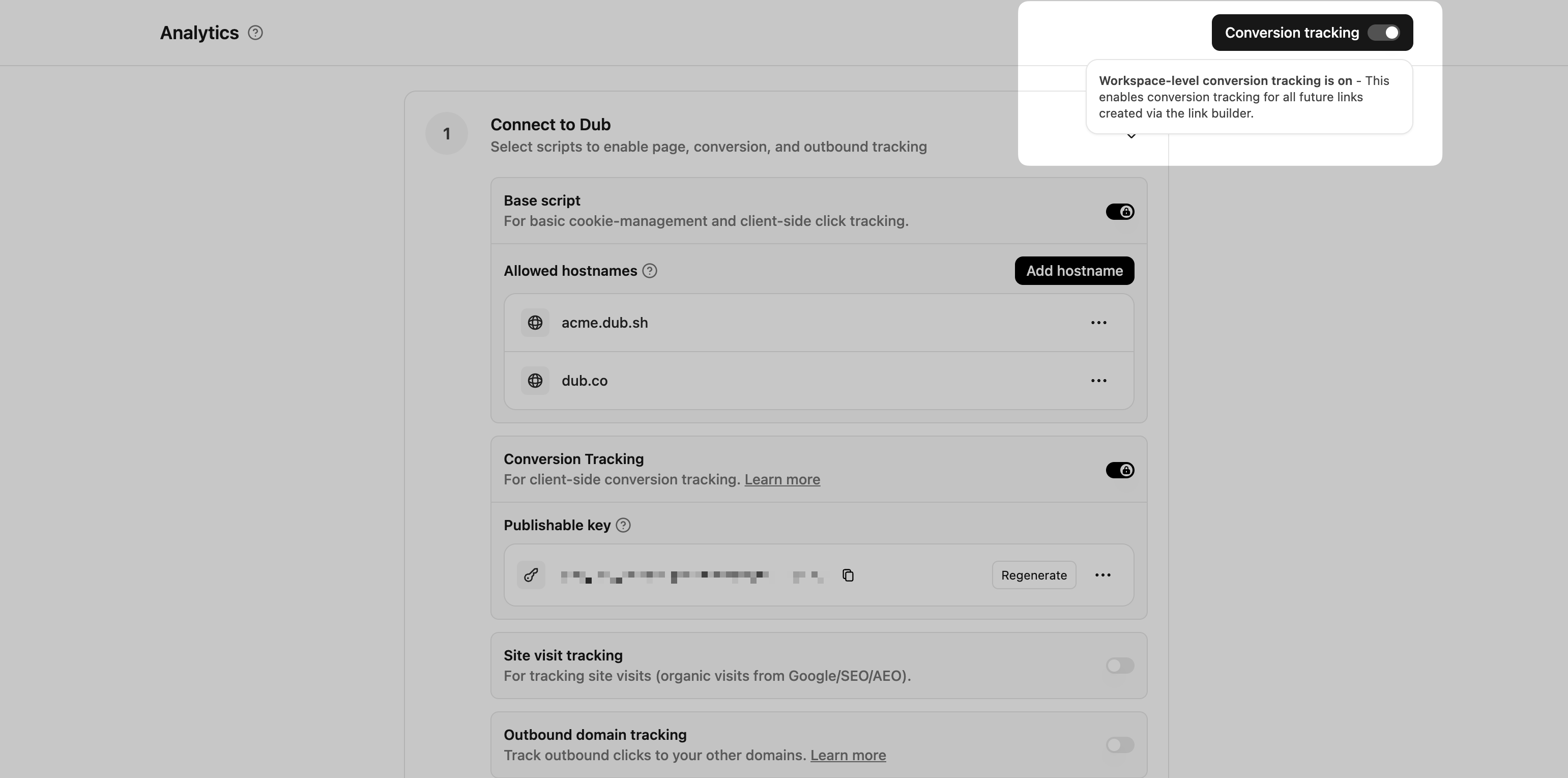 This option will enable conversion tracking in the [Dub Link Builder](https://dub.co/help/article/dub-link-builder) for all future links.
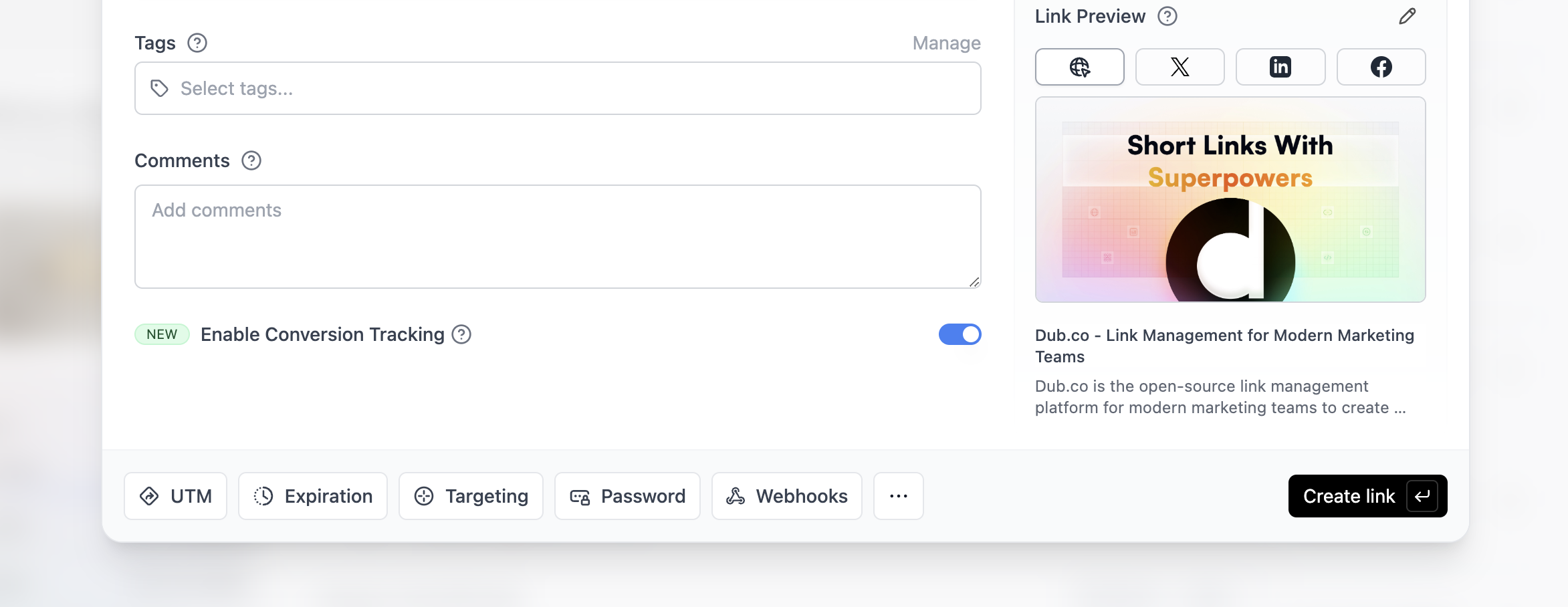
 In this guide, we will be focusing on tracking new user sign-ups for a SaaS application that uses Appwrite for user authentication.
## Prerequisites
First, you'll need to enable conversion tracking for your Dub links to be able to start tracking conversions:
In this guide, we will be focusing on tracking new user sign-ups for a SaaS application that uses Appwrite for user authentication.
## Prerequisites
First, you'll need to enable conversion tracking for your Dub links to be able to start tracking conversions:
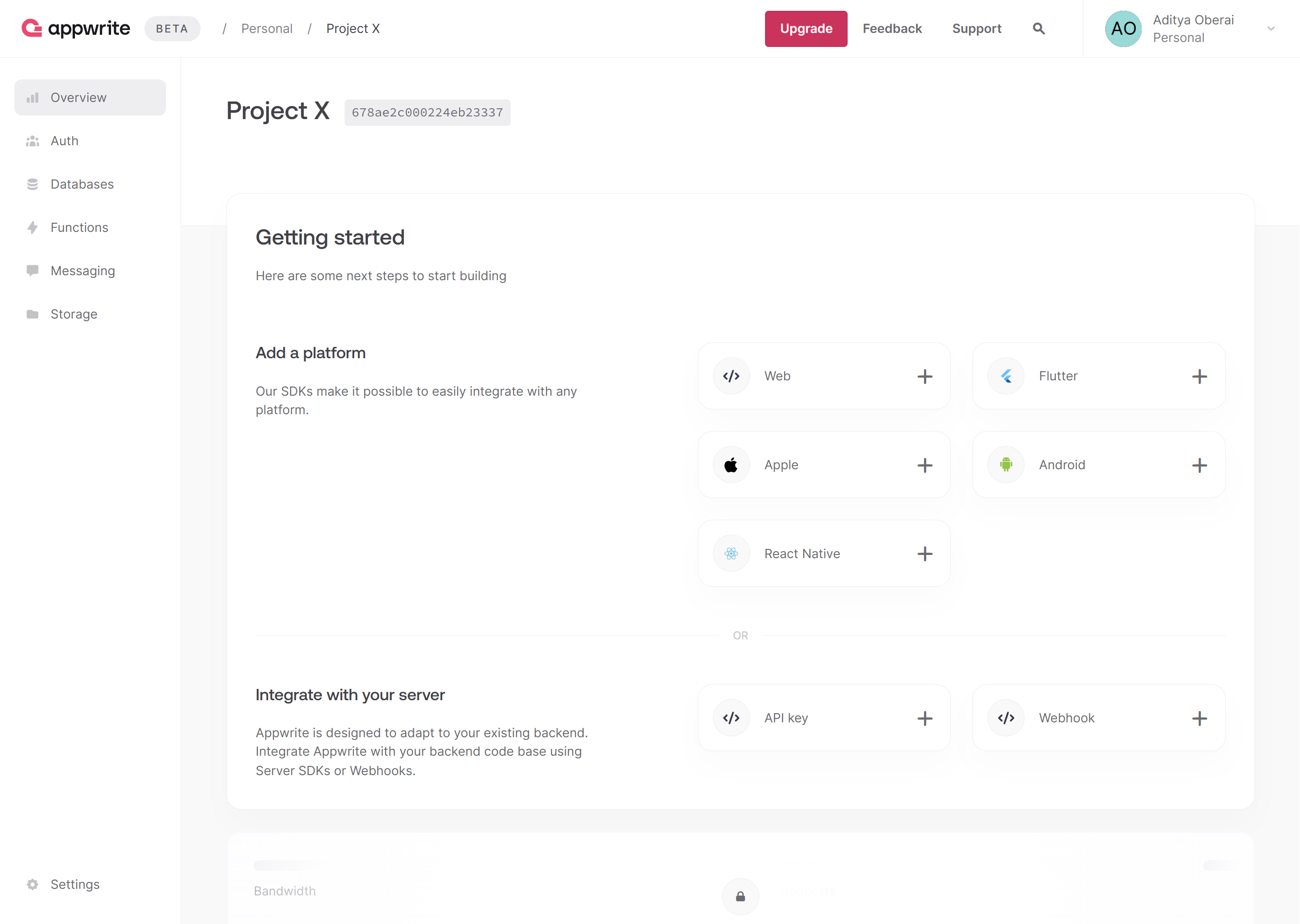 Create a new API key with the `sessions.write` scope enabled and save the API key for later use. You can also copy your project ID and endpoint from the project's Settings page.
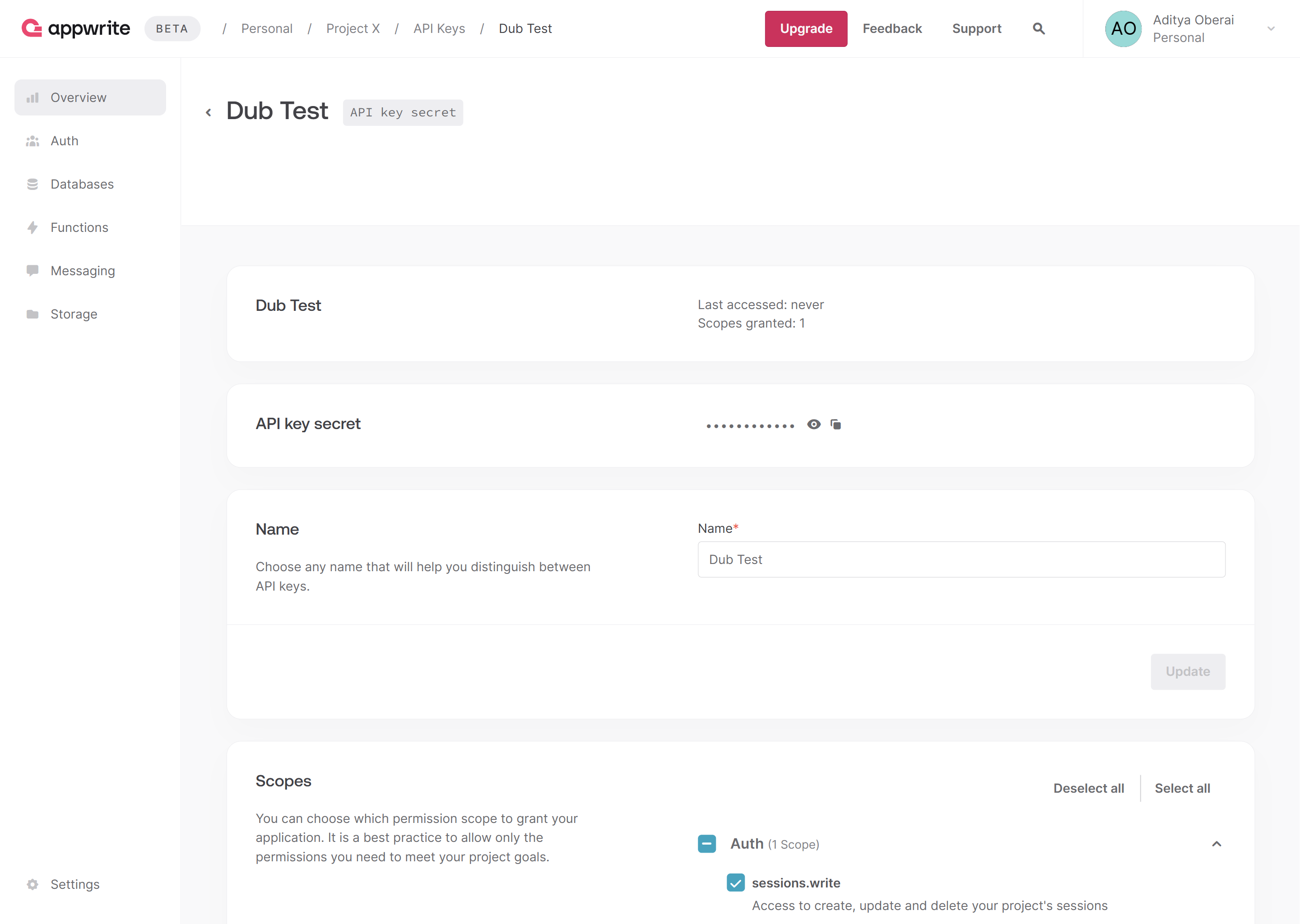 Then, in your Next.js app, install the Appwrite Node.js SDK.
```bash theme={null}
npm i node-appwrite
```
Then, in your Next.js app, install the Appwrite Node.js SDK.
```bash theme={null}
npm i node-appwrite
```
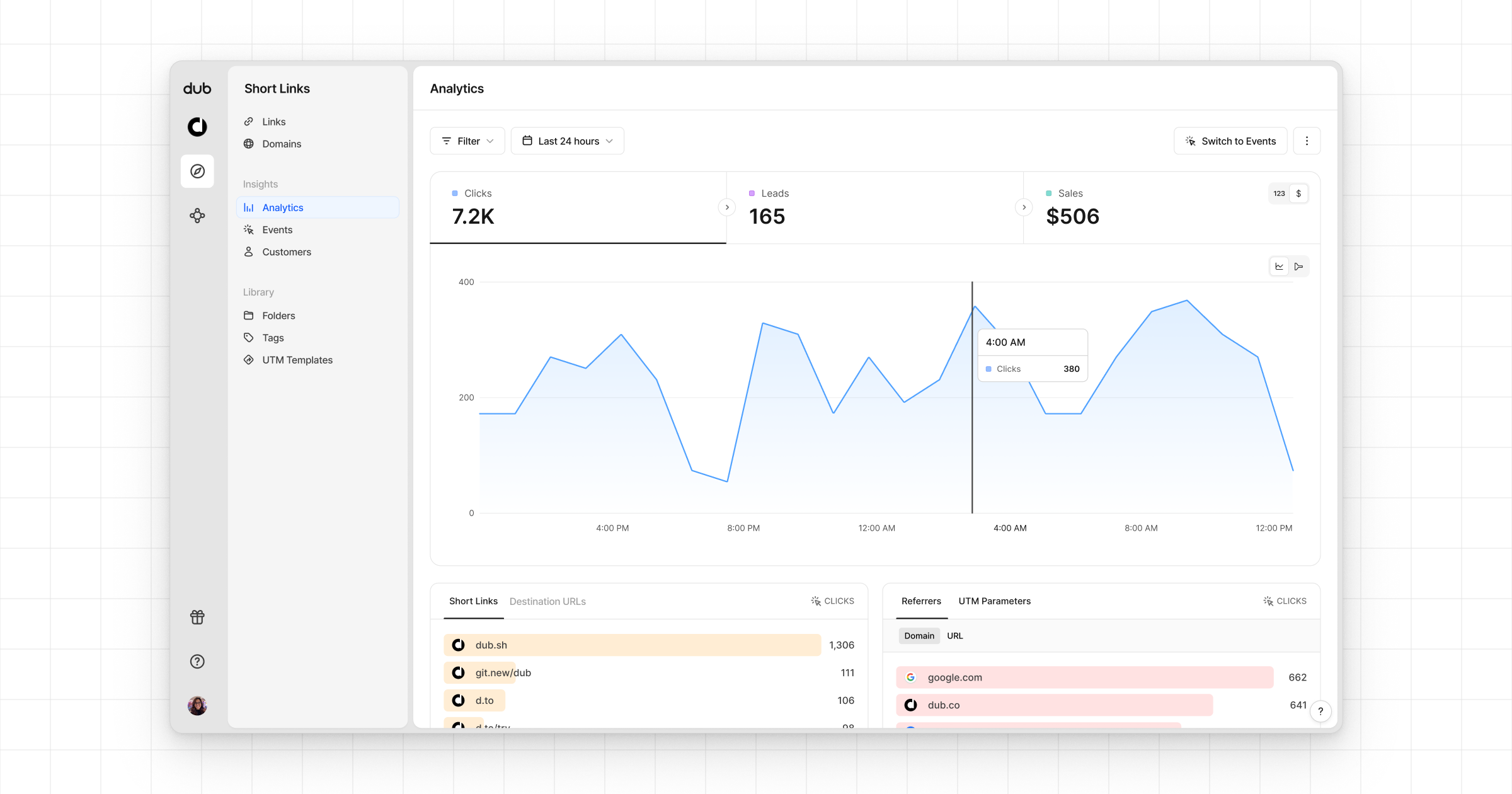 * **Funnel chart**: A [funnel chart view](http://app.dub.co/analytics?view=funnel) visualizing the conversion & dropoff rates across the different steps in the conversion funnel (clicks → leads → sales).
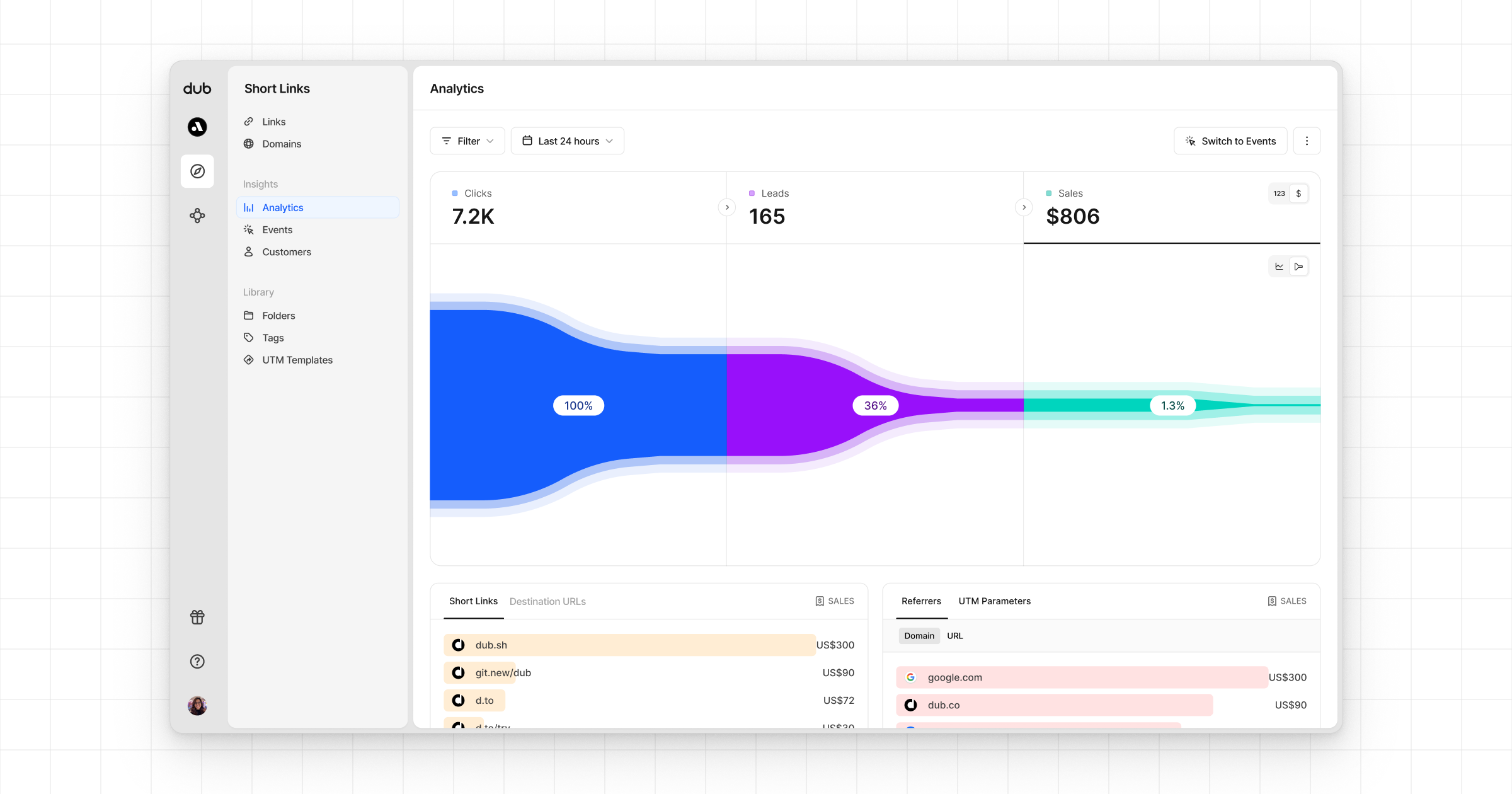 * **Real-time events stream**: A [real-time events stream](https://app.dub.co/events) of every single conversion event that occurs across all your links in your workspace.
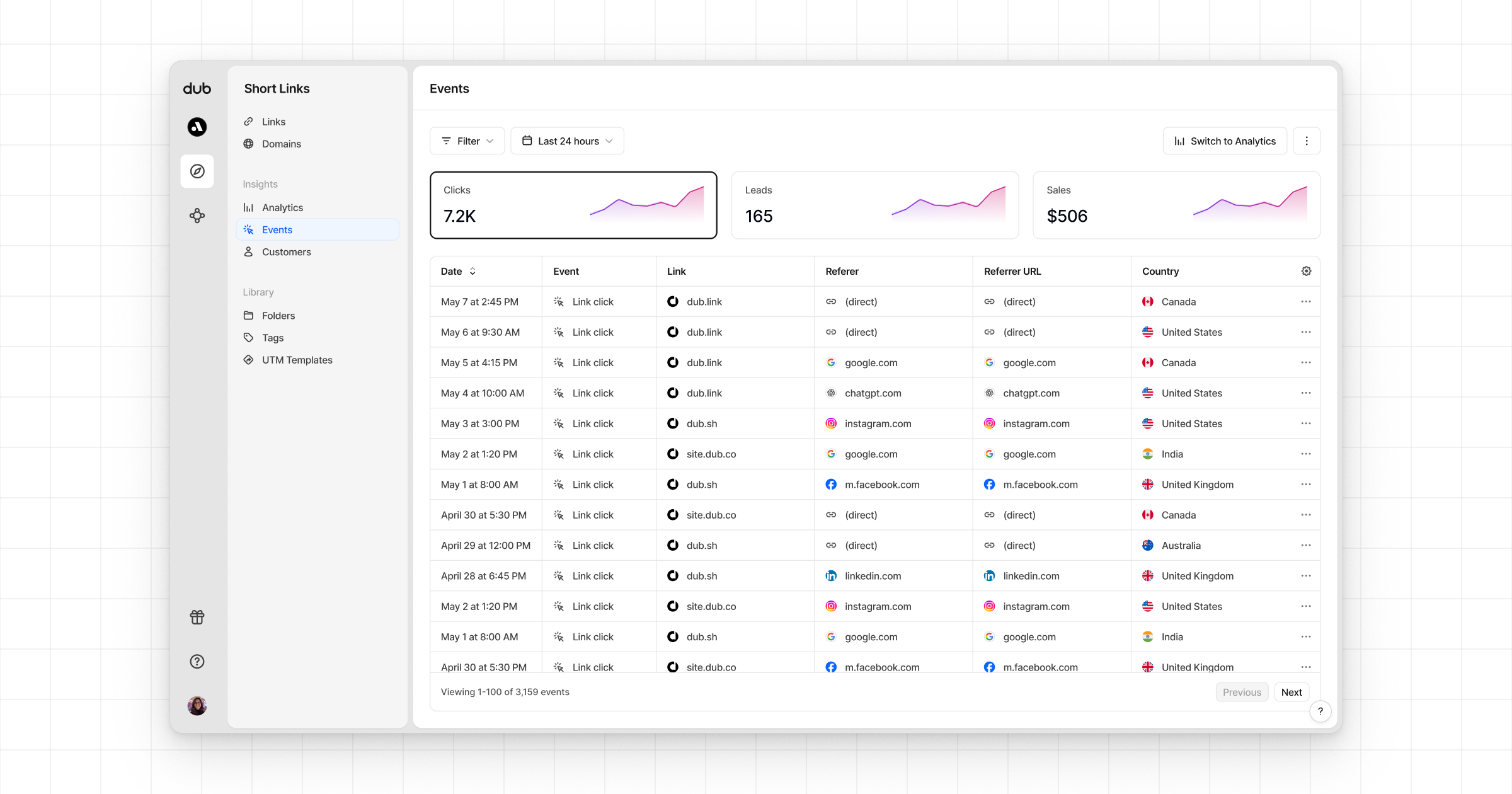 ---
# Source: https://dub.co/docs/concepts/deep-links/attribution.md
> ## Documentation Index
> Fetch the complete documentation index at: https://dub.co/docs/llms.txt
> Use this file to discover all available pages before exploring further.
# Deep link attribution
> Learn how to use deep link attribution to track conversions events with Dub.
---
# Source: https://dub.co/docs/concepts/deep-links/attribution.md
> ## Documentation Index
> Fetch the complete documentation index at: https://dub.co/docs/llms.txt
> Use this file to discover all available pages before exploring further.
# Deep link attribution
> Learn how to use deep link attribution to track conversions events with Dub.

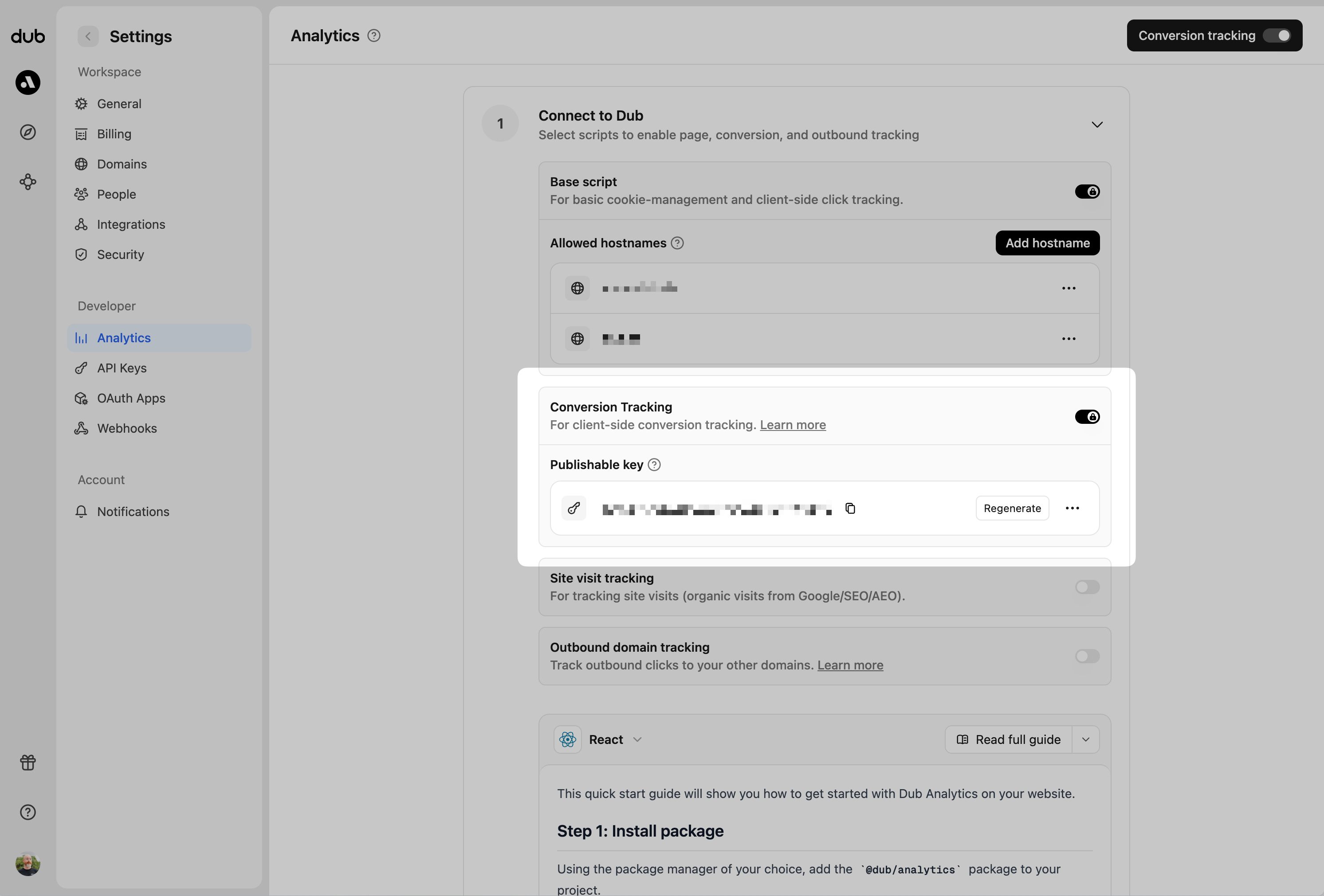 Once these are set up, we can start tracking conversion events for your deep links.
## Step 1: Install the client-side Mobile SDK
Once these are set up, we can start tracking conversion events for your deep links.
## Step 1: Install the client-side Mobile SDK
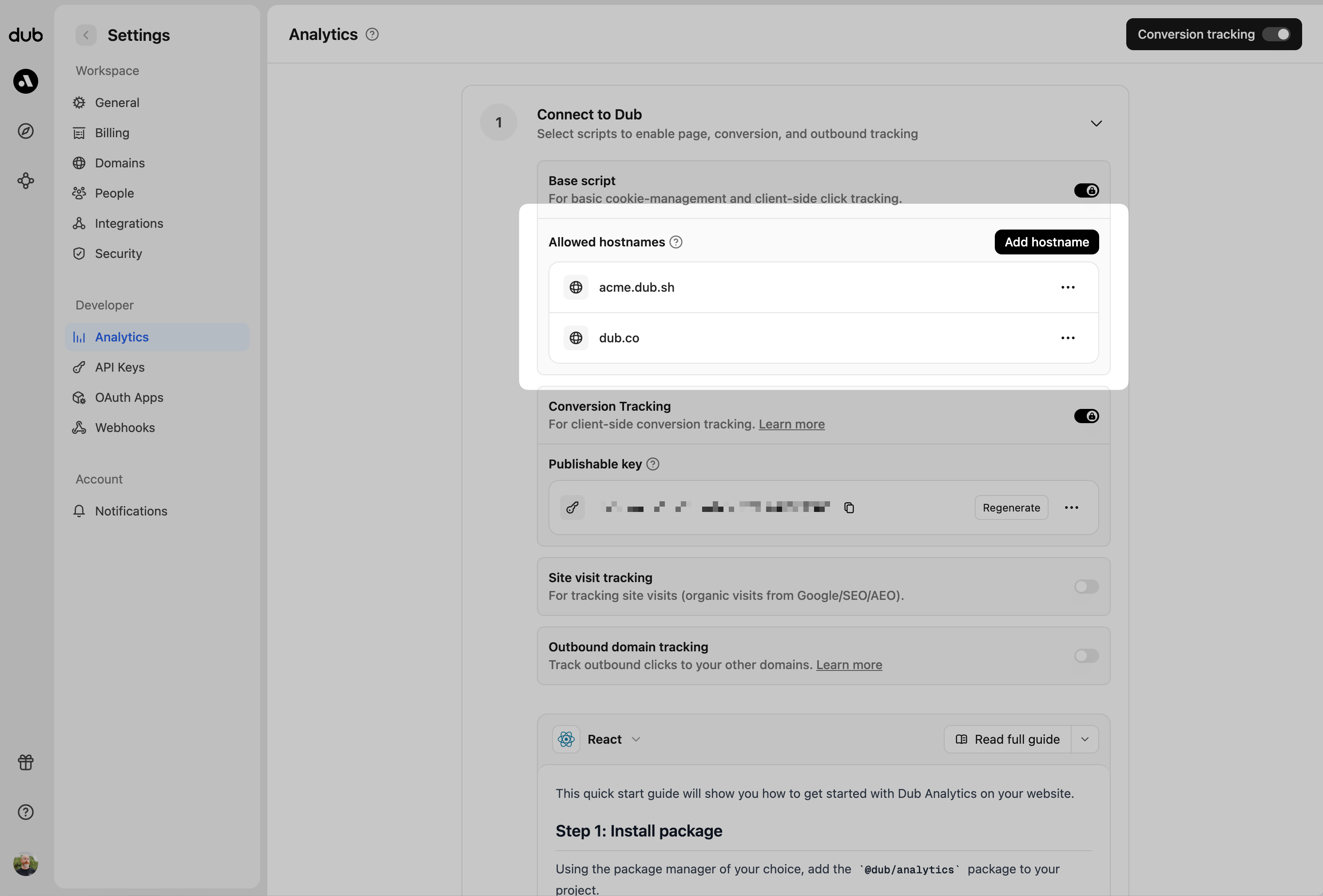 You can group your hostnames when adding them to the allow list:
* `example.com`: Tracks traffic **only** from `example.com`.
* `*.example.com`: Tracks traffic from **all subdomains** of `example.com`, but **not** from `example.com` itself.
You can group your hostnames when adding them to the allow list:
* `example.com`: Tracks traffic **only** from `example.com`.
* `*.example.com`: Tracks traffic from **all subdomains** of `example.com`, but **not** from `example.com` itself.
 ## Manually tracking clicks with the `trackClick()` function
This is helpful for tracking clicks on:
* Dynamically generated referral pages (e.g. [Tesla](https://www.tesla.com/referral/peeroke520149))
* Dynamic user-generated content/webpages:
* Dub's public analytics dashboards (e.g. [app.dub.co/share/:slug](https://app.dub.co/share/dash_6NSA6vNm017MZwfzt8SubNSZ))
* Cal.com's booking pages (e.g. [cal.com/steven](https://cal.com/steven))
* Tella's video pages (e.g. [tella.tv/video/:slug](https://www.tella.tv/video/cluvcfcfi00tw0fjrgizr4pw2))
The `trackClick()` function allows you to manually trigger click events from your application code. This is useful when you want to track clicks that happen programmatically.
The `trackClick()` function accepts an object with the following parameters:
## Manually tracking clicks with the `trackClick()` function
This is helpful for tracking clicks on:
* Dynamically generated referral pages (e.g. [Tesla](https://www.tesla.com/referral/peeroke520149))
* Dynamic user-generated content/webpages:
* Dub's public analytics dashboards (e.g. [app.dub.co/share/:slug](https://app.dub.co/share/dash_6NSA6vNm017MZwfzt8SubNSZ))
* Cal.com's booking pages (e.g. [cal.com/steven](https://cal.com/steven))
* Tella's video pages (e.g. [tella.tv/video/:slug](https://www.tella.tv/video/cluvcfcfi00tw0fjrgizr4pw2))
The `trackClick()` function allows you to manually trigger click events from your application code. This is useful when you want to track clicks that happen programmatically.
The `trackClick()` function accepts an object with the following parameters:
 Then, when a conversion event occurs (e.g. a user signs up for an account), you can check for the `dub_id` cookie and attribute the conversion to the original click by [tracking a lead event](/conversions/leads/introduction).
 ## Quickstart
First, you'll need to enable conversion tracking for your Dub links to be able to start tracking conversions:
## Quickstart
First, you'll need to enable conversion tracking for your Dub links to be able to start tracking conversions:
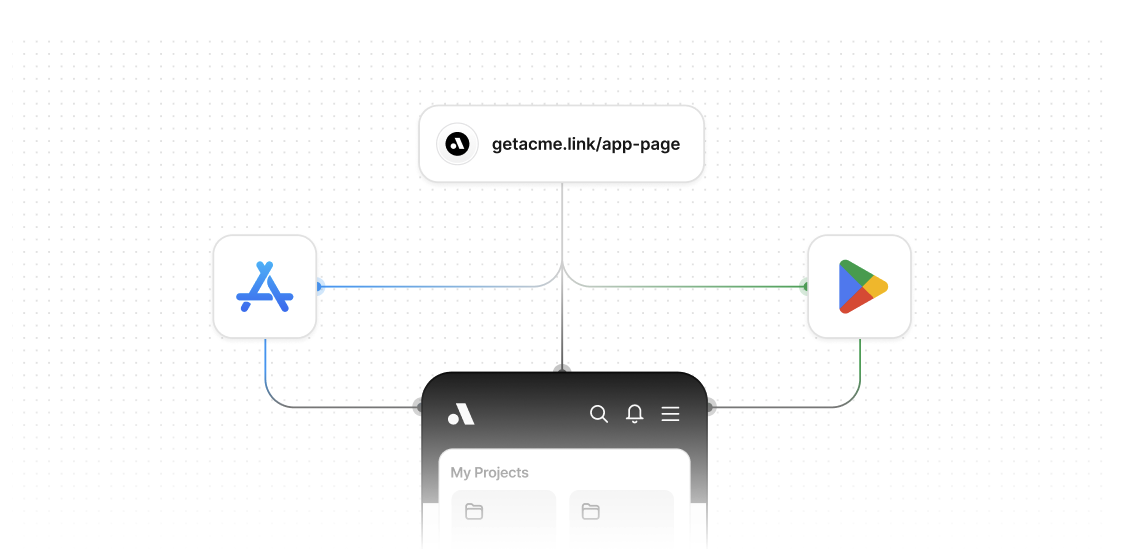 When a user clicks a link without the app installed, they're redirected to the app store. After installing and opening the app, you can retrieve the original link information and redirect them to the appropriate screen.
## Android Play Store
Android provides the [Install Referrer API](https://developer.android.com/google/play/installreferrer) which allows you to retrieve information about how a user came to install your app, including the referrer URL.
Here is how it works in a nutshell:
1. User taps a deep link on a device without your app installed
2. Dub redirects the user to the App Store or Play Store by using [device targeting](https://dub.co/help/article/device-targeting)
3. User installs your app from the app store
4. App reads the install referrer on first launch
5. App extracts the deep link from the referrer URL and tracks the deep link open event using the [`/track/open` endpoint](/api-reference/endpoint/track-open)
6. Redirect the user to the appropriate screen using the destination URL returned by the `/track/open` endpoint
### Understanding the Referrer URL Structure
When Dub redirects users to the Play Store, the referrer URL contains the deep link information in a nested structure. The referrer URL looks like this:
```
https://play.google.com/store/apps/details?id=com.example.app&referrer=deepLink%3Dhttps%253A%252F%252Fdub.sh%252Fgps
```
To extract the original deep link, you need to:
1. Parse the `referrer` parameter from the Play Store URL
2. URL decode it to get the `deepLink` parameter
3. URL decode the `deepLink` value to get the actual deep link
The code examples below show how to implement this extraction process.
### Step 1: Add the Install Referrer dependency
First, you'll need to add the Google Play Install Referrer library to your project.
When a user clicks a link without the app installed, they're redirected to the app store. After installing and opening the app, you can retrieve the original link information and redirect them to the appropriate screen.
## Android Play Store
Android provides the [Install Referrer API](https://developer.android.com/google/play/installreferrer) which allows you to retrieve information about how a user came to install your app, including the referrer URL.
Here is how it works in a nutshell:
1. User taps a deep link on a device without your app installed
2. Dub redirects the user to the App Store or Play Store by using [device targeting](https://dub.co/help/article/device-targeting)
3. User installs your app from the app store
4. App reads the install referrer on first launch
5. App extracts the deep link from the referrer URL and tracks the deep link open event using the [`/track/open` endpoint](/api-reference/endpoint/track-open)
6. Redirect the user to the appropriate screen using the destination URL returned by the `/track/open` endpoint
### Understanding the Referrer URL Structure
When Dub redirects users to the Play Store, the referrer URL contains the deep link information in a nested structure. The referrer URL looks like this:
```
https://play.google.com/store/apps/details?id=com.example.app&referrer=deepLink%3Dhttps%253A%252F%252Fdub.sh%252Fgps
```
To extract the original deep link, you need to:
1. Parse the `referrer` parameter from the Play Store URL
2. URL decode it to get the `deepLink` parameter
3. URL decode the `deepLink` value to get the actual deep link
The code examples below show how to implement this extraction process.
### Step 1: Add the Install Referrer dependency
First, you'll need to add the Google Play Install Referrer library to your project.
 This page displays two options:
* **Get the App**: Copies the deep link to the clipboard before redirecting to the App Store.
* **Get the App without Copying**: Redirects directly to the App Store without copying the deep link to the clipboard.
After the user installs your app, the deep link resolution method depends on the button they clicked.
#### 1. Deterministic clipboard-based tracking
This method uses the iOS clipboard to pass the deep link into your app after installation, ensuring reliable and direct link resolution.
Here is how it works in a nutshell:
1. User taps **Get the App** button on the landing page.
2. Dub copies the deep link URL to the clipboard.
3. The user is redirected to the App Store to download your app.
4. After installation, your app reads the clipboard to retrieve the deep link.
5. Your app calls the [`/track/open` endpoint](/api-reference/endpoint/track-open) with the `deepLink` parameter in the request body either directly or via a supported [Dub Mobile SDK](/sdks/client-side-mobile/introduction).
6. Dub returns the destination URL, and your app navigates the user to the appropriate screen (see [deep links quickstart](/concepts/deep-links/quickstart) for more details).
#### 2. Probabilistic IP-based tracking
This method relies on matching the user’s device IP address from the initial click event to the app open event after installation.
1. User taps **Get the App without Copying** button on the landing page.
2. The user is redirected directly to the App Store to download your app.
3. Dub has already tracked the click and stored the IP address at the time of deep link click.
4. After installation, your app calls the [`/track/open` endpoint](/api-reference/endpoint/track-open) with the `dubDomain` parameter in the request body either directly or via a supported [Dub Mobile SDK](/sdks/client-side-mobile/introduction) .
5. Dub matches the user using IP-based tracking and returns the destination URL.
6. If a destination URL is returned, your app navigates the user to the appropriate screen (see [deep links quickstart](/concepts/deep-links/quickstart) for more details).
### Track the deep link open
The following logic determines whether to use clipboard-based tracking or IP-based tracking:
* **Clipboard-based tracking**: Used when a deep link is found in the clipboard (e.g., `acme.link`). The app sends the `deepLink` parameter in the request body.
* **IP-based tracking**: Used when no deep link is found in the clipboard or the user declined paste permissions. The app sends only the `dubDomain` parameter, allowing Dub to match the user based on their IP address.
This ensures the most reliable tracking method is chosen automatically.
This page displays two options:
* **Get the App**: Copies the deep link to the clipboard before redirecting to the App Store.
* **Get the App without Copying**: Redirects directly to the App Store without copying the deep link to the clipboard.
After the user installs your app, the deep link resolution method depends on the button they clicked.
#### 1. Deterministic clipboard-based tracking
This method uses the iOS clipboard to pass the deep link into your app after installation, ensuring reliable and direct link resolution.
Here is how it works in a nutshell:
1. User taps **Get the App** button on the landing page.
2. Dub copies the deep link URL to the clipboard.
3. The user is redirected to the App Store to download your app.
4. After installation, your app reads the clipboard to retrieve the deep link.
5. Your app calls the [`/track/open` endpoint](/api-reference/endpoint/track-open) with the `deepLink` parameter in the request body either directly or via a supported [Dub Mobile SDK](/sdks/client-side-mobile/introduction).
6. Dub returns the destination URL, and your app navigates the user to the appropriate screen (see [deep links quickstart](/concepts/deep-links/quickstart) for more details).
#### 2. Probabilistic IP-based tracking
This method relies on matching the user’s device IP address from the initial click event to the app open event after installation.
1. User taps **Get the App without Copying** button on the landing page.
2. The user is redirected directly to the App Store to download your app.
3. Dub has already tracked the click and stored the IP address at the time of deep link click.
4. After installation, your app calls the [`/track/open` endpoint](/api-reference/endpoint/track-open) with the `dubDomain` parameter in the request body either directly or via a supported [Dub Mobile SDK](/sdks/client-side-mobile/introduction) .
5. Dub matches the user using IP-based tracking and returns the destination URL.
6. If a destination URL is returned, your app navigates the user to the appropriate screen (see [deep links quickstart](/concepts/deep-links/quickstart) for more details).
### Track the deep link open
The following logic determines whether to use clipboard-based tracking or IP-based tracking:
* **Clipboard-based tracking**: Used when a deep link is found in the clipboard (e.g., `acme.link`). The app sends the `deepLink` parameter in the request body.
* **IP-based tracking**: Used when no deep link is found in the clipboard or the user declined paste permissions. The app sends only the `dubDomain` parameter, allowing Dub to match the user based on their IP address.
This ensures the most reliable tracking method is chosen automatically.
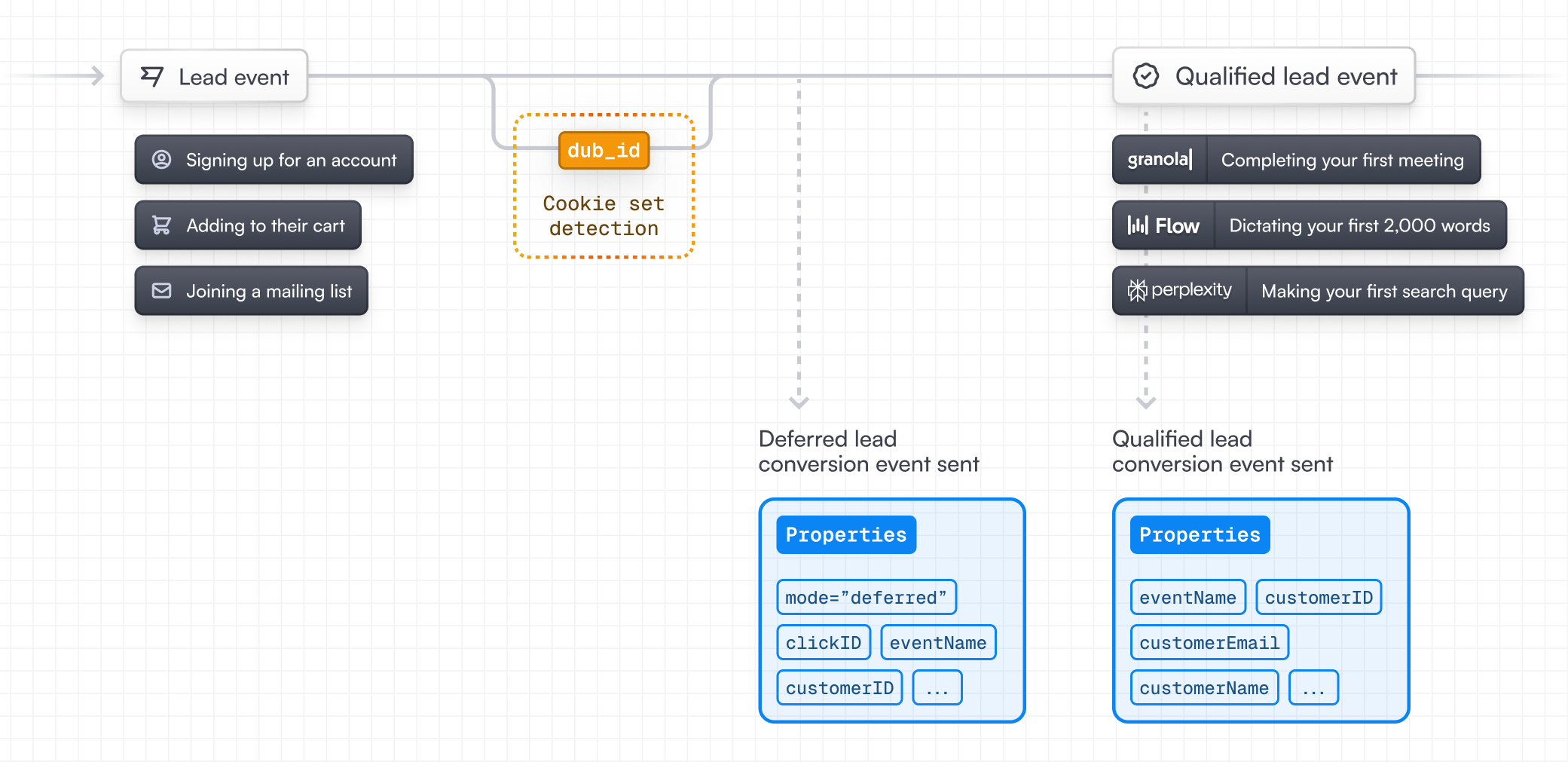
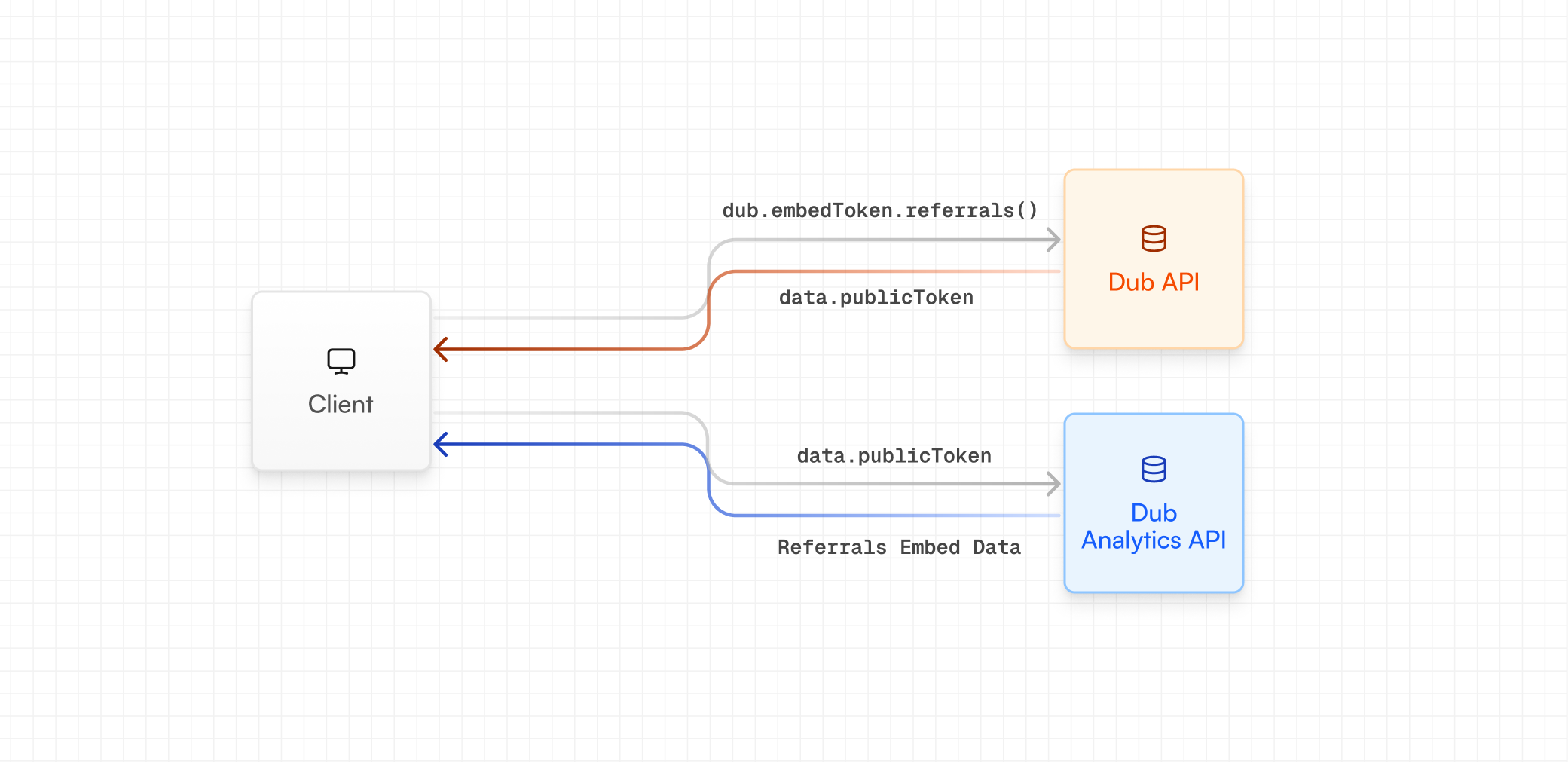 ### Using server-side SDKs
If you're using our [server-side SDKs](/sdks/overview), you can generate an embed token using the `dub.embedTokens.referrals` method.
### Using server-side SDKs
If you're using our [server-side SDKs](/sdks/overview), you can generate an embed token using the `dub.embedTokens.referrals` method.
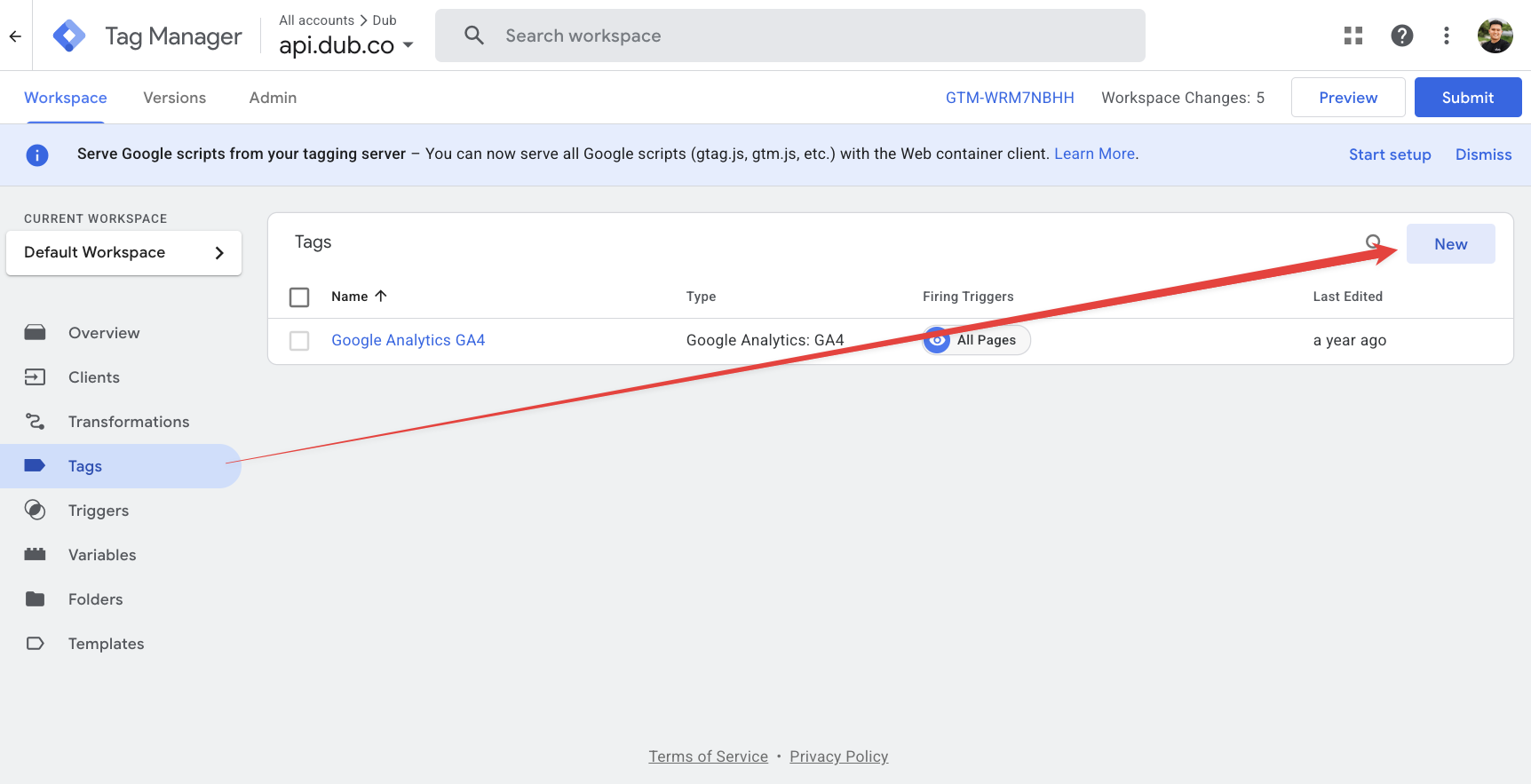 Select **Custom HTML** as the tag type and add the following code:
```html theme={null}
```
Select **Custom HTML** as the tag type and add the following code:
```html theme={null}
```
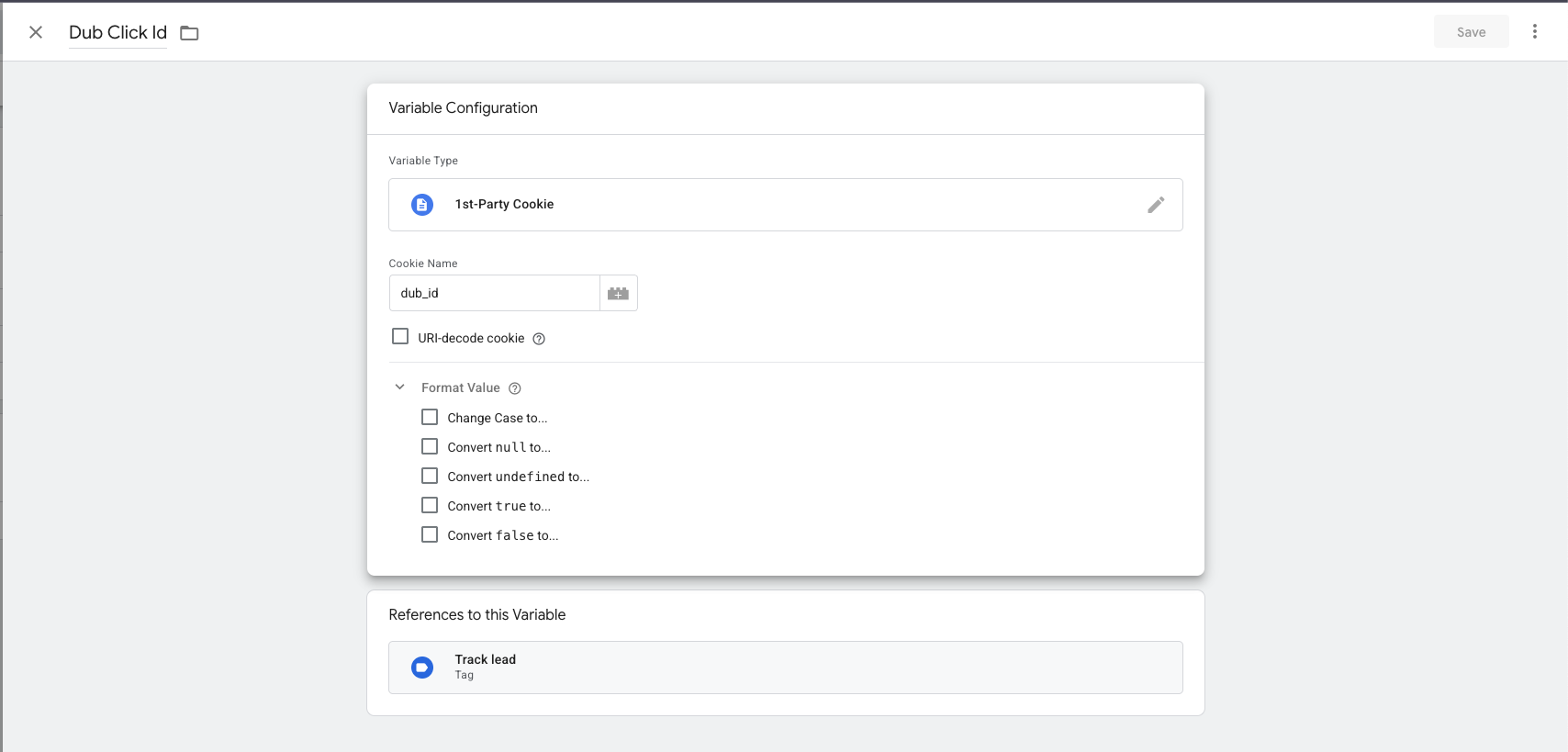 Configure the variable with the following settings:
* **Variable Type**: Select **1st Party Cookie**
* **Cookie Name**: Enter `dub_id`
* **Variable Name**: Name it "Dub ID Cookie"
Click **Save** to create the variable.
Configure the variable with the following settings:
* **Variable Type**: Select **1st Party Cookie**
* **Cookie Name**: Enter `dub_id`
* **Variable Name**: Name it "Dub ID Cookie"
Click **Save** to create the variable.
 ### Integration Setup
During the installation, Dub will create 3 properties to your contact object on HubSpot:
* **Dub Id** - Unique identifier that Dub uses to track clicks
* **Dub Link** - The short link that the contact clicked to reach your site
* **Dub Partner Email** - Email address of the partner associated with the short link
### Integration Setup
During the installation, Dub will create 3 properties to your contact object on HubSpot:
* **Dub Id** - Unique identifier that Dub uses to track clicks
* **Dub Link** - The short link that the contact clicked to reach your site
* **Dub Partner Email** - Email address of the partner associated with the short link
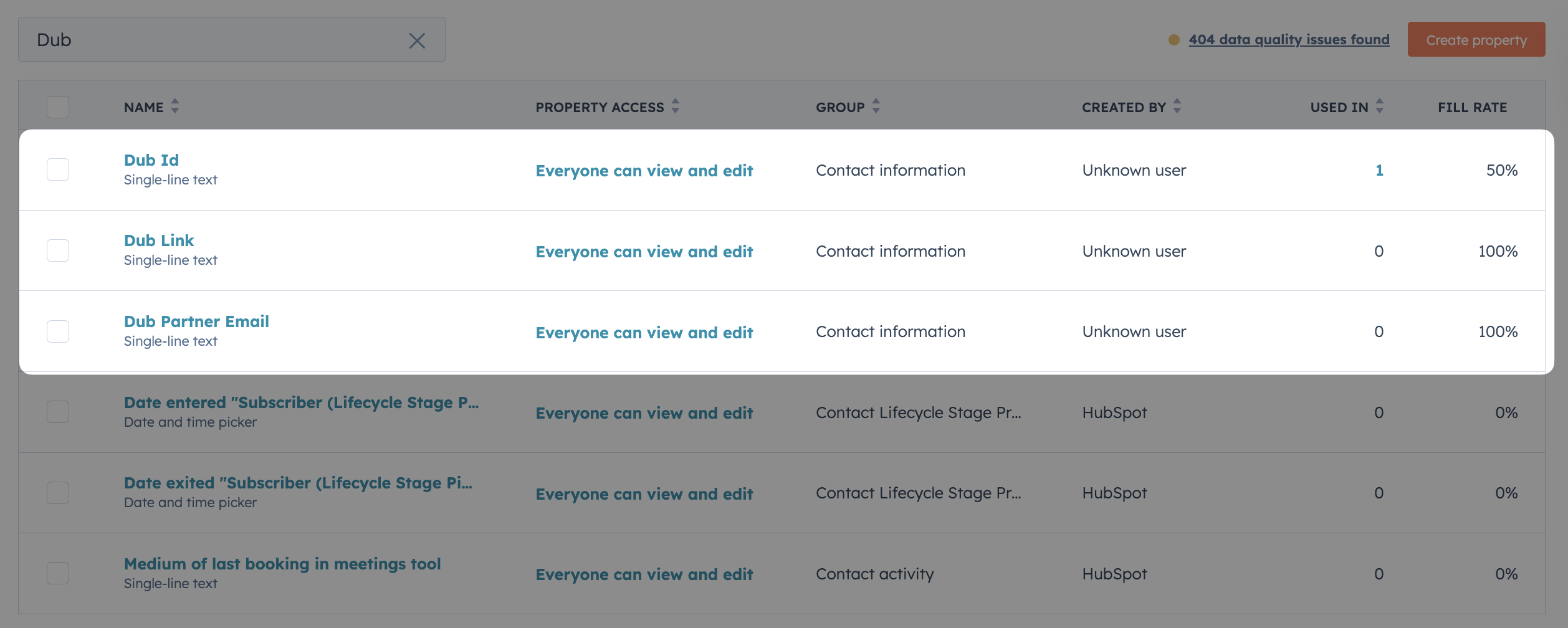
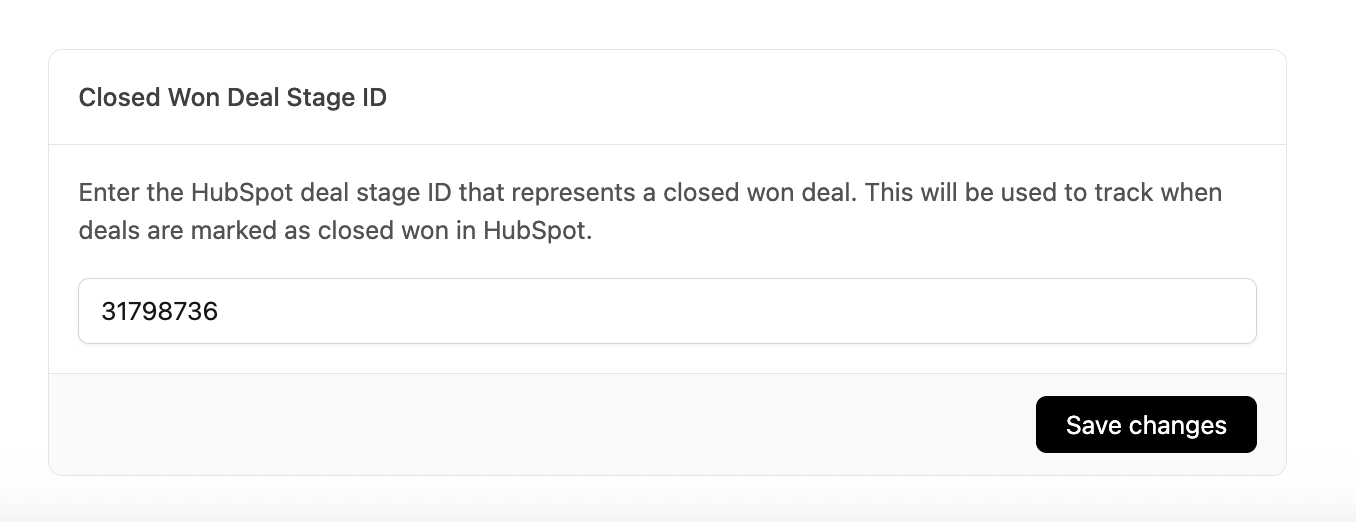 ## Option 1: Using HubSpot Forms
[HubSpot Forms](https://www.hubspot.com/products/marketing/forms) help you capture lead information and track conversions. By integrating with Dub, you can attribute each form submission back to the specific Dub link that drove the conversion.
To make attribution work, you need to capture the `dub_id` cookie in your HubSpot form. This ensures each lead is tied back to the exact Dub link they came from.
Here's how you can set it up:
## Option 1: Using HubSpot Forms
[HubSpot Forms](https://www.hubspot.com/products/marketing/forms) help you capture lead information and track conversions. By integrating with Dub, you can attribute each form submission back to the specific Dub link that drove the conversion.
To make attribution work, you need to capture the `dub_id` cookie in your HubSpot form. This ensures each lead is tied back to the exact Dub link they came from.
Here's how you can set it up:
 If you already have a discount set up for your default group, you can just duplicate it. If not, click Create to create your first group discount:
 **New Stripe coupon**
If you don't have a coupon set up on Stripe yet, you can use the New Stripe coupon option to create a new coupon based on the discount type (percentage vs flat), amount, and duration set in Dub.
**Use Stripe coupon ID**
If you already have an existing coupon on Stripe, you can enter the Stripe coupon ID (should be an 8 alphanumeric code) under the Use Stripe coupon ID option.
**New Stripe coupon**
If you don't have a coupon set up on Stripe yet, you can use the New Stripe coupon option to create a new coupon based on the discount type (percentage vs flat), amount, and duration set in Dub.
**Use Stripe coupon ID**
If you already have an existing coupon on Stripe, you can enter the Stripe coupon ID (should be an 8 alphanumeric code) under the Use Stripe coupon ID option.

 Here you can select which referral link you'd like to associate the code with. Then you can create the discount code.
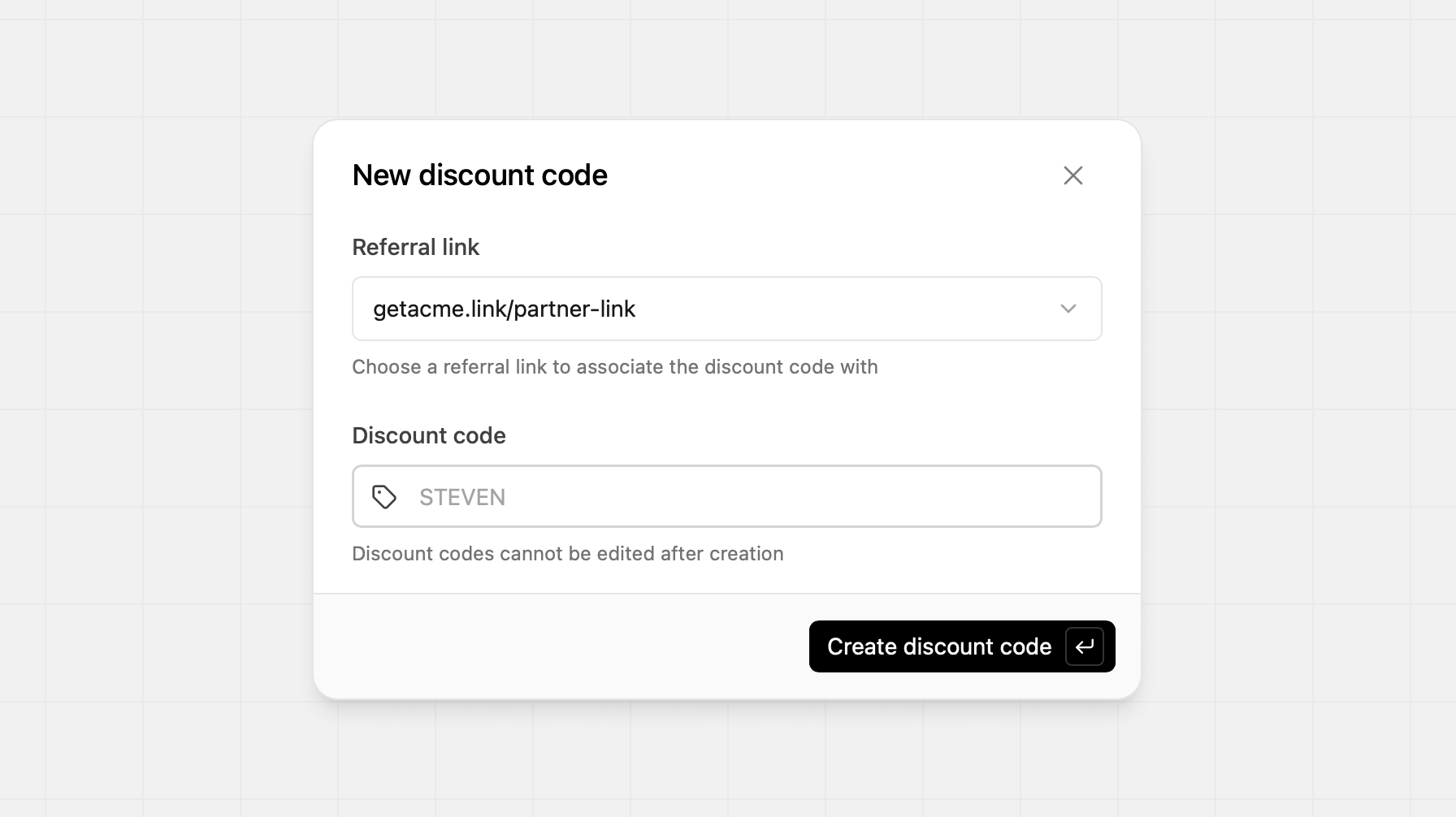
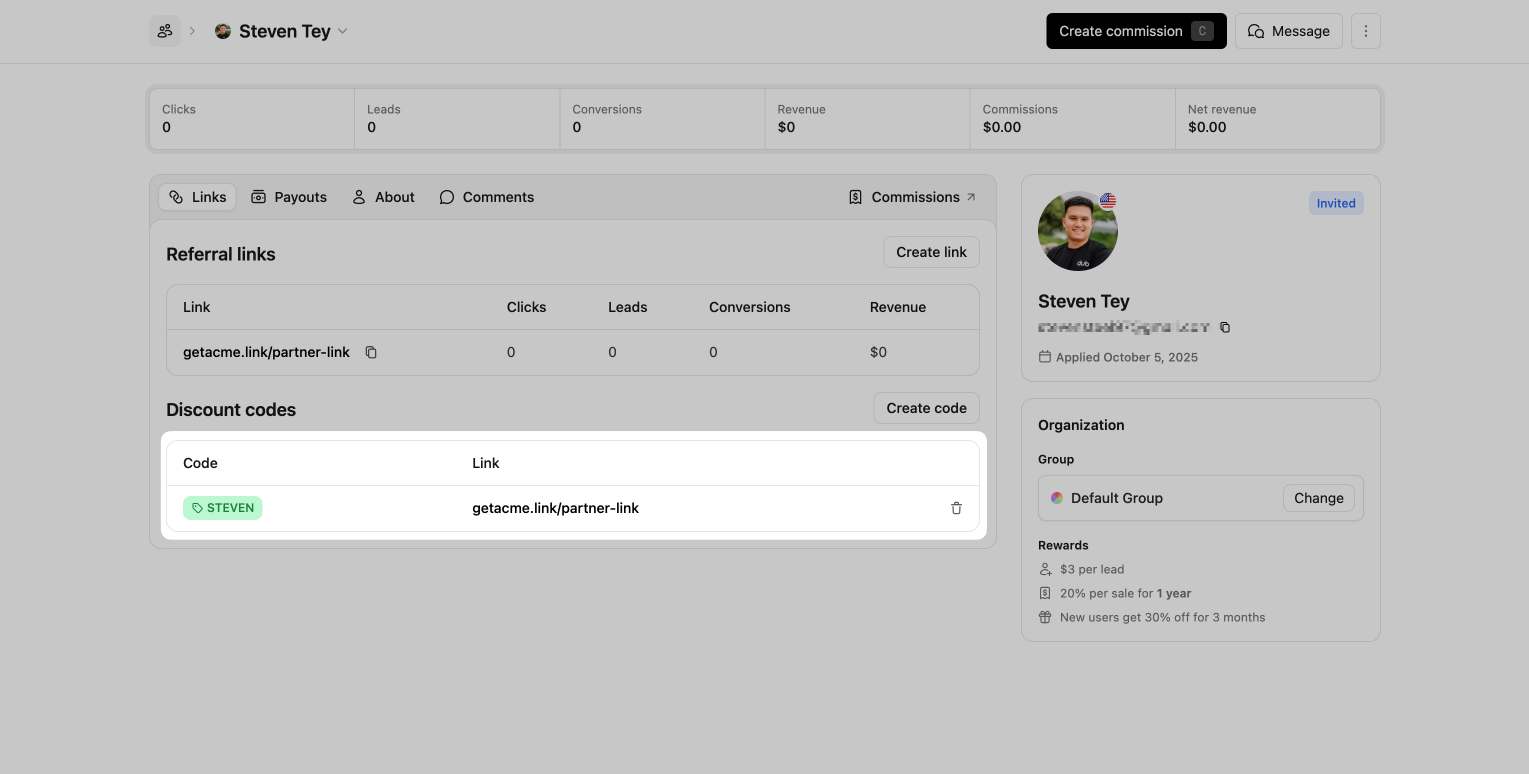
 ## Introduction
Dub's codebase is set up in a monorepo (via [Turborepo](https://turbo.build/repo)) and is fully [open-source on GitHub](https://github.com/dubinc/dub).
Here's the monorepo structure:
```
apps
├── web
packages
├── cli
├── email
├── embeds
├── prisma
├── stripe-app
├── tailwind-config
├── tinybird
├── tsconfig
├── ui
├── utils
```
The `apps` directory contains the code for:
* `web`: The entirety of Dub's application ([app.dub.co](https://app.dub.co)) + our link redirect infrastructure.
The `packages` directory contains the code for:
* `cli`: A CLI for easily shortening URLs with the Dub API.
* `email`: Dub's email application with function to send emails and templates.
* `embeds`: A package used embed Dub's referral dashboard.
* `prisma`: Prisma Configuration for Dub's web-app.
* `stripe-app`: The Stripe app for dub conversions.
* `tailwind-config`: The Tailwind CSS configuration for Dub's web app.
* `tinybird`: Dub's Tinybird configuration.
* `tsconfig`: The TypeScript configuration for Dub's web app.
* `ui`: Dub's UI component library.
* `utils`: A collection of utility functions and constants used across Dub's codebase.
## How `app.dub.co` works
Dub's web app is built with [Next.js](https://nextjs.org) and [TailwindCSS](https://tailwindcss.com).
It also utilizes code from the `packages` directory, specifically the `@dub/ui` and `@dub/utils` packages.
All of the code for the web app is located in here: [`main`/apps/web/app/app.dub.co](https://github.com/dubinc/dub/tree/main/apps/web/app/app.dub.co). This is using the Next.js [route group pattern](https://nextjs.org/docs/app/building-your-application/routing/route-groups).
There's also the API server, which is located in here: [`main`/apps/web/app/api](https://github.com/dubinc/dub/tree/main/apps/web/app/api)
When you run `pnpm dev` to start the development server, the app will be available at [http://localhost:8888](http://localhost:8888). The reason we use `localhost:8888` and not `app.localhost:8888` is because Google OAuth doesn't allow you to use localhost subdomains.
## How link redirects work on Dub
Link redirects on Dub are powered by [Next.js Middleware](https://nextjs.org/docs/app/building-your-application/routing/middleware).
To handle high traffic, we use Redis to cache every link's metadata when it's first created. This allows us to serve redirects without hitting our MySQL database.
Here's the code that powers link redirects: [`main`/apps/web/lib/middleware/link.ts](https://github.com/dubinc/dub/blob/main/apps/web/lib/middleware/link.ts)
## Running Dub locally
To run Dub locally, you'll need to set up the following:
* A [Tinybird](https://www.tinybird.co/) account
* An [Upstash](https://upstash.com/) account
* A [PlanetScale](https://planetscale.com/)-compatible MySQL database
Watch this video from our friends at Tinybird to learn how to set up Dub locally:
## Step 1: Local setup
First, you'll need to clone the Dub repo and install the dependencies.
## Introduction
Dub's codebase is set up in a monorepo (via [Turborepo](https://turbo.build/repo)) and is fully [open-source on GitHub](https://github.com/dubinc/dub).
Here's the monorepo structure:
```
apps
├── web
packages
├── cli
├── email
├── embeds
├── prisma
├── stripe-app
├── tailwind-config
├── tinybird
├── tsconfig
├── ui
├── utils
```
The `apps` directory contains the code for:
* `web`: The entirety of Dub's application ([app.dub.co](https://app.dub.co)) + our link redirect infrastructure.
The `packages` directory contains the code for:
* `cli`: A CLI for easily shortening URLs with the Dub API.
* `email`: Dub's email application with function to send emails and templates.
* `embeds`: A package used embed Dub's referral dashboard.
* `prisma`: Prisma Configuration for Dub's web-app.
* `stripe-app`: The Stripe app for dub conversions.
* `tailwind-config`: The Tailwind CSS configuration for Dub's web app.
* `tinybird`: Dub's Tinybird configuration.
* `tsconfig`: The TypeScript configuration for Dub's web app.
* `ui`: Dub's UI component library.
* `utils`: A collection of utility functions and constants used across Dub's codebase.
## How `app.dub.co` works
Dub's web app is built with [Next.js](https://nextjs.org) and [TailwindCSS](https://tailwindcss.com).
It also utilizes code from the `packages` directory, specifically the `@dub/ui` and `@dub/utils` packages.
All of the code for the web app is located in here: [`main`/apps/web/app/app.dub.co](https://github.com/dubinc/dub/tree/main/apps/web/app/app.dub.co). This is using the Next.js [route group pattern](https://nextjs.org/docs/app/building-your-application/routing/route-groups).
There's also the API server, which is located in here: [`main`/apps/web/app/api](https://github.com/dubinc/dub/tree/main/apps/web/app/api)
When you run `pnpm dev` to start the development server, the app will be available at [http://localhost:8888](http://localhost:8888). The reason we use `localhost:8888` and not `app.localhost:8888` is because Google OAuth doesn't allow you to use localhost subdomains.
## How link redirects work on Dub
Link redirects on Dub are powered by [Next.js Middleware](https://nextjs.org/docs/app/building-your-application/routing/middleware).
To handle high traffic, we use Redis to cache every link's metadata when it's first created. This allows us to serve redirects without hitting our MySQL database.
Here's the code that powers link redirects: [`main`/apps/web/lib/middleware/link.ts](https://github.com/dubinc/dub/blob/main/apps/web/lib/middleware/link.ts)
## Running Dub locally
To run Dub locally, you'll need to set up the following:
* A [Tinybird](https://www.tinybird.co/) account
* An [Upstash](https://upstash.com/) account
* A [PlanetScale](https://planetscale.com/)-compatible MySQL database
Watch this video from our friends at Tinybird to learn how to set up Dub locally:
## Step 1: Local setup
First, you'll need to clone the Dub repo and install the dependencies.
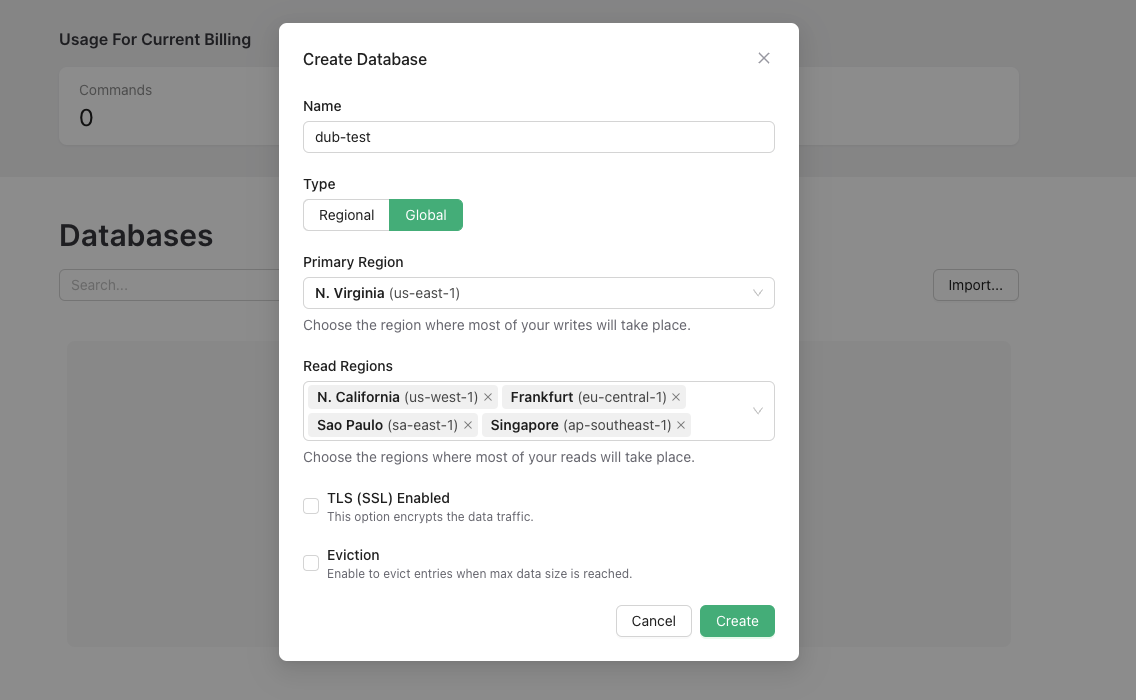
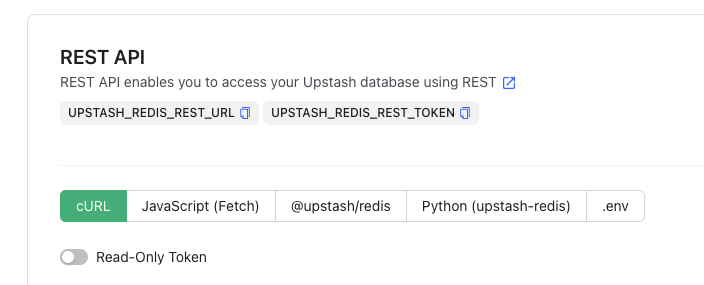 Navigate to the [QStash tab](https://console.upstash.com/qstash) and copy the `QSTASH_TOKEN`, `QSTASH_CURRENT_SIGNING_KEY`, and `QSTASH_NEXT_SIGNING_KEY` from the **Request Builder** section into your `.env` file.
 For example, you're creating an ad campaign to drive traffic to a specific product page within your mobile app.
By following the quickstart guide below, you'll be able to make sure that all your short links are set up with deep linking functionality.
## Step 1: Configure your deep link domains on Dub
Before you can create deep links, you need to configure your deep link domains in your Dub workspace. This involves adding a custom domain that will be used for your deep links and configuring your deep link configuration files.
For example, you're creating an ad campaign to drive traffic to a specific product page within your mobile app.
By following the quickstart guide below, you'll be able to make sure that all your short links are set up with deep linking functionality.
## Step 1: Configure your deep link domains on Dub
Before you can create deep links, you need to configure your deep link domains in your Dub workspace. This involves adding a custom domain that will be used for your deep links and configuring your deep link configuration files.
 In the domain modal, click on **Show advanced settings**, which will open up the Deep Link Configuration settings fields.
 **iOS (apple-app-site-association)**
For iOS apps, upload your [Apple App Site Association file ](https://developer.apple.com/documentation/xcode/supporting-associated-domains#Add-the-associated-domain-file-to-your-website) to enable iOS deep links:
```json apple-app-site-association theme={null}
{
"applinks": {
"apps": [],
"details": [
{
"appID": "
**iOS (apple-app-site-association)**
For iOS apps, upload your [Apple App Site Association file ](https://developer.apple.com/documentation/xcode/supporting-associated-domains#Add-the-associated-domain-file-to-your-website) to enable iOS deep links:
```json apple-app-site-association theme={null}
{
"applinks": {
"apps": [],
"details": [
{
"appID": "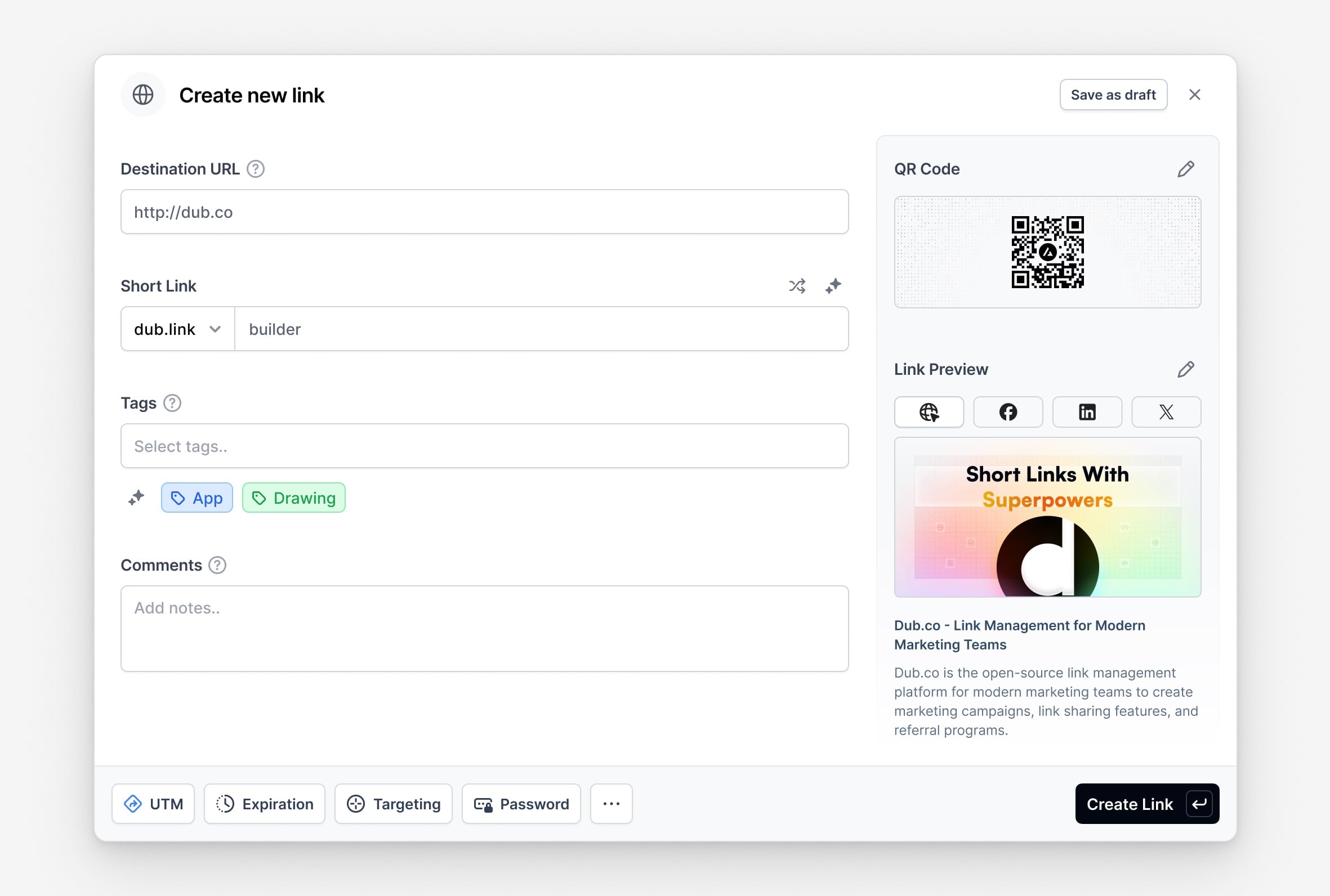
 Finally, click **Create link** to create your deep link. This link will act as a Firebase Dynamic Link replacement.
 [Webhooks](/concepts/webhooks/introduction) are *push-based*, meaning that Dub will send events to your webhook receiver endpoint when specific events occur, while a REST API is *pull-based*, meaning that you need to consistently poll the API endpoint to get real-time updates.
Check out our [webhooks documentation](/concepts/webhooks/introduction) to learn more.
---
# Source: https://dub.co/docs/sdks/client-side-mobile/installation-guides/react-native.md
> ## Documentation Index
> Fetch the complete documentation index at: https://dub.co/docs/llms.txt
> Use this file to discover all available pages before exploring further.
# React Native
> How to add the Dub React Native SDK to your React Native project
## Prerequisites
Before you get started, make sure you have the following:
1. Obtain your [publishable key](/api-reference/publishable-keys) (`DUB_PUBLISHABLE_KEY`) from
your [workspace's Analytics settings page](https://app.dub.co/settings/analytics) and select
your domain (`DUB_DOMAIN`) from your [workspace's Custom Domains settings page](https://app.dub.co/links/domains).
2. (Optional) If you plan to track conversions, follow the [Dub Conversions quickstart guide](/conversions/quickstart) to [enable conversion tracking for your links](/conversions/quickstart#step-1%3A-enable-conversion-tracking-for-your-links).
## Quickstart
This quick start guide will show you how to get started with Dub React Native SDK in your React Native app.
[Webhooks](/concepts/webhooks/introduction) are *push-based*, meaning that Dub will send events to your webhook receiver endpoint when specific events occur, while a REST API is *pull-based*, meaning that you need to consistently poll the API endpoint to get real-time updates.
Check out our [webhooks documentation](/concepts/webhooks/introduction) to learn more.
---
# Source: https://dub.co/docs/sdks/client-side-mobile/installation-guides/react-native.md
> ## Documentation Index
> Fetch the complete documentation index at: https://dub.co/docs/llms.txt
> Use this file to discover all available pages before exploring further.
# React Native
> How to add the Dub React Native SDK to your React Native project
## Prerequisites
Before you get started, make sure you have the following:
1. Obtain your [publishable key](/api-reference/publishable-keys) (`DUB_PUBLISHABLE_KEY`) from
your [workspace's Analytics settings page](https://app.dub.co/settings/analytics) and select
your domain (`DUB_DOMAIN`) from your [workspace's Custom Domains settings page](https://app.dub.co/links/domains).
2. (Optional) If you plan to track conversions, follow the [Dub Conversions quickstart guide](/conversions/quickstart) to [enable conversion tracking for your links](/conversions/quickstart#step-1%3A-enable-conversion-tracking-for-your-links).
## Quickstart
This quick start guide will show you how to get started with Dub React Native SDK in your React Native app.
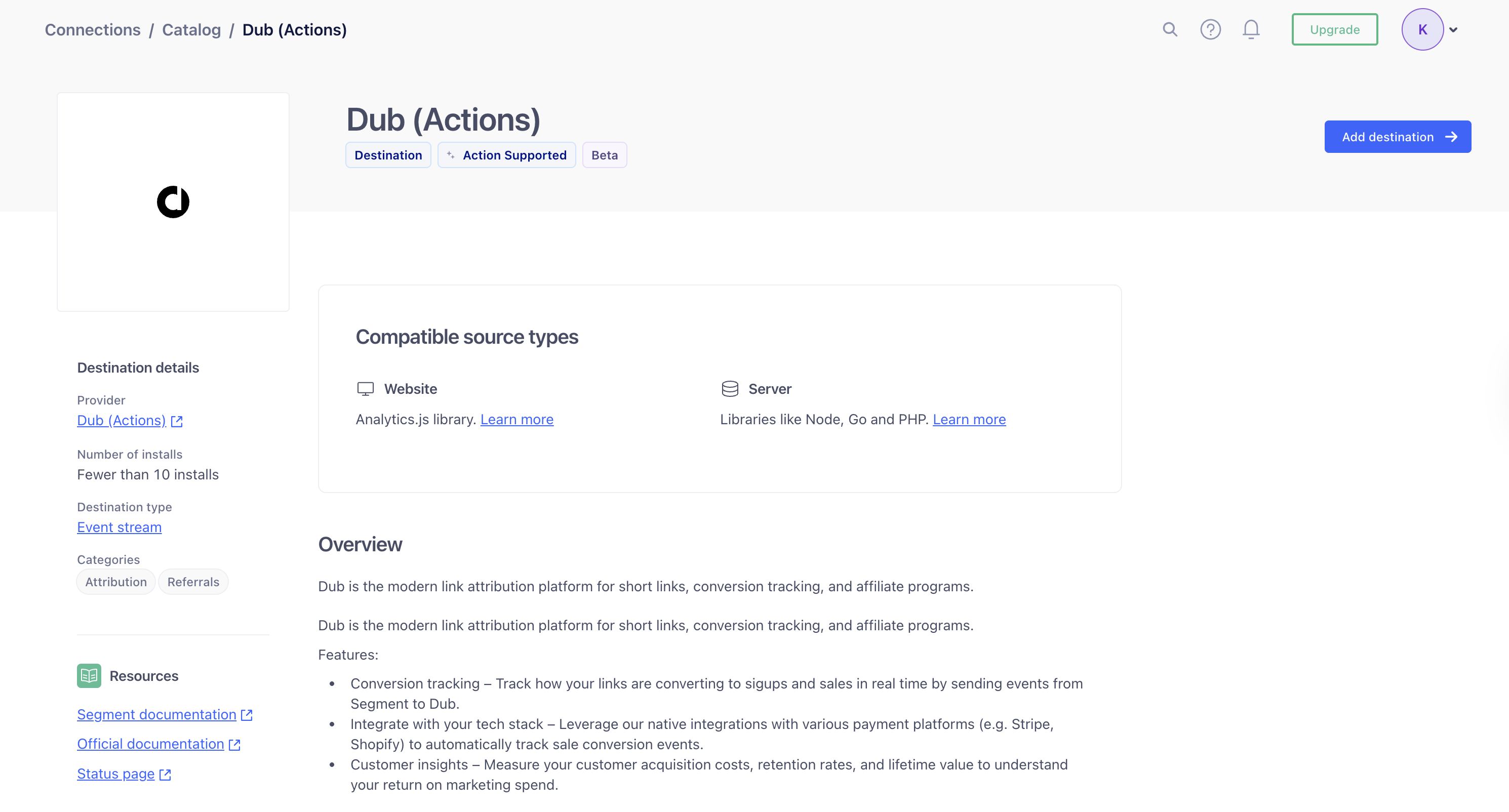
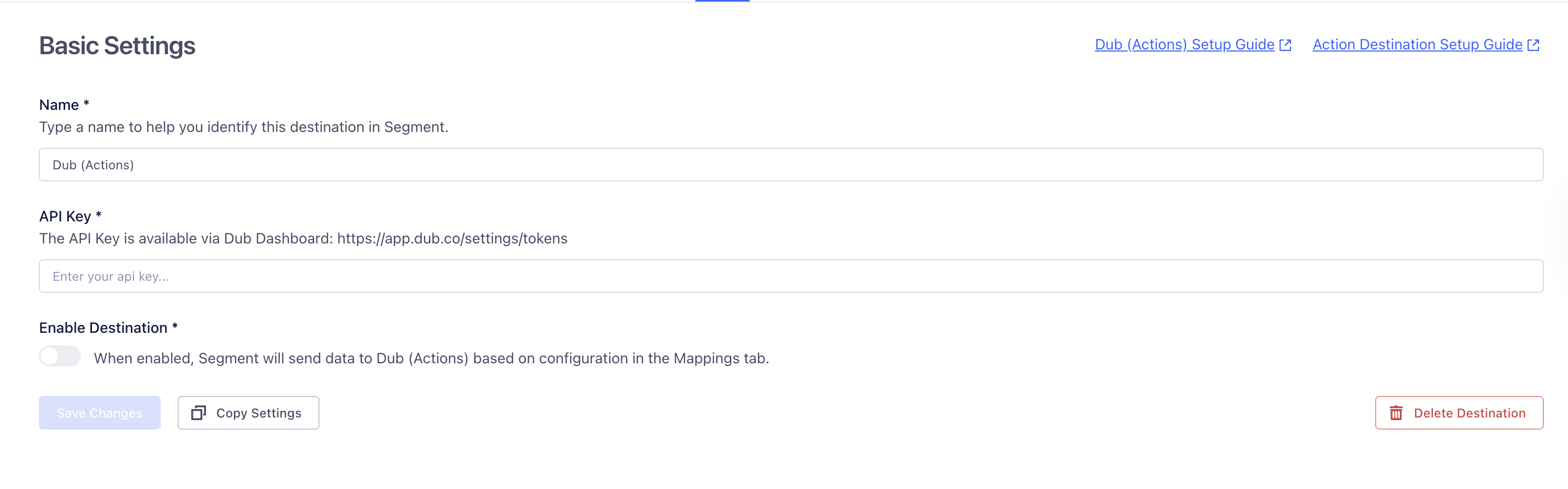
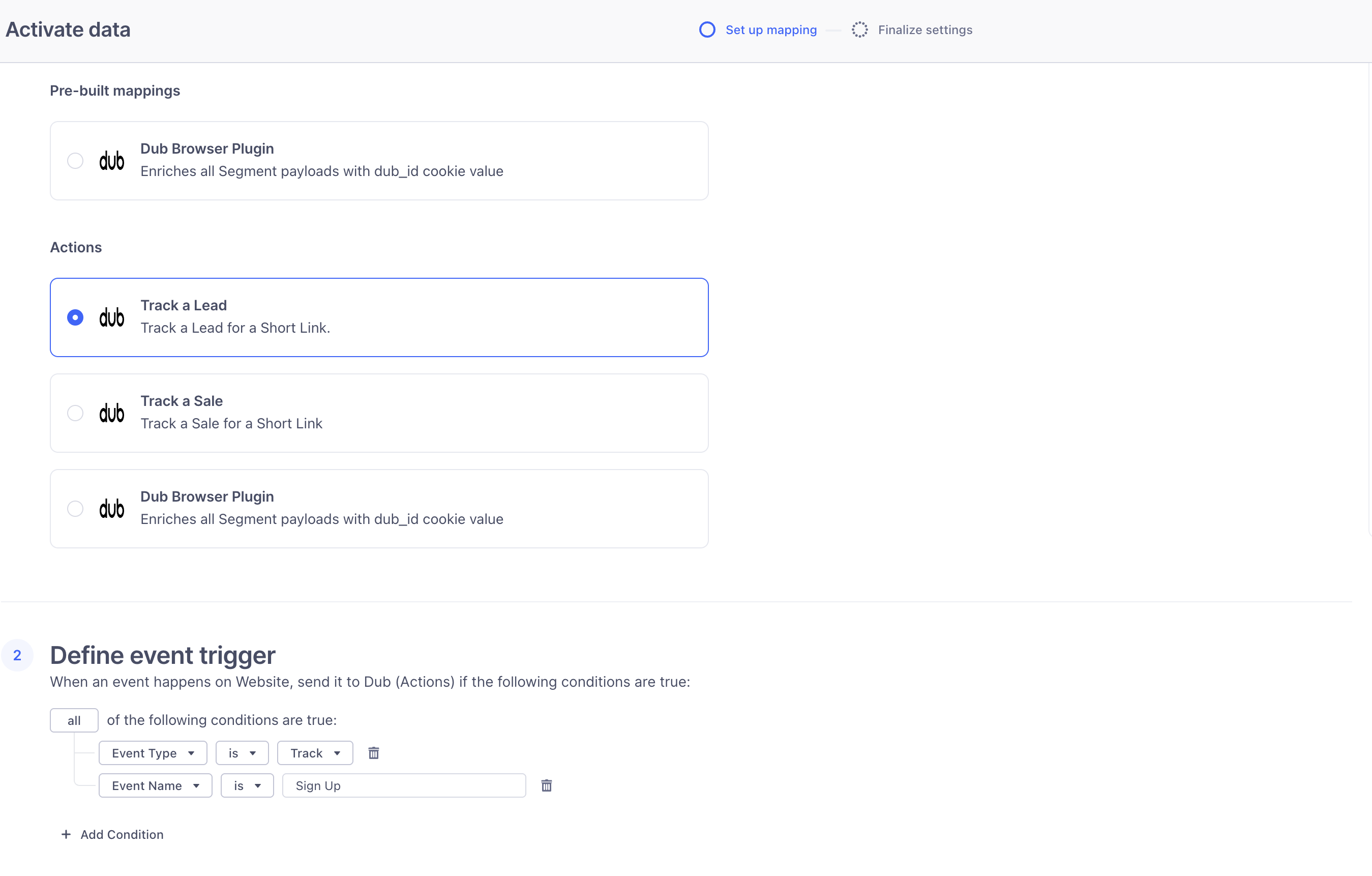 Below the selected action, you’ll see the mapping for that action.
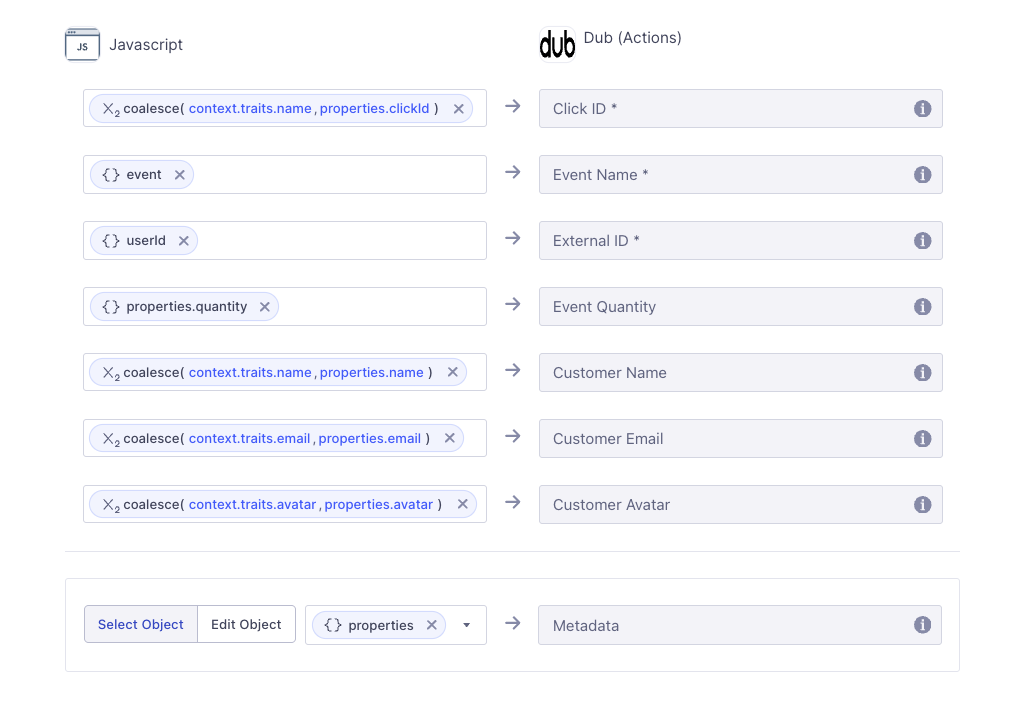 You can customize the trigger and mapping to fit the specific needs of your application.
Finally, click **Next** and then **Save and enable** to add the mapping to the destination.
You can customize the trigger and mapping to fit the specific needs of your application.
Finally, click **Next** and then **Save and enable** to add the mapping to the destination.
 In your bucket settings, copy the **S3 API** value – you'll need it in Step 3.
 Then, click **Create API Token**.
 Make sure to name your API token something relevant to the service that will be using the token.
Give it "Object Read & Write" permissions, and we recommend only applying ito to a single bucket.
You can leave the remaining settings (TTL, Client IP Address Filtering) as is, and click **Create API Token**.
After you create you token, copy the `Access Key ID` and `Secret Access Key` values – you'll need them in the next step.
Make sure to name your API token something relevant to the service that will be using the token.
Give it "Object Read & Write" permissions, and we recommend only applying ito to a single bucket.
You can leave the remaining settings (TTL, Client IP Address Filtering) as is, and click **Create API Token**.
After you create you token, copy the `Access Key ID` and `Secret Access Key` values – you'll need them in the next step.
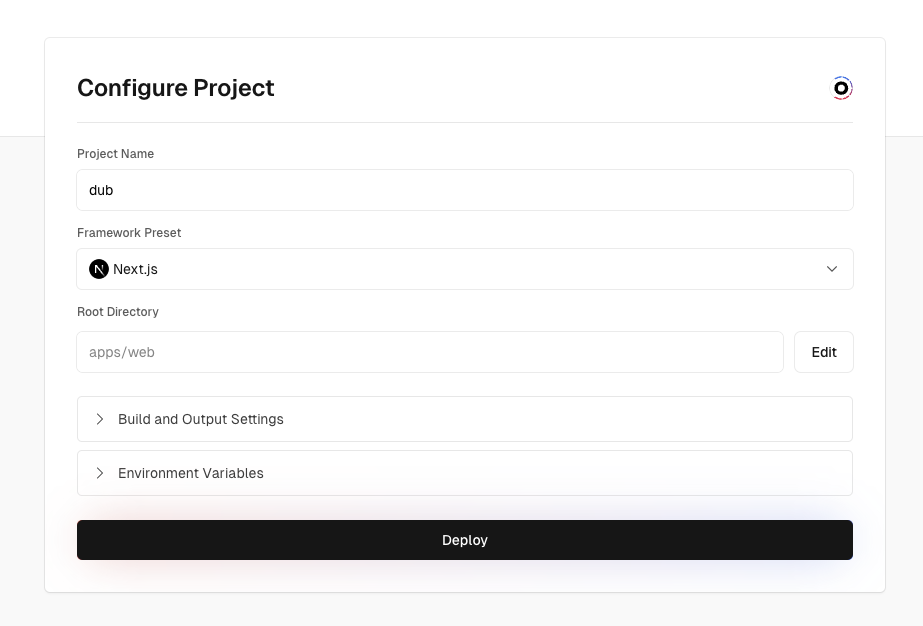 In the **Environment Variables** section, add all of the environment variables from your `.env` file by copying all of them and pasting it into the first input field. A few notes:
* Remove the `PROJECT_ID_VERCEL` environment variable for now since we will only get the project ID after deploying the project.
* Replace the `NEXTAUTH_URL` environment variable with the app domain that you will be using (e.g. `https://app.acme.com`).
Click on **Deploy** to deploy your project.
In the **Environment Variables** section, add all of the environment variables from your `.env` file by copying all of them and pasting it into the first input field. A few notes:
* Remove the `PROJECT_ID_VERCEL` environment variable for now since we will only get the project ID after deploying the project.
* Replace the `NEXTAUTH_URL` environment variable with the app domain that you will be using (e.g. `https://app.acme.com`).
Click on **Deploy** to deploy your project.
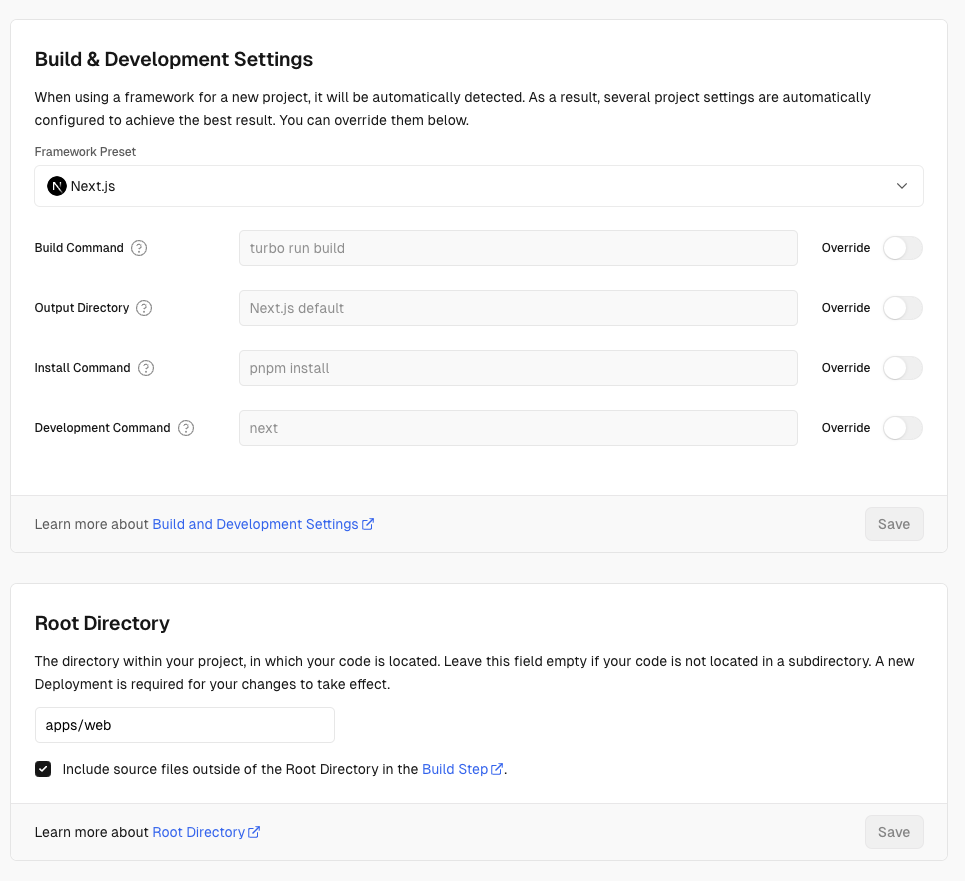
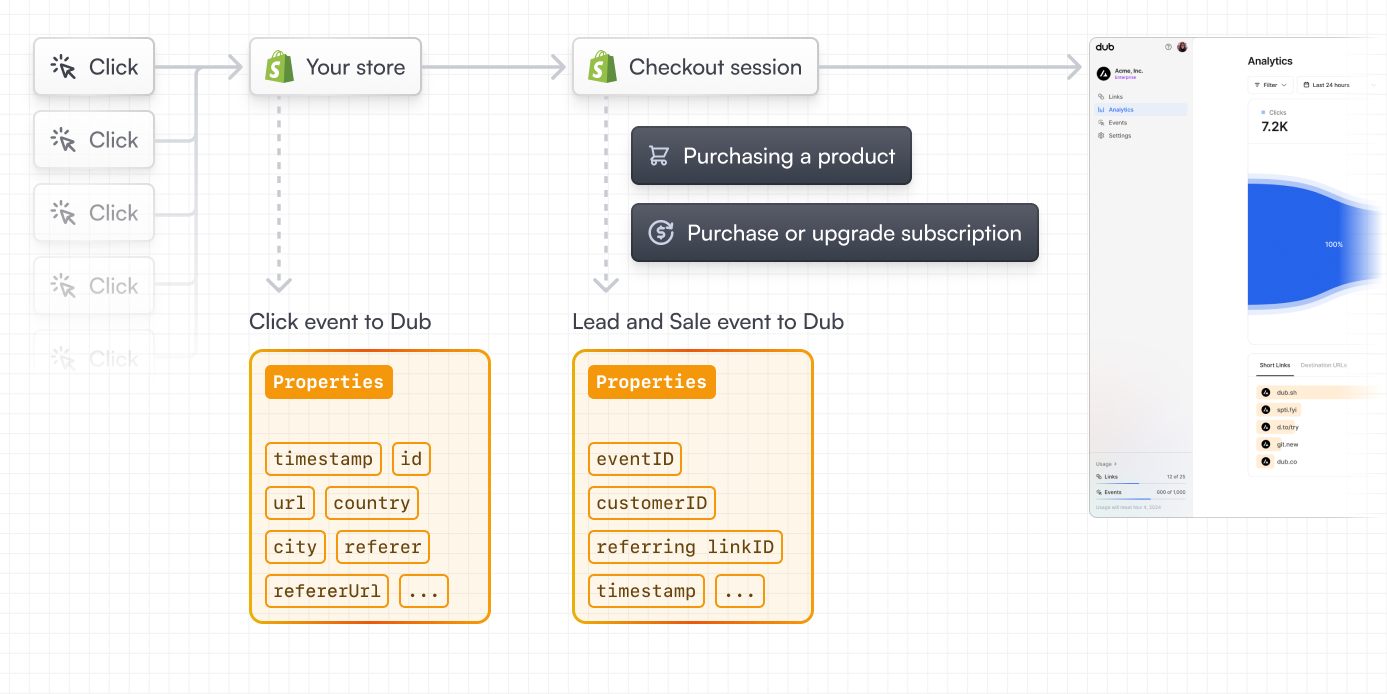 In this guide, we will be focusing on tracking sale events from Shopify by leveraging Dub's Shopify integration.
## Step 1: Enable conversion tracking for your links
First, you'll need to enable conversion tracking for your Dub links to be able to start tracking conversions.
There are a few ways to do this:
1. [On a workspace-level](/conversions/quickstart#option-1-on-a-workspace-level)
2. [On a link-level](/conversions/quickstart#option-2-on-a-link-level)
3. [Via the API](/conversions/quickstart#option-3-via-the-api)
## Step 2: Install the Dub Shopify app
In this guide, we will be focusing on tracking sale events from Shopify by leveraging Dub's Shopify integration.
## Step 1: Enable conversion tracking for your links
First, you'll need to enable conversion tracking for your Dub links to be able to start tracking conversions.
There are a few ways to do this:
1. [On a workspace-level](/conversions/quickstart#option-1-on-a-workspace-level)
2. [On a link-level](/conversions/quickstart#option-2-on-a-link-level)
3. [Via the API](/conversions/quickstart#option-3-via-the-api)
## Step 2: Install the Dub Shopify app
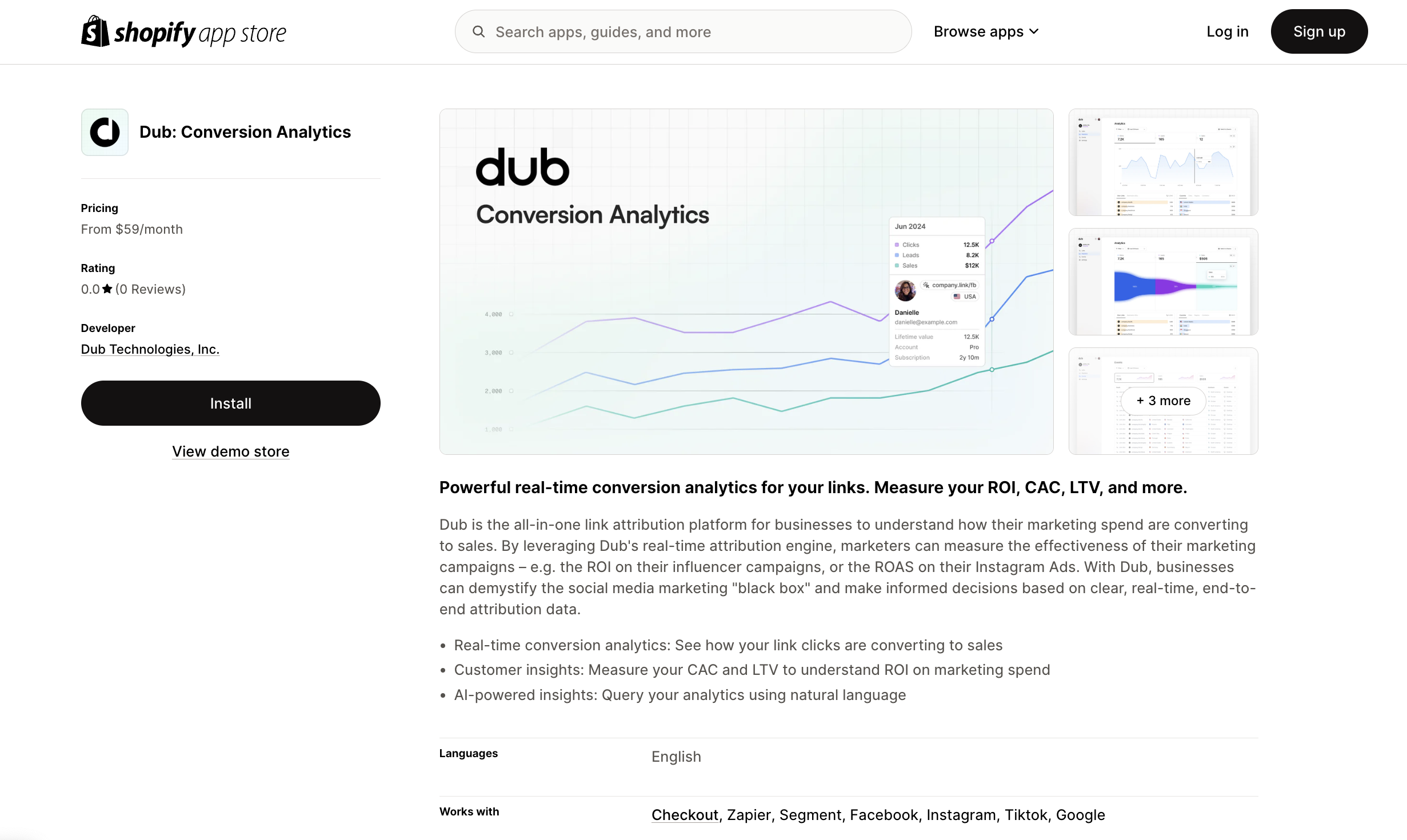
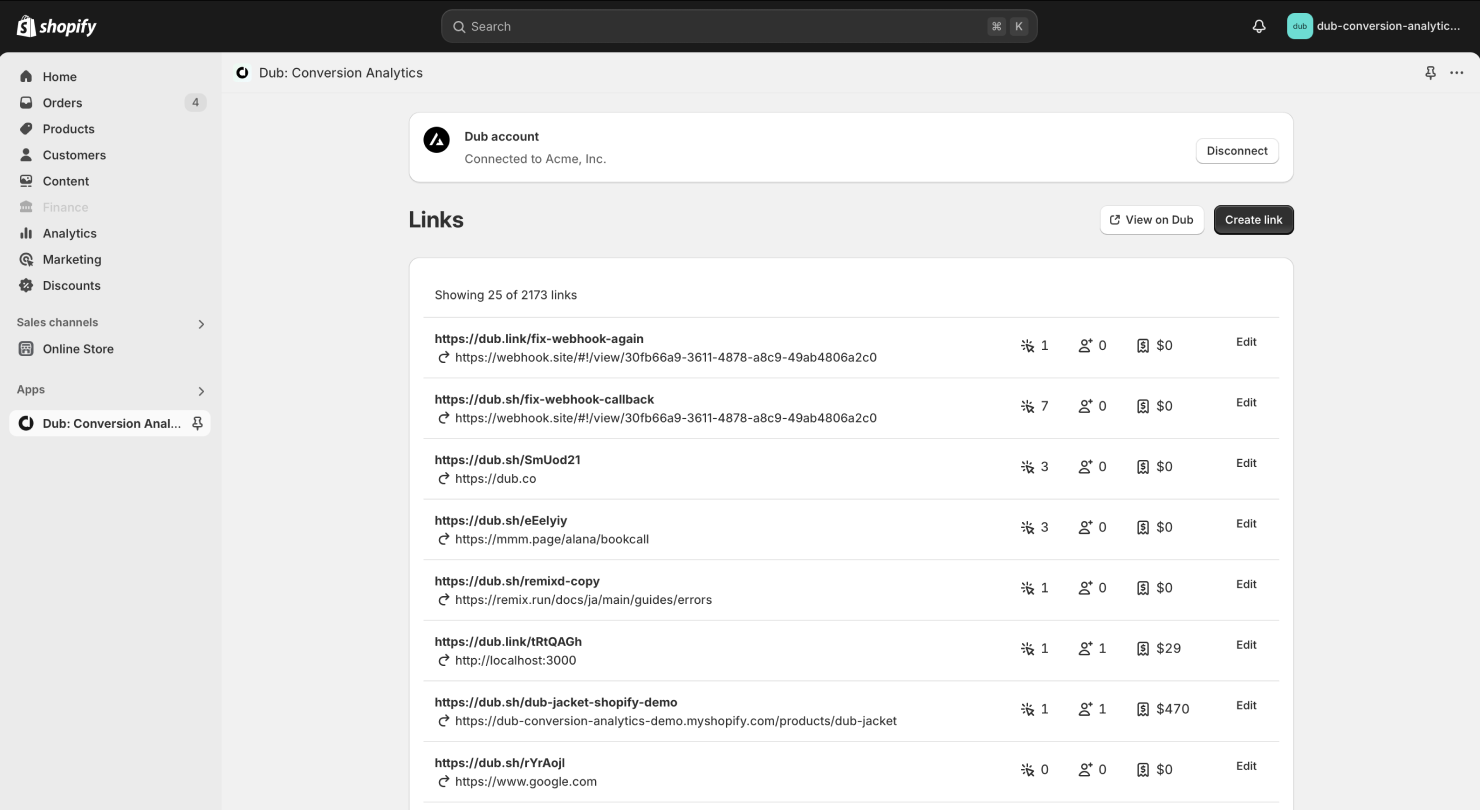 With the Shopify app, you can also create [conversion-enabled links](/conversions//quickstart#step-1%3A-enable-conversion-tracking-for-your-links) directly from your Shopify store:
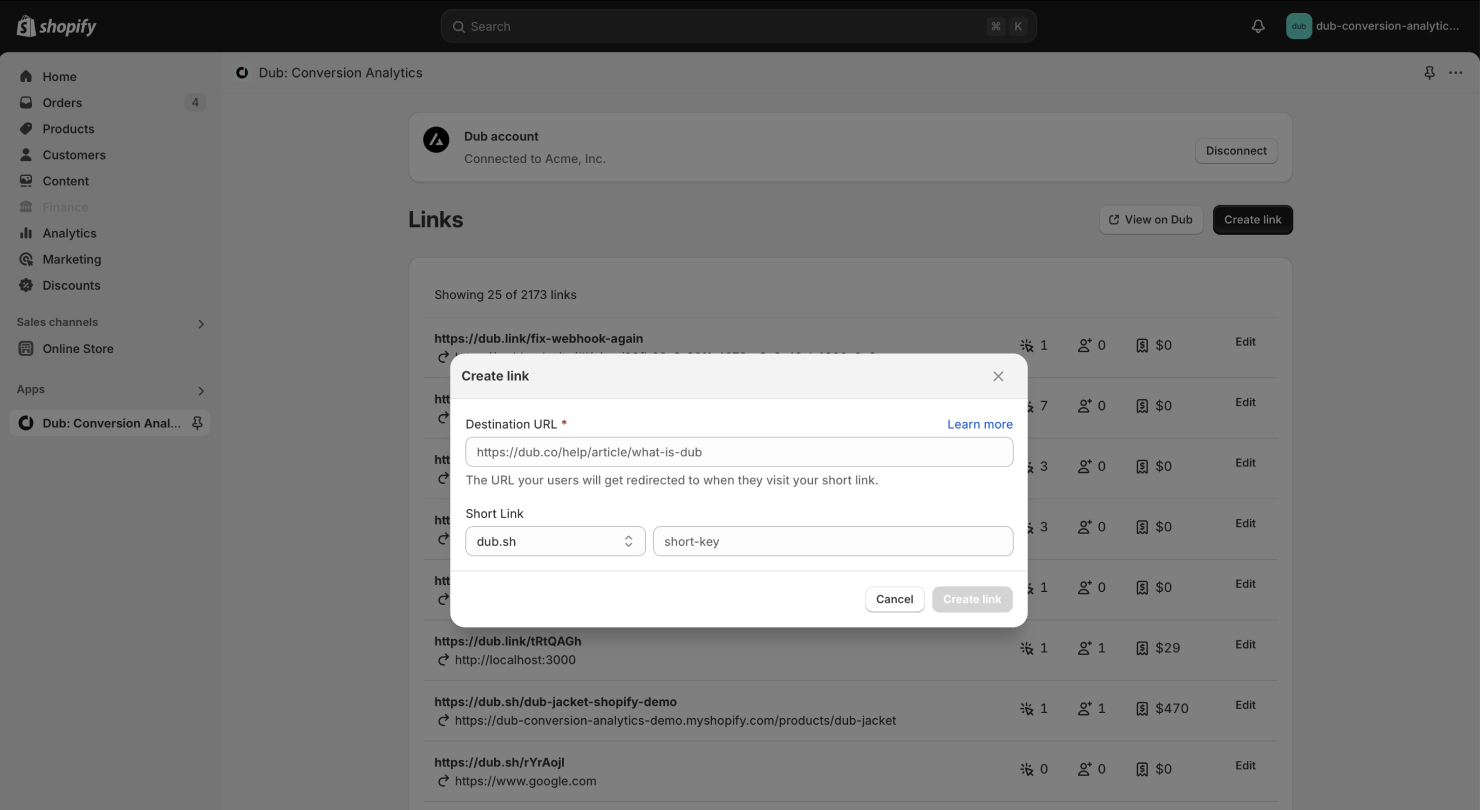 If you want a more powerful link builder, you can also use the [Dub Link Builder](https://dub.co/help/article/dub-link-builder) to create conversion-enabled links.
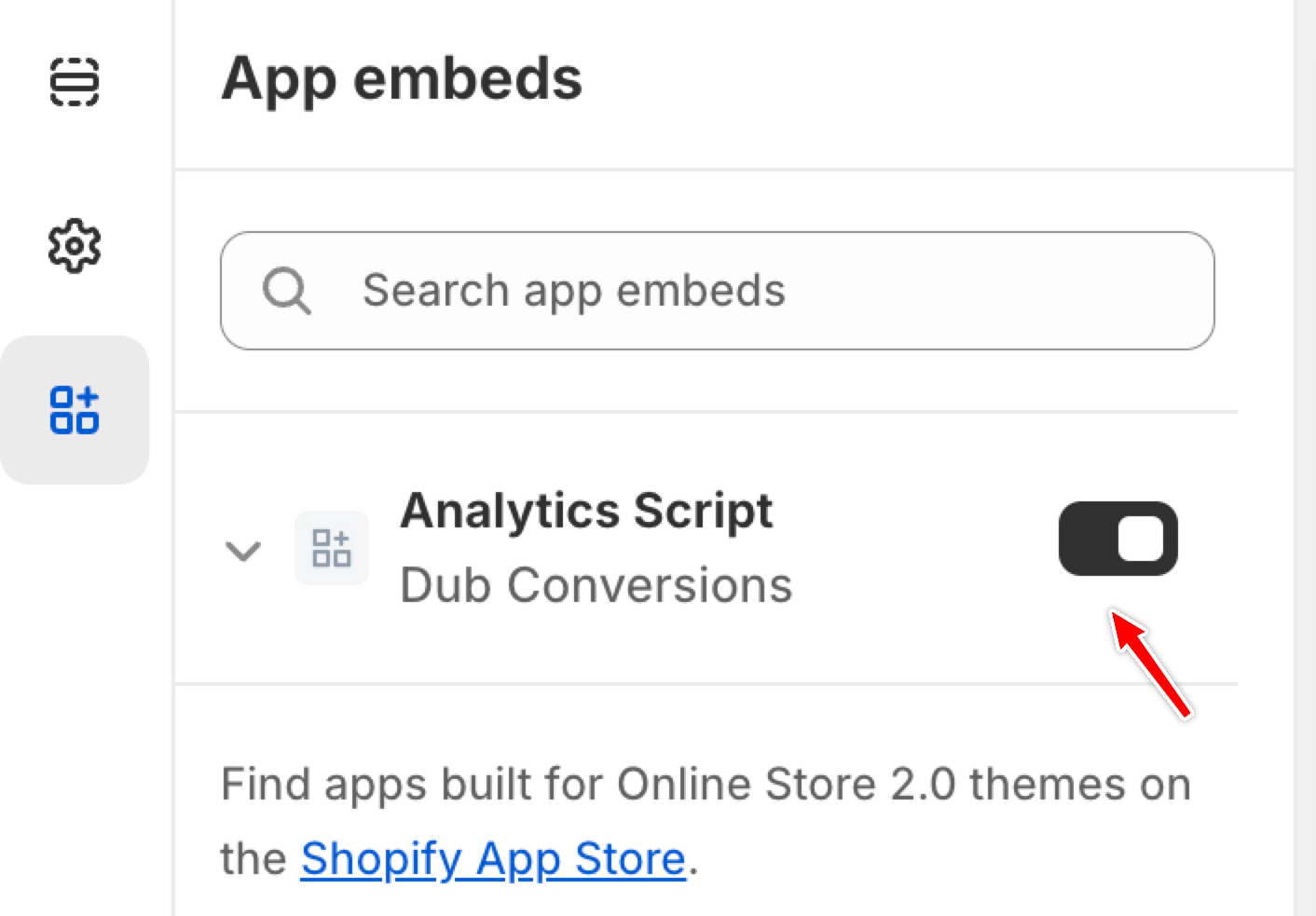
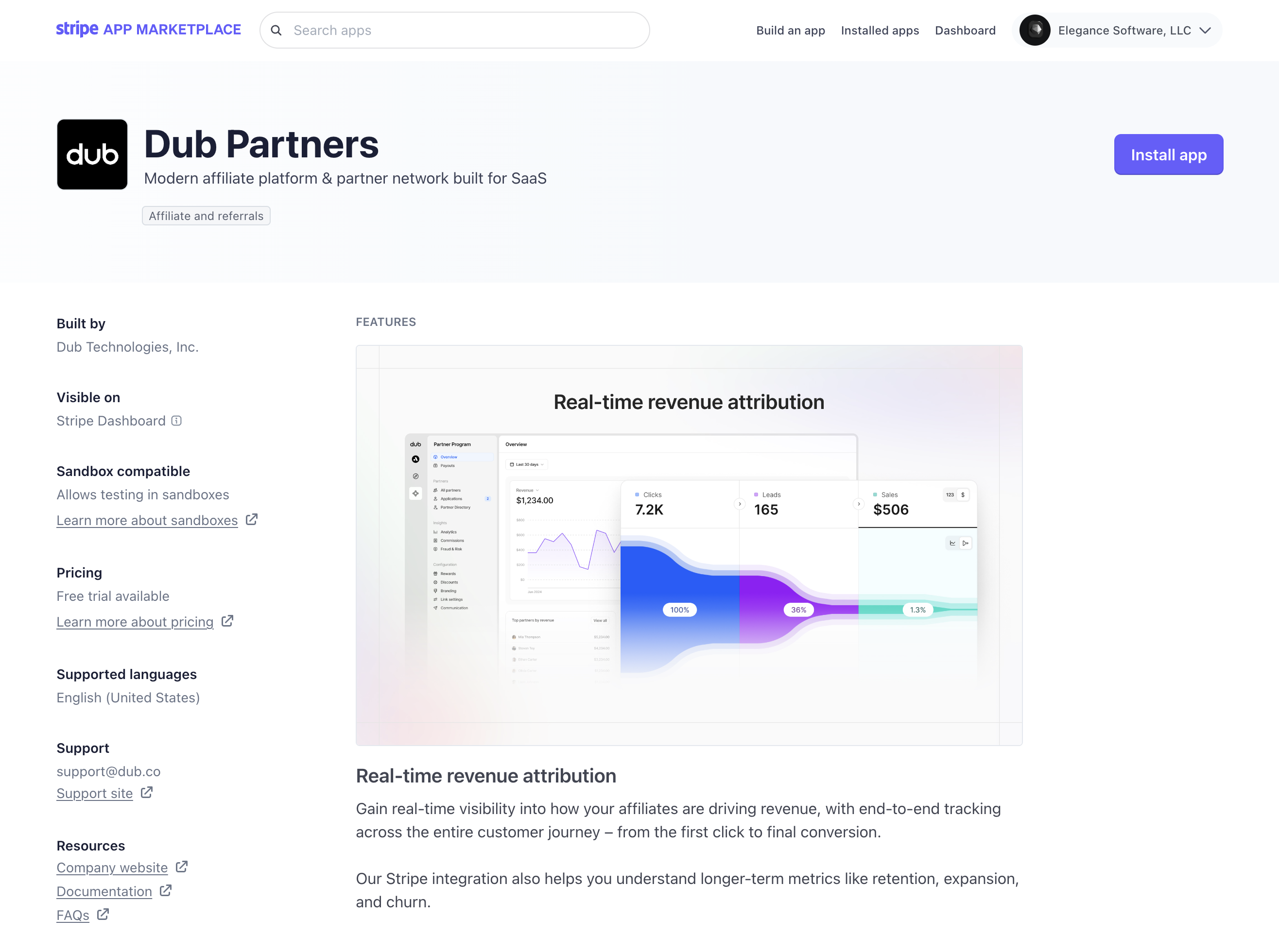
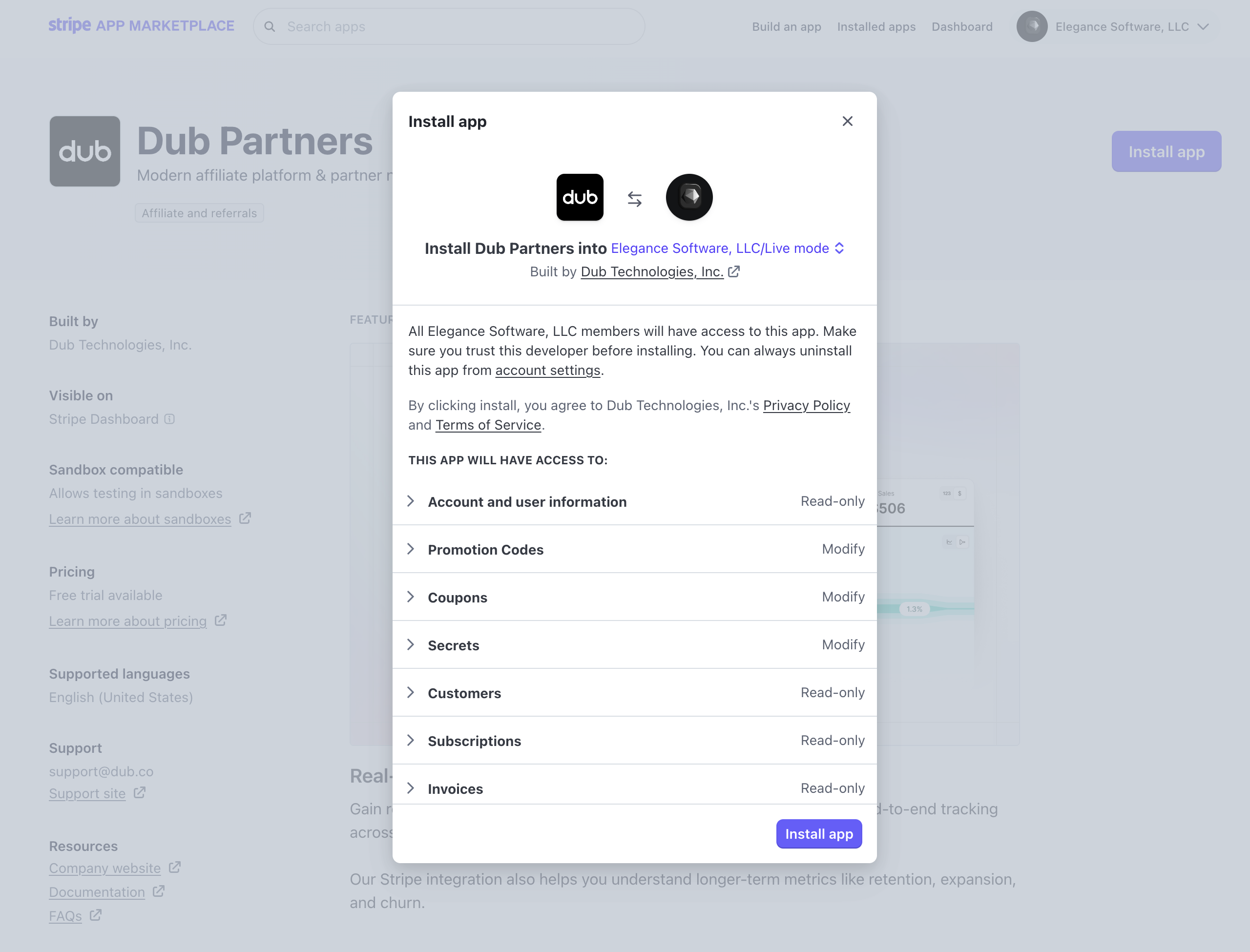
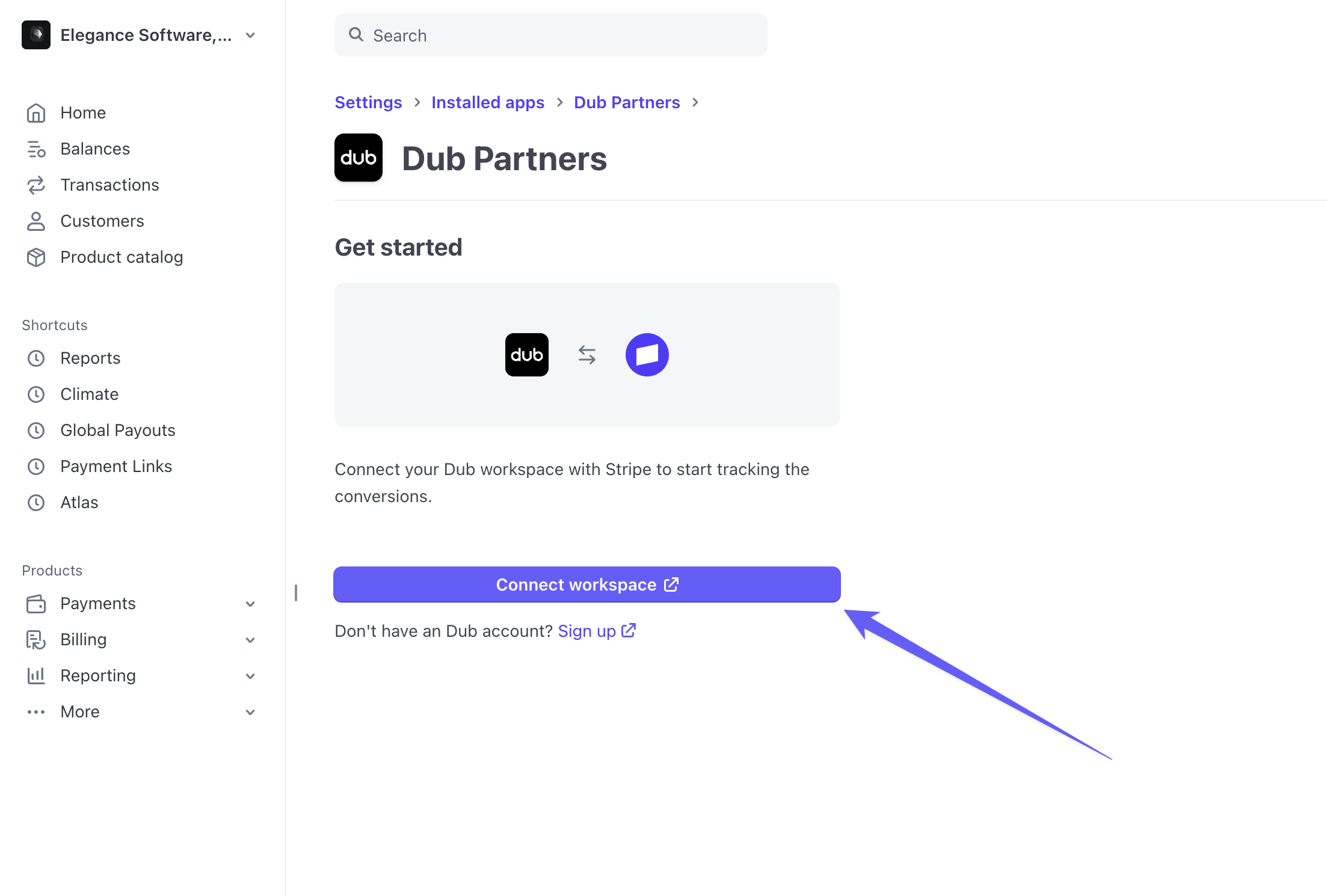 This will redirect you to the [Dub OAuth flow](/integrations/quickstart), where you can select the Dub workspace you want to connect to your Stripe account.
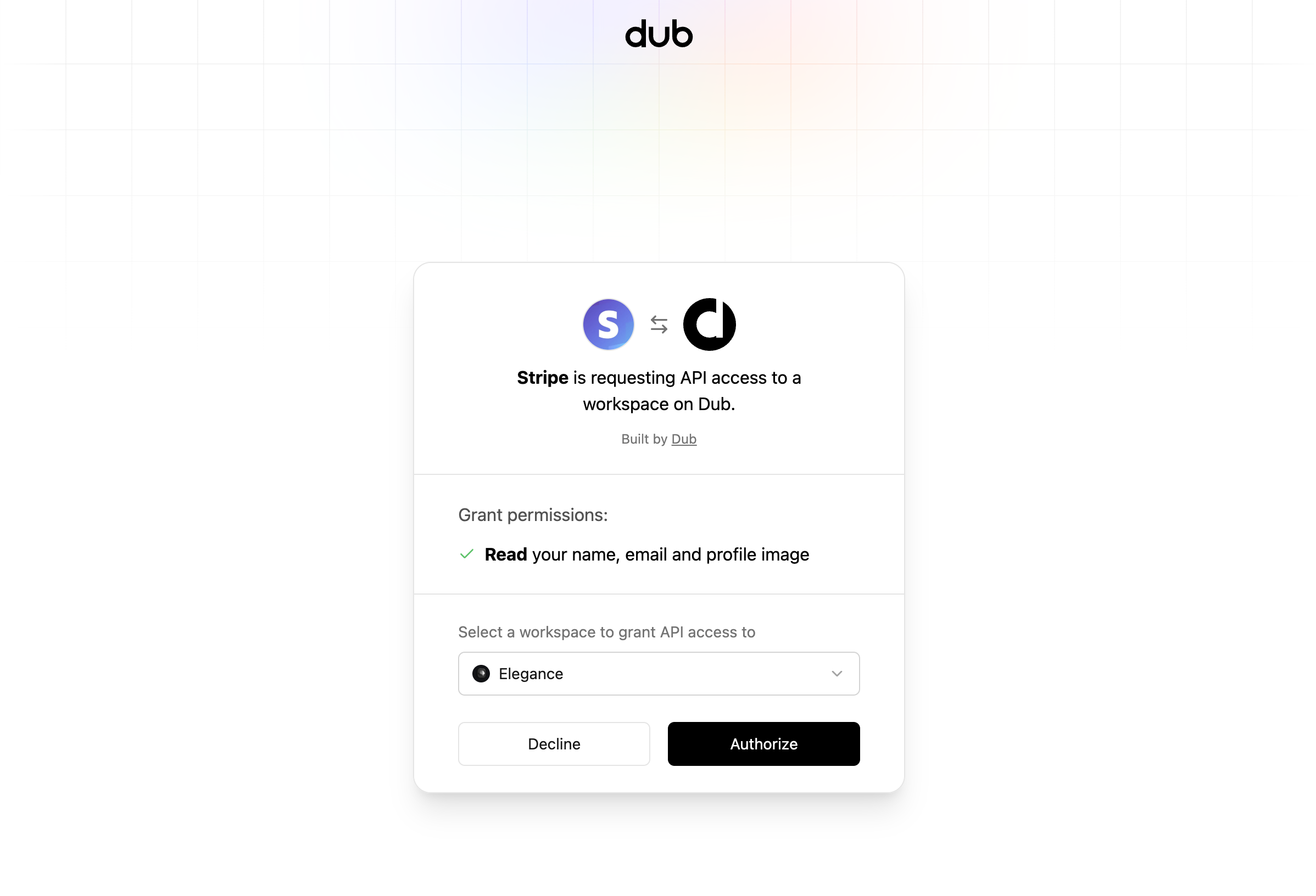 Once you click on **Authorize**, you will be redirected back to the Dub app settings page on Stripe, where you should see that the integration is now installed.
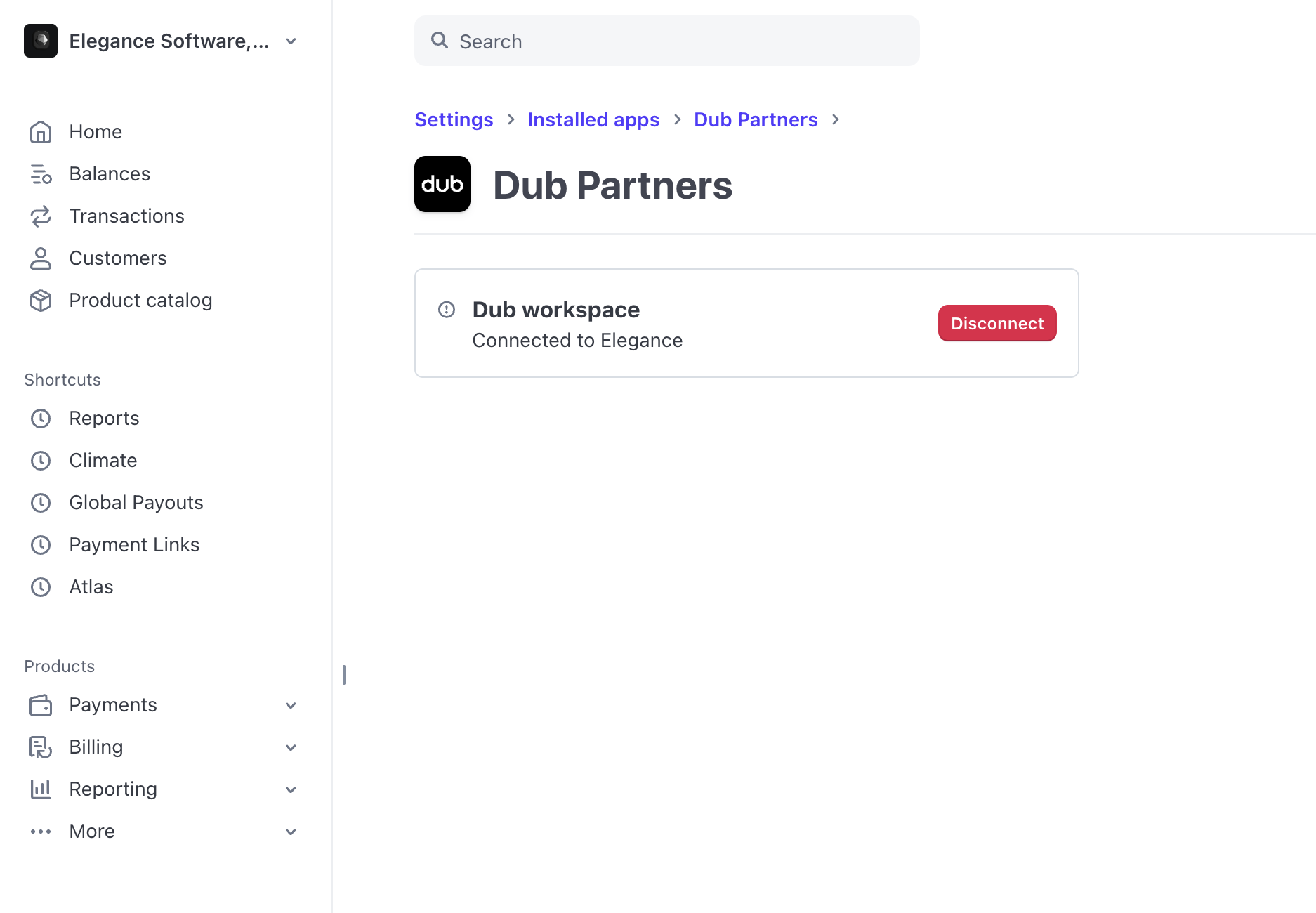
 Finally, when the user completes the checkout flow, Dub will automatically [track the sale event](/api-reference/endpoint/track-sale) and [update the customer's `customerExternalId`](/api-reference/endpoint/update-a-customer) with their Stripe customer ID for future reference.
Alternatively, if you have a marketing site that you're redirecting your users to first, you can do this instead:
1. [Install the @dub/analytics client-side SDK](/sdks/client-side/introduction), which automatically detects the `dub_id` in the URL and stores it as a first-party cookie on your site.
2. Then, retrieve and append the `dub_id` value as the `client_reference_id` parameter to the payment links on your pricing page / CTA button (prefixed with `dub_id_`).
```
https://buy.stripe.com/xxxxxx?client_reference_id=dub_id_xxxxxxxxxxxxxx
```
Finally, when the user completes the checkout flow, Dub will automatically [track the sale event](/api-reference/endpoint/track-sale) and [update the customer's `customerExternalId`](/api-reference/endpoint/update-a-customer) with their Stripe customer ID for future reference.
Alternatively, if you have a marketing site that you're redirecting your users to first, you can do this instead:
1. [Install the @dub/analytics client-side SDK](/sdks/client-side/introduction), which automatically detects the `dub_id` in the URL and stores it as a first-party cookie on your site.
2. Then, retrieve and append the `dub_id` value as the `client_reference_id` parameter to the payment links on your pricing page / CTA button (prefixed with `dub_id_`).
```
https://buy.stripe.com/xxxxxx?client_reference_id=dub_id_xxxxxxxxxxxxxx
```
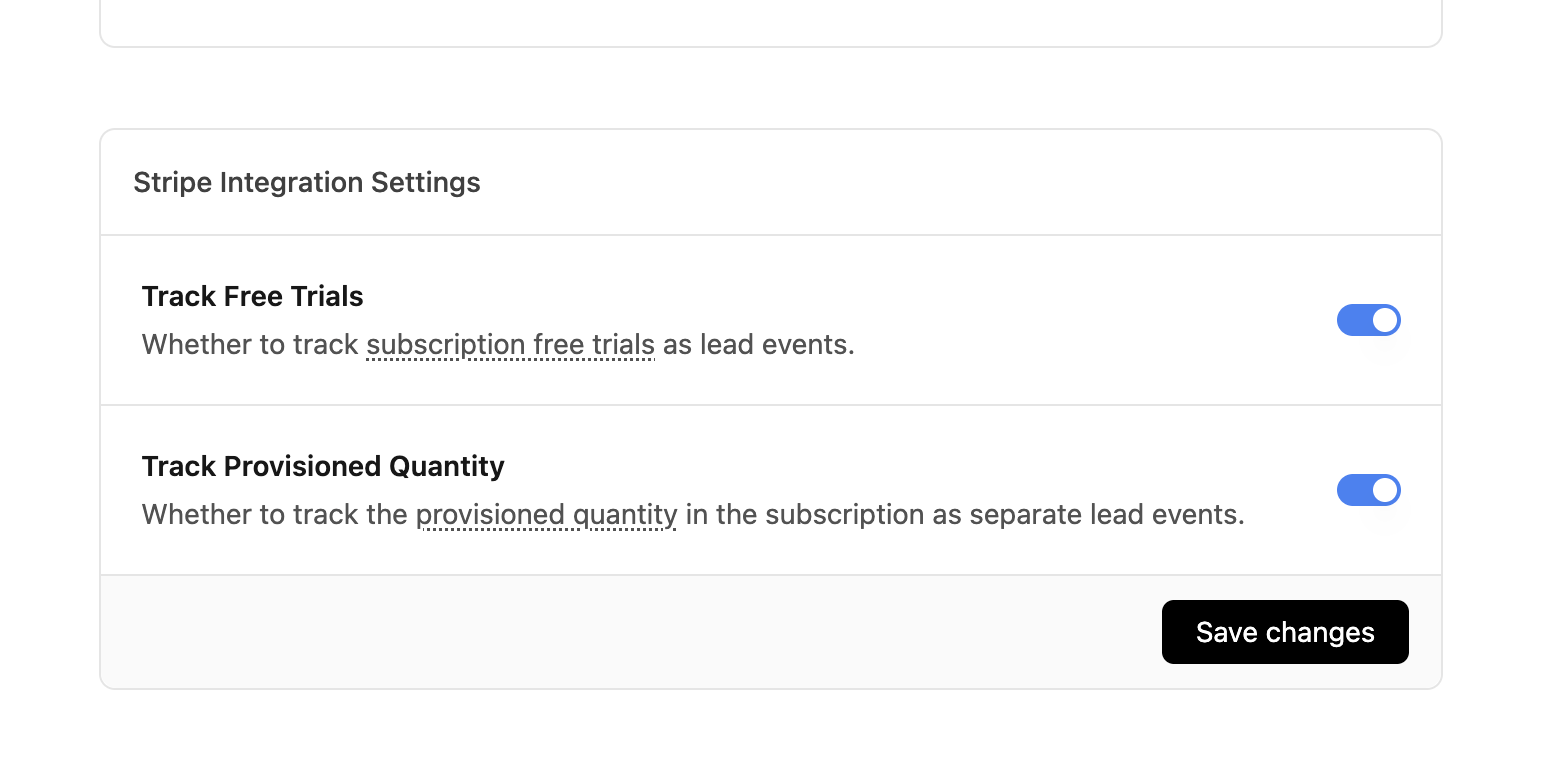 Optionally, you can also configure the integration to track the [provisioned quantity](https://docs.stripe.com/billing/subscriptions/quantities) in the subscription as separate lead events.
This is useful if you have a [lead-based reward](https://dub.co/help/article/partner-rewards#configuring-reward-types) for your [partner program](https://dub.co/partners) and want to reward partners for each unit of the subscription that their customers purchase (e.g. \$50 per lead/provisioned seat).
Optionally, you can also configure the integration to track the [provisioned quantity](https://docs.stripe.com/billing/subscriptions/quantities) in the subscription as separate lead events.
This is useful if you have a [lead-based reward](https://dub.co/help/article/partner-rewards#configuring-reward-types) for your [partner program](https://dub.co/partners) and want to reward partners for each unit of the subscription that their customers purchase (e.g. \$50 per lead/provisioned seat).
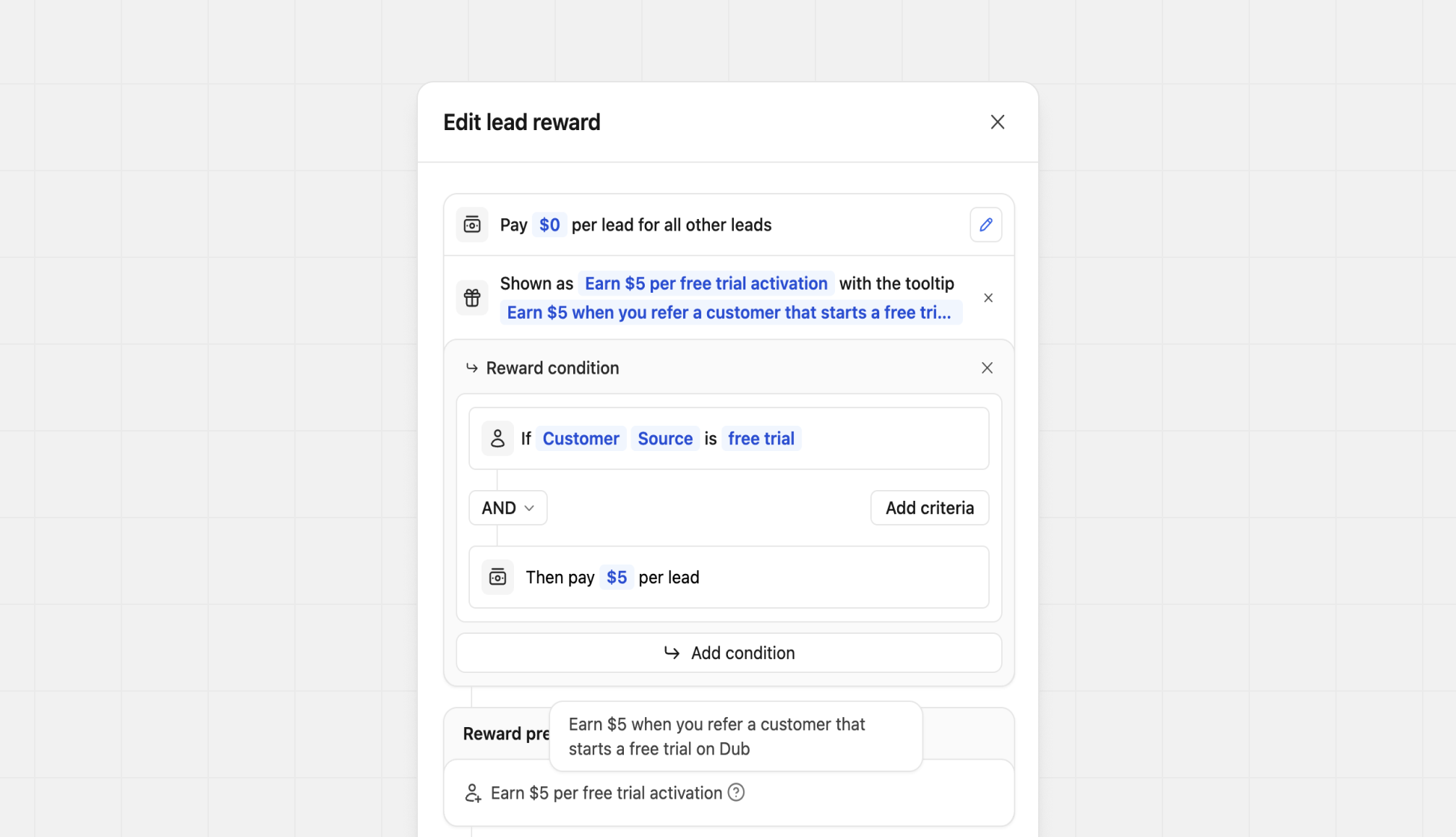
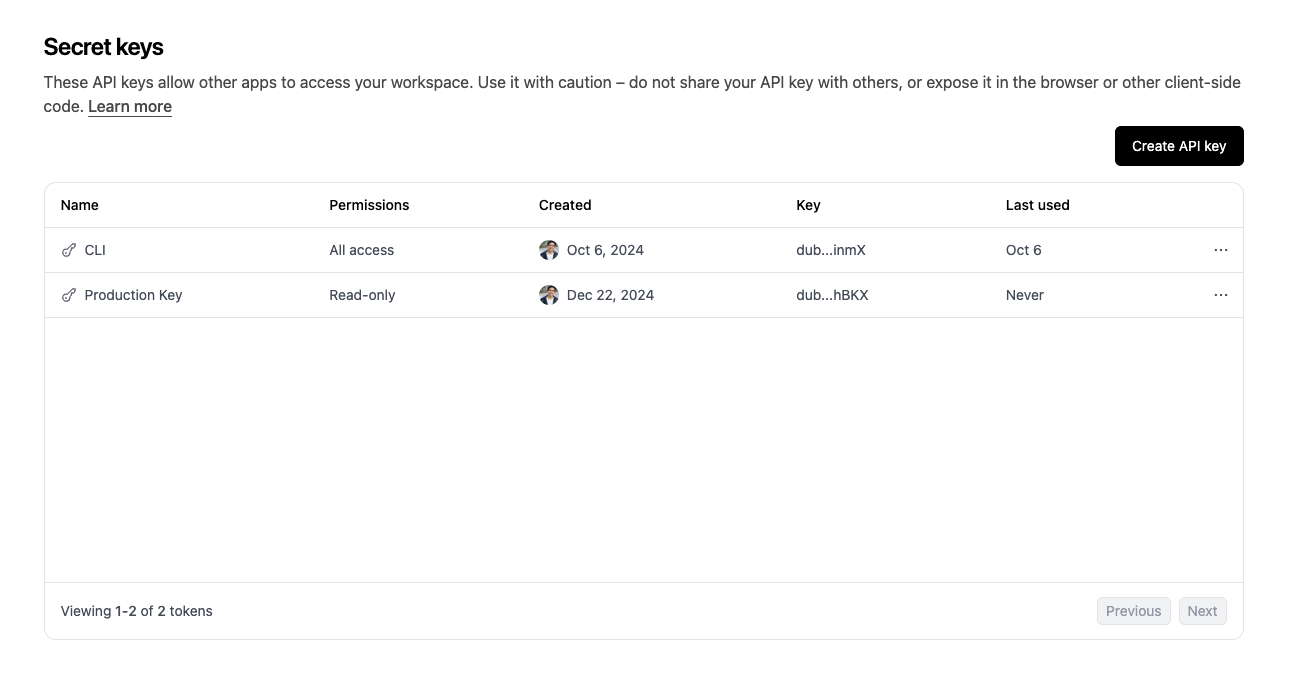
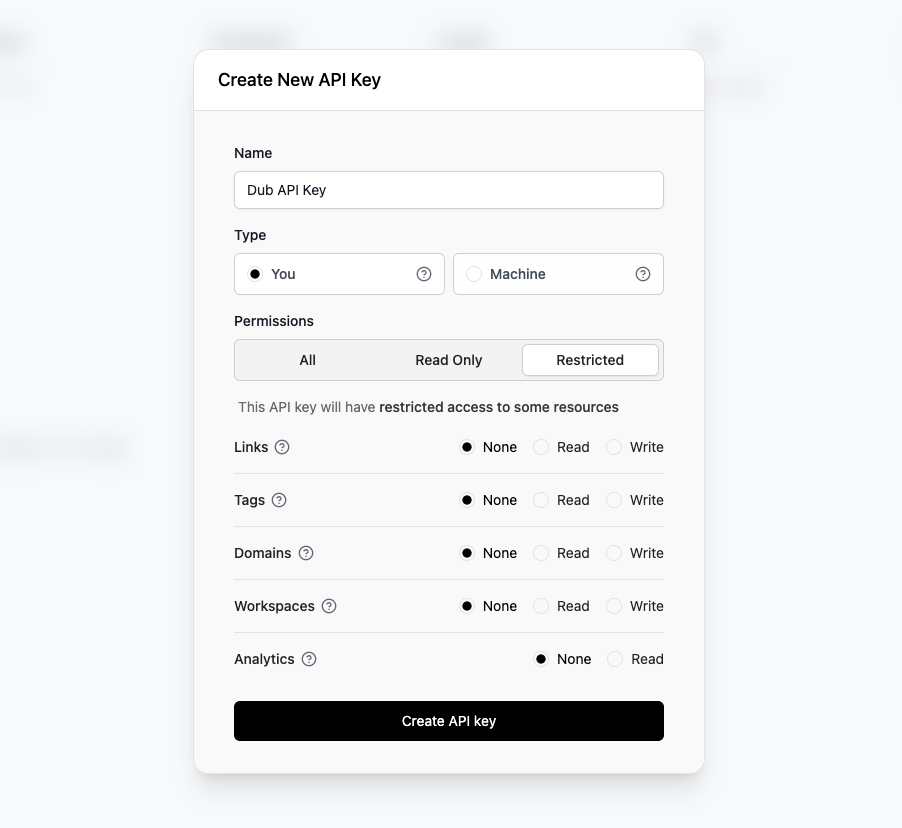 Click on the **Create API Key** button to create the key. Make sure to copy your API key and store it in a safe place. You won't be able to see it again.
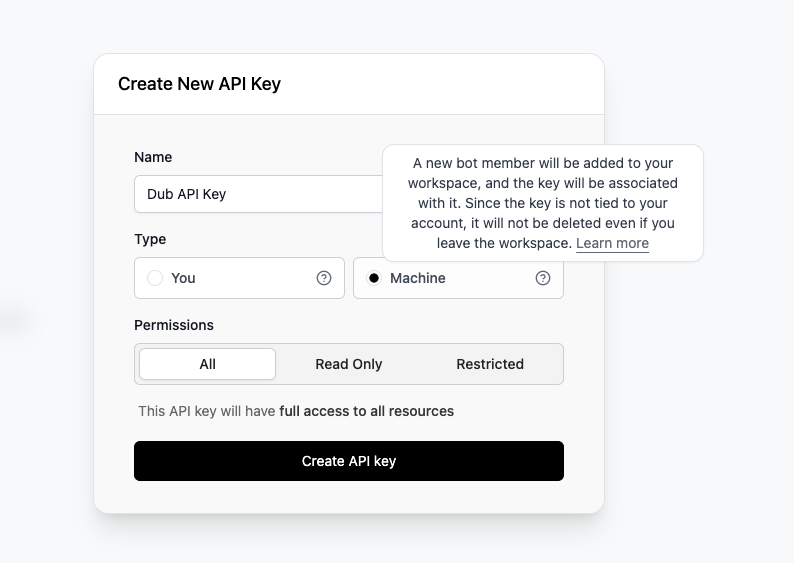 These machine users will show up on your workspace's **People** tab, but will not contribute to your workspace's user count.
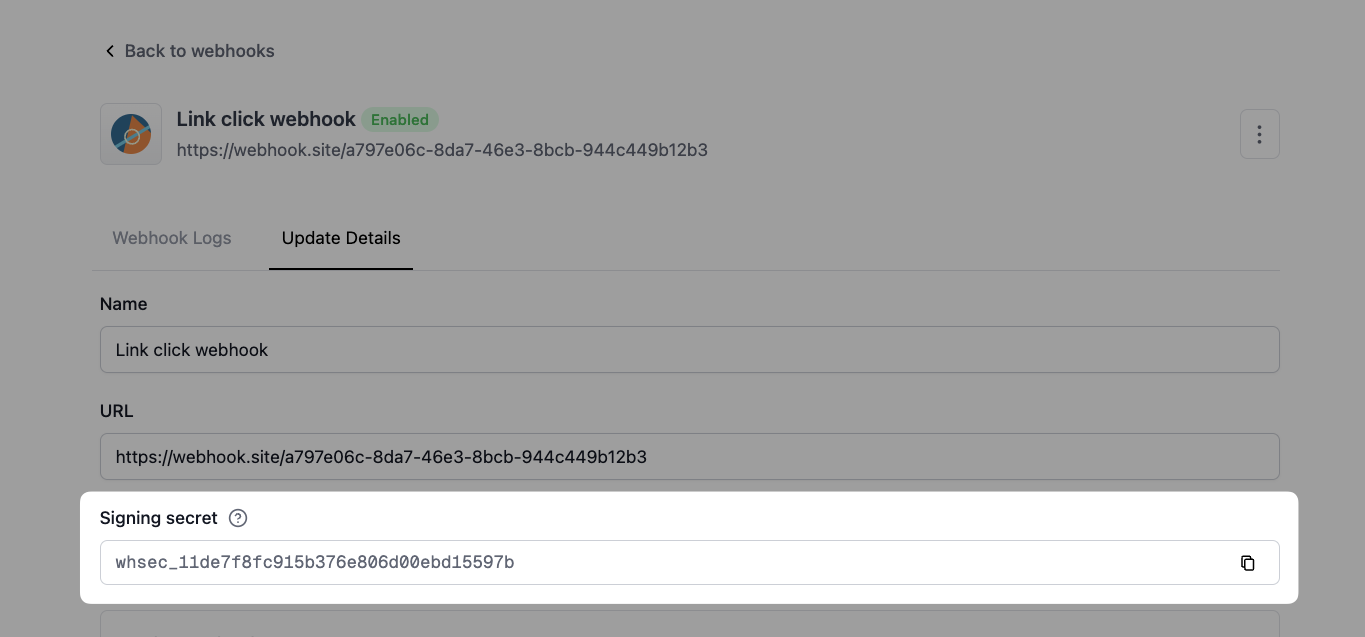 Make sure to keep this secret safe by only storing it in a secure environment variable (e.g. `DUB_WEBHOOK_SECRET`). Do not commit it to git or add it in any client-side code.
## Verifying a webhook request
To verify, you can use the secret key to generate your own signature for each webhook. If both signatures match then you can be sure that a received event came from Dub.
The steps required are:
1. Get the raw body of the request.
2. Extract the signature from the `Dub-Signature` header.
3. Calculate the HMAC of the raw body using the `SHA-256` hash function and the secret.
4. Compare the calculated `HMAC` with the one sent in the `Dub-Signature` header. If they match, the webhook is verified.
Here's an example of how you can verify a webhook request in different languages:
Make sure to keep this secret safe by only storing it in a secure environment variable (e.g. `DUB_WEBHOOK_SECRET`). Do not commit it to git or add it in any client-side code.
## Verifying a webhook request
To verify, you can use the secret key to generate your own signature for each webhook. If both signatures match then you can be sure that a received event came from Dub.
The steps required are:
1. Get the raw body of the request.
2. Extract the signature from the `Dub-Signature` header.
3. Calculate the HMAC of the raw body using the `SHA-256` hash function and the secret.
4. Compare the calculated `HMAC` with the one sent in the `Dub-Signature` header. If they match, the webhook is verified.
Here's an example of how you can verify a webhook request in different languages: