# Datafold
> This integration supports both Azure Data Lake Storage and Azure Blob Storage.
---
# Source: https://docs.datafold.com/integrations/databases/adls.md
# Azure Data Lake Storage (ADLS)
This integration supports both Azure Data Lake Storage and Azure Blob Storage.
**Steps to complete:**
1. [Create an app and service principal in Microsoft Entra](#create-an-app-and-service-principal-in-microsoft-entra)
2. [Configure your data connection in Datafold](#configure-your-data-connection-in-datafold)
3. [Create your first file diff](#create-your-first-file-diff)
## Create an app and service principal in Microsoft Entra
Create an app and service principal in Entra using a client secret (not certificate). Check out [Microsoft's documentation](https://learn.microsoft.com/en-us/entra/architecture/service-accounts-principal) on this topic if you need help.
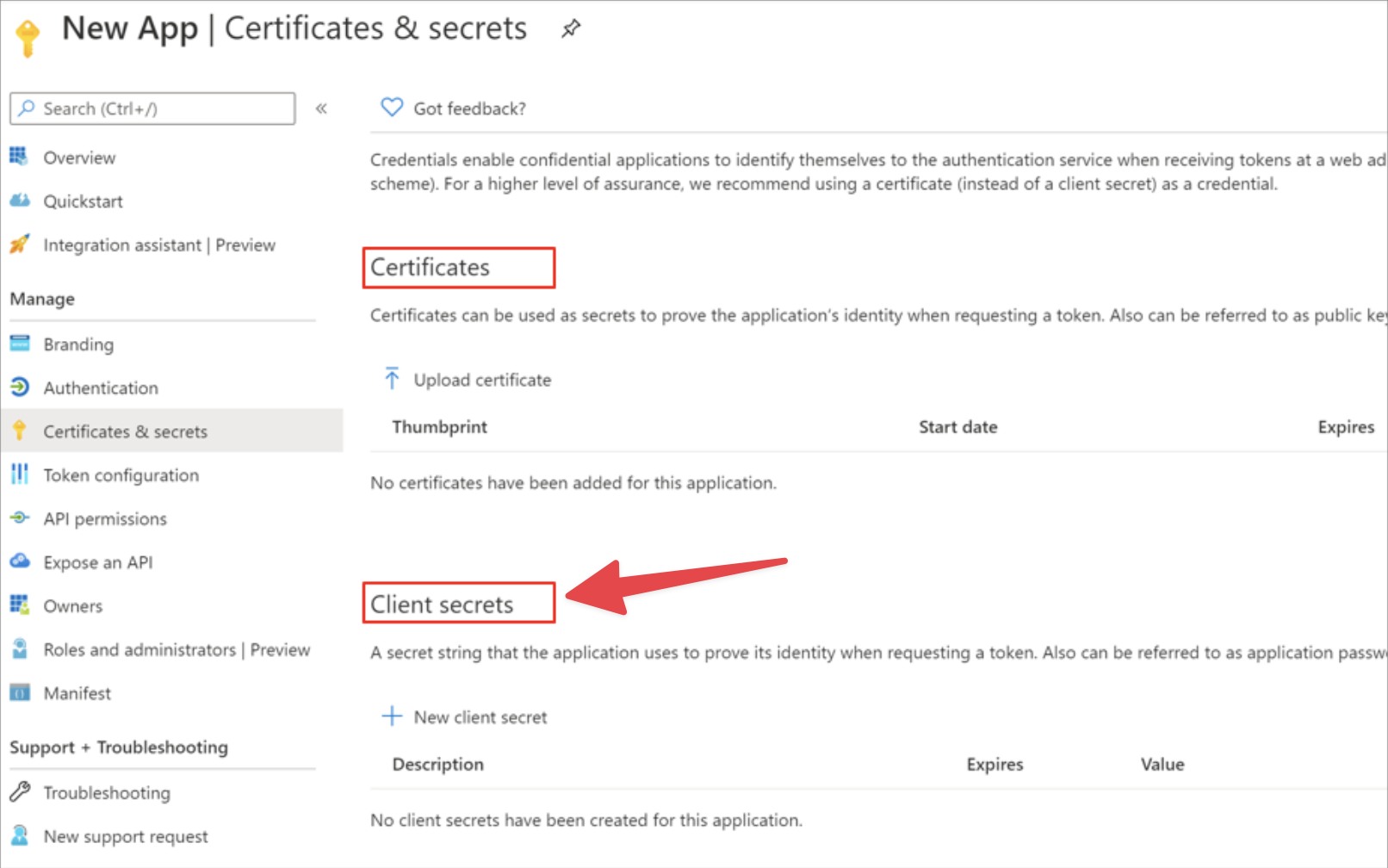 ## Configure your data connection in Datafold
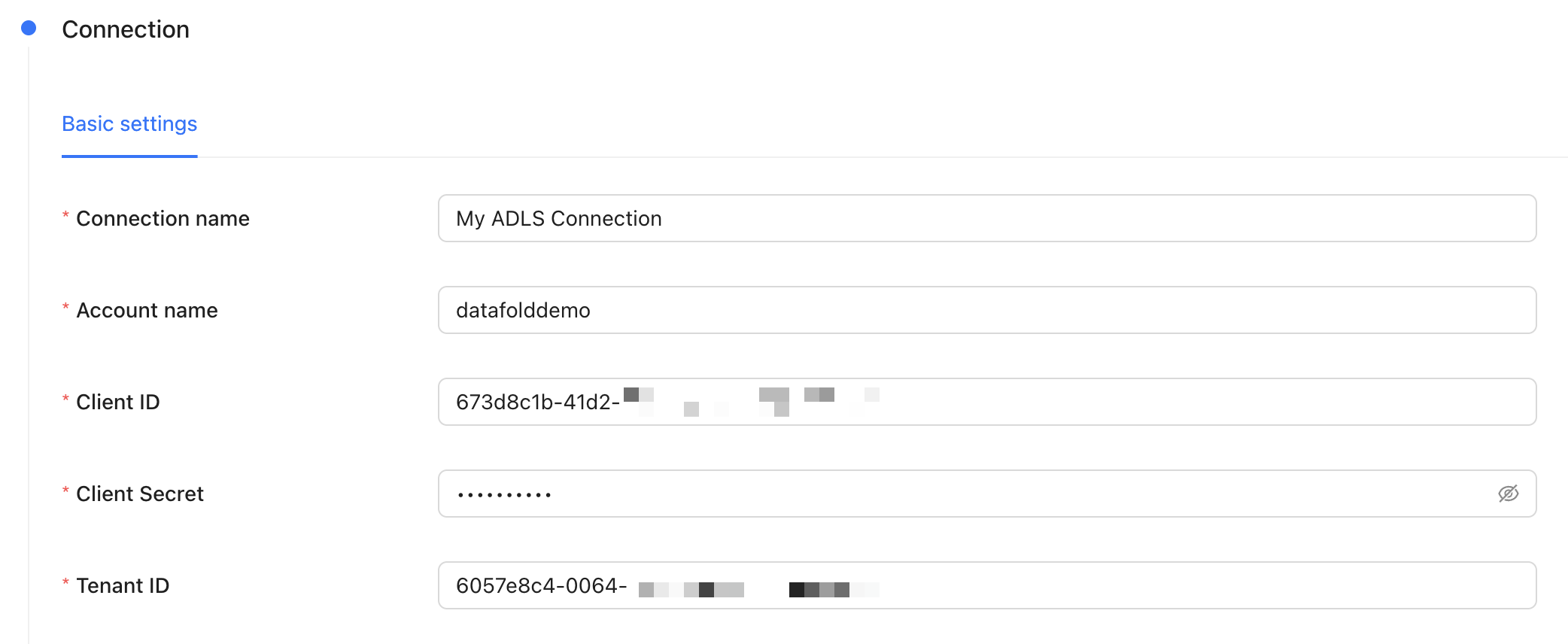 | Field Name | Description |
| --------------- | -------------------------------------------------------------------------------------------------------- |
| Connection name | The name you'd like to give to this connection in Datafold |
| Account Name | This is in the URL of any filepath in ADLS, e.g. `.dfs.core.windows.net//` |
| Client ID | The client ID of the app you created in Microsoft Entra |
| Client Secret | The client secret of the app you created in Microsoft Entra |
| Tenant ID | The tenant ID of the app you created in Microsoft Entra |
## Create your first file diff
For general guidance on how file diffs work in Datafold, check out our [file diffing docs](/data-diff/file-diffing).
When creating a diff, note that the file path you provide may differ depending on whether you're using ADLS or Blob Storage. For example:
* ADLS: `abfss:////.`
* Blob Storage: `az:////.`
---
# Source: https://docs.datafold.com/integrations/databases/amazon-s3.md
# Amazon S3
**Steps to complete:**
1. [Create a user with access to S3](/integrations/databases/google-cloud-storage#create-a-service-account)
2. [Assign the user to the S3 bucket](/integrations/databases/google-cloud-storage#service-account-access-and-permissions)
3. [Create an access key for the user](/integrations/databases/google-cloud-storage#generate-a-service-account-key)
4. [Configure your data connection in Datafold](/integrations/databases/google-cloud-storage#configure-in-datafold)
## Create a user with access to S3
To connect your Amazon S3 bucket, you will need to create a user for Datafold to use.
* Navigate to the [AWS Console](https://console.aws.amazon.com/).
* Click on the search bar in the top header, then find **IAM** service and click on it.
* Click on the **Users** item of the Access Management section.
* Click on the **Create user** button.
* Create a user named `Datafold`.
* Assign the user to the `AmazonS3FullAccess` policy.
* When done, keep ARN of the user handy as you'll need it in the next step.
## Assign the user to the S3 bucket
* Go to S3 panel and select the bucket.
* Click on the **Permissions** tab.
* Click on **Edit** next to the **Bucket Policy**.
* Add the following policy:
```json theme={null}
{
"Version": "2012-10-17",
"Statement": [
{
"Effect": "Allow",
"Principal": {
"AWS": "arn:aws:iam:::user/Datafold" // Replace with your user's ARN
},
"Action": [
"s3:GetObject",
"s3:PutObject" // Optional: Only needed if you're planning to use this data connection as a destination for materialized diff results.
],
"Resource": [
"arn:aws:s3:::your-bucket-name/*", // Replace with your bucket's ARN
"arn:aws:s3:::your-bucket-name" // Replace with your bucket's ARN
]
}
]
}
```
The Datafold user requires the following roles and permissions:
* **s3:GetObject** for read access.
* **s3:PutObject** for write access if you're planning to use this data connection as a destination for materialized diff results.
## Create an access key for the user
Next, go back to the **IAM** page to generate a key for Datafold.
* Click on the **Users** page.
* Click on the **Datafold** user.
* Click on the **Security Credentials** tab.
* Click on **Create access key** and select **Create new access key**.
* Select **JSON** and click **Create**.
## Configure in Datafold
| Field Name | Description |
| --------------------------------------------------------- | ------------------------------------------------------------------------------------------------------------------------------------- |
| Connection name | A name given to the data connection within Datafold |
| Bucket Name | The name of the bucket you want to connect to. |
| Bucket region | The region of the bucket you want to connect to. |
| Key ID | The key file generated in the [Create an access key for the user](#create-an-access-key-for-the-user) step |
| Secret Access Key | The secret access key generated in the [Create an access key for the user](#create-an-access-key-for-the-user) step |
| Directory for writing diff results | Optional. The directory in the bucket where diff results will be written. Service account should have write access to this directory. |
| Default maximum number of rows to include in diff results | Optional. The maximum number of rows that a file with materialized results will contain. |
Click **Create**. Your data connection is ready!
---
# Source: https://docs.datafold.com/deployment-testing/getting-started/universal/api.md
> ## Documentation Index
> Fetch the complete documentation index at: https://docs.datafold.com/llms.txt
> Use this file to discover all available pages before exploring further.
# API
> Learn how to set up and configure Datafold's API for CI/CD testing.
## 1. Create a repository integration
Integrate your code repository using the appropriate [integration](/integrations/code-repositories).
| Field Name | Description |
| --------------- | -------------------------------------------------------------------------------------------------------- |
| Connection name | The name you'd like to give to this connection in Datafold |
| Account Name | This is in the URL of any filepath in ADLS, e.g. `.dfs.core.windows.net//` |
| Client ID | The client ID of the app you created in Microsoft Entra |
| Client Secret | The client secret of the app you created in Microsoft Entra |
| Tenant ID | The tenant ID of the app you created in Microsoft Entra |
## Create your first file diff
For general guidance on how file diffs work in Datafold, check out our [file diffing docs](/data-diff/file-diffing).
When creating a diff, note that the file path you provide may differ depending on whether you're using ADLS or Blob Storage. For example:
* ADLS: `abfss:////.`
* Blob Storage: `az:////.`
---
# Source: https://docs.datafold.com/integrations/databases/amazon-s3.md
# Amazon S3
**Steps to complete:**
1. [Create a user with access to S3](/integrations/databases/google-cloud-storage#create-a-service-account)
2. [Assign the user to the S3 bucket](/integrations/databases/google-cloud-storage#service-account-access-and-permissions)
3. [Create an access key for the user](/integrations/databases/google-cloud-storage#generate-a-service-account-key)
4. [Configure your data connection in Datafold](/integrations/databases/google-cloud-storage#configure-in-datafold)
## Create a user with access to S3
To connect your Amazon S3 bucket, you will need to create a user for Datafold to use.
* Navigate to the [AWS Console](https://console.aws.amazon.com/).
* Click on the search bar in the top header, then find **IAM** service and click on it.
* Click on the **Users** item of the Access Management section.
* Click on the **Create user** button.
* Create a user named `Datafold`.
* Assign the user to the `AmazonS3FullAccess` policy.
* When done, keep ARN of the user handy as you'll need it in the next step.
## Assign the user to the S3 bucket
* Go to S3 panel and select the bucket.
* Click on the **Permissions** tab.
* Click on **Edit** next to the **Bucket Policy**.
* Add the following policy:
```json theme={null}
{
"Version": "2012-10-17",
"Statement": [
{
"Effect": "Allow",
"Principal": {
"AWS": "arn:aws:iam:::user/Datafold" // Replace with your user's ARN
},
"Action": [
"s3:GetObject",
"s3:PutObject" // Optional: Only needed if you're planning to use this data connection as a destination for materialized diff results.
],
"Resource": [
"arn:aws:s3:::your-bucket-name/*", // Replace with your bucket's ARN
"arn:aws:s3:::your-bucket-name" // Replace with your bucket's ARN
]
}
]
}
```
The Datafold user requires the following roles and permissions:
* **s3:GetObject** for read access.
* **s3:PutObject** for write access if you're planning to use this data connection as a destination for materialized diff results.
## Create an access key for the user
Next, go back to the **IAM** page to generate a key for Datafold.
* Click on the **Users** page.
* Click on the **Datafold** user.
* Click on the **Security Credentials** tab.
* Click on **Create access key** and select **Create new access key**.
* Select **JSON** and click **Create**.
## Configure in Datafold
| Field Name | Description |
| --------------------------------------------------------- | ------------------------------------------------------------------------------------------------------------------------------------- |
| Connection name | A name given to the data connection within Datafold |
| Bucket Name | The name of the bucket you want to connect to. |
| Bucket region | The region of the bucket you want to connect to. |
| Key ID | The key file generated in the [Create an access key for the user](#create-an-access-key-for-the-user) step |
| Secret Access Key | The secret access key generated in the [Create an access key for the user](#create-an-access-key-for-the-user) step |
| Directory for writing diff results | Optional. The directory in the bucket where diff results will be written. Service account should have write access to this directory. |
| Default maximum number of rows to include in diff results | Optional. The maximum number of rows that a file with materialized results will contain. |
Click **Create**. Your data connection is ready!
---
# Source: https://docs.datafold.com/deployment-testing/getting-started/universal/api.md
> ## Documentation Index
> Fetch the complete documentation index at: https://docs.datafold.com/llms.txt
> Use this file to discover all available pages before exploring further.
# API
> Learn how to set up and configure Datafold's API for CI/CD testing.
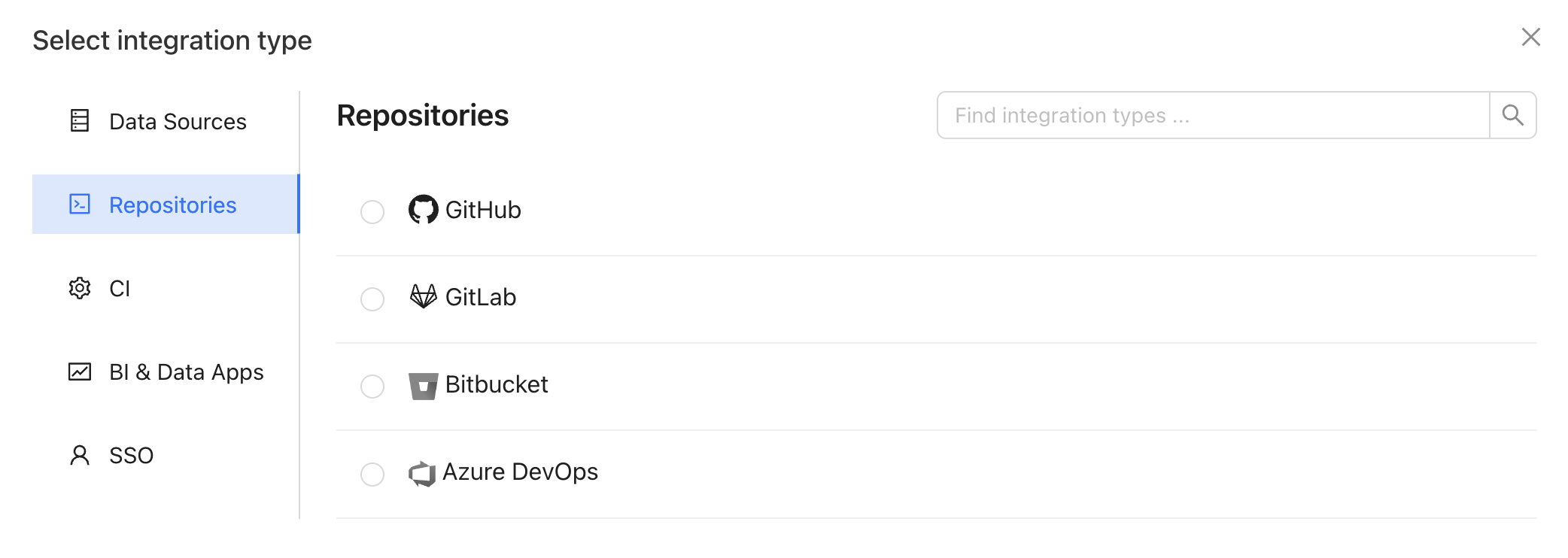
## 1. Create a repository integration
Integrate your code repository using the appropriate [integration](/integrations/code-repositories).
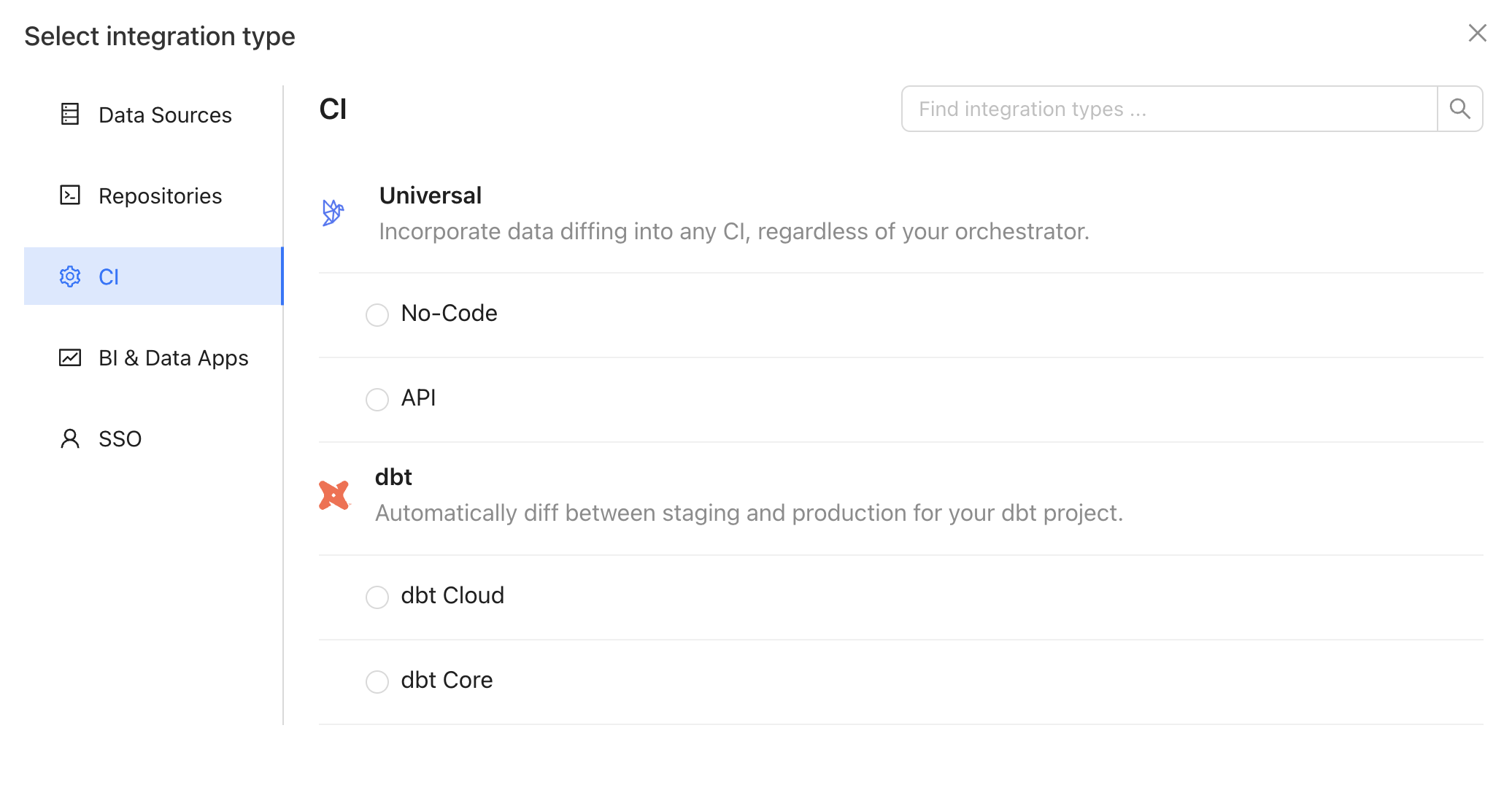
 ## 2. Create an API integration
In the Datafold app, create an API integration.
## 2. Create an API integration
In the Datafold app, create an API integration.
 ## 3. Set up the API integration
Complete the configuration by specifying the following fields:
### Basic settings
| Field Name | Description |
| ------------------ | --------------------------------------------------------- |
| Configuration name | Choose a name for your for your Datafold dbt integration. |
| Repository | Select the repository you configured in step 1. |
| Data Source | Select the data source your repository writes to. |
### Advanced settings: Configuration
| Field Name | Description |
| ------------------------------ | -------------------------------------------------------------------------------------------------------------------------------------------------------------------------------------------------------------------------------------------------------------------------- |
| Diff Hightouch Models | Run data diffs for Hightouch models affected by your PR. |
| CI fails on primary key issues | If null or duplicate primary keys exist, CI will fail. |
| Pull Request Label | When this is selected, the Datafold CI process will only run when the 'datafold' label has been applied. |
| CI Diff Threshold | Data Diffs will only be run automatically for given CI Run if the number of diffs doesn't exceed this threshold. |
| Custom base branch | If defined, the Datafold CI process will only run on pull requests with the specified base branch. |
| Files to ignore | Datafold CI diffs all changed models in the PR if at least one modified file doesn’t match the ignore pattern. Datafold CI doesn’t run in the PR if all modified files should be ignored. ([Additional details.](/deployment-testing/configuration/datafold-ci/on-demand)) |
### Advanced settings: Sampling
| Field Name | Description |
| ------------------- | ---------------------------------------------------------------------------------------------------------------------------------------------------------------------- |
| Enable sampling | Enable sampling for data diffs to optimize analyzing large datasets. |
| Sampling tolerance | The tolerance to apply in sampling for all data diffs. |
| Sampling confidence | The confidence to apply when sampling. |
| Sampling threshold | Sampling will be disabled automatically if tables are smaller than specified threshold. If unspecified, default values will be used depending on the Data Source type. |
## 4. Obtain a Datafold API Key and CI config ID
Generate a new Datafold API Key and obtain the CI config ID from the CI API integration settings page:
## 3. Set up the API integration
Complete the configuration by specifying the following fields:
### Basic settings
| Field Name | Description |
| ------------------ | --------------------------------------------------------- |
| Configuration name | Choose a name for your for your Datafold dbt integration. |
| Repository | Select the repository you configured in step 1. |
| Data Source | Select the data source your repository writes to. |
### Advanced settings: Configuration
| Field Name | Description |
| ------------------------------ | -------------------------------------------------------------------------------------------------------------------------------------------------------------------------------------------------------------------------------------------------------------------------- |
| Diff Hightouch Models | Run data diffs for Hightouch models affected by your PR. |
| CI fails on primary key issues | If null or duplicate primary keys exist, CI will fail. |
| Pull Request Label | When this is selected, the Datafold CI process will only run when the 'datafold' label has been applied. |
| CI Diff Threshold | Data Diffs will only be run automatically for given CI Run if the number of diffs doesn't exceed this threshold. |
| Custom base branch | If defined, the Datafold CI process will only run on pull requests with the specified base branch. |
| Files to ignore | Datafold CI diffs all changed models in the PR if at least one modified file doesn’t match the ignore pattern. Datafold CI doesn’t run in the PR if all modified files should be ignored. ([Additional details.](/deployment-testing/configuration/datafold-ci/on-demand)) |
### Advanced settings: Sampling
| Field Name | Description |
| ------------------- | ---------------------------------------------------------------------------------------------------------------------------------------------------------------------- |
| Enable sampling | Enable sampling for data diffs to optimize analyzing large datasets. |
| Sampling tolerance | The tolerance to apply in sampling for all data diffs. |
| Sampling confidence | The confidence to apply when sampling. |
| Sampling threshold | Sampling will be disabled automatically if tables are smaller than specified threshold. If unspecified, default values will be used depending on the Data Source type. |
## 4. Obtain a Datafold API Key and CI config ID
Generate a new Datafold API Key and obtain the CI config ID from the CI API integration settings page:
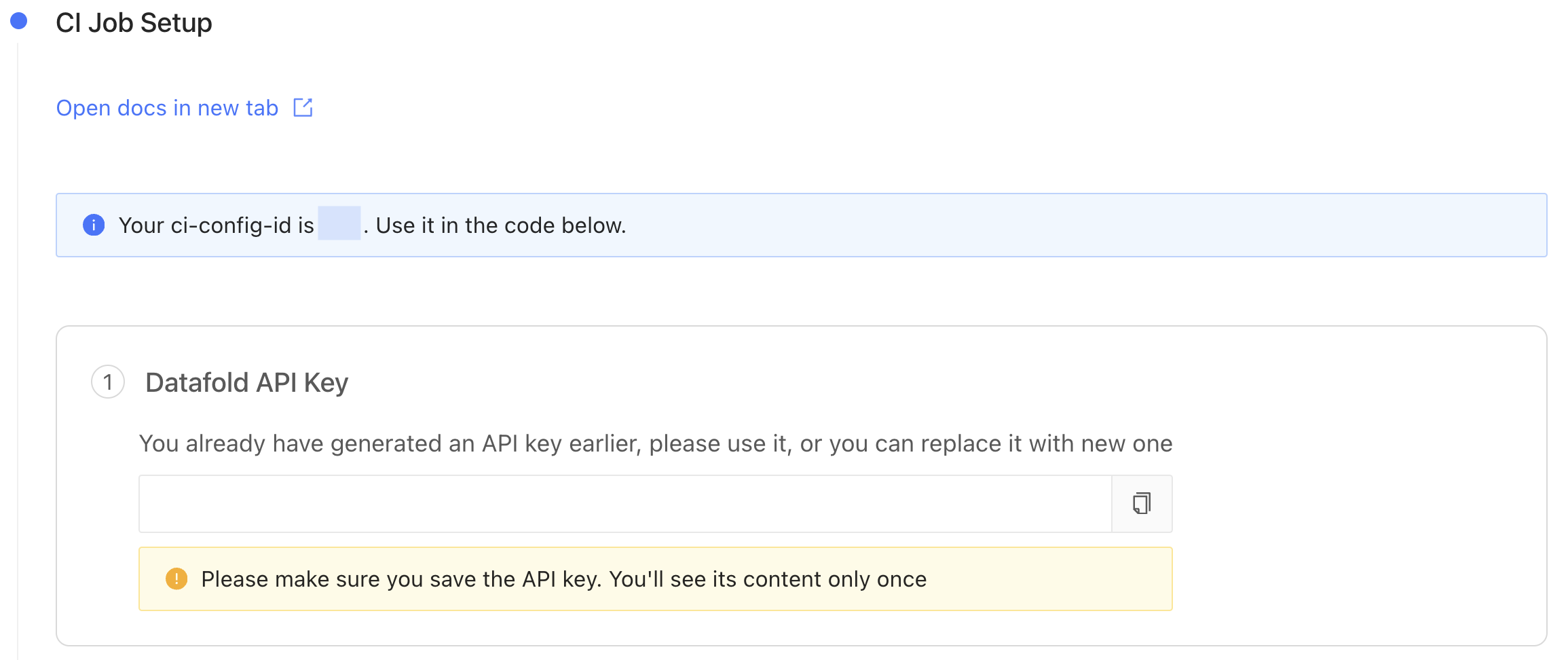 You will need these values later on when setting up the CI Jobs.
## 5. Install Datafold SDK into your Python environment
```Bash theme={null}
pip install datafold-sdk
```
## 6. Configure your CI script(s) with the Datafold SDK
Using the Datafold SDK, configure your CI script(s) to use the Datafold SDK `ci submit` command. The example below should be adapted to match your specific use-case.
```Bash theme={null}
datafold ci submit --ci-config-id --pr-num --diffs ./diffs.json
```
Since Datafold cannot infer which tables have changed, you'll need to manually provide this information in a specific `json` file format. Datafold can then determine which models to diff in a CI run based on the `diffs.json` you pass in to the Datafold SDK `ci submit` command.
```Bash theme={null}
[
{
"prod": "MY.PROD.TABLE", // Production table to compare PR changes against
"pr": "MY.PR.TABLE", // Changed table containing data modifications in the PR
"pk": ["MY", "PK", "LIST"], // Primary key; can be an empty array
// These fields are not required and can be omitted from the JSON file:
"include_columns": ["COLUMNS", "TO", "INCLUDE"],
"exclude_columns": ["COLUMNS", "TO", "EXCLUDE"]
}
]
```
Note: The `JSON` file is optional and you can also achieve the same effect by using standard input (stdin) as shown here. However, for brevity, we'll use the `JSON` file approach in this example:
```Bash theme={null}
datafold ci submit \
--ci-config-id \
--pr-num <<- EOF
[{
"prod": "MY.PROD.TABLE",
"pr": "MY.PR.TABLE",
"pk": ["MY", "PK", "LIST"]
}]
```
Implementation details will vary depending on [which CI tool](#ci-implementation-tools) you use. Please review the following instructions and examples for your organization's CI tool.
**NOTE**
Populating the `diffs.json` file is specific to your use case and therefore out of scope for this guide. The only requirement is to adhere to the `JSON` schema structure explained above.
## CI Implementation Tools
We've created guides and templates for three popular CI tools.
**HAVING TROUBLE SETTING UP DATAFOLD IN CI?**
We're here to help! Please [reach out and chat with a Datafold Solutions Engineer](https://www.datafold.com/booktime).
To add Datafold to your CI tool, add `datafold ci submit` step in your PR CI job.
```Bash theme={null}
name: Datafold PR Job
# Run this job when a commit is pushed to any branch except main
on:
pull_request:
push:
branches:
- '!main'
jobs:
run:
runs-on: ubuntu-20.04 # your image will vary
steps:
- name: Install Datafold SDK
run: pip install -q datafold-sdk
# ...
- name: Upload what to diff to Datafold
run: datafold ci submit --ci-config-id --pr-num ${PR_NUM} --diffs
env:
# env variables used by Datafold SDK internally
DATAFOLD_API_KEY: ${{ secrets.DATAFOLD_API_KEY }}
DATAFOLD_HOST: ${DATAFOLD_HOST}
# For Dedicated Cloud/private deployments of Datafold,
# Set the "https://custom.url.datafold.com" variable as the base URL as an environment variable, either as a string or a project variable
# There are multiple ways to get the PR_NUM, this is just a simple example
PR_NUM: ${{ github.event.number }}
```
Be sure to replace `` with the [CI config ID](#4-obtain-a-datafold-api-key-and-ci-config-id) value.
**NOTE**
It is beyond the scope of this guide to provide guidance on generating the ``, as it heavily depends on your specific use case. However, ensure that the generated file adheres to the required schema outlined above.
Finally, store [your Datafold API Key](#4-obtain-a-datafold-api-key-and-ci-config-id) as a secret named `DATAFOLD_API_KEY` [in your GitHub repository settings](https://docs.github.com/en/actions/security-guides/encrypted-secrets#creating-encrypted-secrets-for-a-repository).
Once you've completed these steps, Datafold will run data diffs between production and development data on the next GitHub Actions CI run.
```Bash theme={null}
version: 2.1
jobs:
artifacts-job:
filters:
branches:
only: main # or master, or the name of your default branch
docker:
- image: cimg/python:3.9 # your image will vary
env:
# env variables used by Datafold SDK internally
DATAFOLD_API_KEY: ${{ secrets.DATAFOLD_API_KEY }}
DATAFOLD_HOST: ${DATAFOLD_HOST}
# For Dedicated Cloud/private deployments of Datafold,
# Set the "https://custom.url.datafold.com" variable as the base URL as an environment variable, either as a string or a project variable, per https://circleci.com/docs/set-environment-variable/
# There are multiple ways to get the PR_NUM, this is just a simple example
PR_NUM: ${{ github.event.number }}
steps:
- checkout
- run:
name: "Install Datafold SDK"
command: pip install -q datafold-sdk
- run:
name: "Upload what to diff to Datafold"
command: datafold ci submit --ci-config-id --pr-num ${CIRCLE_PULL_REQUEST} --diffs
```
Be sure to replace `` with the [CI config ID](#4-obtain-a-datafold-api-key-and-ci-config-id) value.
**NOTE**
It is beyond the scope of this guide to provide guidance on generating the ``, as it heavily depends on your specific use case. However, ensure that the generated file adheres to the required schema outlined above.
Then, enable [**Only build pull requests**](https://circleci.com/docs/oss#only-build-pull-requests) in CircleCI. This ensures that CI runs on pull requests and production, but not on pushes to other branches.
Finally, store [your Datafold API Key](#4-obtain-a-datafold-api-key-and-ci-config-id) as a secret named `DATAFOLD_API_KEY` [your CircleCI project settings.](https://docs.github.com/en/actions/security-guides/encrypted-secrets#creating-encrypted-secrets-for-a-repository).
Once you've completed these steps, Datafold will run data diffs between production and development data on the next CircleCI run.
```Bash theme={null}
image:
name: ghcr.io/dbt-labs/dbt-core:1.x # your name will vary
entrypoint: [ "" ]
variables:
# env variables used by Datafold SDK internally
DATAFOLD_API_KEY: ${{ secrets.DATAFOLD_API_KEY }}
DATAFOLD_HOST: ${DATAFOLD_HOST}
# For Dedicated Cloud/private deployments of Datafold,
# Set the "https://custom.url.datafold.com" variable as the base URL as an environment variable, either as a string or a project variable
# There are multiple ways to get the PR_NUM, this is just a simple example
PR_NUM: ${{ github.event.number }}
run_pipeline:
stage: test
before_script:
- pip install -q datafold-sdk
script:
# Upload what to diff to Datafold
- datafold ci submit --ci-config-id --pr-num $CI_MERGE_REQUEST_ID --diffs
rules:
- if: '$CI_PIPELINE_SOURCE == "merge_request_event"'
```
Be sure to replace `` with the [CI config ID](#4-obtain-a-datafold-api-key-and-ci-config-id) value.
**NOTE**
It is beyond the scope of this guide to provide guidance on generating the ``, as it heavily depends on your specific use case. However, ensure that the generated file adheres to the required schema outlined above.
Finally, store [your Datafold API Key](#4-obtain-a-datafold-api-key-and-ci-config-id) as a secret named `DATAFOLD_API_KEY` [in your GitLab project's settings](https://docs.github.com/en/actions/security-guides/encrypted-secrets#creating-encrypted-secrets-for-a-repository).
Once you've completed these steps, Datafold will run data diffs between production and development data on the next GitLab CI run.
## Optional CI Configurations and Strategies
### Skip Datafold in CI
To skip the Datafold step in CI, include the string `datafold-skip-ci` in the last commit message.
---
# Source: https://docs.datafold.com/integrations/databases/athena.md
> ## Documentation Index
> Fetch the complete documentation index at: https://docs.datafold.com/llms.txt
> Use this file to discover all available pages before exploring further.
# Athena
**Steps to complete:**
1. [Create an S3 bucket](/integrations/databases/athena#create-s3-bucket)
2. [Run SQL Script for permissions](/integrations/databases/athena#run-sql-script)
3. [Configure your data connection in Datafold](/integrations/databases/athena#configure-in-datafold)
### Create an S3 bucket
If you don't already have an S3 bucket for your cluster, you'll need to create one. Datafold uses this bucket to create temporary tables and store data in it. You can learn how to create an S3 bucket in AWS by referring to the [AWS documentation](https://docs.aws.amazon.com/AmazonS3/latest/userguide/create-bucket-overview.html).
### Run SQL Script and Create Schema for Datafold
To connect to AWS Athena, you must generate an `AWS Access Key ID` and an `AWS Secret Access Key`. These keys provide read-only access to all tables in all schemas and write access to the Datafold-specific schema for temporary tables. If you don't have these keys yet, follow the steps outlined in the [AWS documentation](https://docs.aws.amazon.com/IAM/latest/UserGuide/id%5Fcredentials%5Faccess-keys.html).
Datafold utilizes a temporary dataset to materialize scratch work and keep data processing in the your warehouse.
```
/* Datafold utilizes a temporary dataset to materialize scratch work and keep data processing witin your data warehouse. */
CREATE SCHEMA IF NOT EXISTS awsdatacatlog.datafold_tmp;
```
### Configure in Datafold
| Field Name | Description |
| --------------------------- | ------------------------------------------------------------------------------ |
| AWS Access Key ID | Your AWS Access Key, which can be found in your AWS Account. |
| AWS Secret Access Key | The AWS Secret Key (generate it in your AWS account if you don't have it yet). |
| S3 Staging Directory | The S3 bucket where table data is stored. |
| AWS Region | The region of your Athena cluster. |
| Catalog | The catalog, which is typically awsdatacatalog by default. |
| Database | The database or schema with tables, typically default by default. |
| Schema for Temporary Tables | The schema (datafold\_tmp) created in our SQL script. |
Click **Create** to complete the setup of your data connection in Datafold.
---
# Source: https://docs.datafold.com/datafold-deployment/dedicated-cloud/aws.md
> ## Documentation Index
> Fetch the complete documentation index at: https://docs.datafold.com/llms.txt
> Use this file to discover all available pages before exploring further.
# Datafold VPC Deployment on AWS
> Learn how to deploy Datafold in a Virtual Private Cloud (VPC) on AWS.
**INFO**
VPC deployments are an Enterprise feature. Please email [sales@datafold.com](mailto:sales@datafold.com) to enable your account.
## Create a Domain Name (optional)
You can either choose to use your domain (for example, `datafold.domain.tld`) or to use a Datafold managed domain (for example, `yourcompany.dedicated.datafold.com`).
### Customer Managed Domain Name
Create a DNS A-record for the domain where Datafold will be hosted. For the DNS record, there are two options:
* **Public-facing:** When the domain is publicly available, we will provide an SSL certificate for the endpoint.
* **Internal:** It is also possible to have Datafold disconnected from the internet. This would require an internal DNS (for example, AWS Route 53) record that points to the Datafold instance. It is possible to provide your own certificate for setting up the SSL connection.
Once the deployment is complete, you will point that A-record to the IP address of the Datafold service.
## Give Datafold Access to AWS
For setting up Datafold, it is required to set up a separate account within your organization where we can deploy Datafold. We're following the [best practices of AWS to allow third-party access](https://docs.aws.amazon.com/IAM/latest/UserGuide/id%5Froles%5Fcommon-scenarios%5Fthird-party.html).
### Create a separate AWS account for Datafold
First, create a new account for Datafold. Go to **My Organization** to add an account:
You will need these values later on when setting up the CI Jobs.
## 5. Install Datafold SDK into your Python environment
```Bash theme={null}
pip install datafold-sdk
```
## 6. Configure your CI script(s) with the Datafold SDK
Using the Datafold SDK, configure your CI script(s) to use the Datafold SDK `ci submit` command. The example below should be adapted to match your specific use-case.
```Bash theme={null}
datafold ci submit --ci-config-id --pr-num --diffs ./diffs.json
```
Since Datafold cannot infer which tables have changed, you'll need to manually provide this information in a specific `json` file format. Datafold can then determine which models to diff in a CI run based on the `diffs.json` you pass in to the Datafold SDK `ci submit` command.
```Bash theme={null}
[
{
"prod": "MY.PROD.TABLE", // Production table to compare PR changes against
"pr": "MY.PR.TABLE", // Changed table containing data modifications in the PR
"pk": ["MY", "PK", "LIST"], // Primary key; can be an empty array
// These fields are not required and can be omitted from the JSON file:
"include_columns": ["COLUMNS", "TO", "INCLUDE"],
"exclude_columns": ["COLUMNS", "TO", "EXCLUDE"]
}
]
```
Note: The `JSON` file is optional and you can also achieve the same effect by using standard input (stdin) as shown here. However, for brevity, we'll use the `JSON` file approach in this example:
```Bash theme={null}
datafold ci submit \
--ci-config-id \
--pr-num <<- EOF
[{
"prod": "MY.PROD.TABLE",
"pr": "MY.PR.TABLE",
"pk": ["MY", "PK", "LIST"]
}]
```
Implementation details will vary depending on [which CI tool](#ci-implementation-tools) you use. Please review the following instructions and examples for your organization's CI tool.
**NOTE**
Populating the `diffs.json` file is specific to your use case and therefore out of scope for this guide. The only requirement is to adhere to the `JSON` schema structure explained above.
## CI Implementation Tools
We've created guides and templates for three popular CI tools.
**HAVING TROUBLE SETTING UP DATAFOLD IN CI?**
We're here to help! Please [reach out and chat with a Datafold Solutions Engineer](https://www.datafold.com/booktime).
To add Datafold to your CI tool, add `datafold ci submit` step in your PR CI job.
```Bash theme={null}
name: Datafold PR Job
# Run this job when a commit is pushed to any branch except main
on:
pull_request:
push:
branches:
- '!main'
jobs:
run:
runs-on: ubuntu-20.04 # your image will vary
steps:
- name: Install Datafold SDK
run: pip install -q datafold-sdk
# ...
- name: Upload what to diff to Datafold
run: datafold ci submit --ci-config-id --pr-num ${PR_NUM} --diffs
env:
# env variables used by Datafold SDK internally
DATAFOLD_API_KEY: ${{ secrets.DATAFOLD_API_KEY }}
DATAFOLD_HOST: ${DATAFOLD_HOST}
# For Dedicated Cloud/private deployments of Datafold,
# Set the "https://custom.url.datafold.com" variable as the base URL as an environment variable, either as a string or a project variable
# There are multiple ways to get the PR_NUM, this is just a simple example
PR_NUM: ${{ github.event.number }}
```
Be sure to replace `` with the [CI config ID](#4-obtain-a-datafold-api-key-and-ci-config-id) value.
**NOTE**
It is beyond the scope of this guide to provide guidance on generating the ``, as it heavily depends on your specific use case. However, ensure that the generated file adheres to the required schema outlined above.
Finally, store [your Datafold API Key](#4-obtain-a-datafold-api-key-and-ci-config-id) as a secret named `DATAFOLD_API_KEY` [in your GitHub repository settings](https://docs.github.com/en/actions/security-guides/encrypted-secrets#creating-encrypted-secrets-for-a-repository).
Once you've completed these steps, Datafold will run data diffs between production and development data on the next GitHub Actions CI run.
```Bash theme={null}
version: 2.1
jobs:
artifacts-job:
filters:
branches:
only: main # or master, or the name of your default branch
docker:
- image: cimg/python:3.9 # your image will vary
env:
# env variables used by Datafold SDK internally
DATAFOLD_API_KEY: ${{ secrets.DATAFOLD_API_KEY }}
DATAFOLD_HOST: ${DATAFOLD_HOST}
# For Dedicated Cloud/private deployments of Datafold,
# Set the "https://custom.url.datafold.com" variable as the base URL as an environment variable, either as a string or a project variable, per https://circleci.com/docs/set-environment-variable/
# There are multiple ways to get the PR_NUM, this is just a simple example
PR_NUM: ${{ github.event.number }}
steps:
- checkout
- run:
name: "Install Datafold SDK"
command: pip install -q datafold-sdk
- run:
name: "Upload what to diff to Datafold"
command: datafold ci submit --ci-config-id --pr-num ${CIRCLE_PULL_REQUEST} --diffs
```
Be sure to replace `` with the [CI config ID](#4-obtain-a-datafold-api-key-and-ci-config-id) value.
**NOTE**
It is beyond the scope of this guide to provide guidance on generating the ``, as it heavily depends on your specific use case. However, ensure that the generated file adheres to the required schema outlined above.
Then, enable [**Only build pull requests**](https://circleci.com/docs/oss#only-build-pull-requests) in CircleCI. This ensures that CI runs on pull requests and production, but not on pushes to other branches.
Finally, store [your Datafold API Key](#4-obtain-a-datafold-api-key-and-ci-config-id) as a secret named `DATAFOLD_API_KEY` [your CircleCI project settings.](https://docs.github.com/en/actions/security-guides/encrypted-secrets#creating-encrypted-secrets-for-a-repository).
Once you've completed these steps, Datafold will run data diffs between production and development data on the next CircleCI run.
```Bash theme={null}
image:
name: ghcr.io/dbt-labs/dbt-core:1.x # your name will vary
entrypoint: [ "" ]
variables:
# env variables used by Datafold SDK internally
DATAFOLD_API_KEY: ${{ secrets.DATAFOLD_API_KEY }}
DATAFOLD_HOST: ${DATAFOLD_HOST}
# For Dedicated Cloud/private deployments of Datafold,
# Set the "https://custom.url.datafold.com" variable as the base URL as an environment variable, either as a string or a project variable
# There are multiple ways to get the PR_NUM, this is just a simple example
PR_NUM: ${{ github.event.number }}
run_pipeline:
stage: test
before_script:
- pip install -q datafold-sdk
script:
# Upload what to diff to Datafold
- datafold ci submit --ci-config-id --pr-num $CI_MERGE_REQUEST_ID --diffs
rules:
- if: '$CI_PIPELINE_SOURCE == "merge_request_event"'
```
Be sure to replace `` with the [CI config ID](#4-obtain-a-datafold-api-key-and-ci-config-id) value.
**NOTE**
It is beyond the scope of this guide to provide guidance on generating the ``, as it heavily depends on your specific use case. However, ensure that the generated file adheres to the required schema outlined above.
Finally, store [your Datafold API Key](#4-obtain-a-datafold-api-key-and-ci-config-id) as a secret named `DATAFOLD_API_KEY` [in your GitLab project's settings](https://docs.github.com/en/actions/security-guides/encrypted-secrets#creating-encrypted-secrets-for-a-repository).
Once you've completed these steps, Datafold will run data diffs between production and development data on the next GitLab CI run.
## Optional CI Configurations and Strategies
### Skip Datafold in CI
To skip the Datafold step in CI, include the string `datafold-skip-ci` in the last commit message.
---
# Source: https://docs.datafold.com/integrations/databases/athena.md
> ## Documentation Index
> Fetch the complete documentation index at: https://docs.datafold.com/llms.txt
> Use this file to discover all available pages before exploring further.
# Athena
**Steps to complete:**
1. [Create an S3 bucket](/integrations/databases/athena#create-s3-bucket)
2. [Run SQL Script for permissions](/integrations/databases/athena#run-sql-script)
3. [Configure your data connection in Datafold](/integrations/databases/athena#configure-in-datafold)
### Create an S3 bucket
If you don't already have an S3 bucket for your cluster, you'll need to create one. Datafold uses this bucket to create temporary tables and store data in it. You can learn how to create an S3 bucket in AWS by referring to the [AWS documentation](https://docs.aws.amazon.com/AmazonS3/latest/userguide/create-bucket-overview.html).
### Run SQL Script and Create Schema for Datafold
To connect to AWS Athena, you must generate an `AWS Access Key ID` and an `AWS Secret Access Key`. These keys provide read-only access to all tables in all schemas and write access to the Datafold-specific schema for temporary tables. If you don't have these keys yet, follow the steps outlined in the [AWS documentation](https://docs.aws.amazon.com/IAM/latest/UserGuide/id%5Fcredentials%5Faccess-keys.html).
Datafold utilizes a temporary dataset to materialize scratch work and keep data processing in the your warehouse.
```
/* Datafold utilizes a temporary dataset to materialize scratch work and keep data processing witin your data warehouse. */
CREATE SCHEMA IF NOT EXISTS awsdatacatlog.datafold_tmp;
```
### Configure in Datafold
| Field Name | Description |
| --------------------------- | ------------------------------------------------------------------------------ |
| AWS Access Key ID | Your AWS Access Key, which can be found in your AWS Account. |
| AWS Secret Access Key | The AWS Secret Key (generate it in your AWS account if you don't have it yet). |
| S3 Staging Directory | The S3 bucket where table data is stored. |
| AWS Region | The region of your Athena cluster. |
| Catalog | The catalog, which is typically awsdatacatalog by default. |
| Database | The database or schema with tables, typically default by default. |
| Schema for Temporary Tables | The schema (datafold\_tmp) created in our SQL script. |
Click **Create** to complete the setup of your data connection in Datafold.
---
# Source: https://docs.datafold.com/datafold-deployment/dedicated-cloud/aws.md
> ## Documentation Index
> Fetch the complete documentation index at: https://docs.datafold.com/llms.txt
> Use this file to discover all available pages before exploring further.
# Datafold VPC Deployment on AWS
> Learn how to deploy Datafold in a Virtual Private Cloud (VPC) on AWS.
**INFO**
VPC deployments are an Enterprise feature. Please email [sales@datafold.com](mailto:sales@datafold.com) to enable your account.
## Create a Domain Name (optional)
You can either choose to use your domain (for example, `datafold.domain.tld`) or to use a Datafold managed domain (for example, `yourcompany.dedicated.datafold.com`).
### Customer Managed Domain Name
Create a DNS A-record for the domain where Datafold will be hosted. For the DNS record, there are two options:
* **Public-facing:** When the domain is publicly available, we will provide an SSL certificate for the endpoint.
* **Internal:** It is also possible to have Datafold disconnected from the internet. This would require an internal DNS (for example, AWS Route 53) record that points to the Datafold instance. It is possible to provide your own certificate for setting up the SSL connection.
Once the deployment is complete, you will point that A-record to the IP address of the Datafold service.
## Give Datafold Access to AWS
For setting up Datafold, it is required to set up a separate account within your organization where we can deploy Datafold. We're following the [best practices of AWS to allow third-party access](https://docs.aws.amazon.com/IAM/latest/UserGuide/id%5Froles%5Fcommon-scenarios%5Fthird-party.html).
### Create a separate AWS account for Datafold
First, create a new account for Datafold. Go to **My Organization** to add an account:
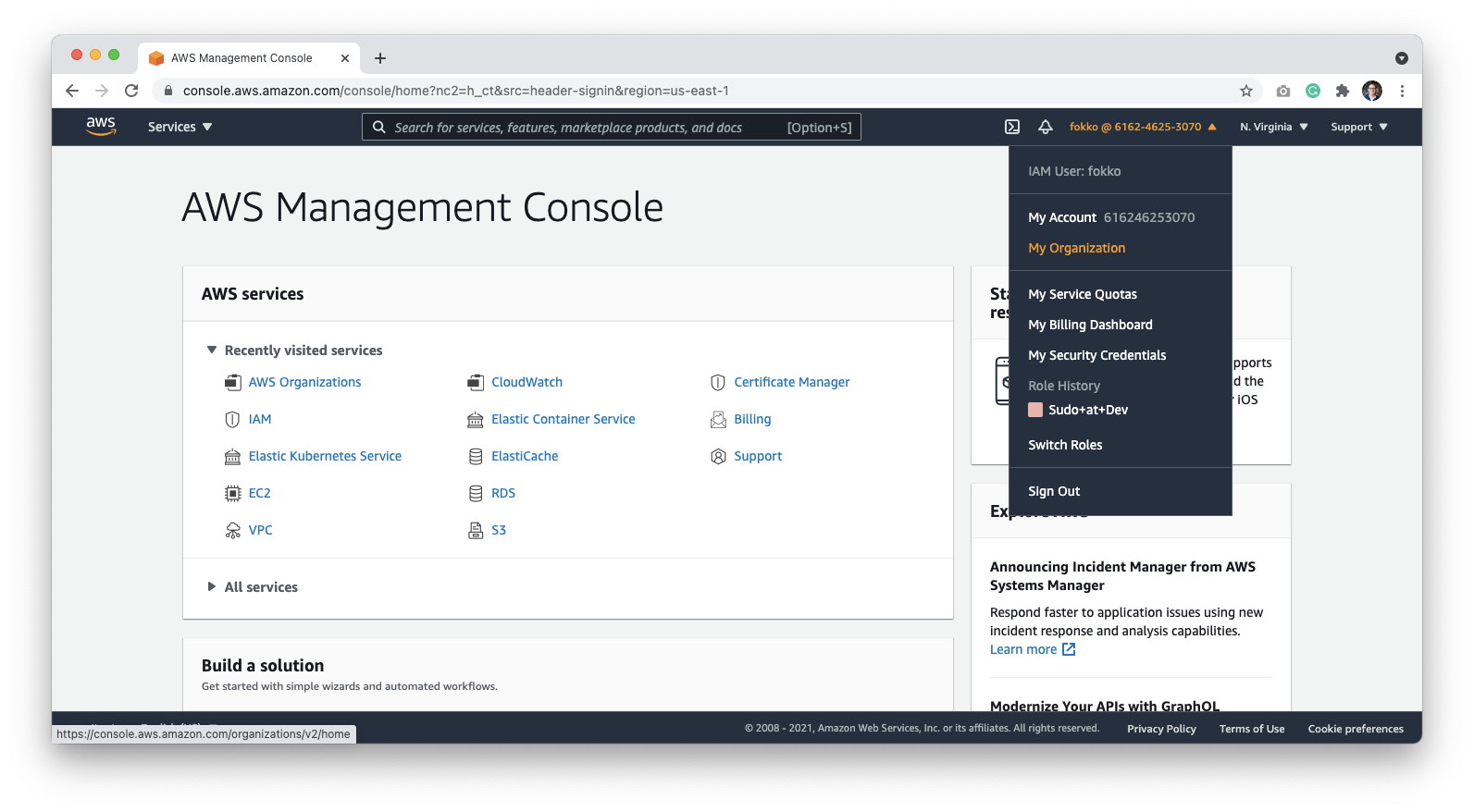 Click **Add an AWS Account**:
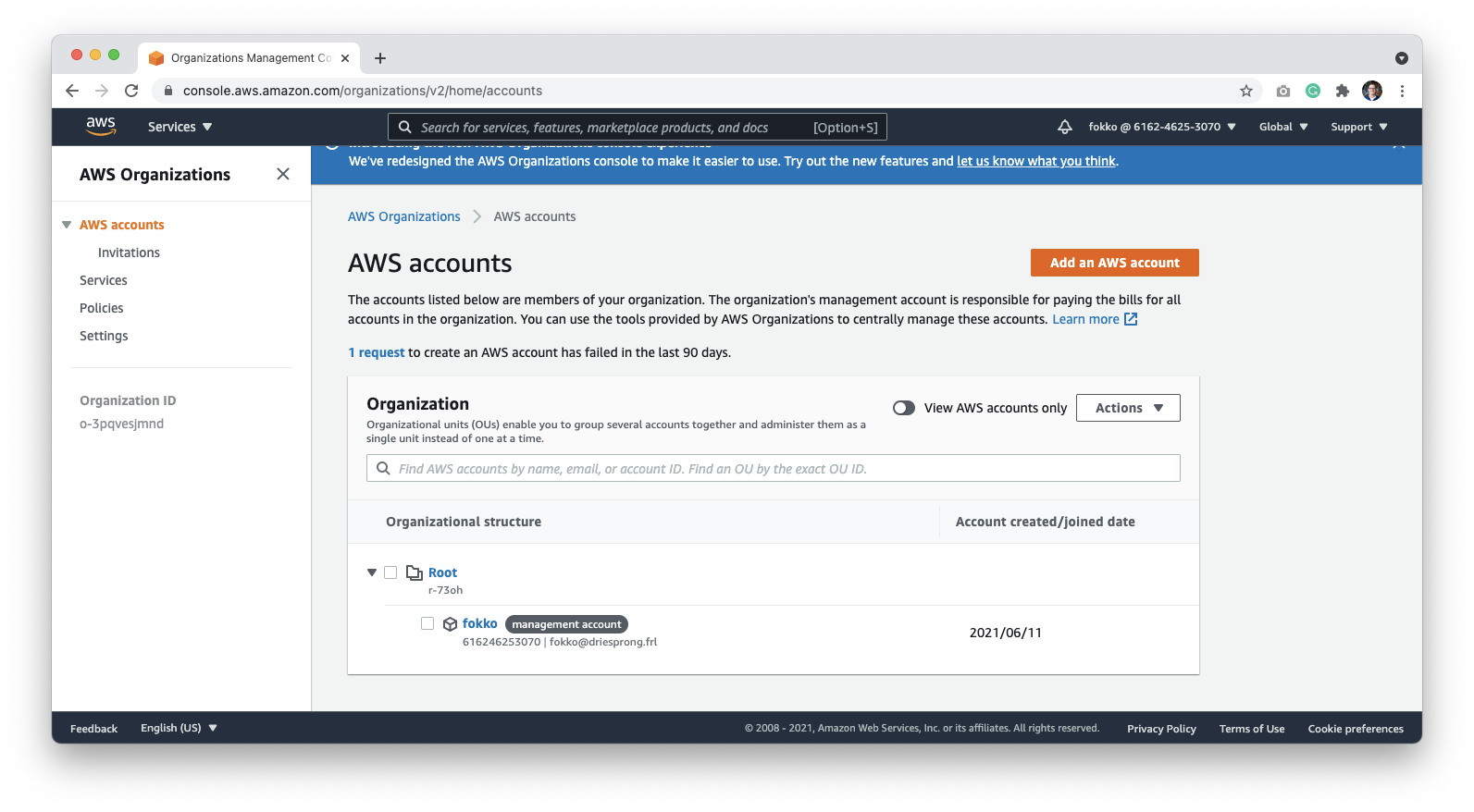 You can name this account anything that helps identify it clearly. In our examples, we name it **Datafold**. Make sure that the email address of the owner isn't used by another account.
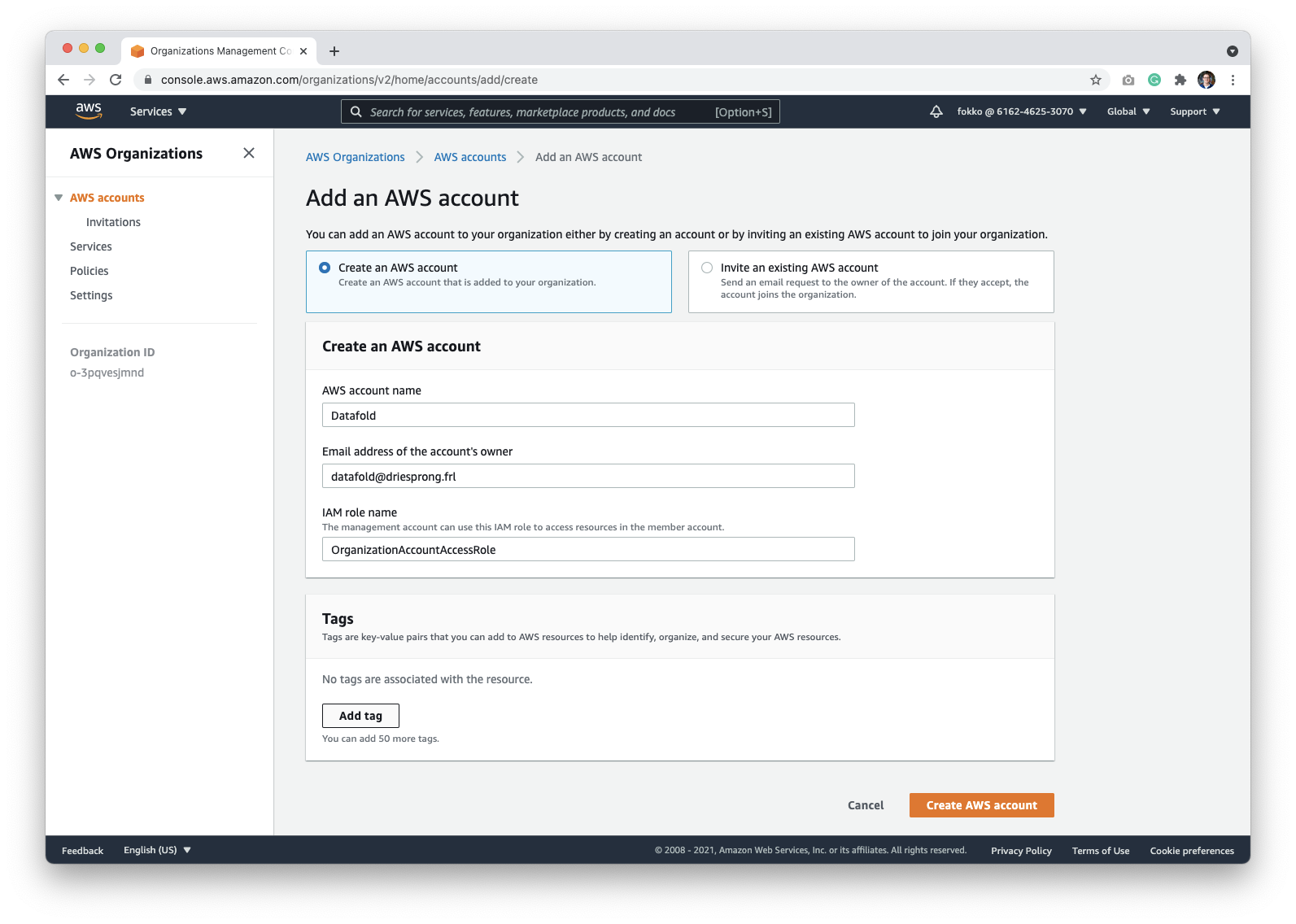 When you click the **Create AWS Account** button, you'll be returned back the organization screen, and see the notification that the new account is being created. After refresh a few minutes later, the account should appear in the organizations list.
### Grant Third-Party access to Datafold
To make sure that deployment runs as expected, your Datafold Support Engineer may need access to the Datafold-specific AWS account that you created. The access can be revoked after the deployment if needed.
To grant access, log into the account created in the previous step. You can switch to the newly created account using the [Switch Role page](https://signin.aws.amazon.com/switchrole):
When you click the **Create AWS Account** button, you'll be returned back the organization screen, and see the notification that the new account is being created. After refresh a few minutes later, the account should appear in the organizations list.
### Grant Third-Party access to Datafold
To make sure that deployment runs as expected, your Datafold Support Engineer may need access to the Datafold-specific AWS account that you created. The access can be revoked after the deployment if needed.
To grant access, log into the account created in the previous step. You can switch to the newly created account using the [Switch Role page](https://signin.aws.amazon.com/switchrole):
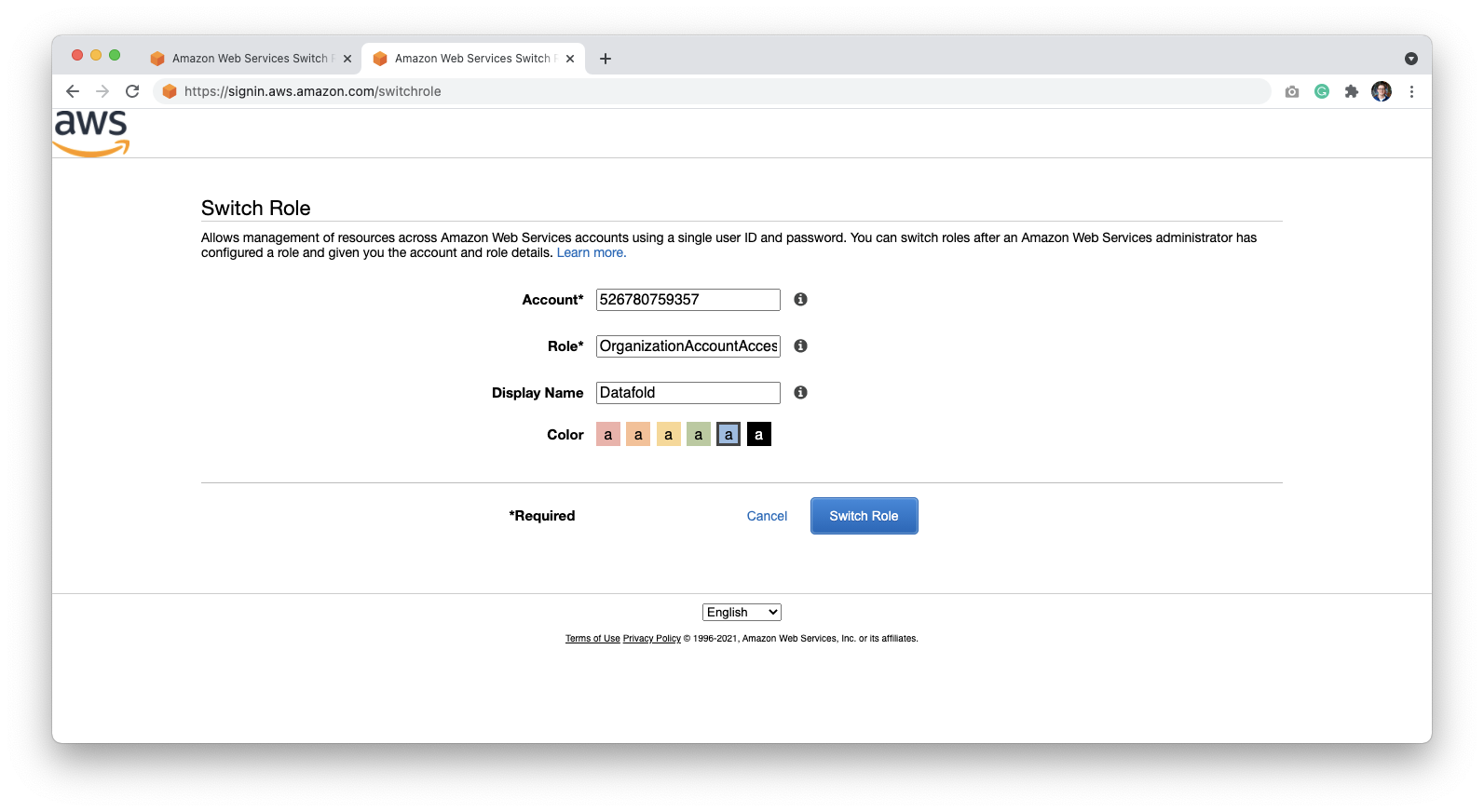 By default, the role name is **OrganizationAccountAccessRole**.
Click **Switch Role** to log in to the Datafold account.
## Grant Access to Datafold
Next, we need to allow Datafold to access the account. We do this by allowing the Datafold AWS account to access your AWS workspace. Go to the [IAM page](https://console.aws.amazon.com/iam/home) or type **IAM** in the search bar:
By default, the role name is **OrganizationAccountAccessRole**.
Click **Switch Role** to log in to the Datafold account.
## Grant Access to Datafold
Next, we need to allow Datafold to access the account. We do this by allowing the Datafold AWS account to access your AWS workspace. Go to the [IAM page](https://console.aws.amazon.com/iam/home) or type **IAM** in the search bar:
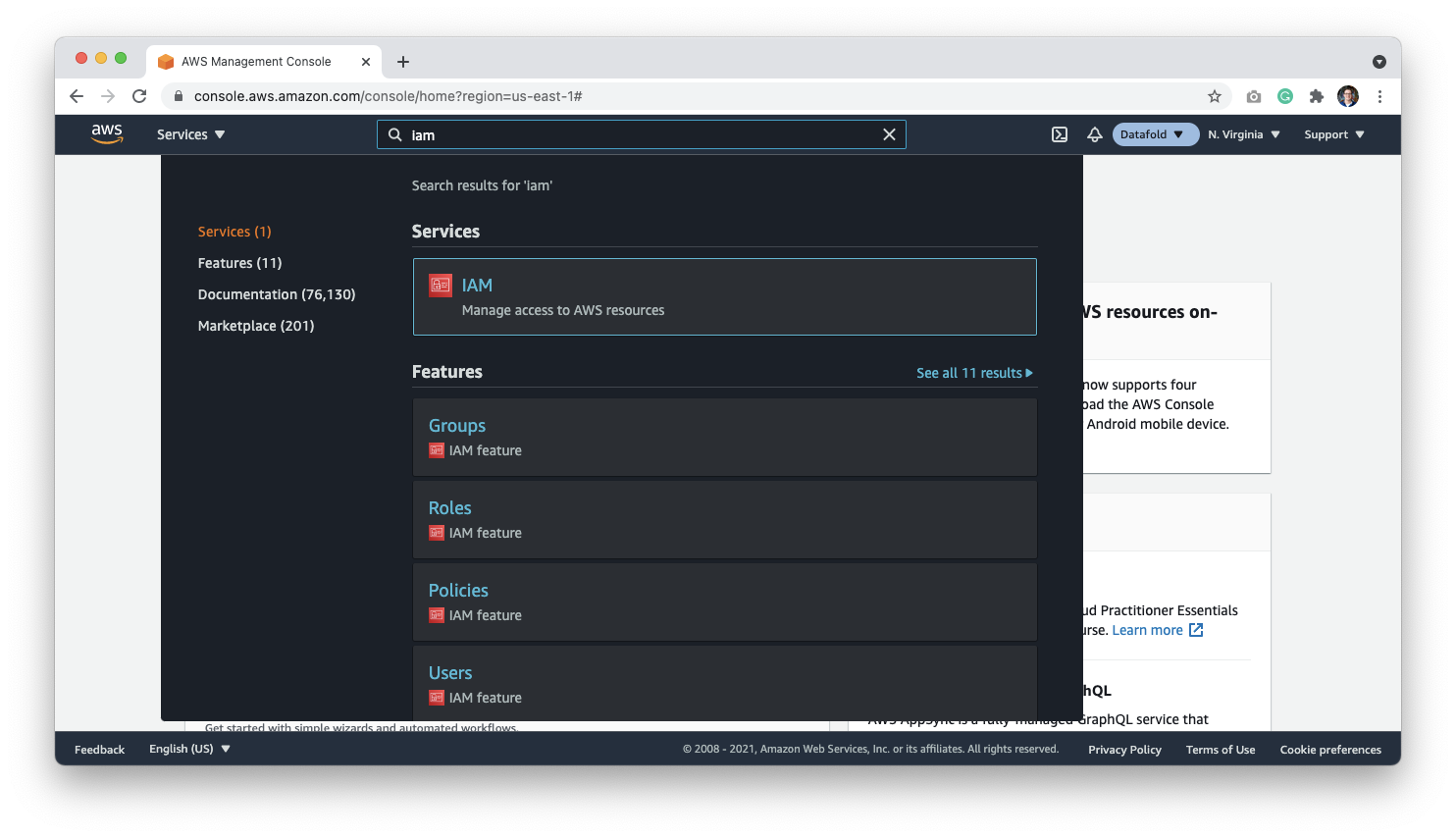 Go to the Roles page, and click the **Create Role** button:
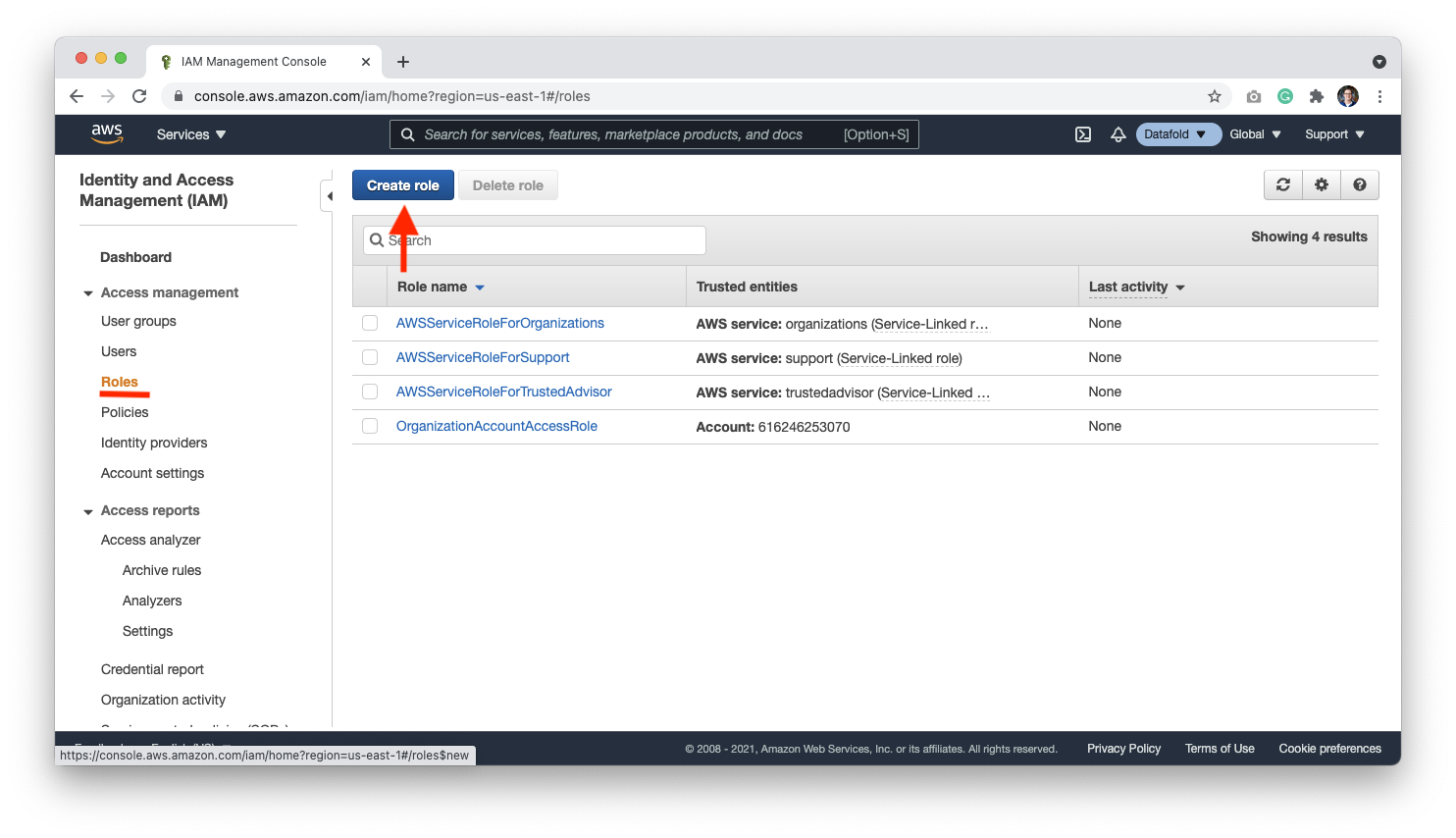 Select **Another AWS Account**, and use account ID `710753145501`, which is Datafold's account ID. Select **Require MFA** and click **Next: Permissions**.
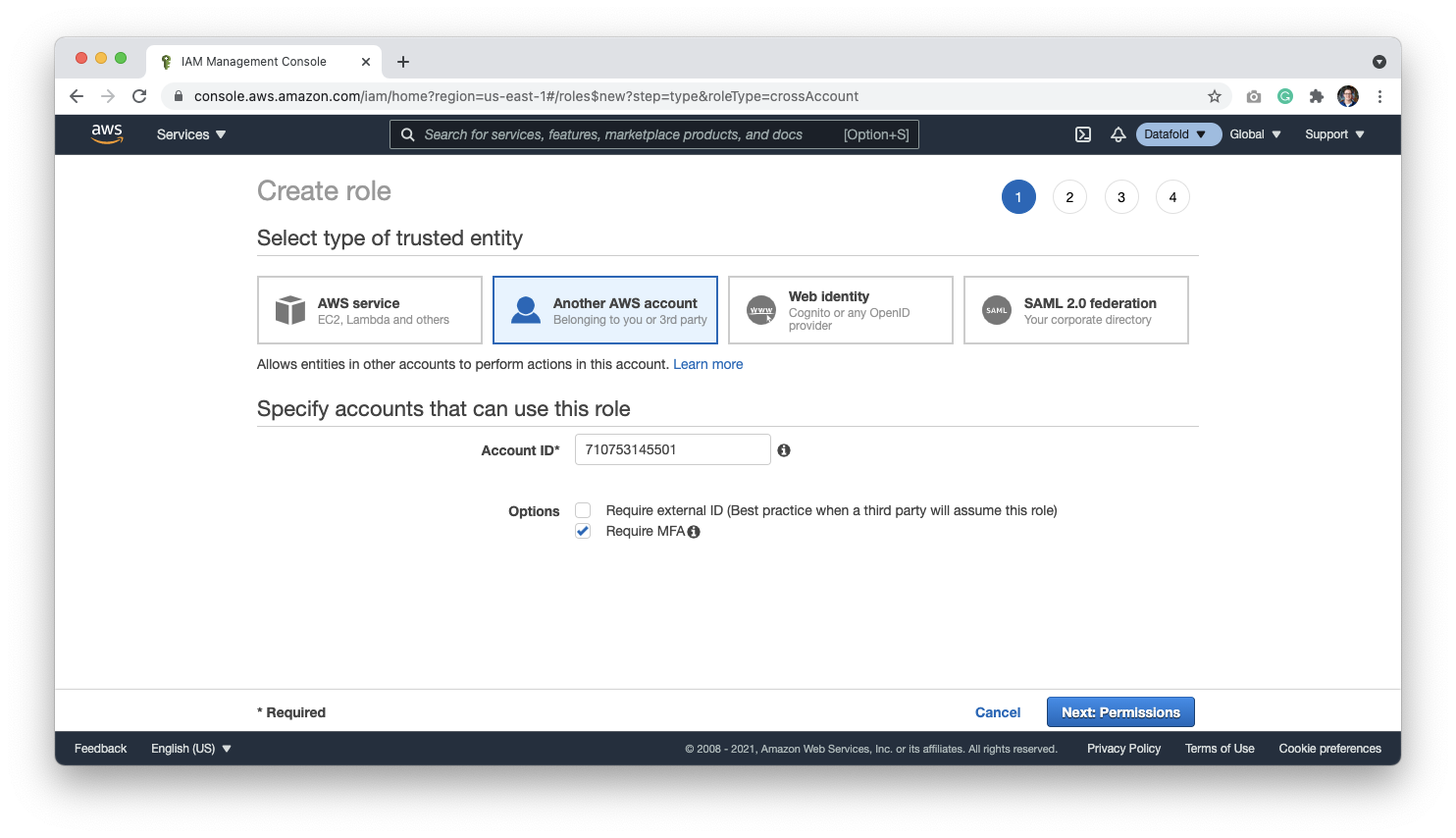 On the Permissions page, attach the **AdministratorAccess** permissions for Datafold to have control over the resources within the account, or see [Minimal IAM Permissions](#minimal-iam-permissions).
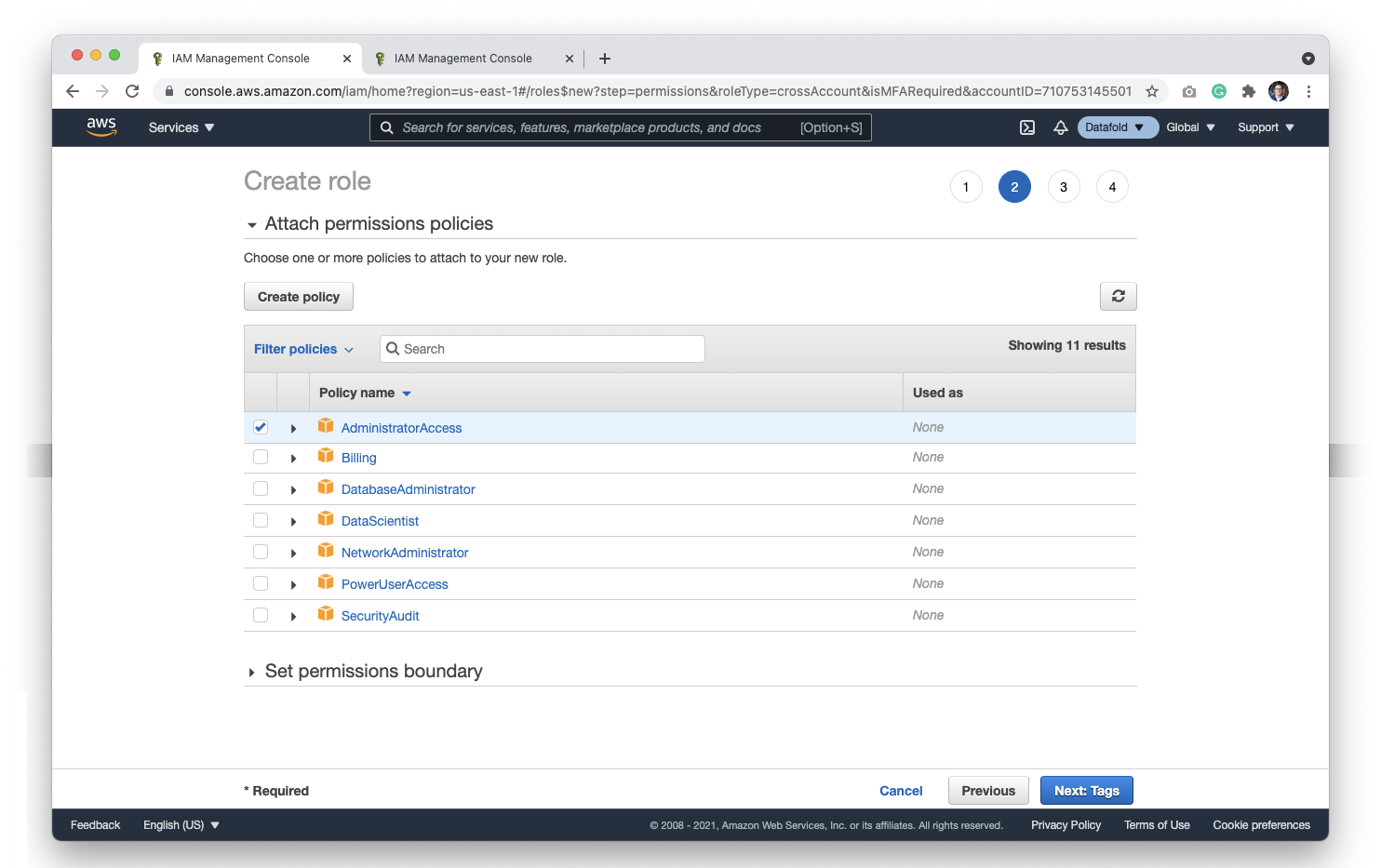 Next, you can set **Tags**; however, they are not a requirement.
Finally, give the role a name of your choice. Be careful not to duplicate the account name. If you named the account in an earlier step `Datafold`, you may want to name the role `Datafold-role`.
Click **Create Role** to complete this step.
Now that the role is created, you should be routed back to a list of roles in your organization.
Click on your newly created role to get a sharable link for the account and store this in your password manager. When setting up your deployment with a support engineer, Datafold will use this link to gain access to the account.
After validating the deployment with your support engineer, and making sure that everything works as it should, we will let you know when it's clear to revoke the credentials.
### Minimal IAM Permissions
Because we work in a Account dedicated to Datafold, there is no direct access to your resources unless explicitly configured (e.g., VPC Peering). The following IAM policy are required to update and maintain the infrastructure.
```JSON theme={null}
{
"Version": "2012-10-17",
"Statement": [
{
"Effect": "Allow",
"Action": [
"acm:AddTagsToCertificate",
"acm:DeleteCertificate",
"acm:DescribeCertificate",
"acm:GetCertificate",
"acm:ListCertificates",
"acm:ListTagsForCertificate",
"acm:RemoveTagsFromCertificate",
"acm:RequestCertificate",
"acm:UpdateCertificateOptions",
"apigateway:DELETE",
"apigateway:GET",
"apigateway:PATCH",
"apigateway:POST",
"apigateway:PUT",
"apigateway:UpdateRestApiPolicy",
"autoscaling:*",
"ec2:*",
"eks:*",
"elasticloadbalancing:*",
"iam:GetPolicy",
"iam:GetPolicyVersion",
"iam:GetOpenIDConnectProvider",
"iam:GetRole",
"iam:GetRolePolicy",
"iam:GetUserPolicy",
"iam:GetUser",
"iam:ListAccessKeys",
"iam:ListAttachedRolePolicies",
"iam:ListGroupsForUser",
"iam:ListInstanceProfilesForRole",
"iam:ListPolicies",
"iam:ListPolicyVersions",
"iam:ListRolePolicies",
"iam:PassRole",
"iam:TagOpenIDConnectProvider",
"iam:TagPolicy",
"iam:TagRole",
"iam:TagUser",
"kms:CreateAlias",
"kms:CreateGrant",
"kms:CreateKey",
"kms:Decrypt",
"kms:DeleteAlias",
"kms:DescribeKey",
"kms:DisableKey",
"kms:EnableKeyRotation",
"kms:GenerateDataKey",
"kms:GetKeyPolicy",
"kms:GetKeyRotationStatus",
"kms:ListAliases",
"kms:ListResourceTags",
"kms:PutKeyPolicy",
"kms:RevokeGrant",
"kms:ScheduleKeyDeletion",
"kms:TagResource",
"logs:CreateLogGroup",
"logs:DeleteLogGroup",
"logs:DescribeLogGroups",
"logs:ListTagsLogGroup",
"logs:ListTagsForResource",
"logs:PutRetentionPolicy",
"logs:TagResource",
"rds:*",
"ssm:GetParameter",
"secretsmanager:CreateSecret",
"secretsmanager:DeleteSecret",
"secretsmanager:DescribeSecret",
"secretsmanager:GetResourcePolicy",
"secretsmanager:PutSecretValue",
"secretsmanager:TagResource",
"s3:*"
],
"Resource": "*"
}
]
}
```
Some policies we need from time to time. For example, when we do the first deployment. Since those are IAM-related, we will ask for temporary permissions when required.
```JSON theme={null}
{
"Version": "2012-10-17",
"Statement": [
{
"Effect": "Allow",
"Action": [
"iam:AttachRolePolicy",
"iam:CreateAccessKey",
"iam:CreateOpenIDConnectProvider",
"iam:CreatePolicy",
"iam:CreateRole",
"iam:CreateUser",
"iam:DeleteAccessKey",
"iam:DeleteOpenIDConnectProvider",
"iam:DeletePolicy",
"iam:DeleteRole",
"iam:DeleteRolePolicy",
"iam:DeleteUser",
"iam:DeleteUserPolicy",
"iam:DetachRolePolicy",
"iam:PutRolePolicy",
"iam:PutUserPolicy"
],
"Resource": "*"
}
]
}
```
It is easier to allow `PowerUserAccess` and then selectively add iam permissions given above.
PowerUserAccess has explicit denies for `account:*`, `organization:*` and `iam:*.`
# Datafold AWS infrastructure details
This document provides detailed information about the AWS infrastructure components deployed by the Datafold Terraform module, explaining the architectural decisions and operational considerations for each component.
## EBS volumes
The Datafold application requires 3 volumes for persistent storage, each deployed as encrypted Elastic Block Store (EBS) volumes in the primary availability zone. This also means that pods cannot be deployed outside the availability zone of these volumes, because the nodes wouldn't be able to attach them.
**ClickHouse data volume** serves as the analytical database storage for Datafold. ClickHouse is a columnar database that excels at analytical queries. The default 40GB allocation usually provides sufficient space for typical deployments, but it can be scaled up based on data volume requirements. The GP3 volume type with 3000 IOPS ensures consistent performance for analytical workloads.
**ClickHouse Logs Volume** stores ClickHouse's internal logs and temporary data. The separate logs volume prevents log data from consuming IOPS and I/O performance from actual data storage.
**Redis Data Volume** provides persistent storage for Redis, which handles task distribution and distributed locks in the Datafold application. Redis is memory-first but benefits from persistence for data durability across restarts. The 50GB default size accommodates typical caching needs while remaining cost-effective.
All EBS volumes are encrypted using AWS KMS, managed by AWS, ensuring data security at rest. The volumes are deployed in the first availability zone to minimize latency and simplify backup strategies.
## Load balancer
The load balancer serves as the primary entry point for all external traffic to the Datafold application. The module offers 2 deployment strategies, each with different operational characteristics and trade-offs.
**External Load Balancer Deployment** (the default approach) creates an AWS Application Load Balancer through Terraform. This approach provides centralized control over load balancer configuration and integrates well with existing AWS infrastructure. The load balancer automatically handles SSL termination, health checks, and traffic distribution across Kubernetes pods. This method is ideal for organizations that prefer infrastructure-as-code management and want consistent load balancer configurations across environments.
**Kubernetes-Managed Load Balancer** deployment sets `deploy_lb = false` and relies on the AWS Load Balancer Controller running within the EKS cluster. This approach leverages Kubernetes-native load balancer management, allowing for dynamic scaling and easier integration with Kubernetes ingress resources. The controller automatically provisions and manages load balancers based on Kubernetes service definitions, which can be more flexible for applications that need to scale load balancer resources dynamically.
Both load balancers apply the currently recommended and strictest ELB security policies: `ELBSecurityPolicy-TLS13-1-2-Res-2021-06` and security settings.
The choice between these approaches often depends on operational preferences and existing infrastructure patterns. External deployment provides more predictable resource management, while Kubernetes-managed deployment offers greater flexibility for dynamic workloads.
**Security** A security group shared between the load balancer and the EKS nodes allows traffic to reach only the EKS nodes and nothing else. The load balancer allows traffic to land directly into the EKS private subnet.
**Certificate** The certificate can be pre-created by the customer and then attached, or a cloud-managed certificate can be created on the fly.
The application will not function without HTTPS, so a certificate is mandatory. After the certificate is created either manually or through this repository, it must be validated by the DNS administrator by adding a CNAME record. This puts the certificate in "Issued" state. The certificate cannot be found when it's still provisioning.
## EKS cluster
The Elastic Kubernetes Service (EKS) cluster forms the compute foundation for the Datafold application, providing a managed Kubernetes environment optimized for AWS infrastructure.
**Network Architecture** The entire cluster is deployed into private subnets. This means the data plane is not reachable from the Internet except through the load balancer. A NAT gateway allows the cluster to reach the internet (egress traffic) for downloading pod images, optionally sending Datadog logs and metrics, and retrieving the version to apply to the cluster from our portal. The control plane is accessible via a private endpoint using a PrivateLink setup from, for example, a VPN VPC elsewhere. This is a private+public endpoint, so the control plane can also be made accessible through the Internet, but then the appropriate CIDR restrictions should be put in place.
For a typical dedicated cloud deployment of Datafold, only around 100 IPs are needed. This assumes 3 r7a.2xlarge instances where one node runs ClickHouse+Redis, another node runs the application, and a third node may be put in place when version rollovers occur. This means a subnet of size /24 (253 IPs) should be sufficient to run this application.
By default, the repository creates a VPC and subnets, but by specifying the VPC ID of an already existing VPC, the cluster and load balancer
get deployed into existing network infrastructure. This is important for some customers where they deploy a different architecture without NAT gateways, firewall options that check egress, and other DLP controls.
**Add-ons**
The cluster includes essential add-ons like CoreDNS for service discovery, the VPC CNI for networking, and the EBS CSI driver for persistent volume management. These components are automatically updated and maintained by AWS, reducing operational overhead.
The AWS load balancer controller and metrics-server are deployed separately via Helm charts in the application deployment, not through this Terraform infrastructure. The Load Balancer Controller manages at least the AWS target group that enables ingress for the Datafold application. Optionally, it may also manage the entire external load balancer.
**Node Management** supports up to three managed node groups, allowing for workload-specific resource allocation. Each node group can be configured with different instance types, enabling cost optimization and performance tuning for different application components. The cluster autoscaler automatically adjusts node count based on resource demands, ensuring efficient resource utilization while maintaining application availability. One typical way to deploy is to let the application pods go on a wider range of nodes, and set up tolerations and labels on the second node group, which are then selected by both Redis and ClickHouse. This is because Redis and ClickHouse have restrictions on the zone they must be present in because of their volumes, and ClickHouse is a bit more CPU intensive. This method optimizes CPU performance for the Datafold application.
**Security Features** include IAM Roles for Service Accounts (IRSA), which provide fine-grained IAM permissions to Kubernetes pods without requiring AWS credentials in container images. This approach enhances security by following the principle of least privilege and integrates seamlessly with AWS security services.
## IAM Roles and Permissions
The IAM architecture follows the principle of least privilege, providing specific permissions only where needed. Service accounts in Kubernetes are mapped to IAM roles using IRSA, enabling secure access to AWS services without embedding credentials in application code.
**EBS CSI Controller Role** enables the Kubernetes cluster to manage EBS volumes dynamically. This role allows pods to request persistent storage that's automatically provisioned and attached to the appropriate nodes or attach static volumes. The permissions are scoped to only the EBS operations needed for volume lifecycle management.
**Load Balancer Controller Role** provides the permissions necessary for Kubernetes to manage AWS load balancers. This includes creating target groups, registering and deregistering targets, and managing load balancer listeners. The controller can automatically provision load balancers based on Kubernetes service definitions, enabling seamless integration between Kubernetes and AWS networking.
**Cluster Autoscaler Role** allows the cluster to automatically scale node groups based on resource demands. This role can describe and modify Auto Scaling groups, enabling the cluster to add or remove nodes as needed. The autoscaler considers pod resource requests and node capacity when making scaling decisions.
**Datafold Roles** Datafold has roles per pod pre-defined which can have their permissions assigned when they need them. At the moment, we have two specific roles in use. One is for the ClickHouse pod to be able to make backups and store them on S3. The other is for the use of the Bedrock service for our AI offering.
These roles are automatically created and configured when the cluster is deployed, ensuring that the necessary permissions are in place for the cluster to function properly. The use of IRSA means that these permissions are automatically rotated and managed by AWS, reducing security risks associated with long-lived credentials.
## RDS database
The PostgreSQL Relational Database Service (RDS) instance serves as the primary relational database for the Datafold application, storing user data, configuration, and application state.
**Storage Configuration** starts with a 20GB initial allocation that can automatically scale up to 100GB based on usage patterns. This auto-scaling feature prevents storage-related outages while avoiding over-provisioning. For typical deployments, storage usage remains under 200GB, though some high-volume deployments may approach 400GB. The GP3 storage type provides consistent performance with configurable IOPS and throughput.
**High Availability** is intentionally disabled by default, meaning the database runs in a single availability zone. This configuration reduces costs and complexity while still providing excellent reliability. The database includes automated backups with 14-day retention, ensuring data can be recovered in case of failures. For organizations requiring higher availability, multi-AZ deployment can be enabled, though this significantly increases costs.
**Security and Encryption** always encrypts data at rest using AWS KMS. A dedicated KMS key is created for the database, providing better security isolation and audit capabilities compared to using the default AWS RDS key. The database is deployed in private subnets with security groups that restrict access to only the EKS cluster, ensuring network-level security.
The database configuration prioritizes operational simplicity and cost-effectiveness while maintaining the security and reliability required for production workloads. The combination of automated backups, encryption, and network isolation provides a robust foundation for the application's data storage needs.
---
# Source: https://docs.datafold.com/integrations/code-repositories/azure-devops.md
> ## Documentation Index
> Fetch the complete documentation index at: https://docs.datafold.com/llms.txt
> Use this file to discover all available pages before exploring further.
# Azure DevOps
## 1. Issue an Access Token
To get your [repository access token](https://learn.microsoft.com/en-us/azure/devops/organizations/accounts/use-personal-access-tokens-to-authenticate?view=azure-devops\&tabs=Windows#create-a-pat), navigate to your Azure DevOps settings and create a new token.
When configuring your token, enable following permissions:
* **Code** -> **Read & write**
* **Identity** -> **Read**
We need write access to the repository to post reports with Data Diff results to pull requests, and read access to identities to be able to properly display Azure DevOps users in the Datafold UI.
Next, you can set **Tags**; however, they are not a requirement.
Finally, give the role a name of your choice. Be careful not to duplicate the account name. If you named the account in an earlier step `Datafold`, you may want to name the role `Datafold-role`.
Click **Create Role** to complete this step.
Now that the role is created, you should be routed back to a list of roles in your organization.
Click on your newly created role to get a sharable link for the account and store this in your password manager. When setting up your deployment with a support engineer, Datafold will use this link to gain access to the account.
After validating the deployment with your support engineer, and making sure that everything works as it should, we will let you know when it's clear to revoke the credentials.
### Minimal IAM Permissions
Because we work in a Account dedicated to Datafold, there is no direct access to your resources unless explicitly configured (e.g., VPC Peering). The following IAM policy are required to update and maintain the infrastructure.
```JSON theme={null}
{
"Version": "2012-10-17",
"Statement": [
{
"Effect": "Allow",
"Action": [
"acm:AddTagsToCertificate",
"acm:DeleteCertificate",
"acm:DescribeCertificate",
"acm:GetCertificate",
"acm:ListCertificates",
"acm:ListTagsForCertificate",
"acm:RemoveTagsFromCertificate",
"acm:RequestCertificate",
"acm:UpdateCertificateOptions",
"apigateway:DELETE",
"apigateway:GET",
"apigateway:PATCH",
"apigateway:POST",
"apigateway:PUT",
"apigateway:UpdateRestApiPolicy",
"autoscaling:*",
"ec2:*",
"eks:*",
"elasticloadbalancing:*",
"iam:GetPolicy",
"iam:GetPolicyVersion",
"iam:GetOpenIDConnectProvider",
"iam:GetRole",
"iam:GetRolePolicy",
"iam:GetUserPolicy",
"iam:GetUser",
"iam:ListAccessKeys",
"iam:ListAttachedRolePolicies",
"iam:ListGroupsForUser",
"iam:ListInstanceProfilesForRole",
"iam:ListPolicies",
"iam:ListPolicyVersions",
"iam:ListRolePolicies",
"iam:PassRole",
"iam:TagOpenIDConnectProvider",
"iam:TagPolicy",
"iam:TagRole",
"iam:TagUser",
"kms:CreateAlias",
"kms:CreateGrant",
"kms:CreateKey",
"kms:Decrypt",
"kms:DeleteAlias",
"kms:DescribeKey",
"kms:DisableKey",
"kms:EnableKeyRotation",
"kms:GenerateDataKey",
"kms:GetKeyPolicy",
"kms:GetKeyRotationStatus",
"kms:ListAliases",
"kms:ListResourceTags",
"kms:PutKeyPolicy",
"kms:RevokeGrant",
"kms:ScheduleKeyDeletion",
"kms:TagResource",
"logs:CreateLogGroup",
"logs:DeleteLogGroup",
"logs:DescribeLogGroups",
"logs:ListTagsLogGroup",
"logs:ListTagsForResource",
"logs:PutRetentionPolicy",
"logs:TagResource",
"rds:*",
"ssm:GetParameter",
"secretsmanager:CreateSecret",
"secretsmanager:DeleteSecret",
"secretsmanager:DescribeSecret",
"secretsmanager:GetResourcePolicy",
"secretsmanager:PutSecretValue",
"secretsmanager:TagResource",
"s3:*"
],
"Resource": "*"
}
]
}
```
Some policies we need from time to time. For example, when we do the first deployment. Since those are IAM-related, we will ask for temporary permissions when required.
```JSON theme={null}
{
"Version": "2012-10-17",
"Statement": [
{
"Effect": "Allow",
"Action": [
"iam:AttachRolePolicy",
"iam:CreateAccessKey",
"iam:CreateOpenIDConnectProvider",
"iam:CreatePolicy",
"iam:CreateRole",
"iam:CreateUser",
"iam:DeleteAccessKey",
"iam:DeleteOpenIDConnectProvider",
"iam:DeletePolicy",
"iam:DeleteRole",
"iam:DeleteRolePolicy",
"iam:DeleteUser",
"iam:DeleteUserPolicy",
"iam:DetachRolePolicy",
"iam:PutRolePolicy",
"iam:PutUserPolicy"
],
"Resource": "*"
}
]
}
```
It is easier to allow `PowerUserAccess` and then selectively add iam permissions given above.
PowerUserAccess has explicit denies for `account:*`, `organization:*` and `iam:*.`
# Datafold AWS infrastructure details
This document provides detailed information about the AWS infrastructure components deployed by the Datafold Terraform module, explaining the architectural decisions and operational considerations for each component.
## EBS volumes
The Datafold application requires 3 volumes for persistent storage, each deployed as encrypted Elastic Block Store (EBS) volumes in the primary availability zone. This also means that pods cannot be deployed outside the availability zone of these volumes, because the nodes wouldn't be able to attach them.
**ClickHouse data volume** serves as the analytical database storage for Datafold. ClickHouse is a columnar database that excels at analytical queries. The default 40GB allocation usually provides sufficient space for typical deployments, but it can be scaled up based on data volume requirements. The GP3 volume type with 3000 IOPS ensures consistent performance for analytical workloads.
**ClickHouse Logs Volume** stores ClickHouse's internal logs and temporary data. The separate logs volume prevents log data from consuming IOPS and I/O performance from actual data storage.
**Redis Data Volume** provides persistent storage for Redis, which handles task distribution and distributed locks in the Datafold application. Redis is memory-first but benefits from persistence for data durability across restarts. The 50GB default size accommodates typical caching needs while remaining cost-effective.
All EBS volumes are encrypted using AWS KMS, managed by AWS, ensuring data security at rest. The volumes are deployed in the first availability zone to minimize latency and simplify backup strategies.
## Load balancer
The load balancer serves as the primary entry point for all external traffic to the Datafold application. The module offers 2 deployment strategies, each with different operational characteristics and trade-offs.
**External Load Balancer Deployment** (the default approach) creates an AWS Application Load Balancer through Terraform. This approach provides centralized control over load balancer configuration and integrates well with existing AWS infrastructure. The load balancer automatically handles SSL termination, health checks, and traffic distribution across Kubernetes pods. This method is ideal for organizations that prefer infrastructure-as-code management and want consistent load balancer configurations across environments.
**Kubernetes-Managed Load Balancer** deployment sets `deploy_lb = false` and relies on the AWS Load Balancer Controller running within the EKS cluster. This approach leverages Kubernetes-native load balancer management, allowing for dynamic scaling and easier integration with Kubernetes ingress resources. The controller automatically provisions and manages load balancers based on Kubernetes service definitions, which can be more flexible for applications that need to scale load balancer resources dynamically.
Both load balancers apply the currently recommended and strictest ELB security policies: `ELBSecurityPolicy-TLS13-1-2-Res-2021-06` and security settings.
The choice between these approaches often depends on operational preferences and existing infrastructure patterns. External deployment provides more predictable resource management, while Kubernetes-managed deployment offers greater flexibility for dynamic workloads.
**Security** A security group shared between the load balancer and the EKS nodes allows traffic to reach only the EKS nodes and nothing else. The load balancer allows traffic to land directly into the EKS private subnet.
**Certificate** The certificate can be pre-created by the customer and then attached, or a cloud-managed certificate can be created on the fly.
The application will not function without HTTPS, so a certificate is mandatory. After the certificate is created either manually or through this repository, it must be validated by the DNS administrator by adding a CNAME record. This puts the certificate in "Issued" state. The certificate cannot be found when it's still provisioning.
## EKS cluster
The Elastic Kubernetes Service (EKS) cluster forms the compute foundation for the Datafold application, providing a managed Kubernetes environment optimized for AWS infrastructure.
**Network Architecture** The entire cluster is deployed into private subnets. This means the data plane is not reachable from the Internet except through the load balancer. A NAT gateway allows the cluster to reach the internet (egress traffic) for downloading pod images, optionally sending Datadog logs and metrics, and retrieving the version to apply to the cluster from our portal. The control plane is accessible via a private endpoint using a PrivateLink setup from, for example, a VPN VPC elsewhere. This is a private+public endpoint, so the control plane can also be made accessible through the Internet, but then the appropriate CIDR restrictions should be put in place.
For a typical dedicated cloud deployment of Datafold, only around 100 IPs are needed. This assumes 3 r7a.2xlarge instances where one node runs ClickHouse+Redis, another node runs the application, and a third node may be put in place when version rollovers occur. This means a subnet of size /24 (253 IPs) should be sufficient to run this application.
By default, the repository creates a VPC and subnets, but by specifying the VPC ID of an already existing VPC, the cluster and load balancer
get deployed into existing network infrastructure. This is important for some customers where they deploy a different architecture without NAT gateways, firewall options that check egress, and other DLP controls.
**Add-ons**
The cluster includes essential add-ons like CoreDNS for service discovery, the VPC CNI for networking, and the EBS CSI driver for persistent volume management. These components are automatically updated and maintained by AWS, reducing operational overhead.
The AWS load balancer controller and metrics-server are deployed separately via Helm charts in the application deployment, not through this Terraform infrastructure. The Load Balancer Controller manages at least the AWS target group that enables ingress for the Datafold application. Optionally, it may also manage the entire external load balancer.
**Node Management** supports up to three managed node groups, allowing for workload-specific resource allocation. Each node group can be configured with different instance types, enabling cost optimization and performance tuning for different application components. The cluster autoscaler automatically adjusts node count based on resource demands, ensuring efficient resource utilization while maintaining application availability. One typical way to deploy is to let the application pods go on a wider range of nodes, and set up tolerations and labels on the second node group, which are then selected by both Redis and ClickHouse. This is because Redis and ClickHouse have restrictions on the zone they must be present in because of their volumes, and ClickHouse is a bit more CPU intensive. This method optimizes CPU performance for the Datafold application.
**Security Features** include IAM Roles for Service Accounts (IRSA), which provide fine-grained IAM permissions to Kubernetes pods without requiring AWS credentials in container images. This approach enhances security by following the principle of least privilege and integrates seamlessly with AWS security services.
## IAM Roles and Permissions
The IAM architecture follows the principle of least privilege, providing specific permissions only where needed. Service accounts in Kubernetes are mapped to IAM roles using IRSA, enabling secure access to AWS services without embedding credentials in application code.
**EBS CSI Controller Role** enables the Kubernetes cluster to manage EBS volumes dynamically. This role allows pods to request persistent storage that's automatically provisioned and attached to the appropriate nodes or attach static volumes. The permissions are scoped to only the EBS operations needed for volume lifecycle management.
**Load Balancer Controller Role** provides the permissions necessary for Kubernetes to manage AWS load balancers. This includes creating target groups, registering and deregistering targets, and managing load balancer listeners. The controller can automatically provision load balancers based on Kubernetes service definitions, enabling seamless integration between Kubernetes and AWS networking.
**Cluster Autoscaler Role** allows the cluster to automatically scale node groups based on resource demands. This role can describe and modify Auto Scaling groups, enabling the cluster to add or remove nodes as needed. The autoscaler considers pod resource requests and node capacity when making scaling decisions.
**Datafold Roles** Datafold has roles per pod pre-defined which can have their permissions assigned when they need them. At the moment, we have two specific roles in use. One is for the ClickHouse pod to be able to make backups and store them on S3. The other is for the use of the Bedrock service for our AI offering.
These roles are automatically created and configured when the cluster is deployed, ensuring that the necessary permissions are in place for the cluster to function properly. The use of IRSA means that these permissions are automatically rotated and managed by AWS, reducing security risks associated with long-lived credentials.
## RDS database
The PostgreSQL Relational Database Service (RDS) instance serves as the primary relational database for the Datafold application, storing user data, configuration, and application state.
**Storage Configuration** starts with a 20GB initial allocation that can automatically scale up to 100GB based on usage patterns. This auto-scaling feature prevents storage-related outages while avoiding over-provisioning. For typical deployments, storage usage remains under 200GB, though some high-volume deployments may approach 400GB. The GP3 storage type provides consistent performance with configurable IOPS and throughput.
**High Availability** is intentionally disabled by default, meaning the database runs in a single availability zone. This configuration reduces costs and complexity while still providing excellent reliability. The database includes automated backups with 14-day retention, ensuring data can be recovered in case of failures. For organizations requiring higher availability, multi-AZ deployment can be enabled, though this significantly increases costs.
**Security and Encryption** always encrypts data at rest using AWS KMS. A dedicated KMS key is created for the database, providing better security isolation and audit capabilities compared to using the default AWS RDS key. The database is deployed in private subnets with security groups that restrict access to only the EKS cluster, ensuring network-level security.
The database configuration prioritizes operational simplicity and cost-effectiveness while maintaining the security and reliability required for production workloads. The combination of automated backups, encryption, and network isolation provides a robust foundation for the application's data storage needs.
---
# Source: https://docs.datafold.com/integrations/code-repositories/azure-devops.md
> ## Documentation Index
> Fetch the complete documentation index at: https://docs.datafold.com/llms.txt
> Use this file to discover all available pages before exploring further.
# Azure DevOps
## 1. Issue an Access Token
To get your [repository access token](https://learn.microsoft.com/en-us/azure/devops/organizations/accounts/use-personal-access-tokens-to-authenticate?view=azure-devops\&tabs=Windows#create-a-pat), navigate to your Azure DevOps settings and create a new token.
When configuring your token, enable following permissions:
* **Code** -> **Read & write**
* **Identity** -> **Read**
We need write access to the repository to post reports with Data Diff results to pull requests, and read access to identities to be able to properly display Azure DevOps users in the Datafold UI.
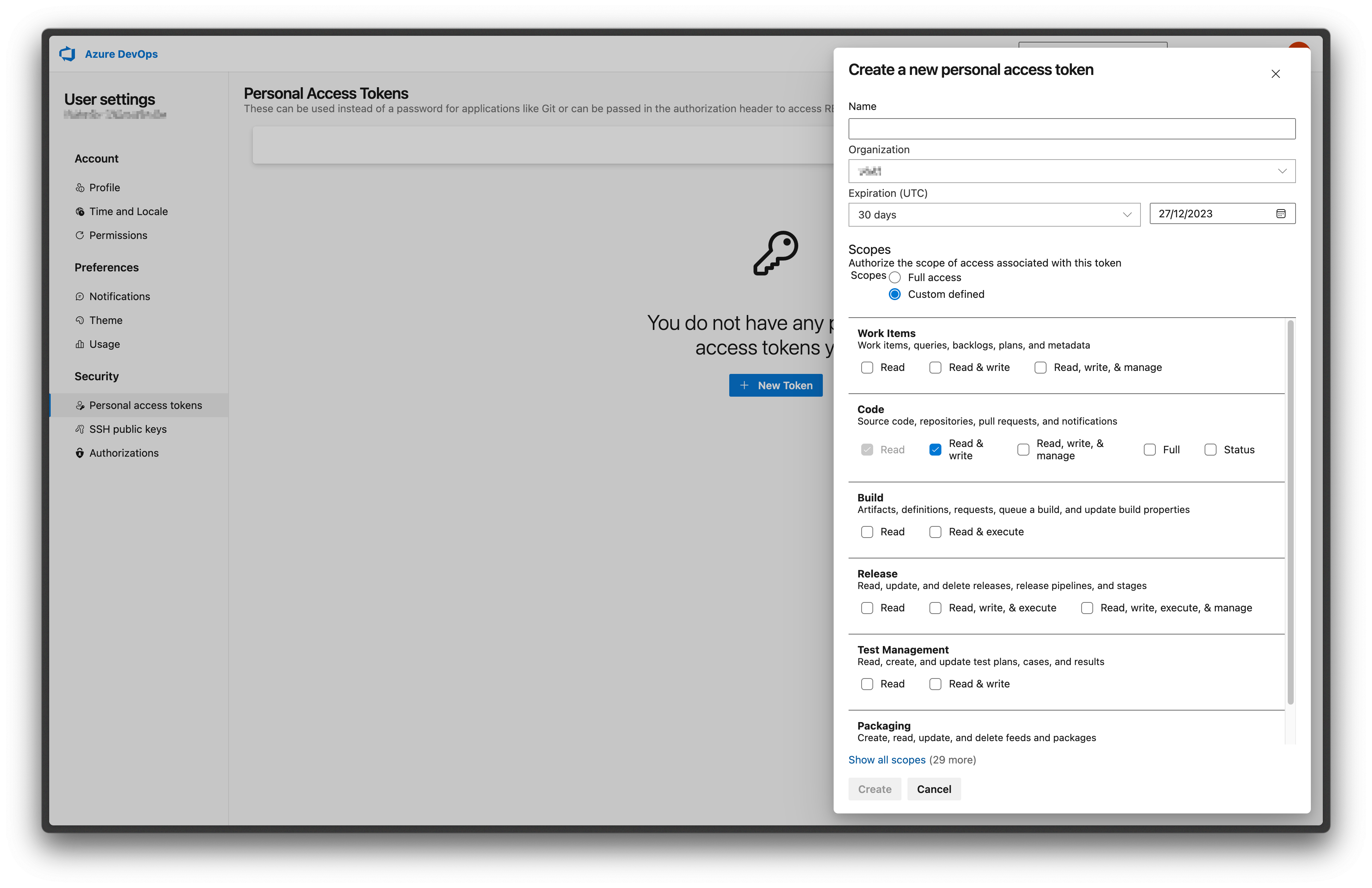 ## 2. Configure integration in Datafold
Navigate back to Datafold and fill in the configuration form.
* **Personal/project Access Token**: the token you created in step 1.
* **Organization**: your Azure DevOps organization name.
* **Project**: your Azure DevOps project name.
* **Repository**: your Azure DevOps repository name.
For example, if your Azure DevOps repository URL is `https://dev.azure.com/datafold/analytics/_git/dbt`:
* Your **Organization** is `datafold`
* your **Project** is `analytics`
* your **Repository** is `dbt`
---
# Source: https://docs.datafold.com/datafold-deployment/dedicated-cloud/azure.md
> ## Documentation Index
> Fetch the complete documentation index at: https://docs.datafold.com/llms.txt
> Use this file to discover all available pages before exploring further.
# Datafold VPC Deployment on Azure
> Learn how to deploy Datafold in a Virtual Private Cloud (VPC) on Azure.
**INFO**
VPC deployments are an Enterprise feature. Please email [sales@datafold.com](mailto:sales@datafold.com) to enable your account.
## Create a Domain Name (optional)
You can either choose to use your domain (for example, `datafold.domain.tld`) or to use a Datafold managed domain (for example, `yourcompany.dedicated.datafold.com`).
### Customer Managed Domain Name
Create a DNS A-record for the domain where Datafold will be hosted. For the DNS record, there are two options:
* **Public-facing:** When the domain is publicly available, we will provide an SSL certificate for the endpoint.
* **Internal:** It is also possible to have Datafold disconnected from the internet. This would require an internal DNS (for example, Azure DNS) record that points to the Datafold instance. It is possible to provide your own certificate for setting up the SSL connection.
Once the deployment is complete, you will point that A-record to the IP address of the Datafold service.
## Create a New Subscription
For isolation reasons, it is best practice to [create a new subscription](https://learn.microsoft.com/en-us/azure/cost-management-billing/manage/create-subscription) within your Microsoft Entra directory/tenant. Please call it something like `yourcompany-datafold` to make it easy to identify.
## Set IAM Permissions
Go to **Microsoft Entra ID** and navigate to **Users**. Click **Add**, **User**, **Invite external user** and add the Datafold engineers.
Navigate to the subscription you just created and go to **Access control (IAM)** tab in the side bar.
* Navigate to the subscription you just created. Go to **Access control (IAM)**. Under **Add** select **Add role assignment**.
* Under **Role**, navigate to **Priviledged administrator roles** and select **Owner**.
* Under **Members**, click **Select members** and add the Datafold engineers.
* When you are done, select **Review + assign**.
The owner role is only required temporarily while we configure and test the initial Datafold deployment. We'll inform you when it is ok to revoke this permission.
### Required APIs
The following Azure APIs need to be enabled to run Datafold:
1. [Microsoft.ContainerService](https://portal.azure.com/#view/Microsoft_Azure_Marketplace/GalleryFeaturedMenuItemBlade/selectedMenuItemId/home/searchQuery/Container%20Service)
2. [Microsoft.Network](https://portal.azure.com/#view/Microsoft_Azure_Marketplace/GalleryFeaturedMenuItemBlade/selectedMenuItemId/home/searchQuery/Network)
3. [Microsoft.Compute](https://portal.azure.com/#view/Microsoft_Azure_Marketplace/GalleryFeaturedMenuItemBlade/selectedMenuItemId/home/searchQuery/Compute)
4. [Microsoft.KeyVault](https://portal.azure.com/#view/Microsoft_Azure_Marketplace/GalleryFeaturedMenuItemBlade/selectedMenuItemId/home/searchQuery/Key%20Vault)
5. [Microsoft.Storage](https://portal.azure.com/#view/Microsoft_Azure_Marketplace/GalleryFeaturedMenuItemBlade/selectedMenuItemId/home/searchQuery/Storage)
6. [Microsoft.DBforPostgreSQL](https://portal.azure.com/#view/Microsoft_Azure_Marketplace/GalleryFeaturedMenuItemBlade/selectedMenuItemId/home/searchQuery/PostgreSQL)
Once the access has been granted, make sure to notify Datafold so we can initiate the deployment.
# Datafold Azure infrastructure details
This document provides detailed information about the Azure infrastructure components deployed by the Datafold Terraform module,
explaining the architectural decisions and operational considerations for each component.
## Managed disks
The Datafold application requires 3 managed disks for persistent storage, each deployed as encrypted Azure managed disks in the
primary availability zone. This also means that pods cannot be deployed outside the availability zone of these disks, because
the nodes wouldn't be able to attach them.
**ClickHouse data disk** serves as the analytical database storage for Datafold. ClickHouse is a columnar database that excels
at analytical queries. The default 40GB allocation usually provides sufficient space for typical deployments, but it can be
scaled up based on data volume requirements. The StandardSSD\_LRS disk type with configurable IOPS and throughput ensures
consistent performance for analytical workloads.
**ClickHouse logs disk** stores ClickHouse's internal logs and temporary data. The separate logs disk prevents log data from
consuming IOPS and I/O performance from actual data storage.
**Redis data disk** provides persistent storage for Redis, which handles task distribution and distributed locks in the Datafold
application. Redis is memory-first but benefits from persistence for data durability across restarts. The 50GB default size
accommodates typical caching needs while remaining cost-effective.
All managed disks are encrypted by default using Azure-managed encryption keys, ensuring data security at rest. The disks are
deployed in the first availability zone to minimize latency and simplify backup strategies. For Premium and Ultra SSD disk
types, IOPS and throughput can be configured to optimize performance for specific workloads.
## Application Gateway
The Application Gateway serves as the primary entry point for all external traffic to the Datafold application. The module
offers 2 deployment strategies, each with different operational characteristics and trade-offs.
**External Application Gateway Deployment** (the default approach) creates an Azure Application Gateway through Terraform.
This approach provides centralized control over load balancer configuration and integrates well with existing Azure
infrastructure. The Application Gateway automatically handles SSL termination, health checks, and traffic distribution across
Kubernetes pods. This method is ideal for organizations that prefer infrastructure-as-code management and want consistent
load balancer configurations across environments.
**Kubernetes-Managed Application Gateway** deployment sets `deploy_lb = false` and relies on the Azure Application Gateway
Ingress Controller (AGIC) running within the AKS cluster. This approach leverages Kubernetes-native load balancer management,
allowing for dynamic scaling and easier integration with Kubernetes ingress resources. The controller automatically provisions
and manages Application Gateways based on Kubernetes service definitions, which can be more flexible for applications that
need to scale load balancer resources dynamically.
Both Application Gateways apply the currently recommended and strictest SSL policies: `AppGwSslPolicy20220101S` and security
settings.
The choice between these approaches often depends on operational preferences and existing infrastructure patterns. External
deployment provides more predictable resource management, while Kubernetes-managed deployment offers greater flexibility for
dynamic workloads.
**Security** A network security group shared between the Application Gateway and the AKS nodes allows traffic to reach only
the AKS nodes and nothing else. The Application Gateway allows traffic to land directly into the AKS private subnet.
**Certificate** The certificate can be pre-created by the customer and then attached, or a cloud-managed certificate can be
created on the fly. The application will not function without HTTPS, so a certificate is mandatory. After the certificate is
created either manually or through this repository, it must be validated by the DNS administrator by adding a CNAME record.
This puts the certificate in "Issued" state. The certificate cannot be found when it's still provisioning.
## AKS cluster
The Azure Kubernetes Service (AKS) cluster forms the compute foundation for the Datafold application, providing a managed
Kubernetes environment optimized for Azure infrastructure.
**Network Architecture** The entire cluster is deployed into private subnets. This means the data plane is not reachable from
the Internet except through the Application Gateway. A NAT gateway allows the cluster to reach the internet (egress traffic)
for downloading pod images, optionally sending Datadog logs and metrics, and retrieving the version to apply to the cluster
from our portal. The control plane is accessible via a private endpoint using a Private Link setup from, for example, a VPN
VNet elsewhere. This is a private+public endpoint, so the control plane can also be made accessible through the Internet, but
then the appropriate CIDR restrictions should be put in place.
For a typical dedicated cloud deployment of Datafold, only around 100 IPs are needed. This assumes 3 Standard\_DS2\_v2 instances
where one node runs ClickHouse+Redis, another node runs the application, and a third node may be put in place when version
rollovers occur. This means a subnet of size /24 (253 IPs) should be sufficient to run this application.
By default, the repository creates a VNet and subnets, but by specifying the VNet ID of an already existing VNet, the cluster
and Application Gateway get deployed into existing network infrastructure. This is important for some customers where they
deploy a different architecture without NAT gateways, firewall options that check egress, and other DLP controls.
**Add-ons**
The cluster includes several essential add-ons configured through Terraform:
**Workload Identity** is enabled to provide fine-grained IAM permissions to Kubernetes pods without requiring Azure credentials
in container images. This is essential for ClickHouse to access Azure Storage for backups and other services.
**Ingress Application Gateway** is integrated with the cluster to handle external traffic routing and SSL termination. The
Application Gateway Ingress Controller (AGIC) manages the Application Gateway configuration based on Kubernetes ingress resources.
**Storage Profile** includes the Azure Disk CSI driver for persistent volume management, file driver for Azure Files, and
snapshot controller for volume snapshots. These components enable dynamic provisioning and management of Azure storage resources.
**Node Management** supports up to three managed node pools, allowing for workload-specific resource allocation. Each node
pool can be configured with different VM sizes, enabling cost optimization and performance tuning for different application
components. The cluster autoscaler automatically adjusts node count based on resource demands, ensuring efficient resource
utilization while maintaining application availability. One typical way to deploy is to let the application pods go on a wider
range of nodes, and set up tolerations and labels on the second node pool, which are then selected by both Redis and
ClickHouse. This is because Redis and ClickHouse have restrictions on the zone they must be present in because of their
disks, and ClickHouse is a bit more CPU intensive. This method optimizes CPU performance for the Datafold application.
**Security Features** include Azure Workload Identity, which provides fine-grained IAM permissions to Kubernetes pods without
requiring Azure credentials in container images. This approach enhances security by following the principle of least privilege
and integrates seamlessly with Azure security services. The cluster also supports private clusters with restricted control
plane access and network policies for pod-to-pod communication control.
## IAM Roles and Permissions
The IAM architecture follows the principle of least privilege, providing specific permissions only where needed. Service
accounts in Kubernetes are mapped to IAM roles using Azure Workload Identity, enabling secure access to Azure services without
embedding credentials in application code.
**Azure Disk CSI Controller Role** enables the Kubernetes cluster to manage Azure managed disks dynamically. This role allows
pods to request persistent storage that's automatically provisioned and attached to the appropriate nodes or attach static
disks. The permissions are scoped to only the Azure Disk operations needed for disk lifecycle management.
**Application Gateway Ingress Controller Role** provides the permissions necessary for Kubernetes to manage Azure Application
Gateways. This includes creating backend address pools, registering and deregistering targets, and managing Application
Gateway listeners. The controller can automatically provision Application Gateways based on Kubernetes service definitions,
enabling seamless integration between Kubernetes and Azure networking.
**Cluster Autoscaler Role** allows the cluster to automatically scale node pools based on resource demands. This role can
describe and modify Virtual Machine Scale Sets, enabling the cluster to add or remove nodes as needed. The autoscaler considers
pod resource requests and node capacity when making scaling decisions.
**Datafold Roles** Datafold has roles per pod pre-defined which can have their permissions assigned when they need them. At
the moment, we have two specific roles in use. One is for the ClickHouse pod to be able to make backups and store them on
Azure Storage. The other is for the use of the Azure OpenAI service for our AI offering.
These roles are automatically created and configured when the cluster is deployed, ensuring that the necessary permissions are
in place for the cluster to function properly. The use of Azure Workload Identity means that these permissions are automatically
rotated and managed by Azure, reducing security risks associated with long-lived credentials.
## Azure Database for PostgreSQL
The Azure Database for PostgreSQL Flexible Server instance serves as the primary relational database for the Datafold
application, storing user data, configuration, and application state.
**Storage Configuration** starts with a 32GB initial allocation that can automatically scale up to 100GB based on usage
patterns. This auto-scaling feature prevents storage-related outages while avoiding over-provisioning. For typical deployments,
storage usage remains under 200GB, though some high-volume deployments may approach 400GB. The GP\_Standard storage type
provides consistent performance with configurable IOPS and throughput.
**High Availability** is intentionally disabled by default, meaning the database runs in a single availability zone. This
configuration reduces costs and complexity while still providing excellent reliability. The database includes automated backups
with 7-day retention, ensuring data can be recovered in case of failures. For organizations requiring higher availability,
multi-zone deployment can be enabled, though this significantly increases costs.
**Security and Encryption** always encrypts data at rest using Azure-managed encryption keys. The database is deployed in
private subnets with network security groups that restrict access to only the AKS cluster, ensuring network-level security.
The database supports Azure Private Link for secure, private connectivity from the VNet.
The database configuration prioritizes operational simplicity and cost-effectiveness while maintaining the security and
reliability required for production workloads. The combination of automated backups, encryption, and network isolation
provides a robust foundation for the application's data storage needs.
---
# Source: https://docs.datafold.com/data-diff/in-database-diffing/best-practices.md
# Source: https://docs.datafold.com/data-diff/cross-database-diffing/best-practices.md
> ## Documentation Index
> Fetch the complete documentation index at: https://docs.datafold.com/llms.txt
> Use this file to discover all available pages before exploring further.
# Best Practices
> When dealing with large datasets, it's crucial to approach diffing with specific optimization strategies in mind. We share best practices that will help you get the most accurate and efficient results from your data diffs.
## Enable sampling
[Sampling](/data-diff/cross-database-diffing/creating-a-new-data-diff#row-sampling) can be helpful when diffing between extremely large datasets as it can result in a speedup of 2x to 20x or more. The extent of the speedup depends on various factors, including the scale of the data, instance sizes, and the number of data columns.
The following table illustrates the speedup achieved with sampling in different databases, varying instance sizes, and different numbers of data columns:
| Databases | vCPU | RAM, GB | Rows | Columns | Time full | Time sampled | Speedup | RDS type | Diff full | Diff sampled | Per-col noise |
| :-----------------: | :--: | :-----: | :-------: | :-----: | :-------: | :----------: | :-----: | :-----------: | :-------: | :----------: | :-----------: |
| Oracle vs Snowflake | 2 | 2 | 1,000,000 | 1 | 0:00:33 | 0:00:27 | 1.22 | db.t3.small | 5399 | 5400 | 0 |
| Oracle vs Snowflake | 8 | 32 | 1,000,000 | 1 | 0:07:23 | 0:00:18 | 24.61 | db.m5.2xlarge | 5422 | 5423 | 0.005 |
| MySQL vs Snowflake | 2 | 8 | 1,000,000 | 1 | 0:00:57 | 0:00:24 | 2.38 | db.m5.large | 5409 | 5413 | 0 |
| MySQL vs Snowflake | 2 | 8 | 1,000,000 | 29 | 0:40:00 | 0:02:14 | 17.91 | db.m5.large | 5412 | 5411 | 0 |
When sampling is enabled, Datafold compares a randomly chosen subset of the data. Sampling is the tradeoff between the diff detail and time/cost of the diffing process. For most use cases, sampling does not reduce the informational value of data diffs as it still provides the magnitude and specific examples of differences (e.g., if 10% of sampled data show discrepancies, it suggests a similar proportion of differences across the entire dataset).
Although configuring sampling can seem overwhelming at first, a good rule of thumb is to select an initial value of 95% for the sampling confidence and adjust it as needed. Tweaking the parameters can be helpful to see how they impact the sample size and the tradeoff between performance and accuracy.
## Handling data type differences
Datafold automatically manages data type differences during cross-database diffing. For example, when comparing decimals with different precisions (e.g., `DECIMAL(38,15)` in SQL Server and `DECIMAL(38,19)` in Snowflake), Datafold automatically casts values to a common precision before comparison, flagging any differences appropriately. Similarly, for timestamps with different precisions (e.g., milliseconds in SQL Server and nanoseconds in Snowflake), Datafold adjusts the precision as needed for accurate comparisons, simplifying the diffing process.
## Optimizing OLTP databases: indexing best practices
When working with row-oriented transactional databases like PostgreSQL, optimizing the database structure is crucial for efficient data diffing, especially for large tables. Here are some best practices to consider:
* **Create indexes on key columns**:
* It's essential to create indexes on the columns that will be compared, particularly the primary key columns defined in the data diffs.
* **Example**: If your data diff involves primary key columns `colA` and `colB`, ensure that indexes are created for these specific columns.
* **Use separate indexes for primary key columns:**
* Indexes for primary key columns should be distinct and start with these columns, not as subsets of other indexes. Having a dedicated primary key index is critical for efficient diffing.
* **Example**: Consider a primary key consisting of `colA` and `colB`. Ensure that the index is structured in the same order, like (`colA`, `colB`), to align with the primary key. An index with an order of (`colB`, `colA`) is strongly discouraged due to the impact on performance.
* **Example**: If the index is defined as (`colA`, `colB`, `colC`) and the primary key is a combination of `colA` and `colB`, then when setting up the diff operation, ensure that the primary key is specified as `colA`, `colB.` If the order is reversed as `colB`, `colA`, the diffing process won’t be able to fully utilize indexing, potentially leading to slower performance.
* **Leverage compound indexes**:
* Compound indexes, which involve multiple columns, can significantly improve query performance during data diffs as they efficiently handle complex queries and filtering.
* **Example**: An index defined as (`colA`, `colB`, `colC`) can be beneficial for diffing operations involving these columns, as it aligns with the order of columns in the primary key.
## Handling high percentage of differences
Data diff is optimized to perform best when the percent of different rows/values is relatively low, to support common data validation scenarios like data replication and migration.
While the tool strives to maximize the database's computational power and minimize data transfer, in extreme cases with very high difference percentages (up to 100%), it may result in transferring every row over the network, which is considerably slower.
In order to avoid long-running diffs, we recommend the following:
* **Start with diffing [primary keys](/data-diff/cross-database-diffing/creating-a-new-data-diff#primary-key)** only to identify row-level completeness first, before diffing all or more columns.
* **Set an [egress](/data-diff/cross-database-diffing/creating-a-new-data-diff#primary-key) limit** to automatically stop the diffing process after set number of rows are downloaded over the network.
* **Set a [per-column diff](/data-diff/cross-database-diffing/creating-a-new-data-diff#primary-key) limit** to stop finding differences for each column after a set number are found. This is especially useful in data reconciliation where identifying a large number of discrepancies (e.g., large percentage of missing/different rows) early on indicates that a detailed row-by-row diff may not be required, thereby saving time and computational resources.
In the screenshot below, we see that exactly 4 differences were found in `user_id`, but “at least 4,704 differences” were found in `total_runtime_seconds`. `user_id` has a number of differences below the per-column diff limit, and so we state the exact number. On the other hand, `total_runtime_seconds` has a number of differences greater than the per-column diff limit, so we state “at least.” Note that due to our algorithm’s approach, we often find significantly more differences than the limit before diffing is halted, and in that scenario, we report the value that was found, while stating that more differences may exist.
## 2. Configure integration in Datafold
Navigate back to Datafold and fill in the configuration form.
* **Personal/project Access Token**: the token you created in step 1.
* **Organization**: your Azure DevOps organization name.
* **Project**: your Azure DevOps project name.
* **Repository**: your Azure DevOps repository name.
For example, if your Azure DevOps repository URL is `https://dev.azure.com/datafold/analytics/_git/dbt`:
* Your **Organization** is `datafold`
* your **Project** is `analytics`
* your **Repository** is `dbt`
---
# Source: https://docs.datafold.com/datafold-deployment/dedicated-cloud/azure.md
> ## Documentation Index
> Fetch the complete documentation index at: https://docs.datafold.com/llms.txt
> Use this file to discover all available pages before exploring further.
# Datafold VPC Deployment on Azure
> Learn how to deploy Datafold in a Virtual Private Cloud (VPC) on Azure.
**INFO**
VPC deployments are an Enterprise feature. Please email [sales@datafold.com](mailto:sales@datafold.com) to enable your account.
## Create a Domain Name (optional)
You can either choose to use your domain (for example, `datafold.domain.tld`) or to use a Datafold managed domain (for example, `yourcompany.dedicated.datafold.com`).
### Customer Managed Domain Name
Create a DNS A-record for the domain where Datafold will be hosted. For the DNS record, there are two options:
* **Public-facing:** When the domain is publicly available, we will provide an SSL certificate for the endpoint.
* **Internal:** It is also possible to have Datafold disconnected from the internet. This would require an internal DNS (for example, Azure DNS) record that points to the Datafold instance. It is possible to provide your own certificate for setting up the SSL connection.
Once the deployment is complete, you will point that A-record to the IP address of the Datafold service.
## Create a New Subscription
For isolation reasons, it is best practice to [create a new subscription](https://learn.microsoft.com/en-us/azure/cost-management-billing/manage/create-subscription) within your Microsoft Entra directory/tenant. Please call it something like `yourcompany-datafold` to make it easy to identify.
## Set IAM Permissions
Go to **Microsoft Entra ID** and navigate to **Users**. Click **Add**, **User**, **Invite external user** and add the Datafold engineers.
Navigate to the subscription you just created and go to **Access control (IAM)** tab in the side bar.
* Navigate to the subscription you just created. Go to **Access control (IAM)**. Under **Add** select **Add role assignment**.
* Under **Role**, navigate to **Priviledged administrator roles** and select **Owner**.
* Under **Members**, click **Select members** and add the Datafold engineers.
* When you are done, select **Review + assign**.
The owner role is only required temporarily while we configure and test the initial Datafold deployment. We'll inform you when it is ok to revoke this permission.
### Required APIs
The following Azure APIs need to be enabled to run Datafold:
1. [Microsoft.ContainerService](https://portal.azure.com/#view/Microsoft_Azure_Marketplace/GalleryFeaturedMenuItemBlade/selectedMenuItemId/home/searchQuery/Container%20Service)
2. [Microsoft.Network](https://portal.azure.com/#view/Microsoft_Azure_Marketplace/GalleryFeaturedMenuItemBlade/selectedMenuItemId/home/searchQuery/Network)
3. [Microsoft.Compute](https://portal.azure.com/#view/Microsoft_Azure_Marketplace/GalleryFeaturedMenuItemBlade/selectedMenuItemId/home/searchQuery/Compute)
4. [Microsoft.KeyVault](https://portal.azure.com/#view/Microsoft_Azure_Marketplace/GalleryFeaturedMenuItemBlade/selectedMenuItemId/home/searchQuery/Key%20Vault)
5. [Microsoft.Storage](https://portal.azure.com/#view/Microsoft_Azure_Marketplace/GalleryFeaturedMenuItemBlade/selectedMenuItemId/home/searchQuery/Storage)
6. [Microsoft.DBforPostgreSQL](https://portal.azure.com/#view/Microsoft_Azure_Marketplace/GalleryFeaturedMenuItemBlade/selectedMenuItemId/home/searchQuery/PostgreSQL)
Once the access has been granted, make sure to notify Datafold so we can initiate the deployment.
# Datafold Azure infrastructure details
This document provides detailed information about the Azure infrastructure components deployed by the Datafold Terraform module,
explaining the architectural decisions and operational considerations for each component.
## Managed disks
The Datafold application requires 3 managed disks for persistent storage, each deployed as encrypted Azure managed disks in the
primary availability zone. This also means that pods cannot be deployed outside the availability zone of these disks, because
the nodes wouldn't be able to attach them.
**ClickHouse data disk** serves as the analytical database storage for Datafold. ClickHouse is a columnar database that excels
at analytical queries. The default 40GB allocation usually provides sufficient space for typical deployments, but it can be
scaled up based on data volume requirements. The StandardSSD\_LRS disk type with configurable IOPS and throughput ensures
consistent performance for analytical workloads.
**ClickHouse logs disk** stores ClickHouse's internal logs and temporary data. The separate logs disk prevents log data from
consuming IOPS and I/O performance from actual data storage.
**Redis data disk** provides persistent storage for Redis, which handles task distribution and distributed locks in the Datafold
application. Redis is memory-first but benefits from persistence for data durability across restarts. The 50GB default size
accommodates typical caching needs while remaining cost-effective.
All managed disks are encrypted by default using Azure-managed encryption keys, ensuring data security at rest. The disks are
deployed in the first availability zone to minimize latency and simplify backup strategies. For Premium and Ultra SSD disk
types, IOPS and throughput can be configured to optimize performance for specific workloads.
## Application Gateway
The Application Gateway serves as the primary entry point for all external traffic to the Datafold application. The module
offers 2 deployment strategies, each with different operational characteristics and trade-offs.
**External Application Gateway Deployment** (the default approach) creates an Azure Application Gateway through Terraform.
This approach provides centralized control over load balancer configuration and integrates well with existing Azure
infrastructure. The Application Gateway automatically handles SSL termination, health checks, and traffic distribution across
Kubernetes pods. This method is ideal for organizations that prefer infrastructure-as-code management and want consistent
load balancer configurations across environments.
**Kubernetes-Managed Application Gateway** deployment sets `deploy_lb = false` and relies on the Azure Application Gateway
Ingress Controller (AGIC) running within the AKS cluster. This approach leverages Kubernetes-native load balancer management,
allowing for dynamic scaling and easier integration with Kubernetes ingress resources. The controller automatically provisions
and manages Application Gateways based on Kubernetes service definitions, which can be more flexible for applications that
need to scale load balancer resources dynamically.
Both Application Gateways apply the currently recommended and strictest SSL policies: `AppGwSslPolicy20220101S` and security
settings.
The choice between these approaches often depends on operational preferences and existing infrastructure patterns. External
deployment provides more predictable resource management, while Kubernetes-managed deployment offers greater flexibility for
dynamic workloads.
**Security** A network security group shared between the Application Gateway and the AKS nodes allows traffic to reach only
the AKS nodes and nothing else. The Application Gateway allows traffic to land directly into the AKS private subnet.
**Certificate** The certificate can be pre-created by the customer and then attached, or a cloud-managed certificate can be
created on the fly. The application will not function without HTTPS, so a certificate is mandatory. After the certificate is
created either manually or through this repository, it must be validated by the DNS administrator by adding a CNAME record.
This puts the certificate in "Issued" state. The certificate cannot be found when it's still provisioning.
## AKS cluster
The Azure Kubernetes Service (AKS) cluster forms the compute foundation for the Datafold application, providing a managed
Kubernetes environment optimized for Azure infrastructure.
**Network Architecture** The entire cluster is deployed into private subnets. This means the data plane is not reachable from
the Internet except through the Application Gateway. A NAT gateway allows the cluster to reach the internet (egress traffic)
for downloading pod images, optionally sending Datadog logs and metrics, and retrieving the version to apply to the cluster
from our portal. The control plane is accessible via a private endpoint using a Private Link setup from, for example, a VPN
VNet elsewhere. This is a private+public endpoint, so the control plane can also be made accessible through the Internet, but
then the appropriate CIDR restrictions should be put in place.
For a typical dedicated cloud deployment of Datafold, only around 100 IPs are needed. This assumes 3 Standard\_DS2\_v2 instances
where one node runs ClickHouse+Redis, another node runs the application, and a third node may be put in place when version
rollovers occur. This means a subnet of size /24 (253 IPs) should be sufficient to run this application.
By default, the repository creates a VNet and subnets, but by specifying the VNet ID of an already existing VNet, the cluster
and Application Gateway get deployed into existing network infrastructure. This is important for some customers where they
deploy a different architecture without NAT gateways, firewall options that check egress, and other DLP controls.
**Add-ons**
The cluster includes several essential add-ons configured through Terraform:
**Workload Identity** is enabled to provide fine-grained IAM permissions to Kubernetes pods without requiring Azure credentials
in container images. This is essential for ClickHouse to access Azure Storage for backups and other services.
**Ingress Application Gateway** is integrated with the cluster to handle external traffic routing and SSL termination. The
Application Gateway Ingress Controller (AGIC) manages the Application Gateway configuration based on Kubernetes ingress resources.
**Storage Profile** includes the Azure Disk CSI driver for persistent volume management, file driver for Azure Files, and
snapshot controller for volume snapshots. These components enable dynamic provisioning and management of Azure storage resources.
**Node Management** supports up to three managed node pools, allowing for workload-specific resource allocation. Each node
pool can be configured with different VM sizes, enabling cost optimization and performance tuning for different application
components. The cluster autoscaler automatically adjusts node count based on resource demands, ensuring efficient resource
utilization while maintaining application availability. One typical way to deploy is to let the application pods go on a wider
range of nodes, and set up tolerations and labels on the second node pool, which are then selected by both Redis and
ClickHouse. This is because Redis and ClickHouse have restrictions on the zone they must be present in because of their
disks, and ClickHouse is a bit more CPU intensive. This method optimizes CPU performance for the Datafold application.
**Security Features** include Azure Workload Identity, which provides fine-grained IAM permissions to Kubernetes pods without
requiring Azure credentials in container images. This approach enhances security by following the principle of least privilege
and integrates seamlessly with Azure security services. The cluster also supports private clusters with restricted control
plane access and network policies for pod-to-pod communication control.
## IAM Roles and Permissions
The IAM architecture follows the principle of least privilege, providing specific permissions only where needed. Service
accounts in Kubernetes are mapped to IAM roles using Azure Workload Identity, enabling secure access to Azure services without
embedding credentials in application code.
**Azure Disk CSI Controller Role** enables the Kubernetes cluster to manage Azure managed disks dynamically. This role allows
pods to request persistent storage that's automatically provisioned and attached to the appropriate nodes or attach static
disks. The permissions are scoped to only the Azure Disk operations needed for disk lifecycle management.
**Application Gateway Ingress Controller Role** provides the permissions necessary for Kubernetes to manage Azure Application
Gateways. This includes creating backend address pools, registering and deregistering targets, and managing Application
Gateway listeners. The controller can automatically provision Application Gateways based on Kubernetes service definitions,
enabling seamless integration between Kubernetes and Azure networking.
**Cluster Autoscaler Role** allows the cluster to automatically scale node pools based on resource demands. This role can
describe and modify Virtual Machine Scale Sets, enabling the cluster to add or remove nodes as needed. The autoscaler considers
pod resource requests and node capacity when making scaling decisions.
**Datafold Roles** Datafold has roles per pod pre-defined which can have their permissions assigned when they need them. At
the moment, we have two specific roles in use. One is for the ClickHouse pod to be able to make backups and store them on
Azure Storage. The other is for the use of the Azure OpenAI service for our AI offering.
These roles are automatically created and configured when the cluster is deployed, ensuring that the necessary permissions are
in place for the cluster to function properly. The use of Azure Workload Identity means that these permissions are automatically
rotated and managed by Azure, reducing security risks associated with long-lived credentials.
## Azure Database for PostgreSQL
The Azure Database for PostgreSQL Flexible Server instance serves as the primary relational database for the Datafold
application, storing user data, configuration, and application state.
**Storage Configuration** starts with a 32GB initial allocation that can automatically scale up to 100GB based on usage
patterns. This auto-scaling feature prevents storage-related outages while avoiding over-provisioning. For typical deployments,
storage usage remains under 200GB, though some high-volume deployments may approach 400GB. The GP\_Standard storage type
provides consistent performance with configurable IOPS and throughput.
**High Availability** is intentionally disabled by default, meaning the database runs in a single availability zone. This
configuration reduces costs and complexity while still providing excellent reliability. The database includes automated backups
with 7-day retention, ensuring data can be recovered in case of failures. For organizations requiring higher availability,
multi-zone deployment can be enabled, though this significantly increases costs.
**Security and Encryption** always encrypts data at rest using Azure-managed encryption keys. The database is deployed in
private subnets with network security groups that restrict access to only the AKS cluster, ensuring network-level security.
The database supports Azure Private Link for secure, private connectivity from the VNet.
The database configuration prioritizes operational simplicity and cost-effectiveness while maintaining the security and
reliability required for production workloads. The combination of automated backups, encryption, and network isolation
provides a robust foundation for the application's data storage needs.
---
# Source: https://docs.datafold.com/data-diff/in-database-diffing/best-practices.md
# Source: https://docs.datafold.com/data-diff/cross-database-diffing/best-practices.md
> ## Documentation Index
> Fetch the complete documentation index at: https://docs.datafold.com/llms.txt
> Use this file to discover all available pages before exploring further.
# Best Practices
> When dealing with large datasets, it's crucial to approach diffing with specific optimization strategies in mind. We share best practices that will help you get the most accurate and efficient results from your data diffs.
## Enable sampling
[Sampling](/data-diff/cross-database-diffing/creating-a-new-data-diff#row-sampling) can be helpful when diffing between extremely large datasets as it can result in a speedup of 2x to 20x or more. The extent of the speedup depends on various factors, including the scale of the data, instance sizes, and the number of data columns.
The following table illustrates the speedup achieved with sampling in different databases, varying instance sizes, and different numbers of data columns:
| Databases | vCPU | RAM, GB | Rows | Columns | Time full | Time sampled | Speedup | RDS type | Diff full | Diff sampled | Per-col noise |
| :-----------------: | :--: | :-----: | :-------: | :-----: | :-------: | :----------: | :-----: | :-----------: | :-------: | :----------: | :-----------: |
| Oracle vs Snowflake | 2 | 2 | 1,000,000 | 1 | 0:00:33 | 0:00:27 | 1.22 | db.t3.small | 5399 | 5400 | 0 |
| Oracle vs Snowflake | 8 | 32 | 1,000,000 | 1 | 0:07:23 | 0:00:18 | 24.61 | db.m5.2xlarge | 5422 | 5423 | 0.005 |
| MySQL vs Snowflake | 2 | 8 | 1,000,000 | 1 | 0:00:57 | 0:00:24 | 2.38 | db.m5.large | 5409 | 5413 | 0 |
| MySQL vs Snowflake | 2 | 8 | 1,000,000 | 29 | 0:40:00 | 0:02:14 | 17.91 | db.m5.large | 5412 | 5411 | 0 |
When sampling is enabled, Datafold compares a randomly chosen subset of the data. Sampling is the tradeoff between the diff detail and time/cost of the diffing process. For most use cases, sampling does not reduce the informational value of data diffs as it still provides the magnitude and specific examples of differences (e.g., if 10% of sampled data show discrepancies, it suggests a similar proportion of differences across the entire dataset).
Although configuring sampling can seem overwhelming at first, a good rule of thumb is to select an initial value of 95% for the sampling confidence and adjust it as needed. Tweaking the parameters can be helpful to see how they impact the sample size and the tradeoff between performance and accuracy.
## Handling data type differences
Datafold automatically manages data type differences during cross-database diffing. For example, when comparing decimals with different precisions (e.g., `DECIMAL(38,15)` in SQL Server and `DECIMAL(38,19)` in Snowflake), Datafold automatically casts values to a common precision before comparison, flagging any differences appropriately. Similarly, for timestamps with different precisions (e.g., milliseconds in SQL Server and nanoseconds in Snowflake), Datafold adjusts the precision as needed for accurate comparisons, simplifying the diffing process.
## Optimizing OLTP databases: indexing best practices
When working with row-oriented transactional databases like PostgreSQL, optimizing the database structure is crucial for efficient data diffing, especially for large tables. Here are some best practices to consider:
* **Create indexes on key columns**:
* It's essential to create indexes on the columns that will be compared, particularly the primary key columns defined in the data diffs.
* **Example**: If your data diff involves primary key columns `colA` and `colB`, ensure that indexes are created for these specific columns.
* **Use separate indexes for primary key columns:**
* Indexes for primary key columns should be distinct and start with these columns, not as subsets of other indexes. Having a dedicated primary key index is critical for efficient diffing.
* **Example**: Consider a primary key consisting of `colA` and `colB`. Ensure that the index is structured in the same order, like (`colA`, `colB`), to align with the primary key. An index with an order of (`colB`, `colA`) is strongly discouraged due to the impact on performance.
* **Example**: If the index is defined as (`colA`, `colB`, `colC`) and the primary key is a combination of `colA` and `colB`, then when setting up the diff operation, ensure that the primary key is specified as `colA`, `colB.` If the order is reversed as `colB`, `colA`, the diffing process won’t be able to fully utilize indexing, potentially leading to slower performance.
* **Leverage compound indexes**:
* Compound indexes, which involve multiple columns, can significantly improve query performance during data diffs as they efficiently handle complex queries and filtering.
* **Example**: An index defined as (`colA`, `colB`, `colC`) can be beneficial for diffing operations involving these columns, as it aligns with the order of columns in the primary key.
## Handling high percentage of differences
Data diff is optimized to perform best when the percent of different rows/values is relatively low, to support common data validation scenarios like data replication and migration.
While the tool strives to maximize the database's computational power and minimize data transfer, in extreme cases with very high difference percentages (up to 100%), it may result in transferring every row over the network, which is considerably slower.
In order to avoid long-running diffs, we recommend the following:
* **Start with diffing [primary keys](/data-diff/cross-database-diffing/creating-a-new-data-diff#primary-key)** only to identify row-level completeness first, before diffing all or more columns.
* **Set an [egress](/data-diff/cross-database-diffing/creating-a-new-data-diff#primary-key) limit** to automatically stop the diffing process after set number of rows are downloaded over the network.
* **Set a [per-column diff](/data-diff/cross-database-diffing/creating-a-new-data-diff#primary-key) limit** to stop finding differences for each column after a set number are found. This is especially useful in data reconciliation where identifying a large number of discrepancies (e.g., large percentage of missing/different rows) early on indicates that a detailed row-by-row diff may not be required, thereby saving time and computational resources.
In the screenshot below, we see that exactly 4 differences were found in `user_id`, but “at least 4,704 differences” were found in `total_runtime_seconds`. `user_id` has a number of differences below the per-column diff limit, and so we state the exact number. On the other hand, `total_runtime_seconds` has a number of differences greater than the per-column diff limit, so we state “at least.” Note that due to our algorithm’s approach, we often find significantly more differences than the limit before diffing is halted, and in that scenario, we report the value that was found, while stating that more differences may exist.
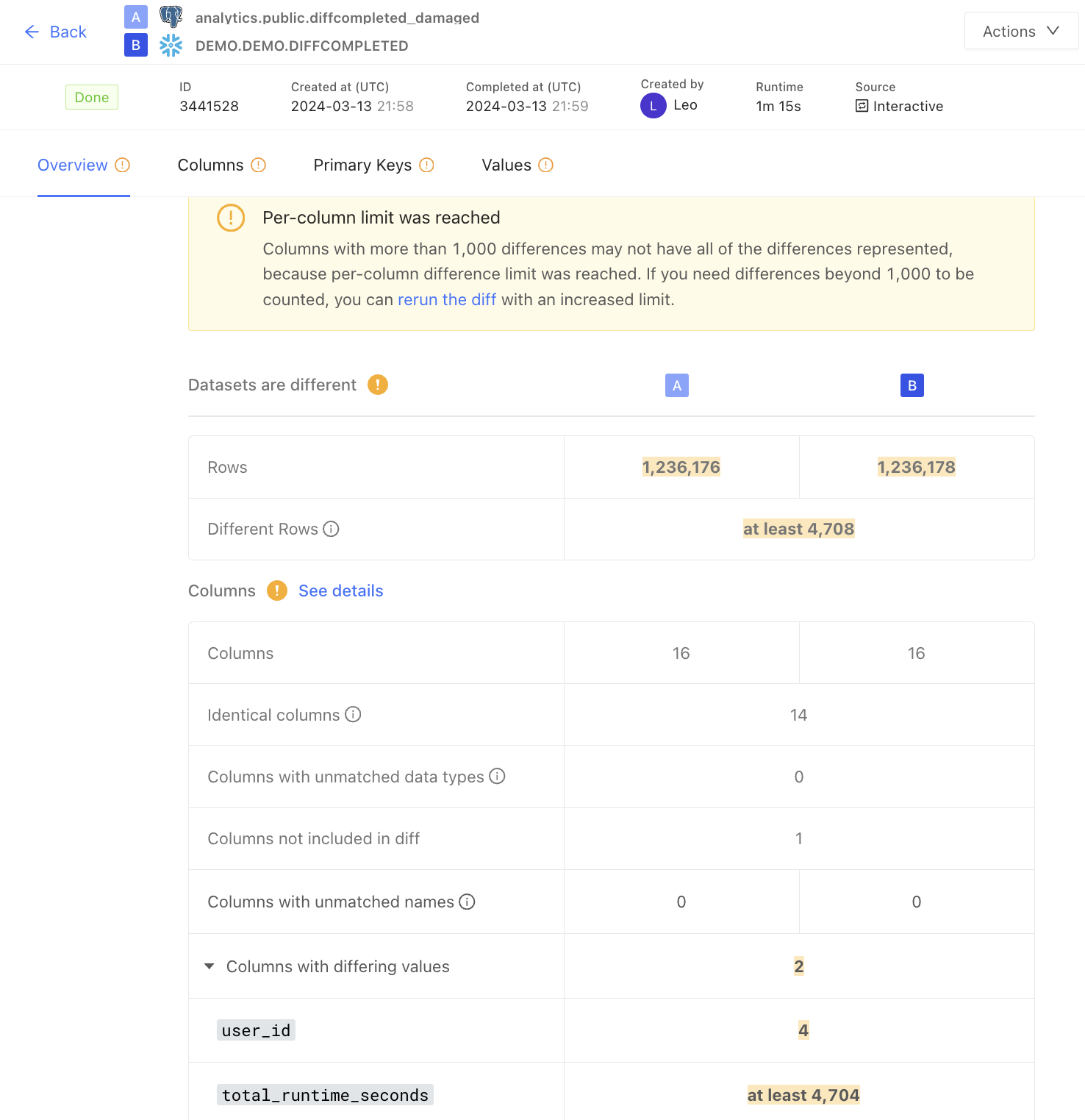 ## Executing queries in parallel
Increase the number of concurrent connections to the database in Datafold. This enables queries to be executed in parallel, significantly accelerating the diff process.
Navigate to the **Settings** option in the left sidebar menu of Datafold. Adjust the **max connections** setting to increase the number of concurrent connections Datafold can establish with your data. Note that the maximum allowable value for concurrent connections is 64.
## Executing queries in parallel
Increase the number of concurrent connections to the database in Datafold. This enables queries to be executed in parallel, significantly accelerating the diff process.
Navigate to the **Settings** option in the left sidebar menu of Datafold. Adjust the **max connections** setting to increase the number of concurrent connections Datafold can establish with your data. Note that the maximum allowable value for concurrent connections is 64.
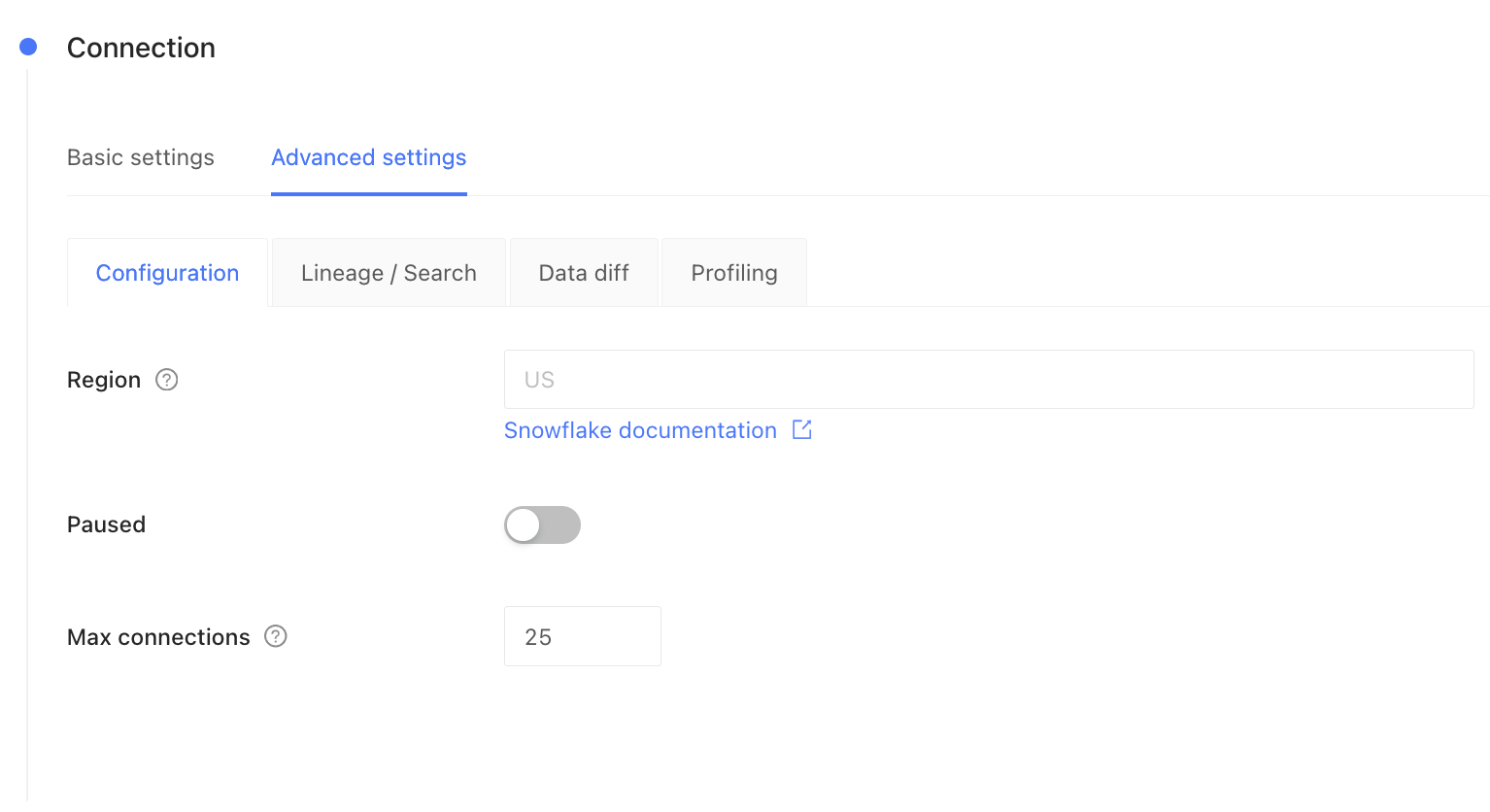 ## Optimize column selection
The number of columns included in the diff directly impacts its speed: selecting fewer columns typically results in faster execution. To optimize performance, refine your column selection based on your specific use case:
* **Comprehensive verification**: For in-depth analysis, include all columns in the diff. This method is the most thorough, suitable for exhaustive data reviews, albeit time-intensive for wide tables.
* **Minimal verification**: Consider verifying only the primary key and `updated_at` columns. This is efficient and sufficient if you need to validate rows have not been added or removed, and that updates are current between databases, but do not need to check for value-level differences between rows with common primary keys.
* **Presence verification**: If your main concern is just the presence of data (whether data exists or has been removed), such as identifying missing hard deletes, verifying only the primary key column can be sufficient.
* **Hybrid verification**: Focus on key columns that are most critical to your operations or data integrity, such as monetary values in an `amount` column, while omitting large serialized or less critical columns like `json_settings`.
## Managing primary key distribution
Significant gaps in the primary key column can decrease diff efficiency (e.g., 10s of millions of continuous rows missing). Datafold will execute queries for non-existent row ranges, which can slow down the data diff.
## Handling different primary key types
As a general rule, primary keys should be of the same (or similar) type in both datasets for diffing to work properly. Comparing primary keys of different types (e.g., `INT` vs `VARCHAR`) will result in a type mismatch error. You can still diff such datasets by casting the primary key column to the same type in both datasets explicitly.
Indexes on the primary key typically cannot be utilized when the primary key is cast to a different type. This may result in slower diffing performance. Consider creating a separate index, such as [expression index in PostgreSQL](https://www.postgresql.org/docs/current/indexes-expressional.html), to improve performance.
## Optimize column selection
The number of columns included in the diff directly impacts its speed: selecting fewer columns typically results in faster execution. To optimize performance, refine your column selection based on your specific use case:
* **Comprehensive verification**: For in-depth analysis, include all columns in the diff. This method is the most thorough, suitable for exhaustive data reviews, albeit time-intensive for wide tables.
* **Minimal verification**: Consider verifying only the primary key and `updated_at` columns. This is efficient and sufficient if you need to validate rows have not been added or removed, and that updates are current between databases, but do not need to check for value-level differences between rows with common primary keys.
* **Presence verification**: If your main concern is just the presence of data (whether data exists or has been removed), such as identifying missing hard deletes, verifying only the primary key column can be sufficient.
* **Hybrid verification**: Focus on key columns that are most critical to your operations or data integrity, such as monetary values in an `amount` column, while omitting large serialized or less critical columns like `json_settings`.
## Managing primary key distribution
Significant gaps in the primary key column can decrease diff efficiency (e.g., 10s of millions of continuous rows missing). Datafold will execute queries for non-existent row ranges, which can slow down the data diff.
## Handling different primary key types
As a general rule, primary keys should be of the same (or similar) type in both datasets for diffing to work properly. Comparing primary keys of different types (e.g., `INT` vs `VARCHAR`) will result in a type mismatch error. You can still diff such datasets by casting the primary key column to the same type in both datasets explicitly.
Indexes on the primary key typically cannot be utilized when the primary key is cast to a different type. This may result in slower diffing performance. Consider creating a separate index, such as [expression index in PostgreSQL](https://www.postgresql.org/docs/current/indexes-expressional.html), to improve performance.
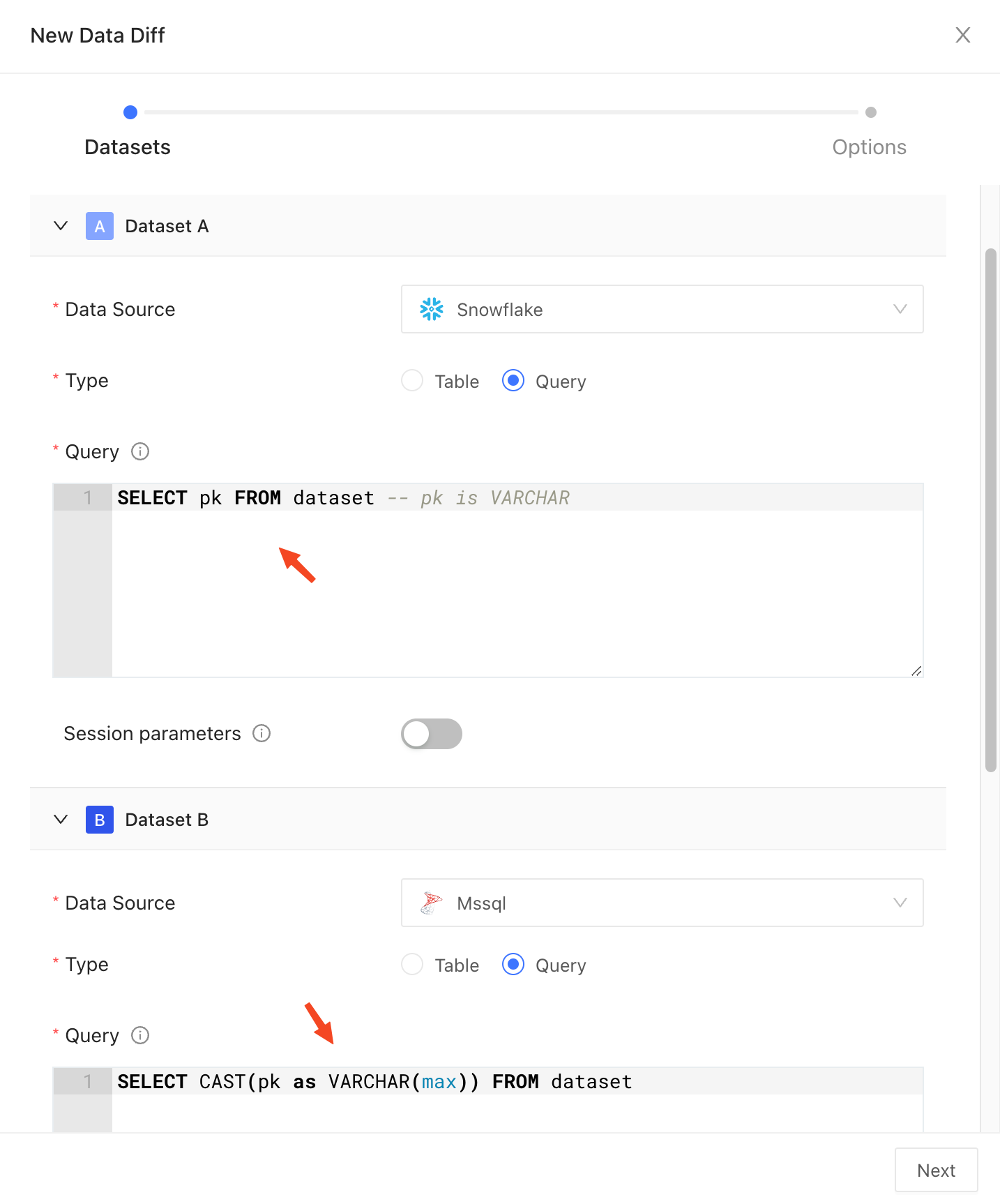 ---
# Source: https://docs.datafold.com/integrations/databases/bigquery.md
> ## Documentation Index
> Fetch the complete documentation index at: https://docs.datafold.com/llms.txt
> Use this file to discover all available pages before exploring further.
# BigQuery
**Steps to complete:**
1. [Create a Service Account](/integrations/databases/bigquery#create-a-service-account)
2. [Give the Service Account BigQuery Data Viewer, BigQuery Job User, BigQuery Resource Viewer access](/integrations/databases/bigquery#service-account-access-and-permissions)
3. [Create a temporary dataset and give BiqQuery Data Editor access to the service account](/integrations/databases/bigquery#create-a-temporary-dataset)
4. [Generate a Service Account JSON key](/integrations/databases/bigquery#generate-a-service-account-key)
5. [Configure your data connection in Datafold](/integrations/databases/bigquery#configure-in-datafold)
## Create a Service Account
To connect Datafold to your BigQuery project, you will need to create a *service account* for Datafold to use.
* Navigate to the [Google Developers Console](https://console.developers.google.com/), click on the drop-down to the left of the search bar, and select the project you want to connect to.
* *Note: If you do not see your project, you may need to switch accounts.*
* Click on the hamburger menu in the upper left, then select **IAM & Admin** followed by **Service Accounts**.
* Create a service account named `Datafold`.
## Service Account Access and Permissions
The Datafold service account requires the following roles and permissions:
* **BigQuery Data Viewer** for read access on all the datasets in the project.
* **BigQuery Job User** to run queries.
* **BigQuery Resource Viewer** to fetch the query logs for parsing lineage.
---
# Source: https://docs.datafold.com/integrations/databases/bigquery.md
> ## Documentation Index
> Fetch the complete documentation index at: https://docs.datafold.com/llms.txt
> Use this file to discover all available pages before exploring further.
# BigQuery
**Steps to complete:**
1. [Create a Service Account](/integrations/databases/bigquery#create-a-service-account)
2. [Give the Service Account BigQuery Data Viewer, BigQuery Job User, BigQuery Resource Viewer access](/integrations/databases/bigquery#service-account-access-and-permissions)
3. [Create a temporary dataset and give BiqQuery Data Editor access to the service account](/integrations/databases/bigquery#create-a-temporary-dataset)
4. [Generate a Service Account JSON key](/integrations/databases/bigquery#generate-a-service-account-key)
5. [Configure your data connection in Datafold](/integrations/databases/bigquery#configure-in-datafold)
## Create a Service Account
To connect Datafold to your BigQuery project, you will need to create a *service account* for Datafold to use.
* Navigate to the [Google Developers Console](https://console.developers.google.com/), click on the drop-down to the left of the search bar, and select the project you want to connect to.
* *Note: If you do not see your project, you may need to switch accounts.*
* Click on the hamburger menu in the upper left, then select **IAM & Admin** followed by **Service Accounts**.
* Create a service account named `Datafold`.
## Service Account Access and Permissions
The Datafold service account requires the following roles and permissions:
* **BigQuery Data Viewer** for read access on all the datasets in the project.
* **BigQuery Job User** to run queries.
* **BigQuery Resource Viewer** to fetch the query logs for parsing lineage.
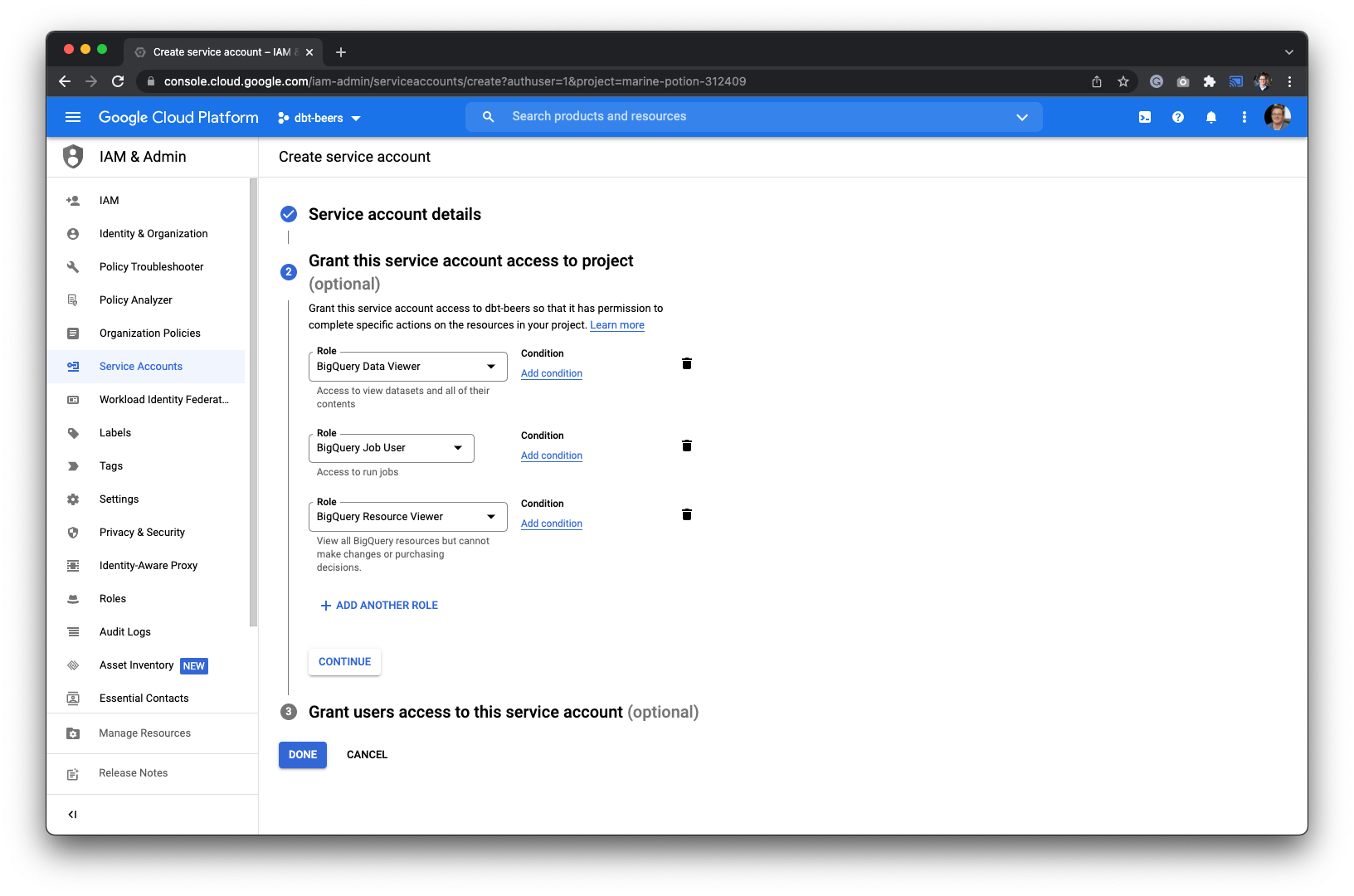 ## Create a Temporary Dataset
Datafold utilizes a temporary dataset to materialize scratch work and keep data processing in your warehouse.
**Caution** - Make sure that the dataset lives in the same region as the rest of the data, otherwise, the dataset will not be found.
Let's navigate to BigQuery in the console and create a new dataset.
## Create a Temporary Dataset
Datafold utilizes a temporary dataset to materialize scratch work and keep data processing in your warehouse.
**Caution** - Make sure that the dataset lives in the same region as the rest of the data, otherwise, the dataset will not be found.
Let's navigate to BigQuery in the console and create a new dataset.
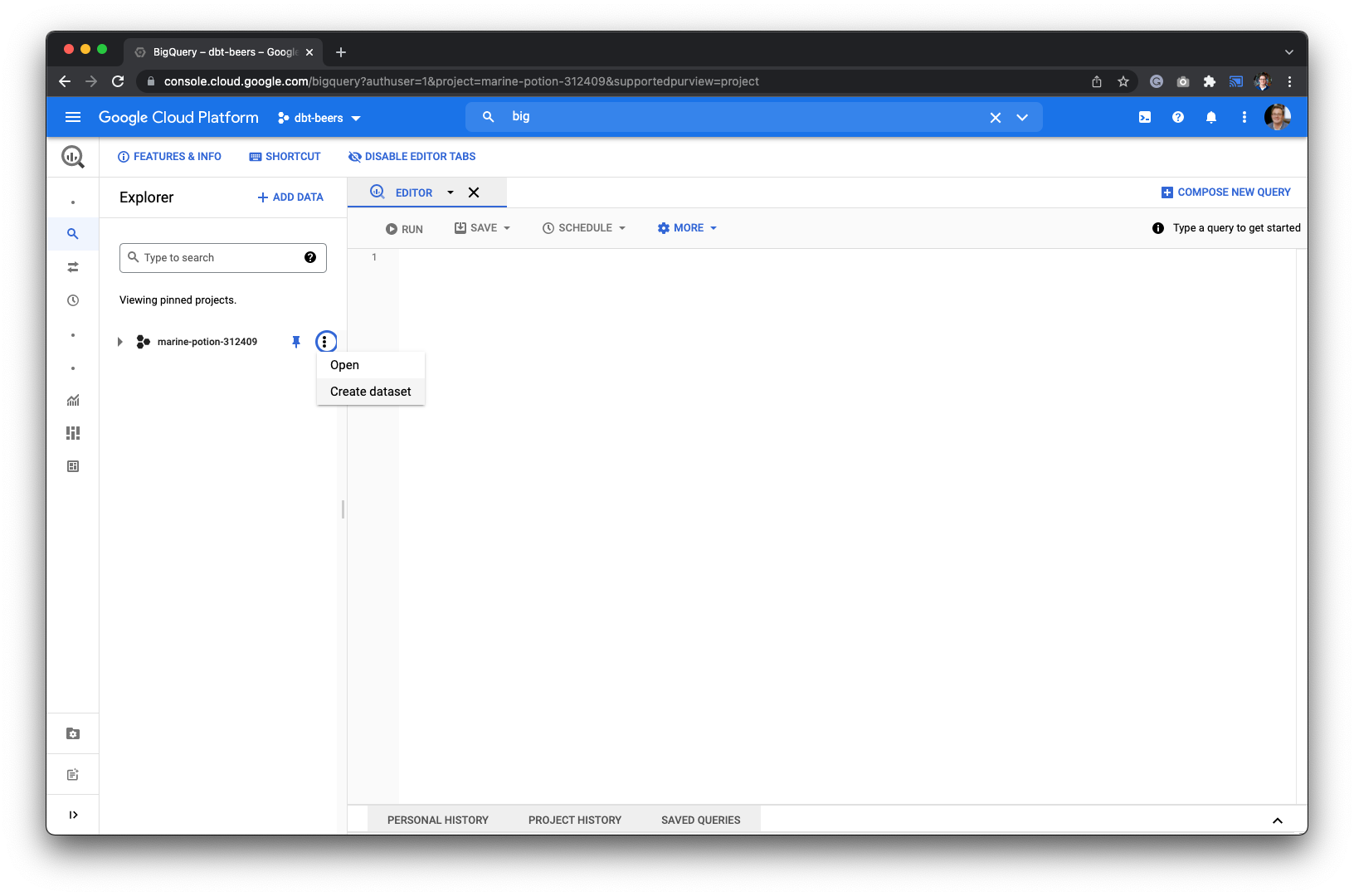 * Give the dataset a name like `datafold_tmp` and grant the Datafold service account the **BigQuery Data Editor** role.
## Generate a Service Account Key
Next, go back to the **IAM & Admin** page to generate a key for Datafold.
* Give the dataset a name like `datafold_tmp` and grant the Datafold service account the **BigQuery Data Editor** role.
## Generate a Service Account Key
Next, go back to the **IAM & Admin** page to generate a key for Datafold.
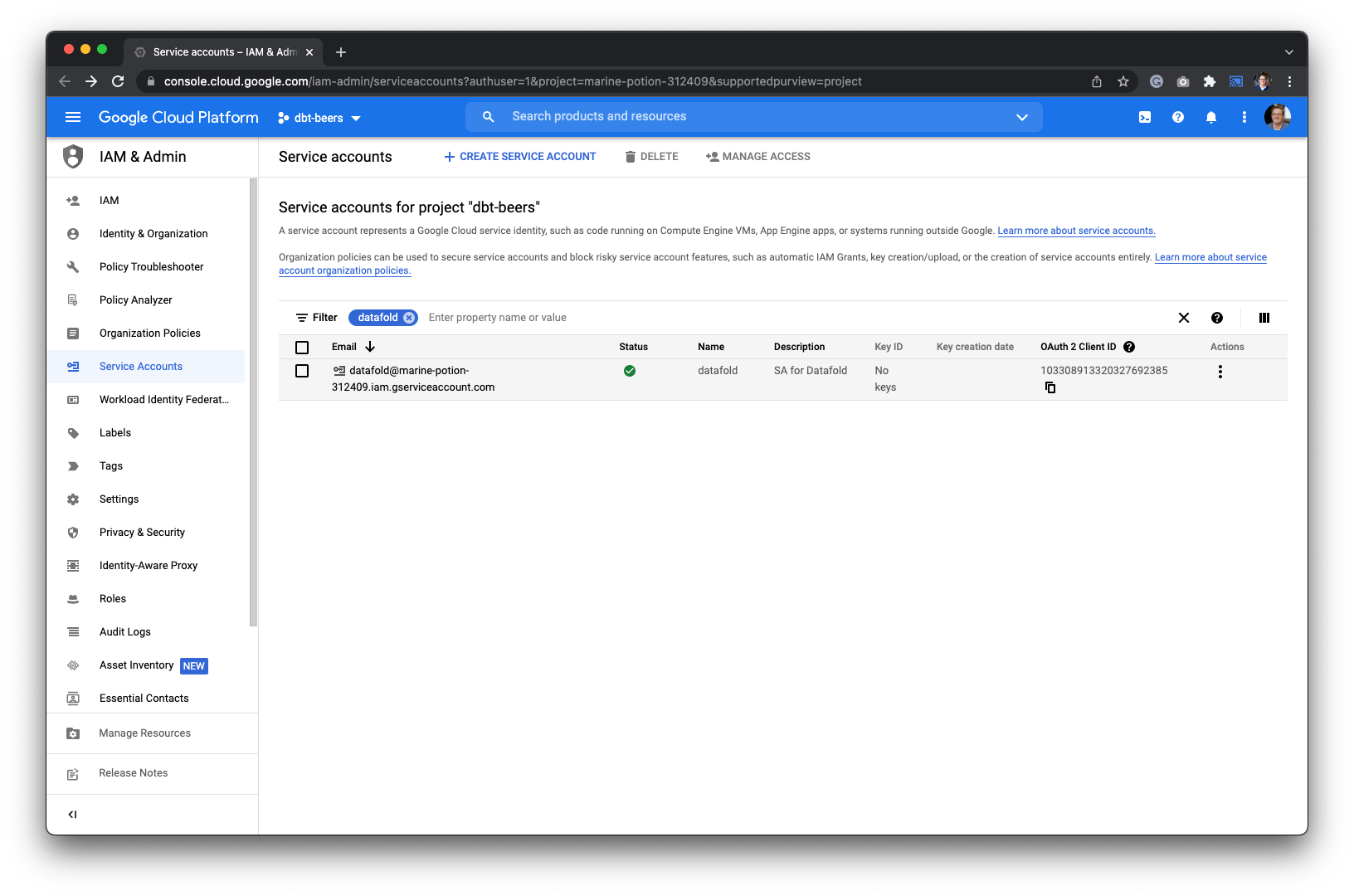 We recommend using the json formatted key. After creating the key, it will be saved on your local machine.
## Configure in Datafold
| Field Name | Description |
| --------------------------- | ------------------------------------------------------------------------------------------------------------------------------------------------------------------------------------------------------------------------------------------------------ |
| Name | A name given to the data connection within Datafold |
| Project ID | Your BigQuery project ID. It can be found in the URL of your Google Developers Console: [https://console.developers.google.com/apis/library?project=MY\\\_PROJECT\\\_ID](https://console.developers.google.com/apis/library?project=MY\\_PROJECT\\_ID) |
| JSON Key File | The key file generated in the [Generate a Service Account JSON key](/integrations/databases/bigquery#generate-a-service-account-key) step |
| Schema for temporary tables | The schema name that was created in [Create a temporary dataset](/integrations/databases/bigquery#create-a-temporary-dataset). It should be formatted as \.datafold\_tmp |
| Processing Location | Which processing zone your project uses |
Click **Create**. Your data connection is ready!
---
# Source: https://docs.datafold.com/integrations/code-repositories/bitbucket.md
> ## Documentation Index
> Fetch the complete documentation index at: https://docs.datafold.com/llms.txt
> Use this file to discover all available pages before exploring further.
# Bitbucket
## 1. Issue an Access Token
### Bitbucket Cloud
To get the [repository access token](https://support.atlassian.com/bitbucket-cloud/docs/create-a-repository-access-token/), navigate to your Bitbucket repository settings and create a new token.
When configuring your token, enable following permissions:
* **Pull requests** -> **Write**, so that Datafold can post reports with Data Diff results to pull requests.
* **Webhooks** -> **Read and write**, so that Datafold can configure all webhooks that we need automatically.
We recommend using the json formatted key. After creating the key, it will be saved on your local machine.
## Configure in Datafold
| Field Name | Description |
| --------------------------- | ------------------------------------------------------------------------------------------------------------------------------------------------------------------------------------------------------------------------------------------------------ |
| Name | A name given to the data connection within Datafold |
| Project ID | Your BigQuery project ID. It can be found in the URL of your Google Developers Console: [https://console.developers.google.com/apis/library?project=MY\\\_PROJECT\\\_ID](https://console.developers.google.com/apis/library?project=MY\\_PROJECT\\_ID) |
| JSON Key File | The key file generated in the [Generate a Service Account JSON key](/integrations/databases/bigquery#generate-a-service-account-key) step |
| Schema for temporary tables | The schema name that was created in [Create a temporary dataset](/integrations/databases/bigquery#create-a-temporary-dataset). It should be formatted as \.datafold\_tmp |
| Processing Location | Which processing zone your project uses |
Click **Create**. Your data connection is ready!
---
# Source: https://docs.datafold.com/integrations/code-repositories/bitbucket.md
> ## Documentation Index
> Fetch the complete documentation index at: https://docs.datafold.com/llms.txt
> Use this file to discover all available pages before exploring further.
# Bitbucket
## 1. Issue an Access Token
### Bitbucket Cloud
To get the [repository access token](https://support.atlassian.com/bitbucket-cloud/docs/create-a-repository-access-token/), navigate to your Bitbucket repository settings and create a new token.
When configuring your token, enable following permissions:
* **Pull requests** -> **Write**, so that Datafold can post reports with Data Diff results to pull requests.
* **Webhooks** -> **Read and write**, so that Datafold can configure all webhooks that we need automatically.
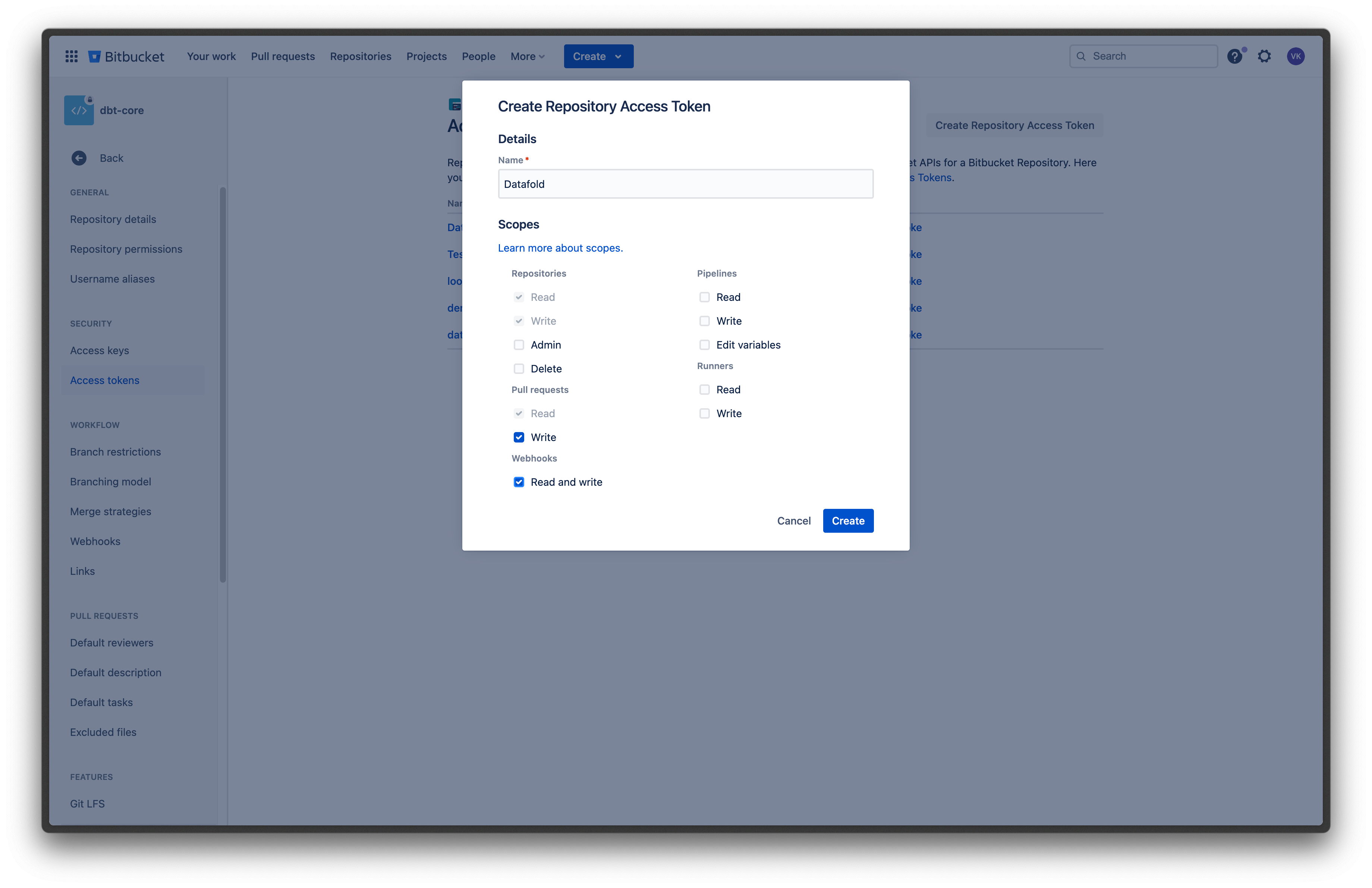 ### Bitbucket Data Center / Server
To get a [repository access token](https://confluence.atlassian.com/bitbucketserver/http-access-tokens-939515499.html), navigate to your Bitbucket repository settings and create a new token.
When configuring your token, enable **Repository admin** permissions.
We need admin access to the repository to be able to post reports with Data Diff results to pull requests, and also configure all necessary webhooks automatically.
### Bitbucket Data Center / Server
To get a [repository access token](https://confluence.atlassian.com/bitbucketserver/http-access-tokens-939515499.html), navigate to your Bitbucket repository settings and create a new token.
When configuring your token, enable **Repository admin** permissions.
We need admin access to the repository to be able to post reports with Data Diff results to pull requests, and also configure all necessary webhooks automatically.
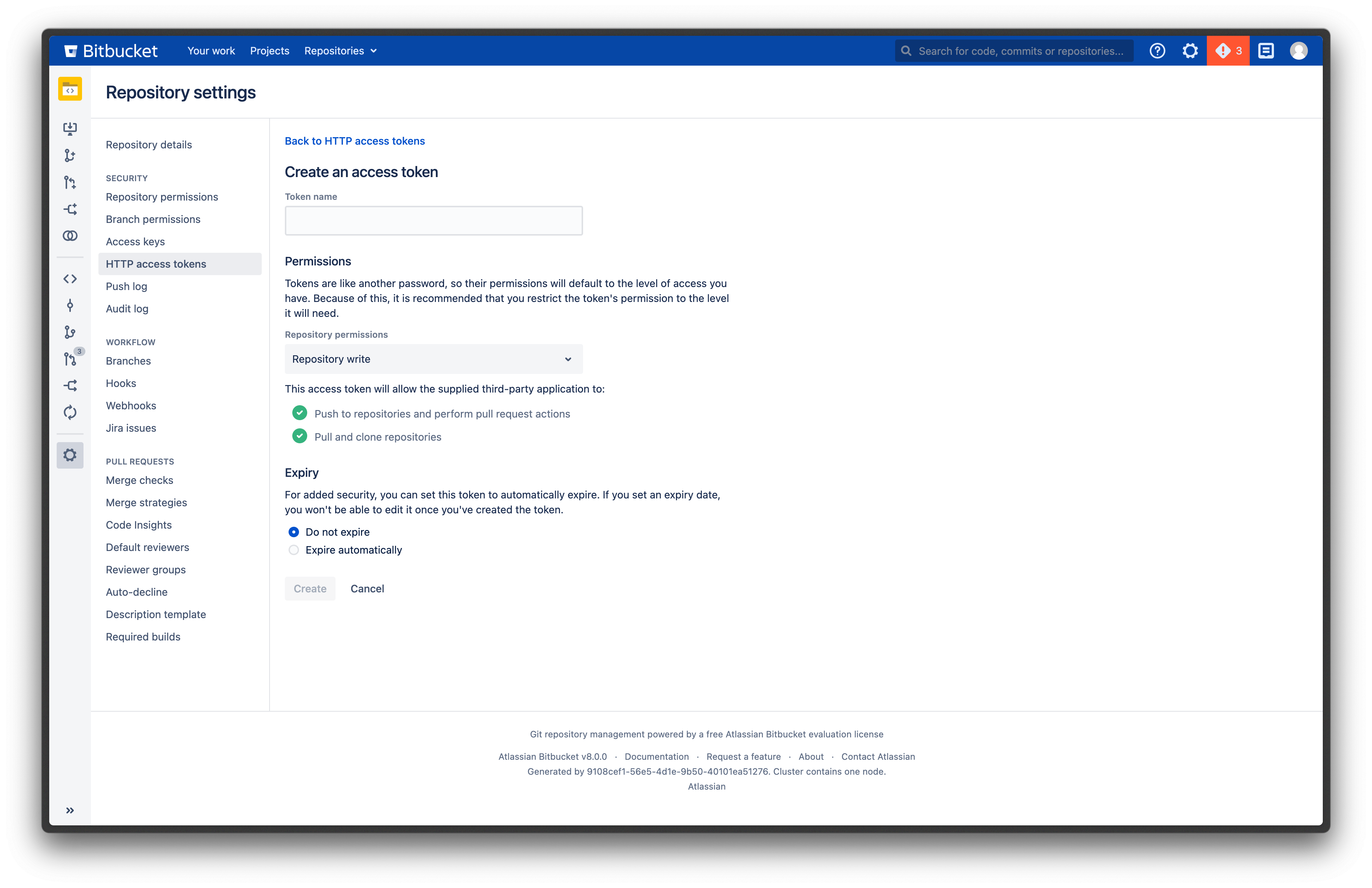 ## 2. Configure integration in Datafold
Navigate back to Datafold and fill in the configuration form.
### Bitbucket Cloud
* **Personal/project Access Token**: the token you created in step 1.
* **Repository**: your Bitbucket repository name.
For example, if your Bitbucket project URL is `https://bitbucket.org/datafold/dbt/`, your Project Name is `datafold/dbt`.
### Bitbucket Data Center / Server
* **Personal/project Access Token**: the token you created in step 1.
* **Repository**: the full URL of your Bitbucket repository.
For example, `https://bitbucket.myorg.com/projects/datafold/repos/dbt`.
---
# Source: https://docs.datafold.com/api-reference/dma_v2/check-status-of-a-dma-translation-job.md
> ## Documentation Index
> Fetch the complete documentation index at: https://docs.datafold.com/llms.txt
> Use this file to discover all available pages before exploring further.
# Check status of a DMA translation job
> Get the current status and results of a DMA translation job.
Poll this endpoint to monitor translation progress and retrieve results when complete.
Translation jobs can run for several minutes to hours depending on project size.
## OpenAPI
````yaml openapi-public.json get /api/v1/dma/v2/projects/{project_id}/translate/jobs/{job_id}
openapi: 3.1.0
info:
contact:
email: support@datafold.com
name: API Support
description: >-
The Datafold API reference is a guide to our available endpoints and
authentication methods.
If you're just getting started with Datafold, we recommend first checking
out our [documentation](https://docs.datafold.com).
:::info
To use the Datafold API, you should first create a Datafold API Key,
which should be stored as a local environment variable named DATAFOLD_API_KEY.
This can be set in your Datafold Cloud's Settings under the Account page.
:::
title: Datafold API
version: latest
servers:
- description: Default server
url: https://app.datafold.com
security:
- ApiKeyAuth: []
paths:
/api/v1/dma/v2/projects/{project_id}/translate/jobs/{job_id}:
get:
tags:
- DMA_V2
summary: Check status of a DMA translation job
description: >-
Get the current status and results of a DMA translation job.
Poll this endpoint to monitor translation progress and retrieve results
when complete.
Translation jobs can run for several minutes to hours depending on
project size.
operationId: get_translation_status
parameters:
- in: path
name: project_id
required: true
schema:
title: Project Id
type: integer
- in: path
name: job_id
required: true
schema:
title: Job Id
type: string
responses:
'200':
content:
application/json:
schema:
$ref: '#/components/schemas/ApiTranslateTask'
description: Successful Response
'422':
content:
application/json:
schema:
$ref: '#/components/schemas/HTTPValidationError'
description: Validation Error
components:
schemas:
ApiTranslateTask:
description: Response for translation task.
properties:
status:
$ref: '#/components/schemas/JobStatus'
task_id:
title: Task Id
type: string
translated_models:
anyOf:
- items:
$ref: '#/components/schemas/ApiTranslatedModel'
type: array
- type: 'null'
title: Translated Models
required:
- task_id
- status
title: ApiTranslateTask
type: object
HTTPValidationError:
properties:
detail:
items:
$ref: '#/components/schemas/ValidationError'
title: Detail
type: array
title: HTTPValidationError
type: object
JobStatus:
enum:
- needs_confirmation
- needs_authentication
- waiting
- processing
- done
- failed
- cancelled
title: JobStatus
type: string
ApiTranslatedModel:
description: Information about a translated model.
properties:
asset_id:
title: Asset Id
type: string
asset_name:
title: Asset Name
type: string
datadiff_id:
anyOf:
- type: integer
- type: 'null'
title: Datadiff Id
failure_summary:
anyOf:
- $ref: '#/components/schemas/ApiFailureSummary'
- type: 'null'
source_filename:
anyOf:
- type: string
- type: 'null'
title: Source Filename
source_sql:
anyOf:
- type: string
- type: 'null'
title: Source Sql
target_sql:
anyOf:
- type: string
- type: 'null'
title: Target Sql
translation_status:
$ref: '#/components/schemas/ApiTranslationStatus'
required:
- asset_name
- asset_id
- translation_status
title: ApiTranslatedModel
type: object
ValidationError:
properties:
loc:
items:
anyOf:
- type: string
- type: integer
title: Location
type: array
msg:
title: Message
type: string
type:
title: Error Type
type: string
required:
- loc
- msg
- type
title: ValidationError
type: object
ApiFailureSummary:
description: Structured failure summary with problem, error, and solution sections.
properties:
error_message:
title: Error Message
type: string
location:
anyOf:
- type: string
- type: 'null'
title: Location
problem:
title: Problem
type: string
reason:
$ref: '#/components/schemas/ApiFailureReason'
solution:
title: Solution
type: string
required:
- problem
- error_message
- solution
- reason
title: ApiFailureSummary
type: object
ApiTranslationStatus:
enum:
- no_translation_attempts
- validation_pending
- invalid_translation
- valid_translation
title: ApiTranslationStatus
type: string
ApiFailureReason:
description: Reasons why a translation agent failed to complete its task.
enum:
- max_iterations
- tool_error
- resignation
title: ApiFailureReason
type: string
securitySchemes:
ApiKeyAuth:
description: Use the 'Authorization' header with the format 'Key '
in: header
name: Authorization
type: apiKey
````
---
# Source: https://docs.datafold.com/faq/ci-cd-testing.md
> ## Documentation Index
> Fetch the complete documentation index at: https://docs.datafold.com/llms.txt
> Use this file to discover all available pages before exploring further.
# CI/CD Testing
You can use [SQL filters](/deployment-testing/configuration/model-specific-ci/sql-filters) to ensure that Datafold compares equivalent subsets of data between your staging/dev and production environments, allowing for accurate data quality checks despite the difference in data volume.
Yes, you can use Datafold in development. It helps catch data quality issues early by comparing data changes in your development environment before they reach production. This proactive approach ensures that errors and inconsistencies are identified and resolved during the development process, enhancing overall data reliability and preventing potential issues in production. Data teams can leverage the Datafold SDK to run data diffs from the command line while developing and testing data models.
Data drift in CI occurs when the two data transformation builds that are compared by Datafold in CI have differing data outputs due to the upstream data changing over time.
We have a few recommended strategies for dealing with data drift [in our docs here](/deployment-testing/best-practices/handling-data-drift).
Some teams want to show Data Diff results in their tickets *before* creating a pull request. This speeds up code reviews as developers can QA code changes before requesting a PR review.
If you use dbt, we explain [how you can automate this workflow here](/faq/datafold-with-dbt#can-i-run-data-diffs-before-opening-a-pr).
---
# Source: https://docs.datafold.com/integrations/code-repositories.md
> ## Documentation Index
> Fetch the complete documentation index at: https://docs.datafold.com/llms.txt
> Use this file to discover all available pages before exploring further.
# Integrate with Code Repositories
> Connect your code repositories with Datafold.
**NOTE**
To integrate with code repositories, first connect a [Data Connection](/integrations/databases).
Next, go to **Settings** → **Repositories** and click **Add New Integration**. Then, choose your code repository provider.
---
# Source: https://docs.datafold.com/deployment-testing/configuration/column-remapping.md
> ## Documentation Index
> Fetch the complete documentation index at: https://docs.datafold.com/llms.txt
> Use this file to discover all available pages before exploring further.
# Column Remapping
> Specify column renaming in your git commit message so Datafold can map renamed columns to their original counterparts in production for accurate comparison.
When your PR includes updates to column names, it's important to specify these updates in your git commit message using the following syntax. This allows Datafold to understand how renamed columns should be compared to the column in the production data with the original name.
## Example
By specifying column remapping in the commit message, instead of interpreting the change as a removing one column and adding another:
## 2. Configure integration in Datafold
Navigate back to Datafold and fill in the configuration form.
### Bitbucket Cloud
* **Personal/project Access Token**: the token you created in step 1.
* **Repository**: your Bitbucket repository name.
For example, if your Bitbucket project URL is `https://bitbucket.org/datafold/dbt/`, your Project Name is `datafold/dbt`.
### Bitbucket Data Center / Server
* **Personal/project Access Token**: the token you created in step 1.
* **Repository**: the full URL of your Bitbucket repository.
For example, `https://bitbucket.myorg.com/projects/datafold/repos/dbt`.
---
# Source: https://docs.datafold.com/api-reference/dma_v2/check-status-of-a-dma-translation-job.md
> ## Documentation Index
> Fetch the complete documentation index at: https://docs.datafold.com/llms.txt
> Use this file to discover all available pages before exploring further.
# Check status of a DMA translation job
> Get the current status and results of a DMA translation job.
Poll this endpoint to monitor translation progress and retrieve results when complete.
Translation jobs can run for several minutes to hours depending on project size.
## OpenAPI
````yaml openapi-public.json get /api/v1/dma/v2/projects/{project_id}/translate/jobs/{job_id}
openapi: 3.1.0
info:
contact:
email: support@datafold.com
name: API Support
description: >-
The Datafold API reference is a guide to our available endpoints and
authentication methods.
If you're just getting started with Datafold, we recommend first checking
out our [documentation](https://docs.datafold.com).
:::info
To use the Datafold API, you should first create a Datafold API Key,
which should be stored as a local environment variable named DATAFOLD_API_KEY.
This can be set in your Datafold Cloud's Settings under the Account page.
:::
title: Datafold API
version: latest
servers:
- description: Default server
url: https://app.datafold.com
security:
- ApiKeyAuth: []
paths:
/api/v1/dma/v2/projects/{project_id}/translate/jobs/{job_id}:
get:
tags:
- DMA_V2
summary: Check status of a DMA translation job
description: >-
Get the current status and results of a DMA translation job.
Poll this endpoint to monitor translation progress and retrieve results
when complete.
Translation jobs can run for several minutes to hours depending on
project size.
operationId: get_translation_status
parameters:
- in: path
name: project_id
required: true
schema:
title: Project Id
type: integer
- in: path
name: job_id
required: true
schema:
title: Job Id
type: string
responses:
'200':
content:
application/json:
schema:
$ref: '#/components/schemas/ApiTranslateTask'
description: Successful Response
'422':
content:
application/json:
schema:
$ref: '#/components/schemas/HTTPValidationError'
description: Validation Error
components:
schemas:
ApiTranslateTask:
description: Response for translation task.
properties:
status:
$ref: '#/components/schemas/JobStatus'
task_id:
title: Task Id
type: string
translated_models:
anyOf:
- items:
$ref: '#/components/schemas/ApiTranslatedModel'
type: array
- type: 'null'
title: Translated Models
required:
- task_id
- status
title: ApiTranslateTask
type: object
HTTPValidationError:
properties:
detail:
items:
$ref: '#/components/schemas/ValidationError'
title: Detail
type: array
title: HTTPValidationError
type: object
JobStatus:
enum:
- needs_confirmation
- needs_authentication
- waiting
- processing
- done
- failed
- cancelled
title: JobStatus
type: string
ApiTranslatedModel:
description: Information about a translated model.
properties:
asset_id:
title: Asset Id
type: string
asset_name:
title: Asset Name
type: string
datadiff_id:
anyOf:
- type: integer
- type: 'null'
title: Datadiff Id
failure_summary:
anyOf:
- $ref: '#/components/schemas/ApiFailureSummary'
- type: 'null'
source_filename:
anyOf:
- type: string
- type: 'null'
title: Source Filename
source_sql:
anyOf:
- type: string
- type: 'null'
title: Source Sql
target_sql:
anyOf:
- type: string
- type: 'null'
title: Target Sql
translation_status:
$ref: '#/components/schemas/ApiTranslationStatus'
required:
- asset_name
- asset_id
- translation_status
title: ApiTranslatedModel
type: object
ValidationError:
properties:
loc:
items:
anyOf:
- type: string
- type: integer
title: Location
type: array
msg:
title: Message
type: string
type:
title: Error Type
type: string
required:
- loc
- msg
- type
title: ValidationError
type: object
ApiFailureSummary:
description: Structured failure summary with problem, error, and solution sections.
properties:
error_message:
title: Error Message
type: string
location:
anyOf:
- type: string
- type: 'null'
title: Location
problem:
title: Problem
type: string
reason:
$ref: '#/components/schemas/ApiFailureReason'
solution:
title: Solution
type: string
required:
- problem
- error_message
- solution
- reason
title: ApiFailureSummary
type: object
ApiTranslationStatus:
enum:
- no_translation_attempts
- validation_pending
- invalid_translation
- valid_translation
title: ApiTranslationStatus
type: string
ApiFailureReason:
description: Reasons why a translation agent failed to complete its task.
enum:
- max_iterations
- tool_error
- resignation
title: ApiFailureReason
type: string
securitySchemes:
ApiKeyAuth:
description: Use the 'Authorization' header with the format 'Key '
in: header
name: Authorization
type: apiKey
````
---
# Source: https://docs.datafold.com/faq/ci-cd-testing.md
> ## Documentation Index
> Fetch the complete documentation index at: https://docs.datafold.com/llms.txt
> Use this file to discover all available pages before exploring further.
# CI/CD Testing
You can use [SQL filters](/deployment-testing/configuration/model-specific-ci/sql-filters) to ensure that Datafold compares equivalent subsets of data between your staging/dev and production environments, allowing for accurate data quality checks despite the difference in data volume.
Yes, you can use Datafold in development. It helps catch data quality issues early by comparing data changes in your development environment before they reach production. This proactive approach ensures that errors and inconsistencies are identified and resolved during the development process, enhancing overall data reliability and preventing potential issues in production. Data teams can leverage the Datafold SDK to run data diffs from the command line while developing and testing data models.
Data drift in CI occurs when the two data transformation builds that are compared by Datafold in CI have differing data outputs due to the upstream data changing over time.
We have a few recommended strategies for dealing with data drift [in our docs here](/deployment-testing/best-practices/handling-data-drift).
Some teams want to show Data Diff results in their tickets *before* creating a pull request. This speeds up code reviews as developers can QA code changes before requesting a PR review.
If you use dbt, we explain [how you can automate this workflow here](/faq/datafold-with-dbt#can-i-run-data-diffs-before-opening-a-pr).
---
# Source: https://docs.datafold.com/integrations/code-repositories.md
> ## Documentation Index
> Fetch the complete documentation index at: https://docs.datafold.com/llms.txt
> Use this file to discover all available pages before exploring further.
# Integrate with Code Repositories
> Connect your code repositories with Datafold.
**NOTE**
To integrate with code repositories, first connect a [Data Connection](/integrations/databases).
Next, go to **Settings** → **Repositories** and click **Add New Integration**. Then, choose your code repository provider.
---
# Source: https://docs.datafold.com/deployment-testing/configuration/column-remapping.md
> ## Documentation Index
> Fetch the complete documentation index at: https://docs.datafold.com/llms.txt
> Use this file to discover all available pages before exploring further.
# Column Remapping
> Specify column renaming in your git commit message so Datafold can map renamed columns to their original counterparts in production for accurate comparison.
When your PR includes updates to column names, it's important to specify these updates in your git commit message using the following syntax. This allows Datafold to understand how renamed columns should be compared to the column in the production data with the original name.
## Example
By specifying column remapping in the commit message, instead of interpreting the change as a removing one column and adding another:
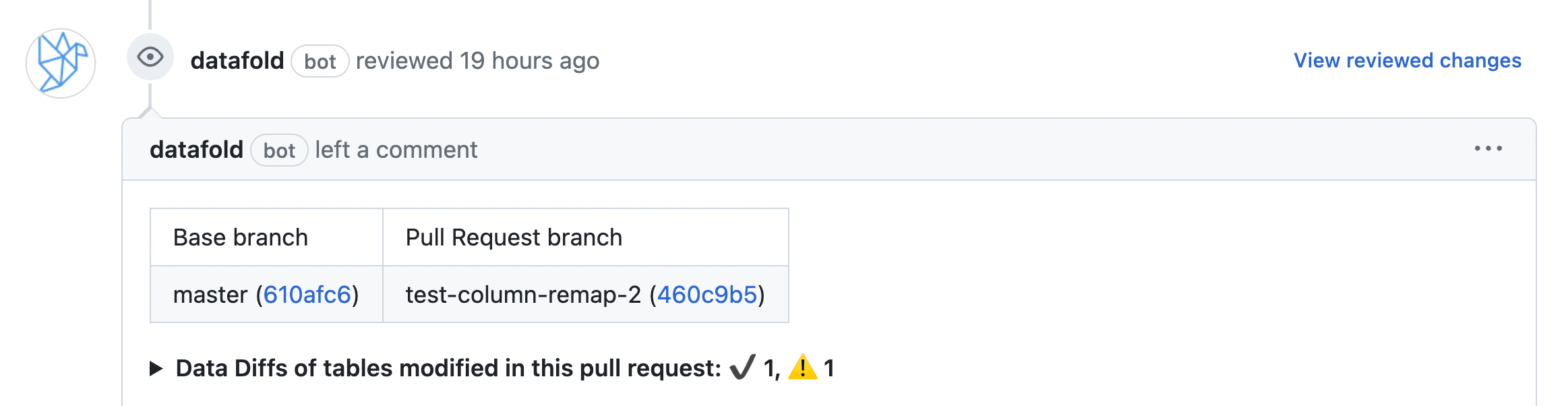 Datafold will recognize that the column has been renamed:
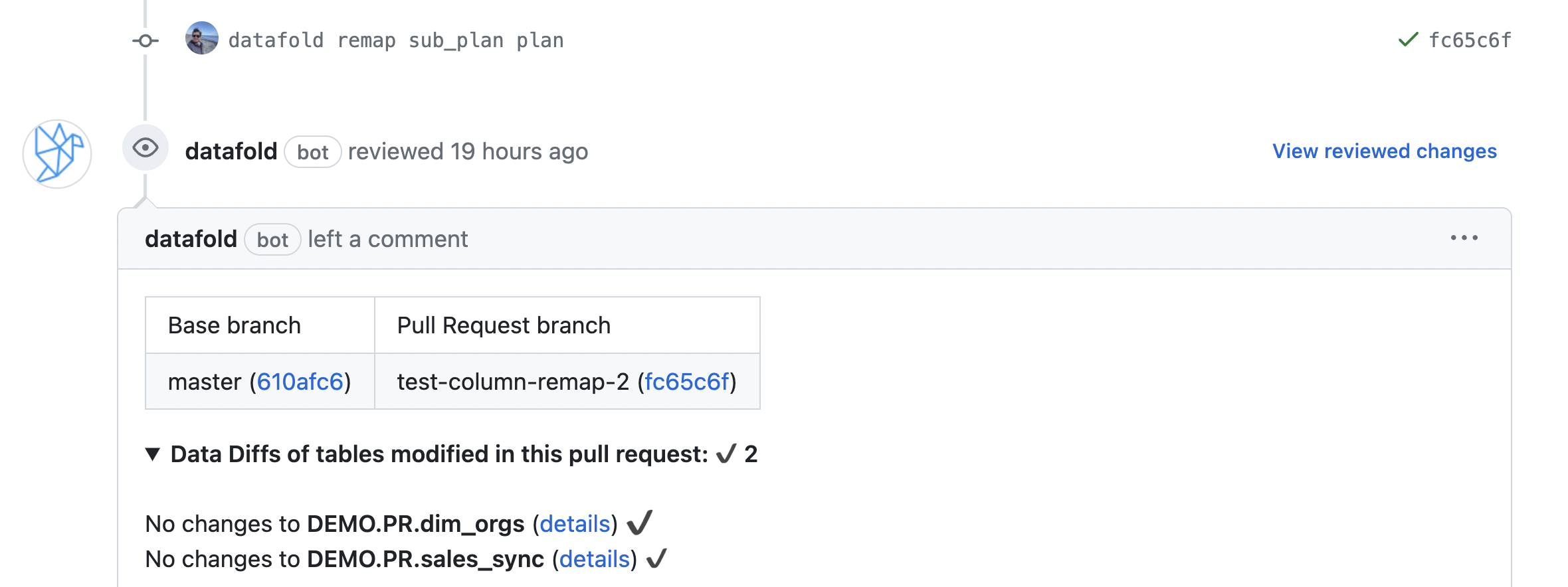 ## Syntax for column remapping
You can use any of the following syntax styles as a single line to a commit message to instruct Datafold in CI to remap a column from `oldcol` to `newcol`.
```Bash theme={null}
# All models/tables in the PR:
datafold remap oldcol newcol
X-Datafold: rename oldcol newcol
/datafold renamed oldcol newcol
datafold: remapped oldcol newcol
# Filtered models/tables by shell-like glob:
datafold remap oldcol newcol model_NAME
X-Datafold: rename oldcol newcol TABLE
/datafold renamed oldcol newcol VIEW_*
```
## Chaining together column name updates
Commit messages can be chained together to reflect sequential changes. This means that a commit message does not lock you in to renaming a column.
For example, if your commit history looks like this:
## Syntax for column remapping
You can use any of the following syntax styles as a single line to a commit message to instruct Datafold in CI to remap a column from `oldcol` to `newcol`.
```Bash theme={null}
# All models/tables in the PR:
datafold remap oldcol newcol
X-Datafold: rename oldcol newcol
/datafold renamed oldcol newcol
datafold: remapped oldcol newcol
# Filtered models/tables by shell-like glob:
datafold remap oldcol newcol model_NAME
X-Datafold: rename oldcol newcol TABLE
/datafold renamed oldcol newcol VIEW_*
```
## Chaining together column name updates
Commit messages can be chained together to reflect sequential changes. This means that a commit message does not lock you in to renaming a column.
For example, if your commit history looks like this:
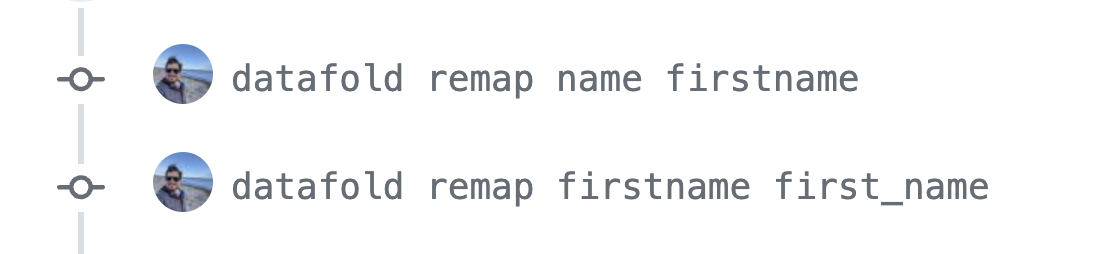 Datafold will understand that the production column `name` has been renamed to `first_name` in the PR branch.
## Handling column renaming in git commits and PR comments
### Git commits
Git commits track changes on a change-by-change basis and linearize history assuming merged branches introduce new changes on top of the base/current branch (1st parent).
### PR comments
PR comments apply changes to the entire changeset.
### When to use git commits or PR comments?
When handling chained renames:
* **Git commits:** Sequential renames (`col1 > col2 > col3`) result in the final rename (`col1 > col3`).
* **PR comments:** It's best to specify the final result directly (`col1 > col3`). Sequential renames (`col1 > col2 > col3`) can also work, but specifying the final state simplifies understanding during review.
| Aspect | Git Commits | PR Comments |
| ------------------------- | ----------------------------------------------------------------------------------------------------------------- | ------------------------------------------------------------------------------------------------------------------------------------------------------------------------------------------- |
| **Tracking Changes** | Tracks changes on a change-by-change basis. | Applies changes to the entire changeset. |
| **History Linearization** | Linearizes history assuming merged branches introduce new changes on top of the base/current branch (1st parent). | N/A |
| **Chained Renames** | Sequential renames (col1 > col2 > col3) result in the final rename (col1 > col3). | It's best to specify the final result directly (col1 > col3). Sequential renames (col1 > col2 > col3) can also work, but specifying the final state simplifies understanding during review. |
| **Precedence** | Renames specified in git commits are applied in sequence unless overridden by subsequent commits. | PR comments take precedence over renames specified in git commits if applied during the review process. |
These guidelines ensure consistency and clarity when managing column renaming in collaborative development environments, leveraging Datafold's capabilities effectively.
---
# Source: https://docs.datafold.com/deployment-testing/configuration.md
> ## Documentation Index
> Fetch the complete documentation index at: https://docs.datafold.com/llms.txt
> Use this file to discover all available pages before exploring further.
# Configuration
> Explore configuration options for CI/CD testing in Datafold.
Learn how Datafold infers primary keys for accurate Data Diffs.
Map renamed columns in PRs to their production counterparts.
Configure when Datafold runs in CI, including on-demand triggers.
Set model-specific filters and configurations for CI runs.
---
# Source: https://docs.datafold.com/data-diff/connection-budgets.md
# Connection Budgets
> How connection budgets are enforced across data diffs in Datafold
## Overview
Datafold now supports **shared connection budgeting** across
* in-database diffs
* cross-database diffs
* in-memory diffs
This feature ensures consistent, predictable behavior for database usage across the system—particularly important in environments with limited database connection capacity.
***
## ✨ Shared Connection Budgeting
Datafold now enforces a **shared connection limit per database** across all supported diff runs.
When a maximum number of connections is configured on a data source, this limit is respected **collectively** across all running diffs that target that source—regardless of the type of diff.
This ensures that no combination of diff runs will exceed the specified connection cap for the database, providing:
* ✅ More predictable resource usage
* ✅ Protection against overloading the database
* ✅ Simpler configuration and expectation management
Connection limits are enforced automatically once set—no need to configure them at the individual diff level.
***
## ✅ Scope of This Feature
| Jobs | Connection Budget Applied? |
| -------------------- | -------------------------- |
| in-database diffs | ✅ Yes |
| cross-database diffs | ✅ Yes |
| in-memory diffs | ✅ Yes |
| Schema Fetching | ❌ No |
| Lineage & Profiling | ❌ No |
| SQL History | ❌ No |
| Monitors | ❌ No |
***
## ⚙️ Configuration
Shared connection budgeting is controlled via your **data source configuration**.
Once a `Max Connections` limit is set, it will be automatically enforced **across all supported diff runs** targeting that database.
## 📬 Feedback
Questions, suggestions, or unexpected behavior? Reach out to the Datafold team via your usual support or engineering channels.
***
---
# Source: https://docs.datafold.com/api-reference/monitors/create-a-data-diff-monitor.md
> ## Documentation Index
> Fetch the complete documentation index at: https://docs.datafold.com/llms.txt
> Use this file to discover all available pages before exploring further.
# Create a Data Diff Monitor
## OpenAPI
````yaml openapi-public.json post /api/v1/monitors/create/diff
openapi: 3.1.0
info:
contact:
email: support@datafold.com
name: API Support
description: >-
The Datafold API reference is a guide to our available endpoints and
authentication methods.
If you're just getting started with Datafold, we recommend first checking
out our [documentation](https://docs.datafold.com).
:::info
To use the Datafold API, you should first create a Datafold API Key,
which should be stored as a local environment variable named DATAFOLD_API_KEY.
This can be set in your Datafold Cloud's Settings under the Account page.
:::
title: Datafold API
version: latest
servers:
- description: Default server
url: https://app.datafold.com
security:
- ApiKeyAuth: []
paths:
/api/v1/monitors/create/diff:
post:
tags:
- Monitors
summary: Create a Data Diff Monitor
operationId: create_monitor_diff_api_v1_monitors_create_diff_post
requestBody:
content:
application/json:
schema:
$ref: '#/components/schemas/DataDiffMonitorSpecPublic'
required: true
responses:
'200':
content:
application/json:
schema:
$ref: '#/components/schemas/ApiPublicCreateMonitorOut'
description: Successful Response
'422':
content:
application/json:
schema:
$ref: '#/components/schemas/HTTPValidationError'
description: Validation Error
components:
schemas:
DataDiffMonitorSpecPublic:
properties:
alert:
anyOf:
- $ref: >-
#/components/schemas/datafold__monitors__schemas__DiffAlertCondition
- type: 'null'
description: Condition for triggering alerts based on the data diff.
datadiff:
description: Configuration for the data diff.
discriminator:
mapping:
indb: '#/components/schemas/InDbDataDiffConfig'
inmem: '#/components/schemas/InMemDataDiffConfig'
propertyName: diff_type
oneOf:
- $ref: '#/components/schemas/InDbDataDiffConfig'
- $ref: '#/components/schemas/InMemDataDiffConfig'
description:
anyOf:
- type: string
- type: 'null'
description: The description of the monitor.
title: Description
enabled:
default: true
description: Indicates whether the monitor is enabled.
title: Enabled
type: boolean
name:
description: The name of the monitor.
title: Name
type: string
notifications:
description: Notification configuration for the monitor.
items:
discriminator:
mapping:
email: '#/components/schemas/EmailNotification'
pagerduty: '#/components/schemas/PagerDutyNotification'
slack: '#/components/schemas/SlackNotification'
teams: '#/components/schemas/TeamsNotification'
webhook: '#/components/schemas/WebhookNotification'
propertyName: type
oneOf:
- $ref: '#/components/schemas/EmailNotification'
- $ref: '#/components/schemas/PagerDutyNotification'
- $ref: '#/components/schemas/WebhookNotification'
- $ref: '#/components/schemas/SlackNotification'
- $ref: '#/components/schemas/TeamsNotification'
title: Notifications
type: array
schedule:
anyOf:
- $ref: '#/components/schemas/IntervalSchedule'
- $ref: '#/components/schemas/CronSchedule'
- $ref: '#/components/schemas/NoneSchedule'
description: The schedule at which the monitor runs.
tags:
description: Tags associated with the monitor.
items:
type: string
title: Tags
type: array
required:
- schedule
- name
- datadiff
title: DataDiffMonitorSpecPublic
type: object
ApiPublicCreateMonitorOut:
properties:
id:
description: Unique identifier for the monitor.
title: Id
type: integer
required:
- id
title: ApiPublicCreateMonitorOut
type: object
HTTPValidationError:
properties:
detail:
items:
$ref: '#/components/schemas/ValidationError'
title: Detail
type: array
title: HTTPValidationError
type: object
datafold__monitors__schemas__DiffAlertCondition:
properties:
different_rows_count:
anyOf:
- type: integer
- type: 'null'
description: >-
Threshold for the number of different rows allowed between the
datasets.
title: Different Rows Count
different_rows_percent:
anyOf:
- type: integer
- type: 'null'
description: >-
Threshold for the percentage of different rows allowed between the
datasets.
title: Different Rows Percent
title: Diff Conditions
type: object
InDbDataDiffConfig:
properties:
column_remapping:
anyOf:
- additionalProperties:
type: string
type: object
- type: 'null'
description: Mapping of columns from one dataset to another for comparison.
title: Column Remapping
columns_to_compare:
anyOf:
- items:
type: string
type: array
- type: 'null'
description: Optional list of columns to compare between the datasets.
title: Columns To Compare
dataset_a:
anyOf:
- $ref: '#/components/schemas/InDbTableDataset'
- $ref: '#/components/schemas/InDbQueryDataset'
description: The first dataset to compare.
dataset_b:
anyOf:
- $ref: '#/components/schemas/InDbTableDataset'
- $ref: '#/components/schemas/InDbQueryDataset'
description: The second dataset to compare.
ignore_string_case:
default: false
description: Indicates whether to ignore case differences in string comparisons.
title: Ignore String Case
type: boolean
materialize_results:
default: false
description: Indicates whether to materialize the results of the comparison.
title: Materialize Results
type: boolean
primary_key:
description: List of columns that make up the primary key for the datasets.
items:
type: string
title: Primary Key
type: array
sampling:
anyOf:
- $ref: '#/components/schemas/ToleranceBasedSampling'
- $ref: '#/components/schemas/PercentageSampling'
- $ref: '#/components/schemas/MaxRowsSampling'
- type: 'null'
description: Sampling configuration for the data comparison.
timeseries_dimension_column:
anyOf:
- type: string
- type: 'null'
description: Column used for time series dimensioning in the comparison.
title: Timeseries Dimension Column
tolerance:
anyOf:
- $ref: '#/components/schemas/DataDiffToleranceConfig'
- type: 'null'
description: Configuration for tolerance.
required:
- primary_key
- dataset_a
- dataset_b
title: In-Database
type: object
InMemDataDiffConfig:
properties:
column_remapping:
anyOf:
- additionalProperties:
type: string
type: object
- type: 'null'
description: Mapping of columns from one dataset to another for comparison.
title: Column Remapping
columns_to_compare:
anyOf:
- items:
type: string
type: array
- type: 'null'
description: Optional list of columns to compare between the datasets.
title: Columns To Compare
dataset_a:
anyOf:
- $ref: '#/components/schemas/XdbTableDataset'
- $ref: '#/components/schemas/XdbQueryDataset'
description: The first dataset to compare.
title: Dataset A
dataset_b:
anyOf:
- $ref: '#/components/schemas/XdbTableDataset'
- $ref: '#/components/schemas/XdbQueryDataset'
description: The second dataset to compare.
title: Dataset B
ignore_string_case:
default: false
description: Indicates whether to ignore case differences in string comparisons.
title: Ignore String Case
type: boolean
materialize_results:
default: false
description: Indicates whether to materialize the results of the comparison.
title: Materialize Results
type: boolean
materialize_results_to:
anyOf:
- type: integer
- type: 'null'
description: Identifier for the destination where results should be materialized.
title: Materialize Results To
primary_key:
description: List of columns that make up the primary key for the datasets.
items:
type: string
title: Primary Key
type: array
sampling:
anyOf:
- $ref: '#/components/schemas/ToleranceBasedSampling'
- $ref: '#/components/schemas/PercentageSampling'
- $ref: '#/components/schemas/MaxRowsSampling'
- type: 'null'
description: Sampling configuration for the data comparison.
title: Sampling
tolerance:
anyOf:
- $ref: '#/components/schemas/DataDiffToleranceConfig'
- type: 'null'
description: Configuration for tolerance.
required:
- primary_key
- dataset_a
- dataset_b
title: In-Memory
type: object
EmailNotification:
properties:
features:
anyOf:
- items:
$ref: '#/components/schemas/DestinationFeatures'
type: array
- type: 'null'
description: A list of features to enable for this notification.
title: Features
recipients:
description: A list of email addresses to receive the notification.
items:
type: string
title: Recipients
type: array
type:
const: email
default: email
title: Type
type: string
required:
- recipients
title: Email
type: object
PagerDutyNotification:
properties:
features:
anyOf:
- items:
$ref: '#/components/schemas/DestinationFeatures'
type: array
- type: 'null'
description: A list of features to enable for this notification.
title: Features
integration:
description: The identifier for the integration.
title: Integration
type: integer
type:
const: pagerduty
default: pagerduty
title: Type
type: string
required:
- integration
title: PagerDuty
type: object
WebhookNotification:
properties:
features:
anyOf:
- items:
$ref: '#/components/schemas/DestinationFeatures'
type: array
- type: 'null'
description: A list of features to enable for this notification.
title: Features
integration:
description: The identifier for the integration.
title: Integration
type: integer
type:
const: webhook
default: webhook
title: Type
type: string
required:
- integration
title: Webhook
type: object
SlackNotification:
properties:
channel:
description: The channel through which the notification will be sent.
title: Channel
type: string
features:
anyOf:
- items:
$ref: '#/components/schemas/DestinationFeatures'
type: array
- type: 'null'
description: A list of features to enable for this notification.
title: Features
integration:
description: The identifier for the integration.
title: Integration
type: integer
mentions:
description: A list of mentions to include in the notification.
items:
type: string
title: Mentions
type: array
type:
const: slack
default: slack
title: Type
type: string
required:
- integration
- channel
title: Slack
type: object
TeamsNotification:
properties:
channel:
description: The channel through which the notification will be sent.
title: Channel
type: string
features:
anyOf:
- items:
$ref: '#/components/schemas/DestinationFeatures'
type: array
- type: 'null'
description: A list of features to enable for this notification.
title: Features
integration:
description: The identifier for the integration.
title: Integration
type: integer
mentions:
description: A list of mentions names to include in the notification.
items:
type: string
title: Mentions
type: array
type:
const: teams
default: teams
title: Type
type: string
required:
- integration
- channel
title: Teams
type: object
IntervalSchedule:
properties:
interval:
anyOf:
- $ref: '#/components/schemas/HourIntervalSchedule'
- $ref: '#/components/schemas/DayIntervalSchedule'
description: Specifies the scheduling interval.
required:
- interval
title: Interval
type: object
CronSchedule:
properties:
cron:
description: The cron expression that defines the schedule.
title: Cron
type: string
type:
const: crontab
default: crontab
title: Type
type: string
required:
- cron
title: Cron
type: object
NoneSchedule:
properties:
type:
const: none
default: none
title: Type
type: string
title: None
type: object
ValidationError:
properties:
loc:
items:
anyOf:
- type: string
- type: integer
title: Location
type: array
msg:
title: Message
type: string
type:
title: Error Type
type: string
required:
- loc
- msg
- type
title: ValidationError
type: object
InDbTableDataset:
properties:
connection_id:
description: The identifier for the data source configuration.
title: Connection Id
type: integer
filter:
anyOf:
- type: string
- type: 'null'
description: Filter condition for querying the dataset.
title: Filter
session_parameters:
anyOf:
- additionalProperties: true
type: object
- type: 'null'
description: Session parameters for the database session.
title: Session Parameters
table:
description: The table in the format 'db.schema.table'.
title: Table
type: string
time_travel_point:
anyOf:
- type: string
- type: integer
- type: 'null'
description: Point in time for querying historical data.
title: Time Travel Point
required:
- connection_id
- table
title: Table
type: object
InDbQueryDataset:
properties:
connection_id:
description: The identifier for the data source configuration.
title: Connection Id
type: integer
query:
description: The SQL query to be evaluated.
title: Query
type: string
session_parameters:
anyOf:
- additionalProperties: true
type: object
- type: 'null'
description: Parameters for the database session.
title: Session Parameters
time_travel_point:
anyOf:
- type: string
- type: integer
- type: 'null'
description: Point in time for querying historical data.
title: Time Travel Point
required:
- connection_id
- query
title: Query
type: object
ToleranceBasedSampling:
properties:
confidence:
description: The confidence level for the sampling results.
title: Confidence
type: number
threshold:
anyOf:
- type: integer
- type: 'null'
description: Threshold for triggering actions based on sampling.
title: Threshold
tolerance:
description: The allowable margin of error for sampling.
title: Tolerance
type: number
required:
- tolerance
- confidence
title: Tolerance
type: object
PercentageSampling:
properties:
rate:
description: The sampling rate as a percentage.
title: Rate
type: number
threshold:
anyOf:
- type: integer
- type: 'null'
description: Threshold for triggering actions based on sampling.
title: Threshold
required:
- rate
title: Percentage
type: object
MaxRowsSampling:
properties:
max_rows:
description: The maximum number of rows to sample.
title: Max Rows
type: integer
threshold:
anyOf:
- type: integer
- type: 'null'
description: Threshold for triggering actions based on sampling.
title: Threshold
required:
- max_rows
title: MaxRows
type: object
DataDiffToleranceConfig:
properties:
float:
anyOf:
- $ref: '#/components/schemas/ColumnToleranceConfig'
- type: 'null'
description: Configuration for float columns tolerance.
title: DataDiffToleranceConfig
type: object
XdbTableDataset:
properties:
connection_id:
description: The identifier for the data source configuration.
title: Connection Id
type: integer
filter:
anyOf:
- type: string
- type: 'null'
description: Filter condition for querying the dataset.
title: Filter
materialize:
default: true
description: Indicates whether to materialize the dataset.
title: Materialize
type: boolean
session_parameters:
anyOf:
- additionalProperties: true
type: object
- type: 'null'
description: Session parameters for the database session.
title: Session Parameters
table:
description: The table in the format 'db.schema.table'.
title: Table
type: string
required:
- connection_id
- table
title: Table
type: object
XdbQueryDataset:
properties:
connection_id:
description: The identifier for the data source configuration.
title: Connection Id
type: integer
materialize:
default: true
description: Indicates whether to materialize the dataset.
title: Materialize
type: boolean
query:
description: The SQL query to be evaluated.
title: Query
type: string
session_parameters:
anyOf:
- additionalProperties: true
type: object
- type: 'null'
description: Parameters for the database session.
title: Session Parameters
required:
- connection_id
- query
title: Query
type: object
DestinationFeatures:
enum:
- attach_csv
- notify_first_triggered_only
- disable_recovery_notifications
- notify_every_run
title: DestinationFeatures
type: string
HourIntervalSchedule:
properties:
every:
const: hour
title: Every
type: string
type:
const: hourly
default: hourly
title: Type
type: string
required:
- every
title: Hour
type: object
DayIntervalSchedule:
properties:
every:
const: day
title: Every
type: string
hour:
anyOf:
- type: integer
- type: 'null'
description: The hour at which the monitor should trigger. (0 - 23)
title: Hour
type:
const: daily
default: daily
title: Type
type: string
utc_at:
anyOf:
- format: time
type: string
- type: 'null'
description: The UTC time at which the monitor should trigger.
title: Utc At
required:
- every
title: Day
type: object
ColumnToleranceConfig:
properties:
column_tolerance:
anyOf:
- additionalProperties:
discriminator:
mapping:
absolute: '#/components/schemas/AbsoluteColumnTolerance'
relative: '#/components/schemas/RelativeColumnTolerance'
propertyName: type
oneOf:
- $ref: '#/components/schemas/RelativeColumnTolerance'
- $ref: '#/components/schemas/AbsoluteColumnTolerance'
type: object
- type: 'null'
description: Specific tolerance per column.
title: Column Tolerance
default:
anyOf:
- discriminator:
mapping:
absolute: '#/components/schemas/AbsoluteColumnTolerance'
relative: '#/components/schemas/RelativeColumnTolerance'
propertyName: type
oneOf:
- $ref: '#/components/schemas/RelativeColumnTolerance'
- $ref: '#/components/schemas/AbsoluteColumnTolerance'
- type: 'null'
description: Default tolerance applied to all columns.
title: Default
title: ColumnToleranceConfig
type: object
RelativeColumnTolerance:
properties:
type:
const: relative
default: relative
description: The type of Column Tolerance.
title: Type
type: string
value:
anyOf:
- type: number
- type: integer
description: Value of Column Tolerance.
title: Value
required:
- value
title: Relative
type: object
AbsoluteColumnTolerance:
properties:
type:
const: absolute
default: absolute
description: The type of Column Tolerance.
title: Type
type: string
value:
description: Value of Column Tolerance.
title: Value
type: number
required:
- value
title: Absolute
type: object
securitySchemes:
ApiKeyAuth:
description: Use the 'Authorization' header with the format 'Key '
in: header
name: Authorization
type: apiKey
````
---
# Source: https://docs.datafold.com/api-reference/data-diffs/create-a-data-diff.md
> ## Documentation Index
> Fetch the complete documentation index at: https://docs.datafold.com/llms.txt
> Use this file to discover all available pages before exploring further.
# Create a data diff
> Launches a new data diff to compare two datasets (tables or queries).
A data diff identifies differences between two datasets by comparing:
- Row-level changes (added, removed, modified rows)
- Schema differences
- Column-level statistics
The diff runs asynchronously. Use the returned diff ID to poll for status and retrieve results.
## OpenAPI
````yaml post /api/v1/datadiffs
openapi: 3.1.0
info:
contact:
email: support@datafold.com
name: API Support
description: >-
The Datafold API reference is a guide to our available endpoints and
authentication methods.
If you're just getting started with Datafold, we recommend first checking
out our [documentation](https://docs.datafold.com).
:::info
To use the Datafold API, you should first create a Datafold API Key,
which should be stored as a local environment variable named DATAFOLD_API_KEY.
This can be set in your Datafold Cloud's Settings under the Account page.
:::
title: Datafold API
version: latest
servers:
- description: Default server
url: https://app.datafold.com
security:
- ApiKeyAuth: []
paths:
/api/v1/datadiffs:
post:
tags:
- Data diffs
- diff_created
summary: Create a data diff
description: >-
Launches a new data diff to compare two datasets (tables or queries).
A data diff identifies differences between two datasets by comparing:
- Row-level changes (added, removed, modified rows)
- Schema differences
- Column-level statistics
The diff runs asynchronously. Use the returned diff ID to poll for
status and retrieve results.
operationId: create_datadiff
requestBody:
content:
application/json:
schema:
$ref: '#/components/schemas/ApiDataDiffData'
required: true
responses:
'200':
content:
application/json:
schema:
$ref: '#/components/schemas/ApiDataDiffFull'
description: Successful Response
'422':
content:
application/json:
schema:
$ref: '#/components/schemas/HTTPValidationError'
description: Validation Error
components:
schemas:
ApiDataDiffData:
properties:
archived:
default: false
title: Archived
type: boolean
bisection_factor:
anyOf:
- type: integer
- type: 'null'
title: Bisection Factor
bisection_threshold:
anyOf:
- type: integer
- type: 'null'
title: Bisection Threshold
column_mapping:
anyOf:
- items:
maxItems: 2
minItems: 2
prefixItems:
- type: string
- type: string
type: array
type: array
- type: 'null'
title: Column Mapping
columns_to_compare:
anyOf:
- items:
type: string
type: array
- type: 'null'
title: Columns To Compare
compare_duplicates:
anyOf:
- type: boolean
- type: 'null'
title: Compare Duplicates
data_source1_id:
title: Data Source1 Id
type: integer
data_source1_session_parameters:
anyOf:
- additionalProperties: true
type: object
- type: 'null'
title: Data Source1 Session Parameters
data_source2_id:
title: Data Source2 Id
type: integer
data_source2_session_parameters:
anyOf:
- additionalProperties: true
type: object
- type: 'null'
title: Data Source2 Session Parameters
datetime_tolerance:
anyOf:
- type: integer
- type: 'null'
title: Datetime Tolerance
diff_tolerance:
anyOf:
- type: number
- type: 'null'
title: Diff Tolerance
diff_tolerances_per_column:
anyOf:
- items:
$ref: '#/components/schemas/ColumnTolerance'
type: array
- type: 'null'
title: Diff Tolerances Per Column
download_limit:
anyOf:
- type: integer
- type: 'null'
title: Download Limit
exclude_columns:
anyOf:
- items:
type: string
type: array
- type: 'null'
title: Exclude Columns
file1:
anyOf:
- format: uri
minLength: 1
type: string
- type: 'null'
title: File1
file1_options:
anyOf:
- discriminator:
mapping:
csv: '#/components/schemas/CSVFileOptions'
excel: '#/components/schemas/ExcelFileOptions'
parquet: '#/components/schemas/ParquetFileOptions'
propertyName: file_type
oneOf:
- $ref: '#/components/schemas/CSVFileOptions'
- $ref: '#/components/schemas/ExcelFileOptions'
- $ref: '#/components/schemas/ParquetFileOptions'
- type: 'null'
title: File1 Options
file2:
anyOf:
- format: uri
minLength: 1
type: string
- type: 'null'
title: File2
file2_options:
anyOf:
- discriminator:
mapping:
csv: '#/components/schemas/CSVFileOptions'
excel: '#/components/schemas/ExcelFileOptions'
parquet: '#/components/schemas/ParquetFileOptions'
propertyName: file_type
oneOf:
- $ref: '#/components/schemas/CSVFileOptions'
- $ref: '#/components/schemas/ExcelFileOptions'
- $ref: '#/components/schemas/ParquetFileOptions'
- type: 'null'
title: File2 Options
filter1:
anyOf:
- type: string
- type: 'null'
title: Filter1
filter2:
anyOf:
- type: string
- type: 'null'
title: Filter2
include_columns:
anyOf:
- items:
type: string
type: array
- type: 'null'
title: Include Columns
materialization_destination_id:
anyOf:
- type: integer
- type: 'null'
title: Materialization Destination Id
materialize_dataset1:
anyOf:
- type: boolean
- type: 'null'
title: Materialize Dataset1
materialize_dataset2:
anyOf:
- type: boolean
- type: 'null'
title: Materialize Dataset2
materialize_without_sampling:
anyOf:
- type: boolean
- type: 'null'
default: false
title: Materialize Without Sampling
per_column_diff_limit:
anyOf:
- type: integer
- type: 'null'
title: Per Column Diff Limit
pk_columns:
items:
type: string
title: Pk Columns
type: array
purged:
default: false
title: Purged
type: boolean
query1:
anyOf:
- type: string
- type: 'null'
title: Query1
query2:
anyOf:
- type: string
- type: 'null'
title: Query2
run_profiles:
anyOf:
- type: boolean
- type: 'null'
title: Run Profiles
sampling_confidence:
anyOf:
- type: number
- type: 'null'
title: Sampling Confidence
sampling_max_rows:
anyOf:
- type: integer
- type: 'null'
title: Sampling Max Rows
sampling_ratio:
anyOf:
- type: number
- type: 'null'
title: Sampling Ratio
sampling_threshold:
anyOf:
- type: integer
- type: 'null'
title: Sampling Threshold
sampling_tolerance:
anyOf:
- type: number
- type: 'null'
title: Sampling Tolerance
table1:
anyOf:
- items:
type: string
type: array
- type: 'null'
title: Table1
table2:
anyOf:
- items:
type: string
type: array
- type: 'null'
title: Table2
table_modifiers:
anyOf:
- items:
$ref: '#/components/schemas/TableModifiers'
type: array
- type: 'null'
title: Table Modifiers
tags:
anyOf:
- items:
type: string
type: array
- type: 'null'
title: Tags
time_aggregate:
anyOf:
- $ref: '#/components/schemas/TimeAggregateEnum'
- type: 'null'
time_column:
anyOf:
- type: string
- type: 'null'
title: Time Column
time_interval_end:
anyOf:
- format: date-time
type: string
- type: 'null'
title: Time Interval End
time_interval_start:
anyOf:
- format: date-time
type: string
- type: 'null'
title: Time Interval Start
time_travel_point1:
anyOf:
- type: integer
- format: date-time
type: string
- type: string
- type: 'null'
title: Time Travel Point1
time_travel_point2:
anyOf:
- type: integer
- format: date-time
type: string
- type: string
- type: 'null'
title: Time Travel Point2
tolerance_mode:
anyOf:
- $ref: '#/components/schemas/ToleranceModeEnum'
- type: 'null'
required:
- data_source1_id
- data_source2_id
- pk_columns
title: ApiDataDiffData
type: object
ApiDataDiffFull:
properties:
affected_columns:
anyOf:
- items:
type: string
type: array
- type: 'null'
title: Affected Columns
algorithm:
anyOf:
- $ref: '#/components/schemas/DiffAlgorithm'
- type: 'null'
archived:
default: false
title: Archived
type: boolean
bisection_factor:
anyOf:
- type: integer
- type: 'null'
title: Bisection Factor
bisection_threshold:
anyOf:
- type: integer
- type: 'null'
title: Bisection Threshold
ci_base_branch:
anyOf:
- type: string
- type: 'null'
title: Ci Base Branch
ci_pr_branch:
anyOf:
- type: string
- type: 'null'
title: Ci Pr Branch
ci_pr_num:
anyOf:
- type: integer
- type: 'null'
title: Ci Pr Num
ci_pr_sha:
anyOf:
- type: string
- type: 'null'
title: Ci Pr Sha
ci_pr_url:
anyOf:
- type: string
- type: 'null'
title: Ci Pr Url
ci_pr_user_display_name:
anyOf:
- type: string
- type: 'null'
title: Ci Pr User Display Name
ci_pr_user_email:
anyOf:
- type: string
- type: 'null'
title: Ci Pr User Email
ci_pr_user_id:
anyOf:
- type: string
- type: 'null'
title: Ci Pr User Id
ci_pr_username:
anyOf:
- type: string
- type: 'null'
title: Ci Pr Username
ci_run_id:
anyOf:
- type: integer
- type: 'null'
title: Ci Run Id
ci_sha_url:
anyOf:
- type: string
- type: 'null'
title: Ci Sha Url
column_mapping:
anyOf:
- items:
maxItems: 2
minItems: 2
prefixItems:
- type: string
- type: string
type: array
type: array
- type: 'null'
title: Column Mapping
columns_to_compare:
anyOf:
- items:
type: string
type: array
- type: 'null'
title: Columns To Compare
compare_duplicates:
anyOf:
- type: boolean
- type: 'null'
title: Compare Duplicates
created_at:
anyOf:
- format: date-time
type: string
- type: 'null'
title: Created At
data_app_metadata:
anyOf:
- $ref: '#/components/schemas/TDataDiffDataAppMetadata'
- type: 'null'
data_app_type:
anyOf:
- type: string
- type: 'null'
title: Data App Type
data_source1_id:
title: Data Source1 Id
type: integer
data_source1_session_parameters:
anyOf:
- additionalProperties: true
type: object
- type: 'null'
title: Data Source1 Session Parameters
data_source2_id:
title: Data Source2 Id
type: integer
data_source2_session_parameters:
anyOf:
- additionalProperties: true
type: object
- type: 'null'
title: Data Source2 Session Parameters
datetime_tolerance:
anyOf:
- type: integer
- type: 'null'
title: Datetime Tolerance
diff_stats:
anyOf:
- $ref: '#/components/schemas/DiffStats'
- type: 'null'
diff_tolerance:
anyOf:
- type: number
- type: 'null'
title: Diff Tolerance
diff_tolerances_per_column:
anyOf:
- items:
$ref: '#/components/schemas/ColumnTolerance'
type: array
- type: 'null'
title: Diff Tolerances Per Column
done:
anyOf:
- type: boolean
- type: 'null'
default: false
title: Done
download_limit:
anyOf:
- type: integer
- type: 'null'
title: Download Limit
exclude_columns:
anyOf:
- items:
type: string
type: array
- type: 'null'
title: Exclude Columns
execute_as_user:
anyOf:
- type: boolean
- type: 'null'
title: Execute As User
file1:
anyOf:
- format: uri
minLength: 1
type: string
- type: 'null'
title: File1
file1_options:
anyOf:
- discriminator:
mapping:
csv: '#/components/schemas/CSVFileOptions'
excel: '#/components/schemas/ExcelFileOptions'
parquet: '#/components/schemas/ParquetFileOptions'
propertyName: file_type
oneOf:
- $ref: '#/components/schemas/CSVFileOptions'
- $ref: '#/components/schemas/ExcelFileOptions'
- $ref: '#/components/schemas/ParquetFileOptions'
- type: 'null'
title: File1 Options
file2:
anyOf:
- format: uri
minLength: 1
type: string
- type: 'null'
title: File2
file2_options:
anyOf:
- discriminator:
mapping:
csv: '#/components/schemas/CSVFileOptions'
excel: '#/components/schemas/ExcelFileOptions'
parquet: '#/components/schemas/ParquetFileOptions'
propertyName: file_type
oneOf:
- $ref: '#/components/schemas/CSVFileOptions'
- $ref: '#/components/schemas/ExcelFileOptions'
- $ref: '#/components/schemas/ParquetFileOptions'
- type: 'null'
title: File2 Options
filter1:
anyOf:
- type: string
- type: 'null'
title: Filter1
filter2:
anyOf:
- type: string
- type: 'null'
title: Filter2
finished_at:
anyOf:
- format: date-time
type: string
- type: 'null'
title: Finished At
id:
anyOf:
- type: integer
- type: 'null'
title: Id
include_columns:
anyOf:
- items:
type: string
type: array
- type: 'null'
title: Include Columns
kind:
$ref: '#/components/schemas/DiffKind'
materialization_destination_id:
anyOf:
- type: integer
- type: 'null'
title: Materialization Destination Id
materialize_dataset1:
anyOf:
- type: boolean
- type: 'null'
title: Materialize Dataset1
materialize_dataset2:
anyOf:
- type: boolean
- type: 'null'
title: Materialize Dataset2
materialize_without_sampling:
anyOf:
- type: boolean
- type: 'null'
default: false
title: Materialize Without Sampling
monitor_error:
anyOf:
- $ref: '#/components/schemas/QueryError'
- type: 'null'
monitor_id:
anyOf:
- type: integer
- type: 'null'
title: Monitor Id
monitor_state:
anyOf:
- $ref: '#/components/schemas/MonitorRunState'
- type: 'null'
per_column_diff_limit:
anyOf:
- type: integer
- type: 'null'
title: Per Column Diff Limit
pk_columns:
items:
type: string
title: Pk Columns
type: array
purged:
default: false
title: Purged
type: boolean
query1:
anyOf:
- type: string
- type: 'null'
title: Query1
query2:
anyOf:
- type: string
- type: 'null'
title: Query2
result:
anyOf:
- enum:
- error
- bad-pks
- different
- missing-pks
- identical
- empty
type: string
- type: 'null'
title: Result
result_revisions:
additionalProperties:
type: integer
default: {}
title: Result Revisions
type: object
result_statuses:
anyOf:
- additionalProperties:
type: string
type: object
- type: 'null'
title: Result Statuses
run_profiles:
anyOf:
- type: boolean
- type: 'null'
title: Run Profiles
runtime:
anyOf:
- type: number
- type: 'null'
title: Runtime
sampling_confidence:
anyOf:
- type: number
- type: 'null'
title: Sampling Confidence
sampling_max_rows:
anyOf:
- type: integer
- type: 'null'
title: Sampling Max Rows
sampling_ratio:
anyOf:
- type: number
- type: 'null'
title: Sampling Ratio
sampling_threshold:
anyOf:
- type: integer
- type: 'null'
title: Sampling Threshold
sampling_tolerance:
anyOf:
- type: number
- type: 'null'
title: Sampling Tolerance
source:
anyOf:
- $ref: '#/components/schemas/JobSource'
- type: 'null'
status:
anyOf:
- $ref: '#/components/schemas/JobStatus'
- type: 'null'
table1:
anyOf:
- items:
type: string
type: array
- type: 'null'
title: Table1
table2:
anyOf:
- items:
type: string
type: array
- type: 'null'
title: Table2
table_modifiers:
anyOf:
- items:
$ref: '#/components/schemas/TableModifiers'
type: array
- type: 'null'
title: Table Modifiers
tags:
anyOf:
- items:
type: string
type: array
- type: 'null'
title: Tags
temp_schema_override:
anyOf:
- items:
type: string
type: array
- type: 'null'
title: Temp Schema Override
time_aggregate:
anyOf:
- $ref: '#/components/schemas/TimeAggregateEnum'
- type: 'null'
time_column:
anyOf:
- type: string
- type: 'null'
title: Time Column
time_interval_end:
anyOf:
- format: date-time
type: string
- type: 'null'
title: Time Interval End
time_interval_start:
anyOf:
- format: date-time
type: string
- type: 'null'
title: Time Interval Start
time_travel_point1:
anyOf:
- type: integer
- format: date-time
type: string
- type: string
- type: 'null'
title: Time Travel Point1
time_travel_point2:
anyOf:
- type: integer
- format: date-time
type: string
- type: string
- type: 'null'
title: Time Travel Point2
tolerance_mode:
anyOf:
- $ref: '#/components/schemas/ToleranceModeEnum'
- type: 'null'
updated_at:
anyOf:
- format: date-time
type: string
- type: 'null'
title: Updated At
user_id:
anyOf:
- type: integer
- type: 'null'
title: User Id
required:
- data_source1_id
- data_source2_id
- pk_columns
- kind
title: ApiDataDiffFull
type: object
HTTPValidationError:
properties:
detail:
items:
$ref: '#/components/schemas/ValidationError'
title: Detail
type: array
title: HTTPValidationError
type: object
ColumnTolerance:
properties:
column_name:
title: Column Name
type: string
tolerance_mode:
$ref: '#/components/schemas/ToleranceModeEnum'
tolerance_value:
title: Tolerance Value
type: number
required:
- column_name
- tolerance_value
- tolerance_mode
title: ColumnTolerance
type: object
CSVFileOptions:
properties:
delimiter:
anyOf:
- type: string
- type: 'null'
title: Delimiter
file_type:
const: csv
default: csv
title: File Type
type: string
skip_head_rows:
anyOf:
- type: integer
- type: 'null'
title: Skip Head Rows
skip_tail_rows:
anyOf:
- type: integer
- type: 'null'
title: Skip Tail Rows
title: CSVFileOptions
type: object
ExcelFileOptions:
properties:
file_type:
const: excel
default: excel
title: File Type
type: string
sheet:
anyOf:
- type: string
- type: 'null'
title: Sheet
skip_head_rows:
anyOf:
- type: integer
- type: 'null'
title: Skip Head Rows
skip_tail_rows:
anyOf:
- type: integer
- type: 'null'
title: Skip Tail Rows
title: ExcelFileOptions
type: object
ParquetFileOptions:
properties:
file_type:
const: parquet
default: parquet
title: File Type
type: string
title: ParquetFileOptions
type: object
TableModifiers:
enum:
- case_insensitive_strings
title: TableModifiers
type: string
TimeAggregateEnum:
enum:
- minute
- hour
- day
- week
- month
- year
title: TimeAggregateEnum
type: string
ToleranceModeEnum:
enum:
- absolute
- relative
title: ToleranceModeEnum
type: string
DiffAlgorithm:
enum:
- join
- hash
- hash_v2_alpha
- fetch_and_join
title: DiffAlgorithm
type: string
TDataDiffDataAppMetadata:
properties:
data_app_id:
title: Data App Id
type: integer
data_app_model1_id:
anyOf:
- type: string
- type: 'null'
title: Data App Model1 Id
data_app_model1_name:
anyOf:
- type: string
- type: 'null'
title: Data App Model1 Name
data_app_model2_id:
anyOf:
- type: string
- type: 'null'
title: Data App Model2 Id
data_app_model2_name:
anyOf:
- type: string
- type: 'null'
title: Data App Model2 Name
data_app_model_type:
title: Data App Model Type
type: string
meta_data:
additionalProperties: true
title: Meta Data
type: object
required:
- data_app_id
- data_app_model_type
- meta_data
title: TDataDiffDataAppMetadata
type: object
DiffStats:
properties:
diff_duplicate_pks:
anyOf:
- type: number
- type: 'null'
title: Diff Duplicate Pks
diff_null_pks:
anyOf:
- type: number
- type: 'null'
title: Diff Null Pks
diff_pks:
anyOf:
- type: number
- type: 'null'
title: Diff Pks
diff_rows:
anyOf:
- type: number
- type: 'null'
title: Diff Rows
diff_rows_count:
anyOf:
- type: integer
- type: 'null'
title: Diff Rows Count
diff_rows_number:
anyOf:
- type: number
- type: 'null'
title: Diff Rows Number
diff_schema:
anyOf:
- type: number
- type: 'null'
title: Diff Schema
diff_values:
anyOf:
- type: number
- type: 'null'
title: Diff Values
errors:
anyOf:
- type: integer
- type: 'null'
title: Errors
match_ratio:
anyOf:
- type: number
- type: 'null'
title: Match Ratio
rows_added:
anyOf:
- type: integer
- type: 'null'
title: Rows Added
rows_removed:
anyOf:
- type: integer
- type: 'null'
title: Rows Removed
sampled:
anyOf:
- type: boolean
- type: 'null'
title: Sampled
table_a_row_count:
anyOf:
- type: integer
- type: 'null'
title: Table A Row Count
table_b_row_count:
anyOf:
- type: integer
- type: 'null'
title: Table B Row Count
version:
title: Version
type: string
required:
- version
title: DiffStats
type: object
DiffKind:
enum:
- in_db
- cross_db
title: DiffKind
type: string
QueryError:
properties:
error_type:
title: Error Type
type: string
error_value:
title: Error Value
type: string
required:
- error_type
- error_value
title: QueryError
type: object
MonitorRunState:
enum:
- ok
- alert
- error
- learning
- checking
- created
- skipped
- cancelled
title: MonitorRunState
type: string
JobSource:
enum:
- interactive
- demo_signup
- manual
- api
- ci
- schedule
- auto
title: JobSource
type: string
JobStatus:
enum:
- needs_confirmation
- needs_authentication
- waiting
- processing
- done
- failed
- cancelled
title: JobStatus
type: string
ValidationError:
properties:
loc:
items:
anyOf:
- type: string
- type: integer
title: Location
type: array
msg:
title: Message
type: string
type:
title: Error Type
type: string
required:
- loc
- msg
- type
title: ValidationError
type: object
securitySchemes:
ApiKeyAuth:
description: Use the 'Authorization' header with the format 'Key '
in: header
name: Authorization
type: apiKey
````
---
# Source: https://docs.datafold.com/api-reference/data-sources/create-a-data-source.md
> ## Documentation Index
> Fetch the complete documentation index at: https://docs.datafold.com/llms.txt
> Use this file to discover all available pages before exploring further.
# Create a data source
## OpenAPI
````yaml post /api/v1/data_sources
openapi: 3.1.0
info:
contact:
email: support@datafold.com
name: API Support
description: >-
The Datafold API reference is a guide to our available endpoints and
authentication methods.
If you're just getting started with Datafold, we recommend first checking
out our [documentation](https://docs.datafold.com).
:::info
To use the Datafold API, you should first create a Datafold API Key,
which should be stored as a local environment variable named DATAFOLD_API_KEY.
This can be set in your Datafold Cloud's Settings under the Account page.
:::
title: Datafold API
version: latest
servers:
- description: Default server
url: https://app.datafold.com
security:
- ApiKeyAuth: []
paths:
/api/v1/data_sources:
post:
tags:
- Data sources
- data_source_added
summary: Create a data source
operationId: create_new_datasource_api_v1_data_sources_post
requestBody:
content:
application/json:
schema:
$ref: '#/components/schemas/ApiDataSourceForm'
required: true
responses:
'200':
content:
application/json:
schema:
discriminator:
mapping:
athena: '#/components/schemas/ApiDataSourceAwsAthena'
aws_s3: '#/components/schemas/ApiDataSourceS3'
azure_synapse: '#/components/schemas/ApiDataSourceAzureSynapse'
bigquery: '#/components/schemas/ApiDataSourceBigQuery'
databricks: '#/components/schemas/ApiDataSourceDatabricks'
dremio: '#/components/schemas/ApiDataSourceDremio'
duckdb: '#/components/schemas/ApiDataSourceDuckDB'
files_azure_datalake: '#/components/schemas/ApiDataSourceAzureDataLake'
google_cloud_storage: '#/components/schemas/ApiDataSourceGCS'
mariadb: '#/components/schemas/ApiDataSourceMariaDB'
microsoft_fabric: '#/components/schemas/ApiDataSourceMicrosoftFabric'
mongodb: '#/components/schemas/ApiDataSourceMongoDB'
mssql: '#/components/schemas/ApiDataSourceMSSQL'
mysql: '#/components/schemas/ApiDataSourceMySQL'
netezza: '#/components/schemas/ApiDataSourceNetezza'
oracle: '#/components/schemas/ApiDataSourceOracle'
pg: '#/components/schemas/ApiDataSourcePostgres'
postgres_aurora: '#/components/schemas/ApiDataSourcePostgresAurora'
postgres_aws_rds: '#/components/schemas/ApiDataSourcePostgresRds'
redshift: '#/components/schemas/ApiDataSourceRedshift'
sap_hana: '#/components/schemas/ApiDataSourceSapHana'
snowflake: '#/components/schemas/ApiDataSourceSnowflake'
starburst: '#/components/schemas/ApiDataSourceStarburst'
teradata: '#/components/schemas/ApiDataSourceTeradata'
trino: '#/components/schemas/ApiDataSourceTrino'
vertica: '#/components/schemas/ApiDataSourceVertica'
propertyName: type
oneOf:
- $ref: '#/components/schemas/ApiDataSourceBigQuery'
- $ref: '#/components/schemas/ApiDataSourceDatabricks'
- $ref: '#/components/schemas/ApiDataSourceDuckDB'
- $ref: '#/components/schemas/ApiDataSourceMongoDB'
- $ref: '#/components/schemas/ApiDataSourceMySQL'
- $ref: '#/components/schemas/ApiDataSourceMariaDB'
- $ref: '#/components/schemas/ApiDataSourceMSSQL'
- $ref: '#/components/schemas/ApiDataSourceOracle'
- $ref: '#/components/schemas/ApiDataSourcePostgres'
- $ref: '#/components/schemas/ApiDataSourcePostgresAurora'
- $ref: '#/components/schemas/ApiDataSourcePostgresRds'
- $ref: '#/components/schemas/ApiDataSourceRedshift'
- $ref: '#/components/schemas/ApiDataSourceTeradata'
- $ref: '#/components/schemas/ApiDataSourceSapHana'
- $ref: '#/components/schemas/ApiDataSourceAwsAthena'
- $ref: '#/components/schemas/ApiDataSourceSnowflake'
- $ref: '#/components/schemas/ApiDataSourceDremio'
- $ref: '#/components/schemas/ApiDataSourceStarburst'
- $ref: '#/components/schemas/ApiDataSourceNetezza'
- $ref: '#/components/schemas/ApiDataSourceAzureDataLake'
- $ref: '#/components/schemas/ApiDataSourceGCS'
- $ref: '#/components/schemas/ApiDataSourceS3'
- $ref: '#/components/schemas/ApiDataSourceAzureSynapse'
- $ref: '#/components/schemas/ApiDataSourceMicrosoftFabric'
- $ref: '#/components/schemas/ApiDataSourceVertica'
- $ref: '#/components/schemas/ApiDataSourceTrino'
title: Response Create New Datasource Api V1 Data Sources Post
description: Successful Response
'422':
content:
application/json:
schema:
$ref: '#/components/schemas/HTTPValidationError'
description: Validation Error
components:
schemas:
ApiDataSourceForm:
discriminator:
mapping:
athena: '#/components/schemas/ApiDataSourceAwsAthena'
aws_s3: '#/components/schemas/ApiDataSourceS3'
azure_synapse: '#/components/schemas/ApiDataSourceAzureSynapse'
bigquery: '#/components/schemas/ApiDataSourceBigQuery'
databricks: '#/components/schemas/ApiDataSourceDatabricks'
dremio: '#/components/schemas/ApiDataSourceDremio'
duckdb: '#/components/schemas/ApiDataSourceDuckDB'
files_azure_datalake: '#/components/schemas/ApiDataSourceAzureDataLake'
google_cloud_storage: '#/components/schemas/ApiDataSourceGCS'
mariadb: '#/components/schemas/ApiDataSourceMariaDB'
microsoft_fabric: '#/components/schemas/ApiDataSourceMicrosoftFabric'
mongodb: '#/components/schemas/ApiDataSourceMongoDB'
mssql: '#/components/schemas/ApiDataSourceMSSQL'
mysql: '#/components/schemas/ApiDataSourceMySQL'
netezza: '#/components/schemas/ApiDataSourceNetezza'
oracle: '#/components/schemas/ApiDataSourceOracle'
pg: '#/components/schemas/ApiDataSourcePostgres'
postgres_aurora: '#/components/schemas/ApiDataSourcePostgresAurora'
postgres_aws_rds: '#/components/schemas/ApiDataSourcePostgresRds'
redshift: '#/components/schemas/ApiDataSourceRedshift'
sap_hana: '#/components/schemas/ApiDataSourceSapHana'
snowflake: '#/components/schemas/ApiDataSourceSnowflake'
starburst: '#/components/schemas/ApiDataSourceStarburst'
teradata: '#/components/schemas/ApiDataSourceTeradata'
trino: '#/components/schemas/ApiDataSourceTrino'
vertica: '#/components/schemas/ApiDataSourceVertica'
propertyName: type
oneOf:
- $ref: '#/components/schemas/ApiDataSourceBigQuery'
- $ref: '#/components/schemas/ApiDataSourceDatabricks'
- $ref: '#/components/schemas/ApiDataSourceDuckDB'
- $ref: '#/components/schemas/ApiDataSourceMongoDB'
- $ref: '#/components/schemas/ApiDataSourceMySQL'
- $ref: '#/components/schemas/ApiDataSourceMariaDB'
- $ref: '#/components/schemas/ApiDataSourceMSSQL'
- $ref: '#/components/schemas/ApiDataSourceOracle'
- $ref: '#/components/schemas/ApiDataSourcePostgres'
- $ref: '#/components/schemas/ApiDataSourcePostgresAurora'
- $ref: '#/components/schemas/ApiDataSourcePostgresRds'
- $ref: '#/components/schemas/ApiDataSourceRedshift'
- $ref: '#/components/schemas/ApiDataSourceTeradata'
- $ref: '#/components/schemas/ApiDataSourceSapHana'
- $ref: '#/components/schemas/ApiDataSourceAwsAthena'
- $ref: '#/components/schemas/ApiDataSourceSnowflake'
- $ref: '#/components/schemas/ApiDataSourceDremio'
- $ref: '#/components/schemas/ApiDataSourceStarburst'
- $ref: '#/components/schemas/ApiDataSourceNetezza'
- $ref: '#/components/schemas/ApiDataSourceAzureDataLake'
- $ref: '#/components/schemas/ApiDataSourceGCS'
- $ref: '#/components/schemas/ApiDataSourceS3'
- $ref: '#/components/schemas/ApiDataSourceAzureSynapse'
- $ref: '#/components/schemas/ApiDataSourceMicrosoftFabric'
- $ref: '#/components/schemas/ApiDataSourceVertica'
- $ref: '#/components/schemas/ApiDataSourceTrino'
title: ApiDataSourceForm
ApiDataSourceBigQuery:
properties:
catalog_exclude_list:
anyOf:
- type: string
- type: 'null'
title: Catalog Exclude List
catalog_include_list:
anyOf:
- type: string
- type: 'null'
title: Catalog Include List
created_from:
anyOf:
- type: string
- type: 'null'
title: Created From
data_retention_days:
anyOf:
- type: integer
- type: 'null'
title: Data Retention Days
disable_profiling:
anyOf:
- type: boolean
- type: 'null'
default: false
title: Disable Profiling
disable_schema_indexing:
anyOf:
- type: boolean
- type: 'null'
default: false
title: Disable Schema Indexing
float_tolerance:
anyOf:
- type: number
- type: 'null'
default: 0
title: Float Tolerance
groups:
anyOf:
- additionalProperties:
type: boolean
type: object
- type: 'null'
title: Groups
hidden:
anyOf:
- type: boolean
- type: 'null'
default: false
title: Hidden
id:
anyOf:
- type: integer
- type: 'null'
title: Id
is_paused:
anyOf:
- type: boolean
- type: 'null'
default: false
title: Is Paused
last_test:
anyOf:
- $ref: '#/components/schemas/ApiDataSourceTestStatus'
- type: 'null'
lineage_schedule:
anyOf:
- type: string
- type: 'null'
title: Lineage Schedule
max_allowed_connections:
anyOf:
- type: integer
- type: 'null'
title: Max Allowed Connections
name:
title: Name
type: string
oauth_dwh_active:
anyOf:
- type: boolean
- type: 'null'
title: Oauth Dwh Active
options:
anyOf:
- $ref: '#/components/schemas/BigQueryConfig'
- type: 'null'
profile_exclude_list:
anyOf:
- type: string
- type: 'null'
title: Profile Exclude List
profile_include_list:
anyOf:
- type: string
- type: 'null'
title: Profile Include List
profile_schedule:
anyOf:
- type: string
- type: 'null'
title: Profile Schedule
queue_name:
anyOf:
- type: string
- type: 'null'
title: Queue Name
scheduled_queue_name:
anyOf:
- type: string
- type: 'null'
title: Scheduled Queue Name
schema_indexing_schedule:
anyOf:
- type: string
- type: 'null'
title: Schema Indexing Schedule
schema_max_age_s:
anyOf:
- type: integer
- type: 'null'
title: Schema Max Age S
secret_id:
anyOf:
- type: integer
- type: 'null'
title: Secret Id
source:
anyOf:
- type: string
- type: 'null'
title: Source
temp_schema:
anyOf:
- type: string
- type: 'null'
title: Temp Schema
type:
const: bigquery
title: Type
type: string
view_only:
anyOf:
- type: boolean
- type: 'null'
default: false
title: View Only
required:
- name
- type
title: ApiDataSourceBigQuery
type: object
ApiDataSourceDatabricks:
properties:
catalog_exclude_list:
anyOf:
- type: string
- type: 'null'
title: Catalog Exclude List
catalog_include_list:
anyOf:
- type: string
- type: 'null'
title: Catalog Include List
created_from:
anyOf:
- type: string
- type: 'null'
title: Created From
data_retention_days:
anyOf:
- type: integer
- type: 'null'
title: Data Retention Days
disable_profiling:
anyOf:
- type: boolean
- type: 'null'
default: false
title: Disable Profiling
disable_schema_indexing:
anyOf:
- type: boolean
- type: 'null'
default: false
title: Disable Schema Indexing
float_tolerance:
anyOf:
- type: number
- type: 'null'
default: 0
title: Float Tolerance
groups:
anyOf:
- additionalProperties:
type: boolean
type: object
- type: 'null'
title: Groups
hidden:
anyOf:
- type: boolean
- type: 'null'
default: false
title: Hidden
id:
anyOf:
- type: integer
- type: 'null'
title: Id
is_paused:
anyOf:
- type: boolean
- type: 'null'
default: false
title: Is Paused
last_test:
anyOf:
- $ref: '#/components/schemas/ApiDataSourceTestStatus'
- type: 'null'
lineage_schedule:
anyOf:
- type: string
- type: 'null'
title: Lineage Schedule
max_allowed_connections:
anyOf:
- type: integer
- type: 'null'
title: Max Allowed Connections
name:
title: Name
type: string
oauth_dwh_active:
anyOf:
- type: boolean
- type: 'null'
title: Oauth Dwh Active
options:
anyOf:
- $ref: '#/components/schemas/DatabricksConfig'
- type: 'null'
profile_exclude_list:
anyOf:
- type: string
- type: 'null'
title: Profile Exclude List
profile_include_list:
anyOf:
- type: string
- type: 'null'
title: Profile Include List
profile_schedule:
anyOf:
- type: string
- type: 'null'
title: Profile Schedule
queue_name:
anyOf:
- type: string
- type: 'null'
title: Queue Name
scheduled_queue_name:
anyOf:
- type: string
- type: 'null'
title: Scheduled Queue Name
schema_indexing_schedule:
anyOf:
- type: string
- type: 'null'
title: Schema Indexing Schedule
schema_max_age_s:
anyOf:
- type: integer
- type: 'null'
title: Schema Max Age S
secret_id:
anyOf:
- type: integer
- type: 'null'
title: Secret Id
source:
anyOf:
- type: string
- type: 'null'
title: Source
temp_schema:
anyOf:
- type: string
- type: 'null'
title: Temp Schema
type:
const: databricks
title: Type
type: string
view_only:
anyOf:
- type: boolean
- type: 'null'
default: false
title: View Only
required:
- name
- type
title: ApiDataSourceDatabricks
type: object
ApiDataSourceDuckDB:
properties:
catalog_exclude_list:
anyOf:
- type: string
- type: 'null'
title: Catalog Exclude List
catalog_include_list:
anyOf:
- type: string
- type: 'null'
title: Catalog Include List
created_from:
anyOf:
- type: string
- type: 'null'
title: Created From
data_retention_days:
anyOf:
- type: integer
- type: 'null'
title: Data Retention Days
disable_profiling:
anyOf:
- type: boolean
- type: 'null'
default: false
title: Disable Profiling
disable_schema_indexing:
anyOf:
- type: boolean
- type: 'null'
default: false
title: Disable Schema Indexing
float_tolerance:
anyOf:
- type: number
- type: 'null'
default: 0
title: Float Tolerance
groups:
anyOf:
- additionalProperties:
type: boolean
type: object
- type: 'null'
title: Groups
hidden:
anyOf:
- type: boolean
- type: 'null'
default: false
title: Hidden
id:
anyOf:
- type: integer
- type: 'null'
title: Id
is_paused:
anyOf:
- type: boolean
- type: 'null'
default: false
title: Is Paused
last_test:
anyOf:
- $ref: '#/components/schemas/ApiDataSourceTestStatus'
- type: 'null'
lineage_schedule:
anyOf:
- type: string
- type: 'null'
title: Lineage Schedule
max_allowed_connections:
anyOf:
- type: integer
- type: 'null'
title: Max Allowed Connections
name:
title: Name
type: string
oauth_dwh_active:
anyOf:
- type: boolean
- type: 'null'
title: Oauth Dwh Active
options:
anyOf:
- $ref: '#/components/schemas/DuckDBConfig'
- type: 'null'
profile_exclude_list:
anyOf:
- type: string
- type: 'null'
title: Profile Exclude List
profile_include_list:
anyOf:
- type: string
- type: 'null'
title: Profile Include List
profile_schedule:
anyOf:
- type: string
- type: 'null'
title: Profile Schedule
queue_name:
anyOf:
- type: string
- type: 'null'
title: Queue Name
scheduled_queue_name:
anyOf:
- type: string
- type: 'null'
title: Scheduled Queue Name
schema_indexing_schedule:
anyOf:
- type: string
- type: 'null'
title: Schema Indexing Schedule
schema_max_age_s:
anyOf:
- type: integer
- type: 'null'
title: Schema Max Age S
secret_id:
anyOf:
- type: integer
- type: 'null'
title: Secret Id
source:
anyOf:
- type: string
- type: 'null'
title: Source
temp_schema:
anyOf:
- type: string
- type: 'null'
title: Temp Schema
type:
const: duckdb
title: Type
type: string
view_only:
anyOf:
- type: boolean
- type: 'null'
default: false
title: View Only
required:
- name
- type
title: ApiDataSourceDuckDB
type: object
ApiDataSourceMongoDB:
properties:
catalog_exclude_list:
anyOf:
- type: string
- type: 'null'
title: Catalog Exclude List
catalog_include_list:
anyOf:
- type: string
- type: 'null'
title: Catalog Include List
created_from:
anyOf:
- type: string
- type: 'null'
title: Created From
data_retention_days:
anyOf:
- type: integer
- type: 'null'
title: Data Retention Days
disable_profiling:
anyOf:
- type: boolean
- type: 'null'
default: false
title: Disable Profiling
disable_schema_indexing:
anyOf:
- type: boolean
- type: 'null'
default: false
title: Disable Schema Indexing
float_tolerance:
anyOf:
- type: number
- type: 'null'
default: 0
title: Float Tolerance
groups:
anyOf:
- additionalProperties:
type: boolean
type: object
- type: 'null'
title: Groups
hidden:
anyOf:
- type: boolean
- type: 'null'
default: false
title: Hidden
id:
anyOf:
- type: integer
- type: 'null'
title: Id
is_paused:
anyOf:
- type: boolean
- type: 'null'
default: false
title: Is Paused
last_test:
anyOf:
- $ref: '#/components/schemas/ApiDataSourceTestStatus'
- type: 'null'
lineage_schedule:
anyOf:
- type: string
- type: 'null'
title: Lineage Schedule
max_allowed_connections:
anyOf:
- type: integer
- type: 'null'
title: Max Allowed Connections
name:
title: Name
type: string
oauth_dwh_active:
anyOf:
- type: boolean
- type: 'null'
title: Oauth Dwh Active
options:
anyOf:
- $ref: '#/components/schemas/MongoDBConfig'
- type: 'null'
profile_exclude_list:
anyOf:
- type: string
- type: 'null'
title: Profile Exclude List
profile_include_list:
anyOf:
- type: string
- type: 'null'
title: Profile Include List
profile_schedule:
anyOf:
- type: string
- type: 'null'
title: Profile Schedule
queue_name:
anyOf:
- type: string
- type: 'null'
title: Queue Name
scheduled_queue_name:
anyOf:
- type: string
- type: 'null'
title: Scheduled Queue Name
schema_indexing_schedule:
anyOf:
- type: string
- type: 'null'
title: Schema Indexing Schedule
schema_max_age_s:
anyOf:
- type: integer
- type: 'null'
title: Schema Max Age S
secret_id:
anyOf:
- type: integer
- type: 'null'
title: Secret Id
source:
anyOf:
- type: string
- type: 'null'
title: Source
temp_schema:
anyOf:
- type: string
- type: 'null'
title: Temp Schema
type:
const: mongodb
title: Type
type: string
view_only:
anyOf:
- type: boolean
- type: 'null'
default: false
title: View Only
required:
- name
- type
title: ApiDataSourceMongoDB
type: object
ApiDataSourceMySQL:
properties:
catalog_exclude_list:
anyOf:
- type: string
- type: 'null'
title: Catalog Exclude List
catalog_include_list:
anyOf:
- type: string
- type: 'null'
title: Catalog Include List
created_from:
anyOf:
- type: string
- type: 'null'
title: Created From
data_retention_days:
anyOf:
- type: integer
- type: 'null'
title: Data Retention Days
disable_profiling:
anyOf:
- type: boolean
- type: 'null'
default: false
title: Disable Profiling
disable_schema_indexing:
anyOf:
- type: boolean
- type: 'null'
default: false
title: Disable Schema Indexing
float_tolerance:
anyOf:
- type: number
- type: 'null'
default: 0
title: Float Tolerance
groups:
anyOf:
- additionalProperties:
type: boolean
type: object
- type: 'null'
title: Groups
hidden:
anyOf:
- type: boolean
- type: 'null'
default: false
title: Hidden
id:
anyOf:
- type: integer
- type: 'null'
title: Id
is_paused:
anyOf:
- type: boolean
- type: 'null'
default: false
title: Is Paused
last_test:
anyOf:
- $ref: '#/components/schemas/ApiDataSourceTestStatus'
- type: 'null'
lineage_schedule:
anyOf:
- type: string
- type: 'null'
title: Lineage Schedule
max_allowed_connections:
anyOf:
- type: integer
- type: 'null'
title: Max Allowed Connections
name:
title: Name
type: string
oauth_dwh_active:
anyOf:
- type: boolean
- type: 'null'
title: Oauth Dwh Active
options:
anyOf:
- $ref: '#/components/schemas/MySQLConfig'
- type: 'null'
profile_exclude_list:
anyOf:
- type: string
- type: 'null'
title: Profile Exclude List
profile_include_list:
anyOf:
- type: string
- type: 'null'
title: Profile Include List
profile_schedule:
anyOf:
- type: string
- type: 'null'
title: Profile Schedule
queue_name:
anyOf:
- type: string
- type: 'null'
title: Queue Name
scheduled_queue_name:
anyOf:
- type: string
- type: 'null'
title: Scheduled Queue Name
schema_indexing_schedule:
anyOf:
- type: string
- type: 'null'
title: Schema Indexing Schedule
schema_max_age_s:
anyOf:
- type: integer
- type: 'null'
title: Schema Max Age S
secret_id:
anyOf:
- type: integer
- type: 'null'
title: Secret Id
source:
anyOf:
- type: string
- type: 'null'
title: Source
temp_schema:
anyOf:
- type: string
- type: 'null'
title: Temp Schema
type:
const: mysql
title: Type
type: string
view_only:
anyOf:
- type: boolean
- type: 'null'
default: false
title: View Only
required:
- name
- type
title: ApiDataSourceMySQL
type: object
ApiDataSourceMariaDB:
properties:
catalog_exclude_list:
anyOf:
- type: string
- type: 'null'
title: Catalog Exclude List
catalog_include_list:
anyOf:
- type: string
- type: 'null'
title: Catalog Include List
created_from:
anyOf:
- type: string
- type: 'null'
title: Created From
data_retention_days:
anyOf:
- type: integer
- type: 'null'
title: Data Retention Days
disable_profiling:
anyOf:
- type: boolean
- type: 'null'
default: false
title: Disable Profiling
disable_schema_indexing:
anyOf:
- type: boolean
- type: 'null'
default: false
title: Disable Schema Indexing
float_tolerance:
anyOf:
- type: number
- type: 'null'
default: 0
title: Float Tolerance
groups:
anyOf:
- additionalProperties:
type: boolean
type: object
- type: 'null'
title: Groups
hidden:
anyOf:
- type: boolean
- type: 'null'
default: false
title: Hidden
id:
anyOf:
- type: integer
- type: 'null'
title: Id
is_paused:
anyOf:
- type: boolean
- type: 'null'
default: false
title: Is Paused
last_test:
anyOf:
- $ref: '#/components/schemas/ApiDataSourceTestStatus'
- type: 'null'
lineage_schedule:
anyOf:
- type: string
- type: 'null'
title: Lineage Schedule
max_allowed_connections:
anyOf:
- type: integer
- type: 'null'
title: Max Allowed Connections
name:
title: Name
type: string
oauth_dwh_active:
anyOf:
- type: boolean
- type: 'null'
title: Oauth Dwh Active
options:
anyOf:
- $ref: '#/components/schemas/MariaDBConfig'
- type: 'null'
profile_exclude_list:
anyOf:
- type: string
- type: 'null'
title: Profile Exclude List
profile_include_list:
anyOf:
- type: string
- type: 'null'
title: Profile Include List
profile_schedule:
anyOf:
- type: string
- type: 'null'
title: Profile Schedule
queue_name:
anyOf:
- type: string
- type: 'null'
title: Queue Name
scheduled_queue_name:
anyOf:
- type: string
- type: 'null'
title: Scheduled Queue Name
schema_indexing_schedule:
anyOf:
- type: string
- type: 'null'
title: Schema Indexing Schedule
schema_max_age_s:
anyOf:
- type: integer
- type: 'null'
title: Schema Max Age S
secret_id:
anyOf:
- type: integer
- type: 'null'
title: Secret Id
source:
anyOf:
- type: string
- type: 'null'
title: Source
temp_schema:
anyOf:
- type: string
- type: 'null'
title: Temp Schema
type:
const: mariadb
title: Type
type: string
view_only:
anyOf:
- type: boolean
- type: 'null'
default: false
title: View Only
required:
- name
- type
title: ApiDataSourceMariaDB
type: object
ApiDataSourceMSSQL:
properties:
catalog_exclude_list:
anyOf:
- type: string
- type: 'null'
title: Catalog Exclude List
catalog_include_list:
anyOf:
- type: string
- type: 'null'
title: Catalog Include List
created_from:
anyOf:
- type: string
- type: 'null'
title: Created From
data_retention_days:
anyOf:
- type: integer
- type: 'null'
title: Data Retention Days
disable_profiling:
anyOf:
- type: boolean
- type: 'null'
default: false
title: Disable Profiling
disable_schema_indexing:
anyOf:
- type: boolean
- type: 'null'
default: false
title: Disable Schema Indexing
float_tolerance:
anyOf:
- type: number
- type: 'null'
default: 0
title: Float Tolerance
groups:
anyOf:
- additionalProperties:
type: boolean
type: object
- type: 'null'
title: Groups
hidden:
anyOf:
- type: boolean
- type: 'null'
default: false
title: Hidden
id:
anyOf:
- type: integer
- type: 'null'
title: Id
is_paused:
anyOf:
- type: boolean
- type: 'null'
default: false
title: Is Paused
last_test:
anyOf:
- $ref: '#/components/schemas/ApiDataSourceTestStatus'
- type: 'null'
lineage_schedule:
anyOf:
- type: string
- type: 'null'
title: Lineage Schedule
max_allowed_connections:
anyOf:
- type: integer
- type: 'null'
title: Max Allowed Connections
name:
title: Name
type: string
oauth_dwh_active:
anyOf:
- type: boolean
- type: 'null'
title: Oauth Dwh Active
options:
anyOf:
- $ref: '#/components/schemas/MSSQLConfig'
- type: 'null'
profile_exclude_list:
anyOf:
- type: string
- type: 'null'
title: Profile Exclude List
profile_include_list:
anyOf:
- type: string
- type: 'null'
title: Profile Include List
profile_schedule:
anyOf:
- type: string
- type: 'null'
title: Profile Schedule
queue_name:
anyOf:
- type: string
- type: 'null'
title: Queue Name
scheduled_queue_name:
anyOf:
- type: string
- type: 'null'
title: Scheduled Queue Name
schema_indexing_schedule:
anyOf:
- type: string
- type: 'null'
title: Schema Indexing Schedule
schema_max_age_s:
anyOf:
- type: integer
- type: 'null'
title: Schema Max Age S
secret_id:
anyOf:
- type: integer
- type: 'null'
title: Secret Id
source:
anyOf:
- type: string
- type: 'null'
title: Source
temp_schema:
anyOf:
- type: string
- type: 'null'
title: Temp Schema
type:
const: mssql
title: Type
type: string
view_only:
anyOf:
- type: boolean
- type: 'null'
default: false
title: View Only
required:
- name
- type
title: ApiDataSourceMSSQL
type: object
ApiDataSourceOracle:
properties:
catalog_exclude_list:
anyOf:
- type: string
- type: 'null'
title: Catalog Exclude List
catalog_include_list:
anyOf:
- type: string
- type: 'null'
title: Catalog Include List
created_from:
anyOf:
- type: string
- type: 'null'
title: Created From
data_retention_days:
anyOf:
- type: integer
- type: 'null'
title: Data Retention Days
disable_profiling:
anyOf:
- type: boolean
- type: 'null'
default: false
title: Disable Profiling
disable_schema_indexing:
anyOf:
- type: boolean
- type: 'null'
default: false
title: Disable Schema Indexing
float_tolerance:
anyOf:
- type: number
- type: 'null'
default: 0
title: Float Tolerance
groups:
anyOf:
- additionalProperties:
type: boolean
type: object
- type: 'null'
title: Groups
hidden:
anyOf:
- type: boolean
- type: 'null'
default: false
title: Hidden
id:
anyOf:
- type: integer
- type: 'null'
title: Id
is_paused:
anyOf:
- type: boolean
- type: 'null'
default: false
title: Is Paused
last_test:
anyOf:
- $ref: '#/components/schemas/ApiDataSourceTestStatus'
- type: 'null'
lineage_schedule:
anyOf:
- type: string
- type: 'null'
title: Lineage Schedule
max_allowed_connections:
anyOf:
- type: integer
- type: 'null'
title: Max Allowed Connections
name:
title: Name
type: string
oauth_dwh_active:
anyOf:
- type: boolean
- type: 'null'
title: Oauth Dwh Active
options:
anyOf:
- $ref: '#/components/schemas/OracleConfig'
- type: 'null'
profile_exclude_list:
anyOf:
- type: string
- type: 'null'
title: Profile Exclude List
profile_include_list:
anyOf:
- type: string
- type: 'null'
title: Profile Include List
profile_schedule:
anyOf:
- type: string
- type: 'null'
title: Profile Schedule
queue_name:
anyOf:
- type: string
- type: 'null'
title: Queue Name
scheduled_queue_name:
anyOf:
- type: string
- type: 'null'
title: Scheduled Queue Name
schema_indexing_schedule:
anyOf:
- type: string
- type: 'null'
title: Schema Indexing Schedule
schema_max_age_s:
anyOf:
- type: integer
- type: 'null'
title: Schema Max Age S
secret_id:
anyOf:
- type: integer
- type: 'null'
title: Secret Id
source:
anyOf:
- type: string
- type: 'null'
title: Source
temp_schema:
anyOf:
- type: string
- type: 'null'
title: Temp Schema
type:
const: oracle
title: Type
type: string
view_only:
anyOf:
- type: boolean
- type: 'null'
default: false
title: View Only
required:
- name
- type
title: ApiDataSourceOracle
type: object
ApiDataSourcePostgres:
properties:
catalog_exclude_list:
anyOf:
- type: string
- type: 'null'
title: Catalog Exclude List
catalog_include_list:
anyOf:
- type: string
- type: 'null'
title: Catalog Include List
created_from:
anyOf:
- type: string
- type: 'null'
title: Created From
data_retention_days:
anyOf:
- type: integer
- type: 'null'
title: Data Retention Days
disable_profiling:
anyOf:
- type: boolean
- type: 'null'
default: false
title: Disable Profiling
disable_schema_indexing:
anyOf:
- type: boolean
- type: 'null'
default: false
title: Disable Schema Indexing
float_tolerance:
anyOf:
- type: number
- type: 'null'
default: 0
title: Float Tolerance
groups:
anyOf:
- additionalProperties:
type: boolean
type: object
- type: 'null'
title: Groups
hidden:
anyOf:
- type: boolean
- type: 'null'
default: false
title: Hidden
id:
anyOf:
- type: integer
- type: 'null'
title: Id
is_paused:
anyOf:
- type: boolean
- type: 'null'
default: false
title: Is Paused
last_test:
anyOf:
- $ref: '#/components/schemas/ApiDataSourceTestStatus'
- type: 'null'
lineage_schedule:
anyOf:
- type: string
- type: 'null'
title: Lineage Schedule
max_allowed_connections:
anyOf:
- type: integer
- type: 'null'
title: Max Allowed Connections
name:
title: Name
type: string
oauth_dwh_active:
anyOf:
- type: boolean
- type: 'null'
title: Oauth Dwh Active
options:
anyOf:
- $ref: '#/components/schemas/PostgreSQLConfig'
- type: 'null'
profile_exclude_list:
anyOf:
- type: string
- type: 'null'
title: Profile Exclude List
profile_include_list:
anyOf:
- type: string
- type: 'null'
title: Profile Include List
profile_schedule:
anyOf:
- type: string
- type: 'null'
title: Profile Schedule
queue_name:
anyOf:
- type: string
- type: 'null'
title: Queue Name
scheduled_queue_name:
anyOf:
- type: string
- type: 'null'
title: Scheduled Queue Name
schema_indexing_schedule:
anyOf:
- type: string
- type: 'null'
title: Schema Indexing Schedule
schema_max_age_s:
anyOf:
- type: integer
- type: 'null'
title: Schema Max Age S
secret_id:
anyOf:
- type: integer
- type: 'null'
title: Secret Id
source:
anyOf:
- type: string
- type: 'null'
title: Source
temp_schema:
anyOf:
- type: string
- type: 'null'
title: Temp Schema
type:
const: pg
title: Type
type: string
view_only:
anyOf:
- type: boolean
- type: 'null'
default: false
title: View Only
required:
- name
- type
title: ApiDataSourcePostgres
type: object
ApiDataSourcePostgresAurora:
properties:
catalog_exclude_list:
anyOf:
- type: string
- type: 'null'
title: Catalog Exclude List
catalog_include_list:
anyOf:
- type: string
- type: 'null'
title: Catalog Include List
created_from:
anyOf:
- type: string
- type: 'null'
title: Created From
data_retention_days:
anyOf:
- type: integer
- type: 'null'
title: Data Retention Days
disable_profiling:
anyOf:
- type: boolean
- type: 'null'
default: false
title: Disable Profiling
disable_schema_indexing:
anyOf:
- type: boolean
- type: 'null'
default: false
title: Disable Schema Indexing
float_tolerance:
anyOf:
- type: number
- type: 'null'
default: 0
title: Float Tolerance
groups:
anyOf:
- additionalProperties:
type: boolean
type: object
- type: 'null'
title: Groups
hidden:
anyOf:
- type: boolean
- type: 'null'
default: false
title: Hidden
id:
anyOf:
- type: integer
- type: 'null'
title: Id
is_paused:
anyOf:
- type: boolean
- type: 'null'
default: false
title: Is Paused
last_test:
anyOf:
- $ref: '#/components/schemas/ApiDataSourceTestStatus'
- type: 'null'
lineage_schedule:
anyOf:
- type: string
- type: 'null'
title: Lineage Schedule
max_allowed_connections:
anyOf:
- type: integer
- type: 'null'
title: Max Allowed Connections
name:
title: Name
type: string
oauth_dwh_active:
anyOf:
- type: boolean
- type: 'null'
title: Oauth Dwh Active
options:
anyOf:
- $ref: '#/components/schemas/PostgreSQLAuroraConfig'
- type: 'null'
profile_exclude_list:
anyOf:
- type: string
- type: 'null'
title: Profile Exclude List
profile_include_list:
anyOf:
- type: string
- type: 'null'
title: Profile Include List
profile_schedule:
anyOf:
- type: string
- type: 'null'
title: Profile Schedule
queue_name:
anyOf:
- type: string
- type: 'null'
title: Queue Name
scheduled_queue_name:
anyOf:
- type: string
- type: 'null'
title: Scheduled Queue Name
schema_indexing_schedule:
anyOf:
- type: string
- type: 'null'
title: Schema Indexing Schedule
schema_max_age_s:
anyOf:
- type: integer
- type: 'null'
title: Schema Max Age S
secret_id:
anyOf:
- type: integer
- type: 'null'
title: Secret Id
source:
anyOf:
- type: string
- type: 'null'
title: Source
temp_schema:
anyOf:
- type: string
- type: 'null'
title: Temp Schema
type:
const: postgres_aurora
title: Type
type: string
view_only:
anyOf:
- type: boolean
- type: 'null'
default: false
title: View Only
required:
- name
- type
title: ApiDataSourcePostgresAurora
type: object
ApiDataSourcePostgresRds:
properties:
catalog_exclude_list:
anyOf:
- type: string
- type: 'null'
title: Catalog Exclude List
catalog_include_list:
anyOf:
- type: string
- type: 'null'
title: Catalog Include List
created_from:
anyOf:
- type: string
- type: 'null'
title: Created From
data_retention_days:
anyOf:
- type: integer
- type: 'null'
title: Data Retention Days
disable_profiling:
anyOf:
- type: boolean
- type: 'null'
default: false
title: Disable Profiling
disable_schema_indexing:
anyOf:
- type: boolean
- type: 'null'
default: false
title: Disable Schema Indexing
float_tolerance:
anyOf:
- type: number
- type: 'null'
default: 0
title: Float Tolerance
groups:
anyOf:
- additionalProperties:
type: boolean
type: object
- type: 'null'
title: Groups
hidden:
anyOf:
- type: boolean
- type: 'null'
default: false
title: Hidden
id:
anyOf:
- type: integer
- type: 'null'
title: Id
is_paused:
anyOf:
- type: boolean
- type: 'null'
default: false
title: Is Paused
last_test:
anyOf:
- $ref: '#/components/schemas/ApiDataSourceTestStatus'
- type: 'null'
lineage_schedule:
anyOf:
- type: string
- type: 'null'
title: Lineage Schedule
max_allowed_connections:
anyOf:
- type: integer
- type: 'null'
title: Max Allowed Connections
name:
title: Name
type: string
oauth_dwh_active:
anyOf:
- type: boolean
- type: 'null'
title: Oauth Dwh Active
options:
anyOf:
- $ref: '#/components/schemas/PostgreSQLAuroraConfig'
- type: 'null'
profile_exclude_list:
anyOf:
- type: string
- type: 'null'
title: Profile Exclude List
profile_include_list:
anyOf:
- type: string
- type: 'null'
title: Profile Include List
profile_schedule:
anyOf:
- type: string
- type: 'null'
title: Profile Schedule
queue_name:
anyOf:
- type: string
- type: 'null'
title: Queue Name
scheduled_queue_name:
anyOf:
- type: string
- type: 'null'
title: Scheduled Queue Name
schema_indexing_schedule:
anyOf:
- type: string
- type: 'null'
title: Schema Indexing Schedule
schema_max_age_s:
anyOf:
- type: integer
- type: 'null'
title: Schema Max Age S
secret_id:
anyOf:
- type: integer
- type: 'null'
title: Secret Id
source:
anyOf:
- type: string
- type: 'null'
title: Source
temp_schema:
anyOf:
- type: string
- type: 'null'
title: Temp Schema
type:
const: postgres_aws_rds
title: Type
type: string
view_only:
anyOf:
- type: boolean
- type: 'null'
default: false
title: View Only
required:
- name
- type
title: ApiDataSourcePostgresRds
type: object
ApiDataSourceRedshift:
properties:
catalog_exclude_list:
anyOf:
- type: string
- type: 'null'
title: Catalog Exclude List
catalog_include_list:
anyOf:
- type: string
- type: 'null'
title: Catalog Include List
created_from:
anyOf:
- type: string
- type: 'null'
title: Created From
data_retention_days:
anyOf:
- type: integer
- type: 'null'
title: Data Retention Days
disable_profiling:
anyOf:
- type: boolean
- type: 'null'
default: false
title: Disable Profiling
disable_schema_indexing:
anyOf:
- type: boolean
- type: 'null'
default: false
title: Disable Schema Indexing
float_tolerance:
anyOf:
- type: number
- type: 'null'
default: 0
title: Float Tolerance
groups:
anyOf:
- additionalProperties:
type: boolean
type: object
- type: 'null'
title: Groups
hidden:
anyOf:
- type: boolean
- type: 'null'
default: false
title: Hidden
id:
anyOf:
- type: integer
- type: 'null'
title: Id
is_paused:
anyOf:
- type: boolean
- type: 'null'
default: false
title: Is Paused
last_test:
anyOf:
- $ref: '#/components/schemas/ApiDataSourceTestStatus'
- type: 'null'
lineage_schedule:
anyOf:
- type: string
- type: 'null'
title: Lineage Schedule
max_allowed_connections:
anyOf:
- type: integer
- type: 'null'
title: Max Allowed Connections
name:
title: Name
type: string
oauth_dwh_active:
anyOf:
- type: boolean
- type: 'null'
title: Oauth Dwh Active
options:
anyOf:
- $ref: '#/components/schemas/RedshiftConfig'
- type: 'null'
profile_exclude_list:
anyOf:
- type: string
- type: 'null'
title: Profile Exclude List
profile_include_list:
anyOf:
- type: string
- type: 'null'
title: Profile Include List
profile_schedule:
anyOf:
- type: string
- type: 'null'
title: Profile Schedule
queue_name:
anyOf:
- type: string
- type: 'null'
title: Queue Name
scheduled_queue_name:
anyOf:
- type: string
- type: 'null'
title: Scheduled Queue Name
schema_indexing_schedule:
anyOf:
- type: string
- type: 'null'
title: Schema Indexing Schedule
schema_max_age_s:
anyOf:
- type: integer
- type: 'null'
title: Schema Max Age S
secret_id:
anyOf:
- type: integer
- type: 'null'
title: Secret Id
source:
anyOf:
- type: string
- type: 'null'
title: Source
temp_schema:
anyOf:
- type: string
- type: 'null'
title: Temp Schema
type:
const: redshift
title: Type
type: string
view_only:
anyOf:
- type: boolean
- type: 'null'
default: false
title: View Only
required:
- name
- type
title: ApiDataSourceRedshift
type: object
ApiDataSourceTeradata:
properties:
catalog_exclude_list:
anyOf:
- type: string
- type: 'null'
title: Catalog Exclude List
catalog_include_list:
anyOf:
- type: string
- type: 'null'
title: Catalog Include List
created_from:
anyOf:
- type: string
- type: 'null'
title: Created From
data_retention_days:
anyOf:
- type: integer
- type: 'null'
title: Data Retention Days
disable_profiling:
anyOf:
- type: boolean
- type: 'null'
default: false
title: Disable Profiling
disable_schema_indexing:
anyOf:
- type: boolean
- type: 'null'
default: false
title: Disable Schema Indexing
float_tolerance:
anyOf:
- type: number
- type: 'null'
default: 0
title: Float Tolerance
groups:
anyOf:
- additionalProperties:
type: boolean
type: object
- type: 'null'
title: Groups
hidden:
anyOf:
- type: boolean
- type: 'null'
default: false
title: Hidden
id:
anyOf:
- type: integer
- type: 'null'
title: Id
is_paused:
anyOf:
- type: boolean
- type: 'null'
default: false
title: Is Paused
last_test:
anyOf:
- $ref: '#/components/schemas/ApiDataSourceTestStatus'
- type: 'null'
lineage_schedule:
anyOf:
- type: string
- type: 'null'
title: Lineage Schedule
max_allowed_connections:
anyOf:
- type: integer
- type: 'null'
title: Max Allowed Connections
name:
title: Name
type: string
oauth_dwh_active:
anyOf:
- type: boolean
- type: 'null'
title: Oauth Dwh Active
options:
anyOf:
- $ref: '#/components/schemas/TeradataConfig'
- type: 'null'
profile_exclude_list:
anyOf:
- type: string
- type: 'null'
title: Profile Exclude List
profile_include_list:
anyOf:
- type: string
- type: 'null'
title: Profile Include List
profile_schedule:
anyOf:
- type: string
- type: 'null'
title: Profile Schedule
queue_name:
anyOf:
- type: string
- type: 'null'
title: Queue Name
scheduled_queue_name:
anyOf:
- type: string
- type: 'null'
title: Scheduled Queue Name
schema_indexing_schedule:
anyOf:
- type: string
- type: 'null'
title: Schema Indexing Schedule
schema_max_age_s:
anyOf:
- type: integer
- type: 'null'
title: Schema Max Age S
secret_id:
anyOf:
- type: integer
- type: 'null'
title: Secret Id
source:
anyOf:
- type: string
- type: 'null'
title: Source
temp_schema:
anyOf:
- type: string
- type: 'null'
title: Temp Schema
type:
const: teradata
title: Type
type: string
view_only:
anyOf:
- type: boolean
- type: 'null'
default: false
title: View Only
required:
- name
- type
title: ApiDataSourceTeradata
type: object
ApiDataSourceSapHana:
properties:
catalog_exclude_list:
anyOf:
- type: string
- type: 'null'
title: Catalog Exclude List
catalog_include_list:
anyOf:
- type: string
- type: 'null'
title: Catalog Include List
created_from:
anyOf:
- type: string
- type: 'null'
title: Created From
data_retention_days:
anyOf:
- type: integer
- type: 'null'
title: Data Retention Days
disable_profiling:
anyOf:
- type: boolean
- type: 'null'
default: false
title: Disable Profiling
disable_schema_indexing:
anyOf:
- type: boolean
- type: 'null'
default: false
title: Disable Schema Indexing
float_tolerance:
anyOf:
- type: number
- type: 'null'
default: 0
title: Float Tolerance
groups:
anyOf:
- additionalProperties:
type: boolean
type: object
- type: 'null'
title: Groups
hidden:
anyOf:
- type: boolean
- type: 'null'
default: false
title: Hidden
id:
anyOf:
- type: integer
- type: 'null'
title: Id
is_paused:
anyOf:
- type: boolean
- type: 'null'
default: false
title: Is Paused
last_test:
anyOf:
- $ref: '#/components/schemas/ApiDataSourceTestStatus'
- type: 'null'
lineage_schedule:
anyOf:
- type: string
- type: 'null'
title: Lineage Schedule
max_allowed_connections:
anyOf:
- type: integer
- type: 'null'
title: Max Allowed Connections
name:
title: Name
type: string
oauth_dwh_active:
anyOf:
- type: boolean
- type: 'null'
title: Oauth Dwh Active
options:
anyOf:
- $ref: '#/components/schemas/SapHanaConfig'
- type: 'null'
profile_exclude_list:
anyOf:
- type: string
- type: 'null'
title: Profile Exclude List
profile_include_list:
anyOf:
- type: string
- type: 'null'
title: Profile Include List
profile_schedule:
anyOf:
- type: string
- type: 'null'
title: Profile Schedule
queue_name:
anyOf:
- type: string
- type: 'null'
title: Queue Name
scheduled_queue_name:
anyOf:
- type: string
- type: 'null'
title: Scheduled Queue Name
schema_indexing_schedule:
anyOf:
- type: string
- type: 'null'
title: Schema Indexing Schedule
schema_max_age_s:
anyOf:
- type: integer
- type: 'null'
title: Schema Max Age S
secret_id:
anyOf:
- type: integer
- type: 'null'
title: Secret Id
source:
anyOf:
- type: string
- type: 'null'
title: Source
temp_schema:
anyOf:
- type: string
- type: 'null'
title: Temp Schema
type:
const: sap_hana
title: Type
type: string
view_only:
anyOf:
- type: boolean
- type: 'null'
default: false
title: View Only
required:
- name
- type
title: ApiDataSourceSapHana
type: object
ApiDataSourceAwsAthena:
properties:
catalog_exclude_list:
anyOf:
- type: string
- type: 'null'
title: Catalog Exclude List
catalog_include_list:
anyOf:
- type: string
- type: 'null'
title: Catalog Include List
created_from:
anyOf:
- type: string
- type: 'null'
title: Created From
data_retention_days:
anyOf:
- type: integer
- type: 'null'
title: Data Retention Days
disable_profiling:
anyOf:
- type: boolean
- type: 'null'
default: false
title: Disable Profiling
disable_schema_indexing:
anyOf:
- type: boolean
- type: 'null'
default: false
title: Disable Schema Indexing
float_tolerance:
anyOf:
- type: number
- type: 'null'
default: 0
title: Float Tolerance
groups:
anyOf:
- additionalProperties:
type: boolean
type: object
- type: 'null'
title: Groups
hidden:
anyOf:
- type: boolean
- type: 'null'
default: false
title: Hidden
id:
anyOf:
- type: integer
- type: 'null'
title: Id
is_paused:
anyOf:
- type: boolean
- type: 'null'
default: false
title: Is Paused
last_test:
anyOf:
- $ref: '#/components/schemas/ApiDataSourceTestStatus'
- type: 'null'
lineage_schedule:
anyOf:
- type: string
- type: 'null'
title: Lineage Schedule
max_allowed_connections:
anyOf:
- type: integer
- type: 'null'
title: Max Allowed Connections
name:
title: Name
type: string
oauth_dwh_active:
anyOf:
- type: boolean
- type: 'null'
title: Oauth Dwh Active
options:
anyOf:
- $ref: '#/components/schemas/AwsAthenaConfig'
- type: 'null'
profile_exclude_list:
anyOf:
- type: string
- type: 'null'
title: Profile Exclude List
profile_include_list:
anyOf:
- type: string
- type: 'null'
title: Profile Include List
profile_schedule:
anyOf:
- type: string
- type: 'null'
title: Profile Schedule
queue_name:
anyOf:
- type: string
- type: 'null'
title: Queue Name
scheduled_queue_name:
anyOf:
- type: string
- type: 'null'
title: Scheduled Queue Name
schema_indexing_schedule:
anyOf:
- type: string
- type: 'null'
title: Schema Indexing Schedule
schema_max_age_s:
anyOf:
- type: integer
- type: 'null'
title: Schema Max Age S
secret_id:
anyOf:
- type: integer
- type: 'null'
title: Secret Id
source:
anyOf:
- type: string
- type: 'null'
title: Source
temp_schema:
anyOf:
- type: string
- type: 'null'
title: Temp Schema
type:
const: athena
title: Type
type: string
view_only:
anyOf:
- type: boolean
- type: 'null'
default: false
title: View Only
required:
- name
- type
title: ApiDataSourceAwsAthena
type: object
ApiDataSourceSnowflake:
properties:
catalog_exclude_list:
anyOf:
- type: string
- type: 'null'
title: Catalog Exclude List
catalog_include_list:
anyOf:
- type: string
- type: 'null'
title: Catalog Include List
created_from:
anyOf:
- type: string
- type: 'null'
title: Created From
data_retention_days:
anyOf:
- type: integer
- type: 'null'
title: Data Retention Days
disable_profiling:
anyOf:
- type: boolean
- type: 'null'
default: false
title: Disable Profiling
disable_schema_indexing:
anyOf:
- type: boolean
- type: 'null'
default: false
title: Disable Schema Indexing
float_tolerance:
anyOf:
- type: number
- type: 'null'
default: 0
title: Float Tolerance
groups:
anyOf:
- additionalProperties:
type: boolean
type: object
- type: 'null'
title: Groups
hidden:
anyOf:
- type: boolean
- type: 'null'
default: false
title: Hidden
id:
anyOf:
- type: integer
- type: 'null'
title: Id
is_paused:
anyOf:
- type: boolean
- type: 'null'
default: false
title: Is Paused
last_test:
anyOf:
- $ref: '#/components/schemas/ApiDataSourceTestStatus'
- type: 'null'
lineage_schedule:
anyOf:
- type: string
- type: 'null'
title: Lineage Schedule
max_allowed_connections:
anyOf:
- type: integer
- type: 'null'
title: Max Allowed Connections
name:
title: Name
type: string
oauth_dwh_active:
anyOf:
- type: boolean
- type: 'null'
title: Oauth Dwh Active
options:
anyOf:
- $ref: '#/components/schemas/SnowflakeConfig'
- type: 'null'
profile_exclude_list:
anyOf:
- type: string
- type: 'null'
title: Profile Exclude List
profile_include_list:
anyOf:
- type: string
- type: 'null'
title: Profile Include List
profile_schedule:
anyOf:
- type: string
- type: 'null'
title: Profile Schedule
queue_name:
anyOf:
- type: string
- type: 'null'
title: Queue Name
scheduled_queue_name:
anyOf:
- type: string
- type: 'null'
title: Scheduled Queue Name
schema_indexing_schedule:
anyOf:
- type: string
- type: 'null'
title: Schema Indexing Schedule
schema_max_age_s:
anyOf:
- type: integer
- type: 'null'
title: Schema Max Age S
secret_id:
anyOf:
- type: integer
- type: 'null'
title: Secret Id
source:
anyOf:
- type: string
- type: 'null'
title: Source
temp_schema:
anyOf:
- type: string
- type: 'null'
title: Temp Schema
type:
const: snowflake
title: Type
type: string
view_only:
anyOf:
- type: boolean
- type: 'null'
default: false
title: View Only
required:
- name
- type
title: ApiDataSourceSnowflake
type: object
ApiDataSourceDremio:
properties:
catalog_exclude_list:
anyOf:
- type: string
- type: 'null'
title: Catalog Exclude List
catalog_include_list:
anyOf:
- type: string
- type: 'null'
title: Catalog Include List
created_from:
anyOf:
- type: string
- type: 'null'
title: Created From
data_retention_days:
anyOf:
- type: integer
- type: 'null'
title: Data Retention Days
disable_profiling:
anyOf:
- type: boolean
- type: 'null'
default: false
title: Disable Profiling
disable_schema_indexing:
anyOf:
- type: boolean
- type: 'null'
default: false
title: Disable Schema Indexing
float_tolerance:
anyOf:
- type: number
- type: 'null'
default: 0
title: Float Tolerance
groups:
anyOf:
- additionalProperties:
type: boolean
type: object
- type: 'null'
title: Groups
hidden:
anyOf:
- type: boolean
- type: 'null'
default: false
title: Hidden
id:
anyOf:
- type: integer
- type: 'null'
title: Id
is_paused:
anyOf:
- type: boolean
- type: 'null'
default: false
title: Is Paused
last_test:
anyOf:
- $ref: '#/components/schemas/ApiDataSourceTestStatus'
- type: 'null'
lineage_schedule:
anyOf:
- type: string
- type: 'null'
title: Lineage Schedule
max_allowed_connections:
anyOf:
- type: integer
- type: 'null'
title: Max Allowed Connections
name:
title: Name
type: string
oauth_dwh_active:
anyOf:
- type: boolean
- type: 'null'
title: Oauth Dwh Active
options:
anyOf:
- $ref: '#/components/schemas/DremioConfig'
- type: 'null'
profile_exclude_list:
anyOf:
- type: string
- type: 'null'
title: Profile Exclude List
profile_include_list:
anyOf:
- type: string
- type: 'null'
title: Profile Include List
profile_schedule:
anyOf:
- type: string
- type: 'null'
title: Profile Schedule
queue_name:
anyOf:
- type: string
- type: 'null'
title: Queue Name
scheduled_queue_name:
anyOf:
- type: string
- type: 'null'
title: Scheduled Queue Name
schema_indexing_schedule:
anyOf:
- type: string
- type: 'null'
title: Schema Indexing Schedule
schema_max_age_s:
anyOf:
- type: integer
- type: 'null'
title: Schema Max Age S
secret_id:
anyOf:
- type: integer
- type: 'null'
title: Secret Id
source:
anyOf:
- type: string
- type: 'null'
title: Source
temp_schema:
anyOf:
- type: string
- type: 'null'
title: Temp Schema
type:
const: dremio
title: Type
type: string
view_only:
anyOf:
- type: boolean
- type: 'null'
default: false
title: View Only
required:
- name
- type
title: ApiDataSourceDremio
type: object
ApiDataSourceStarburst:
properties:
catalog_exclude_list:
anyOf:
- type: string
- type: 'null'
title: Catalog Exclude List
catalog_include_list:
anyOf:
- type: string
- type: 'null'
title: Catalog Include List
created_from:
anyOf:
- type: string
- type: 'null'
title: Created From
data_retention_days:
anyOf:
- type: integer
- type: 'null'
title: Data Retention Days
disable_profiling:
anyOf:
- type: boolean
- type: 'null'
default: false
title: Disable Profiling
disable_schema_indexing:
anyOf:
- type: boolean
- type: 'null'
default: false
title: Disable Schema Indexing
float_tolerance:
anyOf:
- type: number
- type: 'null'
default: 0
title: Float Tolerance
groups:
anyOf:
- additionalProperties:
type: boolean
type: object
- type: 'null'
title: Groups
hidden:
anyOf:
- type: boolean
- type: 'null'
default: false
title: Hidden
id:
anyOf:
- type: integer
- type: 'null'
title: Id
is_paused:
anyOf:
- type: boolean
- type: 'null'
default: false
title: Is Paused
last_test:
anyOf:
- $ref: '#/components/schemas/ApiDataSourceTestStatus'
- type: 'null'
lineage_schedule:
anyOf:
- type: string
- type: 'null'
title: Lineage Schedule
max_allowed_connections:
anyOf:
- type: integer
- type: 'null'
title: Max Allowed Connections
name:
title: Name
type: string
oauth_dwh_active:
anyOf:
- type: boolean
- type: 'null'
title: Oauth Dwh Active
options:
anyOf:
- $ref: '#/components/schemas/StarburstConfig'
- type: 'null'
profile_exclude_list:
anyOf:
- type: string
- type: 'null'
title: Profile Exclude List
profile_include_list:
anyOf:
- type: string
- type: 'null'
title: Profile Include List
profile_schedule:
anyOf:
- type: string
- type: 'null'
title: Profile Schedule
queue_name:
anyOf:
- type: string
- type: 'null'
title: Queue Name
scheduled_queue_name:
anyOf:
- type: string
- type: 'null'
title: Scheduled Queue Name
schema_indexing_schedule:
anyOf:
- type: string
- type: 'null'
title: Schema Indexing Schedule
schema_max_age_s:
anyOf:
- type: integer
- type: 'null'
title: Schema Max Age S
secret_id:
anyOf:
- type: integer
- type: 'null'
title: Secret Id
source:
anyOf:
- type: string
- type: 'null'
title: Source
temp_schema:
anyOf:
- type: string
- type: 'null'
title: Temp Schema
type:
const: starburst
title: Type
type: string
view_only:
anyOf:
- type: boolean
- type: 'null'
default: false
title: View Only
required:
- name
- type
title: ApiDataSourceStarburst
type: object
ApiDataSourceNetezza:
properties:
catalog_exclude_list:
anyOf:
- type: string
- type: 'null'
title: Catalog Exclude List
catalog_include_list:
anyOf:
- type: string
- type: 'null'
title: Catalog Include List
created_from:
anyOf:
- type: string
- type: 'null'
title: Created From
data_retention_days:
anyOf:
- type: integer
- type: 'null'
title: Data Retention Days
disable_profiling:
anyOf:
- type: boolean
- type: 'null'
default: false
title: Disable Profiling
disable_schema_indexing:
anyOf:
- type: boolean
- type: 'null'
default: false
title: Disable Schema Indexing
float_tolerance:
anyOf:
- type: number
- type: 'null'
default: 0
title: Float Tolerance
groups:
anyOf:
- additionalProperties:
type: boolean
type: object
- type: 'null'
title: Groups
hidden:
anyOf:
- type: boolean
- type: 'null'
default: false
title: Hidden
id:
anyOf:
- type: integer
- type: 'null'
title: Id
is_paused:
anyOf:
- type: boolean
- type: 'null'
default: false
title: Is Paused
last_test:
anyOf:
- $ref: '#/components/schemas/ApiDataSourceTestStatus'
- type: 'null'
lineage_schedule:
anyOf:
- type: string
- type: 'null'
title: Lineage Schedule
max_allowed_connections:
anyOf:
- type: integer
- type: 'null'
title: Max Allowed Connections
name:
title: Name
type: string
oauth_dwh_active:
anyOf:
- type: boolean
- type: 'null'
title: Oauth Dwh Active
options:
anyOf:
- $ref: '#/components/schemas/NetezzaConfig'
- type: 'null'
profile_exclude_list:
anyOf:
- type: string
- type: 'null'
title: Profile Exclude List
profile_include_list:
anyOf:
- type: string
- type: 'null'
title: Profile Include List
profile_schedule:
anyOf:
- type: string
- type: 'null'
title: Profile Schedule
queue_name:
anyOf:
- type: string
- type: 'null'
title: Queue Name
scheduled_queue_name:
anyOf:
- type: string
- type: 'null'
title: Scheduled Queue Name
schema_indexing_schedule:
anyOf:
- type: string
- type: 'null'
title: Schema Indexing Schedule
schema_max_age_s:
anyOf:
- type: integer
- type: 'null'
title: Schema Max Age S
secret_id:
anyOf:
- type: integer
- type: 'null'
title: Secret Id
source:
anyOf:
- type: string
- type: 'null'
title: Source
temp_schema:
anyOf:
- type: string
- type: 'null'
title: Temp Schema
type:
const: netezza
title: Type
type: string
view_only:
anyOf:
- type: boolean
- type: 'null'
default: false
title: View Only
required:
- name
- type
title: ApiDataSourceNetezza
type: object
ApiDataSourceAzureDataLake:
properties:
catalog_exclude_list:
anyOf:
- type: string
- type: 'null'
title: Catalog Exclude List
catalog_include_list:
anyOf:
- type: string
- type: 'null'
title: Catalog Include List
created_from:
anyOf:
- type: string
- type: 'null'
title: Created From
data_retention_days:
anyOf:
- type: integer
- type: 'null'
title: Data Retention Days
disable_profiling:
anyOf:
- type: boolean
- type: 'null'
default: false
title: Disable Profiling
disable_schema_indexing:
anyOf:
- type: boolean
- type: 'null'
default: false
title: Disable Schema Indexing
float_tolerance:
anyOf:
- type: number
- type: 'null'
default: 0
title: Float Tolerance
groups:
anyOf:
- additionalProperties:
type: boolean
type: object
- type: 'null'
title: Groups
hidden:
anyOf:
- type: boolean
- type: 'null'
default: false
title: Hidden
id:
anyOf:
- type: integer
- type: 'null'
title: Id
is_paused:
anyOf:
- type: boolean
- type: 'null'
default: false
title: Is Paused
last_test:
anyOf:
- $ref: '#/components/schemas/ApiDataSourceTestStatus'
- type: 'null'
lineage_schedule:
anyOf:
- type: string
- type: 'null'
title: Lineage Schedule
max_allowed_connections:
anyOf:
- type: integer
- type: 'null'
title: Max Allowed Connections
name:
title: Name
type: string
oauth_dwh_active:
anyOf:
- type: boolean
- type: 'null'
title: Oauth Dwh Active
options:
anyOf:
- $ref: '#/components/schemas/AzureDataLakeConfig'
- type: 'null'
profile_exclude_list:
anyOf:
- type: string
- type: 'null'
title: Profile Exclude List
profile_include_list:
anyOf:
- type: string
- type: 'null'
title: Profile Include List
profile_schedule:
anyOf:
- type: string
- type: 'null'
title: Profile Schedule
queue_name:
anyOf:
- type: string
- type: 'null'
title: Queue Name
scheduled_queue_name:
anyOf:
- type: string
- type: 'null'
title: Scheduled Queue Name
schema_indexing_schedule:
anyOf:
- type: string
- type: 'null'
title: Schema Indexing Schedule
schema_max_age_s:
anyOf:
- type: integer
- type: 'null'
title: Schema Max Age S
secret_id:
anyOf:
- type: integer
- type: 'null'
title: Secret Id
source:
anyOf:
- type: string
- type: 'null'
title: Source
temp_schema:
anyOf:
- type: string
- type: 'null'
title: Temp Schema
type:
const: files_azure_datalake
title: Type
type: string
view_only:
anyOf:
- type: boolean
- type: 'null'
default: false
title: View Only
required:
- name
- type
title: ApiDataSourceAzureDataLake
type: object
ApiDataSourceGCS:
properties:
catalog_exclude_list:
anyOf:
- type: string
- type: 'null'
title: Catalog Exclude List
catalog_include_list:
anyOf:
- type: string
- type: 'null'
title: Catalog Include List
created_from:
anyOf:
- type: string
- type: 'null'
title: Created From
data_retention_days:
anyOf:
- type: integer
- type: 'null'
title: Data Retention Days
disable_profiling:
anyOf:
- type: boolean
- type: 'null'
default: false
title: Disable Profiling
disable_schema_indexing:
anyOf:
- type: boolean
- type: 'null'
default: false
title: Disable Schema Indexing
float_tolerance:
anyOf:
- type: number
- type: 'null'
default: 0
title: Float Tolerance
groups:
anyOf:
- additionalProperties:
type: boolean
type: object
- type: 'null'
title: Groups
hidden:
anyOf:
- type: boolean
- type: 'null'
default: false
title: Hidden
id:
anyOf:
- type: integer
- type: 'null'
title: Id
is_paused:
anyOf:
- type: boolean
- type: 'null'
default: false
title: Is Paused
last_test:
anyOf:
- $ref: '#/components/schemas/ApiDataSourceTestStatus'
- type: 'null'
lineage_schedule:
anyOf:
- type: string
- type: 'null'
title: Lineage Schedule
max_allowed_connections:
anyOf:
- type: integer
- type: 'null'
title: Max Allowed Connections
name:
title: Name
type: string
oauth_dwh_active:
anyOf:
- type: boolean
- type: 'null'
title: Oauth Dwh Active
options:
anyOf:
- $ref: '#/components/schemas/GCSConfig'
- type: 'null'
profile_exclude_list:
anyOf:
- type: string
- type: 'null'
title: Profile Exclude List
profile_include_list:
anyOf:
- type: string
- type: 'null'
title: Profile Include List
profile_schedule:
anyOf:
- type: string
- type: 'null'
title: Profile Schedule
queue_name:
anyOf:
- type: string
- type: 'null'
title: Queue Name
scheduled_queue_name:
anyOf:
- type: string
- type: 'null'
title: Scheduled Queue Name
schema_indexing_schedule:
anyOf:
- type: string
- type: 'null'
title: Schema Indexing Schedule
schema_max_age_s:
anyOf:
- type: integer
- type: 'null'
title: Schema Max Age S
secret_id:
anyOf:
- type: integer
- type: 'null'
title: Secret Id
source:
anyOf:
- type: string
- type: 'null'
title: Source
temp_schema:
anyOf:
- type: string
- type: 'null'
title: Temp Schema
type:
const: google_cloud_storage
title: Type
type: string
view_only:
anyOf:
- type: boolean
- type: 'null'
default: false
title: View Only
required:
- name
- type
title: ApiDataSourceGCS
type: object
ApiDataSourceS3:
properties:
catalog_exclude_list:
anyOf:
- type: string
- type: 'null'
title: Catalog Exclude List
catalog_include_list:
anyOf:
- type: string
- type: 'null'
title: Catalog Include List
created_from:
anyOf:
- type: string
- type: 'null'
title: Created From
data_retention_days:
anyOf:
- type: integer
- type: 'null'
title: Data Retention Days
disable_profiling:
anyOf:
- type: boolean
- type: 'null'
default: false
title: Disable Profiling
disable_schema_indexing:
anyOf:
- type: boolean
- type: 'null'
default: false
title: Disable Schema Indexing
float_tolerance:
anyOf:
- type: number
- type: 'null'
default: 0
title: Float Tolerance
groups:
anyOf:
- additionalProperties:
type: boolean
type: object
- type: 'null'
title: Groups
hidden:
anyOf:
- type: boolean
- type: 'null'
default: false
title: Hidden
id:
anyOf:
- type: integer
- type: 'null'
title: Id
is_paused:
anyOf:
- type: boolean
- type: 'null'
default: false
title: Is Paused
last_test:
anyOf:
- $ref: '#/components/schemas/ApiDataSourceTestStatus'
- type: 'null'
lineage_schedule:
anyOf:
- type: string
- type: 'null'
title: Lineage Schedule
max_allowed_connections:
anyOf:
- type: integer
- type: 'null'
title: Max Allowed Connections
name:
title: Name
type: string
oauth_dwh_active:
anyOf:
- type: boolean
- type: 'null'
title: Oauth Dwh Active
options:
anyOf:
- $ref: '#/components/schemas/AWSS3Config'
- type: 'null'
profile_exclude_list:
anyOf:
- type: string
- type: 'null'
title: Profile Exclude List
profile_include_list:
anyOf:
- type: string
- type: 'null'
title: Profile Include List
profile_schedule:
anyOf:
- type: string
- type: 'null'
title: Profile Schedule
queue_name:
anyOf:
- type: string
- type: 'null'
title: Queue Name
scheduled_queue_name:
anyOf:
- type: string
- type: 'null'
title: Scheduled Queue Name
schema_indexing_schedule:
anyOf:
- type: string
- type: 'null'
title: Schema Indexing Schedule
schema_max_age_s:
anyOf:
- type: integer
- type: 'null'
title: Schema Max Age S
secret_id:
anyOf:
- type: integer
- type: 'null'
title: Secret Id
source:
anyOf:
- type: string
- type: 'null'
title: Source
temp_schema:
anyOf:
- type: string
- type: 'null'
title: Temp Schema
type:
const: aws_s3
title: Type
type: string
view_only:
anyOf:
- type: boolean
- type: 'null'
default: false
title: View Only
required:
- name
- type
title: ApiDataSourceS3
type: object
ApiDataSourceAzureSynapse:
properties:
catalog_exclude_list:
anyOf:
- type: string
- type: 'null'
title: Catalog Exclude List
catalog_include_list:
anyOf:
- type: string
- type: 'null'
title: Catalog Include List
created_from:
anyOf:
- type: string
- type: 'null'
title: Created From
data_retention_days:
anyOf:
- type: integer
- type: 'null'
title: Data Retention Days
disable_profiling:
anyOf:
- type: boolean
- type: 'null'
default: false
title: Disable Profiling
disable_schema_indexing:
anyOf:
- type: boolean
- type: 'null'
default: false
title: Disable Schema Indexing
float_tolerance:
anyOf:
- type: number
- type: 'null'
default: 0
title: Float Tolerance
groups:
anyOf:
- additionalProperties:
type: boolean
type: object
- type: 'null'
title: Groups
hidden:
anyOf:
- type: boolean
- type: 'null'
default: false
title: Hidden
id:
anyOf:
- type: integer
- type: 'null'
title: Id
is_paused:
anyOf:
- type: boolean
- type: 'null'
default: false
title: Is Paused
last_test:
anyOf:
- $ref: '#/components/schemas/ApiDataSourceTestStatus'
- type: 'null'
lineage_schedule:
anyOf:
- type: string
- type: 'null'
title: Lineage Schedule
max_allowed_connections:
anyOf:
- type: integer
- type: 'null'
title: Max Allowed Connections
name:
title: Name
type: string
oauth_dwh_active:
anyOf:
- type: boolean
- type: 'null'
title: Oauth Dwh Active
options:
anyOf:
- $ref: '#/components/schemas/MSSQLConfig'
- type: 'null'
profile_exclude_list:
anyOf:
- type: string
- type: 'null'
title: Profile Exclude List
profile_include_list:
anyOf:
- type: string
- type: 'null'
title: Profile Include List
profile_schedule:
anyOf:
- type: string
- type: 'null'
title: Profile Schedule
queue_name:
anyOf:
- type: string
- type: 'null'
title: Queue Name
scheduled_queue_name:
anyOf:
- type: string
- type: 'null'
title: Scheduled Queue Name
schema_indexing_schedule:
anyOf:
- type: string
- type: 'null'
title: Schema Indexing Schedule
schema_max_age_s:
anyOf:
- type: integer
- type: 'null'
title: Schema Max Age S
secret_id:
anyOf:
- type: integer
- type: 'null'
title: Secret Id
source:
anyOf:
- type: string
- type: 'null'
title: Source
temp_schema:
anyOf:
- type: string
- type: 'null'
title: Temp Schema
type:
const: azure_synapse
title: Type
type: string
view_only:
anyOf:
- type: boolean
- type: 'null'
default: false
title: View Only
required:
- name
- type
title: ApiDataSourceAzureSynapse
type: object
ApiDataSourceMicrosoftFabric:
properties:
catalog_exclude_list:
anyOf:
- type: string
- type: 'null'
title: Catalog Exclude List
catalog_include_list:
anyOf:
- type: string
- type: 'null'
title: Catalog Include List
created_from:
anyOf:
- type: string
- type: 'null'
title: Created From
data_retention_days:
anyOf:
- type: integer
- type: 'null'
title: Data Retention Days
disable_profiling:
anyOf:
- type: boolean
- type: 'null'
default: false
title: Disable Profiling
disable_schema_indexing:
anyOf:
- type: boolean
- type: 'null'
default: false
title: Disable Schema Indexing
float_tolerance:
anyOf:
- type: number
- type: 'null'
default: 0
title: Float Tolerance
groups:
anyOf:
- additionalProperties:
type: boolean
type: object
- type: 'null'
title: Groups
hidden:
anyOf:
- type: boolean
- type: 'null'
default: false
title: Hidden
id:
anyOf:
- type: integer
- type: 'null'
title: Id
is_paused:
anyOf:
- type: boolean
- type: 'null'
default: false
title: Is Paused
last_test:
anyOf:
- $ref: '#/components/schemas/ApiDataSourceTestStatus'
- type: 'null'
lineage_schedule:
anyOf:
- type: string
- type: 'null'
title: Lineage Schedule
max_allowed_connections:
anyOf:
- type: integer
- type: 'null'
title: Max Allowed Connections
name:
title: Name
type: string
oauth_dwh_active:
anyOf:
- type: boolean
- type: 'null'
title: Oauth Dwh Active
options:
anyOf:
- $ref: '#/components/schemas/MicrosoftFabricConfig'
- type: 'null'
profile_exclude_list:
anyOf:
- type: string
- type: 'null'
title: Profile Exclude List
profile_include_list:
anyOf:
- type: string
- type: 'null'
title: Profile Include List
profile_schedule:
anyOf:
- type: string
- type: 'null'
title: Profile Schedule
queue_name:
anyOf:
- type: string
- type: 'null'
title: Queue Name
scheduled_queue_name:
anyOf:
- type: string
- type: 'null'
title: Scheduled Queue Name
schema_indexing_schedule:
anyOf:
- type: string
- type: 'null'
title: Schema Indexing Schedule
schema_max_age_s:
anyOf:
- type: integer
- type: 'null'
title: Schema Max Age S
secret_id:
anyOf:
- type: integer
- type: 'null'
title: Secret Id
source:
anyOf:
- type: string
- type: 'null'
title: Source
temp_schema:
anyOf:
- type: string
- type: 'null'
title: Temp Schema
type:
const: microsoft_fabric
title: Type
type: string
view_only:
anyOf:
- type: boolean
- type: 'null'
default: false
title: View Only
required:
- name
- type
title: ApiDataSourceMicrosoftFabric
type: object
ApiDataSourceVertica:
properties:
catalog_exclude_list:
anyOf:
- type: string
- type: 'null'
title: Catalog Exclude List
catalog_include_list:
anyOf:
- type: string
- type: 'null'
title: Catalog Include List
created_from:
anyOf:
- type: string
- type: 'null'
title: Created From
data_retention_days:
anyOf:
- type: integer
- type: 'null'
title: Data Retention Days
disable_profiling:
anyOf:
- type: boolean
- type: 'null'
default: false
title: Disable Profiling
disable_schema_indexing:
anyOf:
- type: boolean
- type: 'null'
default: false
title: Disable Schema Indexing
float_tolerance:
anyOf:
- type: number
- type: 'null'
default: 0
title: Float Tolerance
groups:
anyOf:
- additionalProperties:
type: boolean
type: object
- type: 'null'
title: Groups
hidden:
anyOf:
- type: boolean
- type: 'null'
default: false
title: Hidden
id:
anyOf:
- type: integer
- type: 'null'
title: Id
is_paused:
anyOf:
- type: boolean
- type: 'null'
default: false
title: Is Paused
last_test:
anyOf:
- $ref: '#/components/schemas/ApiDataSourceTestStatus'
- type: 'null'
lineage_schedule:
anyOf:
- type: string
- type: 'null'
title: Lineage Schedule
max_allowed_connections:
anyOf:
- type: integer
- type: 'null'
title: Max Allowed Connections
name:
title: Name
type: string
oauth_dwh_active:
anyOf:
- type: boolean
- type: 'null'
title: Oauth Dwh Active
options:
anyOf:
- $ref: '#/components/schemas/VerticaConfig'
- type: 'null'
profile_exclude_list:
anyOf:
- type: string
- type: 'null'
title: Profile Exclude List
profile_include_list:
anyOf:
- type: string
- type: 'null'
title: Profile Include List
profile_schedule:
anyOf:
- type: string
- type: 'null'
title: Profile Schedule
queue_name:
anyOf:
- type: string
- type: 'null'
title: Queue Name
scheduled_queue_name:
anyOf:
- type: string
- type: 'null'
title: Scheduled Queue Name
schema_indexing_schedule:
anyOf:
- type: string
- type: 'null'
title: Schema Indexing Schedule
schema_max_age_s:
anyOf:
- type: integer
- type: 'null'
title: Schema Max Age S
secret_id:
anyOf:
- type: integer
- type: 'null'
title: Secret Id
source:
anyOf:
- type: string
- type: 'null'
title: Source
temp_schema:
anyOf:
- type: string
- type: 'null'
title: Temp Schema
type:
const: vertica
title: Type
type: string
view_only:
anyOf:
- type: boolean
- type: 'null'
default: false
title: View Only
required:
- name
- type
title: ApiDataSourceVertica
type: object
ApiDataSourceTrino:
properties:
catalog_exclude_list:
anyOf:
- type: string
- type: 'null'
title: Catalog Exclude List
catalog_include_list:
anyOf:
- type: string
- type: 'null'
title: Catalog Include List
created_from:
anyOf:
- type: string
- type: 'null'
title: Created From
data_retention_days:
anyOf:
- type: integer
- type: 'null'
title: Data Retention Days
disable_profiling:
anyOf:
- type: boolean
- type: 'null'
default: false
title: Disable Profiling
disable_schema_indexing:
anyOf:
- type: boolean
- type: 'null'
default: false
title: Disable Schema Indexing
float_tolerance:
anyOf:
- type: number
- type: 'null'
default: 0
title: Float Tolerance
groups:
anyOf:
- additionalProperties:
type: boolean
type: object
- type: 'null'
title: Groups
hidden:
anyOf:
- type: boolean
- type: 'null'
default: false
title: Hidden
id:
anyOf:
- type: integer
- type: 'null'
title: Id
is_paused:
anyOf:
- type: boolean
- type: 'null'
default: false
title: Is Paused
last_test:
anyOf:
- $ref: '#/components/schemas/ApiDataSourceTestStatus'
- type: 'null'
lineage_schedule:
anyOf:
- type: string
- type: 'null'
title: Lineage Schedule
max_allowed_connections:
anyOf:
- type: integer
- type: 'null'
title: Max Allowed Connections
name:
title: Name
type: string
oauth_dwh_active:
anyOf:
- type: boolean
- type: 'null'
title: Oauth Dwh Active
options:
anyOf:
- $ref: '#/components/schemas/TrinoConfig'
- type: 'null'
profile_exclude_list:
anyOf:
- type: string
- type: 'null'
title: Profile Exclude List
profile_include_list:
anyOf:
- type: string
- type: 'null'
title: Profile Include List
profile_schedule:
anyOf:
- type: string
- type: 'null'
title: Profile Schedule
queue_name:
anyOf:
- type: string
- type: 'null'
title: Queue Name
scheduled_queue_name:
anyOf:
- type: string
- type: 'null'
title: Scheduled Queue Name
schema_indexing_schedule:
anyOf:
- type: string
- type: 'null'
title: Schema Indexing Schedule
schema_max_age_s:
anyOf:
- type: integer
- type: 'null'
title: Schema Max Age S
secret_id:
anyOf:
- type: integer
- type: 'null'
title: Secret Id
source:
anyOf:
- type: string
- type: 'null'
title: Source
temp_schema:
anyOf:
- type: string
- type: 'null'
title: Temp Schema
type:
const: trino
title: Type
type: string
view_only:
anyOf:
- type: boolean
- type: 'null'
default: false
title: View Only
required:
- name
- type
title: ApiDataSourceTrino
type: object
HTTPValidationError:
properties:
detail:
items:
$ref: '#/components/schemas/ValidationError'
title: Detail
type: array
title: HTTPValidationError
type: object
ApiDataSourceTestStatus:
properties:
results:
items:
$ref: '#/components/schemas/TestResultStep'
title: Results
type: array
tested_at:
format: date-time
title: Tested At
type: string
required:
- tested_at
- results
title: ApiDataSourceTestStatus
type: object
BigQueryConfig:
properties:
extraProjectsToIndex:
anyOf:
- type: string
- type: 'null'
examples:
- |-
project1
project2
section: config
title: List of extra projects to index (one per line)
widget: multiline
jsonKeyFile:
format: password
section: basic
title: JSON Key File
type: string
writeOnly: true
jsonOAuthKeyFile:
anyOf:
- format: password
type: string
writeOnly: true
- type: 'null'
section: basic
title: JSON OAuth Key File
location:
default: US
examples:
- US
section: basic
title: Processing Location
type: string
projectId:
section: basic
title: Project ID
type: string
totalMBytesProcessedLimit:
anyOf:
- type: integer
- type: 'null'
section: config
title: Scanned Data Limit (MB)
useStandardSql:
default: true
section: config
title: Use Standard SQL
type: boolean
userDefinedFunctionResourceUri:
anyOf:
- type: string
- type: 'null'
examples:
- gs://bucket/date_utils.js
section: config
title: UDF Source URIs
required:
- projectId
- jsonKeyFile
title: BigQueryConfig
type: object
DatabricksConfig:
properties:
database:
anyOf:
- type: string
- type: 'null'
title: Database
host:
maxLength: 128
title: Host
type: string
http_password:
format: password
title: Access Token
type: string
writeOnly: true
http_path:
default: ''
title: HTTP Path
type: string
oauth_dwh_client_id:
anyOf:
- type: string
- type: 'null'
title: Oauth Dwh Client Id
oauth_dwh_client_secret:
anyOf:
- format: password
type: string
writeOnly: true
- type: 'null'
title: Oauth Dwh Client Secret
required:
- host
- http_password
title: DatabricksConfig
type: object
DuckDBConfig:
properties: {}
title: DuckDBConfig
type: object
MongoDBConfig:
properties:
auth_source:
anyOf:
- type: string
- type: 'null'
default: admin
title: Auth Source
connect_timeout_ms:
default: 60000
title: Connect Timeout Ms
type: integer
database:
title: Database
type: string
host:
maxLength: 128
title: Host
type: string
password:
format: password
title: Password
type: string
writeOnly: true
port:
default: 27017
title: Port
type: integer
server_selection_timeout_ms:
default: 60000
title: Server Selection Timeout Ms
type: integer
socket_timeout_ms:
default: 300000
title: Socket Timeout Ms
type: integer
username:
title: Username
type: string
required:
- database
- username
- password
- host
title: MongoDBConfig
type: object
MySQLConfig:
properties:
db:
title: Database name
type: string
host:
maxLength: 128
title: Host
type: string
password:
format: password
title: Password
type: string
writeOnly: true
port:
default: 3306
title: Port
type: integer
user:
title: User
type: string
required:
- host
- user
- password
- db
title: MySQLConfig
type: object
MariaDBConfig:
description: |-
Configuration for MariaDB connections.
MariaDB is MySQL-compatible, so we reuse the MySQL configuration.
Default port is 3306, same as MySQL.
properties:
db:
title: Database name
type: string
host:
maxLength: 128
title: Host
type: string
password:
format: password
title: Password
type: string
writeOnly: true
port:
default: 3306
title: Port
type: integer
user:
title: User
type: string
required:
- host
- user
- password
- db
title: MariaDBConfig
type: object
MSSQLConfig:
properties:
dbname:
anyOf:
- type: string
- type: 'null'
title: Dbname
host:
maxLength: 128
title: Host
type: string
password:
anyOf:
- format: password
type: string
writeOnly: true
- type: 'null'
title: Password
port:
default: 1433
title: Port
type: integer
require_encryption:
default: true
title: Require Encryption
type: boolean
session_script:
anyOf:
- type: string
- type: 'null'
description: >-
The script to execute on connection; e.g. ALTER SESSION SET
CONTAINER = ...
title: Init script
trust_server_certificate:
default: false
title: Trust Server Certificate
type: boolean
user:
default: DATAFOLD
title: User
type: string
required:
- host
title: MSSQLConfig
type: object
OracleConfig:
properties:
database:
anyOf:
- type: string
- type: 'null'
title: Database
database_type:
anyOf:
- enum:
- service
- sid
type: string
- type: 'null'
title: Database Type
ewallet_password:
anyOf:
- format: password
type: string
writeOnly: true
- type: 'null'
title: EWallet password
ewallet_pem_file:
anyOf:
- format: password
type: string
writeOnly: true
- type: 'null'
title: EWallet PEM
ewallet_pkcs12_file:
anyOf:
- format: password
type: string
writeOnly: true
- type: 'null'
title: EWallet PKCS12
ewallet_type:
anyOf:
- enum:
- x509
- pkcs12
type: string
- type: 'null'
title: Ewallet Type
host:
maxLength: 128
title: Host
type: string
password:
anyOf:
- format: password
type: string
writeOnly: true
- type: 'null'
title: Password
port:
anyOf:
- type: integer
- type: 'null'
title: Port
session_script:
anyOf:
- type: string
- type: 'null'
description: >-
The script to execute on connection; e.g. ALTER SESSION SET
CONTAINER = ...
title: Init script
ssl:
default: false
title: Ssl
type: boolean
ssl_server_dn:
anyOf:
- type: string
- type: 'null'
description: 'e.g. C=US,O=example,CN=db.example.com; default: CN='
title: Server's SSL DN
user:
default: DATAFOLD
title: User
type: string
required:
- host
title: OracleConfig
type: object
PostgreSQLConfig:
properties:
dbname:
title: Database Name
type: string
host:
maxLength: 128
title: Host
type: string
password:
anyOf:
- format: password
type: string
writeOnly: true
- type: 'null'
title: Password
port:
default: 5432
title: Port
type: integer
role:
anyOf:
- type: string
- type: 'null'
title: Role (case sensitive)
rootcert:
anyOf:
- format: password
type: string
writeOnly: true
- type: 'null'
title: Root certificate
sslmode:
$ref: '#/components/schemas/SslMode'
default: prefer
title: SSL Mode
user:
title: User
type: string
required:
- host
- user
- dbname
title: PostgreSQLConfig
type: object
PostgreSQLAuroraConfig:
properties:
aws_access_key_id:
anyOf:
- type: string
- type: 'null'
title: AWS Access Key
aws_cloudwatch_log_group:
anyOf:
- type: string
- type: 'null'
title: Cloudwatch Postgres Log Group
aws_region:
anyOf:
- type: string
- type: 'null'
title: AWS Region
aws_secret_access_key:
anyOf:
- format: password
type: string
writeOnly: true
- type: 'null'
title: AWS Secret
dbname:
title: Database Name
type: string
host:
maxLength: 128
title: Host
type: string
keep_alive:
anyOf:
- type: integer
- type: 'null'
title: Keep Alive timeout in seconds, leave empty to disable
password:
anyOf:
- format: password
type: string
writeOnly: true
- type: 'null'
title: Password
port:
default: 5432
title: Port
type: integer
role:
anyOf:
- type: string
- type: 'null'
title: Role (case sensitive)
rootcert:
anyOf:
- format: password
type: string
writeOnly: true
- type: 'null'
title: Root certificate
sslmode:
$ref: '#/components/schemas/SslMode'
default: prefer
title: SSL Mode
user:
title: User
type: string
required:
- host
- user
- dbname
title: PostgreSQLAuroraConfig
type: object
RedshiftConfig:
properties:
adhoc_query_group:
default: default
section: config
title: Query Group for Adhoc Queries
type: string
dbname:
title: Database Name
type: string
host:
maxLength: 128
title: Host
type: string
password:
anyOf:
- format: password
type: string
writeOnly: true
- type: 'null'
title: Password
port:
default: 5432
title: Port
type: integer
role:
anyOf:
- type: string
- type: 'null'
title: Role (case sensitive)
rootcert:
anyOf:
- format: password
type: string
writeOnly: true
- type: 'null'
title: Root certificate
scheduled_query_group:
default: default
section: config
title: Query Group for Scheduled Queries
type: string
sslmode:
$ref: '#/components/schemas/SslMode'
default: prefer
title: SSL Mode
user:
title: User
type: string
required:
- host
- user
- dbname
title: RedshiftConfig
type: object
TeradataConfig:
properties:
database:
title: Database
type: string
host:
maxLength: 128
title: Host
type: string
password:
format: password
title: Password
type: string
writeOnly: true
port:
anyOf:
- type: integer
- type: 'null'
title: Port
user:
default: DATAFOLD
title: User
type: string
required:
- host
- password
- database
title: TeradataConfig
type: object
SapHanaConfig:
properties:
host:
maxLength: 128
title: Host
type: string
password:
format: password
title: Password
type: string
writeOnly: true
port:
default: 443
title: Port
type: integer
user:
default: DATAFOLD
title: User
type: string
required:
- host
- password
title: SapHanaConfig
type: object
AwsAthenaConfig:
properties:
aws_access_key_id:
title: Aws Access Key Id
type: string
aws_secret_access_key:
format: password
title: Aws Secret Access Key
type: string
writeOnly: true
catalog:
default: awsdatacatalog
title: Catalog
type: string
database:
default: default
title: Database
type: string
region:
title: Region
type: string
s3_staging_dir:
format: uri
minLength: 1
title: S3 Staging Dir
type: string
required:
- aws_access_key_id
- aws_secret_access_key
- s3_staging_dir
- region
title: AwsAthenaConfig
type: object
SnowflakeConfig:
properties:
account:
maxLength: 128
title: Account
type: string
authMethod:
anyOf:
- enum:
- password
- keypair
type: string
- type: 'null'
title: Authmethod
data_source_id:
anyOf:
- type: integer
- type: 'null'
title: Data Source Id
default_db:
default: ''
examples:
- MY_DB
title: Default DB (case sensitive)
type: string
default_schema:
default: PUBLIC
examples:
- PUBLIC
section: config
title: Default schema (case sensitive)
type: string
keyPairFile:
anyOf:
- format: password
type: string
writeOnly: true
- type: 'null'
title: Key Pair file (private-key)
metadata_database:
default: SNOWFLAKE
examples:
- SNOWFLAKE
section: config
title: Database containing metadata (usually SNOWFLAKE)
type: string
oauth_dwh_client_id:
anyOf:
- type: string
- type: 'null'
title: Oauth Dwh Client Id
oauth_dwh_client_secret:
anyOf:
- format: password
type: string
writeOnly: true
- type: 'null'
title: Oauth Dwh Client Secret
password:
anyOf:
- format: password
type: string
writeOnly: true
- type: 'null'
title: Password
port:
anyOf:
- type: integer
- type: 'null'
default: 443
title: Port
region:
anyOf:
- type: string
- type: 'null'
section: config
title: Region
role:
default: ''
examples:
- PUBLIC
title: Role (case sensitive)
type: string
sql_variables:
anyOf:
- type: string
- type: 'null'
examples:
- |-
variable_1=10
variable_2=test
section: config
title: Session variables applied at every connection.
widget: multiline
user:
default: DATAFOLD
title: User
type: string
user_id:
anyOf:
- type: integer
- type: 'null'
title: User Id
warehouse:
default: ''
examples:
- COMPUTE_WH
title: Warehouse (case sensitive)
type: string
required:
- account
title: SnowflakeConfig
type: object
DremioConfig:
properties:
certcheck:
anyOf:
- $ref: '#/components/schemas/CertCheck'
- type: 'null'
default: dremio-cloud
title: Certificate check
customcert:
anyOf:
- format: password
type: string
writeOnly: true
- type: 'null'
title: Custom certificate
host:
maxLength: 128
title: Host
type: string
password:
anyOf:
- format: password
type: string
writeOnly: true
- type: 'null'
title: Password
port:
default: 443
title: Port
type: integer
project_id:
anyOf:
- type: string
- type: 'null'
title: Project id
role:
anyOf:
- type: string
- type: 'null'
title: Role (case sensitive)
tls:
default: false
title: Encryption
type: boolean
token:
anyOf:
- format: password
type: string
writeOnly: true
- type: 'null'
title: Token
username:
anyOf:
- type: string
- type: 'null'
title: User ID (optional)
view_temp_schema:
anyOf:
- type: string
- type: 'null'
title: Temporary schema for views
required:
- host
title: DremioConfig
type: object
StarburstConfig:
properties:
host:
maxLength: 128
title: Host
type: string
password:
anyOf:
- format: password
type: string
writeOnly: true
- type: 'null'
title: Password
port:
default: 443
title: Port
type: integer
tls:
default: true
title: Encryption
type: boolean
token:
anyOf:
- format: password
type: string
writeOnly: true
- type: 'null'
title: Token
username:
anyOf:
- type: string
- type: 'null'
title: User ID (optional)
required:
- host
title: StarburstConfig
type: object
NetezzaConfig:
properties:
database:
maxLength: 128
title: Database
type: string
host:
maxLength: 128
title: Host
type: string
password:
anyOf:
- format: password
type: string
writeOnly: true
- type: 'null'
title: Password
port:
default: 5480
title: Port
type: integer
tls:
default: true
title: Encryption
type: boolean
username:
anyOf:
- type: string
- type: 'null'
title: User ID (optional)
required:
- host
- database
title: NetezzaConfig
type: object
AzureDataLakeConfig:
properties:
account_name:
title: Account Name
type: string
client_id:
anyOf:
- maxLength: 1024
type: string
- type: 'null'
title: Client Id
client_secret:
anyOf:
- format: password
type: string
writeOnly: true
- type: 'null'
title: Client Secret
materialize_max_rows:
anyOf:
- type: integer
- type: 'null'
title: Materialize Max Rows
materialize_path:
anyOf:
- type: string
- type: 'null'
title: Materialize Path
tenant_id:
anyOf:
- maxLength: 1024
type: string
- type: 'null'
title: Tenant Id
required:
- account_name
- tenant_id
- client_id
title: AzureDataLakeConfig
type: object
GCSConfig:
properties:
bucket_name:
title: Bucket Name
type: string
bucket_region:
title: Bucket Region
type: string
jsonKeyFile:
format: password
section: basic
title: JSON Key File
type: string
writeOnly: true
materialize_max_rows:
anyOf:
- type: integer
- type: 'null'
title: Materialize Max Rows
materialize_path:
anyOf:
- type: string
- type: 'null'
title: Materialize Path
required:
- bucket_name
- jsonKeyFile
- bucket_region
title: GCSConfig
type: object
AWSS3Config:
properties:
bucket_name:
title: Bucket Name
type: string
key_id:
anyOf:
- maxLength: 1024
type: string
- type: 'null'
title: Key Id
materialize_max_rows:
anyOf:
- type: integer
- type: 'null'
title: Materialize Max Rows
materialize_path:
anyOf:
- type: string
- type: 'null'
title: Materialize Path
region:
title: Region
type: string
secret:
anyOf:
- format: password
type: string
writeOnly: true
- type: 'null'
title: Secret
required:
- bucket_name
- key_id
- region
title: AWSS3Config
type: object
MicrosoftFabricConfig:
properties:
client_id:
description: Microsoft Entra ID Application (Client) ID
title: Application (Client) ID
type: string
client_secret:
description: Microsoft Entra ID Application Client Secret
format: password
title: Client Secret
type: string
writeOnly: true
dbname:
title: Dbname
type: string
host:
maxLength: 128
title: Host
type: string
session_script:
anyOf:
- type: string
- type: 'null'
description: >-
The script to execute on connection; e.g. ALTER SESSION SET
CONTAINER = ...
title: Init script
tenant_id:
description: Microsoft Entra ID Tenant ID
title: Tenant ID
type: string
required:
- host
- dbname
- tenant_id
- client_id
- client_secret
title: MicrosoftFabricConfig
type: object
VerticaConfig:
properties:
dbname:
title: Database Name
type: string
host:
maxLength: 128
title: Host
type: string
password:
anyOf:
- format: password
type: string
writeOnly: true
- type: 'null'
title: Password
port:
default: 5433
title: Port
type: integer
role:
anyOf:
- type: string
- type: 'null'
title: Role (case sensitive)
sslmode:
$ref: '#/components/schemas/SslMode'
default: prefer
title: SSL Mode
user:
title: User
type: string
required:
- host
- user
- dbname
title: VerticaConfig
type: object
TrinoConfig:
properties:
dbname:
title: Catalog Name
type: string
hive_timestamp_precision:
anyOf:
- enum:
- 3
- 6
- 9
type: integer
- type: 'null'
description: 'Optional: Timestamp precision if using Hive connector'
title: Hive Timestamp Precision
host:
maxLength: 128
title: Host
type: string
password:
anyOf:
- format: password
type: string
writeOnly: true
- type: 'null'
title: Password
port:
default: 8080
title: Port
type: integer
ssl_verification:
$ref: '#/components/schemas/SSLVerification'
default: full
title: SSL Verification
tls:
default: true
title: Encryption
type: boolean
user:
title: User
type: string
required:
- host
- user
- dbname
title: TrinoConfig
type: object
ValidationError:
properties:
loc:
items:
anyOf:
- type: string
- type: integer
title: Location
type: array
msg:
title: Message
type: string
type:
title: Error Type
type: string
required:
- loc
- msg
- type
title: ValidationError
type: object
TestResultStep:
properties:
result:
anyOf:
- {}
- type: 'null'
title: Result
status:
$ref: '#/components/schemas/JobStatus'
step:
$ref: '#/components/schemas/ConfigurationCheckStep'
required:
- step
- status
title: TestResultStep
type: object
SslMode:
description: >-
SSL mode for database connections (used by PostgreSQL, Vertica,
Redshift, etc.)
enum:
- prefer
- require
- verify-ca
- verify-full
title: SslMode
type: string
CertCheck:
enum:
- disable
- dremio-cloud
- customcert
title: CertCheck
type: string
SSLVerification:
enum:
- full
- none
- ca
title: SSLVerification
type: string
JobStatus:
enum:
- needs_confirmation
- needs_authentication
- waiting
- processing
- done
- failed
- cancelled
title: JobStatus
type: string
ConfigurationCheckStep:
enum:
- connection
- temp_schema
- schema_download
- lineage_download
title: ConfigurationCheckStep
type: string
securitySchemes:
ApiKeyAuth:
description: Use the 'Authorization' header with the format 'Key '
in: header
name: Authorization
type: apiKey
````
---
# Source: https://docs.datafold.com/api-reference/monitors/create-a-data-test-monitor.md
> ## Documentation Index
> Fetch the complete documentation index at: https://docs.datafold.com/llms.txt
> Use this file to discover all available pages before exploring further.
# Create a Data Test Monitor
## OpenAPI
````yaml openapi-public.json post /api/v1/monitors/create/test
openapi: 3.1.0
info:
contact:
email: support@datafold.com
name: API Support
description: >-
The Datafold API reference is a guide to our available endpoints and
authentication methods.
If you're just getting started with Datafold, we recommend first checking
out our [documentation](https://docs.datafold.com).
:::info
To use the Datafold API, you should first create a Datafold API Key,
which should be stored as a local environment variable named DATAFOLD_API_KEY.
This can be set in your Datafold Cloud's Settings under the Account page.
:::
title: Datafold API
version: latest
servers:
- description: Default server
url: https://app.datafold.com
security:
- ApiKeyAuth: []
paths:
/api/v1/monitors/create/test:
post:
tags:
- Monitors
summary: Create a Data Test Monitor
operationId: create_monitor_test_api_v1_monitors_create_test_post
requestBody:
content:
application/json:
schema:
$ref: '#/components/schemas/DataTestMonitorSpecPublic'
required: true
responses:
'200':
content:
application/json:
schema:
$ref: '#/components/schemas/ApiPublicCreateMonitorOut'
description: Successful Response
'422':
content:
application/json:
schema:
$ref: '#/components/schemas/HTTPValidationError'
description: Validation Error
components:
schemas:
DataTestMonitorSpecPublic:
properties:
connection_id:
description: The identifier for the data source configuration.
title: Connection Id
type: integer
description:
anyOf:
- type: string
- type: 'null'
description: The description of the monitor.
title: Description
enabled:
default: true
description: Indicates whether the monitor is enabled.
title: Enabled
type: boolean
name:
description: The name of the monitor.
title: Name
type: string
notifications:
description: Notification configuration for the monitor.
items:
discriminator:
mapping:
email: '#/components/schemas/EmailNotification'
pagerduty: '#/components/schemas/PagerDutyNotification'
slack: '#/components/schemas/SlackNotification'
teams: '#/components/schemas/TeamsNotification'
webhook: '#/components/schemas/WebhookNotification'
propertyName: type
oneOf:
- $ref: '#/components/schemas/EmailNotification'
- $ref: '#/components/schemas/PagerDutyNotification'
- $ref: '#/components/schemas/WebhookNotification'
- $ref: '#/components/schemas/SlackNotification'
- $ref: '#/components/schemas/TeamsNotification'
title: Notifications
type: array
query:
anyOf:
- type: string
- type: 'null'
description: The SQL query to be evaluated.
title: Query
schedule:
anyOf:
- $ref: '#/components/schemas/IntervalSchedule'
- $ref: '#/components/schemas/CronSchedule'
- $ref: '#/components/schemas/NoneSchedule'
description: The schedule at which the monitor runs.
tags:
description: Tags associated with the monitor.
items:
type: string
title: Tags
type: array
test:
anyOf:
- $ref: '#/components/schemas/StandardDataTestMonitorSpec'
- type: 'null'
required:
- schedule
- name
- connection_id
title: DataTestMonitorSpecPublic
type: object
ApiPublicCreateMonitorOut:
properties:
id:
description: Unique identifier for the monitor.
title: Id
type: integer
required:
- id
title: ApiPublicCreateMonitorOut
type: object
HTTPValidationError:
properties:
detail:
items:
$ref: '#/components/schemas/ValidationError'
title: Detail
type: array
title: HTTPValidationError
type: object
EmailNotification:
properties:
features:
anyOf:
- items:
$ref: '#/components/schemas/DestinationFeatures'
type: array
- type: 'null'
description: A list of features to enable for this notification.
title: Features
recipients:
description: A list of email addresses to receive the notification.
items:
type: string
title: Recipients
type: array
type:
const: email
default: email
title: Type
type: string
required:
- recipients
title: Email
type: object
PagerDutyNotification:
properties:
features:
anyOf:
- items:
$ref: '#/components/schemas/DestinationFeatures'
type: array
- type: 'null'
description: A list of features to enable for this notification.
title: Features
integration:
description: The identifier for the integration.
title: Integration
type: integer
type:
const: pagerduty
default: pagerduty
title: Type
type: string
required:
- integration
title: PagerDuty
type: object
WebhookNotification:
properties:
features:
anyOf:
- items:
$ref: '#/components/schemas/DestinationFeatures'
type: array
- type: 'null'
description: A list of features to enable for this notification.
title: Features
integration:
description: The identifier for the integration.
title: Integration
type: integer
type:
const: webhook
default: webhook
title: Type
type: string
required:
- integration
title: Webhook
type: object
SlackNotification:
properties:
channel:
description: The channel through which the notification will be sent.
title: Channel
type: string
features:
anyOf:
- items:
$ref: '#/components/schemas/DestinationFeatures'
type: array
- type: 'null'
description: A list of features to enable for this notification.
title: Features
integration:
description: The identifier for the integration.
title: Integration
type: integer
mentions:
description: A list of mentions to include in the notification.
items:
type: string
title: Mentions
type: array
type:
const: slack
default: slack
title: Type
type: string
required:
- integration
- channel
title: Slack
type: object
TeamsNotification:
properties:
channel:
description: The channel through which the notification will be sent.
title: Channel
type: string
features:
anyOf:
- items:
$ref: '#/components/schemas/DestinationFeatures'
type: array
- type: 'null'
description: A list of features to enable for this notification.
title: Features
integration:
description: The identifier for the integration.
title: Integration
type: integer
mentions:
description: A list of mentions names to include in the notification.
items:
type: string
title: Mentions
type: array
type:
const: teams
default: teams
title: Type
type: string
required:
- integration
- channel
title: Teams
type: object
IntervalSchedule:
properties:
interval:
anyOf:
- $ref: '#/components/schemas/HourIntervalSchedule'
- $ref: '#/components/schemas/DayIntervalSchedule'
description: Specifies the scheduling interval.
required:
- interval
title: Interval
type: object
CronSchedule:
properties:
cron:
description: The cron expression that defines the schedule.
title: Cron
type: string
type:
const: crontab
default: crontab
title: Type
type: string
required:
- cron
title: Cron
type: object
NoneSchedule:
properties:
type:
const: none
default: none
title: Type
type: string
title: None
type: object
StandardDataTestMonitorSpec:
properties:
tables:
anyOf:
- items:
$ref: '#/components/schemas/SDTTable'
type: array
- type: 'null'
title: Tables
type:
$ref: '#/components/schemas/StandardDataTestTypes'
variables:
anyOf:
- additionalProperties:
$ref: '#/components/schemas/SDTVariable'
type: object
- type: 'null'
title: Variables
required:
- type
title: Standard DT
type: object
ValidationError:
properties:
loc:
items:
anyOf:
- type: string
- type: integer
title: Location
type: array
msg:
title: Message
type: string
type:
title: Error Type
type: string
required:
- loc
- msg
- type
title: ValidationError
type: object
DestinationFeatures:
enum:
- attach_csv
- notify_first_triggered_only
- disable_recovery_notifications
- notify_every_run
title: DestinationFeatures
type: string
HourIntervalSchedule:
properties:
every:
const: hour
title: Every
type: string
type:
const: hourly
default: hourly
title: Type
type: string
required:
- every
title: Hour
type: object
DayIntervalSchedule:
properties:
every:
const: day
title: Every
type: string
hour:
anyOf:
- type: integer
- type: 'null'
description: The hour at which the monitor should trigger. (0 - 23)
title: Hour
type:
const: daily
default: daily
title: Type
type: string
utc_at:
anyOf:
- format: time
type: string
- type: 'null'
description: The UTC time at which the monitor should trigger.
title: Utc At
required:
- every
title: Day
type: object
SDTTable:
properties:
columns:
items:
type: string
title: Columns
type: array
path:
title: Path
type: string
required:
- path
- columns
title: SDTTable
type: object
StandardDataTestTypes:
enum:
- unique
- not_null
- accepted_values
- referential_integrity
- numeric_range
- custom_template
title: StandardDataTestTypes
type: string
SDTVariable:
properties:
quote:
default: true
title: Quote
type: boolean
value:
anyOf:
- type: string
- type: integer
- type: number
- items:
type: string
type: array
- items:
type: integer
type: array
- items:
type: number
type: array
- items:
anyOf:
- type: string
- type: integer
- type: number
type: array
title: Value
required:
- value
title: SDTVariable
type: object
securitySchemes:
ApiKeyAuth:
description: Use the 'Authorization' header with the format 'Key '
in: header
name: Authorization
type: apiKey
````
---
# Source: https://docs.datafold.com/api-reference/bi/create-a-dbt-bi-integration.md
> ## Documentation Index
> Fetch the complete documentation index at: https://docs.datafold.com/llms.txt
> Use this file to discover all available pages before exploring further.
# Create a DBT BI integration
## OpenAPI
````yaml post /api/v1/lineage/bi/dbt/
openapi: 3.1.0
info:
contact:
email: support@datafold.com
name: API Support
description: >-
The Datafold API reference is a guide to our available endpoints and
authentication methods.
If you're just getting started with Datafold, we recommend first checking
out our [documentation](https://docs.datafold.com).
:::info
To use the Datafold API, you should first create a Datafold API Key,
which should be stored as a local environment variable named DATAFOLD_API_KEY.
This can be set in your Datafold Cloud's Settings under the Account page.
:::
title: Datafold API
version: latest
servers:
- description: Default server
url: https://app.datafold.com
security:
- ApiKeyAuth: []
paths:
/api/v1/lineage/bi/dbt/:
post:
tags:
- BI
- bi_added
summary: Create a DBT BI integration
operationId: create_dbt_integration_api_v1_lineage_bi_dbt__post
requestBody:
content:
application/json:
schema:
$ref: '#/components/schemas/DbtDataSourceConfig'
required: true
responses:
'200':
content:
application/json:
schema: {}
description: Successful Response
'422':
content:
application/json:
schema:
$ref: '#/components/schemas/HTTPValidationError'
description: Validation Error
components:
schemas:
DbtDataSourceConfig:
properties:
ci_config_id:
title: Ci Config Id
type: integer
indexing_cron:
anyOf:
- type: string
- type: 'null'
title: Indexing Cron
name:
anyOf:
- type: string
- type: 'null'
title: Name
required:
- ci_config_id
title: DbtDataSourceConfig
type: object
HTTPValidationError:
properties:
detail:
items:
$ref: '#/components/schemas/ValidationError'
title: Detail
type: array
title: HTTPValidationError
type: object
ValidationError:
properties:
loc:
items:
anyOf:
- type: string
- type: integer
title: Location
type: array
msg:
title: Message
type: string
type:
title: Error Type
type: string
required:
- loc
- msg
- type
title: ValidationError
type: object
securitySchemes:
ApiKeyAuth:
description: Use the 'Authorization' header with the format 'Key '
in: header
name: Authorization
type: apiKey
````
---
# Source: https://docs.datafold.com/api-reference/bi/create-a-hightouch-integration.md
> ## Documentation Index
> Fetch the complete documentation index at: https://docs.datafold.com/llms.txt
> Use this file to discover all available pages before exploring further.
# Create a Hightouch integration
## OpenAPI
````yaml post /api/v1/lineage/bi/hightouch/
openapi: 3.1.0
info:
contact:
email: support@datafold.com
name: API Support
description: >-
The Datafold API reference is a guide to our available endpoints and
authentication methods.
If you're just getting started with Datafold, we recommend first checking
out our [documentation](https://docs.datafold.com).
:::info
To use the Datafold API, you should first create a Datafold API Key,
which should be stored as a local environment variable named DATAFOLD_API_KEY.
This can be set in your Datafold Cloud's Settings under the Account page.
:::
title: Datafold API
version: latest
servers:
- description: Default server
url: https://app.datafold.com
security:
- ApiKeyAuth: []
paths:
/api/v1/lineage/bi/hightouch/:
post:
tags:
- BI
- bi_added
summary: Create a Hightouch integration
operationId: create_hightouch_integration_api_v1_lineage_bi_hightouch__post
requestBody:
content:
application/json:
schema:
$ref: '#/components/schemas/HighTouchDataSourceConfig'
required: true
responses:
'200':
content:
application/json:
schema: {}
description: Successful Response
'422':
content:
application/json:
schema:
$ref: '#/components/schemas/HTTPValidationError'
description: Validation Error
components:
schemas:
HighTouchDataSourceConfig:
properties:
bindings:
items:
$ref: '#/components/schemas/DataSourceBinding'
title: Bindings
type: array
indexing_cron:
anyOf:
- type: string
- type: 'null'
title: Indexing Cron
name:
anyOf:
- type: string
- type: 'null'
title: Name
token:
format: password
title: Token
type: string
writeOnly: true
workspace:
anyOf:
- type: string
- type: 'null'
title: Workspace
required:
- token
- bindings
title: HighTouchDataSourceConfig
type: object
HTTPValidationError:
properties:
detail:
items:
$ref: '#/components/schemas/ValidationError'
title: Detail
type: array
title: HTTPValidationError
type: object
DataSourceBinding:
properties:
boundIds:
items:
type: integer
title: Boundids
type: array
remoteId:
title: Remoteid
type: string
required:
- remoteId
- boundIds
title: DataSourceBinding
type: object
ValidationError:
properties:
loc:
items:
anyOf:
- type: string
- type: integer
title: Location
type: array
msg:
title: Message
type: string
type:
title: Error Type
type: string
required:
- loc
- msg
- type
title: ValidationError
type: object
securitySchemes:
ApiKeyAuth:
description: Use the 'Authorization' header with the format 'Key '
in: header
name: Authorization
type: apiKey
````
---
# Source: https://docs.datafold.com/api-reference/bi/create-a-looker-integration.md
> ## Documentation Index
> Fetch the complete documentation index at: https://docs.datafold.com/llms.txt
> Use this file to discover all available pages before exploring further.
# Create a Looker integration
## OpenAPI
````yaml post /api/v1/lineage/bi/looker/
openapi: 3.1.0
info:
contact:
email: support@datafold.com
name: API Support
description: >-
The Datafold API reference is a guide to our available endpoints and
authentication methods.
If you're just getting started with Datafold, we recommend first checking
out our [documentation](https://docs.datafold.com).
:::info
To use the Datafold API, you should first create a Datafold API Key,
which should be stored as a local environment variable named DATAFOLD_API_KEY.
This can be set in your Datafold Cloud's Settings under the Account page.
:::
title: Datafold API
version: latest
servers:
- description: Default server
url: https://app.datafold.com
security:
- ApiKeyAuth: []
paths:
/api/v1/lineage/bi/looker/:
post:
tags:
- BI
- bi_added
summary: Create a Looker integration
operationId: create_looker_integration_api_v1_lineage_bi_looker__post
requestBody:
content:
application/json:
schema:
$ref: '#/components/schemas/LookerDataSourceConfig'
required: true
responses:
'200':
content:
application/json:
schema: {}
description: Successful Response
'422':
content:
application/json:
schema:
$ref: '#/components/schemas/HTTPValidationError'
description: Validation Error
components:
schemas:
LookerDataSourceConfig:
properties:
base_url:
title: Base Url
type: string
bindings:
default: []
items:
$ref: '#/components/schemas/DataSourceBinding'
title: Bindings
type: array
client_id:
title: Client Id
type: string
client_secret:
format: password
title: Client Secret
type: string
writeOnly: true
indexing_cron:
anyOf:
- type: string
- type: 'null'
title: Indexing Cron
name:
anyOf:
- type: string
- type: 'null'
title: Name
project_ids:
default: []
items:
type: string
title: Project Ids
type: array
repo_id:
title: Repo Id
type: integer
required:
- base_url
- client_id
- repo_id
- client_secret
title: LookerDataSourceConfig
type: object
HTTPValidationError:
properties:
detail:
items:
$ref: '#/components/schemas/ValidationError'
title: Detail
type: array
title: HTTPValidationError
type: object
DataSourceBinding:
properties:
boundIds:
items:
type: integer
title: Boundids
type: array
remoteId:
title: Remoteid
type: string
required:
- remoteId
- boundIds
title: DataSourceBinding
type: object
ValidationError:
properties:
loc:
items:
anyOf:
- type: string
- type: integer
title: Location
type: array
msg:
title: Message
type: string
type:
title: Error Type
type: string
required:
- loc
- msg
- type
title: ValidationError
type: object
securitySchemes:
ApiKeyAuth:
description: Use the 'Authorization' header with the format 'Key '
in: header
name: Authorization
type: apiKey
````
---
# Source: https://docs.datafold.com/api-reference/monitors/create-a-metric-monitor.md
> ## Documentation Index
> Fetch the complete documentation index at: https://docs.datafold.com/llms.txt
> Use this file to discover all available pages before exploring further.
# Create a Metric Monitor
## OpenAPI
````yaml openapi-public.json post /api/v1/monitors/create/metric
openapi: 3.1.0
info:
contact:
email: support@datafold.com
name: API Support
description: >-
The Datafold API reference is a guide to our available endpoints and
authentication methods.
If you're just getting started with Datafold, we recommend first checking
out our [documentation](https://docs.datafold.com).
:::info
To use the Datafold API, you should first create a Datafold API Key,
which should be stored as a local environment variable named DATAFOLD_API_KEY.
This can be set in your Datafold Cloud's Settings under the Account page.
:::
title: Datafold API
version: latest
servers:
- description: Default server
url: https://app.datafold.com
security:
- ApiKeyAuth: []
paths:
/api/v1/monitors/create/metric:
post:
tags:
- Monitors
summary: Create a Metric Monitor
operationId: create_monitor_metric_api_v1_monitors_create_metric_post
requestBody:
content:
application/json:
schema:
$ref: '#/components/schemas/MetricMonitorSpecPublic'
required: true
responses:
'200':
content:
application/json:
schema:
$ref: '#/components/schemas/ApiPublicCreateMonitorOut'
description: Successful Response
'422':
content:
application/json:
schema:
$ref: '#/components/schemas/HTTPValidationError'
description: Validation Error
components:
schemas:
MetricMonitorSpecPublic:
properties:
alert:
anyOf:
- discriminator:
mapping:
absolute: '#/components/schemas/AbsoluteThreshold'
automatic: '#/components/schemas/AnomalyDetectionThreshold'
percentage: '#/components/schemas/PercentageThreshold'
propertyName: type
oneOf:
- $ref: '#/components/schemas/AnomalyDetectionThreshold'
- $ref: '#/components/schemas/AbsoluteThreshold'
- $ref: '#/components/schemas/PercentageThreshold'
- type: 'null'
description: Condition for triggering alerts.
connection_id:
description: The identifier for the data source configuration.
title: Connection Id
type: integer
description:
anyOf:
- type: string
- type: 'null'
description: The description of the monitor.
title: Description
enabled:
default: true
description: Indicates whether the monitor is enabled.
title: Enabled
type: boolean
metric:
description: Configuration for the metric being monitored.
discriminator:
mapping:
column: '#/components/schemas/ColumnMetricMonitorConfig'
custom: '#/components/schemas/CustomMetricMonitorConfig'
table: '#/components/schemas/BaseTableMetricMonitorConfig'
propertyName: type
oneOf:
- $ref: '#/components/schemas/BaseTableMetricMonitorConfig'
- $ref: '#/components/schemas/ColumnMetricMonitorConfig'
- $ref: '#/components/schemas/CustomMetricMonitorConfig'
name:
description: The name of the monitor.
title: Name
type: string
notifications:
description: Notification configuration for the monitor.
items:
discriminator:
mapping:
email: '#/components/schemas/EmailNotification'
pagerduty: '#/components/schemas/PagerDutyNotification'
slack: '#/components/schemas/SlackNotification'
teams: '#/components/schemas/TeamsNotification'
webhook: '#/components/schemas/WebhookNotification'
propertyName: type
oneOf:
- $ref: '#/components/schemas/EmailNotification'
- $ref: '#/components/schemas/PagerDutyNotification'
- $ref: '#/components/schemas/WebhookNotification'
- $ref: '#/components/schemas/SlackNotification'
- $ref: '#/components/schemas/TeamsNotification'
title: Notifications
type: array
schedule:
anyOf:
- $ref: '#/components/schemas/IntervalSchedule'
- $ref: '#/components/schemas/CronSchedule'
- $ref: '#/components/schemas/NoneSchedule'
description: The schedule at which the monitor runs.
tags:
description: Tags associated with the monitor.
items:
type: string
title: Tags
type: array
required:
- schedule
- name
- connection_id
- metric
title: MetricMonitorSpecPublic
type: object
ApiPublicCreateMonitorOut:
properties:
id:
description: Unique identifier for the monitor.
title: Id
type: integer
required:
- id
title: ApiPublicCreateMonitorOut
type: object
HTTPValidationError:
properties:
detail:
items:
$ref: '#/components/schemas/ValidationError'
title: Detail
type: array
title: HTTPValidationError
type: object
AnomalyDetectionThreshold:
properties:
sensitivity:
description: Sensitivity level for anomaly detection, ranging from 0 to 100.
maximum: 100
minimum: 0
title: Sensitivity
type: integer
type:
const: automatic
title: Type
type: string
required:
- type
- sensitivity
title: Anomaly Detection
type: object
AbsoluteThreshold:
properties:
max:
anyOf:
- type: number
- type: 'null'
description: Maximum value for the absolute threshold.
title: Max
min:
anyOf:
- type: number
- type: 'null'
description: Minimum value for the absolute threshold.
title: Min
type:
const: absolute
title: Type
type: string
required:
- type
title: Absolute
type: object
PercentageThreshold:
properties:
decrease:
anyOf:
- type: number
- type: integer
- type: 'null'
description: Threshold for allowable percentage decrease.
title: Decrease
increase:
anyOf:
- type: number
- type: integer
- type: 'null'
description: Threshold for allowable percentage increase.
title: Increase
type:
const: percentage
title: Type
type: string
required:
- type
title: Percentage
type: object
BaseTableMetricMonitorConfig:
properties:
filter:
anyOf:
- type: string
- type: 'null'
description: Filter condition to evaluate.
title: Filter
metric:
anyOf:
- $ref: '#/components/schemas/TableMetricAlias'
description: The table metric configuration.
table:
anyOf:
- type: string
- type: 'null'
description: The name of the table.
title: Table
type:
const: table
default: table
title: Type
type: string
required:
- metric
title: Table
type: object
ColumnMetricMonitorConfig:
properties:
column:
description: The column of the table.
title: Column
type: string
filter:
anyOf:
- type: string
- type: 'null'
description: Filter condition to evaluate.
title: Filter
metric:
anyOf:
- $ref: '#/components/schemas/ColumnMetricAlias'
description: The column metric configuration.
title: Metric
table:
description: The name of the table.
title: Table
type: string
type:
const: column
default: column
title: Type
type: string
required:
- table
- column
- metric
title: Column
type: object
CustomMetricMonitorConfig:
properties:
alert_on_missing_data:
default: false
description: Trigger alert if query returns unexpectedly few data points.
title: Alert On Missing Data
type: boolean
query:
description: The SQL query to be evaluated.
title: Query
type: string
type:
const: custom
default: custom
title: Type
type: string
required:
- query
title: Custom
type: object
EmailNotification:
properties:
features:
anyOf:
- items:
$ref: '#/components/schemas/DestinationFeatures'
type: array
- type: 'null'
description: A list of features to enable for this notification.
title: Features
recipients:
description: A list of email addresses to receive the notification.
items:
type: string
title: Recipients
type: array
type:
const: email
default: email
title: Type
type: string
required:
- recipients
title: Email
type: object
PagerDutyNotification:
properties:
features:
anyOf:
- items:
$ref: '#/components/schemas/DestinationFeatures'
type: array
- type: 'null'
description: A list of features to enable for this notification.
title: Features
integration:
description: The identifier for the integration.
title: Integration
type: integer
type:
const: pagerduty
default: pagerduty
title: Type
type: string
required:
- integration
title: PagerDuty
type: object
WebhookNotification:
properties:
features:
anyOf:
- items:
$ref: '#/components/schemas/DestinationFeatures'
type: array
- type: 'null'
description: A list of features to enable for this notification.
title: Features
integration:
description: The identifier for the integration.
title: Integration
type: integer
type:
const: webhook
default: webhook
title: Type
type: string
required:
- integration
title: Webhook
type: object
SlackNotification:
properties:
channel:
description: The channel through which the notification will be sent.
title: Channel
type: string
features:
anyOf:
- items:
$ref: '#/components/schemas/DestinationFeatures'
type: array
- type: 'null'
description: A list of features to enable for this notification.
title: Features
integration:
description: The identifier for the integration.
title: Integration
type: integer
mentions:
description: A list of mentions to include in the notification.
items:
type: string
title: Mentions
type: array
type:
const: slack
default: slack
title: Type
type: string
required:
- integration
- channel
title: Slack
type: object
TeamsNotification:
properties:
channel:
description: The channel through which the notification will be sent.
title: Channel
type: string
features:
anyOf:
- items:
$ref: '#/components/schemas/DestinationFeatures'
type: array
- type: 'null'
description: A list of features to enable for this notification.
title: Features
integration:
description: The identifier for the integration.
title: Integration
type: integer
mentions:
description: A list of mentions names to include in the notification.
items:
type: string
title: Mentions
type: array
type:
const: teams
default: teams
title: Type
type: string
required:
- integration
- channel
title: Teams
type: object
IntervalSchedule:
properties:
interval:
anyOf:
- $ref: '#/components/schemas/HourIntervalSchedule'
- $ref: '#/components/schemas/DayIntervalSchedule'
description: Specifies the scheduling interval.
required:
- interval
title: Interval
type: object
CronSchedule:
properties:
cron:
description: The cron expression that defines the schedule.
title: Cron
type: string
type:
const: crontab
default: crontab
title: Type
type: string
required:
- cron
title: Cron
type: object
NoneSchedule:
properties:
type:
const: none
default: none
title: Type
type: string
title: None
type: object
ValidationError:
properties:
loc:
items:
anyOf:
- type: string
- type: integer
title: Location
type: array
msg:
title: Message
type: string
type:
title: Error Type
type: string
required:
- loc
- msg
- type
title: ValidationError
type: object
TableMetricAlias:
enum:
- row_count
- freshness
title: TableMetricAlias
type: string
ColumnMetricAlias:
enum:
- minimum
- maximum
- std_dev
- cardinality
- uniqueness
- median
- average
- sum
- fill_rate
title: ColumnMetricAlias
type: string
DestinationFeatures:
enum:
- attach_csv
- notify_first_triggered_only
- disable_recovery_notifications
- notify_every_run
title: DestinationFeatures
type: string
HourIntervalSchedule:
properties:
every:
const: hour
title: Every
type: string
type:
const: hourly
default: hourly
title: Type
type: string
required:
- every
title: Hour
type: object
DayIntervalSchedule:
properties:
every:
const: day
title: Every
type: string
hour:
anyOf:
- type: integer
- type: 'null'
description: The hour at which the monitor should trigger. (0 - 23)
title: Hour
type:
const: daily
default: daily
title: Type
type: string
utc_at:
anyOf:
- format: time
type: string
- type: 'null'
description: The UTC time at which the monitor should trigger.
title: Utc At
required:
- every
title: Day
type: object
securitySchemes:
ApiKeyAuth:
description: Use the 'Authorization' header with the format 'Key '
in: header
name: Authorization
type: apiKey
````
---
# Source: https://docs.datafold.com/api-reference/bi/create-a-mode-analytics-integration.md
> ## Documentation Index
> Fetch the complete documentation index at: https://docs.datafold.com/llms.txt
> Use this file to discover all available pages before exploring further.
# Create a Mode Analytics integration
## OpenAPI
````yaml post /api/v1/lineage/bi/mode/
openapi: 3.1.0
info:
contact:
email: support@datafold.com
name: API Support
description: >-
The Datafold API reference is a guide to our available endpoints and
authentication methods.
If you're just getting started with Datafold, we recommend first checking
out our [documentation](https://docs.datafold.com).
:::info
To use the Datafold API, you should first create a Datafold API Key,
which should be stored as a local environment variable named DATAFOLD_API_KEY.
This can be set in your Datafold Cloud's Settings under the Account page.
:::
title: Datafold API
version: latest
servers:
- description: Default server
url: https://app.datafold.com
security:
- ApiKeyAuth: []
paths:
/api/v1/lineage/bi/mode/:
post:
tags:
- BI
- bi_added
summary: Create a Mode Analytics integration
operationId: create_mode_integration_api_v1_lineage_bi_mode__post
requestBody:
content:
application/json:
schema:
$ref: '#/components/schemas/ModeDataSourceConfig'
required: true
responses:
'200':
content:
application/json:
schema: {}
description: Successful Response
'422':
content:
application/json:
schema:
$ref: '#/components/schemas/HTTPValidationError'
description: Validation Error
components:
schemas:
ModeDataSourceConfig:
properties:
indexing_cron:
anyOf:
- type: string
- type: 'null'
title: Indexing Cron
name:
anyOf:
- type: string
- type: 'null'
title: Name
password:
format: password
title: Password
type: string
writeOnly: true
token:
format: password
title: Token
type: string
writeOnly: true
workspace:
default: ''
title: Workspace
type: string
required:
- token
- password
title: ModeDataSourceConfig
type: object
HTTPValidationError:
properties:
detail:
items:
$ref: '#/components/schemas/ValidationError'
title: Detail
type: array
title: HTTPValidationError
type: object
ValidationError:
properties:
loc:
items:
anyOf:
- type: string
- type: integer
title: Location
type: array
msg:
title: Message
type: string
type:
title: Error Type
type: string
required:
- loc
- msg
- type
title: ValidationError
type: object
securitySchemes:
ApiKeyAuth:
description: Use the 'Authorization' header with the format 'Key '
in: header
name: Authorization
type: apiKey
````
---
# Source: https://docs.datafold.com/api-reference/bi/create-a-power-bi-integration.md
> ## Documentation Index
> Fetch the complete documentation index at: https://docs.datafold.com/llms.txt
> Use this file to discover all available pages before exploring further.
# Create a Power BI integration
## OpenAPI
````yaml openapi-public.json post /api/v1/lineage/bi/powerbi/
openapi: 3.1.0
info:
contact:
email: support@datafold.com
name: API Support
description: >-
The Datafold API reference is a guide to our available endpoints and
authentication methods.
If you're just getting started with Datafold, we recommend first checking
out our [documentation](https://docs.datafold.com).
:::info
To use the Datafold API, you should first create a Datafold API Key,
which should be stored as a local environment variable named DATAFOLD_API_KEY.
This can be set in your Datafold Cloud's Settings under the Account page.
:::
title: Datafold API
version: latest
servers:
- description: Default server
url: https://app.datafold.com
security:
- ApiKeyAuth: []
paths:
/api/v1/lineage/bi/powerbi/:
post:
tags:
- BI
- BI
- bi_added
summary: Create a Power BI integration
operationId: create_powerbi_integration_api_v1_lineage_bi_powerbi__post
requestBody:
content:
application/json:
schema:
$ref: '#/components/schemas/PowerBIDataSourceConfig'
required: true
responses:
'200':
content:
application/json:
schema: {}
description: Successful Response
'422':
content:
application/json:
schema:
$ref: '#/components/schemas/HTTPValidationError'
description: Validation Error
components:
schemas:
PowerBIDataSourceConfig:
description: Power BI data source parameters.
properties:
auth_type:
anyOf:
- $ref: '#/components/schemas/PowerBIAuthType'
- type: 'null'
client_id:
anyOf:
- type: string
- type: 'null'
title: Client Id
client_secret:
anyOf:
- format: password
type: string
writeOnly: true
- type: 'null'
title: Client Secret
indexing_cron:
anyOf:
- type: string
- type: 'null'
title: Indexing Cron
name:
anyOf:
- type: string
- type: 'null'
title: Name
tenant_id:
anyOf:
- type: string
- type: 'null'
title: Tenant Id
title: PowerBIDataSourceConfig
type: object
HTTPValidationError:
properties:
detail:
items:
$ref: '#/components/schemas/ValidationError'
title: Detail
type: array
title: HTTPValidationError
type: object
PowerBIAuthType:
enum:
- delegated
- service_principal
title: PowerBIAuthType
type: string
ValidationError:
properties:
loc:
items:
anyOf:
- type: string
- type: integer
title: Location
type: array
msg:
title: Message
type: string
type:
title: Error Type
type: string
required:
- loc
- msg
- type
title: ValidationError
type: object
securitySchemes:
ApiKeyAuth:
description: Use the 'Authorization' header with the format 'Key '
in: header
name: Authorization
type: apiKey
````
---
# Source: https://docs.datafold.com/api-reference/monitors/create-a-schema-change-monitor.md
> ## Documentation Index
> Fetch the complete documentation index at: https://docs.datafold.com/llms.txt
> Use this file to discover all available pages before exploring further.
# Create a Schema Change Monitor
## OpenAPI
````yaml openapi-public.json post /api/v1/monitors/create/schema
openapi: 3.1.0
info:
contact:
email: support@datafold.com
name: API Support
description: >-
The Datafold API reference is a guide to our available endpoints and
authentication methods.
If you're just getting started with Datafold, we recommend first checking
out our [documentation](https://docs.datafold.com).
:::info
To use the Datafold API, you should first create a Datafold API Key,
which should be stored as a local environment variable named DATAFOLD_API_KEY.
This can be set in your Datafold Cloud's Settings under the Account page.
:::
title: Datafold API
version: latest
servers:
- description: Default server
url: https://app.datafold.com
security:
- ApiKeyAuth: []
paths:
/api/v1/monitors/create/schema:
post:
tags:
- Monitors
summary: Create a Schema Change Monitor
operationId: create_monitor_schema_api_v1_monitors_create_schema_post
requestBody:
content:
application/json:
schema:
$ref: '#/components/schemas/SchemaChangeMonitorSpecPublic'
required: true
responses:
'200':
content:
application/json:
schema:
$ref: '#/components/schemas/ApiPublicCreateMonitorOut'
description: Successful Response
'422':
content:
application/json:
schema:
$ref: '#/components/schemas/HTTPValidationError'
description: Validation Error
components:
schemas:
SchemaChangeMonitorSpecPublic:
properties:
connection_id:
description: The identifier for the data source configuration.
title: Connection Id
type: integer
description:
anyOf:
- type: string
- type: 'null'
description: The description of the monitor.
title: Description
enabled:
default: true
description: Indicates whether the monitor is enabled.
title: Enabled
type: boolean
name:
description: The name of the monitor.
title: Name
type: string
notifications:
description: Notification configuration for the monitor.
items:
discriminator:
mapping:
email: '#/components/schemas/EmailNotification'
pagerduty: '#/components/schemas/PagerDutyNotification'
slack: '#/components/schemas/SlackNotification'
teams: '#/components/schemas/TeamsNotification'
webhook: '#/components/schemas/WebhookNotification'
propertyName: type
oneOf:
- $ref: '#/components/schemas/EmailNotification'
- $ref: '#/components/schemas/PagerDutyNotification'
- $ref: '#/components/schemas/WebhookNotification'
- $ref: '#/components/schemas/SlackNotification'
- $ref: '#/components/schemas/TeamsNotification'
title: Notifications
type: array
schedule:
anyOf:
- $ref: '#/components/schemas/IntervalSchedule'
- $ref: '#/components/schemas/CronSchedule'
- $ref: '#/components/schemas/NoneSchedule'
description: The schedule at which the monitor runs.
table:
anyOf:
- type: string
- type: 'null'
description: The name of the table.
title: Table
tags:
description: Tags associated with the monitor.
items:
type: string
title: Tags
type: array
required:
- schedule
- name
- connection_id
title: SchemaChangeMonitorSpecPublic
type: object
ApiPublicCreateMonitorOut:
properties:
id:
description: Unique identifier for the monitor.
title: Id
type: integer
required:
- id
title: ApiPublicCreateMonitorOut
type: object
HTTPValidationError:
properties:
detail:
items:
$ref: '#/components/schemas/ValidationError'
title: Detail
type: array
title: HTTPValidationError
type: object
EmailNotification:
properties:
features:
anyOf:
- items:
$ref: '#/components/schemas/DestinationFeatures'
type: array
- type: 'null'
description: A list of features to enable for this notification.
title: Features
recipients:
description: A list of email addresses to receive the notification.
items:
type: string
title: Recipients
type: array
type:
const: email
default: email
title: Type
type: string
required:
- recipients
title: Email
type: object
PagerDutyNotification:
properties:
features:
anyOf:
- items:
$ref: '#/components/schemas/DestinationFeatures'
type: array
- type: 'null'
description: A list of features to enable for this notification.
title: Features
integration:
description: The identifier for the integration.
title: Integration
type: integer
type:
const: pagerduty
default: pagerduty
title: Type
type: string
required:
- integration
title: PagerDuty
type: object
WebhookNotification:
properties:
features:
anyOf:
- items:
$ref: '#/components/schemas/DestinationFeatures'
type: array
- type: 'null'
description: A list of features to enable for this notification.
title: Features
integration:
description: The identifier for the integration.
title: Integration
type: integer
type:
const: webhook
default: webhook
title: Type
type: string
required:
- integration
title: Webhook
type: object
SlackNotification:
properties:
channel:
description: The channel through which the notification will be sent.
title: Channel
type: string
features:
anyOf:
- items:
$ref: '#/components/schemas/DestinationFeatures'
type: array
- type: 'null'
description: A list of features to enable for this notification.
title: Features
integration:
description: The identifier for the integration.
title: Integration
type: integer
mentions:
description: A list of mentions to include in the notification.
items:
type: string
title: Mentions
type: array
type:
const: slack
default: slack
title: Type
type: string
required:
- integration
- channel
title: Slack
type: object
TeamsNotification:
properties:
channel:
description: The channel through which the notification will be sent.
title: Channel
type: string
features:
anyOf:
- items:
$ref: '#/components/schemas/DestinationFeatures'
type: array
- type: 'null'
description: A list of features to enable for this notification.
title: Features
integration:
description: The identifier for the integration.
title: Integration
type: integer
mentions:
description: A list of mentions names to include in the notification.
items:
type: string
title: Mentions
type: array
type:
const: teams
default: teams
title: Type
type: string
required:
- integration
- channel
title: Teams
type: object
IntervalSchedule:
properties:
interval:
anyOf:
- $ref: '#/components/schemas/HourIntervalSchedule'
- $ref: '#/components/schemas/DayIntervalSchedule'
description: Specifies the scheduling interval.
required:
- interval
title: Interval
type: object
CronSchedule:
properties:
cron:
description: The cron expression that defines the schedule.
title: Cron
type: string
type:
const: crontab
default: crontab
title: Type
type: string
required:
- cron
title: Cron
type: object
NoneSchedule:
properties:
type:
const: none
default: none
title: Type
type: string
title: None
type: object
ValidationError:
properties:
loc:
items:
anyOf:
- type: string
- type: integer
title: Location
type: array
msg:
title: Message
type: string
type:
title: Error Type
type: string
required:
- loc
- msg
- type
title: ValidationError
type: object
DestinationFeatures:
enum:
- attach_csv
- notify_first_triggered_only
- disable_recovery_notifications
- notify_every_run
title: DestinationFeatures
type: string
HourIntervalSchedule:
properties:
every:
const: hour
title: Every
type: string
type:
const: hourly
default: hourly
title: Type
type: string
required:
- every
title: Hour
type: object
DayIntervalSchedule:
properties:
every:
const: day
title: Every
type: string
hour:
anyOf:
- type: integer
- type: 'null'
description: The hour at which the monitor should trigger. (0 - 23)
title: Hour
type:
const: daily
default: daily
title: Type
type: string
utc_at:
anyOf:
- format: time
type: string
- type: 'null'
description: The UTC time at which the monitor should trigger.
title: Utc At
required:
- every
title: Day
type: object
securitySchemes:
ApiKeyAuth:
description: Use the 'Authorization' header with the format 'Key '
in: header
name: Authorization
type: apiKey
````
---
# Source: https://docs.datafold.com/api-reference/bi/create-a-tableau-integration.md
> ## Documentation Index
> Fetch the complete documentation index at: https://docs.datafold.com/llms.txt
> Use this file to discover all available pages before exploring further.
# Create a Tableau integration
## OpenAPI
````yaml post /api/v1/lineage/bi/tableau/
openapi: 3.1.0
info:
contact:
email: support@datafold.com
name: API Support
description: >-
The Datafold API reference is a guide to our available endpoints and
authentication methods.
If you're just getting started with Datafold, we recommend first checking
out our [documentation](https://docs.datafold.com).
:::info
To use the Datafold API, you should first create a Datafold API Key,
which should be stored as a local environment variable named DATAFOLD_API_KEY.
This can be set in your Datafold Cloud's Settings under the Account page.
:::
title: Datafold API
version: latest
servers:
- description: Default server
url: https://app.datafold.com
security:
- ApiKeyAuth: []
paths:
/api/v1/lineage/bi/tableau/:
post:
tags:
- BI
- bi_added
summary: Create a Tableau integration
operationId: create_tableau_integration_api_v1_lineage_bi_tableau__post
requestBody:
content:
application/json:
schema:
$ref: '#/components/schemas/TableauDataSourceConfig'
required: true
responses:
'200':
content:
application/json:
schema: {}
description: Successful Response
'422':
content:
application/json:
schema:
$ref: '#/components/schemas/HTTPValidationError'
description: Validation Error
components:
schemas:
TableauDataSourceConfig:
properties:
indexing_cron:
anyOf:
- type: string
- type: 'null'
title: Indexing Cron
name:
anyOf:
- type: string
- type: 'null'
title: Name
server_url:
title: Server Url
type: string
site_id:
title: Site Id
type: string
token_name:
title: Token Name
type: string
token_value:
format: password
title: Token Value
type: string
writeOnly: true
required:
- token_name
- token_value
- site_id
- server_url
title: TableauDataSourceConfig
type: object
HTTPValidationError:
properties:
detail:
items:
$ref: '#/components/schemas/ValidationError'
title: Detail
type: array
title: HTTPValidationError
type: object
ValidationError:
properties:
loc:
items:
anyOf:
- type: string
- type: integer
title: Location
type: array
msg:
title: Message
type: string
type:
title: Error Type
type: string
required:
- loc
- msg
- type
title: ValidationError
type: object
securitySchemes:
ApiKeyAuth:
description: Use the 'Authorization' header with the format 'Key '
in: header
name: Authorization
type: apiKey
````
---
# Source: https://docs.datafold.com/data-diff/in-database-diffing/creating-a-new-data-diff.md
# Source: https://docs.datafold.com/data-diff/cross-database-diffing/creating-a-new-data-diff.md
> ## Documentation Index
> Fetch the complete documentation index at: https://docs.datafold.com/llms.txt
> Use this file to discover all available pages before exploring further.
# Creating a New Data Diff
> Datafold's Data Diff can compare data across databases (e.g., PostgreSQL <> Snowflake, or between two SQL Server instances) to validate migrations, meet regulatory and compliance requirements, or ensure data is flowing successfully from source to target.
This powerful algorithm provides full row-, column-, and value-level detail into discrepancies between data tables.
## Creating a new data diff
Datafold will understand that the production column `name` has been renamed to `first_name` in the PR branch.
## Handling column renaming in git commits and PR comments
### Git commits
Git commits track changes on a change-by-change basis and linearize history assuming merged branches introduce new changes on top of the base/current branch (1st parent).
### PR comments
PR comments apply changes to the entire changeset.
### When to use git commits or PR comments?
When handling chained renames:
* **Git commits:** Sequential renames (`col1 > col2 > col3`) result in the final rename (`col1 > col3`).
* **PR comments:** It's best to specify the final result directly (`col1 > col3`). Sequential renames (`col1 > col2 > col3`) can also work, but specifying the final state simplifies understanding during review.
| Aspect | Git Commits | PR Comments |
| ------------------------- | ----------------------------------------------------------------------------------------------------------------- | ------------------------------------------------------------------------------------------------------------------------------------------------------------------------------------------- |
| **Tracking Changes** | Tracks changes on a change-by-change basis. | Applies changes to the entire changeset. |
| **History Linearization** | Linearizes history assuming merged branches introduce new changes on top of the base/current branch (1st parent). | N/A |
| **Chained Renames** | Sequential renames (col1 > col2 > col3) result in the final rename (col1 > col3). | It's best to specify the final result directly (col1 > col3). Sequential renames (col1 > col2 > col3) can also work, but specifying the final state simplifies understanding during review. |
| **Precedence** | Renames specified in git commits are applied in sequence unless overridden by subsequent commits. | PR comments take precedence over renames specified in git commits if applied during the review process. |
These guidelines ensure consistency and clarity when managing column renaming in collaborative development environments, leveraging Datafold's capabilities effectively.
---
# Source: https://docs.datafold.com/deployment-testing/configuration.md
> ## Documentation Index
> Fetch the complete documentation index at: https://docs.datafold.com/llms.txt
> Use this file to discover all available pages before exploring further.
# Configuration
> Explore configuration options for CI/CD testing in Datafold.
Learn how Datafold infers primary keys for accurate Data Diffs.
Map renamed columns in PRs to their production counterparts.
Configure when Datafold runs in CI, including on-demand triggers.
Set model-specific filters and configurations for CI runs.
---
# Source: https://docs.datafold.com/data-diff/connection-budgets.md
# Connection Budgets
> How connection budgets are enforced across data diffs in Datafold
## Overview
Datafold now supports **shared connection budgeting** across
* in-database diffs
* cross-database diffs
* in-memory diffs
This feature ensures consistent, predictable behavior for database usage across the system—particularly important in environments with limited database connection capacity.
***
## ✨ Shared Connection Budgeting
Datafold now enforces a **shared connection limit per database** across all supported diff runs.
When a maximum number of connections is configured on a data source, this limit is respected **collectively** across all running diffs that target that source—regardless of the type of diff.
This ensures that no combination of diff runs will exceed the specified connection cap for the database, providing:
* ✅ More predictable resource usage
* ✅ Protection against overloading the database
* ✅ Simpler configuration and expectation management
Connection limits are enforced automatically once set—no need to configure them at the individual diff level.
***
## ✅ Scope of This Feature
| Jobs | Connection Budget Applied? |
| -------------------- | -------------------------- |
| in-database diffs | ✅ Yes |
| cross-database diffs | ✅ Yes |
| in-memory diffs | ✅ Yes |
| Schema Fetching | ❌ No |
| Lineage & Profiling | ❌ No |
| SQL History | ❌ No |
| Monitors | ❌ No |
***
## ⚙️ Configuration
Shared connection budgeting is controlled via your **data source configuration**.
Once a `Max Connections` limit is set, it will be automatically enforced **across all supported diff runs** targeting that database.
## 📬 Feedback
Questions, suggestions, or unexpected behavior? Reach out to the Datafold team via your usual support or engineering channels.
***
---
# Source: https://docs.datafold.com/api-reference/monitors/create-a-data-diff-monitor.md
> ## Documentation Index
> Fetch the complete documentation index at: https://docs.datafold.com/llms.txt
> Use this file to discover all available pages before exploring further.
# Create a Data Diff Monitor
## OpenAPI
````yaml openapi-public.json post /api/v1/monitors/create/diff
openapi: 3.1.0
info:
contact:
email: support@datafold.com
name: API Support
description: >-
The Datafold API reference is a guide to our available endpoints and
authentication methods.
If you're just getting started with Datafold, we recommend first checking
out our [documentation](https://docs.datafold.com).
:::info
To use the Datafold API, you should first create a Datafold API Key,
which should be stored as a local environment variable named DATAFOLD_API_KEY.
This can be set in your Datafold Cloud's Settings under the Account page.
:::
title: Datafold API
version: latest
servers:
- description: Default server
url: https://app.datafold.com
security:
- ApiKeyAuth: []
paths:
/api/v1/monitors/create/diff:
post:
tags:
- Monitors
summary: Create a Data Diff Monitor
operationId: create_monitor_diff_api_v1_monitors_create_diff_post
requestBody:
content:
application/json:
schema:
$ref: '#/components/schemas/DataDiffMonitorSpecPublic'
required: true
responses:
'200':
content:
application/json:
schema:
$ref: '#/components/schemas/ApiPublicCreateMonitorOut'
description: Successful Response
'422':
content:
application/json:
schema:
$ref: '#/components/schemas/HTTPValidationError'
description: Validation Error
components:
schemas:
DataDiffMonitorSpecPublic:
properties:
alert:
anyOf:
- $ref: >-
#/components/schemas/datafold__monitors__schemas__DiffAlertCondition
- type: 'null'
description: Condition for triggering alerts based on the data diff.
datadiff:
description: Configuration for the data diff.
discriminator:
mapping:
indb: '#/components/schemas/InDbDataDiffConfig'
inmem: '#/components/schemas/InMemDataDiffConfig'
propertyName: diff_type
oneOf:
- $ref: '#/components/schemas/InDbDataDiffConfig'
- $ref: '#/components/schemas/InMemDataDiffConfig'
description:
anyOf:
- type: string
- type: 'null'
description: The description of the monitor.
title: Description
enabled:
default: true
description: Indicates whether the monitor is enabled.
title: Enabled
type: boolean
name:
description: The name of the monitor.
title: Name
type: string
notifications:
description: Notification configuration for the monitor.
items:
discriminator:
mapping:
email: '#/components/schemas/EmailNotification'
pagerduty: '#/components/schemas/PagerDutyNotification'
slack: '#/components/schemas/SlackNotification'
teams: '#/components/schemas/TeamsNotification'
webhook: '#/components/schemas/WebhookNotification'
propertyName: type
oneOf:
- $ref: '#/components/schemas/EmailNotification'
- $ref: '#/components/schemas/PagerDutyNotification'
- $ref: '#/components/schemas/WebhookNotification'
- $ref: '#/components/schemas/SlackNotification'
- $ref: '#/components/schemas/TeamsNotification'
title: Notifications
type: array
schedule:
anyOf:
- $ref: '#/components/schemas/IntervalSchedule'
- $ref: '#/components/schemas/CronSchedule'
- $ref: '#/components/schemas/NoneSchedule'
description: The schedule at which the monitor runs.
tags:
description: Tags associated with the monitor.
items:
type: string
title: Tags
type: array
required:
- schedule
- name
- datadiff
title: DataDiffMonitorSpecPublic
type: object
ApiPublicCreateMonitorOut:
properties:
id:
description: Unique identifier for the monitor.
title: Id
type: integer
required:
- id
title: ApiPublicCreateMonitorOut
type: object
HTTPValidationError:
properties:
detail:
items:
$ref: '#/components/schemas/ValidationError'
title: Detail
type: array
title: HTTPValidationError
type: object
datafold__monitors__schemas__DiffAlertCondition:
properties:
different_rows_count:
anyOf:
- type: integer
- type: 'null'
description: >-
Threshold for the number of different rows allowed between the
datasets.
title: Different Rows Count
different_rows_percent:
anyOf:
- type: integer
- type: 'null'
description: >-
Threshold for the percentage of different rows allowed between the
datasets.
title: Different Rows Percent
title: Diff Conditions
type: object
InDbDataDiffConfig:
properties:
column_remapping:
anyOf:
- additionalProperties:
type: string
type: object
- type: 'null'
description: Mapping of columns from one dataset to another for comparison.
title: Column Remapping
columns_to_compare:
anyOf:
- items:
type: string
type: array
- type: 'null'
description: Optional list of columns to compare between the datasets.
title: Columns To Compare
dataset_a:
anyOf:
- $ref: '#/components/schemas/InDbTableDataset'
- $ref: '#/components/schemas/InDbQueryDataset'
description: The first dataset to compare.
dataset_b:
anyOf:
- $ref: '#/components/schemas/InDbTableDataset'
- $ref: '#/components/schemas/InDbQueryDataset'
description: The second dataset to compare.
ignore_string_case:
default: false
description: Indicates whether to ignore case differences in string comparisons.
title: Ignore String Case
type: boolean
materialize_results:
default: false
description: Indicates whether to materialize the results of the comparison.
title: Materialize Results
type: boolean
primary_key:
description: List of columns that make up the primary key for the datasets.
items:
type: string
title: Primary Key
type: array
sampling:
anyOf:
- $ref: '#/components/schemas/ToleranceBasedSampling'
- $ref: '#/components/schemas/PercentageSampling'
- $ref: '#/components/schemas/MaxRowsSampling'
- type: 'null'
description: Sampling configuration for the data comparison.
timeseries_dimension_column:
anyOf:
- type: string
- type: 'null'
description: Column used for time series dimensioning in the comparison.
title: Timeseries Dimension Column
tolerance:
anyOf:
- $ref: '#/components/schemas/DataDiffToleranceConfig'
- type: 'null'
description: Configuration for tolerance.
required:
- primary_key
- dataset_a
- dataset_b
title: In-Database
type: object
InMemDataDiffConfig:
properties:
column_remapping:
anyOf:
- additionalProperties:
type: string
type: object
- type: 'null'
description: Mapping of columns from one dataset to another for comparison.
title: Column Remapping
columns_to_compare:
anyOf:
- items:
type: string
type: array
- type: 'null'
description: Optional list of columns to compare between the datasets.
title: Columns To Compare
dataset_a:
anyOf:
- $ref: '#/components/schemas/XdbTableDataset'
- $ref: '#/components/schemas/XdbQueryDataset'
description: The first dataset to compare.
title: Dataset A
dataset_b:
anyOf:
- $ref: '#/components/schemas/XdbTableDataset'
- $ref: '#/components/schemas/XdbQueryDataset'
description: The second dataset to compare.
title: Dataset B
ignore_string_case:
default: false
description: Indicates whether to ignore case differences in string comparisons.
title: Ignore String Case
type: boolean
materialize_results:
default: false
description: Indicates whether to materialize the results of the comparison.
title: Materialize Results
type: boolean
materialize_results_to:
anyOf:
- type: integer
- type: 'null'
description: Identifier for the destination where results should be materialized.
title: Materialize Results To
primary_key:
description: List of columns that make up the primary key for the datasets.
items:
type: string
title: Primary Key
type: array
sampling:
anyOf:
- $ref: '#/components/schemas/ToleranceBasedSampling'
- $ref: '#/components/schemas/PercentageSampling'
- $ref: '#/components/schemas/MaxRowsSampling'
- type: 'null'
description: Sampling configuration for the data comparison.
title: Sampling
tolerance:
anyOf:
- $ref: '#/components/schemas/DataDiffToleranceConfig'
- type: 'null'
description: Configuration for tolerance.
required:
- primary_key
- dataset_a
- dataset_b
title: In-Memory
type: object
EmailNotification:
properties:
features:
anyOf:
- items:
$ref: '#/components/schemas/DestinationFeatures'
type: array
- type: 'null'
description: A list of features to enable for this notification.
title: Features
recipients:
description: A list of email addresses to receive the notification.
items:
type: string
title: Recipients
type: array
type:
const: email
default: email
title: Type
type: string
required:
- recipients
title: Email
type: object
PagerDutyNotification:
properties:
features:
anyOf:
- items:
$ref: '#/components/schemas/DestinationFeatures'
type: array
- type: 'null'
description: A list of features to enable for this notification.
title: Features
integration:
description: The identifier for the integration.
title: Integration
type: integer
type:
const: pagerduty
default: pagerduty
title: Type
type: string
required:
- integration
title: PagerDuty
type: object
WebhookNotification:
properties:
features:
anyOf:
- items:
$ref: '#/components/schemas/DestinationFeatures'
type: array
- type: 'null'
description: A list of features to enable for this notification.
title: Features
integration:
description: The identifier for the integration.
title: Integration
type: integer
type:
const: webhook
default: webhook
title: Type
type: string
required:
- integration
title: Webhook
type: object
SlackNotification:
properties:
channel:
description: The channel through which the notification will be sent.
title: Channel
type: string
features:
anyOf:
- items:
$ref: '#/components/schemas/DestinationFeatures'
type: array
- type: 'null'
description: A list of features to enable for this notification.
title: Features
integration:
description: The identifier for the integration.
title: Integration
type: integer
mentions:
description: A list of mentions to include in the notification.
items:
type: string
title: Mentions
type: array
type:
const: slack
default: slack
title: Type
type: string
required:
- integration
- channel
title: Slack
type: object
TeamsNotification:
properties:
channel:
description: The channel through which the notification will be sent.
title: Channel
type: string
features:
anyOf:
- items:
$ref: '#/components/schemas/DestinationFeatures'
type: array
- type: 'null'
description: A list of features to enable for this notification.
title: Features
integration:
description: The identifier for the integration.
title: Integration
type: integer
mentions:
description: A list of mentions names to include in the notification.
items:
type: string
title: Mentions
type: array
type:
const: teams
default: teams
title: Type
type: string
required:
- integration
- channel
title: Teams
type: object
IntervalSchedule:
properties:
interval:
anyOf:
- $ref: '#/components/schemas/HourIntervalSchedule'
- $ref: '#/components/schemas/DayIntervalSchedule'
description: Specifies the scheduling interval.
required:
- interval
title: Interval
type: object
CronSchedule:
properties:
cron:
description: The cron expression that defines the schedule.
title: Cron
type: string
type:
const: crontab
default: crontab
title: Type
type: string
required:
- cron
title: Cron
type: object
NoneSchedule:
properties:
type:
const: none
default: none
title: Type
type: string
title: None
type: object
ValidationError:
properties:
loc:
items:
anyOf:
- type: string
- type: integer
title: Location
type: array
msg:
title: Message
type: string
type:
title: Error Type
type: string
required:
- loc
- msg
- type
title: ValidationError
type: object
InDbTableDataset:
properties:
connection_id:
description: The identifier for the data source configuration.
title: Connection Id
type: integer
filter:
anyOf:
- type: string
- type: 'null'
description: Filter condition for querying the dataset.
title: Filter
session_parameters:
anyOf:
- additionalProperties: true
type: object
- type: 'null'
description: Session parameters for the database session.
title: Session Parameters
table:
description: The table in the format 'db.schema.table'.
title: Table
type: string
time_travel_point:
anyOf:
- type: string
- type: integer
- type: 'null'
description: Point in time for querying historical data.
title: Time Travel Point
required:
- connection_id
- table
title: Table
type: object
InDbQueryDataset:
properties:
connection_id:
description: The identifier for the data source configuration.
title: Connection Id
type: integer
query:
description: The SQL query to be evaluated.
title: Query
type: string
session_parameters:
anyOf:
- additionalProperties: true
type: object
- type: 'null'
description: Parameters for the database session.
title: Session Parameters
time_travel_point:
anyOf:
- type: string
- type: integer
- type: 'null'
description: Point in time for querying historical data.
title: Time Travel Point
required:
- connection_id
- query
title: Query
type: object
ToleranceBasedSampling:
properties:
confidence:
description: The confidence level for the sampling results.
title: Confidence
type: number
threshold:
anyOf:
- type: integer
- type: 'null'
description: Threshold for triggering actions based on sampling.
title: Threshold
tolerance:
description: The allowable margin of error for sampling.
title: Tolerance
type: number
required:
- tolerance
- confidence
title: Tolerance
type: object
PercentageSampling:
properties:
rate:
description: The sampling rate as a percentage.
title: Rate
type: number
threshold:
anyOf:
- type: integer
- type: 'null'
description: Threshold for triggering actions based on sampling.
title: Threshold
required:
- rate
title: Percentage
type: object
MaxRowsSampling:
properties:
max_rows:
description: The maximum number of rows to sample.
title: Max Rows
type: integer
threshold:
anyOf:
- type: integer
- type: 'null'
description: Threshold for triggering actions based on sampling.
title: Threshold
required:
- max_rows
title: MaxRows
type: object
DataDiffToleranceConfig:
properties:
float:
anyOf:
- $ref: '#/components/schemas/ColumnToleranceConfig'
- type: 'null'
description: Configuration for float columns tolerance.
title: DataDiffToleranceConfig
type: object
XdbTableDataset:
properties:
connection_id:
description: The identifier for the data source configuration.
title: Connection Id
type: integer
filter:
anyOf:
- type: string
- type: 'null'
description: Filter condition for querying the dataset.
title: Filter
materialize:
default: true
description: Indicates whether to materialize the dataset.
title: Materialize
type: boolean
session_parameters:
anyOf:
- additionalProperties: true
type: object
- type: 'null'
description: Session parameters for the database session.
title: Session Parameters
table:
description: The table in the format 'db.schema.table'.
title: Table
type: string
required:
- connection_id
- table
title: Table
type: object
XdbQueryDataset:
properties:
connection_id:
description: The identifier for the data source configuration.
title: Connection Id
type: integer
materialize:
default: true
description: Indicates whether to materialize the dataset.
title: Materialize
type: boolean
query:
description: The SQL query to be evaluated.
title: Query
type: string
session_parameters:
anyOf:
- additionalProperties: true
type: object
- type: 'null'
description: Parameters for the database session.
title: Session Parameters
required:
- connection_id
- query
title: Query
type: object
DestinationFeatures:
enum:
- attach_csv
- notify_first_triggered_only
- disable_recovery_notifications
- notify_every_run
title: DestinationFeatures
type: string
HourIntervalSchedule:
properties:
every:
const: hour
title: Every
type: string
type:
const: hourly
default: hourly
title: Type
type: string
required:
- every
title: Hour
type: object
DayIntervalSchedule:
properties:
every:
const: day
title: Every
type: string
hour:
anyOf:
- type: integer
- type: 'null'
description: The hour at which the monitor should trigger. (0 - 23)
title: Hour
type:
const: daily
default: daily
title: Type
type: string
utc_at:
anyOf:
- format: time
type: string
- type: 'null'
description: The UTC time at which the monitor should trigger.
title: Utc At
required:
- every
title: Day
type: object
ColumnToleranceConfig:
properties:
column_tolerance:
anyOf:
- additionalProperties:
discriminator:
mapping:
absolute: '#/components/schemas/AbsoluteColumnTolerance'
relative: '#/components/schemas/RelativeColumnTolerance'
propertyName: type
oneOf:
- $ref: '#/components/schemas/RelativeColumnTolerance'
- $ref: '#/components/schemas/AbsoluteColumnTolerance'
type: object
- type: 'null'
description: Specific tolerance per column.
title: Column Tolerance
default:
anyOf:
- discriminator:
mapping:
absolute: '#/components/schemas/AbsoluteColumnTolerance'
relative: '#/components/schemas/RelativeColumnTolerance'
propertyName: type
oneOf:
- $ref: '#/components/schemas/RelativeColumnTolerance'
- $ref: '#/components/schemas/AbsoluteColumnTolerance'
- type: 'null'
description: Default tolerance applied to all columns.
title: Default
title: ColumnToleranceConfig
type: object
RelativeColumnTolerance:
properties:
type:
const: relative
default: relative
description: The type of Column Tolerance.
title: Type
type: string
value:
anyOf:
- type: number
- type: integer
description: Value of Column Tolerance.
title: Value
required:
- value
title: Relative
type: object
AbsoluteColumnTolerance:
properties:
type:
const: absolute
default: absolute
description: The type of Column Tolerance.
title: Type
type: string
value:
description: Value of Column Tolerance.
title: Value
type: number
required:
- value
title: Absolute
type: object
securitySchemes:
ApiKeyAuth:
description: Use the 'Authorization' header with the format 'Key '
in: header
name: Authorization
type: apiKey
````
---
# Source: https://docs.datafold.com/api-reference/data-diffs/create-a-data-diff.md
> ## Documentation Index
> Fetch the complete documentation index at: https://docs.datafold.com/llms.txt
> Use this file to discover all available pages before exploring further.
# Create a data diff
> Launches a new data diff to compare two datasets (tables or queries).
A data diff identifies differences between two datasets by comparing:
- Row-level changes (added, removed, modified rows)
- Schema differences
- Column-level statistics
The diff runs asynchronously. Use the returned diff ID to poll for status and retrieve results.
## OpenAPI
````yaml post /api/v1/datadiffs
openapi: 3.1.0
info:
contact:
email: support@datafold.com
name: API Support
description: >-
The Datafold API reference is a guide to our available endpoints and
authentication methods.
If you're just getting started with Datafold, we recommend first checking
out our [documentation](https://docs.datafold.com).
:::info
To use the Datafold API, you should first create a Datafold API Key,
which should be stored as a local environment variable named DATAFOLD_API_KEY.
This can be set in your Datafold Cloud's Settings under the Account page.
:::
title: Datafold API
version: latest
servers:
- description: Default server
url: https://app.datafold.com
security:
- ApiKeyAuth: []
paths:
/api/v1/datadiffs:
post:
tags:
- Data diffs
- diff_created
summary: Create a data diff
description: >-
Launches a new data diff to compare two datasets (tables or queries).
A data diff identifies differences between two datasets by comparing:
- Row-level changes (added, removed, modified rows)
- Schema differences
- Column-level statistics
The diff runs asynchronously. Use the returned diff ID to poll for
status and retrieve results.
operationId: create_datadiff
requestBody:
content:
application/json:
schema:
$ref: '#/components/schemas/ApiDataDiffData'
required: true
responses:
'200':
content:
application/json:
schema:
$ref: '#/components/schemas/ApiDataDiffFull'
description: Successful Response
'422':
content:
application/json:
schema:
$ref: '#/components/schemas/HTTPValidationError'
description: Validation Error
components:
schemas:
ApiDataDiffData:
properties:
archived:
default: false
title: Archived
type: boolean
bisection_factor:
anyOf:
- type: integer
- type: 'null'
title: Bisection Factor
bisection_threshold:
anyOf:
- type: integer
- type: 'null'
title: Bisection Threshold
column_mapping:
anyOf:
- items:
maxItems: 2
minItems: 2
prefixItems:
- type: string
- type: string
type: array
type: array
- type: 'null'
title: Column Mapping
columns_to_compare:
anyOf:
- items:
type: string
type: array
- type: 'null'
title: Columns To Compare
compare_duplicates:
anyOf:
- type: boolean
- type: 'null'
title: Compare Duplicates
data_source1_id:
title: Data Source1 Id
type: integer
data_source1_session_parameters:
anyOf:
- additionalProperties: true
type: object
- type: 'null'
title: Data Source1 Session Parameters
data_source2_id:
title: Data Source2 Id
type: integer
data_source2_session_parameters:
anyOf:
- additionalProperties: true
type: object
- type: 'null'
title: Data Source2 Session Parameters
datetime_tolerance:
anyOf:
- type: integer
- type: 'null'
title: Datetime Tolerance
diff_tolerance:
anyOf:
- type: number
- type: 'null'
title: Diff Tolerance
diff_tolerances_per_column:
anyOf:
- items:
$ref: '#/components/schemas/ColumnTolerance'
type: array
- type: 'null'
title: Diff Tolerances Per Column
download_limit:
anyOf:
- type: integer
- type: 'null'
title: Download Limit
exclude_columns:
anyOf:
- items:
type: string
type: array
- type: 'null'
title: Exclude Columns
file1:
anyOf:
- format: uri
minLength: 1
type: string
- type: 'null'
title: File1
file1_options:
anyOf:
- discriminator:
mapping:
csv: '#/components/schemas/CSVFileOptions'
excel: '#/components/schemas/ExcelFileOptions'
parquet: '#/components/schemas/ParquetFileOptions'
propertyName: file_type
oneOf:
- $ref: '#/components/schemas/CSVFileOptions'
- $ref: '#/components/schemas/ExcelFileOptions'
- $ref: '#/components/schemas/ParquetFileOptions'
- type: 'null'
title: File1 Options
file2:
anyOf:
- format: uri
minLength: 1
type: string
- type: 'null'
title: File2
file2_options:
anyOf:
- discriminator:
mapping:
csv: '#/components/schemas/CSVFileOptions'
excel: '#/components/schemas/ExcelFileOptions'
parquet: '#/components/schemas/ParquetFileOptions'
propertyName: file_type
oneOf:
- $ref: '#/components/schemas/CSVFileOptions'
- $ref: '#/components/schemas/ExcelFileOptions'
- $ref: '#/components/schemas/ParquetFileOptions'
- type: 'null'
title: File2 Options
filter1:
anyOf:
- type: string
- type: 'null'
title: Filter1
filter2:
anyOf:
- type: string
- type: 'null'
title: Filter2
include_columns:
anyOf:
- items:
type: string
type: array
- type: 'null'
title: Include Columns
materialization_destination_id:
anyOf:
- type: integer
- type: 'null'
title: Materialization Destination Id
materialize_dataset1:
anyOf:
- type: boolean
- type: 'null'
title: Materialize Dataset1
materialize_dataset2:
anyOf:
- type: boolean
- type: 'null'
title: Materialize Dataset2
materialize_without_sampling:
anyOf:
- type: boolean
- type: 'null'
default: false
title: Materialize Without Sampling
per_column_diff_limit:
anyOf:
- type: integer
- type: 'null'
title: Per Column Diff Limit
pk_columns:
items:
type: string
title: Pk Columns
type: array
purged:
default: false
title: Purged
type: boolean
query1:
anyOf:
- type: string
- type: 'null'
title: Query1
query2:
anyOf:
- type: string
- type: 'null'
title: Query2
run_profiles:
anyOf:
- type: boolean
- type: 'null'
title: Run Profiles
sampling_confidence:
anyOf:
- type: number
- type: 'null'
title: Sampling Confidence
sampling_max_rows:
anyOf:
- type: integer
- type: 'null'
title: Sampling Max Rows
sampling_ratio:
anyOf:
- type: number
- type: 'null'
title: Sampling Ratio
sampling_threshold:
anyOf:
- type: integer
- type: 'null'
title: Sampling Threshold
sampling_tolerance:
anyOf:
- type: number
- type: 'null'
title: Sampling Tolerance
table1:
anyOf:
- items:
type: string
type: array
- type: 'null'
title: Table1
table2:
anyOf:
- items:
type: string
type: array
- type: 'null'
title: Table2
table_modifiers:
anyOf:
- items:
$ref: '#/components/schemas/TableModifiers'
type: array
- type: 'null'
title: Table Modifiers
tags:
anyOf:
- items:
type: string
type: array
- type: 'null'
title: Tags
time_aggregate:
anyOf:
- $ref: '#/components/schemas/TimeAggregateEnum'
- type: 'null'
time_column:
anyOf:
- type: string
- type: 'null'
title: Time Column
time_interval_end:
anyOf:
- format: date-time
type: string
- type: 'null'
title: Time Interval End
time_interval_start:
anyOf:
- format: date-time
type: string
- type: 'null'
title: Time Interval Start
time_travel_point1:
anyOf:
- type: integer
- format: date-time
type: string
- type: string
- type: 'null'
title: Time Travel Point1
time_travel_point2:
anyOf:
- type: integer
- format: date-time
type: string
- type: string
- type: 'null'
title: Time Travel Point2
tolerance_mode:
anyOf:
- $ref: '#/components/schemas/ToleranceModeEnum'
- type: 'null'
required:
- data_source1_id
- data_source2_id
- pk_columns
title: ApiDataDiffData
type: object
ApiDataDiffFull:
properties:
affected_columns:
anyOf:
- items:
type: string
type: array
- type: 'null'
title: Affected Columns
algorithm:
anyOf:
- $ref: '#/components/schemas/DiffAlgorithm'
- type: 'null'
archived:
default: false
title: Archived
type: boolean
bisection_factor:
anyOf:
- type: integer
- type: 'null'
title: Bisection Factor
bisection_threshold:
anyOf:
- type: integer
- type: 'null'
title: Bisection Threshold
ci_base_branch:
anyOf:
- type: string
- type: 'null'
title: Ci Base Branch
ci_pr_branch:
anyOf:
- type: string
- type: 'null'
title: Ci Pr Branch
ci_pr_num:
anyOf:
- type: integer
- type: 'null'
title: Ci Pr Num
ci_pr_sha:
anyOf:
- type: string
- type: 'null'
title: Ci Pr Sha
ci_pr_url:
anyOf:
- type: string
- type: 'null'
title: Ci Pr Url
ci_pr_user_display_name:
anyOf:
- type: string
- type: 'null'
title: Ci Pr User Display Name
ci_pr_user_email:
anyOf:
- type: string
- type: 'null'
title: Ci Pr User Email
ci_pr_user_id:
anyOf:
- type: string
- type: 'null'
title: Ci Pr User Id
ci_pr_username:
anyOf:
- type: string
- type: 'null'
title: Ci Pr Username
ci_run_id:
anyOf:
- type: integer
- type: 'null'
title: Ci Run Id
ci_sha_url:
anyOf:
- type: string
- type: 'null'
title: Ci Sha Url
column_mapping:
anyOf:
- items:
maxItems: 2
minItems: 2
prefixItems:
- type: string
- type: string
type: array
type: array
- type: 'null'
title: Column Mapping
columns_to_compare:
anyOf:
- items:
type: string
type: array
- type: 'null'
title: Columns To Compare
compare_duplicates:
anyOf:
- type: boolean
- type: 'null'
title: Compare Duplicates
created_at:
anyOf:
- format: date-time
type: string
- type: 'null'
title: Created At
data_app_metadata:
anyOf:
- $ref: '#/components/schemas/TDataDiffDataAppMetadata'
- type: 'null'
data_app_type:
anyOf:
- type: string
- type: 'null'
title: Data App Type
data_source1_id:
title: Data Source1 Id
type: integer
data_source1_session_parameters:
anyOf:
- additionalProperties: true
type: object
- type: 'null'
title: Data Source1 Session Parameters
data_source2_id:
title: Data Source2 Id
type: integer
data_source2_session_parameters:
anyOf:
- additionalProperties: true
type: object
- type: 'null'
title: Data Source2 Session Parameters
datetime_tolerance:
anyOf:
- type: integer
- type: 'null'
title: Datetime Tolerance
diff_stats:
anyOf:
- $ref: '#/components/schemas/DiffStats'
- type: 'null'
diff_tolerance:
anyOf:
- type: number
- type: 'null'
title: Diff Tolerance
diff_tolerances_per_column:
anyOf:
- items:
$ref: '#/components/schemas/ColumnTolerance'
type: array
- type: 'null'
title: Diff Tolerances Per Column
done:
anyOf:
- type: boolean
- type: 'null'
default: false
title: Done
download_limit:
anyOf:
- type: integer
- type: 'null'
title: Download Limit
exclude_columns:
anyOf:
- items:
type: string
type: array
- type: 'null'
title: Exclude Columns
execute_as_user:
anyOf:
- type: boolean
- type: 'null'
title: Execute As User
file1:
anyOf:
- format: uri
minLength: 1
type: string
- type: 'null'
title: File1
file1_options:
anyOf:
- discriminator:
mapping:
csv: '#/components/schemas/CSVFileOptions'
excel: '#/components/schemas/ExcelFileOptions'
parquet: '#/components/schemas/ParquetFileOptions'
propertyName: file_type
oneOf:
- $ref: '#/components/schemas/CSVFileOptions'
- $ref: '#/components/schemas/ExcelFileOptions'
- $ref: '#/components/schemas/ParquetFileOptions'
- type: 'null'
title: File1 Options
file2:
anyOf:
- format: uri
minLength: 1
type: string
- type: 'null'
title: File2
file2_options:
anyOf:
- discriminator:
mapping:
csv: '#/components/schemas/CSVFileOptions'
excel: '#/components/schemas/ExcelFileOptions'
parquet: '#/components/schemas/ParquetFileOptions'
propertyName: file_type
oneOf:
- $ref: '#/components/schemas/CSVFileOptions'
- $ref: '#/components/schemas/ExcelFileOptions'
- $ref: '#/components/schemas/ParquetFileOptions'
- type: 'null'
title: File2 Options
filter1:
anyOf:
- type: string
- type: 'null'
title: Filter1
filter2:
anyOf:
- type: string
- type: 'null'
title: Filter2
finished_at:
anyOf:
- format: date-time
type: string
- type: 'null'
title: Finished At
id:
anyOf:
- type: integer
- type: 'null'
title: Id
include_columns:
anyOf:
- items:
type: string
type: array
- type: 'null'
title: Include Columns
kind:
$ref: '#/components/schemas/DiffKind'
materialization_destination_id:
anyOf:
- type: integer
- type: 'null'
title: Materialization Destination Id
materialize_dataset1:
anyOf:
- type: boolean
- type: 'null'
title: Materialize Dataset1
materialize_dataset2:
anyOf:
- type: boolean
- type: 'null'
title: Materialize Dataset2
materialize_without_sampling:
anyOf:
- type: boolean
- type: 'null'
default: false
title: Materialize Without Sampling
monitor_error:
anyOf:
- $ref: '#/components/schemas/QueryError'
- type: 'null'
monitor_id:
anyOf:
- type: integer
- type: 'null'
title: Monitor Id
monitor_state:
anyOf:
- $ref: '#/components/schemas/MonitorRunState'
- type: 'null'
per_column_diff_limit:
anyOf:
- type: integer
- type: 'null'
title: Per Column Diff Limit
pk_columns:
items:
type: string
title: Pk Columns
type: array
purged:
default: false
title: Purged
type: boolean
query1:
anyOf:
- type: string
- type: 'null'
title: Query1
query2:
anyOf:
- type: string
- type: 'null'
title: Query2
result:
anyOf:
- enum:
- error
- bad-pks
- different
- missing-pks
- identical
- empty
type: string
- type: 'null'
title: Result
result_revisions:
additionalProperties:
type: integer
default: {}
title: Result Revisions
type: object
result_statuses:
anyOf:
- additionalProperties:
type: string
type: object
- type: 'null'
title: Result Statuses
run_profiles:
anyOf:
- type: boolean
- type: 'null'
title: Run Profiles
runtime:
anyOf:
- type: number
- type: 'null'
title: Runtime
sampling_confidence:
anyOf:
- type: number
- type: 'null'
title: Sampling Confidence
sampling_max_rows:
anyOf:
- type: integer
- type: 'null'
title: Sampling Max Rows
sampling_ratio:
anyOf:
- type: number
- type: 'null'
title: Sampling Ratio
sampling_threshold:
anyOf:
- type: integer
- type: 'null'
title: Sampling Threshold
sampling_tolerance:
anyOf:
- type: number
- type: 'null'
title: Sampling Tolerance
source:
anyOf:
- $ref: '#/components/schemas/JobSource'
- type: 'null'
status:
anyOf:
- $ref: '#/components/schemas/JobStatus'
- type: 'null'
table1:
anyOf:
- items:
type: string
type: array
- type: 'null'
title: Table1
table2:
anyOf:
- items:
type: string
type: array
- type: 'null'
title: Table2
table_modifiers:
anyOf:
- items:
$ref: '#/components/schemas/TableModifiers'
type: array
- type: 'null'
title: Table Modifiers
tags:
anyOf:
- items:
type: string
type: array
- type: 'null'
title: Tags
temp_schema_override:
anyOf:
- items:
type: string
type: array
- type: 'null'
title: Temp Schema Override
time_aggregate:
anyOf:
- $ref: '#/components/schemas/TimeAggregateEnum'
- type: 'null'
time_column:
anyOf:
- type: string
- type: 'null'
title: Time Column
time_interval_end:
anyOf:
- format: date-time
type: string
- type: 'null'
title: Time Interval End
time_interval_start:
anyOf:
- format: date-time
type: string
- type: 'null'
title: Time Interval Start
time_travel_point1:
anyOf:
- type: integer
- format: date-time
type: string
- type: string
- type: 'null'
title: Time Travel Point1
time_travel_point2:
anyOf:
- type: integer
- format: date-time
type: string
- type: string
- type: 'null'
title: Time Travel Point2
tolerance_mode:
anyOf:
- $ref: '#/components/schemas/ToleranceModeEnum'
- type: 'null'
updated_at:
anyOf:
- format: date-time
type: string
- type: 'null'
title: Updated At
user_id:
anyOf:
- type: integer
- type: 'null'
title: User Id
required:
- data_source1_id
- data_source2_id
- pk_columns
- kind
title: ApiDataDiffFull
type: object
HTTPValidationError:
properties:
detail:
items:
$ref: '#/components/schemas/ValidationError'
title: Detail
type: array
title: HTTPValidationError
type: object
ColumnTolerance:
properties:
column_name:
title: Column Name
type: string
tolerance_mode:
$ref: '#/components/schemas/ToleranceModeEnum'
tolerance_value:
title: Tolerance Value
type: number
required:
- column_name
- tolerance_value
- tolerance_mode
title: ColumnTolerance
type: object
CSVFileOptions:
properties:
delimiter:
anyOf:
- type: string
- type: 'null'
title: Delimiter
file_type:
const: csv
default: csv
title: File Type
type: string
skip_head_rows:
anyOf:
- type: integer
- type: 'null'
title: Skip Head Rows
skip_tail_rows:
anyOf:
- type: integer
- type: 'null'
title: Skip Tail Rows
title: CSVFileOptions
type: object
ExcelFileOptions:
properties:
file_type:
const: excel
default: excel
title: File Type
type: string
sheet:
anyOf:
- type: string
- type: 'null'
title: Sheet
skip_head_rows:
anyOf:
- type: integer
- type: 'null'
title: Skip Head Rows
skip_tail_rows:
anyOf:
- type: integer
- type: 'null'
title: Skip Tail Rows
title: ExcelFileOptions
type: object
ParquetFileOptions:
properties:
file_type:
const: parquet
default: parquet
title: File Type
type: string
title: ParquetFileOptions
type: object
TableModifiers:
enum:
- case_insensitive_strings
title: TableModifiers
type: string
TimeAggregateEnum:
enum:
- minute
- hour
- day
- week
- month
- year
title: TimeAggregateEnum
type: string
ToleranceModeEnum:
enum:
- absolute
- relative
title: ToleranceModeEnum
type: string
DiffAlgorithm:
enum:
- join
- hash
- hash_v2_alpha
- fetch_and_join
title: DiffAlgorithm
type: string
TDataDiffDataAppMetadata:
properties:
data_app_id:
title: Data App Id
type: integer
data_app_model1_id:
anyOf:
- type: string
- type: 'null'
title: Data App Model1 Id
data_app_model1_name:
anyOf:
- type: string
- type: 'null'
title: Data App Model1 Name
data_app_model2_id:
anyOf:
- type: string
- type: 'null'
title: Data App Model2 Id
data_app_model2_name:
anyOf:
- type: string
- type: 'null'
title: Data App Model2 Name
data_app_model_type:
title: Data App Model Type
type: string
meta_data:
additionalProperties: true
title: Meta Data
type: object
required:
- data_app_id
- data_app_model_type
- meta_data
title: TDataDiffDataAppMetadata
type: object
DiffStats:
properties:
diff_duplicate_pks:
anyOf:
- type: number
- type: 'null'
title: Diff Duplicate Pks
diff_null_pks:
anyOf:
- type: number
- type: 'null'
title: Diff Null Pks
diff_pks:
anyOf:
- type: number
- type: 'null'
title: Diff Pks
diff_rows:
anyOf:
- type: number
- type: 'null'
title: Diff Rows
diff_rows_count:
anyOf:
- type: integer
- type: 'null'
title: Diff Rows Count
diff_rows_number:
anyOf:
- type: number
- type: 'null'
title: Diff Rows Number
diff_schema:
anyOf:
- type: number
- type: 'null'
title: Diff Schema
diff_values:
anyOf:
- type: number
- type: 'null'
title: Diff Values
errors:
anyOf:
- type: integer
- type: 'null'
title: Errors
match_ratio:
anyOf:
- type: number
- type: 'null'
title: Match Ratio
rows_added:
anyOf:
- type: integer
- type: 'null'
title: Rows Added
rows_removed:
anyOf:
- type: integer
- type: 'null'
title: Rows Removed
sampled:
anyOf:
- type: boolean
- type: 'null'
title: Sampled
table_a_row_count:
anyOf:
- type: integer
- type: 'null'
title: Table A Row Count
table_b_row_count:
anyOf:
- type: integer
- type: 'null'
title: Table B Row Count
version:
title: Version
type: string
required:
- version
title: DiffStats
type: object
DiffKind:
enum:
- in_db
- cross_db
title: DiffKind
type: string
QueryError:
properties:
error_type:
title: Error Type
type: string
error_value:
title: Error Value
type: string
required:
- error_type
- error_value
title: QueryError
type: object
MonitorRunState:
enum:
- ok
- alert
- error
- learning
- checking
- created
- skipped
- cancelled
title: MonitorRunState
type: string
JobSource:
enum:
- interactive
- demo_signup
- manual
- api
- ci
- schedule
- auto
title: JobSource
type: string
JobStatus:
enum:
- needs_confirmation
- needs_authentication
- waiting
- processing
- done
- failed
- cancelled
title: JobStatus
type: string
ValidationError:
properties:
loc:
items:
anyOf:
- type: string
- type: integer
title: Location
type: array
msg:
title: Message
type: string
type:
title: Error Type
type: string
required:
- loc
- msg
- type
title: ValidationError
type: object
securitySchemes:
ApiKeyAuth:
description: Use the 'Authorization' header with the format 'Key '
in: header
name: Authorization
type: apiKey
````
---
# Source: https://docs.datafold.com/api-reference/data-sources/create-a-data-source.md
> ## Documentation Index
> Fetch the complete documentation index at: https://docs.datafold.com/llms.txt
> Use this file to discover all available pages before exploring further.
# Create a data source
## OpenAPI
````yaml post /api/v1/data_sources
openapi: 3.1.0
info:
contact:
email: support@datafold.com
name: API Support
description: >-
The Datafold API reference is a guide to our available endpoints and
authentication methods.
If you're just getting started with Datafold, we recommend first checking
out our [documentation](https://docs.datafold.com).
:::info
To use the Datafold API, you should first create a Datafold API Key,
which should be stored as a local environment variable named DATAFOLD_API_KEY.
This can be set in your Datafold Cloud's Settings under the Account page.
:::
title: Datafold API
version: latest
servers:
- description: Default server
url: https://app.datafold.com
security:
- ApiKeyAuth: []
paths:
/api/v1/data_sources:
post:
tags:
- Data sources
- data_source_added
summary: Create a data source
operationId: create_new_datasource_api_v1_data_sources_post
requestBody:
content:
application/json:
schema:
$ref: '#/components/schemas/ApiDataSourceForm'
required: true
responses:
'200':
content:
application/json:
schema:
discriminator:
mapping:
athena: '#/components/schemas/ApiDataSourceAwsAthena'
aws_s3: '#/components/schemas/ApiDataSourceS3'
azure_synapse: '#/components/schemas/ApiDataSourceAzureSynapse'
bigquery: '#/components/schemas/ApiDataSourceBigQuery'
databricks: '#/components/schemas/ApiDataSourceDatabricks'
dremio: '#/components/schemas/ApiDataSourceDremio'
duckdb: '#/components/schemas/ApiDataSourceDuckDB'
files_azure_datalake: '#/components/schemas/ApiDataSourceAzureDataLake'
google_cloud_storage: '#/components/schemas/ApiDataSourceGCS'
mariadb: '#/components/schemas/ApiDataSourceMariaDB'
microsoft_fabric: '#/components/schemas/ApiDataSourceMicrosoftFabric'
mongodb: '#/components/schemas/ApiDataSourceMongoDB'
mssql: '#/components/schemas/ApiDataSourceMSSQL'
mysql: '#/components/schemas/ApiDataSourceMySQL'
netezza: '#/components/schemas/ApiDataSourceNetezza'
oracle: '#/components/schemas/ApiDataSourceOracle'
pg: '#/components/schemas/ApiDataSourcePostgres'
postgres_aurora: '#/components/schemas/ApiDataSourcePostgresAurora'
postgres_aws_rds: '#/components/schemas/ApiDataSourcePostgresRds'
redshift: '#/components/schemas/ApiDataSourceRedshift'
sap_hana: '#/components/schemas/ApiDataSourceSapHana'
snowflake: '#/components/schemas/ApiDataSourceSnowflake'
starburst: '#/components/schemas/ApiDataSourceStarburst'
teradata: '#/components/schemas/ApiDataSourceTeradata'
trino: '#/components/schemas/ApiDataSourceTrino'
vertica: '#/components/schemas/ApiDataSourceVertica'
propertyName: type
oneOf:
- $ref: '#/components/schemas/ApiDataSourceBigQuery'
- $ref: '#/components/schemas/ApiDataSourceDatabricks'
- $ref: '#/components/schemas/ApiDataSourceDuckDB'
- $ref: '#/components/schemas/ApiDataSourceMongoDB'
- $ref: '#/components/schemas/ApiDataSourceMySQL'
- $ref: '#/components/schemas/ApiDataSourceMariaDB'
- $ref: '#/components/schemas/ApiDataSourceMSSQL'
- $ref: '#/components/schemas/ApiDataSourceOracle'
- $ref: '#/components/schemas/ApiDataSourcePostgres'
- $ref: '#/components/schemas/ApiDataSourcePostgresAurora'
- $ref: '#/components/schemas/ApiDataSourcePostgresRds'
- $ref: '#/components/schemas/ApiDataSourceRedshift'
- $ref: '#/components/schemas/ApiDataSourceTeradata'
- $ref: '#/components/schemas/ApiDataSourceSapHana'
- $ref: '#/components/schemas/ApiDataSourceAwsAthena'
- $ref: '#/components/schemas/ApiDataSourceSnowflake'
- $ref: '#/components/schemas/ApiDataSourceDremio'
- $ref: '#/components/schemas/ApiDataSourceStarburst'
- $ref: '#/components/schemas/ApiDataSourceNetezza'
- $ref: '#/components/schemas/ApiDataSourceAzureDataLake'
- $ref: '#/components/schemas/ApiDataSourceGCS'
- $ref: '#/components/schemas/ApiDataSourceS3'
- $ref: '#/components/schemas/ApiDataSourceAzureSynapse'
- $ref: '#/components/schemas/ApiDataSourceMicrosoftFabric'
- $ref: '#/components/schemas/ApiDataSourceVertica'
- $ref: '#/components/schemas/ApiDataSourceTrino'
title: Response Create New Datasource Api V1 Data Sources Post
description: Successful Response
'422':
content:
application/json:
schema:
$ref: '#/components/schemas/HTTPValidationError'
description: Validation Error
components:
schemas:
ApiDataSourceForm:
discriminator:
mapping:
athena: '#/components/schemas/ApiDataSourceAwsAthena'
aws_s3: '#/components/schemas/ApiDataSourceS3'
azure_synapse: '#/components/schemas/ApiDataSourceAzureSynapse'
bigquery: '#/components/schemas/ApiDataSourceBigQuery'
databricks: '#/components/schemas/ApiDataSourceDatabricks'
dremio: '#/components/schemas/ApiDataSourceDremio'
duckdb: '#/components/schemas/ApiDataSourceDuckDB'
files_azure_datalake: '#/components/schemas/ApiDataSourceAzureDataLake'
google_cloud_storage: '#/components/schemas/ApiDataSourceGCS'
mariadb: '#/components/schemas/ApiDataSourceMariaDB'
microsoft_fabric: '#/components/schemas/ApiDataSourceMicrosoftFabric'
mongodb: '#/components/schemas/ApiDataSourceMongoDB'
mssql: '#/components/schemas/ApiDataSourceMSSQL'
mysql: '#/components/schemas/ApiDataSourceMySQL'
netezza: '#/components/schemas/ApiDataSourceNetezza'
oracle: '#/components/schemas/ApiDataSourceOracle'
pg: '#/components/schemas/ApiDataSourcePostgres'
postgres_aurora: '#/components/schemas/ApiDataSourcePostgresAurora'
postgres_aws_rds: '#/components/schemas/ApiDataSourcePostgresRds'
redshift: '#/components/schemas/ApiDataSourceRedshift'
sap_hana: '#/components/schemas/ApiDataSourceSapHana'
snowflake: '#/components/schemas/ApiDataSourceSnowflake'
starburst: '#/components/schemas/ApiDataSourceStarburst'
teradata: '#/components/schemas/ApiDataSourceTeradata'
trino: '#/components/schemas/ApiDataSourceTrino'
vertica: '#/components/schemas/ApiDataSourceVertica'
propertyName: type
oneOf:
- $ref: '#/components/schemas/ApiDataSourceBigQuery'
- $ref: '#/components/schemas/ApiDataSourceDatabricks'
- $ref: '#/components/schemas/ApiDataSourceDuckDB'
- $ref: '#/components/schemas/ApiDataSourceMongoDB'
- $ref: '#/components/schemas/ApiDataSourceMySQL'
- $ref: '#/components/schemas/ApiDataSourceMariaDB'
- $ref: '#/components/schemas/ApiDataSourceMSSQL'
- $ref: '#/components/schemas/ApiDataSourceOracle'
- $ref: '#/components/schemas/ApiDataSourcePostgres'
- $ref: '#/components/schemas/ApiDataSourcePostgresAurora'
- $ref: '#/components/schemas/ApiDataSourcePostgresRds'
- $ref: '#/components/schemas/ApiDataSourceRedshift'
- $ref: '#/components/schemas/ApiDataSourceTeradata'
- $ref: '#/components/schemas/ApiDataSourceSapHana'
- $ref: '#/components/schemas/ApiDataSourceAwsAthena'
- $ref: '#/components/schemas/ApiDataSourceSnowflake'
- $ref: '#/components/schemas/ApiDataSourceDremio'
- $ref: '#/components/schemas/ApiDataSourceStarburst'
- $ref: '#/components/schemas/ApiDataSourceNetezza'
- $ref: '#/components/schemas/ApiDataSourceAzureDataLake'
- $ref: '#/components/schemas/ApiDataSourceGCS'
- $ref: '#/components/schemas/ApiDataSourceS3'
- $ref: '#/components/schemas/ApiDataSourceAzureSynapse'
- $ref: '#/components/schemas/ApiDataSourceMicrosoftFabric'
- $ref: '#/components/schemas/ApiDataSourceVertica'
- $ref: '#/components/schemas/ApiDataSourceTrino'
title: ApiDataSourceForm
ApiDataSourceBigQuery:
properties:
catalog_exclude_list:
anyOf:
- type: string
- type: 'null'
title: Catalog Exclude List
catalog_include_list:
anyOf:
- type: string
- type: 'null'
title: Catalog Include List
created_from:
anyOf:
- type: string
- type: 'null'
title: Created From
data_retention_days:
anyOf:
- type: integer
- type: 'null'
title: Data Retention Days
disable_profiling:
anyOf:
- type: boolean
- type: 'null'
default: false
title: Disable Profiling
disable_schema_indexing:
anyOf:
- type: boolean
- type: 'null'
default: false
title: Disable Schema Indexing
float_tolerance:
anyOf:
- type: number
- type: 'null'
default: 0
title: Float Tolerance
groups:
anyOf:
- additionalProperties:
type: boolean
type: object
- type: 'null'
title: Groups
hidden:
anyOf:
- type: boolean
- type: 'null'
default: false
title: Hidden
id:
anyOf:
- type: integer
- type: 'null'
title: Id
is_paused:
anyOf:
- type: boolean
- type: 'null'
default: false
title: Is Paused
last_test:
anyOf:
- $ref: '#/components/schemas/ApiDataSourceTestStatus'
- type: 'null'
lineage_schedule:
anyOf:
- type: string
- type: 'null'
title: Lineage Schedule
max_allowed_connections:
anyOf:
- type: integer
- type: 'null'
title: Max Allowed Connections
name:
title: Name
type: string
oauth_dwh_active:
anyOf:
- type: boolean
- type: 'null'
title: Oauth Dwh Active
options:
anyOf:
- $ref: '#/components/schemas/BigQueryConfig'
- type: 'null'
profile_exclude_list:
anyOf:
- type: string
- type: 'null'
title: Profile Exclude List
profile_include_list:
anyOf:
- type: string
- type: 'null'
title: Profile Include List
profile_schedule:
anyOf:
- type: string
- type: 'null'
title: Profile Schedule
queue_name:
anyOf:
- type: string
- type: 'null'
title: Queue Name
scheduled_queue_name:
anyOf:
- type: string
- type: 'null'
title: Scheduled Queue Name
schema_indexing_schedule:
anyOf:
- type: string
- type: 'null'
title: Schema Indexing Schedule
schema_max_age_s:
anyOf:
- type: integer
- type: 'null'
title: Schema Max Age S
secret_id:
anyOf:
- type: integer
- type: 'null'
title: Secret Id
source:
anyOf:
- type: string
- type: 'null'
title: Source
temp_schema:
anyOf:
- type: string
- type: 'null'
title: Temp Schema
type:
const: bigquery
title: Type
type: string
view_only:
anyOf:
- type: boolean
- type: 'null'
default: false
title: View Only
required:
- name
- type
title: ApiDataSourceBigQuery
type: object
ApiDataSourceDatabricks:
properties:
catalog_exclude_list:
anyOf:
- type: string
- type: 'null'
title: Catalog Exclude List
catalog_include_list:
anyOf:
- type: string
- type: 'null'
title: Catalog Include List
created_from:
anyOf:
- type: string
- type: 'null'
title: Created From
data_retention_days:
anyOf:
- type: integer
- type: 'null'
title: Data Retention Days
disable_profiling:
anyOf:
- type: boolean
- type: 'null'
default: false
title: Disable Profiling
disable_schema_indexing:
anyOf:
- type: boolean
- type: 'null'
default: false
title: Disable Schema Indexing
float_tolerance:
anyOf:
- type: number
- type: 'null'
default: 0
title: Float Tolerance
groups:
anyOf:
- additionalProperties:
type: boolean
type: object
- type: 'null'
title: Groups
hidden:
anyOf:
- type: boolean
- type: 'null'
default: false
title: Hidden
id:
anyOf:
- type: integer
- type: 'null'
title: Id
is_paused:
anyOf:
- type: boolean
- type: 'null'
default: false
title: Is Paused
last_test:
anyOf:
- $ref: '#/components/schemas/ApiDataSourceTestStatus'
- type: 'null'
lineage_schedule:
anyOf:
- type: string
- type: 'null'
title: Lineage Schedule
max_allowed_connections:
anyOf:
- type: integer
- type: 'null'
title: Max Allowed Connections
name:
title: Name
type: string
oauth_dwh_active:
anyOf:
- type: boolean
- type: 'null'
title: Oauth Dwh Active
options:
anyOf:
- $ref: '#/components/schemas/DatabricksConfig'
- type: 'null'
profile_exclude_list:
anyOf:
- type: string
- type: 'null'
title: Profile Exclude List
profile_include_list:
anyOf:
- type: string
- type: 'null'
title: Profile Include List
profile_schedule:
anyOf:
- type: string
- type: 'null'
title: Profile Schedule
queue_name:
anyOf:
- type: string
- type: 'null'
title: Queue Name
scheduled_queue_name:
anyOf:
- type: string
- type: 'null'
title: Scheduled Queue Name
schema_indexing_schedule:
anyOf:
- type: string
- type: 'null'
title: Schema Indexing Schedule
schema_max_age_s:
anyOf:
- type: integer
- type: 'null'
title: Schema Max Age S
secret_id:
anyOf:
- type: integer
- type: 'null'
title: Secret Id
source:
anyOf:
- type: string
- type: 'null'
title: Source
temp_schema:
anyOf:
- type: string
- type: 'null'
title: Temp Schema
type:
const: databricks
title: Type
type: string
view_only:
anyOf:
- type: boolean
- type: 'null'
default: false
title: View Only
required:
- name
- type
title: ApiDataSourceDatabricks
type: object
ApiDataSourceDuckDB:
properties:
catalog_exclude_list:
anyOf:
- type: string
- type: 'null'
title: Catalog Exclude List
catalog_include_list:
anyOf:
- type: string
- type: 'null'
title: Catalog Include List
created_from:
anyOf:
- type: string
- type: 'null'
title: Created From
data_retention_days:
anyOf:
- type: integer
- type: 'null'
title: Data Retention Days
disable_profiling:
anyOf:
- type: boolean
- type: 'null'
default: false
title: Disable Profiling
disable_schema_indexing:
anyOf:
- type: boolean
- type: 'null'
default: false
title: Disable Schema Indexing
float_tolerance:
anyOf:
- type: number
- type: 'null'
default: 0
title: Float Tolerance
groups:
anyOf:
- additionalProperties:
type: boolean
type: object
- type: 'null'
title: Groups
hidden:
anyOf:
- type: boolean
- type: 'null'
default: false
title: Hidden
id:
anyOf:
- type: integer
- type: 'null'
title: Id
is_paused:
anyOf:
- type: boolean
- type: 'null'
default: false
title: Is Paused
last_test:
anyOf:
- $ref: '#/components/schemas/ApiDataSourceTestStatus'
- type: 'null'
lineage_schedule:
anyOf:
- type: string
- type: 'null'
title: Lineage Schedule
max_allowed_connections:
anyOf:
- type: integer
- type: 'null'
title: Max Allowed Connections
name:
title: Name
type: string
oauth_dwh_active:
anyOf:
- type: boolean
- type: 'null'
title: Oauth Dwh Active
options:
anyOf:
- $ref: '#/components/schemas/DuckDBConfig'
- type: 'null'
profile_exclude_list:
anyOf:
- type: string
- type: 'null'
title: Profile Exclude List
profile_include_list:
anyOf:
- type: string
- type: 'null'
title: Profile Include List
profile_schedule:
anyOf:
- type: string
- type: 'null'
title: Profile Schedule
queue_name:
anyOf:
- type: string
- type: 'null'
title: Queue Name
scheduled_queue_name:
anyOf:
- type: string
- type: 'null'
title: Scheduled Queue Name
schema_indexing_schedule:
anyOf:
- type: string
- type: 'null'
title: Schema Indexing Schedule
schema_max_age_s:
anyOf:
- type: integer
- type: 'null'
title: Schema Max Age S
secret_id:
anyOf:
- type: integer
- type: 'null'
title: Secret Id
source:
anyOf:
- type: string
- type: 'null'
title: Source
temp_schema:
anyOf:
- type: string
- type: 'null'
title: Temp Schema
type:
const: duckdb
title: Type
type: string
view_only:
anyOf:
- type: boolean
- type: 'null'
default: false
title: View Only
required:
- name
- type
title: ApiDataSourceDuckDB
type: object
ApiDataSourceMongoDB:
properties:
catalog_exclude_list:
anyOf:
- type: string
- type: 'null'
title: Catalog Exclude List
catalog_include_list:
anyOf:
- type: string
- type: 'null'
title: Catalog Include List
created_from:
anyOf:
- type: string
- type: 'null'
title: Created From
data_retention_days:
anyOf:
- type: integer
- type: 'null'
title: Data Retention Days
disable_profiling:
anyOf:
- type: boolean
- type: 'null'
default: false
title: Disable Profiling
disable_schema_indexing:
anyOf:
- type: boolean
- type: 'null'
default: false
title: Disable Schema Indexing
float_tolerance:
anyOf:
- type: number
- type: 'null'
default: 0
title: Float Tolerance
groups:
anyOf:
- additionalProperties:
type: boolean
type: object
- type: 'null'
title: Groups
hidden:
anyOf:
- type: boolean
- type: 'null'
default: false
title: Hidden
id:
anyOf:
- type: integer
- type: 'null'
title: Id
is_paused:
anyOf:
- type: boolean
- type: 'null'
default: false
title: Is Paused
last_test:
anyOf:
- $ref: '#/components/schemas/ApiDataSourceTestStatus'
- type: 'null'
lineage_schedule:
anyOf:
- type: string
- type: 'null'
title: Lineage Schedule
max_allowed_connections:
anyOf:
- type: integer
- type: 'null'
title: Max Allowed Connections
name:
title: Name
type: string
oauth_dwh_active:
anyOf:
- type: boolean
- type: 'null'
title: Oauth Dwh Active
options:
anyOf:
- $ref: '#/components/schemas/MongoDBConfig'
- type: 'null'
profile_exclude_list:
anyOf:
- type: string
- type: 'null'
title: Profile Exclude List
profile_include_list:
anyOf:
- type: string
- type: 'null'
title: Profile Include List
profile_schedule:
anyOf:
- type: string
- type: 'null'
title: Profile Schedule
queue_name:
anyOf:
- type: string
- type: 'null'
title: Queue Name
scheduled_queue_name:
anyOf:
- type: string
- type: 'null'
title: Scheduled Queue Name
schema_indexing_schedule:
anyOf:
- type: string
- type: 'null'
title: Schema Indexing Schedule
schema_max_age_s:
anyOf:
- type: integer
- type: 'null'
title: Schema Max Age S
secret_id:
anyOf:
- type: integer
- type: 'null'
title: Secret Id
source:
anyOf:
- type: string
- type: 'null'
title: Source
temp_schema:
anyOf:
- type: string
- type: 'null'
title: Temp Schema
type:
const: mongodb
title: Type
type: string
view_only:
anyOf:
- type: boolean
- type: 'null'
default: false
title: View Only
required:
- name
- type
title: ApiDataSourceMongoDB
type: object
ApiDataSourceMySQL:
properties:
catalog_exclude_list:
anyOf:
- type: string
- type: 'null'
title: Catalog Exclude List
catalog_include_list:
anyOf:
- type: string
- type: 'null'
title: Catalog Include List
created_from:
anyOf:
- type: string
- type: 'null'
title: Created From
data_retention_days:
anyOf:
- type: integer
- type: 'null'
title: Data Retention Days
disable_profiling:
anyOf:
- type: boolean
- type: 'null'
default: false
title: Disable Profiling
disable_schema_indexing:
anyOf:
- type: boolean
- type: 'null'
default: false
title: Disable Schema Indexing
float_tolerance:
anyOf:
- type: number
- type: 'null'
default: 0
title: Float Tolerance
groups:
anyOf:
- additionalProperties:
type: boolean
type: object
- type: 'null'
title: Groups
hidden:
anyOf:
- type: boolean
- type: 'null'
default: false
title: Hidden
id:
anyOf:
- type: integer
- type: 'null'
title: Id
is_paused:
anyOf:
- type: boolean
- type: 'null'
default: false
title: Is Paused
last_test:
anyOf:
- $ref: '#/components/schemas/ApiDataSourceTestStatus'
- type: 'null'
lineage_schedule:
anyOf:
- type: string
- type: 'null'
title: Lineage Schedule
max_allowed_connections:
anyOf:
- type: integer
- type: 'null'
title: Max Allowed Connections
name:
title: Name
type: string
oauth_dwh_active:
anyOf:
- type: boolean
- type: 'null'
title: Oauth Dwh Active
options:
anyOf:
- $ref: '#/components/schemas/MySQLConfig'
- type: 'null'
profile_exclude_list:
anyOf:
- type: string
- type: 'null'
title: Profile Exclude List
profile_include_list:
anyOf:
- type: string
- type: 'null'
title: Profile Include List
profile_schedule:
anyOf:
- type: string
- type: 'null'
title: Profile Schedule
queue_name:
anyOf:
- type: string
- type: 'null'
title: Queue Name
scheduled_queue_name:
anyOf:
- type: string
- type: 'null'
title: Scheduled Queue Name
schema_indexing_schedule:
anyOf:
- type: string
- type: 'null'
title: Schema Indexing Schedule
schema_max_age_s:
anyOf:
- type: integer
- type: 'null'
title: Schema Max Age S
secret_id:
anyOf:
- type: integer
- type: 'null'
title: Secret Id
source:
anyOf:
- type: string
- type: 'null'
title: Source
temp_schema:
anyOf:
- type: string
- type: 'null'
title: Temp Schema
type:
const: mysql
title: Type
type: string
view_only:
anyOf:
- type: boolean
- type: 'null'
default: false
title: View Only
required:
- name
- type
title: ApiDataSourceMySQL
type: object
ApiDataSourceMariaDB:
properties:
catalog_exclude_list:
anyOf:
- type: string
- type: 'null'
title: Catalog Exclude List
catalog_include_list:
anyOf:
- type: string
- type: 'null'
title: Catalog Include List
created_from:
anyOf:
- type: string
- type: 'null'
title: Created From
data_retention_days:
anyOf:
- type: integer
- type: 'null'
title: Data Retention Days
disable_profiling:
anyOf:
- type: boolean
- type: 'null'
default: false
title: Disable Profiling
disable_schema_indexing:
anyOf:
- type: boolean
- type: 'null'
default: false
title: Disable Schema Indexing
float_tolerance:
anyOf:
- type: number
- type: 'null'
default: 0
title: Float Tolerance
groups:
anyOf:
- additionalProperties:
type: boolean
type: object
- type: 'null'
title: Groups
hidden:
anyOf:
- type: boolean
- type: 'null'
default: false
title: Hidden
id:
anyOf:
- type: integer
- type: 'null'
title: Id
is_paused:
anyOf:
- type: boolean
- type: 'null'
default: false
title: Is Paused
last_test:
anyOf:
- $ref: '#/components/schemas/ApiDataSourceTestStatus'
- type: 'null'
lineage_schedule:
anyOf:
- type: string
- type: 'null'
title: Lineage Schedule
max_allowed_connections:
anyOf:
- type: integer
- type: 'null'
title: Max Allowed Connections
name:
title: Name
type: string
oauth_dwh_active:
anyOf:
- type: boolean
- type: 'null'
title: Oauth Dwh Active
options:
anyOf:
- $ref: '#/components/schemas/MariaDBConfig'
- type: 'null'
profile_exclude_list:
anyOf:
- type: string
- type: 'null'
title: Profile Exclude List
profile_include_list:
anyOf:
- type: string
- type: 'null'
title: Profile Include List
profile_schedule:
anyOf:
- type: string
- type: 'null'
title: Profile Schedule
queue_name:
anyOf:
- type: string
- type: 'null'
title: Queue Name
scheduled_queue_name:
anyOf:
- type: string
- type: 'null'
title: Scheduled Queue Name
schema_indexing_schedule:
anyOf:
- type: string
- type: 'null'
title: Schema Indexing Schedule
schema_max_age_s:
anyOf:
- type: integer
- type: 'null'
title: Schema Max Age S
secret_id:
anyOf:
- type: integer
- type: 'null'
title: Secret Id
source:
anyOf:
- type: string
- type: 'null'
title: Source
temp_schema:
anyOf:
- type: string
- type: 'null'
title: Temp Schema
type:
const: mariadb
title: Type
type: string
view_only:
anyOf:
- type: boolean
- type: 'null'
default: false
title: View Only
required:
- name
- type
title: ApiDataSourceMariaDB
type: object
ApiDataSourceMSSQL:
properties:
catalog_exclude_list:
anyOf:
- type: string
- type: 'null'
title: Catalog Exclude List
catalog_include_list:
anyOf:
- type: string
- type: 'null'
title: Catalog Include List
created_from:
anyOf:
- type: string
- type: 'null'
title: Created From
data_retention_days:
anyOf:
- type: integer
- type: 'null'
title: Data Retention Days
disable_profiling:
anyOf:
- type: boolean
- type: 'null'
default: false
title: Disable Profiling
disable_schema_indexing:
anyOf:
- type: boolean
- type: 'null'
default: false
title: Disable Schema Indexing
float_tolerance:
anyOf:
- type: number
- type: 'null'
default: 0
title: Float Tolerance
groups:
anyOf:
- additionalProperties:
type: boolean
type: object
- type: 'null'
title: Groups
hidden:
anyOf:
- type: boolean
- type: 'null'
default: false
title: Hidden
id:
anyOf:
- type: integer
- type: 'null'
title: Id
is_paused:
anyOf:
- type: boolean
- type: 'null'
default: false
title: Is Paused
last_test:
anyOf:
- $ref: '#/components/schemas/ApiDataSourceTestStatus'
- type: 'null'
lineage_schedule:
anyOf:
- type: string
- type: 'null'
title: Lineage Schedule
max_allowed_connections:
anyOf:
- type: integer
- type: 'null'
title: Max Allowed Connections
name:
title: Name
type: string
oauth_dwh_active:
anyOf:
- type: boolean
- type: 'null'
title: Oauth Dwh Active
options:
anyOf:
- $ref: '#/components/schemas/MSSQLConfig'
- type: 'null'
profile_exclude_list:
anyOf:
- type: string
- type: 'null'
title: Profile Exclude List
profile_include_list:
anyOf:
- type: string
- type: 'null'
title: Profile Include List
profile_schedule:
anyOf:
- type: string
- type: 'null'
title: Profile Schedule
queue_name:
anyOf:
- type: string
- type: 'null'
title: Queue Name
scheduled_queue_name:
anyOf:
- type: string
- type: 'null'
title: Scheduled Queue Name
schema_indexing_schedule:
anyOf:
- type: string
- type: 'null'
title: Schema Indexing Schedule
schema_max_age_s:
anyOf:
- type: integer
- type: 'null'
title: Schema Max Age S
secret_id:
anyOf:
- type: integer
- type: 'null'
title: Secret Id
source:
anyOf:
- type: string
- type: 'null'
title: Source
temp_schema:
anyOf:
- type: string
- type: 'null'
title: Temp Schema
type:
const: mssql
title: Type
type: string
view_only:
anyOf:
- type: boolean
- type: 'null'
default: false
title: View Only
required:
- name
- type
title: ApiDataSourceMSSQL
type: object
ApiDataSourceOracle:
properties:
catalog_exclude_list:
anyOf:
- type: string
- type: 'null'
title: Catalog Exclude List
catalog_include_list:
anyOf:
- type: string
- type: 'null'
title: Catalog Include List
created_from:
anyOf:
- type: string
- type: 'null'
title: Created From
data_retention_days:
anyOf:
- type: integer
- type: 'null'
title: Data Retention Days
disable_profiling:
anyOf:
- type: boolean
- type: 'null'
default: false
title: Disable Profiling
disable_schema_indexing:
anyOf:
- type: boolean
- type: 'null'
default: false
title: Disable Schema Indexing
float_tolerance:
anyOf:
- type: number
- type: 'null'
default: 0
title: Float Tolerance
groups:
anyOf:
- additionalProperties:
type: boolean
type: object
- type: 'null'
title: Groups
hidden:
anyOf:
- type: boolean
- type: 'null'
default: false
title: Hidden
id:
anyOf:
- type: integer
- type: 'null'
title: Id
is_paused:
anyOf:
- type: boolean
- type: 'null'
default: false
title: Is Paused
last_test:
anyOf:
- $ref: '#/components/schemas/ApiDataSourceTestStatus'
- type: 'null'
lineage_schedule:
anyOf:
- type: string
- type: 'null'
title: Lineage Schedule
max_allowed_connections:
anyOf:
- type: integer
- type: 'null'
title: Max Allowed Connections
name:
title: Name
type: string
oauth_dwh_active:
anyOf:
- type: boolean
- type: 'null'
title: Oauth Dwh Active
options:
anyOf:
- $ref: '#/components/schemas/OracleConfig'
- type: 'null'
profile_exclude_list:
anyOf:
- type: string
- type: 'null'
title: Profile Exclude List
profile_include_list:
anyOf:
- type: string
- type: 'null'
title: Profile Include List
profile_schedule:
anyOf:
- type: string
- type: 'null'
title: Profile Schedule
queue_name:
anyOf:
- type: string
- type: 'null'
title: Queue Name
scheduled_queue_name:
anyOf:
- type: string
- type: 'null'
title: Scheduled Queue Name
schema_indexing_schedule:
anyOf:
- type: string
- type: 'null'
title: Schema Indexing Schedule
schema_max_age_s:
anyOf:
- type: integer
- type: 'null'
title: Schema Max Age S
secret_id:
anyOf:
- type: integer
- type: 'null'
title: Secret Id
source:
anyOf:
- type: string
- type: 'null'
title: Source
temp_schema:
anyOf:
- type: string
- type: 'null'
title: Temp Schema
type:
const: oracle
title: Type
type: string
view_only:
anyOf:
- type: boolean
- type: 'null'
default: false
title: View Only
required:
- name
- type
title: ApiDataSourceOracle
type: object
ApiDataSourcePostgres:
properties:
catalog_exclude_list:
anyOf:
- type: string
- type: 'null'
title: Catalog Exclude List
catalog_include_list:
anyOf:
- type: string
- type: 'null'
title: Catalog Include List
created_from:
anyOf:
- type: string
- type: 'null'
title: Created From
data_retention_days:
anyOf:
- type: integer
- type: 'null'
title: Data Retention Days
disable_profiling:
anyOf:
- type: boolean
- type: 'null'
default: false
title: Disable Profiling
disable_schema_indexing:
anyOf:
- type: boolean
- type: 'null'
default: false
title: Disable Schema Indexing
float_tolerance:
anyOf:
- type: number
- type: 'null'
default: 0
title: Float Tolerance
groups:
anyOf:
- additionalProperties:
type: boolean
type: object
- type: 'null'
title: Groups
hidden:
anyOf:
- type: boolean
- type: 'null'
default: false
title: Hidden
id:
anyOf:
- type: integer
- type: 'null'
title: Id
is_paused:
anyOf:
- type: boolean
- type: 'null'
default: false
title: Is Paused
last_test:
anyOf:
- $ref: '#/components/schemas/ApiDataSourceTestStatus'
- type: 'null'
lineage_schedule:
anyOf:
- type: string
- type: 'null'
title: Lineage Schedule
max_allowed_connections:
anyOf:
- type: integer
- type: 'null'
title: Max Allowed Connections
name:
title: Name
type: string
oauth_dwh_active:
anyOf:
- type: boolean
- type: 'null'
title: Oauth Dwh Active
options:
anyOf:
- $ref: '#/components/schemas/PostgreSQLConfig'
- type: 'null'
profile_exclude_list:
anyOf:
- type: string
- type: 'null'
title: Profile Exclude List
profile_include_list:
anyOf:
- type: string
- type: 'null'
title: Profile Include List
profile_schedule:
anyOf:
- type: string
- type: 'null'
title: Profile Schedule
queue_name:
anyOf:
- type: string
- type: 'null'
title: Queue Name
scheduled_queue_name:
anyOf:
- type: string
- type: 'null'
title: Scheduled Queue Name
schema_indexing_schedule:
anyOf:
- type: string
- type: 'null'
title: Schema Indexing Schedule
schema_max_age_s:
anyOf:
- type: integer
- type: 'null'
title: Schema Max Age S
secret_id:
anyOf:
- type: integer
- type: 'null'
title: Secret Id
source:
anyOf:
- type: string
- type: 'null'
title: Source
temp_schema:
anyOf:
- type: string
- type: 'null'
title: Temp Schema
type:
const: pg
title: Type
type: string
view_only:
anyOf:
- type: boolean
- type: 'null'
default: false
title: View Only
required:
- name
- type
title: ApiDataSourcePostgres
type: object
ApiDataSourcePostgresAurora:
properties:
catalog_exclude_list:
anyOf:
- type: string
- type: 'null'
title: Catalog Exclude List
catalog_include_list:
anyOf:
- type: string
- type: 'null'
title: Catalog Include List
created_from:
anyOf:
- type: string
- type: 'null'
title: Created From
data_retention_days:
anyOf:
- type: integer
- type: 'null'
title: Data Retention Days
disable_profiling:
anyOf:
- type: boolean
- type: 'null'
default: false
title: Disable Profiling
disable_schema_indexing:
anyOf:
- type: boolean
- type: 'null'
default: false
title: Disable Schema Indexing
float_tolerance:
anyOf:
- type: number
- type: 'null'
default: 0
title: Float Tolerance
groups:
anyOf:
- additionalProperties:
type: boolean
type: object
- type: 'null'
title: Groups
hidden:
anyOf:
- type: boolean
- type: 'null'
default: false
title: Hidden
id:
anyOf:
- type: integer
- type: 'null'
title: Id
is_paused:
anyOf:
- type: boolean
- type: 'null'
default: false
title: Is Paused
last_test:
anyOf:
- $ref: '#/components/schemas/ApiDataSourceTestStatus'
- type: 'null'
lineage_schedule:
anyOf:
- type: string
- type: 'null'
title: Lineage Schedule
max_allowed_connections:
anyOf:
- type: integer
- type: 'null'
title: Max Allowed Connections
name:
title: Name
type: string
oauth_dwh_active:
anyOf:
- type: boolean
- type: 'null'
title: Oauth Dwh Active
options:
anyOf:
- $ref: '#/components/schemas/PostgreSQLAuroraConfig'
- type: 'null'
profile_exclude_list:
anyOf:
- type: string
- type: 'null'
title: Profile Exclude List
profile_include_list:
anyOf:
- type: string
- type: 'null'
title: Profile Include List
profile_schedule:
anyOf:
- type: string
- type: 'null'
title: Profile Schedule
queue_name:
anyOf:
- type: string
- type: 'null'
title: Queue Name
scheduled_queue_name:
anyOf:
- type: string
- type: 'null'
title: Scheduled Queue Name
schema_indexing_schedule:
anyOf:
- type: string
- type: 'null'
title: Schema Indexing Schedule
schema_max_age_s:
anyOf:
- type: integer
- type: 'null'
title: Schema Max Age S
secret_id:
anyOf:
- type: integer
- type: 'null'
title: Secret Id
source:
anyOf:
- type: string
- type: 'null'
title: Source
temp_schema:
anyOf:
- type: string
- type: 'null'
title: Temp Schema
type:
const: postgres_aurora
title: Type
type: string
view_only:
anyOf:
- type: boolean
- type: 'null'
default: false
title: View Only
required:
- name
- type
title: ApiDataSourcePostgresAurora
type: object
ApiDataSourcePostgresRds:
properties:
catalog_exclude_list:
anyOf:
- type: string
- type: 'null'
title: Catalog Exclude List
catalog_include_list:
anyOf:
- type: string
- type: 'null'
title: Catalog Include List
created_from:
anyOf:
- type: string
- type: 'null'
title: Created From
data_retention_days:
anyOf:
- type: integer
- type: 'null'
title: Data Retention Days
disable_profiling:
anyOf:
- type: boolean
- type: 'null'
default: false
title: Disable Profiling
disable_schema_indexing:
anyOf:
- type: boolean
- type: 'null'
default: false
title: Disable Schema Indexing
float_tolerance:
anyOf:
- type: number
- type: 'null'
default: 0
title: Float Tolerance
groups:
anyOf:
- additionalProperties:
type: boolean
type: object
- type: 'null'
title: Groups
hidden:
anyOf:
- type: boolean
- type: 'null'
default: false
title: Hidden
id:
anyOf:
- type: integer
- type: 'null'
title: Id
is_paused:
anyOf:
- type: boolean
- type: 'null'
default: false
title: Is Paused
last_test:
anyOf:
- $ref: '#/components/schemas/ApiDataSourceTestStatus'
- type: 'null'
lineage_schedule:
anyOf:
- type: string
- type: 'null'
title: Lineage Schedule
max_allowed_connections:
anyOf:
- type: integer
- type: 'null'
title: Max Allowed Connections
name:
title: Name
type: string
oauth_dwh_active:
anyOf:
- type: boolean
- type: 'null'
title: Oauth Dwh Active
options:
anyOf:
- $ref: '#/components/schemas/PostgreSQLAuroraConfig'
- type: 'null'
profile_exclude_list:
anyOf:
- type: string
- type: 'null'
title: Profile Exclude List
profile_include_list:
anyOf:
- type: string
- type: 'null'
title: Profile Include List
profile_schedule:
anyOf:
- type: string
- type: 'null'
title: Profile Schedule
queue_name:
anyOf:
- type: string
- type: 'null'
title: Queue Name
scheduled_queue_name:
anyOf:
- type: string
- type: 'null'
title: Scheduled Queue Name
schema_indexing_schedule:
anyOf:
- type: string
- type: 'null'
title: Schema Indexing Schedule
schema_max_age_s:
anyOf:
- type: integer
- type: 'null'
title: Schema Max Age S
secret_id:
anyOf:
- type: integer
- type: 'null'
title: Secret Id
source:
anyOf:
- type: string
- type: 'null'
title: Source
temp_schema:
anyOf:
- type: string
- type: 'null'
title: Temp Schema
type:
const: postgres_aws_rds
title: Type
type: string
view_only:
anyOf:
- type: boolean
- type: 'null'
default: false
title: View Only
required:
- name
- type
title: ApiDataSourcePostgresRds
type: object
ApiDataSourceRedshift:
properties:
catalog_exclude_list:
anyOf:
- type: string
- type: 'null'
title: Catalog Exclude List
catalog_include_list:
anyOf:
- type: string
- type: 'null'
title: Catalog Include List
created_from:
anyOf:
- type: string
- type: 'null'
title: Created From
data_retention_days:
anyOf:
- type: integer
- type: 'null'
title: Data Retention Days
disable_profiling:
anyOf:
- type: boolean
- type: 'null'
default: false
title: Disable Profiling
disable_schema_indexing:
anyOf:
- type: boolean
- type: 'null'
default: false
title: Disable Schema Indexing
float_tolerance:
anyOf:
- type: number
- type: 'null'
default: 0
title: Float Tolerance
groups:
anyOf:
- additionalProperties:
type: boolean
type: object
- type: 'null'
title: Groups
hidden:
anyOf:
- type: boolean
- type: 'null'
default: false
title: Hidden
id:
anyOf:
- type: integer
- type: 'null'
title: Id
is_paused:
anyOf:
- type: boolean
- type: 'null'
default: false
title: Is Paused
last_test:
anyOf:
- $ref: '#/components/schemas/ApiDataSourceTestStatus'
- type: 'null'
lineage_schedule:
anyOf:
- type: string
- type: 'null'
title: Lineage Schedule
max_allowed_connections:
anyOf:
- type: integer
- type: 'null'
title: Max Allowed Connections
name:
title: Name
type: string
oauth_dwh_active:
anyOf:
- type: boolean
- type: 'null'
title: Oauth Dwh Active
options:
anyOf:
- $ref: '#/components/schemas/RedshiftConfig'
- type: 'null'
profile_exclude_list:
anyOf:
- type: string
- type: 'null'
title: Profile Exclude List
profile_include_list:
anyOf:
- type: string
- type: 'null'
title: Profile Include List
profile_schedule:
anyOf:
- type: string
- type: 'null'
title: Profile Schedule
queue_name:
anyOf:
- type: string
- type: 'null'
title: Queue Name
scheduled_queue_name:
anyOf:
- type: string
- type: 'null'
title: Scheduled Queue Name
schema_indexing_schedule:
anyOf:
- type: string
- type: 'null'
title: Schema Indexing Schedule
schema_max_age_s:
anyOf:
- type: integer
- type: 'null'
title: Schema Max Age S
secret_id:
anyOf:
- type: integer
- type: 'null'
title: Secret Id
source:
anyOf:
- type: string
- type: 'null'
title: Source
temp_schema:
anyOf:
- type: string
- type: 'null'
title: Temp Schema
type:
const: redshift
title: Type
type: string
view_only:
anyOf:
- type: boolean
- type: 'null'
default: false
title: View Only
required:
- name
- type
title: ApiDataSourceRedshift
type: object
ApiDataSourceTeradata:
properties:
catalog_exclude_list:
anyOf:
- type: string
- type: 'null'
title: Catalog Exclude List
catalog_include_list:
anyOf:
- type: string
- type: 'null'
title: Catalog Include List
created_from:
anyOf:
- type: string
- type: 'null'
title: Created From
data_retention_days:
anyOf:
- type: integer
- type: 'null'
title: Data Retention Days
disable_profiling:
anyOf:
- type: boolean
- type: 'null'
default: false
title: Disable Profiling
disable_schema_indexing:
anyOf:
- type: boolean
- type: 'null'
default: false
title: Disable Schema Indexing
float_tolerance:
anyOf:
- type: number
- type: 'null'
default: 0
title: Float Tolerance
groups:
anyOf:
- additionalProperties:
type: boolean
type: object
- type: 'null'
title: Groups
hidden:
anyOf:
- type: boolean
- type: 'null'
default: false
title: Hidden
id:
anyOf:
- type: integer
- type: 'null'
title: Id
is_paused:
anyOf:
- type: boolean
- type: 'null'
default: false
title: Is Paused
last_test:
anyOf:
- $ref: '#/components/schemas/ApiDataSourceTestStatus'
- type: 'null'
lineage_schedule:
anyOf:
- type: string
- type: 'null'
title: Lineage Schedule
max_allowed_connections:
anyOf:
- type: integer
- type: 'null'
title: Max Allowed Connections
name:
title: Name
type: string
oauth_dwh_active:
anyOf:
- type: boolean
- type: 'null'
title: Oauth Dwh Active
options:
anyOf:
- $ref: '#/components/schemas/TeradataConfig'
- type: 'null'
profile_exclude_list:
anyOf:
- type: string
- type: 'null'
title: Profile Exclude List
profile_include_list:
anyOf:
- type: string
- type: 'null'
title: Profile Include List
profile_schedule:
anyOf:
- type: string
- type: 'null'
title: Profile Schedule
queue_name:
anyOf:
- type: string
- type: 'null'
title: Queue Name
scheduled_queue_name:
anyOf:
- type: string
- type: 'null'
title: Scheduled Queue Name
schema_indexing_schedule:
anyOf:
- type: string
- type: 'null'
title: Schema Indexing Schedule
schema_max_age_s:
anyOf:
- type: integer
- type: 'null'
title: Schema Max Age S
secret_id:
anyOf:
- type: integer
- type: 'null'
title: Secret Id
source:
anyOf:
- type: string
- type: 'null'
title: Source
temp_schema:
anyOf:
- type: string
- type: 'null'
title: Temp Schema
type:
const: teradata
title: Type
type: string
view_only:
anyOf:
- type: boolean
- type: 'null'
default: false
title: View Only
required:
- name
- type
title: ApiDataSourceTeradata
type: object
ApiDataSourceSapHana:
properties:
catalog_exclude_list:
anyOf:
- type: string
- type: 'null'
title: Catalog Exclude List
catalog_include_list:
anyOf:
- type: string
- type: 'null'
title: Catalog Include List
created_from:
anyOf:
- type: string
- type: 'null'
title: Created From
data_retention_days:
anyOf:
- type: integer
- type: 'null'
title: Data Retention Days
disable_profiling:
anyOf:
- type: boolean
- type: 'null'
default: false
title: Disable Profiling
disable_schema_indexing:
anyOf:
- type: boolean
- type: 'null'
default: false
title: Disable Schema Indexing
float_tolerance:
anyOf:
- type: number
- type: 'null'
default: 0
title: Float Tolerance
groups:
anyOf:
- additionalProperties:
type: boolean
type: object
- type: 'null'
title: Groups
hidden:
anyOf:
- type: boolean
- type: 'null'
default: false
title: Hidden
id:
anyOf:
- type: integer
- type: 'null'
title: Id
is_paused:
anyOf:
- type: boolean
- type: 'null'
default: false
title: Is Paused
last_test:
anyOf:
- $ref: '#/components/schemas/ApiDataSourceTestStatus'
- type: 'null'
lineage_schedule:
anyOf:
- type: string
- type: 'null'
title: Lineage Schedule
max_allowed_connections:
anyOf:
- type: integer
- type: 'null'
title: Max Allowed Connections
name:
title: Name
type: string
oauth_dwh_active:
anyOf:
- type: boolean
- type: 'null'
title: Oauth Dwh Active
options:
anyOf:
- $ref: '#/components/schemas/SapHanaConfig'
- type: 'null'
profile_exclude_list:
anyOf:
- type: string
- type: 'null'
title: Profile Exclude List
profile_include_list:
anyOf:
- type: string
- type: 'null'
title: Profile Include List
profile_schedule:
anyOf:
- type: string
- type: 'null'
title: Profile Schedule
queue_name:
anyOf:
- type: string
- type: 'null'
title: Queue Name
scheduled_queue_name:
anyOf:
- type: string
- type: 'null'
title: Scheduled Queue Name
schema_indexing_schedule:
anyOf:
- type: string
- type: 'null'
title: Schema Indexing Schedule
schema_max_age_s:
anyOf:
- type: integer
- type: 'null'
title: Schema Max Age S
secret_id:
anyOf:
- type: integer
- type: 'null'
title: Secret Id
source:
anyOf:
- type: string
- type: 'null'
title: Source
temp_schema:
anyOf:
- type: string
- type: 'null'
title: Temp Schema
type:
const: sap_hana
title: Type
type: string
view_only:
anyOf:
- type: boolean
- type: 'null'
default: false
title: View Only
required:
- name
- type
title: ApiDataSourceSapHana
type: object
ApiDataSourceAwsAthena:
properties:
catalog_exclude_list:
anyOf:
- type: string
- type: 'null'
title: Catalog Exclude List
catalog_include_list:
anyOf:
- type: string
- type: 'null'
title: Catalog Include List
created_from:
anyOf:
- type: string
- type: 'null'
title: Created From
data_retention_days:
anyOf:
- type: integer
- type: 'null'
title: Data Retention Days
disable_profiling:
anyOf:
- type: boolean
- type: 'null'
default: false
title: Disable Profiling
disable_schema_indexing:
anyOf:
- type: boolean
- type: 'null'
default: false
title: Disable Schema Indexing
float_tolerance:
anyOf:
- type: number
- type: 'null'
default: 0
title: Float Tolerance
groups:
anyOf:
- additionalProperties:
type: boolean
type: object
- type: 'null'
title: Groups
hidden:
anyOf:
- type: boolean
- type: 'null'
default: false
title: Hidden
id:
anyOf:
- type: integer
- type: 'null'
title: Id
is_paused:
anyOf:
- type: boolean
- type: 'null'
default: false
title: Is Paused
last_test:
anyOf:
- $ref: '#/components/schemas/ApiDataSourceTestStatus'
- type: 'null'
lineage_schedule:
anyOf:
- type: string
- type: 'null'
title: Lineage Schedule
max_allowed_connections:
anyOf:
- type: integer
- type: 'null'
title: Max Allowed Connections
name:
title: Name
type: string
oauth_dwh_active:
anyOf:
- type: boolean
- type: 'null'
title: Oauth Dwh Active
options:
anyOf:
- $ref: '#/components/schemas/AwsAthenaConfig'
- type: 'null'
profile_exclude_list:
anyOf:
- type: string
- type: 'null'
title: Profile Exclude List
profile_include_list:
anyOf:
- type: string
- type: 'null'
title: Profile Include List
profile_schedule:
anyOf:
- type: string
- type: 'null'
title: Profile Schedule
queue_name:
anyOf:
- type: string
- type: 'null'
title: Queue Name
scheduled_queue_name:
anyOf:
- type: string
- type: 'null'
title: Scheduled Queue Name
schema_indexing_schedule:
anyOf:
- type: string
- type: 'null'
title: Schema Indexing Schedule
schema_max_age_s:
anyOf:
- type: integer
- type: 'null'
title: Schema Max Age S
secret_id:
anyOf:
- type: integer
- type: 'null'
title: Secret Id
source:
anyOf:
- type: string
- type: 'null'
title: Source
temp_schema:
anyOf:
- type: string
- type: 'null'
title: Temp Schema
type:
const: athena
title: Type
type: string
view_only:
anyOf:
- type: boolean
- type: 'null'
default: false
title: View Only
required:
- name
- type
title: ApiDataSourceAwsAthena
type: object
ApiDataSourceSnowflake:
properties:
catalog_exclude_list:
anyOf:
- type: string
- type: 'null'
title: Catalog Exclude List
catalog_include_list:
anyOf:
- type: string
- type: 'null'
title: Catalog Include List
created_from:
anyOf:
- type: string
- type: 'null'
title: Created From
data_retention_days:
anyOf:
- type: integer
- type: 'null'
title: Data Retention Days
disable_profiling:
anyOf:
- type: boolean
- type: 'null'
default: false
title: Disable Profiling
disable_schema_indexing:
anyOf:
- type: boolean
- type: 'null'
default: false
title: Disable Schema Indexing
float_tolerance:
anyOf:
- type: number
- type: 'null'
default: 0
title: Float Tolerance
groups:
anyOf:
- additionalProperties:
type: boolean
type: object
- type: 'null'
title: Groups
hidden:
anyOf:
- type: boolean
- type: 'null'
default: false
title: Hidden
id:
anyOf:
- type: integer
- type: 'null'
title: Id
is_paused:
anyOf:
- type: boolean
- type: 'null'
default: false
title: Is Paused
last_test:
anyOf:
- $ref: '#/components/schemas/ApiDataSourceTestStatus'
- type: 'null'
lineage_schedule:
anyOf:
- type: string
- type: 'null'
title: Lineage Schedule
max_allowed_connections:
anyOf:
- type: integer
- type: 'null'
title: Max Allowed Connections
name:
title: Name
type: string
oauth_dwh_active:
anyOf:
- type: boolean
- type: 'null'
title: Oauth Dwh Active
options:
anyOf:
- $ref: '#/components/schemas/SnowflakeConfig'
- type: 'null'
profile_exclude_list:
anyOf:
- type: string
- type: 'null'
title: Profile Exclude List
profile_include_list:
anyOf:
- type: string
- type: 'null'
title: Profile Include List
profile_schedule:
anyOf:
- type: string
- type: 'null'
title: Profile Schedule
queue_name:
anyOf:
- type: string
- type: 'null'
title: Queue Name
scheduled_queue_name:
anyOf:
- type: string
- type: 'null'
title: Scheduled Queue Name
schema_indexing_schedule:
anyOf:
- type: string
- type: 'null'
title: Schema Indexing Schedule
schema_max_age_s:
anyOf:
- type: integer
- type: 'null'
title: Schema Max Age S
secret_id:
anyOf:
- type: integer
- type: 'null'
title: Secret Id
source:
anyOf:
- type: string
- type: 'null'
title: Source
temp_schema:
anyOf:
- type: string
- type: 'null'
title: Temp Schema
type:
const: snowflake
title: Type
type: string
view_only:
anyOf:
- type: boolean
- type: 'null'
default: false
title: View Only
required:
- name
- type
title: ApiDataSourceSnowflake
type: object
ApiDataSourceDremio:
properties:
catalog_exclude_list:
anyOf:
- type: string
- type: 'null'
title: Catalog Exclude List
catalog_include_list:
anyOf:
- type: string
- type: 'null'
title: Catalog Include List
created_from:
anyOf:
- type: string
- type: 'null'
title: Created From
data_retention_days:
anyOf:
- type: integer
- type: 'null'
title: Data Retention Days
disable_profiling:
anyOf:
- type: boolean
- type: 'null'
default: false
title: Disable Profiling
disable_schema_indexing:
anyOf:
- type: boolean
- type: 'null'
default: false
title: Disable Schema Indexing
float_tolerance:
anyOf:
- type: number
- type: 'null'
default: 0
title: Float Tolerance
groups:
anyOf:
- additionalProperties:
type: boolean
type: object
- type: 'null'
title: Groups
hidden:
anyOf:
- type: boolean
- type: 'null'
default: false
title: Hidden
id:
anyOf:
- type: integer
- type: 'null'
title: Id
is_paused:
anyOf:
- type: boolean
- type: 'null'
default: false
title: Is Paused
last_test:
anyOf:
- $ref: '#/components/schemas/ApiDataSourceTestStatus'
- type: 'null'
lineage_schedule:
anyOf:
- type: string
- type: 'null'
title: Lineage Schedule
max_allowed_connections:
anyOf:
- type: integer
- type: 'null'
title: Max Allowed Connections
name:
title: Name
type: string
oauth_dwh_active:
anyOf:
- type: boolean
- type: 'null'
title: Oauth Dwh Active
options:
anyOf:
- $ref: '#/components/schemas/DremioConfig'
- type: 'null'
profile_exclude_list:
anyOf:
- type: string
- type: 'null'
title: Profile Exclude List
profile_include_list:
anyOf:
- type: string
- type: 'null'
title: Profile Include List
profile_schedule:
anyOf:
- type: string
- type: 'null'
title: Profile Schedule
queue_name:
anyOf:
- type: string
- type: 'null'
title: Queue Name
scheduled_queue_name:
anyOf:
- type: string
- type: 'null'
title: Scheduled Queue Name
schema_indexing_schedule:
anyOf:
- type: string
- type: 'null'
title: Schema Indexing Schedule
schema_max_age_s:
anyOf:
- type: integer
- type: 'null'
title: Schema Max Age S
secret_id:
anyOf:
- type: integer
- type: 'null'
title: Secret Id
source:
anyOf:
- type: string
- type: 'null'
title: Source
temp_schema:
anyOf:
- type: string
- type: 'null'
title: Temp Schema
type:
const: dremio
title: Type
type: string
view_only:
anyOf:
- type: boolean
- type: 'null'
default: false
title: View Only
required:
- name
- type
title: ApiDataSourceDremio
type: object
ApiDataSourceStarburst:
properties:
catalog_exclude_list:
anyOf:
- type: string
- type: 'null'
title: Catalog Exclude List
catalog_include_list:
anyOf:
- type: string
- type: 'null'
title: Catalog Include List
created_from:
anyOf:
- type: string
- type: 'null'
title: Created From
data_retention_days:
anyOf:
- type: integer
- type: 'null'
title: Data Retention Days
disable_profiling:
anyOf:
- type: boolean
- type: 'null'
default: false
title: Disable Profiling
disable_schema_indexing:
anyOf:
- type: boolean
- type: 'null'
default: false
title: Disable Schema Indexing
float_tolerance:
anyOf:
- type: number
- type: 'null'
default: 0
title: Float Tolerance
groups:
anyOf:
- additionalProperties:
type: boolean
type: object
- type: 'null'
title: Groups
hidden:
anyOf:
- type: boolean
- type: 'null'
default: false
title: Hidden
id:
anyOf:
- type: integer
- type: 'null'
title: Id
is_paused:
anyOf:
- type: boolean
- type: 'null'
default: false
title: Is Paused
last_test:
anyOf:
- $ref: '#/components/schemas/ApiDataSourceTestStatus'
- type: 'null'
lineage_schedule:
anyOf:
- type: string
- type: 'null'
title: Lineage Schedule
max_allowed_connections:
anyOf:
- type: integer
- type: 'null'
title: Max Allowed Connections
name:
title: Name
type: string
oauth_dwh_active:
anyOf:
- type: boolean
- type: 'null'
title: Oauth Dwh Active
options:
anyOf:
- $ref: '#/components/schemas/StarburstConfig'
- type: 'null'
profile_exclude_list:
anyOf:
- type: string
- type: 'null'
title: Profile Exclude List
profile_include_list:
anyOf:
- type: string
- type: 'null'
title: Profile Include List
profile_schedule:
anyOf:
- type: string
- type: 'null'
title: Profile Schedule
queue_name:
anyOf:
- type: string
- type: 'null'
title: Queue Name
scheduled_queue_name:
anyOf:
- type: string
- type: 'null'
title: Scheduled Queue Name
schema_indexing_schedule:
anyOf:
- type: string
- type: 'null'
title: Schema Indexing Schedule
schema_max_age_s:
anyOf:
- type: integer
- type: 'null'
title: Schema Max Age S
secret_id:
anyOf:
- type: integer
- type: 'null'
title: Secret Id
source:
anyOf:
- type: string
- type: 'null'
title: Source
temp_schema:
anyOf:
- type: string
- type: 'null'
title: Temp Schema
type:
const: starburst
title: Type
type: string
view_only:
anyOf:
- type: boolean
- type: 'null'
default: false
title: View Only
required:
- name
- type
title: ApiDataSourceStarburst
type: object
ApiDataSourceNetezza:
properties:
catalog_exclude_list:
anyOf:
- type: string
- type: 'null'
title: Catalog Exclude List
catalog_include_list:
anyOf:
- type: string
- type: 'null'
title: Catalog Include List
created_from:
anyOf:
- type: string
- type: 'null'
title: Created From
data_retention_days:
anyOf:
- type: integer
- type: 'null'
title: Data Retention Days
disable_profiling:
anyOf:
- type: boolean
- type: 'null'
default: false
title: Disable Profiling
disable_schema_indexing:
anyOf:
- type: boolean
- type: 'null'
default: false
title: Disable Schema Indexing
float_tolerance:
anyOf:
- type: number
- type: 'null'
default: 0
title: Float Tolerance
groups:
anyOf:
- additionalProperties:
type: boolean
type: object
- type: 'null'
title: Groups
hidden:
anyOf:
- type: boolean
- type: 'null'
default: false
title: Hidden
id:
anyOf:
- type: integer
- type: 'null'
title: Id
is_paused:
anyOf:
- type: boolean
- type: 'null'
default: false
title: Is Paused
last_test:
anyOf:
- $ref: '#/components/schemas/ApiDataSourceTestStatus'
- type: 'null'
lineage_schedule:
anyOf:
- type: string
- type: 'null'
title: Lineage Schedule
max_allowed_connections:
anyOf:
- type: integer
- type: 'null'
title: Max Allowed Connections
name:
title: Name
type: string
oauth_dwh_active:
anyOf:
- type: boolean
- type: 'null'
title: Oauth Dwh Active
options:
anyOf:
- $ref: '#/components/schemas/NetezzaConfig'
- type: 'null'
profile_exclude_list:
anyOf:
- type: string
- type: 'null'
title: Profile Exclude List
profile_include_list:
anyOf:
- type: string
- type: 'null'
title: Profile Include List
profile_schedule:
anyOf:
- type: string
- type: 'null'
title: Profile Schedule
queue_name:
anyOf:
- type: string
- type: 'null'
title: Queue Name
scheduled_queue_name:
anyOf:
- type: string
- type: 'null'
title: Scheduled Queue Name
schema_indexing_schedule:
anyOf:
- type: string
- type: 'null'
title: Schema Indexing Schedule
schema_max_age_s:
anyOf:
- type: integer
- type: 'null'
title: Schema Max Age S
secret_id:
anyOf:
- type: integer
- type: 'null'
title: Secret Id
source:
anyOf:
- type: string
- type: 'null'
title: Source
temp_schema:
anyOf:
- type: string
- type: 'null'
title: Temp Schema
type:
const: netezza
title: Type
type: string
view_only:
anyOf:
- type: boolean
- type: 'null'
default: false
title: View Only
required:
- name
- type
title: ApiDataSourceNetezza
type: object
ApiDataSourceAzureDataLake:
properties:
catalog_exclude_list:
anyOf:
- type: string
- type: 'null'
title: Catalog Exclude List
catalog_include_list:
anyOf:
- type: string
- type: 'null'
title: Catalog Include List
created_from:
anyOf:
- type: string
- type: 'null'
title: Created From
data_retention_days:
anyOf:
- type: integer
- type: 'null'
title: Data Retention Days
disable_profiling:
anyOf:
- type: boolean
- type: 'null'
default: false
title: Disable Profiling
disable_schema_indexing:
anyOf:
- type: boolean
- type: 'null'
default: false
title: Disable Schema Indexing
float_tolerance:
anyOf:
- type: number
- type: 'null'
default: 0
title: Float Tolerance
groups:
anyOf:
- additionalProperties:
type: boolean
type: object
- type: 'null'
title: Groups
hidden:
anyOf:
- type: boolean
- type: 'null'
default: false
title: Hidden
id:
anyOf:
- type: integer
- type: 'null'
title: Id
is_paused:
anyOf:
- type: boolean
- type: 'null'
default: false
title: Is Paused
last_test:
anyOf:
- $ref: '#/components/schemas/ApiDataSourceTestStatus'
- type: 'null'
lineage_schedule:
anyOf:
- type: string
- type: 'null'
title: Lineage Schedule
max_allowed_connections:
anyOf:
- type: integer
- type: 'null'
title: Max Allowed Connections
name:
title: Name
type: string
oauth_dwh_active:
anyOf:
- type: boolean
- type: 'null'
title: Oauth Dwh Active
options:
anyOf:
- $ref: '#/components/schemas/AzureDataLakeConfig'
- type: 'null'
profile_exclude_list:
anyOf:
- type: string
- type: 'null'
title: Profile Exclude List
profile_include_list:
anyOf:
- type: string
- type: 'null'
title: Profile Include List
profile_schedule:
anyOf:
- type: string
- type: 'null'
title: Profile Schedule
queue_name:
anyOf:
- type: string
- type: 'null'
title: Queue Name
scheduled_queue_name:
anyOf:
- type: string
- type: 'null'
title: Scheduled Queue Name
schema_indexing_schedule:
anyOf:
- type: string
- type: 'null'
title: Schema Indexing Schedule
schema_max_age_s:
anyOf:
- type: integer
- type: 'null'
title: Schema Max Age S
secret_id:
anyOf:
- type: integer
- type: 'null'
title: Secret Id
source:
anyOf:
- type: string
- type: 'null'
title: Source
temp_schema:
anyOf:
- type: string
- type: 'null'
title: Temp Schema
type:
const: files_azure_datalake
title: Type
type: string
view_only:
anyOf:
- type: boolean
- type: 'null'
default: false
title: View Only
required:
- name
- type
title: ApiDataSourceAzureDataLake
type: object
ApiDataSourceGCS:
properties:
catalog_exclude_list:
anyOf:
- type: string
- type: 'null'
title: Catalog Exclude List
catalog_include_list:
anyOf:
- type: string
- type: 'null'
title: Catalog Include List
created_from:
anyOf:
- type: string
- type: 'null'
title: Created From
data_retention_days:
anyOf:
- type: integer
- type: 'null'
title: Data Retention Days
disable_profiling:
anyOf:
- type: boolean
- type: 'null'
default: false
title: Disable Profiling
disable_schema_indexing:
anyOf:
- type: boolean
- type: 'null'
default: false
title: Disable Schema Indexing
float_tolerance:
anyOf:
- type: number
- type: 'null'
default: 0
title: Float Tolerance
groups:
anyOf:
- additionalProperties:
type: boolean
type: object
- type: 'null'
title: Groups
hidden:
anyOf:
- type: boolean
- type: 'null'
default: false
title: Hidden
id:
anyOf:
- type: integer
- type: 'null'
title: Id
is_paused:
anyOf:
- type: boolean
- type: 'null'
default: false
title: Is Paused
last_test:
anyOf:
- $ref: '#/components/schemas/ApiDataSourceTestStatus'
- type: 'null'
lineage_schedule:
anyOf:
- type: string
- type: 'null'
title: Lineage Schedule
max_allowed_connections:
anyOf:
- type: integer
- type: 'null'
title: Max Allowed Connections
name:
title: Name
type: string
oauth_dwh_active:
anyOf:
- type: boolean
- type: 'null'
title: Oauth Dwh Active
options:
anyOf:
- $ref: '#/components/schemas/GCSConfig'
- type: 'null'
profile_exclude_list:
anyOf:
- type: string
- type: 'null'
title: Profile Exclude List
profile_include_list:
anyOf:
- type: string
- type: 'null'
title: Profile Include List
profile_schedule:
anyOf:
- type: string
- type: 'null'
title: Profile Schedule
queue_name:
anyOf:
- type: string
- type: 'null'
title: Queue Name
scheduled_queue_name:
anyOf:
- type: string
- type: 'null'
title: Scheduled Queue Name
schema_indexing_schedule:
anyOf:
- type: string
- type: 'null'
title: Schema Indexing Schedule
schema_max_age_s:
anyOf:
- type: integer
- type: 'null'
title: Schema Max Age S
secret_id:
anyOf:
- type: integer
- type: 'null'
title: Secret Id
source:
anyOf:
- type: string
- type: 'null'
title: Source
temp_schema:
anyOf:
- type: string
- type: 'null'
title: Temp Schema
type:
const: google_cloud_storage
title: Type
type: string
view_only:
anyOf:
- type: boolean
- type: 'null'
default: false
title: View Only
required:
- name
- type
title: ApiDataSourceGCS
type: object
ApiDataSourceS3:
properties:
catalog_exclude_list:
anyOf:
- type: string
- type: 'null'
title: Catalog Exclude List
catalog_include_list:
anyOf:
- type: string
- type: 'null'
title: Catalog Include List
created_from:
anyOf:
- type: string
- type: 'null'
title: Created From
data_retention_days:
anyOf:
- type: integer
- type: 'null'
title: Data Retention Days
disable_profiling:
anyOf:
- type: boolean
- type: 'null'
default: false
title: Disable Profiling
disable_schema_indexing:
anyOf:
- type: boolean
- type: 'null'
default: false
title: Disable Schema Indexing
float_tolerance:
anyOf:
- type: number
- type: 'null'
default: 0
title: Float Tolerance
groups:
anyOf:
- additionalProperties:
type: boolean
type: object
- type: 'null'
title: Groups
hidden:
anyOf:
- type: boolean
- type: 'null'
default: false
title: Hidden
id:
anyOf:
- type: integer
- type: 'null'
title: Id
is_paused:
anyOf:
- type: boolean
- type: 'null'
default: false
title: Is Paused
last_test:
anyOf:
- $ref: '#/components/schemas/ApiDataSourceTestStatus'
- type: 'null'
lineage_schedule:
anyOf:
- type: string
- type: 'null'
title: Lineage Schedule
max_allowed_connections:
anyOf:
- type: integer
- type: 'null'
title: Max Allowed Connections
name:
title: Name
type: string
oauth_dwh_active:
anyOf:
- type: boolean
- type: 'null'
title: Oauth Dwh Active
options:
anyOf:
- $ref: '#/components/schemas/AWSS3Config'
- type: 'null'
profile_exclude_list:
anyOf:
- type: string
- type: 'null'
title: Profile Exclude List
profile_include_list:
anyOf:
- type: string
- type: 'null'
title: Profile Include List
profile_schedule:
anyOf:
- type: string
- type: 'null'
title: Profile Schedule
queue_name:
anyOf:
- type: string
- type: 'null'
title: Queue Name
scheduled_queue_name:
anyOf:
- type: string
- type: 'null'
title: Scheduled Queue Name
schema_indexing_schedule:
anyOf:
- type: string
- type: 'null'
title: Schema Indexing Schedule
schema_max_age_s:
anyOf:
- type: integer
- type: 'null'
title: Schema Max Age S
secret_id:
anyOf:
- type: integer
- type: 'null'
title: Secret Id
source:
anyOf:
- type: string
- type: 'null'
title: Source
temp_schema:
anyOf:
- type: string
- type: 'null'
title: Temp Schema
type:
const: aws_s3
title: Type
type: string
view_only:
anyOf:
- type: boolean
- type: 'null'
default: false
title: View Only
required:
- name
- type
title: ApiDataSourceS3
type: object
ApiDataSourceAzureSynapse:
properties:
catalog_exclude_list:
anyOf:
- type: string
- type: 'null'
title: Catalog Exclude List
catalog_include_list:
anyOf:
- type: string
- type: 'null'
title: Catalog Include List
created_from:
anyOf:
- type: string
- type: 'null'
title: Created From
data_retention_days:
anyOf:
- type: integer
- type: 'null'
title: Data Retention Days
disable_profiling:
anyOf:
- type: boolean
- type: 'null'
default: false
title: Disable Profiling
disable_schema_indexing:
anyOf:
- type: boolean
- type: 'null'
default: false
title: Disable Schema Indexing
float_tolerance:
anyOf:
- type: number
- type: 'null'
default: 0
title: Float Tolerance
groups:
anyOf:
- additionalProperties:
type: boolean
type: object
- type: 'null'
title: Groups
hidden:
anyOf:
- type: boolean
- type: 'null'
default: false
title: Hidden
id:
anyOf:
- type: integer
- type: 'null'
title: Id
is_paused:
anyOf:
- type: boolean
- type: 'null'
default: false
title: Is Paused
last_test:
anyOf:
- $ref: '#/components/schemas/ApiDataSourceTestStatus'
- type: 'null'
lineage_schedule:
anyOf:
- type: string
- type: 'null'
title: Lineage Schedule
max_allowed_connections:
anyOf:
- type: integer
- type: 'null'
title: Max Allowed Connections
name:
title: Name
type: string
oauth_dwh_active:
anyOf:
- type: boolean
- type: 'null'
title: Oauth Dwh Active
options:
anyOf:
- $ref: '#/components/schemas/MSSQLConfig'
- type: 'null'
profile_exclude_list:
anyOf:
- type: string
- type: 'null'
title: Profile Exclude List
profile_include_list:
anyOf:
- type: string
- type: 'null'
title: Profile Include List
profile_schedule:
anyOf:
- type: string
- type: 'null'
title: Profile Schedule
queue_name:
anyOf:
- type: string
- type: 'null'
title: Queue Name
scheduled_queue_name:
anyOf:
- type: string
- type: 'null'
title: Scheduled Queue Name
schema_indexing_schedule:
anyOf:
- type: string
- type: 'null'
title: Schema Indexing Schedule
schema_max_age_s:
anyOf:
- type: integer
- type: 'null'
title: Schema Max Age S
secret_id:
anyOf:
- type: integer
- type: 'null'
title: Secret Id
source:
anyOf:
- type: string
- type: 'null'
title: Source
temp_schema:
anyOf:
- type: string
- type: 'null'
title: Temp Schema
type:
const: azure_synapse
title: Type
type: string
view_only:
anyOf:
- type: boolean
- type: 'null'
default: false
title: View Only
required:
- name
- type
title: ApiDataSourceAzureSynapse
type: object
ApiDataSourceMicrosoftFabric:
properties:
catalog_exclude_list:
anyOf:
- type: string
- type: 'null'
title: Catalog Exclude List
catalog_include_list:
anyOf:
- type: string
- type: 'null'
title: Catalog Include List
created_from:
anyOf:
- type: string
- type: 'null'
title: Created From
data_retention_days:
anyOf:
- type: integer
- type: 'null'
title: Data Retention Days
disable_profiling:
anyOf:
- type: boolean
- type: 'null'
default: false
title: Disable Profiling
disable_schema_indexing:
anyOf:
- type: boolean
- type: 'null'
default: false
title: Disable Schema Indexing
float_tolerance:
anyOf:
- type: number
- type: 'null'
default: 0
title: Float Tolerance
groups:
anyOf:
- additionalProperties:
type: boolean
type: object
- type: 'null'
title: Groups
hidden:
anyOf:
- type: boolean
- type: 'null'
default: false
title: Hidden
id:
anyOf:
- type: integer
- type: 'null'
title: Id
is_paused:
anyOf:
- type: boolean
- type: 'null'
default: false
title: Is Paused
last_test:
anyOf:
- $ref: '#/components/schemas/ApiDataSourceTestStatus'
- type: 'null'
lineage_schedule:
anyOf:
- type: string
- type: 'null'
title: Lineage Schedule
max_allowed_connections:
anyOf:
- type: integer
- type: 'null'
title: Max Allowed Connections
name:
title: Name
type: string
oauth_dwh_active:
anyOf:
- type: boolean
- type: 'null'
title: Oauth Dwh Active
options:
anyOf:
- $ref: '#/components/schemas/MicrosoftFabricConfig'
- type: 'null'
profile_exclude_list:
anyOf:
- type: string
- type: 'null'
title: Profile Exclude List
profile_include_list:
anyOf:
- type: string
- type: 'null'
title: Profile Include List
profile_schedule:
anyOf:
- type: string
- type: 'null'
title: Profile Schedule
queue_name:
anyOf:
- type: string
- type: 'null'
title: Queue Name
scheduled_queue_name:
anyOf:
- type: string
- type: 'null'
title: Scheduled Queue Name
schema_indexing_schedule:
anyOf:
- type: string
- type: 'null'
title: Schema Indexing Schedule
schema_max_age_s:
anyOf:
- type: integer
- type: 'null'
title: Schema Max Age S
secret_id:
anyOf:
- type: integer
- type: 'null'
title: Secret Id
source:
anyOf:
- type: string
- type: 'null'
title: Source
temp_schema:
anyOf:
- type: string
- type: 'null'
title: Temp Schema
type:
const: microsoft_fabric
title: Type
type: string
view_only:
anyOf:
- type: boolean
- type: 'null'
default: false
title: View Only
required:
- name
- type
title: ApiDataSourceMicrosoftFabric
type: object
ApiDataSourceVertica:
properties:
catalog_exclude_list:
anyOf:
- type: string
- type: 'null'
title: Catalog Exclude List
catalog_include_list:
anyOf:
- type: string
- type: 'null'
title: Catalog Include List
created_from:
anyOf:
- type: string
- type: 'null'
title: Created From
data_retention_days:
anyOf:
- type: integer
- type: 'null'
title: Data Retention Days
disable_profiling:
anyOf:
- type: boolean
- type: 'null'
default: false
title: Disable Profiling
disable_schema_indexing:
anyOf:
- type: boolean
- type: 'null'
default: false
title: Disable Schema Indexing
float_tolerance:
anyOf:
- type: number
- type: 'null'
default: 0
title: Float Tolerance
groups:
anyOf:
- additionalProperties:
type: boolean
type: object
- type: 'null'
title: Groups
hidden:
anyOf:
- type: boolean
- type: 'null'
default: false
title: Hidden
id:
anyOf:
- type: integer
- type: 'null'
title: Id
is_paused:
anyOf:
- type: boolean
- type: 'null'
default: false
title: Is Paused
last_test:
anyOf:
- $ref: '#/components/schemas/ApiDataSourceTestStatus'
- type: 'null'
lineage_schedule:
anyOf:
- type: string
- type: 'null'
title: Lineage Schedule
max_allowed_connections:
anyOf:
- type: integer
- type: 'null'
title: Max Allowed Connections
name:
title: Name
type: string
oauth_dwh_active:
anyOf:
- type: boolean
- type: 'null'
title: Oauth Dwh Active
options:
anyOf:
- $ref: '#/components/schemas/VerticaConfig'
- type: 'null'
profile_exclude_list:
anyOf:
- type: string
- type: 'null'
title: Profile Exclude List
profile_include_list:
anyOf:
- type: string
- type: 'null'
title: Profile Include List
profile_schedule:
anyOf:
- type: string
- type: 'null'
title: Profile Schedule
queue_name:
anyOf:
- type: string
- type: 'null'
title: Queue Name
scheduled_queue_name:
anyOf:
- type: string
- type: 'null'
title: Scheduled Queue Name
schema_indexing_schedule:
anyOf:
- type: string
- type: 'null'
title: Schema Indexing Schedule
schema_max_age_s:
anyOf:
- type: integer
- type: 'null'
title: Schema Max Age S
secret_id:
anyOf:
- type: integer
- type: 'null'
title: Secret Id
source:
anyOf:
- type: string
- type: 'null'
title: Source
temp_schema:
anyOf:
- type: string
- type: 'null'
title: Temp Schema
type:
const: vertica
title: Type
type: string
view_only:
anyOf:
- type: boolean
- type: 'null'
default: false
title: View Only
required:
- name
- type
title: ApiDataSourceVertica
type: object
ApiDataSourceTrino:
properties:
catalog_exclude_list:
anyOf:
- type: string
- type: 'null'
title: Catalog Exclude List
catalog_include_list:
anyOf:
- type: string
- type: 'null'
title: Catalog Include List
created_from:
anyOf:
- type: string
- type: 'null'
title: Created From
data_retention_days:
anyOf:
- type: integer
- type: 'null'
title: Data Retention Days
disable_profiling:
anyOf:
- type: boolean
- type: 'null'
default: false
title: Disable Profiling
disable_schema_indexing:
anyOf:
- type: boolean
- type: 'null'
default: false
title: Disable Schema Indexing
float_tolerance:
anyOf:
- type: number
- type: 'null'
default: 0
title: Float Tolerance
groups:
anyOf:
- additionalProperties:
type: boolean
type: object
- type: 'null'
title: Groups
hidden:
anyOf:
- type: boolean
- type: 'null'
default: false
title: Hidden
id:
anyOf:
- type: integer
- type: 'null'
title: Id
is_paused:
anyOf:
- type: boolean
- type: 'null'
default: false
title: Is Paused
last_test:
anyOf:
- $ref: '#/components/schemas/ApiDataSourceTestStatus'
- type: 'null'
lineage_schedule:
anyOf:
- type: string
- type: 'null'
title: Lineage Schedule
max_allowed_connections:
anyOf:
- type: integer
- type: 'null'
title: Max Allowed Connections
name:
title: Name
type: string
oauth_dwh_active:
anyOf:
- type: boolean
- type: 'null'
title: Oauth Dwh Active
options:
anyOf:
- $ref: '#/components/schemas/TrinoConfig'
- type: 'null'
profile_exclude_list:
anyOf:
- type: string
- type: 'null'
title: Profile Exclude List
profile_include_list:
anyOf:
- type: string
- type: 'null'
title: Profile Include List
profile_schedule:
anyOf:
- type: string
- type: 'null'
title: Profile Schedule
queue_name:
anyOf:
- type: string
- type: 'null'
title: Queue Name
scheduled_queue_name:
anyOf:
- type: string
- type: 'null'
title: Scheduled Queue Name
schema_indexing_schedule:
anyOf:
- type: string
- type: 'null'
title: Schema Indexing Schedule
schema_max_age_s:
anyOf:
- type: integer
- type: 'null'
title: Schema Max Age S
secret_id:
anyOf:
- type: integer
- type: 'null'
title: Secret Id
source:
anyOf:
- type: string
- type: 'null'
title: Source
temp_schema:
anyOf:
- type: string
- type: 'null'
title: Temp Schema
type:
const: trino
title: Type
type: string
view_only:
anyOf:
- type: boolean
- type: 'null'
default: false
title: View Only
required:
- name
- type
title: ApiDataSourceTrino
type: object
HTTPValidationError:
properties:
detail:
items:
$ref: '#/components/schemas/ValidationError'
title: Detail
type: array
title: HTTPValidationError
type: object
ApiDataSourceTestStatus:
properties:
results:
items:
$ref: '#/components/schemas/TestResultStep'
title: Results
type: array
tested_at:
format: date-time
title: Tested At
type: string
required:
- tested_at
- results
title: ApiDataSourceTestStatus
type: object
BigQueryConfig:
properties:
extraProjectsToIndex:
anyOf:
- type: string
- type: 'null'
examples:
- |-
project1
project2
section: config
title: List of extra projects to index (one per line)
widget: multiline
jsonKeyFile:
format: password
section: basic
title: JSON Key File
type: string
writeOnly: true
jsonOAuthKeyFile:
anyOf:
- format: password
type: string
writeOnly: true
- type: 'null'
section: basic
title: JSON OAuth Key File
location:
default: US
examples:
- US
section: basic
title: Processing Location
type: string
projectId:
section: basic
title: Project ID
type: string
totalMBytesProcessedLimit:
anyOf:
- type: integer
- type: 'null'
section: config
title: Scanned Data Limit (MB)
useStandardSql:
default: true
section: config
title: Use Standard SQL
type: boolean
userDefinedFunctionResourceUri:
anyOf:
- type: string
- type: 'null'
examples:
- gs://bucket/date_utils.js
section: config
title: UDF Source URIs
required:
- projectId
- jsonKeyFile
title: BigQueryConfig
type: object
DatabricksConfig:
properties:
database:
anyOf:
- type: string
- type: 'null'
title: Database
host:
maxLength: 128
title: Host
type: string
http_password:
format: password
title: Access Token
type: string
writeOnly: true
http_path:
default: ''
title: HTTP Path
type: string
oauth_dwh_client_id:
anyOf:
- type: string
- type: 'null'
title: Oauth Dwh Client Id
oauth_dwh_client_secret:
anyOf:
- format: password
type: string
writeOnly: true
- type: 'null'
title: Oauth Dwh Client Secret
required:
- host
- http_password
title: DatabricksConfig
type: object
DuckDBConfig:
properties: {}
title: DuckDBConfig
type: object
MongoDBConfig:
properties:
auth_source:
anyOf:
- type: string
- type: 'null'
default: admin
title: Auth Source
connect_timeout_ms:
default: 60000
title: Connect Timeout Ms
type: integer
database:
title: Database
type: string
host:
maxLength: 128
title: Host
type: string
password:
format: password
title: Password
type: string
writeOnly: true
port:
default: 27017
title: Port
type: integer
server_selection_timeout_ms:
default: 60000
title: Server Selection Timeout Ms
type: integer
socket_timeout_ms:
default: 300000
title: Socket Timeout Ms
type: integer
username:
title: Username
type: string
required:
- database
- username
- password
- host
title: MongoDBConfig
type: object
MySQLConfig:
properties:
db:
title: Database name
type: string
host:
maxLength: 128
title: Host
type: string
password:
format: password
title: Password
type: string
writeOnly: true
port:
default: 3306
title: Port
type: integer
user:
title: User
type: string
required:
- host
- user
- password
- db
title: MySQLConfig
type: object
MariaDBConfig:
description: |-
Configuration for MariaDB connections.
MariaDB is MySQL-compatible, so we reuse the MySQL configuration.
Default port is 3306, same as MySQL.
properties:
db:
title: Database name
type: string
host:
maxLength: 128
title: Host
type: string
password:
format: password
title: Password
type: string
writeOnly: true
port:
default: 3306
title: Port
type: integer
user:
title: User
type: string
required:
- host
- user
- password
- db
title: MariaDBConfig
type: object
MSSQLConfig:
properties:
dbname:
anyOf:
- type: string
- type: 'null'
title: Dbname
host:
maxLength: 128
title: Host
type: string
password:
anyOf:
- format: password
type: string
writeOnly: true
- type: 'null'
title: Password
port:
default: 1433
title: Port
type: integer
require_encryption:
default: true
title: Require Encryption
type: boolean
session_script:
anyOf:
- type: string
- type: 'null'
description: >-
The script to execute on connection; e.g. ALTER SESSION SET
CONTAINER = ...
title: Init script
trust_server_certificate:
default: false
title: Trust Server Certificate
type: boolean
user:
default: DATAFOLD
title: User
type: string
required:
- host
title: MSSQLConfig
type: object
OracleConfig:
properties:
database:
anyOf:
- type: string
- type: 'null'
title: Database
database_type:
anyOf:
- enum:
- service
- sid
type: string
- type: 'null'
title: Database Type
ewallet_password:
anyOf:
- format: password
type: string
writeOnly: true
- type: 'null'
title: EWallet password
ewallet_pem_file:
anyOf:
- format: password
type: string
writeOnly: true
- type: 'null'
title: EWallet PEM
ewallet_pkcs12_file:
anyOf:
- format: password
type: string
writeOnly: true
- type: 'null'
title: EWallet PKCS12
ewallet_type:
anyOf:
- enum:
- x509
- pkcs12
type: string
- type: 'null'
title: Ewallet Type
host:
maxLength: 128
title: Host
type: string
password:
anyOf:
- format: password
type: string
writeOnly: true
- type: 'null'
title: Password
port:
anyOf:
- type: integer
- type: 'null'
title: Port
session_script:
anyOf:
- type: string
- type: 'null'
description: >-
The script to execute on connection; e.g. ALTER SESSION SET
CONTAINER = ...
title: Init script
ssl:
default: false
title: Ssl
type: boolean
ssl_server_dn:
anyOf:
- type: string
- type: 'null'
description: 'e.g. C=US,O=example,CN=db.example.com; default: CN='
title: Server's SSL DN
user:
default: DATAFOLD
title: User
type: string
required:
- host
title: OracleConfig
type: object
PostgreSQLConfig:
properties:
dbname:
title: Database Name
type: string
host:
maxLength: 128
title: Host
type: string
password:
anyOf:
- format: password
type: string
writeOnly: true
- type: 'null'
title: Password
port:
default: 5432
title: Port
type: integer
role:
anyOf:
- type: string
- type: 'null'
title: Role (case sensitive)
rootcert:
anyOf:
- format: password
type: string
writeOnly: true
- type: 'null'
title: Root certificate
sslmode:
$ref: '#/components/schemas/SslMode'
default: prefer
title: SSL Mode
user:
title: User
type: string
required:
- host
- user
- dbname
title: PostgreSQLConfig
type: object
PostgreSQLAuroraConfig:
properties:
aws_access_key_id:
anyOf:
- type: string
- type: 'null'
title: AWS Access Key
aws_cloudwatch_log_group:
anyOf:
- type: string
- type: 'null'
title: Cloudwatch Postgres Log Group
aws_region:
anyOf:
- type: string
- type: 'null'
title: AWS Region
aws_secret_access_key:
anyOf:
- format: password
type: string
writeOnly: true
- type: 'null'
title: AWS Secret
dbname:
title: Database Name
type: string
host:
maxLength: 128
title: Host
type: string
keep_alive:
anyOf:
- type: integer
- type: 'null'
title: Keep Alive timeout in seconds, leave empty to disable
password:
anyOf:
- format: password
type: string
writeOnly: true
- type: 'null'
title: Password
port:
default: 5432
title: Port
type: integer
role:
anyOf:
- type: string
- type: 'null'
title: Role (case sensitive)
rootcert:
anyOf:
- format: password
type: string
writeOnly: true
- type: 'null'
title: Root certificate
sslmode:
$ref: '#/components/schemas/SslMode'
default: prefer
title: SSL Mode
user:
title: User
type: string
required:
- host
- user
- dbname
title: PostgreSQLAuroraConfig
type: object
RedshiftConfig:
properties:
adhoc_query_group:
default: default
section: config
title: Query Group for Adhoc Queries
type: string
dbname:
title: Database Name
type: string
host:
maxLength: 128
title: Host
type: string
password:
anyOf:
- format: password
type: string
writeOnly: true
- type: 'null'
title: Password
port:
default: 5432
title: Port
type: integer
role:
anyOf:
- type: string
- type: 'null'
title: Role (case sensitive)
rootcert:
anyOf:
- format: password
type: string
writeOnly: true
- type: 'null'
title: Root certificate
scheduled_query_group:
default: default
section: config
title: Query Group for Scheduled Queries
type: string
sslmode:
$ref: '#/components/schemas/SslMode'
default: prefer
title: SSL Mode
user:
title: User
type: string
required:
- host
- user
- dbname
title: RedshiftConfig
type: object
TeradataConfig:
properties:
database:
title: Database
type: string
host:
maxLength: 128
title: Host
type: string
password:
format: password
title: Password
type: string
writeOnly: true
port:
anyOf:
- type: integer
- type: 'null'
title: Port
user:
default: DATAFOLD
title: User
type: string
required:
- host
- password
- database
title: TeradataConfig
type: object
SapHanaConfig:
properties:
host:
maxLength: 128
title: Host
type: string
password:
format: password
title: Password
type: string
writeOnly: true
port:
default: 443
title: Port
type: integer
user:
default: DATAFOLD
title: User
type: string
required:
- host
- password
title: SapHanaConfig
type: object
AwsAthenaConfig:
properties:
aws_access_key_id:
title: Aws Access Key Id
type: string
aws_secret_access_key:
format: password
title: Aws Secret Access Key
type: string
writeOnly: true
catalog:
default: awsdatacatalog
title: Catalog
type: string
database:
default: default
title: Database
type: string
region:
title: Region
type: string
s3_staging_dir:
format: uri
minLength: 1
title: S3 Staging Dir
type: string
required:
- aws_access_key_id
- aws_secret_access_key
- s3_staging_dir
- region
title: AwsAthenaConfig
type: object
SnowflakeConfig:
properties:
account:
maxLength: 128
title: Account
type: string
authMethod:
anyOf:
- enum:
- password
- keypair
type: string
- type: 'null'
title: Authmethod
data_source_id:
anyOf:
- type: integer
- type: 'null'
title: Data Source Id
default_db:
default: ''
examples:
- MY_DB
title: Default DB (case sensitive)
type: string
default_schema:
default: PUBLIC
examples:
- PUBLIC
section: config
title: Default schema (case sensitive)
type: string
keyPairFile:
anyOf:
- format: password
type: string
writeOnly: true
- type: 'null'
title: Key Pair file (private-key)
metadata_database:
default: SNOWFLAKE
examples:
- SNOWFLAKE
section: config
title: Database containing metadata (usually SNOWFLAKE)
type: string
oauth_dwh_client_id:
anyOf:
- type: string
- type: 'null'
title: Oauth Dwh Client Id
oauth_dwh_client_secret:
anyOf:
- format: password
type: string
writeOnly: true
- type: 'null'
title: Oauth Dwh Client Secret
password:
anyOf:
- format: password
type: string
writeOnly: true
- type: 'null'
title: Password
port:
anyOf:
- type: integer
- type: 'null'
default: 443
title: Port
region:
anyOf:
- type: string
- type: 'null'
section: config
title: Region
role:
default: ''
examples:
- PUBLIC
title: Role (case sensitive)
type: string
sql_variables:
anyOf:
- type: string
- type: 'null'
examples:
- |-
variable_1=10
variable_2=test
section: config
title: Session variables applied at every connection.
widget: multiline
user:
default: DATAFOLD
title: User
type: string
user_id:
anyOf:
- type: integer
- type: 'null'
title: User Id
warehouse:
default: ''
examples:
- COMPUTE_WH
title: Warehouse (case sensitive)
type: string
required:
- account
title: SnowflakeConfig
type: object
DremioConfig:
properties:
certcheck:
anyOf:
- $ref: '#/components/schemas/CertCheck'
- type: 'null'
default: dremio-cloud
title: Certificate check
customcert:
anyOf:
- format: password
type: string
writeOnly: true
- type: 'null'
title: Custom certificate
host:
maxLength: 128
title: Host
type: string
password:
anyOf:
- format: password
type: string
writeOnly: true
- type: 'null'
title: Password
port:
default: 443
title: Port
type: integer
project_id:
anyOf:
- type: string
- type: 'null'
title: Project id
role:
anyOf:
- type: string
- type: 'null'
title: Role (case sensitive)
tls:
default: false
title: Encryption
type: boolean
token:
anyOf:
- format: password
type: string
writeOnly: true
- type: 'null'
title: Token
username:
anyOf:
- type: string
- type: 'null'
title: User ID (optional)
view_temp_schema:
anyOf:
- type: string
- type: 'null'
title: Temporary schema for views
required:
- host
title: DremioConfig
type: object
StarburstConfig:
properties:
host:
maxLength: 128
title: Host
type: string
password:
anyOf:
- format: password
type: string
writeOnly: true
- type: 'null'
title: Password
port:
default: 443
title: Port
type: integer
tls:
default: true
title: Encryption
type: boolean
token:
anyOf:
- format: password
type: string
writeOnly: true
- type: 'null'
title: Token
username:
anyOf:
- type: string
- type: 'null'
title: User ID (optional)
required:
- host
title: StarburstConfig
type: object
NetezzaConfig:
properties:
database:
maxLength: 128
title: Database
type: string
host:
maxLength: 128
title: Host
type: string
password:
anyOf:
- format: password
type: string
writeOnly: true
- type: 'null'
title: Password
port:
default: 5480
title: Port
type: integer
tls:
default: true
title: Encryption
type: boolean
username:
anyOf:
- type: string
- type: 'null'
title: User ID (optional)
required:
- host
- database
title: NetezzaConfig
type: object
AzureDataLakeConfig:
properties:
account_name:
title: Account Name
type: string
client_id:
anyOf:
- maxLength: 1024
type: string
- type: 'null'
title: Client Id
client_secret:
anyOf:
- format: password
type: string
writeOnly: true
- type: 'null'
title: Client Secret
materialize_max_rows:
anyOf:
- type: integer
- type: 'null'
title: Materialize Max Rows
materialize_path:
anyOf:
- type: string
- type: 'null'
title: Materialize Path
tenant_id:
anyOf:
- maxLength: 1024
type: string
- type: 'null'
title: Tenant Id
required:
- account_name
- tenant_id
- client_id
title: AzureDataLakeConfig
type: object
GCSConfig:
properties:
bucket_name:
title: Bucket Name
type: string
bucket_region:
title: Bucket Region
type: string
jsonKeyFile:
format: password
section: basic
title: JSON Key File
type: string
writeOnly: true
materialize_max_rows:
anyOf:
- type: integer
- type: 'null'
title: Materialize Max Rows
materialize_path:
anyOf:
- type: string
- type: 'null'
title: Materialize Path
required:
- bucket_name
- jsonKeyFile
- bucket_region
title: GCSConfig
type: object
AWSS3Config:
properties:
bucket_name:
title: Bucket Name
type: string
key_id:
anyOf:
- maxLength: 1024
type: string
- type: 'null'
title: Key Id
materialize_max_rows:
anyOf:
- type: integer
- type: 'null'
title: Materialize Max Rows
materialize_path:
anyOf:
- type: string
- type: 'null'
title: Materialize Path
region:
title: Region
type: string
secret:
anyOf:
- format: password
type: string
writeOnly: true
- type: 'null'
title: Secret
required:
- bucket_name
- key_id
- region
title: AWSS3Config
type: object
MicrosoftFabricConfig:
properties:
client_id:
description: Microsoft Entra ID Application (Client) ID
title: Application (Client) ID
type: string
client_secret:
description: Microsoft Entra ID Application Client Secret
format: password
title: Client Secret
type: string
writeOnly: true
dbname:
title: Dbname
type: string
host:
maxLength: 128
title: Host
type: string
session_script:
anyOf:
- type: string
- type: 'null'
description: >-
The script to execute on connection; e.g. ALTER SESSION SET
CONTAINER = ...
title: Init script
tenant_id:
description: Microsoft Entra ID Tenant ID
title: Tenant ID
type: string
required:
- host
- dbname
- tenant_id
- client_id
- client_secret
title: MicrosoftFabricConfig
type: object
VerticaConfig:
properties:
dbname:
title: Database Name
type: string
host:
maxLength: 128
title: Host
type: string
password:
anyOf:
- format: password
type: string
writeOnly: true
- type: 'null'
title: Password
port:
default: 5433
title: Port
type: integer
role:
anyOf:
- type: string
- type: 'null'
title: Role (case sensitive)
sslmode:
$ref: '#/components/schemas/SslMode'
default: prefer
title: SSL Mode
user:
title: User
type: string
required:
- host
- user
- dbname
title: VerticaConfig
type: object
TrinoConfig:
properties:
dbname:
title: Catalog Name
type: string
hive_timestamp_precision:
anyOf:
- enum:
- 3
- 6
- 9
type: integer
- type: 'null'
description: 'Optional: Timestamp precision if using Hive connector'
title: Hive Timestamp Precision
host:
maxLength: 128
title: Host
type: string
password:
anyOf:
- format: password
type: string
writeOnly: true
- type: 'null'
title: Password
port:
default: 8080
title: Port
type: integer
ssl_verification:
$ref: '#/components/schemas/SSLVerification'
default: full
title: SSL Verification
tls:
default: true
title: Encryption
type: boolean
user:
title: User
type: string
required:
- host
- user
- dbname
title: TrinoConfig
type: object
ValidationError:
properties:
loc:
items:
anyOf:
- type: string
- type: integer
title: Location
type: array
msg:
title: Message
type: string
type:
title: Error Type
type: string
required:
- loc
- msg
- type
title: ValidationError
type: object
TestResultStep:
properties:
result:
anyOf:
- {}
- type: 'null'
title: Result
status:
$ref: '#/components/schemas/JobStatus'
step:
$ref: '#/components/schemas/ConfigurationCheckStep'
required:
- step
- status
title: TestResultStep
type: object
SslMode:
description: >-
SSL mode for database connections (used by PostgreSQL, Vertica,
Redshift, etc.)
enum:
- prefer
- require
- verify-ca
- verify-full
title: SslMode
type: string
CertCheck:
enum:
- disable
- dremio-cloud
- customcert
title: CertCheck
type: string
SSLVerification:
enum:
- full
- none
- ca
title: SSLVerification
type: string
JobStatus:
enum:
- needs_confirmation
- needs_authentication
- waiting
- processing
- done
- failed
- cancelled
title: JobStatus
type: string
ConfigurationCheckStep:
enum:
- connection
- temp_schema
- schema_download
- lineage_download
title: ConfigurationCheckStep
type: string
securitySchemes:
ApiKeyAuth:
description: Use the 'Authorization' header with the format 'Key '
in: header
name: Authorization
type: apiKey
````
---
# Source: https://docs.datafold.com/api-reference/monitors/create-a-data-test-monitor.md
> ## Documentation Index
> Fetch the complete documentation index at: https://docs.datafold.com/llms.txt
> Use this file to discover all available pages before exploring further.
# Create a Data Test Monitor
## OpenAPI
````yaml openapi-public.json post /api/v1/monitors/create/test
openapi: 3.1.0
info:
contact:
email: support@datafold.com
name: API Support
description: >-
The Datafold API reference is a guide to our available endpoints and
authentication methods.
If you're just getting started with Datafold, we recommend first checking
out our [documentation](https://docs.datafold.com).
:::info
To use the Datafold API, you should first create a Datafold API Key,
which should be stored as a local environment variable named DATAFOLD_API_KEY.
This can be set in your Datafold Cloud's Settings under the Account page.
:::
title: Datafold API
version: latest
servers:
- description: Default server
url: https://app.datafold.com
security:
- ApiKeyAuth: []
paths:
/api/v1/monitors/create/test:
post:
tags:
- Monitors
summary: Create a Data Test Monitor
operationId: create_monitor_test_api_v1_monitors_create_test_post
requestBody:
content:
application/json:
schema:
$ref: '#/components/schemas/DataTestMonitorSpecPublic'
required: true
responses:
'200':
content:
application/json:
schema:
$ref: '#/components/schemas/ApiPublicCreateMonitorOut'
description: Successful Response
'422':
content:
application/json:
schema:
$ref: '#/components/schemas/HTTPValidationError'
description: Validation Error
components:
schemas:
DataTestMonitorSpecPublic:
properties:
connection_id:
description: The identifier for the data source configuration.
title: Connection Id
type: integer
description:
anyOf:
- type: string
- type: 'null'
description: The description of the monitor.
title: Description
enabled:
default: true
description: Indicates whether the monitor is enabled.
title: Enabled
type: boolean
name:
description: The name of the monitor.
title: Name
type: string
notifications:
description: Notification configuration for the monitor.
items:
discriminator:
mapping:
email: '#/components/schemas/EmailNotification'
pagerduty: '#/components/schemas/PagerDutyNotification'
slack: '#/components/schemas/SlackNotification'
teams: '#/components/schemas/TeamsNotification'
webhook: '#/components/schemas/WebhookNotification'
propertyName: type
oneOf:
- $ref: '#/components/schemas/EmailNotification'
- $ref: '#/components/schemas/PagerDutyNotification'
- $ref: '#/components/schemas/WebhookNotification'
- $ref: '#/components/schemas/SlackNotification'
- $ref: '#/components/schemas/TeamsNotification'
title: Notifications
type: array
query:
anyOf:
- type: string
- type: 'null'
description: The SQL query to be evaluated.
title: Query
schedule:
anyOf:
- $ref: '#/components/schemas/IntervalSchedule'
- $ref: '#/components/schemas/CronSchedule'
- $ref: '#/components/schemas/NoneSchedule'
description: The schedule at which the monitor runs.
tags:
description: Tags associated with the monitor.
items:
type: string
title: Tags
type: array
test:
anyOf:
- $ref: '#/components/schemas/StandardDataTestMonitorSpec'
- type: 'null'
required:
- schedule
- name
- connection_id
title: DataTestMonitorSpecPublic
type: object
ApiPublicCreateMonitorOut:
properties:
id:
description: Unique identifier for the monitor.
title: Id
type: integer
required:
- id
title: ApiPublicCreateMonitorOut
type: object
HTTPValidationError:
properties:
detail:
items:
$ref: '#/components/schemas/ValidationError'
title: Detail
type: array
title: HTTPValidationError
type: object
EmailNotification:
properties:
features:
anyOf:
- items:
$ref: '#/components/schemas/DestinationFeatures'
type: array
- type: 'null'
description: A list of features to enable for this notification.
title: Features
recipients:
description: A list of email addresses to receive the notification.
items:
type: string
title: Recipients
type: array
type:
const: email
default: email
title: Type
type: string
required:
- recipients
title: Email
type: object
PagerDutyNotification:
properties:
features:
anyOf:
- items:
$ref: '#/components/schemas/DestinationFeatures'
type: array
- type: 'null'
description: A list of features to enable for this notification.
title: Features
integration:
description: The identifier for the integration.
title: Integration
type: integer
type:
const: pagerduty
default: pagerduty
title: Type
type: string
required:
- integration
title: PagerDuty
type: object
WebhookNotification:
properties:
features:
anyOf:
- items:
$ref: '#/components/schemas/DestinationFeatures'
type: array
- type: 'null'
description: A list of features to enable for this notification.
title: Features
integration:
description: The identifier for the integration.
title: Integration
type: integer
type:
const: webhook
default: webhook
title: Type
type: string
required:
- integration
title: Webhook
type: object
SlackNotification:
properties:
channel:
description: The channel through which the notification will be sent.
title: Channel
type: string
features:
anyOf:
- items:
$ref: '#/components/schemas/DestinationFeatures'
type: array
- type: 'null'
description: A list of features to enable for this notification.
title: Features
integration:
description: The identifier for the integration.
title: Integration
type: integer
mentions:
description: A list of mentions to include in the notification.
items:
type: string
title: Mentions
type: array
type:
const: slack
default: slack
title: Type
type: string
required:
- integration
- channel
title: Slack
type: object
TeamsNotification:
properties:
channel:
description: The channel through which the notification will be sent.
title: Channel
type: string
features:
anyOf:
- items:
$ref: '#/components/schemas/DestinationFeatures'
type: array
- type: 'null'
description: A list of features to enable for this notification.
title: Features
integration:
description: The identifier for the integration.
title: Integration
type: integer
mentions:
description: A list of mentions names to include in the notification.
items:
type: string
title: Mentions
type: array
type:
const: teams
default: teams
title: Type
type: string
required:
- integration
- channel
title: Teams
type: object
IntervalSchedule:
properties:
interval:
anyOf:
- $ref: '#/components/schemas/HourIntervalSchedule'
- $ref: '#/components/schemas/DayIntervalSchedule'
description: Specifies the scheduling interval.
required:
- interval
title: Interval
type: object
CronSchedule:
properties:
cron:
description: The cron expression that defines the schedule.
title: Cron
type: string
type:
const: crontab
default: crontab
title: Type
type: string
required:
- cron
title: Cron
type: object
NoneSchedule:
properties:
type:
const: none
default: none
title: Type
type: string
title: None
type: object
StandardDataTestMonitorSpec:
properties:
tables:
anyOf:
- items:
$ref: '#/components/schemas/SDTTable'
type: array
- type: 'null'
title: Tables
type:
$ref: '#/components/schemas/StandardDataTestTypes'
variables:
anyOf:
- additionalProperties:
$ref: '#/components/schemas/SDTVariable'
type: object
- type: 'null'
title: Variables
required:
- type
title: Standard DT
type: object
ValidationError:
properties:
loc:
items:
anyOf:
- type: string
- type: integer
title: Location
type: array
msg:
title: Message
type: string
type:
title: Error Type
type: string
required:
- loc
- msg
- type
title: ValidationError
type: object
DestinationFeatures:
enum:
- attach_csv
- notify_first_triggered_only
- disable_recovery_notifications
- notify_every_run
title: DestinationFeatures
type: string
HourIntervalSchedule:
properties:
every:
const: hour
title: Every
type: string
type:
const: hourly
default: hourly
title: Type
type: string
required:
- every
title: Hour
type: object
DayIntervalSchedule:
properties:
every:
const: day
title: Every
type: string
hour:
anyOf:
- type: integer
- type: 'null'
description: The hour at which the monitor should trigger. (0 - 23)
title: Hour
type:
const: daily
default: daily
title: Type
type: string
utc_at:
anyOf:
- format: time
type: string
- type: 'null'
description: The UTC time at which the monitor should trigger.
title: Utc At
required:
- every
title: Day
type: object
SDTTable:
properties:
columns:
items:
type: string
title: Columns
type: array
path:
title: Path
type: string
required:
- path
- columns
title: SDTTable
type: object
StandardDataTestTypes:
enum:
- unique
- not_null
- accepted_values
- referential_integrity
- numeric_range
- custom_template
title: StandardDataTestTypes
type: string
SDTVariable:
properties:
quote:
default: true
title: Quote
type: boolean
value:
anyOf:
- type: string
- type: integer
- type: number
- items:
type: string
type: array
- items:
type: integer
type: array
- items:
type: number
type: array
- items:
anyOf:
- type: string
- type: integer
- type: number
type: array
title: Value
required:
- value
title: SDTVariable
type: object
securitySchemes:
ApiKeyAuth:
description: Use the 'Authorization' header with the format 'Key '
in: header
name: Authorization
type: apiKey
````
---
# Source: https://docs.datafold.com/api-reference/bi/create-a-dbt-bi-integration.md
> ## Documentation Index
> Fetch the complete documentation index at: https://docs.datafold.com/llms.txt
> Use this file to discover all available pages before exploring further.
# Create a DBT BI integration
## OpenAPI
````yaml post /api/v1/lineage/bi/dbt/
openapi: 3.1.0
info:
contact:
email: support@datafold.com
name: API Support
description: >-
The Datafold API reference is a guide to our available endpoints and
authentication methods.
If you're just getting started with Datafold, we recommend first checking
out our [documentation](https://docs.datafold.com).
:::info
To use the Datafold API, you should first create a Datafold API Key,
which should be stored as a local environment variable named DATAFOLD_API_KEY.
This can be set in your Datafold Cloud's Settings under the Account page.
:::
title: Datafold API
version: latest
servers:
- description: Default server
url: https://app.datafold.com
security:
- ApiKeyAuth: []
paths:
/api/v1/lineage/bi/dbt/:
post:
tags:
- BI
- bi_added
summary: Create a DBT BI integration
operationId: create_dbt_integration_api_v1_lineage_bi_dbt__post
requestBody:
content:
application/json:
schema:
$ref: '#/components/schemas/DbtDataSourceConfig'
required: true
responses:
'200':
content:
application/json:
schema: {}
description: Successful Response
'422':
content:
application/json:
schema:
$ref: '#/components/schemas/HTTPValidationError'
description: Validation Error
components:
schemas:
DbtDataSourceConfig:
properties:
ci_config_id:
title: Ci Config Id
type: integer
indexing_cron:
anyOf:
- type: string
- type: 'null'
title: Indexing Cron
name:
anyOf:
- type: string
- type: 'null'
title: Name
required:
- ci_config_id
title: DbtDataSourceConfig
type: object
HTTPValidationError:
properties:
detail:
items:
$ref: '#/components/schemas/ValidationError'
title: Detail
type: array
title: HTTPValidationError
type: object
ValidationError:
properties:
loc:
items:
anyOf:
- type: string
- type: integer
title: Location
type: array
msg:
title: Message
type: string
type:
title: Error Type
type: string
required:
- loc
- msg
- type
title: ValidationError
type: object
securitySchemes:
ApiKeyAuth:
description: Use the 'Authorization' header with the format 'Key '
in: header
name: Authorization
type: apiKey
````
---
# Source: https://docs.datafold.com/api-reference/bi/create-a-hightouch-integration.md
> ## Documentation Index
> Fetch the complete documentation index at: https://docs.datafold.com/llms.txt
> Use this file to discover all available pages before exploring further.
# Create a Hightouch integration
## OpenAPI
````yaml post /api/v1/lineage/bi/hightouch/
openapi: 3.1.0
info:
contact:
email: support@datafold.com
name: API Support
description: >-
The Datafold API reference is a guide to our available endpoints and
authentication methods.
If you're just getting started with Datafold, we recommend first checking
out our [documentation](https://docs.datafold.com).
:::info
To use the Datafold API, you should first create a Datafold API Key,
which should be stored as a local environment variable named DATAFOLD_API_KEY.
This can be set in your Datafold Cloud's Settings under the Account page.
:::
title: Datafold API
version: latest
servers:
- description: Default server
url: https://app.datafold.com
security:
- ApiKeyAuth: []
paths:
/api/v1/lineage/bi/hightouch/:
post:
tags:
- BI
- bi_added
summary: Create a Hightouch integration
operationId: create_hightouch_integration_api_v1_lineage_bi_hightouch__post
requestBody:
content:
application/json:
schema:
$ref: '#/components/schemas/HighTouchDataSourceConfig'
required: true
responses:
'200':
content:
application/json:
schema: {}
description: Successful Response
'422':
content:
application/json:
schema:
$ref: '#/components/schemas/HTTPValidationError'
description: Validation Error
components:
schemas:
HighTouchDataSourceConfig:
properties:
bindings:
items:
$ref: '#/components/schemas/DataSourceBinding'
title: Bindings
type: array
indexing_cron:
anyOf:
- type: string
- type: 'null'
title: Indexing Cron
name:
anyOf:
- type: string
- type: 'null'
title: Name
token:
format: password
title: Token
type: string
writeOnly: true
workspace:
anyOf:
- type: string
- type: 'null'
title: Workspace
required:
- token
- bindings
title: HighTouchDataSourceConfig
type: object
HTTPValidationError:
properties:
detail:
items:
$ref: '#/components/schemas/ValidationError'
title: Detail
type: array
title: HTTPValidationError
type: object
DataSourceBinding:
properties:
boundIds:
items:
type: integer
title: Boundids
type: array
remoteId:
title: Remoteid
type: string
required:
- remoteId
- boundIds
title: DataSourceBinding
type: object
ValidationError:
properties:
loc:
items:
anyOf:
- type: string
- type: integer
title: Location
type: array
msg:
title: Message
type: string
type:
title: Error Type
type: string
required:
- loc
- msg
- type
title: ValidationError
type: object
securitySchemes:
ApiKeyAuth:
description: Use the 'Authorization' header with the format 'Key '
in: header
name: Authorization
type: apiKey
````
---
# Source: https://docs.datafold.com/api-reference/bi/create-a-looker-integration.md
> ## Documentation Index
> Fetch the complete documentation index at: https://docs.datafold.com/llms.txt
> Use this file to discover all available pages before exploring further.
# Create a Looker integration
## OpenAPI
````yaml post /api/v1/lineage/bi/looker/
openapi: 3.1.0
info:
contact:
email: support@datafold.com
name: API Support
description: >-
The Datafold API reference is a guide to our available endpoints and
authentication methods.
If you're just getting started with Datafold, we recommend first checking
out our [documentation](https://docs.datafold.com).
:::info
To use the Datafold API, you should first create a Datafold API Key,
which should be stored as a local environment variable named DATAFOLD_API_KEY.
This can be set in your Datafold Cloud's Settings under the Account page.
:::
title: Datafold API
version: latest
servers:
- description: Default server
url: https://app.datafold.com
security:
- ApiKeyAuth: []
paths:
/api/v1/lineage/bi/looker/:
post:
tags:
- BI
- bi_added
summary: Create a Looker integration
operationId: create_looker_integration_api_v1_lineage_bi_looker__post
requestBody:
content:
application/json:
schema:
$ref: '#/components/schemas/LookerDataSourceConfig'
required: true
responses:
'200':
content:
application/json:
schema: {}
description: Successful Response
'422':
content:
application/json:
schema:
$ref: '#/components/schemas/HTTPValidationError'
description: Validation Error
components:
schemas:
LookerDataSourceConfig:
properties:
base_url:
title: Base Url
type: string
bindings:
default: []
items:
$ref: '#/components/schemas/DataSourceBinding'
title: Bindings
type: array
client_id:
title: Client Id
type: string
client_secret:
format: password
title: Client Secret
type: string
writeOnly: true
indexing_cron:
anyOf:
- type: string
- type: 'null'
title: Indexing Cron
name:
anyOf:
- type: string
- type: 'null'
title: Name
project_ids:
default: []
items:
type: string
title: Project Ids
type: array
repo_id:
title: Repo Id
type: integer
required:
- base_url
- client_id
- repo_id
- client_secret
title: LookerDataSourceConfig
type: object
HTTPValidationError:
properties:
detail:
items:
$ref: '#/components/schemas/ValidationError'
title: Detail
type: array
title: HTTPValidationError
type: object
DataSourceBinding:
properties:
boundIds:
items:
type: integer
title: Boundids
type: array
remoteId:
title: Remoteid
type: string
required:
- remoteId
- boundIds
title: DataSourceBinding
type: object
ValidationError:
properties:
loc:
items:
anyOf:
- type: string
- type: integer
title: Location
type: array
msg:
title: Message
type: string
type:
title: Error Type
type: string
required:
- loc
- msg
- type
title: ValidationError
type: object
securitySchemes:
ApiKeyAuth:
description: Use the 'Authorization' header with the format 'Key '
in: header
name: Authorization
type: apiKey
````
---
# Source: https://docs.datafold.com/api-reference/monitors/create-a-metric-monitor.md
> ## Documentation Index
> Fetch the complete documentation index at: https://docs.datafold.com/llms.txt
> Use this file to discover all available pages before exploring further.
# Create a Metric Monitor
## OpenAPI
````yaml openapi-public.json post /api/v1/monitors/create/metric
openapi: 3.1.0
info:
contact:
email: support@datafold.com
name: API Support
description: >-
The Datafold API reference is a guide to our available endpoints and
authentication methods.
If you're just getting started with Datafold, we recommend first checking
out our [documentation](https://docs.datafold.com).
:::info
To use the Datafold API, you should first create a Datafold API Key,
which should be stored as a local environment variable named DATAFOLD_API_KEY.
This can be set in your Datafold Cloud's Settings under the Account page.
:::
title: Datafold API
version: latest
servers:
- description: Default server
url: https://app.datafold.com
security:
- ApiKeyAuth: []
paths:
/api/v1/monitors/create/metric:
post:
tags:
- Monitors
summary: Create a Metric Monitor
operationId: create_monitor_metric_api_v1_monitors_create_metric_post
requestBody:
content:
application/json:
schema:
$ref: '#/components/schemas/MetricMonitorSpecPublic'
required: true
responses:
'200':
content:
application/json:
schema:
$ref: '#/components/schemas/ApiPublicCreateMonitorOut'
description: Successful Response
'422':
content:
application/json:
schema:
$ref: '#/components/schemas/HTTPValidationError'
description: Validation Error
components:
schemas:
MetricMonitorSpecPublic:
properties:
alert:
anyOf:
- discriminator:
mapping:
absolute: '#/components/schemas/AbsoluteThreshold'
automatic: '#/components/schemas/AnomalyDetectionThreshold'
percentage: '#/components/schemas/PercentageThreshold'
propertyName: type
oneOf:
- $ref: '#/components/schemas/AnomalyDetectionThreshold'
- $ref: '#/components/schemas/AbsoluteThreshold'
- $ref: '#/components/schemas/PercentageThreshold'
- type: 'null'
description: Condition for triggering alerts.
connection_id:
description: The identifier for the data source configuration.
title: Connection Id
type: integer
description:
anyOf:
- type: string
- type: 'null'
description: The description of the monitor.
title: Description
enabled:
default: true
description: Indicates whether the monitor is enabled.
title: Enabled
type: boolean
metric:
description: Configuration for the metric being monitored.
discriminator:
mapping:
column: '#/components/schemas/ColumnMetricMonitorConfig'
custom: '#/components/schemas/CustomMetricMonitorConfig'
table: '#/components/schemas/BaseTableMetricMonitorConfig'
propertyName: type
oneOf:
- $ref: '#/components/schemas/BaseTableMetricMonitorConfig'
- $ref: '#/components/schemas/ColumnMetricMonitorConfig'
- $ref: '#/components/schemas/CustomMetricMonitorConfig'
name:
description: The name of the monitor.
title: Name
type: string
notifications:
description: Notification configuration for the monitor.
items:
discriminator:
mapping:
email: '#/components/schemas/EmailNotification'
pagerduty: '#/components/schemas/PagerDutyNotification'
slack: '#/components/schemas/SlackNotification'
teams: '#/components/schemas/TeamsNotification'
webhook: '#/components/schemas/WebhookNotification'
propertyName: type
oneOf:
- $ref: '#/components/schemas/EmailNotification'
- $ref: '#/components/schemas/PagerDutyNotification'
- $ref: '#/components/schemas/WebhookNotification'
- $ref: '#/components/schemas/SlackNotification'
- $ref: '#/components/schemas/TeamsNotification'
title: Notifications
type: array
schedule:
anyOf:
- $ref: '#/components/schemas/IntervalSchedule'
- $ref: '#/components/schemas/CronSchedule'
- $ref: '#/components/schemas/NoneSchedule'
description: The schedule at which the monitor runs.
tags:
description: Tags associated with the monitor.
items:
type: string
title: Tags
type: array
required:
- schedule
- name
- connection_id
- metric
title: MetricMonitorSpecPublic
type: object
ApiPublicCreateMonitorOut:
properties:
id:
description: Unique identifier for the monitor.
title: Id
type: integer
required:
- id
title: ApiPublicCreateMonitorOut
type: object
HTTPValidationError:
properties:
detail:
items:
$ref: '#/components/schemas/ValidationError'
title: Detail
type: array
title: HTTPValidationError
type: object
AnomalyDetectionThreshold:
properties:
sensitivity:
description: Sensitivity level for anomaly detection, ranging from 0 to 100.
maximum: 100
minimum: 0
title: Sensitivity
type: integer
type:
const: automatic
title: Type
type: string
required:
- type
- sensitivity
title: Anomaly Detection
type: object
AbsoluteThreshold:
properties:
max:
anyOf:
- type: number
- type: 'null'
description: Maximum value for the absolute threshold.
title: Max
min:
anyOf:
- type: number
- type: 'null'
description: Minimum value for the absolute threshold.
title: Min
type:
const: absolute
title: Type
type: string
required:
- type
title: Absolute
type: object
PercentageThreshold:
properties:
decrease:
anyOf:
- type: number
- type: integer
- type: 'null'
description: Threshold for allowable percentage decrease.
title: Decrease
increase:
anyOf:
- type: number
- type: integer
- type: 'null'
description: Threshold for allowable percentage increase.
title: Increase
type:
const: percentage
title: Type
type: string
required:
- type
title: Percentage
type: object
BaseTableMetricMonitorConfig:
properties:
filter:
anyOf:
- type: string
- type: 'null'
description: Filter condition to evaluate.
title: Filter
metric:
anyOf:
- $ref: '#/components/schemas/TableMetricAlias'
description: The table metric configuration.
table:
anyOf:
- type: string
- type: 'null'
description: The name of the table.
title: Table
type:
const: table
default: table
title: Type
type: string
required:
- metric
title: Table
type: object
ColumnMetricMonitorConfig:
properties:
column:
description: The column of the table.
title: Column
type: string
filter:
anyOf:
- type: string
- type: 'null'
description: Filter condition to evaluate.
title: Filter
metric:
anyOf:
- $ref: '#/components/schemas/ColumnMetricAlias'
description: The column metric configuration.
title: Metric
table:
description: The name of the table.
title: Table
type: string
type:
const: column
default: column
title: Type
type: string
required:
- table
- column
- metric
title: Column
type: object
CustomMetricMonitorConfig:
properties:
alert_on_missing_data:
default: false
description: Trigger alert if query returns unexpectedly few data points.
title: Alert On Missing Data
type: boolean
query:
description: The SQL query to be evaluated.
title: Query
type: string
type:
const: custom
default: custom
title: Type
type: string
required:
- query
title: Custom
type: object
EmailNotification:
properties:
features:
anyOf:
- items:
$ref: '#/components/schemas/DestinationFeatures'
type: array
- type: 'null'
description: A list of features to enable for this notification.
title: Features
recipients:
description: A list of email addresses to receive the notification.
items:
type: string
title: Recipients
type: array
type:
const: email
default: email
title: Type
type: string
required:
- recipients
title: Email
type: object
PagerDutyNotification:
properties:
features:
anyOf:
- items:
$ref: '#/components/schemas/DestinationFeatures'
type: array
- type: 'null'
description: A list of features to enable for this notification.
title: Features
integration:
description: The identifier for the integration.
title: Integration
type: integer
type:
const: pagerduty
default: pagerduty
title: Type
type: string
required:
- integration
title: PagerDuty
type: object
WebhookNotification:
properties:
features:
anyOf:
- items:
$ref: '#/components/schemas/DestinationFeatures'
type: array
- type: 'null'
description: A list of features to enable for this notification.
title: Features
integration:
description: The identifier for the integration.
title: Integration
type: integer
type:
const: webhook
default: webhook
title: Type
type: string
required:
- integration
title: Webhook
type: object
SlackNotification:
properties:
channel:
description: The channel through which the notification will be sent.
title: Channel
type: string
features:
anyOf:
- items:
$ref: '#/components/schemas/DestinationFeatures'
type: array
- type: 'null'
description: A list of features to enable for this notification.
title: Features
integration:
description: The identifier for the integration.
title: Integration
type: integer
mentions:
description: A list of mentions to include in the notification.
items:
type: string
title: Mentions
type: array
type:
const: slack
default: slack
title: Type
type: string
required:
- integration
- channel
title: Slack
type: object
TeamsNotification:
properties:
channel:
description: The channel through which the notification will be sent.
title: Channel
type: string
features:
anyOf:
- items:
$ref: '#/components/schemas/DestinationFeatures'
type: array
- type: 'null'
description: A list of features to enable for this notification.
title: Features
integration:
description: The identifier for the integration.
title: Integration
type: integer
mentions:
description: A list of mentions names to include in the notification.
items:
type: string
title: Mentions
type: array
type:
const: teams
default: teams
title: Type
type: string
required:
- integration
- channel
title: Teams
type: object
IntervalSchedule:
properties:
interval:
anyOf:
- $ref: '#/components/schemas/HourIntervalSchedule'
- $ref: '#/components/schemas/DayIntervalSchedule'
description: Specifies the scheduling interval.
required:
- interval
title: Interval
type: object
CronSchedule:
properties:
cron:
description: The cron expression that defines the schedule.
title: Cron
type: string
type:
const: crontab
default: crontab
title: Type
type: string
required:
- cron
title: Cron
type: object
NoneSchedule:
properties:
type:
const: none
default: none
title: Type
type: string
title: None
type: object
ValidationError:
properties:
loc:
items:
anyOf:
- type: string
- type: integer
title: Location
type: array
msg:
title: Message
type: string
type:
title: Error Type
type: string
required:
- loc
- msg
- type
title: ValidationError
type: object
TableMetricAlias:
enum:
- row_count
- freshness
title: TableMetricAlias
type: string
ColumnMetricAlias:
enum:
- minimum
- maximum
- std_dev
- cardinality
- uniqueness
- median
- average
- sum
- fill_rate
title: ColumnMetricAlias
type: string
DestinationFeatures:
enum:
- attach_csv
- notify_first_triggered_only
- disable_recovery_notifications
- notify_every_run
title: DestinationFeatures
type: string
HourIntervalSchedule:
properties:
every:
const: hour
title: Every
type: string
type:
const: hourly
default: hourly
title: Type
type: string
required:
- every
title: Hour
type: object
DayIntervalSchedule:
properties:
every:
const: day
title: Every
type: string
hour:
anyOf:
- type: integer
- type: 'null'
description: The hour at which the monitor should trigger. (0 - 23)
title: Hour
type:
const: daily
default: daily
title: Type
type: string
utc_at:
anyOf:
- format: time
type: string
- type: 'null'
description: The UTC time at which the monitor should trigger.
title: Utc At
required:
- every
title: Day
type: object
securitySchemes:
ApiKeyAuth:
description: Use the 'Authorization' header with the format 'Key '
in: header
name: Authorization
type: apiKey
````
---
# Source: https://docs.datafold.com/api-reference/bi/create-a-mode-analytics-integration.md
> ## Documentation Index
> Fetch the complete documentation index at: https://docs.datafold.com/llms.txt
> Use this file to discover all available pages before exploring further.
# Create a Mode Analytics integration
## OpenAPI
````yaml post /api/v1/lineage/bi/mode/
openapi: 3.1.0
info:
contact:
email: support@datafold.com
name: API Support
description: >-
The Datafold API reference is a guide to our available endpoints and
authentication methods.
If you're just getting started with Datafold, we recommend first checking
out our [documentation](https://docs.datafold.com).
:::info
To use the Datafold API, you should first create a Datafold API Key,
which should be stored as a local environment variable named DATAFOLD_API_KEY.
This can be set in your Datafold Cloud's Settings under the Account page.
:::
title: Datafold API
version: latest
servers:
- description: Default server
url: https://app.datafold.com
security:
- ApiKeyAuth: []
paths:
/api/v1/lineage/bi/mode/:
post:
tags:
- BI
- bi_added
summary: Create a Mode Analytics integration
operationId: create_mode_integration_api_v1_lineage_bi_mode__post
requestBody:
content:
application/json:
schema:
$ref: '#/components/schemas/ModeDataSourceConfig'
required: true
responses:
'200':
content:
application/json:
schema: {}
description: Successful Response
'422':
content:
application/json:
schema:
$ref: '#/components/schemas/HTTPValidationError'
description: Validation Error
components:
schemas:
ModeDataSourceConfig:
properties:
indexing_cron:
anyOf:
- type: string
- type: 'null'
title: Indexing Cron
name:
anyOf:
- type: string
- type: 'null'
title: Name
password:
format: password
title: Password
type: string
writeOnly: true
token:
format: password
title: Token
type: string
writeOnly: true
workspace:
default: ''
title: Workspace
type: string
required:
- token
- password
title: ModeDataSourceConfig
type: object
HTTPValidationError:
properties:
detail:
items:
$ref: '#/components/schemas/ValidationError'
title: Detail
type: array
title: HTTPValidationError
type: object
ValidationError:
properties:
loc:
items:
anyOf:
- type: string
- type: integer
title: Location
type: array
msg:
title: Message
type: string
type:
title: Error Type
type: string
required:
- loc
- msg
- type
title: ValidationError
type: object
securitySchemes:
ApiKeyAuth:
description: Use the 'Authorization' header with the format 'Key '
in: header
name: Authorization
type: apiKey
````
---
# Source: https://docs.datafold.com/api-reference/bi/create-a-power-bi-integration.md
> ## Documentation Index
> Fetch the complete documentation index at: https://docs.datafold.com/llms.txt
> Use this file to discover all available pages before exploring further.
# Create a Power BI integration
## OpenAPI
````yaml openapi-public.json post /api/v1/lineage/bi/powerbi/
openapi: 3.1.0
info:
contact:
email: support@datafold.com
name: API Support
description: >-
The Datafold API reference is a guide to our available endpoints and
authentication methods.
If you're just getting started with Datafold, we recommend first checking
out our [documentation](https://docs.datafold.com).
:::info
To use the Datafold API, you should first create a Datafold API Key,
which should be stored as a local environment variable named DATAFOLD_API_KEY.
This can be set in your Datafold Cloud's Settings under the Account page.
:::
title: Datafold API
version: latest
servers:
- description: Default server
url: https://app.datafold.com
security:
- ApiKeyAuth: []
paths:
/api/v1/lineage/bi/powerbi/:
post:
tags:
- BI
- BI
- bi_added
summary: Create a Power BI integration
operationId: create_powerbi_integration_api_v1_lineage_bi_powerbi__post
requestBody:
content:
application/json:
schema:
$ref: '#/components/schemas/PowerBIDataSourceConfig'
required: true
responses:
'200':
content:
application/json:
schema: {}
description: Successful Response
'422':
content:
application/json:
schema:
$ref: '#/components/schemas/HTTPValidationError'
description: Validation Error
components:
schemas:
PowerBIDataSourceConfig:
description: Power BI data source parameters.
properties:
auth_type:
anyOf:
- $ref: '#/components/schemas/PowerBIAuthType'
- type: 'null'
client_id:
anyOf:
- type: string
- type: 'null'
title: Client Id
client_secret:
anyOf:
- format: password
type: string
writeOnly: true
- type: 'null'
title: Client Secret
indexing_cron:
anyOf:
- type: string
- type: 'null'
title: Indexing Cron
name:
anyOf:
- type: string
- type: 'null'
title: Name
tenant_id:
anyOf:
- type: string
- type: 'null'
title: Tenant Id
title: PowerBIDataSourceConfig
type: object
HTTPValidationError:
properties:
detail:
items:
$ref: '#/components/schemas/ValidationError'
title: Detail
type: array
title: HTTPValidationError
type: object
PowerBIAuthType:
enum:
- delegated
- service_principal
title: PowerBIAuthType
type: string
ValidationError:
properties:
loc:
items:
anyOf:
- type: string
- type: integer
title: Location
type: array
msg:
title: Message
type: string
type:
title: Error Type
type: string
required:
- loc
- msg
- type
title: ValidationError
type: object
securitySchemes:
ApiKeyAuth:
description: Use the 'Authorization' header with the format 'Key '
in: header
name: Authorization
type: apiKey
````
---
# Source: https://docs.datafold.com/api-reference/monitors/create-a-schema-change-monitor.md
> ## Documentation Index
> Fetch the complete documentation index at: https://docs.datafold.com/llms.txt
> Use this file to discover all available pages before exploring further.
# Create a Schema Change Monitor
## OpenAPI
````yaml openapi-public.json post /api/v1/monitors/create/schema
openapi: 3.1.0
info:
contact:
email: support@datafold.com
name: API Support
description: >-
The Datafold API reference is a guide to our available endpoints and
authentication methods.
If you're just getting started with Datafold, we recommend first checking
out our [documentation](https://docs.datafold.com).
:::info
To use the Datafold API, you should first create a Datafold API Key,
which should be stored as a local environment variable named DATAFOLD_API_KEY.
This can be set in your Datafold Cloud's Settings under the Account page.
:::
title: Datafold API
version: latest
servers:
- description: Default server
url: https://app.datafold.com
security:
- ApiKeyAuth: []
paths:
/api/v1/monitors/create/schema:
post:
tags:
- Monitors
summary: Create a Schema Change Monitor
operationId: create_monitor_schema_api_v1_monitors_create_schema_post
requestBody:
content:
application/json:
schema:
$ref: '#/components/schemas/SchemaChangeMonitorSpecPublic'
required: true
responses:
'200':
content:
application/json:
schema:
$ref: '#/components/schemas/ApiPublicCreateMonitorOut'
description: Successful Response
'422':
content:
application/json:
schema:
$ref: '#/components/schemas/HTTPValidationError'
description: Validation Error
components:
schemas:
SchemaChangeMonitorSpecPublic:
properties:
connection_id:
description: The identifier for the data source configuration.
title: Connection Id
type: integer
description:
anyOf:
- type: string
- type: 'null'
description: The description of the monitor.
title: Description
enabled:
default: true
description: Indicates whether the monitor is enabled.
title: Enabled
type: boolean
name:
description: The name of the monitor.
title: Name
type: string
notifications:
description: Notification configuration for the monitor.
items:
discriminator:
mapping:
email: '#/components/schemas/EmailNotification'
pagerduty: '#/components/schemas/PagerDutyNotification'
slack: '#/components/schemas/SlackNotification'
teams: '#/components/schemas/TeamsNotification'
webhook: '#/components/schemas/WebhookNotification'
propertyName: type
oneOf:
- $ref: '#/components/schemas/EmailNotification'
- $ref: '#/components/schemas/PagerDutyNotification'
- $ref: '#/components/schemas/WebhookNotification'
- $ref: '#/components/schemas/SlackNotification'
- $ref: '#/components/schemas/TeamsNotification'
title: Notifications
type: array
schedule:
anyOf:
- $ref: '#/components/schemas/IntervalSchedule'
- $ref: '#/components/schemas/CronSchedule'
- $ref: '#/components/schemas/NoneSchedule'
description: The schedule at which the monitor runs.
table:
anyOf:
- type: string
- type: 'null'
description: The name of the table.
title: Table
tags:
description: Tags associated with the monitor.
items:
type: string
title: Tags
type: array
required:
- schedule
- name
- connection_id
title: SchemaChangeMonitorSpecPublic
type: object
ApiPublicCreateMonitorOut:
properties:
id:
description: Unique identifier for the monitor.
title: Id
type: integer
required:
- id
title: ApiPublicCreateMonitorOut
type: object
HTTPValidationError:
properties:
detail:
items:
$ref: '#/components/schemas/ValidationError'
title: Detail
type: array
title: HTTPValidationError
type: object
EmailNotification:
properties:
features:
anyOf:
- items:
$ref: '#/components/schemas/DestinationFeatures'
type: array
- type: 'null'
description: A list of features to enable for this notification.
title: Features
recipients:
description: A list of email addresses to receive the notification.
items:
type: string
title: Recipients
type: array
type:
const: email
default: email
title: Type
type: string
required:
- recipients
title: Email
type: object
PagerDutyNotification:
properties:
features:
anyOf:
- items:
$ref: '#/components/schemas/DestinationFeatures'
type: array
- type: 'null'
description: A list of features to enable for this notification.
title: Features
integration:
description: The identifier for the integration.
title: Integration
type: integer
type:
const: pagerduty
default: pagerduty
title: Type
type: string
required:
- integration
title: PagerDuty
type: object
WebhookNotification:
properties:
features:
anyOf:
- items:
$ref: '#/components/schemas/DestinationFeatures'
type: array
- type: 'null'
description: A list of features to enable for this notification.
title: Features
integration:
description: The identifier for the integration.
title: Integration
type: integer
type:
const: webhook
default: webhook
title: Type
type: string
required:
- integration
title: Webhook
type: object
SlackNotification:
properties:
channel:
description: The channel through which the notification will be sent.
title: Channel
type: string
features:
anyOf:
- items:
$ref: '#/components/schemas/DestinationFeatures'
type: array
- type: 'null'
description: A list of features to enable for this notification.
title: Features
integration:
description: The identifier for the integration.
title: Integration
type: integer
mentions:
description: A list of mentions to include in the notification.
items:
type: string
title: Mentions
type: array
type:
const: slack
default: slack
title: Type
type: string
required:
- integration
- channel
title: Slack
type: object
TeamsNotification:
properties:
channel:
description: The channel through which the notification will be sent.
title: Channel
type: string
features:
anyOf:
- items:
$ref: '#/components/schemas/DestinationFeatures'
type: array
- type: 'null'
description: A list of features to enable for this notification.
title: Features
integration:
description: The identifier for the integration.
title: Integration
type: integer
mentions:
description: A list of mentions names to include in the notification.
items:
type: string
title: Mentions
type: array
type:
const: teams
default: teams
title: Type
type: string
required:
- integration
- channel
title: Teams
type: object
IntervalSchedule:
properties:
interval:
anyOf:
- $ref: '#/components/schemas/HourIntervalSchedule'
- $ref: '#/components/schemas/DayIntervalSchedule'
description: Specifies the scheduling interval.
required:
- interval
title: Interval
type: object
CronSchedule:
properties:
cron:
description: The cron expression that defines the schedule.
title: Cron
type: string
type:
const: crontab
default: crontab
title: Type
type: string
required:
- cron
title: Cron
type: object
NoneSchedule:
properties:
type:
const: none
default: none
title: Type
type: string
title: None
type: object
ValidationError:
properties:
loc:
items:
anyOf:
- type: string
- type: integer
title: Location
type: array
msg:
title: Message
type: string
type:
title: Error Type
type: string
required:
- loc
- msg
- type
title: ValidationError
type: object
DestinationFeatures:
enum:
- attach_csv
- notify_first_triggered_only
- disable_recovery_notifications
- notify_every_run
title: DestinationFeatures
type: string
HourIntervalSchedule:
properties:
every:
const: hour
title: Every
type: string
type:
const: hourly
default: hourly
title: Type
type: string
required:
- every
title: Hour
type: object
DayIntervalSchedule:
properties:
every:
const: day
title: Every
type: string
hour:
anyOf:
- type: integer
- type: 'null'
description: The hour at which the monitor should trigger. (0 - 23)
title: Hour
type:
const: daily
default: daily
title: Type
type: string
utc_at:
anyOf:
- format: time
type: string
- type: 'null'
description: The UTC time at which the monitor should trigger.
title: Utc At
required:
- every
title: Day
type: object
securitySchemes:
ApiKeyAuth:
description: Use the 'Authorization' header with the format 'Key '
in: header
name: Authorization
type: apiKey
````
---
# Source: https://docs.datafold.com/api-reference/bi/create-a-tableau-integration.md
> ## Documentation Index
> Fetch the complete documentation index at: https://docs.datafold.com/llms.txt
> Use this file to discover all available pages before exploring further.
# Create a Tableau integration
## OpenAPI
````yaml post /api/v1/lineage/bi/tableau/
openapi: 3.1.0
info:
contact:
email: support@datafold.com
name: API Support
description: >-
The Datafold API reference is a guide to our available endpoints and
authentication methods.
If you're just getting started with Datafold, we recommend first checking
out our [documentation](https://docs.datafold.com).
:::info
To use the Datafold API, you should first create a Datafold API Key,
which should be stored as a local environment variable named DATAFOLD_API_KEY.
This can be set in your Datafold Cloud's Settings under the Account page.
:::
title: Datafold API
version: latest
servers:
- description: Default server
url: https://app.datafold.com
security:
- ApiKeyAuth: []
paths:
/api/v1/lineage/bi/tableau/:
post:
tags:
- BI
- bi_added
summary: Create a Tableau integration
operationId: create_tableau_integration_api_v1_lineage_bi_tableau__post
requestBody:
content:
application/json:
schema:
$ref: '#/components/schemas/TableauDataSourceConfig'
required: true
responses:
'200':
content:
application/json:
schema: {}
description: Successful Response
'422':
content:
application/json:
schema:
$ref: '#/components/schemas/HTTPValidationError'
description: Validation Error
components:
schemas:
TableauDataSourceConfig:
properties:
indexing_cron:
anyOf:
- type: string
- type: 'null'
title: Indexing Cron
name:
anyOf:
- type: string
- type: 'null'
title: Name
server_url:
title: Server Url
type: string
site_id:
title: Site Id
type: string
token_name:
title: Token Name
type: string
token_value:
format: password
title: Token Value
type: string
writeOnly: true
required:
- token_name
- token_value
- site_id
- server_url
title: TableauDataSourceConfig
type: object
HTTPValidationError:
properties:
detail:
items:
$ref: '#/components/schemas/ValidationError'
title: Detail
type: array
title: HTTPValidationError
type: object
ValidationError:
properties:
loc:
items:
anyOf:
- type: string
- type: integer
title: Location
type: array
msg:
title: Message
type: string
type:
title: Error Type
type: string
required:
- loc
- msg
- type
title: ValidationError
type: object
securitySchemes:
ApiKeyAuth:
description: Use the 'Authorization' header with the format 'Key '
in: header
name: Authorization
type: apiKey
````
---
# Source: https://docs.datafold.com/data-diff/in-database-diffing/creating-a-new-data-diff.md
# Source: https://docs.datafold.com/data-diff/cross-database-diffing/creating-a-new-data-diff.md
> ## Documentation Index
> Fetch the complete documentation index at: https://docs.datafold.com/llms.txt
> Use this file to discover all available pages before exploring further.
# Creating a New Data Diff
> Datafold's Data Diff can compare data across databases (e.g., PostgreSQL <> Snowflake, or between two SQL Server instances) to validate migrations, meet regulatory and compliance requirements, or ensure data is flowing successfully from source to target.
This powerful algorithm provides full row-, column-, and value-level detail into discrepancies between data tables.
## Creating a new data diff
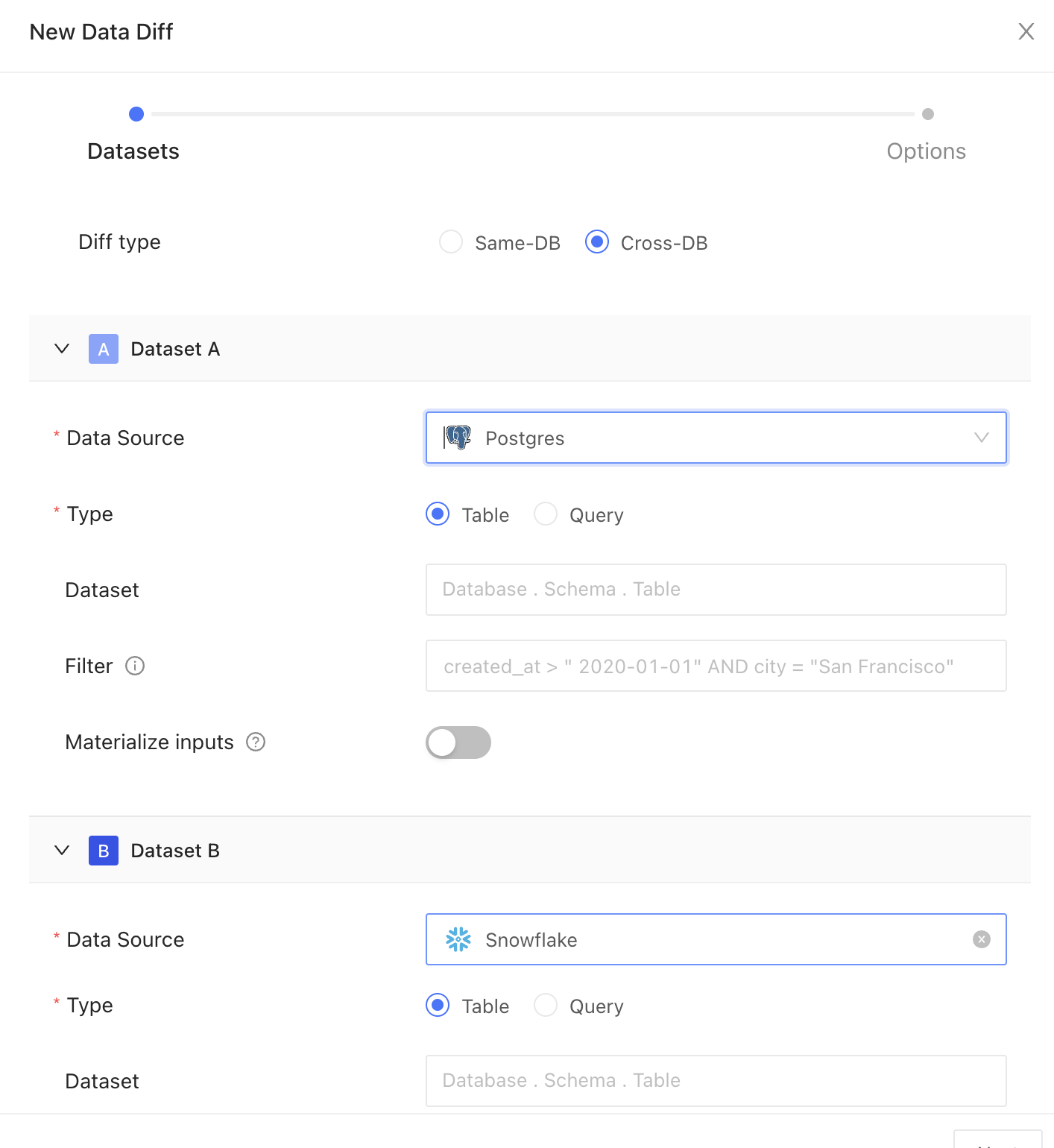 Setting up a new data diff in Datafold is straightforward. You can configure your data diffs with the following parameters and options:
### Source and Target datasets
#### Data connection
Pick your data connection(s).
#### Diff type
Choose how you want to compare your data:
* Table: Select this to compare data directly from database tables
* Query: Use this to compare results from specific SQL queries
#### Dataset
Choose the dataset you want to compare. This can be a table or a view in your relational database.
#### Filter
Insert your filter clause after the WHERE keyword to refine your dataset. For example: `created_at > '2000-01-01'` will only include data created after January 1, 2000.
### Materialize inputs
Select this option to improve diffing speed when query is heavy on compute, or if filters are applied to non-indexed columns, or if primary keys are transformed using concatenation, coalesce, or another function.
## Column remapping
Designate columns with the same data type and different column names to be compared. Data Diff will surface differences under the column name used in the Source dataset.
Datafold automatically handles differences in data types to ensure accurate comparisons. See our best practices below for how this is handled.
## General
### Primary key
The primary key is one or more columns used to uniquely identify a row in the dataset during diffing. The primary key (or keys) does not need to be formally defined in the database or elsewhere as it is used for unique row identification during diffing.
Textual primary keys do not support values outside the set of characters `a-zA-Z0-9!"()*/^+-<>=`. If these values exist, we recommend filtering them out before running the diff operation.
### Columns
#### Columns to compare
Specify which columns to compare between datasets.
Note that this has performance implications when comparing a large number of columns, especially in wide tables with 30 or more columns. It is recommended to initially focus on comparisons using only the primary key or to select a limited subset of columns.
### Row sampling
Use sampling to compare a subset of your data instead of the entire dataset. This is best for diffing large datasets. Sampling can be configured to select a percentage of rows to compare, or to ensure differences are found to a chosen degree of statistical confidence.
#### Sampling tolerance
Sampling tolerance defines the allowable margin of error for our estimate. It sets the acceptable percentage of rows with primary key errors (e.g., nulls, duplicates, or primary keys exclusive to one dataset) before disabling sampling.
When sampling is enabled, not every row is examined, which introduces a probability of missing certain discrepancies. This threshold represents the level of difference we are willing to accept before considering the results unreliable and thereby disabling sampling. It essentially sets a limit on how much variance is tolerable in the sample compared to the complete dataset.
Default: 0.001%
#### Sampling confidence
Sampling confidence reflects our level of certainty that our sample accurately represents the entire dataset. It represents the minimum confidence level that the rate of primary key errors is below the threshold defined in sampling tolerance.
To put it simply, a 95% confidence level with a 5% tolerance means we are 95% certain that the true value falls within 5% of our estimate.
Default: 99%
#### Sampling threshold
Sampling is automatically disabled when the total row count of the largest table in the comparison falls below a specified threshold value. This approach is adopted because, for smaller datasets, a complete dataset comparison is not only more feasible but also quicker and more efficient than sampling. Disabling sampling in these scenarios ensures comprehensive data coverage and provides more accurate insights, as it becomes practical to examine every row in the dataset without significant time or resource constraints.
#### Sample size
This provides an estimated count of the total number of rows included in the combined sample from Datasets A and B, used for the diffing process. It's important to note that this number is an estimate and can vary from the actual sample size due to several factors:
The presence of duplicate primary keys in the datasets will likely increase this estimate, as it inflates the perceived uniqueness of rows.
* Applying filters to the datasets tends to reduce the estimate, as it narrows down the data scope.
* The number of rows we sample is not fixed; instead, we use a statistical approach called the Poisson distribution. This involves picking rows randomly from an infinite pool of rows with uniform random sampling. Importantly, we don't need to perform a full diff (compare every single row) to establish a baseline.
Example: Imagine there are two datasets we want to compare, Source and Target. Since we prefer not to check every row, we use a statistical approach to determine the number of rows to sample from each dataset. To do so, we set the following parameters:
* Sampling tolerance: 5%
* Sampling confidence: 95%
Sampling confidence reflects our level of certainty that our sample accurately represents the entire dataset, while sampling tolerance defines the allowable margin of error for our estimate. Here, with a 95% sampling confidence and a 5% sampling tolerance, we are 95% confident that the true value falls within 5% of our estimate. Datafold will then estimate the sample size needed (e.g., 200 rows) to achieve these parameters.
### Advanced
#### Materialize diff results to table
Create a detailed table from your diff results, indicating each row where differences occur. This table will include corresponding values from both datasets and flags showing whether each row matches or mismatches.
---
# Source: https://docs.datafold.com/data-migration-automation/cross-database-diffing-migrations.md
# Cross-Database Diffing for Migrations
> Validate migration parity with Datafold's cross-database diffing solution.
When migrating data from one system to another, ensuring that the data is accurately transferred and remains consistent is critical. Datafold’s cross-database diffing provides a robust method to validate parity between the source and target databases. It compares data across databases, identifying discrepancies at the dataset, column, and row levels, ensuring full confidence in your migration process.
## How cross-database diffing works
Datafold connects to any SQL source and target databases, similar to how BI tools do. Datasets from both data connections are co-located in a centralized database to execute comparisons and identify specific rows, columns, and values with differences. To perform diffs at massive scale and increased speed, users can apply sampling, filtering, and column selection.
### What kind of information does Datafold output?
Datafold’s cross-database diffing will produce the following results:
* **High-Level Summary:**
* Total number of different rows
* Total number of rows (primary keys) that are present in one database but not the other
* Aggregate schema differences
* **Schema Differences:** Per-column mapping of data types, column order, etc.
* **Primary Key Differences:** Sample of specific rows that are present in one database but not the other.
* **Value-Level Differences:** Sample of differing column values for each column with identified discrepancies. The full dataset of differences can be downloaded or materialized to the warehouse.
### How does a user run a data diff?
Users can run data diffs through the following methods:
* Via Datafold’s interactive UI
* Via the Datafold API
* On a schedule (as a monitor) with optional alerting via Slack, email, PagerDuty, etc.
### Can I run multiple data diffs at the same time?
Yes, users can run as many diffs as they would like, with concurrency limited by the underlying database.
### What if my data is changing and replicated live, how can I ensure proper comparison?
In such cases, we recommend using watermarking—diffing data within a specified time window of row creation or update (e.g., `updated_at timestamp`).
### What if the data types do not match between source and target?
Datafold performs best-effort type matching for cases where deterministic type casting is possible, e.g., comparing `VARCHAR` type with `STRING` type. When automatic type casting without information loss is not possible, the user can define type casting manually using diffing in Query mode.
### Can data diff help if the dataset in the source and target databases has a different shape/schema/column naming?
Yes, users can reshape input datasets by writing a SQL query and diffing in Query mode to bring the dataset to a comparable shape. Datafold also supports column remapping for datasets with different column names between tables.
## Learn more
To learn more, check out our guide on [how cross-database diffing works](../data-diff/cross-database-diffing/creating-a-new-data-diff) in Datafold, or explore our extensive [FAQ section](../faq/data-migration-automation) covering cross-database diffing and data migration.
---
# Source: https://docs.datafold.com/integrations/orchestrators/custom-integrations.md
> ## Documentation Index
> Fetch the complete documentation index at: https://docs.datafold.com/llms.txt
> Use this file to discover all available pages before exploring further.
# Custom Integrations
> Integrate Datafold with your custom orchestration using the Datafold SDK and REST API.
To use the Datafold REST API, you should first create a Datafold API key in Settings > Account.
## Install
Then, create your virtual environment for Python:
```
> python3 -m venv venv
> source venv/bin/activate
> pip install --upgrade pip setuptools wheel
```
Now, you're ready to install the Datafold SDK:
```
> pip install datafold-sdk
```
## Configure
Navigate in the Datafold UI to Settings > Integrations > CI. After selecting `datafold-sdk` from the available options, complete configuration with the following information:
| Field Name | Description |
| ---------------------------------------- | ------------------------------------------------------------------------------------------------------------------------------------------------------------------------------------------------------------------------------------------------------------------ |
| Repository | Select the repository that generates the webhooks and where pull / merge requests will be raised. |
| Data Connection | Select the data connection where the code that is changed in the repository will run. |
| Name | An identifier used in Datafold to identify this CI configuration. |
| Files to ignore | If defined, the files matching the pattern will be ignored in the PRs. The pattern uses the syntax of .gitignore. Excluded files can be re-included by using the negation; re-included files can be later re-excluded again to narrow down the filter. |
| Mark the CI check as failed on errors | If the checkbox is disabled, the errors in the CI runs will be reported back to GitHub/GitLab as successes, to keep the check "green" and not block the PR/MR. By default (enabled), the errors are reported as failures and may prevent PR/MRs from being merged. |
| Require the `datafold` label to start CI | When this is selected, the Datafold CI process will only run when the 'datafold' label has been applied. This label needs to be created manually in GitHub or GitLab and the title or name must match 'datafold' exactly. |
| Sampling tolerance | The tolerance to apply in sampling for all data diffs. |
| Sampling confidence | The confidence to apply when sampling. |
| Sampling Threshold | Sampling will be disabled automatically if tables are smaller than specified threshold. If unspecified, default values will be used depending on the Data Connection type. |
## Add commands to your custom orchestration
```bash theme={null}
export DATAFOLD_API_KEY=XXXXXXXXX
# only needed if your Datafold app url is not app.datafold.com
export DATAFOLD_HOST=
```
To submit diffs for a CI run, replace `ci_config_id`, `pr_num`, and `diffs_file` with the appropriate values for your CI configuration ID, pull request number, and the path to your diffs `JSON` file.
#### CLI
```bash theme={null}
datafold ci submit \
--ci-config-id \
--pr-num \
--diffs \
```
#### Python
```python theme={null}
import os
from datafold_sdk.sdk.ci import run_diff
api_key = os.environ.get('DATAFOLD_API_KEY')
# Only needed if your Datafold app URL is not app.datafold.com
host = os.environ.get("DATAFOLD_HOST")
run_diff(host=host,
api_key=api_key,
ci_config_id=,
pr_num=,
diffs='')
```
##### Example JSON format for diffs file
The `JSON` file should define the production and pull request tables to compare, along with any primary keys and columns to include or exclude in the comparison.
```json theme={null}
[
{
"prod": "YOUR_PROJECT.PRODUCTION_TABLE_A",
"pr": "YOUR_PROJECT.PR_TABLE_NUM",
"pk": ["ID"],
"include_columns": ["Column1", "Column2"],
"exclude_columns": ["Column3"]
},
{
"prod": "YOUR_PROJECT.PRODUCTION_TABLE_B",
"pr": "YOUR_PROJECT.PR_TABLE_NUM",
"pk": ["ID"],
"include_columns": ["Column1"],
"exclude_columns": []
}
]
```
---
# Source: https://docs.datafold.com/data-monitoring/monitors/data-diff-monitors.md
> ## Documentation Index
> Fetch the complete documentation index at: https://docs.datafold.com/llms.txt
> Use this file to discover all available pages before exploring further.
# Data Diff Monitors
> Data Diff monitors compare datasets across or within databases, identifying row and column discrepancies with customizable scheduling and notifications.
## Ways to create a data diff monitor
There are 3 ways to create a data diff monitor:
1. From the **Monitors** page by clicking **Create new monitor** and then selecting **Data diff** as a type of monitor.
2. Clone an existing monitor by clicking **Actions** and then **Clone** in the header menu. This will pre-fill the form with the existing monitor configuration.
3. Create a monitor directly from the data diff results by clicking **Actions** and **Create monitor**. This will pre-fill the configuration with the parent data diff settings, requiring updates only for the **Schedule** and **Notifications** sections.
Once a monitor is created and initial metrics collected, you can set up [thresholds](/data-monitoring/monitors/data-diff-monitors#monitoring) for the two metrics.
## Create a new data diff monitor
Setting up a new diff monitor in Datafold is straightforward. You can configure it with the following parameters and options:
### General
Choose how you want to compare your data and whether the diff type is in-database or cross-database.
Pick your data connections. Then, choose the two datasets you want to compare. This can be a table or a view in your relational database.
If you need to compare just a subset of data (e.g., for a particular city or last two weeks), add a SQL filter.
Select **Materialize inputs** to improve diffing speed when query is heavy on compute, or if filters are applied to non-indexed columns, or if primary keys are transformed using concatenation, coalesce, or another function.
Setting up a new data diff in Datafold is straightforward. You can configure your data diffs with the following parameters and options:
### Source and Target datasets
#### Data connection
Pick your data connection(s).
#### Diff type
Choose how you want to compare your data:
* Table: Select this to compare data directly from database tables
* Query: Use this to compare results from specific SQL queries
#### Dataset
Choose the dataset you want to compare. This can be a table or a view in your relational database.
#### Filter
Insert your filter clause after the WHERE keyword to refine your dataset. For example: `created_at > '2000-01-01'` will only include data created after January 1, 2000.
### Materialize inputs
Select this option to improve diffing speed when query is heavy on compute, or if filters are applied to non-indexed columns, or if primary keys are transformed using concatenation, coalesce, or another function.
## Column remapping
Designate columns with the same data type and different column names to be compared. Data Diff will surface differences under the column name used in the Source dataset.
Datafold automatically handles differences in data types to ensure accurate comparisons. See our best practices below for how this is handled.
## General
### Primary key
The primary key is one or more columns used to uniquely identify a row in the dataset during diffing. The primary key (or keys) does not need to be formally defined in the database or elsewhere as it is used for unique row identification during diffing.
Textual primary keys do not support values outside the set of characters `a-zA-Z0-9!"()*/^+-<>=`. If these values exist, we recommend filtering them out before running the diff operation.
### Columns
#### Columns to compare
Specify which columns to compare between datasets.
Note that this has performance implications when comparing a large number of columns, especially in wide tables with 30 or more columns. It is recommended to initially focus on comparisons using only the primary key or to select a limited subset of columns.
### Row sampling
Use sampling to compare a subset of your data instead of the entire dataset. This is best for diffing large datasets. Sampling can be configured to select a percentage of rows to compare, or to ensure differences are found to a chosen degree of statistical confidence.
#### Sampling tolerance
Sampling tolerance defines the allowable margin of error for our estimate. It sets the acceptable percentage of rows with primary key errors (e.g., nulls, duplicates, or primary keys exclusive to one dataset) before disabling sampling.
When sampling is enabled, not every row is examined, which introduces a probability of missing certain discrepancies. This threshold represents the level of difference we are willing to accept before considering the results unreliable and thereby disabling sampling. It essentially sets a limit on how much variance is tolerable in the sample compared to the complete dataset.
Default: 0.001%
#### Sampling confidence
Sampling confidence reflects our level of certainty that our sample accurately represents the entire dataset. It represents the minimum confidence level that the rate of primary key errors is below the threshold defined in sampling tolerance.
To put it simply, a 95% confidence level with a 5% tolerance means we are 95% certain that the true value falls within 5% of our estimate.
Default: 99%
#### Sampling threshold
Sampling is automatically disabled when the total row count of the largest table in the comparison falls below a specified threshold value. This approach is adopted because, for smaller datasets, a complete dataset comparison is not only more feasible but also quicker and more efficient than sampling. Disabling sampling in these scenarios ensures comprehensive data coverage and provides more accurate insights, as it becomes practical to examine every row in the dataset without significant time or resource constraints.
#### Sample size
This provides an estimated count of the total number of rows included in the combined sample from Datasets A and B, used for the diffing process. It's important to note that this number is an estimate and can vary from the actual sample size due to several factors:
The presence of duplicate primary keys in the datasets will likely increase this estimate, as it inflates the perceived uniqueness of rows.
* Applying filters to the datasets tends to reduce the estimate, as it narrows down the data scope.
* The number of rows we sample is not fixed; instead, we use a statistical approach called the Poisson distribution. This involves picking rows randomly from an infinite pool of rows with uniform random sampling. Importantly, we don't need to perform a full diff (compare every single row) to establish a baseline.
Example: Imagine there are two datasets we want to compare, Source and Target. Since we prefer not to check every row, we use a statistical approach to determine the number of rows to sample from each dataset. To do so, we set the following parameters:
* Sampling tolerance: 5%
* Sampling confidence: 95%
Sampling confidence reflects our level of certainty that our sample accurately represents the entire dataset, while sampling tolerance defines the allowable margin of error for our estimate. Here, with a 95% sampling confidence and a 5% sampling tolerance, we are 95% confident that the true value falls within 5% of our estimate. Datafold will then estimate the sample size needed (e.g., 200 rows) to achieve these parameters.
### Advanced
#### Materialize diff results to table
Create a detailed table from your diff results, indicating each row where differences occur. This table will include corresponding values from both datasets and flags showing whether each row matches or mismatches.
---
# Source: https://docs.datafold.com/data-migration-automation/cross-database-diffing-migrations.md
# Cross-Database Diffing for Migrations
> Validate migration parity with Datafold's cross-database diffing solution.
When migrating data from one system to another, ensuring that the data is accurately transferred and remains consistent is critical. Datafold’s cross-database diffing provides a robust method to validate parity between the source and target databases. It compares data across databases, identifying discrepancies at the dataset, column, and row levels, ensuring full confidence in your migration process.
## How cross-database diffing works
Datafold connects to any SQL source and target databases, similar to how BI tools do. Datasets from both data connections are co-located in a centralized database to execute comparisons and identify specific rows, columns, and values with differences. To perform diffs at massive scale and increased speed, users can apply sampling, filtering, and column selection.
### What kind of information does Datafold output?
Datafold’s cross-database diffing will produce the following results:
* **High-Level Summary:**
* Total number of different rows
* Total number of rows (primary keys) that are present in one database but not the other
* Aggregate schema differences
* **Schema Differences:** Per-column mapping of data types, column order, etc.
* **Primary Key Differences:** Sample of specific rows that are present in one database but not the other.
* **Value-Level Differences:** Sample of differing column values for each column with identified discrepancies. The full dataset of differences can be downloaded or materialized to the warehouse.
### How does a user run a data diff?
Users can run data diffs through the following methods:
* Via Datafold’s interactive UI
* Via the Datafold API
* On a schedule (as a monitor) with optional alerting via Slack, email, PagerDuty, etc.
### Can I run multiple data diffs at the same time?
Yes, users can run as many diffs as they would like, with concurrency limited by the underlying database.
### What if my data is changing and replicated live, how can I ensure proper comparison?
In such cases, we recommend using watermarking—diffing data within a specified time window of row creation or update (e.g., `updated_at timestamp`).
### What if the data types do not match between source and target?
Datafold performs best-effort type matching for cases where deterministic type casting is possible, e.g., comparing `VARCHAR` type with `STRING` type. When automatic type casting without information loss is not possible, the user can define type casting manually using diffing in Query mode.
### Can data diff help if the dataset in the source and target databases has a different shape/schema/column naming?
Yes, users can reshape input datasets by writing a SQL query and diffing in Query mode to bring the dataset to a comparable shape. Datafold also supports column remapping for datasets with different column names between tables.
## Learn more
To learn more, check out our guide on [how cross-database diffing works](../data-diff/cross-database-diffing/creating-a-new-data-diff) in Datafold, or explore our extensive [FAQ section](../faq/data-migration-automation) covering cross-database diffing and data migration.
---
# Source: https://docs.datafold.com/integrations/orchestrators/custom-integrations.md
> ## Documentation Index
> Fetch the complete documentation index at: https://docs.datafold.com/llms.txt
> Use this file to discover all available pages before exploring further.
# Custom Integrations
> Integrate Datafold with your custom orchestration using the Datafold SDK and REST API.
To use the Datafold REST API, you should first create a Datafold API key in Settings > Account.
## Install
Then, create your virtual environment for Python:
```
> python3 -m venv venv
> source venv/bin/activate
> pip install --upgrade pip setuptools wheel
```
Now, you're ready to install the Datafold SDK:
```
> pip install datafold-sdk
```
## Configure
Navigate in the Datafold UI to Settings > Integrations > CI. After selecting `datafold-sdk` from the available options, complete configuration with the following information:
| Field Name | Description |
| ---------------------------------------- | ------------------------------------------------------------------------------------------------------------------------------------------------------------------------------------------------------------------------------------------------------------------ |
| Repository | Select the repository that generates the webhooks and where pull / merge requests will be raised. |
| Data Connection | Select the data connection where the code that is changed in the repository will run. |
| Name | An identifier used in Datafold to identify this CI configuration. |
| Files to ignore | If defined, the files matching the pattern will be ignored in the PRs. The pattern uses the syntax of .gitignore. Excluded files can be re-included by using the negation; re-included files can be later re-excluded again to narrow down the filter. |
| Mark the CI check as failed on errors | If the checkbox is disabled, the errors in the CI runs will be reported back to GitHub/GitLab as successes, to keep the check "green" and not block the PR/MR. By default (enabled), the errors are reported as failures and may prevent PR/MRs from being merged. |
| Require the `datafold` label to start CI | When this is selected, the Datafold CI process will only run when the 'datafold' label has been applied. This label needs to be created manually in GitHub or GitLab and the title or name must match 'datafold' exactly. |
| Sampling tolerance | The tolerance to apply in sampling for all data diffs. |
| Sampling confidence | The confidence to apply when sampling. |
| Sampling Threshold | Sampling will be disabled automatically if tables are smaller than specified threshold. If unspecified, default values will be used depending on the Data Connection type. |
## Add commands to your custom orchestration
```bash theme={null}
export DATAFOLD_API_KEY=XXXXXXXXX
# only needed if your Datafold app url is not app.datafold.com
export DATAFOLD_HOST=
```
To submit diffs for a CI run, replace `ci_config_id`, `pr_num`, and `diffs_file` with the appropriate values for your CI configuration ID, pull request number, and the path to your diffs `JSON` file.
#### CLI
```bash theme={null}
datafold ci submit \
--ci-config-id \
--pr-num \
--diffs \
```
#### Python
```python theme={null}
import os
from datafold_sdk.sdk.ci import run_diff
api_key = os.environ.get('DATAFOLD_API_KEY')
# Only needed if your Datafold app URL is not app.datafold.com
host = os.environ.get("DATAFOLD_HOST")
run_diff(host=host,
api_key=api_key,
ci_config_id=,
pr_num=,
diffs='')
```
##### Example JSON format for diffs file
The `JSON` file should define the production and pull request tables to compare, along with any primary keys and columns to include or exclude in the comparison.
```json theme={null}
[
{
"prod": "YOUR_PROJECT.PRODUCTION_TABLE_A",
"pr": "YOUR_PROJECT.PR_TABLE_NUM",
"pk": ["ID"],
"include_columns": ["Column1", "Column2"],
"exclude_columns": ["Column3"]
},
{
"prod": "YOUR_PROJECT.PRODUCTION_TABLE_B",
"pr": "YOUR_PROJECT.PR_TABLE_NUM",
"pk": ["ID"],
"include_columns": ["Column1"],
"exclude_columns": []
}
]
```
---
# Source: https://docs.datafold.com/data-monitoring/monitors/data-diff-monitors.md
> ## Documentation Index
> Fetch the complete documentation index at: https://docs.datafold.com/llms.txt
> Use this file to discover all available pages before exploring further.
# Data Diff Monitors
> Data Diff monitors compare datasets across or within databases, identifying row and column discrepancies with customizable scheduling and notifications.
## Ways to create a data diff monitor
There are 3 ways to create a data diff monitor:
1. From the **Monitors** page by clicking **Create new monitor** and then selecting **Data diff** as a type of monitor.
2. Clone an existing monitor by clicking **Actions** and then **Clone** in the header menu. This will pre-fill the form with the existing monitor configuration.
3. Create a monitor directly from the data diff results by clicking **Actions** and **Create monitor**. This will pre-fill the configuration with the parent data diff settings, requiring updates only for the **Schedule** and **Notifications** sections.
Once a monitor is created and initial metrics collected, you can set up [thresholds](/data-monitoring/monitors/data-diff-monitors#monitoring) for the two metrics.
## Create a new data diff monitor
Setting up a new diff monitor in Datafold is straightforward. You can configure it with the following parameters and options:
### General
Choose how you want to compare your data and whether the diff type is in-database or cross-database.
Pick your data connections. Then, choose the two datasets you want to compare. This can be a table or a view in your relational database.
If you need to compare just a subset of data (e.g., for a particular city or last two weeks), add a SQL filter.
Select **Materialize inputs** to improve diffing speed when query is heavy on compute, or if filters are applied to non-indexed columns, or if primary keys are transformed using concatenation, coalesce, or another function.
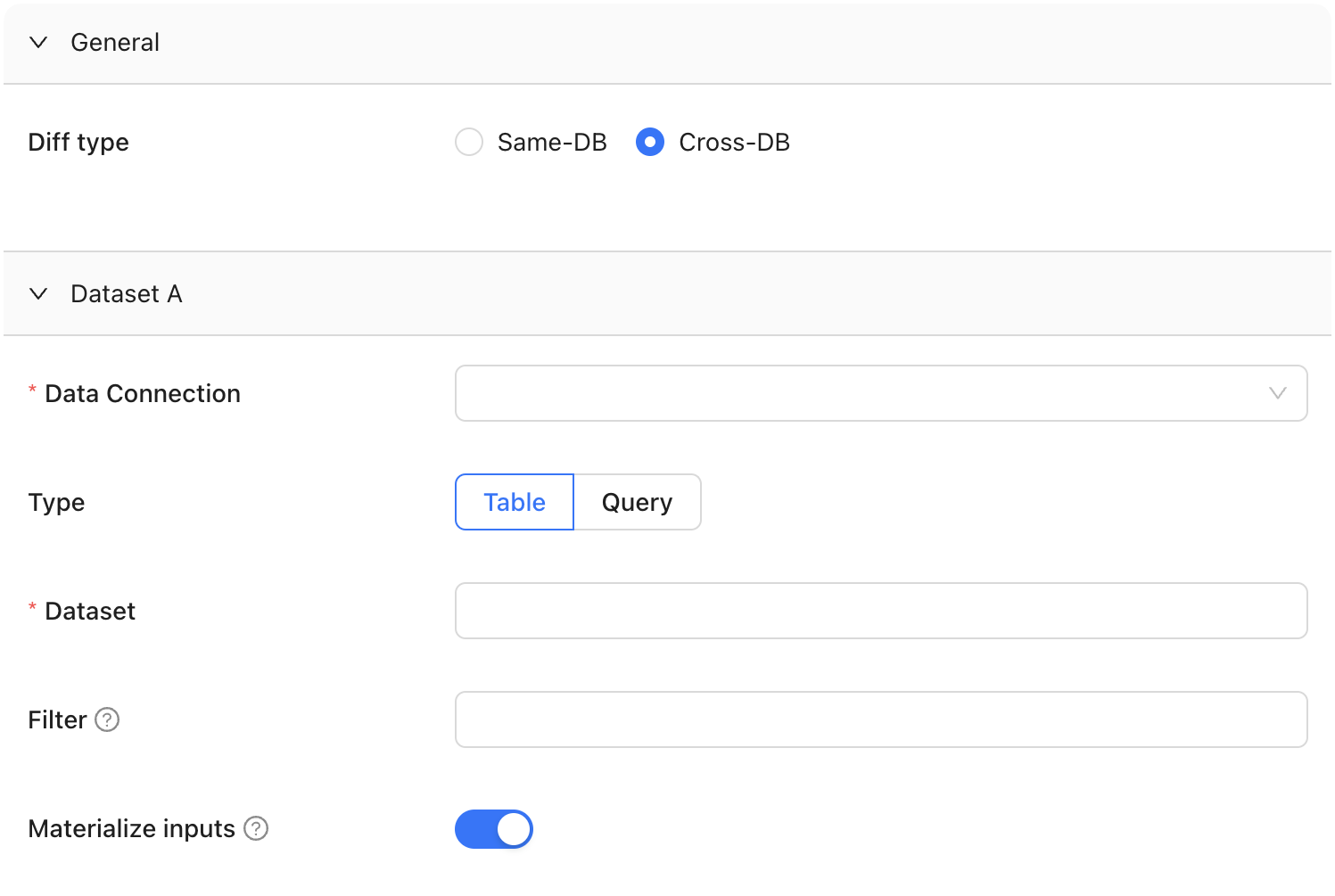 ### Column remapping
When columns are the same data type but are named differently, column remapping allows you to align and compare them. This is useful when datasets have semantically identical columns with different names, such as `userID` and `user_id`. Datafold will surface any differences under the column name used in Dataset A.
### Column remapping
When columns are the same data type but are named differently, column remapping allows you to align and compare them. This is useful when datasets have semantically identical columns with different names, such as `userID` and `user_id`. Datafold will surface any differences under the column name used in Dataset A.
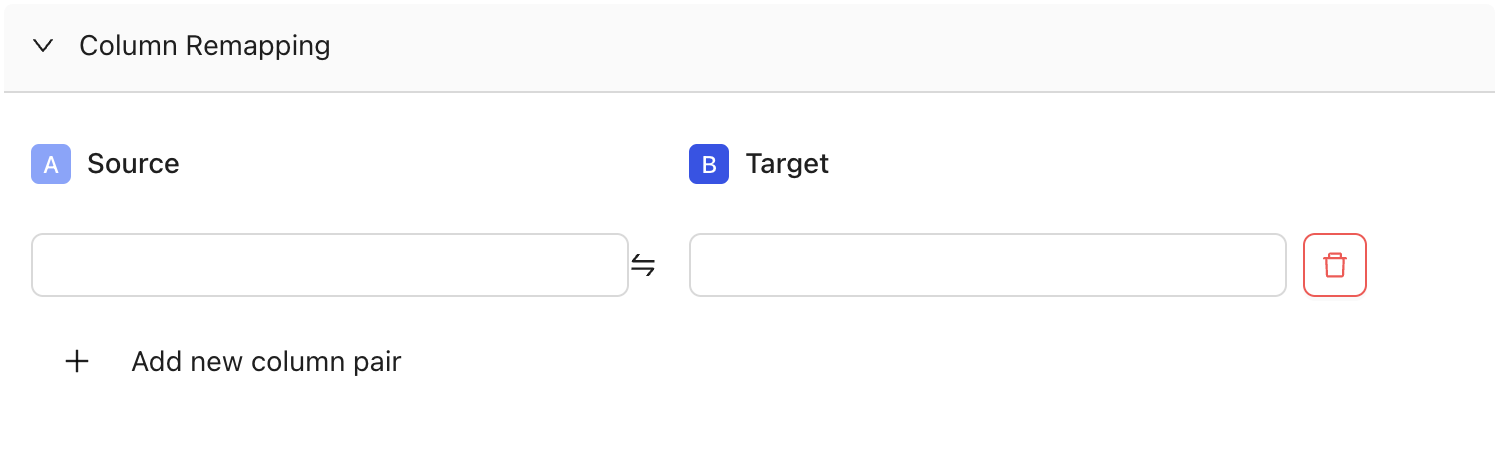 ### Diff settings
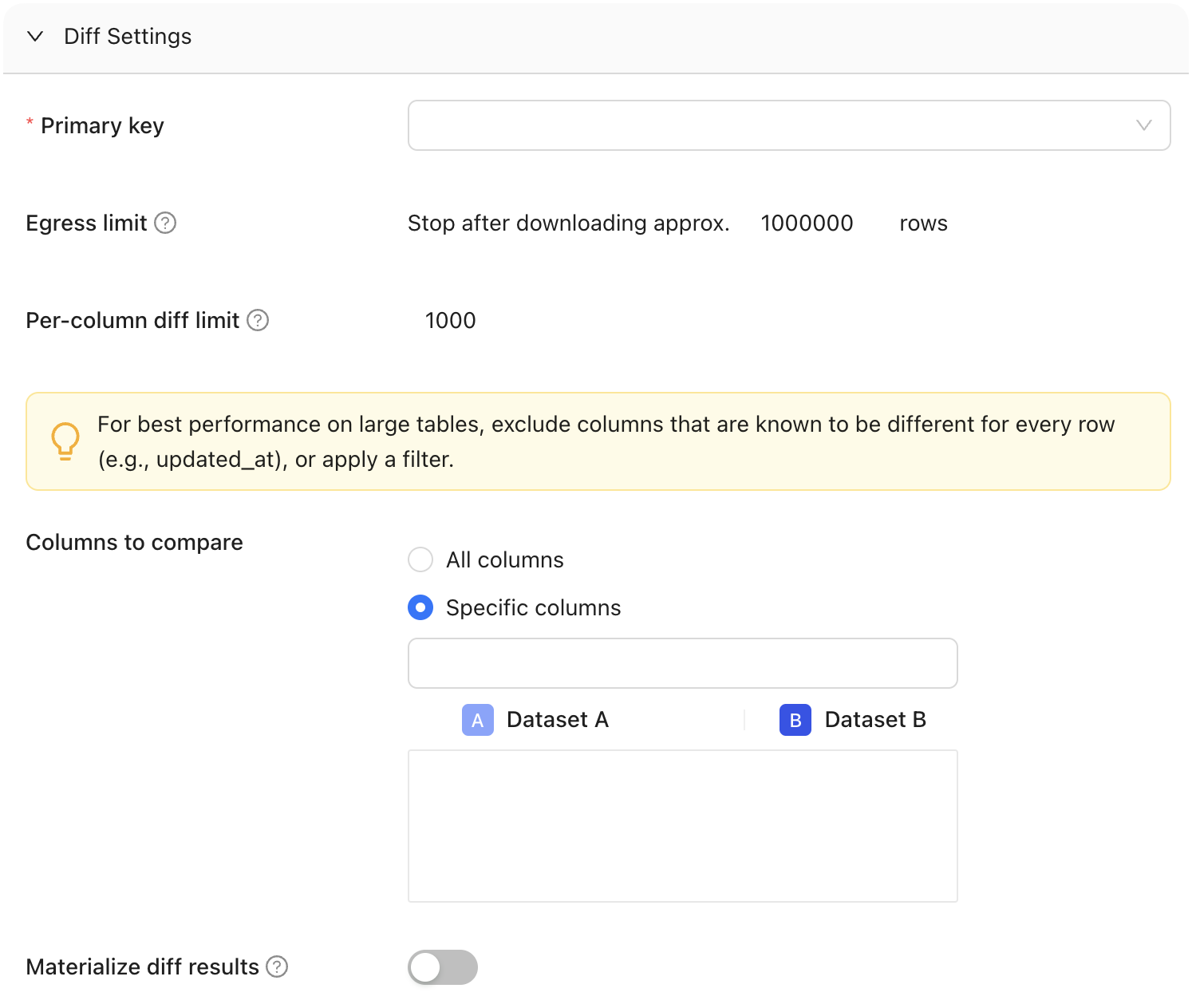 #### Primary key
The primary key is one or more columns used to uniquely identify a row in the dataset during diffing. The primary key (or keys) does not need to be formally defined in the database or elsewhere as it is used for unique row identification during diffing. Multiple columns support compound primary key definitions.
#### Columns to compare
Determine whether to compare all columns or select specific one(s). To optimize performance on large tables, it's recommended to exclude columns known to have unique values for every row, such as timestamp columns like "updated\_at," or apply filters to limit the comparison scope.
#### Materialize diff results
Choose whether to store diff results in a table.
#### Sampling
Use this to compare a subset of your data instead of the entire dataset. This is best for assessing large datasets.
There are two ways to enable sampling in Monitors: [Tolerance](#tolerance) and [% of Rows](#-of-rows).
**TIP**
When should I use sampling tolerance instead of percent of rows?
Each has its specific use cases and benefits, please [see the FAQ section](#sampling-tolerance-vs--of-rows) for a more detailed breakdown.
##### Tolerance
Tolerance defines the allowable margin of error for our estimate. It sets the acceptable percentage of rows with primary key errors (like nulls, duplicates, or primary keys exclusive to one dataset) before disabling sampling.
#### Primary key
The primary key is one or more columns used to uniquely identify a row in the dataset during diffing. The primary key (or keys) does not need to be formally defined in the database or elsewhere as it is used for unique row identification during diffing. Multiple columns support compound primary key definitions.
#### Columns to compare
Determine whether to compare all columns or select specific one(s). To optimize performance on large tables, it's recommended to exclude columns known to have unique values for every row, such as timestamp columns like "updated\_at," or apply filters to limit the comparison scope.
#### Materialize diff results
Choose whether to store diff results in a table.
#### Sampling
Use this to compare a subset of your data instead of the entire dataset. This is best for assessing large datasets.
There are two ways to enable sampling in Monitors: [Tolerance](#tolerance) and [% of Rows](#-of-rows).
**TIP**
When should I use sampling tolerance instead of percent of rows?
Each has its specific use cases and benefits, please [see the FAQ section](#sampling-tolerance-vs--of-rows) for a more detailed breakdown.
##### Tolerance
Tolerance defines the allowable margin of error for our estimate. It sets the acceptable percentage of rows with primary key errors (like nulls, duplicates, or primary keys exclusive to one dataset) before disabling sampling.
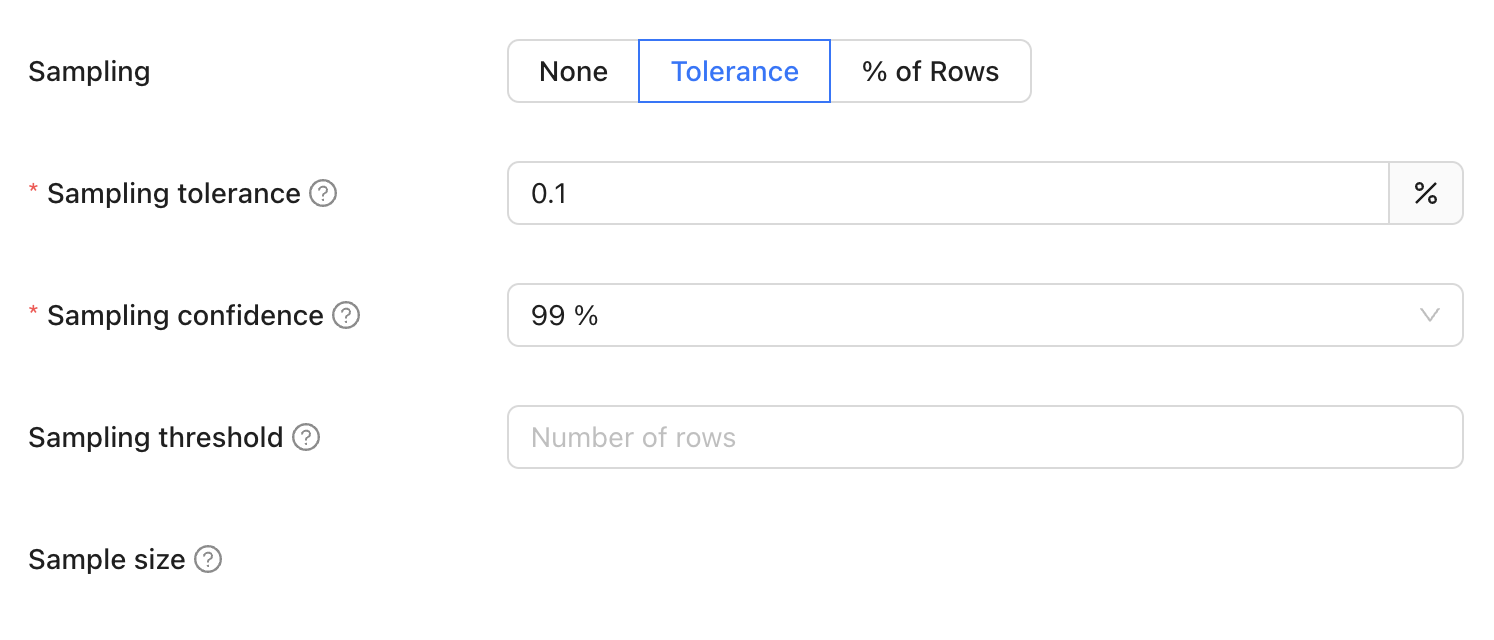 When sampling tolerance is enabled, not every row is examined, which introduces a probability of missing certain discrepancies. This threshold represents the level of difference we are willing to accept before considering the results unreliable and thereby disabling sampling. It essentially sets a limit on how much variance is tolerable in the sample compared to the complete dataset.
Default: 0.001%
###### Sampling confidence
Sampling confidence reflects our level of certainty that our sample accurately represents the entire dataset. It represents the minimum confidence level that the rate of primary key errors is below the threshold defined in sampling tolerance.
To put it simply, a 95% confidence level with a 5% tolerance means we are 95% certain that the true value falls within 5% of our estimate.
Default: 99%
###### Sampling threshold
Sampling will be disabled if total row count of the largest table is less that the threshold value.
###### Sample size
This provides an estimated count of the total number of rows included in the combined sample from Datasets A and B, used for the diffing process. It's important to note that this number is an estimate and can vary from the actual sample size due to several factors:
* The presence of duplicate primary keys in the datasets will likely increase this estimate, as it inflates the perceived uniqueness of rows
* Applying filters to the datasets tends to reduce the estimate, as it narrows down the data scope
The number of rows we sample is not fixed; instead, we use a statistical approach called the Poisson distribution. This involves picking rows randomly from an infinite pool of rows with uniform random sampling. Importantly, we don't need to perform a full diff (compare every single row) to establish a baseline.
Example: Imagine there are two datasets we want to compare, Main and Test. Since we prefer not to check every row, we use a statistical approach to determine the number of rows to sample from each dataset. To do so, we set the following parameters:
* Sampling tolerance: 5%
* Sampling confidence: 95%
Sampling confidence reflects our level of certainty that our sample accurately represents the entire dataset, while sampling tolerance defines the allowable margin of error for our estimate. Here, with a 95% sampling confidence and a 5% sampling tolerance, we are 95% confident that the true value falls within 5% of our estimate. Datafold will then estimate the sample size needed (e.g., 200 rows) to achieve these parameters.
##### % of rows
Percent of rows sampling defines the proportion of the dataset to be included in the sample by specifying a percentage of the total number of rows. For example, setting the sampling percentage to 0.1% means that only 0.1% of the total rows will be sampled for analysis or comparison.
When sampling tolerance is enabled, not every row is examined, which introduces a probability of missing certain discrepancies. This threshold represents the level of difference we are willing to accept before considering the results unreliable and thereby disabling sampling. It essentially sets a limit on how much variance is tolerable in the sample compared to the complete dataset.
Default: 0.001%
###### Sampling confidence
Sampling confidence reflects our level of certainty that our sample accurately represents the entire dataset. It represents the minimum confidence level that the rate of primary key errors is below the threshold defined in sampling tolerance.
To put it simply, a 95% confidence level with a 5% tolerance means we are 95% certain that the true value falls within 5% of our estimate.
Default: 99%
###### Sampling threshold
Sampling will be disabled if total row count of the largest table is less that the threshold value.
###### Sample size
This provides an estimated count of the total number of rows included in the combined sample from Datasets A and B, used for the diffing process. It's important to note that this number is an estimate and can vary from the actual sample size due to several factors:
* The presence of duplicate primary keys in the datasets will likely increase this estimate, as it inflates the perceived uniqueness of rows
* Applying filters to the datasets tends to reduce the estimate, as it narrows down the data scope
The number of rows we sample is not fixed; instead, we use a statistical approach called the Poisson distribution. This involves picking rows randomly from an infinite pool of rows with uniform random sampling. Importantly, we don't need to perform a full diff (compare every single row) to establish a baseline.
Example: Imagine there are two datasets we want to compare, Main and Test. Since we prefer not to check every row, we use a statistical approach to determine the number of rows to sample from each dataset. To do so, we set the following parameters:
* Sampling tolerance: 5%
* Sampling confidence: 95%
Sampling confidence reflects our level of certainty that our sample accurately represents the entire dataset, while sampling tolerance defines the allowable margin of error for our estimate. Here, with a 95% sampling confidence and a 5% sampling tolerance, we are 95% confident that the true value falls within 5% of our estimate. Datafold will then estimate the sample size needed (e.g., 200 rows) to achieve these parameters.
##### % of rows
Percent of rows sampling defines the proportion of the dataset to be included in the sample by specifying a percentage of the total number of rows. For example, setting the sampling percentage to 0.1% means that only 0.1% of the total rows will be sampled for analysis or comparison.
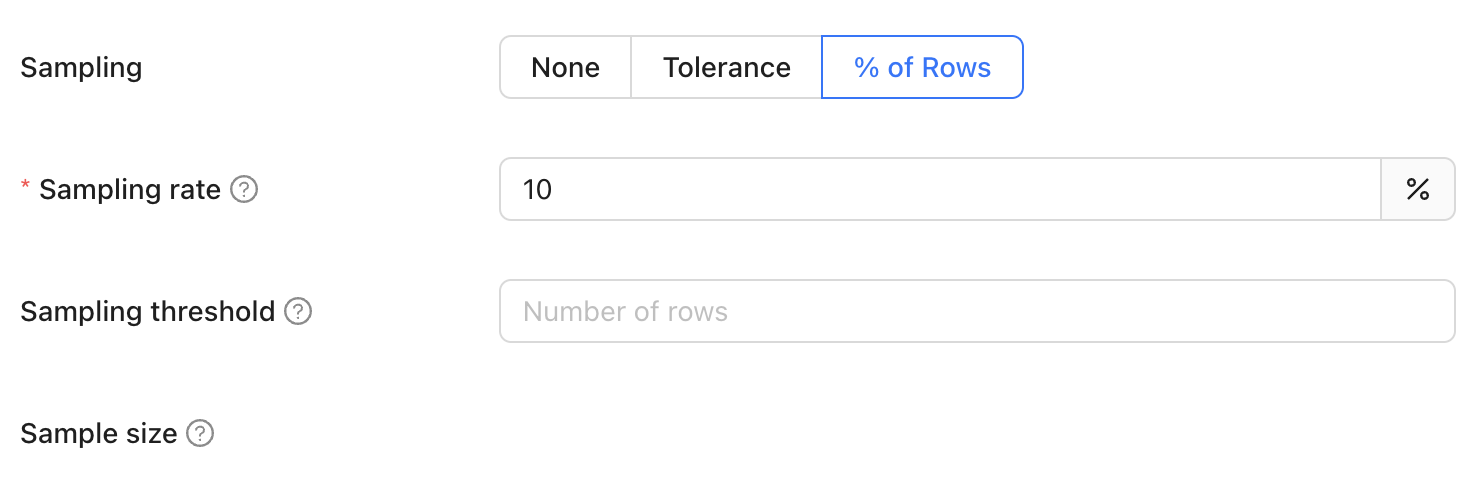 When percent of rows sampling is enabled, a fixed percentage of rows is selected randomly from the dataset. This method simplifies the sampling process, making it easy to understand and configure without needing to adjust complex statistical parameters. However, it lacks the statistical assurances provided by methods like sampling tolerance.
It doesn't dynamically adjust based on data characteristics or discrepancies but rather adheres strictly to the specified percentage, regardless of the dataset's variability. This straightforward approach is ideal for scenarios where simplicity and quick setup are more important than precision and statistical confidence. It provides a basic yet effective way to estimate the dataset's characteristics or differences, suitable for less critical data validation tasks.
###### Sampling rate
This refers to the percentage of the total number of rows in the largest table that will be used to determine the sample size. This ensures that the sample size is proportionate to the size of the dataset, providing a representative subset for comparison. For instance, if the largest table contains 1,000,000 rows and the sampling rate is set to 1%, the sample size will be 10,000 rows.
###### Sampling threshold
Sampling is automatically disabled when the total row count of the largest table in the comparison falls below a specified threshold value. This approach is adopted because, for smaller datasets, a complete dataset comparison is not only more feasible but also quicker and more efficient than sampling. Disabling sampling in these scenarios ensures comprehensive data coverage and provides more accurate insights, as it becomes practical to examine every row in the dataset without significant time or resource constraints.
###### Sampling size
This parameter is the [same one used in sampling tolerance](#sample-size).
### Add a schedule
You can choose to run your monitor daily, hourly, or even input a cron expression for more complex scheduling:
When percent of rows sampling is enabled, a fixed percentage of rows is selected randomly from the dataset. This method simplifies the sampling process, making it easy to understand and configure without needing to adjust complex statistical parameters. However, it lacks the statistical assurances provided by methods like sampling tolerance.
It doesn't dynamically adjust based on data characteristics or discrepancies but rather adheres strictly to the specified percentage, regardless of the dataset's variability. This straightforward approach is ideal for scenarios where simplicity and quick setup are more important than precision and statistical confidence. It provides a basic yet effective way to estimate the dataset's characteristics or differences, suitable for less critical data validation tasks.
###### Sampling rate
This refers to the percentage of the total number of rows in the largest table that will be used to determine the sample size. This ensures that the sample size is proportionate to the size of the dataset, providing a representative subset for comparison. For instance, if the largest table contains 1,000,000 rows and the sampling rate is set to 1%, the sample size will be 10,000 rows.
###### Sampling threshold
Sampling is automatically disabled when the total row count of the largest table in the comparison falls below a specified threshold value. This approach is adopted because, for smaller datasets, a complete dataset comparison is not only more feasible but also quicker and more efficient than sampling. Disabling sampling in these scenarios ensures comprehensive data coverage and provides more accurate insights, as it becomes practical to examine every row in the dataset without significant time or resource constraints.
###### Sampling size
This parameter is the [same one used in sampling tolerance](#sample-size).
### Add a schedule
You can choose to run your monitor daily, hourly, or even input a cron expression for more complex scheduling:
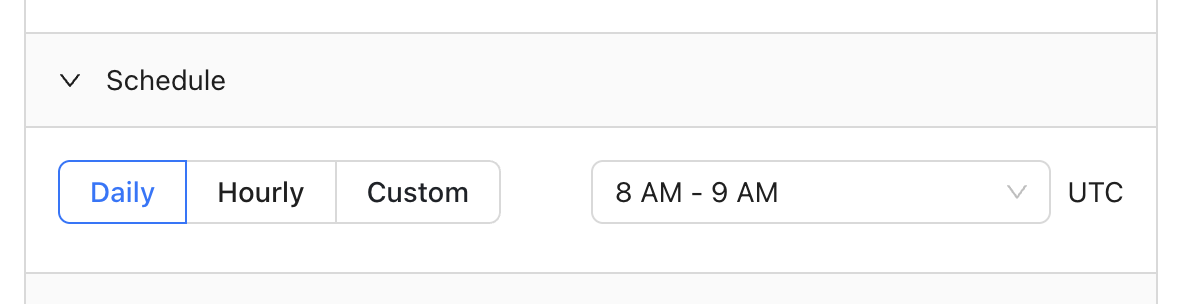 ### Add notifications
You can add notifications, sent through Slack or emails, which indicate whether a monitor has been executed.
Notifications are sent when either or both predefined thresholds are reached during a Diff Monitor. You can set a maximum threshold for the:
* Number of different rows
* Percentage of different rows
### Add notifications
You can add notifications, sent through Slack or emails, which indicate whether a monitor has been executed.
Notifications are sent when either or both predefined thresholds are reached during a Diff Monitor. You can set a maximum threshold for the:
* Number of different rows
* Percentage of different rows
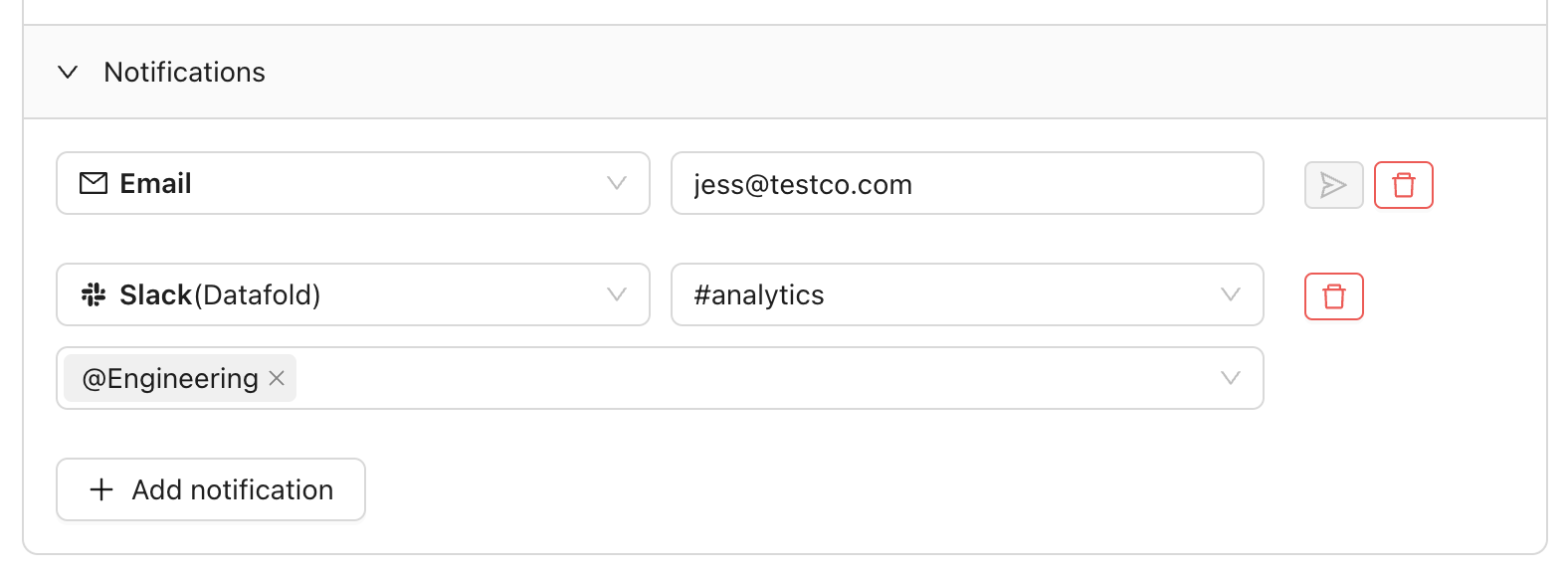 ## Results
The diff monitor run history shows the results from each run.
## Results
The diff monitor run history shows the results from each run.
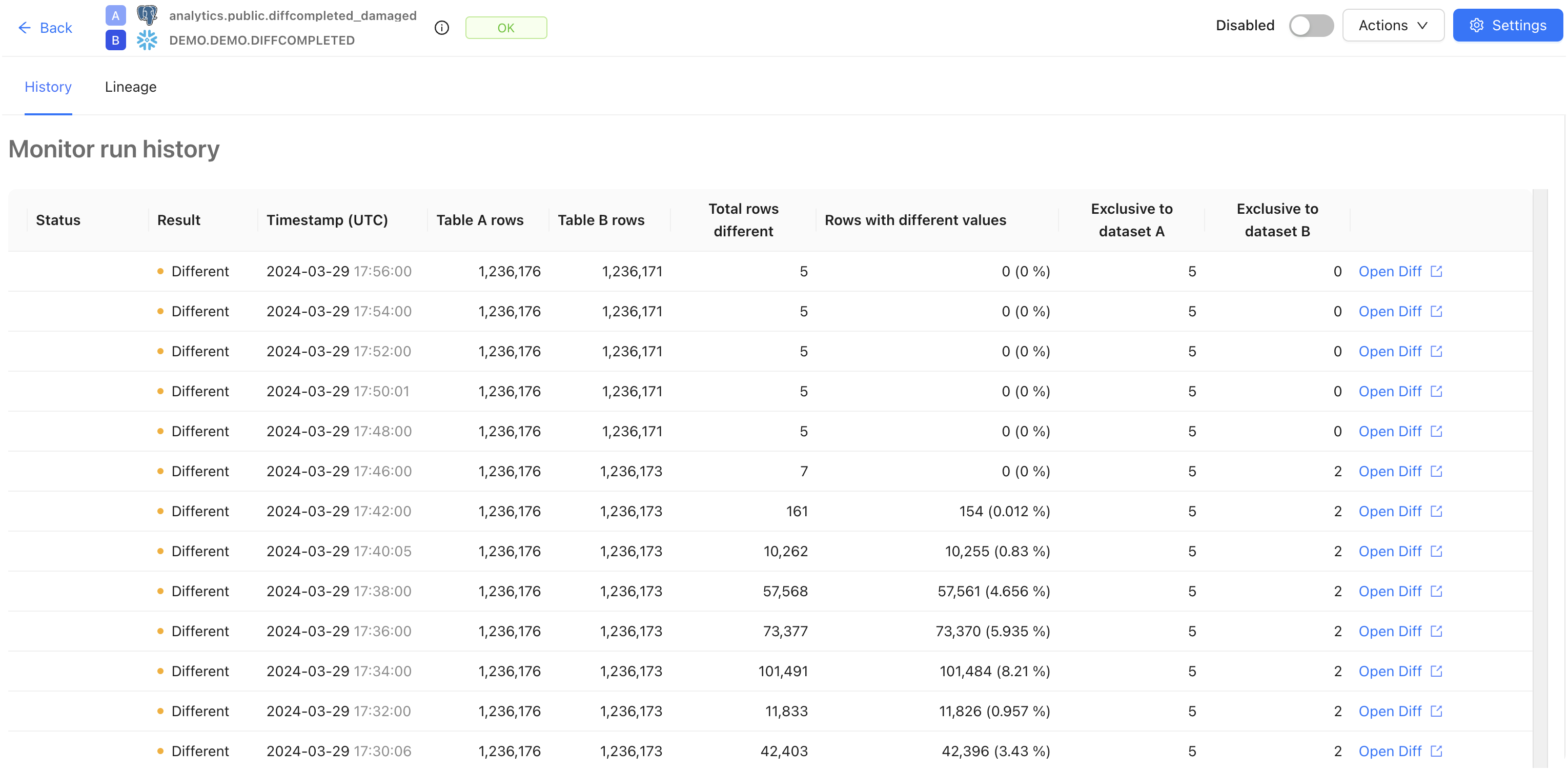 Each run includes basic stats, along with metrics such as:
* The total rows different: number of different rows according to data diff results.
* Rows with different values: percentage of different rows relative to the total number of rows in dataset A according to data diff results. Note that the status `Different` doesn't automatically map into a notification/alert.
Click the **Open Diff** link for more granular information about a specific Data Diff.
## FAQ
Use sampling tolerance when you need statistical confidence in your results, as it is more efficient and stops sampling once a difference is confidently detected. This method is ideal for critical data validation tasks that require precise accuracy.
On the other hand, use the percent of rows method for its simplicity and ease of use, especially in less critical scenarios where you just need a straightforward, quick sampling approach without worrying about statistical parameters. This method is perfect for general, easy-to-understand sampling needs.
If you have any questions about how to use Data Diff monitors, please reach out to our team via Slack, in-app chat, or email us at [support@datafold.com](mailto:support@datafold.com).
---
# Source: https://docs.datafold.com/faq/data-diffing.md
> ## Documentation Index
> Fetch the complete documentation index at: https://docs.datafold.com/llms.txt
> Use this file to discover all available pages before exploring further.
# Data Diffing
A [data diff](/data-diff/what-is-data-diff) is a value-level comparison between two tables—used to identify critical changes to your data and guarantee data quality.
Similar to how git diff highlights changes in code by comparing different versions of files to show what lines have been added, modified, or deleted, a data diff compares rows and columns in two tables to pinpoint specific data changes.
Datafold can compare data in tables, views, and SQL queries in databases and data lakes.
Datafold facilitates data diffing by supporting a wide range of basic data types across popular database systems like Snowflake, Databricks, BigQuery, Redshift, and PostgreSQL. Datafold can also diff data across legacy warehouses like Oracle, SQL Server, Teradata, IBM Netezza, MySQL, and more.
No, Datafold cannot perform data diffs on unstructured data such as files. However, it supports diffing structured and semi-structured data in tabular formats, including `JSON` columns.
When comparing numerical columns or columns of the `FLOAT` type, it is beneficial to [set tolerance levels for differences](/data-diff/in-database-diffing/creating-a-new-data-diff#tolerance-for-floats) to avoid flagging inconsequential discrepancies. This practice ensures that only meaningful differences are highlighted, maintaining the focus on significant changes.
When a change is detected, Datafold highlights the differences in the App or through PR comments, allowing data engineers and other users to review, validate, and approve these changes during the CI process.
When diffing data within the same physical database or data lake namespace, data diff compares data by executing various SQL queries in the target database. It uses several JOIN-type queries and various aggregate queries to provide detailed insights into differences at the row, value, and column levels, and to calculate differences in metrics and distributions.
Datafold connects to any SQL source and target databases, similar to how BI tools do. Datasets from both data connections are co-located in a centralized database to execute comparisons and identify specific rows, columns, and values with differences. To perform diffs at massive scale and increased speed, users can apply sampling, filtering, and column selection.
Yes, while the Datafold App UI provides advanced exploration of diff results, you can also materialize these results back to your database. This allows you to further investigate with SQL queries or maintain audit logs, providing flexibility in how you handle and review diff outcomes. Teams may additionally choose to download diff results as a CSV directly from the Datafold App to share with their team members.
---
# Source: https://docs.datafold.com/faq/data-migration-automation.md
# Data Migration Automation
Datafold performs complete SQL codebase translation and validation. It uses an AI agent architecture that performs the translation leveraging an LLM model with a feedback loop optimized for achieving full parity between migration source and target. DMA takes into account metadata, including schema, data types, and relationships in the source system.
DMA offers several key advantages over deterministic transpilers that rely on static code parsing with predefined grammars:
* **Full parity between source and target:** DMA not only returns code that compiles, but code that produces the same result in your new database with explicit validation.
* **Flexible dialect handling:** Ability to adapt to any arbitrary dialect for input/output without the need to provide full grammar, which is especially valuable for numerous legacy systems and their versions.
* **Self-correction capabilities:** DMA can self-correct mistakes, taking into account compilation errors and data discrepancies.
* **Modernizing code structure:** DMA can convert convoluted stored procedures into dbt projects following best practices.
Upon delivery, customers get a comprehensive report with links to data diffs validating parity and discrepancies (if any) on dataset-, column-, and row-level between source and target.
Once source and target systems are connected and Datafold ingests the code base, translations with DMA are automatically supervised by the Datafold team. In most cases, no input is required from the customer.
Connect source and target data sources to Datafold. Provide Datafold access to the codebase (usually by installing the Datafold GitHub/GitLab/ADO app or via system catalog for stored procedures).
Datafold is SOC 2 Type II, GDPR, and HIPAA-compliant and provides flexible deployment options, including in-VPC deployment in AWS, GCP, or Azure. The LLM infrastructure relies on local models and does not expose data to any sub-processor besides the cloud provider. In case of a VPC deployment, none of the data leaves the customer’s private network.
After the initial setup, the migration process can take several days to several weeks, depending on the source and target technologies, scale, and complexity.
DMA is an ideal fit for lift-and-shift migrations with parity between source and target as the goal. Some customization is possible and needs to be scoped on a case-by-case basis.
Datafold connects to any SQL source and target databases, similar to how BI tools do. Datasets from both data connections are co-located in a centralized database to execute comparisons and identify specific rows, columns, and values with differences. To perform diffs at massive scale and increased speed, users can apply sampling, filtering, and column selection.
Datafold’s cross-database diffing will produce the following results:
* **High-Level Summary:**
* Total number of different rows
* Total number of rows (primary keys) that are present in one database but not the other
* Aggregate schema differences
* **Schema Differences:** Per-column mapping of data types, column order, etc.
* **Primary Key Differences:** Sample of specific rows that are present in one database but not the other
* **Value-Level Differences:** Sample of differing column values for each column with identified discrepancies; full dataset of differences can be downloaded or materialized to the warehouse
* Via Datafold’s interactive UI
* Via the Datafold API
* On schedule (as a monitor) with optional alerting via Slack, email, PagerDuty, etc.
Yes, users can run as many diffs as they would like with concurrency limited by the underlying database.
In such cases, we recommend using watermarking—diffing data within a specified time window of row creation/update (e.g., `updated_at timestamp`).
Datafold performs best-effort type matching for cases where deterministic type casting is possible, e.g., comparing `VARCHAR` type with `STRING` type. When automatic type casting without information loss is not possible, the user can define type casting manually using diffing in Query mode.
Users can reshape input datasets by writing a SQL query and diffing in Query mode to bring the dataset to a comparable shape. Datafold also supports column remapping for datasets with different column names between tables.
---
# Source: https://docs.datafold.com/faq/data-monitoring-observability.md
> ## Documentation Index
> Fetch the complete documentation index at: https://docs.datafold.com/llms.txt
> Use this file to discover all available pages before exploring further.
# Data Monitoring and Observability
Most data observability tools focus on monitoring metrics (e.g., null counts, row counts) in the data warehouse. But catching data quality issues in the data warehouse is usually too late: the bad data has already affected downstream processes and negatively impacted the business.
Our platform focuses on prevention rather than detection of data quality issues. By [integrating deeply into your CI process](/deployment-testing/how-it-works), Datafold's [Data Diff](/data-diff/what-is-data-diff) helps data teams fix potential regressions during development and deployment, before bad code and data get into the production environment.
Our [Data Monitors](/data-monitoring/monitor-types) make it easy to monitor production data to catch issues early before they are propagated through the warehouse to business stakeholders.
This proactive data quality strategy not only enhances the reliability and accuracy of your data pipelines but also reduces the risk of disruptions and the need for reactive troubleshooting.
---
# Source: https://docs.datafold.com/faq/data-reconciliation.md
> ## Documentation Index
> Fetch the complete documentation index at: https://docs.datafold.com/llms.txt
> Use this file to discover all available pages before exploring further.
# Data Reconciliation
Datafold connects to any SQL source and target databases, similar to how BI tools do. Datasets from both data connections are co-located in a centralized database to execute comparisons and identify specific rows, columns, and values with differences. To perform diffs at massive scale and increased speed, users can apply sampling, filtering, and column selection.
Datafold’s cross-database diffing will produce the following results:
1. High-Level Summary:
* Total number of different rows
* Total number of rows (primary keys) that are present in one database, but not the other
* Aggregate schema differences
2. Schema Differences: Per-column mapping of data types, column order, etc.
3. Primary Key Differences: Sample of specific rows that are present in one database, but not the other
4. Value-Level Differences: Sample of differing values for each column with identified discrepancies; full dataset of differences can be downloaded or materialized to the warehouse
You can check out [what the results look like in the App](/data-diff/cross-database-diffing/results).
1. Via Datafold’s interactive UI
2. Via the Datafold API
3. On a schedule (as a monitor) with optional alerting via Slack, email, PagerDuty, etc.
Yes, users can run as many diffs as they would like with concurrency limited by the underlying database.
In such cases, we recommend using watermarking – diffing data within a specified time window of row creation / update (e.g. `updated_at timestamp`).
Datafold performs best-effort type matching for cases when deterministic type casting is possible, e.g. comparing `VARCHAR` type with `STRING` type. When automatic type casting without information loss is not possible, the user can define type casting manually using diffing in Query mode.
Yes, users can reshape the input dataset by writing a SQL query and diffing in Query mode to bring the dataset to a shape that can be compared with another. Datafold also supports column remapping for datasets with different column names between tables.
To make the provisioning at scale easier, you can create data diffs via the [Datafold API](https://docs.datafold.com/reference/cloud/rest-api).
---
# Source: https://docs.datafold.com/faq/data-storage-and-security.md
> ## Documentation Index
> Fetch the complete documentation index at: https://docs.datafold.com/llms.txt
> Use this file to discover all available pages before exploring further.
# Data Storage and Security
Datafold ingests and stores various types of data to ensure accurate data quality checks and insights:
* **Metadata**: This includes table names, column names, and queries executed in the data warehouse.
* **Data for Data Diffs**:
* For **in-database diffs**, all data visible in the app, including data samples, is fetched and stored.
* For **cross-database diffs**, all data visible in the app, including data samples, is fetched and stored. Larger amounts of data are fetched for comparison purposes, but only data samples are stored.
* **Table Profiling in Data Explorer**: Datafold stores samples and distributions of data to provide detailed profiling.
---
# Source: https://docs.datafold.com/data-monitoring/monitors/data-test-monitors.md
> ## Documentation Index
> Fetch the complete documentation index at: https://docs.datafold.com/llms.txt
> Use this file to discover all available pages before exploring further.
# Data Test Monitors
> Data Tests validate your data against off-the-shelf checks or custom business rules.
Data Test monitors allow you to validate your data using off-the-shelf checks for non-null or unique values, numeric ranges, accepted values, referential integrity, and more. Custom tests let you write custom SQL queries to validate your own business rules.
Think of Data Tests as pass/fail—either a test returns no records (pass) or it returns at least one record (fail). Failed records are viewable in the app, materialized to a temporary table in your warehouse, and can even be [attached to notifications as a CSV](/data-monitoring/monitors/data-test-monitors#attach-csvs-to-notifications).
## Create a Data Test monitor
There are two ways to create a Data Test monitor:
1. Open the **Monitors** page, select **Create new monitor**, and then choose **Data Test**.
2. Clone an existing Data Test monitor by clicking **Actions** and then **Clone**. This will pre-fill the form with the existing monitor configuration.
## Set up your monitor
Select your data connection, then choose whether you'd like to use a [Standard](/data-monitoring/monitors/data-test-monitors#standard-data-tests) or [Custom](/data-monitoring/monitors/data-test-monitors#custom-data-tests) test.
### Standard Data Tests
Standard tests allow you to validate your data against off-the-shelf checks for non-null or unique values, numeric ranges, accepted values, referential integrity, and more.
After choosing your data connection, select **Standard** and the specific test that you'd like to run. If you don't see the test you're looking for, you can always write a [Custom test](/data-monitoring/monitors/data-test-monitors#custom-data-tests).
Each run includes basic stats, along with metrics such as:
* The total rows different: number of different rows according to data diff results.
* Rows with different values: percentage of different rows relative to the total number of rows in dataset A according to data diff results. Note that the status `Different` doesn't automatically map into a notification/alert.
Click the **Open Diff** link for more granular information about a specific Data Diff.
## FAQ
Use sampling tolerance when you need statistical confidence in your results, as it is more efficient and stops sampling once a difference is confidently detected. This method is ideal for critical data validation tasks that require precise accuracy.
On the other hand, use the percent of rows method for its simplicity and ease of use, especially in less critical scenarios where you just need a straightforward, quick sampling approach without worrying about statistical parameters. This method is perfect for general, easy-to-understand sampling needs.
If you have any questions about how to use Data Diff monitors, please reach out to our team via Slack, in-app chat, or email us at [support@datafold.com](mailto:support@datafold.com).
---
# Source: https://docs.datafold.com/faq/data-diffing.md
> ## Documentation Index
> Fetch the complete documentation index at: https://docs.datafold.com/llms.txt
> Use this file to discover all available pages before exploring further.
# Data Diffing
A [data diff](/data-diff/what-is-data-diff) is a value-level comparison between two tables—used to identify critical changes to your data and guarantee data quality.
Similar to how git diff highlights changes in code by comparing different versions of files to show what lines have been added, modified, or deleted, a data diff compares rows and columns in two tables to pinpoint specific data changes.
Datafold can compare data in tables, views, and SQL queries in databases and data lakes.
Datafold facilitates data diffing by supporting a wide range of basic data types across popular database systems like Snowflake, Databricks, BigQuery, Redshift, and PostgreSQL. Datafold can also diff data across legacy warehouses like Oracle, SQL Server, Teradata, IBM Netezza, MySQL, and more.
No, Datafold cannot perform data diffs on unstructured data such as files. However, it supports diffing structured and semi-structured data in tabular formats, including `JSON` columns.
When comparing numerical columns or columns of the `FLOAT` type, it is beneficial to [set tolerance levels for differences](/data-diff/in-database-diffing/creating-a-new-data-diff#tolerance-for-floats) to avoid flagging inconsequential discrepancies. This practice ensures that only meaningful differences are highlighted, maintaining the focus on significant changes.
When a change is detected, Datafold highlights the differences in the App or through PR comments, allowing data engineers and other users to review, validate, and approve these changes during the CI process.
When diffing data within the same physical database or data lake namespace, data diff compares data by executing various SQL queries in the target database. It uses several JOIN-type queries and various aggregate queries to provide detailed insights into differences at the row, value, and column levels, and to calculate differences in metrics and distributions.
Datafold connects to any SQL source and target databases, similar to how BI tools do. Datasets from both data connections are co-located in a centralized database to execute comparisons and identify specific rows, columns, and values with differences. To perform diffs at massive scale and increased speed, users can apply sampling, filtering, and column selection.
Yes, while the Datafold App UI provides advanced exploration of diff results, you can also materialize these results back to your database. This allows you to further investigate with SQL queries or maintain audit logs, providing flexibility in how you handle and review diff outcomes. Teams may additionally choose to download diff results as a CSV directly from the Datafold App to share with their team members.
---
# Source: https://docs.datafold.com/faq/data-migration-automation.md
# Data Migration Automation
Datafold performs complete SQL codebase translation and validation. It uses an AI agent architecture that performs the translation leveraging an LLM model with a feedback loop optimized for achieving full parity between migration source and target. DMA takes into account metadata, including schema, data types, and relationships in the source system.
DMA offers several key advantages over deterministic transpilers that rely on static code parsing with predefined grammars:
* **Full parity between source and target:** DMA not only returns code that compiles, but code that produces the same result in your new database with explicit validation.
* **Flexible dialect handling:** Ability to adapt to any arbitrary dialect for input/output without the need to provide full grammar, which is especially valuable for numerous legacy systems and their versions.
* **Self-correction capabilities:** DMA can self-correct mistakes, taking into account compilation errors and data discrepancies.
* **Modernizing code structure:** DMA can convert convoluted stored procedures into dbt projects following best practices.
Upon delivery, customers get a comprehensive report with links to data diffs validating parity and discrepancies (if any) on dataset-, column-, and row-level between source and target.
Once source and target systems are connected and Datafold ingests the code base, translations with DMA are automatically supervised by the Datafold team. In most cases, no input is required from the customer.
Connect source and target data sources to Datafold. Provide Datafold access to the codebase (usually by installing the Datafold GitHub/GitLab/ADO app or via system catalog for stored procedures).
Datafold is SOC 2 Type II, GDPR, and HIPAA-compliant and provides flexible deployment options, including in-VPC deployment in AWS, GCP, or Azure. The LLM infrastructure relies on local models and does not expose data to any sub-processor besides the cloud provider. In case of a VPC deployment, none of the data leaves the customer’s private network.
After the initial setup, the migration process can take several days to several weeks, depending on the source and target technologies, scale, and complexity.
DMA is an ideal fit for lift-and-shift migrations with parity between source and target as the goal. Some customization is possible and needs to be scoped on a case-by-case basis.
Datafold connects to any SQL source and target databases, similar to how BI tools do. Datasets from both data connections are co-located in a centralized database to execute comparisons and identify specific rows, columns, and values with differences. To perform diffs at massive scale and increased speed, users can apply sampling, filtering, and column selection.
Datafold’s cross-database diffing will produce the following results:
* **High-Level Summary:**
* Total number of different rows
* Total number of rows (primary keys) that are present in one database but not the other
* Aggregate schema differences
* **Schema Differences:** Per-column mapping of data types, column order, etc.
* **Primary Key Differences:** Sample of specific rows that are present in one database but not the other
* **Value-Level Differences:** Sample of differing column values for each column with identified discrepancies; full dataset of differences can be downloaded or materialized to the warehouse
* Via Datafold’s interactive UI
* Via the Datafold API
* On schedule (as a monitor) with optional alerting via Slack, email, PagerDuty, etc.
Yes, users can run as many diffs as they would like with concurrency limited by the underlying database.
In such cases, we recommend using watermarking—diffing data within a specified time window of row creation/update (e.g., `updated_at timestamp`).
Datafold performs best-effort type matching for cases where deterministic type casting is possible, e.g., comparing `VARCHAR` type with `STRING` type. When automatic type casting without information loss is not possible, the user can define type casting manually using diffing in Query mode.
Users can reshape input datasets by writing a SQL query and diffing in Query mode to bring the dataset to a comparable shape. Datafold also supports column remapping for datasets with different column names between tables.
---
# Source: https://docs.datafold.com/faq/data-monitoring-observability.md
> ## Documentation Index
> Fetch the complete documentation index at: https://docs.datafold.com/llms.txt
> Use this file to discover all available pages before exploring further.
# Data Monitoring and Observability
Most data observability tools focus on monitoring metrics (e.g., null counts, row counts) in the data warehouse. But catching data quality issues in the data warehouse is usually too late: the bad data has already affected downstream processes and negatively impacted the business.
Our platform focuses on prevention rather than detection of data quality issues. By [integrating deeply into your CI process](/deployment-testing/how-it-works), Datafold's [Data Diff](/data-diff/what-is-data-diff) helps data teams fix potential regressions during development and deployment, before bad code and data get into the production environment.
Our [Data Monitors](/data-monitoring/monitor-types) make it easy to monitor production data to catch issues early before they are propagated through the warehouse to business stakeholders.
This proactive data quality strategy not only enhances the reliability and accuracy of your data pipelines but also reduces the risk of disruptions and the need for reactive troubleshooting.
---
# Source: https://docs.datafold.com/faq/data-reconciliation.md
> ## Documentation Index
> Fetch the complete documentation index at: https://docs.datafold.com/llms.txt
> Use this file to discover all available pages before exploring further.
# Data Reconciliation
Datafold connects to any SQL source and target databases, similar to how BI tools do. Datasets from both data connections are co-located in a centralized database to execute comparisons and identify specific rows, columns, and values with differences. To perform diffs at massive scale and increased speed, users can apply sampling, filtering, and column selection.
Datafold’s cross-database diffing will produce the following results:
1. High-Level Summary:
* Total number of different rows
* Total number of rows (primary keys) that are present in one database, but not the other
* Aggregate schema differences
2. Schema Differences: Per-column mapping of data types, column order, etc.
3. Primary Key Differences: Sample of specific rows that are present in one database, but not the other
4. Value-Level Differences: Sample of differing values for each column with identified discrepancies; full dataset of differences can be downloaded or materialized to the warehouse
You can check out [what the results look like in the App](/data-diff/cross-database-diffing/results).
1. Via Datafold’s interactive UI
2. Via the Datafold API
3. On a schedule (as a monitor) with optional alerting via Slack, email, PagerDuty, etc.
Yes, users can run as many diffs as they would like with concurrency limited by the underlying database.
In such cases, we recommend using watermarking – diffing data within a specified time window of row creation / update (e.g. `updated_at timestamp`).
Datafold performs best-effort type matching for cases when deterministic type casting is possible, e.g. comparing `VARCHAR` type with `STRING` type. When automatic type casting without information loss is not possible, the user can define type casting manually using diffing in Query mode.
Yes, users can reshape the input dataset by writing a SQL query and diffing in Query mode to bring the dataset to a shape that can be compared with another. Datafold also supports column remapping for datasets with different column names between tables.
To make the provisioning at scale easier, you can create data diffs via the [Datafold API](https://docs.datafold.com/reference/cloud/rest-api).
---
# Source: https://docs.datafold.com/faq/data-storage-and-security.md
> ## Documentation Index
> Fetch the complete documentation index at: https://docs.datafold.com/llms.txt
> Use this file to discover all available pages before exploring further.
# Data Storage and Security
Datafold ingests and stores various types of data to ensure accurate data quality checks and insights:
* **Metadata**: This includes table names, column names, and queries executed in the data warehouse.
* **Data for Data Diffs**:
* For **in-database diffs**, all data visible in the app, including data samples, is fetched and stored.
* For **cross-database diffs**, all data visible in the app, including data samples, is fetched and stored. Larger amounts of data are fetched for comparison purposes, but only data samples are stored.
* **Table Profiling in Data Explorer**: Datafold stores samples and distributions of data to provide detailed profiling.
---
# Source: https://docs.datafold.com/data-monitoring/monitors/data-test-monitors.md
> ## Documentation Index
> Fetch the complete documentation index at: https://docs.datafold.com/llms.txt
> Use this file to discover all available pages before exploring further.
# Data Test Monitors
> Data Tests validate your data against off-the-shelf checks or custom business rules.
Data Test monitors allow you to validate your data using off-the-shelf checks for non-null or unique values, numeric ranges, accepted values, referential integrity, and more. Custom tests let you write custom SQL queries to validate your own business rules.
Think of Data Tests as pass/fail—either a test returns no records (pass) or it returns at least one record (fail). Failed records are viewable in the app, materialized to a temporary table in your warehouse, and can even be [attached to notifications as a CSV](/data-monitoring/monitors/data-test-monitors#attach-csvs-to-notifications).
## Create a Data Test monitor
There are two ways to create a Data Test monitor:
1. Open the **Monitors** page, select **Create new monitor**, and then choose **Data Test**.
2. Clone an existing Data Test monitor by clicking **Actions** and then **Clone**. This will pre-fill the form with the existing monitor configuration.
## Set up your monitor
Select your data connection, then choose whether you'd like to use a [Standard](/data-monitoring/monitors/data-test-monitors#standard-data-tests) or [Custom](/data-monitoring/monitors/data-test-monitors#custom-data-tests) test.
### Standard Data Tests
Standard tests allow you to validate your data against off-the-shelf checks for non-null or unique values, numeric ranges, accepted values, referential integrity, and more.
After choosing your data connection, select **Standard** and the specific test that you'd like to run. If you don't see the test you're looking for, you can always write a [Custom test](/data-monitoring/monitors/data-test-monitors#custom-data-tests).
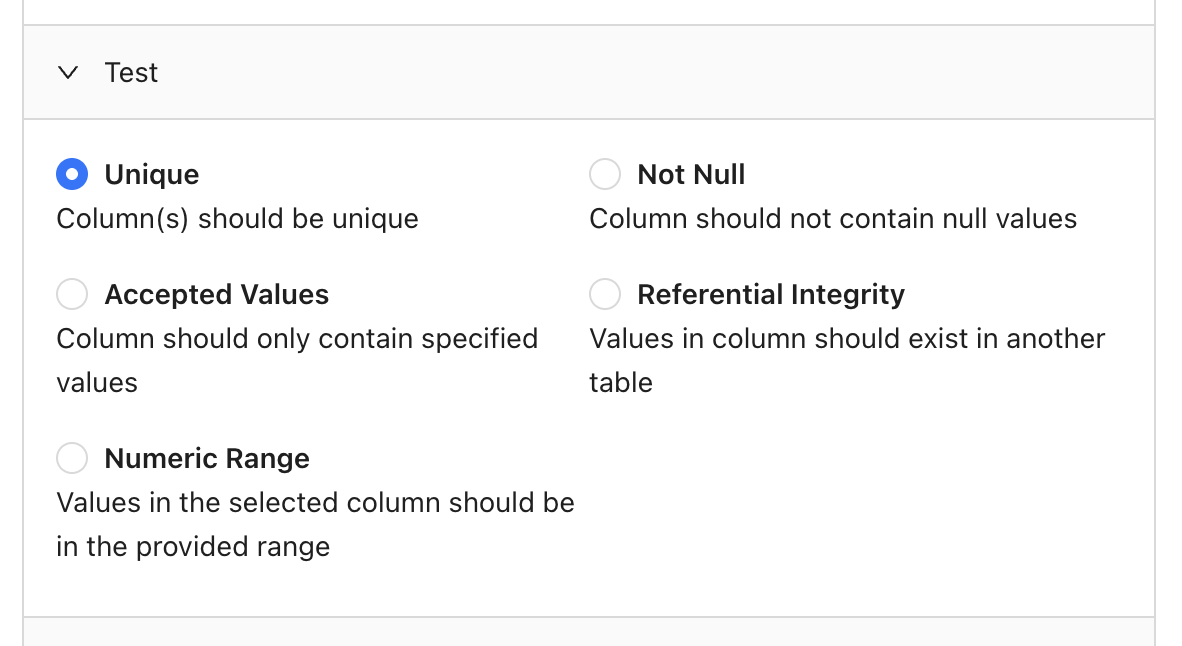 #### Quoting variables
Some test types (e.g. accepted values) require you to provide one or more values, which you may want to have quoted in the final SQL. The **Quote** flag, which is enabled by default, allows you to control this behavior. Here's an example.
Quoting **enabled** for `EXAMPLE_VALUE` (default):
```sql theme={null}
SELECT *
FROM DB.SCHEMA.TABLE1
WHERE "COLUMN1" < 'EXAMPLE_VALUE';
```
Quoting **disabled** for `EXAMPLE_VALUE`:
```sql theme={null}
SELECT *
FROM DB.SCHEMA.TABLE1
WHERE "COLUMN1" < EXAMPLE_VALUE;
```
### Custom Data Tests
When you need to test something that's not available in our [Standard tests](/data-monitoring/monitors/data-test-monitors#standard-data-tests), you can write a Custom test. Select your data connection, choose **Custom**, then write your SQL query.
Importantly, keep in mind that your query should return records that *fail* the test. Here are some examples to illustrate this.
**Custom business rule**
Say your company defines active users as individuals who have signed into your application at least 3 times in the past week. You could write a test that validates this logic by checking for users marked as active who *haven't* reached this threshold:
```sql theme={null}
SELECT *
FROM users
WHERE status = 'active'
AND signins_last_7d < 3;
```
**Data formatting**
If you wanted to validate that all phone numbers in your contacts table are 10 digits and only contain numbers, you'd return records that are not 10 digits or use non-numeric characters:
```sql theme={null}
SELECT *
FROM contacts
WHERE LENGTH(phone_number) != 10
OR phone_number REGEXP '[^0-9]';
```
## Add a schedule
You can choose to run your monitor daily, hourly, or even input a cron expression for more complex scheduling:
## Add notifications
Receive notifications via Slack or email when at least one record fails your test:
## Attach CSVs to notifications
Datafold allows attaching a CSV of failed records to Slack and email notifications. This is useful if, for example, you have business users who don't have a Datafold license but need to know about records that fail your tests.
This option is configured separately per notification destination as shown here:
#### Quoting variables
Some test types (e.g. accepted values) require you to provide one or more values, which you may want to have quoted in the final SQL. The **Quote** flag, which is enabled by default, allows you to control this behavior. Here's an example.
Quoting **enabled** for `EXAMPLE_VALUE` (default):
```sql theme={null}
SELECT *
FROM DB.SCHEMA.TABLE1
WHERE "COLUMN1" < 'EXAMPLE_VALUE';
```
Quoting **disabled** for `EXAMPLE_VALUE`:
```sql theme={null}
SELECT *
FROM DB.SCHEMA.TABLE1
WHERE "COLUMN1" < EXAMPLE_VALUE;
```
### Custom Data Tests
When you need to test something that's not available in our [Standard tests](/data-monitoring/monitors/data-test-monitors#standard-data-tests), you can write a Custom test. Select your data connection, choose **Custom**, then write your SQL query.
Importantly, keep in mind that your query should return records that *fail* the test. Here are some examples to illustrate this.
**Custom business rule**
Say your company defines active users as individuals who have signed into your application at least 3 times in the past week. You could write a test that validates this logic by checking for users marked as active who *haven't* reached this threshold:
```sql theme={null}
SELECT *
FROM users
WHERE status = 'active'
AND signins_last_7d < 3;
```
**Data formatting**
If you wanted to validate that all phone numbers in your contacts table are 10 digits and only contain numbers, you'd return records that are not 10 digits or use non-numeric characters:
```sql theme={null}
SELECT *
FROM contacts
WHERE LENGTH(phone_number) != 10
OR phone_number REGEXP '[^0-9]';
```
## Add a schedule
You can choose to run your monitor daily, hourly, or even input a cron expression for more complex scheduling:
## Add notifications
Receive notifications via Slack or email when at least one record fails your test:
## Attach CSVs to notifications
Datafold allows attaching a CSV of failed records to Slack and email notifications. This is useful if, for example, you have business users who don't have a Datafold license but need to know about records that fail your tests.
This option is configured separately per notification destination as shown here:
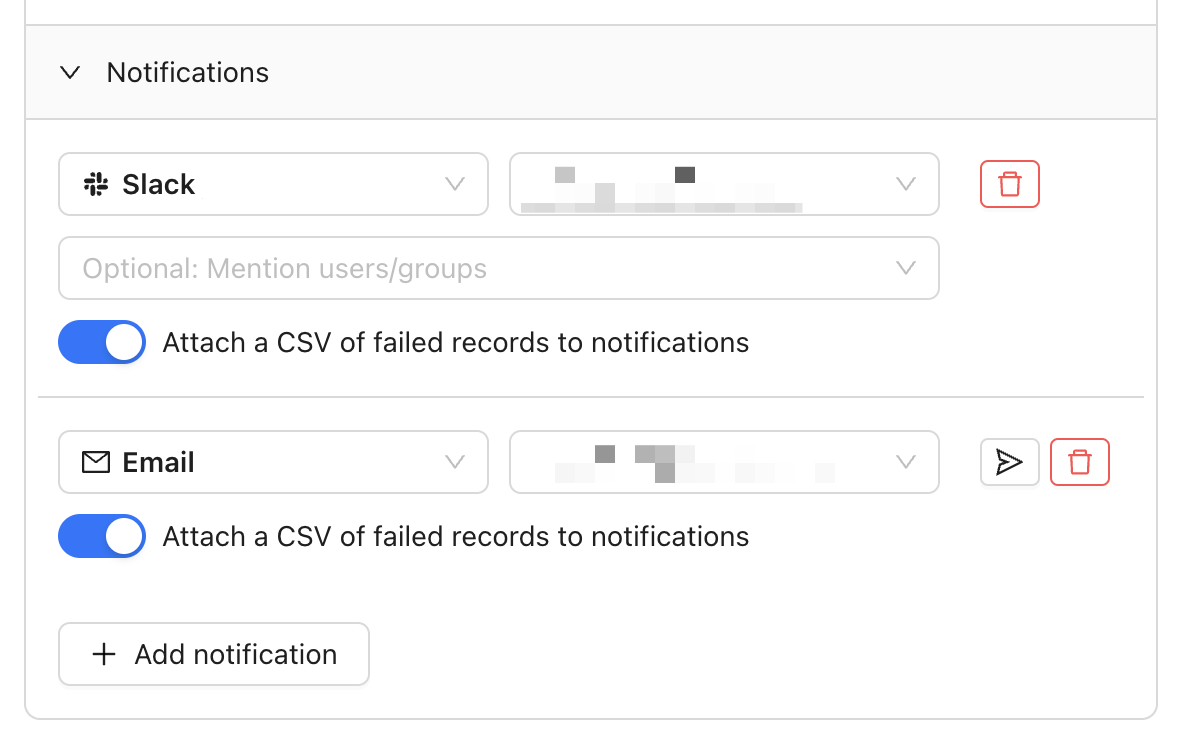 CSV attachments are limited to the lesser of 1,000 rows or 1 MB in file size.
### Attaching CSVs in Slack
In order to attach CSVs to Slack notifications, you need to complete 1-2 additional steps:
1. If you installed the Datafold Slack app prior to October 2024, you'll need to reinstall the app by visiting Settings > Integrations > Notifications, selecting your Slack integration, then **Reinstall Slack integration**.
2. Invite the Datafold app to the channel you wish to send notifications to using the `/invite` command shown below:
CSV attachments are limited to the lesser of 1,000 rows or 1 MB in file size.
### Attaching CSVs in Slack
In order to attach CSVs to Slack notifications, you need to complete 1-2 additional steps:
1. If you installed the Datafold Slack app prior to October 2024, you'll need to reinstall the app by visiting Settings > Integrations > Notifications, selecting your Slack integration, then **Reinstall Slack integration**.
2. Invite the Datafold app to the channel you wish to send notifications to using the `/invite` command shown below:
 ## Run Tests in CI
Standard Data Tests run on a schedule against your production data. But often it's useful to test data before it gets to production as part of your deployment workflow. For this reason, Datafold supports running tests in CI.
Data Tests in CI work very similarly to our [Monitors as Code](/data-monitoring/monitors-as-code) feature, in the sense that you define your tests in a version-controled YAML file. You then use the Datafold SDK to execute those tests as part of your CI workflow.
### Write your tests
First, create a new file (e.g. `tests.yaml`) in the root of your repository. Then write your tests use the same format described in our [Monitors as Code](/data-monitoring/monitors-as-code) docs with two exceptions:
1. Add a `run_in_ci` flag to each test and set it to `true` (assuming you'd like to run the test)
2. (Optional) Add placeholders for variables that you'd like to populate dynamically when executing your tests
Here's an example:
```yaml theme={null}
monitors:
null_pk_test:
type: test
name: No NULL pk in the users table
run_in_ci: true
connection_id: 8
query: select * from {{ schema }}.USERS where id is null
duplicate_pk_test:
type: test
name: No duplicate pk in the users table
run_in_ci: true
connection_id: 8
query: |
select *
from {{ schema }}.USERS
where id in (
select id
from {{ schema }}.USERS
group by id
having count(*) > 1
);
```
### Execute your tests
**INFO**
This section describes how to get started with GitHub Actions, but the same concepts apply to other hosted version control platforms like GitLab and Bitbucket. Contact us if you need help getting started.
If you're using GitHub Actions, create a new YAML file under `.github/workflows/` using the following template. Be sure to tailor it to your particular setup:
```yaml theme={null}
on:
push:
branches:
- main
pull_request:
jobs:
test:
runs-on: ubuntu-latest
steps:
- uses: actions/checkout@v2
- uses: actions/checkout@v2
with:
token: ${{ secrets.GH_TOKEN }}
repository: datafold/datafold-sdk
path: datafold-sdk
ref: data-tests-in-ci-demo
- uses: actions/setup-python@v2
with:
python-version: '3.12'
- name: Install dependencies
run: |
python -m pip install --upgrade pip
pip install -r requirements.txt
- name: Set schema env var in PR
run: |
echo "SCHEMA=ANALYTICS.PR" >> $GITHUB_ENV
if: github.event_name == 'pull_request'
- name: Set schema env var in main
run: |
echo "SCHEMA=ANALYTICS.CORE" >> $GITHUB_ENV
if: github.event_name == 'push'
- name: Run tests
run: |
datafold tests run --var schema:$SCHEMA --ci-config-id 1 tests.yaml # use the correct file name/path
env:
DATAFOLD_HOST: https://app.datafold.com # different for dedicated deployments
DATAFOLD_API_KEY: ${{ secrets.DATAFOLD_API_KEY }} # remember to add to secrets
```
### View the results
When your CI workflow is triggered (e.g. by a pull request), you can view the terminal output for your test results:
## Run Tests in CI
Standard Data Tests run on a schedule against your production data. But often it's useful to test data before it gets to production as part of your deployment workflow. For this reason, Datafold supports running tests in CI.
Data Tests in CI work very similarly to our [Monitors as Code](/data-monitoring/monitors-as-code) feature, in the sense that you define your tests in a version-controled YAML file. You then use the Datafold SDK to execute those tests as part of your CI workflow.
### Write your tests
First, create a new file (e.g. `tests.yaml`) in the root of your repository. Then write your tests use the same format described in our [Monitors as Code](/data-monitoring/monitors-as-code) docs with two exceptions:
1. Add a `run_in_ci` flag to each test and set it to `true` (assuming you'd like to run the test)
2. (Optional) Add placeholders for variables that you'd like to populate dynamically when executing your tests
Here's an example:
```yaml theme={null}
monitors:
null_pk_test:
type: test
name: No NULL pk in the users table
run_in_ci: true
connection_id: 8
query: select * from {{ schema }}.USERS where id is null
duplicate_pk_test:
type: test
name: No duplicate pk in the users table
run_in_ci: true
connection_id: 8
query: |
select *
from {{ schema }}.USERS
where id in (
select id
from {{ schema }}.USERS
group by id
having count(*) > 1
);
```
### Execute your tests
**INFO**
This section describes how to get started with GitHub Actions, but the same concepts apply to other hosted version control platforms like GitLab and Bitbucket. Contact us if you need help getting started.
If you're using GitHub Actions, create a new YAML file under `.github/workflows/` using the following template. Be sure to tailor it to your particular setup:
```yaml theme={null}
on:
push:
branches:
- main
pull_request:
jobs:
test:
runs-on: ubuntu-latest
steps:
- uses: actions/checkout@v2
- uses: actions/checkout@v2
with:
token: ${{ secrets.GH_TOKEN }}
repository: datafold/datafold-sdk
path: datafold-sdk
ref: data-tests-in-ci-demo
- uses: actions/setup-python@v2
with:
python-version: '3.12'
- name: Install dependencies
run: |
python -m pip install --upgrade pip
pip install -r requirements.txt
- name: Set schema env var in PR
run: |
echo "SCHEMA=ANALYTICS.PR" >> $GITHUB_ENV
if: github.event_name == 'pull_request'
- name: Set schema env var in main
run: |
echo "SCHEMA=ANALYTICS.CORE" >> $GITHUB_ENV
if: github.event_name == 'push'
- name: Run tests
run: |
datafold tests run --var schema:$SCHEMA --ci-config-id 1 tests.yaml # use the correct file name/path
env:
DATAFOLD_HOST: https://app.datafold.com # different for dedicated deployments
DATAFOLD_API_KEY: ${{ secrets.DATAFOLD_API_KEY }} # remember to add to secrets
```
### View the results
When your CI workflow is triggered (e.g. by a pull request), you can view the terminal output for your test results:
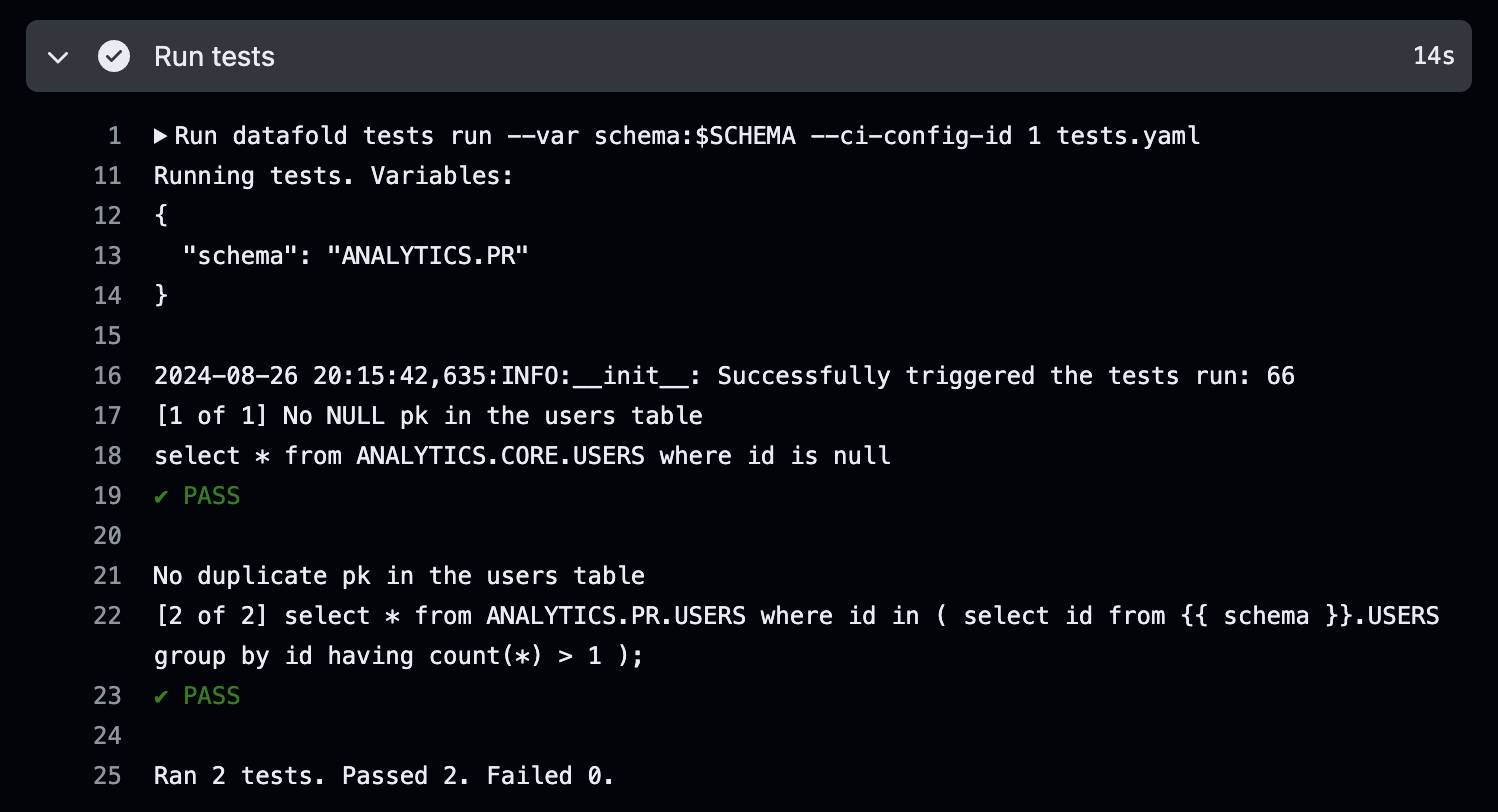 ## Need help?
If you have any questions about how to use Data Test monitors, please reach out to our team via Slack, in-app chat, or email us at [support@datafold.com](mailto:support@datafold.com).
---
# Source: https://docs.datafold.com/security/database-oauth.md
# Database OAuth
> Datafold enables secure workflows like data diffs through OAuth, ensuring compliance with user-specific database permissions.
To improve data security and privacy, Datafold supports running workflows like data diffs through OAuth. This ensures queries are executed using the user's own database credentials, fully complying with granular access controls like data masking and object-level permissions.
The diagram below illustrates how the authentication flow proceeds:
1. Users authenticate using the configured OAuth provider.
2. Users can then create diffs between data sets that their user can access using OAuth database permissions.
3. During Continuous Integration (CI), Datafold executes diffs using a Service Account with the least privileges, thus masking sensitive/PII data.
4. If a user needs to see sensitive/PII data from a CI diff, and they have permission via OAuth to do so, they can rerun the diff, and then Datafold will authenticate the user using OAuth database permissions. Then, the user will have access to the data based on these permissions.
This structure ensures that diffs are executed with the user's database credentials with their configured roles and permissions. Data access permissions are thus fully managed by the database, and Datafold only passes through queries.
## Need help?
If you have any questions about how to use Data Test monitors, please reach out to our team via Slack, in-app chat, or email us at [support@datafold.com](mailto:support@datafold.com).
---
# Source: https://docs.datafold.com/security/database-oauth.md
# Database OAuth
> Datafold enables secure workflows like data diffs through OAuth, ensuring compliance with user-specific database permissions.
To improve data security and privacy, Datafold supports running workflows like data diffs through OAuth. This ensures queries are executed using the user's own database credentials, fully complying with granular access controls like data masking and object-level permissions.
The diagram below illustrates how the authentication flow proceeds:
1. Users authenticate using the configured OAuth provider.
2. Users can then create diffs between data sets that their user can access using OAuth database permissions.
3. During Continuous Integration (CI), Datafold executes diffs using a Service Account with the least privileges, thus masking sensitive/PII data.
4. If a user needs to see sensitive/PII data from a CI diff, and they have permission via OAuth to do so, they can rerun the diff, and then Datafold will authenticate the user using OAuth database permissions. Then, the user will have access to the data based on these permissions.
This structure ensures that diffs are executed with the user's database credentials with their configured roles and permissions. Data access permissions are thus fully managed by the database, and Datafold only passes through queries.
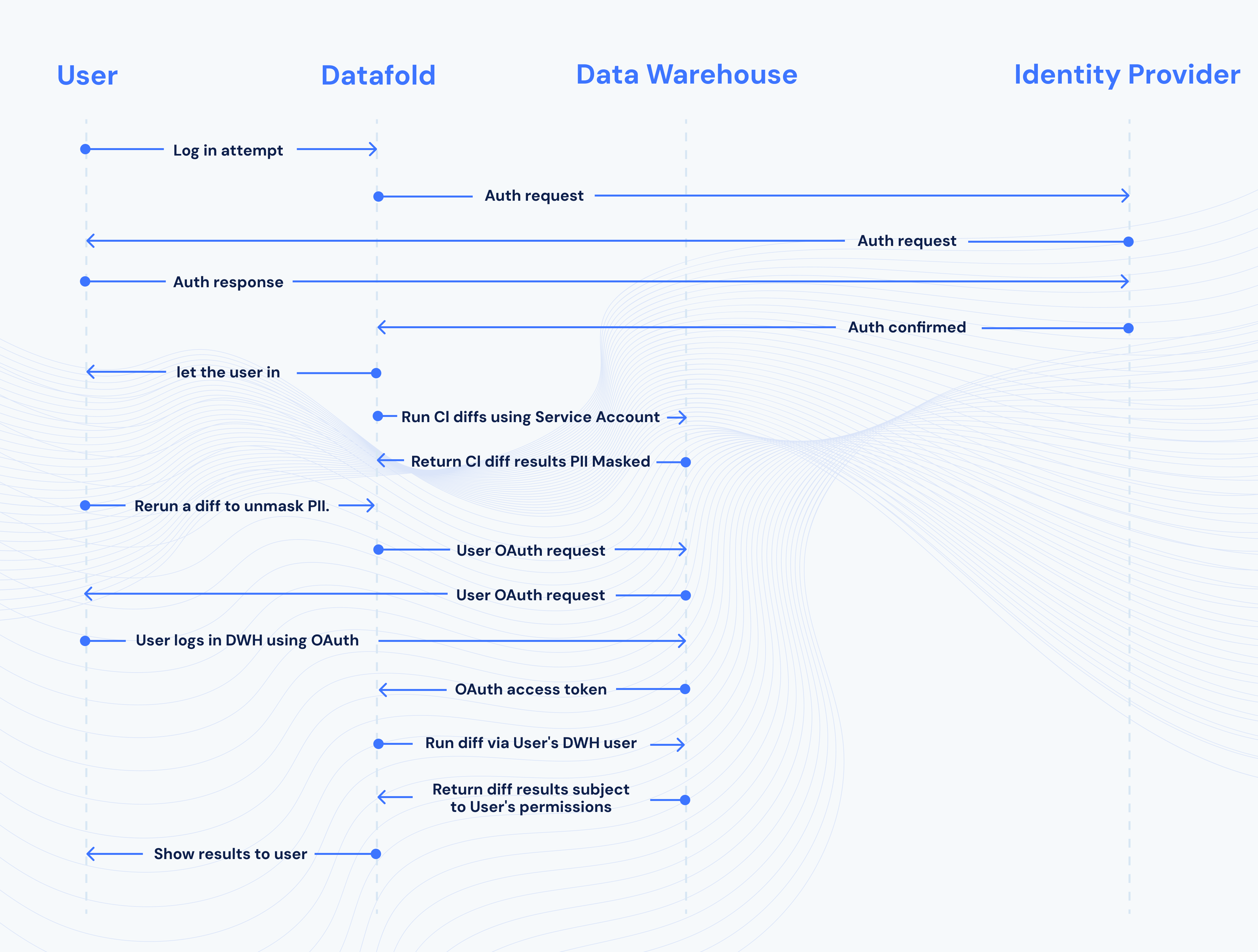 ---
# Source: https://docs.datafold.com/integrations/databases.md
> ## Documentation Index
> Fetch the complete documentation index at: https://docs.datafold.com/llms.txt
> Use this file to discover all available pages before exploring further.
# Set Up Your Data Connection
> Set up your Data Connection with Datafold.
**NOTE**
To set up your Data Connection, navigate to **Settings** → **Data Connection** and click **Add New Integration**.
---
# Source: https://docs.datafold.com/integrations/databases/databricks.md
> ## Documentation Index
> Fetch the complete documentation index at: https://docs.datafold.com/llms.txt
> Use this file to discover all available pages before exploring further.
# Databricks
**Steps to complete:**
1. [Generate a Personal Access Token](/integrations/databases/databricks#generate-a-personal-access-token)
2. [Retrieve SQL warehouse settings](/integrations/databases/databricks#retrieve-sql-warehouse-settings)
3. [Create schema for Datafold](/integrations/databases/databricks#create-schema-for-datafold)
4. [Configure your data connection in Datafold](/integrations/databases/databricks#configure-in-datafold)
## Generate a Personal Access Token
Visit **Settings** → **User Settings**, and then switch to **Personal Access Tokens** tab.
---
# Source: https://docs.datafold.com/integrations/databases.md
> ## Documentation Index
> Fetch the complete documentation index at: https://docs.datafold.com/llms.txt
> Use this file to discover all available pages before exploring further.
# Set Up Your Data Connection
> Set up your Data Connection with Datafold.
**NOTE**
To set up your Data Connection, navigate to **Settings** → **Data Connection** and click **Add New Integration**.
---
# Source: https://docs.datafold.com/integrations/databases/databricks.md
> ## Documentation Index
> Fetch the complete documentation index at: https://docs.datafold.com/llms.txt
> Use this file to discover all available pages before exploring further.
# Databricks
**Steps to complete:**
1. [Generate a Personal Access Token](/integrations/databases/databricks#generate-a-personal-access-token)
2. [Retrieve SQL warehouse settings](/integrations/databases/databricks#retrieve-sql-warehouse-settings)
3. [Create schema for Datafold](/integrations/databases/databricks#create-schema-for-datafold)
4. [Configure your data connection in Datafold](/integrations/databases/databricks#configure-in-datafold)
## Generate a Personal Access Token
Visit **Settings** → **User Settings**, and then switch to **Personal Access Tokens** tab.
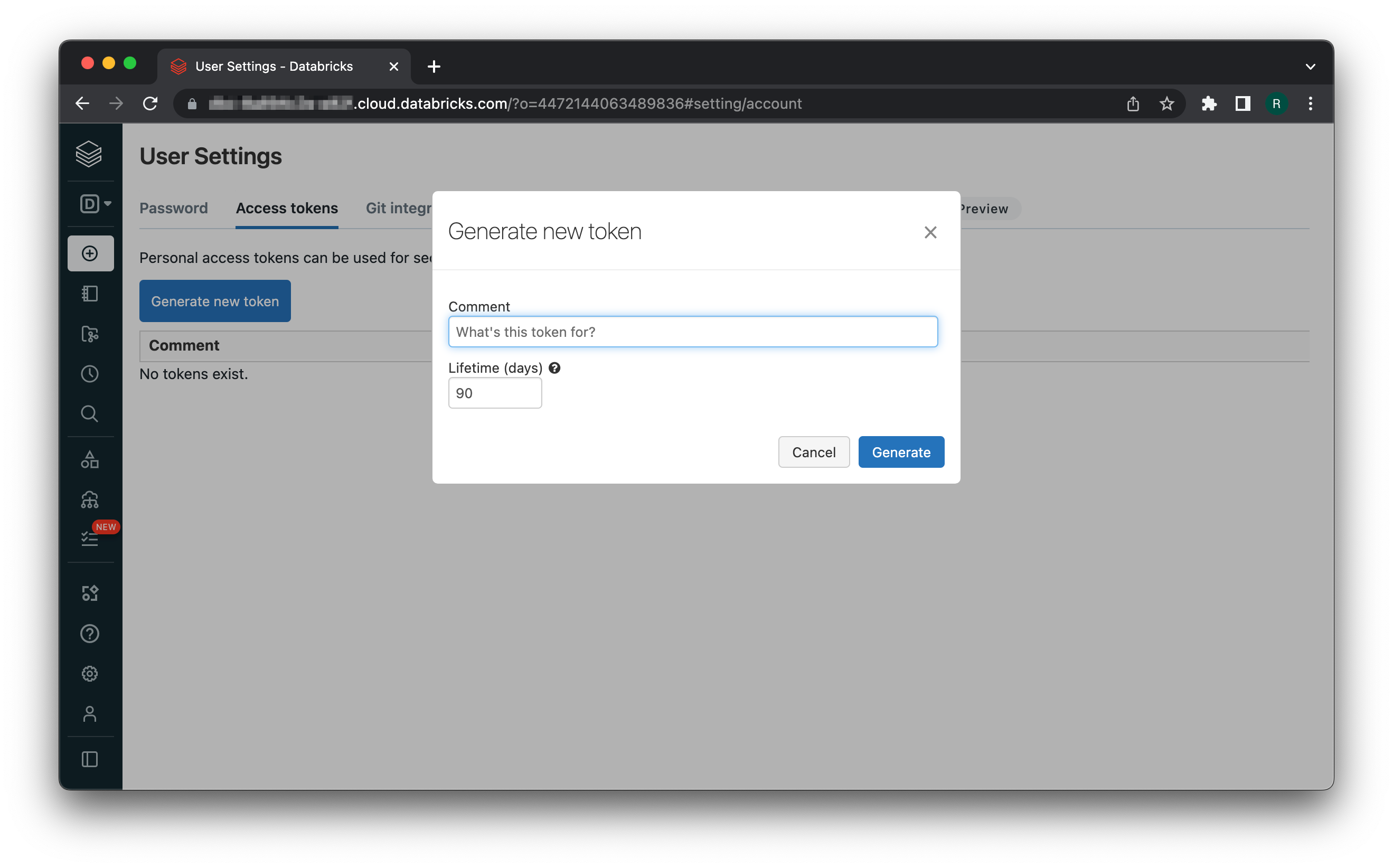 Then, click **Generate new token**. Save the generated token somewhere, you'll need it later on.
## Retrieve SQL warehouse settings
In **SQL** mode, navigate to **SQL Warehouses**.
Then, click **Generate new token**. Save the generated token somewhere, you'll need it later on.
## Retrieve SQL warehouse settings
In **SQL** mode, navigate to **SQL Warehouses**.
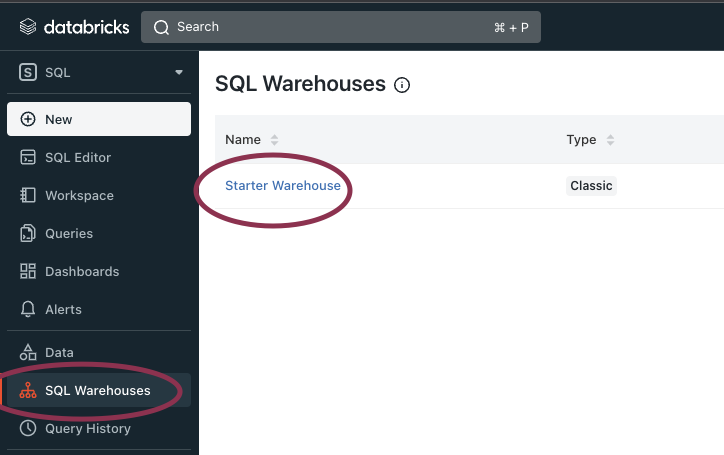 Choose the preferred warehouse and copy the following fields values from its **Connection Details** tab:
* Server hostname
* HTTP path
Choose the preferred warehouse and copy the following fields values from its **Connection Details** tab:
* Server hostname
* HTTP path
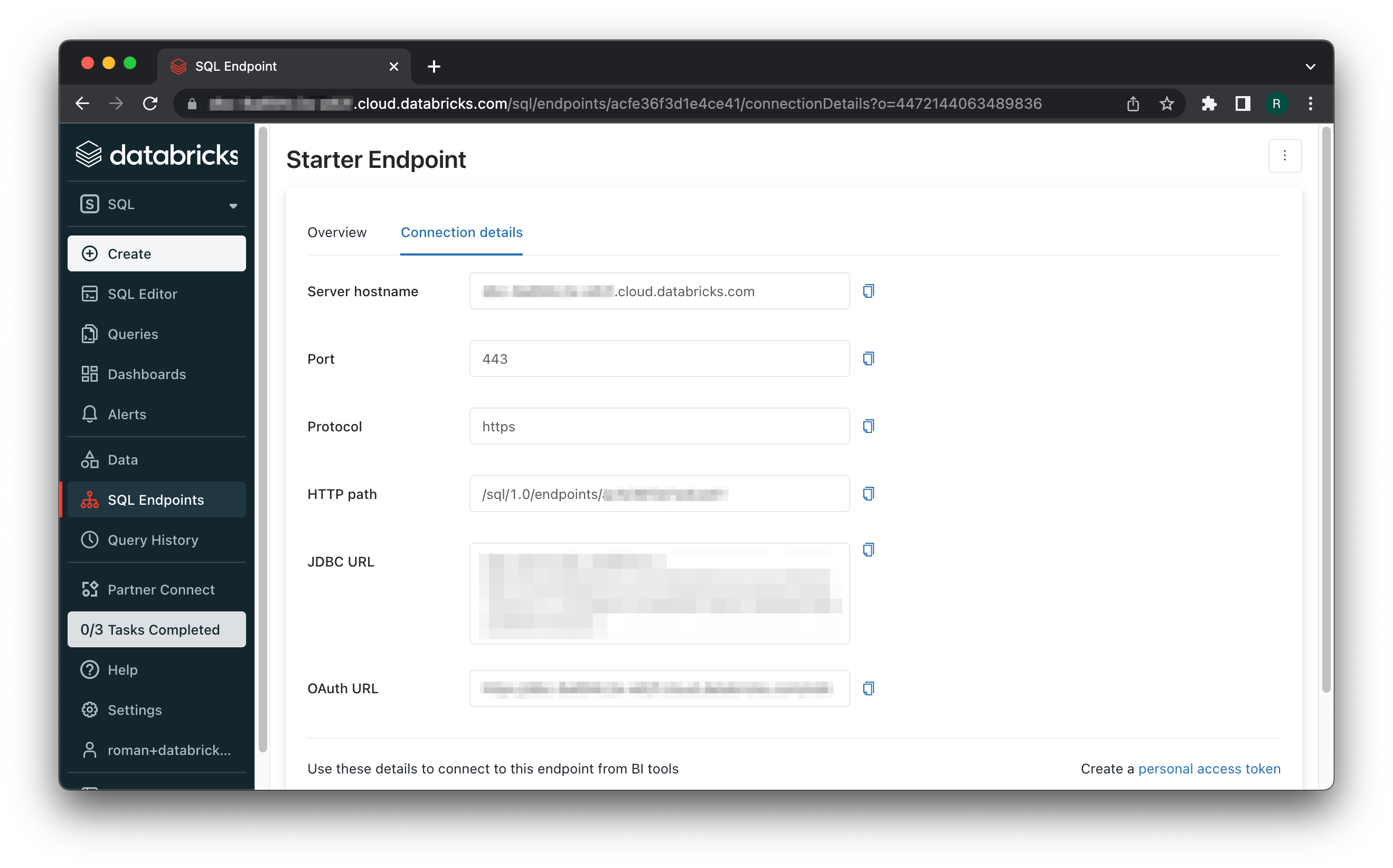 ## Create schema for Datafold
Datafold utilizes a temporary dataset to materialize scratch work and keep data processing in the your warehouse.
## Configure in Datafold
| Field Name | Description |
| ---------------------------- | ------------------------------------------------------------------------------------------------------------------------------------------------------------------------------------------------------------------------------------------------ |
| Name | A name given to the data connection within Datafold |
| Host | The hostname retrieved in the Connection Details tab |
| HTTP Path | The HTTP Path retrieved in the Connection Details tab |
| Access Token | The token retrieved in [Generate a Personal Access Token](/integrations/databases/databricks#generate-a-personal-access-token) |
| Catalog | The catalog and schema name of your Databricks account. Formatted as catalog\_name.schema\_name (In most cases, catalog\_name is hive\_metastore.) |
| Dataset for temporary tables | Certain operations require Datafold to materialize intermediate results, which are stored in a dedicated schema. The input for this field should be in the catalog\_name.schema\_name format. (In most cases, catalog\_name is hive\_metastore.) |
Click **Create**. Your data connection is ready!
---
# Source: https://docs.datafold.com/api-reference/datafold-api.md
> ## Documentation Index
> Fetch the complete documentation index at: https://docs.datafold.com/llms.txt
> Use this file to discover all available pages before exploring further.
# Datafold API
The Datafold API reference is a guide to our available endpoints and...
3 items
7 items
5 items
14 items
1 item
---
# Source: https://docs.datafold.com/datafold-deployment/datafold-deployment-options.md
> ## Documentation Index
> Fetch the complete documentation index at: https://docs.datafold.com/llms.txt
> Use this file to discover all available pages before exploring further.
# Deployment Options
> Datafold is a web-based application with multiple deployment options, including multi-tenant SaaS and dedicated cloud (either customer- or Datafold-hosted).
## SaaS / Multi-Tenant
Our standard multi-tenant deployment is a cost-efficient option for most teams and is available in two AWS regions:
| Region Name | Region | Sign-Up Page |
| :--------------- | :---------- | :------------------------------------------------------------------------- |
| US West (Oregon) | `us-west-2` | [https://app.datafold.com/org-signup](https://app.datafold.com/org-signup) |
| Europe (Ireland) | `eu-west-1` | [https://eu.datafold.com/org-signup](https://eu.datafold.com/org-signup) |
For additional security, we provide the following options:
1. [IP Whitelisting](/security/securing-connections#ip-whitelisting): only allow access to specific IP addresses
2. [AWS PrivateLink](/security/securing-connections#private-link): set up a limited network point to access your RDS in the same region
3. [VPC Peering](/security/securing-connections#vpc-peering-saas): securely join two networks together
4. [SSH Tunnel](/security/securing-connections#ssh-tunnel): set up a secure tunnel between your network and Datafold with the SSH server on your side
5. [IPSec Tunnel](/security/securing-connections#ipsec-tunnel): an IPSec tunnel setup
## Dedicated Cloud
We also offer a single-tenant deployment of the Datafold application in a dedicated Virtual Private Cloud (VPC). The options are (from least to most complex):
1. **Datafold-hosted, Datafold-managed**: the Cloud account belongs to Datafold and we manage the Datafold application for you.
2. **Customer-hosted, Datafold-managed**: the Cloud account belongs to you, but we manage the Datafold application for you.
3. **Customer-hosted, Customer-managed**: the Cloud account belongs to you and you manage the Datafold application. Datafold does not have access.
Dedicated Cloud can be deployed to all major cloud providers:
* [AWS](/datafold-deployment/dedicated-cloud/aws)
* [GCP](/datafold-deployment/dedicated-cloud/gcp)
* [Azure](/datafold-deployment/dedicated-cloud/azure)
**VPC vs. VNet**
We use the term VPC across all major cloud providers. However, Azure refers to this concept as a Virtual Network (VNet).
### Datafold Dedicated Cloud FAQ
Dedicated Cloud deployment may be the preferred deployment method by customers with special privacy and security concerns and in highly regulated domains. In a Dedicated Cloud deployment, the entire Datafold stack runs on dedicated cloud infrastructure and network, which usually means it is:
1. Not accessible to public Internet (sits behind customer's VPN)
2. Uses internal network to communicate with customer's databases and other resources – none of the data is sent using public networks
Datafold is deployed to customer's cloud infrastructure but is fully managed by Datafold. The only DevOps involvement needed from the customer's side is to set up a cloud project and role (steps #1 and #2 below).
1. Customer creates a Datafold-specific namespace in their cloud account (subaccount in AWS / project in GCP / subscription or resource group in Azure)
2. Customer creates a Datafold-specific IAM resource with permissions to deploy the Datafold-specific namespace
3. Datafold Infrastructure team provisions the Datafold stack on the customer's infrastructure using fully-automated procedure with Terraform
4. Customer and Datafold Infrastructure teams collaborate to implement the security and networking requirements, see [all available options](#additional-security-dedicated-cloud)
See cloud-specific instructions here:
* [AWS](/datafold-deployment/dedicated-cloud/aws)
* [GCP](/datafold-deployment/dedicated-cloud/gcp)
* [Azure](/datafold-deployment/dedicated-cloud/azure)
After the initial deployment, the Datafold team uses the same procedure to roll out software updates and perform maintenance to keep the uptime SLA.
Datafold is deployed in the customer's region of choice on AWS, GCP, or Azure that is owned and managed by Datafold. We collaborate to implement the security and networking requirements ensuring that traffic either does not cross the public internet or, if it does, does so securely. All available options are listed below.
This deployment method follows the same process as the standard customer-hosted deployment (see above), but with a key difference: the customer is responsible for managing both the infrastructure and the application. Datafold engineers do not have any access to the deployment in this case.
We offer open-source projects that facilitate this deployment, with examples for every major cloud provider. You can find these projects on GitHub:
* [AWS](https://github.com/datafold/terraform-aws-datafold)
* [GCP](https://github.com/datafold/terraform-google-datafold)
* [Azure](https://github.com/datafold/terraform-azure-datafold)
Each of these projects uses a Helm chart for deploying the application. The Helm chart is also available on GitHub:
* [Helm Chart](https://github.com/datafold/helm-charts)
By providing these open-source projects, Datafold enables you to integrate the deployment into your own infrastructure, including existing clusters. This allows your infrastructure team to manage the deployment effectively.
**Deployment Secrets:** Datafold provides the necessary secrets for downloading images as part of the license agreement. Without this agreement, the deployment will not complete successfully.
Because the Datafold application is deployed in a dedicated VPC, your databases/integrations are not directly accessible when they are not exposed to the public Internet. The following solutions enable secure connections to your databases/integrations without exposing them to the public Internet:
1. [PrivateLink](/security/securing-connections?current-cloud=aws#private-link "PrivateLink")
2. [VPC Peering](/security/securing-connections#vpc-peering-dedicated-cloud "VPC Peering")
3. [SSH Tunnel](/security/securing-connections#ssh-tunnel "SSH Tunnel")
4. [IPSec Tunnel](/security/securing-connections#ipsec-tunnel "IPSec Tunnel")
1. [Private Service Connect](/security/securing-connections?current-cloud=gcp#private-link "Private Service Connect")
2. [VPC Peering](/security/securing-connections#vpc-peering-dedicated-cloud "VPC Peering")
3. [SSH Tunnel](/security/securing-connections#ssh-tunnel "SSH Tunnel")
1. [Private Link](/security/securing-connections?current-cloud=azure#private-link "Private Link")
2. [VNet Peering](/security/securing-connections#vpc-peering-dedicated-cloud "VNet Peering")
3. [SSH Tunnel](/security/securing-connections#ssh-tunnel "SSH Tunnel")
Please inquire with [sales@datafold.com](mailto:sales@datafold.com) about customer-managed deployment options.
---
# Source: https://docs.datafold.com/data-migration-automation/datafold-migration-agent.md
# Datafold Migration Agent
> Automatically migrate data environments of any scale and complexity with Datafold's Migration Agent.
Datafold provides a full-cycle migration automation solution for data teams, which includes code translation and cross-database reconciliation.
## How does DMA work?
Datafold performs complete SQL codebase translation and validation using an AI-powered architecture. This approach leverages a large language model (LLM) with a feedback loop optimized for achieving full parity between the migration source and target. DMA analyzes metadata, including schema, data types, and relationships, to ensure accuracy in translation.
## Create schema for Datafold
Datafold utilizes a temporary dataset to materialize scratch work and keep data processing in the your warehouse.
## Configure in Datafold
| Field Name | Description |
| ---------------------------- | ------------------------------------------------------------------------------------------------------------------------------------------------------------------------------------------------------------------------------------------------ |
| Name | A name given to the data connection within Datafold |
| Host | The hostname retrieved in the Connection Details tab |
| HTTP Path | The HTTP Path retrieved in the Connection Details tab |
| Access Token | The token retrieved in [Generate a Personal Access Token](/integrations/databases/databricks#generate-a-personal-access-token) |
| Catalog | The catalog and schema name of your Databricks account. Formatted as catalog\_name.schema\_name (In most cases, catalog\_name is hive\_metastore.) |
| Dataset for temporary tables | Certain operations require Datafold to materialize intermediate results, which are stored in a dedicated schema. The input for this field should be in the catalog\_name.schema\_name format. (In most cases, catalog\_name is hive\_metastore.) |
Click **Create**. Your data connection is ready!
---
# Source: https://docs.datafold.com/api-reference/datafold-api.md
> ## Documentation Index
> Fetch the complete documentation index at: https://docs.datafold.com/llms.txt
> Use this file to discover all available pages before exploring further.
# Datafold API
The Datafold API reference is a guide to our available endpoints and...
3 items
7 items
5 items
14 items
1 item
---
# Source: https://docs.datafold.com/datafold-deployment/datafold-deployment-options.md
> ## Documentation Index
> Fetch the complete documentation index at: https://docs.datafold.com/llms.txt
> Use this file to discover all available pages before exploring further.
# Deployment Options
> Datafold is a web-based application with multiple deployment options, including multi-tenant SaaS and dedicated cloud (either customer- or Datafold-hosted).
## SaaS / Multi-Tenant
Our standard multi-tenant deployment is a cost-efficient option for most teams and is available in two AWS regions:
| Region Name | Region | Sign-Up Page |
| :--------------- | :---------- | :------------------------------------------------------------------------- |
| US West (Oregon) | `us-west-2` | [https://app.datafold.com/org-signup](https://app.datafold.com/org-signup) |
| Europe (Ireland) | `eu-west-1` | [https://eu.datafold.com/org-signup](https://eu.datafold.com/org-signup) |
For additional security, we provide the following options:
1. [IP Whitelisting](/security/securing-connections#ip-whitelisting): only allow access to specific IP addresses
2. [AWS PrivateLink](/security/securing-connections#private-link): set up a limited network point to access your RDS in the same region
3. [VPC Peering](/security/securing-connections#vpc-peering-saas): securely join two networks together
4. [SSH Tunnel](/security/securing-connections#ssh-tunnel): set up a secure tunnel between your network and Datafold with the SSH server on your side
5. [IPSec Tunnel](/security/securing-connections#ipsec-tunnel): an IPSec tunnel setup
## Dedicated Cloud
We also offer a single-tenant deployment of the Datafold application in a dedicated Virtual Private Cloud (VPC). The options are (from least to most complex):
1. **Datafold-hosted, Datafold-managed**: the Cloud account belongs to Datafold and we manage the Datafold application for you.
2. **Customer-hosted, Datafold-managed**: the Cloud account belongs to you, but we manage the Datafold application for you.
3. **Customer-hosted, Customer-managed**: the Cloud account belongs to you and you manage the Datafold application. Datafold does not have access.
Dedicated Cloud can be deployed to all major cloud providers:
* [AWS](/datafold-deployment/dedicated-cloud/aws)
* [GCP](/datafold-deployment/dedicated-cloud/gcp)
* [Azure](/datafold-deployment/dedicated-cloud/azure)
**VPC vs. VNet**
We use the term VPC across all major cloud providers. However, Azure refers to this concept as a Virtual Network (VNet).
### Datafold Dedicated Cloud FAQ
Dedicated Cloud deployment may be the preferred deployment method by customers with special privacy and security concerns and in highly regulated domains. In a Dedicated Cloud deployment, the entire Datafold stack runs on dedicated cloud infrastructure and network, which usually means it is:
1. Not accessible to public Internet (sits behind customer's VPN)
2. Uses internal network to communicate with customer's databases and other resources – none of the data is sent using public networks
Datafold is deployed to customer's cloud infrastructure but is fully managed by Datafold. The only DevOps involvement needed from the customer's side is to set up a cloud project and role (steps #1 and #2 below).
1. Customer creates a Datafold-specific namespace in their cloud account (subaccount in AWS / project in GCP / subscription or resource group in Azure)
2. Customer creates a Datafold-specific IAM resource with permissions to deploy the Datafold-specific namespace
3. Datafold Infrastructure team provisions the Datafold stack on the customer's infrastructure using fully-automated procedure with Terraform
4. Customer and Datafold Infrastructure teams collaborate to implement the security and networking requirements, see [all available options](#additional-security-dedicated-cloud)
See cloud-specific instructions here:
* [AWS](/datafold-deployment/dedicated-cloud/aws)
* [GCP](/datafold-deployment/dedicated-cloud/gcp)
* [Azure](/datafold-deployment/dedicated-cloud/azure)
After the initial deployment, the Datafold team uses the same procedure to roll out software updates and perform maintenance to keep the uptime SLA.
Datafold is deployed in the customer's region of choice on AWS, GCP, or Azure that is owned and managed by Datafold. We collaborate to implement the security and networking requirements ensuring that traffic either does not cross the public internet or, if it does, does so securely. All available options are listed below.
This deployment method follows the same process as the standard customer-hosted deployment (see above), but with a key difference: the customer is responsible for managing both the infrastructure and the application. Datafold engineers do not have any access to the deployment in this case.
We offer open-source projects that facilitate this deployment, with examples for every major cloud provider. You can find these projects on GitHub:
* [AWS](https://github.com/datafold/terraform-aws-datafold)
* [GCP](https://github.com/datafold/terraform-google-datafold)
* [Azure](https://github.com/datafold/terraform-azure-datafold)
Each of these projects uses a Helm chart for deploying the application. The Helm chart is also available on GitHub:
* [Helm Chart](https://github.com/datafold/helm-charts)
By providing these open-source projects, Datafold enables you to integrate the deployment into your own infrastructure, including existing clusters. This allows your infrastructure team to manage the deployment effectively.
**Deployment Secrets:** Datafold provides the necessary secrets for downloading images as part of the license agreement. Without this agreement, the deployment will not complete successfully.
Because the Datafold application is deployed in a dedicated VPC, your databases/integrations are not directly accessible when they are not exposed to the public Internet. The following solutions enable secure connections to your databases/integrations without exposing them to the public Internet:
1. [PrivateLink](/security/securing-connections?current-cloud=aws#private-link "PrivateLink")
2. [VPC Peering](/security/securing-connections#vpc-peering-dedicated-cloud "VPC Peering")
3. [SSH Tunnel](/security/securing-connections#ssh-tunnel "SSH Tunnel")
4. [IPSec Tunnel](/security/securing-connections#ipsec-tunnel "IPSec Tunnel")
1. [Private Service Connect](/security/securing-connections?current-cloud=gcp#private-link "Private Service Connect")
2. [VPC Peering](/security/securing-connections#vpc-peering-dedicated-cloud "VPC Peering")
3. [SSH Tunnel](/security/securing-connections#ssh-tunnel "SSH Tunnel")
1. [Private Link](/security/securing-connections?current-cloud=azure#private-link "Private Link")
2. [VNet Peering](/security/securing-connections#vpc-peering-dedicated-cloud "VNet Peering")
3. [SSH Tunnel](/security/securing-connections#ssh-tunnel "SSH Tunnel")
Please inquire with [sales@datafold.com](mailto:sales@datafold.com) about customer-managed deployment options.
---
# Source: https://docs.datafold.com/data-migration-automation/datafold-migration-agent.md
# Datafold Migration Agent
> Automatically migrate data environments of any scale and complexity with Datafold's Migration Agent.
Datafold provides a full-cycle migration automation solution for data teams, which includes code translation and cross-database reconciliation.
## How does DMA work?
Datafold performs complete SQL codebase translation and validation using an AI-powered architecture. This approach leverages a large language model (LLM) with a feedback loop optimized for achieving full parity between the migration source and target. DMA analyzes metadata, including schema, data types, and relationships, to ensure accuracy in translation.
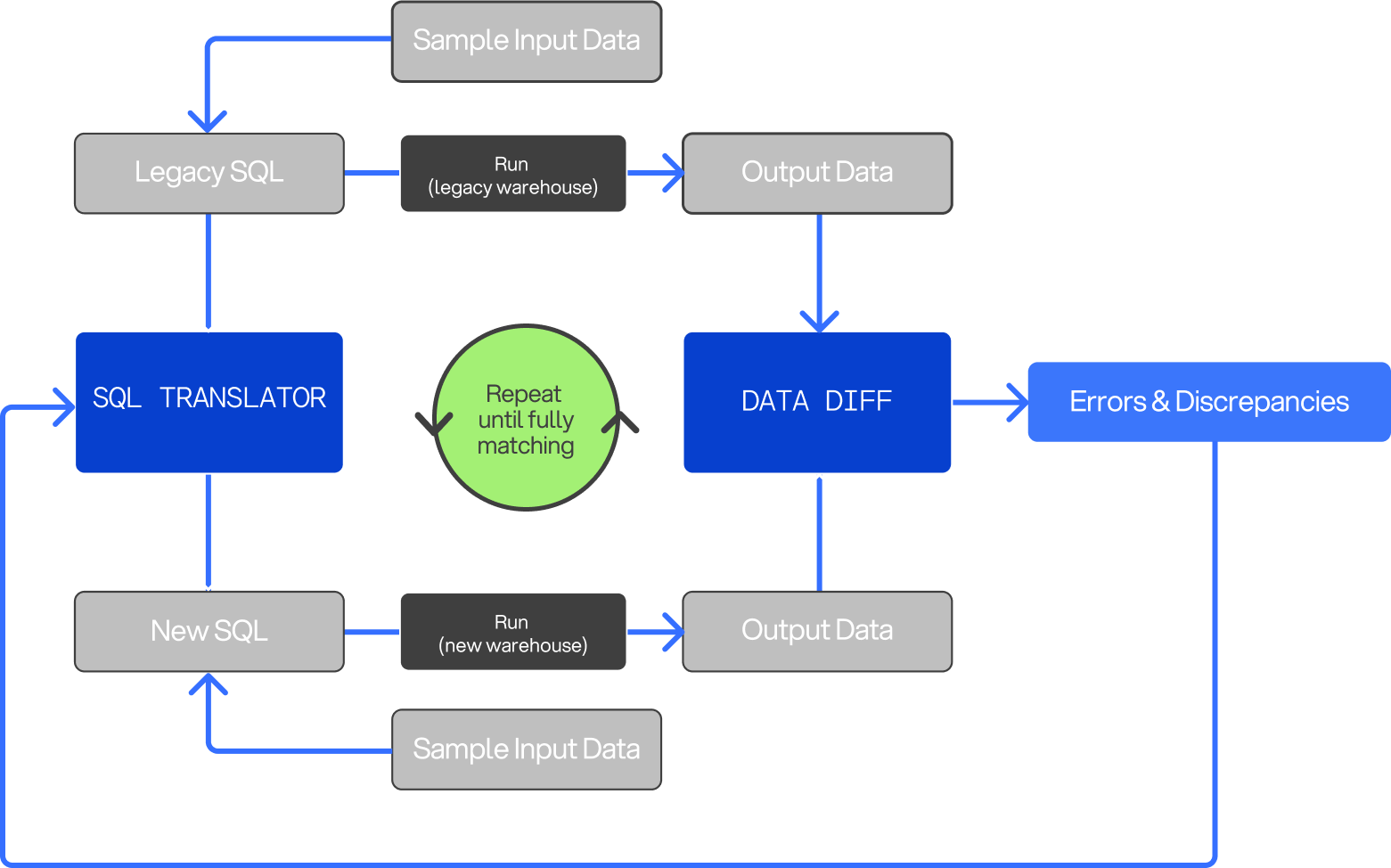 Datafold provides a comprehensive report at the end of the migration. This report includes links to data diffs validating parity and highlighting any discrepancies at the dataset, column, and row levels between the source and target databases.
## Why migrate with DMA?
Unlike traditional deterministic transpilers, DMA offers several distinct benefits:
* **Full parity between source and target:** DMA ensures not just code that compiles, but code that delivers the same results in your new database, complete with explicit validation.
* **Flexible dialect handling:** DMA can adapt to any arbitrary input/output dialect without requiring a full grammar definition, which is especially valuable for legacy systems.
* **Self-correction capabilities:** The AI-driven DMA can account for and correct mistakes based on both compilation errors and data discrepancies.
* **Modernizing code structure:** DMA can convert complex stored procedures into clean, modern formats such as dbt projects, following best practices.
## Getting started with DMA
**Want to learn more?**
If you're interested in diving deeper, please take a moment to [fill out our intake form](https://nw1wdkq3rlx.typeform.com/to/VC2TbEbz) to connect with the Datafold team.
1. Connect your source and target data sources to Datafold.
2. Provide Datafold access to your codebase, typically by installing the Datafold GitHub/GitLab/ADO app or via system catalog access for stored procedures.
Once you connect your source and target systems and Datafold ingests the codebase, DMA's translation process is supervised by the Datafold team. In most cases, no additional input is required from the customer.
The migration process timeline depends on the technologies, scale, and complexity of the migration. After setup, migrations typically take several days to several weeks.
## Security
Datafold is SOC 2 Type II, GDPR, and HIPAA-compliant. We offer flexible deployment options, including in-VPC setups in AWS, GCP, or Azure. The LLM infrastructure is local, ensuring no data is exposed to external subprocessors beyond the cloud provider. For VPC deployments, data stays entirely within the customer’s private network.
## FAQ
For more information, please see our extensive [FAQ section](../faq/data-migration-automation).
---
# Source: https://docs.datafold.com/data-migration-automation/datafold-migration-automation.md
# Datafold for Migration Automation
> Datafold provides full-cycle migration automation with SQL code translation and cross-database validation for data warehouse, transformation framework, and hybrid migrations.
Datafold offers flexible migration validation options to fit your data migration workflow. Data teams can choose to leverage the full power of the [Datafold Migration Agent (DMA)](../data-migration-automation/datafold-migration-agent) alongside [cross-database diffing](../data-diff/how-datafold-diffs-data#how-cross-database-diffing-works), or use ad-hoc diffing exclusively for validation.
## Supported migrations
Datafold supports a wide range of migrations to meet the needs of modern data teams. The platform enables smooth transitions between different databases and transformation frameworks, ensuring both code translation and data validation throughout the migration process. Datafold can handle:
* **Data Warehouse Migrations:** Seamlessly migrate between data warehouses, for example, from PostgreSQL to Databricks.
* **Data Transformation Framework Migrations:** Transition your transformation framework from legacy stored procedures to modern tools like dbt.
* **Hybrid Migrations:** Migrate across a combination of data platforms and transformation frameworks. For example, moving from MySQL + stored procedures to Databricks + dbt.
## Migration options
The AI-powered Datafold Migration Agent (DMA) provides automated SQL code translation and validation to simplify and automate data migrations. Teams can pair DMA with ad-hoc cross-database diffing to enhance the validation process with additional manual checks when necessary.
**How it works:**
* **Step 1:** Connect your legacy and new databases to Datafold, along with your codebase.
* **Step 2:** DMA translates and validates SQL code automatically.
* **Step 3:** Pair the DMA output with ad-hoc cross-database diffing to reconcile data between legacy and new databases.
This combination streamlines the migration process, offering automatic validation with the flexibility of manual diffing for fine-tuned control.
For teams that prefer to handle code translation manually or are working with third-party migrations, Datafold's ad-hoc cross-database diffing is available as a stand-alone validation tool.
**How it works:**
* Validate data across databases manually without using DMA for code translation.
* Run ad-hoc diffing as needed, via the [Datafold REST API](../api-reference/introduction), or schedule it with [Monitors](../data-monitoring) for continuous validation.
This option gives you full control over the migration validation process, making it suitable for in-house or outsourced migrations.
---
# Source: https://docs.datafold.com/api-reference/datafold-sdk.md
> ## Documentation Index
> Fetch the complete documentation index at: https://docs.datafold.com/llms.txt
> Use this file to discover all available pages before exploring further.
# Datafold SDK
The Datafold SDK allows you to accomplish certain actions using a thin programmatic wrapper around the Datafold REST API, in particular:
* **Custom CI Integrations**: Submitting information to Datafold about what tables to diff in CI
* **dbt CI Integrations**: Submitting dbt artifacts via CI runner
* **dbt development**: Kick off data diffs from the command line while developing in your dbt project
## Install
First, create and activate your virtual environment for Python:
```
python3 -m venv venv
source venv/bin/activate
pip install --upgrade pip setuptools wheel
```
Now, you're ready to install the Datafold SDK:
```
pip install datafold-sdk
```
#### CLI environment variables
To use the Datafold CLI, you need to set up some environment variables:
```bash theme={null}
export DATAFOLD_API_KEY=XXXXXXXXX
```
If your Datafold app URL is different from the default `app.datafold.com`, set the custom domain as the variable:
```bash theme={null}
export DATAFOLD_HOST=
```
## Custom CI Integrations
Please follow [our CI orchestration docs](../integrations/orchestrators/custom-integrations) to set up a custom CI integration levering the Datafold SDK.
## dbt Core CI Integrations
When you set up Datafold CI diffing for a dbt Core project, we rely on the submission of `manifest.json` files to represent the production and staging versions of your dbt project.
Please see our detailed docs on how to [set up Datafold in CI for dbt Core](../integrations/orchestrators/dbt-core), and reach out to our team if you have questions.
#### CLI
```bash theme={null}
datafold dbt upload \
--ci-config-id \
--run-type \
--target-folder \
--commit-sha
```
#### Python
```python theme={null}
import os
from datafold_sdk.sdk.dbt import submit_artifacts
api_key = os.environ.get('DATAFOLD_API_KEY')
# only needed if your Datafold app url is not app.datafold.com
host = os.environ.get("DATAFOLD_HOST")
submit_artifacts(host=host,
api_key=api_key,
ci_config_id=,
run_type='',
target_folder='',
commit_sha='')
```
## Diffing dbt models in development
It can be beneficial to diff between two dbt environments before opening a pull request. This can be done using the Datafold SDK from the command line:
```bash theme={null}
datafold diff dbt
```
That command will compare data between your development and production environments. By default, all models that were built in the previous `dbt run` or `dbt build` command will be compared.
### Running Data Diffs before opening a pull request
It can be helpful to view Data Diff results in your ticket before creating a pull request. This enables faster code reviews by letting developers QA changes earlier.
To do this, you can create a draft PR and run the following command:
```
dbt run && datafold diff dbt
```
This executes dbt locally and triggers a Data Diff to preview data changes without committing to Git. To automate this workflow, see our guide [here](/faq/datafold-with-dbt#can-i-run-data-diffs-before-opening-a-pr).
### Update your dbt\_project.yml with configurations
#### Option 1: Add variables to the `dbt_project.yml`
```yaml theme={null}
# dbt_project.yml
vars:
data_diff:
prod_database: my_default_database # default database for the prod target
prod_schema: my_default_schema # default schema for the prod target
prod_custom_schema: PROD_ # Optional: see dropdown below
```
**Additional schema variable details**
The value for `prod_custom_schema:` will vary based on how you have setup dbt.
This variable is used when a model has a custom schema and becomes ***dynamic*** when the string literal `` is present. The `` substring is replaced with the custom schema for the model in order to support the various ways schema name generation can be overridden here -- also referred to as "advanced custom schemas".
**Examples (not exhaustive)**
**Single production schema**
*If your prod environment looks like this ...*
```bash theme={null}
PROD.ANALYTICS
```
*... your data-diff configuration should look like this:*
```yaml theme={null}
vars:
data_diff:
prod_database: PROD
prod_schema: ANALYTICS
```
**Some custom schemas in production with a prefix like "prod\_"**
*If your prod environment looks like this ...*
```bash theme={null}
PROD.ANALYTICS
PROD.PROD_MARKETING
PROD.PROD_SALES
```
*... your data-diff configuration should look like this:*
```yaml theme={null}
vars:
data_diff:
prod_database: PROD
prod_schema: ANALYTICS
prod_custom_schema: PROD_
```
**Some custom schemas in production with no prefix**
*If your prod environment looks like this ...*
```yaml theme={null}
PROD.ANALYTICS
PROD.MARKETING
PROD.SALES
```
*... your data-diff configuration should look like this:*
```yaml theme={null}
vars:
data_diff:
prod_database: PROD
prod_scheam: ANALYTICS
prod_custom_schema:
```
#### Option 2: Specify a production `manifest.json` using `--state`
**Using the `--state` option is highly recommended for dbt projects with multiple target database and schema configurations. For example, if you customized the [`generate_schema_name`](https://docs.getdbt.com/docs/build/custom-schemas#understanding-custom-schemas) macro, this is the best option for you.**
> Note: `dbt ls` is preferred over `dbt compile` as it runs faster and data diffing does not require fully compiled models to work.
```bash theme={null}
dbt ls -t prod # compile a manifest.json using the "prod" target
mv target/manifest.json prod_manifest.json # move the file up a directory and rename it to prod_manifest.json
dbt run # run your entire dbt project or only a subset of models with `dbt run --select `
data-diff --dbt --state prod_manifest.json # run data-diff to compare your development results to the production database/schema results in the prod manifest
```
#### Add your Datafold data connection integration ID to your dbt\_project.yml
To connect to your database, navigate to **Settings** → **Integrations** → **Data connections** and click **Add new integration** and follow the prompts.
After you **Test and Save**, add the ID (which can be found on Integrations > Data connections) to your **dbt\_project.yml**.
```yaml theme={null}
# dbt_project.yml
vars:
data_diff:
...
datasource_id:
```
The following optional arguments are available:
| Options | Description |
| ---------------------------------- | ------------------------------------------------------------------------------------------------------------------------------------------------------------------------------------------------------------------ |
| `--version` | Print version info and exit. |
| `-w, --where EXPR` | An additional 'where' expression to restrict the search space. Beware of SQL Injection! |
| `--dbt-profiles-dir PATH` | Which directory to look in for the `profiles.yml` file. If not set, we follow the default `profiles.yml` location for the dbt version being used. Can also be set via the `DBT_PROFILES_DIR` environment variable. |
| `--dbt-project-dir PATH` | Which directory to look in for the `dbt_project.yml` file. Default is the current working directory and its parents. |
| `--select SELECTION or MODEL_NAME` | Select dbt resources to compare using dbt selection syntax in dbt versions >= 1.5. In versions \< 1.5, it will naively search for a model with `MODEL_NAME` as the name. |
| `--state PATH` | Specify manifest to utilize for 'prod' comparison paths instead of using configuration. |
| `-pd, --prod-database TEXT` | Override the dbt production database configuration within `dbt_project.yml`. |
| `-ps, --prod-schema TEXT` | Override the dbt production schema configuration within `dbt_project.yml`. |
| `--help` | Show this message and exit. |
---
# Source: https://docs.datafold.com/faq/datafold-with-dbt.md
> ## Documentation Index
> Fetch the complete documentation index at: https://docs.datafold.com/llms.txt
> Use this file to discover all available pages before exploring further.
# Integrating Datafold with dbt
You need Datafold in addition to dbt tests because while dbt tests are effective for validating specific assertions about your data, they can't catch all issues, particularly unknown unknowns. Datafold identifies value-level differences between staging and production datasets, which dbt tests might miss.
Unlike dbt tests, which require manual configuration and maintenance, Datafold automates this process, ensuring continuous and comprehensive data quality validation without additional overhead. This is all embedded within Datafold’s unified platform that offers end-to-end data quality testing with our [Column-level Lineage](/data-explorer/lineage) and [Data Monitors](/data-monitoring/monitor-types).
Hence, we recommend combining dbt tests with Datafold to achieve complete test coverage that addresses both known and unknown data quality issues, providing a robust safeguard against potential data integrity problems in your CI pipeline.
For dbt Core users, create an integration in Datafold, specify the necessary settings, obtain a Datafold API Key and CI config ID, and configure your CI scripts with the Datafold SDK to upload manifest.json files. Our detailed setup guide [can be found here](/integrations/orchestrators/dbt-core).
For dbt Cloud users, set up dbt Cloud CI to run Pull Request jobs and create an Artifacts Job that generates production manifest.json on merges to main/master. Obtain your dbt Cloud access URL and a Service Token, then create a dbt Cloud integration in Datafold using these credentials. Configure the integration with your repository, data connection, primary key tag, and relevant jobs. Our detailed setup guide [can be found here](/integrations/orchestrators/dbt-cloud).
Yes, Datafold is fully compatible with the custom PR schema created by dbt Cloud for Slim CI jobs.
We outline effective strategies for efficient and scalable data diffing in our[performance and scalability guide](faq/performance-and-scalability#how-can-i-optimize-diff-performance-at-scale).
For dbt-specific diff performance, you can exclude certain columns or tables from data diffs in your CI/CD pipeline by adjusting the **Advanced settings** in your Datafold CI/CD configuration. This helps reduce processing load by focusing diffs on only the most relevant columns.
Datafold provides a comprehensive report at the end of the migration. This report includes links to data diffs validating parity and highlighting any discrepancies at the dataset, column, and row levels between the source and target databases.
## Why migrate with DMA?
Unlike traditional deterministic transpilers, DMA offers several distinct benefits:
* **Full parity between source and target:** DMA ensures not just code that compiles, but code that delivers the same results in your new database, complete with explicit validation.
* **Flexible dialect handling:** DMA can adapt to any arbitrary input/output dialect without requiring a full grammar definition, which is especially valuable for legacy systems.
* **Self-correction capabilities:** The AI-driven DMA can account for and correct mistakes based on both compilation errors and data discrepancies.
* **Modernizing code structure:** DMA can convert complex stored procedures into clean, modern formats such as dbt projects, following best practices.
## Getting started with DMA
**Want to learn more?**
If you're interested in diving deeper, please take a moment to [fill out our intake form](https://nw1wdkq3rlx.typeform.com/to/VC2TbEbz) to connect with the Datafold team.
1. Connect your source and target data sources to Datafold.
2. Provide Datafold access to your codebase, typically by installing the Datafold GitHub/GitLab/ADO app or via system catalog access for stored procedures.
Once you connect your source and target systems and Datafold ingests the codebase, DMA's translation process is supervised by the Datafold team. In most cases, no additional input is required from the customer.
The migration process timeline depends on the technologies, scale, and complexity of the migration. After setup, migrations typically take several days to several weeks.
## Security
Datafold is SOC 2 Type II, GDPR, and HIPAA-compliant. We offer flexible deployment options, including in-VPC setups in AWS, GCP, or Azure. The LLM infrastructure is local, ensuring no data is exposed to external subprocessors beyond the cloud provider. For VPC deployments, data stays entirely within the customer’s private network.
## FAQ
For more information, please see our extensive [FAQ section](../faq/data-migration-automation).
---
# Source: https://docs.datafold.com/data-migration-automation/datafold-migration-automation.md
# Datafold for Migration Automation
> Datafold provides full-cycle migration automation with SQL code translation and cross-database validation for data warehouse, transformation framework, and hybrid migrations.
Datafold offers flexible migration validation options to fit your data migration workflow. Data teams can choose to leverage the full power of the [Datafold Migration Agent (DMA)](../data-migration-automation/datafold-migration-agent) alongside [cross-database diffing](../data-diff/how-datafold-diffs-data#how-cross-database-diffing-works), or use ad-hoc diffing exclusively for validation.
## Supported migrations
Datafold supports a wide range of migrations to meet the needs of modern data teams. The platform enables smooth transitions between different databases and transformation frameworks, ensuring both code translation and data validation throughout the migration process. Datafold can handle:
* **Data Warehouse Migrations:** Seamlessly migrate between data warehouses, for example, from PostgreSQL to Databricks.
* **Data Transformation Framework Migrations:** Transition your transformation framework from legacy stored procedures to modern tools like dbt.
* **Hybrid Migrations:** Migrate across a combination of data platforms and transformation frameworks. For example, moving from MySQL + stored procedures to Databricks + dbt.
## Migration options
The AI-powered Datafold Migration Agent (DMA) provides automated SQL code translation and validation to simplify and automate data migrations. Teams can pair DMA with ad-hoc cross-database diffing to enhance the validation process with additional manual checks when necessary.
**How it works:**
* **Step 1:** Connect your legacy and new databases to Datafold, along with your codebase.
* **Step 2:** DMA translates and validates SQL code automatically.
* **Step 3:** Pair the DMA output with ad-hoc cross-database diffing to reconcile data between legacy and new databases.
This combination streamlines the migration process, offering automatic validation with the flexibility of manual diffing for fine-tuned control.
For teams that prefer to handle code translation manually or are working with third-party migrations, Datafold's ad-hoc cross-database diffing is available as a stand-alone validation tool.
**How it works:**
* Validate data across databases manually without using DMA for code translation.
* Run ad-hoc diffing as needed, via the [Datafold REST API](../api-reference/introduction), or schedule it with [Monitors](../data-monitoring) for continuous validation.
This option gives you full control over the migration validation process, making it suitable for in-house or outsourced migrations.
---
# Source: https://docs.datafold.com/api-reference/datafold-sdk.md
> ## Documentation Index
> Fetch the complete documentation index at: https://docs.datafold.com/llms.txt
> Use this file to discover all available pages before exploring further.
# Datafold SDK
The Datafold SDK allows you to accomplish certain actions using a thin programmatic wrapper around the Datafold REST API, in particular:
* **Custom CI Integrations**: Submitting information to Datafold about what tables to diff in CI
* **dbt CI Integrations**: Submitting dbt artifacts via CI runner
* **dbt development**: Kick off data diffs from the command line while developing in your dbt project
## Install
First, create and activate your virtual environment for Python:
```
python3 -m venv venv
source venv/bin/activate
pip install --upgrade pip setuptools wheel
```
Now, you're ready to install the Datafold SDK:
```
pip install datafold-sdk
```
#### CLI environment variables
To use the Datafold CLI, you need to set up some environment variables:
```bash theme={null}
export DATAFOLD_API_KEY=XXXXXXXXX
```
If your Datafold app URL is different from the default `app.datafold.com`, set the custom domain as the variable:
```bash theme={null}
export DATAFOLD_HOST=
```
## Custom CI Integrations
Please follow [our CI orchestration docs](../integrations/orchestrators/custom-integrations) to set up a custom CI integration levering the Datafold SDK.
## dbt Core CI Integrations
When you set up Datafold CI diffing for a dbt Core project, we rely on the submission of `manifest.json` files to represent the production and staging versions of your dbt project.
Please see our detailed docs on how to [set up Datafold in CI for dbt Core](../integrations/orchestrators/dbt-core), and reach out to our team if you have questions.
#### CLI
```bash theme={null}
datafold dbt upload \
--ci-config-id \
--run-type \
--target-folder \
--commit-sha
```
#### Python
```python theme={null}
import os
from datafold_sdk.sdk.dbt import submit_artifacts
api_key = os.environ.get('DATAFOLD_API_KEY')
# only needed if your Datafold app url is not app.datafold.com
host = os.environ.get("DATAFOLD_HOST")
submit_artifacts(host=host,
api_key=api_key,
ci_config_id=,
run_type='',
target_folder='',
commit_sha='')
```
## Diffing dbt models in development
It can be beneficial to diff between two dbt environments before opening a pull request. This can be done using the Datafold SDK from the command line:
```bash theme={null}
datafold diff dbt
```
That command will compare data between your development and production environments. By default, all models that were built in the previous `dbt run` or `dbt build` command will be compared.
### Running Data Diffs before opening a pull request
It can be helpful to view Data Diff results in your ticket before creating a pull request. This enables faster code reviews by letting developers QA changes earlier.
To do this, you can create a draft PR and run the following command:
```
dbt run && datafold diff dbt
```
This executes dbt locally and triggers a Data Diff to preview data changes without committing to Git. To automate this workflow, see our guide [here](/faq/datafold-with-dbt#can-i-run-data-diffs-before-opening-a-pr).
### Update your dbt\_project.yml with configurations
#### Option 1: Add variables to the `dbt_project.yml`
```yaml theme={null}
# dbt_project.yml
vars:
data_diff:
prod_database: my_default_database # default database for the prod target
prod_schema: my_default_schema # default schema for the prod target
prod_custom_schema: PROD_ # Optional: see dropdown below
```
**Additional schema variable details**
The value for `prod_custom_schema:` will vary based on how you have setup dbt.
This variable is used when a model has a custom schema and becomes ***dynamic*** when the string literal `` is present. The `` substring is replaced with the custom schema for the model in order to support the various ways schema name generation can be overridden here -- also referred to as "advanced custom schemas".
**Examples (not exhaustive)**
**Single production schema**
*If your prod environment looks like this ...*
```bash theme={null}
PROD.ANALYTICS
```
*... your data-diff configuration should look like this:*
```yaml theme={null}
vars:
data_diff:
prod_database: PROD
prod_schema: ANALYTICS
```
**Some custom schemas in production with a prefix like "prod\_"**
*If your prod environment looks like this ...*
```bash theme={null}
PROD.ANALYTICS
PROD.PROD_MARKETING
PROD.PROD_SALES
```
*... your data-diff configuration should look like this:*
```yaml theme={null}
vars:
data_diff:
prod_database: PROD
prod_schema: ANALYTICS
prod_custom_schema: PROD_
```
**Some custom schemas in production with no prefix**
*If your prod environment looks like this ...*
```yaml theme={null}
PROD.ANALYTICS
PROD.MARKETING
PROD.SALES
```
*... your data-diff configuration should look like this:*
```yaml theme={null}
vars:
data_diff:
prod_database: PROD
prod_scheam: ANALYTICS
prod_custom_schema:
```
#### Option 2: Specify a production `manifest.json` using `--state`
**Using the `--state` option is highly recommended for dbt projects with multiple target database and schema configurations. For example, if you customized the [`generate_schema_name`](https://docs.getdbt.com/docs/build/custom-schemas#understanding-custom-schemas) macro, this is the best option for you.**
> Note: `dbt ls` is preferred over `dbt compile` as it runs faster and data diffing does not require fully compiled models to work.
```bash theme={null}
dbt ls -t prod # compile a manifest.json using the "prod" target
mv target/manifest.json prod_manifest.json # move the file up a directory and rename it to prod_manifest.json
dbt run # run your entire dbt project or only a subset of models with `dbt run --select `
data-diff --dbt --state prod_manifest.json # run data-diff to compare your development results to the production database/schema results in the prod manifest
```
#### Add your Datafold data connection integration ID to your dbt\_project.yml
To connect to your database, navigate to **Settings** → **Integrations** → **Data connections** and click **Add new integration** and follow the prompts.
After you **Test and Save**, add the ID (which can be found on Integrations > Data connections) to your **dbt\_project.yml**.
```yaml theme={null}
# dbt_project.yml
vars:
data_diff:
...
datasource_id:
```
The following optional arguments are available:
| Options | Description |
| ---------------------------------- | ------------------------------------------------------------------------------------------------------------------------------------------------------------------------------------------------------------------ |
| `--version` | Print version info and exit. |
| `-w, --where EXPR` | An additional 'where' expression to restrict the search space. Beware of SQL Injection! |
| `--dbt-profiles-dir PATH` | Which directory to look in for the `profiles.yml` file. If not set, we follow the default `profiles.yml` location for the dbt version being used. Can also be set via the `DBT_PROFILES_DIR` environment variable. |
| `--dbt-project-dir PATH` | Which directory to look in for the `dbt_project.yml` file. Default is the current working directory and its parents. |
| `--select SELECTION or MODEL_NAME` | Select dbt resources to compare using dbt selection syntax in dbt versions >= 1.5. In versions \< 1.5, it will naively search for a model with `MODEL_NAME` as the name. |
| `--state PATH` | Specify manifest to utilize for 'prod' comparison paths instead of using configuration. |
| `-pd, --prod-database TEXT` | Override the dbt production database configuration within `dbt_project.yml`. |
| `-ps, --prod-schema TEXT` | Override the dbt production schema configuration within `dbt_project.yml`. |
| `--help` | Show this message and exit. |
---
# Source: https://docs.datafold.com/faq/datafold-with-dbt.md
> ## Documentation Index
> Fetch the complete documentation index at: https://docs.datafold.com/llms.txt
> Use this file to discover all available pages before exploring further.
# Integrating Datafold with dbt
You need Datafold in addition to dbt tests because while dbt tests are effective for validating specific assertions about your data, they can't catch all issues, particularly unknown unknowns. Datafold identifies value-level differences between staging and production datasets, which dbt tests might miss.
Unlike dbt tests, which require manual configuration and maintenance, Datafold automates this process, ensuring continuous and comprehensive data quality validation without additional overhead. This is all embedded within Datafold’s unified platform that offers end-to-end data quality testing with our [Column-level Lineage](/data-explorer/lineage) and [Data Monitors](/data-monitoring/monitor-types).
Hence, we recommend combining dbt tests with Datafold to achieve complete test coverage that addresses both known and unknown data quality issues, providing a robust safeguard against potential data integrity problems in your CI pipeline.
For dbt Core users, create an integration in Datafold, specify the necessary settings, obtain a Datafold API Key and CI config ID, and configure your CI scripts with the Datafold SDK to upload manifest.json files. Our detailed setup guide [can be found here](/integrations/orchestrators/dbt-core).
For dbt Cloud users, set up dbt Cloud CI to run Pull Request jobs and create an Artifacts Job that generates production manifest.json on merges to main/master. Obtain your dbt Cloud access URL and a Service Token, then create a dbt Cloud integration in Datafold using these credentials. Configure the integration with your repository, data connection, primary key tag, and relevant jobs. Our detailed setup guide [can be found here](/integrations/orchestrators/dbt-cloud).
Yes, Datafold is fully compatible with the custom PR schema created by dbt Cloud for Slim CI jobs.
We outline effective strategies for efficient and scalable data diffing in our[performance and scalability guide](faq/performance-and-scalability#how-can-i-optimize-diff-performance-at-scale).
For dbt-specific diff performance, you can exclude certain columns or tables from data diffs in your CI/CD pipeline by adjusting the **Advanced settings** in your Datafold CI/CD configuration. This helps reduce processing load by focusing diffs on only the most relevant columns.
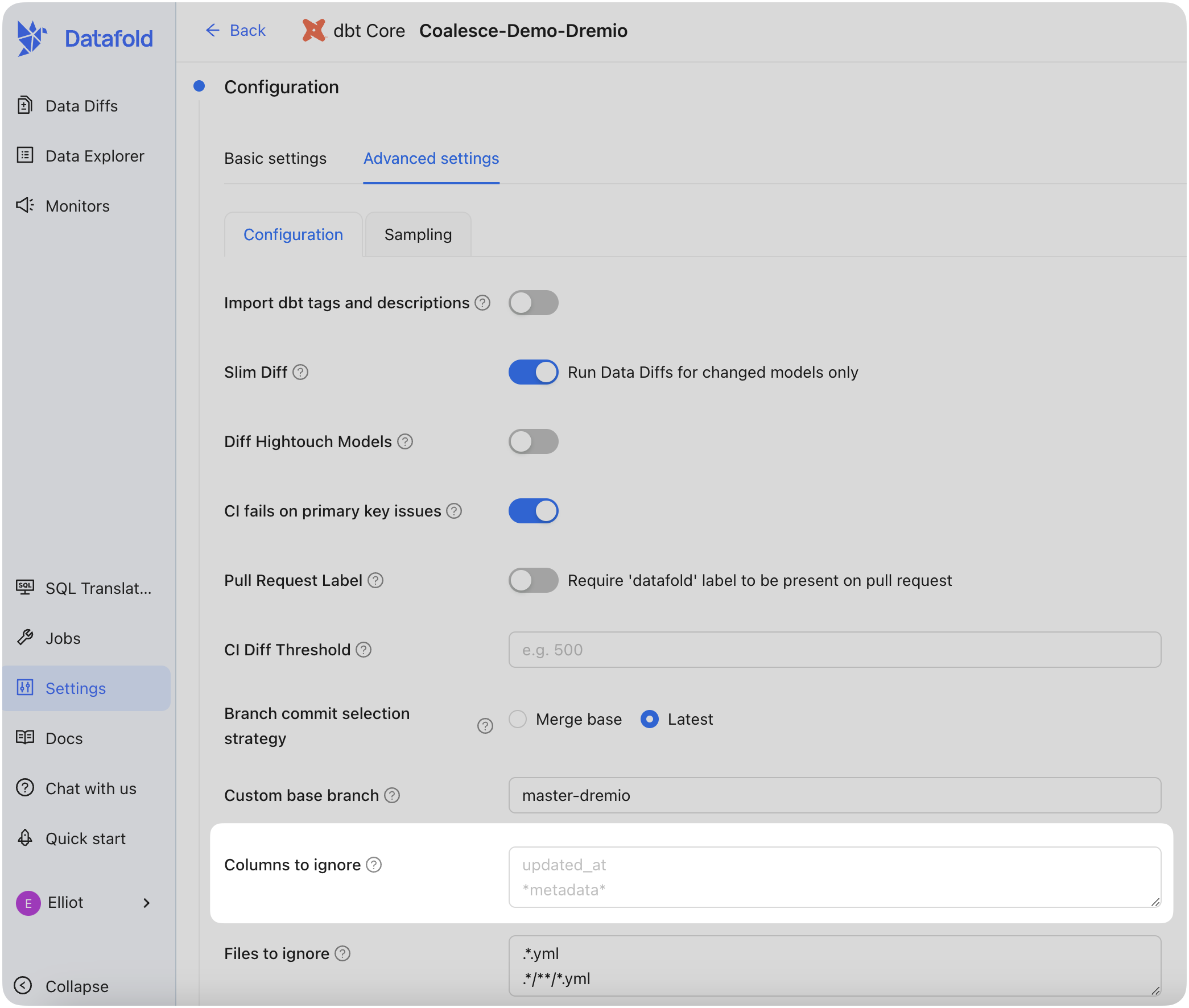 Some teams want to show Data Diff results in their tickets *before* creating a pull request. This speeds up code reviews as developers can QA code changes before requesting a PR review.
You can trigger a Data Diff by first creating a **draft PR** and then running the following command via the CLI:
```bash theme={null}
dbt run && datafold diff dbt
```
This command runs `dbt` locally and then triggers a Data Diff, allowing you to preview data changes without pushing to Git.
To automate this process of kicking off a Data Diff before pushing code to git, we recommend creating a GitHub Actions job for draft PRs. For example:
```
name: Data Diff on draft dbt PR
on:
pull_request:
types: [opened, reopened, synchronize]
branches:
- '!main'
jobs:
run:
if: github.event.pull_request.draft == true # Run only on draft PRs
runs-on: ubuntu-latest
steps:
- name: Checkout Code
uses: actions/checkout@v2
- name: Set Up Python
uses: actions/setup-python@v2
with:
python-version: '3.8'
- name: Install requirements
run: pip install -r requirements.txt
- name: Install dbt dependencies
run: dbt deps
# Update with your S3 bucket details
- name: Grab production manifest from S3
run: |
aws s3 cp s3://advanced-ci-manifest-demo/manifest.json ./manifest.json
env:
AWS_ACCESS_KEY_ID: ${{ secrets.AWS_ACCESS_KEY_ID }}
AWS_SECRET_ACCESS_KEY: ${{ secrets.AWS_SECRET_ACCESS_KEY }}
AWS_REGION: us-east-1
- name: Run dbt and Data Diff
env:
DATAFOLD_API_KEY: ${{ secrets.DATAFOLD_API_KEY }}
run: |
dbt run
datafold diff dbt
# Optional: Submit artifacts to Datafold for more analysis or logging
- name: Submit artifacts to Datafold
run: |
set -ex
datafold dbt upload --ci-config-id 350 --run-type pull_request --commit-sha ${GIT_SHA}
env:
DATAFOLD_API_KEY: ${{ secrets.DATAFOLD_API_KEY }}
GIT_SHA: "${{ github.event.pull_request.head.sha }}"
```
---
# Source: https://docs.datafold.com/integrations/orchestrators/dbt-cloud.md
> ## Documentation Index
> Fetch the complete documentation index at: https://docs.datafold.com/llms.txt
> Use this file to discover all available pages before exploring further.
# dbt Cloud
> Integrate Datafold with dbt Cloud to automate Data Diffs in your CI pipeline, leveraging dbt jobs to detect changes and ensure data quality before merging.
**NOTE**
You will need a dbt **Team** account or higher to access the dbt Cloud API that Datafold uses to connect the accounts.
## Prerequisites
### Set up dbt Cloud CI
In dbt Cloud, [set up dbt Cloud CI](https://docs.getdbt.com/docs/deploy/cloud-ci-job) so that your Pull Request job runs when you open or update a Pull Request. This job will provide Datafold information about the changes included in the PR.
### Create an Artifacts Job in dbt Cloud
The Artifacts job generates production `manifest.json` on merge to main/master, giving Datafold information about the state of production. The simplest method is to set up a dbt Cloud job that executes the `dbt ls` command on merge to main/master.
> Note: `dbt ls` is preferred over `dbt compile` as it runs faster and data diffing does not require fully compiled models to work.
Example dbt Cloud artifact job settings and successful run:
Some teams want to show Data Diff results in their tickets *before* creating a pull request. This speeds up code reviews as developers can QA code changes before requesting a PR review.
You can trigger a Data Diff by first creating a **draft PR** and then running the following command via the CLI:
```bash theme={null}
dbt run && datafold diff dbt
```
This command runs `dbt` locally and then triggers a Data Diff, allowing you to preview data changes without pushing to Git.
To automate this process of kicking off a Data Diff before pushing code to git, we recommend creating a GitHub Actions job for draft PRs. For example:
```
name: Data Diff on draft dbt PR
on:
pull_request:
types: [opened, reopened, synchronize]
branches:
- '!main'
jobs:
run:
if: github.event.pull_request.draft == true # Run only on draft PRs
runs-on: ubuntu-latest
steps:
- name: Checkout Code
uses: actions/checkout@v2
- name: Set Up Python
uses: actions/setup-python@v2
with:
python-version: '3.8'
- name: Install requirements
run: pip install -r requirements.txt
- name: Install dbt dependencies
run: dbt deps
# Update with your S3 bucket details
- name: Grab production manifest from S3
run: |
aws s3 cp s3://advanced-ci-manifest-demo/manifest.json ./manifest.json
env:
AWS_ACCESS_KEY_ID: ${{ secrets.AWS_ACCESS_KEY_ID }}
AWS_SECRET_ACCESS_KEY: ${{ secrets.AWS_SECRET_ACCESS_KEY }}
AWS_REGION: us-east-1
- name: Run dbt and Data Diff
env:
DATAFOLD_API_KEY: ${{ secrets.DATAFOLD_API_KEY }}
run: |
dbt run
datafold diff dbt
# Optional: Submit artifacts to Datafold for more analysis or logging
- name: Submit artifacts to Datafold
run: |
set -ex
datafold dbt upload --ci-config-id 350 --run-type pull_request --commit-sha ${GIT_SHA}
env:
DATAFOLD_API_KEY: ${{ secrets.DATAFOLD_API_KEY }}
GIT_SHA: "${{ github.event.pull_request.head.sha }}"
```
---
# Source: https://docs.datafold.com/integrations/orchestrators/dbt-cloud.md
> ## Documentation Index
> Fetch the complete documentation index at: https://docs.datafold.com/llms.txt
> Use this file to discover all available pages before exploring further.
# dbt Cloud
> Integrate Datafold with dbt Cloud to automate Data Diffs in your CI pipeline, leveraging dbt jobs to detect changes and ensure data quality before merging.
**NOTE**
You will need a dbt **Team** account or higher to access the dbt Cloud API that Datafold uses to connect the accounts.
## Prerequisites
### Set up dbt Cloud CI
In dbt Cloud, [set up dbt Cloud CI](https://docs.getdbt.com/docs/deploy/cloud-ci-job) so that your Pull Request job runs when you open or update a Pull Request. This job will provide Datafold information about the changes included in the PR.
### Create an Artifacts Job in dbt Cloud
The Artifacts job generates production `manifest.json` on merge to main/master, giving Datafold information about the state of production. The simplest method is to set up a dbt Cloud job that executes the `dbt ls` command on merge to main/master.
> Note: `dbt ls` is preferred over `dbt compile` as it runs faster and data diffing does not require fully compiled models to work.
Example dbt Cloud artifact job settings and successful run:
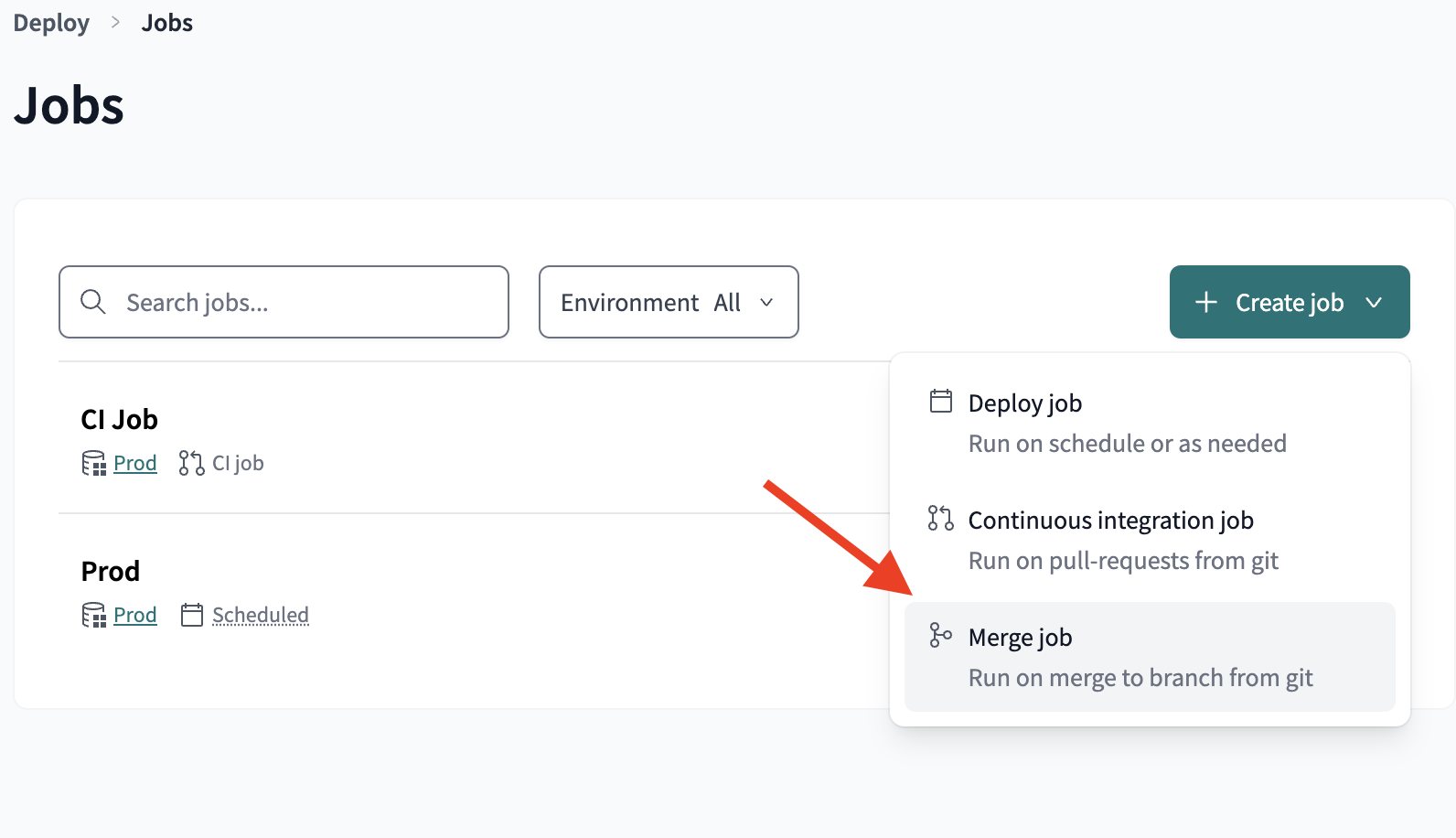
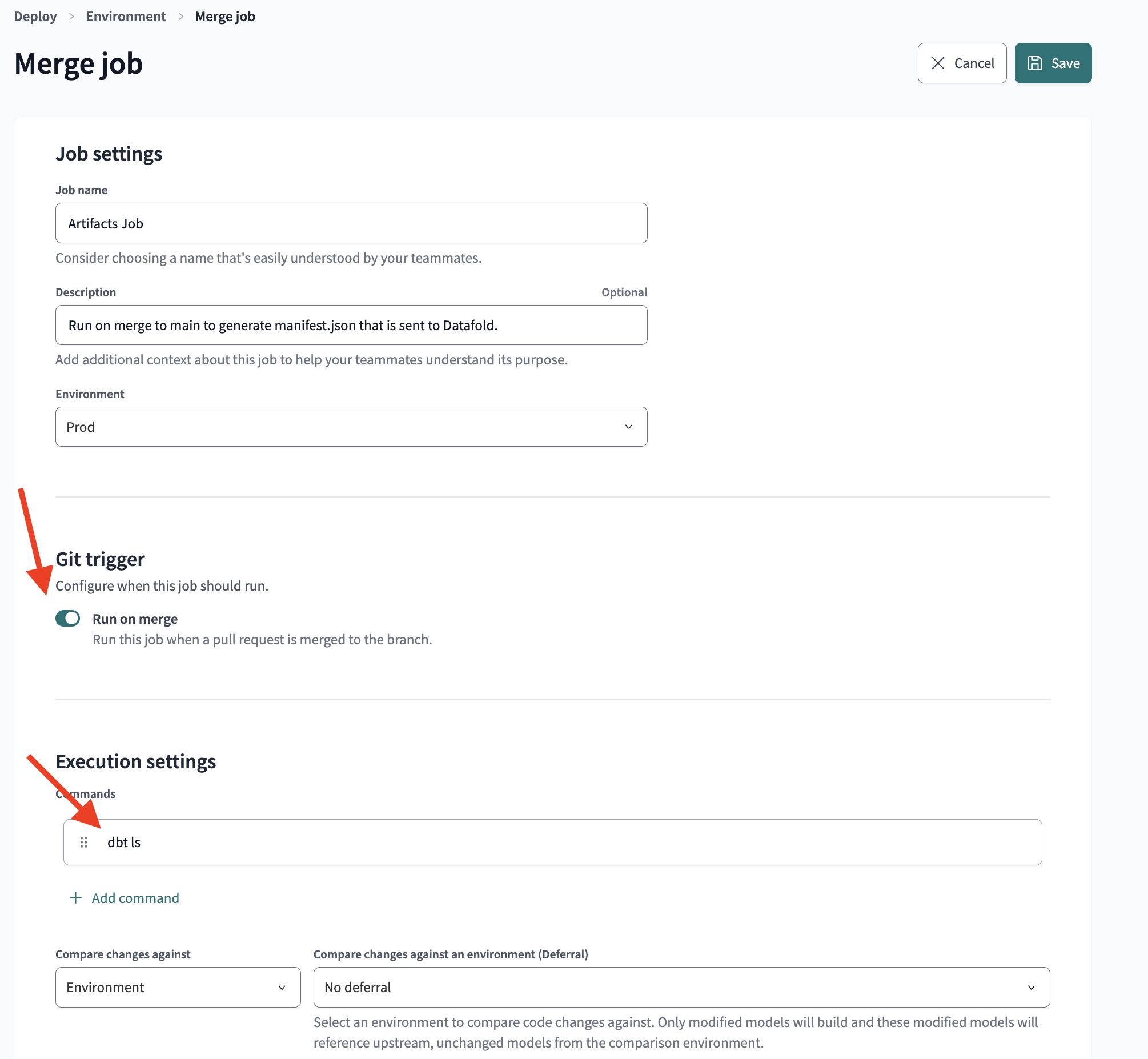
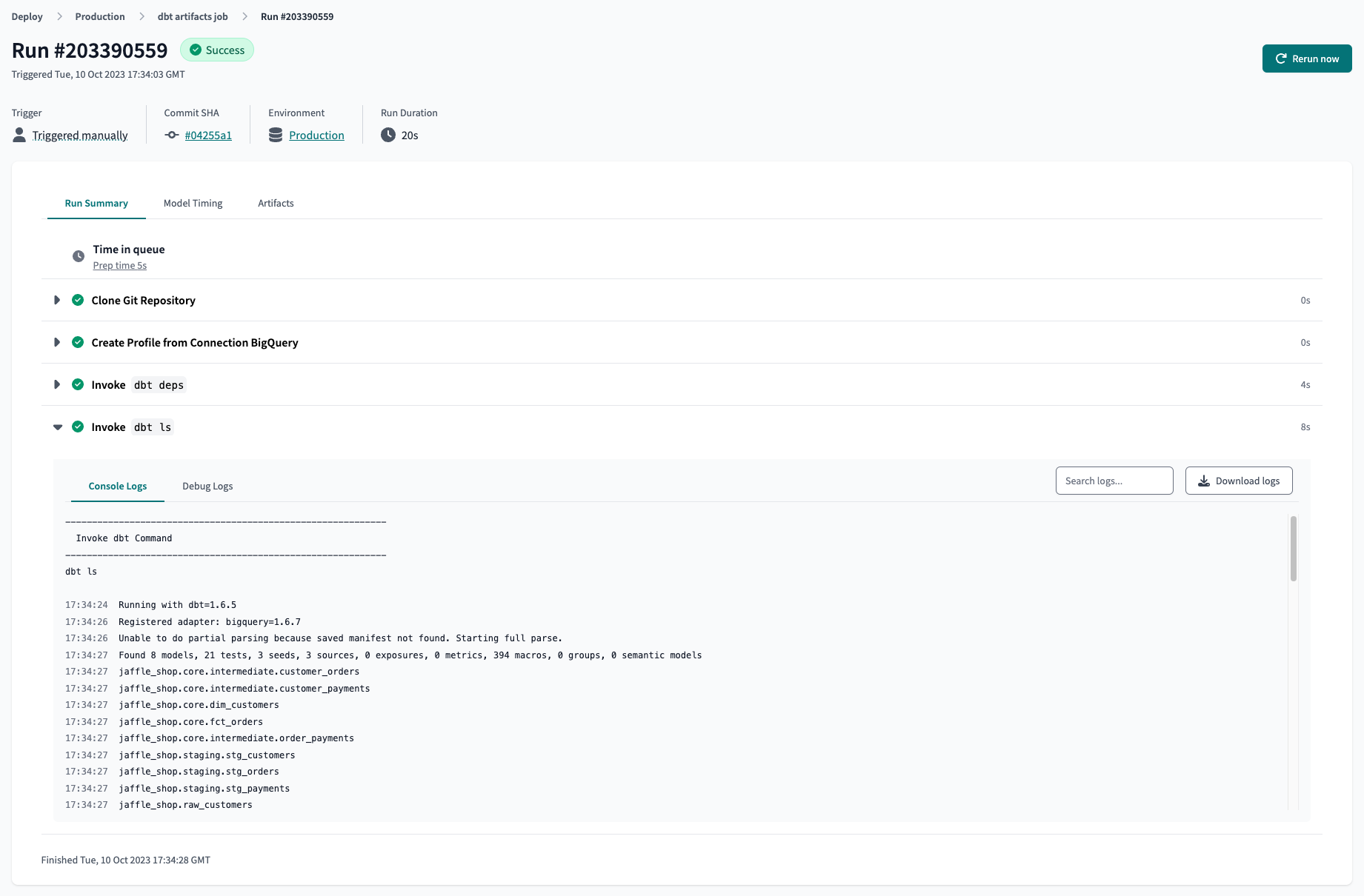 If you are interested in continuous deployment, you can use a [Merge Trigger Production Job](https://docs.datafold.com/cd#merge-trigger-production-job) instead of the Artifacts Job listed above.
### dbt Cloud Access URL
You will need your [access url](https://docs.getdbt.com/docs/cloud/about-cloud/regions-ip-addresses) to connect Datafold to your dbt Cloud account.
### Add dbt Cloud Service Account Token
To connect Datafold to your dbt Cloud account, you will need to use a [Service Token](https://docs.getdbt.com/docs/dbt-cloud-apis/service-tokens).
info
Please note that the use of User API Keys for this purpose is no longer recommended due to a [recent security update](https://docs.getdbt.com/docs/dbt-cloud-apis/service-tokens) in dbt Cloud. [Learn more below](/integrations/orchestrators/dbt-cloud#deprecating-user-tokens)
1. Navigate to **Account Settings → Service Tokens → + New Token**.
If you are interested in continuous deployment, you can use a [Merge Trigger Production Job](https://docs.datafold.com/cd#merge-trigger-production-job) instead of the Artifacts Job listed above.
### dbt Cloud Access URL
You will need your [access url](https://docs.getdbt.com/docs/cloud/about-cloud/regions-ip-addresses) to connect Datafold to your dbt Cloud account.
### Add dbt Cloud Service Account Token
To connect Datafold to your dbt Cloud account, you will need to use a [Service Token](https://docs.getdbt.com/docs/dbt-cloud-apis/service-tokens).
info
Please note that the use of User API Keys for this purpose is no longer recommended due to a [recent security update](https://docs.getdbt.com/docs/dbt-cloud-apis/service-tokens) in dbt Cloud. [Learn more below](/integrations/orchestrators/dbt-cloud#deprecating-user-tokens)
1. Navigate to **Account Settings → Service Tokens → + New Token**.
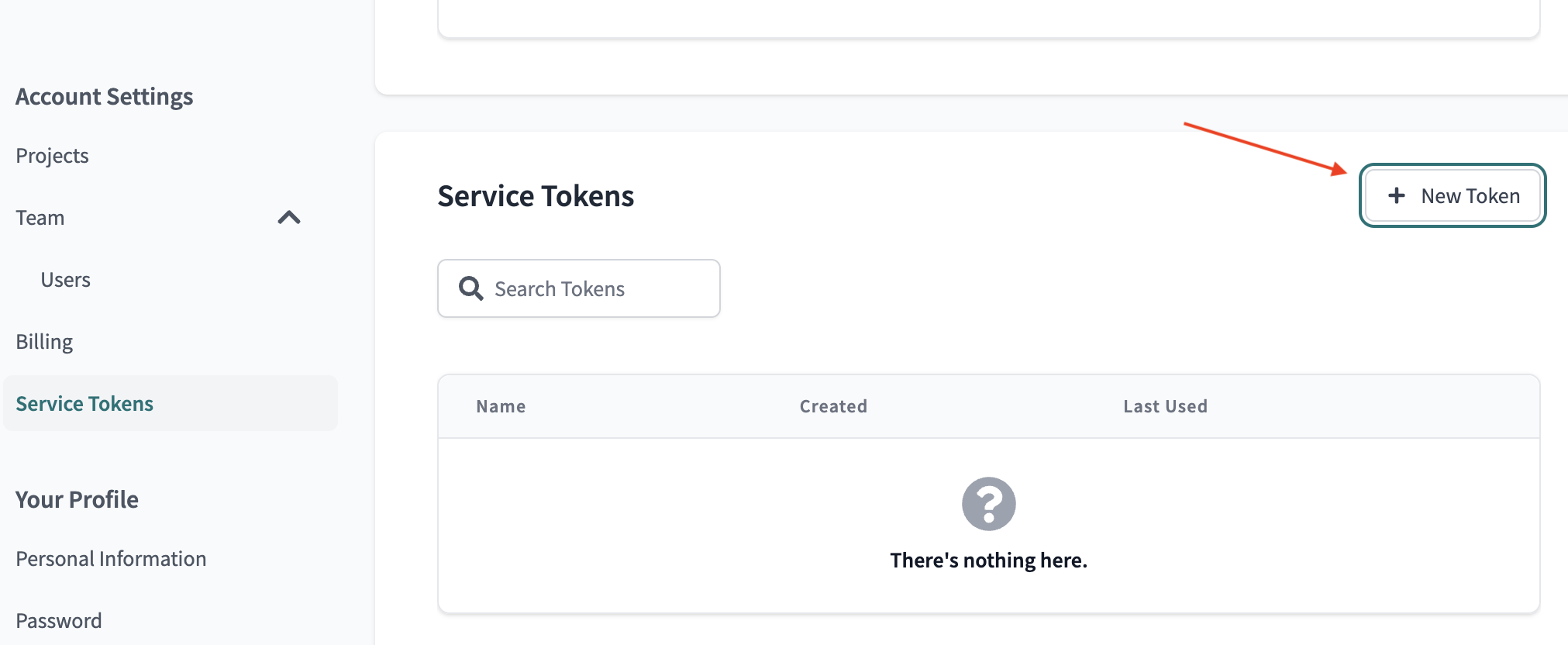
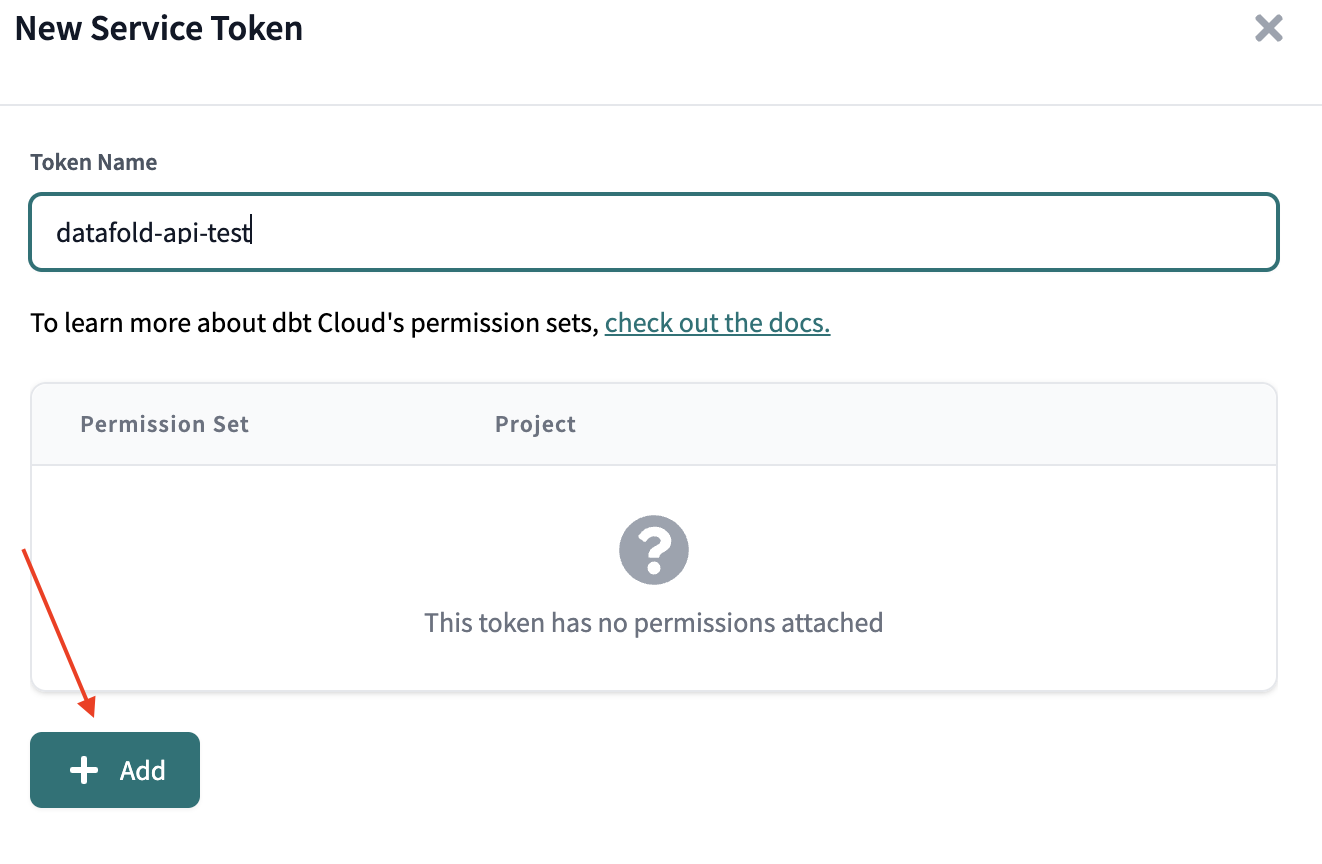 1. Add a Permission Set and select `Member` or `Developer`.
2. Select `All Projects`, or check only the projects you intend to use with Datafold.
3. Save your changes.
1. Add a Permission Set and select `Member` or `Developer`.
2. Select `All Projects`, or check only the projects you intend to use with Datafold.
3. Save your changes.
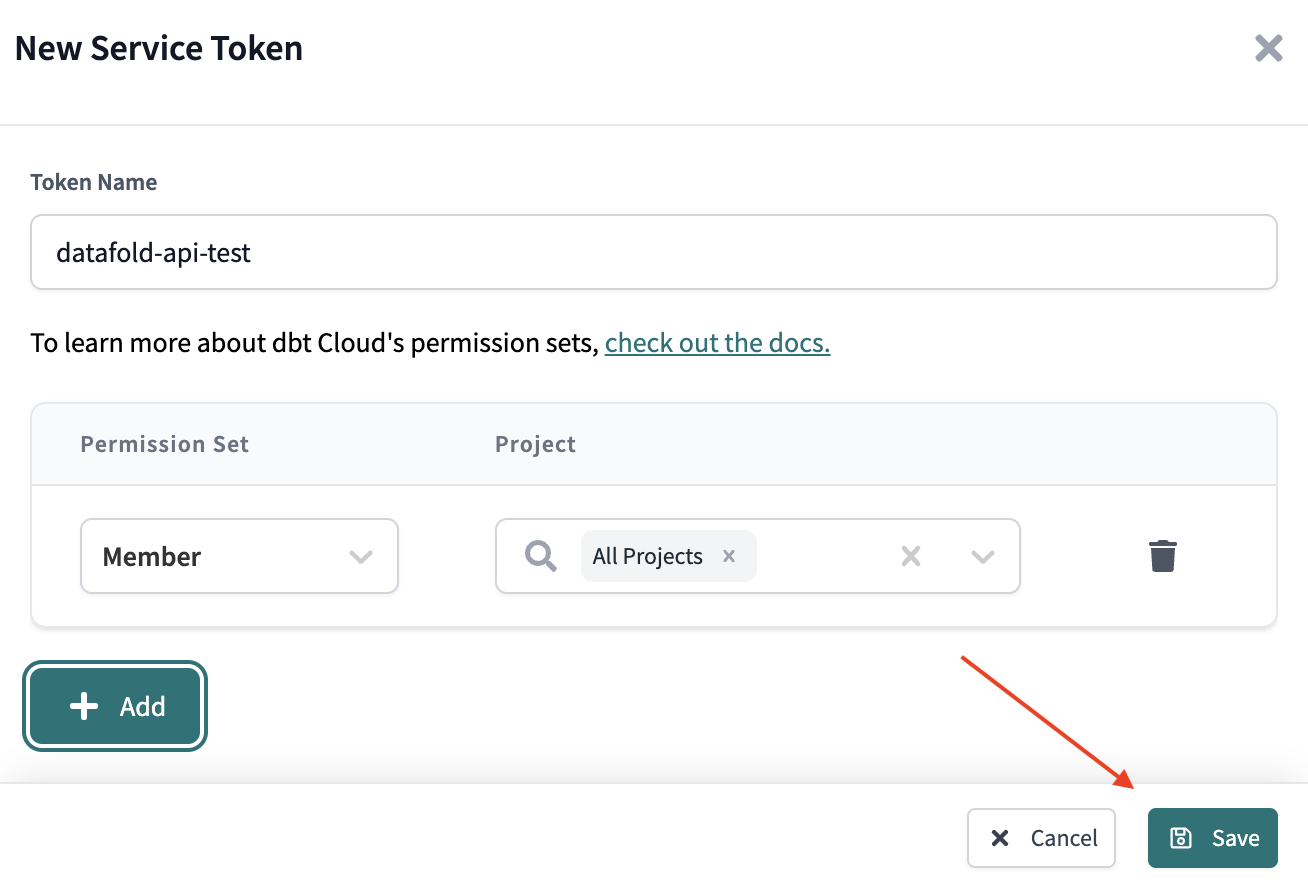 1. Navigate to **Your Profile → API Access** and copy the token.
#### Deprecating User Tokens
dbt Cloud is transitioning away from the use of User API Keys for authentication. The User API Key will be replaced by account-scoped Personal Access Tokens (PATs).
This update will affect the functionality of certain API endpoints. Specifically, `/v2/accounts`, `/v3/accounts`, and `/whoami` (undocumented API) will no longer return information about all the accounts tied to a user. Instead, the response will be filtered to include only the context of the specific account in the request.
dbt Cloud users have until April 30, 2024, to implement this change. After this date, all user API keys will be scoped to an account. New customers are required to use the new account-scoped PATs.
For more information, please refer to the [dbt Cloud API Documentation](https://docs.getdbt.com/docs/dbt-cloud-apis/service-tokens).
If you have any questions or require further assistance, please don't hesitate to contact our support team.
## Create a dbt Cloud Integration in the Datafold app
* Navigate to Settings > Integrations > CI and create a new dbt Cloud integration.
1. Navigate to **Your Profile → API Access** and copy the token.
#### Deprecating User Tokens
dbt Cloud is transitioning away from the use of User API Keys for authentication. The User API Key will be replaced by account-scoped Personal Access Tokens (PATs).
This update will affect the functionality of certain API endpoints. Specifically, `/v2/accounts`, `/v3/accounts`, and `/whoami` (undocumented API) will no longer return information about all the accounts tied to a user. Instead, the response will be filtered to include only the context of the specific account in the request.
dbt Cloud users have until April 30, 2024, to implement this change. After this date, all user API keys will be scoped to an account. New customers are required to use the new account-scoped PATs.
For more information, please refer to the [dbt Cloud API Documentation](https://docs.getdbt.com/docs/dbt-cloud-apis/service-tokens).
If you have any questions or require further assistance, please don't hesitate to contact our support team.
## Create a dbt Cloud Integration in the Datafold app
* Navigate to Settings > Integrations > CI and create a new dbt Cloud integration.
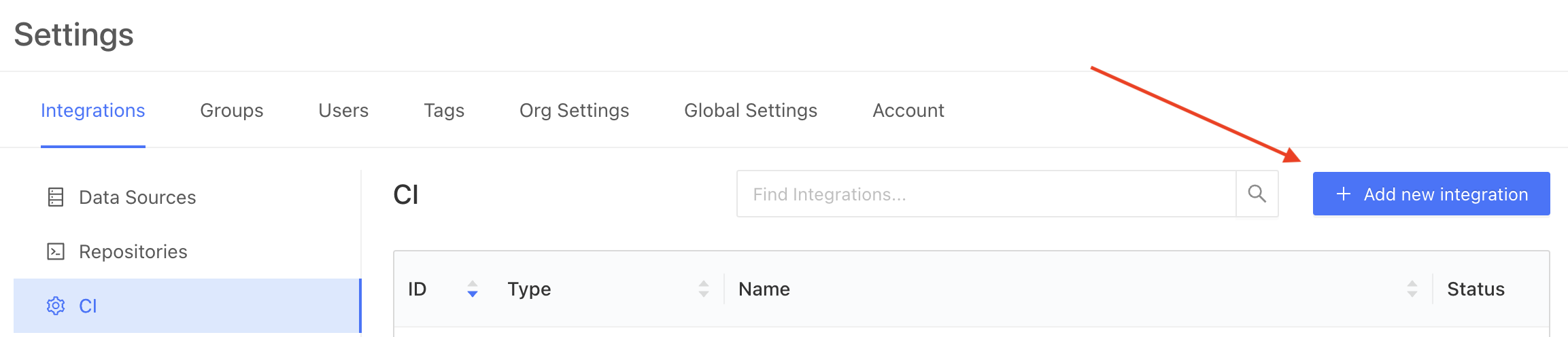
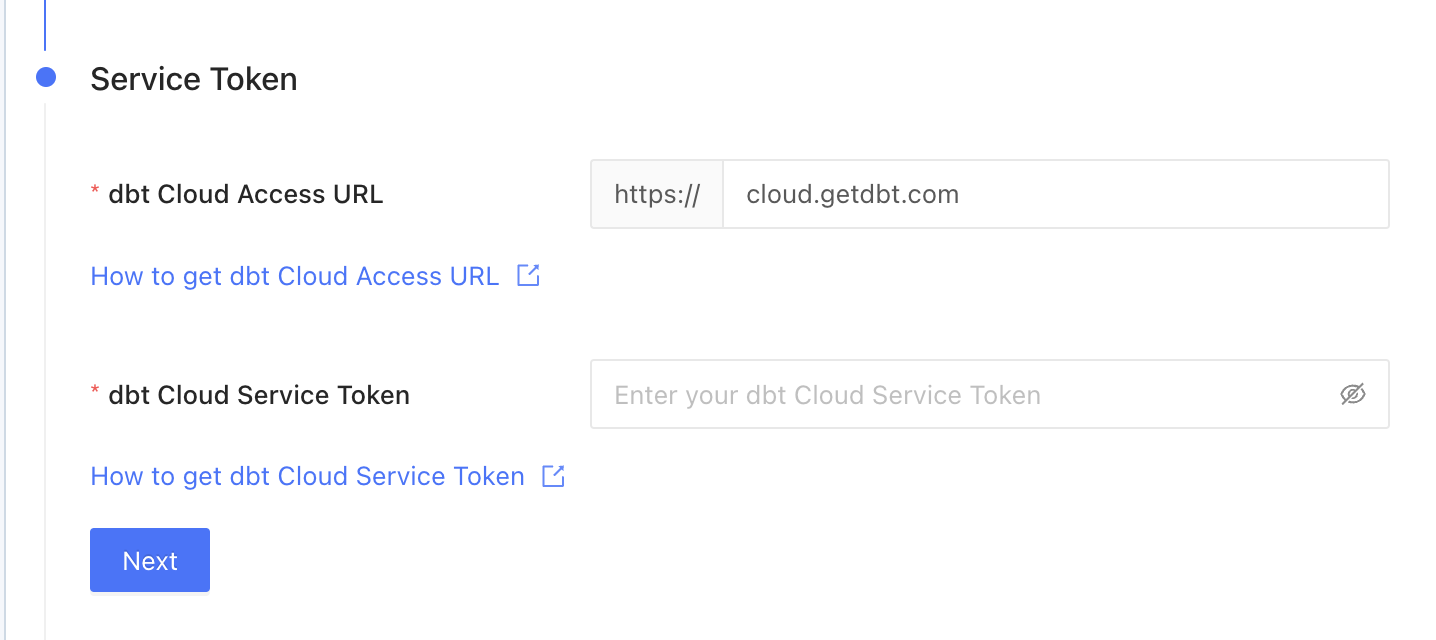 ## Configuration
### Basic Settings
## Configuration
### Basic Settings
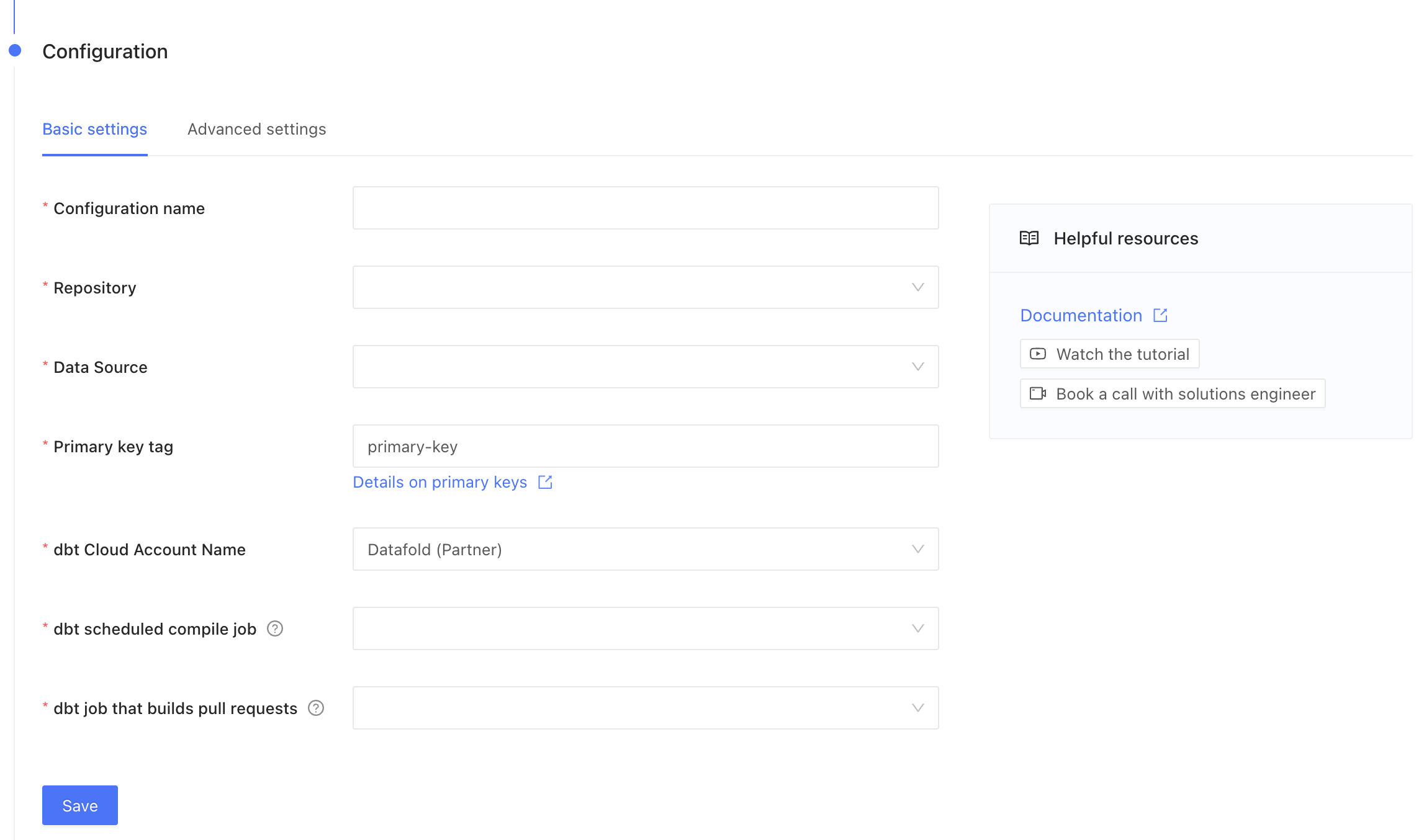 * **Repository**: Select a repository that you set up in [the Code Repositories setup step](/integrations/code-repositories).
* **Data Connection**: Select a connection that you set up in [the Data Connections setup step](/integrations/databases).
* **Name**: This can be anything!
* **Primary key tag**: This is a text string that you may use to tag primary keys in your dbt project yaml. Note that to avoid the need for tagging, [primary keys can be inferred from dbt uniqueness tests](/deployment-testing/configuration/primary-key).
* **Account name**: This will be autofilled using your dbt API key.
* **Job that creates dbt artifacts**: This will be [the Artifacts Job that you created](#create-an-artifacts-job-in-dbt-cloud). Or, if you have a dbt production job that runs on each merge to main, select that job.
* **Job that builds pull requests**: This is the dbt CI job that is triggered when you open a Pull Request or Merge Request.
### Advanced Settings
* **Repository**: Select a repository that you set up in [the Code Repositories setup step](/integrations/code-repositories).
* **Data Connection**: Select a connection that you set up in [the Data Connections setup step](/integrations/databases).
* **Name**: This can be anything!
* **Primary key tag**: This is a text string that you may use to tag primary keys in your dbt project yaml. Note that to avoid the need for tagging, [primary keys can be inferred from dbt uniqueness tests](/deployment-testing/configuration/primary-key).
* **Account name**: This will be autofilled using your dbt API key.
* **Job that creates dbt artifacts**: This will be [the Artifacts Job that you created](#create-an-artifacts-job-in-dbt-cloud). Or, if you have a dbt production job that runs on each merge to main, select that job.
* **Job that builds pull requests**: This is the dbt CI job that is triggered when you open a Pull Request or Merge Request.
### Advanced Settings
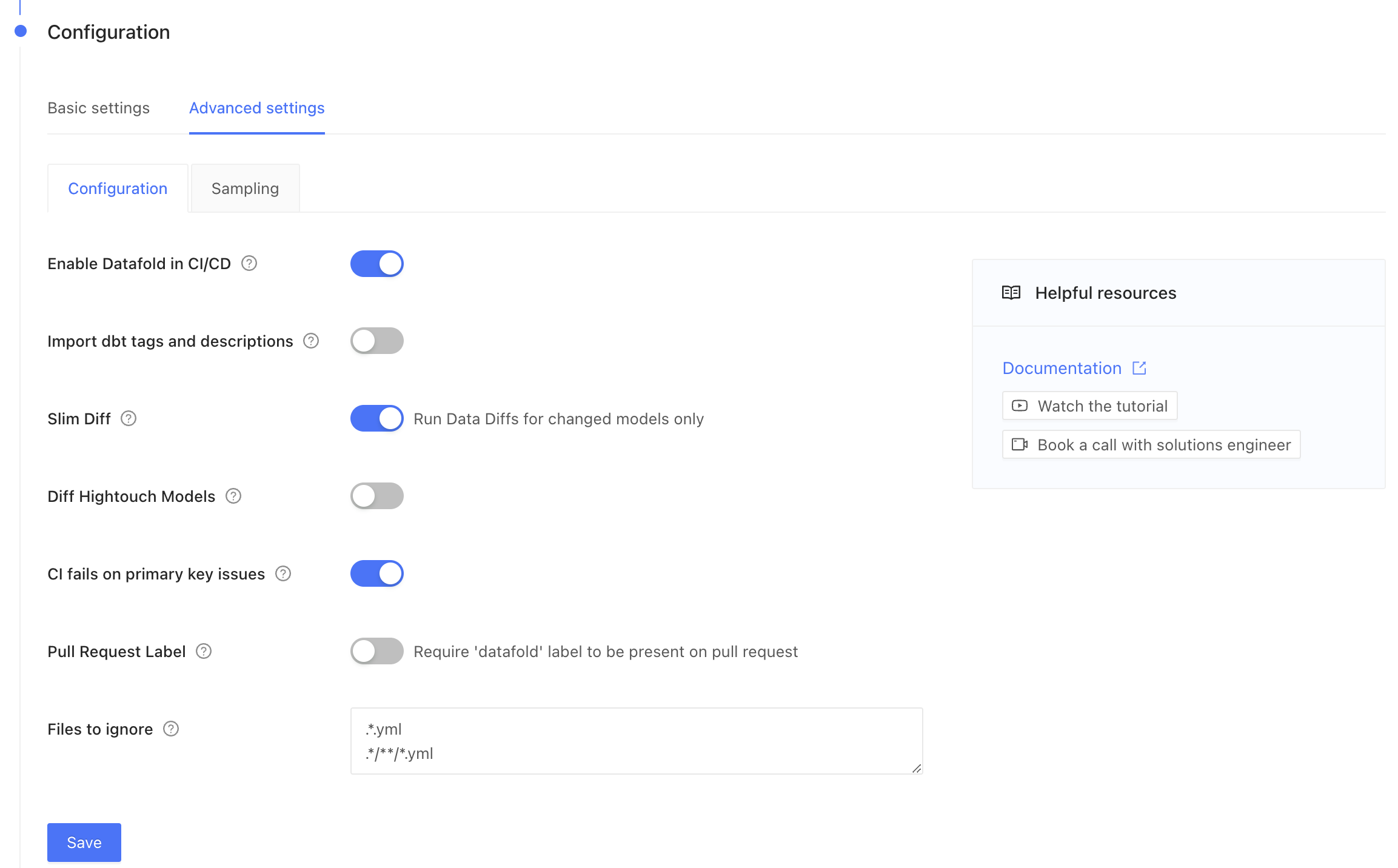 * **Enable Datafold in CI/CD**: High-level switch to turn Datafold off or on in CI (but we hope you'll leave it on!).
* **Import dbt tags and descriptions**: Populate our Lineage tool with dbt metadata. ⚠️ This feature is in development. ⚠️
* **Slim Diff**: Only diff modified models in CI, instead of all models. [Please read more about Slim Diff](/deployment-testing/best-practices/slim-diff), which is highly configurable using dbt yaml, and each organization will need to set a strategy based on their data environment.
* Downstream Hightouch models will be diffed even when Slim Diff is turned on.
* **Diff Hightouch Models**: Hightouch customers can see diffs of downstream Hightouch assets in Pull Requests.
* **CI fails on primary key issues**: The existence of null or duplicate primary keys causes the Datafold CI check to fail.
* **Pull Request Label**: For when you want Datafold to *only* run in CI when a label is manually applied in GitHub/GitLab.
* **CI Diff Threshold**: For when you want Datafold to *only* run automatically if the number of diffs doesn't exceed this threshold for a given CI run.
* **Files to ignore**: If at least one modified file doesn’t match the ignore pattern, Datafold CI diffs all changed models in the PR. If all modified files should be ignored, Datafold CI does not run in the PR. ([Additional details.](/deployment-testing/configuration/datafold-ci/on-demand))
* **Custom base branch**: For when you want Datafold to **only** run in CI when a PR is opened against a specific base branch. You might need this if you have multiple environments built from different branches. See [Custom branch](https://docs.getdbt.com/faqs/Environments/custom-branch-settings) in dbt Cloud docs.
Click save, and that's it!
Now that you've set up a dbt Cloud integration, Datafold will diff your impacted tables whenever you push commits to a PR. A summary of the diff will appear in GitHub, and detailed results will appear in the Datafold app.
---
# Source: https://docs.datafold.com/integrations/orchestrators/dbt-core.md
> ## Documentation Index
> Fetch the complete documentation index at: https://docs.datafold.com/llms.txt
> Use this file to discover all available pages before exploring further.
# dbt Core
> Set up Datafold’s integration with dbt Core to automate Data Diffs in your CI pipeline.
**PREREQUISITES**
* Create a [Data Connection Integration](/integrations/databases) where your dbt project data is built.
* Create a [Code Repository Integration](/integrations/code-repositories) where your dbt project code is stored.
## Getting started
To add Datafold to your continuous integration (CI) pipeline using dbt Core, follow these steps:
### 1. Create a dbt Core integration.
* **Enable Datafold in CI/CD**: High-level switch to turn Datafold off or on in CI (but we hope you'll leave it on!).
* **Import dbt tags and descriptions**: Populate our Lineage tool with dbt metadata. ⚠️ This feature is in development. ⚠️
* **Slim Diff**: Only diff modified models in CI, instead of all models. [Please read more about Slim Diff](/deployment-testing/best-practices/slim-diff), which is highly configurable using dbt yaml, and each organization will need to set a strategy based on their data environment.
* Downstream Hightouch models will be diffed even when Slim Diff is turned on.
* **Diff Hightouch Models**: Hightouch customers can see diffs of downstream Hightouch assets in Pull Requests.
* **CI fails on primary key issues**: The existence of null or duplicate primary keys causes the Datafold CI check to fail.
* **Pull Request Label**: For when you want Datafold to *only* run in CI when a label is manually applied in GitHub/GitLab.
* **CI Diff Threshold**: For when you want Datafold to *only* run automatically if the number of diffs doesn't exceed this threshold for a given CI run.
* **Files to ignore**: If at least one modified file doesn’t match the ignore pattern, Datafold CI diffs all changed models in the PR. If all modified files should be ignored, Datafold CI does not run in the PR. ([Additional details.](/deployment-testing/configuration/datafold-ci/on-demand))
* **Custom base branch**: For when you want Datafold to **only** run in CI when a PR is opened against a specific base branch. You might need this if you have multiple environments built from different branches. See [Custom branch](https://docs.getdbt.com/faqs/Environments/custom-branch-settings) in dbt Cloud docs.
Click save, and that's it!
Now that you've set up a dbt Cloud integration, Datafold will diff your impacted tables whenever you push commits to a PR. A summary of the diff will appear in GitHub, and detailed results will appear in the Datafold app.
---
# Source: https://docs.datafold.com/integrations/orchestrators/dbt-core.md
> ## Documentation Index
> Fetch the complete documentation index at: https://docs.datafold.com/llms.txt
> Use this file to discover all available pages before exploring further.
# dbt Core
> Set up Datafold’s integration with dbt Core to automate Data Diffs in your CI pipeline.
**PREREQUISITES**
* Create a [Data Connection Integration](/integrations/databases) where your dbt project data is built.
* Create a [Code Repository Integration](/integrations/code-repositories) where your dbt project code is stored.
## Getting started
To add Datafold to your continuous integration (CI) pipeline using dbt Core, follow these steps:
### 1. Create a dbt Core integration.
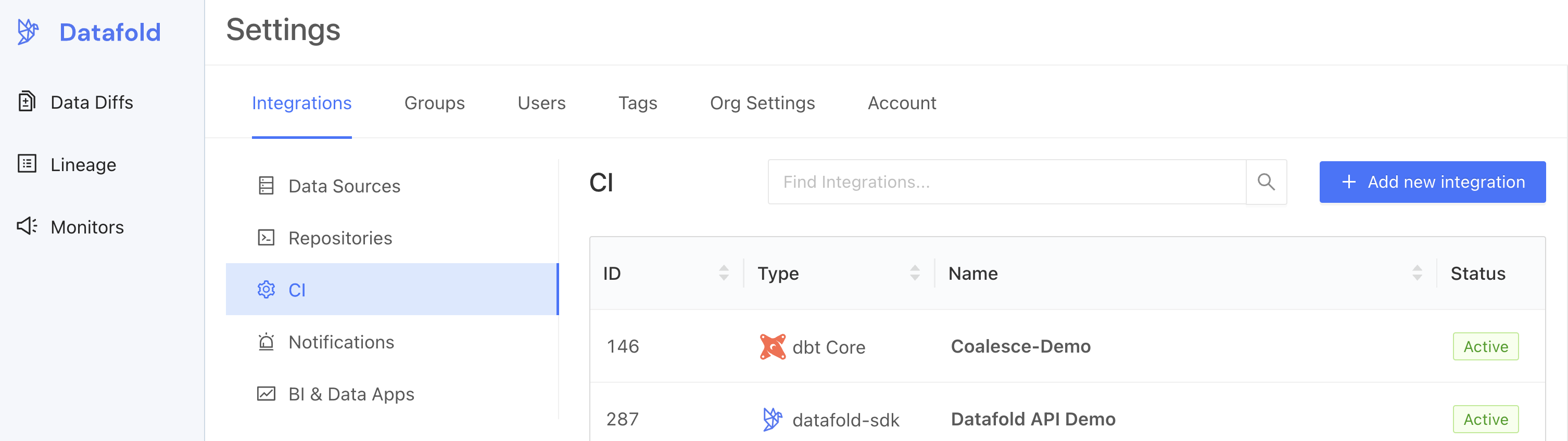 ### 2. Set up the dbt Core integration.
Complete the configuration by specifying the following fields:
#### Basic settings
| Field Name | Description |
| ------------------ | ------------------------------------------------------------------------------------------ |
| Configuration name | Choose a name for your for your Datafold dbt integration. |
| Repository | Select your dbt project. |
| Data Connection | Select the data connection your dbt project writes to. |
| Primary key tag | Choose a string for [tagging primary keys](/deployment-testing/configuration/primary-key). |
#### Advanced settings: Configuration
| Field Name | Description |
| -------------------------------- | ----------------------------------------------------------------------------------------------------------------------------------------------------------------------------------------------------------------------------------------------------------------------------------------------------------- |
| Import dbt tags and descriptions | Import dbt metadata (including column and table descriptions, tags, and owners) to Datafold. |
| Slim Diff | Data diffs will be run only for models changed in a pull request. See our [guide to Slim Diff](/deployment-testing/best-practices/slim-diff) for configuration options. |
| Diff Hightouch Models | Run Data Diffs for Hightouch models affected by your PR. |
| CI fails on primary key issues | The existence of null or duplicate primary keys will cause CI to fail. |
| Pull Request Label | When this is selected, the Datafold CI process will only run when the `datafold` label has been applied. |
| CI Diff Threshold | Data Diffs will only be run automatically for a given CI run if the number of diffs doesn't exceed this threshold. |
| Branch commit selection strategy | Select "Latest" if your CI tool creates a merge commit (the default behavior for GitHub Actions). Choose "Merge base" if CI is run against the PR branch head (the default behavior for GitLab). |
| Custom base branch | If defined, CI will run only on pull requests with the specified base branch. |
| Columns to ignore | Use standard gitignore syntax to identify columns that Datafold should never diff for any table. This can [improve performance](/faq/performance-and-scalability#how-can-i-optimize-diff-performance-at-scale) for large datasets. Primary key columns will not be excluded even if they match the pattern. |
| Files to ignore | If at least one modified file doesn’t match the ignore pattern, Datafold CI diffs all changed models in the PR. If all modified files should be ignored, Datafold CI does not run in the PR. ([Additional details.](/deployment-testing/configuration/datafold-ci/on-demand)) |
#### Advanced settings: Sampling
Sampling allows you to compare large datasets more efficiently by checking only a randomly selected subset of the data rather than every row. By analyzing a smaller but statistically meaningful sample, Datafold can quickly estimate differences without the overhead of a full dataset comparison. To learn more about how sampling can result in a speedup of 2x to 20x or more, see our [best practices on sampling](/data-diff/cross-database-diffing/best-practices#enable-sampling).
| Field Name | Description |
| ------------------- | -------------------------------------------------------------------------------------------------------------------------------------------------------------------------- |
| Enable sampling | Enable sampling for data diffs to optimize analyzing large datasets. |
| Sampling tolerance | The tolerance to apply in sampling for all data diffs. |
| Sampling confidence | The confidence to apply when sampling. |
| Sampling threshold | Sampling will be disabled automatically if tables are smaller than specified threshold. If unspecified, default values will be used depending on the Data Connection type. |
### 3. Obtain an Datafold API Key and CI config ID.
After saving the settings in step 2, scroll down and generate a new Datafold API Key and obtain the CI config ID.
### 4. Configure your CI script(s) with the Datafold SDK.
Using the Datafold SDK, configure your CI script(s) to upload dbt `manifest.json` files.
The `datafold dbt upload` command takes this general form and arguments:
```
datafold dbt upload --ci-config-id --run-type --commit-sha
```
You will need to configure orchestration to upload the dbt `manifest.json` files in 2 scenarios:
1. **On merges to main.** These `manifest.json` files represent the state of the dbt project on the base/production branch from which PRs are created.
2. **On updates to PRs.** These `manifest.json` files represent the state of the dbt project on the PR branch.
The dbt Core integration creation form automatically generates code snippets that can be added to CI runners.
### 2. Set up the dbt Core integration.
Complete the configuration by specifying the following fields:
#### Basic settings
| Field Name | Description |
| ------------------ | ------------------------------------------------------------------------------------------ |
| Configuration name | Choose a name for your for your Datafold dbt integration. |
| Repository | Select your dbt project. |
| Data Connection | Select the data connection your dbt project writes to. |
| Primary key tag | Choose a string for [tagging primary keys](/deployment-testing/configuration/primary-key). |
#### Advanced settings: Configuration
| Field Name | Description |
| -------------------------------- | ----------------------------------------------------------------------------------------------------------------------------------------------------------------------------------------------------------------------------------------------------------------------------------------------------------- |
| Import dbt tags and descriptions | Import dbt metadata (including column and table descriptions, tags, and owners) to Datafold. |
| Slim Diff | Data diffs will be run only for models changed in a pull request. See our [guide to Slim Diff](/deployment-testing/best-practices/slim-diff) for configuration options. |
| Diff Hightouch Models | Run Data Diffs for Hightouch models affected by your PR. |
| CI fails on primary key issues | The existence of null or duplicate primary keys will cause CI to fail. |
| Pull Request Label | When this is selected, the Datafold CI process will only run when the `datafold` label has been applied. |
| CI Diff Threshold | Data Diffs will only be run automatically for a given CI run if the number of diffs doesn't exceed this threshold. |
| Branch commit selection strategy | Select "Latest" if your CI tool creates a merge commit (the default behavior for GitHub Actions). Choose "Merge base" if CI is run against the PR branch head (the default behavior for GitLab). |
| Custom base branch | If defined, CI will run only on pull requests with the specified base branch. |
| Columns to ignore | Use standard gitignore syntax to identify columns that Datafold should never diff for any table. This can [improve performance](/faq/performance-and-scalability#how-can-i-optimize-diff-performance-at-scale) for large datasets. Primary key columns will not be excluded even if they match the pattern. |
| Files to ignore | If at least one modified file doesn’t match the ignore pattern, Datafold CI diffs all changed models in the PR. If all modified files should be ignored, Datafold CI does not run in the PR. ([Additional details.](/deployment-testing/configuration/datafold-ci/on-demand)) |
#### Advanced settings: Sampling
Sampling allows you to compare large datasets more efficiently by checking only a randomly selected subset of the data rather than every row. By analyzing a smaller but statistically meaningful sample, Datafold can quickly estimate differences without the overhead of a full dataset comparison. To learn more about how sampling can result in a speedup of 2x to 20x or more, see our [best practices on sampling](/data-diff/cross-database-diffing/best-practices#enable-sampling).
| Field Name | Description |
| ------------------- | -------------------------------------------------------------------------------------------------------------------------------------------------------------------------- |
| Enable sampling | Enable sampling for data diffs to optimize analyzing large datasets. |
| Sampling tolerance | The tolerance to apply in sampling for all data diffs. |
| Sampling confidence | The confidence to apply when sampling. |
| Sampling threshold | Sampling will be disabled automatically if tables are smaller than specified threshold. If unspecified, default values will be used depending on the Data Connection type. |
### 3. Obtain an Datafold API Key and CI config ID.
After saving the settings in step 2, scroll down and generate a new Datafold API Key and obtain the CI config ID.
### 4. Configure your CI script(s) with the Datafold SDK.
Using the Datafold SDK, configure your CI script(s) to upload dbt `manifest.json` files.
The `datafold dbt upload` command takes this general form and arguments:
```
datafold dbt upload --ci-config-id --run-type --commit-sha
```
You will need to configure orchestration to upload the dbt `manifest.json` files in 2 scenarios:
1. **On merges to main.** These `manifest.json` files represent the state of the dbt project on the base/production branch from which PRs are created.
2. **On updates to PRs.** These `manifest.json` files represent the state of the dbt project on the PR branch.
The dbt Core integration creation form automatically generates code snippets that can be added to CI runners.
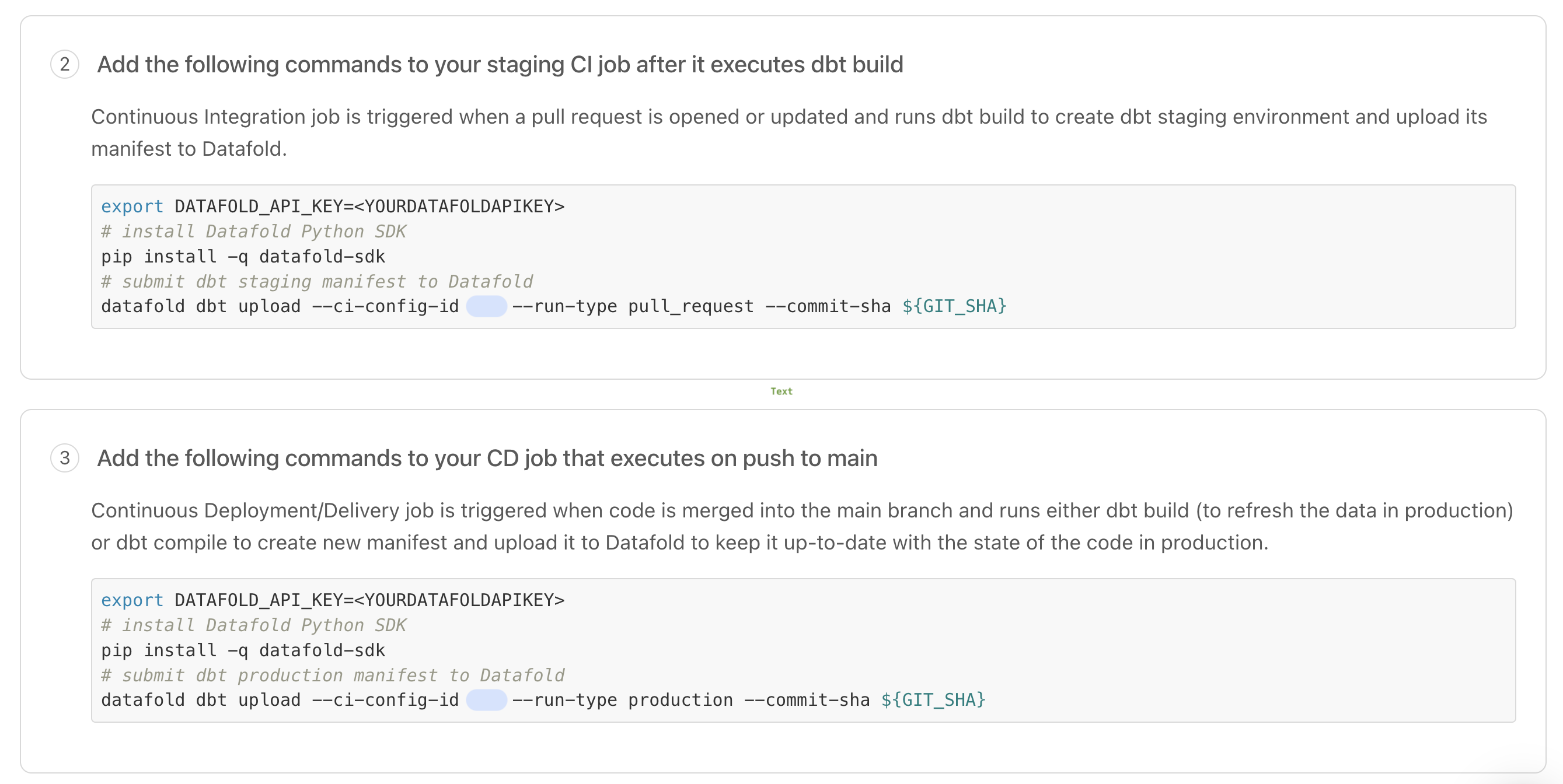 By storing and comparing these `manifest.json` files, Datafold determines which dbt models to diff in a CI run.
Implementation details vary depending on which CI tool you use. Please review [these instructions and examples](#ci-implementation-tools) to help you configure updates to your organization's CI scripts.
### 5. Test your dbt Core integration.
After updating your CI scripts, trigger jobs that will upload `manifest.json` files represent the base/production state.
Then, open a new pull request with changes to a SQL file to trigger a CI run.
By storing and comparing these `manifest.json` files, Datafold determines which dbt models to diff in a CI run.
Implementation details vary depending on which CI tool you use. Please review [these instructions and examples](#ci-implementation-tools) to help you configure updates to your organization's CI scripts.
### 5. Test your dbt Core integration.
After updating your CI scripts, trigger jobs that will upload `manifest.json` files represent the base/production state.
Then, open a new pull request with changes to a SQL file to trigger a CI run.
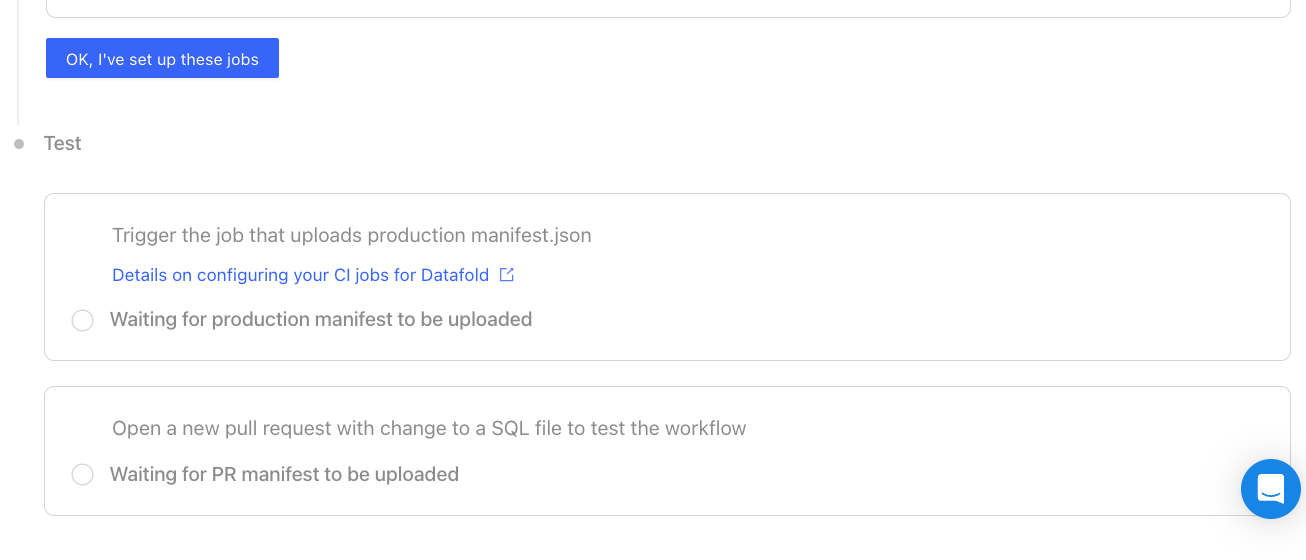 ## CI implementation tools
We've created guides and templates for three popular CI tools.
**Having trouble setting up Datafold in CI?**
We're here to help! Please reach out and [chat with a Datafold Solutions Engineer](https://www.datafold.com/booktime).
To add Datafold to your CI tool, add `datafold dbt upload` steps in two CI jobs:
* **Upload Production Artifacts:** A CI job that build a production `manifest.json`. *This can be either your Production Job or a special Artifacts Job that runs on merge to main (explained below).*
* **Upload Pull Request Artifacts:** A CI job that builds a PR `manifest.json`.
This ensures Datafold always has the necessary `manifest.json` files, enabling us to run data diffs comparing production data to dev data.
**Upload Production Artifacts**
Add the `datafold dbt upload` step to *either* your Production Job *or* an Artifacts Job.
**Production Job**
If your dbt prod job kicks off on merges to the base branch, add a `datafold dbt upload` step after the `dbt build` step.
```bash theme={null}
name: Production Job
on:
push:
branches:
- main
jobs:
run:
runs-on: ubuntu-20.04
steps:
- name: Install Datafold SDK
run: pip install -q datafold-sdk
- name: Upload dbt artifacts to Datafold
run: datafold dbt upload --ci-config-id --run-type production --commit-sha ${GIT_SHA}
env:
DATAFOLD_API_KEY: ${{ secrets.DATAFOLD_API_KEY }}
GIT_SHA: "${{ github.sha }}"
```
**Artifacts Job**
If your existing Production Job runs on a schedule and not on merges to the base branch, create a dedicated job that runs on merges to the base branch which generates and uploads a `manifest.json` file to Datafold.
```bash theme={null}
name: Artifacts Job
on:
push:
branches:
- main
jobs:
run:
runs-on: ubuntu-20.04
steps:
- name: Install Datafold SDK
run: pip install -q datafold-sdk
- name: Generate dbt manifest.json
run: dbt ls
- name: Upload dbt artifacts to Datafold
run: datafold dbt upload --ci-config-id --run-type production --commit-sha ${BASE_GIT_SHA}
env:
DATAFOLD_APIKEY: ${{ secrets.DATAFOLD_APIKEY }}
BASE_GIT_SHA: "${{ github.sha }}"
```
**Pull Request Artifacts**
Include the `datafold dbt upload` step in your CI job that builds PR data.
```bash theme={null}
name: Pull Request Job
on:
pull_request:
push:
branches:
- '!main'
jobs:
run:
runs-on: ubuntu-20.04
steps:
- name: Install Datafold SDK
run: pip install -q datafold-sdk
- name: Upload PR manifest.json to Datafold
run: |
datafold dbt upload --ci-config-id --run-type pull_request --commit-sha ${PR_GIT_SHA}
env:
DATAFOLD_API_KEY: ${{ secrets.DATAFOLD_API_KEY }}
PR_GIT_SHA: "${{ github.event.pull_request.head.sha }}"
```
**Store Datafold API Key**
Save the API key as `DATAFOLD_API_KEY` in your [GitHub repository settings](https://docs.github.com/en/actions/security-guides/encrypted-secrets#creating-encrypted-secrets-for-a-repository).
**Upload Production Artifacts**
Add the `datafold dbt upload` step to *either* your Production Job *or* an Artifacts Job.
**Production Job**
If your dbt prod job kicks off on merges to the base branch, add a `datafold dbt upload` step after the `dbt build` step.
```bash theme={null}
version: 2.1
jobs:
prod-job:
filters:
branches:
only: main
docker:
- image: cimg/python:3.9
steps:
- checkout
- run:
name: "Install Datafold SDK"
command: pip install -q datafold-sdk
- run:
name: "Build dbt project"
command: dbt build
- run:
name: "Upload production manifest.json to Datafold"
command: |
datafold dbt upload --ci-config-id --run-type production --target-folder ./target/ --commit-sha ${CIRCLE_SHA1}
```
**Artifacts Job**
If your existing Production Job runs on a schedule and not on merges to the base branch, create a dedicated job that runs on merges to the base branch which generates and uploads a `manifest.json` file to Datafold.
```bash theme={null}
version: 2.1
jobs:
artifacts-job:
filters:
branches:
only: main
docker:
- image: cimg/python:3.9
steps:
- checkout
- run:
name: "Install Datafold SDK"
command: pip install -q datafold-sdk
- run:
name: "Generate manifest.json"
command: dbt ls --profiles-dir ./
- run:
name: "Upload production manifest.json to Datafold"
command: datafold dbt upload --ci-config-id --run-type production --target-folder ./target/ --commit-sha ${CIRCLE_SHA1}
```
**Store Datafold API Key**
Save the API key in the [CircleCI interface](https://circleci.com/docs/set-environment-variable/).
**Upload Production Artifacts**
Add the `datafold dbt upload` step to *either* your Production Job *or* an Artifacts Job.
**Production Job**
If your dbt prod job kicks off on merges to the base branch, add a `datafold dbt upload` step after the `dbt build` step.
```bash theme={null}
image:
name: ghcr.io/dbt-labs/dbt-core:1.x
run_pipeline:
stage: deploy
before_script:
- pip install -q datafold-sdk
script:
- dbt build --profiles-dir ./
- datafold dbt upload --ci-config-id --run-type production --commit-sha $CI_COMMIT_SHA
```
**Artifacts Job**
If your existing Production Job runs on a schedule and not on merges to the base branch, create a dedicated job that runs on merges to the base branch which generates and uploads a `manifest.json` file to Datafold.
```bash theme={null}
image:
name: ghcr.io/dbt-labs/dbt-core:1.x
run_pipeline:
stage: deploy
before_script:
- pip install -q datafold-sdk
script:
- dbt ls --profiles-dir ./
- datafold dbt upload --ci-config-id --run-type production --commit-sha $CI_COMMIT_SHA
```
**Store Datafold API Key**
Save the API key as `DATAFOLD_API_KEY` in [GitLab repository settings](https://docs.gitlab.com/ee/ci/yaml/index.html#secrets).
## CI for dbt multi-projects
When setting up CI for dbt multi-projects, each project should have its own dedicated CI integration to ensure that changes are validated independently.
## CI for dbt multi-projects within a monorepo
When managing multiple dbt projects within a monorepo (a single repository), it’s essential to configure individual Datafold CI integrations for each project to ensure proper isolation.
This approach prevents unintended triggering of CI processes for projects unrelated to the changes made. Here’s the recommended approach for setting it up in Datafold:
**1. Create separate CI integrations:** Create separate CI integrations within Datafold, one for each dbt project within the monorepo. Each integration should be configured to reference the same GitHub repository.
**2. Configure file filters**: For each CI integration, define file filters to specify which files should trigger the CI run. These filters prevent CI runs from being initiated when files from other projects in the monorepo are updated.
**3. Test and validate**: Before deployment, test each CI integration to validate that it triggers only when changes occur within its designated dbt project. Verify that modifications to files in one project do not inadvertently initiate CI processes for unrelated projects in the monorepo.
###
## Advanced configurations
### Skip Datafold in CI
To skip the Datafold step in CI, include the string `datafold-skip-ci` in the last commit message.
### Programmatically trigger CI runs
The Datafold app relies on the version control service webhooks to trigger the CI runs. When the dedicated cloud deployments is behind a VPN, webhooks cannot directly reach the deployment due to the network's restricted access.
We can overcome this by triggering the CI runs via the [datafold-sdk](/api-reference/datafold-sdk) in the Actions/Job Runners, assuming they're running in the same network.
Add a new Datafold SDK command after uploading the manifest in a PR job:
**Important**
When configuring your CI script, be sure to use `${{ github.event.pull_request.head.sha }}` for the **Pull Request Job** instead of `${{ github.sha }}`, which is often mistakenly used.
`${{ github.sha }}` defaults to the latest commit SHA on the branch and **will not work correctly for pull requests**.
```Bash theme={null}
- -name: Trigger CI
run: |
set -ex
datafold ci trigger --ci-config-id \
--pr-num ${PR_NUM} \
--base-branch ${BASE_BRANCH} \
--base-sha ${BASE_SHA} \
--pr-branch ${PR_BRANCH} \
--pr-sha ${PR_SHA}
env:
DATAFOLD_API_KEY: ${{ secrets.DATAFOLD_API_KEY }}
DATAFOLD_HOST: ${{ secrets.DATAFOLD_HOST }}
PR_NUM: ${{ github.event.number }}
PR_BRANCH: ${{ github.event.pull_request.head.ref }}
BASE_BRANCH: ${{ github.event.pull_request.base.ref }}
PR_SHA: ${{ github.event.pull_request.head.sha }}
BASE_SHA: ${{ github.event.pull_request.base.sha }}
```
### Running diffs before opening a PR
Some teams want to show Data Diff results in their tickets *before* creating a pull request. This speeds up code reviews as developers can QA code changes before requesting a PR review.
Check out how to automate this workflow [here](/faq/datafold-with-dbt#can-i-run-data-diffs-before-opening-a-pr).
---
# Source: https://docs.datafold.com/data-explorer/best-practices/dbt-metadata-sync.md
> ## Documentation Index
> Fetch the complete documentation index at: https://docs.datafold.com/llms.txt
> Use this file to discover all available pages before exploring further.
# dbt Metadata Sync
> Datafold can automatically ingest dbt metadata from your production environment and display it in Data Explorer.
**INFO**
You can enable the metadata sync in your Orchestration settings.
Please note that when this feature is enabled, user editing of table metadata is disabled.
### Model-level
The following model-level information can be synced:
* `description` is synchronized into the description field of the table into Lineage.
* The `owner` of the table is set to the user identified by the `user@company.com` field. This user must exist in Datafold with that email.
* The `foo` meta-information is added to the description field with the value `bar`.
* The tags `pii` and `bar` are applied to the table as tags.
Here's an example configuration in YAML format:
```Bash theme={null}
models:
- name: users
description: "Description of the table"
meta:
owner: user@company.com
foo: bar
tags:
- pii
- abc
```
### Column-level
The following column-level information can be synced:
* The column `user_id` has two tags applied: `pk` and `id`.
* The metadata for `user_id` is ignored because it reflects the primary key tag.
* The `email` column has the description applied.
* The `email` column has the tag `pii` applied.
* The `email` column has extra metadata information in the description field: `type` with the value `email`.
Here's an example configuration for columns in YAML format:
```Bash theme={null}
models:
- name: users
...
columns:
- name: user_id
tags:
- pk
- id
meta:
pk: true
- name: email
description: "The user's email"
tags:
- pii
meta:
type: email
```
---
# Source: https://docs.datafold.com/integrations/bi-data-apps/dbt.md
# dbt Exposures
> Incorporate dbt Exposures into your Datafold lineage.
In dbt, Exposures allow you to define downstream uses of your data (e.g., in dashboards). You can include dbt Exposures in lineage within Data Explorer using our dbt Exposures integration.
## Set up the integration
If you haven't aleady created a dbt CI integration, please start [there](/integrations/orchestrators/).
1. Visit Settings > BI & Data Apps > Add new integration
2. Select "dbt Exposures"
3. Enter a name for the integration (this can be anything)
4. Select your existing dbt CI integration from the dropdown
5. Save the integration
## CI implementation tools
We've created guides and templates for three popular CI tools.
**Having trouble setting up Datafold in CI?**
We're here to help! Please reach out and [chat with a Datafold Solutions Engineer](https://www.datafold.com/booktime).
To add Datafold to your CI tool, add `datafold dbt upload` steps in two CI jobs:
* **Upload Production Artifacts:** A CI job that build a production `manifest.json`. *This can be either your Production Job or a special Artifacts Job that runs on merge to main (explained below).*
* **Upload Pull Request Artifacts:** A CI job that builds a PR `manifest.json`.
This ensures Datafold always has the necessary `manifest.json` files, enabling us to run data diffs comparing production data to dev data.
**Upload Production Artifacts**
Add the `datafold dbt upload` step to *either* your Production Job *or* an Artifacts Job.
**Production Job**
If your dbt prod job kicks off on merges to the base branch, add a `datafold dbt upload` step after the `dbt build` step.
```bash theme={null}
name: Production Job
on:
push:
branches:
- main
jobs:
run:
runs-on: ubuntu-20.04
steps:
- name: Install Datafold SDK
run: pip install -q datafold-sdk
- name: Upload dbt artifacts to Datafold
run: datafold dbt upload --ci-config-id --run-type production --commit-sha ${GIT_SHA}
env:
DATAFOLD_API_KEY: ${{ secrets.DATAFOLD_API_KEY }}
GIT_SHA: "${{ github.sha }}"
```
**Artifacts Job**
If your existing Production Job runs on a schedule and not on merges to the base branch, create a dedicated job that runs on merges to the base branch which generates and uploads a `manifest.json` file to Datafold.
```bash theme={null}
name: Artifacts Job
on:
push:
branches:
- main
jobs:
run:
runs-on: ubuntu-20.04
steps:
- name: Install Datafold SDK
run: pip install -q datafold-sdk
- name: Generate dbt manifest.json
run: dbt ls
- name: Upload dbt artifacts to Datafold
run: datafold dbt upload --ci-config-id --run-type production --commit-sha ${BASE_GIT_SHA}
env:
DATAFOLD_APIKEY: ${{ secrets.DATAFOLD_APIKEY }}
BASE_GIT_SHA: "${{ github.sha }}"
```
**Pull Request Artifacts**
Include the `datafold dbt upload` step in your CI job that builds PR data.
```bash theme={null}
name: Pull Request Job
on:
pull_request:
push:
branches:
- '!main'
jobs:
run:
runs-on: ubuntu-20.04
steps:
- name: Install Datafold SDK
run: pip install -q datafold-sdk
- name: Upload PR manifest.json to Datafold
run: |
datafold dbt upload --ci-config-id --run-type pull_request --commit-sha ${PR_GIT_SHA}
env:
DATAFOLD_API_KEY: ${{ secrets.DATAFOLD_API_KEY }}
PR_GIT_SHA: "${{ github.event.pull_request.head.sha }}"
```
**Store Datafold API Key**
Save the API key as `DATAFOLD_API_KEY` in your [GitHub repository settings](https://docs.github.com/en/actions/security-guides/encrypted-secrets#creating-encrypted-secrets-for-a-repository).
**Upload Production Artifacts**
Add the `datafold dbt upload` step to *either* your Production Job *or* an Artifacts Job.
**Production Job**
If your dbt prod job kicks off on merges to the base branch, add a `datafold dbt upload` step after the `dbt build` step.
```bash theme={null}
version: 2.1
jobs:
prod-job:
filters:
branches:
only: main
docker:
- image: cimg/python:3.9
steps:
- checkout
- run:
name: "Install Datafold SDK"
command: pip install -q datafold-sdk
- run:
name: "Build dbt project"
command: dbt build
- run:
name: "Upload production manifest.json to Datafold"
command: |
datafold dbt upload --ci-config-id --run-type production --target-folder ./target/ --commit-sha ${CIRCLE_SHA1}
```
**Artifacts Job**
If your existing Production Job runs on a schedule and not on merges to the base branch, create a dedicated job that runs on merges to the base branch which generates and uploads a `manifest.json` file to Datafold.
```bash theme={null}
version: 2.1
jobs:
artifacts-job:
filters:
branches:
only: main
docker:
- image: cimg/python:3.9
steps:
- checkout
- run:
name: "Install Datafold SDK"
command: pip install -q datafold-sdk
- run:
name: "Generate manifest.json"
command: dbt ls --profiles-dir ./
- run:
name: "Upload production manifest.json to Datafold"
command: datafold dbt upload --ci-config-id --run-type production --target-folder ./target/ --commit-sha ${CIRCLE_SHA1}
```
**Store Datafold API Key**
Save the API key in the [CircleCI interface](https://circleci.com/docs/set-environment-variable/).
**Upload Production Artifacts**
Add the `datafold dbt upload` step to *either* your Production Job *or* an Artifacts Job.
**Production Job**
If your dbt prod job kicks off on merges to the base branch, add a `datafold dbt upload` step after the `dbt build` step.
```bash theme={null}
image:
name: ghcr.io/dbt-labs/dbt-core:1.x
run_pipeline:
stage: deploy
before_script:
- pip install -q datafold-sdk
script:
- dbt build --profiles-dir ./
- datafold dbt upload --ci-config-id --run-type production --commit-sha $CI_COMMIT_SHA
```
**Artifacts Job**
If your existing Production Job runs on a schedule and not on merges to the base branch, create a dedicated job that runs on merges to the base branch which generates and uploads a `manifest.json` file to Datafold.
```bash theme={null}
image:
name: ghcr.io/dbt-labs/dbt-core:1.x
run_pipeline:
stage: deploy
before_script:
- pip install -q datafold-sdk
script:
- dbt ls --profiles-dir ./
- datafold dbt upload --ci-config-id --run-type production --commit-sha $CI_COMMIT_SHA
```
**Store Datafold API Key**
Save the API key as `DATAFOLD_API_KEY` in [GitLab repository settings](https://docs.gitlab.com/ee/ci/yaml/index.html#secrets).
## CI for dbt multi-projects
When setting up CI for dbt multi-projects, each project should have its own dedicated CI integration to ensure that changes are validated independently.
## CI for dbt multi-projects within a monorepo
When managing multiple dbt projects within a monorepo (a single repository), it’s essential to configure individual Datafold CI integrations for each project to ensure proper isolation.
This approach prevents unintended triggering of CI processes for projects unrelated to the changes made. Here’s the recommended approach for setting it up in Datafold:
**1. Create separate CI integrations:** Create separate CI integrations within Datafold, one for each dbt project within the monorepo. Each integration should be configured to reference the same GitHub repository.
**2. Configure file filters**: For each CI integration, define file filters to specify which files should trigger the CI run. These filters prevent CI runs from being initiated when files from other projects in the monorepo are updated.
**3. Test and validate**: Before deployment, test each CI integration to validate that it triggers only when changes occur within its designated dbt project. Verify that modifications to files in one project do not inadvertently initiate CI processes for unrelated projects in the monorepo.
###
## Advanced configurations
### Skip Datafold in CI
To skip the Datafold step in CI, include the string `datafold-skip-ci` in the last commit message.
### Programmatically trigger CI runs
The Datafold app relies on the version control service webhooks to trigger the CI runs. When the dedicated cloud deployments is behind a VPN, webhooks cannot directly reach the deployment due to the network's restricted access.
We can overcome this by triggering the CI runs via the [datafold-sdk](/api-reference/datafold-sdk) in the Actions/Job Runners, assuming they're running in the same network.
Add a new Datafold SDK command after uploading the manifest in a PR job:
**Important**
When configuring your CI script, be sure to use `${{ github.event.pull_request.head.sha }}` for the **Pull Request Job** instead of `${{ github.sha }}`, which is often mistakenly used.
`${{ github.sha }}` defaults to the latest commit SHA on the branch and **will not work correctly for pull requests**.
```Bash theme={null}
- -name: Trigger CI
run: |
set -ex
datafold ci trigger --ci-config-id \
--pr-num ${PR_NUM} \
--base-branch ${BASE_BRANCH} \
--base-sha ${BASE_SHA} \
--pr-branch ${PR_BRANCH} \
--pr-sha ${PR_SHA}
env:
DATAFOLD_API_KEY: ${{ secrets.DATAFOLD_API_KEY }}
DATAFOLD_HOST: ${{ secrets.DATAFOLD_HOST }}
PR_NUM: ${{ github.event.number }}
PR_BRANCH: ${{ github.event.pull_request.head.ref }}
BASE_BRANCH: ${{ github.event.pull_request.base.ref }}
PR_SHA: ${{ github.event.pull_request.head.sha }}
BASE_SHA: ${{ github.event.pull_request.base.sha }}
```
### Running diffs before opening a PR
Some teams want to show Data Diff results in their tickets *before* creating a pull request. This speeds up code reviews as developers can QA code changes before requesting a PR review.
Check out how to automate this workflow [here](/faq/datafold-with-dbt#can-i-run-data-diffs-before-opening-a-pr).
---
# Source: https://docs.datafold.com/data-explorer/best-practices/dbt-metadata-sync.md
> ## Documentation Index
> Fetch the complete documentation index at: https://docs.datafold.com/llms.txt
> Use this file to discover all available pages before exploring further.
# dbt Metadata Sync
> Datafold can automatically ingest dbt metadata from your production environment and display it in Data Explorer.
**INFO**
You can enable the metadata sync in your Orchestration settings.
Please note that when this feature is enabled, user editing of table metadata is disabled.
### Model-level
The following model-level information can be synced:
* `description` is synchronized into the description field of the table into Lineage.
* The `owner` of the table is set to the user identified by the `user@company.com` field. This user must exist in Datafold with that email.
* The `foo` meta-information is added to the description field with the value `bar`.
* The tags `pii` and `bar` are applied to the table as tags.
Here's an example configuration in YAML format:
```Bash theme={null}
models:
- name: users
description: "Description of the table"
meta:
owner: user@company.com
foo: bar
tags:
- pii
- abc
```
### Column-level
The following column-level information can be synced:
* The column `user_id` has two tags applied: `pk` and `id`.
* The metadata for `user_id` is ignored because it reflects the primary key tag.
* The `email` column has the description applied.
* The `email` column has the tag `pii` applied.
* The `email` column has extra metadata information in the description field: `type` with the value `email`.
Here's an example configuration for columns in YAML format:
```Bash theme={null}
models:
- name: users
...
columns:
- name: user_id
tags:
- pk
- id
meta:
pk: true
- name: email
description: "The user's email"
tags:
- pii
meta:
type: email
```
---
# Source: https://docs.datafold.com/integrations/bi-data-apps/dbt.md
# dbt Exposures
> Incorporate dbt Exposures into your Datafold lineage.
In dbt, Exposures allow you to define downstream uses of your data (e.g., in dashboards). You can include dbt Exposures in lineage within Data Explorer using our dbt Exposures integration.
## Set up the integration
If you haven't aleady created a dbt CI integration, please start [there](/integrations/orchestrators/).
1. Visit Settings > BI & Data Apps > Add new integration
2. Select "dbt Exposures"
3. Enter a name for the integration (this can be anything)
4. Select your existing dbt CI integration from the dropdown
5. Save the integration
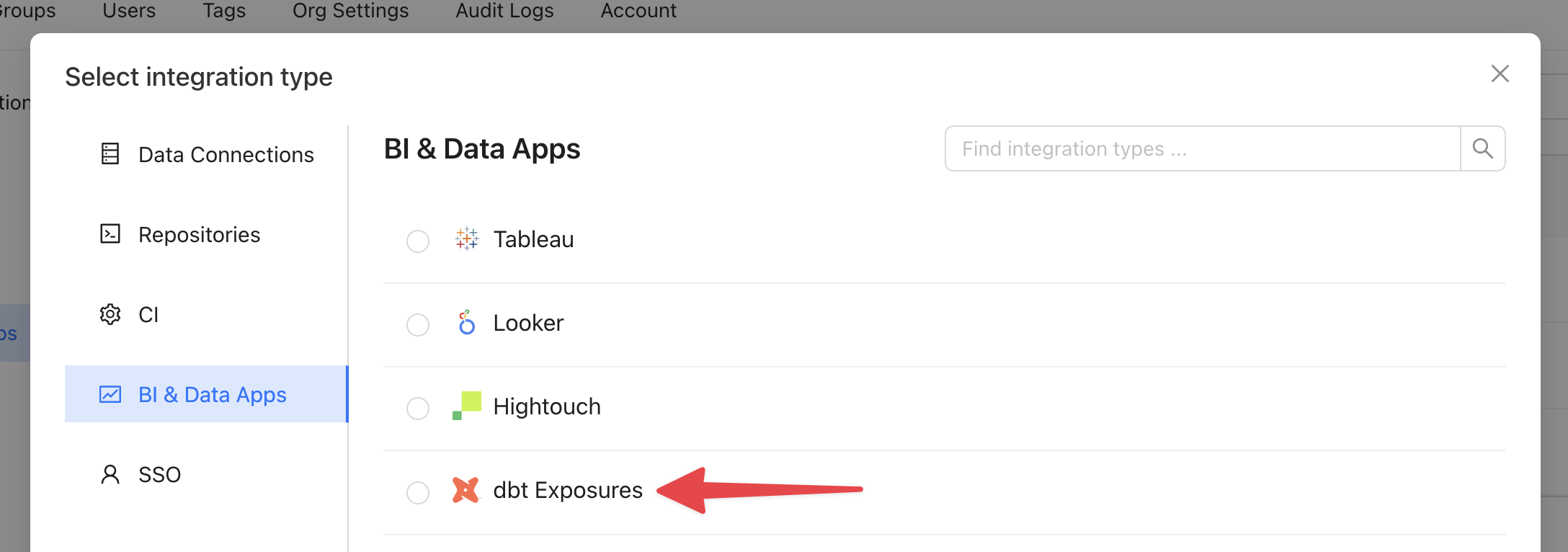
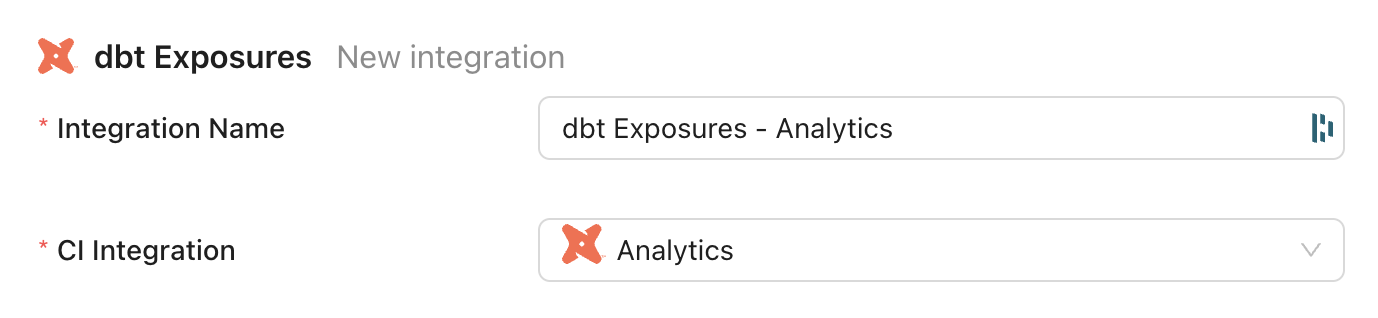 ## View dbt Exposures in Data Explorer
Your dbt Exposures may not appear in lineage immediately after setting up the integration. To force an update, return to the integration settings and select "Sync now".
When you visit Data Explorer, you'll now see the option to filter for dbt Exposures:
## View dbt Exposures in Data Explorer
Your dbt Exposures may not appear in lineage immediately after setting up the integration. To force an update, return to the integration settings and select "Sync now".
When you visit Data Explorer, you'll now see the option to filter for dbt Exposures:
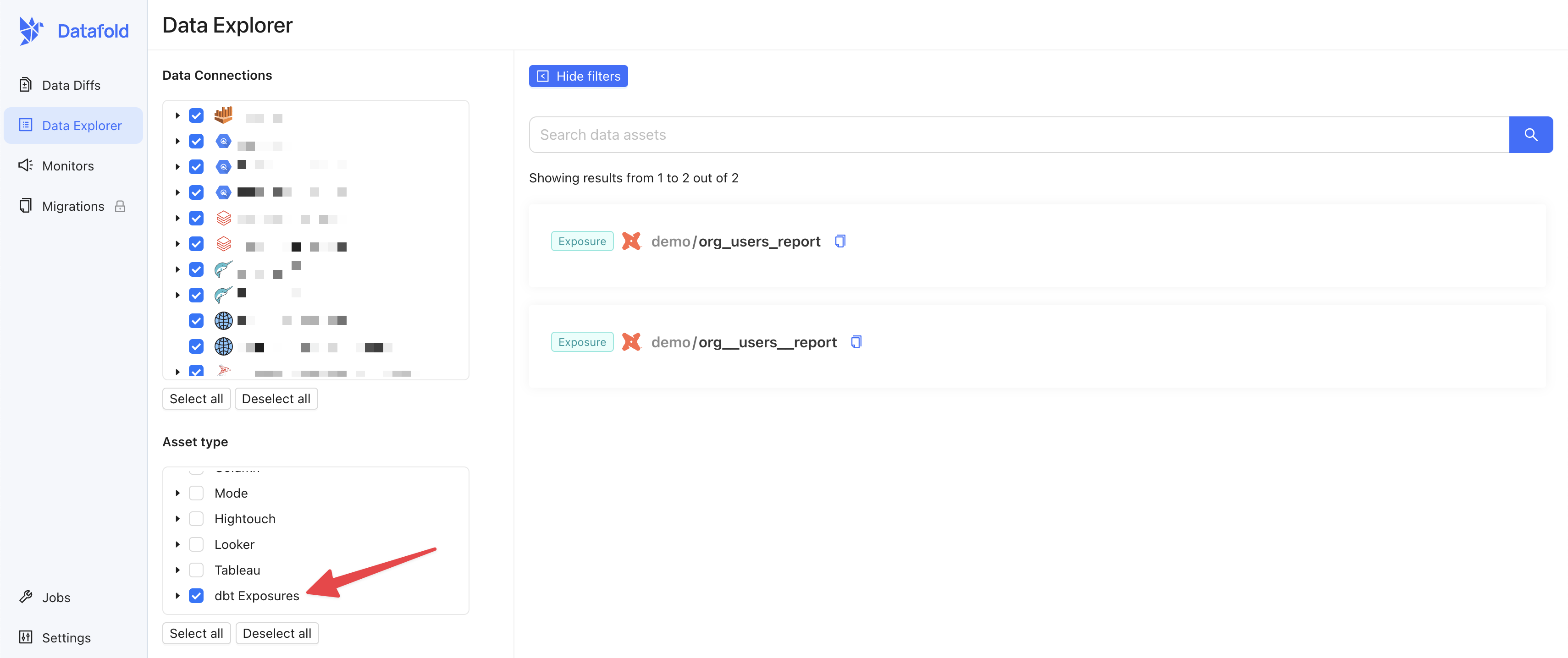 Your dbt Exposures will also appear in lineage:
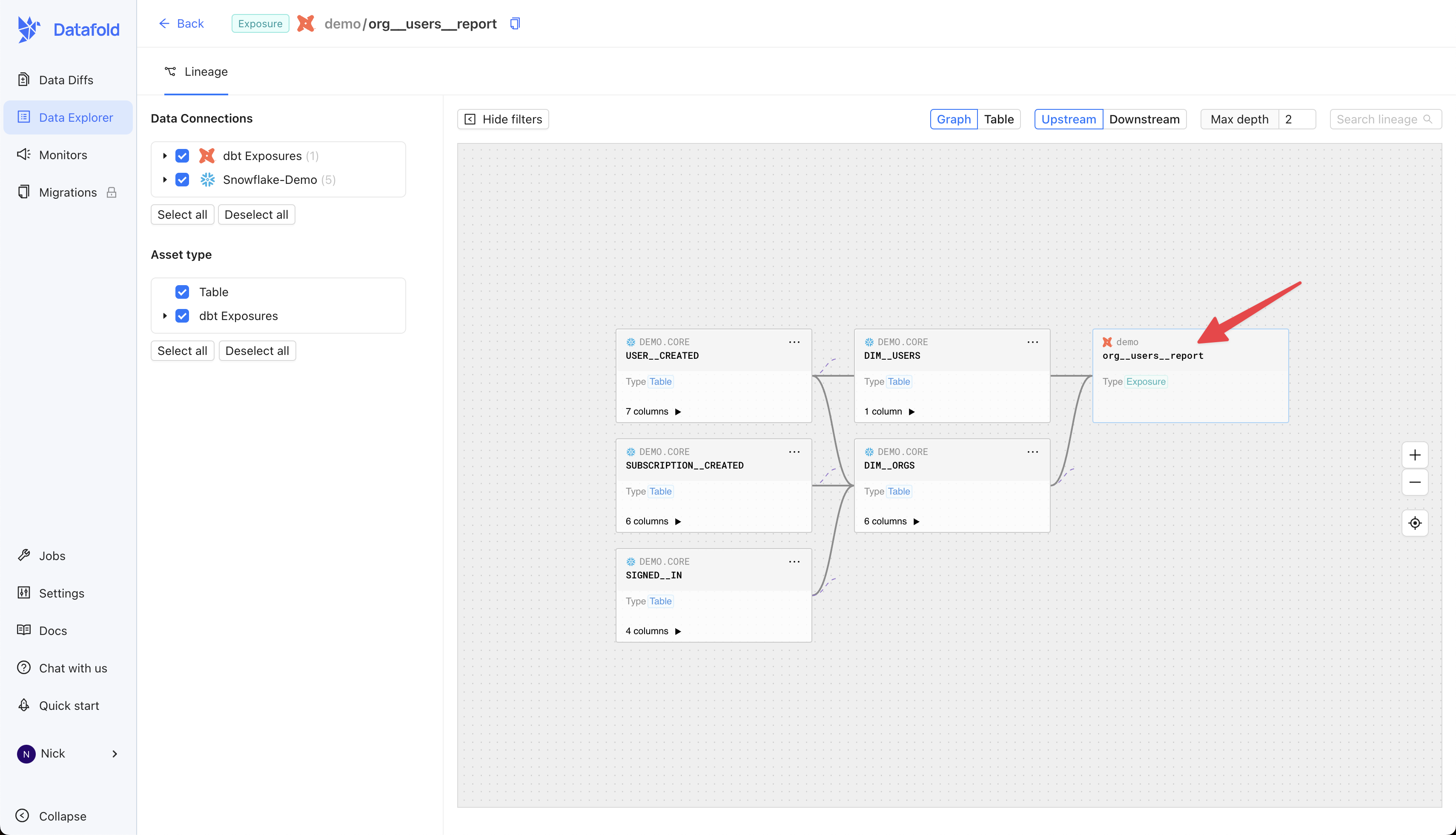 ---
# Source: https://docs.datafold.com/api-reference/monitors/delete-a-monitor.md
> ## Documentation Index
> Fetch the complete documentation index at: https://docs.datafold.com/llms.txt
> Use this file to discover all available pages before exploring further.
# Delete a Monitor
## OpenAPI
````yaml openapi-public.json delete /api/v1/monitors/{id}
openapi: 3.1.0
info:
contact:
email: support@datafold.com
name: API Support
description: >-
The Datafold API reference is a guide to our available endpoints and
authentication methods.
If you're just getting started with Datafold, we recommend first checking
out our [documentation](https://docs.datafold.com).
:::info
To use the Datafold API, you should first create a Datafold API Key,
which should be stored as a local environment variable named DATAFOLD_API_KEY.
This can be set in your Datafold Cloud's Settings under the Account page.
:::
title: Datafold API
version: latest
servers:
- description: Default server
url: https://app.datafold.com
security:
- ApiKeyAuth: []
paths:
/api/v1/monitors/{id}:
delete:
tags:
- Monitors
summary: Delete a Monitor
operationId: delete_monitor_api_v1_monitors__id__delete
parameters:
- description: The unique identifier of the monitor.
in: path
name: id
required: true
schema:
description: The unique identifier of the monitor.
title: Id
type: integer
responses:
'200':
content:
application/json:
schema: {}
description: Successful Response
'422':
content:
application/json:
schema:
$ref: '#/components/schemas/HTTPValidationError'
description: Validation Error
components:
schemas:
HTTPValidationError:
properties:
detail:
items:
$ref: '#/components/schemas/ValidationError'
title: Detail
type: array
title: HTTPValidationError
type: object
ValidationError:
properties:
loc:
items:
anyOf:
- type: string
- type: integer
title: Location
type: array
msg:
title: Message
type: string
type:
title: Error Type
type: string
required:
- loc
- msg
- type
title: ValidationError
type: object
securitySchemes:
ApiKeyAuth:
description: Use the 'Authorization' header with the format 'Key '
in: header
name: Authorization
type: apiKey
````
---
# Source: https://docs.datafold.com/deployment-testing/configuration/model-specific-ci/diff-timeline.md
> ## Documentation Index
> Fetch the complete documentation index at: https://docs.datafold.com/llms.txt
> Use this file to discover all available pages before exploring further.
# Diff Timeline
> Specify a `time_column` to visualize match rates between tables for each column over time.
```Bash theme={null}
models:
- name: users
meta:
datafold:
datadiff:
time_column: created_at
```
---
# Source: https://docs.datafold.com/integrations/databases/dremio.md
> ## Documentation Index
> Fetch the complete documentation index at: https://docs.datafold.com/llms.txt
> Use this file to discover all available pages before exploring further.
# Dremio
**INFO**
Column-level Lineage is not currently supported for Dremio.
**INFO**
Schemas for tables in external data sources need to be specified with quotes e.g., "Postgres prod.analytics.sales".
**Steps to complete:**
1. [Configure user in Dremio](/integrations/databases/dremio#configure-user-in-dremio)
2. [Create schema for Datafold](/integrations/databases/dremio#create-schema-for-datafold)
3. [Configure your data connection in Datafold](/integrations/databases/dremio#configure-in-datafold)
## Configure user in Dremio
To connect to Dremio, create a user with read-only access to all data sources you wish to diff and generate an access token.
Temporary tables will be created in the `$scratch` schema that doesn't require special permissions.
## Create schema for Datafold
Datafold utilizes a temporary dataset to materialize scratch work and keep data processing in the your warehouse.
## Configure in Datafold
| Field Name | Description |
| --------------------------- | ---------------------------------------------------------------------------------------------------------------------------------------------------------- |
| Connection name | A name given to the data connection within Datafold. |
| Host | The hostname for your Dremio instance (data.dremio.cloud for Dremio SaaS). |
| Port | Dremio endpoint port; default value is 433. |
| Encryption | Should be checked for Dremio Cloud, possibly unchecked for local deployments. |
| User ID | User ID as created in Dremio, typically an email address. |
| Project ID | Dremio Project UID. If left blank, the default project will be used. |
| Token | Access token generated in Dremio. |
| Password | Alternatively, provide a password. |
| Schema for temporary views | A Dremio space for temporary views. |
| Schema for temporary tables | \$scratch should suit most applications, or use "\.\" (with quotes) if you wish to create temporary tables in an external data source. |
Click **Create**. Your data connection is now ready!
---
# Source: https://docs.datafold.com/deployment-testing/configuration/model-specific-ci/excluding-models.md
> ## Documentation Index
> Fetch the complete documentation index at: https://docs.datafold.com/llms.txt
> Use this file to discover all available pages before exploring further.
# Excluding Models
> Use `never_diff` to exclude a model or subdirectory of models from data diffs.
```Bash theme={null}
models:
- name: users
meta:
datafold:
datadiff:
never_diff: true
```
---
# Source: https://docs.datafold.com/api-reference/data-sources/execute-a-sql-query-against-a-data-source.md
> ## Documentation Index
> Fetch the complete documentation index at: https://docs.datafold.com/llms.txt
> Use this file to discover all available pages before exploring further.
# Execute a SQL query against a data source
> Executes a SQL query against the specified data source and returns the results.
This endpoint allows you to run ad-hoc SQL queries for data exploration, validation, or analysis.
The query is executed using the data source's native query runner with the appropriate credentials.
**Streaming mode**: Use query parameter `?stream=true` or set `X-Stream-Response: true` header.
Streaming is only supported for certain data sources (e.g., Databricks).
When streaming, results are sent incrementally as valid JSON for memory efficiency.
Returns:
- Query results as rows with column metadata (name, type, description)
- Limited to a reasonable number of rows for performance
## OpenAPI
````yaml openapi-public.json post /api/v1/data_sources/{data_source_id}/query
openapi: 3.1.0
info:
contact:
email: support@datafold.com
name: API Support
description: >-
The Datafold API reference is a guide to our available endpoints and
authentication methods.
If you're just getting started with Datafold, we recommend first checking
out our [documentation](https://docs.datafold.com).
:::info
To use the Datafold API, you should first create a Datafold API Key,
which should be stored as a local environment variable named DATAFOLD_API_KEY.
This can be set in your Datafold Cloud's Settings under the Account page.
:::
title: Datafold API
version: latest
servers:
- description: Default server
url: https://app.datafold.com
security:
- ApiKeyAuth: []
paths:
/api/v1/data_sources/{data_source_id}/query:
post:
tags:
- Data sources
summary: Execute a SQL query against a data source
description: >-
Executes a SQL query against the specified data source and returns the
results.
This endpoint allows you to run ad-hoc SQL queries for data exploration,
validation, or analysis.
The query is executed using the data source's native query runner with
the appropriate credentials.
**Streaming mode**: Use query parameter `?stream=true` or set
`X-Stream-Response: true` header.
Streaming is only supported for certain data sources (e.g., Databricks).
When streaming, results are sent incrementally as valid JSON for memory
efficiency.
Returns:
- Query results as rows with column metadata (name, type, description)
- Limited to a reasonable number of rows for performance
operationId: run_query
parameters:
- in: path
name: data_source_id
required: true
schema:
title: Data source ID
type: integer
- description: Stream results as JSON
in: query
name: stream
required: false
schema:
default: false
description: Stream results as JSON
title: Stream
type: boolean
- in: header
name: X-Stream-Response
required: false
schema:
anyOf:
- type: string
- type: 'null'
title: X-Stream-Response
requestBody:
content:
application/json:
schema:
$ref: '#/components/schemas/ApiQueryRequest'
required: true
responses:
'200':
content:
application/json:
schema:
$ref: '#/components/schemas/ApiQueryResult'
description: Successful Response
'422':
content:
application/json:
schema:
$ref: '#/components/schemas/HTTPValidationError'
description: Validation Error
components:
schemas:
ApiQueryRequest:
properties:
params:
anyOf:
- items:
type: string
type: array
- type: 'null'
description: Positional parameters for parameterized queries
title: Params
query:
description: SQL query to execute
title: Query
type: string
required:
- query
title: ApiQueryRequest
type: object
ApiQueryResult:
properties:
columns:
anyOf:
- items:
$ref: '#/components/schemas/ApiQueryColumn'
type: array
- type: 'null'
title: Columns
rows:
items:
additionalProperties: true
type: object
title: Rows
type: array
required:
- rows
title: ApiQueryResult
type: object
HTTPValidationError:
properties:
detail:
items:
$ref: '#/components/schemas/ValidationError'
title: Detail
type: array
title: HTTPValidationError
type: object
ApiQueryColumn:
properties:
db_type:
anyOf:
- type: string
- type: 'null'
title: Db Type
description:
anyOf:
- type: string
- type: 'null'
title: Description
is_nullable:
anyOf:
- type: boolean
- type: 'null'
title: Is Nullable
name:
title: Name
type: string
number:
anyOf:
- type: integer
- type: 'null'
title: Number
type:
anyOf:
- type: string
- type: 'null'
title: Type
required:
- name
title: ApiQueryColumn
type: object
ValidationError:
properties:
loc:
items:
anyOf:
- type: string
- type: integer
title: Location
type: array
msg:
title: Message
type: string
type:
title: Error Type
type: string
required:
- loc
- msg
- type
title: ValidationError
type: object
securitySchemes:
ApiKeyAuth:
description: Use the 'Authorization' header with the format 'Key '
in: header
name: Authorization
type: apiKey
````
---
# Source: https://docs.datafold.com/api-reference/lineagev2/execute-custom-cypher-queries-against-the-lineage-graph.md
> ## Documentation Index
> Fetch the complete documentation index at: https://docs.datafold.com/llms.txt
> Use this file to discover all available pages before exploring further.
# Execute custom Cypher queries against the lineage graph
> Execute custom Cypher queries for advanced lineage analysis.
Allows running arbitrary Cypher queries against the Memgraph lineage database.
Returns results in both tabular format and graph format (nodes and edges).
WARNING: This is a power-user endpoint. All queries are logged for audit purposes.
Use this for custom analysis beyond the standard lineage endpoints, such as:
- Finding circular dependencies
- Complex multi-hop patterns
- Aggregation queries across lineage paths
- Custom graph algorithms
## OpenAPI
````yaml openapi-public.json post /api/v1/lineagev2/cypher
openapi: 3.1.0
info:
contact:
email: support@datafold.com
name: API Support
description: >-
The Datafold API reference is a guide to our available endpoints and
authentication methods.
If you're just getting started with Datafold, we recommend first checking
out our [documentation](https://docs.datafold.com).
:::info
To use the Datafold API, you should first create a Datafold API Key,
which should be stored as a local environment variable named DATAFOLD_API_KEY.
This can be set in your Datafold Cloud's Settings under the Account page.
:::
title: Datafold API
version: latest
servers:
- description: Default server
url: https://app.datafold.com
security:
- ApiKeyAuth: []
paths:
/api/v1/lineagev2/cypher:
post:
tags:
- lineagev2
summary: Execute custom Cypher queries against the lineage graph
description: >-
Execute custom Cypher queries for advanced lineage analysis.
Allows running arbitrary Cypher queries against the Memgraph lineage
database.
Returns results in both tabular format and graph format (nodes and
edges).
WARNING: This is a power-user endpoint. All queries are logged for audit
purposes.
Use this for custom analysis beyond the standard lineage endpoints, such
as:
- Finding circular dependencies
- Complex multi-hop patterns
- Aggregation queries across lineage paths
- Custom graph algorithms
operationId: lineagev2_run_cypher
requestBody:
content:
application/json:
schema:
$ref: '#/components/schemas/CypherRequest'
required: true
responses:
'200':
content:
application/json:
schema:
$ref: '#/components/schemas/CypherResponse'
description: Successful Response
'422':
content:
application/json:
schema:
$ref: '#/components/schemas/HTTPValidationError'
description: Validation Error
components:
schemas:
CypherRequest:
properties:
query:
title: Query
type: string
required:
- query
title: CypherRequest
type: object
CypherResponse:
properties:
columns:
items:
type: string
title: Columns
type: array
edges:
items:
$ref: '#/components/schemas/CypherEdge'
title: Edges
type: array
nodes:
items:
$ref: '#/components/schemas/CypherNode'
title: Nodes
type: array
results:
items:
additionalProperties: true
type: object
title: Results
type: array
required:
- columns
- results
- nodes
- edges
title: CypherResponse
type: object
HTTPValidationError:
properties:
detail:
items:
$ref: '#/components/schemas/ValidationError'
title: Detail
type: array
title: HTTPValidationError
type: object
CypherEdge:
properties:
id:
title: Id
type: string
properties:
additionalProperties: true
title: Properties
type: object
source:
title: Source
type: string
target:
title: Target
type: string
type:
title: Type
type: string
required:
- id
- source
- target
- type
- properties
title: CypherEdge
type: object
CypherNode:
properties:
id:
title: Id
type: string
labels:
items:
type: string
title: Labels
type: array
properties:
additionalProperties: true
title: Properties
type: object
required:
- id
- labels
- properties
title: CypherNode
type: object
ValidationError:
properties:
loc:
items:
anyOf:
- type: string
- type: integer
title: Location
type: array
msg:
title: Message
type: string
type:
title: Error Type
type: string
required:
- loc
- msg
- type
title: ValidationError
type: object
securitySchemes:
ApiKeyAuth:
description: Use the 'Authorization' header with the format 'Key '
in: header
name: Authorization
type: apiKey
````
---
# Source: https://docs.datafold.com/support/faq-redirect.md
> ## Documentation Index
> Fetch the complete documentation index at: https://docs.datafold.com/llms.txt
> Use this file to discover all available pages before exploring further.
# Overview
> Get answers to the most common questions regarding our product.
Have a question that isn’t answered here? Feel free to reach out to us at [support@datafold.com](mailto:support@datafold.com), and we’ll be happy to assist you!
---
# Source: https://docs.datafold.com/data-diff/file-diffing.md
# File Diffing
> Datafold allows you to diff files (e.g. CSV, Excel, Parquet, etc.) in a similar way to how you diff tables.
If you'd like to enable file diffing for your organization, please contact [support@datafold.com](mailto:support@datafold.com).
In addition to diffing data in tables, views, and SQL queries, Datafold allows you to diff data in files hosted in cloud storage. For example, you can diff between an Excel file and a Snowflake table, or between a CSV file and an Excel file.
## Supported cloud storage providers
Datafold supports diffing files in the following cloud storage providers, with plans to support more in the future:
* Amazon S3
* Azure Blob Storage
* Azure Data Lake Storage (ADLS)
* Google Cloud Storage
## Supported file types
Datafold supports diffing the following file types:
* Tabular text files (e.g. `.csv`, `.tsv`, `.txt`, `.dat`)
* Excel (`.xlsx`, `.xls`)
* Parquet (`.parquet`)
## Type-specific options
Depending on the type of file you're diffing, you'll have a few options to specify how you'd like to parse the file.
For example, when diffing a tabular text file, you can specify the delimiter and skip header/footer rows.
---
# Source: https://docs.datafold.com/api-reference/monitors/delete-a-monitor.md
> ## Documentation Index
> Fetch the complete documentation index at: https://docs.datafold.com/llms.txt
> Use this file to discover all available pages before exploring further.
# Delete a Monitor
## OpenAPI
````yaml openapi-public.json delete /api/v1/monitors/{id}
openapi: 3.1.0
info:
contact:
email: support@datafold.com
name: API Support
description: >-
The Datafold API reference is a guide to our available endpoints and
authentication methods.
If you're just getting started with Datafold, we recommend first checking
out our [documentation](https://docs.datafold.com).
:::info
To use the Datafold API, you should first create a Datafold API Key,
which should be stored as a local environment variable named DATAFOLD_API_KEY.
This can be set in your Datafold Cloud's Settings under the Account page.
:::
title: Datafold API
version: latest
servers:
- description: Default server
url: https://app.datafold.com
security:
- ApiKeyAuth: []
paths:
/api/v1/monitors/{id}:
delete:
tags:
- Monitors
summary: Delete a Monitor
operationId: delete_monitor_api_v1_monitors__id__delete
parameters:
- description: The unique identifier of the monitor.
in: path
name: id
required: true
schema:
description: The unique identifier of the monitor.
title: Id
type: integer
responses:
'200':
content:
application/json:
schema: {}
description: Successful Response
'422':
content:
application/json:
schema:
$ref: '#/components/schemas/HTTPValidationError'
description: Validation Error
components:
schemas:
HTTPValidationError:
properties:
detail:
items:
$ref: '#/components/schemas/ValidationError'
title: Detail
type: array
title: HTTPValidationError
type: object
ValidationError:
properties:
loc:
items:
anyOf:
- type: string
- type: integer
title: Location
type: array
msg:
title: Message
type: string
type:
title: Error Type
type: string
required:
- loc
- msg
- type
title: ValidationError
type: object
securitySchemes:
ApiKeyAuth:
description: Use the 'Authorization' header with the format 'Key '
in: header
name: Authorization
type: apiKey
````
---
# Source: https://docs.datafold.com/deployment-testing/configuration/model-specific-ci/diff-timeline.md
> ## Documentation Index
> Fetch the complete documentation index at: https://docs.datafold.com/llms.txt
> Use this file to discover all available pages before exploring further.
# Diff Timeline
> Specify a `time_column` to visualize match rates between tables for each column over time.
```Bash theme={null}
models:
- name: users
meta:
datafold:
datadiff:
time_column: created_at
```
---
# Source: https://docs.datafold.com/integrations/databases/dremio.md
> ## Documentation Index
> Fetch the complete documentation index at: https://docs.datafold.com/llms.txt
> Use this file to discover all available pages before exploring further.
# Dremio
**INFO**
Column-level Lineage is not currently supported for Dremio.
**INFO**
Schemas for tables in external data sources need to be specified with quotes e.g., "Postgres prod.analytics.sales".
**Steps to complete:**
1. [Configure user in Dremio](/integrations/databases/dremio#configure-user-in-dremio)
2. [Create schema for Datafold](/integrations/databases/dremio#create-schema-for-datafold)
3. [Configure your data connection in Datafold](/integrations/databases/dremio#configure-in-datafold)
## Configure user in Dremio
To connect to Dremio, create a user with read-only access to all data sources you wish to diff and generate an access token.
Temporary tables will be created in the `$scratch` schema that doesn't require special permissions.
## Create schema for Datafold
Datafold utilizes a temporary dataset to materialize scratch work and keep data processing in the your warehouse.
## Configure in Datafold
| Field Name | Description |
| --------------------------- | ---------------------------------------------------------------------------------------------------------------------------------------------------------- |
| Connection name | A name given to the data connection within Datafold. |
| Host | The hostname for your Dremio instance (data.dremio.cloud for Dremio SaaS). |
| Port | Dremio endpoint port; default value is 433. |
| Encryption | Should be checked for Dremio Cloud, possibly unchecked for local deployments. |
| User ID | User ID as created in Dremio, typically an email address. |
| Project ID | Dremio Project UID. If left blank, the default project will be used. |
| Token | Access token generated in Dremio. |
| Password | Alternatively, provide a password. |
| Schema for temporary views | A Dremio space for temporary views. |
| Schema for temporary tables | \$scratch should suit most applications, or use "\.\" (with quotes) if you wish to create temporary tables in an external data source. |
Click **Create**. Your data connection is now ready!
---
# Source: https://docs.datafold.com/deployment-testing/configuration/model-specific-ci/excluding-models.md
> ## Documentation Index
> Fetch the complete documentation index at: https://docs.datafold.com/llms.txt
> Use this file to discover all available pages before exploring further.
# Excluding Models
> Use `never_diff` to exclude a model or subdirectory of models from data diffs.
```Bash theme={null}
models:
- name: users
meta:
datafold:
datadiff:
never_diff: true
```
---
# Source: https://docs.datafold.com/api-reference/data-sources/execute-a-sql-query-against-a-data-source.md
> ## Documentation Index
> Fetch the complete documentation index at: https://docs.datafold.com/llms.txt
> Use this file to discover all available pages before exploring further.
# Execute a SQL query against a data source
> Executes a SQL query against the specified data source and returns the results.
This endpoint allows you to run ad-hoc SQL queries for data exploration, validation, or analysis.
The query is executed using the data source's native query runner with the appropriate credentials.
**Streaming mode**: Use query parameter `?stream=true` or set `X-Stream-Response: true` header.
Streaming is only supported for certain data sources (e.g., Databricks).
When streaming, results are sent incrementally as valid JSON for memory efficiency.
Returns:
- Query results as rows with column metadata (name, type, description)
- Limited to a reasonable number of rows for performance
## OpenAPI
````yaml openapi-public.json post /api/v1/data_sources/{data_source_id}/query
openapi: 3.1.0
info:
contact:
email: support@datafold.com
name: API Support
description: >-
The Datafold API reference is a guide to our available endpoints and
authentication methods.
If you're just getting started with Datafold, we recommend first checking
out our [documentation](https://docs.datafold.com).
:::info
To use the Datafold API, you should first create a Datafold API Key,
which should be stored as a local environment variable named DATAFOLD_API_KEY.
This can be set in your Datafold Cloud's Settings under the Account page.
:::
title: Datafold API
version: latest
servers:
- description: Default server
url: https://app.datafold.com
security:
- ApiKeyAuth: []
paths:
/api/v1/data_sources/{data_source_id}/query:
post:
tags:
- Data sources
summary: Execute a SQL query against a data source
description: >-
Executes a SQL query against the specified data source and returns the
results.
This endpoint allows you to run ad-hoc SQL queries for data exploration,
validation, or analysis.
The query is executed using the data source's native query runner with
the appropriate credentials.
**Streaming mode**: Use query parameter `?stream=true` or set
`X-Stream-Response: true` header.
Streaming is only supported for certain data sources (e.g., Databricks).
When streaming, results are sent incrementally as valid JSON for memory
efficiency.
Returns:
- Query results as rows with column metadata (name, type, description)
- Limited to a reasonable number of rows for performance
operationId: run_query
parameters:
- in: path
name: data_source_id
required: true
schema:
title: Data source ID
type: integer
- description: Stream results as JSON
in: query
name: stream
required: false
schema:
default: false
description: Stream results as JSON
title: Stream
type: boolean
- in: header
name: X-Stream-Response
required: false
schema:
anyOf:
- type: string
- type: 'null'
title: X-Stream-Response
requestBody:
content:
application/json:
schema:
$ref: '#/components/schemas/ApiQueryRequest'
required: true
responses:
'200':
content:
application/json:
schema:
$ref: '#/components/schemas/ApiQueryResult'
description: Successful Response
'422':
content:
application/json:
schema:
$ref: '#/components/schemas/HTTPValidationError'
description: Validation Error
components:
schemas:
ApiQueryRequest:
properties:
params:
anyOf:
- items:
type: string
type: array
- type: 'null'
description: Positional parameters for parameterized queries
title: Params
query:
description: SQL query to execute
title: Query
type: string
required:
- query
title: ApiQueryRequest
type: object
ApiQueryResult:
properties:
columns:
anyOf:
- items:
$ref: '#/components/schemas/ApiQueryColumn'
type: array
- type: 'null'
title: Columns
rows:
items:
additionalProperties: true
type: object
title: Rows
type: array
required:
- rows
title: ApiQueryResult
type: object
HTTPValidationError:
properties:
detail:
items:
$ref: '#/components/schemas/ValidationError'
title: Detail
type: array
title: HTTPValidationError
type: object
ApiQueryColumn:
properties:
db_type:
anyOf:
- type: string
- type: 'null'
title: Db Type
description:
anyOf:
- type: string
- type: 'null'
title: Description
is_nullable:
anyOf:
- type: boolean
- type: 'null'
title: Is Nullable
name:
title: Name
type: string
number:
anyOf:
- type: integer
- type: 'null'
title: Number
type:
anyOf:
- type: string
- type: 'null'
title: Type
required:
- name
title: ApiQueryColumn
type: object
ValidationError:
properties:
loc:
items:
anyOf:
- type: string
- type: integer
title: Location
type: array
msg:
title: Message
type: string
type:
title: Error Type
type: string
required:
- loc
- msg
- type
title: ValidationError
type: object
securitySchemes:
ApiKeyAuth:
description: Use the 'Authorization' header with the format 'Key '
in: header
name: Authorization
type: apiKey
````
---
# Source: https://docs.datafold.com/api-reference/lineagev2/execute-custom-cypher-queries-against-the-lineage-graph.md
> ## Documentation Index
> Fetch the complete documentation index at: https://docs.datafold.com/llms.txt
> Use this file to discover all available pages before exploring further.
# Execute custom Cypher queries against the lineage graph
> Execute custom Cypher queries for advanced lineage analysis.
Allows running arbitrary Cypher queries against the Memgraph lineage database.
Returns results in both tabular format and graph format (nodes and edges).
WARNING: This is a power-user endpoint. All queries are logged for audit purposes.
Use this for custom analysis beyond the standard lineage endpoints, such as:
- Finding circular dependencies
- Complex multi-hop patterns
- Aggregation queries across lineage paths
- Custom graph algorithms
## OpenAPI
````yaml openapi-public.json post /api/v1/lineagev2/cypher
openapi: 3.1.0
info:
contact:
email: support@datafold.com
name: API Support
description: >-
The Datafold API reference is a guide to our available endpoints and
authentication methods.
If you're just getting started with Datafold, we recommend first checking
out our [documentation](https://docs.datafold.com).
:::info
To use the Datafold API, you should first create a Datafold API Key,
which should be stored as a local environment variable named DATAFOLD_API_KEY.
This can be set in your Datafold Cloud's Settings under the Account page.
:::
title: Datafold API
version: latest
servers:
- description: Default server
url: https://app.datafold.com
security:
- ApiKeyAuth: []
paths:
/api/v1/lineagev2/cypher:
post:
tags:
- lineagev2
summary: Execute custom Cypher queries against the lineage graph
description: >-
Execute custom Cypher queries for advanced lineage analysis.
Allows running arbitrary Cypher queries against the Memgraph lineage
database.
Returns results in both tabular format and graph format (nodes and
edges).
WARNING: This is a power-user endpoint. All queries are logged for audit
purposes.
Use this for custom analysis beyond the standard lineage endpoints, such
as:
- Finding circular dependencies
- Complex multi-hop patterns
- Aggregation queries across lineage paths
- Custom graph algorithms
operationId: lineagev2_run_cypher
requestBody:
content:
application/json:
schema:
$ref: '#/components/schemas/CypherRequest'
required: true
responses:
'200':
content:
application/json:
schema:
$ref: '#/components/schemas/CypherResponse'
description: Successful Response
'422':
content:
application/json:
schema:
$ref: '#/components/schemas/HTTPValidationError'
description: Validation Error
components:
schemas:
CypherRequest:
properties:
query:
title: Query
type: string
required:
- query
title: CypherRequest
type: object
CypherResponse:
properties:
columns:
items:
type: string
title: Columns
type: array
edges:
items:
$ref: '#/components/schemas/CypherEdge'
title: Edges
type: array
nodes:
items:
$ref: '#/components/schemas/CypherNode'
title: Nodes
type: array
results:
items:
additionalProperties: true
type: object
title: Results
type: array
required:
- columns
- results
- nodes
- edges
title: CypherResponse
type: object
HTTPValidationError:
properties:
detail:
items:
$ref: '#/components/schemas/ValidationError'
title: Detail
type: array
title: HTTPValidationError
type: object
CypherEdge:
properties:
id:
title: Id
type: string
properties:
additionalProperties: true
title: Properties
type: object
source:
title: Source
type: string
target:
title: Target
type: string
type:
title: Type
type: string
required:
- id
- source
- target
- type
- properties
title: CypherEdge
type: object
CypherNode:
properties:
id:
title: Id
type: string
labels:
items:
type: string
title: Labels
type: array
properties:
additionalProperties: true
title: Properties
type: object
required:
- id
- labels
- properties
title: CypherNode
type: object
ValidationError:
properties:
loc:
items:
anyOf:
- type: string
- type: integer
title: Location
type: array
msg:
title: Message
type: string
type:
title: Error Type
type: string
required:
- loc
- msg
- type
title: ValidationError
type: object
securitySchemes:
ApiKeyAuth:
description: Use the 'Authorization' header with the format 'Key '
in: header
name: Authorization
type: apiKey
````
---
# Source: https://docs.datafold.com/support/faq-redirect.md
> ## Documentation Index
> Fetch the complete documentation index at: https://docs.datafold.com/llms.txt
> Use this file to discover all available pages before exploring further.
# Overview
> Get answers to the most common questions regarding our product.
Have a question that isn’t answered here? Feel free to reach out to us at [support@datafold.com](mailto:support@datafold.com), and we’ll be happy to assist you!
---
# Source: https://docs.datafold.com/data-diff/file-diffing.md
# File Diffing
> Datafold allows you to diff files (e.g. CSV, Excel, Parquet, etc.) in a similar way to how you diff tables.
If you'd like to enable file diffing for your organization, please contact [support@datafold.com](mailto:support@datafold.com).
In addition to diffing data in tables, views, and SQL queries, Datafold allows you to diff data in files hosted in cloud storage. For example, you can diff between an Excel file and a Snowflake table, or between a CSV file and an Excel file.
## Supported cloud storage providers
Datafold supports diffing files in the following cloud storage providers, with plans to support more in the future:
* Amazon S3
* Azure Blob Storage
* Azure Data Lake Storage (ADLS)
* Google Cloud Storage
## Supported file types
Datafold supports diffing the following file types:
* Tabular text files (e.g. `.csv`, `.tsv`, `.txt`, `.dat`)
* Excel (`.xlsx`, `.xls`)
* Parquet (`.parquet`)
## Type-specific options
Depending on the type of file you're diffing, you'll have a few options to specify how you'd like to parse the file.
For example, when diffing a tabular text file, you can specify the delimiter and skip header/footer rows.
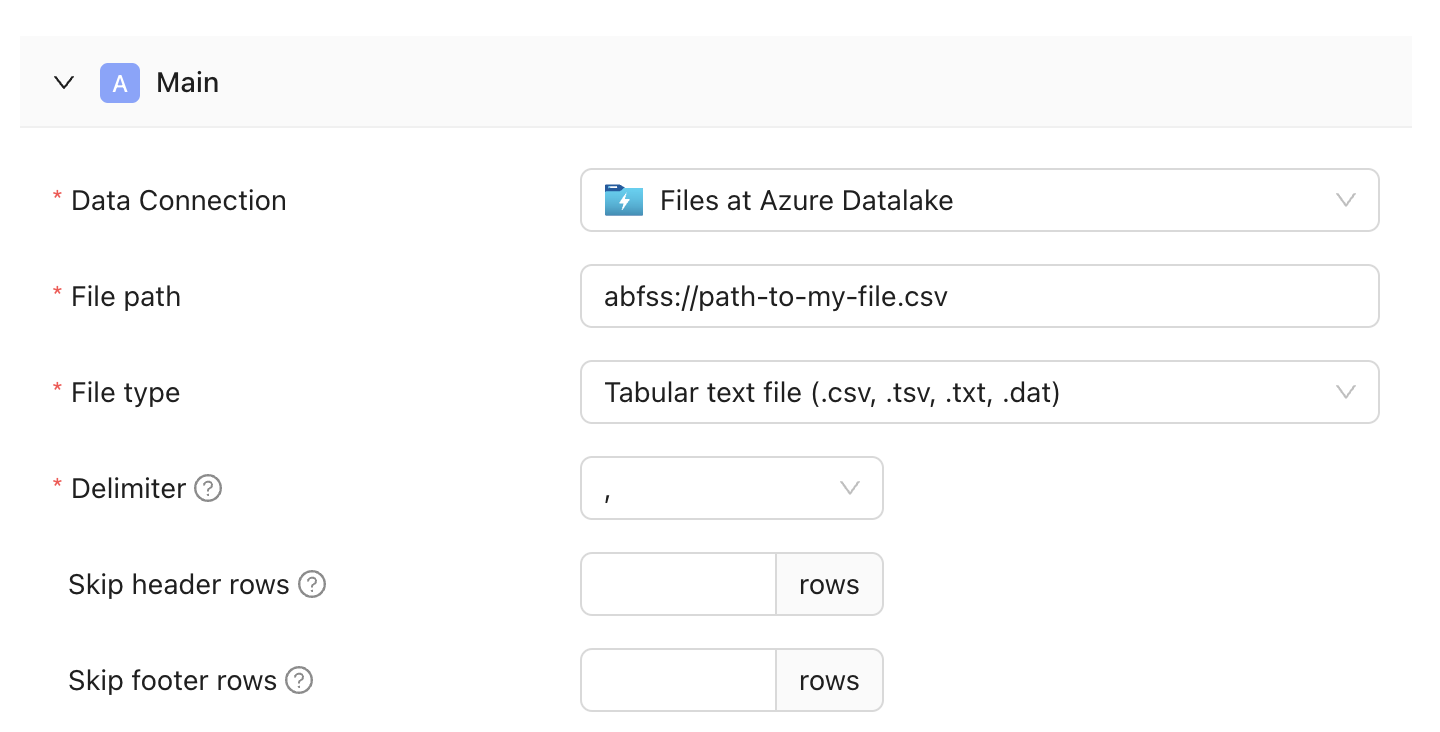 ---
# Source: https://docs.datafold.com/deployment-testing/getting-started/universal/fully-automated.md
# Fully-Automated
> Automatically diff tables modified in a pull request with Datafold's Fully-Automated CI integration.
Our Fully-Automated CI integration enables you to automatically diff tables modified in a pull request so you know exactly how your data will change before going to production.
We do this by analyzing the SQL in any changed files, extracting the relevant table names, and diffing those tables between your staging and production environments. We then post the results of those diffs—including any downstream impact—to your pull request for all to see. All without manual intervention.
## Prerequisites
* Your code must be hosted in one of our supported version control integrations
* Your tables/views must be defined in SQL
* Your schema names must be parameterized ([see below](#4-parameterize-schema-names))
* You must be automatically generating staging data ([more info](/deployment-testing/how-it-works))
## Get Started
Get started in just a few easy steps.
### 1. Generate a Datafold API key
If you haven't already generated an API key (you only need one), visit Settings > Account and select **Create API Key**. Save the key somewhere safe like a password manager, as you won't be able to view it later.
### 2. Set up a version control integration
Open the Datafold app and navigate to Settings > Integrations > Repositories to connect the repository that contains the code you'd like to automatically diff.
### 3. Add a step to your CI workflow
This example assumes you're using GitHub actions, but the approach generalizes to any version control tool we support including GitLab, Bitbucket, etc.
Either [create a new GitHub Action](https://docs.github.com/en/actions/writing-workflows/quickstart) or add the following steps to an existing one:
```yaml theme={null}
- name: Install datafold-sdk
run: pip install -q datafold-sdk
- name: Trigger Datafold CI
run: |
datafold ci auto trigger --ci-config-id $CI_CONF_ID --pr-num $PR_NUM
--base-sha $BASE_SHA --pr-sha $PR_SHA --reference-params "$REFERENCE_PARAMS"
--pr-params "$PR_PARAMS"
env:
DATAFOLD_API_KEY: ${{ secrets.DATAFOLD_API_KEY }}
CI_CONF_ID: 436
PR_NUM: "${{ steps.findPr.outputs.pr }}"
PR_SHA: "${{ github.event.pull_request.head.sha }}"
BASE_SHA: ${{ github.event.pull_request.base.sha }}
REFERENCE_PARAMS: '{ "target_schema": "nc_default" }'
PR_PARAMS: "{ \"target_schema\": \"${{ env.TARGET_SCHEMA }}\" }"
```
### 4. Parameterize schema names
If it's not already the case, you'll need to parameterize the schema for any table paths you'd like Datafold to diff. For example, let's say you have a file called `dim_orgs.sql` that defines a table called `DIM_ORGS` in your warehouse. Your SQL should look something like this:
```sql theme={null}
-- datafold: pk=org_id
CREATE OR REPLACE TABLE analytics.${target_schema}.dim_orgs AS (
SELECT
org_id,
org_name,
employee_count,
created_at
FROM analytics.${target_schema}.org_created
);
```
### 5. Provide primary keys (optional)
While this step is technically optional, we strongly recommend providing primary keys for any tables you'd like Datafold to diff.
In order for Datafold to perform full value-level comparisons between staging and production tables, Datafold needs to know the primary keys. To provide this information, place a comment above each query using the `-- datafold: pk=` syntax shown below:
```sql theme={null}
-- datafold: pk=org_id
CREATE OR REPLACE TABLE analytics.${target_schema}.dim_orgs AS (
SELECT
org_id,
...
```
### 6. Create a pull request
When you create a pull request, Datafold will automatically detect it, attempt to diff any tables modified in the code, and post a summary as a comment in the PR. You can click through on the comment to view a more complete analysis of the changes in the Datafold app. Happy diffing!
## Need help?
If you have any questions about Fully-Automated CI, please reach out to our team via Slack, in-app chat, or email us at [support@datafold.com](mailto:support@datafold.com).
---
# Source: https://docs.datafold.com/datafold-deployment/dedicated-cloud/gcp.md
> ## Documentation Index
> Fetch the complete documentation index at: https://docs.datafold.com/llms.txt
> Use this file to discover all available pages before exploring further.
# Datafold VPC Deployment on GCP
> Learn how to deploy Datafold in a Virtual Private Cloud (VPC) on GCP.
**INFO**
VPC deployments are an Enterprise feature. Please email [sales@datafold.com](mailto:sales@datafold.com) to enable your account.
## Create a Domain Name (optional)
You can either choose to use your domain (for example, `datafold.domain.tld`) or to use a Datafold managed domain (for example, `yourcompany.dedicated.datafold.com`).
### Customer Managed Domain Name
Create a DNS A-record for the domain where Datafold will be hosted. For the DNS record, there are two options:
* **Public-facing:** When the domain is publicly available, we will provide an SSL certificate for the endpoint.
* **Internal:** It is also possible to have Datafold disconnected from the internet. This would require an internal DNS (for example, AWS Route 53) record that points to the Datafold instance. It is possible to provide your own certificate for setting up the SSL connection.
Once the deployment is complete, you will point that A-record to the IP address of the Datafold service.
## Create a New Project
For isolation reasons, it is best practice to [create a new project](https://console.cloud.google.com/projectcreate) within your GCP organization. Please call it something like `yourcompany-datafold` to make it easy to identify:
---
# Source: https://docs.datafold.com/deployment-testing/getting-started/universal/fully-automated.md
# Fully-Automated
> Automatically diff tables modified in a pull request with Datafold's Fully-Automated CI integration.
Our Fully-Automated CI integration enables you to automatically diff tables modified in a pull request so you know exactly how your data will change before going to production.
We do this by analyzing the SQL in any changed files, extracting the relevant table names, and diffing those tables between your staging and production environments. We then post the results of those diffs—including any downstream impact—to your pull request for all to see. All without manual intervention.
## Prerequisites
* Your code must be hosted in one of our supported version control integrations
* Your tables/views must be defined in SQL
* Your schema names must be parameterized ([see below](#4-parameterize-schema-names))
* You must be automatically generating staging data ([more info](/deployment-testing/how-it-works))
## Get Started
Get started in just a few easy steps.
### 1. Generate a Datafold API key
If you haven't already generated an API key (you only need one), visit Settings > Account and select **Create API Key**. Save the key somewhere safe like a password manager, as you won't be able to view it later.
### 2. Set up a version control integration
Open the Datafold app and navigate to Settings > Integrations > Repositories to connect the repository that contains the code you'd like to automatically diff.
### 3. Add a step to your CI workflow
This example assumes you're using GitHub actions, but the approach generalizes to any version control tool we support including GitLab, Bitbucket, etc.
Either [create a new GitHub Action](https://docs.github.com/en/actions/writing-workflows/quickstart) or add the following steps to an existing one:
```yaml theme={null}
- name: Install datafold-sdk
run: pip install -q datafold-sdk
- name: Trigger Datafold CI
run: |
datafold ci auto trigger --ci-config-id $CI_CONF_ID --pr-num $PR_NUM
--base-sha $BASE_SHA --pr-sha $PR_SHA --reference-params "$REFERENCE_PARAMS"
--pr-params "$PR_PARAMS"
env:
DATAFOLD_API_KEY: ${{ secrets.DATAFOLD_API_KEY }}
CI_CONF_ID: 436
PR_NUM: "${{ steps.findPr.outputs.pr }}"
PR_SHA: "${{ github.event.pull_request.head.sha }}"
BASE_SHA: ${{ github.event.pull_request.base.sha }}
REFERENCE_PARAMS: '{ "target_schema": "nc_default" }'
PR_PARAMS: "{ \"target_schema\": \"${{ env.TARGET_SCHEMA }}\" }"
```
### 4. Parameterize schema names
If it's not already the case, you'll need to parameterize the schema for any table paths you'd like Datafold to diff. For example, let's say you have a file called `dim_orgs.sql` that defines a table called `DIM_ORGS` in your warehouse. Your SQL should look something like this:
```sql theme={null}
-- datafold: pk=org_id
CREATE OR REPLACE TABLE analytics.${target_schema}.dim_orgs AS (
SELECT
org_id,
org_name,
employee_count,
created_at
FROM analytics.${target_schema}.org_created
);
```
### 5. Provide primary keys (optional)
While this step is technically optional, we strongly recommend providing primary keys for any tables you'd like Datafold to diff.
In order for Datafold to perform full value-level comparisons between staging and production tables, Datafold needs to know the primary keys. To provide this information, place a comment above each query using the `-- datafold: pk=` syntax shown below:
```sql theme={null}
-- datafold: pk=org_id
CREATE OR REPLACE TABLE analytics.${target_schema}.dim_orgs AS (
SELECT
org_id,
...
```
### 6. Create a pull request
When you create a pull request, Datafold will automatically detect it, attempt to diff any tables modified in the code, and post a summary as a comment in the PR. You can click through on the comment to view a more complete analysis of the changes in the Datafold app. Happy diffing!
## Need help?
If you have any questions about Fully-Automated CI, please reach out to our team via Slack, in-app chat, or email us at [support@datafold.com](mailto:support@datafold.com).
---
# Source: https://docs.datafold.com/datafold-deployment/dedicated-cloud/gcp.md
> ## Documentation Index
> Fetch the complete documentation index at: https://docs.datafold.com/llms.txt
> Use this file to discover all available pages before exploring further.
# Datafold VPC Deployment on GCP
> Learn how to deploy Datafold in a Virtual Private Cloud (VPC) on GCP.
**INFO**
VPC deployments are an Enterprise feature. Please email [sales@datafold.com](mailto:sales@datafold.com) to enable your account.
## Create a Domain Name (optional)
You can either choose to use your domain (for example, `datafold.domain.tld`) or to use a Datafold managed domain (for example, `yourcompany.dedicated.datafold.com`).
### Customer Managed Domain Name
Create a DNS A-record for the domain where Datafold will be hosted. For the DNS record, there are two options:
* **Public-facing:** When the domain is publicly available, we will provide an SSL certificate for the endpoint.
* **Internal:** It is also possible to have Datafold disconnected from the internet. This would require an internal DNS (for example, AWS Route 53) record that points to the Datafold instance. It is possible to provide your own certificate for setting up the SSL connection.
Once the deployment is complete, you will point that A-record to the IP address of the Datafold service.
## Create a New Project
For isolation reasons, it is best practice to [create a new project](https://console.cloud.google.com/projectcreate) within your GCP organization. Please call it something like `yourcompany-datafold` to make it easy to identify:
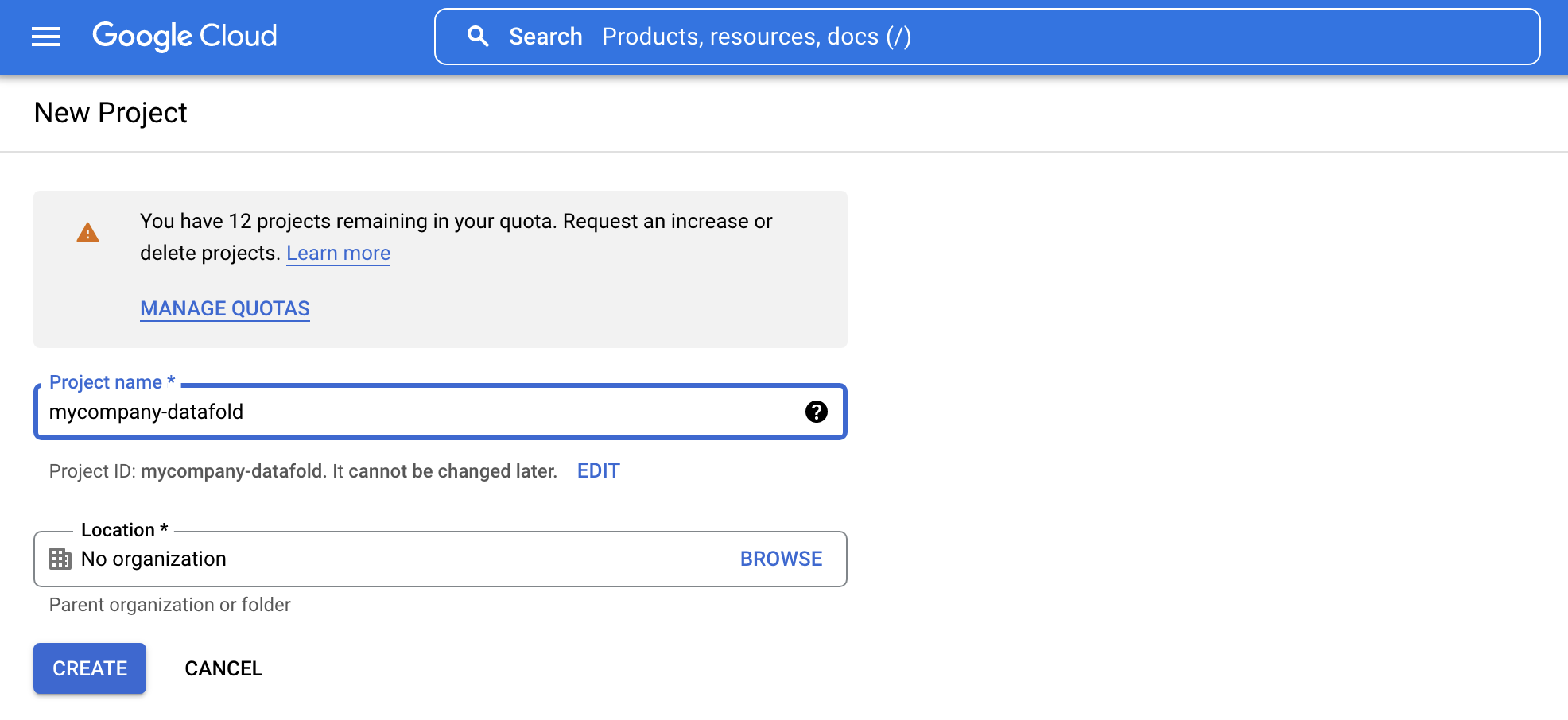 After a minute or so, you should receive confirmation that the project has been created. Afterward, you should be able to see the new project.
## Set IAM Permissions
Navigate to the **IAM** tab in the sidebar and click **Grant Access** to invite Datafold to the project.
After a minute or so, you should receive confirmation that the project has been created. Afterward, you should be able to see the new project.
## Set IAM Permissions
Navigate to the **IAM** tab in the sidebar and click **Grant Access** to invite Datafold to the project.
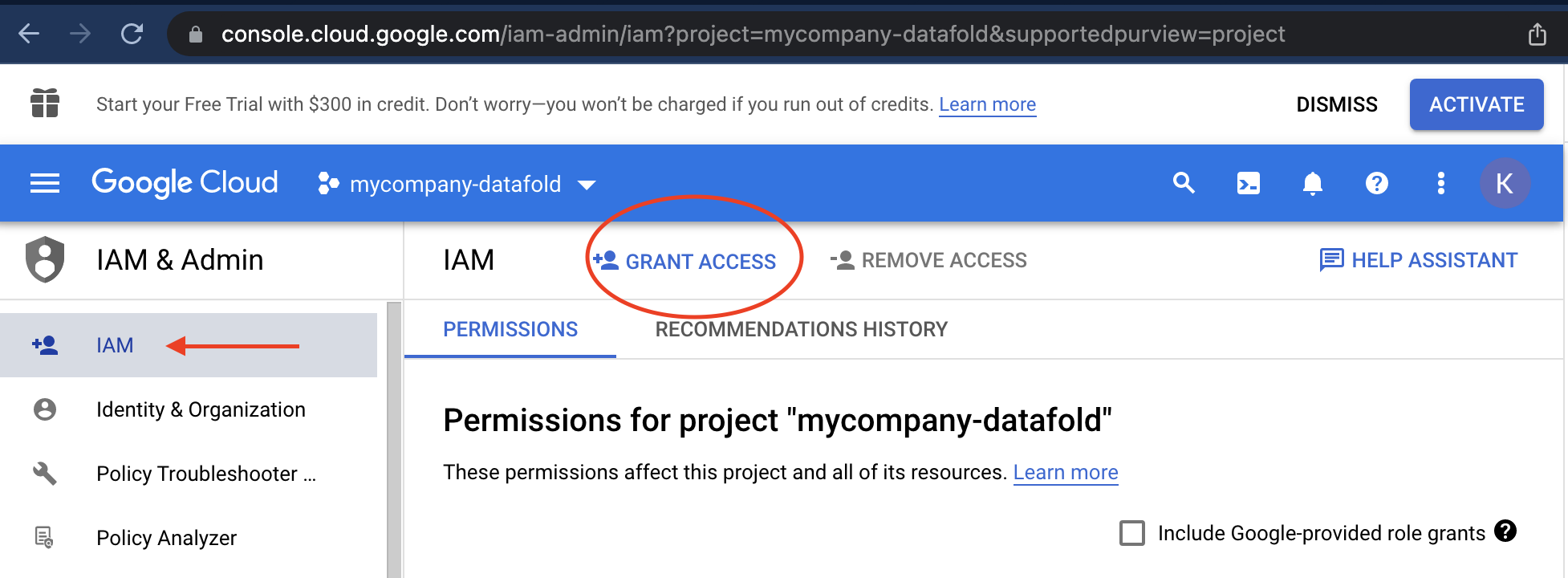 Add your Datafold solutions engineer as a **principal**. You have two options for assigning IAM permissions to the Datafold Engineers.
1. Assign them as an **owner** of your project.
2. Assign the extended set of [Minimal IAM Permissions](#minimal-iam-permissions).
The owner role is only required temporarily while we configure and test the initial Datafold deployment. We'll inform you when it is ok to revoke this permission and provide us with only the [Minimal IAM Permissions](#minimal-iam-permissions).
### Required APIs
The following GCP APIs need to be additionally enabled to run Datafold:
1. [Compute Engine API](https://console.cloud.google.com/apis/library/compute.googleapis.com)
2. [Secret Manager API](https://console.cloud.google.com/apis/api/secretmanager.googleapis.com)
The following GCP APIs we use are already turned on by default when you created the project:
1. [Cloud Logging API](https://console.cloud.google.com/apis/api/logging.googleapis.com)
2. [Cloud Monitoring API](https://console.cloud.google.com/apis/api/monitoring.googleapis.com)
3. [Cloud Storage](https://console.cloud.google.com/apis/api/storage-component.googleapis.com)
4. [Service Networking API](https://console.cloud.google.com/apis/api/servicenetworking.googleapis.com)
Once the access has been granted, make sure to notify Datafold so we can initiate the deployment.
### Minimal IAM Permissions
Because we work in a Project dedicated to Datafold, there is no direct access to your resources unless explicitly configured (e.g., VPC Peering). The following IAM roles are required to update and maintain the infrastructure.
```Bash theme={null}
Cloud SQL Admin
Compute Load Balancer Admin
Compute Network Admin
Compute Security Admin
Compute Storage Admin
IAP-secured Tunnel User
Kubernetes Engine Admin
Kubernetes Engine Cluster Admin
Role Viewer
Service Account User
Storage Admin
Viewer
```
Some roles we need from time to time. For example, when we do the first deployment. Since those are IAM-related, we will ask for temporary permissions when required.
```Bash theme={null}
Role Administrator
Security Admin
Service Account Key Admin
Service Account Admin
Service Usage Admin
```
# Datafold Google Cloud infrastructure details
This document provides detailed information about the Google Cloud infrastructure components deployed
by the Datafold Terraform module, explaining the architectural decisions and operational considerations for each component.
## Persistent disks
The Datafold application requires 3 persistent disks for storage, each deployed as encrypted Google Compute Engine
persistent disks in the primary availability zone. This also means that pods cannot be deployed outside the availability
zone of these disks, because the nodes wouldn't be able to attach them.
**ClickHouse data disk** serves as the analytical database storage for Datafold. ClickHouse is a columnar database
that excels at analytical queries. The default 40GB allocation usually provides sufficient space for typical deployments,
but it can be scaled up based on data volume requirements. The pd-balanced disk type provides consistent
performance for analytical workloads with automatically managed IOPS and throughput.
**ClickHouse logs disk** stores ClickHouse's internal logs and temporary data. The separate logs disk prevents
log data from consuming IOPS and I/O performance from actual data storage.
**Redis data disk** provides persistent storage for Redis, which handles task distribution and distributed locks in
the Datafold application. Redis is memory-first but benefits from persistence for data durability across restarts.
The 50GB default size accommodates typical caching needs while remaining cost-effective.
All persistent disks are encrypted by default using Google-managed encryption keys, ensuring data security at rest.
The disks are deployed in the first availability zone to minimize latency and simplify backup strategies.
## Load balancer
The load balancer serves as the primary entry point for all external traffic to the Datafold application.
The module offers 2 deployment strategies, each with different operational characteristics and trade-offs.
**External Load Balancer Deployment** (the default approach) creates a Google Cloud Load Balancer through Terraform.
This approach provides centralized control over load balancer configuration and integrates well with existing Google Cloud infrastructure.
The load balancer automatically handles SSL termination, health checks, and traffic distribution across Kubernetes pods.
This method is ideal for organizations that prefer infrastructure-as-code management and want consistent load balancer configurations across environments.
**Kubernetes-Managed Load Balancer** deployment sets `deploy_lb = false` and relies on the Google Cloud Load Balancer Controller
running within the GKE cluster. This approach leverages Kubernetes-native load balancer management, allowing for
dynamic scaling and easier integration with Kubernetes ingress resources. The controller automatically provisions and manages load balancers based on Kubernetes service definitions, which can be more flexible for applications that need to scale load balancer resources dynamically.
For external load balancers deployed through Kubernetes, the infrastructure developer needs to create SSL policies and
Cloud Armor policies separately and attach them to the load balancer through annotations. Internal load balancers cannot
have SSL policies or Cloud Armor applied. Our Helm charts support various deployment types including internal/external
load balancers with uploaded certificates or certificates stored in Kubernetes secrets.
The choice between these approaches often depends on operational preferences and existing infrastructure patterns.
External deployment provides more predictable resource management, while Kubernetes-managed deployment offers greater flexibility for dynamic workloads.
**Security** A firewall rule shared between the load balancer and the GKE nodes allows traffic to reach only the GKE nodes and nothing else.
The load balancer allows traffic to land directly into the GKE private subnet.
**Certificate** The certificate can be pre-created by the customer and then attached, or a Google-managed SSL certificate can be created on the fly.
The application will not function without HTTPS, so a certificate is mandatory. After the certificate is created either
manually or through this repository, it must be validated by the DNS administrator by adding an A record. This puts the
certificate in "ACTIVE" state. The certificate cannot be found when it's still provisioning.
## GKE cluster
The Google Kubernetes Engine (GKE) cluster forms the compute foundation for the Datafold application,
providing a managed Kubernetes environment optimized for Google Cloud infrastructure.
**Network Architecture** The entire cluster is deployed into private subnets. This means the data plane
is not reachable from the Internet except through the load balancer. A Cloud NAT allows the cluster to reach the
internet (egress traffic) for downloading pod images, optionally sending Datadog logs and metrics,
and retrieving the version to apply to the cluster from our portal. The control plane is accessible via a private endpoint
using a Private Service Connect setup from, for example, a VPN VPC elsewhere. This is a private+public endpoint,
so the control plane can also be made accessible through the Internet, but then the appropriate CIDR restrictions should be put in place.
For a typical dedicated cloud deployment of Datafold, only around 100 IPs are needed.
This assumes 3 e2-standard-8 instances where one node runs ClickHouse+Redis, another node runs the application,
and a third node may be put in place when version rollovers occur. This means a subnet of size /24 (253 IPs)
should be sufficient to run this application, but you can always apply a different CIDR per subnet if needed.
By default, the repository creates a VPC and subnets, but by specifying the VPC ID of an already existing VPC,
the cluster and load balancer get deployed into existing network infrastructure.
This is important for some customers where they deploy a different architecture without Cloud NAT, firewall options that check egress, and other DLP controls.
**Add-ons**
The cluster includes essential add-ons like CoreDNS for service discovery, the VPC-native networking for networking,
and the GCE persistent disk CSI driver for persistent volume management. These components are automatically updated
and maintained by Google, reducing operational overhead.
**Node Management** supports up to three managed node pools, allowing for workload-specific resource allocation.
Each node pool can be configured with different machine types, enabling cost optimization and performance tuning
for different application components. The cluster autoscaler automatically adjusts node count based on resource demands,
ensuring efficient resource utilization while maintaining application availability. One typical way to deploy
is to let the application pods go on a wider range of nodes, and set up tolerations and labels on the second node pool,
which are then selected by both Redis and ClickHouse. This is because Redis and ClickHouse have restrictions
on the zone they must be present in because of their disks, and ClickHouse is a bit more CPU intensive.
This method optimizes CPU performance for the Datafold application.
**Security Features** include several critical security configurations:
* **Workload Identity** is enabled and configured with the project's workload pool, providing fine-grained IAM permissions to Kubernetes pods without requiring Google Cloud credentials in container images
* **Shielded nodes** are enabled with secure boot and integrity monitoring for enhanced node security
* **Binary authorization** is configured with project singleton policy enforcement to ensure only authorized container images can be deployed
* **Network policy** is enabled using Calico for pod-to-pod communication control
* **Private nodes** are enabled, ensuring all node traffic goes through the VPC network
These security features follow the principle of least privilege and integrate seamlessly with Google Cloud security services.
## IAM roles and permissions
The IAM architecture follows the principle of least privilege, providing specific permissions only where needed.
Service accounts in Kubernetes are mapped to IAM roles using Workload Identity, enabling secure access to Google
Cloud services without embedding credentials in application code.
**GKE service account** is created with basic permissions for logging, monitoring, and storage access.
This service account is used by the GKE nodes and provides the foundation for cluster operations.
**ClickHouse backup service account** is created with a custom role that allows ClickHouse to make backups and store them on Cloud Storage.
This service account uses Workload Identity to securely access Cloud Storage without embedding credentials.
**Datafold roles** Datafold has roles per pod pre-defined which can have their permissions assigned when they need them.
At the moment, we have two specific roles in use. One is for the ClickHouse pod to be able to make backups and store them on Cloud Storage.
The other is for the use of the Vertex AI service for our AI offering.
These roles are automatically created and configured when the cluster is deployed, ensuring that the
necessary permissions are in place for the cluster to function properly. The Datafold and ClickHouse service accounts
authenticate using Workload Identity, which means these permissions are automatically rotated and managed by Google, reducing security risks associated with long-lived credentials.
## Cloud SQL database
The PostgreSQL Cloud SQL instance serves as the primary relational database for the Datafold application,
storing user data, configuration, and application state.
**Storage configuration** starts with a 20GB initial allocation that can automatically scale up to 100GB based on usage patterns.
This auto-scaling feature prevents storage-related outages while avoiding over-provisioning.
For typical deployments, storage usage remains under 200GB, though some high-volume deployments may approach 400GB.
The pd-balanced storage type provides consistent performance with configurable IOPS and throughput.
**High availability** is intentionally disabled by default, meaning the database runs in a single availability zone.
This configuration reduces costs and complexity while still providing excellent reliability. The database includes
automated backups with 7-day retention, ensuring data can be recovered in case of failures. For organizations requiring higher availability,
multi-zone deployment can be enabled, though this significantly increases costs.
**Security and encryption** always encrypts data at rest using Google-managed encryption keys by default.
The database is deployed in private subnets with firewall rules that restrict access to only the GKE cluster,
ensuring network-level security.
The database configuration prioritizes operational simplicity and cost-effectiveness while maintaining the security
and reliability required for production workloads. The combination of automated backups, encryption,
and network isolation provides a robust foundation for the application's data storage needs.
---
# Source: https://docs.datafold.com/api-reference/data-diffs/get-a-data-diff-summary.md
> ## Documentation Index
> Fetch the complete documentation index at: https://docs.datafold.com/llms.txt
> Use this file to discover all available pages before exploring further.
# Get a data diff summary
## OpenAPI
````yaml get /api/v1/datadiffs/{datadiff_id}/summary_results
openapi: 3.1.0
info:
contact:
email: support@datafold.com
name: API Support
description: >-
The Datafold API reference is a guide to our available endpoints and
authentication methods.
If you're just getting started with Datafold, we recommend first checking
out our [documentation](https://docs.datafold.com).
:::info
To use the Datafold API, you should first create a Datafold API Key,
which should be stored as a local environment variable named DATAFOLD_API_KEY.
This can be set in your Datafold Cloud's Settings under the Account page.
:::
title: Datafold API
version: latest
servers:
- description: Default server
url: https://app.datafold.com
security:
- ApiKeyAuth: []
paths:
/api/v1/datadiffs/{datadiff_id}/summary_results:
get:
tags:
- Data diffs
summary: Get a data diff summary
operationId: get_diff_summary_v1_api_v1_datadiffs__datadiff_id__summary_results_get
parameters:
- in: path
name: datadiff_id
required: true
schema:
title: Data diff id
type: integer
responses:
'200':
content:
application/json:
schema:
anyOf:
- $ref: '#/components/schemas/ApiDataDiffSummaryForDone'
- $ref: '#/components/schemas/ApiCrossDataDiffSummaryForDone'
- $ref: '#/components/schemas/ApiDataDiffSummaryForFailed'
- $ref: '#/components/schemas/ApiDataDiffSummaryForRunning'
- $ref: '#/components/schemas/InternalApiDataDiffDependencies'
title: >-
Response Get Diff Summary V1 Api V1 Datadiffs Datadiff Id
Summary Results Get
description: Successful Response
'422':
content:
application/json:
schema:
$ref: '#/components/schemas/HTTPValidationError'
description: Validation Error
components:
schemas:
ApiDataDiffSummaryForDone:
properties:
dependencies:
items:
$ref: '#/components/schemas/ApiCIDependency'
title: Dependencies
type: array
materialized_results:
$ref: '#/components/schemas/ApiMaterializedResults'
description: Results of the diff, materialized into tables.
pks:
$ref: '#/components/schemas/ApiDataDiffSummaryPKs'
schema:
$ref: '#/components/schemas/ApiDataDiffSummarySchema'
status:
enum:
- done
- success
title: Status
type: string
values:
anyOf:
- $ref: '#/components/schemas/ApiDataDiffSummaryValues'
- type: 'null'
required:
- status
- pks
- dependencies
- schema
- materialized_results
title: ApiDataDiffSummaryForDone
type: object
ApiCrossDataDiffSummaryForDone:
properties:
pks:
anyOf:
- $ref: '#/components/schemas/ApiDataDiffSummaryPKs'
- type: 'null'
status:
enum:
- done
- success
title: Status
type: string
values:
anyOf:
- $ref: '#/components/schemas/ApiDataDiffSummaryValues'
- type: 'null'
required:
- status
title: ApiCrossDataDiffSummaryForDone
type: object
ApiDataDiffSummaryForFailed:
properties:
error:
anyOf:
- $ref: '#/components/schemas/ApiDataDiffError'
- additionalProperties: true
type: object
title: Error
status:
const: failed
title: Status
type: string
required:
- status
- error
title: ApiDataDiffSummaryForFailed
type: object
ApiDataDiffSummaryForRunning:
properties:
status:
enum:
- running
- pending
title: Status
type: string
required:
- status
title: ApiDataDiffSummaryForRunning
type: object
InternalApiDataDiffDependencies:
properties:
dependencies:
items:
$ref: '#/components/schemas/ApiCIDependency'
title: Dependencies
type: array
status:
enum:
- done
- success
title: Status
type: string
required:
- status
- dependencies
title: InternalApiDataDiffDependencies
type: object
HTTPValidationError:
properties:
detail:
items:
$ref: '#/components/schemas/ValidationError'
title: Detail
type: array
title: HTTPValidationError
type: object
ApiCIDependency:
properties:
data_source_id:
title: Data Source Id
type: integer
data_source_type:
title: Data Source Type
type: string
item_type:
title: Item Type
type: string
name:
title: Name
type: string
path:
items:
type: string
title: Path
type: array
popularity:
anyOf:
- type: integer
- type: 'null'
title: Popularity
primary_key:
anyOf:
- type: string
- type: 'null'
title: Primary Key
query_type:
anyOf:
- type: string
- type: 'null'
title: Query Type
raw_sql:
anyOf:
- type: string
- type: 'null'
title: Raw Sql
remote_id:
anyOf:
- type: string
- type: 'null'
title: Remote Id
table_name:
anyOf:
- type: string
- type: 'null'
title: Table Name
uid:
title: Uid
type: string
required:
- uid
- item_type
- name
- path
- data_source_id
- data_source_type
title: ApiCIDependency
type: object
ApiMaterializedResults:
properties:
diff:
anyOf:
- items:
$ref: '#/components/schemas/ApiMaterializedResult'
type: array
- type: 'null'
description: >-
Results of row-to-row comparison between dataset A and B. Semantics
is the same as for `exclusive_pks1` field.
title: Diff
duplicates1:
anyOf:
- items:
$ref: '#/components/schemas/ApiMaterializedResult'
type: array
- type: 'null'
description: >-
Rows with duplicate primary keys detected in dataset A. Semantics is
the same as for `exclusive_pks1` field.
title: Duplicates1
duplicates2:
anyOf:
- items:
$ref: '#/components/schemas/ApiMaterializedResult'
type: array
- type: 'null'
description: >-
Rows with duplicate primary keys detected in dataset B. Semantics is
the same as for `exclusive_pks1` field.
title: Duplicates2
exclusives:
anyOf:
- items:
$ref: '#/components/schemas/ApiMaterializedResult'
type: array
- type: 'null'
description: >-
Rows with exclusive primary keys detected in dataset A and B. `None`
if table is not ready yet or if materialization wasn't requested. If
materialization is completed, for a diff inside a single database
the field will contain a list with one element. If diff compares
tables in different databases, the list may contain one or two
entries.
title: Exclusives
title: ApiMaterializedResults
type: object
ApiDataDiffSummaryPKs:
properties:
distincts:
maxItems: 2
minItems: 2
prefixItems:
- type: integer
- type: integer
title: Distincts
type: array
dupes:
maxItems: 2
minItems: 2
prefixItems:
- type: integer
- type: integer
title: Dupes
type: array
exclusives:
maxItems: 2
minItems: 2
prefixItems:
- type: integer
- type: integer
title: Exclusives
type: array
nulls:
maxItems: 2
minItems: 2
prefixItems:
- type: integer
- type: integer
title: Nulls
type: array
total_rows:
maxItems: 2
minItems: 2
prefixItems:
- type: integer
- type: integer
title: Total Rows
type: array
required:
- total_rows
- nulls
- dupes
- exclusives
- distincts
title: ApiDataDiffSummaryPKs
type: object
ApiDataDiffSummarySchema:
properties:
column_counts:
maxItems: 2
minItems: 2
prefixItems:
- type: integer
- type: integer
title: Column Counts
type: array
column_reorders:
title: Column Reorders
type: integer
column_type_differs:
items:
type: string
title: Column Type Differs
type: array
column_type_mismatches:
title: Column Type Mismatches
type: integer
columns_mismatched:
maxItems: 2
minItems: 2
prefixItems:
- type: integer
- type: integer
title: Columns Mismatched
type: array
exclusive_columns:
items:
items:
type: string
type: array
title: Exclusive Columns
type: array
required:
- columns_mismatched
- column_type_mismatches
- column_reorders
- column_counts
- column_type_differs
- exclusive_columns
title: ApiDataDiffSummarySchema
type: object
ApiDataDiffSummaryValues:
properties:
columns_diff_stats:
items:
additionalProperties:
anyOf:
- type: number
- type: string
type: object
title: Columns Diff Stats
type: array
columns_with_differences:
title: Columns With Differences
type: integer
compared_columns:
title: Compared Columns
type: integer
rows_with_differences:
title: Rows With Differences
type: integer
total_rows:
title: Total Rows
type: integer
total_values:
title: Total Values
type: integer
values_with_differences:
title: Values With Differences
type: integer
required:
- total_rows
- rows_with_differences
- total_values
- values_with_differences
- compared_columns
- columns_with_differences
- columns_diff_stats
title: ApiDataDiffSummaryValues
type: object
ApiDataDiffError:
properties:
error_type:
title: Error Type
type: string
error_value:
title: Error Value
type: string
required:
- error_type
- error_value
title: ApiDataDiffError
type: object
ValidationError:
properties:
loc:
items:
anyOf:
- type: string
- type: integer
title: Location
type: array
msg:
title: Message
type: string
type:
title: Error Type
type: string
required:
- loc
- msg
- type
title: ValidationError
type: object
ApiMaterializedResult:
properties:
data_source_id:
description: Id of the DataSource where the table is located
title: Data Source Id
type: integer
is_sampled:
description: If sampling was applied
title: Is Sampled
type: boolean
path:
description: Path segments of the table
items:
type: string
title: Path
type: array
required:
- data_source_id
- path
- is_sampled
title: ApiMaterializedResult
type: object
securitySchemes:
ApiKeyAuth:
description: Use the 'Authorization' header with the format 'Key '
in: header
name: Authorization
type: apiKey
````
---
# Source: https://docs.datafold.com/api-reference/data-diffs/get-a-data-diff.md
> ## Documentation Index
> Fetch the complete documentation index at: https://docs.datafold.com/llms.txt
> Use this file to discover all available pages before exploring further.
# Get a data diff
## OpenAPI
````yaml get /api/v1/datadiffs/{datadiff_id}
openapi: 3.1.0
info:
contact:
email: support@datafold.com
name: API Support
description: >-
The Datafold API reference is a guide to our available endpoints and
authentication methods.
If you're just getting started with Datafold, we recommend first checking
out our [documentation](https://docs.datafold.com).
:::info
To use the Datafold API, you should first create a Datafold API Key,
which should be stored as a local environment variable named DATAFOLD_API_KEY.
This can be set in your Datafold Cloud's Settings under the Account page.
:::
title: Datafold API
version: latest
servers:
- description: Default server
url: https://app.datafold.com
security:
- ApiKeyAuth: []
paths:
/api/v1/datadiffs/{datadiff_id}:
get:
tags:
- Data diffs
summary: Get a data diff
operationId: get_datadiff_api_v1_datadiffs__datadiff_id__get
parameters:
- in: path
name: datadiff_id
required: true
schema:
title: Data diff id
type: integer
- in: query
name: poll
required: false
schema:
title: Poll
responses:
'200':
content:
application/json:
schema:
$ref: '#/components/schemas/ApiDataDiffWithProgressState'
description: Successful Response
'422':
content:
application/json:
schema:
$ref: '#/components/schemas/HTTPValidationError'
description: Validation Error
components:
schemas:
ApiDataDiffWithProgressState:
properties:
affected_columns:
anyOf:
- items:
type: string
type: array
- type: 'null'
title: Affected Columns
algorithm:
anyOf:
- $ref: '#/components/schemas/DiffAlgorithm'
- type: 'null'
archived:
default: false
title: Archived
type: boolean
bisection_factor:
anyOf:
- type: integer
- type: 'null'
title: Bisection Factor
bisection_threshold:
anyOf:
- type: integer
- type: 'null'
title: Bisection Threshold
ci_base_branch:
anyOf:
- type: string
- type: 'null'
title: Ci Base Branch
ci_pr_branch:
anyOf:
- type: string
- type: 'null'
title: Ci Pr Branch
ci_pr_num:
anyOf:
- type: integer
- type: 'null'
title: Ci Pr Num
ci_pr_sha:
anyOf:
- type: string
- type: 'null'
title: Ci Pr Sha
ci_pr_url:
anyOf:
- type: string
- type: 'null'
title: Ci Pr Url
ci_pr_user_display_name:
anyOf:
- type: string
- type: 'null'
title: Ci Pr User Display Name
ci_pr_user_email:
anyOf:
- type: string
- type: 'null'
title: Ci Pr User Email
ci_pr_user_id:
anyOf:
- type: string
- type: 'null'
title: Ci Pr User Id
ci_pr_username:
anyOf:
- type: string
- type: 'null'
title: Ci Pr Username
ci_run_id:
anyOf:
- type: integer
- type: 'null'
title: Ci Run Id
ci_sha_url:
anyOf:
- type: string
- type: 'null'
title: Ci Sha Url
column_mapping:
anyOf:
- items:
maxItems: 2
minItems: 2
prefixItems:
- type: string
- type: string
type: array
type: array
- type: 'null'
title: Column Mapping
columns_to_compare:
anyOf:
- items:
type: string
type: array
- type: 'null'
title: Columns To Compare
compare_duplicates:
anyOf:
- type: boolean
- type: 'null'
title: Compare Duplicates
created_at:
anyOf:
- format: date-time
type: string
- type: 'null'
title: Created At
data_app_metadata:
anyOf:
- $ref: '#/components/schemas/TDataDiffDataAppMetadata'
- type: 'null'
data_app_type:
anyOf:
- type: string
- type: 'null'
title: Data App Type
data_source1_id:
title: Data Source1 Id
type: integer
data_source1_session_parameters:
anyOf:
- additionalProperties: true
type: object
- type: 'null'
title: Data Source1 Session Parameters
data_source2_id:
title: Data Source2 Id
type: integer
data_source2_session_parameters:
anyOf:
- additionalProperties: true
type: object
- type: 'null'
title: Data Source2 Session Parameters
datetime_tolerance:
anyOf:
- type: integer
- type: 'null'
title: Datetime Tolerance
diff_progress:
anyOf:
- $ref: '#/components/schemas/DiffProgress'
- type: 'null'
diff_stats:
anyOf:
- $ref: '#/components/schemas/DiffStats'
- type: 'null'
diff_tolerance:
anyOf:
- type: number
- type: 'null'
title: Diff Tolerance
diff_tolerances_per_column:
anyOf:
- items:
$ref: '#/components/schemas/ColumnTolerance'
type: array
- type: 'null'
title: Diff Tolerances Per Column
done:
anyOf:
- type: boolean
- type: 'null'
default: false
title: Done
download_limit:
anyOf:
- type: integer
- type: 'null'
title: Download Limit
exclude_columns:
anyOf:
- items:
type: string
type: array
- type: 'null'
title: Exclude Columns
execute_as_user:
anyOf:
- type: boolean
- type: 'null'
title: Execute As User
file1:
anyOf:
- format: uri
minLength: 1
type: string
- type: 'null'
title: File1
file1_options:
anyOf:
- discriminator:
mapping:
csv: '#/components/schemas/CSVFileOptions'
excel: '#/components/schemas/ExcelFileOptions'
parquet: '#/components/schemas/ParquetFileOptions'
propertyName: file_type
oneOf:
- $ref: '#/components/schemas/CSVFileOptions'
- $ref: '#/components/schemas/ExcelFileOptions'
- $ref: '#/components/schemas/ParquetFileOptions'
- type: 'null'
title: File1 Options
file2:
anyOf:
- format: uri
minLength: 1
type: string
- type: 'null'
title: File2
file2_options:
anyOf:
- discriminator:
mapping:
csv: '#/components/schemas/CSVFileOptions'
excel: '#/components/schemas/ExcelFileOptions'
parquet: '#/components/schemas/ParquetFileOptions'
propertyName: file_type
oneOf:
- $ref: '#/components/schemas/CSVFileOptions'
- $ref: '#/components/schemas/ExcelFileOptions'
- $ref: '#/components/schemas/ParquetFileOptions'
- type: 'null'
title: File2 Options
filter1:
anyOf:
- type: string
- type: 'null'
title: Filter1
filter2:
anyOf:
- type: string
- type: 'null'
title: Filter2
finished_at:
anyOf:
- format: date-time
type: string
- type: 'null'
title: Finished At
id:
anyOf:
- type: integer
- type: 'null'
title: Id
include_columns:
anyOf:
- items:
type: string
type: array
- type: 'null'
title: Include Columns
kind:
$ref: '#/components/schemas/DiffKind'
materialization_destination_id:
anyOf:
- type: integer
- type: 'null'
title: Materialization Destination Id
materialize_dataset1:
anyOf:
- type: boolean
- type: 'null'
title: Materialize Dataset1
materialize_dataset2:
anyOf:
- type: boolean
- type: 'null'
title: Materialize Dataset2
materialize_without_sampling:
anyOf:
- type: boolean
- type: 'null'
default: false
title: Materialize Without Sampling
monitor_error:
anyOf:
- $ref: '#/components/schemas/QueryError'
- type: 'null'
monitor_id:
anyOf:
- type: integer
- type: 'null'
title: Monitor Id
monitor_state:
anyOf:
- $ref: '#/components/schemas/MonitorRunState'
- type: 'null'
per_column_diff_limit:
anyOf:
- type: integer
- type: 'null'
title: Per Column Diff Limit
pk_columns:
items:
type: string
title: Pk Columns
type: array
purged:
default: false
title: Purged
type: boolean
query1:
anyOf:
- type: string
- type: 'null'
title: Query1
query2:
anyOf:
- type: string
- type: 'null'
title: Query2
result:
anyOf:
- enum:
- error
- bad-pks
- different
- missing-pks
- identical
- empty
type: string
- type: 'null'
title: Result
result_revisions:
additionalProperties:
type: integer
default: {}
title: Result Revisions
type: object
result_statuses:
anyOf:
- additionalProperties:
type: string
type: object
- type: 'null'
title: Result Statuses
run_profiles:
anyOf:
- type: boolean
- type: 'null'
title: Run Profiles
runtime:
anyOf:
- type: number
- type: 'null'
title: Runtime
sampling_confidence:
anyOf:
- type: number
- type: 'null'
title: Sampling Confidence
sampling_max_rows:
anyOf:
- type: integer
- type: 'null'
title: Sampling Max Rows
sampling_ratio:
anyOf:
- type: number
- type: 'null'
title: Sampling Ratio
sampling_threshold:
anyOf:
- type: integer
- type: 'null'
title: Sampling Threshold
sampling_tolerance:
anyOf:
- type: number
- type: 'null'
title: Sampling Tolerance
source:
anyOf:
- $ref: '#/components/schemas/JobSource'
- type: 'null'
status:
anyOf:
- $ref: '#/components/schemas/JobStatus'
- type: 'null'
table1:
anyOf:
- items:
type: string
type: array
- type: 'null'
title: Table1
table2:
anyOf:
- items:
type: string
type: array
- type: 'null'
title: Table2
table_modifiers:
anyOf:
- items:
$ref: '#/components/schemas/TableModifiers'
type: array
- type: 'null'
title: Table Modifiers
tags:
anyOf:
- items:
type: string
type: array
- type: 'null'
title: Tags
temp_schema_override:
anyOf:
- items:
type: string
type: array
- type: 'null'
title: Temp Schema Override
time_aggregate:
anyOf:
- $ref: '#/components/schemas/TimeAggregateEnum'
- type: 'null'
time_column:
anyOf:
- type: string
- type: 'null'
title: Time Column
time_interval_end:
anyOf:
- format: date-time
type: string
- type: 'null'
title: Time Interval End
time_interval_start:
anyOf:
- format: date-time
type: string
- type: 'null'
title: Time Interval Start
time_travel_point1:
anyOf:
- type: integer
- format: date-time
type: string
- type: string
- type: 'null'
title: Time Travel Point1
time_travel_point2:
anyOf:
- type: integer
- format: date-time
type: string
- type: string
- type: 'null'
title: Time Travel Point2
tolerance_mode:
anyOf:
- $ref: '#/components/schemas/ToleranceModeEnum'
- type: 'null'
updated_at:
anyOf:
- format: date-time
type: string
- type: 'null'
title: Updated At
user_id:
anyOf:
- type: integer
- type: 'null'
title: User Id
required:
- data_source1_id
- data_source2_id
- pk_columns
- kind
title: ApiDataDiffWithProgressState
type: object
HTTPValidationError:
properties:
detail:
items:
$ref: '#/components/schemas/ValidationError'
title: Detail
type: array
title: HTTPValidationError
type: object
DiffAlgorithm:
enum:
- join
- hash
- hash_v2_alpha
- fetch_and_join
title: DiffAlgorithm
type: string
TDataDiffDataAppMetadata:
properties:
data_app_id:
title: Data App Id
type: integer
data_app_model1_id:
anyOf:
- type: string
- type: 'null'
title: Data App Model1 Id
data_app_model1_name:
anyOf:
- type: string
- type: 'null'
title: Data App Model1 Name
data_app_model2_id:
anyOf:
- type: string
- type: 'null'
title: Data App Model2 Id
data_app_model2_name:
anyOf:
- type: string
- type: 'null'
title: Data App Model2 Name
data_app_model_type:
title: Data App Model Type
type: string
meta_data:
additionalProperties: true
title: Meta Data
type: object
required:
- data_app_id
- data_app_model_type
- meta_data
title: TDataDiffDataAppMetadata
type: object
DiffProgress:
properties:
completed_steps:
anyOf:
- type: integer
- type: 'null'
title: Completed Steps
total_steps:
anyOf:
- type: integer
- type: 'null'
title: Total Steps
version:
title: Version
type: string
required:
- version
title: DiffProgress
type: object
DiffStats:
properties:
diff_duplicate_pks:
anyOf:
- type: number
- type: 'null'
title: Diff Duplicate Pks
diff_null_pks:
anyOf:
- type: number
- type: 'null'
title: Diff Null Pks
diff_pks:
anyOf:
- type: number
- type: 'null'
title: Diff Pks
diff_rows:
anyOf:
- type: number
- type: 'null'
title: Diff Rows
diff_rows_count:
anyOf:
- type: integer
- type: 'null'
title: Diff Rows Count
diff_rows_number:
anyOf:
- type: number
- type: 'null'
title: Diff Rows Number
diff_schema:
anyOf:
- type: number
- type: 'null'
title: Diff Schema
diff_values:
anyOf:
- type: number
- type: 'null'
title: Diff Values
errors:
anyOf:
- type: integer
- type: 'null'
title: Errors
match_ratio:
anyOf:
- type: number
- type: 'null'
title: Match Ratio
rows_added:
anyOf:
- type: integer
- type: 'null'
title: Rows Added
rows_removed:
anyOf:
- type: integer
- type: 'null'
title: Rows Removed
sampled:
anyOf:
- type: boolean
- type: 'null'
title: Sampled
table_a_row_count:
anyOf:
- type: integer
- type: 'null'
title: Table A Row Count
table_b_row_count:
anyOf:
- type: integer
- type: 'null'
title: Table B Row Count
version:
title: Version
type: string
required:
- version
title: DiffStats
type: object
ColumnTolerance:
properties:
column_name:
title: Column Name
type: string
tolerance_mode:
$ref: '#/components/schemas/ToleranceModeEnum'
tolerance_value:
title: Tolerance Value
type: number
required:
- column_name
- tolerance_value
- tolerance_mode
title: ColumnTolerance
type: object
CSVFileOptions:
properties:
delimiter:
anyOf:
- type: string
- type: 'null'
title: Delimiter
file_type:
const: csv
default: csv
title: File Type
type: string
skip_head_rows:
anyOf:
- type: integer
- type: 'null'
title: Skip Head Rows
skip_tail_rows:
anyOf:
- type: integer
- type: 'null'
title: Skip Tail Rows
title: CSVFileOptions
type: object
ExcelFileOptions:
properties:
file_type:
const: excel
default: excel
title: File Type
type: string
sheet:
anyOf:
- type: string
- type: 'null'
title: Sheet
skip_head_rows:
anyOf:
- type: integer
- type: 'null'
title: Skip Head Rows
skip_tail_rows:
anyOf:
- type: integer
- type: 'null'
title: Skip Tail Rows
title: ExcelFileOptions
type: object
ParquetFileOptions:
properties:
file_type:
const: parquet
default: parquet
title: File Type
type: string
title: ParquetFileOptions
type: object
DiffKind:
enum:
- in_db
- cross_db
title: DiffKind
type: string
QueryError:
properties:
error_type:
title: Error Type
type: string
error_value:
title: Error Value
type: string
required:
- error_type
- error_value
title: QueryError
type: object
MonitorRunState:
enum:
- ok
- alert
- error
- learning
- checking
- created
- skipped
- cancelled
title: MonitorRunState
type: string
JobSource:
enum:
- interactive
- demo_signup
- manual
- api
- ci
- schedule
- auto
title: JobSource
type: string
JobStatus:
enum:
- needs_confirmation
- needs_authentication
- waiting
- processing
- done
- failed
- cancelled
title: JobStatus
type: string
TableModifiers:
enum:
- case_insensitive_strings
title: TableModifiers
type: string
TimeAggregateEnum:
enum:
- minute
- hour
- day
- week
- month
- year
title: TimeAggregateEnum
type: string
ToleranceModeEnum:
enum:
- absolute
- relative
title: ToleranceModeEnum
type: string
ValidationError:
properties:
loc:
items:
anyOf:
- type: string
- type: integer
title: Location
type: array
msg:
title: Message
type: string
type:
title: Error Type
type: string
required:
- loc
- msg
- type
title: ValidationError
type: object
securitySchemes:
ApiKeyAuth:
description: Use the 'Authorization' header with the format 'Key '
in: header
name: Authorization
type: apiKey
````
---
# Source: https://docs.datafold.com/api-reference/data-sources/get-a-data-source-summary.md
> ## Documentation Index
> Fetch the complete documentation index at: https://docs.datafold.com/llms.txt
> Use this file to discover all available pages before exploring further.
# Get a data source summary
## OpenAPI
````yaml get /api/v1/data_sources/{data_source_id}/summary
openapi: 3.1.0
info:
contact:
email: support@datafold.com
name: API Support
description: >-
The Datafold API reference is a guide to our available endpoints and
authentication methods.
If you're just getting started with Datafold, we recommend first checking
out our [documentation](https://docs.datafold.com).
:::info
To use the Datafold API, you should first create a Datafold API Key,
which should be stored as a local environment variable named DATAFOLD_API_KEY.
This can be set in your Datafold Cloud's Settings under the Account page.
:::
title: Datafold API
version: latest
servers:
- description: Default server
url: https://app.datafold.com
security:
- ApiKeyAuth: []
paths:
/api/v1/data_sources/{data_source_id}/summary:
get:
tags:
- Data sources
summary: Get a data source summary
operationId: get_data_source_summary_api_v1_data_sources__data_source_id__summary_get
parameters:
- in: path
name: data_source_id
required: true
schema:
title: Data source id
type: integer
responses:
'200':
content:
application/json:
schema:
$ref: '#/components/schemas/ApiDataSourceSummary'
description: Successful Response
'422':
content:
application/json:
schema:
$ref: '#/components/schemas/HTTPValidationError'
description: Validation Error
components:
schemas:
ApiDataSourceSummary:
description: Used in OSS data-diff with non-admin privileges to get a DS overview.
properties:
id:
title: Id
type: integer
name:
title: Name
type: string
type:
title: Type
type: string
required:
- id
- name
- type
title: ApiDataSourceSummary
type: object
HTTPValidationError:
properties:
detail:
items:
$ref: '#/components/schemas/ValidationError'
title: Detail
type: array
title: HTTPValidationError
type: object
ValidationError:
properties:
loc:
items:
anyOf:
- type: string
- type: integer
title: Location
type: array
msg:
title: Message
type: string
type:
title: Error Type
type: string
required:
- loc
- msg
- type
title: ValidationError
type: object
securitySchemes:
ApiKeyAuth:
description: Use the 'Authorization' header with the format 'Key '
in: header
name: Authorization
type: apiKey
````
---
# Source: https://docs.datafold.com/api-reference/data-sources/get-a-data-source.md
> ## Documentation Index
> Fetch the complete documentation index at: https://docs.datafold.com/llms.txt
> Use this file to discover all available pages before exploring further.
# Get a data source
## OpenAPI
````yaml get /api/v1/data_sources/{data_source_id}
openapi: 3.1.0
info:
contact:
email: support@datafold.com
name: API Support
description: >-
The Datafold API reference is a guide to our available endpoints and
authentication methods.
If you're just getting started with Datafold, we recommend first checking
out our [documentation](https://docs.datafold.com).
:::info
To use the Datafold API, you should first create a Datafold API Key,
which should be stored as a local environment variable named DATAFOLD_API_KEY.
This can be set in your Datafold Cloud's Settings under the Account page.
:::
title: Datafold API
version: latest
servers:
- description: Default server
url: https://app.datafold.com
security:
- ApiKeyAuth: []
paths:
/api/v1/data_sources/{data_source_id}:
get:
tags:
- Data sources
summary: Get a data source
operationId: get_data_source_api_v1_data_sources__data_source_id__get
parameters:
- in: path
name: data_source_id
required: true
schema:
title: Data source id
type: integer
responses:
'200':
content:
application/json:
schema:
discriminator:
mapping:
athena: '#/components/schemas/ApiDataSourceAwsAthena'
aws_s3: '#/components/schemas/ApiDataSourceS3'
azure_synapse: '#/components/schemas/ApiDataSourceAzureSynapse'
bigquery: '#/components/schemas/ApiDataSourceBigQuery'
databricks: '#/components/schemas/ApiDataSourceDatabricks'
dremio: '#/components/schemas/ApiDataSourceDremio'
duckdb: '#/components/schemas/ApiDataSourceDuckDB'
files_azure_datalake: '#/components/schemas/ApiDataSourceAzureDataLake'
google_cloud_storage: '#/components/schemas/ApiDataSourceGCS'
mariadb: '#/components/schemas/ApiDataSourceMariaDB'
microsoft_fabric: '#/components/schemas/ApiDataSourceMicrosoftFabric'
mongodb: '#/components/schemas/ApiDataSourceMongoDB'
mssql: '#/components/schemas/ApiDataSourceMSSQL'
mysql: '#/components/schemas/ApiDataSourceMySQL'
netezza: '#/components/schemas/ApiDataSourceNetezza'
oracle: '#/components/schemas/ApiDataSourceOracle'
pg: '#/components/schemas/ApiDataSourcePostgres'
postgres_aurora: '#/components/schemas/ApiDataSourcePostgresAurora'
postgres_aws_rds: '#/components/schemas/ApiDataSourcePostgresRds'
redshift: '#/components/schemas/ApiDataSourceRedshift'
sap_hana: '#/components/schemas/ApiDataSourceSapHana'
snowflake: '#/components/schemas/ApiDataSourceSnowflake'
starburst: '#/components/schemas/ApiDataSourceStarburst'
teradata: '#/components/schemas/ApiDataSourceTeradata'
trino: '#/components/schemas/ApiDataSourceTrino'
vertica: '#/components/schemas/ApiDataSourceVertica'
propertyName: type
oneOf:
- $ref: '#/components/schemas/ApiDataSourceBigQuery'
- $ref: '#/components/schemas/ApiDataSourceDatabricks'
- $ref: '#/components/schemas/ApiDataSourceDuckDB'
- $ref: '#/components/schemas/ApiDataSourceMongoDB'
- $ref: '#/components/schemas/ApiDataSourceMySQL'
- $ref: '#/components/schemas/ApiDataSourceMariaDB'
- $ref: '#/components/schemas/ApiDataSourceMSSQL'
- $ref: '#/components/schemas/ApiDataSourceOracle'
- $ref: '#/components/schemas/ApiDataSourcePostgres'
- $ref: '#/components/schemas/ApiDataSourcePostgresAurora'
- $ref: '#/components/schemas/ApiDataSourcePostgresRds'
- $ref: '#/components/schemas/ApiDataSourceRedshift'
- $ref: '#/components/schemas/ApiDataSourceTeradata'
- $ref: '#/components/schemas/ApiDataSourceSapHana'
- $ref: '#/components/schemas/ApiDataSourceAwsAthena'
- $ref: '#/components/schemas/ApiDataSourceSnowflake'
- $ref: '#/components/schemas/ApiDataSourceDremio'
- $ref: '#/components/schemas/ApiDataSourceStarburst'
- $ref: '#/components/schemas/ApiDataSourceNetezza'
- $ref: '#/components/schemas/ApiDataSourceAzureDataLake'
- $ref: '#/components/schemas/ApiDataSourceGCS'
- $ref: '#/components/schemas/ApiDataSourceS3'
- $ref: '#/components/schemas/ApiDataSourceAzureSynapse'
- $ref: '#/components/schemas/ApiDataSourceMicrosoftFabric'
- $ref: '#/components/schemas/ApiDataSourceVertica'
- $ref: '#/components/schemas/ApiDataSourceTrino'
title: >-
Response Get Data Source Api V1 Data Sources Data Source Id
Get
description: Successful Response
'422':
content:
application/json:
schema:
$ref: '#/components/schemas/HTTPValidationError'
description: Validation Error
components:
schemas:
ApiDataSourceBigQuery:
properties:
catalog_exclude_list:
anyOf:
- type: string
- type: 'null'
title: Catalog Exclude List
catalog_include_list:
anyOf:
- type: string
- type: 'null'
title: Catalog Include List
created_from:
anyOf:
- type: string
- type: 'null'
title: Created From
data_retention_days:
anyOf:
- type: integer
- type: 'null'
title: Data Retention Days
disable_profiling:
anyOf:
- type: boolean
- type: 'null'
default: false
title: Disable Profiling
disable_schema_indexing:
anyOf:
- type: boolean
- type: 'null'
default: false
title: Disable Schema Indexing
float_tolerance:
anyOf:
- type: number
- type: 'null'
default: 0
title: Float Tolerance
groups:
anyOf:
- additionalProperties:
type: boolean
type: object
- type: 'null'
title: Groups
hidden:
anyOf:
- type: boolean
- type: 'null'
default: false
title: Hidden
id:
anyOf:
- type: integer
- type: 'null'
title: Id
is_paused:
anyOf:
- type: boolean
- type: 'null'
default: false
title: Is Paused
last_test:
anyOf:
- $ref: '#/components/schemas/ApiDataSourceTestStatus'
- type: 'null'
lineage_schedule:
anyOf:
- type: string
- type: 'null'
title: Lineage Schedule
max_allowed_connections:
anyOf:
- type: integer
- type: 'null'
title: Max Allowed Connections
name:
title: Name
type: string
oauth_dwh_active:
anyOf:
- type: boolean
- type: 'null'
title: Oauth Dwh Active
options:
anyOf:
- $ref: '#/components/schemas/BigQueryConfig'
- type: 'null'
profile_exclude_list:
anyOf:
- type: string
- type: 'null'
title: Profile Exclude List
profile_include_list:
anyOf:
- type: string
- type: 'null'
title: Profile Include List
profile_schedule:
anyOf:
- type: string
- type: 'null'
title: Profile Schedule
queue_name:
anyOf:
- type: string
- type: 'null'
title: Queue Name
scheduled_queue_name:
anyOf:
- type: string
- type: 'null'
title: Scheduled Queue Name
schema_indexing_schedule:
anyOf:
- type: string
- type: 'null'
title: Schema Indexing Schedule
schema_max_age_s:
anyOf:
- type: integer
- type: 'null'
title: Schema Max Age S
secret_id:
anyOf:
- type: integer
- type: 'null'
title: Secret Id
source:
anyOf:
- type: string
- type: 'null'
title: Source
temp_schema:
anyOf:
- type: string
- type: 'null'
title: Temp Schema
type:
const: bigquery
title: Type
type: string
view_only:
anyOf:
- type: boolean
- type: 'null'
default: false
title: View Only
required:
- name
- type
title: ApiDataSourceBigQuery
type: object
ApiDataSourceDatabricks:
properties:
catalog_exclude_list:
anyOf:
- type: string
- type: 'null'
title: Catalog Exclude List
catalog_include_list:
anyOf:
- type: string
- type: 'null'
title: Catalog Include List
created_from:
anyOf:
- type: string
- type: 'null'
title: Created From
data_retention_days:
anyOf:
- type: integer
- type: 'null'
title: Data Retention Days
disable_profiling:
anyOf:
- type: boolean
- type: 'null'
default: false
title: Disable Profiling
disable_schema_indexing:
anyOf:
- type: boolean
- type: 'null'
default: false
title: Disable Schema Indexing
float_tolerance:
anyOf:
- type: number
- type: 'null'
default: 0
title: Float Tolerance
groups:
anyOf:
- additionalProperties:
type: boolean
type: object
- type: 'null'
title: Groups
hidden:
anyOf:
- type: boolean
- type: 'null'
default: false
title: Hidden
id:
anyOf:
- type: integer
- type: 'null'
title: Id
is_paused:
anyOf:
- type: boolean
- type: 'null'
default: false
title: Is Paused
last_test:
anyOf:
- $ref: '#/components/schemas/ApiDataSourceTestStatus'
- type: 'null'
lineage_schedule:
anyOf:
- type: string
- type: 'null'
title: Lineage Schedule
max_allowed_connections:
anyOf:
- type: integer
- type: 'null'
title: Max Allowed Connections
name:
title: Name
type: string
oauth_dwh_active:
anyOf:
- type: boolean
- type: 'null'
title: Oauth Dwh Active
options:
anyOf:
- $ref: '#/components/schemas/DatabricksConfig'
- type: 'null'
profile_exclude_list:
anyOf:
- type: string
- type: 'null'
title: Profile Exclude List
profile_include_list:
anyOf:
- type: string
- type: 'null'
title: Profile Include List
profile_schedule:
anyOf:
- type: string
- type: 'null'
title: Profile Schedule
queue_name:
anyOf:
- type: string
- type: 'null'
title: Queue Name
scheduled_queue_name:
anyOf:
- type: string
- type: 'null'
title: Scheduled Queue Name
schema_indexing_schedule:
anyOf:
- type: string
- type: 'null'
title: Schema Indexing Schedule
schema_max_age_s:
anyOf:
- type: integer
- type: 'null'
title: Schema Max Age S
secret_id:
anyOf:
- type: integer
- type: 'null'
title: Secret Id
source:
anyOf:
- type: string
- type: 'null'
title: Source
temp_schema:
anyOf:
- type: string
- type: 'null'
title: Temp Schema
type:
const: databricks
title: Type
type: string
view_only:
anyOf:
- type: boolean
- type: 'null'
default: false
title: View Only
required:
- name
- type
title: ApiDataSourceDatabricks
type: object
ApiDataSourceDuckDB:
properties:
catalog_exclude_list:
anyOf:
- type: string
- type: 'null'
title: Catalog Exclude List
catalog_include_list:
anyOf:
- type: string
- type: 'null'
title: Catalog Include List
created_from:
anyOf:
- type: string
- type: 'null'
title: Created From
data_retention_days:
anyOf:
- type: integer
- type: 'null'
title: Data Retention Days
disable_profiling:
anyOf:
- type: boolean
- type: 'null'
default: false
title: Disable Profiling
disable_schema_indexing:
anyOf:
- type: boolean
- type: 'null'
default: false
title: Disable Schema Indexing
float_tolerance:
anyOf:
- type: number
- type: 'null'
default: 0
title: Float Tolerance
groups:
anyOf:
- additionalProperties:
type: boolean
type: object
- type: 'null'
title: Groups
hidden:
anyOf:
- type: boolean
- type: 'null'
default: false
title: Hidden
id:
anyOf:
- type: integer
- type: 'null'
title: Id
is_paused:
anyOf:
- type: boolean
- type: 'null'
default: false
title: Is Paused
last_test:
anyOf:
- $ref: '#/components/schemas/ApiDataSourceTestStatus'
- type: 'null'
lineage_schedule:
anyOf:
- type: string
- type: 'null'
title: Lineage Schedule
max_allowed_connections:
anyOf:
- type: integer
- type: 'null'
title: Max Allowed Connections
name:
title: Name
type: string
oauth_dwh_active:
anyOf:
- type: boolean
- type: 'null'
title: Oauth Dwh Active
options:
anyOf:
- $ref: '#/components/schemas/DuckDBConfig'
- type: 'null'
profile_exclude_list:
anyOf:
- type: string
- type: 'null'
title: Profile Exclude List
profile_include_list:
anyOf:
- type: string
- type: 'null'
title: Profile Include List
profile_schedule:
anyOf:
- type: string
- type: 'null'
title: Profile Schedule
queue_name:
anyOf:
- type: string
- type: 'null'
title: Queue Name
scheduled_queue_name:
anyOf:
- type: string
- type: 'null'
title: Scheduled Queue Name
schema_indexing_schedule:
anyOf:
- type: string
- type: 'null'
title: Schema Indexing Schedule
schema_max_age_s:
anyOf:
- type: integer
- type: 'null'
title: Schema Max Age S
secret_id:
anyOf:
- type: integer
- type: 'null'
title: Secret Id
source:
anyOf:
- type: string
- type: 'null'
title: Source
temp_schema:
anyOf:
- type: string
- type: 'null'
title: Temp Schema
type:
const: duckdb
title: Type
type: string
view_only:
anyOf:
- type: boolean
- type: 'null'
default: false
title: View Only
required:
- name
- type
title: ApiDataSourceDuckDB
type: object
ApiDataSourceMongoDB:
properties:
catalog_exclude_list:
anyOf:
- type: string
- type: 'null'
title: Catalog Exclude List
catalog_include_list:
anyOf:
- type: string
- type: 'null'
title: Catalog Include List
created_from:
anyOf:
- type: string
- type: 'null'
title: Created From
data_retention_days:
anyOf:
- type: integer
- type: 'null'
title: Data Retention Days
disable_profiling:
anyOf:
- type: boolean
- type: 'null'
default: false
title: Disable Profiling
disable_schema_indexing:
anyOf:
- type: boolean
- type: 'null'
default: false
title: Disable Schema Indexing
float_tolerance:
anyOf:
- type: number
- type: 'null'
default: 0
title: Float Tolerance
groups:
anyOf:
- additionalProperties:
type: boolean
type: object
- type: 'null'
title: Groups
hidden:
anyOf:
- type: boolean
- type: 'null'
default: false
title: Hidden
id:
anyOf:
- type: integer
- type: 'null'
title: Id
is_paused:
anyOf:
- type: boolean
- type: 'null'
default: false
title: Is Paused
last_test:
anyOf:
- $ref: '#/components/schemas/ApiDataSourceTestStatus'
- type: 'null'
lineage_schedule:
anyOf:
- type: string
- type: 'null'
title: Lineage Schedule
max_allowed_connections:
anyOf:
- type: integer
- type: 'null'
title: Max Allowed Connections
name:
title: Name
type: string
oauth_dwh_active:
anyOf:
- type: boolean
- type: 'null'
title: Oauth Dwh Active
options:
anyOf:
- $ref: '#/components/schemas/MongoDBConfig'
- type: 'null'
profile_exclude_list:
anyOf:
- type: string
- type: 'null'
title: Profile Exclude List
profile_include_list:
anyOf:
- type: string
- type: 'null'
title: Profile Include List
profile_schedule:
anyOf:
- type: string
- type: 'null'
title: Profile Schedule
queue_name:
anyOf:
- type: string
- type: 'null'
title: Queue Name
scheduled_queue_name:
anyOf:
- type: string
- type: 'null'
title: Scheduled Queue Name
schema_indexing_schedule:
anyOf:
- type: string
- type: 'null'
title: Schema Indexing Schedule
schema_max_age_s:
anyOf:
- type: integer
- type: 'null'
title: Schema Max Age S
secret_id:
anyOf:
- type: integer
- type: 'null'
title: Secret Id
source:
anyOf:
- type: string
- type: 'null'
title: Source
temp_schema:
anyOf:
- type: string
- type: 'null'
title: Temp Schema
type:
const: mongodb
title: Type
type: string
view_only:
anyOf:
- type: boolean
- type: 'null'
default: false
title: View Only
required:
- name
- type
title: ApiDataSourceMongoDB
type: object
ApiDataSourceMySQL:
properties:
catalog_exclude_list:
anyOf:
- type: string
- type: 'null'
title: Catalog Exclude List
catalog_include_list:
anyOf:
- type: string
- type: 'null'
title: Catalog Include List
created_from:
anyOf:
- type: string
- type: 'null'
title: Created From
data_retention_days:
anyOf:
- type: integer
- type: 'null'
title: Data Retention Days
disable_profiling:
anyOf:
- type: boolean
- type: 'null'
default: false
title: Disable Profiling
disable_schema_indexing:
anyOf:
- type: boolean
- type: 'null'
default: false
title: Disable Schema Indexing
float_tolerance:
anyOf:
- type: number
- type: 'null'
default: 0
title: Float Tolerance
groups:
anyOf:
- additionalProperties:
type: boolean
type: object
- type: 'null'
title: Groups
hidden:
anyOf:
- type: boolean
- type: 'null'
default: false
title: Hidden
id:
anyOf:
- type: integer
- type: 'null'
title: Id
is_paused:
anyOf:
- type: boolean
- type: 'null'
default: false
title: Is Paused
last_test:
anyOf:
- $ref: '#/components/schemas/ApiDataSourceTestStatus'
- type: 'null'
lineage_schedule:
anyOf:
- type: string
- type: 'null'
title: Lineage Schedule
max_allowed_connections:
anyOf:
- type: integer
- type: 'null'
title: Max Allowed Connections
name:
title: Name
type: string
oauth_dwh_active:
anyOf:
- type: boolean
- type: 'null'
title: Oauth Dwh Active
options:
anyOf:
- $ref: '#/components/schemas/MySQLConfig'
- type: 'null'
profile_exclude_list:
anyOf:
- type: string
- type: 'null'
title: Profile Exclude List
profile_include_list:
anyOf:
- type: string
- type: 'null'
title: Profile Include List
profile_schedule:
anyOf:
- type: string
- type: 'null'
title: Profile Schedule
queue_name:
anyOf:
- type: string
- type: 'null'
title: Queue Name
scheduled_queue_name:
anyOf:
- type: string
- type: 'null'
title: Scheduled Queue Name
schema_indexing_schedule:
anyOf:
- type: string
- type: 'null'
title: Schema Indexing Schedule
schema_max_age_s:
anyOf:
- type: integer
- type: 'null'
title: Schema Max Age S
secret_id:
anyOf:
- type: integer
- type: 'null'
title: Secret Id
source:
anyOf:
- type: string
- type: 'null'
title: Source
temp_schema:
anyOf:
- type: string
- type: 'null'
title: Temp Schema
type:
const: mysql
title: Type
type: string
view_only:
anyOf:
- type: boolean
- type: 'null'
default: false
title: View Only
required:
- name
- type
title: ApiDataSourceMySQL
type: object
ApiDataSourceMariaDB:
properties:
catalog_exclude_list:
anyOf:
- type: string
- type: 'null'
title: Catalog Exclude List
catalog_include_list:
anyOf:
- type: string
- type: 'null'
title: Catalog Include List
created_from:
anyOf:
- type: string
- type: 'null'
title: Created From
data_retention_days:
anyOf:
- type: integer
- type: 'null'
title: Data Retention Days
disable_profiling:
anyOf:
- type: boolean
- type: 'null'
default: false
title: Disable Profiling
disable_schema_indexing:
anyOf:
- type: boolean
- type: 'null'
default: false
title: Disable Schema Indexing
float_tolerance:
anyOf:
- type: number
- type: 'null'
default: 0
title: Float Tolerance
groups:
anyOf:
- additionalProperties:
type: boolean
type: object
- type: 'null'
title: Groups
hidden:
anyOf:
- type: boolean
- type: 'null'
default: false
title: Hidden
id:
anyOf:
- type: integer
- type: 'null'
title: Id
is_paused:
anyOf:
- type: boolean
- type: 'null'
default: false
title: Is Paused
last_test:
anyOf:
- $ref: '#/components/schemas/ApiDataSourceTestStatus'
- type: 'null'
lineage_schedule:
anyOf:
- type: string
- type: 'null'
title: Lineage Schedule
max_allowed_connections:
anyOf:
- type: integer
- type: 'null'
title: Max Allowed Connections
name:
title: Name
type: string
oauth_dwh_active:
anyOf:
- type: boolean
- type: 'null'
title: Oauth Dwh Active
options:
anyOf:
- $ref: '#/components/schemas/MariaDBConfig'
- type: 'null'
profile_exclude_list:
anyOf:
- type: string
- type: 'null'
title: Profile Exclude List
profile_include_list:
anyOf:
- type: string
- type: 'null'
title: Profile Include List
profile_schedule:
anyOf:
- type: string
- type: 'null'
title: Profile Schedule
queue_name:
anyOf:
- type: string
- type: 'null'
title: Queue Name
scheduled_queue_name:
anyOf:
- type: string
- type: 'null'
title: Scheduled Queue Name
schema_indexing_schedule:
anyOf:
- type: string
- type: 'null'
title: Schema Indexing Schedule
schema_max_age_s:
anyOf:
- type: integer
- type: 'null'
title: Schema Max Age S
secret_id:
anyOf:
- type: integer
- type: 'null'
title: Secret Id
source:
anyOf:
- type: string
- type: 'null'
title: Source
temp_schema:
anyOf:
- type: string
- type: 'null'
title: Temp Schema
type:
const: mariadb
title: Type
type: string
view_only:
anyOf:
- type: boolean
- type: 'null'
default: false
title: View Only
required:
- name
- type
title: ApiDataSourceMariaDB
type: object
ApiDataSourceMSSQL:
properties:
catalog_exclude_list:
anyOf:
- type: string
- type: 'null'
title: Catalog Exclude List
catalog_include_list:
anyOf:
- type: string
- type: 'null'
title: Catalog Include List
created_from:
anyOf:
- type: string
- type: 'null'
title: Created From
data_retention_days:
anyOf:
- type: integer
- type: 'null'
title: Data Retention Days
disable_profiling:
anyOf:
- type: boolean
- type: 'null'
default: false
title: Disable Profiling
disable_schema_indexing:
anyOf:
- type: boolean
- type: 'null'
default: false
title: Disable Schema Indexing
float_tolerance:
anyOf:
- type: number
- type: 'null'
default: 0
title: Float Tolerance
groups:
anyOf:
- additionalProperties:
type: boolean
type: object
- type: 'null'
title: Groups
hidden:
anyOf:
- type: boolean
- type: 'null'
default: false
title: Hidden
id:
anyOf:
- type: integer
- type: 'null'
title: Id
is_paused:
anyOf:
- type: boolean
- type: 'null'
default: false
title: Is Paused
last_test:
anyOf:
- $ref: '#/components/schemas/ApiDataSourceTestStatus'
- type: 'null'
lineage_schedule:
anyOf:
- type: string
- type: 'null'
title: Lineage Schedule
max_allowed_connections:
anyOf:
- type: integer
- type: 'null'
title: Max Allowed Connections
name:
title: Name
type: string
oauth_dwh_active:
anyOf:
- type: boolean
- type: 'null'
title: Oauth Dwh Active
options:
anyOf:
- $ref: '#/components/schemas/MSSQLConfig'
- type: 'null'
profile_exclude_list:
anyOf:
- type: string
- type: 'null'
title: Profile Exclude List
profile_include_list:
anyOf:
- type: string
- type: 'null'
title: Profile Include List
profile_schedule:
anyOf:
- type: string
- type: 'null'
title: Profile Schedule
queue_name:
anyOf:
- type: string
- type: 'null'
title: Queue Name
scheduled_queue_name:
anyOf:
- type: string
- type: 'null'
title: Scheduled Queue Name
schema_indexing_schedule:
anyOf:
- type: string
- type: 'null'
title: Schema Indexing Schedule
schema_max_age_s:
anyOf:
- type: integer
- type: 'null'
title: Schema Max Age S
secret_id:
anyOf:
- type: integer
- type: 'null'
title: Secret Id
source:
anyOf:
- type: string
- type: 'null'
title: Source
temp_schema:
anyOf:
- type: string
- type: 'null'
title: Temp Schema
type:
const: mssql
title: Type
type: string
view_only:
anyOf:
- type: boolean
- type: 'null'
default: false
title: View Only
required:
- name
- type
title: ApiDataSourceMSSQL
type: object
ApiDataSourceOracle:
properties:
catalog_exclude_list:
anyOf:
- type: string
- type: 'null'
title: Catalog Exclude List
catalog_include_list:
anyOf:
- type: string
- type: 'null'
title: Catalog Include List
created_from:
anyOf:
- type: string
- type: 'null'
title: Created From
data_retention_days:
anyOf:
- type: integer
- type: 'null'
title: Data Retention Days
disable_profiling:
anyOf:
- type: boolean
- type: 'null'
default: false
title: Disable Profiling
disable_schema_indexing:
anyOf:
- type: boolean
- type: 'null'
default: false
title: Disable Schema Indexing
float_tolerance:
anyOf:
- type: number
- type: 'null'
default: 0
title: Float Tolerance
groups:
anyOf:
- additionalProperties:
type: boolean
type: object
- type: 'null'
title: Groups
hidden:
anyOf:
- type: boolean
- type: 'null'
default: false
title: Hidden
id:
anyOf:
- type: integer
- type: 'null'
title: Id
is_paused:
anyOf:
- type: boolean
- type: 'null'
default: false
title: Is Paused
last_test:
anyOf:
- $ref: '#/components/schemas/ApiDataSourceTestStatus'
- type: 'null'
lineage_schedule:
anyOf:
- type: string
- type: 'null'
title: Lineage Schedule
max_allowed_connections:
anyOf:
- type: integer
- type: 'null'
title: Max Allowed Connections
name:
title: Name
type: string
oauth_dwh_active:
anyOf:
- type: boolean
- type: 'null'
title: Oauth Dwh Active
options:
anyOf:
- $ref: '#/components/schemas/OracleConfig'
- type: 'null'
profile_exclude_list:
anyOf:
- type: string
- type: 'null'
title: Profile Exclude List
profile_include_list:
anyOf:
- type: string
- type: 'null'
title: Profile Include List
profile_schedule:
anyOf:
- type: string
- type: 'null'
title: Profile Schedule
queue_name:
anyOf:
- type: string
- type: 'null'
title: Queue Name
scheduled_queue_name:
anyOf:
- type: string
- type: 'null'
title: Scheduled Queue Name
schema_indexing_schedule:
anyOf:
- type: string
- type: 'null'
title: Schema Indexing Schedule
schema_max_age_s:
anyOf:
- type: integer
- type: 'null'
title: Schema Max Age S
secret_id:
anyOf:
- type: integer
- type: 'null'
title: Secret Id
source:
anyOf:
- type: string
- type: 'null'
title: Source
temp_schema:
anyOf:
- type: string
- type: 'null'
title: Temp Schema
type:
const: oracle
title: Type
type: string
view_only:
anyOf:
- type: boolean
- type: 'null'
default: false
title: View Only
required:
- name
- type
title: ApiDataSourceOracle
type: object
ApiDataSourcePostgres:
properties:
catalog_exclude_list:
anyOf:
- type: string
- type: 'null'
title: Catalog Exclude List
catalog_include_list:
anyOf:
- type: string
- type: 'null'
title: Catalog Include List
created_from:
anyOf:
- type: string
- type: 'null'
title: Created From
data_retention_days:
anyOf:
- type: integer
- type: 'null'
title: Data Retention Days
disable_profiling:
anyOf:
- type: boolean
- type: 'null'
default: false
title: Disable Profiling
disable_schema_indexing:
anyOf:
- type: boolean
- type: 'null'
default: false
title: Disable Schema Indexing
float_tolerance:
anyOf:
- type: number
- type: 'null'
default: 0
title: Float Tolerance
groups:
anyOf:
- additionalProperties:
type: boolean
type: object
- type: 'null'
title: Groups
hidden:
anyOf:
- type: boolean
- type: 'null'
default: false
title: Hidden
id:
anyOf:
- type: integer
- type: 'null'
title: Id
is_paused:
anyOf:
- type: boolean
- type: 'null'
default: false
title: Is Paused
last_test:
anyOf:
- $ref: '#/components/schemas/ApiDataSourceTestStatus'
- type: 'null'
lineage_schedule:
anyOf:
- type: string
- type: 'null'
title: Lineage Schedule
max_allowed_connections:
anyOf:
- type: integer
- type: 'null'
title: Max Allowed Connections
name:
title: Name
type: string
oauth_dwh_active:
anyOf:
- type: boolean
- type: 'null'
title: Oauth Dwh Active
options:
anyOf:
- $ref: '#/components/schemas/PostgreSQLConfig'
- type: 'null'
profile_exclude_list:
anyOf:
- type: string
- type: 'null'
title: Profile Exclude List
profile_include_list:
anyOf:
- type: string
- type: 'null'
title: Profile Include List
profile_schedule:
anyOf:
- type: string
- type: 'null'
title: Profile Schedule
queue_name:
anyOf:
- type: string
- type: 'null'
title: Queue Name
scheduled_queue_name:
anyOf:
- type: string
- type: 'null'
title: Scheduled Queue Name
schema_indexing_schedule:
anyOf:
- type: string
- type: 'null'
title: Schema Indexing Schedule
schema_max_age_s:
anyOf:
- type: integer
- type: 'null'
title: Schema Max Age S
secret_id:
anyOf:
- type: integer
- type: 'null'
title: Secret Id
source:
anyOf:
- type: string
- type: 'null'
title: Source
temp_schema:
anyOf:
- type: string
- type: 'null'
title: Temp Schema
type:
const: pg
title: Type
type: string
view_only:
anyOf:
- type: boolean
- type: 'null'
default: false
title: View Only
required:
- name
- type
title: ApiDataSourcePostgres
type: object
ApiDataSourcePostgresAurora:
properties:
catalog_exclude_list:
anyOf:
- type: string
- type: 'null'
title: Catalog Exclude List
catalog_include_list:
anyOf:
- type: string
- type: 'null'
title: Catalog Include List
created_from:
anyOf:
- type: string
- type: 'null'
title: Created From
data_retention_days:
anyOf:
- type: integer
- type: 'null'
title: Data Retention Days
disable_profiling:
anyOf:
- type: boolean
- type: 'null'
default: false
title: Disable Profiling
disable_schema_indexing:
anyOf:
- type: boolean
- type: 'null'
default: false
title: Disable Schema Indexing
float_tolerance:
anyOf:
- type: number
- type: 'null'
default: 0
title: Float Tolerance
groups:
anyOf:
- additionalProperties:
type: boolean
type: object
- type: 'null'
title: Groups
hidden:
anyOf:
- type: boolean
- type: 'null'
default: false
title: Hidden
id:
anyOf:
- type: integer
- type: 'null'
title: Id
is_paused:
anyOf:
- type: boolean
- type: 'null'
default: false
title: Is Paused
last_test:
anyOf:
- $ref: '#/components/schemas/ApiDataSourceTestStatus'
- type: 'null'
lineage_schedule:
anyOf:
- type: string
- type: 'null'
title: Lineage Schedule
max_allowed_connections:
anyOf:
- type: integer
- type: 'null'
title: Max Allowed Connections
name:
title: Name
type: string
oauth_dwh_active:
anyOf:
- type: boolean
- type: 'null'
title: Oauth Dwh Active
options:
anyOf:
- $ref: '#/components/schemas/PostgreSQLAuroraConfig'
- type: 'null'
profile_exclude_list:
anyOf:
- type: string
- type: 'null'
title: Profile Exclude List
profile_include_list:
anyOf:
- type: string
- type: 'null'
title: Profile Include List
profile_schedule:
anyOf:
- type: string
- type: 'null'
title: Profile Schedule
queue_name:
anyOf:
- type: string
- type: 'null'
title: Queue Name
scheduled_queue_name:
anyOf:
- type: string
- type: 'null'
title: Scheduled Queue Name
schema_indexing_schedule:
anyOf:
- type: string
- type: 'null'
title: Schema Indexing Schedule
schema_max_age_s:
anyOf:
- type: integer
- type: 'null'
title: Schema Max Age S
secret_id:
anyOf:
- type: integer
- type: 'null'
title: Secret Id
source:
anyOf:
- type: string
- type: 'null'
title: Source
temp_schema:
anyOf:
- type: string
- type: 'null'
title: Temp Schema
type:
const: postgres_aurora
title: Type
type: string
view_only:
anyOf:
- type: boolean
- type: 'null'
default: false
title: View Only
required:
- name
- type
title: ApiDataSourcePostgresAurora
type: object
ApiDataSourcePostgresRds:
properties:
catalog_exclude_list:
anyOf:
- type: string
- type: 'null'
title: Catalog Exclude List
catalog_include_list:
anyOf:
- type: string
- type: 'null'
title: Catalog Include List
created_from:
anyOf:
- type: string
- type: 'null'
title: Created From
data_retention_days:
anyOf:
- type: integer
- type: 'null'
title: Data Retention Days
disable_profiling:
anyOf:
- type: boolean
- type: 'null'
default: false
title: Disable Profiling
disable_schema_indexing:
anyOf:
- type: boolean
- type: 'null'
default: false
title: Disable Schema Indexing
float_tolerance:
anyOf:
- type: number
- type: 'null'
default: 0
title: Float Tolerance
groups:
anyOf:
- additionalProperties:
type: boolean
type: object
- type: 'null'
title: Groups
hidden:
anyOf:
- type: boolean
- type: 'null'
default: false
title: Hidden
id:
anyOf:
- type: integer
- type: 'null'
title: Id
is_paused:
anyOf:
- type: boolean
- type: 'null'
default: false
title: Is Paused
last_test:
anyOf:
- $ref: '#/components/schemas/ApiDataSourceTestStatus'
- type: 'null'
lineage_schedule:
anyOf:
- type: string
- type: 'null'
title: Lineage Schedule
max_allowed_connections:
anyOf:
- type: integer
- type: 'null'
title: Max Allowed Connections
name:
title: Name
type: string
oauth_dwh_active:
anyOf:
- type: boolean
- type: 'null'
title: Oauth Dwh Active
options:
anyOf:
- $ref: '#/components/schemas/PostgreSQLAuroraConfig'
- type: 'null'
profile_exclude_list:
anyOf:
- type: string
- type: 'null'
title: Profile Exclude List
profile_include_list:
anyOf:
- type: string
- type: 'null'
title: Profile Include List
profile_schedule:
anyOf:
- type: string
- type: 'null'
title: Profile Schedule
queue_name:
anyOf:
- type: string
- type: 'null'
title: Queue Name
scheduled_queue_name:
anyOf:
- type: string
- type: 'null'
title: Scheduled Queue Name
schema_indexing_schedule:
anyOf:
- type: string
- type: 'null'
title: Schema Indexing Schedule
schema_max_age_s:
anyOf:
- type: integer
- type: 'null'
title: Schema Max Age S
secret_id:
anyOf:
- type: integer
- type: 'null'
title: Secret Id
source:
anyOf:
- type: string
- type: 'null'
title: Source
temp_schema:
anyOf:
- type: string
- type: 'null'
title: Temp Schema
type:
const: postgres_aws_rds
title: Type
type: string
view_only:
anyOf:
- type: boolean
- type: 'null'
default: false
title: View Only
required:
- name
- type
title: ApiDataSourcePostgresRds
type: object
ApiDataSourceRedshift:
properties:
catalog_exclude_list:
anyOf:
- type: string
- type: 'null'
title: Catalog Exclude List
catalog_include_list:
anyOf:
- type: string
- type: 'null'
title: Catalog Include List
created_from:
anyOf:
- type: string
- type: 'null'
title: Created From
data_retention_days:
anyOf:
- type: integer
- type: 'null'
title: Data Retention Days
disable_profiling:
anyOf:
- type: boolean
- type: 'null'
default: false
title: Disable Profiling
disable_schema_indexing:
anyOf:
- type: boolean
- type: 'null'
default: false
title: Disable Schema Indexing
float_tolerance:
anyOf:
- type: number
- type: 'null'
default: 0
title: Float Tolerance
groups:
anyOf:
- additionalProperties:
type: boolean
type: object
- type: 'null'
title: Groups
hidden:
anyOf:
- type: boolean
- type: 'null'
default: false
title: Hidden
id:
anyOf:
- type: integer
- type: 'null'
title: Id
is_paused:
anyOf:
- type: boolean
- type: 'null'
default: false
title: Is Paused
last_test:
anyOf:
- $ref: '#/components/schemas/ApiDataSourceTestStatus'
- type: 'null'
lineage_schedule:
anyOf:
- type: string
- type: 'null'
title: Lineage Schedule
max_allowed_connections:
anyOf:
- type: integer
- type: 'null'
title: Max Allowed Connections
name:
title: Name
type: string
oauth_dwh_active:
anyOf:
- type: boolean
- type: 'null'
title: Oauth Dwh Active
options:
anyOf:
- $ref: '#/components/schemas/RedshiftConfig'
- type: 'null'
profile_exclude_list:
anyOf:
- type: string
- type: 'null'
title: Profile Exclude List
profile_include_list:
anyOf:
- type: string
- type: 'null'
title: Profile Include List
profile_schedule:
anyOf:
- type: string
- type: 'null'
title: Profile Schedule
queue_name:
anyOf:
- type: string
- type: 'null'
title: Queue Name
scheduled_queue_name:
anyOf:
- type: string
- type: 'null'
title: Scheduled Queue Name
schema_indexing_schedule:
anyOf:
- type: string
- type: 'null'
title: Schema Indexing Schedule
schema_max_age_s:
anyOf:
- type: integer
- type: 'null'
title: Schema Max Age S
secret_id:
anyOf:
- type: integer
- type: 'null'
title: Secret Id
source:
anyOf:
- type: string
- type: 'null'
title: Source
temp_schema:
anyOf:
- type: string
- type: 'null'
title: Temp Schema
type:
const: redshift
title: Type
type: string
view_only:
anyOf:
- type: boolean
- type: 'null'
default: false
title: View Only
required:
- name
- type
title: ApiDataSourceRedshift
type: object
ApiDataSourceTeradata:
properties:
catalog_exclude_list:
anyOf:
- type: string
- type: 'null'
title: Catalog Exclude List
catalog_include_list:
anyOf:
- type: string
- type: 'null'
title: Catalog Include List
created_from:
anyOf:
- type: string
- type: 'null'
title: Created From
data_retention_days:
anyOf:
- type: integer
- type: 'null'
title: Data Retention Days
disable_profiling:
anyOf:
- type: boolean
- type: 'null'
default: false
title: Disable Profiling
disable_schema_indexing:
anyOf:
- type: boolean
- type: 'null'
default: false
title: Disable Schema Indexing
float_tolerance:
anyOf:
- type: number
- type: 'null'
default: 0
title: Float Tolerance
groups:
anyOf:
- additionalProperties:
type: boolean
type: object
- type: 'null'
title: Groups
hidden:
anyOf:
- type: boolean
- type: 'null'
default: false
title: Hidden
id:
anyOf:
- type: integer
- type: 'null'
title: Id
is_paused:
anyOf:
- type: boolean
- type: 'null'
default: false
title: Is Paused
last_test:
anyOf:
- $ref: '#/components/schemas/ApiDataSourceTestStatus'
- type: 'null'
lineage_schedule:
anyOf:
- type: string
- type: 'null'
title: Lineage Schedule
max_allowed_connections:
anyOf:
- type: integer
- type: 'null'
title: Max Allowed Connections
name:
title: Name
type: string
oauth_dwh_active:
anyOf:
- type: boolean
- type: 'null'
title: Oauth Dwh Active
options:
anyOf:
- $ref: '#/components/schemas/TeradataConfig'
- type: 'null'
profile_exclude_list:
anyOf:
- type: string
- type: 'null'
title: Profile Exclude List
profile_include_list:
anyOf:
- type: string
- type: 'null'
title: Profile Include List
profile_schedule:
anyOf:
- type: string
- type: 'null'
title: Profile Schedule
queue_name:
anyOf:
- type: string
- type: 'null'
title: Queue Name
scheduled_queue_name:
anyOf:
- type: string
- type: 'null'
title: Scheduled Queue Name
schema_indexing_schedule:
anyOf:
- type: string
- type: 'null'
title: Schema Indexing Schedule
schema_max_age_s:
anyOf:
- type: integer
- type: 'null'
title: Schema Max Age S
secret_id:
anyOf:
- type: integer
- type: 'null'
title: Secret Id
source:
anyOf:
- type: string
- type: 'null'
title: Source
temp_schema:
anyOf:
- type: string
- type: 'null'
title: Temp Schema
type:
const: teradata
title: Type
type: string
view_only:
anyOf:
- type: boolean
- type: 'null'
default: false
title: View Only
required:
- name
- type
title: ApiDataSourceTeradata
type: object
ApiDataSourceSapHana:
properties:
catalog_exclude_list:
anyOf:
- type: string
- type: 'null'
title: Catalog Exclude List
catalog_include_list:
anyOf:
- type: string
- type: 'null'
title: Catalog Include List
created_from:
anyOf:
- type: string
- type: 'null'
title: Created From
data_retention_days:
anyOf:
- type: integer
- type: 'null'
title: Data Retention Days
disable_profiling:
anyOf:
- type: boolean
- type: 'null'
default: false
title: Disable Profiling
disable_schema_indexing:
anyOf:
- type: boolean
- type: 'null'
default: false
title: Disable Schema Indexing
float_tolerance:
anyOf:
- type: number
- type: 'null'
default: 0
title: Float Tolerance
groups:
anyOf:
- additionalProperties:
type: boolean
type: object
- type: 'null'
title: Groups
hidden:
anyOf:
- type: boolean
- type: 'null'
default: false
title: Hidden
id:
anyOf:
- type: integer
- type: 'null'
title: Id
is_paused:
anyOf:
- type: boolean
- type: 'null'
default: false
title: Is Paused
last_test:
anyOf:
- $ref: '#/components/schemas/ApiDataSourceTestStatus'
- type: 'null'
lineage_schedule:
anyOf:
- type: string
- type: 'null'
title: Lineage Schedule
max_allowed_connections:
anyOf:
- type: integer
- type: 'null'
title: Max Allowed Connections
name:
title: Name
type: string
oauth_dwh_active:
anyOf:
- type: boolean
- type: 'null'
title: Oauth Dwh Active
options:
anyOf:
- $ref: '#/components/schemas/SapHanaConfig'
- type: 'null'
profile_exclude_list:
anyOf:
- type: string
- type: 'null'
title: Profile Exclude List
profile_include_list:
anyOf:
- type: string
- type: 'null'
title: Profile Include List
profile_schedule:
anyOf:
- type: string
- type: 'null'
title: Profile Schedule
queue_name:
anyOf:
- type: string
- type: 'null'
title: Queue Name
scheduled_queue_name:
anyOf:
- type: string
- type: 'null'
title: Scheduled Queue Name
schema_indexing_schedule:
anyOf:
- type: string
- type: 'null'
title: Schema Indexing Schedule
schema_max_age_s:
anyOf:
- type: integer
- type: 'null'
title: Schema Max Age S
secret_id:
anyOf:
- type: integer
- type: 'null'
title: Secret Id
source:
anyOf:
- type: string
- type: 'null'
title: Source
temp_schema:
anyOf:
- type: string
- type: 'null'
title: Temp Schema
type:
const: sap_hana
title: Type
type: string
view_only:
anyOf:
- type: boolean
- type: 'null'
default: false
title: View Only
required:
- name
- type
title: ApiDataSourceSapHana
type: object
ApiDataSourceAwsAthena:
properties:
catalog_exclude_list:
anyOf:
- type: string
- type: 'null'
title: Catalog Exclude List
catalog_include_list:
anyOf:
- type: string
- type: 'null'
title: Catalog Include List
created_from:
anyOf:
- type: string
- type: 'null'
title: Created From
data_retention_days:
anyOf:
- type: integer
- type: 'null'
title: Data Retention Days
disable_profiling:
anyOf:
- type: boolean
- type: 'null'
default: false
title: Disable Profiling
disable_schema_indexing:
anyOf:
- type: boolean
- type: 'null'
default: false
title: Disable Schema Indexing
float_tolerance:
anyOf:
- type: number
- type: 'null'
default: 0
title: Float Tolerance
groups:
anyOf:
- additionalProperties:
type: boolean
type: object
- type: 'null'
title: Groups
hidden:
anyOf:
- type: boolean
- type: 'null'
default: false
title: Hidden
id:
anyOf:
- type: integer
- type: 'null'
title: Id
is_paused:
anyOf:
- type: boolean
- type: 'null'
default: false
title: Is Paused
last_test:
anyOf:
- $ref: '#/components/schemas/ApiDataSourceTestStatus'
- type: 'null'
lineage_schedule:
anyOf:
- type: string
- type: 'null'
title: Lineage Schedule
max_allowed_connections:
anyOf:
- type: integer
- type: 'null'
title: Max Allowed Connections
name:
title: Name
type: string
oauth_dwh_active:
anyOf:
- type: boolean
- type: 'null'
title: Oauth Dwh Active
options:
anyOf:
- $ref: '#/components/schemas/AwsAthenaConfig'
- type: 'null'
profile_exclude_list:
anyOf:
- type: string
- type: 'null'
title: Profile Exclude List
profile_include_list:
anyOf:
- type: string
- type: 'null'
title: Profile Include List
profile_schedule:
anyOf:
- type: string
- type: 'null'
title: Profile Schedule
queue_name:
anyOf:
- type: string
- type: 'null'
title: Queue Name
scheduled_queue_name:
anyOf:
- type: string
- type: 'null'
title: Scheduled Queue Name
schema_indexing_schedule:
anyOf:
- type: string
- type: 'null'
title: Schema Indexing Schedule
schema_max_age_s:
anyOf:
- type: integer
- type: 'null'
title: Schema Max Age S
secret_id:
anyOf:
- type: integer
- type: 'null'
title: Secret Id
source:
anyOf:
- type: string
- type: 'null'
title: Source
temp_schema:
anyOf:
- type: string
- type: 'null'
title: Temp Schema
type:
const: athena
title: Type
type: string
view_only:
anyOf:
- type: boolean
- type: 'null'
default: false
title: View Only
required:
- name
- type
title: ApiDataSourceAwsAthena
type: object
ApiDataSourceSnowflake:
properties:
catalog_exclude_list:
anyOf:
- type: string
- type: 'null'
title: Catalog Exclude List
catalog_include_list:
anyOf:
- type: string
- type: 'null'
title: Catalog Include List
created_from:
anyOf:
- type: string
- type: 'null'
title: Created From
data_retention_days:
anyOf:
- type: integer
- type: 'null'
title: Data Retention Days
disable_profiling:
anyOf:
- type: boolean
- type: 'null'
default: false
title: Disable Profiling
disable_schema_indexing:
anyOf:
- type: boolean
- type: 'null'
default: false
title: Disable Schema Indexing
float_tolerance:
anyOf:
- type: number
- type: 'null'
default: 0
title: Float Tolerance
groups:
anyOf:
- additionalProperties:
type: boolean
type: object
- type: 'null'
title: Groups
hidden:
anyOf:
- type: boolean
- type: 'null'
default: false
title: Hidden
id:
anyOf:
- type: integer
- type: 'null'
title: Id
is_paused:
anyOf:
- type: boolean
- type: 'null'
default: false
title: Is Paused
last_test:
anyOf:
- $ref: '#/components/schemas/ApiDataSourceTestStatus'
- type: 'null'
lineage_schedule:
anyOf:
- type: string
- type: 'null'
title: Lineage Schedule
max_allowed_connections:
anyOf:
- type: integer
- type: 'null'
title: Max Allowed Connections
name:
title: Name
type: string
oauth_dwh_active:
anyOf:
- type: boolean
- type: 'null'
title: Oauth Dwh Active
options:
anyOf:
- $ref: '#/components/schemas/SnowflakeConfig'
- type: 'null'
profile_exclude_list:
anyOf:
- type: string
- type: 'null'
title: Profile Exclude List
profile_include_list:
anyOf:
- type: string
- type: 'null'
title: Profile Include List
profile_schedule:
anyOf:
- type: string
- type: 'null'
title: Profile Schedule
queue_name:
anyOf:
- type: string
- type: 'null'
title: Queue Name
scheduled_queue_name:
anyOf:
- type: string
- type: 'null'
title: Scheduled Queue Name
schema_indexing_schedule:
anyOf:
- type: string
- type: 'null'
title: Schema Indexing Schedule
schema_max_age_s:
anyOf:
- type: integer
- type: 'null'
title: Schema Max Age S
secret_id:
anyOf:
- type: integer
- type: 'null'
title: Secret Id
source:
anyOf:
- type: string
- type: 'null'
title: Source
temp_schema:
anyOf:
- type: string
- type: 'null'
title: Temp Schema
type:
const: snowflake
title: Type
type: string
view_only:
anyOf:
- type: boolean
- type: 'null'
default: false
title: View Only
required:
- name
- type
title: ApiDataSourceSnowflake
type: object
ApiDataSourceDremio:
properties:
catalog_exclude_list:
anyOf:
- type: string
- type: 'null'
title: Catalog Exclude List
catalog_include_list:
anyOf:
- type: string
- type: 'null'
title: Catalog Include List
created_from:
anyOf:
- type: string
- type: 'null'
title: Created From
data_retention_days:
anyOf:
- type: integer
- type: 'null'
title: Data Retention Days
disable_profiling:
anyOf:
- type: boolean
- type: 'null'
default: false
title: Disable Profiling
disable_schema_indexing:
anyOf:
- type: boolean
- type: 'null'
default: false
title: Disable Schema Indexing
float_tolerance:
anyOf:
- type: number
- type: 'null'
default: 0
title: Float Tolerance
groups:
anyOf:
- additionalProperties:
type: boolean
type: object
- type: 'null'
title: Groups
hidden:
anyOf:
- type: boolean
- type: 'null'
default: false
title: Hidden
id:
anyOf:
- type: integer
- type: 'null'
title: Id
is_paused:
anyOf:
- type: boolean
- type: 'null'
default: false
title: Is Paused
last_test:
anyOf:
- $ref: '#/components/schemas/ApiDataSourceTestStatus'
- type: 'null'
lineage_schedule:
anyOf:
- type: string
- type: 'null'
title: Lineage Schedule
max_allowed_connections:
anyOf:
- type: integer
- type: 'null'
title: Max Allowed Connections
name:
title: Name
type: string
oauth_dwh_active:
anyOf:
- type: boolean
- type: 'null'
title: Oauth Dwh Active
options:
anyOf:
- $ref: '#/components/schemas/DremioConfig'
- type: 'null'
profile_exclude_list:
anyOf:
- type: string
- type: 'null'
title: Profile Exclude List
profile_include_list:
anyOf:
- type: string
- type: 'null'
title: Profile Include List
profile_schedule:
anyOf:
- type: string
- type: 'null'
title: Profile Schedule
queue_name:
anyOf:
- type: string
- type: 'null'
title: Queue Name
scheduled_queue_name:
anyOf:
- type: string
- type: 'null'
title: Scheduled Queue Name
schema_indexing_schedule:
anyOf:
- type: string
- type: 'null'
title: Schema Indexing Schedule
schema_max_age_s:
anyOf:
- type: integer
- type: 'null'
title: Schema Max Age S
secret_id:
anyOf:
- type: integer
- type: 'null'
title: Secret Id
source:
anyOf:
- type: string
- type: 'null'
title: Source
temp_schema:
anyOf:
- type: string
- type: 'null'
title: Temp Schema
type:
const: dremio
title: Type
type: string
view_only:
anyOf:
- type: boolean
- type: 'null'
default: false
title: View Only
required:
- name
- type
title: ApiDataSourceDremio
type: object
ApiDataSourceStarburst:
properties:
catalog_exclude_list:
anyOf:
- type: string
- type: 'null'
title: Catalog Exclude List
catalog_include_list:
anyOf:
- type: string
- type: 'null'
title: Catalog Include List
created_from:
anyOf:
- type: string
- type: 'null'
title: Created From
data_retention_days:
anyOf:
- type: integer
- type: 'null'
title: Data Retention Days
disable_profiling:
anyOf:
- type: boolean
- type: 'null'
default: false
title: Disable Profiling
disable_schema_indexing:
anyOf:
- type: boolean
- type: 'null'
default: false
title: Disable Schema Indexing
float_tolerance:
anyOf:
- type: number
- type: 'null'
default: 0
title: Float Tolerance
groups:
anyOf:
- additionalProperties:
type: boolean
type: object
- type: 'null'
title: Groups
hidden:
anyOf:
- type: boolean
- type: 'null'
default: false
title: Hidden
id:
anyOf:
- type: integer
- type: 'null'
title: Id
is_paused:
anyOf:
- type: boolean
- type: 'null'
default: false
title: Is Paused
last_test:
anyOf:
- $ref: '#/components/schemas/ApiDataSourceTestStatus'
- type: 'null'
lineage_schedule:
anyOf:
- type: string
- type: 'null'
title: Lineage Schedule
max_allowed_connections:
anyOf:
- type: integer
- type: 'null'
title: Max Allowed Connections
name:
title: Name
type: string
oauth_dwh_active:
anyOf:
- type: boolean
- type: 'null'
title: Oauth Dwh Active
options:
anyOf:
- $ref: '#/components/schemas/StarburstConfig'
- type: 'null'
profile_exclude_list:
anyOf:
- type: string
- type: 'null'
title: Profile Exclude List
profile_include_list:
anyOf:
- type: string
- type: 'null'
title: Profile Include List
profile_schedule:
anyOf:
- type: string
- type: 'null'
title: Profile Schedule
queue_name:
anyOf:
- type: string
- type: 'null'
title: Queue Name
scheduled_queue_name:
anyOf:
- type: string
- type: 'null'
title: Scheduled Queue Name
schema_indexing_schedule:
anyOf:
- type: string
- type: 'null'
title: Schema Indexing Schedule
schema_max_age_s:
anyOf:
- type: integer
- type: 'null'
title: Schema Max Age S
secret_id:
anyOf:
- type: integer
- type: 'null'
title: Secret Id
source:
anyOf:
- type: string
- type: 'null'
title: Source
temp_schema:
anyOf:
- type: string
- type: 'null'
title: Temp Schema
type:
const: starburst
title: Type
type: string
view_only:
anyOf:
- type: boolean
- type: 'null'
default: false
title: View Only
required:
- name
- type
title: ApiDataSourceStarburst
type: object
ApiDataSourceNetezza:
properties:
catalog_exclude_list:
anyOf:
- type: string
- type: 'null'
title: Catalog Exclude List
catalog_include_list:
anyOf:
- type: string
- type: 'null'
title: Catalog Include List
created_from:
anyOf:
- type: string
- type: 'null'
title: Created From
data_retention_days:
anyOf:
- type: integer
- type: 'null'
title: Data Retention Days
disable_profiling:
anyOf:
- type: boolean
- type: 'null'
default: false
title: Disable Profiling
disable_schema_indexing:
anyOf:
- type: boolean
- type: 'null'
default: false
title: Disable Schema Indexing
float_tolerance:
anyOf:
- type: number
- type: 'null'
default: 0
title: Float Tolerance
groups:
anyOf:
- additionalProperties:
type: boolean
type: object
- type: 'null'
title: Groups
hidden:
anyOf:
- type: boolean
- type: 'null'
default: false
title: Hidden
id:
anyOf:
- type: integer
- type: 'null'
title: Id
is_paused:
anyOf:
- type: boolean
- type: 'null'
default: false
title: Is Paused
last_test:
anyOf:
- $ref: '#/components/schemas/ApiDataSourceTestStatus'
- type: 'null'
lineage_schedule:
anyOf:
- type: string
- type: 'null'
title: Lineage Schedule
max_allowed_connections:
anyOf:
- type: integer
- type: 'null'
title: Max Allowed Connections
name:
title: Name
type: string
oauth_dwh_active:
anyOf:
- type: boolean
- type: 'null'
title: Oauth Dwh Active
options:
anyOf:
- $ref: '#/components/schemas/NetezzaConfig'
- type: 'null'
profile_exclude_list:
anyOf:
- type: string
- type: 'null'
title: Profile Exclude List
profile_include_list:
anyOf:
- type: string
- type: 'null'
title: Profile Include List
profile_schedule:
anyOf:
- type: string
- type: 'null'
title: Profile Schedule
queue_name:
anyOf:
- type: string
- type: 'null'
title: Queue Name
scheduled_queue_name:
anyOf:
- type: string
- type: 'null'
title: Scheduled Queue Name
schema_indexing_schedule:
anyOf:
- type: string
- type: 'null'
title: Schema Indexing Schedule
schema_max_age_s:
anyOf:
- type: integer
- type: 'null'
title: Schema Max Age S
secret_id:
anyOf:
- type: integer
- type: 'null'
title: Secret Id
source:
anyOf:
- type: string
- type: 'null'
title: Source
temp_schema:
anyOf:
- type: string
- type: 'null'
title: Temp Schema
type:
const: netezza
title: Type
type: string
view_only:
anyOf:
- type: boolean
- type: 'null'
default: false
title: View Only
required:
- name
- type
title: ApiDataSourceNetezza
type: object
ApiDataSourceAzureDataLake:
properties:
catalog_exclude_list:
anyOf:
- type: string
- type: 'null'
title: Catalog Exclude List
catalog_include_list:
anyOf:
- type: string
- type: 'null'
title: Catalog Include List
created_from:
anyOf:
- type: string
- type: 'null'
title: Created From
data_retention_days:
anyOf:
- type: integer
- type: 'null'
title: Data Retention Days
disable_profiling:
anyOf:
- type: boolean
- type: 'null'
default: false
title: Disable Profiling
disable_schema_indexing:
anyOf:
- type: boolean
- type: 'null'
default: false
title: Disable Schema Indexing
float_tolerance:
anyOf:
- type: number
- type: 'null'
default: 0
title: Float Tolerance
groups:
anyOf:
- additionalProperties:
type: boolean
type: object
- type: 'null'
title: Groups
hidden:
anyOf:
- type: boolean
- type: 'null'
default: false
title: Hidden
id:
anyOf:
- type: integer
- type: 'null'
title: Id
is_paused:
anyOf:
- type: boolean
- type: 'null'
default: false
title: Is Paused
last_test:
anyOf:
- $ref: '#/components/schemas/ApiDataSourceTestStatus'
- type: 'null'
lineage_schedule:
anyOf:
- type: string
- type: 'null'
title: Lineage Schedule
max_allowed_connections:
anyOf:
- type: integer
- type: 'null'
title: Max Allowed Connections
name:
title: Name
type: string
oauth_dwh_active:
anyOf:
- type: boolean
- type: 'null'
title: Oauth Dwh Active
options:
anyOf:
- $ref: '#/components/schemas/AzureDataLakeConfig'
- type: 'null'
profile_exclude_list:
anyOf:
- type: string
- type: 'null'
title: Profile Exclude List
profile_include_list:
anyOf:
- type: string
- type: 'null'
title: Profile Include List
profile_schedule:
anyOf:
- type: string
- type: 'null'
title: Profile Schedule
queue_name:
anyOf:
- type: string
- type: 'null'
title: Queue Name
scheduled_queue_name:
anyOf:
- type: string
- type: 'null'
title: Scheduled Queue Name
schema_indexing_schedule:
anyOf:
- type: string
- type: 'null'
title: Schema Indexing Schedule
schema_max_age_s:
anyOf:
- type: integer
- type: 'null'
title: Schema Max Age S
secret_id:
anyOf:
- type: integer
- type: 'null'
title: Secret Id
source:
anyOf:
- type: string
- type: 'null'
title: Source
temp_schema:
anyOf:
- type: string
- type: 'null'
title: Temp Schema
type:
const: files_azure_datalake
title: Type
type: string
view_only:
anyOf:
- type: boolean
- type: 'null'
default: false
title: View Only
required:
- name
- type
title: ApiDataSourceAzureDataLake
type: object
ApiDataSourceGCS:
properties:
catalog_exclude_list:
anyOf:
- type: string
- type: 'null'
title: Catalog Exclude List
catalog_include_list:
anyOf:
- type: string
- type: 'null'
title: Catalog Include List
created_from:
anyOf:
- type: string
- type: 'null'
title: Created From
data_retention_days:
anyOf:
- type: integer
- type: 'null'
title: Data Retention Days
disable_profiling:
anyOf:
- type: boolean
- type: 'null'
default: false
title: Disable Profiling
disable_schema_indexing:
anyOf:
- type: boolean
- type: 'null'
default: false
title: Disable Schema Indexing
float_tolerance:
anyOf:
- type: number
- type: 'null'
default: 0
title: Float Tolerance
groups:
anyOf:
- additionalProperties:
type: boolean
type: object
- type: 'null'
title: Groups
hidden:
anyOf:
- type: boolean
- type: 'null'
default: false
title: Hidden
id:
anyOf:
- type: integer
- type: 'null'
title: Id
is_paused:
anyOf:
- type: boolean
- type: 'null'
default: false
title: Is Paused
last_test:
anyOf:
- $ref: '#/components/schemas/ApiDataSourceTestStatus'
- type: 'null'
lineage_schedule:
anyOf:
- type: string
- type: 'null'
title: Lineage Schedule
max_allowed_connections:
anyOf:
- type: integer
- type: 'null'
title: Max Allowed Connections
name:
title: Name
type: string
oauth_dwh_active:
anyOf:
- type: boolean
- type: 'null'
title: Oauth Dwh Active
options:
anyOf:
- $ref: '#/components/schemas/GCSConfig'
- type: 'null'
profile_exclude_list:
anyOf:
- type: string
- type: 'null'
title: Profile Exclude List
profile_include_list:
anyOf:
- type: string
- type: 'null'
title: Profile Include List
profile_schedule:
anyOf:
- type: string
- type: 'null'
title: Profile Schedule
queue_name:
anyOf:
- type: string
- type: 'null'
title: Queue Name
scheduled_queue_name:
anyOf:
- type: string
- type: 'null'
title: Scheduled Queue Name
schema_indexing_schedule:
anyOf:
- type: string
- type: 'null'
title: Schema Indexing Schedule
schema_max_age_s:
anyOf:
- type: integer
- type: 'null'
title: Schema Max Age S
secret_id:
anyOf:
- type: integer
- type: 'null'
title: Secret Id
source:
anyOf:
- type: string
- type: 'null'
title: Source
temp_schema:
anyOf:
- type: string
- type: 'null'
title: Temp Schema
type:
const: google_cloud_storage
title: Type
type: string
view_only:
anyOf:
- type: boolean
- type: 'null'
default: false
title: View Only
required:
- name
- type
title: ApiDataSourceGCS
type: object
ApiDataSourceS3:
properties:
catalog_exclude_list:
anyOf:
- type: string
- type: 'null'
title: Catalog Exclude List
catalog_include_list:
anyOf:
- type: string
- type: 'null'
title: Catalog Include List
created_from:
anyOf:
- type: string
- type: 'null'
title: Created From
data_retention_days:
anyOf:
- type: integer
- type: 'null'
title: Data Retention Days
disable_profiling:
anyOf:
- type: boolean
- type: 'null'
default: false
title: Disable Profiling
disable_schema_indexing:
anyOf:
- type: boolean
- type: 'null'
default: false
title: Disable Schema Indexing
float_tolerance:
anyOf:
- type: number
- type: 'null'
default: 0
title: Float Tolerance
groups:
anyOf:
- additionalProperties:
type: boolean
type: object
- type: 'null'
title: Groups
hidden:
anyOf:
- type: boolean
- type: 'null'
default: false
title: Hidden
id:
anyOf:
- type: integer
- type: 'null'
title: Id
is_paused:
anyOf:
- type: boolean
- type: 'null'
default: false
title: Is Paused
last_test:
anyOf:
- $ref: '#/components/schemas/ApiDataSourceTestStatus'
- type: 'null'
lineage_schedule:
anyOf:
- type: string
- type: 'null'
title: Lineage Schedule
max_allowed_connections:
anyOf:
- type: integer
- type: 'null'
title: Max Allowed Connections
name:
title: Name
type: string
oauth_dwh_active:
anyOf:
- type: boolean
- type: 'null'
title: Oauth Dwh Active
options:
anyOf:
- $ref: '#/components/schemas/AWSS3Config'
- type: 'null'
profile_exclude_list:
anyOf:
- type: string
- type: 'null'
title: Profile Exclude List
profile_include_list:
anyOf:
- type: string
- type: 'null'
title: Profile Include List
profile_schedule:
anyOf:
- type: string
- type: 'null'
title: Profile Schedule
queue_name:
anyOf:
- type: string
- type: 'null'
title: Queue Name
scheduled_queue_name:
anyOf:
- type: string
- type: 'null'
title: Scheduled Queue Name
schema_indexing_schedule:
anyOf:
- type: string
- type: 'null'
title: Schema Indexing Schedule
schema_max_age_s:
anyOf:
- type: integer
- type: 'null'
title: Schema Max Age S
secret_id:
anyOf:
- type: integer
- type: 'null'
title: Secret Id
source:
anyOf:
- type: string
- type: 'null'
title: Source
temp_schema:
anyOf:
- type: string
- type: 'null'
title: Temp Schema
type:
const: aws_s3
title: Type
type: string
view_only:
anyOf:
- type: boolean
- type: 'null'
default: false
title: View Only
required:
- name
- type
title: ApiDataSourceS3
type: object
ApiDataSourceAzureSynapse:
properties:
catalog_exclude_list:
anyOf:
- type: string
- type: 'null'
title: Catalog Exclude List
catalog_include_list:
anyOf:
- type: string
- type: 'null'
title: Catalog Include List
created_from:
anyOf:
- type: string
- type: 'null'
title: Created From
data_retention_days:
anyOf:
- type: integer
- type: 'null'
title: Data Retention Days
disable_profiling:
anyOf:
- type: boolean
- type: 'null'
default: false
title: Disable Profiling
disable_schema_indexing:
anyOf:
- type: boolean
- type: 'null'
default: false
title: Disable Schema Indexing
float_tolerance:
anyOf:
- type: number
- type: 'null'
default: 0
title: Float Tolerance
groups:
anyOf:
- additionalProperties:
type: boolean
type: object
- type: 'null'
title: Groups
hidden:
anyOf:
- type: boolean
- type: 'null'
default: false
title: Hidden
id:
anyOf:
- type: integer
- type: 'null'
title: Id
is_paused:
anyOf:
- type: boolean
- type: 'null'
default: false
title: Is Paused
last_test:
anyOf:
- $ref: '#/components/schemas/ApiDataSourceTestStatus'
- type: 'null'
lineage_schedule:
anyOf:
- type: string
- type: 'null'
title: Lineage Schedule
max_allowed_connections:
anyOf:
- type: integer
- type: 'null'
title: Max Allowed Connections
name:
title: Name
type: string
oauth_dwh_active:
anyOf:
- type: boolean
- type: 'null'
title: Oauth Dwh Active
options:
anyOf:
- $ref: '#/components/schemas/MSSQLConfig'
- type: 'null'
profile_exclude_list:
anyOf:
- type: string
- type: 'null'
title: Profile Exclude List
profile_include_list:
anyOf:
- type: string
- type: 'null'
title: Profile Include List
profile_schedule:
anyOf:
- type: string
- type: 'null'
title: Profile Schedule
queue_name:
anyOf:
- type: string
- type: 'null'
title: Queue Name
scheduled_queue_name:
anyOf:
- type: string
- type: 'null'
title: Scheduled Queue Name
schema_indexing_schedule:
anyOf:
- type: string
- type: 'null'
title: Schema Indexing Schedule
schema_max_age_s:
anyOf:
- type: integer
- type: 'null'
title: Schema Max Age S
secret_id:
anyOf:
- type: integer
- type: 'null'
title: Secret Id
source:
anyOf:
- type: string
- type: 'null'
title: Source
temp_schema:
anyOf:
- type: string
- type: 'null'
title: Temp Schema
type:
const: azure_synapse
title: Type
type: string
view_only:
anyOf:
- type: boolean
- type: 'null'
default: false
title: View Only
required:
- name
- type
title: ApiDataSourceAzureSynapse
type: object
ApiDataSourceMicrosoftFabric:
properties:
catalog_exclude_list:
anyOf:
- type: string
- type: 'null'
title: Catalog Exclude List
catalog_include_list:
anyOf:
- type: string
- type: 'null'
title: Catalog Include List
created_from:
anyOf:
- type: string
- type: 'null'
title: Created From
data_retention_days:
anyOf:
- type: integer
- type: 'null'
title: Data Retention Days
disable_profiling:
anyOf:
- type: boolean
- type: 'null'
default: false
title: Disable Profiling
disable_schema_indexing:
anyOf:
- type: boolean
- type: 'null'
default: false
title: Disable Schema Indexing
float_tolerance:
anyOf:
- type: number
- type: 'null'
default: 0
title: Float Tolerance
groups:
anyOf:
- additionalProperties:
type: boolean
type: object
- type: 'null'
title: Groups
hidden:
anyOf:
- type: boolean
- type: 'null'
default: false
title: Hidden
id:
anyOf:
- type: integer
- type: 'null'
title: Id
is_paused:
anyOf:
- type: boolean
- type: 'null'
default: false
title: Is Paused
last_test:
anyOf:
- $ref: '#/components/schemas/ApiDataSourceTestStatus'
- type: 'null'
lineage_schedule:
anyOf:
- type: string
- type: 'null'
title: Lineage Schedule
max_allowed_connections:
anyOf:
- type: integer
- type: 'null'
title: Max Allowed Connections
name:
title: Name
type: string
oauth_dwh_active:
anyOf:
- type: boolean
- type: 'null'
title: Oauth Dwh Active
options:
anyOf:
- $ref: '#/components/schemas/MicrosoftFabricConfig'
- type: 'null'
profile_exclude_list:
anyOf:
- type: string
- type: 'null'
title: Profile Exclude List
profile_include_list:
anyOf:
- type: string
- type: 'null'
title: Profile Include List
profile_schedule:
anyOf:
- type: string
- type: 'null'
title: Profile Schedule
queue_name:
anyOf:
- type: string
- type: 'null'
title: Queue Name
scheduled_queue_name:
anyOf:
- type: string
- type: 'null'
title: Scheduled Queue Name
schema_indexing_schedule:
anyOf:
- type: string
- type: 'null'
title: Schema Indexing Schedule
schema_max_age_s:
anyOf:
- type: integer
- type: 'null'
title: Schema Max Age S
secret_id:
anyOf:
- type: integer
- type: 'null'
title: Secret Id
source:
anyOf:
- type: string
- type: 'null'
title: Source
temp_schema:
anyOf:
- type: string
- type: 'null'
title: Temp Schema
type:
const: microsoft_fabric
title: Type
type: string
view_only:
anyOf:
- type: boolean
- type: 'null'
default: false
title: View Only
required:
- name
- type
title: ApiDataSourceMicrosoftFabric
type: object
ApiDataSourceVertica:
properties:
catalog_exclude_list:
anyOf:
- type: string
- type: 'null'
title: Catalog Exclude List
catalog_include_list:
anyOf:
- type: string
- type: 'null'
title: Catalog Include List
created_from:
anyOf:
- type: string
- type: 'null'
title: Created From
data_retention_days:
anyOf:
- type: integer
- type: 'null'
title: Data Retention Days
disable_profiling:
anyOf:
- type: boolean
- type: 'null'
default: false
title: Disable Profiling
disable_schema_indexing:
anyOf:
- type: boolean
- type: 'null'
default: false
title: Disable Schema Indexing
float_tolerance:
anyOf:
- type: number
- type: 'null'
default: 0
title: Float Tolerance
groups:
anyOf:
- additionalProperties:
type: boolean
type: object
- type: 'null'
title: Groups
hidden:
anyOf:
- type: boolean
- type: 'null'
default: false
title: Hidden
id:
anyOf:
- type: integer
- type: 'null'
title: Id
is_paused:
anyOf:
- type: boolean
- type: 'null'
default: false
title: Is Paused
last_test:
anyOf:
- $ref: '#/components/schemas/ApiDataSourceTestStatus'
- type: 'null'
lineage_schedule:
anyOf:
- type: string
- type: 'null'
title: Lineage Schedule
max_allowed_connections:
anyOf:
- type: integer
- type: 'null'
title: Max Allowed Connections
name:
title: Name
type: string
oauth_dwh_active:
anyOf:
- type: boolean
- type: 'null'
title: Oauth Dwh Active
options:
anyOf:
- $ref: '#/components/schemas/VerticaConfig'
- type: 'null'
profile_exclude_list:
anyOf:
- type: string
- type: 'null'
title: Profile Exclude List
profile_include_list:
anyOf:
- type: string
- type: 'null'
title: Profile Include List
profile_schedule:
anyOf:
- type: string
- type: 'null'
title: Profile Schedule
queue_name:
anyOf:
- type: string
- type: 'null'
title: Queue Name
scheduled_queue_name:
anyOf:
- type: string
- type: 'null'
title: Scheduled Queue Name
schema_indexing_schedule:
anyOf:
- type: string
- type: 'null'
title: Schema Indexing Schedule
schema_max_age_s:
anyOf:
- type: integer
- type: 'null'
title: Schema Max Age S
secret_id:
anyOf:
- type: integer
- type: 'null'
title: Secret Id
source:
anyOf:
- type: string
- type: 'null'
title: Source
temp_schema:
anyOf:
- type: string
- type: 'null'
title: Temp Schema
type:
const: vertica
title: Type
type: string
view_only:
anyOf:
- type: boolean
- type: 'null'
default: false
title: View Only
required:
- name
- type
title: ApiDataSourceVertica
type: object
ApiDataSourceTrino:
properties:
catalog_exclude_list:
anyOf:
- type: string
- type: 'null'
title: Catalog Exclude List
catalog_include_list:
anyOf:
- type: string
- type: 'null'
title: Catalog Include List
created_from:
anyOf:
- type: string
- type: 'null'
title: Created From
data_retention_days:
anyOf:
- type: integer
- type: 'null'
title: Data Retention Days
disable_profiling:
anyOf:
- type: boolean
- type: 'null'
default: false
title: Disable Profiling
disable_schema_indexing:
anyOf:
- type: boolean
- type: 'null'
default: false
title: Disable Schema Indexing
float_tolerance:
anyOf:
- type: number
- type: 'null'
default: 0
title: Float Tolerance
groups:
anyOf:
- additionalProperties:
type: boolean
type: object
- type: 'null'
title: Groups
hidden:
anyOf:
- type: boolean
- type: 'null'
default: false
title: Hidden
id:
anyOf:
- type: integer
- type: 'null'
title: Id
is_paused:
anyOf:
- type: boolean
- type: 'null'
default: false
title: Is Paused
last_test:
anyOf:
- $ref: '#/components/schemas/ApiDataSourceTestStatus'
- type: 'null'
lineage_schedule:
anyOf:
- type: string
- type: 'null'
title: Lineage Schedule
max_allowed_connections:
anyOf:
- type: integer
- type: 'null'
title: Max Allowed Connections
name:
title: Name
type: string
oauth_dwh_active:
anyOf:
- type: boolean
- type: 'null'
title: Oauth Dwh Active
options:
anyOf:
- $ref: '#/components/schemas/TrinoConfig'
- type: 'null'
profile_exclude_list:
anyOf:
- type: string
- type: 'null'
title: Profile Exclude List
profile_include_list:
anyOf:
- type: string
- type: 'null'
title: Profile Include List
profile_schedule:
anyOf:
- type: string
- type: 'null'
title: Profile Schedule
queue_name:
anyOf:
- type: string
- type: 'null'
title: Queue Name
scheduled_queue_name:
anyOf:
- type: string
- type: 'null'
title: Scheduled Queue Name
schema_indexing_schedule:
anyOf:
- type: string
- type: 'null'
title: Schema Indexing Schedule
schema_max_age_s:
anyOf:
- type: integer
- type: 'null'
title: Schema Max Age S
secret_id:
anyOf:
- type: integer
- type: 'null'
title: Secret Id
source:
anyOf:
- type: string
- type: 'null'
title: Source
temp_schema:
anyOf:
- type: string
- type: 'null'
title: Temp Schema
type:
const: trino
title: Type
type: string
view_only:
anyOf:
- type: boolean
- type: 'null'
default: false
title: View Only
required:
- name
- type
title: ApiDataSourceTrino
type: object
HTTPValidationError:
properties:
detail:
items:
$ref: '#/components/schemas/ValidationError'
title: Detail
type: array
title: HTTPValidationError
type: object
ApiDataSourceTestStatus:
properties:
results:
items:
$ref: '#/components/schemas/TestResultStep'
title: Results
type: array
tested_at:
format: date-time
title: Tested At
type: string
required:
- tested_at
- results
title: ApiDataSourceTestStatus
type: object
BigQueryConfig:
properties:
extraProjectsToIndex:
anyOf:
- type: string
- type: 'null'
examples:
- |-
project1
project2
section: config
title: List of extra projects to index (one per line)
widget: multiline
jsonKeyFile:
format: password
section: basic
title: JSON Key File
type: string
writeOnly: true
jsonOAuthKeyFile:
anyOf:
- format: password
type: string
writeOnly: true
- type: 'null'
section: basic
title: JSON OAuth Key File
location:
default: US
examples:
- US
section: basic
title: Processing Location
type: string
projectId:
section: basic
title: Project ID
type: string
totalMBytesProcessedLimit:
anyOf:
- type: integer
- type: 'null'
section: config
title: Scanned Data Limit (MB)
useStandardSql:
default: true
section: config
title: Use Standard SQL
type: boolean
userDefinedFunctionResourceUri:
anyOf:
- type: string
- type: 'null'
examples:
- gs://bucket/date_utils.js
section: config
title: UDF Source URIs
required:
- projectId
- jsonKeyFile
title: BigQueryConfig
type: object
DatabricksConfig:
properties:
database:
anyOf:
- type: string
- type: 'null'
title: Database
host:
maxLength: 128
title: Host
type: string
http_password:
format: password
title: Access Token
type: string
writeOnly: true
http_path:
default: ''
title: HTTP Path
type: string
oauth_dwh_client_id:
anyOf:
- type: string
- type: 'null'
title: Oauth Dwh Client Id
oauth_dwh_client_secret:
anyOf:
- format: password
type: string
writeOnly: true
- type: 'null'
title: Oauth Dwh Client Secret
required:
- host
- http_password
title: DatabricksConfig
type: object
DuckDBConfig:
properties: {}
title: DuckDBConfig
type: object
MongoDBConfig:
properties:
auth_source:
anyOf:
- type: string
- type: 'null'
default: admin
title: Auth Source
connect_timeout_ms:
default: 60000
title: Connect Timeout Ms
type: integer
database:
title: Database
type: string
host:
maxLength: 128
title: Host
type: string
password:
format: password
title: Password
type: string
writeOnly: true
port:
default: 27017
title: Port
type: integer
server_selection_timeout_ms:
default: 60000
title: Server Selection Timeout Ms
type: integer
socket_timeout_ms:
default: 300000
title: Socket Timeout Ms
type: integer
username:
title: Username
type: string
required:
- database
- username
- password
- host
title: MongoDBConfig
type: object
MySQLConfig:
properties:
db:
title: Database name
type: string
host:
maxLength: 128
title: Host
type: string
password:
format: password
title: Password
type: string
writeOnly: true
port:
default: 3306
title: Port
type: integer
user:
title: User
type: string
required:
- host
- user
- password
- db
title: MySQLConfig
type: object
MariaDBConfig:
description: |-
Configuration for MariaDB connections.
MariaDB is MySQL-compatible, so we reuse the MySQL configuration.
Default port is 3306, same as MySQL.
properties:
db:
title: Database name
type: string
host:
maxLength: 128
title: Host
type: string
password:
format: password
title: Password
type: string
writeOnly: true
port:
default: 3306
title: Port
type: integer
user:
title: User
type: string
required:
- host
- user
- password
- db
title: MariaDBConfig
type: object
MSSQLConfig:
properties:
dbname:
anyOf:
- type: string
- type: 'null'
title: Dbname
host:
maxLength: 128
title: Host
type: string
password:
anyOf:
- format: password
type: string
writeOnly: true
- type: 'null'
title: Password
port:
default: 1433
title: Port
type: integer
require_encryption:
default: true
title: Require Encryption
type: boolean
session_script:
anyOf:
- type: string
- type: 'null'
description: >-
The script to execute on connection; e.g. ALTER SESSION SET
CONTAINER = ...
title: Init script
trust_server_certificate:
default: false
title: Trust Server Certificate
type: boolean
user:
default: DATAFOLD
title: User
type: string
required:
- host
title: MSSQLConfig
type: object
OracleConfig:
properties:
database:
anyOf:
- type: string
- type: 'null'
title: Database
database_type:
anyOf:
- enum:
- service
- sid
type: string
- type: 'null'
title: Database Type
ewallet_password:
anyOf:
- format: password
type: string
writeOnly: true
- type: 'null'
title: EWallet password
ewallet_pem_file:
anyOf:
- format: password
type: string
writeOnly: true
- type: 'null'
title: EWallet PEM
ewallet_pkcs12_file:
anyOf:
- format: password
type: string
writeOnly: true
- type: 'null'
title: EWallet PKCS12
ewallet_type:
anyOf:
- enum:
- x509
- pkcs12
type: string
- type: 'null'
title: Ewallet Type
host:
maxLength: 128
title: Host
type: string
password:
anyOf:
- format: password
type: string
writeOnly: true
- type: 'null'
title: Password
port:
anyOf:
- type: integer
- type: 'null'
title: Port
session_script:
anyOf:
- type: string
- type: 'null'
description: >-
The script to execute on connection; e.g. ALTER SESSION SET
CONTAINER = ...
title: Init script
ssl:
default: false
title: Ssl
type: boolean
ssl_server_dn:
anyOf:
- type: string
- type: 'null'
description: 'e.g. C=US,O=example,CN=db.example.com; default: CN='
title: Server's SSL DN
user:
default: DATAFOLD
title: User
type: string
required:
- host
title: OracleConfig
type: object
PostgreSQLConfig:
properties:
dbname:
title: Database Name
type: string
host:
maxLength: 128
title: Host
type: string
password:
anyOf:
- format: password
type: string
writeOnly: true
- type: 'null'
title: Password
port:
default: 5432
title: Port
type: integer
role:
anyOf:
- type: string
- type: 'null'
title: Role (case sensitive)
rootcert:
anyOf:
- format: password
type: string
writeOnly: true
- type: 'null'
title: Root certificate
sslmode:
$ref: '#/components/schemas/SslMode'
default: prefer
title: SSL Mode
user:
title: User
type: string
required:
- host
- user
- dbname
title: PostgreSQLConfig
type: object
PostgreSQLAuroraConfig:
properties:
aws_access_key_id:
anyOf:
- type: string
- type: 'null'
title: AWS Access Key
aws_cloudwatch_log_group:
anyOf:
- type: string
- type: 'null'
title: Cloudwatch Postgres Log Group
aws_region:
anyOf:
- type: string
- type: 'null'
title: AWS Region
aws_secret_access_key:
anyOf:
- format: password
type: string
writeOnly: true
- type: 'null'
title: AWS Secret
dbname:
title: Database Name
type: string
host:
maxLength: 128
title: Host
type: string
keep_alive:
anyOf:
- type: integer
- type: 'null'
title: Keep Alive timeout in seconds, leave empty to disable
password:
anyOf:
- format: password
type: string
writeOnly: true
- type: 'null'
title: Password
port:
default: 5432
title: Port
type: integer
role:
anyOf:
- type: string
- type: 'null'
title: Role (case sensitive)
rootcert:
anyOf:
- format: password
type: string
writeOnly: true
- type: 'null'
title: Root certificate
sslmode:
$ref: '#/components/schemas/SslMode'
default: prefer
title: SSL Mode
user:
title: User
type: string
required:
- host
- user
- dbname
title: PostgreSQLAuroraConfig
type: object
RedshiftConfig:
properties:
adhoc_query_group:
default: default
section: config
title: Query Group for Adhoc Queries
type: string
dbname:
title: Database Name
type: string
host:
maxLength: 128
title: Host
type: string
password:
anyOf:
- format: password
type: string
writeOnly: true
- type: 'null'
title: Password
port:
default: 5432
title: Port
type: integer
role:
anyOf:
- type: string
- type: 'null'
title: Role (case sensitive)
rootcert:
anyOf:
- format: password
type: string
writeOnly: true
- type: 'null'
title: Root certificate
scheduled_query_group:
default: default
section: config
title: Query Group for Scheduled Queries
type: string
sslmode:
$ref: '#/components/schemas/SslMode'
default: prefer
title: SSL Mode
user:
title: User
type: string
required:
- host
- user
- dbname
title: RedshiftConfig
type: object
TeradataConfig:
properties:
database:
title: Database
type: string
host:
maxLength: 128
title: Host
type: string
password:
format: password
title: Password
type: string
writeOnly: true
port:
anyOf:
- type: integer
- type: 'null'
title: Port
user:
default: DATAFOLD
title: User
type: string
required:
- host
- password
- database
title: TeradataConfig
type: object
SapHanaConfig:
properties:
host:
maxLength: 128
title: Host
type: string
password:
format: password
title: Password
type: string
writeOnly: true
port:
default: 443
title: Port
type: integer
user:
default: DATAFOLD
title: User
type: string
required:
- host
- password
title: SapHanaConfig
type: object
AwsAthenaConfig:
properties:
aws_access_key_id:
title: Aws Access Key Id
type: string
aws_secret_access_key:
format: password
title: Aws Secret Access Key
type: string
writeOnly: true
catalog:
default: awsdatacatalog
title: Catalog
type: string
database:
default: default
title: Database
type: string
region:
title: Region
type: string
s3_staging_dir:
format: uri
minLength: 1
title: S3 Staging Dir
type: string
required:
- aws_access_key_id
- aws_secret_access_key
- s3_staging_dir
- region
title: AwsAthenaConfig
type: object
SnowflakeConfig:
properties:
account:
maxLength: 128
title: Account
type: string
authMethod:
anyOf:
- enum:
- password
- keypair
type: string
- type: 'null'
title: Authmethod
data_source_id:
anyOf:
- type: integer
- type: 'null'
title: Data Source Id
default_db:
default: ''
examples:
- MY_DB
title: Default DB (case sensitive)
type: string
default_schema:
default: PUBLIC
examples:
- PUBLIC
section: config
title: Default schema (case sensitive)
type: string
keyPairFile:
anyOf:
- format: password
type: string
writeOnly: true
- type: 'null'
title: Key Pair file (private-key)
metadata_database:
default: SNOWFLAKE
examples:
- SNOWFLAKE
section: config
title: Database containing metadata (usually SNOWFLAKE)
type: string
oauth_dwh_client_id:
anyOf:
- type: string
- type: 'null'
title: Oauth Dwh Client Id
oauth_dwh_client_secret:
anyOf:
- format: password
type: string
writeOnly: true
- type: 'null'
title: Oauth Dwh Client Secret
password:
anyOf:
- format: password
type: string
writeOnly: true
- type: 'null'
title: Password
port:
anyOf:
- type: integer
- type: 'null'
default: 443
title: Port
region:
anyOf:
- type: string
- type: 'null'
section: config
title: Region
role:
default: ''
examples:
- PUBLIC
title: Role (case sensitive)
type: string
sql_variables:
anyOf:
- type: string
- type: 'null'
examples:
- |-
variable_1=10
variable_2=test
section: config
title: Session variables applied at every connection.
widget: multiline
user:
default: DATAFOLD
title: User
type: string
user_id:
anyOf:
- type: integer
- type: 'null'
title: User Id
warehouse:
default: ''
examples:
- COMPUTE_WH
title: Warehouse (case sensitive)
type: string
required:
- account
title: SnowflakeConfig
type: object
DremioConfig:
properties:
certcheck:
anyOf:
- $ref: '#/components/schemas/CertCheck'
- type: 'null'
default: dremio-cloud
title: Certificate check
customcert:
anyOf:
- format: password
type: string
writeOnly: true
- type: 'null'
title: Custom certificate
host:
maxLength: 128
title: Host
type: string
password:
anyOf:
- format: password
type: string
writeOnly: true
- type: 'null'
title: Password
port:
default: 443
title: Port
type: integer
project_id:
anyOf:
- type: string
- type: 'null'
title: Project id
role:
anyOf:
- type: string
- type: 'null'
title: Role (case sensitive)
tls:
default: false
title: Encryption
type: boolean
token:
anyOf:
- format: password
type: string
writeOnly: true
- type: 'null'
title: Token
username:
anyOf:
- type: string
- type: 'null'
title: User ID (optional)
view_temp_schema:
anyOf:
- type: string
- type: 'null'
title: Temporary schema for views
required:
- host
title: DremioConfig
type: object
StarburstConfig:
properties:
host:
maxLength: 128
title: Host
type: string
password:
anyOf:
- format: password
type: string
writeOnly: true
- type: 'null'
title: Password
port:
default: 443
title: Port
type: integer
tls:
default: true
title: Encryption
type: boolean
token:
anyOf:
- format: password
type: string
writeOnly: true
- type: 'null'
title: Token
username:
anyOf:
- type: string
- type: 'null'
title: User ID (optional)
required:
- host
title: StarburstConfig
type: object
NetezzaConfig:
properties:
database:
maxLength: 128
title: Database
type: string
host:
maxLength: 128
title: Host
type: string
password:
anyOf:
- format: password
type: string
writeOnly: true
- type: 'null'
title: Password
port:
default: 5480
title: Port
type: integer
tls:
default: true
title: Encryption
type: boolean
username:
anyOf:
- type: string
- type: 'null'
title: User ID (optional)
required:
- host
- database
title: NetezzaConfig
type: object
AzureDataLakeConfig:
properties:
account_name:
title: Account Name
type: string
client_id:
anyOf:
- maxLength: 1024
type: string
- type: 'null'
title: Client Id
client_secret:
anyOf:
- format: password
type: string
writeOnly: true
- type: 'null'
title: Client Secret
materialize_max_rows:
anyOf:
- type: integer
- type: 'null'
title: Materialize Max Rows
materialize_path:
anyOf:
- type: string
- type: 'null'
title: Materialize Path
tenant_id:
anyOf:
- maxLength: 1024
type: string
- type: 'null'
title: Tenant Id
required:
- account_name
- tenant_id
- client_id
title: AzureDataLakeConfig
type: object
GCSConfig:
properties:
bucket_name:
title: Bucket Name
type: string
bucket_region:
title: Bucket Region
type: string
jsonKeyFile:
format: password
section: basic
title: JSON Key File
type: string
writeOnly: true
materialize_max_rows:
anyOf:
- type: integer
- type: 'null'
title: Materialize Max Rows
materialize_path:
anyOf:
- type: string
- type: 'null'
title: Materialize Path
required:
- bucket_name
- jsonKeyFile
- bucket_region
title: GCSConfig
type: object
AWSS3Config:
properties:
bucket_name:
title: Bucket Name
type: string
key_id:
anyOf:
- maxLength: 1024
type: string
- type: 'null'
title: Key Id
materialize_max_rows:
anyOf:
- type: integer
- type: 'null'
title: Materialize Max Rows
materialize_path:
anyOf:
- type: string
- type: 'null'
title: Materialize Path
region:
title: Region
type: string
secret:
anyOf:
- format: password
type: string
writeOnly: true
- type: 'null'
title: Secret
required:
- bucket_name
- key_id
- region
title: AWSS3Config
type: object
MicrosoftFabricConfig:
properties:
client_id:
description: Microsoft Entra ID Application (Client) ID
title: Application (Client) ID
type: string
client_secret:
description: Microsoft Entra ID Application Client Secret
format: password
title: Client Secret
type: string
writeOnly: true
dbname:
title: Dbname
type: string
host:
maxLength: 128
title: Host
type: string
session_script:
anyOf:
- type: string
- type: 'null'
description: >-
The script to execute on connection; e.g. ALTER SESSION SET
CONTAINER = ...
title: Init script
tenant_id:
description: Microsoft Entra ID Tenant ID
title: Tenant ID
type: string
required:
- host
- dbname
- tenant_id
- client_id
- client_secret
title: MicrosoftFabricConfig
type: object
VerticaConfig:
properties:
dbname:
title: Database Name
type: string
host:
maxLength: 128
title: Host
type: string
password:
anyOf:
- format: password
type: string
writeOnly: true
- type: 'null'
title: Password
port:
default: 5433
title: Port
type: integer
role:
anyOf:
- type: string
- type: 'null'
title: Role (case sensitive)
sslmode:
$ref: '#/components/schemas/SslMode'
default: prefer
title: SSL Mode
user:
title: User
type: string
required:
- host
- user
- dbname
title: VerticaConfig
type: object
TrinoConfig:
properties:
dbname:
title: Catalog Name
type: string
hive_timestamp_precision:
anyOf:
- enum:
- 3
- 6
- 9
type: integer
- type: 'null'
description: 'Optional: Timestamp precision if using Hive connector'
title: Hive Timestamp Precision
host:
maxLength: 128
title: Host
type: string
password:
anyOf:
- format: password
type: string
writeOnly: true
- type: 'null'
title: Password
port:
default: 8080
title: Port
type: integer
ssl_verification:
$ref: '#/components/schemas/SSLVerification'
default: full
title: SSL Verification
tls:
default: true
title: Encryption
type: boolean
user:
title: User
type: string
required:
- host
- user
- dbname
title: TrinoConfig
type: object
ValidationError:
properties:
loc:
items:
anyOf:
- type: string
- type: integer
title: Location
type: array
msg:
title: Message
type: string
type:
title: Error Type
type: string
required:
- loc
- msg
- type
title: ValidationError
type: object
TestResultStep:
properties:
result:
anyOf:
- {}
- type: 'null'
title: Result
status:
$ref: '#/components/schemas/JobStatus'
step:
$ref: '#/components/schemas/ConfigurationCheckStep'
required:
- step
- status
title: TestResultStep
type: object
SslMode:
description: >-
SSL mode for database connections (used by PostgreSQL, Vertica,
Redshift, etc.)
enum:
- prefer
- require
- verify-ca
- verify-full
title: SslMode
type: string
CertCheck:
enum:
- disable
- dremio-cloud
- customcert
title: CertCheck
type: string
SSLVerification:
enum:
- full
- none
- ca
title: SSLVerification
type: string
JobStatus:
enum:
- needs_confirmation
- needs_authentication
- waiting
- processing
- done
- failed
- cancelled
title: JobStatus
type: string
ConfigurationCheckStep:
enum:
- connection
- temp_schema
- schema_download
- lineage_download
title: ConfigurationCheckStep
type: string
securitySchemes:
ApiKeyAuth:
description: Use the 'Authorization' header with the format 'Key '
in: header
name: Authorization
type: apiKey
````
---
# Source: https://docs.datafold.com/api-reference/data-diffs/get-a-human-readable-summary-of-a-datadiff-comparison.md
> ## Documentation Index
> Fetch the complete documentation index at: https://docs.datafold.com/llms.txt
> Use this file to discover all available pages before exploring further.
# Get a human-readable summary of a DataDiff comparison
> Retrieves a comprehensive, human-readable summary of a completed data diff.
This endpoint provides the most useful information for understanding diff results:
- Overall status and result (success/failure)
- Human-readable feedback explaining the differences found
- Key statistics (row counts, differences, match rates)
- Configuration details (tables compared, primary keys used)
- Error messages if the diff failed
Use this after a diff completes to get actionable insights. For diffs still running,
check status with get_datadiff first.
## OpenAPI
````yaml openapi-public.json get /api/v1/datadiffs/{datadiff_id}/summary
openapi: 3.1.0
info:
contact:
email: support@datafold.com
name: API Support
description: >-
The Datafold API reference is a guide to our available endpoints and
authentication methods.
If you're just getting started with Datafold, we recommend first checking
out our [documentation](https://docs.datafold.com).
:::info
To use the Datafold API, you should first create a Datafold API Key,
which should be stored as a local environment variable named DATAFOLD_API_KEY.
This can be set in your Datafold Cloud's Settings under the Account page.
:::
title: Datafold API
version: latest
servers:
- description: Default server
url: https://app.datafold.com
security:
- ApiKeyAuth: []
paths:
/api/v1/datadiffs/{datadiff_id}/summary:
get:
tags:
- Data diffs
summary: Get a human-readable summary of a DataDiff comparison
description: >-
Retrieves a comprehensive, human-readable summary of a completed data
diff.
This endpoint provides the most useful information for understanding
diff results:
- Overall status and result (success/failure)
- Human-readable feedback explaining the differences found
- Key statistics (row counts, differences, match rates)
- Configuration details (tables compared, primary keys used)
- Error messages if the diff failed
Use this after a diff completes to get actionable insights. For diffs
still running,
check status with get_datadiff first.
operationId: get_datadiff_summary
parameters:
- in: path
name: datadiff_id
required: true
schema:
title: Data diff id
type: integer
responses:
'200':
content:
application/json:
schema:
$ref: '#/components/schemas/ApiDataDiffSummary'
description: Successful Response
'422':
content:
application/json:
schema:
$ref: '#/components/schemas/HTTPValidationError'
description: Validation Error
components:
schemas:
ApiDataDiffSummary:
description: Summary of a DataDiff comparison with human-readable feedback.
properties:
algorithm:
anyOf:
- type: string
- type: 'null'
title: Algorithm
created_at:
anyOf:
- format: date-time
type: string
- type: 'null'
title: Created At
data_source1_id:
title: Data Source1 Id
type: integer
data_source1_name:
anyOf:
- type: string
- type: 'null'
title: Data Source1 Name
data_source2_id:
title: Data Source2 Id
type: integer
data_source2_name:
anyOf:
- type: string
- type: 'null'
title: Data Source2 Name
diff_stats:
anyOf:
- additionalProperties: true
type: object
- type: 'null'
title: Diff Stats
error:
anyOf:
- type: string
- type: 'null'
title: Error
feedback:
anyOf:
- type: string
- type: 'null'
title: Feedback
finished_at:
anyOf:
- format: date-time
type: string
- type: 'null'
title: Finished At
id:
title: Id
type: integer
include_columns:
anyOf:
- items:
type: string
type: array
- type: 'null'
title: Include Columns
pk_columns:
anyOf:
- items:
type: string
type: array
- type: 'null'
title: Pk Columns
result:
anyOf:
- type: string
- type: 'null'
title: Result
result_status:
anyOf:
- type: string
- type: 'null'
title: Result Status
results_count:
default: 0
title: Results Count
type: integer
sampling_ratio:
anyOf:
- type: number
- type: 'null'
title: Sampling Ratio
status:
$ref: '#/components/schemas/JobStatus'
table1:
anyOf:
- items:
type: string
type: array
- type: 'null'
title: Table1
table2:
anyOf:
- items:
type: string
type: array
- type: 'null'
title: Table2
required:
- id
- status
- data_source1_id
- data_source2_id
title: ApiDataDiffSummary
type: object
HTTPValidationError:
properties:
detail:
items:
$ref: '#/components/schemas/ValidationError'
title: Detail
type: array
title: HTTPValidationError
type: object
JobStatus:
enum:
- needs_confirmation
- needs_authentication
- waiting
- processing
- done
- failed
- cancelled
title: JobStatus
type: string
ValidationError:
properties:
loc:
items:
anyOf:
- type: string
- type: integer
title: Location
type: array
msg:
title: Message
type: string
type:
title: Error Type
type: string
required:
- loc
- msg
- type
title: ValidationError
type: object
securitySchemes:
ApiKeyAuth:
description: Use the 'Authorization' header with the format 'Key '
in: header
name: Authorization
type: apiKey
````
---
# Source: https://docs.datafold.com/api-reference/lineagev2/get-all-columns-for-a-specific-table.md
> ## Documentation Index
> Fetch the complete documentation index at: https://docs.datafold.com/llms.txt
> Use this file to discover all available pages before exploring further.
# Get all columns for a specific table
> List all columns in a dataset with metadata.
Returns the complete schema of a table/view including column names, data types,
usage statistics, and popularity scores. Useful for exploring table structure
before diving into column-level lineage.
## OpenAPI
````yaml openapi-public.json get /api/v1/lineagev2/table/{table_id}/columns
openapi: 3.1.0
info:
contact:
email: support@datafold.com
name: API Support
description: >-
The Datafold API reference is a guide to our available endpoints and
authentication methods.
If you're just getting started with Datafold, we recommend first checking
out our [documentation](https://docs.datafold.com).
:::info
To use the Datafold API, you should first create a Datafold API Key,
which should be stored as a local environment variable named DATAFOLD_API_KEY.
This can be set in your Datafold Cloud's Settings under the Account page.
:::
title: Datafold API
version: latest
servers:
- description: Default server
url: https://app.datafold.com
security:
- ApiKeyAuth: []
paths:
/api/v1/lineagev2/table/{table_id}/columns:
get:
tags:
- lineagev2
summary: Get all columns for a specific table
description: >-
List all columns in a dataset with metadata.
Returns the complete schema of a table/view including column names, data
types,
usage statistics, and popularity scores. Useful for exploring table
structure
before diving into column-level lineage.
operationId: lineagev2_table_columns
parameters:
- in: path
name: table_id
required: true
schema:
title: Table Id
type: string
responses:
'200':
content:
application/json:
schema:
$ref: '#/components/schemas/TableColumnsResponse'
description: Successful Response
'422':
content:
application/json:
schema:
$ref: '#/components/schemas/HTTPValidationError'
description: Validation Error
components:
schemas:
TableColumnsResponse:
properties:
columns:
items:
$ref: '#/components/schemas/ColumnInfo'
title: Columns
type: array
required:
- columns
title: TableColumnsResponse
type: object
HTTPValidationError:
properties:
detail:
items:
$ref: '#/components/schemas/ValidationError'
title: Detail
type: array
title: HTTPValidationError
type: object
ColumnInfo:
properties:
dataType:
anyOf:
- type: string
- type: 'null'
title: Datatype
id:
title: Id
type: string
name:
title: Name
type: string
popularity:
default: 0
title: Popularity
type: number
totalQueries30d:
anyOf:
- type: integer
- type: 'null'
title: Totalqueries30D
required:
- id
- name
title: ColumnInfo
type: object
ValidationError:
properties:
loc:
items:
anyOf:
- type: string
- type: integer
title: Location
type: array
msg:
title: Message
type: string
type:
title: Error Type
type: string
required:
- loc
- msg
- type
title: ValidationError
type: object
securitySchemes:
ApiKeyAuth:
description: Use the 'Authorization' header with the format 'Key '
in: header
name: Authorization
type: apiKey
````
---
# Source: https://docs.datafold.com/api-reference/bi/get-an-integration.md
> ## Documentation Index
> Fetch the complete documentation index at: https://docs.datafold.com/llms.txt
> Use this file to discover all available pages before exploring further.
# Get an integration
> Returns the integration for Mode/Tableau/Looker/HighTouch by its id.
## OpenAPI
````yaml get /api/v1/lineage/bi/{bi_datasource_id}/
openapi: 3.1.0
info:
contact:
email: support@datafold.com
name: API Support
description: >-
The Datafold API reference is a guide to our available endpoints and
authentication methods.
If you're just getting started with Datafold, we recommend first checking
out our [documentation](https://docs.datafold.com).
:::info
To use the Datafold API, you should first create a Datafold API Key,
which should be stored as a local environment variable named DATAFOLD_API_KEY.
This can be set in your Datafold Cloud's Settings under the Account page.
:::
title: Datafold API
version: latest
servers:
- description: Default server
url: https://app.datafold.com
security:
- ApiKeyAuth: []
paths:
/api/v1/lineage/bi/{bi_datasource_id}/:
get:
tags:
- BI
summary: Get an integration
description: Returns the integration for Mode/Tableau/Looker/HighTouch by its id.
operationId: get_integration_api_v1_lineage_bi__bi_datasource_id___get
parameters:
- in: path
name: bi_datasource_id
required: true
schema:
title: BI integration id
type: integer
responses:
'200':
content:
application/json:
schema: {}
description: Successful Response
'422':
content:
application/json:
schema:
$ref: '#/components/schemas/HTTPValidationError'
description: Validation Error
components:
schemas:
HTTPValidationError:
properties:
detail:
items:
$ref: '#/components/schemas/ValidationError'
title: Detail
type: array
title: HTTPValidationError
type: object
ValidationError:
properties:
loc:
items:
anyOf:
- type: string
- type: integer
title: Location
type: array
msg:
title: Message
type: string
type:
title: Error Type
type: string
required:
- loc
- msg
- type
title: ValidationError
type: object
securitySchemes:
ApiKeyAuth:
description: Use the 'Authorization' header with the format 'Key '
in: header
name: Authorization
type: apiKey
````
---
# Source: https://docs.datafold.com/api-reference/audit-logs/get-audit-logs.md
> ## Documentation Index
> Fetch the complete documentation index at: https://docs.datafold.com/llms.txt
> Use this file to discover all available pages before exploring further.
# Get Audit Logs
## OpenAPI
````yaml get /api/v1/audit_logs
openapi: 3.1.0
info:
contact:
email: support@datafold.com
name: API Support
description: >-
The Datafold API reference is a guide to our available endpoints and
authentication methods.
If you're just getting started with Datafold, we recommend first checking
out our [documentation](https://docs.datafold.com).
:::info
To use the Datafold API, you should first create a Datafold API Key,
which should be stored as a local environment variable named DATAFOLD_API_KEY.
This can be set in your Datafold Cloud's Settings under the Account page.
:::
title: Datafold API
version: latest
servers:
- description: Default server
url: https://app.datafold.com
security:
- ApiKeyAuth: []
paths:
/api/v1/audit_logs:
get:
tags:
- Audit Logs
summary: Get Audit Logs
operationId: get_audit_logs_api_v1_audit_logs_get
requestBody:
content:
application/json:
schema:
anyOf:
- $ref: '#/components/schemas/ApiDownloadAuditLogs'
- type: 'null'
title: Data
responses:
'200':
content:
application/json:
schema:
$ref: '#/components/schemas/ApiGetAuditLogs'
description: Successful Response
'422':
content:
application/json:
schema:
$ref: '#/components/schemas/HTTPValidationError'
description: Validation Error
components:
schemas:
ApiDownloadAuditLogs:
properties:
end_date:
anyOf:
- format: date-time
type: string
- type: 'null'
title: End Date
start_date:
anyOf:
- format: date-time
type: string
- type: 'null'
title: Start Date
title: ApiDownloadAuditLogs
type: object
ApiGetAuditLogs:
properties:
logs:
items:
$ref: '#/components/schemas/AuditLogs'
title: Logs
type: array
required:
- logs
title: ApiGetAuditLogs
type: object
HTTPValidationError:
properties:
detail:
items:
$ref: '#/components/schemas/ValidationError'
title: Detail
type: array
title: HTTPValidationError
type: object
AuditLogs:
properties:
action:
anyOf:
- type: string
- type: 'null'
title: Action
client_ip:
title: Client Ip
type: string
event_uuid:
title: Event Uuid
type: string
is_support_user:
anyOf:
- type: boolean
- type: 'null'
title: Is Support User
log_entry:
anyOf:
- type: string
- type: 'null'
title: Log Entry
object_id:
anyOf:
- type: integer
- type: 'null'
title: Object Id
object_type:
anyOf:
- type: string
- type: 'null'
title: Object Type
payload:
anyOf:
- additionalProperties: true
type: object
- type: 'null'
title: Payload
referer:
anyOf:
- type: string
- type: 'null'
title: Referer
request_type:
anyOf:
- type: string
- type: 'null'
title: Request Type
source:
anyOf:
- type: string
- type: 'null'
title: Source
status:
anyOf:
- type: string
- type: 'null'
title: Status
timestamp:
title: Timestamp
type: string
url:
title: Url
type: string
user_agent:
anyOf:
- type: string
- type: 'null'
title: User Agent
user_email:
anyOf:
- type: string
- type: 'null'
title: User Email
user_id:
anyOf:
- type: integer
- type: 'null'
title: User Id
required:
- timestamp
- event_uuid
- client_ip
- url
title: AuditLogs
type: object
ValidationError:
properties:
loc:
items:
anyOf:
- type: string
- type: integer
title: Location
type: array
msg:
title: Message
type: string
type:
title: Error Type
type: string
required:
- loc
- msg
- type
title: ValidationError
type: object
securitySchemes:
ApiKeyAuth:
description: Use the 'Authorization' header with the format 'Key '
in: header
name: Authorization
type: apiKey
````
---
# Source: https://docs.datafold.com/api-reference/lineagev2/get-available-type-filters-for-search.md
> ## Documentation Index
> Fetch the complete documentation index at: https://docs.datafold.com/llms.txt
> Use this file to discover all available pages before exploring further.
# Get available type filters for search
> Returns available type filters for narrowing search results (e.g., type:table, type:column).
## OpenAPI
````yaml openapi-public.json get /api/v1/lineagev2/search/types
openapi: 3.1.0
info:
contact:
email: support@datafold.com
name: API Support
description: >-
The Datafold API reference is a guide to our available endpoints and
authentication methods.
If you're just getting started with Datafold, we recommend first checking
out our [documentation](https://docs.datafold.com).
:::info
To use the Datafold API, you should first create a Datafold API Key,
which should be stored as a local environment variable named DATAFOLD_API_KEY.
This can be set in your Datafold Cloud's Settings under the Account page.
:::
title: Datafold API
version: latest
servers:
- description: Default server
url: https://app.datafold.com
security:
- ApiKeyAuth: []
paths:
/api/v1/lineagev2/search/types:
get:
tags:
- lineagev2
summary: Get available type filters for search
description: >-
Returns available type filters for narrowing search results (e.g.,
type:table, type:column).
operationId: lineagev2_search_types
parameters:
- in: query
name: prefix
required: false
schema:
default: ''
title: Prefix
type: string
responses:
'200':
content:
application/json:
schema:
$ref: '#/components/schemas/TypeSuggestionsResponse'
description: Successful Response
'422':
content:
application/json:
schema:
$ref: '#/components/schemas/HTTPValidationError'
description: Validation Error
components:
schemas:
TypeSuggestionsResponse:
properties:
types:
items:
$ref: '#/components/schemas/TypeSuggestion'
title: Types
type: array
required:
- types
title: TypeSuggestionsResponse
type: object
HTTPValidationError:
properties:
detail:
items:
$ref: '#/components/schemas/ValidationError'
title: Detail
type: array
title: HTTPValidationError
type: object
TypeSuggestion:
properties:
description:
title: Description
type: string
example:
title: Example
type: string
type:
title: Type
type: string
required:
- type
- description
- example
title: TypeSuggestion
type: object
ValidationError:
properties:
loc:
items:
anyOf:
- type: string
- type: integer
title: Location
type: array
msg:
title: Message
type: string
type:
title: Error Type
type: string
required:
- loc
- msg
- type
title: ValidationError
type: object
securitySchemes:
ApiKeyAuth:
description: Use the 'Authorization' header with the format 'Key '
in: header
name: Authorization
type: apiKey
````
---
# Source: https://docs.datafold.com/api-reference/explore/get-column-downstreams.md
> ## Documentation Index
> Fetch the complete documentation index at: https://docs.datafold.com/llms.txt
> Use this file to discover all available pages before exploring further.
# Get column downstreams
> Retrieve a list of columns or tables which depend on the given column.
## OpenAPI
````yaml openapi-public.json get /api/v1/explore/db/{data_connection_id}/columns/{column_path}/downstreams
openapi: 3.1.0
info:
contact:
email: support@datafold.com
name: API Support
description: >-
The Datafold API reference is a guide to our available endpoints and
authentication methods.
If you're just getting started with Datafold, we recommend first checking
out our [documentation](https://docs.datafold.com).
:::info
To use the Datafold API, you should first create a Datafold API Key,
which should be stored as a local environment variable named DATAFOLD_API_KEY.
This can be set in your Datafold Cloud's Settings under the Account page.
:::
title: Datafold API
version: latest
servers:
- description: Default server
url: https://app.datafold.com
security:
- ApiKeyAuth: []
paths:
/api/v1/explore/db/{data_connection_id}/columns/{column_path}/downstreams:
get:
tags:
- Explore
summary: Get column downstreams
description: Retrieve a list of columns or tables which depend on the given column.
operationId: >-
db_column_downstreams_api_v1_explore_db__data_connection_id__columns__column_path__downstreams_get
parameters:
- description: >-
Unique ID for the Data Connection. Can be found in the Datafold app
under Settings > Integrations > Data Connections.
in: path
name: data_connection_id
required: true
schema:
description: >-
Unique ID for the Data Connection. Can be found in the Datafold
app under Settings > Integrations > Data Connections.
minimum: 1
title: Data Connection ID
type: integer
- description: >-
Path to the column, e.g. `db.schema.table.column`. The path is case
sensitive. If components of the path contain periods, they must be
quoted: `db.my_schema."www.mysite.com visits"."visit.id"`.
in: path
name: column_path
required: true
schema:
description: >-
Path to the column, e.g. `db.schema.table.column`. The path is
case sensitive. If components of the path contain periods, they
must be quoted: `db.my_schema."www.mysite.com visits"."visit.id"`.
title: Table Column Path
type: string
- description: Maximum depth of the lineage to retrieve.
in: query
name: max_depth
required: false
schema:
default: 10
description: Maximum depth of the lineage to retrieve.
exclusiveMaximum: 100
minimum: 1
title: Max depth
type: integer
- description: Include Tables in the lineage calculation and in the output.
in: query
name: include_tabular_nodes
required: false
schema:
default: true
description: Include Tables in the lineage calculation and in the output.
title: Include tabular nodes
type: boolean
responses:
'200':
content:
application/json:
schema:
items:
anyOf:
- $ref: '#/components/schemas/Column'
- $ref: '#/components/schemas/Table'
title: >-
Response Db Column Downstreams Api V1 Explore Db Data
Connection Id Columns Column Path Downstreams Get
type: array
description: Successful Response
'422':
content:
application/json:
schema:
$ref: '#/components/schemas/HTTPValidationError'
description: Validation Error
components:
schemas:
Column:
description: Database table column.
properties:
name:
title: Name
type: string
table:
$ref: '#/components/schemas/datafold__lineage__api__db__TableReference'
type:
const: Column
default: Column
title: Type
type: string
required:
- name
- table
title: Column
type: object
Table:
description: Database table.
properties:
columns:
items:
$ref: '#/components/schemas/ColumnReference'
title: Columns
type: array
name:
title: Name
type: string
path:
items:
type: string
title: Table path
type: array
type:
const: Table
default: Table
title: Type
type: string
required:
- name
- columns
- path
title: Table
type: object
HTTPValidationError:
properties:
detail:
items:
$ref: '#/components/schemas/ValidationError'
title: Detail
type: array
title: HTTPValidationError
type: object
datafold__lineage__api__db__TableReference:
description: Database table reference.
properties:
name:
title: Table name
type: string
path:
items:
type: string
title: Table path
type: array
required:
- name
- path
title: TableReference
type: object
ColumnReference:
description: Database table column reference.
properties:
name:
title: Column name
type: string
required:
- name
title: ColumnReference
type: object
ValidationError:
properties:
loc:
items:
anyOf:
- type: string
- type: integer
title: Location
type: array
msg:
title: Message
type: string
type:
title: Error Type
type: string
required:
- loc
- msg
- type
title: ValidationError
type: object
securitySchemes:
ApiKeyAuth:
description: Use the 'Authorization' header with the format 'Key '
in: header
name: Authorization
type: apiKey
````
---
# Source: https://docs.datafold.com/api-reference/lineagev2/get-column-level-lineage-field-level-data-flow.md
> ## Documentation Index
> Fetch the complete documentation index at: https://docs.datafold.com/llms.txt
> Use this file to discover all available pages before exploring further.
# Get column-level lineage (field-level data flow)
> Get the lineage graph for a specific column.
Returns upstream source columns (where this column's data originates) and downstream
dependent columns (where this column's data flows to). Provides fine-grained lineage
tracking at the field level.
Use this for precise impact analysis, data quality root cause analysis, and understanding
transformations applied to specific fields.
## OpenAPI
````yaml openapi-public.json get /api/v1/lineagev2/column-lineage/{column_id}
openapi: 3.1.0
info:
contact:
email: support@datafold.com
name: API Support
description: >-
The Datafold API reference is a guide to our available endpoints and
authentication methods.
If you're just getting started with Datafold, we recommend first checking
out our [documentation](https://docs.datafold.com).
:::info
To use the Datafold API, you should first create a Datafold API Key,
which should be stored as a local environment variable named DATAFOLD_API_KEY.
This can be set in your Datafold Cloud's Settings under the Account page.
:::
title: Datafold API
version: latest
servers:
- description: Default server
url: https://app.datafold.com
security:
- ApiKeyAuth: []
paths:
/api/v1/lineagev2/column-lineage/{column_id}:
get:
tags:
- lineagev2
summary: Get column-level lineage (field-level data flow)
description: >-
Get the lineage graph for a specific column.
Returns upstream source columns (where this column's data originates)
and downstream
dependent columns (where this column's data flows to). Provides
fine-grained lineage
tracking at the field level.
Use this for precise impact analysis, data quality root cause analysis,
and understanding
transformations applied to specific fields.
operationId: lineagev2_column_lineage
parameters:
- in: path
name: column_id
required: true
schema:
title: Column Id
type: string
- in: query
name: direction
required: false
schema:
default: both
title: Direction
type: string
- in: query
name: depth
required: false
schema:
anyOf:
- type: integer
- type: 'null'
title: Depth
- in: query
name: debug
required: false
schema:
default: false
title: Debug
type: boolean
responses:
'200':
content:
application/json:
schema:
$ref: '#/components/schemas/ColumnLineageResponse'
description: Successful Response
'422':
content:
application/json:
schema:
$ref: '#/components/schemas/HTTPValidationError'
description: Validation Error
components:
schemas:
ColumnLineageResponse:
properties:
column:
$ref: '#/components/schemas/ColumnNode'
downstream:
items:
$ref: '#/components/schemas/ColumnNode'
title: Downstream
type: array
edges:
items:
$ref: '#/components/schemas/LineageEdge'
title: Edges
type: array
queries:
default: []
items:
$ref: '#/components/schemas/CypherQueryInfo'
title: Queries
type: array
upstream:
items:
$ref: '#/components/schemas/ColumnNode'
title: Upstream
type: array
required:
- column
- upstream
- downstream
- edges
title: ColumnLineageResponse
type: object
HTTPValidationError:
properties:
detail:
items:
$ref: '#/components/schemas/ValidationError'
title: Detail
type: array
title: HTTPValidationError
type: object
ColumnNode:
properties:
assetType:
title: Assettype
type: string
definitionSql:
anyOf:
- type: string
- type: 'null'
title: Definitionsql
depth:
default: 0
title: Depth
type: integer
expression:
anyOf:
- type: string
- type: 'null'
title: Expression
id:
title: Id
type: string
isSource:
anyOf:
- type: boolean
- type: 'null'
title: Issource
name:
title: Name
type: string
popularity:
default: 0
title: Popularity
type: number
semanticModel:
anyOf:
- type: string
- type: 'null'
title: Semanticmodel
statementType:
anyOf:
- type: string
- type: 'null'
title: Statementtype
tableId:
title: Tableid
type: string
tableName:
title: Tablename
type: string
totalQueries30d:
anyOf:
- type: integer
- type: 'null'
title: Totalqueries30D
transformType:
anyOf:
- type: string
- type: 'null'
title: Transformtype
workspace:
anyOf:
- type: string
- type: 'null'
title: Workspace
required:
- id
- name
- tableId
- tableName
- assetType
title: ColumnNode
type: object
LineageEdge:
properties:
source:
title: Source
type: string
target:
title: Target
type: string
required:
- source
- target
title: LineageEdge
type: object
CypherQueryInfo:
properties:
name:
title: Name
type: string
params:
additionalProperties: true
title: Params
type: object
query:
title: Query
type: string
required:
- name
- query
- params
title: CypherQueryInfo
type: object
ValidationError:
properties:
loc:
items:
anyOf:
- type: string
- type: integer
title: Location
type: array
msg:
title: Message
type: string
type:
title: Error Type
type: string
required:
- loc
- msg
- type
title: ValidationError
type: object
securitySchemes:
ApiKeyAuth:
description: Use the 'Authorization' header with the format 'Key '
in: header
name: Authorization
type: apiKey
````
---
# Source: https://docs.datafold.com/api-reference/lineagev2/get-column-level-lineage-for-a-dataset.md
> ## Documentation Index
> Fetch the complete documentation index at: https://docs.datafold.com/llms.txt
> Use this file to discover all available pages before exploring further.
# Get column-level lineage for a dataset
> Get column-level lineage for a dataset (table, PowerBI visual, tile, etc.).
For PowerBI visuals/tiles: shows columns they USES and their DERIVED_FROM lineage.
For regular tables: shows columns that BELONGS_TO the table and their DERIVED_FROM lineage.
This endpoint is particularly useful for PowerBI assets that use columns from multiple tables.
## OpenAPI
````yaml openapi-public.json get /api/v1/lineagev2/dataset-column-lineage/{dataset_id}
openapi: 3.1.0
info:
contact:
email: support@datafold.com
name: API Support
description: >-
The Datafold API reference is a guide to our available endpoints and
authentication methods.
If you're just getting started with Datafold, we recommend first checking
out our [documentation](https://docs.datafold.com).
:::info
To use the Datafold API, you should first create a Datafold API Key,
which should be stored as a local environment variable named DATAFOLD_API_KEY.
This can be set in your Datafold Cloud's Settings under the Account page.
:::
title: Datafold API
version: latest
servers:
- description: Default server
url: https://app.datafold.com
security:
- ApiKeyAuth: []
paths:
/api/v1/lineagev2/dataset-column-lineage/{dataset_id}:
get:
tags:
- lineagev2
summary: Get column-level lineage for a dataset
description: >-
Get column-level lineage for a dataset (table, PowerBI visual, tile,
etc.).
For PowerBI visuals/tiles: shows columns they USES and their
DERIVED_FROM lineage.
For regular tables: shows columns that BELONGS_TO the table and their
DERIVED_FROM lineage.
This endpoint is particularly useful for PowerBI assets that use columns
from multiple tables.
operationId: lineagev2_dataset_column_lineage
parameters:
- in: path
name: dataset_id
required: true
schema:
title: Dataset Id
type: string
- in: query
name: direction
required: false
schema:
default: upstream
title: Direction
type: string
- in: query
name: depth
required: false
schema:
anyOf:
- type: integer
- type: 'null'
title: Depth
- in: query
name: debug
required: false
schema:
default: false
title: Debug
type: boolean
responses:
'200':
content:
application/json:
schema:
$ref: '#/components/schemas/DatasetColumnLineageResponse'
description: Successful Response
'422':
content:
application/json:
schema:
$ref: '#/components/schemas/HTTPValidationError'
description: Validation Error
components:
schemas:
DatasetColumnLineageResponse:
properties:
columns:
items:
$ref: '#/components/schemas/ColumnNodeExtended'
title: Columns
type: array
dataset:
$ref: '#/components/schemas/DatasetInfo'
downstream:
items:
$ref: '#/components/schemas/ColumnNodeExtended'
title: Downstream
type: array
edges:
items:
$ref: '#/components/schemas/LineageEdge'
title: Edges
type: array
queries:
default: []
items:
$ref: '#/components/schemas/CypherQueryInfo'
title: Queries
type: array
upstream:
items:
$ref: '#/components/schemas/ColumnNodeExtended'
title: Upstream
type: array
required:
- dataset
- columns
- upstream
- downstream
- edges
title: DatasetColumnLineageResponse
type: object
HTTPValidationError:
properties:
detail:
items:
$ref: '#/components/schemas/ValidationError'
title: Detail
type: array
title: HTTPValidationError
type: object
ColumnNodeExtended:
properties:
assetType:
title: Assettype
type: string
definitionSql:
anyOf:
- type: string
- type: 'null'
title: Definitionsql
depth:
default: 0
title: Depth
type: integer
expression:
anyOf:
- type: string
- type: 'null'
title: Expression
id:
title: Id
type: string
isSelected:
anyOf:
- type: boolean
- type: 'null'
title: Isselected
isSource:
anyOf:
- type: boolean
- type: 'null'
title: Issource
name:
title: Name
type: string
popularity:
default: 0
title: Popularity
type: number
semanticModel:
anyOf:
- type: string
- type: 'null'
title: Semanticmodel
statementType:
anyOf:
- type: string
- type: 'null'
title: Statementtype
tableId:
title: Tableid
type: string
tableName:
title: Tablename
type: string
totalQueries30d:
anyOf:
- type: integer
- type: 'null'
title: Totalqueries30D
transformType:
anyOf:
- type: string
- type: 'null'
title: Transformtype
workspace:
anyOf:
- type: string
- type: 'null'
title: Workspace
required:
- id
- name
- tableId
- tableName
- assetType
title: ColumnNodeExtended
type: object
DatasetInfo:
properties:
assetType:
title: Assettype
type: string
id:
title: Id
type: string
name:
title: Name
type: string
required:
- id
- name
- assetType
title: DatasetInfo
type: object
LineageEdge:
properties:
source:
title: Source
type: string
target:
title: Target
type: string
required:
- source
- target
title: LineageEdge
type: object
CypherQueryInfo:
properties:
name:
title: Name
type: string
params:
additionalProperties: true
title: Params
type: object
query:
title: Query
type: string
required:
- name
- query
- params
title: CypherQueryInfo
type: object
ValidationError:
properties:
loc:
items:
anyOf:
- type: string
- type: integer
title: Location
type: array
msg:
title: Message
type: string
type:
title: Error Type
type: string
required:
- loc
- msg
- type
title: ValidationError
type: object
securitySchemes:
ApiKeyAuth:
description: Use the 'Authorization' header with the format 'Key '
in: header
name: Authorization
type: apiKey
````
---
# Source: https://docs.datafold.com/api-reference/lineagev2/get-column-lineage.md
> ## Documentation Index
> Fetch the complete documentation index at: https://docs.datafold.com/llms.txt
> Use this file to discover all available pages before exploring further.
# Get Column Lineage
> Get column-level lineage.
Args:
column_id: Full column identifier (format: database.schema.table.column or similar path)
direction: Lineage direction - "upstream", "downstream", or "both" (default: "both")
depth: Maximum traversal depth (default: configured system depth, typically 3-5 hops)
Returns:
ColumnLineageResponse containing:
- column: The requested column with table context and metadata
- upstream: List of source columns this column derives from
- downstream: List of dependent columns derived from this column
- edges: DERIVED_FROM relationships between all returned columns
Example:
- Get full column lineage: column_id="analytics.fact_orders.customer_id", direction="both"
- Trace column origin: column_id="analytics.dim_customer.email", direction="upstream"
- Find column usage: column_id="raw.users.user_id", direction="downstream", depth=3
Note: depth parameter is interpolated into Cypher query using f-string because
Cypher does not support parameterized variable-length path patterns (*1..{depth}).
Input is validated as int by FastAPI.
## OpenAPI
````yaml openapi-public.json get /api/internal/lineagev2/column-lineage/{column_id}
openapi: 3.1.0
info:
contact:
email: support@datafold.com
name: API Support
description: >-
The Datafold API reference is a guide to our available endpoints and
authentication methods.
If you're just getting started with Datafold, we recommend first checking
out our [documentation](https://docs.datafold.com).
:::info
To use the Datafold API, you should first create a Datafold API Key,
which should be stored as a local environment variable named DATAFOLD_API_KEY.
This can be set in your Datafold Cloud's Settings under the Account page.
:::
title: Datafold API
version: latest
servers:
- description: Default server
url: https://app.datafold.com
security:
- ApiKeyAuth: []
paths:
/api/internal/lineagev2/column-lineage/{column_id}:
get:
tags:
- lineagev2
summary: Get Column Lineage
description: >-
Get column-level lineage.
Args:
column_id: Full column identifier (format: database.schema.table.column or similar path)
direction: Lineage direction - "upstream", "downstream", or "both" (default: "both")
depth: Maximum traversal depth (default: configured system depth, typically 3-5 hops)
Returns:
ColumnLineageResponse containing:
- column: The requested column with table context and metadata
- upstream: List of source columns this column derives from
- downstream: List of dependent columns derived from this column
- edges: DERIVED_FROM relationships between all returned columns
Example:
- Get full column lineage: column_id="analytics.fact_orders.customer_id", direction="both"
- Trace column origin: column_id="analytics.dim_customer.email", direction="upstream"
- Find column usage: column_id="raw.users.user_id", direction="downstream", depth=3
Note: depth parameter is interpolated into Cypher query using f-string
because
Cypher does not support parameterized variable-length path patterns
(*1..{depth}).
Input is validated as int by FastAPI.
operationId: get_column_lineage_api_internal_lineagev2_column_lineage__column_id__get
parameters:
- in: path
name: column_id
required: true
schema:
title: Column Id
type: string
- in: query
name: direction
required: false
schema:
default: both
title: Direction
type: string
- in: query
name: depth
required: false
schema:
anyOf:
- type: integer
- type: 'null'
title: Depth
- in: query
name: debug
required: false
schema:
default: false
title: Debug
type: boolean
responses:
'200':
content:
application/json:
schema:
$ref: '#/components/schemas/ColumnLineageResponse'
description: Successful Response
'422':
content:
application/json:
schema:
$ref: '#/components/schemas/HTTPValidationError'
description: Validation Error
components:
schemas:
ColumnLineageResponse:
properties:
column:
$ref: '#/components/schemas/ColumnNode'
downstream:
items:
$ref: '#/components/schemas/ColumnNode'
title: Downstream
type: array
edges:
items:
$ref: '#/components/schemas/LineageEdge'
title: Edges
type: array
queries:
default: []
items:
$ref: '#/components/schemas/CypherQueryInfo'
title: Queries
type: array
upstream:
items:
$ref: '#/components/schemas/ColumnNode'
title: Upstream
type: array
required:
- column
- upstream
- downstream
- edges
title: ColumnLineageResponse
type: object
HTTPValidationError:
properties:
detail:
items:
$ref: '#/components/schemas/ValidationError'
title: Detail
type: array
title: HTTPValidationError
type: object
ColumnNode:
properties:
assetType:
title: Assettype
type: string
definitionSql:
anyOf:
- type: string
- type: 'null'
title: Definitionsql
depth:
default: 0
title: Depth
type: integer
expression:
anyOf:
- type: string
- type: 'null'
title: Expression
id:
title: Id
type: string
isSource:
anyOf:
- type: boolean
- type: 'null'
title: Issource
name:
title: Name
type: string
popularity:
default: 0
title: Popularity
type: number
semanticModel:
anyOf:
- type: string
- type: 'null'
title: Semanticmodel
statementType:
anyOf:
- type: string
- type: 'null'
title: Statementtype
tableId:
title: Tableid
type: string
tableName:
title: Tablename
type: string
totalQueries30d:
anyOf:
- type: integer
- type: 'null'
title: Totalqueries30D
transformType:
anyOf:
- type: string
- type: 'null'
title: Transformtype
workspace:
anyOf:
- type: string
- type: 'null'
title: Workspace
required:
- id
- name
- tableId
- tableName
- assetType
title: ColumnNode
type: object
LineageEdge:
properties:
source:
title: Source
type: string
target:
title: Target
type: string
required:
- source
- target
title: LineageEdge
type: object
CypherQueryInfo:
properties:
name:
title: Name
type: string
params:
additionalProperties: true
title: Params
type: object
query:
title: Query
type: string
required:
- name
- query
- params
title: CypherQueryInfo
type: object
ValidationError:
properties:
loc:
items:
anyOf:
- type: string
- type: integer
title: Location
type: array
msg:
title: Message
type: string
type:
title: Error Type
type: string
required:
- loc
- msg
- type
title: ValidationError
type: object
securitySchemes:
ApiKeyAuth:
description: Use the 'Authorization' header with the format 'Key '
in: header
name: Authorization
type: apiKey
````
---
# Source: https://docs.datafold.com/api-reference/explore/get-column-upstreams.md
> ## Documentation Index
> Fetch the complete documentation index at: https://docs.datafold.com/llms.txt
> Use this file to discover all available pages before exploring further.
# Get column upstreams
> Retrieve a list of columns or tables which the given column depends on.
## OpenAPI
````yaml openapi-public.json get /api/v1/explore/db/{data_connection_id}/columns/{column_path}/upstreams
openapi: 3.1.0
info:
contact:
email: support@datafold.com
name: API Support
description: >-
The Datafold API reference is a guide to our available endpoints and
authentication methods.
If you're just getting started with Datafold, we recommend first checking
out our [documentation](https://docs.datafold.com).
:::info
To use the Datafold API, you should first create a Datafold API Key,
which should be stored as a local environment variable named DATAFOLD_API_KEY.
This can be set in your Datafold Cloud's Settings under the Account page.
:::
title: Datafold API
version: latest
servers:
- description: Default server
url: https://app.datafold.com
security:
- ApiKeyAuth: []
paths:
/api/v1/explore/db/{data_connection_id}/columns/{column_path}/upstreams:
get:
tags:
- Explore
summary: Get column upstreams
description: Retrieve a list of columns or tables which the given column depends on.
operationId: >-
db_column_upstreams_api_v1_explore_db__data_connection_id__columns__column_path__upstreams_get
parameters:
- description: >-
Unique ID for the Data Connection. Can be found in the Datafold app
under Settings > Integrations > Data Connections.
in: path
name: data_connection_id
required: true
schema:
description: >-
Unique ID for the Data Connection. Can be found in the Datafold
app under Settings > Integrations > Data Connections.
minimum: 1
title: Data Connection ID
type: integer
- description: >-
Path to the column, e.g. `db.schema.table.column`. The path is case
sensitive. If components of the path contain periods, they must be
quoted: `db.my_schema."www.mysite.com visits"."visit.id"`.
in: path
name: column_path
required: true
schema:
description: >-
Path to the column, e.g. `db.schema.table.column`. The path is
case sensitive. If components of the path contain periods, they
must be quoted: `db.my_schema."www.mysite.com visits"."visit.id"`.
title: Table Column Path
type: string
- description: Maximum depth of the lineage to retrieve.
in: query
name: max_depth
required: false
schema:
default: 10
description: Maximum depth of the lineage to retrieve.
exclusiveMaximum: 100
minimum: 1
title: Max depth
type: integer
- description: Include Tables in the lineage calculation and in the output.
in: query
name: include_tabular_nodes
required: false
schema:
default: true
description: Include Tables in the lineage calculation and in the output.
title: Include tabular nodes
type: boolean
responses:
'200':
content:
application/json:
schema:
items:
anyOf:
- $ref: '#/components/schemas/Column'
- $ref: '#/components/schemas/Table'
title: >-
Response Db Column Upstreams Api V1 Explore Db Data
Connection Id Columns Column Path Upstreams Get
type: array
description: Successful Response
'422':
content:
application/json:
schema:
$ref: '#/components/schemas/HTTPValidationError'
description: Validation Error
components:
schemas:
Column:
description: Database table column.
properties:
name:
title: Name
type: string
table:
$ref: '#/components/schemas/datafold__lineage__api__db__TableReference'
type:
const: Column
default: Column
title: Type
type: string
required:
- name
- table
title: Column
type: object
Table:
description: Database table.
properties:
columns:
items:
$ref: '#/components/schemas/ColumnReference'
title: Columns
type: array
name:
title: Name
type: string
path:
items:
type: string
title: Table path
type: array
type:
const: Table
default: Table
title: Type
type: string
required:
- name
- columns
- path
title: Table
type: object
HTTPValidationError:
properties:
detail:
items:
$ref: '#/components/schemas/ValidationError'
title: Detail
type: array
title: HTTPValidationError
type: object
datafold__lineage__api__db__TableReference:
description: Database table reference.
properties:
name:
title: Table name
type: string
path:
items:
type: string
title: Table path
type: array
required:
- name
- path
title: TableReference
type: object
ColumnReference:
description: Database table column reference.
properties:
name:
title: Column name
type: string
required:
- name
title: ColumnReference
type: object
ValidationError:
properties:
loc:
items:
anyOf:
- type: string
- type: integer
title: Location
type: array
msg:
title: Message
type: string
type:
title: Error Type
type: string
required:
- loc
- msg
- type
title: ValidationError
type: object
securitySchemes:
ApiKeyAuth:
description: Use the 'Authorization' header with the format 'Key '
in: header
name: Authorization
type: apiKey
````
---
# Source: https://docs.datafold.com/api-reference/lineagev2/get-config.md
> ## Documentation Index
> Fetch the complete documentation index at: https://docs.datafold.com/llms.txt
> Use this file to discover all available pages before exploring further.
# Get Config
> Get client-side configuration values.
## OpenAPI
````yaml openapi-public.json get /api/internal/lineagev2/config
openapi: 3.1.0
info:
contact:
email: support@datafold.com
name: API Support
description: >-
The Datafold API reference is a guide to our available endpoints and
authentication methods.
If you're just getting started with Datafold, we recommend first checking
out our [documentation](https://docs.datafold.com).
:::info
To use the Datafold API, you should first create a Datafold API Key,
which should be stored as a local environment variable named DATAFOLD_API_KEY.
This can be set in your Datafold Cloud's Settings under the Account page.
:::
title: Datafold API
version: latest
servers:
- description: Default server
url: https://app.datafold.com
security:
- ApiKeyAuth: []
paths:
/api/internal/lineagev2/config:
get:
tags:
- lineagev2
summary: Get Config
description: Get client-side configuration values.
operationId: get_config_api_internal_lineagev2_config_get
responses:
'200':
content:
application/json:
schema:
$ref: '#/components/schemas/ConfigResponse'
description: Successful Response
components:
schemas:
ConfigResponse:
properties:
lineage:
additionalProperties:
type: integer
title: Lineage
type: object
required:
- lineage
title: ConfigResponse
type: object
securitySchemes:
ApiKeyAuth:
description: Use the 'Authorization' header with the format 'Key '
in: header
name: Authorization
type: apiKey
````
---
# Source: https://docs.datafold.com/api-reference/data-sources/get-data-source-testing-results.md
> ## Documentation Index
> Fetch the complete documentation index at: https://docs.datafold.com/llms.txt
> Use this file to discover all available pages before exploring further.
# Get data source testing results
## OpenAPI
````yaml get /api/v1/data_sources/test/{job_id}
openapi: 3.1.0
info:
contact:
email: support@datafold.com
name: API Support
description: >-
The Datafold API reference is a guide to our available endpoints and
authentication methods.
If you're just getting started with Datafold, we recommend first checking
out our [documentation](https://docs.datafold.com).
:::info
To use the Datafold API, you should first create a Datafold API Key,
which should be stored as a local environment variable named DATAFOLD_API_KEY.
This can be set in your Datafold Cloud's Settings under the Account page.
:::
title: Datafold API
version: latest
servers:
- description: Default server
url: https://app.datafold.com
security:
- ApiKeyAuth: []
paths:
/api/v1/data_sources/test/{job_id}:
get:
tags:
- Data sources
summary: Get data source testing results
operationId: get_data_source_test_result_api_v1_data_sources_test__job_id__get
parameters:
- in: path
name: job_id
required: true
schema:
title: Data source testing task id
type: integer
responses:
'200':
content:
application/json:
schema:
$ref: '#/components/schemas/AsyncDataSourceTestResults'
description: Successful Response
'422':
content:
application/json:
schema:
$ref: '#/components/schemas/HTTPValidationError'
description: Validation Error
components:
schemas:
AsyncDataSourceTestResults:
properties:
id:
title: Id
type: integer
results:
items:
$ref: '#/components/schemas/TestResultStep'
title: Results
type: array
status:
$ref: '#/components/schemas/JobStatus'
required:
- id
- status
- results
title: AsyncDataSourceTestResults
type: object
HTTPValidationError:
properties:
detail:
items:
$ref: '#/components/schemas/ValidationError'
title: Detail
type: array
title: HTTPValidationError
type: object
TestResultStep:
properties:
result:
anyOf:
- {}
- type: 'null'
title: Result
status:
$ref: '#/components/schemas/JobStatus'
step:
$ref: '#/components/schemas/ConfigurationCheckStep'
required:
- step
- status
title: TestResultStep
type: object
JobStatus:
enum:
- needs_confirmation
- needs_authentication
- waiting
- processing
- done
- failed
- cancelled
title: JobStatus
type: string
ValidationError:
properties:
loc:
items:
anyOf:
- type: string
- type: integer
title: Location
type: array
msg:
title: Message
type: string
type:
title: Error Type
type: string
required:
- loc
- msg
- type
title: ValidationError
type: object
ConfigurationCheckStep:
enum:
- connection
- temp_schema
- schema_download
- lineage_download
title: ConfigurationCheckStep
type: string
securitySchemes:
ApiKeyAuth:
description: Use the 'Authorization' header with the format 'Key '
in: header
name: Authorization
type: apiKey
````
---
# Source: https://docs.datafold.com/api-reference/lineagev2/get-dataset-column-lineage.md
> ## Documentation Index
> Fetch the complete documentation index at: https://docs.datafold.com/llms.txt
> Use this file to discover all available pages before exploring further.
# Get Dataset Column Lineage
> Get column-level lineage for a dataset.
## OpenAPI
````yaml openapi-public.json get /api/internal/lineagev2/dataset-column-lineage/{dataset_id}
openapi: 3.1.0
info:
contact:
email: support@datafold.com
name: API Support
description: >-
The Datafold API reference is a guide to our available endpoints and
authentication methods.
If you're just getting started with Datafold, we recommend first checking
out our [documentation](https://docs.datafold.com).
:::info
To use the Datafold API, you should first create a Datafold API Key,
which should be stored as a local environment variable named DATAFOLD_API_KEY.
This can be set in your Datafold Cloud's Settings under the Account page.
:::
title: Datafold API
version: latest
servers:
- description: Default server
url: https://app.datafold.com
security:
- ApiKeyAuth: []
paths:
/api/internal/lineagev2/dataset-column-lineage/{dataset_id}:
get:
tags:
- lineagev2
summary: Get Dataset Column Lineage
description: Get column-level lineage for a dataset.
operationId: >-
get_dataset_column_lineage_api_internal_lineagev2_dataset_column_lineage__dataset_id__get
parameters:
- in: path
name: dataset_id
required: true
schema:
title: Dataset Id
type: string
- in: query
name: direction
required: false
schema:
default: upstream
title: Direction
type: string
- in: query
name: depth
required: false
schema:
anyOf:
- type: integer
- type: 'null'
title: Depth
- in: query
name: debug
required: false
schema:
default: false
title: Debug
type: boolean
responses:
'200':
content:
application/json:
schema:
$ref: '#/components/schemas/DatasetColumnLineageResponse'
description: Successful Response
'422':
content:
application/json:
schema:
$ref: '#/components/schemas/HTTPValidationError'
description: Validation Error
components:
schemas:
DatasetColumnLineageResponse:
properties:
columns:
items:
$ref: '#/components/schemas/ColumnNodeExtended'
title: Columns
type: array
dataset:
$ref: '#/components/schemas/DatasetInfo'
downstream:
items:
$ref: '#/components/schemas/ColumnNodeExtended'
title: Downstream
type: array
edges:
items:
$ref: '#/components/schemas/LineageEdge'
title: Edges
type: array
queries:
default: []
items:
$ref: '#/components/schemas/CypherQueryInfo'
title: Queries
type: array
upstream:
items:
$ref: '#/components/schemas/ColumnNodeExtended'
title: Upstream
type: array
required:
- dataset
- columns
- upstream
- downstream
- edges
title: DatasetColumnLineageResponse
type: object
HTTPValidationError:
properties:
detail:
items:
$ref: '#/components/schemas/ValidationError'
title: Detail
type: array
title: HTTPValidationError
type: object
ColumnNodeExtended:
properties:
assetType:
title: Assettype
type: string
definitionSql:
anyOf:
- type: string
- type: 'null'
title: Definitionsql
depth:
default: 0
title: Depth
type: integer
expression:
anyOf:
- type: string
- type: 'null'
title: Expression
id:
title: Id
type: string
isSelected:
anyOf:
- type: boolean
- type: 'null'
title: Isselected
isSource:
anyOf:
- type: boolean
- type: 'null'
title: Issource
name:
title: Name
type: string
popularity:
default: 0
title: Popularity
type: number
semanticModel:
anyOf:
- type: string
- type: 'null'
title: Semanticmodel
statementType:
anyOf:
- type: string
- type: 'null'
title: Statementtype
tableId:
title: Tableid
type: string
tableName:
title: Tablename
type: string
totalQueries30d:
anyOf:
- type: integer
- type: 'null'
title: Totalqueries30D
transformType:
anyOf:
- type: string
- type: 'null'
title: Transformtype
workspace:
anyOf:
- type: string
- type: 'null'
title: Workspace
required:
- id
- name
- tableId
- tableName
- assetType
title: ColumnNodeExtended
type: object
DatasetInfo:
properties:
assetType:
title: Assettype
type: string
id:
title: Id
type: string
name:
title: Name
type: string
required:
- id
- name
- assetType
title: DatasetInfo
type: object
LineageEdge:
properties:
source:
title: Source
type: string
target:
title: Target
type: string
required:
- source
- target
title: LineageEdge
type: object
CypherQueryInfo:
properties:
name:
title: Name
type: string
params:
additionalProperties: true
title: Params
type: object
query:
title: Query
type: string
required:
- name
- query
- params
title: CypherQueryInfo
type: object
ValidationError:
properties:
loc:
items:
anyOf:
- type: string
- type: integer
title: Location
type: array
msg:
title: Message
type: string
type:
title: Error Type
type: string
required:
- loc
- msg
- type
title: ValidationError
type: object
securitySchemes:
ApiKeyAuth:
description: Use the 'Authorization' header with the format 'Key '
in: header
name: Authorization
type: apiKey
````
---
# Source: https://docs.datafold.com/api-reference/lineagev2/get-lineage-configuration-settings.md
> ## Documentation Index
> Fetch the complete documentation index at: https://docs.datafold.com/llms.txt
> Use this file to discover all available pages before exploring further.
# Get lineage configuration settings
> Returns configuration values used by the lineage system.
## OpenAPI
````yaml openapi-public.json get /api/v1/lineagev2/config
openapi: 3.1.0
info:
contact:
email: support@datafold.com
name: API Support
description: >-
The Datafold API reference is a guide to our available endpoints and
authentication methods.
If you're just getting started with Datafold, we recommend first checking
out our [documentation](https://docs.datafold.com).
:::info
To use the Datafold API, you should first create a Datafold API Key,
which should be stored as a local environment variable named DATAFOLD_API_KEY.
This can be set in your Datafold Cloud's Settings under the Account page.
:::
title: Datafold API
version: latest
servers:
- description: Default server
url: https://app.datafold.com
security:
- ApiKeyAuth: []
paths:
/api/v1/lineagev2/config:
get:
tags:
- lineagev2
summary: Get lineage configuration settings
description: Returns configuration values used by the lineage system.
operationId: lineagev2_config
responses:
'200':
content:
application/json:
schema:
$ref: '#/components/schemas/ConfigResponse'
description: Successful Response
components:
schemas:
ConfigResponse:
properties:
lineage:
additionalProperties:
type: integer
title: Lineage
type: object
required:
- lineage
title: ConfigResponse
type: object
securitySchemes:
ApiKeyAuth:
description: Use the 'Authorization' header with the format 'Key '
in: header
name: Authorization
type: apiKey
````
---
# Source: https://docs.datafold.com/api-reference/lineagev2/get-lineage-for-a-specific-query.md
> ## Documentation Index
> Fetch the complete documentation index at: https://docs.datafold.com/llms.txt
> Use this file to discover all available pages before exploring further.
# Get lineage for a specific query
> Returns tables and columns used by a query with lineage relationships.
## OpenAPI
````yaml openapi-public.json get /api/v1/lineagev2/query/{fingerprint}/lineage
openapi: 3.1.0
info:
contact:
email: support@datafold.com
name: API Support
description: >-
The Datafold API reference is a guide to our available endpoints and
authentication methods.
If you're just getting started with Datafold, we recommend first checking
out our [documentation](https://docs.datafold.com).
:::info
To use the Datafold API, you should first create a Datafold API Key,
which should be stored as a local environment variable named DATAFOLD_API_KEY.
This can be set in your Datafold Cloud's Settings under the Account page.
:::
title: Datafold API
version: latest
servers:
- description: Default server
url: https://app.datafold.com
security:
- ApiKeyAuth: []
paths:
/api/v1/lineagev2/query/{fingerprint}/lineage:
get:
tags:
- lineagev2
summary: Get lineage for a specific query
description: Returns tables and columns used by a query with lineage relationships.
operationId: lineagev2_query_lineage
parameters:
- in: path
name: fingerprint
required: true
schema:
title: Fingerprint
type: string
responses:
'200':
content:
application/json:
schema:
$ref: '#/components/schemas/QueryLineageResponse'
description: Successful Response
'422':
content:
application/json:
schema:
$ref: '#/components/schemas/HTTPValidationError'
description: Validation Error
components:
schemas:
QueryLineageResponse:
properties:
columnLineage:
items:
additionalProperties:
type: string
type: object
title: Columnlineage
type: array
outputColumns:
items:
additionalProperties:
type: string
type: object
title: Outputcolumns
type: array
query:
$ref: '#/components/schemas/QueryInfo'
tablesRead:
items:
$ref: >-
#/components/schemas/datafold__api__internal__lineagev2__api__TableReference
title: Tablesread
type: array
required:
- query
- tablesRead
- outputColumns
- columnLineage
title: QueryLineageResponse
type: object
HTTPValidationError:
properties:
detail:
items:
$ref: '#/components/schemas/ValidationError'
title: Detail
type: array
title: HTTPValidationError
type: object
QueryInfo:
properties:
avgDurationMs:
anyOf:
- type: number
- type: 'null'
title: Avgdurationms
executionCount:
anyOf:
- type: integer
- type: 'null'
title: Executioncount
fingerprint:
title: Fingerprint
type: string
lastExecuted:
anyOf:
- type: string
- type: 'null'
title: Lastexecuted
normalizedSql:
anyOf:
- type: string
- type: 'null'
title: Normalizedsql
popularity:
anyOf:
- type: number
- type: 'null'
title: Popularity
sqlPreview:
anyOf:
- type: string
- type: 'null'
title: Sqlpreview
statementType:
anyOf:
- type: string
- type: 'null'
title: Statementtype
uniqueUsers:
anyOf:
- type: integer
- type: 'null'
title: Uniqueusers
required:
- fingerprint
title: QueryInfo
type: object
datafold__api__internal__lineagev2__api__TableReference:
properties:
assetType:
title: Assettype
type: string
id:
title: Id
type: string
name:
title: Name
type: string
rowCount:
anyOf:
- type: integer
- type: 'null'
title: Rowcount
required:
- id
- name
- assetType
title: TableReference
type: object
ValidationError:
properties:
loc:
items:
anyOf:
- type: string
- type: integer
title: Location
type: array
msg:
title: Message
type: string
type:
title: Error Type
type: string
required:
- loc
- msg
- type
title: ValidationError
type: object
securitySchemes:
ApiKeyAuth:
description: Use the 'Authorization' header with the format 'Key '
in: header
name: Authorization
type: apiKey
````
---
# Source: https://docs.datafold.com/api-reference/lineagev2/get-lineage-graph-statistics-and-health-metrics.md
> ## Documentation Index
> Fetch the complete documentation index at: https://docs.datafold.com/llms.txt
> Use this file to discover all available pages before exploring further.
# Get lineage graph statistics and health metrics
> Get overall statistics about the lineage graph.
Returns counts of all major entities in the lineage graph including datasets,
columns, relationships, queries, and source files. Useful for understanding
the scope and health of the lineage data.
Use this to get a quick overview before exploring specific lineage paths.
## OpenAPI
````yaml openapi-public.json get /api/v1/lineagev2/stats
openapi: 3.1.0
info:
contact:
email: support@datafold.com
name: API Support
description: >-
The Datafold API reference is a guide to our available endpoints and
authentication methods.
If you're just getting started with Datafold, we recommend first checking
out our [documentation](https://docs.datafold.com).
:::info
To use the Datafold API, you should first create a Datafold API Key,
which should be stored as a local environment variable named DATAFOLD_API_KEY.
This can be set in your Datafold Cloud's Settings under the Account page.
:::
title: Datafold API
version: latest
servers:
- description: Default server
url: https://app.datafold.com
security:
- ApiKeyAuth: []
paths:
/api/v1/lineagev2/stats:
get:
tags:
- lineagev2
summary: Get lineage graph statistics and health metrics
description: >-
Get overall statistics about the lineage graph.
Returns counts of all major entities in the lineage graph including
datasets,
columns, relationships, queries, and source files. Useful for
understanding
the scope and health of the lineage data.
Use this to get a quick overview before exploring specific lineage
paths.
operationId: lineagev2_stats
responses:
'200':
content:
application/json:
schema:
$ref: '#/components/schemas/StatsResponse'
description: Successful Response
components:
schemas:
StatsResponse:
properties:
columns:
title: Columns
type: integer
datasets:
title: Datasets
type: integer
queries:
title: Queries
type: integer
relationships:
title: Relationships
type: integer
sourceFiles:
title: Sourcefiles
type: integer
required:
- datasets
- columns
- relationships
- queries
- sourceFiles
title: StatsResponse
type: object
securitySchemes:
ApiKeyAuth:
description: Use the 'Authorization' header with the format 'Key '
in: header
name: Authorization
type: apiKey
````
---
# Source: https://docs.datafold.com/api-reference/monitors/get-monitor-run.md
> ## Documentation Index
> Fetch the complete documentation index at: https://docs.datafold.com/llms.txt
> Use this file to discover all available pages before exploring further.
# Get Monitor Run
## OpenAPI
````yaml openapi-public.json get /api/v1/monitors/{id}/runs/{run_id}
openapi: 3.1.0
info:
contact:
email: support@datafold.com
name: API Support
description: >-
The Datafold API reference is a guide to our available endpoints and
authentication methods.
If you're just getting started with Datafold, we recommend first checking
out our [documentation](https://docs.datafold.com).
:::info
To use the Datafold API, you should first create a Datafold API Key,
which should be stored as a local environment variable named DATAFOLD_API_KEY.
This can be set in your Datafold Cloud's Settings under the Account page.
:::
title: Datafold API
version: latest
servers:
- description: Default server
url: https://app.datafold.com
security:
- ApiKeyAuth: []
paths:
/api/v1/monitors/{id}/runs/{run_id}:
get:
tags:
- Monitors
summary: Get Monitor Run
operationId: get_monitor_run_api_v1_monitors__id__runs__run_id__get
parameters:
- description: The unique identifier of the run to retrieve.
in: path
name: run_id
required: true
schema:
description: The unique identifier of the run to retrieve.
title: Run Id
type: integer
- description: The unique identifier of the monitor associated with the run.
in: path
name: id
required: true
schema:
description: The unique identifier of the monitor associated with the run.
title: Id
type: integer
responses:
'200':
content:
application/json:
schema:
$ref: '#/components/schemas/ApiPublicMonitorRunResultOut'
description: Successful Response
'422':
content:
application/json:
schema:
$ref: '#/components/schemas/HTTPValidationError'
description: Validation Error
components:
schemas:
ApiPublicMonitorRunResultOut:
properties:
diff_id:
anyOf:
- type: integer
- type: 'null'
description: Unique identifier for the associated datadiff.
title: Diff Id
error:
anyOf:
- type: string
- type: 'null'
description: Error message if the run encountered an error.
title: Error
monitor_id:
description: Unique identifier for the associated monitor.
title: Monitor Id
type: integer
run_id:
description: Unique identifier for the monitor run result.
title: Run Id
type: integer
started_at:
anyOf:
- format: date-time
type: string
- type: 'null'
description: Timestamp when the monitor run started.
title: Started At
state:
$ref: '#/components/schemas/MonitorRunState'
description: Current state of the monitor run result.
warnings:
description: List of warning messages generated during the run.
items:
type: string
title: Warnings
type: array
required:
- run_id
- monitor_id
- state
- warnings
title: ApiPublicMonitorRunResultOut
type: object
HTTPValidationError:
properties:
detail:
items:
$ref: '#/components/schemas/ValidationError'
title: Detail
type: array
title: HTTPValidationError
type: object
MonitorRunState:
enum:
- ok
- alert
- error
- learning
- checking
- created
- skipped
- cancelled
title: MonitorRunState
type: string
ValidationError:
properties:
loc:
items:
anyOf:
- type: string
- type: integer
title: Location
type: array
msg:
title: Message
type: string
type:
title: Error Type
type: string
required:
- loc
- msg
- type
title: ValidationError
type: object
securitySchemes:
ApiKeyAuth:
description: Use the 'Authorization' header with the format 'Key '
in: header
name: Authorization
type: apiKey
````
---
# Source: https://docs.datafold.com/api-reference/monitors/get-monitor.md
> ## Documentation Index
> Fetch the complete documentation index at: https://docs.datafold.com/llms.txt
> Use this file to discover all available pages before exploring further.
# Get Monitor
## OpenAPI
````yaml openapi-public.json get /api/v1/monitors/{id}
openapi: 3.1.0
info:
contact:
email: support@datafold.com
name: API Support
description: >-
The Datafold API reference is a guide to our available endpoints and
authentication methods.
If you're just getting started with Datafold, we recommend first checking
out our [documentation](https://docs.datafold.com).
:::info
To use the Datafold API, you should first create a Datafold API Key,
which should be stored as a local environment variable named DATAFOLD_API_KEY.
This can be set in your Datafold Cloud's Settings under the Account page.
:::
title: Datafold API
version: latest
servers:
- description: Default server
url: https://app.datafold.com
security:
- ApiKeyAuth: []
paths:
/api/v1/monitors/{id}:
get:
tags:
- Monitors
summary: Get Monitor
operationId: get_monitor_api_v1_monitors__id__get
parameters:
- description: The unique identifier of the monitor.
in: path
name: id
required: true
schema:
description: The unique identifier of the monitor.
title: Id
type: integer
responses:
'200':
content:
application/json:
schema:
$ref: '#/components/schemas/ApiPublicGetMonitorOutFull'
description: Successful Response
'422':
content:
application/json:
schema:
$ref: '#/components/schemas/HTTPValidationError'
description: Validation Error
components:
schemas:
ApiPublicGetMonitorOutFull:
properties:
alert:
anyOf:
- discriminator:
mapping:
absolute: '#/components/schemas/AbsoluteThreshold'
automatic: '#/components/schemas/AnomalyDetectionThreshold'
diff: >-
#/components/schemas/datafold__api__v1__monitors__DiffAlertCondition
percentage: '#/components/schemas/PercentageThreshold'
propertyName: type
oneOf:
- $ref: >-
#/components/schemas/datafold__api__v1__monitors__DiffAlertCondition
- $ref: '#/components/schemas/AnomalyDetectionThreshold'
- $ref: '#/components/schemas/AbsoluteThreshold'
- $ref: '#/components/schemas/PercentageThreshold'
- type: 'null'
description: Condition for triggering alerts based on the data diff.
created_at:
description: Timestamp when the monitor was created.
format: date-time
title: Created At
type: string
dataset:
description: Dataset configuration for the monitor.
items:
$ref: '#/components/schemas/MonitorDataset'
title: Dataset
type: array
description:
anyOf:
- type: string
- type: 'null'
description: The description of the monitor.
title: Description
enabled:
description: Indicates whether the monitor is enabled.
title: Enabled
type: boolean
id:
description: Unique identifier for the monitor.
title: Id
type: integer
last_alert:
anyOf:
- format: date-time
type: string
- type: 'null'
description: Timestamp of the last alert.
title: Last Alert
last_run:
anyOf:
- format: date-time
type: string
- type: 'null'
description: Timestamp of the last monitor run.
title: Last Run
modified_at:
description: Timestamp when the monitor was last modified.
format: date-time
title: Modified At
type: string
monitor_type:
anyOf:
- enum:
- diff
- metric
- schema
- test
type: string
- type: 'null'
description: Type of the monitor.
title: Monitor Type
name:
anyOf:
- type: string
- type: 'null'
description: Name of the monitor.
title: Name
notifications:
description: Notification configuration for the monitor.
items:
discriminator:
mapping:
email: '#/components/schemas/EmailNotification'
pagerduty: '#/components/schemas/PagerDutyNotification'
slack: '#/components/schemas/SlackNotification'
teams: '#/components/schemas/TeamsNotification'
webhook: '#/components/schemas/WebhookNotification'
propertyName: type
oneOf:
- $ref: '#/components/schemas/EmailNotification'
- $ref: '#/components/schemas/PagerDutyNotification'
- $ref: '#/components/schemas/WebhookNotification'
- $ref: '#/components/schemas/SlackNotification'
- $ref: '#/components/schemas/TeamsNotification'
title: Notifications
type: array
schedule:
anyOf:
- $ref: '#/components/schemas/IntervalSchedule'
- $ref: '#/components/schemas/CronSchedule'
- $ref: '#/components/schemas/NoneSchedule'
description: The schedule at which the monitor runs.
state:
anyOf:
- $ref: '#/components/schemas/MonitorRunState'
- type: 'null'
description: Current state of the monitor run.
tags:
anyOf:
- items:
type: string
type: array
- type: 'null'
description: Tags associated with the monitor.
title: Tags
required:
- id
- name
- monitor_type
- created_at
- modified_at
- enabled
- schedule
title: ApiPublicGetMonitorOutFull
type: object
HTTPValidationError:
properties:
detail:
items:
$ref: '#/components/schemas/ValidationError'
title: Detail
type: array
title: HTTPValidationError
type: object
datafold__api__v1__monitors__DiffAlertCondition:
properties:
different_rows_count:
anyOf:
- type: integer
- type: 'null'
description: >-
Threshold for the number of different rows allowed between the
datasets.
title: Different Rows Count
different_rows_percent:
anyOf:
- type: integer
- type: 'null'
description: >-
Threshold for the percentage of different rows allowed between the
datasets.
title: Different Rows Percent
type:
const: diff
title: Type
type: string
required:
- type
title: Diff Conditions
type: object
AnomalyDetectionThreshold:
properties:
sensitivity:
description: Sensitivity level for anomaly detection, ranging from 0 to 100.
maximum: 100
minimum: 0
title: Sensitivity
type: integer
type:
const: automatic
title: Type
type: string
required:
- type
- sensitivity
title: Anomaly Detection
type: object
AbsoluteThreshold:
properties:
max:
anyOf:
- type: number
- type: 'null'
description: Maximum value for the absolute threshold.
title: Max
min:
anyOf:
- type: number
- type: 'null'
description: Minimum value for the absolute threshold.
title: Min
type:
const: absolute
title: Type
type: string
required:
- type
title: Absolute
type: object
PercentageThreshold:
properties:
decrease:
anyOf:
- type: number
- type: integer
- type: 'null'
description: Threshold for allowable percentage decrease.
title: Decrease
increase:
anyOf:
- type: number
- type: integer
- type: 'null'
description: Threshold for allowable percentage increase.
title: Increase
type:
const: percentage
title: Type
type: string
required:
- type
title: Percentage
type: object
MonitorDataset:
properties:
column:
anyOf:
- type: string
- type: 'null'
description: The column of the table.
title: Column
connection_id:
description: The identifier for the data source configuration.
title: Connection Id
type: integer
filter:
anyOf:
- type: string
- type: 'null'
description: Filter condition being evaluated.
title: Filter
metric:
anyOf:
- type: string
- type: 'null'
description: The column metric configuration.
title: Metric
query:
anyOf:
- type: string
- type: 'null'
description: The SQL query being evaluated.
title: Query
table:
anyOf:
- type: string
- type: 'null'
description: The name of the table.
title: Table
required:
- connection_id
title: MonitorDataset
type: object
EmailNotification:
properties:
features:
anyOf:
- items:
$ref: '#/components/schemas/DestinationFeatures'
type: array
- type: 'null'
description: A list of features to enable for this notification.
title: Features
recipients:
description: A list of email addresses to receive the notification.
items:
type: string
title: Recipients
type: array
type:
const: email
default: email
title: Type
type: string
required:
- recipients
title: Email
type: object
PagerDutyNotification:
properties:
features:
anyOf:
- items:
$ref: '#/components/schemas/DestinationFeatures'
type: array
- type: 'null'
description: A list of features to enable for this notification.
title: Features
integration:
description: The identifier for the integration.
title: Integration
type: integer
type:
const: pagerduty
default: pagerduty
title: Type
type: string
required:
- integration
title: PagerDuty
type: object
WebhookNotification:
properties:
features:
anyOf:
- items:
$ref: '#/components/schemas/DestinationFeatures'
type: array
- type: 'null'
description: A list of features to enable for this notification.
title: Features
integration:
description: The identifier for the integration.
title: Integration
type: integer
type:
const: webhook
default: webhook
title: Type
type: string
required:
- integration
title: Webhook
type: object
SlackNotification:
properties:
channel:
description: The channel through which the notification will be sent.
title: Channel
type: string
features:
anyOf:
- items:
$ref: '#/components/schemas/DestinationFeatures'
type: array
- type: 'null'
description: A list of features to enable for this notification.
title: Features
integration:
description: The identifier for the integration.
title: Integration
type: integer
mentions:
description: A list of mentions to include in the notification.
items:
type: string
title: Mentions
type: array
type:
const: slack
default: slack
title: Type
type: string
required:
- integration
- channel
title: Slack
type: object
TeamsNotification:
properties:
channel:
description: The channel through which the notification will be sent.
title: Channel
type: string
features:
anyOf:
- items:
$ref: '#/components/schemas/DestinationFeatures'
type: array
- type: 'null'
description: A list of features to enable for this notification.
title: Features
integration:
description: The identifier for the integration.
title: Integration
type: integer
mentions:
description: A list of mentions names to include in the notification.
items:
type: string
title: Mentions
type: array
type:
const: teams
default: teams
title: Type
type: string
required:
- integration
- channel
title: Teams
type: object
IntervalSchedule:
properties:
interval:
anyOf:
- $ref: '#/components/schemas/HourIntervalSchedule'
- $ref: '#/components/schemas/DayIntervalSchedule'
description: Specifies the scheduling interval.
required:
- interval
title: Interval
type: object
CronSchedule:
properties:
cron:
description: The cron expression that defines the schedule.
title: Cron
type: string
type:
const: crontab
default: crontab
title: Type
type: string
required:
- cron
title: Cron
type: object
NoneSchedule:
properties:
type:
const: none
default: none
title: Type
type: string
title: None
type: object
MonitorRunState:
enum:
- ok
- alert
- error
- learning
- checking
- created
- skipped
- cancelled
title: MonitorRunState
type: string
ValidationError:
properties:
loc:
items:
anyOf:
- type: string
- type: integer
title: Location
type: array
msg:
title: Message
type: string
type:
title: Error Type
type: string
required:
- loc
- msg
- type
title: ValidationError
type: object
DestinationFeatures:
enum:
- attach_csv
- notify_first_triggered_only
- disable_recovery_notifications
- notify_every_run
title: DestinationFeatures
type: string
HourIntervalSchedule:
properties:
every:
const: hour
title: Every
type: string
type:
const: hourly
default: hourly
title: Type
type: string
required:
- every
title: Hour
type: object
DayIntervalSchedule:
properties:
every:
const: day
title: Every
type: string
hour:
anyOf:
- type: integer
- type: 'null'
description: The hour at which the monitor should trigger. (0 - 23)
title: Hour
type:
const: daily
default: daily
title: Type
type: string
utc_at:
anyOf:
- format: time
type: string
- type: 'null'
description: The UTC time at which the monitor should trigger.
title: Utc At
required:
- every
title: Day
type: object
securitySchemes:
ApiKeyAuth:
description: Use the 'Authorization' header with the format 'Key '
in: header
name: Authorization
type: apiKey
````
---
# Source: https://docs.datafold.com/api-reference/lineagev2/get-queries-that-read-from-a-table.md
> ## Documentation Index
> Fetch the complete documentation index at: https://docs.datafold.com/llms.txt
> Use this file to discover all available pages before exploring further.
# Get queries that read from a table
> Returns queries that read from this table, ordered by execution count.
## OpenAPI
````yaml openapi-public.json get /api/v1/lineagev2/table/{table_id}/queries
openapi: 3.1.0
info:
contact:
email: support@datafold.com
name: API Support
description: >-
The Datafold API reference is a guide to our available endpoints and
authentication methods.
If you're just getting started with Datafold, we recommend first checking
out our [documentation](https://docs.datafold.com).
:::info
To use the Datafold API, you should first create a Datafold API Key,
which should be stored as a local environment variable named DATAFOLD_API_KEY.
This can be set in your Datafold Cloud's Settings under the Account page.
:::
title: Datafold API
version: latest
servers:
- description: Default server
url: https://app.datafold.com
security:
- ApiKeyAuth: []
paths:
/api/v1/lineagev2/table/{table_id}/queries:
get:
tags:
- lineagev2
summary: Get queries that read from a table
description: Returns queries that read from this table, ordered by execution count.
operationId: lineagev2_table_queries
parameters:
- in: path
name: table_id
required: true
schema:
title: Table Id
type: string
- in: query
name: limit
required: false
schema:
default: 20
title: Limit
type: integer
responses:
'200':
content:
application/json:
schema:
$ref: '#/components/schemas/QueriesResponse'
description: Successful Response
'422':
content:
application/json:
schema:
$ref: '#/components/schemas/HTTPValidationError'
description: Validation Error
components:
schemas:
QueriesResponse:
properties:
queries:
items:
$ref: '#/components/schemas/QueryInfo'
title: Queries
type: array
required:
- queries
title: QueriesResponse
type: object
HTTPValidationError:
properties:
detail:
items:
$ref: '#/components/schemas/ValidationError'
title: Detail
type: array
title: HTTPValidationError
type: object
QueryInfo:
properties:
avgDurationMs:
anyOf:
- type: number
- type: 'null'
title: Avgdurationms
executionCount:
anyOf:
- type: integer
- type: 'null'
title: Executioncount
fingerprint:
title: Fingerprint
type: string
lastExecuted:
anyOf:
- type: string
- type: 'null'
title: Lastexecuted
normalizedSql:
anyOf:
- type: string
- type: 'null'
title: Normalizedsql
popularity:
anyOf:
- type: number
- type: 'null'
title: Popularity
sqlPreview:
anyOf:
- type: string
- type: 'null'
title: Sqlpreview
statementType:
anyOf:
- type: string
- type: 'null'
title: Statementtype
uniqueUsers:
anyOf:
- type: integer
- type: 'null'
title: Uniqueusers
required:
- fingerprint
title: QueryInfo
type: object
ValidationError:
properties:
loc:
items:
anyOf:
- type: string
- type: integer
title: Location
type: array
msg:
title: Message
type: string
type:
title: Error Type
type: string
required:
- loc
- msg
- type
title: ValidationError
type: object
securitySchemes:
ApiKeyAuth:
description: Use the 'Authorization' header with the format 'Key '
in: header
name: Authorization
type: apiKey
````
---
# Source: https://docs.datafold.com/api-reference/lineagev2/get-queries.md
> ## Documentation Index
> Fetch the complete documentation index at: https://docs.datafold.com/llms.txt
> Use this file to discover all available pages before exploring further.
# Get Queries
> Get top queries by execution count.
## OpenAPI
````yaml openapi-public.json get /api/internal/lineagev2/queries
openapi: 3.1.0
info:
contact:
email: support@datafold.com
name: API Support
description: >-
The Datafold API reference is a guide to our available endpoints and
authentication methods.
If you're just getting started with Datafold, we recommend first checking
out our [documentation](https://docs.datafold.com).
:::info
To use the Datafold API, you should first create a Datafold API Key,
which should be stored as a local environment variable named DATAFOLD_API_KEY.
This can be set in your Datafold Cloud's Settings under the Account page.
:::
title: Datafold API
version: latest
servers:
- description: Default server
url: https://app.datafold.com
security:
- ApiKeyAuth: []
paths:
/api/internal/lineagev2/queries:
get:
tags:
- lineagev2
summary: Get Queries
description: Get top queries by execution count.
operationId: get_queries_api_internal_lineagev2_queries_get
parameters:
- in: query
name: limit
required: false
schema:
default: 100
title: Limit
type: integer
- in: query
name: statement_type
required: false
schema:
anyOf:
- type: string
- type: 'null'
title: Statement Type
responses:
'200':
content:
application/json:
schema:
$ref: '#/components/schemas/QueriesResponse'
description: Successful Response
'422':
content:
application/json:
schema:
$ref: '#/components/schemas/HTTPValidationError'
description: Validation Error
components:
schemas:
QueriesResponse:
properties:
queries:
items:
$ref: '#/components/schemas/QueryInfo'
title: Queries
type: array
required:
- queries
title: QueriesResponse
type: object
HTTPValidationError:
properties:
detail:
items:
$ref: '#/components/schemas/ValidationError'
title: Detail
type: array
title: HTTPValidationError
type: object
QueryInfo:
properties:
avgDurationMs:
anyOf:
- type: number
- type: 'null'
title: Avgdurationms
executionCount:
anyOf:
- type: integer
- type: 'null'
title: Executioncount
fingerprint:
title: Fingerprint
type: string
lastExecuted:
anyOf:
- type: string
- type: 'null'
title: Lastexecuted
normalizedSql:
anyOf:
- type: string
- type: 'null'
title: Normalizedsql
popularity:
anyOf:
- type: number
- type: 'null'
title: Popularity
sqlPreview:
anyOf:
- type: string
- type: 'null'
title: Sqlpreview
statementType:
anyOf:
- type: string
- type: 'null'
title: Statementtype
uniqueUsers:
anyOf:
- type: integer
- type: 'null'
title: Uniqueusers
required:
- fingerprint
title: QueryInfo
type: object
ValidationError:
properties:
loc:
items:
anyOf:
- type: string
- type: integer
title: Location
type: array
msg:
title: Message
type: string
type:
title: Error Type
type: string
required:
- loc
- msg
- type
title: ValidationError
type: object
securitySchemes:
ApiKeyAuth:
description: Use the 'Authorization' header with the format 'Key '
in: header
name: Authorization
type: apiKey
````
---
# Source: https://docs.datafold.com/api-reference/lineagev2/get-query-lineage-endpoint.md
> ## Documentation Index
> Fetch the complete documentation index at: https://docs.datafold.com/llms.txt
> Use this file to discover all available pages before exploring further.
# Get Query Lineage Endpoint
> Get tables and columns used by a query.
## OpenAPI
````yaml openapi-public.json get /api/internal/lineagev2/query/{fingerprint}/lineage
openapi: 3.1.0
info:
contact:
email: support@datafold.com
name: API Support
description: >-
The Datafold API reference is a guide to our available endpoints and
authentication methods.
If you're just getting started with Datafold, we recommend first checking
out our [documentation](https://docs.datafold.com).
:::info
To use the Datafold API, you should first create a Datafold API Key,
which should be stored as a local environment variable named DATAFOLD_API_KEY.
This can be set in your Datafold Cloud's Settings under the Account page.
:::
title: Datafold API
version: latest
servers:
- description: Default server
url: https://app.datafold.com
security:
- ApiKeyAuth: []
paths:
/api/internal/lineagev2/query/{fingerprint}/lineage:
get:
tags:
- lineagev2
summary: Get Query Lineage Endpoint
description: Get tables and columns used by a query.
operationId: >-
get_query_lineage_endpoint_api_internal_lineagev2_query__fingerprint__lineage_get
parameters:
- in: path
name: fingerprint
required: true
schema:
title: Fingerprint
type: string
responses:
'200':
content:
application/json:
schema:
$ref: '#/components/schemas/QueryLineageResponse'
description: Successful Response
'422':
content:
application/json:
schema:
$ref: '#/components/schemas/HTTPValidationError'
description: Validation Error
components:
schemas:
QueryLineageResponse:
properties:
columnLineage:
items:
additionalProperties:
type: string
type: object
title: Columnlineage
type: array
outputColumns:
items:
additionalProperties:
type: string
type: object
title: Outputcolumns
type: array
query:
$ref: '#/components/schemas/QueryInfo'
tablesRead:
items:
$ref: >-
#/components/schemas/datafold__api__internal__lineagev2__api__TableReference
title: Tablesread
type: array
required:
- query
- tablesRead
- outputColumns
- columnLineage
title: QueryLineageResponse
type: object
HTTPValidationError:
properties:
detail:
items:
$ref: '#/components/schemas/ValidationError'
title: Detail
type: array
title: HTTPValidationError
type: object
QueryInfo:
properties:
avgDurationMs:
anyOf:
- type: number
- type: 'null'
title: Avgdurationms
executionCount:
anyOf:
- type: integer
- type: 'null'
title: Executioncount
fingerprint:
title: Fingerprint
type: string
lastExecuted:
anyOf:
- type: string
- type: 'null'
title: Lastexecuted
normalizedSql:
anyOf:
- type: string
- type: 'null'
title: Normalizedsql
popularity:
anyOf:
- type: number
- type: 'null'
title: Popularity
sqlPreview:
anyOf:
- type: string
- type: 'null'
title: Sqlpreview
statementType:
anyOf:
- type: string
- type: 'null'
title: Statementtype
uniqueUsers:
anyOf:
- type: integer
- type: 'null'
title: Uniqueusers
required:
- fingerprint
title: QueryInfo
type: object
datafold__api__internal__lineagev2__api__TableReference:
properties:
assetType:
title: Assettype
type: string
id:
title: Id
type: string
name:
title: Name
type: string
rowCount:
anyOf:
- type: integer
- type: 'null'
title: Rowcount
required:
- id
- name
- assetType
title: TableReference
type: object
ValidationError:
properties:
loc:
items:
anyOf:
- type: string
- type: integer
title: Location
type: array
msg:
title: Message
type: string
type:
title: Error Type
type: string
required:
- loc
- msg
- type
title: ValidationError
type: object
securitySchemes:
ApiKeyAuth:
description: Use the 'Authorization' header with the format 'Key '
in: header
name: Authorization
type: apiKey
````
---
# Source: https://docs.datafold.com/api-reference/lineagev2/get-search-types-endpoint.md
> ## Documentation Index
> Fetch the complete documentation index at: https://docs.datafold.com/llms.txt
> Use this file to discover all available pages before exploring further.
# Get Search Types Endpoint
> Get available type filters for search autocomplete.
## OpenAPI
````yaml openapi-public.json get /api/internal/lineagev2/search/types
openapi: 3.1.0
info:
contact:
email: support@datafold.com
name: API Support
description: >-
The Datafold API reference is a guide to our available endpoints and
authentication methods.
If you're just getting started with Datafold, we recommend first checking
out our [documentation](https://docs.datafold.com).
:::info
To use the Datafold API, you should first create a Datafold API Key,
which should be stored as a local environment variable named DATAFOLD_API_KEY.
This can be set in your Datafold Cloud's Settings under the Account page.
:::
title: Datafold API
version: latest
servers:
- description: Default server
url: https://app.datafold.com
security:
- ApiKeyAuth: []
paths:
/api/internal/lineagev2/search/types:
get:
tags:
- lineagev2
summary: Get Search Types Endpoint
description: Get available type filters for search autocomplete.
operationId: get_search_types_endpoint_api_internal_lineagev2_search_types_get
parameters:
- in: query
name: prefix
required: false
schema:
default: ''
title: Prefix
type: string
responses:
'200':
content:
application/json:
schema:
$ref: '#/components/schemas/TypeSuggestionsResponse'
description: Successful Response
'422':
content:
application/json:
schema:
$ref: '#/components/schemas/HTTPValidationError'
description: Validation Error
components:
schemas:
TypeSuggestionsResponse:
properties:
types:
items:
$ref: '#/components/schemas/TypeSuggestion'
title: Types
type: array
required:
- types
title: TypeSuggestionsResponse
type: object
HTTPValidationError:
properties:
detail:
items:
$ref: '#/components/schemas/ValidationError'
title: Detail
type: array
title: HTTPValidationError
type: object
TypeSuggestion:
properties:
description:
title: Description
type: string
example:
title: Example
type: string
type:
title: Type
type: string
required:
- type
- description
- example
title: TypeSuggestion
type: object
ValidationError:
properties:
loc:
items:
anyOf:
- type: string
- type: integer
title: Location
type: array
msg:
title: Message
type: string
type:
title: Error Type
type: string
required:
- loc
- msg
- type
title: ValidationError
type: object
securitySchemes:
ApiKeyAuth:
description: Use the 'Authorization' header with the format 'Key '
in: header
name: Authorization
type: apiKey
````
---
# Source: https://docs.datafold.com/api-reference/lineagev2/get-stats.md
> ## Documentation Index
> Fetch the complete documentation index at: https://docs.datafold.com/llms.txt
> Use this file to discover all available pages before exploring further.
# Get Stats
> Get graph statistics.
Returns:
StatsResponse containing:
- datasets: Total number of tables and views in the graph
- columns: Total number of columns tracked
- relationships: Total number of lineage edges (DEPENDS_ON + DERIVED_FROM)
- queries: Total number of SELECT queries analyzed
- sourceFiles: Total number of source SQL/dbt files processed
Example response:
{
"datasets": 1250,
"columns": 15680,
"relationships": 8932,
"queries": 4521,
"sourceFiles": 892
}
Use this to assess lineage coverage and data quality.
## OpenAPI
````yaml openapi-public.json get /api/internal/lineagev2/stats
openapi: 3.1.0
info:
contact:
email: support@datafold.com
name: API Support
description: >-
The Datafold API reference is a guide to our available endpoints and
authentication methods.
If you're just getting started with Datafold, we recommend first checking
out our [documentation](https://docs.datafold.com).
:::info
To use the Datafold API, you should first create a Datafold API Key,
which should be stored as a local environment variable named DATAFOLD_API_KEY.
This can be set in your Datafold Cloud's Settings under the Account page.
:::
title: Datafold API
version: latest
servers:
- description: Default server
url: https://app.datafold.com
security:
- ApiKeyAuth: []
paths:
/api/internal/lineagev2/stats:
get:
tags:
- lineagev2
summary: Get Stats
description: |-
Get graph statistics.
Returns:
StatsResponse containing:
- datasets: Total number of tables and views in the graph
- columns: Total number of columns tracked
- relationships: Total number of lineage edges (DEPENDS_ON + DERIVED_FROM)
- queries: Total number of SELECT queries analyzed
- sourceFiles: Total number of source SQL/dbt files processed
Example response:
{
"datasets": 1250,
"columns": 15680,
"relationships": 8932,
"queries": 4521,
"sourceFiles": 892
}
Use this to assess lineage coverage and data quality.
operationId: get_stats_api_internal_lineagev2_stats_get
responses:
'200':
content:
application/json:
schema:
$ref: '#/components/schemas/StatsResponse'
description: Successful Response
components:
schemas:
StatsResponse:
properties:
columns:
title: Columns
type: integer
datasets:
title: Datasets
type: integer
queries:
title: Queries
type: integer
relationships:
title: Relationships
type: integer
sourceFiles:
title: Sourcefiles
type: integer
required:
- datasets
- columns
- relationships
- queries
- sourceFiles
title: StatsResponse
type: object
securitySchemes:
ApiKeyAuth:
description: Use the 'Authorization' header with the format 'Key '
in: header
name: Authorization
type: apiKey
````
---
# Source: https://docs.datafold.com/api-reference/lineagev2/get-table-columns.md
> ## Documentation Index
> Fetch the complete documentation index at: https://docs.datafold.com/llms.txt
> Use this file to discover all available pages before exploring further.
# Get Table Columns
> Get all columns for a table.
Args:
table_id: Full table identifier (format: database.schema.table or similar path)
Returns:
TableColumnsResponse containing:
- columns: List of all columns in the table with:
- id: Unique column identifier
- name: Column name
- dataType: Column data type (if available)
- totalQueries30d: Number of queries using this column in last 30 days
- popularity: Relative popularity score (0-100) based on query usage
Example:
- List table schema: table_id="analytics.fact_orders"
- Returns all columns like order_id, customer_id, amount, created_at with their metadata
Use this to understand table structure and identify important columns before
exploring column-level lineage.
## OpenAPI
````yaml openapi-public.json get /api/internal/lineagev2/table/{table_id}/columns
openapi: 3.1.0
info:
contact:
email: support@datafold.com
name: API Support
description: >-
The Datafold API reference is a guide to our available endpoints and
authentication methods.
If you're just getting started with Datafold, we recommend first checking
out our [documentation](https://docs.datafold.com).
:::info
To use the Datafold API, you should first create a Datafold API Key,
which should be stored as a local environment variable named DATAFOLD_API_KEY.
This can be set in your Datafold Cloud's Settings under the Account page.
:::
title: Datafold API
version: latest
servers:
- description: Default server
url: https://app.datafold.com
security:
- ApiKeyAuth: []
paths:
/api/internal/lineagev2/table/{table_id}/columns:
get:
tags:
- lineagev2
summary: Get Table Columns
description: >-
Get all columns for a table.
Args:
table_id: Full table identifier (format: database.schema.table or similar path)
Returns:
TableColumnsResponse containing:
- columns: List of all columns in the table with:
- id: Unique column identifier
- name: Column name
- dataType: Column data type (if available)
- totalQueries30d: Number of queries using this column in last 30 days
- popularity: Relative popularity score (0-100) based on query usage
Example:
- List table schema: table_id="analytics.fact_orders"
- Returns all columns like order_id, customer_id, amount, created_at with their metadata
Use this to understand table structure and identify important columns
before
exploring column-level lineage.
operationId: get_table_columns_api_internal_lineagev2_table__table_id__columns_get
parameters:
- in: path
name: table_id
required: true
schema:
title: Table Id
type: string
responses:
'200':
content:
application/json:
schema:
$ref: '#/components/schemas/TableColumnsResponse'
description: Successful Response
'422':
content:
application/json:
schema:
$ref: '#/components/schemas/HTTPValidationError'
description: Validation Error
components:
schemas:
TableColumnsResponse:
properties:
columns:
items:
$ref: '#/components/schemas/ColumnInfo'
title: Columns
type: array
required:
- columns
title: TableColumnsResponse
type: object
HTTPValidationError:
properties:
detail:
items:
$ref: '#/components/schemas/ValidationError'
title: Detail
type: array
title: HTTPValidationError
type: object
ColumnInfo:
properties:
dataType:
anyOf:
- type: string
- type: 'null'
title: Datatype
id:
title: Id
type: string
name:
title: Name
type: string
popularity:
default: 0
title: Popularity
type: number
totalQueries30d:
anyOf:
- type: integer
- type: 'null'
title: Totalqueries30D
required:
- id
- name
title: ColumnInfo
type: object
ValidationError:
properties:
loc:
items:
anyOf:
- type: string
- type: integer
title: Location
type: array
msg:
title: Message
type: string
type:
title: Error Type
type: string
required:
- loc
- msg
- type
title: ValidationError
type: object
securitySchemes:
ApiKeyAuth:
description: Use the 'Authorization' header with the format 'Key '
in: header
name: Authorization
type: apiKey
````
---
# Source: https://docs.datafold.com/api-reference/explore/get-table-downstreams.md
> ## Documentation Index
> Fetch the complete documentation index at: https://docs.datafold.com/llms.txt
> Use this file to discover all available pages before exploring further.
# Get table downstreams
> Retrieve a list of tables which depend on the given table.
## OpenAPI
````yaml openapi-public.json get /api/v1/explore/db/{data_connection_id}/tables/{table_path}/downstreams
openapi: 3.1.0
info:
contact:
email: support@datafold.com
name: API Support
description: >-
The Datafold API reference is a guide to our available endpoints and
authentication methods.
If you're just getting started with Datafold, we recommend first checking
out our [documentation](https://docs.datafold.com).
:::info
To use the Datafold API, you should first create a Datafold API Key,
which should be stored as a local environment variable named DATAFOLD_API_KEY.
This can be set in your Datafold Cloud's Settings under the Account page.
:::
title: Datafold API
version: latest
servers:
- description: Default server
url: https://app.datafold.com
security:
- ApiKeyAuth: []
paths:
/api/v1/explore/db/{data_connection_id}/tables/{table_path}/downstreams:
get:
tags:
- Explore
summary: Get table downstreams
description: Retrieve a list of tables which depend on the given table.
operationId: >-
db_table_downstreams_api_v1_explore_db__data_connection_id__tables__table_path__downstreams_get
parameters:
- description: >-
Unique ID for the Data Connection. Can be found in the Datafold app
under Settings > Integrations > Data Connections.
in: path
name: data_connection_id
required: true
schema:
description: >-
Unique ID for the Data Connection. Can be found in the Datafold
app under Settings > Integrations > Data Connections.
minimum: 1
title: Data Connection ID
type: integer
- description: >-
Path to the table, e.g. `db.schema.table`. The path is case
sensitive. If components of the path contain periods, they must be
quoted: `db."my.schema"."www.mysite.com visits"`.
in: path
name: table_path
required: true
schema:
description: >-
Path to the table, e.g. `db.schema.table`. The path is case
sensitive. If components of the path contain periods, they must be
quoted: `db."my.schema"."www.mysite.com visits"`.
title: Table Path
type: string
- description: Maximum depth of the lineage to retrieve.
in: query
name: max_depth
required: false
schema:
default: 10
description: Maximum depth of the lineage to retrieve.
exclusiveMaximum: 100
minimum: 1
title: Max depth
type: integer
responses:
'200':
content:
application/json:
schema:
items:
$ref: '#/components/schemas/Table'
title: >-
Response Db Table Downstreams Api V1 Explore Db Data
Connection Id Tables Table Path Downstreams Get
type: array
description: Successful Response
'422':
content:
application/json:
schema:
$ref: '#/components/schemas/HTTPValidationError'
description: Validation Error
components:
schemas:
Table:
description: Database table.
properties:
columns:
items:
$ref: '#/components/schemas/ColumnReference'
title: Columns
type: array
name:
title: Name
type: string
path:
items:
type: string
title: Table path
type: array
type:
const: Table
default: Table
title: Type
type: string
required:
- name
- columns
- path
title: Table
type: object
HTTPValidationError:
properties:
detail:
items:
$ref: '#/components/schemas/ValidationError'
title: Detail
type: array
title: HTTPValidationError
type: object
ColumnReference:
description: Database table column reference.
properties:
name:
title: Column name
type: string
required:
- name
title: ColumnReference
type: object
ValidationError:
properties:
loc:
items:
anyOf:
- type: string
- type: integer
title: Location
type: array
msg:
title: Message
type: string
type:
title: Error Type
type: string
required:
- loc
- msg
- type
title: ValidationError
type: object
securitySchemes:
ApiKeyAuth:
description: Use the 'Authorization' header with the format 'Key '
in: header
name: Authorization
type: apiKey
````
---
# Source: https://docs.datafold.com/api-reference/lineagev2/get-table-level-lineage-upstream-and-downstream-dependencies.md
> ## Documentation Index
> Fetch the complete documentation index at: https://docs.datafold.com/llms.txt
> Use this file to discover all available pages before exploring further.
# Get table-level lineage (upstream and downstream dependencies)
> Get the lineage graph for a specific dataset (table or view).
Returns upstream sources (tables this dataset depends on) and downstream consumers
(tables that depend on this dataset), along with dependency edges. Supports configurable
traversal depth and direction.
Use this to understand data flow and impact analysis at the table level.
## OpenAPI
````yaml openapi-public.json get /api/v1/lineagev2/table-lineage/{table_id}
openapi: 3.1.0
info:
contact:
email: support@datafold.com
name: API Support
description: >-
The Datafold API reference is a guide to our available endpoints and
authentication methods.
If you're just getting started with Datafold, we recommend first checking
out our [documentation](https://docs.datafold.com).
:::info
To use the Datafold API, you should first create a Datafold API Key,
which should be stored as a local environment variable named DATAFOLD_API_KEY.
This can be set in your Datafold Cloud's Settings under the Account page.
:::
title: Datafold API
version: latest
servers:
- description: Default server
url: https://app.datafold.com
security:
- ApiKeyAuth: []
paths:
/api/v1/lineagev2/table-lineage/{table_id}:
get:
tags:
- lineagev2
summary: Get table-level lineage (upstream and downstream dependencies)
description: >-
Get the lineage graph for a specific dataset (table or view).
Returns upstream sources (tables this dataset depends on) and downstream
consumers
(tables that depend on this dataset), along with dependency edges.
Supports configurable
traversal depth and direction.
Use this to understand data flow and impact analysis at the table level.
operationId: lineagev2_table_lineage
parameters:
- in: path
name: table_id
required: true
schema:
title: Table Id
type: string
- in: query
name: direction
required: false
schema:
default: both
title: Direction
type: string
- in: query
name: depth
required: false
schema:
anyOf:
- type: integer
- type: 'null'
title: Depth
- in: query
name: debug
required: false
schema:
default: false
title: Debug
type: boolean
responses:
'200':
content:
application/json:
schema:
$ref: '#/components/schemas/TableLineageResponse'
description: Successful Response
'422':
content:
application/json:
schema:
$ref: '#/components/schemas/HTTPValidationError'
description: Validation Error
components:
schemas:
TableLineageResponse:
properties:
dataset:
$ref: '#/components/schemas/DatasetNode'
downstream:
items:
$ref: '#/components/schemas/DatasetNode'
title: Downstream
type: array
edges:
items:
$ref: '#/components/schemas/LineageEdge'
title: Edges
type: array
queries:
default: []
items:
$ref: '#/components/schemas/CypherQueryInfo'
title: Queries
type: array
upstream:
items:
$ref: '#/components/schemas/DatasetNode'
title: Upstream
type: array
required:
- dataset
- upstream
- downstream
- edges
title: TableLineageResponse
type: object
HTTPValidationError:
properties:
detail:
items:
$ref: '#/components/schemas/ValidationError'
title: Detail
type: array
title: HTTPValidationError
type: object
DatasetNode:
properties:
assetType:
title: Assettype
type: string
columnCount:
anyOf:
- type: integer
- type: 'null'
title: Columncount
dashboard:
anyOf:
- type: string
- type: 'null'
title: Dashboard
definitionSql:
anyOf:
- type: string
- type: 'null'
title: Definitionsql
depth:
default: 0
title: Depth
type: integer
id:
title: Id
type: string
isSource:
anyOf:
- type: boolean
- type: 'null'
title: Issource
name:
title: Name
type: string
page:
anyOf:
- type: string
- type: 'null'
title: Page
popularity:
default: 0
title: Popularity
type: number
report:
anyOf:
- type: string
- type: 'null'
title: Report
rowCount:
anyOf:
- type: integer
- type: 'null'
title: Rowcount
semanticModel:
anyOf:
- type: string
- type: 'null'
title: Semanticmodel
statementType:
anyOf:
- type: string
- type: 'null'
title: Statementtype
totalQueries30d:
anyOf:
- type: integer
- type: 'null'
title: Totalqueries30D
visualType:
anyOf:
- type: string
- type: 'null'
title: Visualtype
workspace:
anyOf:
- type: string
- type: 'null'
title: Workspace
required:
- id
- name
- assetType
title: DatasetNode
type: object
LineageEdge:
properties:
source:
title: Source
type: string
target:
title: Target
type: string
required:
- source
- target
title: LineageEdge
type: object
CypherQueryInfo:
properties:
name:
title: Name
type: string
params:
additionalProperties: true
title: Params
type: object
query:
title: Query
type: string
required:
- name
- query
- params
title: CypherQueryInfo
type: object
ValidationError:
properties:
loc:
items:
anyOf:
- type: string
- type: integer
title: Location
type: array
msg:
title: Message
type: string
type:
title: Error Type
type: string
required:
- loc
- msg
- type
title: ValidationError
type: object
securitySchemes:
ApiKeyAuth:
description: Use the 'Authorization' header with the format 'Key '
in: header
name: Authorization
type: apiKey
````
---
# Source: https://docs.datafold.com/api-reference/lineagev2/get-table-lineage.md
> ## Documentation Index
> Fetch the complete documentation index at: https://docs.datafold.com/llms.txt
> Use this file to discover all available pages before exploring further.
# Get Table Lineage
> Get upstream/downstream table lineage.
Args:
table_id: Full table identifier (format: database.schema.table or similar path)
direction: Lineage direction - "upstream", "downstream", or "both" (default: "both")
depth: Maximum traversal depth (default: configured system depth, typically 3-5 hops)
Returns:
TableLineageResponse containing:
- dataset: The requested table/view with metadata
- upstream: List of source tables this dataset depends on
- downstream: List of dependent tables that use this dataset
- edges: Dependency relationships between all returned datasets
Example:
- Get full lineage: table_id="analytics.fact_orders", direction="both"
- Get only sources: table_id="analytics.fact_orders", direction="upstream", depth=2
- Get only consumers: table_id="raw.customers", direction="downstream"
Note: depth parameter is interpolated into Cypher query using f-string because
Cypher does not support parameterized variable-length path patterns (*1..{depth}).
Input is validated as int by FastAPI.
## OpenAPI
````yaml openapi-public.json get /api/internal/lineagev2/table-lineage/{table_id}
openapi: 3.1.0
info:
contact:
email: support@datafold.com
name: API Support
description: >-
The Datafold API reference is a guide to our available endpoints and
authentication methods.
If you're just getting started with Datafold, we recommend first checking
out our [documentation](https://docs.datafold.com).
:::info
To use the Datafold API, you should first create a Datafold API Key,
which should be stored as a local environment variable named DATAFOLD_API_KEY.
This can be set in your Datafold Cloud's Settings under the Account page.
:::
title: Datafold API
version: latest
servers:
- description: Default server
url: https://app.datafold.com
security:
- ApiKeyAuth: []
paths:
/api/internal/lineagev2/table-lineage/{table_id}:
get:
tags:
- lineagev2
summary: Get Table Lineage
description: >-
Get upstream/downstream table lineage.
Args:
table_id: Full table identifier (format: database.schema.table or similar path)
direction: Lineage direction - "upstream", "downstream", or "both" (default: "both")
depth: Maximum traversal depth (default: configured system depth, typically 3-5 hops)
Returns:
TableLineageResponse containing:
- dataset: The requested table/view with metadata
- upstream: List of source tables this dataset depends on
- downstream: List of dependent tables that use this dataset
- edges: Dependency relationships between all returned datasets
Example:
- Get full lineage: table_id="analytics.fact_orders", direction="both"
- Get only sources: table_id="analytics.fact_orders", direction="upstream", depth=2
- Get only consumers: table_id="raw.customers", direction="downstream"
Note: depth parameter is interpolated into Cypher query using f-string
because
Cypher does not support parameterized variable-length path patterns
(*1..{depth}).
Input is validated as int by FastAPI.
operationId: get_table_lineage_api_internal_lineagev2_table_lineage__table_id__get
parameters:
- in: path
name: table_id
required: true
schema:
title: Table Id
type: string
- in: query
name: direction
required: false
schema:
default: both
title: Direction
type: string
- in: query
name: depth
required: false
schema:
anyOf:
- type: integer
- type: 'null'
title: Depth
- in: query
name: debug
required: false
schema:
default: false
title: Debug
type: boolean
responses:
'200':
content:
application/json:
schema:
$ref: '#/components/schemas/TableLineageResponse'
description: Successful Response
'422':
content:
application/json:
schema:
$ref: '#/components/schemas/HTTPValidationError'
description: Validation Error
components:
schemas:
TableLineageResponse:
properties:
dataset:
$ref: '#/components/schemas/DatasetNode'
downstream:
items:
$ref: '#/components/schemas/DatasetNode'
title: Downstream
type: array
edges:
items:
$ref: '#/components/schemas/LineageEdge'
title: Edges
type: array
queries:
default: []
items:
$ref: '#/components/schemas/CypherQueryInfo'
title: Queries
type: array
upstream:
items:
$ref: '#/components/schemas/DatasetNode'
title: Upstream
type: array
required:
- dataset
- upstream
- downstream
- edges
title: TableLineageResponse
type: object
HTTPValidationError:
properties:
detail:
items:
$ref: '#/components/schemas/ValidationError'
title: Detail
type: array
title: HTTPValidationError
type: object
DatasetNode:
properties:
assetType:
title: Assettype
type: string
columnCount:
anyOf:
- type: integer
- type: 'null'
title: Columncount
dashboard:
anyOf:
- type: string
- type: 'null'
title: Dashboard
definitionSql:
anyOf:
- type: string
- type: 'null'
title: Definitionsql
depth:
default: 0
title: Depth
type: integer
id:
title: Id
type: string
isSource:
anyOf:
- type: boolean
- type: 'null'
title: Issource
name:
title: Name
type: string
page:
anyOf:
- type: string
- type: 'null'
title: Page
popularity:
default: 0
title: Popularity
type: number
report:
anyOf:
- type: string
- type: 'null'
title: Report
rowCount:
anyOf:
- type: integer
- type: 'null'
title: Rowcount
semanticModel:
anyOf:
- type: string
- type: 'null'
title: Semanticmodel
statementType:
anyOf:
- type: string
- type: 'null'
title: Statementtype
totalQueries30d:
anyOf:
- type: integer
- type: 'null'
title: Totalqueries30D
visualType:
anyOf:
- type: string
- type: 'null'
title: Visualtype
workspace:
anyOf:
- type: string
- type: 'null'
title: Workspace
required:
- id
- name
- assetType
title: DatasetNode
type: object
LineageEdge:
properties:
source:
title: Source
type: string
target:
title: Target
type: string
required:
- source
- target
title: LineageEdge
type: object
CypherQueryInfo:
properties:
name:
title: Name
type: string
params:
additionalProperties: true
title: Params
type: object
query:
title: Query
type: string
required:
- name
- query
- params
title: CypherQueryInfo
type: object
ValidationError:
properties:
loc:
items:
anyOf:
- type: string
- type: integer
title: Location
type: array
msg:
title: Message
type: string
type:
title: Error Type
type: string
required:
- loc
- msg
- type
title: ValidationError
type: object
securitySchemes:
ApiKeyAuth:
description: Use the 'Authorization' header with the format 'Key '
in: header
name: Authorization
type: apiKey
````
---
# Source: https://docs.datafold.com/api-reference/lineagev2/get-table-queries.md
> ## Documentation Index
> Fetch the complete documentation index at: https://docs.datafold.com/llms.txt
> Use this file to discover all available pages before exploring further.
# Get Table Queries
> Get queries that read from this table.
## OpenAPI
````yaml openapi-public.json get /api/internal/lineagev2/table/{table_id}/queries
openapi: 3.1.0
info:
contact:
email: support@datafold.com
name: API Support
description: >-
The Datafold API reference is a guide to our available endpoints and
authentication methods.
If you're just getting started with Datafold, we recommend first checking
out our [documentation](https://docs.datafold.com).
:::info
To use the Datafold API, you should first create a Datafold API Key,
which should be stored as a local environment variable named DATAFOLD_API_KEY.
This can be set in your Datafold Cloud's Settings under the Account page.
:::
title: Datafold API
version: latest
servers:
- description: Default server
url: https://app.datafold.com
security:
- ApiKeyAuth: []
paths:
/api/internal/lineagev2/table/{table_id}/queries:
get:
tags:
- lineagev2
summary: Get Table Queries
description: Get queries that read from this table.
operationId: get_table_queries_api_internal_lineagev2_table__table_id__queries_get
parameters:
- in: path
name: table_id
required: true
schema:
title: Table Id
type: string
- in: query
name: limit
required: false
schema:
default: 20
title: Limit
type: integer
responses:
'200':
content:
application/json:
schema:
$ref: '#/components/schemas/QueriesResponse'
description: Successful Response
'422':
content:
application/json:
schema:
$ref: '#/components/schemas/HTTPValidationError'
description: Validation Error
components:
schemas:
QueriesResponse:
properties:
queries:
items:
$ref: '#/components/schemas/QueryInfo'
title: Queries
type: array
required:
- queries
title: QueriesResponse
type: object
HTTPValidationError:
properties:
detail:
items:
$ref: '#/components/schemas/ValidationError'
title: Detail
type: array
title: HTTPValidationError
type: object
QueryInfo:
properties:
avgDurationMs:
anyOf:
- type: number
- type: 'null'
title: Avgdurationms
executionCount:
anyOf:
- type: integer
- type: 'null'
title: Executioncount
fingerprint:
title: Fingerprint
type: string
lastExecuted:
anyOf:
- type: string
- type: 'null'
title: Lastexecuted
normalizedSql:
anyOf:
- type: string
- type: 'null'
title: Normalizedsql
popularity:
anyOf:
- type: number
- type: 'null'
title: Popularity
sqlPreview:
anyOf:
- type: string
- type: 'null'
title: Sqlpreview
statementType:
anyOf:
- type: string
- type: 'null'
title: Statementtype
uniqueUsers:
anyOf:
- type: integer
- type: 'null'
title: Uniqueusers
required:
- fingerprint
title: QueryInfo
type: object
ValidationError:
properties:
loc:
items:
anyOf:
- type: string
- type: integer
title: Location
type: array
msg:
title: Message
type: string
type:
title: Error Type
type: string
required:
- loc
- msg
- type
title: ValidationError
type: object
securitySchemes:
ApiKeyAuth:
description: Use the 'Authorization' header with the format 'Key '
in: header
name: Authorization
type: apiKey
````
---
# Source: https://docs.datafold.com/api-reference/explore/get-table-upstreams.md
> ## Documentation Index
> Fetch the complete documentation index at: https://docs.datafold.com/llms.txt
> Use this file to discover all available pages before exploring further.
# Get table upstreams
> Retrieve a list of tables which the given table depends on.
## OpenAPI
````yaml openapi-public.json get /api/v1/explore/db/{data_connection_id}/tables/{table_path}/upstreams
openapi: 3.1.0
info:
contact:
email: support@datafold.com
name: API Support
description: >-
The Datafold API reference is a guide to our available endpoints and
authentication methods.
If you're just getting started with Datafold, we recommend first checking
out our [documentation](https://docs.datafold.com).
:::info
To use the Datafold API, you should first create a Datafold API Key,
which should be stored as a local environment variable named DATAFOLD_API_KEY.
This can be set in your Datafold Cloud's Settings under the Account page.
:::
title: Datafold API
version: latest
servers:
- description: Default server
url: https://app.datafold.com
security:
- ApiKeyAuth: []
paths:
/api/v1/explore/db/{data_connection_id}/tables/{table_path}/upstreams:
get:
tags:
- Explore
summary: Get table upstreams
description: Retrieve a list of tables which the given table depends on.
operationId: >-
db_table_upstreams_api_v1_explore_db__data_connection_id__tables__table_path__upstreams_get
parameters:
- description: >-
Unique ID for the Data Connection. Can be found in the Datafold app
under Settings > Integrations > Data Connections.
in: path
name: data_connection_id
required: true
schema:
description: >-
Unique ID for the Data Connection. Can be found in the Datafold
app under Settings > Integrations > Data Connections.
minimum: 1
title: Data Connection ID
type: integer
- description: >-
Path to the table, e.g. `db.schema.table`. The path is case
sensitive. If components of the path contain periods, they must be
quoted: `db."my.schema"."www.mysite.com visits"`.
in: path
name: table_path
required: true
schema:
description: >-
Path to the table, e.g. `db.schema.table`. The path is case
sensitive. If components of the path contain periods, they must be
quoted: `db."my.schema"."www.mysite.com visits"`.
title: Table Path
type: string
- description: Maximum depth of the lineage to retrieve.
in: query
name: max_depth
required: false
schema:
default: 10
description: Maximum depth of the lineage to retrieve.
exclusiveMaximum: 100
minimum: 1
title: Max depth
type: integer
responses:
'200':
content:
application/json:
schema:
items:
$ref: '#/components/schemas/Table'
title: >-
Response Db Table Upstreams Api V1 Explore Db Data Connection
Id Tables Table Path Upstreams Get
type: array
description: Successful Response
'422':
content:
application/json:
schema:
$ref: '#/components/schemas/HTTPValidationError'
description: Validation Error
components:
schemas:
Table:
description: Database table.
properties:
columns:
items:
$ref: '#/components/schemas/ColumnReference'
title: Columns
type: array
name:
title: Name
type: string
path:
items:
type: string
title: Table path
type: array
type:
const: Table
default: Table
title: Type
type: string
required:
- name
- columns
- path
title: Table
type: object
HTTPValidationError:
properties:
detail:
items:
$ref: '#/components/schemas/ValidationError'
title: Detail
type: array
title: HTTPValidationError
type: object
ColumnReference:
description: Database table column reference.
properties:
name:
title: Column name
type: string
required:
- name
title: ColumnReference
type: object
ValidationError:
properties:
loc:
items:
anyOf:
- type: string
- type: integer
title: Location
type: array
msg:
title: Message
type: string
type:
title: Error Type
type: string
required:
- loc
- msg
- type
title: ValidationError
type: object
securitySchemes:
ApiKeyAuth:
description: Use the 'Authorization' header with the format 'Key '
in: header
name: Authorization
type: apiKey
````
---
# Source: https://docs.datafold.com/api-reference/lineagev2/get-top-queries-by-execution-count.md
> ## Documentation Index
> Fetch the complete documentation index at: https://docs.datafold.com/llms.txt
> Use this file to discover all available pages before exploring further.
# Get top queries by execution count
> Returns the most frequently executed queries with metadata.
## OpenAPI
````yaml openapi-public.json get /api/v1/lineagev2/queries
openapi: 3.1.0
info:
contact:
email: support@datafold.com
name: API Support
description: >-
The Datafold API reference is a guide to our available endpoints and
authentication methods.
If you're just getting started with Datafold, we recommend first checking
out our [documentation](https://docs.datafold.com).
:::info
To use the Datafold API, you should first create a Datafold API Key,
which should be stored as a local environment variable named DATAFOLD_API_KEY.
This can be set in your Datafold Cloud's Settings under the Account page.
:::
title: Datafold API
version: latest
servers:
- description: Default server
url: https://app.datafold.com
security:
- ApiKeyAuth: []
paths:
/api/v1/lineagev2/queries:
get:
tags:
- lineagev2
summary: Get top queries by execution count
description: Returns the most frequently executed queries with metadata.
operationId: lineagev2_queries
parameters:
- in: query
name: limit
required: false
schema:
default: 100
title: Limit
type: integer
- in: query
name: statement_type
required: false
schema:
anyOf:
- type: string
- type: 'null'
title: Statement Type
responses:
'200':
content:
application/json:
schema:
$ref: '#/components/schemas/QueriesResponse'
description: Successful Response
'422':
content:
application/json:
schema:
$ref: '#/components/schemas/HTTPValidationError'
description: Validation Error
components:
schemas:
QueriesResponse:
properties:
queries:
items:
$ref: '#/components/schemas/QueryInfo'
title: Queries
type: array
required:
- queries
title: QueriesResponse
type: object
HTTPValidationError:
properties:
detail:
items:
$ref: '#/components/schemas/ValidationError'
title: Detail
type: array
title: HTTPValidationError
type: object
QueryInfo:
properties:
avgDurationMs:
anyOf:
- type: number
- type: 'null'
title: Avgdurationms
executionCount:
anyOf:
- type: integer
- type: 'null'
title: Executioncount
fingerprint:
title: Fingerprint
type: string
lastExecuted:
anyOf:
- type: string
- type: 'null'
title: Lastexecuted
normalizedSql:
anyOf:
- type: string
- type: 'null'
title: Normalizedsql
popularity:
anyOf:
- type: number
- type: 'null'
title: Popularity
sqlPreview:
anyOf:
- type: string
- type: 'null'
title: Sqlpreview
statementType:
anyOf:
- type: string
- type: 'null'
title: Statementtype
uniqueUsers:
anyOf:
- type: integer
- type: 'null'
title: Uniqueusers
required:
- fingerprint
title: QueryInfo
type: object
ValidationError:
properties:
loc:
items:
anyOf:
- type: string
- type: integer
title: Location
type: array
msg:
title: Message
type: string
type:
title: Error Type
type: string
required:
- loc
- msg
- type
title: ValidationError
type: object
securitySchemes:
ApiKeyAuth:
description: Use the 'Authorization' header with the format 'Key '
in: header
name: Authorization
type: apiKey
````
---
# Source: https://docs.datafold.com/api-reference/dma/get-translation-projects.md
> ## Documentation Index
> Fetch the complete documentation index at: https://docs.datafold.com/llms.txt
> Use this file to discover all available pages before exploring further.
# Get translation projects
> Get all translation projects for an organization.
This is used for DMA v1 and v2, since it's TranslationProject is a SQLAlchemy model.
Version is used to track if it's a DMA v1 or v2 project.
## OpenAPI
````yaml openapi-public.json get /api/v1/dma/projects
openapi: 3.1.0
info:
contact:
email: support@datafold.com
name: API Support
description: >-
The Datafold API reference is a guide to our available endpoints and
authentication methods.
If you're just getting started with Datafold, we recommend first checking
out our [documentation](https://docs.datafold.com).
:::info
To use the Datafold API, you should first create a Datafold API Key,
which should be stored as a local environment variable named DATAFOLD_API_KEY.
This can be set in your Datafold Cloud's Settings under the Account page.
:::
title: Datafold API
version: latest
servers:
- description: Default server
url: https://app.datafold.com
security:
- ApiKeyAuth: []
paths:
/api/v1/dma/projects:
get:
tags:
- DMA
summary: Get translation projects
description: >-
Get all translation projects for an organization.
This is used for DMA v1 and v2, since it's TranslationProject is a
SQLAlchemy model.
Version is used to track if it's a DMA v1 or v2 project.
operationId: list_translation_projects
responses:
'200':
content:
application/json:
schema:
$ref: '#/components/schemas/ApiGetTranslationProjectsResponse'
description: Successful Response
components:
schemas:
ApiGetTranslationProjectsResponse:
properties:
projects:
items:
$ref: '#/components/schemas/ApiTranslationProjectMeta'
title: Projects
type: array
required:
- projects
title: ApiGetTranslationProjectsResponse
type: object
ApiTranslationProjectMeta:
description: Translation project metadata. Used for DMA v1 and v2.
properties:
from_data_source_id:
anyOf:
- type: integer
- type: 'null'
title: From Data Source Id
id:
title: Id
type: integer
name:
title: Name
type: string
org_id:
title: Org Id
type: integer
repo_name:
anyOf:
- type: string
- type: 'null'
title: Repo Name
temp_data_source_id:
anyOf:
- type: integer
- type: 'null'
title: Temp Data Source Id
to_data_source_id:
anyOf:
- type: integer
- type: 'null'
title: To Data Source Id
version:
title: Version
type: integer
required:
- id
- org_id
- version
- from_data_source_id
- to_data_source_id
- name
- repo_name
- temp_data_source_id
title: ApiTranslationProjectMeta
type: object
securitySchemes:
ApiKeyAuth:
description: Use the 'Authorization' header with the format 'Key '
in: header
name: Authorization
type: apiKey
````
---
# Source: https://docs.datafold.com/api-reference/dma_v2/get-translation-summaries-for-all-transforms-in-a-project.md
> ## Documentation Index
> Fetch the complete documentation index at: https://docs.datafold.com/llms.txt
> Use this file to discover all available pages before exploring further.
# Get translation summaries for all transforms in a project
> Get translation summaries for all transforms in a project.
Returns a list of transform summaries including transform group metadata,
validation status, and execution results. Use this to monitor translation
progress and identify failed transforms.
## OpenAPI
````yaml openapi-public.json get /api/v1/dma/v2/projects/{project_id}/transforms
openapi: 3.1.0
info:
contact:
email: support@datafold.com
name: API Support
description: >-
The Datafold API reference is a guide to our available endpoints and
authentication methods.
If you're just getting started with Datafold, we recommend first checking
out our [documentation](https://docs.datafold.com).
:::info
To use the Datafold API, you should first create a Datafold API Key,
which should be stored as a local environment variable named DATAFOLD_API_KEY.
This can be set in your Datafold Cloud's Settings under the Account page.
:::
title: Datafold API
version: latest
servers:
- description: Default server
url: https://app.datafold.com
security:
- ApiKeyAuth: []
paths:
/api/v1/dma/v2/projects/{project_id}/transforms:
get:
tags:
- DMA_V2
summary: Get translation summaries for all transforms in a project
description: >-
Get translation summaries for all transforms in a project.
Returns a list of transform summaries including transform group
metadata,
validation status, and execution results. Use this to monitor
translation
progress and identify failed transforms.
operationId: list_transform_summaries
parameters:
- in: path
name: project_id
required: true
schema:
title: Translation project id
type: integer
responses:
'200':
content:
application/json:
schema:
$ref: '#/components/schemas/ApiListTransformsResponse'
description: Successful Response
'422':
content:
application/json:
schema:
$ref: '#/components/schemas/HTTPValidationError'
description: Validation Error
components:
schemas:
ApiListTransformsResponse:
properties:
transform_summaries:
items:
$ref: '#/components/schemas/TransformSummary'
title: Transform Summaries
type: array
required:
- transform_summaries
title: ApiListTransformsResponse
type: object
HTTPValidationError:
properties:
detail:
items:
$ref: '#/components/schemas/ValidationError'
title: Detail
type: array
title: HTTPValidationError
type: object
TransformSummary:
properties:
asset_count:
title: Asset Count
type: integer
iterations:
title: Iterations
type: integer
source:
title: Source
type: string
status:
title: Status
type: string
transform_chain:
$ref: '#/components/schemas/TransformChain'
transform_group:
title: Transform Group
type: string
uuid:
title: Uuid
type: string
validations:
additionalProperties:
type: string
title: Validations
type: object
required:
- transform_group
- iterations
- uuid
- status
- validations
- asset_count
- source
- transform_chain
title: TransformSummary
type: object
ValidationError:
properties:
loc:
items:
anyOf:
- type: string
- type: integer
title: Location
type: array
msg:
title: Message
type: string
type:
title: Error Type
type: string
required:
- loc
- msg
- type
title: ValidationError
type: object
TransformChain:
properties:
chain:
items:
$ref: '#/components/schemas/TransformCollection'
title: Chain
type: array
root_transform_group:
$ref: '#/components/schemas/TransformGroup'
required:
- root_transform_group
- chain
title: TransformChain
type: object
TransformCollection:
properties:
parent_transform_group:
$ref: '#/components/schemas/TransformGroup'
transforms:
items:
$ref: '#/components/schemas/Transform'
title: Transforms
type: array
required:
- transforms
- parent_transform_group
title: TransformCollection
type: object
TransformGroup:
description: >-
A TransformGroup defines what operations and database objects are
transformed together.
There can be multiple TransformGroups pointing to the same set of
objects+operations to
translate. We do this to allow chained transforms, and to be able to
keep track of what
is transformed and what is not.
properties:
computed_pk:
default: '--invalid-pk-you-shouldn''t-be-seeing-this-ever--'
title: Computed Pk
type: string
debug:
additionalProperties: true
title: Debug
type: object
side:
$ref: '#/components/schemas/SideEnum'
tags:
items:
type: string
title: Tags
type: array
uniqueItems: true
uuid:
format: uuid4
title: Uuid
type: string
required:
- side
title: TransformGroup
type: object
Transform:
description: >-
Represents a transformation.
Transformation can be a translation, splitting, perf optimization,
refactoring, etc.
Translation is linked to inputs and outputs with InputOf and OutputOf
edges.
Inputs and outputs are:
- operations and database objects that transform acts on
- versions of input and output operations (that references
FileFragments)
- output operations have templated code
- looks like hyperedges would be helpful to link (src, target, transform
but
we can't have this.
- we can tag source transform group with "done" tag if transform is Done
according to acceptance criteria. We can also add other user-level tags.
The target transform group will be marked as "done" only if it's the final transform.
This is denormalization, kind of + workflow tracking.
- Every iteration produces a new Transform structure. If we start off
not from 0,
but from another Transform, we add "BuildsOnTopOf" / "DerivedFrom" / "ChildOf"
edge.
- For a "parentless" transform we always create a new TransformGroup,
even if it's a refactor transform in the same database. We put "draft" tag
on the TransformGroup so that we don't mess up reporting. When transform
is Done, we remove the "draft" tag. For transform with a parent, we
reuse the same TransformGroup. If the new transform succeeds, we mark
it as the main one.
- Validation tracking: we have to validate multiple artifacts and
potentially
multiple types of artifacts. We create a full set of TransformValidationOfDataset
along with Transform, in a single transaction.
properties:
computed_pk:
default: '--invalid-pk-you-shouldn''t-be-seeing-this-ever--'
title: Computed Pk
type: string
debug:
additionalProperties: true
description: Debug information
title: Debug
type: object
failure_summary:
anyOf:
- $ref: '#/components/schemas/FailureSummary'
- type: 'null'
deprecated: true
description: >-
DEPRECATED: Use TransformGroupSummary artifact instead. Summaries
are per transform group attempt, not per transform iteration.
lifecycle_state:
$ref: '#/components/schemas/TransformLifecycleState'
side:
$ref: '#/components/schemas/SideEnum'
tags:
items:
type: string
title: Tags
type: array
uniqueItems: true
transform_kind:
$ref: '#/components/schemas/TransformKind'
uuid:
format: uuid4
title: Uuid
type: string
validation_results:
items:
$ref: '#/components/schemas/ValidationEntry'
title: Validation Results
type: array
required:
- side
- transform_kind
- lifecycle_state
- validation_results
title: Transform
type: object
SideEnum:
enum:
- source
- target
title: SideEnum
type: string
FailureSummary:
description: >-
Structured failure summary with separate problem, error, and solution
sections.
properties:
error_message:
title: Error Message
type: string
location:
anyOf:
- type: string
- type: 'null'
title: Location
problem:
title: Problem
type: string
reason:
$ref: '#/components/schemas/FailureReason'
solution:
title: Solution
type: string
required:
- problem
- error_message
- solution
- reason
title: FailureSummary
type: object
TransformLifecycleState:
enum:
- created
- running
- done
- error
title: TransformLifecycleState
type: string
TransformKind:
enum:
- squash
- bundle
title: TransformKind
type: string
ValidationEntry:
description: Represents something that was validated, and how it was validated.
properties:
created_at:
format: date-time
title: Created At
type: string
description:
description: Description of the performed validation
title: Description
type: string
finished_at:
anyOf:
- format: date-time
type: string
- type: 'null'
title: Finished At
last_updated_at:
format: date-time
title: Last Updated At
type: string
notes:
description: Optional notes/comments
items:
type: string
title: Notes
type: array
related_assets:
description: >-
Assets involved in the validation (mapping between source and
destination DWH objects, may be the same for in-db refactorings)
items:
maxItems: 2
minItems: 2
prefixItems:
- $ref: >-
#/components/schemas/Gfk_Union_Table__View__SqlSequence__StoredProcedure__UserDefinedFunction__BuiltinFunction__UnresolvedSqlObject__
- $ref: >-
#/components/schemas/Gfk_Union_Table__View__SqlSequence__StoredProcedure__UserDefinedFunction__BuiltinFunction__UnresolvedSqlObject__
type: array
title: Related Assets
type: array
requested_validation_kind:
$ref: '#/components/schemas/ValidationResultKind'
description: Kind of validation performed by this gate
result:
anyOf:
- discriminator:
mapping:
code_execution: '#/components/schemas/GroupExecutionResult'
diff: '#/components/schemas/DiffValidationResult'
error: '#/components/schemas/ErrorResult'
manual_review: '#/components/schemas/CodeReviewResult'
pk_inference: '#/components/schemas/PkInferenceResult'
test_case_generation: '#/components/schemas/TestCaseGenerationResult'
propertyName: kind
oneOf:
- $ref: '#/components/schemas/DiffValidationResult'
- $ref: '#/components/schemas/CodeReviewResult'
- $ref: '#/components/schemas/GroupExecutionResult'
- $ref: '#/components/schemas/ErrorResult'
- $ref: '#/components/schemas/TestCaseGenerationResult'
- $ref: '#/components/schemas/PkInferenceResult'
- type: 'null'
description: >-
Validation result. May be different than requested validation kind
(in case of a fatal error for example.
title: Result
status:
$ref: '#/components/schemas/ValidationStatus'
description: Current validation status
required:
- description
- status
- requested_validation_kind
- result
- related_assets
title: ValidationEntry
type: object
FailureReason:
description: Reasons why an agent failed to complete its task.
enum:
- max_iterations
- tool_error
- resignation
title: FailureReason
type: string
ValidationResultKind:
enum:
- manual_review
- diff
- code_execution
- compilation
- test_case_generation
- pk_inference
- error
title: ValidationResultKind
type: string
DiffValidationResult:
description: >-
Diff validation result (produced data-sets are expected to match with
reference datasets)
properties:
datadiff_id:
description: Identifier of started data-diff
title: Datadiff Id
type: integer
diff_result:
anyOf:
- $ref: '#/components/schemas/DataDiffResultValues'
- type: 'null'
description: Data-diff result (null if diff is currently running)
has_schema_type_differences:
default: false
description: >-
Whether there are schema differences we care about (e.g., timestamp
timezone mismatch)
title: Has Schema Type Differences
type: boolean
human_readable_feedback:
anyOf:
- type: string
- type: 'null'
description: >-
A human-readable representation of the diff results (typically given
as feedback to the human-in-the-loop or LLM agent.
title: Human Readable Feedback
incremental_iteration:
anyOf:
- type: integer
- type: 'null'
deprecated: true
description: The iteration number of the incremental operation, if applicable
title: Incremental Iteration
is_zero_row_diff:
default: false
description: >-
Whether the diff was performed on datasets with zero rows on both
sides
title: Is Zero Row Diff
type: boolean
kind:
const: diff
default: diff
title: Kind
type: string
reference_dataset:
$ref: '#/components/schemas/Gfk_DfTable_'
description: >-
Reference dataset: the reference dataset. Typically, this would be
the asset in the source DWH. In the data-diff, this is the
left-hand-side table.
total_iterations:
anyOf:
- type: integer
- type: 'null'
deprecated: true
description: >-
The total number of iterations of the incremental operation, if
applicable
title: Total Iterations
validated_dataset:
$ref: '#/components/schemas/Gfk_DfTable_'
description: >-
Validated dataset: the dataset produced by the transformed code,
compared against the reference dataset. Typically, this would be the
asset in the destination DWH (or in the source DWH in case of a
refactoring). In the data-diff, this is the right-hand-side table.
required:
- reference_dataset
- validated_dataset
- datadiff_id
- diff_result
- human_readable_feedback
title: DiffValidationResult
type: object
CodeReviewResult:
description: >-
Code review: a user or agent reviewed the transformed code and approved
/ rejected with or
without comments.
properties:
feedback:
description: Optional feedback left by user / agent
items:
anyOf:
- $ref: '#/components/schemas/GeneralReviewComment'
- $ref: '#/components/schemas/CodeChunkComment'
title: Feedback
type: array
kind:
const: manual_review
default: manual_review
title: Kind
type: string
review_status:
$ref: '#/components/schemas/ReviewStatus'
description: Review outcome
reviewed_by:
anyOf:
- $ref: '#/components/schemas/User'
- $ref: '#/components/schemas/AIAgent'
description: Who submitted the review
title: Reviewed By
required:
- reviewed_by
- review_status
title: CodeReviewResult
type: object
GroupExecutionResult:
description: >-
Group execution result (all transformed steps are expected to execute
successfully)
properties:
execution_group:
$ref: '#/components/schemas/Gfk_ExecutionGroup_'
description: Executed group of operations
execution_result_set:
anyOf:
- $ref: '#/components/schemas/Gfk_ExecutionResultSet_'
- type: 'null'
description: >-
The execution result set (only set if end-to-end execution was
successful)
failed_execution_steps:
description: Steps that failed within the group, and associated error metadata
items:
$ref: '#/components/schemas/ExecutionErrorInfo'
title: Failed Execution Steps
type: array
kind:
const: code_execution
default: code_execution
title: Kind
type: string
required:
- execution_group
- failed_execution_steps
- execution_result_set
title: GroupExecutionResult
type: object
ErrorResult:
description: >-
Generic error result, to be used in cases where the validation
errored/crashed.
properties:
kind:
const: error
default: error
title: Kind
type: string
message:
description: Error message
title: Message
type: string
stack_trace:
anyOf:
- type: string
- type: 'null'
description: Optional crash stack trace
title: Stack Trace
required:
- message
title: ErrorResult
type: object
TestCaseGenerationResult:
description: TestCaseGenerationResult
properties:
kind:
const: test_case_generation
default: test_case_generation
title: Kind
type: string
test_case_generation_error:
anyOf:
- type: string
- type: 'null'
title: Test Case Generation Error
test_cases:
description: Test cases
items:
$ref: '#/components/schemas/TestCase'
title: Test Cases
type: array
required:
- test_cases
title: TestCaseGenerationResult
type: object
PkInferenceResult:
description: Primary key inference validation result
properties:
candidates_found:
default: 0
description: Number of PK candidates found during inference
title: Candidates Found
type: integer
dataset:
$ref: '#/components/schemas/Gfk_Union_Table__View__DfTable__'
description: Dataset for which PK was inferred
error_message:
anyOf:
- type: string
- type: 'null'
title: Error Message
inference_settings:
anyOf:
- $ref: '#/components/schemas/PkInferenceSettings'
- type: 'null'
description: Settings used to infer dataset PK
inference_success:
description: Whether PK inference succeeded
title: Inference Success
type: boolean
inferred_pk_columns:
anyOf:
- items:
type: string
type: array
- maxItems: 1
minItems: 1
prefixItems:
- type: string
type: array
- type: 'null'
title: Inferred Pk Columns
kind:
const: pk_inference
default: pk_inference
title: Kind
type: string
uniqueness_ratio:
anyOf:
- type: number
- type: 'null'
title: Uniqueness Ratio
required:
- dataset
- inference_success
title: PkInferenceResult
type: object
ValidationStatus:
enum:
- pending
- running
- failed
- success
title: ValidationStatus
type: string
DataDiffResultValues:
enum:
- error
- bad-pks
- different
- missing-pks
- identical
- empty
title: DataDiffResultValues
type: string
Gfk_DfTable_:
maxItems: 2
minItems: 2
prefixItems:
- title: Kind
type: string
- title: Fk
type: string
type: array
GeneralReviewComment:
properties:
comment:
title: Comment
type: string
comment_kind:
const: global
default: global
title: Comment Kind
type: string
required:
- comment
title: GeneralReviewComment
type: object
CodeChunkComment:
properties:
comment:
title: Comment
type: string
comment_kind:
const: code_chunk
default: code_chunk
title: Comment Kind
type: string
end_line_no:
title: End Line No
type: integer
start_line_no:
title: Start Line No
type: integer
required:
- start_line_no
- end_line_no
- comment
title: CodeChunkComment
type: object
ReviewStatus:
enum:
- signed_off
- adjustments_needed
title: ReviewStatus
type: string
User:
properties:
agent_kind:
const: human
default: human
title: Agent Kind
type: string
user_id:
title: User Id
type: integer
required:
- user_id
title: User
type: object
AIAgent:
properties:
agent_description:
title: Agent Description
type: string
agent_kind:
const: ai_agent
default: ai_agent
title: Agent Kind
type: string
required:
- agent_description
title: AIAgent
type: object
Gfk_ExecutionGroup_:
maxItems: 2
minItems: 2
prefixItems:
- title: Kind
type: string
- title: Fk
type: string
type: array
Gfk_ExecutionResultSet_:
maxItems: 2
minItems: 2
prefixItems:
- title: Kind
type: string
- title: Fk
type: string
type: array
ExecutionErrorInfo:
properties:
compiled_sql:
anyOf:
- type: string
- type: 'null'
description: >-
Compiled SQL (with Jinja resolved) if available, useful for
debugging syntax errors
title: Compiled Sql
error_message:
description: Error received when trying to execute the step
title: Error Message
type: string
execution_step:
$ref: '#/components/schemas/Gfk_SqlExecutionStep_'
description: Execution step that failed to execute
required:
- execution_step
- error_message
title: ExecutionErrorInfo
type: object
TestCase:
description: >-
TestCase for validating a number of transformed SQL operations.
TestCase provides full data environment required to execute transformed
SQL
operations in the Target system, and captured "reference" state of the
system after the code gets executed.
Testcase is generated based on list of operations in the Source system
that
we want to test, and a mapping between objects in the Source and Target
systems.
The mapping is nessesary for us to know where to copy the data, and to
formulate
the test in terms of objects in the Target system, so it's ready to use.
`before` and `after` represent (relevant) state of the system before and
after the
code gets executed. They are maps between:
- "canonical" object ref in the system where the test case is to be executed.
E.g. if it's a test built for Target system, then those names reference
Target system objects.
- value is where the actual data is stored.
NOTE:
- DfTables in `before` are in the Target system so that we can readily
execute
transformed code with zero friction.
- DfTables in `after` may be in the Source or Target system, depending
on `config`.
We usually don't care much, since we have cross-db diffs. In some cases, though,
we copy the data over to use in-db diffs. Sometimes in Live mode we can't connect
to the Source system at all, so we are forced to use Target system from the start.
This node is linked to:
- Self -InputOf-> ExecutionGroup (which execution group this tests)
properties:
computed_pk:
default: '--invalid-pk-you-shouldn''t-be-seeing-this-ever--'
title: Computed Pk
type: string
config:
discriminator:
mapping:
live_full_rebuild: '#/components/schemas/LiveFullRebuildConfig'
live_incremental: '#/components/schemas/LiveIncrementalConfig'
sandboxed_full_rebuild: '#/components/schemas/SandboxedFullRebuildConfig'
sandboxed_incremental: '#/components/schemas/SandboxedIncrementalConfig'
propertyName: kind
oneOf:
- $ref: '#/components/schemas/SandboxedFullRebuildConfig'
- $ref: '#/components/schemas/SandboxedIncrementalConfig'
- $ref: '#/components/schemas/LiveFullRebuildConfig'
- $ref: '#/components/schemas/LiveIncrementalConfig'
title: Config
debug:
additionalProperties: true
description: Debug information
title: Debug
type: object
expanded_config:
anyOf:
- discriminator:
mapping:
live_full_rebuild: '#/components/schemas/LiveFullRebuildConfig'
live_incremental: '#/components/schemas/LiveIncrementalConfig'
sandboxed_full_rebuild: '#/components/schemas/SandboxedFullRebuildConfig'
sandboxed_incremental: '#/components/schemas/SandboxedIncrementalConfig'
propertyName: kind
oneOf:
- $ref: '#/components/schemas/SandboxedFullRebuildConfig'
- $ref: '#/components/schemas/SandboxedIncrementalConfig'
- $ref: '#/components/schemas/LiveFullRebuildConfig'
- $ref: '#/components/schemas/LiveIncrementalConfig'
- type: 'null'
title: Expanded Config
expected_outputs:
additionalProperties:
$ref: '#/components/schemas/Gfk_DfTable_'
propertyNames:
$ref: '#/components/schemas/Gfk_Union_Table__View__'
title: Expected Outputs
type: object
inputs:
additionalProperties:
$ref: '#/components/schemas/Gfk_DfTable_'
propertyNames:
$ref: '#/components/schemas/Gfk_Union_Table__View__'
title: Inputs
type: object
is_complete:
default: true
title: Is Complete
type: boolean
order:
default: 0
title: Order
type: integer
side:
$ref: '#/components/schemas/SideEnum'
default: target
tags:
items:
type: string
title: Tags
type: array
uniqueItems: true
uuid:
format: uuid4
title: Uuid
type: string
required:
- inputs
- expected_outputs
- config
title: TestCase
type: object
Gfk_Union_Table__View__DfTable__:
maxItems: 2
minItems: 2
prefixItems:
- title: Kind
type: string
- title: Fk
type: string
type: array
PkInferenceSettings:
properties:
allow_null_pks:
default: false
title: Allow Null Pks
type: boolean
excluded_columns:
anyOf:
- items:
type: string
type: array
uniqueItems: true
- type: 'null'
title: Excluded Columns
title: PkInferenceSettings
type: object
Gfk_SqlExecutionStep_:
maxItems: 2
minItems: 2
prefixItems:
- title: Kind
type: string
- title: Fk
type: string
type: array
SandboxedFullRebuildConfig:
description: >-
Our usual when we can run operations at the source.
- Collect input data at the source,
- Execute operations,
- Copy the data to the destination (we can optionally copy the outputs
to use
for in-db diffs instead of cross-db diffs),
properties:
collect_at_destination:
$ref: '#/components/schemas/CollectAtDestinationOptions'
default: inputs
kind:
const: sandboxed_full_rebuild
default: sandboxed_full_rebuild
title: Kind
type: string
max_synth_scenarios:
default: 0
title: Max Synth Scenarios
type: integer
source:
anyOf:
- $ref: '#/components/schemas/Freeze'
- $ref: '#/components/schemas/TakeSample'
- $ref: '#/components/schemas/Synthesize'
- $ref: '#/components/schemas/GroupDownsample'
- $ref: '#/components/schemas/PointToData'
title: Source
required:
- source
title: SandboxedFullRebuildConfig
type: object
SandboxedIncrementalConfig:
description: >-
Use to test incremental logic, when existing tables are updated with new
data.
At t1 we collect outputs in the source data. At t2 we collect inputs,
so that they have additional data (hopefully).
properties:
collect_at_destination:
$ref: '#/components/schemas/CollectAtDestinationOptions'
default: inputs
kind:
const: sandboxed_incremental
default: sandboxed_incremental
title: Kind
type: string
max_synth_scenarios:
default: 0
title: Max Synth Scenarios
type: integer
source_t1:
anyOf:
- $ref: '#/components/schemas/Freeze'
- $ref: '#/components/schemas/PointToData'
title: Source T1
source_t2:
anyOf:
- $ref: '#/components/schemas/Freeze'
- $ref: '#/components/schemas/PointToData'
title: Source T2
required:
- source_t1
- source_t2
title: SandboxedIncrementalConfig
type: object
LiveFullRebuildConfig:
description: |-
Live mode where we can't run anything at the source, and instead we are
comparing our results with live prod data, expecting some drift.
We support few modes here:
- we can freeze source data and copy it to the destination ourselves,
- we can point to live prod data & do copy of that,
- we can skip data collection at source entrirely, and rely
on data captured at destination for both inputs and outputs,
if the customer copied the data over already.
One fundamental problem with Live mode is that it's not usually enough
to capture data as-is and call it a day. If we do it, then data "before"
and "after" execution will be the same, and no-op translation (that does
literally nothing)will be accepted by validator just fine.
So we usually have to mangle the data somehow, e.g. "truncate"
the tables that are supposed to be outputs, or chip off some portion
of the data (e.g. for the last couple of days).
properties:
collect_at_destination:
$ref: '#/components/schemas/CollectAtDestinationOptions'
default: inputs
destination_after:
discriminator:
mapping:
apply_sql_filter: '#/components/schemas/ApplySqlFilter'
copy_data: '#/components/schemas/CopyData'
freeze: '#/components/schemas/Freeze'
multiplex_on_mutability: '#/components/schemas/MultiplexOnMutability'
point_to_data: '#/components/schemas/PointToData'
propertyName: kind
oneOf:
- $ref: '#/components/schemas/Freeze'
- $ref: '#/components/schemas/PointToData'
- $ref: '#/components/schemas/MultiplexOnMutability'
- $ref: '#/components/schemas/ApplySqlFilter'
- $ref: '#/components/schemas/CopyData'
title: Destination After
destination_before:
discriminator:
mapping:
apply_sql_filter: '#/components/schemas/ApplySqlFilter'
copy_data: '#/components/schemas/CopyData'
freeze: '#/components/schemas/Freeze'
multiplex_on_mutability: '#/components/schemas/MultiplexOnMutability'
point_to_data: '#/components/schemas/PointToData'
propertyName: kind
oneOf:
- $ref: '#/components/schemas/Freeze'
- $ref: '#/components/schemas/PointToData'
- $ref: '#/components/schemas/MultiplexOnMutability'
- $ref: '#/components/schemas/ApplySqlFilter'
- $ref: '#/components/schemas/CopyData'
title: Destination Before
kind:
const: live_full_rebuild
default: live_full_rebuild
title: Kind
type: string
max_synth_scenarios:
default: 0
title: Max Synth Scenarios
type: integer
source_after:
anyOf:
- discriminator:
mapping:
apply_sql_filter: '#/components/schemas/ApplySqlFilter'
freeze: '#/components/schemas/Freeze'
multiplex_on_mutability: '#/components/schemas/MultiplexOnMutability'
point_to_data: '#/components/schemas/PointToData'
propertyName: kind
oneOf:
- $ref: '#/components/schemas/Freeze'
- $ref: '#/components/schemas/PointToData'
- $ref: '#/components/schemas/MultiplexOnMutability'
- $ref: '#/components/schemas/ApplySqlFilter'
- type: 'null'
title: Source After
source_before:
anyOf:
- discriminator:
mapping:
apply_sql_filter: '#/components/schemas/ApplySqlFilter'
freeze: '#/components/schemas/Freeze'
multiplex_on_mutability: '#/components/schemas/MultiplexOnMutability'
point_to_data: '#/components/schemas/PointToData'
propertyName: kind
oneOf:
- $ref: '#/components/schemas/Freeze'
- $ref: '#/components/schemas/PointToData'
- $ref: '#/components/schemas/MultiplexOnMutability'
- $ref: '#/components/schemas/ApplySqlFilter'
- type: 'null'
title: Source Before
required:
- source_before
- source_after
- destination_before
- destination_after
title: LiveFullRebuildConfig
type: object
LiveIncrementalConfig:
description: >-
Use to test incremental logic, when existing tables are updated with new
data.
At t1 we collect outputs in the source data. At t2 we collect inputs,
so that they have additional data (hopefully).
properties:
collect_at_destination:
$ref: '#/components/schemas/CollectAtDestinationOptions'
default: inputs
destination_t1:
anyOf:
- $ref: '#/components/schemas/Freeze'
- $ref: '#/components/schemas/PointToData'
- $ref: '#/components/schemas/CopyData'
title: Destination T1
destination_t2:
anyOf:
- $ref: '#/components/schemas/Freeze'
- $ref: '#/components/schemas/PointToData'
- $ref: '#/components/schemas/CopyData'
title: Destination T2
kind:
const: live_incremental
default: live_incremental
title: Kind
type: string
max_synth_scenarios:
default: 0
title: Max Synth Scenarios
type: integer
source_t1:
anyOf:
- $ref: '#/components/schemas/Freeze'
- $ref: '#/components/schemas/PointToData'
- type: 'null'
title: Source T1
source_t2:
anyOf:
- $ref: '#/components/schemas/Freeze'
- $ref: '#/components/schemas/PointToData'
- type: 'null'
title: Source T2
required:
- source_t1
- source_t2
- destination_t1
- destination_t2
title: LiveIncrementalConfig
type: object
CollectAtDestinationOptions:
description: >-
To verify transforms at the destination, we require Inputs to be there.
We can optionally collect also "Asset" datasets. If we do it, then we
can
use in-db diffs instead of cross-db diffs.
Additionally we can copy / collect everything that's referenced, just in
case.
We don't care about non-asset outputs, but in presense of bugs we might
want
to copy everything that's possibly related to have a full set of data.
We'll be more safe if we discover later that we got some mutability
wrong,
etc.
How exactly collection is done (is it freeze, copy, etc.) is determined
by testcase
config.
enum:
- inputs
- inputs_and_asset_results
- inputs_and_all_results
title: CollectAtDestinationOptions
type: string
Freeze:
additionalProperties: false
description: Create an immutable copy of a table/view.
properties:
end_time:
anyOf:
- format: date-time
type: string
- type: 'null'
title: End Time
kind:
const: freeze
default: freeze
title: Kind
type: string
source_path_remap_label:
anyOf:
- type: string
- type: 'null'
title: Source Path Remap Label
start_time:
anyOf:
- format: date-time
type: string
- type: 'null'
title: Start Time
title: Freeze
type: object
TakeSample:
additionalProperties: false
description: >-
Uncorrelated sampling, ranges from "pick whatever N rows" to "pick N
rows pseudo-randomly".
properties:
kind:
const: take_sample
default: take_sample
title: Kind
type: string
method:
$ref: '#/components/schemas/SimpleSamplingMethod'
target_sample_size:
title: Target Sample Size
type: integer
required:
- target_sample_size
- method
title: TakeSample
type: object
Synthesize:
additionalProperties: false
description: Generate a set of data with LLM. It's specific to an execution group.
properties:
fail_on_incomplete_data:
title: Fail On Incomplete Data
type: boolean
kind:
const: synthesize
default: synthesize
title: Kind
type: string
max_iterations_per_table:
title: Max Iterations Per Table
type: integer
maximum_rows:
title: Maximum Rows
type: integer
minimum_rows:
title: Minimum Rows
type: integer
scenario:
anyOf:
- $ref: '#/components/schemas/Scenario'
- type: 'null'
required:
- minimum_rows
- maximum_rows
- max_iterations_per_table
- fail_on_incomplete_data
title: Synthesize
type: object
GroupDownsample:
additionalProperties: false
description: >-
Take a sample out of data produced by any sampler of execution group
scope type.
We are using this to generate ad-hoc data to test incrementals.
properties:
base:
$ref: '#/components/schemas/Synthesize'
kind:
const: group_downsample
default: group_downsample
title: Kind
type: string
ratio:
title: Ratio
type: number
required:
- base
- ratio
title: GroupDownsample
type: object
PointToData:
additionalProperties: false
description: |-
Just point to existing tables / views.
They could be live prod data, or data pre-frozen by us or customer.
TODO: what about pointing to dftable if it's same db?
properties:
kind:
const: point_to_data
default: point_to_data
title: Kind
type: string
source_path_remap_label:
anyOf:
- type: string
- type: 'null'
title: Source Path Remap Label
title: PointToData
type: object
MultiplexOnMutability:
additionalProperties: false
description: |-
Collection of unholy ad-hoc data mangling strategies, mostly for
Live Full Rebuild mode.
V1 is here since I expect this to be disposable.
Alternative approach could be providing name of
properties:
kind:
const: multiplex_on_mutability
default: multiplex_on_mutability
title: Kind
type: string
read_only:
anyOf:
- $ref: '#/components/schemas/Freeze'
- $ref: '#/components/schemas/PointToData'
- $ref: '#/components/schemas/CreateEmptyDataset'
- $ref: '#/components/schemas/ApplySqlFilter'
title: Read Only
read_write:
anyOf:
- $ref: '#/components/schemas/Freeze'
- $ref: '#/components/schemas/PointToData'
- $ref: '#/components/schemas/CreateEmptyDataset'
- $ref: '#/components/schemas/ApplySqlFilter'
title: Read Write
write_only:
anyOf:
- $ref: '#/components/schemas/Freeze'
- $ref: '#/components/schemas/PointToData'
- $ref: '#/components/schemas/CreateEmptyDataset'
- $ref: '#/components/schemas/ApplySqlFilter'
title: Write Only
required:
- read_only
- write_only
- read_write
title: MultiplexOnMutability
type: object
ApplySqlFilter:
additionalProperties: false
description: Filter data with a SQL query.
properties:
base:
anyOf:
- $ref: '#/components/schemas/Freeze'
- $ref: '#/components/schemas/PointToData'
title: Base
kind:
const: apply_sql_filter
default: apply_sql_filter
title: Kind
type: string
label:
title: Label
type: string
where_clause:
title: Where Clause
type: string
required:
- label
- base
- where_clause
title: ApplySqlFilter
type: object
CopyData:
additionalProperties: false
description: >-
Copy data from one database to another.
This might not belong here, actually, and may be need to moved to
testcases.
properties:
kind:
const: copy_data
default: copy_data
title: Kind
type: string
title: CopyData
type: object
SimpleSamplingMethod:
enum:
- limit
- system
- pseudo_random
title: SimpleSamplingMethod
type: string
Scenario:
description: >-
Describes what aspect of a query should be tested.
Not a Node - just a structured data type embedded in TestCase and
Synthesize.
Used for type safety and caching (frozen model enables equality
comparison).
ARCHITECTURE NOTE:
Currently the full Scenario is embedded in Synthesize, making it part of
DataCollectionConfigNode's cache key. This works because all Scenario
fields
currently affect data generation.
FUTURE: If we add fields that don't affect data (e.g., parameters or
vars) but
would be executed against the same data, different query branches, we
could:
1. Add a `data_cache_key` property that hashes only data-affecting
fields of the scenario
2. Modify caching in get_or_create_options_node() to use the
data_cache_key property
properties:
prompt:
title: Prompt
type: string
source:
default: llm
enum:
- llm
- project_setting
- synthetic
title: Source
type: string
required:
- prompt
title: Scenario
type: object
CreateEmptyDataset:
additionalProperties: false
description: >-
Create an empty dataset with same schema as the source dataset but with
no data.
properties:
kind:
const: create_empty_dataset
default: create_empty_dataset
title: Kind
type: string
title: CreateEmptyDataset
type: object
securitySchemes:
ApiKeyAuth:
description: Use the 'Authorization' header with the format 'Key '
in: header
name: Authorization
type: apiKey
````
---
# Source: https://docs.datafold.com/deployment-testing/getting-started.md
> ## Documentation Index
> Fetch the complete documentation index at: https://docs.datafold.com/llms.txt
> Use this file to discover all available pages before exploring further.
# Getting Started with CI/CD Testing
> Learn how to set up CI/CD testing with Datafold by integrating your data connections, code repositories, and CI pipeline for automated testing.
**TEAM CLOUD**
Interested in adding Datafold Team Cloud to your CI pipeline? [Let's talk](https://calendly.com/d/zkz-63b-23q/see-a-demo?email=clay%20analytics%40datafold.com\&first_name=Clay\&last_name=Moeller\&a1=\&month=2024-07)!
## Getting Started with Deployment Testing
To get started, first set up your [data connection](https://docs.datafold.com/integrations/databases) to ensure that Datafold can access and monitor your data sources.
Next, integrate Datafold with your version control system by following the instructions for [code repositories](https://docs.datafold.com/integrations/code-repositories). This allows Datafold to track and test changes in your data pipelines.
Add Datafold to your continuous integration (CI) pipeline to enable automated deployment testing. You can do this through our universal [Fully-Automated](../deployment-testing/getting-started/universal/fully-automated), [No-Code](../deployment-testing/getting-started/universal/no-code), [API](../deployment-testing/getting-started/universal/api), or [dbt](../integrations/orchestrators) integrations.
Optionally, you can [connect data apps](https://docs.datafold.com/integrations/bi_data_apps) to extend your testing and monitoring to data applications like BI tools.
---
# Source: https://docs.datafold.com/integrations/code-repositories/github.md
> ## Documentation Index
> Fetch the complete documentation index at: https://docs.datafold.com/llms.txt
> Use this file to discover all available pages before exploring further.
# GitHub
**PREREQUISITES**
* Datafold Admin role
* Your GitHub account must be a member of the GitHub organization where the Datafold app is to be installed
* Approval of your request to add the Datafold app to your repo must be granted by a GitHub repo admin or GitHub organization owner.
To set up a new integration, click the repository field and select the **Install GitHub app** button.
Add your Datafold solutions engineer as a **principal**. You have two options for assigning IAM permissions to the Datafold Engineers.
1. Assign them as an **owner** of your project.
2. Assign the extended set of [Minimal IAM Permissions](#minimal-iam-permissions).
The owner role is only required temporarily while we configure and test the initial Datafold deployment. We'll inform you when it is ok to revoke this permission and provide us with only the [Minimal IAM Permissions](#minimal-iam-permissions).
### Required APIs
The following GCP APIs need to be additionally enabled to run Datafold:
1. [Compute Engine API](https://console.cloud.google.com/apis/library/compute.googleapis.com)
2. [Secret Manager API](https://console.cloud.google.com/apis/api/secretmanager.googleapis.com)
The following GCP APIs we use are already turned on by default when you created the project:
1. [Cloud Logging API](https://console.cloud.google.com/apis/api/logging.googleapis.com)
2. [Cloud Monitoring API](https://console.cloud.google.com/apis/api/monitoring.googleapis.com)
3. [Cloud Storage](https://console.cloud.google.com/apis/api/storage-component.googleapis.com)
4. [Service Networking API](https://console.cloud.google.com/apis/api/servicenetworking.googleapis.com)
Once the access has been granted, make sure to notify Datafold so we can initiate the deployment.
### Minimal IAM Permissions
Because we work in a Project dedicated to Datafold, there is no direct access to your resources unless explicitly configured (e.g., VPC Peering). The following IAM roles are required to update and maintain the infrastructure.
```Bash theme={null}
Cloud SQL Admin
Compute Load Balancer Admin
Compute Network Admin
Compute Security Admin
Compute Storage Admin
IAP-secured Tunnel User
Kubernetes Engine Admin
Kubernetes Engine Cluster Admin
Role Viewer
Service Account User
Storage Admin
Viewer
```
Some roles we need from time to time. For example, when we do the first deployment. Since those are IAM-related, we will ask for temporary permissions when required.
```Bash theme={null}
Role Administrator
Security Admin
Service Account Key Admin
Service Account Admin
Service Usage Admin
```
# Datafold Google Cloud infrastructure details
This document provides detailed information about the Google Cloud infrastructure components deployed
by the Datafold Terraform module, explaining the architectural decisions and operational considerations for each component.
## Persistent disks
The Datafold application requires 3 persistent disks for storage, each deployed as encrypted Google Compute Engine
persistent disks in the primary availability zone. This also means that pods cannot be deployed outside the availability
zone of these disks, because the nodes wouldn't be able to attach them.
**ClickHouse data disk** serves as the analytical database storage for Datafold. ClickHouse is a columnar database
that excels at analytical queries. The default 40GB allocation usually provides sufficient space for typical deployments,
but it can be scaled up based on data volume requirements. The pd-balanced disk type provides consistent
performance for analytical workloads with automatically managed IOPS and throughput.
**ClickHouse logs disk** stores ClickHouse's internal logs and temporary data. The separate logs disk prevents
log data from consuming IOPS and I/O performance from actual data storage.
**Redis data disk** provides persistent storage for Redis, which handles task distribution and distributed locks in
the Datafold application. Redis is memory-first but benefits from persistence for data durability across restarts.
The 50GB default size accommodates typical caching needs while remaining cost-effective.
All persistent disks are encrypted by default using Google-managed encryption keys, ensuring data security at rest.
The disks are deployed in the first availability zone to minimize latency and simplify backup strategies.
## Load balancer
The load balancer serves as the primary entry point for all external traffic to the Datafold application.
The module offers 2 deployment strategies, each with different operational characteristics and trade-offs.
**External Load Balancer Deployment** (the default approach) creates a Google Cloud Load Balancer through Terraform.
This approach provides centralized control over load balancer configuration and integrates well with existing Google Cloud infrastructure.
The load balancer automatically handles SSL termination, health checks, and traffic distribution across Kubernetes pods.
This method is ideal for organizations that prefer infrastructure-as-code management and want consistent load balancer configurations across environments.
**Kubernetes-Managed Load Balancer** deployment sets `deploy_lb = false` and relies on the Google Cloud Load Balancer Controller
running within the GKE cluster. This approach leverages Kubernetes-native load balancer management, allowing for
dynamic scaling and easier integration with Kubernetes ingress resources. The controller automatically provisions and manages load balancers based on Kubernetes service definitions, which can be more flexible for applications that need to scale load balancer resources dynamically.
For external load balancers deployed through Kubernetes, the infrastructure developer needs to create SSL policies and
Cloud Armor policies separately and attach them to the load balancer through annotations. Internal load balancers cannot
have SSL policies or Cloud Armor applied. Our Helm charts support various deployment types including internal/external
load balancers with uploaded certificates or certificates stored in Kubernetes secrets.
The choice between these approaches often depends on operational preferences and existing infrastructure patterns.
External deployment provides more predictable resource management, while Kubernetes-managed deployment offers greater flexibility for dynamic workloads.
**Security** A firewall rule shared between the load balancer and the GKE nodes allows traffic to reach only the GKE nodes and nothing else.
The load balancer allows traffic to land directly into the GKE private subnet.
**Certificate** The certificate can be pre-created by the customer and then attached, or a Google-managed SSL certificate can be created on the fly.
The application will not function without HTTPS, so a certificate is mandatory. After the certificate is created either
manually or through this repository, it must be validated by the DNS administrator by adding an A record. This puts the
certificate in "ACTIVE" state. The certificate cannot be found when it's still provisioning.
## GKE cluster
The Google Kubernetes Engine (GKE) cluster forms the compute foundation for the Datafold application,
providing a managed Kubernetes environment optimized for Google Cloud infrastructure.
**Network Architecture** The entire cluster is deployed into private subnets. This means the data plane
is not reachable from the Internet except through the load balancer. A Cloud NAT allows the cluster to reach the
internet (egress traffic) for downloading pod images, optionally sending Datadog logs and metrics,
and retrieving the version to apply to the cluster from our portal. The control plane is accessible via a private endpoint
using a Private Service Connect setup from, for example, a VPN VPC elsewhere. This is a private+public endpoint,
so the control plane can also be made accessible through the Internet, but then the appropriate CIDR restrictions should be put in place.
For a typical dedicated cloud deployment of Datafold, only around 100 IPs are needed.
This assumes 3 e2-standard-8 instances where one node runs ClickHouse+Redis, another node runs the application,
and a third node may be put in place when version rollovers occur. This means a subnet of size /24 (253 IPs)
should be sufficient to run this application, but you can always apply a different CIDR per subnet if needed.
By default, the repository creates a VPC and subnets, but by specifying the VPC ID of an already existing VPC,
the cluster and load balancer get deployed into existing network infrastructure.
This is important for some customers where they deploy a different architecture without Cloud NAT, firewall options that check egress, and other DLP controls.
**Add-ons**
The cluster includes essential add-ons like CoreDNS for service discovery, the VPC-native networking for networking,
and the GCE persistent disk CSI driver for persistent volume management. These components are automatically updated
and maintained by Google, reducing operational overhead.
**Node Management** supports up to three managed node pools, allowing for workload-specific resource allocation.
Each node pool can be configured with different machine types, enabling cost optimization and performance tuning
for different application components. The cluster autoscaler automatically adjusts node count based on resource demands,
ensuring efficient resource utilization while maintaining application availability. One typical way to deploy
is to let the application pods go on a wider range of nodes, and set up tolerations and labels on the second node pool,
which are then selected by both Redis and ClickHouse. This is because Redis and ClickHouse have restrictions
on the zone they must be present in because of their disks, and ClickHouse is a bit more CPU intensive.
This method optimizes CPU performance for the Datafold application.
**Security Features** include several critical security configurations:
* **Workload Identity** is enabled and configured with the project's workload pool, providing fine-grained IAM permissions to Kubernetes pods without requiring Google Cloud credentials in container images
* **Shielded nodes** are enabled with secure boot and integrity monitoring for enhanced node security
* **Binary authorization** is configured with project singleton policy enforcement to ensure only authorized container images can be deployed
* **Network policy** is enabled using Calico for pod-to-pod communication control
* **Private nodes** are enabled, ensuring all node traffic goes through the VPC network
These security features follow the principle of least privilege and integrate seamlessly with Google Cloud security services.
## IAM roles and permissions
The IAM architecture follows the principle of least privilege, providing specific permissions only where needed.
Service accounts in Kubernetes are mapped to IAM roles using Workload Identity, enabling secure access to Google
Cloud services without embedding credentials in application code.
**GKE service account** is created with basic permissions for logging, monitoring, and storage access.
This service account is used by the GKE nodes and provides the foundation for cluster operations.
**ClickHouse backup service account** is created with a custom role that allows ClickHouse to make backups and store them on Cloud Storage.
This service account uses Workload Identity to securely access Cloud Storage without embedding credentials.
**Datafold roles** Datafold has roles per pod pre-defined which can have their permissions assigned when they need them.
At the moment, we have two specific roles in use. One is for the ClickHouse pod to be able to make backups and store them on Cloud Storage.
The other is for the use of the Vertex AI service for our AI offering.
These roles are automatically created and configured when the cluster is deployed, ensuring that the
necessary permissions are in place for the cluster to function properly. The Datafold and ClickHouse service accounts
authenticate using Workload Identity, which means these permissions are automatically rotated and managed by Google, reducing security risks associated with long-lived credentials.
## Cloud SQL database
The PostgreSQL Cloud SQL instance serves as the primary relational database for the Datafold application,
storing user data, configuration, and application state.
**Storage configuration** starts with a 20GB initial allocation that can automatically scale up to 100GB based on usage patterns.
This auto-scaling feature prevents storage-related outages while avoiding over-provisioning.
For typical deployments, storage usage remains under 200GB, though some high-volume deployments may approach 400GB.
The pd-balanced storage type provides consistent performance with configurable IOPS and throughput.
**High availability** is intentionally disabled by default, meaning the database runs in a single availability zone.
This configuration reduces costs and complexity while still providing excellent reliability. The database includes
automated backups with 7-day retention, ensuring data can be recovered in case of failures. For organizations requiring higher availability,
multi-zone deployment can be enabled, though this significantly increases costs.
**Security and encryption** always encrypts data at rest using Google-managed encryption keys by default.
The database is deployed in private subnets with firewall rules that restrict access to only the GKE cluster,
ensuring network-level security.
The database configuration prioritizes operational simplicity and cost-effectiveness while maintaining the security
and reliability required for production workloads. The combination of automated backups, encryption,
and network isolation provides a robust foundation for the application's data storage needs.
---
# Source: https://docs.datafold.com/api-reference/data-diffs/get-a-data-diff-summary.md
> ## Documentation Index
> Fetch the complete documentation index at: https://docs.datafold.com/llms.txt
> Use this file to discover all available pages before exploring further.
# Get a data diff summary
## OpenAPI
````yaml get /api/v1/datadiffs/{datadiff_id}/summary_results
openapi: 3.1.0
info:
contact:
email: support@datafold.com
name: API Support
description: >-
The Datafold API reference is a guide to our available endpoints and
authentication methods.
If you're just getting started with Datafold, we recommend first checking
out our [documentation](https://docs.datafold.com).
:::info
To use the Datafold API, you should first create a Datafold API Key,
which should be stored as a local environment variable named DATAFOLD_API_KEY.
This can be set in your Datafold Cloud's Settings under the Account page.
:::
title: Datafold API
version: latest
servers:
- description: Default server
url: https://app.datafold.com
security:
- ApiKeyAuth: []
paths:
/api/v1/datadiffs/{datadiff_id}/summary_results:
get:
tags:
- Data diffs
summary: Get a data diff summary
operationId: get_diff_summary_v1_api_v1_datadiffs__datadiff_id__summary_results_get
parameters:
- in: path
name: datadiff_id
required: true
schema:
title: Data diff id
type: integer
responses:
'200':
content:
application/json:
schema:
anyOf:
- $ref: '#/components/schemas/ApiDataDiffSummaryForDone'
- $ref: '#/components/schemas/ApiCrossDataDiffSummaryForDone'
- $ref: '#/components/schemas/ApiDataDiffSummaryForFailed'
- $ref: '#/components/schemas/ApiDataDiffSummaryForRunning'
- $ref: '#/components/schemas/InternalApiDataDiffDependencies'
title: >-
Response Get Diff Summary V1 Api V1 Datadiffs Datadiff Id
Summary Results Get
description: Successful Response
'422':
content:
application/json:
schema:
$ref: '#/components/schemas/HTTPValidationError'
description: Validation Error
components:
schemas:
ApiDataDiffSummaryForDone:
properties:
dependencies:
items:
$ref: '#/components/schemas/ApiCIDependency'
title: Dependencies
type: array
materialized_results:
$ref: '#/components/schemas/ApiMaterializedResults'
description: Results of the diff, materialized into tables.
pks:
$ref: '#/components/schemas/ApiDataDiffSummaryPKs'
schema:
$ref: '#/components/schemas/ApiDataDiffSummarySchema'
status:
enum:
- done
- success
title: Status
type: string
values:
anyOf:
- $ref: '#/components/schemas/ApiDataDiffSummaryValues'
- type: 'null'
required:
- status
- pks
- dependencies
- schema
- materialized_results
title: ApiDataDiffSummaryForDone
type: object
ApiCrossDataDiffSummaryForDone:
properties:
pks:
anyOf:
- $ref: '#/components/schemas/ApiDataDiffSummaryPKs'
- type: 'null'
status:
enum:
- done
- success
title: Status
type: string
values:
anyOf:
- $ref: '#/components/schemas/ApiDataDiffSummaryValues'
- type: 'null'
required:
- status
title: ApiCrossDataDiffSummaryForDone
type: object
ApiDataDiffSummaryForFailed:
properties:
error:
anyOf:
- $ref: '#/components/schemas/ApiDataDiffError'
- additionalProperties: true
type: object
title: Error
status:
const: failed
title: Status
type: string
required:
- status
- error
title: ApiDataDiffSummaryForFailed
type: object
ApiDataDiffSummaryForRunning:
properties:
status:
enum:
- running
- pending
title: Status
type: string
required:
- status
title: ApiDataDiffSummaryForRunning
type: object
InternalApiDataDiffDependencies:
properties:
dependencies:
items:
$ref: '#/components/schemas/ApiCIDependency'
title: Dependencies
type: array
status:
enum:
- done
- success
title: Status
type: string
required:
- status
- dependencies
title: InternalApiDataDiffDependencies
type: object
HTTPValidationError:
properties:
detail:
items:
$ref: '#/components/schemas/ValidationError'
title: Detail
type: array
title: HTTPValidationError
type: object
ApiCIDependency:
properties:
data_source_id:
title: Data Source Id
type: integer
data_source_type:
title: Data Source Type
type: string
item_type:
title: Item Type
type: string
name:
title: Name
type: string
path:
items:
type: string
title: Path
type: array
popularity:
anyOf:
- type: integer
- type: 'null'
title: Popularity
primary_key:
anyOf:
- type: string
- type: 'null'
title: Primary Key
query_type:
anyOf:
- type: string
- type: 'null'
title: Query Type
raw_sql:
anyOf:
- type: string
- type: 'null'
title: Raw Sql
remote_id:
anyOf:
- type: string
- type: 'null'
title: Remote Id
table_name:
anyOf:
- type: string
- type: 'null'
title: Table Name
uid:
title: Uid
type: string
required:
- uid
- item_type
- name
- path
- data_source_id
- data_source_type
title: ApiCIDependency
type: object
ApiMaterializedResults:
properties:
diff:
anyOf:
- items:
$ref: '#/components/schemas/ApiMaterializedResult'
type: array
- type: 'null'
description: >-
Results of row-to-row comparison between dataset A and B. Semantics
is the same as for `exclusive_pks1` field.
title: Diff
duplicates1:
anyOf:
- items:
$ref: '#/components/schemas/ApiMaterializedResult'
type: array
- type: 'null'
description: >-
Rows with duplicate primary keys detected in dataset A. Semantics is
the same as for `exclusive_pks1` field.
title: Duplicates1
duplicates2:
anyOf:
- items:
$ref: '#/components/schemas/ApiMaterializedResult'
type: array
- type: 'null'
description: >-
Rows with duplicate primary keys detected in dataset B. Semantics is
the same as for `exclusive_pks1` field.
title: Duplicates2
exclusives:
anyOf:
- items:
$ref: '#/components/schemas/ApiMaterializedResult'
type: array
- type: 'null'
description: >-
Rows with exclusive primary keys detected in dataset A and B. `None`
if table is not ready yet or if materialization wasn't requested. If
materialization is completed, for a diff inside a single database
the field will contain a list with one element. If diff compares
tables in different databases, the list may contain one or two
entries.
title: Exclusives
title: ApiMaterializedResults
type: object
ApiDataDiffSummaryPKs:
properties:
distincts:
maxItems: 2
minItems: 2
prefixItems:
- type: integer
- type: integer
title: Distincts
type: array
dupes:
maxItems: 2
minItems: 2
prefixItems:
- type: integer
- type: integer
title: Dupes
type: array
exclusives:
maxItems: 2
minItems: 2
prefixItems:
- type: integer
- type: integer
title: Exclusives
type: array
nulls:
maxItems: 2
minItems: 2
prefixItems:
- type: integer
- type: integer
title: Nulls
type: array
total_rows:
maxItems: 2
minItems: 2
prefixItems:
- type: integer
- type: integer
title: Total Rows
type: array
required:
- total_rows
- nulls
- dupes
- exclusives
- distincts
title: ApiDataDiffSummaryPKs
type: object
ApiDataDiffSummarySchema:
properties:
column_counts:
maxItems: 2
minItems: 2
prefixItems:
- type: integer
- type: integer
title: Column Counts
type: array
column_reorders:
title: Column Reorders
type: integer
column_type_differs:
items:
type: string
title: Column Type Differs
type: array
column_type_mismatches:
title: Column Type Mismatches
type: integer
columns_mismatched:
maxItems: 2
minItems: 2
prefixItems:
- type: integer
- type: integer
title: Columns Mismatched
type: array
exclusive_columns:
items:
items:
type: string
type: array
title: Exclusive Columns
type: array
required:
- columns_mismatched
- column_type_mismatches
- column_reorders
- column_counts
- column_type_differs
- exclusive_columns
title: ApiDataDiffSummarySchema
type: object
ApiDataDiffSummaryValues:
properties:
columns_diff_stats:
items:
additionalProperties:
anyOf:
- type: number
- type: string
type: object
title: Columns Diff Stats
type: array
columns_with_differences:
title: Columns With Differences
type: integer
compared_columns:
title: Compared Columns
type: integer
rows_with_differences:
title: Rows With Differences
type: integer
total_rows:
title: Total Rows
type: integer
total_values:
title: Total Values
type: integer
values_with_differences:
title: Values With Differences
type: integer
required:
- total_rows
- rows_with_differences
- total_values
- values_with_differences
- compared_columns
- columns_with_differences
- columns_diff_stats
title: ApiDataDiffSummaryValues
type: object
ApiDataDiffError:
properties:
error_type:
title: Error Type
type: string
error_value:
title: Error Value
type: string
required:
- error_type
- error_value
title: ApiDataDiffError
type: object
ValidationError:
properties:
loc:
items:
anyOf:
- type: string
- type: integer
title: Location
type: array
msg:
title: Message
type: string
type:
title: Error Type
type: string
required:
- loc
- msg
- type
title: ValidationError
type: object
ApiMaterializedResult:
properties:
data_source_id:
description: Id of the DataSource where the table is located
title: Data Source Id
type: integer
is_sampled:
description: If sampling was applied
title: Is Sampled
type: boolean
path:
description: Path segments of the table
items:
type: string
title: Path
type: array
required:
- data_source_id
- path
- is_sampled
title: ApiMaterializedResult
type: object
securitySchemes:
ApiKeyAuth:
description: Use the 'Authorization' header with the format 'Key '
in: header
name: Authorization
type: apiKey
````
---
# Source: https://docs.datafold.com/api-reference/data-diffs/get-a-data-diff.md
> ## Documentation Index
> Fetch the complete documentation index at: https://docs.datafold.com/llms.txt
> Use this file to discover all available pages before exploring further.
# Get a data diff
## OpenAPI
````yaml get /api/v1/datadiffs/{datadiff_id}
openapi: 3.1.0
info:
contact:
email: support@datafold.com
name: API Support
description: >-
The Datafold API reference is a guide to our available endpoints and
authentication methods.
If you're just getting started with Datafold, we recommend first checking
out our [documentation](https://docs.datafold.com).
:::info
To use the Datafold API, you should first create a Datafold API Key,
which should be stored as a local environment variable named DATAFOLD_API_KEY.
This can be set in your Datafold Cloud's Settings under the Account page.
:::
title: Datafold API
version: latest
servers:
- description: Default server
url: https://app.datafold.com
security:
- ApiKeyAuth: []
paths:
/api/v1/datadiffs/{datadiff_id}:
get:
tags:
- Data diffs
summary: Get a data diff
operationId: get_datadiff_api_v1_datadiffs__datadiff_id__get
parameters:
- in: path
name: datadiff_id
required: true
schema:
title: Data diff id
type: integer
- in: query
name: poll
required: false
schema:
title: Poll
responses:
'200':
content:
application/json:
schema:
$ref: '#/components/schemas/ApiDataDiffWithProgressState'
description: Successful Response
'422':
content:
application/json:
schema:
$ref: '#/components/schemas/HTTPValidationError'
description: Validation Error
components:
schemas:
ApiDataDiffWithProgressState:
properties:
affected_columns:
anyOf:
- items:
type: string
type: array
- type: 'null'
title: Affected Columns
algorithm:
anyOf:
- $ref: '#/components/schemas/DiffAlgorithm'
- type: 'null'
archived:
default: false
title: Archived
type: boolean
bisection_factor:
anyOf:
- type: integer
- type: 'null'
title: Bisection Factor
bisection_threshold:
anyOf:
- type: integer
- type: 'null'
title: Bisection Threshold
ci_base_branch:
anyOf:
- type: string
- type: 'null'
title: Ci Base Branch
ci_pr_branch:
anyOf:
- type: string
- type: 'null'
title: Ci Pr Branch
ci_pr_num:
anyOf:
- type: integer
- type: 'null'
title: Ci Pr Num
ci_pr_sha:
anyOf:
- type: string
- type: 'null'
title: Ci Pr Sha
ci_pr_url:
anyOf:
- type: string
- type: 'null'
title: Ci Pr Url
ci_pr_user_display_name:
anyOf:
- type: string
- type: 'null'
title: Ci Pr User Display Name
ci_pr_user_email:
anyOf:
- type: string
- type: 'null'
title: Ci Pr User Email
ci_pr_user_id:
anyOf:
- type: string
- type: 'null'
title: Ci Pr User Id
ci_pr_username:
anyOf:
- type: string
- type: 'null'
title: Ci Pr Username
ci_run_id:
anyOf:
- type: integer
- type: 'null'
title: Ci Run Id
ci_sha_url:
anyOf:
- type: string
- type: 'null'
title: Ci Sha Url
column_mapping:
anyOf:
- items:
maxItems: 2
minItems: 2
prefixItems:
- type: string
- type: string
type: array
type: array
- type: 'null'
title: Column Mapping
columns_to_compare:
anyOf:
- items:
type: string
type: array
- type: 'null'
title: Columns To Compare
compare_duplicates:
anyOf:
- type: boolean
- type: 'null'
title: Compare Duplicates
created_at:
anyOf:
- format: date-time
type: string
- type: 'null'
title: Created At
data_app_metadata:
anyOf:
- $ref: '#/components/schemas/TDataDiffDataAppMetadata'
- type: 'null'
data_app_type:
anyOf:
- type: string
- type: 'null'
title: Data App Type
data_source1_id:
title: Data Source1 Id
type: integer
data_source1_session_parameters:
anyOf:
- additionalProperties: true
type: object
- type: 'null'
title: Data Source1 Session Parameters
data_source2_id:
title: Data Source2 Id
type: integer
data_source2_session_parameters:
anyOf:
- additionalProperties: true
type: object
- type: 'null'
title: Data Source2 Session Parameters
datetime_tolerance:
anyOf:
- type: integer
- type: 'null'
title: Datetime Tolerance
diff_progress:
anyOf:
- $ref: '#/components/schemas/DiffProgress'
- type: 'null'
diff_stats:
anyOf:
- $ref: '#/components/schemas/DiffStats'
- type: 'null'
diff_tolerance:
anyOf:
- type: number
- type: 'null'
title: Diff Tolerance
diff_tolerances_per_column:
anyOf:
- items:
$ref: '#/components/schemas/ColumnTolerance'
type: array
- type: 'null'
title: Diff Tolerances Per Column
done:
anyOf:
- type: boolean
- type: 'null'
default: false
title: Done
download_limit:
anyOf:
- type: integer
- type: 'null'
title: Download Limit
exclude_columns:
anyOf:
- items:
type: string
type: array
- type: 'null'
title: Exclude Columns
execute_as_user:
anyOf:
- type: boolean
- type: 'null'
title: Execute As User
file1:
anyOf:
- format: uri
minLength: 1
type: string
- type: 'null'
title: File1
file1_options:
anyOf:
- discriminator:
mapping:
csv: '#/components/schemas/CSVFileOptions'
excel: '#/components/schemas/ExcelFileOptions'
parquet: '#/components/schemas/ParquetFileOptions'
propertyName: file_type
oneOf:
- $ref: '#/components/schemas/CSVFileOptions'
- $ref: '#/components/schemas/ExcelFileOptions'
- $ref: '#/components/schemas/ParquetFileOptions'
- type: 'null'
title: File1 Options
file2:
anyOf:
- format: uri
minLength: 1
type: string
- type: 'null'
title: File2
file2_options:
anyOf:
- discriminator:
mapping:
csv: '#/components/schemas/CSVFileOptions'
excel: '#/components/schemas/ExcelFileOptions'
parquet: '#/components/schemas/ParquetFileOptions'
propertyName: file_type
oneOf:
- $ref: '#/components/schemas/CSVFileOptions'
- $ref: '#/components/schemas/ExcelFileOptions'
- $ref: '#/components/schemas/ParquetFileOptions'
- type: 'null'
title: File2 Options
filter1:
anyOf:
- type: string
- type: 'null'
title: Filter1
filter2:
anyOf:
- type: string
- type: 'null'
title: Filter2
finished_at:
anyOf:
- format: date-time
type: string
- type: 'null'
title: Finished At
id:
anyOf:
- type: integer
- type: 'null'
title: Id
include_columns:
anyOf:
- items:
type: string
type: array
- type: 'null'
title: Include Columns
kind:
$ref: '#/components/schemas/DiffKind'
materialization_destination_id:
anyOf:
- type: integer
- type: 'null'
title: Materialization Destination Id
materialize_dataset1:
anyOf:
- type: boolean
- type: 'null'
title: Materialize Dataset1
materialize_dataset2:
anyOf:
- type: boolean
- type: 'null'
title: Materialize Dataset2
materialize_without_sampling:
anyOf:
- type: boolean
- type: 'null'
default: false
title: Materialize Without Sampling
monitor_error:
anyOf:
- $ref: '#/components/schemas/QueryError'
- type: 'null'
monitor_id:
anyOf:
- type: integer
- type: 'null'
title: Monitor Id
monitor_state:
anyOf:
- $ref: '#/components/schemas/MonitorRunState'
- type: 'null'
per_column_diff_limit:
anyOf:
- type: integer
- type: 'null'
title: Per Column Diff Limit
pk_columns:
items:
type: string
title: Pk Columns
type: array
purged:
default: false
title: Purged
type: boolean
query1:
anyOf:
- type: string
- type: 'null'
title: Query1
query2:
anyOf:
- type: string
- type: 'null'
title: Query2
result:
anyOf:
- enum:
- error
- bad-pks
- different
- missing-pks
- identical
- empty
type: string
- type: 'null'
title: Result
result_revisions:
additionalProperties:
type: integer
default: {}
title: Result Revisions
type: object
result_statuses:
anyOf:
- additionalProperties:
type: string
type: object
- type: 'null'
title: Result Statuses
run_profiles:
anyOf:
- type: boolean
- type: 'null'
title: Run Profiles
runtime:
anyOf:
- type: number
- type: 'null'
title: Runtime
sampling_confidence:
anyOf:
- type: number
- type: 'null'
title: Sampling Confidence
sampling_max_rows:
anyOf:
- type: integer
- type: 'null'
title: Sampling Max Rows
sampling_ratio:
anyOf:
- type: number
- type: 'null'
title: Sampling Ratio
sampling_threshold:
anyOf:
- type: integer
- type: 'null'
title: Sampling Threshold
sampling_tolerance:
anyOf:
- type: number
- type: 'null'
title: Sampling Tolerance
source:
anyOf:
- $ref: '#/components/schemas/JobSource'
- type: 'null'
status:
anyOf:
- $ref: '#/components/schemas/JobStatus'
- type: 'null'
table1:
anyOf:
- items:
type: string
type: array
- type: 'null'
title: Table1
table2:
anyOf:
- items:
type: string
type: array
- type: 'null'
title: Table2
table_modifiers:
anyOf:
- items:
$ref: '#/components/schemas/TableModifiers'
type: array
- type: 'null'
title: Table Modifiers
tags:
anyOf:
- items:
type: string
type: array
- type: 'null'
title: Tags
temp_schema_override:
anyOf:
- items:
type: string
type: array
- type: 'null'
title: Temp Schema Override
time_aggregate:
anyOf:
- $ref: '#/components/schemas/TimeAggregateEnum'
- type: 'null'
time_column:
anyOf:
- type: string
- type: 'null'
title: Time Column
time_interval_end:
anyOf:
- format: date-time
type: string
- type: 'null'
title: Time Interval End
time_interval_start:
anyOf:
- format: date-time
type: string
- type: 'null'
title: Time Interval Start
time_travel_point1:
anyOf:
- type: integer
- format: date-time
type: string
- type: string
- type: 'null'
title: Time Travel Point1
time_travel_point2:
anyOf:
- type: integer
- format: date-time
type: string
- type: string
- type: 'null'
title: Time Travel Point2
tolerance_mode:
anyOf:
- $ref: '#/components/schemas/ToleranceModeEnum'
- type: 'null'
updated_at:
anyOf:
- format: date-time
type: string
- type: 'null'
title: Updated At
user_id:
anyOf:
- type: integer
- type: 'null'
title: User Id
required:
- data_source1_id
- data_source2_id
- pk_columns
- kind
title: ApiDataDiffWithProgressState
type: object
HTTPValidationError:
properties:
detail:
items:
$ref: '#/components/schemas/ValidationError'
title: Detail
type: array
title: HTTPValidationError
type: object
DiffAlgorithm:
enum:
- join
- hash
- hash_v2_alpha
- fetch_and_join
title: DiffAlgorithm
type: string
TDataDiffDataAppMetadata:
properties:
data_app_id:
title: Data App Id
type: integer
data_app_model1_id:
anyOf:
- type: string
- type: 'null'
title: Data App Model1 Id
data_app_model1_name:
anyOf:
- type: string
- type: 'null'
title: Data App Model1 Name
data_app_model2_id:
anyOf:
- type: string
- type: 'null'
title: Data App Model2 Id
data_app_model2_name:
anyOf:
- type: string
- type: 'null'
title: Data App Model2 Name
data_app_model_type:
title: Data App Model Type
type: string
meta_data:
additionalProperties: true
title: Meta Data
type: object
required:
- data_app_id
- data_app_model_type
- meta_data
title: TDataDiffDataAppMetadata
type: object
DiffProgress:
properties:
completed_steps:
anyOf:
- type: integer
- type: 'null'
title: Completed Steps
total_steps:
anyOf:
- type: integer
- type: 'null'
title: Total Steps
version:
title: Version
type: string
required:
- version
title: DiffProgress
type: object
DiffStats:
properties:
diff_duplicate_pks:
anyOf:
- type: number
- type: 'null'
title: Diff Duplicate Pks
diff_null_pks:
anyOf:
- type: number
- type: 'null'
title: Diff Null Pks
diff_pks:
anyOf:
- type: number
- type: 'null'
title: Diff Pks
diff_rows:
anyOf:
- type: number
- type: 'null'
title: Diff Rows
diff_rows_count:
anyOf:
- type: integer
- type: 'null'
title: Diff Rows Count
diff_rows_number:
anyOf:
- type: number
- type: 'null'
title: Diff Rows Number
diff_schema:
anyOf:
- type: number
- type: 'null'
title: Diff Schema
diff_values:
anyOf:
- type: number
- type: 'null'
title: Diff Values
errors:
anyOf:
- type: integer
- type: 'null'
title: Errors
match_ratio:
anyOf:
- type: number
- type: 'null'
title: Match Ratio
rows_added:
anyOf:
- type: integer
- type: 'null'
title: Rows Added
rows_removed:
anyOf:
- type: integer
- type: 'null'
title: Rows Removed
sampled:
anyOf:
- type: boolean
- type: 'null'
title: Sampled
table_a_row_count:
anyOf:
- type: integer
- type: 'null'
title: Table A Row Count
table_b_row_count:
anyOf:
- type: integer
- type: 'null'
title: Table B Row Count
version:
title: Version
type: string
required:
- version
title: DiffStats
type: object
ColumnTolerance:
properties:
column_name:
title: Column Name
type: string
tolerance_mode:
$ref: '#/components/schemas/ToleranceModeEnum'
tolerance_value:
title: Tolerance Value
type: number
required:
- column_name
- tolerance_value
- tolerance_mode
title: ColumnTolerance
type: object
CSVFileOptions:
properties:
delimiter:
anyOf:
- type: string
- type: 'null'
title: Delimiter
file_type:
const: csv
default: csv
title: File Type
type: string
skip_head_rows:
anyOf:
- type: integer
- type: 'null'
title: Skip Head Rows
skip_tail_rows:
anyOf:
- type: integer
- type: 'null'
title: Skip Tail Rows
title: CSVFileOptions
type: object
ExcelFileOptions:
properties:
file_type:
const: excel
default: excel
title: File Type
type: string
sheet:
anyOf:
- type: string
- type: 'null'
title: Sheet
skip_head_rows:
anyOf:
- type: integer
- type: 'null'
title: Skip Head Rows
skip_tail_rows:
anyOf:
- type: integer
- type: 'null'
title: Skip Tail Rows
title: ExcelFileOptions
type: object
ParquetFileOptions:
properties:
file_type:
const: parquet
default: parquet
title: File Type
type: string
title: ParquetFileOptions
type: object
DiffKind:
enum:
- in_db
- cross_db
title: DiffKind
type: string
QueryError:
properties:
error_type:
title: Error Type
type: string
error_value:
title: Error Value
type: string
required:
- error_type
- error_value
title: QueryError
type: object
MonitorRunState:
enum:
- ok
- alert
- error
- learning
- checking
- created
- skipped
- cancelled
title: MonitorRunState
type: string
JobSource:
enum:
- interactive
- demo_signup
- manual
- api
- ci
- schedule
- auto
title: JobSource
type: string
JobStatus:
enum:
- needs_confirmation
- needs_authentication
- waiting
- processing
- done
- failed
- cancelled
title: JobStatus
type: string
TableModifiers:
enum:
- case_insensitive_strings
title: TableModifiers
type: string
TimeAggregateEnum:
enum:
- minute
- hour
- day
- week
- month
- year
title: TimeAggregateEnum
type: string
ToleranceModeEnum:
enum:
- absolute
- relative
title: ToleranceModeEnum
type: string
ValidationError:
properties:
loc:
items:
anyOf:
- type: string
- type: integer
title: Location
type: array
msg:
title: Message
type: string
type:
title: Error Type
type: string
required:
- loc
- msg
- type
title: ValidationError
type: object
securitySchemes:
ApiKeyAuth:
description: Use the 'Authorization' header with the format 'Key '
in: header
name: Authorization
type: apiKey
````
---
# Source: https://docs.datafold.com/api-reference/data-sources/get-a-data-source-summary.md
> ## Documentation Index
> Fetch the complete documentation index at: https://docs.datafold.com/llms.txt
> Use this file to discover all available pages before exploring further.
# Get a data source summary
## OpenAPI
````yaml get /api/v1/data_sources/{data_source_id}/summary
openapi: 3.1.0
info:
contact:
email: support@datafold.com
name: API Support
description: >-
The Datafold API reference is a guide to our available endpoints and
authentication methods.
If you're just getting started with Datafold, we recommend first checking
out our [documentation](https://docs.datafold.com).
:::info
To use the Datafold API, you should first create a Datafold API Key,
which should be stored as a local environment variable named DATAFOLD_API_KEY.
This can be set in your Datafold Cloud's Settings under the Account page.
:::
title: Datafold API
version: latest
servers:
- description: Default server
url: https://app.datafold.com
security:
- ApiKeyAuth: []
paths:
/api/v1/data_sources/{data_source_id}/summary:
get:
tags:
- Data sources
summary: Get a data source summary
operationId: get_data_source_summary_api_v1_data_sources__data_source_id__summary_get
parameters:
- in: path
name: data_source_id
required: true
schema:
title: Data source id
type: integer
responses:
'200':
content:
application/json:
schema:
$ref: '#/components/schemas/ApiDataSourceSummary'
description: Successful Response
'422':
content:
application/json:
schema:
$ref: '#/components/schemas/HTTPValidationError'
description: Validation Error
components:
schemas:
ApiDataSourceSummary:
description: Used in OSS data-diff with non-admin privileges to get a DS overview.
properties:
id:
title: Id
type: integer
name:
title: Name
type: string
type:
title: Type
type: string
required:
- id
- name
- type
title: ApiDataSourceSummary
type: object
HTTPValidationError:
properties:
detail:
items:
$ref: '#/components/schemas/ValidationError'
title: Detail
type: array
title: HTTPValidationError
type: object
ValidationError:
properties:
loc:
items:
anyOf:
- type: string
- type: integer
title: Location
type: array
msg:
title: Message
type: string
type:
title: Error Type
type: string
required:
- loc
- msg
- type
title: ValidationError
type: object
securitySchemes:
ApiKeyAuth:
description: Use the 'Authorization' header with the format 'Key '
in: header
name: Authorization
type: apiKey
````
---
# Source: https://docs.datafold.com/api-reference/data-sources/get-a-data-source.md
> ## Documentation Index
> Fetch the complete documentation index at: https://docs.datafold.com/llms.txt
> Use this file to discover all available pages before exploring further.
# Get a data source
## OpenAPI
````yaml get /api/v1/data_sources/{data_source_id}
openapi: 3.1.0
info:
contact:
email: support@datafold.com
name: API Support
description: >-
The Datafold API reference is a guide to our available endpoints and
authentication methods.
If you're just getting started with Datafold, we recommend first checking
out our [documentation](https://docs.datafold.com).
:::info
To use the Datafold API, you should first create a Datafold API Key,
which should be stored as a local environment variable named DATAFOLD_API_KEY.
This can be set in your Datafold Cloud's Settings under the Account page.
:::
title: Datafold API
version: latest
servers:
- description: Default server
url: https://app.datafold.com
security:
- ApiKeyAuth: []
paths:
/api/v1/data_sources/{data_source_id}:
get:
tags:
- Data sources
summary: Get a data source
operationId: get_data_source_api_v1_data_sources__data_source_id__get
parameters:
- in: path
name: data_source_id
required: true
schema:
title: Data source id
type: integer
responses:
'200':
content:
application/json:
schema:
discriminator:
mapping:
athena: '#/components/schemas/ApiDataSourceAwsAthena'
aws_s3: '#/components/schemas/ApiDataSourceS3'
azure_synapse: '#/components/schemas/ApiDataSourceAzureSynapse'
bigquery: '#/components/schemas/ApiDataSourceBigQuery'
databricks: '#/components/schemas/ApiDataSourceDatabricks'
dremio: '#/components/schemas/ApiDataSourceDremio'
duckdb: '#/components/schemas/ApiDataSourceDuckDB'
files_azure_datalake: '#/components/schemas/ApiDataSourceAzureDataLake'
google_cloud_storage: '#/components/schemas/ApiDataSourceGCS'
mariadb: '#/components/schemas/ApiDataSourceMariaDB'
microsoft_fabric: '#/components/schemas/ApiDataSourceMicrosoftFabric'
mongodb: '#/components/schemas/ApiDataSourceMongoDB'
mssql: '#/components/schemas/ApiDataSourceMSSQL'
mysql: '#/components/schemas/ApiDataSourceMySQL'
netezza: '#/components/schemas/ApiDataSourceNetezza'
oracle: '#/components/schemas/ApiDataSourceOracle'
pg: '#/components/schemas/ApiDataSourcePostgres'
postgres_aurora: '#/components/schemas/ApiDataSourcePostgresAurora'
postgres_aws_rds: '#/components/schemas/ApiDataSourcePostgresRds'
redshift: '#/components/schemas/ApiDataSourceRedshift'
sap_hana: '#/components/schemas/ApiDataSourceSapHana'
snowflake: '#/components/schemas/ApiDataSourceSnowflake'
starburst: '#/components/schemas/ApiDataSourceStarburst'
teradata: '#/components/schemas/ApiDataSourceTeradata'
trino: '#/components/schemas/ApiDataSourceTrino'
vertica: '#/components/schemas/ApiDataSourceVertica'
propertyName: type
oneOf:
- $ref: '#/components/schemas/ApiDataSourceBigQuery'
- $ref: '#/components/schemas/ApiDataSourceDatabricks'
- $ref: '#/components/schemas/ApiDataSourceDuckDB'
- $ref: '#/components/schemas/ApiDataSourceMongoDB'
- $ref: '#/components/schemas/ApiDataSourceMySQL'
- $ref: '#/components/schemas/ApiDataSourceMariaDB'
- $ref: '#/components/schemas/ApiDataSourceMSSQL'
- $ref: '#/components/schemas/ApiDataSourceOracle'
- $ref: '#/components/schemas/ApiDataSourcePostgres'
- $ref: '#/components/schemas/ApiDataSourcePostgresAurora'
- $ref: '#/components/schemas/ApiDataSourcePostgresRds'
- $ref: '#/components/schemas/ApiDataSourceRedshift'
- $ref: '#/components/schemas/ApiDataSourceTeradata'
- $ref: '#/components/schemas/ApiDataSourceSapHana'
- $ref: '#/components/schemas/ApiDataSourceAwsAthena'
- $ref: '#/components/schemas/ApiDataSourceSnowflake'
- $ref: '#/components/schemas/ApiDataSourceDremio'
- $ref: '#/components/schemas/ApiDataSourceStarburst'
- $ref: '#/components/schemas/ApiDataSourceNetezza'
- $ref: '#/components/schemas/ApiDataSourceAzureDataLake'
- $ref: '#/components/schemas/ApiDataSourceGCS'
- $ref: '#/components/schemas/ApiDataSourceS3'
- $ref: '#/components/schemas/ApiDataSourceAzureSynapse'
- $ref: '#/components/schemas/ApiDataSourceMicrosoftFabric'
- $ref: '#/components/schemas/ApiDataSourceVertica'
- $ref: '#/components/schemas/ApiDataSourceTrino'
title: >-
Response Get Data Source Api V1 Data Sources Data Source Id
Get
description: Successful Response
'422':
content:
application/json:
schema:
$ref: '#/components/schemas/HTTPValidationError'
description: Validation Error
components:
schemas:
ApiDataSourceBigQuery:
properties:
catalog_exclude_list:
anyOf:
- type: string
- type: 'null'
title: Catalog Exclude List
catalog_include_list:
anyOf:
- type: string
- type: 'null'
title: Catalog Include List
created_from:
anyOf:
- type: string
- type: 'null'
title: Created From
data_retention_days:
anyOf:
- type: integer
- type: 'null'
title: Data Retention Days
disable_profiling:
anyOf:
- type: boolean
- type: 'null'
default: false
title: Disable Profiling
disable_schema_indexing:
anyOf:
- type: boolean
- type: 'null'
default: false
title: Disable Schema Indexing
float_tolerance:
anyOf:
- type: number
- type: 'null'
default: 0
title: Float Tolerance
groups:
anyOf:
- additionalProperties:
type: boolean
type: object
- type: 'null'
title: Groups
hidden:
anyOf:
- type: boolean
- type: 'null'
default: false
title: Hidden
id:
anyOf:
- type: integer
- type: 'null'
title: Id
is_paused:
anyOf:
- type: boolean
- type: 'null'
default: false
title: Is Paused
last_test:
anyOf:
- $ref: '#/components/schemas/ApiDataSourceTestStatus'
- type: 'null'
lineage_schedule:
anyOf:
- type: string
- type: 'null'
title: Lineage Schedule
max_allowed_connections:
anyOf:
- type: integer
- type: 'null'
title: Max Allowed Connections
name:
title: Name
type: string
oauth_dwh_active:
anyOf:
- type: boolean
- type: 'null'
title: Oauth Dwh Active
options:
anyOf:
- $ref: '#/components/schemas/BigQueryConfig'
- type: 'null'
profile_exclude_list:
anyOf:
- type: string
- type: 'null'
title: Profile Exclude List
profile_include_list:
anyOf:
- type: string
- type: 'null'
title: Profile Include List
profile_schedule:
anyOf:
- type: string
- type: 'null'
title: Profile Schedule
queue_name:
anyOf:
- type: string
- type: 'null'
title: Queue Name
scheduled_queue_name:
anyOf:
- type: string
- type: 'null'
title: Scheduled Queue Name
schema_indexing_schedule:
anyOf:
- type: string
- type: 'null'
title: Schema Indexing Schedule
schema_max_age_s:
anyOf:
- type: integer
- type: 'null'
title: Schema Max Age S
secret_id:
anyOf:
- type: integer
- type: 'null'
title: Secret Id
source:
anyOf:
- type: string
- type: 'null'
title: Source
temp_schema:
anyOf:
- type: string
- type: 'null'
title: Temp Schema
type:
const: bigquery
title: Type
type: string
view_only:
anyOf:
- type: boolean
- type: 'null'
default: false
title: View Only
required:
- name
- type
title: ApiDataSourceBigQuery
type: object
ApiDataSourceDatabricks:
properties:
catalog_exclude_list:
anyOf:
- type: string
- type: 'null'
title: Catalog Exclude List
catalog_include_list:
anyOf:
- type: string
- type: 'null'
title: Catalog Include List
created_from:
anyOf:
- type: string
- type: 'null'
title: Created From
data_retention_days:
anyOf:
- type: integer
- type: 'null'
title: Data Retention Days
disable_profiling:
anyOf:
- type: boolean
- type: 'null'
default: false
title: Disable Profiling
disable_schema_indexing:
anyOf:
- type: boolean
- type: 'null'
default: false
title: Disable Schema Indexing
float_tolerance:
anyOf:
- type: number
- type: 'null'
default: 0
title: Float Tolerance
groups:
anyOf:
- additionalProperties:
type: boolean
type: object
- type: 'null'
title: Groups
hidden:
anyOf:
- type: boolean
- type: 'null'
default: false
title: Hidden
id:
anyOf:
- type: integer
- type: 'null'
title: Id
is_paused:
anyOf:
- type: boolean
- type: 'null'
default: false
title: Is Paused
last_test:
anyOf:
- $ref: '#/components/schemas/ApiDataSourceTestStatus'
- type: 'null'
lineage_schedule:
anyOf:
- type: string
- type: 'null'
title: Lineage Schedule
max_allowed_connections:
anyOf:
- type: integer
- type: 'null'
title: Max Allowed Connections
name:
title: Name
type: string
oauth_dwh_active:
anyOf:
- type: boolean
- type: 'null'
title: Oauth Dwh Active
options:
anyOf:
- $ref: '#/components/schemas/DatabricksConfig'
- type: 'null'
profile_exclude_list:
anyOf:
- type: string
- type: 'null'
title: Profile Exclude List
profile_include_list:
anyOf:
- type: string
- type: 'null'
title: Profile Include List
profile_schedule:
anyOf:
- type: string
- type: 'null'
title: Profile Schedule
queue_name:
anyOf:
- type: string
- type: 'null'
title: Queue Name
scheduled_queue_name:
anyOf:
- type: string
- type: 'null'
title: Scheduled Queue Name
schema_indexing_schedule:
anyOf:
- type: string
- type: 'null'
title: Schema Indexing Schedule
schema_max_age_s:
anyOf:
- type: integer
- type: 'null'
title: Schema Max Age S
secret_id:
anyOf:
- type: integer
- type: 'null'
title: Secret Id
source:
anyOf:
- type: string
- type: 'null'
title: Source
temp_schema:
anyOf:
- type: string
- type: 'null'
title: Temp Schema
type:
const: databricks
title: Type
type: string
view_only:
anyOf:
- type: boolean
- type: 'null'
default: false
title: View Only
required:
- name
- type
title: ApiDataSourceDatabricks
type: object
ApiDataSourceDuckDB:
properties:
catalog_exclude_list:
anyOf:
- type: string
- type: 'null'
title: Catalog Exclude List
catalog_include_list:
anyOf:
- type: string
- type: 'null'
title: Catalog Include List
created_from:
anyOf:
- type: string
- type: 'null'
title: Created From
data_retention_days:
anyOf:
- type: integer
- type: 'null'
title: Data Retention Days
disable_profiling:
anyOf:
- type: boolean
- type: 'null'
default: false
title: Disable Profiling
disable_schema_indexing:
anyOf:
- type: boolean
- type: 'null'
default: false
title: Disable Schema Indexing
float_tolerance:
anyOf:
- type: number
- type: 'null'
default: 0
title: Float Tolerance
groups:
anyOf:
- additionalProperties:
type: boolean
type: object
- type: 'null'
title: Groups
hidden:
anyOf:
- type: boolean
- type: 'null'
default: false
title: Hidden
id:
anyOf:
- type: integer
- type: 'null'
title: Id
is_paused:
anyOf:
- type: boolean
- type: 'null'
default: false
title: Is Paused
last_test:
anyOf:
- $ref: '#/components/schemas/ApiDataSourceTestStatus'
- type: 'null'
lineage_schedule:
anyOf:
- type: string
- type: 'null'
title: Lineage Schedule
max_allowed_connections:
anyOf:
- type: integer
- type: 'null'
title: Max Allowed Connections
name:
title: Name
type: string
oauth_dwh_active:
anyOf:
- type: boolean
- type: 'null'
title: Oauth Dwh Active
options:
anyOf:
- $ref: '#/components/schemas/DuckDBConfig'
- type: 'null'
profile_exclude_list:
anyOf:
- type: string
- type: 'null'
title: Profile Exclude List
profile_include_list:
anyOf:
- type: string
- type: 'null'
title: Profile Include List
profile_schedule:
anyOf:
- type: string
- type: 'null'
title: Profile Schedule
queue_name:
anyOf:
- type: string
- type: 'null'
title: Queue Name
scheduled_queue_name:
anyOf:
- type: string
- type: 'null'
title: Scheduled Queue Name
schema_indexing_schedule:
anyOf:
- type: string
- type: 'null'
title: Schema Indexing Schedule
schema_max_age_s:
anyOf:
- type: integer
- type: 'null'
title: Schema Max Age S
secret_id:
anyOf:
- type: integer
- type: 'null'
title: Secret Id
source:
anyOf:
- type: string
- type: 'null'
title: Source
temp_schema:
anyOf:
- type: string
- type: 'null'
title: Temp Schema
type:
const: duckdb
title: Type
type: string
view_only:
anyOf:
- type: boolean
- type: 'null'
default: false
title: View Only
required:
- name
- type
title: ApiDataSourceDuckDB
type: object
ApiDataSourceMongoDB:
properties:
catalog_exclude_list:
anyOf:
- type: string
- type: 'null'
title: Catalog Exclude List
catalog_include_list:
anyOf:
- type: string
- type: 'null'
title: Catalog Include List
created_from:
anyOf:
- type: string
- type: 'null'
title: Created From
data_retention_days:
anyOf:
- type: integer
- type: 'null'
title: Data Retention Days
disable_profiling:
anyOf:
- type: boolean
- type: 'null'
default: false
title: Disable Profiling
disable_schema_indexing:
anyOf:
- type: boolean
- type: 'null'
default: false
title: Disable Schema Indexing
float_tolerance:
anyOf:
- type: number
- type: 'null'
default: 0
title: Float Tolerance
groups:
anyOf:
- additionalProperties:
type: boolean
type: object
- type: 'null'
title: Groups
hidden:
anyOf:
- type: boolean
- type: 'null'
default: false
title: Hidden
id:
anyOf:
- type: integer
- type: 'null'
title: Id
is_paused:
anyOf:
- type: boolean
- type: 'null'
default: false
title: Is Paused
last_test:
anyOf:
- $ref: '#/components/schemas/ApiDataSourceTestStatus'
- type: 'null'
lineage_schedule:
anyOf:
- type: string
- type: 'null'
title: Lineage Schedule
max_allowed_connections:
anyOf:
- type: integer
- type: 'null'
title: Max Allowed Connections
name:
title: Name
type: string
oauth_dwh_active:
anyOf:
- type: boolean
- type: 'null'
title: Oauth Dwh Active
options:
anyOf:
- $ref: '#/components/schemas/MongoDBConfig'
- type: 'null'
profile_exclude_list:
anyOf:
- type: string
- type: 'null'
title: Profile Exclude List
profile_include_list:
anyOf:
- type: string
- type: 'null'
title: Profile Include List
profile_schedule:
anyOf:
- type: string
- type: 'null'
title: Profile Schedule
queue_name:
anyOf:
- type: string
- type: 'null'
title: Queue Name
scheduled_queue_name:
anyOf:
- type: string
- type: 'null'
title: Scheduled Queue Name
schema_indexing_schedule:
anyOf:
- type: string
- type: 'null'
title: Schema Indexing Schedule
schema_max_age_s:
anyOf:
- type: integer
- type: 'null'
title: Schema Max Age S
secret_id:
anyOf:
- type: integer
- type: 'null'
title: Secret Id
source:
anyOf:
- type: string
- type: 'null'
title: Source
temp_schema:
anyOf:
- type: string
- type: 'null'
title: Temp Schema
type:
const: mongodb
title: Type
type: string
view_only:
anyOf:
- type: boolean
- type: 'null'
default: false
title: View Only
required:
- name
- type
title: ApiDataSourceMongoDB
type: object
ApiDataSourceMySQL:
properties:
catalog_exclude_list:
anyOf:
- type: string
- type: 'null'
title: Catalog Exclude List
catalog_include_list:
anyOf:
- type: string
- type: 'null'
title: Catalog Include List
created_from:
anyOf:
- type: string
- type: 'null'
title: Created From
data_retention_days:
anyOf:
- type: integer
- type: 'null'
title: Data Retention Days
disable_profiling:
anyOf:
- type: boolean
- type: 'null'
default: false
title: Disable Profiling
disable_schema_indexing:
anyOf:
- type: boolean
- type: 'null'
default: false
title: Disable Schema Indexing
float_tolerance:
anyOf:
- type: number
- type: 'null'
default: 0
title: Float Tolerance
groups:
anyOf:
- additionalProperties:
type: boolean
type: object
- type: 'null'
title: Groups
hidden:
anyOf:
- type: boolean
- type: 'null'
default: false
title: Hidden
id:
anyOf:
- type: integer
- type: 'null'
title: Id
is_paused:
anyOf:
- type: boolean
- type: 'null'
default: false
title: Is Paused
last_test:
anyOf:
- $ref: '#/components/schemas/ApiDataSourceTestStatus'
- type: 'null'
lineage_schedule:
anyOf:
- type: string
- type: 'null'
title: Lineage Schedule
max_allowed_connections:
anyOf:
- type: integer
- type: 'null'
title: Max Allowed Connections
name:
title: Name
type: string
oauth_dwh_active:
anyOf:
- type: boolean
- type: 'null'
title: Oauth Dwh Active
options:
anyOf:
- $ref: '#/components/schemas/MySQLConfig'
- type: 'null'
profile_exclude_list:
anyOf:
- type: string
- type: 'null'
title: Profile Exclude List
profile_include_list:
anyOf:
- type: string
- type: 'null'
title: Profile Include List
profile_schedule:
anyOf:
- type: string
- type: 'null'
title: Profile Schedule
queue_name:
anyOf:
- type: string
- type: 'null'
title: Queue Name
scheduled_queue_name:
anyOf:
- type: string
- type: 'null'
title: Scheduled Queue Name
schema_indexing_schedule:
anyOf:
- type: string
- type: 'null'
title: Schema Indexing Schedule
schema_max_age_s:
anyOf:
- type: integer
- type: 'null'
title: Schema Max Age S
secret_id:
anyOf:
- type: integer
- type: 'null'
title: Secret Id
source:
anyOf:
- type: string
- type: 'null'
title: Source
temp_schema:
anyOf:
- type: string
- type: 'null'
title: Temp Schema
type:
const: mysql
title: Type
type: string
view_only:
anyOf:
- type: boolean
- type: 'null'
default: false
title: View Only
required:
- name
- type
title: ApiDataSourceMySQL
type: object
ApiDataSourceMariaDB:
properties:
catalog_exclude_list:
anyOf:
- type: string
- type: 'null'
title: Catalog Exclude List
catalog_include_list:
anyOf:
- type: string
- type: 'null'
title: Catalog Include List
created_from:
anyOf:
- type: string
- type: 'null'
title: Created From
data_retention_days:
anyOf:
- type: integer
- type: 'null'
title: Data Retention Days
disable_profiling:
anyOf:
- type: boolean
- type: 'null'
default: false
title: Disable Profiling
disable_schema_indexing:
anyOf:
- type: boolean
- type: 'null'
default: false
title: Disable Schema Indexing
float_tolerance:
anyOf:
- type: number
- type: 'null'
default: 0
title: Float Tolerance
groups:
anyOf:
- additionalProperties:
type: boolean
type: object
- type: 'null'
title: Groups
hidden:
anyOf:
- type: boolean
- type: 'null'
default: false
title: Hidden
id:
anyOf:
- type: integer
- type: 'null'
title: Id
is_paused:
anyOf:
- type: boolean
- type: 'null'
default: false
title: Is Paused
last_test:
anyOf:
- $ref: '#/components/schemas/ApiDataSourceTestStatus'
- type: 'null'
lineage_schedule:
anyOf:
- type: string
- type: 'null'
title: Lineage Schedule
max_allowed_connections:
anyOf:
- type: integer
- type: 'null'
title: Max Allowed Connections
name:
title: Name
type: string
oauth_dwh_active:
anyOf:
- type: boolean
- type: 'null'
title: Oauth Dwh Active
options:
anyOf:
- $ref: '#/components/schemas/MariaDBConfig'
- type: 'null'
profile_exclude_list:
anyOf:
- type: string
- type: 'null'
title: Profile Exclude List
profile_include_list:
anyOf:
- type: string
- type: 'null'
title: Profile Include List
profile_schedule:
anyOf:
- type: string
- type: 'null'
title: Profile Schedule
queue_name:
anyOf:
- type: string
- type: 'null'
title: Queue Name
scheduled_queue_name:
anyOf:
- type: string
- type: 'null'
title: Scheduled Queue Name
schema_indexing_schedule:
anyOf:
- type: string
- type: 'null'
title: Schema Indexing Schedule
schema_max_age_s:
anyOf:
- type: integer
- type: 'null'
title: Schema Max Age S
secret_id:
anyOf:
- type: integer
- type: 'null'
title: Secret Id
source:
anyOf:
- type: string
- type: 'null'
title: Source
temp_schema:
anyOf:
- type: string
- type: 'null'
title: Temp Schema
type:
const: mariadb
title: Type
type: string
view_only:
anyOf:
- type: boolean
- type: 'null'
default: false
title: View Only
required:
- name
- type
title: ApiDataSourceMariaDB
type: object
ApiDataSourceMSSQL:
properties:
catalog_exclude_list:
anyOf:
- type: string
- type: 'null'
title: Catalog Exclude List
catalog_include_list:
anyOf:
- type: string
- type: 'null'
title: Catalog Include List
created_from:
anyOf:
- type: string
- type: 'null'
title: Created From
data_retention_days:
anyOf:
- type: integer
- type: 'null'
title: Data Retention Days
disable_profiling:
anyOf:
- type: boolean
- type: 'null'
default: false
title: Disable Profiling
disable_schema_indexing:
anyOf:
- type: boolean
- type: 'null'
default: false
title: Disable Schema Indexing
float_tolerance:
anyOf:
- type: number
- type: 'null'
default: 0
title: Float Tolerance
groups:
anyOf:
- additionalProperties:
type: boolean
type: object
- type: 'null'
title: Groups
hidden:
anyOf:
- type: boolean
- type: 'null'
default: false
title: Hidden
id:
anyOf:
- type: integer
- type: 'null'
title: Id
is_paused:
anyOf:
- type: boolean
- type: 'null'
default: false
title: Is Paused
last_test:
anyOf:
- $ref: '#/components/schemas/ApiDataSourceTestStatus'
- type: 'null'
lineage_schedule:
anyOf:
- type: string
- type: 'null'
title: Lineage Schedule
max_allowed_connections:
anyOf:
- type: integer
- type: 'null'
title: Max Allowed Connections
name:
title: Name
type: string
oauth_dwh_active:
anyOf:
- type: boolean
- type: 'null'
title: Oauth Dwh Active
options:
anyOf:
- $ref: '#/components/schemas/MSSQLConfig'
- type: 'null'
profile_exclude_list:
anyOf:
- type: string
- type: 'null'
title: Profile Exclude List
profile_include_list:
anyOf:
- type: string
- type: 'null'
title: Profile Include List
profile_schedule:
anyOf:
- type: string
- type: 'null'
title: Profile Schedule
queue_name:
anyOf:
- type: string
- type: 'null'
title: Queue Name
scheduled_queue_name:
anyOf:
- type: string
- type: 'null'
title: Scheduled Queue Name
schema_indexing_schedule:
anyOf:
- type: string
- type: 'null'
title: Schema Indexing Schedule
schema_max_age_s:
anyOf:
- type: integer
- type: 'null'
title: Schema Max Age S
secret_id:
anyOf:
- type: integer
- type: 'null'
title: Secret Id
source:
anyOf:
- type: string
- type: 'null'
title: Source
temp_schema:
anyOf:
- type: string
- type: 'null'
title: Temp Schema
type:
const: mssql
title: Type
type: string
view_only:
anyOf:
- type: boolean
- type: 'null'
default: false
title: View Only
required:
- name
- type
title: ApiDataSourceMSSQL
type: object
ApiDataSourceOracle:
properties:
catalog_exclude_list:
anyOf:
- type: string
- type: 'null'
title: Catalog Exclude List
catalog_include_list:
anyOf:
- type: string
- type: 'null'
title: Catalog Include List
created_from:
anyOf:
- type: string
- type: 'null'
title: Created From
data_retention_days:
anyOf:
- type: integer
- type: 'null'
title: Data Retention Days
disable_profiling:
anyOf:
- type: boolean
- type: 'null'
default: false
title: Disable Profiling
disable_schema_indexing:
anyOf:
- type: boolean
- type: 'null'
default: false
title: Disable Schema Indexing
float_tolerance:
anyOf:
- type: number
- type: 'null'
default: 0
title: Float Tolerance
groups:
anyOf:
- additionalProperties:
type: boolean
type: object
- type: 'null'
title: Groups
hidden:
anyOf:
- type: boolean
- type: 'null'
default: false
title: Hidden
id:
anyOf:
- type: integer
- type: 'null'
title: Id
is_paused:
anyOf:
- type: boolean
- type: 'null'
default: false
title: Is Paused
last_test:
anyOf:
- $ref: '#/components/schemas/ApiDataSourceTestStatus'
- type: 'null'
lineage_schedule:
anyOf:
- type: string
- type: 'null'
title: Lineage Schedule
max_allowed_connections:
anyOf:
- type: integer
- type: 'null'
title: Max Allowed Connections
name:
title: Name
type: string
oauth_dwh_active:
anyOf:
- type: boolean
- type: 'null'
title: Oauth Dwh Active
options:
anyOf:
- $ref: '#/components/schemas/OracleConfig'
- type: 'null'
profile_exclude_list:
anyOf:
- type: string
- type: 'null'
title: Profile Exclude List
profile_include_list:
anyOf:
- type: string
- type: 'null'
title: Profile Include List
profile_schedule:
anyOf:
- type: string
- type: 'null'
title: Profile Schedule
queue_name:
anyOf:
- type: string
- type: 'null'
title: Queue Name
scheduled_queue_name:
anyOf:
- type: string
- type: 'null'
title: Scheduled Queue Name
schema_indexing_schedule:
anyOf:
- type: string
- type: 'null'
title: Schema Indexing Schedule
schema_max_age_s:
anyOf:
- type: integer
- type: 'null'
title: Schema Max Age S
secret_id:
anyOf:
- type: integer
- type: 'null'
title: Secret Id
source:
anyOf:
- type: string
- type: 'null'
title: Source
temp_schema:
anyOf:
- type: string
- type: 'null'
title: Temp Schema
type:
const: oracle
title: Type
type: string
view_only:
anyOf:
- type: boolean
- type: 'null'
default: false
title: View Only
required:
- name
- type
title: ApiDataSourceOracle
type: object
ApiDataSourcePostgres:
properties:
catalog_exclude_list:
anyOf:
- type: string
- type: 'null'
title: Catalog Exclude List
catalog_include_list:
anyOf:
- type: string
- type: 'null'
title: Catalog Include List
created_from:
anyOf:
- type: string
- type: 'null'
title: Created From
data_retention_days:
anyOf:
- type: integer
- type: 'null'
title: Data Retention Days
disable_profiling:
anyOf:
- type: boolean
- type: 'null'
default: false
title: Disable Profiling
disable_schema_indexing:
anyOf:
- type: boolean
- type: 'null'
default: false
title: Disable Schema Indexing
float_tolerance:
anyOf:
- type: number
- type: 'null'
default: 0
title: Float Tolerance
groups:
anyOf:
- additionalProperties:
type: boolean
type: object
- type: 'null'
title: Groups
hidden:
anyOf:
- type: boolean
- type: 'null'
default: false
title: Hidden
id:
anyOf:
- type: integer
- type: 'null'
title: Id
is_paused:
anyOf:
- type: boolean
- type: 'null'
default: false
title: Is Paused
last_test:
anyOf:
- $ref: '#/components/schemas/ApiDataSourceTestStatus'
- type: 'null'
lineage_schedule:
anyOf:
- type: string
- type: 'null'
title: Lineage Schedule
max_allowed_connections:
anyOf:
- type: integer
- type: 'null'
title: Max Allowed Connections
name:
title: Name
type: string
oauth_dwh_active:
anyOf:
- type: boolean
- type: 'null'
title: Oauth Dwh Active
options:
anyOf:
- $ref: '#/components/schemas/PostgreSQLConfig'
- type: 'null'
profile_exclude_list:
anyOf:
- type: string
- type: 'null'
title: Profile Exclude List
profile_include_list:
anyOf:
- type: string
- type: 'null'
title: Profile Include List
profile_schedule:
anyOf:
- type: string
- type: 'null'
title: Profile Schedule
queue_name:
anyOf:
- type: string
- type: 'null'
title: Queue Name
scheduled_queue_name:
anyOf:
- type: string
- type: 'null'
title: Scheduled Queue Name
schema_indexing_schedule:
anyOf:
- type: string
- type: 'null'
title: Schema Indexing Schedule
schema_max_age_s:
anyOf:
- type: integer
- type: 'null'
title: Schema Max Age S
secret_id:
anyOf:
- type: integer
- type: 'null'
title: Secret Id
source:
anyOf:
- type: string
- type: 'null'
title: Source
temp_schema:
anyOf:
- type: string
- type: 'null'
title: Temp Schema
type:
const: pg
title: Type
type: string
view_only:
anyOf:
- type: boolean
- type: 'null'
default: false
title: View Only
required:
- name
- type
title: ApiDataSourcePostgres
type: object
ApiDataSourcePostgresAurora:
properties:
catalog_exclude_list:
anyOf:
- type: string
- type: 'null'
title: Catalog Exclude List
catalog_include_list:
anyOf:
- type: string
- type: 'null'
title: Catalog Include List
created_from:
anyOf:
- type: string
- type: 'null'
title: Created From
data_retention_days:
anyOf:
- type: integer
- type: 'null'
title: Data Retention Days
disable_profiling:
anyOf:
- type: boolean
- type: 'null'
default: false
title: Disable Profiling
disable_schema_indexing:
anyOf:
- type: boolean
- type: 'null'
default: false
title: Disable Schema Indexing
float_tolerance:
anyOf:
- type: number
- type: 'null'
default: 0
title: Float Tolerance
groups:
anyOf:
- additionalProperties:
type: boolean
type: object
- type: 'null'
title: Groups
hidden:
anyOf:
- type: boolean
- type: 'null'
default: false
title: Hidden
id:
anyOf:
- type: integer
- type: 'null'
title: Id
is_paused:
anyOf:
- type: boolean
- type: 'null'
default: false
title: Is Paused
last_test:
anyOf:
- $ref: '#/components/schemas/ApiDataSourceTestStatus'
- type: 'null'
lineage_schedule:
anyOf:
- type: string
- type: 'null'
title: Lineage Schedule
max_allowed_connections:
anyOf:
- type: integer
- type: 'null'
title: Max Allowed Connections
name:
title: Name
type: string
oauth_dwh_active:
anyOf:
- type: boolean
- type: 'null'
title: Oauth Dwh Active
options:
anyOf:
- $ref: '#/components/schemas/PostgreSQLAuroraConfig'
- type: 'null'
profile_exclude_list:
anyOf:
- type: string
- type: 'null'
title: Profile Exclude List
profile_include_list:
anyOf:
- type: string
- type: 'null'
title: Profile Include List
profile_schedule:
anyOf:
- type: string
- type: 'null'
title: Profile Schedule
queue_name:
anyOf:
- type: string
- type: 'null'
title: Queue Name
scheduled_queue_name:
anyOf:
- type: string
- type: 'null'
title: Scheduled Queue Name
schema_indexing_schedule:
anyOf:
- type: string
- type: 'null'
title: Schema Indexing Schedule
schema_max_age_s:
anyOf:
- type: integer
- type: 'null'
title: Schema Max Age S
secret_id:
anyOf:
- type: integer
- type: 'null'
title: Secret Id
source:
anyOf:
- type: string
- type: 'null'
title: Source
temp_schema:
anyOf:
- type: string
- type: 'null'
title: Temp Schema
type:
const: postgres_aurora
title: Type
type: string
view_only:
anyOf:
- type: boolean
- type: 'null'
default: false
title: View Only
required:
- name
- type
title: ApiDataSourcePostgresAurora
type: object
ApiDataSourcePostgresRds:
properties:
catalog_exclude_list:
anyOf:
- type: string
- type: 'null'
title: Catalog Exclude List
catalog_include_list:
anyOf:
- type: string
- type: 'null'
title: Catalog Include List
created_from:
anyOf:
- type: string
- type: 'null'
title: Created From
data_retention_days:
anyOf:
- type: integer
- type: 'null'
title: Data Retention Days
disable_profiling:
anyOf:
- type: boolean
- type: 'null'
default: false
title: Disable Profiling
disable_schema_indexing:
anyOf:
- type: boolean
- type: 'null'
default: false
title: Disable Schema Indexing
float_tolerance:
anyOf:
- type: number
- type: 'null'
default: 0
title: Float Tolerance
groups:
anyOf:
- additionalProperties:
type: boolean
type: object
- type: 'null'
title: Groups
hidden:
anyOf:
- type: boolean
- type: 'null'
default: false
title: Hidden
id:
anyOf:
- type: integer
- type: 'null'
title: Id
is_paused:
anyOf:
- type: boolean
- type: 'null'
default: false
title: Is Paused
last_test:
anyOf:
- $ref: '#/components/schemas/ApiDataSourceTestStatus'
- type: 'null'
lineage_schedule:
anyOf:
- type: string
- type: 'null'
title: Lineage Schedule
max_allowed_connections:
anyOf:
- type: integer
- type: 'null'
title: Max Allowed Connections
name:
title: Name
type: string
oauth_dwh_active:
anyOf:
- type: boolean
- type: 'null'
title: Oauth Dwh Active
options:
anyOf:
- $ref: '#/components/schemas/PostgreSQLAuroraConfig'
- type: 'null'
profile_exclude_list:
anyOf:
- type: string
- type: 'null'
title: Profile Exclude List
profile_include_list:
anyOf:
- type: string
- type: 'null'
title: Profile Include List
profile_schedule:
anyOf:
- type: string
- type: 'null'
title: Profile Schedule
queue_name:
anyOf:
- type: string
- type: 'null'
title: Queue Name
scheduled_queue_name:
anyOf:
- type: string
- type: 'null'
title: Scheduled Queue Name
schema_indexing_schedule:
anyOf:
- type: string
- type: 'null'
title: Schema Indexing Schedule
schema_max_age_s:
anyOf:
- type: integer
- type: 'null'
title: Schema Max Age S
secret_id:
anyOf:
- type: integer
- type: 'null'
title: Secret Id
source:
anyOf:
- type: string
- type: 'null'
title: Source
temp_schema:
anyOf:
- type: string
- type: 'null'
title: Temp Schema
type:
const: postgres_aws_rds
title: Type
type: string
view_only:
anyOf:
- type: boolean
- type: 'null'
default: false
title: View Only
required:
- name
- type
title: ApiDataSourcePostgresRds
type: object
ApiDataSourceRedshift:
properties:
catalog_exclude_list:
anyOf:
- type: string
- type: 'null'
title: Catalog Exclude List
catalog_include_list:
anyOf:
- type: string
- type: 'null'
title: Catalog Include List
created_from:
anyOf:
- type: string
- type: 'null'
title: Created From
data_retention_days:
anyOf:
- type: integer
- type: 'null'
title: Data Retention Days
disable_profiling:
anyOf:
- type: boolean
- type: 'null'
default: false
title: Disable Profiling
disable_schema_indexing:
anyOf:
- type: boolean
- type: 'null'
default: false
title: Disable Schema Indexing
float_tolerance:
anyOf:
- type: number
- type: 'null'
default: 0
title: Float Tolerance
groups:
anyOf:
- additionalProperties:
type: boolean
type: object
- type: 'null'
title: Groups
hidden:
anyOf:
- type: boolean
- type: 'null'
default: false
title: Hidden
id:
anyOf:
- type: integer
- type: 'null'
title: Id
is_paused:
anyOf:
- type: boolean
- type: 'null'
default: false
title: Is Paused
last_test:
anyOf:
- $ref: '#/components/schemas/ApiDataSourceTestStatus'
- type: 'null'
lineage_schedule:
anyOf:
- type: string
- type: 'null'
title: Lineage Schedule
max_allowed_connections:
anyOf:
- type: integer
- type: 'null'
title: Max Allowed Connections
name:
title: Name
type: string
oauth_dwh_active:
anyOf:
- type: boolean
- type: 'null'
title: Oauth Dwh Active
options:
anyOf:
- $ref: '#/components/schemas/RedshiftConfig'
- type: 'null'
profile_exclude_list:
anyOf:
- type: string
- type: 'null'
title: Profile Exclude List
profile_include_list:
anyOf:
- type: string
- type: 'null'
title: Profile Include List
profile_schedule:
anyOf:
- type: string
- type: 'null'
title: Profile Schedule
queue_name:
anyOf:
- type: string
- type: 'null'
title: Queue Name
scheduled_queue_name:
anyOf:
- type: string
- type: 'null'
title: Scheduled Queue Name
schema_indexing_schedule:
anyOf:
- type: string
- type: 'null'
title: Schema Indexing Schedule
schema_max_age_s:
anyOf:
- type: integer
- type: 'null'
title: Schema Max Age S
secret_id:
anyOf:
- type: integer
- type: 'null'
title: Secret Id
source:
anyOf:
- type: string
- type: 'null'
title: Source
temp_schema:
anyOf:
- type: string
- type: 'null'
title: Temp Schema
type:
const: redshift
title: Type
type: string
view_only:
anyOf:
- type: boolean
- type: 'null'
default: false
title: View Only
required:
- name
- type
title: ApiDataSourceRedshift
type: object
ApiDataSourceTeradata:
properties:
catalog_exclude_list:
anyOf:
- type: string
- type: 'null'
title: Catalog Exclude List
catalog_include_list:
anyOf:
- type: string
- type: 'null'
title: Catalog Include List
created_from:
anyOf:
- type: string
- type: 'null'
title: Created From
data_retention_days:
anyOf:
- type: integer
- type: 'null'
title: Data Retention Days
disable_profiling:
anyOf:
- type: boolean
- type: 'null'
default: false
title: Disable Profiling
disable_schema_indexing:
anyOf:
- type: boolean
- type: 'null'
default: false
title: Disable Schema Indexing
float_tolerance:
anyOf:
- type: number
- type: 'null'
default: 0
title: Float Tolerance
groups:
anyOf:
- additionalProperties:
type: boolean
type: object
- type: 'null'
title: Groups
hidden:
anyOf:
- type: boolean
- type: 'null'
default: false
title: Hidden
id:
anyOf:
- type: integer
- type: 'null'
title: Id
is_paused:
anyOf:
- type: boolean
- type: 'null'
default: false
title: Is Paused
last_test:
anyOf:
- $ref: '#/components/schemas/ApiDataSourceTestStatus'
- type: 'null'
lineage_schedule:
anyOf:
- type: string
- type: 'null'
title: Lineage Schedule
max_allowed_connections:
anyOf:
- type: integer
- type: 'null'
title: Max Allowed Connections
name:
title: Name
type: string
oauth_dwh_active:
anyOf:
- type: boolean
- type: 'null'
title: Oauth Dwh Active
options:
anyOf:
- $ref: '#/components/schemas/TeradataConfig'
- type: 'null'
profile_exclude_list:
anyOf:
- type: string
- type: 'null'
title: Profile Exclude List
profile_include_list:
anyOf:
- type: string
- type: 'null'
title: Profile Include List
profile_schedule:
anyOf:
- type: string
- type: 'null'
title: Profile Schedule
queue_name:
anyOf:
- type: string
- type: 'null'
title: Queue Name
scheduled_queue_name:
anyOf:
- type: string
- type: 'null'
title: Scheduled Queue Name
schema_indexing_schedule:
anyOf:
- type: string
- type: 'null'
title: Schema Indexing Schedule
schema_max_age_s:
anyOf:
- type: integer
- type: 'null'
title: Schema Max Age S
secret_id:
anyOf:
- type: integer
- type: 'null'
title: Secret Id
source:
anyOf:
- type: string
- type: 'null'
title: Source
temp_schema:
anyOf:
- type: string
- type: 'null'
title: Temp Schema
type:
const: teradata
title: Type
type: string
view_only:
anyOf:
- type: boolean
- type: 'null'
default: false
title: View Only
required:
- name
- type
title: ApiDataSourceTeradata
type: object
ApiDataSourceSapHana:
properties:
catalog_exclude_list:
anyOf:
- type: string
- type: 'null'
title: Catalog Exclude List
catalog_include_list:
anyOf:
- type: string
- type: 'null'
title: Catalog Include List
created_from:
anyOf:
- type: string
- type: 'null'
title: Created From
data_retention_days:
anyOf:
- type: integer
- type: 'null'
title: Data Retention Days
disable_profiling:
anyOf:
- type: boolean
- type: 'null'
default: false
title: Disable Profiling
disable_schema_indexing:
anyOf:
- type: boolean
- type: 'null'
default: false
title: Disable Schema Indexing
float_tolerance:
anyOf:
- type: number
- type: 'null'
default: 0
title: Float Tolerance
groups:
anyOf:
- additionalProperties:
type: boolean
type: object
- type: 'null'
title: Groups
hidden:
anyOf:
- type: boolean
- type: 'null'
default: false
title: Hidden
id:
anyOf:
- type: integer
- type: 'null'
title: Id
is_paused:
anyOf:
- type: boolean
- type: 'null'
default: false
title: Is Paused
last_test:
anyOf:
- $ref: '#/components/schemas/ApiDataSourceTestStatus'
- type: 'null'
lineage_schedule:
anyOf:
- type: string
- type: 'null'
title: Lineage Schedule
max_allowed_connections:
anyOf:
- type: integer
- type: 'null'
title: Max Allowed Connections
name:
title: Name
type: string
oauth_dwh_active:
anyOf:
- type: boolean
- type: 'null'
title: Oauth Dwh Active
options:
anyOf:
- $ref: '#/components/schemas/SapHanaConfig'
- type: 'null'
profile_exclude_list:
anyOf:
- type: string
- type: 'null'
title: Profile Exclude List
profile_include_list:
anyOf:
- type: string
- type: 'null'
title: Profile Include List
profile_schedule:
anyOf:
- type: string
- type: 'null'
title: Profile Schedule
queue_name:
anyOf:
- type: string
- type: 'null'
title: Queue Name
scheduled_queue_name:
anyOf:
- type: string
- type: 'null'
title: Scheduled Queue Name
schema_indexing_schedule:
anyOf:
- type: string
- type: 'null'
title: Schema Indexing Schedule
schema_max_age_s:
anyOf:
- type: integer
- type: 'null'
title: Schema Max Age S
secret_id:
anyOf:
- type: integer
- type: 'null'
title: Secret Id
source:
anyOf:
- type: string
- type: 'null'
title: Source
temp_schema:
anyOf:
- type: string
- type: 'null'
title: Temp Schema
type:
const: sap_hana
title: Type
type: string
view_only:
anyOf:
- type: boolean
- type: 'null'
default: false
title: View Only
required:
- name
- type
title: ApiDataSourceSapHana
type: object
ApiDataSourceAwsAthena:
properties:
catalog_exclude_list:
anyOf:
- type: string
- type: 'null'
title: Catalog Exclude List
catalog_include_list:
anyOf:
- type: string
- type: 'null'
title: Catalog Include List
created_from:
anyOf:
- type: string
- type: 'null'
title: Created From
data_retention_days:
anyOf:
- type: integer
- type: 'null'
title: Data Retention Days
disable_profiling:
anyOf:
- type: boolean
- type: 'null'
default: false
title: Disable Profiling
disable_schema_indexing:
anyOf:
- type: boolean
- type: 'null'
default: false
title: Disable Schema Indexing
float_tolerance:
anyOf:
- type: number
- type: 'null'
default: 0
title: Float Tolerance
groups:
anyOf:
- additionalProperties:
type: boolean
type: object
- type: 'null'
title: Groups
hidden:
anyOf:
- type: boolean
- type: 'null'
default: false
title: Hidden
id:
anyOf:
- type: integer
- type: 'null'
title: Id
is_paused:
anyOf:
- type: boolean
- type: 'null'
default: false
title: Is Paused
last_test:
anyOf:
- $ref: '#/components/schemas/ApiDataSourceTestStatus'
- type: 'null'
lineage_schedule:
anyOf:
- type: string
- type: 'null'
title: Lineage Schedule
max_allowed_connections:
anyOf:
- type: integer
- type: 'null'
title: Max Allowed Connections
name:
title: Name
type: string
oauth_dwh_active:
anyOf:
- type: boolean
- type: 'null'
title: Oauth Dwh Active
options:
anyOf:
- $ref: '#/components/schemas/AwsAthenaConfig'
- type: 'null'
profile_exclude_list:
anyOf:
- type: string
- type: 'null'
title: Profile Exclude List
profile_include_list:
anyOf:
- type: string
- type: 'null'
title: Profile Include List
profile_schedule:
anyOf:
- type: string
- type: 'null'
title: Profile Schedule
queue_name:
anyOf:
- type: string
- type: 'null'
title: Queue Name
scheduled_queue_name:
anyOf:
- type: string
- type: 'null'
title: Scheduled Queue Name
schema_indexing_schedule:
anyOf:
- type: string
- type: 'null'
title: Schema Indexing Schedule
schema_max_age_s:
anyOf:
- type: integer
- type: 'null'
title: Schema Max Age S
secret_id:
anyOf:
- type: integer
- type: 'null'
title: Secret Id
source:
anyOf:
- type: string
- type: 'null'
title: Source
temp_schema:
anyOf:
- type: string
- type: 'null'
title: Temp Schema
type:
const: athena
title: Type
type: string
view_only:
anyOf:
- type: boolean
- type: 'null'
default: false
title: View Only
required:
- name
- type
title: ApiDataSourceAwsAthena
type: object
ApiDataSourceSnowflake:
properties:
catalog_exclude_list:
anyOf:
- type: string
- type: 'null'
title: Catalog Exclude List
catalog_include_list:
anyOf:
- type: string
- type: 'null'
title: Catalog Include List
created_from:
anyOf:
- type: string
- type: 'null'
title: Created From
data_retention_days:
anyOf:
- type: integer
- type: 'null'
title: Data Retention Days
disable_profiling:
anyOf:
- type: boolean
- type: 'null'
default: false
title: Disable Profiling
disable_schema_indexing:
anyOf:
- type: boolean
- type: 'null'
default: false
title: Disable Schema Indexing
float_tolerance:
anyOf:
- type: number
- type: 'null'
default: 0
title: Float Tolerance
groups:
anyOf:
- additionalProperties:
type: boolean
type: object
- type: 'null'
title: Groups
hidden:
anyOf:
- type: boolean
- type: 'null'
default: false
title: Hidden
id:
anyOf:
- type: integer
- type: 'null'
title: Id
is_paused:
anyOf:
- type: boolean
- type: 'null'
default: false
title: Is Paused
last_test:
anyOf:
- $ref: '#/components/schemas/ApiDataSourceTestStatus'
- type: 'null'
lineage_schedule:
anyOf:
- type: string
- type: 'null'
title: Lineage Schedule
max_allowed_connections:
anyOf:
- type: integer
- type: 'null'
title: Max Allowed Connections
name:
title: Name
type: string
oauth_dwh_active:
anyOf:
- type: boolean
- type: 'null'
title: Oauth Dwh Active
options:
anyOf:
- $ref: '#/components/schemas/SnowflakeConfig'
- type: 'null'
profile_exclude_list:
anyOf:
- type: string
- type: 'null'
title: Profile Exclude List
profile_include_list:
anyOf:
- type: string
- type: 'null'
title: Profile Include List
profile_schedule:
anyOf:
- type: string
- type: 'null'
title: Profile Schedule
queue_name:
anyOf:
- type: string
- type: 'null'
title: Queue Name
scheduled_queue_name:
anyOf:
- type: string
- type: 'null'
title: Scheduled Queue Name
schema_indexing_schedule:
anyOf:
- type: string
- type: 'null'
title: Schema Indexing Schedule
schema_max_age_s:
anyOf:
- type: integer
- type: 'null'
title: Schema Max Age S
secret_id:
anyOf:
- type: integer
- type: 'null'
title: Secret Id
source:
anyOf:
- type: string
- type: 'null'
title: Source
temp_schema:
anyOf:
- type: string
- type: 'null'
title: Temp Schema
type:
const: snowflake
title: Type
type: string
view_only:
anyOf:
- type: boolean
- type: 'null'
default: false
title: View Only
required:
- name
- type
title: ApiDataSourceSnowflake
type: object
ApiDataSourceDremio:
properties:
catalog_exclude_list:
anyOf:
- type: string
- type: 'null'
title: Catalog Exclude List
catalog_include_list:
anyOf:
- type: string
- type: 'null'
title: Catalog Include List
created_from:
anyOf:
- type: string
- type: 'null'
title: Created From
data_retention_days:
anyOf:
- type: integer
- type: 'null'
title: Data Retention Days
disable_profiling:
anyOf:
- type: boolean
- type: 'null'
default: false
title: Disable Profiling
disable_schema_indexing:
anyOf:
- type: boolean
- type: 'null'
default: false
title: Disable Schema Indexing
float_tolerance:
anyOf:
- type: number
- type: 'null'
default: 0
title: Float Tolerance
groups:
anyOf:
- additionalProperties:
type: boolean
type: object
- type: 'null'
title: Groups
hidden:
anyOf:
- type: boolean
- type: 'null'
default: false
title: Hidden
id:
anyOf:
- type: integer
- type: 'null'
title: Id
is_paused:
anyOf:
- type: boolean
- type: 'null'
default: false
title: Is Paused
last_test:
anyOf:
- $ref: '#/components/schemas/ApiDataSourceTestStatus'
- type: 'null'
lineage_schedule:
anyOf:
- type: string
- type: 'null'
title: Lineage Schedule
max_allowed_connections:
anyOf:
- type: integer
- type: 'null'
title: Max Allowed Connections
name:
title: Name
type: string
oauth_dwh_active:
anyOf:
- type: boolean
- type: 'null'
title: Oauth Dwh Active
options:
anyOf:
- $ref: '#/components/schemas/DremioConfig'
- type: 'null'
profile_exclude_list:
anyOf:
- type: string
- type: 'null'
title: Profile Exclude List
profile_include_list:
anyOf:
- type: string
- type: 'null'
title: Profile Include List
profile_schedule:
anyOf:
- type: string
- type: 'null'
title: Profile Schedule
queue_name:
anyOf:
- type: string
- type: 'null'
title: Queue Name
scheduled_queue_name:
anyOf:
- type: string
- type: 'null'
title: Scheduled Queue Name
schema_indexing_schedule:
anyOf:
- type: string
- type: 'null'
title: Schema Indexing Schedule
schema_max_age_s:
anyOf:
- type: integer
- type: 'null'
title: Schema Max Age S
secret_id:
anyOf:
- type: integer
- type: 'null'
title: Secret Id
source:
anyOf:
- type: string
- type: 'null'
title: Source
temp_schema:
anyOf:
- type: string
- type: 'null'
title: Temp Schema
type:
const: dremio
title: Type
type: string
view_only:
anyOf:
- type: boolean
- type: 'null'
default: false
title: View Only
required:
- name
- type
title: ApiDataSourceDremio
type: object
ApiDataSourceStarburst:
properties:
catalog_exclude_list:
anyOf:
- type: string
- type: 'null'
title: Catalog Exclude List
catalog_include_list:
anyOf:
- type: string
- type: 'null'
title: Catalog Include List
created_from:
anyOf:
- type: string
- type: 'null'
title: Created From
data_retention_days:
anyOf:
- type: integer
- type: 'null'
title: Data Retention Days
disable_profiling:
anyOf:
- type: boolean
- type: 'null'
default: false
title: Disable Profiling
disable_schema_indexing:
anyOf:
- type: boolean
- type: 'null'
default: false
title: Disable Schema Indexing
float_tolerance:
anyOf:
- type: number
- type: 'null'
default: 0
title: Float Tolerance
groups:
anyOf:
- additionalProperties:
type: boolean
type: object
- type: 'null'
title: Groups
hidden:
anyOf:
- type: boolean
- type: 'null'
default: false
title: Hidden
id:
anyOf:
- type: integer
- type: 'null'
title: Id
is_paused:
anyOf:
- type: boolean
- type: 'null'
default: false
title: Is Paused
last_test:
anyOf:
- $ref: '#/components/schemas/ApiDataSourceTestStatus'
- type: 'null'
lineage_schedule:
anyOf:
- type: string
- type: 'null'
title: Lineage Schedule
max_allowed_connections:
anyOf:
- type: integer
- type: 'null'
title: Max Allowed Connections
name:
title: Name
type: string
oauth_dwh_active:
anyOf:
- type: boolean
- type: 'null'
title: Oauth Dwh Active
options:
anyOf:
- $ref: '#/components/schemas/StarburstConfig'
- type: 'null'
profile_exclude_list:
anyOf:
- type: string
- type: 'null'
title: Profile Exclude List
profile_include_list:
anyOf:
- type: string
- type: 'null'
title: Profile Include List
profile_schedule:
anyOf:
- type: string
- type: 'null'
title: Profile Schedule
queue_name:
anyOf:
- type: string
- type: 'null'
title: Queue Name
scheduled_queue_name:
anyOf:
- type: string
- type: 'null'
title: Scheduled Queue Name
schema_indexing_schedule:
anyOf:
- type: string
- type: 'null'
title: Schema Indexing Schedule
schema_max_age_s:
anyOf:
- type: integer
- type: 'null'
title: Schema Max Age S
secret_id:
anyOf:
- type: integer
- type: 'null'
title: Secret Id
source:
anyOf:
- type: string
- type: 'null'
title: Source
temp_schema:
anyOf:
- type: string
- type: 'null'
title: Temp Schema
type:
const: starburst
title: Type
type: string
view_only:
anyOf:
- type: boolean
- type: 'null'
default: false
title: View Only
required:
- name
- type
title: ApiDataSourceStarburst
type: object
ApiDataSourceNetezza:
properties:
catalog_exclude_list:
anyOf:
- type: string
- type: 'null'
title: Catalog Exclude List
catalog_include_list:
anyOf:
- type: string
- type: 'null'
title: Catalog Include List
created_from:
anyOf:
- type: string
- type: 'null'
title: Created From
data_retention_days:
anyOf:
- type: integer
- type: 'null'
title: Data Retention Days
disable_profiling:
anyOf:
- type: boolean
- type: 'null'
default: false
title: Disable Profiling
disable_schema_indexing:
anyOf:
- type: boolean
- type: 'null'
default: false
title: Disable Schema Indexing
float_tolerance:
anyOf:
- type: number
- type: 'null'
default: 0
title: Float Tolerance
groups:
anyOf:
- additionalProperties:
type: boolean
type: object
- type: 'null'
title: Groups
hidden:
anyOf:
- type: boolean
- type: 'null'
default: false
title: Hidden
id:
anyOf:
- type: integer
- type: 'null'
title: Id
is_paused:
anyOf:
- type: boolean
- type: 'null'
default: false
title: Is Paused
last_test:
anyOf:
- $ref: '#/components/schemas/ApiDataSourceTestStatus'
- type: 'null'
lineage_schedule:
anyOf:
- type: string
- type: 'null'
title: Lineage Schedule
max_allowed_connections:
anyOf:
- type: integer
- type: 'null'
title: Max Allowed Connections
name:
title: Name
type: string
oauth_dwh_active:
anyOf:
- type: boolean
- type: 'null'
title: Oauth Dwh Active
options:
anyOf:
- $ref: '#/components/schemas/NetezzaConfig'
- type: 'null'
profile_exclude_list:
anyOf:
- type: string
- type: 'null'
title: Profile Exclude List
profile_include_list:
anyOf:
- type: string
- type: 'null'
title: Profile Include List
profile_schedule:
anyOf:
- type: string
- type: 'null'
title: Profile Schedule
queue_name:
anyOf:
- type: string
- type: 'null'
title: Queue Name
scheduled_queue_name:
anyOf:
- type: string
- type: 'null'
title: Scheduled Queue Name
schema_indexing_schedule:
anyOf:
- type: string
- type: 'null'
title: Schema Indexing Schedule
schema_max_age_s:
anyOf:
- type: integer
- type: 'null'
title: Schema Max Age S
secret_id:
anyOf:
- type: integer
- type: 'null'
title: Secret Id
source:
anyOf:
- type: string
- type: 'null'
title: Source
temp_schema:
anyOf:
- type: string
- type: 'null'
title: Temp Schema
type:
const: netezza
title: Type
type: string
view_only:
anyOf:
- type: boolean
- type: 'null'
default: false
title: View Only
required:
- name
- type
title: ApiDataSourceNetezza
type: object
ApiDataSourceAzureDataLake:
properties:
catalog_exclude_list:
anyOf:
- type: string
- type: 'null'
title: Catalog Exclude List
catalog_include_list:
anyOf:
- type: string
- type: 'null'
title: Catalog Include List
created_from:
anyOf:
- type: string
- type: 'null'
title: Created From
data_retention_days:
anyOf:
- type: integer
- type: 'null'
title: Data Retention Days
disable_profiling:
anyOf:
- type: boolean
- type: 'null'
default: false
title: Disable Profiling
disable_schema_indexing:
anyOf:
- type: boolean
- type: 'null'
default: false
title: Disable Schema Indexing
float_tolerance:
anyOf:
- type: number
- type: 'null'
default: 0
title: Float Tolerance
groups:
anyOf:
- additionalProperties:
type: boolean
type: object
- type: 'null'
title: Groups
hidden:
anyOf:
- type: boolean
- type: 'null'
default: false
title: Hidden
id:
anyOf:
- type: integer
- type: 'null'
title: Id
is_paused:
anyOf:
- type: boolean
- type: 'null'
default: false
title: Is Paused
last_test:
anyOf:
- $ref: '#/components/schemas/ApiDataSourceTestStatus'
- type: 'null'
lineage_schedule:
anyOf:
- type: string
- type: 'null'
title: Lineage Schedule
max_allowed_connections:
anyOf:
- type: integer
- type: 'null'
title: Max Allowed Connections
name:
title: Name
type: string
oauth_dwh_active:
anyOf:
- type: boolean
- type: 'null'
title: Oauth Dwh Active
options:
anyOf:
- $ref: '#/components/schemas/AzureDataLakeConfig'
- type: 'null'
profile_exclude_list:
anyOf:
- type: string
- type: 'null'
title: Profile Exclude List
profile_include_list:
anyOf:
- type: string
- type: 'null'
title: Profile Include List
profile_schedule:
anyOf:
- type: string
- type: 'null'
title: Profile Schedule
queue_name:
anyOf:
- type: string
- type: 'null'
title: Queue Name
scheduled_queue_name:
anyOf:
- type: string
- type: 'null'
title: Scheduled Queue Name
schema_indexing_schedule:
anyOf:
- type: string
- type: 'null'
title: Schema Indexing Schedule
schema_max_age_s:
anyOf:
- type: integer
- type: 'null'
title: Schema Max Age S
secret_id:
anyOf:
- type: integer
- type: 'null'
title: Secret Id
source:
anyOf:
- type: string
- type: 'null'
title: Source
temp_schema:
anyOf:
- type: string
- type: 'null'
title: Temp Schema
type:
const: files_azure_datalake
title: Type
type: string
view_only:
anyOf:
- type: boolean
- type: 'null'
default: false
title: View Only
required:
- name
- type
title: ApiDataSourceAzureDataLake
type: object
ApiDataSourceGCS:
properties:
catalog_exclude_list:
anyOf:
- type: string
- type: 'null'
title: Catalog Exclude List
catalog_include_list:
anyOf:
- type: string
- type: 'null'
title: Catalog Include List
created_from:
anyOf:
- type: string
- type: 'null'
title: Created From
data_retention_days:
anyOf:
- type: integer
- type: 'null'
title: Data Retention Days
disable_profiling:
anyOf:
- type: boolean
- type: 'null'
default: false
title: Disable Profiling
disable_schema_indexing:
anyOf:
- type: boolean
- type: 'null'
default: false
title: Disable Schema Indexing
float_tolerance:
anyOf:
- type: number
- type: 'null'
default: 0
title: Float Tolerance
groups:
anyOf:
- additionalProperties:
type: boolean
type: object
- type: 'null'
title: Groups
hidden:
anyOf:
- type: boolean
- type: 'null'
default: false
title: Hidden
id:
anyOf:
- type: integer
- type: 'null'
title: Id
is_paused:
anyOf:
- type: boolean
- type: 'null'
default: false
title: Is Paused
last_test:
anyOf:
- $ref: '#/components/schemas/ApiDataSourceTestStatus'
- type: 'null'
lineage_schedule:
anyOf:
- type: string
- type: 'null'
title: Lineage Schedule
max_allowed_connections:
anyOf:
- type: integer
- type: 'null'
title: Max Allowed Connections
name:
title: Name
type: string
oauth_dwh_active:
anyOf:
- type: boolean
- type: 'null'
title: Oauth Dwh Active
options:
anyOf:
- $ref: '#/components/schemas/GCSConfig'
- type: 'null'
profile_exclude_list:
anyOf:
- type: string
- type: 'null'
title: Profile Exclude List
profile_include_list:
anyOf:
- type: string
- type: 'null'
title: Profile Include List
profile_schedule:
anyOf:
- type: string
- type: 'null'
title: Profile Schedule
queue_name:
anyOf:
- type: string
- type: 'null'
title: Queue Name
scheduled_queue_name:
anyOf:
- type: string
- type: 'null'
title: Scheduled Queue Name
schema_indexing_schedule:
anyOf:
- type: string
- type: 'null'
title: Schema Indexing Schedule
schema_max_age_s:
anyOf:
- type: integer
- type: 'null'
title: Schema Max Age S
secret_id:
anyOf:
- type: integer
- type: 'null'
title: Secret Id
source:
anyOf:
- type: string
- type: 'null'
title: Source
temp_schema:
anyOf:
- type: string
- type: 'null'
title: Temp Schema
type:
const: google_cloud_storage
title: Type
type: string
view_only:
anyOf:
- type: boolean
- type: 'null'
default: false
title: View Only
required:
- name
- type
title: ApiDataSourceGCS
type: object
ApiDataSourceS3:
properties:
catalog_exclude_list:
anyOf:
- type: string
- type: 'null'
title: Catalog Exclude List
catalog_include_list:
anyOf:
- type: string
- type: 'null'
title: Catalog Include List
created_from:
anyOf:
- type: string
- type: 'null'
title: Created From
data_retention_days:
anyOf:
- type: integer
- type: 'null'
title: Data Retention Days
disable_profiling:
anyOf:
- type: boolean
- type: 'null'
default: false
title: Disable Profiling
disable_schema_indexing:
anyOf:
- type: boolean
- type: 'null'
default: false
title: Disable Schema Indexing
float_tolerance:
anyOf:
- type: number
- type: 'null'
default: 0
title: Float Tolerance
groups:
anyOf:
- additionalProperties:
type: boolean
type: object
- type: 'null'
title: Groups
hidden:
anyOf:
- type: boolean
- type: 'null'
default: false
title: Hidden
id:
anyOf:
- type: integer
- type: 'null'
title: Id
is_paused:
anyOf:
- type: boolean
- type: 'null'
default: false
title: Is Paused
last_test:
anyOf:
- $ref: '#/components/schemas/ApiDataSourceTestStatus'
- type: 'null'
lineage_schedule:
anyOf:
- type: string
- type: 'null'
title: Lineage Schedule
max_allowed_connections:
anyOf:
- type: integer
- type: 'null'
title: Max Allowed Connections
name:
title: Name
type: string
oauth_dwh_active:
anyOf:
- type: boolean
- type: 'null'
title: Oauth Dwh Active
options:
anyOf:
- $ref: '#/components/schemas/AWSS3Config'
- type: 'null'
profile_exclude_list:
anyOf:
- type: string
- type: 'null'
title: Profile Exclude List
profile_include_list:
anyOf:
- type: string
- type: 'null'
title: Profile Include List
profile_schedule:
anyOf:
- type: string
- type: 'null'
title: Profile Schedule
queue_name:
anyOf:
- type: string
- type: 'null'
title: Queue Name
scheduled_queue_name:
anyOf:
- type: string
- type: 'null'
title: Scheduled Queue Name
schema_indexing_schedule:
anyOf:
- type: string
- type: 'null'
title: Schema Indexing Schedule
schema_max_age_s:
anyOf:
- type: integer
- type: 'null'
title: Schema Max Age S
secret_id:
anyOf:
- type: integer
- type: 'null'
title: Secret Id
source:
anyOf:
- type: string
- type: 'null'
title: Source
temp_schema:
anyOf:
- type: string
- type: 'null'
title: Temp Schema
type:
const: aws_s3
title: Type
type: string
view_only:
anyOf:
- type: boolean
- type: 'null'
default: false
title: View Only
required:
- name
- type
title: ApiDataSourceS3
type: object
ApiDataSourceAzureSynapse:
properties:
catalog_exclude_list:
anyOf:
- type: string
- type: 'null'
title: Catalog Exclude List
catalog_include_list:
anyOf:
- type: string
- type: 'null'
title: Catalog Include List
created_from:
anyOf:
- type: string
- type: 'null'
title: Created From
data_retention_days:
anyOf:
- type: integer
- type: 'null'
title: Data Retention Days
disable_profiling:
anyOf:
- type: boolean
- type: 'null'
default: false
title: Disable Profiling
disable_schema_indexing:
anyOf:
- type: boolean
- type: 'null'
default: false
title: Disable Schema Indexing
float_tolerance:
anyOf:
- type: number
- type: 'null'
default: 0
title: Float Tolerance
groups:
anyOf:
- additionalProperties:
type: boolean
type: object
- type: 'null'
title: Groups
hidden:
anyOf:
- type: boolean
- type: 'null'
default: false
title: Hidden
id:
anyOf:
- type: integer
- type: 'null'
title: Id
is_paused:
anyOf:
- type: boolean
- type: 'null'
default: false
title: Is Paused
last_test:
anyOf:
- $ref: '#/components/schemas/ApiDataSourceTestStatus'
- type: 'null'
lineage_schedule:
anyOf:
- type: string
- type: 'null'
title: Lineage Schedule
max_allowed_connections:
anyOf:
- type: integer
- type: 'null'
title: Max Allowed Connections
name:
title: Name
type: string
oauth_dwh_active:
anyOf:
- type: boolean
- type: 'null'
title: Oauth Dwh Active
options:
anyOf:
- $ref: '#/components/schemas/MSSQLConfig'
- type: 'null'
profile_exclude_list:
anyOf:
- type: string
- type: 'null'
title: Profile Exclude List
profile_include_list:
anyOf:
- type: string
- type: 'null'
title: Profile Include List
profile_schedule:
anyOf:
- type: string
- type: 'null'
title: Profile Schedule
queue_name:
anyOf:
- type: string
- type: 'null'
title: Queue Name
scheduled_queue_name:
anyOf:
- type: string
- type: 'null'
title: Scheduled Queue Name
schema_indexing_schedule:
anyOf:
- type: string
- type: 'null'
title: Schema Indexing Schedule
schema_max_age_s:
anyOf:
- type: integer
- type: 'null'
title: Schema Max Age S
secret_id:
anyOf:
- type: integer
- type: 'null'
title: Secret Id
source:
anyOf:
- type: string
- type: 'null'
title: Source
temp_schema:
anyOf:
- type: string
- type: 'null'
title: Temp Schema
type:
const: azure_synapse
title: Type
type: string
view_only:
anyOf:
- type: boolean
- type: 'null'
default: false
title: View Only
required:
- name
- type
title: ApiDataSourceAzureSynapse
type: object
ApiDataSourceMicrosoftFabric:
properties:
catalog_exclude_list:
anyOf:
- type: string
- type: 'null'
title: Catalog Exclude List
catalog_include_list:
anyOf:
- type: string
- type: 'null'
title: Catalog Include List
created_from:
anyOf:
- type: string
- type: 'null'
title: Created From
data_retention_days:
anyOf:
- type: integer
- type: 'null'
title: Data Retention Days
disable_profiling:
anyOf:
- type: boolean
- type: 'null'
default: false
title: Disable Profiling
disable_schema_indexing:
anyOf:
- type: boolean
- type: 'null'
default: false
title: Disable Schema Indexing
float_tolerance:
anyOf:
- type: number
- type: 'null'
default: 0
title: Float Tolerance
groups:
anyOf:
- additionalProperties:
type: boolean
type: object
- type: 'null'
title: Groups
hidden:
anyOf:
- type: boolean
- type: 'null'
default: false
title: Hidden
id:
anyOf:
- type: integer
- type: 'null'
title: Id
is_paused:
anyOf:
- type: boolean
- type: 'null'
default: false
title: Is Paused
last_test:
anyOf:
- $ref: '#/components/schemas/ApiDataSourceTestStatus'
- type: 'null'
lineage_schedule:
anyOf:
- type: string
- type: 'null'
title: Lineage Schedule
max_allowed_connections:
anyOf:
- type: integer
- type: 'null'
title: Max Allowed Connections
name:
title: Name
type: string
oauth_dwh_active:
anyOf:
- type: boolean
- type: 'null'
title: Oauth Dwh Active
options:
anyOf:
- $ref: '#/components/schemas/MicrosoftFabricConfig'
- type: 'null'
profile_exclude_list:
anyOf:
- type: string
- type: 'null'
title: Profile Exclude List
profile_include_list:
anyOf:
- type: string
- type: 'null'
title: Profile Include List
profile_schedule:
anyOf:
- type: string
- type: 'null'
title: Profile Schedule
queue_name:
anyOf:
- type: string
- type: 'null'
title: Queue Name
scheduled_queue_name:
anyOf:
- type: string
- type: 'null'
title: Scheduled Queue Name
schema_indexing_schedule:
anyOf:
- type: string
- type: 'null'
title: Schema Indexing Schedule
schema_max_age_s:
anyOf:
- type: integer
- type: 'null'
title: Schema Max Age S
secret_id:
anyOf:
- type: integer
- type: 'null'
title: Secret Id
source:
anyOf:
- type: string
- type: 'null'
title: Source
temp_schema:
anyOf:
- type: string
- type: 'null'
title: Temp Schema
type:
const: microsoft_fabric
title: Type
type: string
view_only:
anyOf:
- type: boolean
- type: 'null'
default: false
title: View Only
required:
- name
- type
title: ApiDataSourceMicrosoftFabric
type: object
ApiDataSourceVertica:
properties:
catalog_exclude_list:
anyOf:
- type: string
- type: 'null'
title: Catalog Exclude List
catalog_include_list:
anyOf:
- type: string
- type: 'null'
title: Catalog Include List
created_from:
anyOf:
- type: string
- type: 'null'
title: Created From
data_retention_days:
anyOf:
- type: integer
- type: 'null'
title: Data Retention Days
disable_profiling:
anyOf:
- type: boolean
- type: 'null'
default: false
title: Disable Profiling
disable_schema_indexing:
anyOf:
- type: boolean
- type: 'null'
default: false
title: Disable Schema Indexing
float_tolerance:
anyOf:
- type: number
- type: 'null'
default: 0
title: Float Tolerance
groups:
anyOf:
- additionalProperties:
type: boolean
type: object
- type: 'null'
title: Groups
hidden:
anyOf:
- type: boolean
- type: 'null'
default: false
title: Hidden
id:
anyOf:
- type: integer
- type: 'null'
title: Id
is_paused:
anyOf:
- type: boolean
- type: 'null'
default: false
title: Is Paused
last_test:
anyOf:
- $ref: '#/components/schemas/ApiDataSourceTestStatus'
- type: 'null'
lineage_schedule:
anyOf:
- type: string
- type: 'null'
title: Lineage Schedule
max_allowed_connections:
anyOf:
- type: integer
- type: 'null'
title: Max Allowed Connections
name:
title: Name
type: string
oauth_dwh_active:
anyOf:
- type: boolean
- type: 'null'
title: Oauth Dwh Active
options:
anyOf:
- $ref: '#/components/schemas/VerticaConfig'
- type: 'null'
profile_exclude_list:
anyOf:
- type: string
- type: 'null'
title: Profile Exclude List
profile_include_list:
anyOf:
- type: string
- type: 'null'
title: Profile Include List
profile_schedule:
anyOf:
- type: string
- type: 'null'
title: Profile Schedule
queue_name:
anyOf:
- type: string
- type: 'null'
title: Queue Name
scheduled_queue_name:
anyOf:
- type: string
- type: 'null'
title: Scheduled Queue Name
schema_indexing_schedule:
anyOf:
- type: string
- type: 'null'
title: Schema Indexing Schedule
schema_max_age_s:
anyOf:
- type: integer
- type: 'null'
title: Schema Max Age S
secret_id:
anyOf:
- type: integer
- type: 'null'
title: Secret Id
source:
anyOf:
- type: string
- type: 'null'
title: Source
temp_schema:
anyOf:
- type: string
- type: 'null'
title: Temp Schema
type:
const: vertica
title: Type
type: string
view_only:
anyOf:
- type: boolean
- type: 'null'
default: false
title: View Only
required:
- name
- type
title: ApiDataSourceVertica
type: object
ApiDataSourceTrino:
properties:
catalog_exclude_list:
anyOf:
- type: string
- type: 'null'
title: Catalog Exclude List
catalog_include_list:
anyOf:
- type: string
- type: 'null'
title: Catalog Include List
created_from:
anyOf:
- type: string
- type: 'null'
title: Created From
data_retention_days:
anyOf:
- type: integer
- type: 'null'
title: Data Retention Days
disable_profiling:
anyOf:
- type: boolean
- type: 'null'
default: false
title: Disable Profiling
disable_schema_indexing:
anyOf:
- type: boolean
- type: 'null'
default: false
title: Disable Schema Indexing
float_tolerance:
anyOf:
- type: number
- type: 'null'
default: 0
title: Float Tolerance
groups:
anyOf:
- additionalProperties:
type: boolean
type: object
- type: 'null'
title: Groups
hidden:
anyOf:
- type: boolean
- type: 'null'
default: false
title: Hidden
id:
anyOf:
- type: integer
- type: 'null'
title: Id
is_paused:
anyOf:
- type: boolean
- type: 'null'
default: false
title: Is Paused
last_test:
anyOf:
- $ref: '#/components/schemas/ApiDataSourceTestStatus'
- type: 'null'
lineage_schedule:
anyOf:
- type: string
- type: 'null'
title: Lineage Schedule
max_allowed_connections:
anyOf:
- type: integer
- type: 'null'
title: Max Allowed Connections
name:
title: Name
type: string
oauth_dwh_active:
anyOf:
- type: boolean
- type: 'null'
title: Oauth Dwh Active
options:
anyOf:
- $ref: '#/components/schemas/TrinoConfig'
- type: 'null'
profile_exclude_list:
anyOf:
- type: string
- type: 'null'
title: Profile Exclude List
profile_include_list:
anyOf:
- type: string
- type: 'null'
title: Profile Include List
profile_schedule:
anyOf:
- type: string
- type: 'null'
title: Profile Schedule
queue_name:
anyOf:
- type: string
- type: 'null'
title: Queue Name
scheduled_queue_name:
anyOf:
- type: string
- type: 'null'
title: Scheduled Queue Name
schema_indexing_schedule:
anyOf:
- type: string
- type: 'null'
title: Schema Indexing Schedule
schema_max_age_s:
anyOf:
- type: integer
- type: 'null'
title: Schema Max Age S
secret_id:
anyOf:
- type: integer
- type: 'null'
title: Secret Id
source:
anyOf:
- type: string
- type: 'null'
title: Source
temp_schema:
anyOf:
- type: string
- type: 'null'
title: Temp Schema
type:
const: trino
title: Type
type: string
view_only:
anyOf:
- type: boolean
- type: 'null'
default: false
title: View Only
required:
- name
- type
title: ApiDataSourceTrino
type: object
HTTPValidationError:
properties:
detail:
items:
$ref: '#/components/schemas/ValidationError'
title: Detail
type: array
title: HTTPValidationError
type: object
ApiDataSourceTestStatus:
properties:
results:
items:
$ref: '#/components/schemas/TestResultStep'
title: Results
type: array
tested_at:
format: date-time
title: Tested At
type: string
required:
- tested_at
- results
title: ApiDataSourceTestStatus
type: object
BigQueryConfig:
properties:
extraProjectsToIndex:
anyOf:
- type: string
- type: 'null'
examples:
- |-
project1
project2
section: config
title: List of extra projects to index (one per line)
widget: multiline
jsonKeyFile:
format: password
section: basic
title: JSON Key File
type: string
writeOnly: true
jsonOAuthKeyFile:
anyOf:
- format: password
type: string
writeOnly: true
- type: 'null'
section: basic
title: JSON OAuth Key File
location:
default: US
examples:
- US
section: basic
title: Processing Location
type: string
projectId:
section: basic
title: Project ID
type: string
totalMBytesProcessedLimit:
anyOf:
- type: integer
- type: 'null'
section: config
title: Scanned Data Limit (MB)
useStandardSql:
default: true
section: config
title: Use Standard SQL
type: boolean
userDefinedFunctionResourceUri:
anyOf:
- type: string
- type: 'null'
examples:
- gs://bucket/date_utils.js
section: config
title: UDF Source URIs
required:
- projectId
- jsonKeyFile
title: BigQueryConfig
type: object
DatabricksConfig:
properties:
database:
anyOf:
- type: string
- type: 'null'
title: Database
host:
maxLength: 128
title: Host
type: string
http_password:
format: password
title: Access Token
type: string
writeOnly: true
http_path:
default: ''
title: HTTP Path
type: string
oauth_dwh_client_id:
anyOf:
- type: string
- type: 'null'
title: Oauth Dwh Client Id
oauth_dwh_client_secret:
anyOf:
- format: password
type: string
writeOnly: true
- type: 'null'
title: Oauth Dwh Client Secret
required:
- host
- http_password
title: DatabricksConfig
type: object
DuckDBConfig:
properties: {}
title: DuckDBConfig
type: object
MongoDBConfig:
properties:
auth_source:
anyOf:
- type: string
- type: 'null'
default: admin
title: Auth Source
connect_timeout_ms:
default: 60000
title: Connect Timeout Ms
type: integer
database:
title: Database
type: string
host:
maxLength: 128
title: Host
type: string
password:
format: password
title: Password
type: string
writeOnly: true
port:
default: 27017
title: Port
type: integer
server_selection_timeout_ms:
default: 60000
title: Server Selection Timeout Ms
type: integer
socket_timeout_ms:
default: 300000
title: Socket Timeout Ms
type: integer
username:
title: Username
type: string
required:
- database
- username
- password
- host
title: MongoDBConfig
type: object
MySQLConfig:
properties:
db:
title: Database name
type: string
host:
maxLength: 128
title: Host
type: string
password:
format: password
title: Password
type: string
writeOnly: true
port:
default: 3306
title: Port
type: integer
user:
title: User
type: string
required:
- host
- user
- password
- db
title: MySQLConfig
type: object
MariaDBConfig:
description: |-
Configuration for MariaDB connections.
MariaDB is MySQL-compatible, so we reuse the MySQL configuration.
Default port is 3306, same as MySQL.
properties:
db:
title: Database name
type: string
host:
maxLength: 128
title: Host
type: string
password:
format: password
title: Password
type: string
writeOnly: true
port:
default: 3306
title: Port
type: integer
user:
title: User
type: string
required:
- host
- user
- password
- db
title: MariaDBConfig
type: object
MSSQLConfig:
properties:
dbname:
anyOf:
- type: string
- type: 'null'
title: Dbname
host:
maxLength: 128
title: Host
type: string
password:
anyOf:
- format: password
type: string
writeOnly: true
- type: 'null'
title: Password
port:
default: 1433
title: Port
type: integer
require_encryption:
default: true
title: Require Encryption
type: boolean
session_script:
anyOf:
- type: string
- type: 'null'
description: >-
The script to execute on connection; e.g. ALTER SESSION SET
CONTAINER = ...
title: Init script
trust_server_certificate:
default: false
title: Trust Server Certificate
type: boolean
user:
default: DATAFOLD
title: User
type: string
required:
- host
title: MSSQLConfig
type: object
OracleConfig:
properties:
database:
anyOf:
- type: string
- type: 'null'
title: Database
database_type:
anyOf:
- enum:
- service
- sid
type: string
- type: 'null'
title: Database Type
ewallet_password:
anyOf:
- format: password
type: string
writeOnly: true
- type: 'null'
title: EWallet password
ewallet_pem_file:
anyOf:
- format: password
type: string
writeOnly: true
- type: 'null'
title: EWallet PEM
ewallet_pkcs12_file:
anyOf:
- format: password
type: string
writeOnly: true
- type: 'null'
title: EWallet PKCS12
ewallet_type:
anyOf:
- enum:
- x509
- pkcs12
type: string
- type: 'null'
title: Ewallet Type
host:
maxLength: 128
title: Host
type: string
password:
anyOf:
- format: password
type: string
writeOnly: true
- type: 'null'
title: Password
port:
anyOf:
- type: integer
- type: 'null'
title: Port
session_script:
anyOf:
- type: string
- type: 'null'
description: >-
The script to execute on connection; e.g. ALTER SESSION SET
CONTAINER = ...
title: Init script
ssl:
default: false
title: Ssl
type: boolean
ssl_server_dn:
anyOf:
- type: string
- type: 'null'
description: 'e.g. C=US,O=example,CN=db.example.com; default: CN='
title: Server's SSL DN
user:
default: DATAFOLD
title: User
type: string
required:
- host
title: OracleConfig
type: object
PostgreSQLConfig:
properties:
dbname:
title: Database Name
type: string
host:
maxLength: 128
title: Host
type: string
password:
anyOf:
- format: password
type: string
writeOnly: true
- type: 'null'
title: Password
port:
default: 5432
title: Port
type: integer
role:
anyOf:
- type: string
- type: 'null'
title: Role (case sensitive)
rootcert:
anyOf:
- format: password
type: string
writeOnly: true
- type: 'null'
title: Root certificate
sslmode:
$ref: '#/components/schemas/SslMode'
default: prefer
title: SSL Mode
user:
title: User
type: string
required:
- host
- user
- dbname
title: PostgreSQLConfig
type: object
PostgreSQLAuroraConfig:
properties:
aws_access_key_id:
anyOf:
- type: string
- type: 'null'
title: AWS Access Key
aws_cloudwatch_log_group:
anyOf:
- type: string
- type: 'null'
title: Cloudwatch Postgres Log Group
aws_region:
anyOf:
- type: string
- type: 'null'
title: AWS Region
aws_secret_access_key:
anyOf:
- format: password
type: string
writeOnly: true
- type: 'null'
title: AWS Secret
dbname:
title: Database Name
type: string
host:
maxLength: 128
title: Host
type: string
keep_alive:
anyOf:
- type: integer
- type: 'null'
title: Keep Alive timeout in seconds, leave empty to disable
password:
anyOf:
- format: password
type: string
writeOnly: true
- type: 'null'
title: Password
port:
default: 5432
title: Port
type: integer
role:
anyOf:
- type: string
- type: 'null'
title: Role (case sensitive)
rootcert:
anyOf:
- format: password
type: string
writeOnly: true
- type: 'null'
title: Root certificate
sslmode:
$ref: '#/components/schemas/SslMode'
default: prefer
title: SSL Mode
user:
title: User
type: string
required:
- host
- user
- dbname
title: PostgreSQLAuroraConfig
type: object
RedshiftConfig:
properties:
adhoc_query_group:
default: default
section: config
title: Query Group for Adhoc Queries
type: string
dbname:
title: Database Name
type: string
host:
maxLength: 128
title: Host
type: string
password:
anyOf:
- format: password
type: string
writeOnly: true
- type: 'null'
title: Password
port:
default: 5432
title: Port
type: integer
role:
anyOf:
- type: string
- type: 'null'
title: Role (case sensitive)
rootcert:
anyOf:
- format: password
type: string
writeOnly: true
- type: 'null'
title: Root certificate
scheduled_query_group:
default: default
section: config
title: Query Group for Scheduled Queries
type: string
sslmode:
$ref: '#/components/schemas/SslMode'
default: prefer
title: SSL Mode
user:
title: User
type: string
required:
- host
- user
- dbname
title: RedshiftConfig
type: object
TeradataConfig:
properties:
database:
title: Database
type: string
host:
maxLength: 128
title: Host
type: string
password:
format: password
title: Password
type: string
writeOnly: true
port:
anyOf:
- type: integer
- type: 'null'
title: Port
user:
default: DATAFOLD
title: User
type: string
required:
- host
- password
- database
title: TeradataConfig
type: object
SapHanaConfig:
properties:
host:
maxLength: 128
title: Host
type: string
password:
format: password
title: Password
type: string
writeOnly: true
port:
default: 443
title: Port
type: integer
user:
default: DATAFOLD
title: User
type: string
required:
- host
- password
title: SapHanaConfig
type: object
AwsAthenaConfig:
properties:
aws_access_key_id:
title: Aws Access Key Id
type: string
aws_secret_access_key:
format: password
title: Aws Secret Access Key
type: string
writeOnly: true
catalog:
default: awsdatacatalog
title: Catalog
type: string
database:
default: default
title: Database
type: string
region:
title: Region
type: string
s3_staging_dir:
format: uri
minLength: 1
title: S3 Staging Dir
type: string
required:
- aws_access_key_id
- aws_secret_access_key
- s3_staging_dir
- region
title: AwsAthenaConfig
type: object
SnowflakeConfig:
properties:
account:
maxLength: 128
title: Account
type: string
authMethod:
anyOf:
- enum:
- password
- keypair
type: string
- type: 'null'
title: Authmethod
data_source_id:
anyOf:
- type: integer
- type: 'null'
title: Data Source Id
default_db:
default: ''
examples:
- MY_DB
title: Default DB (case sensitive)
type: string
default_schema:
default: PUBLIC
examples:
- PUBLIC
section: config
title: Default schema (case sensitive)
type: string
keyPairFile:
anyOf:
- format: password
type: string
writeOnly: true
- type: 'null'
title: Key Pair file (private-key)
metadata_database:
default: SNOWFLAKE
examples:
- SNOWFLAKE
section: config
title: Database containing metadata (usually SNOWFLAKE)
type: string
oauth_dwh_client_id:
anyOf:
- type: string
- type: 'null'
title: Oauth Dwh Client Id
oauth_dwh_client_secret:
anyOf:
- format: password
type: string
writeOnly: true
- type: 'null'
title: Oauth Dwh Client Secret
password:
anyOf:
- format: password
type: string
writeOnly: true
- type: 'null'
title: Password
port:
anyOf:
- type: integer
- type: 'null'
default: 443
title: Port
region:
anyOf:
- type: string
- type: 'null'
section: config
title: Region
role:
default: ''
examples:
- PUBLIC
title: Role (case sensitive)
type: string
sql_variables:
anyOf:
- type: string
- type: 'null'
examples:
- |-
variable_1=10
variable_2=test
section: config
title: Session variables applied at every connection.
widget: multiline
user:
default: DATAFOLD
title: User
type: string
user_id:
anyOf:
- type: integer
- type: 'null'
title: User Id
warehouse:
default: ''
examples:
- COMPUTE_WH
title: Warehouse (case sensitive)
type: string
required:
- account
title: SnowflakeConfig
type: object
DremioConfig:
properties:
certcheck:
anyOf:
- $ref: '#/components/schemas/CertCheck'
- type: 'null'
default: dremio-cloud
title: Certificate check
customcert:
anyOf:
- format: password
type: string
writeOnly: true
- type: 'null'
title: Custom certificate
host:
maxLength: 128
title: Host
type: string
password:
anyOf:
- format: password
type: string
writeOnly: true
- type: 'null'
title: Password
port:
default: 443
title: Port
type: integer
project_id:
anyOf:
- type: string
- type: 'null'
title: Project id
role:
anyOf:
- type: string
- type: 'null'
title: Role (case sensitive)
tls:
default: false
title: Encryption
type: boolean
token:
anyOf:
- format: password
type: string
writeOnly: true
- type: 'null'
title: Token
username:
anyOf:
- type: string
- type: 'null'
title: User ID (optional)
view_temp_schema:
anyOf:
- type: string
- type: 'null'
title: Temporary schema for views
required:
- host
title: DremioConfig
type: object
StarburstConfig:
properties:
host:
maxLength: 128
title: Host
type: string
password:
anyOf:
- format: password
type: string
writeOnly: true
- type: 'null'
title: Password
port:
default: 443
title: Port
type: integer
tls:
default: true
title: Encryption
type: boolean
token:
anyOf:
- format: password
type: string
writeOnly: true
- type: 'null'
title: Token
username:
anyOf:
- type: string
- type: 'null'
title: User ID (optional)
required:
- host
title: StarburstConfig
type: object
NetezzaConfig:
properties:
database:
maxLength: 128
title: Database
type: string
host:
maxLength: 128
title: Host
type: string
password:
anyOf:
- format: password
type: string
writeOnly: true
- type: 'null'
title: Password
port:
default: 5480
title: Port
type: integer
tls:
default: true
title: Encryption
type: boolean
username:
anyOf:
- type: string
- type: 'null'
title: User ID (optional)
required:
- host
- database
title: NetezzaConfig
type: object
AzureDataLakeConfig:
properties:
account_name:
title: Account Name
type: string
client_id:
anyOf:
- maxLength: 1024
type: string
- type: 'null'
title: Client Id
client_secret:
anyOf:
- format: password
type: string
writeOnly: true
- type: 'null'
title: Client Secret
materialize_max_rows:
anyOf:
- type: integer
- type: 'null'
title: Materialize Max Rows
materialize_path:
anyOf:
- type: string
- type: 'null'
title: Materialize Path
tenant_id:
anyOf:
- maxLength: 1024
type: string
- type: 'null'
title: Tenant Id
required:
- account_name
- tenant_id
- client_id
title: AzureDataLakeConfig
type: object
GCSConfig:
properties:
bucket_name:
title: Bucket Name
type: string
bucket_region:
title: Bucket Region
type: string
jsonKeyFile:
format: password
section: basic
title: JSON Key File
type: string
writeOnly: true
materialize_max_rows:
anyOf:
- type: integer
- type: 'null'
title: Materialize Max Rows
materialize_path:
anyOf:
- type: string
- type: 'null'
title: Materialize Path
required:
- bucket_name
- jsonKeyFile
- bucket_region
title: GCSConfig
type: object
AWSS3Config:
properties:
bucket_name:
title: Bucket Name
type: string
key_id:
anyOf:
- maxLength: 1024
type: string
- type: 'null'
title: Key Id
materialize_max_rows:
anyOf:
- type: integer
- type: 'null'
title: Materialize Max Rows
materialize_path:
anyOf:
- type: string
- type: 'null'
title: Materialize Path
region:
title: Region
type: string
secret:
anyOf:
- format: password
type: string
writeOnly: true
- type: 'null'
title: Secret
required:
- bucket_name
- key_id
- region
title: AWSS3Config
type: object
MicrosoftFabricConfig:
properties:
client_id:
description: Microsoft Entra ID Application (Client) ID
title: Application (Client) ID
type: string
client_secret:
description: Microsoft Entra ID Application Client Secret
format: password
title: Client Secret
type: string
writeOnly: true
dbname:
title: Dbname
type: string
host:
maxLength: 128
title: Host
type: string
session_script:
anyOf:
- type: string
- type: 'null'
description: >-
The script to execute on connection; e.g. ALTER SESSION SET
CONTAINER = ...
title: Init script
tenant_id:
description: Microsoft Entra ID Tenant ID
title: Tenant ID
type: string
required:
- host
- dbname
- tenant_id
- client_id
- client_secret
title: MicrosoftFabricConfig
type: object
VerticaConfig:
properties:
dbname:
title: Database Name
type: string
host:
maxLength: 128
title: Host
type: string
password:
anyOf:
- format: password
type: string
writeOnly: true
- type: 'null'
title: Password
port:
default: 5433
title: Port
type: integer
role:
anyOf:
- type: string
- type: 'null'
title: Role (case sensitive)
sslmode:
$ref: '#/components/schemas/SslMode'
default: prefer
title: SSL Mode
user:
title: User
type: string
required:
- host
- user
- dbname
title: VerticaConfig
type: object
TrinoConfig:
properties:
dbname:
title: Catalog Name
type: string
hive_timestamp_precision:
anyOf:
- enum:
- 3
- 6
- 9
type: integer
- type: 'null'
description: 'Optional: Timestamp precision if using Hive connector'
title: Hive Timestamp Precision
host:
maxLength: 128
title: Host
type: string
password:
anyOf:
- format: password
type: string
writeOnly: true
- type: 'null'
title: Password
port:
default: 8080
title: Port
type: integer
ssl_verification:
$ref: '#/components/schemas/SSLVerification'
default: full
title: SSL Verification
tls:
default: true
title: Encryption
type: boolean
user:
title: User
type: string
required:
- host
- user
- dbname
title: TrinoConfig
type: object
ValidationError:
properties:
loc:
items:
anyOf:
- type: string
- type: integer
title: Location
type: array
msg:
title: Message
type: string
type:
title: Error Type
type: string
required:
- loc
- msg
- type
title: ValidationError
type: object
TestResultStep:
properties:
result:
anyOf:
- {}
- type: 'null'
title: Result
status:
$ref: '#/components/schemas/JobStatus'
step:
$ref: '#/components/schemas/ConfigurationCheckStep'
required:
- step
- status
title: TestResultStep
type: object
SslMode:
description: >-
SSL mode for database connections (used by PostgreSQL, Vertica,
Redshift, etc.)
enum:
- prefer
- require
- verify-ca
- verify-full
title: SslMode
type: string
CertCheck:
enum:
- disable
- dremio-cloud
- customcert
title: CertCheck
type: string
SSLVerification:
enum:
- full
- none
- ca
title: SSLVerification
type: string
JobStatus:
enum:
- needs_confirmation
- needs_authentication
- waiting
- processing
- done
- failed
- cancelled
title: JobStatus
type: string
ConfigurationCheckStep:
enum:
- connection
- temp_schema
- schema_download
- lineage_download
title: ConfigurationCheckStep
type: string
securitySchemes:
ApiKeyAuth:
description: Use the 'Authorization' header with the format 'Key '
in: header
name: Authorization
type: apiKey
````
---
# Source: https://docs.datafold.com/api-reference/data-diffs/get-a-human-readable-summary-of-a-datadiff-comparison.md
> ## Documentation Index
> Fetch the complete documentation index at: https://docs.datafold.com/llms.txt
> Use this file to discover all available pages before exploring further.
# Get a human-readable summary of a DataDiff comparison
> Retrieves a comprehensive, human-readable summary of a completed data diff.
This endpoint provides the most useful information for understanding diff results:
- Overall status and result (success/failure)
- Human-readable feedback explaining the differences found
- Key statistics (row counts, differences, match rates)
- Configuration details (tables compared, primary keys used)
- Error messages if the diff failed
Use this after a diff completes to get actionable insights. For diffs still running,
check status with get_datadiff first.
## OpenAPI
````yaml openapi-public.json get /api/v1/datadiffs/{datadiff_id}/summary
openapi: 3.1.0
info:
contact:
email: support@datafold.com
name: API Support
description: >-
The Datafold API reference is a guide to our available endpoints and
authentication methods.
If you're just getting started with Datafold, we recommend first checking
out our [documentation](https://docs.datafold.com).
:::info
To use the Datafold API, you should first create a Datafold API Key,
which should be stored as a local environment variable named DATAFOLD_API_KEY.
This can be set in your Datafold Cloud's Settings under the Account page.
:::
title: Datafold API
version: latest
servers:
- description: Default server
url: https://app.datafold.com
security:
- ApiKeyAuth: []
paths:
/api/v1/datadiffs/{datadiff_id}/summary:
get:
tags:
- Data diffs
summary: Get a human-readable summary of a DataDiff comparison
description: >-
Retrieves a comprehensive, human-readable summary of a completed data
diff.
This endpoint provides the most useful information for understanding
diff results:
- Overall status and result (success/failure)
- Human-readable feedback explaining the differences found
- Key statistics (row counts, differences, match rates)
- Configuration details (tables compared, primary keys used)
- Error messages if the diff failed
Use this after a diff completes to get actionable insights. For diffs
still running,
check status with get_datadiff first.
operationId: get_datadiff_summary
parameters:
- in: path
name: datadiff_id
required: true
schema:
title: Data diff id
type: integer
responses:
'200':
content:
application/json:
schema:
$ref: '#/components/schemas/ApiDataDiffSummary'
description: Successful Response
'422':
content:
application/json:
schema:
$ref: '#/components/schemas/HTTPValidationError'
description: Validation Error
components:
schemas:
ApiDataDiffSummary:
description: Summary of a DataDiff comparison with human-readable feedback.
properties:
algorithm:
anyOf:
- type: string
- type: 'null'
title: Algorithm
created_at:
anyOf:
- format: date-time
type: string
- type: 'null'
title: Created At
data_source1_id:
title: Data Source1 Id
type: integer
data_source1_name:
anyOf:
- type: string
- type: 'null'
title: Data Source1 Name
data_source2_id:
title: Data Source2 Id
type: integer
data_source2_name:
anyOf:
- type: string
- type: 'null'
title: Data Source2 Name
diff_stats:
anyOf:
- additionalProperties: true
type: object
- type: 'null'
title: Diff Stats
error:
anyOf:
- type: string
- type: 'null'
title: Error
feedback:
anyOf:
- type: string
- type: 'null'
title: Feedback
finished_at:
anyOf:
- format: date-time
type: string
- type: 'null'
title: Finished At
id:
title: Id
type: integer
include_columns:
anyOf:
- items:
type: string
type: array
- type: 'null'
title: Include Columns
pk_columns:
anyOf:
- items:
type: string
type: array
- type: 'null'
title: Pk Columns
result:
anyOf:
- type: string
- type: 'null'
title: Result
result_status:
anyOf:
- type: string
- type: 'null'
title: Result Status
results_count:
default: 0
title: Results Count
type: integer
sampling_ratio:
anyOf:
- type: number
- type: 'null'
title: Sampling Ratio
status:
$ref: '#/components/schemas/JobStatus'
table1:
anyOf:
- items:
type: string
type: array
- type: 'null'
title: Table1
table2:
anyOf:
- items:
type: string
type: array
- type: 'null'
title: Table2
required:
- id
- status
- data_source1_id
- data_source2_id
title: ApiDataDiffSummary
type: object
HTTPValidationError:
properties:
detail:
items:
$ref: '#/components/schemas/ValidationError'
title: Detail
type: array
title: HTTPValidationError
type: object
JobStatus:
enum:
- needs_confirmation
- needs_authentication
- waiting
- processing
- done
- failed
- cancelled
title: JobStatus
type: string
ValidationError:
properties:
loc:
items:
anyOf:
- type: string
- type: integer
title: Location
type: array
msg:
title: Message
type: string
type:
title: Error Type
type: string
required:
- loc
- msg
- type
title: ValidationError
type: object
securitySchemes:
ApiKeyAuth:
description: Use the 'Authorization' header with the format 'Key '
in: header
name: Authorization
type: apiKey
````
---
# Source: https://docs.datafold.com/api-reference/lineagev2/get-all-columns-for-a-specific-table.md
> ## Documentation Index
> Fetch the complete documentation index at: https://docs.datafold.com/llms.txt
> Use this file to discover all available pages before exploring further.
# Get all columns for a specific table
> List all columns in a dataset with metadata.
Returns the complete schema of a table/view including column names, data types,
usage statistics, and popularity scores. Useful for exploring table structure
before diving into column-level lineage.
## OpenAPI
````yaml openapi-public.json get /api/v1/lineagev2/table/{table_id}/columns
openapi: 3.1.0
info:
contact:
email: support@datafold.com
name: API Support
description: >-
The Datafold API reference is a guide to our available endpoints and
authentication methods.
If you're just getting started with Datafold, we recommend first checking
out our [documentation](https://docs.datafold.com).
:::info
To use the Datafold API, you should first create a Datafold API Key,
which should be stored as a local environment variable named DATAFOLD_API_KEY.
This can be set in your Datafold Cloud's Settings under the Account page.
:::
title: Datafold API
version: latest
servers:
- description: Default server
url: https://app.datafold.com
security:
- ApiKeyAuth: []
paths:
/api/v1/lineagev2/table/{table_id}/columns:
get:
tags:
- lineagev2
summary: Get all columns for a specific table
description: >-
List all columns in a dataset with metadata.
Returns the complete schema of a table/view including column names, data
types,
usage statistics, and popularity scores. Useful for exploring table
structure
before diving into column-level lineage.
operationId: lineagev2_table_columns
parameters:
- in: path
name: table_id
required: true
schema:
title: Table Id
type: string
responses:
'200':
content:
application/json:
schema:
$ref: '#/components/schemas/TableColumnsResponse'
description: Successful Response
'422':
content:
application/json:
schema:
$ref: '#/components/schemas/HTTPValidationError'
description: Validation Error
components:
schemas:
TableColumnsResponse:
properties:
columns:
items:
$ref: '#/components/schemas/ColumnInfo'
title: Columns
type: array
required:
- columns
title: TableColumnsResponse
type: object
HTTPValidationError:
properties:
detail:
items:
$ref: '#/components/schemas/ValidationError'
title: Detail
type: array
title: HTTPValidationError
type: object
ColumnInfo:
properties:
dataType:
anyOf:
- type: string
- type: 'null'
title: Datatype
id:
title: Id
type: string
name:
title: Name
type: string
popularity:
default: 0
title: Popularity
type: number
totalQueries30d:
anyOf:
- type: integer
- type: 'null'
title: Totalqueries30D
required:
- id
- name
title: ColumnInfo
type: object
ValidationError:
properties:
loc:
items:
anyOf:
- type: string
- type: integer
title: Location
type: array
msg:
title: Message
type: string
type:
title: Error Type
type: string
required:
- loc
- msg
- type
title: ValidationError
type: object
securitySchemes:
ApiKeyAuth:
description: Use the 'Authorization' header with the format 'Key '
in: header
name: Authorization
type: apiKey
````
---
# Source: https://docs.datafold.com/api-reference/bi/get-an-integration.md
> ## Documentation Index
> Fetch the complete documentation index at: https://docs.datafold.com/llms.txt
> Use this file to discover all available pages before exploring further.
# Get an integration
> Returns the integration for Mode/Tableau/Looker/HighTouch by its id.
## OpenAPI
````yaml get /api/v1/lineage/bi/{bi_datasource_id}/
openapi: 3.1.0
info:
contact:
email: support@datafold.com
name: API Support
description: >-
The Datafold API reference is a guide to our available endpoints and
authentication methods.
If you're just getting started with Datafold, we recommend first checking
out our [documentation](https://docs.datafold.com).
:::info
To use the Datafold API, you should first create a Datafold API Key,
which should be stored as a local environment variable named DATAFOLD_API_KEY.
This can be set in your Datafold Cloud's Settings under the Account page.
:::
title: Datafold API
version: latest
servers:
- description: Default server
url: https://app.datafold.com
security:
- ApiKeyAuth: []
paths:
/api/v1/lineage/bi/{bi_datasource_id}/:
get:
tags:
- BI
summary: Get an integration
description: Returns the integration for Mode/Tableau/Looker/HighTouch by its id.
operationId: get_integration_api_v1_lineage_bi__bi_datasource_id___get
parameters:
- in: path
name: bi_datasource_id
required: true
schema:
title: BI integration id
type: integer
responses:
'200':
content:
application/json:
schema: {}
description: Successful Response
'422':
content:
application/json:
schema:
$ref: '#/components/schemas/HTTPValidationError'
description: Validation Error
components:
schemas:
HTTPValidationError:
properties:
detail:
items:
$ref: '#/components/schemas/ValidationError'
title: Detail
type: array
title: HTTPValidationError
type: object
ValidationError:
properties:
loc:
items:
anyOf:
- type: string
- type: integer
title: Location
type: array
msg:
title: Message
type: string
type:
title: Error Type
type: string
required:
- loc
- msg
- type
title: ValidationError
type: object
securitySchemes:
ApiKeyAuth:
description: Use the 'Authorization' header with the format 'Key '
in: header
name: Authorization
type: apiKey
````
---
# Source: https://docs.datafold.com/api-reference/audit-logs/get-audit-logs.md
> ## Documentation Index
> Fetch the complete documentation index at: https://docs.datafold.com/llms.txt
> Use this file to discover all available pages before exploring further.
# Get Audit Logs
## OpenAPI
````yaml get /api/v1/audit_logs
openapi: 3.1.0
info:
contact:
email: support@datafold.com
name: API Support
description: >-
The Datafold API reference is a guide to our available endpoints and
authentication methods.
If you're just getting started with Datafold, we recommend first checking
out our [documentation](https://docs.datafold.com).
:::info
To use the Datafold API, you should first create a Datafold API Key,
which should be stored as a local environment variable named DATAFOLD_API_KEY.
This can be set in your Datafold Cloud's Settings under the Account page.
:::
title: Datafold API
version: latest
servers:
- description: Default server
url: https://app.datafold.com
security:
- ApiKeyAuth: []
paths:
/api/v1/audit_logs:
get:
tags:
- Audit Logs
summary: Get Audit Logs
operationId: get_audit_logs_api_v1_audit_logs_get
requestBody:
content:
application/json:
schema:
anyOf:
- $ref: '#/components/schemas/ApiDownloadAuditLogs'
- type: 'null'
title: Data
responses:
'200':
content:
application/json:
schema:
$ref: '#/components/schemas/ApiGetAuditLogs'
description: Successful Response
'422':
content:
application/json:
schema:
$ref: '#/components/schemas/HTTPValidationError'
description: Validation Error
components:
schemas:
ApiDownloadAuditLogs:
properties:
end_date:
anyOf:
- format: date-time
type: string
- type: 'null'
title: End Date
start_date:
anyOf:
- format: date-time
type: string
- type: 'null'
title: Start Date
title: ApiDownloadAuditLogs
type: object
ApiGetAuditLogs:
properties:
logs:
items:
$ref: '#/components/schemas/AuditLogs'
title: Logs
type: array
required:
- logs
title: ApiGetAuditLogs
type: object
HTTPValidationError:
properties:
detail:
items:
$ref: '#/components/schemas/ValidationError'
title: Detail
type: array
title: HTTPValidationError
type: object
AuditLogs:
properties:
action:
anyOf:
- type: string
- type: 'null'
title: Action
client_ip:
title: Client Ip
type: string
event_uuid:
title: Event Uuid
type: string
is_support_user:
anyOf:
- type: boolean
- type: 'null'
title: Is Support User
log_entry:
anyOf:
- type: string
- type: 'null'
title: Log Entry
object_id:
anyOf:
- type: integer
- type: 'null'
title: Object Id
object_type:
anyOf:
- type: string
- type: 'null'
title: Object Type
payload:
anyOf:
- additionalProperties: true
type: object
- type: 'null'
title: Payload
referer:
anyOf:
- type: string
- type: 'null'
title: Referer
request_type:
anyOf:
- type: string
- type: 'null'
title: Request Type
source:
anyOf:
- type: string
- type: 'null'
title: Source
status:
anyOf:
- type: string
- type: 'null'
title: Status
timestamp:
title: Timestamp
type: string
url:
title: Url
type: string
user_agent:
anyOf:
- type: string
- type: 'null'
title: User Agent
user_email:
anyOf:
- type: string
- type: 'null'
title: User Email
user_id:
anyOf:
- type: integer
- type: 'null'
title: User Id
required:
- timestamp
- event_uuid
- client_ip
- url
title: AuditLogs
type: object
ValidationError:
properties:
loc:
items:
anyOf:
- type: string
- type: integer
title: Location
type: array
msg:
title: Message
type: string
type:
title: Error Type
type: string
required:
- loc
- msg
- type
title: ValidationError
type: object
securitySchemes:
ApiKeyAuth:
description: Use the 'Authorization' header with the format 'Key '
in: header
name: Authorization
type: apiKey
````
---
# Source: https://docs.datafold.com/api-reference/lineagev2/get-available-type-filters-for-search.md
> ## Documentation Index
> Fetch the complete documentation index at: https://docs.datafold.com/llms.txt
> Use this file to discover all available pages before exploring further.
# Get available type filters for search
> Returns available type filters for narrowing search results (e.g., type:table, type:column).
## OpenAPI
````yaml openapi-public.json get /api/v1/lineagev2/search/types
openapi: 3.1.0
info:
contact:
email: support@datafold.com
name: API Support
description: >-
The Datafold API reference is a guide to our available endpoints and
authentication methods.
If you're just getting started with Datafold, we recommend first checking
out our [documentation](https://docs.datafold.com).
:::info
To use the Datafold API, you should first create a Datafold API Key,
which should be stored as a local environment variable named DATAFOLD_API_KEY.
This can be set in your Datafold Cloud's Settings under the Account page.
:::
title: Datafold API
version: latest
servers:
- description: Default server
url: https://app.datafold.com
security:
- ApiKeyAuth: []
paths:
/api/v1/lineagev2/search/types:
get:
tags:
- lineagev2
summary: Get available type filters for search
description: >-
Returns available type filters for narrowing search results (e.g.,
type:table, type:column).
operationId: lineagev2_search_types
parameters:
- in: query
name: prefix
required: false
schema:
default: ''
title: Prefix
type: string
responses:
'200':
content:
application/json:
schema:
$ref: '#/components/schemas/TypeSuggestionsResponse'
description: Successful Response
'422':
content:
application/json:
schema:
$ref: '#/components/schemas/HTTPValidationError'
description: Validation Error
components:
schemas:
TypeSuggestionsResponse:
properties:
types:
items:
$ref: '#/components/schemas/TypeSuggestion'
title: Types
type: array
required:
- types
title: TypeSuggestionsResponse
type: object
HTTPValidationError:
properties:
detail:
items:
$ref: '#/components/schemas/ValidationError'
title: Detail
type: array
title: HTTPValidationError
type: object
TypeSuggestion:
properties:
description:
title: Description
type: string
example:
title: Example
type: string
type:
title: Type
type: string
required:
- type
- description
- example
title: TypeSuggestion
type: object
ValidationError:
properties:
loc:
items:
anyOf:
- type: string
- type: integer
title: Location
type: array
msg:
title: Message
type: string
type:
title: Error Type
type: string
required:
- loc
- msg
- type
title: ValidationError
type: object
securitySchemes:
ApiKeyAuth:
description: Use the 'Authorization' header with the format 'Key '
in: header
name: Authorization
type: apiKey
````
---
# Source: https://docs.datafold.com/api-reference/explore/get-column-downstreams.md
> ## Documentation Index
> Fetch the complete documentation index at: https://docs.datafold.com/llms.txt
> Use this file to discover all available pages before exploring further.
# Get column downstreams
> Retrieve a list of columns or tables which depend on the given column.
## OpenAPI
````yaml openapi-public.json get /api/v1/explore/db/{data_connection_id}/columns/{column_path}/downstreams
openapi: 3.1.0
info:
contact:
email: support@datafold.com
name: API Support
description: >-
The Datafold API reference is a guide to our available endpoints and
authentication methods.
If you're just getting started with Datafold, we recommend first checking
out our [documentation](https://docs.datafold.com).
:::info
To use the Datafold API, you should first create a Datafold API Key,
which should be stored as a local environment variable named DATAFOLD_API_KEY.
This can be set in your Datafold Cloud's Settings under the Account page.
:::
title: Datafold API
version: latest
servers:
- description: Default server
url: https://app.datafold.com
security:
- ApiKeyAuth: []
paths:
/api/v1/explore/db/{data_connection_id}/columns/{column_path}/downstreams:
get:
tags:
- Explore
summary: Get column downstreams
description: Retrieve a list of columns or tables which depend on the given column.
operationId: >-
db_column_downstreams_api_v1_explore_db__data_connection_id__columns__column_path__downstreams_get
parameters:
- description: >-
Unique ID for the Data Connection. Can be found in the Datafold app
under Settings > Integrations > Data Connections.
in: path
name: data_connection_id
required: true
schema:
description: >-
Unique ID for the Data Connection. Can be found in the Datafold
app under Settings > Integrations > Data Connections.
minimum: 1
title: Data Connection ID
type: integer
- description: >-
Path to the column, e.g. `db.schema.table.column`. The path is case
sensitive. If components of the path contain periods, they must be
quoted: `db.my_schema."www.mysite.com visits"."visit.id"`.
in: path
name: column_path
required: true
schema:
description: >-
Path to the column, e.g. `db.schema.table.column`. The path is
case sensitive. If components of the path contain periods, they
must be quoted: `db.my_schema."www.mysite.com visits"."visit.id"`.
title: Table Column Path
type: string
- description: Maximum depth of the lineage to retrieve.
in: query
name: max_depth
required: false
schema:
default: 10
description: Maximum depth of the lineage to retrieve.
exclusiveMaximum: 100
minimum: 1
title: Max depth
type: integer
- description: Include Tables in the lineage calculation and in the output.
in: query
name: include_tabular_nodes
required: false
schema:
default: true
description: Include Tables in the lineage calculation and in the output.
title: Include tabular nodes
type: boolean
responses:
'200':
content:
application/json:
schema:
items:
anyOf:
- $ref: '#/components/schemas/Column'
- $ref: '#/components/schemas/Table'
title: >-
Response Db Column Downstreams Api V1 Explore Db Data
Connection Id Columns Column Path Downstreams Get
type: array
description: Successful Response
'422':
content:
application/json:
schema:
$ref: '#/components/schemas/HTTPValidationError'
description: Validation Error
components:
schemas:
Column:
description: Database table column.
properties:
name:
title: Name
type: string
table:
$ref: '#/components/schemas/datafold__lineage__api__db__TableReference'
type:
const: Column
default: Column
title: Type
type: string
required:
- name
- table
title: Column
type: object
Table:
description: Database table.
properties:
columns:
items:
$ref: '#/components/schemas/ColumnReference'
title: Columns
type: array
name:
title: Name
type: string
path:
items:
type: string
title: Table path
type: array
type:
const: Table
default: Table
title: Type
type: string
required:
- name
- columns
- path
title: Table
type: object
HTTPValidationError:
properties:
detail:
items:
$ref: '#/components/schemas/ValidationError'
title: Detail
type: array
title: HTTPValidationError
type: object
datafold__lineage__api__db__TableReference:
description: Database table reference.
properties:
name:
title: Table name
type: string
path:
items:
type: string
title: Table path
type: array
required:
- name
- path
title: TableReference
type: object
ColumnReference:
description: Database table column reference.
properties:
name:
title: Column name
type: string
required:
- name
title: ColumnReference
type: object
ValidationError:
properties:
loc:
items:
anyOf:
- type: string
- type: integer
title: Location
type: array
msg:
title: Message
type: string
type:
title: Error Type
type: string
required:
- loc
- msg
- type
title: ValidationError
type: object
securitySchemes:
ApiKeyAuth:
description: Use the 'Authorization' header with the format 'Key '
in: header
name: Authorization
type: apiKey
````
---
# Source: https://docs.datafold.com/api-reference/lineagev2/get-column-level-lineage-field-level-data-flow.md
> ## Documentation Index
> Fetch the complete documentation index at: https://docs.datafold.com/llms.txt
> Use this file to discover all available pages before exploring further.
# Get column-level lineage (field-level data flow)
> Get the lineage graph for a specific column.
Returns upstream source columns (where this column's data originates) and downstream
dependent columns (where this column's data flows to). Provides fine-grained lineage
tracking at the field level.
Use this for precise impact analysis, data quality root cause analysis, and understanding
transformations applied to specific fields.
## OpenAPI
````yaml openapi-public.json get /api/v1/lineagev2/column-lineage/{column_id}
openapi: 3.1.0
info:
contact:
email: support@datafold.com
name: API Support
description: >-
The Datafold API reference is a guide to our available endpoints and
authentication methods.
If you're just getting started with Datafold, we recommend first checking
out our [documentation](https://docs.datafold.com).
:::info
To use the Datafold API, you should first create a Datafold API Key,
which should be stored as a local environment variable named DATAFOLD_API_KEY.
This can be set in your Datafold Cloud's Settings under the Account page.
:::
title: Datafold API
version: latest
servers:
- description: Default server
url: https://app.datafold.com
security:
- ApiKeyAuth: []
paths:
/api/v1/lineagev2/column-lineage/{column_id}:
get:
tags:
- lineagev2
summary: Get column-level lineage (field-level data flow)
description: >-
Get the lineage graph for a specific column.
Returns upstream source columns (where this column's data originates)
and downstream
dependent columns (where this column's data flows to). Provides
fine-grained lineage
tracking at the field level.
Use this for precise impact analysis, data quality root cause analysis,
and understanding
transformations applied to specific fields.
operationId: lineagev2_column_lineage
parameters:
- in: path
name: column_id
required: true
schema:
title: Column Id
type: string
- in: query
name: direction
required: false
schema:
default: both
title: Direction
type: string
- in: query
name: depth
required: false
schema:
anyOf:
- type: integer
- type: 'null'
title: Depth
- in: query
name: debug
required: false
schema:
default: false
title: Debug
type: boolean
responses:
'200':
content:
application/json:
schema:
$ref: '#/components/schemas/ColumnLineageResponse'
description: Successful Response
'422':
content:
application/json:
schema:
$ref: '#/components/schemas/HTTPValidationError'
description: Validation Error
components:
schemas:
ColumnLineageResponse:
properties:
column:
$ref: '#/components/schemas/ColumnNode'
downstream:
items:
$ref: '#/components/schemas/ColumnNode'
title: Downstream
type: array
edges:
items:
$ref: '#/components/schemas/LineageEdge'
title: Edges
type: array
queries:
default: []
items:
$ref: '#/components/schemas/CypherQueryInfo'
title: Queries
type: array
upstream:
items:
$ref: '#/components/schemas/ColumnNode'
title: Upstream
type: array
required:
- column
- upstream
- downstream
- edges
title: ColumnLineageResponse
type: object
HTTPValidationError:
properties:
detail:
items:
$ref: '#/components/schemas/ValidationError'
title: Detail
type: array
title: HTTPValidationError
type: object
ColumnNode:
properties:
assetType:
title: Assettype
type: string
definitionSql:
anyOf:
- type: string
- type: 'null'
title: Definitionsql
depth:
default: 0
title: Depth
type: integer
expression:
anyOf:
- type: string
- type: 'null'
title: Expression
id:
title: Id
type: string
isSource:
anyOf:
- type: boolean
- type: 'null'
title: Issource
name:
title: Name
type: string
popularity:
default: 0
title: Popularity
type: number
semanticModel:
anyOf:
- type: string
- type: 'null'
title: Semanticmodel
statementType:
anyOf:
- type: string
- type: 'null'
title: Statementtype
tableId:
title: Tableid
type: string
tableName:
title: Tablename
type: string
totalQueries30d:
anyOf:
- type: integer
- type: 'null'
title: Totalqueries30D
transformType:
anyOf:
- type: string
- type: 'null'
title: Transformtype
workspace:
anyOf:
- type: string
- type: 'null'
title: Workspace
required:
- id
- name
- tableId
- tableName
- assetType
title: ColumnNode
type: object
LineageEdge:
properties:
source:
title: Source
type: string
target:
title: Target
type: string
required:
- source
- target
title: LineageEdge
type: object
CypherQueryInfo:
properties:
name:
title: Name
type: string
params:
additionalProperties: true
title: Params
type: object
query:
title: Query
type: string
required:
- name
- query
- params
title: CypherQueryInfo
type: object
ValidationError:
properties:
loc:
items:
anyOf:
- type: string
- type: integer
title: Location
type: array
msg:
title: Message
type: string
type:
title: Error Type
type: string
required:
- loc
- msg
- type
title: ValidationError
type: object
securitySchemes:
ApiKeyAuth:
description: Use the 'Authorization' header with the format 'Key '
in: header
name: Authorization
type: apiKey
````
---
# Source: https://docs.datafold.com/api-reference/lineagev2/get-column-level-lineage-for-a-dataset.md
> ## Documentation Index
> Fetch the complete documentation index at: https://docs.datafold.com/llms.txt
> Use this file to discover all available pages before exploring further.
# Get column-level lineage for a dataset
> Get column-level lineage for a dataset (table, PowerBI visual, tile, etc.).
For PowerBI visuals/tiles: shows columns they USES and their DERIVED_FROM lineage.
For regular tables: shows columns that BELONGS_TO the table and their DERIVED_FROM lineage.
This endpoint is particularly useful for PowerBI assets that use columns from multiple tables.
## OpenAPI
````yaml openapi-public.json get /api/v1/lineagev2/dataset-column-lineage/{dataset_id}
openapi: 3.1.0
info:
contact:
email: support@datafold.com
name: API Support
description: >-
The Datafold API reference is a guide to our available endpoints and
authentication methods.
If you're just getting started with Datafold, we recommend first checking
out our [documentation](https://docs.datafold.com).
:::info
To use the Datafold API, you should first create a Datafold API Key,
which should be stored as a local environment variable named DATAFOLD_API_KEY.
This can be set in your Datafold Cloud's Settings under the Account page.
:::
title: Datafold API
version: latest
servers:
- description: Default server
url: https://app.datafold.com
security:
- ApiKeyAuth: []
paths:
/api/v1/lineagev2/dataset-column-lineage/{dataset_id}:
get:
tags:
- lineagev2
summary: Get column-level lineage for a dataset
description: >-
Get column-level lineage for a dataset (table, PowerBI visual, tile,
etc.).
For PowerBI visuals/tiles: shows columns they USES and their
DERIVED_FROM lineage.
For regular tables: shows columns that BELONGS_TO the table and their
DERIVED_FROM lineage.
This endpoint is particularly useful for PowerBI assets that use columns
from multiple tables.
operationId: lineagev2_dataset_column_lineage
parameters:
- in: path
name: dataset_id
required: true
schema:
title: Dataset Id
type: string
- in: query
name: direction
required: false
schema:
default: upstream
title: Direction
type: string
- in: query
name: depth
required: false
schema:
anyOf:
- type: integer
- type: 'null'
title: Depth
- in: query
name: debug
required: false
schema:
default: false
title: Debug
type: boolean
responses:
'200':
content:
application/json:
schema:
$ref: '#/components/schemas/DatasetColumnLineageResponse'
description: Successful Response
'422':
content:
application/json:
schema:
$ref: '#/components/schemas/HTTPValidationError'
description: Validation Error
components:
schemas:
DatasetColumnLineageResponse:
properties:
columns:
items:
$ref: '#/components/schemas/ColumnNodeExtended'
title: Columns
type: array
dataset:
$ref: '#/components/schemas/DatasetInfo'
downstream:
items:
$ref: '#/components/schemas/ColumnNodeExtended'
title: Downstream
type: array
edges:
items:
$ref: '#/components/schemas/LineageEdge'
title: Edges
type: array
queries:
default: []
items:
$ref: '#/components/schemas/CypherQueryInfo'
title: Queries
type: array
upstream:
items:
$ref: '#/components/schemas/ColumnNodeExtended'
title: Upstream
type: array
required:
- dataset
- columns
- upstream
- downstream
- edges
title: DatasetColumnLineageResponse
type: object
HTTPValidationError:
properties:
detail:
items:
$ref: '#/components/schemas/ValidationError'
title: Detail
type: array
title: HTTPValidationError
type: object
ColumnNodeExtended:
properties:
assetType:
title: Assettype
type: string
definitionSql:
anyOf:
- type: string
- type: 'null'
title: Definitionsql
depth:
default: 0
title: Depth
type: integer
expression:
anyOf:
- type: string
- type: 'null'
title: Expression
id:
title: Id
type: string
isSelected:
anyOf:
- type: boolean
- type: 'null'
title: Isselected
isSource:
anyOf:
- type: boolean
- type: 'null'
title: Issource
name:
title: Name
type: string
popularity:
default: 0
title: Popularity
type: number
semanticModel:
anyOf:
- type: string
- type: 'null'
title: Semanticmodel
statementType:
anyOf:
- type: string
- type: 'null'
title: Statementtype
tableId:
title: Tableid
type: string
tableName:
title: Tablename
type: string
totalQueries30d:
anyOf:
- type: integer
- type: 'null'
title: Totalqueries30D
transformType:
anyOf:
- type: string
- type: 'null'
title: Transformtype
workspace:
anyOf:
- type: string
- type: 'null'
title: Workspace
required:
- id
- name
- tableId
- tableName
- assetType
title: ColumnNodeExtended
type: object
DatasetInfo:
properties:
assetType:
title: Assettype
type: string
id:
title: Id
type: string
name:
title: Name
type: string
required:
- id
- name
- assetType
title: DatasetInfo
type: object
LineageEdge:
properties:
source:
title: Source
type: string
target:
title: Target
type: string
required:
- source
- target
title: LineageEdge
type: object
CypherQueryInfo:
properties:
name:
title: Name
type: string
params:
additionalProperties: true
title: Params
type: object
query:
title: Query
type: string
required:
- name
- query
- params
title: CypherQueryInfo
type: object
ValidationError:
properties:
loc:
items:
anyOf:
- type: string
- type: integer
title: Location
type: array
msg:
title: Message
type: string
type:
title: Error Type
type: string
required:
- loc
- msg
- type
title: ValidationError
type: object
securitySchemes:
ApiKeyAuth:
description: Use the 'Authorization' header with the format 'Key '
in: header
name: Authorization
type: apiKey
````
---
# Source: https://docs.datafold.com/api-reference/lineagev2/get-column-lineage.md
> ## Documentation Index
> Fetch the complete documentation index at: https://docs.datafold.com/llms.txt
> Use this file to discover all available pages before exploring further.
# Get Column Lineage
> Get column-level lineage.
Args:
column_id: Full column identifier (format: database.schema.table.column or similar path)
direction: Lineage direction - "upstream", "downstream", or "both" (default: "both")
depth: Maximum traversal depth (default: configured system depth, typically 3-5 hops)
Returns:
ColumnLineageResponse containing:
- column: The requested column with table context and metadata
- upstream: List of source columns this column derives from
- downstream: List of dependent columns derived from this column
- edges: DERIVED_FROM relationships between all returned columns
Example:
- Get full column lineage: column_id="analytics.fact_orders.customer_id", direction="both"
- Trace column origin: column_id="analytics.dim_customer.email", direction="upstream"
- Find column usage: column_id="raw.users.user_id", direction="downstream", depth=3
Note: depth parameter is interpolated into Cypher query using f-string because
Cypher does not support parameterized variable-length path patterns (*1..{depth}).
Input is validated as int by FastAPI.
## OpenAPI
````yaml openapi-public.json get /api/internal/lineagev2/column-lineage/{column_id}
openapi: 3.1.0
info:
contact:
email: support@datafold.com
name: API Support
description: >-
The Datafold API reference is a guide to our available endpoints and
authentication methods.
If you're just getting started with Datafold, we recommend first checking
out our [documentation](https://docs.datafold.com).
:::info
To use the Datafold API, you should first create a Datafold API Key,
which should be stored as a local environment variable named DATAFOLD_API_KEY.
This can be set in your Datafold Cloud's Settings under the Account page.
:::
title: Datafold API
version: latest
servers:
- description: Default server
url: https://app.datafold.com
security:
- ApiKeyAuth: []
paths:
/api/internal/lineagev2/column-lineage/{column_id}:
get:
tags:
- lineagev2
summary: Get Column Lineage
description: >-
Get column-level lineage.
Args:
column_id: Full column identifier (format: database.schema.table.column or similar path)
direction: Lineage direction - "upstream", "downstream", or "both" (default: "both")
depth: Maximum traversal depth (default: configured system depth, typically 3-5 hops)
Returns:
ColumnLineageResponse containing:
- column: The requested column with table context and metadata
- upstream: List of source columns this column derives from
- downstream: List of dependent columns derived from this column
- edges: DERIVED_FROM relationships between all returned columns
Example:
- Get full column lineage: column_id="analytics.fact_orders.customer_id", direction="both"
- Trace column origin: column_id="analytics.dim_customer.email", direction="upstream"
- Find column usage: column_id="raw.users.user_id", direction="downstream", depth=3
Note: depth parameter is interpolated into Cypher query using f-string
because
Cypher does not support parameterized variable-length path patterns
(*1..{depth}).
Input is validated as int by FastAPI.
operationId: get_column_lineage_api_internal_lineagev2_column_lineage__column_id__get
parameters:
- in: path
name: column_id
required: true
schema:
title: Column Id
type: string
- in: query
name: direction
required: false
schema:
default: both
title: Direction
type: string
- in: query
name: depth
required: false
schema:
anyOf:
- type: integer
- type: 'null'
title: Depth
- in: query
name: debug
required: false
schema:
default: false
title: Debug
type: boolean
responses:
'200':
content:
application/json:
schema:
$ref: '#/components/schemas/ColumnLineageResponse'
description: Successful Response
'422':
content:
application/json:
schema:
$ref: '#/components/schemas/HTTPValidationError'
description: Validation Error
components:
schemas:
ColumnLineageResponse:
properties:
column:
$ref: '#/components/schemas/ColumnNode'
downstream:
items:
$ref: '#/components/schemas/ColumnNode'
title: Downstream
type: array
edges:
items:
$ref: '#/components/schemas/LineageEdge'
title: Edges
type: array
queries:
default: []
items:
$ref: '#/components/schemas/CypherQueryInfo'
title: Queries
type: array
upstream:
items:
$ref: '#/components/schemas/ColumnNode'
title: Upstream
type: array
required:
- column
- upstream
- downstream
- edges
title: ColumnLineageResponse
type: object
HTTPValidationError:
properties:
detail:
items:
$ref: '#/components/schemas/ValidationError'
title: Detail
type: array
title: HTTPValidationError
type: object
ColumnNode:
properties:
assetType:
title: Assettype
type: string
definitionSql:
anyOf:
- type: string
- type: 'null'
title: Definitionsql
depth:
default: 0
title: Depth
type: integer
expression:
anyOf:
- type: string
- type: 'null'
title: Expression
id:
title: Id
type: string
isSource:
anyOf:
- type: boolean
- type: 'null'
title: Issource
name:
title: Name
type: string
popularity:
default: 0
title: Popularity
type: number
semanticModel:
anyOf:
- type: string
- type: 'null'
title: Semanticmodel
statementType:
anyOf:
- type: string
- type: 'null'
title: Statementtype
tableId:
title: Tableid
type: string
tableName:
title: Tablename
type: string
totalQueries30d:
anyOf:
- type: integer
- type: 'null'
title: Totalqueries30D
transformType:
anyOf:
- type: string
- type: 'null'
title: Transformtype
workspace:
anyOf:
- type: string
- type: 'null'
title: Workspace
required:
- id
- name
- tableId
- tableName
- assetType
title: ColumnNode
type: object
LineageEdge:
properties:
source:
title: Source
type: string
target:
title: Target
type: string
required:
- source
- target
title: LineageEdge
type: object
CypherQueryInfo:
properties:
name:
title: Name
type: string
params:
additionalProperties: true
title: Params
type: object
query:
title: Query
type: string
required:
- name
- query
- params
title: CypherQueryInfo
type: object
ValidationError:
properties:
loc:
items:
anyOf:
- type: string
- type: integer
title: Location
type: array
msg:
title: Message
type: string
type:
title: Error Type
type: string
required:
- loc
- msg
- type
title: ValidationError
type: object
securitySchemes:
ApiKeyAuth:
description: Use the 'Authorization' header with the format 'Key '
in: header
name: Authorization
type: apiKey
````
---
# Source: https://docs.datafold.com/api-reference/explore/get-column-upstreams.md
> ## Documentation Index
> Fetch the complete documentation index at: https://docs.datafold.com/llms.txt
> Use this file to discover all available pages before exploring further.
# Get column upstreams
> Retrieve a list of columns or tables which the given column depends on.
## OpenAPI
````yaml openapi-public.json get /api/v1/explore/db/{data_connection_id}/columns/{column_path}/upstreams
openapi: 3.1.0
info:
contact:
email: support@datafold.com
name: API Support
description: >-
The Datafold API reference is a guide to our available endpoints and
authentication methods.
If you're just getting started with Datafold, we recommend first checking
out our [documentation](https://docs.datafold.com).
:::info
To use the Datafold API, you should first create a Datafold API Key,
which should be stored as a local environment variable named DATAFOLD_API_KEY.
This can be set in your Datafold Cloud's Settings under the Account page.
:::
title: Datafold API
version: latest
servers:
- description: Default server
url: https://app.datafold.com
security:
- ApiKeyAuth: []
paths:
/api/v1/explore/db/{data_connection_id}/columns/{column_path}/upstreams:
get:
tags:
- Explore
summary: Get column upstreams
description: Retrieve a list of columns or tables which the given column depends on.
operationId: >-
db_column_upstreams_api_v1_explore_db__data_connection_id__columns__column_path__upstreams_get
parameters:
- description: >-
Unique ID for the Data Connection. Can be found in the Datafold app
under Settings > Integrations > Data Connections.
in: path
name: data_connection_id
required: true
schema:
description: >-
Unique ID for the Data Connection. Can be found in the Datafold
app under Settings > Integrations > Data Connections.
minimum: 1
title: Data Connection ID
type: integer
- description: >-
Path to the column, e.g. `db.schema.table.column`. The path is case
sensitive. If components of the path contain periods, they must be
quoted: `db.my_schema."www.mysite.com visits"."visit.id"`.
in: path
name: column_path
required: true
schema:
description: >-
Path to the column, e.g. `db.schema.table.column`. The path is
case sensitive. If components of the path contain periods, they
must be quoted: `db.my_schema."www.mysite.com visits"."visit.id"`.
title: Table Column Path
type: string
- description: Maximum depth of the lineage to retrieve.
in: query
name: max_depth
required: false
schema:
default: 10
description: Maximum depth of the lineage to retrieve.
exclusiveMaximum: 100
minimum: 1
title: Max depth
type: integer
- description: Include Tables in the lineage calculation and in the output.
in: query
name: include_tabular_nodes
required: false
schema:
default: true
description: Include Tables in the lineage calculation and in the output.
title: Include tabular nodes
type: boolean
responses:
'200':
content:
application/json:
schema:
items:
anyOf:
- $ref: '#/components/schemas/Column'
- $ref: '#/components/schemas/Table'
title: >-
Response Db Column Upstreams Api V1 Explore Db Data
Connection Id Columns Column Path Upstreams Get
type: array
description: Successful Response
'422':
content:
application/json:
schema:
$ref: '#/components/schemas/HTTPValidationError'
description: Validation Error
components:
schemas:
Column:
description: Database table column.
properties:
name:
title: Name
type: string
table:
$ref: '#/components/schemas/datafold__lineage__api__db__TableReference'
type:
const: Column
default: Column
title: Type
type: string
required:
- name
- table
title: Column
type: object
Table:
description: Database table.
properties:
columns:
items:
$ref: '#/components/schemas/ColumnReference'
title: Columns
type: array
name:
title: Name
type: string
path:
items:
type: string
title: Table path
type: array
type:
const: Table
default: Table
title: Type
type: string
required:
- name
- columns
- path
title: Table
type: object
HTTPValidationError:
properties:
detail:
items:
$ref: '#/components/schemas/ValidationError'
title: Detail
type: array
title: HTTPValidationError
type: object
datafold__lineage__api__db__TableReference:
description: Database table reference.
properties:
name:
title: Table name
type: string
path:
items:
type: string
title: Table path
type: array
required:
- name
- path
title: TableReference
type: object
ColumnReference:
description: Database table column reference.
properties:
name:
title: Column name
type: string
required:
- name
title: ColumnReference
type: object
ValidationError:
properties:
loc:
items:
anyOf:
- type: string
- type: integer
title: Location
type: array
msg:
title: Message
type: string
type:
title: Error Type
type: string
required:
- loc
- msg
- type
title: ValidationError
type: object
securitySchemes:
ApiKeyAuth:
description: Use the 'Authorization' header with the format 'Key '
in: header
name: Authorization
type: apiKey
````
---
# Source: https://docs.datafold.com/api-reference/lineagev2/get-config.md
> ## Documentation Index
> Fetch the complete documentation index at: https://docs.datafold.com/llms.txt
> Use this file to discover all available pages before exploring further.
# Get Config
> Get client-side configuration values.
## OpenAPI
````yaml openapi-public.json get /api/internal/lineagev2/config
openapi: 3.1.0
info:
contact:
email: support@datafold.com
name: API Support
description: >-
The Datafold API reference is a guide to our available endpoints and
authentication methods.
If you're just getting started with Datafold, we recommend first checking
out our [documentation](https://docs.datafold.com).
:::info
To use the Datafold API, you should first create a Datafold API Key,
which should be stored as a local environment variable named DATAFOLD_API_KEY.
This can be set in your Datafold Cloud's Settings under the Account page.
:::
title: Datafold API
version: latest
servers:
- description: Default server
url: https://app.datafold.com
security:
- ApiKeyAuth: []
paths:
/api/internal/lineagev2/config:
get:
tags:
- lineagev2
summary: Get Config
description: Get client-side configuration values.
operationId: get_config_api_internal_lineagev2_config_get
responses:
'200':
content:
application/json:
schema:
$ref: '#/components/schemas/ConfigResponse'
description: Successful Response
components:
schemas:
ConfigResponse:
properties:
lineage:
additionalProperties:
type: integer
title: Lineage
type: object
required:
- lineage
title: ConfigResponse
type: object
securitySchemes:
ApiKeyAuth:
description: Use the 'Authorization' header with the format 'Key '
in: header
name: Authorization
type: apiKey
````
---
# Source: https://docs.datafold.com/api-reference/data-sources/get-data-source-testing-results.md
> ## Documentation Index
> Fetch the complete documentation index at: https://docs.datafold.com/llms.txt
> Use this file to discover all available pages before exploring further.
# Get data source testing results
## OpenAPI
````yaml get /api/v1/data_sources/test/{job_id}
openapi: 3.1.0
info:
contact:
email: support@datafold.com
name: API Support
description: >-
The Datafold API reference is a guide to our available endpoints and
authentication methods.
If you're just getting started with Datafold, we recommend first checking
out our [documentation](https://docs.datafold.com).
:::info
To use the Datafold API, you should first create a Datafold API Key,
which should be stored as a local environment variable named DATAFOLD_API_KEY.
This can be set in your Datafold Cloud's Settings under the Account page.
:::
title: Datafold API
version: latest
servers:
- description: Default server
url: https://app.datafold.com
security:
- ApiKeyAuth: []
paths:
/api/v1/data_sources/test/{job_id}:
get:
tags:
- Data sources
summary: Get data source testing results
operationId: get_data_source_test_result_api_v1_data_sources_test__job_id__get
parameters:
- in: path
name: job_id
required: true
schema:
title: Data source testing task id
type: integer
responses:
'200':
content:
application/json:
schema:
$ref: '#/components/schemas/AsyncDataSourceTestResults'
description: Successful Response
'422':
content:
application/json:
schema:
$ref: '#/components/schemas/HTTPValidationError'
description: Validation Error
components:
schemas:
AsyncDataSourceTestResults:
properties:
id:
title: Id
type: integer
results:
items:
$ref: '#/components/schemas/TestResultStep'
title: Results
type: array
status:
$ref: '#/components/schemas/JobStatus'
required:
- id
- status
- results
title: AsyncDataSourceTestResults
type: object
HTTPValidationError:
properties:
detail:
items:
$ref: '#/components/schemas/ValidationError'
title: Detail
type: array
title: HTTPValidationError
type: object
TestResultStep:
properties:
result:
anyOf:
- {}
- type: 'null'
title: Result
status:
$ref: '#/components/schemas/JobStatus'
step:
$ref: '#/components/schemas/ConfigurationCheckStep'
required:
- step
- status
title: TestResultStep
type: object
JobStatus:
enum:
- needs_confirmation
- needs_authentication
- waiting
- processing
- done
- failed
- cancelled
title: JobStatus
type: string
ValidationError:
properties:
loc:
items:
anyOf:
- type: string
- type: integer
title: Location
type: array
msg:
title: Message
type: string
type:
title: Error Type
type: string
required:
- loc
- msg
- type
title: ValidationError
type: object
ConfigurationCheckStep:
enum:
- connection
- temp_schema
- schema_download
- lineage_download
title: ConfigurationCheckStep
type: string
securitySchemes:
ApiKeyAuth:
description: Use the 'Authorization' header with the format 'Key '
in: header
name: Authorization
type: apiKey
````
---
# Source: https://docs.datafold.com/api-reference/lineagev2/get-dataset-column-lineage.md
> ## Documentation Index
> Fetch the complete documentation index at: https://docs.datafold.com/llms.txt
> Use this file to discover all available pages before exploring further.
# Get Dataset Column Lineage
> Get column-level lineage for a dataset.
## OpenAPI
````yaml openapi-public.json get /api/internal/lineagev2/dataset-column-lineage/{dataset_id}
openapi: 3.1.0
info:
contact:
email: support@datafold.com
name: API Support
description: >-
The Datafold API reference is a guide to our available endpoints and
authentication methods.
If you're just getting started with Datafold, we recommend first checking
out our [documentation](https://docs.datafold.com).
:::info
To use the Datafold API, you should first create a Datafold API Key,
which should be stored as a local environment variable named DATAFOLD_API_KEY.
This can be set in your Datafold Cloud's Settings under the Account page.
:::
title: Datafold API
version: latest
servers:
- description: Default server
url: https://app.datafold.com
security:
- ApiKeyAuth: []
paths:
/api/internal/lineagev2/dataset-column-lineage/{dataset_id}:
get:
tags:
- lineagev2
summary: Get Dataset Column Lineage
description: Get column-level lineage for a dataset.
operationId: >-
get_dataset_column_lineage_api_internal_lineagev2_dataset_column_lineage__dataset_id__get
parameters:
- in: path
name: dataset_id
required: true
schema:
title: Dataset Id
type: string
- in: query
name: direction
required: false
schema:
default: upstream
title: Direction
type: string
- in: query
name: depth
required: false
schema:
anyOf:
- type: integer
- type: 'null'
title: Depth
- in: query
name: debug
required: false
schema:
default: false
title: Debug
type: boolean
responses:
'200':
content:
application/json:
schema:
$ref: '#/components/schemas/DatasetColumnLineageResponse'
description: Successful Response
'422':
content:
application/json:
schema:
$ref: '#/components/schemas/HTTPValidationError'
description: Validation Error
components:
schemas:
DatasetColumnLineageResponse:
properties:
columns:
items:
$ref: '#/components/schemas/ColumnNodeExtended'
title: Columns
type: array
dataset:
$ref: '#/components/schemas/DatasetInfo'
downstream:
items:
$ref: '#/components/schemas/ColumnNodeExtended'
title: Downstream
type: array
edges:
items:
$ref: '#/components/schemas/LineageEdge'
title: Edges
type: array
queries:
default: []
items:
$ref: '#/components/schemas/CypherQueryInfo'
title: Queries
type: array
upstream:
items:
$ref: '#/components/schemas/ColumnNodeExtended'
title: Upstream
type: array
required:
- dataset
- columns
- upstream
- downstream
- edges
title: DatasetColumnLineageResponse
type: object
HTTPValidationError:
properties:
detail:
items:
$ref: '#/components/schemas/ValidationError'
title: Detail
type: array
title: HTTPValidationError
type: object
ColumnNodeExtended:
properties:
assetType:
title: Assettype
type: string
definitionSql:
anyOf:
- type: string
- type: 'null'
title: Definitionsql
depth:
default: 0
title: Depth
type: integer
expression:
anyOf:
- type: string
- type: 'null'
title: Expression
id:
title: Id
type: string
isSelected:
anyOf:
- type: boolean
- type: 'null'
title: Isselected
isSource:
anyOf:
- type: boolean
- type: 'null'
title: Issource
name:
title: Name
type: string
popularity:
default: 0
title: Popularity
type: number
semanticModel:
anyOf:
- type: string
- type: 'null'
title: Semanticmodel
statementType:
anyOf:
- type: string
- type: 'null'
title: Statementtype
tableId:
title: Tableid
type: string
tableName:
title: Tablename
type: string
totalQueries30d:
anyOf:
- type: integer
- type: 'null'
title: Totalqueries30D
transformType:
anyOf:
- type: string
- type: 'null'
title: Transformtype
workspace:
anyOf:
- type: string
- type: 'null'
title: Workspace
required:
- id
- name
- tableId
- tableName
- assetType
title: ColumnNodeExtended
type: object
DatasetInfo:
properties:
assetType:
title: Assettype
type: string
id:
title: Id
type: string
name:
title: Name
type: string
required:
- id
- name
- assetType
title: DatasetInfo
type: object
LineageEdge:
properties:
source:
title: Source
type: string
target:
title: Target
type: string
required:
- source
- target
title: LineageEdge
type: object
CypherQueryInfo:
properties:
name:
title: Name
type: string
params:
additionalProperties: true
title: Params
type: object
query:
title: Query
type: string
required:
- name
- query
- params
title: CypherQueryInfo
type: object
ValidationError:
properties:
loc:
items:
anyOf:
- type: string
- type: integer
title: Location
type: array
msg:
title: Message
type: string
type:
title: Error Type
type: string
required:
- loc
- msg
- type
title: ValidationError
type: object
securitySchemes:
ApiKeyAuth:
description: Use the 'Authorization' header with the format 'Key '
in: header
name: Authorization
type: apiKey
````
---
# Source: https://docs.datafold.com/api-reference/lineagev2/get-lineage-configuration-settings.md
> ## Documentation Index
> Fetch the complete documentation index at: https://docs.datafold.com/llms.txt
> Use this file to discover all available pages before exploring further.
# Get lineage configuration settings
> Returns configuration values used by the lineage system.
## OpenAPI
````yaml openapi-public.json get /api/v1/lineagev2/config
openapi: 3.1.0
info:
contact:
email: support@datafold.com
name: API Support
description: >-
The Datafold API reference is a guide to our available endpoints and
authentication methods.
If you're just getting started with Datafold, we recommend first checking
out our [documentation](https://docs.datafold.com).
:::info
To use the Datafold API, you should first create a Datafold API Key,
which should be stored as a local environment variable named DATAFOLD_API_KEY.
This can be set in your Datafold Cloud's Settings under the Account page.
:::
title: Datafold API
version: latest
servers:
- description: Default server
url: https://app.datafold.com
security:
- ApiKeyAuth: []
paths:
/api/v1/lineagev2/config:
get:
tags:
- lineagev2
summary: Get lineage configuration settings
description: Returns configuration values used by the lineage system.
operationId: lineagev2_config
responses:
'200':
content:
application/json:
schema:
$ref: '#/components/schemas/ConfigResponse'
description: Successful Response
components:
schemas:
ConfigResponse:
properties:
lineage:
additionalProperties:
type: integer
title: Lineage
type: object
required:
- lineage
title: ConfigResponse
type: object
securitySchemes:
ApiKeyAuth:
description: Use the 'Authorization' header with the format 'Key '
in: header
name: Authorization
type: apiKey
````
---
# Source: https://docs.datafold.com/api-reference/lineagev2/get-lineage-for-a-specific-query.md
> ## Documentation Index
> Fetch the complete documentation index at: https://docs.datafold.com/llms.txt
> Use this file to discover all available pages before exploring further.
# Get lineage for a specific query
> Returns tables and columns used by a query with lineage relationships.
## OpenAPI
````yaml openapi-public.json get /api/v1/lineagev2/query/{fingerprint}/lineage
openapi: 3.1.0
info:
contact:
email: support@datafold.com
name: API Support
description: >-
The Datafold API reference is a guide to our available endpoints and
authentication methods.
If you're just getting started with Datafold, we recommend first checking
out our [documentation](https://docs.datafold.com).
:::info
To use the Datafold API, you should first create a Datafold API Key,
which should be stored as a local environment variable named DATAFOLD_API_KEY.
This can be set in your Datafold Cloud's Settings under the Account page.
:::
title: Datafold API
version: latest
servers:
- description: Default server
url: https://app.datafold.com
security:
- ApiKeyAuth: []
paths:
/api/v1/lineagev2/query/{fingerprint}/lineage:
get:
tags:
- lineagev2
summary: Get lineage for a specific query
description: Returns tables and columns used by a query with lineage relationships.
operationId: lineagev2_query_lineage
parameters:
- in: path
name: fingerprint
required: true
schema:
title: Fingerprint
type: string
responses:
'200':
content:
application/json:
schema:
$ref: '#/components/schemas/QueryLineageResponse'
description: Successful Response
'422':
content:
application/json:
schema:
$ref: '#/components/schemas/HTTPValidationError'
description: Validation Error
components:
schemas:
QueryLineageResponse:
properties:
columnLineage:
items:
additionalProperties:
type: string
type: object
title: Columnlineage
type: array
outputColumns:
items:
additionalProperties:
type: string
type: object
title: Outputcolumns
type: array
query:
$ref: '#/components/schemas/QueryInfo'
tablesRead:
items:
$ref: >-
#/components/schemas/datafold__api__internal__lineagev2__api__TableReference
title: Tablesread
type: array
required:
- query
- tablesRead
- outputColumns
- columnLineage
title: QueryLineageResponse
type: object
HTTPValidationError:
properties:
detail:
items:
$ref: '#/components/schemas/ValidationError'
title: Detail
type: array
title: HTTPValidationError
type: object
QueryInfo:
properties:
avgDurationMs:
anyOf:
- type: number
- type: 'null'
title: Avgdurationms
executionCount:
anyOf:
- type: integer
- type: 'null'
title: Executioncount
fingerprint:
title: Fingerprint
type: string
lastExecuted:
anyOf:
- type: string
- type: 'null'
title: Lastexecuted
normalizedSql:
anyOf:
- type: string
- type: 'null'
title: Normalizedsql
popularity:
anyOf:
- type: number
- type: 'null'
title: Popularity
sqlPreview:
anyOf:
- type: string
- type: 'null'
title: Sqlpreview
statementType:
anyOf:
- type: string
- type: 'null'
title: Statementtype
uniqueUsers:
anyOf:
- type: integer
- type: 'null'
title: Uniqueusers
required:
- fingerprint
title: QueryInfo
type: object
datafold__api__internal__lineagev2__api__TableReference:
properties:
assetType:
title: Assettype
type: string
id:
title: Id
type: string
name:
title: Name
type: string
rowCount:
anyOf:
- type: integer
- type: 'null'
title: Rowcount
required:
- id
- name
- assetType
title: TableReference
type: object
ValidationError:
properties:
loc:
items:
anyOf:
- type: string
- type: integer
title: Location
type: array
msg:
title: Message
type: string
type:
title: Error Type
type: string
required:
- loc
- msg
- type
title: ValidationError
type: object
securitySchemes:
ApiKeyAuth:
description: Use the 'Authorization' header with the format 'Key '
in: header
name: Authorization
type: apiKey
````
---
# Source: https://docs.datafold.com/api-reference/lineagev2/get-lineage-graph-statistics-and-health-metrics.md
> ## Documentation Index
> Fetch the complete documentation index at: https://docs.datafold.com/llms.txt
> Use this file to discover all available pages before exploring further.
# Get lineage graph statistics and health metrics
> Get overall statistics about the lineage graph.
Returns counts of all major entities in the lineage graph including datasets,
columns, relationships, queries, and source files. Useful for understanding
the scope and health of the lineage data.
Use this to get a quick overview before exploring specific lineage paths.
## OpenAPI
````yaml openapi-public.json get /api/v1/lineagev2/stats
openapi: 3.1.0
info:
contact:
email: support@datafold.com
name: API Support
description: >-
The Datafold API reference is a guide to our available endpoints and
authentication methods.
If you're just getting started with Datafold, we recommend first checking
out our [documentation](https://docs.datafold.com).
:::info
To use the Datafold API, you should first create a Datafold API Key,
which should be stored as a local environment variable named DATAFOLD_API_KEY.
This can be set in your Datafold Cloud's Settings under the Account page.
:::
title: Datafold API
version: latest
servers:
- description: Default server
url: https://app.datafold.com
security:
- ApiKeyAuth: []
paths:
/api/v1/lineagev2/stats:
get:
tags:
- lineagev2
summary: Get lineage graph statistics and health metrics
description: >-
Get overall statistics about the lineage graph.
Returns counts of all major entities in the lineage graph including
datasets,
columns, relationships, queries, and source files. Useful for
understanding
the scope and health of the lineage data.
Use this to get a quick overview before exploring specific lineage
paths.
operationId: lineagev2_stats
responses:
'200':
content:
application/json:
schema:
$ref: '#/components/schemas/StatsResponse'
description: Successful Response
components:
schemas:
StatsResponse:
properties:
columns:
title: Columns
type: integer
datasets:
title: Datasets
type: integer
queries:
title: Queries
type: integer
relationships:
title: Relationships
type: integer
sourceFiles:
title: Sourcefiles
type: integer
required:
- datasets
- columns
- relationships
- queries
- sourceFiles
title: StatsResponse
type: object
securitySchemes:
ApiKeyAuth:
description: Use the 'Authorization' header with the format 'Key '
in: header
name: Authorization
type: apiKey
````
---
# Source: https://docs.datafold.com/api-reference/monitors/get-monitor-run.md
> ## Documentation Index
> Fetch the complete documentation index at: https://docs.datafold.com/llms.txt
> Use this file to discover all available pages before exploring further.
# Get Monitor Run
## OpenAPI
````yaml openapi-public.json get /api/v1/monitors/{id}/runs/{run_id}
openapi: 3.1.0
info:
contact:
email: support@datafold.com
name: API Support
description: >-
The Datafold API reference is a guide to our available endpoints and
authentication methods.
If you're just getting started with Datafold, we recommend first checking
out our [documentation](https://docs.datafold.com).
:::info
To use the Datafold API, you should first create a Datafold API Key,
which should be stored as a local environment variable named DATAFOLD_API_KEY.
This can be set in your Datafold Cloud's Settings under the Account page.
:::
title: Datafold API
version: latest
servers:
- description: Default server
url: https://app.datafold.com
security:
- ApiKeyAuth: []
paths:
/api/v1/monitors/{id}/runs/{run_id}:
get:
tags:
- Monitors
summary: Get Monitor Run
operationId: get_monitor_run_api_v1_monitors__id__runs__run_id__get
parameters:
- description: The unique identifier of the run to retrieve.
in: path
name: run_id
required: true
schema:
description: The unique identifier of the run to retrieve.
title: Run Id
type: integer
- description: The unique identifier of the monitor associated with the run.
in: path
name: id
required: true
schema:
description: The unique identifier of the monitor associated with the run.
title: Id
type: integer
responses:
'200':
content:
application/json:
schema:
$ref: '#/components/schemas/ApiPublicMonitorRunResultOut'
description: Successful Response
'422':
content:
application/json:
schema:
$ref: '#/components/schemas/HTTPValidationError'
description: Validation Error
components:
schemas:
ApiPublicMonitorRunResultOut:
properties:
diff_id:
anyOf:
- type: integer
- type: 'null'
description: Unique identifier for the associated datadiff.
title: Diff Id
error:
anyOf:
- type: string
- type: 'null'
description: Error message if the run encountered an error.
title: Error
monitor_id:
description: Unique identifier for the associated monitor.
title: Monitor Id
type: integer
run_id:
description: Unique identifier for the monitor run result.
title: Run Id
type: integer
started_at:
anyOf:
- format: date-time
type: string
- type: 'null'
description: Timestamp when the monitor run started.
title: Started At
state:
$ref: '#/components/schemas/MonitorRunState'
description: Current state of the monitor run result.
warnings:
description: List of warning messages generated during the run.
items:
type: string
title: Warnings
type: array
required:
- run_id
- monitor_id
- state
- warnings
title: ApiPublicMonitorRunResultOut
type: object
HTTPValidationError:
properties:
detail:
items:
$ref: '#/components/schemas/ValidationError'
title: Detail
type: array
title: HTTPValidationError
type: object
MonitorRunState:
enum:
- ok
- alert
- error
- learning
- checking
- created
- skipped
- cancelled
title: MonitorRunState
type: string
ValidationError:
properties:
loc:
items:
anyOf:
- type: string
- type: integer
title: Location
type: array
msg:
title: Message
type: string
type:
title: Error Type
type: string
required:
- loc
- msg
- type
title: ValidationError
type: object
securitySchemes:
ApiKeyAuth:
description: Use the 'Authorization' header with the format 'Key '
in: header
name: Authorization
type: apiKey
````
---
# Source: https://docs.datafold.com/api-reference/monitors/get-monitor.md
> ## Documentation Index
> Fetch the complete documentation index at: https://docs.datafold.com/llms.txt
> Use this file to discover all available pages before exploring further.
# Get Monitor
## OpenAPI
````yaml openapi-public.json get /api/v1/monitors/{id}
openapi: 3.1.0
info:
contact:
email: support@datafold.com
name: API Support
description: >-
The Datafold API reference is a guide to our available endpoints and
authentication methods.
If you're just getting started with Datafold, we recommend first checking
out our [documentation](https://docs.datafold.com).
:::info
To use the Datafold API, you should first create a Datafold API Key,
which should be stored as a local environment variable named DATAFOLD_API_KEY.
This can be set in your Datafold Cloud's Settings under the Account page.
:::
title: Datafold API
version: latest
servers:
- description: Default server
url: https://app.datafold.com
security:
- ApiKeyAuth: []
paths:
/api/v1/monitors/{id}:
get:
tags:
- Monitors
summary: Get Monitor
operationId: get_monitor_api_v1_monitors__id__get
parameters:
- description: The unique identifier of the monitor.
in: path
name: id
required: true
schema:
description: The unique identifier of the monitor.
title: Id
type: integer
responses:
'200':
content:
application/json:
schema:
$ref: '#/components/schemas/ApiPublicGetMonitorOutFull'
description: Successful Response
'422':
content:
application/json:
schema:
$ref: '#/components/schemas/HTTPValidationError'
description: Validation Error
components:
schemas:
ApiPublicGetMonitorOutFull:
properties:
alert:
anyOf:
- discriminator:
mapping:
absolute: '#/components/schemas/AbsoluteThreshold'
automatic: '#/components/schemas/AnomalyDetectionThreshold'
diff: >-
#/components/schemas/datafold__api__v1__monitors__DiffAlertCondition
percentage: '#/components/schemas/PercentageThreshold'
propertyName: type
oneOf:
- $ref: >-
#/components/schemas/datafold__api__v1__monitors__DiffAlertCondition
- $ref: '#/components/schemas/AnomalyDetectionThreshold'
- $ref: '#/components/schemas/AbsoluteThreshold'
- $ref: '#/components/schemas/PercentageThreshold'
- type: 'null'
description: Condition for triggering alerts based on the data diff.
created_at:
description: Timestamp when the monitor was created.
format: date-time
title: Created At
type: string
dataset:
description: Dataset configuration for the monitor.
items:
$ref: '#/components/schemas/MonitorDataset'
title: Dataset
type: array
description:
anyOf:
- type: string
- type: 'null'
description: The description of the monitor.
title: Description
enabled:
description: Indicates whether the monitor is enabled.
title: Enabled
type: boolean
id:
description: Unique identifier for the monitor.
title: Id
type: integer
last_alert:
anyOf:
- format: date-time
type: string
- type: 'null'
description: Timestamp of the last alert.
title: Last Alert
last_run:
anyOf:
- format: date-time
type: string
- type: 'null'
description: Timestamp of the last monitor run.
title: Last Run
modified_at:
description: Timestamp when the monitor was last modified.
format: date-time
title: Modified At
type: string
monitor_type:
anyOf:
- enum:
- diff
- metric
- schema
- test
type: string
- type: 'null'
description: Type of the monitor.
title: Monitor Type
name:
anyOf:
- type: string
- type: 'null'
description: Name of the monitor.
title: Name
notifications:
description: Notification configuration for the monitor.
items:
discriminator:
mapping:
email: '#/components/schemas/EmailNotification'
pagerduty: '#/components/schemas/PagerDutyNotification'
slack: '#/components/schemas/SlackNotification'
teams: '#/components/schemas/TeamsNotification'
webhook: '#/components/schemas/WebhookNotification'
propertyName: type
oneOf:
- $ref: '#/components/schemas/EmailNotification'
- $ref: '#/components/schemas/PagerDutyNotification'
- $ref: '#/components/schemas/WebhookNotification'
- $ref: '#/components/schemas/SlackNotification'
- $ref: '#/components/schemas/TeamsNotification'
title: Notifications
type: array
schedule:
anyOf:
- $ref: '#/components/schemas/IntervalSchedule'
- $ref: '#/components/schemas/CronSchedule'
- $ref: '#/components/schemas/NoneSchedule'
description: The schedule at which the monitor runs.
state:
anyOf:
- $ref: '#/components/schemas/MonitorRunState'
- type: 'null'
description: Current state of the monitor run.
tags:
anyOf:
- items:
type: string
type: array
- type: 'null'
description: Tags associated with the monitor.
title: Tags
required:
- id
- name
- monitor_type
- created_at
- modified_at
- enabled
- schedule
title: ApiPublicGetMonitorOutFull
type: object
HTTPValidationError:
properties:
detail:
items:
$ref: '#/components/schemas/ValidationError'
title: Detail
type: array
title: HTTPValidationError
type: object
datafold__api__v1__monitors__DiffAlertCondition:
properties:
different_rows_count:
anyOf:
- type: integer
- type: 'null'
description: >-
Threshold for the number of different rows allowed between the
datasets.
title: Different Rows Count
different_rows_percent:
anyOf:
- type: integer
- type: 'null'
description: >-
Threshold for the percentage of different rows allowed between the
datasets.
title: Different Rows Percent
type:
const: diff
title: Type
type: string
required:
- type
title: Diff Conditions
type: object
AnomalyDetectionThreshold:
properties:
sensitivity:
description: Sensitivity level for anomaly detection, ranging from 0 to 100.
maximum: 100
minimum: 0
title: Sensitivity
type: integer
type:
const: automatic
title: Type
type: string
required:
- type
- sensitivity
title: Anomaly Detection
type: object
AbsoluteThreshold:
properties:
max:
anyOf:
- type: number
- type: 'null'
description: Maximum value for the absolute threshold.
title: Max
min:
anyOf:
- type: number
- type: 'null'
description: Minimum value for the absolute threshold.
title: Min
type:
const: absolute
title: Type
type: string
required:
- type
title: Absolute
type: object
PercentageThreshold:
properties:
decrease:
anyOf:
- type: number
- type: integer
- type: 'null'
description: Threshold for allowable percentage decrease.
title: Decrease
increase:
anyOf:
- type: number
- type: integer
- type: 'null'
description: Threshold for allowable percentage increase.
title: Increase
type:
const: percentage
title: Type
type: string
required:
- type
title: Percentage
type: object
MonitorDataset:
properties:
column:
anyOf:
- type: string
- type: 'null'
description: The column of the table.
title: Column
connection_id:
description: The identifier for the data source configuration.
title: Connection Id
type: integer
filter:
anyOf:
- type: string
- type: 'null'
description: Filter condition being evaluated.
title: Filter
metric:
anyOf:
- type: string
- type: 'null'
description: The column metric configuration.
title: Metric
query:
anyOf:
- type: string
- type: 'null'
description: The SQL query being evaluated.
title: Query
table:
anyOf:
- type: string
- type: 'null'
description: The name of the table.
title: Table
required:
- connection_id
title: MonitorDataset
type: object
EmailNotification:
properties:
features:
anyOf:
- items:
$ref: '#/components/schemas/DestinationFeatures'
type: array
- type: 'null'
description: A list of features to enable for this notification.
title: Features
recipients:
description: A list of email addresses to receive the notification.
items:
type: string
title: Recipients
type: array
type:
const: email
default: email
title: Type
type: string
required:
- recipients
title: Email
type: object
PagerDutyNotification:
properties:
features:
anyOf:
- items:
$ref: '#/components/schemas/DestinationFeatures'
type: array
- type: 'null'
description: A list of features to enable for this notification.
title: Features
integration:
description: The identifier for the integration.
title: Integration
type: integer
type:
const: pagerduty
default: pagerduty
title: Type
type: string
required:
- integration
title: PagerDuty
type: object
WebhookNotification:
properties:
features:
anyOf:
- items:
$ref: '#/components/schemas/DestinationFeatures'
type: array
- type: 'null'
description: A list of features to enable for this notification.
title: Features
integration:
description: The identifier for the integration.
title: Integration
type: integer
type:
const: webhook
default: webhook
title: Type
type: string
required:
- integration
title: Webhook
type: object
SlackNotification:
properties:
channel:
description: The channel through which the notification will be sent.
title: Channel
type: string
features:
anyOf:
- items:
$ref: '#/components/schemas/DestinationFeatures'
type: array
- type: 'null'
description: A list of features to enable for this notification.
title: Features
integration:
description: The identifier for the integration.
title: Integration
type: integer
mentions:
description: A list of mentions to include in the notification.
items:
type: string
title: Mentions
type: array
type:
const: slack
default: slack
title: Type
type: string
required:
- integration
- channel
title: Slack
type: object
TeamsNotification:
properties:
channel:
description: The channel through which the notification will be sent.
title: Channel
type: string
features:
anyOf:
- items:
$ref: '#/components/schemas/DestinationFeatures'
type: array
- type: 'null'
description: A list of features to enable for this notification.
title: Features
integration:
description: The identifier for the integration.
title: Integration
type: integer
mentions:
description: A list of mentions names to include in the notification.
items:
type: string
title: Mentions
type: array
type:
const: teams
default: teams
title: Type
type: string
required:
- integration
- channel
title: Teams
type: object
IntervalSchedule:
properties:
interval:
anyOf:
- $ref: '#/components/schemas/HourIntervalSchedule'
- $ref: '#/components/schemas/DayIntervalSchedule'
description: Specifies the scheduling interval.
required:
- interval
title: Interval
type: object
CronSchedule:
properties:
cron:
description: The cron expression that defines the schedule.
title: Cron
type: string
type:
const: crontab
default: crontab
title: Type
type: string
required:
- cron
title: Cron
type: object
NoneSchedule:
properties:
type:
const: none
default: none
title: Type
type: string
title: None
type: object
MonitorRunState:
enum:
- ok
- alert
- error
- learning
- checking
- created
- skipped
- cancelled
title: MonitorRunState
type: string
ValidationError:
properties:
loc:
items:
anyOf:
- type: string
- type: integer
title: Location
type: array
msg:
title: Message
type: string
type:
title: Error Type
type: string
required:
- loc
- msg
- type
title: ValidationError
type: object
DestinationFeatures:
enum:
- attach_csv
- notify_first_triggered_only
- disable_recovery_notifications
- notify_every_run
title: DestinationFeatures
type: string
HourIntervalSchedule:
properties:
every:
const: hour
title: Every
type: string
type:
const: hourly
default: hourly
title: Type
type: string
required:
- every
title: Hour
type: object
DayIntervalSchedule:
properties:
every:
const: day
title: Every
type: string
hour:
anyOf:
- type: integer
- type: 'null'
description: The hour at which the monitor should trigger. (0 - 23)
title: Hour
type:
const: daily
default: daily
title: Type
type: string
utc_at:
anyOf:
- format: time
type: string
- type: 'null'
description: The UTC time at which the monitor should trigger.
title: Utc At
required:
- every
title: Day
type: object
securitySchemes:
ApiKeyAuth:
description: Use the 'Authorization' header with the format 'Key '
in: header
name: Authorization
type: apiKey
````
---
# Source: https://docs.datafold.com/api-reference/lineagev2/get-queries-that-read-from-a-table.md
> ## Documentation Index
> Fetch the complete documentation index at: https://docs.datafold.com/llms.txt
> Use this file to discover all available pages before exploring further.
# Get queries that read from a table
> Returns queries that read from this table, ordered by execution count.
## OpenAPI
````yaml openapi-public.json get /api/v1/lineagev2/table/{table_id}/queries
openapi: 3.1.0
info:
contact:
email: support@datafold.com
name: API Support
description: >-
The Datafold API reference is a guide to our available endpoints and
authentication methods.
If you're just getting started with Datafold, we recommend first checking
out our [documentation](https://docs.datafold.com).
:::info
To use the Datafold API, you should first create a Datafold API Key,
which should be stored as a local environment variable named DATAFOLD_API_KEY.
This can be set in your Datafold Cloud's Settings under the Account page.
:::
title: Datafold API
version: latest
servers:
- description: Default server
url: https://app.datafold.com
security:
- ApiKeyAuth: []
paths:
/api/v1/lineagev2/table/{table_id}/queries:
get:
tags:
- lineagev2
summary: Get queries that read from a table
description: Returns queries that read from this table, ordered by execution count.
operationId: lineagev2_table_queries
parameters:
- in: path
name: table_id
required: true
schema:
title: Table Id
type: string
- in: query
name: limit
required: false
schema:
default: 20
title: Limit
type: integer
responses:
'200':
content:
application/json:
schema:
$ref: '#/components/schemas/QueriesResponse'
description: Successful Response
'422':
content:
application/json:
schema:
$ref: '#/components/schemas/HTTPValidationError'
description: Validation Error
components:
schemas:
QueriesResponse:
properties:
queries:
items:
$ref: '#/components/schemas/QueryInfo'
title: Queries
type: array
required:
- queries
title: QueriesResponse
type: object
HTTPValidationError:
properties:
detail:
items:
$ref: '#/components/schemas/ValidationError'
title: Detail
type: array
title: HTTPValidationError
type: object
QueryInfo:
properties:
avgDurationMs:
anyOf:
- type: number
- type: 'null'
title: Avgdurationms
executionCount:
anyOf:
- type: integer
- type: 'null'
title: Executioncount
fingerprint:
title: Fingerprint
type: string
lastExecuted:
anyOf:
- type: string
- type: 'null'
title: Lastexecuted
normalizedSql:
anyOf:
- type: string
- type: 'null'
title: Normalizedsql
popularity:
anyOf:
- type: number
- type: 'null'
title: Popularity
sqlPreview:
anyOf:
- type: string
- type: 'null'
title: Sqlpreview
statementType:
anyOf:
- type: string
- type: 'null'
title: Statementtype
uniqueUsers:
anyOf:
- type: integer
- type: 'null'
title: Uniqueusers
required:
- fingerprint
title: QueryInfo
type: object
ValidationError:
properties:
loc:
items:
anyOf:
- type: string
- type: integer
title: Location
type: array
msg:
title: Message
type: string
type:
title: Error Type
type: string
required:
- loc
- msg
- type
title: ValidationError
type: object
securitySchemes:
ApiKeyAuth:
description: Use the 'Authorization' header with the format 'Key '
in: header
name: Authorization
type: apiKey
````
---
# Source: https://docs.datafold.com/api-reference/lineagev2/get-queries.md
> ## Documentation Index
> Fetch the complete documentation index at: https://docs.datafold.com/llms.txt
> Use this file to discover all available pages before exploring further.
# Get Queries
> Get top queries by execution count.
## OpenAPI
````yaml openapi-public.json get /api/internal/lineagev2/queries
openapi: 3.1.0
info:
contact:
email: support@datafold.com
name: API Support
description: >-
The Datafold API reference is a guide to our available endpoints and
authentication methods.
If you're just getting started with Datafold, we recommend first checking
out our [documentation](https://docs.datafold.com).
:::info
To use the Datafold API, you should first create a Datafold API Key,
which should be stored as a local environment variable named DATAFOLD_API_KEY.
This can be set in your Datafold Cloud's Settings under the Account page.
:::
title: Datafold API
version: latest
servers:
- description: Default server
url: https://app.datafold.com
security:
- ApiKeyAuth: []
paths:
/api/internal/lineagev2/queries:
get:
tags:
- lineagev2
summary: Get Queries
description: Get top queries by execution count.
operationId: get_queries_api_internal_lineagev2_queries_get
parameters:
- in: query
name: limit
required: false
schema:
default: 100
title: Limit
type: integer
- in: query
name: statement_type
required: false
schema:
anyOf:
- type: string
- type: 'null'
title: Statement Type
responses:
'200':
content:
application/json:
schema:
$ref: '#/components/schemas/QueriesResponse'
description: Successful Response
'422':
content:
application/json:
schema:
$ref: '#/components/schemas/HTTPValidationError'
description: Validation Error
components:
schemas:
QueriesResponse:
properties:
queries:
items:
$ref: '#/components/schemas/QueryInfo'
title: Queries
type: array
required:
- queries
title: QueriesResponse
type: object
HTTPValidationError:
properties:
detail:
items:
$ref: '#/components/schemas/ValidationError'
title: Detail
type: array
title: HTTPValidationError
type: object
QueryInfo:
properties:
avgDurationMs:
anyOf:
- type: number
- type: 'null'
title: Avgdurationms
executionCount:
anyOf:
- type: integer
- type: 'null'
title: Executioncount
fingerprint:
title: Fingerprint
type: string
lastExecuted:
anyOf:
- type: string
- type: 'null'
title: Lastexecuted
normalizedSql:
anyOf:
- type: string
- type: 'null'
title: Normalizedsql
popularity:
anyOf:
- type: number
- type: 'null'
title: Popularity
sqlPreview:
anyOf:
- type: string
- type: 'null'
title: Sqlpreview
statementType:
anyOf:
- type: string
- type: 'null'
title: Statementtype
uniqueUsers:
anyOf:
- type: integer
- type: 'null'
title: Uniqueusers
required:
- fingerprint
title: QueryInfo
type: object
ValidationError:
properties:
loc:
items:
anyOf:
- type: string
- type: integer
title: Location
type: array
msg:
title: Message
type: string
type:
title: Error Type
type: string
required:
- loc
- msg
- type
title: ValidationError
type: object
securitySchemes:
ApiKeyAuth:
description: Use the 'Authorization' header with the format 'Key '
in: header
name: Authorization
type: apiKey
````
---
# Source: https://docs.datafold.com/api-reference/lineagev2/get-query-lineage-endpoint.md
> ## Documentation Index
> Fetch the complete documentation index at: https://docs.datafold.com/llms.txt
> Use this file to discover all available pages before exploring further.
# Get Query Lineage Endpoint
> Get tables and columns used by a query.
## OpenAPI
````yaml openapi-public.json get /api/internal/lineagev2/query/{fingerprint}/lineage
openapi: 3.1.0
info:
contact:
email: support@datafold.com
name: API Support
description: >-
The Datafold API reference is a guide to our available endpoints and
authentication methods.
If you're just getting started with Datafold, we recommend first checking
out our [documentation](https://docs.datafold.com).
:::info
To use the Datafold API, you should first create a Datafold API Key,
which should be stored as a local environment variable named DATAFOLD_API_KEY.
This can be set in your Datafold Cloud's Settings under the Account page.
:::
title: Datafold API
version: latest
servers:
- description: Default server
url: https://app.datafold.com
security:
- ApiKeyAuth: []
paths:
/api/internal/lineagev2/query/{fingerprint}/lineage:
get:
tags:
- lineagev2
summary: Get Query Lineage Endpoint
description: Get tables and columns used by a query.
operationId: >-
get_query_lineage_endpoint_api_internal_lineagev2_query__fingerprint__lineage_get
parameters:
- in: path
name: fingerprint
required: true
schema:
title: Fingerprint
type: string
responses:
'200':
content:
application/json:
schema:
$ref: '#/components/schemas/QueryLineageResponse'
description: Successful Response
'422':
content:
application/json:
schema:
$ref: '#/components/schemas/HTTPValidationError'
description: Validation Error
components:
schemas:
QueryLineageResponse:
properties:
columnLineage:
items:
additionalProperties:
type: string
type: object
title: Columnlineage
type: array
outputColumns:
items:
additionalProperties:
type: string
type: object
title: Outputcolumns
type: array
query:
$ref: '#/components/schemas/QueryInfo'
tablesRead:
items:
$ref: >-
#/components/schemas/datafold__api__internal__lineagev2__api__TableReference
title: Tablesread
type: array
required:
- query
- tablesRead
- outputColumns
- columnLineage
title: QueryLineageResponse
type: object
HTTPValidationError:
properties:
detail:
items:
$ref: '#/components/schemas/ValidationError'
title: Detail
type: array
title: HTTPValidationError
type: object
QueryInfo:
properties:
avgDurationMs:
anyOf:
- type: number
- type: 'null'
title: Avgdurationms
executionCount:
anyOf:
- type: integer
- type: 'null'
title: Executioncount
fingerprint:
title: Fingerprint
type: string
lastExecuted:
anyOf:
- type: string
- type: 'null'
title: Lastexecuted
normalizedSql:
anyOf:
- type: string
- type: 'null'
title: Normalizedsql
popularity:
anyOf:
- type: number
- type: 'null'
title: Popularity
sqlPreview:
anyOf:
- type: string
- type: 'null'
title: Sqlpreview
statementType:
anyOf:
- type: string
- type: 'null'
title: Statementtype
uniqueUsers:
anyOf:
- type: integer
- type: 'null'
title: Uniqueusers
required:
- fingerprint
title: QueryInfo
type: object
datafold__api__internal__lineagev2__api__TableReference:
properties:
assetType:
title: Assettype
type: string
id:
title: Id
type: string
name:
title: Name
type: string
rowCount:
anyOf:
- type: integer
- type: 'null'
title: Rowcount
required:
- id
- name
- assetType
title: TableReference
type: object
ValidationError:
properties:
loc:
items:
anyOf:
- type: string
- type: integer
title: Location
type: array
msg:
title: Message
type: string
type:
title: Error Type
type: string
required:
- loc
- msg
- type
title: ValidationError
type: object
securitySchemes:
ApiKeyAuth:
description: Use the 'Authorization' header with the format 'Key '
in: header
name: Authorization
type: apiKey
````
---
# Source: https://docs.datafold.com/api-reference/lineagev2/get-search-types-endpoint.md
> ## Documentation Index
> Fetch the complete documentation index at: https://docs.datafold.com/llms.txt
> Use this file to discover all available pages before exploring further.
# Get Search Types Endpoint
> Get available type filters for search autocomplete.
## OpenAPI
````yaml openapi-public.json get /api/internal/lineagev2/search/types
openapi: 3.1.0
info:
contact:
email: support@datafold.com
name: API Support
description: >-
The Datafold API reference is a guide to our available endpoints and
authentication methods.
If you're just getting started with Datafold, we recommend first checking
out our [documentation](https://docs.datafold.com).
:::info
To use the Datafold API, you should first create a Datafold API Key,
which should be stored as a local environment variable named DATAFOLD_API_KEY.
This can be set in your Datafold Cloud's Settings under the Account page.
:::
title: Datafold API
version: latest
servers:
- description: Default server
url: https://app.datafold.com
security:
- ApiKeyAuth: []
paths:
/api/internal/lineagev2/search/types:
get:
tags:
- lineagev2
summary: Get Search Types Endpoint
description: Get available type filters for search autocomplete.
operationId: get_search_types_endpoint_api_internal_lineagev2_search_types_get
parameters:
- in: query
name: prefix
required: false
schema:
default: ''
title: Prefix
type: string
responses:
'200':
content:
application/json:
schema:
$ref: '#/components/schemas/TypeSuggestionsResponse'
description: Successful Response
'422':
content:
application/json:
schema:
$ref: '#/components/schemas/HTTPValidationError'
description: Validation Error
components:
schemas:
TypeSuggestionsResponse:
properties:
types:
items:
$ref: '#/components/schemas/TypeSuggestion'
title: Types
type: array
required:
- types
title: TypeSuggestionsResponse
type: object
HTTPValidationError:
properties:
detail:
items:
$ref: '#/components/schemas/ValidationError'
title: Detail
type: array
title: HTTPValidationError
type: object
TypeSuggestion:
properties:
description:
title: Description
type: string
example:
title: Example
type: string
type:
title: Type
type: string
required:
- type
- description
- example
title: TypeSuggestion
type: object
ValidationError:
properties:
loc:
items:
anyOf:
- type: string
- type: integer
title: Location
type: array
msg:
title: Message
type: string
type:
title: Error Type
type: string
required:
- loc
- msg
- type
title: ValidationError
type: object
securitySchemes:
ApiKeyAuth:
description: Use the 'Authorization' header with the format 'Key '
in: header
name: Authorization
type: apiKey
````
---
# Source: https://docs.datafold.com/api-reference/lineagev2/get-stats.md
> ## Documentation Index
> Fetch the complete documentation index at: https://docs.datafold.com/llms.txt
> Use this file to discover all available pages before exploring further.
# Get Stats
> Get graph statistics.
Returns:
StatsResponse containing:
- datasets: Total number of tables and views in the graph
- columns: Total number of columns tracked
- relationships: Total number of lineage edges (DEPENDS_ON + DERIVED_FROM)
- queries: Total number of SELECT queries analyzed
- sourceFiles: Total number of source SQL/dbt files processed
Example response:
{
"datasets": 1250,
"columns": 15680,
"relationships": 8932,
"queries": 4521,
"sourceFiles": 892
}
Use this to assess lineage coverage and data quality.
## OpenAPI
````yaml openapi-public.json get /api/internal/lineagev2/stats
openapi: 3.1.0
info:
contact:
email: support@datafold.com
name: API Support
description: >-
The Datafold API reference is a guide to our available endpoints and
authentication methods.
If you're just getting started with Datafold, we recommend first checking
out our [documentation](https://docs.datafold.com).
:::info
To use the Datafold API, you should first create a Datafold API Key,
which should be stored as a local environment variable named DATAFOLD_API_KEY.
This can be set in your Datafold Cloud's Settings under the Account page.
:::
title: Datafold API
version: latest
servers:
- description: Default server
url: https://app.datafold.com
security:
- ApiKeyAuth: []
paths:
/api/internal/lineagev2/stats:
get:
tags:
- lineagev2
summary: Get Stats
description: |-
Get graph statistics.
Returns:
StatsResponse containing:
- datasets: Total number of tables and views in the graph
- columns: Total number of columns tracked
- relationships: Total number of lineage edges (DEPENDS_ON + DERIVED_FROM)
- queries: Total number of SELECT queries analyzed
- sourceFiles: Total number of source SQL/dbt files processed
Example response:
{
"datasets": 1250,
"columns": 15680,
"relationships": 8932,
"queries": 4521,
"sourceFiles": 892
}
Use this to assess lineage coverage and data quality.
operationId: get_stats_api_internal_lineagev2_stats_get
responses:
'200':
content:
application/json:
schema:
$ref: '#/components/schemas/StatsResponse'
description: Successful Response
components:
schemas:
StatsResponse:
properties:
columns:
title: Columns
type: integer
datasets:
title: Datasets
type: integer
queries:
title: Queries
type: integer
relationships:
title: Relationships
type: integer
sourceFiles:
title: Sourcefiles
type: integer
required:
- datasets
- columns
- relationships
- queries
- sourceFiles
title: StatsResponse
type: object
securitySchemes:
ApiKeyAuth:
description: Use the 'Authorization' header with the format 'Key '
in: header
name: Authorization
type: apiKey
````
---
# Source: https://docs.datafold.com/api-reference/lineagev2/get-table-columns.md
> ## Documentation Index
> Fetch the complete documentation index at: https://docs.datafold.com/llms.txt
> Use this file to discover all available pages before exploring further.
# Get Table Columns
> Get all columns for a table.
Args:
table_id: Full table identifier (format: database.schema.table or similar path)
Returns:
TableColumnsResponse containing:
- columns: List of all columns in the table with:
- id: Unique column identifier
- name: Column name
- dataType: Column data type (if available)
- totalQueries30d: Number of queries using this column in last 30 days
- popularity: Relative popularity score (0-100) based on query usage
Example:
- List table schema: table_id="analytics.fact_orders"
- Returns all columns like order_id, customer_id, amount, created_at with their metadata
Use this to understand table structure and identify important columns before
exploring column-level lineage.
## OpenAPI
````yaml openapi-public.json get /api/internal/lineagev2/table/{table_id}/columns
openapi: 3.1.0
info:
contact:
email: support@datafold.com
name: API Support
description: >-
The Datafold API reference is a guide to our available endpoints and
authentication methods.
If you're just getting started with Datafold, we recommend first checking
out our [documentation](https://docs.datafold.com).
:::info
To use the Datafold API, you should first create a Datafold API Key,
which should be stored as a local environment variable named DATAFOLD_API_KEY.
This can be set in your Datafold Cloud's Settings under the Account page.
:::
title: Datafold API
version: latest
servers:
- description: Default server
url: https://app.datafold.com
security:
- ApiKeyAuth: []
paths:
/api/internal/lineagev2/table/{table_id}/columns:
get:
tags:
- lineagev2
summary: Get Table Columns
description: >-
Get all columns for a table.
Args:
table_id: Full table identifier (format: database.schema.table or similar path)
Returns:
TableColumnsResponse containing:
- columns: List of all columns in the table with:
- id: Unique column identifier
- name: Column name
- dataType: Column data type (if available)
- totalQueries30d: Number of queries using this column in last 30 days
- popularity: Relative popularity score (0-100) based on query usage
Example:
- List table schema: table_id="analytics.fact_orders"
- Returns all columns like order_id, customer_id, amount, created_at with their metadata
Use this to understand table structure and identify important columns
before
exploring column-level lineage.
operationId: get_table_columns_api_internal_lineagev2_table__table_id__columns_get
parameters:
- in: path
name: table_id
required: true
schema:
title: Table Id
type: string
responses:
'200':
content:
application/json:
schema:
$ref: '#/components/schemas/TableColumnsResponse'
description: Successful Response
'422':
content:
application/json:
schema:
$ref: '#/components/schemas/HTTPValidationError'
description: Validation Error
components:
schemas:
TableColumnsResponse:
properties:
columns:
items:
$ref: '#/components/schemas/ColumnInfo'
title: Columns
type: array
required:
- columns
title: TableColumnsResponse
type: object
HTTPValidationError:
properties:
detail:
items:
$ref: '#/components/schemas/ValidationError'
title: Detail
type: array
title: HTTPValidationError
type: object
ColumnInfo:
properties:
dataType:
anyOf:
- type: string
- type: 'null'
title: Datatype
id:
title: Id
type: string
name:
title: Name
type: string
popularity:
default: 0
title: Popularity
type: number
totalQueries30d:
anyOf:
- type: integer
- type: 'null'
title: Totalqueries30D
required:
- id
- name
title: ColumnInfo
type: object
ValidationError:
properties:
loc:
items:
anyOf:
- type: string
- type: integer
title: Location
type: array
msg:
title: Message
type: string
type:
title: Error Type
type: string
required:
- loc
- msg
- type
title: ValidationError
type: object
securitySchemes:
ApiKeyAuth:
description: Use the 'Authorization' header with the format 'Key '
in: header
name: Authorization
type: apiKey
````
---
# Source: https://docs.datafold.com/api-reference/explore/get-table-downstreams.md
> ## Documentation Index
> Fetch the complete documentation index at: https://docs.datafold.com/llms.txt
> Use this file to discover all available pages before exploring further.
# Get table downstreams
> Retrieve a list of tables which depend on the given table.
## OpenAPI
````yaml openapi-public.json get /api/v1/explore/db/{data_connection_id}/tables/{table_path}/downstreams
openapi: 3.1.0
info:
contact:
email: support@datafold.com
name: API Support
description: >-
The Datafold API reference is a guide to our available endpoints and
authentication methods.
If you're just getting started with Datafold, we recommend first checking
out our [documentation](https://docs.datafold.com).
:::info
To use the Datafold API, you should first create a Datafold API Key,
which should be stored as a local environment variable named DATAFOLD_API_KEY.
This can be set in your Datafold Cloud's Settings under the Account page.
:::
title: Datafold API
version: latest
servers:
- description: Default server
url: https://app.datafold.com
security:
- ApiKeyAuth: []
paths:
/api/v1/explore/db/{data_connection_id}/tables/{table_path}/downstreams:
get:
tags:
- Explore
summary: Get table downstreams
description: Retrieve a list of tables which depend on the given table.
operationId: >-
db_table_downstreams_api_v1_explore_db__data_connection_id__tables__table_path__downstreams_get
parameters:
- description: >-
Unique ID for the Data Connection. Can be found in the Datafold app
under Settings > Integrations > Data Connections.
in: path
name: data_connection_id
required: true
schema:
description: >-
Unique ID for the Data Connection. Can be found in the Datafold
app under Settings > Integrations > Data Connections.
minimum: 1
title: Data Connection ID
type: integer
- description: >-
Path to the table, e.g. `db.schema.table`. The path is case
sensitive. If components of the path contain periods, they must be
quoted: `db."my.schema"."www.mysite.com visits"`.
in: path
name: table_path
required: true
schema:
description: >-
Path to the table, e.g. `db.schema.table`. The path is case
sensitive. If components of the path contain periods, they must be
quoted: `db."my.schema"."www.mysite.com visits"`.
title: Table Path
type: string
- description: Maximum depth of the lineage to retrieve.
in: query
name: max_depth
required: false
schema:
default: 10
description: Maximum depth of the lineage to retrieve.
exclusiveMaximum: 100
minimum: 1
title: Max depth
type: integer
responses:
'200':
content:
application/json:
schema:
items:
$ref: '#/components/schemas/Table'
title: >-
Response Db Table Downstreams Api V1 Explore Db Data
Connection Id Tables Table Path Downstreams Get
type: array
description: Successful Response
'422':
content:
application/json:
schema:
$ref: '#/components/schemas/HTTPValidationError'
description: Validation Error
components:
schemas:
Table:
description: Database table.
properties:
columns:
items:
$ref: '#/components/schemas/ColumnReference'
title: Columns
type: array
name:
title: Name
type: string
path:
items:
type: string
title: Table path
type: array
type:
const: Table
default: Table
title: Type
type: string
required:
- name
- columns
- path
title: Table
type: object
HTTPValidationError:
properties:
detail:
items:
$ref: '#/components/schemas/ValidationError'
title: Detail
type: array
title: HTTPValidationError
type: object
ColumnReference:
description: Database table column reference.
properties:
name:
title: Column name
type: string
required:
- name
title: ColumnReference
type: object
ValidationError:
properties:
loc:
items:
anyOf:
- type: string
- type: integer
title: Location
type: array
msg:
title: Message
type: string
type:
title: Error Type
type: string
required:
- loc
- msg
- type
title: ValidationError
type: object
securitySchemes:
ApiKeyAuth:
description: Use the 'Authorization' header with the format 'Key '
in: header
name: Authorization
type: apiKey
````
---
# Source: https://docs.datafold.com/api-reference/lineagev2/get-table-level-lineage-upstream-and-downstream-dependencies.md
> ## Documentation Index
> Fetch the complete documentation index at: https://docs.datafold.com/llms.txt
> Use this file to discover all available pages before exploring further.
# Get table-level lineage (upstream and downstream dependencies)
> Get the lineage graph for a specific dataset (table or view).
Returns upstream sources (tables this dataset depends on) and downstream consumers
(tables that depend on this dataset), along with dependency edges. Supports configurable
traversal depth and direction.
Use this to understand data flow and impact analysis at the table level.
## OpenAPI
````yaml openapi-public.json get /api/v1/lineagev2/table-lineage/{table_id}
openapi: 3.1.0
info:
contact:
email: support@datafold.com
name: API Support
description: >-
The Datafold API reference is a guide to our available endpoints and
authentication methods.
If you're just getting started with Datafold, we recommend first checking
out our [documentation](https://docs.datafold.com).
:::info
To use the Datafold API, you should first create a Datafold API Key,
which should be stored as a local environment variable named DATAFOLD_API_KEY.
This can be set in your Datafold Cloud's Settings under the Account page.
:::
title: Datafold API
version: latest
servers:
- description: Default server
url: https://app.datafold.com
security:
- ApiKeyAuth: []
paths:
/api/v1/lineagev2/table-lineage/{table_id}:
get:
tags:
- lineagev2
summary: Get table-level lineage (upstream and downstream dependencies)
description: >-
Get the lineage graph for a specific dataset (table or view).
Returns upstream sources (tables this dataset depends on) and downstream
consumers
(tables that depend on this dataset), along with dependency edges.
Supports configurable
traversal depth and direction.
Use this to understand data flow and impact analysis at the table level.
operationId: lineagev2_table_lineage
parameters:
- in: path
name: table_id
required: true
schema:
title: Table Id
type: string
- in: query
name: direction
required: false
schema:
default: both
title: Direction
type: string
- in: query
name: depth
required: false
schema:
anyOf:
- type: integer
- type: 'null'
title: Depth
- in: query
name: debug
required: false
schema:
default: false
title: Debug
type: boolean
responses:
'200':
content:
application/json:
schema:
$ref: '#/components/schemas/TableLineageResponse'
description: Successful Response
'422':
content:
application/json:
schema:
$ref: '#/components/schemas/HTTPValidationError'
description: Validation Error
components:
schemas:
TableLineageResponse:
properties:
dataset:
$ref: '#/components/schemas/DatasetNode'
downstream:
items:
$ref: '#/components/schemas/DatasetNode'
title: Downstream
type: array
edges:
items:
$ref: '#/components/schemas/LineageEdge'
title: Edges
type: array
queries:
default: []
items:
$ref: '#/components/schemas/CypherQueryInfo'
title: Queries
type: array
upstream:
items:
$ref: '#/components/schemas/DatasetNode'
title: Upstream
type: array
required:
- dataset
- upstream
- downstream
- edges
title: TableLineageResponse
type: object
HTTPValidationError:
properties:
detail:
items:
$ref: '#/components/schemas/ValidationError'
title: Detail
type: array
title: HTTPValidationError
type: object
DatasetNode:
properties:
assetType:
title: Assettype
type: string
columnCount:
anyOf:
- type: integer
- type: 'null'
title: Columncount
dashboard:
anyOf:
- type: string
- type: 'null'
title: Dashboard
definitionSql:
anyOf:
- type: string
- type: 'null'
title: Definitionsql
depth:
default: 0
title: Depth
type: integer
id:
title: Id
type: string
isSource:
anyOf:
- type: boolean
- type: 'null'
title: Issource
name:
title: Name
type: string
page:
anyOf:
- type: string
- type: 'null'
title: Page
popularity:
default: 0
title: Popularity
type: number
report:
anyOf:
- type: string
- type: 'null'
title: Report
rowCount:
anyOf:
- type: integer
- type: 'null'
title: Rowcount
semanticModel:
anyOf:
- type: string
- type: 'null'
title: Semanticmodel
statementType:
anyOf:
- type: string
- type: 'null'
title: Statementtype
totalQueries30d:
anyOf:
- type: integer
- type: 'null'
title: Totalqueries30D
visualType:
anyOf:
- type: string
- type: 'null'
title: Visualtype
workspace:
anyOf:
- type: string
- type: 'null'
title: Workspace
required:
- id
- name
- assetType
title: DatasetNode
type: object
LineageEdge:
properties:
source:
title: Source
type: string
target:
title: Target
type: string
required:
- source
- target
title: LineageEdge
type: object
CypherQueryInfo:
properties:
name:
title: Name
type: string
params:
additionalProperties: true
title: Params
type: object
query:
title: Query
type: string
required:
- name
- query
- params
title: CypherQueryInfo
type: object
ValidationError:
properties:
loc:
items:
anyOf:
- type: string
- type: integer
title: Location
type: array
msg:
title: Message
type: string
type:
title: Error Type
type: string
required:
- loc
- msg
- type
title: ValidationError
type: object
securitySchemes:
ApiKeyAuth:
description: Use the 'Authorization' header with the format 'Key '
in: header
name: Authorization
type: apiKey
````
---
# Source: https://docs.datafold.com/api-reference/lineagev2/get-table-lineage.md
> ## Documentation Index
> Fetch the complete documentation index at: https://docs.datafold.com/llms.txt
> Use this file to discover all available pages before exploring further.
# Get Table Lineage
> Get upstream/downstream table lineage.
Args:
table_id: Full table identifier (format: database.schema.table or similar path)
direction: Lineage direction - "upstream", "downstream", or "both" (default: "both")
depth: Maximum traversal depth (default: configured system depth, typically 3-5 hops)
Returns:
TableLineageResponse containing:
- dataset: The requested table/view with metadata
- upstream: List of source tables this dataset depends on
- downstream: List of dependent tables that use this dataset
- edges: Dependency relationships between all returned datasets
Example:
- Get full lineage: table_id="analytics.fact_orders", direction="both"
- Get only sources: table_id="analytics.fact_orders", direction="upstream", depth=2
- Get only consumers: table_id="raw.customers", direction="downstream"
Note: depth parameter is interpolated into Cypher query using f-string because
Cypher does not support parameterized variable-length path patterns (*1..{depth}).
Input is validated as int by FastAPI.
## OpenAPI
````yaml openapi-public.json get /api/internal/lineagev2/table-lineage/{table_id}
openapi: 3.1.0
info:
contact:
email: support@datafold.com
name: API Support
description: >-
The Datafold API reference is a guide to our available endpoints and
authentication methods.
If you're just getting started with Datafold, we recommend first checking
out our [documentation](https://docs.datafold.com).
:::info
To use the Datafold API, you should first create a Datafold API Key,
which should be stored as a local environment variable named DATAFOLD_API_KEY.
This can be set in your Datafold Cloud's Settings under the Account page.
:::
title: Datafold API
version: latest
servers:
- description: Default server
url: https://app.datafold.com
security:
- ApiKeyAuth: []
paths:
/api/internal/lineagev2/table-lineage/{table_id}:
get:
tags:
- lineagev2
summary: Get Table Lineage
description: >-
Get upstream/downstream table lineage.
Args:
table_id: Full table identifier (format: database.schema.table or similar path)
direction: Lineage direction - "upstream", "downstream", or "both" (default: "both")
depth: Maximum traversal depth (default: configured system depth, typically 3-5 hops)
Returns:
TableLineageResponse containing:
- dataset: The requested table/view with metadata
- upstream: List of source tables this dataset depends on
- downstream: List of dependent tables that use this dataset
- edges: Dependency relationships between all returned datasets
Example:
- Get full lineage: table_id="analytics.fact_orders", direction="both"
- Get only sources: table_id="analytics.fact_orders", direction="upstream", depth=2
- Get only consumers: table_id="raw.customers", direction="downstream"
Note: depth parameter is interpolated into Cypher query using f-string
because
Cypher does not support parameterized variable-length path patterns
(*1..{depth}).
Input is validated as int by FastAPI.
operationId: get_table_lineage_api_internal_lineagev2_table_lineage__table_id__get
parameters:
- in: path
name: table_id
required: true
schema:
title: Table Id
type: string
- in: query
name: direction
required: false
schema:
default: both
title: Direction
type: string
- in: query
name: depth
required: false
schema:
anyOf:
- type: integer
- type: 'null'
title: Depth
- in: query
name: debug
required: false
schema:
default: false
title: Debug
type: boolean
responses:
'200':
content:
application/json:
schema:
$ref: '#/components/schemas/TableLineageResponse'
description: Successful Response
'422':
content:
application/json:
schema:
$ref: '#/components/schemas/HTTPValidationError'
description: Validation Error
components:
schemas:
TableLineageResponse:
properties:
dataset:
$ref: '#/components/schemas/DatasetNode'
downstream:
items:
$ref: '#/components/schemas/DatasetNode'
title: Downstream
type: array
edges:
items:
$ref: '#/components/schemas/LineageEdge'
title: Edges
type: array
queries:
default: []
items:
$ref: '#/components/schemas/CypherQueryInfo'
title: Queries
type: array
upstream:
items:
$ref: '#/components/schemas/DatasetNode'
title: Upstream
type: array
required:
- dataset
- upstream
- downstream
- edges
title: TableLineageResponse
type: object
HTTPValidationError:
properties:
detail:
items:
$ref: '#/components/schemas/ValidationError'
title: Detail
type: array
title: HTTPValidationError
type: object
DatasetNode:
properties:
assetType:
title: Assettype
type: string
columnCount:
anyOf:
- type: integer
- type: 'null'
title: Columncount
dashboard:
anyOf:
- type: string
- type: 'null'
title: Dashboard
definitionSql:
anyOf:
- type: string
- type: 'null'
title: Definitionsql
depth:
default: 0
title: Depth
type: integer
id:
title: Id
type: string
isSource:
anyOf:
- type: boolean
- type: 'null'
title: Issource
name:
title: Name
type: string
page:
anyOf:
- type: string
- type: 'null'
title: Page
popularity:
default: 0
title: Popularity
type: number
report:
anyOf:
- type: string
- type: 'null'
title: Report
rowCount:
anyOf:
- type: integer
- type: 'null'
title: Rowcount
semanticModel:
anyOf:
- type: string
- type: 'null'
title: Semanticmodel
statementType:
anyOf:
- type: string
- type: 'null'
title: Statementtype
totalQueries30d:
anyOf:
- type: integer
- type: 'null'
title: Totalqueries30D
visualType:
anyOf:
- type: string
- type: 'null'
title: Visualtype
workspace:
anyOf:
- type: string
- type: 'null'
title: Workspace
required:
- id
- name
- assetType
title: DatasetNode
type: object
LineageEdge:
properties:
source:
title: Source
type: string
target:
title: Target
type: string
required:
- source
- target
title: LineageEdge
type: object
CypherQueryInfo:
properties:
name:
title: Name
type: string
params:
additionalProperties: true
title: Params
type: object
query:
title: Query
type: string
required:
- name
- query
- params
title: CypherQueryInfo
type: object
ValidationError:
properties:
loc:
items:
anyOf:
- type: string
- type: integer
title: Location
type: array
msg:
title: Message
type: string
type:
title: Error Type
type: string
required:
- loc
- msg
- type
title: ValidationError
type: object
securitySchemes:
ApiKeyAuth:
description: Use the 'Authorization' header with the format 'Key '
in: header
name: Authorization
type: apiKey
````
---
# Source: https://docs.datafold.com/api-reference/lineagev2/get-table-queries.md
> ## Documentation Index
> Fetch the complete documentation index at: https://docs.datafold.com/llms.txt
> Use this file to discover all available pages before exploring further.
# Get Table Queries
> Get queries that read from this table.
## OpenAPI
````yaml openapi-public.json get /api/internal/lineagev2/table/{table_id}/queries
openapi: 3.1.0
info:
contact:
email: support@datafold.com
name: API Support
description: >-
The Datafold API reference is a guide to our available endpoints and
authentication methods.
If you're just getting started with Datafold, we recommend first checking
out our [documentation](https://docs.datafold.com).
:::info
To use the Datafold API, you should first create a Datafold API Key,
which should be stored as a local environment variable named DATAFOLD_API_KEY.
This can be set in your Datafold Cloud's Settings under the Account page.
:::
title: Datafold API
version: latest
servers:
- description: Default server
url: https://app.datafold.com
security:
- ApiKeyAuth: []
paths:
/api/internal/lineagev2/table/{table_id}/queries:
get:
tags:
- lineagev2
summary: Get Table Queries
description: Get queries that read from this table.
operationId: get_table_queries_api_internal_lineagev2_table__table_id__queries_get
parameters:
- in: path
name: table_id
required: true
schema:
title: Table Id
type: string
- in: query
name: limit
required: false
schema:
default: 20
title: Limit
type: integer
responses:
'200':
content:
application/json:
schema:
$ref: '#/components/schemas/QueriesResponse'
description: Successful Response
'422':
content:
application/json:
schema:
$ref: '#/components/schemas/HTTPValidationError'
description: Validation Error
components:
schemas:
QueriesResponse:
properties:
queries:
items:
$ref: '#/components/schemas/QueryInfo'
title: Queries
type: array
required:
- queries
title: QueriesResponse
type: object
HTTPValidationError:
properties:
detail:
items:
$ref: '#/components/schemas/ValidationError'
title: Detail
type: array
title: HTTPValidationError
type: object
QueryInfo:
properties:
avgDurationMs:
anyOf:
- type: number
- type: 'null'
title: Avgdurationms
executionCount:
anyOf:
- type: integer
- type: 'null'
title: Executioncount
fingerprint:
title: Fingerprint
type: string
lastExecuted:
anyOf:
- type: string
- type: 'null'
title: Lastexecuted
normalizedSql:
anyOf:
- type: string
- type: 'null'
title: Normalizedsql
popularity:
anyOf:
- type: number
- type: 'null'
title: Popularity
sqlPreview:
anyOf:
- type: string
- type: 'null'
title: Sqlpreview
statementType:
anyOf:
- type: string
- type: 'null'
title: Statementtype
uniqueUsers:
anyOf:
- type: integer
- type: 'null'
title: Uniqueusers
required:
- fingerprint
title: QueryInfo
type: object
ValidationError:
properties:
loc:
items:
anyOf:
- type: string
- type: integer
title: Location
type: array
msg:
title: Message
type: string
type:
title: Error Type
type: string
required:
- loc
- msg
- type
title: ValidationError
type: object
securitySchemes:
ApiKeyAuth:
description: Use the 'Authorization' header with the format 'Key '
in: header
name: Authorization
type: apiKey
````
---
# Source: https://docs.datafold.com/api-reference/explore/get-table-upstreams.md
> ## Documentation Index
> Fetch the complete documentation index at: https://docs.datafold.com/llms.txt
> Use this file to discover all available pages before exploring further.
# Get table upstreams
> Retrieve a list of tables which the given table depends on.
## OpenAPI
````yaml openapi-public.json get /api/v1/explore/db/{data_connection_id}/tables/{table_path}/upstreams
openapi: 3.1.0
info:
contact:
email: support@datafold.com
name: API Support
description: >-
The Datafold API reference is a guide to our available endpoints and
authentication methods.
If you're just getting started with Datafold, we recommend first checking
out our [documentation](https://docs.datafold.com).
:::info
To use the Datafold API, you should first create a Datafold API Key,
which should be stored as a local environment variable named DATAFOLD_API_KEY.
This can be set in your Datafold Cloud's Settings under the Account page.
:::
title: Datafold API
version: latest
servers:
- description: Default server
url: https://app.datafold.com
security:
- ApiKeyAuth: []
paths:
/api/v1/explore/db/{data_connection_id}/tables/{table_path}/upstreams:
get:
tags:
- Explore
summary: Get table upstreams
description: Retrieve a list of tables which the given table depends on.
operationId: >-
db_table_upstreams_api_v1_explore_db__data_connection_id__tables__table_path__upstreams_get
parameters:
- description: >-
Unique ID for the Data Connection. Can be found in the Datafold app
under Settings > Integrations > Data Connections.
in: path
name: data_connection_id
required: true
schema:
description: >-
Unique ID for the Data Connection. Can be found in the Datafold
app under Settings > Integrations > Data Connections.
minimum: 1
title: Data Connection ID
type: integer
- description: >-
Path to the table, e.g. `db.schema.table`. The path is case
sensitive. If components of the path contain periods, they must be
quoted: `db."my.schema"."www.mysite.com visits"`.
in: path
name: table_path
required: true
schema:
description: >-
Path to the table, e.g. `db.schema.table`. The path is case
sensitive. If components of the path contain periods, they must be
quoted: `db."my.schema"."www.mysite.com visits"`.
title: Table Path
type: string
- description: Maximum depth of the lineage to retrieve.
in: query
name: max_depth
required: false
schema:
default: 10
description: Maximum depth of the lineage to retrieve.
exclusiveMaximum: 100
minimum: 1
title: Max depth
type: integer
responses:
'200':
content:
application/json:
schema:
items:
$ref: '#/components/schemas/Table'
title: >-
Response Db Table Upstreams Api V1 Explore Db Data Connection
Id Tables Table Path Upstreams Get
type: array
description: Successful Response
'422':
content:
application/json:
schema:
$ref: '#/components/schemas/HTTPValidationError'
description: Validation Error
components:
schemas:
Table:
description: Database table.
properties:
columns:
items:
$ref: '#/components/schemas/ColumnReference'
title: Columns
type: array
name:
title: Name
type: string
path:
items:
type: string
title: Table path
type: array
type:
const: Table
default: Table
title: Type
type: string
required:
- name
- columns
- path
title: Table
type: object
HTTPValidationError:
properties:
detail:
items:
$ref: '#/components/schemas/ValidationError'
title: Detail
type: array
title: HTTPValidationError
type: object
ColumnReference:
description: Database table column reference.
properties:
name:
title: Column name
type: string
required:
- name
title: ColumnReference
type: object
ValidationError:
properties:
loc:
items:
anyOf:
- type: string
- type: integer
title: Location
type: array
msg:
title: Message
type: string
type:
title: Error Type
type: string
required:
- loc
- msg
- type
title: ValidationError
type: object
securitySchemes:
ApiKeyAuth:
description: Use the 'Authorization' header with the format 'Key '
in: header
name: Authorization
type: apiKey
````
---
# Source: https://docs.datafold.com/api-reference/lineagev2/get-top-queries-by-execution-count.md
> ## Documentation Index
> Fetch the complete documentation index at: https://docs.datafold.com/llms.txt
> Use this file to discover all available pages before exploring further.
# Get top queries by execution count
> Returns the most frequently executed queries with metadata.
## OpenAPI
````yaml openapi-public.json get /api/v1/lineagev2/queries
openapi: 3.1.0
info:
contact:
email: support@datafold.com
name: API Support
description: >-
The Datafold API reference is a guide to our available endpoints and
authentication methods.
If you're just getting started with Datafold, we recommend first checking
out our [documentation](https://docs.datafold.com).
:::info
To use the Datafold API, you should first create a Datafold API Key,
which should be stored as a local environment variable named DATAFOLD_API_KEY.
This can be set in your Datafold Cloud's Settings under the Account page.
:::
title: Datafold API
version: latest
servers:
- description: Default server
url: https://app.datafold.com
security:
- ApiKeyAuth: []
paths:
/api/v1/lineagev2/queries:
get:
tags:
- lineagev2
summary: Get top queries by execution count
description: Returns the most frequently executed queries with metadata.
operationId: lineagev2_queries
parameters:
- in: query
name: limit
required: false
schema:
default: 100
title: Limit
type: integer
- in: query
name: statement_type
required: false
schema:
anyOf:
- type: string
- type: 'null'
title: Statement Type
responses:
'200':
content:
application/json:
schema:
$ref: '#/components/schemas/QueriesResponse'
description: Successful Response
'422':
content:
application/json:
schema:
$ref: '#/components/schemas/HTTPValidationError'
description: Validation Error
components:
schemas:
QueriesResponse:
properties:
queries:
items:
$ref: '#/components/schemas/QueryInfo'
title: Queries
type: array
required:
- queries
title: QueriesResponse
type: object
HTTPValidationError:
properties:
detail:
items:
$ref: '#/components/schemas/ValidationError'
title: Detail
type: array
title: HTTPValidationError
type: object
QueryInfo:
properties:
avgDurationMs:
anyOf:
- type: number
- type: 'null'
title: Avgdurationms
executionCount:
anyOf:
- type: integer
- type: 'null'
title: Executioncount
fingerprint:
title: Fingerprint
type: string
lastExecuted:
anyOf:
- type: string
- type: 'null'
title: Lastexecuted
normalizedSql:
anyOf:
- type: string
- type: 'null'
title: Normalizedsql
popularity:
anyOf:
- type: number
- type: 'null'
title: Popularity
sqlPreview:
anyOf:
- type: string
- type: 'null'
title: Sqlpreview
statementType:
anyOf:
- type: string
- type: 'null'
title: Statementtype
uniqueUsers:
anyOf:
- type: integer
- type: 'null'
title: Uniqueusers
required:
- fingerprint
title: QueryInfo
type: object
ValidationError:
properties:
loc:
items:
anyOf:
- type: string
- type: integer
title: Location
type: array
msg:
title: Message
type: string
type:
title: Error Type
type: string
required:
- loc
- msg
- type
title: ValidationError
type: object
securitySchemes:
ApiKeyAuth:
description: Use the 'Authorization' header with the format 'Key '
in: header
name: Authorization
type: apiKey
````
---
# Source: https://docs.datafold.com/api-reference/dma/get-translation-projects.md
> ## Documentation Index
> Fetch the complete documentation index at: https://docs.datafold.com/llms.txt
> Use this file to discover all available pages before exploring further.
# Get translation projects
> Get all translation projects for an organization.
This is used for DMA v1 and v2, since it's TranslationProject is a SQLAlchemy model.
Version is used to track if it's a DMA v1 or v2 project.
## OpenAPI
````yaml openapi-public.json get /api/v1/dma/projects
openapi: 3.1.0
info:
contact:
email: support@datafold.com
name: API Support
description: >-
The Datafold API reference is a guide to our available endpoints and
authentication methods.
If you're just getting started with Datafold, we recommend first checking
out our [documentation](https://docs.datafold.com).
:::info
To use the Datafold API, you should first create a Datafold API Key,
which should be stored as a local environment variable named DATAFOLD_API_KEY.
This can be set in your Datafold Cloud's Settings under the Account page.
:::
title: Datafold API
version: latest
servers:
- description: Default server
url: https://app.datafold.com
security:
- ApiKeyAuth: []
paths:
/api/v1/dma/projects:
get:
tags:
- DMA
summary: Get translation projects
description: >-
Get all translation projects for an organization.
This is used for DMA v1 and v2, since it's TranslationProject is a
SQLAlchemy model.
Version is used to track if it's a DMA v1 or v2 project.
operationId: list_translation_projects
responses:
'200':
content:
application/json:
schema:
$ref: '#/components/schemas/ApiGetTranslationProjectsResponse'
description: Successful Response
components:
schemas:
ApiGetTranslationProjectsResponse:
properties:
projects:
items:
$ref: '#/components/schemas/ApiTranslationProjectMeta'
title: Projects
type: array
required:
- projects
title: ApiGetTranslationProjectsResponse
type: object
ApiTranslationProjectMeta:
description: Translation project metadata. Used for DMA v1 and v2.
properties:
from_data_source_id:
anyOf:
- type: integer
- type: 'null'
title: From Data Source Id
id:
title: Id
type: integer
name:
title: Name
type: string
org_id:
title: Org Id
type: integer
repo_name:
anyOf:
- type: string
- type: 'null'
title: Repo Name
temp_data_source_id:
anyOf:
- type: integer
- type: 'null'
title: Temp Data Source Id
to_data_source_id:
anyOf:
- type: integer
- type: 'null'
title: To Data Source Id
version:
title: Version
type: integer
required:
- id
- org_id
- version
- from_data_source_id
- to_data_source_id
- name
- repo_name
- temp_data_source_id
title: ApiTranslationProjectMeta
type: object
securitySchemes:
ApiKeyAuth:
description: Use the 'Authorization' header with the format 'Key '
in: header
name: Authorization
type: apiKey
````
---
# Source: https://docs.datafold.com/api-reference/dma_v2/get-translation-summaries-for-all-transforms-in-a-project.md
> ## Documentation Index
> Fetch the complete documentation index at: https://docs.datafold.com/llms.txt
> Use this file to discover all available pages before exploring further.
# Get translation summaries for all transforms in a project
> Get translation summaries for all transforms in a project.
Returns a list of transform summaries including transform group metadata,
validation status, and execution results. Use this to monitor translation
progress and identify failed transforms.
## OpenAPI
````yaml openapi-public.json get /api/v1/dma/v2/projects/{project_id}/transforms
openapi: 3.1.0
info:
contact:
email: support@datafold.com
name: API Support
description: >-
The Datafold API reference is a guide to our available endpoints and
authentication methods.
If you're just getting started with Datafold, we recommend first checking
out our [documentation](https://docs.datafold.com).
:::info
To use the Datafold API, you should first create a Datafold API Key,
which should be stored as a local environment variable named DATAFOLD_API_KEY.
This can be set in your Datafold Cloud's Settings under the Account page.
:::
title: Datafold API
version: latest
servers:
- description: Default server
url: https://app.datafold.com
security:
- ApiKeyAuth: []
paths:
/api/v1/dma/v2/projects/{project_id}/transforms:
get:
tags:
- DMA_V2
summary: Get translation summaries for all transforms in a project
description: >-
Get translation summaries for all transforms in a project.
Returns a list of transform summaries including transform group
metadata,
validation status, and execution results. Use this to monitor
translation
progress and identify failed transforms.
operationId: list_transform_summaries
parameters:
- in: path
name: project_id
required: true
schema:
title: Translation project id
type: integer
responses:
'200':
content:
application/json:
schema:
$ref: '#/components/schemas/ApiListTransformsResponse'
description: Successful Response
'422':
content:
application/json:
schema:
$ref: '#/components/schemas/HTTPValidationError'
description: Validation Error
components:
schemas:
ApiListTransformsResponse:
properties:
transform_summaries:
items:
$ref: '#/components/schemas/TransformSummary'
title: Transform Summaries
type: array
required:
- transform_summaries
title: ApiListTransformsResponse
type: object
HTTPValidationError:
properties:
detail:
items:
$ref: '#/components/schemas/ValidationError'
title: Detail
type: array
title: HTTPValidationError
type: object
TransformSummary:
properties:
asset_count:
title: Asset Count
type: integer
iterations:
title: Iterations
type: integer
source:
title: Source
type: string
status:
title: Status
type: string
transform_chain:
$ref: '#/components/schemas/TransformChain'
transform_group:
title: Transform Group
type: string
uuid:
title: Uuid
type: string
validations:
additionalProperties:
type: string
title: Validations
type: object
required:
- transform_group
- iterations
- uuid
- status
- validations
- asset_count
- source
- transform_chain
title: TransformSummary
type: object
ValidationError:
properties:
loc:
items:
anyOf:
- type: string
- type: integer
title: Location
type: array
msg:
title: Message
type: string
type:
title: Error Type
type: string
required:
- loc
- msg
- type
title: ValidationError
type: object
TransformChain:
properties:
chain:
items:
$ref: '#/components/schemas/TransformCollection'
title: Chain
type: array
root_transform_group:
$ref: '#/components/schemas/TransformGroup'
required:
- root_transform_group
- chain
title: TransformChain
type: object
TransformCollection:
properties:
parent_transform_group:
$ref: '#/components/schemas/TransformGroup'
transforms:
items:
$ref: '#/components/schemas/Transform'
title: Transforms
type: array
required:
- transforms
- parent_transform_group
title: TransformCollection
type: object
TransformGroup:
description: >-
A TransformGroup defines what operations and database objects are
transformed together.
There can be multiple TransformGroups pointing to the same set of
objects+operations to
translate. We do this to allow chained transforms, and to be able to
keep track of what
is transformed and what is not.
properties:
computed_pk:
default: '--invalid-pk-you-shouldn''t-be-seeing-this-ever--'
title: Computed Pk
type: string
debug:
additionalProperties: true
title: Debug
type: object
side:
$ref: '#/components/schemas/SideEnum'
tags:
items:
type: string
title: Tags
type: array
uniqueItems: true
uuid:
format: uuid4
title: Uuid
type: string
required:
- side
title: TransformGroup
type: object
Transform:
description: >-
Represents a transformation.
Transformation can be a translation, splitting, perf optimization,
refactoring, etc.
Translation is linked to inputs and outputs with InputOf and OutputOf
edges.
Inputs and outputs are:
- operations and database objects that transform acts on
- versions of input and output operations (that references
FileFragments)
- output operations have templated code
- looks like hyperedges would be helpful to link (src, target, transform
but
we can't have this.
- we can tag source transform group with "done" tag if transform is Done
according to acceptance criteria. We can also add other user-level tags.
The target transform group will be marked as "done" only if it's the final transform.
This is denormalization, kind of + workflow tracking.
- Every iteration produces a new Transform structure. If we start off
not from 0,
but from another Transform, we add "BuildsOnTopOf" / "DerivedFrom" / "ChildOf"
edge.
- For a "parentless" transform we always create a new TransformGroup,
even if it's a refactor transform in the same database. We put "draft" tag
on the TransformGroup so that we don't mess up reporting. When transform
is Done, we remove the "draft" tag. For transform with a parent, we
reuse the same TransformGroup. If the new transform succeeds, we mark
it as the main one.
- Validation tracking: we have to validate multiple artifacts and
potentially
multiple types of artifacts. We create a full set of TransformValidationOfDataset
along with Transform, in a single transaction.
properties:
computed_pk:
default: '--invalid-pk-you-shouldn''t-be-seeing-this-ever--'
title: Computed Pk
type: string
debug:
additionalProperties: true
description: Debug information
title: Debug
type: object
failure_summary:
anyOf:
- $ref: '#/components/schemas/FailureSummary'
- type: 'null'
deprecated: true
description: >-
DEPRECATED: Use TransformGroupSummary artifact instead. Summaries
are per transform group attempt, not per transform iteration.
lifecycle_state:
$ref: '#/components/schemas/TransformLifecycleState'
side:
$ref: '#/components/schemas/SideEnum'
tags:
items:
type: string
title: Tags
type: array
uniqueItems: true
transform_kind:
$ref: '#/components/schemas/TransformKind'
uuid:
format: uuid4
title: Uuid
type: string
validation_results:
items:
$ref: '#/components/schemas/ValidationEntry'
title: Validation Results
type: array
required:
- side
- transform_kind
- lifecycle_state
- validation_results
title: Transform
type: object
SideEnum:
enum:
- source
- target
title: SideEnum
type: string
FailureSummary:
description: >-
Structured failure summary with separate problem, error, and solution
sections.
properties:
error_message:
title: Error Message
type: string
location:
anyOf:
- type: string
- type: 'null'
title: Location
problem:
title: Problem
type: string
reason:
$ref: '#/components/schemas/FailureReason'
solution:
title: Solution
type: string
required:
- problem
- error_message
- solution
- reason
title: FailureSummary
type: object
TransformLifecycleState:
enum:
- created
- running
- done
- error
title: TransformLifecycleState
type: string
TransformKind:
enum:
- squash
- bundle
title: TransformKind
type: string
ValidationEntry:
description: Represents something that was validated, and how it was validated.
properties:
created_at:
format: date-time
title: Created At
type: string
description:
description: Description of the performed validation
title: Description
type: string
finished_at:
anyOf:
- format: date-time
type: string
- type: 'null'
title: Finished At
last_updated_at:
format: date-time
title: Last Updated At
type: string
notes:
description: Optional notes/comments
items:
type: string
title: Notes
type: array
related_assets:
description: >-
Assets involved in the validation (mapping between source and
destination DWH objects, may be the same for in-db refactorings)
items:
maxItems: 2
minItems: 2
prefixItems:
- $ref: >-
#/components/schemas/Gfk_Union_Table__View__SqlSequence__StoredProcedure__UserDefinedFunction__BuiltinFunction__UnresolvedSqlObject__
- $ref: >-
#/components/schemas/Gfk_Union_Table__View__SqlSequence__StoredProcedure__UserDefinedFunction__BuiltinFunction__UnresolvedSqlObject__
type: array
title: Related Assets
type: array
requested_validation_kind:
$ref: '#/components/schemas/ValidationResultKind'
description: Kind of validation performed by this gate
result:
anyOf:
- discriminator:
mapping:
code_execution: '#/components/schemas/GroupExecutionResult'
diff: '#/components/schemas/DiffValidationResult'
error: '#/components/schemas/ErrorResult'
manual_review: '#/components/schemas/CodeReviewResult'
pk_inference: '#/components/schemas/PkInferenceResult'
test_case_generation: '#/components/schemas/TestCaseGenerationResult'
propertyName: kind
oneOf:
- $ref: '#/components/schemas/DiffValidationResult'
- $ref: '#/components/schemas/CodeReviewResult'
- $ref: '#/components/schemas/GroupExecutionResult'
- $ref: '#/components/schemas/ErrorResult'
- $ref: '#/components/schemas/TestCaseGenerationResult'
- $ref: '#/components/schemas/PkInferenceResult'
- type: 'null'
description: >-
Validation result. May be different than requested validation kind
(in case of a fatal error for example.
title: Result
status:
$ref: '#/components/schemas/ValidationStatus'
description: Current validation status
required:
- description
- status
- requested_validation_kind
- result
- related_assets
title: ValidationEntry
type: object
FailureReason:
description: Reasons why an agent failed to complete its task.
enum:
- max_iterations
- tool_error
- resignation
title: FailureReason
type: string
ValidationResultKind:
enum:
- manual_review
- diff
- code_execution
- compilation
- test_case_generation
- pk_inference
- error
title: ValidationResultKind
type: string
DiffValidationResult:
description: >-
Diff validation result (produced data-sets are expected to match with
reference datasets)
properties:
datadiff_id:
description: Identifier of started data-diff
title: Datadiff Id
type: integer
diff_result:
anyOf:
- $ref: '#/components/schemas/DataDiffResultValues'
- type: 'null'
description: Data-diff result (null if diff is currently running)
has_schema_type_differences:
default: false
description: >-
Whether there are schema differences we care about (e.g., timestamp
timezone mismatch)
title: Has Schema Type Differences
type: boolean
human_readable_feedback:
anyOf:
- type: string
- type: 'null'
description: >-
A human-readable representation of the diff results (typically given
as feedback to the human-in-the-loop or LLM agent.
title: Human Readable Feedback
incremental_iteration:
anyOf:
- type: integer
- type: 'null'
deprecated: true
description: The iteration number of the incremental operation, if applicable
title: Incremental Iteration
is_zero_row_diff:
default: false
description: >-
Whether the diff was performed on datasets with zero rows on both
sides
title: Is Zero Row Diff
type: boolean
kind:
const: diff
default: diff
title: Kind
type: string
reference_dataset:
$ref: '#/components/schemas/Gfk_DfTable_'
description: >-
Reference dataset: the reference dataset. Typically, this would be
the asset in the source DWH. In the data-diff, this is the
left-hand-side table.
total_iterations:
anyOf:
- type: integer
- type: 'null'
deprecated: true
description: >-
The total number of iterations of the incremental operation, if
applicable
title: Total Iterations
validated_dataset:
$ref: '#/components/schemas/Gfk_DfTable_'
description: >-
Validated dataset: the dataset produced by the transformed code,
compared against the reference dataset. Typically, this would be the
asset in the destination DWH (or in the source DWH in case of a
refactoring). In the data-diff, this is the right-hand-side table.
required:
- reference_dataset
- validated_dataset
- datadiff_id
- diff_result
- human_readable_feedback
title: DiffValidationResult
type: object
CodeReviewResult:
description: >-
Code review: a user or agent reviewed the transformed code and approved
/ rejected with or
without comments.
properties:
feedback:
description: Optional feedback left by user / agent
items:
anyOf:
- $ref: '#/components/schemas/GeneralReviewComment'
- $ref: '#/components/schemas/CodeChunkComment'
title: Feedback
type: array
kind:
const: manual_review
default: manual_review
title: Kind
type: string
review_status:
$ref: '#/components/schemas/ReviewStatus'
description: Review outcome
reviewed_by:
anyOf:
- $ref: '#/components/schemas/User'
- $ref: '#/components/schemas/AIAgent'
description: Who submitted the review
title: Reviewed By
required:
- reviewed_by
- review_status
title: CodeReviewResult
type: object
GroupExecutionResult:
description: >-
Group execution result (all transformed steps are expected to execute
successfully)
properties:
execution_group:
$ref: '#/components/schemas/Gfk_ExecutionGroup_'
description: Executed group of operations
execution_result_set:
anyOf:
- $ref: '#/components/schemas/Gfk_ExecutionResultSet_'
- type: 'null'
description: >-
The execution result set (only set if end-to-end execution was
successful)
failed_execution_steps:
description: Steps that failed within the group, and associated error metadata
items:
$ref: '#/components/schemas/ExecutionErrorInfo'
title: Failed Execution Steps
type: array
kind:
const: code_execution
default: code_execution
title: Kind
type: string
required:
- execution_group
- failed_execution_steps
- execution_result_set
title: GroupExecutionResult
type: object
ErrorResult:
description: >-
Generic error result, to be used in cases where the validation
errored/crashed.
properties:
kind:
const: error
default: error
title: Kind
type: string
message:
description: Error message
title: Message
type: string
stack_trace:
anyOf:
- type: string
- type: 'null'
description: Optional crash stack trace
title: Stack Trace
required:
- message
title: ErrorResult
type: object
TestCaseGenerationResult:
description: TestCaseGenerationResult
properties:
kind:
const: test_case_generation
default: test_case_generation
title: Kind
type: string
test_case_generation_error:
anyOf:
- type: string
- type: 'null'
title: Test Case Generation Error
test_cases:
description: Test cases
items:
$ref: '#/components/schemas/TestCase'
title: Test Cases
type: array
required:
- test_cases
title: TestCaseGenerationResult
type: object
PkInferenceResult:
description: Primary key inference validation result
properties:
candidates_found:
default: 0
description: Number of PK candidates found during inference
title: Candidates Found
type: integer
dataset:
$ref: '#/components/schemas/Gfk_Union_Table__View__DfTable__'
description: Dataset for which PK was inferred
error_message:
anyOf:
- type: string
- type: 'null'
title: Error Message
inference_settings:
anyOf:
- $ref: '#/components/schemas/PkInferenceSettings'
- type: 'null'
description: Settings used to infer dataset PK
inference_success:
description: Whether PK inference succeeded
title: Inference Success
type: boolean
inferred_pk_columns:
anyOf:
- items:
type: string
type: array
- maxItems: 1
minItems: 1
prefixItems:
- type: string
type: array
- type: 'null'
title: Inferred Pk Columns
kind:
const: pk_inference
default: pk_inference
title: Kind
type: string
uniqueness_ratio:
anyOf:
- type: number
- type: 'null'
title: Uniqueness Ratio
required:
- dataset
- inference_success
title: PkInferenceResult
type: object
ValidationStatus:
enum:
- pending
- running
- failed
- success
title: ValidationStatus
type: string
DataDiffResultValues:
enum:
- error
- bad-pks
- different
- missing-pks
- identical
- empty
title: DataDiffResultValues
type: string
Gfk_DfTable_:
maxItems: 2
minItems: 2
prefixItems:
- title: Kind
type: string
- title: Fk
type: string
type: array
GeneralReviewComment:
properties:
comment:
title: Comment
type: string
comment_kind:
const: global
default: global
title: Comment Kind
type: string
required:
- comment
title: GeneralReviewComment
type: object
CodeChunkComment:
properties:
comment:
title: Comment
type: string
comment_kind:
const: code_chunk
default: code_chunk
title: Comment Kind
type: string
end_line_no:
title: End Line No
type: integer
start_line_no:
title: Start Line No
type: integer
required:
- start_line_no
- end_line_no
- comment
title: CodeChunkComment
type: object
ReviewStatus:
enum:
- signed_off
- adjustments_needed
title: ReviewStatus
type: string
User:
properties:
agent_kind:
const: human
default: human
title: Agent Kind
type: string
user_id:
title: User Id
type: integer
required:
- user_id
title: User
type: object
AIAgent:
properties:
agent_description:
title: Agent Description
type: string
agent_kind:
const: ai_agent
default: ai_agent
title: Agent Kind
type: string
required:
- agent_description
title: AIAgent
type: object
Gfk_ExecutionGroup_:
maxItems: 2
minItems: 2
prefixItems:
- title: Kind
type: string
- title: Fk
type: string
type: array
Gfk_ExecutionResultSet_:
maxItems: 2
minItems: 2
prefixItems:
- title: Kind
type: string
- title: Fk
type: string
type: array
ExecutionErrorInfo:
properties:
compiled_sql:
anyOf:
- type: string
- type: 'null'
description: >-
Compiled SQL (with Jinja resolved) if available, useful for
debugging syntax errors
title: Compiled Sql
error_message:
description: Error received when trying to execute the step
title: Error Message
type: string
execution_step:
$ref: '#/components/schemas/Gfk_SqlExecutionStep_'
description: Execution step that failed to execute
required:
- execution_step
- error_message
title: ExecutionErrorInfo
type: object
TestCase:
description: >-
TestCase for validating a number of transformed SQL operations.
TestCase provides full data environment required to execute transformed
SQL
operations in the Target system, and captured "reference" state of the
system after the code gets executed.
Testcase is generated based on list of operations in the Source system
that
we want to test, and a mapping between objects in the Source and Target
systems.
The mapping is nessesary for us to know where to copy the data, and to
formulate
the test in terms of objects in the Target system, so it's ready to use.
`before` and `after` represent (relevant) state of the system before and
after the
code gets executed. They are maps between:
- "canonical" object ref in the system where the test case is to be executed.
E.g. if it's a test built for Target system, then those names reference
Target system objects.
- value is where the actual data is stored.
NOTE:
- DfTables in `before` are in the Target system so that we can readily
execute
transformed code with zero friction.
- DfTables in `after` may be in the Source or Target system, depending
on `config`.
We usually don't care much, since we have cross-db diffs. In some cases, though,
we copy the data over to use in-db diffs. Sometimes in Live mode we can't connect
to the Source system at all, so we are forced to use Target system from the start.
This node is linked to:
- Self -InputOf-> ExecutionGroup (which execution group this tests)
properties:
computed_pk:
default: '--invalid-pk-you-shouldn''t-be-seeing-this-ever--'
title: Computed Pk
type: string
config:
discriminator:
mapping:
live_full_rebuild: '#/components/schemas/LiveFullRebuildConfig'
live_incremental: '#/components/schemas/LiveIncrementalConfig'
sandboxed_full_rebuild: '#/components/schemas/SandboxedFullRebuildConfig'
sandboxed_incremental: '#/components/schemas/SandboxedIncrementalConfig'
propertyName: kind
oneOf:
- $ref: '#/components/schemas/SandboxedFullRebuildConfig'
- $ref: '#/components/schemas/SandboxedIncrementalConfig'
- $ref: '#/components/schemas/LiveFullRebuildConfig'
- $ref: '#/components/schemas/LiveIncrementalConfig'
title: Config
debug:
additionalProperties: true
description: Debug information
title: Debug
type: object
expanded_config:
anyOf:
- discriminator:
mapping:
live_full_rebuild: '#/components/schemas/LiveFullRebuildConfig'
live_incremental: '#/components/schemas/LiveIncrementalConfig'
sandboxed_full_rebuild: '#/components/schemas/SandboxedFullRebuildConfig'
sandboxed_incremental: '#/components/schemas/SandboxedIncrementalConfig'
propertyName: kind
oneOf:
- $ref: '#/components/schemas/SandboxedFullRebuildConfig'
- $ref: '#/components/schemas/SandboxedIncrementalConfig'
- $ref: '#/components/schemas/LiveFullRebuildConfig'
- $ref: '#/components/schemas/LiveIncrementalConfig'
- type: 'null'
title: Expanded Config
expected_outputs:
additionalProperties:
$ref: '#/components/schemas/Gfk_DfTable_'
propertyNames:
$ref: '#/components/schemas/Gfk_Union_Table__View__'
title: Expected Outputs
type: object
inputs:
additionalProperties:
$ref: '#/components/schemas/Gfk_DfTable_'
propertyNames:
$ref: '#/components/schemas/Gfk_Union_Table__View__'
title: Inputs
type: object
is_complete:
default: true
title: Is Complete
type: boolean
order:
default: 0
title: Order
type: integer
side:
$ref: '#/components/schemas/SideEnum'
default: target
tags:
items:
type: string
title: Tags
type: array
uniqueItems: true
uuid:
format: uuid4
title: Uuid
type: string
required:
- inputs
- expected_outputs
- config
title: TestCase
type: object
Gfk_Union_Table__View__DfTable__:
maxItems: 2
minItems: 2
prefixItems:
- title: Kind
type: string
- title: Fk
type: string
type: array
PkInferenceSettings:
properties:
allow_null_pks:
default: false
title: Allow Null Pks
type: boolean
excluded_columns:
anyOf:
- items:
type: string
type: array
uniqueItems: true
- type: 'null'
title: Excluded Columns
title: PkInferenceSettings
type: object
Gfk_SqlExecutionStep_:
maxItems: 2
minItems: 2
prefixItems:
- title: Kind
type: string
- title: Fk
type: string
type: array
SandboxedFullRebuildConfig:
description: >-
Our usual when we can run operations at the source.
- Collect input data at the source,
- Execute operations,
- Copy the data to the destination (we can optionally copy the outputs
to use
for in-db diffs instead of cross-db diffs),
properties:
collect_at_destination:
$ref: '#/components/schemas/CollectAtDestinationOptions'
default: inputs
kind:
const: sandboxed_full_rebuild
default: sandboxed_full_rebuild
title: Kind
type: string
max_synth_scenarios:
default: 0
title: Max Synth Scenarios
type: integer
source:
anyOf:
- $ref: '#/components/schemas/Freeze'
- $ref: '#/components/schemas/TakeSample'
- $ref: '#/components/schemas/Synthesize'
- $ref: '#/components/schemas/GroupDownsample'
- $ref: '#/components/schemas/PointToData'
title: Source
required:
- source
title: SandboxedFullRebuildConfig
type: object
SandboxedIncrementalConfig:
description: >-
Use to test incremental logic, when existing tables are updated with new
data.
At t1 we collect outputs in the source data. At t2 we collect inputs,
so that they have additional data (hopefully).
properties:
collect_at_destination:
$ref: '#/components/schemas/CollectAtDestinationOptions'
default: inputs
kind:
const: sandboxed_incremental
default: sandboxed_incremental
title: Kind
type: string
max_synth_scenarios:
default: 0
title: Max Synth Scenarios
type: integer
source_t1:
anyOf:
- $ref: '#/components/schemas/Freeze'
- $ref: '#/components/schemas/PointToData'
title: Source T1
source_t2:
anyOf:
- $ref: '#/components/schemas/Freeze'
- $ref: '#/components/schemas/PointToData'
title: Source T2
required:
- source_t1
- source_t2
title: SandboxedIncrementalConfig
type: object
LiveFullRebuildConfig:
description: |-
Live mode where we can't run anything at the source, and instead we are
comparing our results with live prod data, expecting some drift.
We support few modes here:
- we can freeze source data and copy it to the destination ourselves,
- we can point to live prod data & do copy of that,
- we can skip data collection at source entrirely, and rely
on data captured at destination for both inputs and outputs,
if the customer copied the data over already.
One fundamental problem with Live mode is that it's not usually enough
to capture data as-is and call it a day. If we do it, then data "before"
and "after" execution will be the same, and no-op translation (that does
literally nothing)will be accepted by validator just fine.
So we usually have to mangle the data somehow, e.g. "truncate"
the tables that are supposed to be outputs, or chip off some portion
of the data (e.g. for the last couple of days).
properties:
collect_at_destination:
$ref: '#/components/schemas/CollectAtDestinationOptions'
default: inputs
destination_after:
discriminator:
mapping:
apply_sql_filter: '#/components/schemas/ApplySqlFilter'
copy_data: '#/components/schemas/CopyData'
freeze: '#/components/schemas/Freeze'
multiplex_on_mutability: '#/components/schemas/MultiplexOnMutability'
point_to_data: '#/components/schemas/PointToData'
propertyName: kind
oneOf:
- $ref: '#/components/schemas/Freeze'
- $ref: '#/components/schemas/PointToData'
- $ref: '#/components/schemas/MultiplexOnMutability'
- $ref: '#/components/schemas/ApplySqlFilter'
- $ref: '#/components/schemas/CopyData'
title: Destination After
destination_before:
discriminator:
mapping:
apply_sql_filter: '#/components/schemas/ApplySqlFilter'
copy_data: '#/components/schemas/CopyData'
freeze: '#/components/schemas/Freeze'
multiplex_on_mutability: '#/components/schemas/MultiplexOnMutability'
point_to_data: '#/components/schemas/PointToData'
propertyName: kind
oneOf:
- $ref: '#/components/schemas/Freeze'
- $ref: '#/components/schemas/PointToData'
- $ref: '#/components/schemas/MultiplexOnMutability'
- $ref: '#/components/schemas/ApplySqlFilter'
- $ref: '#/components/schemas/CopyData'
title: Destination Before
kind:
const: live_full_rebuild
default: live_full_rebuild
title: Kind
type: string
max_synth_scenarios:
default: 0
title: Max Synth Scenarios
type: integer
source_after:
anyOf:
- discriminator:
mapping:
apply_sql_filter: '#/components/schemas/ApplySqlFilter'
freeze: '#/components/schemas/Freeze'
multiplex_on_mutability: '#/components/schemas/MultiplexOnMutability'
point_to_data: '#/components/schemas/PointToData'
propertyName: kind
oneOf:
- $ref: '#/components/schemas/Freeze'
- $ref: '#/components/schemas/PointToData'
- $ref: '#/components/schemas/MultiplexOnMutability'
- $ref: '#/components/schemas/ApplySqlFilter'
- type: 'null'
title: Source After
source_before:
anyOf:
- discriminator:
mapping:
apply_sql_filter: '#/components/schemas/ApplySqlFilter'
freeze: '#/components/schemas/Freeze'
multiplex_on_mutability: '#/components/schemas/MultiplexOnMutability'
point_to_data: '#/components/schemas/PointToData'
propertyName: kind
oneOf:
- $ref: '#/components/schemas/Freeze'
- $ref: '#/components/schemas/PointToData'
- $ref: '#/components/schemas/MultiplexOnMutability'
- $ref: '#/components/schemas/ApplySqlFilter'
- type: 'null'
title: Source Before
required:
- source_before
- source_after
- destination_before
- destination_after
title: LiveFullRebuildConfig
type: object
LiveIncrementalConfig:
description: >-
Use to test incremental logic, when existing tables are updated with new
data.
At t1 we collect outputs in the source data. At t2 we collect inputs,
so that they have additional data (hopefully).
properties:
collect_at_destination:
$ref: '#/components/schemas/CollectAtDestinationOptions'
default: inputs
destination_t1:
anyOf:
- $ref: '#/components/schemas/Freeze'
- $ref: '#/components/schemas/PointToData'
- $ref: '#/components/schemas/CopyData'
title: Destination T1
destination_t2:
anyOf:
- $ref: '#/components/schemas/Freeze'
- $ref: '#/components/schemas/PointToData'
- $ref: '#/components/schemas/CopyData'
title: Destination T2
kind:
const: live_incremental
default: live_incremental
title: Kind
type: string
max_synth_scenarios:
default: 0
title: Max Synth Scenarios
type: integer
source_t1:
anyOf:
- $ref: '#/components/schemas/Freeze'
- $ref: '#/components/schemas/PointToData'
- type: 'null'
title: Source T1
source_t2:
anyOf:
- $ref: '#/components/schemas/Freeze'
- $ref: '#/components/schemas/PointToData'
- type: 'null'
title: Source T2
required:
- source_t1
- source_t2
- destination_t1
- destination_t2
title: LiveIncrementalConfig
type: object
CollectAtDestinationOptions:
description: >-
To verify transforms at the destination, we require Inputs to be there.
We can optionally collect also "Asset" datasets. If we do it, then we
can
use in-db diffs instead of cross-db diffs.
Additionally we can copy / collect everything that's referenced, just in
case.
We don't care about non-asset outputs, but in presense of bugs we might
want
to copy everything that's possibly related to have a full set of data.
We'll be more safe if we discover later that we got some mutability
wrong,
etc.
How exactly collection is done (is it freeze, copy, etc.) is determined
by testcase
config.
enum:
- inputs
- inputs_and_asset_results
- inputs_and_all_results
title: CollectAtDestinationOptions
type: string
Freeze:
additionalProperties: false
description: Create an immutable copy of a table/view.
properties:
end_time:
anyOf:
- format: date-time
type: string
- type: 'null'
title: End Time
kind:
const: freeze
default: freeze
title: Kind
type: string
source_path_remap_label:
anyOf:
- type: string
- type: 'null'
title: Source Path Remap Label
start_time:
anyOf:
- format: date-time
type: string
- type: 'null'
title: Start Time
title: Freeze
type: object
TakeSample:
additionalProperties: false
description: >-
Uncorrelated sampling, ranges from "pick whatever N rows" to "pick N
rows pseudo-randomly".
properties:
kind:
const: take_sample
default: take_sample
title: Kind
type: string
method:
$ref: '#/components/schemas/SimpleSamplingMethod'
target_sample_size:
title: Target Sample Size
type: integer
required:
- target_sample_size
- method
title: TakeSample
type: object
Synthesize:
additionalProperties: false
description: Generate a set of data with LLM. It's specific to an execution group.
properties:
fail_on_incomplete_data:
title: Fail On Incomplete Data
type: boolean
kind:
const: synthesize
default: synthesize
title: Kind
type: string
max_iterations_per_table:
title: Max Iterations Per Table
type: integer
maximum_rows:
title: Maximum Rows
type: integer
minimum_rows:
title: Minimum Rows
type: integer
scenario:
anyOf:
- $ref: '#/components/schemas/Scenario'
- type: 'null'
required:
- minimum_rows
- maximum_rows
- max_iterations_per_table
- fail_on_incomplete_data
title: Synthesize
type: object
GroupDownsample:
additionalProperties: false
description: >-
Take a sample out of data produced by any sampler of execution group
scope type.
We are using this to generate ad-hoc data to test incrementals.
properties:
base:
$ref: '#/components/schemas/Synthesize'
kind:
const: group_downsample
default: group_downsample
title: Kind
type: string
ratio:
title: Ratio
type: number
required:
- base
- ratio
title: GroupDownsample
type: object
PointToData:
additionalProperties: false
description: |-
Just point to existing tables / views.
They could be live prod data, or data pre-frozen by us or customer.
TODO: what about pointing to dftable if it's same db?
properties:
kind:
const: point_to_data
default: point_to_data
title: Kind
type: string
source_path_remap_label:
anyOf:
- type: string
- type: 'null'
title: Source Path Remap Label
title: PointToData
type: object
MultiplexOnMutability:
additionalProperties: false
description: |-
Collection of unholy ad-hoc data mangling strategies, mostly for
Live Full Rebuild mode.
V1 is here since I expect this to be disposable.
Alternative approach could be providing name of
properties:
kind:
const: multiplex_on_mutability
default: multiplex_on_mutability
title: Kind
type: string
read_only:
anyOf:
- $ref: '#/components/schemas/Freeze'
- $ref: '#/components/schemas/PointToData'
- $ref: '#/components/schemas/CreateEmptyDataset'
- $ref: '#/components/schemas/ApplySqlFilter'
title: Read Only
read_write:
anyOf:
- $ref: '#/components/schemas/Freeze'
- $ref: '#/components/schemas/PointToData'
- $ref: '#/components/schemas/CreateEmptyDataset'
- $ref: '#/components/schemas/ApplySqlFilter'
title: Read Write
write_only:
anyOf:
- $ref: '#/components/schemas/Freeze'
- $ref: '#/components/schemas/PointToData'
- $ref: '#/components/schemas/CreateEmptyDataset'
- $ref: '#/components/schemas/ApplySqlFilter'
title: Write Only
required:
- read_only
- write_only
- read_write
title: MultiplexOnMutability
type: object
ApplySqlFilter:
additionalProperties: false
description: Filter data with a SQL query.
properties:
base:
anyOf:
- $ref: '#/components/schemas/Freeze'
- $ref: '#/components/schemas/PointToData'
title: Base
kind:
const: apply_sql_filter
default: apply_sql_filter
title: Kind
type: string
label:
title: Label
type: string
where_clause:
title: Where Clause
type: string
required:
- label
- base
- where_clause
title: ApplySqlFilter
type: object
CopyData:
additionalProperties: false
description: >-
Copy data from one database to another.
This might not belong here, actually, and may be need to moved to
testcases.
properties:
kind:
const: copy_data
default: copy_data
title: Kind
type: string
title: CopyData
type: object
SimpleSamplingMethod:
enum:
- limit
- system
- pseudo_random
title: SimpleSamplingMethod
type: string
Scenario:
description: >-
Describes what aspect of a query should be tested.
Not a Node - just a structured data type embedded in TestCase and
Synthesize.
Used for type safety and caching (frozen model enables equality
comparison).
ARCHITECTURE NOTE:
Currently the full Scenario is embedded in Synthesize, making it part of
DataCollectionConfigNode's cache key. This works because all Scenario
fields
currently affect data generation.
FUTURE: If we add fields that don't affect data (e.g., parameters or
vars) but
would be executed against the same data, different query branches, we
could:
1. Add a `data_cache_key` property that hashes only data-affecting
fields of the scenario
2. Modify caching in get_or_create_options_node() to use the
data_cache_key property
properties:
prompt:
title: Prompt
type: string
source:
default: llm
enum:
- llm
- project_setting
- synthetic
title: Source
type: string
required:
- prompt
title: Scenario
type: object
CreateEmptyDataset:
additionalProperties: false
description: >-
Create an empty dataset with same schema as the source dataset but with
no data.
properties:
kind:
const: create_empty_dataset
default: create_empty_dataset
title: Kind
type: string
title: CreateEmptyDataset
type: object
securitySchemes:
ApiKeyAuth:
description: Use the 'Authorization' header with the format 'Key '
in: header
name: Authorization
type: apiKey
````
---
# Source: https://docs.datafold.com/deployment-testing/getting-started.md
> ## Documentation Index
> Fetch the complete documentation index at: https://docs.datafold.com/llms.txt
> Use this file to discover all available pages before exploring further.
# Getting Started with CI/CD Testing
> Learn how to set up CI/CD testing with Datafold by integrating your data connections, code repositories, and CI pipeline for automated testing.
**TEAM CLOUD**
Interested in adding Datafold Team Cloud to your CI pipeline? [Let's talk](https://calendly.com/d/zkz-63b-23q/see-a-demo?email=clay%20analytics%40datafold.com\&first_name=Clay\&last_name=Moeller\&a1=\&month=2024-07)!
## Getting Started with Deployment Testing
To get started, first set up your [data connection](https://docs.datafold.com/integrations/databases) to ensure that Datafold can access and monitor your data sources.
Next, integrate Datafold with your version control system by following the instructions for [code repositories](https://docs.datafold.com/integrations/code-repositories). This allows Datafold to track and test changes in your data pipelines.
Add Datafold to your continuous integration (CI) pipeline to enable automated deployment testing. You can do this through our universal [Fully-Automated](../deployment-testing/getting-started/universal/fully-automated), [No-Code](../deployment-testing/getting-started/universal/no-code), [API](../deployment-testing/getting-started/universal/api), or [dbt](../integrations/orchestrators) integrations.
Optionally, you can [connect data apps](https://docs.datafold.com/integrations/bi_data_apps) to extend your testing and monitoring to data applications like BI tools.
---
# Source: https://docs.datafold.com/integrations/code-repositories/github.md
> ## Documentation Index
> Fetch the complete documentation index at: https://docs.datafold.com/llms.txt
> Use this file to discover all available pages before exploring further.
# GitHub
**PREREQUISITES**
* Datafold Admin role
* Your GitHub account must be a member of the GitHub organization where the Datafold app is to be installed
* Approval of your request to add the Datafold app to your repo must be granted by a GitHub repo admin or GitHub organization owner.
To set up a new integration, click the repository field and select the **Install GitHub app** button.
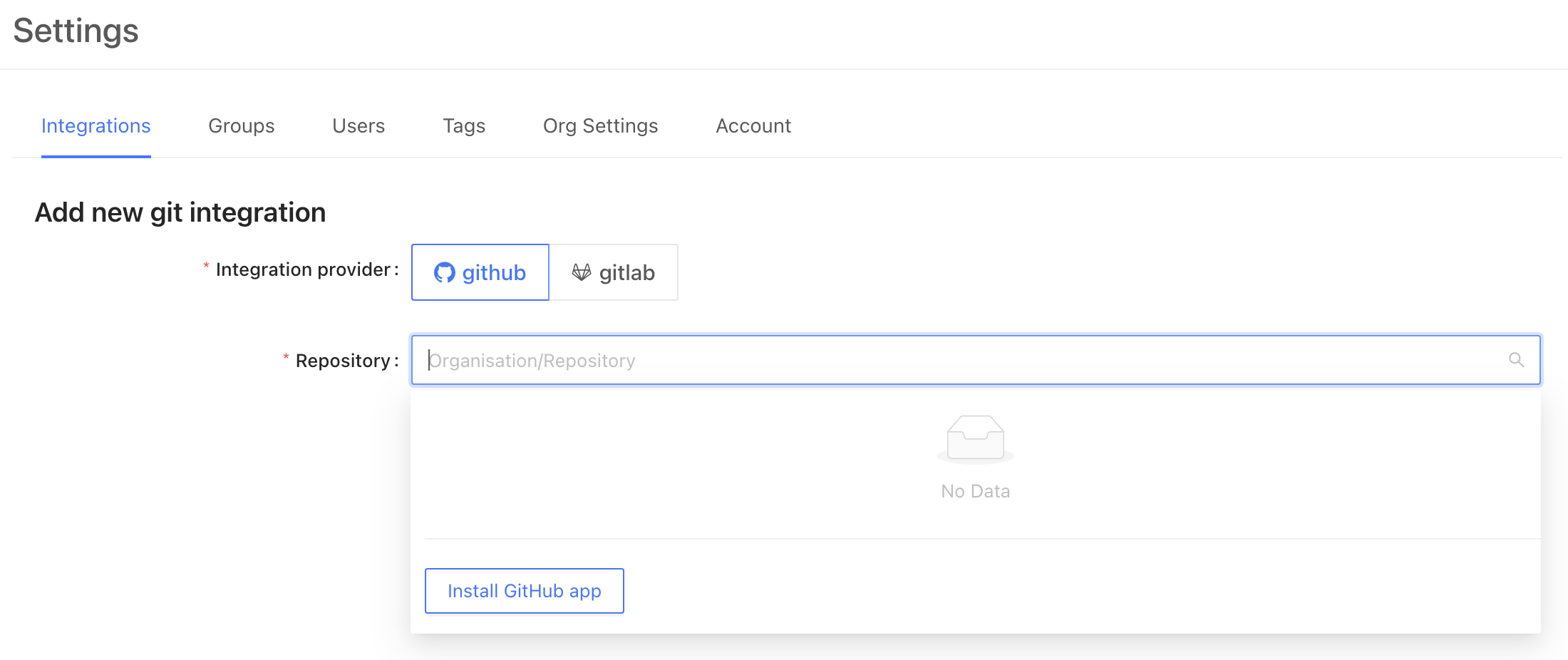 From here, GitHub will redirect you to login to your account and choose which organization you would like to connect. After choosing the right organization, you may choose to allow access to all repositories or specific ones.
Once complete, you will be redirected back to Datafold, where you can select the appropriate repository for connection.
**TIP**
If you lack permission to add the Datafold app, request approval from a GitHub admin.
After installation, click **Refresh** to display the newly added repositories in the dropdown list.
To complete the setup, click **Save**!
**INFO**
VPC deployments are an Enterprise feature. Please email [sales@datafold.com](mailto:sales@datafold.com) to enable your account.
## GitHub integration for VPC / single-tenant Datafold deployments
### Create a GitHub application
VPC clients of Datafold need to create their own GitHub app, rather than use the shared Datafold GitHub application.
Start by navigating to **Settings** → **Global Settings**.
From here, GitHub will redirect you to login to your account and choose which organization you would like to connect. After choosing the right organization, you may choose to allow access to all repositories or specific ones.
Once complete, you will be redirected back to Datafold, where you can select the appropriate repository for connection.
**TIP**
If you lack permission to add the Datafold app, request approval from a GitHub admin.
After installation, click **Refresh** to display the newly added repositories in the dropdown list.
To complete the setup, click **Save**!
**INFO**
VPC deployments are an Enterprise feature. Please email [sales@datafold.com](mailto:sales@datafold.com) to enable your account.
## GitHub integration for VPC / single-tenant Datafold deployments
### Create a GitHub application
VPC clients of Datafold need to create their own GitHub app, rather than use the shared Datafold GitHub application.
Start by navigating to **Settings** → **Global Settings**.
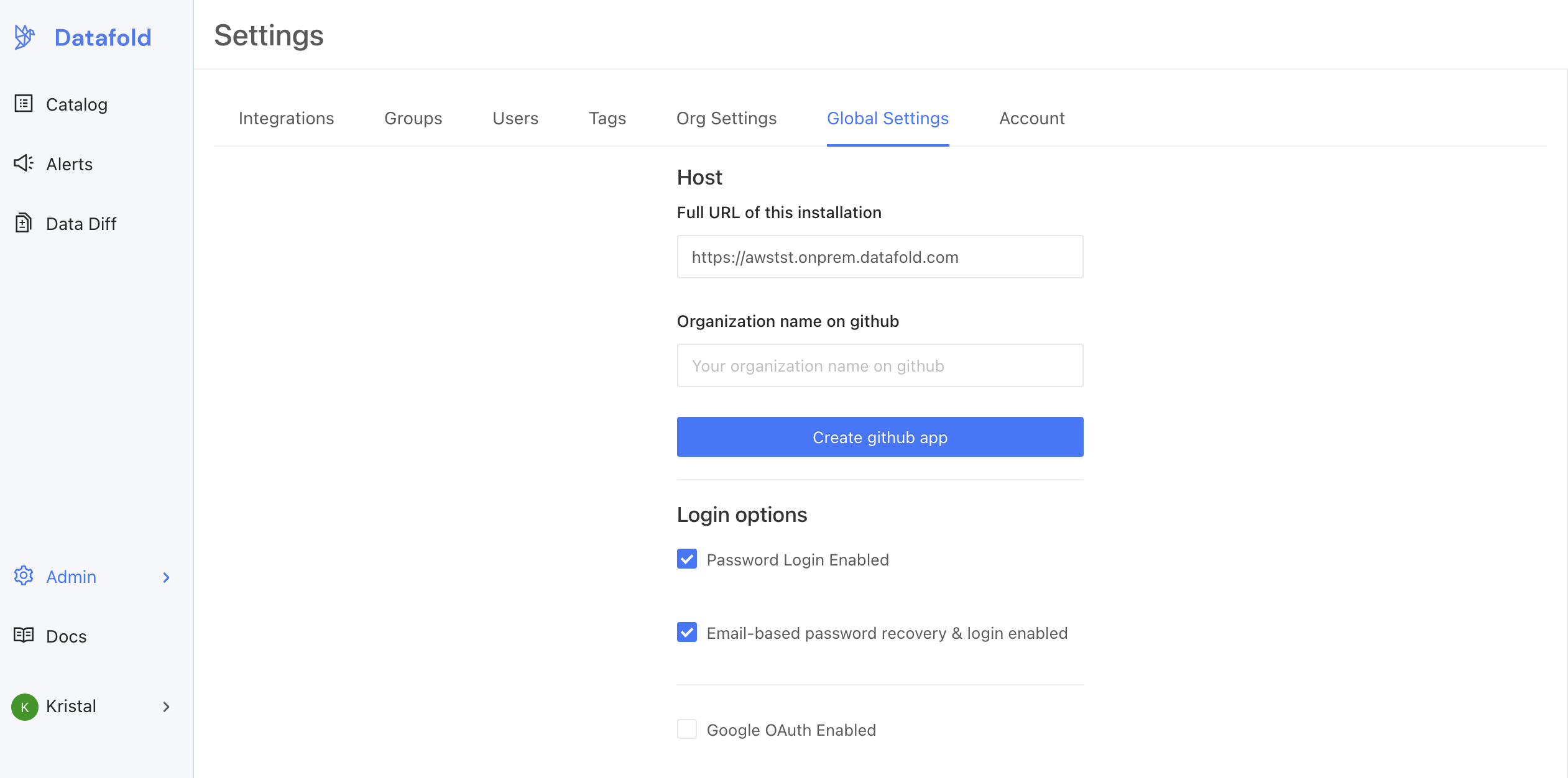 To begin the set up process, enter the domain that was registered for the VPC deployment in [AWS](/datafold-deployment/dedicated-cloud/aws) or [GCP](/datafold-deployment/dedicated-cloud/gcp). Then, enter the name of the GitHub organization where you'd like to install the application. When filled, click **Create GitHub App**.
This will redirect the admin to GitHub, where they may need to authenticate. **The GitHub user must be an admin of the GitHub organization.**
After authentication, you should be directed to enter a description for the GitHub App. After entering the description, click **Create GitHub app**.
Once the application is created, you should be returned to the Datafold settings screen. The button should then have disappeared, and the details for the GitHub App should be visible.
To begin the set up process, enter the domain that was registered for the VPC deployment in [AWS](/datafold-deployment/dedicated-cloud/aws) or [GCP](/datafold-deployment/dedicated-cloud/gcp). Then, enter the name of the GitHub organization where you'd like to install the application. When filled, click **Create GitHub App**.
This will redirect the admin to GitHub, where they may need to authenticate. **The GitHub user must be an admin of the GitHub organization.**
After authentication, you should be directed to enter a description for the GitHub App. After entering the description, click **Create GitHub app**.
Once the application is created, you should be returned to the Datafold settings screen. The button should then have disappeared, and the details for the GitHub App should be visible.
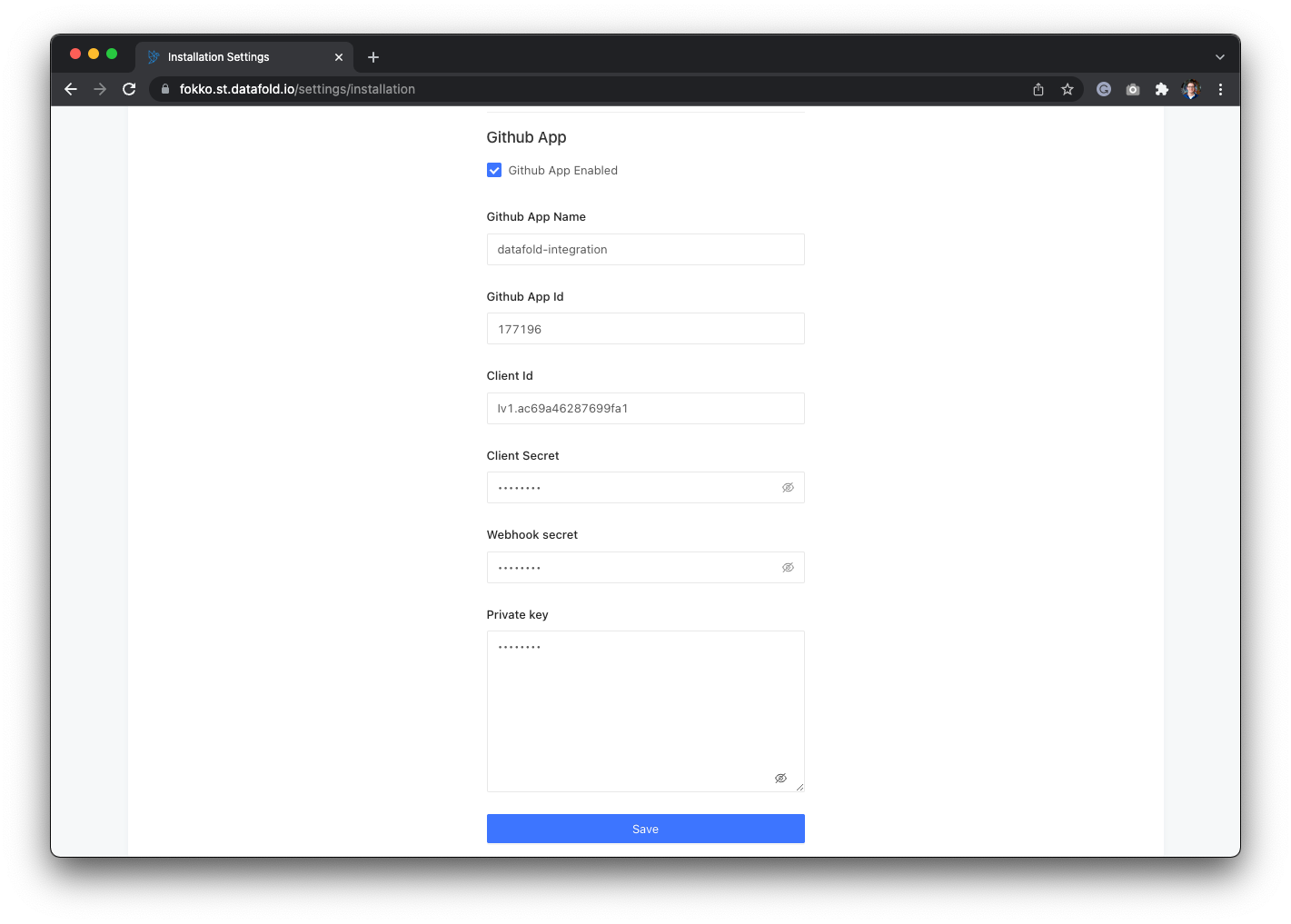 ### Making the GitHub application public
If you have a private GitHub instance with multiple organizations and want to use the Datafold app across all of them, you'll need to make the app public on your private server.
You can do so in GitHub by following these steps:
1. Navigate to the GitHub organization where the app was created.
2. Click **Settings**.
3. Go to **Developer Settings** → **GitHub Apps**.
4. Select the **Datafold app**.
5. Click **Advanced**, then **Make public**.
The app will be public **only on your private GitHub server**, ensuring it can be accessed across all your organizations.
### Configure GitHub in Datafold
If you see this screen with all the details, you've successfully created a GitHub App! Now that the app is created, you have to install it using the [GitHub integration setup](/integrations/code-repositories/github).
---
# Source: https://docs.datafold.com/integrations/code-repositories/gitlab.md
> ## Documentation Index
> Fetch the complete documentation index at: https://docs.datafold.com/llms.txt
> Use this file to discover all available pages before exploring further.
# GitLab
To get the [project access token](https://docs.gitlab.com/ee/user/project/settings/project%5Faccess%5Ftokens.html), navigate to your GitLab project settings and create a new token.
**TIP**
Project access tokens are preferred over personal tokens for security.
When configuring your token, select the **Maintainer** role and select the **api** scope.
### Making the GitHub application public
If you have a private GitHub instance with multiple organizations and want to use the Datafold app across all of them, you'll need to make the app public on your private server.
You can do so in GitHub by following these steps:
1. Navigate to the GitHub organization where the app was created.
2. Click **Settings**.
3. Go to **Developer Settings** → **GitHub Apps**.
4. Select the **Datafold app**.
5. Click **Advanced**, then **Make public**.
The app will be public **only on your private GitHub server**, ensuring it can be accessed across all your organizations.
### Configure GitHub in Datafold
If you see this screen with all the details, you've successfully created a GitHub App! Now that the app is created, you have to install it using the [GitHub integration setup](/integrations/code-repositories/github).
---
# Source: https://docs.datafold.com/integrations/code-repositories/gitlab.md
> ## Documentation Index
> Fetch the complete documentation index at: https://docs.datafold.com/llms.txt
> Use this file to discover all available pages before exploring further.
# GitLab
To get the [project access token](https://docs.gitlab.com/ee/user/project/settings/project%5Faccess%5Ftokens.html), navigate to your GitLab project settings and create a new token.
**TIP**
Project access tokens are preferred over personal tokens for security.
When configuring your token, select the **Maintainer** role and select the **api** scope.
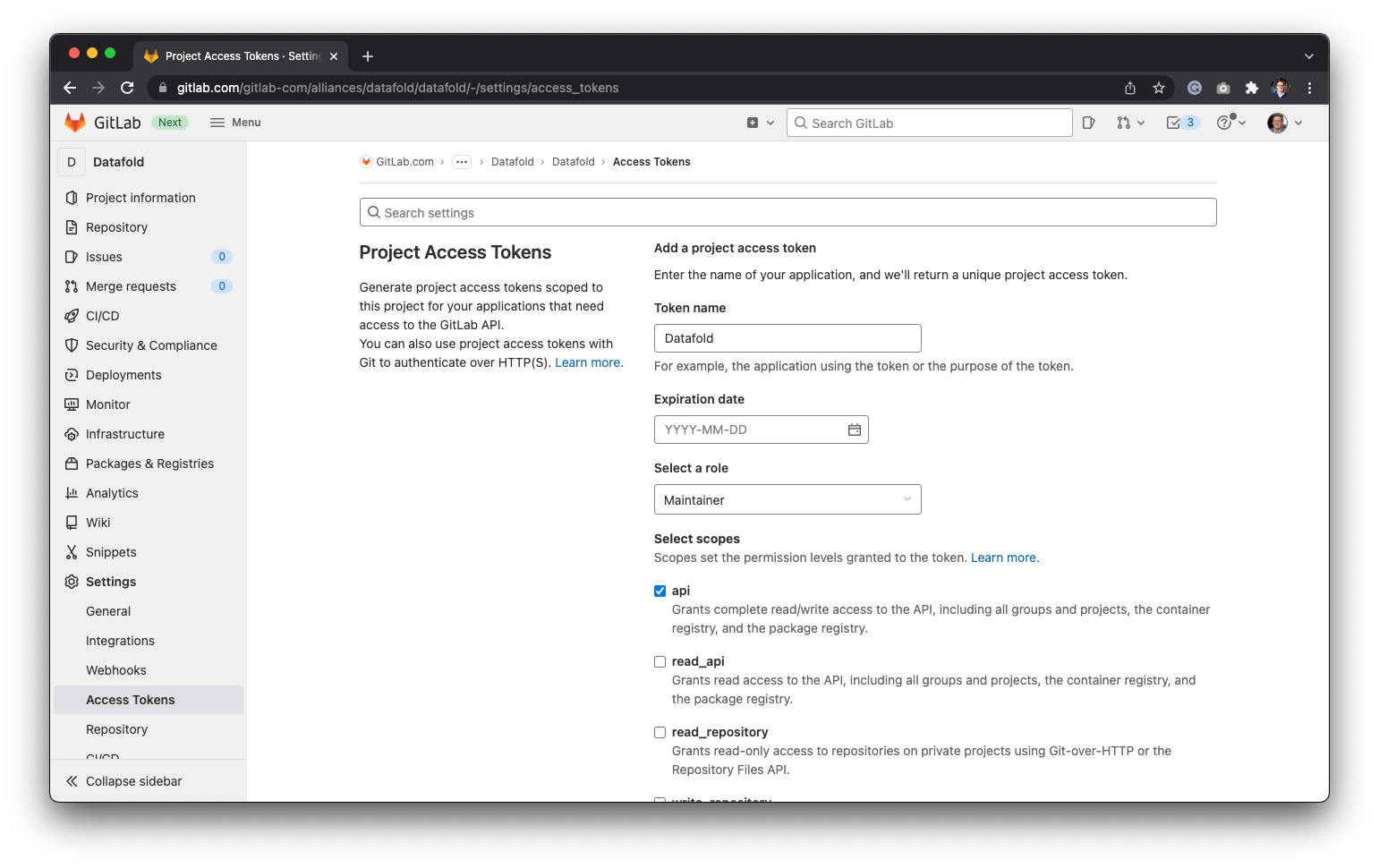 **Project Name** is your Gitlab project URL after `gitlab.com/`. For example, if your Gitlab project URL is `https://gitlab.com/datafold/dbt/`, your Project Name is `datafold/dbt/`
Finally, navigate back to Datafold and enter the **Project Token** and the name of your **Project** before hitting **Save**:
**Project Name** is your Gitlab project URL after `gitlab.com/`. For example, if your Gitlab project URL is `https://gitlab.com/datafold/dbt/`, your Project Name is `datafold/dbt/`
Finally, navigate back to Datafold and enter the **Project Token** and the name of your **Project** before hitting **Save**:
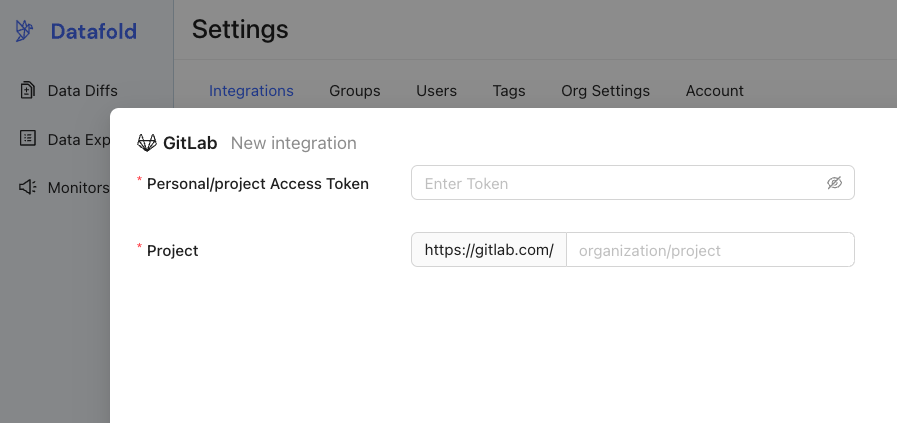 If you want to change the GitLab URL, you can do so after setting up the integration. To do so, navigate to **Settings**, then **Org Settings**:
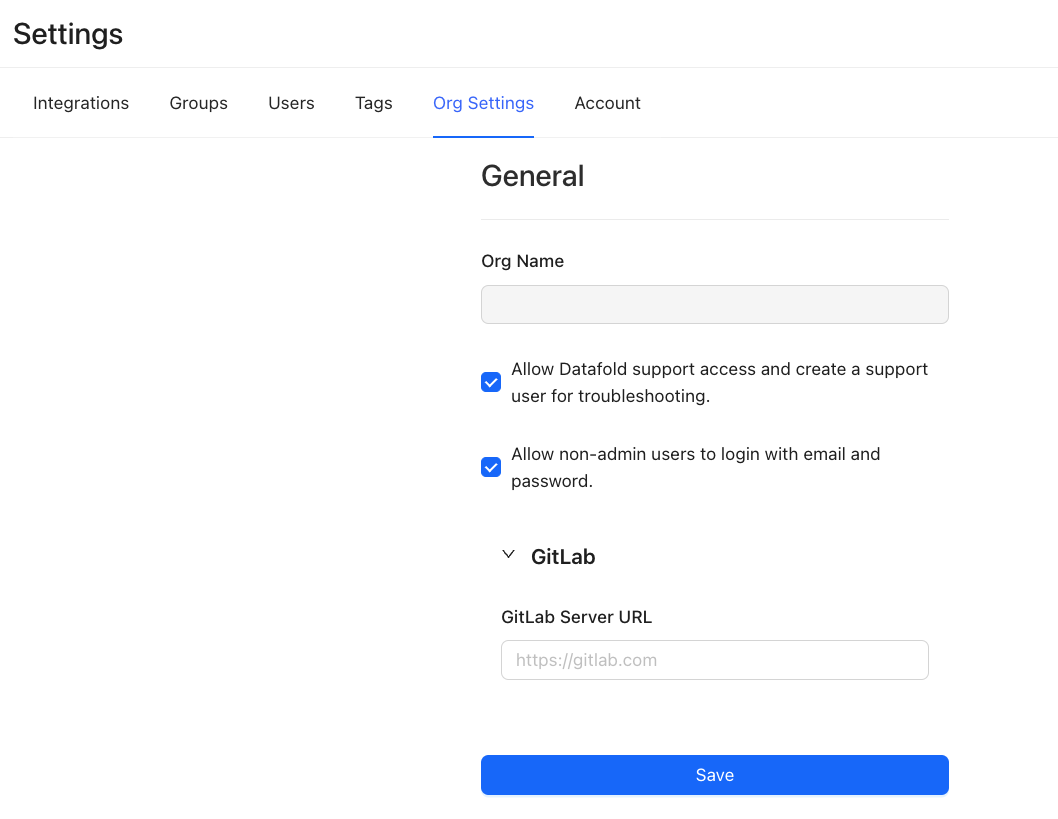 ---
# Source: https://docs.datafold.com/integrations/databases/google-cloud-storage.md
# Google Cloud Storage (GCS)
**Steps to complete:**
1. [Create a Service Account](/integrations/databases/google-cloud-storage#create-a-service-account)
2. [Give the Service Account Storage Object Admin access](/integrations/databases/google-cloud-storage#service-account-access-and-permissions)
3. [Generate a Service Account JSON key](/integrations/databases/google-cloud-storage#generate-a-service-account-key)
4. [Configure your data connection in Datafold](/integrations/databases/google-cloud-storage#configure-in-datafold)
## Create a Service Account
To connect Datafold to your Google Cloud Storage bucket, you will need to create a *service account* for Datafold to use.
* Navigate to the [Google Cloud Console](https://console.cloud.google.com/), click on the drop-down to the left of the search bar, and select the project you want to connect to.
* *Note: If you do not see your project, you may need to switch accounts.*
* Click on the hamburger menu in the upper left, then select **IAM & Admin** followed by **Service Accounts**.
* Create a service account named `Datafold`.
## Service Account Access and Permissions
The Datafold service account requires the following roles and permissions:
* **Storage Object Admin** for read and write access on all the datasets in the project.
## Generate a Service Account Key
Next, go back to the **IAM & Admin** page to generate a key for Datafold.
* Click on the **Service Accounts** page.
* Click on the **Datafold** service account.
* Click on the **Keys** tab.
* Click on **Add Key** and select **Create new key**.
* Select **JSON** and click **Create**.
We recommend using the JSON formatted key. After creating the key, it will be saved on your local machine.
## Configure in Datafold
| Field Name | Description |
| --------------------------------------------------------- | ----------------------------------------------------------------------------------------------------------------------------------------------------- |
| Connection name | A name given to the data connection within Datafold |
| Bucket Name | The name of the bucket you want to connect to. |
| Bucket region | The region of the bucket you want to connect to. |
| JSON Key File | The key file generated in the [Generate a Service Account JSON key](/integrations/databases/google-cloud-storage#generate-a-service-account-key) step |
| Directory for writing diff results | Optional. The directory in the bucket where diff results will be written. Service account should have write access to this directory. |
| Default maximum number of rows to include in diff results | Optional. The maximum number of rows that a file with materialized results will contain. |
Click **Create**. Your data connection is ready!
---
# Source: https://docs.datafold.com/security/single-sign-on/google-oauth.md
> ## Documentation Index
> Fetch the complete documentation index at: https://docs.datafold.com/llms.txt
> Use this file to discover all available pages before exploring further.
# Google OAuth
**NOTE**
Google SSO is available for both SaaS and VPC installations of Datafold.
## Datafold SaaS
For Datafold SaaS the setup only involves enabling Google SSO integration.
If Google SSO is already enabled for your organization you will see it in the **Settings** → **Integrations** → **SSO**.
---
# Source: https://docs.datafold.com/integrations/databases/google-cloud-storage.md
# Google Cloud Storage (GCS)
**Steps to complete:**
1. [Create a Service Account](/integrations/databases/google-cloud-storage#create-a-service-account)
2. [Give the Service Account Storage Object Admin access](/integrations/databases/google-cloud-storage#service-account-access-and-permissions)
3. [Generate a Service Account JSON key](/integrations/databases/google-cloud-storage#generate-a-service-account-key)
4. [Configure your data connection in Datafold](/integrations/databases/google-cloud-storage#configure-in-datafold)
## Create a Service Account
To connect Datafold to your Google Cloud Storage bucket, you will need to create a *service account* for Datafold to use.
* Navigate to the [Google Cloud Console](https://console.cloud.google.com/), click on the drop-down to the left of the search bar, and select the project you want to connect to.
* *Note: If you do not see your project, you may need to switch accounts.*
* Click on the hamburger menu in the upper left, then select **IAM & Admin** followed by **Service Accounts**.
* Create a service account named `Datafold`.
## Service Account Access and Permissions
The Datafold service account requires the following roles and permissions:
* **Storage Object Admin** for read and write access on all the datasets in the project.
## Generate a Service Account Key
Next, go back to the **IAM & Admin** page to generate a key for Datafold.
* Click on the **Service Accounts** page.
* Click on the **Datafold** service account.
* Click on the **Keys** tab.
* Click on **Add Key** and select **Create new key**.
* Select **JSON** and click **Create**.
We recommend using the JSON formatted key. After creating the key, it will be saved on your local machine.
## Configure in Datafold
| Field Name | Description |
| --------------------------------------------------------- | ----------------------------------------------------------------------------------------------------------------------------------------------------- |
| Connection name | A name given to the data connection within Datafold |
| Bucket Name | The name of the bucket you want to connect to. |
| Bucket region | The region of the bucket you want to connect to. |
| JSON Key File | The key file generated in the [Generate a Service Account JSON key](/integrations/databases/google-cloud-storage#generate-a-service-account-key) step |
| Directory for writing diff results | Optional. The directory in the bucket where diff results will be written. Service account should have write access to this directory. |
| Default maximum number of rows to include in diff results | Optional. The maximum number of rows that a file with materialized results will contain. |
Click **Create**. Your data connection is ready!
---
# Source: https://docs.datafold.com/security/single-sign-on/google-oauth.md
> ## Documentation Index
> Fetch the complete documentation index at: https://docs.datafold.com/llms.txt
> Use this file to discover all available pages before exploring further.
# Google OAuth
**NOTE**
Google SSO is available for both SaaS and VPC installations of Datafold.
## Datafold SaaS
For Datafold SaaS the setup only involves enabling Google SSO integration.
If Google SSO is already enabled for your organization you will see it in the **Settings** → **Integrations** → **SSO**.
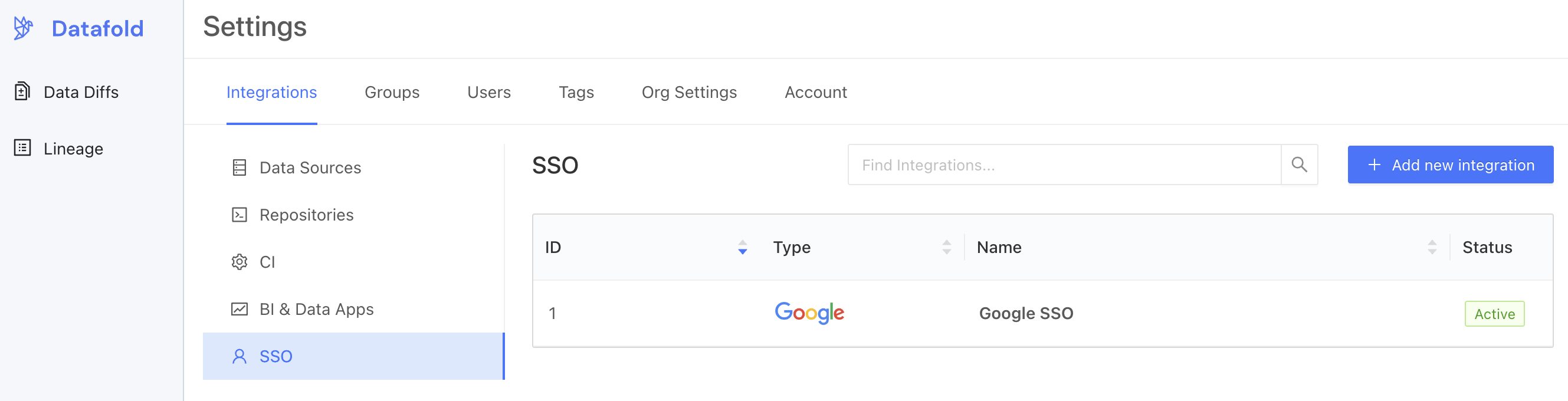 If this is not the case, create a new Google SSO Integration by clicking on the **Add new integration** button.
Enable the **Allow Google logins in organization** switch and click **Save**. That's it!
If you are not using Datafold SaaS, please see below.
## Create OAuth Client ID
To begin, navigate to the [Google admin console](https://console.cloud.google.com/apis/credentials?authuser=1%5C\&folder=%5C) for your organization, click **Create Credentials**, and select **OAuth Client ID**.
If this is not the case, create a new Google SSO Integration by clicking on the **Add new integration** button.
Enable the **Allow Google logins in organization** switch and click **Save**. That's it!
If you are not using Datafold SaaS, please see below.
## Create OAuth Client ID
To begin, navigate to the [Google admin console](https://console.cloud.google.com/apis/credentials?authuser=1%5C\&folder=%5C) for your organization, click **Create Credentials**, and select **OAuth Client ID**.
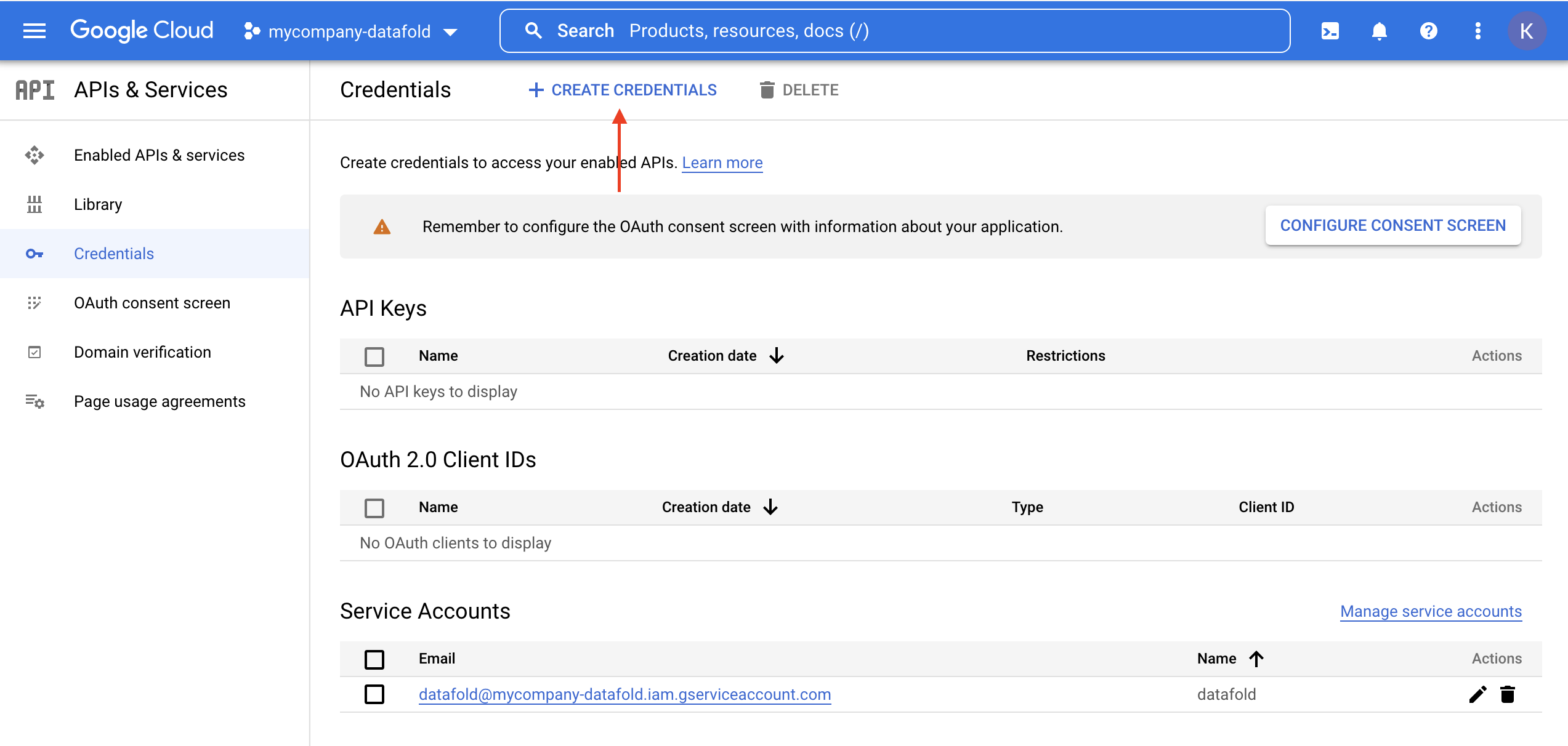 **TIP**
To configure OAuth, you may need to first configure your consent screen. We recommend selecting **Internal** to keep access limited to users in your Google workspace and organization.
**TIP**
To configure OAuth, you may need to first configure your consent screen. We recommend selecting **Internal** to keep access limited to users in your Google workspace and organization.
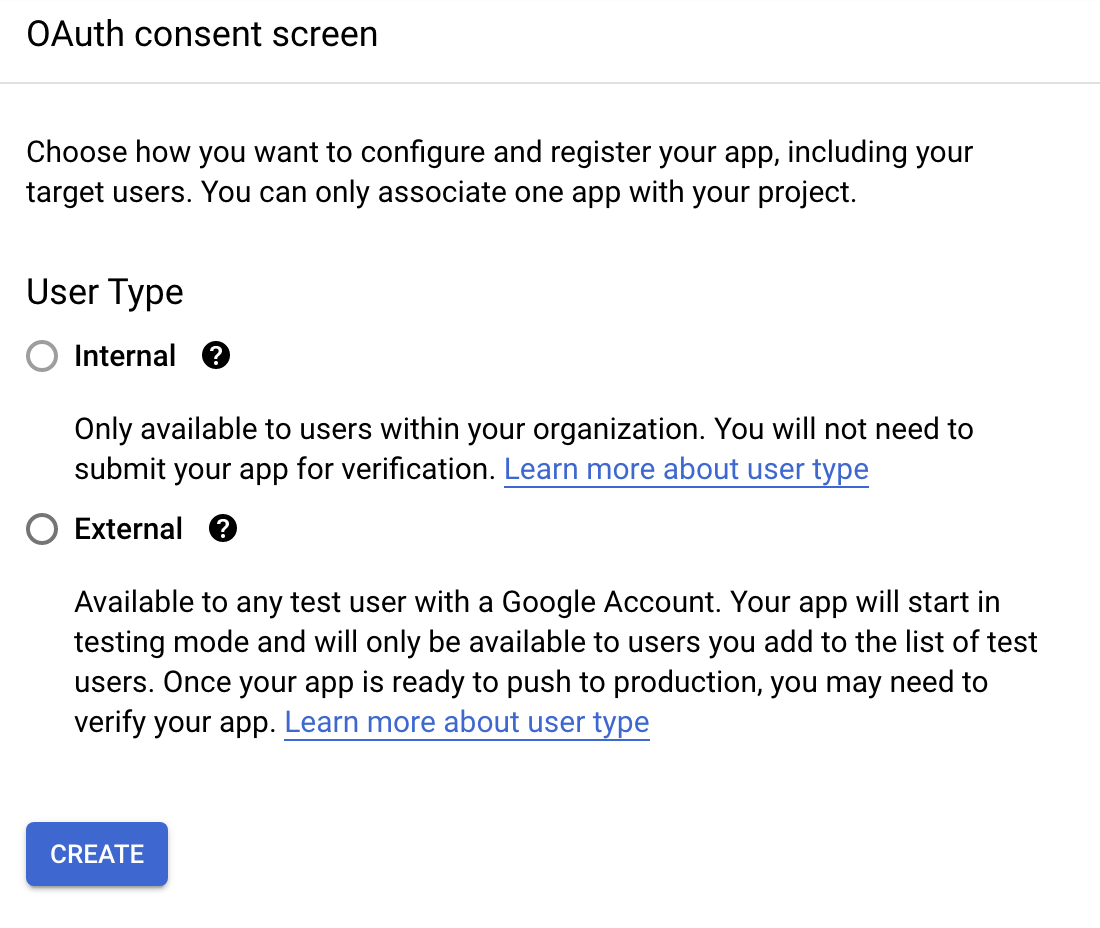 ### Configure OAuth[](#configure-oauth "Direct link to Configure OAuth")
* **Application type**: "Web application"
* **Authorized JavaScript origins**: `https://`
* **Authorized redirect URIs**: `https:///oauth/google`
### Configure OAuth[](#configure-oauth "Direct link to Configure OAuth")
* **Application type**: "Web application"
* **Authorized JavaScript origins**: `https://`
* **Authorized redirect URIs**: `https:///oauth/google`
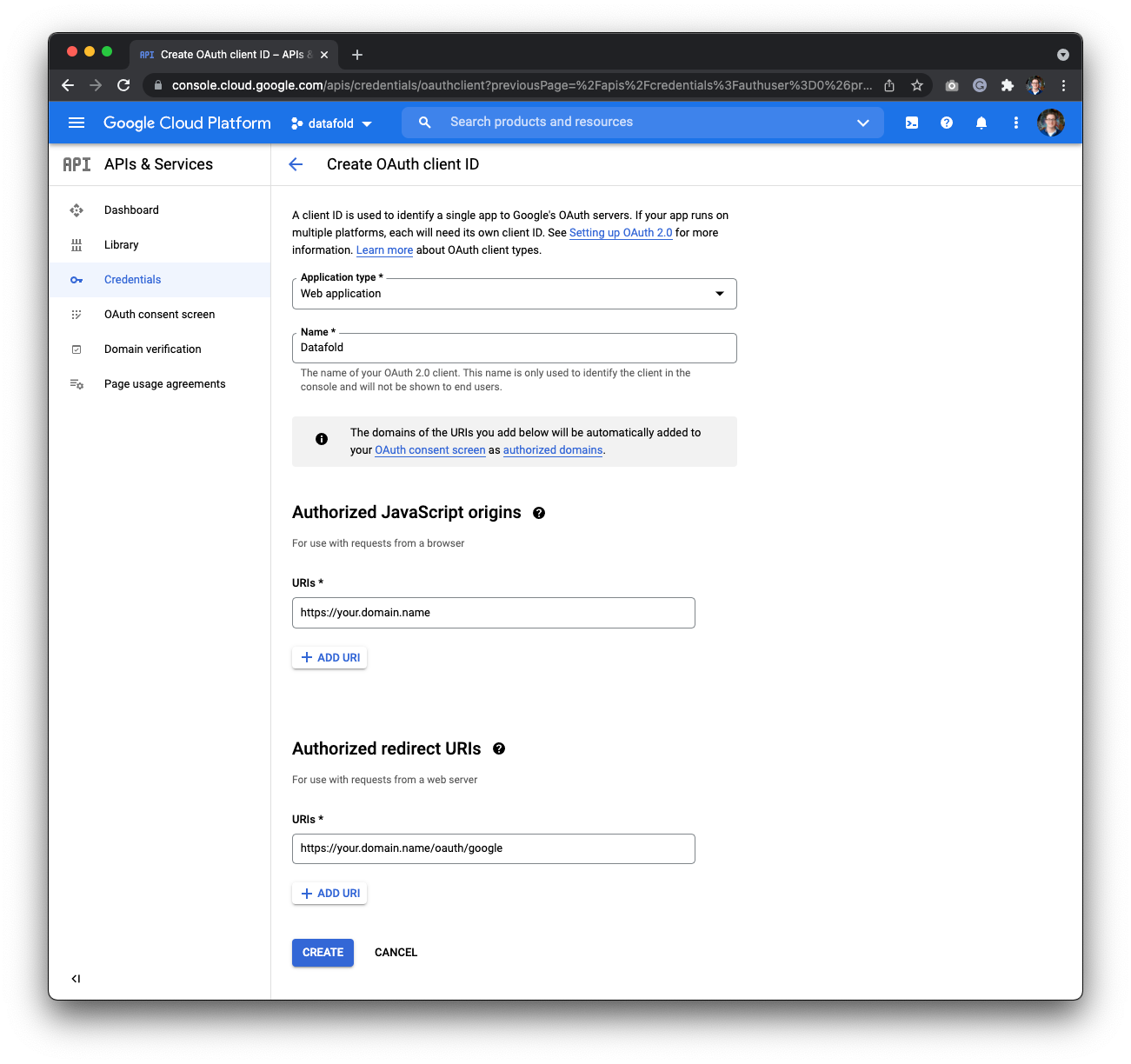 Finally, click **Create**. You will see a set of credentials that you will copy over to your Datafold Global Settings.
## Configure Google OAuth in Datafold
To finish the configuration, create a Google SSO Integration in Datafold.
To complete the integration in Datafold, create a new integration by navigating to **Settings** → **Integrations** → **SSO** → **Add new integration** → **Google**.
Finally, click **Create**. You will see a set of credentials that you will copy over to your Datafold Global Settings.
## Configure Google OAuth in Datafold
To finish the configuration, create a Google SSO Integration in Datafold.
To complete the integration in Datafold, create a new integration by navigating to **Settings** → **Integrations** → **SSO** → **Add new integration** → **Google**.
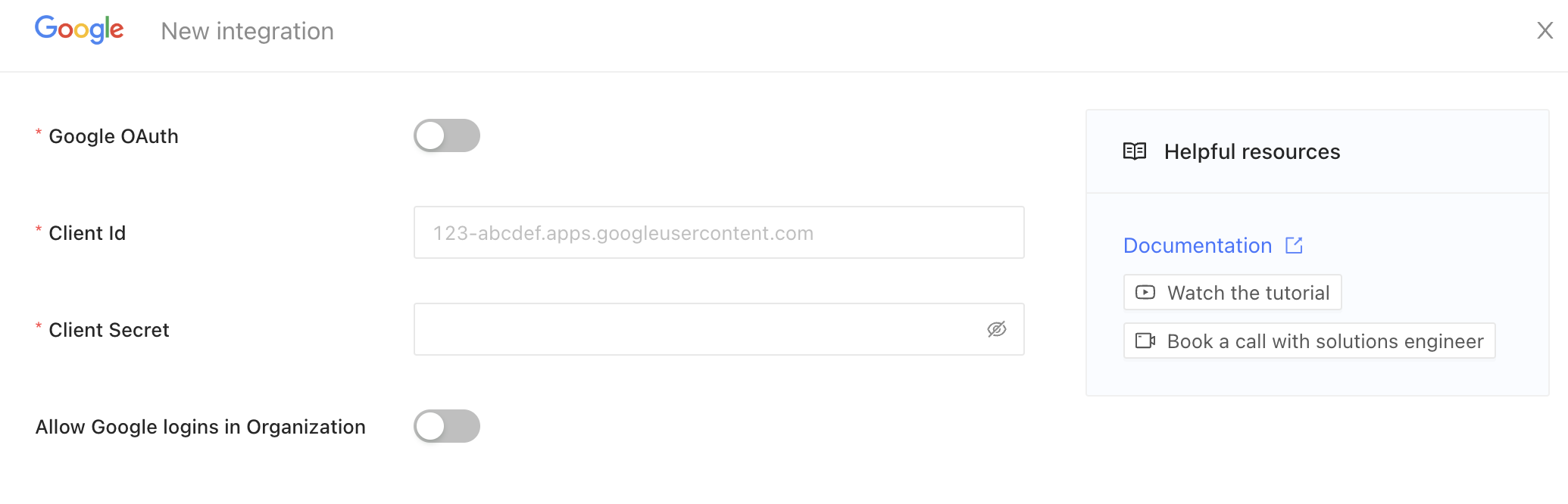 * Enable the **Google OAuth** switch.
* Enter the **domain** or URL of your OAuth client Id on the respective field.
* Paste the **Client Secret** on the respective field.
* Enable the **Allow Google logins in Organization** switch.
* Finally, click **Save**.
---
# Source: https://docs.datafold.com/security/single-sign-on/saml/examples/google.md
> ## Documentation Index
> Fetch the complete documentation index at: https://docs.datafold.com/llms.txt
> Use this file to discover all available pages before exploring further.
# Google
## Google as a SAML Identity Provider
Enable SAML in your Google Workspace. Check [Set up your own custom SAML app](https://support.google.com/a/answer/6087519?hl=en) for more details.
**CAUTION**
You need to be a **super-admin** in the Google Workspace to configure a SAML application.
* Go to `Google`, click on **Download Metadata** in the left sidebar and **copy** the XML.
* Select **Email** as the Name ID format.
* Select **Basic Information > Primary email** as the Name ID.
* Enable the **Google OAuth** switch.
* Enter the **domain** or URL of your OAuth client Id on the respective field.
* Paste the **Client Secret** on the respective field.
* Enable the **Allow Google logins in Organization** switch.
* Finally, click **Save**.
---
# Source: https://docs.datafold.com/security/single-sign-on/saml/examples/google.md
> ## Documentation Index
> Fetch the complete documentation index at: https://docs.datafold.com/llms.txt
> Use this file to discover all available pages before exploring further.
# Google
## Google as a SAML Identity Provider
Enable SAML in your Google Workspace. Check [Set up your own custom SAML app](https://support.google.com/a/answer/6087519?hl=en) for more details.
**CAUTION**
You need to be a **super-admin** in the Google Workspace to configure a SAML application.
* Go to `Google`, click on **Download Metadata** in the left sidebar and **copy** the XML.
* Select **Email** as the Name ID format.
* Select **Basic Information > Primary email** as the Name ID.
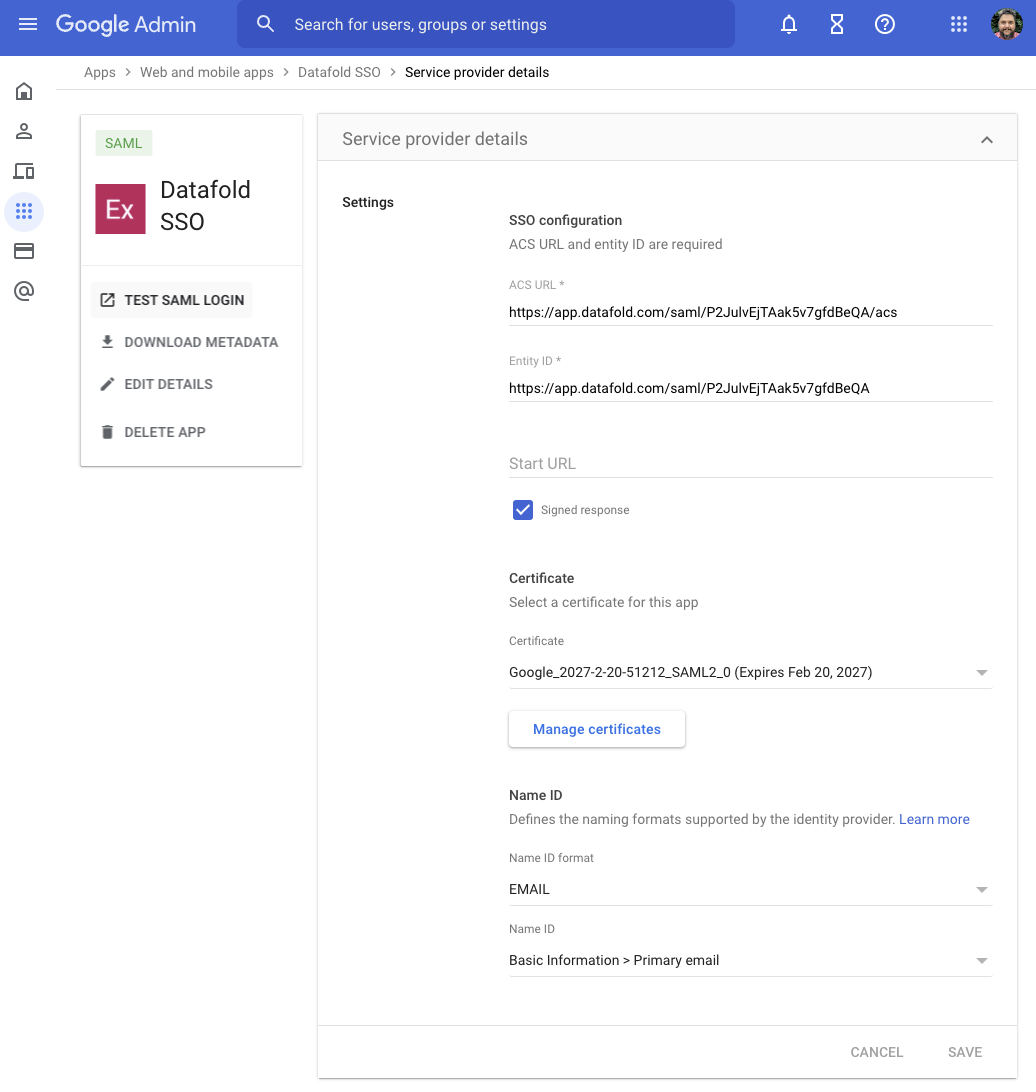 * Go to `Datafold` and create a new SSO integration. Navigate to **Settings** → **Integrations** → **Add new integration** → **SAML**.
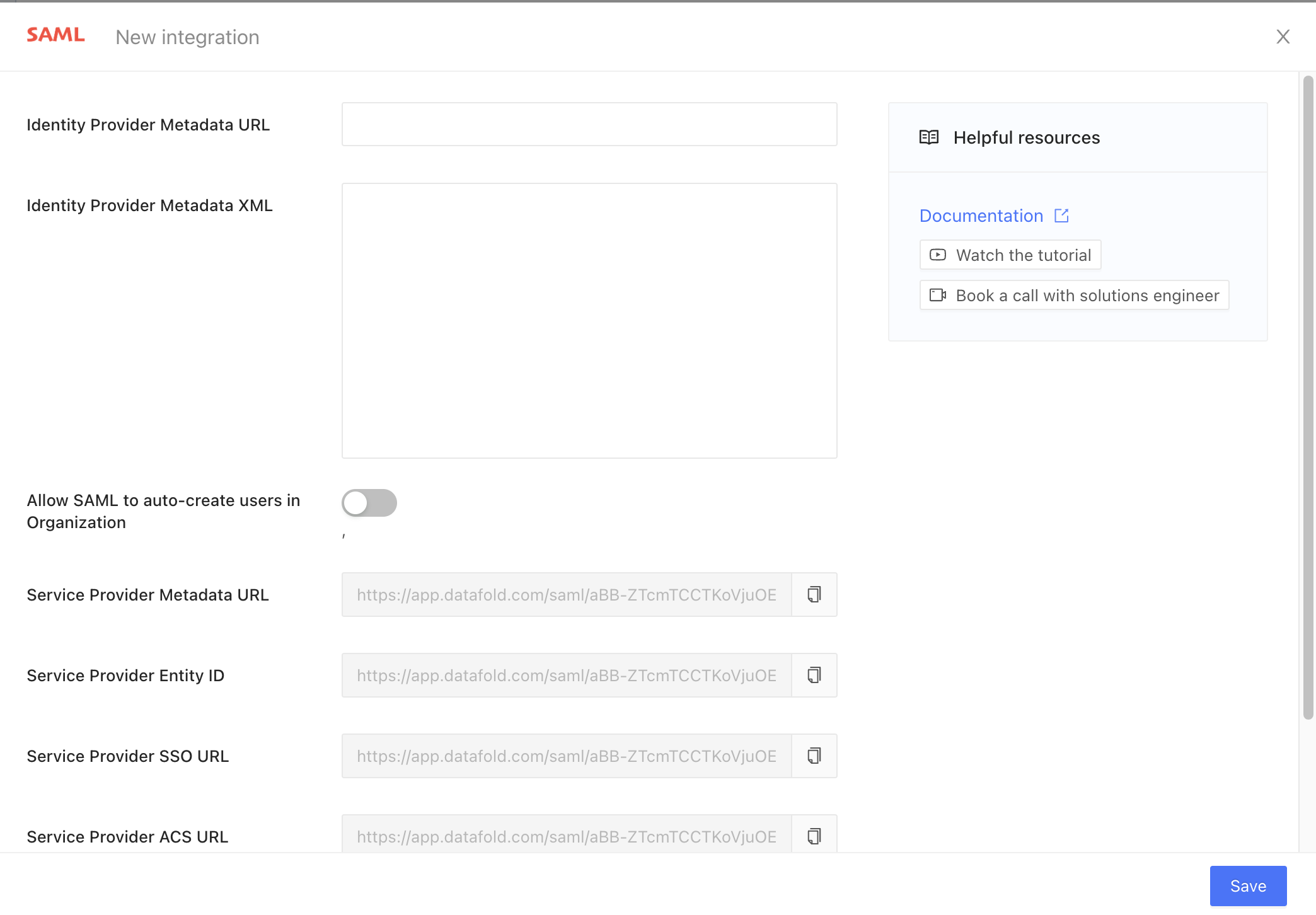 * Copy the read-only field **Service Provider ACS URL**, go to `Google` and paste it into **ACS URL**.
* Copy the read-only field **Service Provider Entity ID**, go to `Google` and paste it into **Entity ID**.
* Paste the **copied** XML into `Datafold`'s **Identity Provider Metadata XML** field.
* Click **Save** to create the integration.
* (Optional step) Configure the attribute mapping as follows:
* **First Name** → `first_name`
* **Last Name** → `last_name`
* Copy the read-only field **Service Provider ACS URL**, go to `Google` and paste it into **ACS URL**.
* Copy the read-only field **Service Provider Entity ID**, go to `Google` and paste it into **Entity ID**.
* Paste the **copied** XML into `Datafold`'s **Identity Provider Metadata XML** field.
* Click **Save** to create the integration.
* (Optional step) Configure the attribute mapping as follows:
* **First Name** → `first_name`
* **Last Name** → `last_name`
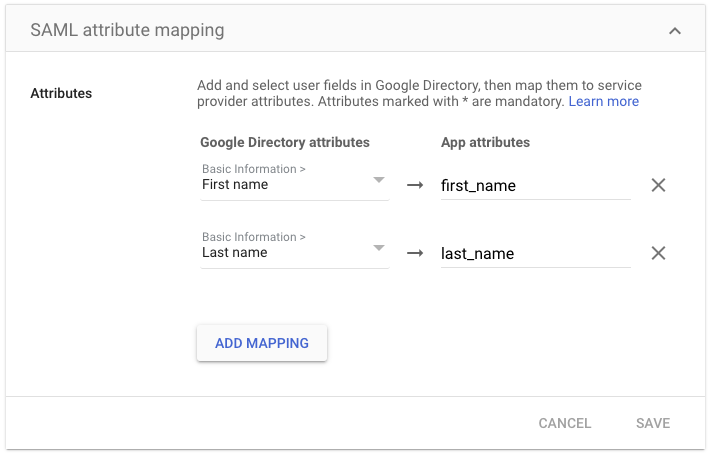 ---
# Source: https://docs.datafold.com/security/single-sign-on/saml/group-provisioning.md
> ## Documentation Index
> Fetch the complete documentation index at: https://docs.datafold.com/llms.txt
> Use this file to discover all available pages before exploring further.
> Automatically sync group membership with your SAML Identity Provider (IdP).
# null
## 1. Create desired groups in the IdP
---
# Source: https://docs.datafold.com/security/single-sign-on/saml/group-provisioning.md
> ## Documentation Index
> Fetch the complete documentation index at: https://docs.datafold.com/llms.txt
> Use this file to discover all available pages before exploring further.
> Automatically sync group membership with your SAML Identity Provider (IdP).
# null
## 1. Create desired groups in the IdP
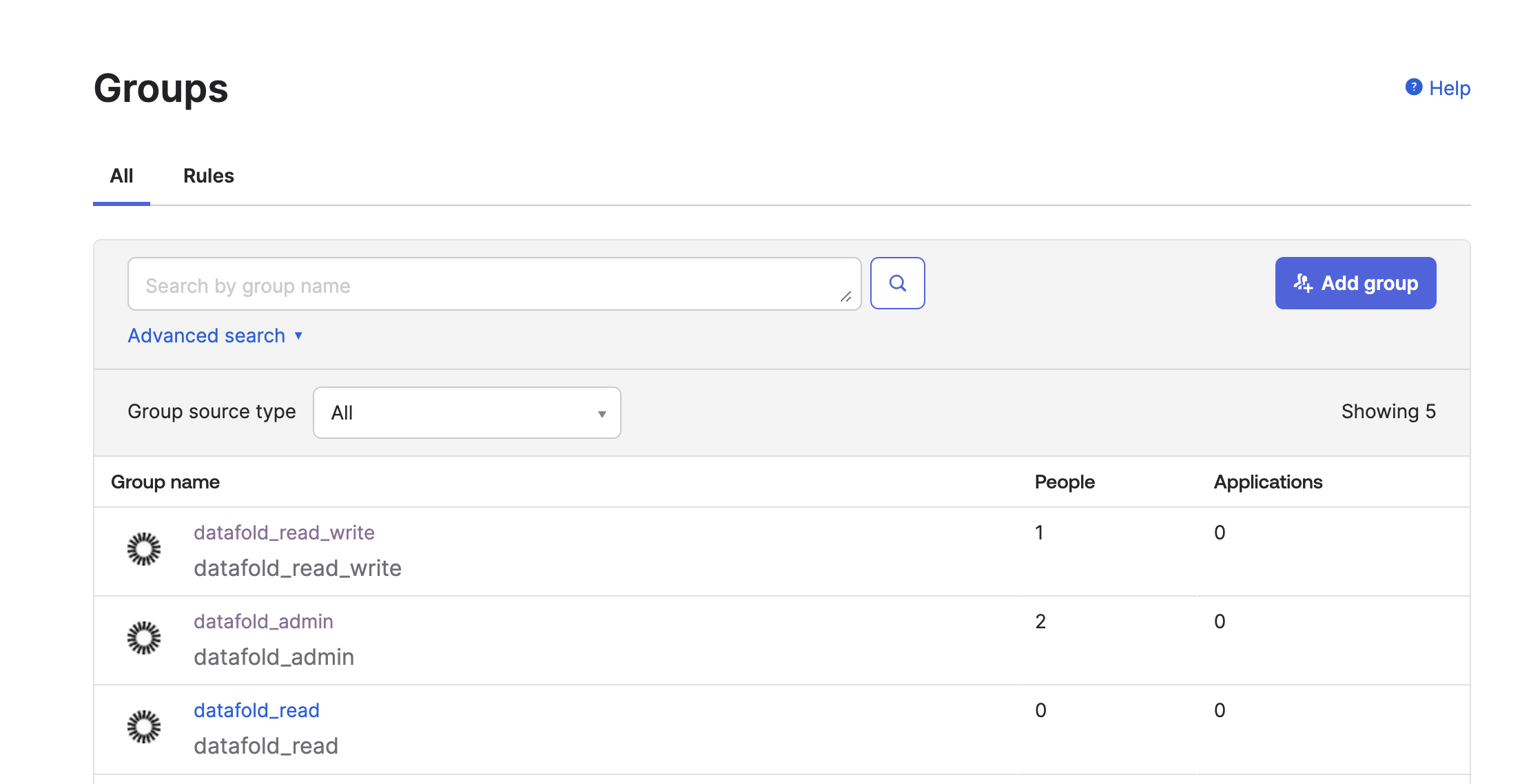 ## 2. Assign the desired users to groups
Assign the relevant users to groups reflecting their roles and permissions.
## 3. Configure the SAML SSO provider
Configure your SAML SSO provider to include a `groups` attribute. This attribute should list all the groups you want to sync.
```Bash theme={null}
datafold_admindatafold_read_write
```
## 2. Assign the desired users to groups
Assign the relevant users to groups reflecting their roles and permissions.
## 3. Configure the SAML SSO provider
Configure your SAML SSO provider to include a `groups` attribute. This attribute should list all the groups you want to sync.
```Bash theme={null}
datafold_admindatafold_read_write
```
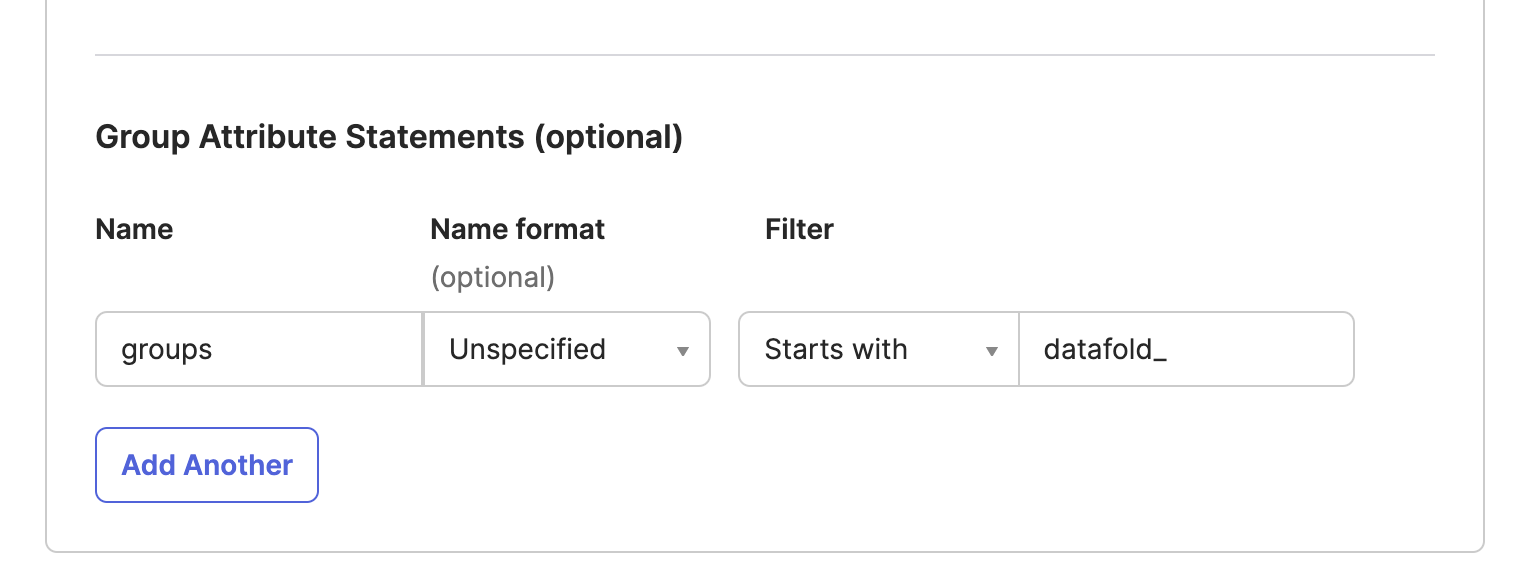 ## 4. Map IdP groups to Datafold groups
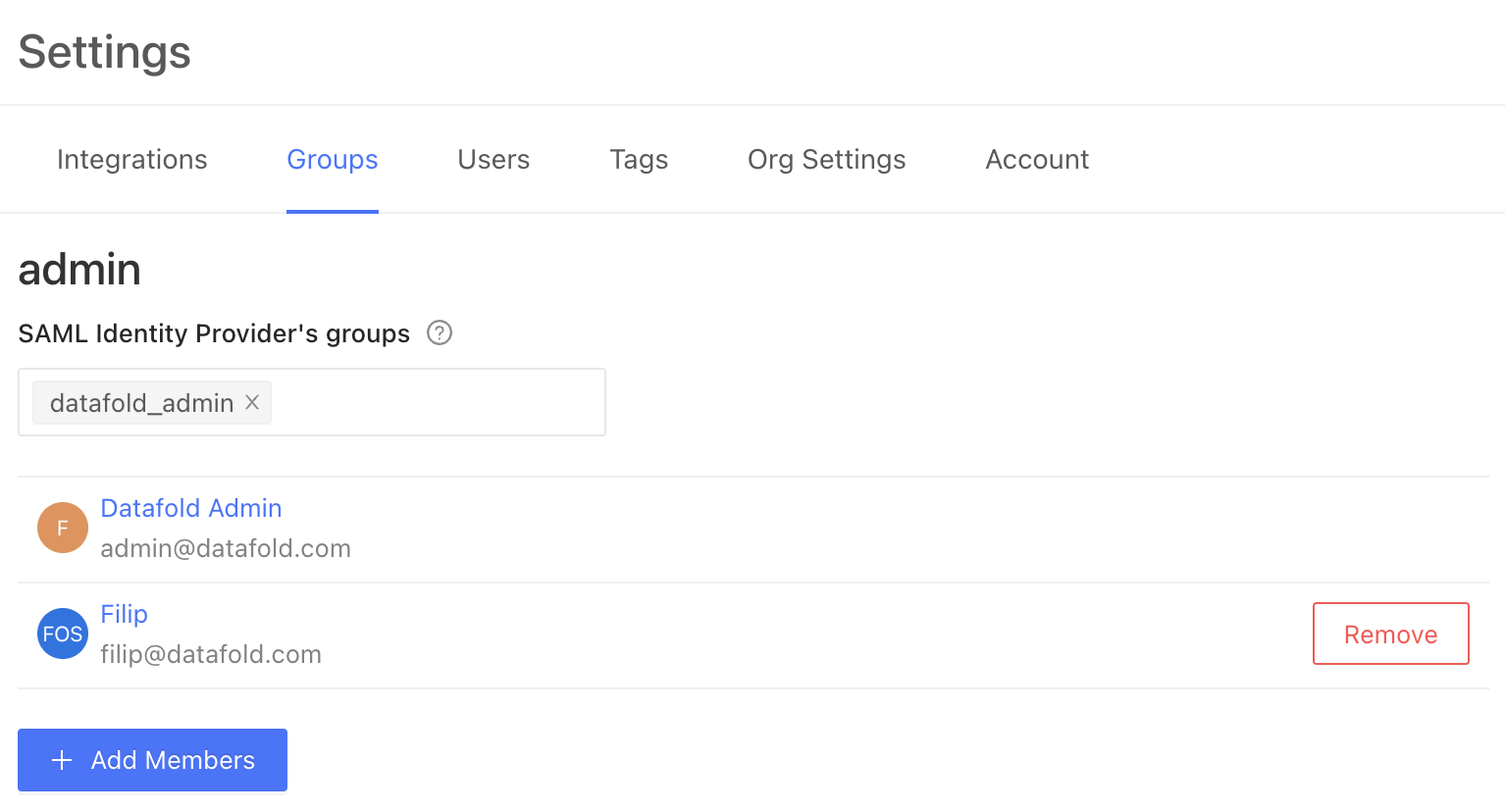 The `datafold_admin` group, created in the IdP through [step 1](#1-create-desired-groups-in-the-idp), will be automatically synced. Users in this IdP group will also be members of the corresponding group in Datafold.
**Note:** Manual Datafold user group memberships will be overridden upon the user's next login to Datafold. Therefore, group memberships should be managed exclusively within the IdP once the `groups` attribute is configured.
## Example configuration
Here's how you might configure three groups to map to the three default Datafold groups, `admin`, `default` and `viewonly`:
The `datafold_admin` group, created in the IdP through [step 1](#1-create-desired-groups-in-the-idp), will be automatically synced. Users in this IdP group will also be members of the corresponding group in Datafold.
**Note:** Manual Datafold user group memberships will be overridden upon the user's next login to Datafold. Therefore, group memberships should be managed exclusively within the IdP once the `groups` attribute is configured.
## Example configuration
Here's how you might configure three groups to map to the three default Datafold groups, `admin`, `default` and `viewonly`:
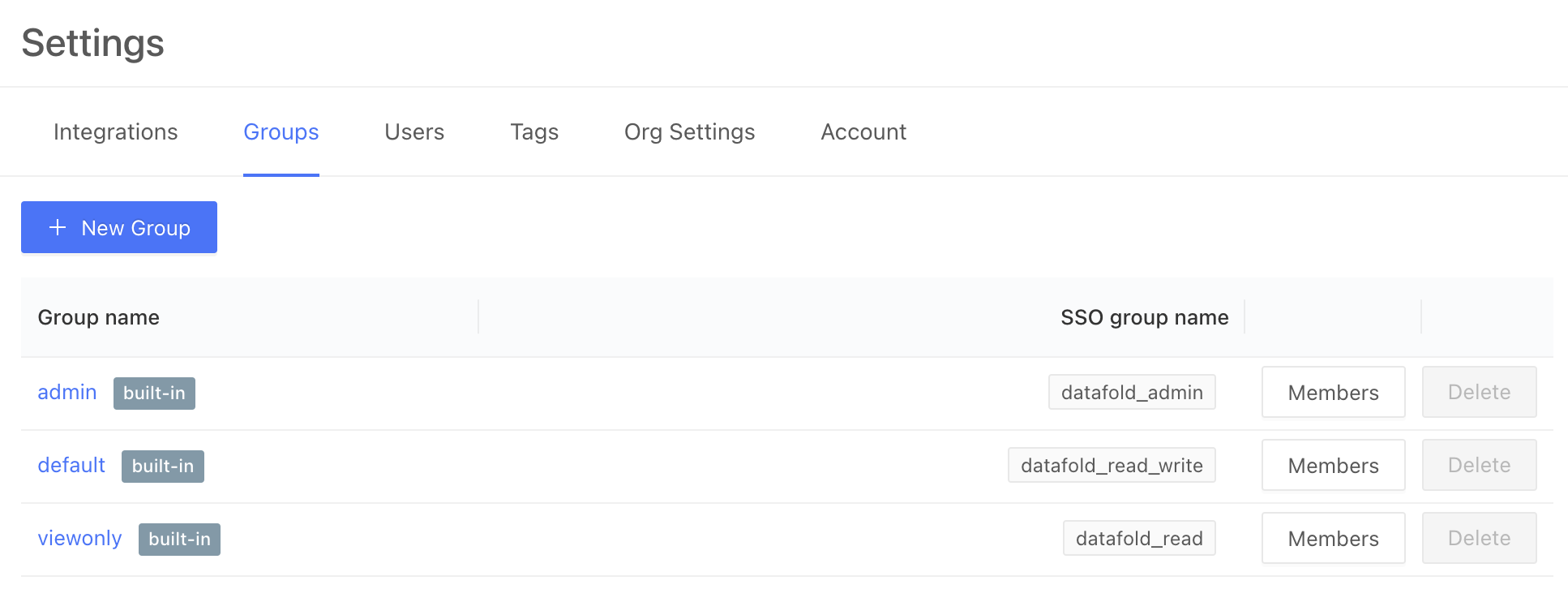 ---
# Source: https://docs.datafold.com/deployment-testing/best-practices/handling-data-drift.md
> ## Documentation Index
> Fetch the complete documentation index at: https://docs.datafold.com/llms.txt
> Use this file to discover all available pages before exploring further.
# Handling Data Drift
> Ensuring Datafold in CI executes apples-to-apples comparison between staging and production environments.
**Note**
This section of the docs is only relevant if the data used as inputs during the PR build are inconsistent with the data used as inputs during the last production build. Please contact [support@datafold.com](mailto:support@datafold.com) if you'd like to learn more.
## What is data drift in CI?
Datafold is used in CI to illuminate the impact of a pull request's proposed code change by comparing two versions of the data and identifying differences.
**Data drift in CI** happens when those data differences occur due to *changes in upstream data sources*—not because of proposed code changes.
Data drift in CI adds "noise" to your CI testing analysis, making it tricky to tell if data differences are due to new code, or changes in the source data. Unless both versions rely on the same snapshot of upstream data, data drift can compromise your ability to see the true effect of the code changes.
**Tip**
dbt users should implement Slim CI in [dbt Core](https://www.datafold.com/blog/taking-your-dbt-ci-pipeline-to-the-next-level) or [dbt Cloud](https://www.datafold.com/blog/slim-ci-the-cost-effective-solution-for-successful-deployments-in-dbt-cloud) to prevent most instances of data drift. Slim CI reduces build time and eliminates most instances of data drift because the CI build depends on upstreams in production due to state deferral. However, Slim CI will not *completely* eliminate data drift in CI, specifically in cases where the model being modified in the PR depends on a source. In those cases, we recommend [**building twice in CI**](/deployment-testing/best-practices/handling-data-drift#build-twice-in-ci).
## Why prevent data drift in CI?
By eliminating data drift entirely, you can be confident that any differences detected in CI are driven only by your code, not unexpected data changes.
You can think of this as similar to a scientific experiment, where the control versus treatment groups ideally exist in identical baseline conditions, with the treatment as the only variable which would cause differential outcomes.
In practice, many organizations do not completely eliminate data drift, and still derive value from automatic data diffing and analysis conducted by Datafold in CI, in spite of minor noise that does exist.
## Handling data drift
We recommend two options for removing data drift to the greatest extent possible:
* [Build twice in CI](#build-twice-in-ci)
* [Build CI data from clone of prod sources](#build-ci-data-from-clone-of-prod-sources)
In both of these approaches, Datafold compares transformations of identical upstream data, so that any detected differences will be due to the code changes alone, ensuring an accurate comparison with no false positives.
By building two versions of the data in CI, you can ensure an "apples-to-apples" comparison that depends on the same version of upstream data.
When deciding between the two, choose the one that best matches your workflow:
| Workflow | Approach | Why |
| ----------------------------------------------------- | ----------------------------- | --------------------------------------------------------------------------------------------- |
| Data changes frequently in production | Build twice in CI | Isolates PR impact without waiting on recent production updates, using a consistent snapshot. |
| Production has complex orchestration or multiple jobs | Build CI data from prod clone | Allows a stable comparison by freezing upstream data from a fixed production state. |
| Performance and speed are critical | Build CI data from prod clone | Limits CI build to a single snapshot, reducing the processing load on the pipeline. |
| Simplified orchestration with minimal dependencies | Build twice in CI | Reduces the need to manage production snapshots by running both environments in CI. |
### Build twice in CI
This method involves two CI builds: one representing PR data, and another representing production data, both based on an identical snapshot of upstream data.
1. Create a fixed snapshot of the upstream data that both builds will use.
2. The CI pipeline executes two builds: one using the PR branch of code, and another using the base branch of code.
3. Datafold compares these two data environments, both created in CI, and detects differences.
---
# Source: https://docs.datafold.com/deployment-testing/best-practices/handling-data-drift.md
> ## Documentation Index
> Fetch the complete documentation index at: https://docs.datafold.com/llms.txt
> Use this file to discover all available pages before exploring further.
# Handling Data Drift
> Ensuring Datafold in CI executes apples-to-apples comparison between staging and production environments.
**Note**
This section of the docs is only relevant if the data used as inputs during the PR build are inconsistent with the data used as inputs during the last production build. Please contact [support@datafold.com](mailto:support@datafold.com) if you'd like to learn more.
## What is data drift in CI?
Datafold is used in CI to illuminate the impact of a pull request's proposed code change by comparing two versions of the data and identifying differences.
**Data drift in CI** happens when those data differences occur due to *changes in upstream data sources*—not because of proposed code changes.
Data drift in CI adds "noise" to your CI testing analysis, making it tricky to tell if data differences are due to new code, or changes in the source data. Unless both versions rely on the same snapshot of upstream data, data drift can compromise your ability to see the true effect of the code changes.
**Tip**
dbt users should implement Slim CI in [dbt Core](https://www.datafold.com/blog/taking-your-dbt-ci-pipeline-to-the-next-level) or [dbt Cloud](https://www.datafold.com/blog/slim-ci-the-cost-effective-solution-for-successful-deployments-in-dbt-cloud) to prevent most instances of data drift. Slim CI reduces build time and eliminates most instances of data drift because the CI build depends on upstreams in production due to state deferral. However, Slim CI will not *completely* eliminate data drift in CI, specifically in cases where the model being modified in the PR depends on a source. In those cases, we recommend [**building twice in CI**](/deployment-testing/best-practices/handling-data-drift#build-twice-in-ci).
## Why prevent data drift in CI?
By eliminating data drift entirely, you can be confident that any differences detected in CI are driven only by your code, not unexpected data changes.
You can think of this as similar to a scientific experiment, where the control versus treatment groups ideally exist in identical baseline conditions, with the treatment as the only variable which would cause differential outcomes.
In practice, many organizations do not completely eliminate data drift, and still derive value from automatic data diffing and analysis conducted by Datafold in CI, in spite of minor noise that does exist.
## Handling data drift
We recommend two options for removing data drift to the greatest extent possible:
* [Build twice in CI](#build-twice-in-ci)
* [Build CI data from clone of prod sources](#build-ci-data-from-clone-of-prod-sources)
In both of these approaches, Datafold compares transformations of identical upstream data, so that any detected differences will be due to the code changes alone, ensuring an accurate comparison with no false positives.
By building two versions of the data in CI, you can ensure an "apples-to-apples" comparison that depends on the same version of upstream data.
When deciding between the two, choose the one that best matches your workflow:
| Workflow | Approach | Why |
| ----------------------------------------------------- | ----------------------------- | --------------------------------------------------------------------------------------------- |
| Data changes frequently in production | Build twice in CI | Isolates PR impact without waiting on recent production updates, using a consistent snapshot. |
| Production has complex orchestration or multiple jobs | Build CI data from prod clone | Allows a stable comparison by freezing upstream data from a fixed production state. |
| Performance and speed are critical | Build CI data from prod clone | Limits CI build to a single snapshot, reducing the processing load on the pipeline. |
| Simplified orchestration with minimal dependencies | Build twice in CI | Reduces the need to manage production snapshots by running both environments in CI. |
### Build twice in CI
This method involves two CI builds: one representing PR data, and another representing production data, both based on an identical snapshot of upstream data.
1. Create a fixed snapshot of the upstream data that both builds will use.
2. The CI pipeline executes two builds: one using the PR branch of code, and another using the base branch of code.
3. Datafold compares these two data environments, both created in CI, and detects differences.
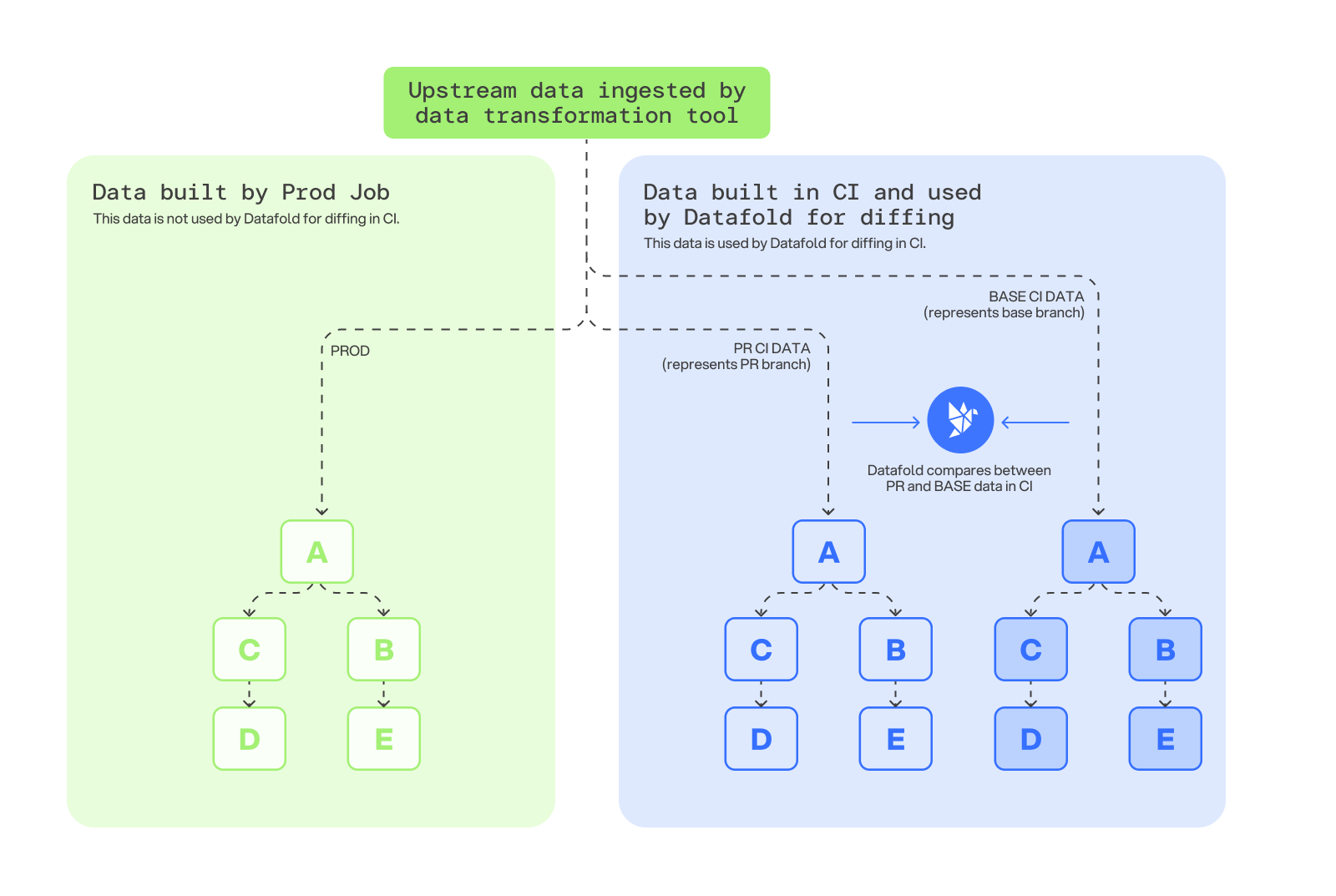 If performance is a concern, you can use a reduced or filtered upstream data set to speed up the CI process while still providing rich insight into the data.
This method assumes the production build doesn’t involve multiple jobs that process different sets of models at different times.
### Build CI data from clone of prod sources
This method involves comparing a CI build based on a snapshot of the upstream source data *from the time of the last production build* to the production version of transformed data.
1. Update orchestration to create and store a snapshot of the upstream source data at the time of the production transformation job.
2. The CI pipeline executes a data transformation build using the PR branch of code, with the snapshotted upstream data as the upstream source.
3. Datafold compares the CI data environment with production data and detects differences.
If performance is a concern, you can use a reduced or filtered upstream data set to speed up the CI process while still providing rich insight into the data.
This method assumes the production build doesn’t involve multiple jobs that process different sets of models at different times.
### Build CI data from clone of prod sources
This method involves comparing a CI build based on a snapshot of the upstream source data *from the time of the last production build* to the production version of transformed data.
1. Update orchestration to create and store a snapshot of the upstream source data at the time of the production transformation job.
2. The CI pipeline executes a data transformation build using the PR branch of code, with the snapshotted upstream data as the upstream source.
3. Datafold compares the CI data environment with production data and detects differences.
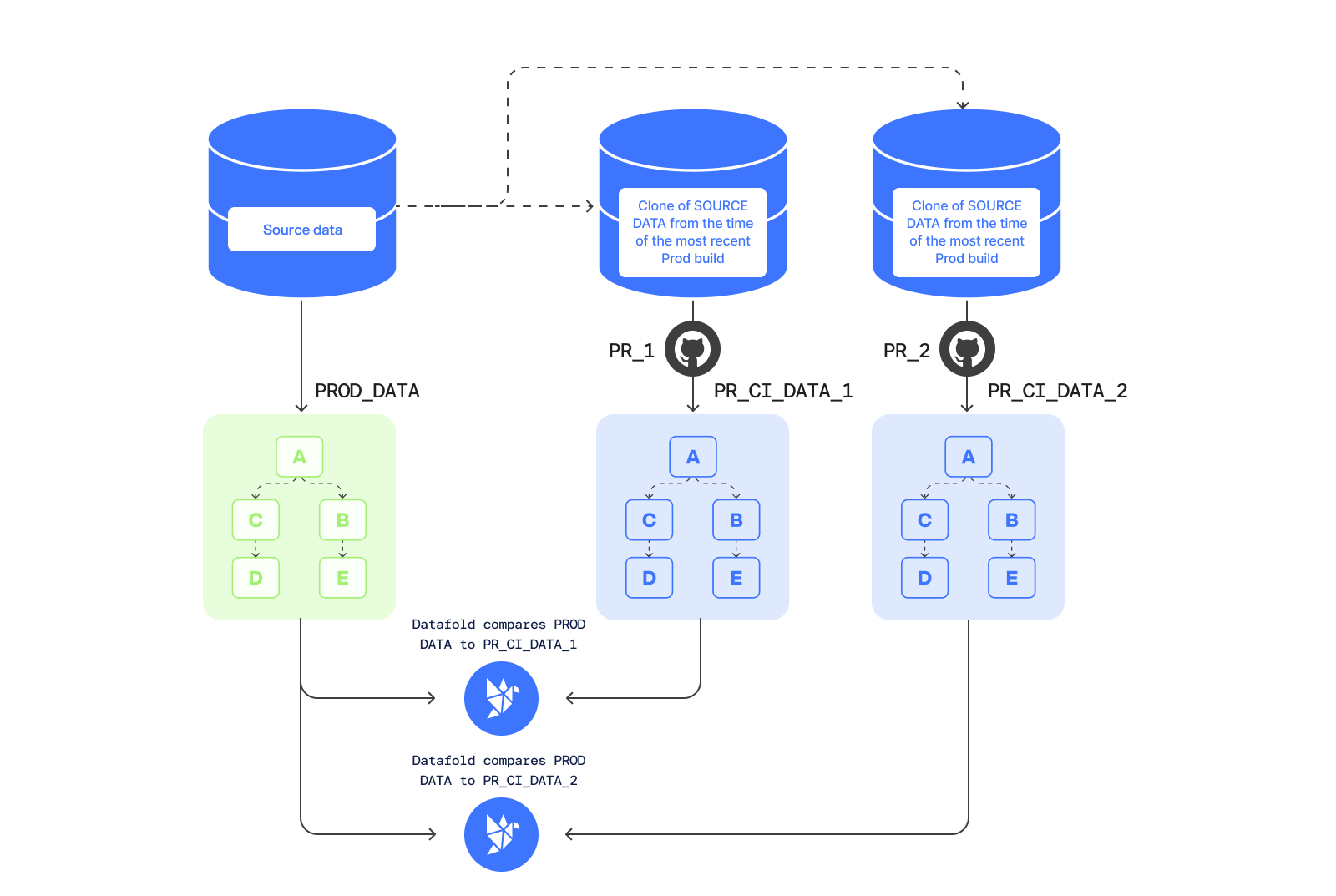 ---
# Source: https://docs.datafold.com/integrations/bi-data-apps/hightouch.md
> ## Documentation Index
> Fetch the complete documentation index at: https://docs.datafold.com/llms.txt
> Use this file to discover all available pages before exploring further.
# Hightouch
> Navigate to Settings > Integrations > Data Apps and add a Hightouch Integration.
## Create a Hightouch Integration
---
# Source: https://docs.datafold.com/integrations/bi-data-apps/hightouch.md
> ## Documentation Index
> Fetch the complete documentation index at: https://docs.datafold.com/llms.txt
> Use this file to discover all available pages before exploring further.
# Hightouch
> Navigate to Settings > Integrations > Data Apps and add a Hightouch Integration.
## Create a Hightouch Integration
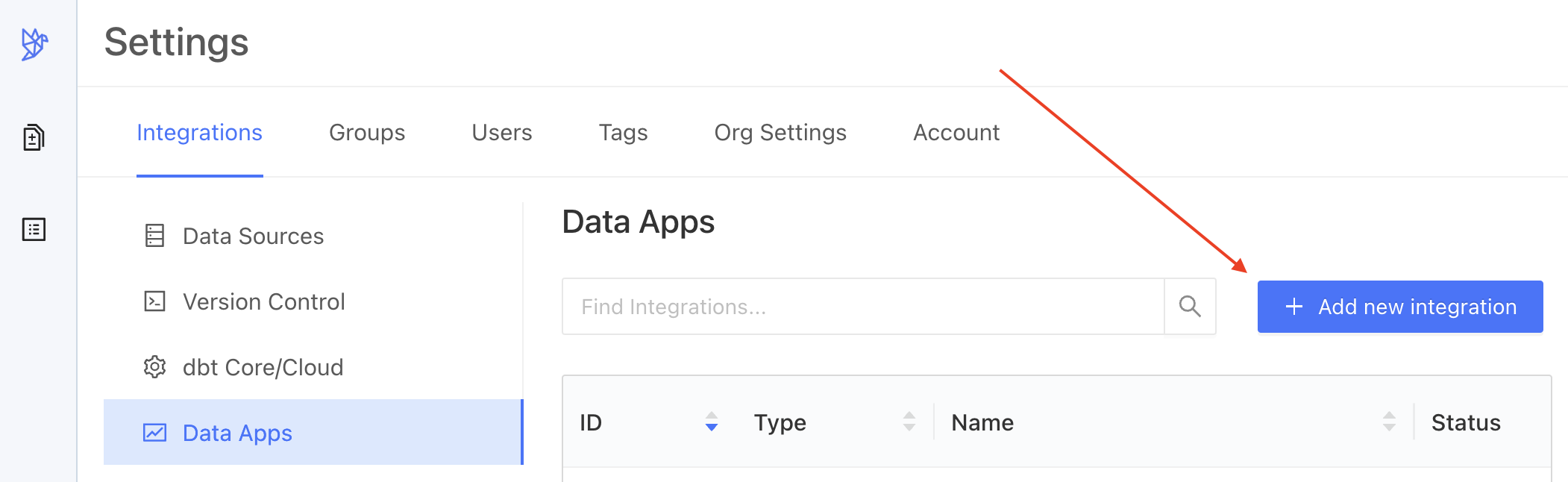
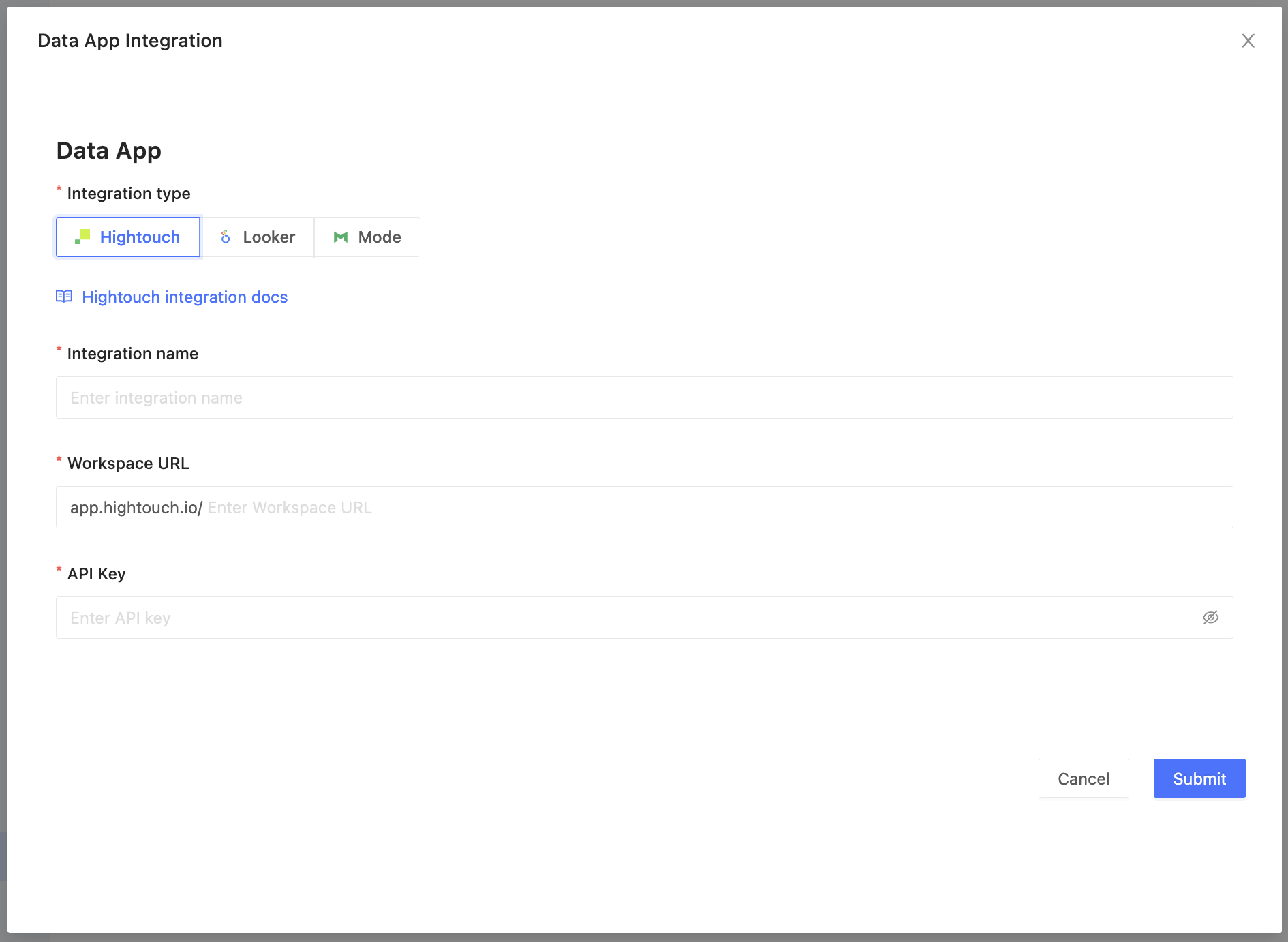 Complete the configuration by specifying the following fields:
| Field Name | Description |
| ----------------------- | ---------------------------------------------------------------------------------------------------------------------------------------------------------------------------------------------------------------------------------------------------------------------------------------------------------------------- |
| Integration name | An identifier used in Datafold to identify this Data App configuration. |
| Workspace URL | Then, grab your workspace URL, by navigating to **Settings** → **Workspace** tab → **Workspace slug** or by finding the workspace name in the search bar ([https://app.hightouch.io/](https://app.hightouch.io/) \). |
| API Key | Log into your [Hightouch account](https://app.hightouch.com/login) and navigate to **Settings** → **API keys** tab → **Add API key** to generate a new, unique API key. Your API key will appear only once, so please copy and save it to your password manager for further use. |
| Data connection mapping | When the correct credentials are entered we will begin to populate data connections in Hightouch (on the left side) that will need to be mapped to data connections configured in Datafold (on the right side). See image below. |
Complete the configuration by specifying the following fields:
| Field Name | Description |
| ----------------------- | ---------------------------------------------------------------------------------------------------------------------------------------------------------------------------------------------------------------------------------------------------------------------------------------------------------------------- |
| Integration name | An identifier used in Datafold to identify this Data App configuration. |
| Workspace URL | Then, grab your workspace URL, by navigating to **Settings** → **Workspace** tab → **Workspace slug** or by finding the workspace name in the search bar ([https://app.hightouch.io/](https://app.hightouch.io/) \). |
| API Key | Log into your [Hightouch account](https://app.hightouch.com/login) and navigate to **Settings** → **API keys** tab → **Add API key** to generate a new, unique API key. Your API key will appear only once, so please copy and save it to your password manager for further use. |
| Data connection mapping | When the correct credentials are entered we will begin to populate data connections in Hightouch (on the left side) that will need to be mapped to data connections configured in Datafold (on the right side). See image below. |
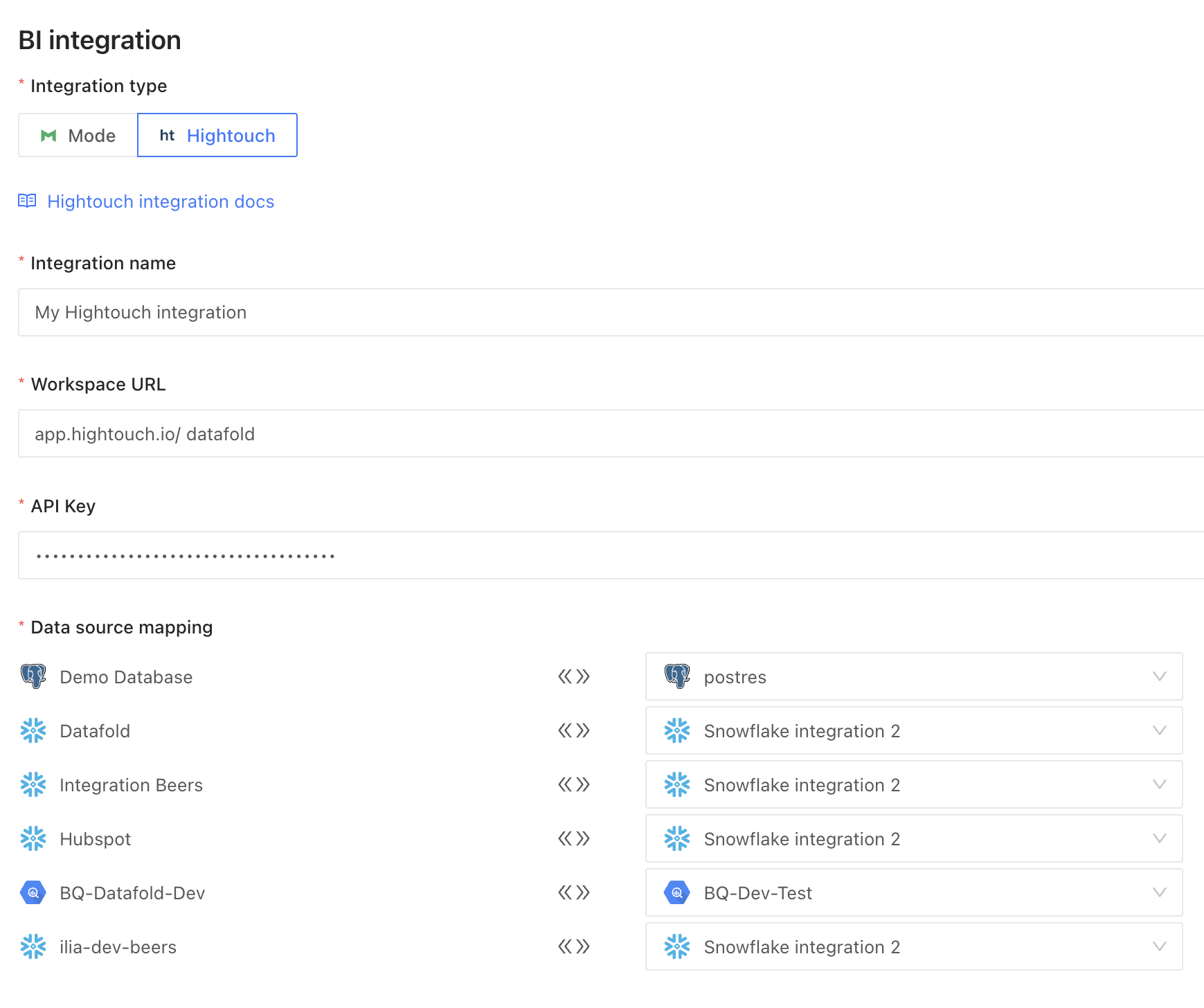 When completed, click **Submit**.
It may take some time to sync all the Hightouch entities to Datafold and for Data Explorer to populate. When completed, your Hightouch models and sync will appear in Data Explorer as search results.
When completed, click **Submit**.
It may take some time to sync all the Hightouch entities to Datafold and for Data Explorer to populate. When completed, your Hightouch models and sync will appear in Data Explorer as search results.
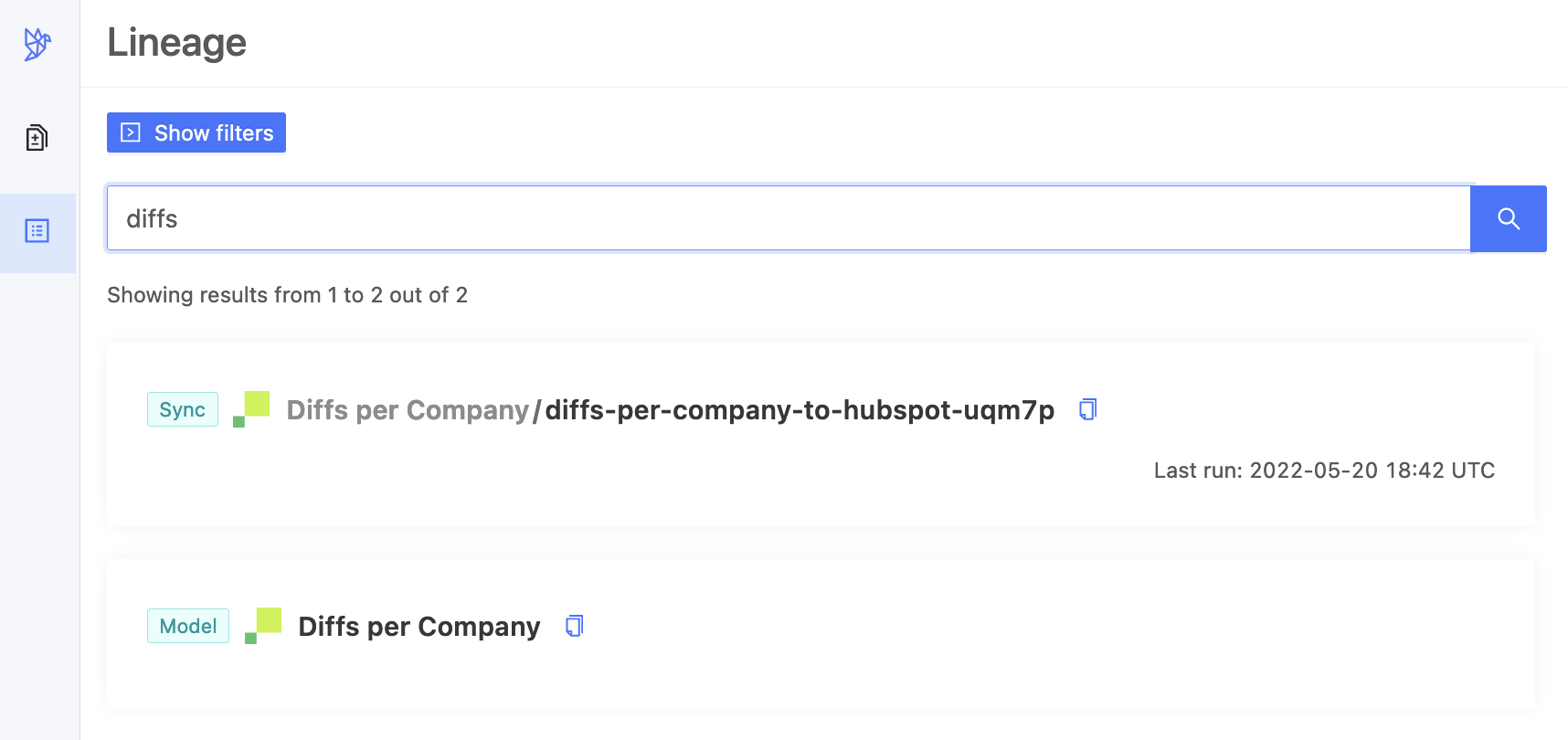 **TIP**
[Tracking Jobs](/integrations/bi-data-apps/tracking-jobs) explains how to find out when your data app integration is ready.
---
# Source: https://docs.datafold.com/data-diff/how-datafold-diffs-data.md
> ## Documentation Index
> Fetch the complete documentation index at: https://docs.datafold.com/llms.txt
> Use this file to discover all available pages before exploring further.
# How Datafold Diffs Data
> Data diffs allow you to perform value-level comparisons between any two datasets within the same database, across different databases, or even between files.
The basic inputs required to run a diff are the data connections, names/paths of the datasets to be compared, and the primary key (one or more columns that uniquely identify rows in the datasets).
## What types of data can data diffs compare?
Diffs can compare data in tables, views, SQL queries (in relational databases and data lakes), and even files (e.g. CSV, Excel, Parquet, etc.).
Datafold facilitates data diffing by supporting a wide range of basic data types across major database systems like Snowflake, Databricks, BigQuery, Redshift, PostgreSQL, and many more.
## Creating data diffs
Diffs can be created in several ways:
* Interactively through the Datafold app
* Programmatically via our [REST API](/api-reference/data-diffs/create-a-data-diff)
* As part of a Continuous Integration (CI) workflow for [Deployment Testing](/deployment-testing/how-it-works)
## How in-database diffing works
When diffing data within the same physical database or data lake namespace, diffs compare data by executing various SQL queries in the target database. It uses several `JOIN`-type queries and various aggregate queries to provide detailed insights into differences at the row, value, and column levels, and to calculate differences in metrics and distributions.
## How cross-database diffing works
Datasets from both data connections are co-located in a centralized database to execute comparisons and identify specific rows, columns, and values with differences. To perform diffs at massive scale and increased speed, users can apply sampling, filtering, and column selection.
---
# Source: https://docs.datafold.com/deployment-testing/how-it-works.md
# Source: https://docs.datafold.com/data-explorer/how-it-works.md
> ## Documentation Index
> Fetch the complete documentation index at: https://docs.datafold.com/llms.txt
> Use this file to discover all available pages before exploring further.
# How It Works
> The UI visually maps workflows and tracks column-level or tabular lineages, helping users understand the impact of upstream changes.
Our **Data Explorer** offers a comprehensive overview of your data assets, including [Lineage](/data-explorer/lineage) and [Profiles](/data-explorer/profile).
You can filter data assets by Data Connections, Tags, Data Owners, and Asset Types (e.g., tables, columns, and BI-created assets such as views, reports, and syncs). You can also search directly to find specific data assets for lineage analysis.
**TIP**
[Tracking Jobs](/integrations/bi-data-apps/tracking-jobs) explains how to find out when your data app integration is ready.
---
# Source: https://docs.datafold.com/data-diff/how-datafold-diffs-data.md
> ## Documentation Index
> Fetch the complete documentation index at: https://docs.datafold.com/llms.txt
> Use this file to discover all available pages before exploring further.
# How Datafold Diffs Data
> Data diffs allow you to perform value-level comparisons between any two datasets within the same database, across different databases, or even between files.
The basic inputs required to run a diff are the data connections, names/paths of the datasets to be compared, and the primary key (one or more columns that uniquely identify rows in the datasets).
## What types of data can data diffs compare?
Diffs can compare data in tables, views, SQL queries (in relational databases and data lakes), and even files (e.g. CSV, Excel, Parquet, etc.).
Datafold facilitates data diffing by supporting a wide range of basic data types across major database systems like Snowflake, Databricks, BigQuery, Redshift, PostgreSQL, and many more.
## Creating data diffs
Diffs can be created in several ways:
* Interactively through the Datafold app
* Programmatically via our [REST API](/api-reference/data-diffs/create-a-data-diff)
* As part of a Continuous Integration (CI) workflow for [Deployment Testing](/deployment-testing/how-it-works)
## How in-database diffing works
When diffing data within the same physical database or data lake namespace, diffs compare data by executing various SQL queries in the target database. It uses several `JOIN`-type queries and various aggregate queries to provide detailed insights into differences at the row, value, and column levels, and to calculate differences in metrics and distributions.
## How cross-database diffing works
Datasets from both data connections are co-located in a centralized database to execute comparisons and identify specific rows, columns, and values with differences. To perform diffs at massive scale and increased speed, users can apply sampling, filtering, and column selection.
---
# Source: https://docs.datafold.com/deployment-testing/how-it-works.md
# Source: https://docs.datafold.com/data-explorer/how-it-works.md
> ## Documentation Index
> Fetch the complete documentation index at: https://docs.datafold.com/llms.txt
> Use this file to discover all available pages before exploring further.
# How It Works
> The UI visually maps workflows and tracks column-level or tabular lineages, helping users understand the impact of upstream changes.
Our **Data Explorer** offers a comprehensive overview of your data assets, including [Lineage](/data-explorer/lineage) and [Profiles](/data-explorer/profile).
You can filter data assets by Data Connections, Tags, Data Owners, and Asset Types (e.g., tables, columns, and BI-created assets such as views, reports, and syncs). You can also search directly to find specific data assets for lineage analysis.
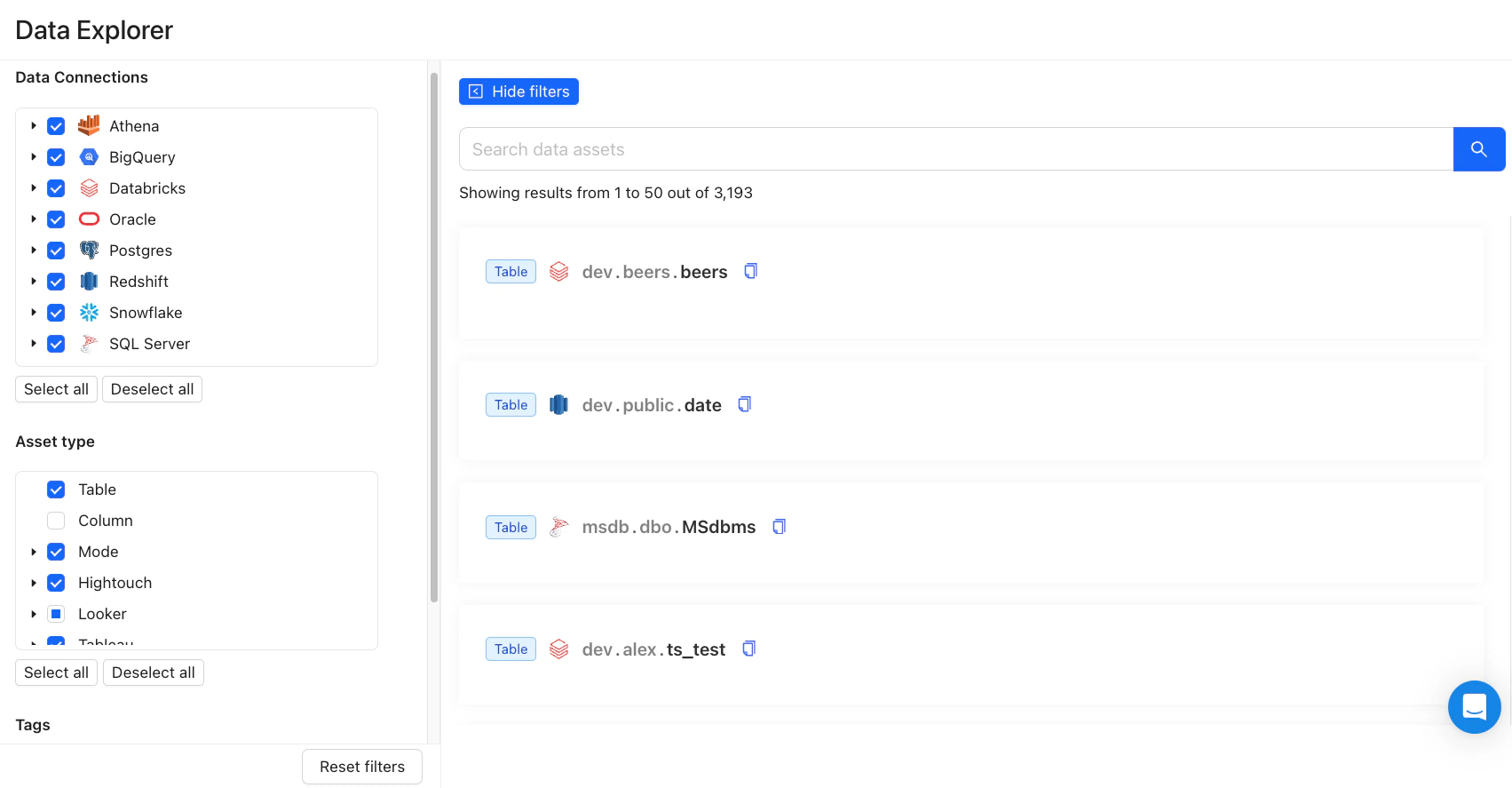 After selecting a table or data asset, the UI will display a **graph of table-level lineage** by default. You can toggle between **Upstream** and **Downstream** perspectives and customize the lineage view by adjusting the **Max Depth** parameter to your preference.
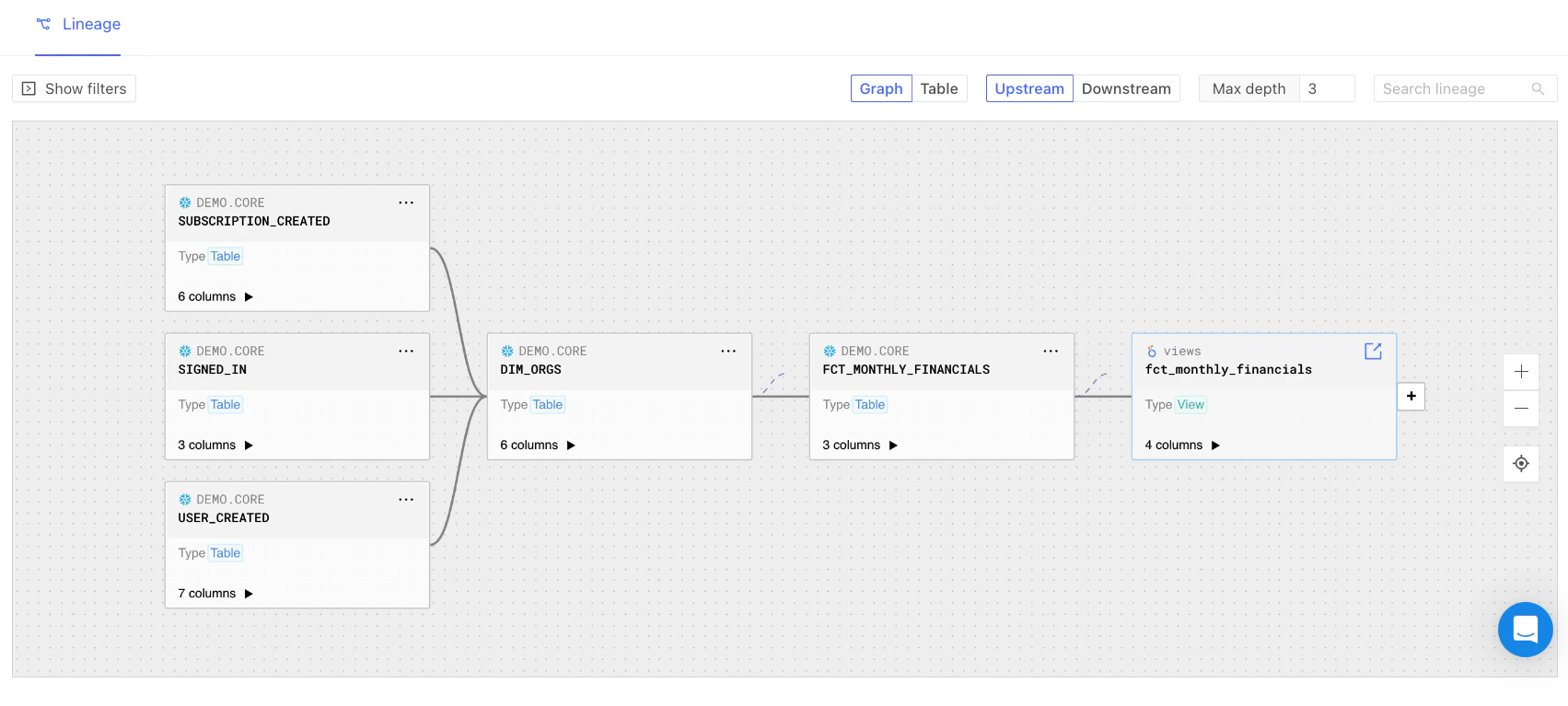 ---
# Source: https://docs.datafold.com/deployment-testing/configuration/model-specific-ci/including-excluding-columns.md
> ## Documentation Index
> Fetch the complete documentation index at: https://docs.datafold.com/llms.txt
> Use this file to discover all available pages before exploring further.
# Including/Excluding Columns
> Specify columns to include or exclude from the data diff using `include_columns` and `exclude_columns`.
```Bash theme={null}
models:
- name: users
meta:
datafold:
datadiff:
include_columns:
- user_id
- created_at
- name
exclude_columns:
- full_name
```
---
# Source: https://docs.datafold.com/api-reference/introduction.md
> ## Documentation Index
> Fetch the complete documentation index at: https://docs.datafold.com/llms.txt
> Use this file to discover all available pages before exploring further.
# Introduction
Our REST API allows you to interact with Datafold programmatically. To use it, you'll need an API key. Follow the instructions below to get started.
## Create an API Key
Open the Datafold app, visit Settings > Account, and select **Create API Key**.
Store your API key somewhere safe. If you lose it, you'll need to generate a new one.
---
# Source: https://docs.datafold.com/deployment-testing/configuration/model-specific-ci/including-excluding-columns.md
> ## Documentation Index
> Fetch the complete documentation index at: https://docs.datafold.com/llms.txt
> Use this file to discover all available pages before exploring further.
# Including/Excluding Columns
> Specify columns to include or exclude from the data diff using `include_columns` and `exclude_columns`.
```Bash theme={null}
models:
- name: users
meta:
datafold:
datadiff:
include_columns:
- user_id
- created_at
- name
exclude_columns:
- full_name
```
---
# Source: https://docs.datafold.com/api-reference/introduction.md
> ## Documentation Index
> Fetch the complete documentation index at: https://docs.datafold.com/llms.txt
> Use this file to discover all available pages before exploring further.
# Introduction
Our REST API allows you to interact with Datafold programmatically. To use it, you'll need an API key. Follow the instructions below to get started.
## Create an API Key
Open the Datafold app, visit Settings > Account, and select **Create API Key**.
Store your API key somewhere safe. If you lose it, you'll need to generate a new one.
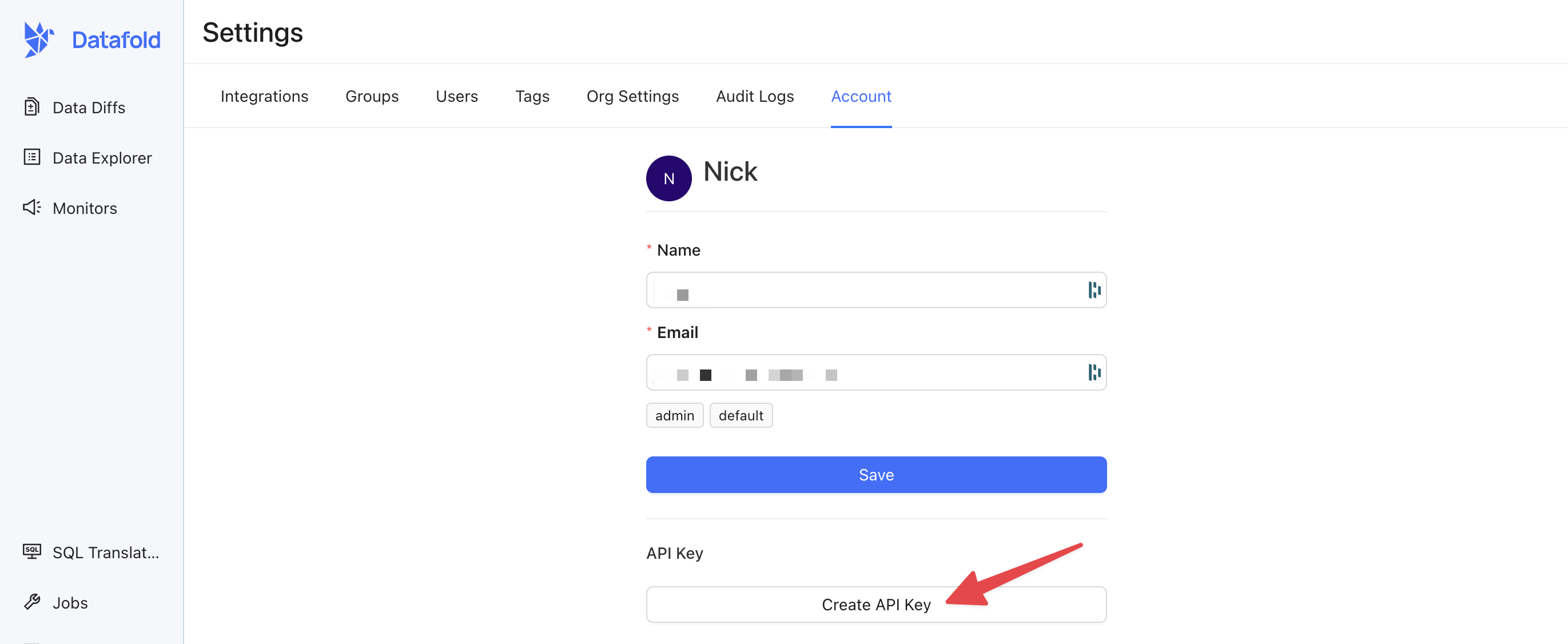 ## Use your API Key
When making requests to the Datafold API, you'll need to include the API key as a header in your HTTP request for authentication. The header should be named `Authorization`, and the value should be in the format:
```
Authorization: Key {API_KEY}
```
For example, if you're using cURL:
```bash theme={null}
curl https://app.datafold.com/api/v1/... -H "Authorization: Key {API_KEY}"
```
## Datafold SDK
Rather than hit our REST API endpoints directly, we offer a convenient Python SDK for common development and deployment testing workflows. You can find more information about our SDK [here](/api-reference/datafold-sdk).
## Need help?
If you have any questions about how to use our REST API, please reach out to our team via Slack, in-app chat, or email us at [support@datafold.com](mailto:support@datafold.com).
---
# Source: https://docs.datafold.com/data-explorer/lineage.md
> ## Documentation Index
> Fetch the complete documentation index at: https://docs.datafold.com/llms.txt
> Use this file to discover all available pages before exploring further.
# Lineage
> Datafold offers a column-level and tabular lineage view.
## Column-level lineage
Datafold's column-level lineage helps users trace and document the history, transformations, dependencies, and both downstream and upstream processes of a specific data column within an organization's data assets. This feature allows you to pinpoint the origins of data validation issues and comprehensively identify downstream data processes and applications.
To view column-level lineage, click on the **Columns** dropdown menu of the selected asset.
## Use your API Key
When making requests to the Datafold API, you'll need to include the API key as a header in your HTTP request for authentication. The header should be named `Authorization`, and the value should be in the format:
```
Authorization: Key {API_KEY}
```
For example, if you're using cURL:
```bash theme={null}
curl https://app.datafold.com/api/v1/... -H "Authorization: Key {API_KEY}"
```
## Datafold SDK
Rather than hit our REST API endpoints directly, we offer a convenient Python SDK for common development and deployment testing workflows. You can find more information about our SDK [here](/api-reference/datafold-sdk).
## Need help?
If you have any questions about how to use our REST API, please reach out to our team via Slack, in-app chat, or email us at [support@datafold.com](mailto:support@datafold.com).
---
# Source: https://docs.datafold.com/data-explorer/lineage.md
> ## Documentation Index
> Fetch the complete documentation index at: https://docs.datafold.com/llms.txt
> Use this file to discover all available pages before exploring further.
# Lineage
> Datafold offers a column-level and tabular lineage view.
## Column-level lineage
Datafold's column-level lineage helps users trace and document the history, transformations, dependencies, and both downstream and upstream processes of a specific data column within an organization's data assets. This feature allows you to pinpoint the origins of data validation issues and comprehensively identify downstream data processes and applications.
To view column-level lineage, click on the **Columns** dropdown menu of the selected asset.
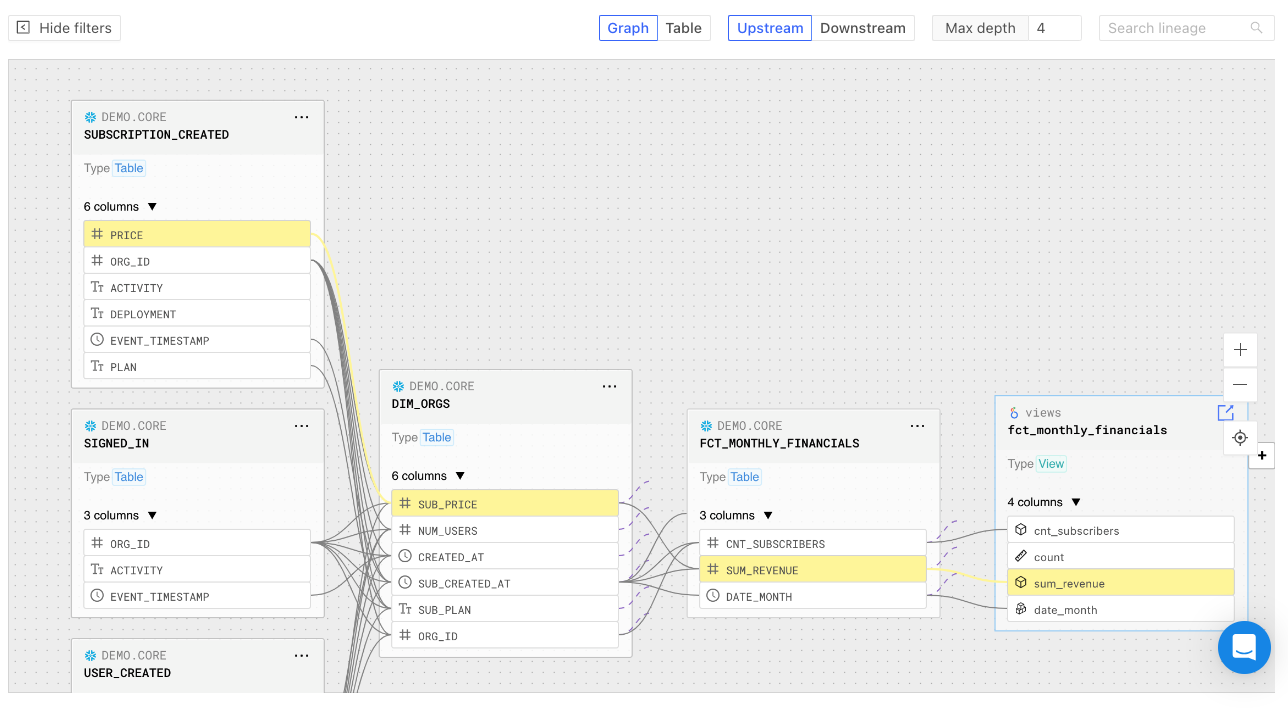 ### Highlight path between assets
To highlight the column path between assets, click the specific column. Reset the view by clicking the **Exit the selected path** button.
### Highlight path between assets
To highlight the column path between assets, click the specific column. Reset the view by clicking the **Exit the selected path** button.
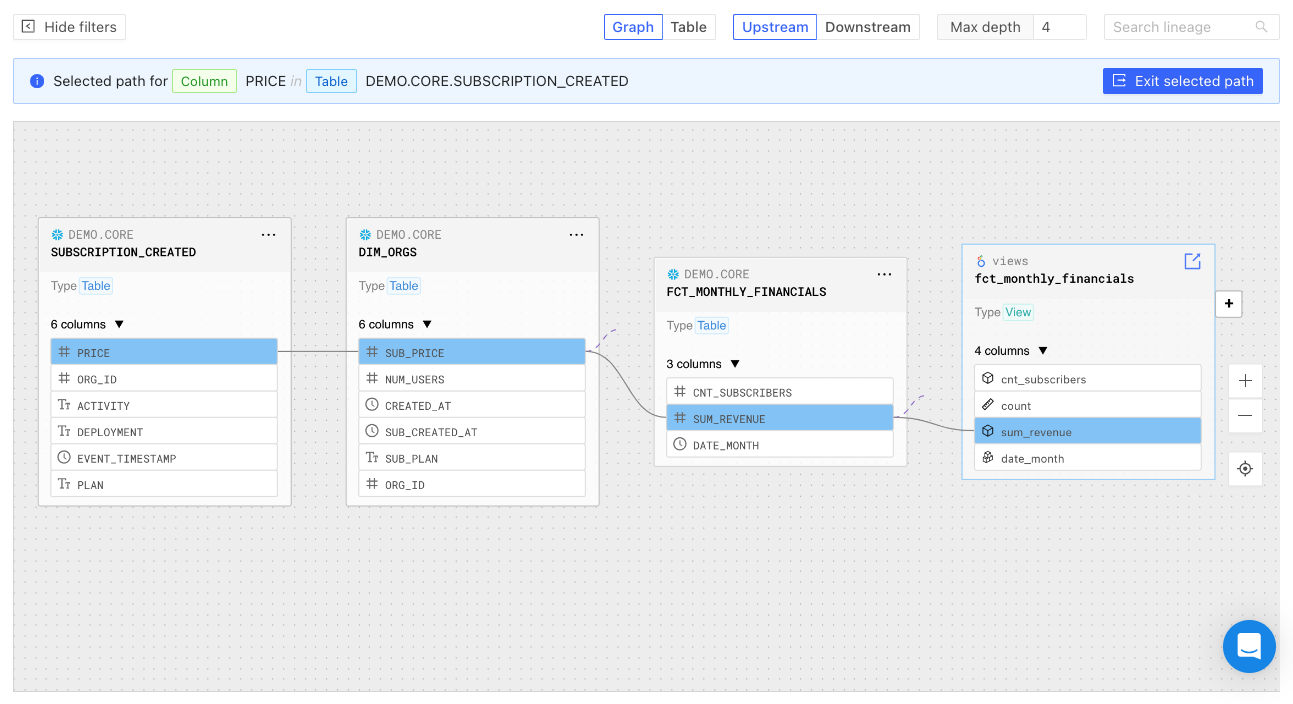 ## Tabular lineage
Datafold also offers a tabular lineage view.
You can sort lineage information by depth, asset type, identifier, and owner. Click on the **Actions** button for further options:
## Tabular lineage
Datafold also offers a tabular lineage view.
You can sort lineage information by depth, asset type, identifier, and owner. Click on the **Actions** button for further options:
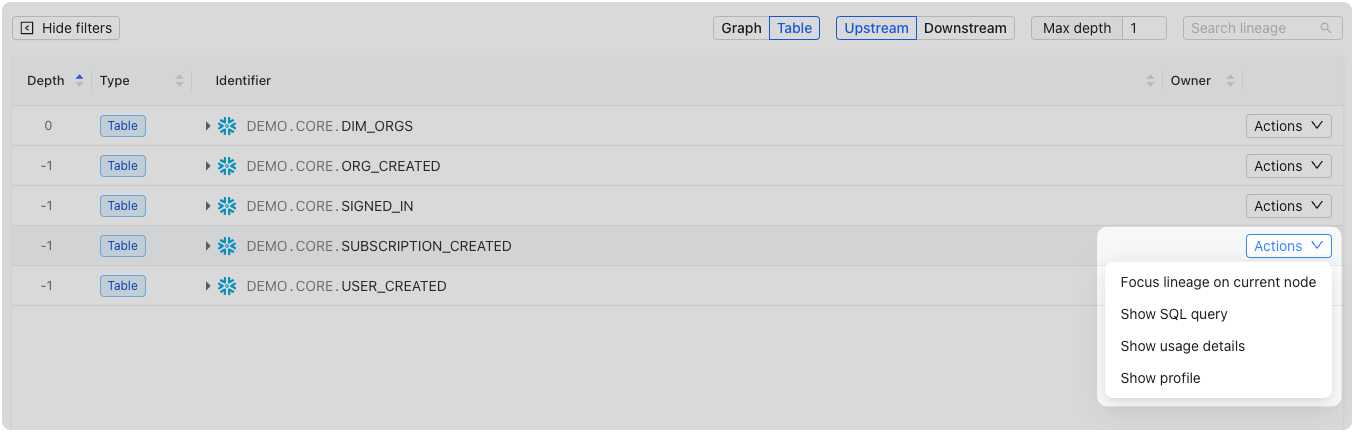 ### Focus lineage on current node
Drill down onto the data node or column of interest.
### Show SQL query
Access the SQL query associated with the selected column to understand how the data was queried from the source:
### Focus lineage on current node
Drill down onto the data node or column of interest.
### Show SQL query
Access the SQL query associated with the selected column to understand how the data was queried from the source:
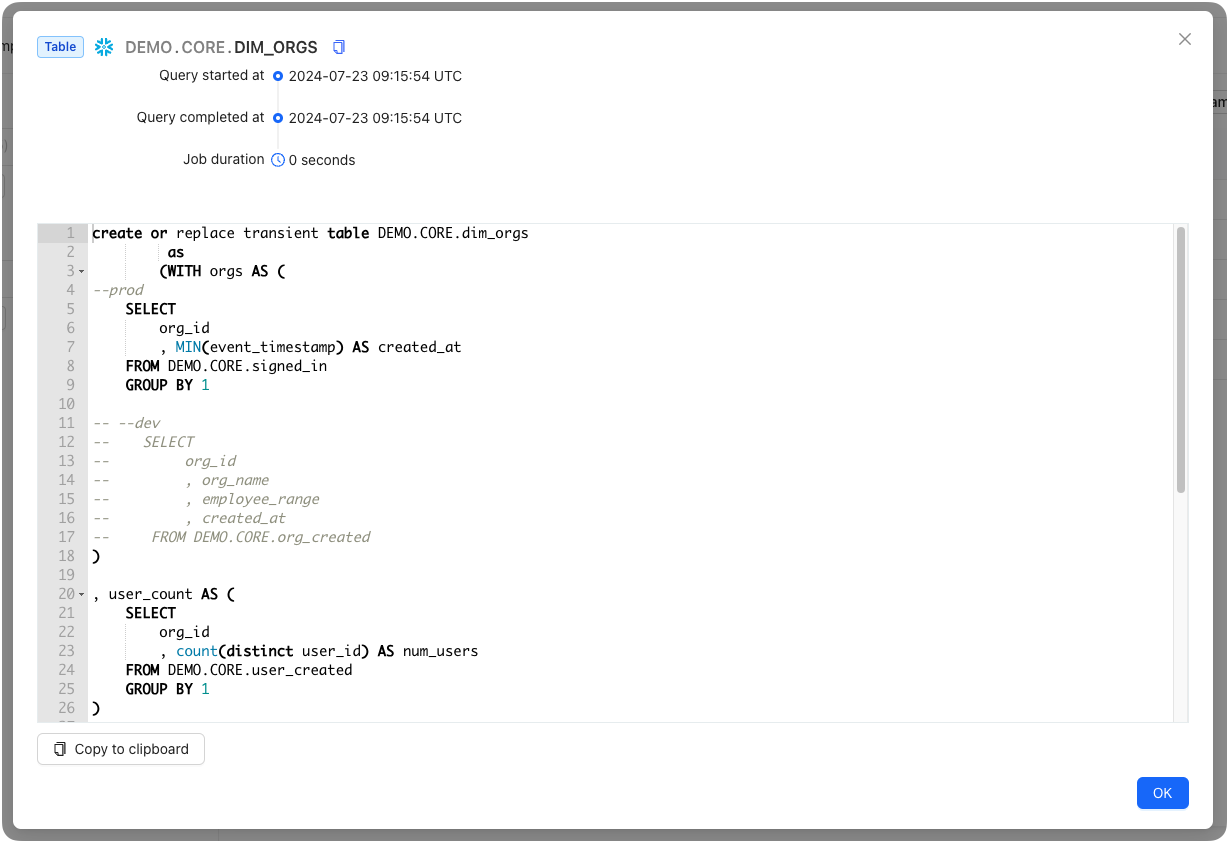 ### Show usage details
Access detailed information about the column's read, write, and cumulative read (the sum of read count including read count of downstream columns) for the previous 7 days:
### Show usage details
Access detailed information about the column's read, write, and cumulative read (the sum of read count including read count of downstream columns) for the previous 7 days:
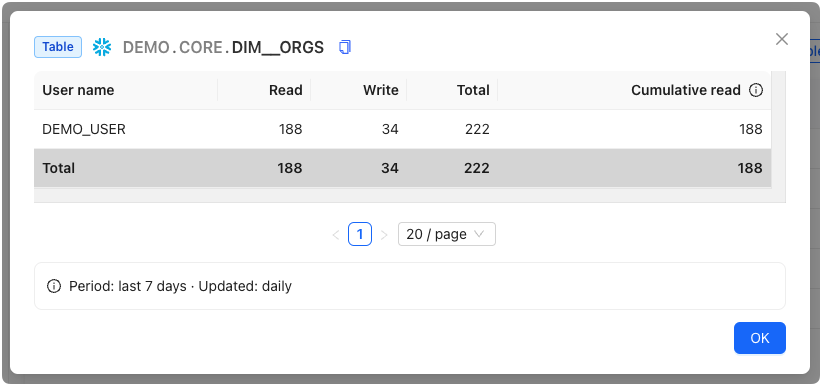 ## Search and filters
Datafold offers powerful search and filtering capabilities to help users quickly locate specific data assets and isolate data connections of interest.
In both the graphical and tabular lineage views, you can filter by tables or columns within tables, allowing you to go as granular as needed.
## Search and filters
Datafold offers powerful search and filtering capabilities to help users quickly locate specific data assets and isolate data connections of interest.
In both the graphical and tabular lineage views, you can filter by tables or columns within tables, allowing you to go as granular as needed.
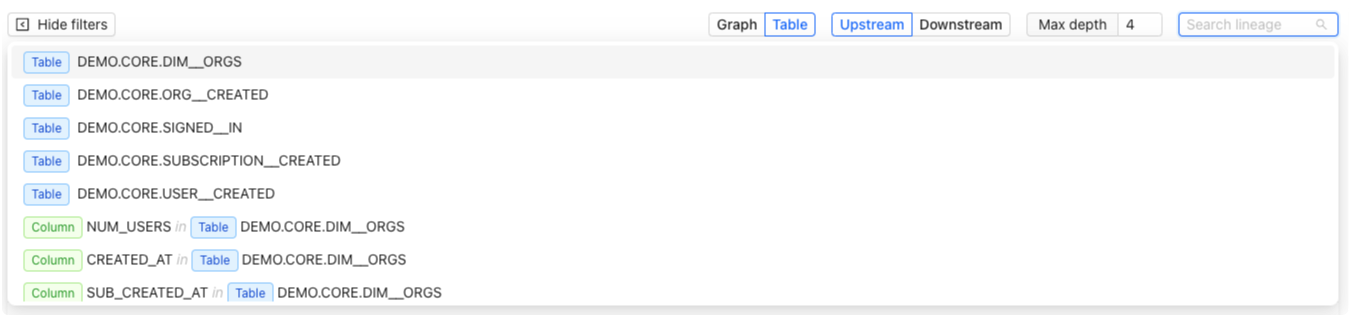 ### Table filtering
Simply enter the table's name in the search bar to filter and display all relevant information associated with that table.
### Column filtering
To focus specifically on columns, you can search using a combination of keywords. For instance, searching "column table" will display columns associated with a table, while a query like "column dim customer" narrows the search to columns within the "dim customer" table.
## Settings
You can configure the settings for Lineage under Settings > Data Connections > Advanced Settings:
### Table filtering
Simply enter the table's name in the search bar to filter and display all relevant information associated with that table.
### Column filtering
To focus specifically on columns, you can search using a combination of keywords. For instance, searching "column table" will display columns associated with a table, while a query like "column dim customer" narrows the search to columns within the "dim customer" table.
## Settings
You can configure the settings for Lineage under Settings > Data Connections > Advanced Settings:
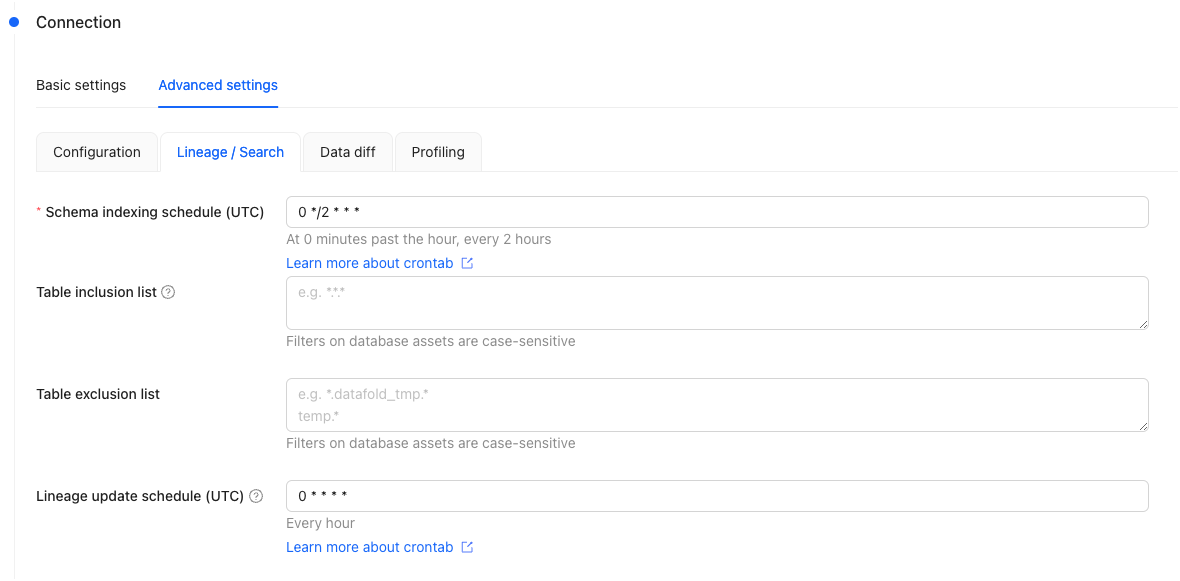 ### Schema indexing schedule
Customize the frequency and timing of when to update the indexes on database schemas. The schedule is defined through a cron tab expression.
### Table inclusion/exclusion
You can filter to include and/or exclude specific tables to be shown in Lineage.
When the inclusion list is set, only the tables specified in this list will be visible in the lineage and search results.
When the inclusion list is not set, all tables will be visible by default, except for those explicitly specified in the exclusion list.
### Lineage update schedule
Customize the frequency and timing of when to scan the query history of your data warehouse to build and update the data lineage. The schedule is defined through a cron tab expression.
## FAQ
Datafold computes column-level lineage by:
1. Ingesting, parsing and analyzing SQL logs from your databases and data warehouses. This allows Datafold to infer dependencies between SQL statements, including those that create, modify, and read data.
2. Augmenting the metadata graph with data from various sources. This includes metadata from orchestration tools (e.g., dbt), BI tools, and user-provided documentation.
Currently, the schema of the Datafold GraphQL API, which we use to expose lineage information, is not yet stable and is considered to be in beta. Therefore, we do not include this API in our public documentation.
If you would like to programmatically access lineage information, you can explore our GitHub repository with a few examples: [datafold/datafold-api-examples](https://github.com/datafold/datafold-api-examples). Simply clone the repository and follow the instructions provided in the `README.md` file.
---
# Source: https://docs.datafold.com/api-reference/bi/list-all-integrations.md
> ## Documentation Index
> Fetch the complete documentation index at: https://docs.datafold.com/llms.txt
> Use this file to discover all available pages before exploring further.
# List all integrations
> Return all integrations for Mode/Tableau/Looker
## OpenAPI
````yaml get /api/v1/lineage/bi/
openapi: 3.1.0
info:
contact:
email: support@datafold.com
name: API Support
description: >-
The Datafold API reference is a guide to our available endpoints and
authentication methods.
If you're just getting started with Datafold, we recommend first checking
out our [documentation](https://docs.datafold.com).
:::info
To use the Datafold API, you should first create a Datafold API Key,
which should be stored as a local environment variable named DATAFOLD_API_KEY.
This can be set in your Datafold Cloud's Settings under the Account page.
:::
title: Datafold API
version: latest
servers:
- description: Default server
url: https://app.datafold.com
security:
- ApiKeyAuth: []
paths:
/api/v1/lineage/bi/:
get:
tags:
- BI
summary: List all integrations
description: Return all integrations for Mode/Tableau/Looker
operationId: get_all_integrations_api_v1_lineage_bi__get
responses:
'200':
content:
application/json:
schema: {}
description: Successful Response
components:
securitySchemes:
ApiKeyAuth:
description: Use the 'Authorization' header with the format 'Key '
in: header
name: Authorization
type: apiKey
````
---
# Source: https://docs.datafold.com/api-reference/ci/list-ci-runs.md
> ## Documentation Index
> Fetch the complete documentation index at: https://docs.datafold.com/llms.txt
> Use this file to discover all available pages before exploring further.
# List CI runs
## OpenAPI
````yaml get /api/v1/ci/{ci_config_id}/runs
openapi: 3.1.0
info:
contact:
email: support@datafold.com
name: API Support
description: >-
The Datafold API reference is a guide to our available endpoints and
authentication methods.
If you're just getting started with Datafold, we recommend first checking
out our [documentation](https://docs.datafold.com).
:::info
To use the Datafold API, you should first create a Datafold API Key,
which should be stored as a local environment variable named DATAFOLD_API_KEY.
This can be set in your Datafold Cloud's Settings under the Account page.
:::
title: Datafold API
version: latest
servers:
- description: Default server
url: https://app.datafold.com
security:
- ApiKeyAuth: []
paths:
/api/v1/ci/{ci_config_id}/runs:
get:
tags:
- CI
summary: List CI runs
operationId: get_ci_api_v1_ci__ci_config_id__runs_get
parameters:
- in: path
name: ci_config_id
required: true
schema:
title: CI config id
type: integer
- in: query
name: pr_sha
required: false
schema:
anyOf:
- type: string
- type: 'null'
title: Pr Sha
- in: query
name: pr_num
required: false
schema:
anyOf:
- type: string
- type: 'null'
title: Pr Num
- in: query
name: limit
required: false
schema:
default: 100
title: Limit
type: integer
- in: query
name: offset
required: false
schema:
default: 0
title: Offset
type: integer
responses:
'200':
content:
application/json:
schema:
items:
$ref: '#/components/schemas/ApiCiRun'
title: Response Get Ci Api V1 Ci Ci Config Id Runs Get
type: array
description: Successful Response
'422':
content:
application/json:
schema:
$ref: '#/components/schemas/HTTPValidationError'
description: Validation Error
components:
schemas:
ApiCiRun:
properties:
base_branch:
title: Base Branch
type: string
base_sha:
title: Base Sha
type: string
id:
title: Id
type: integer
pr_branch:
title: Pr Branch
type: string
pr_num:
title: Pr Num
type: string
pr_sha:
title: Pr Sha
type: string
source:
title: Source
type: string
status:
title: Status
type: string
required:
- id
- base_branch
- base_sha
- pr_branch
- pr_sha
- pr_num
- status
- source
title: ApiCiRun
type: object
HTTPValidationError:
properties:
detail:
items:
$ref: '#/components/schemas/ValidationError'
title: Detail
type: array
title: HTTPValidationError
type: object
ValidationError:
properties:
loc:
items:
anyOf:
- type: string
- type: integer
title: Location
type: array
msg:
title: Message
type: string
type:
title: Error Type
type: string
required:
- loc
- msg
- type
title: ValidationError
type: object
securitySchemes:
ApiKeyAuth:
description: Use the 'Authorization' header with the format 'Key '
in: header
name: Authorization
type: apiKey
````
---
# Source: https://docs.datafold.com/api-reference/data-diffs/list-data-diffs.md
> ## Documentation Index
> Fetch the complete documentation index at: https://docs.datafold.com/llms.txt
> Use this file to discover all available pages before exploring further.
# List data diffs
> All fields support multiple items, using just comma delimiter
Date fields also support ranges using the following syntax:
- ``DATETIME`` = after DATETIME
- ``DATETIME`` = between DATETIME and DATETIME + 1 MINUTE
- ``DATE`` = start of that DATE until DATE + 1 DAY
- ``DATETIME1<-
The Datafold API reference is a guide to our available endpoints and
authentication methods.
If you're just getting started with Datafold, we recommend first checking
out our [documentation](https://docs.datafold.com).
:::info
To use the Datafold API, you should first create a Datafold API Key,
which should be stored as a local environment variable named DATAFOLD_API_KEY.
This can be set in your Datafold Cloud's Settings under the Account page.
:::
title: Datafold API
version: latest
servers:
- description: Default server
url: https://app.datafold.com
security:
- ApiKeyAuth: []
paths:
/api/v1/datadiffs:
get:
tags:
- Data diffs
summary: List data diffs
description: |-
All fields support multiple items, using just comma delimiter
Date fields also support ranges using the following syntax:
- ``DATETIME`` = after DATETIME
- ``DATETIME`` = between DATETIME and DATETIME + 1 MINUTE
- ``DATE`` = start of that DATE until DATE + 1 DAY
- ``DATETIME1<'
in: header
name: Authorization
type: apiKey
````
---
# Source: https://docs.datafold.com/api-reference/data-sources/list-data-source-types.md
> ## Documentation Index
> Fetch the complete documentation index at: https://docs.datafold.com/llms.txt
> Use this file to discover all available pages before exploring further.
# List data source types
## OpenAPI
````yaml get /api/v1/data_sources/types
openapi: 3.1.0
info:
contact:
email: support@datafold.com
name: API Support
description: >-
The Datafold API reference is a guide to our available endpoints and
authentication methods.
If you're just getting started with Datafold, we recommend first checking
out our [documentation](https://docs.datafold.com).
:::info
To use the Datafold API, you should first create a Datafold API Key,
which should be stored as a local environment variable named DATAFOLD_API_KEY.
This can be set in your Datafold Cloud's Settings under the Account page.
:::
title: Datafold API
version: latest
servers:
- description: Default server
url: https://app.datafold.com
security:
- ApiKeyAuth: []
paths:
/api/v1/data_sources/types:
get:
tags:
- Data sources
summary: List data source types
operationId: get_data_source_types_api_v1_data_sources_types_get
responses:
'200':
content:
application/json:
schema:
items:
$ref: '#/components/schemas/ApiDataSourceType'
title: Response Get Data Source Types Api V1 Data Sources Types Get
type: array
description: Successful Response
components:
schemas:
ApiDataSourceType:
properties:
configuration_schema:
additionalProperties: true
title: Configuration Schema
type: object
features:
items:
type: string
title: Features
type: array
name:
title: Name
type: string
type:
title: Type
type: string
required:
- name
- type
- configuration_schema
- features
title: ApiDataSourceType
type: object
securitySchemes:
ApiKeyAuth:
description: Use the 'Authorization' header with the format 'Key '
in: header
name: Authorization
type: apiKey
````
---
# Source: https://docs.datafold.com/api-reference/data-sources/list-data-sources.md
> ## Documentation Index
> Fetch the complete documentation index at: https://docs.datafold.com/llms.txt
> Use this file to discover all available pages before exploring further.
# List data sources
> Retrieves all data sources accessible to the authenticated user.
Returns active data sources (not deleted, hidden, or draft) that the user has permission to access.
For non-admin users, only data sources belonging to their assigned groups are returned.
## OpenAPI
````yaml get /api/v1/data_sources
openapi: 3.1.0
info:
contact:
email: support@datafold.com
name: API Support
description: >-
The Datafold API reference is a guide to our available endpoints and
authentication methods.
If you're just getting started with Datafold, we recommend first checking
out our [documentation](https://docs.datafold.com).
:::info
To use the Datafold API, you should first create a Datafold API Key,
which should be stored as a local environment variable named DATAFOLD_API_KEY.
This can be set in your Datafold Cloud's Settings under the Account page.
:::
title: Datafold API
version: latest
servers:
- description: Default server
url: https://app.datafold.com
security:
- ApiKeyAuth: []
paths:
/api/v1/data_sources:
get:
tags:
- Data sources
summary: List data sources
description: >-
Retrieves all data sources accessible to the authenticated user.
Returns active data sources (not deleted, hidden, or draft) that the
user has permission to access.
For non-admin users, only data sources belonging to their assigned
groups are returned.
operationId: list_data_sources
responses:
'200':
content:
application/json:
schema:
items:
discriminator:
mapping:
athena: '#/components/schemas/ApiDataSourceAwsAthena'
aws_s3: '#/components/schemas/ApiDataSourceS3'
azure_synapse: '#/components/schemas/ApiDataSourceAzureSynapse'
bigquery: '#/components/schemas/ApiDataSourceBigQuery'
databricks: '#/components/schemas/ApiDataSourceDatabricks'
dremio: '#/components/schemas/ApiDataSourceDremio'
duckdb: '#/components/schemas/ApiDataSourceDuckDB'
files_azure_datalake: '#/components/schemas/ApiDataSourceAzureDataLake'
google_cloud_storage: '#/components/schemas/ApiDataSourceGCS'
mariadb: '#/components/schemas/ApiDataSourceMariaDB'
microsoft_fabric: '#/components/schemas/ApiDataSourceMicrosoftFabric'
mongodb: '#/components/schemas/ApiDataSourceMongoDB'
mssql: '#/components/schemas/ApiDataSourceMSSQL'
mysql: '#/components/schemas/ApiDataSourceMySQL'
netezza: '#/components/schemas/ApiDataSourceNetezza'
oracle: '#/components/schemas/ApiDataSourceOracle'
pg: '#/components/schemas/ApiDataSourcePostgres'
postgres_aurora: '#/components/schemas/ApiDataSourcePostgresAurora'
postgres_aws_rds: '#/components/schemas/ApiDataSourcePostgresRds'
redshift: '#/components/schemas/ApiDataSourceRedshift'
sap_hana: '#/components/schemas/ApiDataSourceSapHana'
snowflake: '#/components/schemas/ApiDataSourceSnowflake'
starburst: '#/components/schemas/ApiDataSourceStarburst'
teradata: '#/components/schemas/ApiDataSourceTeradata'
trino: '#/components/schemas/ApiDataSourceTrino'
vertica: '#/components/schemas/ApiDataSourceVertica'
propertyName: type
oneOf:
- $ref: '#/components/schemas/ApiDataSourceBigQuery'
- $ref: '#/components/schemas/ApiDataSourceDatabricks'
- $ref: '#/components/schemas/ApiDataSourceDuckDB'
- $ref: '#/components/schemas/ApiDataSourceMongoDB'
- $ref: '#/components/schemas/ApiDataSourceMySQL'
- $ref: '#/components/schemas/ApiDataSourceMariaDB'
- $ref: '#/components/schemas/ApiDataSourceMSSQL'
- $ref: '#/components/schemas/ApiDataSourceOracle'
- $ref: '#/components/schemas/ApiDataSourcePostgres'
- $ref: '#/components/schemas/ApiDataSourcePostgresAurora'
- $ref: '#/components/schemas/ApiDataSourcePostgresRds'
- $ref: '#/components/schemas/ApiDataSourceRedshift'
- $ref: '#/components/schemas/ApiDataSourceTeradata'
- $ref: '#/components/schemas/ApiDataSourceSapHana'
- $ref: '#/components/schemas/ApiDataSourceAwsAthena'
- $ref: '#/components/schemas/ApiDataSourceSnowflake'
- $ref: '#/components/schemas/ApiDataSourceDremio'
- $ref: '#/components/schemas/ApiDataSourceStarburst'
- $ref: '#/components/schemas/ApiDataSourceNetezza'
- $ref: '#/components/schemas/ApiDataSourceAzureDataLake'
- $ref: '#/components/schemas/ApiDataSourceGCS'
- $ref: '#/components/schemas/ApiDataSourceS3'
- $ref: '#/components/schemas/ApiDataSourceAzureSynapse'
- $ref: '#/components/schemas/ApiDataSourceMicrosoftFabric'
- $ref: '#/components/schemas/ApiDataSourceVertica'
- $ref: '#/components/schemas/ApiDataSourceTrino'
title: Response List Data Sources
type: array
description: Successful Response
components:
schemas:
ApiDataSourceBigQuery:
properties:
catalog_exclude_list:
anyOf:
- type: string
- type: 'null'
title: Catalog Exclude List
catalog_include_list:
anyOf:
- type: string
- type: 'null'
title: Catalog Include List
created_from:
anyOf:
- type: string
- type: 'null'
title: Created From
data_retention_days:
anyOf:
- type: integer
- type: 'null'
title: Data Retention Days
disable_profiling:
anyOf:
- type: boolean
- type: 'null'
default: false
title: Disable Profiling
disable_schema_indexing:
anyOf:
- type: boolean
- type: 'null'
default: false
title: Disable Schema Indexing
float_tolerance:
anyOf:
- type: number
- type: 'null'
default: 0
title: Float Tolerance
groups:
anyOf:
- additionalProperties:
type: boolean
type: object
- type: 'null'
title: Groups
hidden:
anyOf:
- type: boolean
- type: 'null'
default: false
title: Hidden
id:
anyOf:
- type: integer
- type: 'null'
title: Id
is_paused:
anyOf:
- type: boolean
- type: 'null'
default: false
title: Is Paused
last_test:
anyOf:
- $ref: '#/components/schemas/ApiDataSourceTestStatus'
- type: 'null'
lineage_schedule:
anyOf:
- type: string
- type: 'null'
title: Lineage Schedule
max_allowed_connections:
anyOf:
- type: integer
- type: 'null'
title: Max Allowed Connections
name:
title: Name
type: string
oauth_dwh_active:
anyOf:
- type: boolean
- type: 'null'
title: Oauth Dwh Active
options:
anyOf:
- $ref: '#/components/schemas/BigQueryConfig'
- type: 'null'
profile_exclude_list:
anyOf:
- type: string
- type: 'null'
title: Profile Exclude List
profile_include_list:
anyOf:
- type: string
- type: 'null'
title: Profile Include List
profile_schedule:
anyOf:
- type: string
- type: 'null'
title: Profile Schedule
queue_name:
anyOf:
- type: string
- type: 'null'
title: Queue Name
scheduled_queue_name:
anyOf:
- type: string
- type: 'null'
title: Scheduled Queue Name
schema_indexing_schedule:
anyOf:
- type: string
- type: 'null'
title: Schema Indexing Schedule
schema_max_age_s:
anyOf:
- type: integer
- type: 'null'
title: Schema Max Age S
secret_id:
anyOf:
- type: integer
- type: 'null'
title: Secret Id
source:
anyOf:
- type: string
- type: 'null'
title: Source
temp_schema:
anyOf:
- type: string
- type: 'null'
title: Temp Schema
type:
const: bigquery
title: Type
type: string
view_only:
anyOf:
- type: boolean
- type: 'null'
default: false
title: View Only
required:
- name
- type
title: ApiDataSourceBigQuery
type: object
ApiDataSourceDatabricks:
properties:
catalog_exclude_list:
anyOf:
- type: string
- type: 'null'
title: Catalog Exclude List
catalog_include_list:
anyOf:
- type: string
- type: 'null'
title: Catalog Include List
created_from:
anyOf:
- type: string
- type: 'null'
title: Created From
data_retention_days:
anyOf:
- type: integer
- type: 'null'
title: Data Retention Days
disable_profiling:
anyOf:
- type: boolean
- type: 'null'
default: false
title: Disable Profiling
disable_schema_indexing:
anyOf:
- type: boolean
- type: 'null'
default: false
title: Disable Schema Indexing
float_tolerance:
anyOf:
- type: number
- type: 'null'
default: 0
title: Float Tolerance
groups:
anyOf:
- additionalProperties:
type: boolean
type: object
- type: 'null'
title: Groups
hidden:
anyOf:
- type: boolean
- type: 'null'
default: false
title: Hidden
id:
anyOf:
- type: integer
- type: 'null'
title: Id
is_paused:
anyOf:
- type: boolean
- type: 'null'
default: false
title: Is Paused
last_test:
anyOf:
- $ref: '#/components/schemas/ApiDataSourceTestStatus'
- type: 'null'
lineage_schedule:
anyOf:
- type: string
- type: 'null'
title: Lineage Schedule
max_allowed_connections:
anyOf:
- type: integer
- type: 'null'
title: Max Allowed Connections
name:
title: Name
type: string
oauth_dwh_active:
anyOf:
- type: boolean
- type: 'null'
title: Oauth Dwh Active
options:
anyOf:
- $ref: '#/components/schemas/DatabricksConfig'
- type: 'null'
profile_exclude_list:
anyOf:
- type: string
- type: 'null'
title: Profile Exclude List
profile_include_list:
anyOf:
- type: string
- type: 'null'
title: Profile Include List
profile_schedule:
anyOf:
- type: string
- type: 'null'
title: Profile Schedule
queue_name:
anyOf:
- type: string
- type: 'null'
title: Queue Name
scheduled_queue_name:
anyOf:
- type: string
- type: 'null'
title: Scheduled Queue Name
schema_indexing_schedule:
anyOf:
- type: string
- type: 'null'
title: Schema Indexing Schedule
schema_max_age_s:
anyOf:
- type: integer
- type: 'null'
title: Schema Max Age S
secret_id:
anyOf:
- type: integer
- type: 'null'
title: Secret Id
source:
anyOf:
- type: string
- type: 'null'
title: Source
temp_schema:
anyOf:
- type: string
- type: 'null'
title: Temp Schema
type:
const: databricks
title: Type
type: string
view_only:
anyOf:
- type: boolean
- type: 'null'
default: false
title: View Only
required:
- name
- type
title: ApiDataSourceDatabricks
type: object
ApiDataSourceDuckDB:
properties:
catalog_exclude_list:
anyOf:
- type: string
- type: 'null'
title: Catalog Exclude List
catalog_include_list:
anyOf:
- type: string
- type: 'null'
title: Catalog Include List
created_from:
anyOf:
- type: string
- type: 'null'
title: Created From
data_retention_days:
anyOf:
- type: integer
- type: 'null'
title: Data Retention Days
disable_profiling:
anyOf:
- type: boolean
- type: 'null'
default: false
title: Disable Profiling
disable_schema_indexing:
anyOf:
- type: boolean
- type: 'null'
default: false
title: Disable Schema Indexing
float_tolerance:
anyOf:
- type: number
- type: 'null'
default: 0
title: Float Tolerance
groups:
anyOf:
- additionalProperties:
type: boolean
type: object
- type: 'null'
title: Groups
hidden:
anyOf:
- type: boolean
- type: 'null'
default: false
title: Hidden
id:
anyOf:
- type: integer
- type: 'null'
title: Id
is_paused:
anyOf:
- type: boolean
- type: 'null'
default: false
title: Is Paused
last_test:
anyOf:
- $ref: '#/components/schemas/ApiDataSourceTestStatus'
- type: 'null'
lineage_schedule:
anyOf:
- type: string
- type: 'null'
title: Lineage Schedule
max_allowed_connections:
anyOf:
- type: integer
- type: 'null'
title: Max Allowed Connections
name:
title: Name
type: string
oauth_dwh_active:
anyOf:
- type: boolean
- type: 'null'
title: Oauth Dwh Active
options:
anyOf:
- $ref: '#/components/schemas/DuckDBConfig'
- type: 'null'
profile_exclude_list:
anyOf:
- type: string
- type: 'null'
title: Profile Exclude List
profile_include_list:
anyOf:
- type: string
- type: 'null'
title: Profile Include List
profile_schedule:
anyOf:
- type: string
- type: 'null'
title: Profile Schedule
queue_name:
anyOf:
- type: string
- type: 'null'
title: Queue Name
scheduled_queue_name:
anyOf:
- type: string
- type: 'null'
title: Scheduled Queue Name
schema_indexing_schedule:
anyOf:
- type: string
- type: 'null'
title: Schema Indexing Schedule
schema_max_age_s:
anyOf:
- type: integer
- type: 'null'
title: Schema Max Age S
secret_id:
anyOf:
- type: integer
- type: 'null'
title: Secret Id
source:
anyOf:
- type: string
- type: 'null'
title: Source
temp_schema:
anyOf:
- type: string
- type: 'null'
title: Temp Schema
type:
const: duckdb
title: Type
type: string
view_only:
anyOf:
- type: boolean
- type: 'null'
default: false
title: View Only
required:
- name
- type
title: ApiDataSourceDuckDB
type: object
ApiDataSourceMongoDB:
properties:
catalog_exclude_list:
anyOf:
- type: string
- type: 'null'
title: Catalog Exclude List
catalog_include_list:
anyOf:
- type: string
- type: 'null'
title: Catalog Include List
created_from:
anyOf:
- type: string
- type: 'null'
title: Created From
data_retention_days:
anyOf:
- type: integer
- type: 'null'
title: Data Retention Days
disable_profiling:
anyOf:
- type: boolean
- type: 'null'
default: false
title: Disable Profiling
disable_schema_indexing:
anyOf:
- type: boolean
- type: 'null'
default: false
title: Disable Schema Indexing
float_tolerance:
anyOf:
- type: number
- type: 'null'
default: 0
title: Float Tolerance
groups:
anyOf:
- additionalProperties:
type: boolean
type: object
- type: 'null'
title: Groups
hidden:
anyOf:
- type: boolean
- type: 'null'
default: false
title: Hidden
id:
anyOf:
- type: integer
- type: 'null'
title: Id
is_paused:
anyOf:
- type: boolean
- type: 'null'
default: false
title: Is Paused
last_test:
anyOf:
- $ref: '#/components/schemas/ApiDataSourceTestStatus'
- type: 'null'
lineage_schedule:
anyOf:
- type: string
- type: 'null'
title: Lineage Schedule
max_allowed_connections:
anyOf:
- type: integer
- type: 'null'
title: Max Allowed Connections
name:
title: Name
type: string
oauth_dwh_active:
anyOf:
- type: boolean
- type: 'null'
title: Oauth Dwh Active
options:
anyOf:
- $ref: '#/components/schemas/MongoDBConfig'
- type: 'null'
profile_exclude_list:
anyOf:
- type: string
- type: 'null'
title: Profile Exclude List
profile_include_list:
anyOf:
- type: string
- type: 'null'
title: Profile Include List
profile_schedule:
anyOf:
- type: string
- type: 'null'
title: Profile Schedule
queue_name:
anyOf:
- type: string
- type: 'null'
title: Queue Name
scheduled_queue_name:
anyOf:
- type: string
- type: 'null'
title: Scheduled Queue Name
schema_indexing_schedule:
anyOf:
- type: string
- type: 'null'
title: Schema Indexing Schedule
schema_max_age_s:
anyOf:
- type: integer
- type: 'null'
title: Schema Max Age S
secret_id:
anyOf:
- type: integer
- type: 'null'
title: Secret Id
source:
anyOf:
- type: string
- type: 'null'
title: Source
temp_schema:
anyOf:
- type: string
- type: 'null'
title: Temp Schema
type:
const: mongodb
title: Type
type: string
view_only:
anyOf:
- type: boolean
- type: 'null'
default: false
title: View Only
required:
- name
- type
title: ApiDataSourceMongoDB
type: object
ApiDataSourceMySQL:
properties:
catalog_exclude_list:
anyOf:
- type: string
- type: 'null'
title: Catalog Exclude List
catalog_include_list:
anyOf:
- type: string
- type: 'null'
title: Catalog Include List
created_from:
anyOf:
- type: string
- type: 'null'
title: Created From
data_retention_days:
anyOf:
- type: integer
- type: 'null'
title: Data Retention Days
disable_profiling:
anyOf:
- type: boolean
- type: 'null'
default: false
title: Disable Profiling
disable_schema_indexing:
anyOf:
- type: boolean
- type: 'null'
default: false
title: Disable Schema Indexing
float_tolerance:
anyOf:
- type: number
- type: 'null'
default: 0
title: Float Tolerance
groups:
anyOf:
- additionalProperties:
type: boolean
type: object
- type: 'null'
title: Groups
hidden:
anyOf:
- type: boolean
- type: 'null'
default: false
title: Hidden
id:
anyOf:
- type: integer
- type: 'null'
title: Id
is_paused:
anyOf:
- type: boolean
- type: 'null'
default: false
title: Is Paused
last_test:
anyOf:
- $ref: '#/components/schemas/ApiDataSourceTestStatus'
- type: 'null'
lineage_schedule:
anyOf:
- type: string
- type: 'null'
title: Lineage Schedule
max_allowed_connections:
anyOf:
- type: integer
- type: 'null'
title: Max Allowed Connections
name:
title: Name
type: string
oauth_dwh_active:
anyOf:
- type: boolean
- type: 'null'
title: Oauth Dwh Active
options:
anyOf:
- $ref: '#/components/schemas/MySQLConfig'
- type: 'null'
profile_exclude_list:
anyOf:
- type: string
- type: 'null'
title: Profile Exclude List
profile_include_list:
anyOf:
- type: string
- type: 'null'
title: Profile Include List
profile_schedule:
anyOf:
- type: string
- type: 'null'
title: Profile Schedule
queue_name:
anyOf:
- type: string
- type: 'null'
title: Queue Name
scheduled_queue_name:
anyOf:
- type: string
- type: 'null'
title: Scheduled Queue Name
schema_indexing_schedule:
anyOf:
- type: string
- type: 'null'
title: Schema Indexing Schedule
schema_max_age_s:
anyOf:
- type: integer
- type: 'null'
title: Schema Max Age S
secret_id:
anyOf:
- type: integer
- type: 'null'
title: Secret Id
source:
anyOf:
- type: string
- type: 'null'
title: Source
temp_schema:
anyOf:
- type: string
- type: 'null'
title: Temp Schema
type:
const: mysql
title: Type
type: string
view_only:
anyOf:
- type: boolean
- type: 'null'
default: false
title: View Only
required:
- name
- type
title: ApiDataSourceMySQL
type: object
ApiDataSourceMariaDB:
properties:
catalog_exclude_list:
anyOf:
- type: string
- type: 'null'
title: Catalog Exclude List
catalog_include_list:
anyOf:
- type: string
- type: 'null'
title: Catalog Include List
created_from:
anyOf:
- type: string
- type: 'null'
title: Created From
data_retention_days:
anyOf:
- type: integer
- type: 'null'
title: Data Retention Days
disable_profiling:
anyOf:
- type: boolean
- type: 'null'
default: false
title: Disable Profiling
disable_schema_indexing:
anyOf:
- type: boolean
- type: 'null'
default: false
title: Disable Schema Indexing
float_tolerance:
anyOf:
- type: number
- type: 'null'
default: 0
title: Float Tolerance
groups:
anyOf:
- additionalProperties:
type: boolean
type: object
- type: 'null'
title: Groups
hidden:
anyOf:
- type: boolean
- type: 'null'
default: false
title: Hidden
id:
anyOf:
- type: integer
- type: 'null'
title: Id
is_paused:
anyOf:
- type: boolean
- type: 'null'
default: false
title: Is Paused
last_test:
anyOf:
- $ref: '#/components/schemas/ApiDataSourceTestStatus'
- type: 'null'
lineage_schedule:
anyOf:
- type: string
- type: 'null'
title: Lineage Schedule
max_allowed_connections:
anyOf:
- type: integer
- type: 'null'
title: Max Allowed Connections
name:
title: Name
type: string
oauth_dwh_active:
anyOf:
- type: boolean
- type: 'null'
title: Oauth Dwh Active
options:
anyOf:
- $ref: '#/components/schemas/MariaDBConfig'
- type: 'null'
profile_exclude_list:
anyOf:
- type: string
- type: 'null'
title: Profile Exclude List
profile_include_list:
anyOf:
- type: string
- type: 'null'
title: Profile Include List
profile_schedule:
anyOf:
- type: string
- type: 'null'
title: Profile Schedule
queue_name:
anyOf:
- type: string
- type: 'null'
title: Queue Name
scheduled_queue_name:
anyOf:
- type: string
- type: 'null'
title: Scheduled Queue Name
schema_indexing_schedule:
anyOf:
- type: string
- type: 'null'
title: Schema Indexing Schedule
schema_max_age_s:
anyOf:
- type: integer
- type: 'null'
title: Schema Max Age S
secret_id:
anyOf:
- type: integer
- type: 'null'
title: Secret Id
source:
anyOf:
- type: string
- type: 'null'
title: Source
temp_schema:
anyOf:
- type: string
- type: 'null'
title: Temp Schema
type:
const: mariadb
title: Type
type: string
view_only:
anyOf:
- type: boolean
- type: 'null'
default: false
title: View Only
required:
- name
- type
title: ApiDataSourceMariaDB
type: object
ApiDataSourceMSSQL:
properties:
catalog_exclude_list:
anyOf:
- type: string
- type: 'null'
title: Catalog Exclude List
catalog_include_list:
anyOf:
- type: string
- type: 'null'
title: Catalog Include List
created_from:
anyOf:
- type: string
- type: 'null'
title: Created From
data_retention_days:
anyOf:
- type: integer
- type: 'null'
title: Data Retention Days
disable_profiling:
anyOf:
- type: boolean
- type: 'null'
default: false
title: Disable Profiling
disable_schema_indexing:
anyOf:
- type: boolean
- type: 'null'
default: false
title: Disable Schema Indexing
float_tolerance:
anyOf:
- type: number
- type: 'null'
default: 0
title: Float Tolerance
groups:
anyOf:
- additionalProperties:
type: boolean
type: object
- type: 'null'
title: Groups
hidden:
anyOf:
- type: boolean
- type: 'null'
default: false
title: Hidden
id:
anyOf:
- type: integer
- type: 'null'
title: Id
is_paused:
anyOf:
- type: boolean
- type: 'null'
default: false
title: Is Paused
last_test:
anyOf:
- $ref: '#/components/schemas/ApiDataSourceTestStatus'
- type: 'null'
lineage_schedule:
anyOf:
- type: string
- type: 'null'
title: Lineage Schedule
max_allowed_connections:
anyOf:
- type: integer
- type: 'null'
title: Max Allowed Connections
name:
title: Name
type: string
oauth_dwh_active:
anyOf:
- type: boolean
- type: 'null'
title: Oauth Dwh Active
options:
anyOf:
- $ref: '#/components/schemas/MSSQLConfig'
- type: 'null'
profile_exclude_list:
anyOf:
- type: string
- type: 'null'
title: Profile Exclude List
profile_include_list:
anyOf:
- type: string
- type: 'null'
title: Profile Include List
profile_schedule:
anyOf:
- type: string
- type: 'null'
title: Profile Schedule
queue_name:
anyOf:
- type: string
- type: 'null'
title: Queue Name
scheduled_queue_name:
anyOf:
- type: string
- type: 'null'
title: Scheduled Queue Name
schema_indexing_schedule:
anyOf:
- type: string
- type: 'null'
title: Schema Indexing Schedule
schema_max_age_s:
anyOf:
- type: integer
- type: 'null'
title: Schema Max Age S
secret_id:
anyOf:
- type: integer
- type: 'null'
title: Secret Id
source:
anyOf:
- type: string
- type: 'null'
title: Source
temp_schema:
anyOf:
- type: string
- type: 'null'
title: Temp Schema
type:
const: mssql
title: Type
type: string
view_only:
anyOf:
- type: boolean
- type: 'null'
default: false
title: View Only
required:
- name
- type
title: ApiDataSourceMSSQL
type: object
ApiDataSourceOracle:
properties:
catalog_exclude_list:
anyOf:
- type: string
- type: 'null'
title: Catalog Exclude List
catalog_include_list:
anyOf:
- type: string
- type: 'null'
title: Catalog Include List
created_from:
anyOf:
- type: string
- type: 'null'
title: Created From
data_retention_days:
anyOf:
- type: integer
- type: 'null'
title: Data Retention Days
disable_profiling:
anyOf:
- type: boolean
- type: 'null'
default: false
title: Disable Profiling
disable_schema_indexing:
anyOf:
- type: boolean
- type: 'null'
default: false
title: Disable Schema Indexing
float_tolerance:
anyOf:
- type: number
- type: 'null'
default: 0
title: Float Tolerance
groups:
anyOf:
- additionalProperties:
type: boolean
type: object
- type: 'null'
title: Groups
hidden:
anyOf:
- type: boolean
- type: 'null'
default: false
title: Hidden
id:
anyOf:
- type: integer
- type: 'null'
title: Id
is_paused:
anyOf:
- type: boolean
- type: 'null'
default: false
title: Is Paused
last_test:
anyOf:
- $ref: '#/components/schemas/ApiDataSourceTestStatus'
- type: 'null'
lineage_schedule:
anyOf:
- type: string
- type: 'null'
title: Lineage Schedule
max_allowed_connections:
anyOf:
- type: integer
- type: 'null'
title: Max Allowed Connections
name:
title: Name
type: string
oauth_dwh_active:
anyOf:
- type: boolean
- type: 'null'
title: Oauth Dwh Active
options:
anyOf:
- $ref: '#/components/schemas/OracleConfig'
- type: 'null'
profile_exclude_list:
anyOf:
- type: string
- type: 'null'
title: Profile Exclude List
profile_include_list:
anyOf:
- type: string
- type: 'null'
title: Profile Include List
profile_schedule:
anyOf:
- type: string
- type: 'null'
title: Profile Schedule
queue_name:
anyOf:
- type: string
- type: 'null'
title: Queue Name
scheduled_queue_name:
anyOf:
- type: string
- type: 'null'
title: Scheduled Queue Name
schema_indexing_schedule:
anyOf:
- type: string
- type: 'null'
title: Schema Indexing Schedule
schema_max_age_s:
anyOf:
- type: integer
- type: 'null'
title: Schema Max Age S
secret_id:
anyOf:
- type: integer
- type: 'null'
title: Secret Id
source:
anyOf:
- type: string
- type: 'null'
title: Source
temp_schema:
anyOf:
- type: string
- type: 'null'
title: Temp Schema
type:
const: oracle
title: Type
type: string
view_only:
anyOf:
- type: boolean
- type: 'null'
default: false
title: View Only
required:
- name
- type
title: ApiDataSourceOracle
type: object
ApiDataSourcePostgres:
properties:
catalog_exclude_list:
anyOf:
- type: string
- type: 'null'
title: Catalog Exclude List
catalog_include_list:
anyOf:
- type: string
- type: 'null'
title: Catalog Include List
created_from:
anyOf:
- type: string
- type: 'null'
title: Created From
data_retention_days:
anyOf:
- type: integer
- type: 'null'
title: Data Retention Days
disable_profiling:
anyOf:
- type: boolean
- type: 'null'
default: false
title: Disable Profiling
disable_schema_indexing:
anyOf:
- type: boolean
- type: 'null'
default: false
title: Disable Schema Indexing
float_tolerance:
anyOf:
- type: number
- type: 'null'
default: 0
title: Float Tolerance
groups:
anyOf:
- additionalProperties:
type: boolean
type: object
- type: 'null'
title: Groups
hidden:
anyOf:
- type: boolean
- type: 'null'
default: false
title: Hidden
id:
anyOf:
- type: integer
- type: 'null'
title: Id
is_paused:
anyOf:
- type: boolean
- type: 'null'
default: false
title: Is Paused
last_test:
anyOf:
- $ref: '#/components/schemas/ApiDataSourceTestStatus'
- type: 'null'
lineage_schedule:
anyOf:
- type: string
- type: 'null'
title: Lineage Schedule
max_allowed_connections:
anyOf:
- type: integer
- type: 'null'
title: Max Allowed Connections
name:
title: Name
type: string
oauth_dwh_active:
anyOf:
- type: boolean
- type: 'null'
title: Oauth Dwh Active
options:
anyOf:
- $ref: '#/components/schemas/PostgreSQLConfig'
- type: 'null'
profile_exclude_list:
anyOf:
- type: string
- type: 'null'
title: Profile Exclude List
profile_include_list:
anyOf:
- type: string
- type: 'null'
title: Profile Include List
profile_schedule:
anyOf:
- type: string
- type: 'null'
title: Profile Schedule
queue_name:
anyOf:
- type: string
- type: 'null'
title: Queue Name
scheduled_queue_name:
anyOf:
- type: string
- type: 'null'
title: Scheduled Queue Name
schema_indexing_schedule:
anyOf:
- type: string
- type: 'null'
title: Schema Indexing Schedule
schema_max_age_s:
anyOf:
- type: integer
- type: 'null'
title: Schema Max Age S
secret_id:
anyOf:
- type: integer
- type: 'null'
title: Secret Id
source:
anyOf:
- type: string
- type: 'null'
title: Source
temp_schema:
anyOf:
- type: string
- type: 'null'
title: Temp Schema
type:
const: pg
title: Type
type: string
view_only:
anyOf:
- type: boolean
- type: 'null'
default: false
title: View Only
required:
- name
- type
title: ApiDataSourcePostgres
type: object
ApiDataSourcePostgresAurora:
properties:
catalog_exclude_list:
anyOf:
- type: string
- type: 'null'
title: Catalog Exclude List
catalog_include_list:
anyOf:
- type: string
- type: 'null'
title: Catalog Include List
created_from:
anyOf:
- type: string
- type: 'null'
title: Created From
data_retention_days:
anyOf:
- type: integer
- type: 'null'
title: Data Retention Days
disable_profiling:
anyOf:
- type: boolean
- type: 'null'
default: false
title: Disable Profiling
disable_schema_indexing:
anyOf:
- type: boolean
- type: 'null'
default: false
title: Disable Schema Indexing
float_tolerance:
anyOf:
- type: number
- type: 'null'
default: 0
title: Float Tolerance
groups:
anyOf:
- additionalProperties:
type: boolean
type: object
- type: 'null'
title: Groups
hidden:
anyOf:
- type: boolean
- type: 'null'
default: false
title: Hidden
id:
anyOf:
- type: integer
- type: 'null'
title: Id
is_paused:
anyOf:
- type: boolean
- type: 'null'
default: false
title: Is Paused
last_test:
anyOf:
- $ref: '#/components/schemas/ApiDataSourceTestStatus'
- type: 'null'
lineage_schedule:
anyOf:
- type: string
- type: 'null'
title: Lineage Schedule
max_allowed_connections:
anyOf:
- type: integer
- type: 'null'
title: Max Allowed Connections
name:
title: Name
type: string
oauth_dwh_active:
anyOf:
- type: boolean
- type: 'null'
title: Oauth Dwh Active
options:
anyOf:
- $ref: '#/components/schemas/PostgreSQLAuroraConfig'
- type: 'null'
profile_exclude_list:
anyOf:
- type: string
- type: 'null'
title: Profile Exclude List
profile_include_list:
anyOf:
- type: string
- type: 'null'
title: Profile Include List
profile_schedule:
anyOf:
- type: string
- type: 'null'
title: Profile Schedule
queue_name:
anyOf:
- type: string
- type: 'null'
title: Queue Name
scheduled_queue_name:
anyOf:
- type: string
- type: 'null'
title: Scheduled Queue Name
schema_indexing_schedule:
anyOf:
- type: string
- type: 'null'
title: Schema Indexing Schedule
schema_max_age_s:
anyOf:
- type: integer
- type: 'null'
title: Schema Max Age S
secret_id:
anyOf:
- type: integer
- type: 'null'
title: Secret Id
source:
anyOf:
- type: string
- type: 'null'
title: Source
temp_schema:
anyOf:
- type: string
- type: 'null'
title: Temp Schema
type:
const: postgres_aurora
title: Type
type: string
view_only:
anyOf:
- type: boolean
- type: 'null'
default: false
title: View Only
required:
- name
- type
title: ApiDataSourcePostgresAurora
type: object
ApiDataSourcePostgresRds:
properties:
catalog_exclude_list:
anyOf:
- type: string
- type: 'null'
title: Catalog Exclude List
catalog_include_list:
anyOf:
- type: string
- type: 'null'
title: Catalog Include List
created_from:
anyOf:
- type: string
- type: 'null'
title: Created From
data_retention_days:
anyOf:
- type: integer
- type: 'null'
title: Data Retention Days
disable_profiling:
anyOf:
- type: boolean
- type: 'null'
default: false
title: Disable Profiling
disable_schema_indexing:
anyOf:
- type: boolean
- type: 'null'
default: false
title: Disable Schema Indexing
float_tolerance:
anyOf:
- type: number
- type: 'null'
default: 0
title: Float Tolerance
groups:
anyOf:
- additionalProperties:
type: boolean
type: object
- type: 'null'
title: Groups
hidden:
anyOf:
- type: boolean
- type: 'null'
default: false
title: Hidden
id:
anyOf:
- type: integer
- type: 'null'
title: Id
is_paused:
anyOf:
- type: boolean
- type: 'null'
default: false
title: Is Paused
last_test:
anyOf:
- $ref: '#/components/schemas/ApiDataSourceTestStatus'
- type: 'null'
lineage_schedule:
anyOf:
- type: string
- type: 'null'
title: Lineage Schedule
max_allowed_connections:
anyOf:
- type: integer
- type: 'null'
title: Max Allowed Connections
name:
title: Name
type: string
oauth_dwh_active:
anyOf:
- type: boolean
- type: 'null'
title: Oauth Dwh Active
options:
anyOf:
- $ref: '#/components/schemas/PostgreSQLAuroraConfig'
- type: 'null'
profile_exclude_list:
anyOf:
- type: string
- type: 'null'
title: Profile Exclude List
profile_include_list:
anyOf:
- type: string
- type: 'null'
title: Profile Include List
profile_schedule:
anyOf:
- type: string
- type: 'null'
title: Profile Schedule
queue_name:
anyOf:
- type: string
- type: 'null'
title: Queue Name
scheduled_queue_name:
anyOf:
- type: string
- type: 'null'
title: Scheduled Queue Name
schema_indexing_schedule:
anyOf:
- type: string
- type: 'null'
title: Schema Indexing Schedule
schema_max_age_s:
anyOf:
- type: integer
- type: 'null'
title: Schema Max Age S
secret_id:
anyOf:
- type: integer
- type: 'null'
title: Secret Id
source:
anyOf:
- type: string
- type: 'null'
title: Source
temp_schema:
anyOf:
- type: string
- type: 'null'
title: Temp Schema
type:
const: postgres_aws_rds
title: Type
type: string
view_only:
anyOf:
- type: boolean
- type: 'null'
default: false
title: View Only
required:
- name
- type
title: ApiDataSourcePostgresRds
type: object
ApiDataSourceRedshift:
properties:
catalog_exclude_list:
anyOf:
- type: string
- type: 'null'
title: Catalog Exclude List
catalog_include_list:
anyOf:
- type: string
- type: 'null'
title: Catalog Include List
created_from:
anyOf:
- type: string
- type: 'null'
title: Created From
data_retention_days:
anyOf:
- type: integer
- type: 'null'
title: Data Retention Days
disable_profiling:
anyOf:
- type: boolean
- type: 'null'
default: false
title: Disable Profiling
disable_schema_indexing:
anyOf:
- type: boolean
- type: 'null'
default: false
title: Disable Schema Indexing
float_tolerance:
anyOf:
- type: number
- type: 'null'
default: 0
title: Float Tolerance
groups:
anyOf:
- additionalProperties:
type: boolean
type: object
- type: 'null'
title: Groups
hidden:
anyOf:
- type: boolean
- type: 'null'
default: false
title: Hidden
id:
anyOf:
- type: integer
- type: 'null'
title: Id
is_paused:
anyOf:
- type: boolean
- type: 'null'
default: false
title: Is Paused
last_test:
anyOf:
- $ref: '#/components/schemas/ApiDataSourceTestStatus'
- type: 'null'
lineage_schedule:
anyOf:
- type: string
- type: 'null'
title: Lineage Schedule
max_allowed_connections:
anyOf:
- type: integer
- type: 'null'
title: Max Allowed Connections
name:
title: Name
type: string
oauth_dwh_active:
anyOf:
- type: boolean
- type: 'null'
title: Oauth Dwh Active
options:
anyOf:
- $ref: '#/components/schemas/RedshiftConfig'
- type: 'null'
profile_exclude_list:
anyOf:
- type: string
- type: 'null'
title: Profile Exclude List
profile_include_list:
anyOf:
- type: string
- type: 'null'
title: Profile Include List
profile_schedule:
anyOf:
- type: string
- type: 'null'
title: Profile Schedule
queue_name:
anyOf:
- type: string
- type: 'null'
title: Queue Name
scheduled_queue_name:
anyOf:
- type: string
- type: 'null'
title: Scheduled Queue Name
schema_indexing_schedule:
anyOf:
- type: string
- type: 'null'
title: Schema Indexing Schedule
schema_max_age_s:
anyOf:
- type: integer
- type: 'null'
title: Schema Max Age S
secret_id:
anyOf:
- type: integer
- type: 'null'
title: Secret Id
source:
anyOf:
- type: string
- type: 'null'
title: Source
temp_schema:
anyOf:
- type: string
- type: 'null'
title: Temp Schema
type:
const: redshift
title: Type
type: string
view_only:
anyOf:
- type: boolean
- type: 'null'
default: false
title: View Only
required:
- name
- type
title: ApiDataSourceRedshift
type: object
ApiDataSourceTeradata:
properties:
catalog_exclude_list:
anyOf:
- type: string
- type: 'null'
title: Catalog Exclude List
catalog_include_list:
anyOf:
- type: string
- type: 'null'
title: Catalog Include List
created_from:
anyOf:
- type: string
- type: 'null'
title: Created From
data_retention_days:
anyOf:
- type: integer
- type: 'null'
title: Data Retention Days
disable_profiling:
anyOf:
- type: boolean
- type: 'null'
default: false
title: Disable Profiling
disable_schema_indexing:
anyOf:
- type: boolean
- type: 'null'
default: false
title: Disable Schema Indexing
float_tolerance:
anyOf:
- type: number
- type: 'null'
default: 0
title: Float Tolerance
groups:
anyOf:
- additionalProperties:
type: boolean
type: object
- type: 'null'
title: Groups
hidden:
anyOf:
- type: boolean
- type: 'null'
default: false
title: Hidden
id:
anyOf:
- type: integer
- type: 'null'
title: Id
is_paused:
anyOf:
- type: boolean
- type: 'null'
default: false
title: Is Paused
last_test:
anyOf:
- $ref: '#/components/schemas/ApiDataSourceTestStatus'
- type: 'null'
lineage_schedule:
anyOf:
- type: string
- type: 'null'
title: Lineage Schedule
max_allowed_connections:
anyOf:
- type: integer
- type: 'null'
title: Max Allowed Connections
name:
title: Name
type: string
oauth_dwh_active:
anyOf:
- type: boolean
- type: 'null'
title: Oauth Dwh Active
options:
anyOf:
- $ref: '#/components/schemas/TeradataConfig'
- type: 'null'
profile_exclude_list:
anyOf:
- type: string
- type: 'null'
title: Profile Exclude List
profile_include_list:
anyOf:
- type: string
- type: 'null'
title: Profile Include List
profile_schedule:
anyOf:
- type: string
- type: 'null'
title: Profile Schedule
queue_name:
anyOf:
- type: string
- type: 'null'
title: Queue Name
scheduled_queue_name:
anyOf:
- type: string
- type: 'null'
title: Scheduled Queue Name
schema_indexing_schedule:
anyOf:
- type: string
- type: 'null'
title: Schema Indexing Schedule
schema_max_age_s:
anyOf:
- type: integer
- type: 'null'
title: Schema Max Age S
secret_id:
anyOf:
- type: integer
- type: 'null'
title: Secret Id
source:
anyOf:
- type: string
- type: 'null'
title: Source
temp_schema:
anyOf:
- type: string
- type: 'null'
title: Temp Schema
type:
const: teradata
title: Type
type: string
view_only:
anyOf:
- type: boolean
- type: 'null'
default: false
title: View Only
required:
- name
- type
title: ApiDataSourceTeradata
type: object
ApiDataSourceSapHana:
properties:
catalog_exclude_list:
anyOf:
- type: string
- type: 'null'
title: Catalog Exclude List
catalog_include_list:
anyOf:
- type: string
- type: 'null'
title: Catalog Include List
created_from:
anyOf:
- type: string
- type: 'null'
title: Created From
data_retention_days:
anyOf:
- type: integer
- type: 'null'
title: Data Retention Days
disable_profiling:
anyOf:
- type: boolean
- type: 'null'
default: false
title: Disable Profiling
disable_schema_indexing:
anyOf:
- type: boolean
- type: 'null'
default: false
title: Disable Schema Indexing
float_tolerance:
anyOf:
- type: number
- type: 'null'
default: 0
title: Float Tolerance
groups:
anyOf:
- additionalProperties:
type: boolean
type: object
- type: 'null'
title: Groups
hidden:
anyOf:
- type: boolean
- type: 'null'
default: false
title: Hidden
id:
anyOf:
- type: integer
- type: 'null'
title: Id
is_paused:
anyOf:
- type: boolean
- type: 'null'
default: false
title: Is Paused
last_test:
anyOf:
- $ref: '#/components/schemas/ApiDataSourceTestStatus'
- type: 'null'
lineage_schedule:
anyOf:
- type: string
- type: 'null'
title: Lineage Schedule
max_allowed_connections:
anyOf:
- type: integer
- type: 'null'
title: Max Allowed Connections
name:
title: Name
type: string
oauth_dwh_active:
anyOf:
- type: boolean
- type: 'null'
title: Oauth Dwh Active
options:
anyOf:
- $ref: '#/components/schemas/SapHanaConfig'
- type: 'null'
profile_exclude_list:
anyOf:
- type: string
- type: 'null'
title: Profile Exclude List
profile_include_list:
anyOf:
- type: string
- type: 'null'
title: Profile Include List
profile_schedule:
anyOf:
- type: string
- type: 'null'
title: Profile Schedule
queue_name:
anyOf:
- type: string
- type: 'null'
title: Queue Name
scheduled_queue_name:
anyOf:
- type: string
- type: 'null'
title: Scheduled Queue Name
schema_indexing_schedule:
anyOf:
- type: string
- type: 'null'
title: Schema Indexing Schedule
schema_max_age_s:
anyOf:
- type: integer
- type: 'null'
title: Schema Max Age S
secret_id:
anyOf:
- type: integer
- type: 'null'
title: Secret Id
source:
anyOf:
- type: string
- type: 'null'
title: Source
temp_schema:
anyOf:
- type: string
- type: 'null'
title: Temp Schema
type:
const: sap_hana
title: Type
type: string
view_only:
anyOf:
- type: boolean
- type: 'null'
default: false
title: View Only
required:
- name
- type
title: ApiDataSourceSapHana
type: object
ApiDataSourceAwsAthena:
properties:
catalog_exclude_list:
anyOf:
- type: string
- type: 'null'
title: Catalog Exclude List
catalog_include_list:
anyOf:
- type: string
- type: 'null'
title: Catalog Include List
created_from:
anyOf:
- type: string
- type: 'null'
title: Created From
data_retention_days:
anyOf:
- type: integer
- type: 'null'
title: Data Retention Days
disable_profiling:
anyOf:
- type: boolean
- type: 'null'
default: false
title: Disable Profiling
disable_schema_indexing:
anyOf:
- type: boolean
- type: 'null'
default: false
title: Disable Schema Indexing
float_tolerance:
anyOf:
- type: number
- type: 'null'
default: 0
title: Float Tolerance
groups:
anyOf:
- additionalProperties:
type: boolean
type: object
- type: 'null'
title: Groups
hidden:
anyOf:
- type: boolean
- type: 'null'
default: false
title: Hidden
id:
anyOf:
- type: integer
- type: 'null'
title: Id
is_paused:
anyOf:
- type: boolean
- type: 'null'
default: false
title: Is Paused
last_test:
anyOf:
- $ref: '#/components/schemas/ApiDataSourceTestStatus'
- type: 'null'
lineage_schedule:
anyOf:
- type: string
- type: 'null'
title: Lineage Schedule
max_allowed_connections:
anyOf:
- type: integer
- type: 'null'
title: Max Allowed Connections
name:
title: Name
type: string
oauth_dwh_active:
anyOf:
- type: boolean
- type: 'null'
title: Oauth Dwh Active
options:
anyOf:
- $ref: '#/components/schemas/AwsAthenaConfig'
- type: 'null'
profile_exclude_list:
anyOf:
- type: string
- type: 'null'
title: Profile Exclude List
profile_include_list:
anyOf:
- type: string
- type: 'null'
title: Profile Include List
profile_schedule:
anyOf:
- type: string
- type: 'null'
title: Profile Schedule
queue_name:
anyOf:
- type: string
- type: 'null'
title: Queue Name
scheduled_queue_name:
anyOf:
- type: string
- type: 'null'
title: Scheduled Queue Name
schema_indexing_schedule:
anyOf:
- type: string
- type: 'null'
title: Schema Indexing Schedule
schema_max_age_s:
anyOf:
- type: integer
- type: 'null'
title: Schema Max Age S
secret_id:
anyOf:
- type: integer
- type: 'null'
title: Secret Id
source:
anyOf:
- type: string
- type: 'null'
title: Source
temp_schema:
anyOf:
- type: string
- type: 'null'
title: Temp Schema
type:
const: athena
title: Type
type: string
view_only:
anyOf:
- type: boolean
- type: 'null'
default: false
title: View Only
required:
- name
- type
title: ApiDataSourceAwsAthena
type: object
ApiDataSourceSnowflake:
properties:
catalog_exclude_list:
anyOf:
- type: string
- type: 'null'
title: Catalog Exclude List
catalog_include_list:
anyOf:
- type: string
- type: 'null'
title: Catalog Include List
created_from:
anyOf:
- type: string
- type: 'null'
title: Created From
data_retention_days:
anyOf:
- type: integer
- type: 'null'
title: Data Retention Days
disable_profiling:
anyOf:
- type: boolean
- type: 'null'
default: false
title: Disable Profiling
disable_schema_indexing:
anyOf:
- type: boolean
- type: 'null'
default: false
title: Disable Schema Indexing
float_tolerance:
anyOf:
- type: number
- type: 'null'
default: 0
title: Float Tolerance
groups:
anyOf:
- additionalProperties:
type: boolean
type: object
- type: 'null'
title: Groups
hidden:
anyOf:
- type: boolean
- type: 'null'
default: false
title: Hidden
id:
anyOf:
- type: integer
- type: 'null'
title: Id
is_paused:
anyOf:
- type: boolean
- type: 'null'
default: false
title: Is Paused
last_test:
anyOf:
- $ref: '#/components/schemas/ApiDataSourceTestStatus'
- type: 'null'
lineage_schedule:
anyOf:
- type: string
- type: 'null'
title: Lineage Schedule
max_allowed_connections:
anyOf:
- type: integer
- type: 'null'
title: Max Allowed Connections
name:
title: Name
type: string
oauth_dwh_active:
anyOf:
- type: boolean
- type: 'null'
title: Oauth Dwh Active
options:
anyOf:
- $ref: '#/components/schemas/SnowflakeConfig'
- type: 'null'
profile_exclude_list:
anyOf:
- type: string
- type: 'null'
title: Profile Exclude List
profile_include_list:
anyOf:
- type: string
- type: 'null'
title: Profile Include List
profile_schedule:
anyOf:
- type: string
- type: 'null'
title: Profile Schedule
queue_name:
anyOf:
- type: string
- type: 'null'
title: Queue Name
scheduled_queue_name:
anyOf:
- type: string
- type: 'null'
title: Scheduled Queue Name
schema_indexing_schedule:
anyOf:
- type: string
- type: 'null'
title: Schema Indexing Schedule
schema_max_age_s:
anyOf:
- type: integer
- type: 'null'
title: Schema Max Age S
secret_id:
anyOf:
- type: integer
- type: 'null'
title: Secret Id
source:
anyOf:
- type: string
- type: 'null'
title: Source
temp_schema:
anyOf:
- type: string
- type: 'null'
title: Temp Schema
type:
const: snowflake
title: Type
type: string
view_only:
anyOf:
- type: boolean
- type: 'null'
default: false
title: View Only
required:
- name
- type
title: ApiDataSourceSnowflake
type: object
ApiDataSourceDremio:
properties:
catalog_exclude_list:
anyOf:
- type: string
- type: 'null'
title: Catalog Exclude List
catalog_include_list:
anyOf:
- type: string
- type: 'null'
title: Catalog Include List
created_from:
anyOf:
- type: string
- type: 'null'
title: Created From
data_retention_days:
anyOf:
- type: integer
- type: 'null'
title: Data Retention Days
disable_profiling:
anyOf:
- type: boolean
- type: 'null'
default: false
title: Disable Profiling
disable_schema_indexing:
anyOf:
- type: boolean
- type: 'null'
default: false
title: Disable Schema Indexing
float_tolerance:
anyOf:
- type: number
- type: 'null'
default: 0
title: Float Tolerance
groups:
anyOf:
- additionalProperties:
type: boolean
type: object
- type: 'null'
title: Groups
hidden:
anyOf:
- type: boolean
- type: 'null'
default: false
title: Hidden
id:
anyOf:
- type: integer
- type: 'null'
title: Id
is_paused:
anyOf:
- type: boolean
- type: 'null'
default: false
title: Is Paused
last_test:
anyOf:
- $ref: '#/components/schemas/ApiDataSourceTestStatus'
- type: 'null'
lineage_schedule:
anyOf:
- type: string
- type: 'null'
title: Lineage Schedule
max_allowed_connections:
anyOf:
- type: integer
- type: 'null'
title: Max Allowed Connections
name:
title: Name
type: string
oauth_dwh_active:
anyOf:
- type: boolean
- type: 'null'
title: Oauth Dwh Active
options:
anyOf:
- $ref: '#/components/schemas/DremioConfig'
- type: 'null'
profile_exclude_list:
anyOf:
- type: string
- type: 'null'
title: Profile Exclude List
profile_include_list:
anyOf:
- type: string
- type: 'null'
title: Profile Include List
profile_schedule:
anyOf:
- type: string
- type: 'null'
title: Profile Schedule
queue_name:
anyOf:
- type: string
- type: 'null'
title: Queue Name
scheduled_queue_name:
anyOf:
- type: string
- type: 'null'
title: Scheduled Queue Name
schema_indexing_schedule:
anyOf:
- type: string
- type: 'null'
title: Schema Indexing Schedule
schema_max_age_s:
anyOf:
- type: integer
- type: 'null'
title: Schema Max Age S
secret_id:
anyOf:
- type: integer
- type: 'null'
title: Secret Id
source:
anyOf:
- type: string
- type: 'null'
title: Source
temp_schema:
anyOf:
- type: string
- type: 'null'
title: Temp Schema
type:
const: dremio
title: Type
type: string
view_only:
anyOf:
- type: boolean
- type: 'null'
default: false
title: View Only
required:
- name
- type
title: ApiDataSourceDremio
type: object
ApiDataSourceStarburst:
properties:
catalog_exclude_list:
anyOf:
- type: string
- type: 'null'
title: Catalog Exclude List
catalog_include_list:
anyOf:
- type: string
- type: 'null'
title: Catalog Include List
created_from:
anyOf:
- type: string
- type: 'null'
title: Created From
data_retention_days:
anyOf:
- type: integer
- type: 'null'
title: Data Retention Days
disable_profiling:
anyOf:
- type: boolean
- type: 'null'
default: false
title: Disable Profiling
disable_schema_indexing:
anyOf:
- type: boolean
- type: 'null'
default: false
title: Disable Schema Indexing
float_tolerance:
anyOf:
- type: number
- type: 'null'
default: 0
title: Float Tolerance
groups:
anyOf:
- additionalProperties:
type: boolean
type: object
- type: 'null'
title: Groups
hidden:
anyOf:
- type: boolean
- type: 'null'
default: false
title: Hidden
id:
anyOf:
- type: integer
- type: 'null'
title: Id
is_paused:
anyOf:
- type: boolean
- type: 'null'
default: false
title: Is Paused
last_test:
anyOf:
- $ref: '#/components/schemas/ApiDataSourceTestStatus'
- type: 'null'
lineage_schedule:
anyOf:
- type: string
- type: 'null'
title: Lineage Schedule
max_allowed_connections:
anyOf:
- type: integer
- type: 'null'
title: Max Allowed Connections
name:
title: Name
type: string
oauth_dwh_active:
anyOf:
- type: boolean
- type: 'null'
title: Oauth Dwh Active
options:
anyOf:
- $ref: '#/components/schemas/StarburstConfig'
- type: 'null'
profile_exclude_list:
anyOf:
- type: string
- type: 'null'
title: Profile Exclude List
profile_include_list:
anyOf:
- type: string
- type: 'null'
title: Profile Include List
profile_schedule:
anyOf:
- type: string
- type: 'null'
title: Profile Schedule
queue_name:
anyOf:
- type: string
- type: 'null'
title: Queue Name
scheduled_queue_name:
anyOf:
- type: string
- type: 'null'
title: Scheduled Queue Name
schema_indexing_schedule:
anyOf:
- type: string
- type: 'null'
title: Schema Indexing Schedule
schema_max_age_s:
anyOf:
- type: integer
- type: 'null'
title: Schema Max Age S
secret_id:
anyOf:
- type: integer
- type: 'null'
title: Secret Id
source:
anyOf:
- type: string
- type: 'null'
title: Source
temp_schema:
anyOf:
- type: string
- type: 'null'
title: Temp Schema
type:
const: starburst
title: Type
type: string
view_only:
anyOf:
- type: boolean
- type: 'null'
default: false
title: View Only
required:
- name
- type
title: ApiDataSourceStarburst
type: object
ApiDataSourceNetezza:
properties:
catalog_exclude_list:
anyOf:
- type: string
- type: 'null'
title: Catalog Exclude List
catalog_include_list:
anyOf:
- type: string
- type: 'null'
title: Catalog Include List
created_from:
anyOf:
- type: string
- type: 'null'
title: Created From
data_retention_days:
anyOf:
- type: integer
- type: 'null'
title: Data Retention Days
disable_profiling:
anyOf:
- type: boolean
- type: 'null'
default: false
title: Disable Profiling
disable_schema_indexing:
anyOf:
- type: boolean
- type: 'null'
default: false
title: Disable Schema Indexing
float_tolerance:
anyOf:
- type: number
- type: 'null'
default: 0
title: Float Tolerance
groups:
anyOf:
- additionalProperties:
type: boolean
type: object
- type: 'null'
title: Groups
hidden:
anyOf:
- type: boolean
- type: 'null'
default: false
title: Hidden
id:
anyOf:
- type: integer
- type: 'null'
title: Id
is_paused:
anyOf:
- type: boolean
- type: 'null'
default: false
title: Is Paused
last_test:
anyOf:
- $ref: '#/components/schemas/ApiDataSourceTestStatus'
- type: 'null'
lineage_schedule:
anyOf:
- type: string
- type: 'null'
title: Lineage Schedule
max_allowed_connections:
anyOf:
- type: integer
- type: 'null'
title: Max Allowed Connections
name:
title: Name
type: string
oauth_dwh_active:
anyOf:
- type: boolean
- type: 'null'
title: Oauth Dwh Active
options:
anyOf:
- $ref: '#/components/schemas/NetezzaConfig'
- type: 'null'
profile_exclude_list:
anyOf:
- type: string
- type: 'null'
title: Profile Exclude List
profile_include_list:
anyOf:
- type: string
- type: 'null'
title: Profile Include List
profile_schedule:
anyOf:
- type: string
- type: 'null'
title: Profile Schedule
queue_name:
anyOf:
- type: string
- type: 'null'
title: Queue Name
scheduled_queue_name:
anyOf:
- type: string
- type: 'null'
title: Scheduled Queue Name
schema_indexing_schedule:
anyOf:
- type: string
- type: 'null'
title: Schema Indexing Schedule
schema_max_age_s:
anyOf:
- type: integer
- type: 'null'
title: Schema Max Age S
secret_id:
anyOf:
- type: integer
- type: 'null'
title: Secret Id
source:
anyOf:
- type: string
- type: 'null'
title: Source
temp_schema:
anyOf:
- type: string
- type: 'null'
title: Temp Schema
type:
const: netezza
title: Type
type: string
view_only:
anyOf:
- type: boolean
- type: 'null'
default: false
title: View Only
required:
- name
- type
title: ApiDataSourceNetezza
type: object
ApiDataSourceAzureDataLake:
properties:
catalog_exclude_list:
anyOf:
- type: string
- type: 'null'
title: Catalog Exclude List
catalog_include_list:
anyOf:
- type: string
- type: 'null'
title: Catalog Include List
created_from:
anyOf:
- type: string
- type: 'null'
title: Created From
data_retention_days:
anyOf:
- type: integer
- type: 'null'
title: Data Retention Days
disable_profiling:
anyOf:
- type: boolean
- type: 'null'
default: false
title: Disable Profiling
disable_schema_indexing:
anyOf:
- type: boolean
- type: 'null'
default: false
title: Disable Schema Indexing
float_tolerance:
anyOf:
- type: number
- type: 'null'
default: 0
title: Float Tolerance
groups:
anyOf:
- additionalProperties:
type: boolean
type: object
- type: 'null'
title: Groups
hidden:
anyOf:
- type: boolean
- type: 'null'
default: false
title: Hidden
id:
anyOf:
- type: integer
- type: 'null'
title: Id
is_paused:
anyOf:
- type: boolean
- type: 'null'
default: false
title: Is Paused
last_test:
anyOf:
- $ref: '#/components/schemas/ApiDataSourceTestStatus'
- type: 'null'
lineage_schedule:
anyOf:
- type: string
- type: 'null'
title: Lineage Schedule
max_allowed_connections:
anyOf:
- type: integer
- type: 'null'
title: Max Allowed Connections
name:
title: Name
type: string
oauth_dwh_active:
anyOf:
- type: boolean
- type: 'null'
title: Oauth Dwh Active
options:
anyOf:
- $ref: '#/components/schemas/AzureDataLakeConfig'
- type: 'null'
profile_exclude_list:
anyOf:
- type: string
- type: 'null'
title: Profile Exclude List
profile_include_list:
anyOf:
- type: string
- type: 'null'
title: Profile Include List
profile_schedule:
anyOf:
- type: string
- type: 'null'
title: Profile Schedule
queue_name:
anyOf:
- type: string
- type: 'null'
title: Queue Name
scheduled_queue_name:
anyOf:
- type: string
- type: 'null'
title: Scheduled Queue Name
schema_indexing_schedule:
anyOf:
- type: string
- type: 'null'
title: Schema Indexing Schedule
schema_max_age_s:
anyOf:
- type: integer
- type: 'null'
title: Schema Max Age S
secret_id:
anyOf:
- type: integer
- type: 'null'
title: Secret Id
source:
anyOf:
- type: string
- type: 'null'
title: Source
temp_schema:
anyOf:
- type: string
- type: 'null'
title: Temp Schema
type:
const: files_azure_datalake
title: Type
type: string
view_only:
anyOf:
- type: boolean
- type: 'null'
default: false
title: View Only
required:
- name
- type
title: ApiDataSourceAzureDataLake
type: object
ApiDataSourceGCS:
properties:
catalog_exclude_list:
anyOf:
- type: string
- type: 'null'
title: Catalog Exclude List
catalog_include_list:
anyOf:
- type: string
- type: 'null'
title: Catalog Include List
created_from:
anyOf:
- type: string
- type: 'null'
title: Created From
data_retention_days:
anyOf:
- type: integer
- type: 'null'
title: Data Retention Days
disable_profiling:
anyOf:
- type: boolean
- type: 'null'
default: false
title: Disable Profiling
disable_schema_indexing:
anyOf:
- type: boolean
- type: 'null'
default: false
title: Disable Schema Indexing
float_tolerance:
anyOf:
- type: number
- type: 'null'
default: 0
title: Float Tolerance
groups:
anyOf:
- additionalProperties:
type: boolean
type: object
- type: 'null'
title: Groups
hidden:
anyOf:
- type: boolean
- type: 'null'
default: false
title: Hidden
id:
anyOf:
- type: integer
- type: 'null'
title: Id
is_paused:
anyOf:
- type: boolean
- type: 'null'
default: false
title: Is Paused
last_test:
anyOf:
- $ref: '#/components/schemas/ApiDataSourceTestStatus'
- type: 'null'
lineage_schedule:
anyOf:
- type: string
- type: 'null'
title: Lineage Schedule
max_allowed_connections:
anyOf:
- type: integer
- type: 'null'
title: Max Allowed Connections
name:
title: Name
type: string
oauth_dwh_active:
anyOf:
- type: boolean
- type: 'null'
title: Oauth Dwh Active
options:
anyOf:
- $ref: '#/components/schemas/GCSConfig'
- type: 'null'
profile_exclude_list:
anyOf:
- type: string
- type: 'null'
title: Profile Exclude List
profile_include_list:
anyOf:
- type: string
- type: 'null'
title: Profile Include List
profile_schedule:
anyOf:
- type: string
- type: 'null'
title: Profile Schedule
queue_name:
anyOf:
- type: string
- type: 'null'
title: Queue Name
scheduled_queue_name:
anyOf:
- type: string
- type: 'null'
title: Scheduled Queue Name
schema_indexing_schedule:
anyOf:
- type: string
- type: 'null'
title: Schema Indexing Schedule
schema_max_age_s:
anyOf:
- type: integer
- type: 'null'
title: Schema Max Age S
secret_id:
anyOf:
- type: integer
- type: 'null'
title: Secret Id
source:
anyOf:
- type: string
- type: 'null'
title: Source
temp_schema:
anyOf:
- type: string
- type: 'null'
title: Temp Schema
type:
const: google_cloud_storage
title: Type
type: string
view_only:
anyOf:
- type: boolean
- type: 'null'
default: false
title: View Only
required:
- name
- type
title: ApiDataSourceGCS
type: object
ApiDataSourceS3:
properties:
catalog_exclude_list:
anyOf:
- type: string
- type: 'null'
title: Catalog Exclude List
catalog_include_list:
anyOf:
- type: string
- type: 'null'
title: Catalog Include List
created_from:
anyOf:
- type: string
- type: 'null'
title: Created From
data_retention_days:
anyOf:
- type: integer
- type: 'null'
title: Data Retention Days
disable_profiling:
anyOf:
- type: boolean
- type: 'null'
default: false
title: Disable Profiling
disable_schema_indexing:
anyOf:
- type: boolean
- type: 'null'
default: false
title: Disable Schema Indexing
float_tolerance:
anyOf:
- type: number
- type: 'null'
default: 0
title: Float Tolerance
groups:
anyOf:
- additionalProperties:
type: boolean
type: object
- type: 'null'
title: Groups
hidden:
anyOf:
- type: boolean
- type: 'null'
default: false
title: Hidden
id:
anyOf:
- type: integer
- type: 'null'
title: Id
is_paused:
anyOf:
- type: boolean
- type: 'null'
default: false
title: Is Paused
last_test:
anyOf:
- $ref: '#/components/schemas/ApiDataSourceTestStatus'
- type: 'null'
lineage_schedule:
anyOf:
- type: string
- type: 'null'
title: Lineage Schedule
max_allowed_connections:
anyOf:
- type: integer
- type: 'null'
title: Max Allowed Connections
name:
title: Name
type: string
oauth_dwh_active:
anyOf:
- type: boolean
- type: 'null'
title: Oauth Dwh Active
options:
anyOf:
- $ref: '#/components/schemas/AWSS3Config'
- type: 'null'
profile_exclude_list:
anyOf:
- type: string
- type: 'null'
title: Profile Exclude List
profile_include_list:
anyOf:
- type: string
- type: 'null'
title: Profile Include List
profile_schedule:
anyOf:
- type: string
- type: 'null'
title: Profile Schedule
queue_name:
anyOf:
- type: string
- type: 'null'
title: Queue Name
scheduled_queue_name:
anyOf:
- type: string
- type: 'null'
title: Scheduled Queue Name
schema_indexing_schedule:
anyOf:
- type: string
- type: 'null'
title: Schema Indexing Schedule
schema_max_age_s:
anyOf:
- type: integer
- type: 'null'
title: Schema Max Age S
secret_id:
anyOf:
- type: integer
- type: 'null'
title: Secret Id
source:
anyOf:
- type: string
- type: 'null'
title: Source
temp_schema:
anyOf:
- type: string
- type: 'null'
title: Temp Schema
type:
const: aws_s3
title: Type
type: string
view_only:
anyOf:
- type: boolean
- type: 'null'
default: false
title: View Only
required:
- name
- type
title: ApiDataSourceS3
type: object
ApiDataSourceAzureSynapse:
properties:
catalog_exclude_list:
anyOf:
- type: string
- type: 'null'
title: Catalog Exclude List
catalog_include_list:
anyOf:
- type: string
- type: 'null'
title: Catalog Include List
created_from:
anyOf:
- type: string
- type: 'null'
title: Created From
data_retention_days:
anyOf:
- type: integer
- type: 'null'
title: Data Retention Days
disable_profiling:
anyOf:
- type: boolean
- type: 'null'
default: false
title: Disable Profiling
disable_schema_indexing:
anyOf:
- type: boolean
- type: 'null'
default: false
title: Disable Schema Indexing
float_tolerance:
anyOf:
- type: number
- type: 'null'
default: 0
title: Float Tolerance
groups:
anyOf:
- additionalProperties:
type: boolean
type: object
- type: 'null'
title: Groups
hidden:
anyOf:
- type: boolean
- type: 'null'
default: false
title: Hidden
id:
anyOf:
- type: integer
- type: 'null'
title: Id
is_paused:
anyOf:
- type: boolean
- type: 'null'
default: false
title: Is Paused
last_test:
anyOf:
- $ref: '#/components/schemas/ApiDataSourceTestStatus'
- type: 'null'
lineage_schedule:
anyOf:
- type: string
- type: 'null'
title: Lineage Schedule
max_allowed_connections:
anyOf:
- type: integer
- type: 'null'
title: Max Allowed Connections
name:
title: Name
type: string
oauth_dwh_active:
anyOf:
- type: boolean
- type: 'null'
title: Oauth Dwh Active
options:
anyOf:
- $ref: '#/components/schemas/MSSQLConfig'
- type: 'null'
profile_exclude_list:
anyOf:
- type: string
- type: 'null'
title: Profile Exclude List
profile_include_list:
anyOf:
- type: string
- type: 'null'
title: Profile Include List
profile_schedule:
anyOf:
- type: string
- type: 'null'
title: Profile Schedule
queue_name:
anyOf:
- type: string
- type: 'null'
title: Queue Name
scheduled_queue_name:
anyOf:
- type: string
- type: 'null'
title: Scheduled Queue Name
schema_indexing_schedule:
anyOf:
- type: string
- type: 'null'
title: Schema Indexing Schedule
schema_max_age_s:
anyOf:
- type: integer
- type: 'null'
title: Schema Max Age S
secret_id:
anyOf:
- type: integer
- type: 'null'
title: Secret Id
source:
anyOf:
- type: string
- type: 'null'
title: Source
temp_schema:
anyOf:
- type: string
- type: 'null'
title: Temp Schema
type:
const: azure_synapse
title: Type
type: string
view_only:
anyOf:
- type: boolean
- type: 'null'
default: false
title: View Only
required:
- name
- type
title: ApiDataSourceAzureSynapse
type: object
ApiDataSourceMicrosoftFabric:
properties:
catalog_exclude_list:
anyOf:
- type: string
- type: 'null'
title: Catalog Exclude List
catalog_include_list:
anyOf:
- type: string
- type: 'null'
title: Catalog Include List
created_from:
anyOf:
- type: string
- type: 'null'
title: Created From
data_retention_days:
anyOf:
- type: integer
- type: 'null'
title: Data Retention Days
disable_profiling:
anyOf:
- type: boolean
- type: 'null'
default: false
title: Disable Profiling
disable_schema_indexing:
anyOf:
- type: boolean
- type: 'null'
default: false
title: Disable Schema Indexing
float_tolerance:
anyOf:
- type: number
- type: 'null'
default: 0
title: Float Tolerance
groups:
anyOf:
- additionalProperties:
type: boolean
type: object
- type: 'null'
title: Groups
hidden:
anyOf:
- type: boolean
- type: 'null'
default: false
title: Hidden
id:
anyOf:
- type: integer
- type: 'null'
title: Id
is_paused:
anyOf:
- type: boolean
- type: 'null'
default: false
title: Is Paused
last_test:
anyOf:
- $ref: '#/components/schemas/ApiDataSourceTestStatus'
- type: 'null'
lineage_schedule:
anyOf:
- type: string
- type: 'null'
title: Lineage Schedule
max_allowed_connections:
anyOf:
- type: integer
- type: 'null'
title: Max Allowed Connections
name:
title: Name
type: string
oauth_dwh_active:
anyOf:
- type: boolean
- type: 'null'
title: Oauth Dwh Active
options:
anyOf:
- $ref: '#/components/schemas/MicrosoftFabricConfig'
- type: 'null'
profile_exclude_list:
anyOf:
- type: string
- type: 'null'
title: Profile Exclude List
profile_include_list:
anyOf:
- type: string
- type: 'null'
title: Profile Include List
profile_schedule:
anyOf:
- type: string
- type: 'null'
title: Profile Schedule
queue_name:
anyOf:
- type: string
- type: 'null'
title: Queue Name
scheduled_queue_name:
anyOf:
- type: string
- type: 'null'
title: Scheduled Queue Name
schema_indexing_schedule:
anyOf:
- type: string
- type: 'null'
title: Schema Indexing Schedule
schema_max_age_s:
anyOf:
- type: integer
- type: 'null'
title: Schema Max Age S
secret_id:
anyOf:
- type: integer
- type: 'null'
title: Secret Id
source:
anyOf:
- type: string
- type: 'null'
title: Source
temp_schema:
anyOf:
- type: string
- type: 'null'
title: Temp Schema
type:
const: microsoft_fabric
title: Type
type: string
view_only:
anyOf:
- type: boolean
- type: 'null'
default: false
title: View Only
required:
- name
- type
title: ApiDataSourceMicrosoftFabric
type: object
ApiDataSourceVertica:
properties:
catalog_exclude_list:
anyOf:
- type: string
- type: 'null'
title: Catalog Exclude List
catalog_include_list:
anyOf:
- type: string
- type: 'null'
title: Catalog Include List
created_from:
anyOf:
- type: string
- type: 'null'
title: Created From
data_retention_days:
anyOf:
- type: integer
- type: 'null'
title: Data Retention Days
disable_profiling:
anyOf:
- type: boolean
- type: 'null'
default: false
title: Disable Profiling
disable_schema_indexing:
anyOf:
- type: boolean
- type: 'null'
default: false
title: Disable Schema Indexing
float_tolerance:
anyOf:
- type: number
- type: 'null'
default: 0
title: Float Tolerance
groups:
anyOf:
- additionalProperties:
type: boolean
type: object
- type: 'null'
title: Groups
hidden:
anyOf:
- type: boolean
- type: 'null'
default: false
title: Hidden
id:
anyOf:
- type: integer
- type: 'null'
title: Id
is_paused:
anyOf:
- type: boolean
- type: 'null'
default: false
title: Is Paused
last_test:
anyOf:
- $ref: '#/components/schemas/ApiDataSourceTestStatus'
- type: 'null'
lineage_schedule:
anyOf:
- type: string
- type: 'null'
title: Lineage Schedule
max_allowed_connections:
anyOf:
- type: integer
- type: 'null'
title: Max Allowed Connections
name:
title: Name
type: string
oauth_dwh_active:
anyOf:
- type: boolean
- type: 'null'
title: Oauth Dwh Active
options:
anyOf:
- $ref: '#/components/schemas/VerticaConfig'
- type: 'null'
profile_exclude_list:
anyOf:
- type: string
- type: 'null'
title: Profile Exclude List
profile_include_list:
anyOf:
- type: string
- type: 'null'
title: Profile Include List
profile_schedule:
anyOf:
- type: string
- type: 'null'
title: Profile Schedule
queue_name:
anyOf:
- type: string
- type: 'null'
title: Queue Name
scheduled_queue_name:
anyOf:
- type: string
- type: 'null'
title: Scheduled Queue Name
schema_indexing_schedule:
anyOf:
- type: string
- type: 'null'
title: Schema Indexing Schedule
schema_max_age_s:
anyOf:
- type: integer
- type: 'null'
title: Schema Max Age S
secret_id:
anyOf:
- type: integer
- type: 'null'
title: Secret Id
source:
anyOf:
- type: string
- type: 'null'
title: Source
temp_schema:
anyOf:
- type: string
- type: 'null'
title: Temp Schema
type:
const: vertica
title: Type
type: string
view_only:
anyOf:
- type: boolean
- type: 'null'
default: false
title: View Only
required:
- name
- type
title: ApiDataSourceVertica
type: object
ApiDataSourceTrino:
properties:
catalog_exclude_list:
anyOf:
- type: string
- type: 'null'
title: Catalog Exclude List
catalog_include_list:
anyOf:
- type: string
- type: 'null'
title: Catalog Include List
created_from:
anyOf:
- type: string
- type: 'null'
title: Created From
data_retention_days:
anyOf:
- type: integer
- type: 'null'
title: Data Retention Days
disable_profiling:
anyOf:
- type: boolean
- type: 'null'
default: false
title: Disable Profiling
disable_schema_indexing:
anyOf:
- type: boolean
- type: 'null'
default: false
title: Disable Schema Indexing
float_tolerance:
anyOf:
- type: number
- type: 'null'
default: 0
title: Float Tolerance
groups:
anyOf:
- additionalProperties:
type: boolean
type: object
- type: 'null'
title: Groups
hidden:
anyOf:
- type: boolean
- type: 'null'
default: false
title: Hidden
id:
anyOf:
- type: integer
- type: 'null'
title: Id
is_paused:
anyOf:
- type: boolean
- type: 'null'
default: false
title: Is Paused
last_test:
anyOf:
- $ref: '#/components/schemas/ApiDataSourceTestStatus'
- type: 'null'
lineage_schedule:
anyOf:
- type: string
- type: 'null'
title: Lineage Schedule
max_allowed_connections:
anyOf:
- type: integer
- type: 'null'
title: Max Allowed Connections
name:
title: Name
type: string
oauth_dwh_active:
anyOf:
- type: boolean
- type: 'null'
title: Oauth Dwh Active
options:
anyOf:
- $ref: '#/components/schemas/TrinoConfig'
- type: 'null'
profile_exclude_list:
anyOf:
- type: string
- type: 'null'
title: Profile Exclude List
profile_include_list:
anyOf:
- type: string
- type: 'null'
title: Profile Include List
profile_schedule:
anyOf:
- type: string
- type: 'null'
title: Profile Schedule
queue_name:
anyOf:
- type: string
- type: 'null'
title: Queue Name
scheduled_queue_name:
anyOf:
- type: string
- type: 'null'
title: Scheduled Queue Name
schema_indexing_schedule:
anyOf:
- type: string
- type: 'null'
title: Schema Indexing Schedule
schema_max_age_s:
anyOf:
- type: integer
- type: 'null'
title: Schema Max Age S
secret_id:
anyOf:
- type: integer
- type: 'null'
title: Secret Id
source:
anyOf:
- type: string
- type: 'null'
title: Source
temp_schema:
anyOf:
- type: string
- type: 'null'
title: Temp Schema
type:
const: trino
title: Type
type: string
view_only:
anyOf:
- type: boolean
- type: 'null'
default: false
title: View Only
required:
- name
- type
title: ApiDataSourceTrino
type: object
ApiDataSourceTestStatus:
properties:
results:
items:
$ref: '#/components/schemas/TestResultStep'
title: Results
type: array
tested_at:
format: date-time
title: Tested At
type: string
required:
- tested_at
- results
title: ApiDataSourceTestStatus
type: object
BigQueryConfig:
properties:
extraProjectsToIndex:
anyOf:
- type: string
- type: 'null'
examples:
- |-
project1
project2
section: config
title: List of extra projects to index (one per line)
widget: multiline
jsonKeyFile:
format: password
section: basic
title: JSON Key File
type: string
writeOnly: true
jsonOAuthKeyFile:
anyOf:
- format: password
type: string
writeOnly: true
- type: 'null'
section: basic
title: JSON OAuth Key File
location:
default: US
examples:
- US
section: basic
title: Processing Location
type: string
projectId:
section: basic
title: Project ID
type: string
totalMBytesProcessedLimit:
anyOf:
- type: integer
- type: 'null'
section: config
title: Scanned Data Limit (MB)
useStandardSql:
default: true
section: config
title: Use Standard SQL
type: boolean
userDefinedFunctionResourceUri:
anyOf:
- type: string
- type: 'null'
examples:
- gs://bucket/date_utils.js
section: config
title: UDF Source URIs
required:
- projectId
- jsonKeyFile
title: BigQueryConfig
type: object
DatabricksConfig:
properties:
database:
anyOf:
- type: string
- type: 'null'
title: Database
host:
maxLength: 128
title: Host
type: string
http_password:
format: password
title: Access Token
type: string
writeOnly: true
http_path:
default: ''
title: HTTP Path
type: string
oauth_dwh_client_id:
anyOf:
- type: string
- type: 'null'
title: Oauth Dwh Client Id
oauth_dwh_client_secret:
anyOf:
- format: password
type: string
writeOnly: true
- type: 'null'
title: Oauth Dwh Client Secret
required:
- host
- http_password
title: DatabricksConfig
type: object
DuckDBConfig:
properties: {}
title: DuckDBConfig
type: object
MongoDBConfig:
properties:
auth_source:
anyOf:
- type: string
- type: 'null'
default: admin
title: Auth Source
connect_timeout_ms:
default: 60000
title: Connect Timeout Ms
type: integer
database:
title: Database
type: string
host:
maxLength: 128
title: Host
type: string
password:
format: password
title: Password
type: string
writeOnly: true
port:
default: 27017
title: Port
type: integer
server_selection_timeout_ms:
default: 60000
title: Server Selection Timeout Ms
type: integer
socket_timeout_ms:
default: 300000
title: Socket Timeout Ms
type: integer
username:
title: Username
type: string
required:
- database
- username
- password
- host
title: MongoDBConfig
type: object
MySQLConfig:
properties:
db:
title: Database name
type: string
host:
maxLength: 128
title: Host
type: string
password:
format: password
title: Password
type: string
writeOnly: true
port:
default: 3306
title: Port
type: integer
user:
title: User
type: string
required:
- host
- user
- password
- db
title: MySQLConfig
type: object
MariaDBConfig:
description: |-
Configuration for MariaDB connections.
MariaDB is MySQL-compatible, so we reuse the MySQL configuration.
Default port is 3306, same as MySQL.
properties:
db:
title: Database name
type: string
host:
maxLength: 128
title: Host
type: string
password:
format: password
title: Password
type: string
writeOnly: true
port:
default: 3306
title: Port
type: integer
user:
title: User
type: string
required:
- host
- user
- password
- db
title: MariaDBConfig
type: object
MSSQLConfig:
properties:
dbname:
anyOf:
- type: string
- type: 'null'
title: Dbname
host:
maxLength: 128
title: Host
type: string
password:
anyOf:
- format: password
type: string
writeOnly: true
- type: 'null'
title: Password
port:
default: 1433
title: Port
type: integer
require_encryption:
default: true
title: Require Encryption
type: boolean
session_script:
anyOf:
- type: string
- type: 'null'
description: >-
The script to execute on connection; e.g. ALTER SESSION SET
CONTAINER = ...
title: Init script
trust_server_certificate:
default: false
title: Trust Server Certificate
type: boolean
user:
default: DATAFOLD
title: User
type: string
required:
- host
title: MSSQLConfig
type: object
OracleConfig:
properties:
database:
anyOf:
- type: string
- type: 'null'
title: Database
database_type:
anyOf:
- enum:
- service
- sid
type: string
- type: 'null'
title: Database Type
ewallet_password:
anyOf:
- format: password
type: string
writeOnly: true
- type: 'null'
title: EWallet password
ewallet_pem_file:
anyOf:
- format: password
type: string
writeOnly: true
- type: 'null'
title: EWallet PEM
ewallet_pkcs12_file:
anyOf:
- format: password
type: string
writeOnly: true
- type: 'null'
title: EWallet PKCS12
ewallet_type:
anyOf:
- enum:
- x509
- pkcs12
type: string
- type: 'null'
title: Ewallet Type
host:
maxLength: 128
title: Host
type: string
password:
anyOf:
- format: password
type: string
writeOnly: true
- type: 'null'
title: Password
port:
anyOf:
- type: integer
- type: 'null'
title: Port
session_script:
anyOf:
- type: string
- type: 'null'
description: >-
The script to execute on connection; e.g. ALTER SESSION SET
CONTAINER = ...
title: Init script
ssl:
default: false
title: Ssl
type: boolean
ssl_server_dn:
anyOf:
- type: string
- type: 'null'
description: 'e.g. C=US,O=example,CN=db.example.com; default: CN='
title: Server's SSL DN
user:
default: DATAFOLD
title: User
type: string
required:
- host
title: OracleConfig
type: object
PostgreSQLConfig:
properties:
dbname:
title: Database Name
type: string
host:
maxLength: 128
title: Host
type: string
password:
anyOf:
- format: password
type: string
writeOnly: true
- type: 'null'
title: Password
port:
default: 5432
title: Port
type: integer
role:
anyOf:
- type: string
- type: 'null'
title: Role (case sensitive)
rootcert:
anyOf:
- format: password
type: string
writeOnly: true
- type: 'null'
title: Root certificate
sslmode:
$ref: '#/components/schemas/SslMode'
default: prefer
title: SSL Mode
user:
title: User
type: string
required:
- host
- user
- dbname
title: PostgreSQLConfig
type: object
PostgreSQLAuroraConfig:
properties:
aws_access_key_id:
anyOf:
- type: string
- type: 'null'
title: AWS Access Key
aws_cloudwatch_log_group:
anyOf:
- type: string
- type: 'null'
title: Cloudwatch Postgres Log Group
aws_region:
anyOf:
- type: string
- type: 'null'
title: AWS Region
aws_secret_access_key:
anyOf:
- format: password
type: string
writeOnly: true
- type: 'null'
title: AWS Secret
dbname:
title: Database Name
type: string
host:
maxLength: 128
title: Host
type: string
keep_alive:
anyOf:
- type: integer
- type: 'null'
title: Keep Alive timeout in seconds, leave empty to disable
password:
anyOf:
- format: password
type: string
writeOnly: true
- type: 'null'
title: Password
port:
default: 5432
title: Port
type: integer
role:
anyOf:
- type: string
- type: 'null'
title: Role (case sensitive)
rootcert:
anyOf:
- format: password
type: string
writeOnly: true
- type: 'null'
title: Root certificate
sslmode:
$ref: '#/components/schemas/SslMode'
default: prefer
title: SSL Mode
user:
title: User
type: string
required:
- host
- user
- dbname
title: PostgreSQLAuroraConfig
type: object
RedshiftConfig:
properties:
adhoc_query_group:
default: default
section: config
title: Query Group for Adhoc Queries
type: string
dbname:
title: Database Name
type: string
host:
maxLength: 128
title: Host
type: string
password:
anyOf:
- format: password
type: string
writeOnly: true
- type: 'null'
title: Password
port:
default: 5432
title: Port
type: integer
role:
anyOf:
- type: string
- type: 'null'
title: Role (case sensitive)
rootcert:
anyOf:
- format: password
type: string
writeOnly: true
- type: 'null'
title: Root certificate
scheduled_query_group:
default: default
section: config
title: Query Group for Scheduled Queries
type: string
sslmode:
$ref: '#/components/schemas/SslMode'
default: prefer
title: SSL Mode
user:
title: User
type: string
required:
- host
- user
- dbname
title: RedshiftConfig
type: object
TeradataConfig:
properties:
database:
title: Database
type: string
host:
maxLength: 128
title: Host
type: string
password:
format: password
title: Password
type: string
writeOnly: true
port:
anyOf:
- type: integer
- type: 'null'
title: Port
user:
default: DATAFOLD
title: User
type: string
required:
- host
- password
- database
title: TeradataConfig
type: object
SapHanaConfig:
properties:
host:
maxLength: 128
title: Host
type: string
password:
format: password
title: Password
type: string
writeOnly: true
port:
default: 443
title: Port
type: integer
user:
default: DATAFOLD
title: User
type: string
required:
- host
- password
title: SapHanaConfig
type: object
AwsAthenaConfig:
properties:
aws_access_key_id:
title: Aws Access Key Id
type: string
aws_secret_access_key:
format: password
title: Aws Secret Access Key
type: string
writeOnly: true
catalog:
default: awsdatacatalog
title: Catalog
type: string
database:
default: default
title: Database
type: string
region:
title: Region
type: string
s3_staging_dir:
format: uri
minLength: 1
title: S3 Staging Dir
type: string
required:
- aws_access_key_id
- aws_secret_access_key
- s3_staging_dir
- region
title: AwsAthenaConfig
type: object
SnowflakeConfig:
properties:
account:
maxLength: 128
title: Account
type: string
authMethod:
anyOf:
- enum:
- password
- keypair
type: string
- type: 'null'
title: Authmethod
data_source_id:
anyOf:
- type: integer
- type: 'null'
title: Data Source Id
default_db:
default: ''
examples:
- MY_DB
title: Default DB (case sensitive)
type: string
default_schema:
default: PUBLIC
examples:
- PUBLIC
section: config
title: Default schema (case sensitive)
type: string
keyPairFile:
anyOf:
- format: password
type: string
writeOnly: true
- type: 'null'
title: Key Pair file (private-key)
metadata_database:
default: SNOWFLAKE
examples:
- SNOWFLAKE
section: config
title: Database containing metadata (usually SNOWFLAKE)
type: string
oauth_dwh_client_id:
anyOf:
- type: string
- type: 'null'
title: Oauth Dwh Client Id
oauth_dwh_client_secret:
anyOf:
- format: password
type: string
writeOnly: true
- type: 'null'
title: Oauth Dwh Client Secret
password:
anyOf:
- format: password
type: string
writeOnly: true
- type: 'null'
title: Password
port:
anyOf:
- type: integer
- type: 'null'
default: 443
title: Port
region:
anyOf:
- type: string
- type: 'null'
section: config
title: Region
role:
default: ''
examples:
- PUBLIC
title: Role (case sensitive)
type: string
sql_variables:
anyOf:
- type: string
- type: 'null'
examples:
- |-
variable_1=10
variable_2=test
section: config
title: Session variables applied at every connection.
widget: multiline
user:
default: DATAFOLD
title: User
type: string
user_id:
anyOf:
- type: integer
- type: 'null'
title: User Id
warehouse:
default: ''
examples:
- COMPUTE_WH
title: Warehouse (case sensitive)
type: string
required:
- account
title: SnowflakeConfig
type: object
DremioConfig:
properties:
certcheck:
anyOf:
- $ref: '#/components/schemas/CertCheck'
- type: 'null'
default: dremio-cloud
title: Certificate check
customcert:
anyOf:
- format: password
type: string
writeOnly: true
- type: 'null'
title: Custom certificate
host:
maxLength: 128
title: Host
type: string
password:
anyOf:
- format: password
type: string
writeOnly: true
- type: 'null'
title: Password
port:
default: 443
title: Port
type: integer
project_id:
anyOf:
- type: string
- type: 'null'
title: Project id
role:
anyOf:
- type: string
- type: 'null'
title: Role (case sensitive)
tls:
default: false
title: Encryption
type: boolean
token:
anyOf:
- format: password
type: string
writeOnly: true
- type: 'null'
title: Token
username:
anyOf:
- type: string
- type: 'null'
title: User ID (optional)
view_temp_schema:
anyOf:
- type: string
- type: 'null'
title: Temporary schema for views
required:
- host
title: DremioConfig
type: object
StarburstConfig:
properties:
host:
maxLength: 128
title: Host
type: string
password:
anyOf:
- format: password
type: string
writeOnly: true
- type: 'null'
title: Password
port:
default: 443
title: Port
type: integer
tls:
default: true
title: Encryption
type: boolean
token:
anyOf:
- format: password
type: string
writeOnly: true
- type: 'null'
title: Token
username:
anyOf:
- type: string
- type: 'null'
title: User ID (optional)
required:
- host
title: StarburstConfig
type: object
NetezzaConfig:
properties:
database:
maxLength: 128
title: Database
type: string
host:
maxLength: 128
title: Host
type: string
password:
anyOf:
- format: password
type: string
writeOnly: true
- type: 'null'
title: Password
port:
default: 5480
title: Port
type: integer
tls:
default: true
title: Encryption
type: boolean
username:
anyOf:
- type: string
- type: 'null'
title: User ID (optional)
required:
- host
- database
title: NetezzaConfig
type: object
AzureDataLakeConfig:
properties:
account_name:
title: Account Name
type: string
client_id:
anyOf:
- maxLength: 1024
type: string
- type: 'null'
title: Client Id
client_secret:
anyOf:
- format: password
type: string
writeOnly: true
- type: 'null'
title: Client Secret
materialize_max_rows:
anyOf:
- type: integer
- type: 'null'
title: Materialize Max Rows
materialize_path:
anyOf:
- type: string
- type: 'null'
title: Materialize Path
tenant_id:
anyOf:
- maxLength: 1024
type: string
- type: 'null'
title: Tenant Id
required:
- account_name
- tenant_id
- client_id
title: AzureDataLakeConfig
type: object
GCSConfig:
properties:
bucket_name:
title: Bucket Name
type: string
bucket_region:
title: Bucket Region
type: string
jsonKeyFile:
format: password
section: basic
title: JSON Key File
type: string
writeOnly: true
materialize_max_rows:
anyOf:
- type: integer
- type: 'null'
title: Materialize Max Rows
materialize_path:
anyOf:
- type: string
- type: 'null'
title: Materialize Path
required:
- bucket_name
- jsonKeyFile
- bucket_region
title: GCSConfig
type: object
AWSS3Config:
properties:
bucket_name:
title: Bucket Name
type: string
key_id:
anyOf:
- maxLength: 1024
type: string
- type: 'null'
title: Key Id
materialize_max_rows:
anyOf:
- type: integer
- type: 'null'
title: Materialize Max Rows
materialize_path:
anyOf:
- type: string
- type: 'null'
title: Materialize Path
region:
title: Region
type: string
secret:
anyOf:
- format: password
type: string
writeOnly: true
- type: 'null'
title: Secret
required:
- bucket_name
- key_id
- region
title: AWSS3Config
type: object
MicrosoftFabricConfig:
properties:
client_id:
description: Microsoft Entra ID Application (Client) ID
title: Application (Client) ID
type: string
client_secret:
description: Microsoft Entra ID Application Client Secret
format: password
title: Client Secret
type: string
writeOnly: true
dbname:
title: Dbname
type: string
host:
maxLength: 128
title: Host
type: string
session_script:
anyOf:
- type: string
- type: 'null'
description: >-
The script to execute on connection; e.g. ALTER SESSION SET
CONTAINER = ...
title: Init script
tenant_id:
description: Microsoft Entra ID Tenant ID
title: Tenant ID
type: string
required:
- host
- dbname
- tenant_id
- client_id
- client_secret
title: MicrosoftFabricConfig
type: object
VerticaConfig:
properties:
dbname:
title: Database Name
type: string
host:
maxLength: 128
title: Host
type: string
password:
anyOf:
- format: password
type: string
writeOnly: true
- type: 'null'
title: Password
port:
default: 5433
title: Port
type: integer
role:
anyOf:
- type: string
- type: 'null'
title: Role (case sensitive)
sslmode:
$ref: '#/components/schemas/SslMode'
default: prefer
title: SSL Mode
user:
title: User
type: string
required:
- host
- user
- dbname
title: VerticaConfig
type: object
TrinoConfig:
properties:
dbname:
title: Catalog Name
type: string
hive_timestamp_precision:
anyOf:
- enum:
- 3
- 6
- 9
type: integer
- type: 'null'
description: 'Optional: Timestamp precision if using Hive connector'
title: Hive Timestamp Precision
host:
maxLength: 128
title: Host
type: string
password:
anyOf:
- format: password
type: string
writeOnly: true
- type: 'null'
title: Password
port:
default: 8080
title: Port
type: integer
ssl_verification:
$ref: '#/components/schemas/SSLVerification'
default: full
title: SSL Verification
tls:
default: true
title: Encryption
type: boolean
user:
title: User
type: string
required:
- host
- user
- dbname
title: TrinoConfig
type: object
TestResultStep:
properties:
result:
anyOf:
- {}
- type: 'null'
title: Result
status:
$ref: '#/components/schemas/JobStatus'
step:
$ref: '#/components/schemas/ConfigurationCheckStep'
required:
- step
- status
title: TestResultStep
type: object
SslMode:
description: >-
SSL mode for database connections (used by PostgreSQL, Vertica,
Redshift, etc.)
enum:
- prefer
- require
- verify-ca
- verify-full
title: SslMode
type: string
CertCheck:
enum:
- disable
- dremio-cloud
- customcert
title: CertCheck
type: string
SSLVerification:
enum:
- full
- none
- ca
title: SSLVerification
type: string
JobStatus:
enum:
- needs_confirmation
- needs_authentication
- waiting
- processing
- done
- failed
- cancelled
title: JobStatus
type: string
ConfigurationCheckStep:
enum:
- connection
- temp_schema
- schema_download
- lineage_download
title: ConfigurationCheckStep
type: string
securitySchemes:
ApiKeyAuth:
description: Use the 'Authorization' header with the format 'Key '
in: header
name: Authorization
type: apiKey
````
---
# Source: https://docs.datafold.com/api-reference/monitors/list-monitor-runs.md
> ## Documentation Index
> Fetch the complete documentation index at: https://docs.datafold.com/llms.txt
> Use this file to discover all available pages before exploring further.
# List Monitor Runs
## OpenAPI
````yaml openapi-public.json get /api/v1/monitors/{id}/runs
openapi: 3.1.0
info:
contact:
email: support@datafold.com
name: API Support
description: >-
The Datafold API reference is a guide to our available endpoints and
authentication methods.
If you're just getting started with Datafold, we recommend first checking
out our [documentation](https://docs.datafold.com).
:::info
To use the Datafold API, you should first create a Datafold API Key,
which should be stored as a local environment variable named DATAFOLD_API_KEY.
This can be set in your Datafold Cloud's Settings under the Account page.
:::
title: Datafold API
version: latest
servers:
- description: Default server
url: https://app.datafold.com
security:
- ApiKeyAuth: []
paths:
/api/v1/monitors/{id}/runs:
get:
tags:
- Monitors
summary: List Monitor Runs
operationId: list_monitor_runs_api_v1_monitors__id__runs_get
parameters:
- description: The unique identifier of the monitor.
in: path
name: id
required: true
schema:
description: The unique identifier of the monitor.
title: Id
type: integer
- description: The page number to retrieve.
in: query
name: page
required: false
schema:
default: 1
description: The page number to retrieve.
title: Page
type: integer
- description: The number of items to retrieve per page.
in: query
name: page_size
required: false
schema:
default: 10
description: The number of items to retrieve per page.
title: Page Size
type: integer
- description: Include runs with a timestamp >= this value.
in: query
name: start_time
required: false
schema:
anyOf:
- format: date-time
type: string
- type: 'null'
description: Include runs with a timestamp >= this value.
title: Start Time
- description: Include runs with a timestamp <= this value.
in: query
name: end_time
required: false
schema:
anyOf:
- format: date-time
type: string
- type: 'null'
description: Include runs with a timestamp <= this value.
title: End Time
responses:
'200':
content:
application/json:
schema:
$ref: '#/components/schemas/ApiPublicListMonitorRunsOut'
description: Successful Response
'422':
content:
application/json:
schema:
$ref: '#/components/schemas/HTTPValidationError'
description: Validation Error
components:
schemas:
ApiPublicListMonitorRunsOut:
properties:
count:
description: Total number of monitor runs.
title: Count
type: integer
page:
description: Current page number in the paginated result.
title: Page
type: integer
page_size:
description: Number of runs per page.
title: Page Size
type: integer
runs:
description: List of monitor runs.
items:
$ref: '#/components/schemas/ApiPublicMonitorRunOut'
title: Runs
type: array
total_pages:
description: Total number of pages available.
title: Total Pages
type: integer
required:
- count
- runs
- page
- page_size
- total_pages
title: ApiPublicListMonitorRunsOut
type: object
HTTPValidationError:
properties:
detail:
items:
$ref: '#/components/schemas/ValidationError'
title: Detail
type: array
title: HTTPValidationError
type: object
ApiPublicMonitorRunOut:
properties:
diff_id:
anyOf:
- type: integer
- type: 'null'
description: Unique identifier for the associated datadiff.
title: Diff Id
monitor_id:
description: Unique identifier for the associated monitor.
title: Monitor Id
type: integer
run_id:
description: Unique identifier for the monitor run.
title: Run Id
type: integer
started_at:
anyOf:
- format: date-time
type: string
- type: 'null'
description: Timestamp when the monitor run started.
title: Started At
state:
anyOf:
- $ref: '#/components/schemas/MonitorRunState'
- type: 'null'
description: Current state of the monitor run.
required:
- run_id
- monitor_id
title: ApiPublicMonitorRunOut
type: object
ValidationError:
properties:
loc:
items:
anyOf:
- type: string
- type: integer
title: Location
type: array
msg:
title: Message
type: string
type:
title: Error Type
type: string
required:
- loc
- msg
- type
title: ValidationError
type: object
MonitorRunState:
enum:
- ok
- alert
- error
- learning
- checking
- created
- skipped
- cancelled
title: MonitorRunState
type: string
securitySchemes:
ApiKeyAuth:
description: Use the 'Authorization' header with the format 'Key '
in: header
name: Authorization
type: apiKey
````
---
# Source: https://docs.datafold.com/api-reference/monitors/list-monitors.md
> ## Documentation Index
> Fetch the complete documentation index at: https://docs.datafold.com/llms.txt
> Use this file to discover all available pages before exploring further.
# List Monitors
## OpenAPI
````yaml openapi-public.json get /api/v1/monitors
openapi: 3.1.0
info:
contact:
email: support@datafold.com
name: API Support
description: >-
The Datafold API reference is a guide to our available endpoints and
authentication methods.
If you're just getting started with Datafold, we recommend first checking
out our [documentation](https://docs.datafold.com).
:::info
To use the Datafold API, you should first create a Datafold API Key,
which should be stored as a local environment variable named DATAFOLD_API_KEY.
This can be set in your Datafold Cloud's Settings under the Account page.
:::
title: Datafold API
version: latest
servers:
- description: Default server
url: https://app.datafold.com
security:
- ApiKeyAuth: []
paths:
/api/v1/monitors:
get:
tags:
- Monitors
summary: List Monitors
operationId: list_monitors_api_v1_monitors_get
parameters:
- description: The page number to retrieve.
in: query
name: page
required: false
schema:
default: 1
description: The page number to retrieve.
title: Page
type: integer
- description: The number of items to retrieve per page.
in: query
name: page_size
required: false
schema:
default: 20
description: The number of items to retrieve per page.
title: Page Size
type: integer
- description: Field to order the monitors by.
in: query
name: order_by
required: false
schema:
anyOf:
- $ref: '#/components/schemas/SortableFields'
- type: 'null'
description: Field to order the monitors by.
title: Order By
- description: Specify the order direction for the monitors.
in: query
name: sort_order
required: false
schema:
default: desc
description: Specify the order direction for the monitors.
enum:
- asc
- desc
title: Sort Order
type: string
- description: Comma-separated tags to filter monitors by.
in: query
name: tags
required: false
schema:
description: Comma-separated tags to filter monitors by.
title: Tags
type: string
responses:
'200':
content:
application/json:
schema:
$ref: '#/components/schemas/ApiPublicListMonitorsOut'
description: Successful Response
'422':
content:
application/json:
schema:
$ref: '#/components/schemas/HTTPValidationError'
description: Validation Error
components:
schemas:
SortableFields:
enum:
- id
- name
- last_triggered
- last_run
- created_by_id
title: SortableFields
type: string
ApiPublicListMonitorsOut:
properties:
count:
description: Total number of monitors.
title: Count
type: integer
monitors:
description: List of monitor details.
items:
$ref: '#/components/schemas/ApiPublicGetMonitorOut'
title: Monitors
type: array
page:
description: Current page number in the paginated result.
title: Page
type: integer
page_size:
description: Number of monitors per page.
title: Page Size
type: integer
total_pages:
description: Total number of pages available.
title: Total Pages
type: integer
required:
- count
- monitors
- page
- page_size
- total_pages
title: ApiPublicListMonitorsOut
type: object
HTTPValidationError:
properties:
detail:
items:
$ref: '#/components/schemas/ValidationError'
title: Detail
type: array
title: HTTPValidationError
type: object
ApiPublicGetMonitorOut:
properties:
created_at:
description: Timestamp when the monitor was created.
format: date-time
title: Created At
type: string
enabled:
description: Indicates whether the monitor is enabled.
title: Enabled
type: boolean
id:
description: Unique identifier for the monitor.
title: Id
type: integer
last_alert:
anyOf:
- format: date-time
type: string
- type: 'null'
description: Timestamp of the last alert.
title: Last Alert
last_run:
anyOf:
- format: date-time
type: string
- type: 'null'
description: Timestamp of the last monitor run.
title: Last Run
modified_at:
description: Timestamp when the monitor was last modified.
format: date-time
title: Modified At
type: string
monitor_type:
anyOf:
- enum:
- diff
- metric
- schema
- test
type: string
- type: 'null'
description: Type of the monitor.
title: Monitor Type
name:
anyOf:
- type: string
- type: 'null'
description: Name of the monitor.
title: Name
state:
anyOf:
- $ref: '#/components/schemas/MonitorRunState'
- type: 'null'
description: Current state of the monitor run.
tags:
anyOf:
- items:
type: string
type: array
- type: 'null'
description: Tags associated with the monitor.
title: Tags
required:
- id
- name
- monitor_type
- created_at
- modified_at
- enabled
title: ApiPublicGetMonitorOut
type: object
ValidationError:
properties:
loc:
items:
anyOf:
- type: string
- type: integer
title: Location
type: array
msg:
title: Message
type: string
type:
title: Error Type
type: string
required:
- loc
- msg
- type
title: ValidationError
type: object
MonitorRunState:
enum:
- ok
- alert
- error
- learning
- checking
- created
- skipped
- cancelled
title: MonitorRunState
type: string
securitySchemes:
ApiKeyAuth:
description: Use the 'Authorization' header with the format 'Key '
in: header
name: Authorization
type: apiKey
````
---
# Source: https://docs.datafold.com/integrations/bi-data-apps/looker.md
> ## Documentation Index
> Fetch the complete documentation index at: https://docs.datafold.com/llms.txt
> Use this file to discover all available pages before exploring further.
# Looker
## Create a code repositories integration
[Create a code repositories integration](/integrations/code-repositories) that connects Datafold to your Looker repository.
## Create a Looker integration
Navigate to Settings > Integrations > Data Apps and add a Looker integration.
### Schema indexing schedule
Customize the frequency and timing of when to update the indexes on database schemas. The schedule is defined through a cron tab expression.
### Table inclusion/exclusion
You can filter to include and/or exclude specific tables to be shown in Lineage.
When the inclusion list is set, only the tables specified in this list will be visible in the lineage and search results.
When the inclusion list is not set, all tables will be visible by default, except for those explicitly specified in the exclusion list.
### Lineage update schedule
Customize the frequency and timing of when to scan the query history of your data warehouse to build and update the data lineage. The schedule is defined through a cron tab expression.
## FAQ
Datafold computes column-level lineage by:
1. Ingesting, parsing and analyzing SQL logs from your databases and data warehouses. This allows Datafold to infer dependencies between SQL statements, including those that create, modify, and read data.
2. Augmenting the metadata graph with data from various sources. This includes metadata from orchestration tools (e.g., dbt), BI tools, and user-provided documentation.
Currently, the schema of the Datafold GraphQL API, which we use to expose lineage information, is not yet stable and is considered to be in beta. Therefore, we do not include this API in our public documentation.
If you would like to programmatically access lineage information, you can explore our GitHub repository with a few examples: [datafold/datafold-api-examples](https://github.com/datafold/datafold-api-examples). Simply clone the repository and follow the instructions provided in the `README.md` file.
---
# Source: https://docs.datafold.com/api-reference/bi/list-all-integrations.md
> ## Documentation Index
> Fetch the complete documentation index at: https://docs.datafold.com/llms.txt
> Use this file to discover all available pages before exploring further.
# List all integrations
> Return all integrations for Mode/Tableau/Looker
## OpenAPI
````yaml get /api/v1/lineage/bi/
openapi: 3.1.0
info:
contact:
email: support@datafold.com
name: API Support
description: >-
The Datafold API reference is a guide to our available endpoints and
authentication methods.
If you're just getting started with Datafold, we recommend first checking
out our [documentation](https://docs.datafold.com).
:::info
To use the Datafold API, you should first create a Datafold API Key,
which should be stored as a local environment variable named DATAFOLD_API_KEY.
This can be set in your Datafold Cloud's Settings under the Account page.
:::
title: Datafold API
version: latest
servers:
- description: Default server
url: https://app.datafold.com
security:
- ApiKeyAuth: []
paths:
/api/v1/lineage/bi/:
get:
tags:
- BI
summary: List all integrations
description: Return all integrations for Mode/Tableau/Looker
operationId: get_all_integrations_api_v1_lineage_bi__get
responses:
'200':
content:
application/json:
schema: {}
description: Successful Response
components:
securitySchemes:
ApiKeyAuth:
description: Use the 'Authorization' header with the format 'Key '
in: header
name: Authorization
type: apiKey
````
---
# Source: https://docs.datafold.com/api-reference/ci/list-ci-runs.md
> ## Documentation Index
> Fetch the complete documentation index at: https://docs.datafold.com/llms.txt
> Use this file to discover all available pages before exploring further.
# List CI runs
## OpenAPI
````yaml get /api/v1/ci/{ci_config_id}/runs
openapi: 3.1.0
info:
contact:
email: support@datafold.com
name: API Support
description: >-
The Datafold API reference is a guide to our available endpoints and
authentication methods.
If you're just getting started with Datafold, we recommend first checking
out our [documentation](https://docs.datafold.com).
:::info
To use the Datafold API, you should first create a Datafold API Key,
which should be stored as a local environment variable named DATAFOLD_API_KEY.
This can be set in your Datafold Cloud's Settings under the Account page.
:::
title: Datafold API
version: latest
servers:
- description: Default server
url: https://app.datafold.com
security:
- ApiKeyAuth: []
paths:
/api/v1/ci/{ci_config_id}/runs:
get:
tags:
- CI
summary: List CI runs
operationId: get_ci_api_v1_ci__ci_config_id__runs_get
parameters:
- in: path
name: ci_config_id
required: true
schema:
title: CI config id
type: integer
- in: query
name: pr_sha
required: false
schema:
anyOf:
- type: string
- type: 'null'
title: Pr Sha
- in: query
name: pr_num
required: false
schema:
anyOf:
- type: string
- type: 'null'
title: Pr Num
- in: query
name: limit
required: false
schema:
default: 100
title: Limit
type: integer
- in: query
name: offset
required: false
schema:
default: 0
title: Offset
type: integer
responses:
'200':
content:
application/json:
schema:
items:
$ref: '#/components/schemas/ApiCiRun'
title: Response Get Ci Api V1 Ci Ci Config Id Runs Get
type: array
description: Successful Response
'422':
content:
application/json:
schema:
$ref: '#/components/schemas/HTTPValidationError'
description: Validation Error
components:
schemas:
ApiCiRun:
properties:
base_branch:
title: Base Branch
type: string
base_sha:
title: Base Sha
type: string
id:
title: Id
type: integer
pr_branch:
title: Pr Branch
type: string
pr_num:
title: Pr Num
type: string
pr_sha:
title: Pr Sha
type: string
source:
title: Source
type: string
status:
title: Status
type: string
required:
- id
- base_branch
- base_sha
- pr_branch
- pr_sha
- pr_num
- status
- source
title: ApiCiRun
type: object
HTTPValidationError:
properties:
detail:
items:
$ref: '#/components/schemas/ValidationError'
title: Detail
type: array
title: HTTPValidationError
type: object
ValidationError:
properties:
loc:
items:
anyOf:
- type: string
- type: integer
title: Location
type: array
msg:
title: Message
type: string
type:
title: Error Type
type: string
required:
- loc
- msg
- type
title: ValidationError
type: object
securitySchemes:
ApiKeyAuth:
description: Use the 'Authorization' header with the format 'Key '
in: header
name: Authorization
type: apiKey
````
---
# Source: https://docs.datafold.com/api-reference/data-diffs/list-data-diffs.md
> ## Documentation Index
> Fetch the complete documentation index at: https://docs.datafold.com/llms.txt
> Use this file to discover all available pages before exploring further.
# List data diffs
> All fields support multiple items, using just comma delimiter
Date fields also support ranges using the following syntax:
- ``DATETIME`` = after DATETIME
- ``DATETIME`` = between DATETIME and DATETIME + 1 MINUTE
- ``DATE`` = start of that DATE until DATE + 1 DAY
- ``DATETIME1<-
The Datafold API reference is a guide to our available endpoints and
authentication methods.
If you're just getting started with Datafold, we recommend first checking
out our [documentation](https://docs.datafold.com).
:::info
To use the Datafold API, you should first create a Datafold API Key,
which should be stored as a local environment variable named DATAFOLD_API_KEY.
This can be set in your Datafold Cloud's Settings under the Account page.
:::
title: Datafold API
version: latest
servers:
- description: Default server
url: https://app.datafold.com
security:
- ApiKeyAuth: []
paths:
/api/v1/datadiffs:
get:
tags:
- Data diffs
summary: List data diffs
description: |-
All fields support multiple items, using just comma delimiter
Date fields also support ranges using the following syntax:
- ``DATETIME`` = after DATETIME
- ``DATETIME`` = between DATETIME and DATETIME + 1 MINUTE
- ``DATE`` = start of that DATE until DATE + 1 DAY
- ``DATETIME1<'
in: header
name: Authorization
type: apiKey
````
---
# Source: https://docs.datafold.com/api-reference/data-sources/list-data-source-types.md
> ## Documentation Index
> Fetch the complete documentation index at: https://docs.datafold.com/llms.txt
> Use this file to discover all available pages before exploring further.
# List data source types
## OpenAPI
````yaml get /api/v1/data_sources/types
openapi: 3.1.0
info:
contact:
email: support@datafold.com
name: API Support
description: >-
The Datafold API reference is a guide to our available endpoints and
authentication methods.
If you're just getting started with Datafold, we recommend first checking
out our [documentation](https://docs.datafold.com).
:::info
To use the Datafold API, you should first create a Datafold API Key,
which should be stored as a local environment variable named DATAFOLD_API_KEY.
This can be set in your Datafold Cloud's Settings under the Account page.
:::
title: Datafold API
version: latest
servers:
- description: Default server
url: https://app.datafold.com
security:
- ApiKeyAuth: []
paths:
/api/v1/data_sources/types:
get:
tags:
- Data sources
summary: List data source types
operationId: get_data_source_types_api_v1_data_sources_types_get
responses:
'200':
content:
application/json:
schema:
items:
$ref: '#/components/schemas/ApiDataSourceType'
title: Response Get Data Source Types Api V1 Data Sources Types Get
type: array
description: Successful Response
components:
schemas:
ApiDataSourceType:
properties:
configuration_schema:
additionalProperties: true
title: Configuration Schema
type: object
features:
items:
type: string
title: Features
type: array
name:
title: Name
type: string
type:
title: Type
type: string
required:
- name
- type
- configuration_schema
- features
title: ApiDataSourceType
type: object
securitySchemes:
ApiKeyAuth:
description: Use the 'Authorization' header with the format 'Key '
in: header
name: Authorization
type: apiKey
````
---
# Source: https://docs.datafold.com/api-reference/data-sources/list-data-sources.md
> ## Documentation Index
> Fetch the complete documentation index at: https://docs.datafold.com/llms.txt
> Use this file to discover all available pages before exploring further.
# List data sources
> Retrieves all data sources accessible to the authenticated user.
Returns active data sources (not deleted, hidden, or draft) that the user has permission to access.
For non-admin users, only data sources belonging to their assigned groups are returned.
## OpenAPI
````yaml get /api/v1/data_sources
openapi: 3.1.0
info:
contact:
email: support@datafold.com
name: API Support
description: >-
The Datafold API reference is a guide to our available endpoints and
authentication methods.
If you're just getting started with Datafold, we recommend first checking
out our [documentation](https://docs.datafold.com).
:::info
To use the Datafold API, you should first create a Datafold API Key,
which should be stored as a local environment variable named DATAFOLD_API_KEY.
This can be set in your Datafold Cloud's Settings under the Account page.
:::
title: Datafold API
version: latest
servers:
- description: Default server
url: https://app.datafold.com
security:
- ApiKeyAuth: []
paths:
/api/v1/data_sources:
get:
tags:
- Data sources
summary: List data sources
description: >-
Retrieves all data sources accessible to the authenticated user.
Returns active data sources (not deleted, hidden, or draft) that the
user has permission to access.
For non-admin users, only data sources belonging to their assigned
groups are returned.
operationId: list_data_sources
responses:
'200':
content:
application/json:
schema:
items:
discriminator:
mapping:
athena: '#/components/schemas/ApiDataSourceAwsAthena'
aws_s3: '#/components/schemas/ApiDataSourceS3'
azure_synapse: '#/components/schemas/ApiDataSourceAzureSynapse'
bigquery: '#/components/schemas/ApiDataSourceBigQuery'
databricks: '#/components/schemas/ApiDataSourceDatabricks'
dremio: '#/components/schemas/ApiDataSourceDremio'
duckdb: '#/components/schemas/ApiDataSourceDuckDB'
files_azure_datalake: '#/components/schemas/ApiDataSourceAzureDataLake'
google_cloud_storage: '#/components/schemas/ApiDataSourceGCS'
mariadb: '#/components/schemas/ApiDataSourceMariaDB'
microsoft_fabric: '#/components/schemas/ApiDataSourceMicrosoftFabric'
mongodb: '#/components/schemas/ApiDataSourceMongoDB'
mssql: '#/components/schemas/ApiDataSourceMSSQL'
mysql: '#/components/schemas/ApiDataSourceMySQL'
netezza: '#/components/schemas/ApiDataSourceNetezza'
oracle: '#/components/schemas/ApiDataSourceOracle'
pg: '#/components/schemas/ApiDataSourcePostgres'
postgres_aurora: '#/components/schemas/ApiDataSourcePostgresAurora'
postgres_aws_rds: '#/components/schemas/ApiDataSourcePostgresRds'
redshift: '#/components/schemas/ApiDataSourceRedshift'
sap_hana: '#/components/schemas/ApiDataSourceSapHana'
snowflake: '#/components/schemas/ApiDataSourceSnowflake'
starburst: '#/components/schemas/ApiDataSourceStarburst'
teradata: '#/components/schemas/ApiDataSourceTeradata'
trino: '#/components/schemas/ApiDataSourceTrino'
vertica: '#/components/schemas/ApiDataSourceVertica'
propertyName: type
oneOf:
- $ref: '#/components/schemas/ApiDataSourceBigQuery'
- $ref: '#/components/schemas/ApiDataSourceDatabricks'
- $ref: '#/components/schemas/ApiDataSourceDuckDB'
- $ref: '#/components/schemas/ApiDataSourceMongoDB'
- $ref: '#/components/schemas/ApiDataSourceMySQL'
- $ref: '#/components/schemas/ApiDataSourceMariaDB'
- $ref: '#/components/schemas/ApiDataSourceMSSQL'
- $ref: '#/components/schemas/ApiDataSourceOracle'
- $ref: '#/components/schemas/ApiDataSourcePostgres'
- $ref: '#/components/schemas/ApiDataSourcePostgresAurora'
- $ref: '#/components/schemas/ApiDataSourcePostgresRds'
- $ref: '#/components/schemas/ApiDataSourceRedshift'
- $ref: '#/components/schemas/ApiDataSourceTeradata'
- $ref: '#/components/schemas/ApiDataSourceSapHana'
- $ref: '#/components/schemas/ApiDataSourceAwsAthena'
- $ref: '#/components/schemas/ApiDataSourceSnowflake'
- $ref: '#/components/schemas/ApiDataSourceDremio'
- $ref: '#/components/schemas/ApiDataSourceStarburst'
- $ref: '#/components/schemas/ApiDataSourceNetezza'
- $ref: '#/components/schemas/ApiDataSourceAzureDataLake'
- $ref: '#/components/schemas/ApiDataSourceGCS'
- $ref: '#/components/schemas/ApiDataSourceS3'
- $ref: '#/components/schemas/ApiDataSourceAzureSynapse'
- $ref: '#/components/schemas/ApiDataSourceMicrosoftFabric'
- $ref: '#/components/schemas/ApiDataSourceVertica'
- $ref: '#/components/schemas/ApiDataSourceTrino'
title: Response List Data Sources
type: array
description: Successful Response
components:
schemas:
ApiDataSourceBigQuery:
properties:
catalog_exclude_list:
anyOf:
- type: string
- type: 'null'
title: Catalog Exclude List
catalog_include_list:
anyOf:
- type: string
- type: 'null'
title: Catalog Include List
created_from:
anyOf:
- type: string
- type: 'null'
title: Created From
data_retention_days:
anyOf:
- type: integer
- type: 'null'
title: Data Retention Days
disable_profiling:
anyOf:
- type: boolean
- type: 'null'
default: false
title: Disable Profiling
disable_schema_indexing:
anyOf:
- type: boolean
- type: 'null'
default: false
title: Disable Schema Indexing
float_tolerance:
anyOf:
- type: number
- type: 'null'
default: 0
title: Float Tolerance
groups:
anyOf:
- additionalProperties:
type: boolean
type: object
- type: 'null'
title: Groups
hidden:
anyOf:
- type: boolean
- type: 'null'
default: false
title: Hidden
id:
anyOf:
- type: integer
- type: 'null'
title: Id
is_paused:
anyOf:
- type: boolean
- type: 'null'
default: false
title: Is Paused
last_test:
anyOf:
- $ref: '#/components/schemas/ApiDataSourceTestStatus'
- type: 'null'
lineage_schedule:
anyOf:
- type: string
- type: 'null'
title: Lineage Schedule
max_allowed_connections:
anyOf:
- type: integer
- type: 'null'
title: Max Allowed Connections
name:
title: Name
type: string
oauth_dwh_active:
anyOf:
- type: boolean
- type: 'null'
title: Oauth Dwh Active
options:
anyOf:
- $ref: '#/components/schemas/BigQueryConfig'
- type: 'null'
profile_exclude_list:
anyOf:
- type: string
- type: 'null'
title: Profile Exclude List
profile_include_list:
anyOf:
- type: string
- type: 'null'
title: Profile Include List
profile_schedule:
anyOf:
- type: string
- type: 'null'
title: Profile Schedule
queue_name:
anyOf:
- type: string
- type: 'null'
title: Queue Name
scheduled_queue_name:
anyOf:
- type: string
- type: 'null'
title: Scheduled Queue Name
schema_indexing_schedule:
anyOf:
- type: string
- type: 'null'
title: Schema Indexing Schedule
schema_max_age_s:
anyOf:
- type: integer
- type: 'null'
title: Schema Max Age S
secret_id:
anyOf:
- type: integer
- type: 'null'
title: Secret Id
source:
anyOf:
- type: string
- type: 'null'
title: Source
temp_schema:
anyOf:
- type: string
- type: 'null'
title: Temp Schema
type:
const: bigquery
title: Type
type: string
view_only:
anyOf:
- type: boolean
- type: 'null'
default: false
title: View Only
required:
- name
- type
title: ApiDataSourceBigQuery
type: object
ApiDataSourceDatabricks:
properties:
catalog_exclude_list:
anyOf:
- type: string
- type: 'null'
title: Catalog Exclude List
catalog_include_list:
anyOf:
- type: string
- type: 'null'
title: Catalog Include List
created_from:
anyOf:
- type: string
- type: 'null'
title: Created From
data_retention_days:
anyOf:
- type: integer
- type: 'null'
title: Data Retention Days
disable_profiling:
anyOf:
- type: boolean
- type: 'null'
default: false
title: Disable Profiling
disable_schema_indexing:
anyOf:
- type: boolean
- type: 'null'
default: false
title: Disable Schema Indexing
float_tolerance:
anyOf:
- type: number
- type: 'null'
default: 0
title: Float Tolerance
groups:
anyOf:
- additionalProperties:
type: boolean
type: object
- type: 'null'
title: Groups
hidden:
anyOf:
- type: boolean
- type: 'null'
default: false
title: Hidden
id:
anyOf:
- type: integer
- type: 'null'
title: Id
is_paused:
anyOf:
- type: boolean
- type: 'null'
default: false
title: Is Paused
last_test:
anyOf:
- $ref: '#/components/schemas/ApiDataSourceTestStatus'
- type: 'null'
lineage_schedule:
anyOf:
- type: string
- type: 'null'
title: Lineage Schedule
max_allowed_connections:
anyOf:
- type: integer
- type: 'null'
title: Max Allowed Connections
name:
title: Name
type: string
oauth_dwh_active:
anyOf:
- type: boolean
- type: 'null'
title: Oauth Dwh Active
options:
anyOf:
- $ref: '#/components/schemas/DatabricksConfig'
- type: 'null'
profile_exclude_list:
anyOf:
- type: string
- type: 'null'
title: Profile Exclude List
profile_include_list:
anyOf:
- type: string
- type: 'null'
title: Profile Include List
profile_schedule:
anyOf:
- type: string
- type: 'null'
title: Profile Schedule
queue_name:
anyOf:
- type: string
- type: 'null'
title: Queue Name
scheduled_queue_name:
anyOf:
- type: string
- type: 'null'
title: Scheduled Queue Name
schema_indexing_schedule:
anyOf:
- type: string
- type: 'null'
title: Schema Indexing Schedule
schema_max_age_s:
anyOf:
- type: integer
- type: 'null'
title: Schema Max Age S
secret_id:
anyOf:
- type: integer
- type: 'null'
title: Secret Id
source:
anyOf:
- type: string
- type: 'null'
title: Source
temp_schema:
anyOf:
- type: string
- type: 'null'
title: Temp Schema
type:
const: databricks
title: Type
type: string
view_only:
anyOf:
- type: boolean
- type: 'null'
default: false
title: View Only
required:
- name
- type
title: ApiDataSourceDatabricks
type: object
ApiDataSourceDuckDB:
properties:
catalog_exclude_list:
anyOf:
- type: string
- type: 'null'
title: Catalog Exclude List
catalog_include_list:
anyOf:
- type: string
- type: 'null'
title: Catalog Include List
created_from:
anyOf:
- type: string
- type: 'null'
title: Created From
data_retention_days:
anyOf:
- type: integer
- type: 'null'
title: Data Retention Days
disable_profiling:
anyOf:
- type: boolean
- type: 'null'
default: false
title: Disable Profiling
disable_schema_indexing:
anyOf:
- type: boolean
- type: 'null'
default: false
title: Disable Schema Indexing
float_tolerance:
anyOf:
- type: number
- type: 'null'
default: 0
title: Float Tolerance
groups:
anyOf:
- additionalProperties:
type: boolean
type: object
- type: 'null'
title: Groups
hidden:
anyOf:
- type: boolean
- type: 'null'
default: false
title: Hidden
id:
anyOf:
- type: integer
- type: 'null'
title: Id
is_paused:
anyOf:
- type: boolean
- type: 'null'
default: false
title: Is Paused
last_test:
anyOf:
- $ref: '#/components/schemas/ApiDataSourceTestStatus'
- type: 'null'
lineage_schedule:
anyOf:
- type: string
- type: 'null'
title: Lineage Schedule
max_allowed_connections:
anyOf:
- type: integer
- type: 'null'
title: Max Allowed Connections
name:
title: Name
type: string
oauth_dwh_active:
anyOf:
- type: boolean
- type: 'null'
title: Oauth Dwh Active
options:
anyOf:
- $ref: '#/components/schemas/DuckDBConfig'
- type: 'null'
profile_exclude_list:
anyOf:
- type: string
- type: 'null'
title: Profile Exclude List
profile_include_list:
anyOf:
- type: string
- type: 'null'
title: Profile Include List
profile_schedule:
anyOf:
- type: string
- type: 'null'
title: Profile Schedule
queue_name:
anyOf:
- type: string
- type: 'null'
title: Queue Name
scheduled_queue_name:
anyOf:
- type: string
- type: 'null'
title: Scheduled Queue Name
schema_indexing_schedule:
anyOf:
- type: string
- type: 'null'
title: Schema Indexing Schedule
schema_max_age_s:
anyOf:
- type: integer
- type: 'null'
title: Schema Max Age S
secret_id:
anyOf:
- type: integer
- type: 'null'
title: Secret Id
source:
anyOf:
- type: string
- type: 'null'
title: Source
temp_schema:
anyOf:
- type: string
- type: 'null'
title: Temp Schema
type:
const: duckdb
title: Type
type: string
view_only:
anyOf:
- type: boolean
- type: 'null'
default: false
title: View Only
required:
- name
- type
title: ApiDataSourceDuckDB
type: object
ApiDataSourceMongoDB:
properties:
catalog_exclude_list:
anyOf:
- type: string
- type: 'null'
title: Catalog Exclude List
catalog_include_list:
anyOf:
- type: string
- type: 'null'
title: Catalog Include List
created_from:
anyOf:
- type: string
- type: 'null'
title: Created From
data_retention_days:
anyOf:
- type: integer
- type: 'null'
title: Data Retention Days
disable_profiling:
anyOf:
- type: boolean
- type: 'null'
default: false
title: Disable Profiling
disable_schema_indexing:
anyOf:
- type: boolean
- type: 'null'
default: false
title: Disable Schema Indexing
float_tolerance:
anyOf:
- type: number
- type: 'null'
default: 0
title: Float Tolerance
groups:
anyOf:
- additionalProperties:
type: boolean
type: object
- type: 'null'
title: Groups
hidden:
anyOf:
- type: boolean
- type: 'null'
default: false
title: Hidden
id:
anyOf:
- type: integer
- type: 'null'
title: Id
is_paused:
anyOf:
- type: boolean
- type: 'null'
default: false
title: Is Paused
last_test:
anyOf:
- $ref: '#/components/schemas/ApiDataSourceTestStatus'
- type: 'null'
lineage_schedule:
anyOf:
- type: string
- type: 'null'
title: Lineage Schedule
max_allowed_connections:
anyOf:
- type: integer
- type: 'null'
title: Max Allowed Connections
name:
title: Name
type: string
oauth_dwh_active:
anyOf:
- type: boolean
- type: 'null'
title: Oauth Dwh Active
options:
anyOf:
- $ref: '#/components/schemas/MongoDBConfig'
- type: 'null'
profile_exclude_list:
anyOf:
- type: string
- type: 'null'
title: Profile Exclude List
profile_include_list:
anyOf:
- type: string
- type: 'null'
title: Profile Include List
profile_schedule:
anyOf:
- type: string
- type: 'null'
title: Profile Schedule
queue_name:
anyOf:
- type: string
- type: 'null'
title: Queue Name
scheduled_queue_name:
anyOf:
- type: string
- type: 'null'
title: Scheduled Queue Name
schema_indexing_schedule:
anyOf:
- type: string
- type: 'null'
title: Schema Indexing Schedule
schema_max_age_s:
anyOf:
- type: integer
- type: 'null'
title: Schema Max Age S
secret_id:
anyOf:
- type: integer
- type: 'null'
title: Secret Id
source:
anyOf:
- type: string
- type: 'null'
title: Source
temp_schema:
anyOf:
- type: string
- type: 'null'
title: Temp Schema
type:
const: mongodb
title: Type
type: string
view_only:
anyOf:
- type: boolean
- type: 'null'
default: false
title: View Only
required:
- name
- type
title: ApiDataSourceMongoDB
type: object
ApiDataSourceMySQL:
properties:
catalog_exclude_list:
anyOf:
- type: string
- type: 'null'
title: Catalog Exclude List
catalog_include_list:
anyOf:
- type: string
- type: 'null'
title: Catalog Include List
created_from:
anyOf:
- type: string
- type: 'null'
title: Created From
data_retention_days:
anyOf:
- type: integer
- type: 'null'
title: Data Retention Days
disable_profiling:
anyOf:
- type: boolean
- type: 'null'
default: false
title: Disable Profiling
disable_schema_indexing:
anyOf:
- type: boolean
- type: 'null'
default: false
title: Disable Schema Indexing
float_tolerance:
anyOf:
- type: number
- type: 'null'
default: 0
title: Float Tolerance
groups:
anyOf:
- additionalProperties:
type: boolean
type: object
- type: 'null'
title: Groups
hidden:
anyOf:
- type: boolean
- type: 'null'
default: false
title: Hidden
id:
anyOf:
- type: integer
- type: 'null'
title: Id
is_paused:
anyOf:
- type: boolean
- type: 'null'
default: false
title: Is Paused
last_test:
anyOf:
- $ref: '#/components/schemas/ApiDataSourceTestStatus'
- type: 'null'
lineage_schedule:
anyOf:
- type: string
- type: 'null'
title: Lineage Schedule
max_allowed_connections:
anyOf:
- type: integer
- type: 'null'
title: Max Allowed Connections
name:
title: Name
type: string
oauth_dwh_active:
anyOf:
- type: boolean
- type: 'null'
title: Oauth Dwh Active
options:
anyOf:
- $ref: '#/components/schemas/MySQLConfig'
- type: 'null'
profile_exclude_list:
anyOf:
- type: string
- type: 'null'
title: Profile Exclude List
profile_include_list:
anyOf:
- type: string
- type: 'null'
title: Profile Include List
profile_schedule:
anyOf:
- type: string
- type: 'null'
title: Profile Schedule
queue_name:
anyOf:
- type: string
- type: 'null'
title: Queue Name
scheduled_queue_name:
anyOf:
- type: string
- type: 'null'
title: Scheduled Queue Name
schema_indexing_schedule:
anyOf:
- type: string
- type: 'null'
title: Schema Indexing Schedule
schema_max_age_s:
anyOf:
- type: integer
- type: 'null'
title: Schema Max Age S
secret_id:
anyOf:
- type: integer
- type: 'null'
title: Secret Id
source:
anyOf:
- type: string
- type: 'null'
title: Source
temp_schema:
anyOf:
- type: string
- type: 'null'
title: Temp Schema
type:
const: mysql
title: Type
type: string
view_only:
anyOf:
- type: boolean
- type: 'null'
default: false
title: View Only
required:
- name
- type
title: ApiDataSourceMySQL
type: object
ApiDataSourceMariaDB:
properties:
catalog_exclude_list:
anyOf:
- type: string
- type: 'null'
title: Catalog Exclude List
catalog_include_list:
anyOf:
- type: string
- type: 'null'
title: Catalog Include List
created_from:
anyOf:
- type: string
- type: 'null'
title: Created From
data_retention_days:
anyOf:
- type: integer
- type: 'null'
title: Data Retention Days
disable_profiling:
anyOf:
- type: boolean
- type: 'null'
default: false
title: Disable Profiling
disable_schema_indexing:
anyOf:
- type: boolean
- type: 'null'
default: false
title: Disable Schema Indexing
float_tolerance:
anyOf:
- type: number
- type: 'null'
default: 0
title: Float Tolerance
groups:
anyOf:
- additionalProperties:
type: boolean
type: object
- type: 'null'
title: Groups
hidden:
anyOf:
- type: boolean
- type: 'null'
default: false
title: Hidden
id:
anyOf:
- type: integer
- type: 'null'
title: Id
is_paused:
anyOf:
- type: boolean
- type: 'null'
default: false
title: Is Paused
last_test:
anyOf:
- $ref: '#/components/schemas/ApiDataSourceTestStatus'
- type: 'null'
lineage_schedule:
anyOf:
- type: string
- type: 'null'
title: Lineage Schedule
max_allowed_connections:
anyOf:
- type: integer
- type: 'null'
title: Max Allowed Connections
name:
title: Name
type: string
oauth_dwh_active:
anyOf:
- type: boolean
- type: 'null'
title: Oauth Dwh Active
options:
anyOf:
- $ref: '#/components/schemas/MariaDBConfig'
- type: 'null'
profile_exclude_list:
anyOf:
- type: string
- type: 'null'
title: Profile Exclude List
profile_include_list:
anyOf:
- type: string
- type: 'null'
title: Profile Include List
profile_schedule:
anyOf:
- type: string
- type: 'null'
title: Profile Schedule
queue_name:
anyOf:
- type: string
- type: 'null'
title: Queue Name
scheduled_queue_name:
anyOf:
- type: string
- type: 'null'
title: Scheduled Queue Name
schema_indexing_schedule:
anyOf:
- type: string
- type: 'null'
title: Schema Indexing Schedule
schema_max_age_s:
anyOf:
- type: integer
- type: 'null'
title: Schema Max Age S
secret_id:
anyOf:
- type: integer
- type: 'null'
title: Secret Id
source:
anyOf:
- type: string
- type: 'null'
title: Source
temp_schema:
anyOf:
- type: string
- type: 'null'
title: Temp Schema
type:
const: mariadb
title: Type
type: string
view_only:
anyOf:
- type: boolean
- type: 'null'
default: false
title: View Only
required:
- name
- type
title: ApiDataSourceMariaDB
type: object
ApiDataSourceMSSQL:
properties:
catalog_exclude_list:
anyOf:
- type: string
- type: 'null'
title: Catalog Exclude List
catalog_include_list:
anyOf:
- type: string
- type: 'null'
title: Catalog Include List
created_from:
anyOf:
- type: string
- type: 'null'
title: Created From
data_retention_days:
anyOf:
- type: integer
- type: 'null'
title: Data Retention Days
disable_profiling:
anyOf:
- type: boolean
- type: 'null'
default: false
title: Disable Profiling
disable_schema_indexing:
anyOf:
- type: boolean
- type: 'null'
default: false
title: Disable Schema Indexing
float_tolerance:
anyOf:
- type: number
- type: 'null'
default: 0
title: Float Tolerance
groups:
anyOf:
- additionalProperties:
type: boolean
type: object
- type: 'null'
title: Groups
hidden:
anyOf:
- type: boolean
- type: 'null'
default: false
title: Hidden
id:
anyOf:
- type: integer
- type: 'null'
title: Id
is_paused:
anyOf:
- type: boolean
- type: 'null'
default: false
title: Is Paused
last_test:
anyOf:
- $ref: '#/components/schemas/ApiDataSourceTestStatus'
- type: 'null'
lineage_schedule:
anyOf:
- type: string
- type: 'null'
title: Lineage Schedule
max_allowed_connections:
anyOf:
- type: integer
- type: 'null'
title: Max Allowed Connections
name:
title: Name
type: string
oauth_dwh_active:
anyOf:
- type: boolean
- type: 'null'
title: Oauth Dwh Active
options:
anyOf:
- $ref: '#/components/schemas/MSSQLConfig'
- type: 'null'
profile_exclude_list:
anyOf:
- type: string
- type: 'null'
title: Profile Exclude List
profile_include_list:
anyOf:
- type: string
- type: 'null'
title: Profile Include List
profile_schedule:
anyOf:
- type: string
- type: 'null'
title: Profile Schedule
queue_name:
anyOf:
- type: string
- type: 'null'
title: Queue Name
scheduled_queue_name:
anyOf:
- type: string
- type: 'null'
title: Scheduled Queue Name
schema_indexing_schedule:
anyOf:
- type: string
- type: 'null'
title: Schema Indexing Schedule
schema_max_age_s:
anyOf:
- type: integer
- type: 'null'
title: Schema Max Age S
secret_id:
anyOf:
- type: integer
- type: 'null'
title: Secret Id
source:
anyOf:
- type: string
- type: 'null'
title: Source
temp_schema:
anyOf:
- type: string
- type: 'null'
title: Temp Schema
type:
const: mssql
title: Type
type: string
view_only:
anyOf:
- type: boolean
- type: 'null'
default: false
title: View Only
required:
- name
- type
title: ApiDataSourceMSSQL
type: object
ApiDataSourceOracle:
properties:
catalog_exclude_list:
anyOf:
- type: string
- type: 'null'
title: Catalog Exclude List
catalog_include_list:
anyOf:
- type: string
- type: 'null'
title: Catalog Include List
created_from:
anyOf:
- type: string
- type: 'null'
title: Created From
data_retention_days:
anyOf:
- type: integer
- type: 'null'
title: Data Retention Days
disable_profiling:
anyOf:
- type: boolean
- type: 'null'
default: false
title: Disable Profiling
disable_schema_indexing:
anyOf:
- type: boolean
- type: 'null'
default: false
title: Disable Schema Indexing
float_tolerance:
anyOf:
- type: number
- type: 'null'
default: 0
title: Float Tolerance
groups:
anyOf:
- additionalProperties:
type: boolean
type: object
- type: 'null'
title: Groups
hidden:
anyOf:
- type: boolean
- type: 'null'
default: false
title: Hidden
id:
anyOf:
- type: integer
- type: 'null'
title: Id
is_paused:
anyOf:
- type: boolean
- type: 'null'
default: false
title: Is Paused
last_test:
anyOf:
- $ref: '#/components/schemas/ApiDataSourceTestStatus'
- type: 'null'
lineage_schedule:
anyOf:
- type: string
- type: 'null'
title: Lineage Schedule
max_allowed_connections:
anyOf:
- type: integer
- type: 'null'
title: Max Allowed Connections
name:
title: Name
type: string
oauth_dwh_active:
anyOf:
- type: boolean
- type: 'null'
title: Oauth Dwh Active
options:
anyOf:
- $ref: '#/components/schemas/OracleConfig'
- type: 'null'
profile_exclude_list:
anyOf:
- type: string
- type: 'null'
title: Profile Exclude List
profile_include_list:
anyOf:
- type: string
- type: 'null'
title: Profile Include List
profile_schedule:
anyOf:
- type: string
- type: 'null'
title: Profile Schedule
queue_name:
anyOf:
- type: string
- type: 'null'
title: Queue Name
scheduled_queue_name:
anyOf:
- type: string
- type: 'null'
title: Scheduled Queue Name
schema_indexing_schedule:
anyOf:
- type: string
- type: 'null'
title: Schema Indexing Schedule
schema_max_age_s:
anyOf:
- type: integer
- type: 'null'
title: Schema Max Age S
secret_id:
anyOf:
- type: integer
- type: 'null'
title: Secret Id
source:
anyOf:
- type: string
- type: 'null'
title: Source
temp_schema:
anyOf:
- type: string
- type: 'null'
title: Temp Schema
type:
const: oracle
title: Type
type: string
view_only:
anyOf:
- type: boolean
- type: 'null'
default: false
title: View Only
required:
- name
- type
title: ApiDataSourceOracle
type: object
ApiDataSourcePostgres:
properties:
catalog_exclude_list:
anyOf:
- type: string
- type: 'null'
title: Catalog Exclude List
catalog_include_list:
anyOf:
- type: string
- type: 'null'
title: Catalog Include List
created_from:
anyOf:
- type: string
- type: 'null'
title: Created From
data_retention_days:
anyOf:
- type: integer
- type: 'null'
title: Data Retention Days
disable_profiling:
anyOf:
- type: boolean
- type: 'null'
default: false
title: Disable Profiling
disable_schema_indexing:
anyOf:
- type: boolean
- type: 'null'
default: false
title: Disable Schema Indexing
float_tolerance:
anyOf:
- type: number
- type: 'null'
default: 0
title: Float Tolerance
groups:
anyOf:
- additionalProperties:
type: boolean
type: object
- type: 'null'
title: Groups
hidden:
anyOf:
- type: boolean
- type: 'null'
default: false
title: Hidden
id:
anyOf:
- type: integer
- type: 'null'
title: Id
is_paused:
anyOf:
- type: boolean
- type: 'null'
default: false
title: Is Paused
last_test:
anyOf:
- $ref: '#/components/schemas/ApiDataSourceTestStatus'
- type: 'null'
lineage_schedule:
anyOf:
- type: string
- type: 'null'
title: Lineage Schedule
max_allowed_connections:
anyOf:
- type: integer
- type: 'null'
title: Max Allowed Connections
name:
title: Name
type: string
oauth_dwh_active:
anyOf:
- type: boolean
- type: 'null'
title: Oauth Dwh Active
options:
anyOf:
- $ref: '#/components/schemas/PostgreSQLConfig'
- type: 'null'
profile_exclude_list:
anyOf:
- type: string
- type: 'null'
title: Profile Exclude List
profile_include_list:
anyOf:
- type: string
- type: 'null'
title: Profile Include List
profile_schedule:
anyOf:
- type: string
- type: 'null'
title: Profile Schedule
queue_name:
anyOf:
- type: string
- type: 'null'
title: Queue Name
scheduled_queue_name:
anyOf:
- type: string
- type: 'null'
title: Scheduled Queue Name
schema_indexing_schedule:
anyOf:
- type: string
- type: 'null'
title: Schema Indexing Schedule
schema_max_age_s:
anyOf:
- type: integer
- type: 'null'
title: Schema Max Age S
secret_id:
anyOf:
- type: integer
- type: 'null'
title: Secret Id
source:
anyOf:
- type: string
- type: 'null'
title: Source
temp_schema:
anyOf:
- type: string
- type: 'null'
title: Temp Schema
type:
const: pg
title: Type
type: string
view_only:
anyOf:
- type: boolean
- type: 'null'
default: false
title: View Only
required:
- name
- type
title: ApiDataSourcePostgres
type: object
ApiDataSourcePostgresAurora:
properties:
catalog_exclude_list:
anyOf:
- type: string
- type: 'null'
title: Catalog Exclude List
catalog_include_list:
anyOf:
- type: string
- type: 'null'
title: Catalog Include List
created_from:
anyOf:
- type: string
- type: 'null'
title: Created From
data_retention_days:
anyOf:
- type: integer
- type: 'null'
title: Data Retention Days
disable_profiling:
anyOf:
- type: boolean
- type: 'null'
default: false
title: Disable Profiling
disable_schema_indexing:
anyOf:
- type: boolean
- type: 'null'
default: false
title: Disable Schema Indexing
float_tolerance:
anyOf:
- type: number
- type: 'null'
default: 0
title: Float Tolerance
groups:
anyOf:
- additionalProperties:
type: boolean
type: object
- type: 'null'
title: Groups
hidden:
anyOf:
- type: boolean
- type: 'null'
default: false
title: Hidden
id:
anyOf:
- type: integer
- type: 'null'
title: Id
is_paused:
anyOf:
- type: boolean
- type: 'null'
default: false
title: Is Paused
last_test:
anyOf:
- $ref: '#/components/schemas/ApiDataSourceTestStatus'
- type: 'null'
lineage_schedule:
anyOf:
- type: string
- type: 'null'
title: Lineage Schedule
max_allowed_connections:
anyOf:
- type: integer
- type: 'null'
title: Max Allowed Connections
name:
title: Name
type: string
oauth_dwh_active:
anyOf:
- type: boolean
- type: 'null'
title: Oauth Dwh Active
options:
anyOf:
- $ref: '#/components/schemas/PostgreSQLAuroraConfig'
- type: 'null'
profile_exclude_list:
anyOf:
- type: string
- type: 'null'
title: Profile Exclude List
profile_include_list:
anyOf:
- type: string
- type: 'null'
title: Profile Include List
profile_schedule:
anyOf:
- type: string
- type: 'null'
title: Profile Schedule
queue_name:
anyOf:
- type: string
- type: 'null'
title: Queue Name
scheduled_queue_name:
anyOf:
- type: string
- type: 'null'
title: Scheduled Queue Name
schema_indexing_schedule:
anyOf:
- type: string
- type: 'null'
title: Schema Indexing Schedule
schema_max_age_s:
anyOf:
- type: integer
- type: 'null'
title: Schema Max Age S
secret_id:
anyOf:
- type: integer
- type: 'null'
title: Secret Id
source:
anyOf:
- type: string
- type: 'null'
title: Source
temp_schema:
anyOf:
- type: string
- type: 'null'
title: Temp Schema
type:
const: postgres_aurora
title: Type
type: string
view_only:
anyOf:
- type: boolean
- type: 'null'
default: false
title: View Only
required:
- name
- type
title: ApiDataSourcePostgresAurora
type: object
ApiDataSourcePostgresRds:
properties:
catalog_exclude_list:
anyOf:
- type: string
- type: 'null'
title: Catalog Exclude List
catalog_include_list:
anyOf:
- type: string
- type: 'null'
title: Catalog Include List
created_from:
anyOf:
- type: string
- type: 'null'
title: Created From
data_retention_days:
anyOf:
- type: integer
- type: 'null'
title: Data Retention Days
disable_profiling:
anyOf:
- type: boolean
- type: 'null'
default: false
title: Disable Profiling
disable_schema_indexing:
anyOf:
- type: boolean
- type: 'null'
default: false
title: Disable Schema Indexing
float_tolerance:
anyOf:
- type: number
- type: 'null'
default: 0
title: Float Tolerance
groups:
anyOf:
- additionalProperties:
type: boolean
type: object
- type: 'null'
title: Groups
hidden:
anyOf:
- type: boolean
- type: 'null'
default: false
title: Hidden
id:
anyOf:
- type: integer
- type: 'null'
title: Id
is_paused:
anyOf:
- type: boolean
- type: 'null'
default: false
title: Is Paused
last_test:
anyOf:
- $ref: '#/components/schemas/ApiDataSourceTestStatus'
- type: 'null'
lineage_schedule:
anyOf:
- type: string
- type: 'null'
title: Lineage Schedule
max_allowed_connections:
anyOf:
- type: integer
- type: 'null'
title: Max Allowed Connections
name:
title: Name
type: string
oauth_dwh_active:
anyOf:
- type: boolean
- type: 'null'
title: Oauth Dwh Active
options:
anyOf:
- $ref: '#/components/schemas/PostgreSQLAuroraConfig'
- type: 'null'
profile_exclude_list:
anyOf:
- type: string
- type: 'null'
title: Profile Exclude List
profile_include_list:
anyOf:
- type: string
- type: 'null'
title: Profile Include List
profile_schedule:
anyOf:
- type: string
- type: 'null'
title: Profile Schedule
queue_name:
anyOf:
- type: string
- type: 'null'
title: Queue Name
scheduled_queue_name:
anyOf:
- type: string
- type: 'null'
title: Scheduled Queue Name
schema_indexing_schedule:
anyOf:
- type: string
- type: 'null'
title: Schema Indexing Schedule
schema_max_age_s:
anyOf:
- type: integer
- type: 'null'
title: Schema Max Age S
secret_id:
anyOf:
- type: integer
- type: 'null'
title: Secret Id
source:
anyOf:
- type: string
- type: 'null'
title: Source
temp_schema:
anyOf:
- type: string
- type: 'null'
title: Temp Schema
type:
const: postgres_aws_rds
title: Type
type: string
view_only:
anyOf:
- type: boolean
- type: 'null'
default: false
title: View Only
required:
- name
- type
title: ApiDataSourcePostgresRds
type: object
ApiDataSourceRedshift:
properties:
catalog_exclude_list:
anyOf:
- type: string
- type: 'null'
title: Catalog Exclude List
catalog_include_list:
anyOf:
- type: string
- type: 'null'
title: Catalog Include List
created_from:
anyOf:
- type: string
- type: 'null'
title: Created From
data_retention_days:
anyOf:
- type: integer
- type: 'null'
title: Data Retention Days
disable_profiling:
anyOf:
- type: boolean
- type: 'null'
default: false
title: Disable Profiling
disable_schema_indexing:
anyOf:
- type: boolean
- type: 'null'
default: false
title: Disable Schema Indexing
float_tolerance:
anyOf:
- type: number
- type: 'null'
default: 0
title: Float Tolerance
groups:
anyOf:
- additionalProperties:
type: boolean
type: object
- type: 'null'
title: Groups
hidden:
anyOf:
- type: boolean
- type: 'null'
default: false
title: Hidden
id:
anyOf:
- type: integer
- type: 'null'
title: Id
is_paused:
anyOf:
- type: boolean
- type: 'null'
default: false
title: Is Paused
last_test:
anyOf:
- $ref: '#/components/schemas/ApiDataSourceTestStatus'
- type: 'null'
lineage_schedule:
anyOf:
- type: string
- type: 'null'
title: Lineage Schedule
max_allowed_connections:
anyOf:
- type: integer
- type: 'null'
title: Max Allowed Connections
name:
title: Name
type: string
oauth_dwh_active:
anyOf:
- type: boolean
- type: 'null'
title: Oauth Dwh Active
options:
anyOf:
- $ref: '#/components/schemas/RedshiftConfig'
- type: 'null'
profile_exclude_list:
anyOf:
- type: string
- type: 'null'
title: Profile Exclude List
profile_include_list:
anyOf:
- type: string
- type: 'null'
title: Profile Include List
profile_schedule:
anyOf:
- type: string
- type: 'null'
title: Profile Schedule
queue_name:
anyOf:
- type: string
- type: 'null'
title: Queue Name
scheduled_queue_name:
anyOf:
- type: string
- type: 'null'
title: Scheduled Queue Name
schema_indexing_schedule:
anyOf:
- type: string
- type: 'null'
title: Schema Indexing Schedule
schema_max_age_s:
anyOf:
- type: integer
- type: 'null'
title: Schema Max Age S
secret_id:
anyOf:
- type: integer
- type: 'null'
title: Secret Id
source:
anyOf:
- type: string
- type: 'null'
title: Source
temp_schema:
anyOf:
- type: string
- type: 'null'
title: Temp Schema
type:
const: redshift
title: Type
type: string
view_only:
anyOf:
- type: boolean
- type: 'null'
default: false
title: View Only
required:
- name
- type
title: ApiDataSourceRedshift
type: object
ApiDataSourceTeradata:
properties:
catalog_exclude_list:
anyOf:
- type: string
- type: 'null'
title: Catalog Exclude List
catalog_include_list:
anyOf:
- type: string
- type: 'null'
title: Catalog Include List
created_from:
anyOf:
- type: string
- type: 'null'
title: Created From
data_retention_days:
anyOf:
- type: integer
- type: 'null'
title: Data Retention Days
disable_profiling:
anyOf:
- type: boolean
- type: 'null'
default: false
title: Disable Profiling
disable_schema_indexing:
anyOf:
- type: boolean
- type: 'null'
default: false
title: Disable Schema Indexing
float_tolerance:
anyOf:
- type: number
- type: 'null'
default: 0
title: Float Tolerance
groups:
anyOf:
- additionalProperties:
type: boolean
type: object
- type: 'null'
title: Groups
hidden:
anyOf:
- type: boolean
- type: 'null'
default: false
title: Hidden
id:
anyOf:
- type: integer
- type: 'null'
title: Id
is_paused:
anyOf:
- type: boolean
- type: 'null'
default: false
title: Is Paused
last_test:
anyOf:
- $ref: '#/components/schemas/ApiDataSourceTestStatus'
- type: 'null'
lineage_schedule:
anyOf:
- type: string
- type: 'null'
title: Lineage Schedule
max_allowed_connections:
anyOf:
- type: integer
- type: 'null'
title: Max Allowed Connections
name:
title: Name
type: string
oauth_dwh_active:
anyOf:
- type: boolean
- type: 'null'
title: Oauth Dwh Active
options:
anyOf:
- $ref: '#/components/schemas/TeradataConfig'
- type: 'null'
profile_exclude_list:
anyOf:
- type: string
- type: 'null'
title: Profile Exclude List
profile_include_list:
anyOf:
- type: string
- type: 'null'
title: Profile Include List
profile_schedule:
anyOf:
- type: string
- type: 'null'
title: Profile Schedule
queue_name:
anyOf:
- type: string
- type: 'null'
title: Queue Name
scheduled_queue_name:
anyOf:
- type: string
- type: 'null'
title: Scheduled Queue Name
schema_indexing_schedule:
anyOf:
- type: string
- type: 'null'
title: Schema Indexing Schedule
schema_max_age_s:
anyOf:
- type: integer
- type: 'null'
title: Schema Max Age S
secret_id:
anyOf:
- type: integer
- type: 'null'
title: Secret Id
source:
anyOf:
- type: string
- type: 'null'
title: Source
temp_schema:
anyOf:
- type: string
- type: 'null'
title: Temp Schema
type:
const: teradata
title: Type
type: string
view_only:
anyOf:
- type: boolean
- type: 'null'
default: false
title: View Only
required:
- name
- type
title: ApiDataSourceTeradata
type: object
ApiDataSourceSapHana:
properties:
catalog_exclude_list:
anyOf:
- type: string
- type: 'null'
title: Catalog Exclude List
catalog_include_list:
anyOf:
- type: string
- type: 'null'
title: Catalog Include List
created_from:
anyOf:
- type: string
- type: 'null'
title: Created From
data_retention_days:
anyOf:
- type: integer
- type: 'null'
title: Data Retention Days
disable_profiling:
anyOf:
- type: boolean
- type: 'null'
default: false
title: Disable Profiling
disable_schema_indexing:
anyOf:
- type: boolean
- type: 'null'
default: false
title: Disable Schema Indexing
float_tolerance:
anyOf:
- type: number
- type: 'null'
default: 0
title: Float Tolerance
groups:
anyOf:
- additionalProperties:
type: boolean
type: object
- type: 'null'
title: Groups
hidden:
anyOf:
- type: boolean
- type: 'null'
default: false
title: Hidden
id:
anyOf:
- type: integer
- type: 'null'
title: Id
is_paused:
anyOf:
- type: boolean
- type: 'null'
default: false
title: Is Paused
last_test:
anyOf:
- $ref: '#/components/schemas/ApiDataSourceTestStatus'
- type: 'null'
lineage_schedule:
anyOf:
- type: string
- type: 'null'
title: Lineage Schedule
max_allowed_connections:
anyOf:
- type: integer
- type: 'null'
title: Max Allowed Connections
name:
title: Name
type: string
oauth_dwh_active:
anyOf:
- type: boolean
- type: 'null'
title: Oauth Dwh Active
options:
anyOf:
- $ref: '#/components/schemas/SapHanaConfig'
- type: 'null'
profile_exclude_list:
anyOf:
- type: string
- type: 'null'
title: Profile Exclude List
profile_include_list:
anyOf:
- type: string
- type: 'null'
title: Profile Include List
profile_schedule:
anyOf:
- type: string
- type: 'null'
title: Profile Schedule
queue_name:
anyOf:
- type: string
- type: 'null'
title: Queue Name
scheduled_queue_name:
anyOf:
- type: string
- type: 'null'
title: Scheduled Queue Name
schema_indexing_schedule:
anyOf:
- type: string
- type: 'null'
title: Schema Indexing Schedule
schema_max_age_s:
anyOf:
- type: integer
- type: 'null'
title: Schema Max Age S
secret_id:
anyOf:
- type: integer
- type: 'null'
title: Secret Id
source:
anyOf:
- type: string
- type: 'null'
title: Source
temp_schema:
anyOf:
- type: string
- type: 'null'
title: Temp Schema
type:
const: sap_hana
title: Type
type: string
view_only:
anyOf:
- type: boolean
- type: 'null'
default: false
title: View Only
required:
- name
- type
title: ApiDataSourceSapHana
type: object
ApiDataSourceAwsAthena:
properties:
catalog_exclude_list:
anyOf:
- type: string
- type: 'null'
title: Catalog Exclude List
catalog_include_list:
anyOf:
- type: string
- type: 'null'
title: Catalog Include List
created_from:
anyOf:
- type: string
- type: 'null'
title: Created From
data_retention_days:
anyOf:
- type: integer
- type: 'null'
title: Data Retention Days
disable_profiling:
anyOf:
- type: boolean
- type: 'null'
default: false
title: Disable Profiling
disable_schema_indexing:
anyOf:
- type: boolean
- type: 'null'
default: false
title: Disable Schema Indexing
float_tolerance:
anyOf:
- type: number
- type: 'null'
default: 0
title: Float Tolerance
groups:
anyOf:
- additionalProperties:
type: boolean
type: object
- type: 'null'
title: Groups
hidden:
anyOf:
- type: boolean
- type: 'null'
default: false
title: Hidden
id:
anyOf:
- type: integer
- type: 'null'
title: Id
is_paused:
anyOf:
- type: boolean
- type: 'null'
default: false
title: Is Paused
last_test:
anyOf:
- $ref: '#/components/schemas/ApiDataSourceTestStatus'
- type: 'null'
lineage_schedule:
anyOf:
- type: string
- type: 'null'
title: Lineage Schedule
max_allowed_connections:
anyOf:
- type: integer
- type: 'null'
title: Max Allowed Connections
name:
title: Name
type: string
oauth_dwh_active:
anyOf:
- type: boolean
- type: 'null'
title: Oauth Dwh Active
options:
anyOf:
- $ref: '#/components/schemas/AwsAthenaConfig'
- type: 'null'
profile_exclude_list:
anyOf:
- type: string
- type: 'null'
title: Profile Exclude List
profile_include_list:
anyOf:
- type: string
- type: 'null'
title: Profile Include List
profile_schedule:
anyOf:
- type: string
- type: 'null'
title: Profile Schedule
queue_name:
anyOf:
- type: string
- type: 'null'
title: Queue Name
scheduled_queue_name:
anyOf:
- type: string
- type: 'null'
title: Scheduled Queue Name
schema_indexing_schedule:
anyOf:
- type: string
- type: 'null'
title: Schema Indexing Schedule
schema_max_age_s:
anyOf:
- type: integer
- type: 'null'
title: Schema Max Age S
secret_id:
anyOf:
- type: integer
- type: 'null'
title: Secret Id
source:
anyOf:
- type: string
- type: 'null'
title: Source
temp_schema:
anyOf:
- type: string
- type: 'null'
title: Temp Schema
type:
const: athena
title: Type
type: string
view_only:
anyOf:
- type: boolean
- type: 'null'
default: false
title: View Only
required:
- name
- type
title: ApiDataSourceAwsAthena
type: object
ApiDataSourceSnowflake:
properties:
catalog_exclude_list:
anyOf:
- type: string
- type: 'null'
title: Catalog Exclude List
catalog_include_list:
anyOf:
- type: string
- type: 'null'
title: Catalog Include List
created_from:
anyOf:
- type: string
- type: 'null'
title: Created From
data_retention_days:
anyOf:
- type: integer
- type: 'null'
title: Data Retention Days
disable_profiling:
anyOf:
- type: boolean
- type: 'null'
default: false
title: Disable Profiling
disable_schema_indexing:
anyOf:
- type: boolean
- type: 'null'
default: false
title: Disable Schema Indexing
float_tolerance:
anyOf:
- type: number
- type: 'null'
default: 0
title: Float Tolerance
groups:
anyOf:
- additionalProperties:
type: boolean
type: object
- type: 'null'
title: Groups
hidden:
anyOf:
- type: boolean
- type: 'null'
default: false
title: Hidden
id:
anyOf:
- type: integer
- type: 'null'
title: Id
is_paused:
anyOf:
- type: boolean
- type: 'null'
default: false
title: Is Paused
last_test:
anyOf:
- $ref: '#/components/schemas/ApiDataSourceTestStatus'
- type: 'null'
lineage_schedule:
anyOf:
- type: string
- type: 'null'
title: Lineage Schedule
max_allowed_connections:
anyOf:
- type: integer
- type: 'null'
title: Max Allowed Connections
name:
title: Name
type: string
oauth_dwh_active:
anyOf:
- type: boolean
- type: 'null'
title: Oauth Dwh Active
options:
anyOf:
- $ref: '#/components/schemas/SnowflakeConfig'
- type: 'null'
profile_exclude_list:
anyOf:
- type: string
- type: 'null'
title: Profile Exclude List
profile_include_list:
anyOf:
- type: string
- type: 'null'
title: Profile Include List
profile_schedule:
anyOf:
- type: string
- type: 'null'
title: Profile Schedule
queue_name:
anyOf:
- type: string
- type: 'null'
title: Queue Name
scheduled_queue_name:
anyOf:
- type: string
- type: 'null'
title: Scheduled Queue Name
schema_indexing_schedule:
anyOf:
- type: string
- type: 'null'
title: Schema Indexing Schedule
schema_max_age_s:
anyOf:
- type: integer
- type: 'null'
title: Schema Max Age S
secret_id:
anyOf:
- type: integer
- type: 'null'
title: Secret Id
source:
anyOf:
- type: string
- type: 'null'
title: Source
temp_schema:
anyOf:
- type: string
- type: 'null'
title: Temp Schema
type:
const: snowflake
title: Type
type: string
view_only:
anyOf:
- type: boolean
- type: 'null'
default: false
title: View Only
required:
- name
- type
title: ApiDataSourceSnowflake
type: object
ApiDataSourceDremio:
properties:
catalog_exclude_list:
anyOf:
- type: string
- type: 'null'
title: Catalog Exclude List
catalog_include_list:
anyOf:
- type: string
- type: 'null'
title: Catalog Include List
created_from:
anyOf:
- type: string
- type: 'null'
title: Created From
data_retention_days:
anyOf:
- type: integer
- type: 'null'
title: Data Retention Days
disable_profiling:
anyOf:
- type: boolean
- type: 'null'
default: false
title: Disable Profiling
disable_schema_indexing:
anyOf:
- type: boolean
- type: 'null'
default: false
title: Disable Schema Indexing
float_tolerance:
anyOf:
- type: number
- type: 'null'
default: 0
title: Float Tolerance
groups:
anyOf:
- additionalProperties:
type: boolean
type: object
- type: 'null'
title: Groups
hidden:
anyOf:
- type: boolean
- type: 'null'
default: false
title: Hidden
id:
anyOf:
- type: integer
- type: 'null'
title: Id
is_paused:
anyOf:
- type: boolean
- type: 'null'
default: false
title: Is Paused
last_test:
anyOf:
- $ref: '#/components/schemas/ApiDataSourceTestStatus'
- type: 'null'
lineage_schedule:
anyOf:
- type: string
- type: 'null'
title: Lineage Schedule
max_allowed_connections:
anyOf:
- type: integer
- type: 'null'
title: Max Allowed Connections
name:
title: Name
type: string
oauth_dwh_active:
anyOf:
- type: boolean
- type: 'null'
title: Oauth Dwh Active
options:
anyOf:
- $ref: '#/components/schemas/DremioConfig'
- type: 'null'
profile_exclude_list:
anyOf:
- type: string
- type: 'null'
title: Profile Exclude List
profile_include_list:
anyOf:
- type: string
- type: 'null'
title: Profile Include List
profile_schedule:
anyOf:
- type: string
- type: 'null'
title: Profile Schedule
queue_name:
anyOf:
- type: string
- type: 'null'
title: Queue Name
scheduled_queue_name:
anyOf:
- type: string
- type: 'null'
title: Scheduled Queue Name
schema_indexing_schedule:
anyOf:
- type: string
- type: 'null'
title: Schema Indexing Schedule
schema_max_age_s:
anyOf:
- type: integer
- type: 'null'
title: Schema Max Age S
secret_id:
anyOf:
- type: integer
- type: 'null'
title: Secret Id
source:
anyOf:
- type: string
- type: 'null'
title: Source
temp_schema:
anyOf:
- type: string
- type: 'null'
title: Temp Schema
type:
const: dremio
title: Type
type: string
view_only:
anyOf:
- type: boolean
- type: 'null'
default: false
title: View Only
required:
- name
- type
title: ApiDataSourceDremio
type: object
ApiDataSourceStarburst:
properties:
catalog_exclude_list:
anyOf:
- type: string
- type: 'null'
title: Catalog Exclude List
catalog_include_list:
anyOf:
- type: string
- type: 'null'
title: Catalog Include List
created_from:
anyOf:
- type: string
- type: 'null'
title: Created From
data_retention_days:
anyOf:
- type: integer
- type: 'null'
title: Data Retention Days
disable_profiling:
anyOf:
- type: boolean
- type: 'null'
default: false
title: Disable Profiling
disable_schema_indexing:
anyOf:
- type: boolean
- type: 'null'
default: false
title: Disable Schema Indexing
float_tolerance:
anyOf:
- type: number
- type: 'null'
default: 0
title: Float Tolerance
groups:
anyOf:
- additionalProperties:
type: boolean
type: object
- type: 'null'
title: Groups
hidden:
anyOf:
- type: boolean
- type: 'null'
default: false
title: Hidden
id:
anyOf:
- type: integer
- type: 'null'
title: Id
is_paused:
anyOf:
- type: boolean
- type: 'null'
default: false
title: Is Paused
last_test:
anyOf:
- $ref: '#/components/schemas/ApiDataSourceTestStatus'
- type: 'null'
lineage_schedule:
anyOf:
- type: string
- type: 'null'
title: Lineage Schedule
max_allowed_connections:
anyOf:
- type: integer
- type: 'null'
title: Max Allowed Connections
name:
title: Name
type: string
oauth_dwh_active:
anyOf:
- type: boolean
- type: 'null'
title: Oauth Dwh Active
options:
anyOf:
- $ref: '#/components/schemas/StarburstConfig'
- type: 'null'
profile_exclude_list:
anyOf:
- type: string
- type: 'null'
title: Profile Exclude List
profile_include_list:
anyOf:
- type: string
- type: 'null'
title: Profile Include List
profile_schedule:
anyOf:
- type: string
- type: 'null'
title: Profile Schedule
queue_name:
anyOf:
- type: string
- type: 'null'
title: Queue Name
scheduled_queue_name:
anyOf:
- type: string
- type: 'null'
title: Scheduled Queue Name
schema_indexing_schedule:
anyOf:
- type: string
- type: 'null'
title: Schema Indexing Schedule
schema_max_age_s:
anyOf:
- type: integer
- type: 'null'
title: Schema Max Age S
secret_id:
anyOf:
- type: integer
- type: 'null'
title: Secret Id
source:
anyOf:
- type: string
- type: 'null'
title: Source
temp_schema:
anyOf:
- type: string
- type: 'null'
title: Temp Schema
type:
const: starburst
title: Type
type: string
view_only:
anyOf:
- type: boolean
- type: 'null'
default: false
title: View Only
required:
- name
- type
title: ApiDataSourceStarburst
type: object
ApiDataSourceNetezza:
properties:
catalog_exclude_list:
anyOf:
- type: string
- type: 'null'
title: Catalog Exclude List
catalog_include_list:
anyOf:
- type: string
- type: 'null'
title: Catalog Include List
created_from:
anyOf:
- type: string
- type: 'null'
title: Created From
data_retention_days:
anyOf:
- type: integer
- type: 'null'
title: Data Retention Days
disable_profiling:
anyOf:
- type: boolean
- type: 'null'
default: false
title: Disable Profiling
disable_schema_indexing:
anyOf:
- type: boolean
- type: 'null'
default: false
title: Disable Schema Indexing
float_tolerance:
anyOf:
- type: number
- type: 'null'
default: 0
title: Float Tolerance
groups:
anyOf:
- additionalProperties:
type: boolean
type: object
- type: 'null'
title: Groups
hidden:
anyOf:
- type: boolean
- type: 'null'
default: false
title: Hidden
id:
anyOf:
- type: integer
- type: 'null'
title: Id
is_paused:
anyOf:
- type: boolean
- type: 'null'
default: false
title: Is Paused
last_test:
anyOf:
- $ref: '#/components/schemas/ApiDataSourceTestStatus'
- type: 'null'
lineage_schedule:
anyOf:
- type: string
- type: 'null'
title: Lineage Schedule
max_allowed_connections:
anyOf:
- type: integer
- type: 'null'
title: Max Allowed Connections
name:
title: Name
type: string
oauth_dwh_active:
anyOf:
- type: boolean
- type: 'null'
title: Oauth Dwh Active
options:
anyOf:
- $ref: '#/components/schemas/NetezzaConfig'
- type: 'null'
profile_exclude_list:
anyOf:
- type: string
- type: 'null'
title: Profile Exclude List
profile_include_list:
anyOf:
- type: string
- type: 'null'
title: Profile Include List
profile_schedule:
anyOf:
- type: string
- type: 'null'
title: Profile Schedule
queue_name:
anyOf:
- type: string
- type: 'null'
title: Queue Name
scheduled_queue_name:
anyOf:
- type: string
- type: 'null'
title: Scheduled Queue Name
schema_indexing_schedule:
anyOf:
- type: string
- type: 'null'
title: Schema Indexing Schedule
schema_max_age_s:
anyOf:
- type: integer
- type: 'null'
title: Schema Max Age S
secret_id:
anyOf:
- type: integer
- type: 'null'
title: Secret Id
source:
anyOf:
- type: string
- type: 'null'
title: Source
temp_schema:
anyOf:
- type: string
- type: 'null'
title: Temp Schema
type:
const: netezza
title: Type
type: string
view_only:
anyOf:
- type: boolean
- type: 'null'
default: false
title: View Only
required:
- name
- type
title: ApiDataSourceNetezza
type: object
ApiDataSourceAzureDataLake:
properties:
catalog_exclude_list:
anyOf:
- type: string
- type: 'null'
title: Catalog Exclude List
catalog_include_list:
anyOf:
- type: string
- type: 'null'
title: Catalog Include List
created_from:
anyOf:
- type: string
- type: 'null'
title: Created From
data_retention_days:
anyOf:
- type: integer
- type: 'null'
title: Data Retention Days
disable_profiling:
anyOf:
- type: boolean
- type: 'null'
default: false
title: Disable Profiling
disable_schema_indexing:
anyOf:
- type: boolean
- type: 'null'
default: false
title: Disable Schema Indexing
float_tolerance:
anyOf:
- type: number
- type: 'null'
default: 0
title: Float Tolerance
groups:
anyOf:
- additionalProperties:
type: boolean
type: object
- type: 'null'
title: Groups
hidden:
anyOf:
- type: boolean
- type: 'null'
default: false
title: Hidden
id:
anyOf:
- type: integer
- type: 'null'
title: Id
is_paused:
anyOf:
- type: boolean
- type: 'null'
default: false
title: Is Paused
last_test:
anyOf:
- $ref: '#/components/schemas/ApiDataSourceTestStatus'
- type: 'null'
lineage_schedule:
anyOf:
- type: string
- type: 'null'
title: Lineage Schedule
max_allowed_connections:
anyOf:
- type: integer
- type: 'null'
title: Max Allowed Connections
name:
title: Name
type: string
oauth_dwh_active:
anyOf:
- type: boolean
- type: 'null'
title: Oauth Dwh Active
options:
anyOf:
- $ref: '#/components/schemas/AzureDataLakeConfig'
- type: 'null'
profile_exclude_list:
anyOf:
- type: string
- type: 'null'
title: Profile Exclude List
profile_include_list:
anyOf:
- type: string
- type: 'null'
title: Profile Include List
profile_schedule:
anyOf:
- type: string
- type: 'null'
title: Profile Schedule
queue_name:
anyOf:
- type: string
- type: 'null'
title: Queue Name
scheduled_queue_name:
anyOf:
- type: string
- type: 'null'
title: Scheduled Queue Name
schema_indexing_schedule:
anyOf:
- type: string
- type: 'null'
title: Schema Indexing Schedule
schema_max_age_s:
anyOf:
- type: integer
- type: 'null'
title: Schema Max Age S
secret_id:
anyOf:
- type: integer
- type: 'null'
title: Secret Id
source:
anyOf:
- type: string
- type: 'null'
title: Source
temp_schema:
anyOf:
- type: string
- type: 'null'
title: Temp Schema
type:
const: files_azure_datalake
title: Type
type: string
view_only:
anyOf:
- type: boolean
- type: 'null'
default: false
title: View Only
required:
- name
- type
title: ApiDataSourceAzureDataLake
type: object
ApiDataSourceGCS:
properties:
catalog_exclude_list:
anyOf:
- type: string
- type: 'null'
title: Catalog Exclude List
catalog_include_list:
anyOf:
- type: string
- type: 'null'
title: Catalog Include List
created_from:
anyOf:
- type: string
- type: 'null'
title: Created From
data_retention_days:
anyOf:
- type: integer
- type: 'null'
title: Data Retention Days
disable_profiling:
anyOf:
- type: boolean
- type: 'null'
default: false
title: Disable Profiling
disable_schema_indexing:
anyOf:
- type: boolean
- type: 'null'
default: false
title: Disable Schema Indexing
float_tolerance:
anyOf:
- type: number
- type: 'null'
default: 0
title: Float Tolerance
groups:
anyOf:
- additionalProperties:
type: boolean
type: object
- type: 'null'
title: Groups
hidden:
anyOf:
- type: boolean
- type: 'null'
default: false
title: Hidden
id:
anyOf:
- type: integer
- type: 'null'
title: Id
is_paused:
anyOf:
- type: boolean
- type: 'null'
default: false
title: Is Paused
last_test:
anyOf:
- $ref: '#/components/schemas/ApiDataSourceTestStatus'
- type: 'null'
lineage_schedule:
anyOf:
- type: string
- type: 'null'
title: Lineage Schedule
max_allowed_connections:
anyOf:
- type: integer
- type: 'null'
title: Max Allowed Connections
name:
title: Name
type: string
oauth_dwh_active:
anyOf:
- type: boolean
- type: 'null'
title: Oauth Dwh Active
options:
anyOf:
- $ref: '#/components/schemas/GCSConfig'
- type: 'null'
profile_exclude_list:
anyOf:
- type: string
- type: 'null'
title: Profile Exclude List
profile_include_list:
anyOf:
- type: string
- type: 'null'
title: Profile Include List
profile_schedule:
anyOf:
- type: string
- type: 'null'
title: Profile Schedule
queue_name:
anyOf:
- type: string
- type: 'null'
title: Queue Name
scheduled_queue_name:
anyOf:
- type: string
- type: 'null'
title: Scheduled Queue Name
schema_indexing_schedule:
anyOf:
- type: string
- type: 'null'
title: Schema Indexing Schedule
schema_max_age_s:
anyOf:
- type: integer
- type: 'null'
title: Schema Max Age S
secret_id:
anyOf:
- type: integer
- type: 'null'
title: Secret Id
source:
anyOf:
- type: string
- type: 'null'
title: Source
temp_schema:
anyOf:
- type: string
- type: 'null'
title: Temp Schema
type:
const: google_cloud_storage
title: Type
type: string
view_only:
anyOf:
- type: boolean
- type: 'null'
default: false
title: View Only
required:
- name
- type
title: ApiDataSourceGCS
type: object
ApiDataSourceS3:
properties:
catalog_exclude_list:
anyOf:
- type: string
- type: 'null'
title: Catalog Exclude List
catalog_include_list:
anyOf:
- type: string
- type: 'null'
title: Catalog Include List
created_from:
anyOf:
- type: string
- type: 'null'
title: Created From
data_retention_days:
anyOf:
- type: integer
- type: 'null'
title: Data Retention Days
disable_profiling:
anyOf:
- type: boolean
- type: 'null'
default: false
title: Disable Profiling
disable_schema_indexing:
anyOf:
- type: boolean
- type: 'null'
default: false
title: Disable Schema Indexing
float_tolerance:
anyOf:
- type: number
- type: 'null'
default: 0
title: Float Tolerance
groups:
anyOf:
- additionalProperties:
type: boolean
type: object
- type: 'null'
title: Groups
hidden:
anyOf:
- type: boolean
- type: 'null'
default: false
title: Hidden
id:
anyOf:
- type: integer
- type: 'null'
title: Id
is_paused:
anyOf:
- type: boolean
- type: 'null'
default: false
title: Is Paused
last_test:
anyOf:
- $ref: '#/components/schemas/ApiDataSourceTestStatus'
- type: 'null'
lineage_schedule:
anyOf:
- type: string
- type: 'null'
title: Lineage Schedule
max_allowed_connections:
anyOf:
- type: integer
- type: 'null'
title: Max Allowed Connections
name:
title: Name
type: string
oauth_dwh_active:
anyOf:
- type: boolean
- type: 'null'
title: Oauth Dwh Active
options:
anyOf:
- $ref: '#/components/schemas/AWSS3Config'
- type: 'null'
profile_exclude_list:
anyOf:
- type: string
- type: 'null'
title: Profile Exclude List
profile_include_list:
anyOf:
- type: string
- type: 'null'
title: Profile Include List
profile_schedule:
anyOf:
- type: string
- type: 'null'
title: Profile Schedule
queue_name:
anyOf:
- type: string
- type: 'null'
title: Queue Name
scheduled_queue_name:
anyOf:
- type: string
- type: 'null'
title: Scheduled Queue Name
schema_indexing_schedule:
anyOf:
- type: string
- type: 'null'
title: Schema Indexing Schedule
schema_max_age_s:
anyOf:
- type: integer
- type: 'null'
title: Schema Max Age S
secret_id:
anyOf:
- type: integer
- type: 'null'
title: Secret Id
source:
anyOf:
- type: string
- type: 'null'
title: Source
temp_schema:
anyOf:
- type: string
- type: 'null'
title: Temp Schema
type:
const: aws_s3
title: Type
type: string
view_only:
anyOf:
- type: boolean
- type: 'null'
default: false
title: View Only
required:
- name
- type
title: ApiDataSourceS3
type: object
ApiDataSourceAzureSynapse:
properties:
catalog_exclude_list:
anyOf:
- type: string
- type: 'null'
title: Catalog Exclude List
catalog_include_list:
anyOf:
- type: string
- type: 'null'
title: Catalog Include List
created_from:
anyOf:
- type: string
- type: 'null'
title: Created From
data_retention_days:
anyOf:
- type: integer
- type: 'null'
title: Data Retention Days
disable_profiling:
anyOf:
- type: boolean
- type: 'null'
default: false
title: Disable Profiling
disable_schema_indexing:
anyOf:
- type: boolean
- type: 'null'
default: false
title: Disable Schema Indexing
float_tolerance:
anyOf:
- type: number
- type: 'null'
default: 0
title: Float Tolerance
groups:
anyOf:
- additionalProperties:
type: boolean
type: object
- type: 'null'
title: Groups
hidden:
anyOf:
- type: boolean
- type: 'null'
default: false
title: Hidden
id:
anyOf:
- type: integer
- type: 'null'
title: Id
is_paused:
anyOf:
- type: boolean
- type: 'null'
default: false
title: Is Paused
last_test:
anyOf:
- $ref: '#/components/schemas/ApiDataSourceTestStatus'
- type: 'null'
lineage_schedule:
anyOf:
- type: string
- type: 'null'
title: Lineage Schedule
max_allowed_connections:
anyOf:
- type: integer
- type: 'null'
title: Max Allowed Connections
name:
title: Name
type: string
oauth_dwh_active:
anyOf:
- type: boolean
- type: 'null'
title: Oauth Dwh Active
options:
anyOf:
- $ref: '#/components/schemas/MSSQLConfig'
- type: 'null'
profile_exclude_list:
anyOf:
- type: string
- type: 'null'
title: Profile Exclude List
profile_include_list:
anyOf:
- type: string
- type: 'null'
title: Profile Include List
profile_schedule:
anyOf:
- type: string
- type: 'null'
title: Profile Schedule
queue_name:
anyOf:
- type: string
- type: 'null'
title: Queue Name
scheduled_queue_name:
anyOf:
- type: string
- type: 'null'
title: Scheduled Queue Name
schema_indexing_schedule:
anyOf:
- type: string
- type: 'null'
title: Schema Indexing Schedule
schema_max_age_s:
anyOf:
- type: integer
- type: 'null'
title: Schema Max Age S
secret_id:
anyOf:
- type: integer
- type: 'null'
title: Secret Id
source:
anyOf:
- type: string
- type: 'null'
title: Source
temp_schema:
anyOf:
- type: string
- type: 'null'
title: Temp Schema
type:
const: azure_synapse
title: Type
type: string
view_only:
anyOf:
- type: boolean
- type: 'null'
default: false
title: View Only
required:
- name
- type
title: ApiDataSourceAzureSynapse
type: object
ApiDataSourceMicrosoftFabric:
properties:
catalog_exclude_list:
anyOf:
- type: string
- type: 'null'
title: Catalog Exclude List
catalog_include_list:
anyOf:
- type: string
- type: 'null'
title: Catalog Include List
created_from:
anyOf:
- type: string
- type: 'null'
title: Created From
data_retention_days:
anyOf:
- type: integer
- type: 'null'
title: Data Retention Days
disable_profiling:
anyOf:
- type: boolean
- type: 'null'
default: false
title: Disable Profiling
disable_schema_indexing:
anyOf:
- type: boolean
- type: 'null'
default: false
title: Disable Schema Indexing
float_tolerance:
anyOf:
- type: number
- type: 'null'
default: 0
title: Float Tolerance
groups:
anyOf:
- additionalProperties:
type: boolean
type: object
- type: 'null'
title: Groups
hidden:
anyOf:
- type: boolean
- type: 'null'
default: false
title: Hidden
id:
anyOf:
- type: integer
- type: 'null'
title: Id
is_paused:
anyOf:
- type: boolean
- type: 'null'
default: false
title: Is Paused
last_test:
anyOf:
- $ref: '#/components/schemas/ApiDataSourceTestStatus'
- type: 'null'
lineage_schedule:
anyOf:
- type: string
- type: 'null'
title: Lineage Schedule
max_allowed_connections:
anyOf:
- type: integer
- type: 'null'
title: Max Allowed Connections
name:
title: Name
type: string
oauth_dwh_active:
anyOf:
- type: boolean
- type: 'null'
title: Oauth Dwh Active
options:
anyOf:
- $ref: '#/components/schemas/MicrosoftFabricConfig'
- type: 'null'
profile_exclude_list:
anyOf:
- type: string
- type: 'null'
title: Profile Exclude List
profile_include_list:
anyOf:
- type: string
- type: 'null'
title: Profile Include List
profile_schedule:
anyOf:
- type: string
- type: 'null'
title: Profile Schedule
queue_name:
anyOf:
- type: string
- type: 'null'
title: Queue Name
scheduled_queue_name:
anyOf:
- type: string
- type: 'null'
title: Scheduled Queue Name
schema_indexing_schedule:
anyOf:
- type: string
- type: 'null'
title: Schema Indexing Schedule
schema_max_age_s:
anyOf:
- type: integer
- type: 'null'
title: Schema Max Age S
secret_id:
anyOf:
- type: integer
- type: 'null'
title: Secret Id
source:
anyOf:
- type: string
- type: 'null'
title: Source
temp_schema:
anyOf:
- type: string
- type: 'null'
title: Temp Schema
type:
const: microsoft_fabric
title: Type
type: string
view_only:
anyOf:
- type: boolean
- type: 'null'
default: false
title: View Only
required:
- name
- type
title: ApiDataSourceMicrosoftFabric
type: object
ApiDataSourceVertica:
properties:
catalog_exclude_list:
anyOf:
- type: string
- type: 'null'
title: Catalog Exclude List
catalog_include_list:
anyOf:
- type: string
- type: 'null'
title: Catalog Include List
created_from:
anyOf:
- type: string
- type: 'null'
title: Created From
data_retention_days:
anyOf:
- type: integer
- type: 'null'
title: Data Retention Days
disable_profiling:
anyOf:
- type: boolean
- type: 'null'
default: false
title: Disable Profiling
disable_schema_indexing:
anyOf:
- type: boolean
- type: 'null'
default: false
title: Disable Schema Indexing
float_tolerance:
anyOf:
- type: number
- type: 'null'
default: 0
title: Float Tolerance
groups:
anyOf:
- additionalProperties:
type: boolean
type: object
- type: 'null'
title: Groups
hidden:
anyOf:
- type: boolean
- type: 'null'
default: false
title: Hidden
id:
anyOf:
- type: integer
- type: 'null'
title: Id
is_paused:
anyOf:
- type: boolean
- type: 'null'
default: false
title: Is Paused
last_test:
anyOf:
- $ref: '#/components/schemas/ApiDataSourceTestStatus'
- type: 'null'
lineage_schedule:
anyOf:
- type: string
- type: 'null'
title: Lineage Schedule
max_allowed_connections:
anyOf:
- type: integer
- type: 'null'
title: Max Allowed Connections
name:
title: Name
type: string
oauth_dwh_active:
anyOf:
- type: boolean
- type: 'null'
title: Oauth Dwh Active
options:
anyOf:
- $ref: '#/components/schemas/VerticaConfig'
- type: 'null'
profile_exclude_list:
anyOf:
- type: string
- type: 'null'
title: Profile Exclude List
profile_include_list:
anyOf:
- type: string
- type: 'null'
title: Profile Include List
profile_schedule:
anyOf:
- type: string
- type: 'null'
title: Profile Schedule
queue_name:
anyOf:
- type: string
- type: 'null'
title: Queue Name
scheduled_queue_name:
anyOf:
- type: string
- type: 'null'
title: Scheduled Queue Name
schema_indexing_schedule:
anyOf:
- type: string
- type: 'null'
title: Schema Indexing Schedule
schema_max_age_s:
anyOf:
- type: integer
- type: 'null'
title: Schema Max Age S
secret_id:
anyOf:
- type: integer
- type: 'null'
title: Secret Id
source:
anyOf:
- type: string
- type: 'null'
title: Source
temp_schema:
anyOf:
- type: string
- type: 'null'
title: Temp Schema
type:
const: vertica
title: Type
type: string
view_only:
anyOf:
- type: boolean
- type: 'null'
default: false
title: View Only
required:
- name
- type
title: ApiDataSourceVertica
type: object
ApiDataSourceTrino:
properties:
catalog_exclude_list:
anyOf:
- type: string
- type: 'null'
title: Catalog Exclude List
catalog_include_list:
anyOf:
- type: string
- type: 'null'
title: Catalog Include List
created_from:
anyOf:
- type: string
- type: 'null'
title: Created From
data_retention_days:
anyOf:
- type: integer
- type: 'null'
title: Data Retention Days
disable_profiling:
anyOf:
- type: boolean
- type: 'null'
default: false
title: Disable Profiling
disable_schema_indexing:
anyOf:
- type: boolean
- type: 'null'
default: false
title: Disable Schema Indexing
float_tolerance:
anyOf:
- type: number
- type: 'null'
default: 0
title: Float Tolerance
groups:
anyOf:
- additionalProperties:
type: boolean
type: object
- type: 'null'
title: Groups
hidden:
anyOf:
- type: boolean
- type: 'null'
default: false
title: Hidden
id:
anyOf:
- type: integer
- type: 'null'
title: Id
is_paused:
anyOf:
- type: boolean
- type: 'null'
default: false
title: Is Paused
last_test:
anyOf:
- $ref: '#/components/schemas/ApiDataSourceTestStatus'
- type: 'null'
lineage_schedule:
anyOf:
- type: string
- type: 'null'
title: Lineage Schedule
max_allowed_connections:
anyOf:
- type: integer
- type: 'null'
title: Max Allowed Connections
name:
title: Name
type: string
oauth_dwh_active:
anyOf:
- type: boolean
- type: 'null'
title: Oauth Dwh Active
options:
anyOf:
- $ref: '#/components/schemas/TrinoConfig'
- type: 'null'
profile_exclude_list:
anyOf:
- type: string
- type: 'null'
title: Profile Exclude List
profile_include_list:
anyOf:
- type: string
- type: 'null'
title: Profile Include List
profile_schedule:
anyOf:
- type: string
- type: 'null'
title: Profile Schedule
queue_name:
anyOf:
- type: string
- type: 'null'
title: Queue Name
scheduled_queue_name:
anyOf:
- type: string
- type: 'null'
title: Scheduled Queue Name
schema_indexing_schedule:
anyOf:
- type: string
- type: 'null'
title: Schema Indexing Schedule
schema_max_age_s:
anyOf:
- type: integer
- type: 'null'
title: Schema Max Age S
secret_id:
anyOf:
- type: integer
- type: 'null'
title: Secret Id
source:
anyOf:
- type: string
- type: 'null'
title: Source
temp_schema:
anyOf:
- type: string
- type: 'null'
title: Temp Schema
type:
const: trino
title: Type
type: string
view_only:
anyOf:
- type: boolean
- type: 'null'
default: false
title: View Only
required:
- name
- type
title: ApiDataSourceTrino
type: object
ApiDataSourceTestStatus:
properties:
results:
items:
$ref: '#/components/schemas/TestResultStep'
title: Results
type: array
tested_at:
format: date-time
title: Tested At
type: string
required:
- tested_at
- results
title: ApiDataSourceTestStatus
type: object
BigQueryConfig:
properties:
extraProjectsToIndex:
anyOf:
- type: string
- type: 'null'
examples:
- |-
project1
project2
section: config
title: List of extra projects to index (one per line)
widget: multiline
jsonKeyFile:
format: password
section: basic
title: JSON Key File
type: string
writeOnly: true
jsonOAuthKeyFile:
anyOf:
- format: password
type: string
writeOnly: true
- type: 'null'
section: basic
title: JSON OAuth Key File
location:
default: US
examples:
- US
section: basic
title: Processing Location
type: string
projectId:
section: basic
title: Project ID
type: string
totalMBytesProcessedLimit:
anyOf:
- type: integer
- type: 'null'
section: config
title: Scanned Data Limit (MB)
useStandardSql:
default: true
section: config
title: Use Standard SQL
type: boolean
userDefinedFunctionResourceUri:
anyOf:
- type: string
- type: 'null'
examples:
- gs://bucket/date_utils.js
section: config
title: UDF Source URIs
required:
- projectId
- jsonKeyFile
title: BigQueryConfig
type: object
DatabricksConfig:
properties:
database:
anyOf:
- type: string
- type: 'null'
title: Database
host:
maxLength: 128
title: Host
type: string
http_password:
format: password
title: Access Token
type: string
writeOnly: true
http_path:
default: ''
title: HTTP Path
type: string
oauth_dwh_client_id:
anyOf:
- type: string
- type: 'null'
title: Oauth Dwh Client Id
oauth_dwh_client_secret:
anyOf:
- format: password
type: string
writeOnly: true
- type: 'null'
title: Oauth Dwh Client Secret
required:
- host
- http_password
title: DatabricksConfig
type: object
DuckDBConfig:
properties: {}
title: DuckDBConfig
type: object
MongoDBConfig:
properties:
auth_source:
anyOf:
- type: string
- type: 'null'
default: admin
title: Auth Source
connect_timeout_ms:
default: 60000
title: Connect Timeout Ms
type: integer
database:
title: Database
type: string
host:
maxLength: 128
title: Host
type: string
password:
format: password
title: Password
type: string
writeOnly: true
port:
default: 27017
title: Port
type: integer
server_selection_timeout_ms:
default: 60000
title: Server Selection Timeout Ms
type: integer
socket_timeout_ms:
default: 300000
title: Socket Timeout Ms
type: integer
username:
title: Username
type: string
required:
- database
- username
- password
- host
title: MongoDBConfig
type: object
MySQLConfig:
properties:
db:
title: Database name
type: string
host:
maxLength: 128
title: Host
type: string
password:
format: password
title: Password
type: string
writeOnly: true
port:
default: 3306
title: Port
type: integer
user:
title: User
type: string
required:
- host
- user
- password
- db
title: MySQLConfig
type: object
MariaDBConfig:
description: |-
Configuration for MariaDB connections.
MariaDB is MySQL-compatible, so we reuse the MySQL configuration.
Default port is 3306, same as MySQL.
properties:
db:
title: Database name
type: string
host:
maxLength: 128
title: Host
type: string
password:
format: password
title: Password
type: string
writeOnly: true
port:
default: 3306
title: Port
type: integer
user:
title: User
type: string
required:
- host
- user
- password
- db
title: MariaDBConfig
type: object
MSSQLConfig:
properties:
dbname:
anyOf:
- type: string
- type: 'null'
title: Dbname
host:
maxLength: 128
title: Host
type: string
password:
anyOf:
- format: password
type: string
writeOnly: true
- type: 'null'
title: Password
port:
default: 1433
title: Port
type: integer
require_encryption:
default: true
title: Require Encryption
type: boolean
session_script:
anyOf:
- type: string
- type: 'null'
description: >-
The script to execute on connection; e.g. ALTER SESSION SET
CONTAINER = ...
title: Init script
trust_server_certificate:
default: false
title: Trust Server Certificate
type: boolean
user:
default: DATAFOLD
title: User
type: string
required:
- host
title: MSSQLConfig
type: object
OracleConfig:
properties:
database:
anyOf:
- type: string
- type: 'null'
title: Database
database_type:
anyOf:
- enum:
- service
- sid
type: string
- type: 'null'
title: Database Type
ewallet_password:
anyOf:
- format: password
type: string
writeOnly: true
- type: 'null'
title: EWallet password
ewallet_pem_file:
anyOf:
- format: password
type: string
writeOnly: true
- type: 'null'
title: EWallet PEM
ewallet_pkcs12_file:
anyOf:
- format: password
type: string
writeOnly: true
- type: 'null'
title: EWallet PKCS12
ewallet_type:
anyOf:
- enum:
- x509
- pkcs12
type: string
- type: 'null'
title: Ewallet Type
host:
maxLength: 128
title: Host
type: string
password:
anyOf:
- format: password
type: string
writeOnly: true
- type: 'null'
title: Password
port:
anyOf:
- type: integer
- type: 'null'
title: Port
session_script:
anyOf:
- type: string
- type: 'null'
description: >-
The script to execute on connection; e.g. ALTER SESSION SET
CONTAINER = ...
title: Init script
ssl:
default: false
title: Ssl
type: boolean
ssl_server_dn:
anyOf:
- type: string
- type: 'null'
description: 'e.g. C=US,O=example,CN=db.example.com; default: CN='
title: Server's SSL DN
user:
default: DATAFOLD
title: User
type: string
required:
- host
title: OracleConfig
type: object
PostgreSQLConfig:
properties:
dbname:
title: Database Name
type: string
host:
maxLength: 128
title: Host
type: string
password:
anyOf:
- format: password
type: string
writeOnly: true
- type: 'null'
title: Password
port:
default: 5432
title: Port
type: integer
role:
anyOf:
- type: string
- type: 'null'
title: Role (case sensitive)
rootcert:
anyOf:
- format: password
type: string
writeOnly: true
- type: 'null'
title: Root certificate
sslmode:
$ref: '#/components/schemas/SslMode'
default: prefer
title: SSL Mode
user:
title: User
type: string
required:
- host
- user
- dbname
title: PostgreSQLConfig
type: object
PostgreSQLAuroraConfig:
properties:
aws_access_key_id:
anyOf:
- type: string
- type: 'null'
title: AWS Access Key
aws_cloudwatch_log_group:
anyOf:
- type: string
- type: 'null'
title: Cloudwatch Postgres Log Group
aws_region:
anyOf:
- type: string
- type: 'null'
title: AWS Region
aws_secret_access_key:
anyOf:
- format: password
type: string
writeOnly: true
- type: 'null'
title: AWS Secret
dbname:
title: Database Name
type: string
host:
maxLength: 128
title: Host
type: string
keep_alive:
anyOf:
- type: integer
- type: 'null'
title: Keep Alive timeout in seconds, leave empty to disable
password:
anyOf:
- format: password
type: string
writeOnly: true
- type: 'null'
title: Password
port:
default: 5432
title: Port
type: integer
role:
anyOf:
- type: string
- type: 'null'
title: Role (case sensitive)
rootcert:
anyOf:
- format: password
type: string
writeOnly: true
- type: 'null'
title: Root certificate
sslmode:
$ref: '#/components/schemas/SslMode'
default: prefer
title: SSL Mode
user:
title: User
type: string
required:
- host
- user
- dbname
title: PostgreSQLAuroraConfig
type: object
RedshiftConfig:
properties:
adhoc_query_group:
default: default
section: config
title: Query Group for Adhoc Queries
type: string
dbname:
title: Database Name
type: string
host:
maxLength: 128
title: Host
type: string
password:
anyOf:
- format: password
type: string
writeOnly: true
- type: 'null'
title: Password
port:
default: 5432
title: Port
type: integer
role:
anyOf:
- type: string
- type: 'null'
title: Role (case sensitive)
rootcert:
anyOf:
- format: password
type: string
writeOnly: true
- type: 'null'
title: Root certificate
scheduled_query_group:
default: default
section: config
title: Query Group for Scheduled Queries
type: string
sslmode:
$ref: '#/components/schemas/SslMode'
default: prefer
title: SSL Mode
user:
title: User
type: string
required:
- host
- user
- dbname
title: RedshiftConfig
type: object
TeradataConfig:
properties:
database:
title: Database
type: string
host:
maxLength: 128
title: Host
type: string
password:
format: password
title: Password
type: string
writeOnly: true
port:
anyOf:
- type: integer
- type: 'null'
title: Port
user:
default: DATAFOLD
title: User
type: string
required:
- host
- password
- database
title: TeradataConfig
type: object
SapHanaConfig:
properties:
host:
maxLength: 128
title: Host
type: string
password:
format: password
title: Password
type: string
writeOnly: true
port:
default: 443
title: Port
type: integer
user:
default: DATAFOLD
title: User
type: string
required:
- host
- password
title: SapHanaConfig
type: object
AwsAthenaConfig:
properties:
aws_access_key_id:
title: Aws Access Key Id
type: string
aws_secret_access_key:
format: password
title: Aws Secret Access Key
type: string
writeOnly: true
catalog:
default: awsdatacatalog
title: Catalog
type: string
database:
default: default
title: Database
type: string
region:
title: Region
type: string
s3_staging_dir:
format: uri
minLength: 1
title: S3 Staging Dir
type: string
required:
- aws_access_key_id
- aws_secret_access_key
- s3_staging_dir
- region
title: AwsAthenaConfig
type: object
SnowflakeConfig:
properties:
account:
maxLength: 128
title: Account
type: string
authMethod:
anyOf:
- enum:
- password
- keypair
type: string
- type: 'null'
title: Authmethod
data_source_id:
anyOf:
- type: integer
- type: 'null'
title: Data Source Id
default_db:
default: ''
examples:
- MY_DB
title: Default DB (case sensitive)
type: string
default_schema:
default: PUBLIC
examples:
- PUBLIC
section: config
title: Default schema (case sensitive)
type: string
keyPairFile:
anyOf:
- format: password
type: string
writeOnly: true
- type: 'null'
title: Key Pair file (private-key)
metadata_database:
default: SNOWFLAKE
examples:
- SNOWFLAKE
section: config
title: Database containing metadata (usually SNOWFLAKE)
type: string
oauth_dwh_client_id:
anyOf:
- type: string
- type: 'null'
title: Oauth Dwh Client Id
oauth_dwh_client_secret:
anyOf:
- format: password
type: string
writeOnly: true
- type: 'null'
title: Oauth Dwh Client Secret
password:
anyOf:
- format: password
type: string
writeOnly: true
- type: 'null'
title: Password
port:
anyOf:
- type: integer
- type: 'null'
default: 443
title: Port
region:
anyOf:
- type: string
- type: 'null'
section: config
title: Region
role:
default: ''
examples:
- PUBLIC
title: Role (case sensitive)
type: string
sql_variables:
anyOf:
- type: string
- type: 'null'
examples:
- |-
variable_1=10
variable_2=test
section: config
title: Session variables applied at every connection.
widget: multiline
user:
default: DATAFOLD
title: User
type: string
user_id:
anyOf:
- type: integer
- type: 'null'
title: User Id
warehouse:
default: ''
examples:
- COMPUTE_WH
title: Warehouse (case sensitive)
type: string
required:
- account
title: SnowflakeConfig
type: object
DremioConfig:
properties:
certcheck:
anyOf:
- $ref: '#/components/schemas/CertCheck'
- type: 'null'
default: dremio-cloud
title: Certificate check
customcert:
anyOf:
- format: password
type: string
writeOnly: true
- type: 'null'
title: Custom certificate
host:
maxLength: 128
title: Host
type: string
password:
anyOf:
- format: password
type: string
writeOnly: true
- type: 'null'
title: Password
port:
default: 443
title: Port
type: integer
project_id:
anyOf:
- type: string
- type: 'null'
title: Project id
role:
anyOf:
- type: string
- type: 'null'
title: Role (case sensitive)
tls:
default: false
title: Encryption
type: boolean
token:
anyOf:
- format: password
type: string
writeOnly: true
- type: 'null'
title: Token
username:
anyOf:
- type: string
- type: 'null'
title: User ID (optional)
view_temp_schema:
anyOf:
- type: string
- type: 'null'
title: Temporary schema for views
required:
- host
title: DremioConfig
type: object
StarburstConfig:
properties:
host:
maxLength: 128
title: Host
type: string
password:
anyOf:
- format: password
type: string
writeOnly: true
- type: 'null'
title: Password
port:
default: 443
title: Port
type: integer
tls:
default: true
title: Encryption
type: boolean
token:
anyOf:
- format: password
type: string
writeOnly: true
- type: 'null'
title: Token
username:
anyOf:
- type: string
- type: 'null'
title: User ID (optional)
required:
- host
title: StarburstConfig
type: object
NetezzaConfig:
properties:
database:
maxLength: 128
title: Database
type: string
host:
maxLength: 128
title: Host
type: string
password:
anyOf:
- format: password
type: string
writeOnly: true
- type: 'null'
title: Password
port:
default: 5480
title: Port
type: integer
tls:
default: true
title: Encryption
type: boolean
username:
anyOf:
- type: string
- type: 'null'
title: User ID (optional)
required:
- host
- database
title: NetezzaConfig
type: object
AzureDataLakeConfig:
properties:
account_name:
title: Account Name
type: string
client_id:
anyOf:
- maxLength: 1024
type: string
- type: 'null'
title: Client Id
client_secret:
anyOf:
- format: password
type: string
writeOnly: true
- type: 'null'
title: Client Secret
materialize_max_rows:
anyOf:
- type: integer
- type: 'null'
title: Materialize Max Rows
materialize_path:
anyOf:
- type: string
- type: 'null'
title: Materialize Path
tenant_id:
anyOf:
- maxLength: 1024
type: string
- type: 'null'
title: Tenant Id
required:
- account_name
- tenant_id
- client_id
title: AzureDataLakeConfig
type: object
GCSConfig:
properties:
bucket_name:
title: Bucket Name
type: string
bucket_region:
title: Bucket Region
type: string
jsonKeyFile:
format: password
section: basic
title: JSON Key File
type: string
writeOnly: true
materialize_max_rows:
anyOf:
- type: integer
- type: 'null'
title: Materialize Max Rows
materialize_path:
anyOf:
- type: string
- type: 'null'
title: Materialize Path
required:
- bucket_name
- jsonKeyFile
- bucket_region
title: GCSConfig
type: object
AWSS3Config:
properties:
bucket_name:
title: Bucket Name
type: string
key_id:
anyOf:
- maxLength: 1024
type: string
- type: 'null'
title: Key Id
materialize_max_rows:
anyOf:
- type: integer
- type: 'null'
title: Materialize Max Rows
materialize_path:
anyOf:
- type: string
- type: 'null'
title: Materialize Path
region:
title: Region
type: string
secret:
anyOf:
- format: password
type: string
writeOnly: true
- type: 'null'
title: Secret
required:
- bucket_name
- key_id
- region
title: AWSS3Config
type: object
MicrosoftFabricConfig:
properties:
client_id:
description: Microsoft Entra ID Application (Client) ID
title: Application (Client) ID
type: string
client_secret:
description: Microsoft Entra ID Application Client Secret
format: password
title: Client Secret
type: string
writeOnly: true
dbname:
title: Dbname
type: string
host:
maxLength: 128
title: Host
type: string
session_script:
anyOf:
- type: string
- type: 'null'
description: >-
The script to execute on connection; e.g. ALTER SESSION SET
CONTAINER = ...
title: Init script
tenant_id:
description: Microsoft Entra ID Tenant ID
title: Tenant ID
type: string
required:
- host
- dbname
- tenant_id
- client_id
- client_secret
title: MicrosoftFabricConfig
type: object
VerticaConfig:
properties:
dbname:
title: Database Name
type: string
host:
maxLength: 128
title: Host
type: string
password:
anyOf:
- format: password
type: string
writeOnly: true
- type: 'null'
title: Password
port:
default: 5433
title: Port
type: integer
role:
anyOf:
- type: string
- type: 'null'
title: Role (case sensitive)
sslmode:
$ref: '#/components/schemas/SslMode'
default: prefer
title: SSL Mode
user:
title: User
type: string
required:
- host
- user
- dbname
title: VerticaConfig
type: object
TrinoConfig:
properties:
dbname:
title: Catalog Name
type: string
hive_timestamp_precision:
anyOf:
- enum:
- 3
- 6
- 9
type: integer
- type: 'null'
description: 'Optional: Timestamp precision if using Hive connector'
title: Hive Timestamp Precision
host:
maxLength: 128
title: Host
type: string
password:
anyOf:
- format: password
type: string
writeOnly: true
- type: 'null'
title: Password
port:
default: 8080
title: Port
type: integer
ssl_verification:
$ref: '#/components/schemas/SSLVerification'
default: full
title: SSL Verification
tls:
default: true
title: Encryption
type: boolean
user:
title: User
type: string
required:
- host
- user
- dbname
title: TrinoConfig
type: object
TestResultStep:
properties:
result:
anyOf:
- {}
- type: 'null'
title: Result
status:
$ref: '#/components/schemas/JobStatus'
step:
$ref: '#/components/schemas/ConfigurationCheckStep'
required:
- step
- status
title: TestResultStep
type: object
SslMode:
description: >-
SSL mode for database connections (used by PostgreSQL, Vertica,
Redshift, etc.)
enum:
- prefer
- require
- verify-ca
- verify-full
title: SslMode
type: string
CertCheck:
enum:
- disable
- dremio-cloud
- customcert
title: CertCheck
type: string
SSLVerification:
enum:
- full
- none
- ca
title: SSLVerification
type: string
JobStatus:
enum:
- needs_confirmation
- needs_authentication
- waiting
- processing
- done
- failed
- cancelled
title: JobStatus
type: string
ConfigurationCheckStep:
enum:
- connection
- temp_schema
- schema_download
- lineage_download
title: ConfigurationCheckStep
type: string
securitySchemes:
ApiKeyAuth:
description: Use the 'Authorization' header with the format 'Key '
in: header
name: Authorization
type: apiKey
````
---
# Source: https://docs.datafold.com/api-reference/monitors/list-monitor-runs.md
> ## Documentation Index
> Fetch the complete documentation index at: https://docs.datafold.com/llms.txt
> Use this file to discover all available pages before exploring further.
# List Monitor Runs
## OpenAPI
````yaml openapi-public.json get /api/v1/monitors/{id}/runs
openapi: 3.1.0
info:
contact:
email: support@datafold.com
name: API Support
description: >-
The Datafold API reference is a guide to our available endpoints and
authentication methods.
If you're just getting started with Datafold, we recommend first checking
out our [documentation](https://docs.datafold.com).
:::info
To use the Datafold API, you should first create a Datafold API Key,
which should be stored as a local environment variable named DATAFOLD_API_KEY.
This can be set in your Datafold Cloud's Settings under the Account page.
:::
title: Datafold API
version: latest
servers:
- description: Default server
url: https://app.datafold.com
security:
- ApiKeyAuth: []
paths:
/api/v1/monitors/{id}/runs:
get:
tags:
- Monitors
summary: List Monitor Runs
operationId: list_monitor_runs_api_v1_monitors__id__runs_get
parameters:
- description: The unique identifier of the monitor.
in: path
name: id
required: true
schema:
description: The unique identifier of the monitor.
title: Id
type: integer
- description: The page number to retrieve.
in: query
name: page
required: false
schema:
default: 1
description: The page number to retrieve.
title: Page
type: integer
- description: The number of items to retrieve per page.
in: query
name: page_size
required: false
schema:
default: 10
description: The number of items to retrieve per page.
title: Page Size
type: integer
- description: Include runs with a timestamp >= this value.
in: query
name: start_time
required: false
schema:
anyOf:
- format: date-time
type: string
- type: 'null'
description: Include runs with a timestamp >= this value.
title: Start Time
- description: Include runs with a timestamp <= this value.
in: query
name: end_time
required: false
schema:
anyOf:
- format: date-time
type: string
- type: 'null'
description: Include runs with a timestamp <= this value.
title: End Time
responses:
'200':
content:
application/json:
schema:
$ref: '#/components/schemas/ApiPublicListMonitorRunsOut'
description: Successful Response
'422':
content:
application/json:
schema:
$ref: '#/components/schemas/HTTPValidationError'
description: Validation Error
components:
schemas:
ApiPublicListMonitorRunsOut:
properties:
count:
description: Total number of monitor runs.
title: Count
type: integer
page:
description: Current page number in the paginated result.
title: Page
type: integer
page_size:
description: Number of runs per page.
title: Page Size
type: integer
runs:
description: List of monitor runs.
items:
$ref: '#/components/schemas/ApiPublicMonitorRunOut'
title: Runs
type: array
total_pages:
description: Total number of pages available.
title: Total Pages
type: integer
required:
- count
- runs
- page
- page_size
- total_pages
title: ApiPublicListMonitorRunsOut
type: object
HTTPValidationError:
properties:
detail:
items:
$ref: '#/components/schemas/ValidationError'
title: Detail
type: array
title: HTTPValidationError
type: object
ApiPublicMonitorRunOut:
properties:
diff_id:
anyOf:
- type: integer
- type: 'null'
description: Unique identifier for the associated datadiff.
title: Diff Id
monitor_id:
description: Unique identifier for the associated monitor.
title: Monitor Id
type: integer
run_id:
description: Unique identifier for the monitor run.
title: Run Id
type: integer
started_at:
anyOf:
- format: date-time
type: string
- type: 'null'
description: Timestamp when the monitor run started.
title: Started At
state:
anyOf:
- $ref: '#/components/schemas/MonitorRunState'
- type: 'null'
description: Current state of the monitor run.
required:
- run_id
- monitor_id
title: ApiPublicMonitorRunOut
type: object
ValidationError:
properties:
loc:
items:
anyOf:
- type: string
- type: integer
title: Location
type: array
msg:
title: Message
type: string
type:
title: Error Type
type: string
required:
- loc
- msg
- type
title: ValidationError
type: object
MonitorRunState:
enum:
- ok
- alert
- error
- learning
- checking
- created
- skipped
- cancelled
title: MonitorRunState
type: string
securitySchemes:
ApiKeyAuth:
description: Use the 'Authorization' header with the format 'Key '
in: header
name: Authorization
type: apiKey
````
---
# Source: https://docs.datafold.com/api-reference/monitors/list-monitors.md
> ## Documentation Index
> Fetch the complete documentation index at: https://docs.datafold.com/llms.txt
> Use this file to discover all available pages before exploring further.
# List Monitors
## OpenAPI
````yaml openapi-public.json get /api/v1/monitors
openapi: 3.1.0
info:
contact:
email: support@datafold.com
name: API Support
description: >-
The Datafold API reference is a guide to our available endpoints and
authentication methods.
If you're just getting started with Datafold, we recommend first checking
out our [documentation](https://docs.datafold.com).
:::info
To use the Datafold API, you should first create a Datafold API Key,
which should be stored as a local environment variable named DATAFOLD_API_KEY.
This can be set in your Datafold Cloud's Settings under the Account page.
:::
title: Datafold API
version: latest
servers:
- description: Default server
url: https://app.datafold.com
security:
- ApiKeyAuth: []
paths:
/api/v1/monitors:
get:
tags:
- Monitors
summary: List Monitors
operationId: list_monitors_api_v1_monitors_get
parameters:
- description: The page number to retrieve.
in: query
name: page
required: false
schema:
default: 1
description: The page number to retrieve.
title: Page
type: integer
- description: The number of items to retrieve per page.
in: query
name: page_size
required: false
schema:
default: 20
description: The number of items to retrieve per page.
title: Page Size
type: integer
- description: Field to order the monitors by.
in: query
name: order_by
required: false
schema:
anyOf:
- $ref: '#/components/schemas/SortableFields'
- type: 'null'
description: Field to order the monitors by.
title: Order By
- description: Specify the order direction for the monitors.
in: query
name: sort_order
required: false
schema:
default: desc
description: Specify the order direction for the monitors.
enum:
- asc
- desc
title: Sort Order
type: string
- description: Comma-separated tags to filter monitors by.
in: query
name: tags
required: false
schema:
description: Comma-separated tags to filter monitors by.
title: Tags
type: string
responses:
'200':
content:
application/json:
schema:
$ref: '#/components/schemas/ApiPublicListMonitorsOut'
description: Successful Response
'422':
content:
application/json:
schema:
$ref: '#/components/schemas/HTTPValidationError'
description: Validation Error
components:
schemas:
SortableFields:
enum:
- id
- name
- last_triggered
- last_run
- created_by_id
title: SortableFields
type: string
ApiPublicListMonitorsOut:
properties:
count:
description: Total number of monitors.
title: Count
type: integer
monitors:
description: List of monitor details.
items:
$ref: '#/components/schemas/ApiPublicGetMonitorOut'
title: Monitors
type: array
page:
description: Current page number in the paginated result.
title: Page
type: integer
page_size:
description: Number of monitors per page.
title: Page Size
type: integer
total_pages:
description: Total number of pages available.
title: Total Pages
type: integer
required:
- count
- monitors
- page
- page_size
- total_pages
title: ApiPublicListMonitorsOut
type: object
HTTPValidationError:
properties:
detail:
items:
$ref: '#/components/schemas/ValidationError'
title: Detail
type: array
title: HTTPValidationError
type: object
ApiPublicGetMonitorOut:
properties:
created_at:
description: Timestamp when the monitor was created.
format: date-time
title: Created At
type: string
enabled:
description: Indicates whether the monitor is enabled.
title: Enabled
type: boolean
id:
description: Unique identifier for the monitor.
title: Id
type: integer
last_alert:
anyOf:
- format: date-time
type: string
- type: 'null'
description: Timestamp of the last alert.
title: Last Alert
last_run:
anyOf:
- format: date-time
type: string
- type: 'null'
description: Timestamp of the last monitor run.
title: Last Run
modified_at:
description: Timestamp when the monitor was last modified.
format: date-time
title: Modified At
type: string
monitor_type:
anyOf:
- enum:
- diff
- metric
- schema
- test
type: string
- type: 'null'
description: Type of the monitor.
title: Monitor Type
name:
anyOf:
- type: string
- type: 'null'
description: Name of the monitor.
title: Name
state:
anyOf:
- $ref: '#/components/schemas/MonitorRunState'
- type: 'null'
description: Current state of the monitor run.
tags:
anyOf:
- items:
type: string
type: array
- type: 'null'
description: Tags associated with the monitor.
title: Tags
required:
- id
- name
- monitor_type
- created_at
- modified_at
- enabled
title: ApiPublicGetMonitorOut
type: object
ValidationError:
properties:
loc:
items:
anyOf:
- type: string
- type: integer
title: Location
type: array
msg:
title: Message
type: string
type:
title: Error Type
type: string
required:
- loc
- msg
- type
title: ValidationError
type: object
MonitorRunState:
enum:
- ok
- alert
- error
- learning
- checking
- created
- skipped
- cancelled
title: MonitorRunState
type: string
securitySchemes:
ApiKeyAuth:
description: Use the 'Authorization' header with the format 'Key '
in: header
name: Authorization
type: apiKey
````
---
# Source: https://docs.datafold.com/integrations/bi-data-apps/looker.md
> ## Documentation Index
> Fetch the complete documentation index at: https://docs.datafold.com/llms.txt
> Use this file to discover all available pages before exploring further.
# Looker
## Create a code repositories integration
[Create a code repositories integration](/integrations/code-repositories) that connects Datafold to your Looker repository.
## Create a Looker integration
Navigate to Settings > Integrations > Data Apps and add a Looker integration.
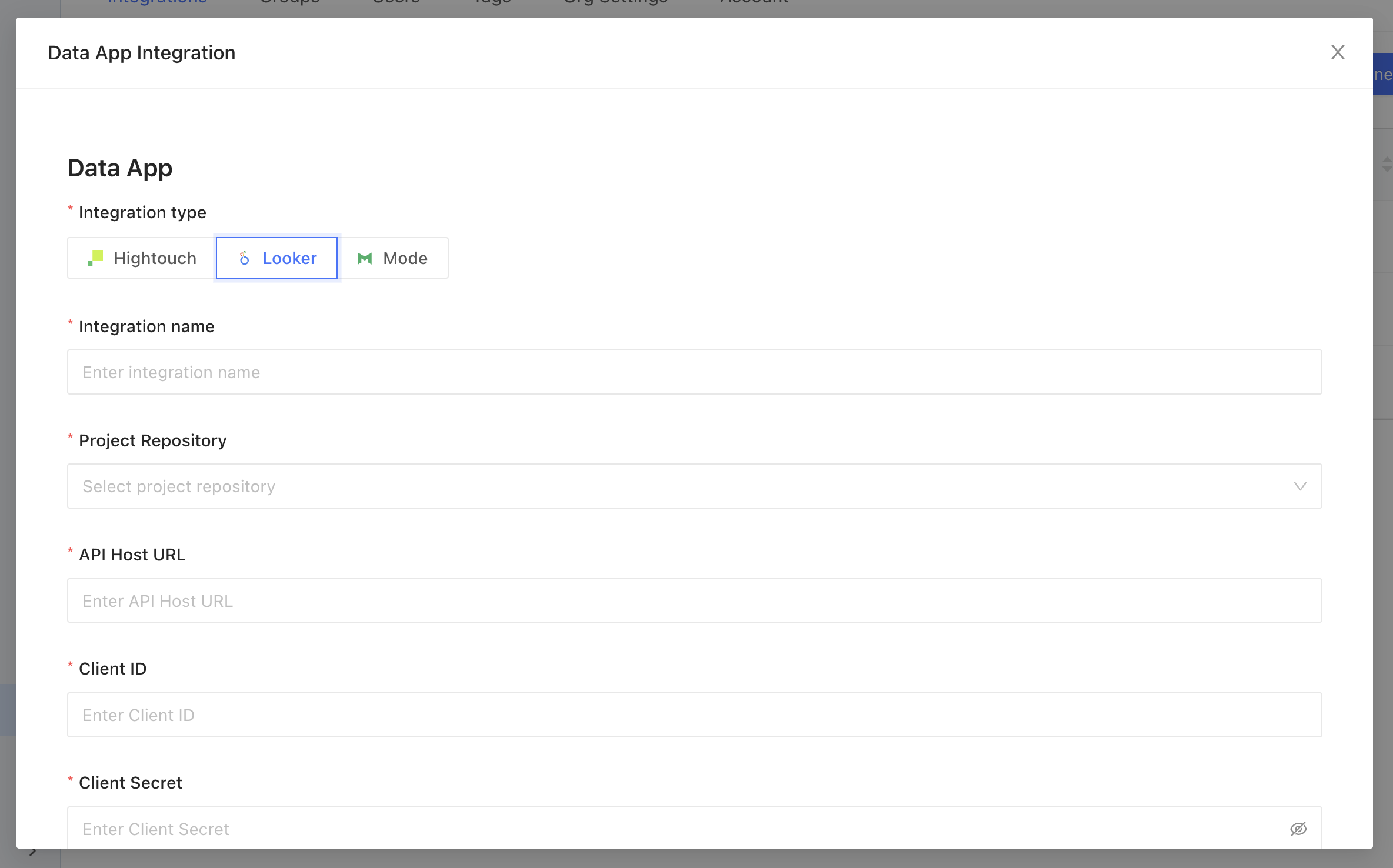 Complete the configuration by specifying the following fields:
| Field Name | Description |
| ----------------------- | ------------------------------------------------------------------------------------------------------------------------------------------------------------------------------------------------------------------------------------------------------------------------------------------------------------------------------------------------------------------------------------------------------------------------------------------------------------------------------------------------------------------------------------------------------------------------ |
| Integration name | An identifier used in Datafold to identify this Data App configuration. |
| Project Repository | Select the same repository as used in your Looker project. |
| API Host URL | The Looker [API Host URL](https://cloud.google.com/looker/docs/admin-panel-platform-api#api%5Fhost%5Furl). It has the following format: https\://\.cloud.looker.com:\. The port defaults are 19999 (legacy) and 443 (new), see the [Looker Docs](https://cloud.google.com/looker/docs/api-getting-started#looker%5Fapi%5Fpath%5Fand%5Fport) for hints. Examples: Legacy ([https://datafold.cloud.looker.com:19999](https://datafold.cloud.looker.com:19999)), New ([https://datafold.cloud.looker.com:443](https://datafold.cloud.looker.com:443)) |
| Client ID | Follow [these steps](https://cloud.google.com/looker/docs/api-auth#authentication%5Fwith%5Fan%5Fsdk) to generate Client ID and Client Secret. These are always user specific. We recommend using a group email for continuity. See [Looker User Minimum Access Policy](/integrations/bi-data-apps/looker#looker-user-minimum-access-policy) for the required permissions. |
| Client Secret | See Client ID. |
| Data connection mapping | When the correct credentials are entered we will begin to populate data connections in Looker (on the left side) that will need to be mapped to data connections configured in Datafold (on the right side). See image below. |
Complete the configuration by specifying the following fields:
| Field Name | Description |
| ----------------------- | ------------------------------------------------------------------------------------------------------------------------------------------------------------------------------------------------------------------------------------------------------------------------------------------------------------------------------------------------------------------------------------------------------------------------------------------------------------------------------------------------------------------------------------------------------------------------ |
| Integration name | An identifier used in Datafold to identify this Data App configuration. |
| Project Repository | Select the same repository as used in your Looker project. |
| API Host URL | The Looker [API Host URL](https://cloud.google.com/looker/docs/admin-panel-platform-api#api%5Fhost%5Furl). It has the following format: https\://\.cloud.looker.com:\. The port defaults are 19999 (legacy) and 443 (new), see the [Looker Docs](https://cloud.google.com/looker/docs/api-getting-started#looker%5Fapi%5Fpath%5Fand%5Fport) for hints. Examples: Legacy ([https://datafold.cloud.looker.com:19999](https://datafold.cloud.looker.com:19999)), New ([https://datafold.cloud.looker.com:443](https://datafold.cloud.looker.com:443)) |
| Client ID | Follow [these steps](https://cloud.google.com/looker/docs/api-auth#authentication%5Fwith%5Fan%5Fsdk) to generate Client ID and Client Secret. These are always user specific. We recommend using a group email for continuity. See [Looker User Minimum Access Policy](/integrations/bi-data-apps/looker#looker-user-minimum-access-policy) for the required permissions. |
| Client Secret | See Client ID. |
| Data connection mapping | When the correct credentials are entered we will begin to populate data connections in Looker (on the left side) that will need to be mapped to data connections configured in Datafold (on the right side). See image below. |
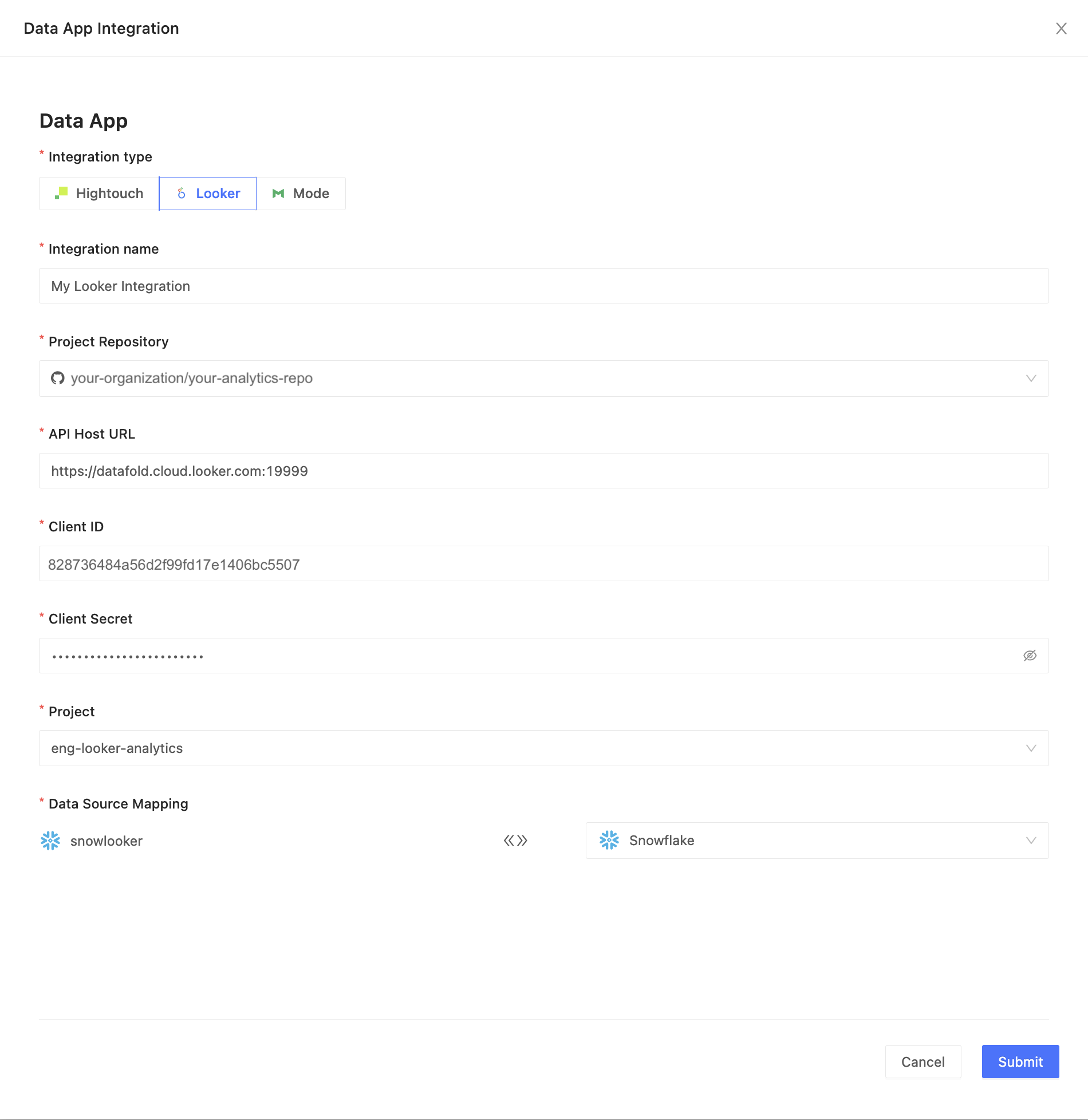 When completed, click **Submit**.
It may take some time to sync all the Looker entities to Datafold and for Data Explorer to populate. When completed, your Looker assets will appear in Data Explorer as search results.
When completed, click **Submit**.
It may take some time to sync all the Looker entities to Datafold and for Data Explorer to populate. When completed, your Looker assets will appear in Data Explorer as search results.
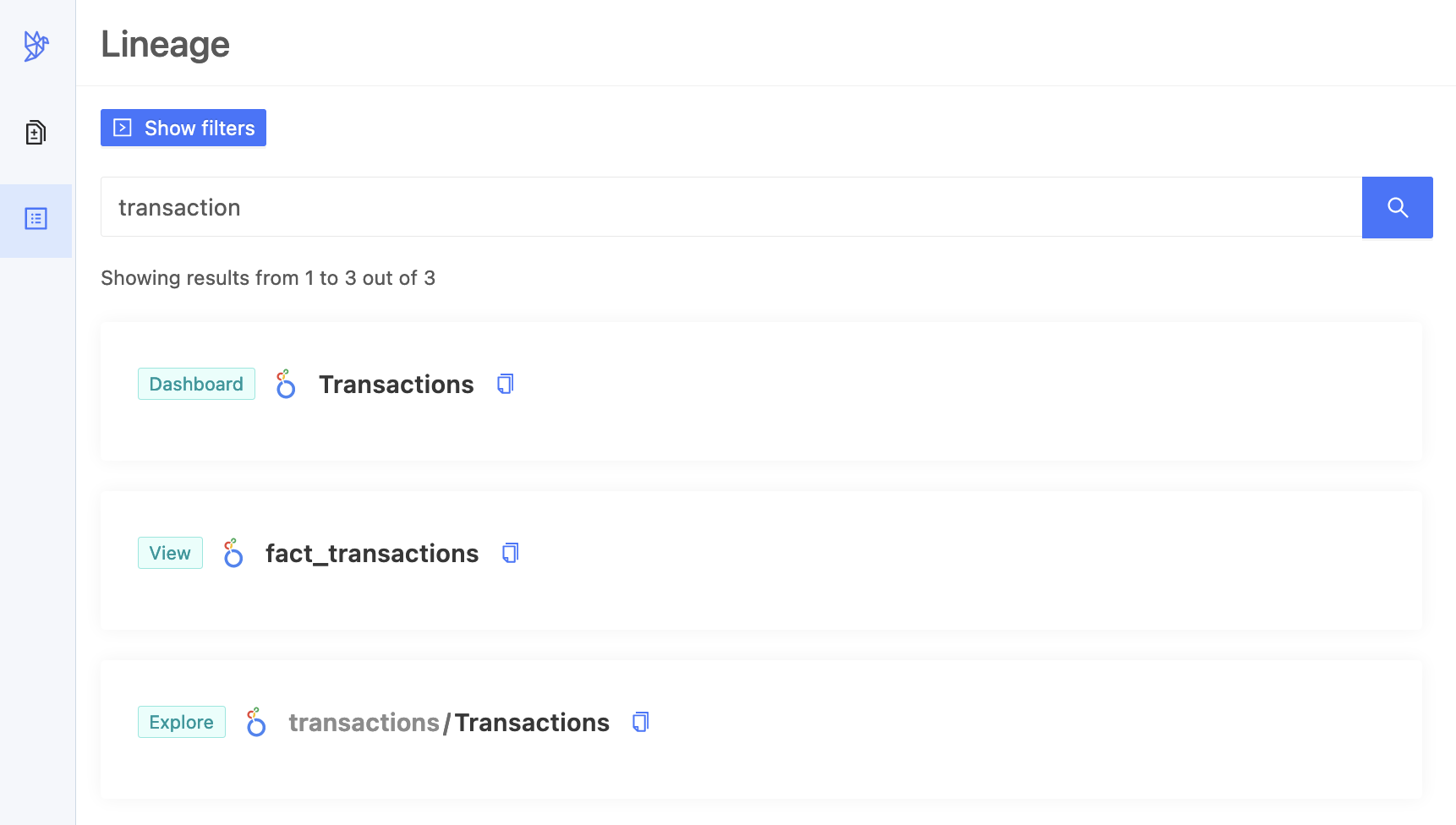 **TIP**
[Tracking Jobs](/integrations/bi-data-apps/tracking-jobs) explains how to find out when your data app integration is ready.
## Looker user: minimum access policy
The user linked to the API credentials needs the predefined Developer role, or you can create a custom role with these permissions:
* `access_data`
* `download_without_limit`
* `explore`
* `login_special_email`
* `manage_spaces`
* `see_drill_overlay`
* `see_lookml`
* `see_lookml_dashboards`
* `see_looks`
* `see_pdts`
* `see_sql`
* `see_user_dashboards`
* `send_to_integration`
## Database/schema connection context
### Database specification
Using the Fully Qualified Names in your Looker view files is not always possible. If a view references a table as`my_schema.my_table`, Datafold might have difficulty finding which database this table actually is in. There are multiple ways to guide Datafold to make a correct choice, as summarized in the table below.
**INFO**
Priority #1 takes precedence over #2, and so forth.
| # | Source, if defined | Example |
| - | ----------------------------------------------------------------------------------------------------------------------------------------------------------------------------- | --------------------------- |
| 1 | datafold\_force\_database **User Attribute** in Looker | looker\_db |
| 2 | **Fully Qualified Names** in your Looker view files | my\_db.my\_schema.my\_table |
| 3 | datafold\_default\_database **User Attribute** in Looker | another\_looker\_db |
| 4 | **Database** specified in Looker, at Database connection settings\_(We can only read these if Datafold connects to Looker via an admin user, which is probably suboptimal.)\_ | my\_db |
| 5 | **Database** specified in Datafold, at [Database Connection settings](/integrations/databases/) | my\_db |
### Supported custom Looker user attributes
| User Attribute | Impact |
| --------------------------- | -------------------------------------------------------------------------------------------------------- |
| datafold\_force\_database | Database to use in all cases, even if a fully qualified path in LookML refers to another database. |
| datafold\_default\_database | Database to use if Looker View does not explictly specify a database. |
| datafold\_default\_schema | Schema to use if Looker view does not explicitly specify a schema (which equals a dataset for BigQuery). |
| datafold\_default\_host | *(BigQuery only)* Default project name. |
**INFO**
Make sure attributes are:
* Explicitly defined for the user in question (not just falling back to a default);
* Not marked as hidden.
## Integration limitations
Datafold lets you connect to Looker and extend our capabilities to your Looker Views, Explores, Looks, and Dashboards. But this is a new feature, so there are some things we don’t support yet:
* **PDT/Derived Tables**:Datafold only works with the tables that come from your data connections, but not with the [tables](https://cloud.google.com/looker/docs/derived-tables#important%5Fconsiderations%5Ffor%5Fimplementing%5Fpersisted%5Ftables) that Looker makes from your SQL queries.
* **Merge Queries**: Datafold supports the Queries and Looks that make up your Dashboards, but [Merge Queries](https://cloud.google.com/looker/docs/merged-results) are not one of them. For some use cases you could achieve the same by joining the underlying views with an explore.
* **Usage metrics and popularity**: Datafold shows you your Looker objects - such as dashboards, looks, and fields - but not how much you use or like them.
We are improving our Looker integration and adding more features soon. We welcome your feedback and suggestions.
---
# Source: https://docs.datafold.com/integrations/databases/mariadb.md
# MariaDB
**INFO**
Column-level Lineage is not currently supported for MariaDB.
**Steps to complete:**
1. [Run SQL script for permissions and create schema for Datafold](/integrations/databases/mariadb#run-sql-script-and-create-schema-for-datafold)
2. [Configure your data connection in Datafold](/integrations/databases/mariadb#configure-in-datafold)
### Run SQL script and create schema for Datafold
To connect to MariaDB, create a user with read-only access to all tables you wish to diff. Include read and write access to a Datafold-specific dataset:
```Bash theme={null}
-- Create a temporary dataset for Datafold to utilize
CREATE DATABASE IF NOT EXISTS datafold_tmp;
-- Create a Datafold user
CREATE USER 'datafold_user'@'%' IDENTIFIED BY 'SOMESECUREPASSWORD';
-- Grant read access to diff tables in YourSchema
GRANT SELECT ON `YourSchema`.* TO 'datafold_user'@'%';
-- Grant access to all tables in a datafold_tmp database
GRANT ALL ON `datafold_tmp`.* TO 'datafold_user'@'%';
-- Apply the changes
FLUSH PRIVILEGES;
```
Datafold utilizes a temporary dataset, named `datafold_tmp` in the above script, to materialize scratch work and keep data processing in the your warehouse.
### Configure in Datafold
| Field Name | Description |
| ---------------------------- | --------------------------------------------------------------------------------- |
| Connection name | A name given to the data connection within Datafold |
| Host | The hostname for your MariaDB instance |
| Port | MariaDB connection port; default value is 3306 |
| Username | The user created in our SQL script, named datafold\_user |
| Password | The password created in our SQL script |
| Database | The name of the MariaDB database (schema) you want to connect to, e.g. YourSchema |
| Dataset for temporary tables | The datafold\_tmp database created in our SQL script |
Click **Create**. Your data connection is ready!
---
# Source: https://docs.datafold.com/data-monitoring/monitors/metric-monitors.md
> ## Documentation Index
> Fetch the complete documentation index at: https://docs.datafold.com/llms.txt
> Use this file to discover all available pages before exploring further.
# Metric Monitors
> Metric monitors detect anomalies in your data using ML-based algorithms or manual thresholds, supporting standard and custom metrics for tables or columns.
**INFO**
Please contact [support@datafold.com](mailto:support@datafold.com) if you'd like to enable this feature for your organization.
Metric monitors allow you to perform anomaly detection—either automatically using our ML-based algorithm or by setting manual thresholds—on the following metric types:
1. Standard metrics (e.g. row count, freshness, and cardinality)
2. Custom metrics (e.g. sales volume per region)
## Create a Metric monitor
There are two ways to create a Metric Monitor:
1. Open the **Monitors** page, select **Create new monitor**, and then choose **Metric**.
2. Clone an existing Metric monitor by clicking **Actions** and then **Clone**. This will pre-fill the form with the existing monitor configuration.
## Set up your monitor
Select your data connection, then choose the type of metric you'd like: **Table**, **Column**, or **Custom**.
If you select table or column, you have the option to add a SQL filter to refine your dataset. For example, you could implement a 7-day rolling time window with the following: `timestamp >= dateadd(day, -7, current_timestamp)`. Please ensure the SQL is compatible with your selected data connection.
## Metric types
### Table metrics
| Metric | Definition | Additional Notes |
| --------- | --------------------------------- | -------------------------------------------------------------------------------------------------------------- |
| Freshness | Time since table was last updated | Measured in minutes. Derived from INFORMATION\_SCHEMA. Only supported for Snowflake, BigQuery, and Databricks. |
| Row Count | Total number of rows | |
### Column metrics
| Metric | Definition | Supported Column Types | Additional Notes |
| ------------------ | ------------------------------ | ---------------------- | -------------------------- |
| Cardinality | Number of distinct values | All types | |
| Uniqueness | Proportion of distinct values | All types | Proportion between 0 and 1 |
| Minimum | Lowest numeric value | Numeric columns | |
| Maximum | Highest numeric value | Numeric columns | |
| Average | Mean value | Numeric columns | |
| Median | Median value (50th percentile) | Numeric columns | |
| Sum | Sum of all values | Numeric columns | |
| Standard Deviation | Measure of data spread | Numeric columns | |
| Fill Rate | Proportion of non-null values | All types | Proportion between 0 and 1 |
### Custom metrics
Our custom metric framework is extremely flexible and supports several approaches to defining metrics. Depending on the approach you choose, your query should return some combination of the following columns:
* **Metric value (required)**: a numeric column containing your *metric values*
* **Timestamp (optional)**: a date/time column containing *timestamps* corresponding to your metric values
* **Group (optional)**: a string column containing *groups/dimensions* for your metric
**INFO**
The names and order of your columns don't matter. Datafold will automatically infer their meaning based on data type.
**TIP**
[Tracking Jobs](/integrations/bi-data-apps/tracking-jobs) explains how to find out when your data app integration is ready.
## Looker user: minimum access policy
The user linked to the API credentials needs the predefined Developer role, or you can create a custom role with these permissions:
* `access_data`
* `download_without_limit`
* `explore`
* `login_special_email`
* `manage_spaces`
* `see_drill_overlay`
* `see_lookml`
* `see_lookml_dashboards`
* `see_looks`
* `see_pdts`
* `see_sql`
* `see_user_dashboards`
* `send_to_integration`
## Database/schema connection context
### Database specification
Using the Fully Qualified Names in your Looker view files is not always possible. If a view references a table as`my_schema.my_table`, Datafold might have difficulty finding which database this table actually is in. There are multiple ways to guide Datafold to make a correct choice, as summarized in the table below.
**INFO**
Priority #1 takes precedence over #2, and so forth.
| # | Source, if defined | Example |
| - | ----------------------------------------------------------------------------------------------------------------------------------------------------------------------------- | --------------------------- |
| 1 | datafold\_force\_database **User Attribute** in Looker | looker\_db |
| 2 | **Fully Qualified Names** in your Looker view files | my\_db.my\_schema.my\_table |
| 3 | datafold\_default\_database **User Attribute** in Looker | another\_looker\_db |
| 4 | **Database** specified in Looker, at Database connection settings\_(We can only read these if Datafold connects to Looker via an admin user, which is probably suboptimal.)\_ | my\_db |
| 5 | **Database** specified in Datafold, at [Database Connection settings](/integrations/databases/) | my\_db |
### Supported custom Looker user attributes
| User Attribute | Impact |
| --------------------------- | -------------------------------------------------------------------------------------------------------- |
| datafold\_force\_database | Database to use in all cases, even if a fully qualified path in LookML refers to another database. |
| datafold\_default\_database | Database to use if Looker View does not explictly specify a database. |
| datafold\_default\_schema | Schema to use if Looker view does not explicitly specify a schema (which equals a dataset for BigQuery). |
| datafold\_default\_host | *(BigQuery only)* Default project name. |
**INFO**
Make sure attributes are:
* Explicitly defined for the user in question (not just falling back to a default);
* Not marked as hidden.
## Integration limitations
Datafold lets you connect to Looker and extend our capabilities to your Looker Views, Explores, Looks, and Dashboards. But this is a new feature, so there are some things we don’t support yet:
* **PDT/Derived Tables**:Datafold only works with the tables that come from your data connections, but not with the [tables](https://cloud.google.com/looker/docs/derived-tables#important%5Fconsiderations%5Ffor%5Fimplementing%5Fpersisted%5Ftables) that Looker makes from your SQL queries.
* **Merge Queries**: Datafold supports the Queries and Looks that make up your Dashboards, but [Merge Queries](https://cloud.google.com/looker/docs/merged-results) are not one of them. For some use cases you could achieve the same by joining the underlying views with an explore.
* **Usage metrics and popularity**: Datafold shows you your Looker objects - such as dashboards, looks, and fields - but not how much you use or like them.
We are improving our Looker integration and adding more features soon. We welcome your feedback and suggestions.
---
# Source: https://docs.datafold.com/integrations/databases/mariadb.md
# MariaDB
**INFO**
Column-level Lineage is not currently supported for MariaDB.
**Steps to complete:**
1. [Run SQL script for permissions and create schema for Datafold](/integrations/databases/mariadb#run-sql-script-and-create-schema-for-datafold)
2. [Configure your data connection in Datafold](/integrations/databases/mariadb#configure-in-datafold)
### Run SQL script and create schema for Datafold
To connect to MariaDB, create a user with read-only access to all tables you wish to diff. Include read and write access to a Datafold-specific dataset:
```Bash theme={null}
-- Create a temporary dataset for Datafold to utilize
CREATE DATABASE IF NOT EXISTS datafold_tmp;
-- Create a Datafold user
CREATE USER 'datafold_user'@'%' IDENTIFIED BY 'SOMESECUREPASSWORD';
-- Grant read access to diff tables in YourSchema
GRANT SELECT ON `YourSchema`.* TO 'datafold_user'@'%';
-- Grant access to all tables in a datafold_tmp database
GRANT ALL ON `datafold_tmp`.* TO 'datafold_user'@'%';
-- Apply the changes
FLUSH PRIVILEGES;
```
Datafold utilizes a temporary dataset, named `datafold_tmp` in the above script, to materialize scratch work and keep data processing in the your warehouse.
### Configure in Datafold
| Field Name | Description |
| ---------------------------- | --------------------------------------------------------------------------------- |
| Connection name | A name given to the data connection within Datafold |
| Host | The hostname for your MariaDB instance |
| Port | MariaDB connection port; default value is 3306 |
| Username | The user created in our SQL script, named datafold\_user |
| Password | The password created in our SQL script |
| Database | The name of the MariaDB database (schema) you want to connect to, e.g. YourSchema |
| Dataset for temporary tables | The datafold\_tmp database created in our SQL script |
Click **Create**. Your data connection is ready!
---
# Source: https://docs.datafold.com/data-monitoring/monitors/metric-monitors.md
> ## Documentation Index
> Fetch the complete documentation index at: https://docs.datafold.com/llms.txt
> Use this file to discover all available pages before exploring further.
# Metric Monitors
> Metric monitors detect anomalies in your data using ML-based algorithms or manual thresholds, supporting standard and custom metrics for tables or columns.
**INFO**
Please contact [support@datafold.com](mailto:support@datafold.com) if you'd like to enable this feature for your organization.
Metric monitors allow you to perform anomaly detection—either automatically using our ML-based algorithm or by setting manual thresholds—on the following metric types:
1. Standard metrics (e.g. row count, freshness, and cardinality)
2. Custom metrics (e.g. sales volume per region)
## Create a Metric monitor
There are two ways to create a Metric Monitor:
1. Open the **Monitors** page, select **Create new monitor**, and then choose **Metric**.
2. Clone an existing Metric monitor by clicking **Actions** and then **Clone**. This will pre-fill the form with the existing monitor configuration.
## Set up your monitor
Select your data connection, then choose the type of metric you'd like: **Table**, **Column**, or **Custom**.
If you select table or column, you have the option to add a SQL filter to refine your dataset. For example, you could implement a 7-day rolling time window with the following: `timestamp >= dateadd(day, -7, current_timestamp)`. Please ensure the SQL is compatible with your selected data connection.
## Metric types
### Table metrics
| Metric | Definition | Additional Notes |
| --------- | --------------------------------- | -------------------------------------------------------------------------------------------------------------- |
| Freshness | Time since table was last updated | Measured in minutes. Derived from INFORMATION\_SCHEMA. Only supported for Snowflake, BigQuery, and Databricks. |
| Row Count | Total number of rows | |
### Column metrics
| Metric | Definition | Supported Column Types | Additional Notes |
| ------------------ | ------------------------------ | ---------------------- | -------------------------- |
| Cardinality | Number of distinct values | All types | |
| Uniqueness | Proportion of distinct values | All types | Proportion between 0 and 1 |
| Minimum | Lowest numeric value | Numeric columns | |
| Maximum | Highest numeric value | Numeric columns | |
| Average | Mean value | Numeric columns | |
| Median | Median value (50th percentile) | Numeric columns | |
| Sum | Sum of all values | Numeric columns | |
| Standard Deviation | Measure of data spread | Numeric columns | |
| Fill Rate | Proportion of non-null values | All types | Proportion between 0 and 1 |
### Custom metrics
Our custom metric framework is extremely flexible and supports several approaches to defining metrics. Depending on the approach you choose, your query should return some combination of the following columns:
* **Metric value (required)**: a numeric column containing your *metric values*
* **Timestamp (optional)**: a date/time column containing *timestamps* corresponding to your metric values
* **Group (optional)**: a string column containing *groups/dimensions* for your metric
**INFO**
The names and order of your columns don't matter. Datafold will automatically infer their meaning based on data type.
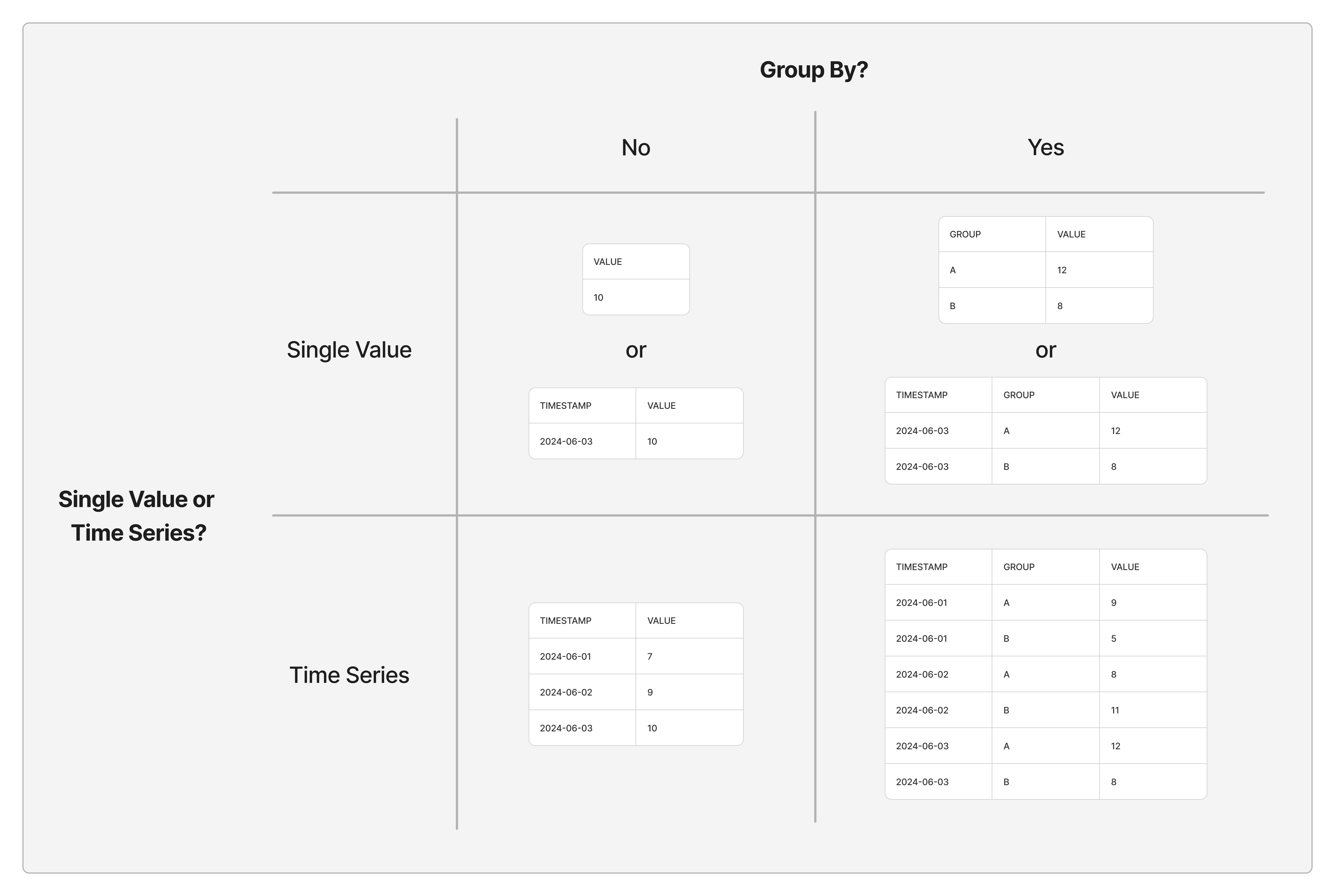 The following questions will help you decide which approach is best for you:
1. **Do you want to group your metric by the value of a column in your query?** For example, if your metric is *sales volume per day*, rather than looking at a single metric that encompasses all sales globally, it might be more informative to group by country. In this case, Datafold will automatically compute sales volume separately for each country to assist with root cause analysis when there’s an unexpected change.
2. **Will your query return a single metric value (per group, if relevant) on every monitor run, or an entire time series?** We generally recommend starting with the simpler approach of providing a single metric value (per group) per monitor run. However, if you’ve already defined a time series elsewhere (e.g. in your BI tool) and simply want to copy/paste that query into Datafold, then you may prefer the latter approach.
**INFO**
Datafold will only log a single data point per timestamp per group, which means you should only send data for a particular time period once that period is complete.
1. **If your metric returns a single value per monitor run, will you provide your own timestamps or use the timestamps of monitor runs?** If your query returns a single value per run, we generally recommend letting Datafold provide timestamps based on monitor runs unless you have a compelling reason to provide your own. For example, if your metric always lags by one day, you could explicitly associate yesterday's date with each observation.
As you're writing your query, Datafold will let you know if the result set doesn't match one of the accepted patterns. If you have questions, please contact us and we'll be happy to help.
## Configure anomaly detection
Enable anomaly detection to get the most out of metric monitors. You have several options:
* **Automatic**: our automated anomaly detection uses machine learning to flag metric values that are out of the ordinary. Dial the sensitivity up or down depending on how many alerts you'd like to receive.
* **Manual**: specific thresholds beyond which you'd like the monitor to trigger an alert. **Fixed Values** are specific minimum and/or maximum values, while **Percent Change** measure the magnitude of change from one observation to the next.
The following questions will help you decide which approach is best for you:
1. **Do you want to group your metric by the value of a column in your query?** For example, if your metric is *sales volume per day*, rather than looking at a single metric that encompasses all sales globally, it might be more informative to group by country. In this case, Datafold will automatically compute sales volume separately for each country to assist with root cause analysis when there’s an unexpected change.
2. **Will your query return a single metric value (per group, if relevant) on every monitor run, or an entire time series?** We generally recommend starting with the simpler approach of providing a single metric value (per group) per monitor run. However, if you’ve already defined a time series elsewhere (e.g. in your BI tool) and simply want to copy/paste that query into Datafold, then you may prefer the latter approach.
**INFO**
Datafold will only log a single data point per timestamp per group, which means you should only send data for a particular time period once that period is complete.
1. **If your metric returns a single value per monitor run, will you provide your own timestamps or use the timestamps of monitor runs?** If your query returns a single value per run, we generally recommend letting Datafold provide timestamps based on monitor runs unless you have a compelling reason to provide your own. For example, if your metric always lags by one day, you could explicitly associate yesterday's date with each observation.
As you're writing your query, Datafold will let you know if the result set doesn't match one of the accepted patterns. If you have questions, please contact us and we'll be happy to help.
## Configure anomaly detection
Enable anomaly detection to get the most out of metric monitors. You have several options:
* **Automatic**: our automated anomaly detection uses machine learning to flag metric values that are out of the ordinary. Dial the sensitivity up or down depending on how many alerts you'd like to receive.
* **Manual**: specific thresholds beyond which you'd like the monitor to trigger an alert. **Fixed Values** are specific minimum and/or maximum values, while **Percent Change** measure the magnitude of change from one observation to the next.
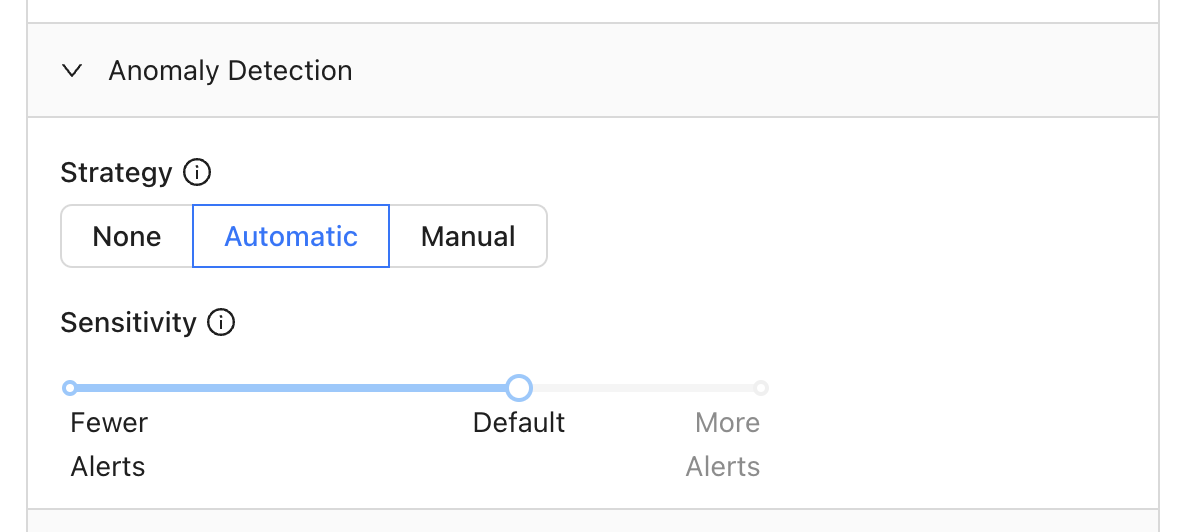 ## Add a schedule
You can choose to run your monitor daily, hourly, or even input a cron expression for more complex scheduling:
## Add notifications
Send notifications via Slack or email when your monitor exceeds a threshold (automatic or manual):
## Need help?
If you have any questions about how to use Metric monitors, please reach out to our team via Slack, in-app chat, or email us at [support@datafold.com](mailto:support@datafold.com).
---
# Source: https://docs.datafold.com/security/single-sign-on/saml/examples/microsoft-entra-id-configuration.md
> ## Documentation Index
> Fetch the complete documentation index at: https://docs.datafold.com/llms.txt
> Use this file to discover all available pages before exploring further.
# Microsoft Entra ID
## Azure AD / Entra ID as a SAML Identity Provider
You can create an **Enterprise Application** and use that to configure access to Datafold. Click on **New application** and **Create your own application**.
## Add a schedule
You can choose to run your monitor daily, hourly, or even input a cron expression for more complex scheduling:
## Add notifications
Send notifications via Slack or email when your monitor exceeds a threshold (automatic or manual):
## Need help?
If you have any questions about how to use Metric monitors, please reach out to our team via Slack, in-app chat, or email us at [support@datafold.com](mailto:support@datafold.com).
---
# Source: https://docs.datafold.com/security/single-sign-on/saml/examples/microsoft-entra-id-configuration.md
> ## Documentation Index
> Fetch the complete documentation index at: https://docs.datafold.com/llms.txt
> Use this file to discover all available pages before exploring further.
# Microsoft Entra ID
## Azure AD / Entra ID as a SAML Identity Provider
You can create an **Enterprise Application** and use that to configure access to Datafold. Click on **New application** and **Create your own application**.
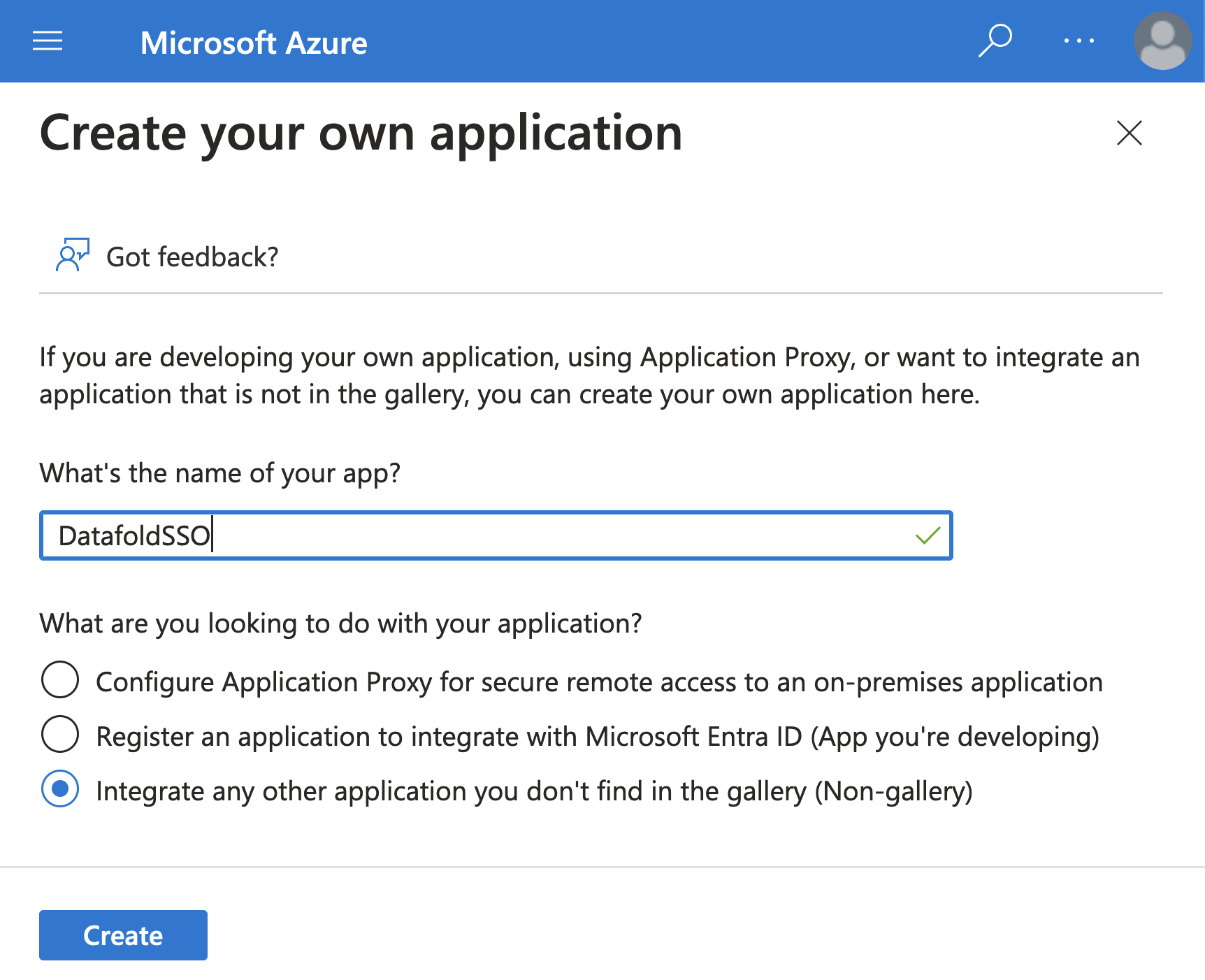 **Copy** the **App Federation Metadata Url**.
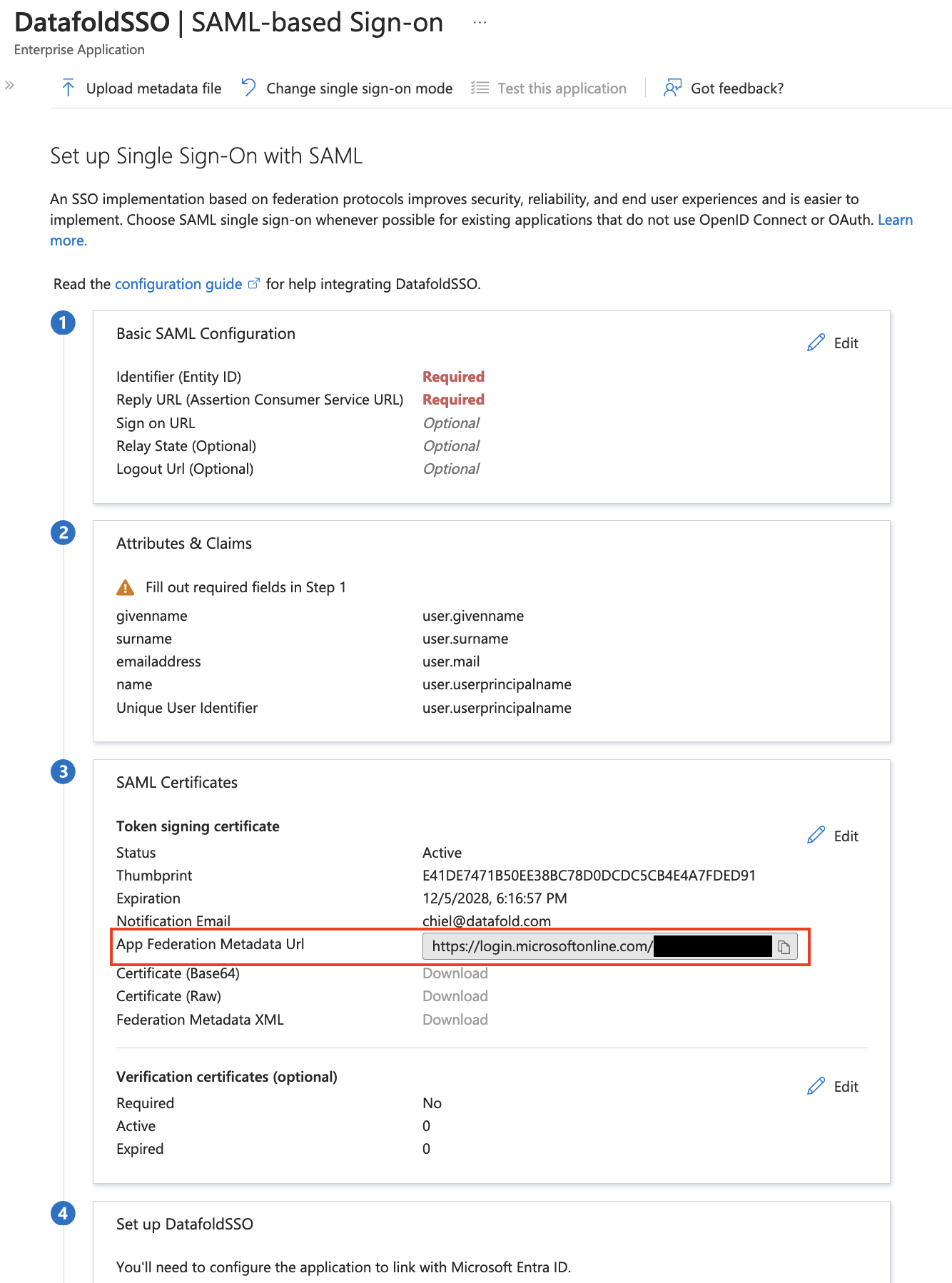 Go to `Datafold` and create a new SSO integration. Navigate to **Settings** → **Integrations** → **Add new Integration** → **SAML**.
Paste the **copied** URL into **Identity Provider Metadata URL**.
Go to `Azure` and edit the **Basic SAML Configuration** in your Enterprise App.
Copy from Datafold the read-only field **Service Provider ACS URL** and paste it into **Reply URL**.
Copy from Datafold the read-only field **Service Provider Entity ID** and paste it into **Identifier**.
Go to `Datafold` and create a new SSO integration. Navigate to **Settings** → **Integrations** → **Add new Integration** → **SAML**.
Paste the **copied** URL into **Identity Provider Metadata URL**.
Go to `Azure` and edit the **Basic SAML Configuration** in your Enterprise App.
Copy from Datafold the read-only field **Service Provider ACS URL** and paste it into **Reply URL**.
Copy from Datafold the read-only field **Service Provider Entity ID** and paste it into **Identifier**.
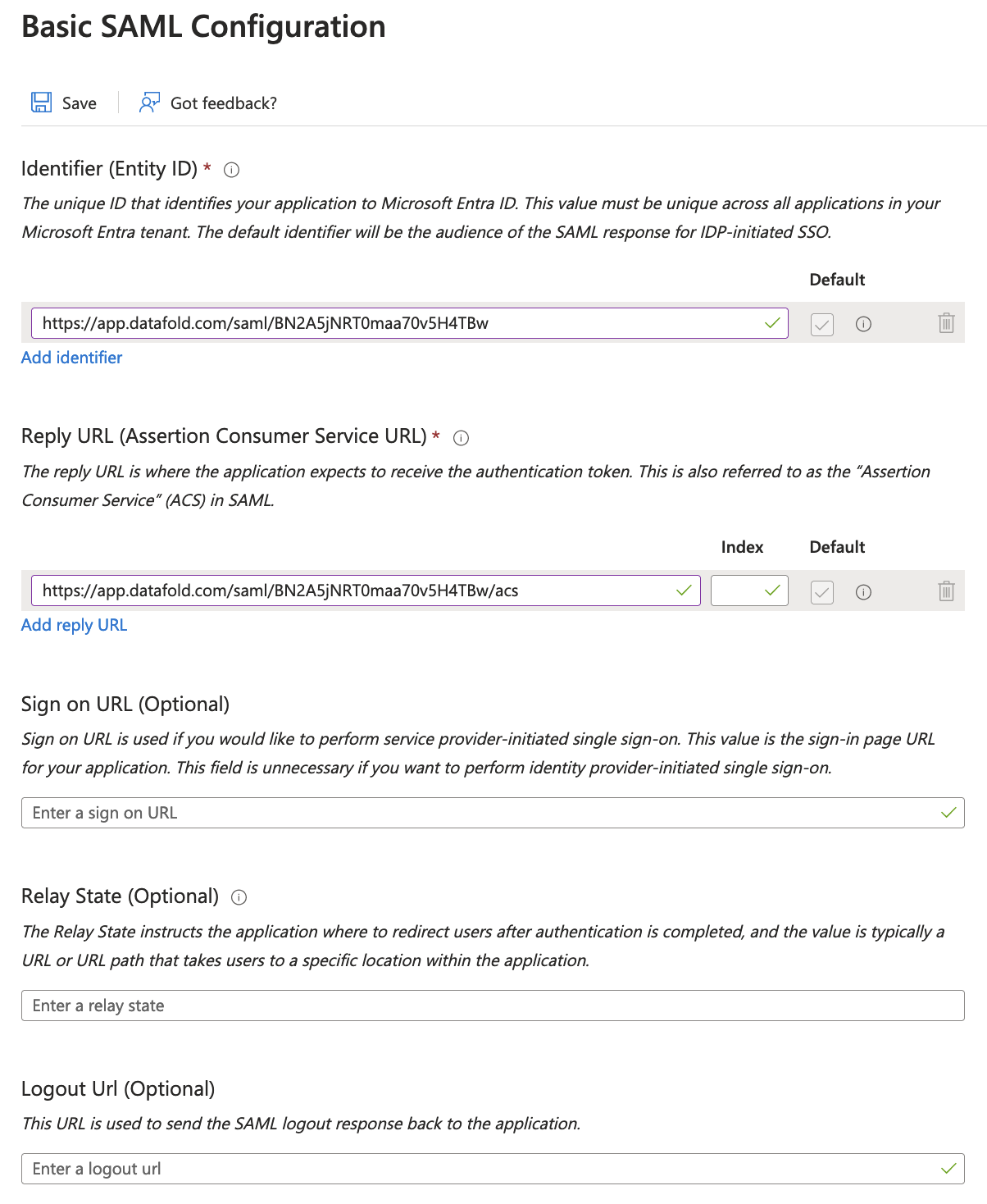 Go to `Datafold` and click **Save** to create the SAML integration.
Next, edit the **Attributes & Claims**. By default, the **Unique User Identifier** is already correctly set to `user.userprincipalname`. If you have multiple domains (i.e., `@datafold.com` and `@datafoldonmicrosoft.com`), please make sure this maps correctly to the email addresses of the users in Datafold.
(Optional step) Add two attributes: `first_name` and `last_name`.
Go to `Datafold` and click **Save** to create the SAML integration.
Next, edit the **Attributes & Claims**. By default, the **Unique User Identifier** is already correctly set to `user.userprincipalname`. If you have multiple domains (i.e., `@datafold.com` and `@datafoldonmicrosoft.com`), please make sure this maps correctly to the email addresses of the users in Datafold.
(Optional step) Add two attributes: `first_name` and `last_name`.
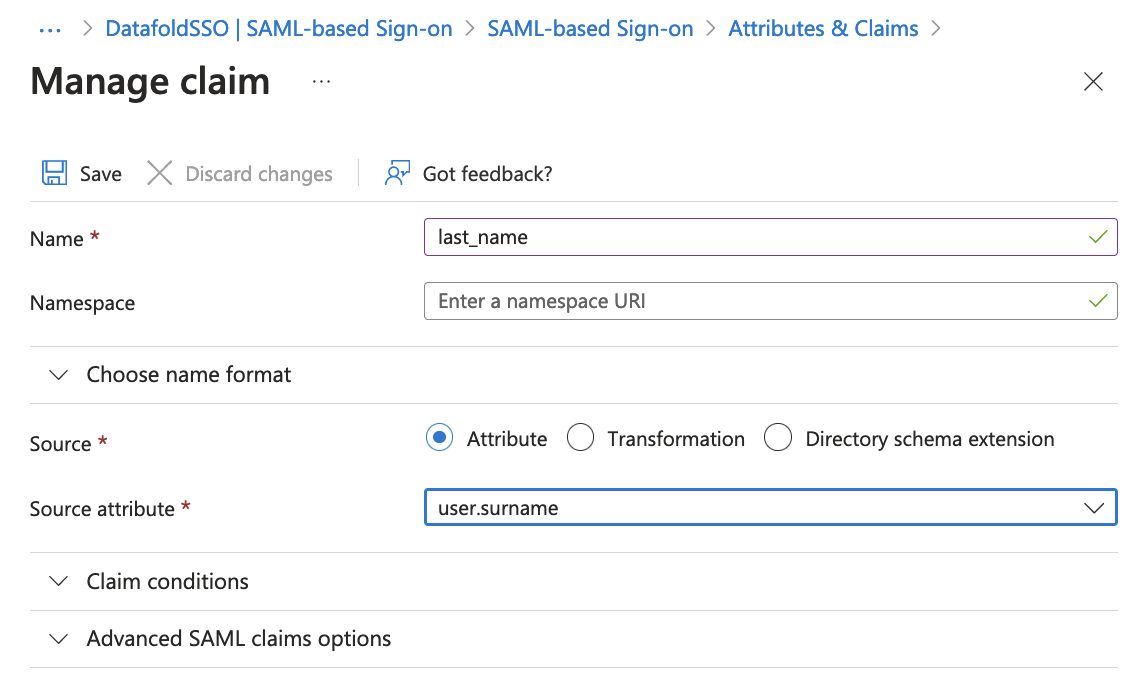 Finally, edit the **SAML Certificates**. Set the signing option to **Sign SAML response and assertion**.
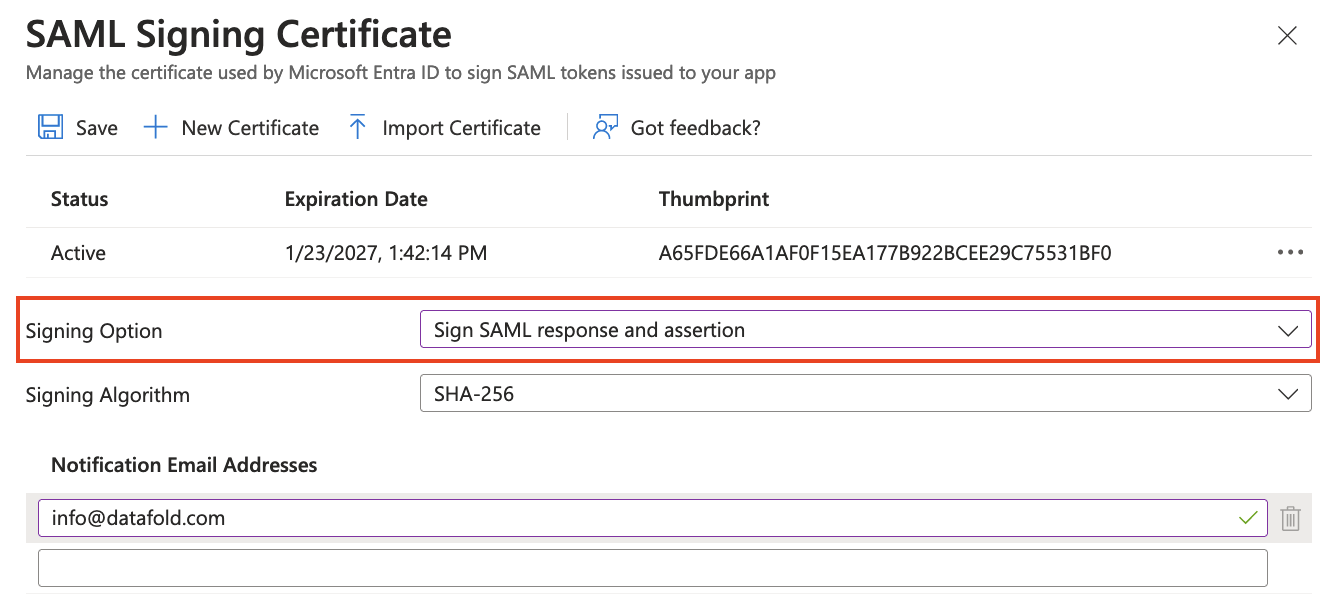 After you made sure you are added as a user to the Enterprise Application, log out from Datafold. Click on **Test** under **Test single sign-on with DatafoldSSO**.
## Synchronize user with Datafold \[Optional]
This step is essential if you want to ensure that users from your organization are disabled if they are no longer assigned to the configured Microsoft Entra App.
1. Navigate to App registrations → API permissions.
2. Add the following permissions: `Group.Read.All` and `User.ReadBasic.All`.
2.1 Click `Add a permission`.
2.2 Select Microsoft Graph.
After you made sure you are added as a user to the Enterprise Application, log out from Datafold. Click on **Test** under **Test single sign-on with DatafoldSSO**.
## Synchronize user with Datafold \[Optional]
This step is essential if you want to ensure that users from your organization are disabled if they are no longer assigned to the configured Microsoft Entra App.
1. Navigate to App registrations → API permissions.
2. Add the following permissions: `Group.Read.All` and `User.ReadBasic.All`.
2.1 Click `Add a permission`.
2.2 Select Microsoft Graph.
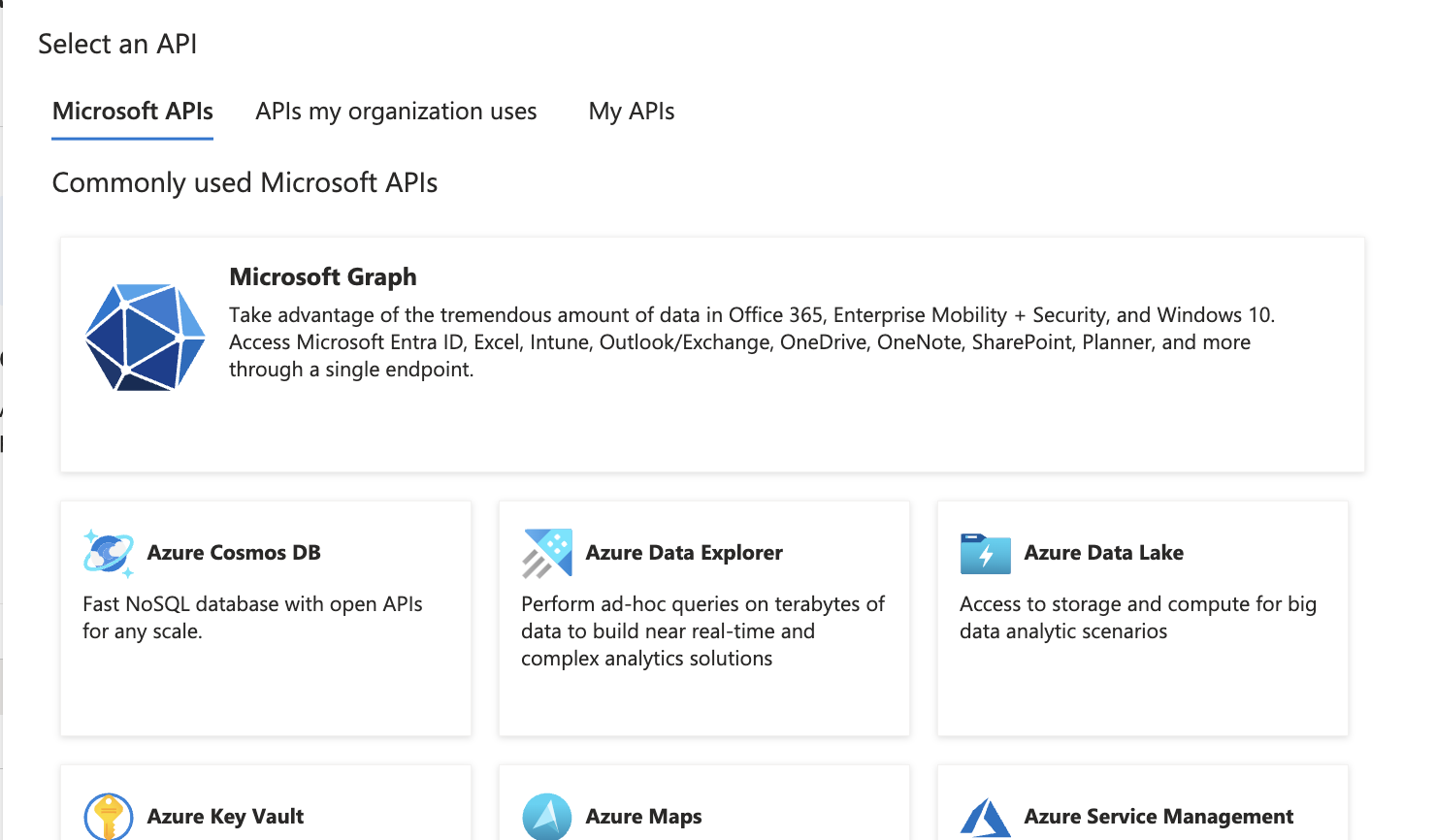 2.3 Select application permissions and add the required permissions.
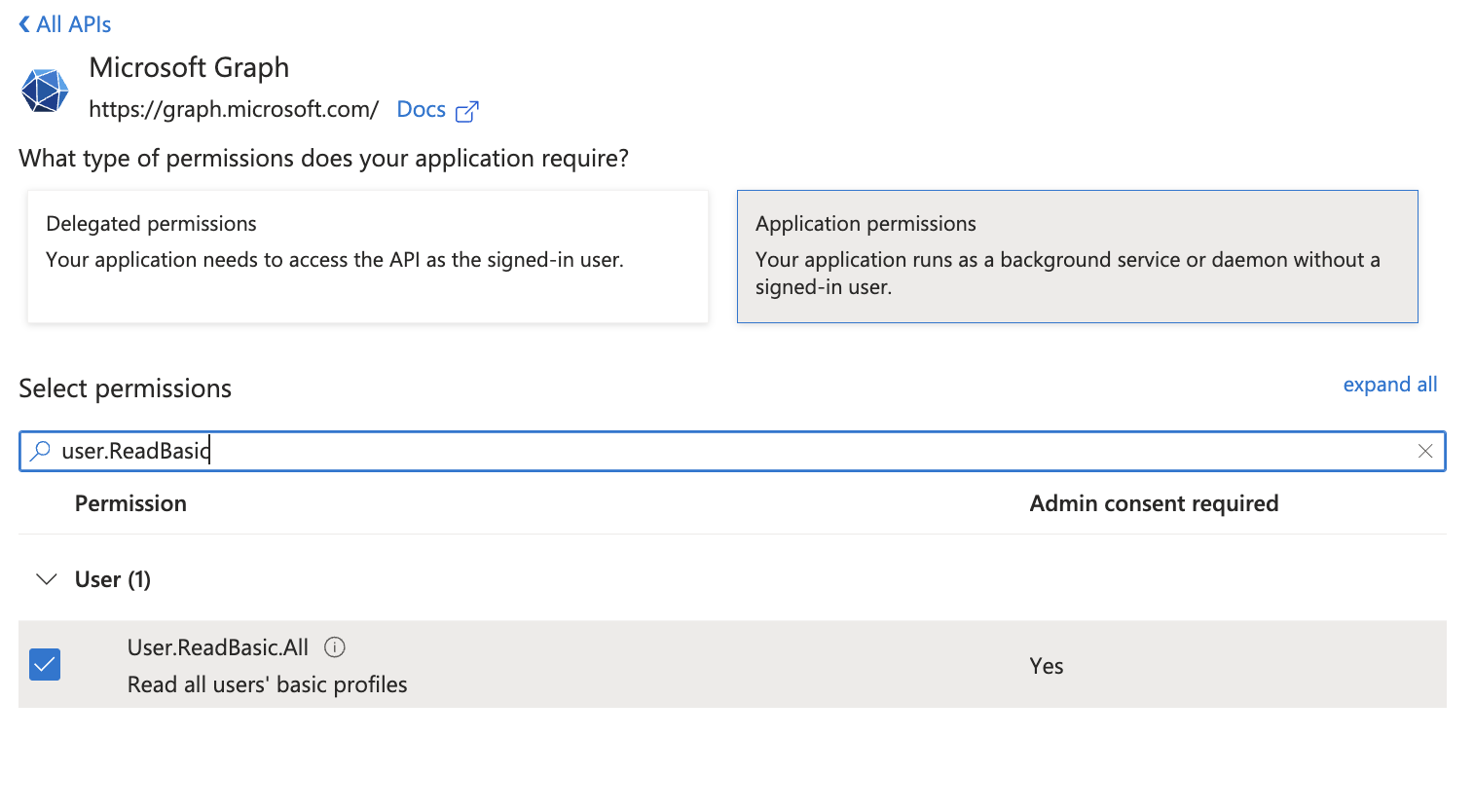
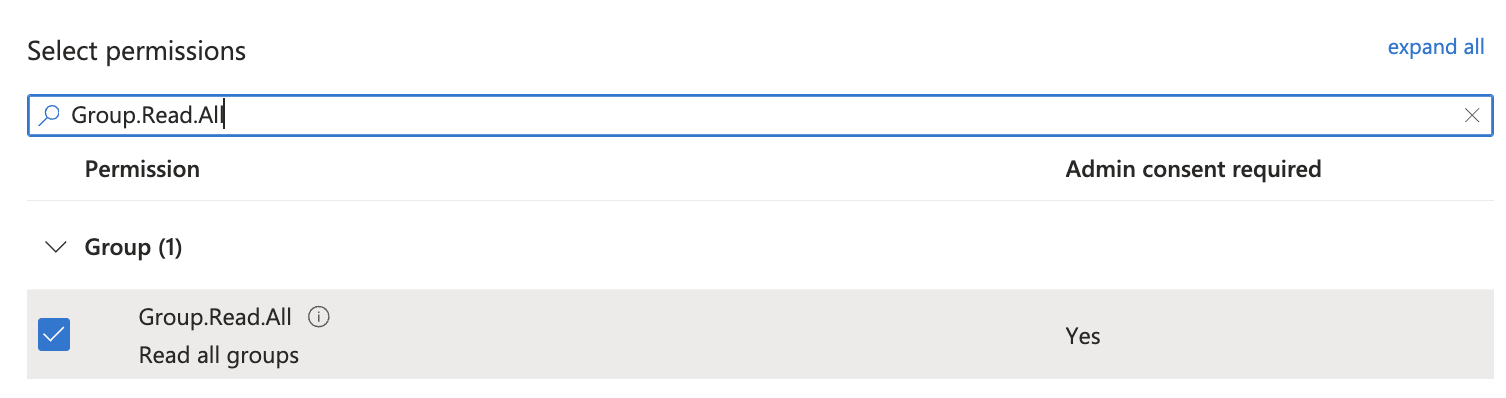 3. Grant admin consent.
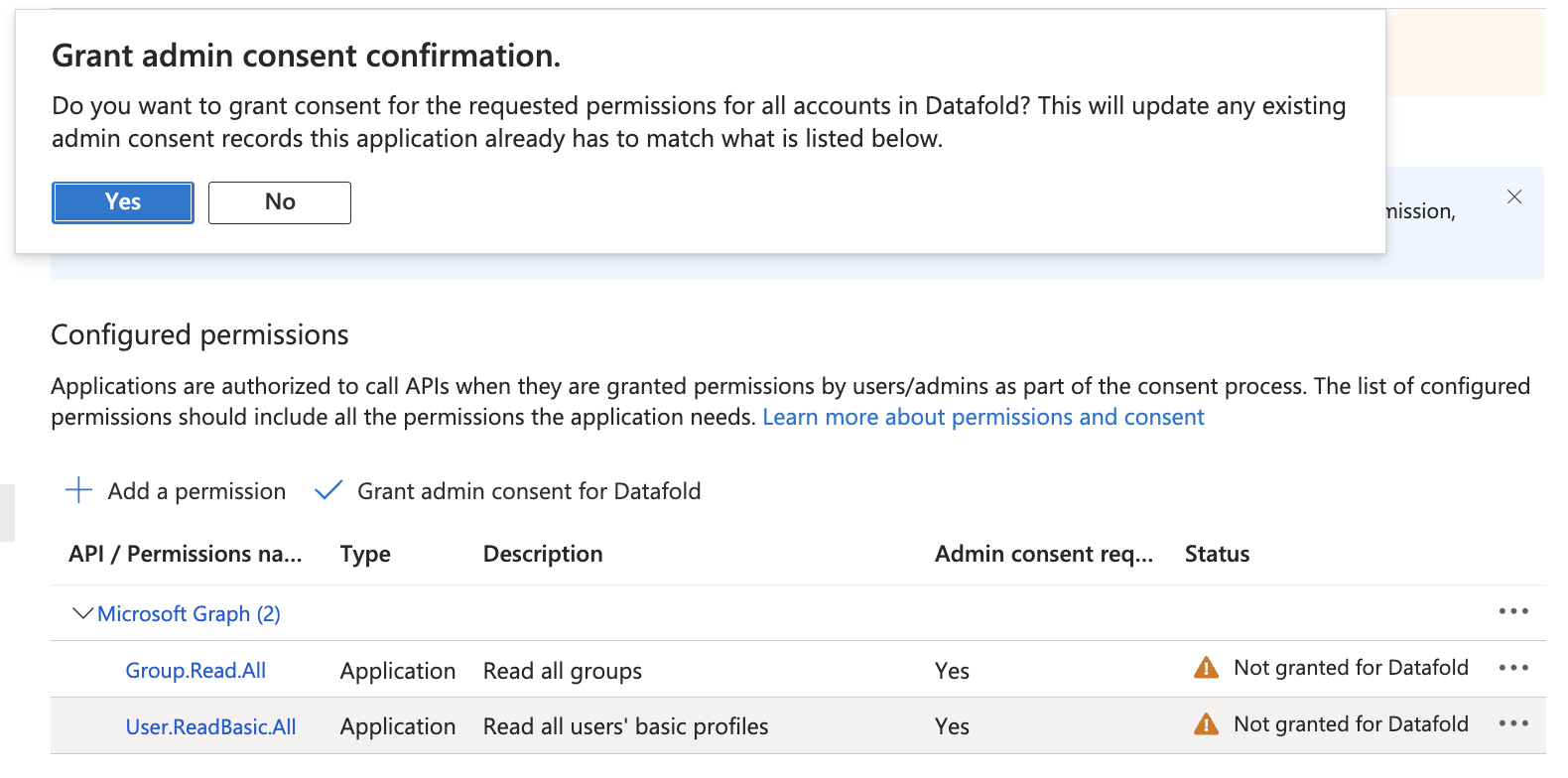 4. You should now see a next to the permissions.
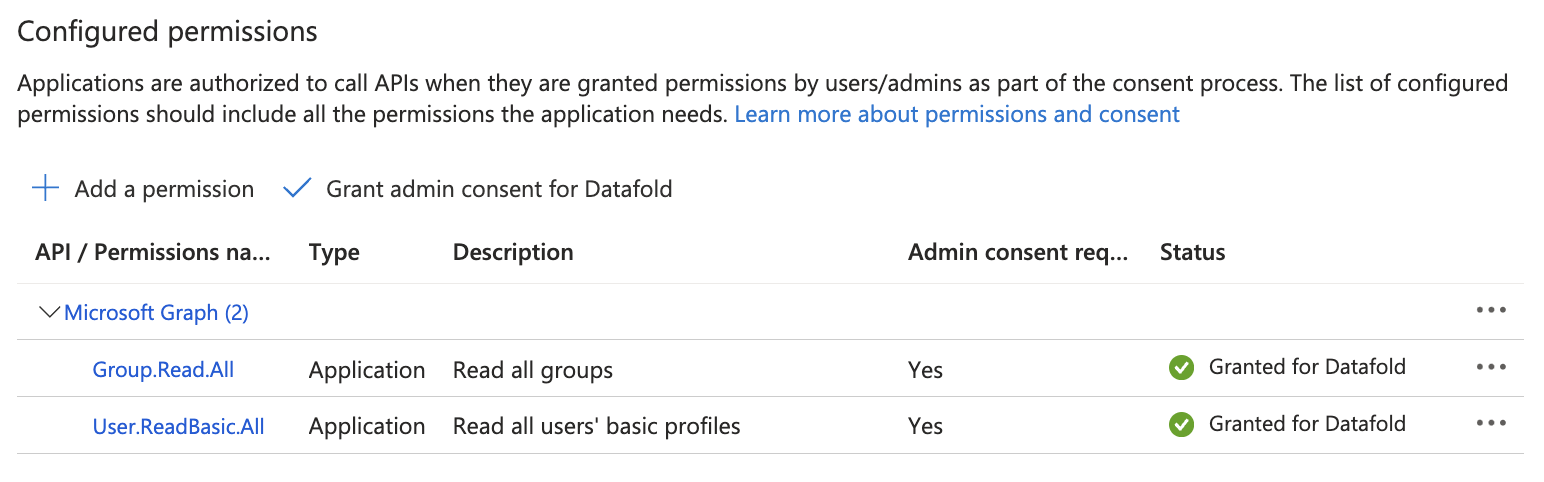 5. Generate a secret so that Datafold can interact with the API.
5.1 Click `Certificates & secrets`.
5. Generate a secret so that Datafold can interact with the API.
5.1 Click `Certificates & secrets`.
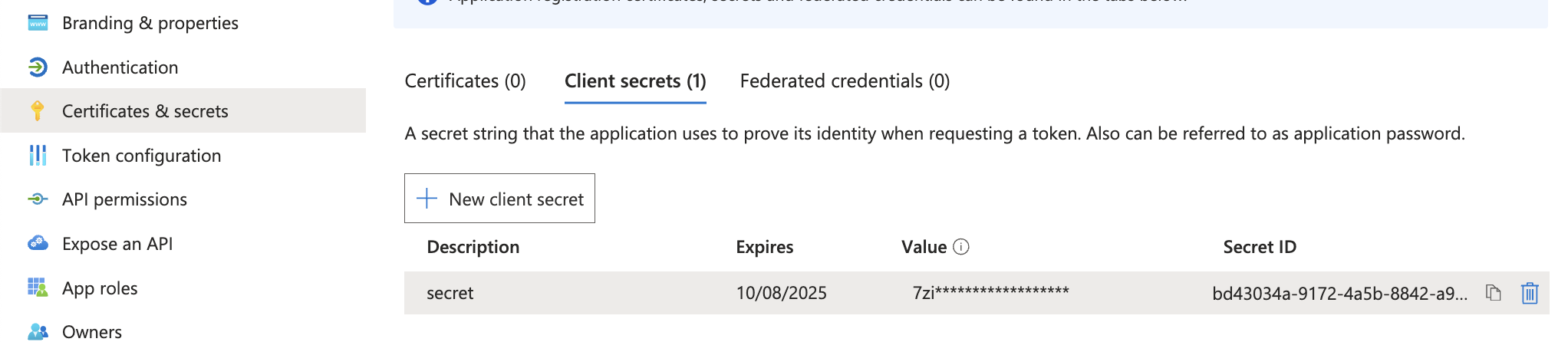 5.2 Click `New client secret`.
5.3 Type in a description and click `Add`.
5.2 Click `New client secret`.
5.3 Type in a description and click `Add`.
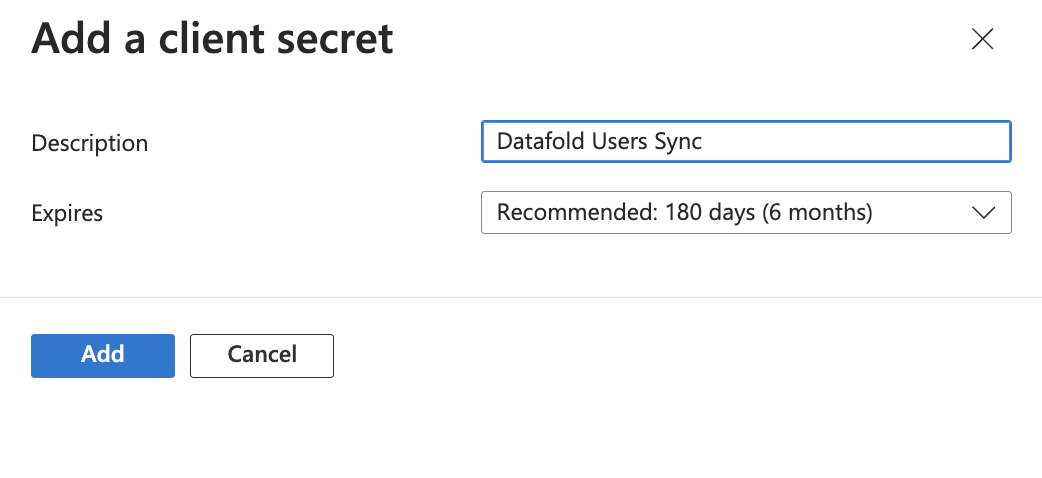 6. Go to `Datafold` and navigate to **Settings** → **Integrations** → **SSO** → **Add new Integration** and select the Microsoft Entra ID Logo.
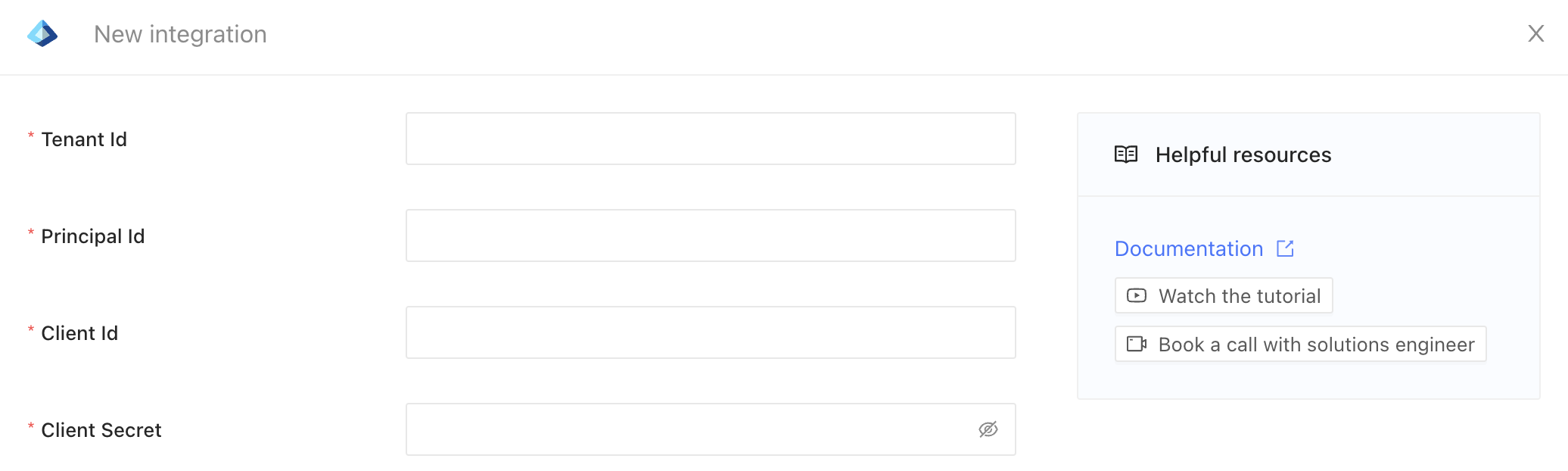 7. Paste in the four required fields:
7.1 Tenant ID - [you can find this in the overview page](https://learn.microsoft.com/en-us/entra/fundamentals/how-to-find-tenant)
7.2 Navigate to the application overview
7.3 Copy Application ID and paste it into Client Id
7.4 Copy the secret we created in the previous steps and paste it into Client Secret
7.5 Navigate to the enterprise application and copy Object ID and paste it into Principal Id.
7.6 Click **Save** to create the integration.
If the update is successful, it means that the integration is valid. Users that do not have access to the configured application will be disabled and logged out in at most one hour.
---
# Source: https://docs.datafold.com/integrations/notifications/microsoft-teams.md
# Microsoft Teams
> Receive notifications for monitors in Microsoft Teams.
## Prerequisites
* Microsoft Teams admin access or permissions to manage integrations
* A Datafold account with admin privileges
## Configure the Integration
1. In Datafold, go to Settings > Integrations > Notifications
2. Click "Add New Integration"
3. Select "Microsoft Teams"
4. You'll be automatically redirected to the Microsoft Office login page
5. Sign in using the Microsoft Office account with admin privileges
6. Click "Accept" to grant Datafold the necessary permissions
7. You'll be redirected back to Datafold
8. Open the Teams app in a separate browser tab
9. Next to the channel where you'd like to receive notifications, click "..." and select "Workflows"
10. Select the template called "Post to a channel when a webhook request is received"
11. Advance through the wizard (the defaults should be fine)
12. At the end of the wizard, copy the webhook URL
13. Return to Datafold and click "Add channel configuration"
14. Select the relevant Team and Channel, then paste the webhook URL
15. Repeat steps 8-14 for as many channels as you'd like
16. Save the integration settings in Datafold
You're all set! When you configure a monitor in Datafold, you'll now have the option to send notifications to the Teams channel(s) you configured.
## Monitors as Code Configuration
If you're using [monitors as code](/data-monitoring/monitors-as-code), you can configure Teams notifications by adding a `notifications` section to your monitor definition as follows:
```yaml theme={null}
monitors:
:
...
notifications:
- type: teams
integration:
channel: :
mentions:
-
-
...
```
* `` can be found in Datafold -> Settings -> Integrations -> Notifications -> \
#### Full example
```yaml theme={null}
monitors:
uniqueness_test_example:
type: test
enabled: true
connection_id: 1123
test:
type: unique
tables:
- path: DEV.DATA_DEV.USERS
columns:
- USERNAME
schedule:
interval:
every: hour
notifications:
- type: teams
integration: 23
channel: Dev Team:Notifications Channel
mentions:
- NotifyDevCustomTag
- Dima Cherenkov
```
## Need help?
If you have any questions about integrating with Microsoft Teams, please reach out to our team via Slack, in-app chat, or email us at [support@datafold.com](mailto:support@datafold.com).
---
# Source: https://docs.datafold.com/integrations/bi-data-apps/mode.md
> ## Documentation Index
> Fetch the complete documentation index at: https://docs.datafold.com/llms.txt
> Use this file to discover all available pages before exploring further.
# Mode
## Obtain credentials from Mode
**INFO**
To complete this integration, your **Mode** account must be a part of a [Mode Business Workspace](https://mode.com/compare-plans) in order to generate an API Token.
**INFO**
You need to have **Admin** privileges in your Mode Workspace to be able to create an API Token.
In **Mode**, navigate to **Workspace Settings** → **Privacy & Security** → **API**.
Click the icon, and choose **Create new token**.
 Take note of:
* Token Name,
* Token Password,
* And the URL of the page that lists the tokens. It should look like this:
[https://app.mode.com/organizations/\{workspace}/api\_keys](https://app.mode.com/organizations/\{workspace}/api_keys)
Take note of `{workspace}` part, we will need it when configuring Datafold.
## Configure Datafold
Navigate to **Settings** → **Integrations** → **BI & Data Apps**.
Choose **Mode** Integration to add.
Take note of:
* Token Name,
* Token Password,
* And the URL of the page that lists the tokens. It should look like this:
[https://app.mode.com/organizations/\{workspace}/api\_keys](https://app.mode.com/organizations/\{workspace}/api_keys)
Take note of `{workspace}` part, we will need it when configuring Datafold.
## Configure Datafold
Navigate to **Settings** → **Integrations** → **BI & Data Apps**.
Choose **Mode** Integration to add.
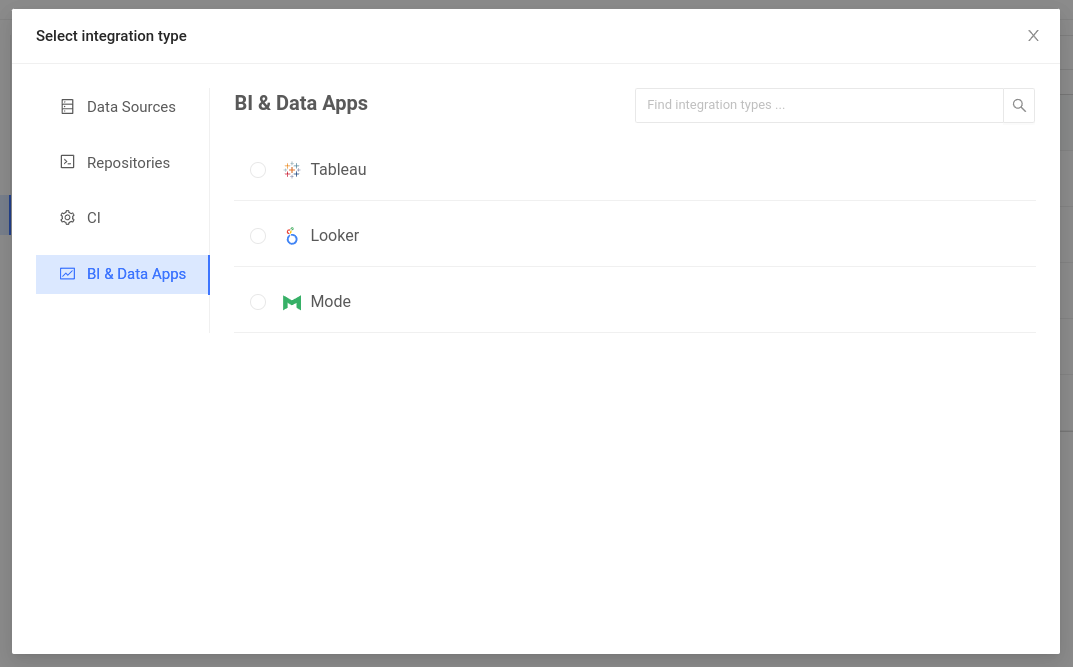 This will bring up **Mode** integration parameters.
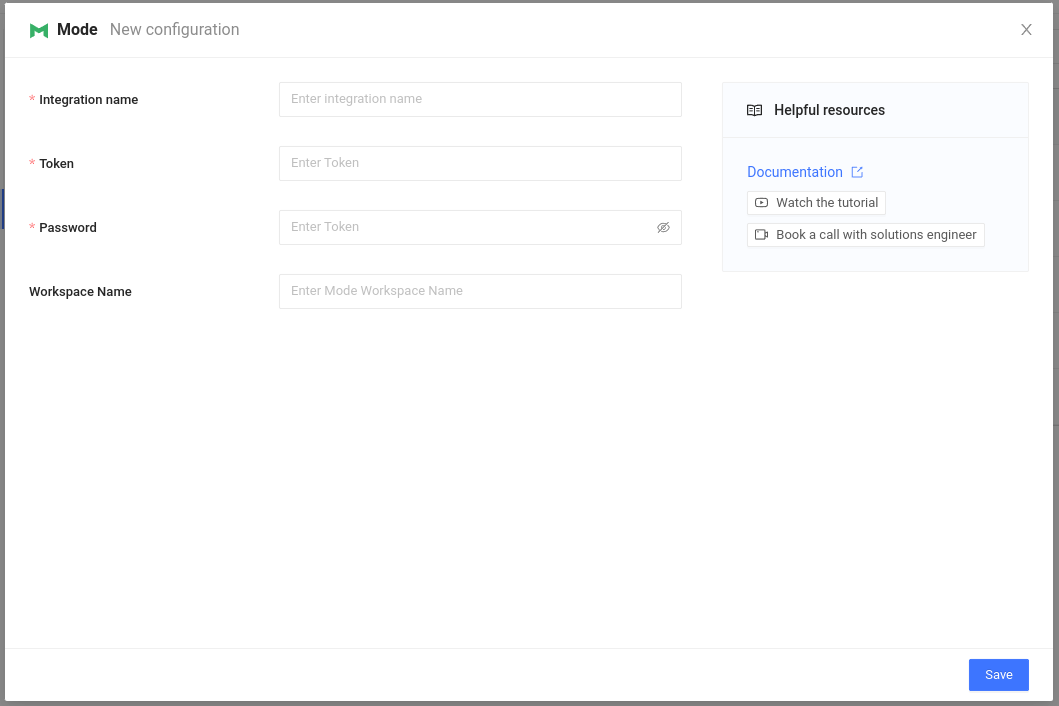 Complete the configuration by specifying the following fields:
| Field Name | Description |
| ---------------- | ----------------------------------------------------------------------- |
| Integration name | An identifier used in Datafold to identify this Data App configuration. |
| Token | API token, as generated above. |
| Password | API token password, as generated above. |
| Workspace | Workspace name obtained from your workspace URL. |
**INFO**
**Workspace Name** field is not marked as required on this screen. That's for backwards compatibility: the legacy type of Mode API token, known as **Personal Token**, does not require that parameter. However, such tokens can no longer be created, so we're no longer providing instructions for them.
When completed, click **Save**.
Datafold will try to connect to Mode and, if any issues with the connection arise you will be alerted.
Datafold will start to sync your reports. It can take some time to fetch all the reports, depending on how many of them there are.
**TIP**
[Tracking Jobs](/integrations/bi-data-apps/tracking-jobs) explains how to find out when your data app integration is ready.
Now that Mode sync has completed — you can browse your Mode reports!
Complete the configuration by specifying the following fields:
| Field Name | Description |
| ---------------- | ----------------------------------------------------------------------- |
| Integration name | An identifier used in Datafold to identify this Data App configuration. |
| Token | API token, as generated above. |
| Password | API token password, as generated above. |
| Workspace | Workspace name obtained from your workspace URL. |
**INFO**
**Workspace Name** field is not marked as required on this screen. That's for backwards compatibility: the legacy type of Mode API token, known as **Personal Token**, does not require that parameter. However, such tokens can no longer be created, so we're no longer providing instructions for them.
When completed, click **Save**.
Datafold will try to connect to Mode and, if any issues with the connection arise you will be alerted.
Datafold will start to sync your reports. It can take some time to fetch all the reports, depending on how many of them there are.
**TIP**
[Tracking Jobs](/integrations/bi-data-apps/tracking-jobs) explains how to find out when your data app integration is ready.
Now that Mode sync has completed — you can browse your Mode reports!
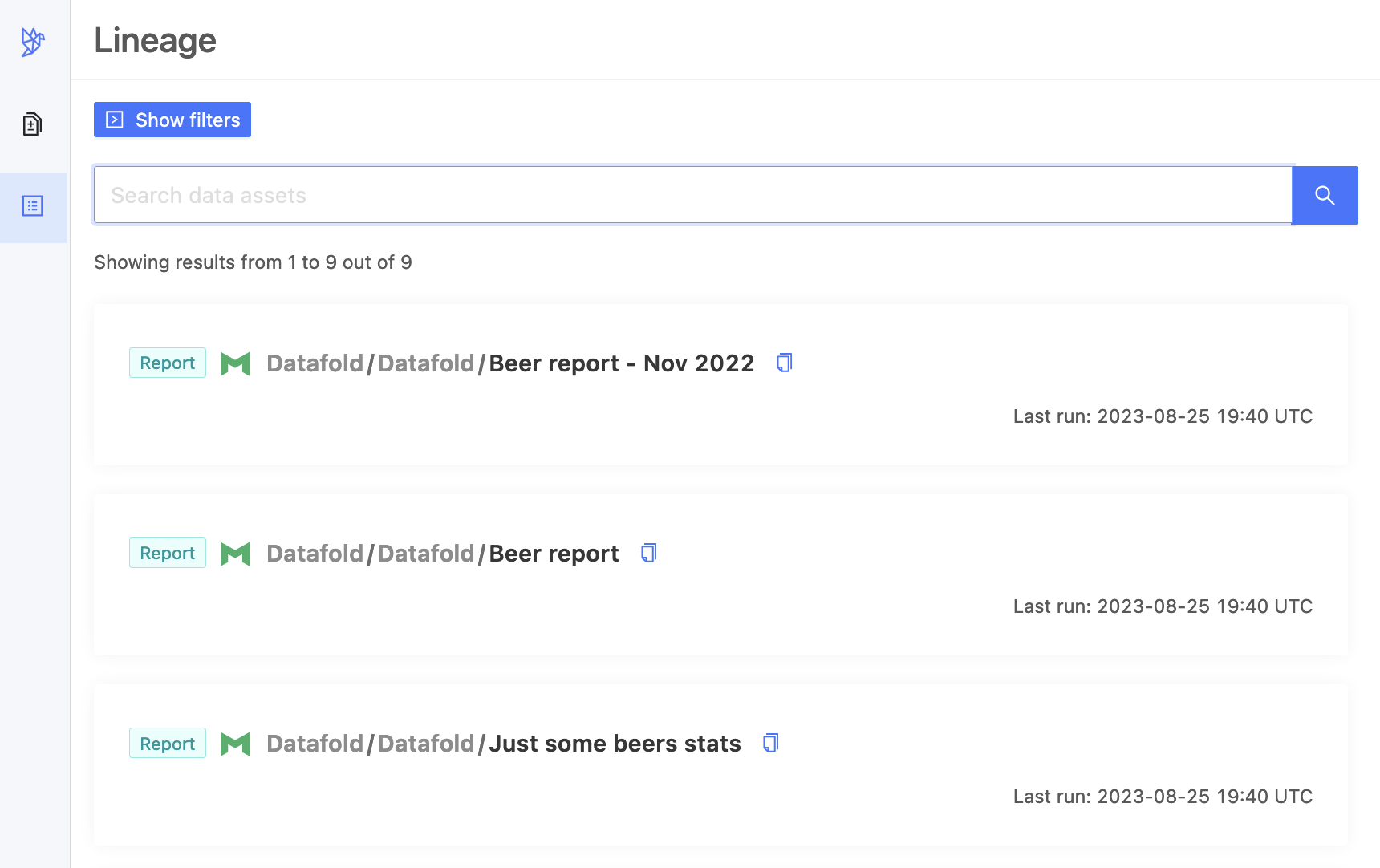 ---
# Source: https://docs.datafold.com/integrations/databases/mongodb.md
# MongoDB
> Our MongoDB integration allows you to diff data within MongoDB, or between MongoDB and a relational database (or even a file!).
Our MongoDB integration is still in beta. Some features, such as column-level lineage, are not yet supported. Please contact us if you need assistance.
**Steps to complete:**
1. [Configure user in MongoDB](#configure-user-in-mongodb)
2. [Configure your data connection in Datafold](#configure-in-datafold)
3. [Diff your data](#diff-your-data)
## Configure user in MongoDB
To connect to MongoDB, create a user with read-only access to all databases you plan to diff.
## Configure in Datafold
| Field Name | Description |
| ----------------------- | ---------------------------------------------------------------- |
| Connection Name | The name you'd like to assign to this connection in Datafold |
| Host | The hostname for your MongoDB instance |
| Port | MongoDB endpoint port (default value is 27017) |
| User ID | User ID (e.g. `DATAFOLD`) |
| Password | Password for the user provided above |
| Database | Database to connect to |
| Authentication Database | Database name associated with the user credentials (e.g. `main`) |
Click **Create**. Your data connection is now ready!
## Diff your data
---
# Source: https://docs.datafold.com/integrations/databases/mongodb.md
# MongoDB
> Our MongoDB integration allows you to diff data within MongoDB, or between MongoDB and a relational database (or even a file!).
Our MongoDB integration is still in beta. Some features, such as column-level lineage, are not yet supported. Please contact us if you need assistance.
**Steps to complete:**
1. [Configure user in MongoDB](#configure-user-in-mongodb)
2. [Configure your data connection in Datafold](#configure-in-datafold)
3. [Diff your data](#diff-your-data)
## Configure user in MongoDB
To connect to MongoDB, create a user with read-only access to all databases you plan to diff.
## Configure in Datafold
| Field Name | Description |
| ----------------------- | ---------------------------------------------------------------- |
| Connection Name | The name you'd like to assign to this connection in Datafold |
| Host | The hostname for your MongoDB instance |
| Port | MongoDB endpoint port (default value is 27017) |
| User ID | User ID (e.g. `DATAFOLD`) |
| Password | Password for the user provided above |
| Database | Database to connect to |
| Authentication Database | Database name associated with the user credentials (e.g. `main`) |
Click **Create**. Your data connection is now ready!
## Diff your data
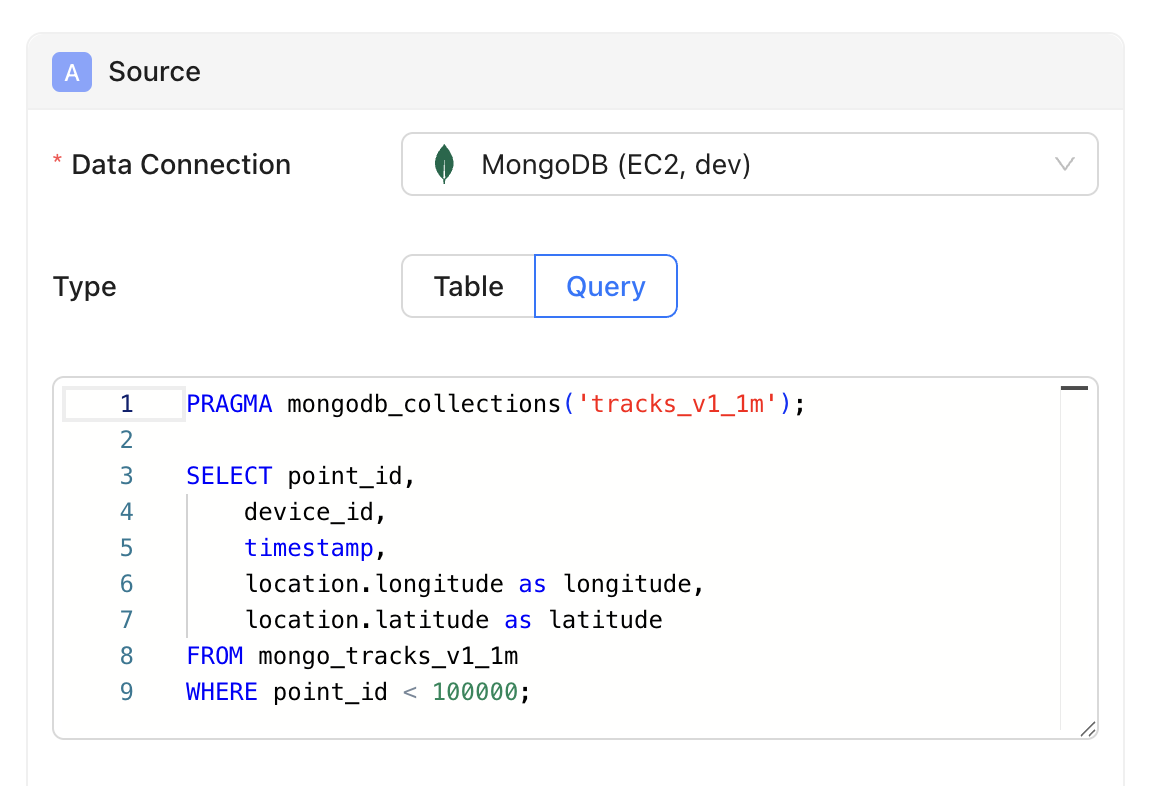 MongoDB works a bit differently from our other integrations. Under the hood, we flatten your collections into datasets you can query with SQL. Here's how to diff your MongoDB data:
1. Create a new data diff
2. Select your MongoDB data connection
3. Select `Query` diff (`Table` diffs aren't supported at this time)
4. Write a SQL query against the flattened dataset, including a `PRAGMA` statement with the collection name on the first line. Here's an example:
```sql theme={null}
PRAGMA mongodb_collections('tracks_v1_1m');
SELECT point_id,
device_id,
timestamp,
location.longitude as longitude,
location.latitude as latitude
FROM mongo_tracks_v1_1m
WHERE point_id < 100000;
```
5. Configure the rest of your diff and run it!
---
# Source: https://docs.datafold.com/data-monitoring/monitor-types.md
> ## Documentation Index
> Fetch the complete documentation index at: https://docs.datafold.com/llms.txt
> Use this file to discover all available pages before exploring further.
# Monitor Types
> Monitoring your data for unexpected changes is one of the cornerstones of data observability.
Datafold supports all your monitoring needs through a variety of different monitor types:
1. [**Data Diff**](/data-monitoring/monitors/data-diff-monitors) → Detect differences between any two datasets, within or across databases
2. [**Metric**](/data-monitoring/monitors/metric-monitors) → Identify anomalies in standard metrics like row count, freshness, and cardinality, or in any custom metric
3. [**Data Test**](/data-monitoring/monitors/data-test-monitors) → Validate your data with business rules and see specific records that fail your tests
4. [**Schema Change**](/data-monitoring/monitors/schema-change-monitors) → Receive alerts when a table schema changes
If you need help creating your first few monitors, deciding which type of monitor to use in a particular situation, or developing an overall monitoring strategy, please reach out via email ([support@datafold.com](mailto:support@datafold.com)) and our team of experts will be happy to assist.
---
# Source: https://docs.datafold.com/data-monitoring/monitors-as-code.md
> ## Documentation Index
> Fetch the complete documentation index at: https://docs.datafold.com/llms.txt
> Use this file to discover all available pages before exploring further.
# Monitors as Code
> Manage Datafold monitors via version-controlled YAML for greater scalability, governance, and flexibility in code-based workflows.
**INFO**
Please contact [support@datafold.com](mailto:support@datafold.com) if you'd like to enable this feature for your organization.
This is particularly useful if any of the following are true:
* You have (or plan to have) 100s or 1000s of monitors
* Your team is accustomed to managing things in code
* Strict governance and change management are important to you
## Getting started
**INFO**
This section describes how to get started with GitHub Actions, but the same concepts apply to other hosted version control platforms like GitLab and Bitbucket. Contact us if you need help getting started.
### Set up version control integration
To start using monitors as code, you'll need to decide which repository will contain your YAML configuration.
If you've already connected a repository to Datafold, you could use that. Or, follow the instructions [here](/integrations/code-repositories) to connect a new repository.
### Generate a Datafold API key
If you've already got a Datafold API key, use it. Otherwise, you can create a new one in the app by visiting **Settings > Account** and selecting **Create API Key**.
### Create monitors config
In your chosen repository, create a new YAML file where you'll define your monitors config.
For this example, we'll name the file `monitors.yaml` and place it in the root directory, but neither of these choices are hard requirements.
Leave the file blank for now—we'll come back to it in a moment.
### Add CI workflow
If you're using GitHub Actions, create a new YAML file under `.github/workflows/` using the following template. Be sure to tailor it to your particular setup:
```yaml theme={null}
name: Apply monitors as code config to Datafold
on:
push:
branches:
- main # or master
jobs:
apply:
runs-on: ubuntu-latest
steps:
- uses: actions/checkout@v2
- name: Set up Python
uses: actions/setup-python@v2
with:
python-version: 3.12
- name: Install dependencies
run: |
python -m pip install --upgrade pip
pip install datafold-sdk
- name: Update monitors
run: datafold monitors provision monitors.yaml # use the correct file name/path
env:
DATAFOLD_HOST: https://app.datafold.com # different for dedicated deployments
DATAFOLD_API_KEY: ${{ secrets.DATAFOLD_API_KEY }} # remember to add to secrets
```
### Create a monitor
Now return to your YAML configuration file to add your first monitor. Reference the list of examples below and select one that makes sense for your organization.
## Examples
**INFO**
These examples are intended to serve as inspiration and don't demonstrate every possible configuration. Contact us if you have any questions.
### Data Diff
[Data Diff monitors](/data-monitoring/monitors/data-diff-monitors) detect differences between any two datasets, within or across databases.
```yaml theme={null}
monitors:
replication_test_example:
name: 'Example of a custom name'
description: 'Example of a custom description'
type: diff
enabled: true
datadiff:
diff_type: 'inmem'
dataset_a:
connection_id: 734
table: db.schema.table
time_travel_point: '2020-01-01'
materialize: false
dataset_b:
connection_id: 736
table: db.schema.table1
time_travel_point: '2020-01-01'
materialize: true
primary_key:
- pk_column
columns_to_compare:
- col1
materialize_results: true
materialize_results_to: 734
column_remapping:
col1: col2
sampling:
tolerance: 0.2
confidence: 0.95
threshold: 5000
ignore_string_case: true
schedule:
interval:
every: hour
replication_test_example_with_thresholds:
type: diff
enabled: true
datadiff:
diff_type: 'inmem'
dataset_a:
connection_id: 734
table: db.schema.table
dataset_b:
connection_id: 736
table: db.schema.table2
session_parameters:
k: v
primary_key:
- pk_column
tolerance:
float:
default:
type: absolute
value: 50
column_tolerance:
A:
type: relative
value: 20 # %
B:
type: absolute
value: 30.0
schedule:
interval:
every: hour
alert:
different_rows_count: 100
different_rows_percent: 10
replication_test_example_with_thresholds_and_notifications:
type: diff
enabled: true
datadiff:
diff_type: 'indb'
dataset_a:
connection_id: 734
table: db.schema.table
dataset_b:
connection_id: 734
table: db.schema.table3
primary_key:
- pk_column
schedule:
interval:
every: hour
sampling:
rate: 0.1
threshold: 100000
materialize_results: true
tolerance:
float:
default:
type: absolute
value: 50
column_tolerance:
A:
type: relative
value: 20 # %
B:
type: absolute
value: 30.0
notifications:
- type: email
recipients:
- valentin@datafold.com
- type: slack
integration: 123
channel: datafold-alerts
mentions:
- "here"
- "channel"
features:
- attach_csv
- notify_first_triggered_only
- type: pagerduty
integration: 124
- type: webhook
integration: 125
alert:
different_rows_count: 100
different_rows_percent: 10
```
### Metric
[Metric monitors](/data-monitoring/monitors/metric-monitors) identify anomalies in standard metrics like row count, freshness, and cardinality, or in any custom metric.
```yaml theme={null}
monitors:
table_metric_example:
type: metric
enabled: true
connection_id: 736
metric:
type: table
table: db.schema.table
filter: deleted is false
metric: freshness # see full list of options below
alert:
type: automatic
sensitivity: 10
schedule:
interval:
every: day
hour: 8 # 0-23 UTC
column_metric_example:
type: metric
enabled: true
connection_id: 736
metric:
type: column
table: db.schema.table
column: some_col
filter: deleted is false
metric: sum # see full list of options below
alert:
type: percentage
increase: 30 # %
decrease: 0
tags:
- oncall
- action-required
schedule:
cron: 0 0 * * * # every day at midnight UTC
custom_metric_example:
name: custom metric example
type: metric
connection_id: 123
notifications: []
tags: []
enabled: true
metric:
type: custom
query: select * from table
alert_on_missing_data: true
alert:
type: absolute
max: 22.0
min: 12.0
schedule:
interval:
every: day
type: daily
```
#### Supported metrics
For more details on supported metrics, see the docs for [Metric monitors](/data-monitoring/monitors/metric-monitors#metric-types).
**Table metrics:**
* Freshness: `freshness`
* Row Count: `row_count`
**Column metrics:**
* Cardinality: `cardinality`
* Uniqueness: `uniqueness`
* Minimum: `minimum`
* Maximum: `maximum`
* Average: `average`
* Median: `median`
* Sum: `sum`
* Standard Deviation: `std_dev`
* Fill Rate: `fill_rate`
### Data Test
[Data Test monitors](/data-monitoring/monitors/data-test-monitors) validate your data with business rules and surface specific records that fail your tests.
```yaml theme={null}
monitors:
custom_data_test_example:
type: test
enabled: true
connection_id: 736
query: select 1 from db.schema.table
schedule:
interval:
every: hour
tags:
- team_1
accepted_values_test_example:
type: test
enabled: true
connection_id: 736
test:
type: accepted_values
tables:
- path: db.schema.table
columns:
- column_name
variables:
accepted_values:
value:
- 12
- 15
quote: false
schedule:
interval:
every: hour
numeric_range_test_example:
type: test
enabled: true
connection_id: 736
test:
type: numeric_range
tables:
- path: db.schema.table
columns:
- column_name
variables:
maximum:
value: 15
quote: false
schedule:
interval:
every: hour
```
**Supported variables by Standard Data Test (SDT) type**
| SDT Type | Monitor-as-Code Type | Supported Variables | Variable Type |
| --------------------- | ----------------------- | ------------------- | ---------------------- |
| Unique | `unique` | - | - |
| Not Null | `not_null` | - | - |
| Accepted Values | `accepted_values` | `accepted_values` | Collection with values |
| Referential Integrity | `referential_integrity` | - | - |
| Numeric Range | `numeric_range` | `minimum` | Single value |
| | | `maximum` | Single value |
### Schema Change
[Schema Change monitors](/data-monitoring/monitors/schema-change-monitors) detect when changes occur to a table's schema.
```yaml theme={null}
monitors:
schema_change_example:
type: schema
enabled: true
connection_id: 736
table: db.schema.table
schedule:
interval:
every: day
hour: 22 # 0-23 UTC
tags:
- team_2
```
## Bulk Manage with Wildcards
For certain monitor types—[Freshness](/data-monitoring/monitors/metric-monitors), [Row Count](/data-monitoring/monitors/metric-monitors), and [Schema Change](/data-monitoring/monitors/schema-change-monitors)—it's possible to create/manage many monitors at once using the following wildcard syntax:
```yaml theme={null}
row_count_monitors:
type: metric
connection_id: 123
metric:
type: table
metric: row_count
# include all tables in the WAREHOUSE database
include_tables: WAREHOUSE.*
# exclude all tables in the INFORMATION_SCHEMA schema
exclude_tables: WAREHOUSE.INFORMATION_SCHEMA.*
schedule:
interval:
every: day
hour: 10 # 0-23 UTC
```
This is particularly useful if you want to create the same monitor type for many tables in a particular database or schema. Note in the example above that you can specify both `include_tables` and `exclude_tables` to fine-tune your selection.
## FAQ
Yes, it's not all or nothing. You can still create/manage monitors in the app even if you're defining others in code.
By default, nothing—it remains in the app. However, you can add the `--dangling-monitors-strategy [delete|pause]` flag to your `run` command to either delete or pause notifications if they're removed from your code. For example:
```bash theme={null}
datafold monitors provision monitors.yaml --dangling-monitors-strategy delete
```
Note: this only applies to monitors that were created from code, not those created in the UI.
Add the `--dangling-monitors-strategy [delete|pause]` flag to your `run` command and replace the contents of your YAML file with the following:
```yaml theme={null}
monitors: {}
```
Note that providing an empty YAML file will likely produce an error and not have the same effect.
No, any monitors created from code will be read-only in the app (though they can still be cloned).
Yes, you can export all monitors from the app to manage them as code. There are two ways to do this:
1. Exporting all monitors: Navigate to the Monitors list page and click the **View as Code** button
2. Exporting a single monitor: Go to the specific monitor and click **Actions** and then select **View as Code**
Note that when exporting monitors, pay attention to the `id` field in the YAML. If you want to preserve monitor history, keep the `id` field as this will update the original monitor to be managed as code. If you don't want to preserve your monitor history, **delete** the `id` field to create a new monitor as code while keeping the original monitor intact.
MongoDB works a bit differently from our other integrations. Under the hood, we flatten your collections into datasets you can query with SQL. Here's how to diff your MongoDB data:
1. Create a new data diff
2. Select your MongoDB data connection
3. Select `Query` diff (`Table` diffs aren't supported at this time)
4. Write a SQL query against the flattened dataset, including a `PRAGMA` statement with the collection name on the first line. Here's an example:
```sql theme={null}
PRAGMA mongodb_collections('tracks_v1_1m');
SELECT point_id,
device_id,
timestamp,
location.longitude as longitude,
location.latitude as latitude
FROM mongo_tracks_v1_1m
WHERE point_id < 100000;
```
5. Configure the rest of your diff and run it!
---
# Source: https://docs.datafold.com/data-monitoring/monitor-types.md
> ## Documentation Index
> Fetch the complete documentation index at: https://docs.datafold.com/llms.txt
> Use this file to discover all available pages before exploring further.
# Monitor Types
> Monitoring your data for unexpected changes is one of the cornerstones of data observability.
Datafold supports all your monitoring needs through a variety of different monitor types:
1. [**Data Diff**](/data-monitoring/monitors/data-diff-monitors) → Detect differences between any two datasets, within or across databases
2. [**Metric**](/data-monitoring/monitors/metric-monitors) → Identify anomalies in standard metrics like row count, freshness, and cardinality, or in any custom metric
3. [**Data Test**](/data-monitoring/monitors/data-test-monitors) → Validate your data with business rules and see specific records that fail your tests
4. [**Schema Change**](/data-monitoring/monitors/schema-change-monitors) → Receive alerts when a table schema changes
If you need help creating your first few monitors, deciding which type of monitor to use in a particular situation, or developing an overall monitoring strategy, please reach out via email ([support@datafold.com](mailto:support@datafold.com)) and our team of experts will be happy to assist.
---
# Source: https://docs.datafold.com/data-monitoring/monitors-as-code.md
> ## Documentation Index
> Fetch the complete documentation index at: https://docs.datafold.com/llms.txt
> Use this file to discover all available pages before exploring further.
# Monitors as Code
> Manage Datafold monitors via version-controlled YAML for greater scalability, governance, and flexibility in code-based workflows.
**INFO**
Please contact [support@datafold.com](mailto:support@datafold.com) if you'd like to enable this feature for your organization.
This is particularly useful if any of the following are true:
* You have (or plan to have) 100s or 1000s of monitors
* Your team is accustomed to managing things in code
* Strict governance and change management are important to you
## Getting started
**INFO**
This section describes how to get started with GitHub Actions, but the same concepts apply to other hosted version control platforms like GitLab and Bitbucket. Contact us if you need help getting started.
### Set up version control integration
To start using monitors as code, you'll need to decide which repository will contain your YAML configuration.
If you've already connected a repository to Datafold, you could use that. Or, follow the instructions [here](/integrations/code-repositories) to connect a new repository.
### Generate a Datafold API key
If you've already got a Datafold API key, use it. Otherwise, you can create a new one in the app by visiting **Settings > Account** and selecting **Create API Key**.
### Create monitors config
In your chosen repository, create a new YAML file where you'll define your monitors config.
For this example, we'll name the file `monitors.yaml` and place it in the root directory, but neither of these choices are hard requirements.
Leave the file blank for now—we'll come back to it in a moment.
### Add CI workflow
If you're using GitHub Actions, create a new YAML file under `.github/workflows/` using the following template. Be sure to tailor it to your particular setup:
```yaml theme={null}
name: Apply monitors as code config to Datafold
on:
push:
branches:
- main # or master
jobs:
apply:
runs-on: ubuntu-latest
steps:
- uses: actions/checkout@v2
- name: Set up Python
uses: actions/setup-python@v2
with:
python-version: 3.12
- name: Install dependencies
run: |
python -m pip install --upgrade pip
pip install datafold-sdk
- name: Update monitors
run: datafold monitors provision monitors.yaml # use the correct file name/path
env:
DATAFOLD_HOST: https://app.datafold.com # different for dedicated deployments
DATAFOLD_API_KEY: ${{ secrets.DATAFOLD_API_KEY }} # remember to add to secrets
```
### Create a monitor
Now return to your YAML configuration file to add your first monitor. Reference the list of examples below and select one that makes sense for your organization.
## Examples
**INFO**
These examples are intended to serve as inspiration and don't demonstrate every possible configuration. Contact us if you have any questions.
### Data Diff
[Data Diff monitors](/data-monitoring/monitors/data-diff-monitors) detect differences between any two datasets, within or across databases.
```yaml theme={null}
monitors:
replication_test_example:
name: 'Example of a custom name'
description: 'Example of a custom description'
type: diff
enabled: true
datadiff:
diff_type: 'inmem'
dataset_a:
connection_id: 734
table: db.schema.table
time_travel_point: '2020-01-01'
materialize: false
dataset_b:
connection_id: 736
table: db.schema.table1
time_travel_point: '2020-01-01'
materialize: true
primary_key:
- pk_column
columns_to_compare:
- col1
materialize_results: true
materialize_results_to: 734
column_remapping:
col1: col2
sampling:
tolerance: 0.2
confidence: 0.95
threshold: 5000
ignore_string_case: true
schedule:
interval:
every: hour
replication_test_example_with_thresholds:
type: diff
enabled: true
datadiff:
diff_type: 'inmem'
dataset_a:
connection_id: 734
table: db.schema.table
dataset_b:
connection_id: 736
table: db.schema.table2
session_parameters:
k: v
primary_key:
- pk_column
tolerance:
float:
default:
type: absolute
value: 50
column_tolerance:
A:
type: relative
value: 20 # %
B:
type: absolute
value: 30.0
schedule:
interval:
every: hour
alert:
different_rows_count: 100
different_rows_percent: 10
replication_test_example_with_thresholds_and_notifications:
type: diff
enabled: true
datadiff:
diff_type: 'indb'
dataset_a:
connection_id: 734
table: db.schema.table
dataset_b:
connection_id: 734
table: db.schema.table3
primary_key:
- pk_column
schedule:
interval:
every: hour
sampling:
rate: 0.1
threshold: 100000
materialize_results: true
tolerance:
float:
default:
type: absolute
value: 50
column_tolerance:
A:
type: relative
value: 20 # %
B:
type: absolute
value: 30.0
notifications:
- type: email
recipients:
- valentin@datafold.com
- type: slack
integration: 123
channel: datafold-alerts
mentions:
- "here"
- "channel"
features:
- attach_csv
- notify_first_triggered_only
- type: pagerduty
integration: 124
- type: webhook
integration: 125
alert:
different_rows_count: 100
different_rows_percent: 10
```
### Metric
[Metric monitors](/data-monitoring/monitors/metric-monitors) identify anomalies in standard metrics like row count, freshness, and cardinality, or in any custom metric.
```yaml theme={null}
monitors:
table_metric_example:
type: metric
enabled: true
connection_id: 736
metric:
type: table
table: db.schema.table
filter: deleted is false
metric: freshness # see full list of options below
alert:
type: automatic
sensitivity: 10
schedule:
interval:
every: day
hour: 8 # 0-23 UTC
column_metric_example:
type: metric
enabled: true
connection_id: 736
metric:
type: column
table: db.schema.table
column: some_col
filter: deleted is false
metric: sum # see full list of options below
alert:
type: percentage
increase: 30 # %
decrease: 0
tags:
- oncall
- action-required
schedule:
cron: 0 0 * * * # every day at midnight UTC
custom_metric_example:
name: custom metric example
type: metric
connection_id: 123
notifications: []
tags: []
enabled: true
metric:
type: custom
query: select * from table
alert_on_missing_data: true
alert:
type: absolute
max: 22.0
min: 12.0
schedule:
interval:
every: day
type: daily
```
#### Supported metrics
For more details on supported metrics, see the docs for [Metric monitors](/data-monitoring/monitors/metric-monitors#metric-types).
**Table metrics:**
* Freshness: `freshness`
* Row Count: `row_count`
**Column metrics:**
* Cardinality: `cardinality`
* Uniqueness: `uniqueness`
* Minimum: `minimum`
* Maximum: `maximum`
* Average: `average`
* Median: `median`
* Sum: `sum`
* Standard Deviation: `std_dev`
* Fill Rate: `fill_rate`
### Data Test
[Data Test monitors](/data-monitoring/monitors/data-test-monitors) validate your data with business rules and surface specific records that fail your tests.
```yaml theme={null}
monitors:
custom_data_test_example:
type: test
enabled: true
connection_id: 736
query: select 1 from db.schema.table
schedule:
interval:
every: hour
tags:
- team_1
accepted_values_test_example:
type: test
enabled: true
connection_id: 736
test:
type: accepted_values
tables:
- path: db.schema.table
columns:
- column_name
variables:
accepted_values:
value:
- 12
- 15
quote: false
schedule:
interval:
every: hour
numeric_range_test_example:
type: test
enabled: true
connection_id: 736
test:
type: numeric_range
tables:
- path: db.schema.table
columns:
- column_name
variables:
maximum:
value: 15
quote: false
schedule:
interval:
every: hour
```
**Supported variables by Standard Data Test (SDT) type**
| SDT Type | Monitor-as-Code Type | Supported Variables | Variable Type |
| --------------------- | ----------------------- | ------------------- | ---------------------- |
| Unique | `unique` | - | - |
| Not Null | `not_null` | - | - |
| Accepted Values | `accepted_values` | `accepted_values` | Collection with values |
| Referential Integrity | `referential_integrity` | - | - |
| Numeric Range | `numeric_range` | `minimum` | Single value |
| | | `maximum` | Single value |
### Schema Change
[Schema Change monitors](/data-monitoring/monitors/schema-change-monitors) detect when changes occur to a table's schema.
```yaml theme={null}
monitors:
schema_change_example:
type: schema
enabled: true
connection_id: 736
table: db.schema.table
schedule:
interval:
every: day
hour: 22 # 0-23 UTC
tags:
- team_2
```
## Bulk Manage with Wildcards
For certain monitor types—[Freshness](/data-monitoring/monitors/metric-monitors), [Row Count](/data-monitoring/monitors/metric-monitors), and [Schema Change](/data-monitoring/monitors/schema-change-monitors)—it's possible to create/manage many monitors at once using the following wildcard syntax:
```yaml theme={null}
row_count_monitors:
type: metric
connection_id: 123
metric:
type: table
metric: row_count
# include all tables in the WAREHOUSE database
include_tables: WAREHOUSE.*
# exclude all tables in the INFORMATION_SCHEMA schema
exclude_tables: WAREHOUSE.INFORMATION_SCHEMA.*
schedule:
interval:
every: day
hour: 10 # 0-23 UTC
```
This is particularly useful if you want to create the same monitor type for many tables in a particular database or schema. Note in the example above that you can specify both `include_tables` and `exclude_tables` to fine-tune your selection.
## FAQ
Yes, it's not all or nothing. You can still create/manage monitors in the app even if you're defining others in code.
By default, nothing—it remains in the app. However, you can add the `--dangling-monitors-strategy [delete|pause]` flag to your `run` command to either delete or pause notifications if they're removed from your code. For example:
```bash theme={null}
datafold monitors provision monitors.yaml --dangling-monitors-strategy delete
```
Note: this only applies to monitors that were created from code, not those created in the UI.
Add the `--dangling-monitors-strategy [delete|pause]` flag to your `run` command and replace the contents of your YAML file with the following:
```yaml theme={null}
monitors: {}
```
Note that providing an empty YAML file will likely produce an error and not have the same effect.
No, any monitors created from code will be read-only in the app (though they can still be cloned).
Yes, you can export all monitors from the app to manage them as code. There are two ways to do this:
1. Exporting all monitors: Navigate to the Monitors list page and click the **View as Code** button
2. Exporting a single monitor: Go to the specific monitor and click **Actions** and then select **View as Code**
Note that when exporting monitors, pay attention to the `id` field in the YAML. If you want to preserve monitor history, keep the `id` field as this will update the original monitor to be managed as code. If you don't want to preserve your monitor history, **delete** the `id` field to create a new monitor as code while keeping the original monitor intact.
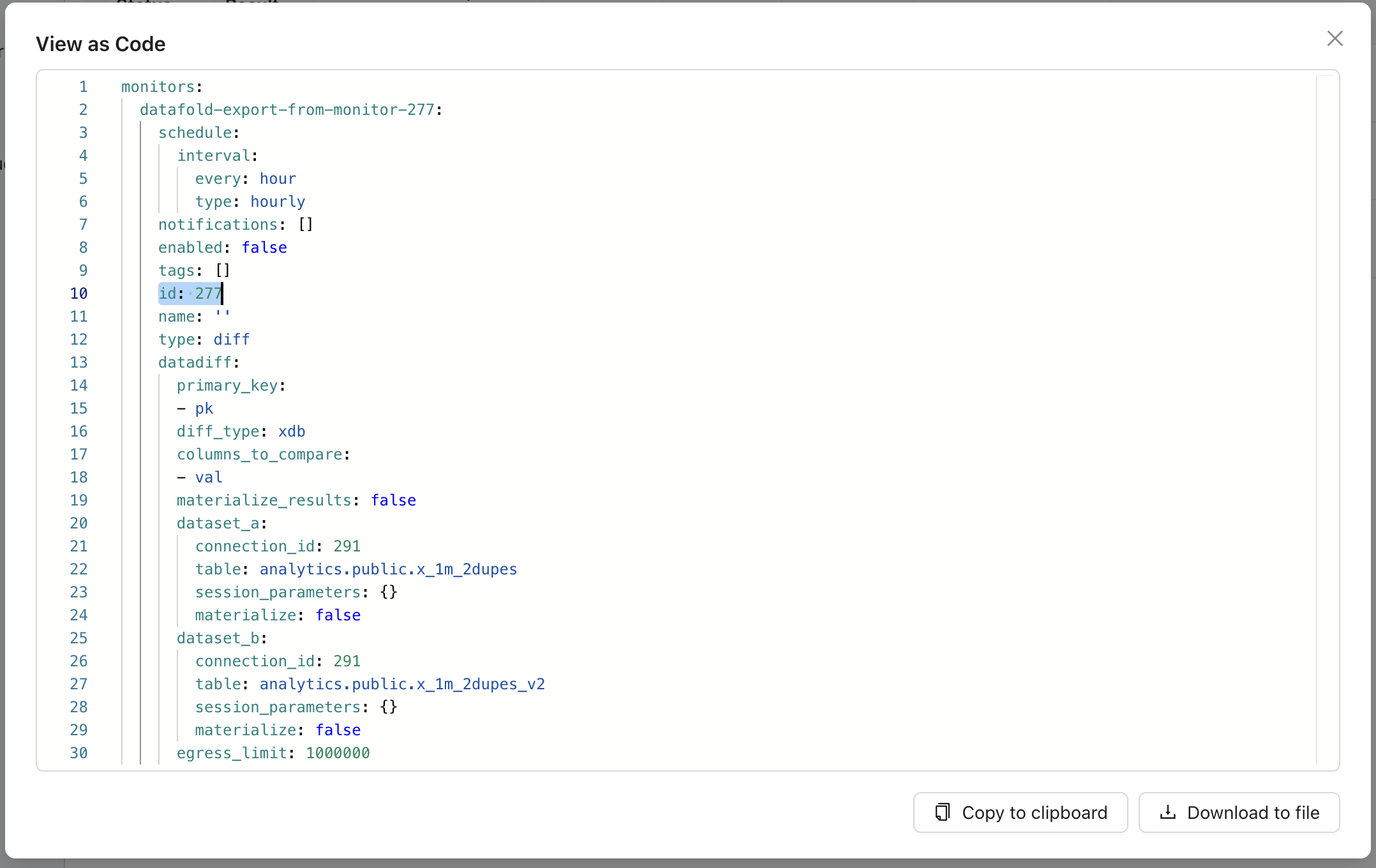 ## Need help?
If you have any questions about how to use monitors as code, please reach out to our team via Slack, in-app chat, or email us at [support@datafold.com](mailto:support@datafold.com).
---
# Source: https://docs.datafold.com/integrations/databases/mysql.md
> ## Documentation Index
> Fetch the complete documentation index at: https://docs.datafold.com/llms.txt
> Use this file to discover all available pages before exploring further.
# MySQL
**INFO**
Please contact [support@datafold.com](mailto:support@datafold.com) if you use a MySQL version \< 8.x.
**INFO**
Column-level Lineage is not currently supported for MySQL.
**Steps to complete:**
1. [Run SQL script for permissions and create schema for Datafold](/integrations/databases/mysql#run-sql-script-and-create-schema-for-datafold)
2. [Configure your data connection in Datafold](/integrations/databases/mysql#configure-in-datafold)
### Run SQL script and create schema for Datafold
To connect to MySQL, create a user with read-only access to all tables you wish to diff. Include read and write access to a Datafold-specific dataset:
```Bash theme={null}
-- Create a temporary dataset for Datafold to utilize
CREATE DATABASE IF NOT EXISTS datafold_tmp;
-- Create a Datafold user
CREATE USER 'datafold_user'@'%' IDENTIFIED BY 'SOMESECUREPASSWORD';
-- Grant read access to diff tables in YourSchema
GRANT SELECT ON `YourSchema`.* TO 'datafold_user'@'%';
-- Grant access to all tables in a datafold_tmp database
GRANT ALL ON `datafold_tmp`.* TO 'datafold_user'@'%';
-- Apply the changes
FLUSH PRIVILEGES;
```
Datafold utilizes a temporary dataset, named `datafold_tmp` in the above script, to materialize scratch work and keep data processing in the your warehouse.
### Configure in Datafold
| Field Name | Description |
| ---------------------------- | ------------------------------------------------------------------------------- |
| Connection name | A name given to the data connection within Datafold |
| Host | The hostname for your MySQL instance |
| Port | MySQL connection port; default value is 3306 |
| Username | The user created in our SQL script, named datafold\_user |
| Password | The password created in our SQL script |
| Database | The name of the MySQL database (schema) you want to connect to, e.g. YourSchema |
| Dataset for temporary tables | The datafold\_tmp database created in our SQL script |
Click **Create**. Your data connection is ready!
---
# Source: https://docs.datafold.com/integrations/databases/netezza.md
> ## Documentation Index
> Fetch the complete documentation index at: https://docs.datafold.com/llms.txt
> Use this file to discover all available pages before exploring further.
# Netezza
**INFO**
Column-level Lineage is not currently supported for Netezza.
**Steps to complete:**
1. [Configure user in Netezza](#configure-user-in-netezza)
2. [Create schema for Datafold](#create-a-temporary-database-for-datafold)
3. [Configure your data connection in Datafold](#configure-in-datafold)
## Configure user in Netezza
To connect to Netezza, create a user with read-only access to all databases you may wish to diff.
## Create a temporary database for Datafold
Datafold requires a schema with full permissions to store temporary data.
## Configure in Datafold
| Field Name | Description |
| --------------------------- | --------------------------------------------------------------------------------------------------------------------------------------------- |
| Connection Name | A name given to the data connection within Datafold. |
| Host | The hostname for your Netezza instance (e.g., nz-85dcf66c-69aa-4ba6-b7cb-827643da5a.us-east-1.data-warehouse.cloud.ibm.com for Netezza SaaS). |
| Port | Netezza endpoint port; the default value is 5480. |
| Encryption | Whether to use TLS. |
| User ID | User ID, e.g., DATAFOLD. |
| Password | Password from above. |
| Default DB | The database to connect to. |
| Schema for Temporary Tables | Use DATABASE.SCHEMA format. |
Click **Create**. Your data source is now ready!
---
# Source: https://docs.datafold.com/deployment-testing/getting-started/universal/no-code.md
> ## Documentation Index
> Fetch the complete documentation index at: https://docs.datafold.com/llms.txt
> Use this file to discover all available pages before exploring further.
# No-Code
> Set up Datafold's No-Code CI integration to create and manage Data Diffs without writing code.
Monitors are easy to create and manage in the Datafold app. But for teams (or individual users) who prefer a more code-based approach, our monitors as code feature allows managing monitors via version-controlled YAML.
## Getting Started
Get up and running with our No-Code CI integration in just a few steps.
### 1. Create a repository integration
Connect your code repository using the appropriate [integration](/integrations/code-repositories).
### 2. Create a No-Code integration
From the integrations page, create a new No-Code CI integration.
### 3. Set up the No-Code integration
Complete the configuration by specifying the following fields:
#### Basic settings
| Field Name | Description |
| ------------------ | ----------------------------------------------------- |
| Configuration name | Choose a name for your Datafold integration. |
| Repository | Select the repository you configured in step 1. |
| Data Connection | Select the data connection your repository writes to. |
#### Advanced settings
| Field Name | Description |
| ------------------ | ----------------------------------------------------------------------------------------------------------------------------- |
| Pull request label | When this is selected, the Datafold CI process will only run when the `datafold` label has been applied to your pull request. |
| Custom base branch | If provided, the Datafold CI process will only run on pull requests against the specified base branch. |
### 4. Create a pull request and add diffs
Datafold will automatically post a comment on your pull request with a link to generate a CI run that corresponds to the latest set of changes.
## Need help?
If you have any questions about how to use monitors as code, please reach out to our team via Slack, in-app chat, or email us at [support@datafold.com](mailto:support@datafold.com).
---
# Source: https://docs.datafold.com/integrations/databases/mysql.md
> ## Documentation Index
> Fetch the complete documentation index at: https://docs.datafold.com/llms.txt
> Use this file to discover all available pages before exploring further.
# MySQL
**INFO**
Please contact [support@datafold.com](mailto:support@datafold.com) if you use a MySQL version \< 8.x.
**INFO**
Column-level Lineage is not currently supported for MySQL.
**Steps to complete:**
1. [Run SQL script for permissions and create schema for Datafold](/integrations/databases/mysql#run-sql-script-and-create-schema-for-datafold)
2. [Configure your data connection in Datafold](/integrations/databases/mysql#configure-in-datafold)
### Run SQL script and create schema for Datafold
To connect to MySQL, create a user with read-only access to all tables you wish to diff. Include read and write access to a Datafold-specific dataset:
```Bash theme={null}
-- Create a temporary dataset for Datafold to utilize
CREATE DATABASE IF NOT EXISTS datafold_tmp;
-- Create a Datafold user
CREATE USER 'datafold_user'@'%' IDENTIFIED BY 'SOMESECUREPASSWORD';
-- Grant read access to diff tables in YourSchema
GRANT SELECT ON `YourSchema`.* TO 'datafold_user'@'%';
-- Grant access to all tables in a datafold_tmp database
GRANT ALL ON `datafold_tmp`.* TO 'datafold_user'@'%';
-- Apply the changes
FLUSH PRIVILEGES;
```
Datafold utilizes a temporary dataset, named `datafold_tmp` in the above script, to materialize scratch work and keep data processing in the your warehouse.
### Configure in Datafold
| Field Name | Description |
| ---------------------------- | ------------------------------------------------------------------------------- |
| Connection name | A name given to the data connection within Datafold |
| Host | The hostname for your MySQL instance |
| Port | MySQL connection port; default value is 3306 |
| Username | The user created in our SQL script, named datafold\_user |
| Password | The password created in our SQL script |
| Database | The name of the MySQL database (schema) you want to connect to, e.g. YourSchema |
| Dataset for temporary tables | The datafold\_tmp database created in our SQL script |
Click **Create**. Your data connection is ready!
---
# Source: https://docs.datafold.com/integrations/databases/netezza.md
> ## Documentation Index
> Fetch the complete documentation index at: https://docs.datafold.com/llms.txt
> Use this file to discover all available pages before exploring further.
# Netezza
**INFO**
Column-level Lineage is not currently supported for Netezza.
**Steps to complete:**
1. [Configure user in Netezza](#configure-user-in-netezza)
2. [Create schema for Datafold](#create-a-temporary-database-for-datafold)
3. [Configure your data connection in Datafold](#configure-in-datafold)
## Configure user in Netezza
To connect to Netezza, create a user with read-only access to all databases you may wish to diff.
## Create a temporary database for Datafold
Datafold requires a schema with full permissions to store temporary data.
## Configure in Datafold
| Field Name | Description |
| --------------------------- | --------------------------------------------------------------------------------------------------------------------------------------------- |
| Connection Name | A name given to the data connection within Datafold. |
| Host | The hostname for your Netezza instance (e.g., nz-85dcf66c-69aa-4ba6-b7cb-827643da5a.us-east-1.data-warehouse.cloud.ibm.com for Netezza SaaS). |
| Port | Netezza endpoint port; the default value is 5480. |
| Encryption | Whether to use TLS. |
| User ID | User ID, e.g., DATAFOLD. |
| Password | Password from above. |
| Default DB | The database to connect to. |
| Schema for Temporary Tables | Use DATABASE.SCHEMA format. |
Click **Create**. Your data source is now ready!
---
# Source: https://docs.datafold.com/deployment-testing/getting-started/universal/no-code.md
> ## Documentation Index
> Fetch the complete documentation index at: https://docs.datafold.com/llms.txt
> Use this file to discover all available pages before exploring further.
# No-Code
> Set up Datafold's No-Code CI integration to create and manage Data Diffs without writing code.
Monitors are easy to create and manage in the Datafold app. But for teams (or individual users) who prefer a more code-based approach, our monitors as code feature allows managing monitors via version-controlled YAML.
## Getting Started
Get up and running with our No-Code CI integration in just a few steps.
### 1. Create a repository integration
Connect your code repository using the appropriate [integration](/integrations/code-repositories).
### 2. Create a No-Code integration
From the integrations page, create a new No-Code CI integration.
### 3. Set up the No-Code integration
Complete the configuration by specifying the following fields:
#### Basic settings
| Field Name | Description |
| ------------------ | ----------------------------------------------------- |
| Configuration name | Choose a name for your Datafold integration. |
| Repository | Select the repository you configured in step 1. |
| Data Connection | Select the data connection your repository writes to. |
#### Advanced settings
| Field Name | Description |
| ------------------ | ----------------------------------------------------------------------------------------------------------------------------- |
| Pull request label | When this is selected, the Datafold CI process will only run when the `datafold` label has been applied to your pull request. |
| Custom base branch | If provided, the Datafold CI process will only run on pull requests against the specified base branch. |
### 4. Create a pull request and add diffs
Datafold will automatically post a comment on your pull request with a link to generate a CI run that corresponds to the latest set of changes.
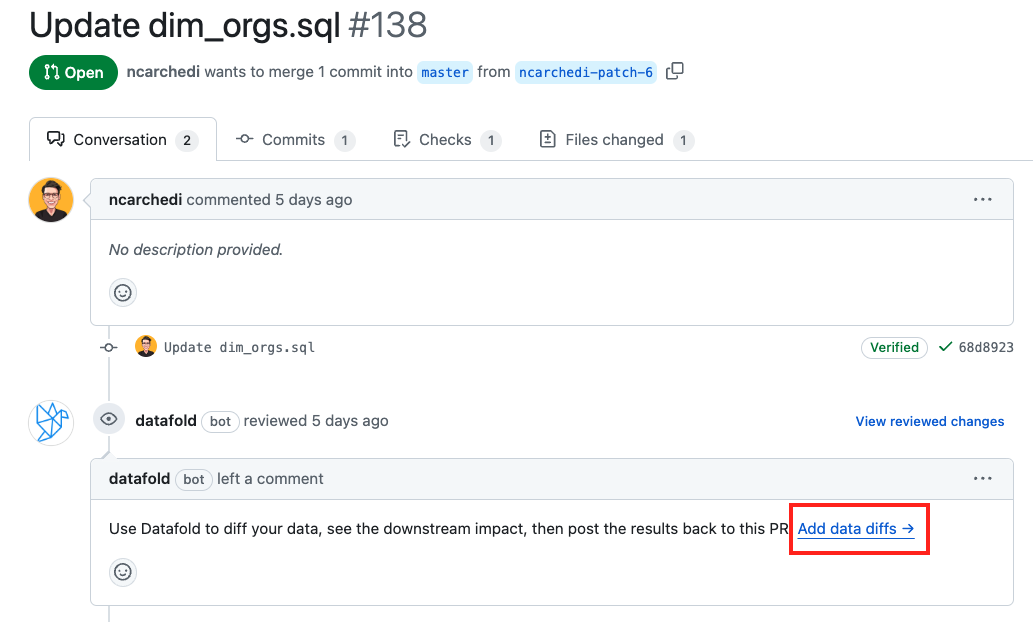 ### 5. Add diffs to your CI run
Once in Datafold, add as many pull requests as you'd like to the CI run. If you need a refresher on how to configure data diffs, check out [our docs](/data-diff/in-database-diffing/creating-a-new-data-diff).
### 5. Add diffs to your CI run
Once in Datafold, add as many pull requests as you'd like to the CI run. If you need a refresher on how to configure data diffs, check out [our docs](/data-diff/in-database-diffing/creating-a-new-data-diff).
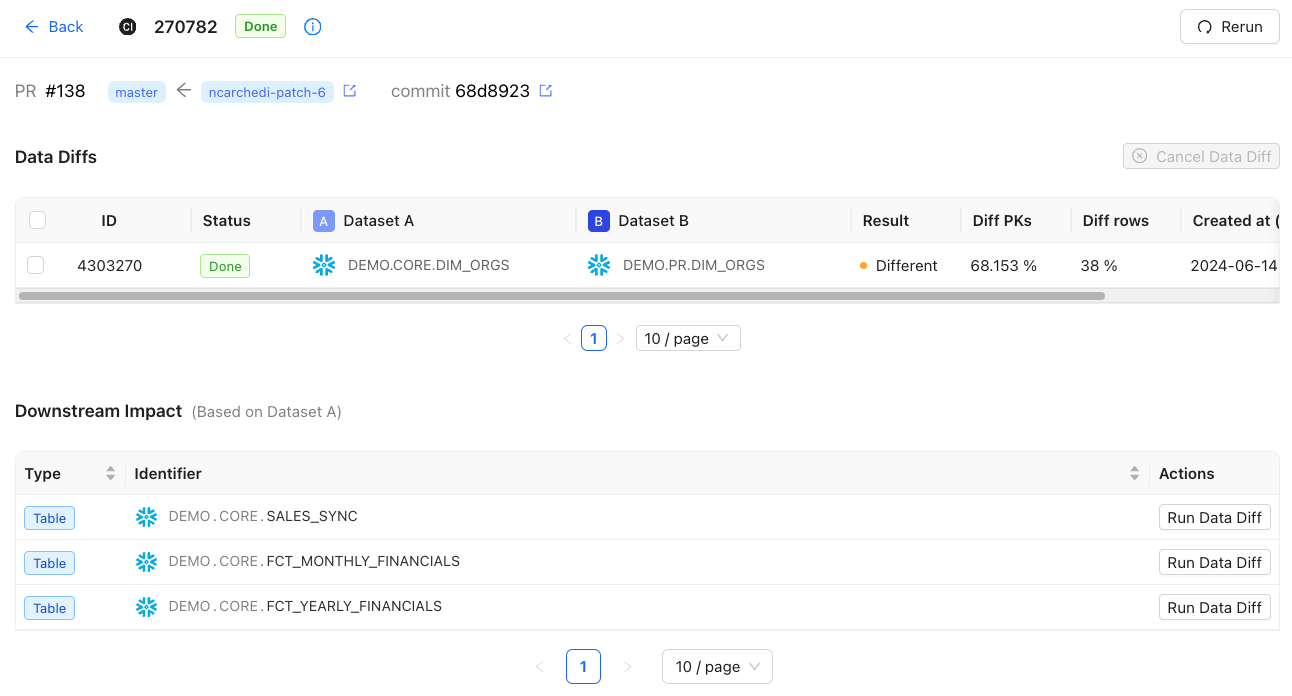 ### 6. Add a summary to your pull request
Click on **Save and Add Preview to PR** to post a summary to your pull request.
### 6. Add a summary to your pull request
Click on **Save and Add Preview to PR** to post a summary to your pull request.
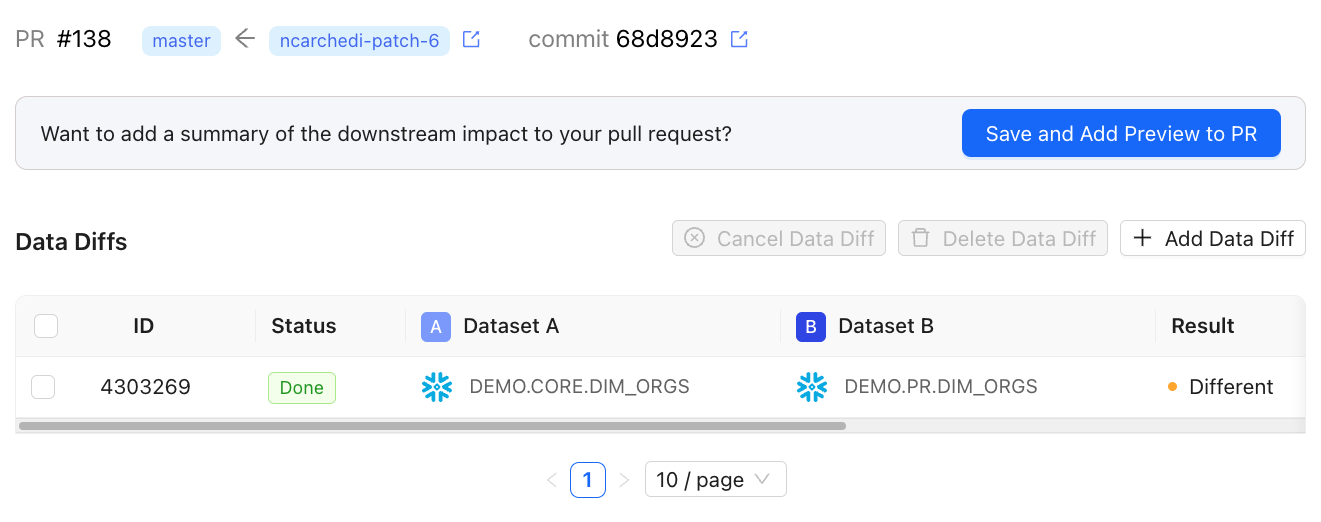 ### 7. View the summary in your pull request
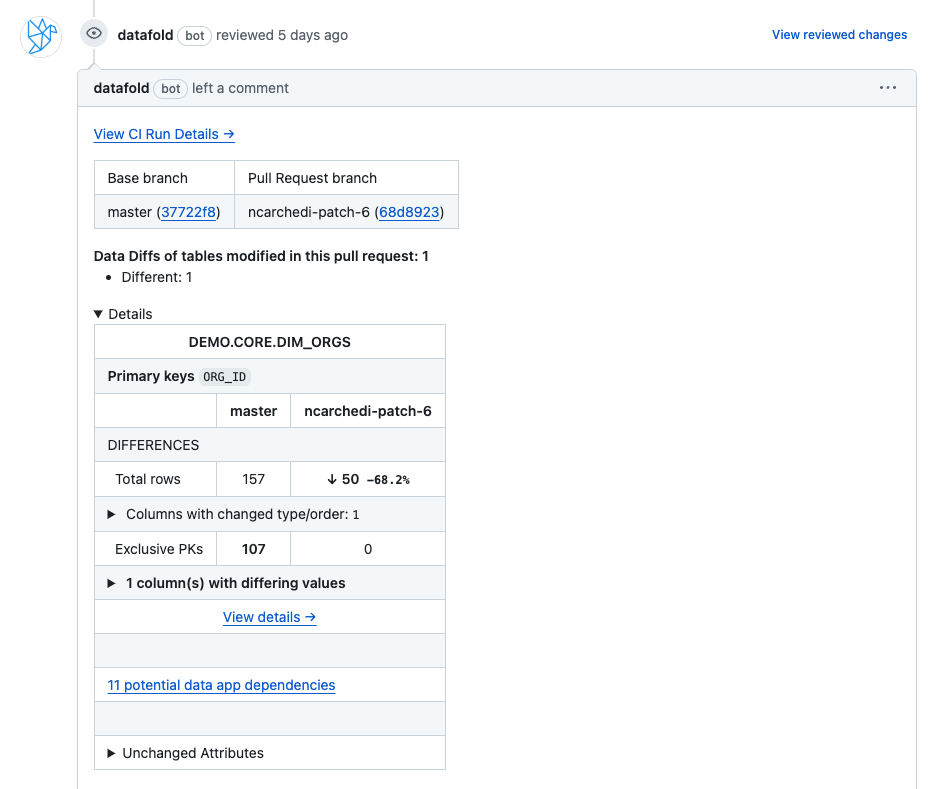 ## Cloning diffs from the last CI run
If you make additional changes to your pull request, clicking the **Add data diff** button generates a new CI run in Datafold. From there, you can:
* Create a new Data Diff from scratch
* Clone diffs from the last CI run
You can also diff downstream tables by clicking on the **Add Data Diff** button in the Downstream Impact table. This creates additional Data Diffs:
## Cloning diffs from the last CI run
If you make additional changes to your pull request, clicking the **Add data diff** button generates a new CI run in Datafold. From there, you can:
* Create a new Data Diff from scratch
* Clone diffs from the last CI run
You can also diff downstream tables by clicking on the **Add Data Diff** button in the Downstream Impact table. This creates additional Data Diffs:
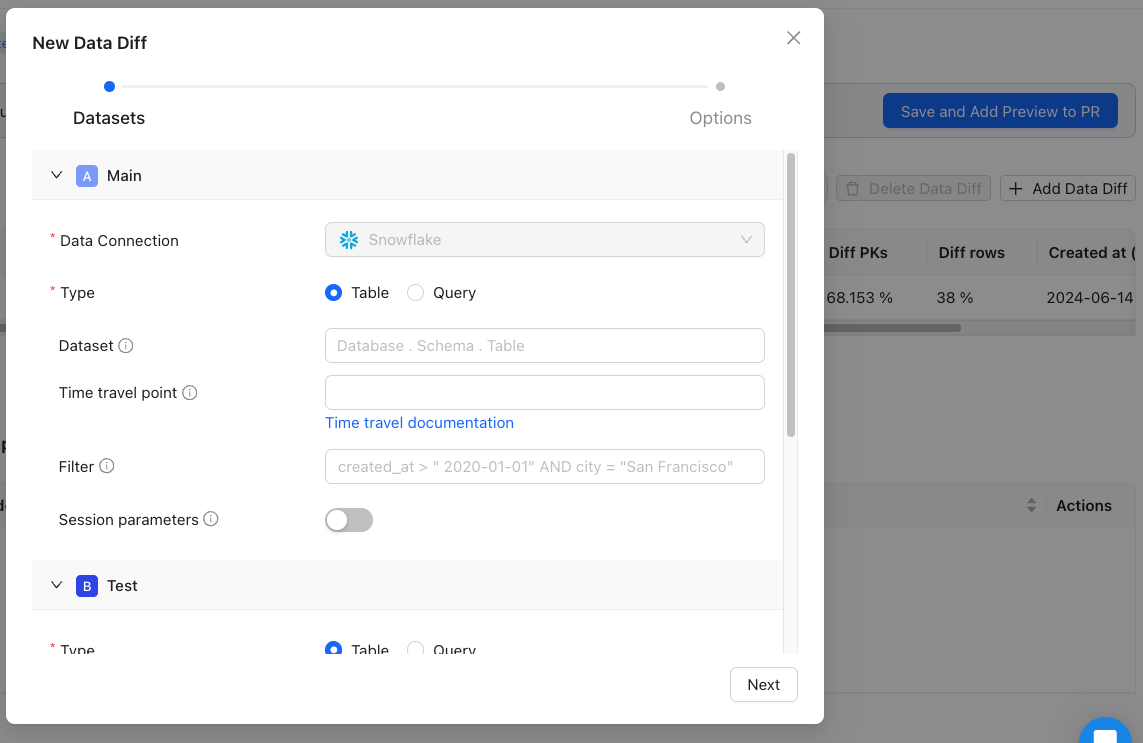 You can then post another summary to your pull request by clicking **Save and Add Preview to PR**.
---
# Source: https://docs.datafold.com/integrations/oauth.md
> ## Documentation Index
> Fetch the complete documentation index at: https://docs.datafold.com/llms.txt
> Use this file to discover all available pages before exploring further.
# OAuth Support
> Set up OAuth App Connections in your supported data warehouses to securely execute data diffs on behalf of your users.
This feature is currently supported for Databricks, Snowflake, Redshift, and BigQuery.
OAuth support empowers users to run data diffs based on their individual permissions and roles configured within the data warehouses. This ensures that data access is governed by existing security policies and protocols.
## How it works
### 1. Create a Data Diff
When you attempt to run a data diff, you will notice that it won't run without authentication:
You can then post another summary to your pull request by clicking **Save and Add Preview to PR**.
---
# Source: https://docs.datafold.com/integrations/oauth.md
> ## Documentation Index
> Fetch the complete documentation index at: https://docs.datafold.com/llms.txt
> Use this file to discover all available pages before exploring further.
# OAuth Support
> Set up OAuth App Connections in your supported data warehouses to securely execute data diffs on behalf of your users.
This feature is currently supported for Databricks, Snowflake, Redshift, and BigQuery.
OAuth support empowers users to run data diffs based on their individual permissions and roles configured within the data warehouses. This ensures that data access is governed by existing security policies and protocols.
## How it works
### 1. Create a Data Diff
When you attempt to run a data diff, you will notice that it won't run without authentication:
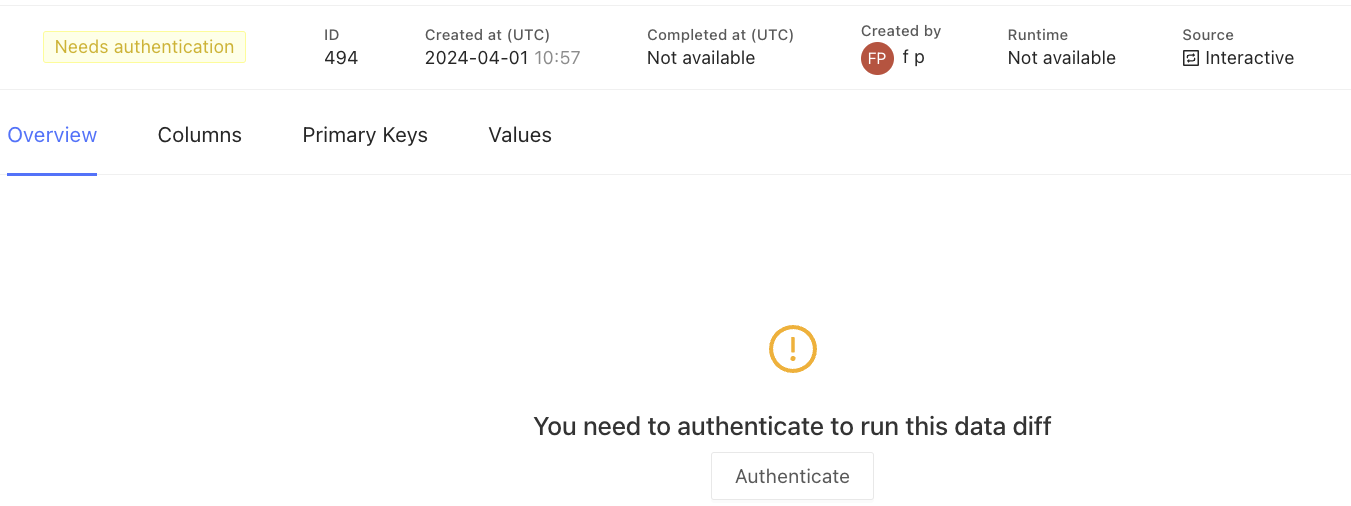 ### 2. Authorize the Data Diff
Authorize the data diff by clicking the **Authenticate** button. This will redirect you to the data warehouse for authentication:
### 2. Authorize the Data Diff
Authorize the data diff by clicking the **Authenticate** button. This will redirect you to the data warehouse for authentication:
 Upon successful authentication, you will be redirected back.
### 3. The Data Diff is now running
Upon successful authentication, you will be redirected back.
### 3. The Data Diff is now running
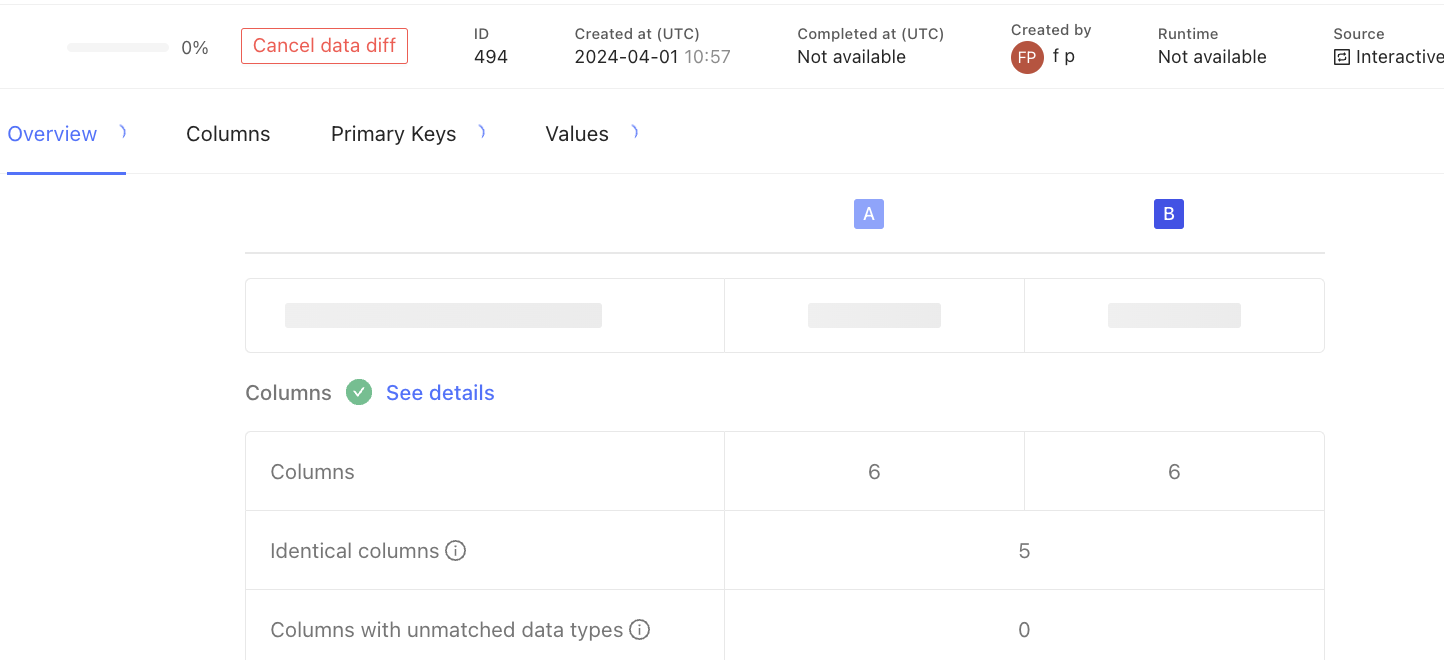 ### 4. View the Data Diff results
The results reflect your permissions within the data warehouse:
### 4. View the Data Diff results
The results reflect your permissions within the data warehouse:
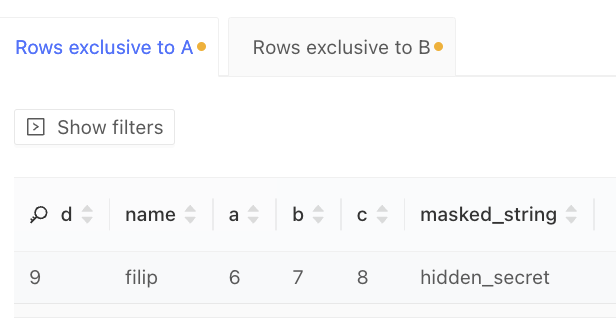 Note that running the same data diff, as a different user, renders different results:
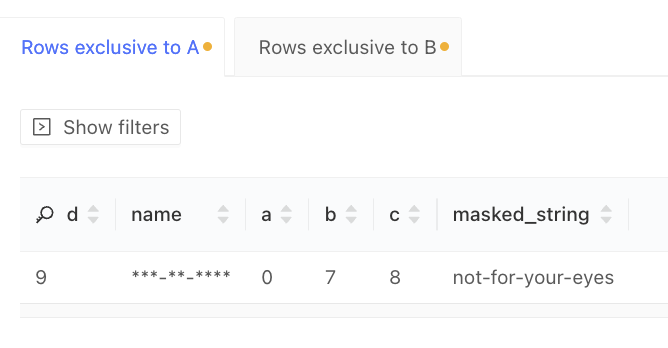 The masked values represent the data retrieved from the data warehouse. We do not conduct any post-processing:
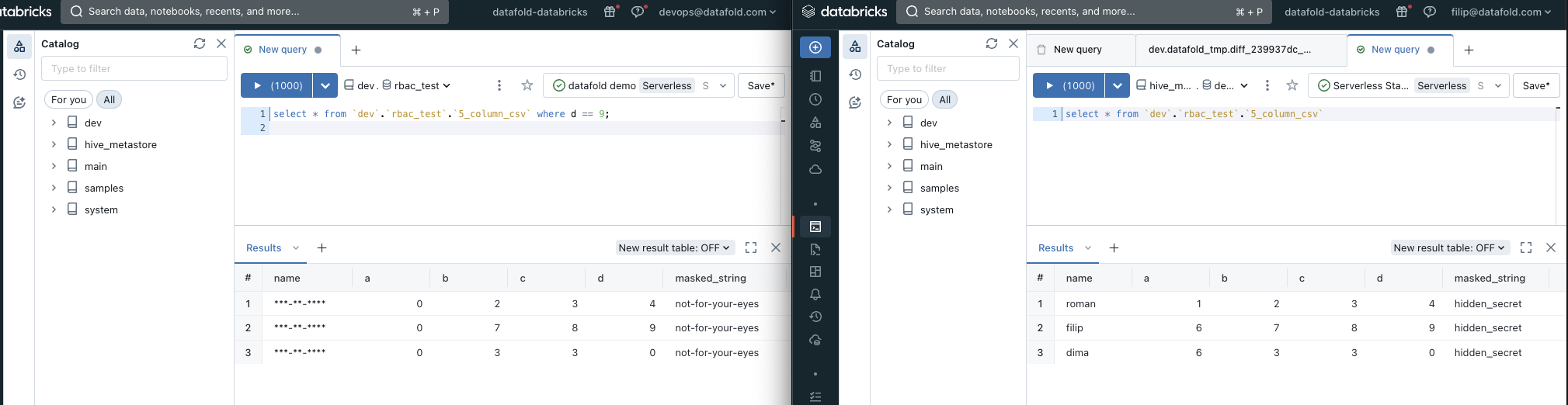 By default, results are only visible for their authors. Users can still clone the data diffs, but the results might be different depending on their data warehouse access levels.
For example, as a different user, I won't be able to access the data diff results for Filip's data diff:
By default, results are only visible for their authors. Users can still clone the data diffs, but the results might be different depending on their data warehouse access levels.
For example, as a different user, I won't be able to access the data diff results for Filip's data diff:
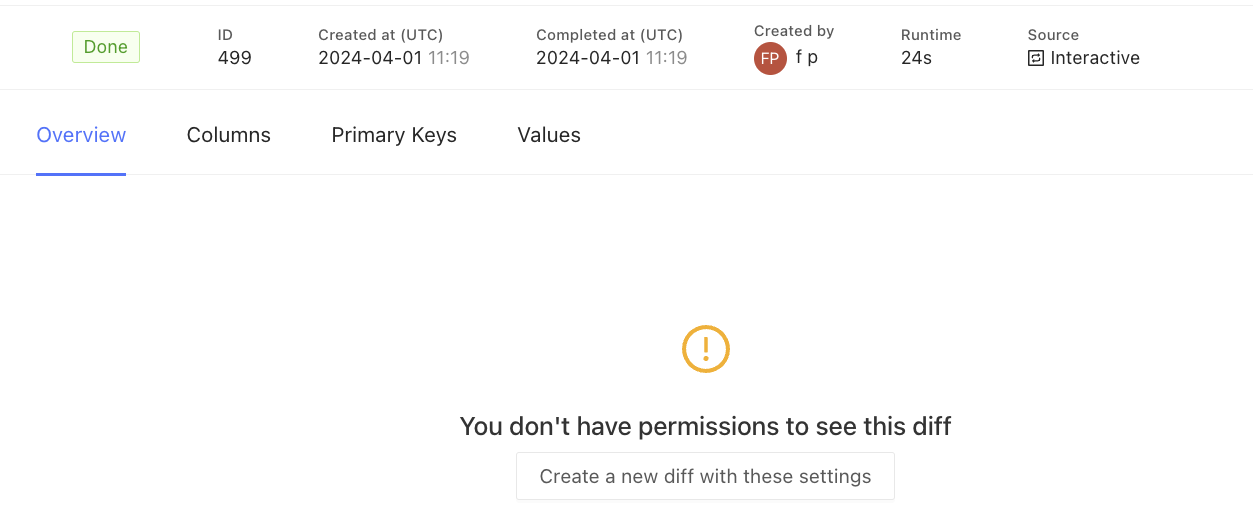 ### 5. Sharing Data Diffs
Data diff sharing is a feature that enables you to share data diffs with other users. This is useful in scenarios such as compliance verification, where auditors can access specific data diffs without first requiring permissions to be set up in the data warehouse.
Sharing can be accessed via the **Actions** dropdown on the data diff page:
### 5. Sharing Data Diffs
Data diff sharing is a feature that enables you to share data diffs with other users. This is useful in scenarios such as compliance verification, where auditors can access specific data diffs without first requiring permissions to be set up in the data warehouse.
Sharing can be accessed via the **Actions** dropdown on the data diff page:
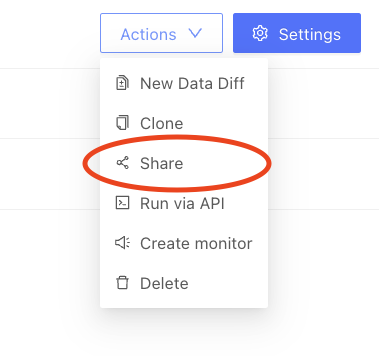 Note that data diff sharing is disabled by default:
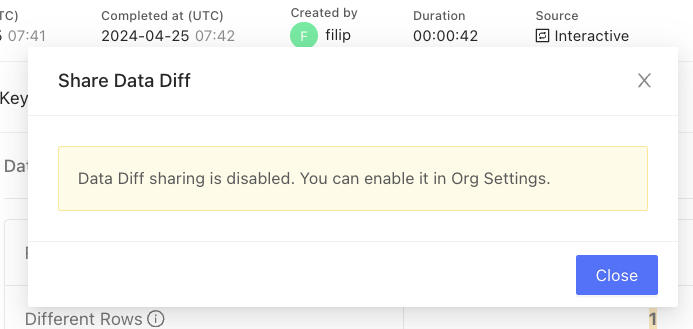 It can be enabled under **Org Settings** by clicking on **Allow Data Diff sharing**:
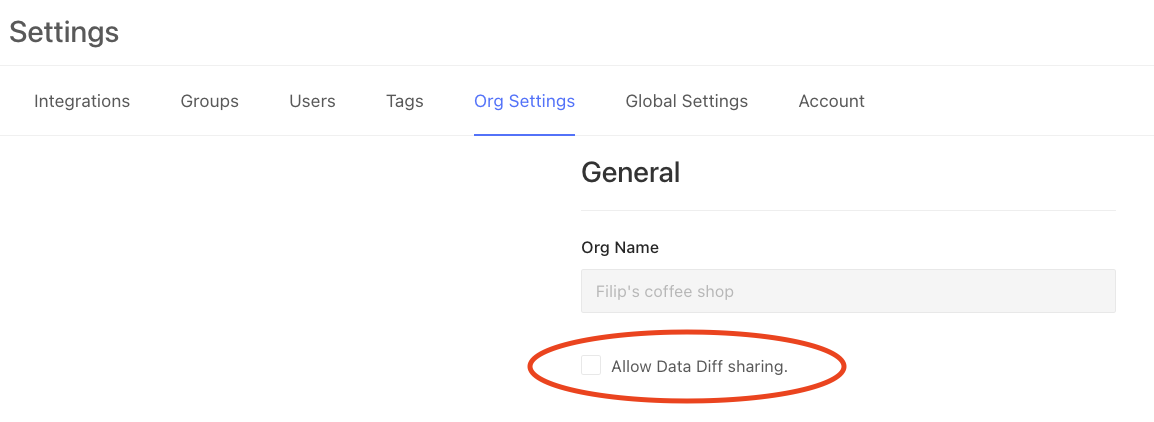 Once enabled, you can share data diffs with other users:
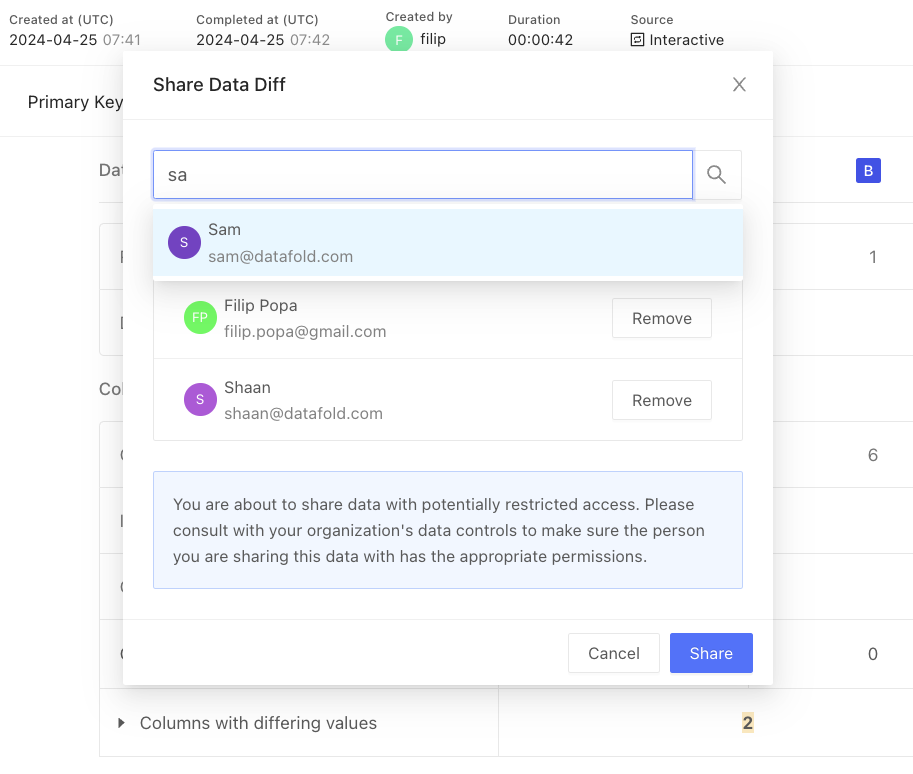 ## Configuring OAuth
Navigate to **Settings** and click on your data connection. Then, click on **Advanced settings** and under **OAuth**, set the **Client Id** and **Client Secret** fields:
## Configuring OAuth
Navigate to **Settings** and click on your data connection. Then, click on **Advanced settings** and under **OAuth**, set the **Client Id** and **Client Secret** fields:
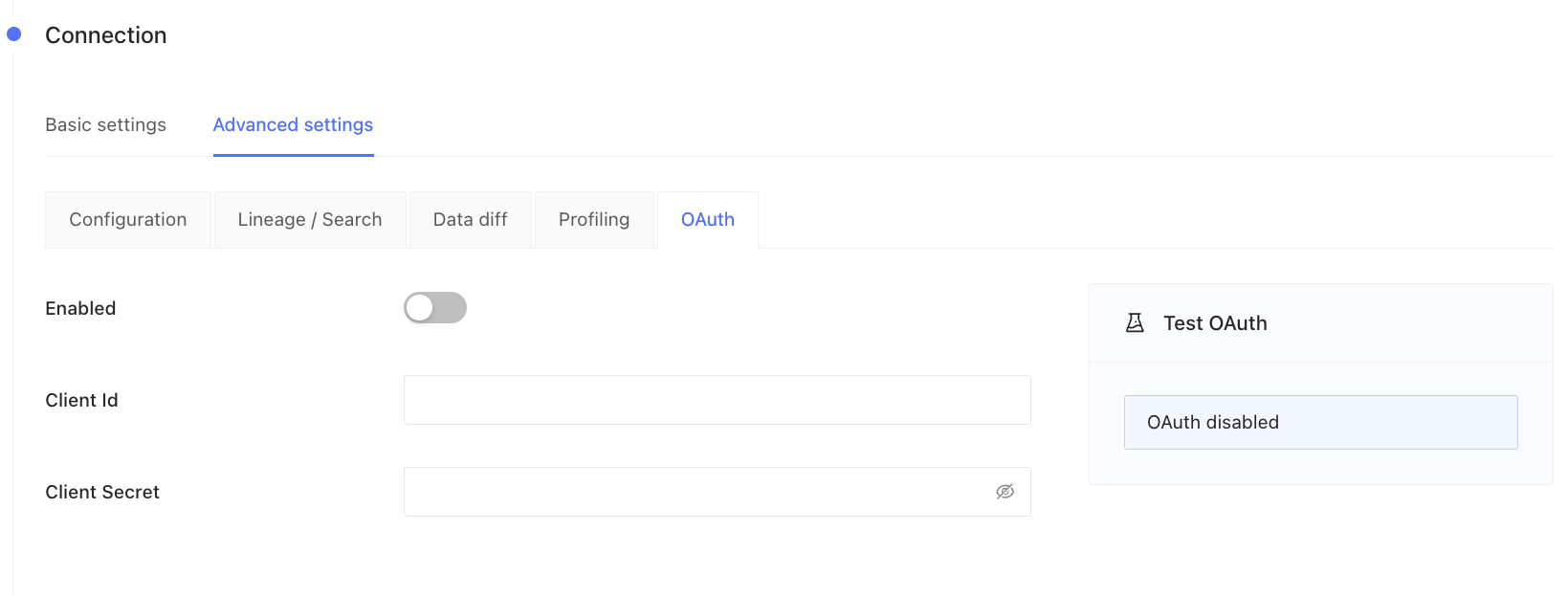 ## Example: Databricks
To create a new Databricks app connection:
1. Go to **Settings** and **App connections**.
2. Click **Add connection** in the top right of the screen.
## Example: Databricks
To create a new Databricks app connection:
1. Go to **Settings** and **App connections**.
2. Click **Add connection** in the top right of the screen.
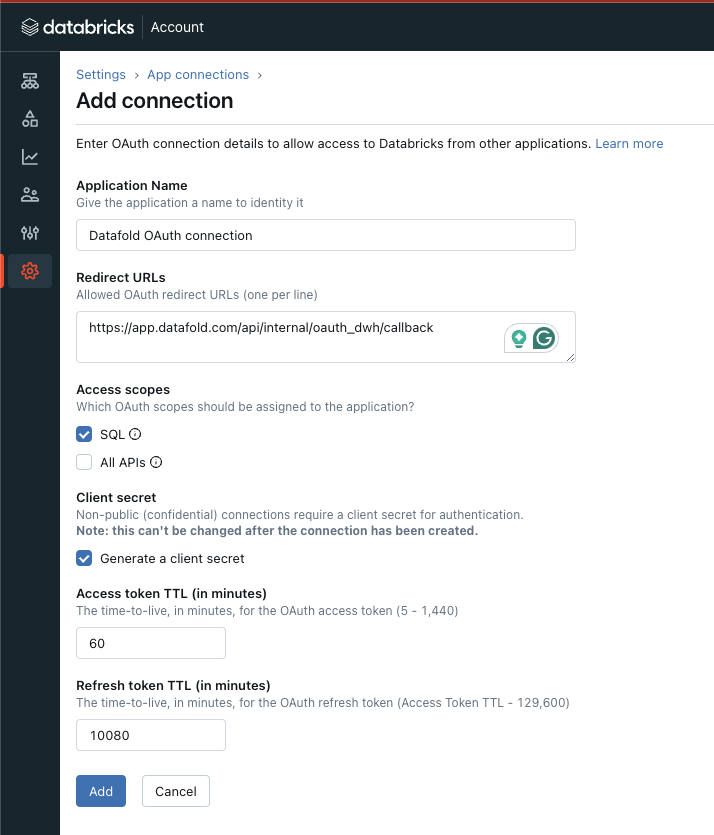 3. Fill in the required fields:
Application Name:
```
Datafold OAuth connection
```
Redirect URLs:
```
https://app.datafold.com/api/internal/oauth_dwh/callback
```
**INFO**
Datafold caches **access tokens** and using **refresh tokens** fetches new valid tokens in order to complete the diffs and reduce the number of times users need to authenticate against the data warehouses.
One hour is sufficient for the access token.
The refresh token will determine the frequency of user reauthentication, whether it's daily, weekly, or monthly.
### 3. Click **Add** to obtain the **Client ID** and **Client Secret**
3. Fill in the required fields:
Application Name:
```
Datafold OAuth connection
```
Redirect URLs:
```
https://app.datafold.com/api/internal/oauth_dwh/callback
```
**INFO**
Datafold caches **access tokens** and using **refresh tokens** fetches new valid tokens in order to complete the diffs and reduce the number of times users need to authenticate against the data warehouses.
One hour is sufficient for the access token.
The refresh token will determine the frequency of user reauthentication, whether it's daily, weekly, or monthly.
### 3. Click **Add** to obtain the **Client ID** and **Client Secret**
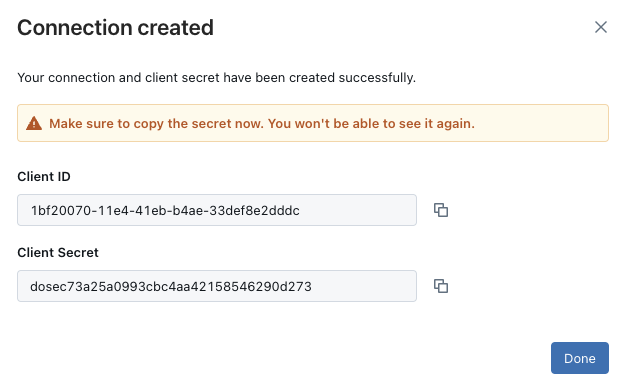 ### 4. Fill in the **Client ID** and **Client Secret** fields in Datafold's Data Connection advanced settings:
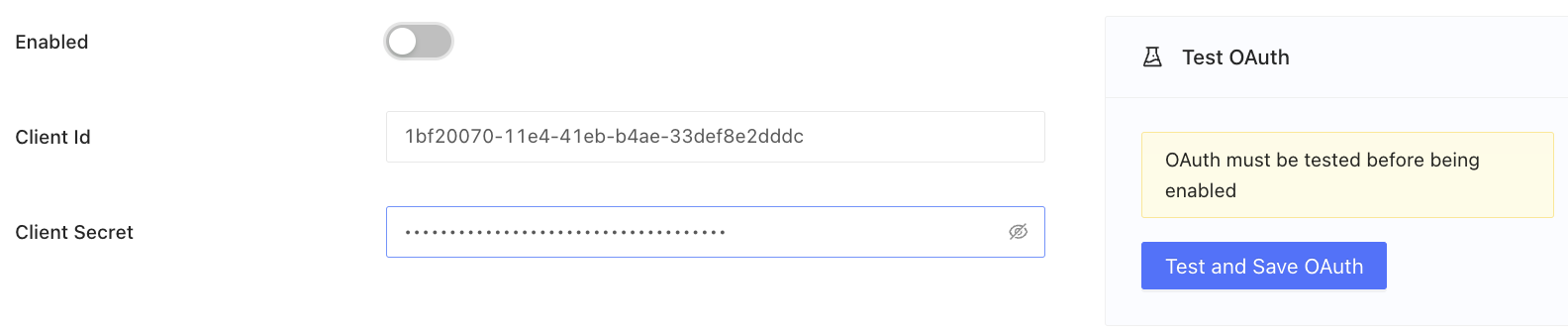 ### 5. Click **Test and save OAuth**
You will be redirected to Databricks to complete authentication. If you are already authenticated, you will be redirected back.
This notification signals a successful OAuth configuration:
### 5. Click **Test and save OAuth**
You will be redirected to Databricks to complete authentication. If you are already authenticated, you will be redirected back.
This notification signals a successful OAuth configuration:
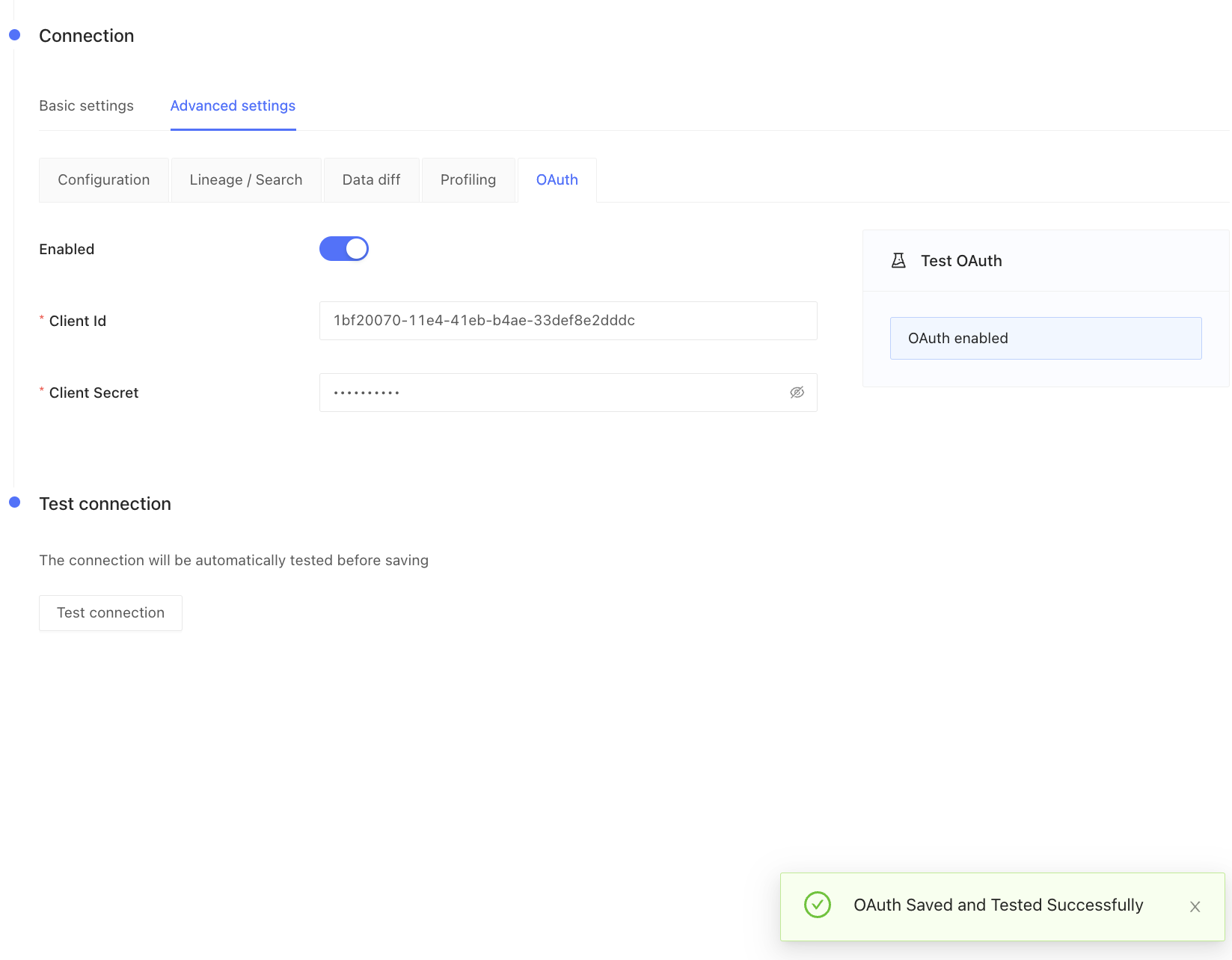 ### Additional steps for Databricks
To ensure that users have correct access rights to temporary tables (stored in **Dataset for temporary tables** provided in the **Basic settings** for the Databricks connection), follow these steps:
1. Update the permissions for the **Dataset for temporary tables** in Databricks.
2. Grant these permissions to Datafold users: **USE SCHEMA** and **CREATE TABLE**.
This will ensure that materialization results from data diffs are only readable by their authors.
### Additional steps for Databricks
To ensure that users have correct access rights to temporary tables (stored in **Dataset for temporary tables** provided in the **Basic settings** for the Databricks connection), follow these steps:
1. Update the permissions for the **Dataset for temporary tables** in Databricks.
2. Grant these permissions to Datafold users: **USE SCHEMA** and **CREATE TABLE**.
This will ensure that materialization results from data diffs are only readable by their authors.
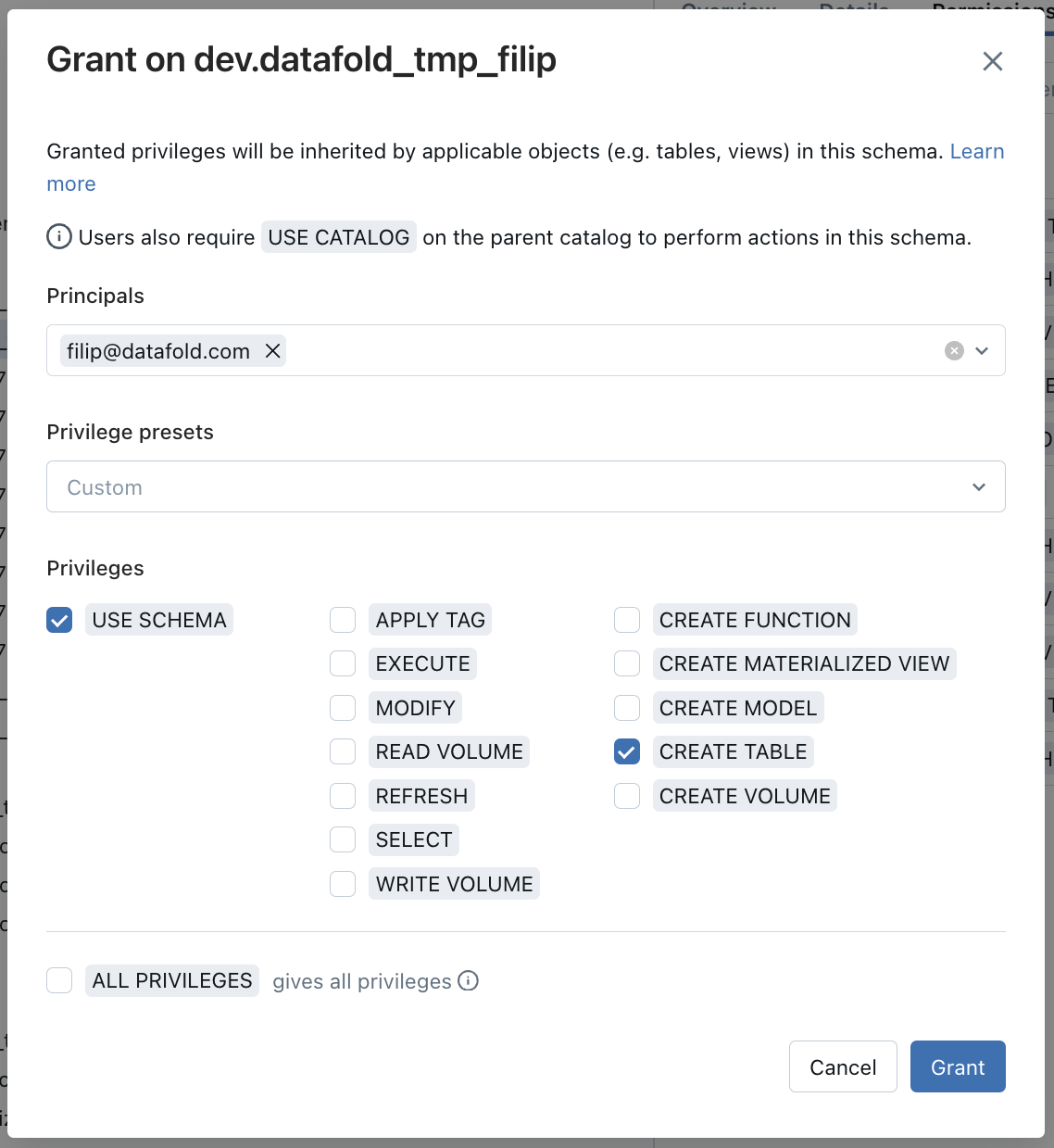 ## Example: Snowflake
To create a new Snowflake app connection:
1. Go to Snowflake and run this SQL:
```Bash theme={null}
CREATE SECURITY INTEGRATION DATAFOLD_OAUTH
TYPE = OAUTH
ENABLED = TRUE
OAUTH_CLIENT = CUSTOM
OAUTH_CLIENT_TYPE = 'CONFIDENTIAL'
OAUTH_REDIRECT_URI = 'https://app.datafold.com/api/internal/oauth_dwh/callback'
PRE_AUTHORIZED_ROLES_LIST=(, , ...)
OAUTH_ISSUE_REFRESH_TOKENS = TRUE
OAUTH_REFRESH_TOKEN_VALIDITY = 604800
OAUTH_ENFORCE_PKCE=TRUE;
```
It should result in this message:
**CAUTION**
* `PRE_AUTHORIZED_ROLES_LIST` must include all roles allowed to use the current security integration.
* By default, `ACCOUNTADMIN`, `SECURITYADMIN`, and `ORGADMIN` are not allowed to be included in `PRE_AUTHORIZED_ROLES_LIST`.
**INFO**
Datafold caches **access tokens** and uses **refresh tokens** to fetch new valid tokens in order to complete the diffs and reduce the number of times users need to authenticate against the data warehouses.
`OAUTH_REFRESH_TOKEN_VALIDITY` can be in the range of 3600 (1 hour) to 7776000 (90 days).
1. To retrieve `OAUTH_CLIENT_ID` and `OAUTH_CLIENT_SECRET`, run the following SQL:
```
select system$show_oauth_client_secrets('DATAFOLD_OAUTH');
```
### Example result:
## Example: Snowflake
To create a new Snowflake app connection:
1. Go to Snowflake and run this SQL:
```Bash theme={null}
CREATE SECURITY INTEGRATION DATAFOLD_OAUTH
TYPE = OAUTH
ENABLED = TRUE
OAUTH_CLIENT = CUSTOM
OAUTH_CLIENT_TYPE = 'CONFIDENTIAL'
OAUTH_REDIRECT_URI = 'https://app.datafold.com/api/internal/oauth_dwh/callback'
PRE_AUTHORIZED_ROLES_LIST=(, , ...)
OAUTH_ISSUE_REFRESH_TOKENS = TRUE
OAUTH_REFRESH_TOKEN_VALIDITY = 604800
OAUTH_ENFORCE_PKCE=TRUE;
```
It should result in this message:
**CAUTION**
* `PRE_AUTHORIZED_ROLES_LIST` must include all roles allowed to use the current security integration.
* By default, `ACCOUNTADMIN`, `SECURITYADMIN`, and `ORGADMIN` are not allowed to be included in `PRE_AUTHORIZED_ROLES_LIST`.
**INFO**
Datafold caches **access tokens** and uses **refresh tokens** to fetch new valid tokens in order to complete the diffs and reduce the number of times users need to authenticate against the data warehouses.
`OAUTH_REFRESH_TOKEN_VALIDITY` can be in the range of 3600 (1 hour) to 7776000 (90 days).
1. To retrieve `OAUTH_CLIENT_ID` and `OAUTH_CLIENT_SECRET`, run the following SQL:
```
select system$show_oauth_client_secrets('DATAFOLD_OAUTH');
```
### Example result:
 1. Fill in the **Client ID** and **Client Secret** fields in Datafold's Data Connection advanced settings:
2. Click **Test and save OAuth**
You will be redirected to Snowflake to complete authentication.
info
Your default Snowflake role will be used for the generated **access token**.
This notification signals a successful OAuth configuration:
### Additional steps for Snowflake
To guarantee correct access rights to temporary tables (stored in **Dataset for temporary tables** provided in the **Basic settings** for Snowflake connection):
* Grant the required privileges on the database and `TEMP` schema for all roles that will be using the OAuth flow. This must be done for all roles that will be utilizing the OAuth flow.
```Bash theme={null}
GRANT USAGE ON WAREHOUSE TO ROLE ;
GRANT USAGE ON DATABASE TO ROLE ;
GRANT USAGE ON ALL SCHEMAS IN DATABASE TO ROLE ;
GRANT USAGE ON FUTURE SCHEMAS IN DATABASE TO ROLE ;
GRANT ALL ON SCHEMA . TO ROLE ;
```
* Revoke `SELECT` privileges for tables in the `TEMP` schema for all roles that will be using the OAuth flow (except for the `DATAFOLDROLE` role), if they were provided. This action must be performed for all roles utilizing the OAuth flow\..
```Bash theme={null}
-- Revoke SELECT privileges for the TEMP SCHEMA
revoke SELECT ON ALL TABLES IN SCHEMA . FROM ROLE ;
revoke SELECT ON FUTURE TABLES IN SCHEMA . FROM ROLE ;
revoke SELECT ON ALL VIEWS IN SCHEMA . FROM ROLE ;
revoke SELECT ON FUTURE VIEWS IN SCHEMA . FROM ROLE ;
revoke SELECT ON ALL MATERIALIZED VIEWS IN SCHEMA . FROM ROLE ;
revoke SELECT ON FUTURE MATERIALIZED VIEWS IN SCHEMA . FROM ROLE ;
-- Revoke SELECT privileges for a Database
revoke SELECT ON ALL TABLES IN DATABASE FROM ROLE ;
revoke SELECT ON FUTURE TABLES IN DATABASE FROM ROLE ;
revoke SELECT ON ALL VIEWS IN DATABASE FROM ROLE ;
revoke SELECT ON FUTURE VIEWS IN DATABASE FROM ROLE ;
revoke SELECT ON ALL MATERIALIZED VIEWS IN DATABASE FROM ROLE ;
revoke SELECT ON FUTURE MATERIALIZED VIEWS IN DATABASE FROM ROLE ;
```
**CAUTION**
If one of the roles will have `FUTURE GRANTS` at the database level, this role will also will have `FUTURE GRANTS` on the `TEMP` schema.
## Example: Redshift
Redshift does not support OAuth2. To execute data diffs on behalf of a specific user, that user needs to provide their own credentials to Redshift.
1. Configure permissions on the Redshift side. Grant the necessary access rights to temporary tables (stored in the **Dataset for temporary tables** provided in the **Basic settings** for Redshift connection):
```Bash theme={null}
GRANT USAGE on SCHEMA to ;
GRANT CREATE on SCHEMA to ;
```
1. As an Administrator, select the **Enabled** toggle in Datafold's Redshift Data Connection **Advanced settings**:
1. Fill in the **Client ID** and **Client Secret** fields in Datafold's Data Connection advanced settings:
2. Click **Test and save OAuth**
You will be redirected to Snowflake to complete authentication.
info
Your default Snowflake role will be used for the generated **access token**.
This notification signals a successful OAuth configuration:
### Additional steps for Snowflake
To guarantee correct access rights to temporary tables (stored in **Dataset for temporary tables** provided in the **Basic settings** for Snowflake connection):
* Grant the required privileges on the database and `TEMP` schema for all roles that will be using the OAuth flow. This must be done for all roles that will be utilizing the OAuth flow.
```Bash theme={null}
GRANT USAGE ON WAREHOUSE TO ROLE ;
GRANT USAGE ON DATABASE TO ROLE ;
GRANT USAGE ON ALL SCHEMAS IN DATABASE TO ROLE ;
GRANT USAGE ON FUTURE SCHEMAS IN DATABASE TO ROLE ;
GRANT ALL ON SCHEMA . TO ROLE ;
```
* Revoke `SELECT` privileges for tables in the `TEMP` schema for all roles that will be using the OAuth flow (except for the `DATAFOLDROLE` role), if they were provided. This action must be performed for all roles utilizing the OAuth flow\..
```Bash theme={null}
-- Revoke SELECT privileges for the TEMP SCHEMA
revoke SELECT ON ALL TABLES IN SCHEMA . FROM ROLE ;
revoke SELECT ON FUTURE TABLES IN SCHEMA . FROM ROLE ;
revoke SELECT ON ALL VIEWS IN SCHEMA . FROM ROLE ;
revoke SELECT ON FUTURE VIEWS IN SCHEMA . FROM ROLE ;
revoke SELECT ON ALL MATERIALIZED VIEWS IN SCHEMA . FROM ROLE ;
revoke SELECT ON FUTURE MATERIALIZED VIEWS IN SCHEMA . FROM ROLE ;
-- Revoke SELECT privileges for a Database
revoke SELECT ON ALL TABLES IN DATABASE FROM ROLE ;
revoke SELECT ON FUTURE TABLES IN DATABASE FROM ROLE ;
revoke SELECT ON ALL VIEWS IN DATABASE FROM ROLE ;
revoke SELECT ON FUTURE VIEWS IN DATABASE FROM ROLE ;
revoke SELECT ON ALL MATERIALIZED VIEWS IN DATABASE FROM ROLE ;
revoke SELECT ON FUTURE MATERIALIZED VIEWS IN DATABASE FROM ROLE ;
```
**CAUTION**
If one of the roles will have `FUTURE GRANTS` at the database level, this role will also will have `FUTURE GRANTS` on the `TEMP` schema.
## Example: Redshift
Redshift does not support OAuth2. To execute data diffs on behalf of a specific user, that user needs to provide their own credentials to Redshift.
1. Configure permissions on the Redshift side. Grant the necessary access rights to temporary tables (stored in the **Dataset for temporary tables** provided in the **Basic settings** for Redshift connection):
```Bash theme={null}
GRANT USAGE on SCHEMA to ;
GRANT CREATE on SCHEMA to ;
```
1. As an Administrator, select the **Enabled** toggle in Datafold's Redshift Data Connection **Advanced settings**:
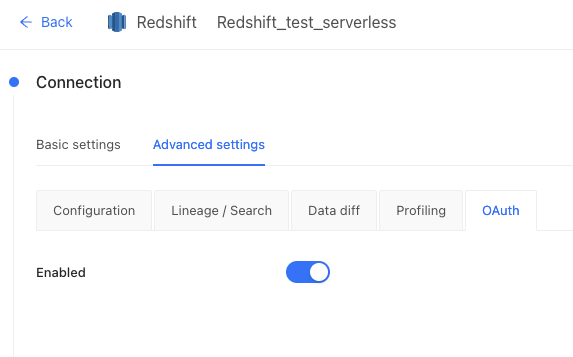 Then, click the **Test and Save** button.
1. As a User, add your Redshift credentials into Datafold. Click on your Datafold username to **Edit Profile**:
Then, click the **Test and Save** button.
1. As a User, add your Redshift credentials into Datafold. Click on your Datafold username to **Edit Profile**:
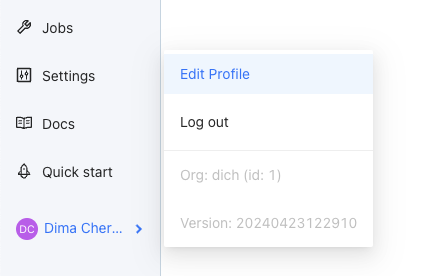 Then, click **Add credentials** and select the required Redshift data connection from the **Data Connections** list:
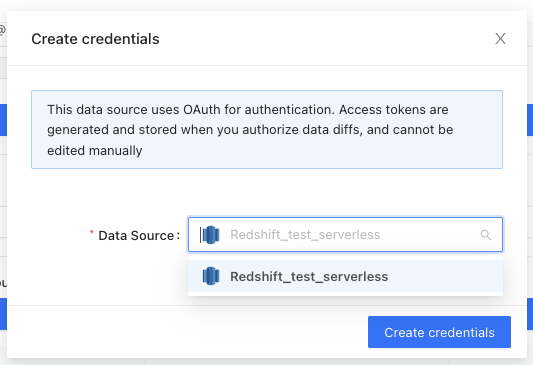 Finally, provide your Redshift username and password, and configure the **Delete on** field (after this date, your credentials will be removed from Datafold):
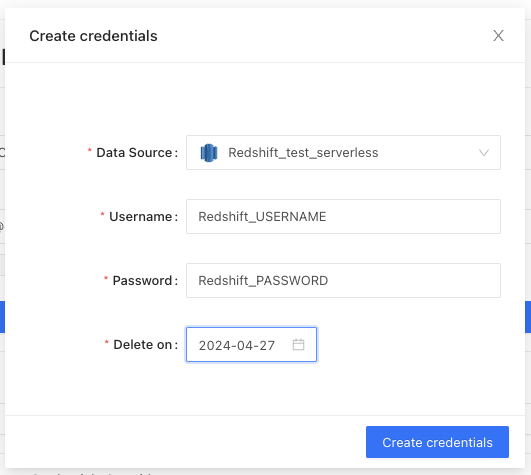 Click **Create credentials**.
## Example: BigQuery
1. To create a new Google Cloud OAuth 2.0 Client ID, go to the Google Cloud console, navigate to **APIs & Services**, then **Credentials**, and click **+ CREATE CREDENTIALS**:
Click **Create credentials**.
## Example: BigQuery
1. To create a new Google Cloud OAuth 2.0 Client ID, go to the Google Cloud console, navigate to **APIs & Services**, then **Credentials**, and click **+ CREATE CREDENTIALS**:
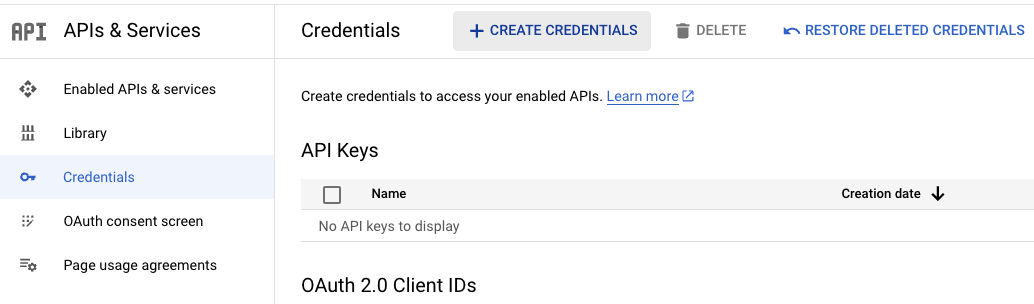 Select **OAuth client ID**:
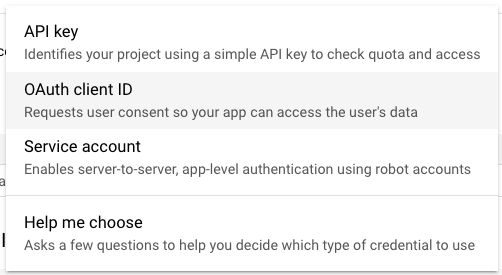 From the list of **Application type**, select **Web application**:
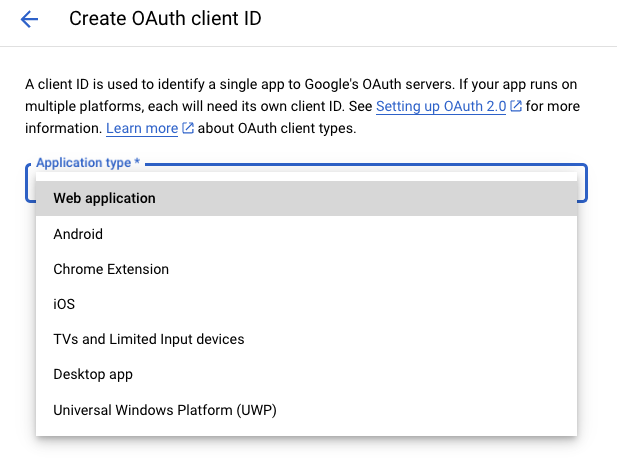 Provide a name in the **Name** field:
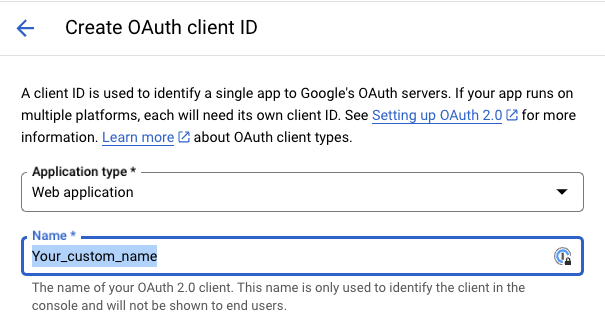 In **Authorized redirect URIs**, provide `https://app.datafold.com/api/internal/oauth_dwh/callback`:
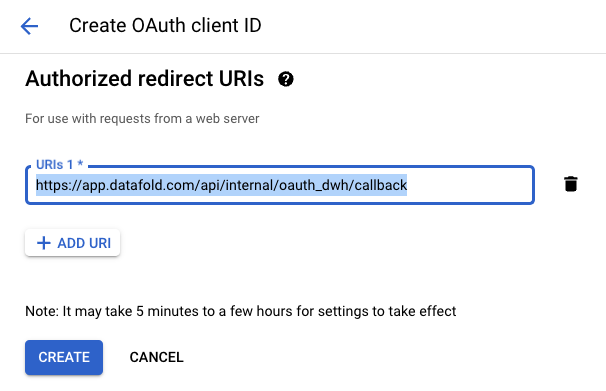 Click **CREATE**. Then, download the OAuth Client credentials as a JSON file:

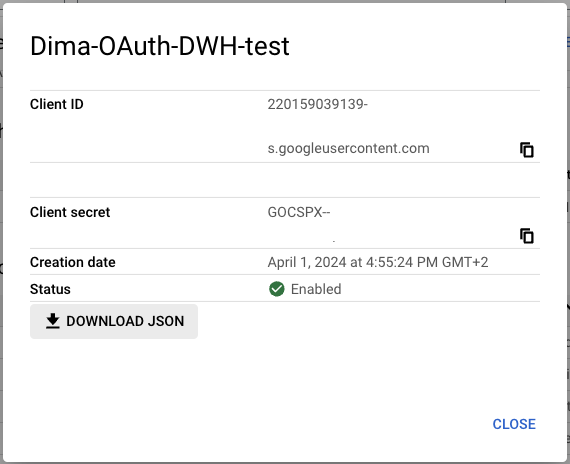 1. Activate BigQuery OAuth in Datafold by uploading the JSON OAuth credentials in the **JSON OAuth keys file** section, in Datafold's BigQuery Data Connection **Advanced settings**:
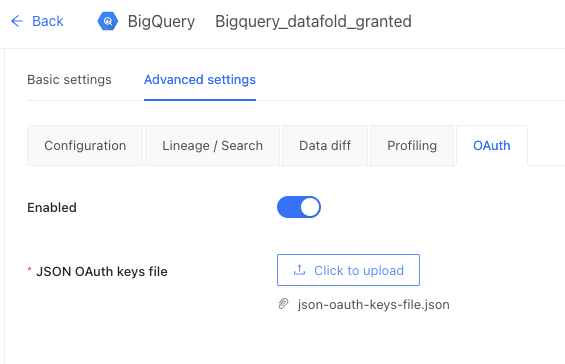 Click **Test and Save**.
### Additional steps for BigQuery
1. Create a new temporary schema (dataset) for each OAuth user.
Go to Google Cloud console, navigate to BigQuery, select your project in BigQuery, and click on **Create dataset**:
Click **Test and Save**.
### Additional steps for BigQuery
1. Create a new temporary schema (dataset) for each OAuth user.
Go to Google Cloud console, navigate to BigQuery, select your project in BigQuery, and click on **Create dataset**:
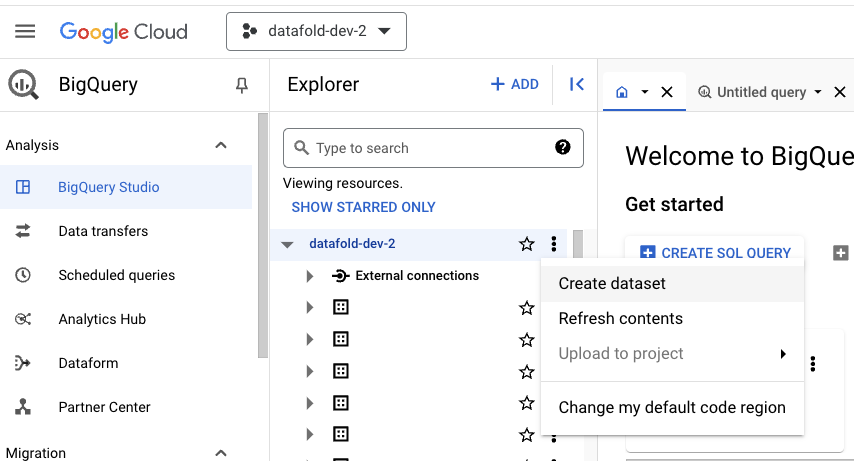 Provide `datafold_tmp_` as the **Dataset ID** and set the same region as configured for other datasets. Click **CREATE DATASET**:
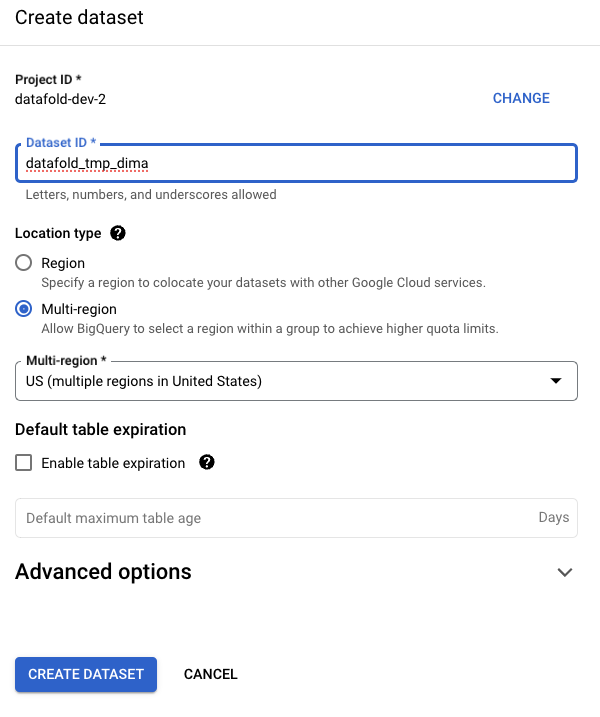 1. Configure permissions for `datafold_tmp_`.
Grant read/write/create/delete permissions to the user for their `datafold_tmp_` schema. This can be done by granting roles like **BigQuery Data Editor** or **BigQuery Data Owner** or any custom roles with the required permissions.
Go to Google Cloud console, navigate to BigQuery, select `datafold_tmp_` dataset, and click **Create dataset** → **Manage Permissions**:
1. Configure permissions for `datafold_tmp_`.
Grant read/write/create/delete permissions to the user for their `datafold_tmp_` schema. This can be done by granting roles like **BigQuery Data Editor** or **BigQuery Data Owner** or any custom roles with the required permissions.
Go to Google Cloud console, navigate to BigQuery, select `datafold_tmp_` dataset, and click **Create dataset** → **Manage Permissions**:
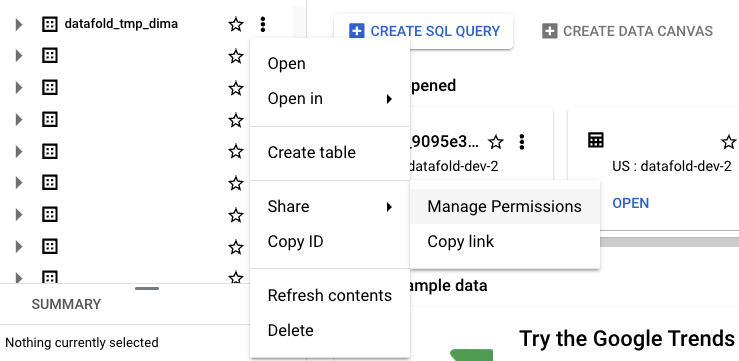 Click **+ ADD PRINCIPAL**, specify the user and role, then click **SAVE**:
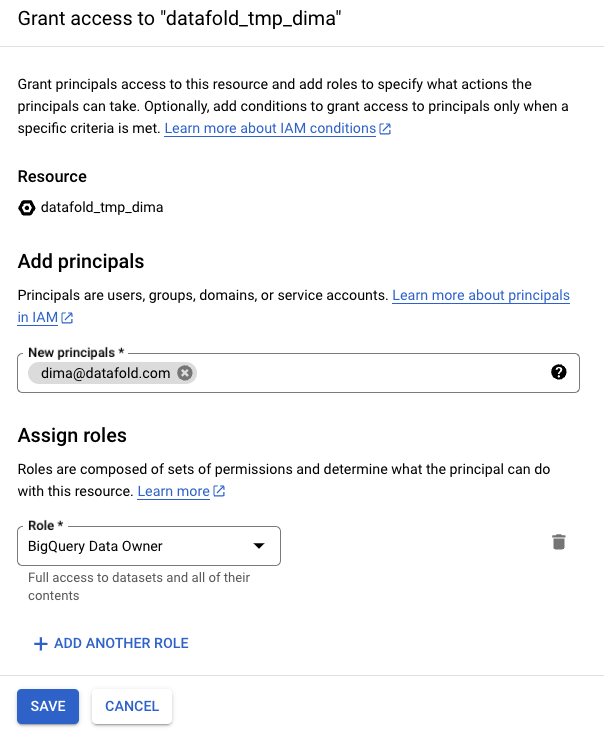 caution
Ensure that only the specified user (excluding admins) has read/write/create/delete permissions on `datafold_tmp_`.
1. Configure temporary schema in Datafold.
As a user, navigate to `https://app.datafold.com/users/me`. If the user lacks credentials for BigQuery, click on **+ Add credentials**, select BigQuery datasource from the list, and click **Create credentials**:
caution
Ensure that only the specified user (excluding admins) has read/write/create/delete permissions on `datafold_tmp_`.
1. Configure temporary schema in Datafold.
As a user, navigate to `https://app.datafold.com/users/me`. If the user lacks credentials for BigQuery, click on **+ Add credentials**, select BigQuery datasource from the list, and click **Create credentials**:
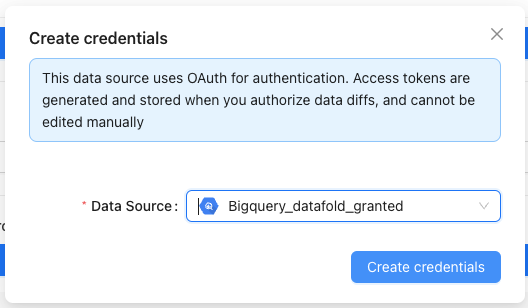 The user will be redirected to `accounts.google.com` and then returned to the previous page:
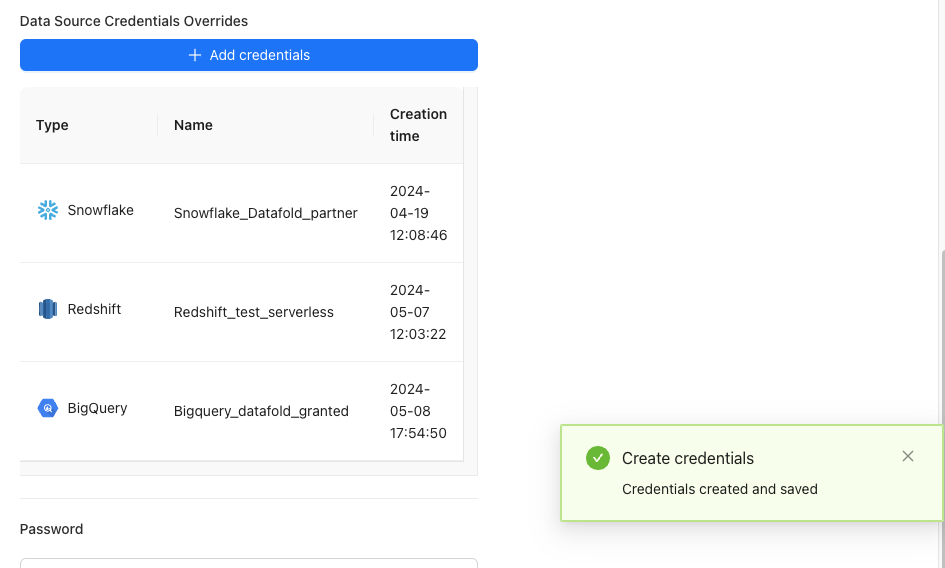 Select BigQuery credentials from the list, input the **Temporary Schema** field in the format `.>`, and click **Update**:
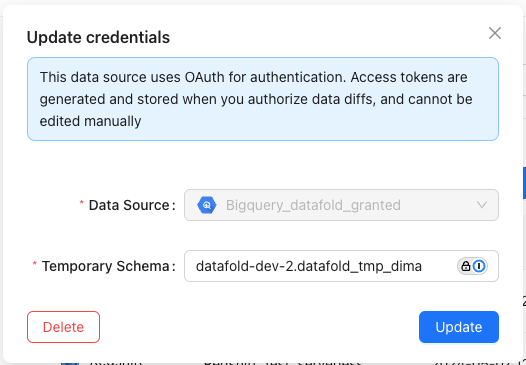 **INFO**
Users can update BigQuery credentials only if they have the correct permissions for ``.
---
# Source: https://docs.datafold.com/security/single-sign-on/saml/examples/okta.md
# Source: https://docs.datafold.com/security/single-sign-on/okta.md
> ## Documentation Index
> Fetch the complete documentation index at: https://docs.datafold.com/llms.txt
> Use this file to discover all available pages before exploring further.
# Okta (OIDC)
**NOTE**
Okta SSO is available for both SaaS and dedicated cloud installations of Datafold.
## Create Okta App Integration[](#create-okta-app-integration "Direct link to Create Okta App Integration")
**INFO**
Creating an App Integration in Okta may require admin privileges.
Start the integration by creating a web app integration in Okta.
Next, log in to Okta interface and navigate to **Applications** and click **Create App Integration**.
Then, in the configuration form, select **OpenId Connect (OIDC)** and **Web Application** as the Application Type.
**INFO**
Users can update BigQuery credentials only if they have the correct permissions for ``.
---
# Source: https://docs.datafold.com/security/single-sign-on/saml/examples/okta.md
# Source: https://docs.datafold.com/security/single-sign-on/okta.md
> ## Documentation Index
> Fetch the complete documentation index at: https://docs.datafold.com/llms.txt
> Use this file to discover all available pages before exploring further.
# Okta (OIDC)
**NOTE**
Okta SSO is available for both SaaS and dedicated cloud installations of Datafold.
## Create Okta App Integration[](#create-okta-app-integration "Direct link to Create Okta App Integration")
**INFO**
Creating an App Integration in Okta may require admin privileges.
Start the integration by creating a web app integration in Okta.
Next, log in to Okta interface and navigate to **Applications** and click **Create App Integration**.
Then, in the configuration form, select **OpenId Connect (OIDC)** and **Web Application** as the Application Type.
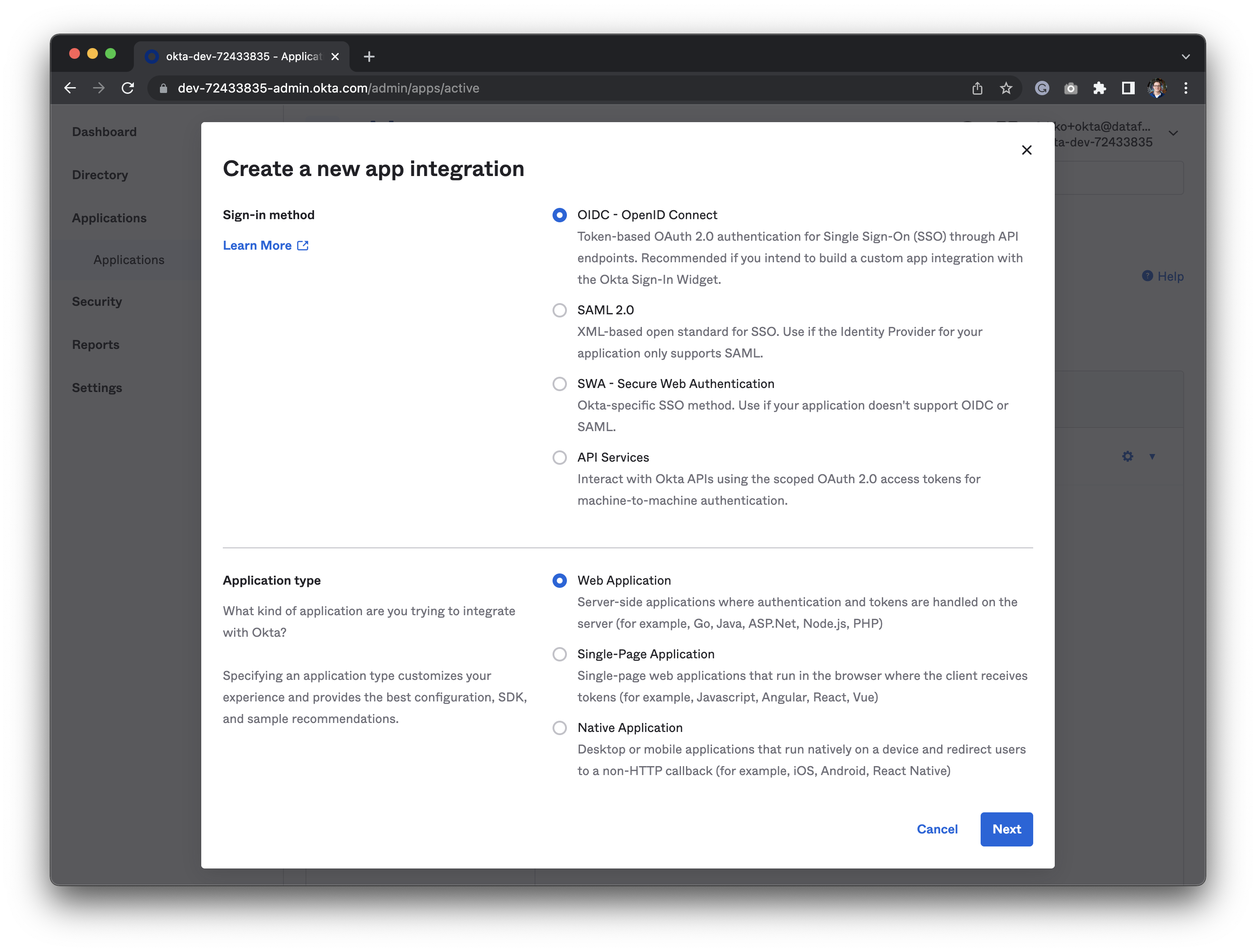 In the following section, you will set:
* **App integration name**: A name to identify the integration. We suggest you use `Datafold`.
* **Grant type**: Should be set to `Authorization code` automatically.
* **Sign-in redirect URI**:
The redirect URL should be `https://app.datafold.com/oauth/okta/client_id`, where `client_id` is the Client ID of the configuration.
**CAUTION**
You will be given the Client ID after saving the integration and need to come back to update the client ID afterwards.
The redirect URL should be `https://your-dns-name/oauth/okta`, replacing `your-dns-name` with the DNS name for your installation.
* **Sign-out redirect URIs**: Leave this empty.
* **Trusted Origins**: Leave this empty too.
* **Assignments**: Select `Skip group assignment for now`. Later you should assign the correct groups and users.
* Click "Save" to create the app integration in Okta.
In the following section, you will set:
* **App integration name**: A name to identify the integration. We suggest you use `Datafold`.
* **Grant type**: Should be set to `Authorization code` automatically.
* **Sign-in redirect URI**:
The redirect URL should be `https://app.datafold.com/oauth/okta/client_id`, where `client_id` is the Client ID of the configuration.
**CAUTION**
You will be given the Client ID after saving the integration and need to come back to update the client ID afterwards.
The redirect URL should be `https://your-dns-name/oauth/okta`, replacing `your-dns-name` with the DNS name for your installation.
* **Sign-out redirect URIs**: Leave this empty.
* **Trusted Origins**: Leave this empty too.
* **Assignments**: Select `Skip group assignment for now`. Later you should assign the correct groups and users.
* Click "Save" to create the app integration in Okta.
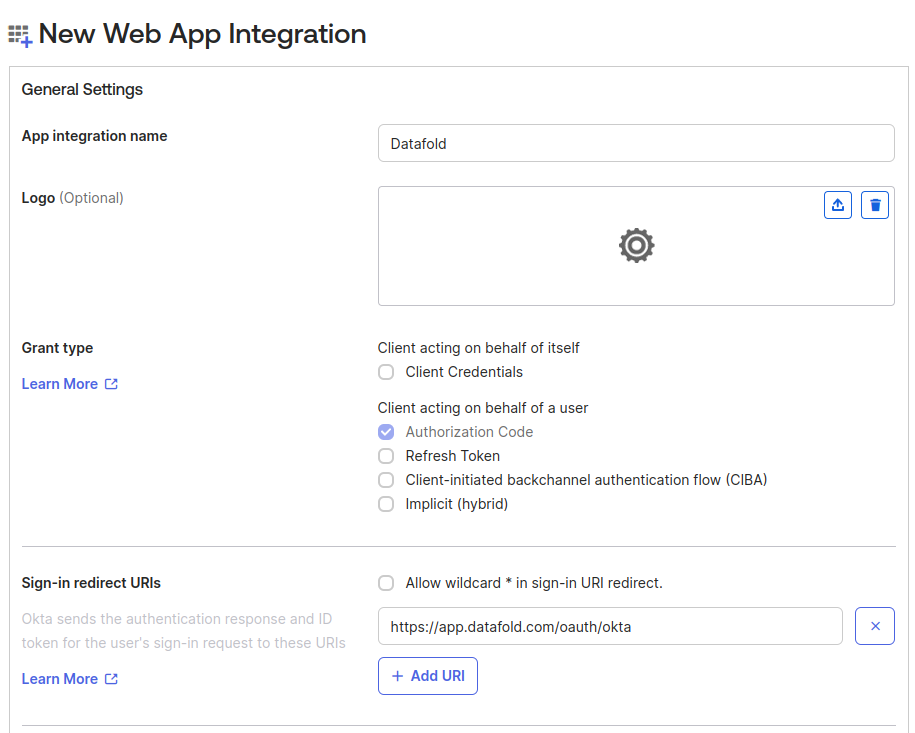 Once the save is successful, on the next screen, you'll be presented with Client ID and Client Secret. We need these IDs to update the redirect URLs that Datafold needs. We'll also apply the Client ID and Client Secret in the Datafold integration later.
* Edit "General settings"
* Scroll down to the **Login** section
* Update the **Sign-in redirect URI**. See above for details.
* Click "Save" to persist the changes.
## Set Up Okta-initiated login
**TIP**
Organization admins will always be able to log in with either password or Okta. Non-admin users will be required to log in through Okta once configured.
This step is optional and should be done at the discretion of the Okta administrator.
Users in your organization can log in to the application directly from the Okta end-user dashboard. To enable this feature, configure the integration as follows:
1. Edit "General settings"
2. Set **Login initiated by** to `Either Okta or App`.
3. Set **Application visibility** to `Display application icon to users`.
4. Set **Login flow** to `Redirect to app to initiate login (OIDC Compliant)`.
5. Set **Initiate login URI**:
* `https://app.datafold.com/login/sso/client-id?action=desired_action`
* Replace `client-id` with the Client ID of the configuration, and
* Replace `desired_action` with `signup` if you enabled users auto-creation, or `login` otherwise.
* `https://your-dns-name/login/sso/client-id?action=desired_action`
* Replace `client-id` with the Client ID of the configuration, and
* Replace `desired_action`with `signup` if you enabled users auto-creation, or `login` otherwise.
* Replace `your-dns-name` with the DNS name for your installation.
Once the save is successful, on the next screen, you'll be presented with Client ID and Client Secret. We need these IDs to update the redirect URLs that Datafold needs. We'll also apply the Client ID and Client Secret in the Datafold integration later.
* Edit "General settings"
* Scroll down to the **Login** section
* Update the **Sign-in redirect URI**. See above for details.
* Click "Save" to persist the changes.
## Set Up Okta-initiated login
**TIP**
Organization admins will always be able to log in with either password or Okta. Non-admin users will be required to log in through Okta once configured.
This step is optional and should be done at the discretion of the Okta administrator.
Users in your organization can log in to the application directly from the Okta end-user dashboard. To enable this feature, configure the integration as follows:
1. Edit "General settings"
2. Set **Login initiated by** to `Either Okta or App`.
3. Set **Application visibility** to `Display application icon to users`.
4. Set **Login flow** to `Redirect to app to initiate login (OIDC Compliant)`.
5. Set **Initiate login URI**:
* `https://app.datafold.com/login/sso/client-id?action=desired_action`
* Replace `client-id` with the Client ID of the configuration, and
* Replace `desired_action` with `signup` if you enabled users auto-creation, or `login` otherwise.
* `https://your-dns-name/login/sso/client-id?action=desired_action`
* Replace `client-id` with the Client ID of the configuration, and
* Replace `desired_action`with `signup` if you enabled users auto-creation, or `login` otherwise.
* Replace `your-dns-name` with the DNS name for your installation.
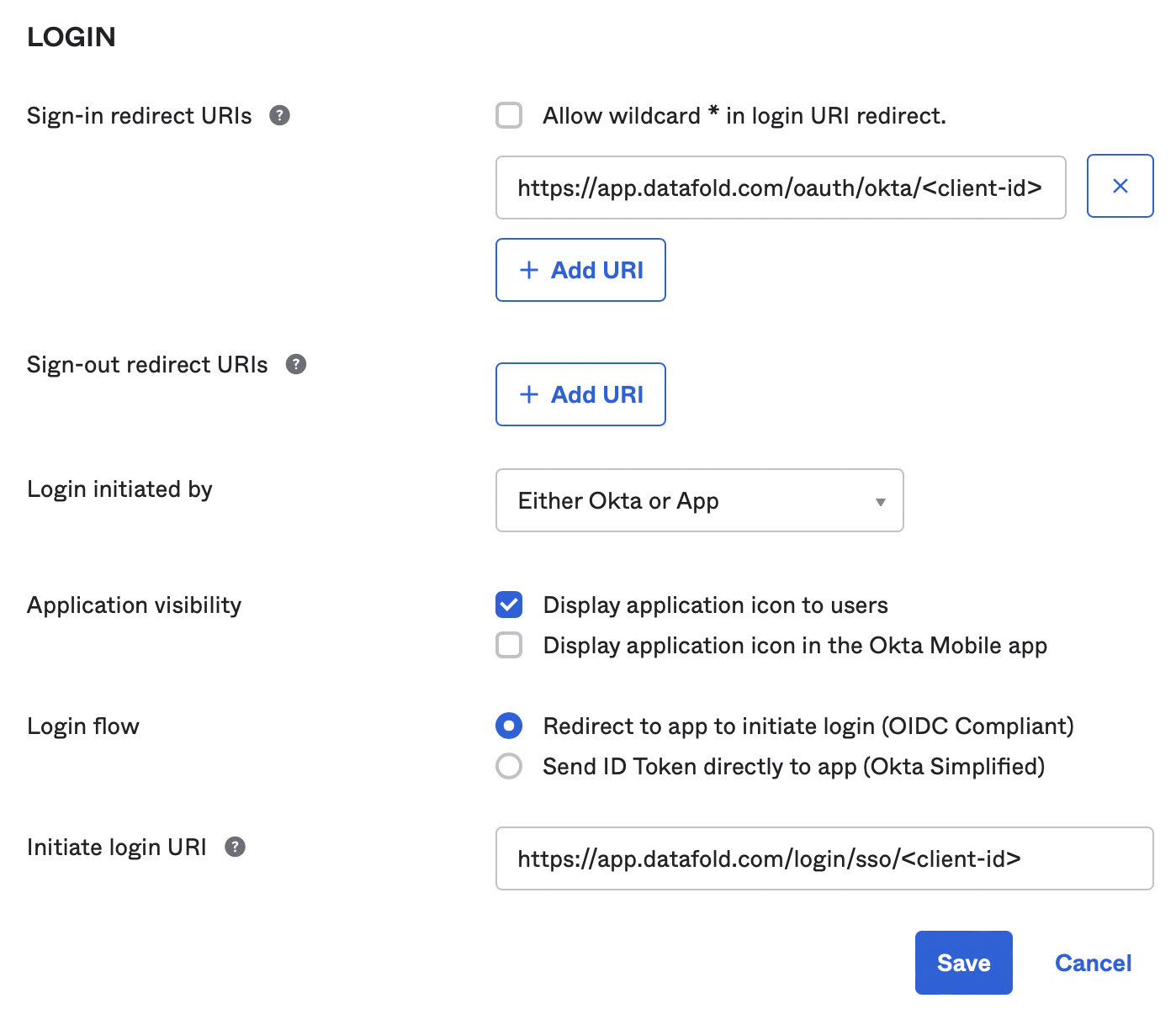 1. Click "Save" to persist the changes.
The Okta configuration is now complete.
## Configure Okta in Datafold
To finish the configuration, create an Okta integration in Datafold.
To complete the integration in Datafold, create a new integration by navigating to **Settings** → **Integrations** → **SSO** → **Add new integration** → **Okta**.
1. Click "Save" to persist the changes.
The Okta configuration is now complete.
## Configure Okta in Datafold
To finish the configuration, create an Okta integration in Datafold.
To complete the integration in Datafold, create a new integration by navigating to **Settings** → **Integrations** → **SSO** → **Add new integration** → **Okta**.
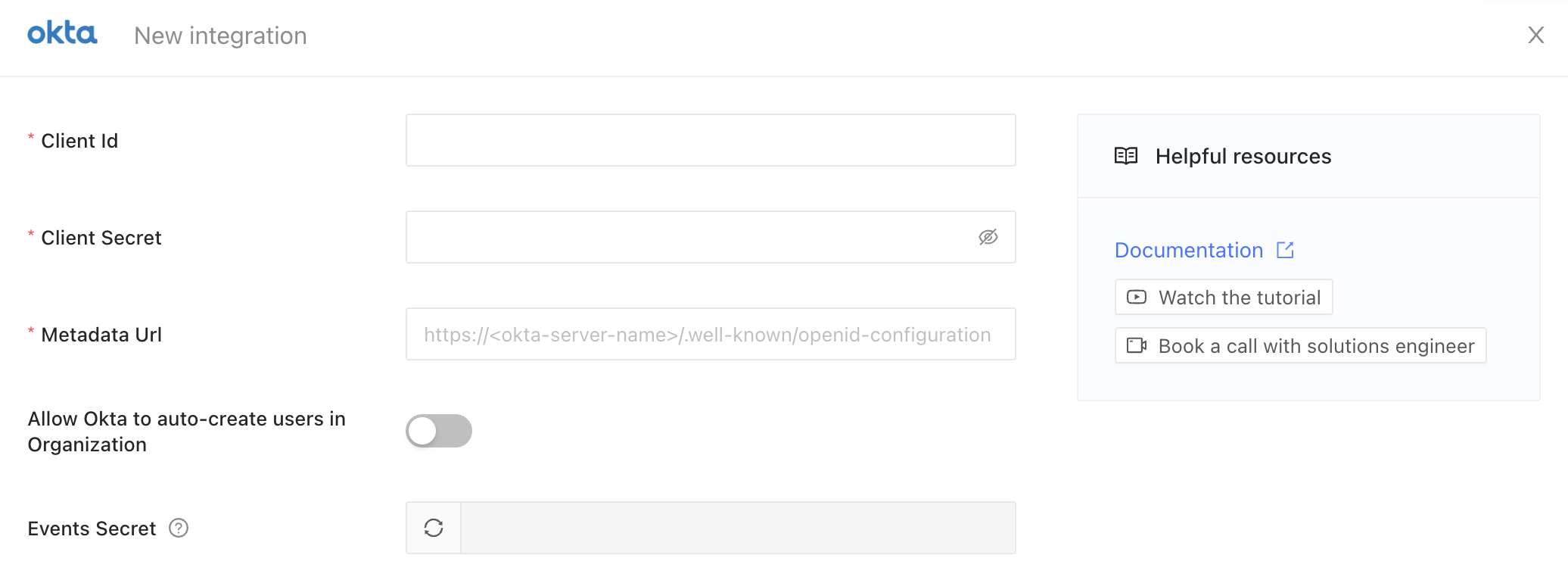 * Paste in your Okta **Client Id** and **Client Secret**.
* The **Metadata Url** of Okta OAuth server is `https:///.well-known/openid-configuration`, replace `okta-server-name` with the name of your Okta domain.
* If you'd like to auto-create users in Datafold that are authorized in Okta, enable the **Allow Okta to auto-create users in Organization** switch.
* Finally, click **Save**.
**TIP**
Users can either be explicitly invited in Datafold by an admin user, using the same email as used in Okta, or they can be auto-created. When the `signup` action is set in the login URI, authenticated users on Okta who have been assigned as a user in Okta of the Datafold application will then be able to login. If that user has not yet been invited, Datafold will then automatically create a user for them, since they're already authenticated by the Okta server of your domain. The user will then receive an email to confirm their email address.
## Synchronize state with Datafold \[Optional]
This step is essential if you want to ensure that users from your organization are automatically logged out when they are unassigned or deactivated in Okta.
1. Navigate to **Okta Admin panel** → **Workflow** → **Event Hooks**
2. Click **Create Event Hook**
3. Set **Name** to `Datafold`
4. Set **URL** to `https://app.datafold.com/hooks/oauth/okta/`
5. Set **Authentication field** to `secret`
6. Go to Datafold and generate a secret token in **Settings** → **Integrations** → **SSO** → **Okta**. Click the **Generate** button, copy it by using the **Copy** button and click **Save**. Use the pasted code in the **Authentication secret** field in Okta.
* Paste in your Okta **Client Id** and **Client Secret**.
* The **Metadata Url** of Okta OAuth server is `https:///.well-known/openid-configuration`, replace `okta-server-name` with the name of your Okta domain.
* If you'd like to auto-create users in Datafold that are authorized in Okta, enable the **Allow Okta to auto-create users in Organization** switch.
* Finally, click **Save**.
**TIP**
Users can either be explicitly invited in Datafold by an admin user, using the same email as used in Okta, or they can be auto-created. When the `signup` action is set in the login URI, authenticated users on Okta who have been assigned as a user in Okta of the Datafold application will then be able to login. If that user has not yet been invited, Datafold will then automatically create a user for them, since they're already authenticated by the Okta server of your domain. The user will then receive an email to confirm their email address.
## Synchronize state with Datafold \[Optional]
This step is essential if you want to ensure that users from your organization are automatically logged out when they are unassigned or deactivated in Okta.
1. Navigate to **Okta Admin panel** → **Workflow** → **Event Hooks**
2. Click **Create Event Hook**
3. Set **Name** to `Datafold`
4. Set **URL** to `https://app.datafold.com/hooks/oauth/okta/`
5. Set **Authentication field** to `secret`
6. Go to Datafold and generate a secret token in **Settings** → **Integrations** → **SSO** → **Okta**. Click the **Generate** button, copy it by using the **Copy** button and click **Save**. Use the pasted code in the **Authentication secret** field in Okta.
 **CAUTION**
Keep this secret token safe as you won't be able to see after saving your Integration.
7. In **Subscribe to events** add events: `User suspended`, `User deactivated`, `Deactivate application`, `User unassigned from app`
8. Click **Save & Continue**
**CAUTION**
Keep this secret token safe as you won't be able to see after saving your Integration.
7. In **Subscribe to events** add events: `User suspended`, `User deactivated`, `Deactivate application`, `User unassigned from app`
8. Click **Save & Continue**
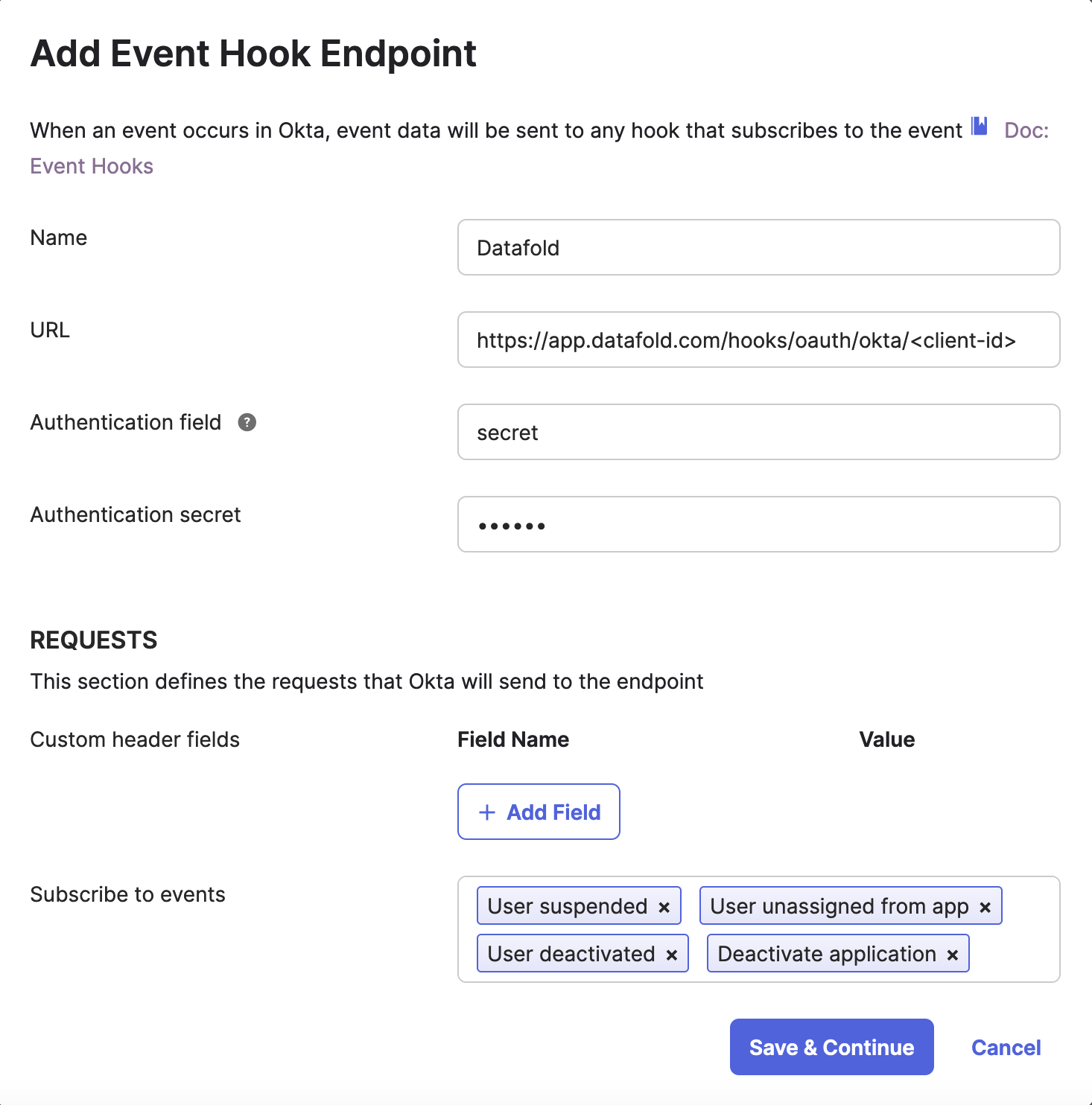 . On **Verify Endpoint Ownership** click **Verify**
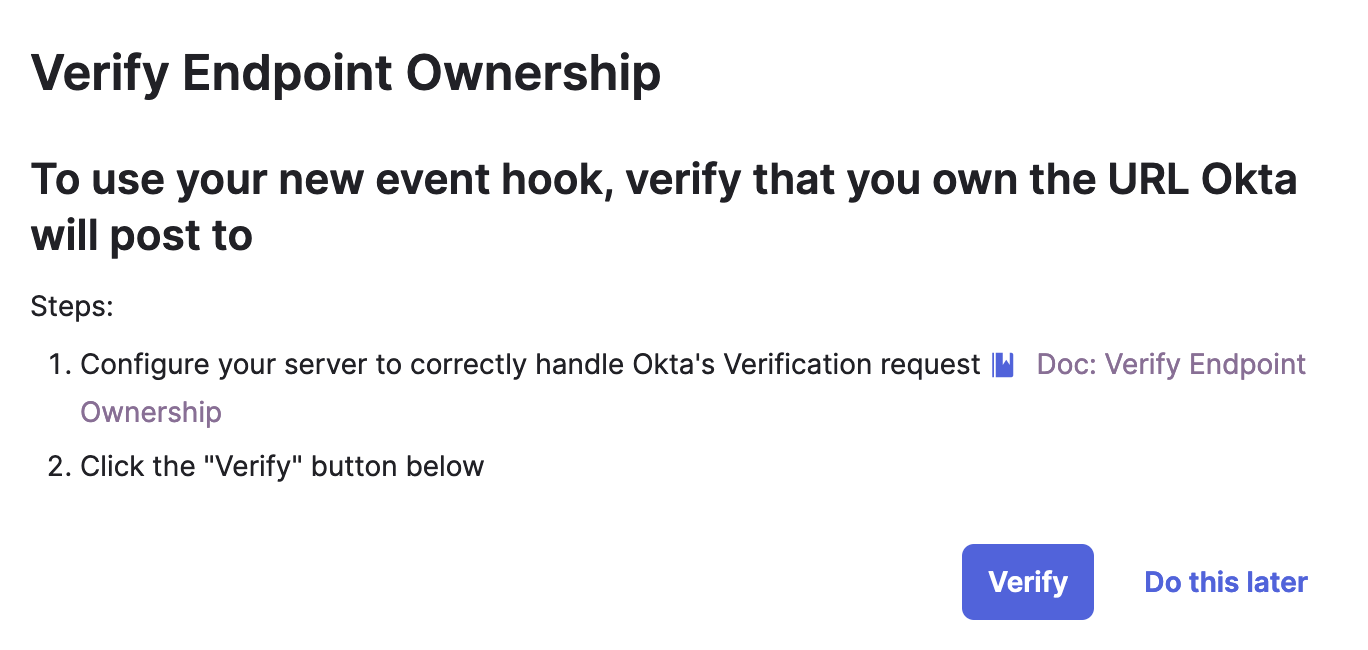 * If the verification is successful, you have completed the setup.
## Testing the Okta integration
* Visit [https://app.datafold.com](https://app.datafold.com)
* Type in your email and wait up to five seconds.
* The Okta button should switch from disabled to enabled.
* Click the Okta login button.
* The browser should be redirected to your Okta domain, authenticate the user there and be redirected back to the Datafold application.
* Visit `https://your-dns-name`, replacing your-dns-name with the domain name of your installation.
* Type in your email and wait up to five seconds.
* The Okta button should switch from disabled to enabled.
* Click the Okta login button.
* The browser should be redirected to your Okta domain, authenticate the user there and be redirected back to the Datafold application.
If this didn't work, pay close attention to any error messages, or contact `support@datafold.com`.
---
# Source: https://docs.datafold.com/deployment-testing/configuration/datafold-ci/on-demand.md
> ## Documentation Index
> Fetch the complete documentation index at: https://docs.datafold.com/llms.txt
> Use this file to discover all available pages before exploring further.
# Running Data Diff for Specific PRs/MRs
> By default, Datafold CI runs on every new pull/merge request and commits to existing ones.
To **only** run Datafold CI when the user explicitly requests it, you can set **Run only when tagged** option in the Datafold app [CI settings](https://app.datafold.com/settings/integrations/ci) which will only allow Datafold CI to run if a `datafold` tag/label is assigned to the pull/merge request.
* If the verification is successful, you have completed the setup.
## Testing the Okta integration
* Visit [https://app.datafold.com](https://app.datafold.com)
* Type in your email and wait up to five seconds.
* The Okta button should switch from disabled to enabled.
* Click the Okta login button.
* The browser should be redirected to your Okta domain, authenticate the user there and be redirected back to the Datafold application.
* Visit `https://your-dns-name`, replacing your-dns-name with the domain name of your installation.
* Type in your email and wait up to five seconds.
* The Okta button should switch from disabled to enabled.
* Click the Okta login button.
* The browser should be redirected to your Okta domain, authenticate the user there and be redirected back to the Datafold application.
If this didn't work, pay close attention to any error messages, or contact `support@datafold.com`.
---
# Source: https://docs.datafold.com/deployment-testing/configuration/datafold-ci/on-demand.md
> ## Documentation Index
> Fetch the complete documentation index at: https://docs.datafold.com/llms.txt
> Use this file to discover all available pages before exploring further.
# Running Data Diff for Specific PRs/MRs
> By default, Datafold CI runs on every new pull/merge request and commits to existing ones.
To **only** run Datafold CI when the user explicitly requests it, you can set **Run only when tagged** option in the Datafold app [CI settings](https://app.datafold.com/settings/integrations/ci) which will only allow Datafold CI to run if a `datafold` tag/label is assigned to the pull/merge request.
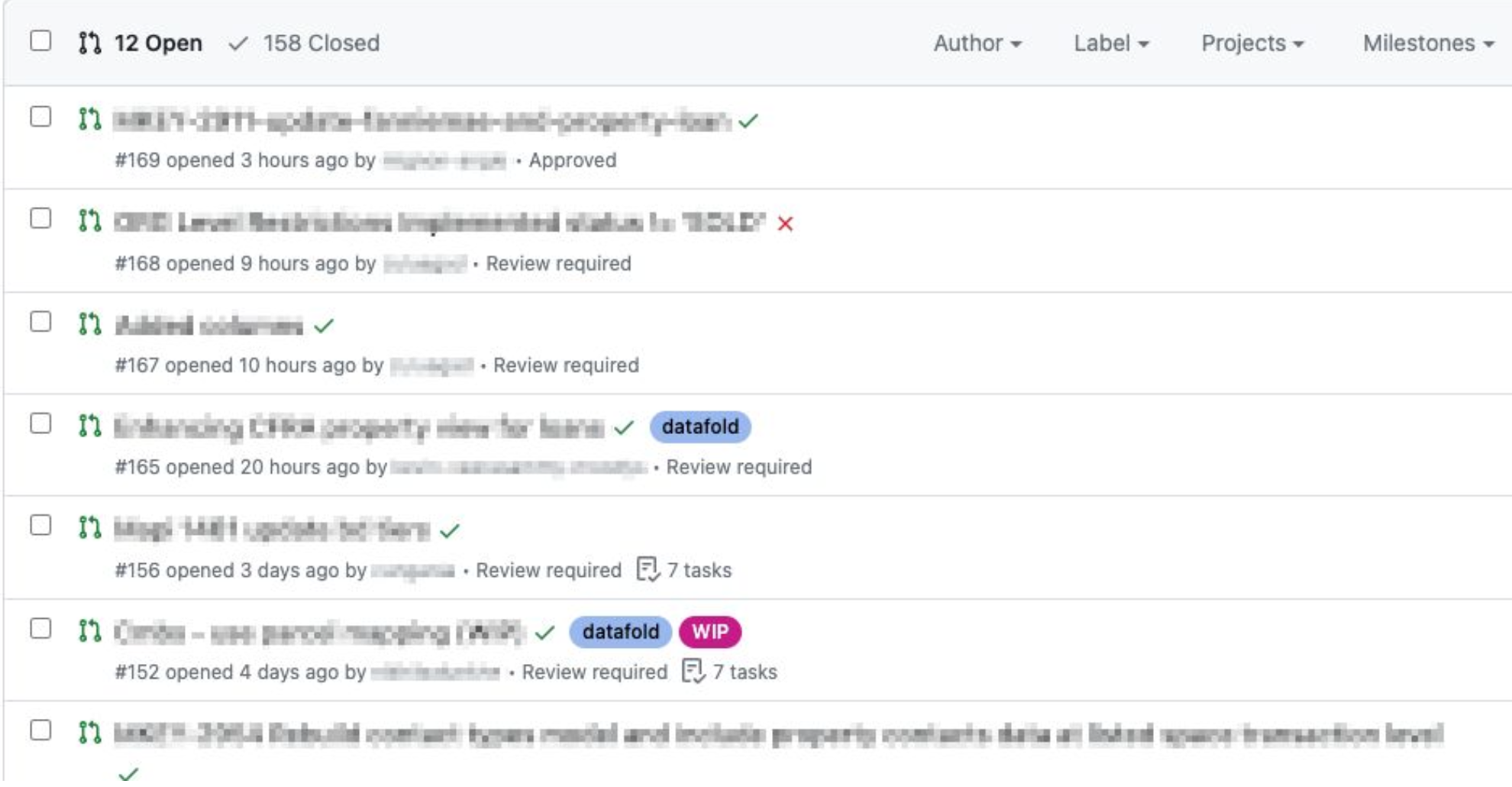 ## Running data diff on specific file changes
By default, Datafold CI will run on any file change in the repo. To skip Datafold CI runs for certain modified files (e.g., if the dbt code is placed in the same repo with non-dbt code), you can specify files to ignore. The pattern uses the syntax of .gitignore. Excluded files can be re-included by using the negation.
### Example
Let's say the dbt project is a folder in a repo that contains other code (e.g., Airflow). We want to run Datafold CI for changes to dbt models but skip it for other files. For that, we exclude all files in the repo except those the /dbt folder. We also want to filter out `.md` files in the /dbt folder:
```Bash theme={null}
*!dbt/*dbt/*.md
```
**SKIPPING SPECIFIC DBT MODELS**
To skip diffing individual dbt models in CI, use the [never\_diff](/deployment-testing/configuration/model-specific-ci/excluding-models) option in the Datafold dbt yaml config.
---
# Source: https://docs.datafold.com/integrations/databases/oracle.md
> ## Documentation Index
> Fetch the complete documentation index at: https://docs.datafold.com/llms.txt
> Use this file to discover all available pages before exploring further.
# Oracle
**INFO**
Please contact [support@datafold.com](mailto:support@datafold.com) if you use an Oracle version \< 19.x.
**INFO**
Column-level Lineage is not currently supported for Oracle.
**Steps to complete:**
1. [Run SQL script and create schema for Datafold](/integrations/databases/oracle#run-sql-script-and-create-schema-for-datafold)
2. [Configure your data connection in Datafold](/integrations/databases/oracle#configure-in-datafold)
## Run SQL script and create schema for datafold\_group
To connect to Oracle, create a user with read-only access to all tables you wish to diff. Include read and write access to a Datafold-specific temp schema:
```Bash theme={null}
-- Switch container context (default is "XEPDB1")
ALTER SESSION SET CONTAINER = YOURCONTAINER;
-- Create a Datafold user/schema
CREATE USER DATAFOLD IDENTIFIED BY somesecurepassword;
-- Allow Datafold user to connect
GRANT CREATE SESSION TO DATAFOLD;
-- Allow user to create tables in DATAFOLD schema
GRANT CREATE TABLE TO DATAFOLD;
-- Grant read access to diff tables in your schema
GRANT SELECT ON "YOURSCHEMA"."YOURTABLE" TO DATAFOLD;
-- Grant access to DBMS_CRYPTO utilities (hashing functions, etc.)
GRANT EXECUTE ON SYS.DBMS_CRYPTO TO DATAFOLD;
-- Allow Datafold users/schemas to use disk space (adjust if needed)
GRANT UNLIMITED TABLESPACE TO DATAFOLD;
-- Apply the changes
COMMIT;
```
Datafold utilizes a temporary dataset to materialize scratch work and keep data processing in the your warehouse.
## Configure in Datafold
| Field Name | Description |
| --------------------------- | ---------------------------------------------------------------------------------------------- |
| Name | A name given to the data connection within Datafold |
| Host | The hostname address for your database |
| Port | Postgres connection port; default value is 1521 |
| User | The user role created in our SQL script, named DATAFOLD |
| Password | The password created in our SQL script |
| Connection type | Choose Service or SID depending on your connection type; default value is Service |
| Service (or SID) | The name of the database (Service or SID) you want to connect to, e.g. XEPDB1 or YOURCONTAINER |
| Schema for temporary tables | The user/schema created in our SQL script - DATAFOLD |
Click **Create**. Your data connection is ready!
---
# Source: https://docs.datafold.com/integrations/orchestrators.md
> ## Documentation Index
> Fetch the complete documentation index at: https://docs.datafold.com/llms.txt
> Use this file to discover all available pages before exploring further.
# Integrate with Orchestrators
> Integrate Datafold with dbt Core, dbt Cloud, Airflow, or custom orchestrators to streamline your data workflows with automated monitoring, testing, and seamless CI integration.
**NOTE**
To integrate with dbt, first set up a [Data Connection](/integrations/databases) and integrate with [Code Repositories](/integrations/code-repositories).
Then navigate to **Settings** → **dbt** and click **Add New Integration**.
Set up Datafold with dbt Core to enable automated data diffs and CI/CD integration.
Integrate with dbt Cloud to enable automated data diffs and CI/CD integration.
Use Datafold's API and SDK to build custom CI integrations tailored to your workflow.
---
# Source: https://docs.datafold.com/faq/overview.md
> ## Documentation Index
> Fetch the complete documentation index at: https://docs.datafold.com/llms.txt
> Use this file to discover all available pages before exploring further.
# Overview
> Get answers to the most common questions regarding our product.
Have a question that isn’t answered here? Feel free to reach out to us at [support@datafold.com](mailto:support@datafold.com), and we’ll be happy to assist you!
---
# Source: https://docs.datafold.com/integrations/notifications/pagerduty.md
# PagerDuty
> Receive notifications for monitors in PagerDuty.
## Prerequisites
* PagerDuty access with permissions to manage `Services`
* A Datafold account with admin privileges
## Configure the Integration
1. In Datafold, go to Settings > Integrations > Notifications
2. Click "Add New Integration"
3. Select "PagerDuty"
4. Go to the PagerDuty console and [create a new `Service`](https://support.pagerduty.com/main/docs/services-and-integrations#create-a-service)
5. Select `Events API V2` as a service integration
6. Go to your service's `Integrations` page and copy the `Integration Key` (or [generate a new one](https://support.pagerduty.com/main/docs/services-and-integrations#generate-a-new-integration-key))
7. Return to Datafold and provide `Service Name` and `Integration Key`
8. Save the integration settings in Datafold
You're all set! When you configure a monitor in Datafold, you'll now have the option to send notifications to the PagerDuty integration you configured.
## Need help?
If you have any questions about integrating with PagerDuty, please reach out to our team via Slack, in-app chat, or email us at [support@datafold.com](mailto:support@datafold.com).
---
# Source: https://docs.datafold.com/faq/performance-and-scalability.md
> ## Documentation Index
> Fetch the complete documentation index at: https://docs.datafold.com/llms.txt
> Use this file to discover all available pages before exploring further.
# Performance and Scalability
Datafold is highly scalable, supporting data teams working with billion-row datasets and thousands of data transformation/dbt models. It offers powerful performance optimization features such as [SQL filtering](/deployment-testing/configuration/model-specific-ci/sql-filters), [sampling](/data-diff/cross-database-diffing/best-practices), and [Slim Diff](/deployment-testing/best-practices/slim-diff), which allow you to focus on testing the datasets that are most critical to your business, ensuring efficient and targeted data quality validation.
Datafold pushes down compute to your database, and the performance of data diffs largely depends on the underlying SQL engine. Here are some in-app strategies to optimize performance:
1. [Enable sampling](/data-diff/cross-database-diffing/best-practices): Sampling reduces the amount of data processed by comparing a randomly chosen subset. This approach balances diff detail with processing time and cost, suitable for most use cases.
2. [Use SQL Filters](/deployment-testing/configuration/model-specific-ci/sql-filters): If you only need to compare a specific subset of data (e.g., for a particular city or a recent time period), adding a SQL filter can streamline the diff process.
3. **Exclude columns/tables**: When certain columns or tables are unnecessary for critical comparisons—such as temporary tables with dynamic values, metadata fields, or timestamp columns that always differ—you can exclude these to increase diff efficiency and speed.
You can exclude columns when you create a new Data Diff or when you clone an existing one:
## Running data diff on specific file changes
By default, Datafold CI will run on any file change in the repo. To skip Datafold CI runs for certain modified files (e.g., if the dbt code is placed in the same repo with non-dbt code), you can specify files to ignore. The pattern uses the syntax of .gitignore. Excluded files can be re-included by using the negation.
### Example
Let's say the dbt project is a folder in a repo that contains other code (e.g., Airflow). We want to run Datafold CI for changes to dbt models but skip it for other files. For that, we exclude all files in the repo except those the /dbt folder. We also want to filter out `.md` files in the /dbt folder:
```Bash theme={null}
*!dbt/*dbt/*.md
```
**SKIPPING SPECIFIC DBT MODELS**
To skip diffing individual dbt models in CI, use the [never\_diff](/deployment-testing/configuration/model-specific-ci/excluding-models) option in the Datafold dbt yaml config.
---
# Source: https://docs.datafold.com/integrations/databases/oracle.md
> ## Documentation Index
> Fetch the complete documentation index at: https://docs.datafold.com/llms.txt
> Use this file to discover all available pages before exploring further.
# Oracle
**INFO**
Please contact [support@datafold.com](mailto:support@datafold.com) if you use an Oracle version \< 19.x.
**INFO**
Column-level Lineage is not currently supported for Oracle.
**Steps to complete:**
1. [Run SQL script and create schema for Datafold](/integrations/databases/oracle#run-sql-script-and-create-schema-for-datafold)
2. [Configure your data connection in Datafold](/integrations/databases/oracle#configure-in-datafold)
## Run SQL script and create schema for datafold\_group
To connect to Oracle, create a user with read-only access to all tables you wish to diff. Include read and write access to a Datafold-specific temp schema:
```Bash theme={null}
-- Switch container context (default is "XEPDB1")
ALTER SESSION SET CONTAINER = YOURCONTAINER;
-- Create a Datafold user/schema
CREATE USER DATAFOLD IDENTIFIED BY somesecurepassword;
-- Allow Datafold user to connect
GRANT CREATE SESSION TO DATAFOLD;
-- Allow user to create tables in DATAFOLD schema
GRANT CREATE TABLE TO DATAFOLD;
-- Grant read access to diff tables in your schema
GRANT SELECT ON "YOURSCHEMA"."YOURTABLE" TO DATAFOLD;
-- Grant access to DBMS_CRYPTO utilities (hashing functions, etc.)
GRANT EXECUTE ON SYS.DBMS_CRYPTO TO DATAFOLD;
-- Allow Datafold users/schemas to use disk space (adjust if needed)
GRANT UNLIMITED TABLESPACE TO DATAFOLD;
-- Apply the changes
COMMIT;
```
Datafold utilizes a temporary dataset to materialize scratch work and keep data processing in the your warehouse.
## Configure in Datafold
| Field Name | Description |
| --------------------------- | ---------------------------------------------------------------------------------------------- |
| Name | A name given to the data connection within Datafold |
| Host | The hostname address for your database |
| Port | Postgres connection port; default value is 1521 |
| User | The user role created in our SQL script, named DATAFOLD |
| Password | The password created in our SQL script |
| Connection type | Choose Service or SID depending on your connection type; default value is Service |
| Service (or SID) | The name of the database (Service or SID) you want to connect to, e.g. XEPDB1 or YOURCONTAINER |
| Schema for temporary tables | The user/schema created in our SQL script - DATAFOLD |
Click **Create**. Your data connection is ready!
---
# Source: https://docs.datafold.com/integrations/orchestrators.md
> ## Documentation Index
> Fetch the complete documentation index at: https://docs.datafold.com/llms.txt
> Use this file to discover all available pages before exploring further.
# Integrate with Orchestrators
> Integrate Datafold with dbt Core, dbt Cloud, Airflow, or custom orchestrators to streamline your data workflows with automated monitoring, testing, and seamless CI integration.
**NOTE**
To integrate with dbt, first set up a [Data Connection](/integrations/databases) and integrate with [Code Repositories](/integrations/code-repositories).
Then navigate to **Settings** → **dbt** and click **Add New Integration**.
Set up Datafold with dbt Core to enable automated data diffs and CI/CD integration.
Integrate with dbt Cloud to enable automated data diffs and CI/CD integration.
Use Datafold's API and SDK to build custom CI integrations tailored to your workflow.
---
# Source: https://docs.datafold.com/faq/overview.md
> ## Documentation Index
> Fetch the complete documentation index at: https://docs.datafold.com/llms.txt
> Use this file to discover all available pages before exploring further.
# Overview
> Get answers to the most common questions regarding our product.
Have a question that isn’t answered here? Feel free to reach out to us at [support@datafold.com](mailto:support@datafold.com), and we’ll be happy to assist you!
---
# Source: https://docs.datafold.com/integrations/notifications/pagerduty.md
# PagerDuty
> Receive notifications for monitors in PagerDuty.
## Prerequisites
* PagerDuty access with permissions to manage `Services`
* A Datafold account with admin privileges
## Configure the Integration
1. In Datafold, go to Settings > Integrations > Notifications
2. Click "Add New Integration"
3. Select "PagerDuty"
4. Go to the PagerDuty console and [create a new `Service`](https://support.pagerduty.com/main/docs/services-and-integrations#create-a-service)
5. Select `Events API V2` as a service integration
6. Go to your service's `Integrations` page and copy the `Integration Key` (or [generate a new one](https://support.pagerduty.com/main/docs/services-and-integrations#generate-a-new-integration-key))
7. Return to Datafold and provide `Service Name` and `Integration Key`
8. Save the integration settings in Datafold
You're all set! When you configure a monitor in Datafold, you'll now have the option to send notifications to the PagerDuty integration you configured.
## Need help?
If you have any questions about integrating with PagerDuty, please reach out to our team via Slack, in-app chat, or email us at [support@datafold.com](mailto:support@datafold.com).
---
# Source: https://docs.datafold.com/faq/performance-and-scalability.md
> ## Documentation Index
> Fetch the complete documentation index at: https://docs.datafold.com/llms.txt
> Use this file to discover all available pages before exploring further.
# Performance and Scalability
Datafold is highly scalable, supporting data teams working with billion-row datasets and thousands of data transformation/dbt models. It offers powerful performance optimization features such as [SQL filtering](/deployment-testing/configuration/model-specific-ci/sql-filters), [sampling](/data-diff/cross-database-diffing/best-practices), and [Slim Diff](/deployment-testing/best-practices/slim-diff), which allow you to focus on testing the datasets that are most critical to your business, ensuring efficient and targeted data quality validation.
Datafold pushes down compute to your database, and the performance of data diffs largely depends on the underlying SQL engine. Here are some in-app strategies to optimize performance:
1. [Enable sampling](/data-diff/cross-database-diffing/best-practices): Sampling reduces the amount of data processed by comparing a randomly chosen subset. This approach balances diff detail with processing time and cost, suitable for most use cases.
2. [Use SQL Filters](/deployment-testing/configuration/model-specific-ci/sql-filters): If you only need to compare a specific subset of data (e.g., for a particular city or a recent time period), adding a SQL filter can streamline the diff process.
3. **Exclude columns/tables**: When certain columns or tables are unnecessary for critical comparisons—such as temporary tables with dynamic values, metadata fields, or timestamp columns that always differ—you can exclude these to increase diff efficiency and speed.
You can exclude columns when you create a new Data Diff or when you clone an existing one:
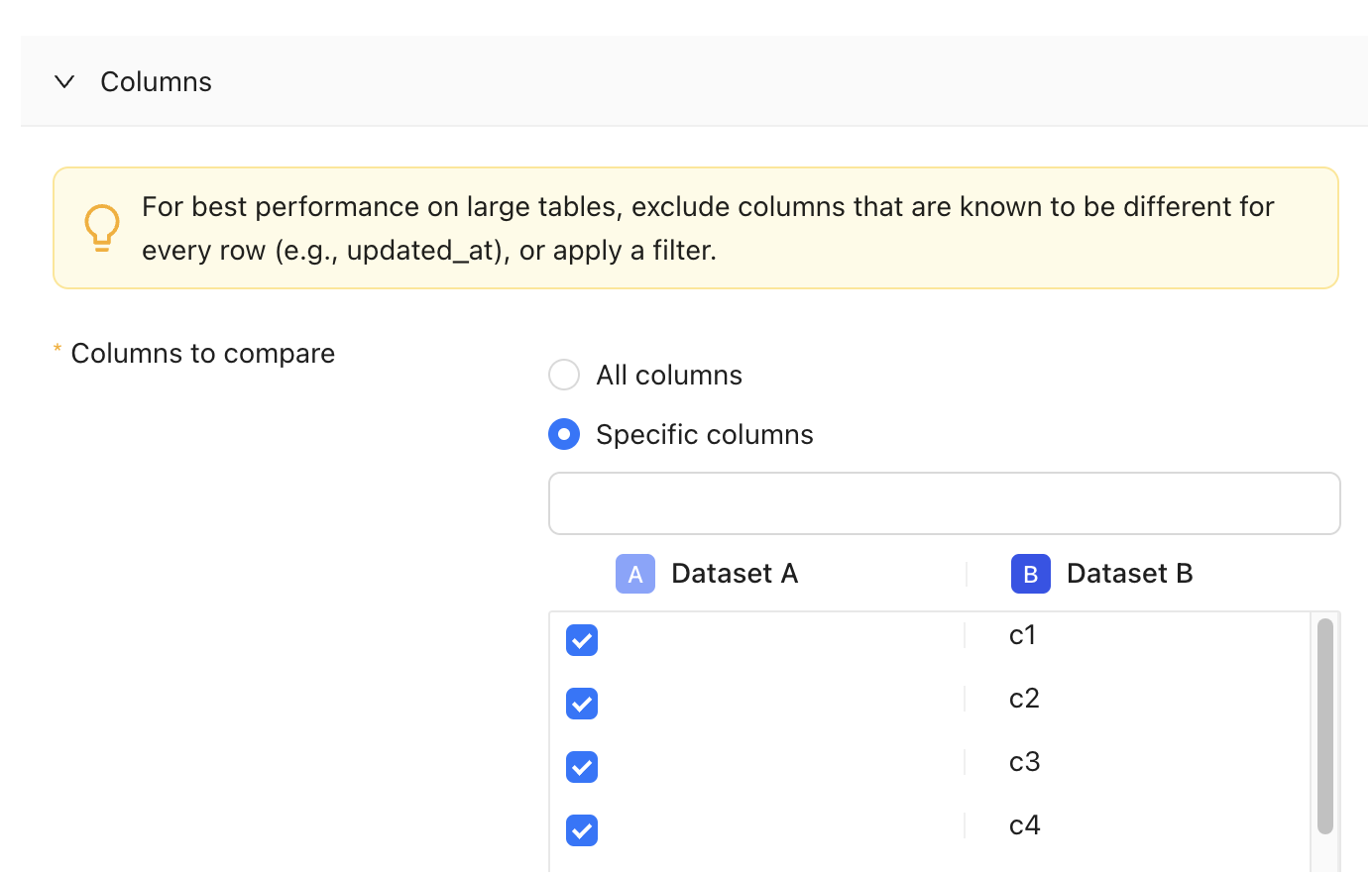 To exclude them in your CI/CD pipeline, [follow this guide](/integrations/orchestrators/dbt-core#advanced-settings-configuration) to specify them in the Advanced settings of your CI/CD configuration in Datafold.
4. **Optimize SQL queries**: Refactor your SQL queries to improve the efficiency of database operations, reducing execution time and resource usage.
5. **Leverage database performance features**: Ensure your database is configured to match typical diff workload patterns. Utilize features like query optimization, caching, and parallel processing to boost performance.
6. **Increase data warehouse resources**: If using a platform like Snowflake, consider increasing the size of your warehouse to allocate more resources to Datafold operations.
---
# Source: https://docs.datafold.com/integrations/databases/postgresql.md
> ## Documentation Index
> Fetch the complete documentation index at: https://docs.datafold.com/llms.txt
> Use this file to discover all available pages before exploring further.
# PostgreSQL
**INFO**
Column-level Lineage is supported for AWS Aurora and RDS Postgres and *requires* Cloudwatch to be configured.
**Steps to complete:**
1. [Run SQL script and create schema for Datafold](/integrations/databases/postgresql#run-sql-script-and-create-schema-for-datafold)
2. [Configure your data connection in Datafold](/integrations/databases/postgresql#configure-in-datafold)
## Run SQL script and create schema for Datafold
To connect to Postgres, you need to create a user with read-only access to all tables in all schemas, write access to Datafold-specific schema for temporary tables:
```Bash theme={null}
/* Datafold utilizes a temporary dataset to materialize scratch work and keep data processing in your warehouse. */
CREATE SCHEMA datafold_tmp;
/* Create a datafold user */
CREATE ROLE datafold WITH LOGIN ENCRYPTED PASSWORD 'SOMESECUREPASSWORD';
/* Give the datafold role write access to the temporary schema */
GRANT ALL ON SCHEMA datafold_tmp TO datafold;
/* Make sure that the postgres user has read permissions on the tables */
GRANT USAGE ON SCHEMA TO datafold;
GRANT SELECT ON ALL TABLES IN SCHEMA TO datafold;
```
Datafold utilizes a temporary schema, named `datafold_tmp` in the above script, to materialize scratch work and keep data processing in the your warehouse.
## Configure in Datafold
| Field Name | Description |
| --------------------------- | --------------------------------------------------------------- |
| Name | A name given to the data connection within Datafold |
| Host | The hostname address for your database; default value 127.0.0.1 |
| Port | Postgres connection port; default value is 5432 |
| User | The user role created in our SQL script, named datafold |
| Password | The password created in our SQL script |
| Database Name | The name of the Postgres database you want to connect to |
| Schema for temporary tables | The schema (datafold\_tmp) created in our SQL script |
Click **Create**. Your data connection is ready!
***
## Column-level Lineage with Aurora & RDS
This will guide you through setting up Column-level Lineage with AWS Aurora & RDS using CloudWatch.
**Steps to complete:**
1. [Setup Postgres with Permissions](#run-sql-script)
2. [Increase the logging verbosity of Postgres](#increase-logging-verbosity) so Datafold can parse lineage
3. [Set up an account for fetching the logs from CloudWatch.](#connect-datafold-to-cloudwatch)
4. [Configure your data connection in Datafold](#configure-in-datafold)
### Run SQL Script
To connect to Postgres, you need to create a user with read-only access to all tables in all schemas, write access to Datafold-specific schema for temporary tables:
```Bash theme={null}
/* Datafold utilizes a temporary dataset to materialize scratch work and keep data processing in the your warehouse. */
CREATE SCHEMA datafold_tmp;
/* Create a datafold user */
CREATE ROLE datafold WITH LOGIN ENCRYPTED PASSWORD 'SOMESECUREPASSWORD';
/* Give the datafole role write access to the temporary schema */
GRANT ALL ON SCHEMA datafold_tmp TO datafold;
/* Make sure that the postgres user has read permissions on the tables */
GRANT USAGE ON SCHEMA TO datafold;
GRANT SELECT ON ALL TABLES IN SCHEMA TO datafold;
```
### Increase logging verbosity
To exclude them in your CI/CD pipeline, [follow this guide](/integrations/orchestrators/dbt-core#advanced-settings-configuration) to specify them in the Advanced settings of your CI/CD configuration in Datafold.
4. **Optimize SQL queries**: Refactor your SQL queries to improve the efficiency of database operations, reducing execution time and resource usage.
5. **Leverage database performance features**: Ensure your database is configured to match typical diff workload patterns. Utilize features like query optimization, caching, and parallel processing to boost performance.
6. **Increase data warehouse resources**: If using a platform like Snowflake, consider increasing the size of your warehouse to allocate more resources to Datafold operations.
---
# Source: https://docs.datafold.com/integrations/databases/postgresql.md
> ## Documentation Index
> Fetch the complete documentation index at: https://docs.datafold.com/llms.txt
> Use this file to discover all available pages before exploring further.
# PostgreSQL
**INFO**
Column-level Lineage is supported for AWS Aurora and RDS Postgres and *requires* Cloudwatch to be configured.
**Steps to complete:**
1. [Run SQL script and create schema for Datafold](/integrations/databases/postgresql#run-sql-script-and-create-schema-for-datafold)
2. [Configure your data connection in Datafold](/integrations/databases/postgresql#configure-in-datafold)
## Run SQL script and create schema for Datafold
To connect to Postgres, you need to create a user with read-only access to all tables in all schemas, write access to Datafold-specific schema for temporary tables:
```Bash theme={null}
/* Datafold utilizes a temporary dataset to materialize scratch work and keep data processing in your warehouse. */
CREATE SCHEMA datafold_tmp;
/* Create a datafold user */
CREATE ROLE datafold WITH LOGIN ENCRYPTED PASSWORD 'SOMESECUREPASSWORD';
/* Give the datafold role write access to the temporary schema */
GRANT ALL ON SCHEMA datafold_tmp TO datafold;
/* Make sure that the postgres user has read permissions on the tables */
GRANT USAGE ON SCHEMA TO datafold;
GRANT SELECT ON ALL TABLES IN SCHEMA TO datafold;
```
Datafold utilizes a temporary schema, named `datafold_tmp` in the above script, to materialize scratch work and keep data processing in the your warehouse.
## Configure in Datafold
| Field Name | Description |
| --------------------------- | --------------------------------------------------------------- |
| Name | A name given to the data connection within Datafold |
| Host | The hostname address for your database; default value 127.0.0.1 |
| Port | Postgres connection port; default value is 5432 |
| User | The user role created in our SQL script, named datafold |
| Password | The password created in our SQL script |
| Database Name | The name of the Postgres database you want to connect to |
| Schema for temporary tables | The schema (datafold\_tmp) created in our SQL script |
Click **Create**. Your data connection is ready!
***
## Column-level Lineage with Aurora & RDS
This will guide you through setting up Column-level Lineage with AWS Aurora & RDS using CloudWatch.
**Steps to complete:**
1. [Setup Postgres with Permissions](#run-sql-script)
2. [Increase the logging verbosity of Postgres](#increase-logging-verbosity) so Datafold can parse lineage
3. [Set up an account for fetching the logs from CloudWatch.](#connect-datafold-to-cloudwatch)
4. [Configure your data connection in Datafold](#configure-in-datafold)
### Run SQL Script
To connect to Postgres, you need to create a user with read-only access to all tables in all schemas, write access to Datafold-specific schema for temporary tables:
```Bash theme={null}
/* Datafold utilizes a temporary dataset to materialize scratch work and keep data processing in the your warehouse. */
CREATE SCHEMA datafold_tmp;
/* Create a datafold user */
CREATE ROLE datafold WITH LOGIN ENCRYPTED PASSWORD 'SOMESECUREPASSWORD';
/* Give the datafole role write access to the temporary schema */
GRANT ALL ON SCHEMA datafold_tmp TO datafold;
/* Make sure that the postgres user has read permissions on the tables */
GRANT USAGE ON SCHEMA TO datafold;
GRANT SELECT ON ALL TABLES IN SCHEMA TO datafold;
```
### Increase logging verbosity
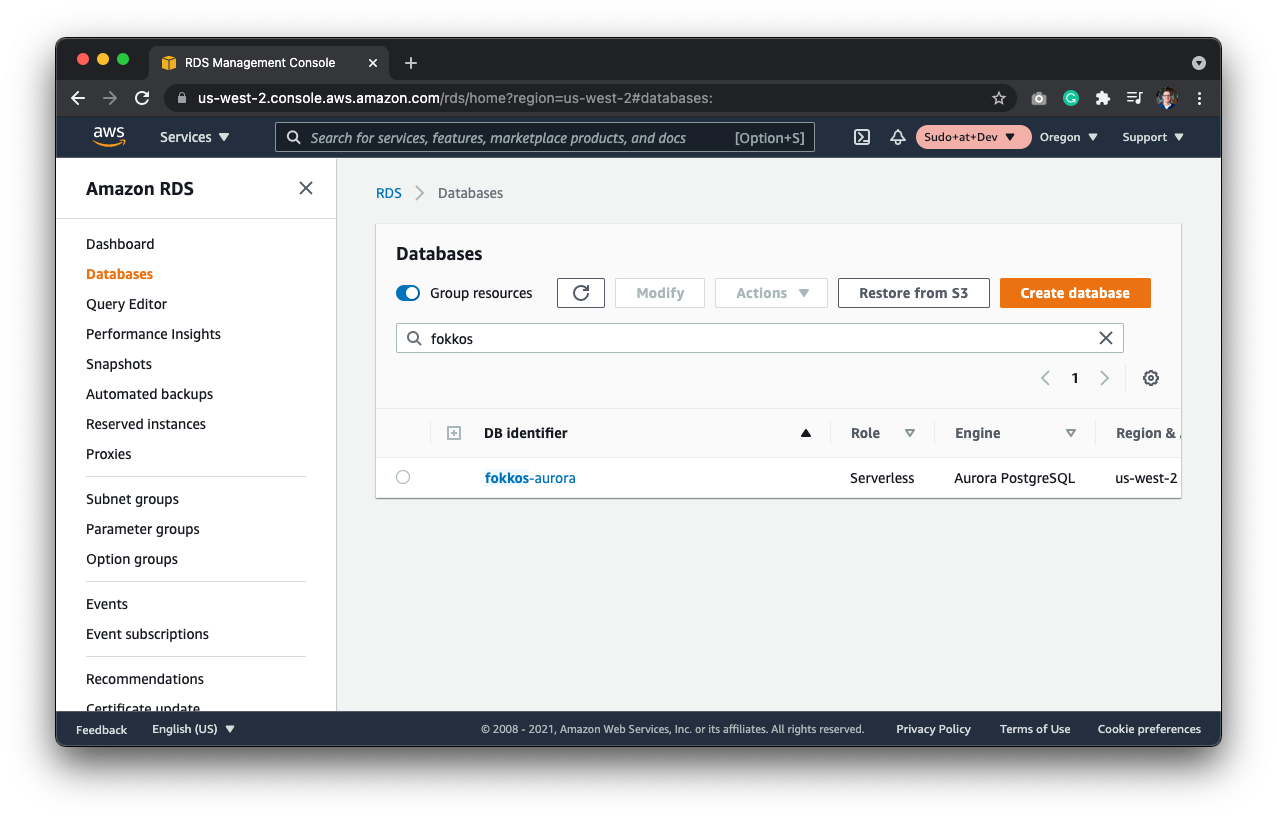 Then, create a new `Parameter Group`. Database instances run with default parameters that do not include logging verbosity. To turn on the logging verbosity, you'll need to create a new Parameter Group. Hit **Parameter Groups** on the menu and create a new Parameter Group.
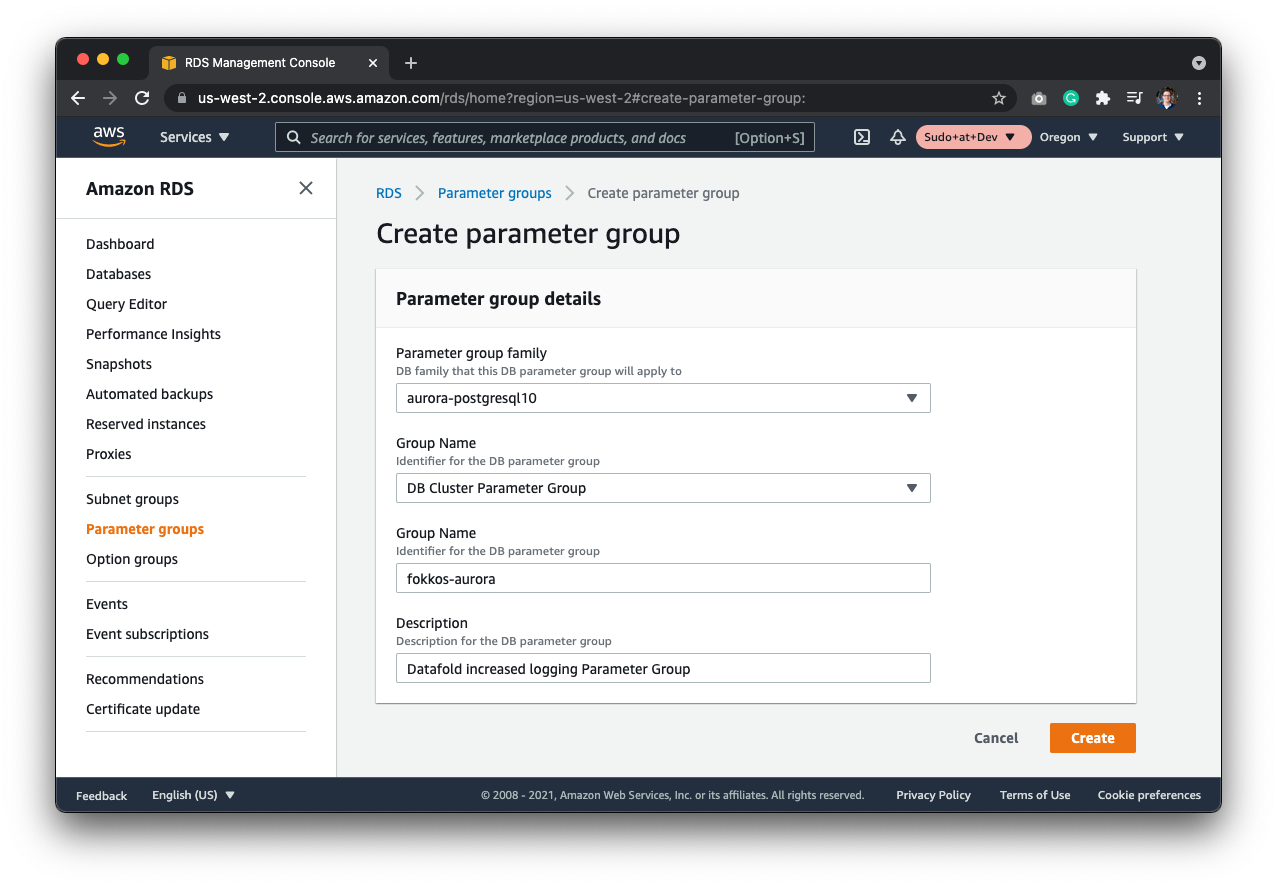 Next, select the `aurora-postgresql10` parameter group family. This depends on the cluster that you're running. For Aurora serverless, this is the appropriate family.
Finally, set the `log_statement` enum field to `mod` - meaning that it will log all the DDL statements, plus data-modifying statements. Note: This field isn't set by default.
Next, select the `aurora-postgresql10` parameter group family. This depends on the cluster that you're running. For Aurora serverless, this is the appropriate family.
Finally, set the `log_statement` enum field to `mod` - meaning that it will log all the DDL statements, plus data-modifying statements. Note: This field isn't set by default.
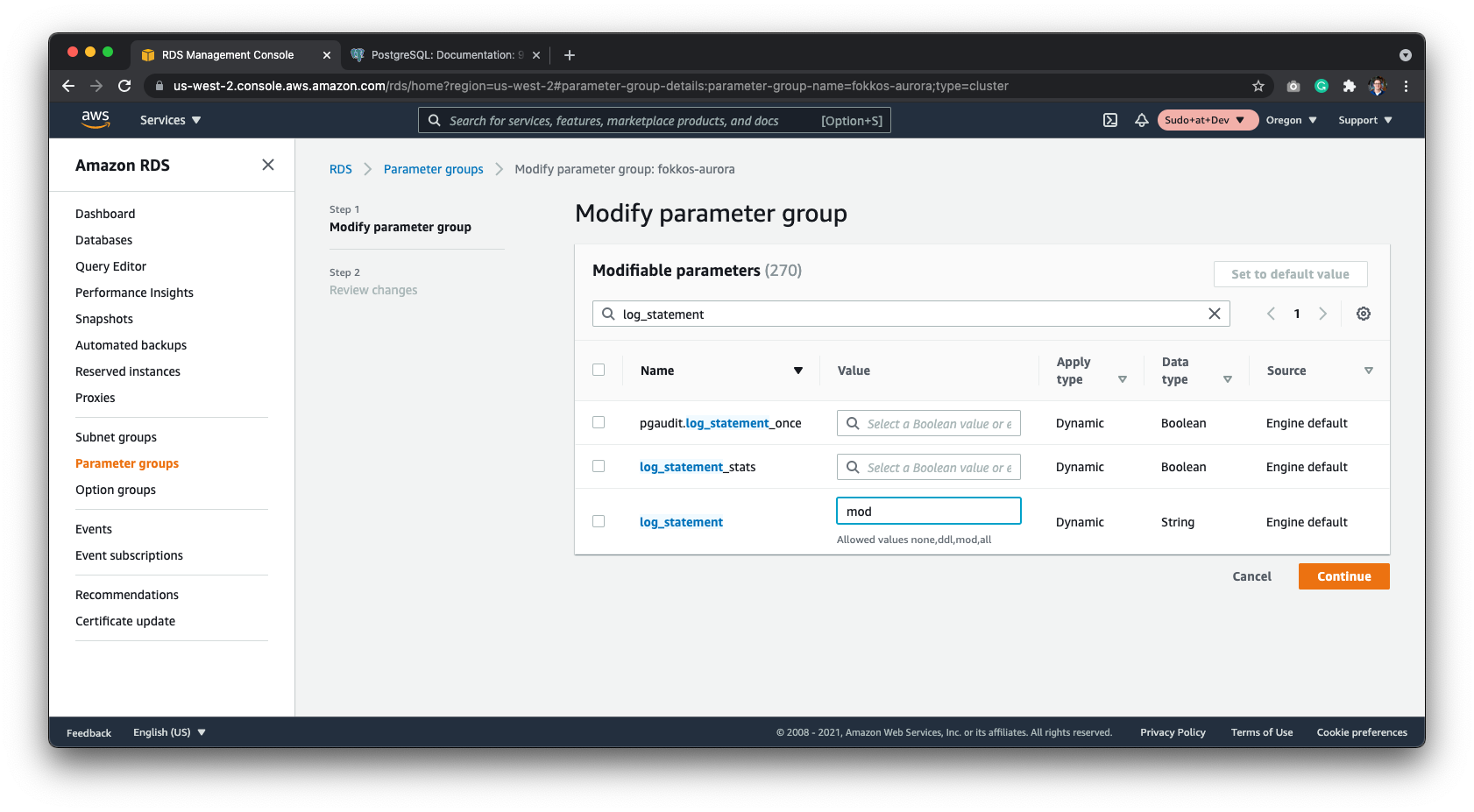 After saving the parameter group, go back to your database, and select the database cluster parameter group.
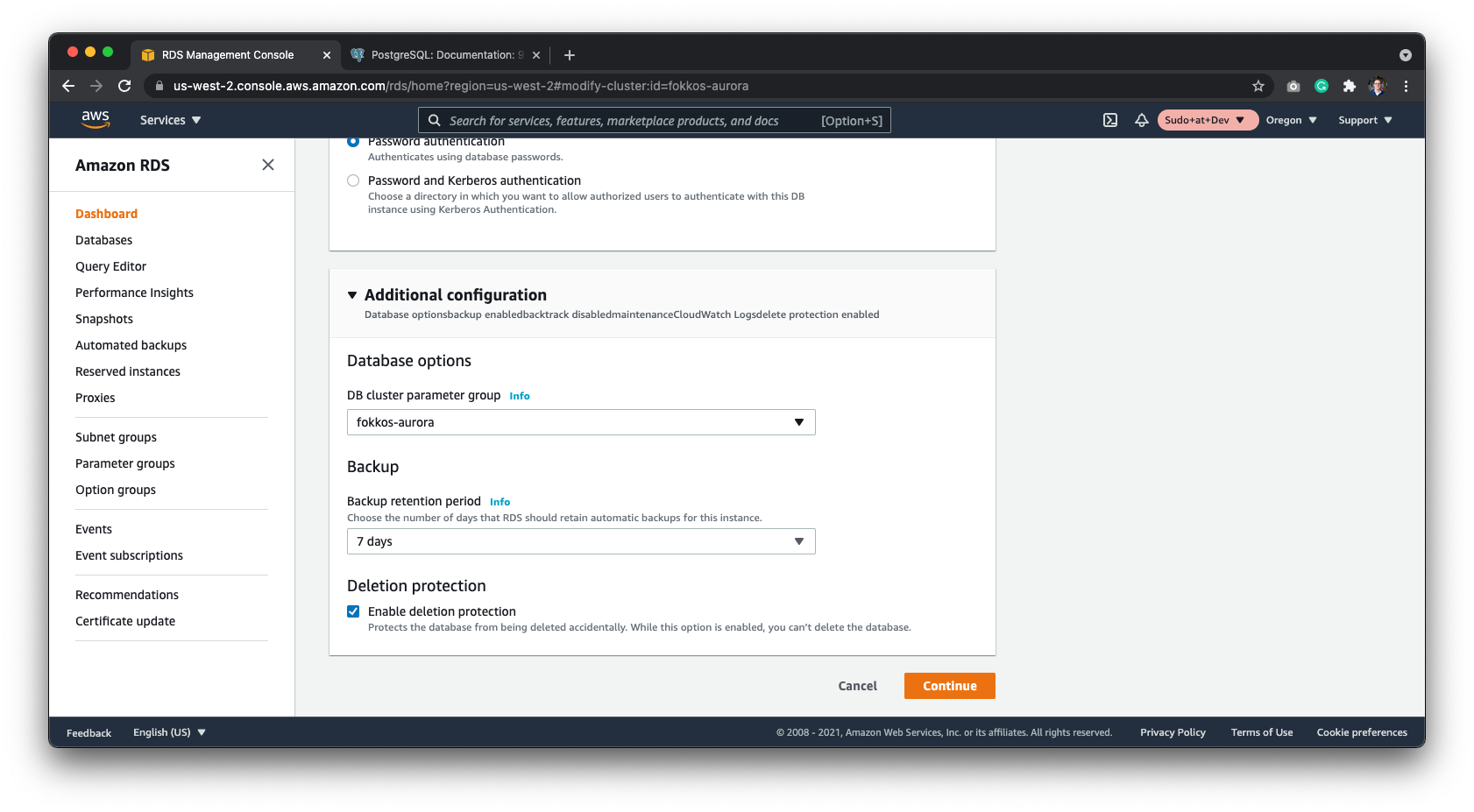 ### Connect Datafold to CloudWatch
Start by creating a new user to isolate the permissions as much as possible. Go to IAM and create a new user.
### Connect Datafold to CloudWatch
Start by creating a new user to isolate the permissions as much as possible. Go to IAM and create a new user.
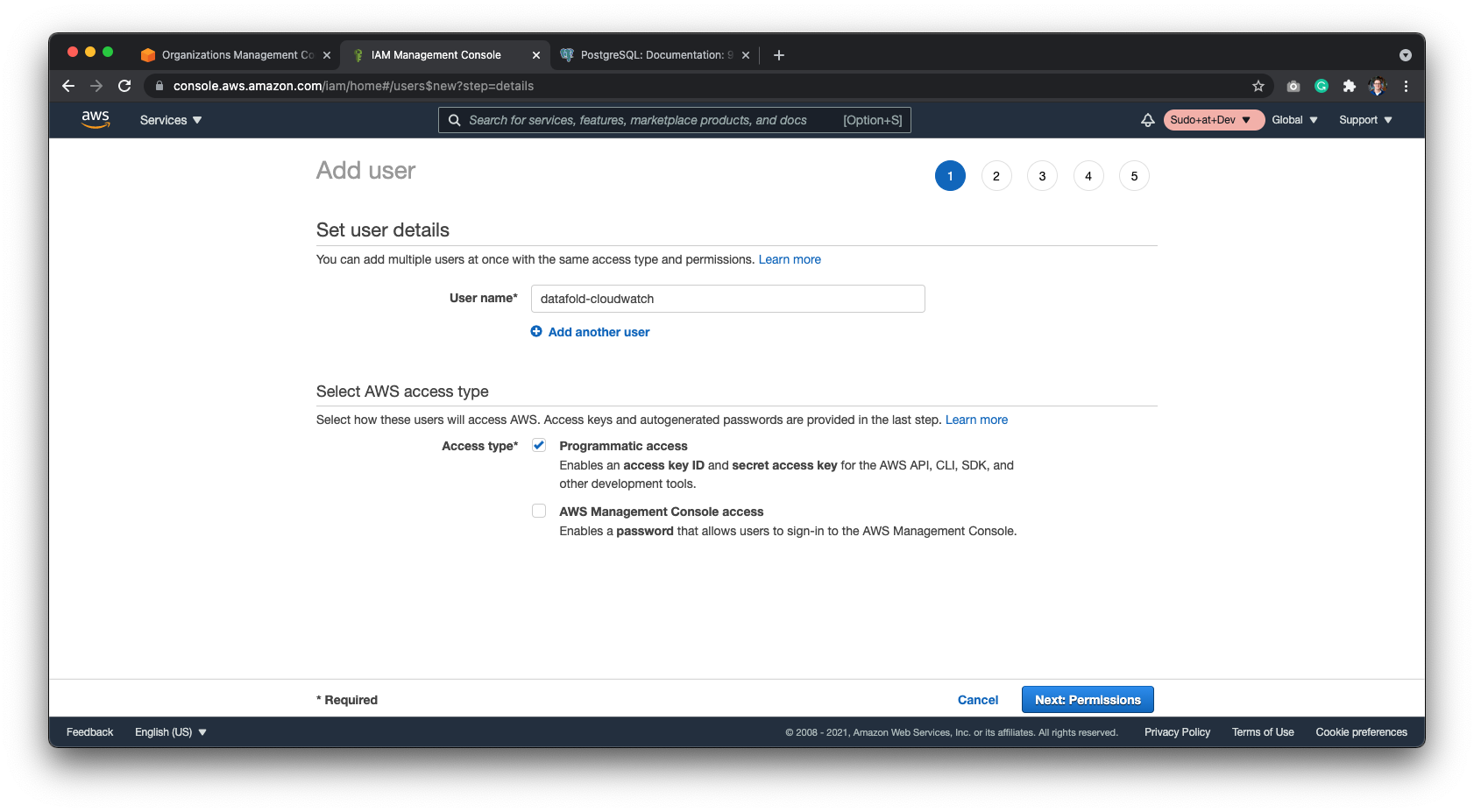 Next, create a new group named `CloudWatchLogsReadOnly` and attach the `CloudWatchLogsReadOnlyAccess` policy to it. Next, select the group.
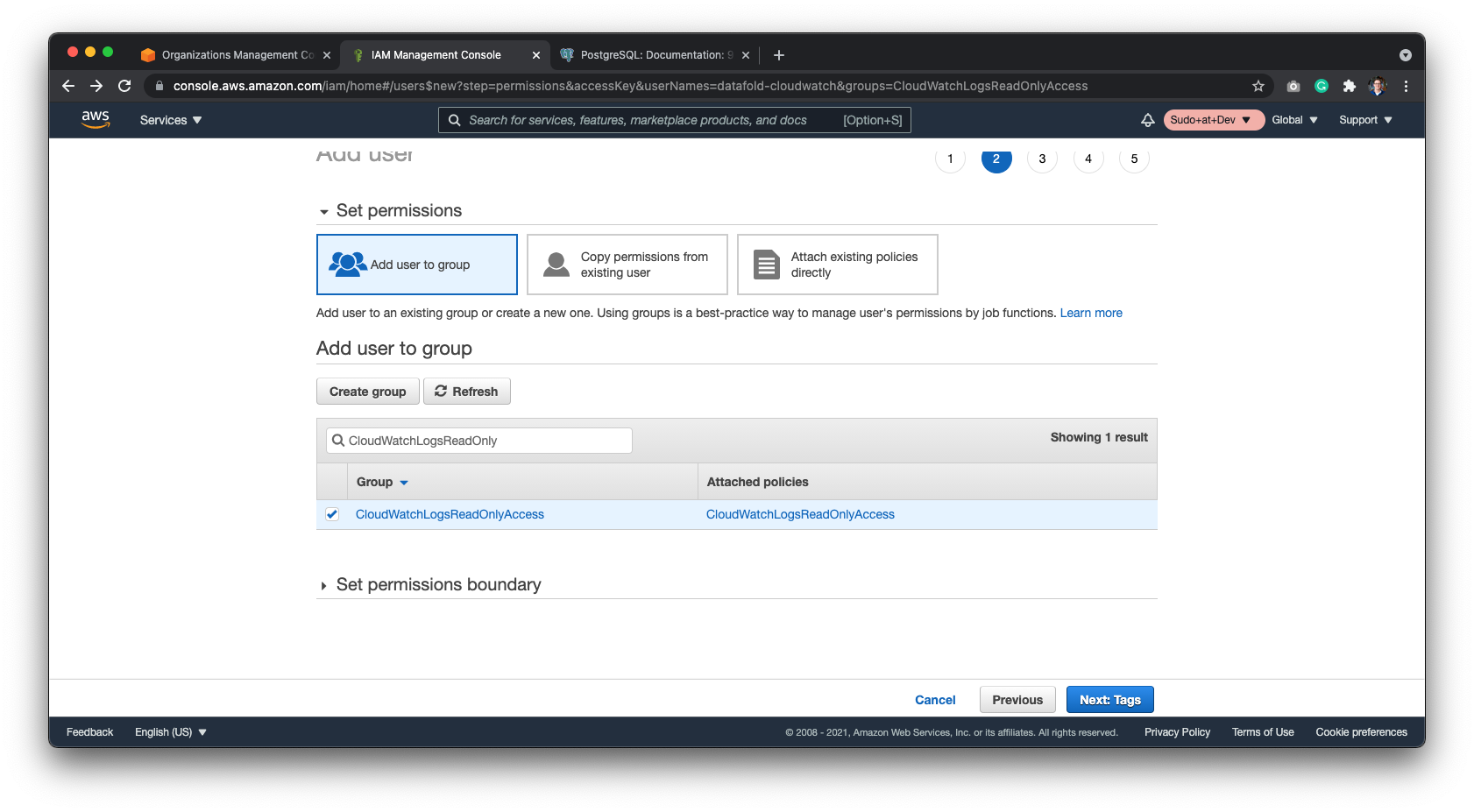 When reviewing the user, it should have the freshly created group attached to it.
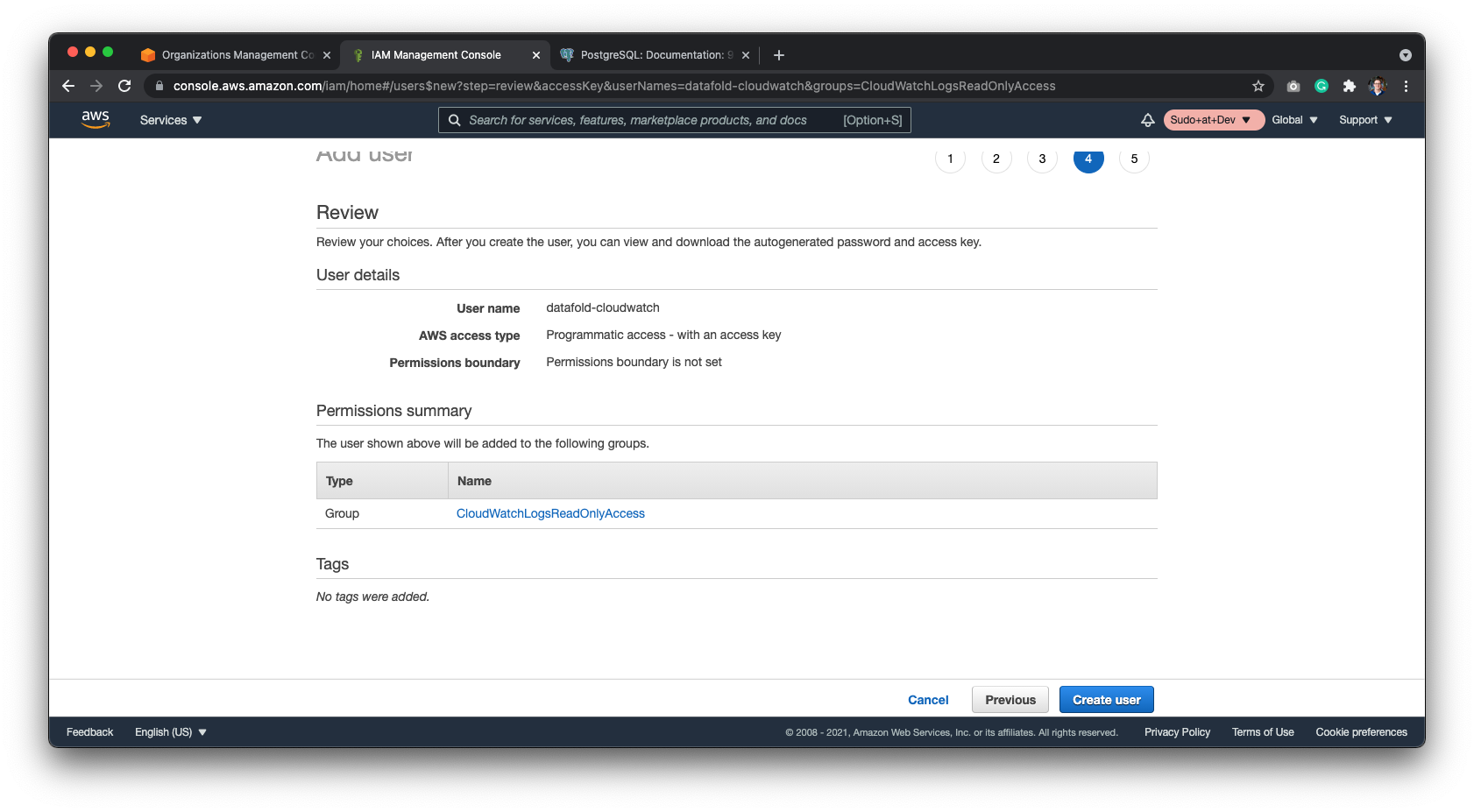 After confirming the new user you should be given the `Access Key` and `Secret Key`. Save these two codes securely to finish configurations on Datafold.
The last piece of information Datafold needs is the CloudWatch Log Group. You will find this in CloudWatch under the Log Group section in the sidebar. It will be formatted as `/aws/rds/cluster//postgresql`.
After confirming the new user you should be given the `Access Key` and `Secret Key`. Save these two codes securely to finish configurations on Datafold.
The last piece of information Datafold needs is the CloudWatch Log Group. You will find this in CloudWatch under the Log Group section in the sidebar. It will be formatted as `/aws/rds/cluster//postgresql`.
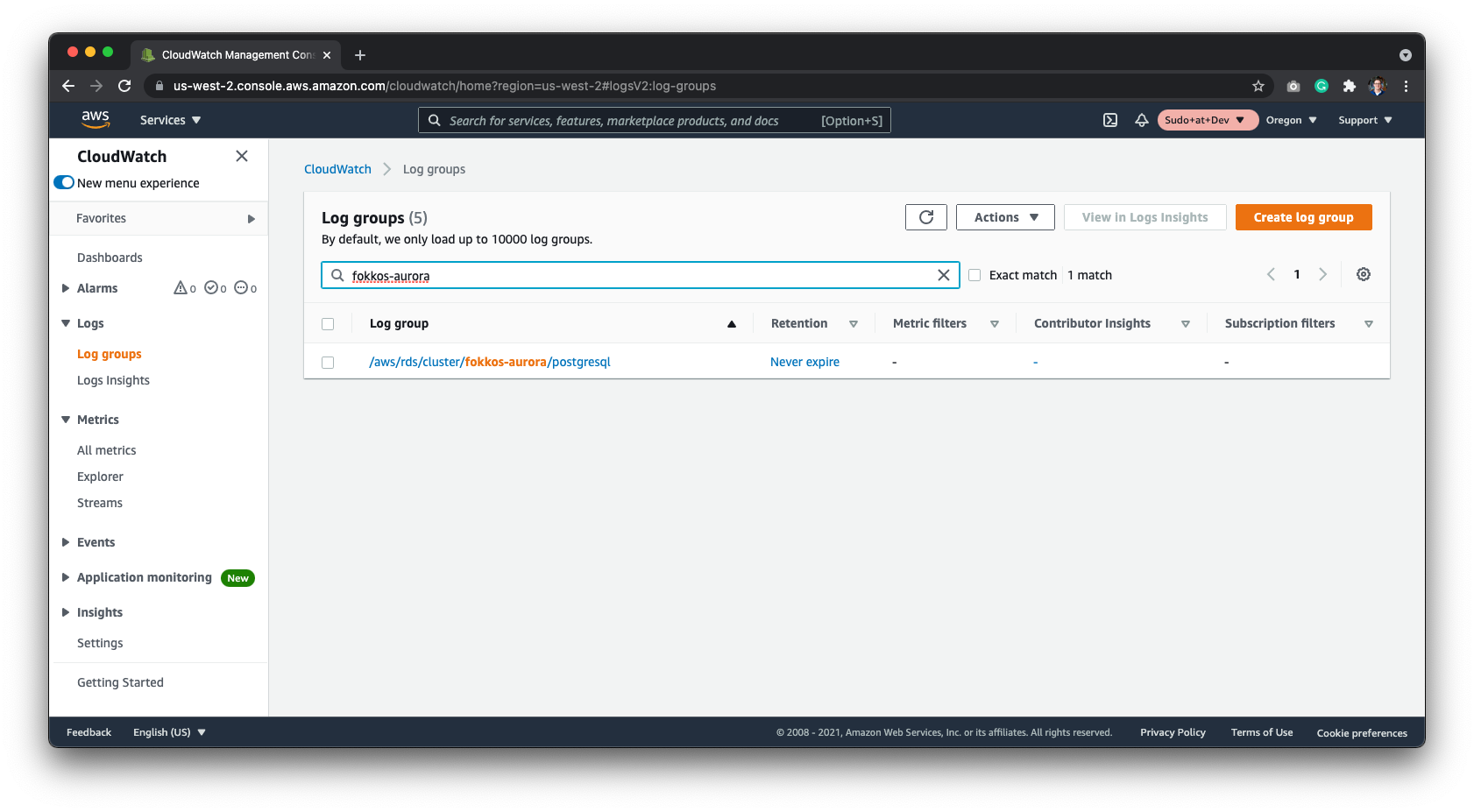 ### Configure in Datafold
| Field Name | Description |
| ----------------------------- | --------------------------------------------------------------------------------------------------------------------------------------- |
| Name | A name given to the data connection within Datafold |
| Host | The hostname address for your database; default value 127.0.0.1 |
| Port | Postgres connection port; default value is 5432 |
| User | The user role created in the SQL script; datafold |
| Password | The password created in the SQL permissions script |
| Database Name | The name of the Postgres database you want to connect to |
| AWS Access Key | The Access Key provided in the [Connect Datafold to CloudWatch](/integrations/databases/postgresql#connect-datafold-to-cloudwatch) step |
| AWS Secret | The Secret Key provided in the [Connect Datafold to CloudWatch](/integrations/databases/postgresql#connect-datafold-to-cloudwatch) step |
| Cloudwatch Postgres Log Group | The path of the Log Group; formatted as /aws/rds/cluster/\/postgresql |
| Schema for temporary tables | The schema created in the SQL setup script; datafold\_tmp |
Click **Create**. Your data connection is ready!
---
# Source: https://docs.datafold.com/integrations/bi-data-apps/power-bi.md
> ## Documentation Index
> Fetch the complete documentation index at: https://docs.datafold.com/llms.txt
> Use this file to discover all available pages before exploring further.
# Power BI
> Include Power BI entities in Data Explorer and column-level lineage.
## Overview
Our Power BI integration can help you visualize column-level lineage dependencies between warehouse tables and Power BI entities using [Data Explorer](/data-explorer/how-it-works). Datafold supports the following Power BI entity types:
* Tables (with Columns)
* Reports (with Fields)
* Dashboards
## Choose your authentication method
Datafold supports two authentication methods for Power BI. Choose the one that best fits your organization's needs. Key difference:
* Delegated auth uses your user's identity, is tied to your account and permissions, also requiring you to be a Power Platform Administrator;
* Service Principal is an independent application identity that doesn't depend on any user, but can be a bit more complicated to setup.
### Set up the integration
Navigate to [**Microsoft 365 admin center** -> **Active users**](https://admin.microsoft.com/#/users) and choose the user that Datafold will authenticate under.
### Configure in Datafold
| Field Name | Description |
| ----------------------------- | --------------------------------------------------------------------------------------------------------------------------------------- |
| Name | A name given to the data connection within Datafold |
| Host | The hostname address for your database; default value 127.0.0.1 |
| Port | Postgres connection port; default value is 5432 |
| User | The user role created in the SQL script; datafold |
| Password | The password created in the SQL permissions script |
| Database Name | The name of the Postgres database you want to connect to |
| AWS Access Key | The Access Key provided in the [Connect Datafold to CloudWatch](/integrations/databases/postgresql#connect-datafold-to-cloudwatch) step |
| AWS Secret | The Secret Key provided in the [Connect Datafold to CloudWatch](/integrations/databases/postgresql#connect-datafold-to-cloudwatch) step |
| Cloudwatch Postgres Log Group | The path of the Log Group; formatted as /aws/rds/cluster/\/postgresql |
| Schema for temporary tables | The schema created in the SQL setup script; datafold\_tmp |
Click **Create**. Your data connection is ready!
---
# Source: https://docs.datafold.com/integrations/bi-data-apps/power-bi.md
> ## Documentation Index
> Fetch the complete documentation index at: https://docs.datafold.com/llms.txt
> Use this file to discover all available pages before exploring further.
# Power BI
> Include Power BI entities in Data Explorer and column-level lineage.
## Overview
Our Power BI integration can help you visualize column-level lineage dependencies between warehouse tables and Power BI entities using [Data Explorer](/data-explorer/how-it-works). Datafold supports the following Power BI entity types:
* Tables (with Columns)
* Reports (with Fields)
* Dashboards
## Choose your authentication method
Datafold supports two authentication methods for Power BI. Choose the one that best fits your organization's needs. Key difference:
* Delegated auth uses your user's identity, is tied to your account and permissions, also requiring you to be a Power Platform Administrator;
* Service Principal is an independent application identity that doesn't depend on any user, but can be a bit more complicated to setup.
### Set up the integration
Navigate to [**Microsoft 365 admin center** -> **Active users**](https://admin.microsoft.com/#/users) and choose the user that Datafold will authenticate under.
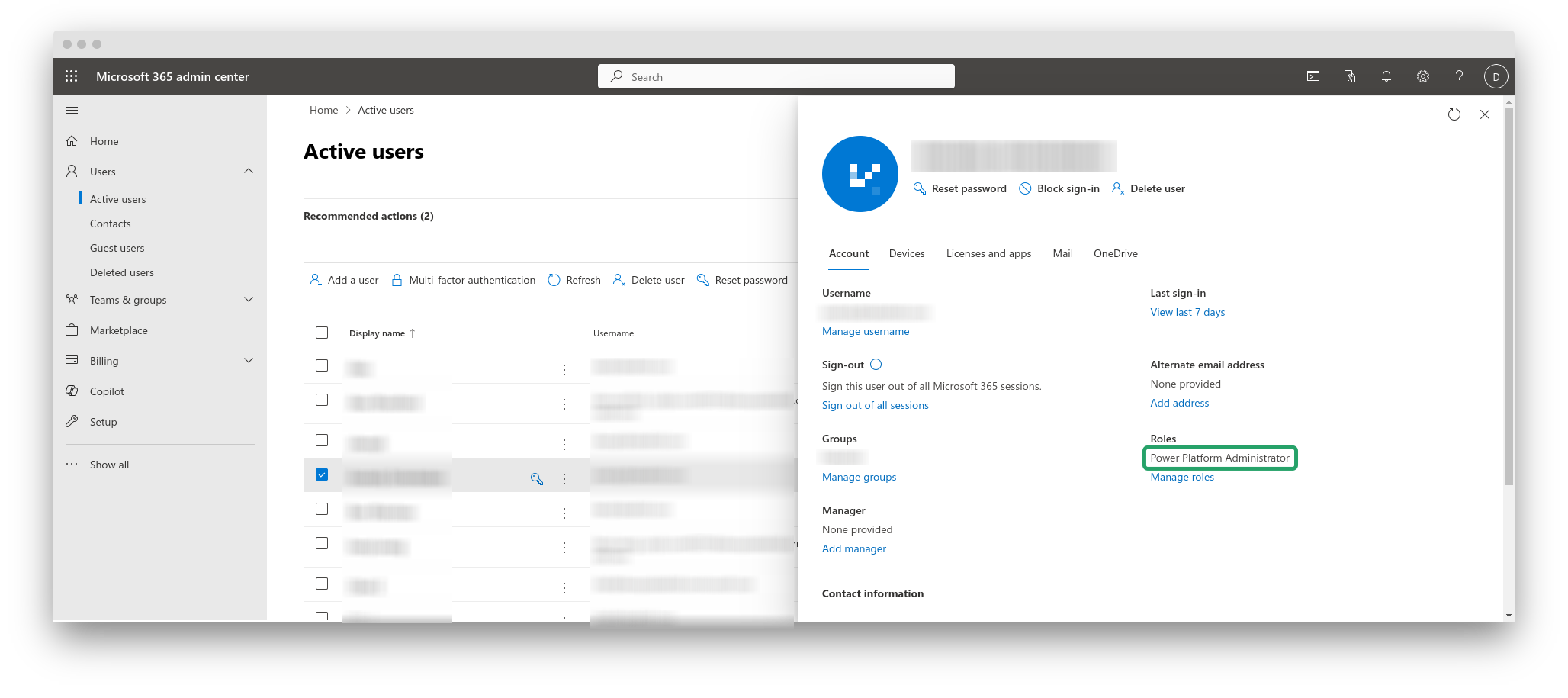 As highlighted in the screenshot above, this user should have the **Power Platform Administrator** role assigned to it.
Click **Manage roles**, enable the **Power Platform Administrator** role, and save changes.
As highlighted in the screenshot above, this user should have the **Power Platform Administrator** role assigned to it.
Click **Manage roles**, enable the **Power Platform Administrator** role, and save changes.
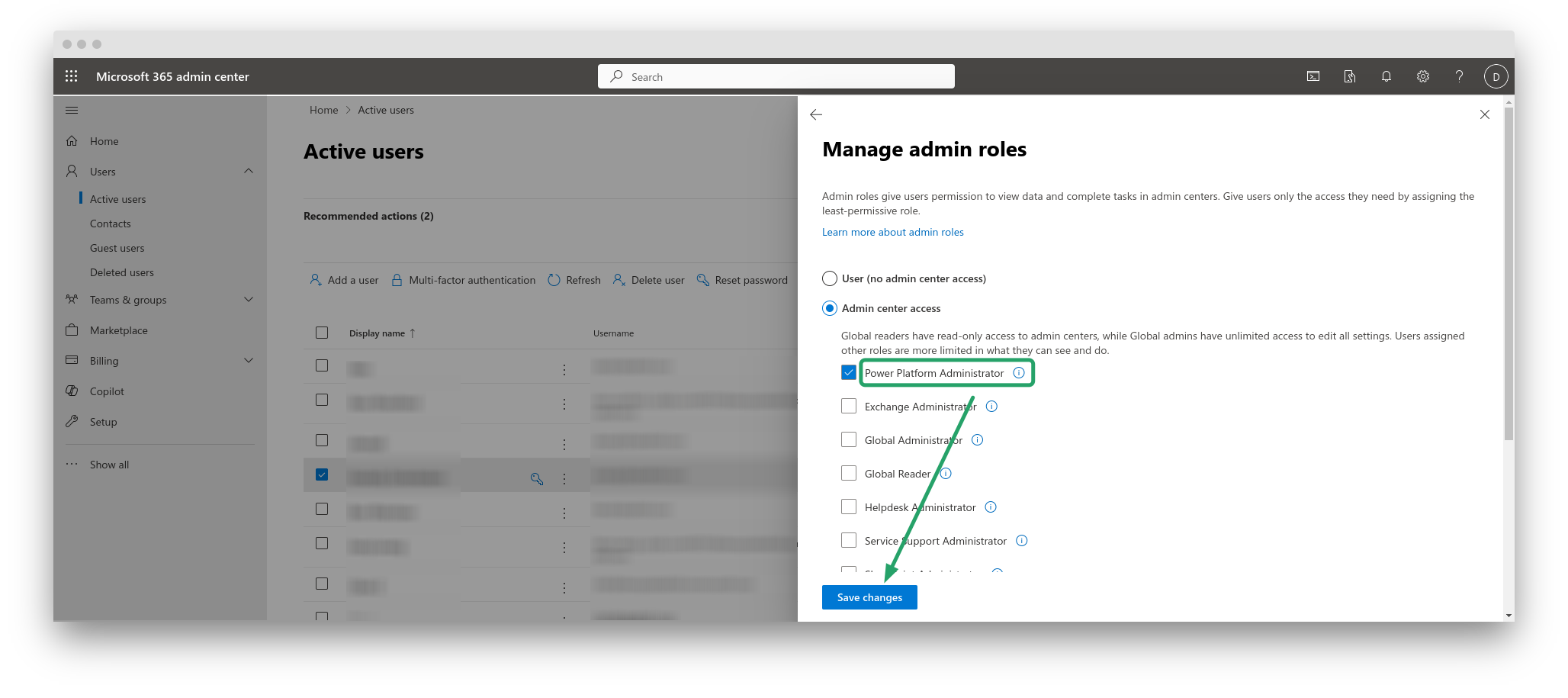 Navigate to [Power BI Admin Portal](https://app.powerbi.com/admin-portal/tenantSettings?experience=power-bi) and enable the following two settings:
* Enhance admin APIs responses with detailed metadata
* Enhance admin APIs responses with DAX and mashup expressions
Navigate to [Power BI Admin Portal](https://app.powerbi.com/admin-portal/tenantSettings?experience=power-bi) and enable the following two settings:
* Enhance admin APIs responses with detailed metadata
* Enhance admin APIs responses with DAX and mashup expressions
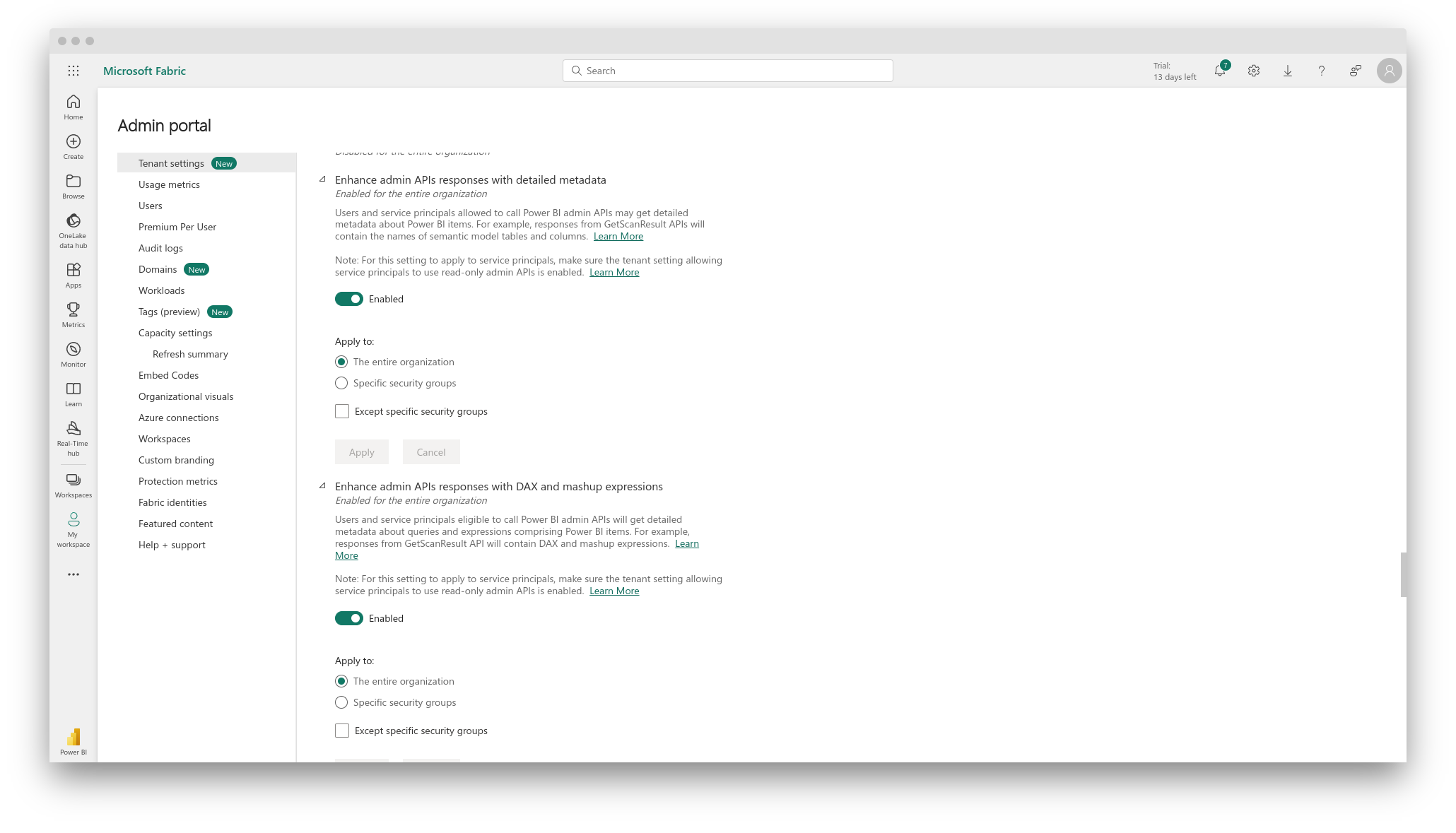 In the Datafold app, navigate to **Settings** -> **BI & Data Apps**, and click **+ Add new integration**. Choose **Power BI** from the list.
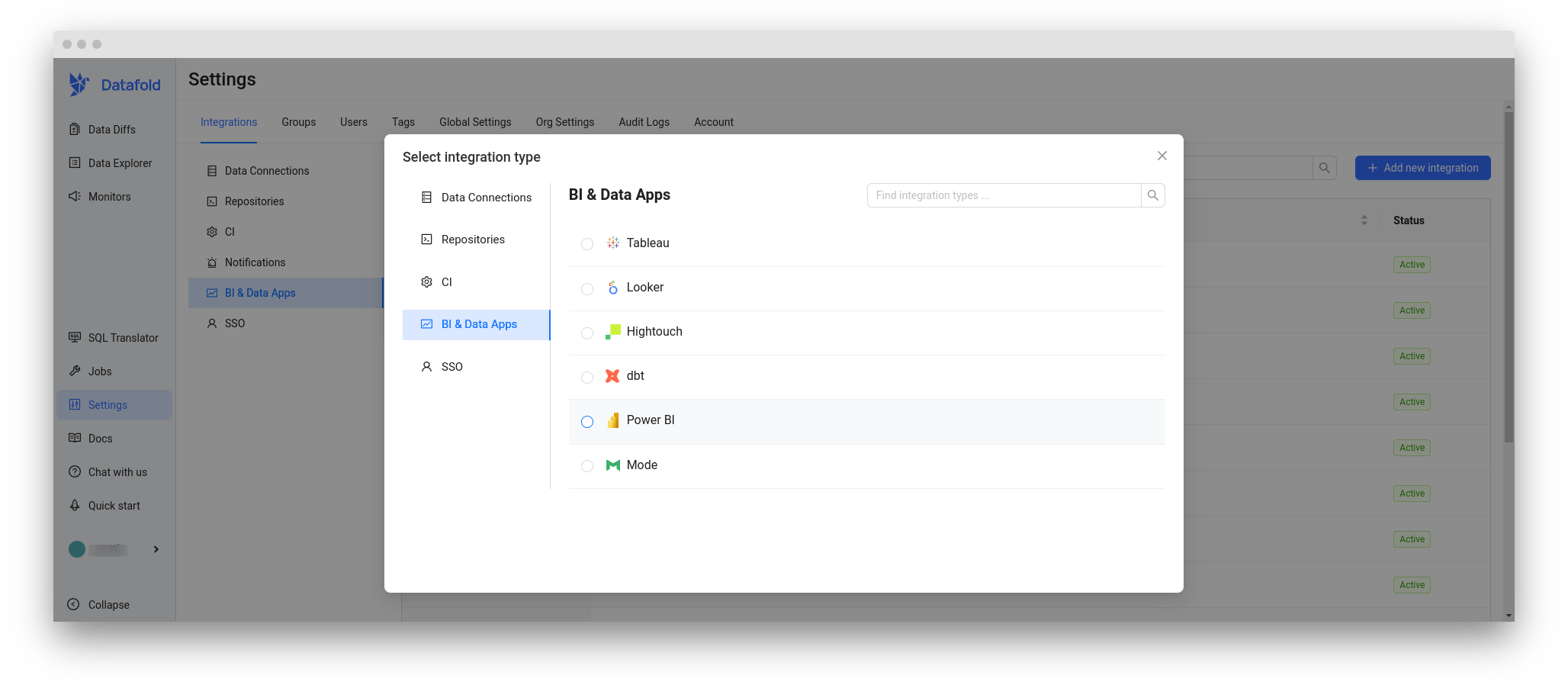 ...and then **Save**.
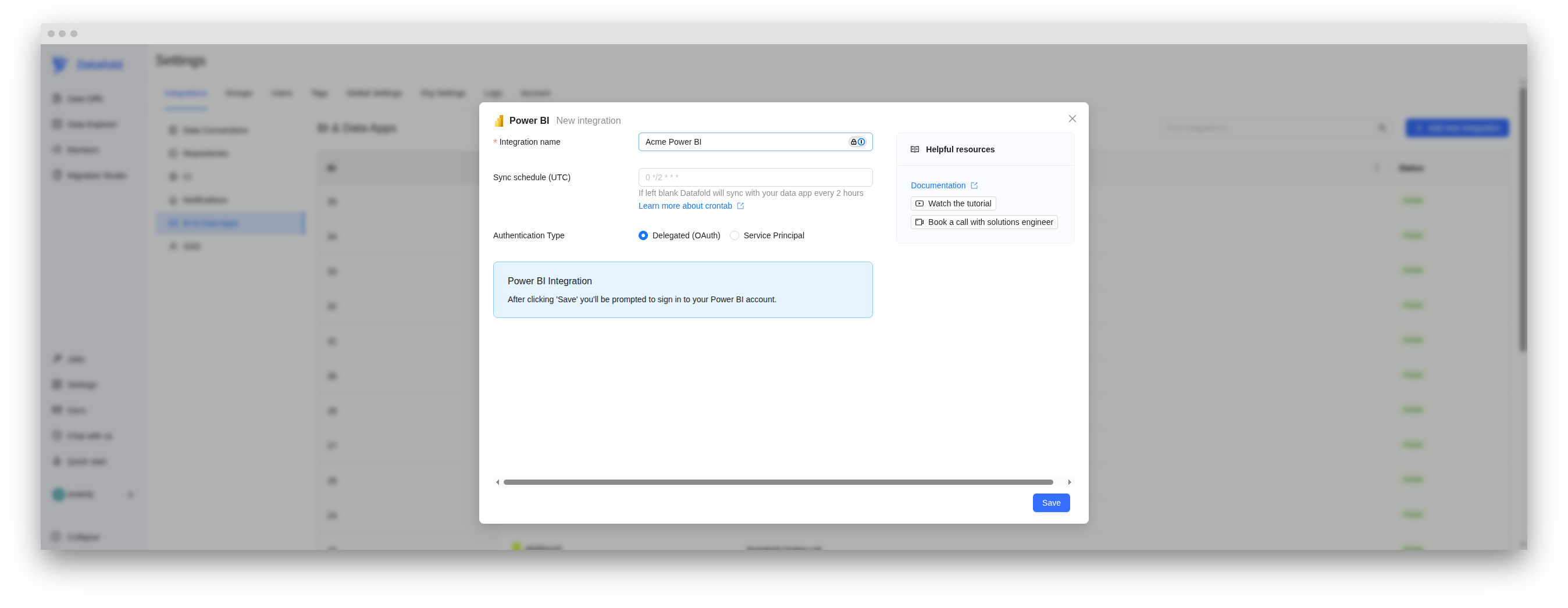 On clicking **Save**, the system will redirect you to Power BI.
...if not already signed in.
On clicking **Save**, the system will redirect you to Power BI.
...if not already signed in.
 Allow the Datafold integration to use Power BI. Depending on the roles configured for your user in the Admin center, you may require a confirmation from a **Global Administrator**. Follow the steps in the wizard.
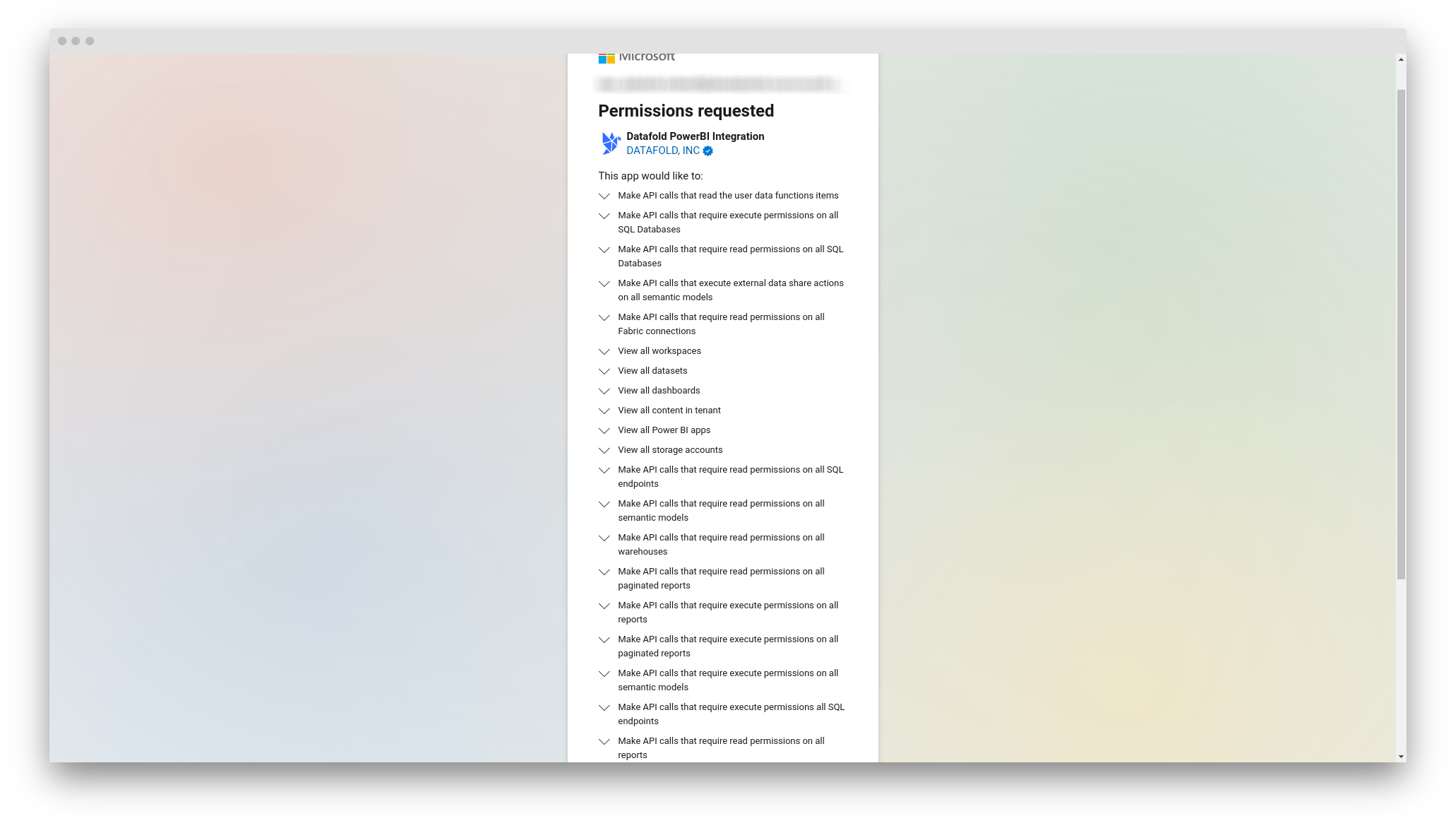 You will be redirected back to Datafold and see a message that Power BI is successfully connected.
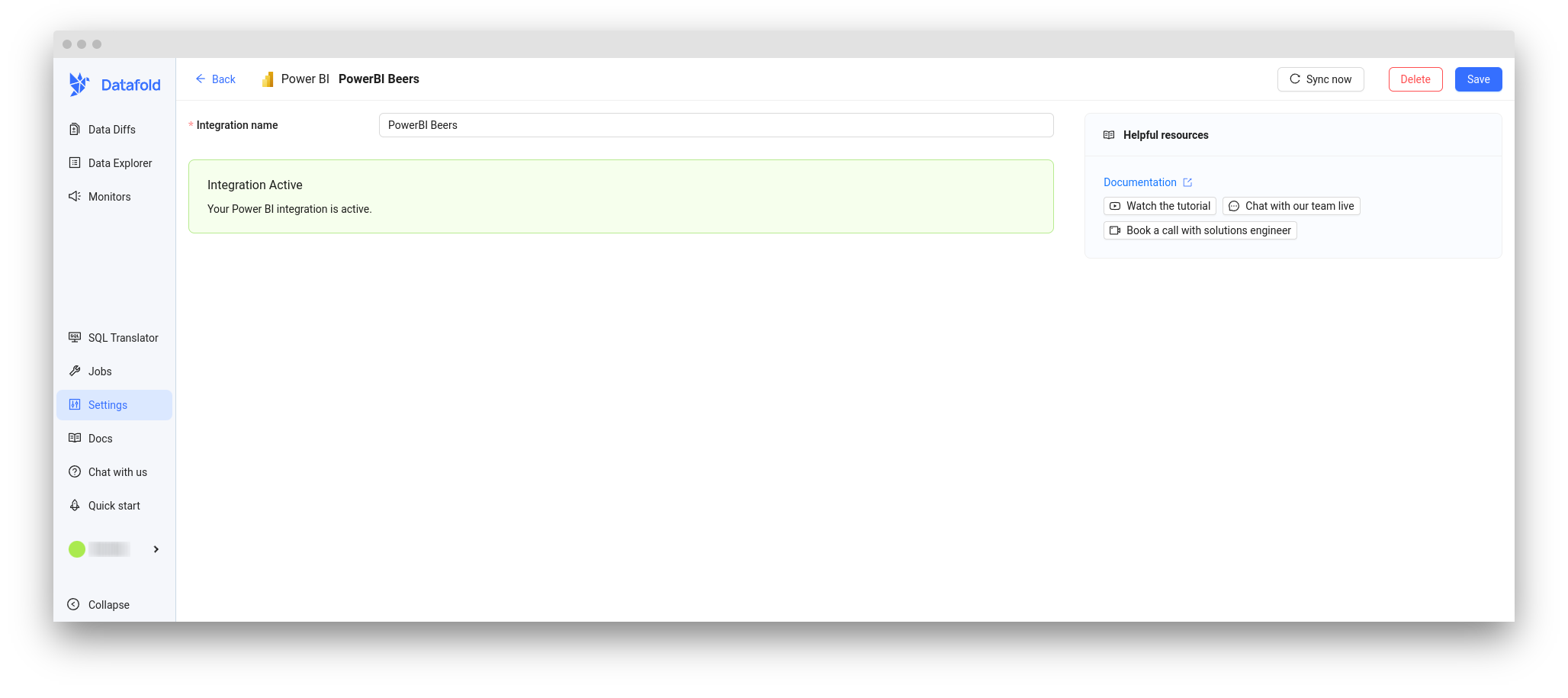 ### Set up the integration
1. Go to [Microsoft Entra admin center - New Registration](https://entra.microsoft.com/?l=en.en-us#view/Microsoft_AAD_RegisteredApps/CreateApplicationBlade/quickStartType~/null/isMSAApp~/false)
2. Configure the application:
* **Name**: `Datafold Power BI Integration` (or similar)
* **Supported account types**: "Accounts in this organizational directory only"
* **Redirect URI**: Leave blank (not needed for Service Principal)
### Set up the integration
1. Go to [Microsoft Entra admin center - New Registration](https://entra.microsoft.com/?l=en.en-us#view/Microsoft_AAD_RegisteredApps/CreateApplicationBlade/quickStartType~/null/isMSAApp~/false)
2. Configure the application:
* **Name**: `Datafold Power BI Integration` (or similar)
* **Supported account types**: "Accounts in this organizational directory only"
* **Redirect URI**: Leave blank (not needed for Service Principal)
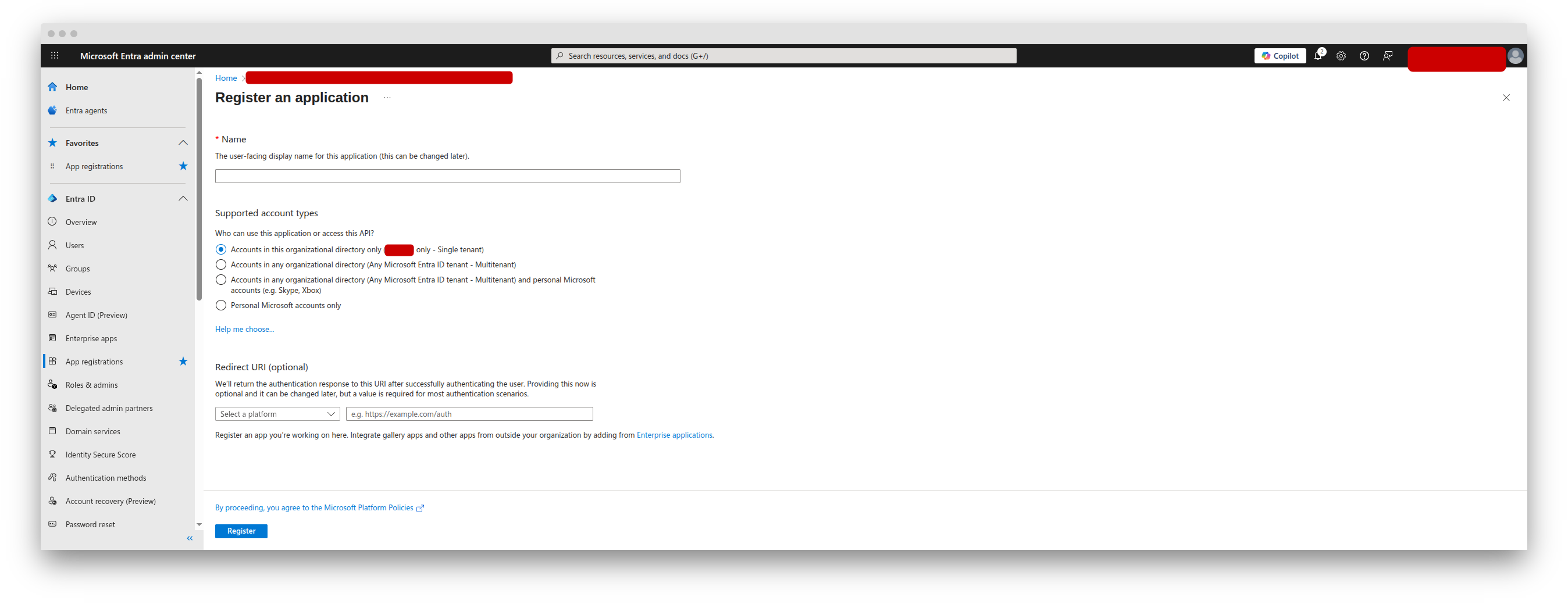 3. Click **Register**
4. Note the **Application (client) ID** and **Directory (tenant) ID** from the Overview page
1. In the App Registration, go to **Certificates & secrets**
2. Click **New client secret**
3. Add a description (e.g., "Datafold integration") and choose an expiration period
4. Click **Add**
3. Click **Register**
4. Note the **Application (client) ID** and **Directory (tenant) ID** from the Overview page
1. In the App Registration, go to **Certificates & secrets**
2. Click **New client secret**
3. Add a description (e.g., "Datafold integration") and choose an expiration period
4. Click **Add**
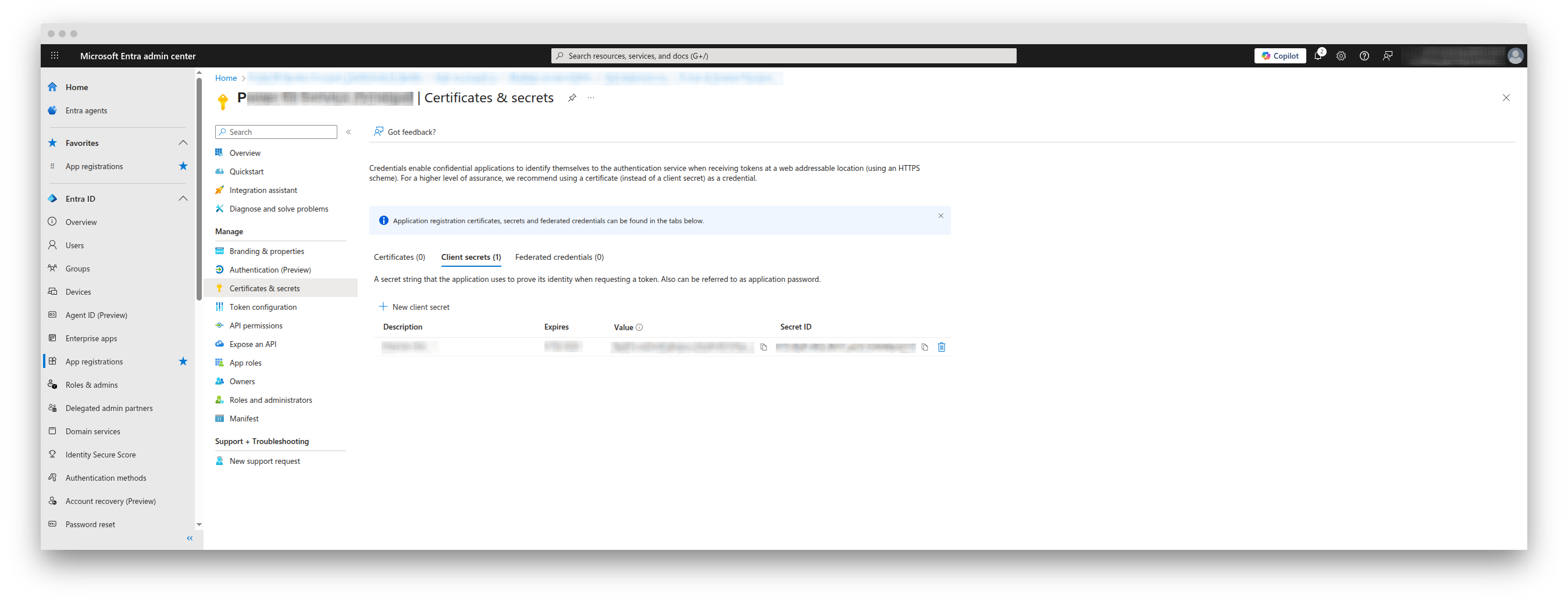 5. **Important**: Copy the secret **Value** immediately—it won't be shown again
1. Go to [Microsoft Entra admin center - Groups](https://entra.microsoft.com/?l=en.en-us#view/Microsoft_AAD_IAM/AddGroupBlade)
2. Click **New group**
3. Configure:
* **Group type**: Security
* **Group name**: `Power BI Service Principals` (or similar)
* **Group description**: "Service principals allowed to access Power BI APIs"
* **Membership type**: Assigned
4. In the **Members** section, click **Add members**
5. Search for and add your App Registration (by name or Client ID)
5. **Important**: Copy the secret **Value** immediately—it won't be shown again
1. Go to [Microsoft Entra admin center - Groups](https://entra.microsoft.com/?l=en.en-us#view/Microsoft_AAD_IAM/AddGroupBlade)
2. Click **New group**
3. Configure:
* **Group type**: Security
* **Group name**: `Power BI Service Principals` (or similar)
* **Group description**: "Service principals allowed to access Power BI APIs"
* **Membership type**: Assigned
4. In the **Members** section, click **Add members**
5. Search for and add your App Registration (by name or Client ID)
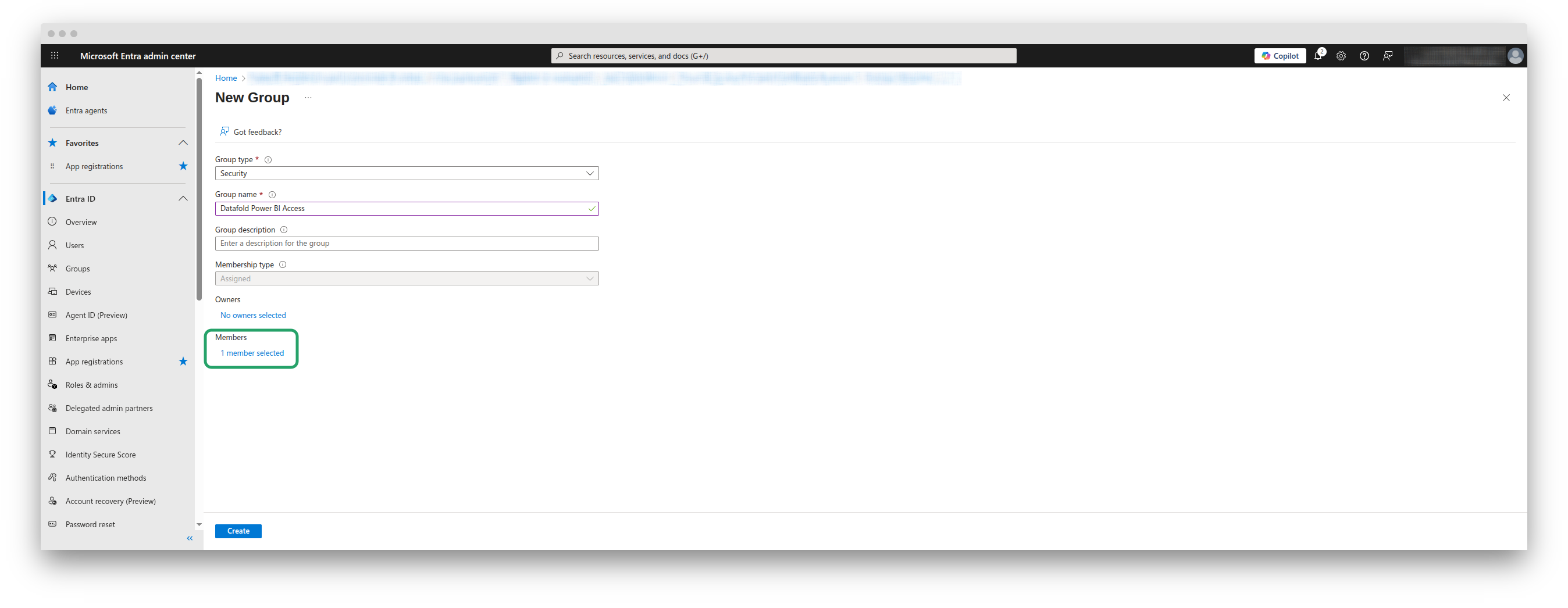 6. Click **Create**
1. Go to [Power BI Admin Portal](https://app.powerbi.com/admin-portal/tenantSettings)
2. Navigate to **Tenant settings**
3. Enable these settings and apply them to your security group (or to the whole organization, as you see fit):
* **Allow service principals to use Power BI APIs**
* **Allow service principals to use read-only admin APIs**
* **Enhance admin APIs responses with detailed metadata**
* **Enhance admin APIs responses with DAX and mashup expressions**
6. Click **Create**
1. Go to [Power BI Admin Portal](https://app.powerbi.com/admin-portal/tenantSettings)
2. Navigate to **Tenant settings**
3. Enable these settings and apply them to your security group (or to the whole organization, as you see fit):
* **Allow service principals to use Power BI APIs**
* **Allow service principals to use read-only admin APIs**
* **Enhance admin APIs responses with detailed metadata**
* **Enhance admin APIs responses with DAX and mashup expressions**
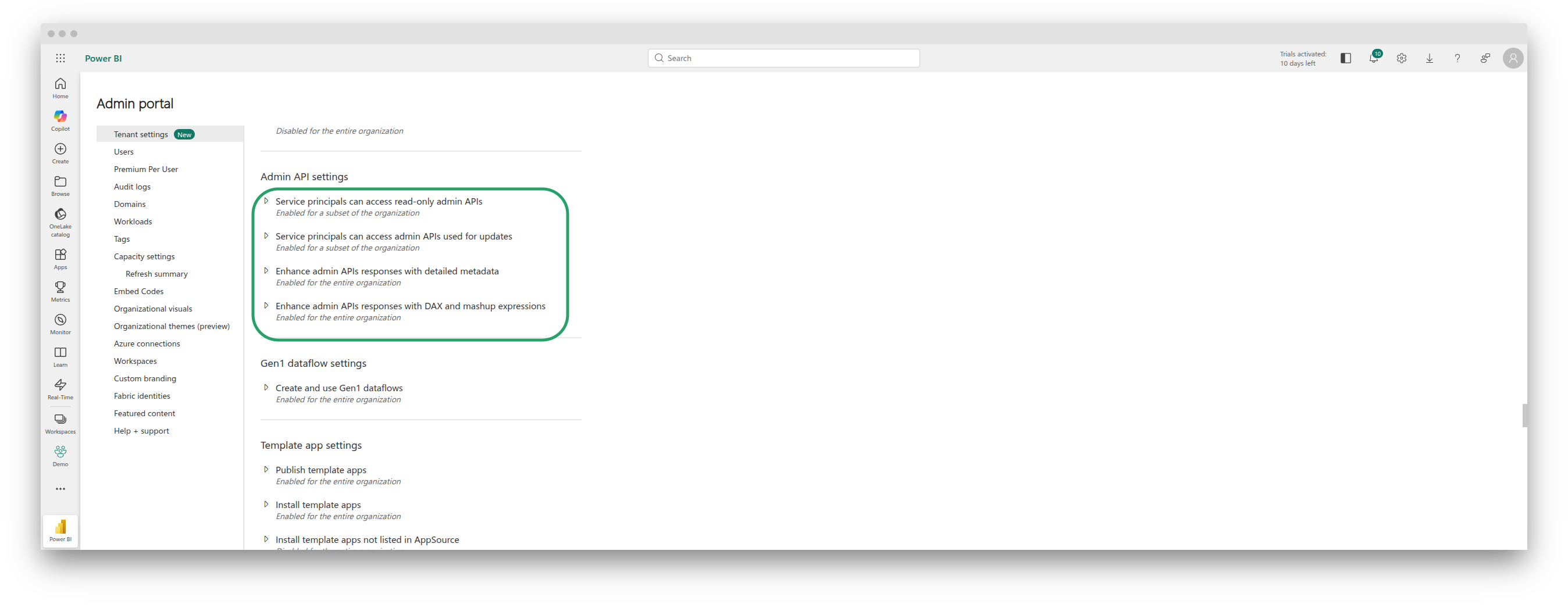 You must explicitly grant access to each workspace you want Datafold to sync:
1. Open the Power BI workspace you want to sync
2. Click **Access** (or the gear icon -> Manage access)
You must explicitly grant access to each workspace you want Datafold to sync:
1. Open the Power BI workspace you want to sync
2. Click **Access** (or the gear icon -> Manage access)
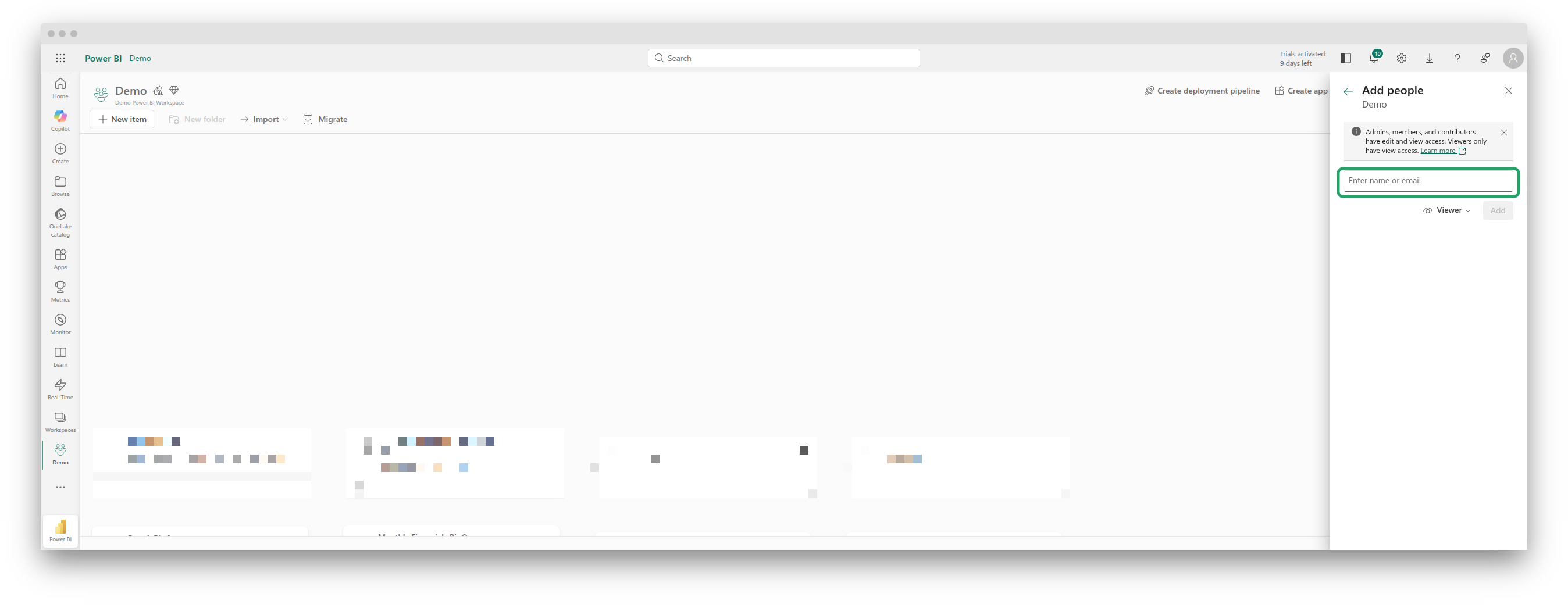 3. Add your App Registration as an **Admin** or **Member**
4. Repeat for each workspace you want Datafold to access
1. Go to Datafold -> **Settings** -> **BI & Data Apps**
2. Click **+ Add new integration** -> **Power BI**
3. Select **Service Principal** as the authentication type
4. Enter the credentials:
* **Client ID**: The Application (client) ID from Step 1
* **Client Secret**: The secret value from Step 2
* **Tenant ID**: The Directory (tenant) ID from Step 1
3. Add your App Registration as an **Admin** or **Member**
4. Repeat for each workspace you want Datafold to access
1. Go to Datafold -> **Settings** -> **BI & Data Apps**
2. Click **+ Add new integration** -> **Power BI**
3. Select **Service Principal** as the authentication type
4. Enter the credentials:
* **Client ID**: The Application (client) ID from Step 1
* **Client Secret**: The secret value from Step 2
* **Tenant ID**: The Directory (tenant) ID from Step 1
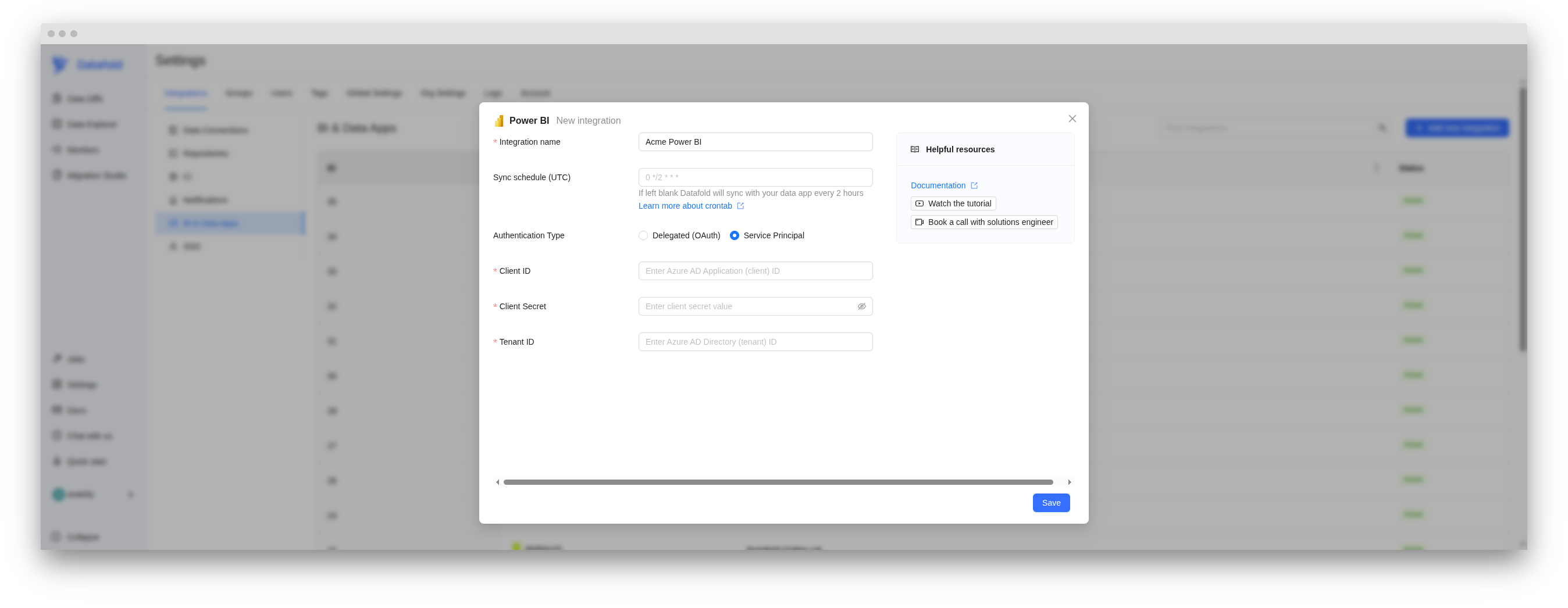 5. Click **Save**
## Verify the integration
You can check out **Jobs** -> **BI & Data Apps** for the status of the sync job.
5. Click **Save**
## Verify the integration
You can check out **Jobs** -> **BI & Data Apps** for the status of the sync job.
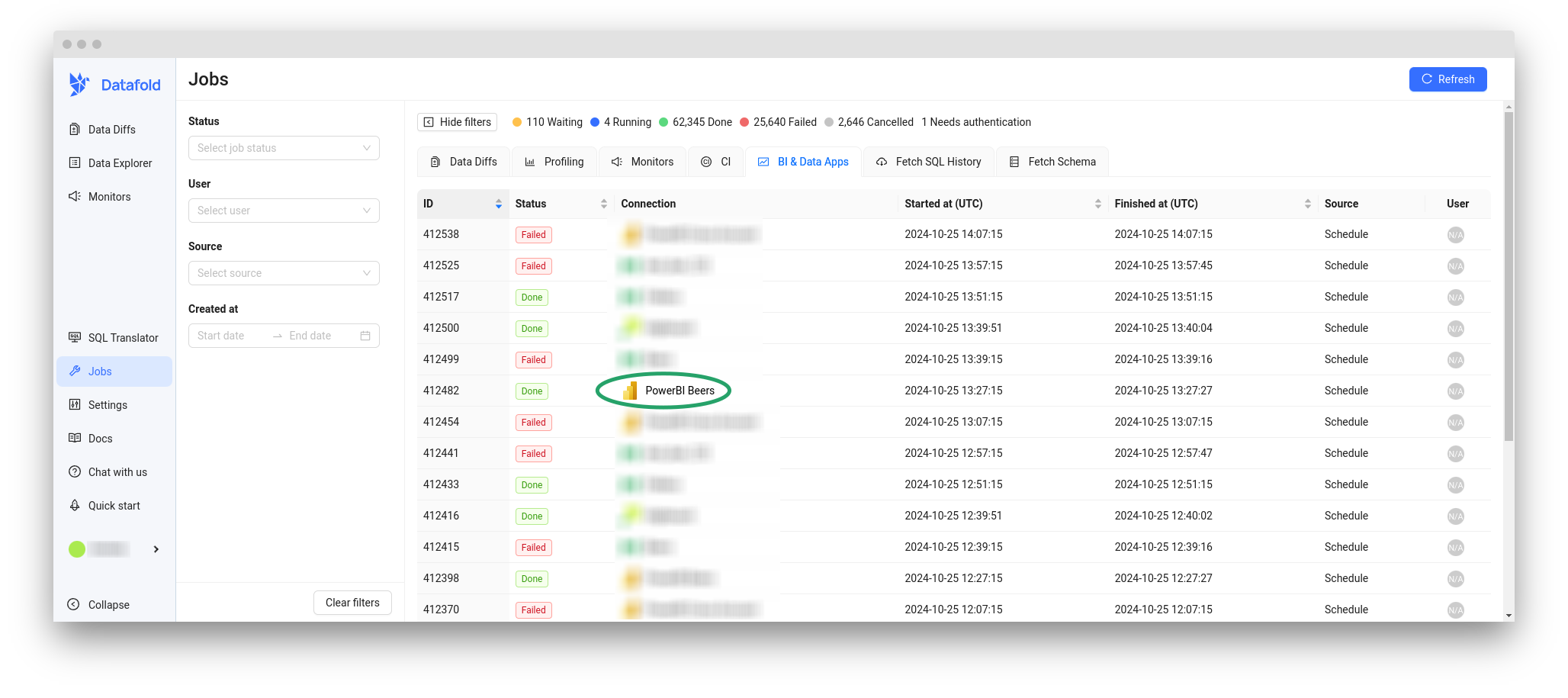 See [Tracking Jobs](/integrations/bi-data-apps/tracking-jobs) for more details.
When the sync is complete, you will see Power BI entities in **Data Explorer**.
See [Tracking Jobs](/integrations/bi-data-apps/tracking-jobs) for more details.
When the sync is complete, you will see Power BI entities in **Data Explorer**.
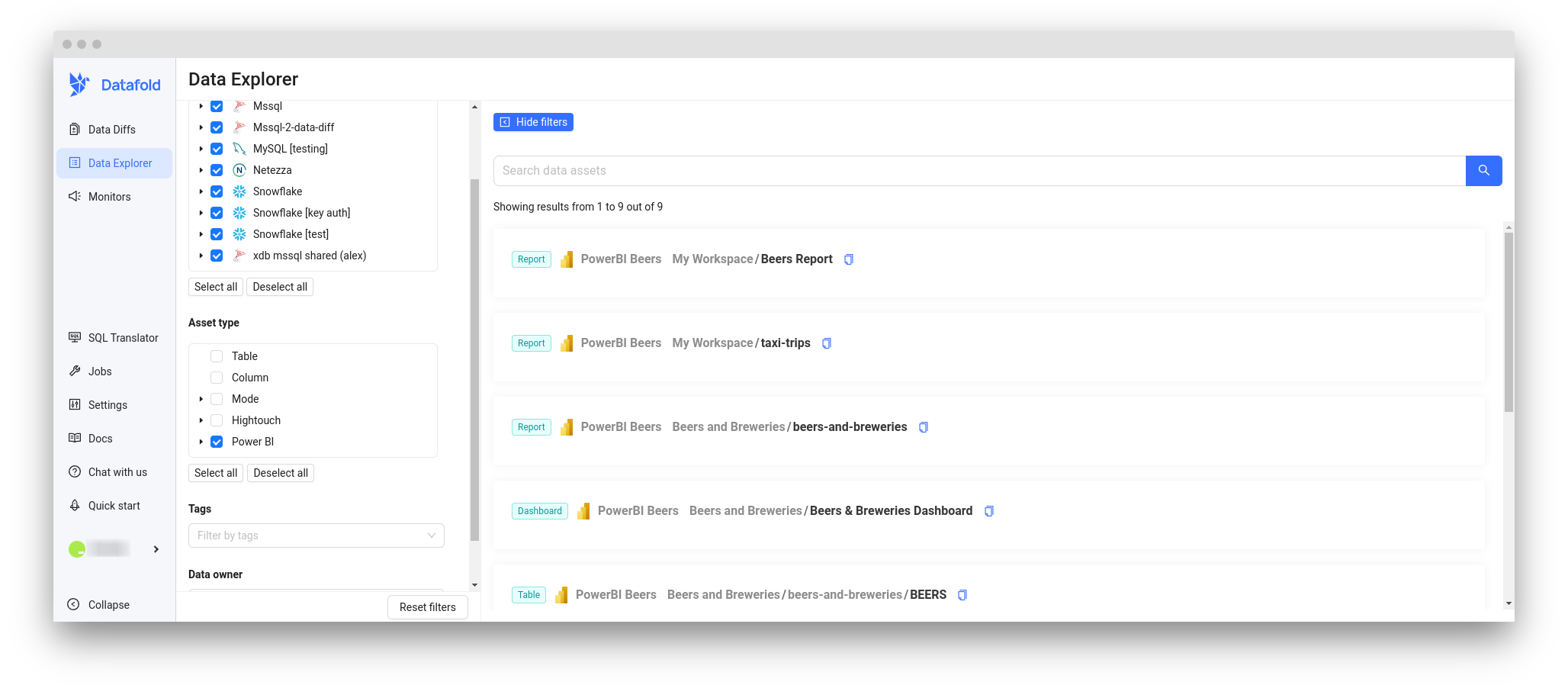
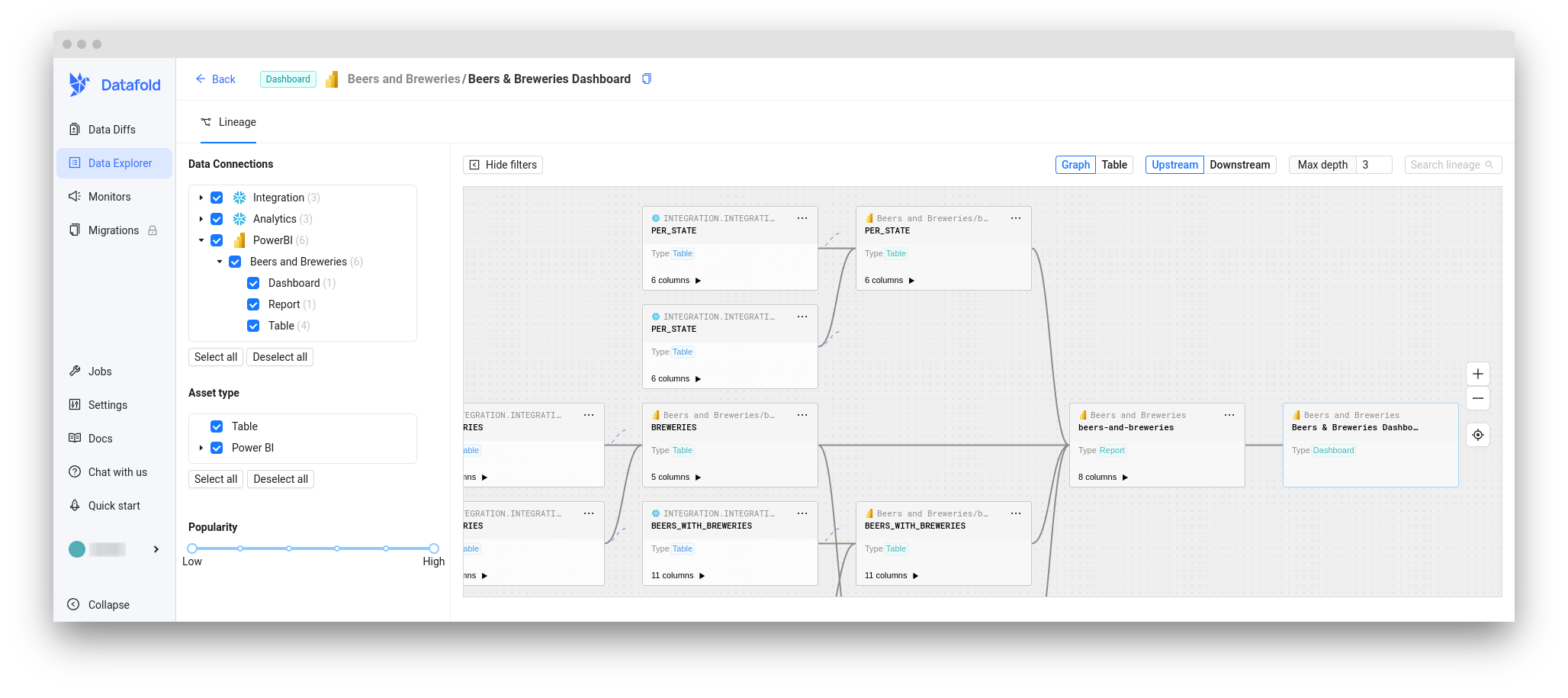 ## Need help?
If you have any questions about our Power BI integration, please reach out to our team via Slack, in-app chat, or email us at [support@datafold.com](mailto:support@datafold.com).
---
# Source: https://docs.datafold.com/deployment-testing/configuration/primary-key.md
> ## Documentation Index
> Fetch the complete documentation index at: https://docs.datafold.com/llms.txt
> Use this file to discover all available pages before exploring further.
# Primary Key Inference
> Datafold requires a primary key to perform data diffs. Using dbt metadata, Datafold identifies the column to use as the primary key for accurate data diffs.
Datafold supports composite primary keys, meaning that you can assign multiple columns that make up the primary key together.
## Metadata
The first option is setting the `primary-key` key in the dbt metadata. There are [several ways to configure this](https://docs.getdbt.com/reference/resource-configs/meta) in your dbt project using either the `meta` key in a yaml file or a model-specific config block.
```Bash theme={null}
models:
- name: users
columns:
- name: user_id
meta:
primary-key: true
## for compound primary keys, set all parts of the key as a primary-key ##
# - name: company_id
# meta:
# primary-key: true
```
## Tags
If the primary key is not found in the metadata, it will go through the [tags](https://docs.getdbt.com/reference/resource-properties/tags).
```Bash theme={null}
models:
- name: users
columns:
- name: user_id
tags:
- primary-key
## for compound primary keys, tag all parts of the key ##
# - name: company_id
# tags:
# - primary-key
```
## Inferred
If the primary key isn't provided explicitly, Datafold will try to infer a primary key from dbt's uniqueness tests. If you have a single column uniqueness test defined, it will use this column as the PK.
```Bash theme={null}
models:
- name: users
columns:
- name: user_id
tests:
- unique
```
Also, model-level uniqueness tests can be used for inferring the PK.
```Bash theme={null}
models:
- name: sales
columns:
- name: col1
- name: col2
...
tests:
- unique:
column_name: "col1 || col2"
# or
column_name: "CONCAT(col1, col2)"
# we also support dbt_utils unique_combination_of_columns test
- dbt_utils.unique_combination_of_columns:
combination_of_columns:
- order_no
- order_line
```
Keep in mind that this is a failover mechanism. If you change the uniqueness test, this will also impact the way Datafold performs the diff.
---
# Source: https://docs.datafold.com/data-explorer/profile.md
> ## Documentation Index
> Fetch the complete documentation index at: https://docs.datafold.com/llms.txt
> Use this file to discover all available pages before exploring further.
# Profile
> View a data profile that summarizes key table and column-level statistics, and any upstream dependencies.
## Need help?
If you have any questions about our Power BI integration, please reach out to our team via Slack, in-app chat, or email us at [support@datafold.com](mailto:support@datafold.com).
---
# Source: https://docs.datafold.com/deployment-testing/configuration/primary-key.md
> ## Documentation Index
> Fetch the complete documentation index at: https://docs.datafold.com/llms.txt
> Use this file to discover all available pages before exploring further.
# Primary Key Inference
> Datafold requires a primary key to perform data diffs. Using dbt metadata, Datafold identifies the column to use as the primary key for accurate data diffs.
Datafold supports composite primary keys, meaning that you can assign multiple columns that make up the primary key together.
## Metadata
The first option is setting the `primary-key` key in the dbt metadata. There are [several ways to configure this](https://docs.getdbt.com/reference/resource-configs/meta) in your dbt project using either the `meta` key in a yaml file or a model-specific config block.
```Bash theme={null}
models:
- name: users
columns:
- name: user_id
meta:
primary-key: true
## for compound primary keys, set all parts of the key as a primary-key ##
# - name: company_id
# meta:
# primary-key: true
```
## Tags
If the primary key is not found in the metadata, it will go through the [tags](https://docs.getdbt.com/reference/resource-properties/tags).
```Bash theme={null}
models:
- name: users
columns:
- name: user_id
tags:
- primary-key
## for compound primary keys, tag all parts of the key ##
# - name: company_id
# tags:
# - primary-key
```
## Inferred
If the primary key isn't provided explicitly, Datafold will try to infer a primary key from dbt's uniqueness tests. If you have a single column uniqueness test defined, it will use this column as the PK.
```Bash theme={null}
models:
- name: users
columns:
- name: user_id
tests:
- unique
```
Also, model-level uniqueness tests can be used for inferring the PK.
```Bash theme={null}
models:
- name: sales
columns:
- name: col1
- name: col2
...
tests:
- unique:
column_name: "col1 || col2"
# or
column_name: "CONCAT(col1, col2)"
# we also support dbt_utils unique_combination_of_columns test
- dbt_utils.unique_combination_of_columns:
combination_of_columns:
- order_no
- order_line
```
Keep in mind that this is a failover mechanism. If you change the uniqueness test, this will also impact the way Datafold performs the diff.
---
# Source: https://docs.datafold.com/data-explorer/profile.md
> ## Documentation Index
> Fetch the complete documentation index at: https://docs.datafold.com/llms.txt
> Use this file to discover all available pages before exploring further.
# Profile
> View a data profile that summarizes key table and column-level statistics, and any upstream dependencies.
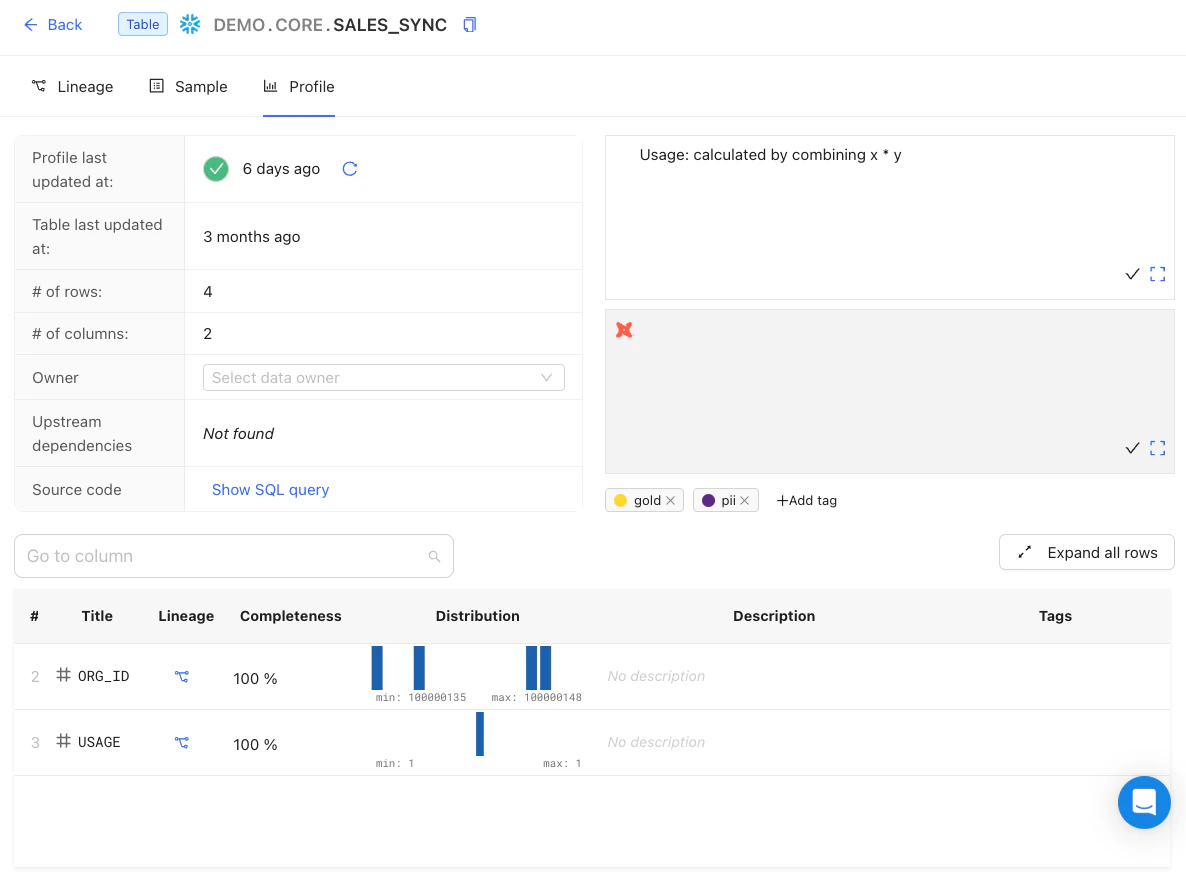 ---
# Source: https://docs.datafold.com/integrations/databases/redshift.md
> ## Documentation Index
> Fetch the complete documentation index at: https://docs.datafold.com/llms.txt
> Use this file to discover all available pages before exploring further.
# Redshift
**Steps to complete:**
1. [Run SQL script and create schema for Datafold](/integrations/databases/redshift#run-sql-script-and-create-schema-for-datafold)
2. [Configure your data connection in Datafold](/integrations/databases/redshift#configure-in-datafold)
## Run SQL script and create schema for Datafold
To connect to Amazon Redshift, you must create a user with the following permissions:
* **Read-only access** to all tables in all schemas
* **Write access** to a dedicated temporary schema for Datafold
* **Access to SQL logs** for lineage construction
Datafold uses a temporary dataset to materialize scratch work and keep data processing in the your warehouse. Create the schema with:
```
CREATE SCHEMA datafold_tmp;
```
Next, create the Datafold user. To grant read access to all schemas, the user must have superuser-level privileges in Redshift:
```
CREATE USER datafold CREATEUSER PASSWORD 'SOMESECUREPASSWORD';
```
Grant unrestricted access to system logs so Datafold can build column-level lineage:
```
ALTER USER datafold WITH SYSLOG ACCESS UNRESTRICTED;
```
Datafold utilizes a temporary schema, named `datafold_tmp` in the above script, to materialize scratch work and keep data processing in your warehouse.
## Configure in Datafold
| Field Name | Description |
| --------------------------- | --------------------------------------------------------------------------------------------------------------------------------------------------- |
| Name | A name given to the data connection within Datafold |
| Host | The hostname of your cluster. (Go to Redshift in your AWS console, select your cluster, the hostname is the endpoint listed at the top of the page) |
| Port | Redshift connection port; default value is 5439 |
| User | The user created in our SQL script, named `datafold` |
| Password | The password created in our SQL script |
| Database Name | The name of the Redshift database you want to connect to |
| Schema for temporary tables | The schema (`datafold_tmp`) created in our SQL script |
Click **Create**. Your data connection is ready!
---
# Source: https://docs.datafold.com/api-reference/bi/remove-an-integration.md
> ## Documentation Index
> Fetch the complete documentation index at: https://docs.datafold.com/llms.txt
> Use this file to discover all available pages before exploring further.
# Remove an integration
## OpenAPI
````yaml delete /api/v1/lineage/bi/{bi_datasource_id}/
openapi: 3.1.0
info:
contact:
email: support@datafold.com
name: API Support
description: >-
The Datafold API reference is a guide to our available endpoints and
authentication methods.
If you're just getting started with Datafold, we recommend first checking
out our [documentation](https://docs.datafold.com).
:::info
To use the Datafold API, you should first create a Datafold API Key,
which should be stored as a local environment variable named DATAFOLD_API_KEY.
This can be set in your Datafold Cloud's Settings under the Account page.
:::
title: Datafold API
version: latest
servers:
- description: Default server
url: https://app.datafold.com
security:
- ApiKeyAuth: []
paths:
/api/v1/lineage/bi/{bi_datasource_id}/:
delete:
tags:
- BI
- bi_deleted
summary: Remove an integration
operationId: remove_integration_api_v1_lineage_bi__bi_datasource_id___delete
parameters:
- in: path
name: bi_datasource_id
required: true
schema:
title: BI integration id
type: integer
responses:
'200':
content:
application/json:
schema: {}
description: Successful Response
'422':
content:
application/json:
schema:
$ref: '#/components/schemas/HTTPValidationError'
description: Validation Error
components:
schemas:
HTTPValidationError:
properties:
detail:
items:
$ref: '#/components/schemas/ValidationError'
title: Detail
type: array
title: HTTPValidationError
type: object
ValidationError:
properties:
loc:
items:
anyOf:
- type: string
- type: integer
title: Location
type: array
msg:
title: Message
type: string
type:
title: Error Type
type: string
required:
- loc
- msg
- type
title: ValidationError
type: object
securitySchemes:
ApiKeyAuth:
description: Use the 'Authorization' header with the format 'Key '
in: header
name: Authorization
type: apiKey
````
---
# Source: https://docs.datafold.com/api-reference/bi/rename-a-power-bi-integration.md
# Rename a Power BI integration
> It can only update the name. Returns the integration with changed fields.
## OpenAPI
````yaml openapi-public.json put /api/v1/lineage/bi/powerbi/{bi_datasource_id}/
paths:
path: /api/v1/lineage/bi/powerbi/{bi_datasource_id}/
method: put
servers:
- url: https://app.datafold.com
description: Default server
request:
security:
- title: ApiKeyAuth
parameters:
query: {}
header:
Authorization:
type: apiKey
description: Use the 'Authorization' header with the format 'Key '
cookie: {}
parameters:
path:
bi_datasource_id:
schema:
- type: integer
required: true
title: Power BI integration id
query: {}
header: {}
cookie: {}
body:
application/json:
schemaArray:
- type: object
properties:
indexing_cron:
allOf:
- anyOf:
- type: string
- type: 'null'
title: Indexing Cron
name:
allOf:
- anyOf:
- type: string
- type: 'null'
title: Name
required: true
title: PowerBIDataSourceConfig
description: Power BI data source parameters.
refIdentifier: '#/components/schemas/PowerBIDataSourceConfig'
examples:
example:
value:
indexing_cron:
name:
response:
'200':
application/json:
schemaArray:
- type: any
examples:
example:
value:
description: Successful Response
'422':
application/json:
schemaArray:
- type: object
properties:
detail:
allOf:
- items:
$ref: '#/components/schemas/ValidationError'
title: Detail
type: array
title: HTTPValidationError
refIdentifier: '#/components/schemas/HTTPValidationError'
examples:
example:
value:
detail:
- loc:
-
msg:
type:
description: Validation Error
deprecated: false
type: path
components:
schemas:
ValidationError:
properties:
loc:
items:
anyOf:
- type: string
- type: integer
title: Location
type: array
msg:
title: Message
type: string
type:
title: Error Type
type: string
required:
- loc
- msg
- type
title: ValidationError
type: object
````
---
# Source: https://docs.datafold.com/faq/resource-management.md
> ## Documentation Index
> Fetch the complete documentation index at: https://docs.datafold.com/llms.txt
> Use this file to discover all available pages before exploring further.
# Resource Management
Recognizing the importance of efficient data reconciliation, we provide a number of strategies to make the diffing process as efficient as possible:
**Efficient Algorithm**
Datafold connects to any SQL source and target databases, similar to how BI tools do. Datasets from both data connections are co-located in a centralized database to execute comparisons and identify specific rows, columns, and values with differences. To perform diffs at massive scale and increased speed, users can apply sampling, filtering, and column selection.
**Flexible Controls**
Users can easily control the volume of data used in diffing by using:
* [Filters](/deployment-testing/configuration/model-specific-ci/sql-filters): Focus on the most relevant part of the dataset
* [Sampling](/data-diff/cross-database-diffing/best-practices): Set sampling as a percentage of rows or desired confidence level
* [Slim Diff](/deployment-testing/best-practices/slim-diff): Selectively diff only the models that have dbt code changes in your pull request.
**Workload Management**
Users can apply controls to enforce low diffing footprint:
* On the Datafold side: Set desired concurrency
* On the database side: Most databases support workload management settings to ensure that Datafold does not consume more than X% CPU or Y% RAM
Also, consider that using a data quality tool like Datafold to catch issues before production will reduce cost over time as it lowers the need for expensive reprocessing and troubleshooting. Datafold's features like filtering, sampling, and Slim Diff ensure that only relevant datasets are tested, minimizing the computational load on your data warehouse. This targeted approach can lead to more efficient resource usage and potentially lower data warehouse operation costs.
---
# Source: https://docs.datafold.com/data-diff/in-database-diffing/results.md
# Source: https://docs.datafold.com/data-diff/cross-database-diffing/results.md
> ## Documentation Index
> Fetch the complete documentation index at: https://docs.datafold.com/llms.txt
> Use this file to discover all available pages before exploring further.
# Results
> Once your data diff is complete, Datafold provides a concise, high-level summary of the detected changes in the Overview tab.
## Overview
---
# Source: https://docs.datafold.com/integrations/databases/redshift.md
> ## Documentation Index
> Fetch the complete documentation index at: https://docs.datafold.com/llms.txt
> Use this file to discover all available pages before exploring further.
# Redshift
**Steps to complete:**
1. [Run SQL script and create schema for Datafold](/integrations/databases/redshift#run-sql-script-and-create-schema-for-datafold)
2. [Configure your data connection in Datafold](/integrations/databases/redshift#configure-in-datafold)
## Run SQL script and create schema for Datafold
To connect to Amazon Redshift, you must create a user with the following permissions:
* **Read-only access** to all tables in all schemas
* **Write access** to a dedicated temporary schema for Datafold
* **Access to SQL logs** for lineage construction
Datafold uses a temporary dataset to materialize scratch work and keep data processing in the your warehouse. Create the schema with:
```
CREATE SCHEMA datafold_tmp;
```
Next, create the Datafold user. To grant read access to all schemas, the user must have superuser-level privileges in Redshift:
```
CREATE USER datafold CREATEUSER PASSWORD 'SOMESECUREPASSWORD';
```
Grant unrestricted access to system logs so Datafold can build column-level lineage:
```
ALTER USER datafold WITH SYSLOG ACCESS UNRESTRICTED;
```
Datafold utilizes a temporary schema, named `datafold_tmp` in the above script, to materialize scratch work and keep data processing in your warehouse.
## Configure in Datafold
| Field Name | Description |
| --------------------------- | --------------------------------------------------------------------------------------------------------------------------------------------------- |
| Name | A name given to the data connection within Datafold |
| Host | The hostname of your cluster. (Go to Redshift in your AWS console, select your cluster, the hostname is the endpoint listed at the top of the page) |
| Port | Redshift connection port; default value is 5439 |
| User | The user created in our SQL script, named `datafold` |
| Password | The password created in our SQL script |
| Database Name | The name of the Redshift database you want to connect to |
| Schema for temporary tables | The schema (`datafold_tmp`) created in our SQL script |
Click **Create**. Your data connection is ready!
---
# Source: https://docs.datafold.com/api-reference/bi/remove-an-integration.md
> ## Documentation Index
> Fetch the complete documentation index at: https://docs.datafold.com/llms.txt
> Use this file to discover all available pages before exploring further.
# Remove an integration
## OpenAPI
````yaml delete /api/v1/lineage/bi/{bi_datasource_id}/
openapi: 3.1.0
info:
contact:
email: support@datafold.com
name: API Support
description: >-
The Datafold API reference is a guide to our available endpoints and
authentication methods.
If you're just getting started with Datafold, we recommend first checking
out our [documentation](https://docs.datafold.com).
:::info
To use the Datafold API, you should first create a Datafold API Key,
which should be stored as a local environment variable named DATAFOLD_API_KEY.
This can be set in your Datafold Cloud's Settings under the Account page.
:::
title: Datafold API
version: latest
servers:
- description: Default server
url: https://app.datafold.com
security:
- ApiKeyAuth: []
paths:
/api/v1/lineage/bi/{bi_datasource_id}/:
delete:
tags:
- BI
- bi_deleted
summary: Remove an integration
operationId: remove_integration_api_v1_lineage_bi__bi_datasource_id___delete
parameters:
- in: path
name: bi_datasource_id
required: true
schema:
title: BI integration id
type: integer
responses:
'200':
content:
application/json:
schema: {}
description: Successful Response
'422':
content:
application/json:
schema:
$ref: '#/components/schemas/HTTPValidationError'
description: Validation Error
components:
schemas:
HTTPValidationError:
properties:
detail:
items:
$ref: '#/components/schemas/ValidationError'
title: Detail
type: array
title: HTTPValidationError
type: object
ValidationError:
properties:
loc:
items:
anyOf:
- type: string
- type: integer
title: Location
type: array
msg:
title: Message
type: string
type:
title: Error Type
type: string
required:
- loc
- msg
- type
title: ValidationError
type: object
securitySchemes:
ApiKeyAuth:
description: Use the 'Authorization' header with the format 'Key '
in: header
name: Authorization
type: apiKey
````
---
# Source: https://docs.datafold.com/api-reference/bi/rename-a-power-bi-integration.md
# Rename a Power BI integration
> It can only update the name. Returns the integration with changed fields.
## OpenAPI
````yaml openapi-public.json put /api/v1/lineage/bi/powerbi/{bi_datasource_id}/
paths:
path: /api/v1/lineage/bi/powerbi/{bi_datasource_id}/
method: put
servers:
- url: https://app.datafold.com
description: Default server
request:
security:
- title: ApiKeyAuth
parameters:
query: {}
header:
Authorization:
type: apiKey
description: Use the 'Authorization' header with the format 'Key '
cookie: {}
parameters:
path:
bi_datasource_id:
schema:
- type: integer
required: true
title: Power BI integration id
query: {}
header: {}
cookie: {}
body:
application/json:
schemaArray:
- type: object
properties:
indexing_cron:
allOf:
- anyOf:
- type: string
- type: 'null'
title: Indexing Cron
name:
allOf:
- anyOf:
- type: string
- type: 'null'
title: Name
required: true
title: PowerBIDataSourceConfig
description: Power BI data source parameters.
refIdentifier: '#/components/schemas/PowerBIDataSourceConfig'
examples:
example:
value:
indexing_cron:
name:
response:
'200':
application/json:
schemaArray:
- type: any
examples:
example:
value:
description: Successful Response
'422':
application/json:
schemaArray:
- type: object
properties:
detail:
allOf:
- items:
$ref: '#/components/schemas/ValidationError'
title: Detail
type: array
title: HTTPValidationError
refIdentifier: '#/components/schemas/HTTPValidationError'
examples:
example:
value:
detail:
- loc:
-
msg:
type:
description: Validation Error
deprecated: false
type: path
components:
schemas:
ValidationError:
properties:
loc:
items:
anyOf:
- type: string
- type: integer
title: Location
type: array
msg:
title: Message
type: string
type:
title: Error Type
type: string
required:
- loc
- msg
- type
title: ValidationError
type: object
````
---
# Source: https://docs.datafold.com/faq/resource-management.md
> ## Documentation Index
> Fetch the complete documentation index at: https://docs.datafold.com/llms.txt
> Use this file to discover all available pages before exploring further.
# Resource Management
Recognizing the importance of efficient data reconciliation, we provide a number of strategies to make the diffing process as efficient as possible:
**Efficient Algorithm**
Datafold connects to any SQL source and target databases, similar to how BI tools do. Datasets from both data connections are co-located in a centralized database to execute comparisons and identify specific rows, columns, and values with differences. To perform diffs at massive scale and increased speed, users can apply sampling, filtering, and column selection.
**Flexible Controls**
Users can easily control the volume of data used in diffing by using:
* [Filters](/deployment-testing/configuration/model-specific-ci/sql-filters): Focus on the most relevant part of the dataset
* [Sampling](/data-diff/cross-database-diffing/best-practices): Set sampling as a percentage of rows or desired confidence level
* [Slim Diff](/deployment-testing/best-practices/slim-diff): Selectively diff only the models that have dbt code changes in your pull request.
**Workload Management**
Users can apply controls to enforce low diffing footprint:
* On the Datafold side: Set desired concurrency
* On the database side: Most databases support workload management settings to ensure that Datafold does not consume more than X% CPU or Y% RAM
Also, consider that using a data quality tool like Datafold to catch issues before production will reduce cost over time as it lowers the need for expensive reprocessing and troubleshooting. Datafold's features like filtering, sampling, and Slim Diff ensure that only relevant datasets are tested, minimizing the computational load on your data warehouse. This targeted approach can lead to more efficient resource usage and potentially lower data warehouse operation costs.
---
# Source: https://docs.datafold.com/data-diff/in-database-diffing/results.md
# Source: https://docs.datafold.com/data-diff/cross-database-diffing/results.md
> ## Documentation Index
> Fetch the complete documentation index at: https://docs.datafold.com/llms.txt
> Use this file to discover all available pages before exploring further.
# Results
> Once your data diff is complete, Datafold provides a concise, high-level summary of the detected changes in the Overview tab.
## Overview
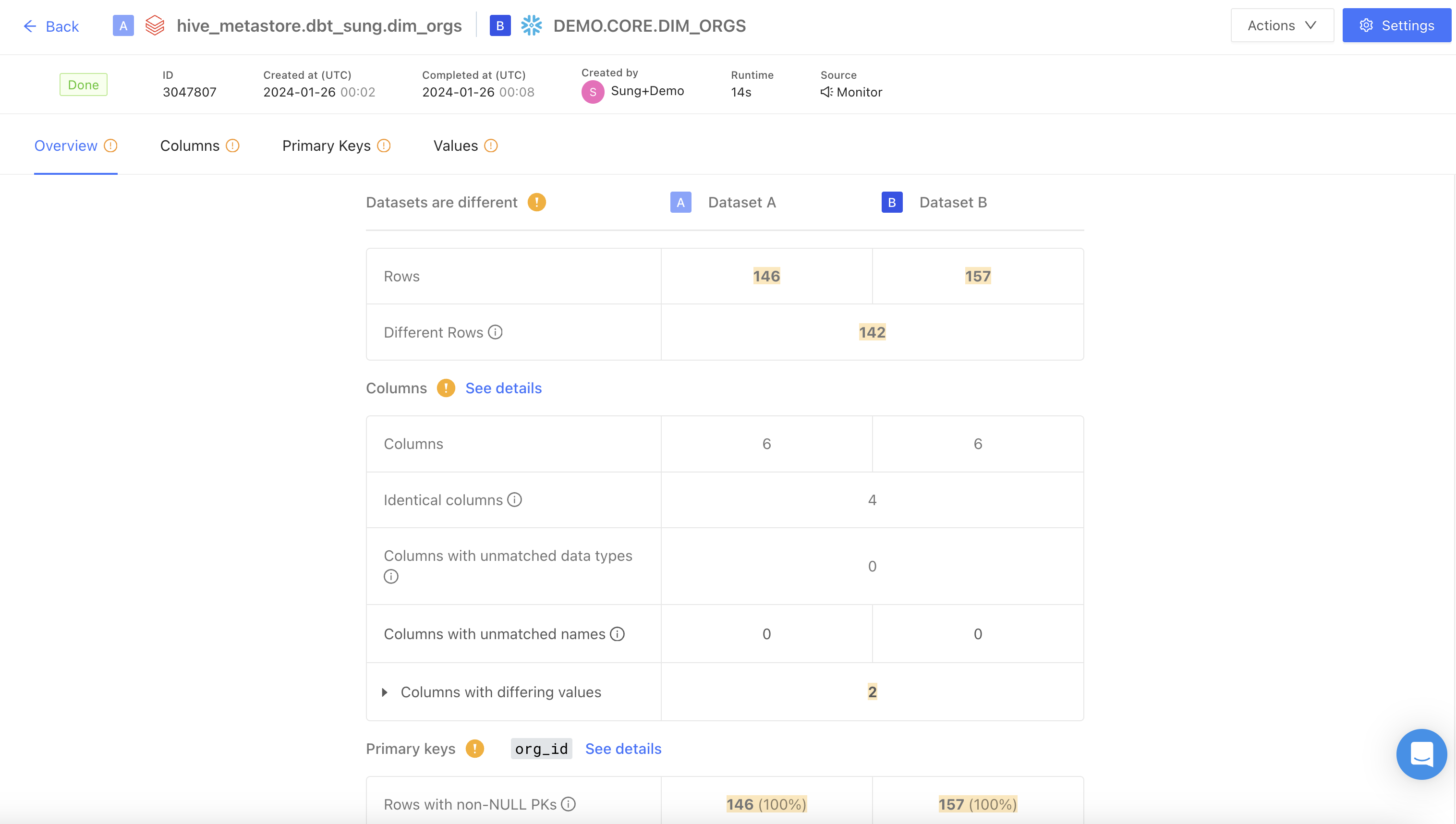 The top-level menu displays the diff status, job ID, creation and completed times, runtime, and data connection.
## Columns
The top-level menu displays the diff status, job ID, creation and completed times, runtime, and data connection.
## Columns
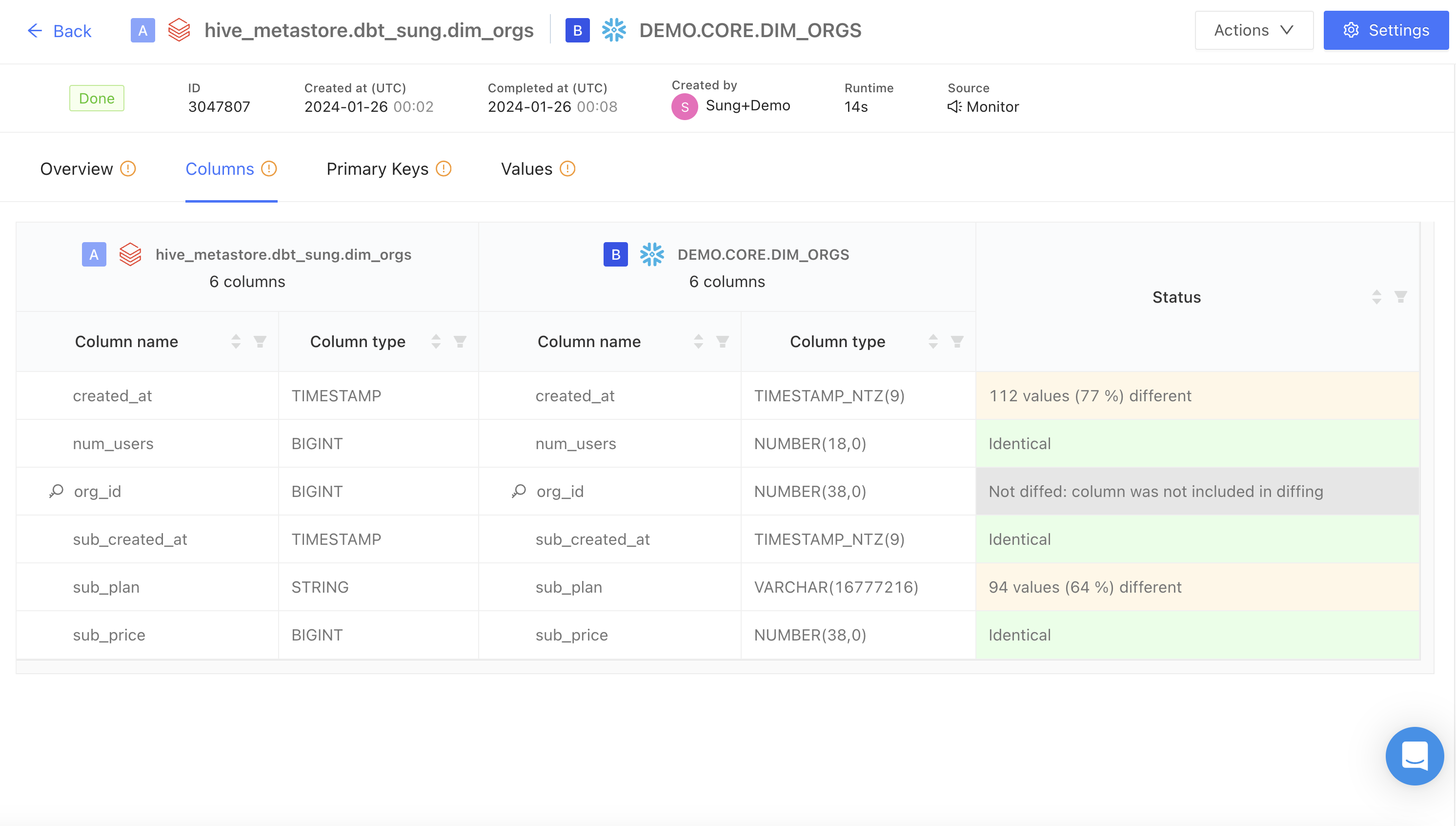 The Columns tab displays a table with detailed column and type mappings from the two datasets being diffed, with status indicators for each column comparison (e.g., identical, percentage of values different). This provides a quick way to identify data inconsistencies and prioritize updates.
## Primary keys
The Columns tab displays a table with detailed column and type mappings from the two datasets being diffed, with status indicators for each column comparison (e.g., identical, percentage of values different). This provides a quick way to identify data inconsistencies and prioritize updates.
## Primary keys
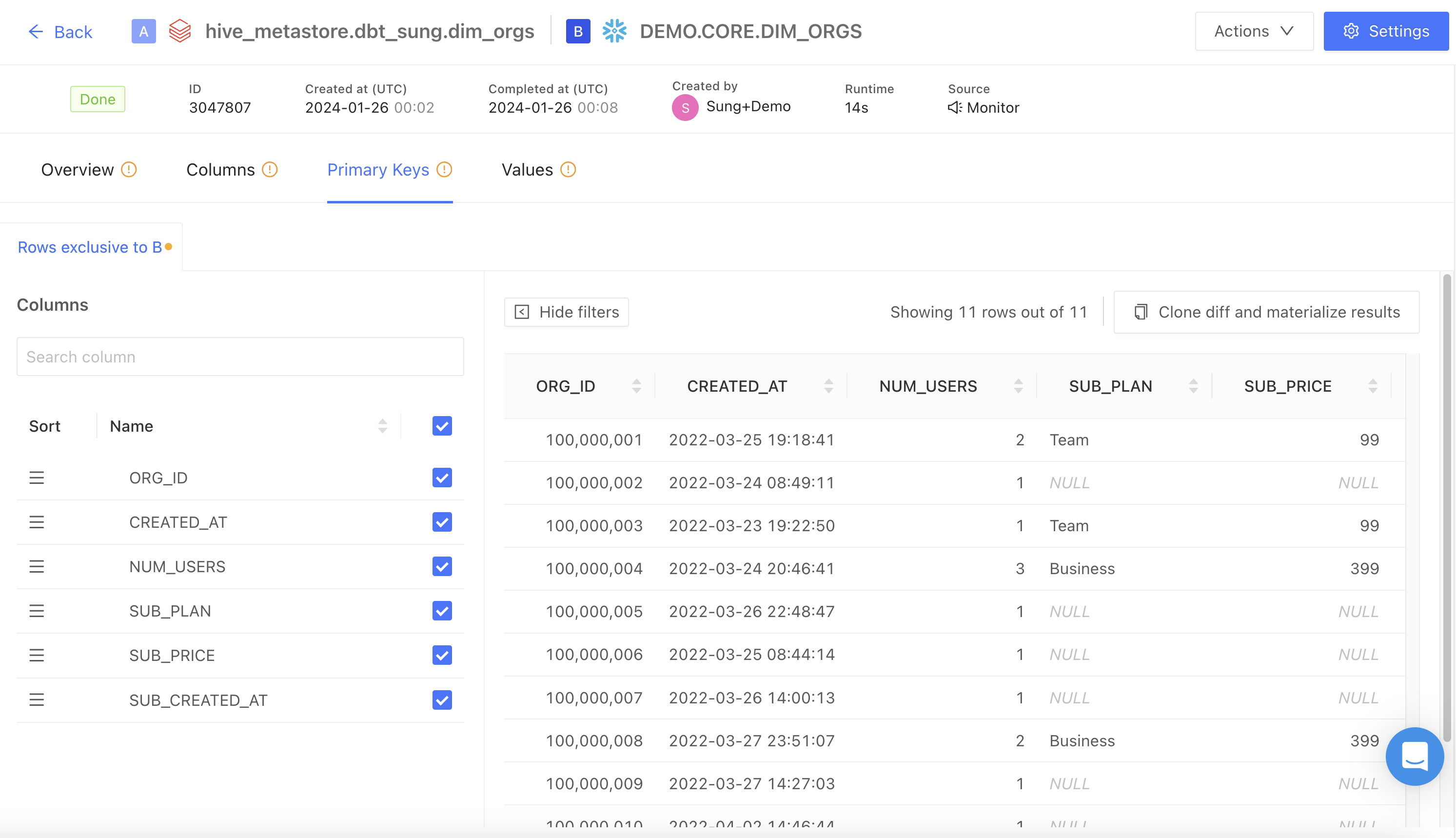 This tab highlights rows that are unique to the Target dataset in a data diff ("Rows exclusive to Target"). As this identifies rows that exist only in the Target dataset and not in the Source dataset based on the primary key, it flags potential data discrepancies.
The Clone **diffs and materialize results** button allows you to rerun existing data diffs with results materialized in the warehouse, as well as any other desired modifications.
## Values
This tab highlights rows that are unique to the Target dataset in a data diff ("Rows exclusive to Target"). As this identifies rows that exist only in the Target dataset and not in the Source dataset based on the primary key, it flags potential data discrepancies.
The Clone **diffs and materialize results** button allows you to rerun existing data diffs with results materialized in the warehouse, as well as any other desired modifications.
## Values
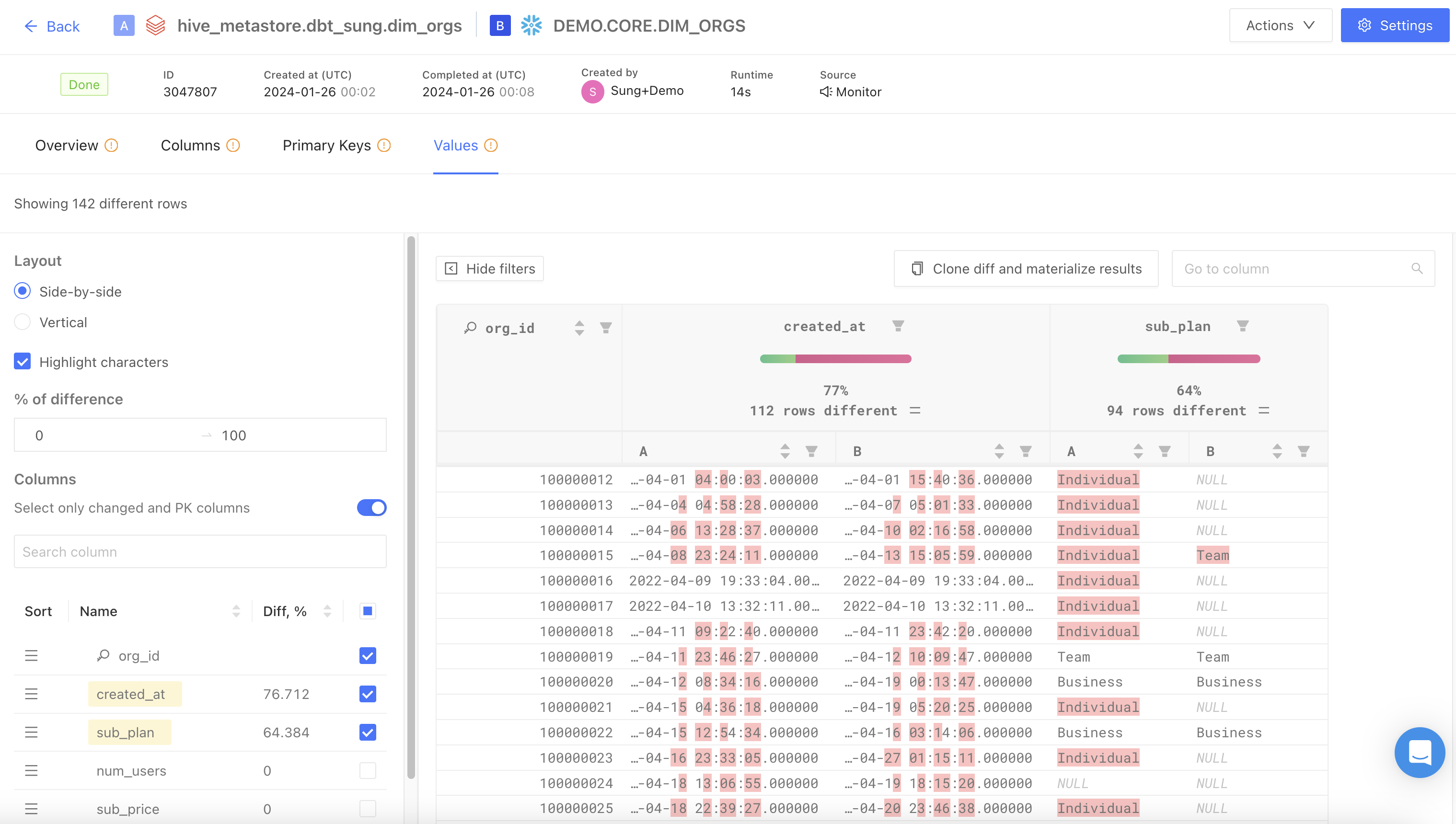 This tab displays rows where at least one column value differs between the datasets being compared. It is useful for quickly assessing the extent of discrepancies between the two datasets.
The **Show filters** button enables the following features:
* Highlight characters: highlight value differences between tables
* % of difference: filters and displays columns based on the specified percentage range of value differences
---
# Source: https://docs.datafold.com/api-reference/lineagev2/run-cypher.md
> ## Documentation Index
> Fetch the complete documentation index at: https://docs.datafold.com/llms.txt
> Use this file to discover all available pages before exploring further.
# Run Cypher
> Execute arbitrary Cypher query and return results.
Args:
request: CypherRequest with query string
Returns:
CypherResponse containing:
- columns: List of column names returned by the query
- results: List of result rows as dictionaries (tabular view)
- nodes: All graph nodes returned by the query
- edges: All graph edges/relationships returned by the query
Example queries:
- Find all tables: "MATCH (t:Dataset) RETURN t.name LIMIT 10"
- Find circular dependencies: "MATCH (t:Dataset)-[:DEPENDS_ON*]->(t) RETURN t"
- Count by type: "MATCH (d:Dataset) RETURN d.asset_type, count(*) as count"
- Complex lineage: "MATCH path=(c1:Column)-[:DERIVED_FROM*1..3]->(c2:Column) RETURN path"
WARNING: This endpoint executes arbitrary Cypher queries. It is intended for
internal debugging and power users only. All queries are logged for audit purposes.
Note: Results include both tabular data (for displaying in tables) and graph data
(nodes/edges for graph visualization).
## OpenAPI
````yaml openapi-public.json post /api/internal/lineagev2/cypher
openapi: 3.1.0
info:
contact:
email: support@datafold.com
name: API Support
description: >-
The Datafold API reference is a guide to our available endpoints and
authentication methods.
If you're just getting started with Datafold, we recommend first checking
out our [documentation](https://docs.datafold.com).
:::info
To use the Datafold API, you should first create a Datafold API Key,
which should be stored as a local environment variable named DATAFOLD_API_KEY.
This can be set in your Datafold Cloud's Settings under the Account page.
:::
title: Datafold API
version: latest
servers:
- description: Default server
url: https://app.datafold.com
security:
- ApiKeyAuth: []
paths:
/api/internal/lineagev2/cypher:
post:
tags:
- lineagev2
summary: Run Cypher
description: >-
Execute arbitrary Cypher query and return results.
Args:
request: CypherRequest with query string
Returns:
CypherResponse containing:
- columns: List of column names returned by the query
- results: List of result rows as dictionaries (tabular view)
- nodes: All graph nodes returned by the query
- edges: All graph edges/relationships returned by the query
Example queries:
- Find all tables: "MATCH (t:Dataset) RETURN t.name LIMIT 10"
- Find circular dependencies: "MATCH (t:Dataset)-[:DEPENDS_ON*]->(t) RETURN t"
- Count by type: "MATCH (d:Dataset) RETURN d.asset_type, count(*) as count"
- Complex lineage: "MATCH path=(c1:Column)-[:DERIVED_FROM*1..3]->(c2:Column) RETURN path"
WARNING: This endpoint executes arbitrary Cypher queries. It is intended
for
internal debugging and power users only. All queries are logged for
audit purposes.
Note: Results include both tabular data (for displaying in tables) and
graph data
(nodes/edges for graph visualization).
operationId: run_cypher_api_internal_lineagev2_cypher_post
requestBody:
content:
application/json:
schema:
$ref: '#/components/schemas/CypherRequest'
required: true
responses:
'200':
content:
application/json:
schema:
$ref: '#/components/schemas/CypherResponse'
description: Successful Response
'422':
content:
application/json:
schema:
$ref: '#/components/schemas/HTTPValidationError'
description: Validation Error
components:
schemas:
CypherRequest:
properties:
query:
title: Query
type: string
required:
- query
title: CypherRequest
type: object
CypherResponse:
properties:
columns:
items:
type: string
title: Columns
type: array
edges:
items:
$ref: '#/components/schemas/CypherEdge'
title: Edges
type: array
nodes:
items:
$ref: '#/components/schemas/CypherNode'
title: Nodes
type: array
results:
items:
additionalProperties: true
type: object
title: Results
type: array
required:
- columns
- results
- nodes
- edges
title: CypherResponse
type: object
HTTPValidationError:
properties:
detail:
items:
$ref: '#/components/schemas/ValidationError'
title: Detail
type: array
title: HTTPValidationError
type: object
CypherEdge:
properties:
id:
title: Id
type: string
properties:
additionalProperties: true
title: Properties
type: object
source:
title: Source
type: string
target:
title: Target
type: string
type:
title: Type
type: string
required:
- id
- source
- target
- type
- properties
title: CypherEdge
type: object
CypherNode:
properties:
id:
title: Id
type: string
labels:
items:
type: string
title: Labels
type: array
properties:
additionalProperties: true
title: Properties
type: object
required:
- id
- labels
- properties
title: CypherNode
type: object
ValidationError:
properties:
loc:
items:
anyOf:
- type: string
- type: integer
title: Location
type: array
msg:
title: Message
type: string
type:
title: Error Type
type: string
required:
- loc
- msg
- type
title: ValidationError
type: object
securitySchemes:
ApiKeyAuth:
description: Use the 'Authorization' header with the format 'Key '
in: header
name: Authorization
type: apiKey
````
---
# Source: https://docs.datafold.com/security/single-sign-on/saml.md
> ## Documentation Index
> Fetch the complete documentation index at: https://docs.datafold.com/llms.txt
> Use this file to discover all available pages before exploring further.
# SAML
> SAML (Security Assertion Markup Language) is a protocol that enables secure user authentication by integrating Identity Providers (IdPs) with Service Providers (SPs).
**NOTE**
SAML SSO is available for both SaaS and VPC installations of Datafold.
In this case, Datafold is the service provider. The Identity Providers can be anything used by the organization (e.g., Google, Okta, Duo).
We also support SAML SSO [group provisioning](/security/single-sign-on/saml/group-provisioning).
## Generic SAML Identity Providers
**TIP**
We also provide SAML identity providers configurations for ([Okta](/security/single-sign-on/saml/examples/okta), [Microsoft Entra ID](/security/single-sign-on/saml/examples/microsoft-entra-id-configuration), and [Google](/security/single-sign-on/saml/examples/google))
To configure a SAML provider:
1. Go to `Datafold`. Create a new integration by navigating to **Settings** → **Integrations** → **SSO** → **Add new integration** → **SAML**.
1. Go to the organization's `Identity Provider`, create a **SAML application** (sometimes called a **single sign-on** or **SSO** method).
If you have the option, enable the SAML Response signature and set it to **whole-response signing**.
1. Copy and paste the Service Provider URLs from the `Datafold` SAML Integration into the `Identity Provider`'s application setup. The only two mandatory fields are **Service Provider Entity ID** and the **Service Provider ACS URL**.
After creation, The `Identity Provider` will show you the metadata XML. It may be presented as raw XML, a URL to the XML, or an XML file to download.
**INFO**
The Identity Providers sometimes provide additional parameters, such as SSO URLs, ACS URLs, SLO URLs, etc. We gather this information from the XML directly so these can be safely ignored.
1. Paste either the **metadata XML** *or* **metadata URL** from your `Identity Provider` into the respective `Datafold` SAML integration fields.
2. Finally, click the **Save** button to create the integration.
After creation, the SAML login button will be available for Datafold users in your organization.
1. In your `Identity Provider`, activate the SAML application for all users or for select groups.
**CAUTION**
Only configured users in your identity provider will be able to login into Datafold *using* SAML SSO.
### Auto-create users in Datafold
Go to `Datafold` and navigate to **Settings** → **Integrations** → **SSO** → **SAML**.
Enable the **Allow SAML to auto-create users in Organization** switch and save the integration.
If the **Allow SAML to auto-create users in Organization** switch from the SAML Integration in Datafold is enabled, identity provider-initiated logins will automatically create users in Datafold for authenticated users.
If the **Allow SAML to auto-create users in Organization** switch from the SAML Integration in Datafold is enabled, the SAML login button will always be enabled, and all authenticated users will be automatically created in Datafold.
---
# Source: https://docs.datafold.com/integrations/databases/sap-hana.md
> ## Documentation Index
> Fetch the complete documentation index at: https://docs.datafold.com/llms.txt
> Use this file to discover all available pages before exploring further.
# SAP HANA
**INFO**
Column-level Lineage is not currently supported for SAP HANA.
**Steps to complete:**
1. [Create and authorize a user](#create-and-authorize-a-user)
2. [Create schema for Datafold](#create-schema-for-datafold)
3. [Configure in Datafold](#configure-in-datafold)
## Create and authorize a user
Create a new user `DATAFOLD` using SAP HANA Administration console (Systems-Security-Users). Specify password authentication, and set "Force password change on next logon" to "No". Grant MONITORING privileges for the databases to be diffed.
## Create schema for Datafold
Datafold utilizes a temporary schema to materialize scratch work and keep data processing in the your warehouse.
```
CREATE SCHEMA datafold_tmp OWNED BY DATAFOLD;
```
## Configure in Datafold
| Field Name | Description |
| --------------------------- | ---------------------------------------------------- |
| Name | A name given to the data connection within Datafold. |
| Host | The hostname address for your database. |
| Port | Sap HANA connection port; default value is 443. |
| User | The user created above, named DATAFOLD. |
| Password | The password for user DATAFOLD. |
| Schema for temporary tables | The schema created above, named datafold\_tmp |
Click **Create**. Your data connection is ready!
---
# Source: https://docs.datafold.com/data-monitoring/monitors/schema-change-monitors.md
> ## Documentation Index
> Fetch the complete documentation index at: https://docs.datafold.com/llms.txt
> Use this file to discover all available pages before exploring further.
# Schema Change Monitors
> Schema Change monitors notify you when a table’s schema changes, such as when columns are added, removed, or data types are modified.
**INFO**
Please contact [support@datafold.com](mailto:support@datafold.com) if you'd like to enable this feature for your organization.
Schema change monitors alert you when a table’s schema changes in any of the following ways:
* Column added
* Column removed
* Data type changed
## Create a Schema Change monitor
There are two ways to create a Schema Change monitor:
1. Open the **Monitors** page, select **Create new monitor**, and then choose **Schema Change**.
2. Clone an existing Schema Change monitor by clicking **Actions** and then **Clone**. This will pre-fill the form with the existing monitor configuration.
## Set up your monitor
To set up a Schema Change monitor, simply select your data connection and the table you wish to monitor for changes.
## Add a schedule
You can choose to run your monitor daily, hourly, or even input a cron expression for more complex scheduling:
## Add notifications
Receive notifications via Slack or email when at least one record fails your test:
## FAQ
Yes, but in a different context. While data diffs report on schema differences *between two tables at the same time* (unless you’re using the time travel feature), data diff monitors alert you to schema changes for the *same table over time*.
## Need help?
If you have any questions about how to use Schema Change monitors, please reach out to our team via Slack, in-app chat, or email us at [support@datafold.com](mailto:support@datafold.com).
---
# Source: https://docs.datafold.com/api-reference/lineagev2/search-entities.md
> ## Documentation Index
> Fetch the complete documentation index at: https://docs.datafold.com/llms.txt
> Use this file to discover all available pages before exploring further.
# Search Entities
> Search for datasets and columns by name.
Args:
q: Search query string (minimum 2 characters). Searches in dataset/column names and IDs.
limit: Maximum number of results to return per type (default: 50)
Returns:
SearchResponse containing:
- datasets: List of matching tables/views with metadata (asset type, column count, row count, popularity)
- columns: List of matching columns with table context and popularity
Example:
- Search for tables: q="customer" returns all datasets with "customer" in the name
- Search for columns: q="email" returns all columns with "email" in the name
## OpenAPI
````yaml openapi-public.json get /api/internal/lineagev2/search
openapi: 3.1.0
info:
contact:
email: support@datafold.com
name: API Support
description: >-
The Datafold API reference is a guide to our available endpoints and
authentication methods.
If you're just getting started with Datafold, we recommend first checking
out our [documentation](https://docs.datafold.com).
:::info
To use the Datafold API, you should first create a Datafold API Key,
which should be stored as a local environment variable named DATAFOLD_API_KEY.
This can be set in your Datafold Cloud's Settings under the Account page.
:::
title: Datafold API
version: latest
servers:
- description: Default server
url: https://app.datafold.com
security:
- ApiKeyAuth: []
paths:
/api/internal/lineagev2/search:
get:
tags:
- lineagev2
summary: Search Entities
description: |-
Search for datasets and columns by name.
Args:
q: Search query string (minimum 2 characters). Searches in dataset/column names and IDs.
limit: Maximum number of results to return per type (default: 50)
Returns:
SearchResponse containing:
- datasets: List of matching tables/views with metadata (asset type, column count, row count, popularity)
- columns: List of matching columns with table context and popularity
Example:
- Search for tables: q="customer" returns all datasets with "customer" in the name
- Search for columns: q="email" returns all columns with "email" in the name
operationId: search_entities_api_internal_lineagev2_search_get
parameters:
- in: query
name: q
required: true
schema:
title: Q
type: string
- in: query
name: limit
required: false
schema:
default: 50
title: Limit
type: integer
responses:
'200':
content:
application/json:
schema:
$ref: '#/components/schemas/SearchResponse'
description: Successful Response
'422':
content:
application/json:
schema:
$ref: '#/components/schemas/HTTPValidationError'
description: Validation Error
components:
schemas:
SearchResponse:
properties:
columns:
items:
$ref: '#/components/schemas/ColumnSearchResult'
title: Columns
type: array
datasets:
items:
$ref: '#/components/schemas/DatasetSearchResult'
title: Datasets
type: array
required:
- datasets
- columns
title: SearchResponse
type: object
HTTPValidationError:
properties:
detail:
items:
$ref: '#/components/schemas/ValidationError'
title: Detail
type: array
title: HTTPValidationError
type: object
ColumnSearchResult:
properties:
id:
title: Id
type: string
isSource:
anyOf:
- type: boolean
- type: 'null'
title: Issource
name:
title: Name
type: string
popularity:
default: 0
title: Popularity
type: number
tableId:
title: Tableid
type: string
tableName:
title: Tablename
type: string
totalQueries30d:
anyOf:
- type: integer
- type: 'null'
title: Totalqueries30D
required:
- id
- name
- tableId
- tableName
title: ColumnSearchResult
type: object
DatasetSearchResult:
properties:
assetType:
title: Assettype
type: string
columnCount:
anyOf:
- type: integer
- type: 'null'
title: Columncount
definitionSql:
anyOf:
- type: string
- type: 'null'
title: Definitionsql
id:
title: Id
type: string
isSource:
anyOf:
- type: boolean
- type: 'null'
title: Issource
name:
title: Name
type: string
popularity:
default: 0
title: Popularity
type: number
rowCount:
anyOf:
- type: integer
- type: 'null'
title: Rowcount
statementType:
anyOf:
- type: string
- type: 'null'
title: Statementtype
totalQueries30d:
anyOf:
- type: integer
- type: 'null'
title: Totalqueries30D
required:
- id
- name
- assetType
title: DatasetSearchResult
type: object
ValidationError:
properties:
loc:
items:
anyOf:
- type: string
- type: integer
title: Location
type: array
msg:
title: Message
type: string
type:
title: Error Type
type: string
required:
- loc
- msg
- type
title: ValidationError
type: object
securitySchemes:
ApiKeyAuth:
description: Use the 'Authorization' header with the format 'Key '
in: header
name: Authorization
type: apiKey
````
---
# Source: https://docs.datafold.com/api-reference/lineagev2/search-for-datasets-and-columns-in-the-lineage-graph.md
> ## Documentation Index
> Fetch the complete documentation index at: https://docs.datafold.com/llms.txt
> Use this file to discover all available pages before exploring further.
# Search for datasets and columns in the lineage graph
> Search for datasets (tables, views) and columns by name in the lineage graph.
Returns matching datasets and columns with metadata including popularity scores,
query counts, and structural information. Results are ranked by name match.
Use this to discover data assets before exploring their lineage relationships.
## OpenAPI
````yaml openapi-public.json get /api/v1/lineagev2/search
openapi: 3.1.0
info:
contact:
email: support@datafold.com
name: API Support
description: >-
The Datafold API reference is a guide to our available endpoints and
authentication methods.
If you're just getting started with Datafold, we recommend first checking
out our [documentation](https://docs.datafold.com).
:::info
To use the Datafold API, you should first create a Datafold API Key,
which should be stored as a local environment variable named DATAFOLD_API_KEY.
This can be set in your Datafold Cloud's Settings under the Account page.
:::
title: Datafold API
version: latest
servers:
- description: Default server
url: https://app.datafold.com
security:
- ApiKeyAuth: []
paths:
/api/v1/lineagev2/search:
get:
tags:
- lineagev2
summary: Search for datasets and columns in the lineage graph
description: >-
Search for datasets (tables, views) and columns by name in the lineage
graph.
Returns matching datasets and columns with metadata including popularity
scores,
query counts, and structural information. Results are ranked by name
match.
Use this to discover data assets before exploring their lineage
relationships.
operationId: lineagev2_search
parameters:
- in: query
name: q
required: true
schema:
title: Q
type: string
- in: query
name: limit
required: false
schema:
default: 50
title: Limit
type: integer
responses:
'200':
content:
application/json:
schema:
$ref: '#/components/schemas/SearchResponse'
description: Successful Response
'422':
content:
application/json:
schema:
$ref: '#/components/schemas/HTTPValidationError'
description: Validation Error
components:
schemas:
SearchResponse:
properties:
columns:
items:
$ref: '#/components/schemas/ColumnSearchResult'
title: Columns
type: array
datasets:
items:
$ref: '#/components/schemas/DatasetSearchResult'
title: Datasets
type: array
required:
- datasets
- columns
title: SearchResponse
type: object
HTTPValidationError:
properties:
detail:
items:
$ref: '#/components/schemas/ValidationError'
title: Detail
type: array
title: HTTPValidationError
type: object
ColumnSearchResult:
properties:
id:
title: Id
type: string
isSource:
anyOf:
- type: boolean
- type: 'null'
title: Issource
name:
title: Name
type: string
popularity:
default: 0
title: Popularity
type: number
tableId:
title: Tableid
type: string
tableName:
title: Tablename
type: string
totalQueries30d:
anyOf:
- type: integer
- type: 'null'
title: Totalqueries30D
required:
- id
- name
- tableId
- tableName
title: ColumnSearchResult
type: object
DatasetSearchResult:
properties:
assetType:
title: Assettype
type: string
columnCount:
anyOf:
- type: integer
- type: 'null'
title: Columncount
definitionSql:
anyOf:
- type: string
- type: 'null'
title: Definitionsql
id:
title: Id
type: string
isSource:
anyOf:
- type: boolean
- type: 'null'
title: Issource
name:
title: Name
type: string
popularity:
default: 0
title: Popularity
type: number
rowCount:
anyOf:
- type: integer
- type: 'null'
title: Rowcount
statementType:
anyOf:
- type: string
- type: 'null'
title: Statementtype
totalQueries30d:
anyOf:
- type: integer
- type: 'null'
title: Totalqueries30D
required:
- id
- name
- assetType
title: DatasetSearchResult
type: object
ValidationError:
properties:
loc:
items:
anyOf:
- type: string
- type: integer
title: Location
type: array
msg:
title: Message
type: string
type:
title: Error Type
type: string
required:
- loc
- msg
- type
title: ValidationError
type: object
securitySchemes:
ApiKeyAuth:
description: Use the 'Authorization' header with the format 'Key '
in: header
name: Authorization
type: apiKey
````
---
# Source: https://docs.datafold.com/security/securing-connections.md
> ## Documentation Index
> Fetch the complete documentation index at: https://docs.datafold.com/llms.txt
> Use this file to discover all available pages before exploring further.
# Securing Connections
> Datafold supports multiple options to secure connections between your resources (e.g., databases and BI tools) and Datafold.
## Encryption
When you connect to Datafold to query your data in a database (e.g., BigQuery), communications are secured using HTTPS encryption.
## IP whitelisting
If access to your data connection is restricted to IP addresses on an allowlist, you will need to manually add Datafold's addresses in order to use our product. Otherwise, you will receive a connection error when setting up your data connection.
For SaaS (app.datafold.com) deployments, whitelist the following IP addresses:
* `23.23.71.47`
* `35.166.223.86`
* `52.11.132.23`
* `54.71.177.163`
* `54.185.25.103`
* `54.210.34.216`
Note that at any given time, you will only see one of these addresses in use. However, the active IP address can change, so you should add them all to your IP whitelist to ensure no interruptions in service.
## Private Link
### AWS PrivateLink
AWS PrivateLink allows you to connect Datafold to your databases without exposing data to the internet. This option is available for both Datafold SaaS Cloud and all Datafold Dedicated Cloud options.
The following diagram shows the architecture for a customer with a High Availability RDS setup:
This tab displays rows where at least one column value differs between the datasets being compared. It is useful for quickly assessing the extent of discrepancies between the two datasets.
The **Show filters** button enables the following features:
* Highlight characters: highlight value differences between tables
* % of difference: filters and displays columns based on the specified percentage range of value differences
---
# Source: https://docs.datafold.com/api-reference/lineagev2/run-cypher.md
> ## Documentation Index
> Fetch the complete documentation index at: https://docs.datafold.com/llms.txt
> Use this file to discover all available pages before exploring further.
# Run Cypher
> Execute arbitrary Cypher query and return results.
Args:
request: CypherRequest with query string
Returns:
CypherResponse containing:
- columns: List of column names returned by the query
- results: List of result rows as dictionaries (tabular view)
- nodes: All graph nodes returned by the query
- edges: All graph edges/relationships returned by the query
Example queries:
- Find all tables: "MATCH (t:Dataset) RETURN t.name LIMIT 10"
- Find circular dependencies: "MATCH (t:Dataset)-[:DEPENDS_ON*]->(t) RETURN t"
- Count by type: "MATCH (d:Dataset) RETURN d.asset_type, count(*) as count"
- Complex lineage: "MATCH path=(c1:Column)-[:DERIVED_FROM*1..3]->(c2:Column) RETURN path"
WARNING: This endpoint executes arbitrary Cypher queries. It is intended for
internal debugging and power users only. All queries are logged for audit purposes.
Note: Results include both tabular data (for displaying in tables) and graph data
(nodes/edges for graph visualization).
## OpenAPI
````yaml openapi-public.json post /api/internal/lineagev2/cypher
openapi: 3.1.0
info:
contact:
email: support@datafold.com
name: API Support
description: >-
The Datafold API reference is a guide to our available endpoints and
authentication methods.
If you're just getting started with Datafold, we recommend first checking
out our [documentation](https://docs.datafold.com).
:::info
To use the Datafold API, you should first create a Datafold API Key,
which should be stored as a local environment variable named DATAFOLD_API_KEY.
This can be set in your Datafold Cloud's Settings under the Account page.
:::
title: Datafold API
version: latest
servers:
- description: Default server
url: https://app.datafold.com
security:
- ApiKeyAuth: []
paths:
/api/internal/lineagev2/cypher:
post:
tags:
- lineagev2
summary: Run Cypher
description: >-
Execute arbitrary Cypher query and return results.
Args:
request: CypherRequest with query string
Returns:
CypherResponse containing:
- columns: List of column names returned by the query
- results: List of result rows as dictionaries (tabular view)
- nodes: All graph nodes returned by the query
- edges: All graph edges/relationships returned by the query
Example queries:
- Find all tables: "MATCH (t:Dataset) RETURN t.name LIMIT 10"
- Find circular dependencies: "MATCH (t:Dataset)-[:DEPENDS_ON*]->(t) RETURN t"
- Count by type: "MATCH (d:Dataset) RETURN d.asset_type, count(*) as count"
- Complex lineage: "MATCH path=(c1:Column)-[:DERIVED_FROM*1..3]->(c2:Column) RETURN path"
WARNING: This endpoint executes arbitrary Cypher queries. It is intended
for
internal debugging and power users only. All queries are logged for
audit purposes.
Note: Results include both tabular data (for displaying in tables) and
graph data
(nodes/edges for graph visualization).
operationId: run_cypher_api_internal_lineagev2_cypher_post
requestBody:
content:
application/json:
schema:
$ref: '#/components/schemas/CypherRequest'
required: true
responses:
'200':
content:
application/json:
schema:
$ref: '#/components/schemas/CypherResponse'
description: Successful Response
'422':
content:
application/json:
schema:
$ref: '#/components/schemas/HTTPValidationError'
description: Validation Error
components:
schemas:
CypherRequest:
properties:
query:
title: Query
type: string
required:
- query
title: CypherRequest
type: object
CypherResponse:
properties:
columns:
items:
type: string
title: Columns
type: array
edges:
items:
$ref: '#/components/schemas/CypherEdge'
title: Edges
type: array
nodes:
items:
$ref: '#/components/schemas/CypherNode'
title: Nodes
type: array
results:
items:
additionalProperties: true
type: object
title: Results
type: array
required:
- columns
- results
- nodes
- edges
title: CypherResponse
type: object
HTTPValidationError:
properties:
detail:
items:
$ref: '#/components/schemas/ValidationError'
title: Detail
type: array
title: HTTPValidationError
type: object
CypherEdge:
properties:
id:
title: Id
type: string
properties:
additionalProperties: true
title: Properties
type: object
source:
title: Source
type: string
target:
title: Target
type: string
type:
title: Type
type: string
required:
- id
- source
- target
- type
- properties
title: CypherEdge
type: object
CypherNode:
properties:
id:
title: Id
type: string
labels:
items:
type: string
title: Labels
type: array
properties:
additionalProperties: true
title: Properties
type: object
required:
- id
- labels
- properties
title: CypherNode
type: object
ValidationError:
properties:
loc:
items:
anyOf:
- type: string
- type: integer
title: Location
type: array
msg:
title: Message
type: string
type:
title: Error Type
type: string
required:
- loc
- msg
- type
title: ValidationError
type: object
securitySchemes:
ApiKeyAuth:
description: Use the 'Authorization' header with the format 'Key '
in: header
name: Authorization
type: apiKey
````
---
# Source: https://docs.datafold.com/security/single-sign-on/saml.md
> ## Documentation Index
> Fetch the complete documentation index at: https://docs.datafold.com/llms.txt
> Use this file to discover all available pages before exploring further.
# SAML
> SAML (Security Assertion Markup Language) is a protocol that enables secure user authentication by integrating Identity Providers (IdPs) with Service Providers (SPs).
**NOTE**
SAML SSO is available for both SaaS and VPC installations of Datafold.
In this case, Datafold is the service provider. The Identity Providers can be anything used by the organization (e.g., Google, Okta, Duo).
We also support SAML SSO [group provisioning](/security/single-sign-on/saml/group-provisioning).
## Generic SAML Identity Providers
**TIP**
We also provide SAML identity providers configurations for ([Okta](/security/single-sign-on/saml/examples/okta), [Microsoft Entra ID](/security/single-sign-on/saml/examples/microsoft-entra-id-configuration), and [Google](/security/single-sign-on/saml/examples/google))
To configure a SAML provider:
1. Go to `Datafold`. Create a new integration by navigating to **Settings** → **Integrations** → **SSO** → **Add new integration** → **SAML**.
1. Go to the organization's `Identity Provider`, create a **SAML application** (sometimes called a **single sign-on** or **SSO** method).
If you have the option, enable the SAML Response signature and set it to **whole-response signing**.
1. Copy and paste the Service Provider URLs from the `Datafold` SAML Integration into the `Identity Provider`'s application setup. The only two mandatory fields are **Service Provider Entity ID** and the **Service Provider ACS URL**.
After creation, The `Identity Provider` will show you the metadata XML. It may be presented as raw XML, a URL to the XML, or an XML file to download.
**INFO**
The Identity Providers sometimes provide additional parameters, such as SSO URLs, ACS URLs, SLO URLs, etc. We gather this information from the XML directly so these can be safely ignored.
1. Paste either the **metadata XML** *or* **metadata URL** from your `Identity Provider` into the respective `Datafold` SAML integration fields.
2. Finally, click the **Save** button to create the integration.
After creation, the SAML login button will be available for Datafold users in your organization.
1. In your `Identity Provider`, activate the SAML application for all users or for select groups.
**CAUTION**
Only configured users in your identity provider will be able to login into Datafold *using* SAML SSO.
### Auto-create users in Datafold
Go to `Datafold` and navigate to **Settings** → **Integrations** → **SSO** → **SAML**.
Enable the **Allow SAML to auto-create users in Organization** switch and save the integration.
If the **Allow SAML to auto-create users in Organization** switch from the SAML Integration in Datafold is enabled, identity provider-initiated logins will automatically create users in Datafold for authenticated users.
If the **Allow SAML to auto-create users in Organization** switch from the SAML Integration in Datafold is enabled, the SAML login button will always be enabled, and all authenticated users will be automatically created in Datafold.
---
# Source: https://docs.datafold.com/integrations/databases/sap-hana.md
> ## Documentation Index
> Fetch the complete documentation index at: https://docs.datafold.com/llms.txt
> Use this file to discover all available pages before exploring further.
# SAP HANA
**INFO**
Column-level Lineage is not currently supported for SAP HANA.
**Steps to complete:**
1. [Create and authorize a user](#create-and-authorize-a-user)
2. [Create schema for Datafold](#create-schema-for-datafold)
3. [Configure in Datafold](#configure-in-datafold)
## Create and authorize a user
Create a new user `DATAFOLD` using SAP HANA Administration console (Systems-Security-Users). Specify password authentication, and set "Force password change on next logon" to "No". Grant MONITORING privileges for the databases to be diffed.
## Create schema for Datafold
Datafold utilizes a temporary schema to materialize scratch work and keep data processing in the your warehouse.
```
CREATE SCHEMA datafold_tmp OWNED BY DATAFOLD;
```
## Configure in Datafold
| Field Name | Description |
| --------------------------- | ---------------------------------------------------- |
| Name | A name given to the data connection within Datafold. |
| Host | The hostname address for your database. |
| Port | Sap HANA connection port; default value is 443. |
| User | The user created above, named DATAFOLD. |
| Password | The password for user DATAFOLD. |
| Schema for temporary tables | The schema created above, named datafold\_tmp |
Click **Create**. Your data connection is ready!
---
# Source: https://docs.datafold.com/data-monitoring/monitors/schema-change-monitors.md
> ## Documentation Index
> Fetch the complete documentation index at: https://docs.datafold.com/llms.txt
> Use this file to discover all available pages before exploring further.
# Schema Change Monitors
> Schema Change monitors notify you when a table’s schema changes, such as when columns are added, removed, or data types are modified.
**INFO**
Please contact [support@datafold.com](mailto:support@datafold.com) if you'd like to enable this feature for your organization.
Schema change monitors alert you when a table’s schema changes in any of the following ways:
* Column added
* Column removed
* Data type changed
## Create a Schema Change monitor
There are two ways to create a Schema Change monitor:
1. Open the **Monitors** page, select **Create new monitor**, and then choose **Schema Change**.
2. Clone an existing Schema Change monitor by clicking **Actions** and then **Clone**. This will pre-fill the form with the existing monitor configuration.
## Set up your monitor
To set up a Schema Change monitor, simply select your data connection and the table you wish to monitor for changes.
## Add a schedule
You can choose to run your monitor daily, hourly, or even input a cron expression for more complex scheduling:
## Add notifications
Receive notifications via Slack or email when at least one record fails your test:
## FAQ
Yes, but in a different context. While data diffs report on schema differences *between two tables at the same time* (unless you’re using the time travel feature), data diff monitors alert you to schema changes for the *same table over time*.
## Need help?
If you have any questions about how to use Schema Change monitors, please reach out to our team via Slack, in-app chat, or email us at [support@datafold.com](mailto:support@datafold.com).
---
# Source: https://docs.datafold.com/api-reference/lineagev2/search-entities.md
> ## Documentation Index
> Fetch the complete documentation index at: https://docs.datafold.com/llms.txt
> Use this file to discover all available pages before exploring further.
# Search Entities
> Search for datasets and columns by name.
Args:
q: Search query string (minimum 2 characters). Searches in dataset/column names and IDs.
limit: Maximum number of results to return per type (default: 50)
Returns:
SearchResponse containing:
- datasets: List of matching tables/views with metadata (asset type, column count, row count, popularity)
- columns: List of matching columns with table context and popularity
Example:
- Search for tables: q="customer" returns all datasets with "customer" in the name
- Search for columns: q="email" returns all columns with "email" in the name
## OpenAPI
````yaml openapi-public.json get /api/internal/lineagev2/search
openapi: 3.1.0
info:
contact:
email: support@datafold.com
name: API Support
description: >-
The Datafold API reference is a guide to our available endpoints and
authentication methods.
If you're just getting started with Datafold, we recommend first checking
out our [documentation](https://docs.datafold.com).
:::info
To use the Datafold API, you should first create a Datafold API Key,
which should be stored as a local environment variable named DATAFOLD_API_KEY.
This can be set in your Datafold Cloud's Settings under the Account page.
:::
title: Datafold API
version: latest
servers:
- description: Default server
url: https://app.datafold.com
security:
- ApiKeyAuth: []
paths:
/api/internal/lineagev2/search:
get:
tags:
- lineagev2
summary: Search Entities
description: |-
Search for datasets and columns by name.
Args:
q: Search query string (minimum 2 characters). Searches in dataset/column names and IDs.
limit: Maximum number of results to return per type (default: 50)
Returns:
SearchResponse containing:
- datasets: List of matching tables/views with metadata (asset type, column count, row count, popularity)
- columns: List of matching columns with table context and popularity
Example:
- Search for tables: q="customer" returns all datasets with "customer" in the name
- Search for columns: q="email" returns all columns with "email" in the name
operationId: search_entities_api_internal_lineagev2_search_get
parameters:
- in: query
name: q
required: true
schema:
title: Q
type: string
- in: query
name: limit
required: false
schema:
default: 50
title: Limit
type: integer
responses:
'200':
content:
application/json:
schema:
$ref: '#/components/schemas/SearchResponse'
description: Successful Response
'422':
content:
application/json:
schema:
$ref: '#/components/schemas/HTTPValidationError'
description: Validation Error
components:
schemas:
SearchResponse:
properties:
columns:
items:
$ref: '#/components/schemas/ColumnSearchResult'
title: Columns
type: array
datasets:
items:
$ref: '#/components/schemas/DatasetSearchResult'
title: Datasets
type: array
required:
- datasets
- columns
title: SearchResponse
type: object
HTTPValidationError:
properties:
detail:
items:
$ref: '#/components/schemas/ValidationError'
title: Detail
type: array
title: HTTPValidationError
type: object
ColumnSearchResult:
properties:
id:
title: Id
type: string
isSource:
anyOf:
- type: boolean
- type: 'null'
title: Issource
name:
title: Name
type: string
popularity:
default: 0
title: Popularity
type: number
tableId:
title: Tableid
type: string
tableName:
title: Tablename
type: string
totalQueries30d:
anyOf:
- type: integer
- type: 'null'
title: Totalqueries30D
required:
- id
- name
- tableId
- tableName
title: ColumnSearchResult
type: object
DatasetSearchResult:
properties:
assetType:
title: Assettype
type: string
columnCount:
anyOf:
- type: integer
- type: 'null'
title: Columncount
definitionSql:
anyOf:
- type: string
- type: 'null'
title: Definitionsql
id:
title: Id
type: string
isSource:
anyOf:
- type: boolean
- type: 'null'
title: Issource
name:
title: Name
type: string
popularity:
default: 0
title: Popularity
type: number
rowCount:
anyOf:
- type: integer
- type: 'null'
title: Rowcount
statementType:
anyOf:
- type: string
- type: 'null'
title: Statementtype
totalQueries30d:
anyOf:
- type: integer
- type: 'null'
title: Totalqueries30D
required:
- id
- name
- assetType
title: DatasetSearchResult
type: object
ValidationError:
properties:
loc:
items:
anyOf:
- type: string
- type: integer
title: Location
type: array
msg:
title: Message
type: string
type:
title: Error Type
type: string
required:
- loc
- msg
- type
title: ValidationError
type: object
securitySchemes:
ApiKeyAuth:
description: Use the 'Authorization' header with the format 'Key '
in: header
name: Authorization
type: apiKey
````
---
# Source: https://docs.datafold.com/api-reference/lineagev2/search-for-datasets-and-columns-in-the-lineage-graph.md
> ## Documentation Index
> Fetch the complete documentation index at: https://docs.datafold.com/llms.txt
> Use this file to discover all available pages before exploring further.
# Search for datasets and columns in the lineage graph
> Search for datasets (tables, views) and columns by name in the lineage graph.
Returns matching datasets and columns with metadata including popularity scores,
query counts, and structural information. Results are ranked by name match.
Use this to discover data assets before exploring their lineage relationships.
## OpenAPI
````yaml openapi-public.json get /api/v1/lineagev2/search
openapi: 3.1.0
info:
contact:
email: support@datafold.com
name: API Support
description: >-
The Datafold API reference is a guide to our available endpoints and
authentication methods.
If you're just getting started with Datafold, we recommend first checking
out our [documentation](https://docs.datafold.com).
:::info
To use the Datafold API, you should first create a Datafold API Key,
which should be stored as a local environment variable named DATAFOLD_API_KEY.
This can be set in your Datafold Cloud's Settings under the Account page.
:::
title: Datafold API
version: latest
servers:
- description: Default server
url: https://app.datafold.com
security:
- ApiKeyAuth: []
paths:
/api/v1/lineagev2/search:
get:
tags:
- lineagev2
summary: Search for datasets and columns in the lineage graph
description: >-
Search for datasets (tables, views) and columns by name in the lineage
graph.
Returns matching datasets and columns with metadata including popularity
scores,
query counts, and structural information. Results are ranked by name
match.
Use this to discover data assets before exploring their lineage
relationships.
operationId: lineagev2_search
parameters:
- in: query
name: q
required: true
schema:
title: Q
type: string
- in: query
name: limit
required: false
schema:
default: 50
title: Limit
type: integer
responses:
'200':
content:
application/json:
schema:
$ref: '#/components/schemas/SearchResponse'
description: Successful Response
'422':
content:
application/json:
schema:
$ref: '#/components/schemas/HTTPValidationError'
description: Validation Error
components:
schemas:
SearchResponse:
properties:
columns:
items:
$ref: '#/components/schemas/ColumnSearchResult'
title: Columns
type: array
datasets:
items:
$ref: '#/components/schemas/DatasetSearchResult'
title: Datasets
type: array
required:
- datasets
- columns
title: SearchResponse
type: object
HTTPValidationError:
properties:
detail:
items:
$ref: '#/components/schemas/ValidationError'
title: Detail
type: array
title: HTTPValidationError
type: object
ColumnSearchResult:
properties:
id:
title: Id
type: string
isSource:
anyOf:
- type: boolean
- type: 'null'
title: Issource
name:
title: Name
type: string
popularity:
default: 0
title: Popularity
type: number
tableId:
title: Tableid
type: string
tableName:
title: Tablename
type: string
totalQueries30d:
anyOf:
- type: integer
- type: 'null'
title: Totalqueries30D
required:
- id
- name
- tableId
- tableName
title: ColumnSearchResult
type: object
DatasetSearchResult:
properties:
assetType:
title: Assettype
type: string
columnCount:
anyOf:
- type: integer
- type: 'null'
title: Columncount
definitionSql:
anyOf:
- type: string
- type: 'null'
title: Definitionsql
id:
title: Id
type: string
isSource:
anyOf:
- type: boolean
- type: 'null'
title: Issource
name:
title: Name
type: string
popularity:
default: 0
title: Popularity
type: number
rowCount:
anyOf:
- type: integer
- type: 'null'
title: Rowcount
statementType:
anyOf:
- type: string
- type: 'null'
title: Statementtype
totalQueries30d:
anyOf:
- type: integer
- type: 'null'
title: Totalqueries30D
required:
- id
- name
- assetType
title: DatasetSearchResult
type: object
ValidationError:
properties:
loc:
items:
anyOf:
- type: string
- type: integer
title: Location
type: array
msg:
title: Message
type: string
type:
title: Error Type
type: string
required:
- loc
- msg
- type
title: ValidationError
type: object
securitySchemes:
ApiKeyAuth:
description: Use the 'Authorization' header with the format 'Key '
in: header
name: Authorization
type: apiKey
````
---
# Source: https://docs.datafold.com/security/securing-connections.md
> ## Documentation Index
> Fetch the complete documentation index at: https://docs.datafold.com/llms.txt
> Use this file to discover all available pages before exploring further.
# Securing Connections
> Datafold supports multiple options to secure connections between your resources (e.g., databases and BI tools) and Datafold.
## Encryption
When you connect to Datafold to query your data in a database (e.g., BigQuery), communications are secured using HTTPS encryption.
## IP whitelisting
If access to your data connection is restricted to IP addresses on an allowlist, you will need to manually add Datafold's addresses in order to use our product. Otherwise, you will receive a connection error when setting up your data connection.
For SaaS (app.datafold.com) deployments, whitelist the following IP addresses:
* `23.23.71.47`
* `35.166.223.86`
* `52.11.132.23`
* `54.71.177.163`
* `54.185.25.103`
* `54.210.34.216`
Note that at any given time, you will only see one of these addresses in use. However, the active IP address can change, so you should add them all to your IP whitelist to ensure no interruptions in service.
## Private Link
### AWS PrivateLink
AWS PrivateLink allows you to connect Datafold to your databases without exposing data to the internet. This option is available for both Datafold SaaS Cloud and all Datafold Dedicated Cloud options.
The following diagram shows the architecture for a customer with a High Availability RDS setup:
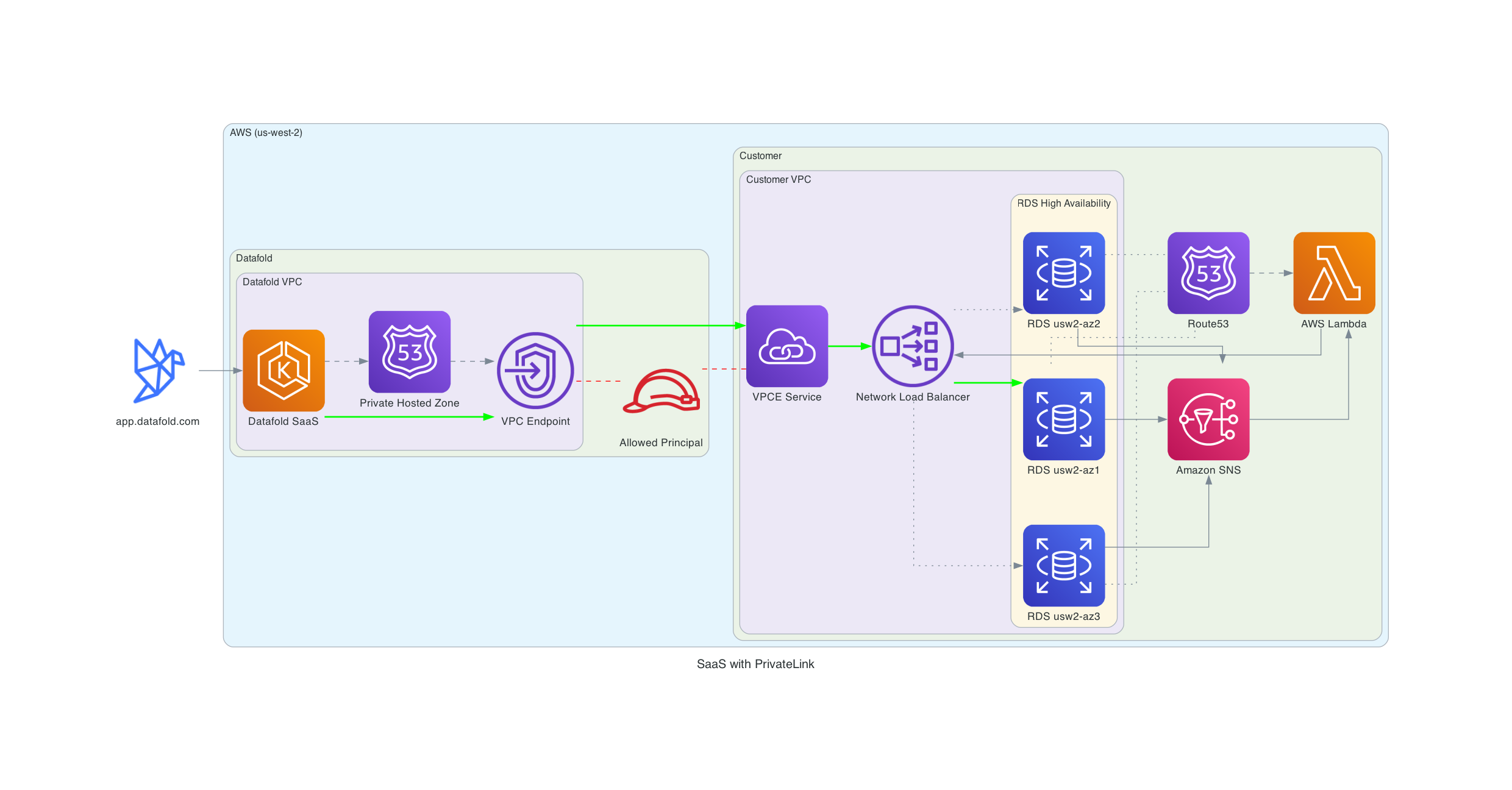 ### Setup
Supported databases
The following setup assumes you have an RDS/Aurora database you want to connect to. Datafold also supports PrivateLink connections to other databases such as Snowflake, which should only be accessed from your VPC. Please contact [support@datafold.com](mailto:support@datafold.com) to get assistance with connecting to your specific database.
Our support team will send you the following:
* The role ARN to establish the PrivateLink connection.
* Datafold SaaS Cloud VPC CIDR range.
You need to do the following steps:
1. Send us the region(s) where your database(s) are located.
2. Create a VPC Endpoint Service and NLB.
* The core concepts of this setup are described in this AWS blog: [Access Amazon RDS across VPCs using AWS PrivateLink and Network Load Balancer](https://aws.amazon.com/blogs/database/access-amazon-rds-across-vpcs-using-aws-privatelink-and-network-load-balancer/).
* If your databases are HA, please implement the failover mechanics described in the blog.
* A CloudFormation template for inspiration can be found [here](https://github.com/aws-samples/amazon-rds-crossaccount-access/blob/main/CrossAccountRDSAccess.yml).
* You'll need to create a Network Load Balancer that points to your database and a VPC Endpoint Service that exposes the NLB.
* Configure security groups to allow traffic from Datafold's VPC to your database.
* If your databases are HA (High Availability), implement automatic failover mechanics to ensure the NLB routes to the active database instance.
* For detailed step-by-step instructions, see our [**AWS PrivateLink Setup Guide**](/security/aws_privatelink_setup).
3. Add the provided role ARN as 'Allowed Principal' on the VPC Endpoint Service.
4. Allow ingress from the Datafold SaaS Cloud VPC.
5. Send us the:
* Service name(s), e.g. `com.amazonaws.vpce.us-west-2.vpce-svc-0cfd2f258c4395ad6`.
* Availability Zone ID(s) used in the VPCE Service(s), e.g. `use1-az6` or `usw2-az3`.
* RDS/Aurora hostname(s), e.g. `datafold.c2zezoge6btk.us-west-2.rds.amazonaws.com`.
At the end, the database hostname used to configure the data source will be the original RDS/Aurora hostname. But with private DNS resolution, we will resolve the hostname to the VPC Endpoint. Our support team will let you know when everything is set up and you can accept the PrivateLink connection and start configuring the data source.
**Detailed Instructions**
For comprehensive step-by-step instructions including security group configuration, target group setup, Lambda-based automatic failover for HA setups, and troubleshooting, see our [**AWS PrivateLink Setup Guide**](/security/aws_privatelink_setup).
### Cross-Region PrivateLink
Datafold SaaS Cloud supports cross-region PrivateLink for all North American regions. Datafold SaaS Cloud is located in `us-west-2`. Datafold manages the cross-region networking, allowing you to connect to a VPC Endpoint in the same region as your VPC Endpoint Service. For Datafold Dedicated Cloud customers, deployment occurs in your chosen region. If you need to connect to databases in multiple regions, Datafold also supports this through cross-region PrivateLink.
The setup will be similar to the regular PrivateLink setup.
### Private Service Connect
Google Cloud's Private Service Connect is only available if both parties are in the same cloud region. This option is only available for Datafold Dedicated Cloud customers. The diagram below illustrates how the solution works:
### Setup
Supported databases
The following setup assumes you have an RDS/Aurora database you want to connect to. Datafold also supports PrivateLink connections to other databases such as Snowflake, which should only be accessed from your VPC. Please contact [support@datafold.com](mailto:support@datafold.com) to get assistance with connecting to your specific database.
Our support team will send you the following:
* The role ARN to establish the PrivateLink connection.
* Datafold SaaS Cloud VPC CIDR range.
You need to do the following steps:
1. Send us the region(s) where your database(s) are located.
2. Create a VPC Endpoint Service and NLB.
* The core concepts of this setup are described in this AWS blog: [Access Amazon RDS across VPCs using AWS PrivateLink and Network Load Balancer](https://aws.amazon.com/blogs/database/access-amazon-rds-across-vpcs-using-aws-privatelink-and-network-load-balancer/).
* If your databases are HA, please implement the failover mechanics described in the blog.
* A CloudFormation template for inspiration can be found [here](https://github.com/aws-samples/amazon-rds-crossaccount-access/blob/main/CrossAccountRDSAccess.yml).
* You'll need to create a Network Load Balancer that points to your database and a VPC Endpoint Service that exposes the NLB.
* Configure security groups to allow traffic from Datafold's VPC to your database.
* If your databases are HA (High Availability), implement automatic failover mechanics to ensure the NLB routes to the active database instance.
* For detailed step-by-step instructions, see our [**AWS PrivateLink Setup Guide**](/security/aws_privatelink_setup).
3. Add the provided role ARN as 'Allowed Principal' on the VPC Endpoint Service.
4. Allow ingress from the Datafold SaaS Cloud VPC.
5. Send us the:
* Service name(s), e.g. `com.amazonaws.vpce.us-west-2.vpce-svc-0cfd2f258c4395ad6`.
* Availability Zone ID(s) used in the VPCE Service(s), e.g. `use1-az6` or `usw2-az3`.
* RDS/Aurora hostname(s), e.g. `datafold.c2zezoge6btk.us-west-2.rds.amazonaws.com`.
At the end, the database hostname used to configure the data source will be the original RDS/Aurora hostname. But with private DNS resolution, we will resolve the hostname to the VPC Endpoint. Our support team will let you know when everything is set up and you can accept the PrivateLink connection and start configuring the data source.
**Detailed Instructions**
For comprehensive step-by-step instructions including security group configuration, target group setup, Lambda-based automatic failover for HA setups, and troubleshooting, see our [**AWS PrivateLink Setup Guide**](/security/aws_privatelink_setup).
### Cross-Region PrivateLink
Datafold SaaS Cloud supports cross-region PrivateLink for all North American regions. Datafold SaaS Cloud is located in `us-west-2`. Datafold manages the cross-region networking, allowing you to connect to a VPC Endpoint in the same region as your VPC Endpoint Service. For Datafold Dedicated Cloud customers, deployment occurs in your chosen region. If you need to connect to databases in multiple regions, Datafold also supports this through cross-region PrivateLink.
The setup will be similar to the regular PrivateLink setup.
### Private Service Connect
Google Cloud's Private Service Connect is only available if both parties are in the same cloud region. This option is only available for Datafold Dedicated Cloud customers. The diagram below illustrates how the solution works:
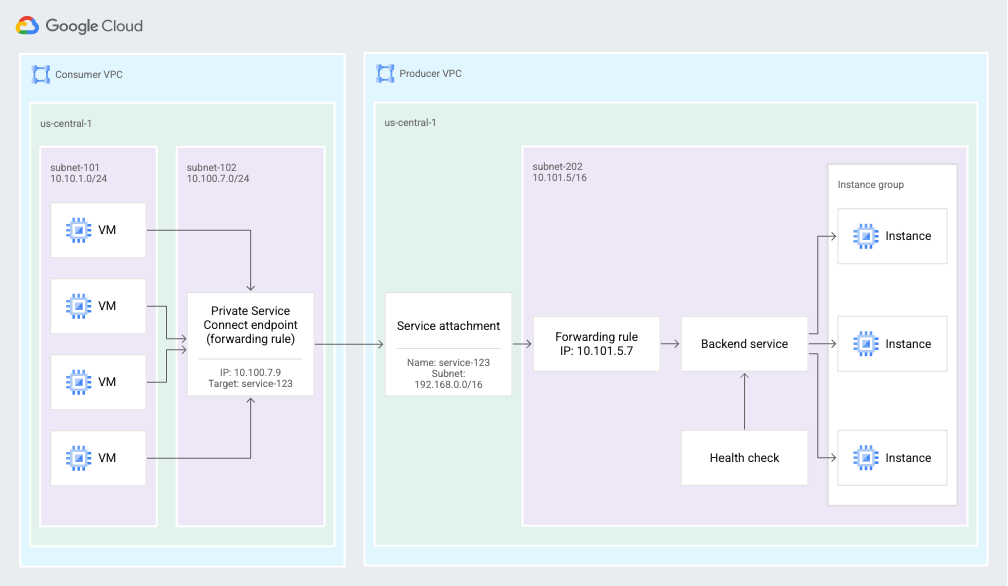 The basics of Private Service Connect are available [here](https://cloud.google.com/vpc/docs/private-service-connect).
### Azure Private Link
Azure Private Link is only available if both parties are in the same cloud region. This option is only available for Datafold Dedicated Cloud customers. The diagram below illustrates how the solution works:
The basics of Private Service Connect are available [here](https://cloud.google.com/vpc/docs/private-service-connect).
### Azure Private Link
Azure Private Link is only available if both parties are in the same cloud region. This option is only available for Datafold Dedicated Cloud customers. The diagram below illustrates how the solution works:
 The basics of Private Link are available [here](https://learn.microsoft.com/en-us/azure/private-link/private-link-overview).
For Customer-Hosted Dedicated Cloud, achieving cross-tenant access requires using Private Link. The documentation can be accessed [here](https://learn.microsoft.com/en-us/azure/architecture/guide/networking/cross-tenant-secure-access-private-endpoints).
## VPC Peering (SaaS)
VPC Peering is easier to set up than Private Link, but a drawback is that both networks are joined and the IP ranges must not overlap. For Datafold SaaS Cloud, this setup is an AWS-only option.
The basics of VPC peering are covered [here](https://docs.aws.amazon.com/vpc/latest/peering/vpc-peering-basics.html).
To set up VPC peering, please contact [support@datafold.com](mailto:support@datafold.com) and provide us with the following information:
* AWS region where your database is hosted.
* ID of the VPC that you would like to connect.
* CIDR of the VPC.
If there are no address collisions, we'll send you a peering request and CIDR that we use on our end, and whitelist the CIDR range for your organization. You'll need to set up routing to this CIDR through the peering connection.
If you activate DNS on your side of the peering connection, you can use the private DNS hostname to connect. Otherwise, you need to use the IP.
## VPC Peering (Dedicated Cloud)
VPC Peering is a supported option for all cloud providers, both for Datafold-hosted and customer-hosted deployments. Basic information for each cloud provider can be found here:
* [AWS](https://docs.aws.amazon.com/vpc/latest/peering/vpc-peering-basics.html)
* [GCP](https://cloud.google.com/vpc/docs/vpc-peering)
* [Azure](https://learn.microsoft.com/en-us/azure/virtual-network/create-peering-different-subscriptions?tabs=create-peering-portal)
**VPC vs VNet**
We use the term VPC across all major cloud providers. However, Azure calls this concept a Virtual Network (VNet).
## SSH Tunnel
To set up a tunnel, please contact our team at [support@datafold.com](mailto:support@datafold.com) and provide the following information:
* Hostname of your bastion host and port number used for SSH service.
* Hostname of and port number of your database.
* SSH fingerprint of the bastion host (optional).
We'll get back to you with:
* SSH public key that you need to add to `~/.ssh/authorized_hosts`.
* IP address and port to use for data connection configuration in the Datafold application.
## IPSec tunnel
Please contact our team at [support@datafold.com](mailto:support@datafold.com) for more information.
---
# Source: https://docs.datafold.com/security/single-sign-on.md
> ## Documentation Index
> Fetch the complete documentation index at: https://docs.datafold.com/llms.txt
> Use this file to discover all available pages before exploring further.
# Single Sign-On
> Set up Single Sign-On with one of the following options.
**Tip**
You can force all users to use the configured SSO provider by unchecking the *Allow non-admin users to login with email and password* checkbox under the organization settings.
Admin users will still be able to login using email and password.
The basics of Private Link are available [here](https://learn.microsoft.com/en-us/azure/private-link/private-link-overview).
For Customer-Hosted Dedicated Cloud, achieving cross-tenant access requires using Private Link. The documentation can be accessed [here](https://learn.microsoft.com/en-us/azure/architecture/guide/networking/cross-tenant-secure-access-private-endpoints).
## VPC Peering (SaaS)
VPC Peering is easier to set up than Private Link, but a drawback is that both networks are joined and the IP ranges must not overlap. For Datafold SaaS Cloud, this setup is an AWS-only option.
The basics of VPC peering are covered [here](https://docs.aws.amazon.com/vpc/latest/peering/vpc-peering-basics.html).
To set up VPC peering, please contact [support@datafold.com](mailto:support@datafold.com) and provide us with the following information:
* AWS region where your database is hosted.
* ID of the VPC that you would like to connect.
* CIDR of the VPC.
If there are no address collisions, we'll send you a peering request and CIDR that we use on our end, and whitelist the CIDR range for your organization. You'll need to set up routing to this CIDR through the peering connection.
If you activate DNS on your side of the peering connection, you can use the private DNS hostname to connect. Otherwise, you need to use the IP.
## VPC Peering (Dedicated Cloud)
VPC Peering is a supported option for all cloud providers, both for Datafold-hosted and customer-hosted deployments. Basic information for each cloud provider can be found here:
* [AWS](https://docs.aws.amazon.com/vpc/latest/peering/vpc-peering-basics.html)
* [GCP](https://cloud.google.com/vpc/docs/vpc-peering)
* [Azure](https://learn.microsoft.com/en-us/azure/virtual-network/create-peering-different-subscriptions?tabs=create-peering-portal)
**VPC vs VNet**
We use the term VPC across all major cloud providers. However, Azure calls this concept a Virtual Network (VNet).
## SSH Tunnel
To set up a tunnel, please contact our team at [support@datafold.com](mailto:support@datafold.com) and provide the following information:
* Hostname of your bastion host and port number used for SSH service.
* Hostname of and port number of your database.
* SSH fingerprint of the bastion host (optional).
We'll get back to you with:
* SSH public key that you need to add to `~/.ssh/authorized_hosts`.
* IP address and port to use for data connection configuration in the Datafold application.
## IPSec tunnel
Please contact our team at [support@datafold.com](mailto:support@datafold.com) for more information.
---
# Source: https://docs.datafold.com/security/single-sign-on.md
> ## Documentation Index
> Fetch the complete documentation index at: https://docs.datafold.com/llms.txt
> Use this file to discover all available pages before exploring further.
# Single Sign-On
> Set up Single Sign-On with one of the following options.
**Tip**
You can force all users to use the configured SSO provider by unchecking the *Allow non-admin users to login with email and password* checkbox under the organization settings.
Admin users will still be able to login using email and password.
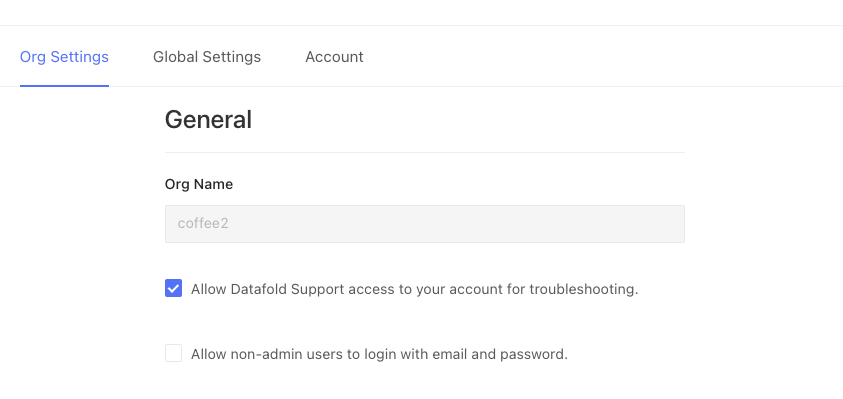 **Caution**
Ensure only authorized users keep using Datafold by setting up Okta webhooks or setting up credentials for the Microsoft Entra app if you're using Microsoft Entra ID (formerly known Azure Active Directory)
This will disable non-admin users that don't have access to the configured SSO app.
[Configure this for Okta](/security/single-sign-on/okta#synchronize-state-with-datafold-optional)
[Configure this for Microsoft Entra ID](/security/single-sign-on/saml/examples/microsoft-entra-id-configuration#synchronize-user-with-datafold-optional)
---
# Source: https://docs.datafold.com/integrations/notifications/slack.md
# Slack
> Receive notifications for monitors in Slack.
## Prerequisites
* Slack admin access or permissions to manage integrations
* A Datafold account with admin privileges
## Configure the Integration
1. In Datafold, go to Settings > Integrations > Notifications
2. Click "Add New Integration"
3. Select "Slack"
4. You'll be automatically redirected to Slack
5. If you're not already signed in, sign in to your Slack account
6. Click "Allow" to grant Datafold the necessary permissions
7. You'll be redirected back to Datafold
You're all set! When you configure a monitor in Datafold, you'll now have the option to send notifications to Slack.
## Monitors as Code Configuration
If you're using [monitors as code](/data-monitoring/monitors-as-code), you can configure Slack notifications by adding a `notifications` section to your monitor definition as follows:
```yaml theme={null}
monitors:
:
...
notifications:
- type: slack
integration:
channel:
mentions:
-
- here
- channel
...
```
* `` can be found in Datafold -> Settings -> Integrations -> Notifications -> \
#### Full example
```yaml theme={null}
monitors:
uniqueness_test_example:
type: test
enabled: true
connection_id: 1123
test:
type: unique
tables:
- path: DEV.DATA_DEV.USERS
columns:
- USERNAME
schedule:
interval:
every: hour
notifications:
- type: slack
integration: 13
channel: dev-notifications
mentions:
- John Doe
- channel
```
## Need help?
If you have any questions about integrating with Slack, please reach out to our team via Slack, in-app chat, or email us at [support@datafold.com](mailto:support@datafold.com).
---
# Source: https://docs.datafold.com/deployment-testing/best-practices/slim-diff.md
> ## Documentation Index
> Fetch the complete documentation index at: https://docs.datafold.com/llms.txt
> Use this file to discover all available pages before exploring further.
# Slim Diff
> Choose which downstream tables to diff to optimize time, cost, and performance.
By default, Datafold diffs all modified models and downstream models. However, it won't make sense for all organizations to diff every downstream table every time you make a code update. Tradeoffs of time, cost, and risk must be considered.
That's why we created Slim Diff.
With Slim Diff enabled, Datafold will only diff models with dbt code changes in your Pull Request (PR).
**Caution**
Ensure only authorized users keep using Datafold by setting up Okta webhooks or setting up credentials for the Microsoft Entra app if you're using Microsoft Entra ID (formerly known Azure Active Directory)
This will disable non-admin users that don't have access to the configured SSO app.
[Configure this for Okta](/security/single-sign-on/okta#synchronize-state-with-datafold-optional)
[Configure this for Microsoft Entra ID](/security/single-sign-on/saml/examples/microsoft-entra-id-configuration#synchronize-user-with-datafold-optional)
---
# Source: https://docs.datafold.com/integrations/notifications/slack.md
# Slack
> Receive notifications for monitors in Slack.
## Prerequisites
* Slack admin access or permissions to manage integrations
* A Datafold account with admin privileges
## Configure the Integration
1. In Datafold, go to Settings > Integrations > Notifications
2. Click "Add New Integration"
3. Select "Slack"
4. You'll be automatically redirected to Slack
5. If you're not already signed in, sign in to your Slack account
6. Click "Allow" to grant Datafold the necessary permissions
7. You'll be redirected back to Datafold
You're all set! When you configure a monitor in Datafold, you'll now have the option to send notifications to Slack.
## Monitors as Code Configuration
If you're using [monitors as code](/data-monitoring/monitors-as-code), you can configure Slack notifications by adding a `notifications` section to your monitor definition as follows:
```yaml theme={null}
monitors:
:
...
notifications:
- type: slack
integration:
channel:
mentions:
-
- here
- channel
...
```
* `` can be found in Datafold -> Settings -> Integrations -> Notifications -> \
#### Full example
```yaml theme={null}
monitors:
uniqueness_test_example:
type: test
enabled: true
connection_id: 1123
test:
type: unique
tables:
- path: DEV.DATA_DEV.USERS
columns:
- USERNAME
schedule:
interval:
every: hour
notifications:
- type: slack
integration: 13
channel: dev-notifications
mentions:
- John Doe
- channel
```
## Need help?
If you have any questions about integrating with Slack, please reach out to our team via Slack, in-app chat, or email us at [support@datafold.com](mailto:support@datafold.com).
---
# Source: https://docs.datafold.com/deployment-testing/best-practices/slim-diff.md
> ## Documentation Index
> Fetch the complete documentation index at: https://docs.datafold.com/llms.txt
> Use this file to discover all available pages before exploring further.
# Slim Diff
> Choose which downstream tables to diff to optimize time, cost, and performance.
By default, Datafold diffs all modified models and downstream models. However, it won't make sense for all organizations to diff every downstream table every time you make a code update. Tradeoffs of time, cost, and risk must be considered.
That's why we created Slim Diff.
With Slim Diff enabled, Datafold will only diff models with dbt code changes in your Pull Request (PR).
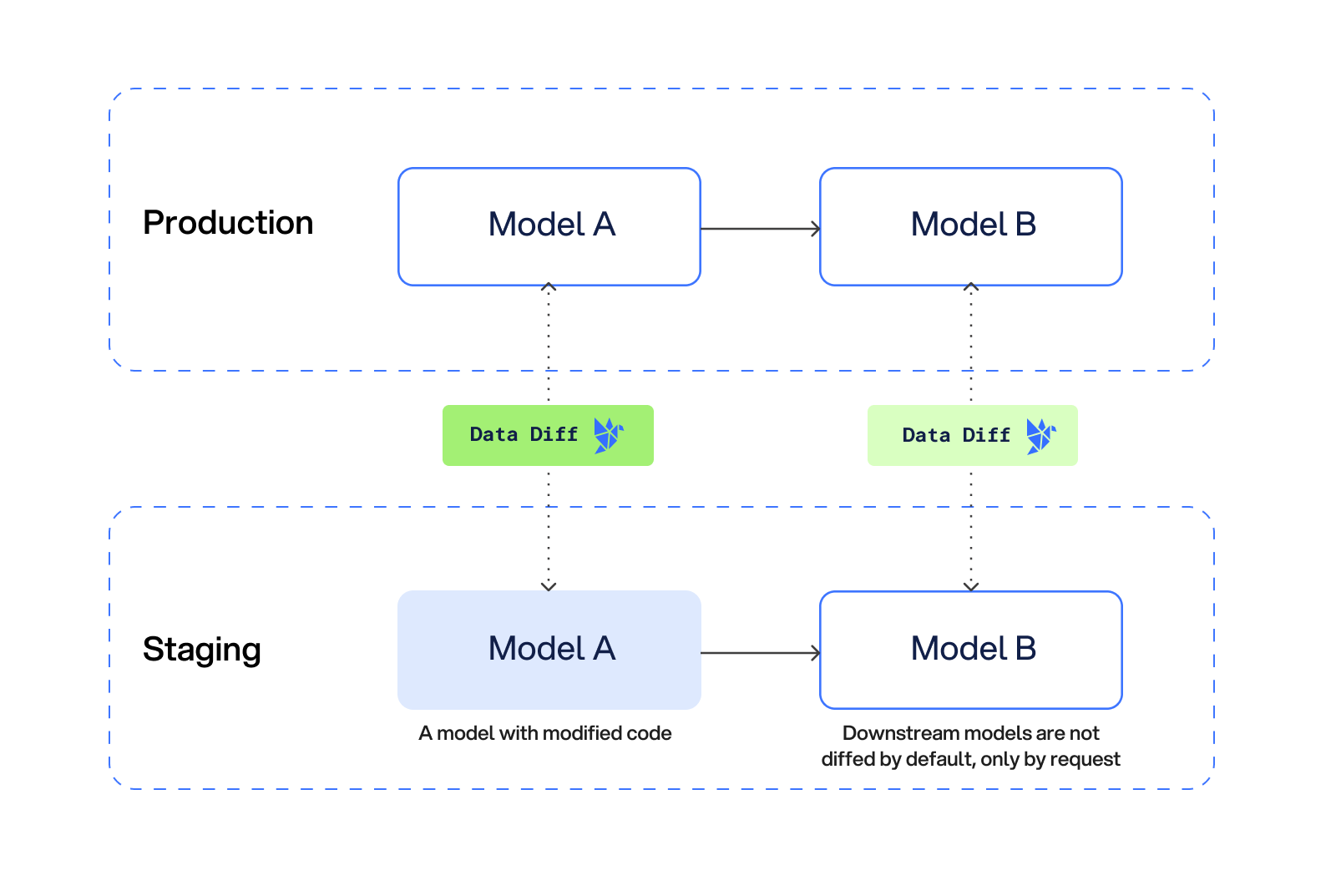 ## Setting up Slim Diff
In Datafold, Slim Diff can be enabled by adjusting your diff settings by navigating to Settings → Integrations → CI → Select your CI tool → Advanced Settings and check the Slim Diff box:
## Setting up Slim Diff
In Datafold, Slim Diff can be enabled by adjusting your diff settings by navigating to Settings → Integrations → CI → Select your CI tool → Advanced Settings and check the Slim Diff box:
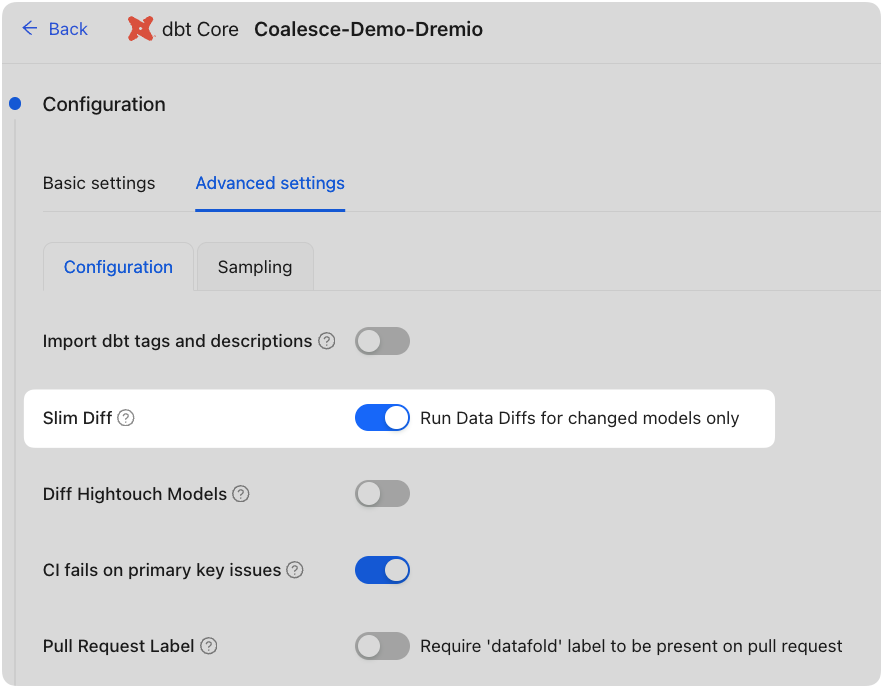 ## Diffing only modified models
With this setting turned on, only the modified models will be diffed by default.
## Diffing only modified models
With this setting turned on, only the modified models will be diffed by default.
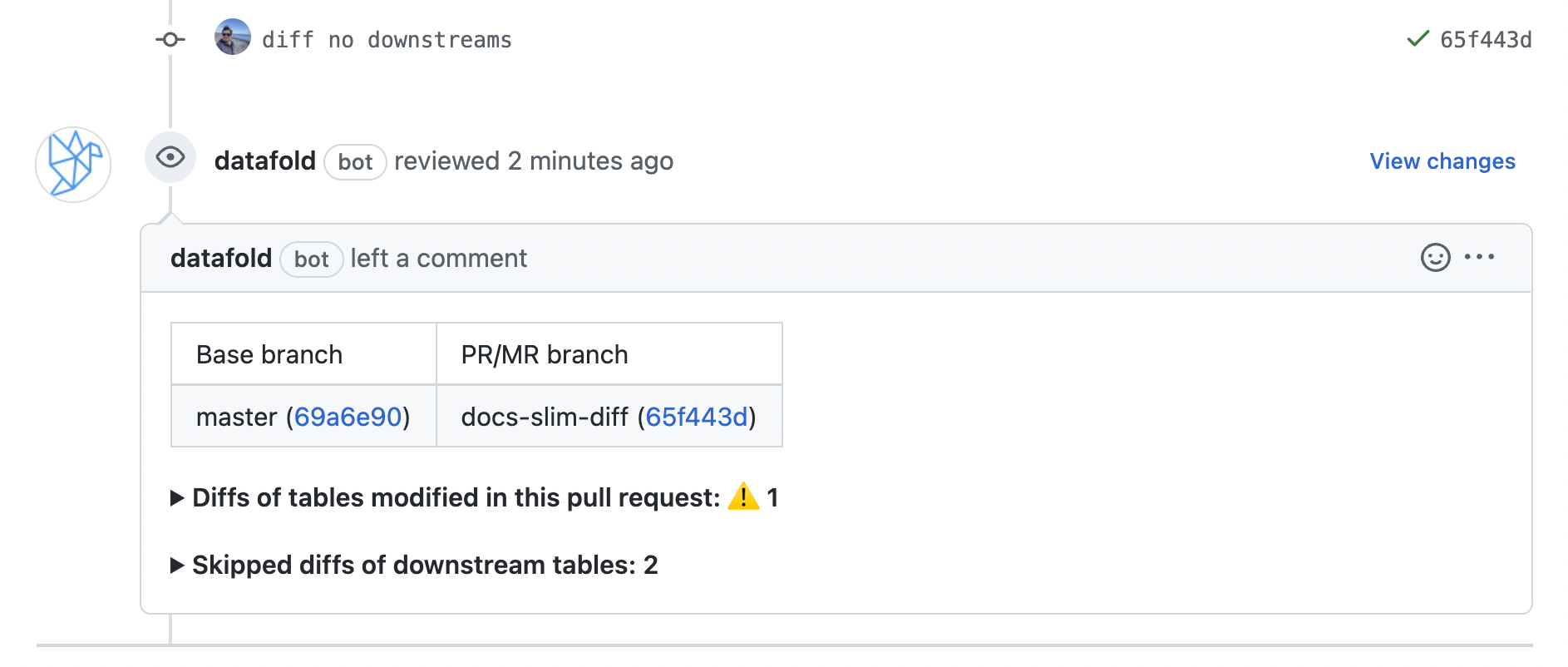 ## Diff individual downstream models
Once Datafold has diffed only the modified models, you still have the option of diffing individual downstream models right within your PR.
## Diff individual downstream models
Once Datafold has diffed only the modified models, you still have the option of diffing individual downstream models right within your PR.
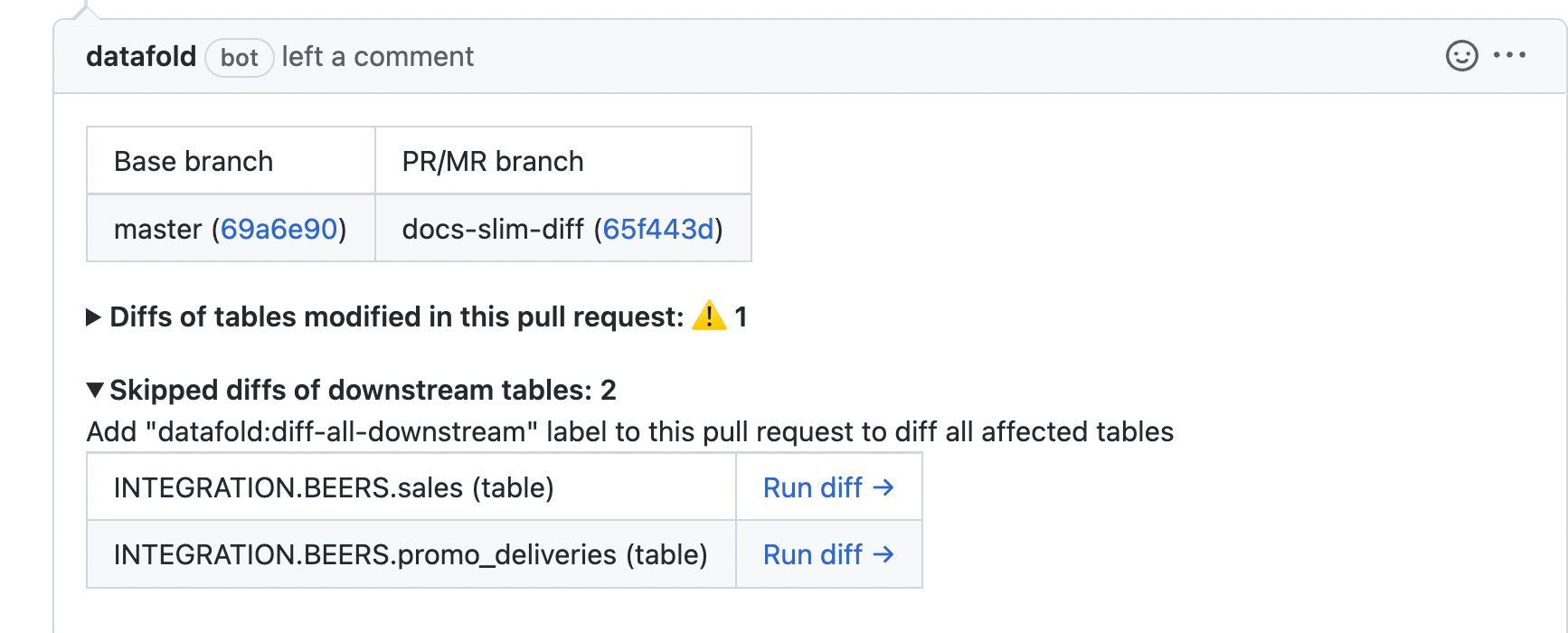 ## Diff all downstream models
You can also add the `datafold:diff-all-downstream` label within your PR, which will automatically diff *all* downstream models.
## Diff all downstream models
You can also add the `datafold:diff-all-downstream` label within your PR, which will automatically diff *all* downstream models.
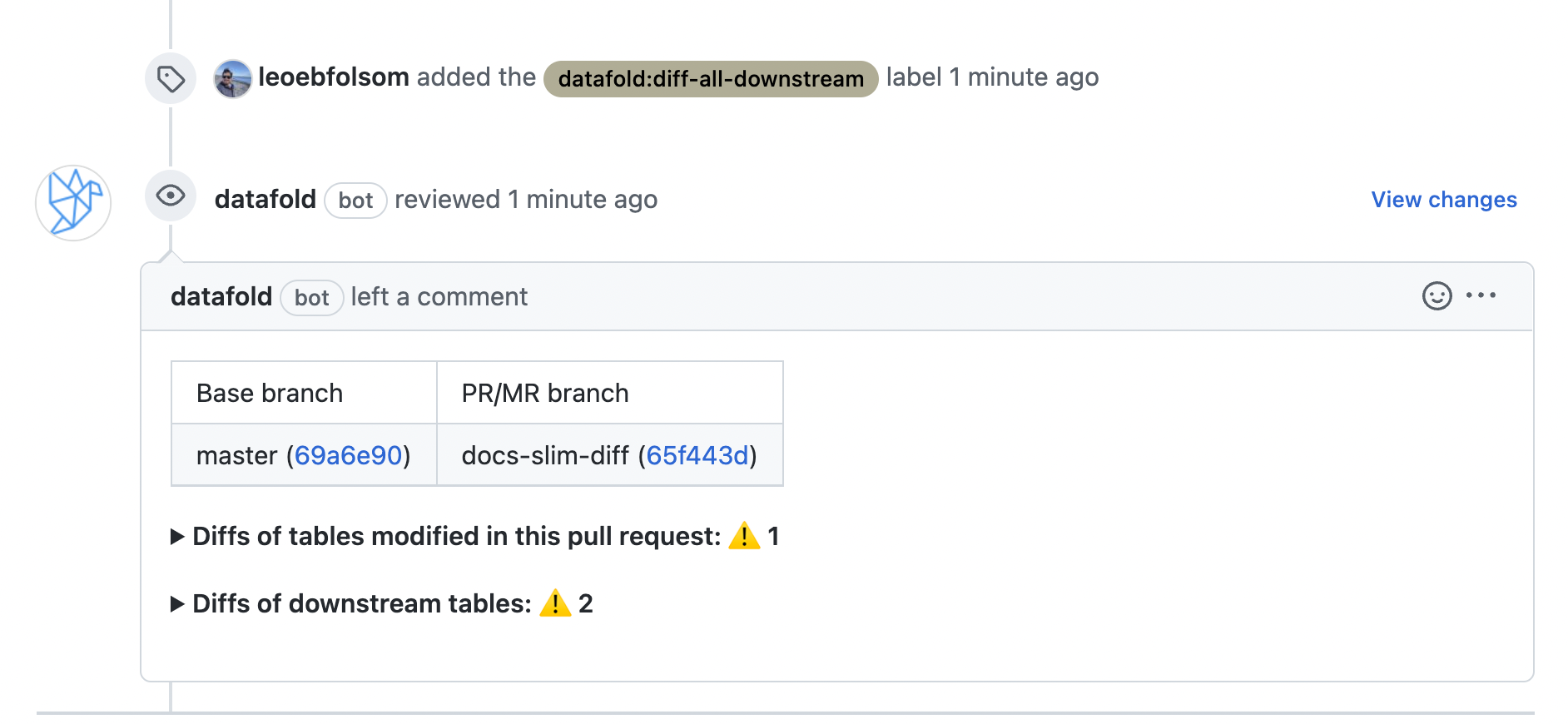 ## Explicitly define which models to always diff
Finally, with Slim Diff turned on, there might be certain models or subdirectories that you want to *always* diff when downstream. You can think of this as an exclusion to the Slim Diff behavior.
Apply the `slim_diff: diff_when_downstream` meta tag to individual models or entire folders in your `dbt_project.yml` file:
```Bash theme={null}
models:
:
:
+materialized: view
:
+meta:
datafold:
datadiff:
slim_diff: diff_when_downstream
:
+meta:
datafold:
datadiff:
slim_diff: diff_when_downstream
```
These meta tags can also be added in individual yaml files or in config blocks. More details about using meta tags are available in [the dbt docs](https://docs.getdbt.com/reference/resource-configs/meta).
With this configuration in place, Slim Diff will prevent downstream models from being run *unless* they have been designated as exceptions with the `slim_diff: diff_when_downstream` dbt meta tag.
## Explicitly define which models to always diff
Finally, with Slim Diff turned on, there might be certain models or subdirectories that you want to *always* diff when downstream. You can think of this as an exclusion to the Slim Diff behavior.
Apply the `slim_diff: diff_when_downstream` meta tag to individual models or entire folders in your `dbt_project.yml` file:
```Bash theme={null}
models:
:
:
+materialized: view
:
+meta:
datafold:
datadiff:
slim_diff: diff_when_downstream
:
+meta:
datafold:
datadiff:
slim_diff: diff_when_downstream
```
These meta tags can also be added in individual yaml files or in config blocks. More details about using meta tags are available in [the dbt docs](https://docs.getdbt.com/reference/resource-configs/meta).
With this configuration in place, Slim Diff will prevent downstream models from being run *unless* they have been designated as exceptions with the `slim_diff: diff_when_downstream` dbt meta tag.
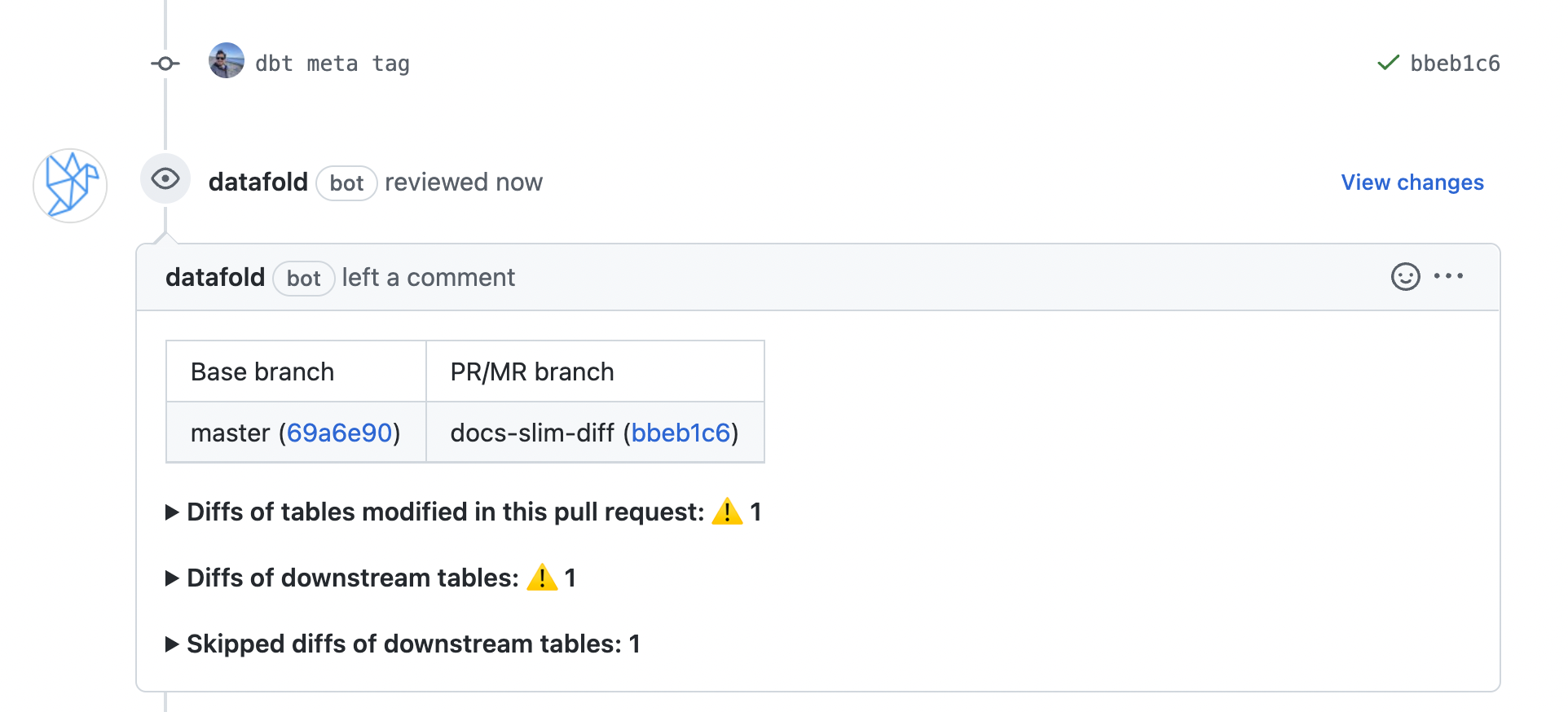 As usual, once the PR has been opened, you'll still have the option of diffing individual downstream models that weren't diffed, or diffing all downstream models using the `datafold:diff-all-downstream` label.
---
# Source: https://docs.datafold.com/integrations/databases/snowflake.md
> ## Documentation Index
> Fetch the complete documentation index at: https://docs.datafold.com/llms.txt
> Use this file to discover all available pages before exploring further.
# Snowflake
**NOTE**: Datafold needs permissions in your Snowflake dataset to read your table data. You will need to be a Snowflake *Admin* in order to grant the required permissions.
**Steps to complete:**
* [Create a user and role for Datafold](/integrations/databases/snowflake#create-a-user-and-role-for-datafold)
* [Setup password-based](/integrations/databases/snowflake#set-up-password-based-authentication) or [Use key-pair authentication](/integrations/databases/snowflake#use-key-pair-authentication)
* [Create a temporary schema](/integrations/databases/snowflake#create-schema-for-datafold)
* [Give the Datafold role access to your warehouse](/integrations/databases/snowflake#give-the-datafold-role-access)
* [Configure your data connection in Datafold](/integrations/databases/snowflake#configure-in-datafold)
## Create a user and role for Datafold
> A [full script](/integrations/databases/snowflake#full-script) can be found at the bottom of this page.
It is best practice to create a separate role for the Datafold integration (e.g., `DATAFOLDROLE`):
```
CREATE ROLE DATAFOLDROLE;
CREATE USER DATAFOLD DEFAULT_ROLE = "DATAFOLDROLE" MUST_CHANGE_PASSWORD = FALSE;
GRANT ROLE DATAFOLDROLE TO USER DATAFOLD;
```
To provide column-level lineage, Datafold needs to read & parse all SQL statements executed in your Snowflake account:
```
GRANT MONITOR EXECUTION ON ACCOUNT TO ROLE DATAFOLDROLE;
GRANT IMPORTED PRIVILEGES ON DATABASE SNOWFLAKE TO ROLE DATAFOLDROLE;
```
## Set up password-based authentication
Datafold supports username/password authentication, but also key-pair authentication.
```
ALTER USER DATAFOLD SET PASSWORD = 'SomethingSecret';
```
You can set the username/password in the Datafold web UI.
### Use key-pair authentication
If you would like to use key-pair authentication, go to **Settings** -> **Data Connections** -> **Your Snowflake Connection**, and change Authentication method from **Password** to **Key Pair**.
Generate and Download the Key Pair file, and use the value within the file when running the following command in Snowflake to set the key for this Snowflake role:
```
ALTER USER DATAFOLD SET rsa_public_key='...'
```
## Create schema for Datafold
Datafold utilizes a temporary dataset to materialize scratch work and keep data processing in the your warehouse.
```
CREATE SCHEMA .DATAFOLD_TMP;
GRANT ALL ON SCHEMA .DATAFOLD_TMP TO DATAFOLDROLE;
```
## Give the Datafold role access
Datafold will only scan the tables that it has access to. The snippet below will give Datafold read access to a database. If you have more than one database that you want to use in Datafold, rerun the script below for each one.
```Bash theme={null}
/* Repeat for every DATABASE to be usable in Datafold. This allows Datafold to
correctly discover, profile & diff each table */
GRANT USAGE ON WAREHOUSE TO ROLE DATAFOLDROLE;
GRANT USAGE ON DATABASE TO ROLE DATAFOLDROLE;
GRANT USAGE ON ALL SCHEMAS IN DATABASE TO ROLE DATAFOLDROLE;
GRANT USAGE ON FUTURE SCHEMAS IN DATABASE TO ROLE DATAFOLDROLE;
GRANT SELECT ON ALL TABLES IN DATABASE TO ROLE DATAFOLDROLE;
GRANT SELECT ON FUTURE TABLES IN DATABASE TO ROLE DATAFOLDROLE;
GRANT SELECT ON ALL VIEWS IN DATABASE TO ROLE DATAFOLDROLE;
GRANT SELECT ON FUTURE VIEWS IN DATABASE TO ROLE DATAFOLDROLE;
GRANT SELECT ON ALL MATERIALIZED VIEWS IN DATABASE TO ROLE DATAFOLDROLE;
GRANT SELECT ON FUTURE MATERIALIZED VIEWS IN DATABASE TO ROLE DATAFOLDROLE;
GRANT ALL PRIVILEGES ON ALL DYNAMIC TABLES IN DATABASE TO ROLE DATAFOLDROLE;
GRANT SELECT ON FUTURE DYNAMIC TABLES IN DATABASE TO ROLE DATAFOLDROLE;
```
## Full Script
```Bash theme={null}
--Step 1: Create a user and role for Datafold
CREATE ROLE DATAFOLDROLE;
CREATE USER DATAFOLD DEFAULT_ROLE = "DATAFOLDROLE" MUST_CHANGE_PASSWORD = FALSE;
GRANT ROLE DATAFOLDROLE TO USER DATAFOLD;
GRANT MONITOR EXECUTION ON ACCOUNT TO ROLE DATAFOLDROLE;
GRANT IMPORTED PRIVILEGES ON DATABASE SNOWFLAKE TO ROLE DATAFOLDROLE;
--Step 2a: Use password-based authentication
ALTER USER DATAFOLD SET PASSWORD = 'SomethingSecret';
--OR
--Step 2b: Use key-pair authentication
--ALTER USER DATAFOLD SET rsa_public_key='abc..'
--Step 3: Create schema for Datafold
CREATE SCHEMA .DATAFOLD_TMP;
GRANT ALL ON SCHEMA .DATAFOLD_TMP TO DATAFOLDROLE;
--Step 4: Give the Datafold role access to your data connection
/*
Repeat for every DATABASE to be usable in Datafold. This allows Datafold to
correctly discover, profile & diff each table
*/
GRANT USAGE ON WAREHOUSE TO ROLE DATAFOLDROLE;
GRANT USAGE ON DATABASE TO ROLE DATAFOLDROLE;
GRANT USAGE ON ALL SCHEMAS IN DATABASE TO ROLE DATAFOLDROLE;
GRANT USAGE ON FUTURE SCHEMAS IN DATABASE TO ROLE DATAFOLDROLE;
GRANT SELECT ON ALL TABLES IN DATABASE TO ROLE DATAFOLDROLE;
GRANT SELECT ON FUTURE TABLES IN DATABASE TO ROLE DATAFOLDROLE;
GRANT SELECT ON ALL VIEWS IN DATABASE TO ROLE DATAFOLDROLE;
GRANT SELECT ON FUTURE VIEWS IN DATABASE TO ROLE DATAFOLDROLE;
GRANT SELECT ON ALL MATERIALIZED VIEWS IN DATABASE TO ROLE DATAFOLDROLE;
GRANT SELECT ON FUTURE MATERIALIZED VIEWS IN DATABASE TO ROLE DATAFOLDROLE;
```
## Validate Snowflake Grants for Datafold
Run these queries to validate that the grants have been set up correctly:
> Note: More results may be returned than shown in the screenshots below if you have granted access to multiple roles/users
Example Placeholders:
* `` = `DEV`
* `` = `DEMO`
```
-- Validate database usage for the DATAFOLDROLE
SHOW GRANTS ON DATABASE ;
```
As usual, once the PR has been opened, you'll still have the option of diffing individual downstream models that weren't diffed, or diffing all downstream models using the `datafold:diff-all-downstream` label.
---
# Source: https://docs.datafold.com/integrations/databases/snowflake.md
> ## Documentation Index
> Fetch the complete documentation index at: https://docs.datafold.com/llms.txt
> Use this file to discover all available pages before exploring further.
# Snowflake
**NOTE**: Datafold needs permissions in your Snowflake dataset to read your table data. You will need to be a Snowflake *Admin* in order to grant the required permissions.
**Steps to complete:**
* [Create a user and role for Datafold](/integrations/databases/snowflake#create-a-user-and-role-for-datafold)
* [Setup password-based](/integrations/databases/snowflake#set-up-password-based-authentication) or [Use key-pair authentication](/integrations/databases/snowflake#use-key-pair-authentication)
* [Create a temporary schema](/integrations/databases/snowflake#create-schema-for-datafold)
* [Give the Datafold role access to your warehouse](/integrations/databases/snowflake#give-the-datafold-role-access)
* [Configure your data connection in Datafold](/integrations/databases/snowflake#configure-in-datafold)
## Create a user and role for Datafold
> A [full script](/integrations/databases/snowflake#full-script) can be found at the bottom of this page.
It is best practice to create a separate role for the Datafold integration (e.g., `DATAFOLDROLE`):
```
CREATE ROLE DATAFOLDROLE;
CREATE USER DATAFOLD DEFAULT_ROLE = "DATAFOLDROLE" MUST_CHANGE_PASSWORD = FALSE;
GRANT ROLE DATAFOLDROLE TO USER DATAFOLD;
```
To provide column-level lineage, Datafold needs to read & parse all SQL statements executed in your Snowflake account:
```
GRANT MONITOR EXECUTION ON ACCOUNT TO ROLE DATAFOLDROLE;
GRANT IMPORTED PRIVILEGES ON DATABASE SNOWFLAKE TO ROLE DATAFOLDROLE;
```
## Set up password-based authentication
Datafold supports username/password authentication, but also key-pair authentication.
```
ALTER USER DATAFOLD SET PASSWORD = 'SomethingSecret';
```
You can set the username/password in the Datafold web UI.
### Use key-pair authentication
If you would like to use key-pair authentication, go to **Settings** -> **Data Connections** -> **Your Snowflake Connection**, and change Authentication method from **Password** to **Key Pair**.
Generate and Download the Key Pair file, and use the value within the file when running the following command in Snowflake to set the key for this Snowflake role:
```
ALTER USER DATAFOLD SET rsa_public_key='...'
```
## Create schema for Datafold
Datafold utilizes a temporary dataset to materialize scratch work and keep data processing in the your warehouse.
```
CREATE SCHEMA .DATAFOLD_TMP;
GRANT ALL ON SCHEMA .DATAFOLD_TMP TO DATAFOLDROLE;
```
## Give the Datafold role access
Datafold will only scan the tables that it has access to. The snippet below will give Datafold read access to a database. If you have more than one database that you want to use in Datafold, rerun the script below for each one.
```Bash theme={null}
/* Repeat for every DATABASE to be usable in Datafold. This allows Datafold to
correctly discover, profile & diff each table */
GRANT USAGE ON WAREHOUSE TO ROLE DATAFOLDROLE;
GRANT USAGE ON DATABASE TO ROLE DATAFOLDROLE;
GRANT USAGE ON ALL SCHEMAS IN DATABASE TO ROLE DATAFOLDROLE;
GRANT USAGE ON FUTURE SCHEMAS IN DATABASE TO ROLE DATAFOLDROLE;
GRANT SELECT ON ALL TABLES IN DATABASE TO ROLE DATAFOLDROLE;
GRANT SELECT ON FUTURE TABLES IN DATABASE TO ROLE DATAFOLDROLE;
GRANT SELECT ON ALL VIEWS IN DATABASE TO ROLE DATAFOLDROLE;
GRANT SELECT ON FUTURE VIEWS IN DATABASE TO ROLE DATAFOLDROLE;
GRANT SELECT ON ALL MATERIALIZED VIEWS IN DATABASE TO ROLE DATAFOLDROLE;
GRANT SELECT ON FUTURE MATERIALIZED VIEWS IN DATABASE TO ROLE DATAFOLDROLE;
GRANT ALL PRIVILEGES ON ALL DYNAMIC TABLES IN DATABASE TO ROLE DATAFOLDROLE;
GRANT SELECT ON FUTURE DYNAMIC TABLES IN DATABASE TO ROLE DATAFOLDROLE;
```
## Full Script
```Bash theme={null}
--Step 1: Create a user and role for Datafold
CREATE ROLE DATAFOLDROLE;
CREATE USER DATAFOLD DEFAULT_ROLE = "DATAFOLDROLE" MUST_CHANGE_PASSWORD = FALSE;
GRANT ROLE DATAFOLDROLE TO USER DATAFOLD;
GRANT MONITOR EXECUTION ON ACCOUNT TO ROLE DATAFOLDROLE;
GRANT IMPORTED PRIVILEGES ON DATABASE SNOWFLAKE TO ROLE DATAFOLDROLE;
--Step 2a: Use password-based authentication
ALTER USER DATAFOLD SET PASSWORD = 'SomethingSecret';
--OR
--Step 2b: Use key-pair authentication
--ALTER USER DATAFOLD SET rsa_public_key='abc..'
--Step 3: Create schema for Datafold
CREATE SCHEMA .DATAFOLD_TMP;
GRANT ALL ON SCHEMA .DATAFOLD_TMP TO DATAFOLDROLE;
--Step 4: Give the Datafold role access to your data connection
/*
Repeat for every DATABASE to be usable in Datafold. This allows Datafold to
correctly discover, profile & diff each table
*/
GRANT USAGE ON WAREHOUSE TO ROLE DATAFOLDROLE;
GRANT USAGE ON DATABASE TO ROLE DATAFOLDROLE;
GRANT USAGE ON ALL SCHEMAS IN DATABASE TO ROLE DATAFOLDROLE;
GRANT USAGE ON FUTURE SCHEMAS IN DATABASE TO ROLE DATAFOLDROLE;
GRANT SELECT ON ALL TABLES IN DATABASE TO ROLE DATAFOLDROLE;
GRANT SELECT ON FUTURE TABLES IN DATABASE TO ROLE DATAFOLDROLE;
GRANT SELECT ON ALL VIEWS IN DATABASE TO ROLE DATAFOLDROLE;
GRANT SELECT ON FUTURE VIEWS IN DATABASE TO ROLE DATAFOLDROLE;
GRANT SELECT ON ALL MATERIALIZED VIEWS IN DATABASE TO ROLE DATAFOLDROLE;
GRANT SELECT ON FUTURE MATERIALIZED VIEWS IN DATABASE TO ROLE DATAFOLDROLE;
```
## Validate Snowflake Grants for Datafold
Run these queries to validate that the grants have been set up correctly:
> Note: More results may be returned than shown in the screenshots below if you have granted access to multiple roles/users
Example Placeholders:
* `` = `DEV`
* `` = `DEMO`
```
-- Validate database usage for the DATAFOLDROLE
SHOW GRANTS ON DATABASE ;
```
 ```
-- Validate warehouse usage for the DATAFOLDROLE
SHOW GRANTS ON WAREHOUSE ;
```
```
-- Validate warehouse usage for the DATAFOLDROLE
SHOW GRANTS ON WAREHOUSE ;
```
 ```
-- Validate schema permissions for the DATAFOLDROLE
SHOW GRANTS ON SCHEMA .DATAFOLD_TMP;
```
```
-- Validate schema permissions for the DATAFOLDROLE
SHOW GRANTS ON SCHEMA .DATAFOLD_TMP;
```
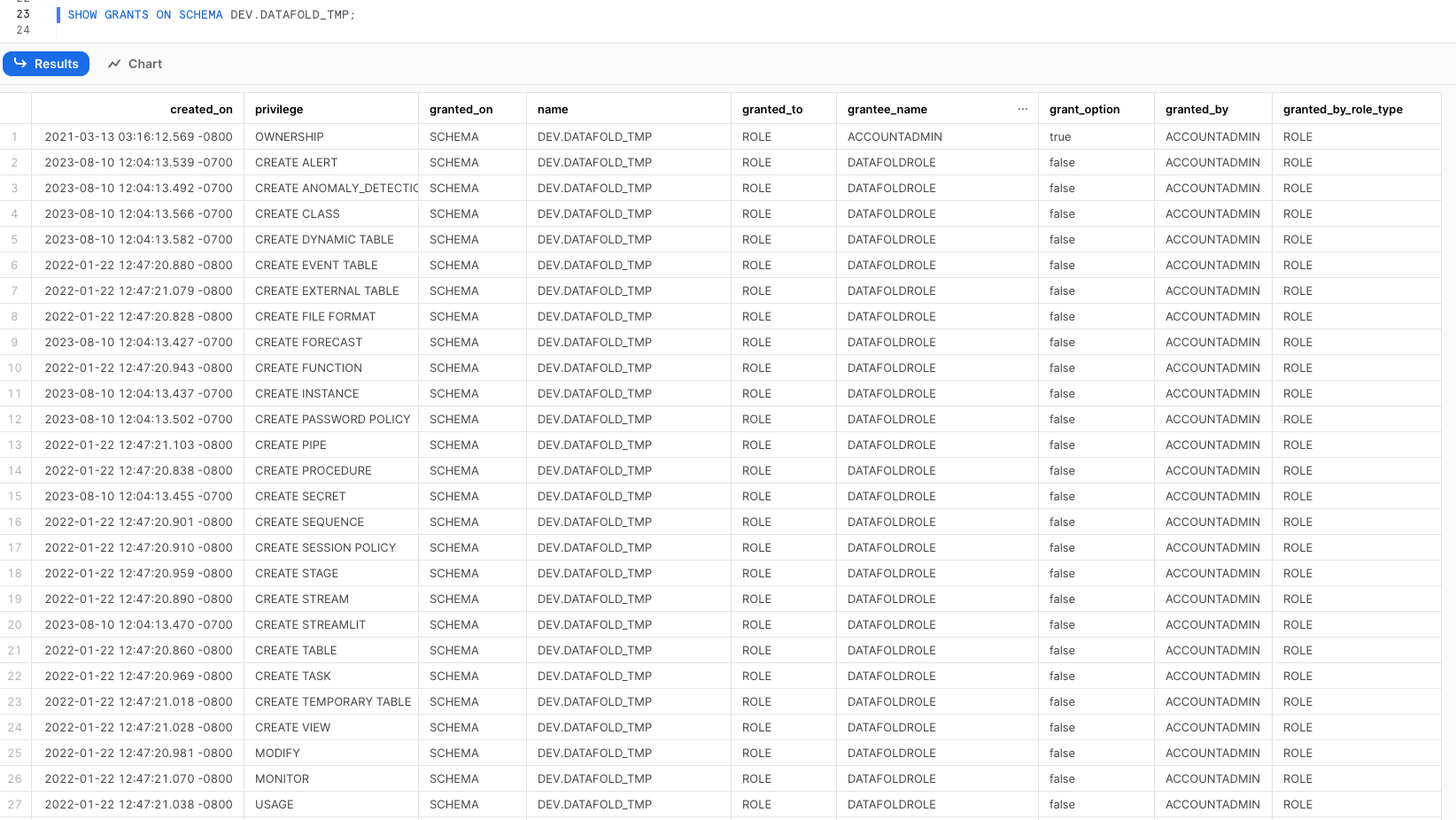 ## A note on future grants
The above database grants will be insufficient if any future grants have been defined at the schema level, because [schema-level grants will override database-level grants](https://docs.snowflake.com/en/sql-reference/sql/grant-privilege#considerations). In that case, you will need to execute future grants for every existing *schema* that Datafold will operate on.
```Bash theme={null}
GRANT SELECT ON FUTURE TABLES IN SCHEMA . TO ROLE DATAFOLDROLE;
GRANT SELECT ON FUTURE VIEWS IN SCHEMA . TO ROLE DATAFOLDROLE;
GRANT SELECT ON FUTURE MATERIALIZED VIEWS IN SCHEMA . TO ROLE DATAFOLDROLE;
GRANT SELECT ON ALL TABLES IN SCHEMA . TO ROLE DATAFOLDROLE;
GRANT SELECT ON ALL VIEWS IN SCHEMA . TO ROLE DATAFOLDROLE;
GRANT SELECT ON ALL MATERIALIZED VIEWS IN SCHEMA . TO ROLE DATAFOLDROLE;
```
## Configure in Datafold
| Field Name | Description |
| --------------------------- | -------------------------------------------------------------------------------------------------------------------------------------------------------------------------------------------------------------------------------------------------------------------------------------------------------------------------------------------------------------------------------------------- |
| Name | A name given to the data connection within Datafold |
| Account identifier | The Org name-Account name pair for your Snowflake account. This can be found in the browser address string. It may look like [https://orgname-accountname.snowflakecomputing.com](https://orgname-accountname.snowflakecomputing.com) or [https://app.snowflake.com/orgname/accountname](https://app.snowflake.com/orgname/accountname). In the setup form, enter \-\. |
| User | The username set in the [Setup password-based](/integrations/databases/snowflake#set-up-password-based-authentication) authentication section |
| Password | The password set in the [Setup password-based](/integrations/databases/snowflake#set-up-password-based-authentication) authentication section |
| Key Pair file | The key file generated in the [Use key-pair authentication](/integrations/databases/snowflake#use-key-pair-authentication) section |
| Warehouse | The Snowflake warehouse name |
| Schema for temporary tables | The schema name you created with our script (\.DATAFOLD\_TMP) |
| Role | The role you created for Datafold (Typically DATAFOLDROLE) |
| Default DB | A database the role above can access. If more than one database was added, whichever you prefer to be the default |
> Note: Please review the documentation for the account name. Datafold uses Format 1 (Preferred): [https://docs.snowflake.com/en/user-guide/admin-account-identifier#using-an-account-locator-as-an-identifier](https://docs.snowflake.com/en/user-guide/admin-account-identifier#using-an-account-locator-as-an-identifier)
Click **Create**. Your data connection is ready!
---
# Source: https://docs.datafold.com/deployment-testing/configuration/datafold-ci/specifc.md
> ## Documentation Index
> Fetch the complete documentation index at: https://docs.datafold.com/llms.txt
> Use this file to discover all available pages before exploring further.
# Running Data Diff on Specific Branches
> By default, Datafold CI runs on every new pull/merge request and commits to existing ones.
You can set **Custom base branch** option in the Datafold app [CI settings](https://app.datafold.com/settings/integrations/ci), to only run Datafold CI on pull requests that have a specific base branch. This might be useful if you have multiple environments built from different branches. For example, `staging` and `production` environments built from `staging` and `main` branches respectively. Using the option, you can have 2 different CI configurations in Datafold, one for each environment, and only run the CI for the corresponding branch.
---
# Source: https://docs.datafold.com/deployment-testing/configuration/model-specific-ci/sql-filters.md
> ## Documentation Index
> Fetch the complete documentation index at: https://docs.datafold.com/llms.txt
> Use this file to discover all available pages before exploring further.
# SQL Filters
> Use dbt YAML configuration to set model-specific filters for Datafold CI.
SQL filters can be helpful in two scenarios:
1. When **Production** and **Staging** environments are not built using the same data. For example, if **Staging** is built using a subset of production data, filters can be applied to ensure that both environments are on par and can be diffed.
2. To improve Datafold CI performance by reducing the volume of data compared, e.g., only comparing the last 3 months of data.
SQL filters are an effective technique to speed up diffs by narrowing the data diffed. A SQL filter adds a `WHERE` clause to allow you to filter data on both sides using standard SQL filter expressions. They can be added to dbt YAML under the `meta.datafold.datadiff.filter` tag:
```
models:
- name: users
meta:
datafold:
datadiff:
filter: "user_id > 2350 AND source_timestamp >= current_date() - 7"
```
---
# Source: https://docs.datafold.com/integrations/databases/sql-server.md
> ## Documentation Index
> Fetch the complete documentation index at: https://docs.datafold.com/llms.txt
> Use this file to discover all available pages before exploring further.
# Microsoft SQL Server
**INFO**
Column-level Lineage is not currently supported for Microsoft SQL Server.
**Steps to complete:**
1. [Run SQL script and create schema for Datafold](/integrations/databases/sql-server#run-sql-script-and-create-schema-for-datafold)
2. [Configure your data connection in Datafold](/integrations/databases/sql-server#configure-in-datafold)
## Run SQL script and create schema for Datafold
To connect to Microsoft SQL Server, create a user with read-only access to all tables you wish to diff. Include read and write access to a Datafold-specific temp schema:
```Bash theme={null}
/* Select the database that will contain the temp schema */
USE DatabaseName;
/* Datafold utilizes a temporary dataset to materialize scratch work and keep data processing in the your warehouse. */
CREATE SCHEMA datafold_tmp;
/* Create the Datafold user */
CREATE LOGIN DatafoldUser WITH PASSWORD = 'SOMESECUREPASSWORD';
CREATE USER DatafoldUser FOR LOGIN DatafoldUser;
/* Allow the user to create views */
GRANT CREATE VIEW TO DatafoldUser;
/* Grant read access to diff tables */
GRANT SELECT ON SCHEMA::YourSchema TO DatafoldUser;
/* Grant read + write access to datafold_tmp schema */
GRANT CONTROL ON SCHEMA::datafold_tmp TO DatafoldUser;
```
## Configure in Datafold
| Field Name | Description |
| ---------------------------- | ---------------------------------------------------------------------------------------------------------------- |
| Connection name | A name given to the data connection within Datafold |
| Host | The hostname for your SQL Server instance |
| Port | SQL Server connection port; default value is 1433 |
| Username | The user created in our SQL script, named DatafoldUser |
| Password | The password created in our SQL script |
| Database | The name of the SQL Server database you want to connect to |
| Dataset for temporary tables | The schema created in our SQL script, in database.schema format: DatabaseName.datafold\_tmp in our script above. |
Click **Create**. Your data connection is ready!
---
# Source: https://docs.datafold.com/integrations/databases/starburst.md
> ## Documentation Index
> Fetch the complete documentation index at: https://docs.datafold.com/llms.txt
> Use this file to discover all available pages before exploring further.
# Starburst
**INFO**
Column-level Lineage is not currently supported for Starburst.
**Steps to complete:**
1. [Configure user in Starburst](#configure-user-in-starburst)
2. [Create schema for Datafold](#create-schema-for-datafold)
3. [Configure your data connection in Datafold](#configure-in-datafold)
## Configure user in Starburst
To connect to Starburst, create a user with read-only access to all data sources you wish to diff and optionally generate an access token. Datafold requires a schema to be set up within one of the catalogs, typically hosted on platforms like Amazon S3 or similar services.
## Create schema for Datafold
Datafold utilizes a temporary dataset to materialize scratch work and keep data processing in the your warehouse.
## Configure in Datafold
| Field Name | Description |
| --------------------------- | -------------------------------------------------------------------------------------------------------------------- |
| Connection name | A name given to the data connection within Datafold. |
| Host | The hostname for your Starburst instance (e.g., `sample-free-cluster.trino.galaxy.starburst.io` for Starburst SaaS). |
| Port | Starburst endpoint port; default value is 433. |
| Encryption | Should be checked for Starburst Galaxy, possibly unchecked for local deployments. |
| User ID | User ID as created in Starburst, typically an email address. |
| Token | Access token generated in Starburst. |
| Password | Alternatively, provide a password. |
| Schema for temporary tables | Use `.
## A note on future grants
The above database grants will be insufficient if any future grants have been defined at the schema level, because [schema-level grants will override database-level grants](https://docs.snowflake.com/en/sql-reference/sql/grant-privilege#considerations). In that case, you will need to execute future grants for every existing *schema* that Datafold will operate on.
```Bash theme={null}
GRANT SELECT ON FUTURE TABLES IN SCHEMA . TO ROLE DATAFOLDROLE;
GRANT SELECT ON FUTURE VIEWS IN SCHEMA . TO ROLE DATAFOLDROLE;
GRANT SELECT ON FUTURE MATERIALIZED VIEWS IN SCHEMA . TO ROLE DATAFOLDROLE;
GRANT SELECT ON ALL TABLES IN SCHEMA . TO ROLE DATAFOLDROLE;
GRANT SELECT ON ALL VIEWS IN SCHEMA . TO ROLE DATAFOLDROLE;
GRANT SELECT ON ALL MATERIALIZED VIEWS IN SCHEMA . TO ROLE DATAFOLDROLE;
```
## Configure in Datafold
| Field Name | Description |
| --------------------------- | -------------------------------------------------------------------------------------------------------------------------------------------------------------------------------------------------------------------------------------------------------------------------------------------------------------------------------------------------------------------------------------------- |
| Name | A name given to the data connection within Datafold |
| Account identifier | The Org name-Account name pair for your Snowflake account. This can be found in the browser address string. It may look like [https://orgname-accountname.snowflakecomputing.com](https://orgname-accountname.snowflakecomputing.com) or [https://app.snowflake.com/orgname/accountname](https://app.snowflake.com/orgname/accountname). In the setup form, enter \-\. |
| User | The username set in the [Setup password-based](/integrations/databases/snowflake#set-up-password-based-authentication) authentication section |
| Password | The password set in the [Setup password-based](/integrations/databases/snowflake#set-up-password-based-authentication) authentication section |
| Key Pair file | The key file generated in the [Use key-pair authentication](/integrations/databases/snowflake#use-key-pair-authentication) section |
| Warehouse | The Snowflake warehouse name |
| Schema for temporary tables | The schema name you created with our script (\.DATAFOLD\_TMP) |
| Role | The role you created for Datafold (Typically DATAFOLDROLE) |
| Default DB | A database the role above can access. If more than one database was added, whichever you prefer to be the default |
> Note: Please review the documentation for the account name. Datafold uses Format 1 (Preferred): [https://docs.snowflake.com/en/user-guide/admin-account-identifier#using-an-account-locator-as-an-identifier](https://docs.snowflake.com/en/user-guide/admin-account-identifier#using-an-account-locator-as-an-identifier)
Click **Create**. Your data connection is ready!
---
# Source: https://docs.datafold.com/deployment-testing/configuration/datafold-ci/specifc.md
> ## Documentation Index
> Fetch the complete documentation index at: https://docs.datafold.com/llms.txt
> Use this file to discover all available pages before exploring further.
# Running Data Diff on Specific Branches
> By default, Datafold CI runs on every new pull/merge request and commits to existing ones.
You can set **Custom base branch** option in the Datafold app [CI settings](https://app.datafold.com/settings/integrations/ci), to only run Datafold CI on pull requests that have a specific base branch. This might be useful if you have multiple environments built from different branches. For example, `staging` and `production` environments built from `staging` and `main` branches respectively. Using the option, you can have 2 different CI configurations in Datafold, one for each environment, and only run the CI for the corresponding branch.
---
# Source: https://docs.datafold.com/deployment-testing/configuration/model-specific-ci/sql-filters.md
> ## Documentation Index
> Fetch the complete documentation index at: https://docs.datafold.com/llms.txt
> Use this file to discover all available pages before exploring further.
# SQL Filters
> Use dbt YAML configuration to set model-specific filters for Datafold CI.
SQL filters can be helpful in two scenarios:
1. When **Production** and **Staging** environments are not built using the same data. For example, if **Staging** is built using a subset of production data, filters can be applied to ensure that both environments are on par and can be diffed.
2. To improve Datafold CI performance by reducing the volume of data compared, e.g., only comparing the last 3 months of data.
SQL filters are an effective technique to speed up diffs by narrowing the data diffed. A SQL filter adds a `WHERE` clause to allow you to filter data on both sides using standard SQL filter expressions. They can be added to dbt YAML under the `meta.datafold.datadiff.filter` tag:
```
models:
- name: users
meta:
datafold:
datadiff:
filter: "user_id > 2350 AND source_timestamp >= current_date() - 7"
```
---
# Source: https://docs.datafold.com/integrations/databases/sql-server.md
> ## Documentation Index
> Fetch the complete documentation index at: https://docs.datafold.com/llms.txt
> Use this file to discover all available pages before exploring further.
# Microsoft SQL Server
**INFO**
Column-level Lineage is not currently supported for Microsoft SQL Server.
**Steps to complete:**
1. [Run SQL script and create schema for Datafold](/integrations/databases/sql-server#run-sql-script-and-create-schema-for-datafold)
2. [Configure your data connection in Datafold](/integrations/databases/sql-server#configure-in-datafold)
## Run SQL script and create schema for Datafold
To connect to Microsoft SQL Server, create a user with read-only access to all tables you wish to diff. Include read and write access to a Datafold-specific temp schema:
```Bash theme={null}
/* Select the database that will contain the temp schema */
USE DatabaseName;
/* Datafold utilizes a temporary dataset to materialize scratch work and keep data processing in the your warehouse. */
CREATE SCHEMA datafold_tmp;
/* Create the Datafold user */
CREATE LOGIN DatafoldUser WITH PASSWORD = 'SOMESECUREPASSWORD';
CREATE USER DatafoldUser FOR LOGIN DatafoldUser;
/* Allow the user to create views */
GRANT CREATE VIEW TO DatafoldUser;
/* Grant read access to diff tables */
GRANT SELECT ON SCHEMA::YourSchema TO DatafoldUser;
/* Grant read + write access to datafold_tmp schema */
GRANT CONTROL ON SCHEMA::datafold_tmp TO DatafoldUser;
```
## Configure in Datafold
| Field Name | Description |
| ---------------------------- | ---------------------------------------------------------------------------------------------------------------- |
| Connection name | A name given to the data connection within Datafold |
| Host | The hostname for your SQL Server instance |
| Port | SQL Server connection port; default value is 1433 |
| Username | The user created in our SQL script, named DatafoldUser |
| Password | The password created in our SQL script |
| Database | The name of the SQL Server database you want to connect to |
| Dataset for temporary tables | The schema created in our SQL script, in database.schema format: DatabaseName.datafold\_tmp in our script above. |
Click **Create**. Your data connection is ready!
---
# Source: https://docs.datafold.com/integrations/databases/starburst.md
> ## Documentation Index
> Fetch the complete documentation index at: https://docs.datafold.com/llms.txt
> Use this file to discover all available pages before exploring further.
# Starburst
**INFO**
Column-level Lineage is not currently supported for Starburst.
**Steps to complete:**
1. [Configure user in Starburst](#configure-user-in-starburst)
2. [Create schema for Datafold](#create-schema-for-datafold)
3. [Configure your data connection in Datafold](#configure-in-datafold)
## Configure user in Starburst
To connect to Starburst, create a user with read-only access to all data sources you wish to diff and optionally generate an access token. Datafold requires a schema to be set up within one of the catalogs, typically hosted on platforms like Amazon S3 or similar services.
## Create schema for Datafold
Datafold utilizes a temporary dataset to materialize scratch work and keep data processing in the your warehouse.
## Configure in Datafold
| Field Name | Description |
| --------------------------- | -------------------------------------------------------------------------------------------------------------------- |
| Connection name | A name given to the data connection within Datafold. |
| Host | The hostname for your Starburst instance (e.g., `sample-free-cluster.trino.galaxy.starburst.io` for Starburst SaaS). |
| Port | Starburst endpoint port; default value is 433. |
| Encryption | Should be checked for Starburst Galaxy, possibly unchecked for local deployments. |
| User ID | User ID as created in Starburst, typically an email address. |
| Token | Access token generated in Starburst. |
| Password | Alternatively, provide a password. |
| Schema for temporary tables | Use `.