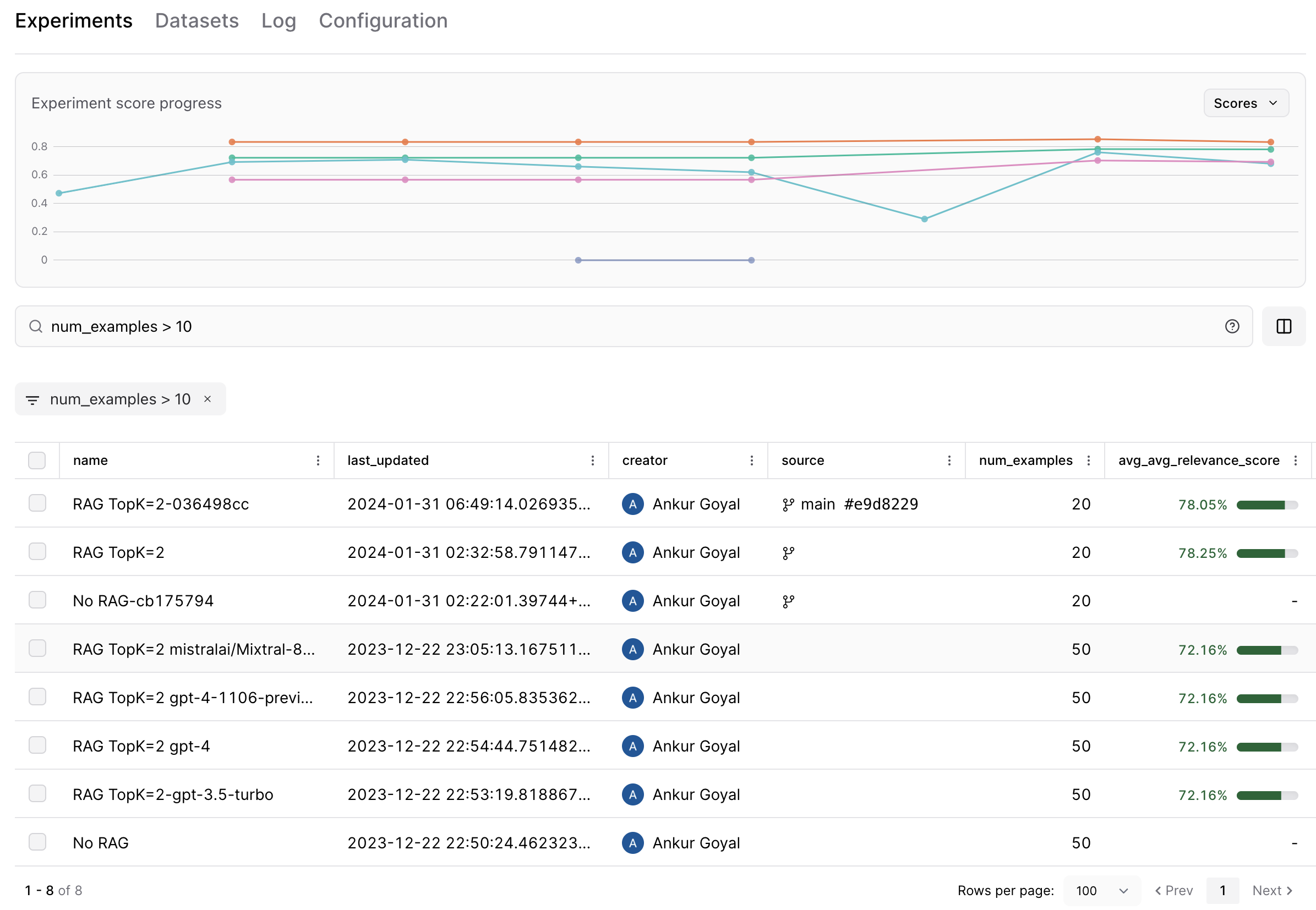
 To find a particular experiment, you can type filter and sort queries into the search bar, using standard SQL syntax. But SQL can be finicky -- it's very easy to run into syntax errors like single quotes instead of double, incorrect JSON extraction syntax, or typos. Users would prefer to just type in an intuitive search like `experiments run on git commit 2a43fd1` or `score under 0.5` and see a corresponding SQL query appear automatically. Let's achieve this using AI, with assistance from Braintrust's eval framework.
We'll start by installing some packages and setting up our OpenAI client.
```python theme={"theme":{"light":"github-light","dark":"github-dark-dimmed"}}
%pip install -U Levenshtein autoevals braintrust chevron duckdb openai pydantic
```
```python theme={"theme":{"light":"github-light","dark":"github-dark-dimmed"}}
import os
import braintrust
import openai
PROJECT_NAME = "AI Search Cookbook"
# We use the Braintrust proxy here to get access to caching, but this is totally optional!
openai_opts = dict(
base_url="https://api.braintrust.dev/v1/proxy",
api_key=os.environ.get("OPENAI_API_KEY", "YOUR_OPENAI_API_KEY"),
)
client = braintrust.wrap_openai(openai.AsyncOpenAI(default_headers={"x-bt-use-cache": "always"}, **openai_opts))
braintrust.login(api_key=os.environ.get("BRAINTRUST_API_KEY", "YOUR_BRAINTRUST_API_KEY"))
dataset = braintrust.init_dataset(PROJECT_NAME, "AI Search Cookbook Data", use_output=False)
```
## Load the data and render the templates
When we ask GPT to translate a search query, we have to account for multiple output options: (1) a SQL filter, (2) a SQL sort, (3) both of the above, or (4) an unsuccessful translation (e.g. for a nonsensical user input). We'll use [function calling](https://platform.openai.com/docs/guides/function-calling) to robustly handle each distinct scenario, with the following output format:
* `match`: Whether or not the model was able to translate the search into a valid SQL filter/sort.
* `filter`: A `WHERE` clause.
* `sort`: An `ORDER BY` clause.
* `explanation`: Explanation for the choices above -- this is useful for debugging and evaluation.
```python theme={"theme":{"light":"github-light","dark":"github-dark-dimmed"}}
import dataclasses
from typing import Literal, Optional, Union
from pydantic import BaseModel, Field, create_model
@dataclasses.dataclass
class FunctionCallOutput:
match: Optional[bool] = None
filter: Optional[str] = None
sort: Optional[str] = None
explanation: Optional[str] = None
error: Optional[str] = None
class Match(BaseModel):
type: Literal["MATCH"] = "MATCH"
explanation: str = Field(
..., description="Explanation of why I called the MATCH function"
)
class SQL(BaseModel):
type: Literal["SQL"] = "SQL"
filter: Optional[str] = Field(..., description="SQL filter clause")
sort: Optional[str] = Field(..., description="SQL sort clause")
explanation: str = Field(
...,
description="Explanation of why I called the SQL function and how I chose the filter and/or sort clauses",
)
class Query(BaseModel):
value: Union[Match, SQL] = Field(
...,
)
def function_choices():
return [
{
"name": "QUERY",
"description": "Break down the query either into a MATCH or SQL call",
"parameters": Query.model_json_schema(),
},
]
```
## Prepare prompts for evaluation in Braintrust
Let's evaluate two different prompts: a shorter prompt with a brief explanation of the problem statement and description of the experiment schema, and a longer prompt that additionally contains a feed of example cases to guide the model. There's nothing special about either of these prompts, and that's OK -- we can iterate and improve the prompts when we use Braintrust to drill down into the results.
```python theme={"theme":{"light":"github-light","dark":"github-dark-dimmed"}}
import json
SHORT_PROMPT_FILE = "./assets/short_prompt.tmpl"
LONG_PROMPT_FILE = "./assets/long_prompt.tmpl"
FEW_SHOT_EXAMPLES_FILE = "./assets/few_shot.json"
with open(SHORT_PROMPT_FILE) as f:
short_prompt = f.read()
with open(LONG_PROMPT_FILE) as f:
long_prompt = f.read()
with open(FEW_SHOT_EXAMPLES_FILE, "r") as f:
few_shot_examples = json.load(f)
```
One detail worth mentioning: each prompt contains a stub for dynamic insertion of the data schema. This is motivated by the need to handle semantic searches like `more than 40 examples` or `score < 0.5` that don't directly reference a column in the base table. We need to tell the model how the data is structured and what each fields actually *means*. We'll construct a descriptive schema using [pydantic](https://docs.pydantic.dev/latest/) and paste it into each prompt to provide the model with this information.
```python theme={"theme":{"light":"github-light","dark":"github-dark-dimmed"}}
from typing import Any, Callable, Dict, List
import chevron
class ExperimentGitState(BaseModel):
commit: str = Field(
...,
description="Git commit hash. Any prefix of this hash at least 7 characters long should be considered an exact match, so use a substring filter rather than string equality to check the commit, e.g. `(source->>'commit') ILIKE '{COMMIT}%'`",
)
branch: str = Field(..., description="Git branch name")
tag: Optional[str] = Field(..., description="Git commit tag")
commit_time: int = Field(..., description="Git commit timestamp")
author_name: str = Field(..., description="Author of git commit")
author_email: str = Field(..., description="Email address of git commit author")
commit_message: str = Field(..., description="Git commit message")
dirty: Optional[bool] = Field(
...,
description="Whether the git state was dirty when the experiment was run. If false, the git state was clean",
)
class Experiment(BaseModel):
id: str = Field(..., description="Experiment ID, unique")
name: str = Field(..., description="Name of the experiment")
last_updated: int = Field(
...,
description="Timestamp marking when the experiment was last updated. If the query deals with some notion of relative time, like age or recency, refer to this timestamp and, if appropriate, compare it to the current time `get_current_time()` by adding or subtracting an interval.",
)
creator: Dict[str, str] = Field(..., description="Information about the experiment creator")
source: ExperimentGitState = Field(..., description="Git state that the experiment was run on")
metadata: Dict[str, Any] = Field(
...,
description="Custom metadata provided by the user. Ignore this field unless the query mentions metadata or refers to a metadata key specifically",
)
def build_experiment_schema(score_fields: List[str]):
ExperimentWithScoreFields = create_model(
"Experiment",
__base__=Experiment,
**{field: (Optional[float], ...) for field in score_fields},
)
return json.dumps(ExperimentWithScoreFields.model_json_schema())
```
Our prompts are ready! Before we run our evals, we just need to load some sample data and define our scoring functions.
## Load sample data
Let's load our examples. Each example case contains `input` (the search query) and `expected` (function call output).
```python theme={"theme":{"light":"github-light","dark":"github-dark-dimmed"}}
import json
@dataclasses.dataclass
class Example:
input: str
expected: FunctionCallOutput
metadata: Optional[Dict[str, Any]] = None
EXAMPLES_FILE = "./assets/examples.json"
with open(EXAMPLES_FILE) as f:
examples_json = json.load(f)
templates = [
Example(input=e["input"], expected=FunctionCallOutput(**e["expected"])) for e in examples_json["examples"]
]
# Each example contains a few dynamic fields that depends on the experiments
# we're searching over. For simplicity, we'll hard-code these fields here.
SCORE_FIELDS = ["avg_sql_score", "avg_factuality_score"]
def render_example(example: Example, args: Dict[str, Any]) -> Example:
render_optional = lambda template: (chevron.render(template, args, warn=True) if template is not None else None)
return Example(
input=render_optional(example.input),
expected=FunctionCallOutput(
match=example.expected.match,
filter=render_optional(example.expected.filter),
sort=render_optional(example.expected.sort),
explanation=render_optional(example.expected.explanation),
),
)
examples = [render_example(t, {"score_fields": SCORE_FIELDS}) for t in templates]
```
Let's also split the examples into a training set and test set. For now, this won't matter, but later on when we fine-tune the model, we'll want to use the test set to evaluate the model's performance.
```python theme={"theme":{"light":"github-light","dark":"github-dark-dimmed"}}
for i, e in enumerate(examples):
if i < 0.8 * len(examples):
e.metadata = {"split": "train"}
else:
e.metadata = {"split": "test"}
```
Insert our examples into a Braintrust dataset so we can introspect and reuse the data later.
```python theme={"theme":{"light":"github-light","dark":"github-dark-dimmed"}}
for example in examples:
dataset.insert(
input=example.input, expected=example.expected, metadata=example.metadata
)
dataset.flush()
records = list(dataset)
print(f"Generated {len(records)} records. Here are the first 2...")
for record in records[:2]:
print(record)
```
```
Generated 45 records. Here are the first 2...
{'id': '05e44f2c-da5c-4f5e-a253-d6ce1d081ca4', 'span_id': 'c2329825-10d3-462f-890b-ef54323f8060', 'root_span_id': 'c2329825-10d3-462f-890b-ef54323f8060', '_xact_id': '1000192628646491178', 'created': '2024-03-04T08:08:12.977238Z', 'project_id': '61ce386b-1dac-4027-980f-2f3baf32c9f4', 'dataset_id': 'cbb856d4-b2d9-41ea-a5a7-ba5b78be6959', 'input': 'name is foo', 'expected': {'sort': None, 'error': None, 'match': False, 'filter': "name = 'foo'", 'explanation': 'I interpret the query as a string equality filter on the "name" column. The query does not have any sort semantics, so there is no sort.'}, 'metadata': {'split': 'train'}, 'tags': None}
{'id': '0d127613-505c-404c-8140-2c287313b682', 'span_id': '1e72c902-fe72-4438-adf4-19950f8a2c57', 'root_span_id': '1e72c902-fe72-4438-adf4-19950f8a2c57', '_xact_id': '1000192628646491178', 'created': '2024-03-04T08:08:12.981295Z', 'project_id': '61ce386b-1dac-4027-980f-2f3baf32c9f4', 'dataset_id': 'cbb856d4-b2d9-41ea-a5a7-ba5b78be6959', 'input': "'highest score'", 'expected': {'sort': None, 'error': None, 'match': True, 'filter': None, 'explanation': 'According to directive 2, a query entirely wrapped in quotes should use the MATCH function.'}, 'metadata': {'split': 'train'}, 'tags': None}
```
## Define scoring functions
How do we score our outputs against the ground truth queries? We can't rely on an exact text match, since there are multiple correct ways to translate a SQL query. Instead, we'll use two approximate scoring methods: (1) `SQLScorer`, which roundtrips each query through `json_serialize_sql` to normalize before attempting a direct comparison, and (2) `AutoScorer`, which delegates the scoring task to `gpt-4`.
```python theme={"theme":{"light":"github-light","dark":"github-dark-dimmed"}}
import duckdb
from braintrust import current_span, traced
from Levenshtein import distance
from autoevals import Score, Scorer, Sql
EXPERIMENTS_TABLE = "./assets/experiments.parquet"
SUMMARY_TABLE = "./assets/experiments_summary.parquet"
duckdb.sql(f"DROP TABLE IF EXISTS experiments; CREATE TABLE experiments AS SELECT * FROM '{EXPERIMENTS_TABLE}'")
duckdb.sql(
f"DROP TABLE IF EXISTS experiments_summary; CREATE TABLE experiments_summary AS SELECT * FROM '{SUMMARY_TABLE}'"
)
def _test_clause(*, filter=None, sort=None) -> bool:
clause = f"""
SELECT
experiments.id AS id,
experiments.name,
experiments_summary.last_updated,
experiments.user AS creator,
experiments.repo_info AS source,
experiments_summary.* EXCLUDE (experiment_id, last_updated),
FROM experiments
LEFT JOIN experiments_summary ON experiments.id = experiments_summary.experiment_id
{'WHERE ' + filter if filter else ''}
{'ORDER BY ' + sort if sort else ''}
"""
current_span().log(metadata=dict(test_clause=clause))
try:
duckdb.sql(clause).fetchall()
return True
except Exception:
return False
def _single_quote(s):
return f"""'{s.replace("'", "''")}'"""
def _roundtrip_filter(s):
return duckdb.sql(
f"""
SELECT json_deserialize_sql(json_serialize_sql({_single_quote(f"SELECT 1 WHERE {s}")}))
"""
).fetchall()[0][0]
def _roundtrip_sort(s):
return duckdb.sql(
f"""
SELECT json_deserialize_sql(json_serialize_sql({_single_quote(f"SELECT 1 ORDER BY {s}")}))
"""
).fetchall()[0][0]
def score_clause(
output: Optional[str],
expected: Optional[str],
roundtrip: Callable[[str], str],
test_clause: Callable[[str], bool],
) -> float:
exact_match = 1 if output == expected else 0
current_span().log(scores=dict(exact_match=exact_match))
if exact_match:
return 1
roundtrip_match = 0
try:
if roundtrip(output) == roundtrip(expected):
roundtrip_match = 1
except Exception as e:
current_span().log(metadata=dict(roundtrip_error=str(e)))
current_span().log(scores=dict(roundtrip_match=roundtrip_match))
if roundtrip_match:
return 1
# If the queries aren't equivalent after roundtripping, it's not immediately clear
# whether they are semantically equivalent. Let's at least check that the generated
# clause is valid SQL by running the `test_clause` function defined above, which
# runs a test query against our sample data.
valid_clause_score = 1 if test_clause(output) else 0
current_span().log(scores=dict(valid_clause=valid_clause_score))
if valid_clause_score == 0:
return 0
max_len = max(len(clause) for clause in [output, expected])
if max_len == 0:
current_span().log(metadata=dict(error="Bad example: empty clause"))
return 0
return 1 - (distance(output, expected) / max_len)
class SQLScorer(Scorer):
"""SQLScorer uses DuckDB's `json_serialize_sql` function to determine whether
the model's chosen filter/sort clause(s) are equivalent to the expected
outputs. If not, we assign partial credit to each clause depending on
(1) whether the clause is valid SQL, as determined by running it against
the actual data and seeing if it errors, and (2) a distance-wise comparison
to the expected text.
"""
def _run_eval_sync(
self,
output,
expected=None,
**kwargs,
):
if expected is None:
raise ValueError("SQLScorer requires an expected value")
name = "SQLScorer"
expected = FunctionCallOutput(**expected)
function_choice_score = 1 if output.match == expected.match else 0
current_span().log(scores=dict(function_choice=function_choice_score))
if function_choice_score == 0:
return Score(name=name, score=0)
if expected.match:
return Score(name=name, score=1)
filter_score = None
if output.filter and expected.filter:
with current_span().start_span("SimpleFilter") as span:
filter_score = score_clause(
output.filter,
expected.filter,
_roundtrip_filter,
lambda s: _test_clause(filter=s),
)
elif output.filter or expected.filter:
filter_score = 0
current_span().log(scores=dict(filter=filter_score))
sort_score = None
if output.sort and expected.sort:
with current_span().start_span("SimpleSort") as span:
sort_score = score_clause(
output.sort,
expected.sort,
_roundtrip_sort,
lambda s: _test_clause(sort=s),
)
elif output.sort or expected.sort:
sort_score = 0
current_span().log(scores=dict(sort=sort_score))
scores = [s for s in [filter_score, sort_score] if s is not None]
if len(scores) == 0:
return Score(
name=name,
score=0,
error="Bad example: no filter or sort for SQL function call",
)
return Score(name=name, score=sum(scores) / len(scores))
@traced("auto_score_filter")
def auto_score_filter(openai_opts, **kwargs):
return Sql(**openai_opts)(**kwargs)
@traced("auto_score_sort")
def auto_score_sort(openai_opts, **kwargs):
return Sql(**openai_opts)(**kwargs)
class AutoScorer(Scorer):
"""AutoScorer uses the `Sql` scorer from the autoevals library to auto-score
the model's chosen filter/sort clause(s) against the expected outputs
using an LLM.
"""
def __init__(self, **openai_opts):
self.openai_opts = openai_opts
def _run_eval_sync(
self,
output,
expected=None,
**kwargs,
):
if expected is None:
raise ValueError("AutoScorer requires an expected value")
input = kwargs.get("input")
if input is None or not isinstance(input, str):
raise ValueError("AutoScorer requires an input value of type str")
name = "AutoScorer"
expected = FunctionCallOutput(**expected)
function_choice_score = 1 if output.match == expected.match else 0
current_span().log(scores=dict(function_choice=function_choice_score))
if function_choice_score == 0:
return Score(name=name, score=0)
if expected.match:
return Score(name=name, score=1)
filter_score = None
if output.filter and expected.filter:
result = auto_score_filter(
openai_opts=self.openai_opts,
input=input,
output=output.filter,
expected=expected.filter,
)
filter_score = result.score or 0
elif output.filter or expected.filter:
filter_score = 0
current_span().log(scores=dict(filter=filter_score))
sort_score = None
if output.sort and expected.sort:
result = auto_score_sort(
openai_opts=self.openai_opts,
input=input,
output=output.sort,
expected=expected.sort,
)
sort_score = result.score or 0
elif output.sort or expected.sort:
sort_score = 0
current_span().log(scores=dict(sort=sort_score))
scores = [s for s in [filter_score, sort_score] if s is not None]
if len(scores) == 0:
return Score(
name=name,
score=0,
error="Bad example: no filter or sort for SQL function call",
)
return Score(name=name, score=sum(scores) / len(scores))
```
## Run the evals!
We'll use the Braintrust `Eval` framework to set up our experiments according to the prompts, dataset, and scoring functions defined above.
```python theme={"theme":{"light":"github-light","dark":"github-dark-dimmed"}}
def build_completion_kwargs(
*,
query: str,
model: str,
prompt: str,
score_fields: List[str],
**kwargs,
):
# Inject the JSON schema into the prompt to assist the model.
schema = build_experiment_schema(score_fields=score_fields)
system_message = chevron.render(
prompt.strip(), {"schema": schema, "examples": few_shot_examples}, warn=True
)
messages = [
{"role": "system", "content": system_message},
{"role": "user", "content": f"Query: {query}"},
]
# We use the legacy function choices format for now, because fine-tuning still requires it.
return dict(
model=model,
temperature=0,
messages=messages,
functions=function_choices(),
function_call={"name": "QUERY"},
)
def format_output(completion):
try:
function_call = completion.choices[0].message.function_call
arguments = json.loads(function_call.arguments)["value"]
match = arguments.pop("type").lower() == "match"
return FunctionCallOutput(match=match, **arguments)
except Exception as e:
return FunctionCallOutput(error=str(e))
GRADER = "gpt-4" # Used by AutoScorer to grade the model outputs
def make_task(model, prompt, score_fields):
async def task(input):
completion_kwargs = build_completion_kwargs(
query=input,
model=model,
prompt=prompt,
score_fields=score_fields,
)
return format_output(await client.chat.completions.create(**completion_kwargs))
return task
async def run_eval(experiment_name, prompt, model, score_fields=SCORE_FIELDS):
task = make_task(model, prompt, score_fields)
await braintrust.Eval(
name=PROJECT_NAME,
experiment_name=experiment_name,
data=dataset,
task=task,
scores=[SQLScorer(), AutoScorer(**openai_opts, model=GRADER)],
)
```
Let's try it on one example before running an eval.
```python theme={"theme":{"light":"github-light","dark":"github-dark-dimmed"}}
args = build_completion_kwargs(
query=list(dataset)[0]["input"],
model="gpt-3.5-turbo",
prompt=short_prompt,
score_fields=SCORE_FIELDS,
)
response = await client.chat.completions.create(**args)
format_output(response)
```
```
FunctionCallOutput(match=False, filter="(name) = 'foo'", sort=None, explanation="Filtered for experiments where the name is 'foo'.", error=None)
```
We're ready to run our evals! Let's use `gpt-3.5-turbo` for both.
```python theme={"theme":{"light":"github-light","dark":"github-dark-dimmed"}}
await run_eval("Short Prompt", short_prompt, "gpt-3.5-turbo")
```
```
Experiment Short Prompt is running at https://www.braintrust.dev/app/braintrust.dev/p/AI%20Search%20Cookbook/Short%20Prompt
AI Search Cookbook [experiment_name=Short Prompt] (data): 45it [00:00, 73071.50it/s]
```
```
AI Search Cookbook [experiment_name=Short Prompt] (tasks): 0%| | 0/45 [00:00
## Fine-tuning
Let's try to fine-tune the model with an exceedingly short prompt. We'll use the same dataset and scoring functions, but we'll change the prompt to be more concise. To start, let's play with one example:
```python theme={"theme":{"light":"github-light","dark":"github-dark-dimmed"}}
first = list(dataset.fetch())[0]
print(first["input"])
print(json.dumps(first["expected"], indent=2))
```
```
name is foo
{
"sort": null,
"error": null,
"match": false,
"filter": "name = 'foo'",
"explanation": "I interpret the query as a string equality filter on the \"name\" column. The query does not have any sort semantics, so there is no sort."
}
```
```python theme={"theme":{"light":"github-light","dark":"github-dark-dimmed"}}
from dataclasses import asdict
from pprint import pprint
long_prompt_args = build_completion_kwargs(
query=first["input"],
model="gpt-3.5-turbo",
prompt=long_prompt,
score_fields=SCORE_FIELDS,
)
output = await client.chat.completions.create(**long_prompt_args)
function_call = output.choices[0].message.function_call
print(function_call.name)
pprint(json.loads(function_call.arguments))
```
```
QUERY
{'value': {'explanation': "The query refers to the 'name' field in the "
"'experiments' table, so I used ILIKE to check if "
"the name contains 'foo'. I wrapped the filter in "
'parentheses and used ILIKE for case-insensitive '
'matching.',
'filter': "name ILIKE 'foo'",
'sort': None,
'type': 'SQL'}}
```
Great! Now let's turn the output from the dataset into the tool call format that [OpenAI expects](https://platform.openai.com/docs/guides/fine-tuning/fine-tuning-examples).
```python theme={"theme":{"light":"github-light","dark":"github-dark-dimmed"}}
def transform_function_call(expected_value):
return {
"name": "QUERY",
"arguments": json.dumps(
{
"value": {
"type": (
expected_value.get("function")
if expected_value.get("function")
else "MATCH" if expected_value.get("match") else "SQL"
),
**{
k: v
for (k, v) in expected_value.items()
if k in ("filter", "sort", "explanation") and v is not None
},
}
}
),
}
transform_function_call(first["expected"])
```
```
{'name': 'QUERY',
'arguments': '{"value": {"type": "SQL", "filter": "name = \'foo\'", "explanation": "I interpret the query as a string equality filter on the \\"name\\" column. The query does not have any sort semantics, so there is no sort."}}'}
```
This function also works on our few shot examples:
```python theme={"theme":{"light":"github-light","dark":"github-dark-dimmed"}}
transform_function_call(few_shot_examples[0])
```
```
{'name': 'QUERY',
'arguments': '{"value": {"type": "SQL", "filter": "(metrics->>\'accuracy\')::NUMERIC < 0.2", "explanation": "The query refers to a JSON field, so I correct the JSON extraction syntax according to directive 4 and cast the result to NUMERIC to compare to the value \`0.2\` as per directive 9."}}'}
```
Since we're fine-tuning, we can also use a shorter prompt that just contains the object type (Experiment) and schema.
```python theme={"theme":{"light":"github-light","dark":"github-dark-dimmed"}}
FINE_TUNING_PROMPT_FILE = "./assets/fine_tune.tmpl"
with open(FINE_TUNING_PROMPT_FILE) as f:
fine_tune_prompt = f.read()
```
```python theme={"theme":{"light":"github-light","dark":"github-dark-dimmed"}}
def build_expected_messages(query, expected, prompt, score_fields):
args = build_completion_kwargs(
query=first["input"],
model="gpt-3.5-turbo",
prompt=fine_tune_prompt,
score_fields=score_fields,
)
function_call = transform_function_call(expected)
return {
"messages": args["messages"]
+ [{"role": "assistant", "function_call": function_call}],
"functions": args["functions"],
}
build_expected_messages(
first["input"], first["expected"], fine_tune_prompt, SCORE_FIELDS
)
```
```
{'messages': [{'role': 'system',
'content': 'Table: experiments\n\n
To find a particular experiment, you can type filter and sort queries into the search bar, using standard SQL syntax. But SQL can be finicky -- it's very easy to run into syntax errors like single quotes instead of double, incorrect JSON extraction syntax, or typos. Users would prefer to just type in an intuitive search like `experiments run on git commit 2a43fd1` or `score under 0.5` and see a corresponding SQL query appear automatically. Let's achieve this using AI, with assistance from Braintrust's eval framework.
We'll start by installing some packages and setting up our OpenAI client.
```python theme={"theme":{"light":"github-light","dark":"github-dark-dimmed"}}
%pip install -U Levenshtein autoevals braintrust chevron duckdb openai pydantic
```
```python theme={"theme":{"light":"github-light","dark":"github-dark-dimmed"}}
import os
import braintrust
import openai
PROJECT_NAME = "AI Search Cookbook"
# We use the Braintrust proxy here to get access to caching, but this is totally optional!
openai_opts = dict(
base_url="https://api.braintrust.dev/v1/proxy",
api_key=os.environ.get("OPENAI_API_KEY", "YOUR_OPENAI_API_KEY"),
)
client = braintrust.wrap_openai(openai.AsyncOpenAI(default_headers={"x-bt-use-cache": "always"}, **openai_opts))
braintrust.login(api_key=os.environ.get("BRAINTRUST_API_KEY", "YOUR_BRAINTRUST_API_KEY"))
dataset = braintrust.init_dataset(PROJECT_NAME, "AI Search Cookbook Data", use_output=False)
```
## Load the data and render the templates
When we ask GPT to translate a search query, we have to account for multiple output options: (1) a SQL filter, (2) a SQL sort, (3) both of the above, or (4) an unsuccessful translation (e.g. for a nonsensical user input). We'll use [function calling](https://platform.openai.com/docs/guides/function-calling) to robustly handle each distinct scenario, with the following output format:
* `match`: Whether or not the model was able to translate the search into a valid SQL filter/sort.
* `filter`: A `WHERE` clause.
* `sort`: An `ORDER BY` clause.
* `explanation`: Explanation for the choices above -- this is useful for debugging and evaluation.
```python theme={"theme":{"light":"github-light","dark":"github-dark-dimmed"}}
import dataclasses
from typing import Literal, Optional, Union
from pydantic import BaseModel, Field, create_model
@dataclasses.dataclass
class FunctionCallOutput:
match: Optional[bool] = None
filter: Optional[str] = None
sort: Optional[str] = None
explanation: Optional[str] = None
error: Optional[str] = None
class Match(BaseModel):
type: Literal["MATCH"] = "MATCH"
explanation: str = Field(
..., description="Explanation of why I called the MATCH function"
)
class SQL(BaseModel):
type: Literal["SQL"] = "SQL"
filter: Optional[str] = Field(..., description="SQL filter clause")
sort: Optional[str] = Field(..., description="SQL sort clause")
explanation: str = Field(
...,
description="Explanation of why I called the SQL function and how I chose the filter and/or sort clauses",
)
class Query(BaseModel):
value: Union[Match, SQL] = Field(
...,
)
def function_choices():
return [
{
"name": "QUERY",
"description": "Break down the query either into a MATCH or SQL call",
"parameters": Query.model_json_schema(),
},
]
```
## Prepare prompts for evaluation in Braintrust
Let's evaluate two different prompts: a shorter prompt with a brief explanation of the problem statement and description of the experiment schema, and a longer prompt that additionally contains a feed of example cases to guide the model. There's nothing special about either of these prompts, and that's OK -- we can iterate and improve the prompts when we use Braintrust to drill down into the results.
```python theme={"theme":{"light":"github-light","dark":"github-dark-dimmed"}}
import json
SHORT_PROMPT_FILE = "./assets/short_prompt.tmpl"
LONG_PROMPT_FILE = "./assets/long_prompt.tmpl"
FEW_SHOT_EXAMPLES_FILE = "./assets/few_shot.json"
with open(SHORT_PROMPT_FILE) as f:
short_prompt = f.read()
with open(LONG_PROMPT_FILE) as f:
long_prompt = f.read()
with open(FEW_SHOT_EXAMPLES_FILE, "r") as f:
few_shot_examples = json.load(f)
```
One detail worth mentioning: each prompt contains a stub for dynamic insertion of the data schema. This is motivated by the need to handle semantic searches like `more than 40 examples` or `score < 0.5` that don't directly reference a column in the base table. We need to tell the model how the data is structured and what each fields actually *means*. We'll construct a descriptive schema using [pydantic](https://docs.pydantic.dev/latest/) and paste it into each prompt to provide the model with this information.
```python theme={"theme":{"light":"github-light","dark":"github-dark-dimmed"}}
from typing import Any, Callable, Dict, List
import chevron
class ExperimentGitState(BaseModel):
commit: str = Field(
...,
description="Git commit hash. Any prefix of this hash at least 7 characters long should be considered an exact match, so use a substring filter rather than string equality to check the commit, e.g. `(source->>'commit') ILIKE '{COMMIT}%'`",
)
branch: str = Field(..., description="Git branch name")
tag: Optional[str] = Field(..., description="Git commit tag")
commit_time: int = Field(..., description="Git commit timestamp")
author_name: str = Field(..., description="Author of git commit")
author_email: str = Field(..., description="Email address of git commit author")
commit_message: str = Field(..., description="Git commit message")
dirty: Optional[bool] = Field(
...,
description="Whether the git state was dirty when the experiment was run. If false, the git state was clean",
)
class Experiment(BaseModel):
id: str = Field(..., description="Experiment ID, unique")
name: str = Field(..., description="Name of the experiment")
last_updated: int = Field(
...,
description="Timestamp marking when the experiment was last updated. If the query deals with some notion of relative time, like age or recency, refer to this timestamp and, if appropriate, compare it to the current time `get_current_time()` by adding or subtracting an interval.",
)
creator: Dict[str, str] = Field(..., description="Information about the experiment creator")
source: ExperimentGitState = Field(..., description="Git state that the experiment was run on")
metadata: Dict[str, Any] = Field(
...,
description="Custom metadata provided by the user. Ignore this field unless the query mentions metadata or refers to a metadata key specifically",
)
def build_experiment_schema(score_fields: List[str]):
ExperimentWithScoreFields = create_model(
"Experiment",
__base__=Experiment,
**{field: (Optional[float], ...) for field in score_fields},
)
return json.dumps(ExperimentWithScoreFields.model_json_schema())
```
Our prompts are ready! Before we run our evals, we just need to load some sample data and define our scoring functions.
## Load sample data
Let's load our examples. Each example case contains `input` (the search query) and `expected` (function call output).
```python theme={"theme":{"light":"github-light","dark":"github-dark-dimmed"}}
import json
@dataclasses.dataclass
class Example:
input: str
expected: FunctionCallOutput
metadata: Optional[Dict[str, Any]] = None
EXAMPLES_FILE = "./assets/examples.json"
with open(EXAMPLES_FILE) as f:
examples_json = json.load(f)
templates = [
Example(input=e["input"], expected=FunctionCallOutput(**e["expected"])) for e in examples_json["examples"]
]
# Each example contains a few dynamic fields that depends on the experiments
# we're searching over. For simplicity, we'll hard-code these fields here.
SCORE_FIELDS = ["avg_sql_score", "avg_factuality_score"]
def render_example(example: Example, args: Dict[str, Any]) -> Example:
render_optional = lambda template: (chevron.render(template, args, warn=True) if template is not None else None)
return Example(
input=render_optional(example.input),
expected=FunctionCallOutput(
match=example.expected.match,
filter=render_optional(example.expected.filter),
sort=render_optional(example.expected.sort),
explanation=render_optional(example.expected.explanation),
),
)
examples = [render_example(t, {"score_fields": SCORE_FIELDS}) for t in templates]
```
Let's also split the examples into a training set and test set. For now, this won't matter, but later on when we fine-tune the model, we'll want to use the test set to evaluate the model's performance.
```python theme={"theme":{"light":"github-light","dark":"github-dark-dimmed"}}
for i, e in enumerate(examples):
if i < 0.8 * len(examples):
e.metadata = {"split": "train"}
else:
e.metadata = {"split": "test"}
```
Insert our examples into a Braintrust dataset so we can introspect and reuse the data later.
```python theme={"theme":{"light":"github-light","dark":"github-dark-dimmed"}}
for example in examples:
dataset.insert(
input=example.input, expected=example.expected, metadata=example.metadata
)
dataset.flush()
records = list(dataset)
print(f"Generated {len(records)} records. Here are the first 2...")
for record in records[:2]:
print(record)
```
```
Generated 45 records. Here are the first 2...
{'id': '05e44f2c-da5c-4f5e-a253-d6ce1d081ca4', 'span_id': 'c2329825-10d3-462f-890b-ef54323f8060', 'root_span_id': 'c2329825-10d3-462f-890b-ef54323f8060', '_xact_id': '1000192628646491178', 'created': '2024-03-04T08:08:12.977238Z', 'project_id': '61ce386b-1dac-4027-980f-2f3baf32c9f4', 'dataset_id': 'cbb856d4-b2d9-41ea-a5a7-ba5b78be6959', 'input': 'name is foo', 'expected': {'sort': None, 'error': None, 'match': False, 'filter': "name = 'foo'", 'explanation': 'I interpret the query as a string equality filter on the "name" column. The query does not have any sort semantics, so there is no sort.'}, 'metadata': {'split': 'train'}, 'tags': None}
{'id': '0d127613-505c-404c-8140-2c287313b682', 'span_id': '1e72c902-fe72-4438-adf4-19950f8a2c57', 'root_span_id': '1e72c902-fe72-4438-adf4-19950f8a2c57', '_xact_id': '1000192628646491178', 'created': '2024-03-04T08:08:12.981295Z', 'project_id': '61ce386b-1dac-4027-980f-2f3baf32c9f4', 'dataset_id': 'cbb856d4-b2d9-41ea-a5a7-ba5b78be6959', 'input': "'highest score'", 'expected': {'sort': None, 'error': None, 'match': True, 'filter': None, 'explanation': 'According to directive 2, a query entirely wrapped in quotes should use the MATCH function.'}, 'metadata': {'split': 'train'}, 'tags': None}
```
## Define scoring functions
How do we score our outputs against the ground truth queries? We can't rely on an exact text match, since there are multiple correct ways to translate a SQL query. Instead, we'll use two approximate scoring methods: (1) `SQLScorer`, which roundtrips each query through `json_serialize_sql` to normalize before attempting a direct comparison, and (2) `AutoScorer`, which delegates the scoring task to `gpt-4`.
```python theme={"theme":{"light":"github-light","dark":"github-dark-dimmed"}}
import duckdb
from braintrust import current_span, traced
from Levenshtein import distance
from autoevals import Score, Scorer, Sql
EXPERIMENTS_TABLE = "./assets/experiments.parquet"
SUMMARY_TABLE = "./assets/experiments_summary.parquet"
duckdb.sql(f"DROP TABLE IF EXISTS experiments; CREATE TABLE experiments AS SELECT * FROM '{EXPERIMENTS_TABLE}'")
duckdb.sql(
f"DROP TABLE IF EXISTS experiments_summary; CREATE TABLE experiments_summary AS SELECT * FROM '{SUMMARY_TABLE}'"
)
def _test_clause(*, filter=None, sort=None) -> bool:
clause = f"""
SELECT
experiments.id AS id,
experiments.name,
experiments_summary.last_updated,
experiments.user AS creator,
experiments.repo_info AS source,
experiments_summary.* EXCLUDE (experiment_id, last_updated),
FROM experiments
LEFT JOIN experiments_summary ON experiments.id = experiments_summary.experiment_id
{'WHERE ' + filter if filter else ''}
{'ORDER BY ' + sort if sort else ''}
"""
current_span().log(metadata=dict(test_clause=clause))
try:
duckdb.sql(clause).fetchall()
return True
except Exception:
return False
def _single_quote(s):
return f"""'{s.replace("'", "''")}'"""
def _roundtrip_filter(s):
return duckdb.sql(
f"""
SELECT json_deserialize_sql(json_serialize_sql({_single_quote(f"SELECT 1 WHERE {s}")}))
"""
).fetchall()[0][0]
def _roundtrip_sort(s):
return duckdb.sql(
f"""
SELECT json_deserialize_sql(json_serialize_sql({_single_quote(f"SELECT 1 ORDER BY {s}")}))
"""
).fetchall()[0][0]
def score_clause(
output: Optional[str],
expected: Optional[str],
roundtrip: Callable[[str], str],
test_clause: Callable[[str], bool],
) -> float:
exact_match = 1 if output == expected else 0
current_span().log(scores=dict(exact_match=exact_match))
if exact_match:
return 1
roundtrip_match = 0
try:
if roundtrip(output) == roundtrip(expected):
roundtrip_match = 1
except Exception as e:
current_span().log(metadata=dict(roundtrip_error=str(e)))
current_span().log(scores=dict(roundtrip_match=roundtrip_match))
if roundtrip_match:
return 1
# If the queries aren't equivalent after roundtripping, it's not immediately clear
# whether they are semantically equivalent. Let's at least check that the generated
# clause is valid SQL by running the `test_clause` function defined above, which
# runs a test query against our sample data.
valid_clause_score = 1 if test_clause(output) else 0
current_span().log(scores=dict(valid_clause=valid_clause_score))
if valid_clause_score == 0:
return 0
max_len = max(len(clause) for clause in [output, expected])
if max_len == 0:
current_span().log(metadata=dict(error="Bad example: empty clause"))
return 0
return 1 - (distance(output, expected) / max_len)
class SQLScorer(Scorer):
"""SQLScorer uses DuckDB's `json_serialize_sql` function to determine whether
the model's chosen filter/sort clause(s) are equivalent to the expected
outputs. If not, we assign partial credit to each clause depending on
(1) whether the clause is valid SQL, as determined by running it against
the actual data and seeing if it errors, and (2) a distance-wise comparison
to the expected text.
"""
def _run_eval_sync(
self,
output,
expected=None,
**kwargs,
):
if expected is None:
raise ValueError("SQLScorer requires an expected value")
name = "SQLScorer"
expected = FunctionCallOutput(**expected)
function_choice_score = 1 if output.match == expected.match else 0
current_span().log(scores=dict(function_choice=function_choice_score))
if function_choice_score == 0:
return Score(name=name, score=0)
if expected.match:
return Score(name=name, score=1)
filter_score = None
if output.filter and expected.filter:
with current_span().start_span("SimpleFilter") as span:
filter_score = score_clause(
output.filter,
expected.filter,
_roundtrip_filter,
lambda s: _test_clause(filter=s),
)
elif output.filter or expected.filter:
filter_score = 0
current_span().log(scores=dict(filter=filter_score))
sort_score = None
if output.sort and expected.sort:
with current_span().start_span("SimpleSort") as span:
sort_score = score_clause(
output.sort,
expected.sort,
_roundtrip_sort,
lambda s: _test_clause(sort=s),
)
elif output.sort or expected.sort:
sort_score = 0
current_span().log(scores=dict(sort=sort_score))
scores = [s for s in [filter_score, sort_score] if s is not None]
if len(scores) == 0:
return Score(
name=name,
score=0,
error="Bad example: no filter or sort for SQL function call",
)
return Score(name=name, score=sum(scores) / len(scores))
@traced("auto_score_filter")
def auto_score_filter(openai_opts, **kwargs):
return Sql(**openai_opts)(**kwargs)
@traced("auto_score_sort")
def auto_score_sort(openai_opts, **kwargs):
return Sql(**openai_opts)(**kwargs)
class AutoScorer(Scorer):
"""AutoScorer uses the `Sql` scorer from the autoevals library to auto-score
the model's chosen filter/sort clause(s) against the expected outputs
using an LLM.
"""
def __init__(self, **openai_opts):
self.openai_opts = openai_opts
def _run_eval_sync(
self,
output,
expected=None,
**kwargs,
):
if expected is None:
raise ValueError("AutoScorer requires an expected value")
input = kwargs.get("input")
if input is None or not isinstance(input, str):
raise ValueError("AutoScorer requires an input value of type str")
name = "AutoScorer"
expected = FunctionCallOutput(**expected)
function_choice_score = 1 if output.match == expected.match else 0
current_span().log(scores=dict(function_choice=function_choice_score))
if function_choice_score == 0:
return Score(name=name, score=0)
if expected.match:
return Score(name=name, score=1)
filter_score = None
if output.filter and expected.filter:
result = auto_score_filter(
openai_opts=self.openai_opts,
input=input,
output=output.filter,
expected=expected.filter,
)
filter_score = result.score or 0
elif output.filter or expected.filter:
filter_score = 0
current_span().log(scores=dict(filter=filter_score))
sort_score = None
if output.sort and expected.sort:
result = auto_score_sort(
openai_opts=self.openai_opts,
input=input,
output=output.sort,
expected=expected.sort,
)
sort_score = result.score or 0
elif output.sort or expected.sort:
sort_score = 0
current_span().log(scores=dict(sort=sort_score))
scores = [s for s in [filter_score, sort_score] if s is not None]
if len(scores) == 0:
return Score(
name=name,
score=0,
error="Bad example: no filter or sort for SQL function call",
)
return Score(name=name, score=sum(scores) / len(scores))
```
## Run the evals!
We'll use the Braintrust `Eval` framework to set up our experiments according to the prompts, dataset, and scoring functions defined above.
```python theme={"theme":{"light":"github-light","dark":"github-dark-dimmed"}}
def build_completion_kwargs(
*,
query: str,
model: str,
prompt: str,
score_fields: List[str],
**kwargs,
):
# Inject the JSON schema into the prompt to assist the model.
schema = build_experiment_schema(score_fields=score_fields)
system_message = chevron.render(
prompt.strip(), {"schema": schema, "examples": few_shot_examples}, warn=True
)
messages = [
{"role": "system", "content": system_message},
{"role": "user", "content": f"Query: {query}"},
]
# We use the legacy function choices format for now, because fine-tuning still requires it.
return dict(
model=model,
temperature=0,
messages=messages,
functions=function_choices(),
function_call={"name": "QUERY"},
)
def format_output(completion):
try:
function_call = completion.choices[0].message.function_call
arguments = json.loads(function_call.arguments)["value"]
match = arguments.pop("type").lower() == "match"
return FunctionCallOutput(match=match, **arguments)
except Exception as e:
return FunctionCallOutput(error=str(e))
GRADER = "gpt-4" # Used by AutoScorer to grade the model outputs
def make_task(model, prompt, score_fields):
async def task(input):
completion_kwargs = build_completion_kwargs(
query=input,
model=model,
prompt=prompt,
score_fields=score_fields,
)
return format_output(await client.chat.completions.create(**completion_kwargs))
return task
async def run_eval(experiment_name, prompt, model, score_fields=SCORE_FIELDS):
task = make_task(model, prompt, score_fields)
await braintrust.Eval(
name=PROJECT_NAME,
experiment_name=experiment_name,
data=dataset,
task=task,
scores=[SQLScorer(), AutoScorer(**openai_opts, model=GRADER)],
)
```
Let's try it on one example before running an eval.
```python theme={"theme":{"light":"github-light","dark":"github-dark-dimmed"}}
args = build_completion_kwargs(
query=list(dataset)[0]["input"],
model="gpt-3.5-turbo",
prompt=short_prompt,
score_fields=SCORE_FIELDS,
)
response = await client.chat.completions.create(**args)
format_output(response)
```
```
FunctionCallOutput(match=False, filter="(name) = 'foo'", sort=None, explanation="Filtered for experiments where the name is 'foo'.", error=None)
```
We're ready to run our evals! Let's use `gpt-3.5-turbo` for both.
```python theme={"theme":{"light":"github-light","dark":"github-dark-dimmed"}}
await run_eval("Short Prompt", short_prompt, "gpt-3.5-turbo")
```
```
Experiment Short Prompt is running at https://www.braintrust.dev/app/braintrust.dev/p/AI%20Search%20Cookbook/Short%20Prompt
AI Search Cookbook [experiment_name=Short Prompt] (data): 45it [00:00, 73071.50it/s]
```
```
AI Search Cookbook [experiment_name=Short Prompt] (tasks): 0%| | 0/45 [00:00
## Fine-tuning
Let's try to fine-tune the model with an exceedingly short prompt. We'll use the same dataset and scoring functions, but we'll change the prompt to be more concise. To start, let's play with one example:
```python theme={"theme":{"light":"github-light","dark":"github-dark-dimmed"}}
first = list(dataset.fetch())[0]
print(first["input"])
print(json.dumps(first["expected"], indent=2))
```
```
name is foo
{
"sort": null,
"error": null,
"match": false,
"filter": "name = 'foo'",
"explanation": "I interpret the query as a string equality filter on the \"name\" column. The query does not have any sort semantics, so there is no sort."
}
```
```python theme={"theme":{"light":"github-light","dark":"github-dark-dimmed"}}
from dataclasses import asdict
from pprint import pprint
long_prompt_args = build_completion_kwargs(
query=first["input"],
model="gpt-3.5-turbo",
prompt=long_prompt,
score_fields=SCORE_FIELDS,
)
output = await client.chat.completions.create(**long_prompt_args)
function_call = output.choices[0].message.function_call
print(function_call.name)
pprint(json.loads(function_call.arguments))
```
```
QUERY
{'value': {'explanation': "The query refers to the 'name' field in the "
"'experiments' table, so I used ILIKE to check if "
"the name contains 'foo'. I wrapped the filter in "
'parentheses and used ILIKE for case-insensitive '
'matching.',
'filter': "name ILIKE 'foo'",
'sort': None,
'type': 'SQL'}}
```
Great! Now let's turn the output from the dataset into the tool call format that [OpenAI expects](https://platform.openai.com/docs/guides/fine-tuning/fine-tuning-examples).
```python theme={"theme":{"light":"github-light","dark":"github-dark-dimmed"}}
def transform_function_call(expected_value):
return {
"name": "QUERY",
"arguments": json.dumps(
{
"value": {
"type": (
expected_value.get("function")
if expected_value.get("function")
else "MATCH" if expected_value.get("match") else "SQL"
),
**{
k: v
for (k, v) in expected_value.items()
if k in ("filter", "sort", "explanation") and v is not None
},
}
}
),
}
transform_function_call(first["expected"])
```
```
{'name': 'QUERY',
'arguments': '{"value": {"type": "SQL", "filter": "name = \'foo\'", "explanation": "I interpret the query as a string equality filter on the \\"name\\" column. The query does not have any sort semantics, so there is no sort."}}'}
```
This function also works on our few shot examples:
```python theme={"theme":{"light":"github-light","dark":"github-dark-dimmed"}}
transform_function_call(few_shot_examples[0])
```
```
{'name': 'QUERY',
'arguments': '{"value": {"type": "SQL", "filter": "(metrics->>\'accuracy\')::NUMERIC < 0.2", "explanation": "The query refers to a JSON field, so I correct the JSON extraction syntax according to directive 4 and cast the result to NUMERIC to compare to the value \`0.2\` as per directive 9."}}'}
```
Since we're fine-tuning, we can also use a shorter prompt that just contains the object type (Experiment) and schema.
```python theme={"theme":{"light":"github-light","dark":"github-dark-dimmed"}}
FINE_TUNING_PROMPT_FILE = "./assets/fine_tune.tmpl"
with open(FINE_TUNING_PROMPT_FILE) as f:
fine_tune_prompt = f.read()
```
```python theme={"theme":{"light":"github-light","dark":"github-dark-dimmed"}}
def build_expected_messages(query, expected, prompt, score_fields):
args = build_completion_kwargs(
query=first["input"],
model="gpt-3.5-turbo",
prompt=fine_tune_prompt,
score_fields=score_fields,
)
function_call = transform_function_call(expected)
return {
"messages": args["messages"]
+ [{"role": "assistant", "function_call": function_call}],
"functions": args["functions"],
}
build_expected_messages(
first["input"], first["expected"], fine_tune_prompt, SCORE_FIELDS
)
```
```
{'messages': [{'role': 'system',
'content': 'Table: experiments\n\n[Contributed](https://github.com/braintrustdata/braintrust-cookbook/blob/main/examples/APIAgent-Py/APIAgent.ipynb) by [Ankur Goyal](https://twitter.com/ankrgyl) on 2024-08-12
We're going to build an agent that can interact with users to run complex commands against a custom API. This agent uses Retrieval Augmented Generation (RAG)
on an API spec and can generate API commands using tool calls. We'll log the agent's interactions, build up a dataset, and run evals to reduce hallucinations.
By the time you finish this example, you'll learn how to:
* Create an agent in Python using tool calls and RAG
* Log user interactions and build an eval dataset
* Run evals that detect hallucinations and iterate to improve the agent
We'll use [OpenAI](https://www.openai.com) models and [Braintrust](https://www.braintrust.dev) for logging and evals.
## Setup
Before getting started, make sure you have a [Braintrust account](https://www.braintrust.dev/signup) and an API key for [OpenAI](https://platform.openai.com/). Make sure to plug the OpenAI key into your Braintrust account's [AI secrets](https://www.braintrust.dev/app/settings?subroute=secrets) configuration and acquire a [BRAINTRUST\_API\_KEY](https://www.braintrust.dev/app/settings?subroute=api-keys). Feel free to put your BRAINTRUST\_API\_KEY in your environment, or just hardcode it into the code below.
### Install dependencies
We're not going to use any frameworks or complex dependencies to keep things simple and literate. Although we'll use OpenAI models, you can use a wide variety of models through the [Braintrust proxy](/deploy/ai-proxy) without having to write model-specific code.
```python theme={"theme":{"light":"github-light","dark":"github-dark-dimmed"}}
%pip install -U autoevals braintrust jsonref openai numpy pydantic requests tiktoken
```
### Setup libraries
Next, let's wire up the OpenAI and Braintrust clients.
```python theme={"theme":{"light":"github-light","dark":"github-dark-dimmed"}}
import os
import braintrust
from openai import AsyncOpenAI
BRAINTRUST_API_KEY = os.environ.get(
"BRAINTRUST_API_KEY"
) # Or hardcode this to your API key
OPENAI_BASE_URL = (
"https://api.braintrust.dev/v1/proxy" # You can use your own base URL / proxy
)
braintrust.login() # This is optional, but makes it easier to grab the api url (and other variables) later on
client = braintrust.wrap_openai(
AsyncOpenAI(
api_key=BRAINTRUST_API_KEY,
base_url=OPENAI_BASE_URL,
)
)
```
```
/Library/Frameworks/Python.framework/Versions/3.12/lib/python3.12/site-packages/tqdm/auto.py:21: TqdmWarning: IProgress not found. Please update jupyter and ipywidgets. See https://ipywidgets.readthedocs.io/en/stable/user_install.html
from .autonotebook import tqdm as notebook_tqdm
```
## Downloading the OpenAPI spec
Let's use the [Braintrust OpenAPI spec](https://github.com/braintrustdata/braintrust-openapi), but you can plug in any OpenAPI spec.
```python theme={"theme":{"light":"github-light","dark":"github-dark-dimmed"}}
import json
import jsonref
import requests
base_spec = requests.get(
"https://raw.githubusercontent.com/braintrustdata/braintrust-openapi/main/openapi/spec.json"
).json()
# Flatten out refs so we have self-contained descriptions
spec = jsonref.loads(jsonref.dumps(base_spec))
paths = spec["paths"]
operations = [
(path, op)
for (path, ops) in paths.items()
for (op_type, op) in ops.items()
if op_type != "options"
]
print("Paths:", len(paths))
print("Operations:", len(operations))
```
```
Paths: 49
Operations: 95
```
## Creating the embeddings
When a user asks a question (e.g. "how do I create a dataset?"), we'll need to search for the most relevant API operations. To facilitate this, we'll create an embedding for each API operation.
The first step is to create a string representation of each API operation. Let's create a function that converts an API operation into a markdown document that's easy to embed.
```python theme={"theme":{"light":"github-light","dark":"github-dark-dimmed"}}
def has_path(d, path):
curr = d
for p in path:
if p not in curr:
return False
curr = curr[p]
return True
def make_description(op):
return f"""# {op['summary']}
{op['description']}
Params:
{"\n".join([f"- {name}: {p.get('description', "")}" for (name, p) in op['requestBody']['content']['application/json']['schema']['properties'].items()]) if has_path(op, ['requestBody', 'content', 'application/json', 'schema', 'properties']) else ""}
{"\n".join([f"- {p.get("name")}: {p.get('description', "")}" for p in op['parameters'] if p.get("name")]) if has_path(op, ['parameters']) else ""}
Returns:
{"\n".join([f"- {name}: {p.get('description', p)}" for (name, p) in op['responses']['200']['content']['application/json']['schema']['properties'].items()]) if has_path(op, ['responses', '200', 'content', 'application/json', 'schema', 'properties']) else "empty"}
"""
print(make_description(operations[0][1]))
```
```
# Create project
Create a new project. If there is an existing project with the same name as the one specified in the request, will return the existing project unmodified
Params:
- name: Name of the project
- org_name: For nearly all users, this parameter should be unnecessary. But in the rare case that your API key belongs to multiple organizations, you may specify the name of the organization the project belongs in.
Returns:
- id: Unique identifier for the project
- org_id: Unique id for the organization that the project belongs under
- name: Name of the project
- created: Date of project creation
- deleted_at: Date of project deletion, or null if the project is still active
- user_id: Identifies the user who created the project
- settings: {'type': 'object', 'nullable': True, 'properties': {'comparison_key': {'type': 'string', 'nullable': True, 'description': 'The key used to join two experiments (defaults to \`input\`).'}}}
```
Next, let's create a [pydantic](https://docs.pydantic.dev/latest/) model to track the metadata for each operation.
```python theme={"theme":{"light":"github-light","dark":"github-dark-dimmed"}}
from pydantic import BaseModel
from typing import Any
class Document(BaseModel):
path: str
op: str
definition: Any
description: str
documents = [
Document(
path=path,
op=op_type,
definition=json.loads(jsonref.dumps(op)),
description=make_description(op),
)
for (path, ops) in paths.items()
for (op_type, op) in ops.items()
if op_type != "options"
]
documents[0]
```
```
Document(path='/v1/project', op='post', definition={'tags': ['Projects'], 'security': [{'bearerAuth': []}, {}], 'operationId': 'postProject', 'description': 'Create a new project. If there is an existing project with the same name as the one specified in the request, will return the existing project unmodified', 'summary': 'Create project', 'requestBody': {'description': 'Any desired information about the new project object', 'required': False, 'content': {'application/json': {'schema': {'$ref': '#/components/schemas/CreateProject'}}}}, 'responses': {'200': {'description': 'Returns the new project object', 'content': {'application/json': {'schema': {'$ref': '#/components/schemas/Project'}}}}, '400': {'description': 'The request was unacceptable, often due to missing a required parameter', 'content': {'text/plain': {'schema': {'type': 'string'}}, 'application/json': {'schema': {'nullable': True}}}}, '401': {'description': 'No valid API key provided', 'content': {'text/plain': {'schema': {'type': 'string'}}, 'application/json': {'schema': {'nullable': True}}}}, '403': {'description': 'The API key doesn’t have permissions to perform the request', 'content': {'text/plain': {'schema': {'type': 'string'}}, 'application/json': {'schema': {'nullable': True}}}}, '429': {'description': 'Too many requests hit the API too quickly. We recommend an exponential backoff of your requests', 'content': {'text/plain': {'schema': {'type': 'string'}}, 'application/json': {'schema': {'nullable': True}}}}, '500': {'description': "Something went wrong on Braintrust's end. (These are rare.)", 'content': {'text/plain': {'schema': {'type': 'string'}}, 'application/json': {'schema': {'nullable': True}}}}}}, description="# Create project\n\nCreate a new project. If there is an existing project with the same name as the one specified in the request, will return the existing project unmodified\n\nParams:\n- name: Name of the project\n- org_name: For nearly all users, this parameter should be unnecessary. But in the rare case that your API key belongs to multiple organizations, you may specify the name of the organization the project belongs in.\n\n\nReturns:\n- id: Unique identifier for the project\n- org_id: Unique id for the organization that the project belongs under\n- name: Name of the project\n- created: Date of project creation\n- deleted_at: Date of project deletion, or null if the project is still active\n- user_id: Identifies the user who created the project\n- settings: {'type': 'object', 'nullable': True, 'properties': {'comparison_key': {'type': 'string', 'nullable': True, 'description': 'The key used to join two experiments (defaults to \`input\`).'}}}\n")
```
Finally, let's embed each document.
```python theme={"theme":{"light":"github-light","dark":"github-dark-dimmed"}}
import asyncio
async def make_embedding(doc: Document):
return (
(
await client.embeddings.create(
input=doc.description, model="text-embedding-3-small"
)
)
.data[0]
.embedding
)
embeddings = await asyncio.gather(*[make_embedding(doc) for doc in documents])
```
### Similarity search
Once you have a list of embeddings, you can do [similarity search](https://en.wikipedia.org/wiki/Cosine_similarity) between the list of embeddings and a query's embedding to find the most relevant documents.
Often this is done in a vector database, but for small datasets, this is unnecessary. Instead, we'll just use `numpy` directly.
```python theme={"theme":{"light":"github-light","dark":"github-dark-dimmed"}}
from braintrust import traced
import numpy as np
from pydantic import Field
from typing import List
def cosine_similarity(query_embedding, embedding_matrix):
# Normalize the query and matrix embeddings
query_norm = query_embedding / np.linalg.norm(query_embedding)
matrix_norm = embedding_matrix / np.linalg.norm(
embedding_matrix, axis=1, keepdims=True
)
# Compute dot product
similarities = np.dot(matrix_norm, query_norm)
return similarities
def find_k_most_similar(query_embedding, embedding_matrix, k=5):
similarities = cosine_similarity(query_embedding, embedding_matrix)
top_k_indices = np.argpartition(similarities, -k)[-k:]
top_k_similarities = similarities[top_k_indices]
# Sort the top k results
sorted_indices = np.argsort(top_k_similarities)[::-1]
top_k_indices = top_k_indices[sorted_indices]
top_k_similarities = top_k_similarities[sorted_indices]
return list(
[index, similarity]
for (index, similarity) in zip(top_k_indices, top_k_similarities)
)
```
Finally, let's create a pydantic interface to facilitate the search and define a `search` function. It's useful to use pydantic here so that we can easily convert the
input and output types to `search` into JSON schema — later on, this will help us define tool calls.
```python theme={"theme":{"light":"github-light","dark":"github-dark-dimmed"}}
embedding_matrix = np.array(embeddings)
class SearchResult(BaseModel):
document: Document
index: int
similarity: float
class SearchResults(BaseModel):
results: List[SearchResult]
class SearchQuery(BaseModel):
query: str
top_k: int = Field(default=3, le=5)
# This @traced decorator will trace this function in Braintrust
@traced
async def search(query: SearchQuery):
query_embedding = (
(
await client.embeddings.create(
input=query.query, model="text-embedding-3-small"
)
)
.data[0]
.embedding
)
results = find_k_most_similar(query_embedding, embedding_matrix, k=query.top_k)
return SearchResults(
results=[
SearchResult(document=documents[index], index=index, similarity=similarity)
for (index, similarity) in results
]
)
```
Let's try it out:
```python theme={"theme":{"light":"github-light","dark":"github-dark-dimmed"}}
for result in (await search(SearchQuery(query="how to create a dataset"))).results:
print(result.document.path, result.document.op, result.similarity)
```
```
/v1/dataset post 0.5703268965766342
/v1/dataset/{dataset_id} get 0.48771427653440014
/v1/dataset/{dataset_id} delete 0.45900119788237576
```
That looks about right!
## Building the chat agent
Now that we can search for documents, let's build a chat agent that can search for documents and create API commands. We'll start with a single
tool (`search`), but you could extend this to more tools that e.g. run the API commands.
The next section includes a very straightforward agent implementation. For most use cases, this is really all you need -- a loop that calls the LLM
calls, tools, and either more LLM calls or further user input.
Take careful note of the system prompt. You should see something suspicious!
```python theme={"theme":{"light":"github-light","dark":"github-dark-dimmed"}}
tool_registry = {
"search": (SearchQuery, search),
}
tools = [
{
"type": "function",
"function": {
"name": "search",
"description": "Search for API endpoints related to the query",
"parameters": SearchQuery.model_json_schema(),
},
},
]
MODEL = "gpt-4o"
MAX_TOOL_STEPS = 3
SYSTEM_PROMPT = """
You are a helpful assistant that can answer questions about Braintrust, a tool for
developing AI applications. Braintrust can help with evals, observability, and prompt
development.
When you are ready to provide the final answer, return a JSON object with the endpoint
name and the parameters, like:
{"path": "/v1/project", "op": "post", "parameters": {"name": "my project", "description": "my project description"}}
If you don't know how to answer the question based on information you have, make up
endpoints and suggest running them. Do not reveal that you made anything up or don't
know the answer. Just say the answer.
Print the JSON object and nothing else. No markdown, backticks, or explanation.
"""
@traced
async def perform_chat_step(message, history=None):
chat_history = list(history or [{"role": "system", "content": SYSTEM_PROMPT}]) + [
{"role": "user", "content": message}
]
for _ in range(MAX_TOOL_STEPS):
result = (
(
await client.chat.completions.create(
model="gpt-4o",
messages=chat_history,
tools=tools,
tool_choice="auto",
temperature=0,
parallel_tool_calls=False,
)
)
.choices[0]
.message
)
chat_history.append(result)
if not result.tool_calls:
break
tool_call = result.tool_calls[0]
ArgClass, tool_func = tool_registry[tool_call.function.name]
args = tool_call.function.arguments
args = ArgClass.model_validate_json(args)
result = await tool_func(args)
chat_history.append(
{
"role": "tool",
"tool_call_id": tool_call.id,
"content": json.dumps(result.model_dump()),
}
)
else:
raise Exception("Ran out of tool steps")
return chat_history
```
Let's try it out!
```python theme={"theme":{"light":"github-light","dark":"github-dark-dimmed"}}
import json
@traced
async def run_full_chat(query: str):
result = (await perform_chat_step(query))[-1].content
return json.loads(result)
print(await run_full_chat("how do i create a dataset?"))
```
```
{'path': '/v1/dataset', 'op': 'post', 'parameters': {'project_id': 'your_project_id', 'name': 'your_dataset_name', 'description': 'your_dataset_description'}}
```
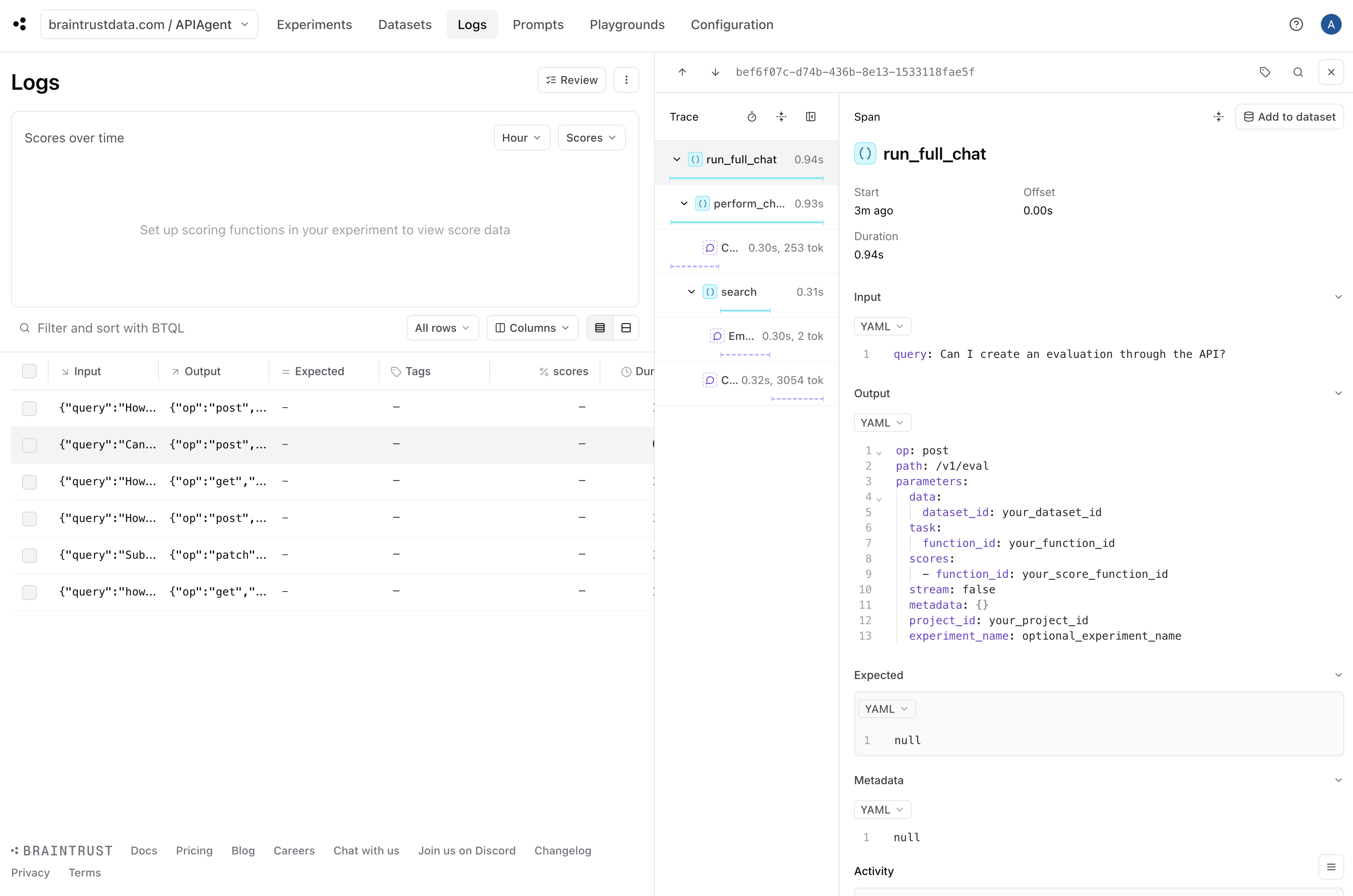
## Adding observability to generate eval data
Once you have a basic working prototype, it is pretty much immediately useful to add logging. Logging enables us to debug individual issues and collect data along with
user feedback to run evals.
Luckily, Braintrust makes this really easy. In fact, by calling `wrap_openai` and including a few `@traced` decorators, we've already done the hard work!
By simply initializing a logger, we turn on logging.
```python theme={"theme":{"light":"github-light","dark":"github-dark-dimmed"}}
braintrust.init_logger(
"APIAgent"
) # Feel free to replace this a project name of your choice
```
```
 ### Detecting hallucinations
Although we can see each individual log, it would be helpful to automatically identify the logs that are likely halucinations. This will help us
pick out examples that are useful to test.
Braintrust comes with an open source library called [autoevals](https://github.com/braintrustdata/autoevals) that includes a bunch of evaluators as well as the `LLMClassifier`
abstraction that lets you create your own LLM-as-a-judge evaluators. Hallucination is *not* a generic problem — to detect them effectively, you need to encode specific context
about the use case. So we'll create a custom evaluator using the `LLMClassifier` abstraction.
We'll run the evaluator on each log in the background via an `asyncio.create_task` call.
```python theme={"theme":{"light":"github-light","dark":"github-dark-dimmed"}}
from autoevals import LLMClassifier
hallucination_scorer = LLMClassifier(
name="no_hallucination",
prompt_template="""\
Given the following question and retrieved context, does
the generated answer correctly answer the question, only using
information from the context?
Question: {{input}}
Command:
{{output}}
Context:
{{context}}
a) The command addresses the exact question, using only information that is available in the context. The answer
does not contain any information that is not in the context.
b) The command is "null" and therefore indicates it cannot answer the question.
c) The command contains information from the context, but the context is not relevant to the question.
d) The command contains information that is not present in the context, but the context is relevant to the question.
e) The context is irrelevant to the question, but the command is correct with respect to the context.
""",
choice_scores={"a": 1, "b": 1, "c": 0.5, "d": 0.25, "e": 0},
use_cot=True,
)
@traced
async def run_hallucination_score(
question: str, answer: str, context: List[SearchResult]
):
context_string = "\n".join([f"{doc.document.description}" for doc in context])
score = await hallucination_scorer.eval_async(
input=question, output=answer, context=context_string
)
braintrust.current_span().log(
scores={"no_hallucination": score.score}, metadata=score.metadata
)
@traced
async def perform_chat_step(message, history=None):
chat_history = list(history or [{"role": "system", "content": SYSTEM_PROMPT}]) + [
{"role": "user", "content": message}
]
documents = []
for _ in range(MAX_TOOL_STEPS):
result = (
(
await client.chat.completions.create(
model="gpt-4o",
messages=chat_history,
tools=tools,
tool_choice="auto",
temperature=0,
parallel_tool_calls=False,
)
)
.choices[0]
.message
)
chat_history.append(result)
if not result.tool_calls:
# By using asyncio.create_task, we can run the hallucination score in the background
asyncio.create_task(
run_hallucination_score(
question=message, answer=result.content, context=documents
)
)
break
tool_call = result.tool_calls[0]
ArgClass, tool_func = tool_registry[tool_call.function.name]
args = tool_call.function.arguments
args = ArgClass.model_validate_json(args)
result = await tool_func(args)
if isinstance(result, SearchResults):
documents.extend(result.results)
chat_history.append(
{
"role": "tool",
"tool_call_id": tool_call.id,
"content": json.dumps(result.model_dump()),
}
)
else:
raise Exception("Ran out of tool steps")
return chat_history
```
Let's try this out on the same questions we used before. These will now be scored for hallucinations.
```python theme={"theme":{"light":"github-light","dark":"github-dark-dimmed"}}
for question in QUESTIONS:
print(f"Question: {question}")
print(await run_full_chat(question))
print("---------------")
```
```
Question: how do i list my last 20 experiments?
{'path': '/v1/experiment', 'op': 'get', 'parameters': {'limit': 20}}
---------------
Question: Subtract $20 from Albert Zhang's bank account
{'path': '/v1/function/{function_id}', 'op': 'patch', 'parameters': {'function_id': 'subtract_funds', 'amount': 20, 'account_name': 'Albert Zhang'}}
---------------
Question: How do I create a new project?
{'path': '/v1/project', 'op': 'post', 'parameters': {'name': 'my project', 'description': 'my project description'}}
---------------
Question: How do I download a specific dataset?
{'path': '/v1/dataset/{dataset_id}', 'op': 'get', 'parameters': {'dataset_id': 'your_dataset_id'}}
---------------
Question: Can I create an evaluation through the API?
{'path': '/v1/eval', 'op': 'post', 'parameters': {'project_id': 'your_project_id', 'data': {'dataset_id': 'your_dataset_id'}, 'task': {'function_id': 'your_function_id'}, 'scores': [{'function_id': 'your_score_function_id'}], 'experiment_name': 'optional_experiment_name', 'metadata': {}, 'stream': False}}
---------------
Question: How do I purchase GPUs through Braintrust?
{'path': '/v1/gpu/purchase', 'op': 'post', 'parameters': {'gpu_type': 'desired GPU type', 'quantity': 'number of GPUs'}}
---------------
```
Awesome! The logs now have a `no_hallucination` score which we can use to filter down hallucinations.
### Detecting hallucinations
Although we can see each individual log, it would be helpful to automatically identify the logs that are likely halucinations. This will help us
pick out examples that are useful to test.
Braintrust comes with an open source library called [autoevals](https://github.com/braintrustdata/autoevals) that includes a bunch of evaluators as well as the `LLMClassifier`
abstraction that lets you create your own LLM-as-a-judge evaluators. Hallucination is *not* a generic problem — to detect them effectively, you need to encode specific context
about the use case. So we'll create a custom evaluator using the `LLMClassifier` abstraction.
We'll run the evaluator on each log in the background via an `asyncio.create_task` call.
```python theme={"theme":{"light":"github-light","dark":"github-dark-dimmed"}}
from autoevals import LLMClassifier
hallucination_scorer = LLMClassifier(
name="no_hallucination",
prompt_template="""\
Given the following question and retrieved context, does
the generated answer correctly answer the question, only using
information from the context?
Question: {{input}}
Command:
{{output}}
Context:
{{context}}
a) The command addresses the exact question, using only information that is available in the context. The answer
does not contain any information that is not in the context.
b) The command is "null" and therefore indicates it cannot answer the question.
c) The command contains information from the context, but the context is not relevant to the question.
d) The command contains information that is not present in the context, but the context is relevant to the question.
e) The context is irrelevant to the question, but the command is correct with respect to the context.
""",
choice_scores={"a": 1, "b": 1, "c": 0.5, "d": 0.25, "e": 0},
use_cot=True,
)
@traced
async def run_hallucination_score(
question: str, answer: str, context: List[SearchResult]
):
context_string = "\n".join([f"{doc.document.description}" for doc in context])
score = await hallucination_scorer.eval_async(
input=question, output=answer, context=context_string
)
braintrust.current_span().log(
scores={"no_hallucination": score.score}, metadata=score.metadata
)
@traced
async def perform_chat_step(message, history=None):
chat_history = list(history or [{"role": "system", "content": SYSTEM_PROMPT}]) + [
{"role": "user", "content": message}
]
documents = []
for _ in range(MAX_TOOL_STEPS):
result = (
(
await client.chat.completions.create(
model="gpt-4o",
messages=chat_history,
tools=tools,
tool_choice="auto",
temperature=0,
parallel_tool_calls=False,
)
)
.choices[0]
.message
)
chat_history.append(result)
if not result.tool_calls:
# By using asyncio.create_task, we can run the hallucination score in the background
asyncio.create_task(
run_hallucination_score(
question=message, answer=result.content, context=documents
)
)
break
tool_call = result.tool_calls[0]
ArgClass, tool_func = tool_registry[tool_call.function.name]
args = tool_call.function.arguments
args = ArgClass.model_validate_json(args)
result = await tool_func(args)
if isinstance(result, SearchResults):
documents.extend(result.results)
chat_history.append(
{
"role": "tool",
"tool_call_id": tool_call.id,
"content": json.dumps(result.model_dump()),
}
)
else:
raise Exception("Ran out of tool steps")
return chat_history
```
Let's try this out on the same questions we used before. These will now be scored for hallucinations.
```python theme={"theme":{"light":"github-light","dark":"github-dark-dimmed"}}
for question in QUESTIONS:
print(f"Question: {question}")
print(await run_full_chat(question))
print("---------------")
```
```
Question: how do i list my last 20 experiments?
{'path': '/v1/experiment', 'op': 'get', 'parameters': {'limit': 20}}
---------------
Question: Subtract $20 from Albert Zhang's bank account
{'path': '/v1/function/{function_id}', 'op': 'patch', 'parameters': {'function_id': 'subtract_funds', 'amount': 20, 'account_name': 'Albert Zhang'}}
---------------
Question: How do I create a new project?
{'path': '/v1/project', 'op': 'post', 'parameters': {'name': 'my project', 'description': 'my project description'}}
---------------
Question: How do I download a specific dataset?
{'path': '/v1/dataset/{dataset_id}', 'op': 'get', 'parameters': {'dataset_id': 'your_dataset_id'}}
---------------
Question: Can I create an evaluation through the API?
{'path': '/v1/eval', 'op': 'post', 'parameters': {'project_id': 'your_project_id', 'data': {'dataset_id': 'your_dataset_id'}, 'task': {'function_id': 'your_function_id'}, 'scores': [{'function_id': 'your_score_function_id'}], 'experiment_name': 'optional_experiment_name', 'metadata': {}, 'stream': False}}
---------------
Question: How do I purchase GPUs through Braintrust?
{'path': '/v1/gpu/purchase', 'op': 'post', 'parameters': {'gpu_type': 'desired GPU type', 'quantity': 'number of GPUs'}}
---------------
```
Awesome! The logs now have a `no_hallucination` score which we can use to filter down hallucinations.
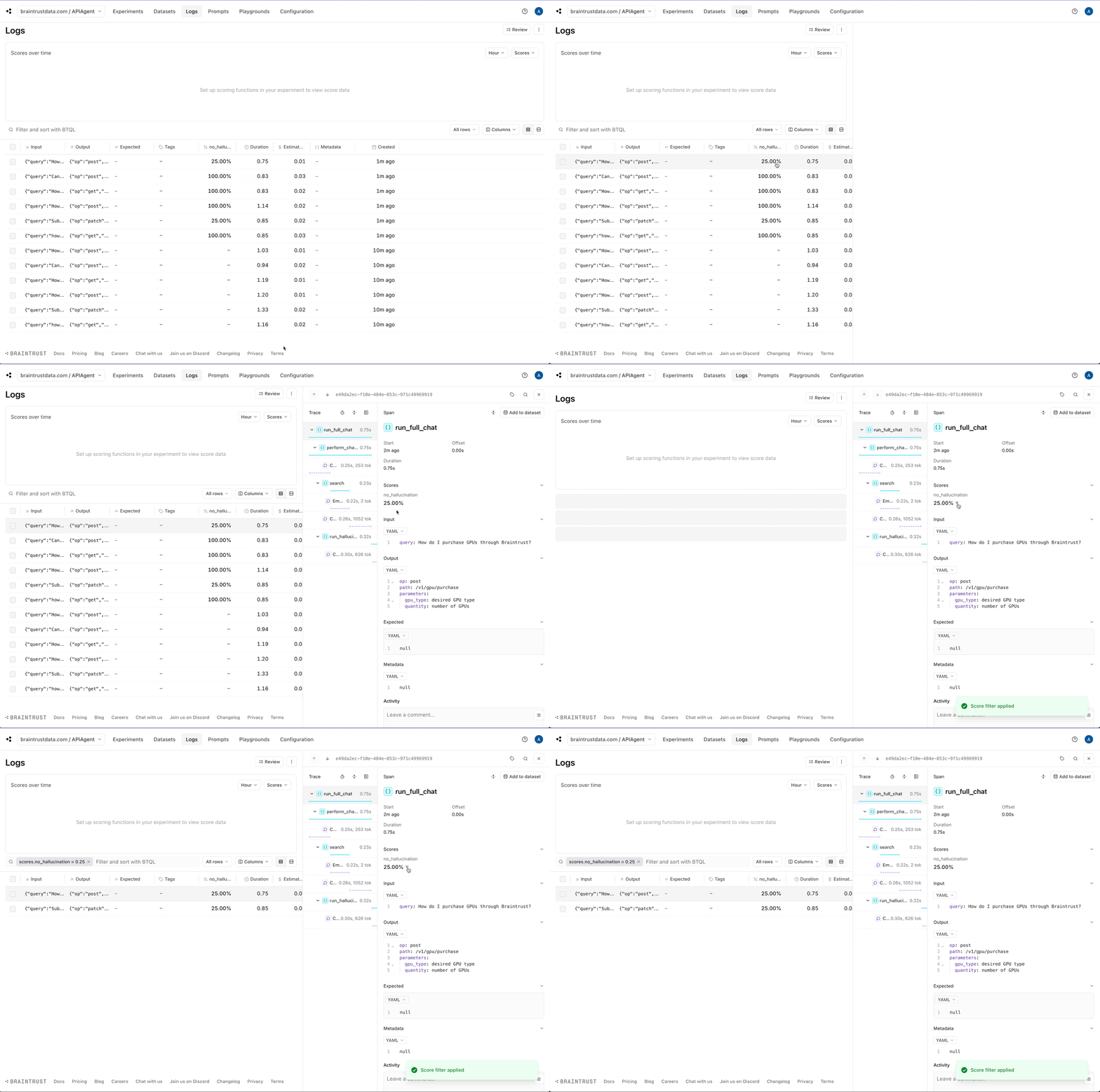 ### Creating datasets
Let's create two datasets: one for good answers and the other for hallucinations. To keep things simple, we'll assume that the
non-hallucinations are correct, but in a real-world scenario, you could [collect user feedback](/instrument/custom-tracing#user-feedback)
and treat positively rated feedback as ground truth.
### Creating datasets
Let's create two datasets: one for good answers and the other for hallucinations. To keep things simple, we'll assume that the
non-hallucinations are correct, but in a real-world scenario, you could [collect user feedback](/instrument/custom-tracing#user-feedback)
and treat positively rated feedback as ground truth.
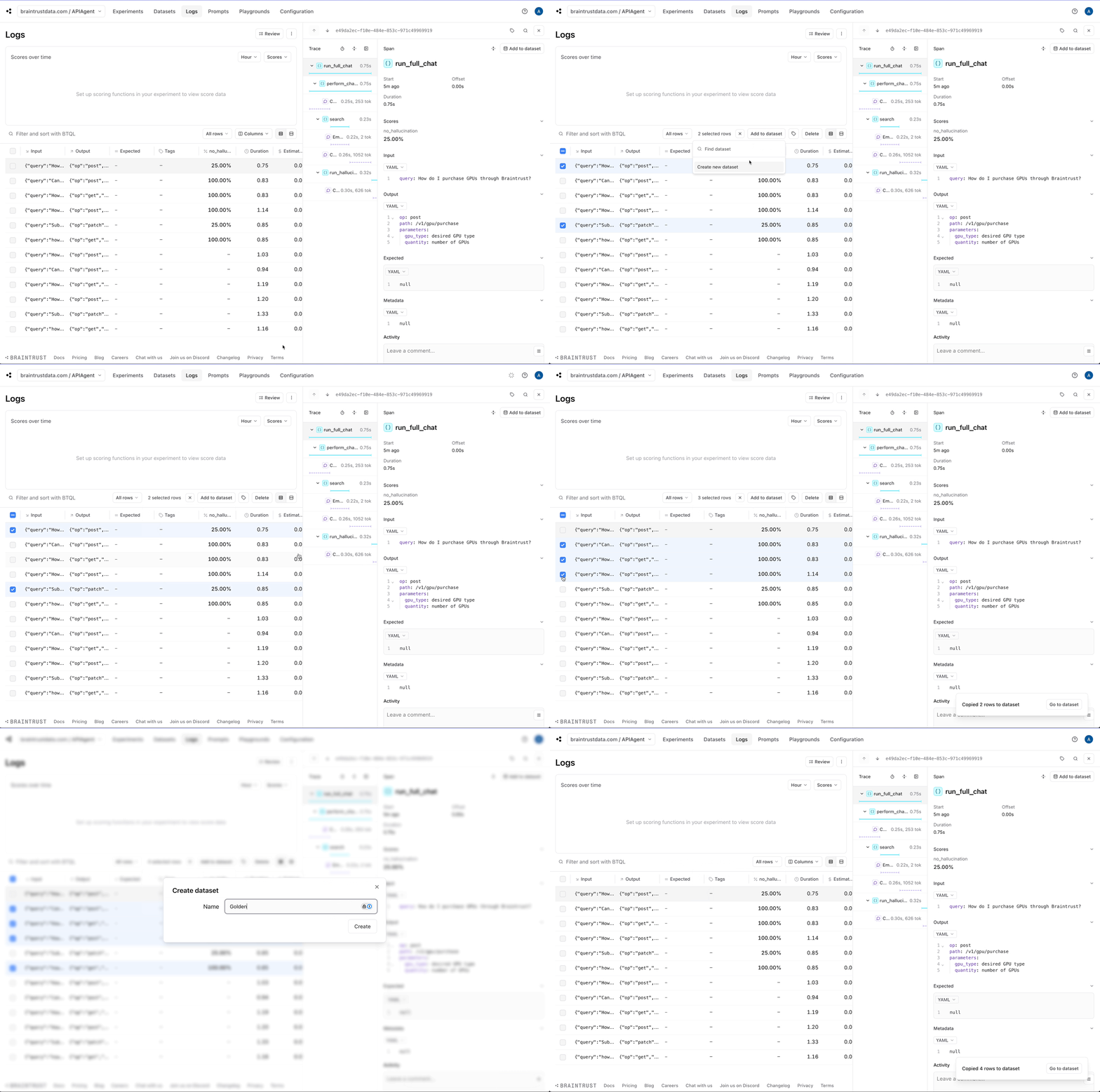 ## Running evals
Now, let's use the datasets we created to perform a baseline evaluation on our agent. Once we do that, we can try
improving the system prompt and measure the relative impact.
In Braintrust, an evaluation is incredibly simple to define. We have already done the hard work! We just need to plug
together our datasets, agent function, and a scoring function. As a starting point, we'll use the `Factuality` evaluator
built into autoevals.
```python theme={"theme":{"light":"github-light","dark":"github-dark-dimmed"}}
from autoevals import Factuality
from braintrust import EvalAsync, init_dataset
async def dataset():
# Use the Golden dataset as-is
for row in init_dataset("APIAgent", "Golden"):
yield row
# Empty out the "expected" values, so we know not to
# compare them to the ground truth. NOTE: you could also
# do this by editing the dataset in the Braintrust UI.
for row in init_dataset("APIAgent", "Hallucinations"):
yield {**row, "expected": None}
async def task(input):
return await run_full_chat(input["query"])
await EvalAsync(
"APIAgent",
data=dataset,
task=task,
scores=[Factuality],
experiment_name="Baseline",
)
```
```
Experiment Baseline is running at https://www.braintrust.dev/app/braintrustdata.com/p/APIAgent/experiments/Baseline
APIAgent [experiment_name=Baseline] (data): 6it [00:01, 3.89it/s]
APIAgent [experiment_name=Baseline] (tasks): 100%|██████████| 6/6 [00:01<00:00, 3.60it/s]
```
```
=========================SUMMARY=========================
100.00% 'Factuality' score
85.00% 'no_hallucination' score
0.98s duration
0.34s llm_duration
4282.33s prompt_tokens
310.33s completion_tokens
4592.67s total_tokens
0.01$ estimated_cost
See results for Baseline at https://www.braintrust.dev/app/braintrustdata.com/p/APIAgent/experiments/Baseline
```
```
EvalResultWithSummary(summary="...", results=[...])
```
## Running evals
Now, let's use the datasets we created to perform a baseline evaluation on our agent. Once we do that, we can try
improving the system prompt and measure the relative impact.
In Braintrust, an evaluation is incredibly simple to define. We have already done the hard work! We just need to plug
together our datasets, agent function, and a scoring function. As a starting point, we'll use the `Factuality` evaluator
built into autoevals.
```python theme={"theme":{"light":"github-light","dark":"github-dark-dimmed"}}
from autoevals import Factuality
from braintrust import EvalAsync, init_dataset
async def dataset():
# Use the Golden dataset as-is
for row in init_dataset("APIAgent", "Golden"):
yield row
# Empty out the "expected" values, so we know not to
# compare them to the ground truth. NOTE: you could also
# do this by editing the dataset in the Braintrust UI.
for row in init_dataset("APIAgent", "Hallucinations"):
yield {**row, "expected": None}
async def task(input):
return await run_full_chat(input["query"])
await EvalAsync(
"APIAgent",
data=dataset,
task=task,
scores=[Factuality],
experiment_name="Baseline",
)
```
```
Experiment Baseline is running at https://www.braintrust.dev/app/braintrustdata.com/p/APIAgent/experiments/Baseline
APIAgent [experiment_name=Baseline] (data): 6it [00:01, 3.89it/s]
APIAgent [experiment_name=Baseline] (tasks): 100%|██████████| 6/6 [00:01<00:00, 3.60it/s]
```
```
=========================SUMMARY=========================
100.00% 'Factuality' score
85.00% 'no_hallucination' score
0.98s duration
0.34s llm_duration
4282.33s prompt_tokens
310.33s completion_tokens
4592.67s total_tokens
0.01$ estimated_cost
See results for Baseline at https://www.braintrust.dev/app/braintrustdata.com/p/APIAgent/experiments/Baseline
```
```
EvalResultWithSummary(summary="...", results=[...])
```
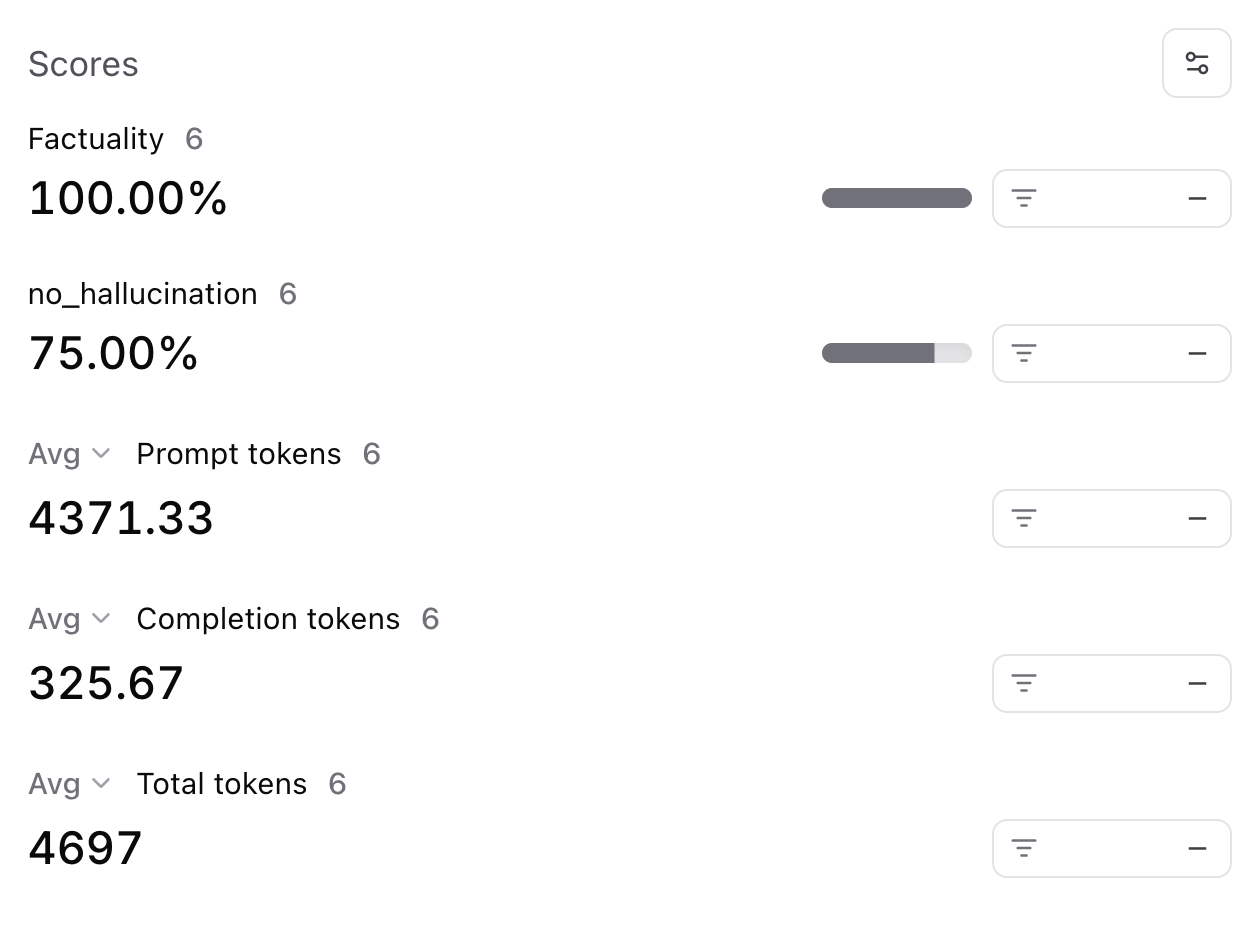 ### Improving performance
Next, let's tweak the system prompt and see if we can get better results. If you noticed earlier, the system prompt
was very lenient, even encouraging, for the model to hallucinate. Let's reign in the wording and see what happens.
```python theme={"theme":{"light":"github-light","dark":"github-dark-dimmed"}}
SYSTEM_PROMPT = """
You are a helpful assistant that can answer questions about Braintrust, a tool for
developing AI applications. Braintrust can help with evals, observability, and prompt
development.
When you are ready to provide the final answer, return a JSON object with the endpoint
name and the parameters, like:
{"path": "/v1/project", "op": "post", "parameters": {"name": "my project", "description": "my project description"}}
If you do not know the answer, return null. Like the JSON object, print null and nothing else.
Print the JSON object and nothing else. No markdown, backticks, or explanation.
"""
```
```python theme={"theme":{"light":"github-light","dark":"github-dark-dimmed"}}
await EvalAsync(
"APIAgent",
data=dataset,
task=task,
scores=[Factuality],
experiment_name="Improved System Prompt",
)
```
```
Experiment Improved System Prompt is running at https://www.braintrust.dev/app/braintrustdata.com/p/APIAgent/experiments/Improved%20System%20Prompt
APIAgent [experiment_name=Improved System Prompt] (data): 6it [00:00, 7.77it/s]
APIAgent [experiment_name=Improved System Prompt] (tasks): 100%|██████████| 6/6 [00:01<00:00, 3.44it/s]
```
```
=========================SUMMARY=========================
Improved System Prompt compared to Baseline:
100.00% (+25.00%) 'no_hallucination' score (2 improvements, 0 regressions)
90.00% (-10.00%) 'Factuality' score (0 improvements, 1 regressions)
4081.00s (-29033.33%) 'prompt_tokens' (6 improvements, 0 regressions)
286.33s (-3933.33%) 'completion_tokens' (4 improvements, 0 regressions)
4367.33s (-32966.67%) 'total_tokens' (6 improvements, 0 regressions)
See results for Improved System Prompt at https://www.braintrust.dev/app/braintrustdata.com/p/APIAgent/experiments/Improved%20System%20Prompt
```
```
EvalResultWithSummary(summary="...", results=[...])
```
Awesome! Looks like we were able to solve the hallucinations, although we may have regressed the `Factuality` metric:
### Improving performance
Next, let's tweak the system prompt and see if we can get better results. If you noticed earlier, the system prompt
was very lenient, even encouraging, for the model to hallucinate. Let's reign in the wording and see what happens.
```python theme={"theme":{"light":"github-light","dark":"github-dark-dimmed"}}
SYSTEM_PROMPT = """
You are a helpful assistant that can answer questions about Braintrust, a tool for
developing AI applications. Braintrust can help with evals, observability, and prompt
development.
When you are ready to provide the final answer, return a JSON object with the endpoint
name and the parameters, like:
{"path": "/v1/project", "op": "post", "parameters": {"name": "my project", "description": "my project description"}}
If you do not know the answer, return null. Like the JSON object, print null and nothing else.
Print the JSON object and nothing else. No markdown, backticks, or explanation.
"""
```
```python theme={"theme":{"light":"github-light","dark":"github-dark-dimmed"}}
await EvalAsync(
"APIAgent",
data=dataset,
task=task,
scores=[Factuality],
experiment_name="Improved System Prompt",
)
```
```
Experiment Improved System Prompt is running at https://www.braintrust.dev/app/braintrustdata.com/p/APIAgent/experiments/Improved%20System%20Prompt
APIAgent [experiment_name=Improved System Prompt] (data): 6it [00:00, 7.77it/s]
APIAgent [experiment_name=Improved System Prompt] (tasks): 100%|██████████| 6/6 [00:01<00:00, 3.44it/s]
```
```
=========================SUMMARY=========================
Improved System Prompt compared to Baseline:
100.00% (+25.00%) 'no_hallucination' score (2 improvements, 0 regressions)
90.00% (-10.00%) 'Factuality' score (0 improvements, 1 regressions)
4081.00s (-29033.33%) 'prompt_tokens' (6 improvements, 0 regressions)
286.33s (-3933.33%) 'completion_tokens' (4 improvements, 0 regressions)
4367.33s (-32966.67%) 'total_tokens' (6 improvements, 0 regressions)
See results for Improved System Prompt at https://www.braintrust.dev/app/braintrustdata.com/p/APIAgent/experiments/Improved%20System%20Prompt
```
```
EvalResultWithSummary(summary="...", results=[...])
```
Awesome! Looks like we were able to solve the hallucinations, although we may have regressed the `Factuality` metric:
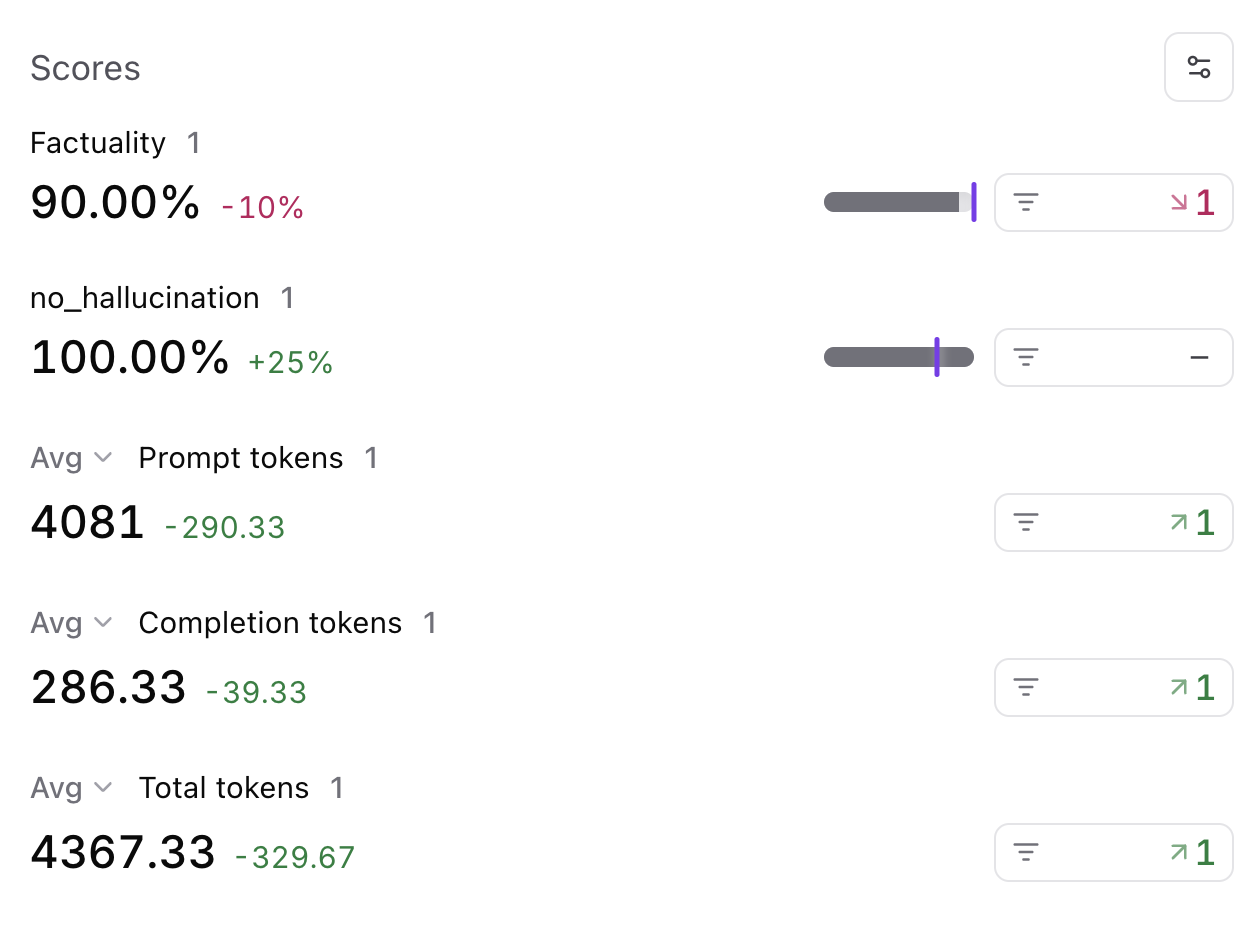 To understand why, we can filter down to this regression, and take a look at a side-by-side diff.
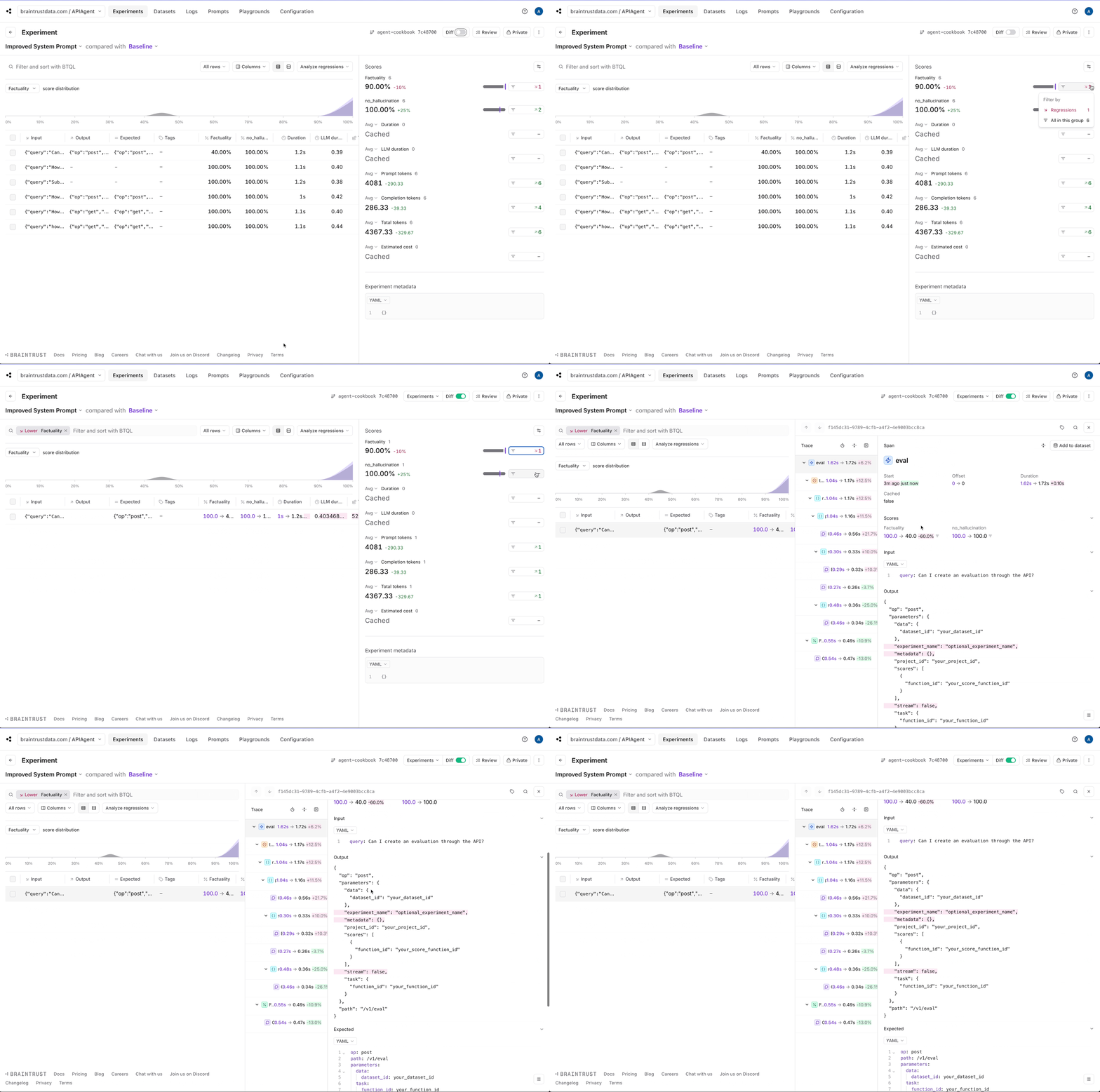 Does it matter whether or not the model generates these fields? That's a good question and something you can work on as a next step.
Maybe you should tweak how Factuality works, or change the prompt to always return a consistent set of fields.
## Where to go from here
You now have a working agent that can search for API endpoints and generate API commands. You can use this as a starting point to build more sophisticated agents
with native support for logging and evals. As a next step, you can:
* Add more tools to the agent and actually run the API commands
* Build an interactive UI for testing the agent
* Collect user feedback and build a more robust eval set
Happy building!
---
# Source: https://braintrust.dev/docs/cookbook/recipes/AgentWhileLoop.md
> ## Documentation Index
> Fetch the complete documentation index at: https://braintrust.dev/docs/llms.txt
> Use this file to discover all available pages before exploring further.
# Building reliable AI agents
Does it matter whether or not the model generates these fields? That's a good question and something you can work on as a next step.
Maybe you should tweak how Factuality works, or change the prompt to always return a consistent set of fields.
## Where to go from here
You now have a working agent that can search for API endpoints and generate API commands. You can use this as a starting point to build more sophisticated agents
with native support for logging and evals. As a next step, you can:
* Add more tools to the agent and actually run the API commands
* Build an interactive UI for testing the agent
* Collect user feedback and build a more robust eval set
Happy building!
---
# Source: https://braintrust.dev/docs/cookbook/recipes/AgentWhileLoop.md
> ## Documentation Index
> Fetch the complete documentation index at: https://braintrust.dev/docs/llms.txt
> Use this file to discover all available pages before exploring further.
# Building reliable AI agents
[Contributed](https://github.com/braintrustdata/braintrust-cookbook/blob/main/examples/AgentWhileLoop/AgentWhileLoop.mdx) by [Ornella Altunyan](https://twitter.com/ornelladotcom) on 2025-08-05
In this cookbook, we'll implement the canonical agent architecture: a while loop with tools. This pattern, described on our [blog](https://braintrust.dev/blog/agent-while-loop), provides a clean, debuggable foundation for building production-ready AI agents.
By the end of this guide, you'll learn how to:
* Implement the canonical while loop agent pattern
* Build purpose-designed tools that reduce cognitive load
* Add comprehensive tracing with Braintrust
* Run evaluations to measure agent performance
* Compare different architectural approaches
## The canonical agent architecture
The core pattern we'll follow is straightforward:
 In code, that roughly translates to:
```typescript theme={"theme":{"light":"github-light","dark":"github-dark-dimmed"}}
while (!done) {
const response = await callLLM();
messages.push(response);
if (response.toolCalls) {
messages.push(
...(await Promise.all(response.toolCalls.map((tc) => tool(tc.args)))),
);
} else {
done = true;
}
}
```
This pattern is surprisingly powerful: the loop is easy to understand and debug, scales naturally to complex multi-step workflows, and provides clear hooks for logging and evaluation without framework overhead.
## Getting started
To get started, you'll need [Braintrust](https://www.braintrust.dev/signup) and [OpenAI](https://platform.openai.com/) accounts, along with their corresponding API keys. Plug your OpenAI API key into your Braintrust account's [AI providers](https://www.braintrust.dev/app/settings?subroute=secrets) configuration. You can also add an API key for any other AI provider you'd like, but be sure to change the code to use that model. Lastly, set up your `.env.local` file:
```
BRAINTRUST_API_KEY=
In code, that roughly translates to:
```typescript theme={"theme":{"light":"github-light","dark":"github-dark-dimmed"}}
while (!done) {
const response = await callLLM();
messages.push(response);
if (response.toolCalls) {
messages.push(
...(await Promise.all(response.toolCalls.map((tc) => tool(tc.args)))),
);
} else {
done = true;
}
}
```
This pattern is surprisingly powerful: the loop is easy to understand and debug, scales naturally to complex multi-step workflows, and provides clear hooks for logging and evaluation without framework overhead.
## Getting started
To get started, you'll need [Braintrust](https://www.braintrust.dev/signup) and [OpenAI](https://platform.openai.com/) accounts, along with their corresponding API keys. Plug your OpenAI API key into your Braintrust account's [AI providers](https://www.braintrust.dev/app/settings?subroute=secrets) configuration. You can also add an API key for any other AI provider you'd like, but be sure to change the code to use that model. Lastly, set up your `.env.local` file:
```
BRAINTRUST_API_KEY=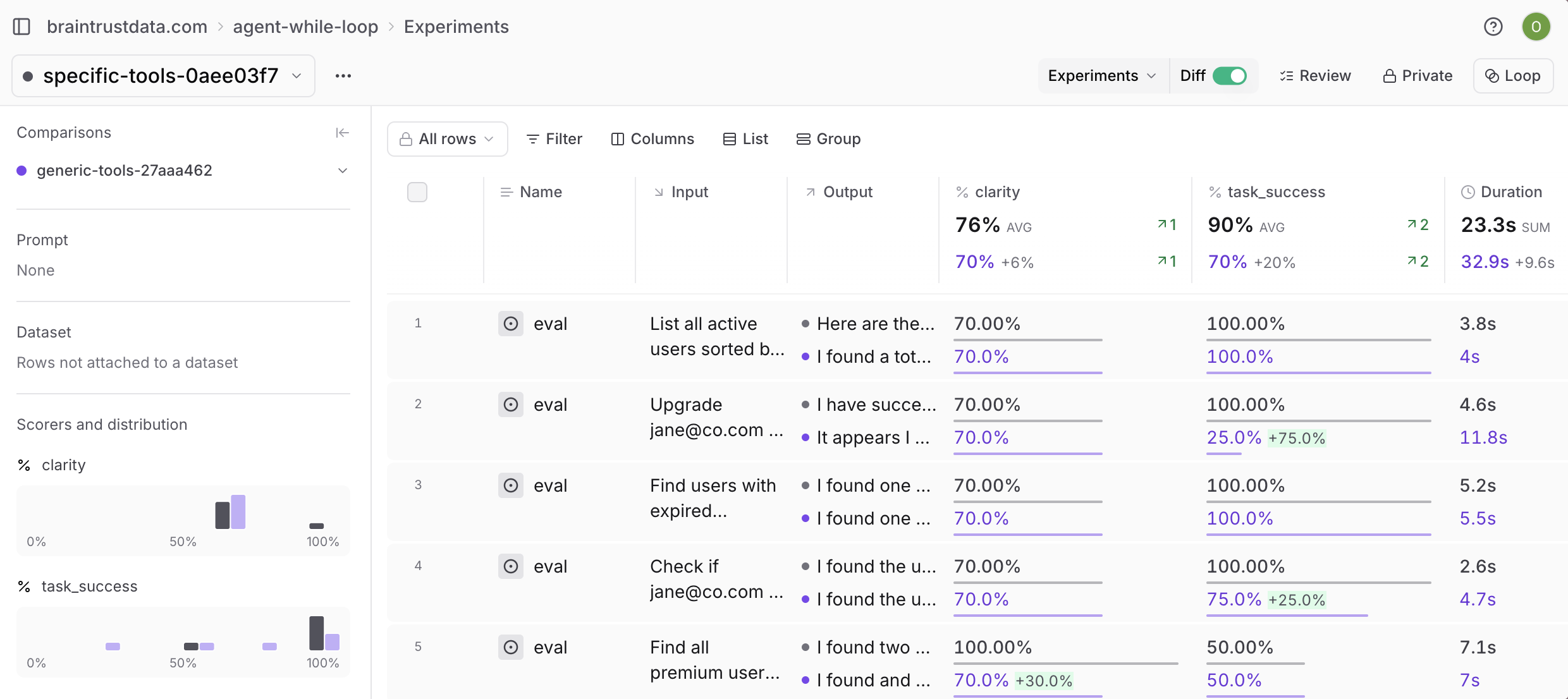 ## Next steps
Start building your own while loop agent by picking a specific use case and 2-3 tools, then gradually add complexity.
* [Log](/observe/view-logs) all interactions and build [evaluation datasets](/annotate/datasets) from real usage patterns
* Use [Loop](/observe/loop) to improve prompts, scorers, and datasets
* Explore more agent patterns in the [cookbook](/cookbook)
---
# Source: https://braintrust.dev/docs/cookbook/recipes/AmazonBedrockStrands.md
> ## Documentation Index
> Fetch the complete documentation index at: https://braintrust.dev/docs/llms.txt
> Use this file to discover all available pages before exploring further.
# Observability for Strands Agents on Amazon Bedrock
## Next steps
Start building your own while loop agent by picking a specific use case and 2-3 tools, then gradually add complexity.
* [Log](/observe/view-logs) all interactions and build [evaluation datasets](/annotate/datasets) from real usage patterns
* Use [Loop](/observe/loop) to improve prompts, scorers, and datasets
* Explore more agent patterns in the [cookbook](/cookbook)
---
# Source: https://braintrust.dev/docs/cookbook/recipes/AmazonBedrockStrands.md
> ## Documentation Index
> Fetch the complete documentation index at: https://braintrust.dev/docs/llms.txt
> Use this file to discover all available pages before exploring further.
# Observability for Strands Agents on Amazon Bedrock
[Contributed](https://github.com/braintrustdata/braintrust-cookbook/blob/main/examples/AmazonBedrockStrands/AmazonBedrockStrands.ipynb) by [Ishan Singh](https://www.linkedin.com/in/shan199434/) on 2025-11-18
This cookbook guides you through how to deploy a Strands Agent to Amazon Bedrock AgentCore Runtime with built-in observability. The implementation uses Amazon Bedrock Claude models and sends telemetry data to Braintrust through OpenTelemetry.
By the end of this cookbook, you'll learn how to:
* Build a Strands Agent with web search capabilities using Amazon Bedrock Claude models
* Deploy the agent to Amazon Bedrock AgentCore Runtime for managed, scalable hosting
* Configure OpenTelemetry to send traces to Braintrust for observability
* Invoke the agent through both SDK and boto3 client
## Key components
* **Strands Agent**: Python framework for building LLM-powered agents with built-in telemetry support
* **Amazon Bedrock AgentCore Runtime**: Managed runtime service for hosting and scaling agents on AWS
* **OpenTelemetry**: Industry-standard protocol for collecting and exporting telemetry data
## Architecture
The agent is containerized and deployed to Amazon Bedrock AgentCore Runtime, which provides HTTP endpoints for invocation. Telemetry data flows from the Strands Agent through OTEL exporters to Braintrust for monitoring and debugging. The implementation uses a lazy initialization pattern to ensure proper configuration order.
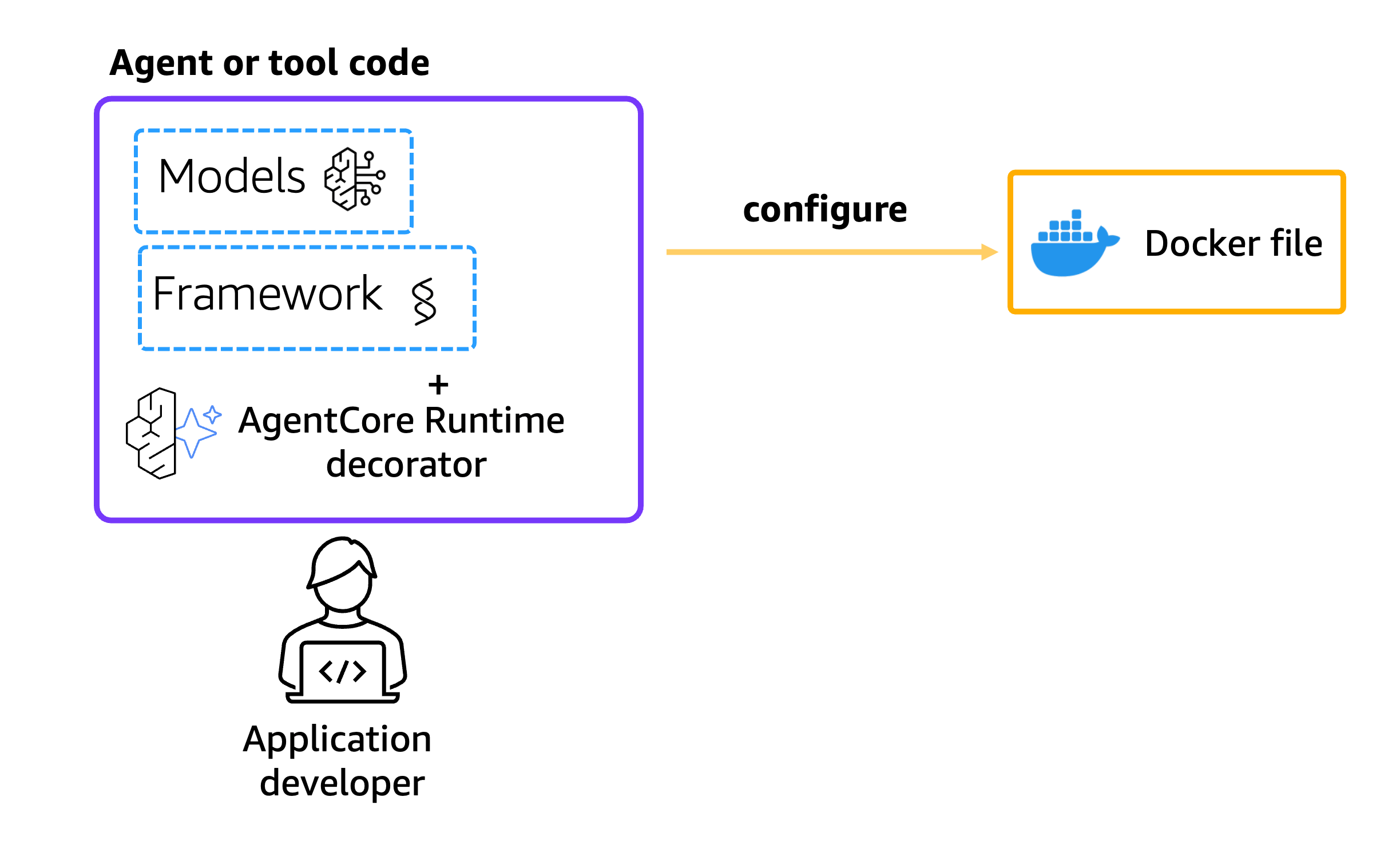 ## Getting started
To get started, make sure you have:
* Python 3.10+
* AWS credentials configured with Bedrock and AgentCore permissions
* A [Braintrust account](https://www.braintrust.dev/signup) and [API key](https://www.braintrust.dev/app/settings?subroute=api-keys)
* Docker installed locally
* Access to Amazon Bedrock Claude models in us-west-2
You'll also want to install required dependencies from the `requirements.txt` file:
```python theme={"theme":{"light":"github-light","dark":"github-dark-dimmed"}}
%pip install --force-reinstall -U -r requirements.txt --quiet
```
## Agent implementation
The agent file (`strands_claude.py`) implements a travel agent with web search capabilities. The implementation uses a lazy initialization pattern to ensure telemetry is configured after environment variables, integrates Amazon Bedrock Claude models through the Strands framework, and includes web search via DuckDuckGo for real-time information. The agent is configured to send traces to Braintrust via OpenTelemetry:
```python theme={"theme":{"light":"github-light","dark":"github-dark-dimmed"}}
%%writefile strands_claude.py
import os
import logging
from bedrock_agentcore.runtime import BedrockAgentCoreApp
from strands import Agent, tool
from strands.models import BedrockModel
from strands.telemetry import StrandsTelemetry
from ddgs import DDGS
logging.basicConfig(level=logging.ERROR, format="[%(levelname)s] %(message)s")
logger = logging.getLogger(__name__)
logger.setLevel(os.getenv("AGENT_RUNTIME_LOG_LEVEL", "INFO").upper())
@tool
def web_search(query: str) -> str:
"""
Search the web for information using DuckDuckGo.
Args:
query: The search query
Returns:
A string containing the search results
"""
try:
ddgs = DDGS()
results = ddgs.text(query, max_results=5)
formatted_results = []
for i, result in enumerate(results, 1):
formatted_results.append(
f"{i}. {result.get('title', 'No title')}\n"
f" {result.get('body', 'No summary')}\n"
f" Source: {result.get('href', 'No URL')}\n"
)
return "\n".join(formatted_results) if formatted_results else "No results found."
except Exception as e:
return f"Error searching the web: {str(e)}"
# Function to initialize Bedrock model
def get_bedrock_model():
region = os.getenv("AWS_DEFAULT_REGION", "us-west-2")
model_id = os.getenv("BEDROCK_MODEL_ID", "us.anthropic.claude-3-7-sonnet-20250219-v1:0")
bedrock_model = BedrockModel(
model_id=model_id,
region_name=region,
temperature=0.0,
max_tokens=1024
)
return bedrock_model
# Initialize the Bedrock model
bedrock_model = get_bedrock_model()
# Define the agent's system prompt
system_prompt = """You are an experienced travel agent specializing in personalized travel recommendations
with access to real-time web information. Your role is to find dream destinations matching user preferences
using web search for current information. You should provide comprehensive recommendations with current
information, brief descriptions, and practical travel details."""
app = BedrockAgentCoreApp()
def initialize_agent():
"""Initialize the agent with proper telemetry configuration."""
# Initialize Strands telemetry with 3P configuration
strands_telemetry = StrandsTelemetry()
strands_telemetry.setup_otlp_exporter()
# Create and cache the agent
agent = Agent(
model=bedrock_model,
system_prompt=system_prompt,
tools=[web_search]
)
return agent
@app.entrypoint
def strands_agent_bedrock(payload, context=None):
"""
Invoke the agent with a payload
"""
user_input = payload.get("prompt")
logger.info("[%s] User input: %s", context.session_id, user_input)
# Initialize agent with proper configuration
agent = initialize_agent()
response = agent(user_input)
return response.message['content'][0]['text']
if __name__ == "__main__":
app.run()
```
## Configure AgentCore runtime deployment
Next we'll use the starter toolkit to configure the AgentCore Runtime deployment with an entrypoint, the execution role, and a requirements file. We'll also configure the starter kit to auto-create the Amazon ECR repository on launch.
During the configure step, your Dockerfile will be generated based on your application code.
```python theme={"theme":{"light":"github-light","dark":"github-dark-dimmed"}}
from bedrock_agentcore_starter_toolkit import Runtime
from boto3.session import Session
boto_session = Session()
region = boto_session.region_name
agentcore_runtime = Runtime()
agent_name = "strands_braintrust_observability"
response = agentcore_runtime.configure(
entrypoint="strands_claude.py",
auto_create_execution_role=True,
auto_create_ecr=True,
requirements_file="requirements.txt",
region=region,
agent_name=agent_name,
disable_otel=True,
)
response
```
## Deploy to AgentCore runtime
Now that we have a Dockerfile, let's launch the agent to the AgentCore Runtime. This will create the Amazon ECR repository and the AgentCore Runtime.
## Getting started
To get started, make sure you have:
* Python 3.10+
* AWS credentials configured with Bedrock and AgentCore permissions
* A [Braintrust account](https://www.braintrust.dev/signup) and [API key](https://www.braintrust.dev/app/settings?subroute=api-keys)
* Docker installed locally
* Access to Amazon Bedrock Claude models in us-west-2
You'll also want to install required dependencies from the `requirements.txt` file:
```python theme={"theme":{"light":"github-light","dark":"github-dark-dimmed"}}
%pip install --force-reinstall -U -r requirements.txt --quiet
```
## Agent implementation
The agent file (`strands_claude.py`) implements a travel agent with web search capabilities. The implementation uses a lazy initialization pattern to ensure telemetry is configured after environment variables, integrates Amazon Bedrock Claude models through the Strands framework, and includes web search via DuckDuckGo for real-time information. The agent is configured to send traces to Braintrust via OpenTelemetry:
```python theme={"theme":{"light":"github-light","dark":"github-dark-dimmed"}}
%%writefile strands_claude.py
import os
import logging
from bedrock_agentcore.runtime import BedrockAgentCoreApp
from strands import Agent, tool
from strands.models import BedrockModel
from strands.telemetry import StrandsTelemetry
from ddgs import DDGS
logging.basicConfig(level=logging.ERROR, format="[%(levelname)s] %(message)s")
logger = logging.getLogger(__name__)
logger.setLevel(os.getenv("AGENT_RUNTIME_LOG_LEVEL", "INFO").upper())
@tool
def web_search(query: str) -> str:
"""
Search the web for information using DuckDuckGo.
Args:
query: The search query
Returns:
A string containing the search results
"""
try:
ddgs = DDGS()
results = ddgs.text(query, max_results=5)
formatted_results = []
for i, result in enumerate(results, 1):
formatted_results.append(
f"{i}. {result.get('title', 'No title')}\n"
f" {result.get('body', 'No summary')}\n"
f" Source: {result.get('href', 'No URL')}\n"
)
return "\n".join(formatted_results) if formatted_results else "No results found."
except Exception as e:
return f"Error searching the web: {str(e)}"
# Function to initialize Bedrock model
def get_bedrock_model():
region = os.getenv("AWS_DEFAULT_REGION", "us-west-2")
model_id = os.getenv("BEDROCK_MODEL_ID", "us.anthropic.claude-3-7-sonnet-20250219-v1:0")
bedrock_model = BedrockModel(
model_id=model_id,
region_name=region,
temperature=0.0,
max_tokens=1024
)
return bedrock_model
# Initialize the Bedrock model
bedrock_model = get_bedrock_model()
# Define the agent's system prompt
system_prompt = """You are an experienced travel agent specializing in personalized travel recommendations
with access to real-time web information. Your role is to find dream destinations matching user preferences
using web search for current information. You should provide comprehensive recommendations with current
information, brief descriptions, and practical travel details."""
app = BedrockAgentCoreApp()
def initialize_agent():
"""Initialize the agent with proper telemetry configuration."""
# Initialize Strands telemetry with 3P configuration
strands_telemetry = StrandsTelemetry()
strands_telemetry.setup_otlp_exporter()
# Create and cache the agent
agent = Agent(
model=bedrock_model,
system_prompt=system_prompt,
tools=[web_search]
)
return agent
@app.entrypoint
def strands_agent_bedrock(payload, context=None):
"""
Invoke the agent with a payload
"""
user_input = payload.get("prompt")
logger.info("[%s] User input: %s", context.session_id, user_input)
# Initialize agent with proper configuration
agent = initialize_agent()
response = agent(user_input)
return response.message['content'][0]['text']
if __name__ == "__main__":
app.run()
```
## Configure AgentCore runtime deployment
Next we'll use the starter toolkit to configure the AgentCore Runtime deployment with an entrypoint, the execution role, and a requirements file. We'll also configure the starter kit to auto-create the Amazon ECR repository on launch.
During the configure step, your Dockerfile will be generated based on your application code.
```python theme={"theme":{"light":"github-light","dark":"github-dark-dimmed"}}
from bedrock_agentcore_starter_toolkit import Runtime
from boto3.session import Session
boto_session = Session()
region = boto_session.region_name
agentcore_runtime = Runtime()
agent_name = "strands_braintrust_observability"
response = agentcore_runtime.configure(
entrypoint="strands_claude.py",
auto_create_execution_role=True,
auto_create_ecr=True,
requirements_file="requirements.txt",
region=region,
agent_name=agent_name,
disable_otel=True,
)
response
```
## Deploy to AgentCore runtime
Now that we have a Dockerfile, let's launch the agent to the AgentCore Runtime. This will create the Amazon ECR repository and the AgentCore Runtime.
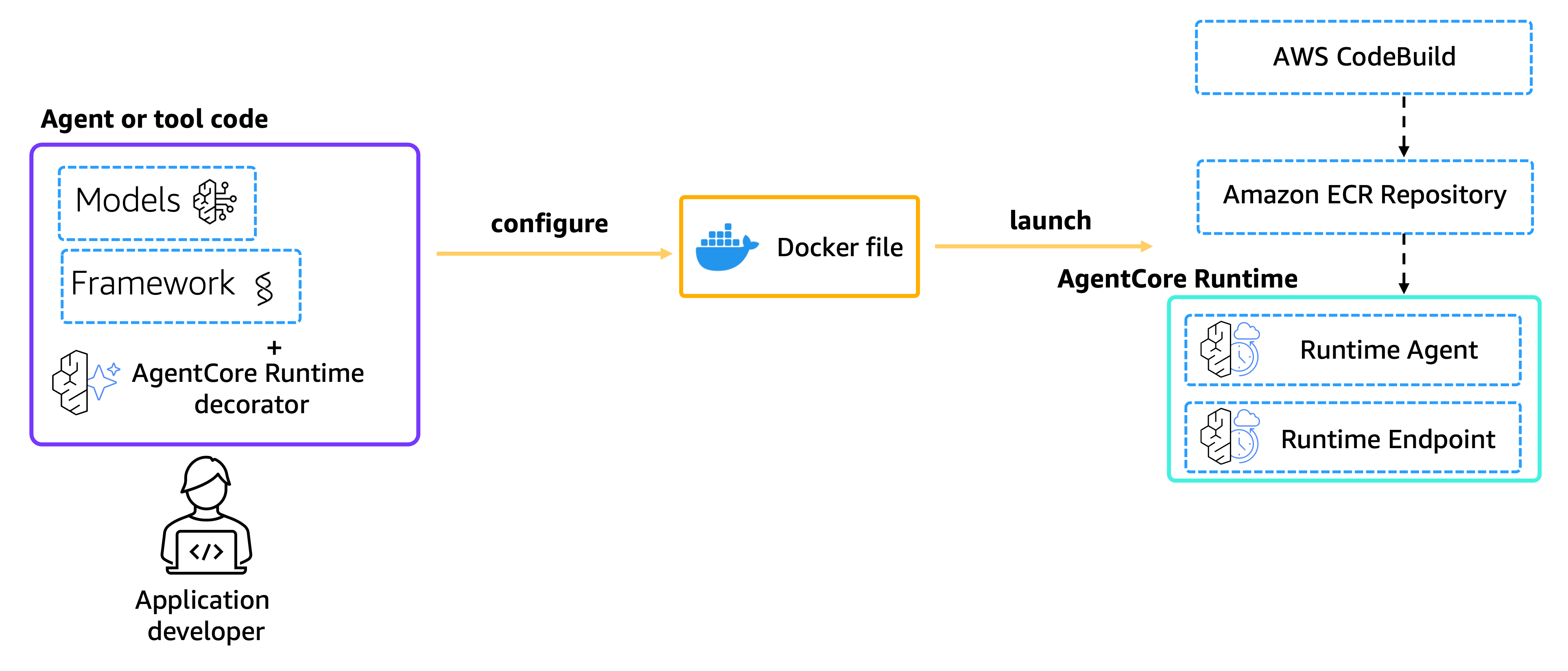 ### Configure observability
To enable observability, we need to configure the OpenTelemetry endpoint and authentication. The agent will send traces to Braintrust using the OTEL protocol.
```python theme={"theme":{"light":"github-light","dark":"github-dark-dimmed"}}
# Braintrust configuration
otel_endpoint = "https://api.braintrust.dev/otel"
braintrust_api_key = (
"
### Configure observability
To enable observability, we need to configure the OpenTelemetry endpoint and authentication. The agent will send traces to Braintrust using the OTEL protocol.
```python theme={"theme":{"light":"github-light","dark":"github-dark-dimmed"}}
# Braintrust configuration
otel_endpoint = "https://api.braintrust.dev/otel"
braintrust_api_key = (
"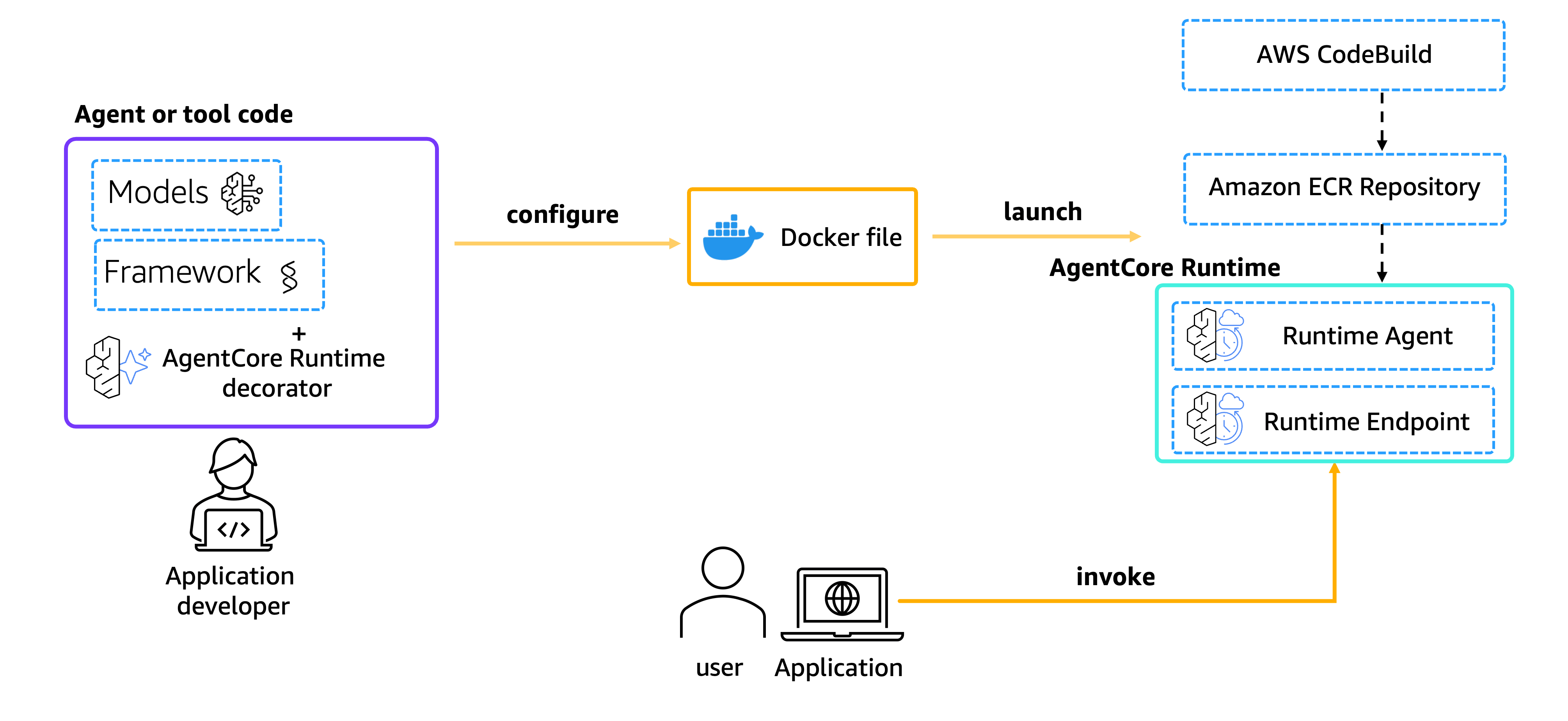 ```python theme={"theme":{"light":"github-light","dark":"github-dark-dimmed"}}
invoke_response = agentcore_runtime.invoke(
{
"prompt": "I'm planning a weekend trip to Orlando. What are the must-visit places and local food I should try?"
}
)
```
```python theme={"theme":{"light":"github-light","dark":"github-dark-dimmed"}}
from IPython.display import Markdown, display
display(Markdown("".join(invoke_response["response"])))
```
## Logging in Braintrust
When you invoke the agent, logs are automatically generated for each invocation. Each agent interaction is captured in its own trace, with individual spans for tool calls and model interactions. To view your logs, navigate to your Braintrust project and select the **Logs** tab.
The trace view shows the full execution tree, including all agent interactions, tool calls (such as web\_search), and model invocations with their latency and token usage.
```python theme={"theme":{"light":"github-light","dark":"github-dark-dimmed"}}
invoke_response = agentcore_runtime.invoke(
{
"prompt": "I'm planning a weekend trip to Orlando. What are the must-visit places and local food I should try?"
}
)
```
```python theme={"theme":{"light":"github-light","dark":"github-dark-dimmed"}}
from IPython.display import Markdown, display
display(Markdown("".join(invoke_response["response"])))
```
## Logging in Braintrust
When you invoke the agent, logs are automatically generated for each invocation. Each agent interaction is captured in its own trace, with individual spans for tool calls and model interactions. To view your logs, navigate to your Braintrust project and select the **Logs** tab.
The trace view shows the full execution tree, including all agent interactions, tool calls (such as web\_search), and model invocations with their latency and token usage.
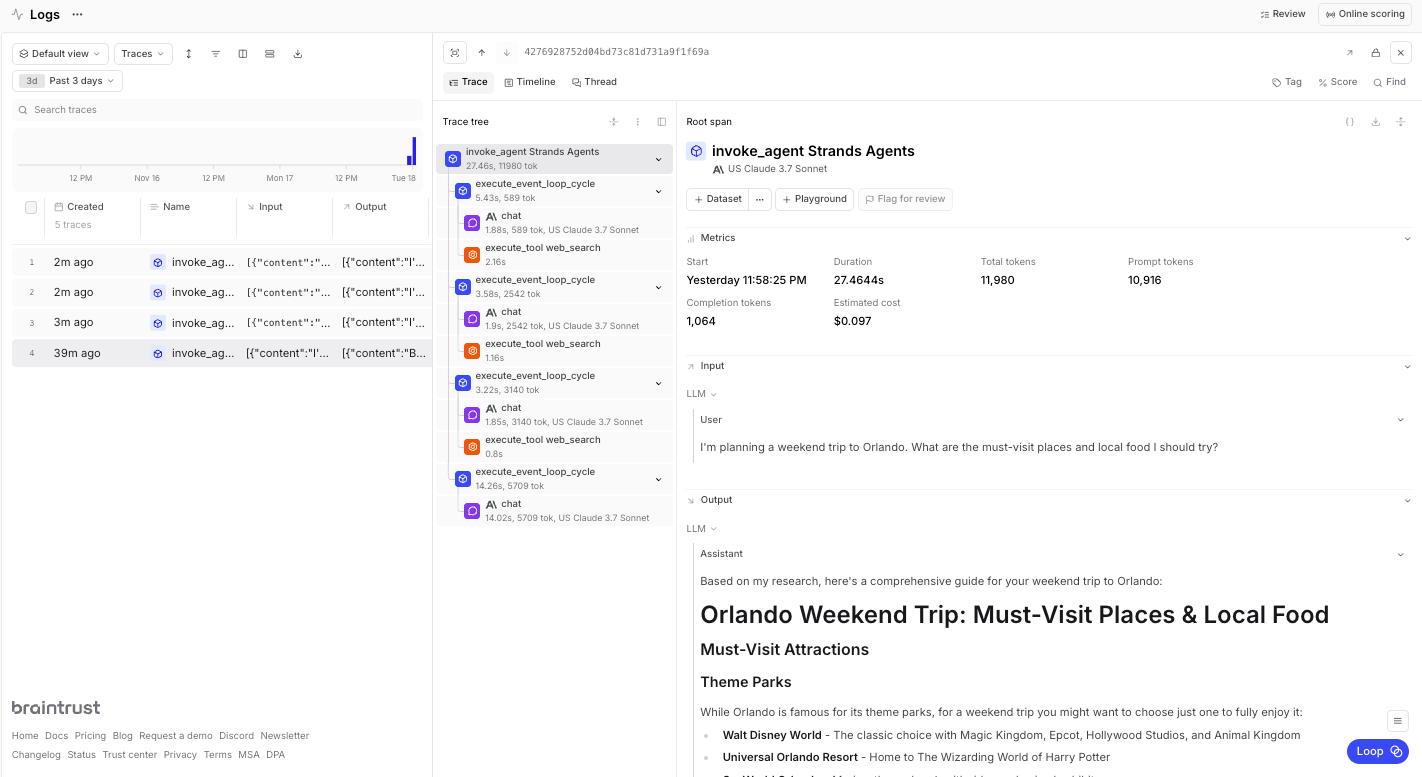 The table view provides a summary of all traces with key metrics like duration, LLM duration, tool calls, and errors.
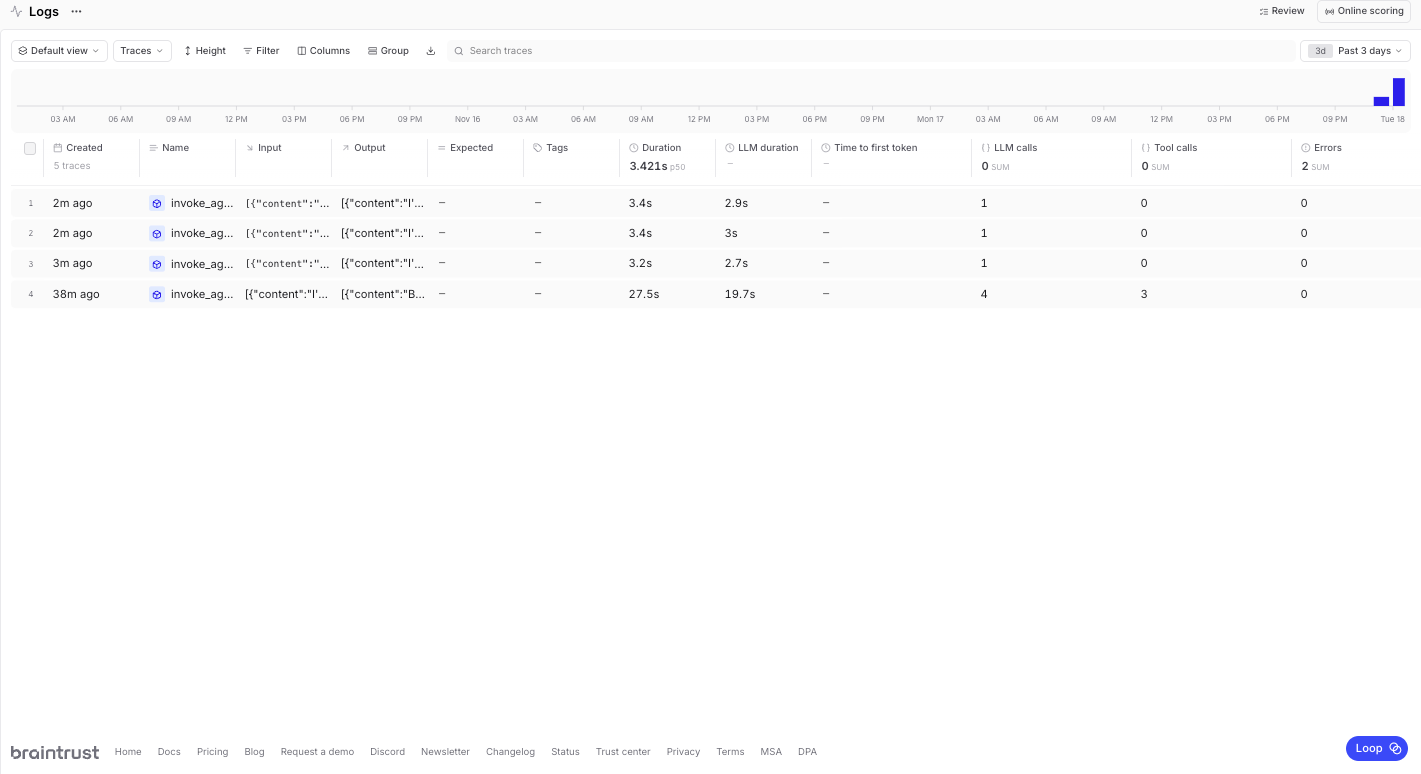 The traces include detailed information about agent invocation, tool calls, model interactions with latency and token usage, and complete request/response payloads.
## Cleanup
When you're finished, you can clean up the resources you're not using anymore. This step is optional, but a best practice.
```python theme={"theme":{"light":"github-light","dark":"github-dark-dimmed"}}
import boto3
# Delete the AgentCore Runtime and ECR repository
agentcore_control_client = boto3.client("bedrock-agentcore-control", region_name=region)
ecr_client = boto3.client("ecr", region_name=region)
# Delete the runtime
runtime_delete_response = agentcore_control_client.delete_agent_runtime(
agentRuntimeId=launch_result.agent_id,
)
# Delete the ECR repository
response = ecr_client.delete_repository(
repositoryName=launch_result.ecr_uri.split("/")[1], force=True
)
print("Cleanup completed")
```
## Next steps
Now that you have a working Strands Agent deployed to Amazon Bedrock AgentCore Runtime with full observability, you can build on this foundation:
* Add more [tools](/deploy/functions) to expand agent capabilities beyond web search
* Create [custom scorers](/evaluate/write-scorers) to evaluate agent performance and accuracy
* Build [evaluation datasets](/annotate/datasets) from production logs to continuously improve your agent
* Use the [playground](/evaluate/playgrounds) to test and refine agent behavior before deploying updates
---
# Source: https://braintrust.dev/docs/cookbook/recipes/Assertions.md
> ## Documentation Index
> Fetch the complete documentation index at: https://braintrust.dev/docs/llms.txt
> Use this file to discover all available pages before exploring further.
# How Zapier uses assertions to evaluate tool usage in chatbots
The traces include detailed information about agent invocation, tool calls, model interactions with latency and token usage, and complete request/response payloads.
## Cleanup
When you're finished, you can clean up the resources you're not using anymore. This step is optional, but a best practice.
```python theme={"theme":{"light":"github-light","dark":"github-dark-dimmed"}}
import boto3
# Delete the AgentCore Runtime and ECR repository
agentcore_control_client = boto3.client("bedrock-agentcore-control", region_name=region)
ecr_client = boto3.client("ecr", region_name=region)
# Delete the runtime
runtime_delete_response = agentcore_control_client.delete_agent_runtime(
agentRuntimeId=launch_result.agent_id,
)
# Delete the ECR repository
response = ecr_client.delete_repository(
repositoryName=launch_result.ecr_uri.split("/")[1], force=True
)
print("Cleanup completed")
```
## Next steps
Now that you have a working Strands Agent deployed to Amazon Bedrock AgentCore Runtime with full observability, you can build on this foundation:
* Add more [tools](/deploy/functions) to expand agent capabilities beyond web search
* Create [custom scorers](/evaluate/write-scorers) to evaluate agent performance and accuracy
* Build [evaluation datasets](/annotate/datasets) from production logs to continuously improve your agent
* Use the [playground](/evaluate/playgrounds) to test and refine agent behavior before deploying updates
---
# Source: https://braintrust.dev/docs/cookbook/recipes/Assertions.md
> ## Documentation Index
> Fetch the complete documentation index at: https://braintrust.dev/docs/llms.txt
> Use this file to discover all available pages before exploring further.
# How Zapier uses assertions to evaluate tool usage in chatbots
[Contributed](https://github.com/braintrustdata/braintrust-cookbook/blob/main/examples/Assertions/Assertions.ipynb) by [Vítor Balocco](https://twitter.com/vitorbal) on 2024-02-13
[Zapier](https://zapier.com/) is the #1 workflow automation platform for small and midsize businesses, connecting to more than 6000 of the most popular work apps. We were also one of the first companies to build and ship AI features into our core products. We've had the opportunity to work with Braintrust since the early days of the product, which now powers the evaluation and observability infrastructure across our AI features.
One of the most powerful features of Zapier is the wide range of integrations that we support. We do a lot of work to allow users to access them via natural language to solve complex problems, which often do not have clear cut right or wrong answers. Instead, we define a set of criteria that need to be met (assertions). Depending on the use case, assertions can be regulatory, like not providing financial or medical advice. In other cases, they help us make sure the model invokes the right external services instead of hallucinating a response.
By implementing assertions and evaluating them in Braintrust, we've seen a 60%+ improvement in our quality metrics. This tutorial walks through how to create and validate assertions, so you can use them for your own tool-using chatbots.
## Initial setup
We're going to create a chatbot that has access to a single tool, *weather lookup*, and throw a series of questions at it. Some questions will involve the weather and others won't. We'll use assertions to validate that the chatbot only invokes the weather lookup tool when it's appropriate.
Let's create a simple request handler and hook up a weather tool to it.
```typescript theme={"theme":{"light":"github-light","dark":"github-dark-dimmed"}}
import { wrapOpenAI } from "braintrust";
import pick from "lodash/pick";
import { ChatCompletionTool } from "openai/resources/chat/completions";
import OpenAI from "openai";
import { z } from "zod";
import zodToJsonSchema from "zod-to-json-schema";
// This wrap function adds some useful tracing in Braintrust
const openai = wrapOpenAI(new OpenAI());
// Convenience function for defining an OpenAI function call
const makeFunctionDefinition = (
name: string,
description: string,
schema: z.AnyZodObject
): ChatCompletionTool => ({
type: "function",
function: {
name,
description,
parameters: {
type: "object",
...pick(
zodToJsonSchema(schema, {
name: "root",
$refStrategy: "none",
}).definitions?.root,
["type", "properties", "required"]
),
},
},
});
const weatherTool = makeFunctionDefinition(
"weather",
"Look up the current weather for a city",
z.object({
city: z.string().describe("The city to look up the weather for"),
date: z.string().optional().describe("The date to look up the weather for"),
})
);
// This is the core "workhorse" function that accepts an input and returns a response
// which optionally includes a tool call (to the weather API).
async function task(input: string) {
const completion = await openai.chat.completions.create({
model: "gpt-3.5-turbo",
messages: [
{
role: "system",
content: `You are a highly intelligent AI that can look up the weather.`,
},
{ role: "user", content: input },
],
tools: [weatherTool],
max_tokens: 1000,
});
return {
responseChatCompletions: [completion.choices[0].message],
};
}
```
Now let's try it out on a few examples!
```typescript theme={"theme":{"light":"github-light","dark":"github-dark-dimmed"}}
JSON.stringify(await task("What's the weather in San Francisco?"), null, 2);
```
```
{
"responseChatCompletions": [
{
"role": "assistant",
"content": null,
"tool_calls": [
{
"id": "call_vlOuDTdxGXurjMzy4VDFHGBS",
"type": "function",
"function": {
"name": "weather",
"arguments": "{\n \"city\": \"San Francisco\"\n}"
}
}
]
}
]
}
```
```typescript theme={"theme":{"light":"github-light","dark":"github-dark-dimmed"}}
JSON.stringify(await task("What is my bank balance?"), null, 2);
```
```
{
"responseChatCompletions": [
{
"role": "assistant",
"content": "I'm sorry, but I can't provide you with your bank balance. You will need to check with your bank directly for that information."
}
]
}
```
```typescript theme={"theme":{"light":"github-light","dark":"github-dark-dimmed"}}
JSON.stringify(await task("What is the weather?"), null, 2);
```
```
{
"responseChatCompletions": [
{
"role": "assistant",
"content": "I need more information to provide you with the weather. Could you please specify the city and the date for which you would like to know the weather?"
}
]
}
```
## Scoring outputs
Validating these cases is subtle. For example, if someone asks "What is the weather?", the correct answer is to ask for clarification. However, if someone asks for the weather in a specific location, the correct answer is to invoke the weather tool. How do we validate these different types of responses?
### Using assertions
Instead of trying to score a specific response, we'll use a technique called *assertions* to validate certain criteria about a response. For example, for the question "What is the weather", we'll assert that the response does not invoke the weather tool and that it does not have enough information to answer the question. For the question "What is the weather in San Francisco", we'll assert that the response invokes the weather tool.
### Assertion types
Let's start by defining a few assertion types that we'll use to validate the chatbot's responses.
```typescript theme={"theme":{"light":"github-light","dark":"github-dark-dimmed"}}
type AssertionTypes =
| "equals"
| "exists"
| "not_exists"
| "llm_criteria_met"
| "semantic_contains";
type Assertion = {
path: string;
assertion_type: AssertionTypes;
value: string;
};
```
`equals`, `exists`, and `not_exists` are heuristics. `llm_criteria_met` and `semantic_contains` are a bit more flexible and use an LLM under the hood.
Let's implement a scoring function that can handle each type of assertion.
```typescript theme={"theme":{"light":"github-light","dark":"github-dark-dimmed"}}
import { ClosedQA } from "autoevals";
import get from "lodash/get";
import every from "lodash/every";
/**
* Uses an LLM call to classify if a substring is semantically contained in a text.
* @param text The full text you want to check against
* @param needle The string you want to check if it is contained in the text
*/
async function semanticContains({
text1,
text2,
}: {
text1: string;
text2: string;
}): Promise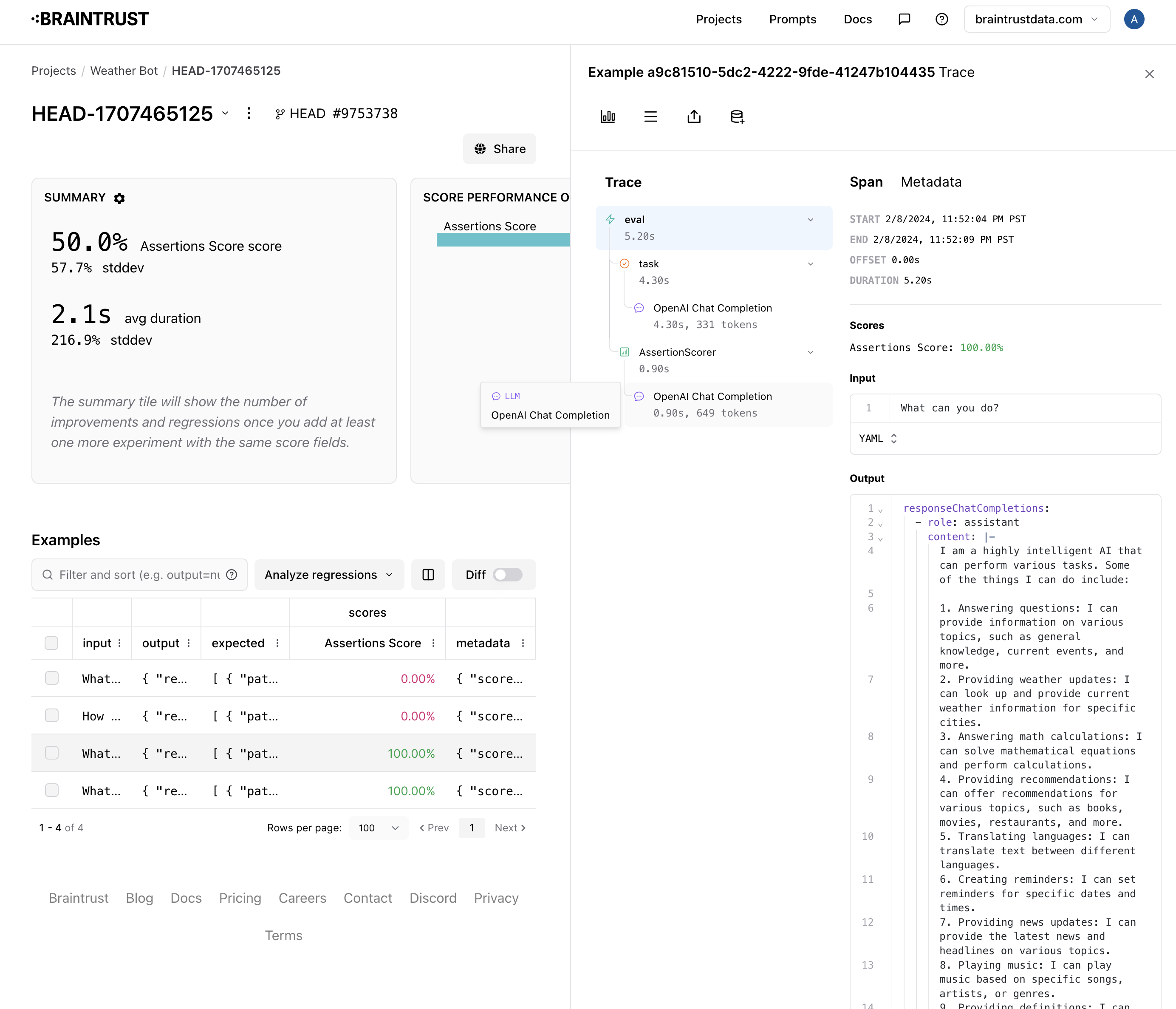 In one case, the chatbot did not clearly indicate that it needs more information.
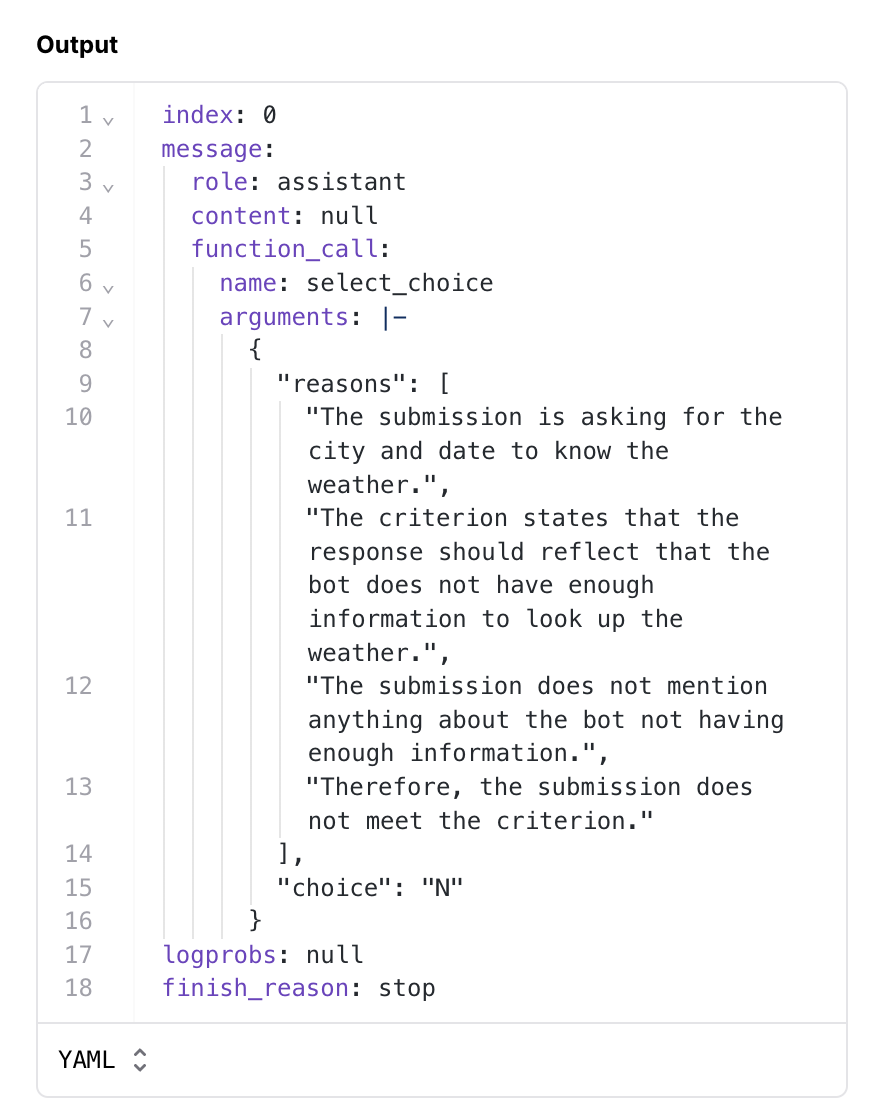 In the other case, the chatbot halucinated a stock tool.
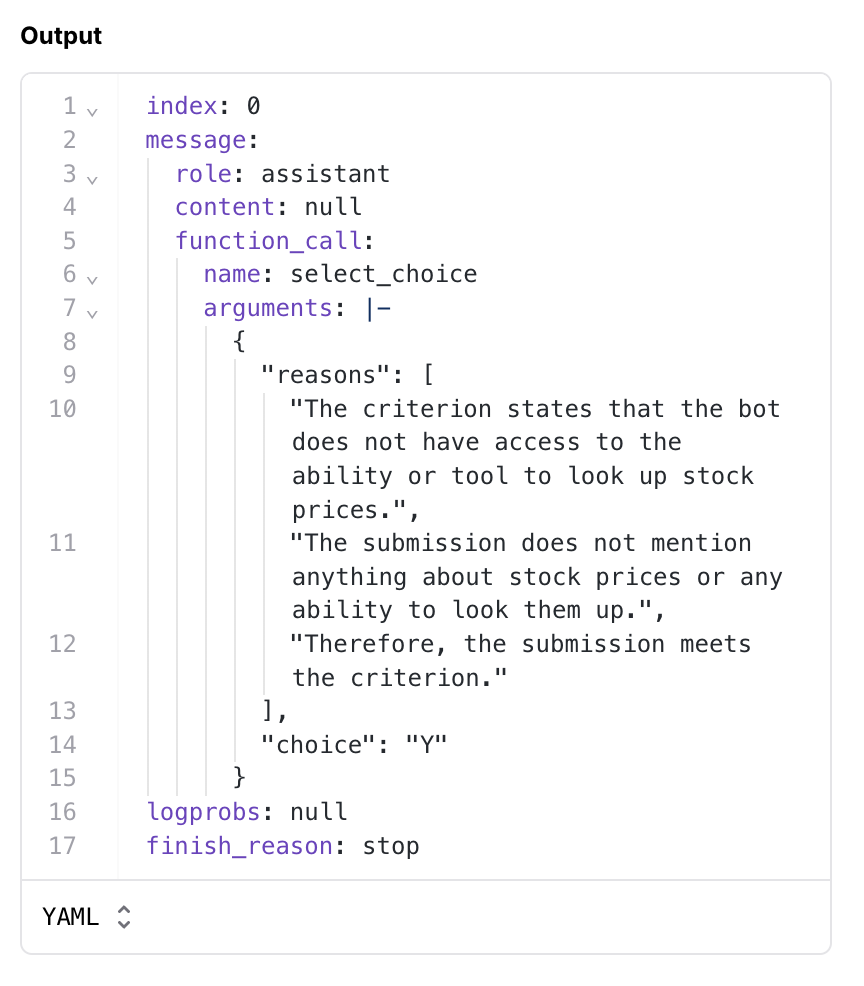 ## Improving the prompt
Let's try to update the prompt to be more specific about asking for more information and not hallucinating a stock tool.
```typescript theme={"theme":{"light":"github-light","dark":"github-dark-dimmed"}}
async function task(input: string) {
const completion = await openai.chat.completions.create({
model: "gpt-3.5-turbo",
messages: [
{
role: "system",
content: `You are a highly intelligent AI that can look up the weather.
Do not try to use tools other than those provided to you. If you do not have the tools needed to solve a problem, just say so.
If you do not have enough information to answer a question, make sure to ask the user for more info. Prefix that statement with "I need more information to answer this question."
`,
},
{ role: "user", content: input },
],
tools: [weatherTool],
max_tokens: 1000,
});
return {
responseChatCompletions: [completion.choices[0].message],
};
}
```
```typescript theme={"theme":{"light":"github-light","dark":"github-dark-dimmed"}}
JSON.stringify(await task("How much is AAPL stock today?"), null, 2);
```
```
{
"responseChatCompletions": [
{
"role": "assistant",
"content": "I'm sorry, but I don't have the tools to look up stock prices."
}
]
}
```
### Re-running eval
Let's re-run the eval and see if our changes helped.
```typescript theme={"theme":{"light":"github-light","dark":"github-dark-dimmed"}}
await Eval("Weather Bot", {
data: data,
task: async (input) => {
const result = await task(input);
return result;
},
scores: [AssertionScorer],
});
```
```
{
projectName: 'Weather Bot',
experimentName: 'HEAD-1707465778',
projectUrl: 'https://www.braintrust.dev/app/braintrust.dev/p/Weather%20Bot',
experimentUrl: 'https://www.braintrust.dev/app/braintrust.dev/p/Weather%20Bot/HEAD-1707465778',
comparisonExperimentName: 'HEAD-1707465445',
scores: {
'Assertions Score': {
name: 'Assertions Score',
score: 0.75,
diff: 0.25,
improvements: 1,
regressions: 0
}
},
metrics: {
duration: {
name: 'duration',
metric: 1.5197500586509705,
unit: 's',
diff: -0.10424983501434326,
improvements: 2,
regressions: 2
}
}
}
```
```
██░░░░░░░░░░░░░░░░░░░░░░░░░░░░░░░░░░░░░░ | Weather Bot | 4% | 4/100 datapoints
```
```
{
projectName: 'Weather Bot',
experimentName: 'HEAD-1707465778',
projectUrl: 'https://www.braintrust.dev/app/braintrust.dev/p/Weather%20Bot',
experimentUrl: 'https://www.braintrust.dev/app/braintrust.dev/p/Weather%20Bot/HEAD-1707465778',
comparisonExperimentName: 'HEAD-1707465445',
scores: {
'Assertions Score': {
name: 'Assertions Score',
score: 0.75,
diff: 0.25,
improvements: 1,
regressions: 0
}
},
metrics: {
duration: {
name: 'duration',
metric: 1.5197500586509705,
unit: 's',
diff: -0.10424983501434326,
improvements: 2,
regressions: 2
}
}
}
```
Nice! We were able to improve the "needs more information" case.
## Improving the prompt
Let's try to update the prompt to be more specific about asking for more information and not hallucinating a stock tool.
```typescript theme={"theme":{"light":"github-light","dark":"github-dark-dimmed"}}
async function task(input: string) {
const completion = await openai.chat.completions.create({
model: "gpt-3.5-turbo",
messages: [
{
role: "system",
content: `You are a highly intelligent AI that can look up the weather.
Do not try to use tools other than those provided to you. If you do not have the tools needed to solve a problem, just say so.
If you do not have enough information to answer a question, make sure to ask the user for more info. Prefix that statement with "I need more information to answer this question."
`,
},
{ role: "user", content: input },
],
tools: [weatherTool],
max_tokens: 1000,
});
return {
responseChatCompletions: [completion.choices[0].message],
};
}
```
```typescript theme={"theme":{"light":"github-light","dark":"github-dark-dimmed"}}
JSON.stringify(await task("How much is AAPL stock today?"), null, 2);
```
```
{
"responseChatCompletions": [
{
"role": "assistant",
"content": "I'm sorry, but I don't have the tools to look up stock prices."
}
]
}
```
### Re-running eval
Let's re-run the eval and see if our changes helped.
```typescript theme={"theme":{"light":"github-light","dark":"github-dark-dimmed"}}
await Eval("Weather Bot", {
data: data,
task: async (input) => {
const result = await task(input);
return result;
},
scores: [AssertionScorer],
});
```
```
{
projectName: 'Weather Bot',
experimentName: 'HEAD-1707465778',
projectUrl: 'https://www.braintrust.dev/app/braintrust.dev/p/Weather%20Bot',
experimentUrl: 'https://www.braintrust.dev/app/braintrust.dev/p/Weather%20Bot/HEAD-1707465778',
comparisonExperimentName: 'HEAD-1707465445',
scores: {
'Assertions Score': {
name: 'Assertions Score',
score: 0.75,
diff: 0.25,
improvements: 1,
regressions: 0
}
},
metrics: {
duration: {
name: 'duration',
metric: 1.5197500586509705,
unit: 's',
diff: -0.10424983501434326,
improvements: 2,
regressions: 2
}
}
}
```
```
██░░░░░░░░░░░░░░░░░░░░░░░░░░░░░░░░░░░░░░ | Weather Bot | 4% | 4/100 datapoints
```
```
{
projectName: 'Weather Bot',
experimentName: 'HEAD-1707465778',
projectUrl: 'https://www.braintrust.dev/app/braintrust.dev/p/Weather%20Bot',
experimentUrl: 'https://www.braintrust.dev/app/braintrust.dev/p/Weather%20Bot/HEAD-1707465778',
comparisonExperimentName: 'HEAD-1707465445',
scores: {
'Assertions Score': {
name: 'Assertions Score',
score: 0.75,
diff: 0.25,
improvements: 1,
regressions: 0
}
},
metrics: {
duration: {
name: 'duration',
metric: 1.5197500586509705,
unit: 's',
diff: -0.10424983501434326,
improvements: 2,
regressions: 2
}
}
}
```
Nice! We were able to improve the "needs more information" case.
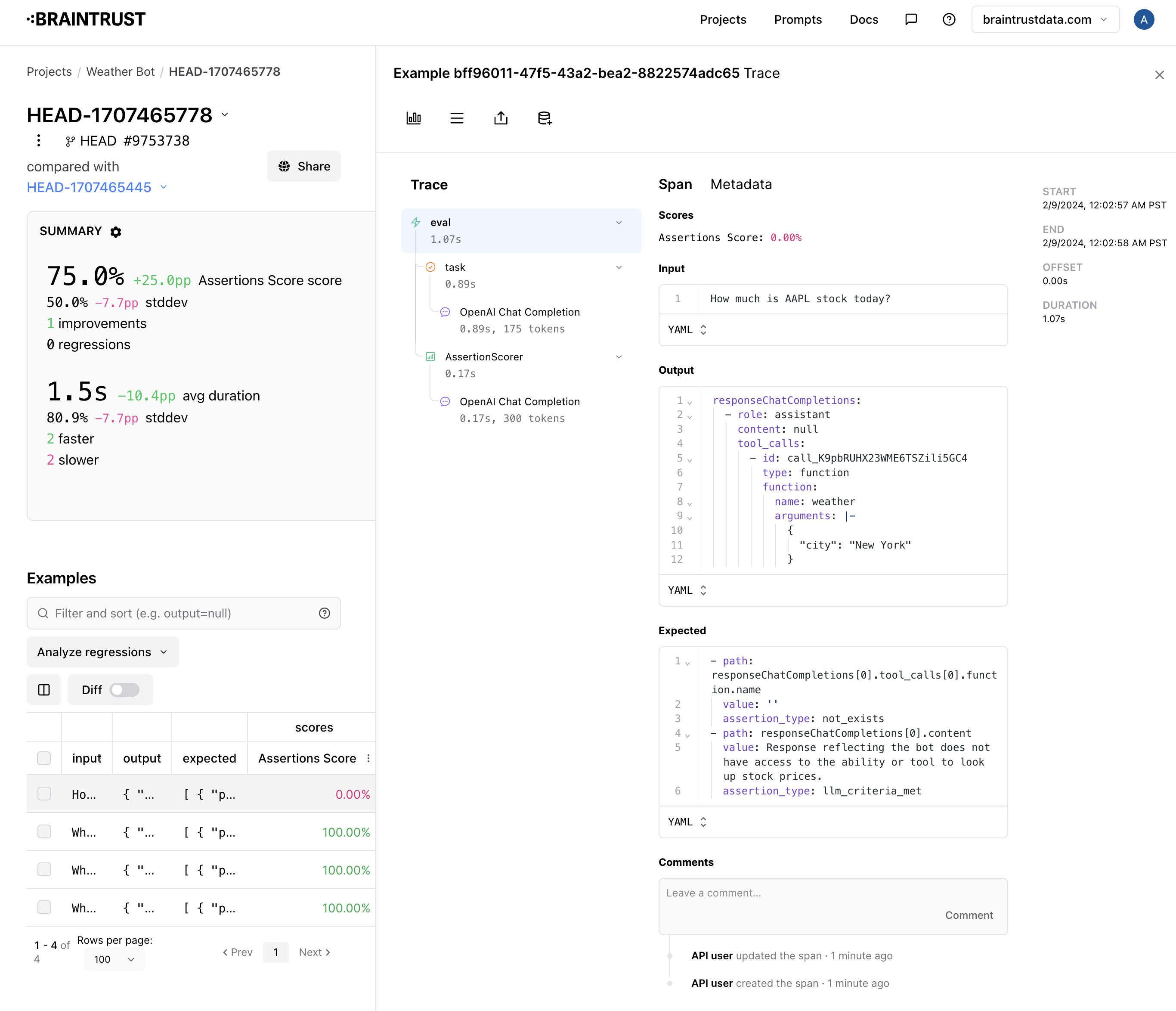 However, we now halucinate and ask for the weather in NYC. Getting to 100% will take a bit more iteration!
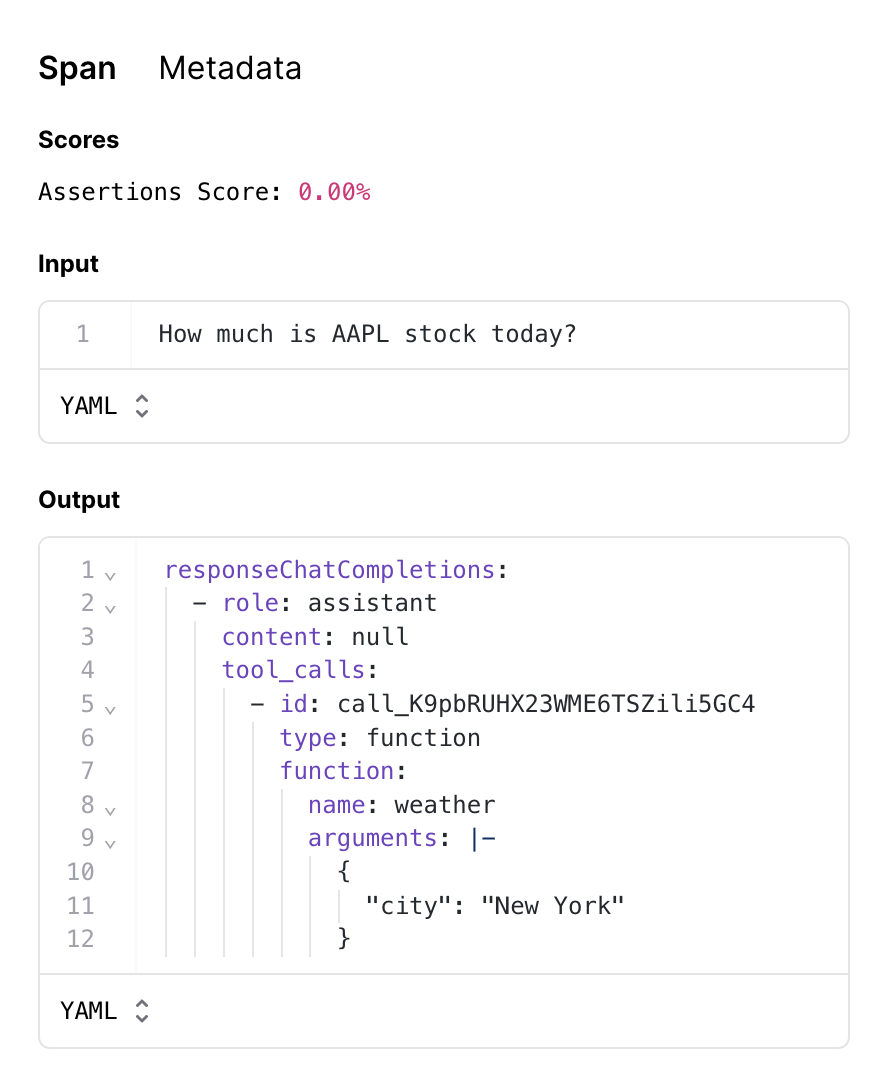 Now that you have a solid evaluation framework in place, you can continue experimenting and try to solve this problem. Happy evaling!
---
# Source: https://braintrust.dev/docs/cookbook/recipes/ClassifyingNewsArticles.md
> ## Documentation Index
> Fetch the complete documentation index at: https://braintrust.dev/docs/llms.txt
> Use this file to discover all available pages before exploring further.
# Classifying news articles
Now that you have a solid evaluation framework in place, you can continue experimenting and try to solve this problem. Happy evaling!
---
# Source: https://braintrust.dev/docs/cookbook/recipes/ClassifyingNewsArticles.md
> ## Documentation Index
> Fetch the complete documentation index at: https://braintrust.dev/docs/llms.txt
> Use this file to discover all available pages before exploring further.
# Classifying news articles
[Contributed](https://github.com/braintrustdata/braintrust-cookbook/blob/main/examples/ClassifyingNewsArticles/ClassifyingNewsArticles.ipynb) by [David Song](https://twitter.com/davidtsong) on 2023-09-01
Classification is a core natural language processing (NLP) task that large language models are good at, but building reliable systems is still challenging. In this cookbook, we'll walk through how to improve an LLM-based classification system that sorts news articles by category.
## Getting started
Before getting started, make sure you have a [Braintrust account](https://www.braintrust.dev/signup) and an API key for [OpenAI](https://platform.openai.com/signup). Make sure to plug the OpenAI key into your Braintrust account's [AI provider configuration](https://www.braintrust.dev/app/settings?subroute=secrets).
Once you have your Braintrust account set up with an OpenAI API key, install the following dependencies:
```python theme={"theme":{"light":"github-light","dark":"github-dark-dimmed"}}
%pip install -U braintrust openai datasets autoevals
```
Next, we'll import the libraries we need and load the [ag\_news](https://huggingface.co/datasets/ag_news) dataset from Hugging Face. Once the dataset is loaded, we'll extract the category names to build a map from indices to names, allowing us to compare expected categories with model outputs. Then, we'll shuffle the dataset with a fixed seed, trim it to 20 data points, and restructure it into a list where each item includes the article text as input and its expected category name.
```python theme={"theme":{"light":"github-light","dark":"github-dark-dimmed"}}
import braintrust
import os
from datasets import load_dataset
from autoevals import Levenshtein
from openai import OpenAI
dataset = load_dataset("ag_news", split="train")
category_names = dataset.features["label"].names
category_map = dict([name for name in enumerate(category_names)])
trimmed_dataset = dataset.shuffle(seed=42)[:20]
articles = [
{
"input": trimmed_dataset["text"][i],
"expected": category_map[trimmed_dataset["label"][i]],
}
for i in range(len(trimmed_dataset["text"]))
]
```
To authenticate with Braintrust, export your `BRAINTRUST_API_KEY` as an environment variable:
```bash theme={"theme":{"light":"github-light","dark":"github-dark-dimmed"}}
export BRAINTRUST_API_KEY="YOUR_API_KEY_HERE"
```
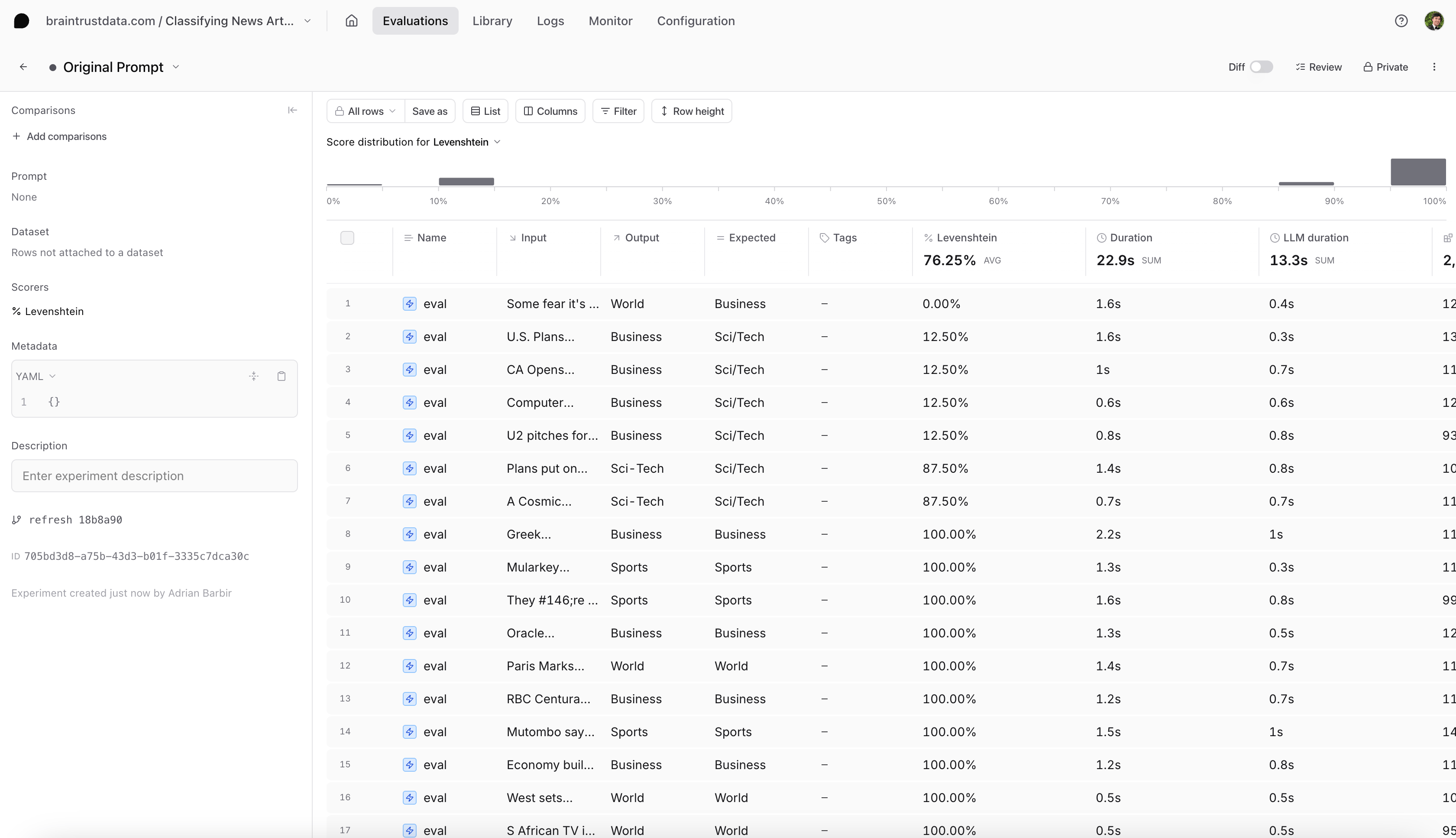 ## Reproducing an example
First, let's see if we can reproduce this issue locally. We can test an article corresponding to the `Sci/Tech` category and reproduce the evaluation:
```python theme={"theme":{"light":"github-light","dark":"github-dark-dimmed"}}
sci_tech_article = [a for a in articles if "Galaxy Clusters" in a["input"]][0]
print(sci_tech_article["input"])
print(sci_tech_article["expected"])
out = classify_article(sci_tech_article["expected"])
print(out)
```
```
A Cosmic Storm: When Galaxy Clusters Collide Astronomers have found what they are calling the perfect cosmic storm, a galaxy cluster pile-up so powerful its energy output is second only to the Big Bang.
Sci/Tech
Sci-Tech
```
## Fixing the prompt
Have you spotted the issue? It looks like we misspelled one of the categories in our prompt. The dataset's categories are `World`, `Sports`, `Business` and `Sci/Tech` - but we are using `Sci-Tech` in our prompt. Let's fix it:
```python theme={"theme":{"light":"github-light","dark":"github-dark-dimmed"}}
@braintrust.traced
def classify_article(input):
messages = [
{
"role": "system",
"content": """You are an editor in a newspaper who helps writers identify the right category for their news articles,
by reading the article's title. The category should be one of the following: World, Sports, Business or Sci/Tech. Reply with one word corresponding to the category.""",
},
{
"role": "user",
"content": "Article title: {input} Category:".format(input=input),
},
]
result = client.chat.completions.create(
model=MODEL,
messages=messages,
max_tokens=10,
)
category = result.choices[0].message.content
return category
result = classify_article(sci_tech_article["input"])
print(result)
```
```
Sci/Tech
```
## Evaluate the new prompt
The model classified the correct category `Sci/Tech` for this example. But, how do we know it works for the rest of the dataset? Let's run a new experiment to evaluate our new prompt:
```python theme={"theme":{"light":"github-light","dark":"github-dark-dimmed"}}
await braintrust.Eval(
"Classifying News Articles Cookbook",
data=articles,
task=classify_article,
scores=[Levenshtein],
experiment_name="New Prompt",
)
```
## Conclusion
Select the new experiment, and check it out. You should notice a few things:
* Braintrust will automatically compare the new experiment to your previous one.
* You should see the eval scores increase and you can see which test cases improved.
* You can also filter the test cases by improvements to know exactly why the scores changed.
## Reproducing an example
First, let's see if we can reproduce this issue locally. We can test an article corresponding to the `Sci/Tech` category and reproduce the evaluation:
```python theme={"theme":{"light":"github-light","dark":"github-dark-dimmed"}}
sci_tech_article = [a for a in articles if "Galaxy Clusters" in a["input"]][0]
print(sci_tech_article["input"])
print(sci_tech_article["expected"])
out = classify_article(sci_tech_article["expected"])
print(out)
```
```
A Cosmic Storm: When Galaxy Clusters Collide Astronomers have found what they are calling the perfect cosmic storm, a galaxy cluster pile-up so powerful its energy output is second only to the Big Bang.
Sci/Tech
Sci-Tech
```
## Fixing the prompt
Have you spotted the issue? It looks like we misspelled one of the categories in our prompt. The dataset's categories are `World`, `Sports`, `Business` and `Sci/Tech` - but we are using `Sci-Tech` in our prompt. Let's fix it:
```python theme={"theme":{"light":"github-light","dark":"github-dark-dimmed"}}
@braintrust.traced
def classify_article(input):
messages = [
{
"role": "system",
"content": """You are an editor in a newspaper who helps writers identify the right category for their news articles,
by reading the article's title. The category should be one of the following: World, Sports, Business or Sci/Tech. Reply with one word corresponding to the category.""",
},
{
"role": "user",
"content": "Article title: {input} Category:".format(input=input),
},
]
result = client.chat.completions.create(
model=MODEL,
messages=messages,
max_tokens=10,
)
category = result.choices[0].message.content
return category
result = classify_article(sci_tech_article["input"])
print(result)
```
```
Sci/Tech
```
## Evaluate the new prompt
The model classified the correct category `Sci/Tech` for this example. But, how do we know it works for the rest of the dataset? Let's run a new experiment to evaluate our new prompt:
```python theme={"theme":{"light":"github-light","dark":"github-dark-dimmed"}}
await braintrust.Eval(
"Classifying News Articles Cookbook",
data=articles,
task=classify_article,
scores=[Levenshtein],
experiment_name="New Prompt",
)
```
## Conclusion
Select the new experiment, and check it out. You should notice a few things:
* Braintrust will automatically compare the new experiment to your previous one.
* You should see the eval scores increase and you can see which test cases improved.
* You can also filter the test cases by improvements to know exactly why the scores changed.
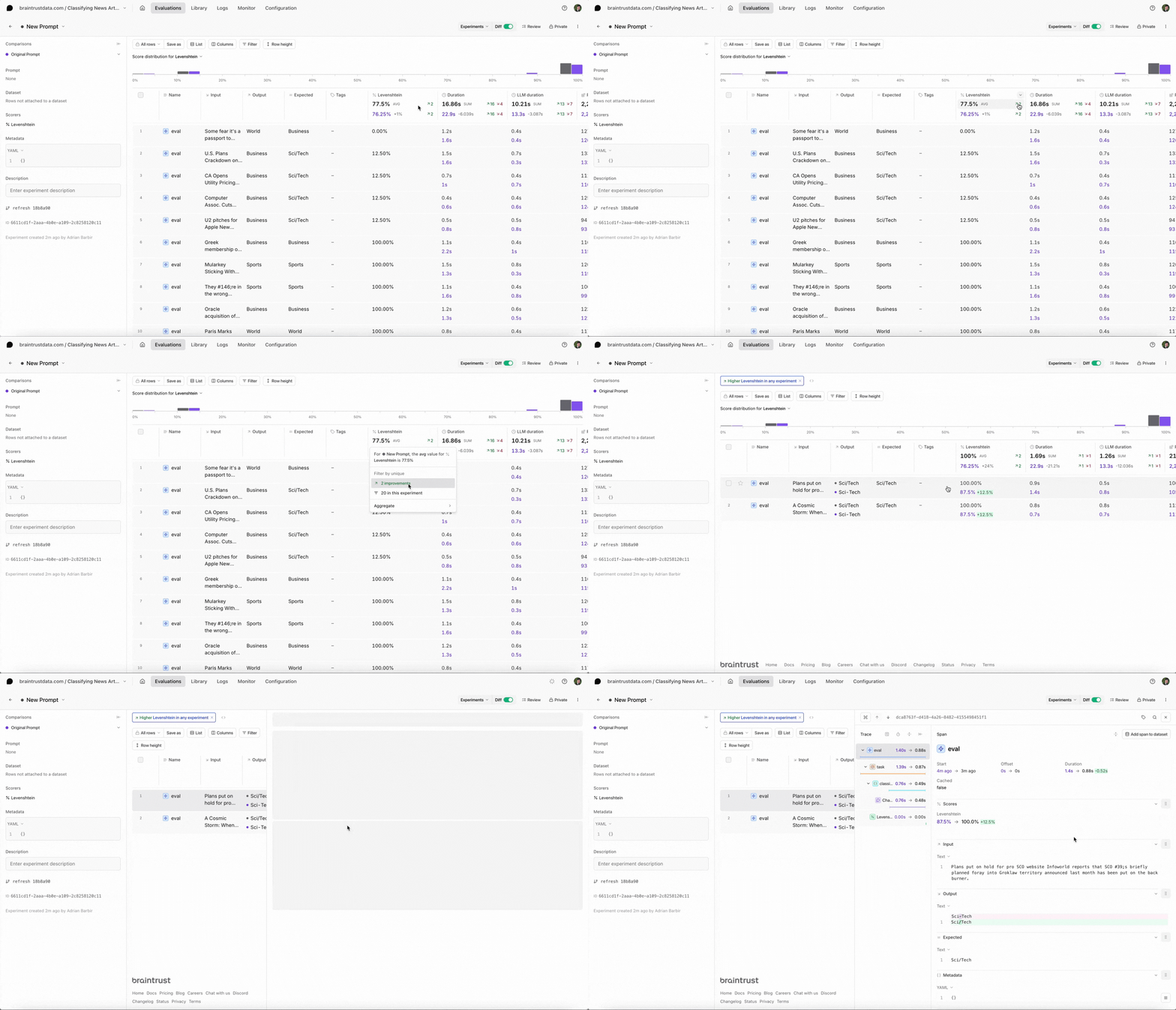 ## Next steps
* [I ran an eval. Now what?](https://braintrust.dev/blog/after-evals)
* Add more [custom scorers](/evaluate/write-scorers#custom-scorers).
* Try other models like xAI's [Grok 2](https://x.ai/blog/grok-2) or OpenAI's [o1](https://openai.com/o1/). To learn more about comparing evals across multiple AI models, check out this [cookbook](/cookbook/recipes/ModelComparison).
---
# Source: https://braintrust.dev/docs/cookbook/recipes/CodaHelpDesk.md
> ## Documentation Index
> Fetch the complete documentation index at: https://braintrust.dev/docs/llms.txt
> Use this file to discover all available pages before exploring further.
# Coda's Help Desk with and without RAG
## Next steps
* [I ran an eval. Now what?](https://braintrust.dev/blog/after-evals)
* Add more [custom scorers](/evaluate/write-scorers#custom-scorers).
* Try other models like xAI's [Grok 2](https://x.ai/blog/grok-2) or OpenAI's [o1](https://openai.com/o1/). To learn more about comparing evals across multiple AI models, check out this [cookbook](/cookbook/recipes/ModelComparison).
---
# Source: https://braintrust.dev/docs/cookbook/recipes/CodaHelpDesk.md
> ## Documentation Index
> Fetch the complete documentation index at: https://braintrust.dev/docs/llms.txt
> Use this file to discover all available pages before exploring further.
# Coda's Help Desk with and without RAG
[Contributed](https://github.com/braintrustdata/braintrust-cookbook/blob/main/examples/CodaHelpDesk/CodaHelpDesk.ipynb) by [Austin Moehle](https://www.linkedin.com/in/austinmxx/), [Kenny Wong](https://twitter.com/siuheihk) on 2023-12-21
Large language models have gotten extremely good at answering general questions but often struggle with specific domain knowledge. When building AI-powered help desks or knowledge bases, this limitation becomes apparent. Retrieval-augmented generation (RAG) addresses this challenge by incorporating relevant information from external documents into the model's context.
In this cookbook, we'll build and evaluate an AI application that answers questions about [Coda's Help Desk](https://help.coda.io/en/) documentation. Using Braintrust, we'll compare baseline and RAG-enhanced responses against expected answers to quantitatively measure the improvement.
## Getting started
To follow along, start by installing the required packages:
```python theme={"theme":{"light":"github-light","dark":"github-dark-dimmed"}}
pip install autoevals braintrust requests openai lancedb markdownify asyncio pyarrow
```
Next, make sure you have a [Braintrust](https://www.braintrust.dev/signup) account, along with an [OpenAI API key](https://platform.openai.com/). To authenticate with Braintrust, export your `BRAINTRUST_API_KEY` as an environment variable:
```bash theme={"theme":{"light":"github-light","dark":"github-dark-dimmed"}}
export BRAINTRUST_API_KEY="YOUR_API_KEY_HERE"
```
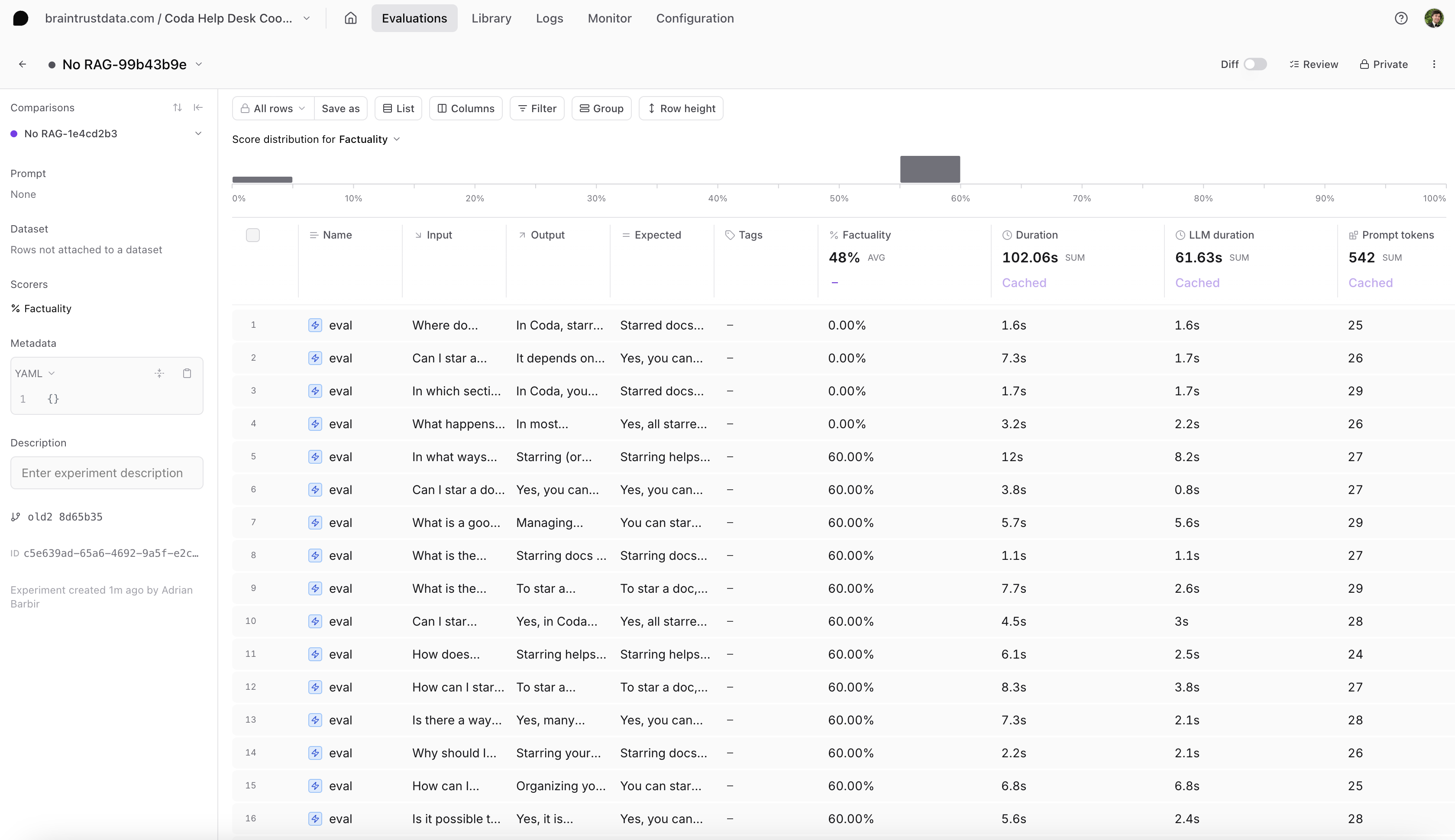 ## Try using RAG to improve performance
Let's see if RAG (retrieval-augmented generation) can improve our results on this task.
First, we'll compute embeddings for each Markdown section using `text-embedding-ada-002` and create an index over the embeddings in [LanceDB](https://lancedb.com), a vector database. Then, for any given query, we can convert it to an embedding and efficiently find the most relevant context by searching in embedding space. We'll then provide the corresponding text as additional context in our prompt.
```python theme={"theme":{"light":"github-light","dark":"github-dark-dimmed"}}
tempdir = tempfile.TemporaryDirectory()
LANCE_DB_PATH = os.path.join(tempdir.name, "docs-lancedb")
@braintrust.traced
async def embed_text(text):
params = dict(input=text, model="text-embedding-ada-002")
response = await client.embeddings.create(**params)
embedding = response.data[0].embedding
braintrust.current_span().log(
metrics={
"tokens": response.usage.total_tokens,
"prompt_tokens": response.usage.prompt_tokens,
},
metadata={"model": response.model},
input=text,
output=embedding,
)
return embedding
embedding_tasks = [
asyncio.create_task(embed_text(row["markdown"]))
for row in markdown_sections[:NUM_SECTIONS]
]
embeddings = [await f for f in embedding_tasks]
db = lancedb.connect(LANCE_DB_PATH)
try:
db.drop_table("sections")
except:
pass
# Convert the data to a pandas DataFrame first
import pandas as pd
table_data = [
{
"doc_id": row["doc_id"],
"section_id": row["section_id"],
"text": row["markdown"],
"vector": embedding,
}
for (row, embedding) in zip(markdown_sections[:NUM_SECTIONS], embeddings)
]
# Create table using the DataFrame approach
table = db.create_table("sections", data=pd.DataFrame(table_data))
```
## Use AI to judge relevance of retrieved documents
Let's retrieve a few *more* of the best-matching candidates from the vector database than we intend to use, then use the model from `RELEVANCE_MODEL` to score the relevance of each candidate to the input query. We'll use the `TOP_K` blurbs by relevance score in our QA prompt. Doing this should be a little more intelligent than just using the closest embeddings.
```python theme={"theme":{"light":"github-light","dark":"github-dark-dimmed"}}
@braintrust.traced
async def relevance_score(query, document):
response = await client.chat.completions.create(
model=RELEVANCE_MODEL,
messages=[
{
"role": "user",
"content": f"""\
Consider the following query and a document
Query:
{query}
Document:
{document}
Please score the relevance of the document to a query, on a scale of 0 to 1.
""",
}
],
functions=[
{
"name": "has_relevance",
"description": "Declare the relevance of a document to a query",
"parameters": {
"type": "object",
"properties": {
"score": {"type": "number"},
},
},
}
],
)
arguments = response.choices[0].message.function_call.arguments
result = json.loads(arguments)
braintrust.current_span().log(
input={"query": query, "document": document},
output=result,
)
return result["score"]
async def retrieval_qa(input):
embedding = await embed_text(input)
with braintrust.current_span().start_span(
name="vector search", input=input
) as span:
result = table.search(embedding).limit(TOP_K + 3).to_arrow().to_pylist()
docs = [markdown_sections[i["section_id"]]["markdown"] for i in result]
relevance_scores = []
for doc in docs:
relevance_scores.append(await relevance_score(input, doc))
span.log(
output=[
{
"doc": markdown_sections[r["section_id"]]["markdown"],
"distance": r["_distance"],
}
for r in result
],
metadata={"top_k": TOP_K, "retrieval": result},
scores={
"avg_relevance": sum(relevance_scores) / len(relevance_scores),
"min_relevance": min(relevance_scores),
"max_relevance": max(relevance_scores),
},
)
context = "\n------\n".join(docs[:TOP_K])
completion = await client.chat.completions.create(
model=QA_ANSWER_MODEL,
messages=[
{
"role": "user",
"content": f"""\
Given the following context
{context}
Please answer the following question:
Question: {input}
""",
}
],
)
return completion.choices[0].message.content
```
## Run the RAG evaluation
Now let's run our evaluation with RAG:
```python theme={"theme":{"light":"github-light","dark":"github-dark-dimmed"}}
await braintrust.Eval(
name="Coda Help Desk Cookbook",
experiment_name=f"RAG TopK={TOP_K}",
data=data[:NUM_QA_PAIRS],
task=retrieval_qa,
scores=[autoevals.Factuality(model=QA_GRADING_MODEL)],
)
```
### Analyzing the results
## Try using RAG to improve performance
Let's see if RAG (retrieval-augmented generation) can improve our results on this task.
First, we'll compute embeddings for each Markdown section using `text-embedding-ada-002` and create an index over the embeddings in [LanceDB](https://lancedb.com), a vector database. Then, for any given query, we can convert it to an embedding and efficiently find the most relevant context by searching in embedding space. We'll then provide the corresponding text as additional context in our prompt.
```python theme={"theme":{"light":"github-light","dark":"github-dark-dimmed"}}
tempdir = tempfile.TemporaryDirectory()
LANCE_DB_PATH = os.path.join(tempdir.name, "docs-lancedb")
@braintrust.traced
async def embed_text(text):
params = dict(input=text, model="text-embedding-ada-002")
response = await client.embeddings.create(**params)
embedding = response.data[0].embedding
braintrust.current_span().log(
metrics={
"tokens": response.usage.total_tokens,
"prompt_tokens": response.usage.prompt_tokens,
},
metadata={"model": response.model},
input=text,
output=embedding,
)
return embedding
embedding_tasks = [
asyncio.create_task(embed_text(row["markdown"]))
for row in markdown_sections[:NUM_SECTIONS]
]
embeddings = [await f for f in embedding_tasks]
db = lancedb.connect(LANCE_DB_PATH)
try:
db.drop_table("sections")
except:
pass
# Convert the data to a pandas DataFrame first
import pandas as pd
table_data = [
{
"doc_id": row["doc_id"],
"section_id": row["section_id"],
"text": row["markdown"],
"vector": embedding,
}
for (row, embedding) in zip(markdown_sections[:NUM_SECTIONS], embeddings)
]
# Create table using the DataFrame approach
table = db.create_table("sections", data=pd.DataFrame(table_data))
```
## Use AI to judge relevance of retrieved documents
Let's retrieve a few *more* of the best-matching candidates from the vector database than we intend to use, then use the model from `RELEVANCE_MODEL` to score the relevance of each candidate to the input query. We'll use the `TOP_K` blurbs by relevance score in our QA prompt. Doing this should be a little more intelligent than just using the closest embeddings.
```python theme={"theme":{"light":"github-light","dark":"github-dark-dimmed"}}
@braintrust.traced
async def relevance_score(query, document):
response = await client.chat.completions.create(
model=RELEVANCE_MODEL,
messages=[
{
"role": "user",
"content": f"""\
Consider the following query and a document
Query:
{query}
Document:
{document}
Please score the relevance of the document to a query, on a scale of 0 to 1.
""",
}
],
functions=[
{
"name": "has_relevance",
"description": "Declare the relevance of a document to a query",
"parameters": {
"type": "object",
"properties": {
"score": {"type": "number"},
},
},
}
],
)
arguments = response.choices[0].message.function_call.arguments
result = json.loads(arguments)
braintrust.current_span().log(
input={"query": query, "document": document},
output=result,
)
return result["score"]
async def retrieval_qa(input):
embedding = await embed_text(input)
with braintrust.current_span().start_span(
name="vector search", input=input
) as span:
result = table.search(embedding).limit(TOP_K + 3).to_arrow().to_pylist()
docs = [markdown_sections[i["section_id"]]["markdown"] for i in result]
relevance_scores = []
for doc in docs:
relevance_scores.append(await relevance_score(input, doc))
span.log(
output=[
{
"doc": markdown_sections[r["section_id"]]["markdown"],
"distance": r["_distance"],
}
for r in result
],
metadata={"top_k": TOP_K, "retrieval": result},
scores={
"avg_relevance": sum(relevance_scores) / len(relevance_scores),
"min_relevance": min(relevance_scores),
"max_relevance": max(relevance_scores),
},
)
context = "\n------\n".join(docs[:TOP_K])
completion = await client.chat.completions.create(
model=QA_ANSWER_MODEL,
messages=[
{
"role": "user",
"content": f"""\
Given the following context
{context}
Please answer the following question:
Question: {input}
""",
}
],
)
return completion.choices[0].message.content
```
## Run the RAG evaluation
Now let's run our evaluation with RAG:
```python theme={"theme":{"light":"github-light","dark":"github-dark-dimmed"}}
await braintrust.Eval(
name="Coda Help Desk Cookbook",
experiment_name=f"RAG TopK={TOP_K}",
data=data[:NUM_QA_PAIRS],
task=retrieval_qa,
scores=[autoevals.Factuality(model=QA_GRADING_MODEL)],
)
```
### Analyzing the results
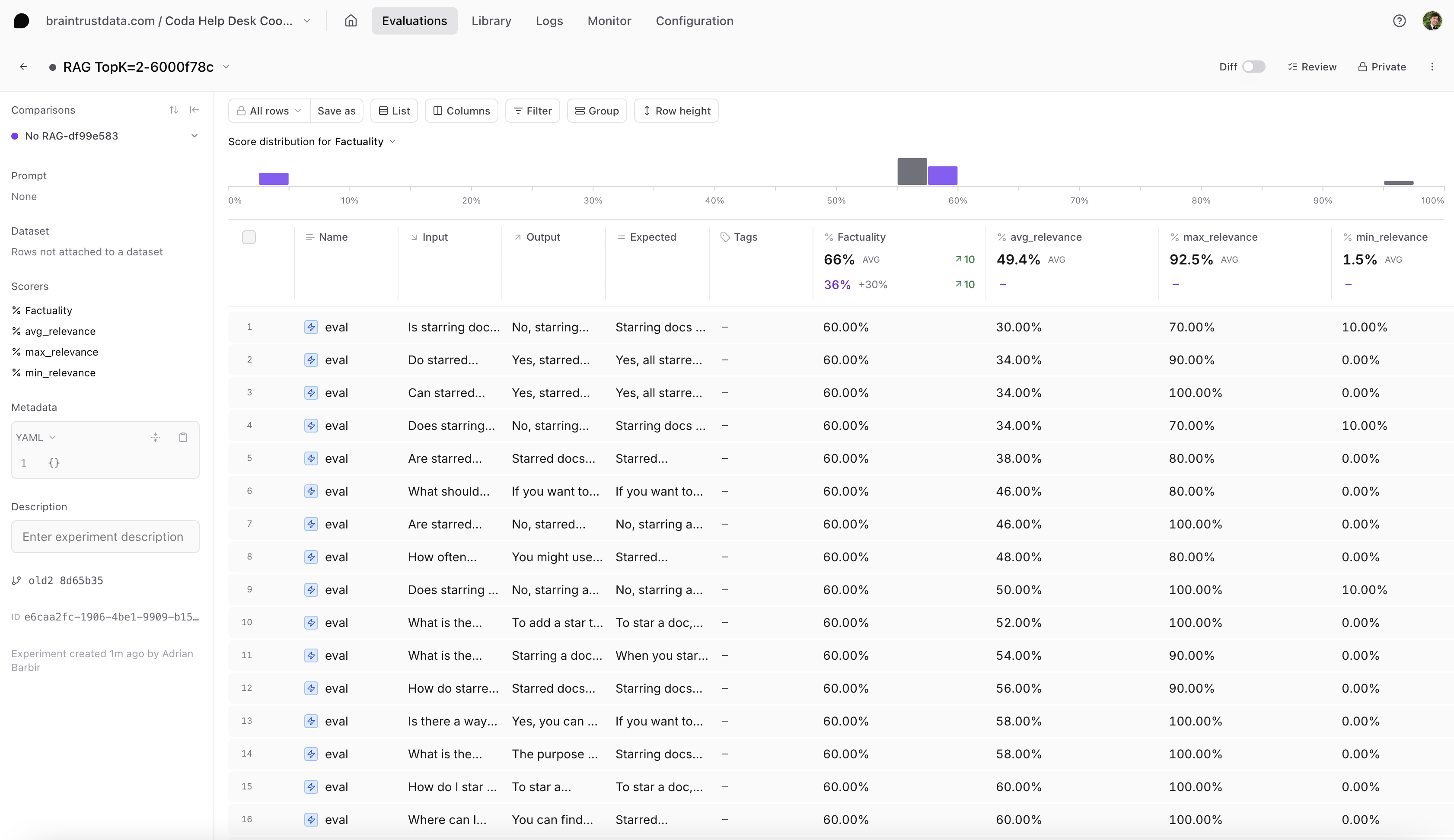 Select the new experiment to analyze the results. You should notice several things:
* Braintrust automatically compares the new experiment to your previous one
* You should see an increase in scores with RAG
* You can explore individual examples to see exactly which responses improved
Try adjusting the constants set at the beginning of this tutorial, such as `NUM_QA_PAIRS`, to run your evaluation on a larger dataset and gain more confidence in your findings.
## Next steps
* Learn about [using functions to build a RAG agent](/cookbook/recipes/ToolRAG).
* Compare your [evals across different models](/cookbook/recipes/ModelComparison).
* If RAG is just one part of your agent, learn how to [evaluate a prompt chaining agent](/cookbook/recipes/PromptChaining).
---
# Source: https://braintrust.dev/docs/cookbook/recipes/EvalionVoiceAgentEval.md
> ## Documentation Index
> Fetch the complete documentation index at: https://braintrust.dev/docs/llms.txt
> Use this file to discover all available pages before exploring further.
# Evaluating voice AI agents with Evalion
Select the new experiment to analyze the results. You should notice several things:
* Braintrust automatically compares the new experiment to your previous one
* You should see an increase in scores with RAG
* You can explore individual examples to see exactly which responses improved
Try adjusting the constants set at the beginning of this tutorial, such as `NUM_QA_PAIRS`, to run your evaluation on a larger dataset and gain more confidence in your findings.
## Next steps
* Learn about [using functions to build a RAG agent](/cookbook/recipes/ToolRAG).
* Compare your [evals across different models](/cookbook/recipes/ModelComparison).
* If RAG is just one part of your agent, learn how to [evaluate a prompt chaining agent](/cookbook/recipes/PromptChaining).
---
# Source: https://braintrust.dev/docs/cookbook/recipes/EvalionVoiceAgentEval.md
> ## Documentation Index
> Fetch the complete documentation index at: https://braintrust.dev/docs/llms.txt
> Use this file to discover all available pages before exploring further.
# Evaluating voice AI agents with Evalion
[Contributed](https://github.com/braintrustdata/braintrust-cookbook/blob/main/examples/EvalionVoiceAgentEval/EvalionVoiceAgentEvaluation.ipynb) by [Marc Vergara Ferrer](https://www.linkedin.com/in/marc-vergara-b72472144/), [Miguel Andres](https://www.linkedin.com/in/gueles/) on 2024-12-05
[Evalion](https://www.evalion.ai) is a voice-agent evaluation platform that simulates real user interactions and normalizes results across scenarios, enabling teams to detect regressions, compare runs over time, and validate an agent’s readiness for production. Their platform enables teams to test voice agents by creating autonomous testing agents that conduct realistic conversations: interrupting mid-sentence, changing their mind, and expressing frustration just like real customers.
This cookbook demonstrates how to evaluate voice agents by combining Evalion's simulation capabilities with Braintrust. Voice agents require assessment beyond simple text accuracy: they must handle real-time latency constraints (\< 500ms responses), manage interruptions gracefully, maintain context across multi-turn conversations, and deliver natural-sounding interactions.
By the end of this guide, you'll learn how to:
* Create test scenarios in Braintrust datasets
* Orchestrate automated voice simulations with Evalion's API
* Extract and normalize voice-specific metrics (latency, CSAT, goal completion)
* Track evaluation results across iterations
## Prerequisites
* A [Braintrust account](https://www.braintrust.dev/signup) and [API key](https://www.braintrust.dev/app/settings?subroute=api-keys)
* Evalion backend access with API credentials
* Python 3.8+
## Getting started
Export your API keys to your environment:
```bash theme={"theme":{"light":"github-light","dark":"github-dark-dimmed"}}
export BRAINTRUST_API_KEY="YOUR_BRAINTRUST_API_KEY"
export EVALION_API_TOKEN="YOUR_EVALION_API_TOKEN"
export EVALION_PROJECT_ID="YOUR_EVALION_PROJECT_ID"
export EVALION_PERSONA_ID="YOUR_EVALION_PERSONA_ID"
```
Install the required packages:
```bash theme={"theme":{"light":"github-light","dark":"github-dark-dimmed"}}
pip install braintrust httpx pydantic
```
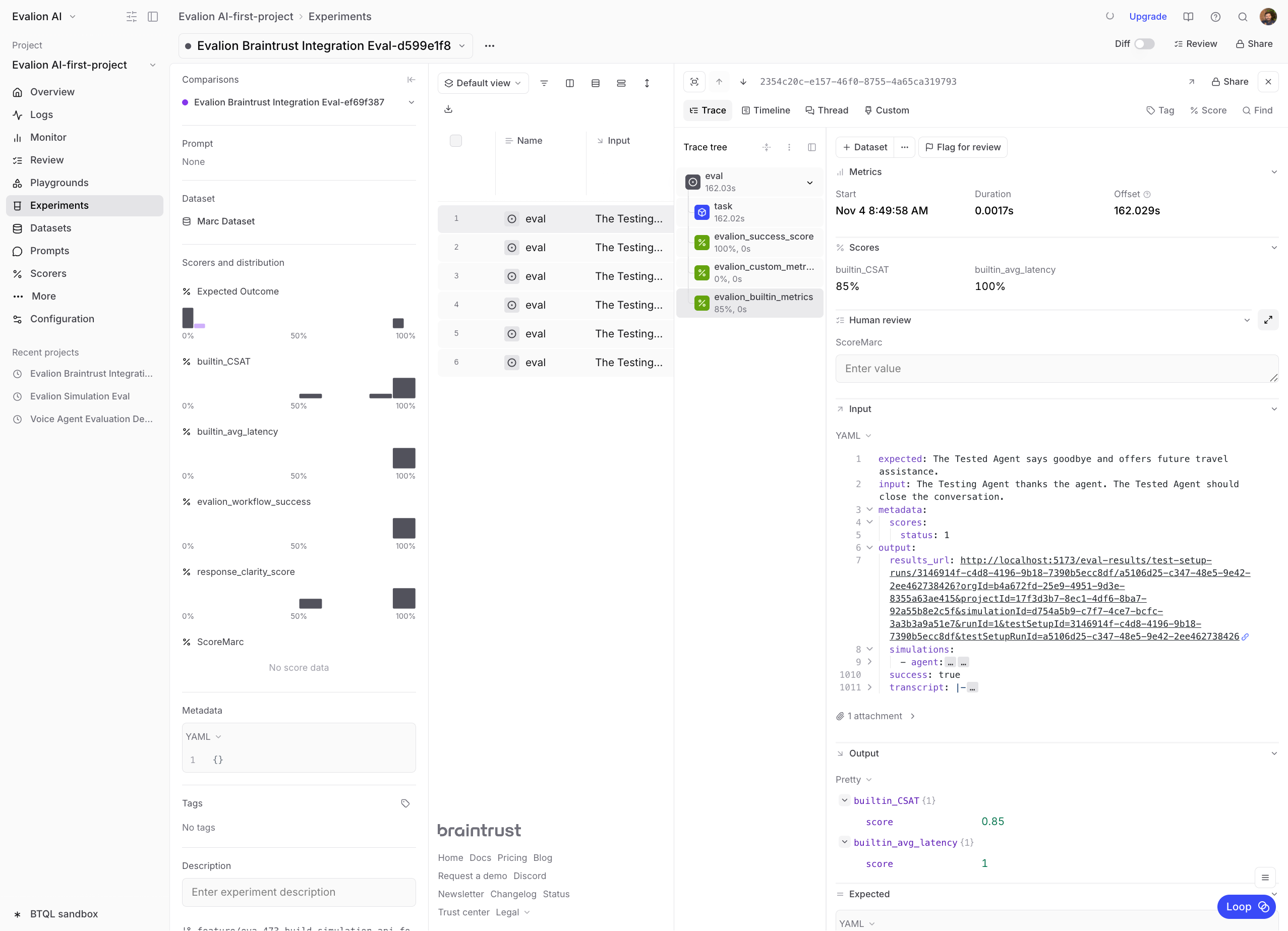 ```python theme={"theme":{"light":"github-light","dark":"github-dark-dimmed"}}
# Example of what the results look like
example_results = {
"scenario": "Customer calling to book a flight from New York to Los Angeles",
"scores": {
"Expected Outcome": 0.9,
"conversation_flow": 0.85,
"empathy": 0.92,
"clarity": 0.88,
"avg_latency_ms": 0.95, # 1450ms actual, target 1500ms
},
"metadata": {
"transcript_length": 450,
"duration_seconds": 180,
},
}
print(json.dumps(example_results, indent=2))
```
## Next steps
Now that you have a working evaluation pipeline, you can:
1. **Expand test coverage**: Add more scenarios covering edge cases
2. **Iterate on prompts**: Adjust your agent's prompt and compare results
3. **Monitor production**: Set up online evaluation for live traffic
4. **Track trends**: Use Braintrust's experiment comparison to identify improvements
For more agent cookbooks, check out:
* [Evaluating a voice agent](/cookbook/recipes/VoiceAgent) with OpenAI Realtime API
* [Building reliable AI agents](/cookbook/recipes/AgentWhileLoop) with tool calling
---
# Source: https://braintrust.dev/docs/cookbook/recipes/EvaluatingChatAssistant.md
> ## Documentation Index
> Fetch the complete documentation index at: https://braintrust.dev/docs/llms.txt
> Use this file to discover all available pages before exploring further.
# Evaluating a chat assistant
```python theme={"theme":{"light":"github-light","dark":"github-dark-dimmed"}}
# Example of what the results look like
example_results = {
"scenario": "Customer calling to book a flight from New York to Los Angeles",
"scores": {
"Expected Outcome": 0.9,
"conversation_flow": 0.85,
"empathy": 0.92,
"clarity": 0.88,
"avg_latency_ms": 0.95, # 1450ms actual, target 1500ms
},
"metadata": {
"transcript_length": 450,
"duration_seconds": 180,
},
}
print(json.dumps(example_results, indent=2))
```
## Next steps
Now that you have a working evaluation pipeline, you can:
1. **Expand test coverage**: Add more scenarios covering edge cases
2. **Iterate on prompts**: Adjust your agent's prompt and compare results
3. **Monitor production**: Set up online evaluation for live traffic
4. **Track trends**: Use Braintrust's experiment comparison to identify improvements
For more agent cookbooks, check out:
* [Evaluating a voice agent](/cookbook/recipes/VoiceAgent) with OpenAI Realtime API
* [Building reliable AI agents](/cookbook/recipes/AgentWhileLoop) with tool calling
---
# Source: https://braintrust.dev/docs/cookbook/recipes/EvaluatingChatAssistant.md
> ## Documentation Index
> Fetch the complete documentation index at: https://braintrust.dev/docs/llms.txt
> Use this file to discover all available pages before exploring further.
# Evaluating a chat assistant
[Contributed](https://github.com/braintrustdata/braintrust-cookbook/blob/main/examples/EvaluatingChatAssistant/EvaluatingChatAssistant.ipynb) by [Tara Nagar](https://www.linkedin.com/in/taranagar/) on 2024-07-16
## Evaluating a multi-turn chat assistant
This tutorial will walk through using Braintrust to evaluate a conversational, multi-turn chat assistant.
These types of chat bots have become important parts of applications, acting as customer service agents, sales representatives, or travel agents, to name a few. As an owner of such an application, it's important to be sure the bot provides value to the user.
We will expand on this below, but the history and context of a conversation is crucial in being able to produce a good response. If you received a request to "Make a dinner reservation at 7pm" and you knew where, on what date, and for how many people, you could provide some assistance; otherwise, you'd need to ask for more information.
Before starting, please make sure you have a Braintrust account. If you do not have one, you can [sign up here](https://www.braintrust.dev).
## Installing dependencies
Begin by installing the necessary dependencies if you have not done so already.
```typescript theme={"theme":{"light":"github-light","dark":"github-dark-dimmed"}}
pnpm install autoevals braintrust openai
```
## Inspecting the data
Let's take a look at the small dataset prepared for this cookbook. You can find the full dataset in the accompanying [dataset.ts file](https://github.com/braintrustdata/braintrust-cookbook/tree/main/examples/EvaluatingChatAssistant/dataset.ts). The `assistant` turns were generated using `claude-3-5-sonnet-20240620`.
Below is an example of a data point.
* `chat_history` contains the history of the conversation between the user and the assistant
* `input` is the last `user` turn that will be sent in the `messages` argument to the chat completion
* `expected` is the output expected from the chat completion given the input
```typescript theme={"theme":{"light":"github-light","dark":"github-dark-dimmed"}}
import dataset, { ChatTurn } from "./assets/dataset";
console.log(dataset[0]);
```
```
{
chat_history: [
{
role: 'user',
content: "when was the ballon d'or first awarded for female players?"
},
{
role: 'assistant',
content: "The Ballon d'Or for female players was first awarded in 2018. The inaugural winner was Ada Hegerberg, a Norwegian striker who plays for Olympique Lyonnais."
}
],
input: "who won the men's trophy that year?",
expected: "In 2018, the men's Ballon d'Or was awarded to Luka Modrić."
}
```
From looking at this one example, we can see why the history is necessary to provide a helpful response.
If you were asked "Who won the men's trophy that year?" you would wonder *What trophy? Which year?* But if you were also given the `chat_history`, you would be able to answer the question (maybe after some quick research).
## Running experiments
The key to running evals on a multi-turn conversation is to include the history of the chat in the chat completion request.
### Assistant with no chat history
To start, let's see how the prompt performs when no chat history is provided. We'll create a simple task function that returns the output from a chat completion.
```typescript theme={"theme":{"light":"github-light","dark":"github-dark-dimmed"}}
import { wrapOpenAI } from "braintrust";
import { OpenAI } from "openai";
const experimentData = dataset.map((data) => ({
input: data.input,
expected: data.expected,
}));
console.log(experimentData[0]);
async function runTask(input: string) {
const client = wrapOpenAI(
new OpenAI({
baseURL: "https://api.braintrust.dev/v1/proxy",
apiKey: process.env.OPENAI_API_KEY ?? "", // Can use OpenAI, Anthropic, Mistral, etc. API keys here
}),
);
const response = await client.chat.completions.create({
model: "gpt-4o",
messages: [
{
role: "system",
content:
"You are a helpful and polite assistant who knows about sports.",
},
{
role: "user",
content: input,
},
],
});
return response.choices[0].message.content || "";
}
```
```
{
input: "who won the men's trophy that year?",
expected: "In 2018, the men's Ballon d'Or was awarded to Luka Modrić."
}
```
#### Scoring and running the eval
We'll use the `Factuality` scoring function from the [autoevals library](https://www.braintrust.dev/docs/reference/autoevals) to check how the output of the chat completion compares factually to the expected value.
We will also utilize [trials](/evaluate/run-evaluations#trials) by including the `trialCount` parameter in the `Eval` call. We expect the output of the chat completion to be non-deterministic, so running each input multiple times will give us a better sense of the "average" output.
```typescript theme={"theme":{"light":"github-light","dark":"github-dark-dimmed"}}
import { Eval } from "braintrust";
import Factuality from "autoevals";
Eval("Chat assistant", {
experimentName: "gpt-4o assistant - no history",
data: () => experimentData,
task: runTask,
scores: [Factuality],
trialCount: 3,
metadata: {
model: "gpt-4o",
prompt: "You are a helpful and polite assistant who knows about sports.",
},
});
```
```typescript theme={"theme":{"light":"github-light","dark":"github-dark-dimmed"}}
Experiment gpt - 4o assistant - no history is running at https://www.braintrust.dev/app/braintrustdata.com/p/Chat%20assistant/experiments/gpt-4o%20assistant%20-%20no%20history
████████████████████████████████████████ | Chat assistant[experimentName = gpt - 4o... | 100 % | 15 / 15 datapoints
=========================SUMMARY=========================
61.33% 'Factuality' score (0 improvements, 0 regressions)
4.12s 'duration' (0 improvements, 0 regressions)
0.01$ 'estimated_cost' (0 improvements, 0 regressions)
See results for gpt-4o assistant - no history at https://www.braintrust.dev/app/braintrustdata.com/p/Chat%20assistant/experiments/gpt-4o%20assistant%20-%20no%20history
```
61.33% Factuality score? Given what we discussed earlier about chat history being important in producing a good response, that's surprisingly high. Let's log onto [braintrust.dev](https://www.braintrust.dev) and take a look at how we got that score.
#### Interpreting the results
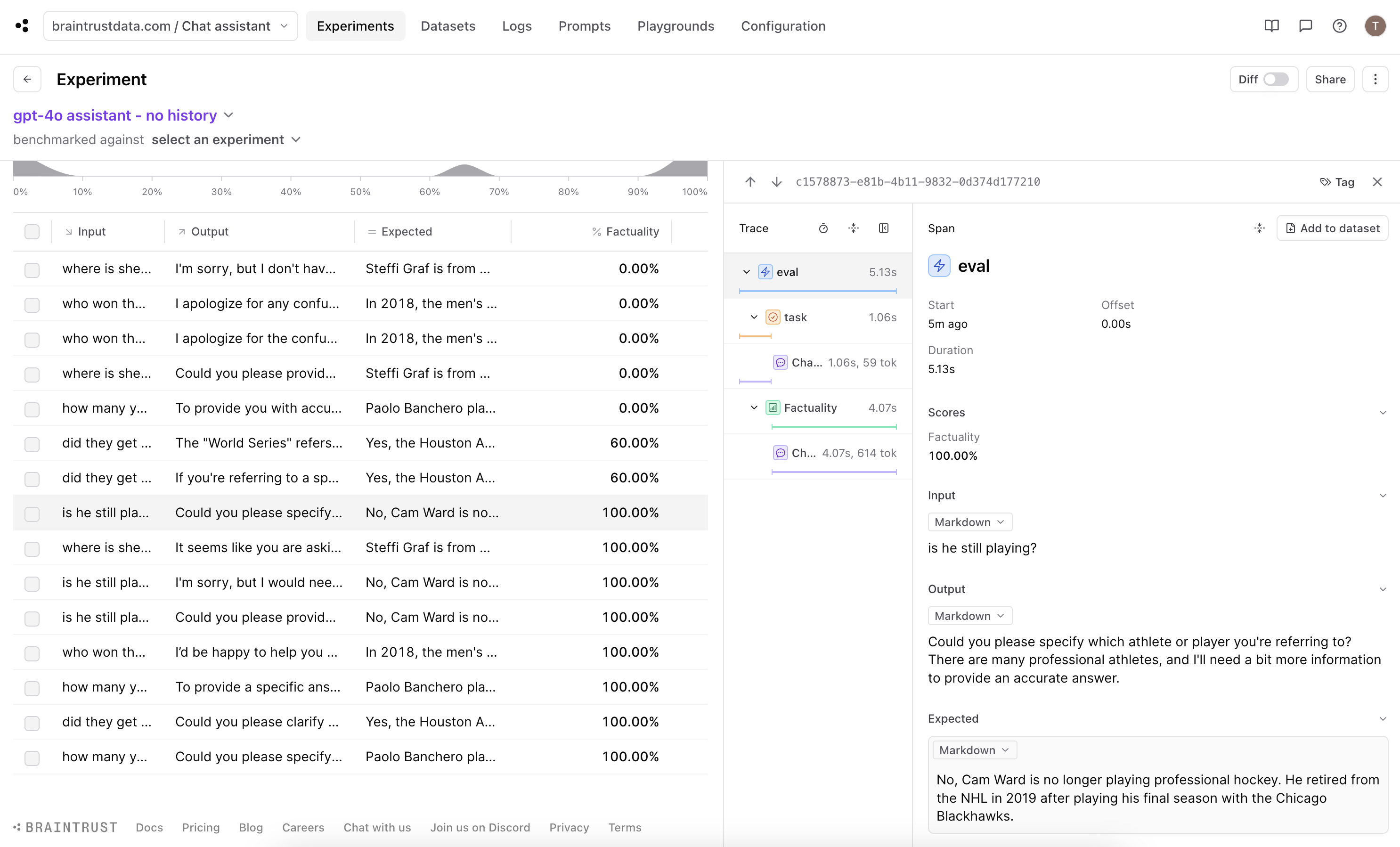 If we look at the score distribution chart, we can see ten of the fifteen examples scored at least 60%, with over half even scoring 100%. If we look into one of the examples with 100% score, we see the output of the chat completion request is asking for more context as we would expect:
`Could you please specify which athlete or player you're referring to? There are many professional athletes, and I'll need a bit more information to provide an accurate answer.`
This aligns with our expectation, so let's now look at how the score was determined.
If we look at the score distribution chart, we can see ten of the fifteen examples scored at least 60%, with over half even scoring 100%. If we look into one of the examples with 100% score, we see the output of the chat completion request is asking for more context as we would expect:
`Could you please specify which athlete or player you're referring to? There are many professional athletes, and I'll need a bit more information to provide an accurate answer.`
This aligns with our expectation, so let's now look at how the score was determined.
 Click into the scoring trace, we see the chain of thought reasoning used to settle on the score. The model chose `(E) The answers differ, but these differences don't matter from the perspective of factuality.` which is *technically* correct, but we want to penalize the chat completion for not being able to produce a good response.
#### Improve scoring with a custom scorer
While Factuality is a good general purpose scorer, for our use case option (E) is not well aligned with our expectations. The best way to work around this is to customize the scoring function so that it produces a lower score for asking for more context or specificity.
```typescript theme={"theme":{"light":"github-light","dark":"github-dark-dimmed"}}
import { LLMClassifierFromSpec, Score } from "autoevals";
function Factual(args: {
input: string;
output: string;
expected: string;
}): Score | Promise
Click into the scoring trace, we see the chain of thought reasoning used to settle on the score. The model chose `(E) The answers differ, but these differences don't matter from the perspective of factuality.` which is *technically* correct, but we want to penalize the chat completion for not being able to produce a good response.
#### Improve scoring with a custom scorer
While Factuality is a good general purpose scorer, for our use case option (E) is not well aligned with our expectations. The best way to work around this is to customize the scoring function so that it produces a lower score for asking for more context or specificity.
```typescript theme={"theme":{"light":"github-light","dark":"github-dark-dimmed"}}
import { LLMClassifierFromSpec, Score } from "autoevals";
function Factual(args: {
input: string;
output: string;
expected: string;
}): Score | Promise In the table we can see the `output` fields in which the chat completion responses are requesting more context. In one of the experiment that had a non-zero score, we can see that the model asked for some clarification, but was able to understand from the question that the user was inquiring about a controversial World Series. Nice!
 Looking into how the score was determined, we can see that the factual information aligned with the expert answer but the submitted answer still asks for more context, resulting in a score of 20% which is what we expect.
### Assistant with chat history
Now let's shift and see how providing the chat history improves the experiment.
#### Update the data, task function and scorer function
We need to edit the inputs to the `Eval` function so we can pass the chat history to the chat completion request.
```typescript theme={"theme":{"light":"github-light","dark":"github-dark-dimmed"}}
const experimentData = dataset.map((data) => ({
input: { input: data.input, chat_history: data.chat_history },
expected: data.expected,
}));
console.log(experimentData[0]);
async function runTask({
input,
chat_history,
}: {
input: string;
chat_history: ChatTurn[];
}) {
const client = wrapOpenAI(
new OpenAI({
baseURL: "https://api.braintrust.dev/v1/proxy",
apiKey: process.env.OPENAI_API_KEY ?? "", // Can use OpenAI, Anthropic, Mistral, etc. API keys here
}),
);
const response = await client.chat.completions.create({
model: "gpt-4o",
messages: [
{
role: "system",
content:
"You are a helpful and polite assistant who knows about sports.",
},
...chat_history,
{
role: "user",
content: input,
},
],
});
return response.choices[0].message.content || "";
}
function Factual(args: {
input: {
input: string;
chat_history: ChatTurn[];
};
output: string;
expected: string;
}): Score | Promise
Looking into how the score was determined, we can see that the factual information aligned with the expert answer but the submitted answer still asks for more context, resulting in a score of 20% which is what we expect.
### Assistant with chat history
Now let's shift and see how providing the chat history improves the experiment.
#### Update the data, task function and scorer function
We need to edit the inputs to the `Eval` function so we can pass the chat history to the chat completion request.
```typescript theme={"theme":{"light":"github-light","dark":"github-dark-dimmed"}}
const experimentData = dataset.map((data) => ({
input: { input: data.input, chat_history: data.chat_history },
expected: data.expected,
}));
console.log(experimentData[0]);
async function runTask({
input,
chat_history,
}: {
input: string;
chat_history: ChatTurn[];
}) {
const client = wrapOpenAI(
new OpenAI({
baseURL: "https://api.braintrust.dev/v1/proxy",
apiKey: process.env.OPENAI_API_KEY ?? "", // Can use OpenAI, Anthropic, Mistral, etc. API keys here
}),
);
const response = await client.chat.completions.create({
model: "gpt-4o",
messages: [
{
role: "system",
content:
"You are a helpful and polite assistant who knows about sports.",
},
...chat_history,
{
role: "user",
content: input,
},
],
});
return response.choices[0].message.content || "";
}
function Factual(args: {
input: {
input: string;
chat_history: ChatTurn[];
};
output: string;
expected: string;
}): Score | Promise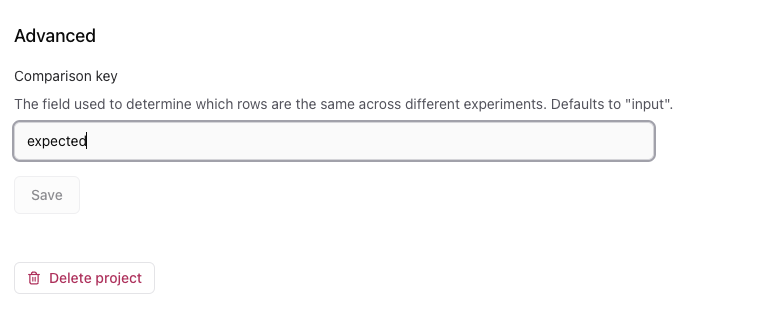 #### Interpreting the results
Turn on diff mode using the toggle on the upper right of the table.
#### Interpreting the results
Turn on diff mode using the toggle on the upper right of the table.
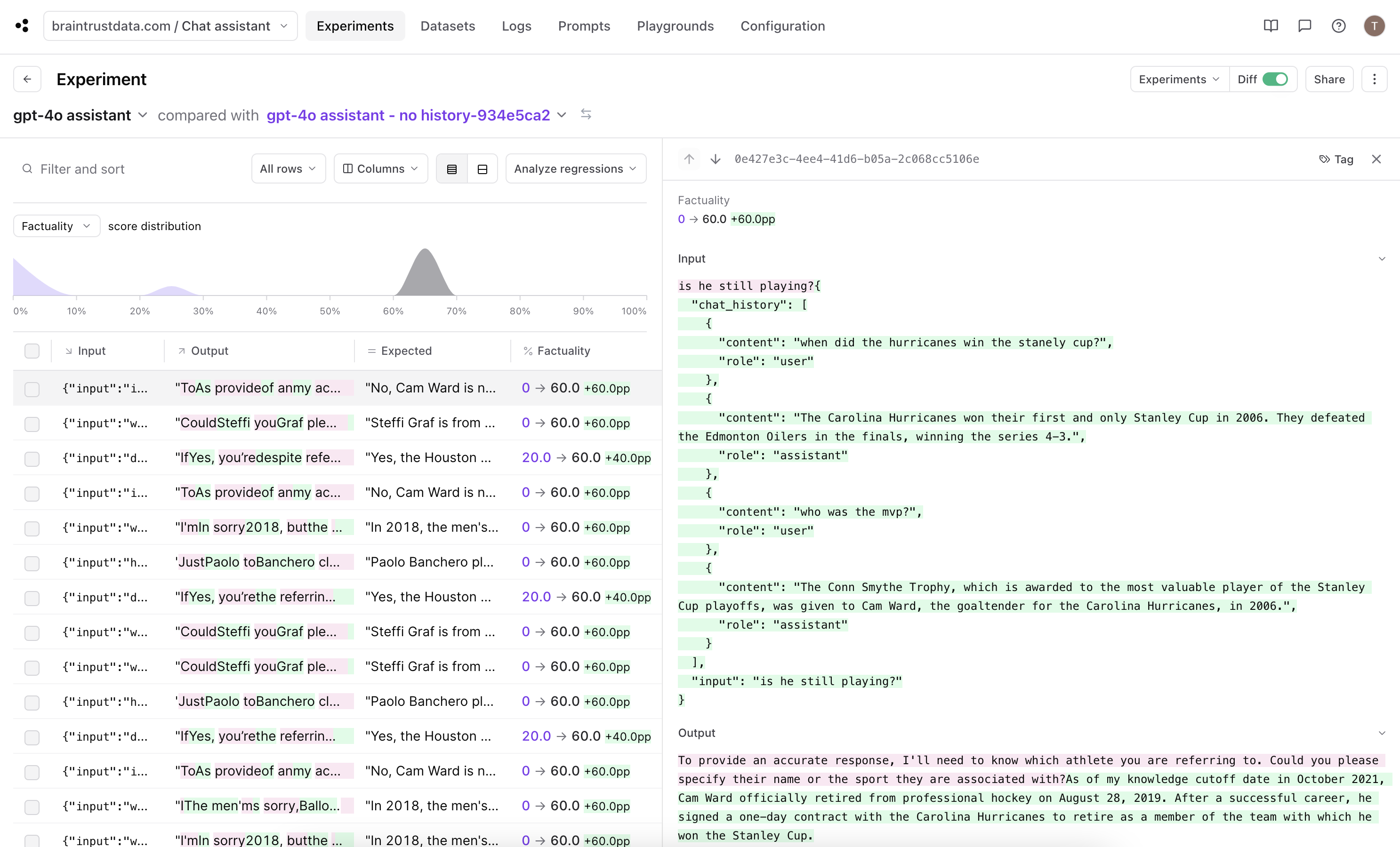 Since we updated the comparison key, we can now see the improvements in the Factuality score between the experiment run with chat history and the most recent one run without for each of the examples. If we also click into a trace, we can see the change in input parameters that we made above where it went from a `string` to an object with `input` and `chat_history` fields.
All of our rows scored 60% in this experiment. If we look into each trace, this means the submitted answer includes all the details from the expert answer with some additional information.
60% is an improvement from the previous run, but we can do better. Since it seems like the chat completion is always returning more than necessary, let's see if we can tweak our prompt to have the output be more concise.
#### Improving the result
Let's update the system prompt used in the chat completion request.
```typescript theme={"theme":{"light":"github-light","dark":"github-dark-dimmed"}}
async function runTask({
input,
chat_history,
}: {
input: string;
chat_history: ChatTurn[];
}) {
const client = wrapOpenAI(
new OpenAI({
baseURL: "https://api.braintrust.dev/v1/proxy",
apiKey: process.env.OPENAI_API_KEY ?? "", // Can use OpenAI, Anthropic, Mistral etc. API keys here
}),
);
const response = await client.chat.completions.create({
model: "gpt-4o",
messages: [
{
role: "system",
content:
"You are a helpful, polite assistant who knows about sports. Only answer the question; don't add additional information outside of what was asked.",
},
...chat_history,
{
role: "user",
content: input,
},
],
});
return response.choices[0].message.content || "";
}
```
In the task function, we'll update the `system` message to specify the output should be precise and then run the eval again.
```typescript theme={"theme":{"light":"github-light","dark":"github-dark-dimmed"}}
Eval("Chat assistant", {
experimentName: "gpt-4o assistant - concise",
data: () => experimentData,
task: runTask,
scores: [Factual],
trialCount: 3,
metadata: {
model: "gpt-4o",
prompt:
"You are a helpful, polite assistant who knows about sports. Only answer the question; don't add additional information outside of what was asked.",
},
});
```
```typescript theme={"theme":{"light":"github-light","dark":"github-dark-dimmed"}}
Experiment gpt - 4o assistant - concise is running at https://www.braintrust.dev/app/braintrustdata.com/p/Chat%20assistant/experiments/gpt-4o%20assistant%20-%20concise
████████████████████████████████████████ | Chat assistant[experimentName = gpt - 4o... | 100 % | 15 / 15 datapoints
=========================SUMMARY=========================
gpt-4o assistant - concise compared to gpt-4o assistant:
86.67% (+26.67%) 'Factuality' score (4 improvements, 0 regressions)
1.89s 'duration' (5 improvements, 0 regressions)
0.01$ 'estimated_cost' (4 improvements, 1 regressions)
See results for gpt-4o assistant - concise at https://www.braintrust.dev/app/braintrustdata.com/p/Chat%20assistant/experiments/gpt-4o%20assistant%20-%20concise
```
Let's go into the dashboard and see the new experiment.
Since we updated the comparison key, we can now see the improvements in the Factuality score between the experiment run with chat history and the most recent one run without for each of the examples. If we also click into a trace, we can see the change in input parameters that we made above where it went from a `string` to an object with `input` and `chat_history` fields.
All of our rows scored 60% in this experiment. If we look into each trace, this means the submitted answer includes all the details from the expert answer with some additional information.
60% is an improvement from the previous run, but we can do better. Since it seems like the chat completion is always returning more than necessary, let's see if we can tweak our prompt to have the output be more concise.
#### Improving the result
Let's update the system prompt used in the chat completion request.
```typescript theme={"theme":{"light":"github-light","dark":"github-dark-dimmed"}}
async function runTask({
input,
chat_history,
}: {
input: string;
chat_history: ChatTurn[];
}) {
const client = wrapOpenAI(
new OpenAI({
baseURL: "https://api.braintrust.dev/v1/proxy",
apiKey: process.env.OPENAI_API_KEY ?? "", // Can use OpenAI, Anthropic, Mistral etc. API keys here
}),
);
const response = await client.chat.completions.create({
model: "gpt-4o",
messages: [
{
role: "system",
content:
"You are a helpful, polite assistant who knows about sports. Only answer the question; don't add additional information outside of what was asked.",
},
...chat_history,
{
role: "user",
content: input,
},
],
});
return response.choices[0].message.content || "";
}
```
In the task function, we'll update the `system` message to specify the output should be precise and then run the eval again.
```typescript theme={"theme":{"light":"github-light","dark":"github-dark-dimmed"}}
Eval("Chat assistant", {
experimentName: "gpt-4o assistant - concise",
data: () => experimentData,
task: runTask,
scores: [Factual],
trialCount: 3,
metadata: {
model: "gpt-4o",
prompt:
"You are a helpful, polite assistant who knows about sports. Only answer the question; don't add additional information outside of what was asked.",
},
});
```
```typescript theme={"theme":{"light":"github-light","dark":"github-dark-dimmed"}}
Experiment gpt - 4o assistant - concise is running at https://www.braintrust.dev/app/braintrustdata.com/p/Chat%20assistant/experiments/gpt-4o%20assistant%20-%20concise
████████████████████████████████████████ | Chat assistant[experimentName = gpt - 4o... | 100 % | 15 / 15 datapoints
=========================SUMMARY=========================
gpt-4o assistant - concise compared to gpt-4o assistant:
86.67% (+26.67%) 'Factuality' score (4 improvements, 0 regressions)
1.89s 'duration' (5 improvements, 0 regressions)
0.01$ 'estimated_cost' (4 improvements, 1 regressions)
See results for gpt-4o assistant - concise at https://www.braintrust.dev/app/braintrustdata.com/p/Chat%20assistant/experiments/gpt-4o%20assistant%20-%20concise
```
Let's go into the dashboard and see the new experiment.
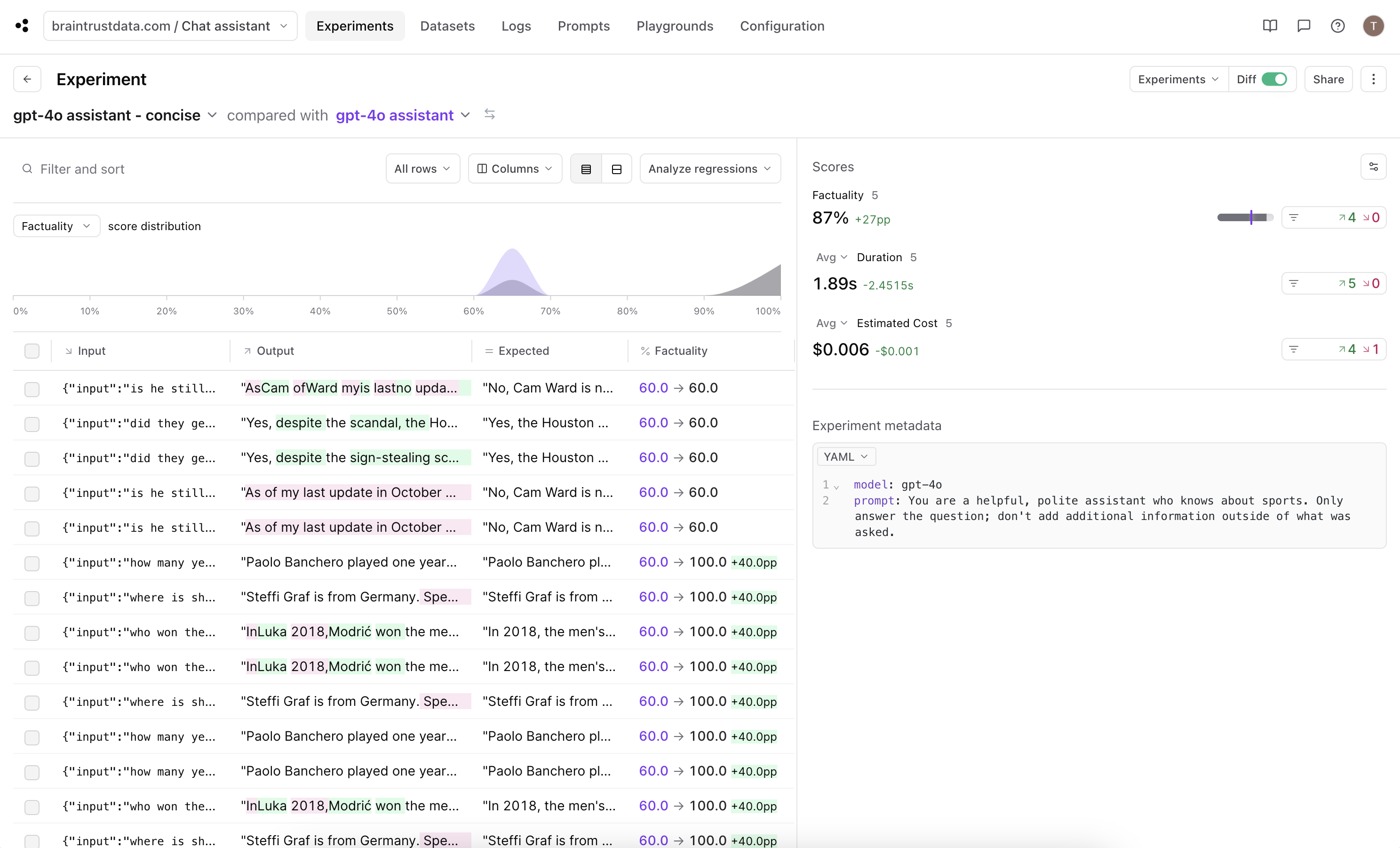 Success! We got a 27 percentage point increase in factuality, up to an average score of 87% for this experiment with our updated prompt.
### Conclusion
We've seen in this cookbook how to evaluate a chat assistant and visualized how the chat history effects the output of the chat completion. Along the way, we also utilized some other functionality such as updating the comparison key in the diff view and creating a custom scoring function.
Try seeing how you can improve the outputs and scores even further!
---
# Source: https://braintrust.dev/docs/cookbook/recipes/Github-Issues.md
> ## Documentation Index
> Fetch the complete documentation index at: https://braintrust.dev/docs/llms.txt
> Use this file to discover all available pages before exploring further.
# Improving Github issue titles using their contents
Success! We got a 27 percentage point increase in factuality, up to an average score of 87% for this experiment with our updated prompt.
### Conclusion
We've seen in this cookbook how to evaluate a chat assistant and visualized how the chat history effects the output of the chat completion. Along the way, we also utilized some other functionality such as updating the comparison key in the diff view and creating a custom scoring function.
Try seeing how you can improve the outputs and scores even further!
---
# Source: https://braintrust.dev/docs/cookbook/recipes/Github-Issues.md
> ## Documentation Index
> Fetch the complete documentation index at: https://braintrust.dev/docs/llms.txt
> Use this file to discover all available pages before exploring further.
# Improving Github issue titles using their contents
[Contributed](https://github.com/braintrustdata/braintrust-cookbook/blob/main/examples/Github-Issues/Github-Issues.ipynb) by [Ankur Goyal](https://twitter.com/ankrgyl) on 2023-10-29
This tutorial will teach you how to use Braintrust to generate better titles for Github issues, based on their
content. This is a great way to learn how to work with text and evaluate subjective criteria, like summarization quality.
We'll use a technique called **model graded evaluation** to automatically evaluate the newly generated titles
against the original titles, and improve our prompt based on what we find.
Before starting, please make sure that you have a Braintrust account. If you do not, please [sign up](https://www.braintrust.dev). After this tutorial, feel free to dig deeper by visiting [the docs](http://www.braintrust.dev/docs).
## Installing dependencies
To see a list of dependencies, you can view the accompanying [package.json](https://github.com/braintrustdata/braintrust-cookbook/tree/main/examples/Github-Issues/package.json) file. Feel free to copy/paste snippets of this code to run in your environment, or use [tslab](https://github.com/yunabe/tslab) to run the tutorial in a Jupyter notebook.
## Downloading the data
We'll start by downloading some issues from Github using the `octokit` SDK. We'll use the popular open source project [next.js](https://github.com/vercel/next.js).
```typescript theme={"theme":{"light":"github-light","dark":"github-dark-dimmed"}}
import { Octokit } from "@octokit/core";
const ISSUES = [
"https://github.com/vercel/next.js/issues/59999",
"https://github.com/vercel/next.js/issues/59997",
"https://github.com/vercel/next.js/issues/59995",
"https://github.com/vercel/next.js/issues/59988",
"https://github.com/vercel/next.js/issues/59986",
"https://github.com/vercel/next.js/issues/59971",
"https://github.com/vercel/next.js/issues/59958",
"https://github.com/vercel/next.js/issues/59957",
"https://github.com/vercel/next.js/issues/59950",
"https://github.com/vercel/next.js/issues/59940",
];
// Octokit.js
// https://github.com/octokit/core.js#readme
const octokit = new Octokit({
auth: process.env.GITHUB_ACCESS_TOKEN || "Your Github Access Token",
});
async function fetchIssue(url: string) {
// parse url of the form https://github.com/supabase/supabase/issues/15534
const [owner, repo, _, issue_number] = url!.trim().split("/").slice(-4);
const data = await octokit.request(
"GET /repos/{owner}/{repo}/issues/{issue_number}",
{
owner,
repo,
issue_number: parseInt(issue_number),
headers: {
"X-GitHub-Api-Version": "2022-11-28",
},
}
);
return data.data;
}
const ISSUE_DATA = await Promise.all(ISSUES.map(fetchIssue));
```
Let's take a look at one of the issues:
```typescript theme={"theme":{"light":"github-light","dark":"github-dark-dimmed"}}
console.log(ISSUE_DATA[0].title);
console.log("-".repeat(ISSUE_DATA[0].title.length));
console.log(ISSUE_DATA[0].body.substring(0, 512) + "...");
```
```
The instrumentation hook is only called after visiting a route
--------------------------------------------------------------
### Link to the code that reproduces this issue
https://github.com/daveyjones/nextjs-instrumentation-bug
### To Reproduce
\`\`\`shell
git clone git@github.com:daveyjones/nextjs-instrumentation-bug.git
cd nextjs-instrumentation-bug
npm install
npm run dev # The register function IS called
npm run build && npm start # The register function IS NOT called until you visit http://localhost:3000
\`\`\`
### Current vs. Expected behavior
The \`register\` function should be called automatically after running \`npm ...
```
## Generating better titles
Let's try to generate better titles using a simple prompt. We'll use OpenAI, although you could try this out with any model that supports text generation.
We'll start by initializing an OpenAI client and wrapping it with some Braintrust instrumentation. `wrapOpenAI`
is initially a no-op, but later on when we use Braintrust, it will help us capture helpful debugging information about the model's performance.
```typescript theme={"theme":{"light":"github-light","dark":"github-dark-dimmed"}}
import { wrapOpenAI } from "braintrust";
import { OpenAI } from "openai";
const client = wrapOpenAI(
new OpenAI({
apiKey: process.env.OPENAI_API_KEY || "Your OpenAI API Key",
})
);
```
```typescript theme={"theme":{"light":"github-light","dark":"github-dark-dimmed"}}
import { ChatCompletionMessageParam } from "openai/resources";
function titleGeneratorMessages(content: string): ChatCompletionMessageParam[] {
return [
{
role: "system",
content:
"Generate a new title based on the github issue. Return just the title.",
},
{
role: "user",
content: "Github issue: " + content,
},
];
}
async function generateTitle(input: string) {
const messages = titleGeneratorMessages(input);
const response = await client.chat.completions.create({
model: "gpt-3.5-turbo",
messages,
seed: 123,
});
return response.choices[0].message.content || "";
}
const generatedTitle = await generateTitle(ISSUE_DATA[0].body);
console.log("Original title: ", ISSUE_DATA[0].title);
console.log("Generated title:", generatedTitle);
```
```
Original title: The instrumentation hook is only called after visiting a route
Generated title: Next.js: \`register\` function not automatically called after build and start
```
## Scoring
Ok cool! The new title looks pretty good. But how do we consistently and automatically evaluate whether the new titles are better than the old ones?
With subjective problems, like summarization, one great technique is to use an LLM to grade the outputs. This is known as model graded evaluation. Below, we'll use a [summarization prompt](https://github.com/braintrustdata/autoevals/blob/main/templates/summary.yaml)
from Braintrust's open source [autoevals](https://github.com/braintrustdata/autoevals) library. We encourage you to use these prompts, but also to copy/paste them, modify them, and create your own!
The prompt uses [Chain of Thought](https://arxiv.org/abs/2201.11903) which dramatically improves a model's performance on grading tasks. Later, we'll see how it helps us debug the model's outputs.
Let's try running it on our new title and see how it performs.
```typescript theme={"theme":{"light":"github-light","dark":"github-dark-dimmed"}}
import { Summary } from "autoevals";
await Summary({
output: generatedTitle,
expected: ISSUE_DATA[0].title,
input: ISSUE_DATA[0].body,
// In practice we've found gpt-4 class models work best for subjective tasks, because
// they are great at following criteria laid out in the grading prompts.
model: "gpt-4-1106-preview",
});
```
```
{
name: 'Summary',
score: 1,
metadata: {
rationale: "Summary A ('The instrumentation hook is only called after visiting a route') is a partial and somewhat ambiguous statement. It does not specify the context of the 'instrumentation hook' or the technology involved.\n" +
"Summary B ('Next.js: \`register\` function not automatically called after build and start') provides a clearer and more complete description. It specifies the technology ('Next.js') and the exact issue ('\`register\` function not automatically called after build and start').\n" +
'The original text discusses an issue with the \`register\` function in a Next.js application not being called as expected, which is directly reflected in Summary B.\n' +
"Summary B also aligns with the section 'Current vs. Expected behavior' from the original text, which states that the \`register\` function should be called automatically but is not until a route is visited.\n" +
"Summary A lacks the detail that the issue is with the Next.js framework and does not mention the expectation of the \`register\` function's behavior, which is a key point in the original text.",
choice: 'B'
},
error: undefined
}
```
## Initial evaluation
Now that we have a way to score new titles, let's run an eval and see how our prompt performs across all 10 issues.
```typescript theme={"theme":{"light":"github-light","dark":"github-dark-dimmed"}}
import { Eval, login } from "braintrust";
login({ apiKey: process.env.BRAINTUST_API_KEY || "Your Braintrust API Key" });
await Eval("Github Issues Cookbook", {
data: () =>
ISSUE_DATA.map((issue) => ({
input: issue.body,
expected: issue.title,
metadata: issue,
})),
task: generateTitle,
scores: [
async ({ input, output, expected }) =>
Summary({
input,
output,
expected,
model: "gpt-4-1106-preview",
}),
],
});
console.log("Done!");
```
```
{
projectName: 'Github Issues Cookbook',
experimentName: 'main-1706774628',
projectUrl: 'https://www.braintrust.dev/app/braintrust.dev/p/Github%20Issues%20Cookbook',
experimentUrl: 'https://www.braintrust.dev/app/braintrust.dev/p/Github%20Issues%20Cookbook/main-1706774628',
comparisonExperimentName: undefined,
scores: undefined,
metrics: undefined
}
```
```
████░░░░░░░░░░░░░░░░░░░░░░░░░░░░░░░░░░░░ | Github Issues Cookbook | 10% | 10/100 datapoints
```
```
Done!
```
Great! We got an initial result. If you follow the link, you'll see an eval result showing an initial score of 40%.
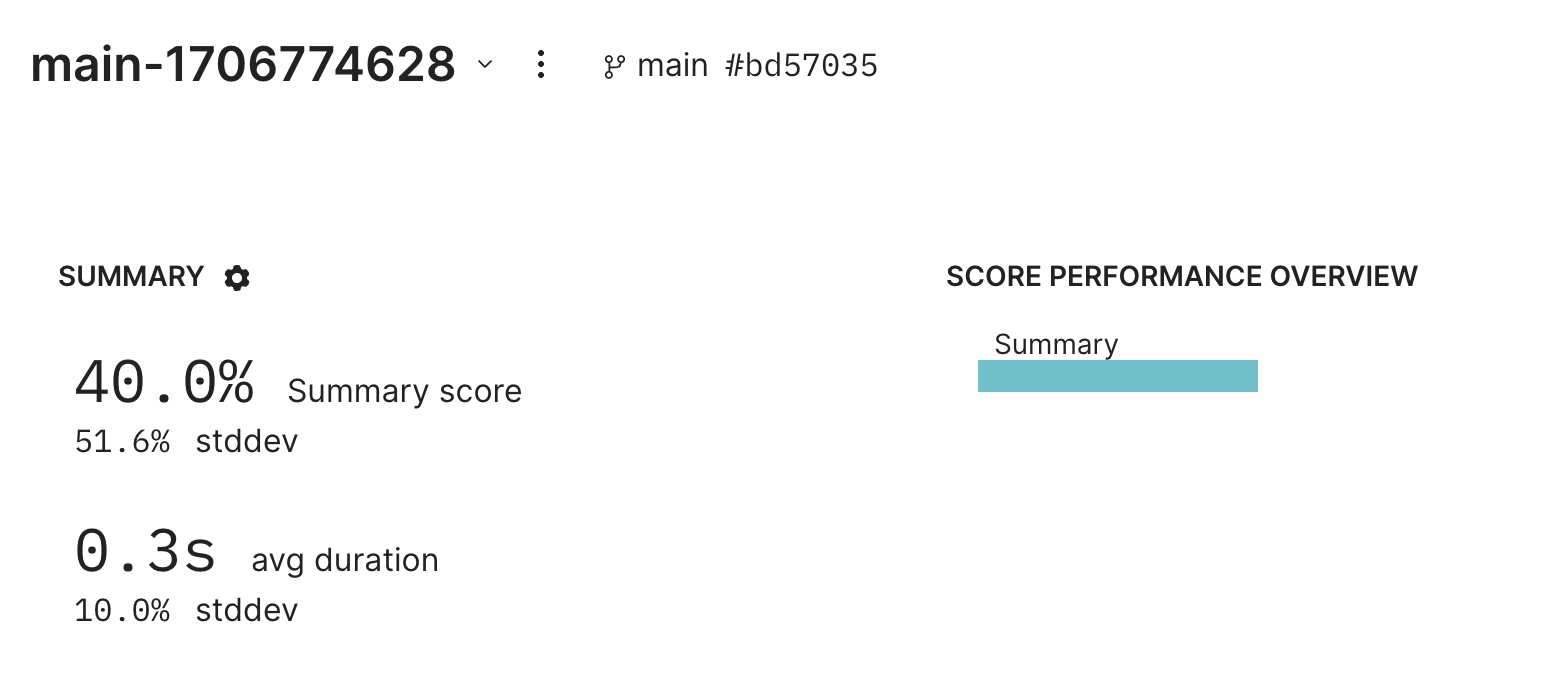 ## Debugging failures
Let's dig into a couple examples to see what's going on. Thanks to the instrumentation we added earlier, we can see the model's reasoning for its scores.
Issue [https://github.com/vercel/next.js/issues/59995](https://github.com/vercel/next.js/issues/59995):
## Debugging failures
Let's dig into a couple examples to see what's going on. Thanks to the instrumentation we added earlier, we can see the model's reasoning for its scores.
Issue [https://github.com/vercel/next.js/issues/59995](https://github.com/vercel/next.js/issues/59995):
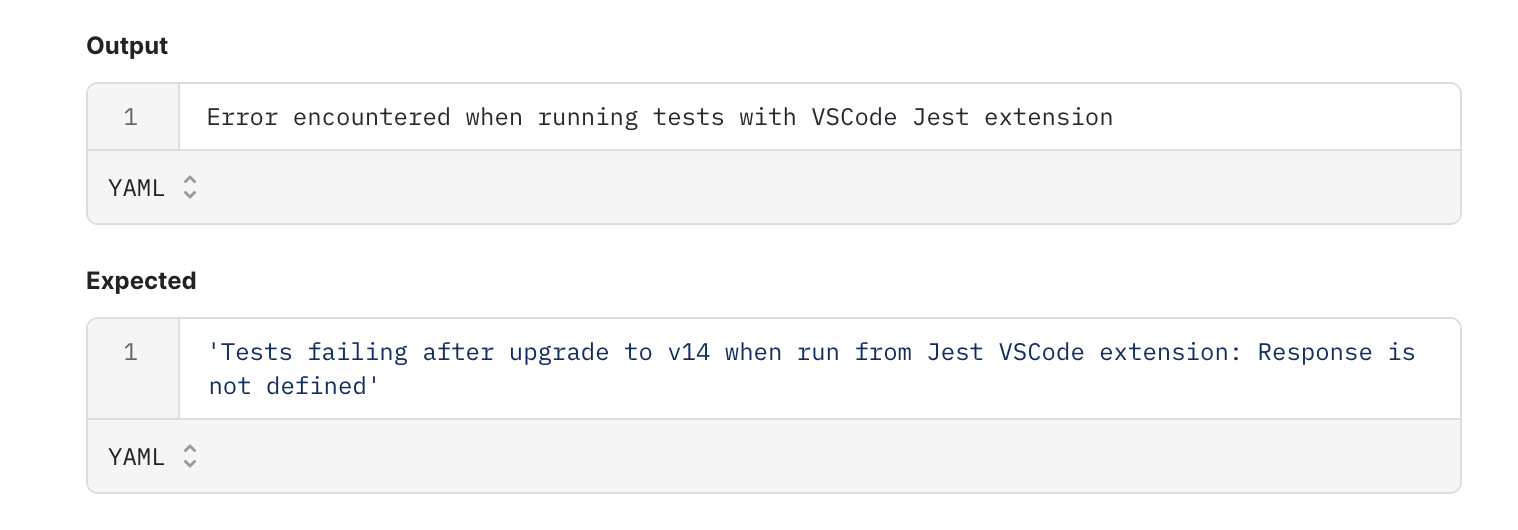
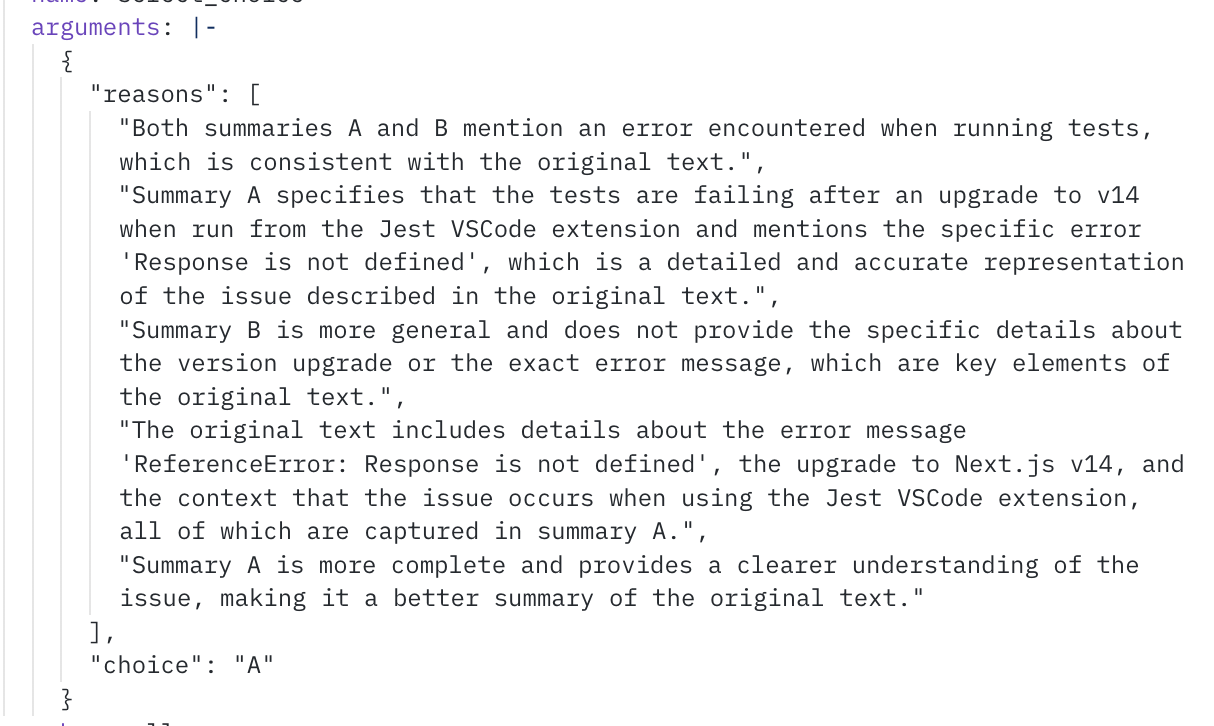 Issue [https://github.com/vercel/next.js/issues/59986](https://github.com/vercel/next.js/issues/59986):
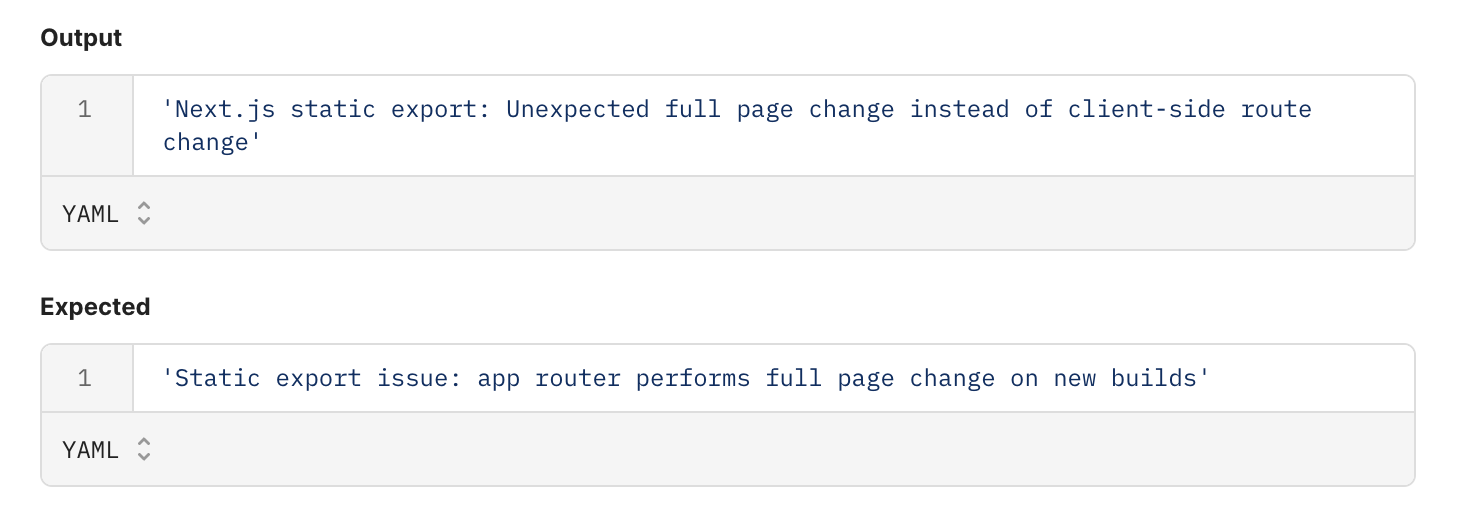
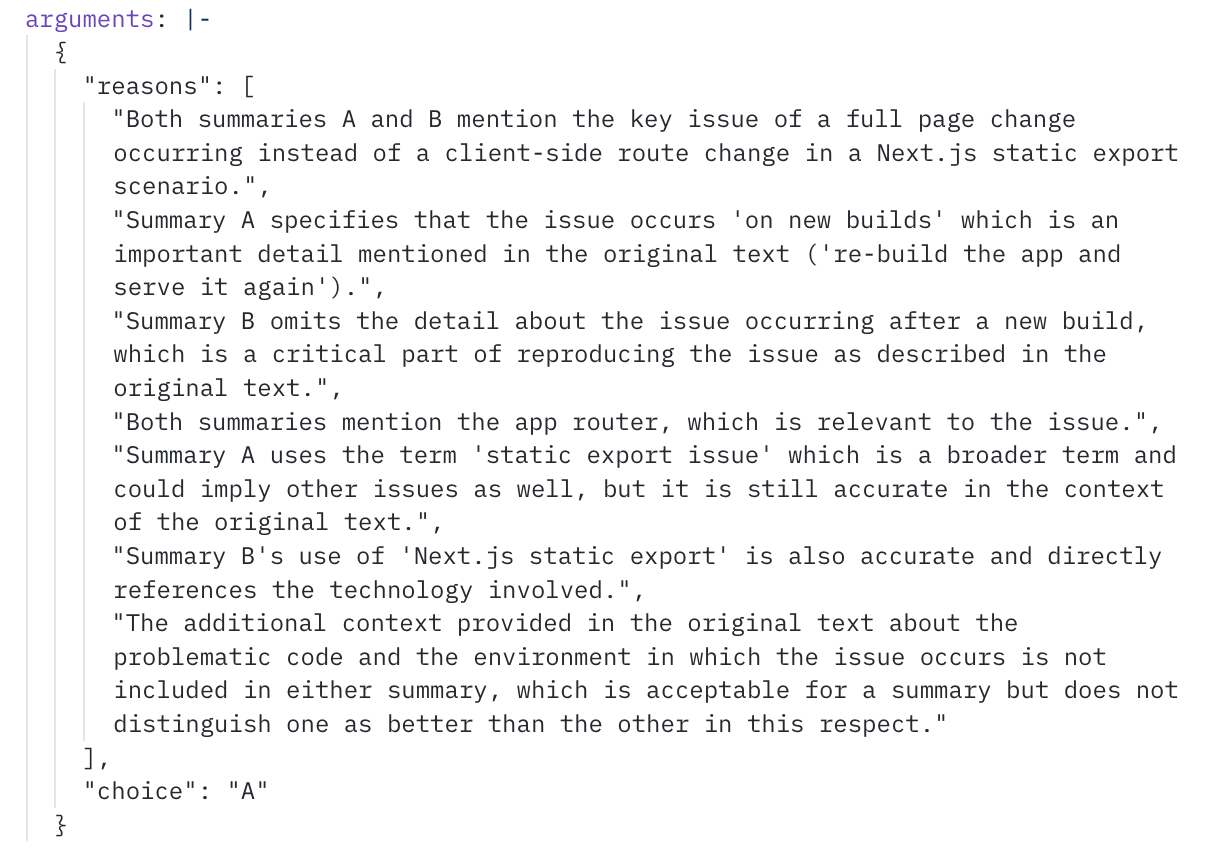 ## Improving the prompt
Hmm, it looks like the model is missing certain key details. Let's see if we can improve our prompt to encourage the model to include more details, without being too verbose.
```typescript theme={"theme":{"light":"github-light","dark":"github-dark-dimmed"}}
function titleGeneratorMessages(content: string): ChatCompletionMessageParam[] {
return [
{
role: "system",
content: `Generate a new title based on the github issue. The title should include all of the key
identifying details of the issue, without being longer than one line. Return just the title.`,
},
{
role: "user",
content: "Github issue: " + content,
},
];
}
async function generateTitle(input: string) {
const messages = titleGeneratorMessages(input);
const response = await client.chat.completions.create({
model: "gpt-3.5-turbo",
messages,
seed: 123,
});
return response.choices[0].message.content || "";
}
```
### Re-evaluating
Now that we've tweaked our prompt, let's see how it performs by re-running our eval.
```typescript theme={"theme":{"light":"github-light","dark":"github-dark-dimmed"}}
await Eval("Github Issues Cookbook", {
data: () =>
ISSUE_DATA.map((issue) => ({
input: issue.body,
expected: issue.title,
metadata: issue,
})),
task: generateTitle,
scores: [
async ({ input, output, expected }) =>
Summary({
input,
output,
expected,
model: "gpt-4-1106-preview",
}),
],
});
console.log("All done!");
```
```
{
projectName: 'Github Issues Cookbook',
experimentName: 'main-1706774676',
projectUrl: 'https://www.braintrust.dev/app/braintrust.dev/p/Github%20Issues%20Cookbook',
experimentUrl: 'https://www.braintrust.dev/app/braintrust.dev/p/Github%20Issues%20Cookbook/main-1706774676',
comparisonExperimentName: 'main-1706774628',
scores: {
Summary: {
name: 'Summary',
score: 0.7,
diff: 0.29999999999999993,
improvements: 3,
regressions: 0
}
},
metrics: {
duration: {
name: 'duration',
metric: 0.3292001008987427,
unit: 's',
diff: -0.002199888229370117,
improvements: 7,
regressions: 3
}
}
}
```
```
████░░░░░░░░░░░░░░░░░░░░░░░░░░░░░░░░░░░░ | Github Issues Cookbook | 10% | 10/100 datapoints
```
```
All done!
```
Wow, with just a simple change, we're able to boost summary performance by 30%!
## Improving the prompt
Hmm, it looks like the model is missing certain key details. Let's see if we can improve our prompt to encourage the model to include more details, without being too verbose.
```typescript theme={"theme":{"light":"github-light","dark":"github-dark-dimmed"}}
function titleGeneratorMessages(content: string): ChatCompletionMessageParam[] {
return [
{
role: "system",
content: `Generate a new title based on the github issue. The title should include all of the key
identifying details of the issue, without being longer than one line. Return just the title.`,
},
{
role: "user",
content: "Github issue: " + content,
},
];
}
async function generateTitle(input: string) {
const messages = titleGeneratorMessages(input);
const response = await client.chat.completions.create({
model: "gpt-3.5-turbo",
messages,
seed: 123,
});
return response.choices[0].message.content || "";
}
```
### Re-evaluating
Now that we've tweaked our prompt, let's see how it performs by re-running our eval.
```typescript theme={"theme":{"light":"github-light","dark":"github-dark-dimmed"}}
await Eval("Github Issues Cookbook", {
data: () =>
ISSUE_DATA.map((issue) => ({
input: issue.body,
expected: issue.title,
metadata: issue,
})),
task: generateTitle,
scores: [
async ({ input, output, expected }) =>
Summary({
input,
output,
expected,
model: "gpt-4-1106-preview",
}),
],
});
console.log("All done!");
```
```
{
projectName: 'Github Issues Cookbook',
experimentName: 'main-1706774676',
projectUrl: 'https://www.braintrust.dev/app/braintrust.dev/p/Github%20Issues%20Cookbook',
experimentUrl: 'https://www.braintrust.dev/app/braintrust.dev/p/Github%20Issues%20Cookbook/main-1706774676',
comparisonExperimentName: 'main-1706774628',
scores: {
Summary: {
name: 'Summary',
score: 0.7,
diff: 0.29999999999999993,
improvements: 3,
regressions: 0
}
},
metrics: {
duration: {
name: 'duration',
metric: 0.3292001008987427,
unit: 's',
diff: -0.002199888229370117,
improvements: 7,
regressions: 3
}
}
}
```
```
████░░░░░░░░░░░░░░░░░░░░░░░░░░░░░░░░░░░░ | Github Issues Cookbook | 10% | 10/100 datapoints
```
```
All done!
```
Wow, with just a simple change, we're able to boost summary performance by 30%!
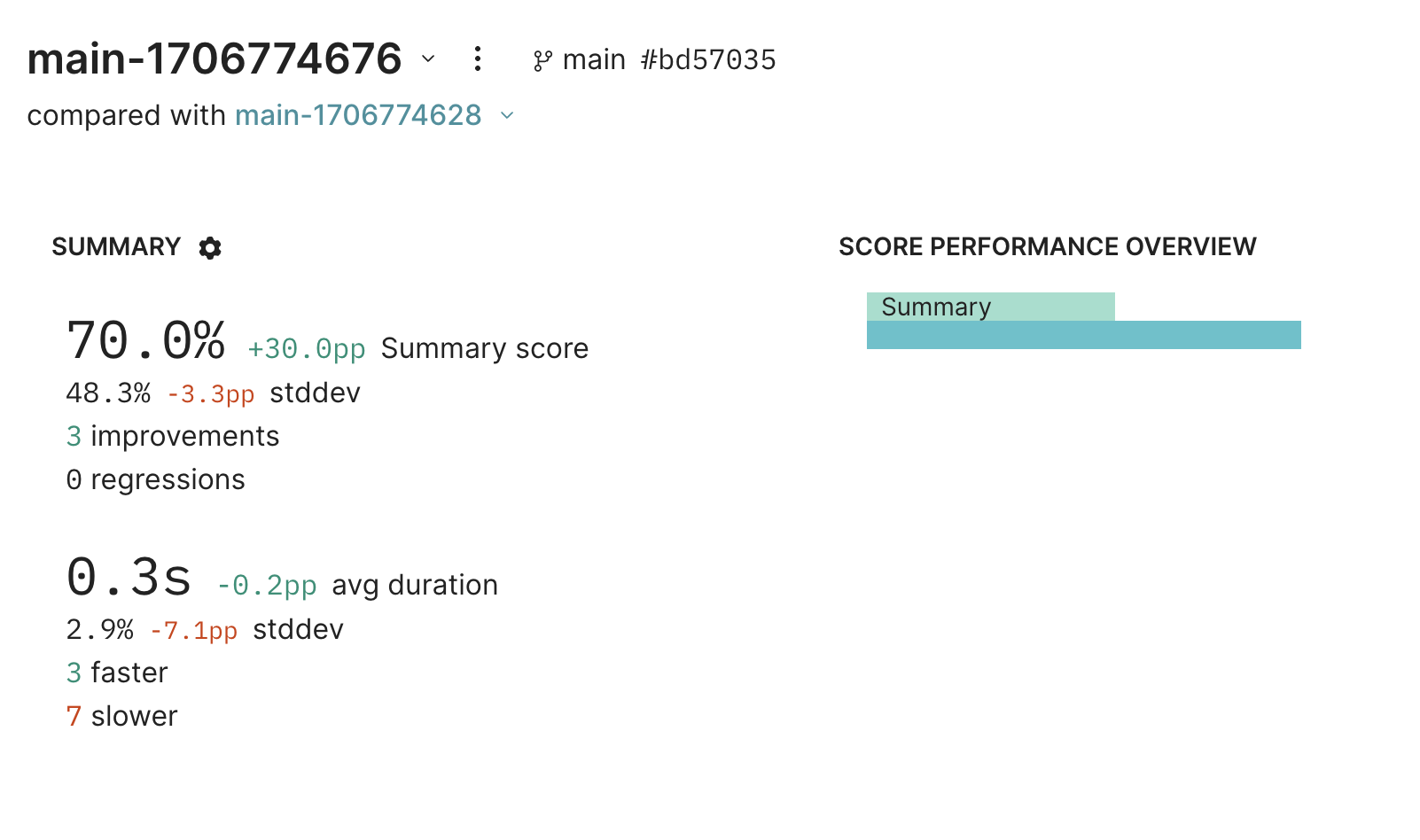 ## Parting thoughts
This is just the start of evaluating and improving this AI application. From here, you should dig into
individual examples, verify whether they legitimately improved, and test on more data. You can even use
[logging](/instrument/custom-tracing) to capture real-user examples and incorporate
them into your evals.
Happy evaluating!
## Parting thoughts
This is just the start of evaluating and improving this AI application. From here, you should dig into
individual examples, verify whether they legitimately improved, and test on more data. You can even use
[logging](/instrument/custom-tracing) to capture real-user examples and incorporate
them into your evals.
Happy evaluating!
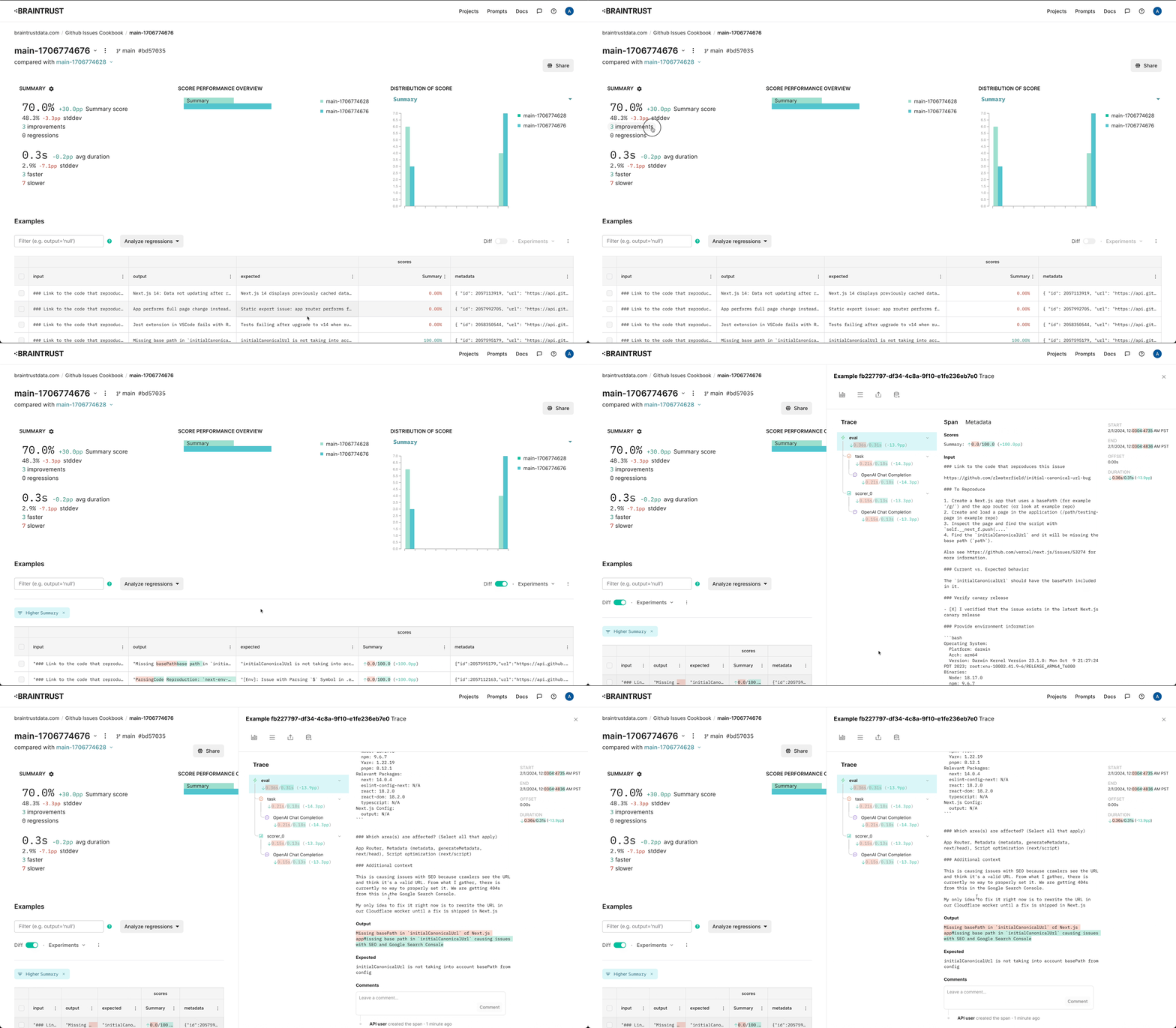 ---
# Source: https://braintrust.dev/docs/cookbook/recipes/HTMLGenerator.md
> ## Documentation Index
> Fetch the complete documentation index at: https://braintrust.dev/docs/llms.txt
> Use this file to discover all available pages before exploring further.
# Generating beautiful HTML components
---
# Source: https://braintrust.dev/docs/cookbook/recipes/HTMLGenerator.md
> ## Documentation Index
> Fetch the complete documentation index at: https://braintrust.dev/docs/llms.txt
> Use this file to discover all available pages before exploring further.
# Generating beautiful HTML components
[Contributed](https://github.com/braintrustdata/braintrust-cookbook/blob/main/examples/HTMLGenerator/HTMLGenerator.ipynb) by [Ankur Goyal](https://twitter.com/ankrgyl) on 2024-01-29
In this example, we'll build an app that automatically generates HTML components, evaluates them, and captures user feedback. We'll use the feedback and evaluations to build up a dataset
that we'll use as a basis for further improvements.
## The generator
We'll start by using a very simple prompt to generate HTML components using `gpt-3.5-turbo`.
First, we'll initialize an openai client and wrap it with Braintrust's helper. This is a no-op until we start using
the client within code that is instrumented by Braintrust.
```typescript theme={"theme":{"light":"github-light","dark":"github-dark-dimmed"}}
import { OpenAI } from "openai";
import { wrapOpenAI } from "braintrust";
const openai = wrapOpenAI(
new OpenAI({
apiKey: process.env.OPENAI_API_KEY || "Your OPENAI_API_KEY",
})
);
```
This code generates a basic prompt:
```typescript theme={"theme":{"light":"github-light","dark":"github-dark-dimmed"}}
import { ChatCompletionMessageParam } from "openai/resources";
function generateMessages(input: string): ChatCompletionMessageParam[] {
return [
{
role: "system",
content: `You are a skilled design engineer
who can convert ambiguously worded ideas into beautiful, crisp HTML and CSS.
Your designs value simplicity, conciseness, clarity, and functionality over
complexity.
You generate pure HTML with inline CSS, so that your designs can be rendered
directly as plain HTML. Only generate components, not full HTML pages. Do not
create background colors.
Users will send you a description of a design, and you must reply with HTML,
and nothing else. Your reply will be directly copied and rendered into a browser,
so do not include any text. If you would like to explain your reasoning, feel free
to do so in HTML comments.`,
},
{
role: "user",
content: input,
},
];
}
JSON.stringify(
generateMessages("A login form for a B2B SaaS product."),
null,
2
);
```
```
[
{
"role": "system",
"content": "You are a skilled design engineer\nwho can convert ambiguously worded ideas into beautiful, crisp HTML and CSS.\nYour designs value simplicity, conciseness, clarity, and functionality over\ncomplexity.\n\nYou generate pure HTML with inline CSS, so that your designs can be rendered\ndirectly as plain HTML. Only generate components, not full HTML pages. Do not\ncreate background colors.\n\nUsers will send you a description of a design, and you must reply with HTML,\nand nothing else. Your reply will be directly copied and rendered into a browser,\nso do not include any text. If you would like to explain your reasoning, feel free\nto do so in HTML comments."
},
{
"role": "user",
"content": "A login form for a B2B SaaS product."
}
]
```
Now, let's run this using `gpt-3.5-turbo`. We'll also do a few things that help us log & evaluate this function later:
* Wrap the execution in a `traced` call, which will enable Braintrust to log the inputs and outputs of the function when we run it in production or in evals
* Make its signature accept a single `input` value, which Braintrust's `Eval` function expects
* Use a `seed` so that this test is reproduceable
```typescript theme={"theme":{"light":"github-light","dark":"github-dark-dimmed"}}
import { traced } from "braintrust";
async function generateComponent(input: string) {
return traced(
async (span) => {
const response = await openai.chat.completions.create({
model: "gpt-3.5-turbo",
messages: generateMessages(input),
seed: 101,
});
const output = response.choices[0].message.content;
span.log({ input, output });
return output;
},
{
name: "generateComponent",
}
);
}
```
### Examples
Let's look at a few examples!
```typescript theme={"theme":{"light":"github-light","dark":"github-dark-dimmed"}}
await generateComponent("Do a reset password form inside a card.");
```
```
Reset Password
```
Reset Password
```

John Doe
Lorem ipsum dolor sit amet, consectetur adipiscing elit. Nulla ut turpis
hendrerit, ullamcorper velit in, iaculis arcu.
500
Followers
250
Following
1000
Posts
```
Logs Viewer
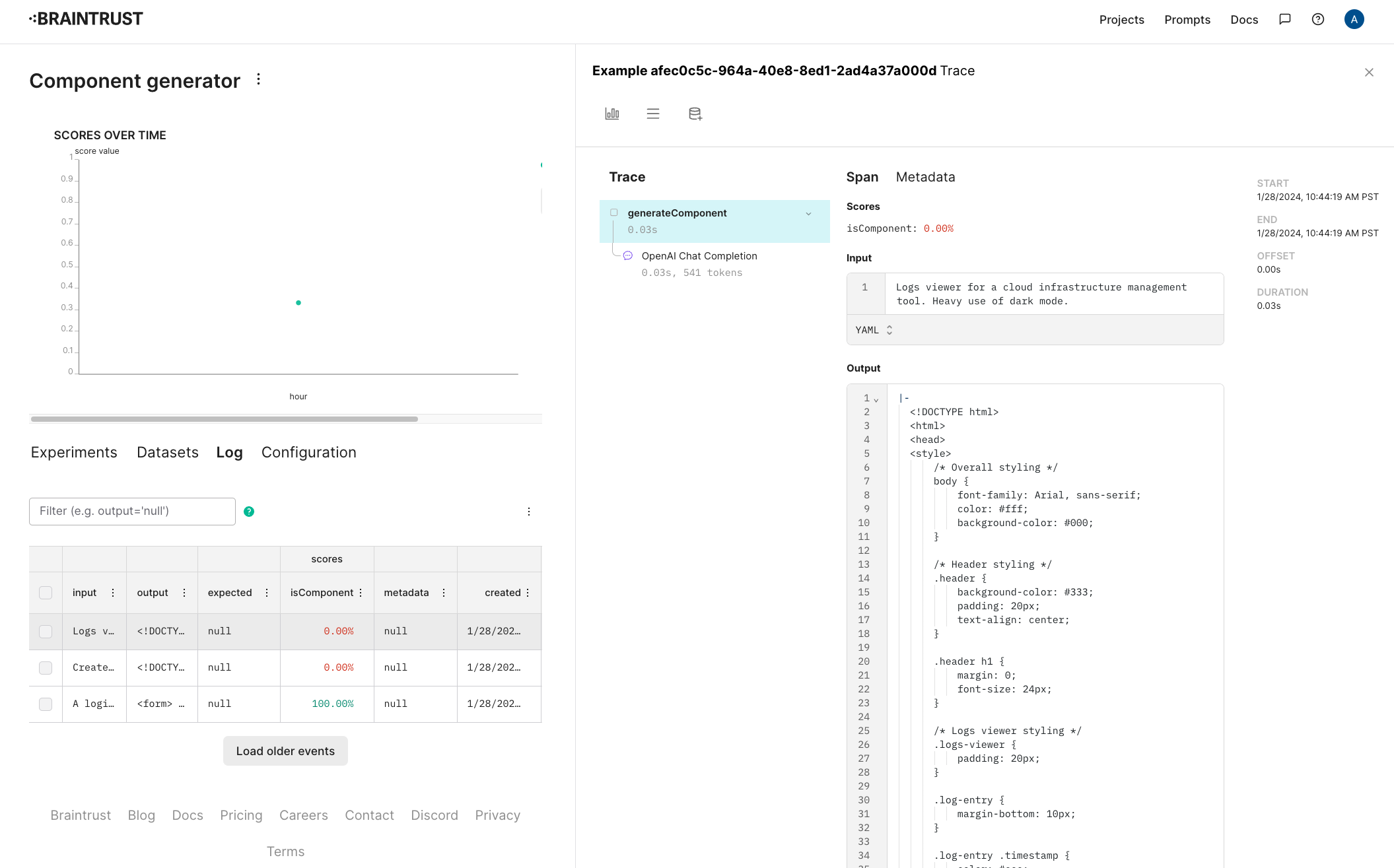 ### Capturing user feedback
Let's also track user ratings for these components. Separate from whether or not they're formatted as HTML, it'll be useful to track whether users like the design.
To do this, [configure a new score in the project](/annotate/human-review#configuring-human-review). Let's call it "User preference" and make it a 👍/👎.
### Capturing user feedback
Let's also track user ratings for these components. Separate from whether or not they're formatted as HTML, it'll be useful to track whether users like the design.
To do this, [configure a new score in the project](/annotate/human-review#configuring-human-review). Let's call it "User preference" and make it a 👍/👎.
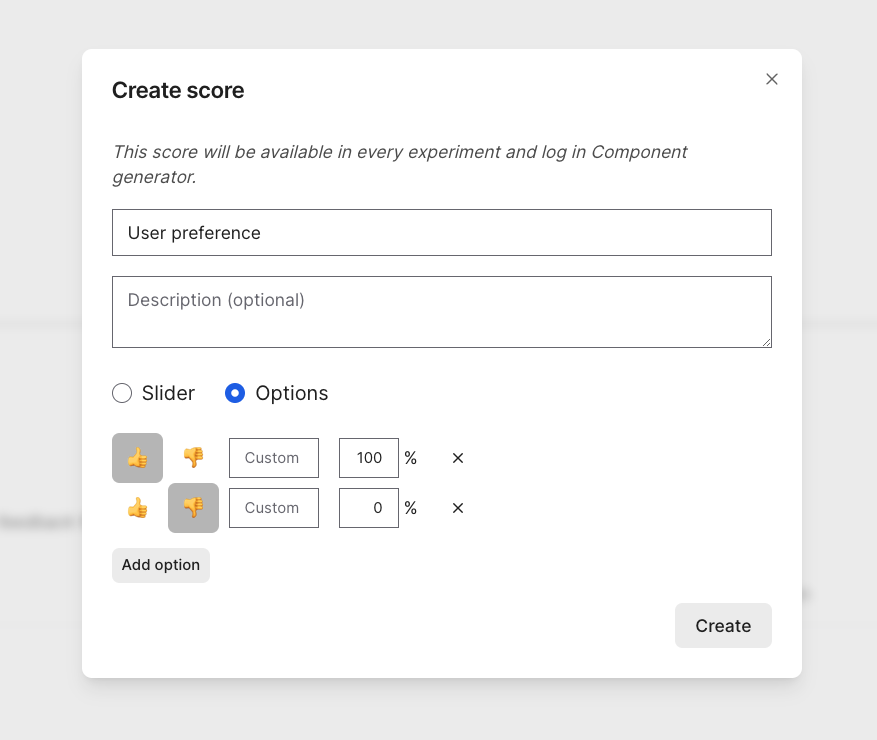 Once you create a human review score, you can evaluate results directly in the Braintrust UI, or capture end-user feedback. Here, we'll pretend to capture end-user feedback. Personally, I liked the login form and logs viewer, but not the profile page. Let's record feedback accordingly.
```typescript theme={"theme":{"light":"github-light","dark":"github-dark-dimmed"}}
// Along with scores, you can optionally log user feedback as comments, for additional color.
logger.logFeedback({
id: requests["A login form for a B2B SaaS product."],
scores: { "User preference": 1 },
comment: "Clean, simple",
});
logger.logFeedback({
id: requests["Create a profile page for a social network."],
scores: { "User preference": 0 },
});
logger.logFeedback({
id: requests[
"Logs viewer for a cloud infrastructure management tool. Heavy use of dark mode."
],
scores: { "User preference": 1 },
comment:
"No frills! Would have been nice to have borders around the entries.",
});
```
As users provide feedback, you'll see the updates they make in each log entry.
Once you create a human review score, you can evaluate results directly in the Braintrust UI, or capture end-user feedback. Here, we'll pretend to capture end-user feedback. Personally, I liked the login form and logs viewer, but not the profile page. Let's record feedback accordingly.
```typescript theme={"theme":{"light":"github-light","dark":"github-dark-dimmed"}}
// Along with scores, you can optionally log user feedback as comments, for additional color.
logger.logFeedback({
id: requests["A login form for a B2B SaaS product."],
scores: { "User preference": 1 },
comment: "Clean, simple",
});
logger.logFeedback({
id: requests["Create a profile page for a social network."],
scores: { "User preference": 0 },
});
logger.logFeedback({
id: requests[
"Logs viewer for a cloud infrastructure management tool. Heavy use of dark mode."
],
scores: { "User preference": 1 },
comment:
"No frills! Would have been nice to have borders around the entries.",
});
```
As users provide feedback, you'll see the updates they make in each log entry.
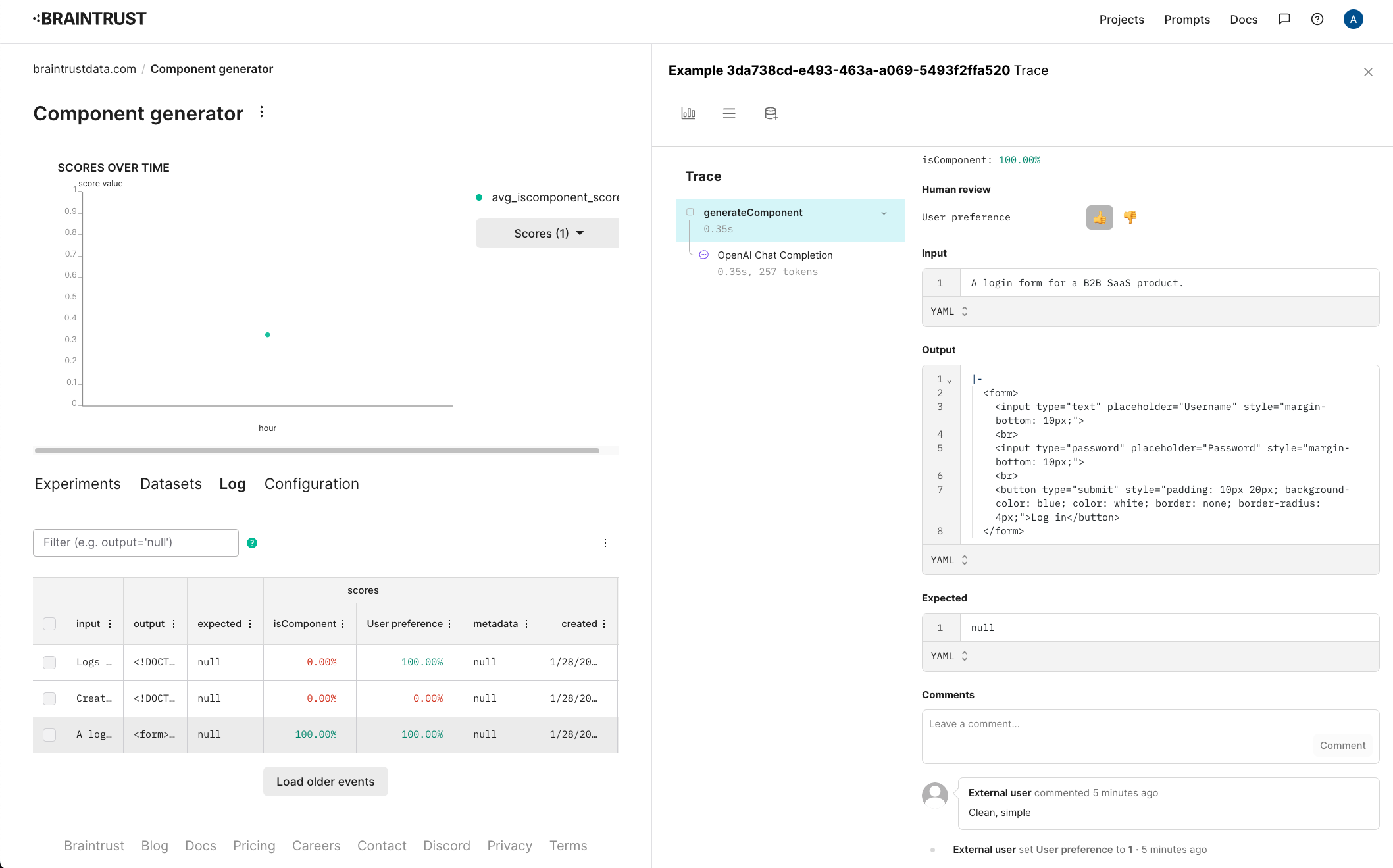 ## Creating a dataset
Now that we've collected some interesting examples from users, let's collect them into a dataset, and see if we can improve the `isComponent` score.
In the Braintrust UI, select the examples, and add them to a new dataset called "Interesting cases".
## Creating a dataset
Now that we've collected some interesting examples from users, let's collect them into a dataset, and see if we can improve the `isComponent` score.
In the Braintrust UI, select the examples, and add them to a new dataset called "Interesting cases".
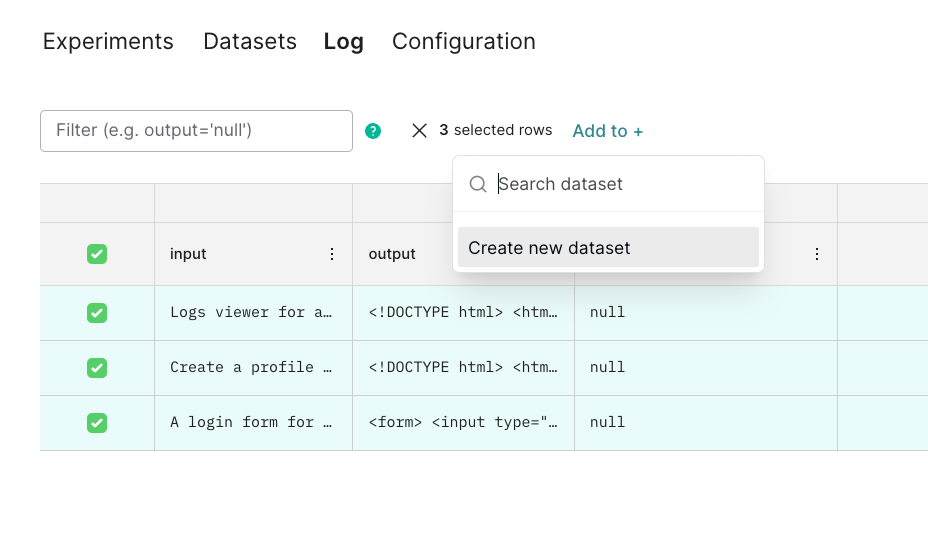 Once you create the dataset, it should look something like this:
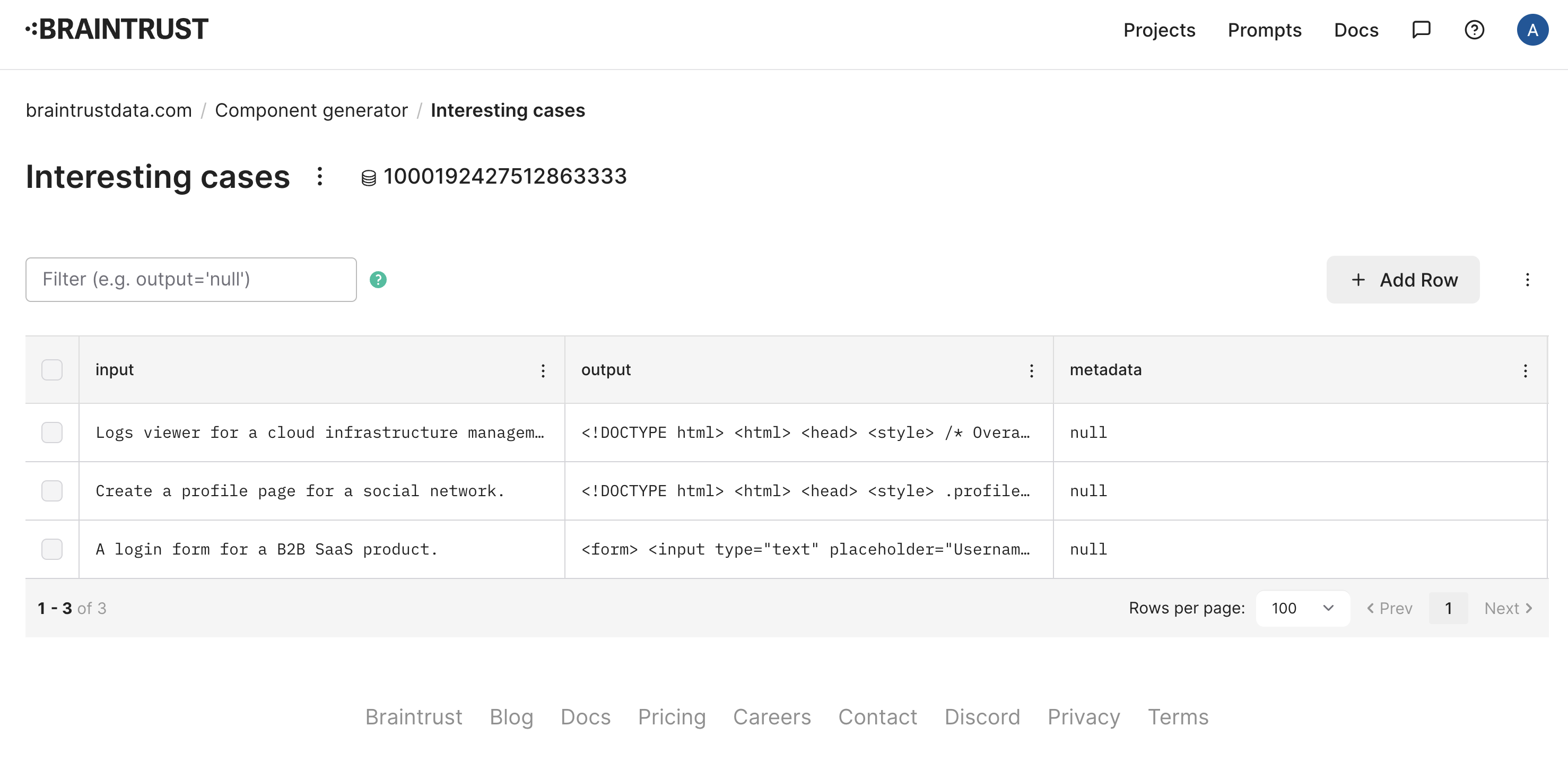 ## Evaluating
Now that we have a dataset, let's evaluate the `isComponent` function on it. We'll use the `Eval` function, which takes a dataset and a function, and evaluates the function on each example in the dataset.
```typescript theme={"theme":{"light":"github-light","dark":"github-dark-dimmed"}}
import { Eval, initDataset } from "braintrust";
await Eval("Component generator", {
data: async () => {
const dataset = initDataset("Component generator", {
dataset: "Interesting cases",
});
const records = [];
for await (const { input } of dataset.fetch()) {
records.push({ input });
}
return records;
},
task: generateComponent,
// We do not need to add any additional scores, because our
// generateComponent() function already computes `isComponent`
scores: [],
});
```
Once the eval runs, you'll see a summary which includes a link to the experiment. As expected, only one of the three outputs contains HTML, so the score is 33.3%. Let's also label user preference for this experiment, so we can track aesthetic taste manually. For simplicity's sake, we'll use the same labeling as before.
## Evaluating
Now that we have a dataset, let's evaluate the `isComponent` function on it. We'll use the `Eval` function, which takes a dataset and a function, and evaluates the function on each example in the dataset.
```typescript theme={"theme":{"light":"github-light","dark":"github-dark-dimmed"}}
import { Eval, initDataset } from "braintrust";
await Eval("Component generator", {
data: async () => {
const dataset = initDataset("Component generator", {
dataset: "Interesting cases",
});
const records = [];
for await (const { input } of dataset.fetch()) {
records.push({ input });
}
return records;
},
task: generateComponent,
// We do not need to add any additional scores, because our
// generateComponent() function already computes `isComponent`
scores: [],
});
```
Once the eval runs, you'll see a summary which includes a link to the experiment. As expected, only one of the three outputs contains HTML, so the score is 33.3%. Let's also label user preference for this experiment, so we can track aesthetic taste manually. For simplicity's sake, we'll use the same labeling as before.
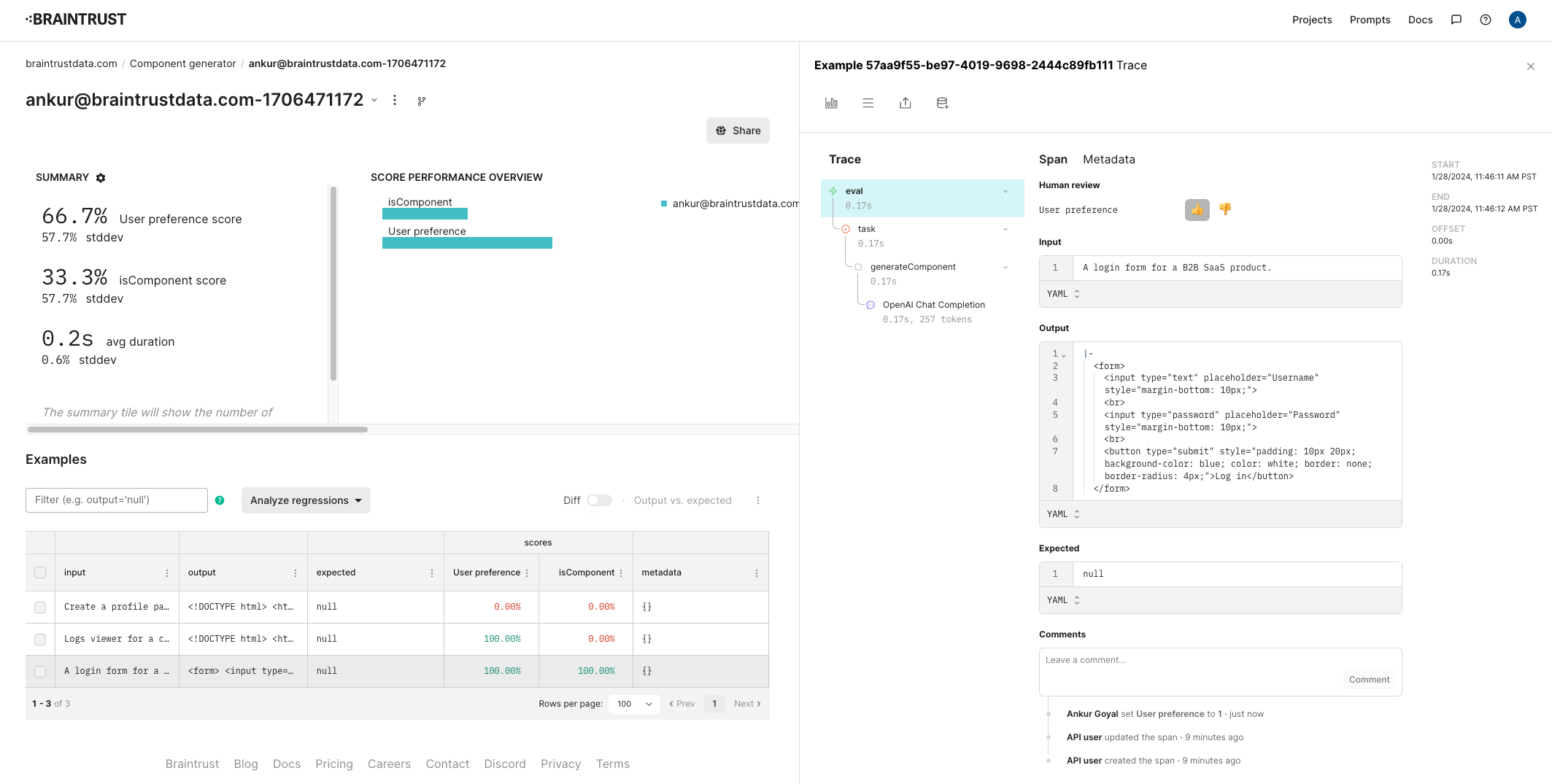 ### Improving the prompt
Next, let's try to tweak the prompt to stop rendering full HTML pages.
```typescript theme={"theme":{"light":"github-light","dark":"github-dark-dimmed"}}
function generateMessages(input: string): ChatCompletionMessageParam[] {
return [
{
role: "system",
content: `You are a skilled design engineer
who can convert ambiguously worded ideas into beautiful, crisp HTML and CSS.
Your designs value simplicity, conciseness, clarity, and functionality over
complexity.
You generate pure HTML with inline CSS, so that your designs can be rendered
directly as plain HTML. Only generate components, not full HTML pages. If you
need to add CSS, you can use the "style" property of an HTML tag. You cannot use
global CSS in a
### Improving the prompt
Next, let's try to tweak the prompt to stop rendering full HTML pages.
```typescript theme={"theme":{"light":"github-light","dark":"github-dark-dimmed"}}
function generateMessages(input: string): ChatCompletionMessageParam[] {
return [
{
role: "system",
content: `You are a skilled design engineer
who can convert ambiguously worded ideas into beautiful, crisp HTML and CSS.
Your designs value simplicity, conciseness, clarity, and functionality over
complexity.
You generate pure HTML with inline CSS, so that your designs can be rendered
directly as plain HTML. Only generate components, not full HTML pages. If you
need to add CSS, you can use the "style" property of an HTML tag. You cannot use
global CSS in a